INTRODUCTION TO LINUX CS 11 Lab Introduction to Computer Science Cheza Marie R. Vianzon Lecturer
History of Linux Mid 1980's Richard Stallman & Free Software Foundation has developed functional alternatives to every major UNIX component except the kernel 1991 Linus Torvalds at the University of Helsinki (Finland) developed the original Linux kernel March 1992 Linux v1.0 was officially released
History of Linux 1992 onwards Red Hat Linux – most commonly used distribution Slackware – offers the full range of expected utilities, tools, and applications Caldera OpenLinux – comes into two editions: eDesktop 2.4 (workstations) and eServer 2.3 (servers) S.u.S.E. Linux – popular Linux distribution available in Europe Debian/GNU – offers more than 3950 software packages using its own package-management system Corel – newest major Linux distribution; explicitly targeted as a replacement for Microsoft Windows on desktop
File System Linux has a hierarchical, unified filesystem Supports 256-character filenames All command line entries are case sensitive Uses slash '/' and not backslash '\' Four types of files Ordinary files Directories Links Special device files
Prompt Login as root -> machinename:~# Login as user -> machinename:~$ Tilde charcater (~) Represents home directory Appended to the end of a filename, which means a backup of a file that has been edited
Shell Account echo $SHELL Bourne Shell - /bin/sh Bourne Again Shell - /bin/bash Korn shell - /bin/ksh C-shell - /bin/csh
10 Basic Linux Commands man – Unix manual ls – lists files pwd – shows what directory you are in cd – changes directory more – shows the contents of text files whereis – same with 'find' and 'locate' vi – editing program grep – extracts info from files chmod – change file permission rm – delete file
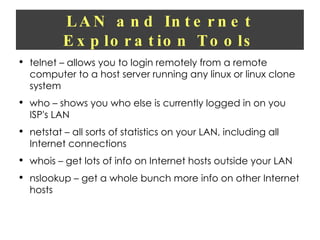
LAN and Internet Exploration Tools telnet – allows you to login remotely from a remote computer to a host server running any linux or linux clone system who – shows you who else is currently logged in on you ISP's LAN netstat – all sorts of statistics on your LAN, including all Internet connections whois – get lots of info on Internet hosts outside your LAN nslookup – get a whole bunch more info on other Internet hosts
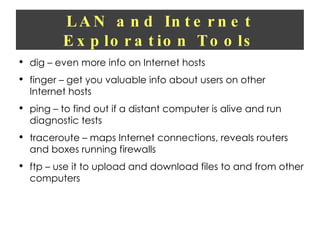
LAN and Internet Exploration Tools dig – even more info on Internet hosts finger – get you valuable info about users on other Internet hosts ping – to find out if a distant computer is alive and run diagnostic tests traceroute – maps Internet connections, reveals routers and boxes running firewalls ftp – use it to upload and download files to and from other computers
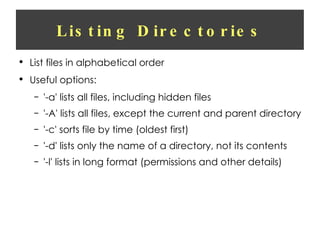
Listing Directories List files in alphabetical order Useful options: '-a' lists all files, including hidden files '-A' lists all files, except the current and parent directory '-c' sorts file by time (oldest first) '-d' lists only the name of a directory, not its contents '-l' lists in long format (permissions and other details)
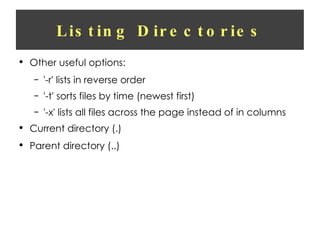
Listing Directories Other useful options: '-r' lists in reverse order '-t' sorts files by time (newest first) '-x' lists all files across the page instead of in columns Current directory (.) Parent directory (..)
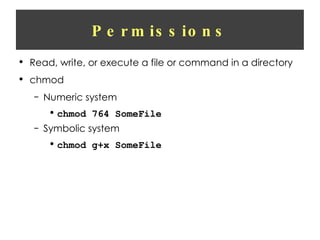
Permissions Read, write, or execute a file or command in a directory chmod Numeric system chmod 764 SomeFile Symbolic system chmod g+x SomeFile
Wildcards Three types Asterisk (*) Any number of characters anywhere in the filename Question mark (?) Single character Brackets ([ ]) Specific characters
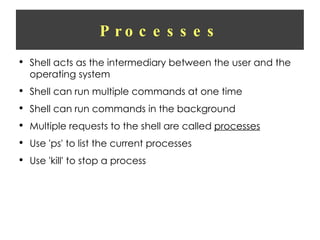
Processes Shell acts as the intermediary between the user and the operating system Shell can run multiple commands at one time Shell can run commands in the background Multiple requests to the shell are called  processes Use 'ps' to list the current processes Use 'kill' to stop a process
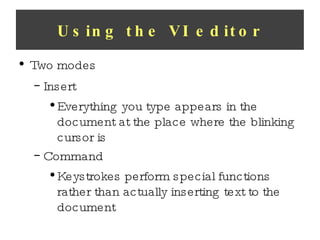
Using the VI editor Two modes Insert Everything you type appears in the document at the place where the blinking cursor is Command Keystrokes perform special functions rather than actually inserting text to the document
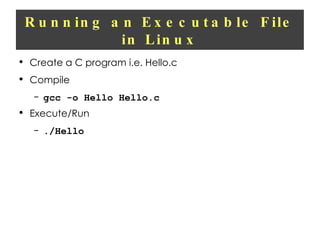
Running an Executable File in Linux Create a C program i.e. Hello.c Compile gcc -o Hello Hello.c Execute/Run ./Hello

1 basic computer operations

  • 1.
    INTRODUCTION TO LINUXCS 11 Lab Introduction to Computer Science Cheza Marie R. Vianzon Lecturer
  • 2.
    History of LinuxMid 1980's Richard Stallman & Free Software Foundation has developed functional alternatives to every major UNIX component except the kernel 1991 Linus Torvalds at the University of Helsinki (Finland) developed the original Linux kernel March 1992 Linux v1.0 was officially released
  • 3.
    History of Linux1992 onwards Red Hat Linux – most commonly used distribution Slackware – offers the full range of expected utilities, tools, and applications Caldera OpenLinux – comes into two editions: eDesktop 2.4 (workstations) and eServer 2.3 (servers) S.u.S.E. Linux – popular Linux distribution available in Europe Debian/GNU – offers more than 3950 software packages using its own package-management system Corel – newest major Linux distribution; explicitly targeted as a replacement for Microsoft Windows on desktop
  • 4.
    File System Linuxhas a hierarchical, unified filesystem Supports 256-character filenames All command line entries are case sensitive Uses slash '/' and not backslash '\' Four types of files Ordinary files Directories Links Special device files
  • 5.
    Prompt Login asroot -> machinename:~# Login as user -> machinename:~$ Tilde charcater (~) Represents home directory Appended to the end of a filename, which means a backup of a file that has been edited
  • 6.
    Shell Account echo$SHELL Bourne Shell - /bin/sh Bourne Again Shell - /bin/bash Korn shell - /bin/ksh C-shell - /bin/csh
  • 7.
    10 Basic LinuxCommands man – Unix manual ls – lists files pwd – shows what directory you are in cd – changes directory more – shows the contents of text files whereis – same with 'find' and 'locate' vi – editing program grep – extracts info from files chmod – change file permission rm – delete file
  • 8.
    LAN and InternetExploration Tools telnet – allows you to login remotely from a remote computer to a host server running any linux or linux clone system who – shows you who else is currently logged in on you ISP's LAN netstat – all sorts of statistics on your LAN, including all Internet connections whois – get lots of info on Internet hosts outside your LAN nslookup – get a whole bunch more info on other Internet hosts
  • 9.
    LAN and InternetExploration Tools dig – even more info on Internet hosts finger – get you valuable info about users on other Internet hosts ping – to find out if a distant computer is alive and run diagnostic tests traceroute – maps Internet connections, reveals routers and boxes running firewalls ftp – use it to upload and download files to and from other computers
  • 10.
    Listing Directories Listfiles in alphabetical order Useful options: '-a' lists all files, including hidden files '-A' lists all files, except the current and parent directory '-c' sorts file by time (oldest first) '-d' lists only the name of a directory, not its contents '-l' lists in long format (permissions and other details)
  • 11.
    Listing Directories Otheruseful options: '-r' lists in reverse order '-t' sorts files by time (newest first) '-x' lists all files across the page instead of in columns Current directory (.) Parent directory (..)
  • 12.
    Permissions Read, write,or execute a file or command in a directory chmod Numeric system chmod 764 SomeFile Symbolic system chmod g+x SomeFile
  • 13.
    Wildcards Three typesAsterisk (*) Any number of characters anywhere in the filename Question mark (?) Single character Brackets ([ ]) Specific characters
  • 14.
    Processes Shell actsas the intermediary between the user and the operating system Shell can run multiple commands at one time Shell can run commands in the background Multiple requests to the shell are called processes Use 'ps' to list the current processes Use 'kill' to stop a process
  • 15.
    Using the VIeditor Two modes Insert Everything you type appears in the document at the place where the blinking cursor is Command Keystrokes perform special functions rather than actually inserting text to the document
  • 16.
    Running an ExecutableFile in Linux Create a C program i.e. Hello.c Compile gcc -o Hello Hello.c Execute/Run ./Hello