1
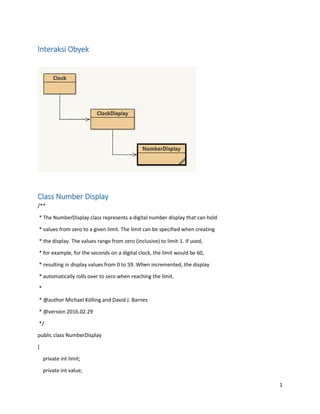
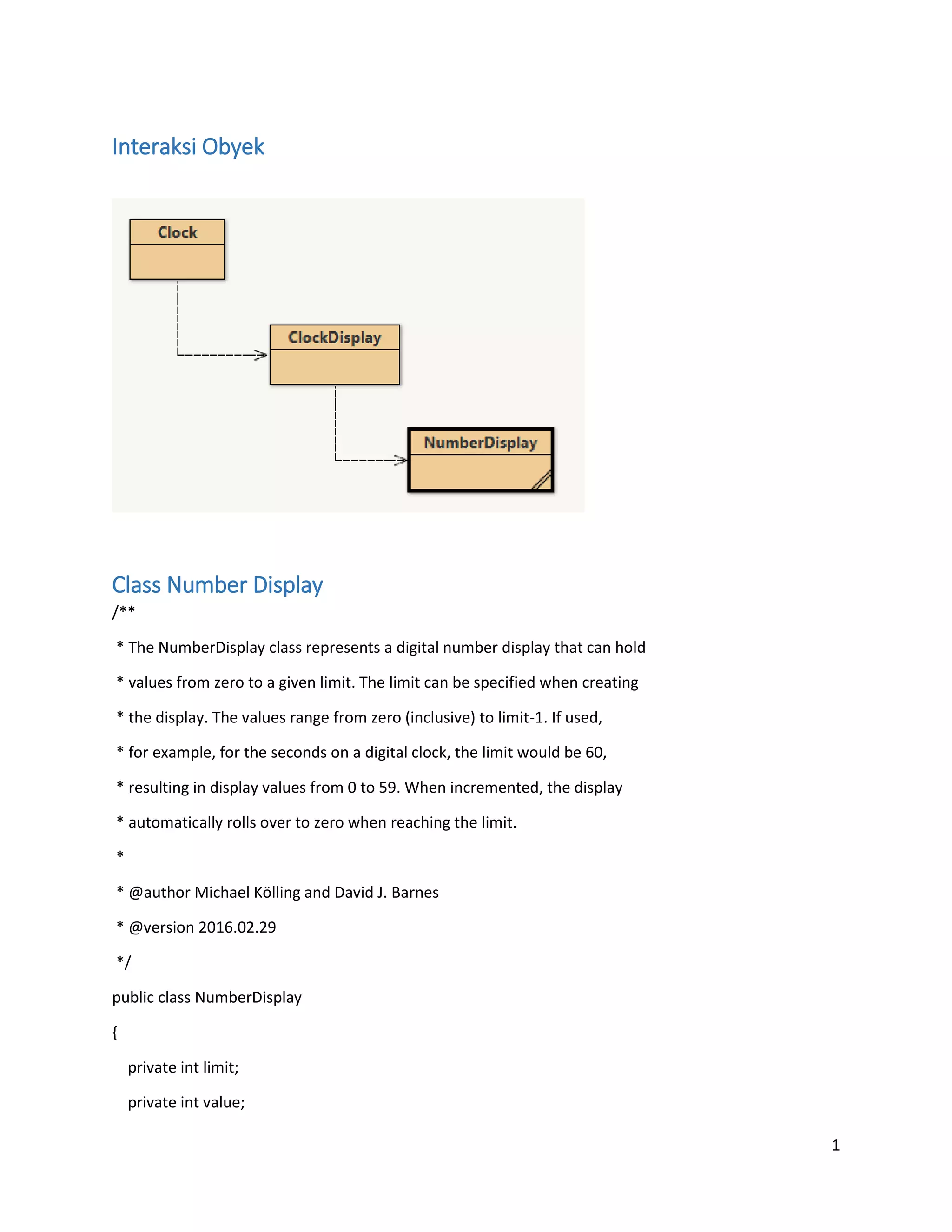
Interaksi Obyek
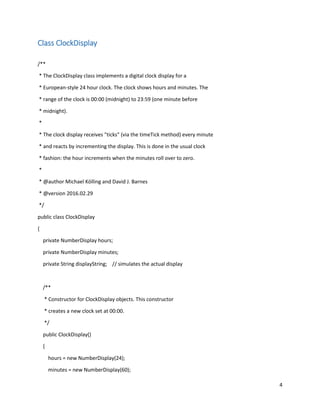
Class Number Display
/**
* The NumberDisplay class represents a digital number display that can hold
* values from zero to a given limit. The limit can be specified when creating
* the display. The values range from zero (inclusive) to limit-1. If used,
* for example, for the seconds on a digital clock, the limit would be 60,
* resulting in display values from 0 to 59. When incremented, the display
* automatically rolls over to zero when reaching the limit.
*
* @author Michael Kölling and David J. Barnes
* @version 2016.02.29
*/
public class NumberDisplay
{
private int limit;
private int value;
2
/**
* Constructor for objects of class NumberDisplay.
* Set the limit at which the display rolls over.
*/
public NumberDisplay(int rollOverLimit)
{
limit = rollOverLimit;
value = 0;
}
/**
* Return the current value.
*/
public int getValue()
{
return value;
}
/**
* Return the display value (that is, the current value as a two-digit
* String. If the value is less than ten, it will be padded with a leading
* zero).
*/
public String getDisplayValue()
{
if(value < 10) {
return "0" + value;
}
3
else {
return "" + value;
}
}
/**
* Set the value of the display to the new specified value. If the new
* value is less than zero or over the limit, do nothing.
*/
public void setValue(int replacementValue)
{
if((replacementValue >= 0) && (replacementValue < limit)) {
value = replacementValue;
}
}
/**
* Increment the display value by one, rolling over to zero if the
* limit is reached.
*/
public void increment()
{
value = (value + 1) % limit;
}
}
4
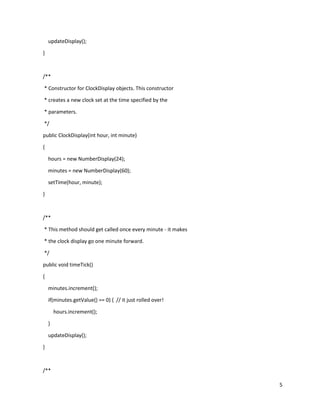
Class ClockDisplay
/**
* The ClockDisplay class implements a digital clock display for a
* European-style 24 hour clock. The clock shows hours and minutes. The
* range of the clock is 00:00 (midnight) to 23:59 (one minute before
* midnight).
*
* The clock display receives "ticks" (via the timeTick method) every minute
* and reacts by incrementing the display. This is done in the usual clock
* fashion: the hour increments when the minutes roll over to zero.
*
* @author Michael Kölling and David J. Barnes
* @version 2016.02.29
*/
public class ClockDisplay
{
private NumberDisplay hours;
private NumberDisplay minutes;
private String displayString; // simulates the actual display
/**
* Constructor for ClockDisplay objects. This constructor
* creates a new clock set at 00:00.
*/
public ClockDisplay()
{
hours = new NumberDisplay(24);
minutes = new NumberDisplay(60);
5
updateDisplay();
}
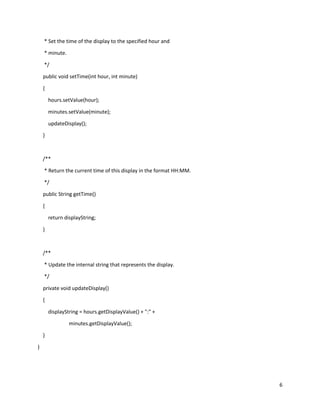
/**
* Constructor for ClockDisplay objects. This constructor
* creates a new clock set at the time specified by the
* parameters.
*/
public ClockDisplay(int hour, int minute)
{
hours = new NumberDisplay(24);
minutes = new NumberDisplay(60);
setTime(hour, minute);
}
/**
* This method should get called once every minute - it makes
* the clock display go one minute forward.
*/
public void timeTick()
{
minutes.increment();
if(minutes.getValue() == 0) { // it just rolled over!
hours.increment();
}
updateDisplay();
}
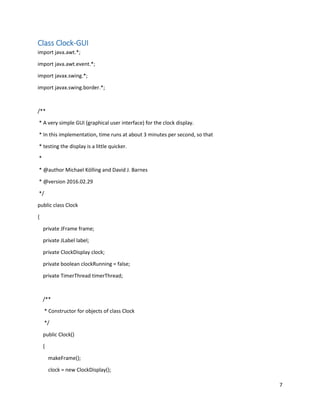
/**
6
* Set the time of the display to the specified hour and
* minute.
*/
public void setTime(int hour, int minute)
{
hours.setValue(hour);
minutes.setValue(minute);
updateDisplay();
}
/**
* Return the current time of this display in the format HH:MM.
*/
public String getTime()
{
return displayString;
}
/**
* Update the internal string that represents the display.
*/
private void updateDisplay()
{
displayString = hours.getDisplayValue() + ":" +
minutes.getDisplayValue();
}
}
7
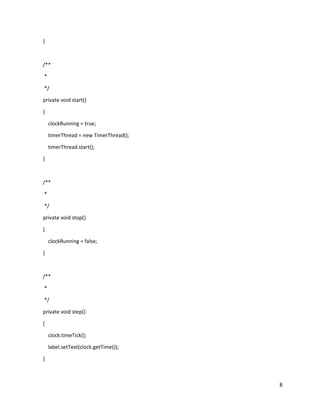
Class Clock-GUI
import java.awt.*;
import java.awt.event.*;
import javax.swing.*;
import javax.swing.border.*;
/**
* A very simple GUI (graphical user interface) for the clock display.
* In this implementation, time runs at about 3 minutes per second, so that
* testing the display is a little quicker.
*
* @author Michael Kölling and David J. Barnes
* @version 2016.02.29
*/
public class Clock
{
private JFrame frame;
private JLabel label;
private ClockDisplay clock;
private boolean clockRunning = false;
private TimerThread timerThread;
/**
* Constructor for objects of class Clock
*/
public Clock()
{
makeFrame();
clock = new ClockDisplay();
8
}
/**
*
*/
private void start()
{
clockRunning = true;
timerThread = new TimerThread();
timerThread.start();
}
/**
*
*/
private void stop()
{
clockRunning = false;
}
/**
*
*/
private void step()
{
clock.timeTick();
label.setText(clock.getTime());
}
9
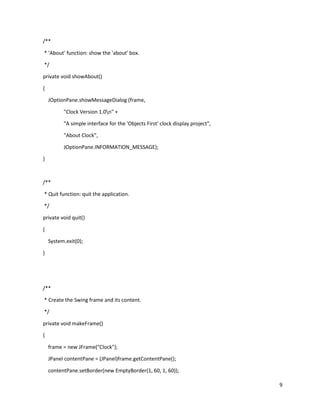
/**
* 'About' function: show the 'about' box.
*/
private void showAbout()
{
JOptionPane.showMessageDialog (frame,
"Clock Version 1.0n" +
"A simple interface for the 'Objects First' clock display project",
"About Clock",
JOptionPane.INFORMATION_MESSAGE);
}
/**
* Quit function: quit the application.
*/
private void quit()
{
System.exit(0);
}
/**
* Create the Swing frame and its content.
*/
private void makeFrame()
{
frame = new JFrame("Clock");
JPanel contentPane = (JPanel)frame.getContentPane();
contentPane.setBorder(new EmptyBorder(1, 60, 1, 60));
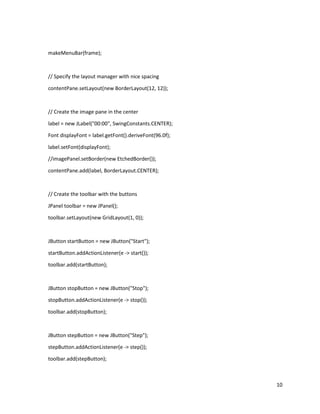
10
makeMenuBar(frame);
// Specify the layout manager with nice spacing
contentPane.setLayout(new BorderLayout(12, 12));
// Create the image pane in the center
label = new JLabel("00:00", SwingConstants.CENTER);
Font displayFont = label.getFont().deriveFont(96.0f);
label.setFont(displayFont);
//imagePanel.setBorder(new EtchedBorder());
contentPane.add(label, BorderLayout.CENTER);
// Create the toolbar with the buttons
JPanel toolbar = new JPanel();
toolbar.setLayout(new GridLayout(1, 0));
JButton startButton = new JButton("Start");
startButton.addActionListener(e -> start());
toolbar.add(startButton);
JButton stopButton = new JButton("Stop");
stopButton.addActionListener(e -> stop());
toolbar.add(stopButton);
JButton stepButton = new JButton("Step");
stepButton.addActionListener(e -> step());
toolbar.add(stepButton);
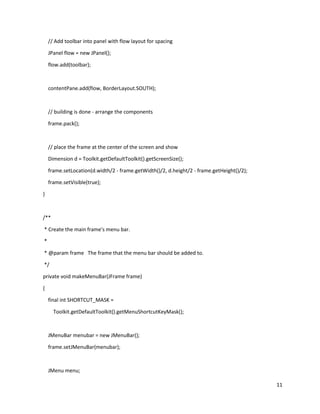
11
// Add toolbar into panel with flow layout for spacing
JPanel flow = new JPanel();
flow.add(toolbar);
contentPane.add(flow, BorderLayout.SOUTH);
// building is done - arrange the components
frame.pack();
// place the frame at the center of the screen and show
Dimension d = Toolkit.getDefaultToolkit().getScreenSize();
frame.setLocation(d.width/2 - frame.getWidth()/2, d.height/2 - frame.getHeight()/2);
frame.setVisible(true);
}
/**
* Create the main frame's menu bar.
*
* @param frame The frame that the menu bar should be added to.
*/
private void makeMenuBar(JFrame frame)
{
final int SHORTCUT_MASK =
Toolkit.getDefaultToolkit().getMenuShortcutKeyMask();
JMenuBar menubar = new JMenuBar();
frame.setJMenuBar(menubar);
JMenu menu;
12
JMenuItem item;
// create the File menu
menu = new JMenu("File");
menubar.add(menu);
item = new JMenuItem("About Clock...");
item.addActionListener(e -> showAbout());
menu.add(item);
menu.addSeparator();
item = new JMenuItem("Quit");
item.setAccelerator(KeyStroke.getKeyStroke(KeyEvent.VK_Q, SHORTCUT_MASK));
item.addActionListener(e -> quit());
menu.add(item);
}
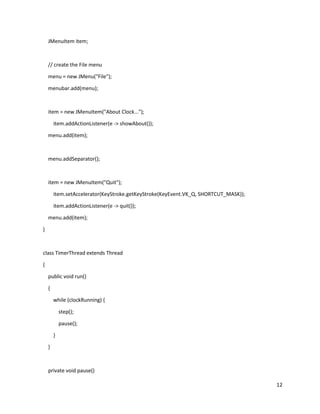
class TimerThread extends Thread
{
public void run()
{
while (clockRunning) {
step();
pause();
}
}
private void pause()
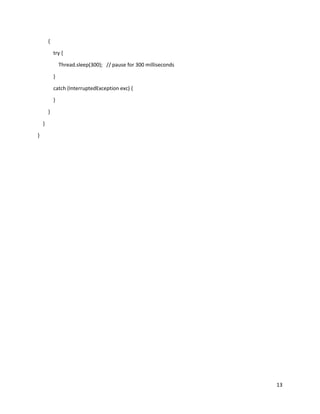
13
{
try {
Thread.sleep(300); // pause for 300 milliseconds
}
catch (InterruptedException exc) {
}
}
}
}

Interaksi obyek

  • 1.
    1 Interaksi Obyek Class NumberDisplay /** * The NumberDisplay class represents a digital number display that can hold * values from zero to a given limit. The limit can be specified when creating * the display. The values range from zero (inclusive) to limit-1. If used, * for example, for the seconds on a digital clock, the limit would be 60, * resulting in display values from 0 to 59. When incremented, the display * automatically rolls over to zero when reaching the limit. * * @author Michael Kölling and David J. Barnes * @version 2016.02.29 */ public class NumberDisplay { private int limit; private int value;
  • 2.
    2 /** * Constructor forobjects of class NumberDisplay. * Set the limit at which the display rolls over. */ public NumberDisplay(int rollOverLimit) { limit = rollOverLimit; value = 0; } /** * Return the current value. */ public int getValue() { return value; } /** * Return the display value (that is, the current value as a two-digit * String. If the value is less than ten, it will be padded with a leading * zero). */ public String getDisplayValue() { if(value < 10) { return "0" + value; }
  • 3.
    3 else { return ""+ value; } } /** * Set the value of the display to the new specified value. If the new * value is less than zero or over the limit, do nothing. */ public void setValue(int replacementValue) { if((replacementValue >= 0) && (replacementValue < limit)) { value = replacementValue; } } /** * Increment the display value by one, rolling over to zero if the * limit is reached. */ public void increment() { value = (value + 1) % limit; } }
  • 4.
    4 Class ClockDisplay /** * TheClockDisplay class implements a digital clock display for a * European-style 24 hour clock. The clock shows hours and minutes. The * range of the clock is 00:00 (midnight) to 23:59 (one minute before * midnight). * * The clock display receives "ticks" (via the timeTick method) every minute * and reacts by incrementing the display. This is done in the usual clock * fashion: the hour increments when the minutes roll over to zero. * * @author Michael Kölling and David J. Barnes * @version 2016.02.29 */ public class ClockDisplay { private NumberDisplay hours; private NumberDisplay minutes; private String displayString; // simulates the actual display /** * Constructor for ClockDisplay objects. This constructor * creates a new clock set at 00:00. */ public ClockDisplay() { hours = new NumberDisplay(24); minutes = new NumberDisplay(60);
  • 5.
    5 updateDisplay(); } /** * Constructor forClockDisplay objects. This constructor * creates a new clock set at the time specified by the * parameters. */ public ClockDisplay(int hour, int minute) { hours = new NumberDisplay(24); minutes = new NumberDisplay(60); setTime(hour, minute); } /** * This method should get called once every minute - it makes * the clock display go one minute forward. */ public void timeTick() { minutes.increment(); if(minutes.getValue() == 0) { // it just rolled over! hours.increment(); } updateDisplay(); } /**
  • 6.
    6 * Set thetime of the display to the specified hour and * minute. */ public void setTime(int hour, int minute) { hours.setValue(hour); minutes.setValue(minute); updateDisplay(); } /** * Return the current time of this display in the format HH:MM. */ public String getTime() { return displayString; } /** * Update the internal string that represents the display. */ private void updateDisplay() { displayString = hours.getDisplayValue() + ":" + minutes.getDisplayValue(); } }
  • 7.
    7 Class Clock-GUI import java.awt.*; importjava.awt.event.*; import javax.swing.*; import javax.swing.border.*; /** * A very simple GUI (graphical user interface) for the clock display. * In this implementation, time runs at about 3 minutes per second, so that * testing the display is a little quicker. * * @author Michael Kölling and David J. Barnes * @version 2016.02.29 */ public class Clock { private JFrame frame; private JLabel label; private ClockDisplay clock; private boolean clockRunning = false; private TimerThread timerThread; /** * Constructor for objects of class Clock */ public Clock() { makeFrame(); clock = new ClockDisplay();
  • 8.
    8 } /** * */ private void start() { clockRunning= true; timerThread = new TimerThread(); timerThread.start(); } /** * */ private void stop() { clockRunning = false; } /** * */ private void step() { clock.timeTick(); label.setText(clock.getTime()); }
  • 9.
    9 /** * 'About' function:show the 'about' box. */ private void showAbout() { JOptionPane.showMessageDialog (frame, "Clock Version 1.0n" + "A simple interface for the 'Objects First' clock display project", "About Clock", JOptionPane.INFORMATION_MESSAGE); } /** * Quit function: quit the application. */ private void quit() { System.exit(0); } /** * Create the Swing frame and its content. */ private void makeFrame() { frame = new JFrame("Clock"); JPanel contentPane = (JPanel)frame.getContentPane(); contentPane.setBorder(new EmptyBorder(1, 60, 1, 60));
  • 10.
    10 makeMenuBar(frame); // Specify thelayout manager with nice spacing contentPane.setLayout(new BorderLayout(12, 12)); // Create the image pane in the center label = new JLabel("00:00", SwingConstants.CENTER); Font displayFont = label.getFont().deriveFont(96.0f); label.setFont(displayFont); //imagePanel.setBorder(new EtchedBorder()); contentPane.add(label, BorderLayout.CENTER); // Create the toolbar with the buttons JPanel toolbar = new JPanel(); toolbar.setLayout(new GridLayout(1, 0)); JButton startButton = new JButton("Start"); startButton.addActionListener(e -> start()); toolbar.add(startButton); JButton stopButton = new JButton("Stop"); stopButton.addActionListener(e -> stop()); toolbar.add(stopButton); JButton stepButton = new JButton("Step"); stepButton.addActionListener(e -> step()); toolbar.add(stepButton);
  • 11.
    11 // Add toolbarinto panel with flow layout for spacing JPanel flow = new JPanel(); flow.add(toolbar); contentPane.add(flow, BorderLayout.SOUTH); // building is done - arrange the components frame.pack(); // place the frame at the center of the screen and show Dimension d = Toolkit.getDefaultToolkit().getScreenSize(); frame.setLocation(d.width/2 - frame.getWidth()/2, d.height/2 - frame.getHeight()/2); frame.setVisible(true); } /** * Create the main frame's menu bar. * * @param frame The frame that the menu bar should be added to. */ private void makeMenuBar(JFrame frame) { final int SHORTCUT_MASK = Toolkit.getDefaultToolkit().getMenuShortcutKeyMask(); JMenuBar menubar = new JMenuBar(); frame.setJMenuBar(menubar); JMenu menu;
  • 12.
    12 JMenuItem item; // createthe File menu menu = new JMenu("File"); menubar.add(menu); item = new JMenuItem("About Clock..."); item.addActionListener(e -> showAbout()); menu.add(item); menu.addSeparator(); item = new JMenuItem("Quit"); item.setAccelerator(KeyStroke.getKeyStroke(KeyEvent.VK_Q, SHORTCUT_MASK)); item.addActionListener(e -> quit()); menu.add(item); } class TimerThread extends Thread { public void run() { while (clockRunning) { step(); pause(); } } private void pause()
  • 13.
    13 { try { Thread.sleep(300); //pause for 300 milliseconds } catch (InterruptedException exc) { } } } }