Design  in the trenches Chris Bernard, User Experience Evangelist, Microsoft
All the content in this presentation came from my hard working design peers at Microsoft, I didn’t do any of this work, I’m just sharing their good deeds. All photos in this presentation are from istockphoto.com unless otherswise noted and are used for educational purposes. For office, all of the principles, thoughts, etc. came from Jensen Harris. For Windows Vista, ideas came from Jenny Lam and Tjeerd Hoek. Do a web search on these guys (I suggest Windows Live Search <ahem>) to find out what they are up to today. They are all brilliant design peers and I hope this presentation helps you learn as much from them as I did. Please visit  www.microsoft.com/expression  and look under the knowledge center to fine a video of me giving this presentation. Or try:   http://download.microsoft.com/download/1/f/f/1fff960f-51a2-44b1-b033-bf25a3c7c7ab/BRE001.wmv
 
UX
 
 
Beginnings
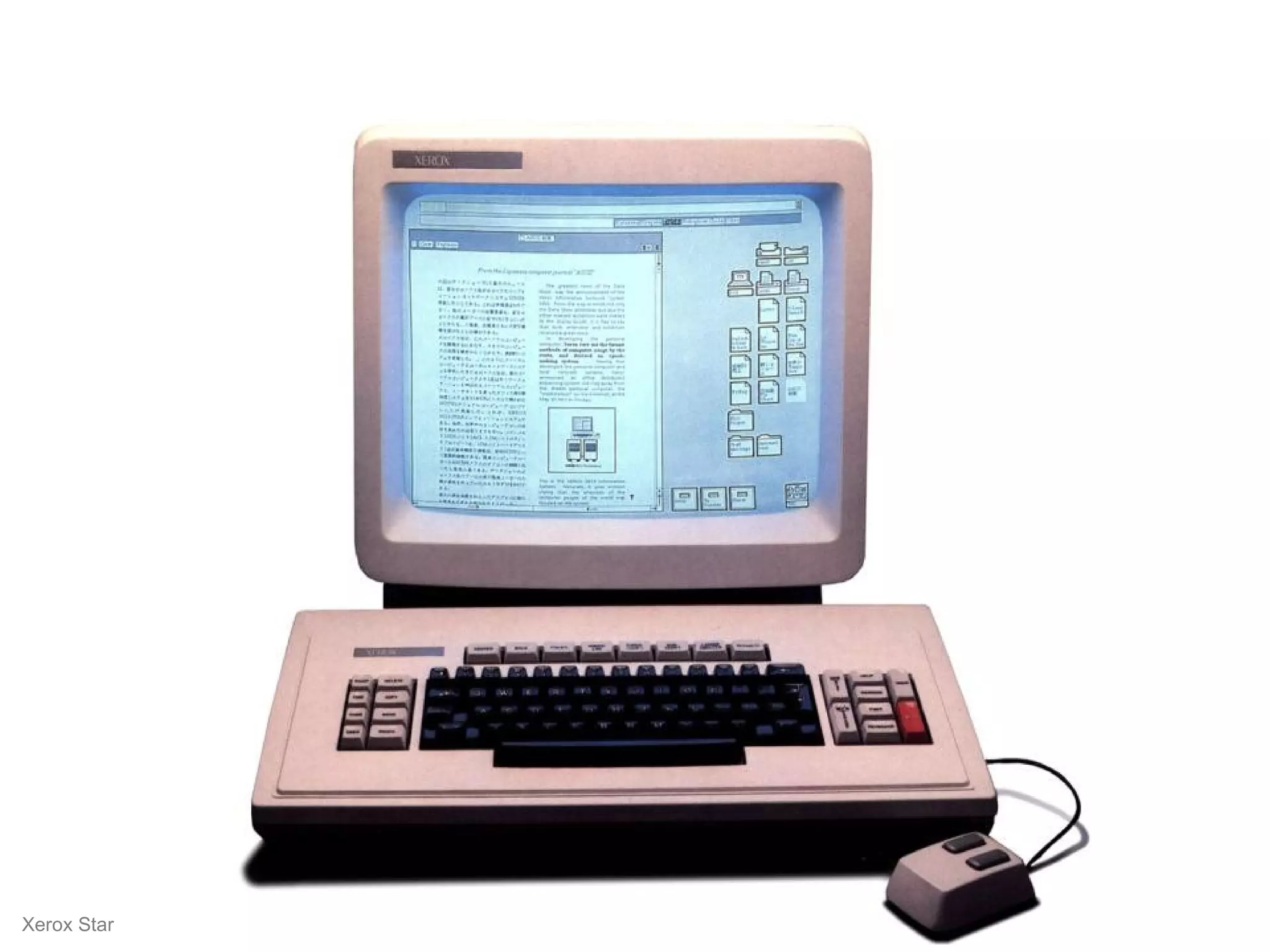
Xerox Star
 
 
Experience  Rewarding Moments
For Microsoft, it started with a clear sense of  mission … … with the desire to be more than we are today. A highly coveted brand. A more skilled competitor. A better partner. A more profitable entity. A maker of more productive and enjoyable experience. A legacy.
User Experience  principles Useful New capabilities that customers want and need.  Usable Efficient for familiar and easy for unfamiliar tasks.  Desirable Builds emotional connections; both familiar and new. Feasible Achievable on time with available technology.
Office User Experience Design
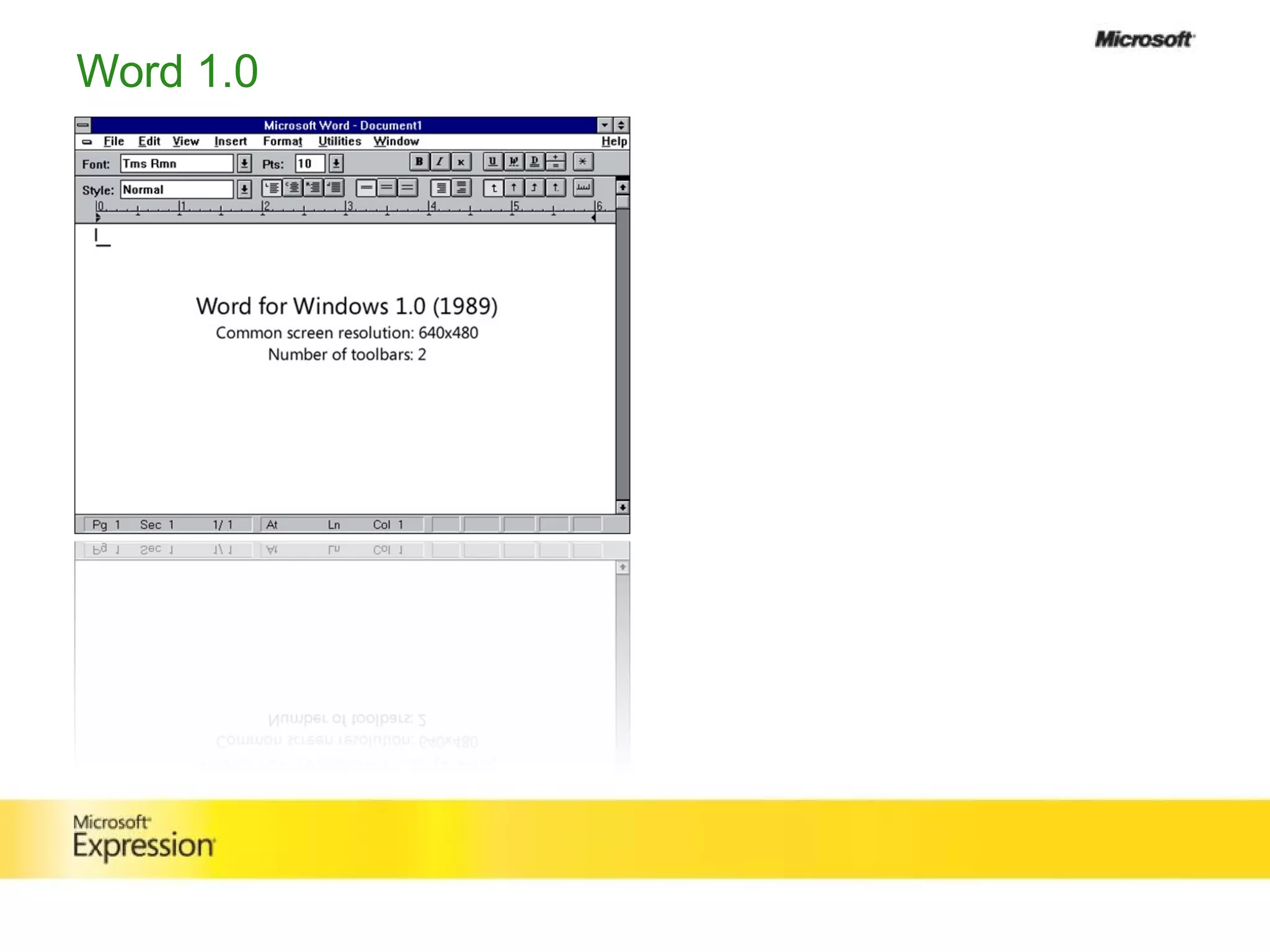
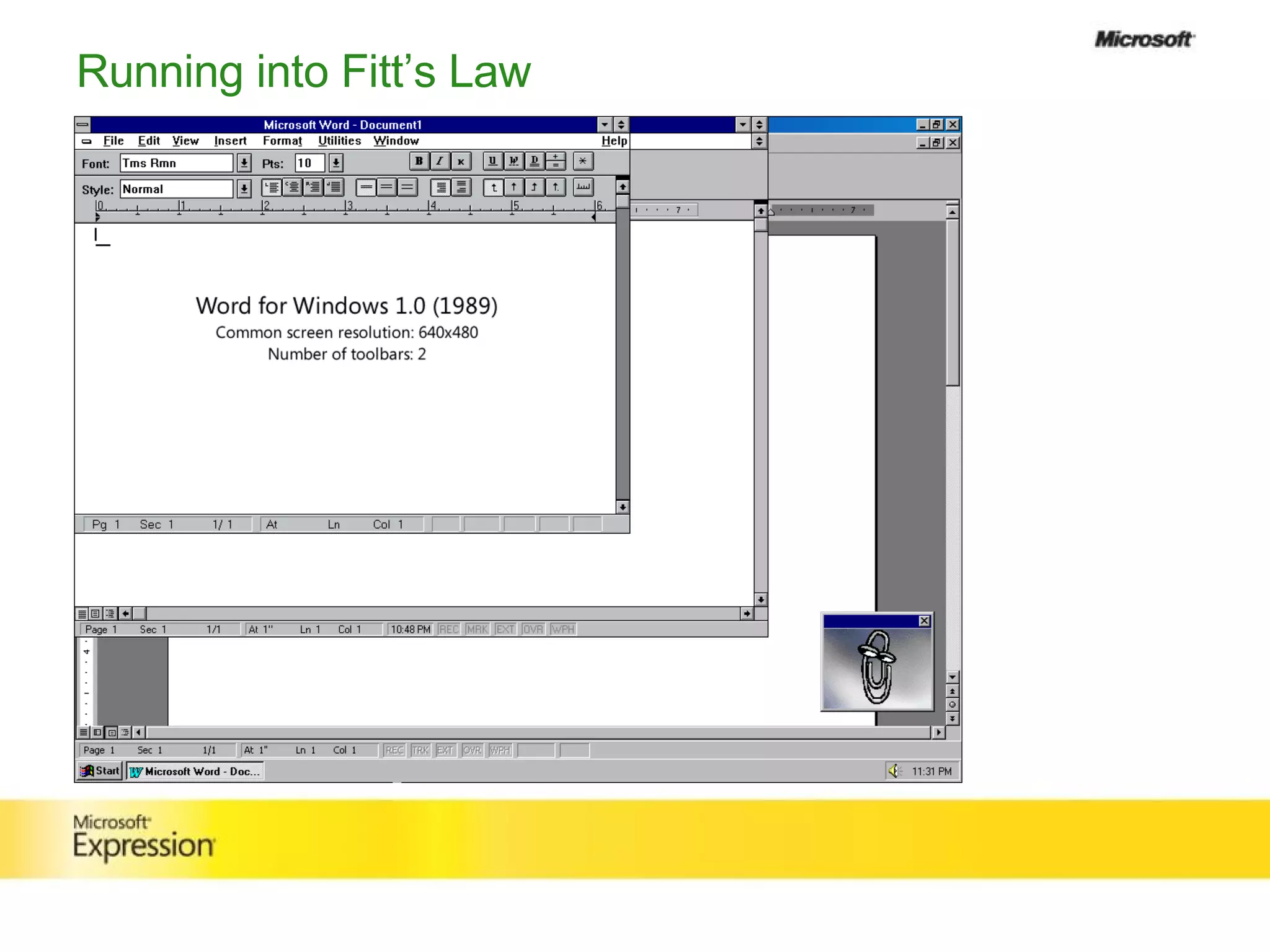
Word 1.0
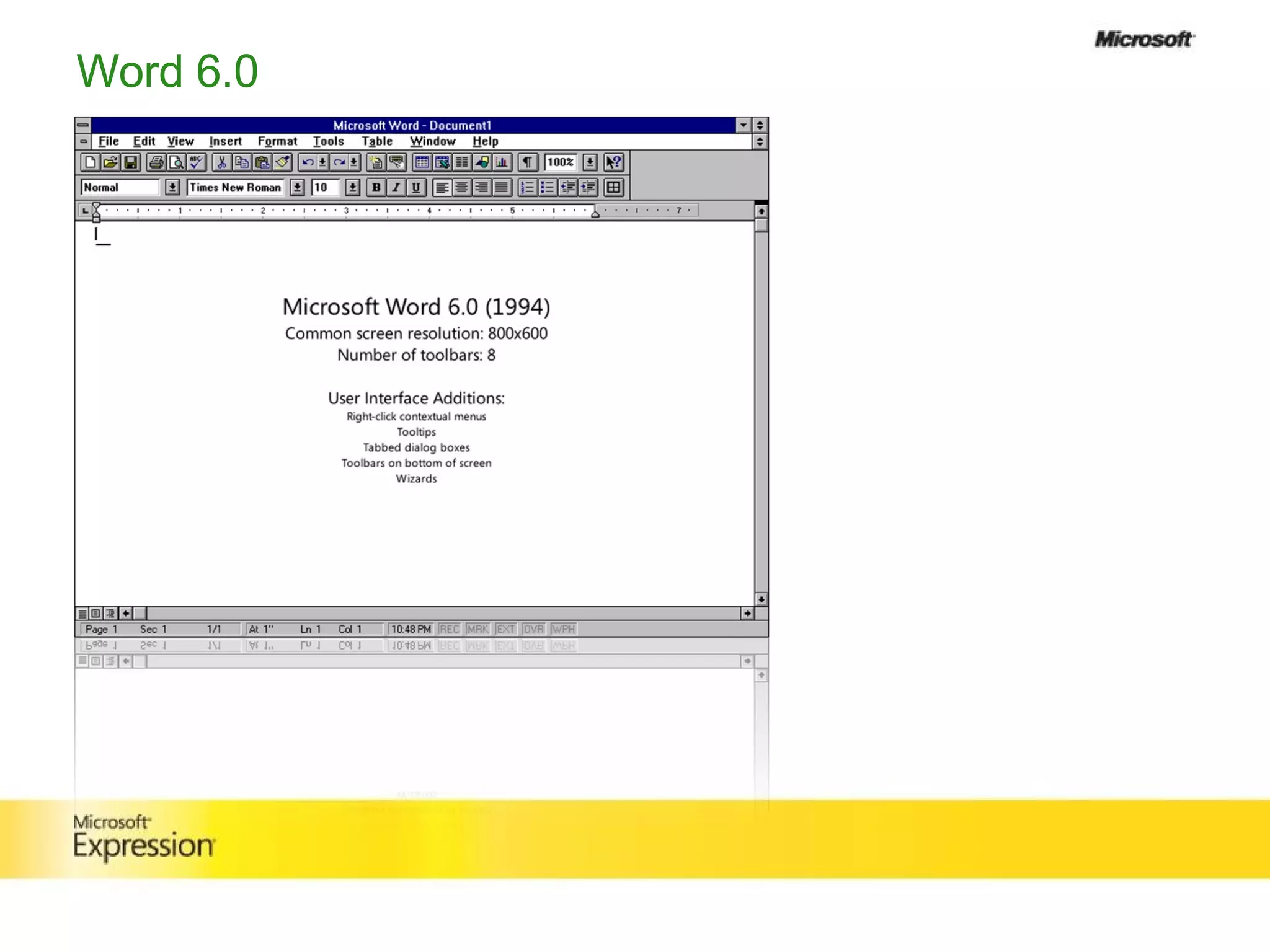
Word 6.0
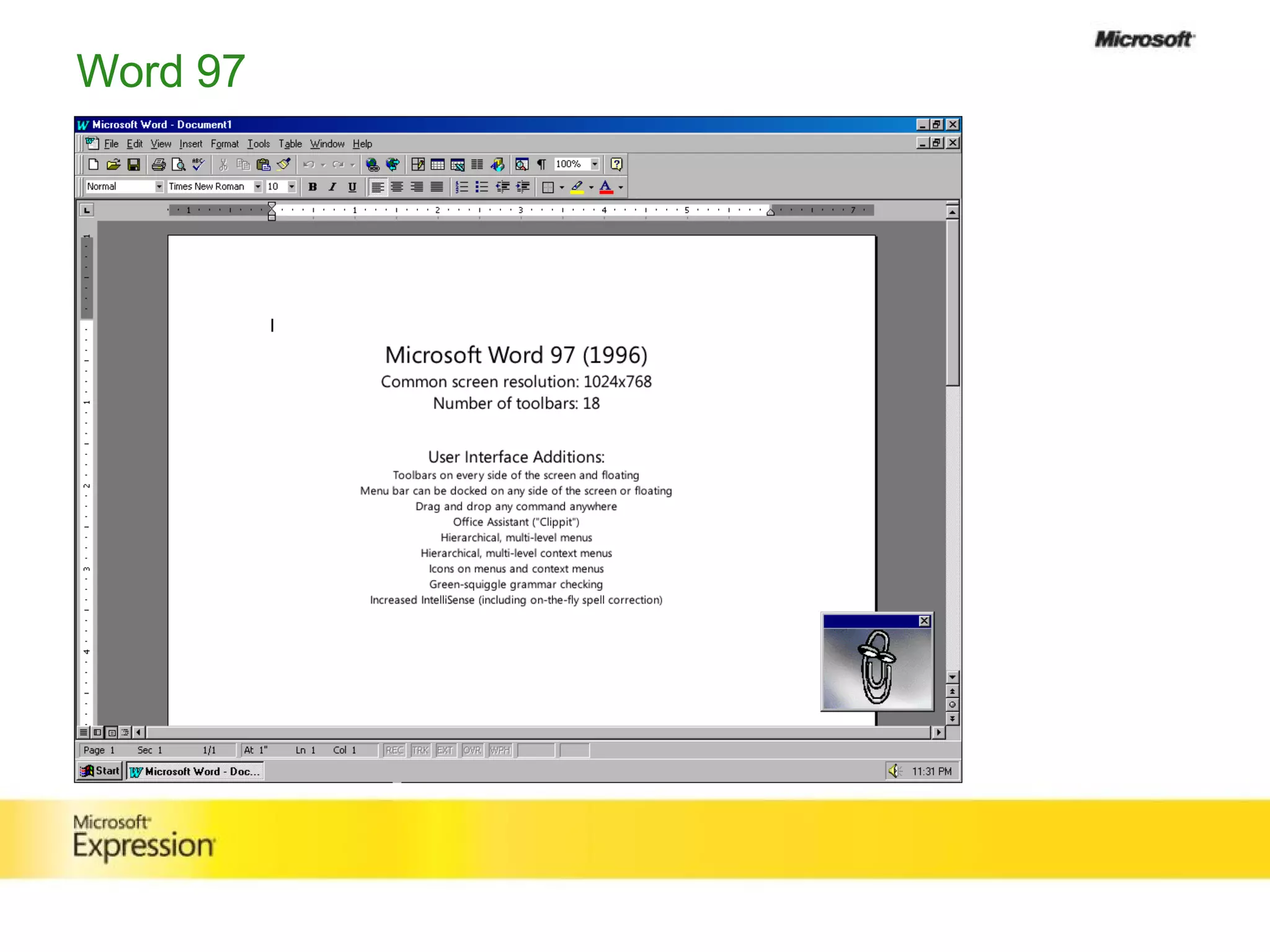
Word 97
Running into Fitt’s Law
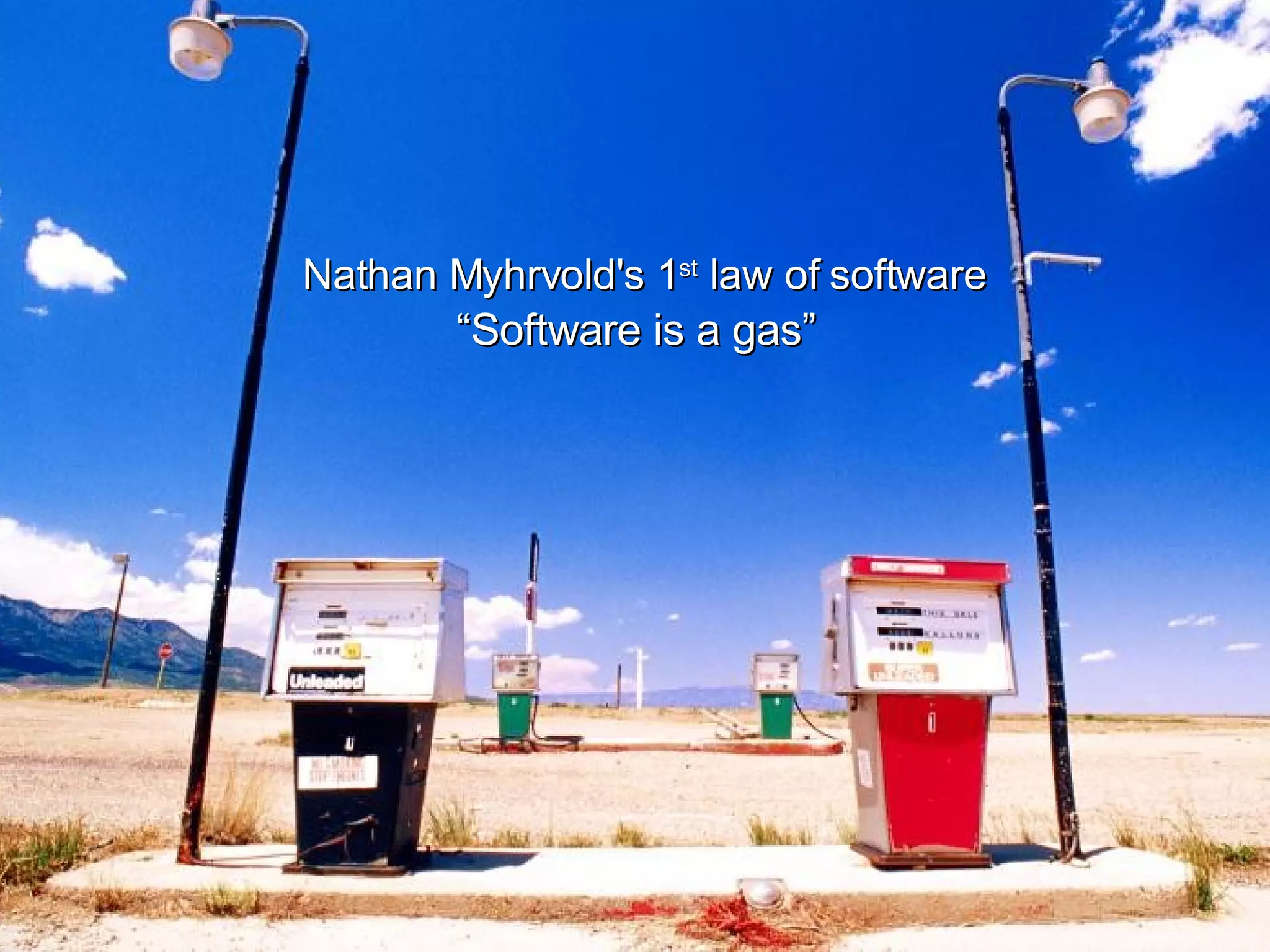
Nathan Myhrvold's 1 st  law of software “ Software is a gas”
 
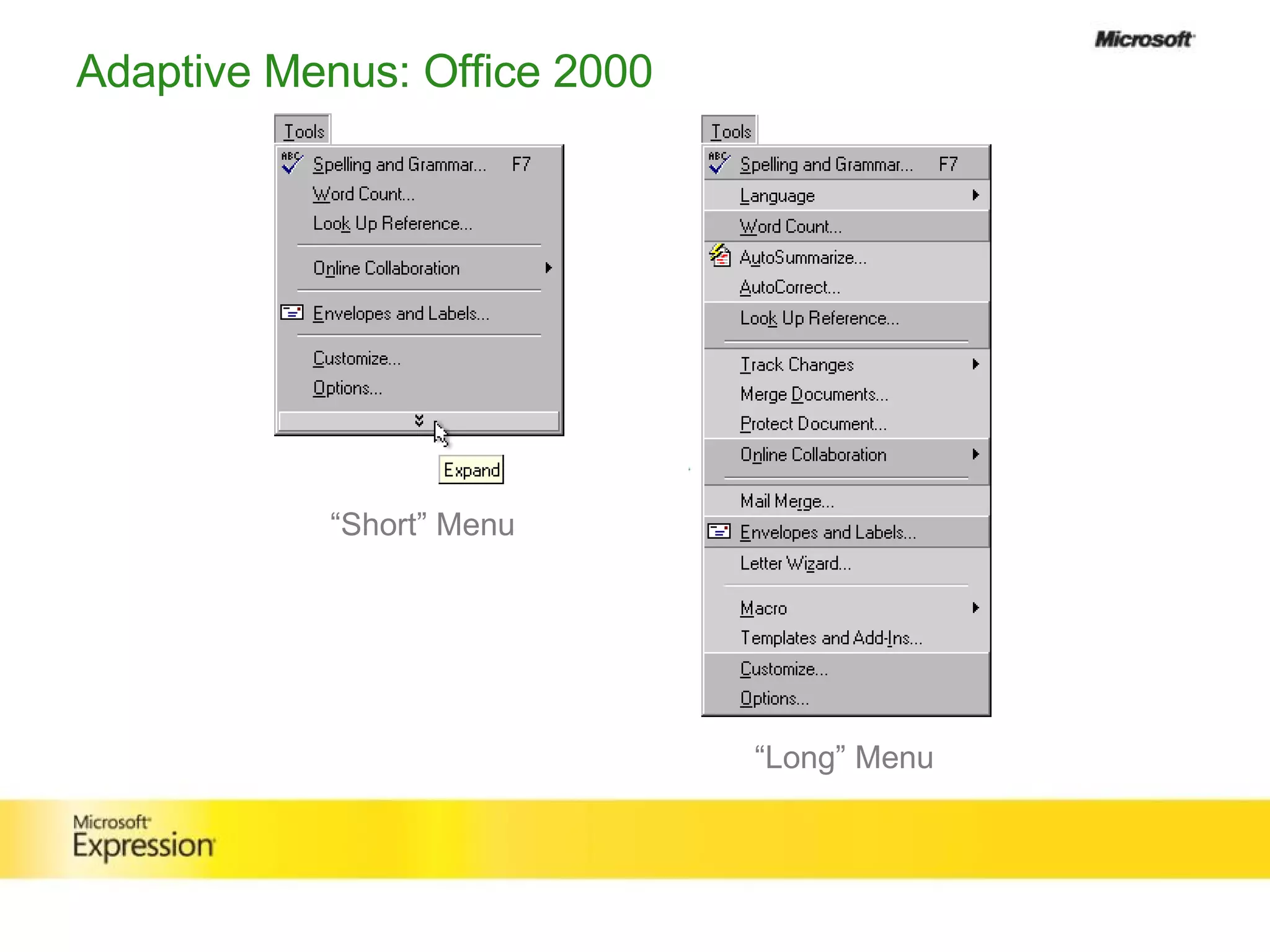
Adaptive Menus: Office 2000 “ Long” Menu “ Short” Menu
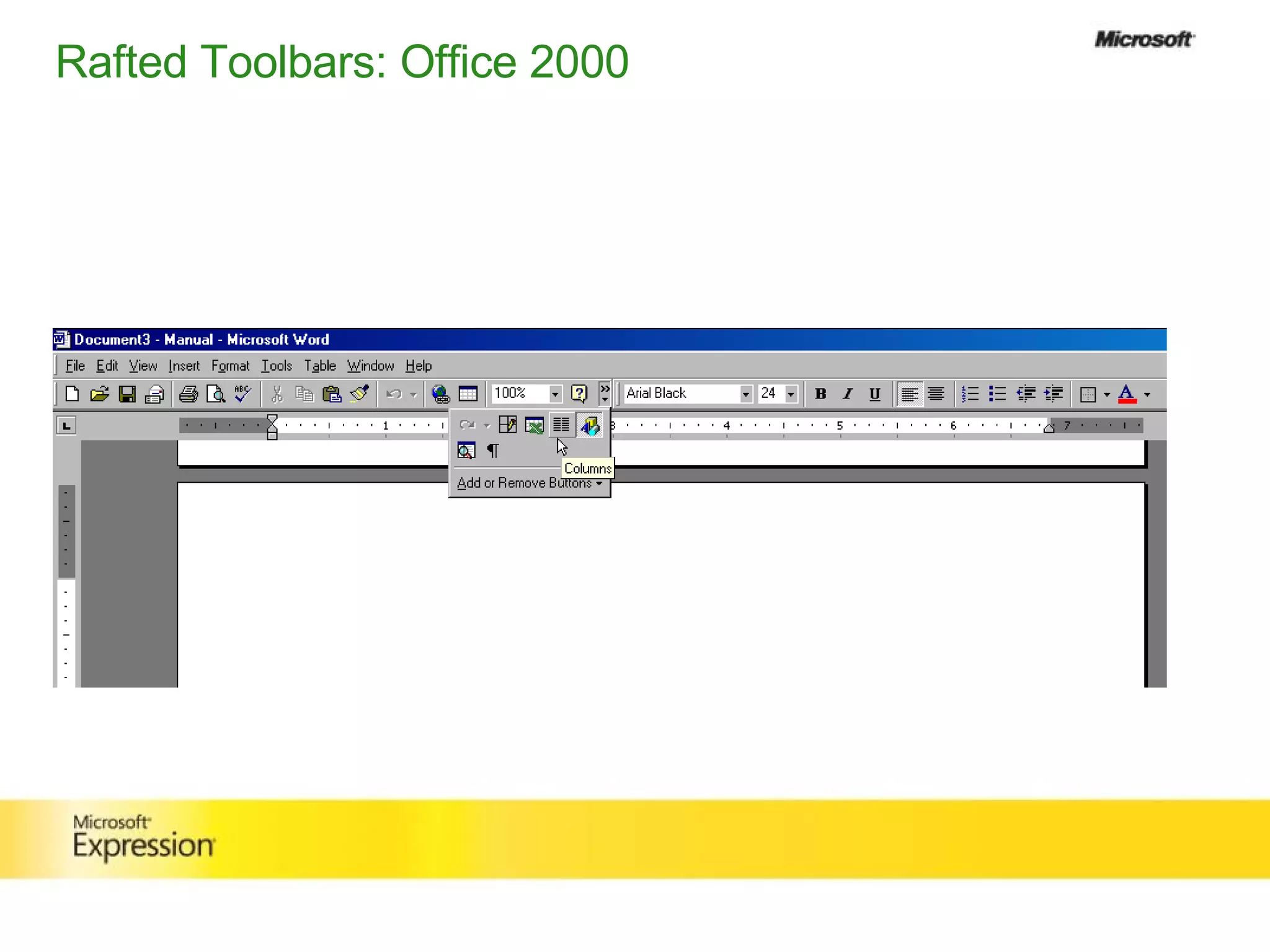
Rafted Toolbars: Office 2000
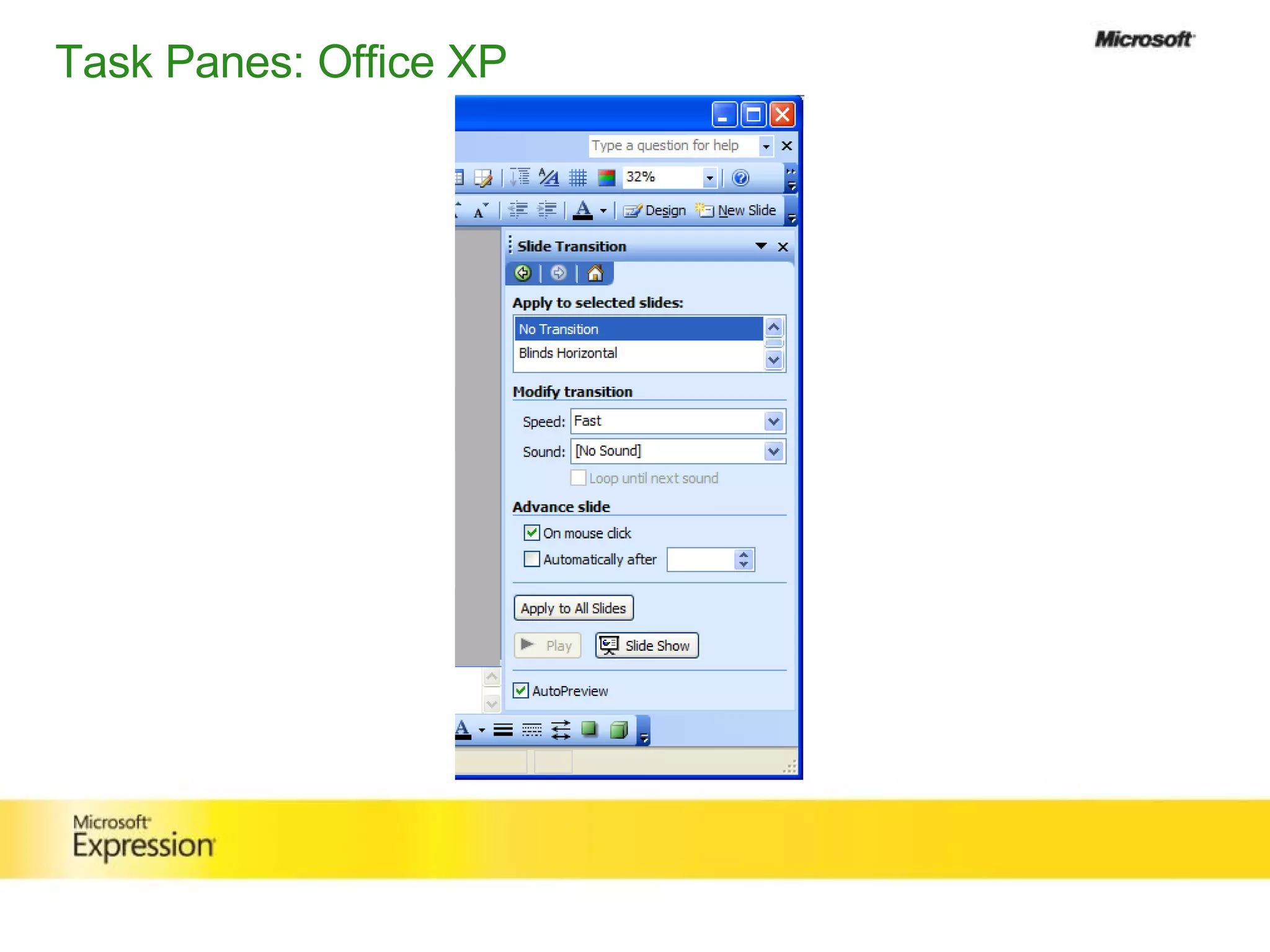
Task Panes: Office XP
Some Tipping Points
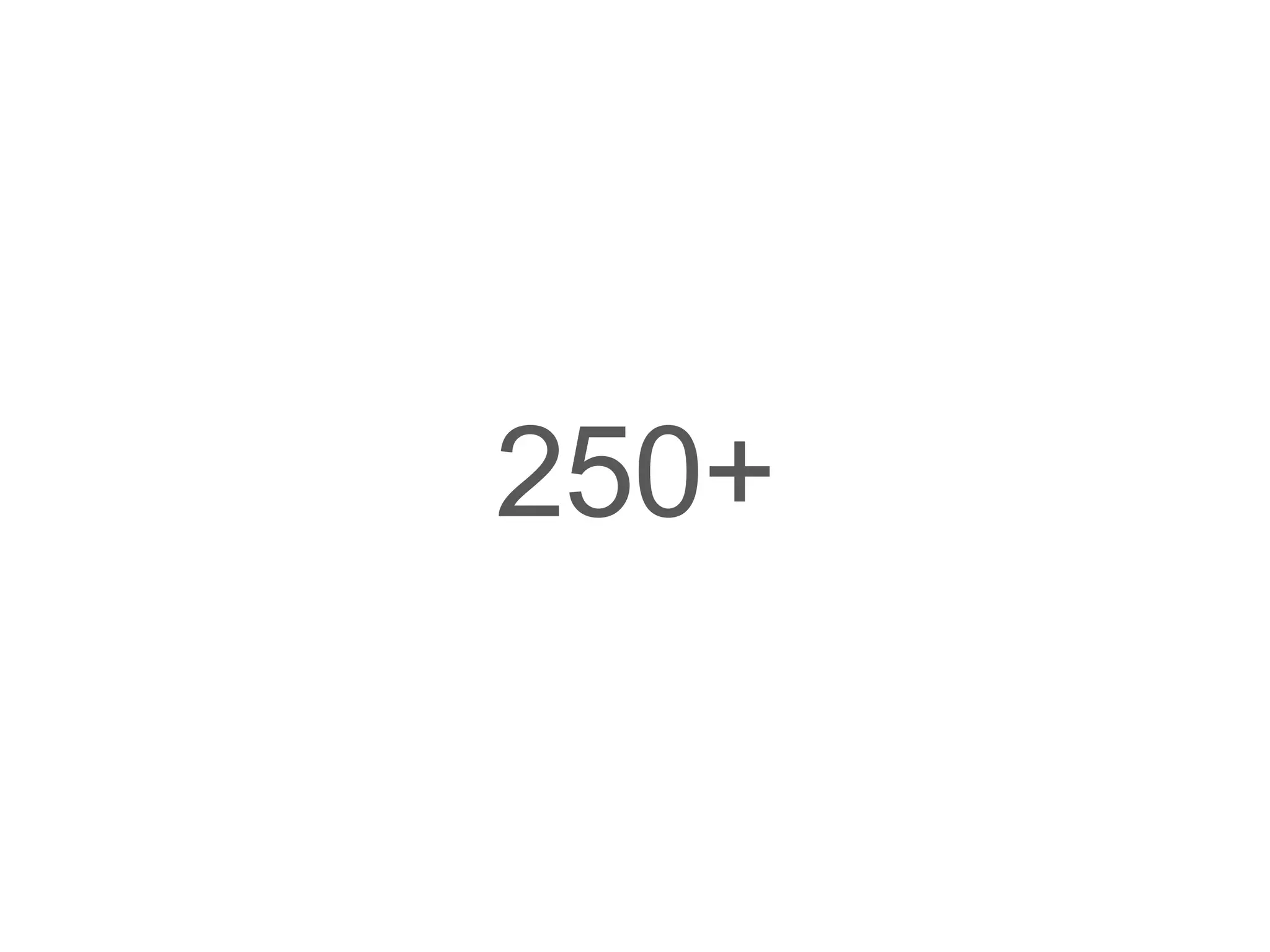
Word  Menus Word 1.0 50 Word 6.0 100 Word 97 200 Word 2003 250+
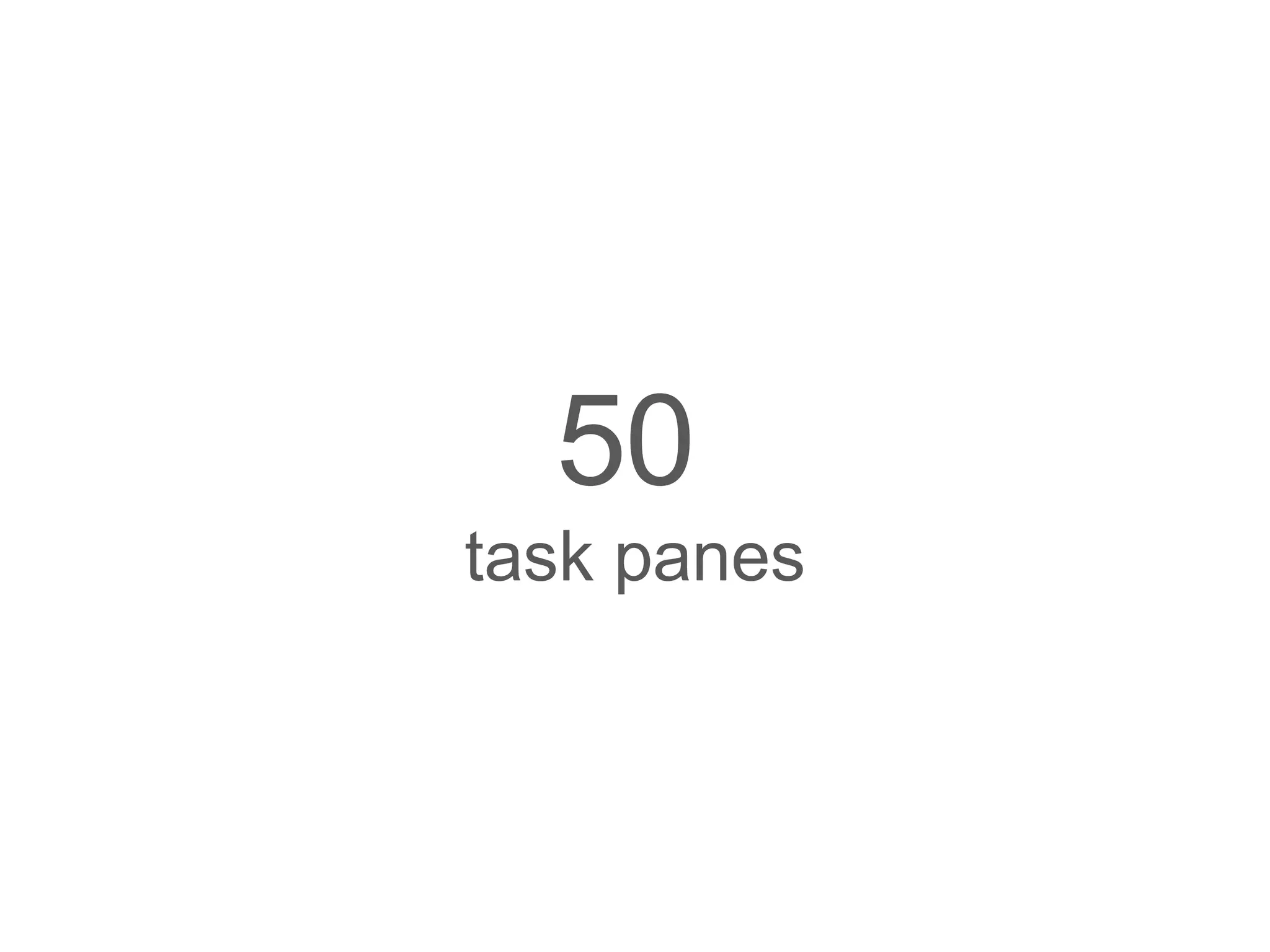
Tool  Menus  &   Task  Panes Word 1.0 2 Word 6.0 7 Word 97 15 Word 2000 30   menus 50   task panes
Time for a change
Fast at any Speed
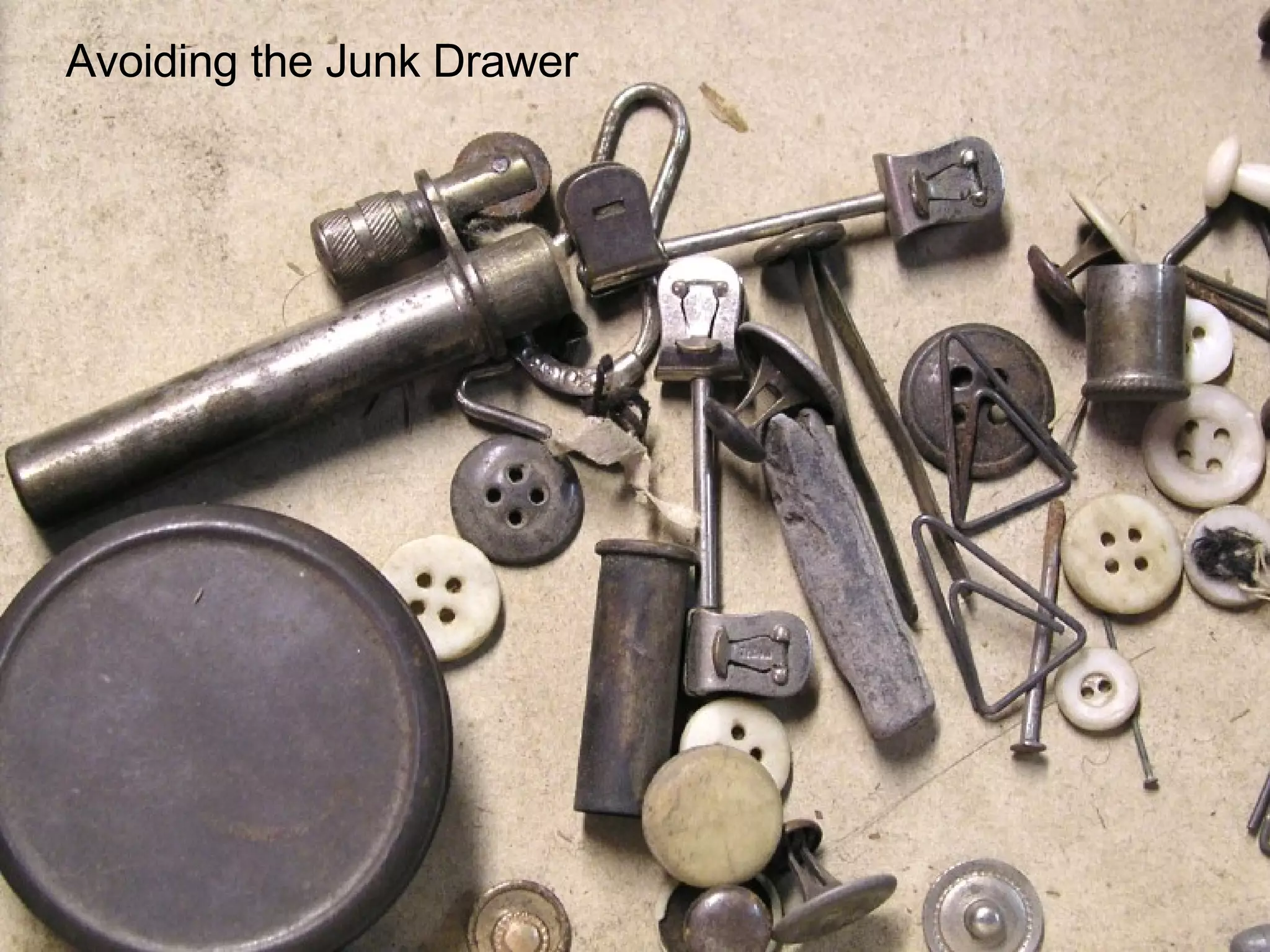
Avoiding the Junk Drawer
Mastering Details obsession to detail
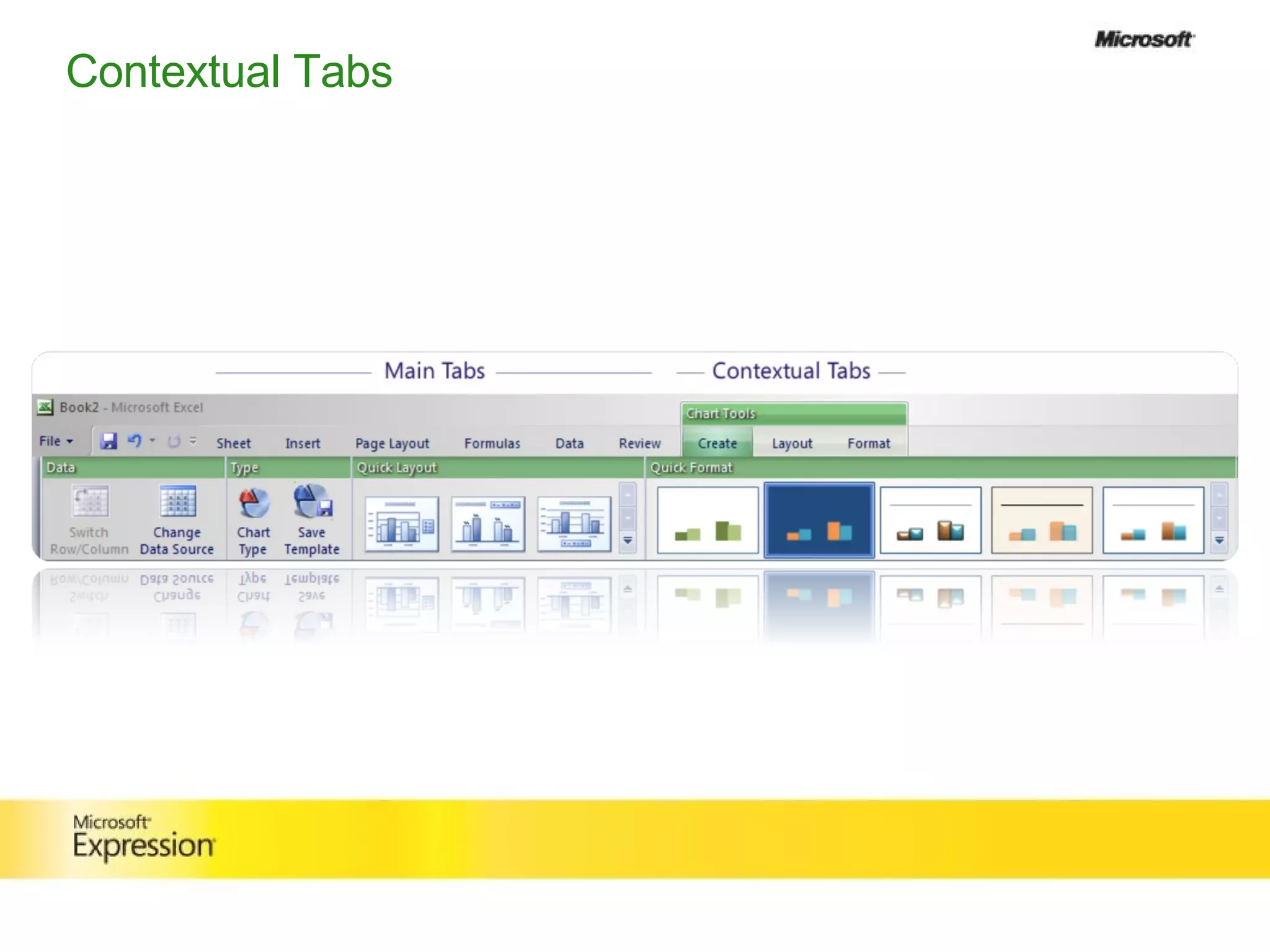
Contextual Tabs
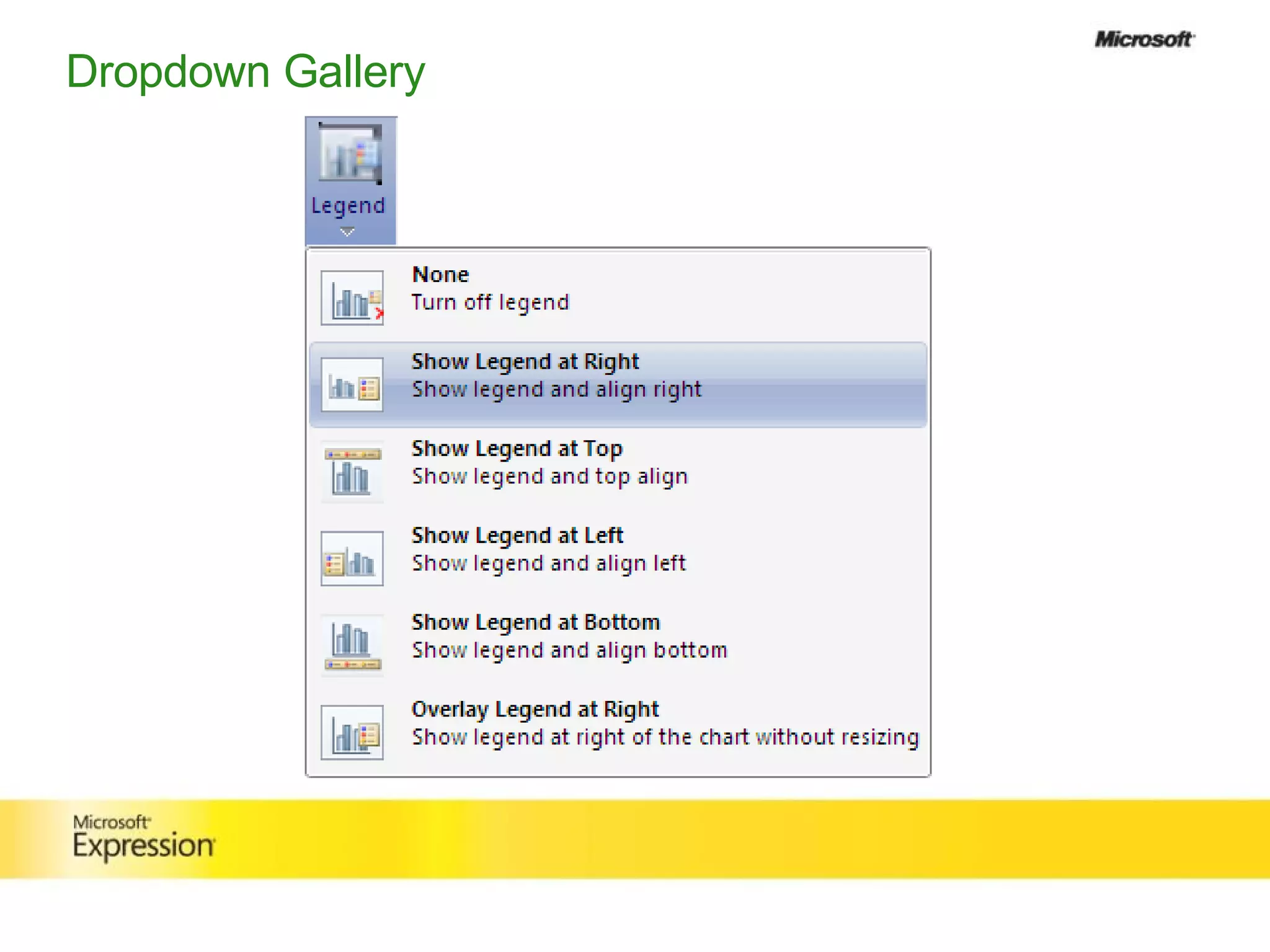
Dropdown Gallery
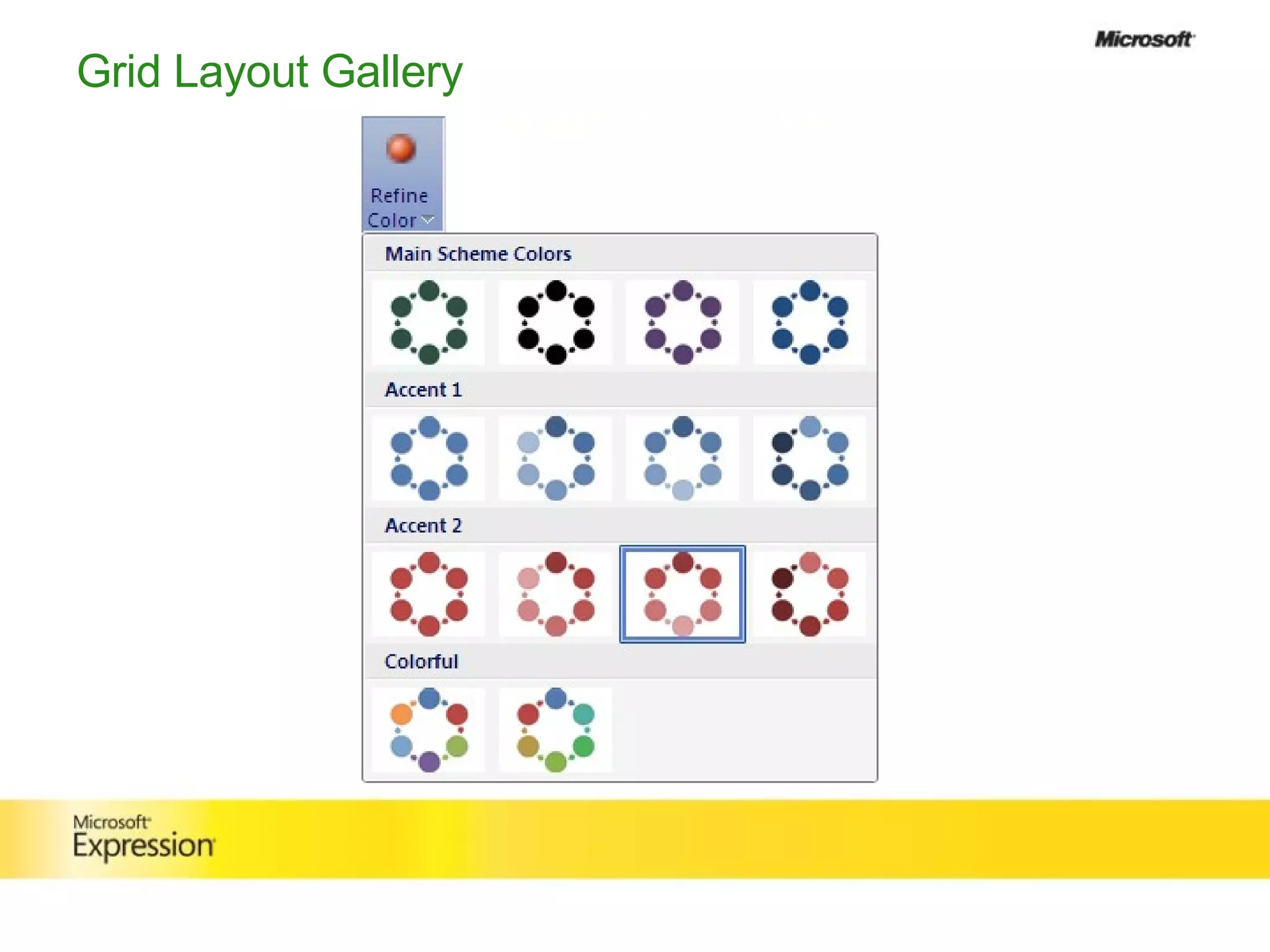
Grid Layout Gallery
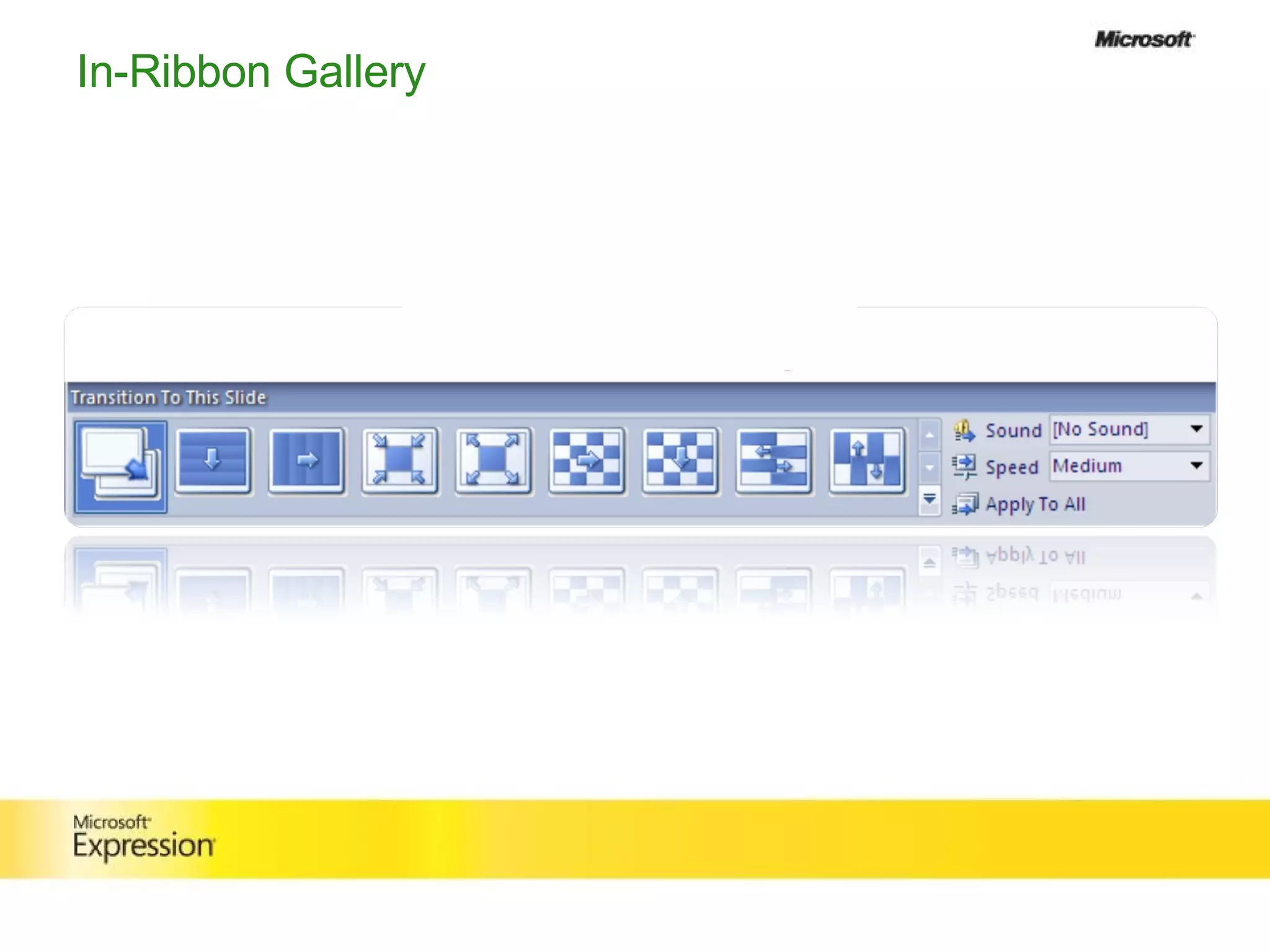
In-Ribbon Gallery
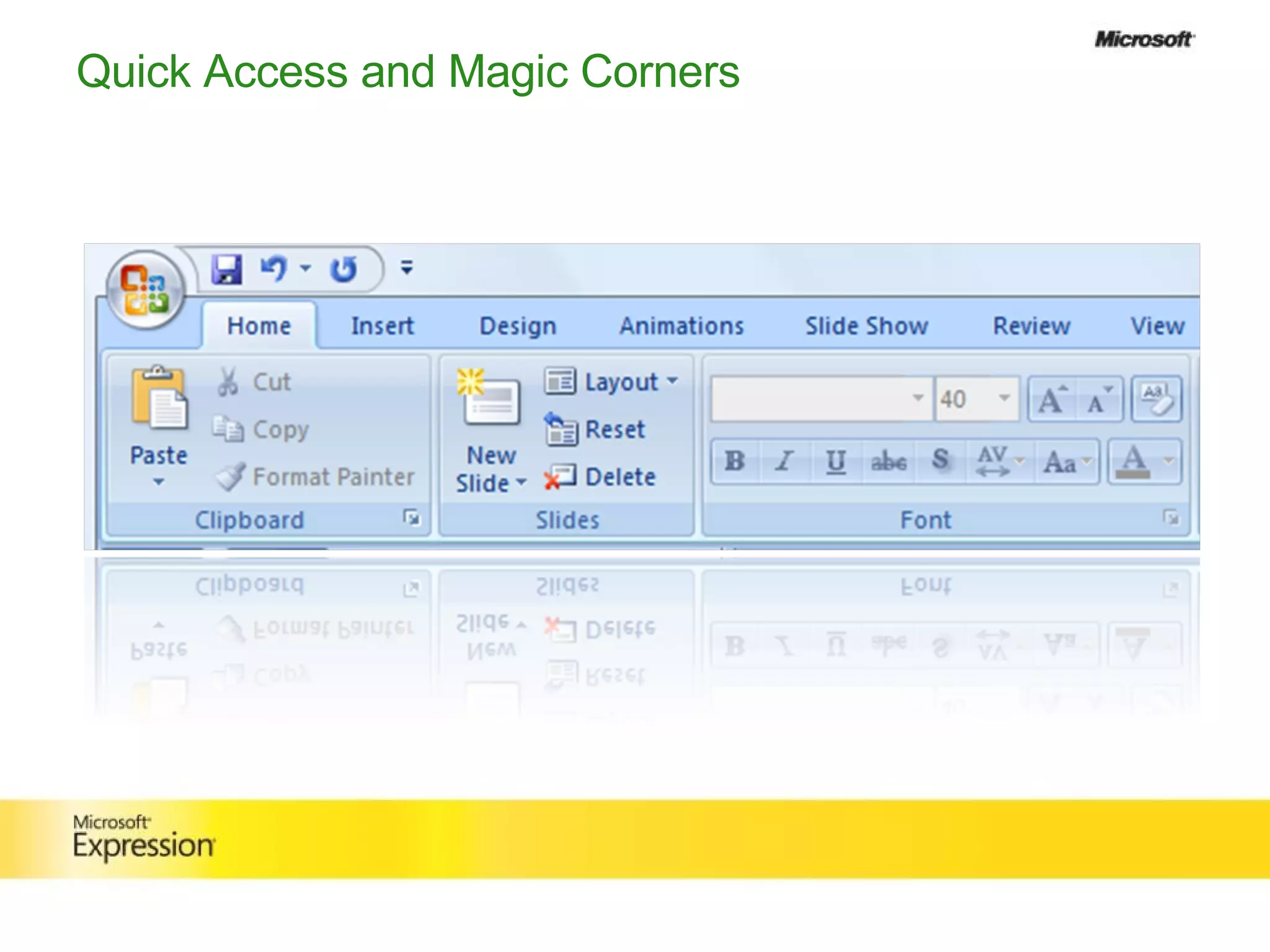
Quick Access and Magic Corners
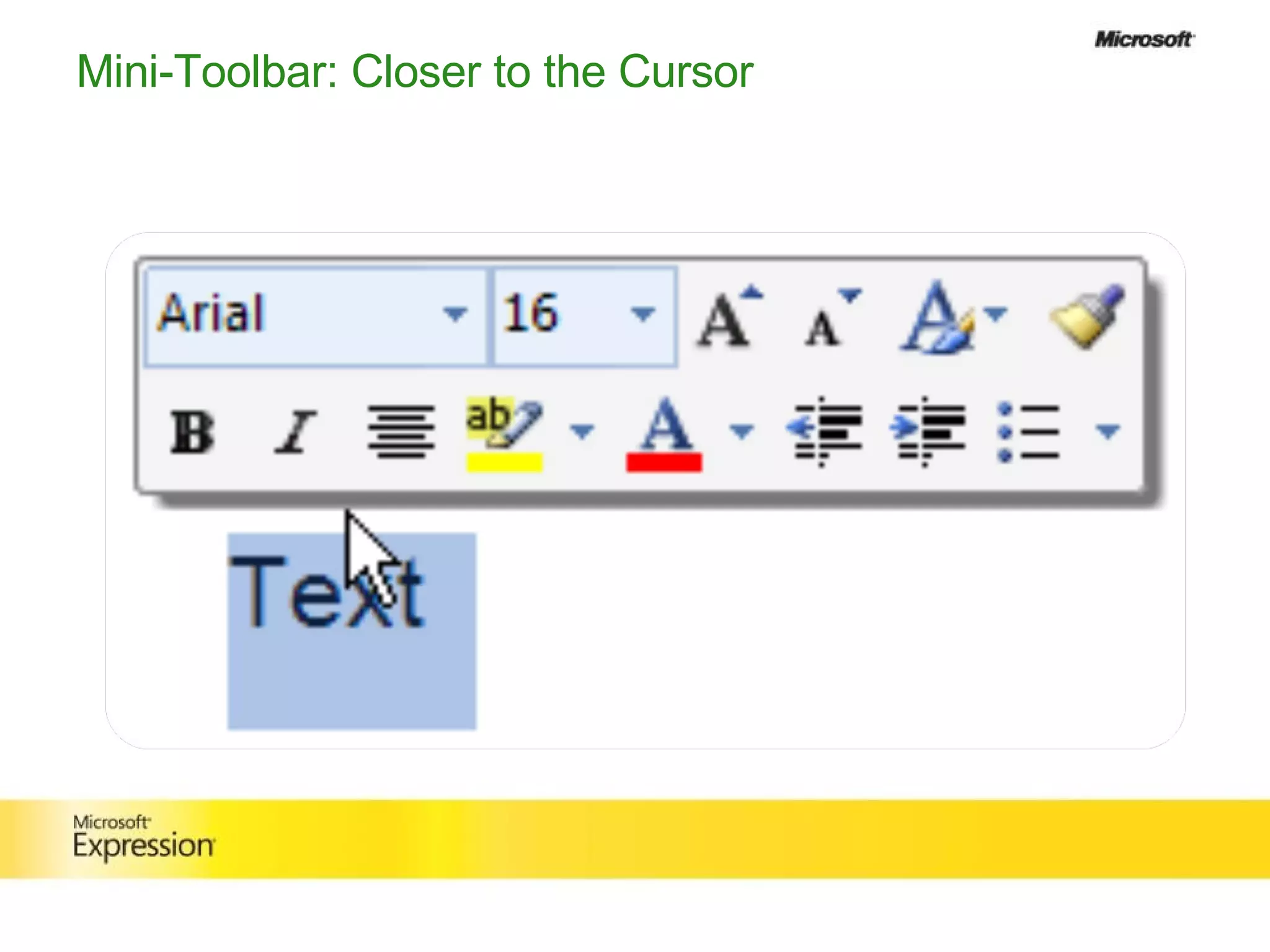
Mini-Toolbar: Closer to the Cursor
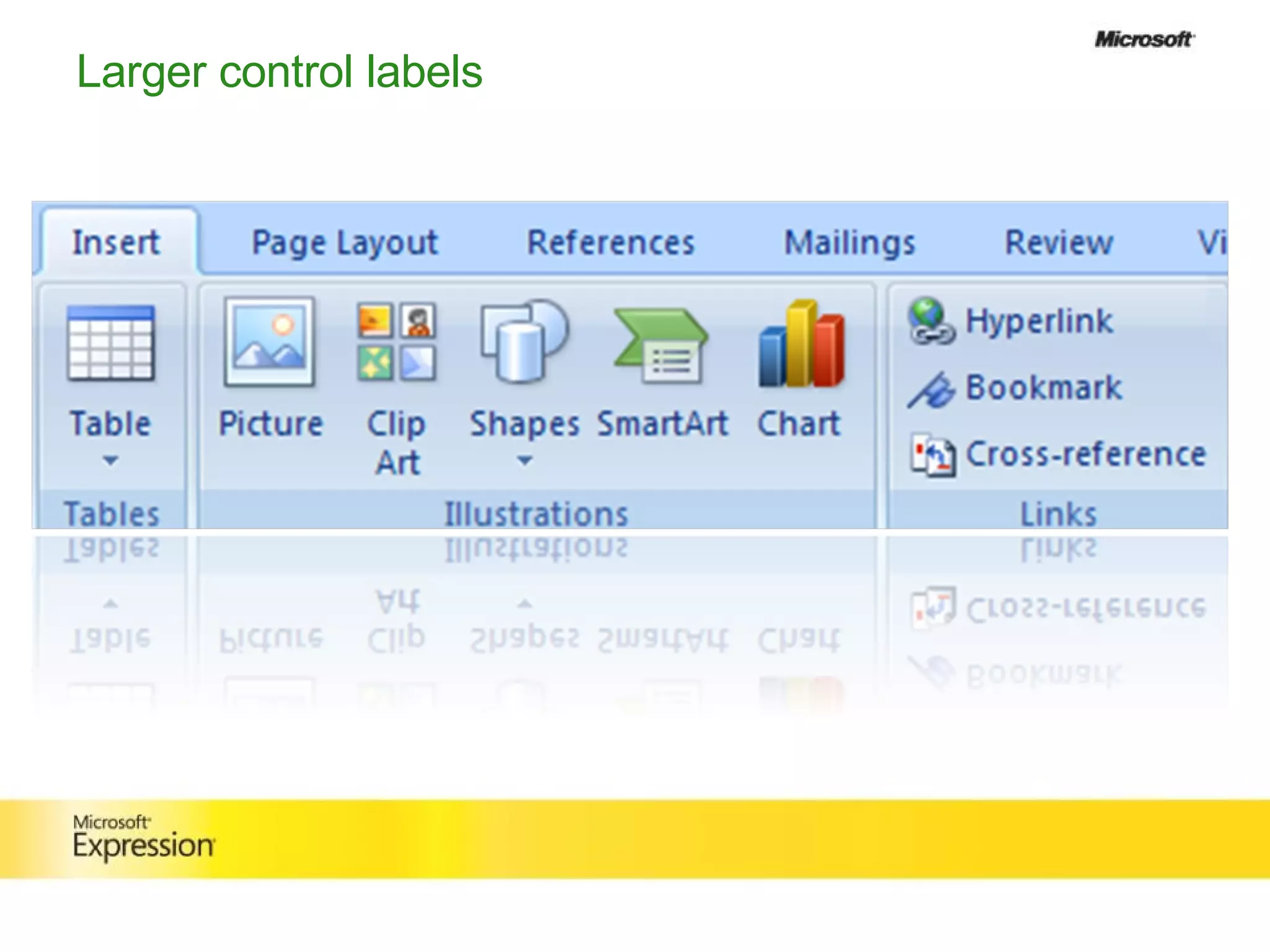
Larger control labels
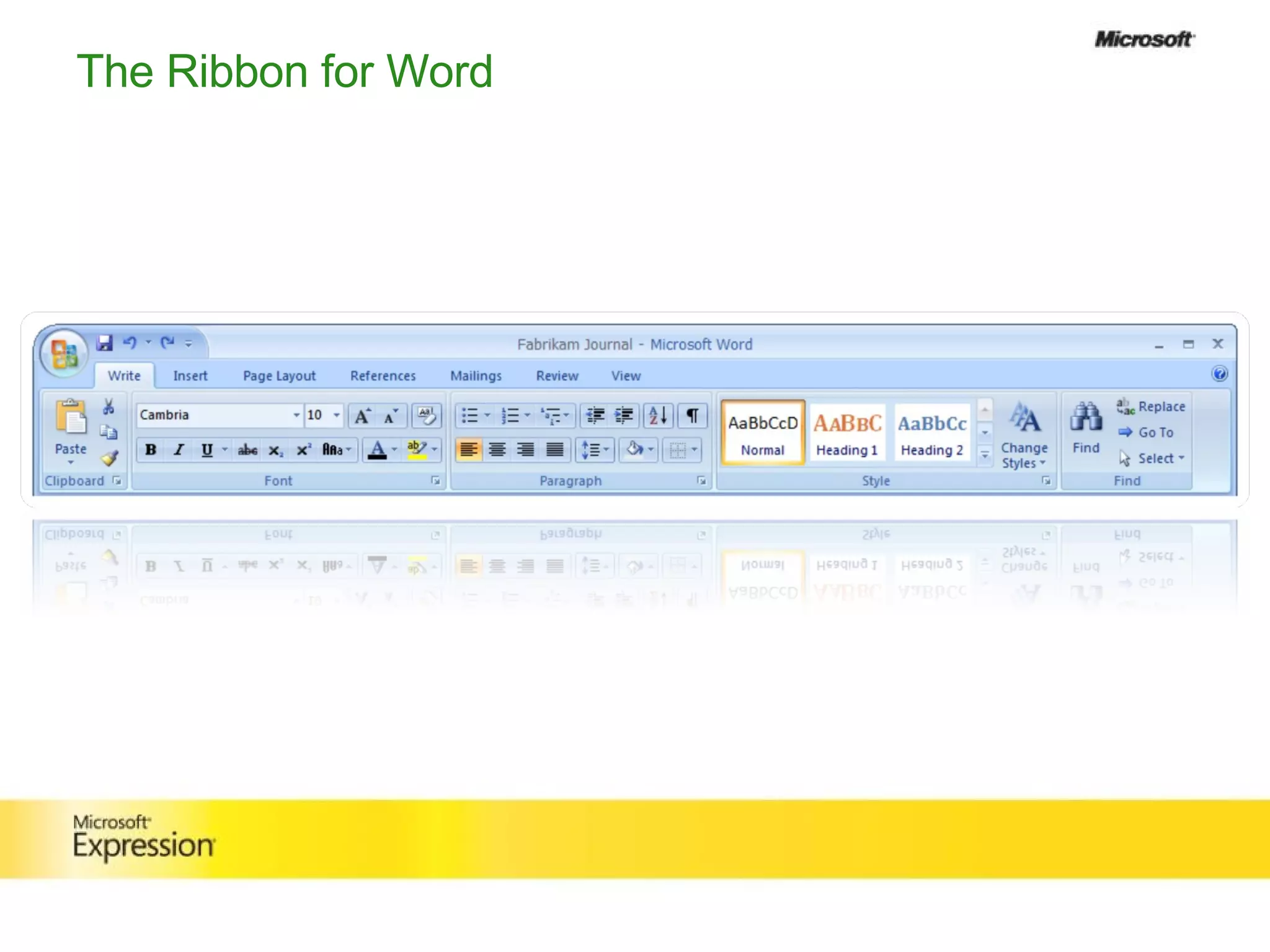
The Ribbon for Word
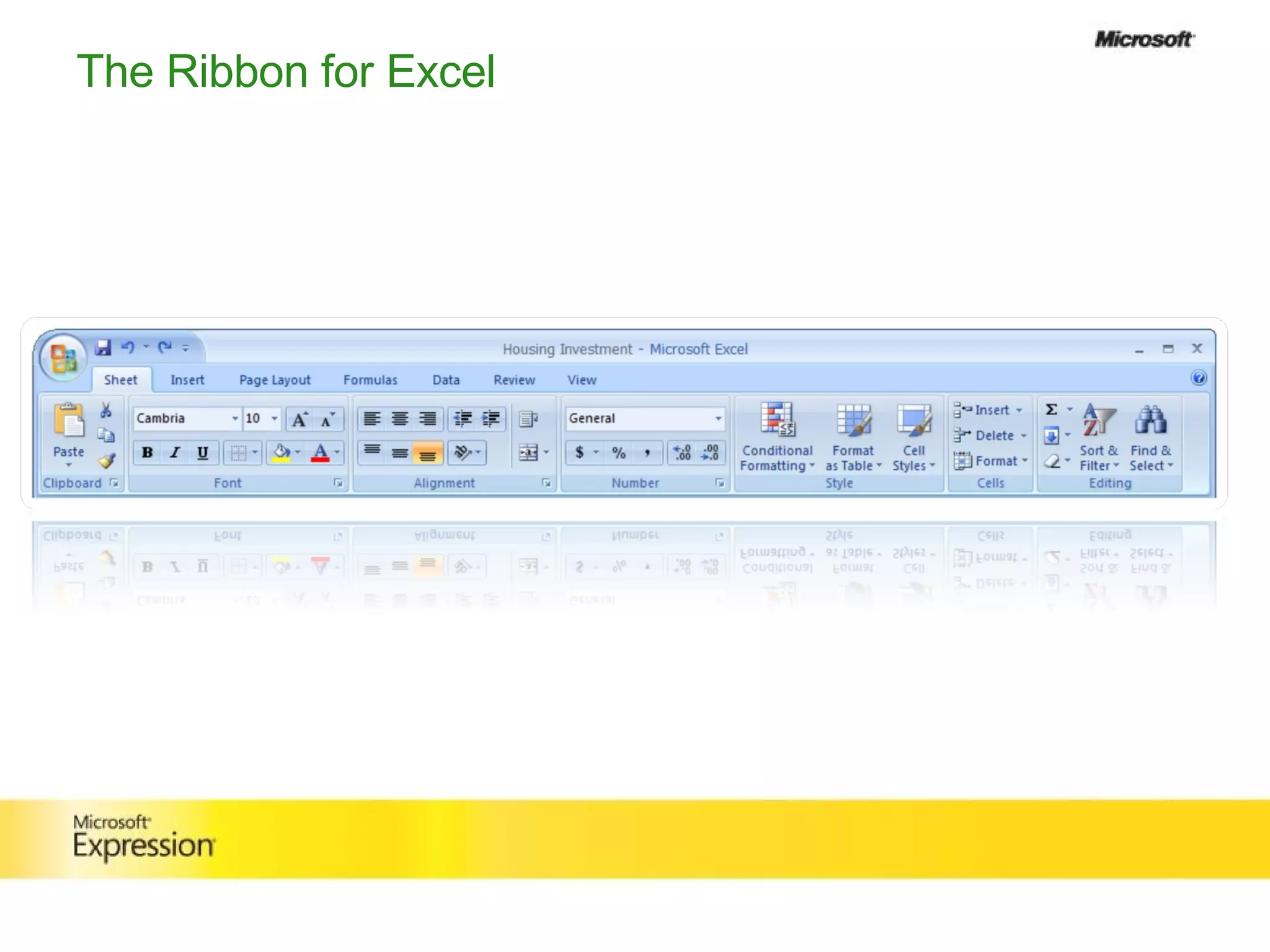
The Ribbon for Excel
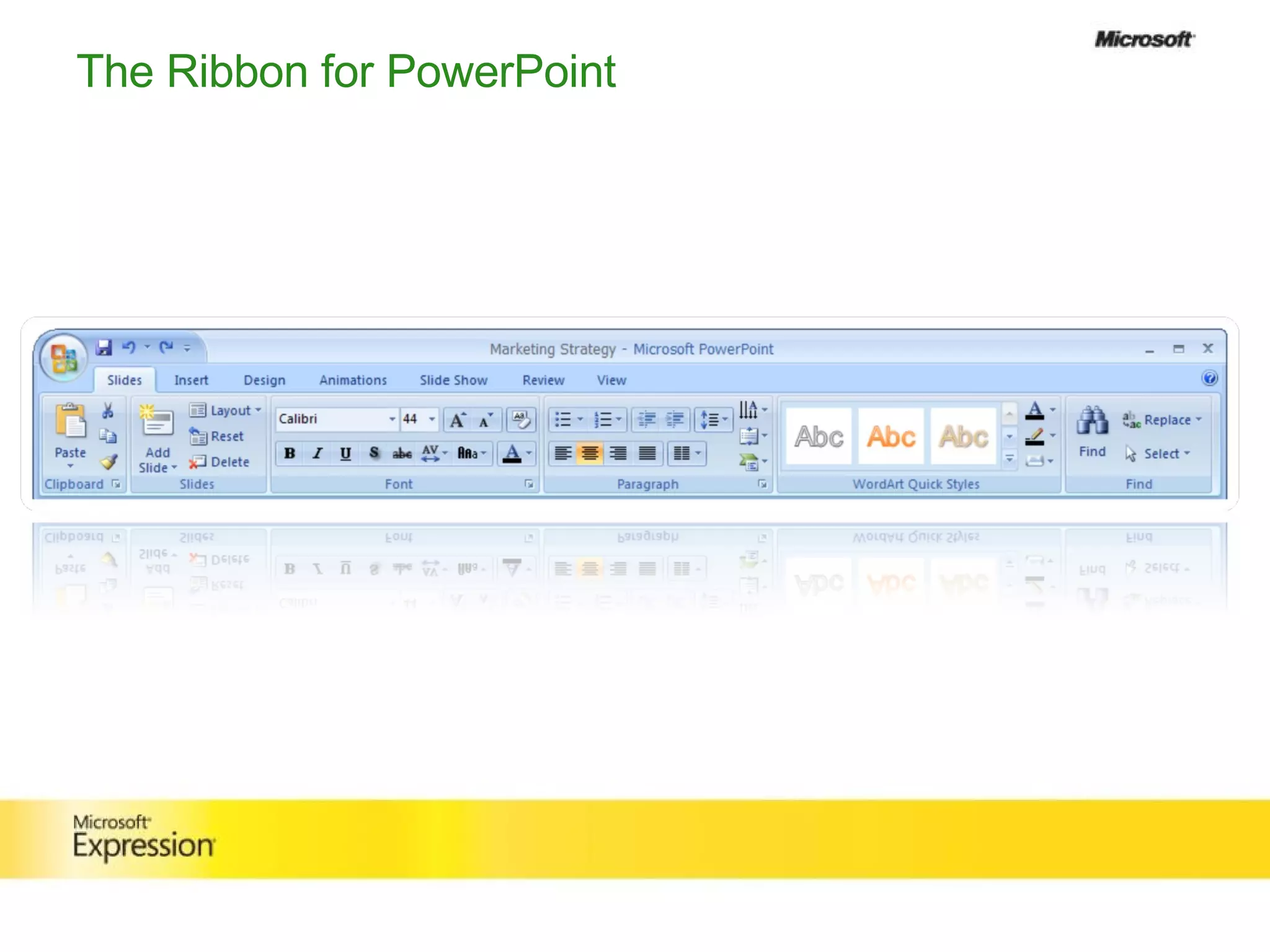
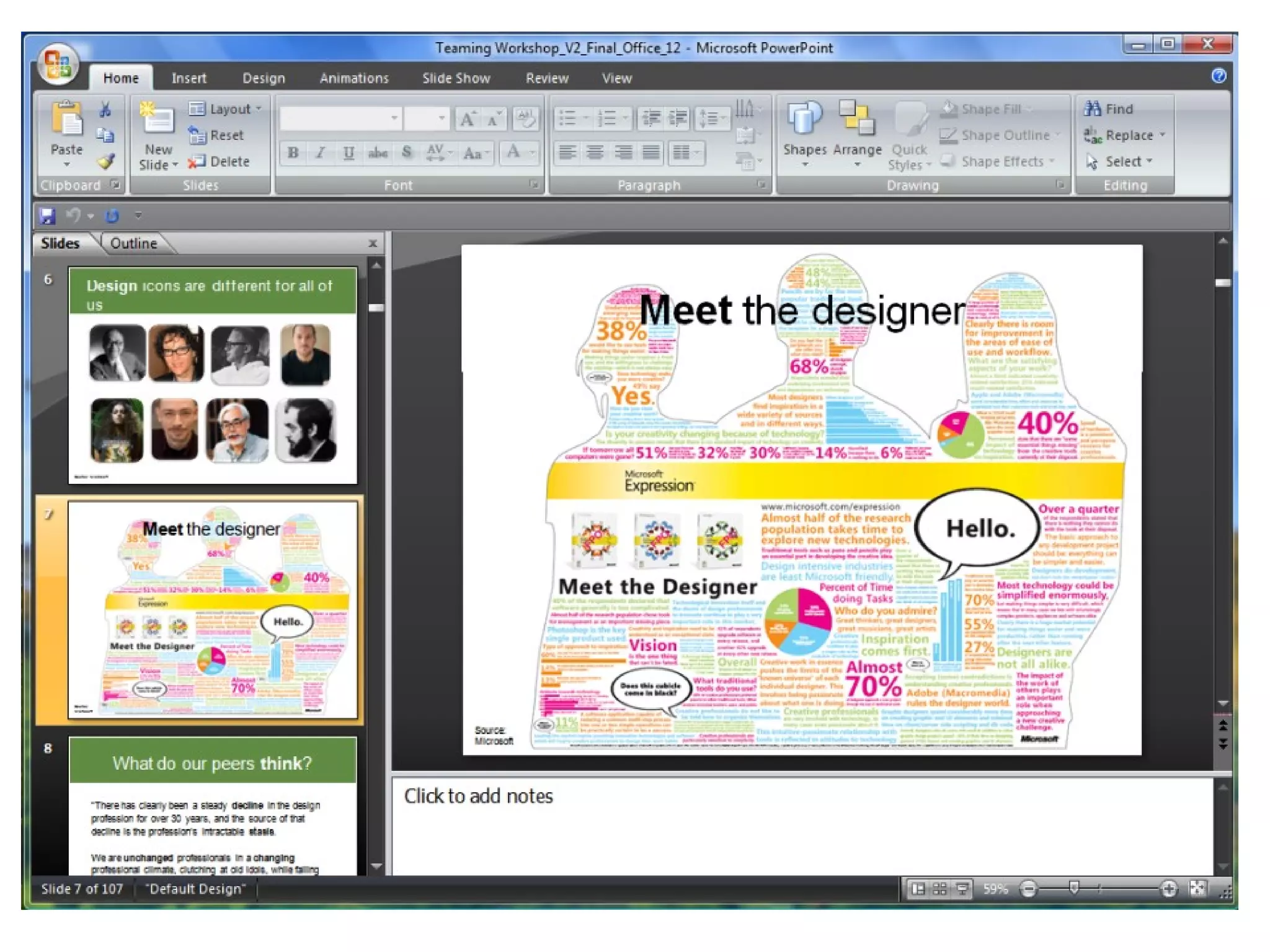
The Ribbon for PowerPoint
 
Vista User Experience Design
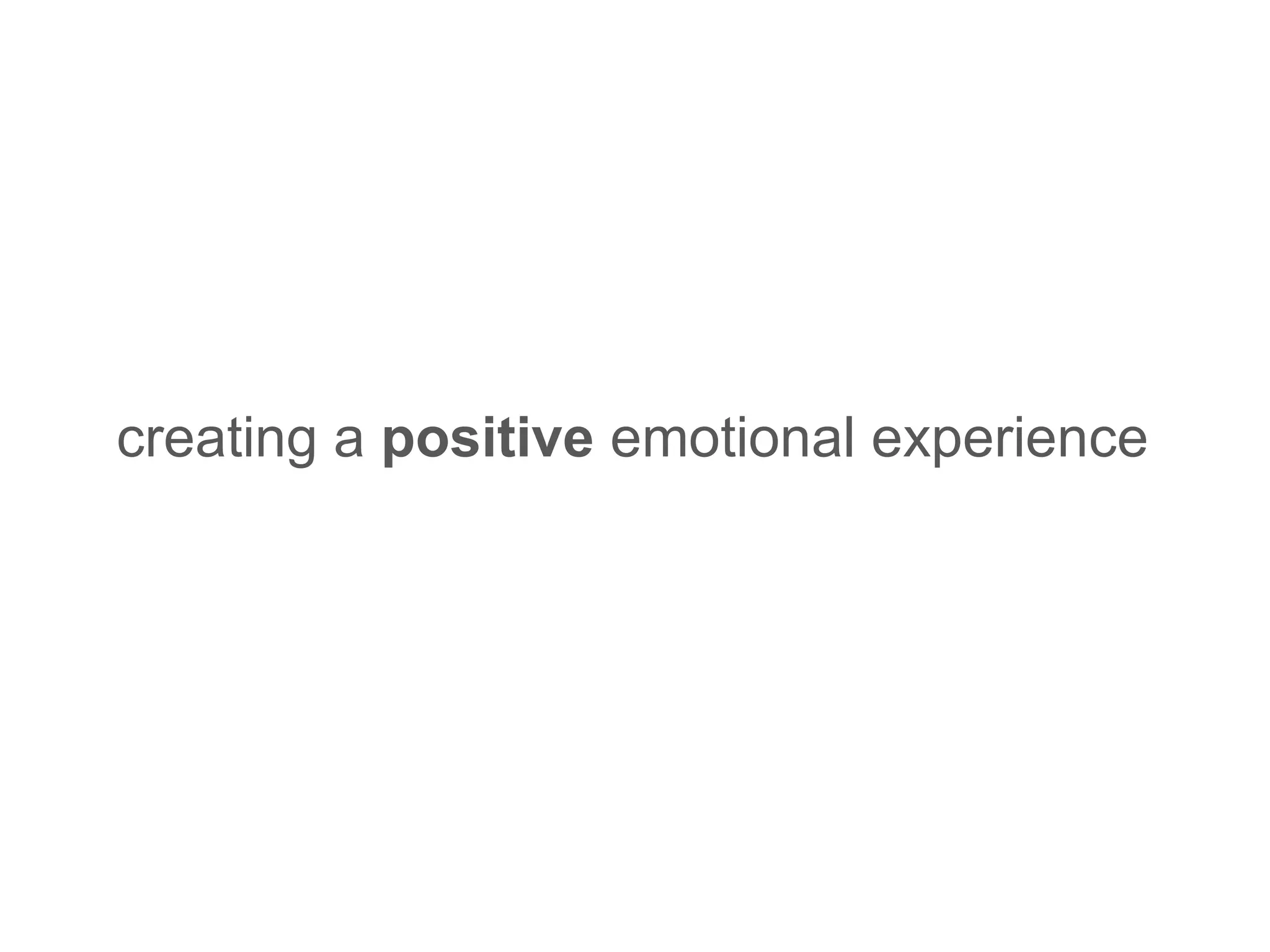
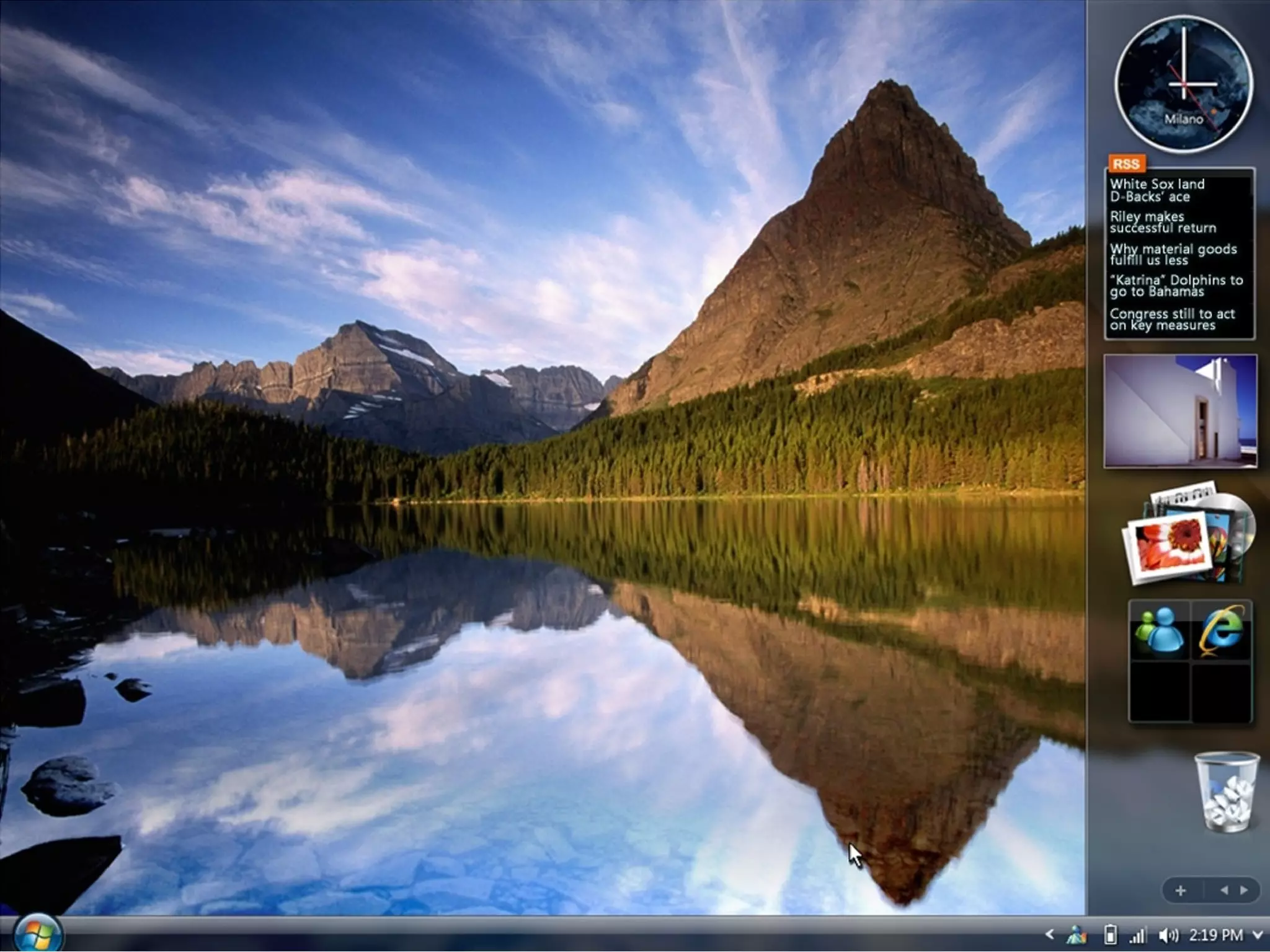
Design  Goals Make getting what  you  need efficient  &  easy Make getting the results you  want  in Windows more… visual  &  direct Make people feel  great  about their experience… creating a  positive  emotional experience
 
First Impressions
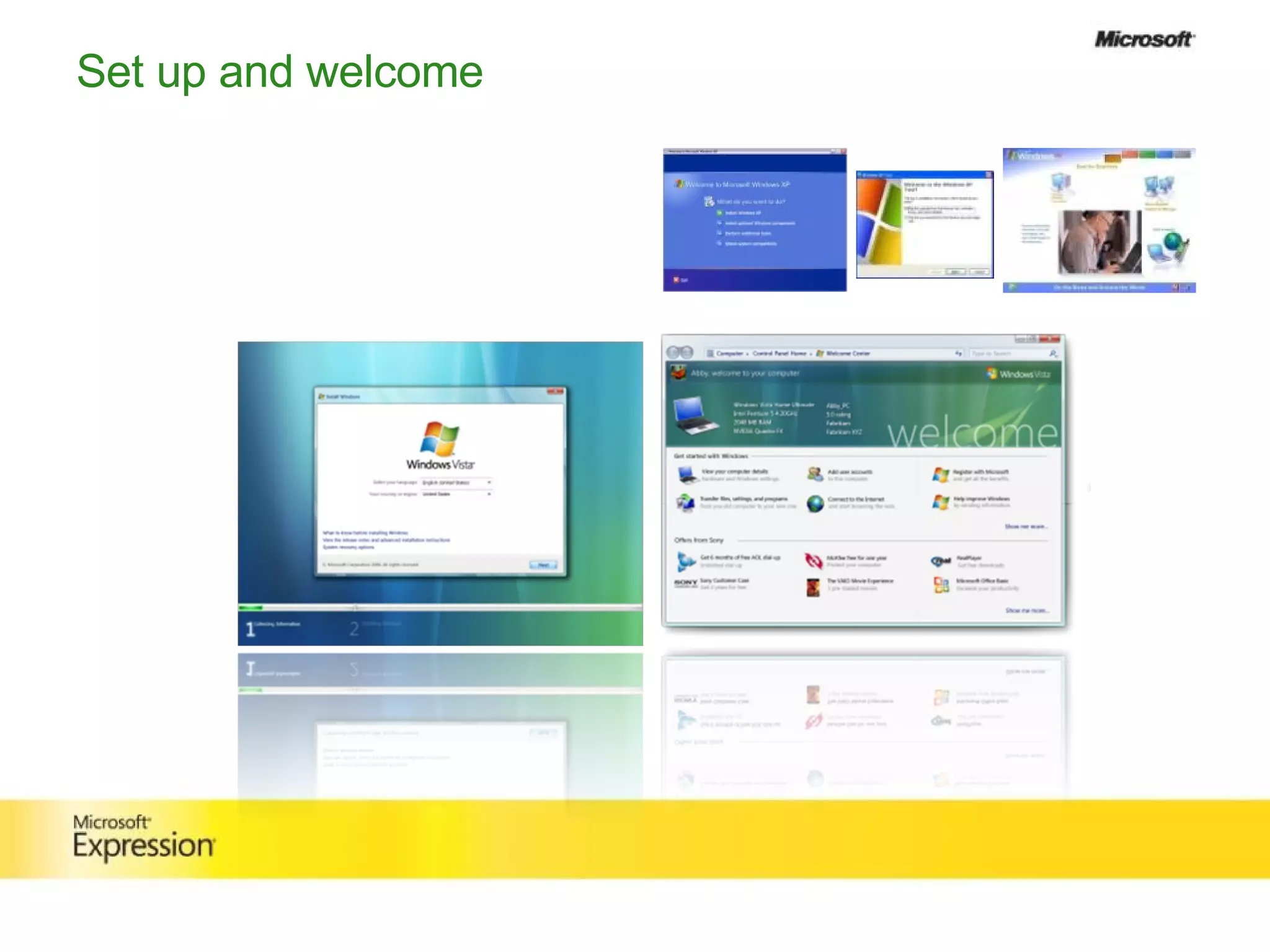
Set up and welcome
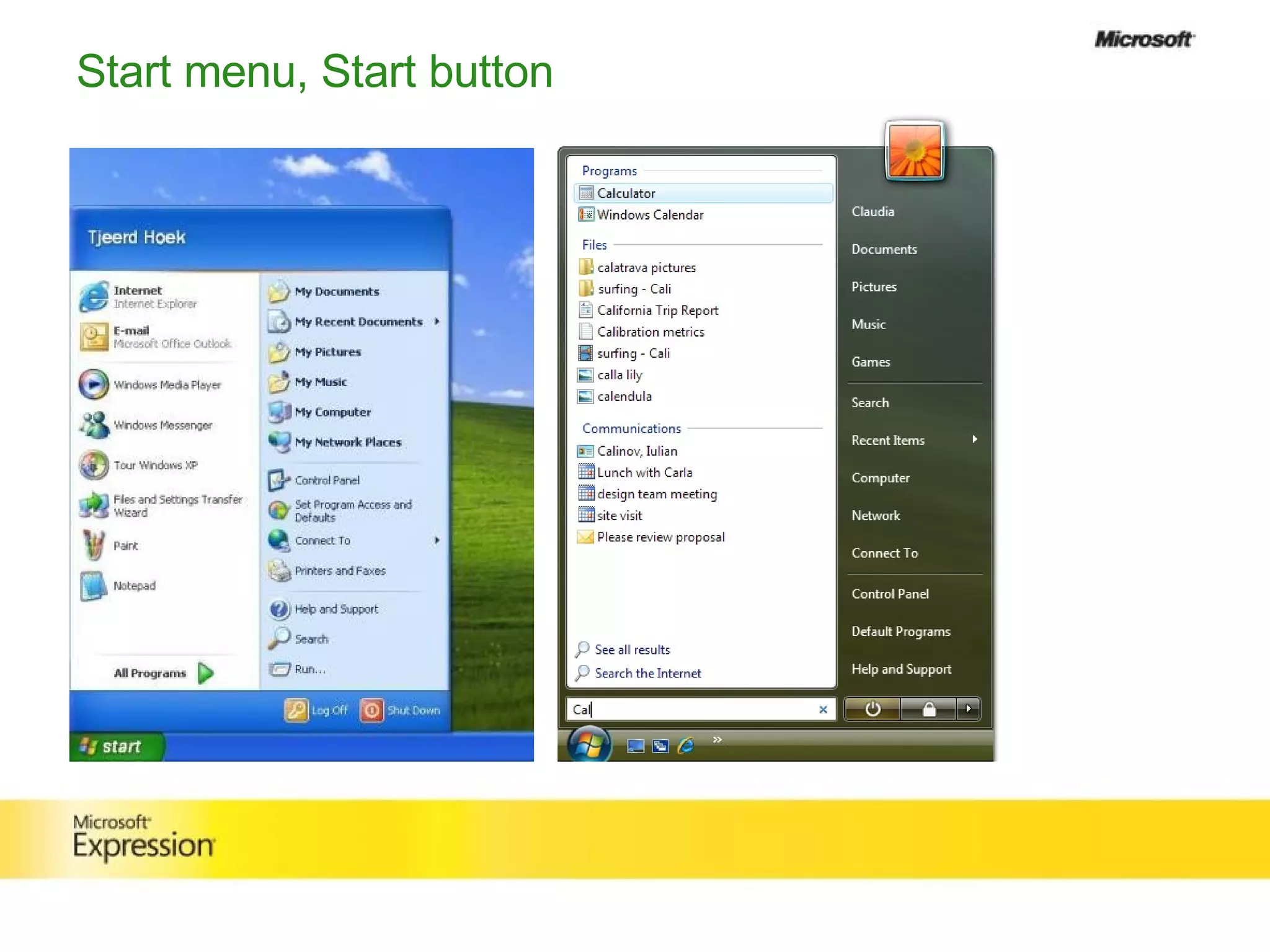
Start menu, Start button
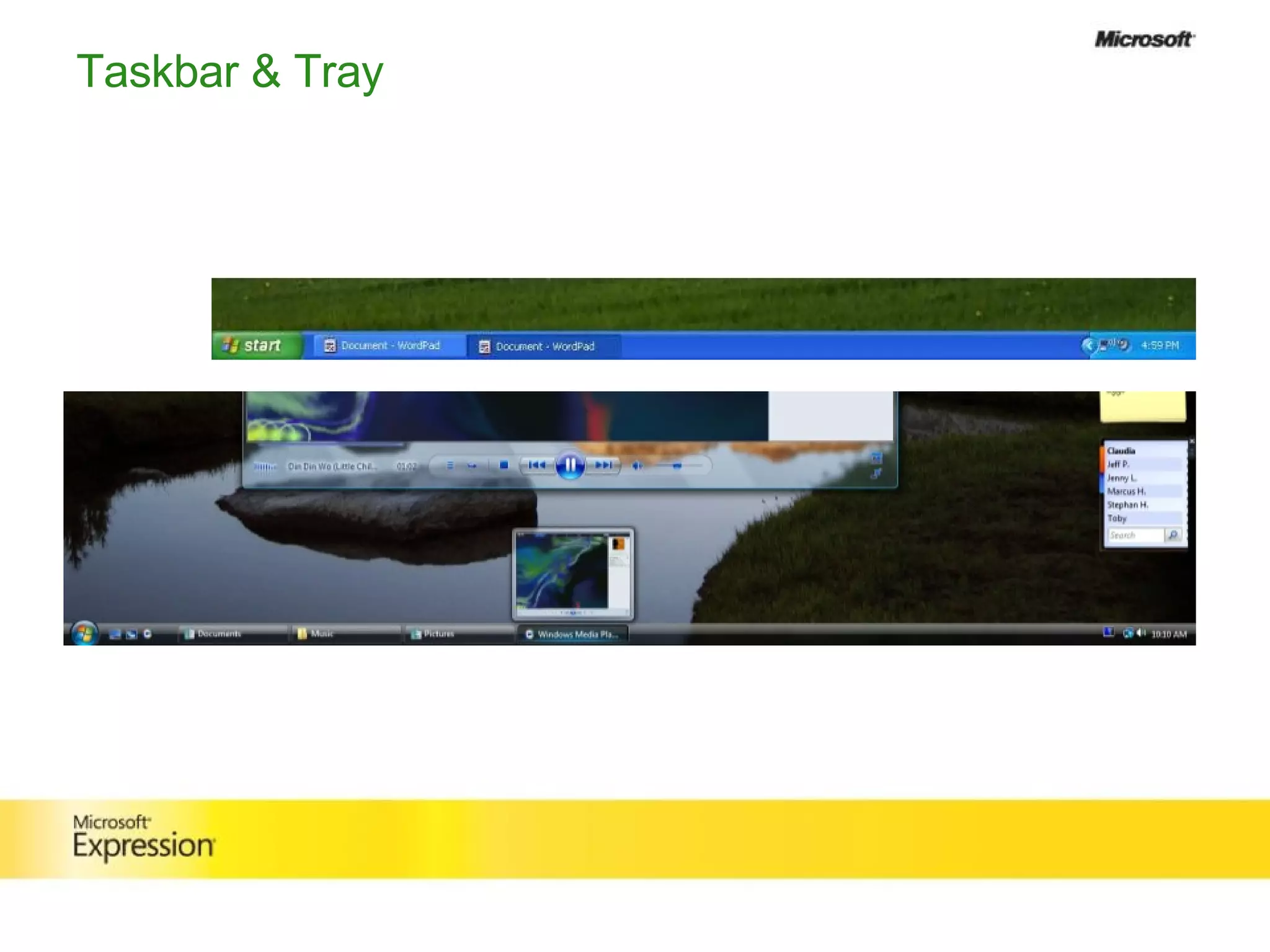
Taskbar & Tray
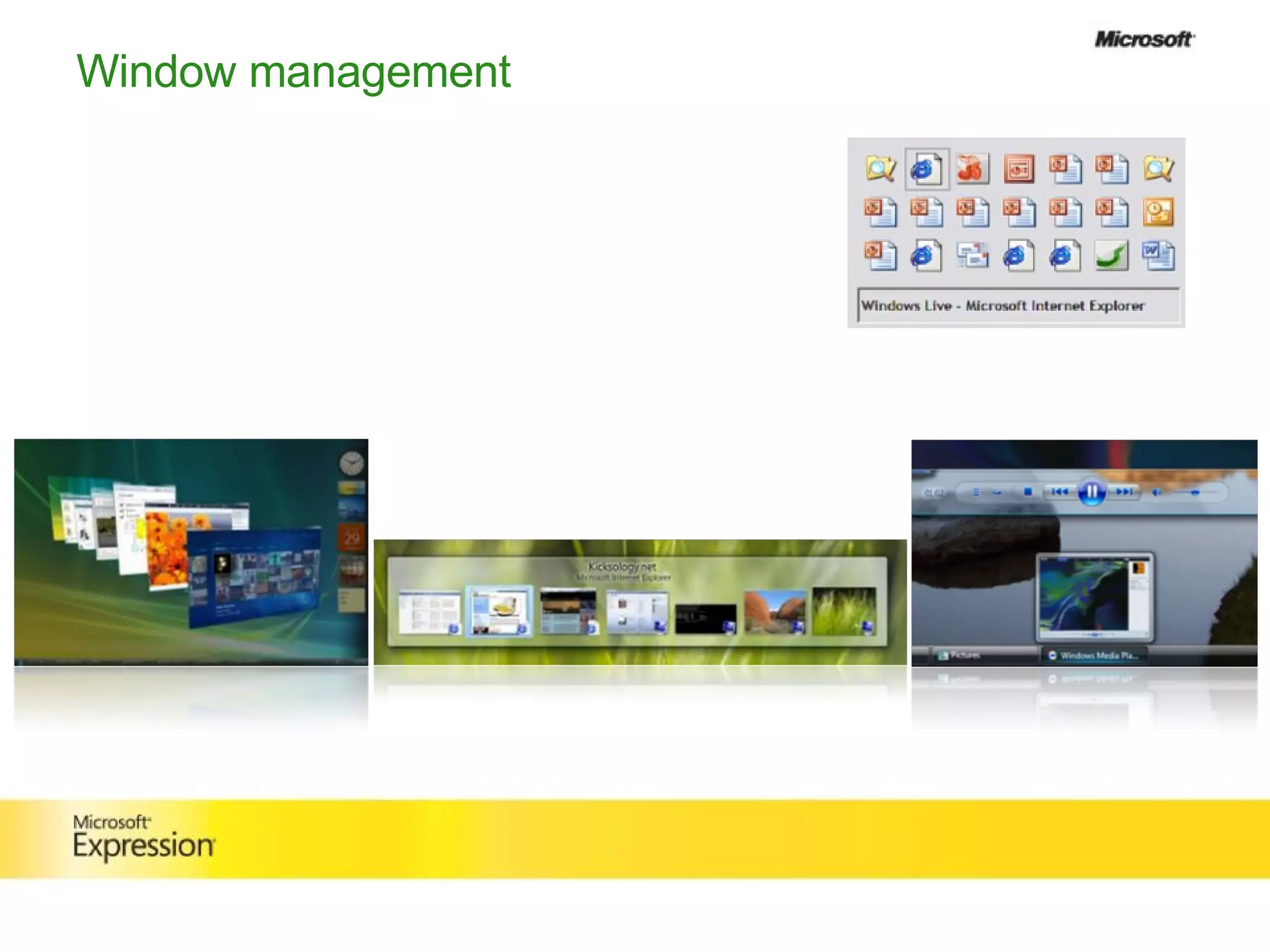
Window management
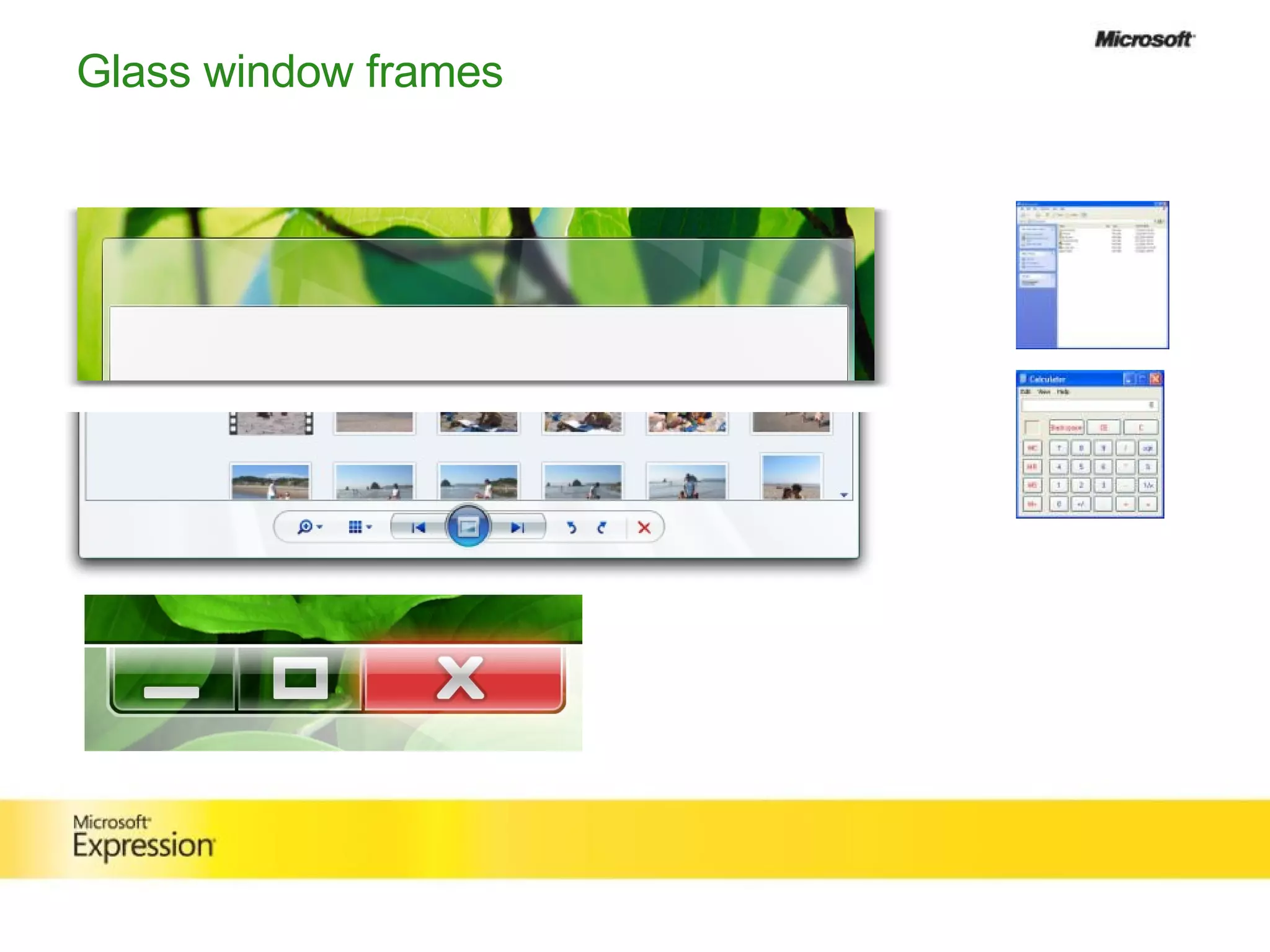
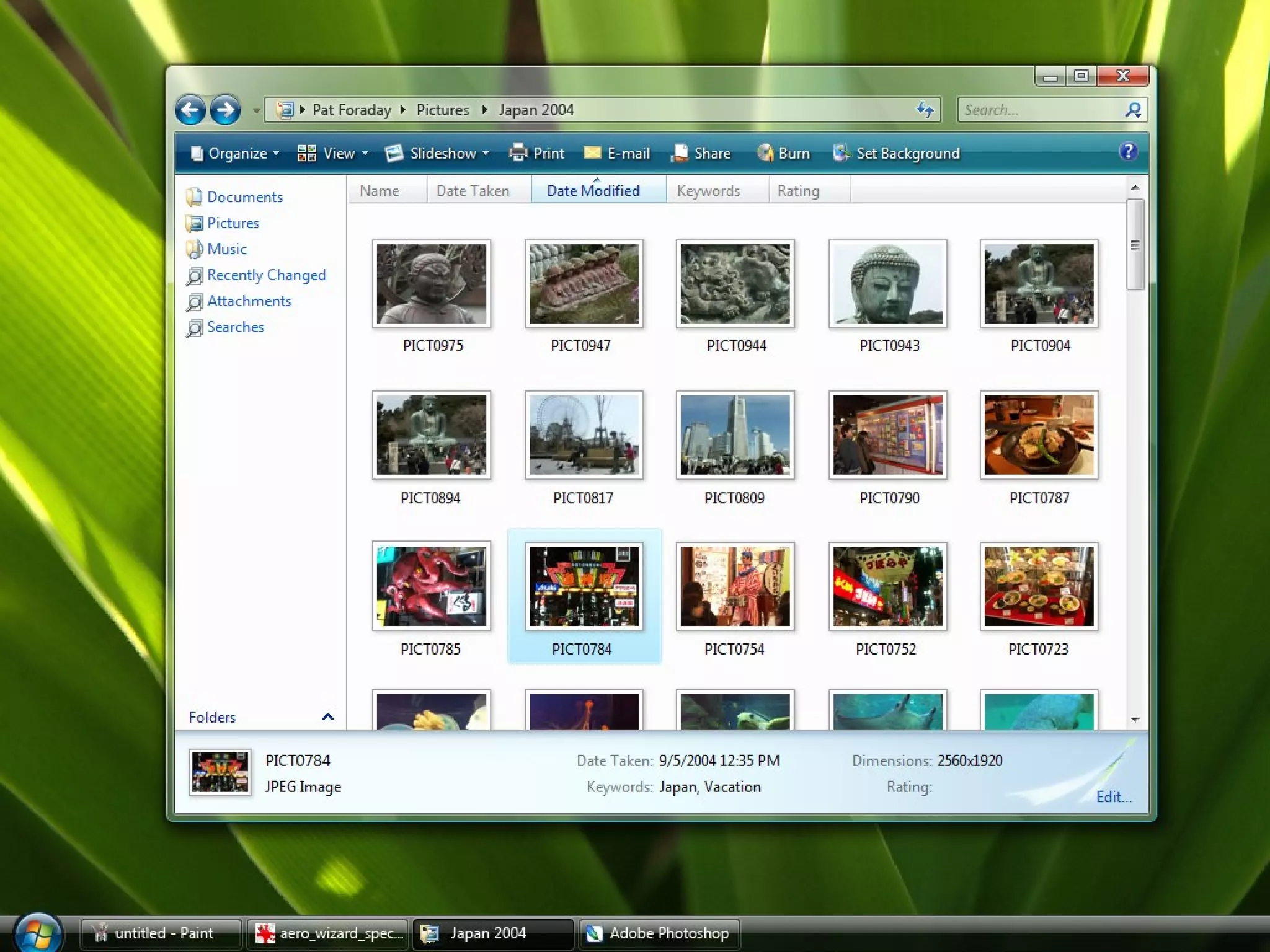
Glass window frames
 
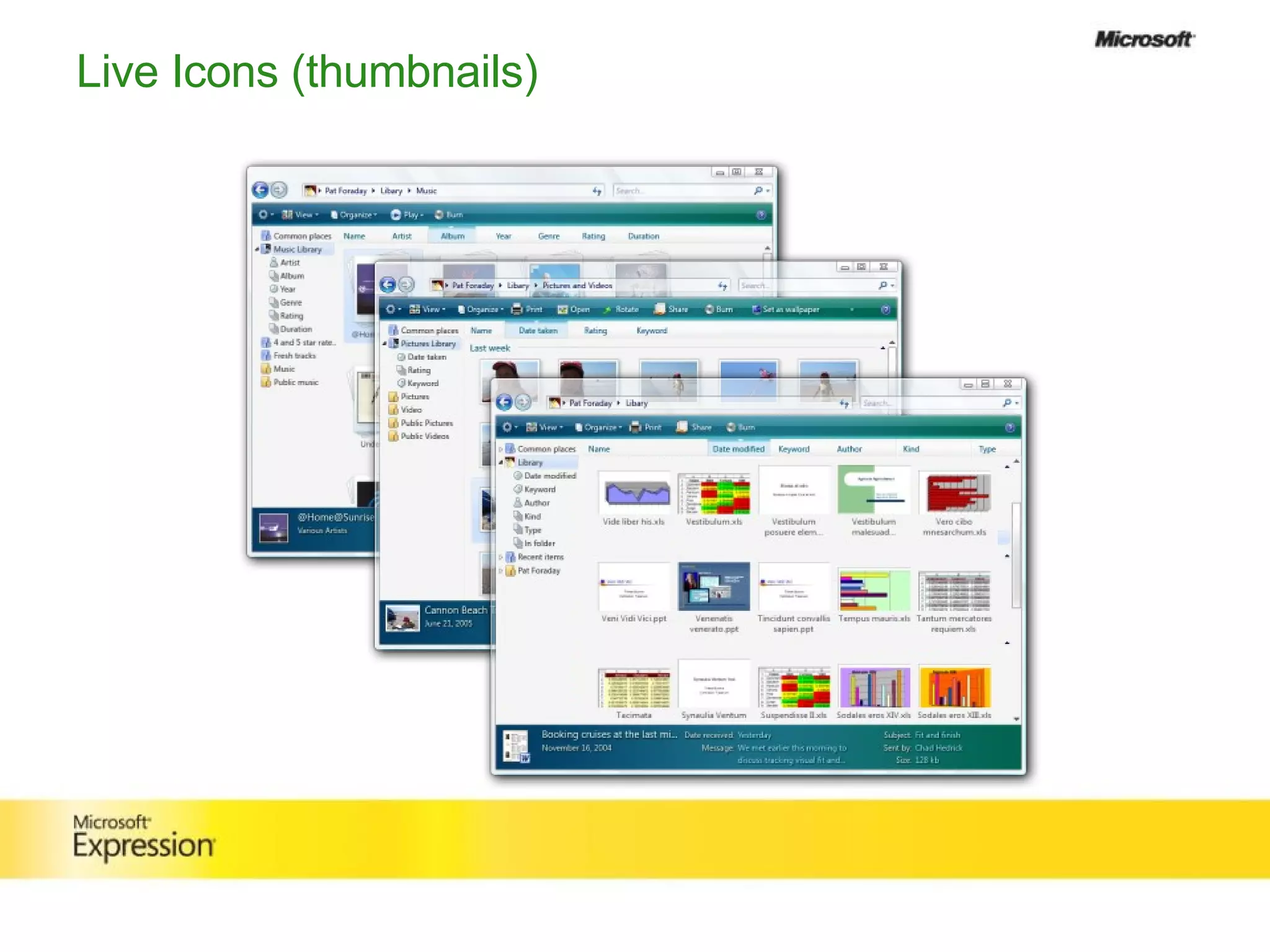
Live Icons (thumbnails)
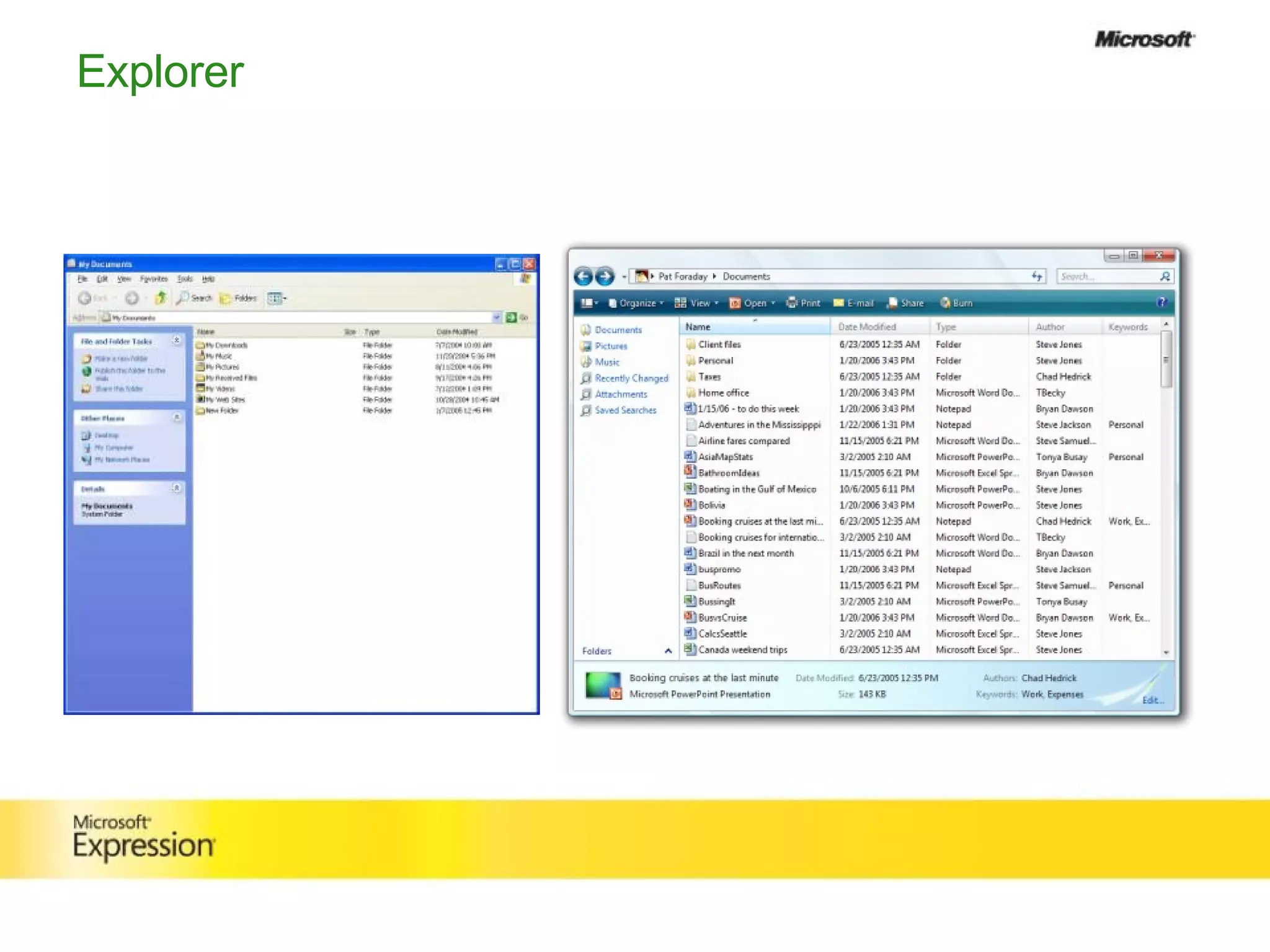
Explorer
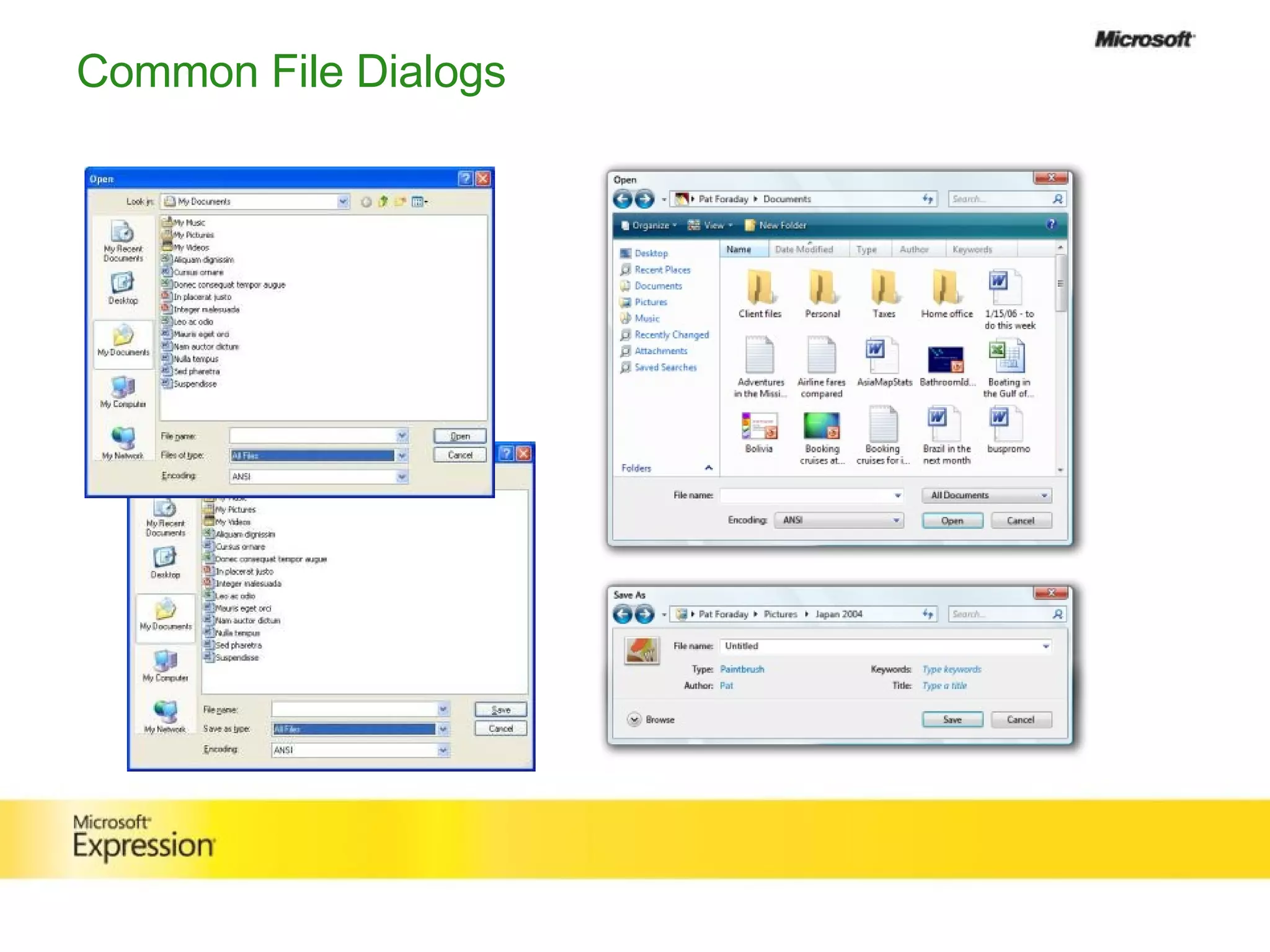
Common File Dialogs
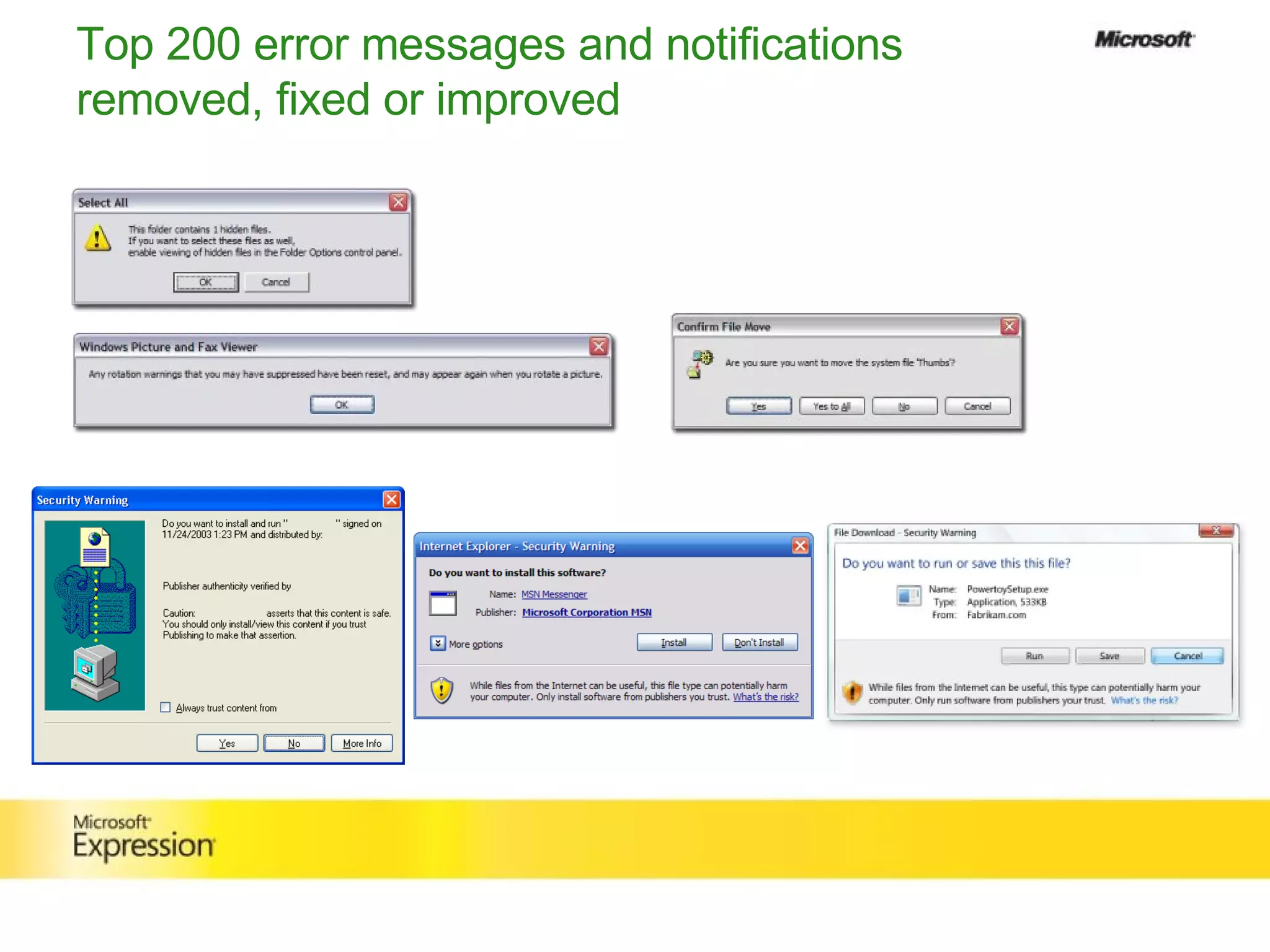
Top 200 error messages and notifications removed, fixed or improved
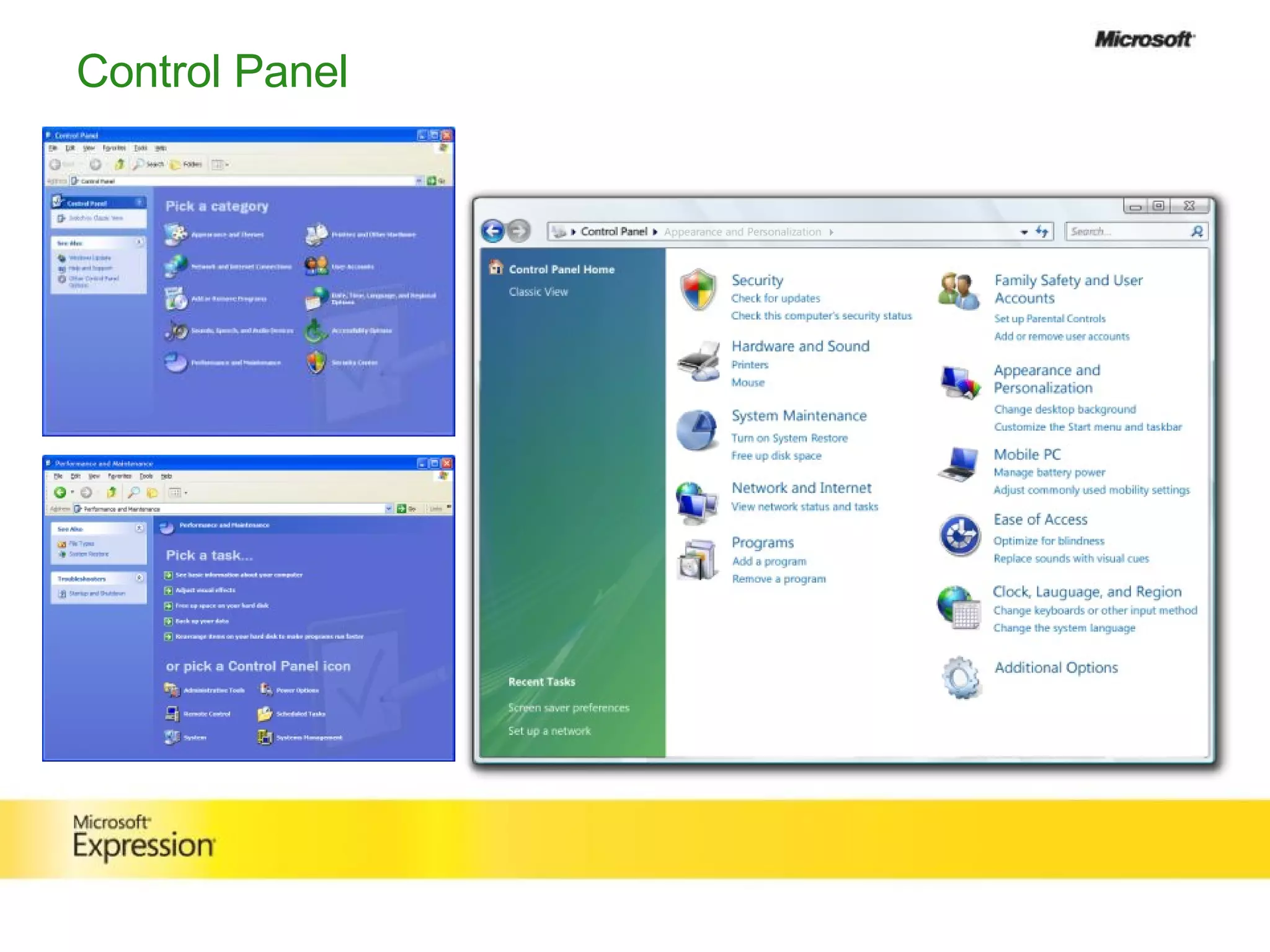
Control Panel
Our Process
Customer  research
 
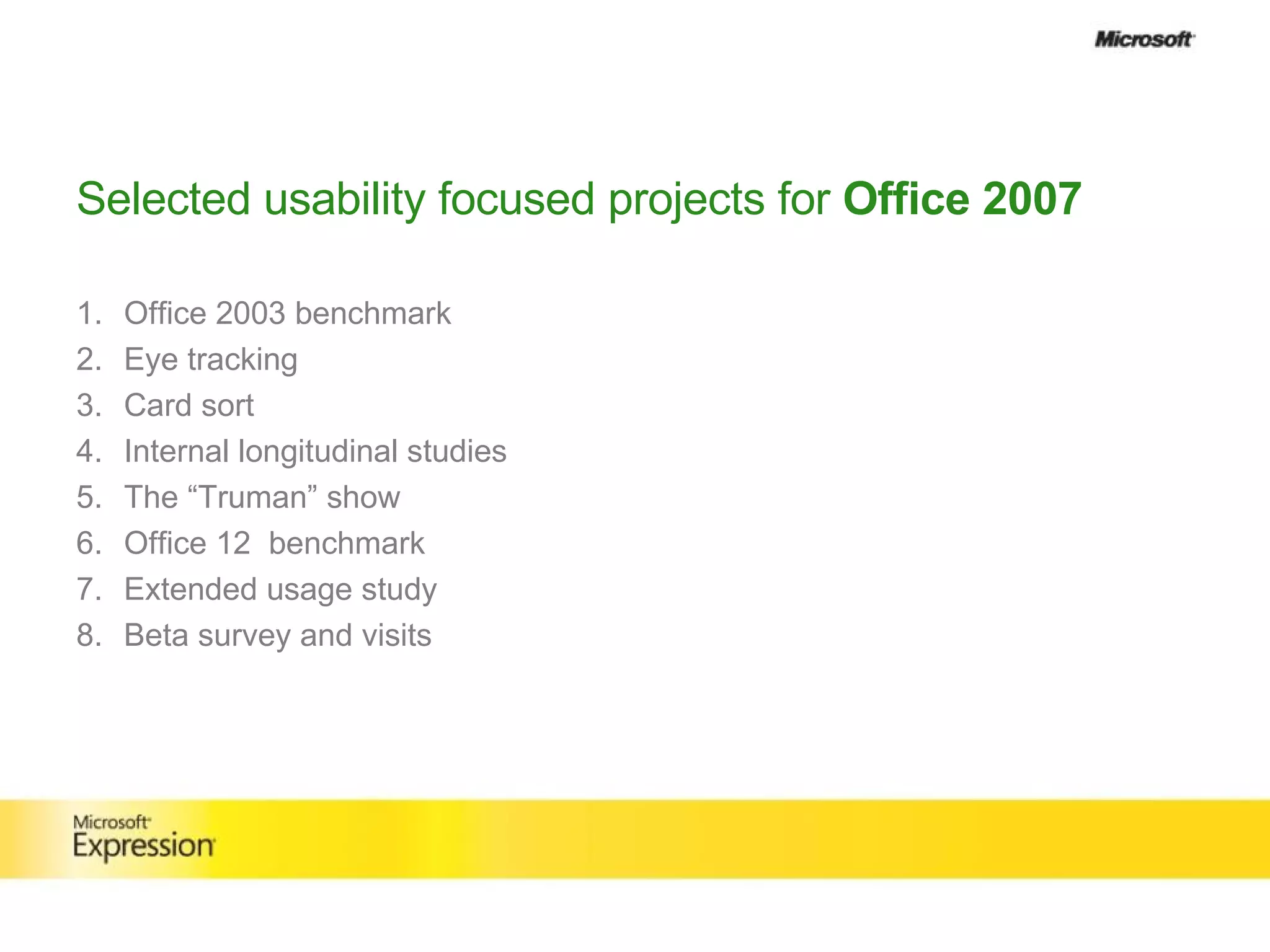
Selected usability focused projects for  Office 2007 Office 2003 benchmark Eye tracking  Card sort Internal longitudinal studies The “Truman” show Office 12  benchmark Extended usage study Beta survey and visits
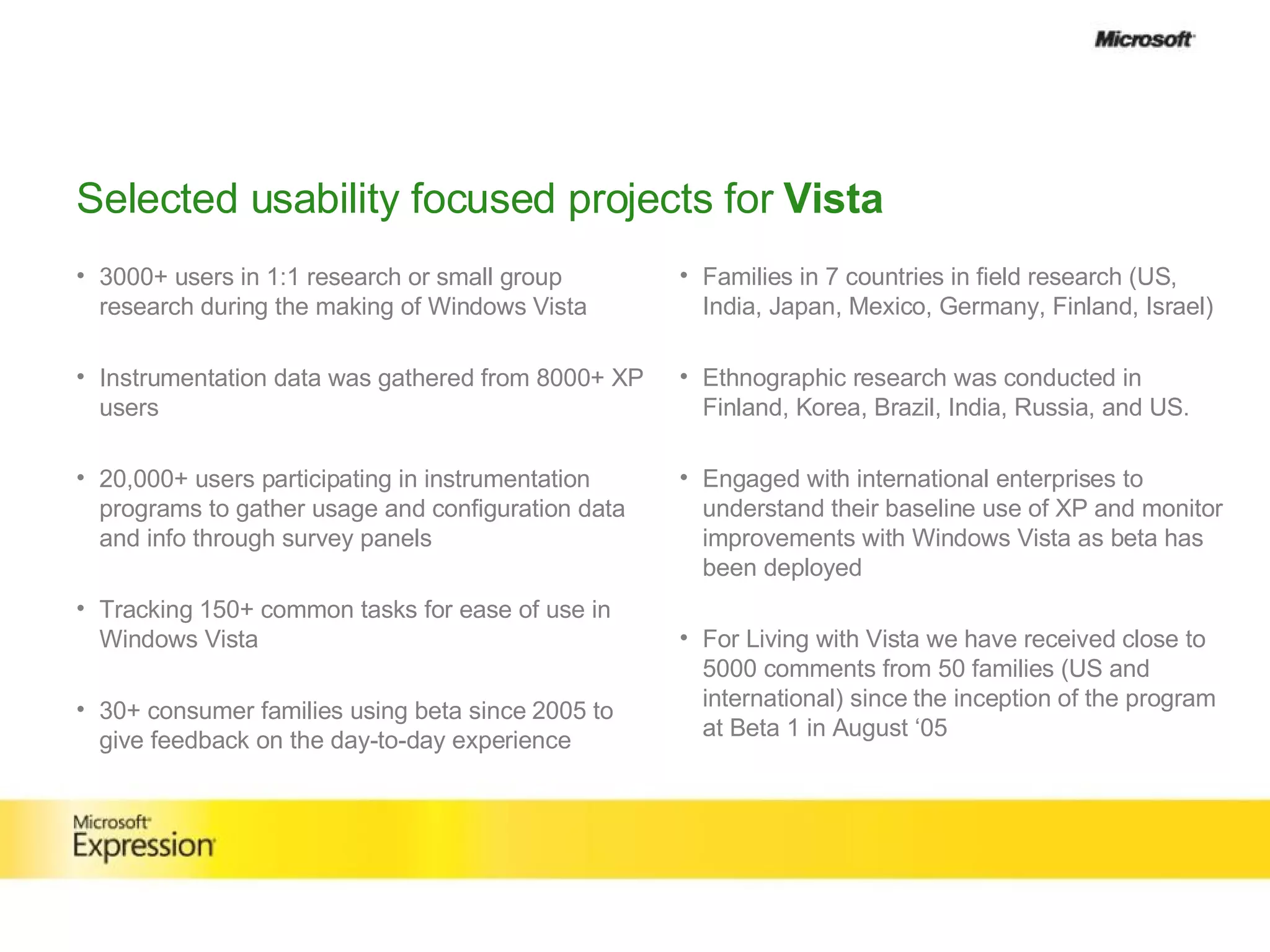
Selected usability focused projects for  Vista 3000+ users in 1:1 research or small group research during the making of Windows Vista Instrumentation data was gathered from 8000+ XP users  20,000+ users participating in instrumentation programs to gather usage and configuration data and info through survey panels   Tracking 150+ common tasks for ease of use in Windows Vista 30+ consumer families using beta since 2005 to give feedback on the day-to-day experience Families in 7 countries in field research (US, India, Japan, Mexico, Germany, Finland, Israel) Ethnographic research was conducted in Finland, Korea, Brazil, India, Russia, and US.  Engaged with international enterprises to understand their baseline use of XP and monitor improvements with Windows Vista as beta has been deployed For Living with Vista we have received close to 5000 comments from 50 families (US and international) since the inception of the program at Beta 1 in August ‘05
The Paper Prototype
1000 Card Pickup
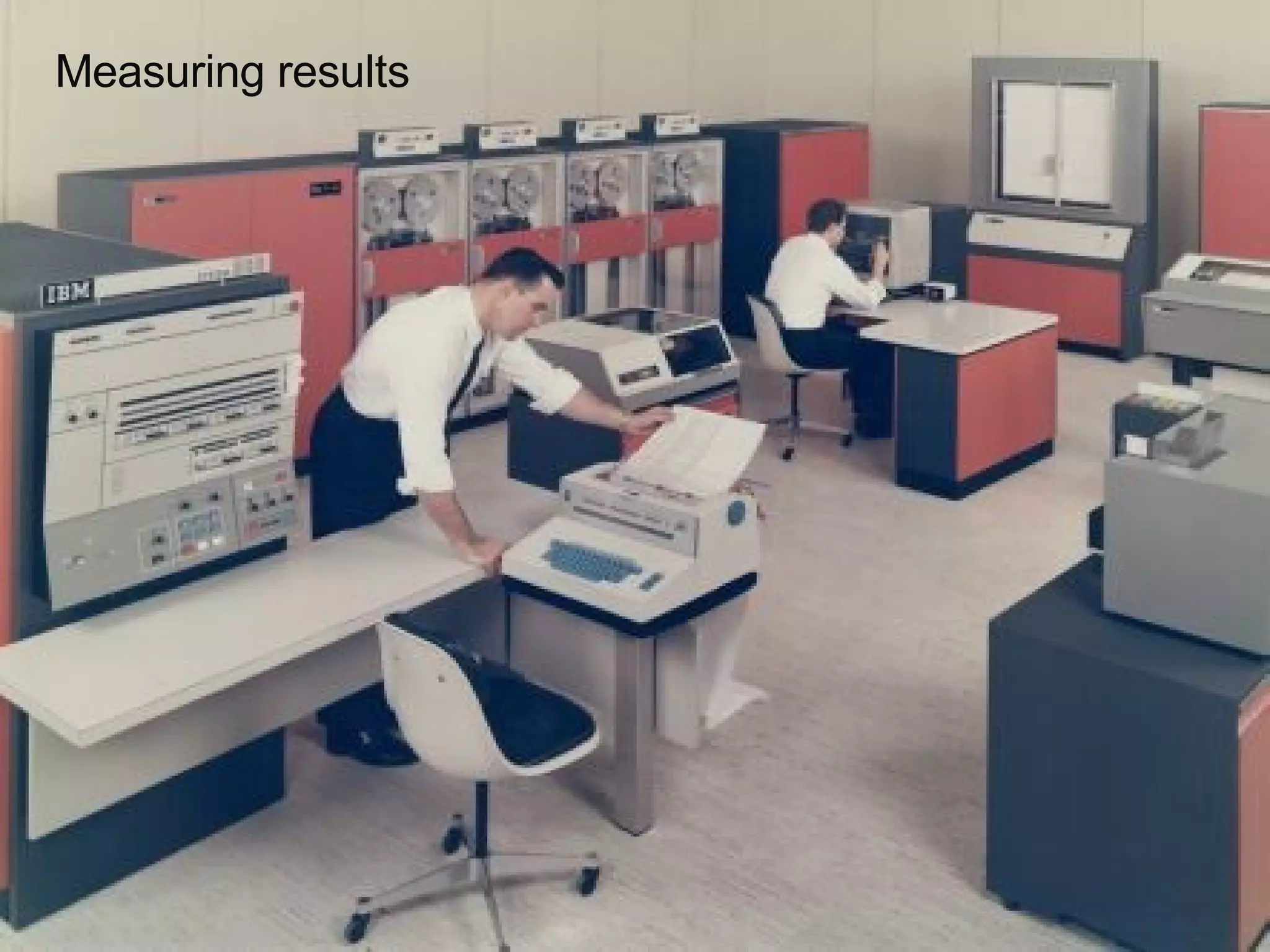
Measuring results
What Microsoft has  learned
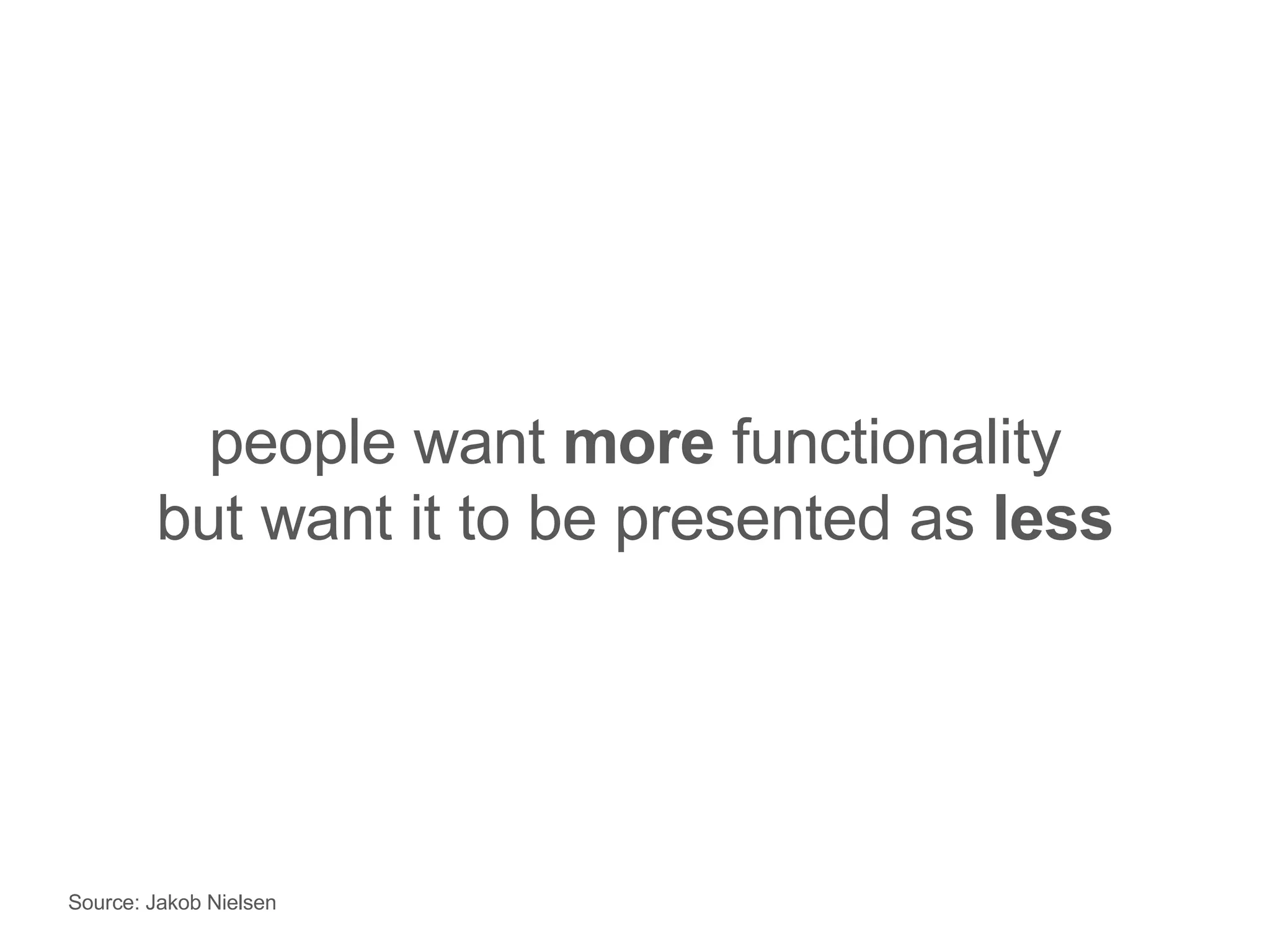
people want  more  functionality but want it to be presented as  less Source: Jakob Nielsen
the  experience  is not part of the product— the product is part of the  experience
The  experience  is the product
Where to  learn  more Get links to the following: Jensen Harris Blog, Microsoft Office Product Manger Microsoft Design Web site Microsoft Expression Web site Windows Vista Website Office UI Standards Vista UI Standards … at:  www.designthinkingdigest.com   Look for a Design in the Trenches Content at www.microsoft.com/expression
Designing at Microsoft
Question & Answer?
Thank you
 

Design In The Trenches With Chris Bernard

Editor's Notes

  • #2 Hi, I’m Chris Bernard, a User Experience Evangelist for Microsoft. In this session we are going to take a bit of a different tact and talk about how Microsoft has been walking the walk with User Experience in designing some of their own products. We’ll discuss some of challenges we’ve had, how design has evolved at Microsoft over time, and how we applied some principals and practices that are central to effective user experience. Finally, throughout this conversation will discuss what it’s like to work as a designer at Microsoft and have time for some questions at the end of the presentation and demonstrations. So, let’s get started. As someone that’s been a practicing interaction designer for a number of years