Monitoring Modern
Microservices on
Kubernetes with
Datadog
Ryan MacLean
Technical Evangelist
● Deployment
● Monitoring
● End-to-End Testing
We’ll cover
Intro
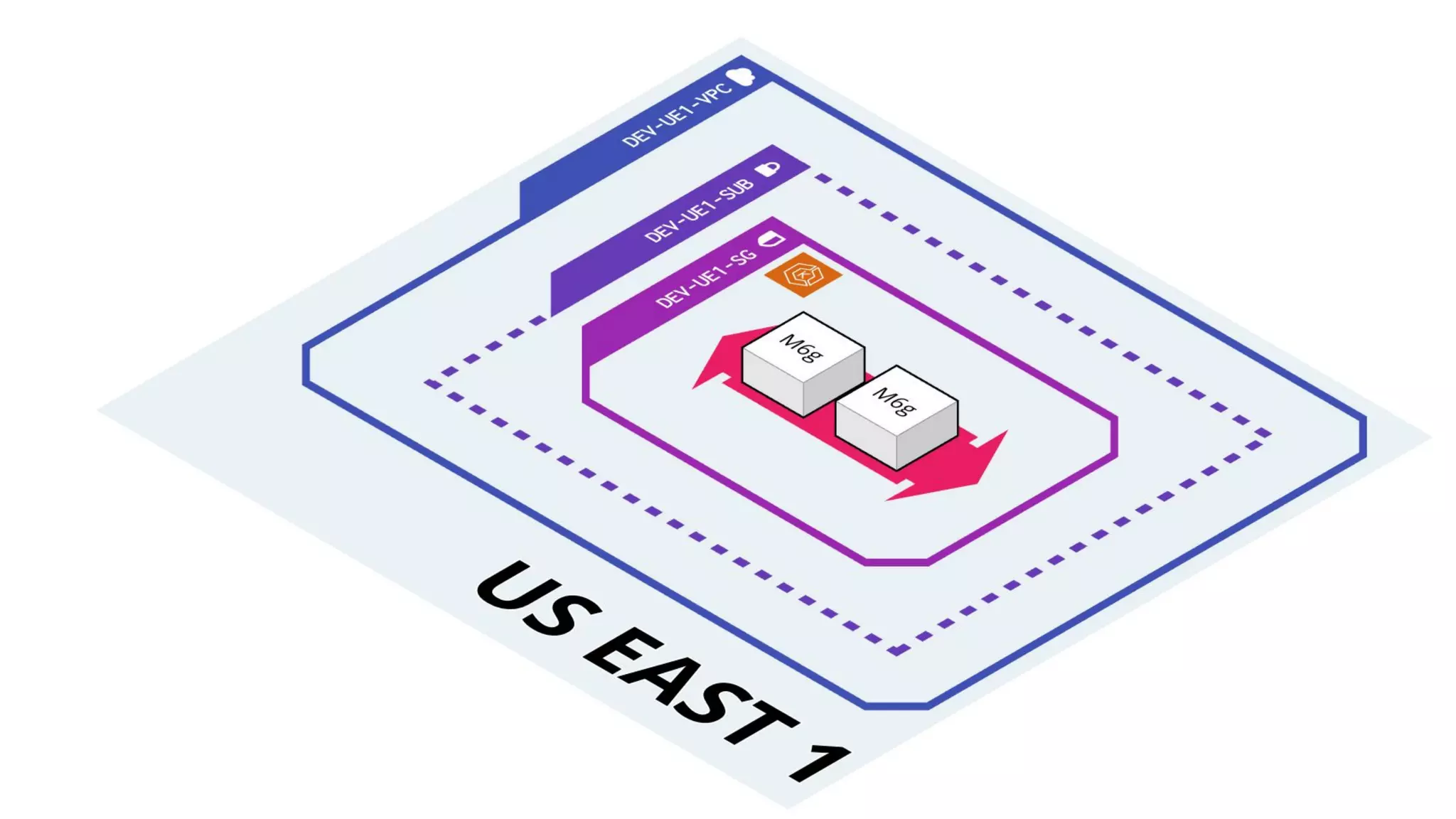
● Elastic provisioning of resources.
● Uncomplicated Kubernetes Updates.
● Windows and Linux workloads.
● AWS identity and access
management.
Amazon
Elastics
Kubernetes
Service
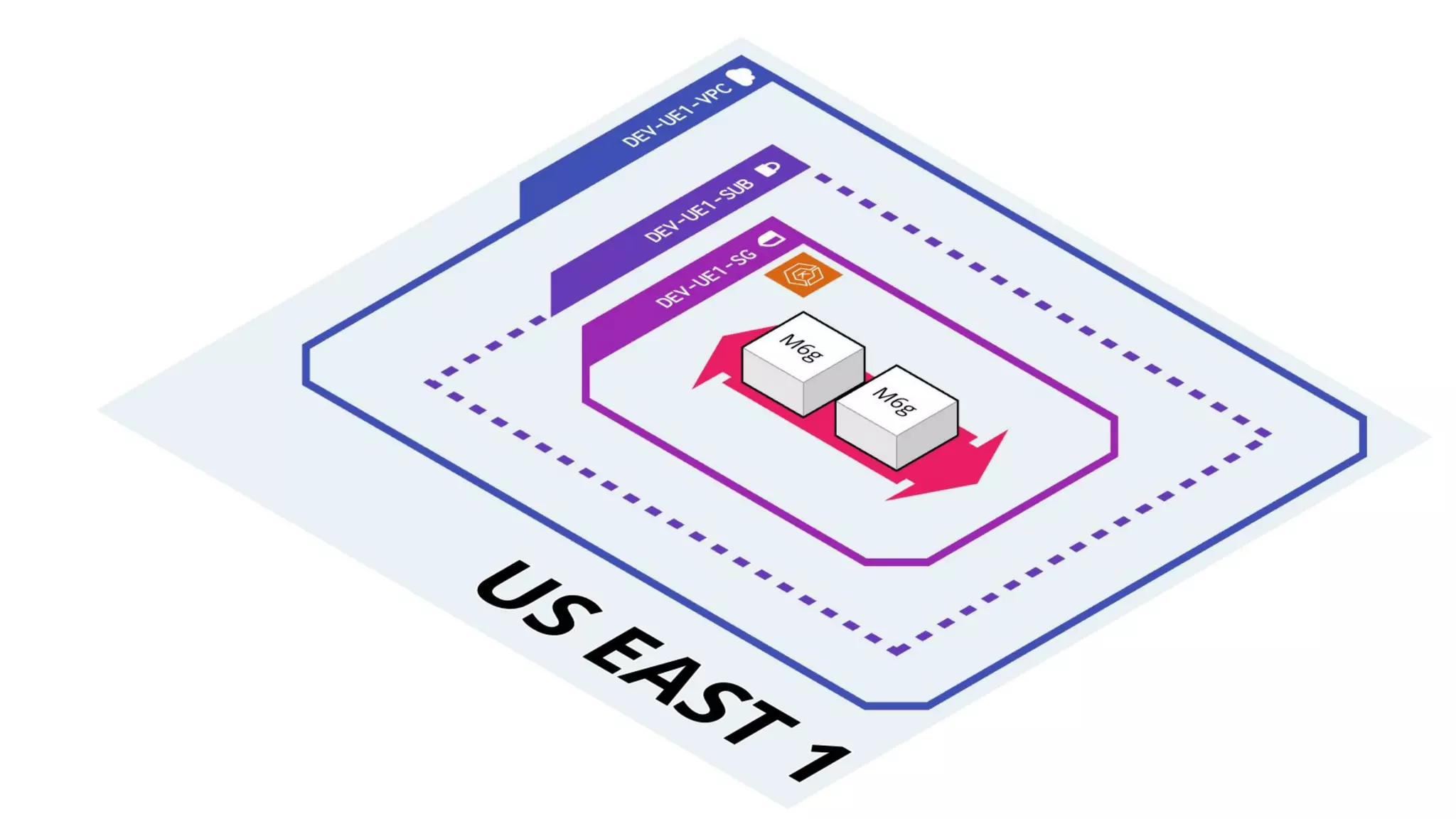
● Elastic provisioning of resources.
● Uncomplicated Kubernetes Updates.
● Windows and Linux workloads.
● AWS identity and access
management.
Amazon
Elastics
Kubernetes
Service
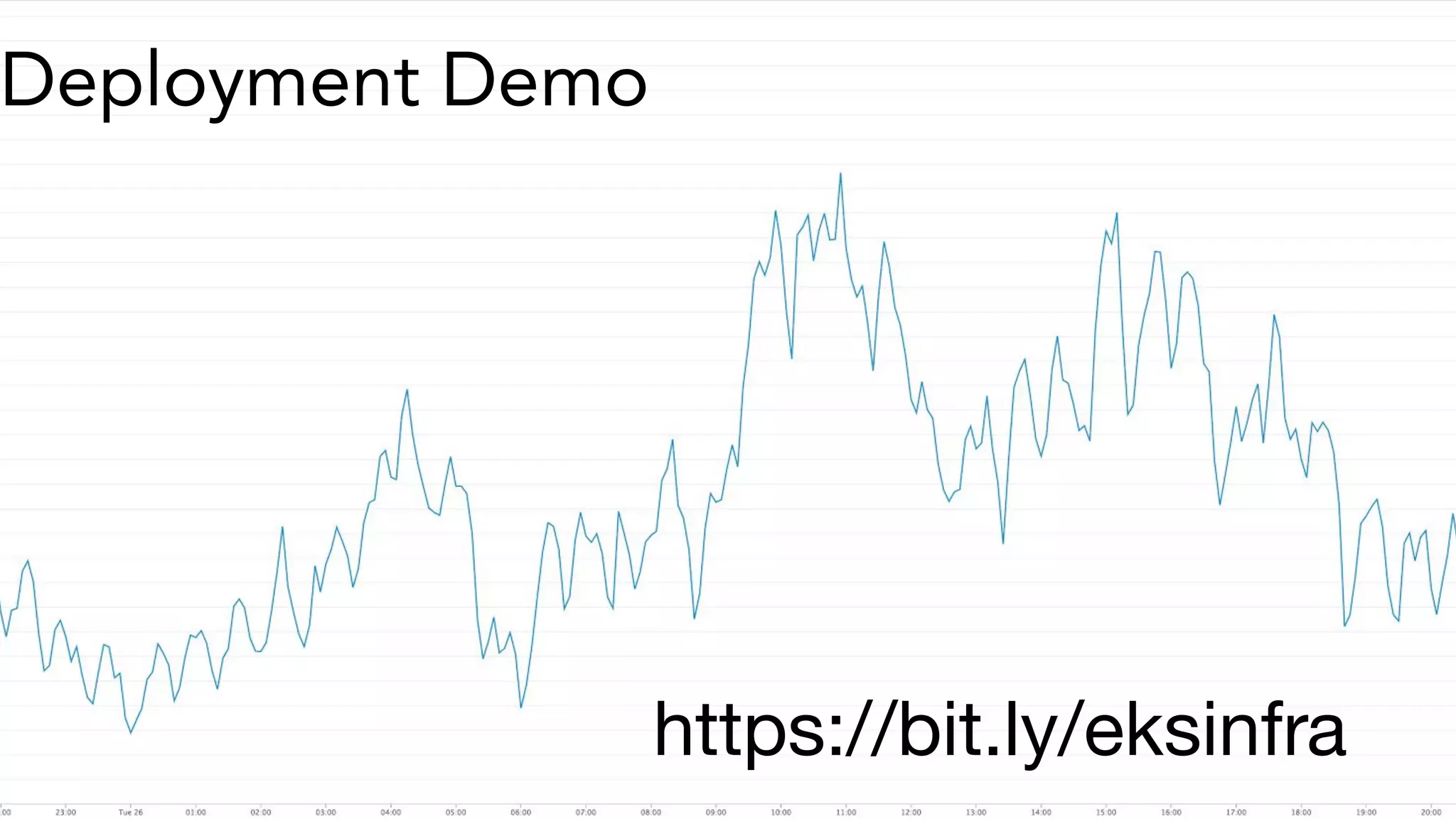
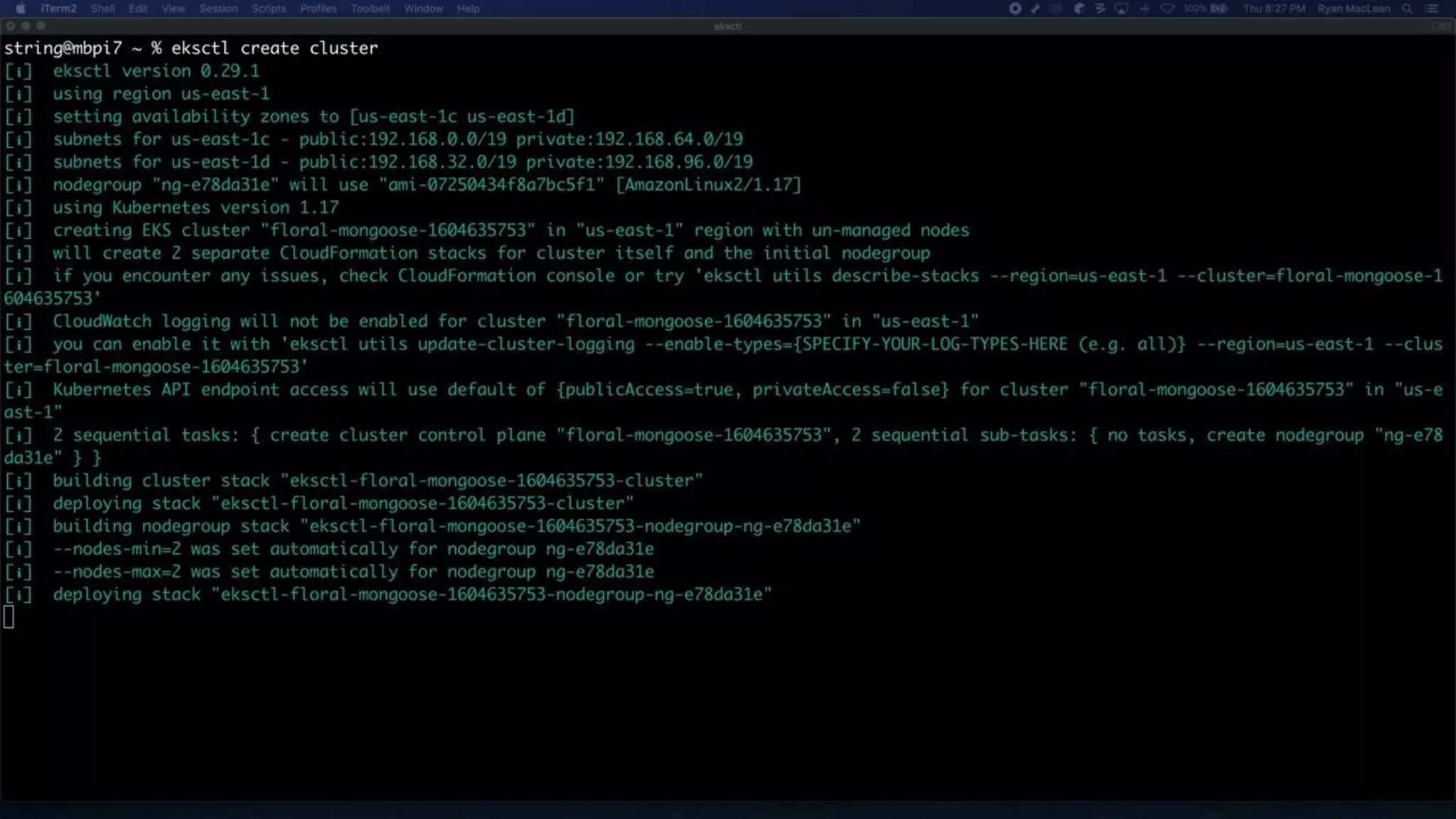
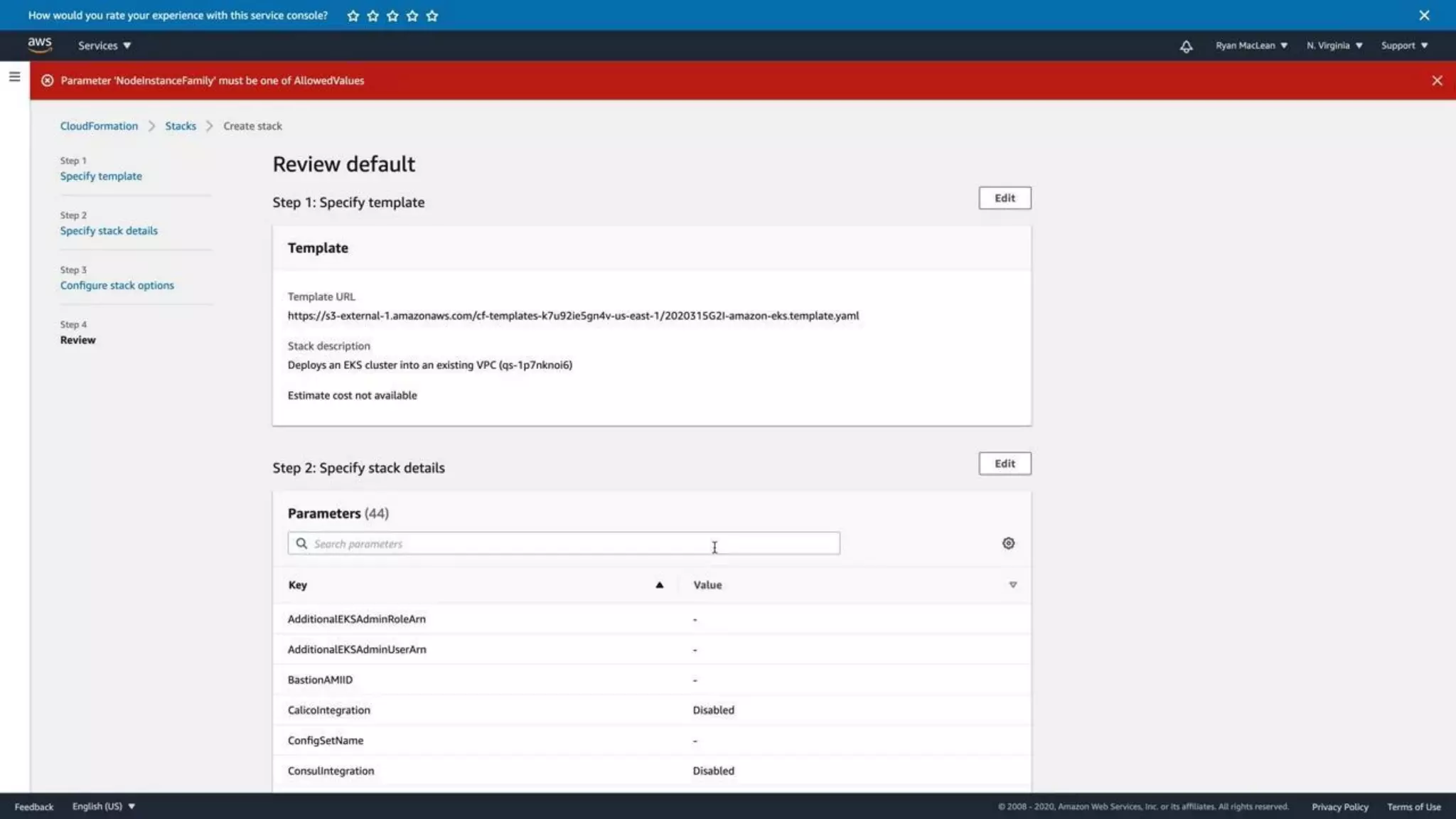
Deployment Demo
https://bit.ly/eksinfra
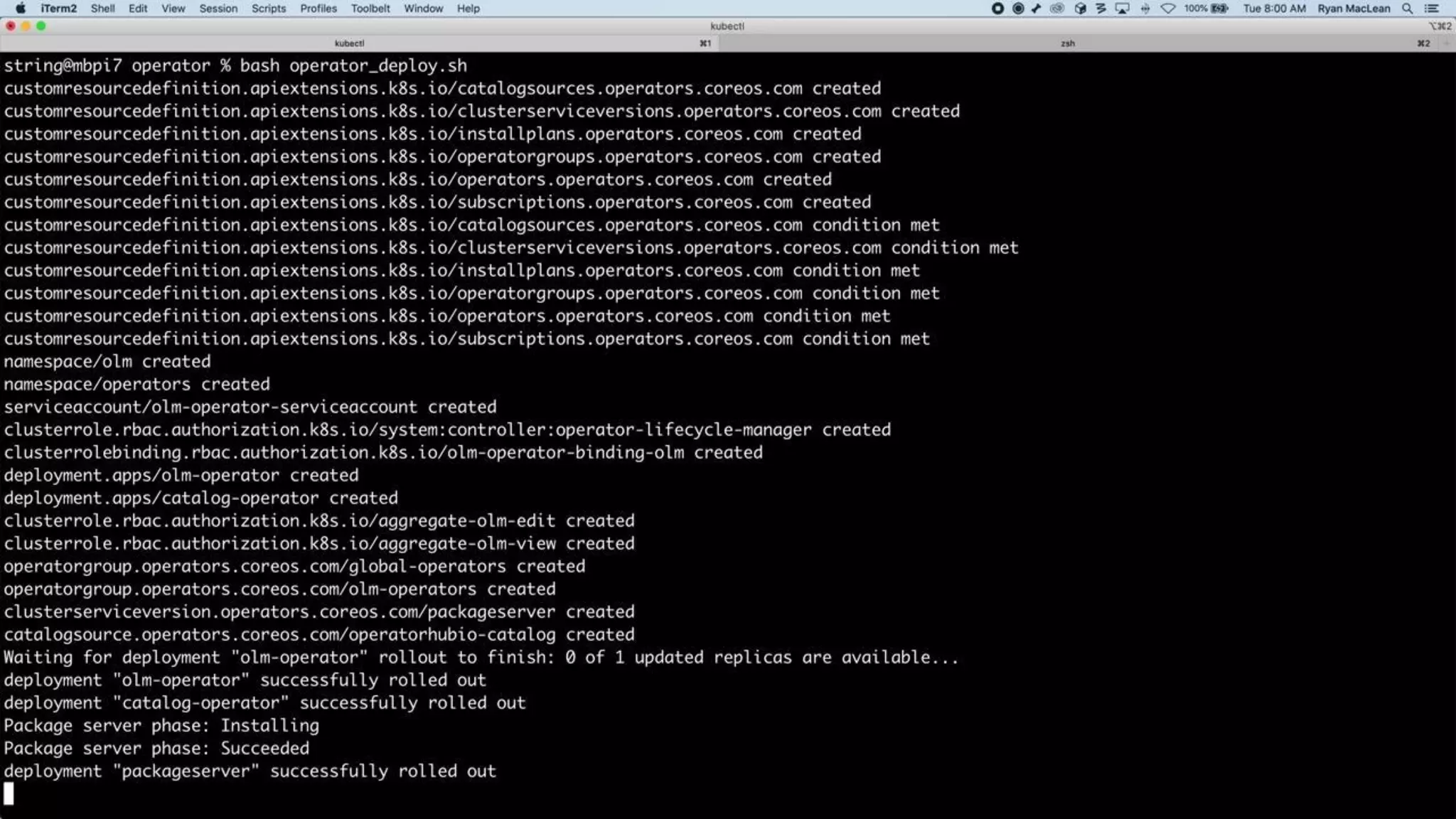
Our operator is now ready to go -
three steps to take in order to get it
installed and running.
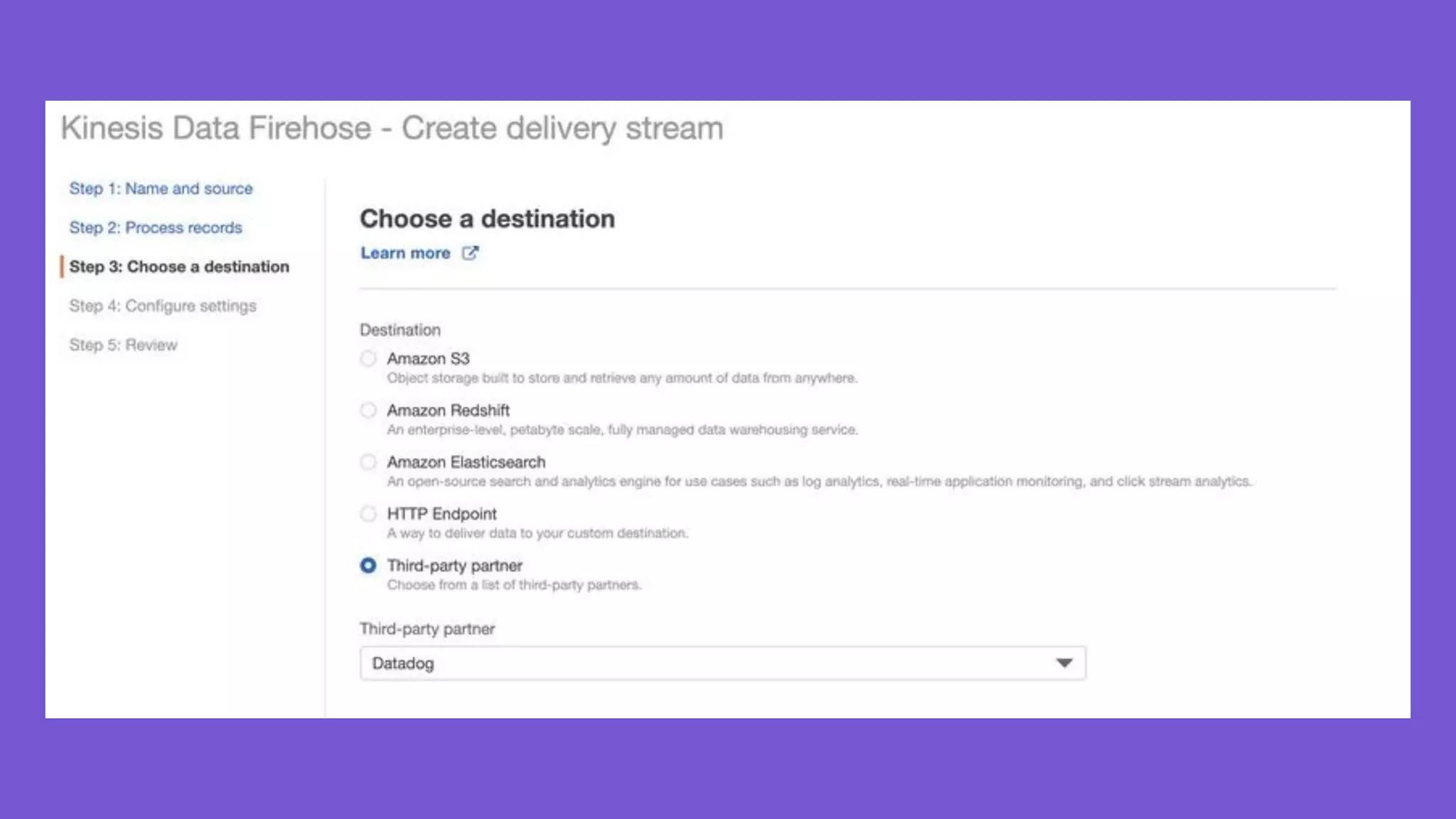
Logging, metrics and even tracing
supported out of the box numerous
codebases and services, with
pre-configured dashboards to get
you going.
Datadog with EKS
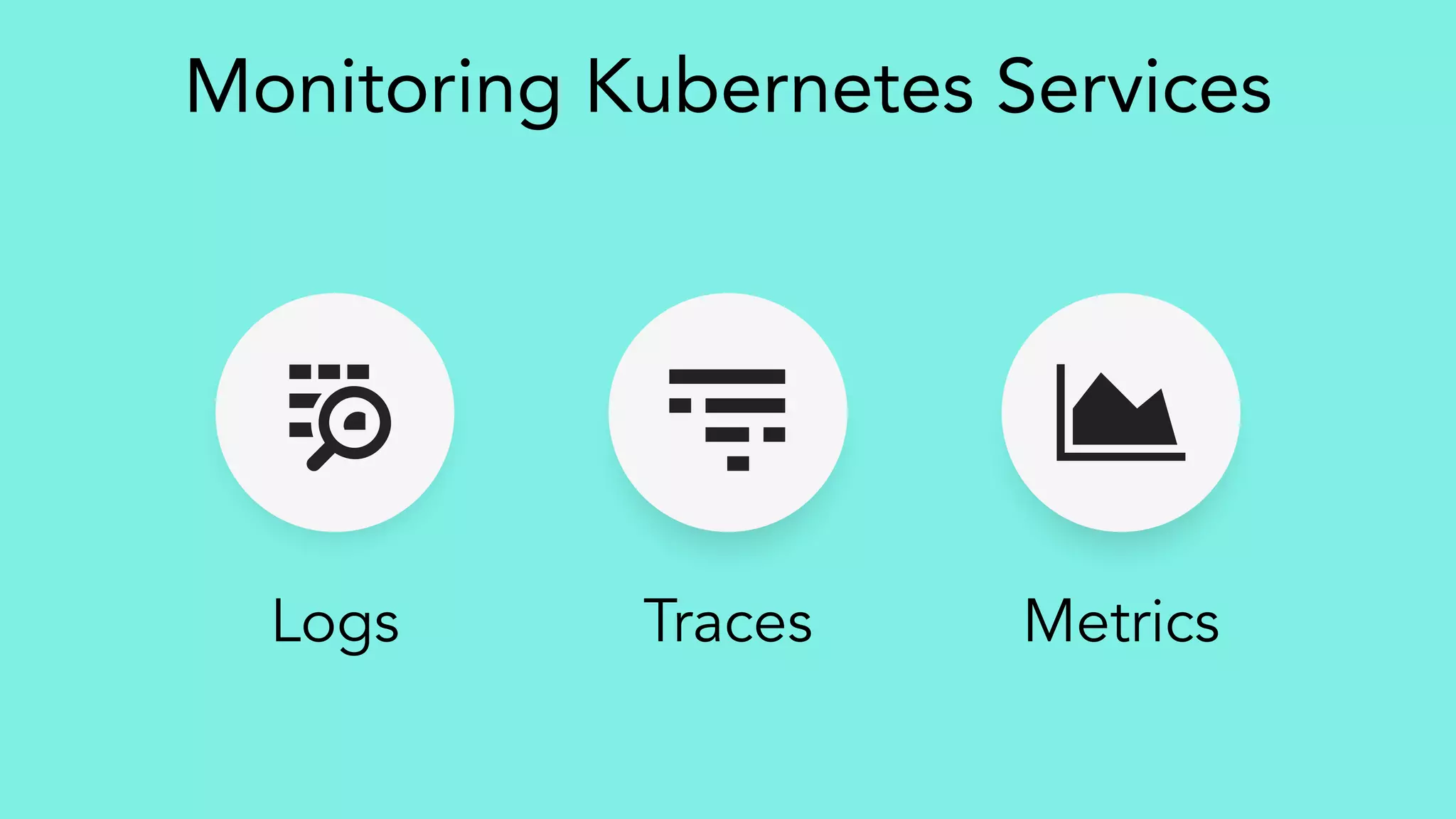
MetricsTracesLogs
Monitoring Kubernetes Services
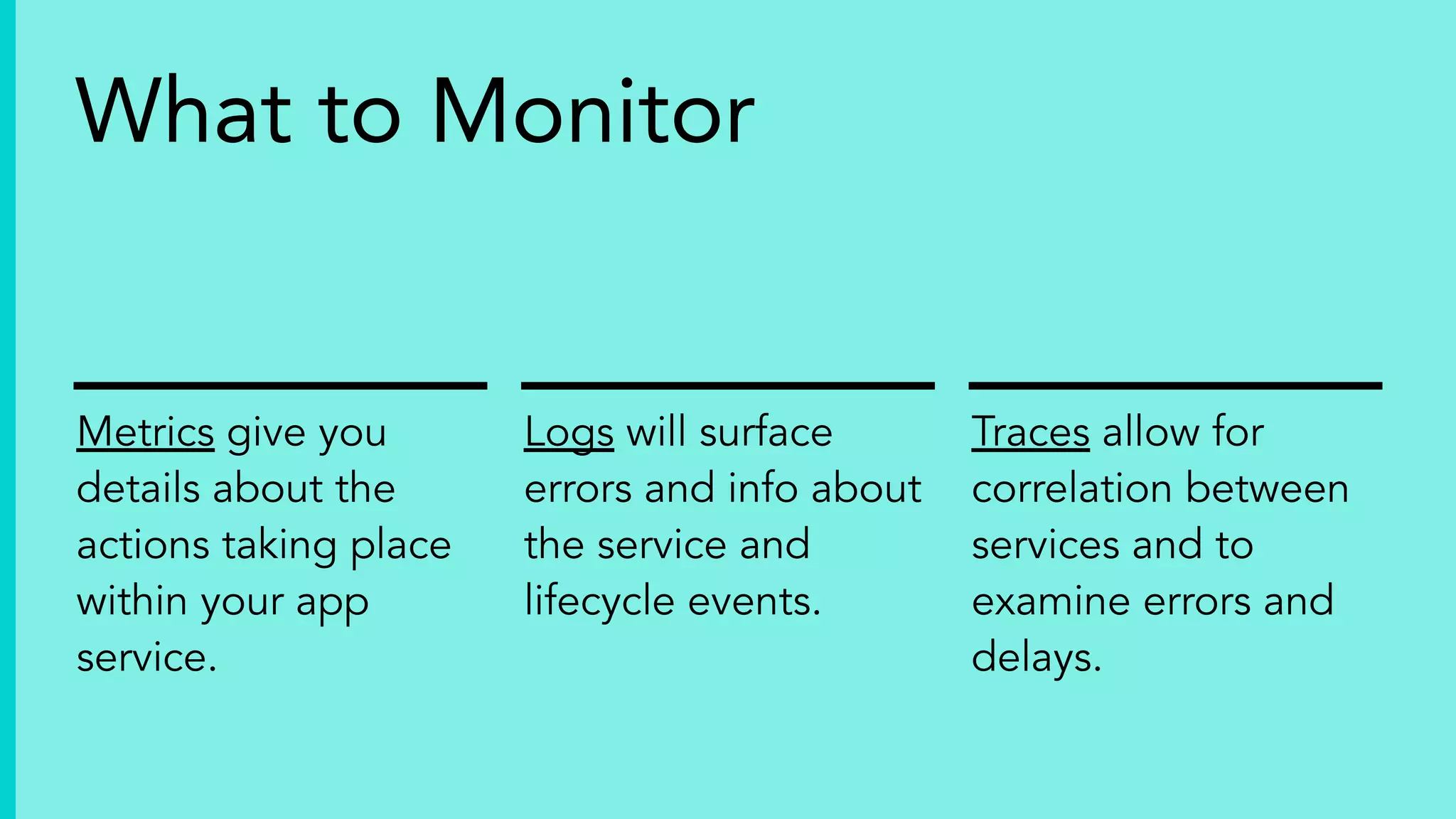
Metrics give you
details about the
actions taking place
within your app
service.
Logs will surface
errors and info about
the service and
lifecycle events.
Traces allow for
correlation between
services and to
examine errors and
delays.
What to Monitor
Get Started Quickly
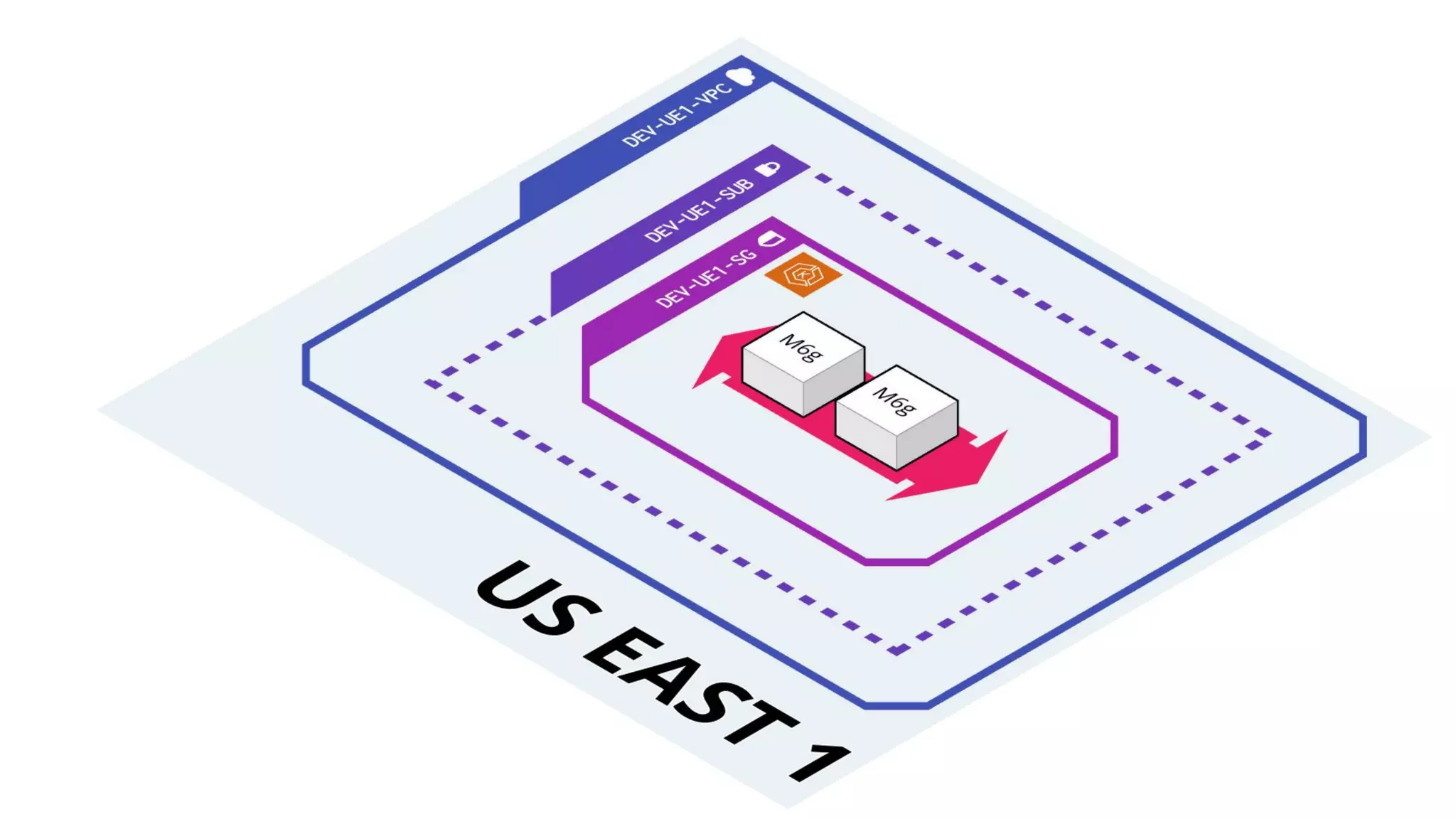
We’re primarily deploying code from the
Datadog ecommerce tutorials, but the repo for
infrastructure on AWS is a bit different:
https://bit.ly/eksinfra
https://bit.ly/ddstoredog
The Sample Code
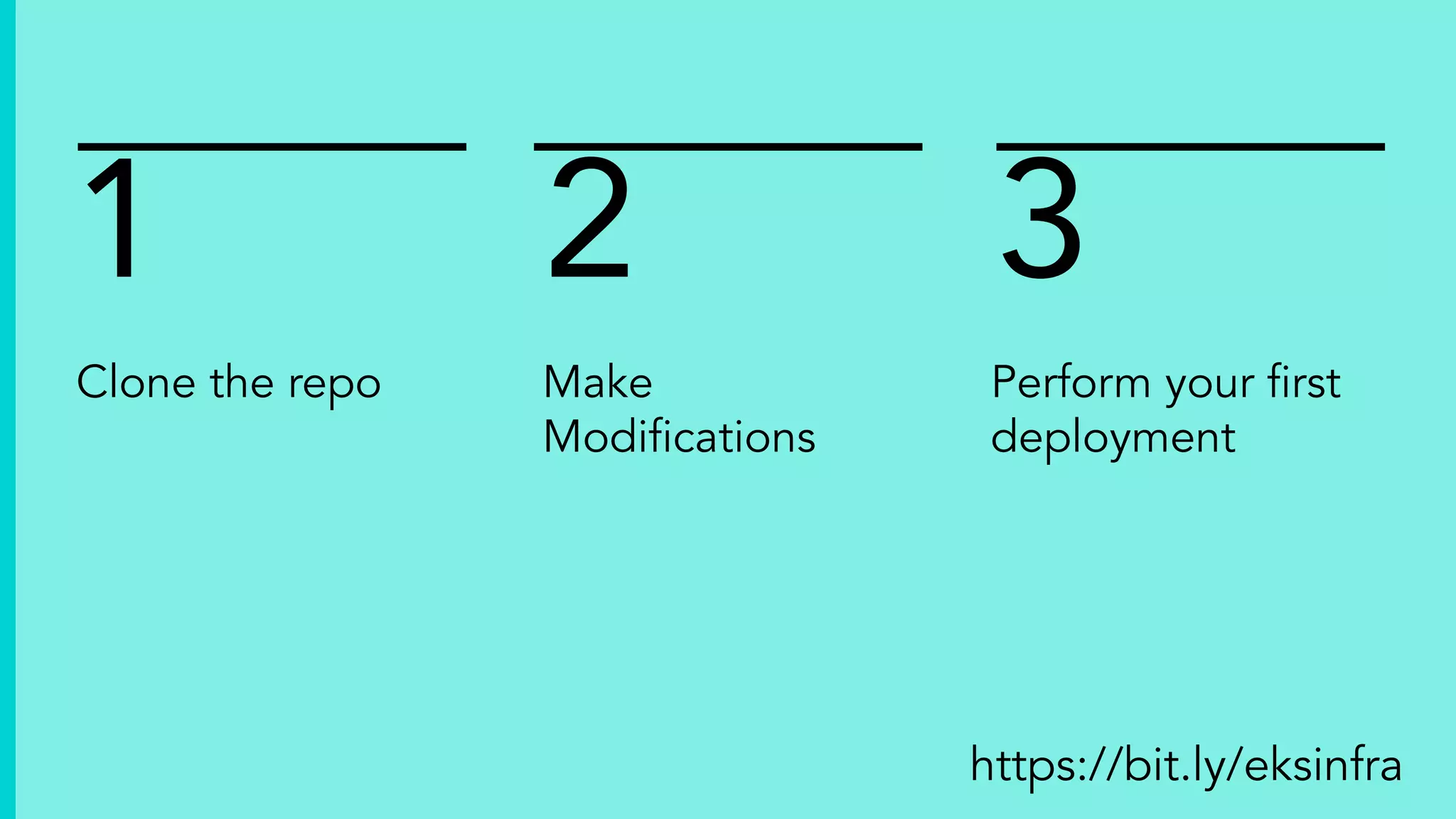
Clone the repo
1 2 3
Make
Modifications
Perform your first
deployment
https://bit.ly/eksinfra
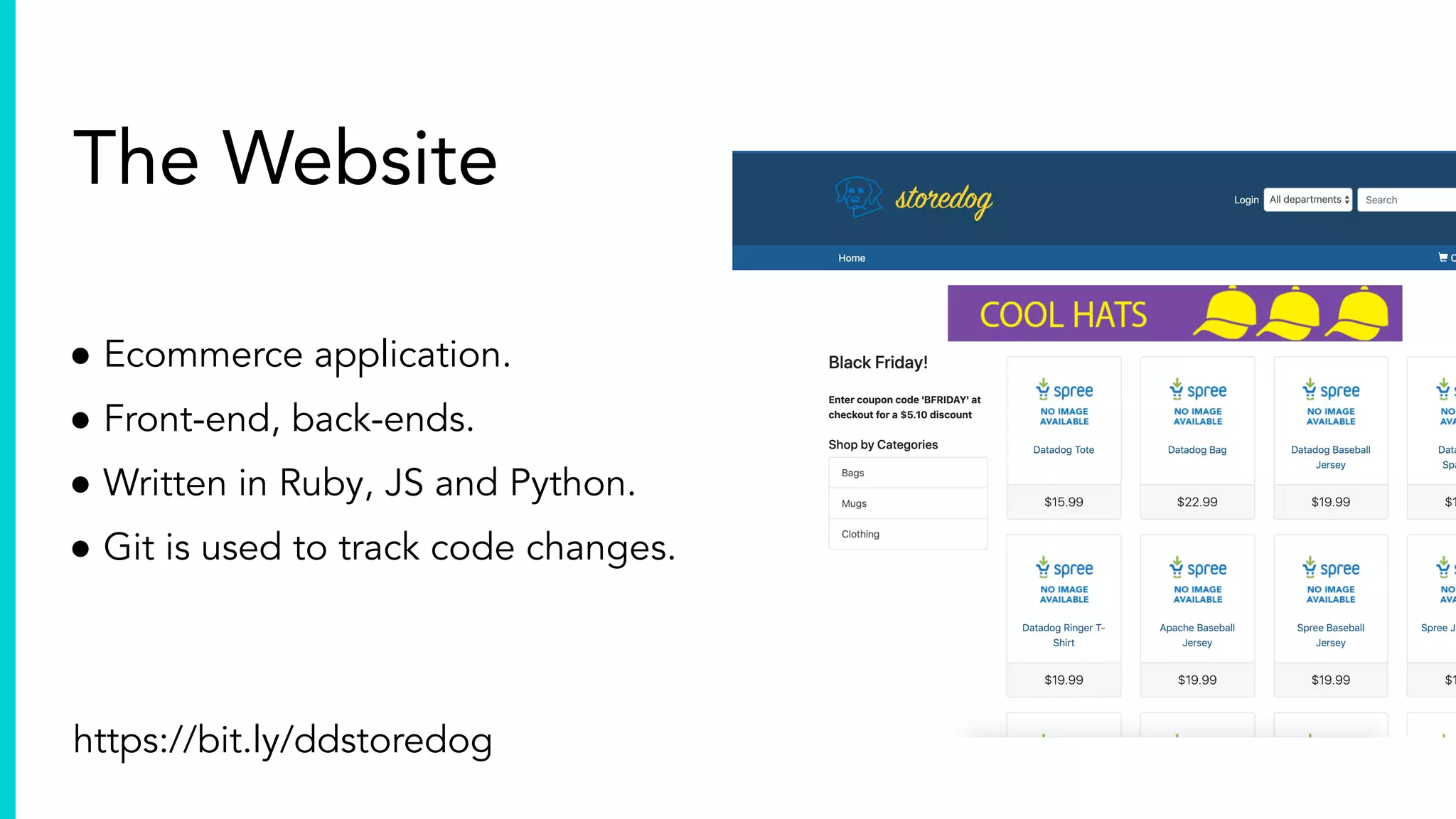
The Website
● Ecommerce application.
● Front-end, back-ends.
● Written in Ruby, JS and Python.
● Git is used to track code changes.
https://bit.ly/ddstoredog
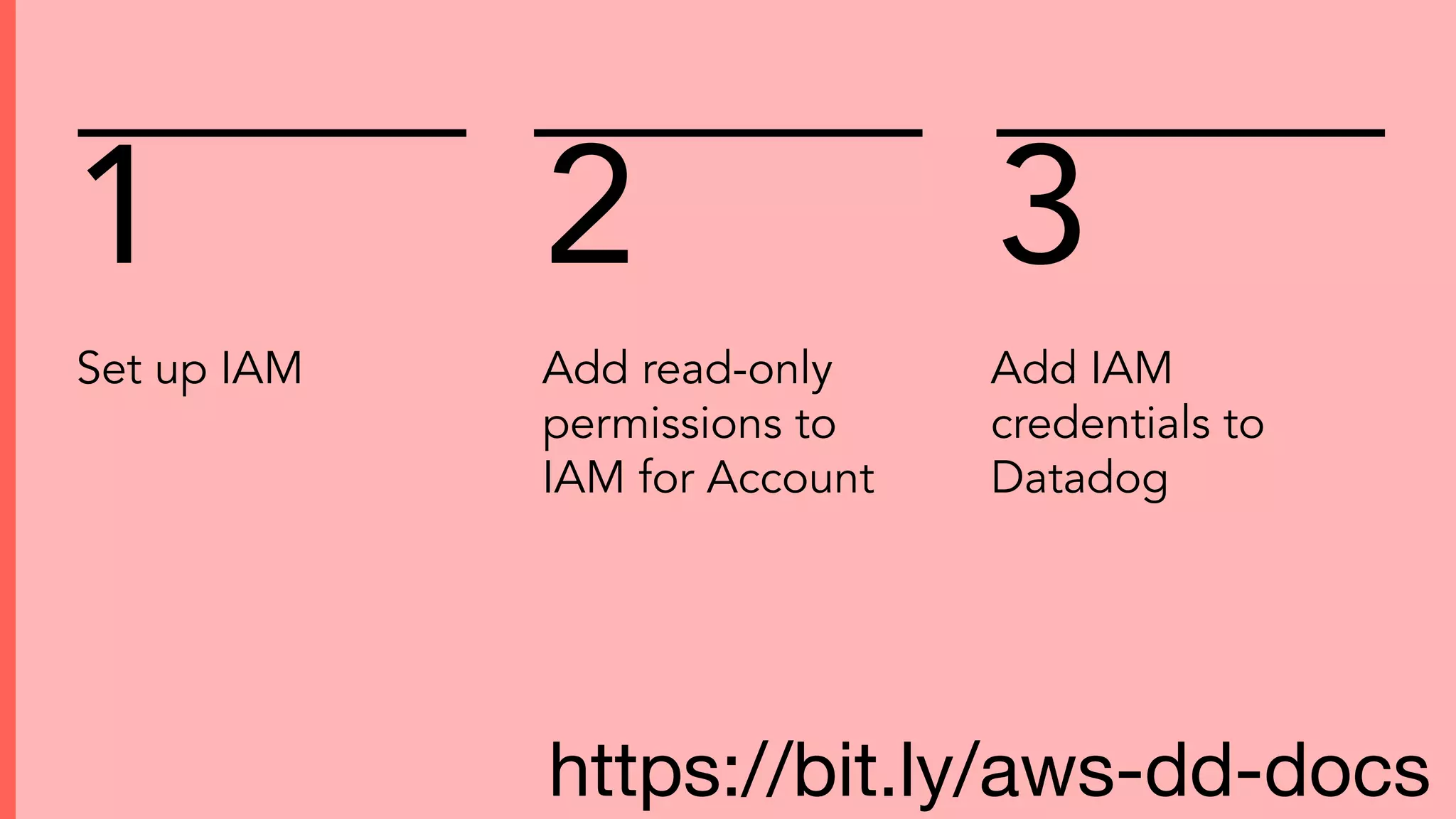
Integrations
Set up IAM
1 2 3
Add read-only
permissions to
IAM for Account
Add IAM
credentials to
Datadog
https://bit.ly/aws-dd-docs
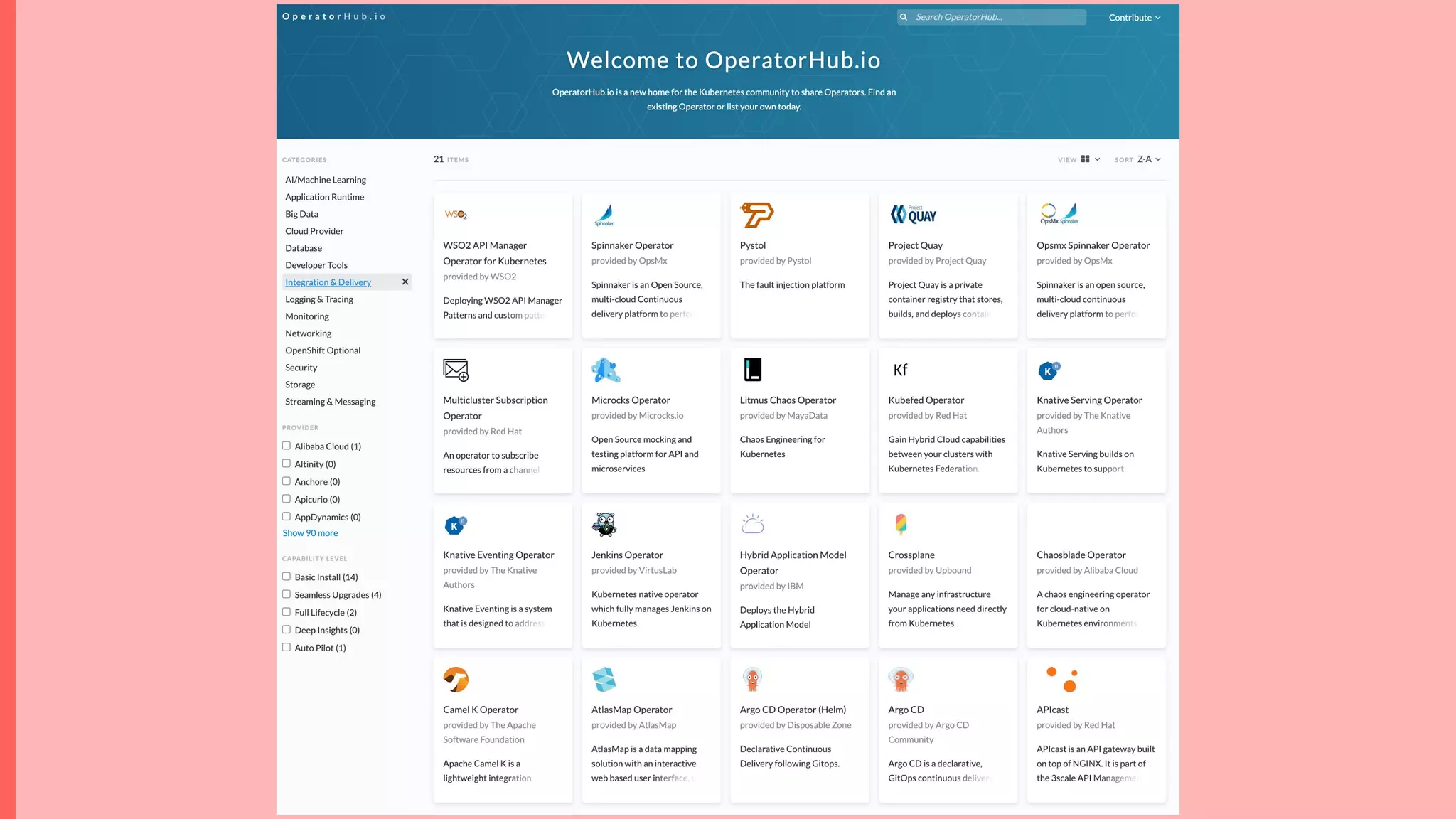
Kubernetes Operator
Docs:
https://bit.ly/k8soperator
Blog Post:
https://www.datadoghq.com/blog/datadog-operator
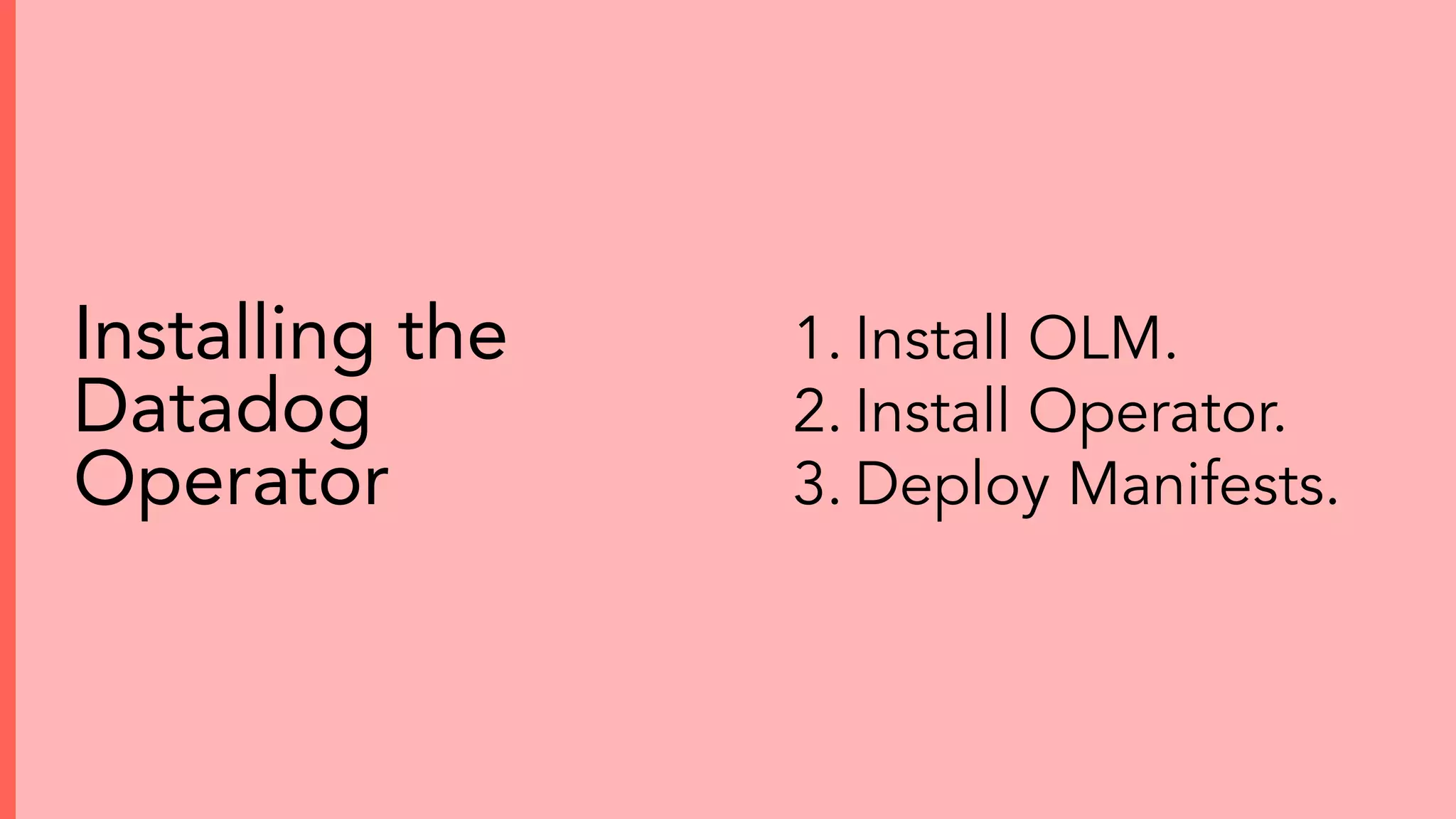
1. Install OLM.
2. Install Operator.
3. Deploy Manifests.
Installing the
Datadog
Operator
Operator install demo
https://bit.ly/k8soperator
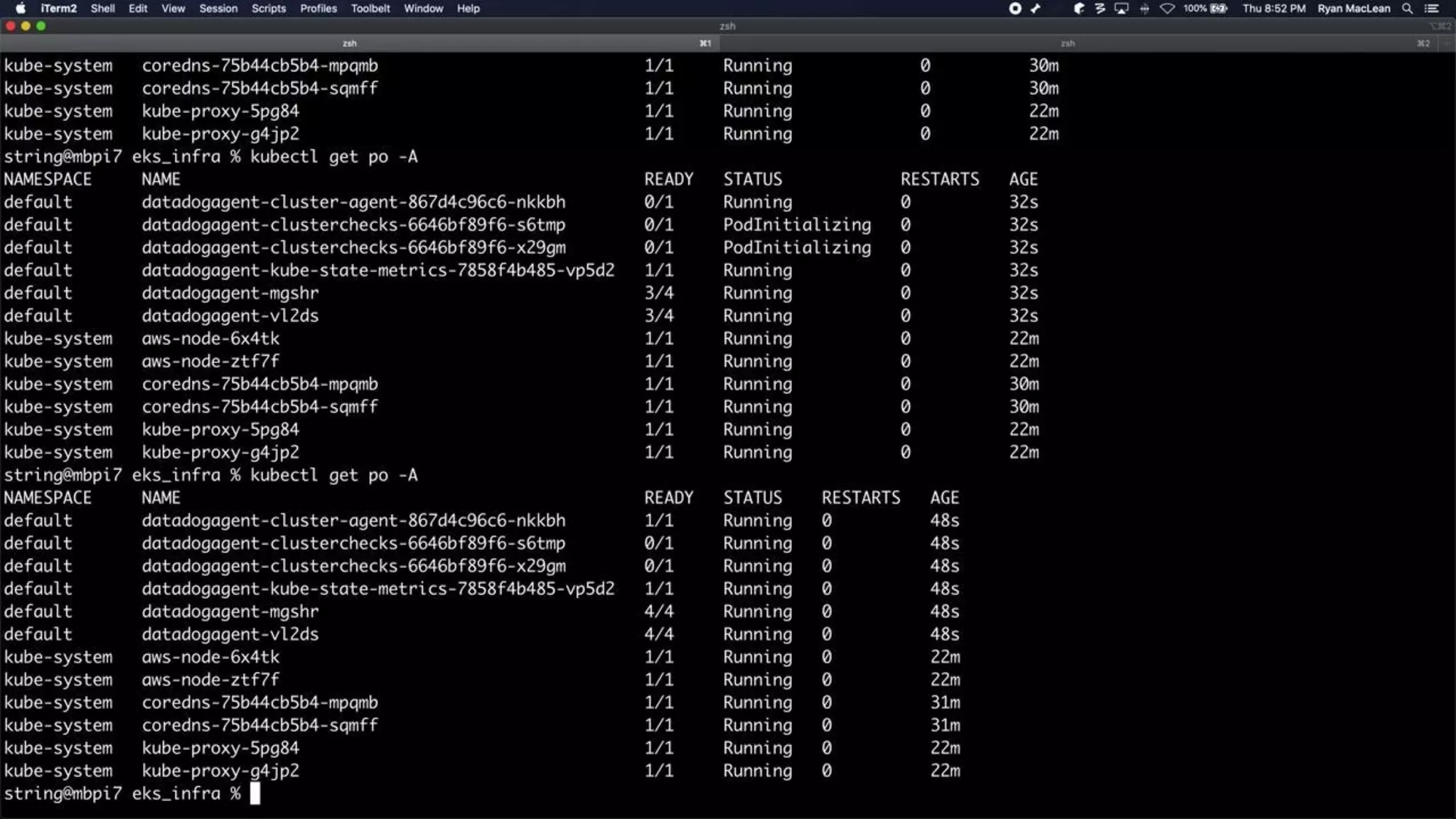
Helm install demo
https://bit.ly/dd-helm
Takes minutes to set
up
Supports standard
configs
APM features out of
the box
Integration Recap
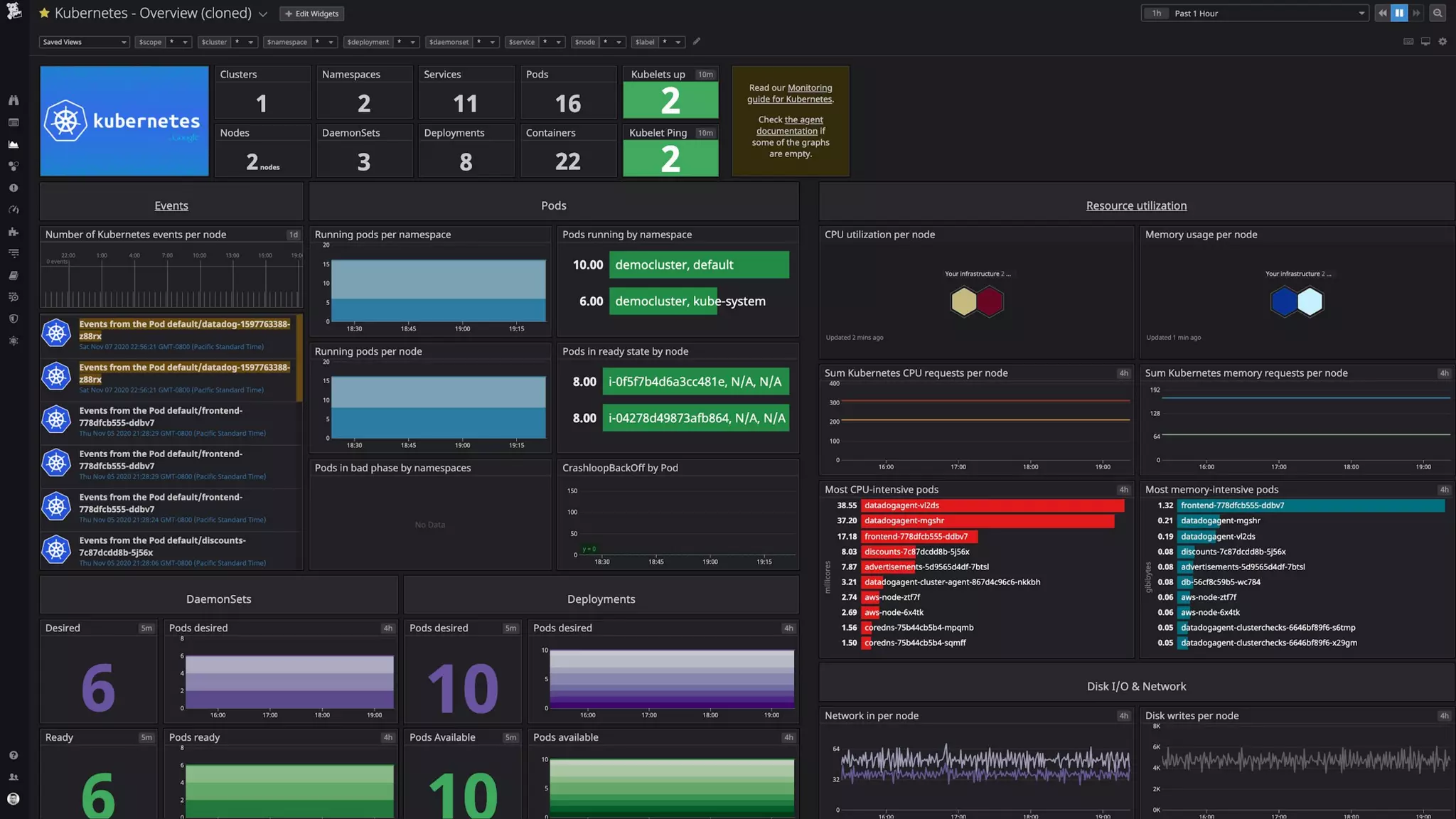
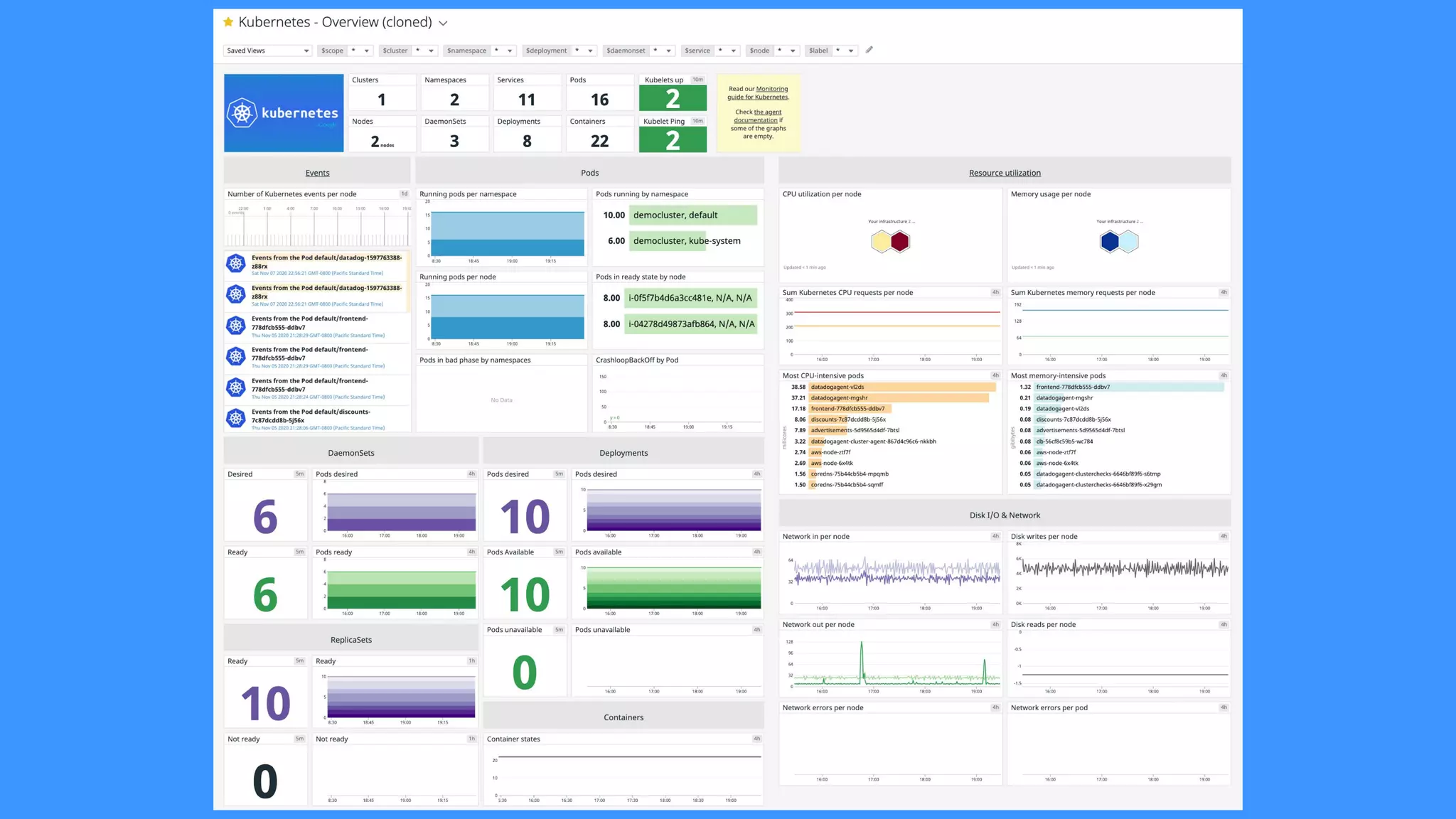
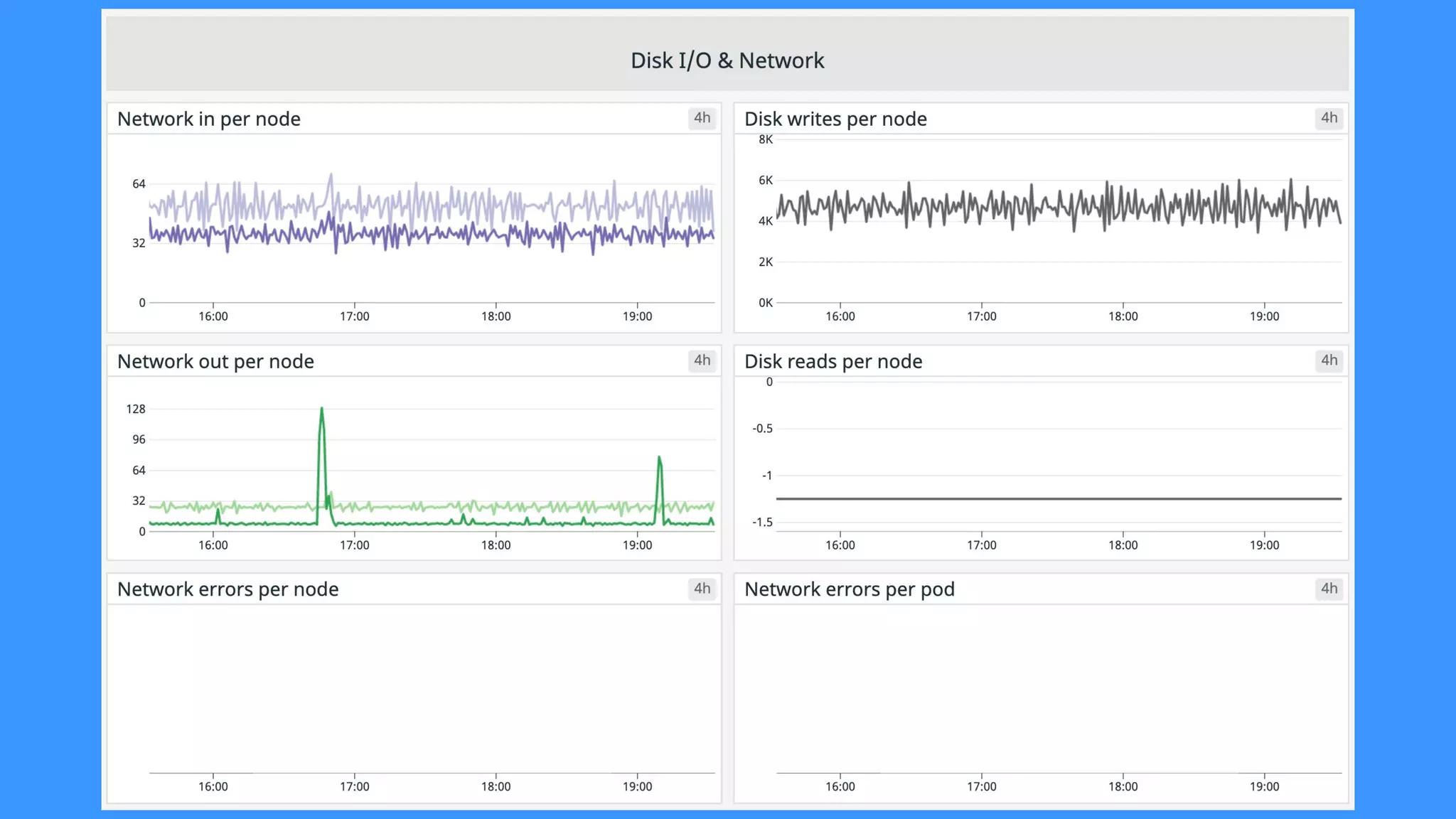
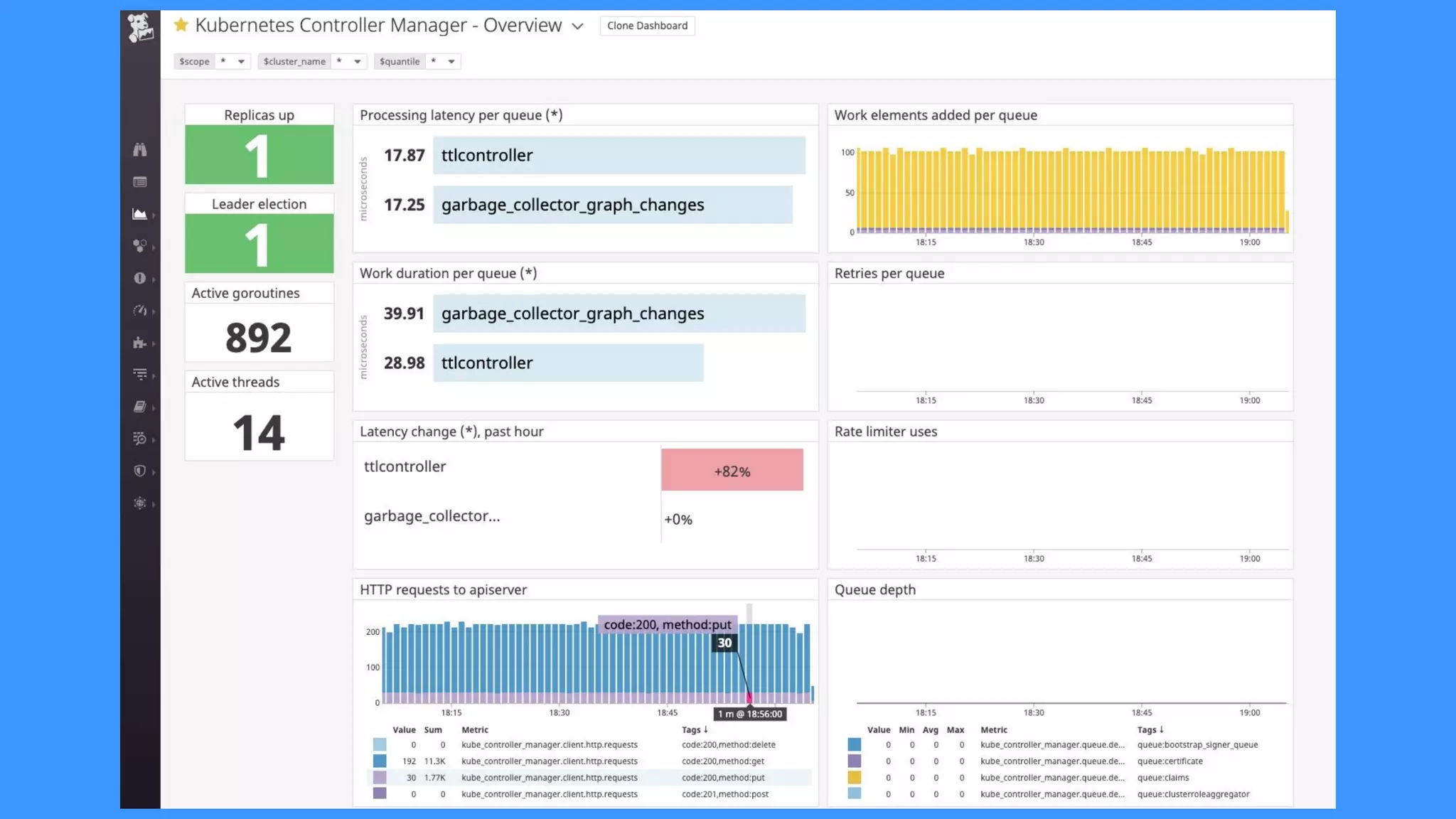
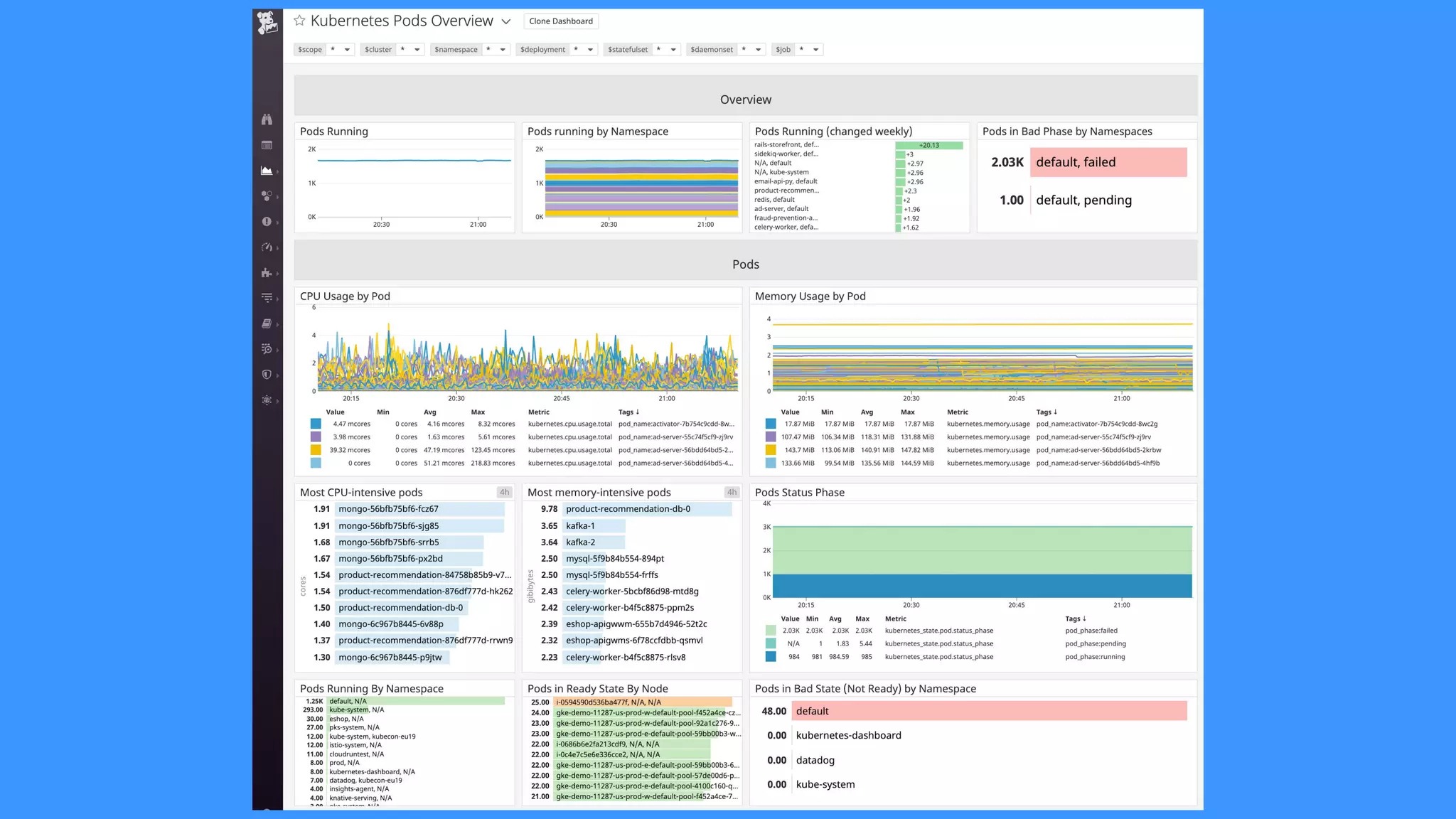
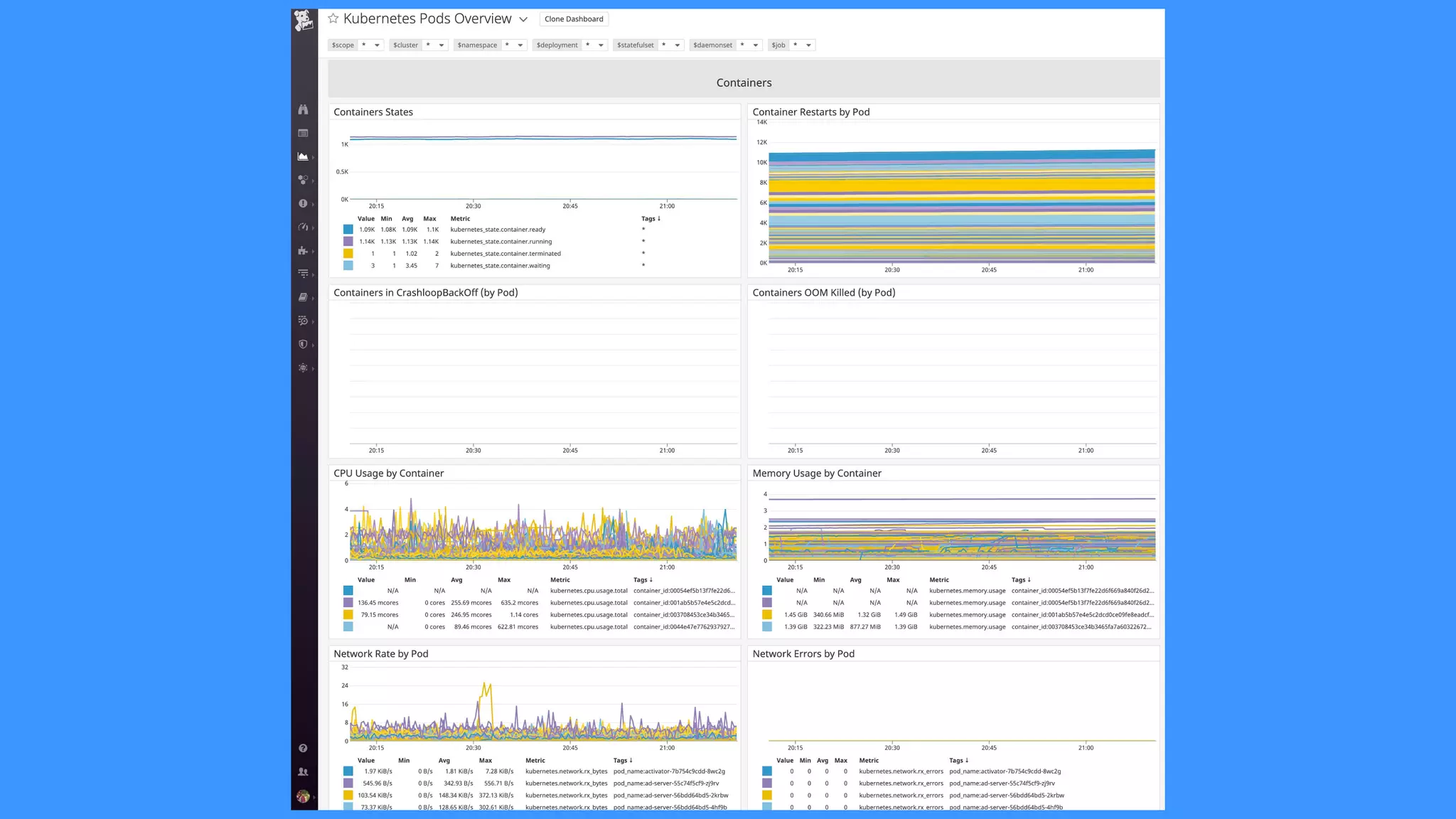
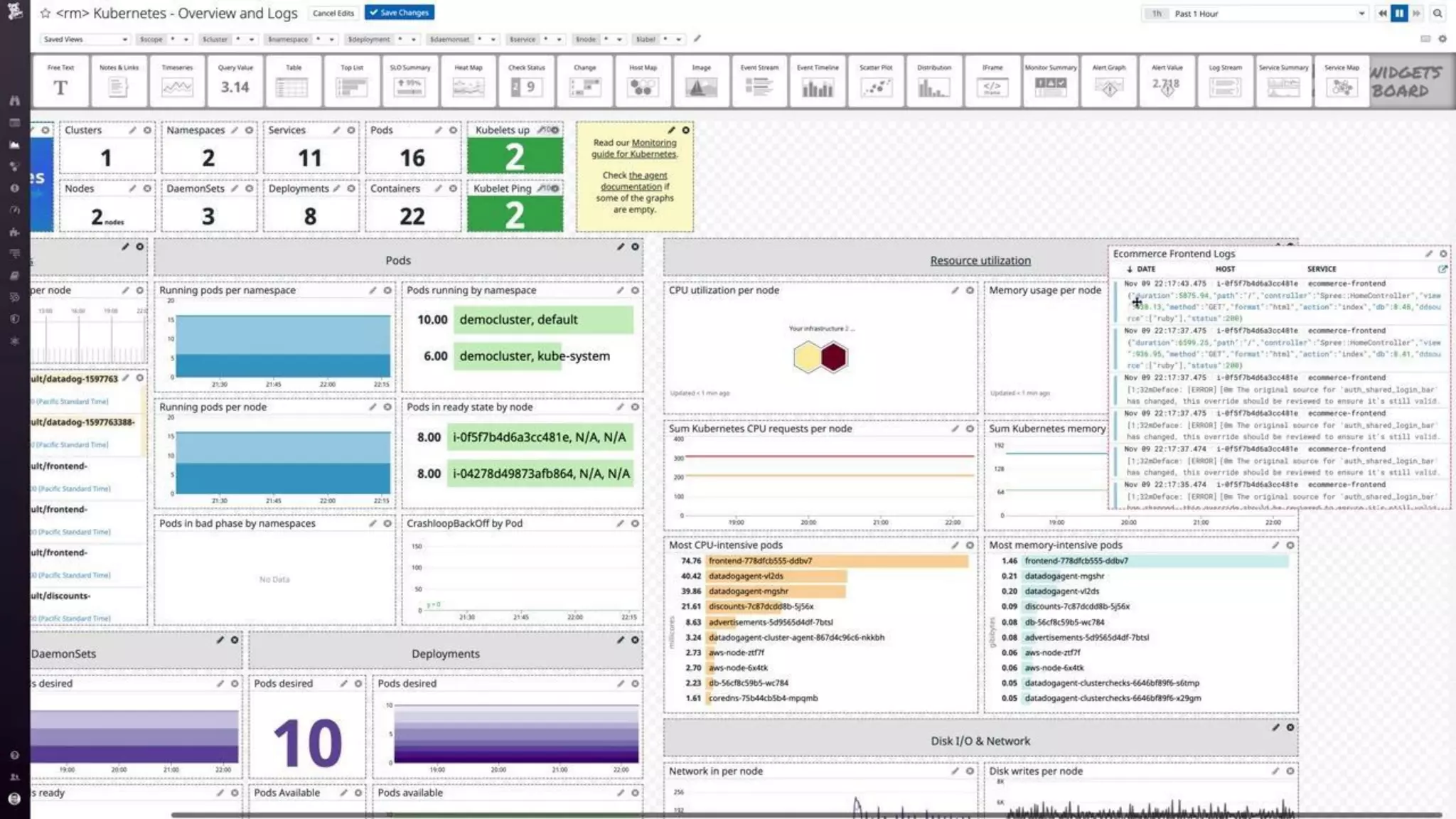
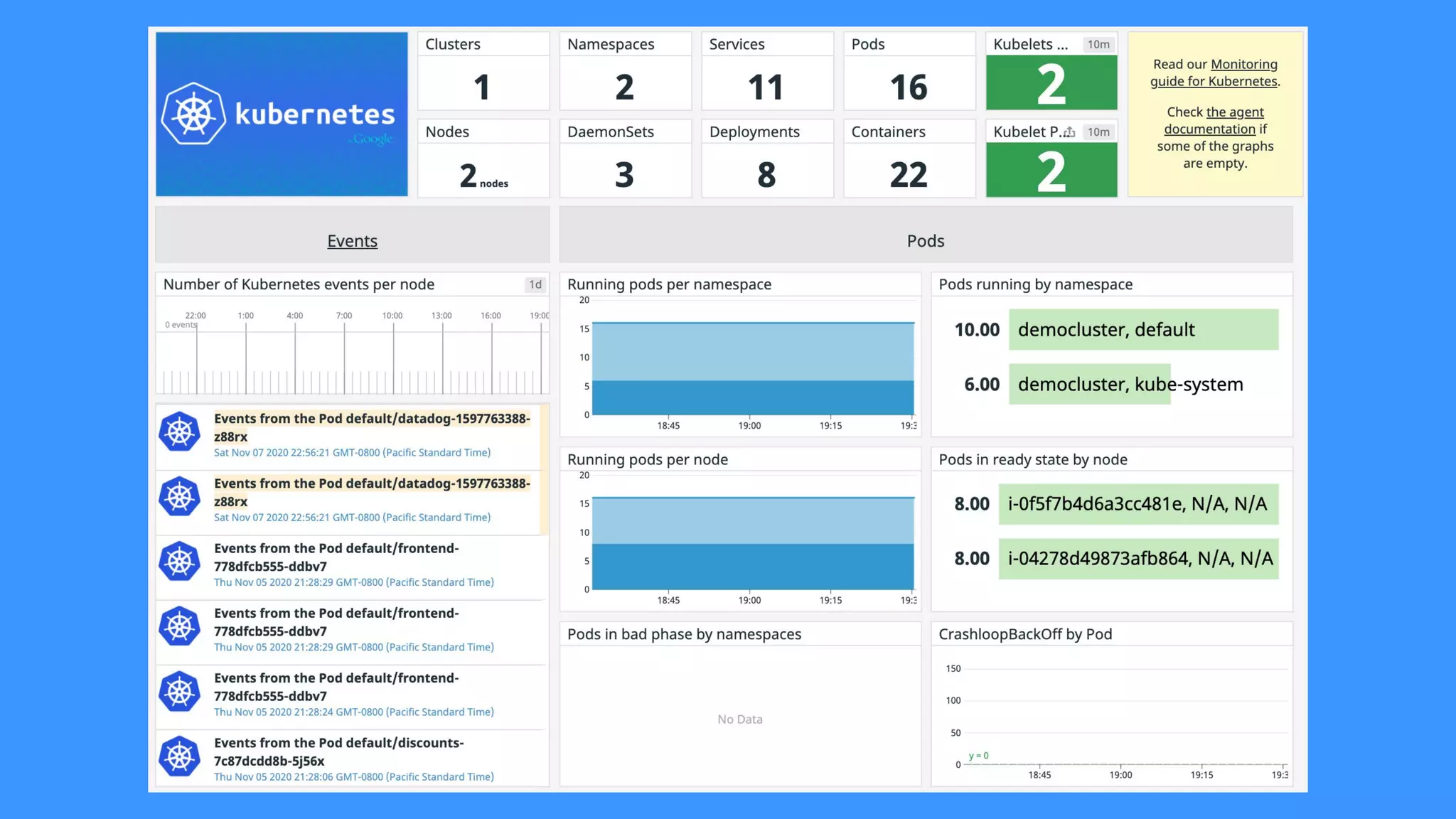
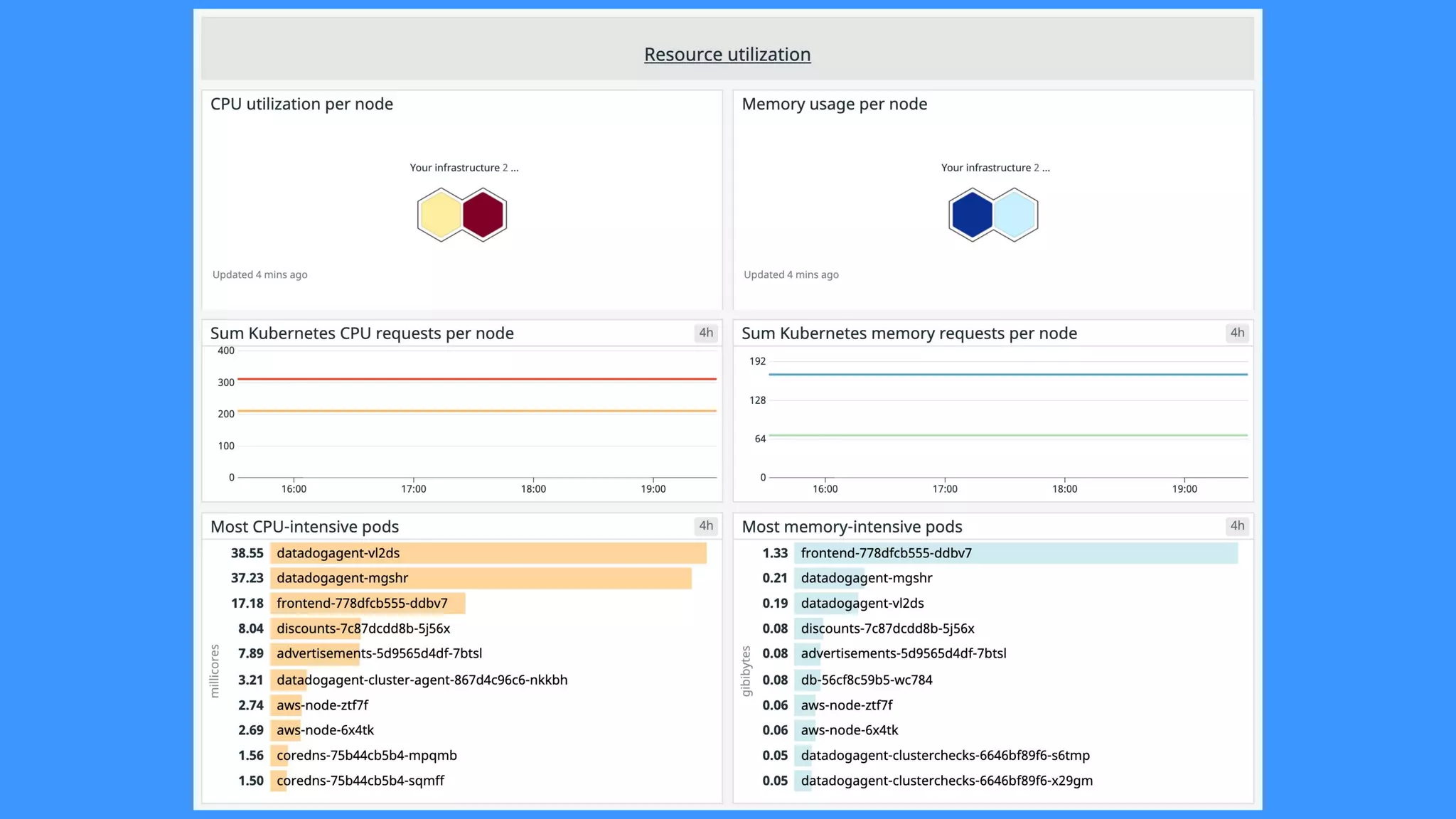
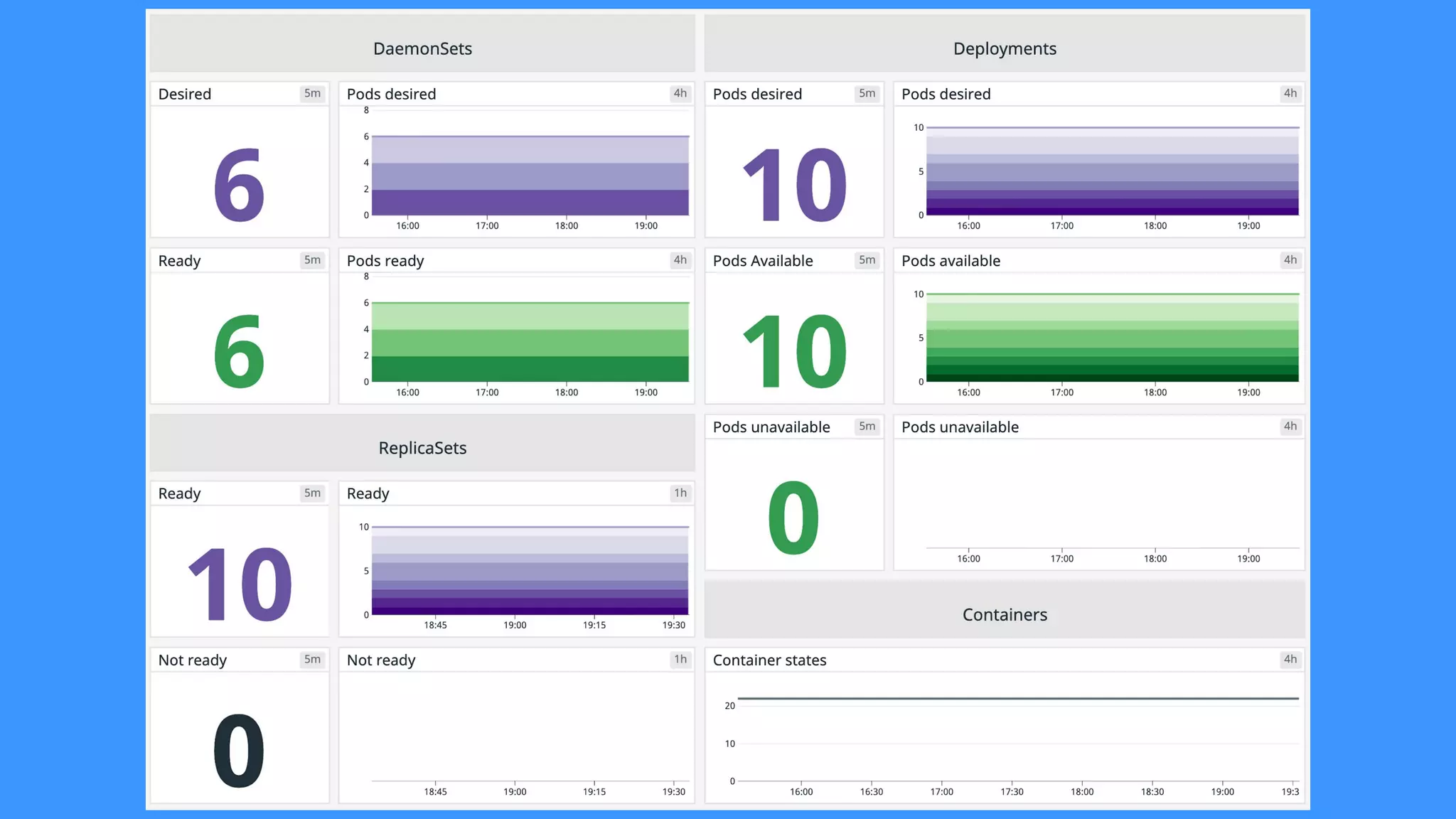
Dashboards
● Monitor Kubernetes Events.
● Track kubelets & containers.
● Check resource usage.
● Visualize network traffic.
● Graph CPU, memory & disk
usage.
Use the default
dashboards to
get started
Logging
● Docker Socket
● Kubernetes Log Files
Kubernetes Log
Ingestion
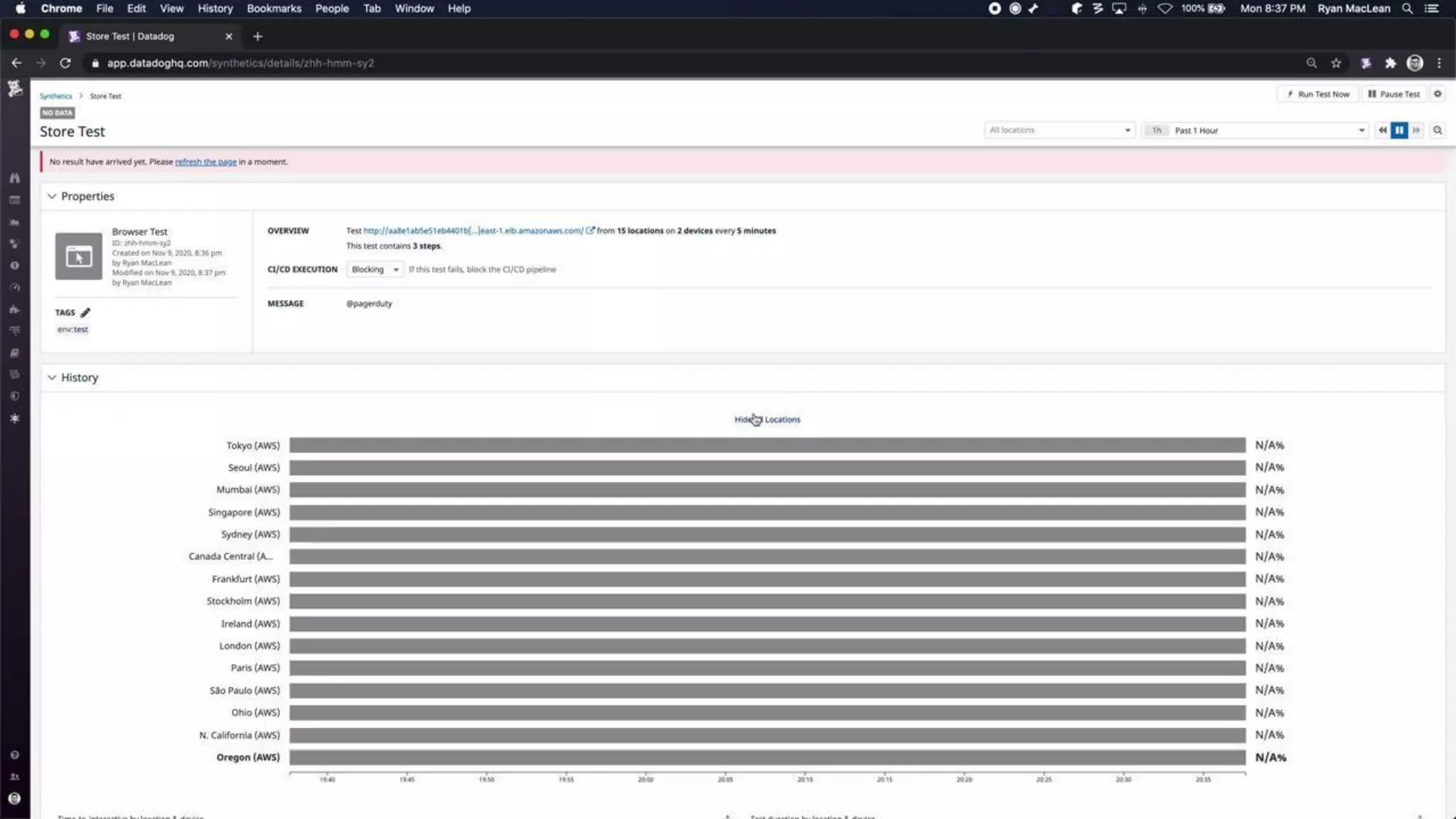
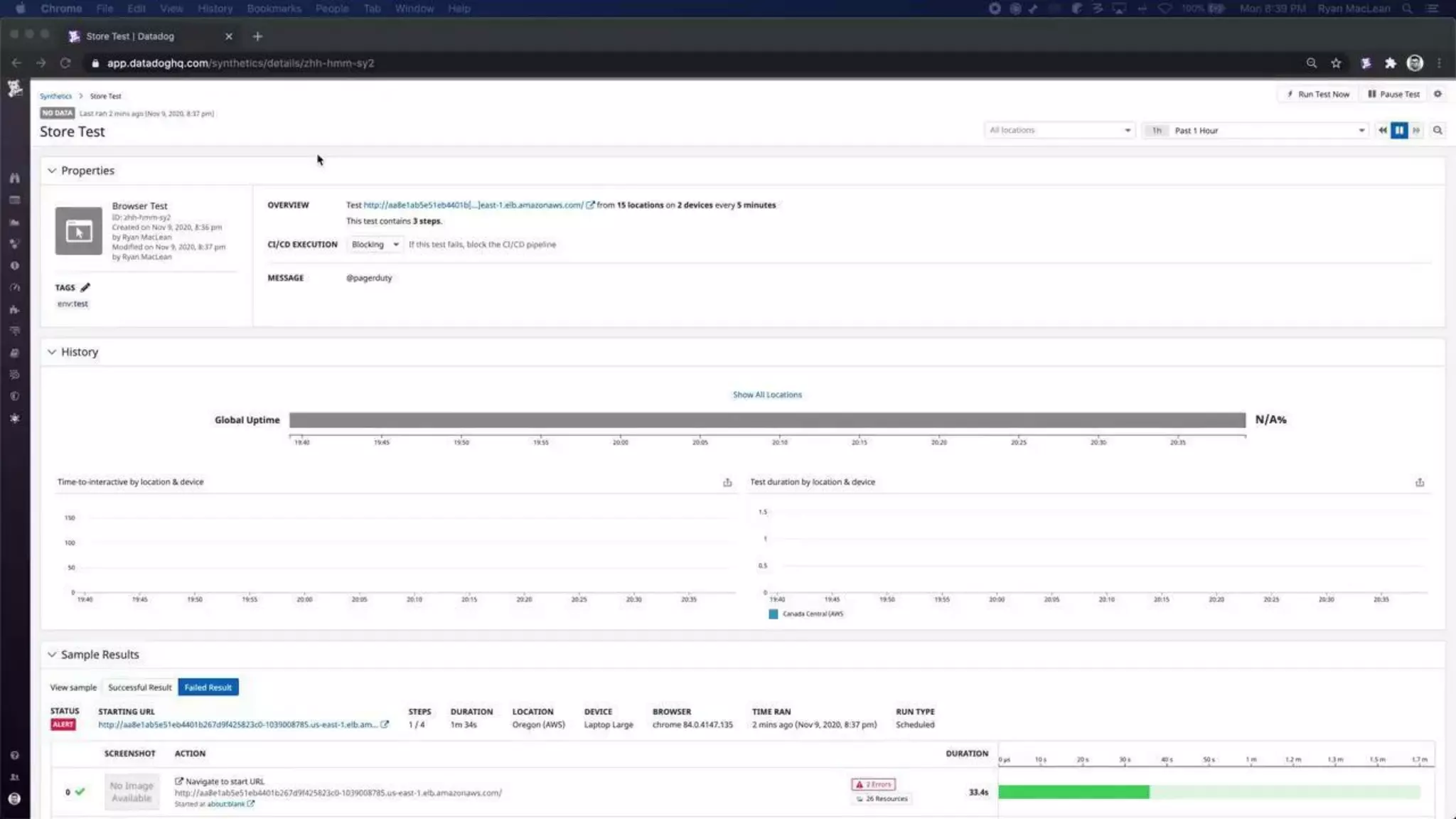
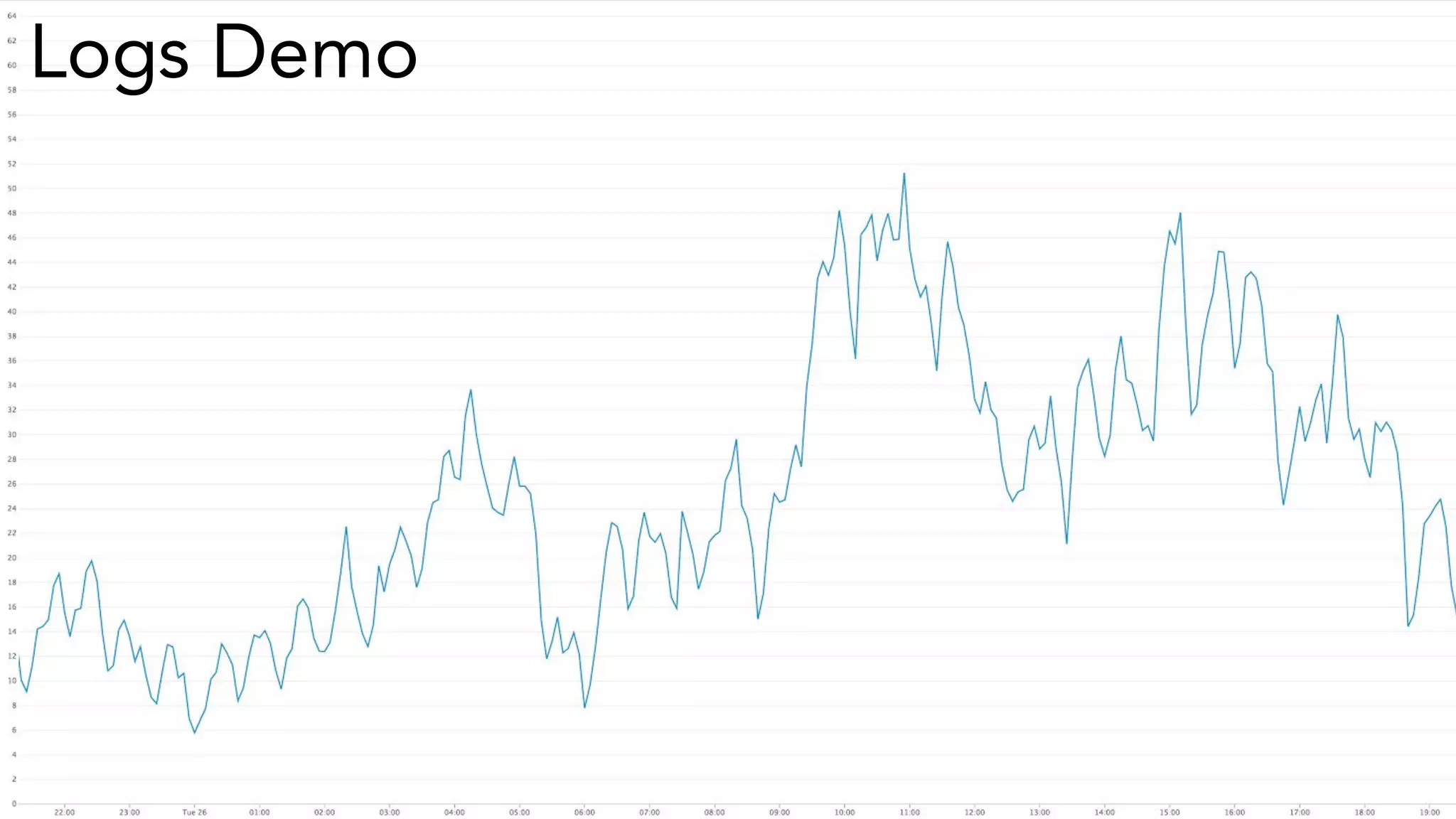
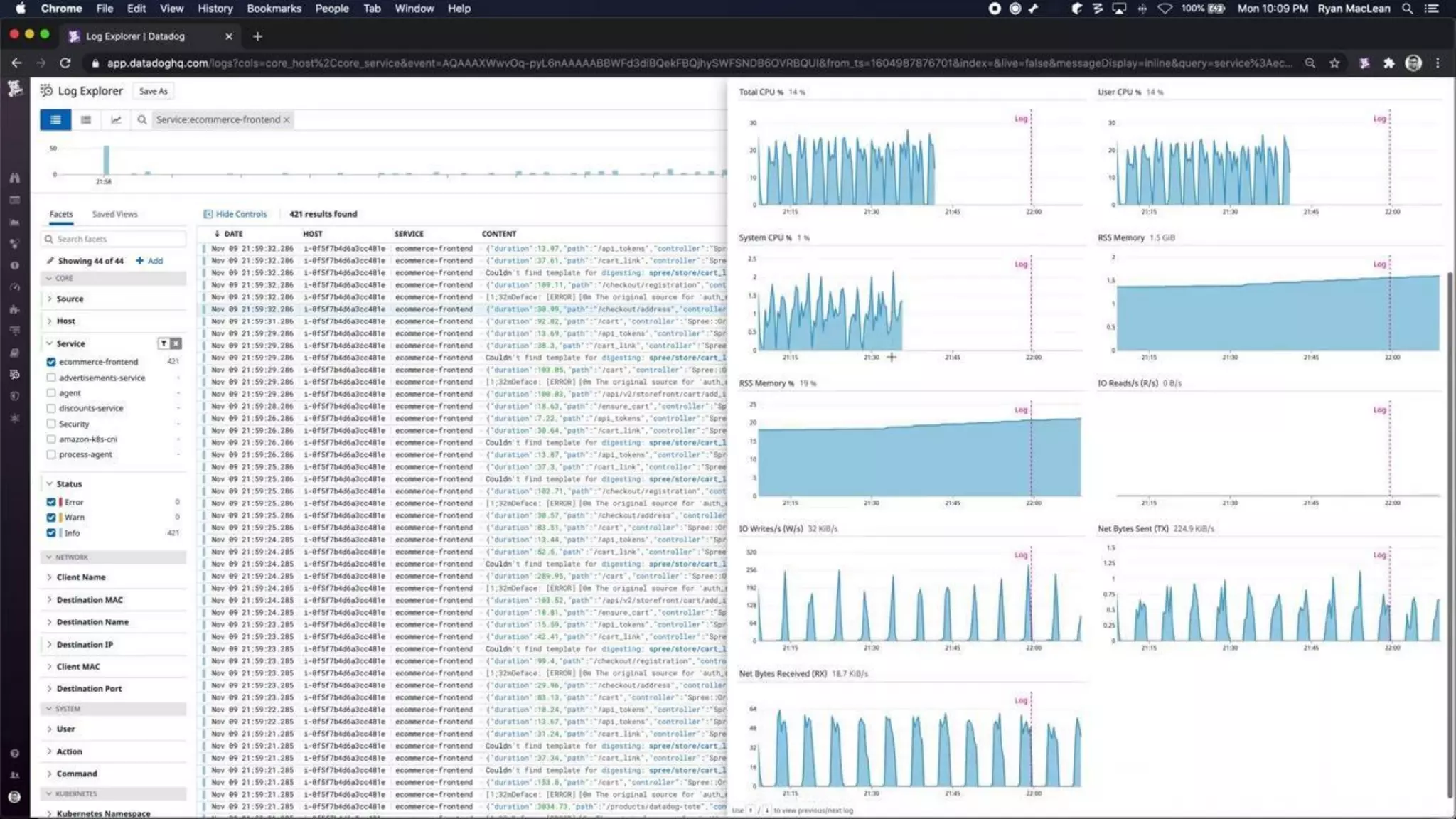
Logs Demo
Drill-Down
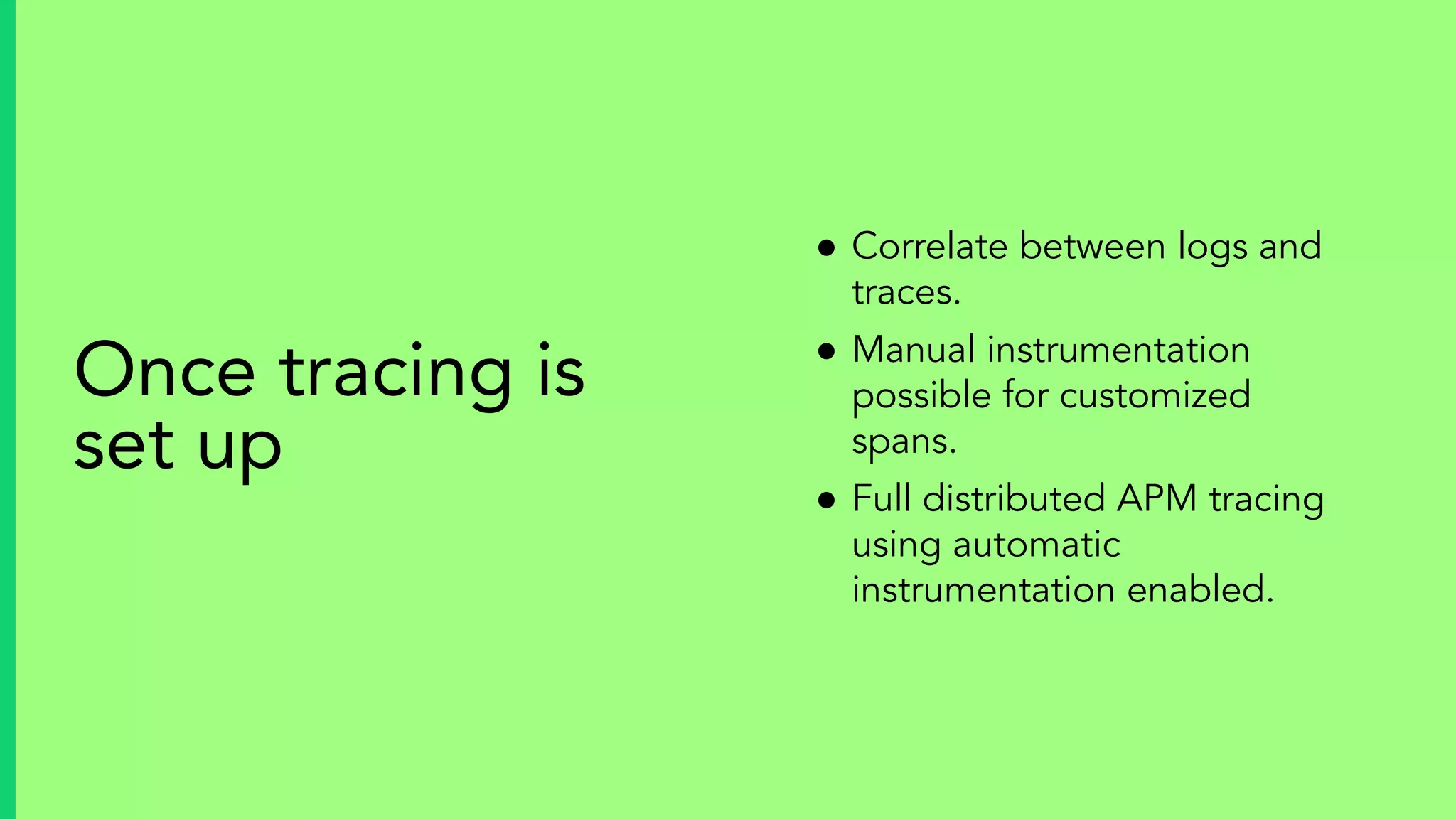
● Correlate between logs and
traces.
● Manual instrumentation
possible for customized
spans.
● Full distributed APM tracing
using automatic
instrumentation enabled.
Once tracing is
set up
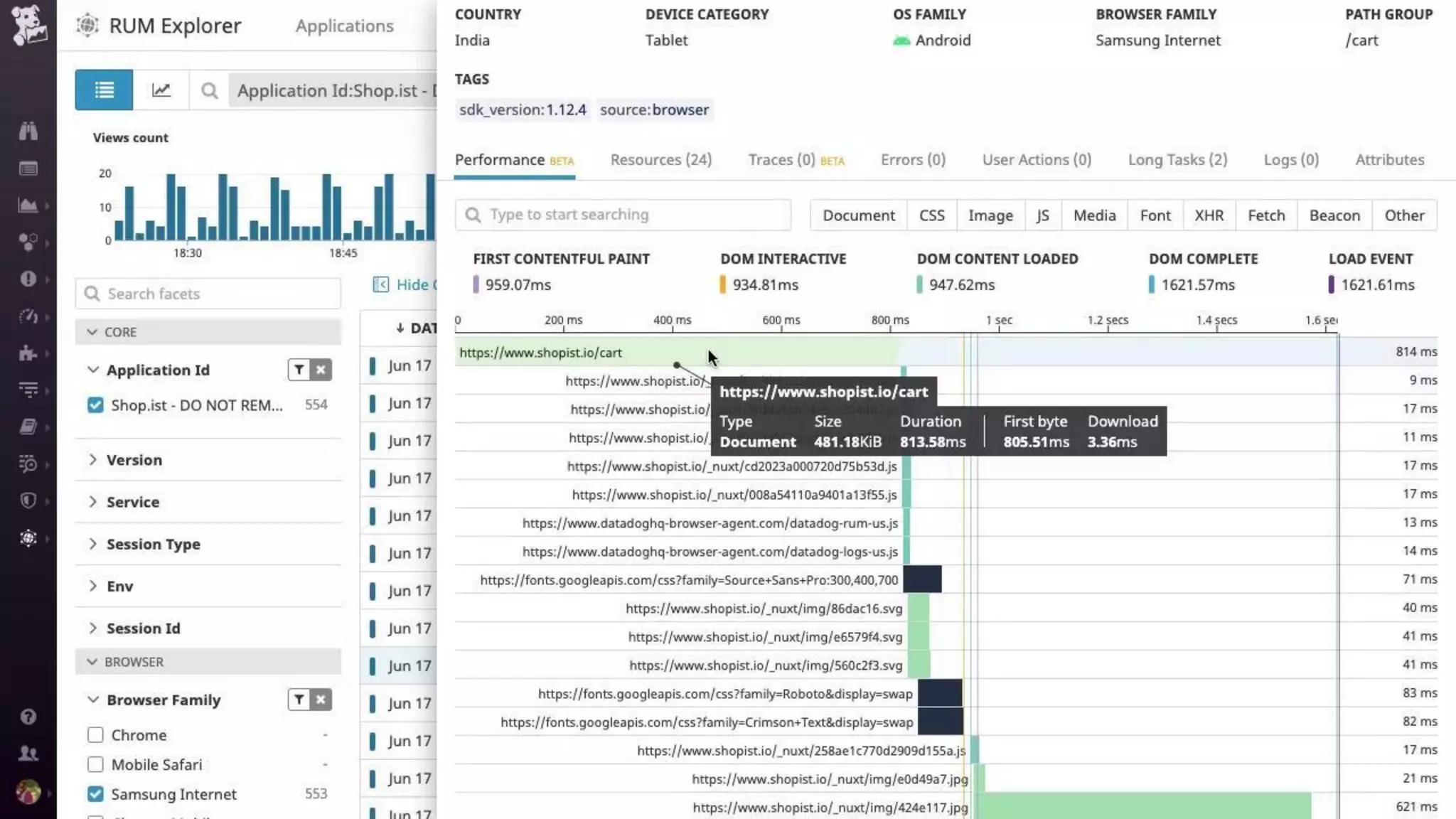
Trace ID
Use Trace ID to pivot between events and to
drill-down.
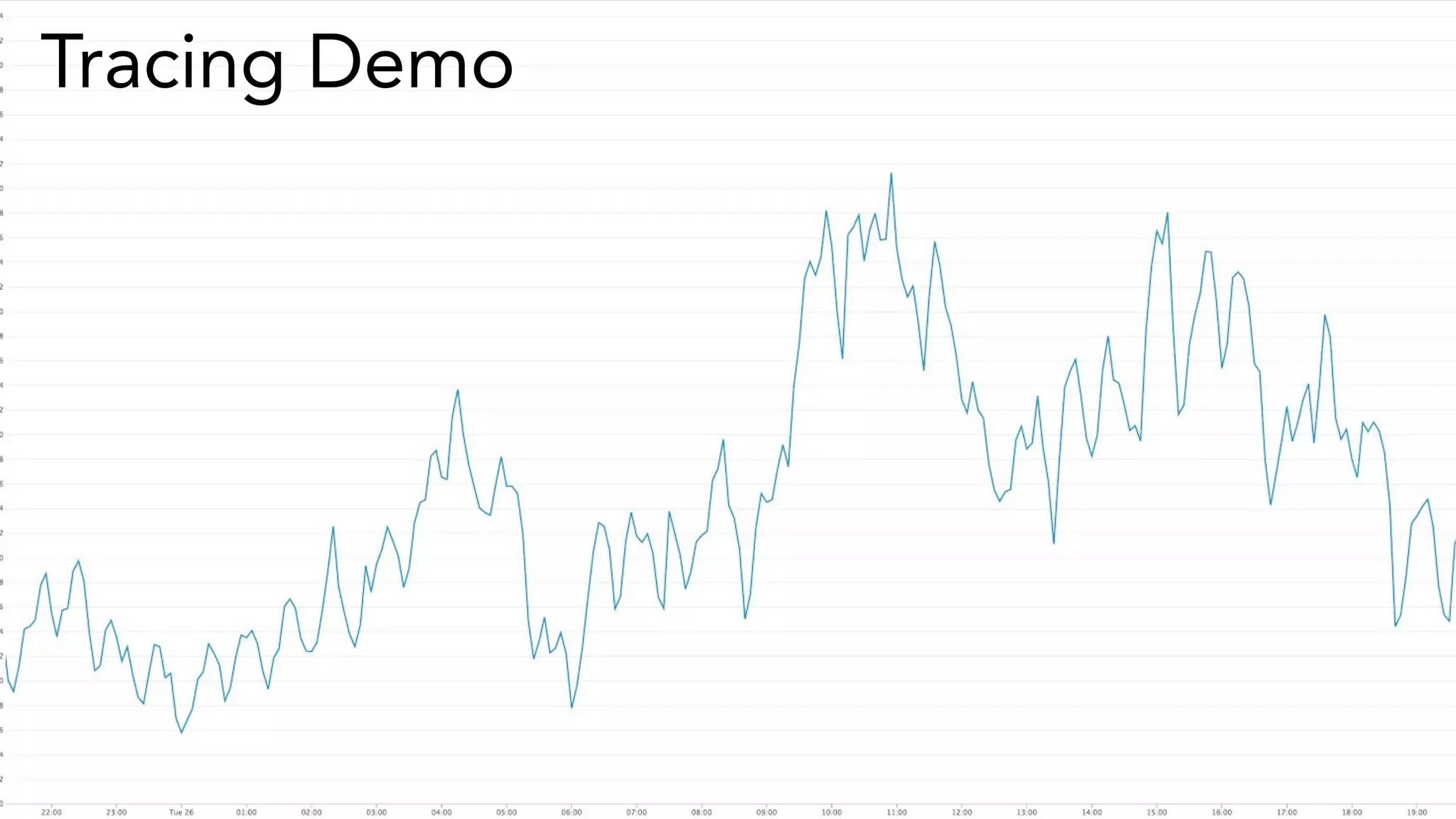
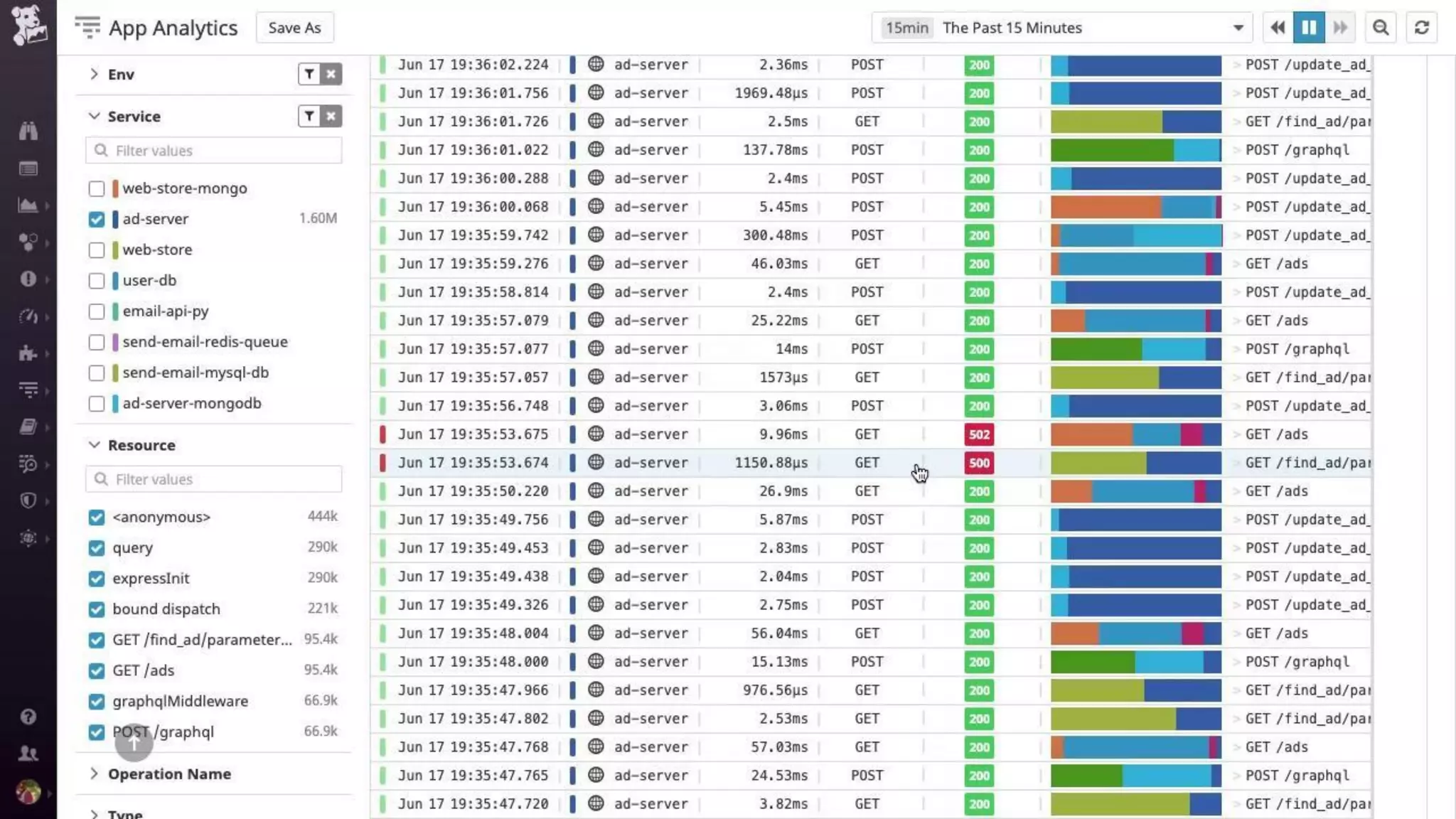
Tracing Demo
Customization
Your first step will be to clone the Kubernetes
default dashboard, then add in any additional
useful info.
Clone the default
dashboard
1 2 3
Add metrics for
AWS
dependencies
Share it out!
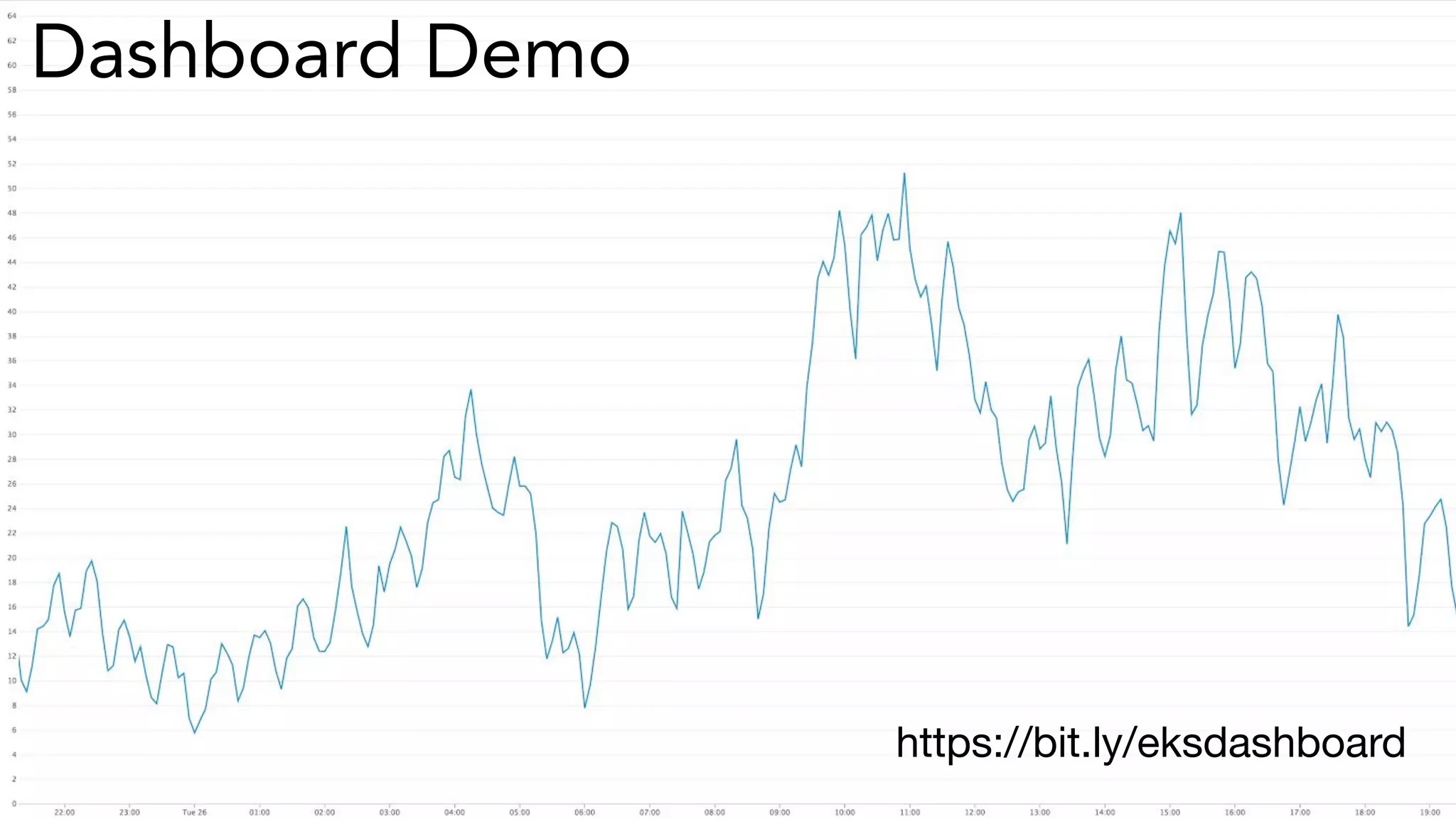
Dashboard Demo
https://bit.ly/eksdashboard
Docs: bit.ly/k8soperator
Repo: bit.ly/eksinfra
Next Steps
Conclusion
Questions?
Thank you

Monitoring Your AWS EKS Environment with Datadog