
Integrating RSS into Your Web site Part 1: Introduction Michael Sauers Technology Innovation Librarian Nebraska Library Commission Computers in Libraries 2008
Introductions Name Library Position Does your library use RSS? If so, how? Why are you here?
What is RSS? Depending on who you ask it stands for either “Really Simple Syndication”, “Rich Site Summary”, or “RDF Site Summary”. “ Really Simple Syndication” is the de facto definition today. RSS is an XML language for syndicating items on the Internet.
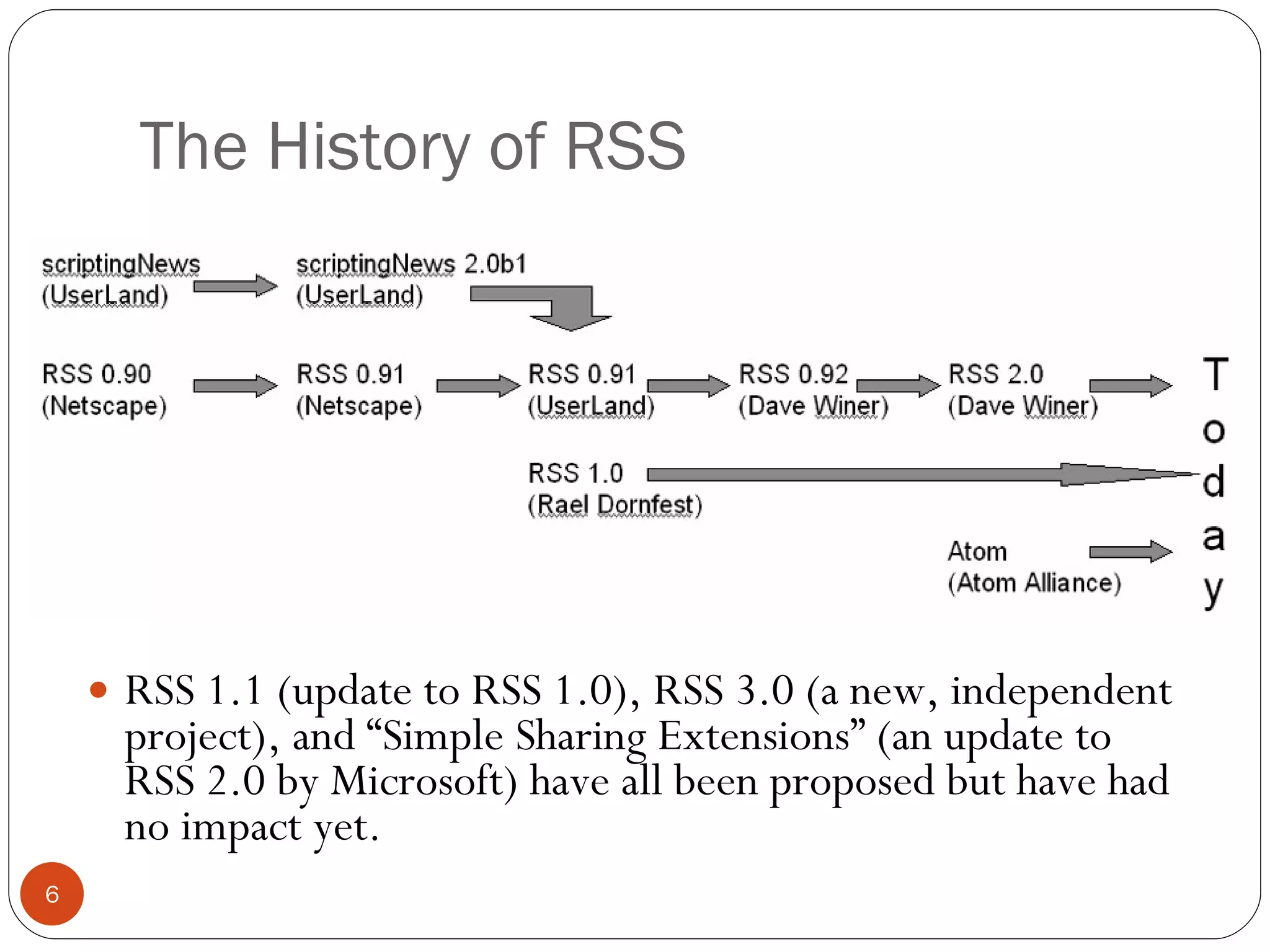
The History of RSS RSS 1.1 (update to RSS 1.0), RSS 3.0 (a new, independent project), and “Simple Sharing Extensions” (an update to RSS 2.0 by Microsoft) have all been proposed but have had no impact yet.
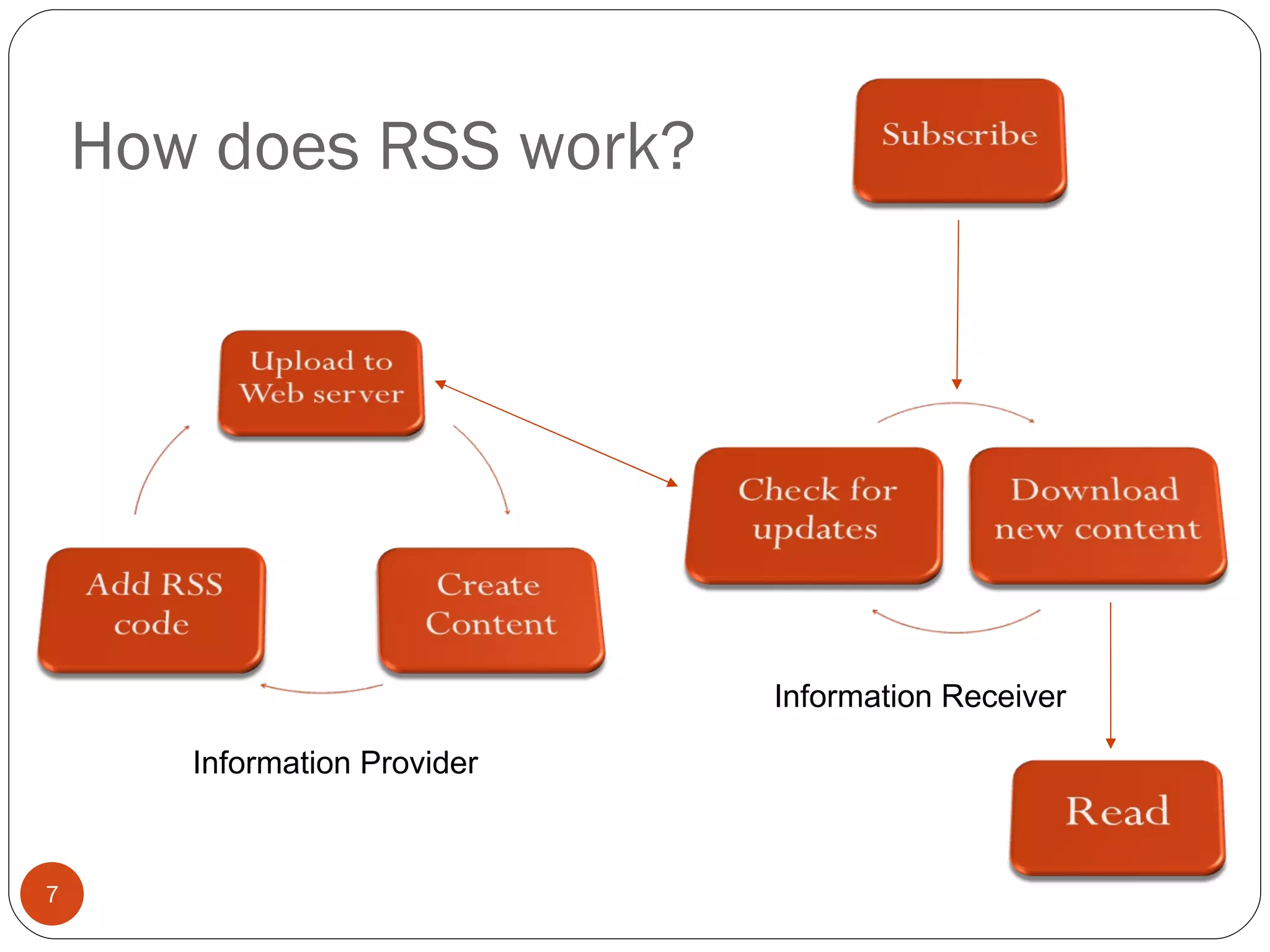
How does RSS work? Information Provider Information Receiver
How does RSS work? The information provider creates an RSS file. Users subscribe to the file via an aggregator. When the author updates the RSS file, the user is automatically notified of the new items and may read them on their schedule.
Are there different versions of RSS? Yes. In fact, there are currently eight different versions: RSS 0.90, 0.91, 0.92, 0.93, 0.94, 1.0, 2.0, & Atom Feeds Each has different features from the author’s point of view. Today’s aggregators support all of the versions transparently. RSS 2.0 & Atom are the most common.
Implications of RSS Information is received in a single location Information is received quickly The need to visit the originating Web site is reduced and…
http://www.flickr.com/photos/shifted/491666805/ The possible end of this:
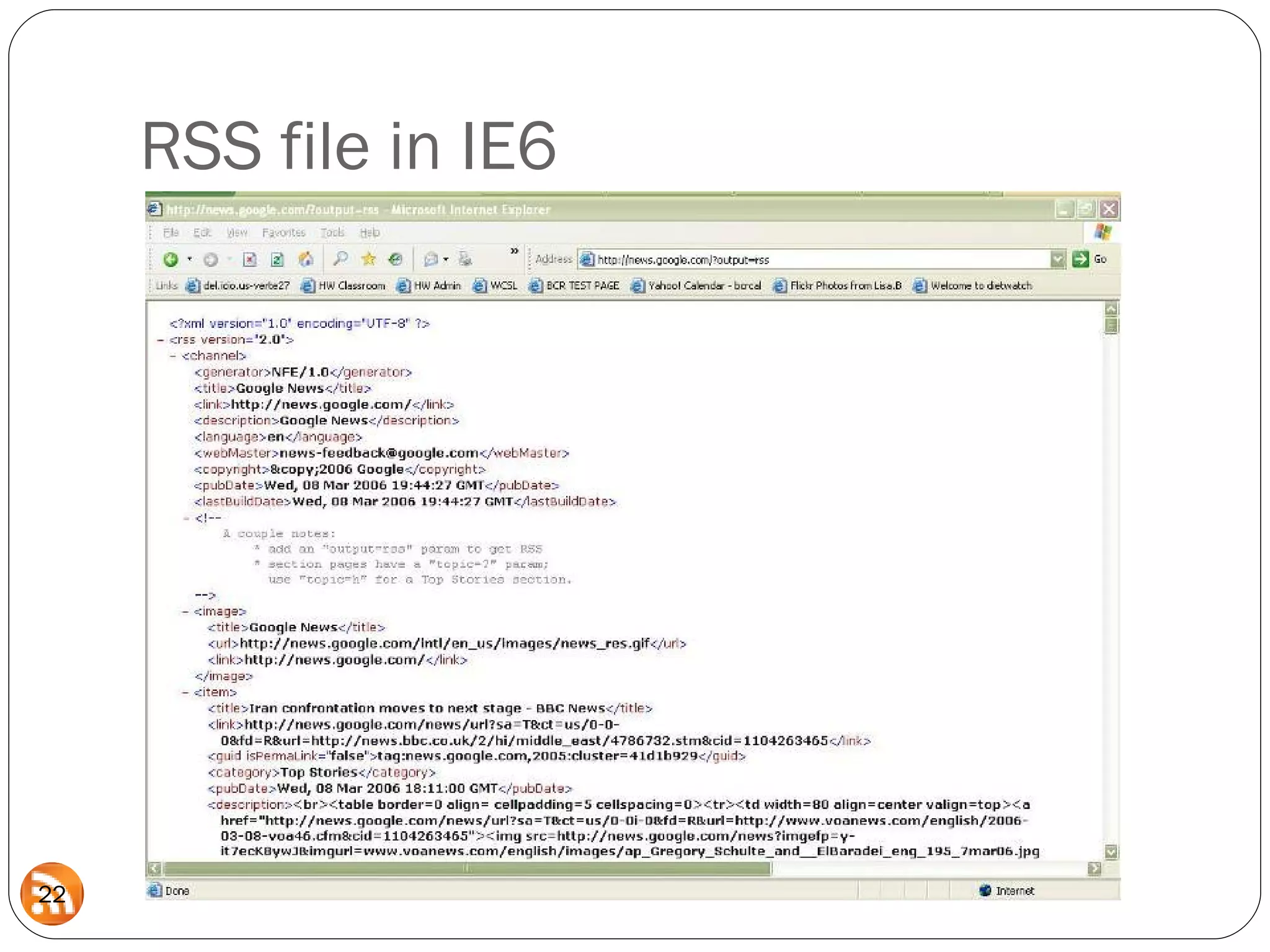
<?xml version=&quot;1.0&quot; encoding=&quot;utf-8&quot;?> <rss version=&quot;2.0“>   <channel>   <title>Nebraska Library Commission Blog</title>   <link>http://www.nlc.state.ne.us/blogs/NLC/</link>   <description>Bringing together people and information</description>   <language>en</language>   <copyright>Copyright 2007</copyright>   <lastBuildDate>Thu, 10 May 2007 07:34:17 -0600</lastBuildDate>   <generator>http://www.sixapart.com/movabletype/</generator>   <docs>http://blogs.law.harvard.edu/tech/rss</docs>    <item>   <title>New depository directories</title>   <description>   <![CDATA[<p>The directories of Nebraska's federal and state depository libraries   got a new look recently.  Contact names and emails of library staff will be   updated automatically when our comprehensive library directory is updated.  The    depository directories are located at <a href=&quot;http://http://www.nlc.state.ne.us/   docs/nefed.asp&quot;>http://http://www.nlc.state.ne.us/docs/nefed.asp</a></p>]]>     </description>   <link>http://www.nlc.state.ne.us/blogs/NLC/2007/05/new_depository_directories.html</link>   <guid>http://www.nlc.state.ne.us/blogs/NLC/2007/05/new_depository_directories.html</guid>   <category domain=&quot;http://www.sixapart.com/ns/types#category&quot;>Information    Resources</category>   <pubDate>Wed, 09 May 2007 07:28:43 -0600</pubDate>   </item>   </channel> </rss> What does RSS look like?
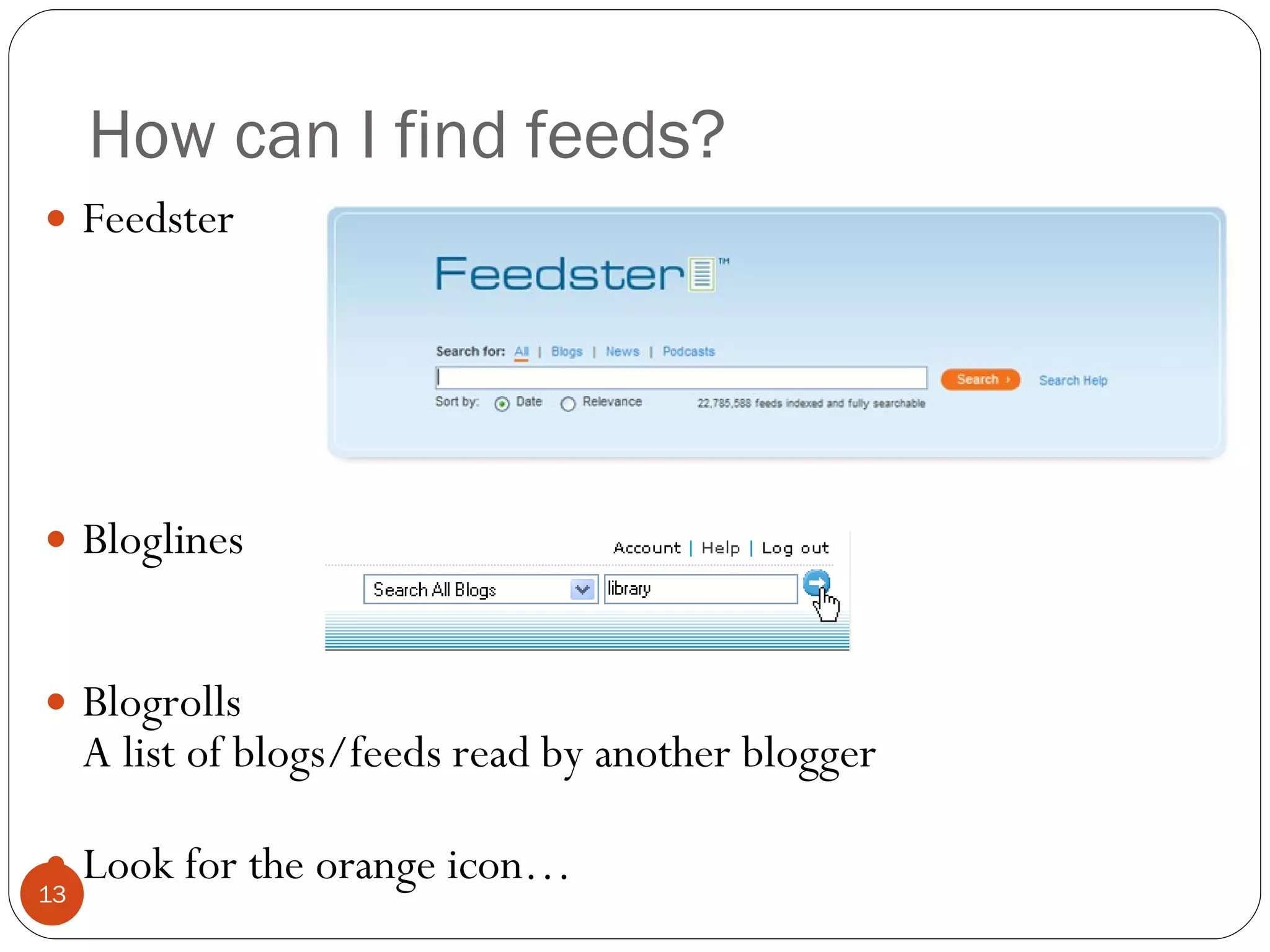
How can I find feeds? Feedster Bloglines Blogrolls A list of blogs/feeds read by another blogger Look for the orange icon…
How do I subscribe to a feed? Look for the orange icon http://www.feedicons.com/ Depending on your aggregator, the subscription procedure may range from copying and pasting the link to right-clicking and selecting “subscribe”.
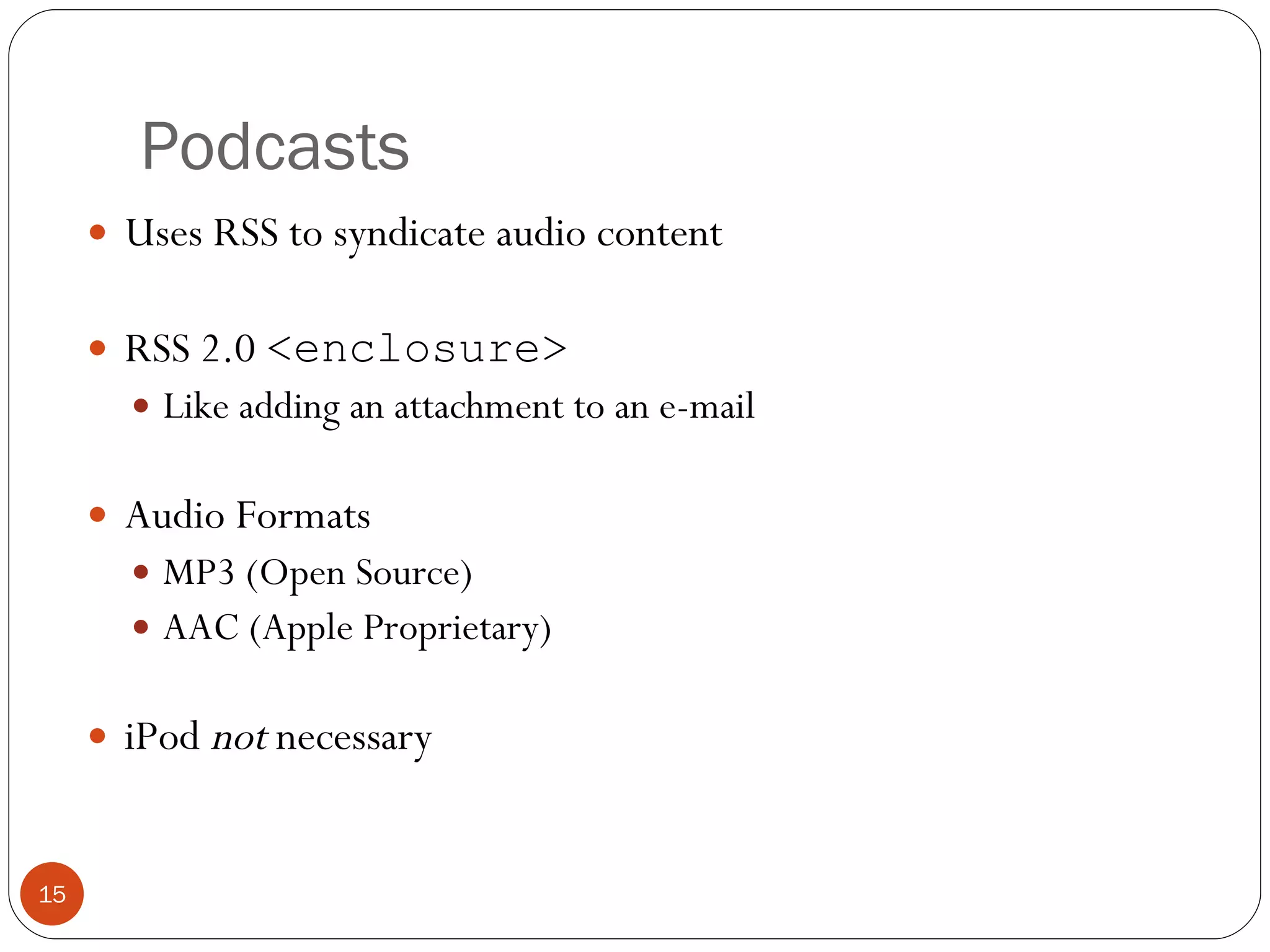
Podcasts Uses RSS to syndicate audio content RSS 2.0  <enclosure> Like adding an attachment to an e-mail Audio Formats MP3 (Open Source) AAC (Apple Proprietary) iPod  not  necessary
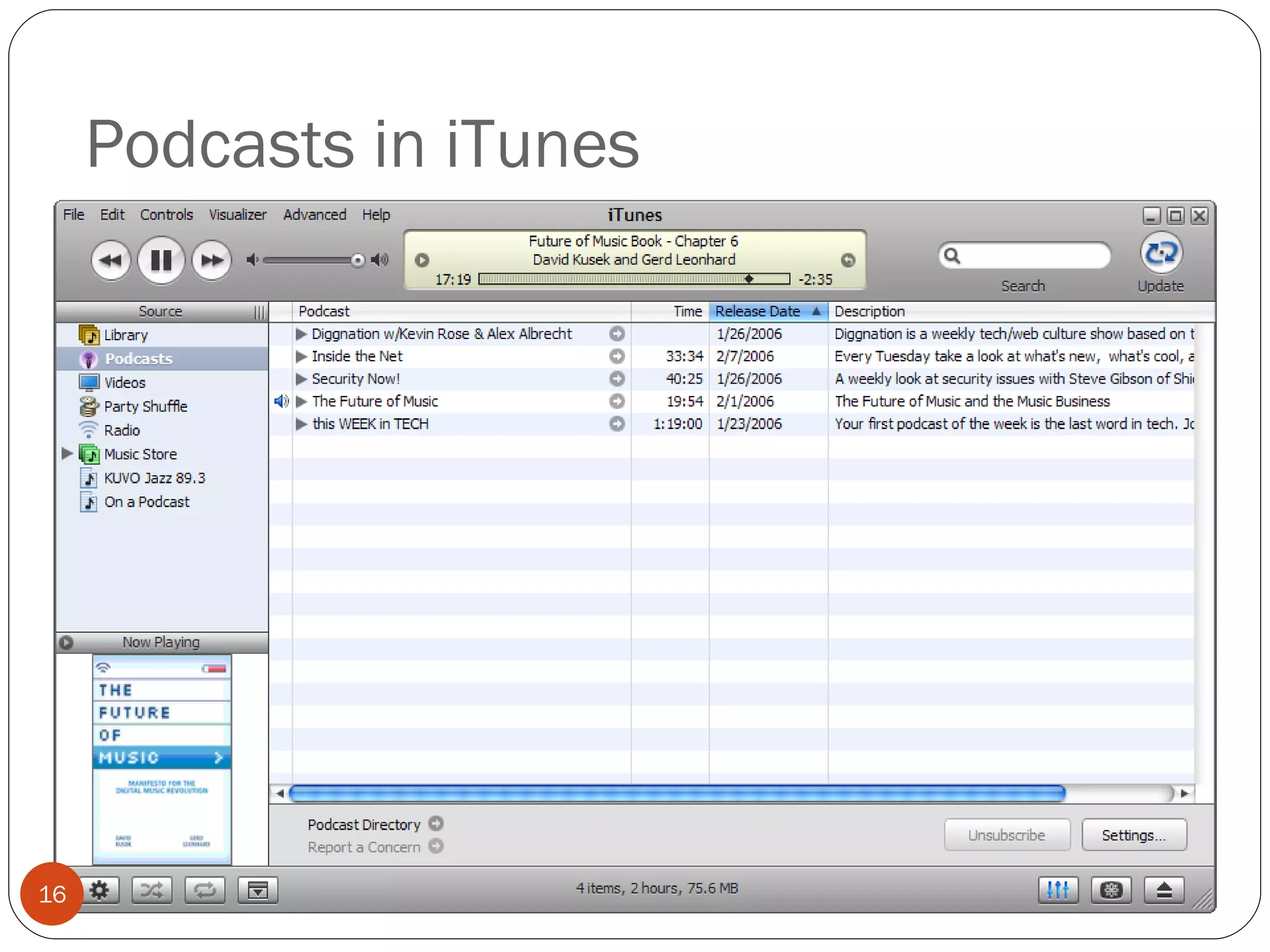
Podcasts in iTunes
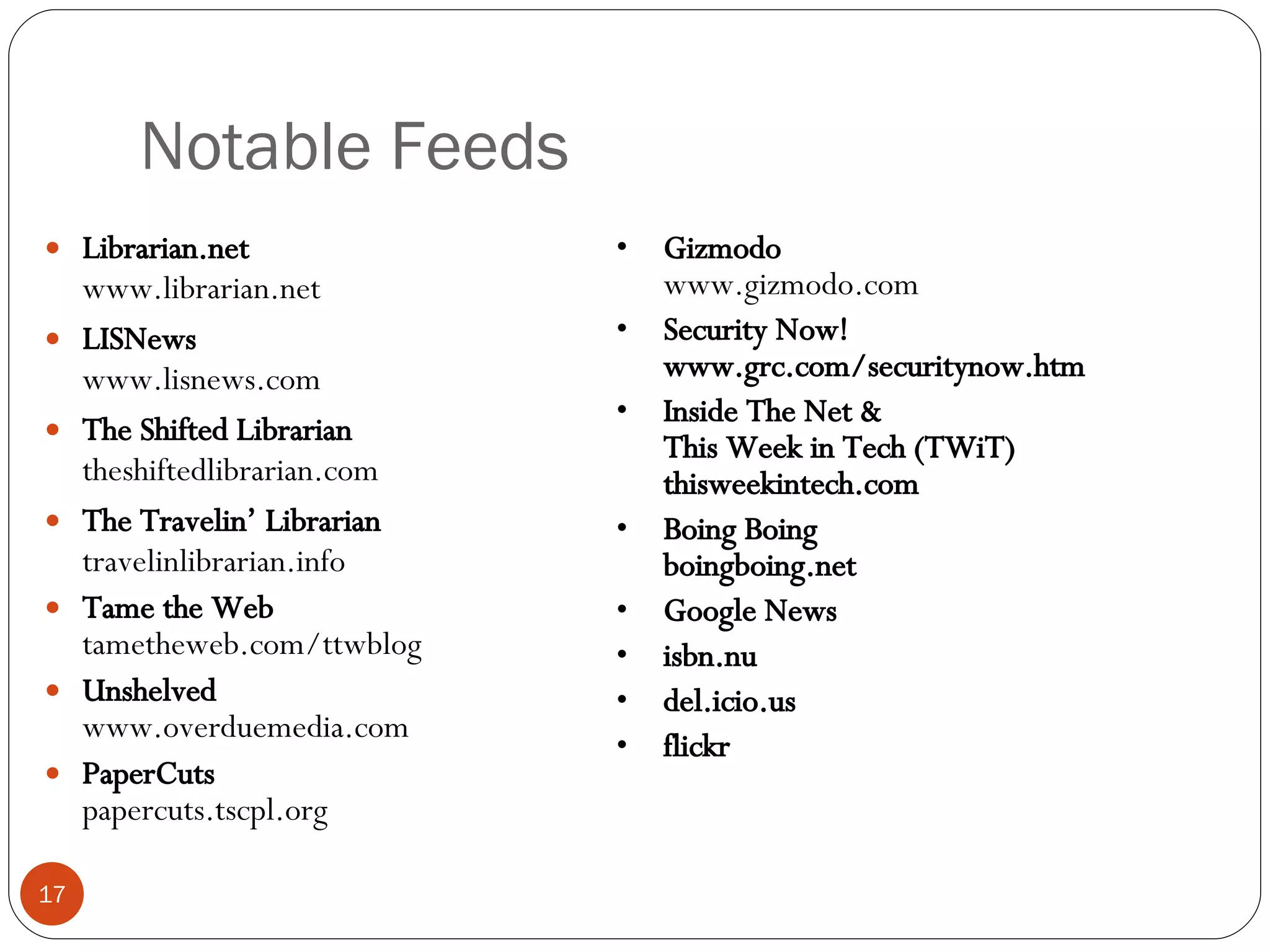
Notable Feeds Librarian.net www.librarian.net LISNews www.lisnews.com The Shifted Librarian theshiftedlibrarian.com The Travelin’ Librarian travelinlibrarian.info Tame the Web tametheweb.com/ttwblog Unshelved www.overduemedia.com PaperCuts papercuts.tscpl.org Gizmodo www.gizmodo.com Security Now! www.grc.com/securitynow.htm Inside The Net & This Week in Tech (TWiT) thisweekintech.com Boing Boing boingboing.net Google News isbn.nu del.icio.us flickr
Michael Sauers Technology Innovation Librarian Nebraska Library Commission  Computers in Libraries 2008 Integrating RSS into Your Web site Part 2: Reading Feeds
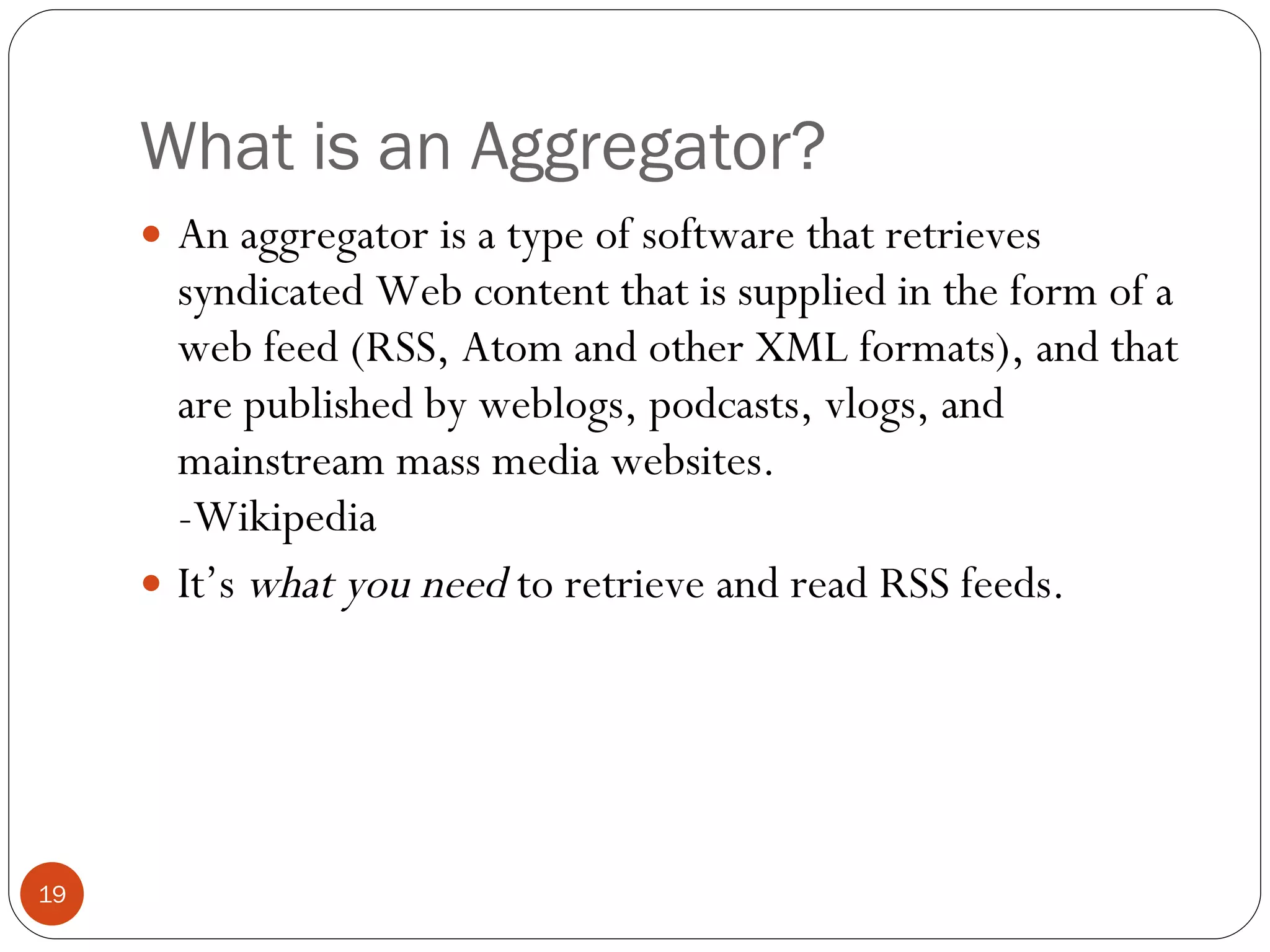
What is an Aggregator? An aggregator is a type of software that retrieves syndicated Web content that is supplied in the form of a web feed (RSS, Atom and other XML formats), and that are published by weblogs, podcasts, vlogs, and mainstream mass media websites. -Wikipedia It’s  what you need  to retrieve and read RSS feeds.
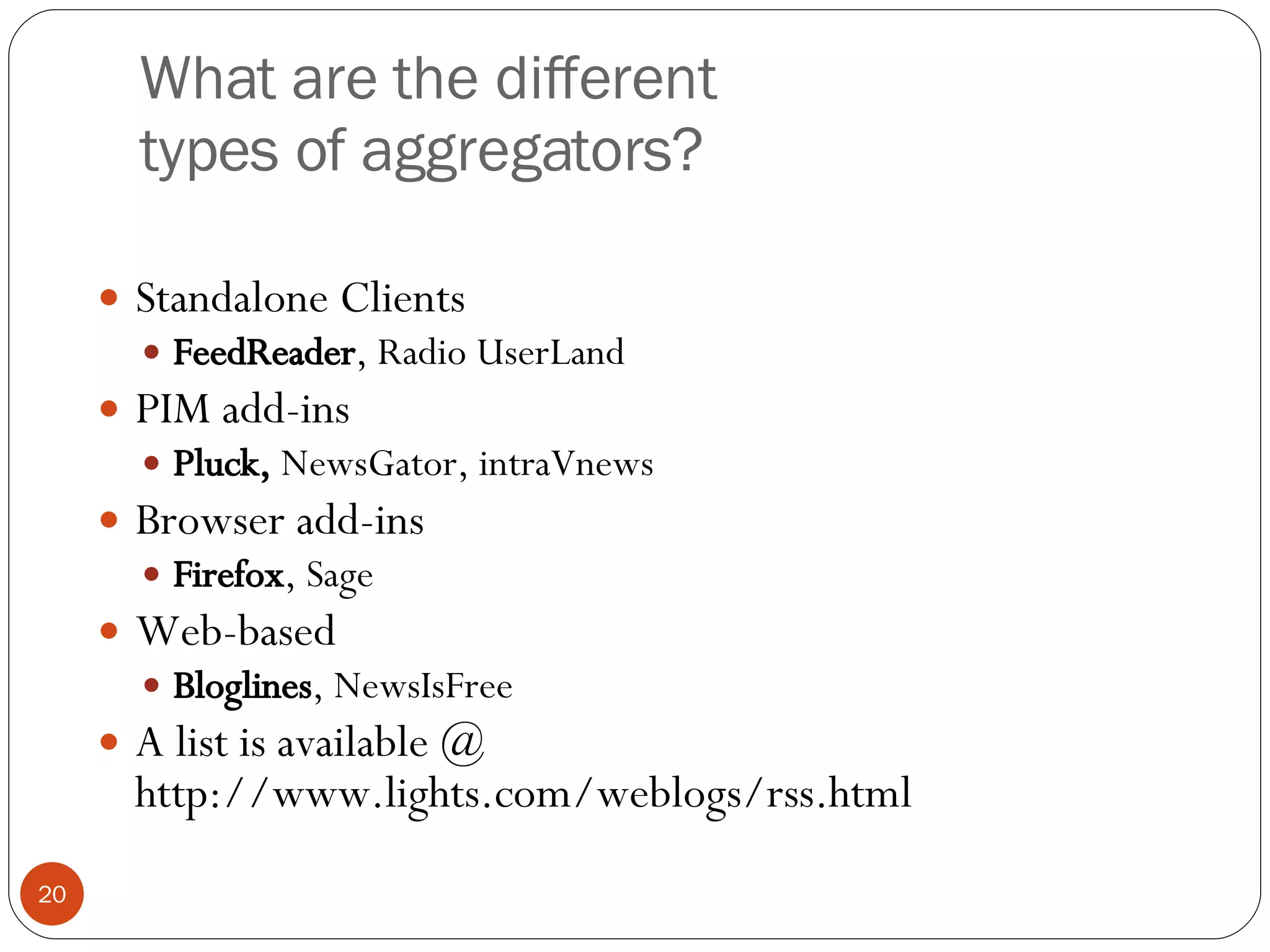
What are the different types of aggregators? Standalone Clients FeedReader , Radio UserLand PIM add-ins Pluck,  NewsGator, intraVnews Browser add-ins Firefox , Sage Web-based Bloglines , NewsIsFree A list is available @ http://www.lights.com/weblogs/rss.html
Why do I need an aggregator? Most importantly it makes the content of the feed readable Checks for updates automatically Notifies you of new information Displays only new items for you May allow you to sort and save information
RSS file in IE6
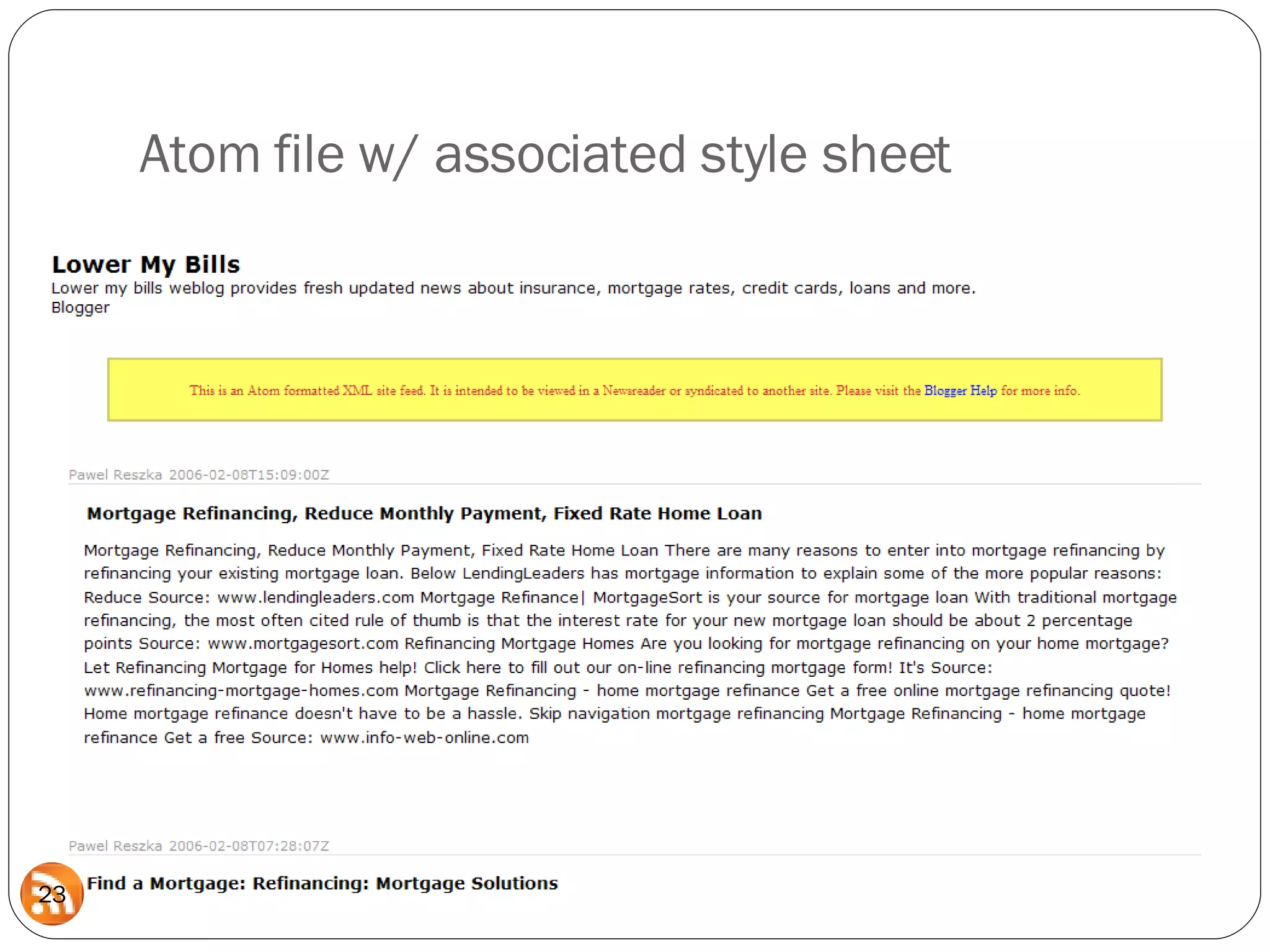
Atom file w/ associated style sheet
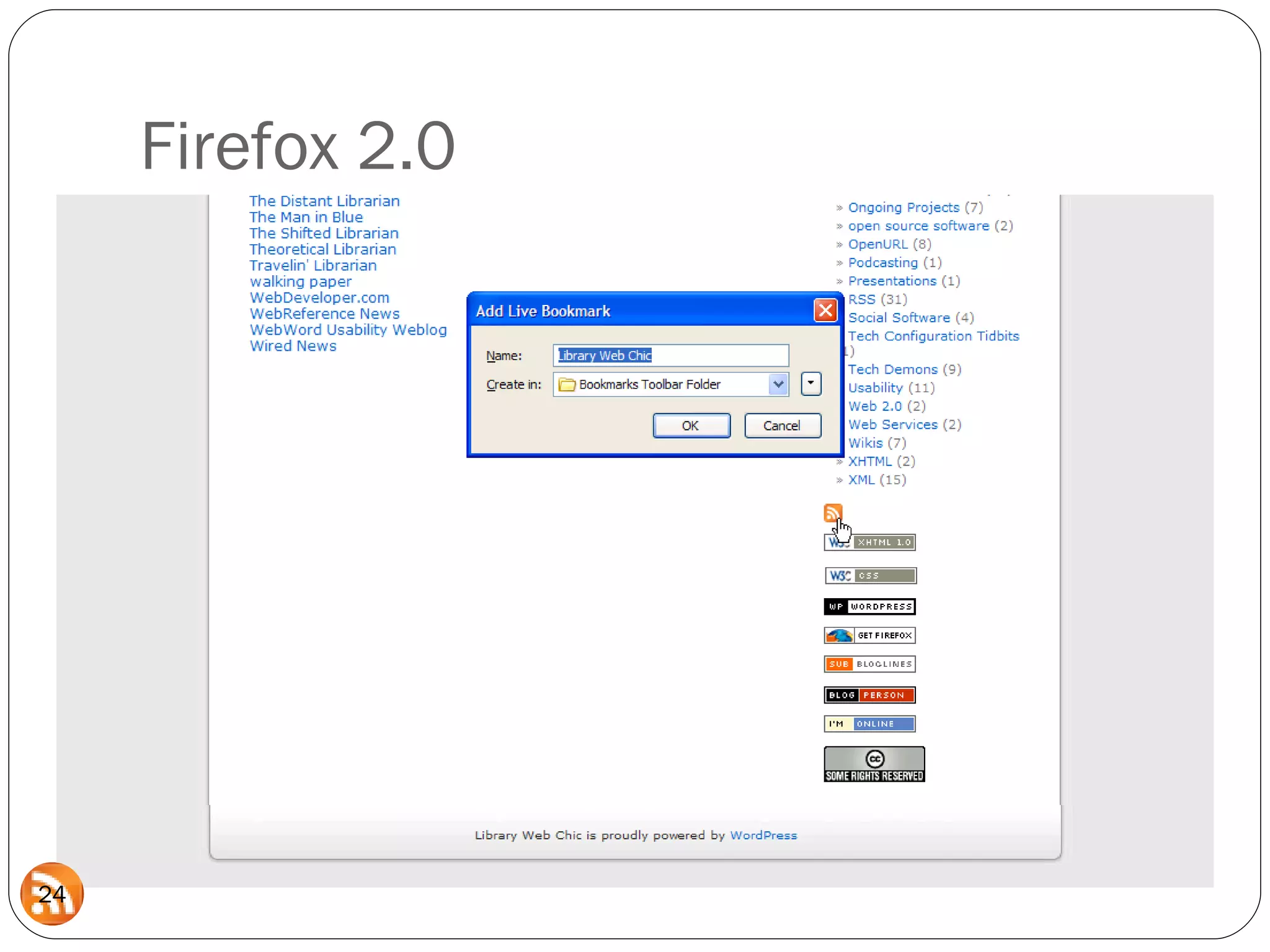
Firefox 2.0
Internet Explorer 7
Types of Aggregators Client Add-on Built-in Server-based Web-based service
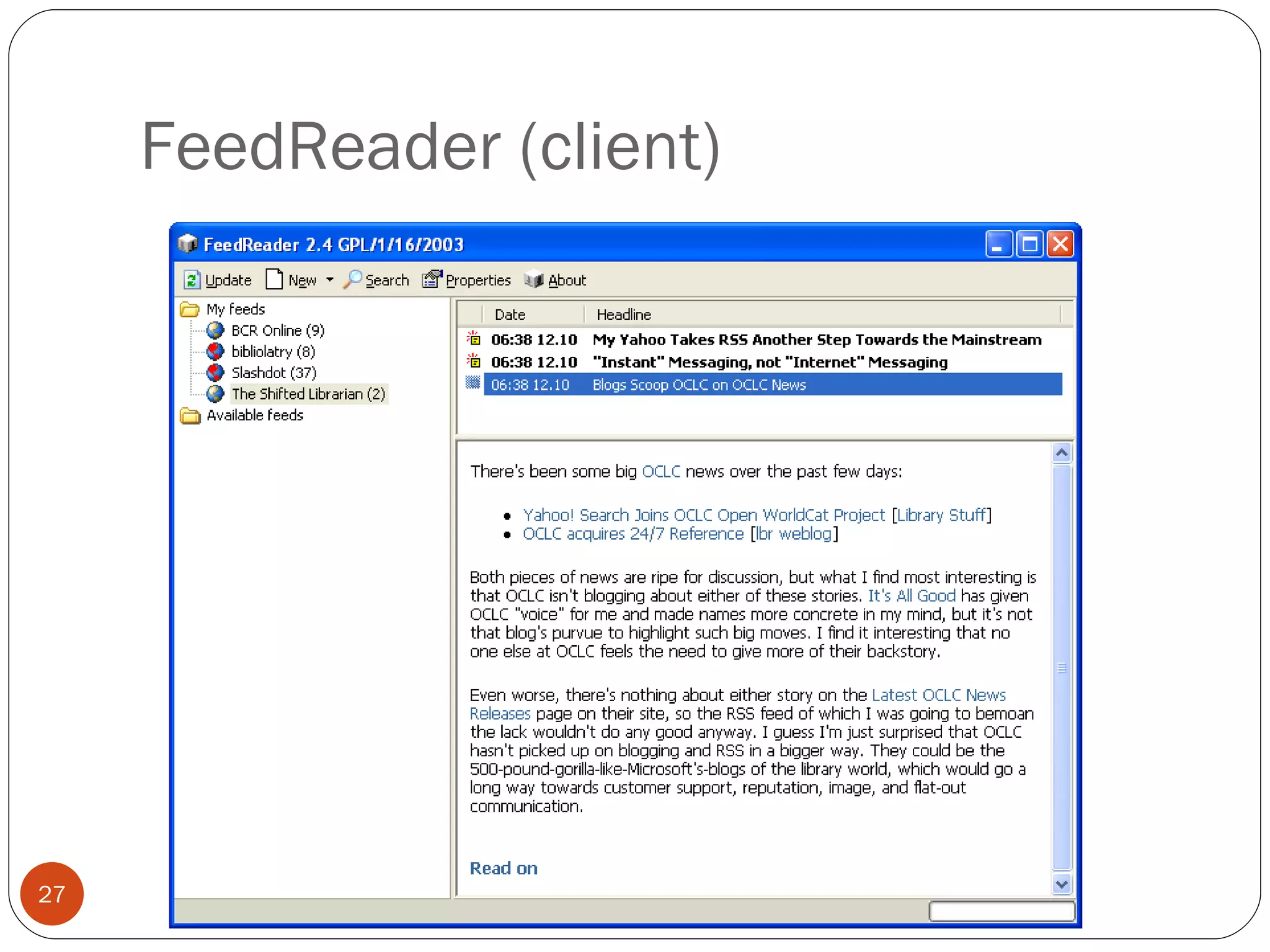
FeedReader (client)
Pluck (add-on for IE)
Firefox 2
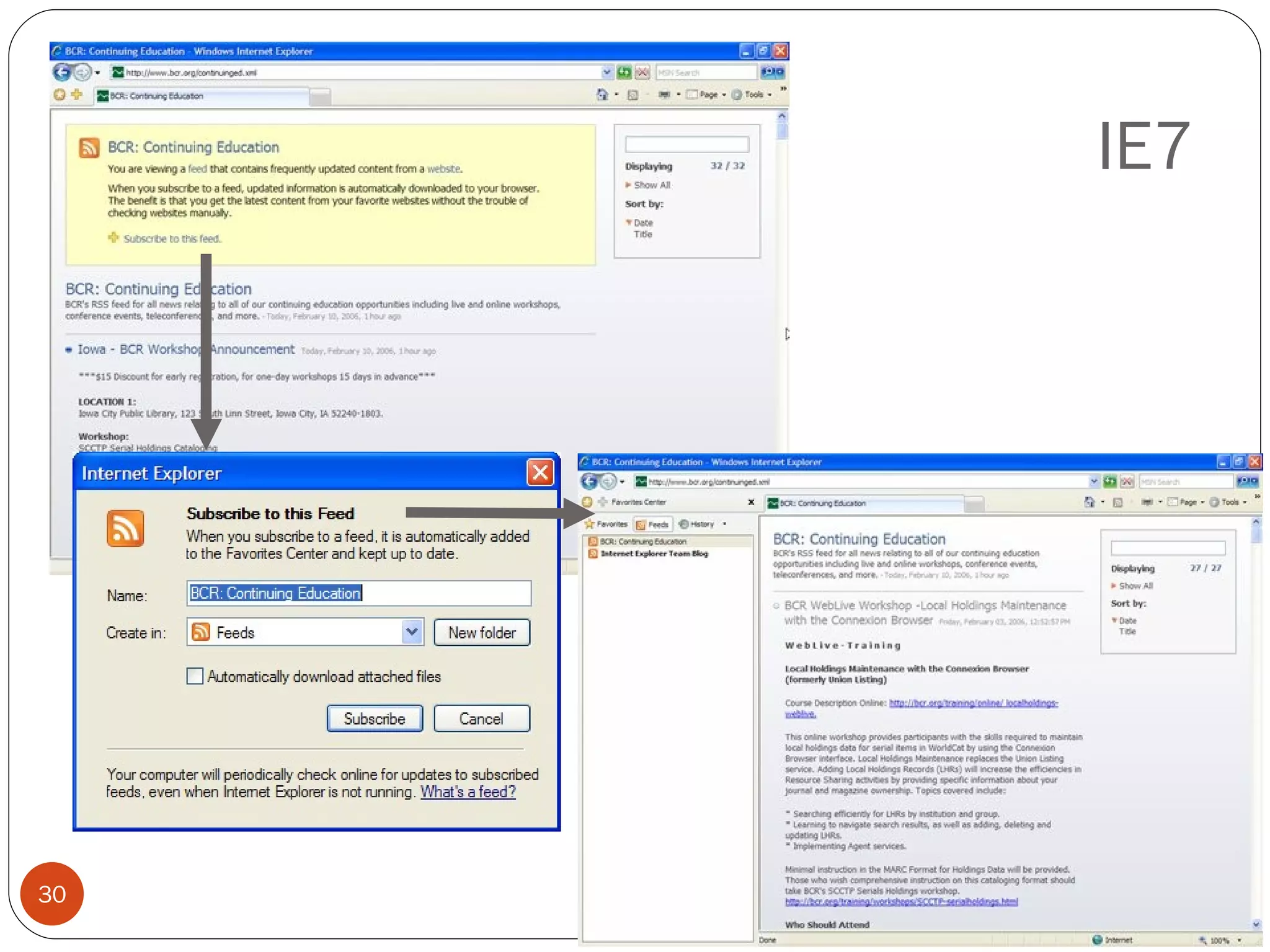
IE7
Feed on Feeds (server)
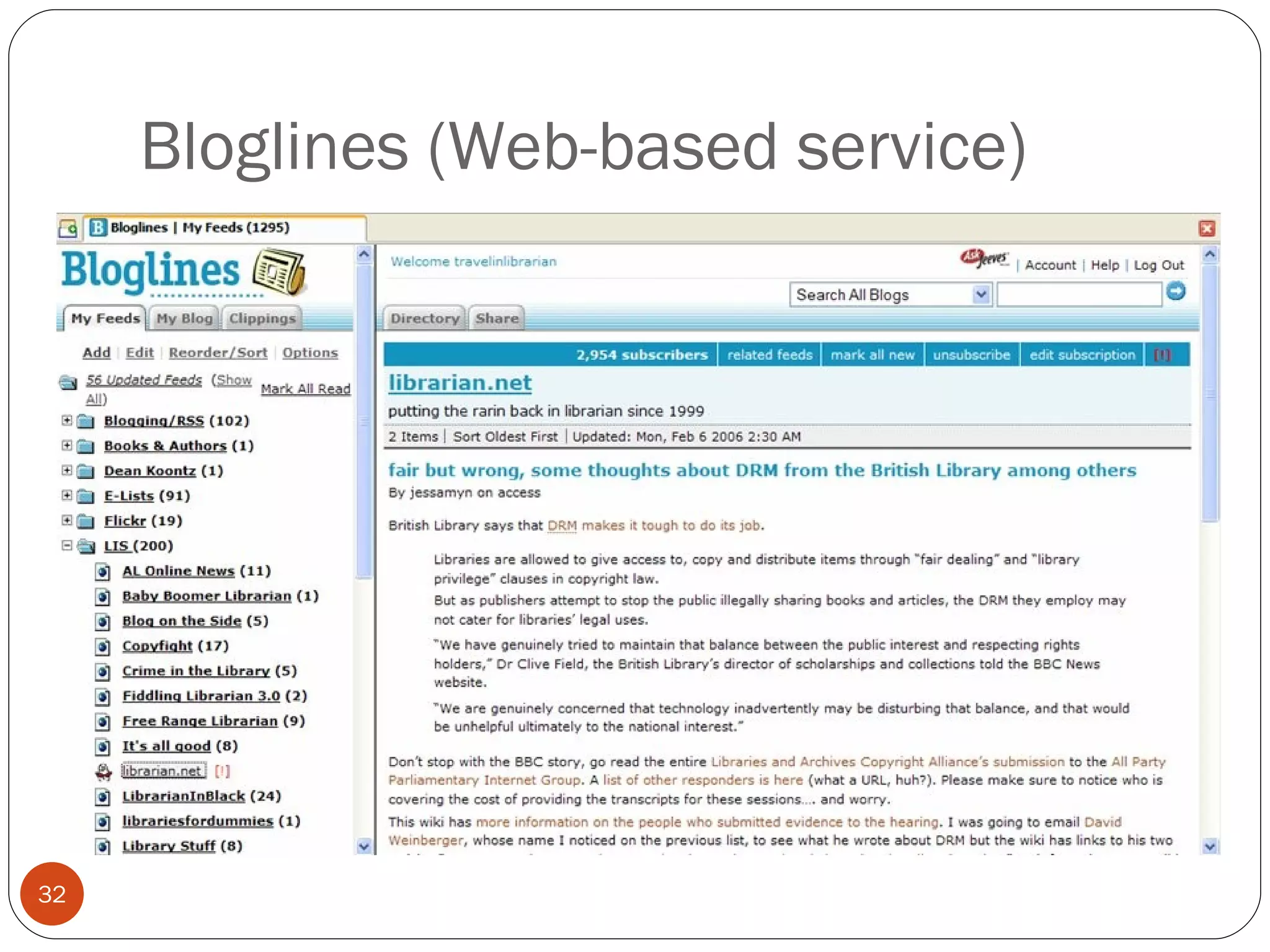
Bloglines (Web-based service)
Subscribing to a feed
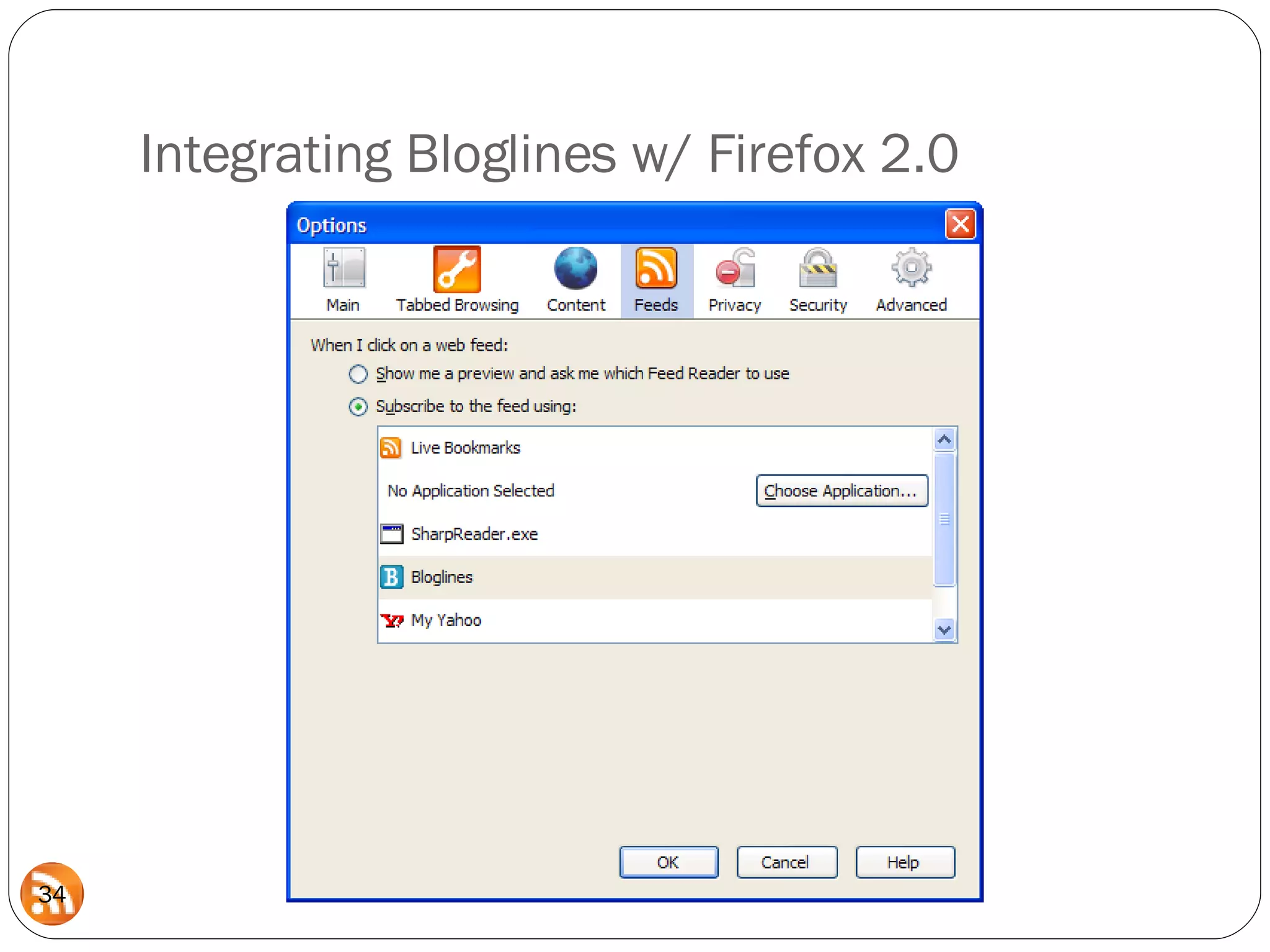
Integrating Bloglines w/ Firefox 2.0
The Bloglines Bookmarklet
Michael Sauers Technology Innovation Librarian Nebraska Library Commission  Computers in Libraries 2008 Integrating RSS into Your Web site   Part 3: Creating Feeds
How do I create a feed? Hand-rolled You type the markup and the content Semi-automated You type the content, software generates the markup. Fully-automated You put the content in your blog and software generates a feed based on that content.
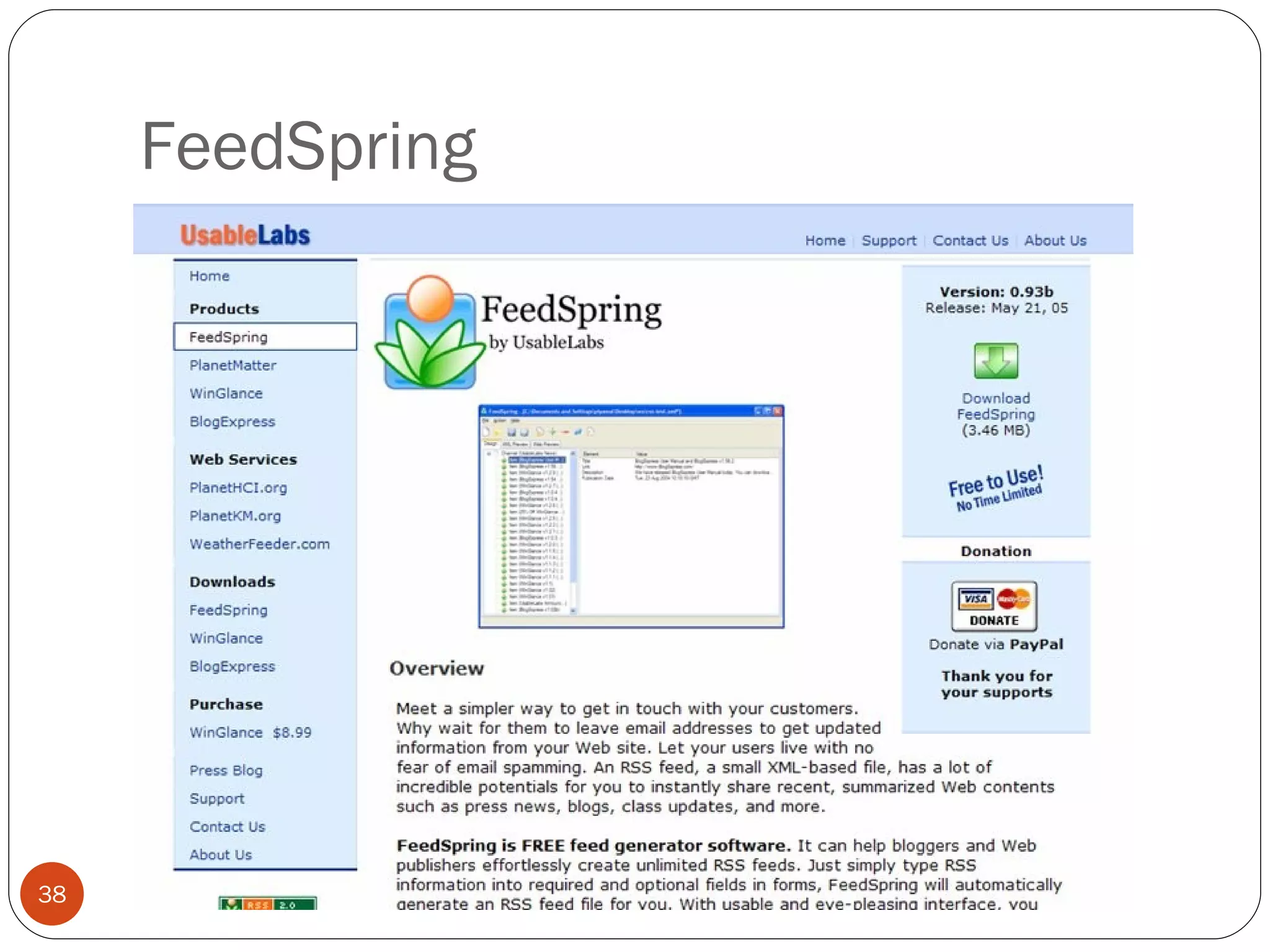
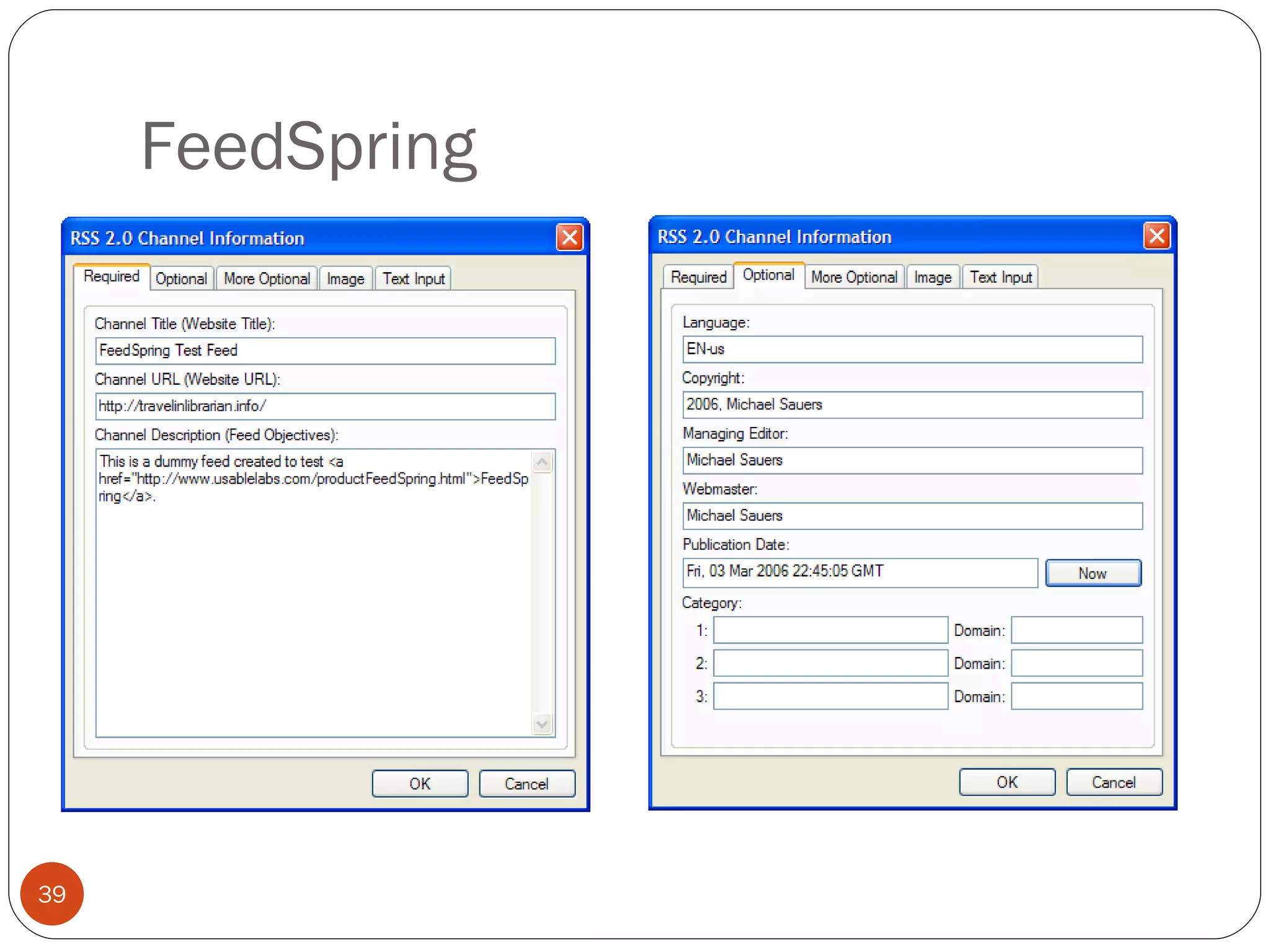
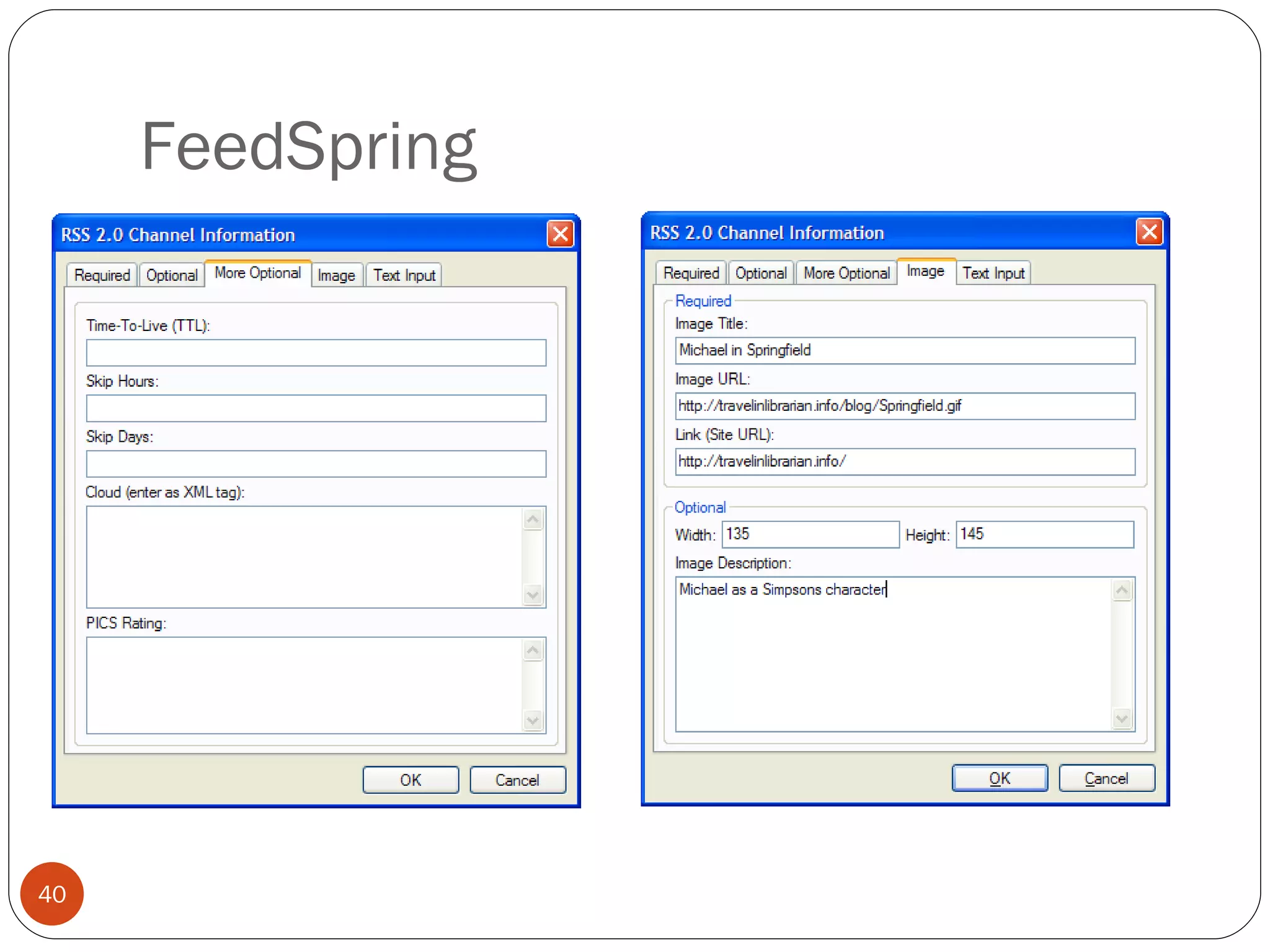
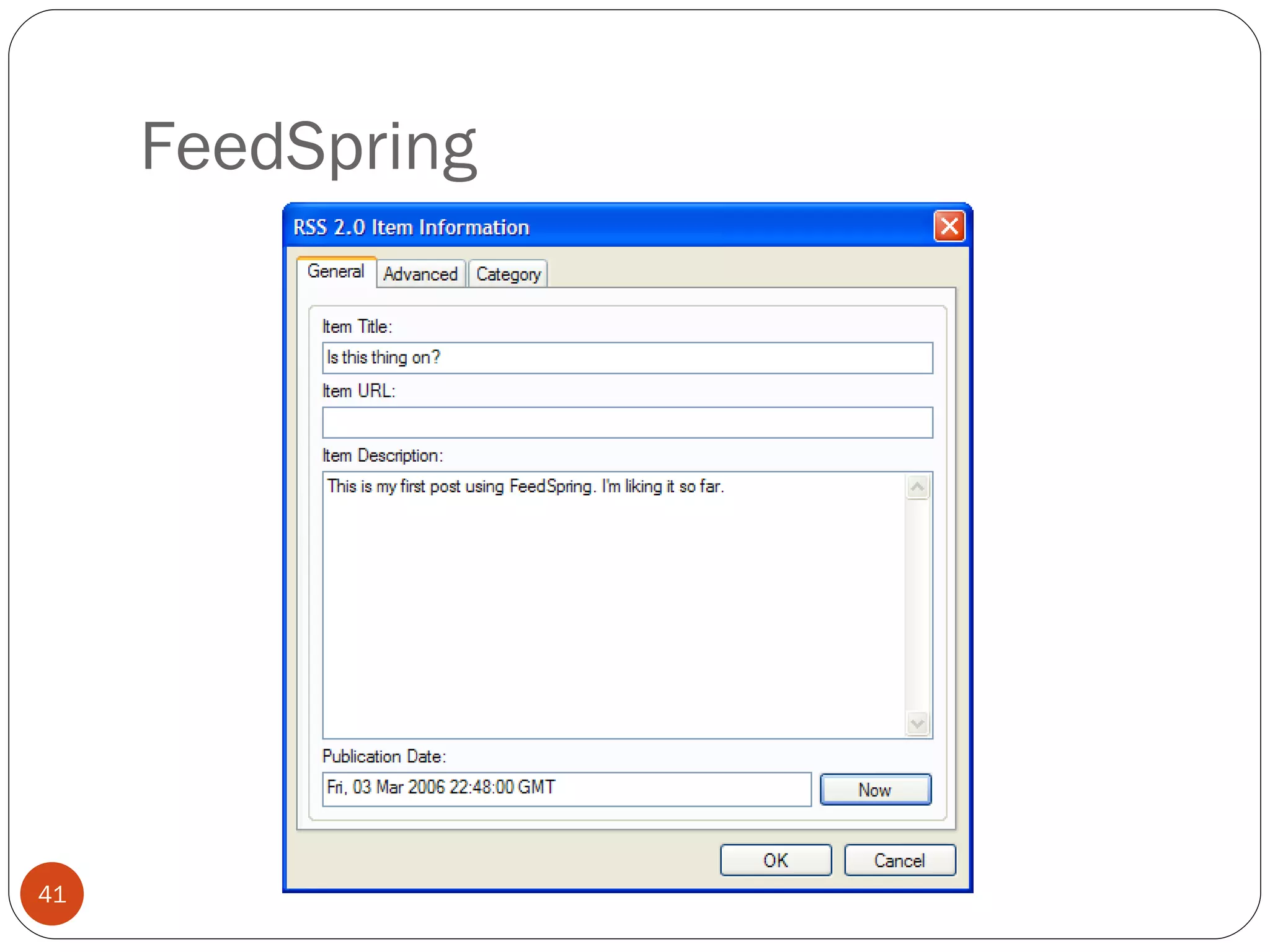
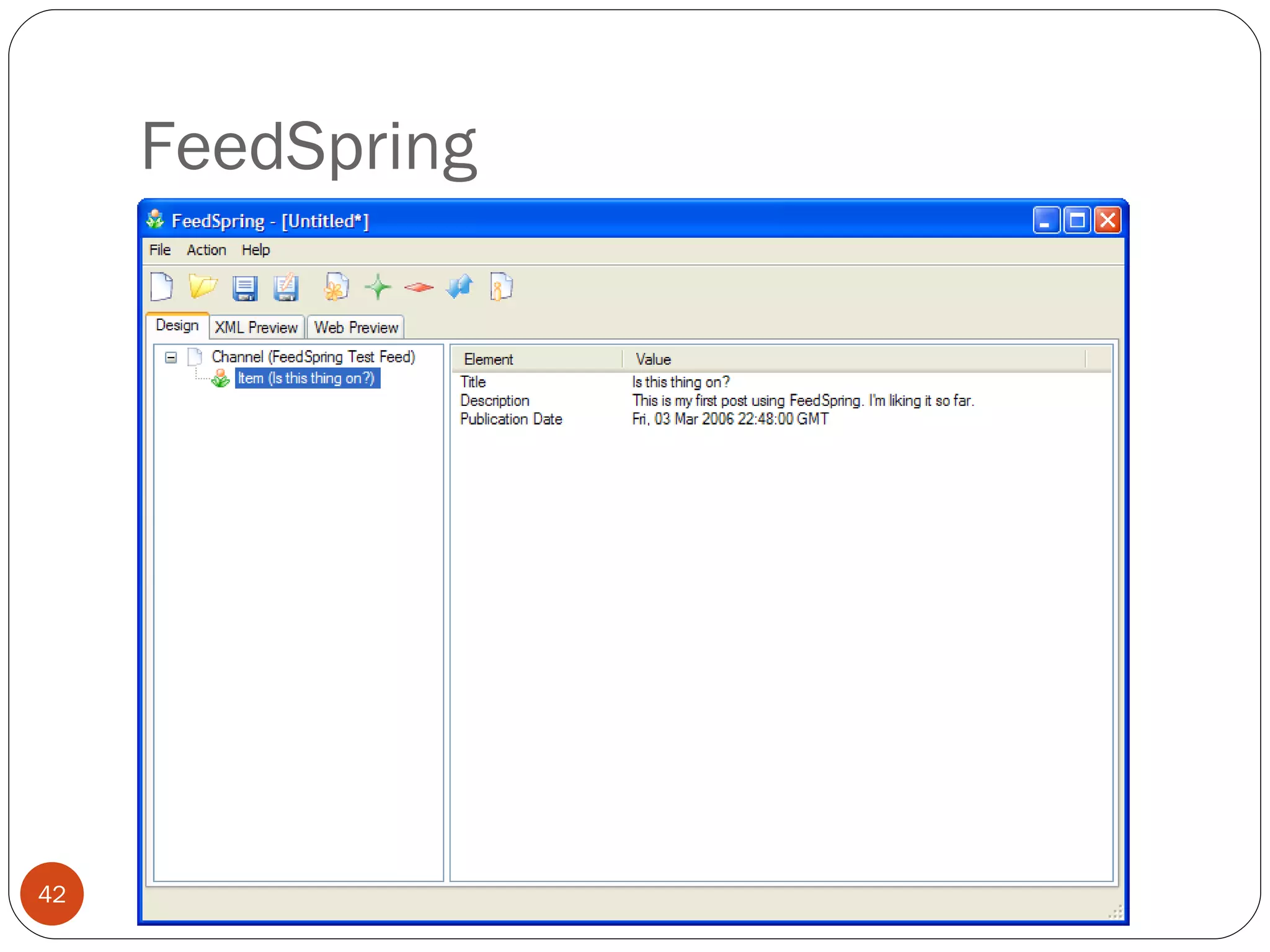
FeedSpring
FeedSpring
FeedSpring
FeedSpring
FeedSpring
FeedSpring
FeedSpring
FeedSpring Limitations Local installation limits mobility and posters to a single computer. No built-in FTP. Must transfer the .xml file to the server manually. Still in beta (but what isn’t these days?)
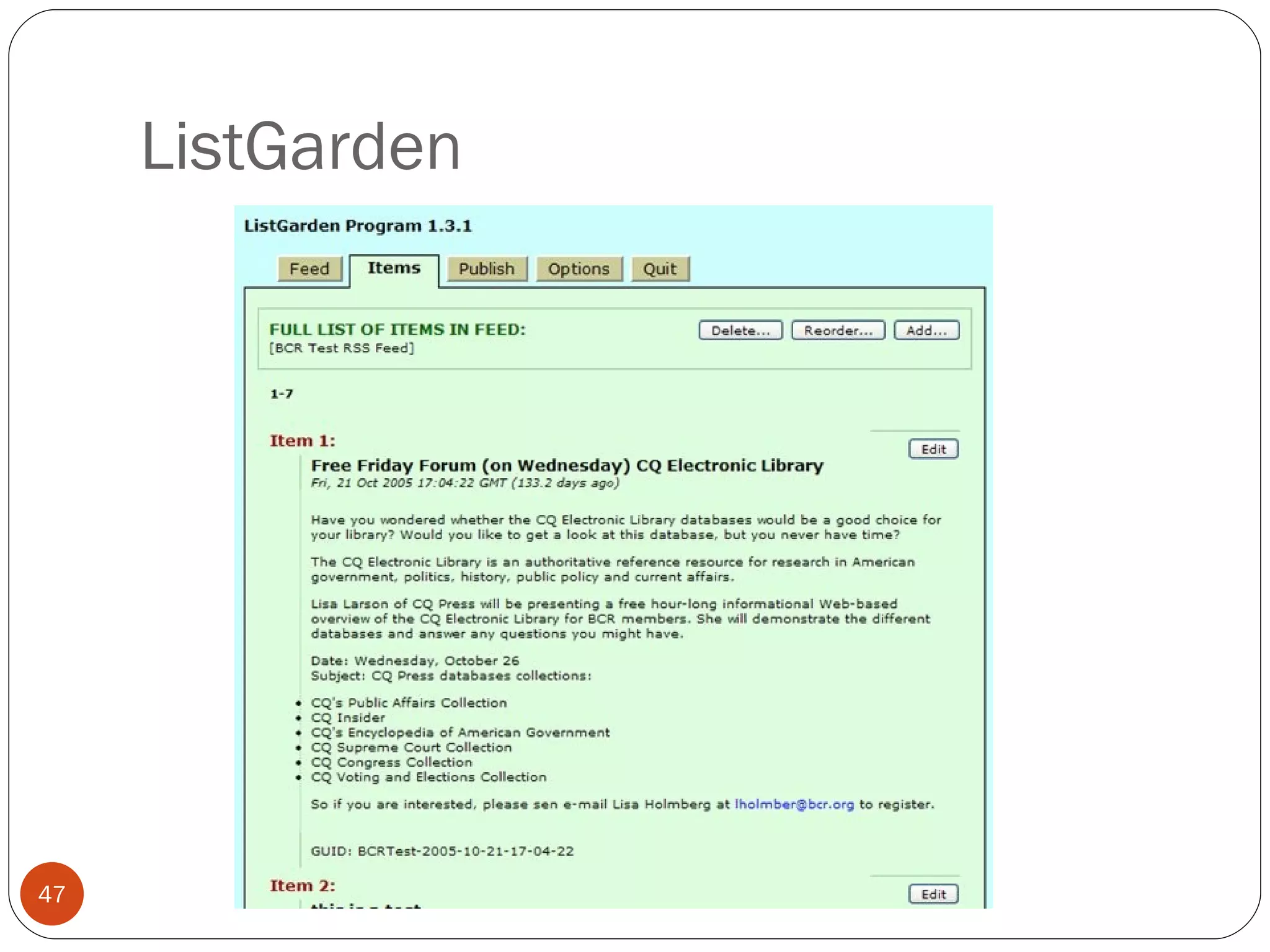
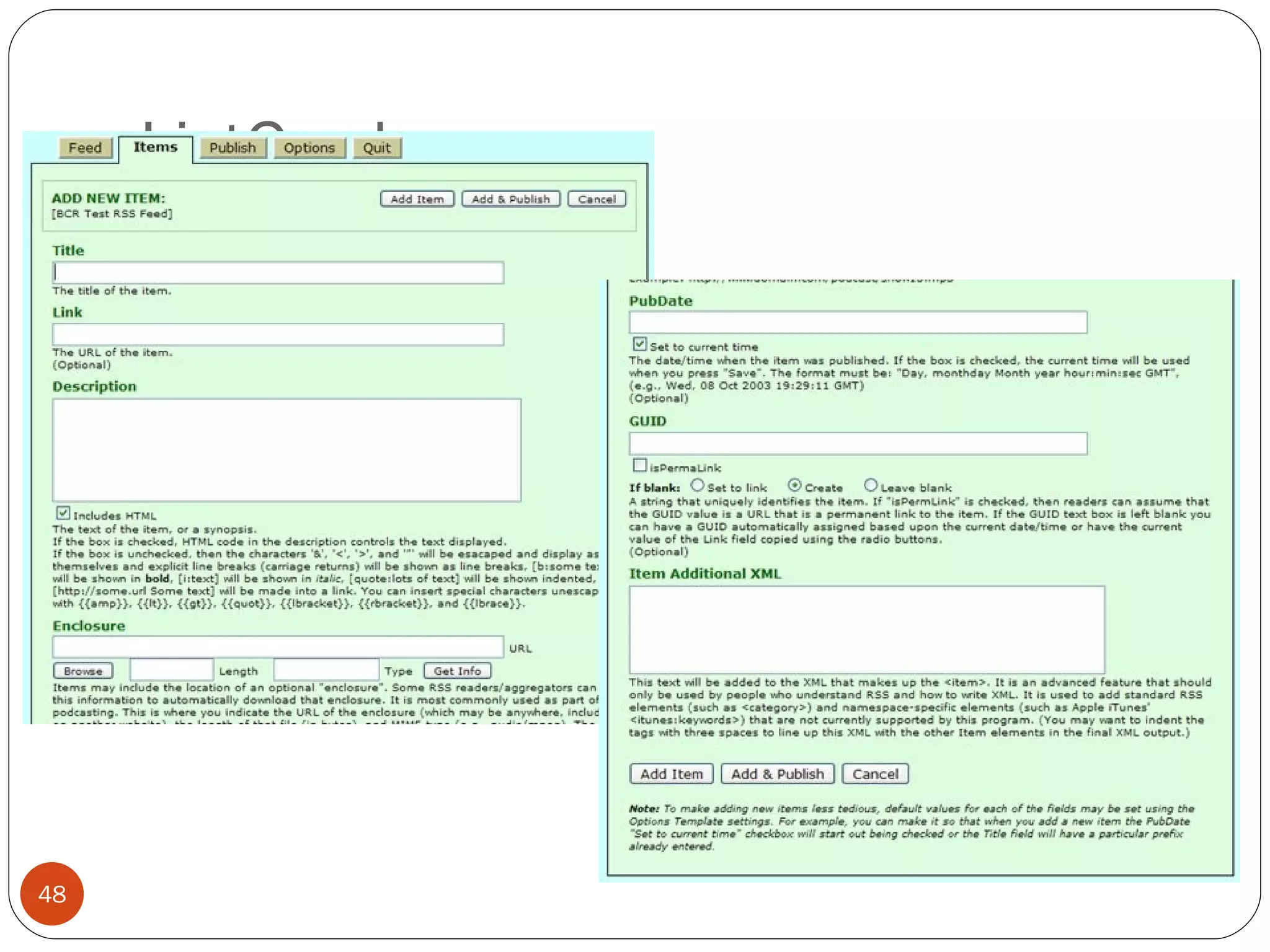
ListGarden
ListGarden
ListGarden
ListGarden
ListGarden
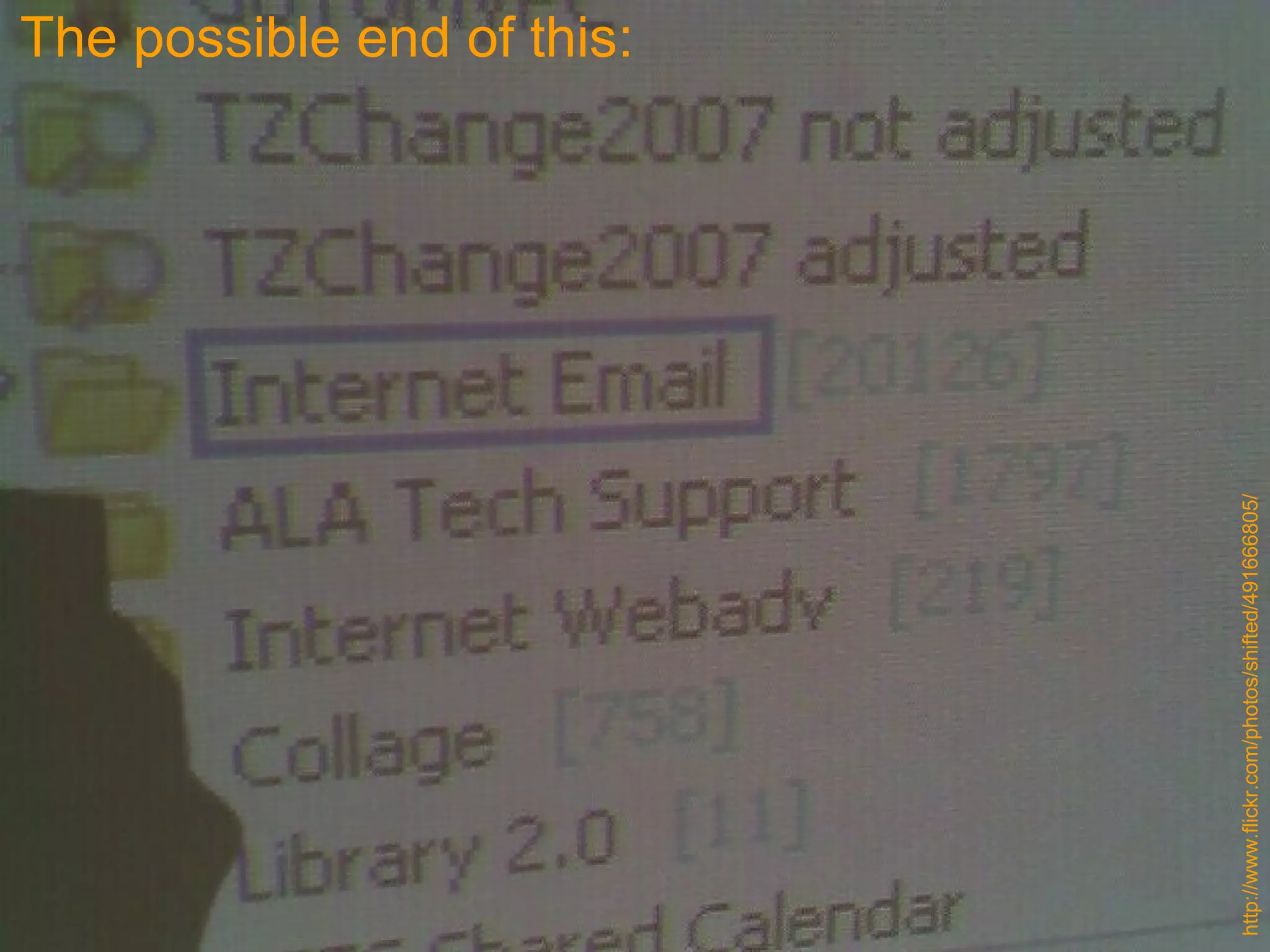
ListGarden Limitations Depending of type of server installed on, may not be secure. (i.e. no passwords on cgi-bin directories.)
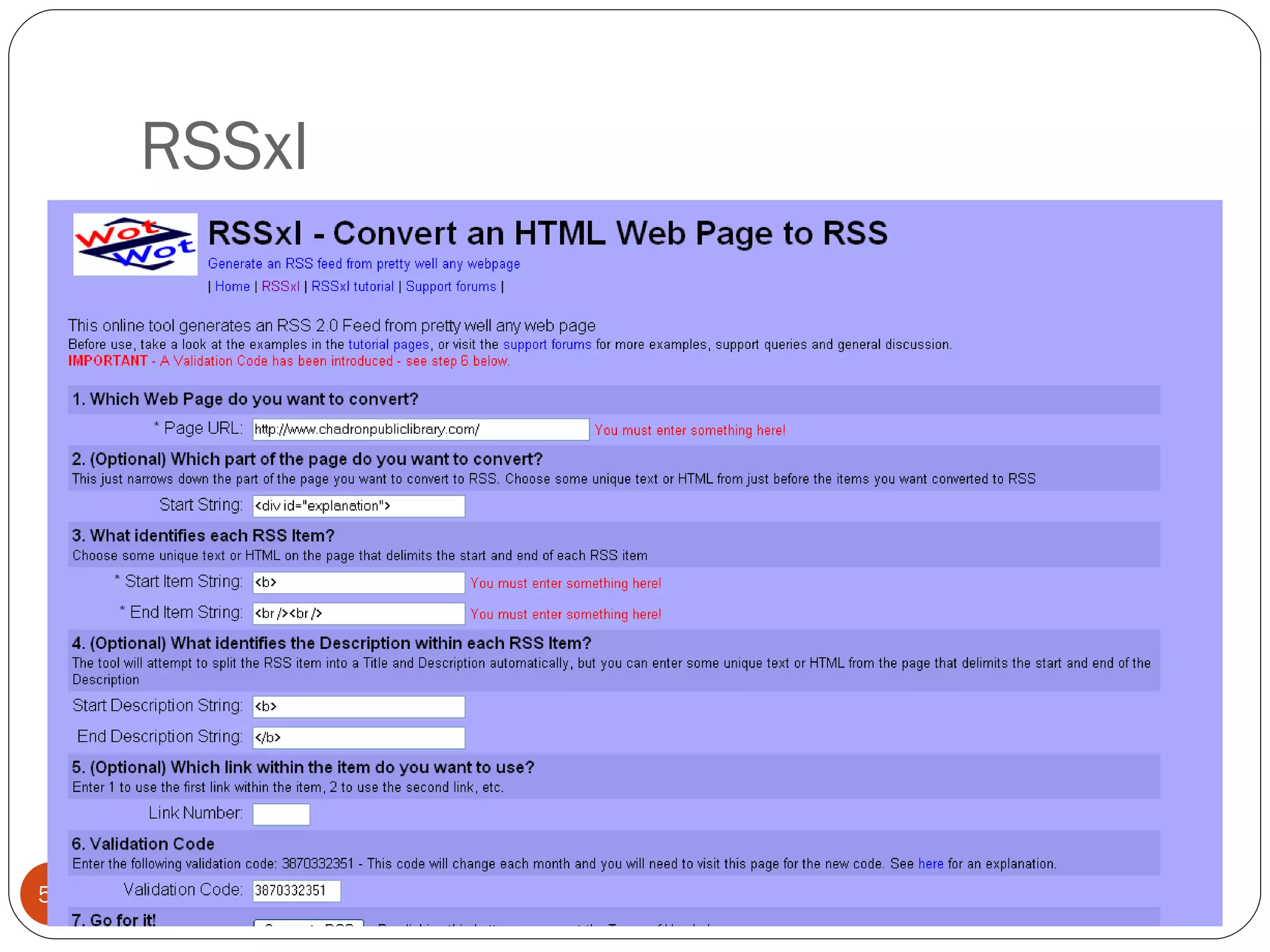
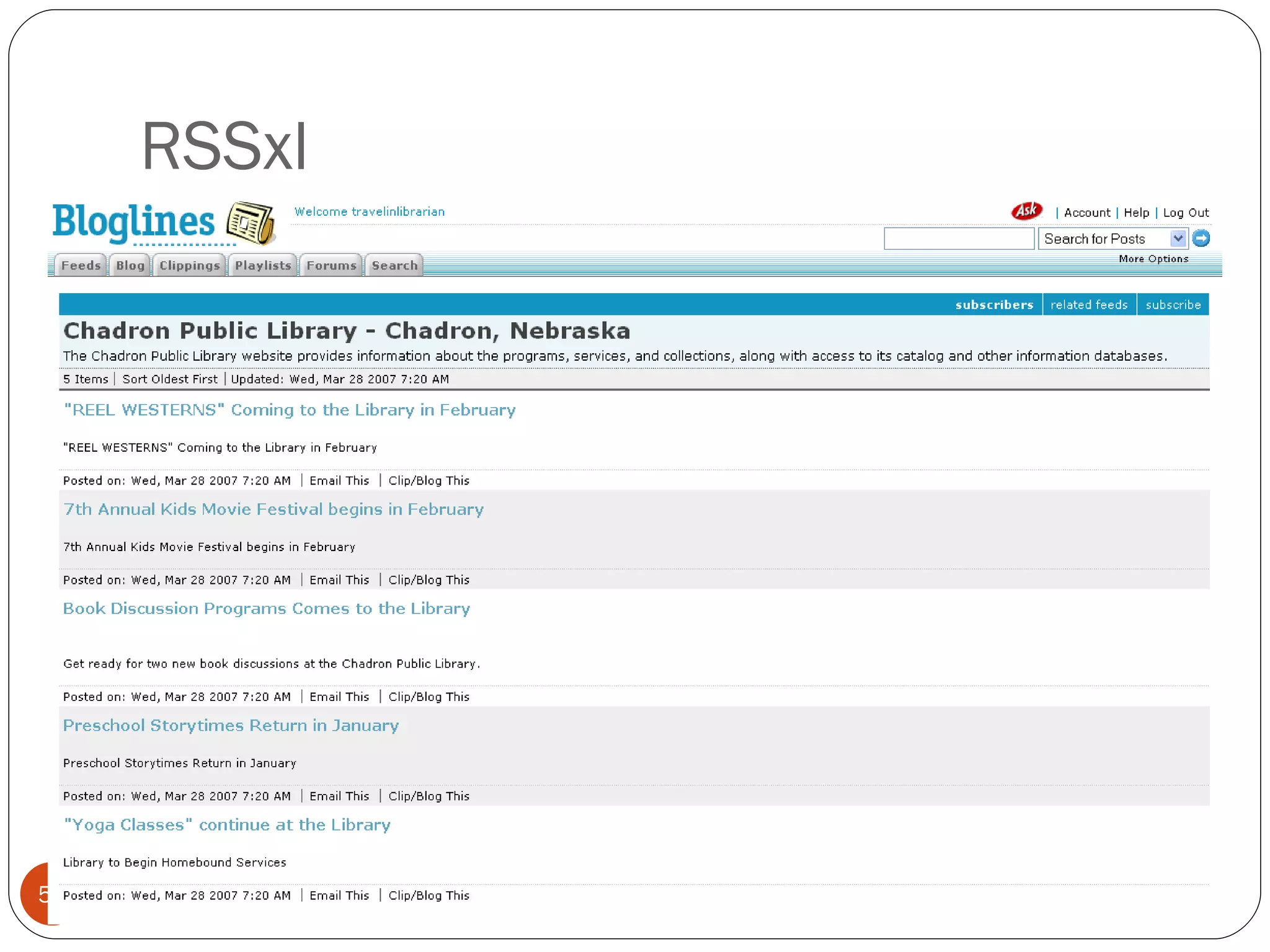
RSSxl
RSSxl
RSSxl
RSSxl
RSSxl Limitations Solid knowledge of HTML required to get parsing correct. Works better on pages with simpler layouts. The validation code “will change each month and you will need to visit this page for the new code.” (Though I’ve found feeds continue to work without updating the code.) “ If you are using this tool to publish an RSS feed from your website, then you must include a visible HTML link to www.wotzwot.com on your site next to the link to your feed like the following: ‘Powered by RSSxl’”
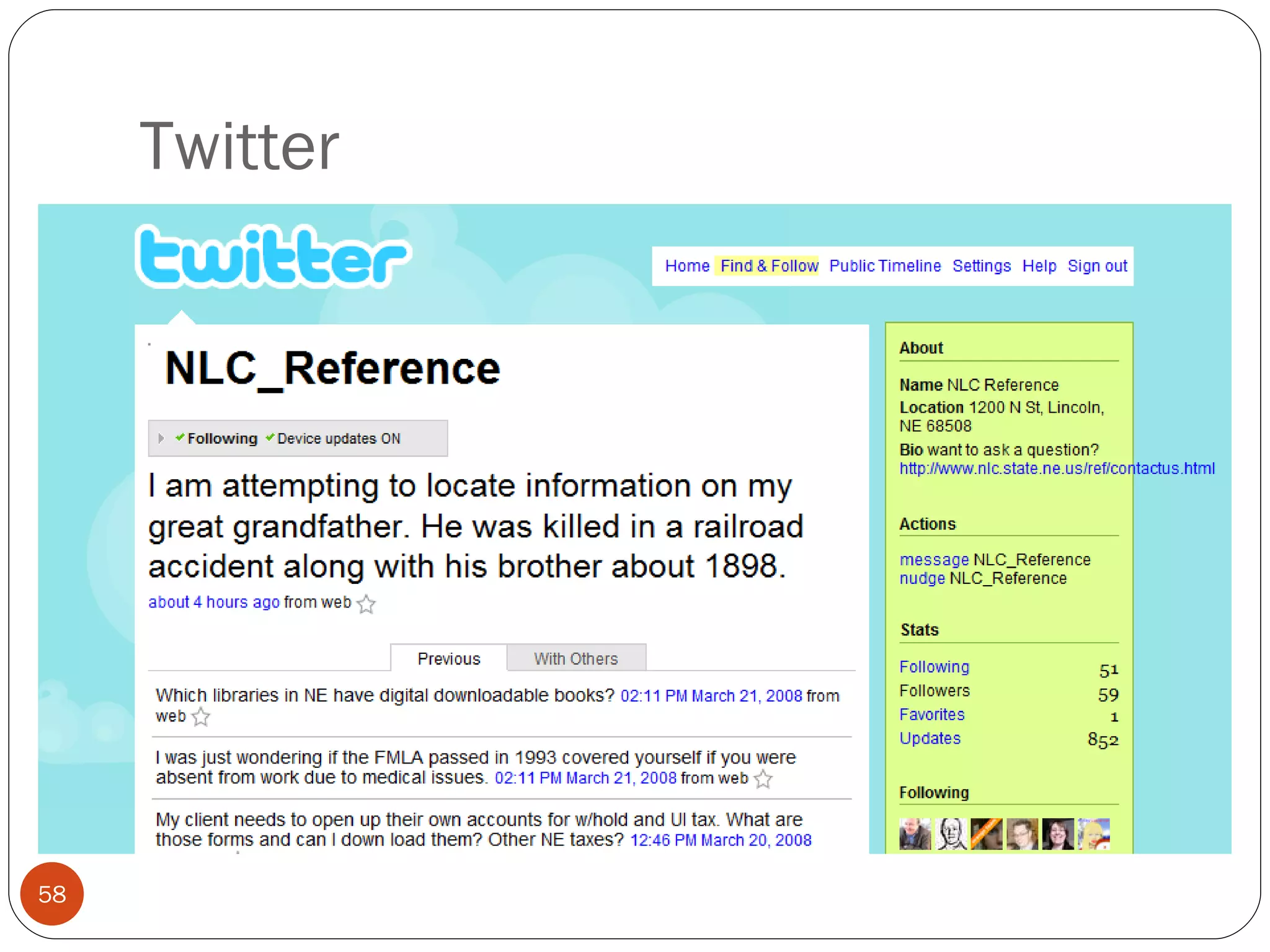
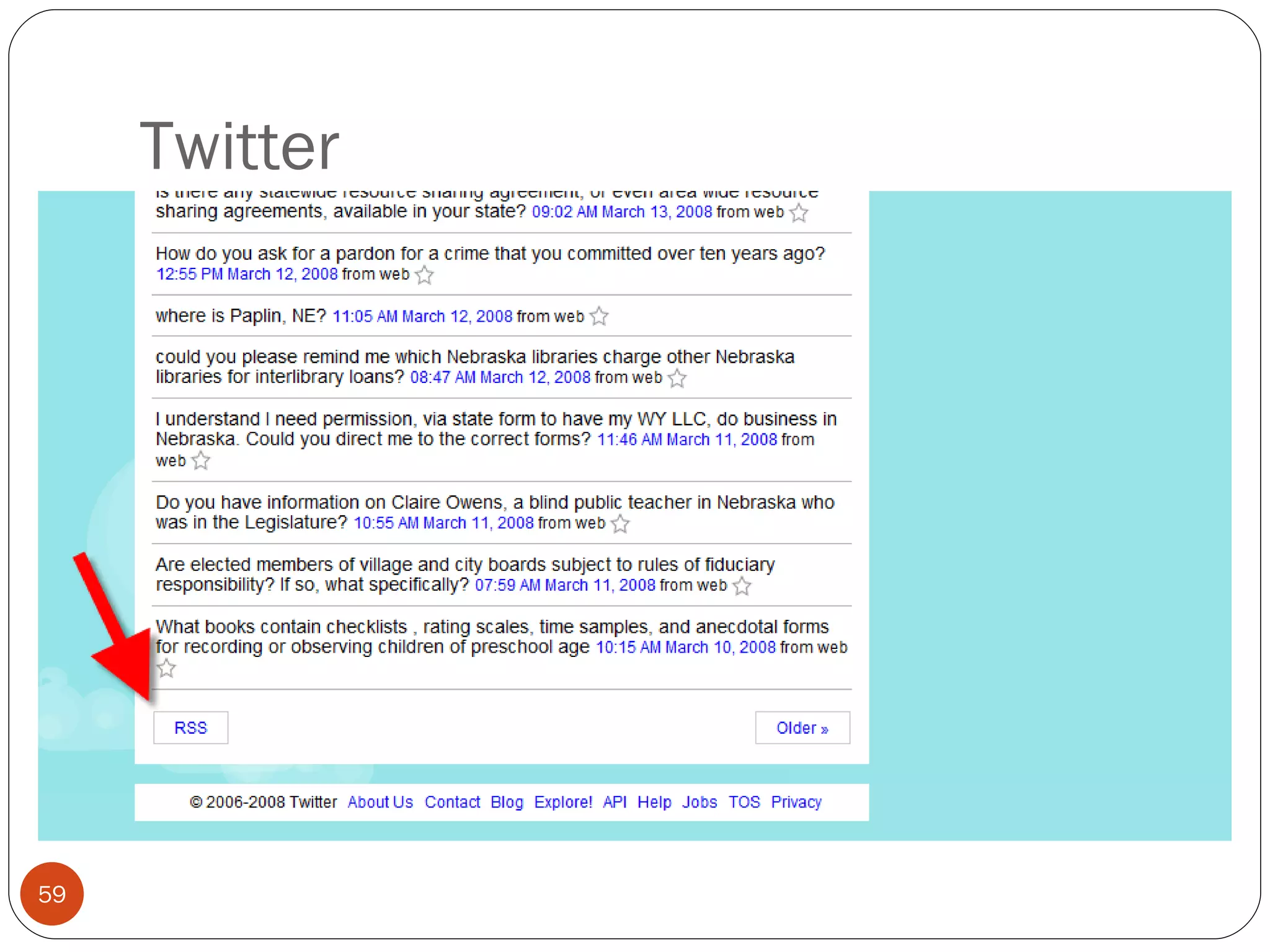
Twitter What are you doing now? Post via: Web site Clients IM SMS
Twitter
Twitter
Twitter
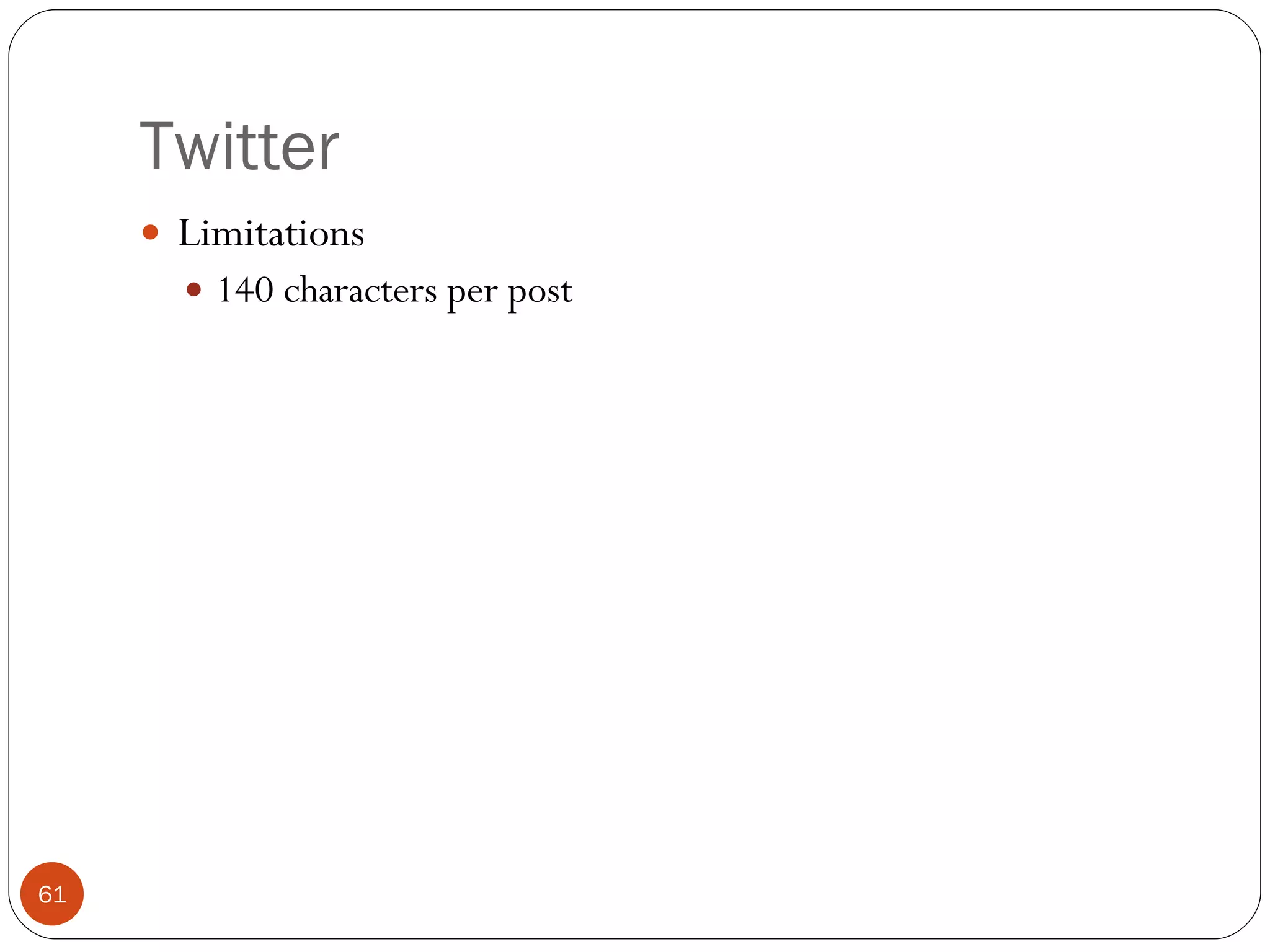
Twitter Limitations 140 characters per post
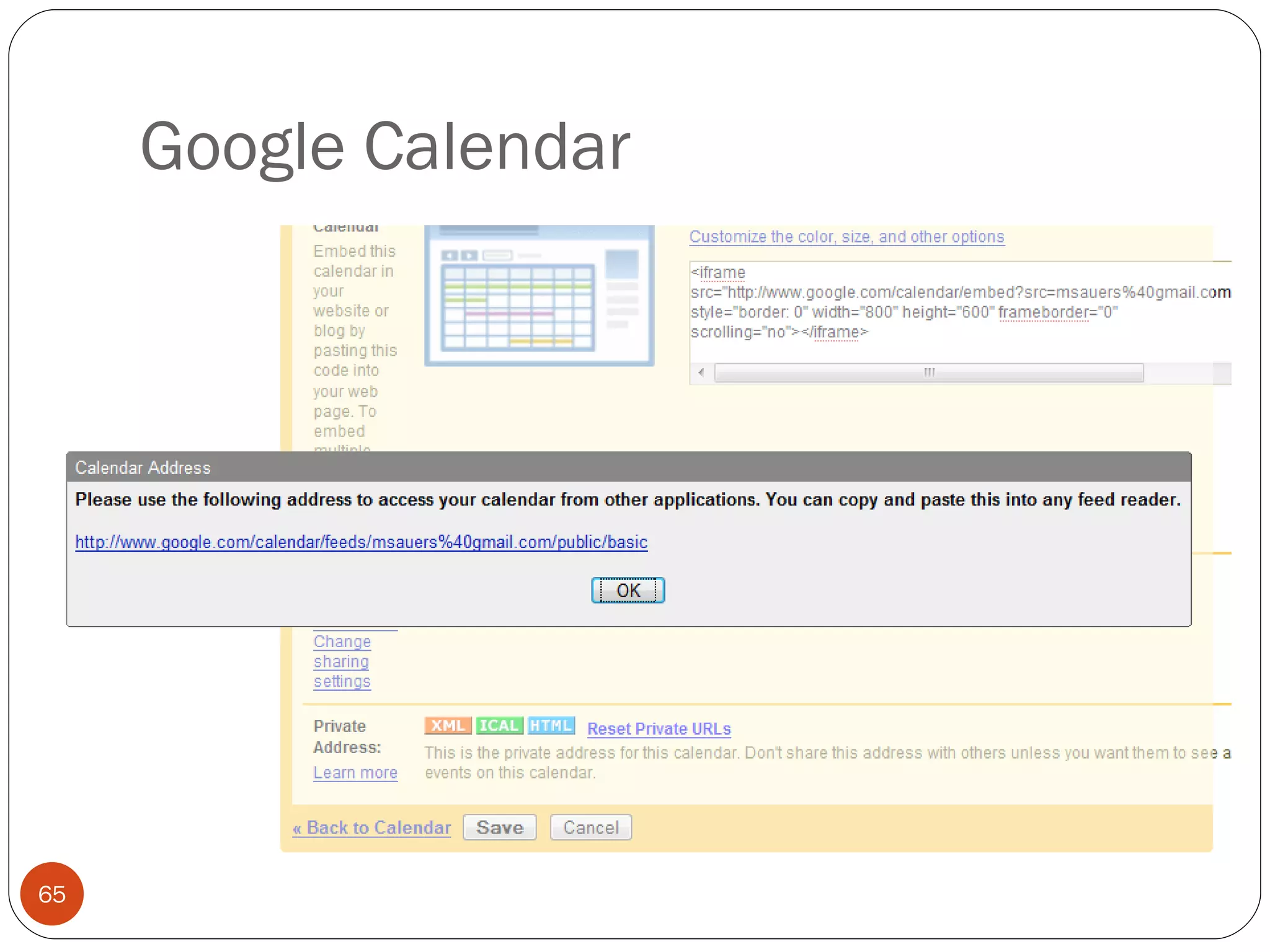
Google Calendar
Google Calendar
Google Calendar
Google Calendar
Google Calendar Limitations None to speak of Benefits Now sync-able with Outlook Can also embed calendar into site
Michael Sauers Technology Innovation Librarian Nebraska Library Commission  Computers in Libraries 2008 Integrating RSS into Your Web site   Part 4: Republishing Feeds
Integrating feed content into your Web site Grab content from multiple RSS feeds Reduce and/or mash it Republish it on your site
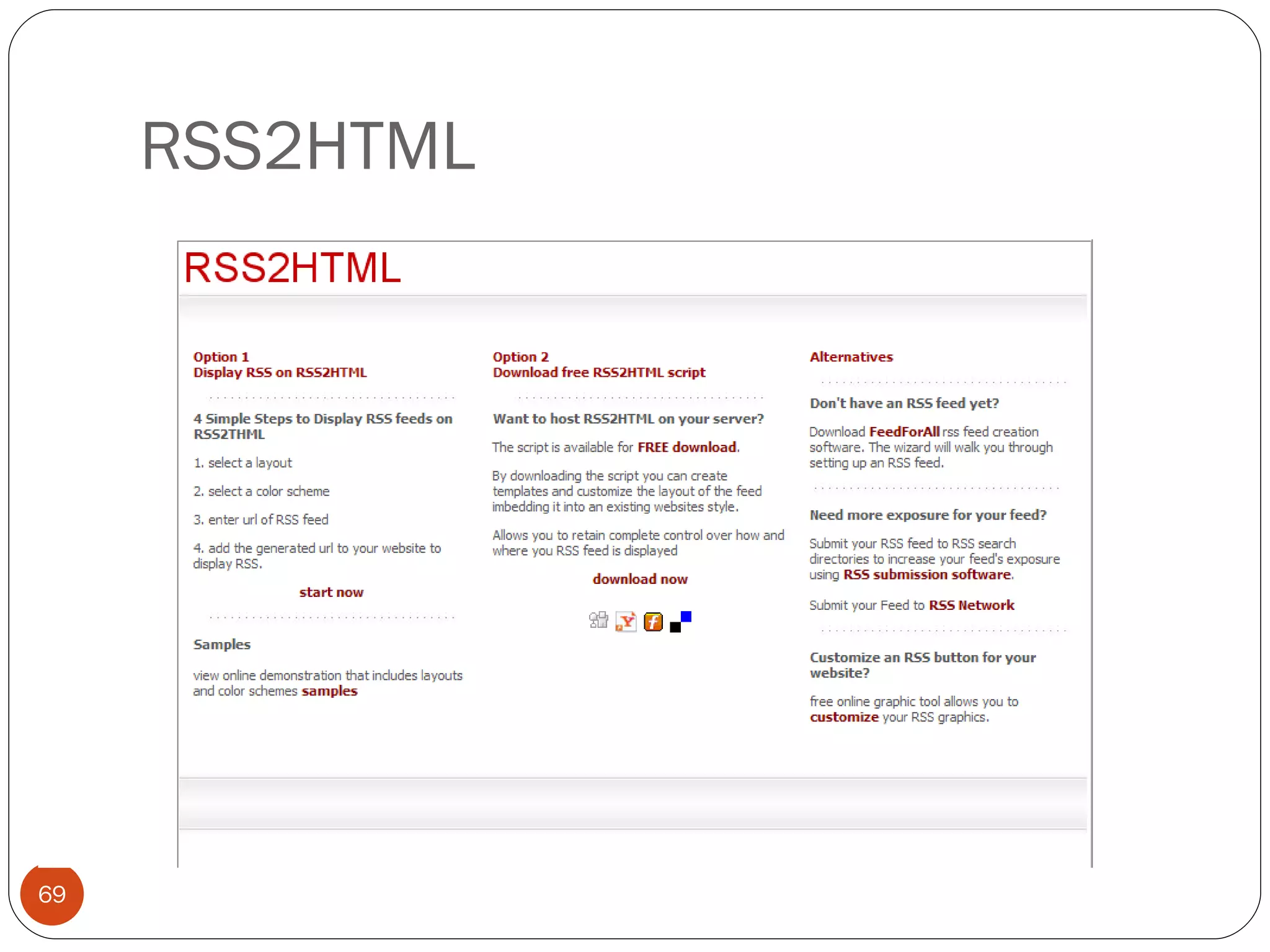
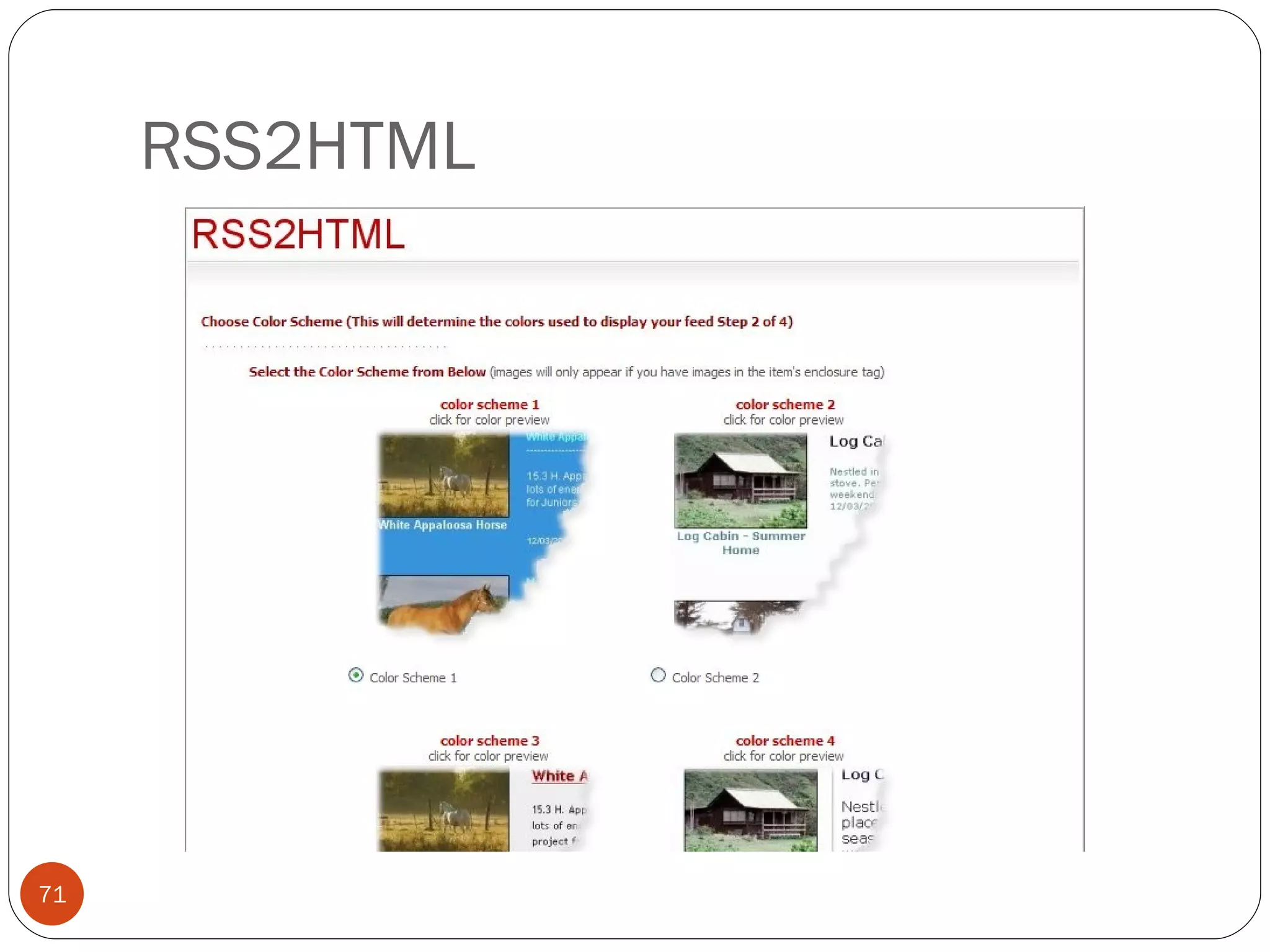
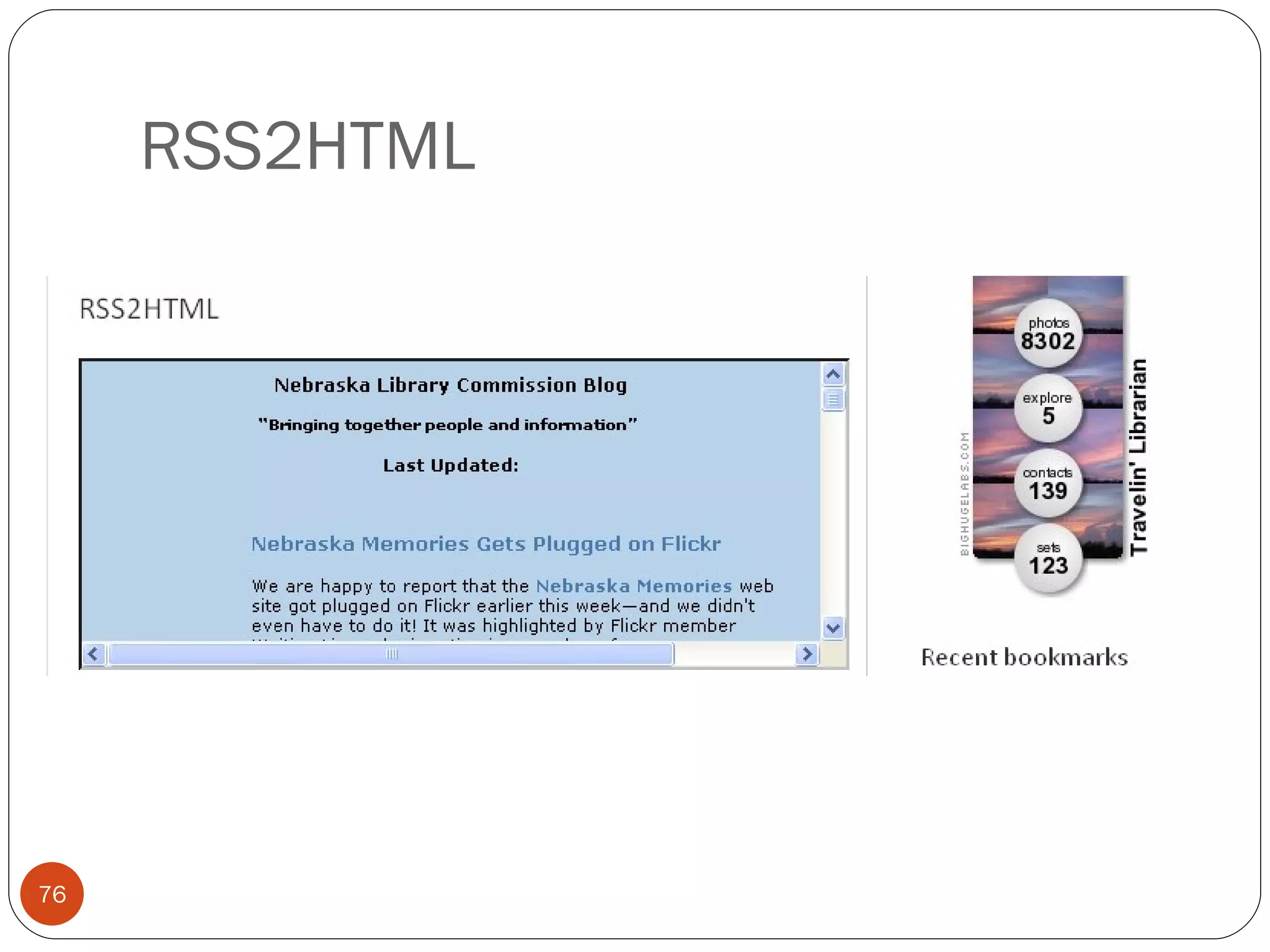
RSS2HTML
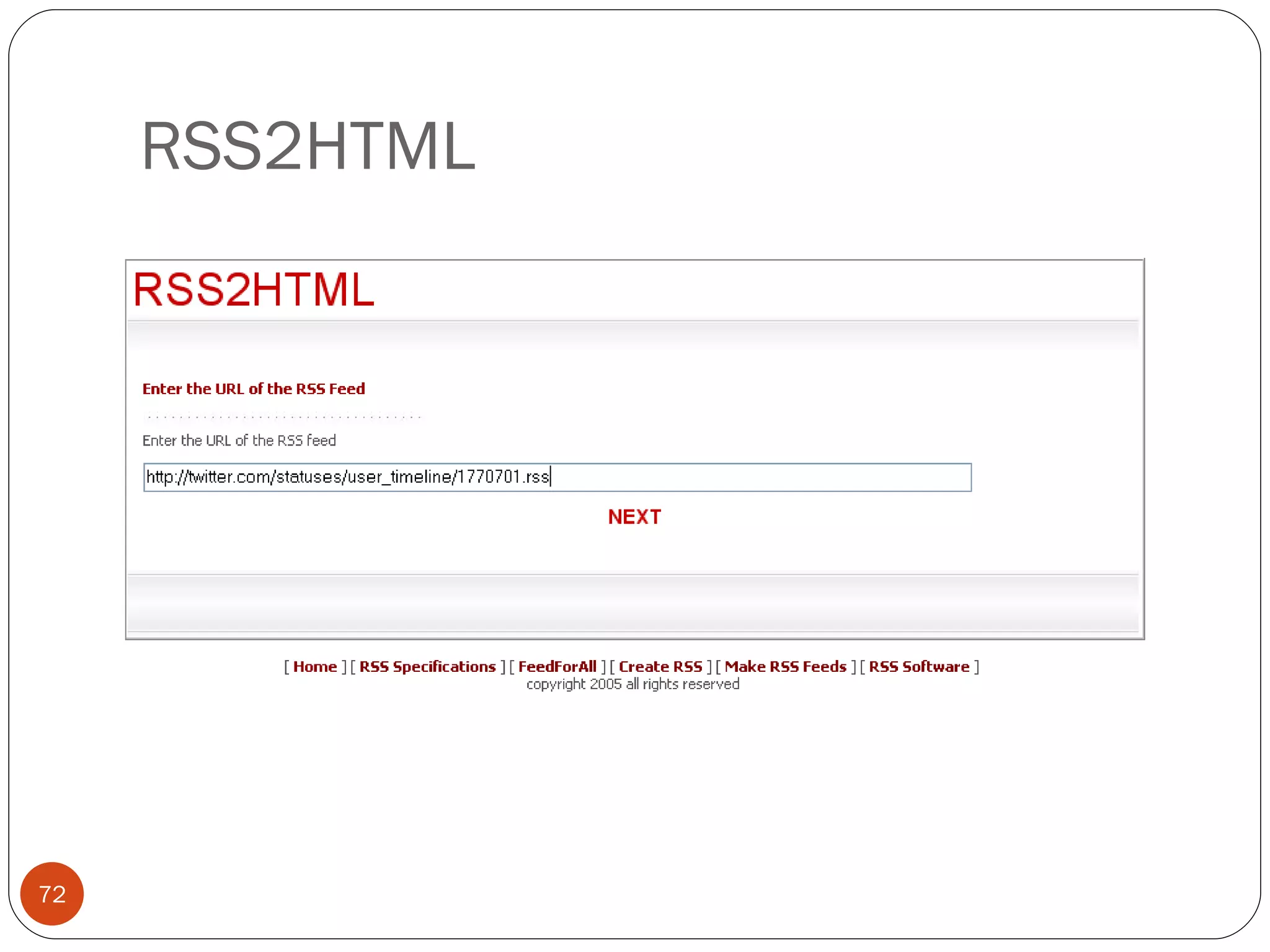
RSS2HTML
RSS2HTML
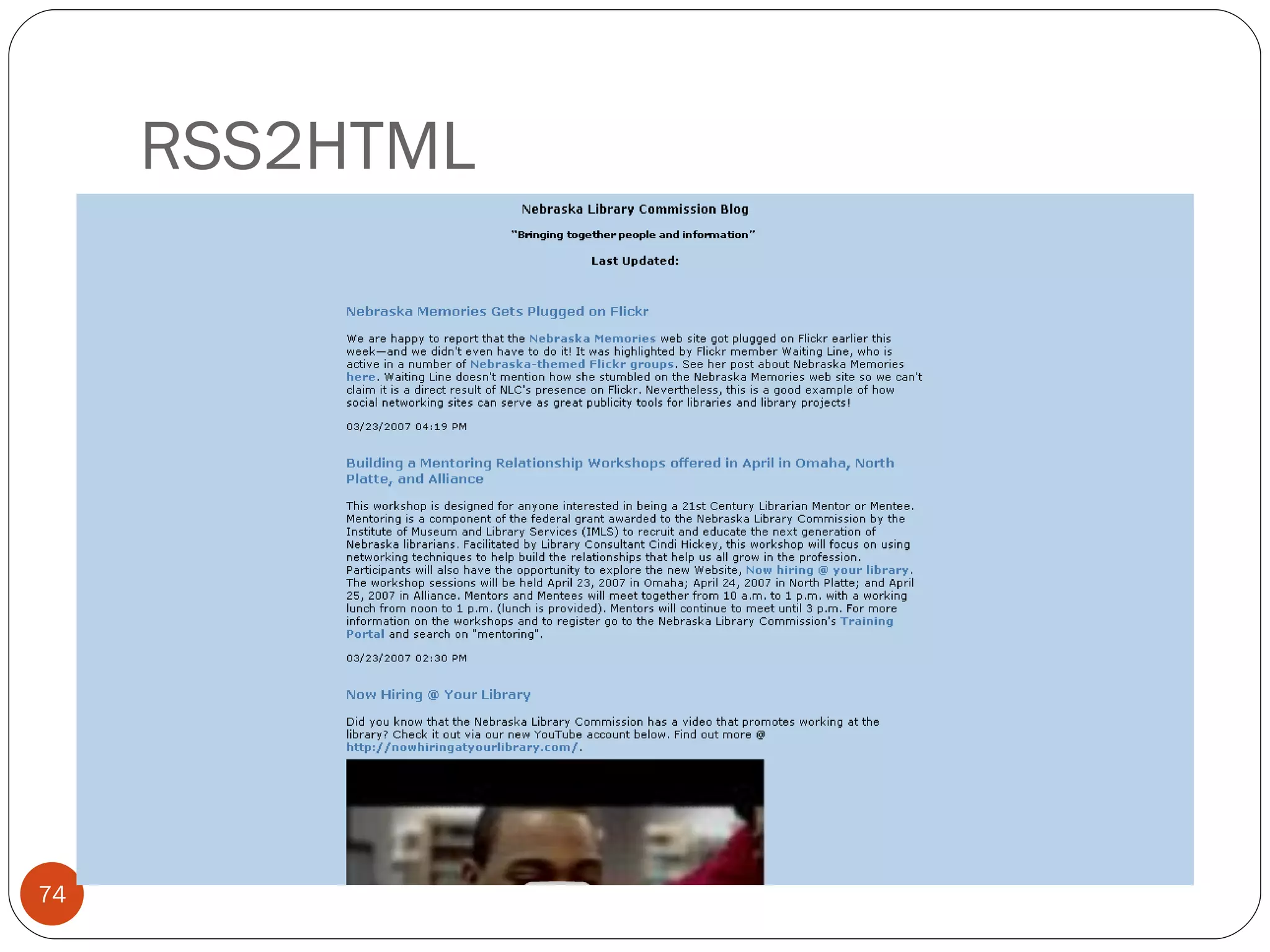
RSS2HTML
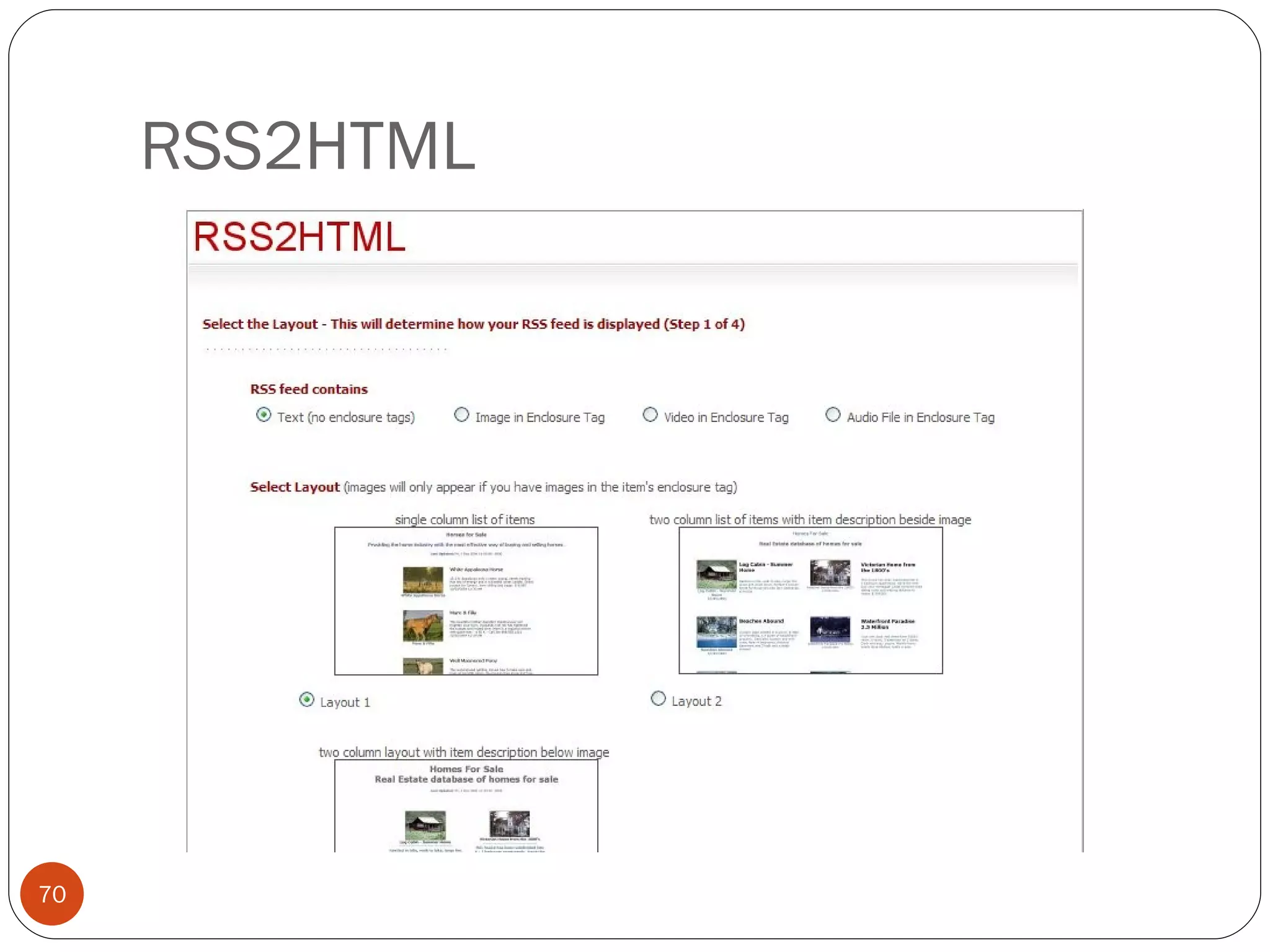
RSS2HTML
RSS2HTML
RSS2HTML
RSS2HTML
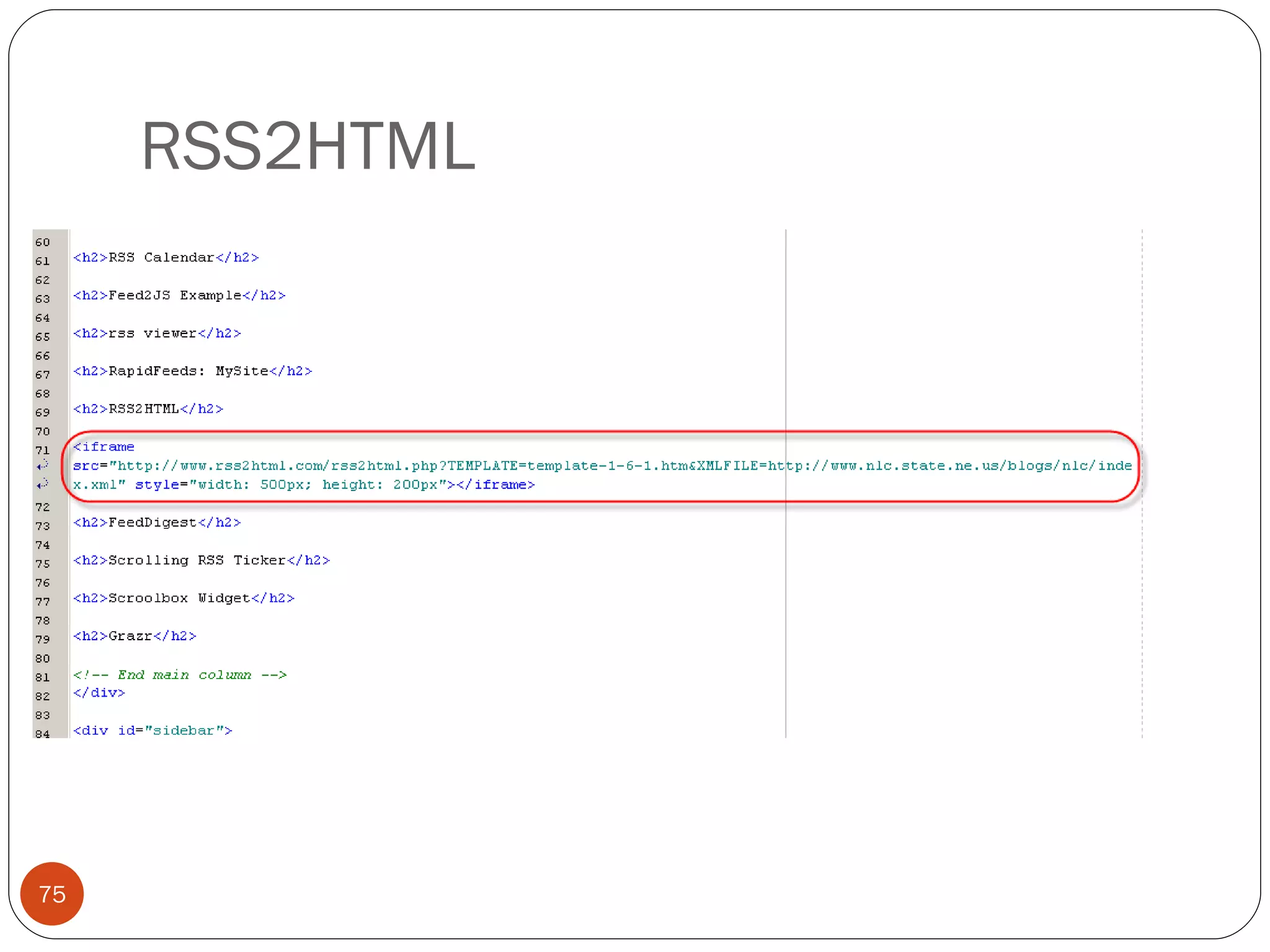
RSS2HTML Limitations Third party service. Minimal customization / limited to their templates / can’t make it look like your site. Did not work well on some feeds and not at all on others. (No luck with GoogleNews. Mixed results with Flickr.) Given a URL to embed with, not a script, which forces embedding via  iframe .
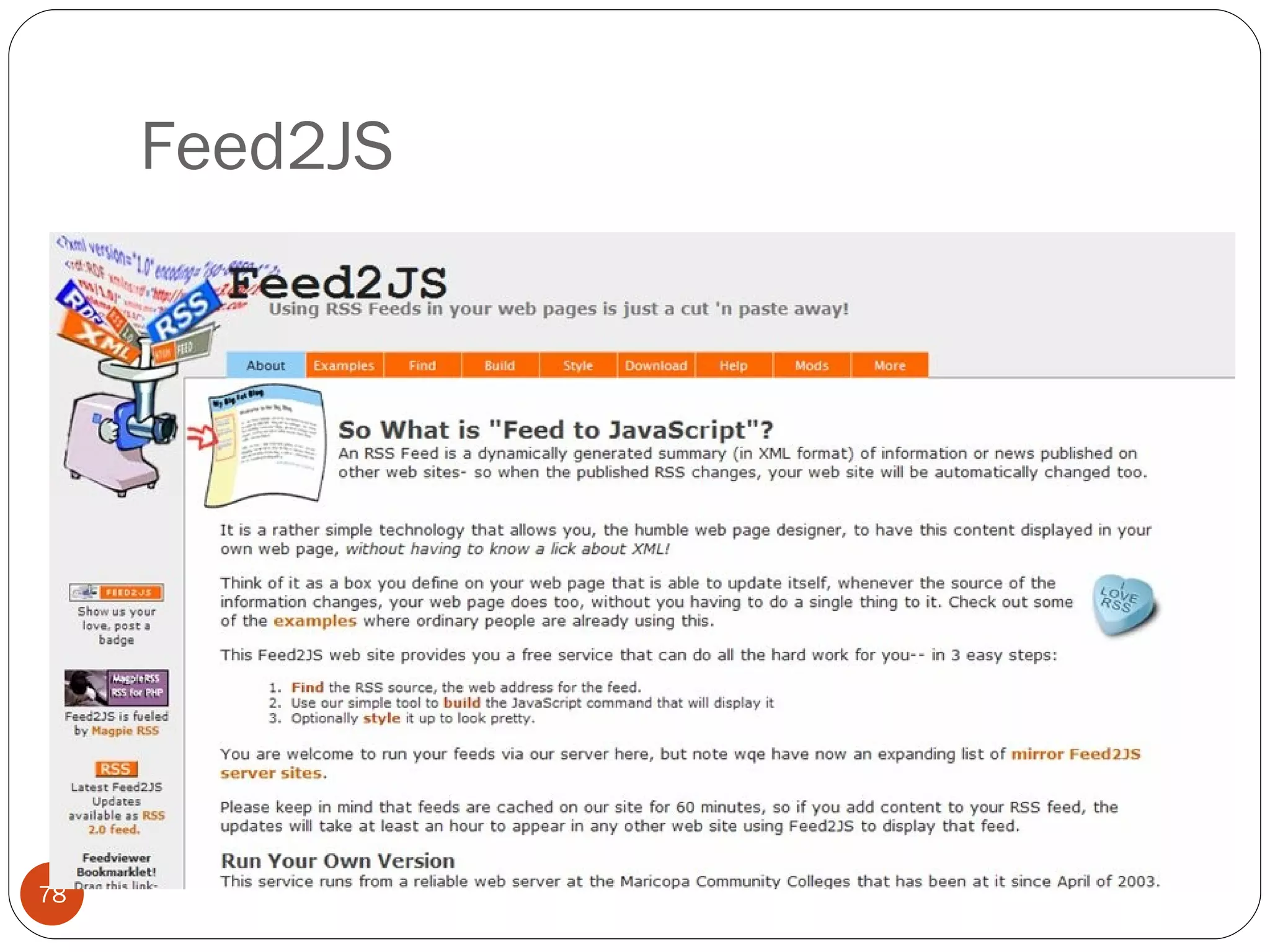
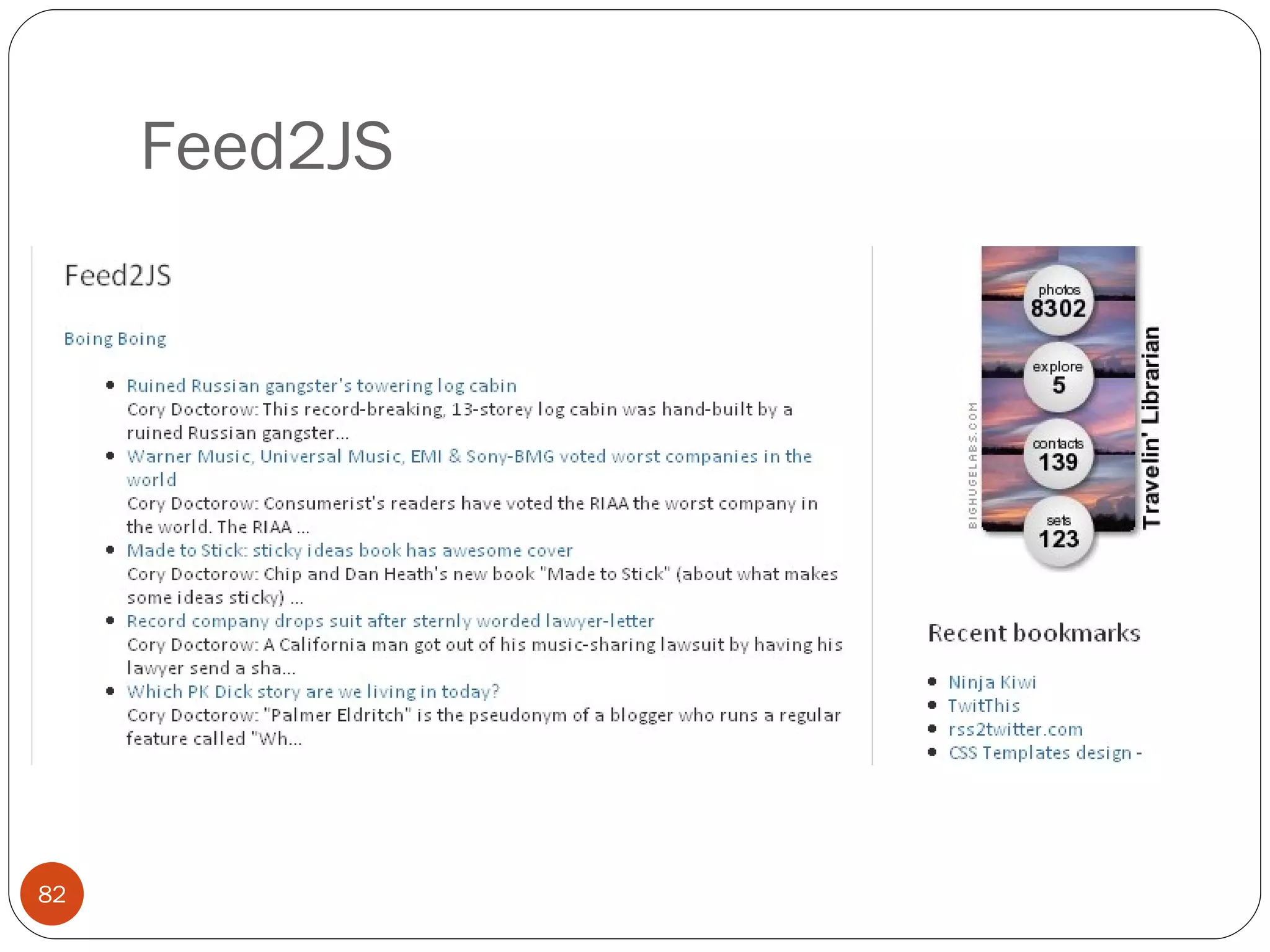
Feed2JS
Feed2JS
Feed2JS
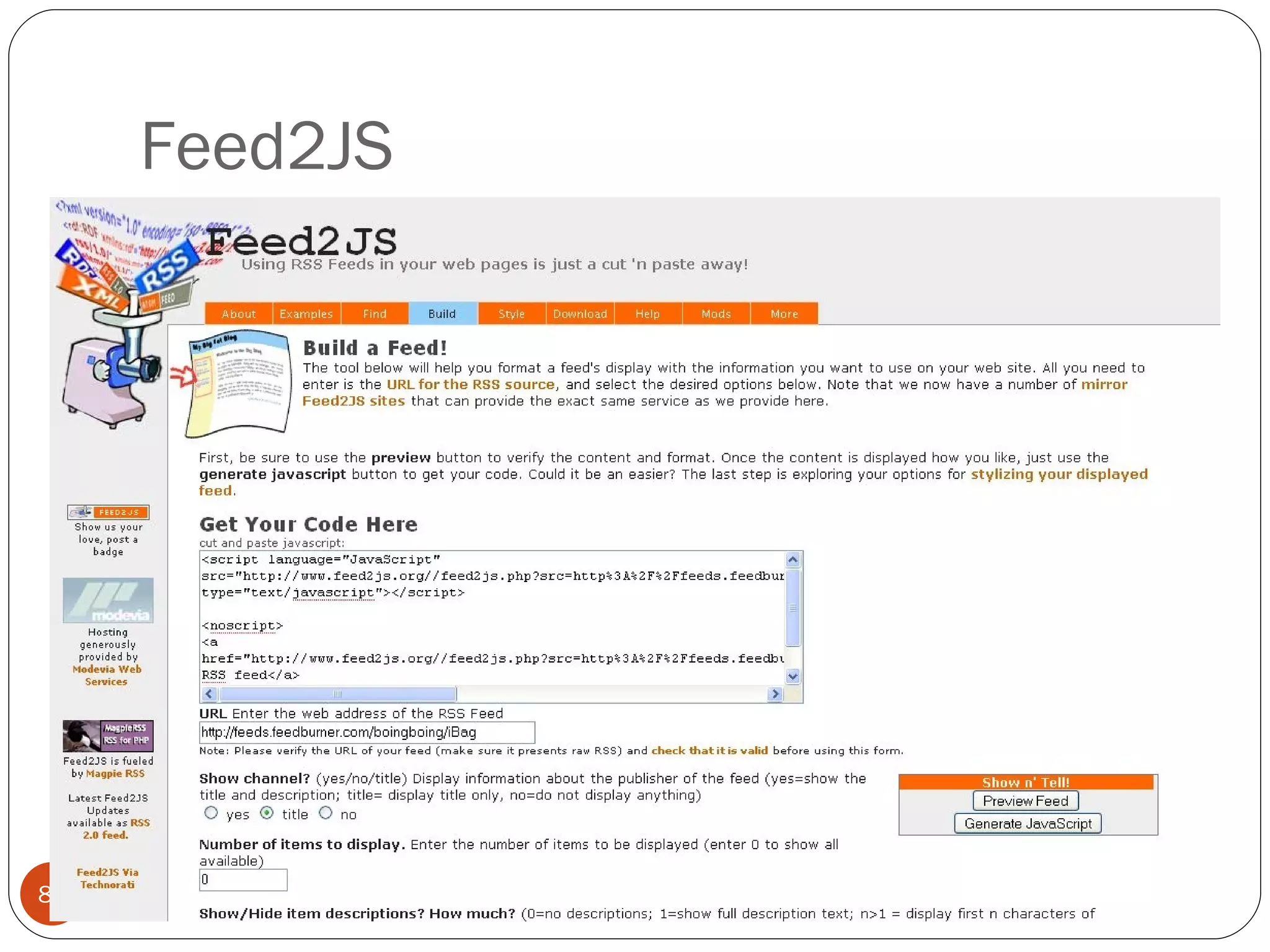
Feed2JS
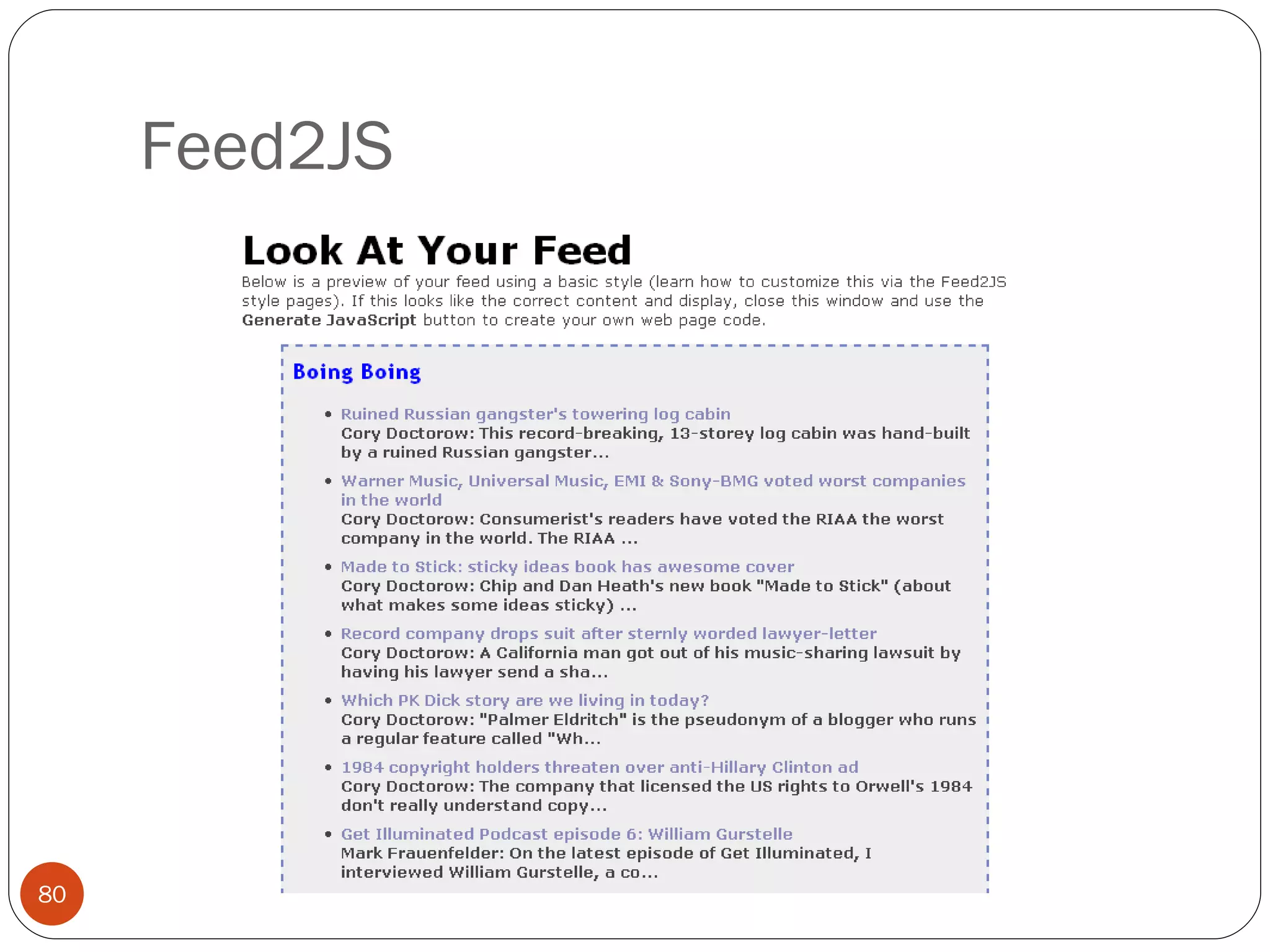
Feed2JS
Feed2JS Limitations Third party (but you can download and install it on your own server which is recommended)
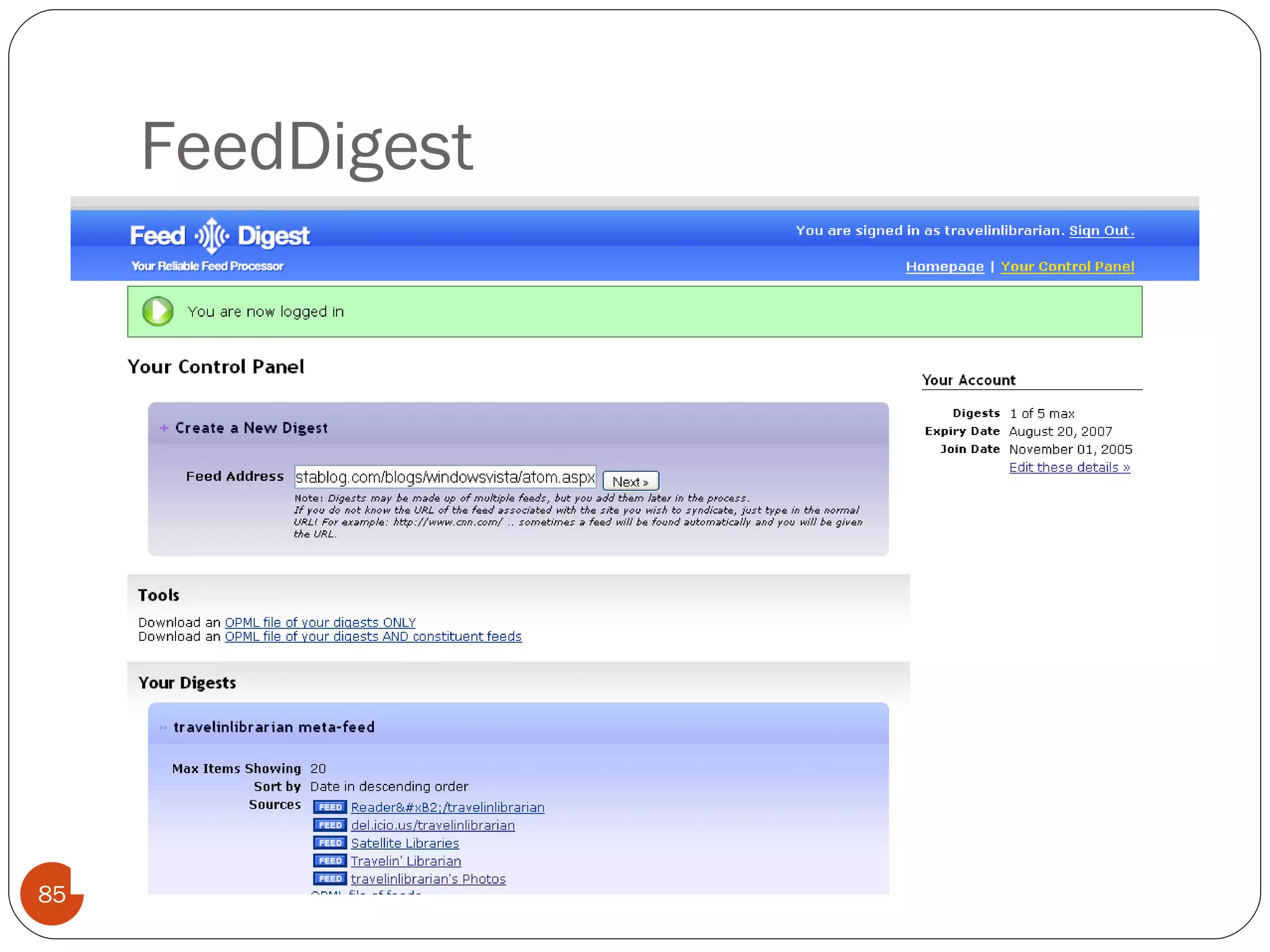
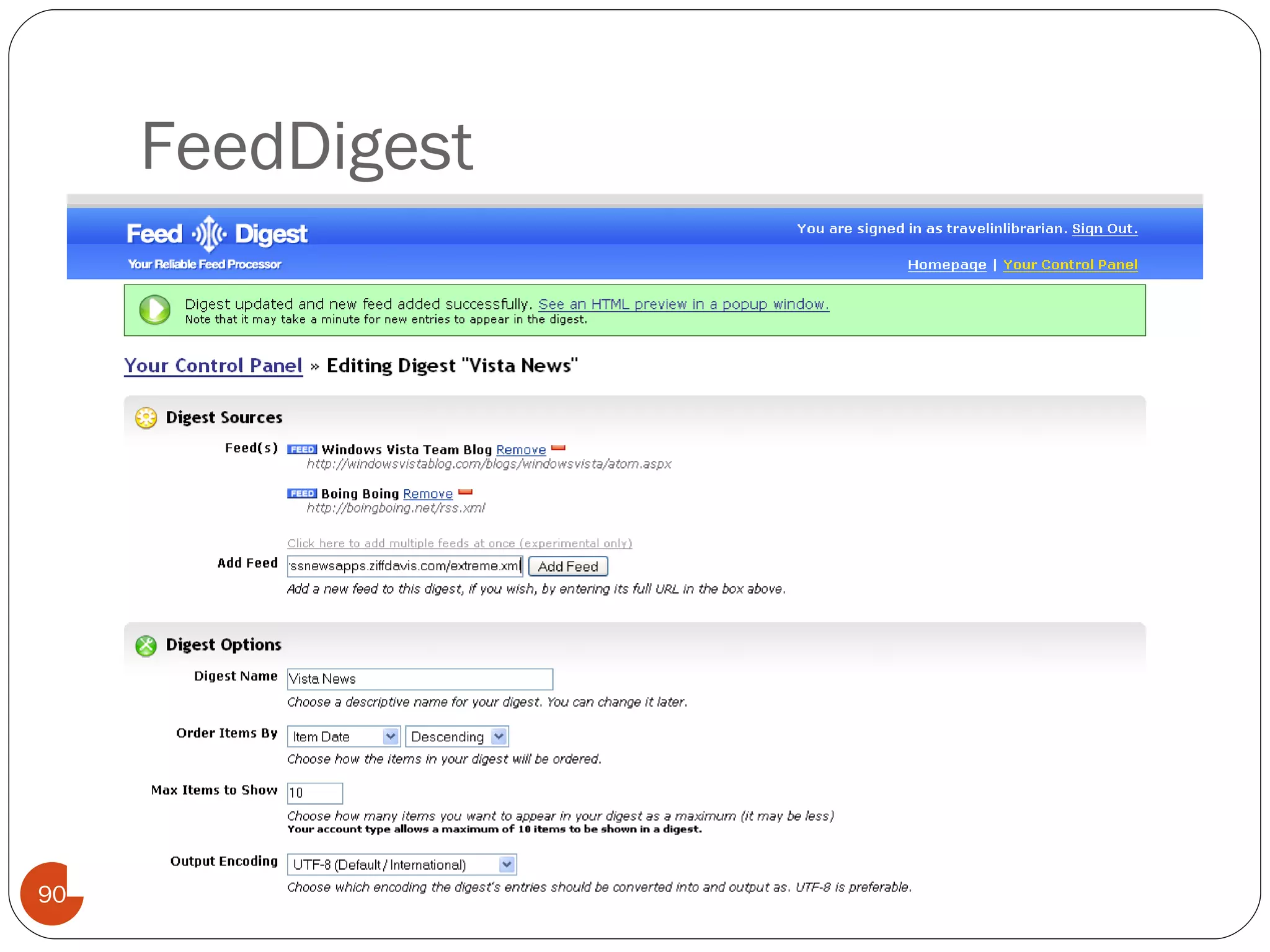
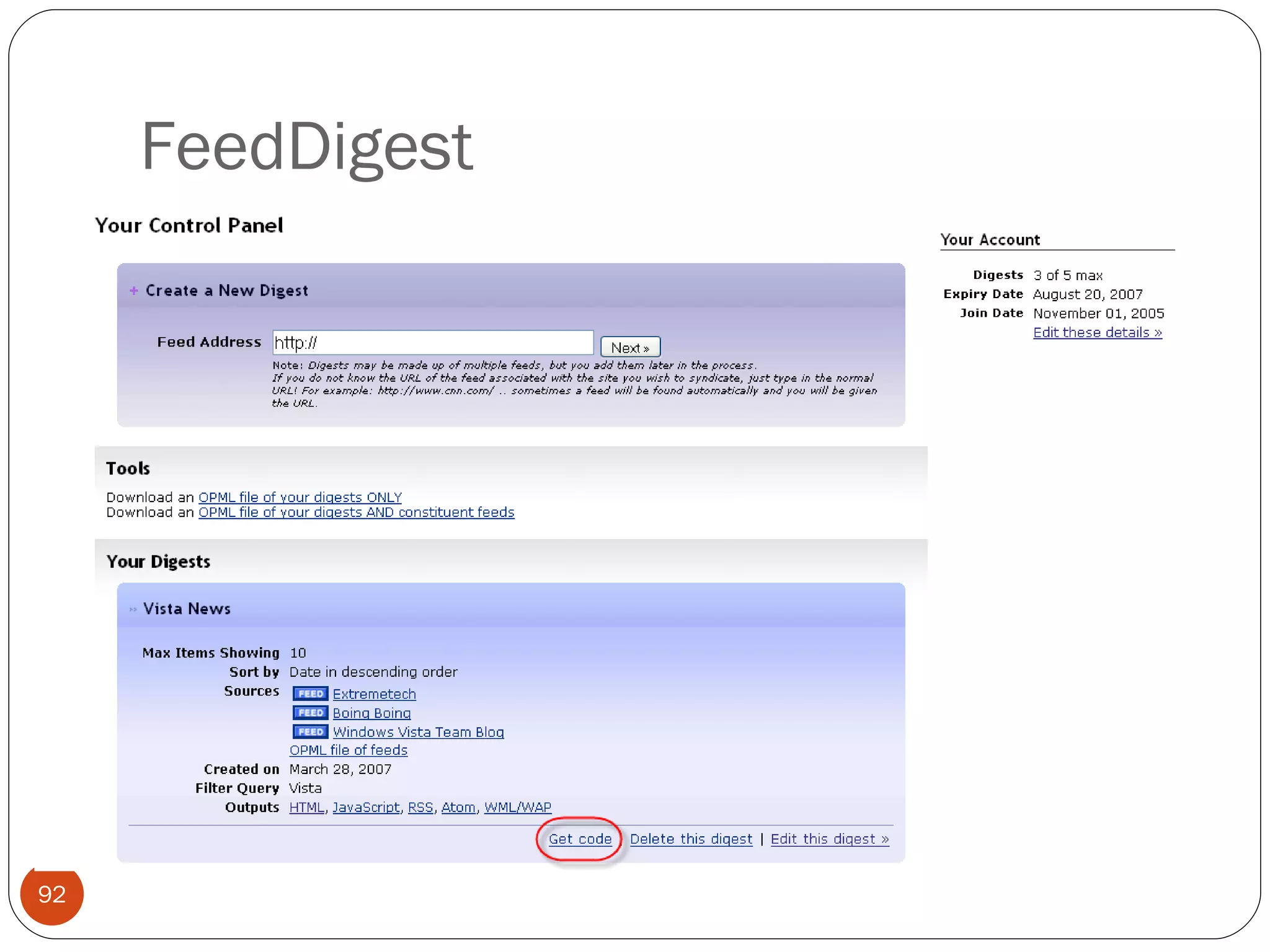
FeedDigest
FeedDigest
FeedDigest
FeedDigest
FeedDigest
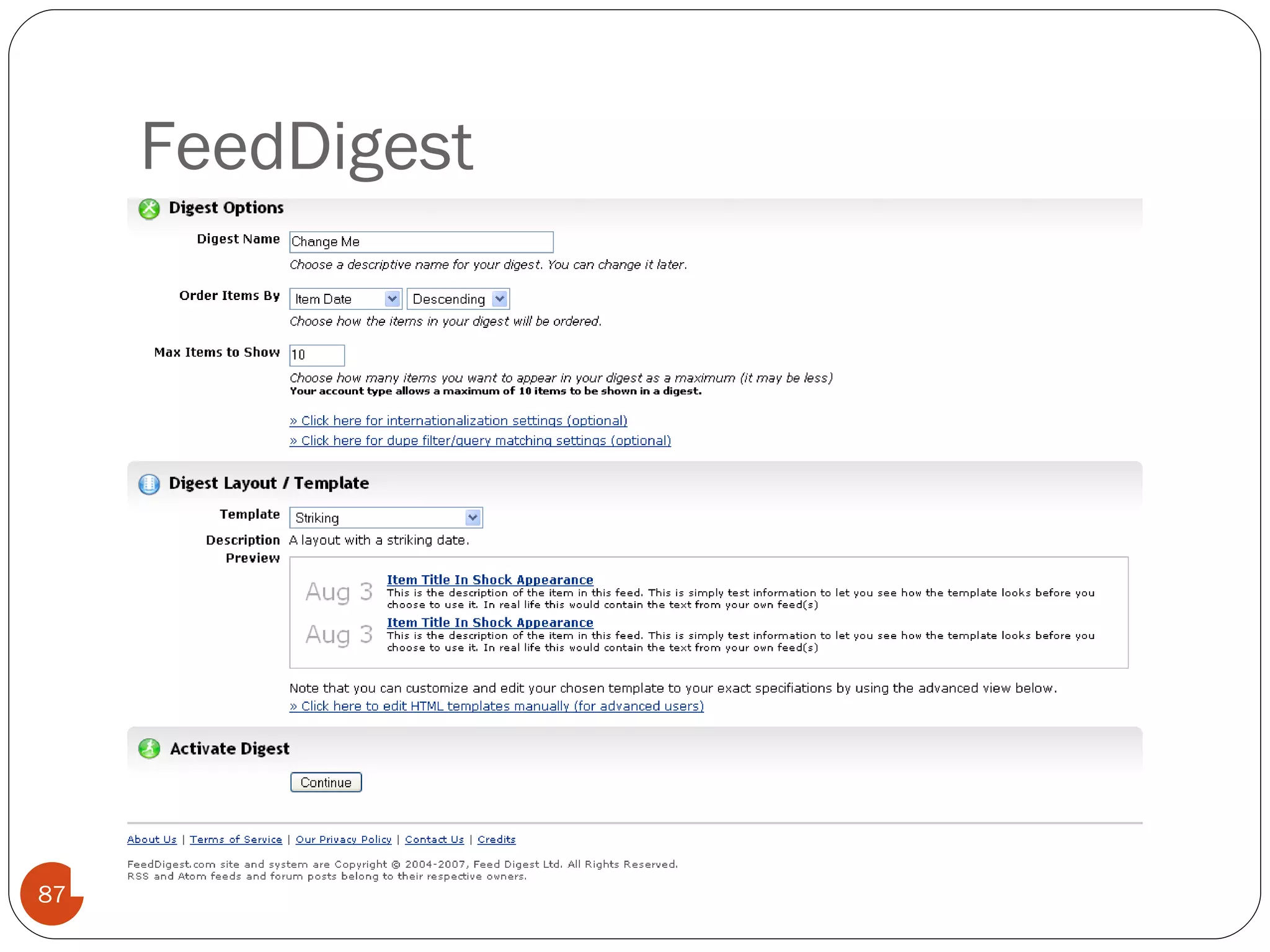
FeedDigest
FeedDigest
FeedDigest
FeedDigest
FeedDigest
FeedDigest
FeedDigest Limitations Third party service. Limited to five feeds in free version.
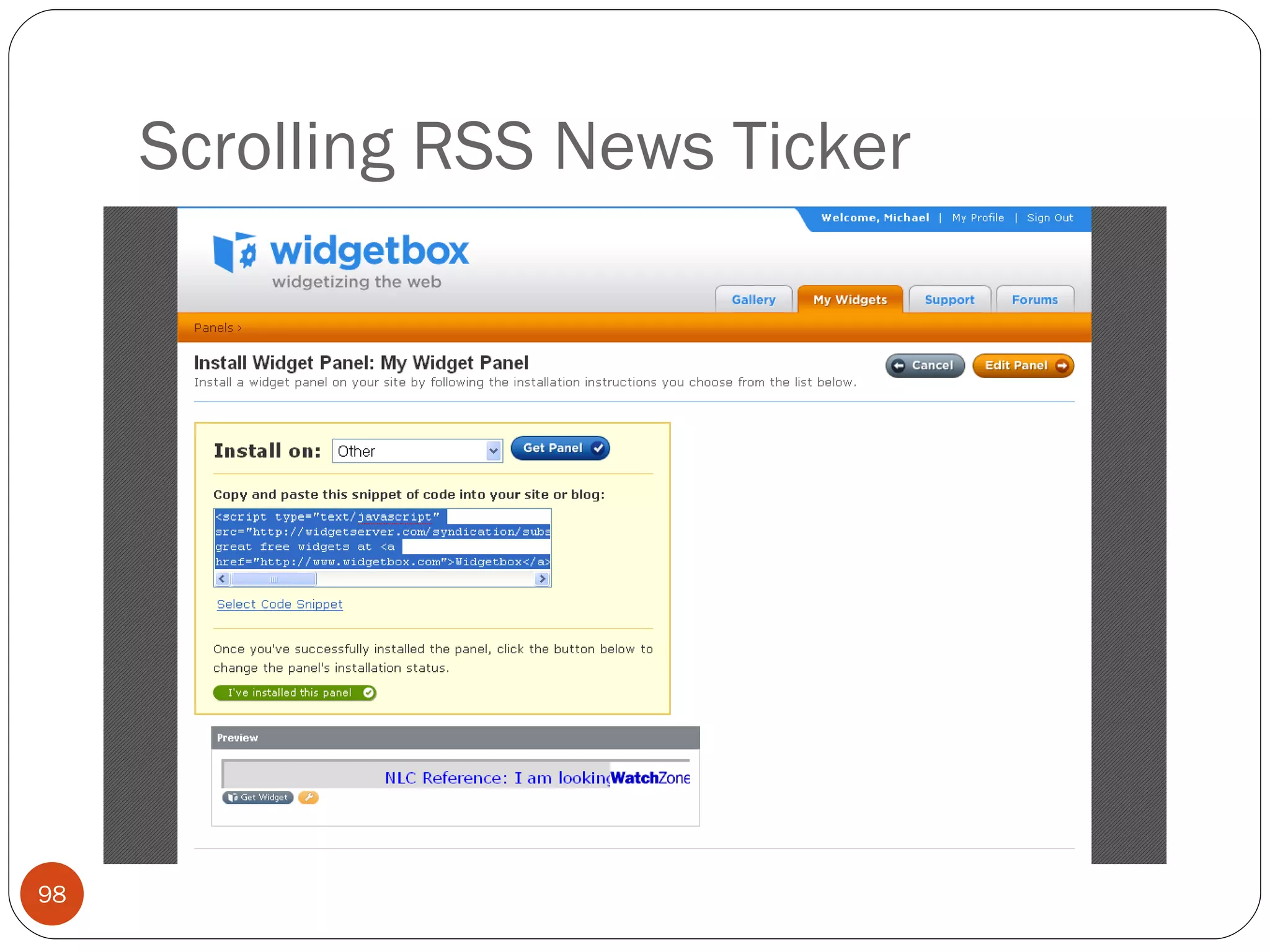
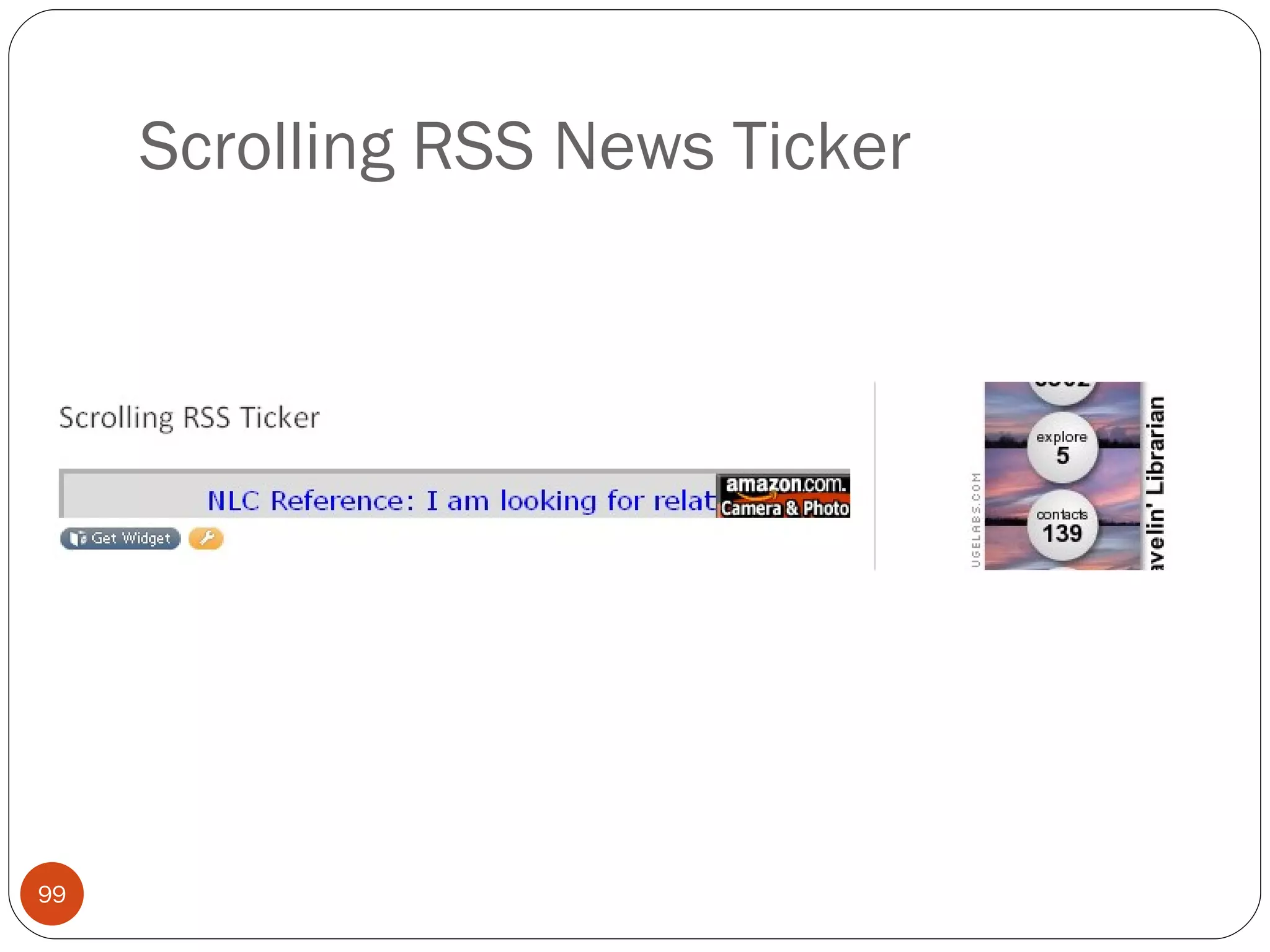
Scrolling RSS News Ticker
Scrolling RSS News Ticker Limitations Third party Shows small advertisement
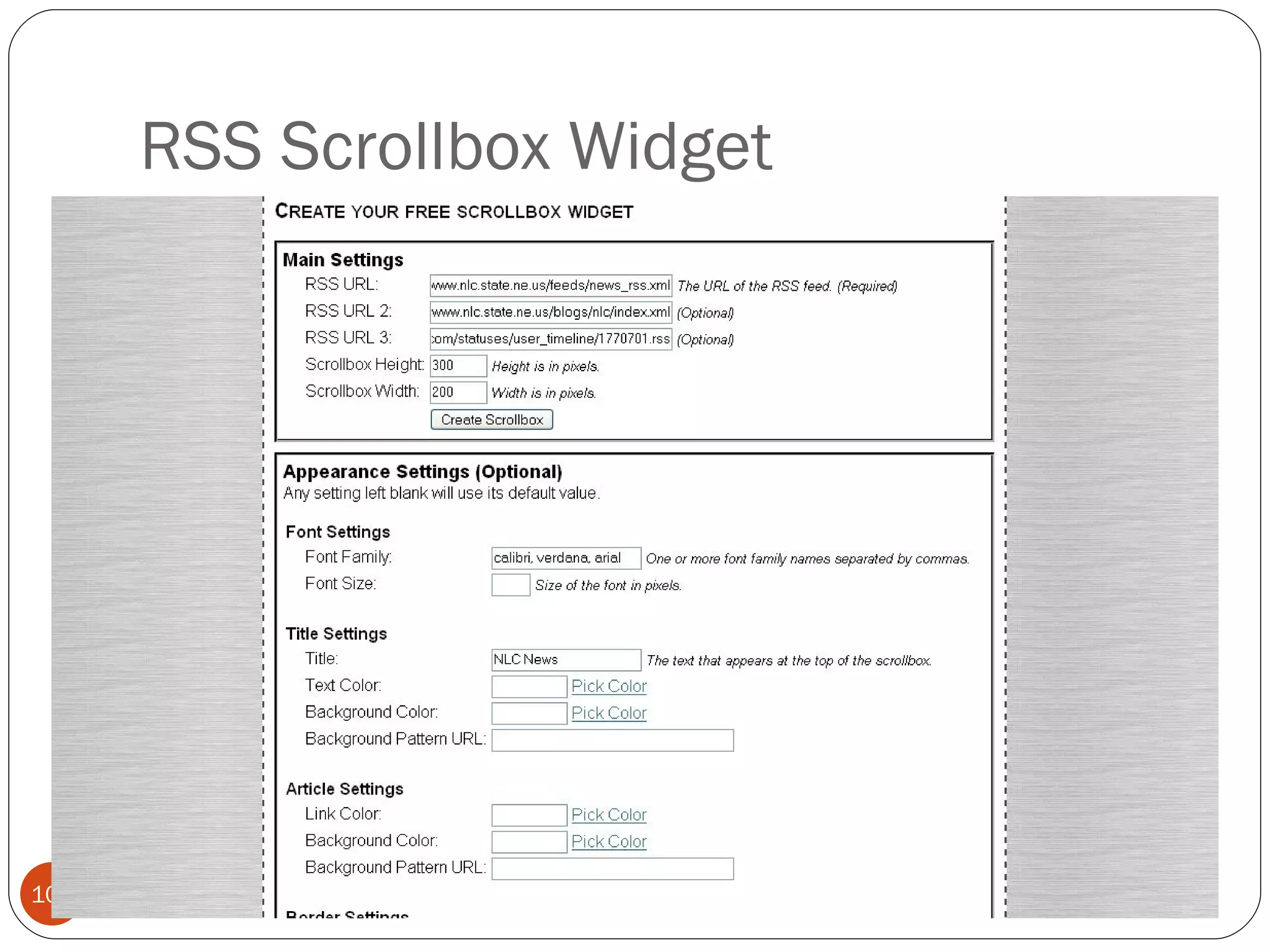
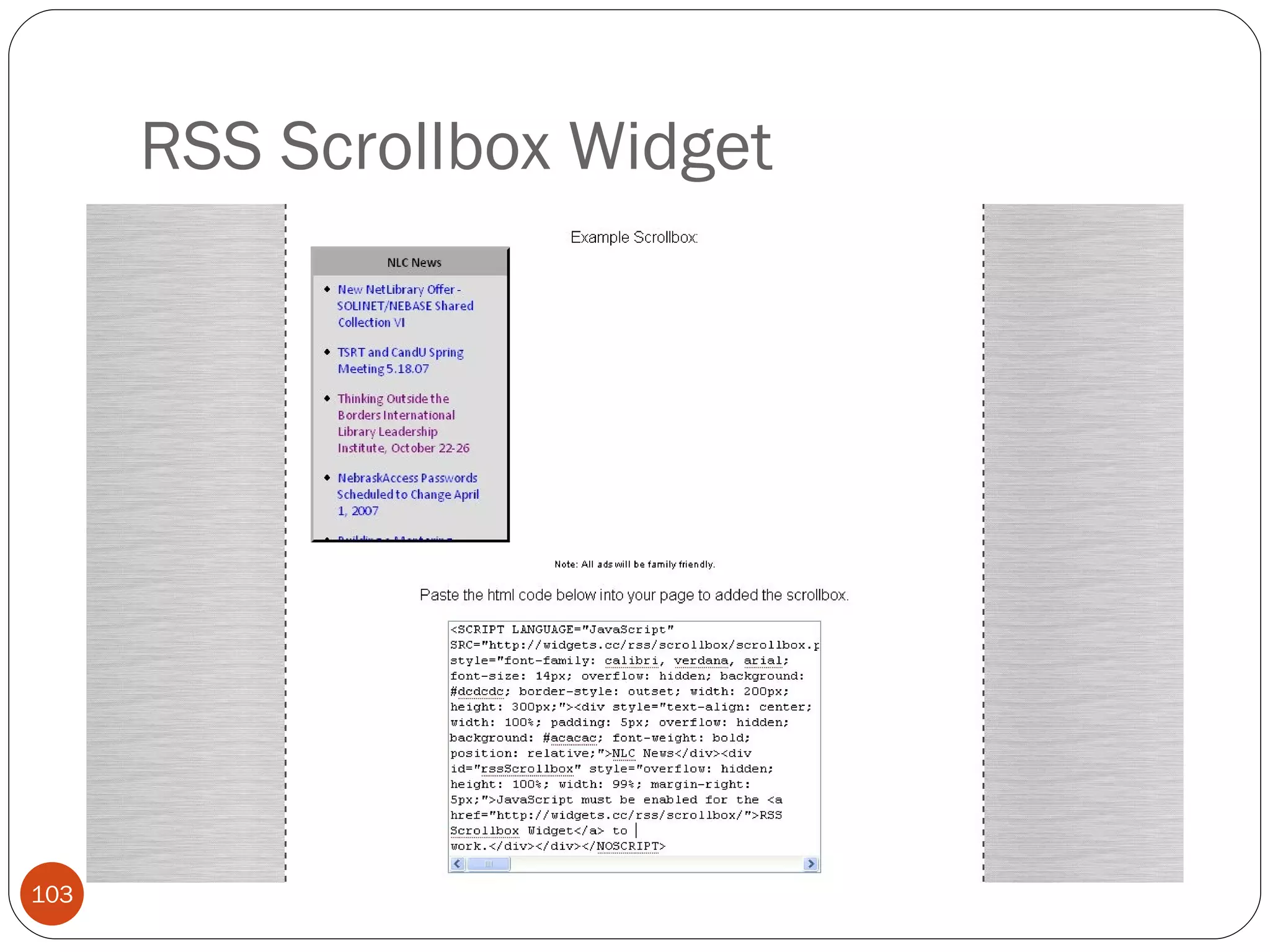
RSS Scrollbox Widget
RSS Scrollbox Widget Limitations Third party Shows small advertisement Ad free, local-hosted version available for $35.
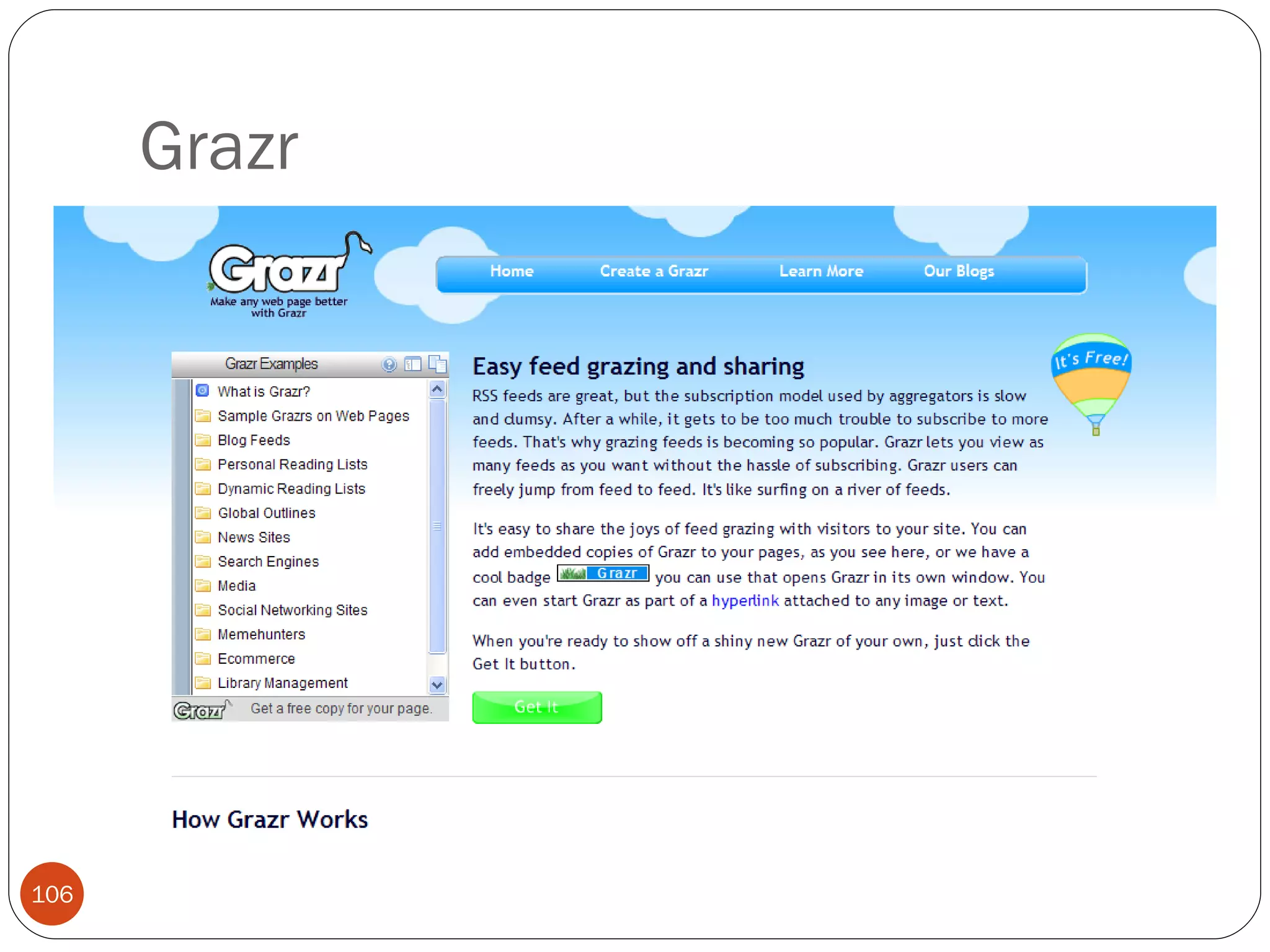
Grazr
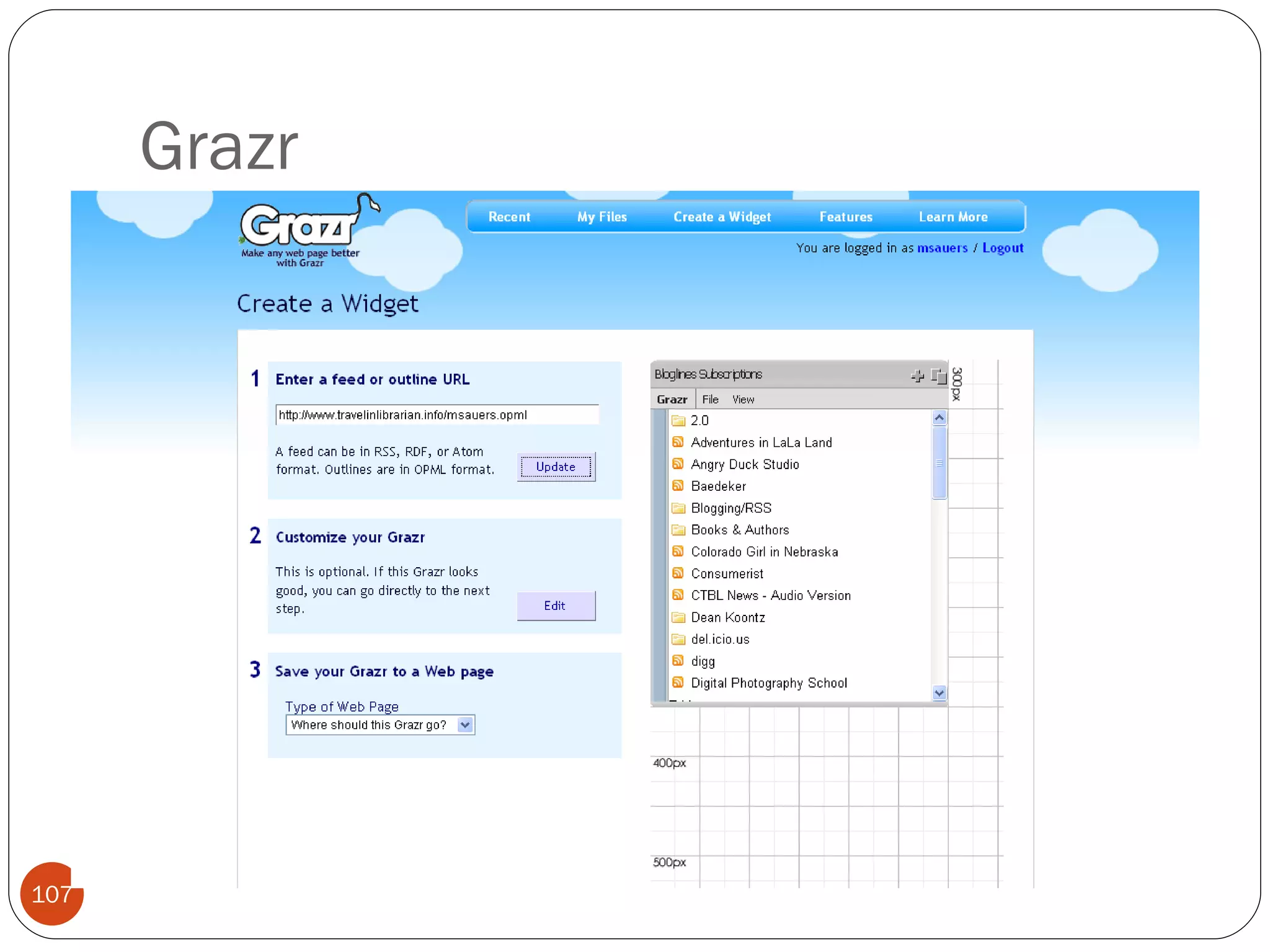
Grazr
Grazr
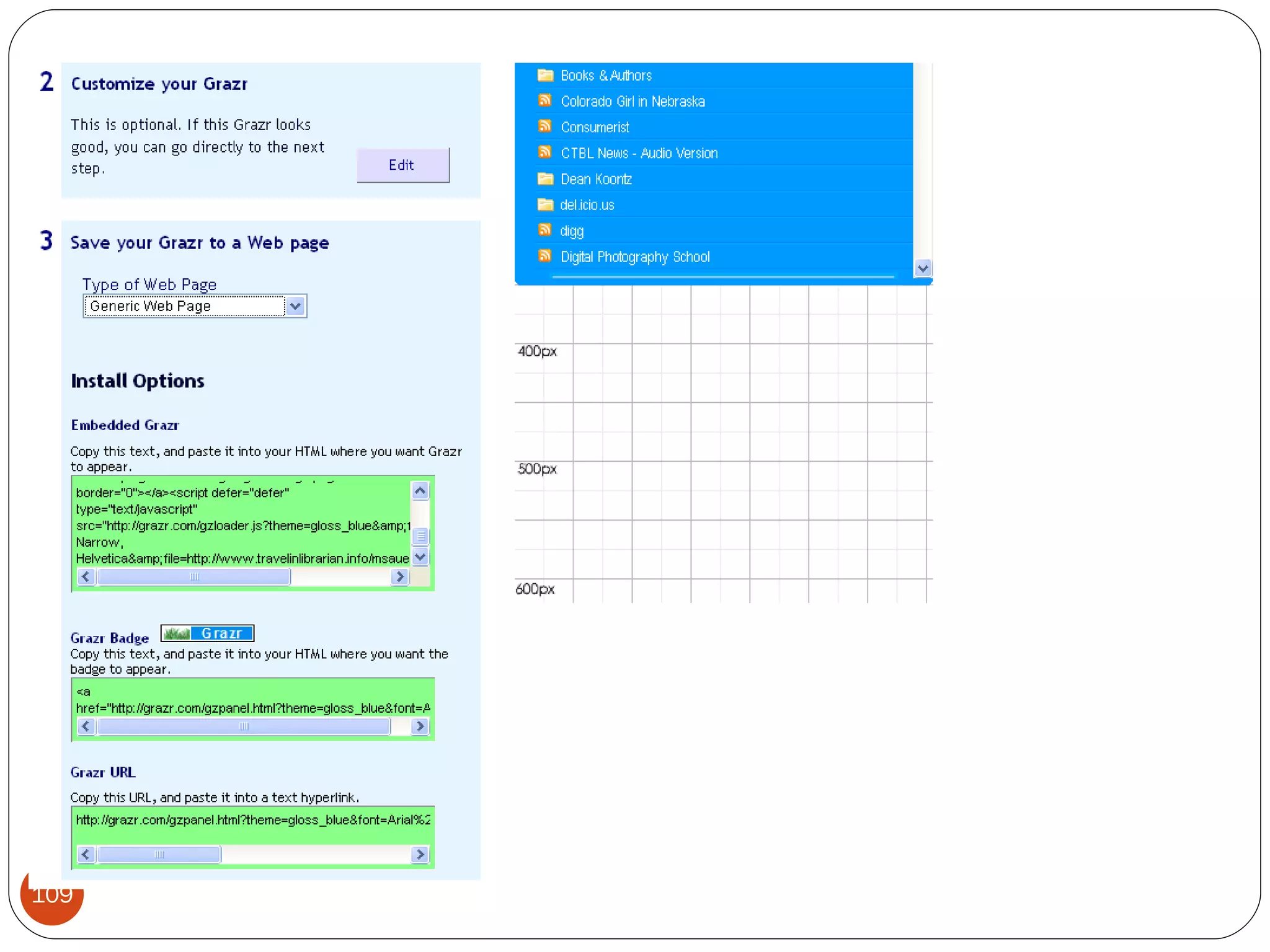
Grazr
Grazr
Grazr Limitations Third party
Michael Sauers Technology Innovation Librarian Nebraska Library Commission  Computers in Libraries 2008 Integrating RSS into Your Web site   Part 5: Advanced Feed Manipulation
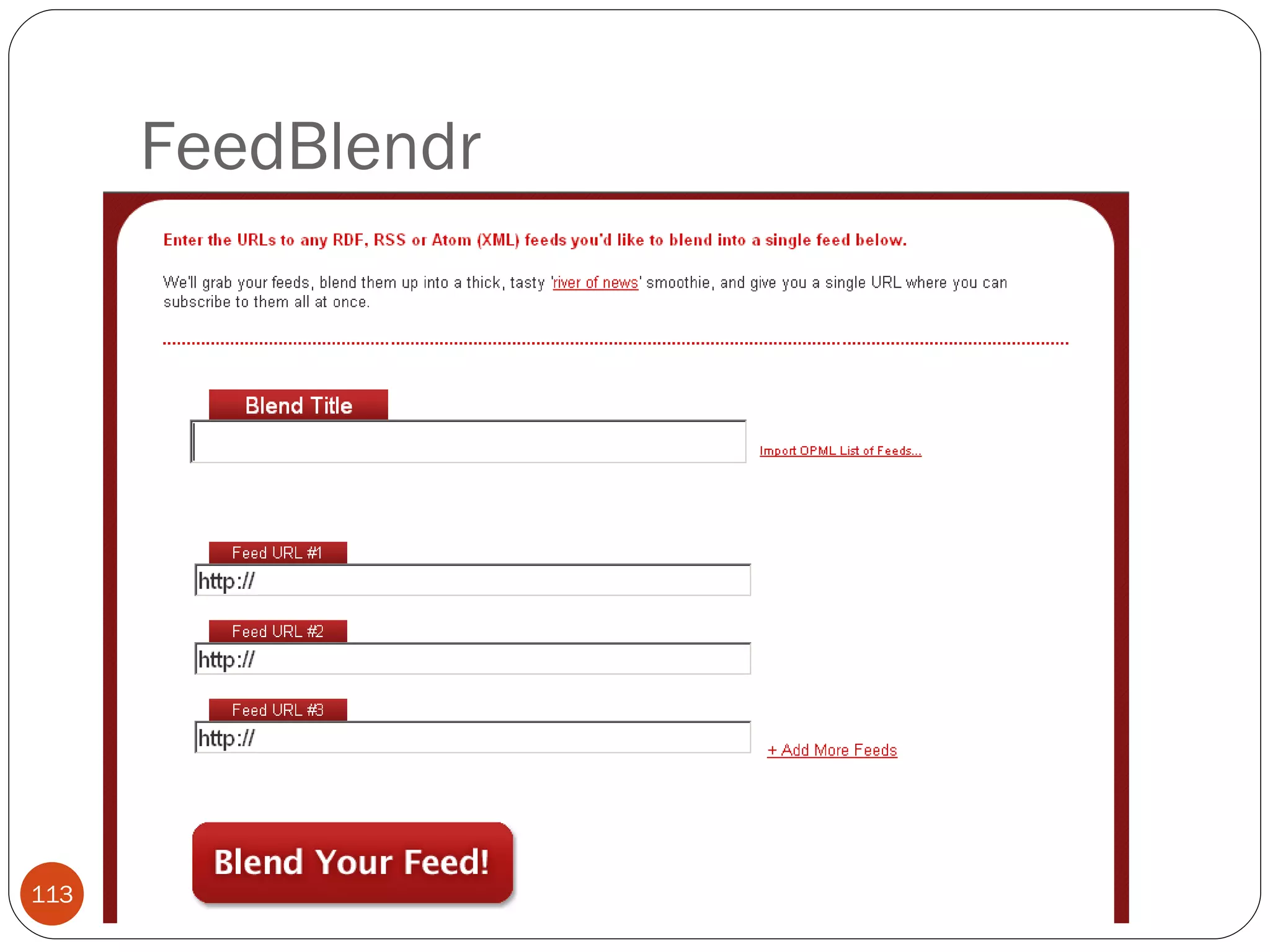
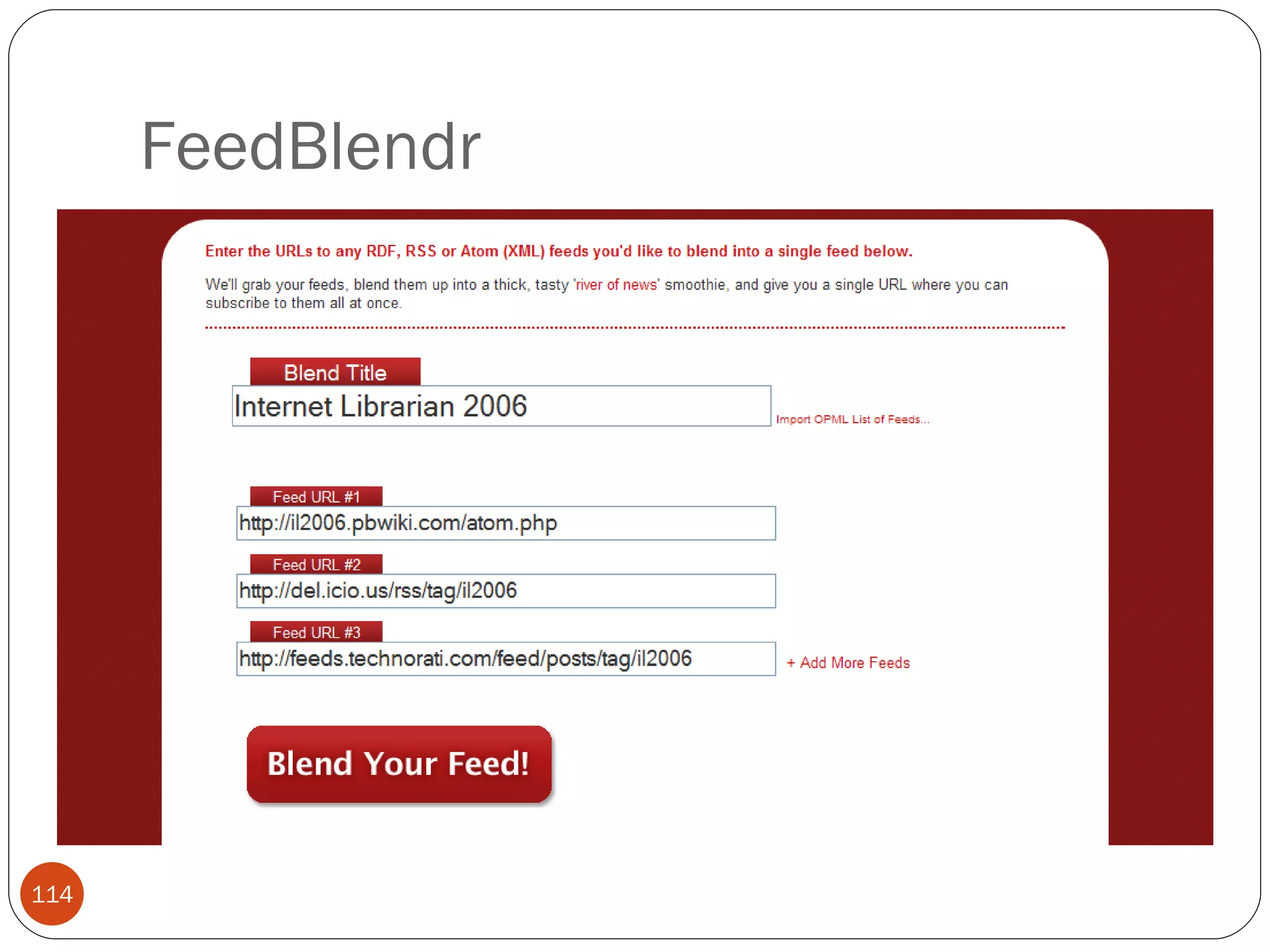
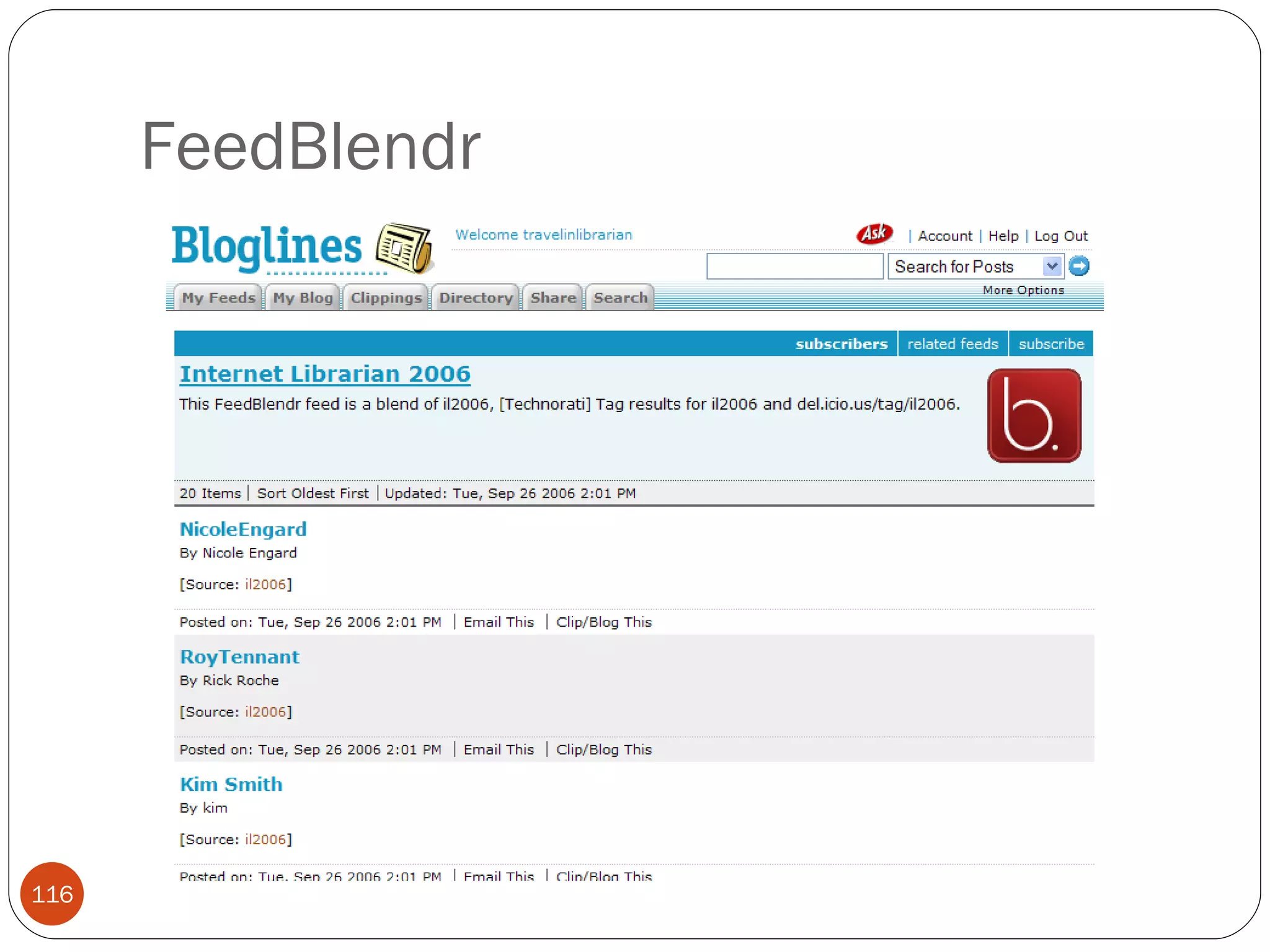
FeedBlendr
FeedBlendr
FeedBlendr
FeedBlendr
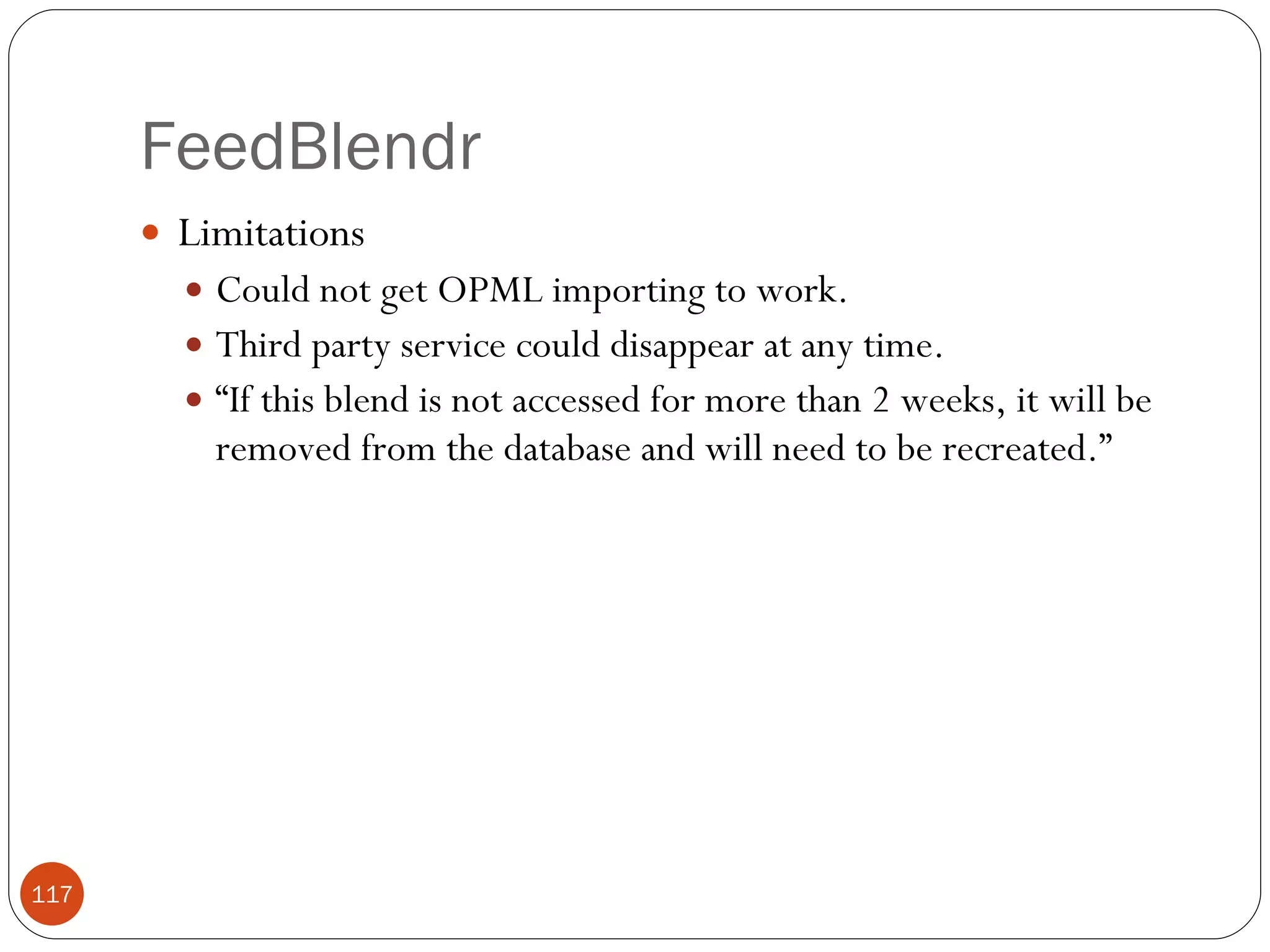
FeedBlendr Limitations Could not get OPML importing to work. Third party service could disappear at any time. “ If this blend is not accessed for more than 2 weeks, it will be removed from the database and will need to be recreated.”
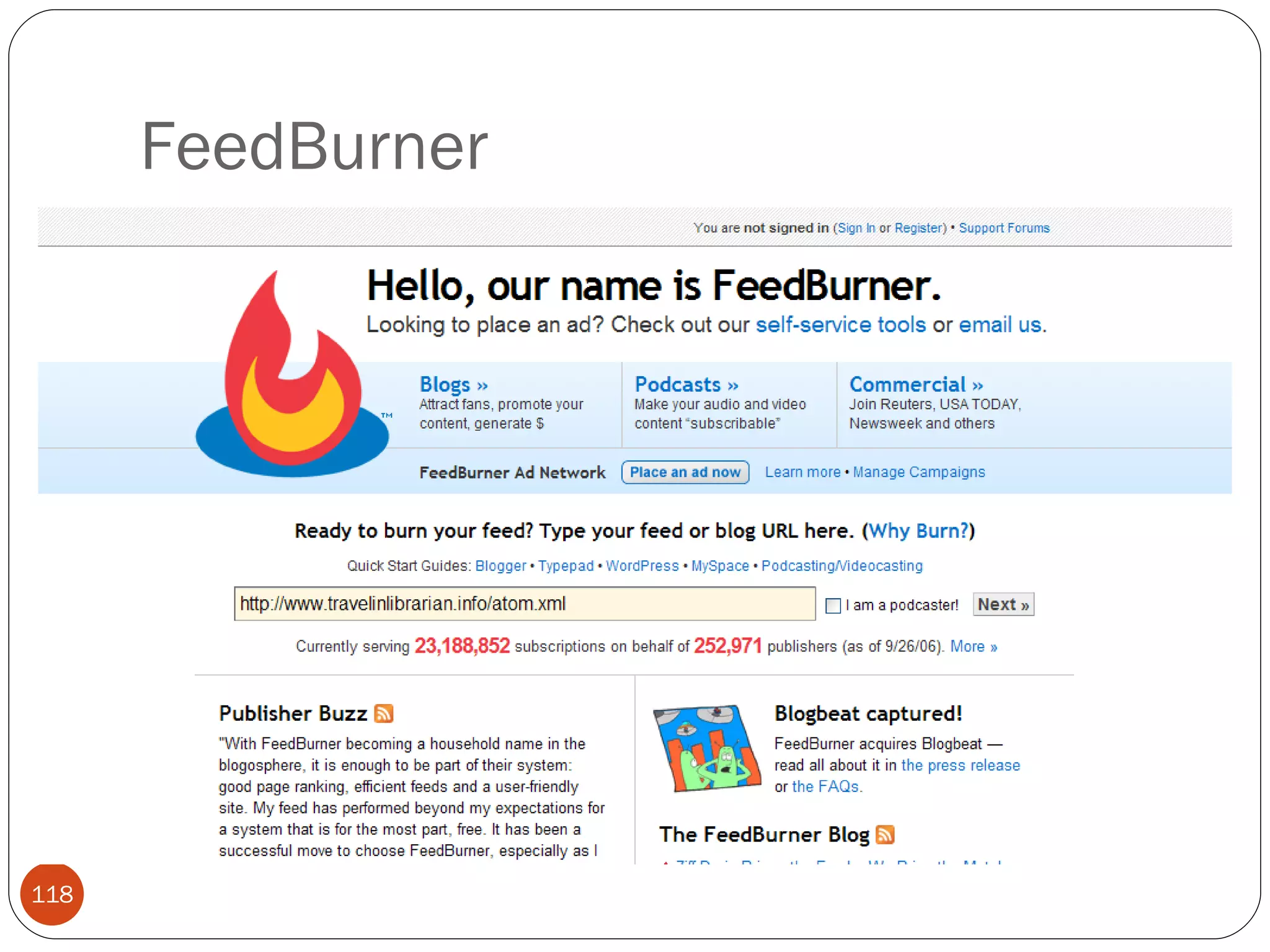
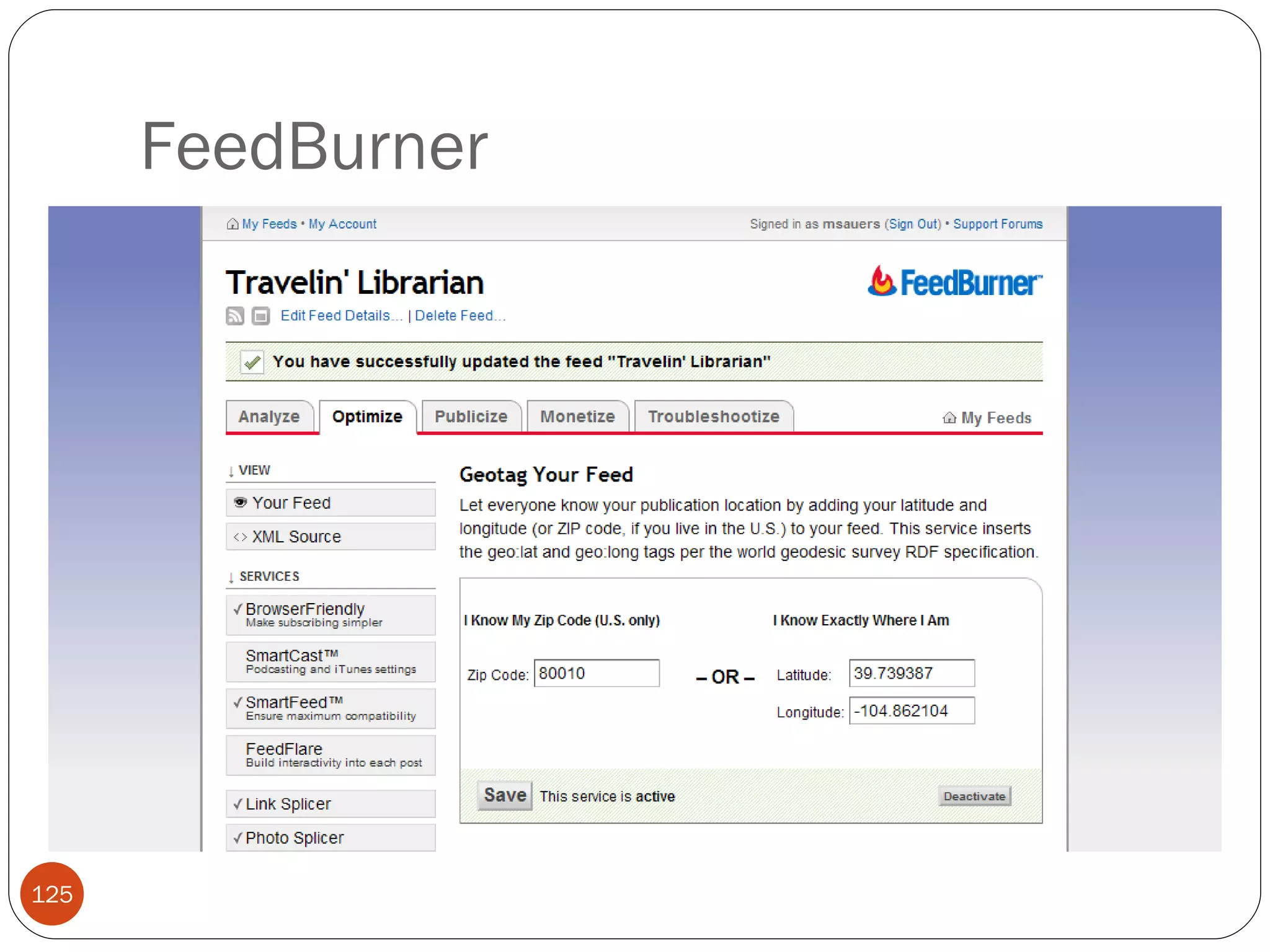
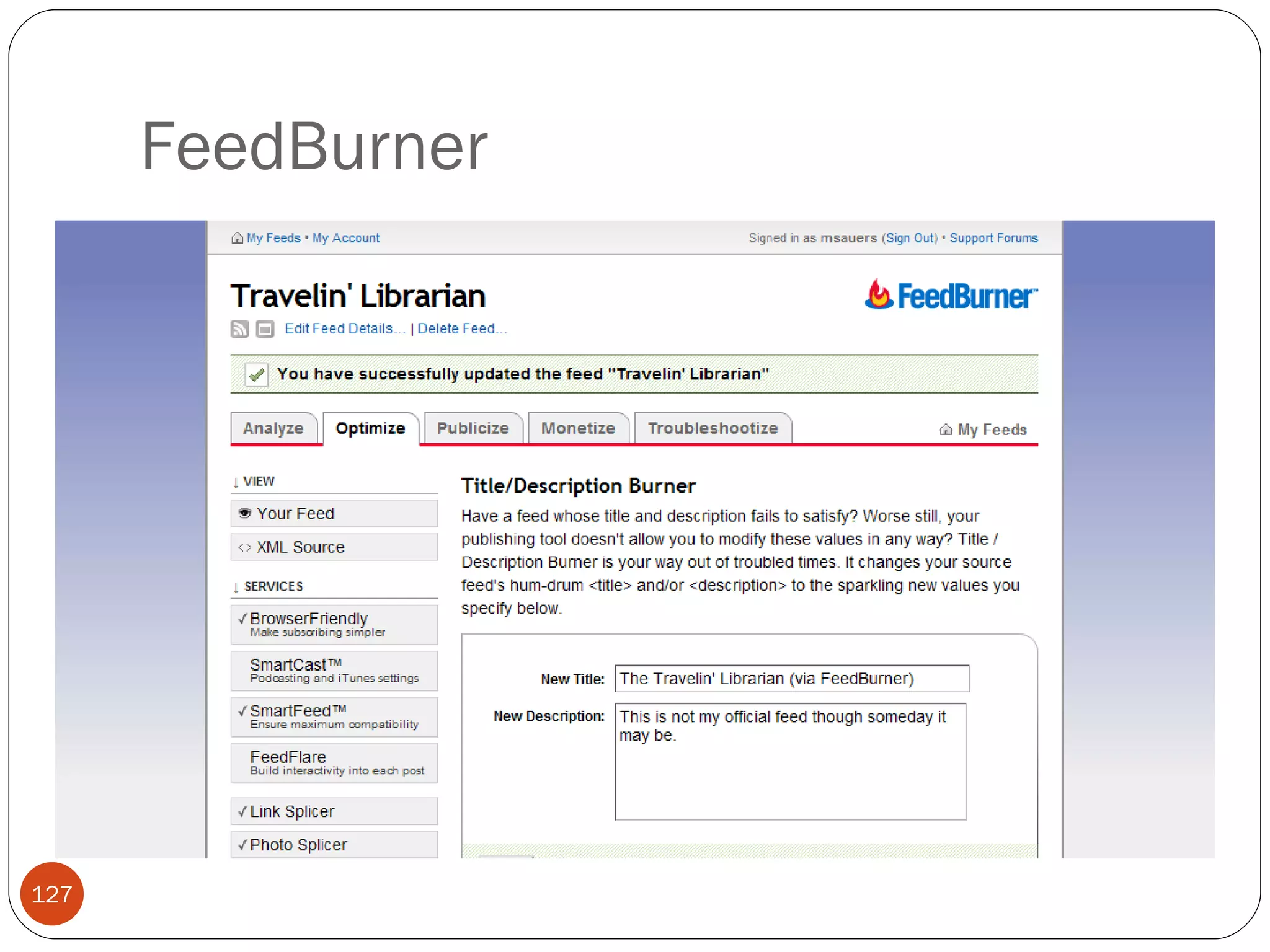
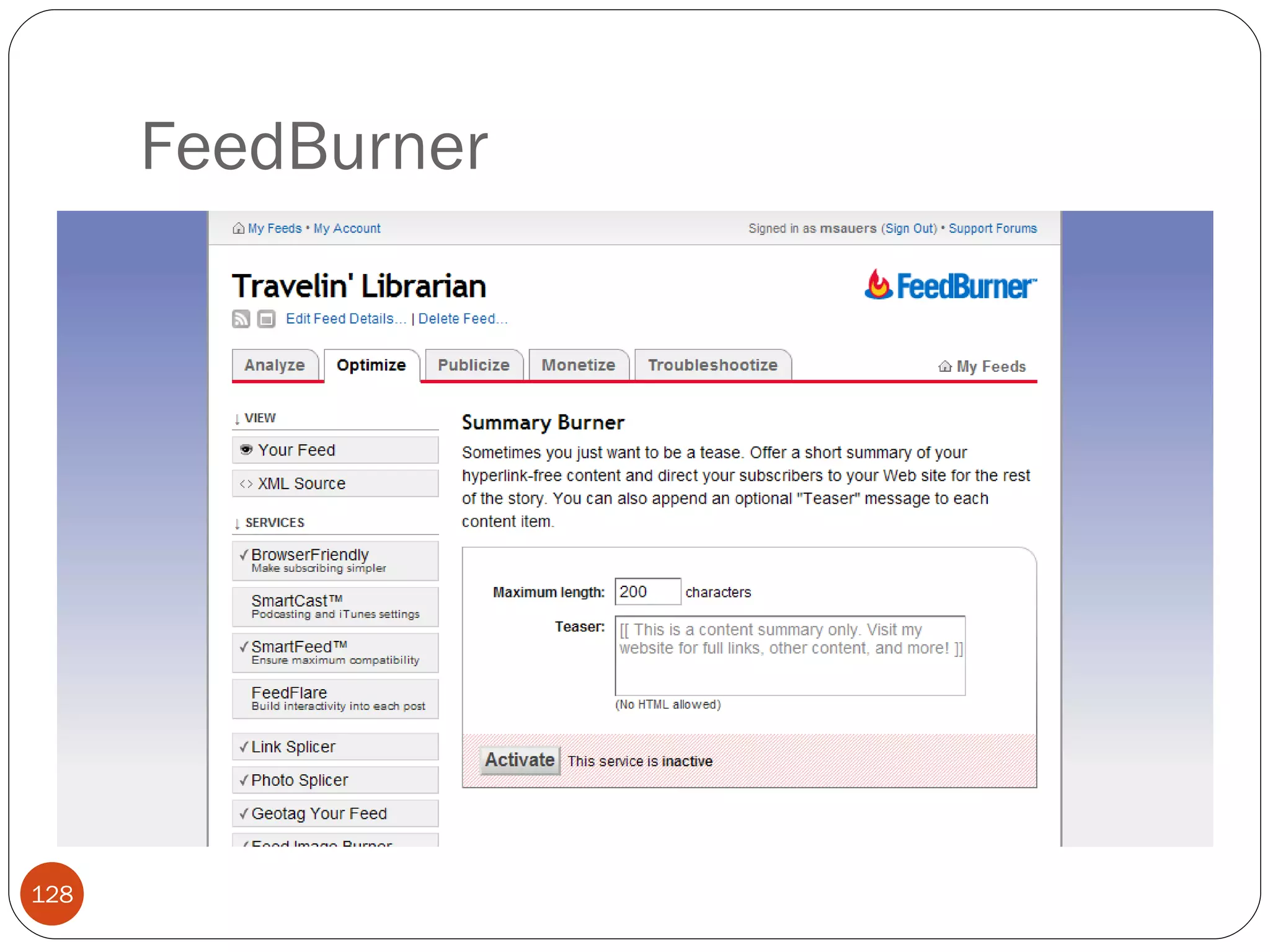
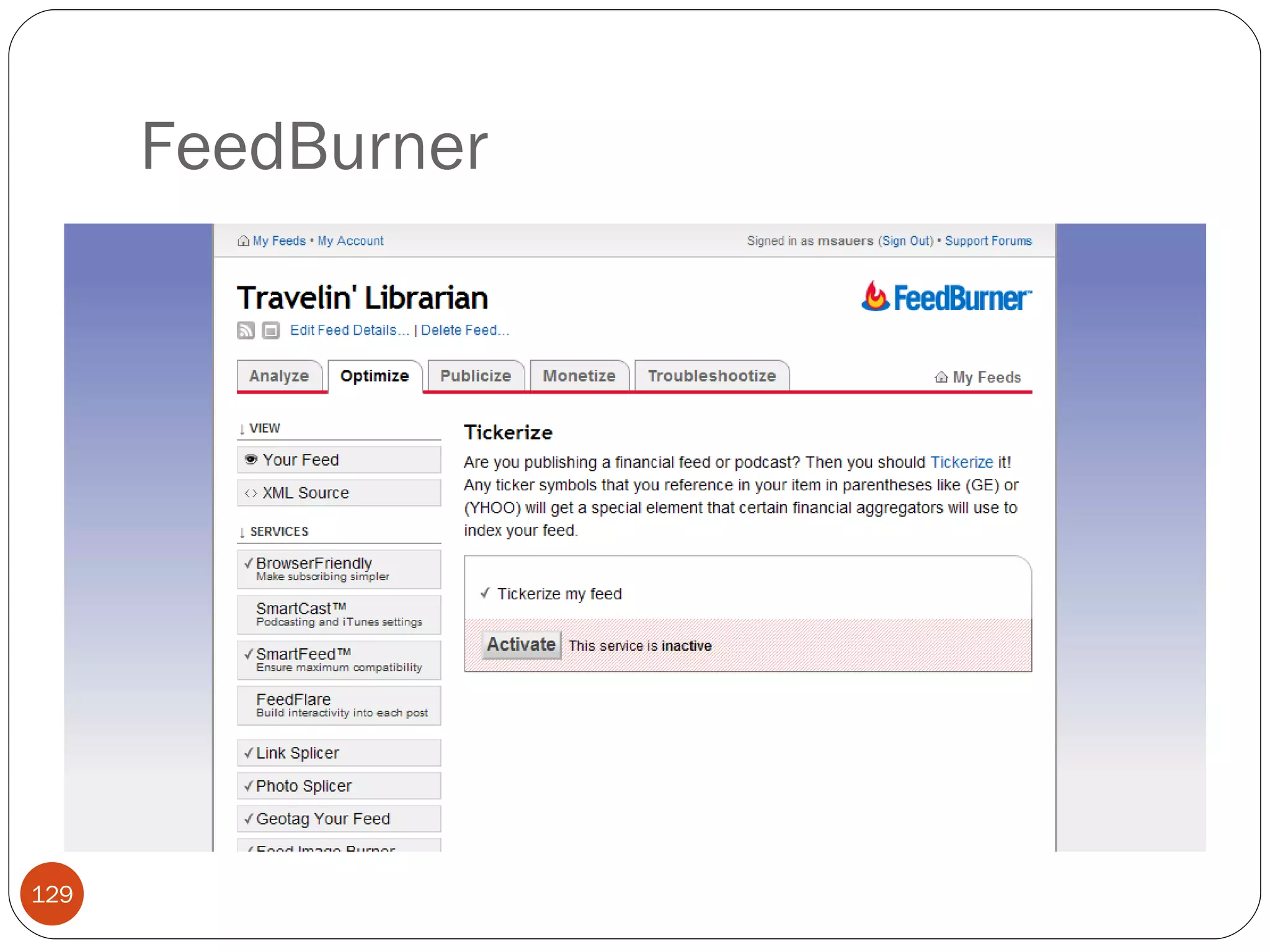
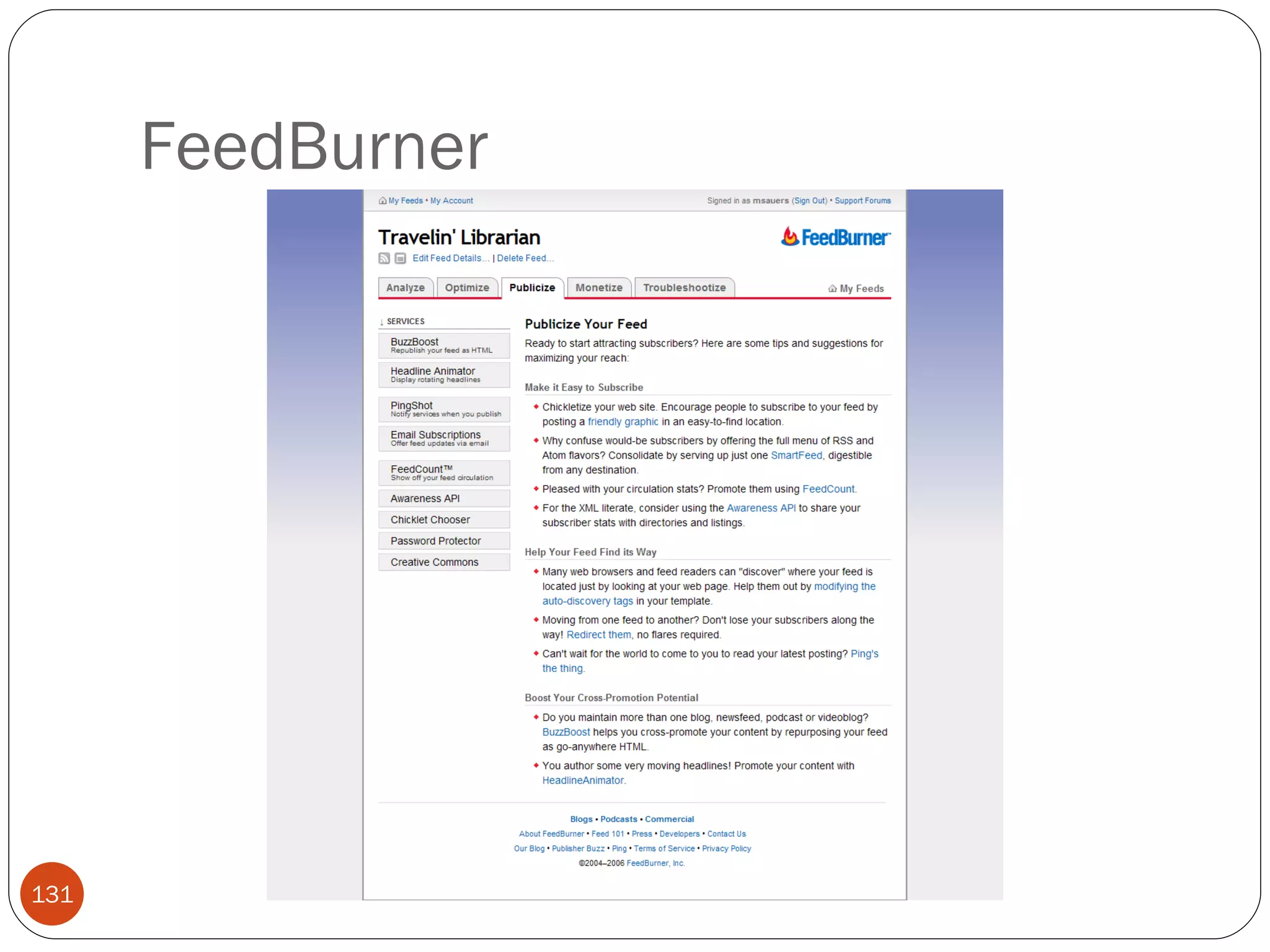
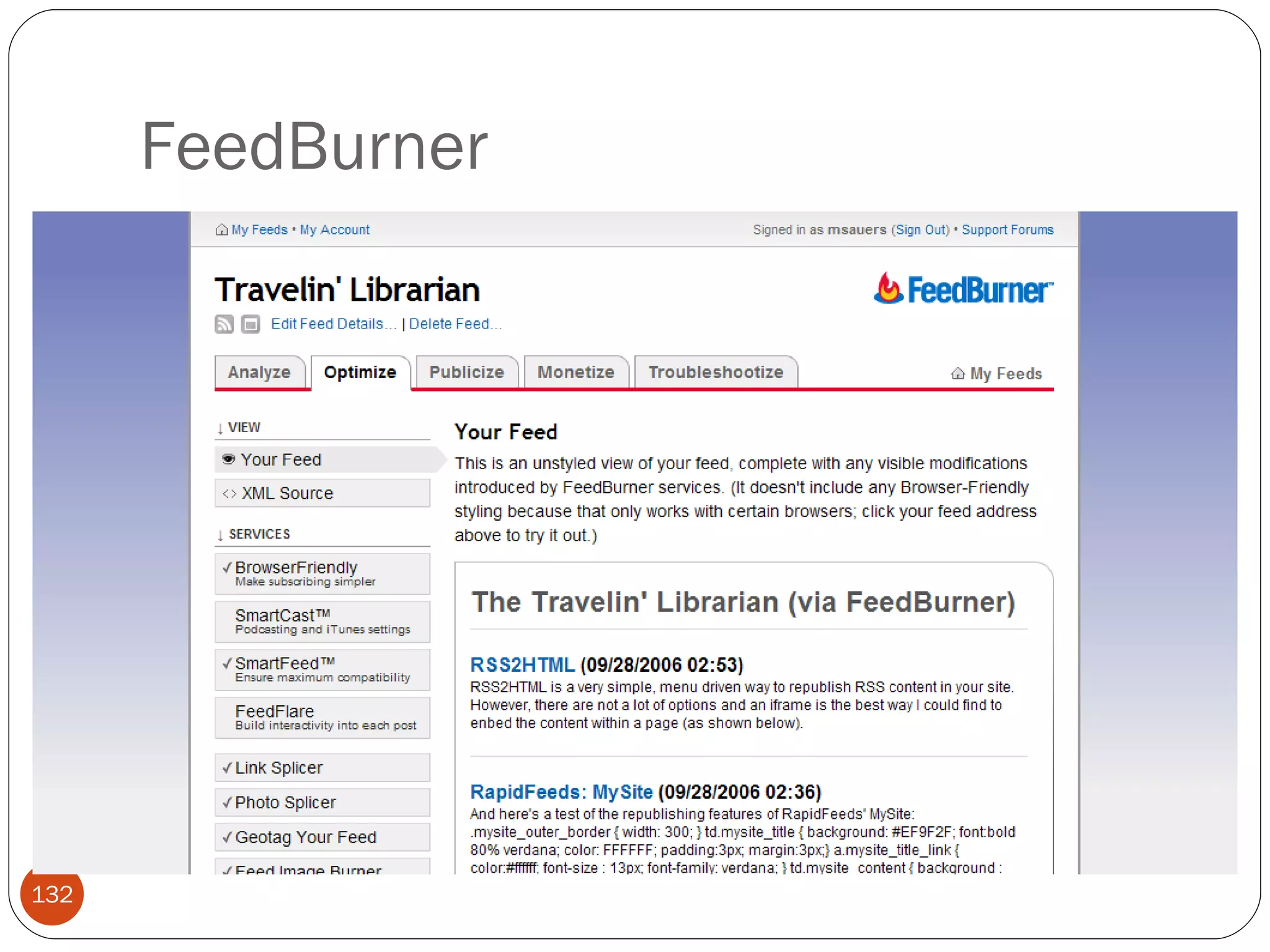
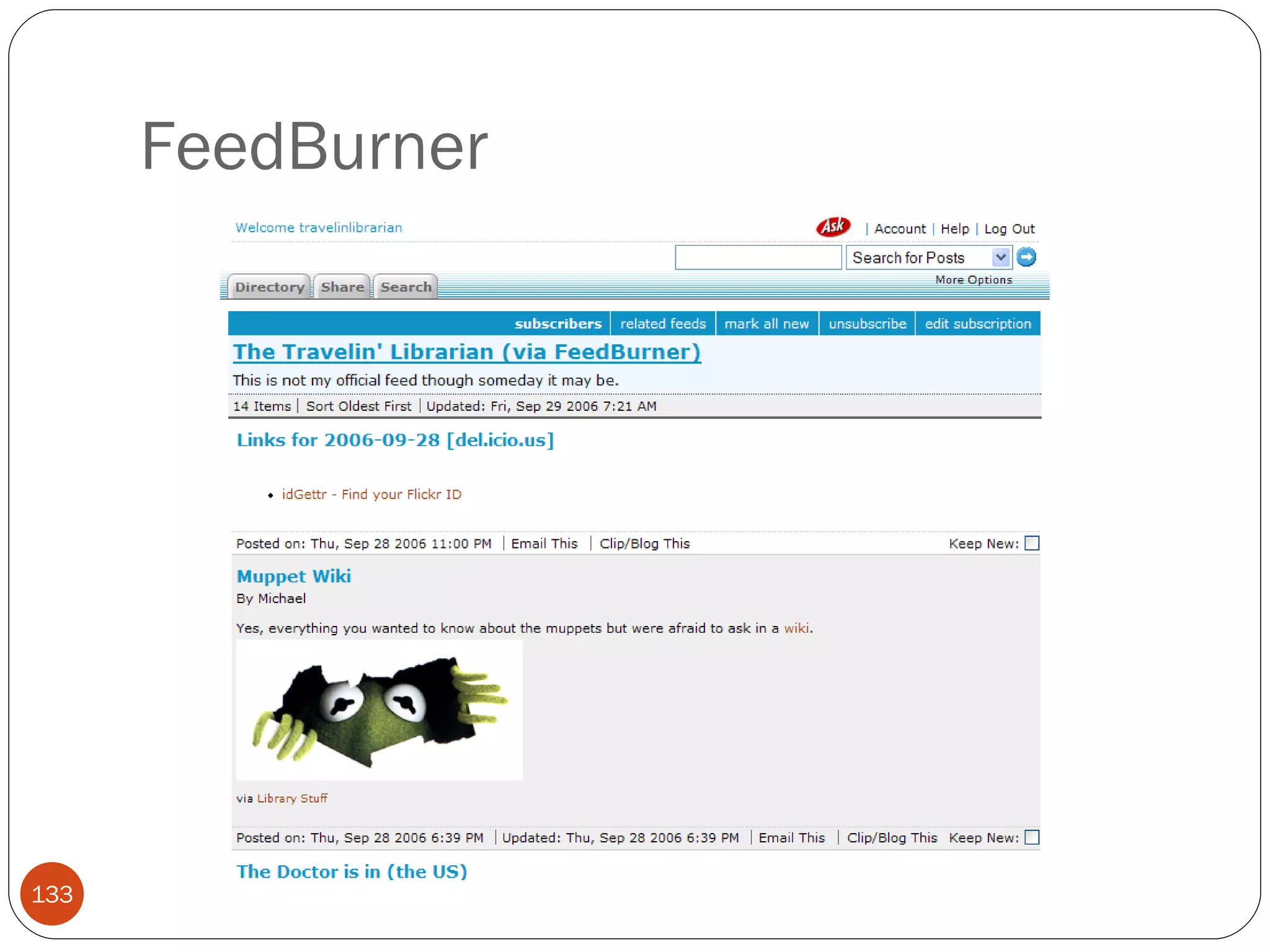
FeedBurner
FeedBurner
FeedBurner
FeedBurner
FeedBurner
FeedBurner
FeedBurner
FeedBurner
FeedBurner
FeedBurner
FeedBurner
FeedBurner
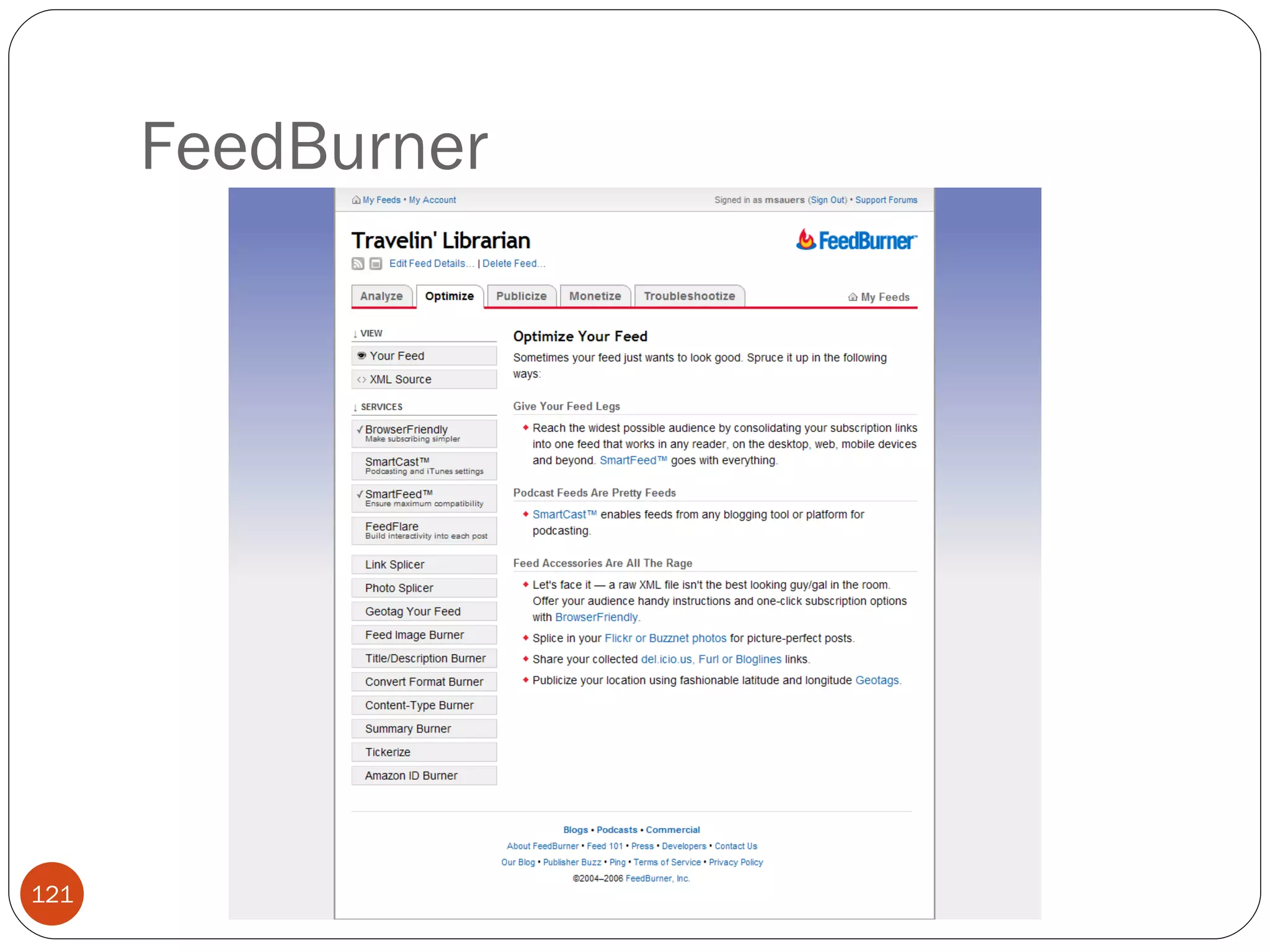
FeedBurner
FeedBurner
FeedBurner
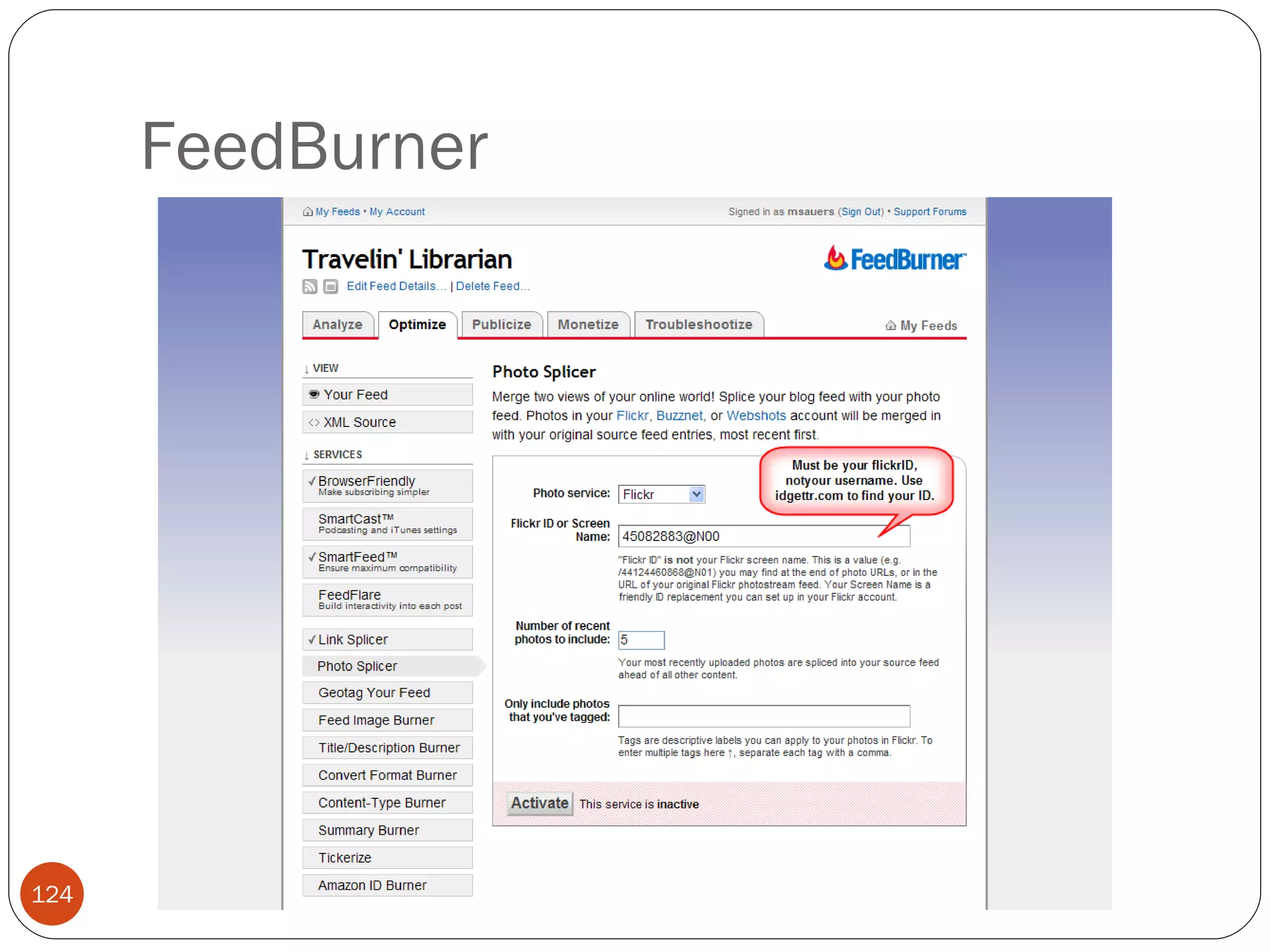
FeedBurner
FeedBurner Limitations Since by using this you get a new feed URL, it is not recommended you use it on existing feeds. Your feed will be relying on a third party to work. If the company goes under, your feed will disappear.
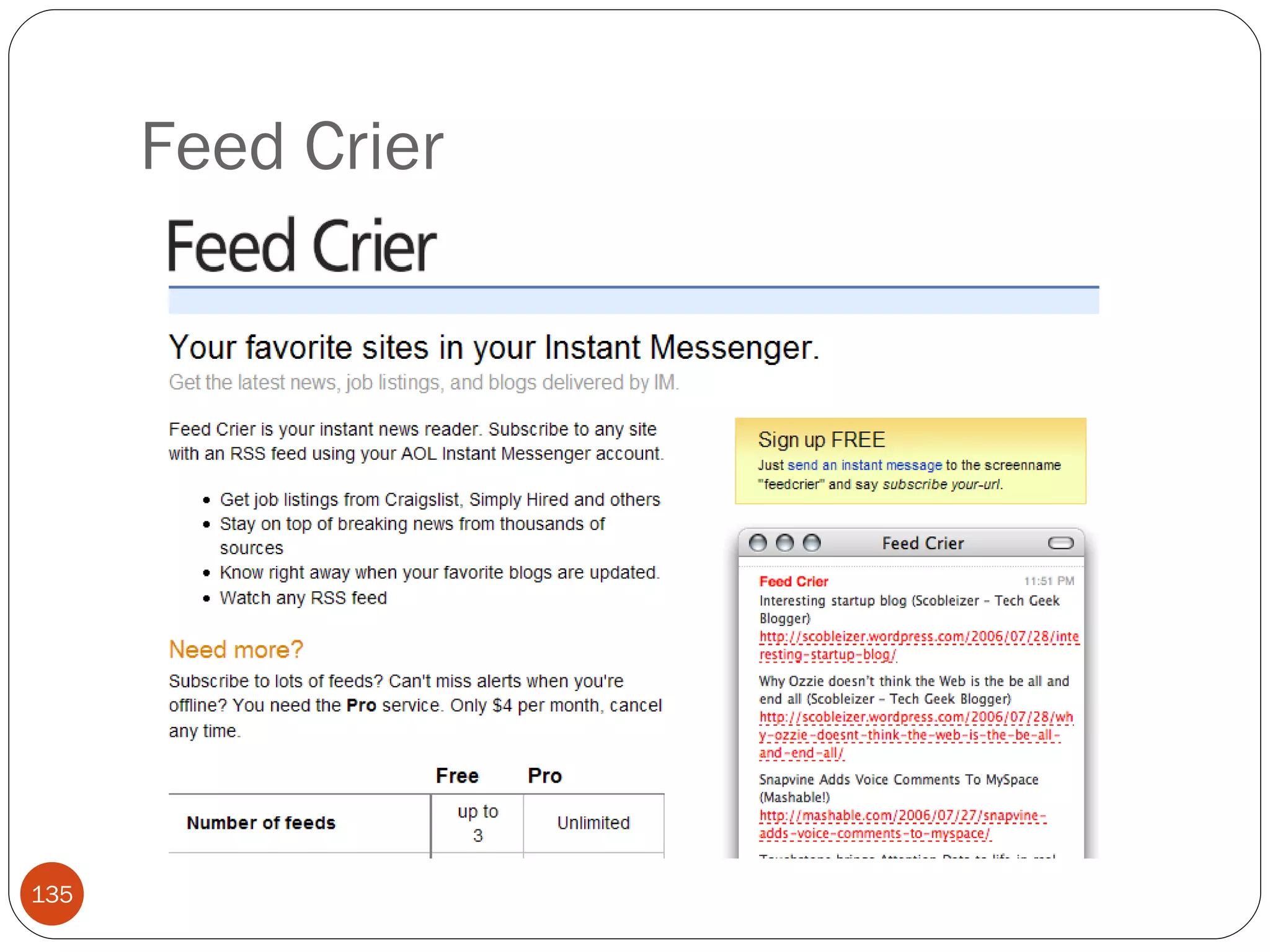
Feed Crier
Feed Crier
Feed Crier Limitations Only three feeds for free Free version advertisement supported Works only with AIM
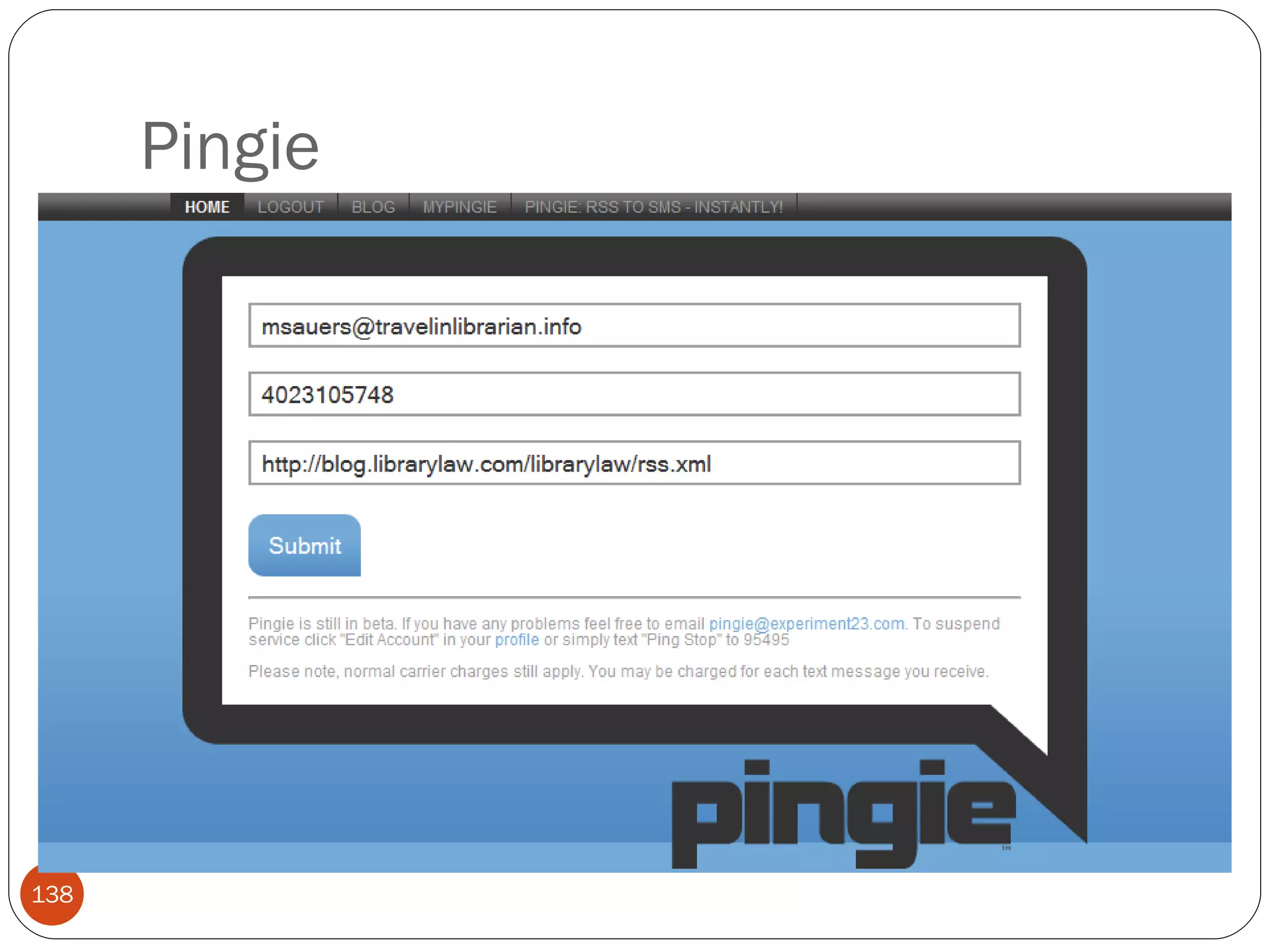
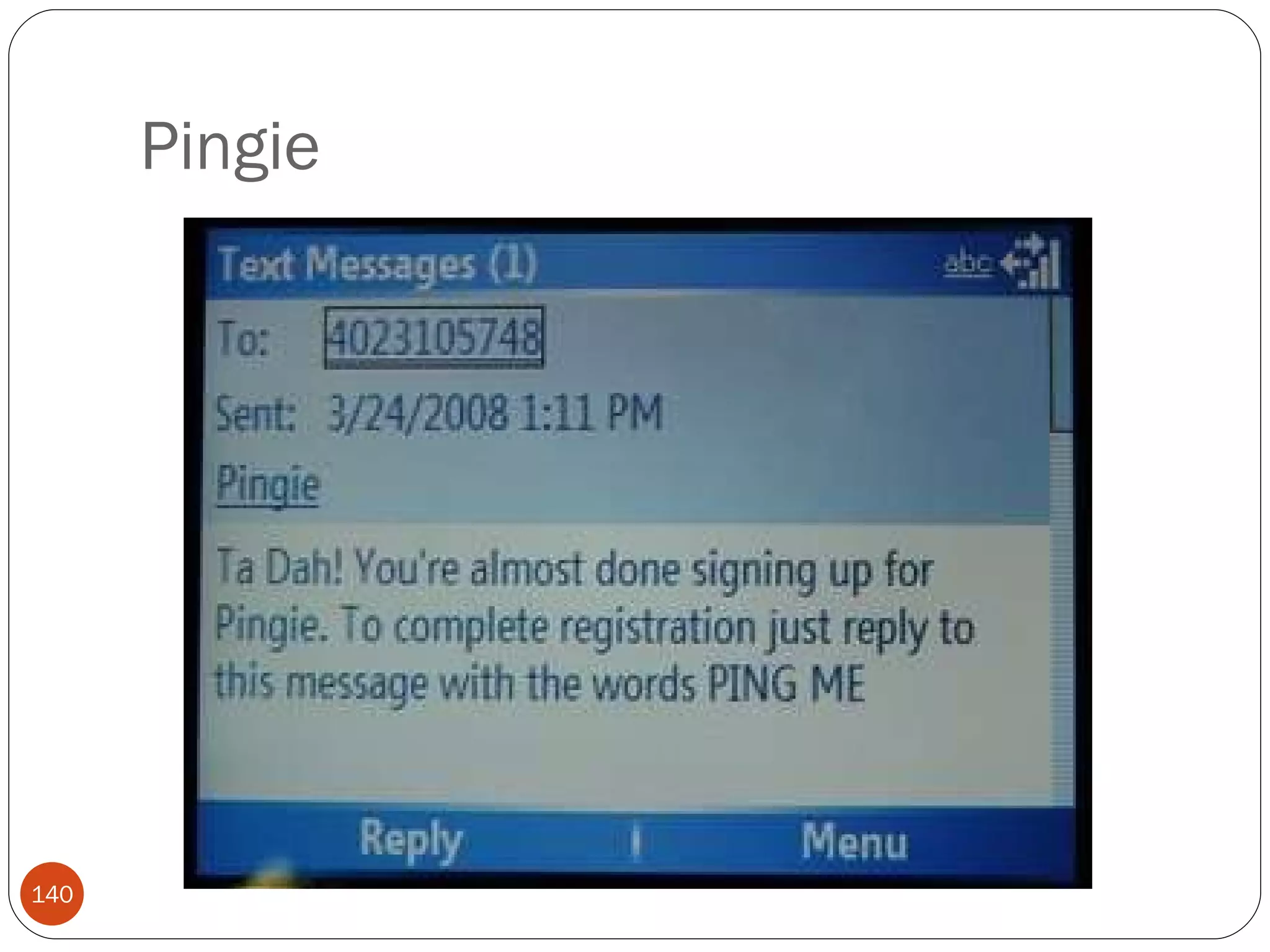
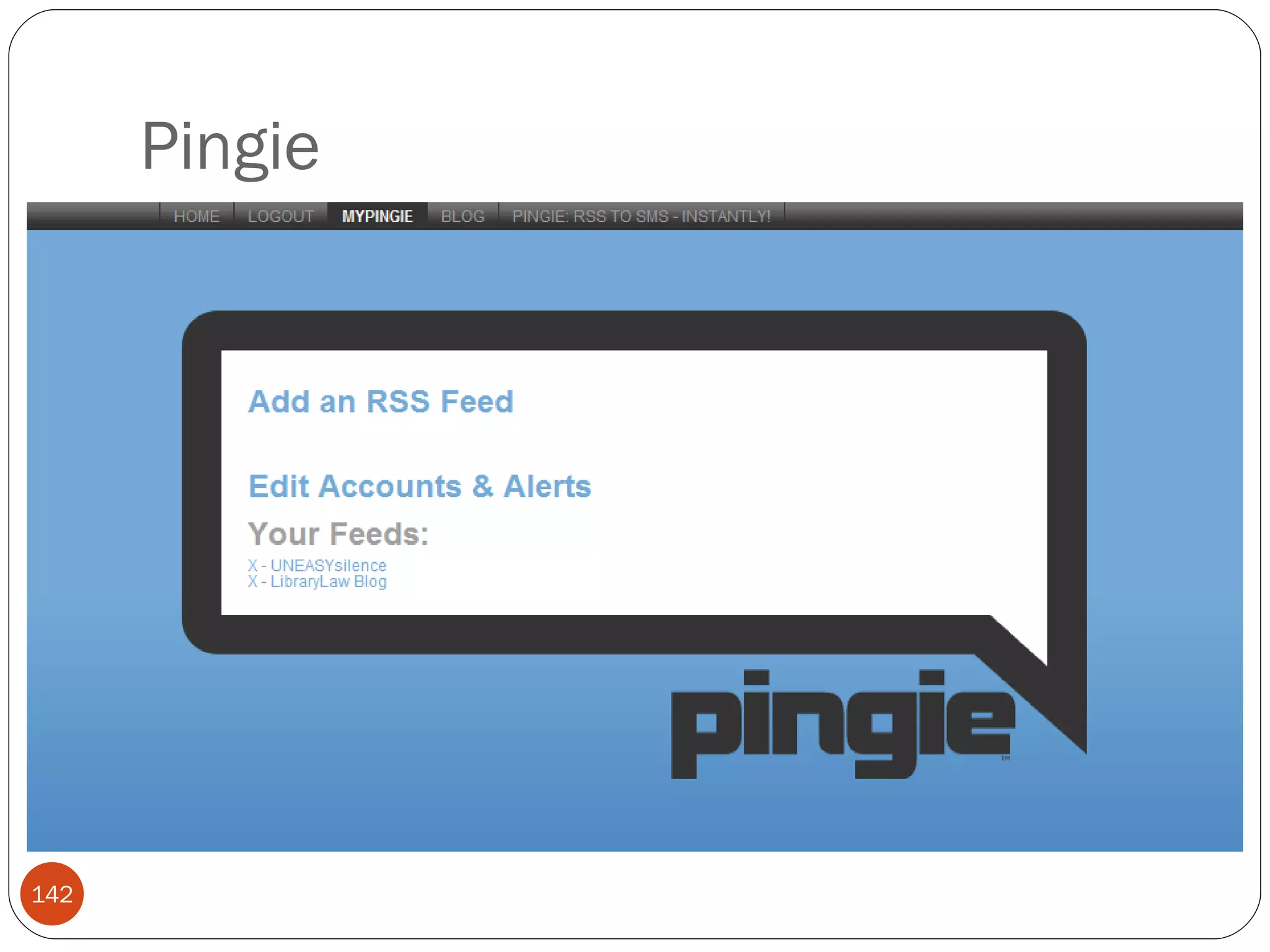
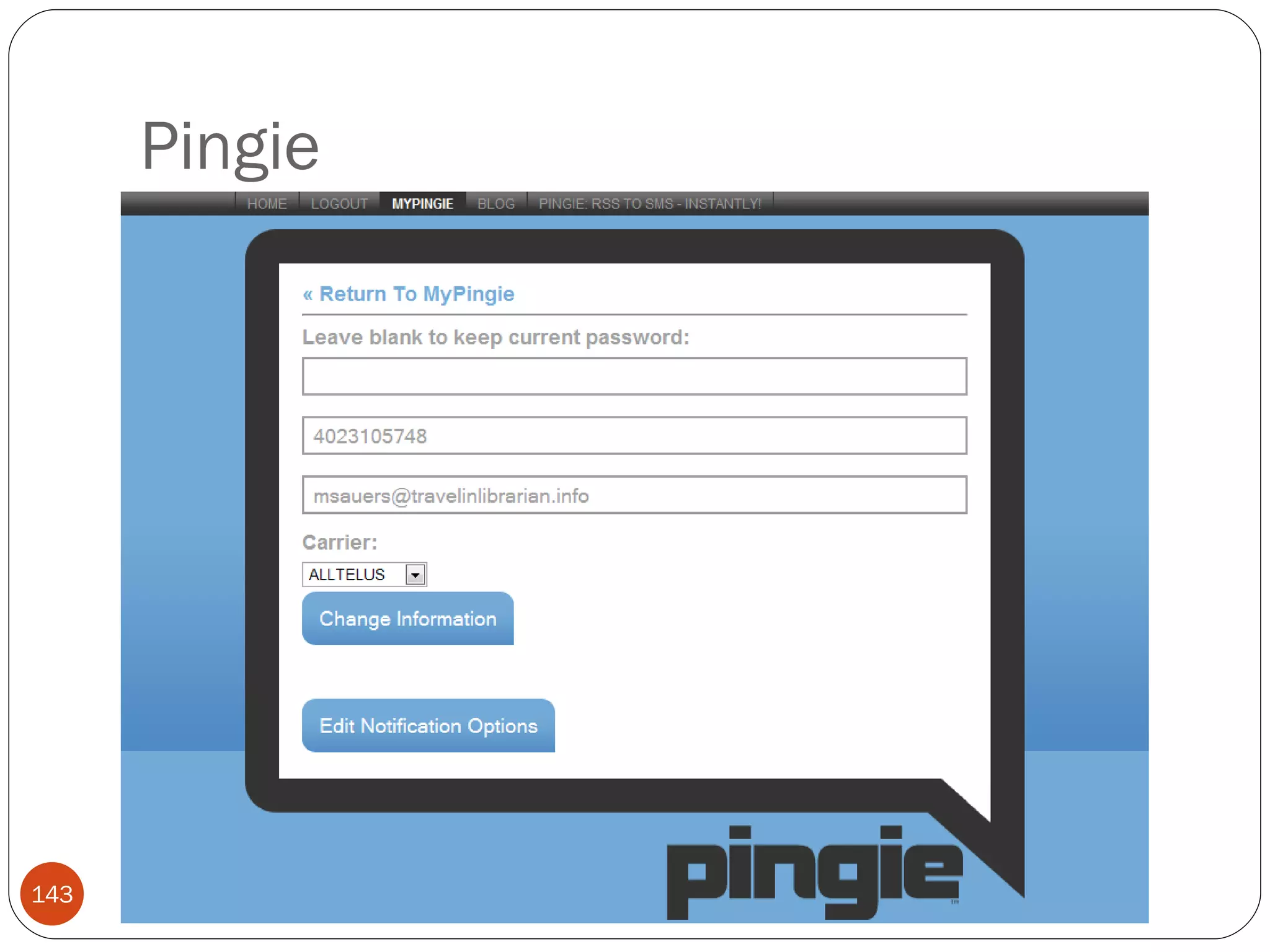
Pingie
Pingie
Pingie
Pingie
Pingie
Pingie
Pingie Limitations Doesn’t like feedburner feeds
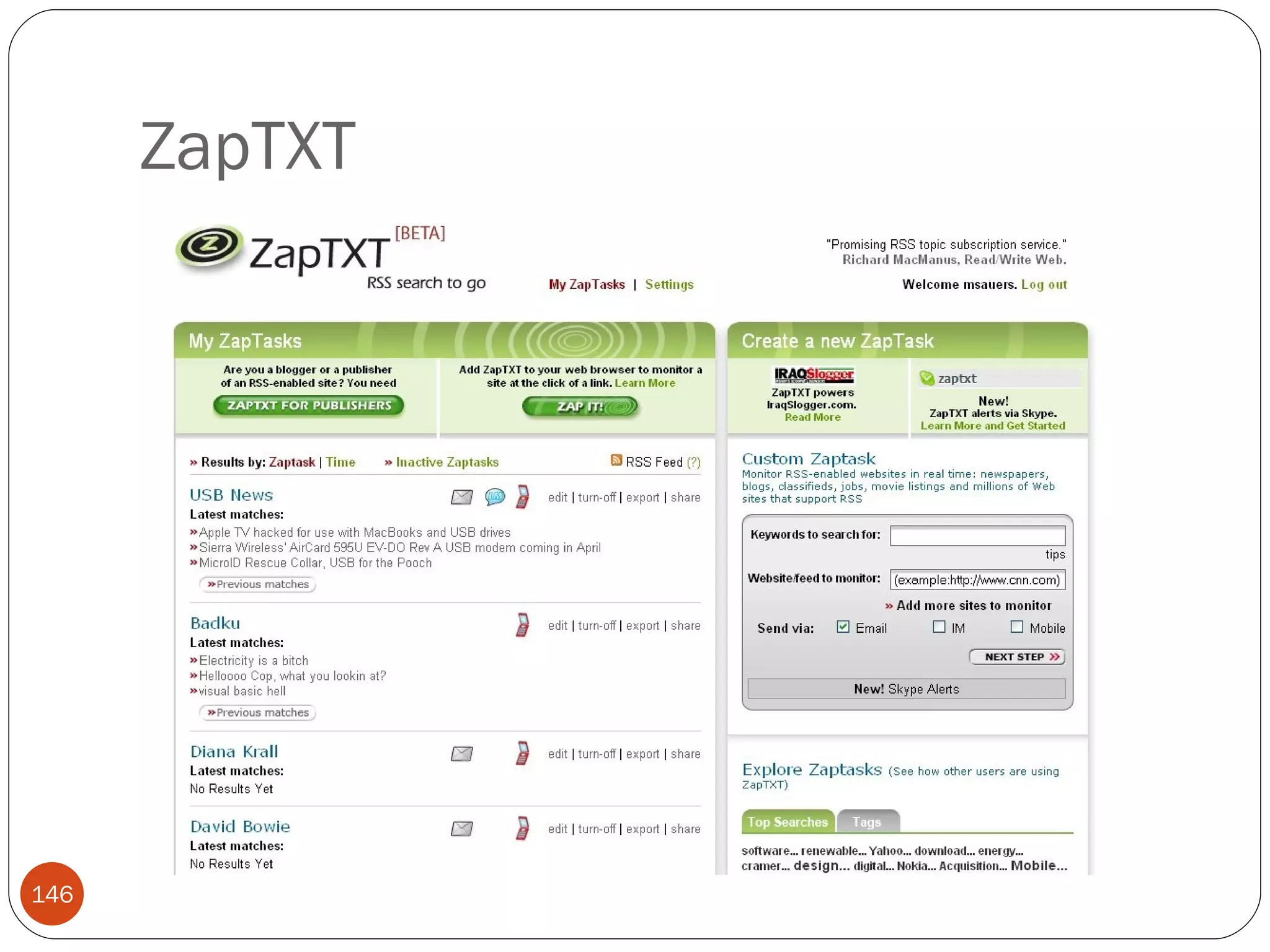
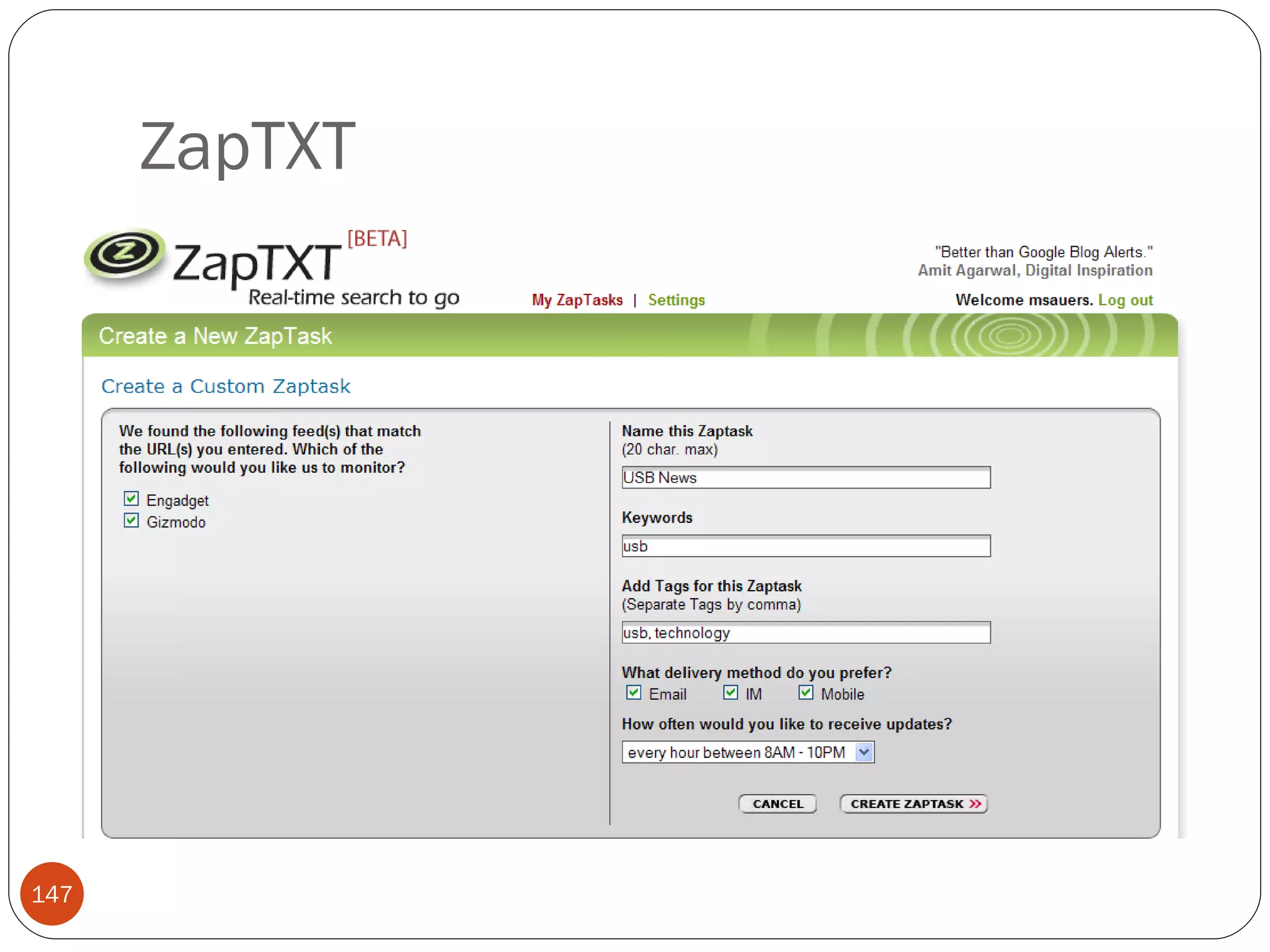
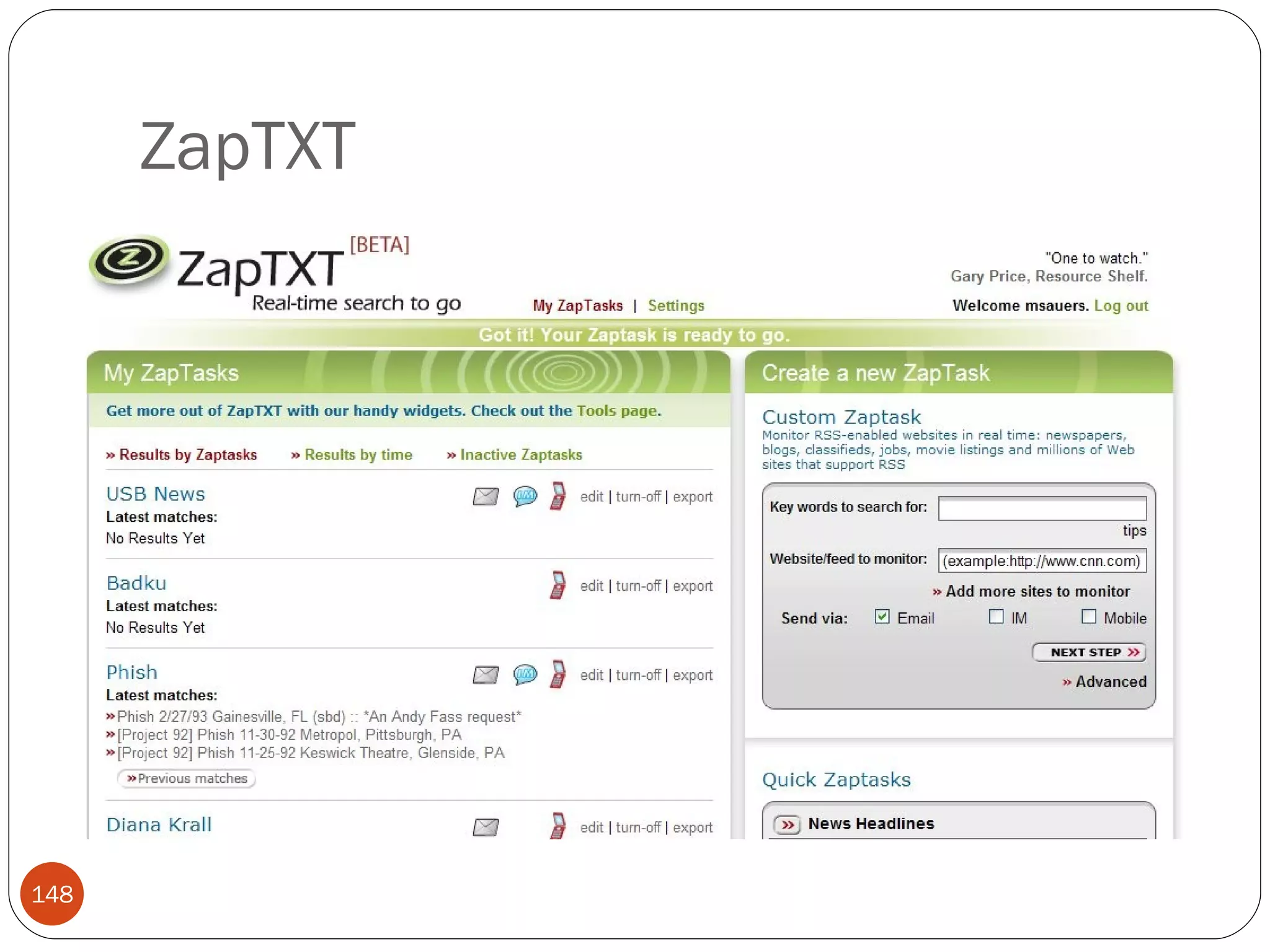
ZapTXT
ZapTXT
ZapTXT
ZapTXT
ZapTXT
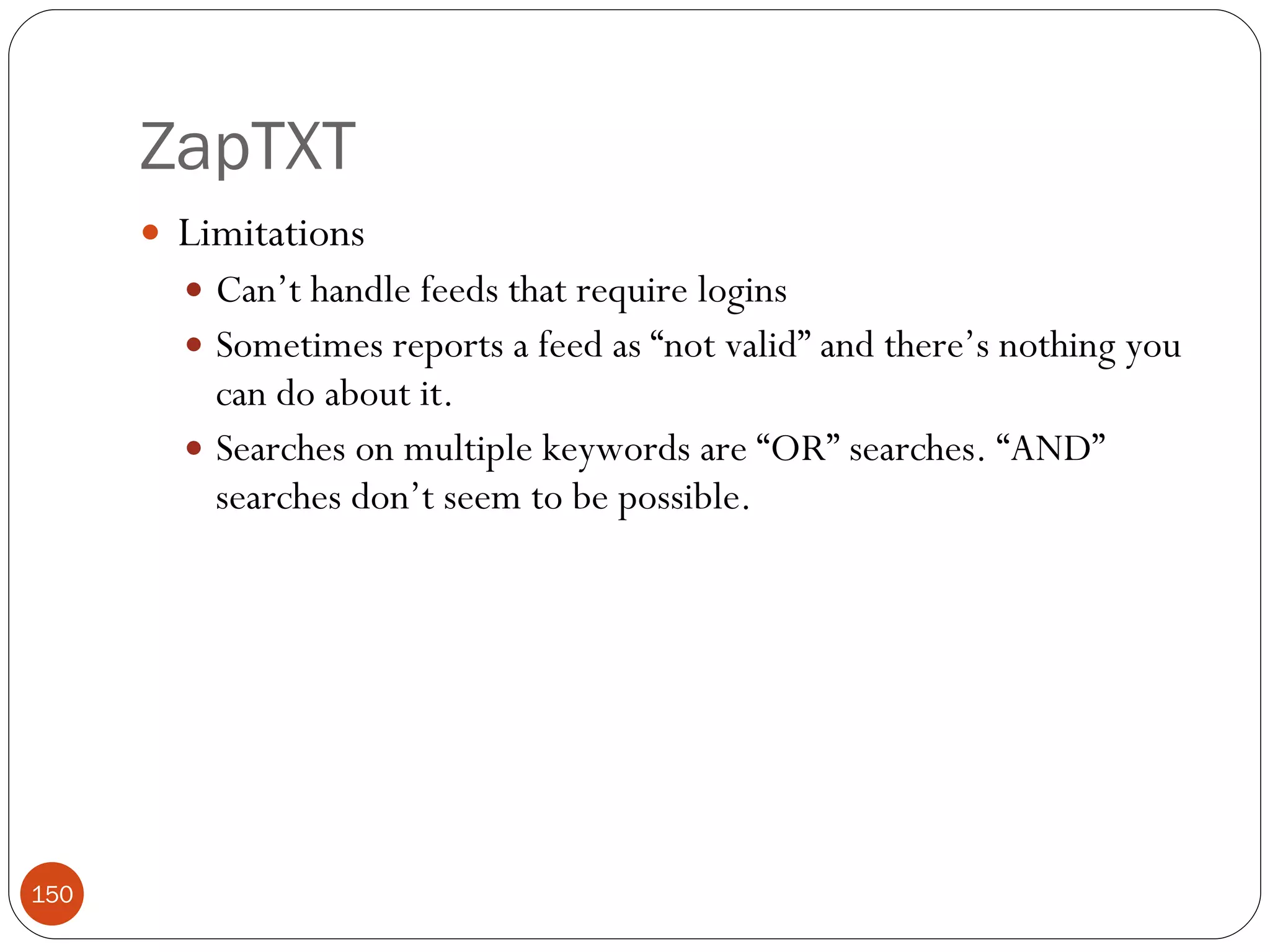
ZapTXT Limitations Can’t handle feeds that require logins Sometimes reports a feed as “not valid” and there’s nothing you can do about it. Searches on multiple keywords are “OR” searches. “AND” searches don’t seem to be possible.
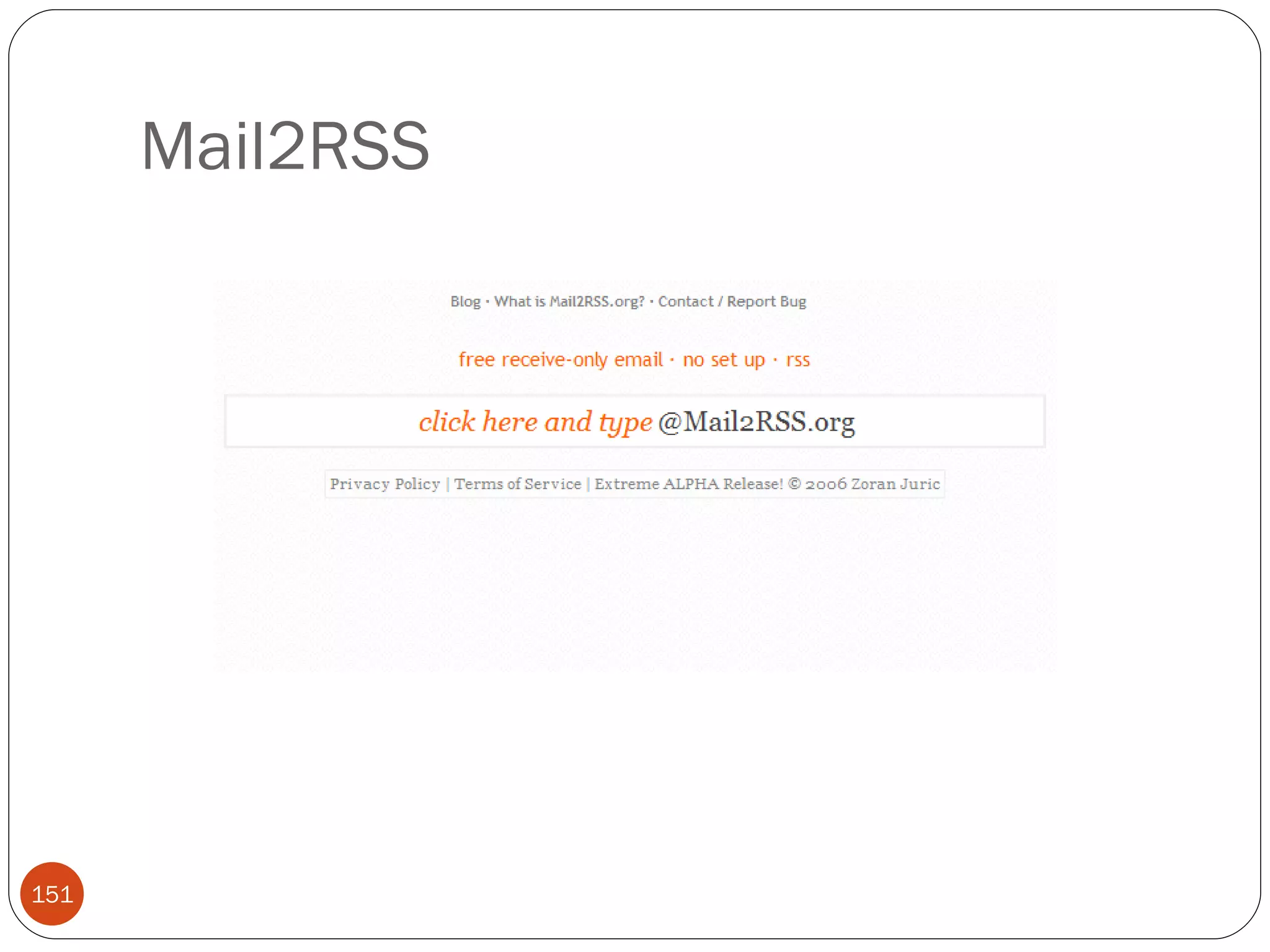
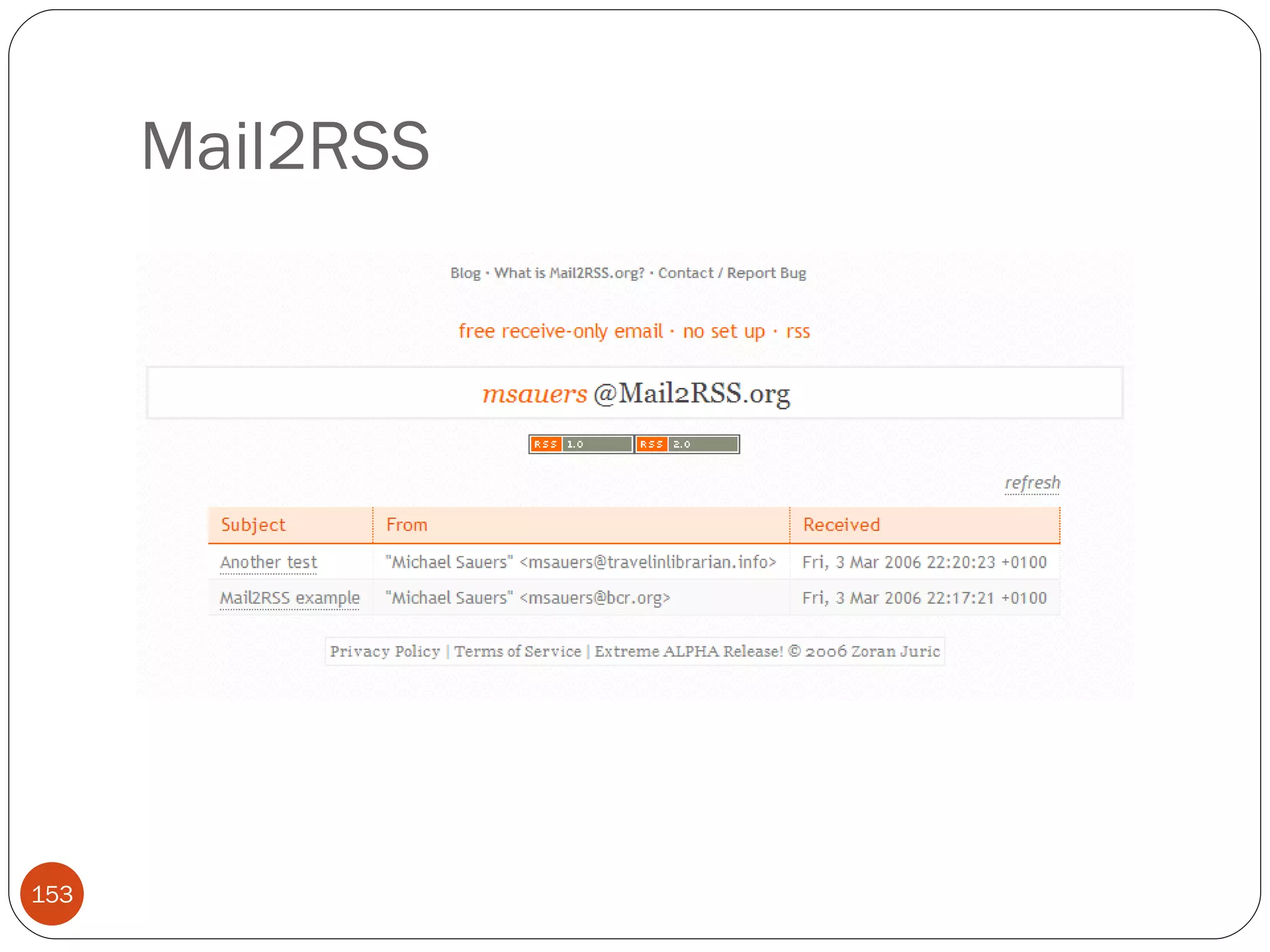
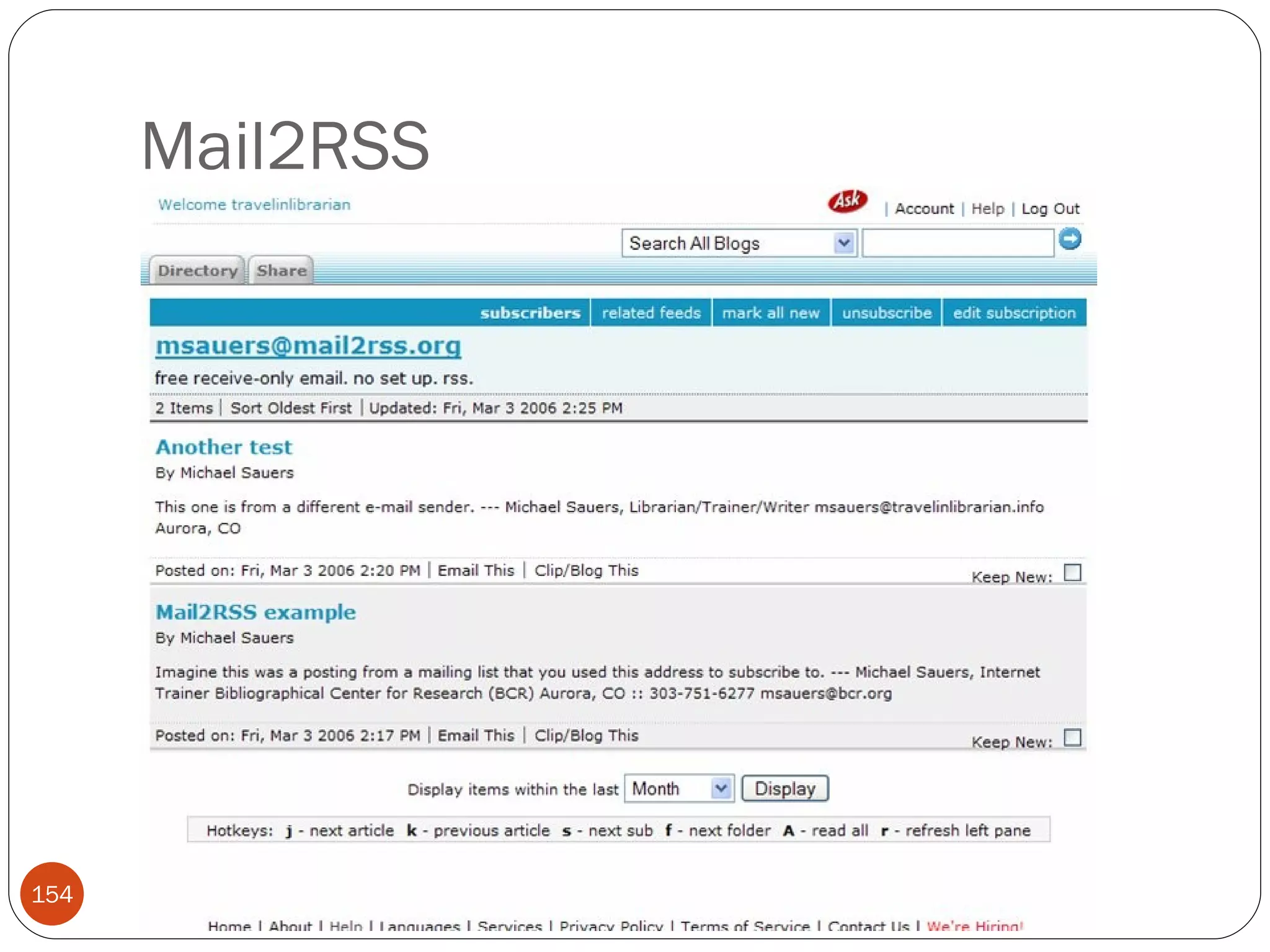
Mail2RSS
Mail2RSS
Mail2RSS
Mail2RSS
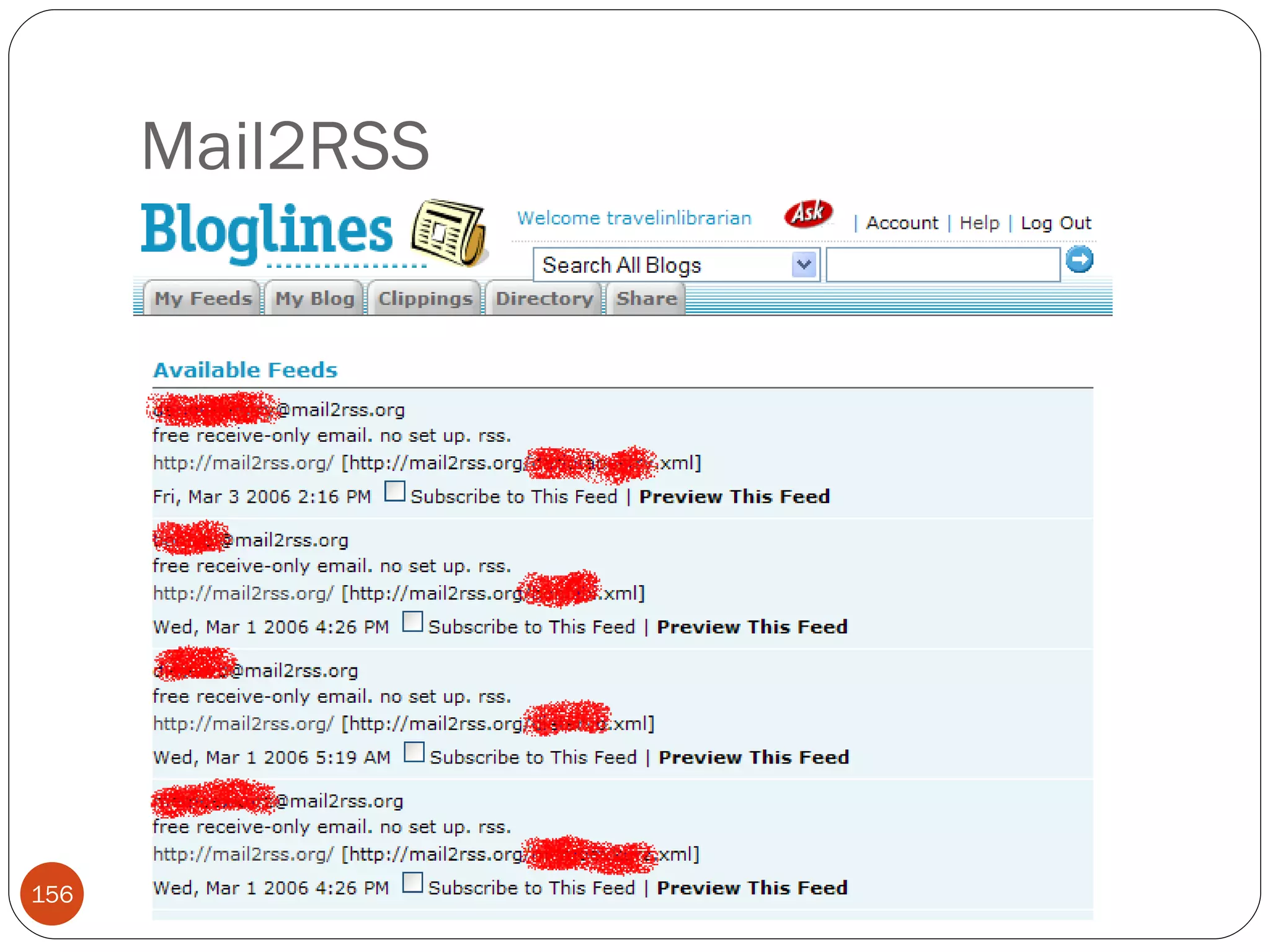
Mail2RSS Limitations Bloglines doesn’t like the RSS2.0 feeds, use the 1.0 link instead Mail automatically deletes after seven days Feeds are limited to 20 items Potential security issue when using  Subscribe with Bloglines  bookmarklet (next slide)
Mail2RSS
RssFwd
RssFwd
RssFwd
RssFwd
RssFwd
RssFwd
RssFwd Limitations Some (including me) argue that converting RSS to e-mail defeats the purpose of RSS.
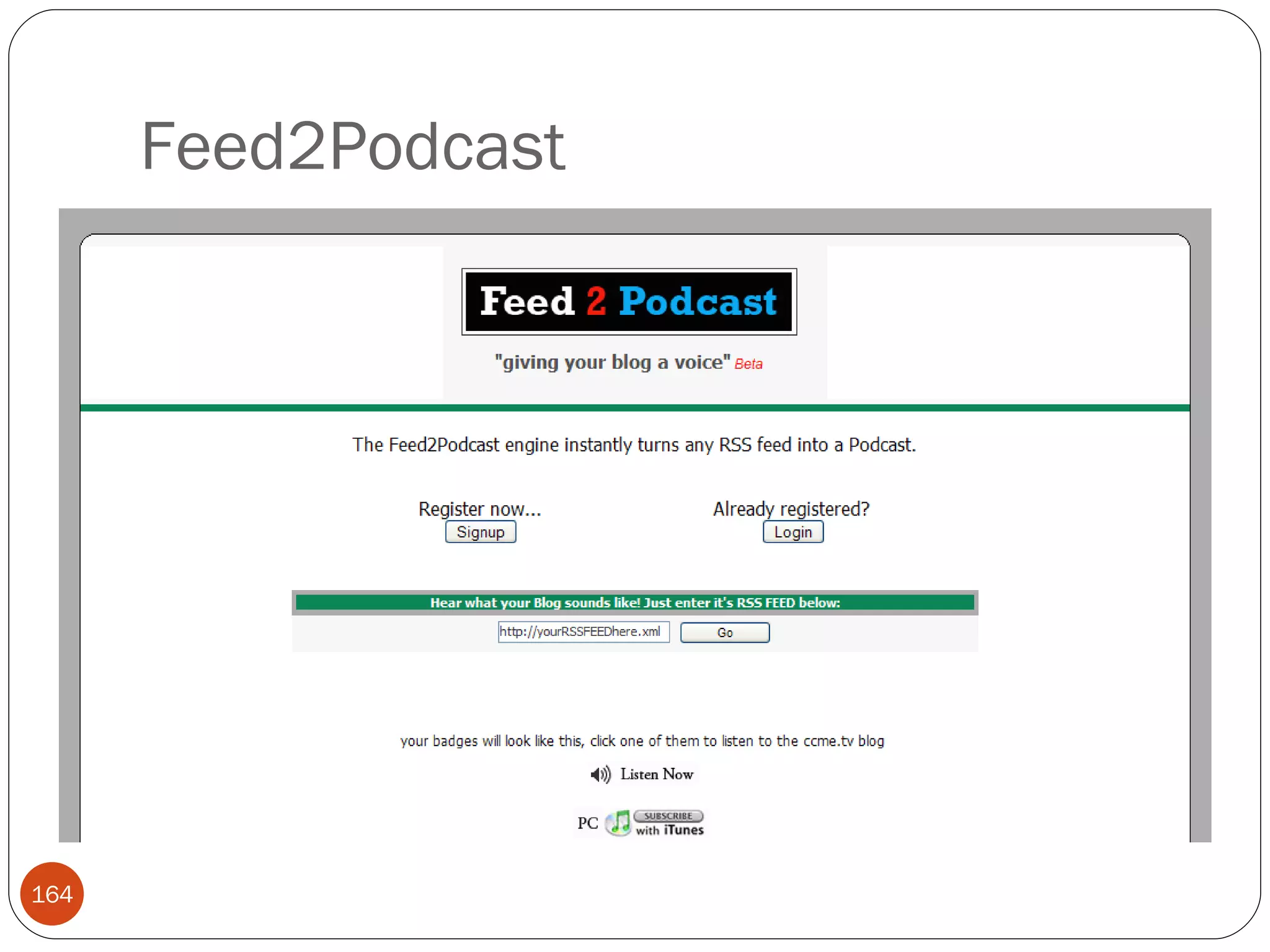
Feed2Podcast
Feed2Podcast
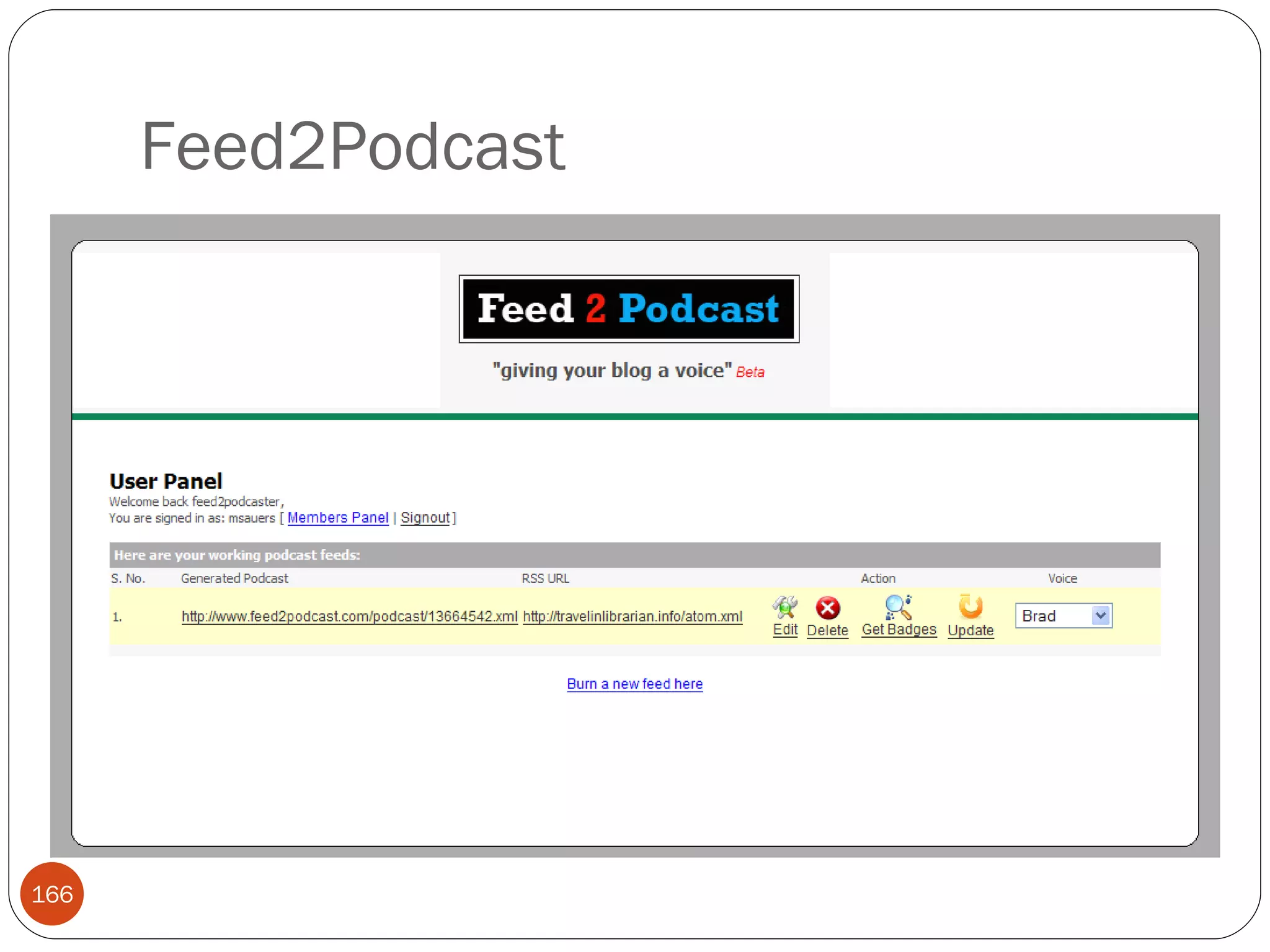
Feed2Podcast
Feed2Podcast
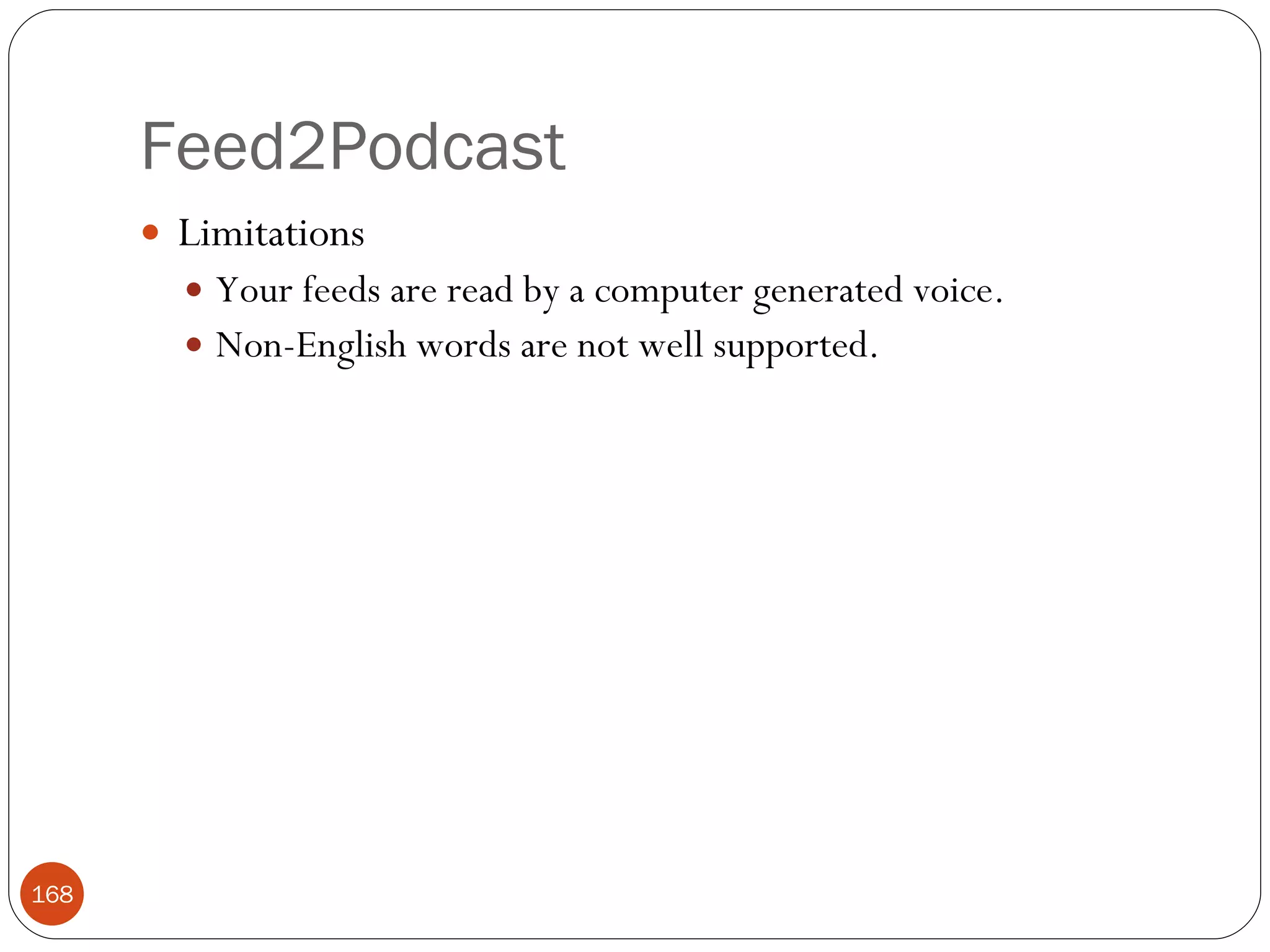
Feed2Podcast Limitations Your feeds are read by a computer generated voice. Non-English words are not well supported.
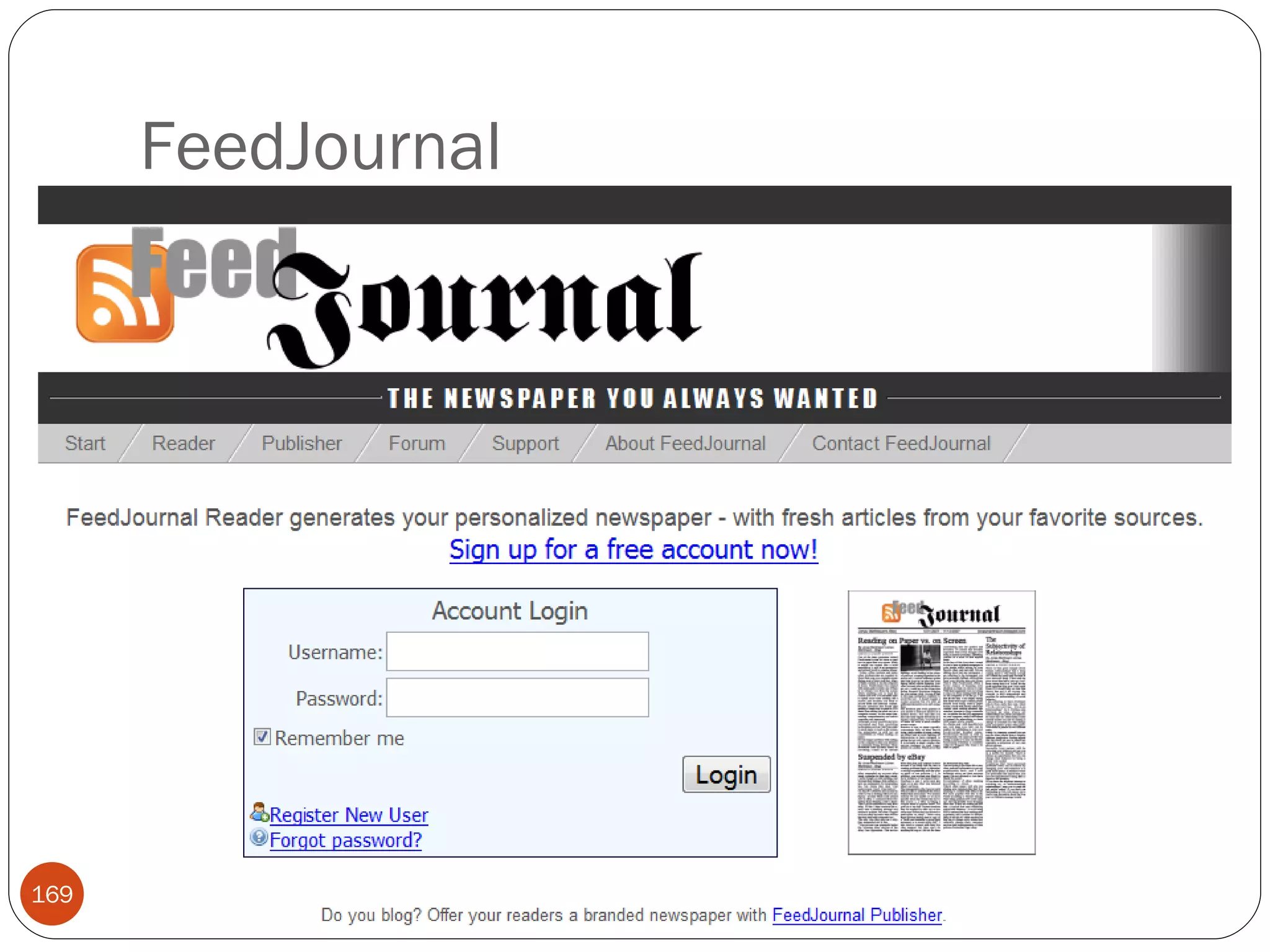
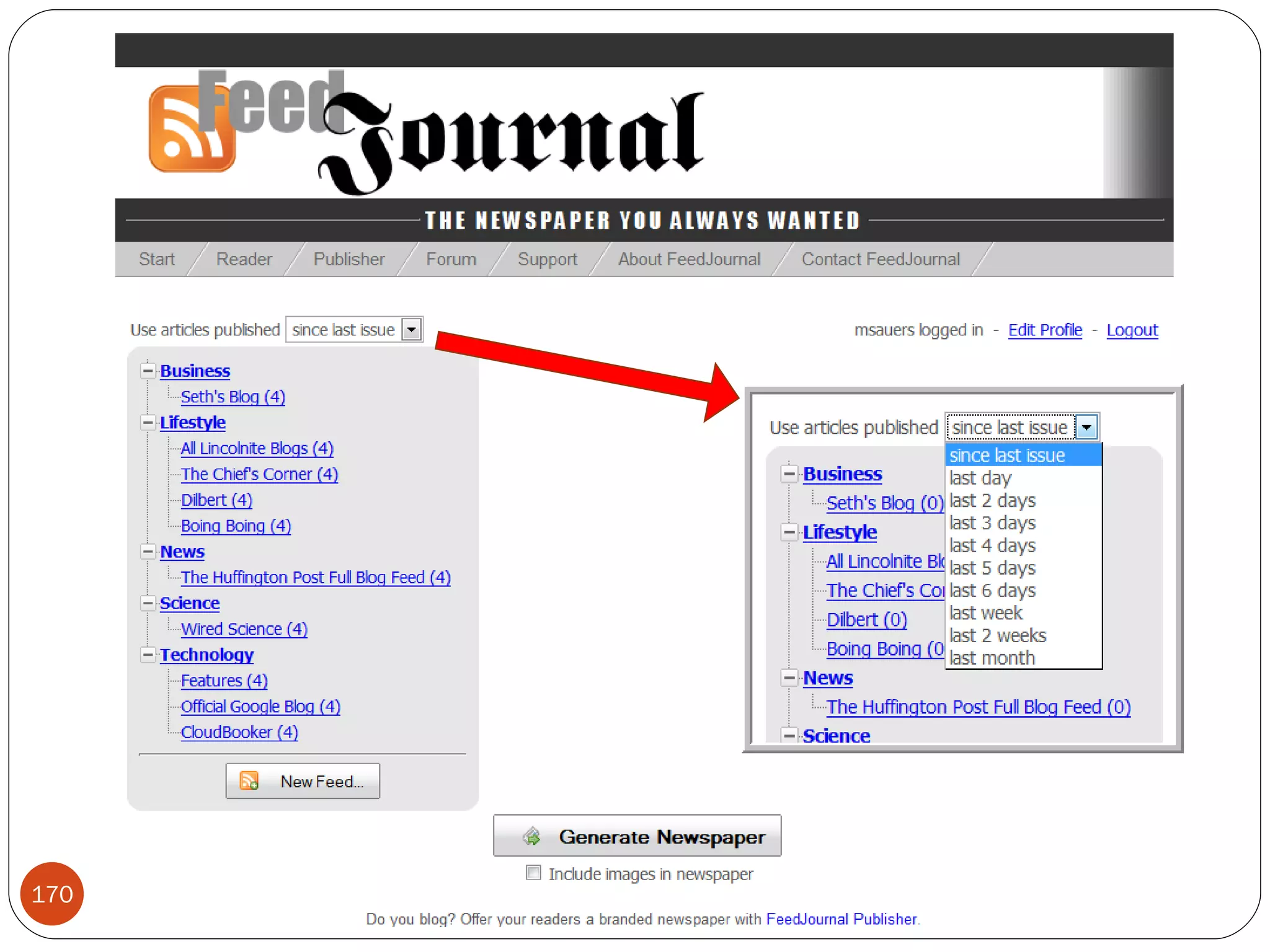
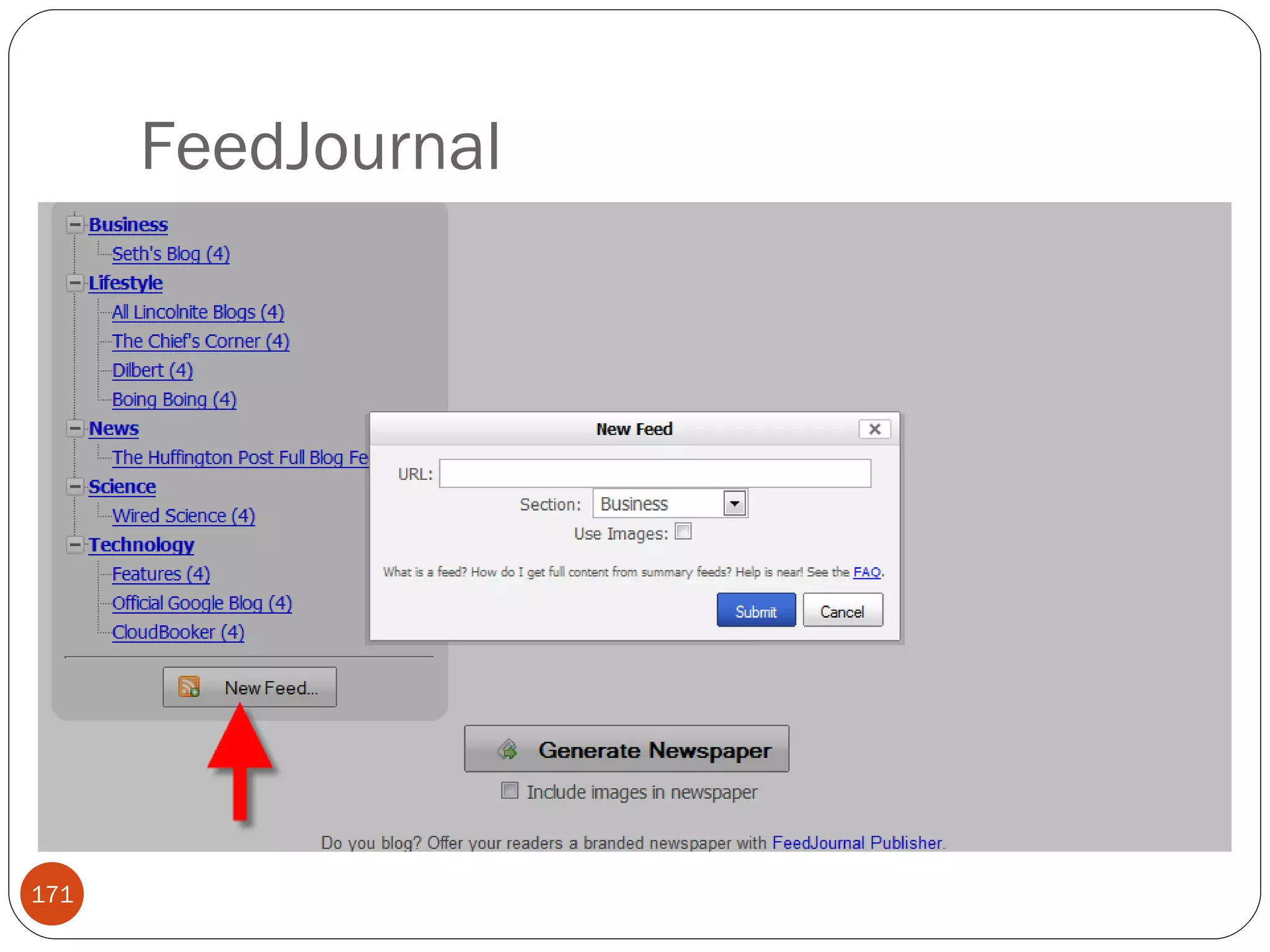
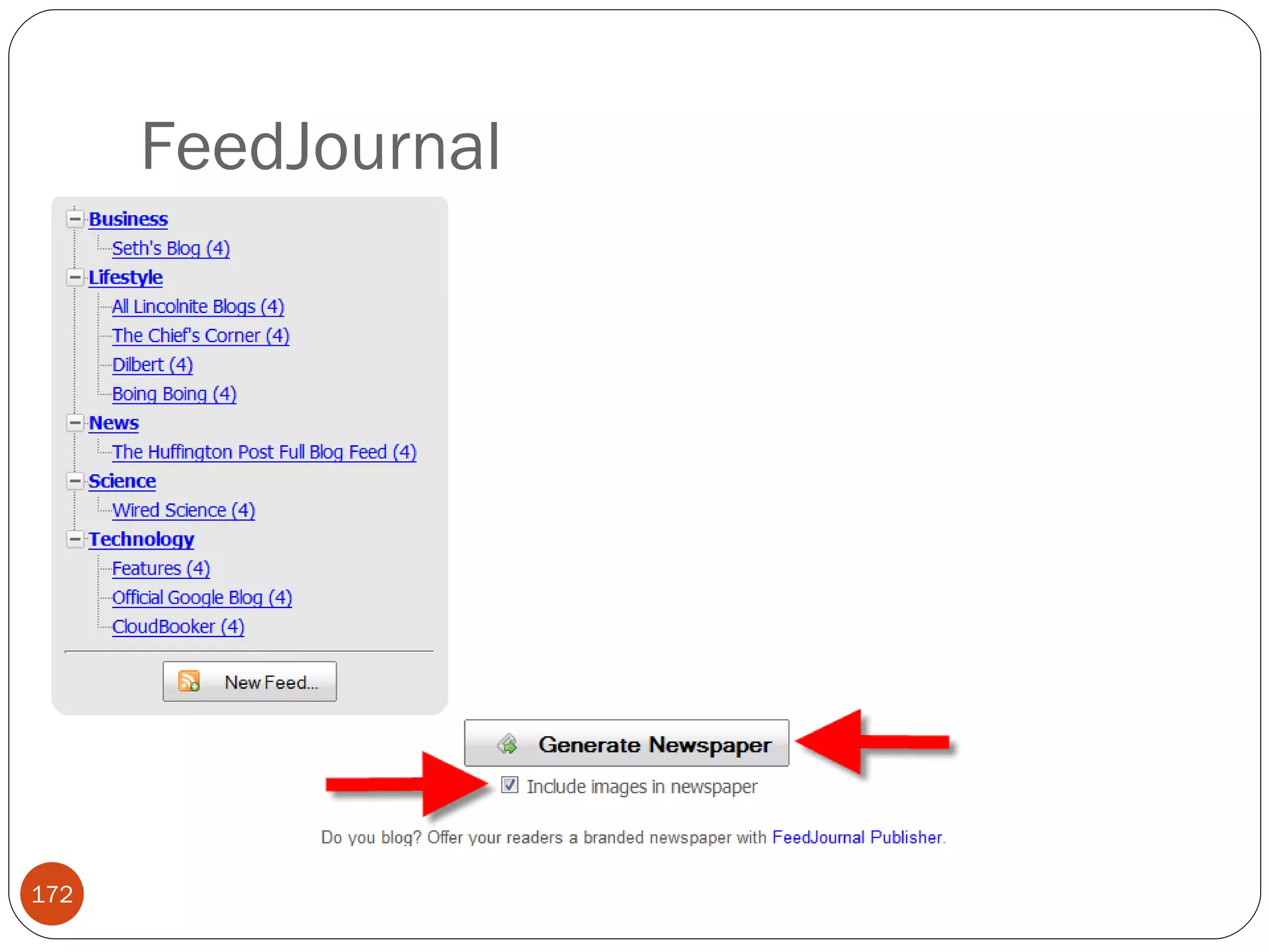
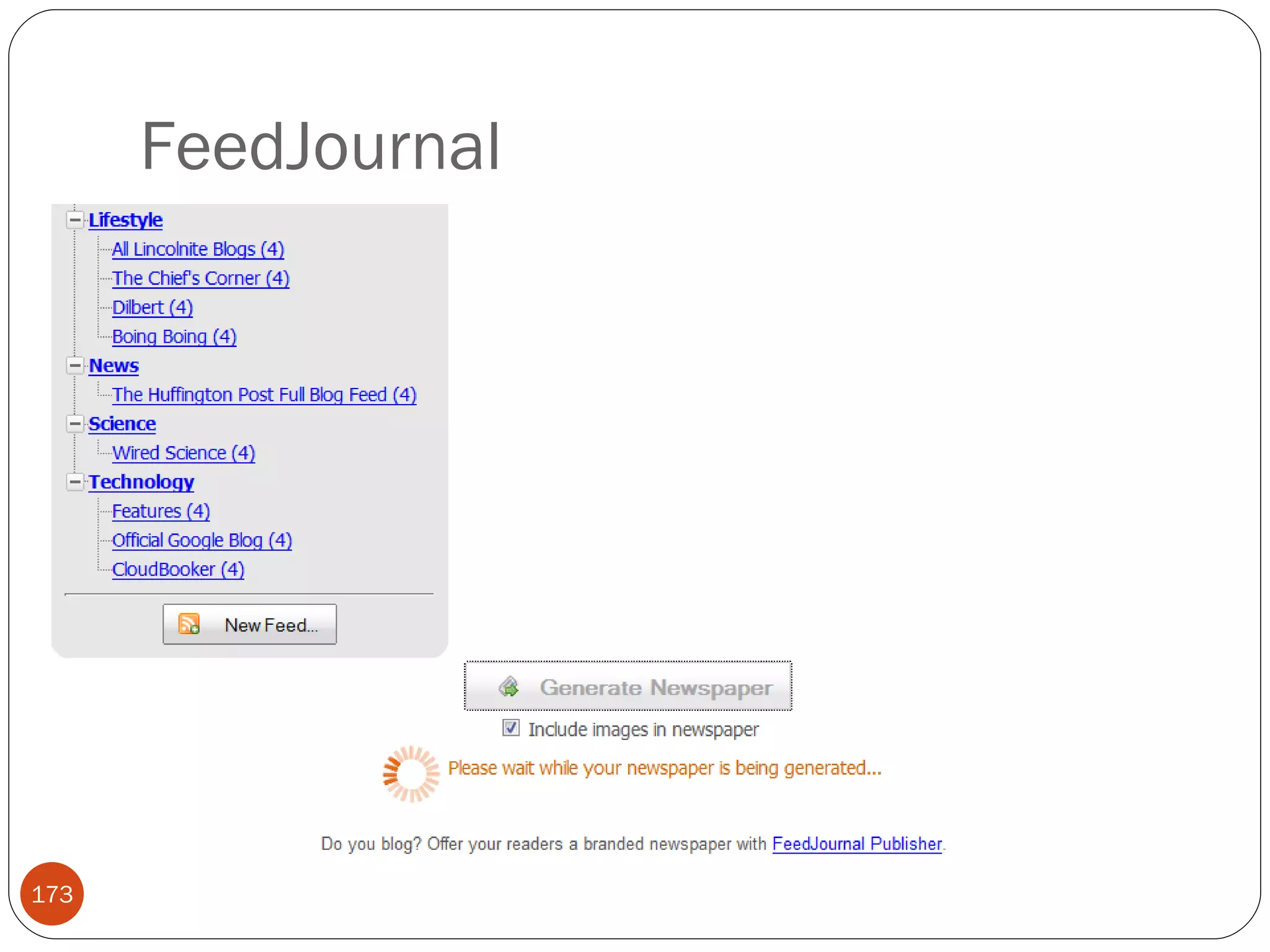
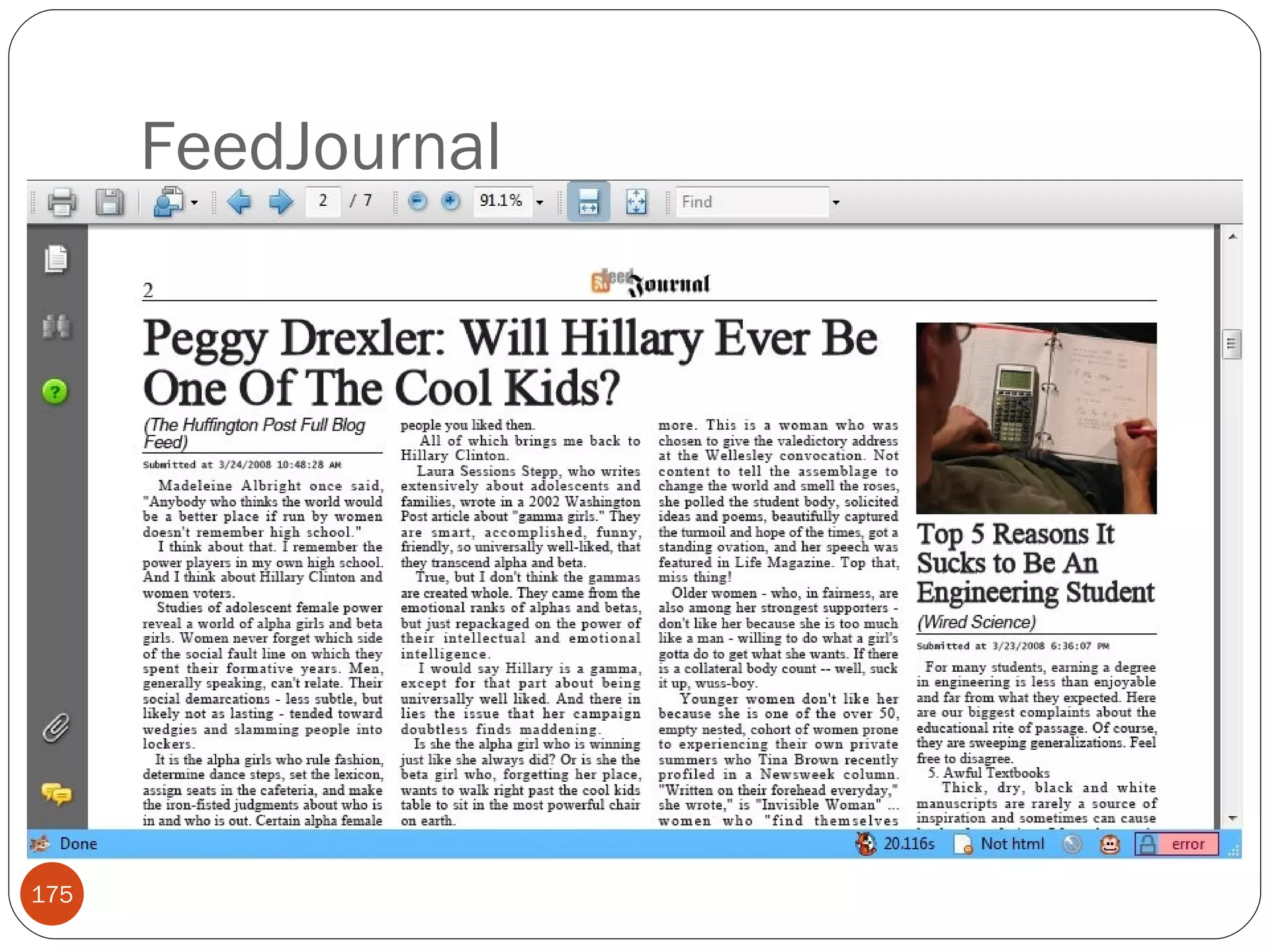
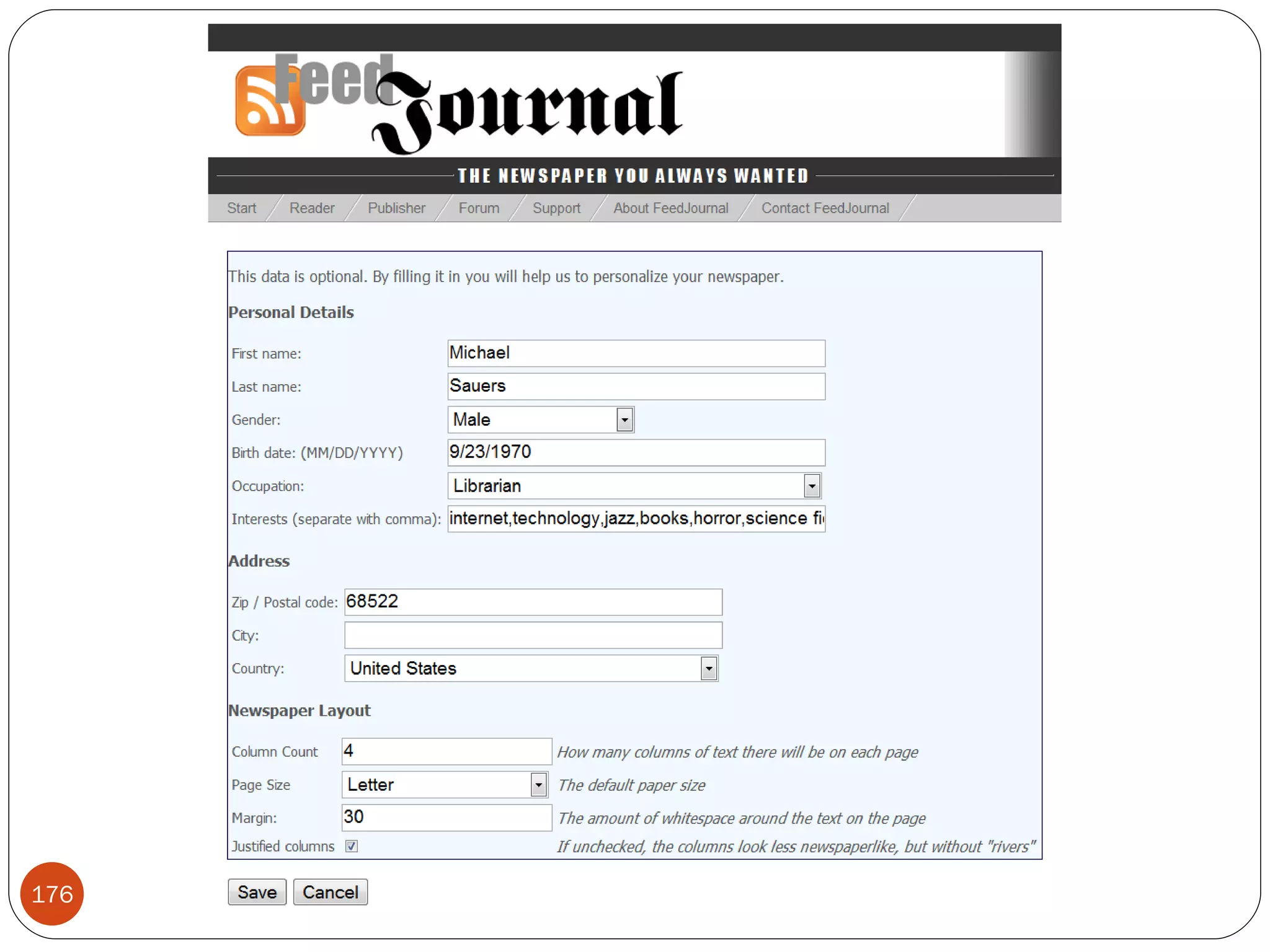
FeedJournal
FeedJournal
FeedJournal
FeedJournal
FeedJournal
FeedJournal
FeedJournal Limitations Must manually regenerate each issue
Contact information Michael Sauers [email_address] http://travelinlibrarian.info/ http://del.icio.us/travelinlibrarian/cil2008/rss

Integrating RSS Into Your Web Site - CIL2008