

40+ Tech Tips, 
Tricks, & Tools 
Michael Sauers 
Technology Innovation Librarian 
Nebraska Library Commission 
NELS Annual Meeting 25 September 2014
Before we begin… 
• I’ve not included any URLs. Some don’t need 
them and all are easily found via a simple 
Google search. 
• Slides will be made available after the session. 
• As we go along, please keep a personal 
account of how many of these you think you’ll 
find useful in the future.
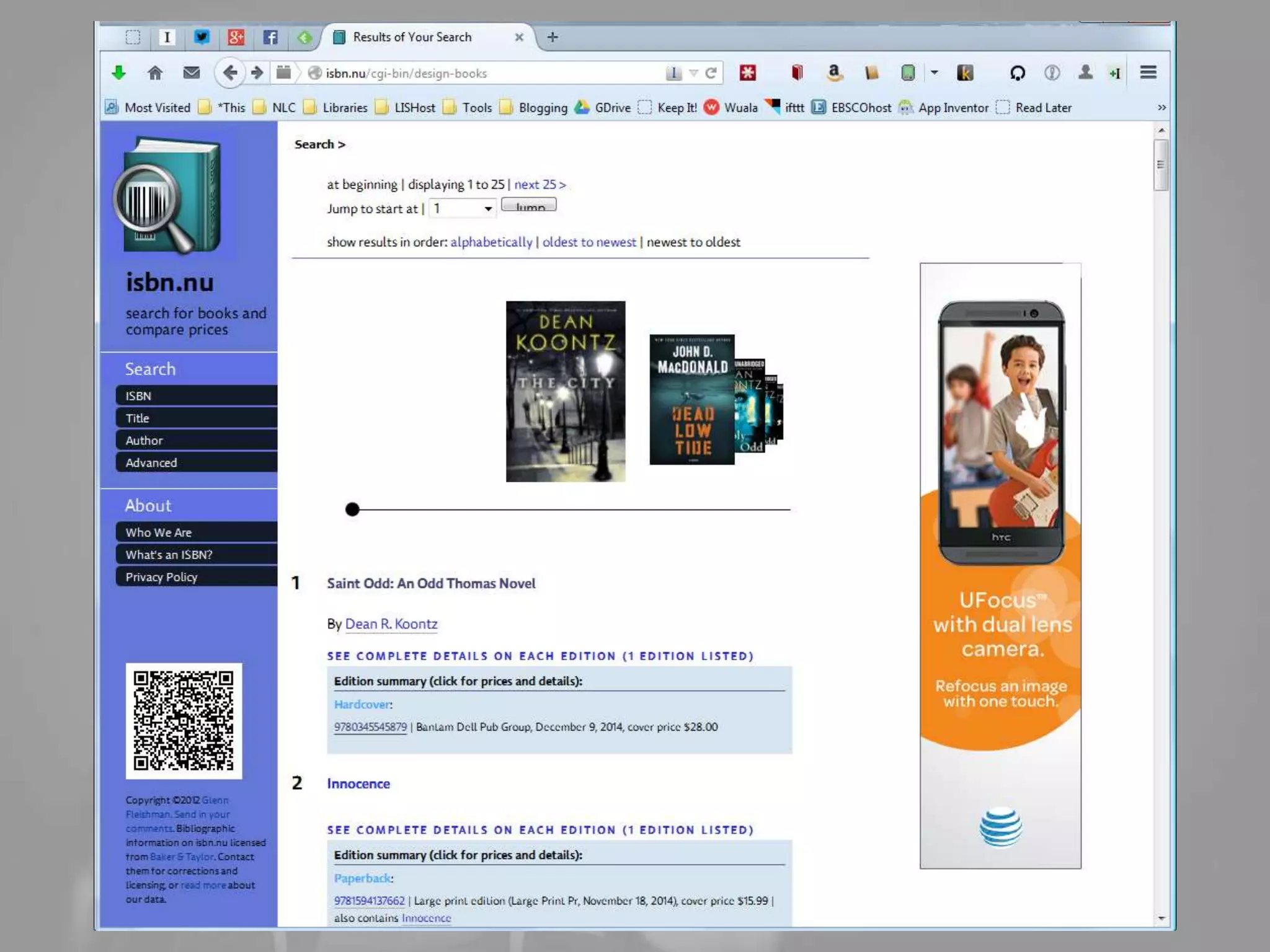
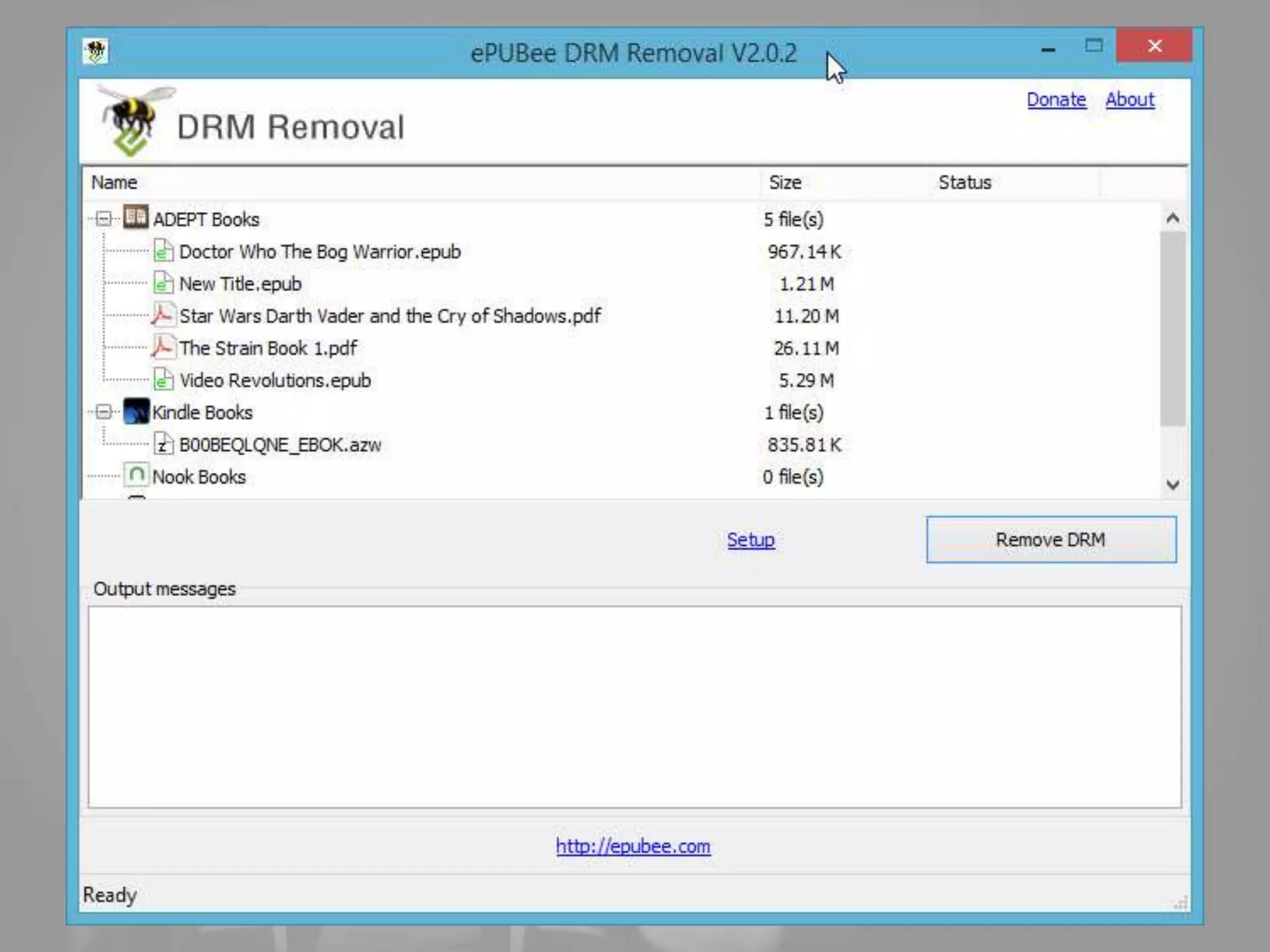
Free & Discounted eBooks
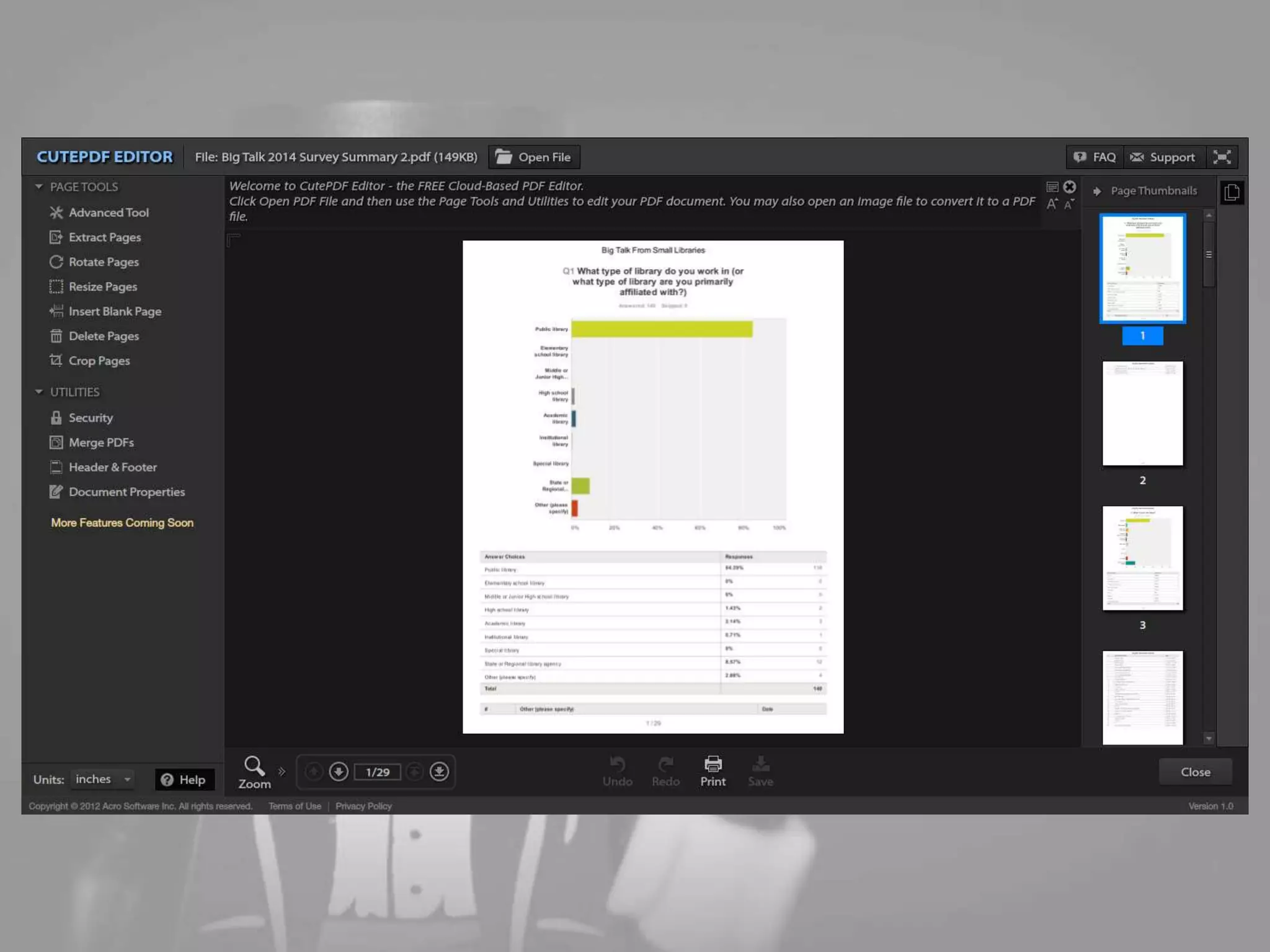
Free eARCs
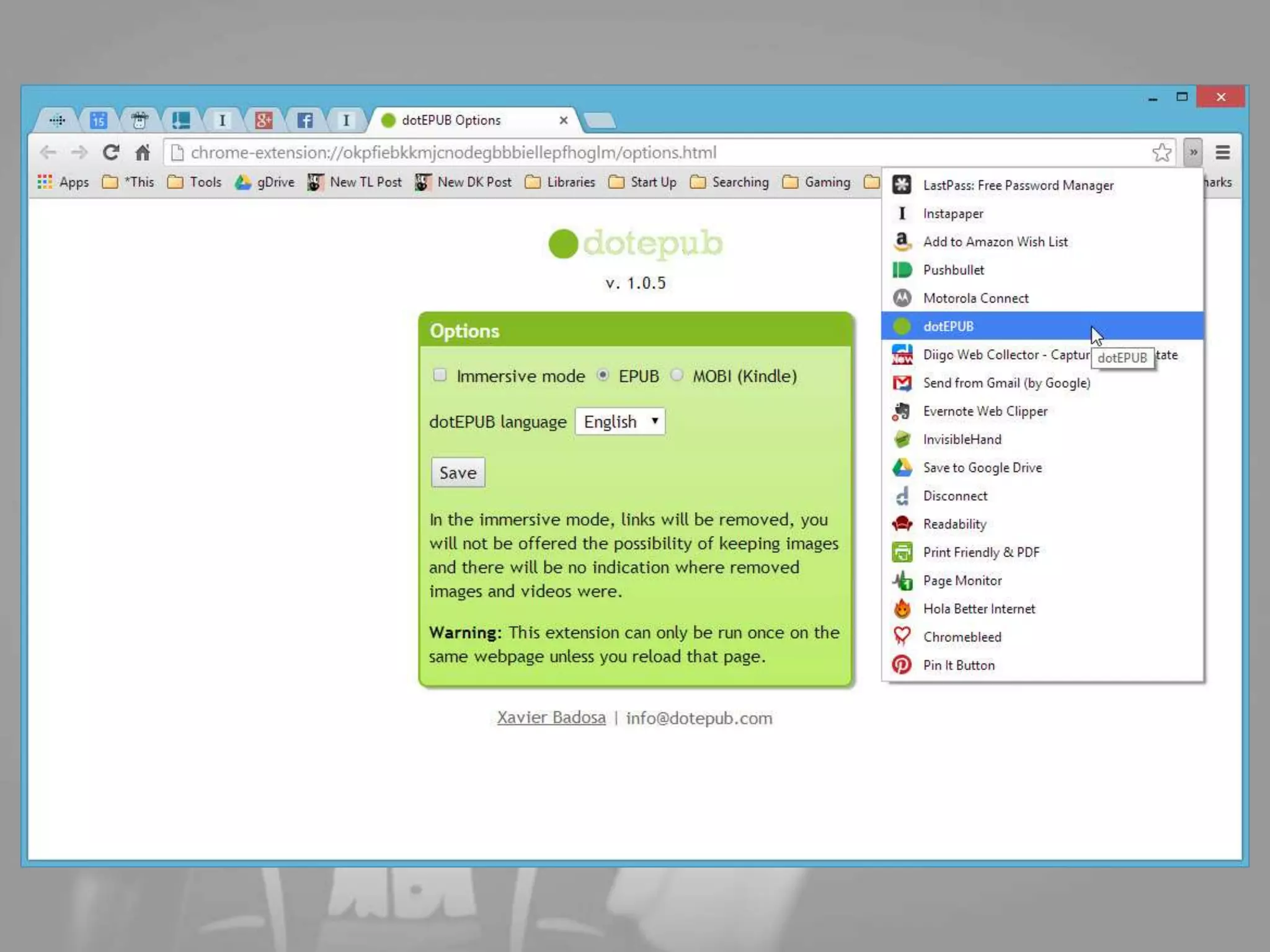
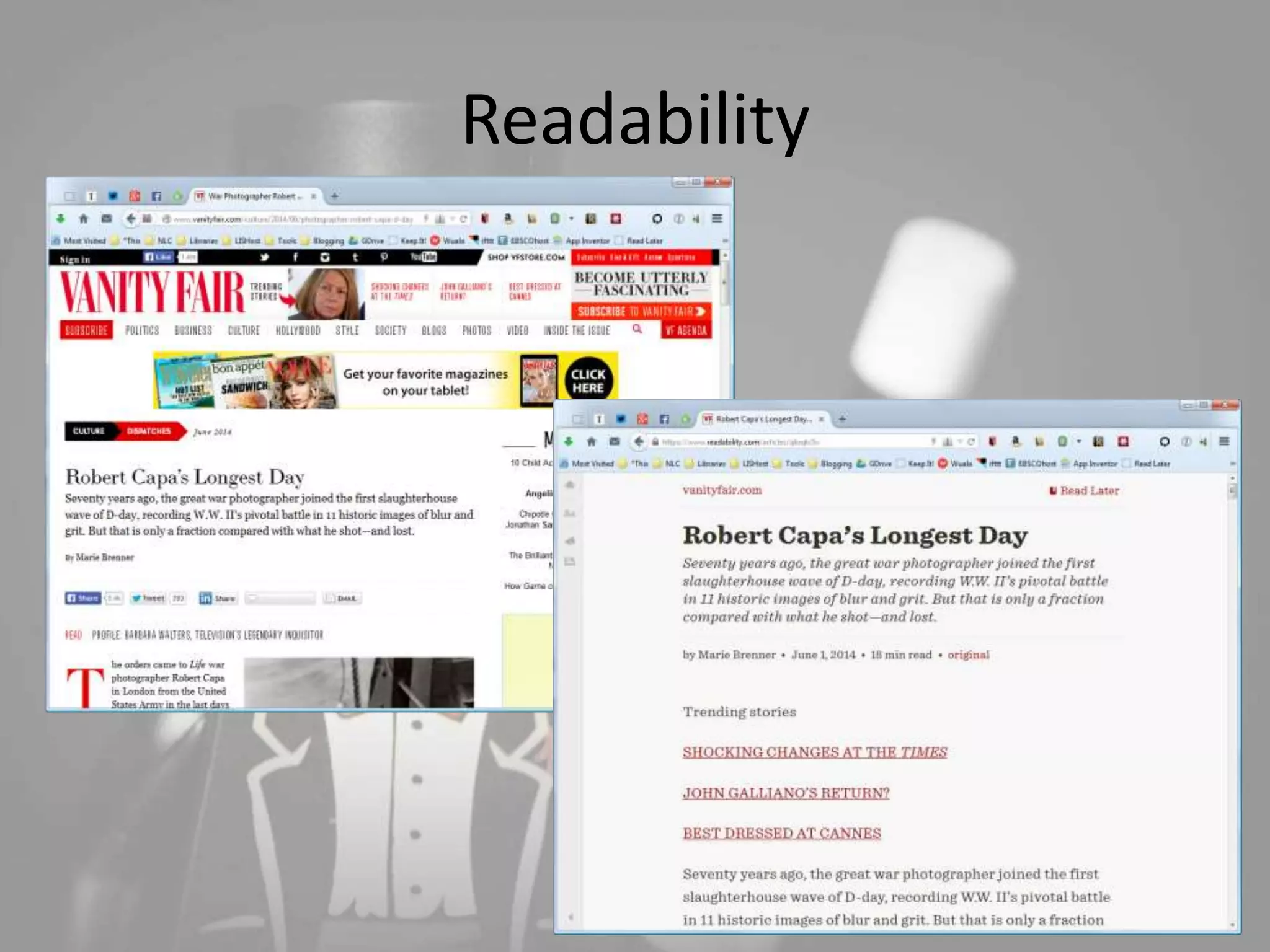
Readability
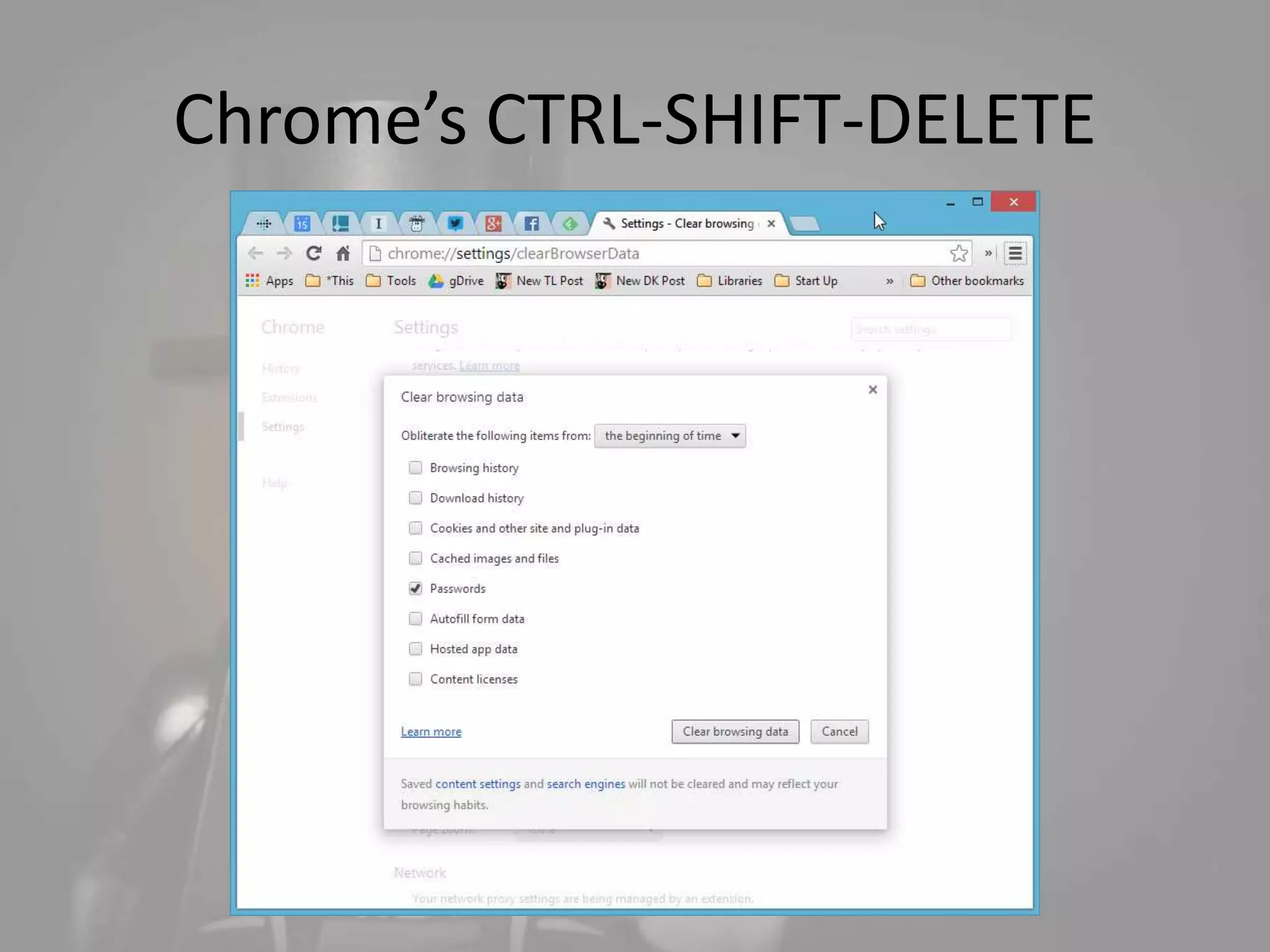
Chrome’s CTRL-SHIFT-DELETE
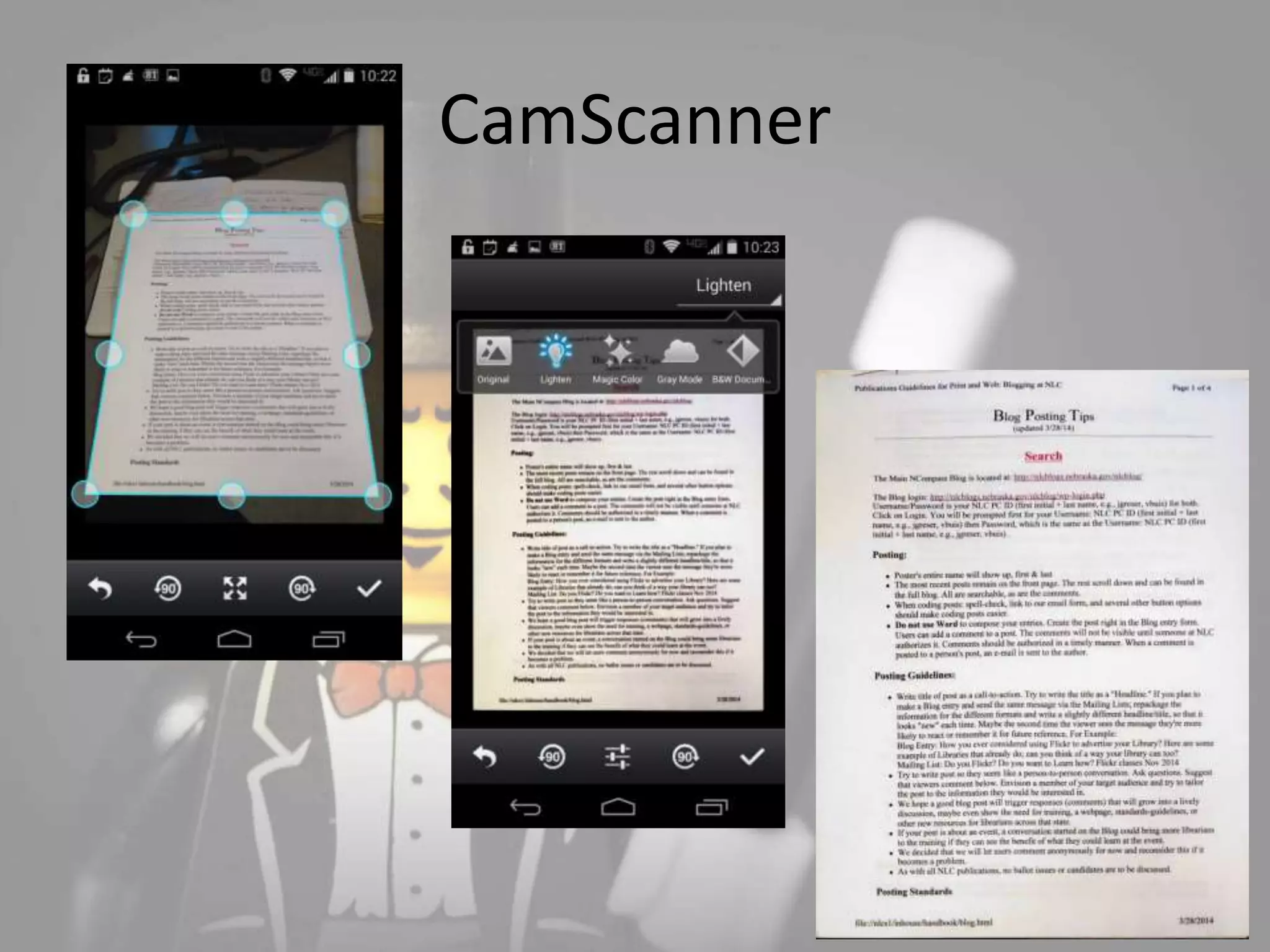
CamScanner
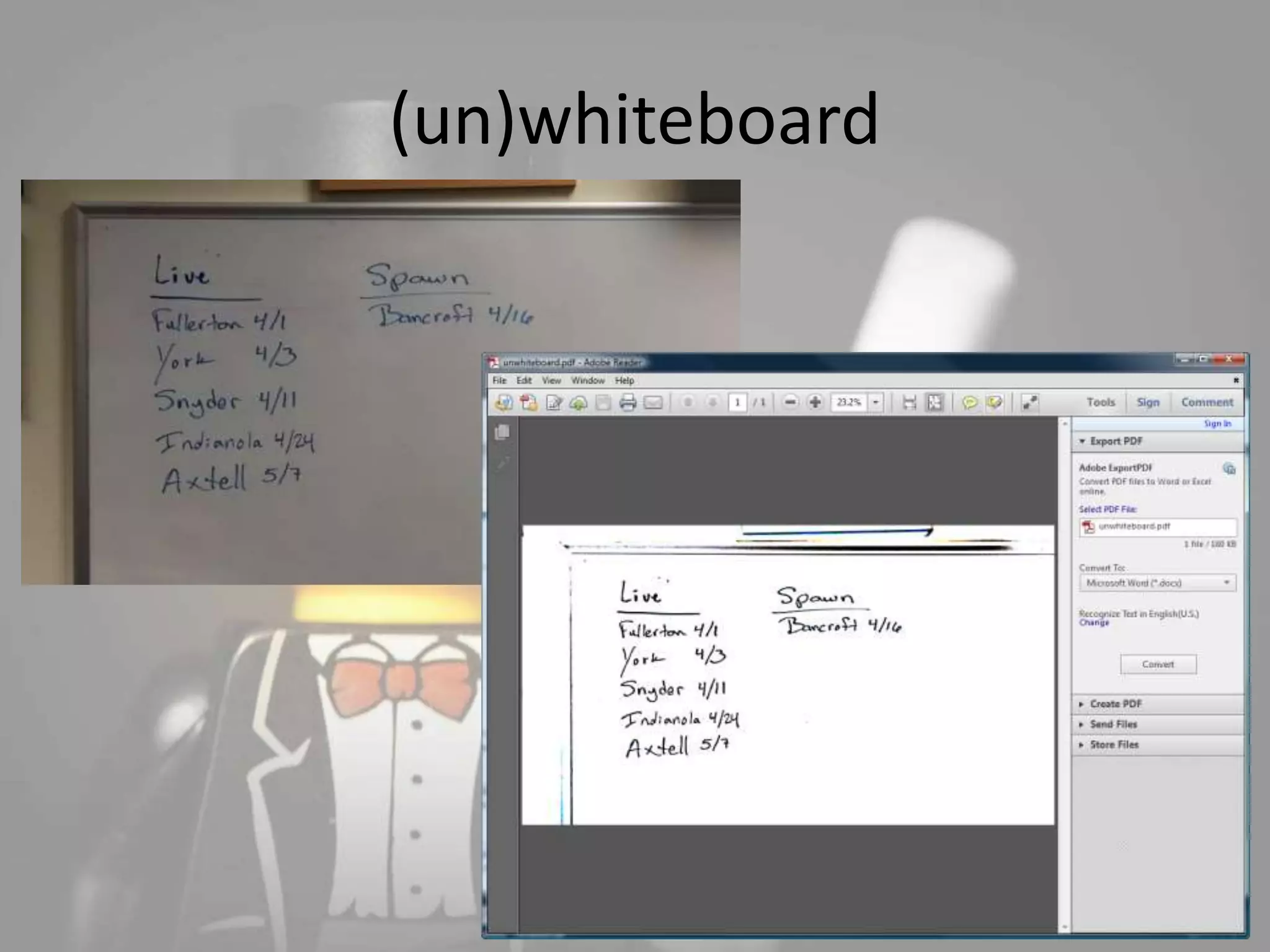
(un)whiteboard
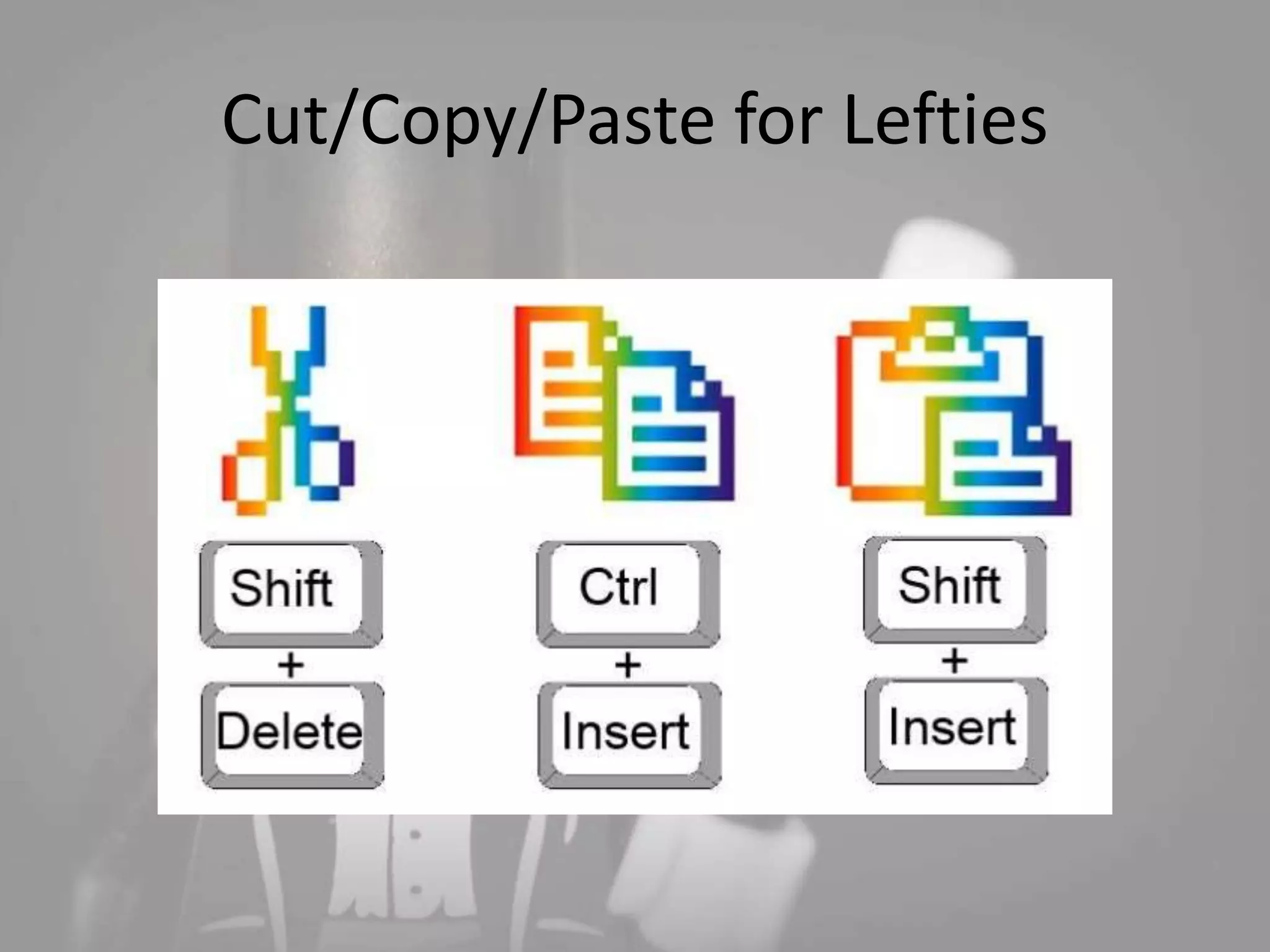
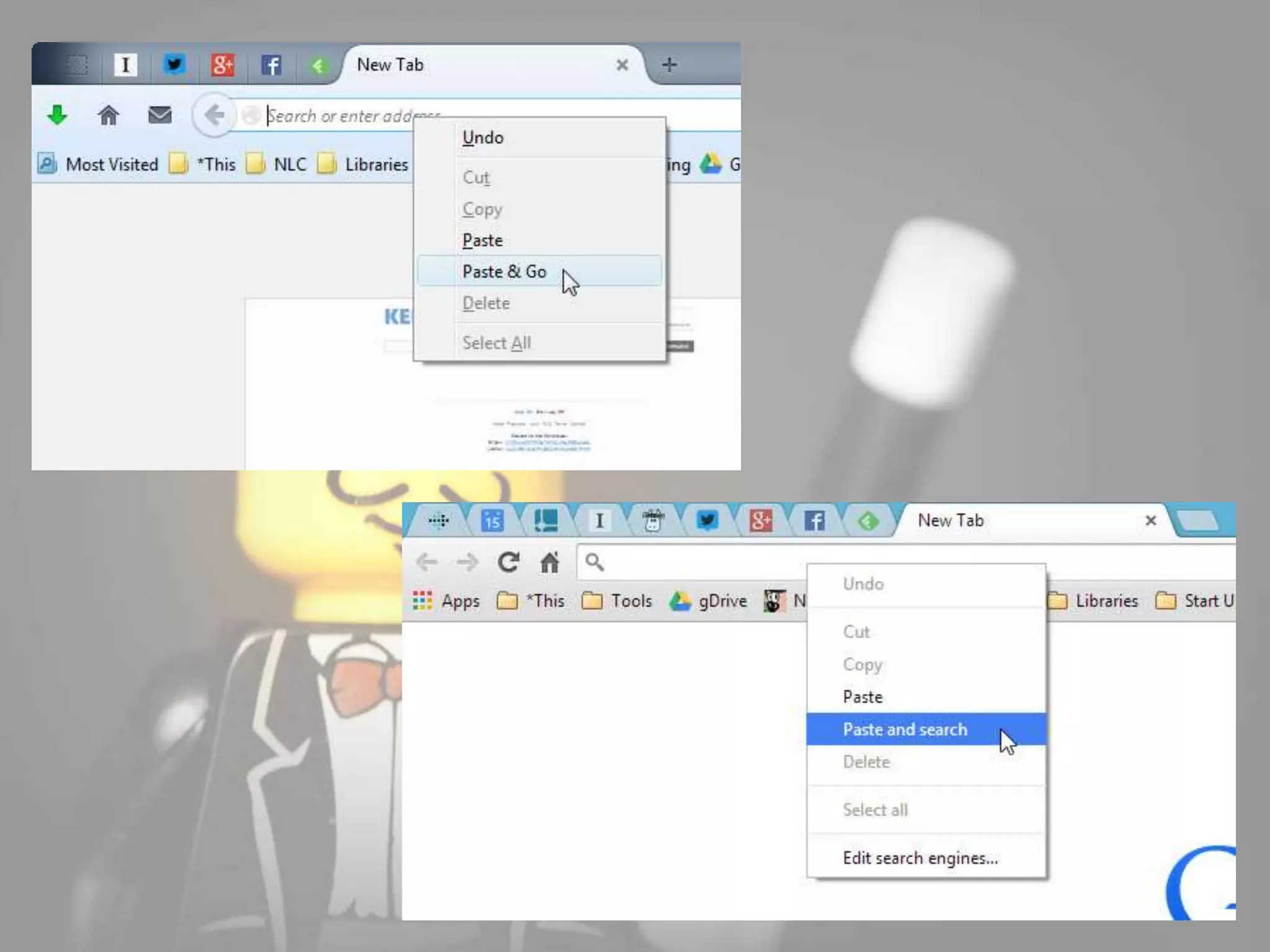
Cut/Copy/Paste for Lefties
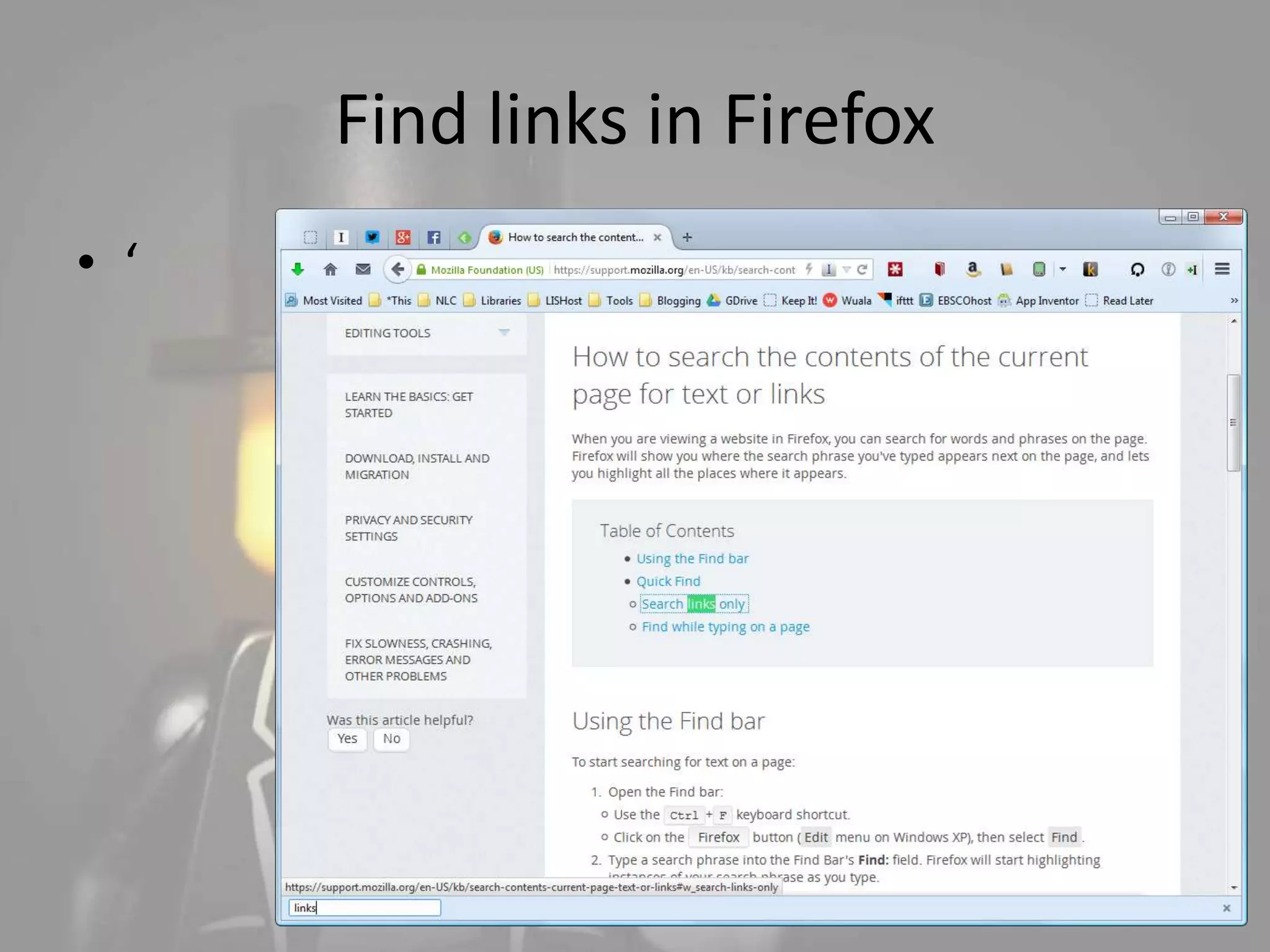
Find links in Firefox 
• ‘
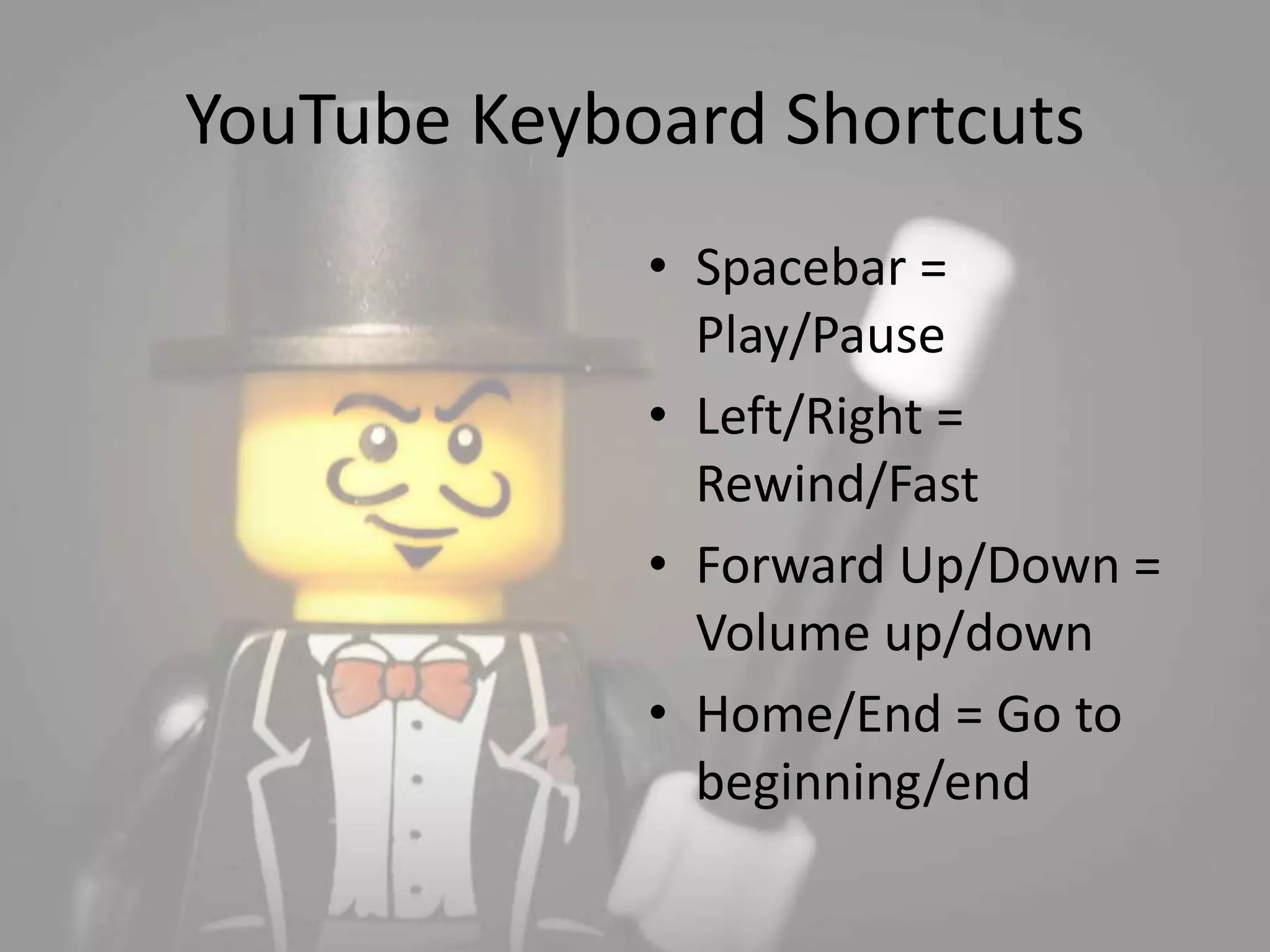
YouTube Keyboard Shortcuts 
• Spacebar = 
Play/Pause 
• Left/Right = 
Rewind/Fast 
• Forward Up/Down = 
Volume up/down 
• Home/End = Go to 
beginning/end
Selecting words & paragraphs 
• Double-click = 
word 
• Triple-click = 
paragraph
Removing hyperlinks in Word 
• Right-click on each 
individual hyperlink 
and select “Remove 
Hyperlink” 
–or– 
• CTRL-A , CTRL-ALT-F9
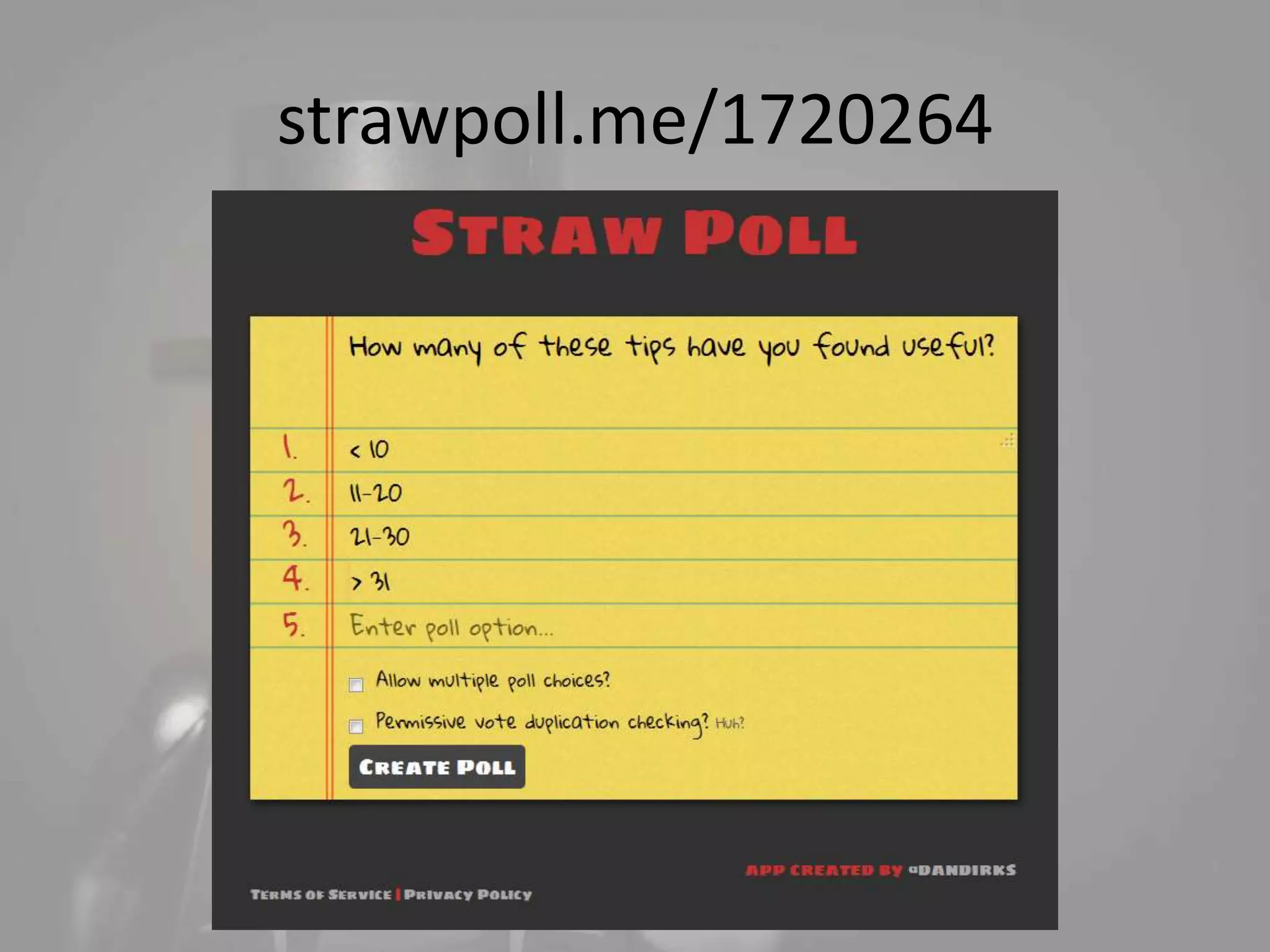
strawpoll.me/1720264
Thanks! 
Michael Sauers 
Technology Innovation Librarian 
Nebraska Library Commission 
michael.sauers@nebraska.gov 
www.travelinlibrarian.info 
Background image CC Eva Peris 
https://www.flickr.com/photos/evaysucamara/5438832695/

40+ tech tips, tricks, & tools

Editor's Notes

  • #24 Clean Browsing History shortcut
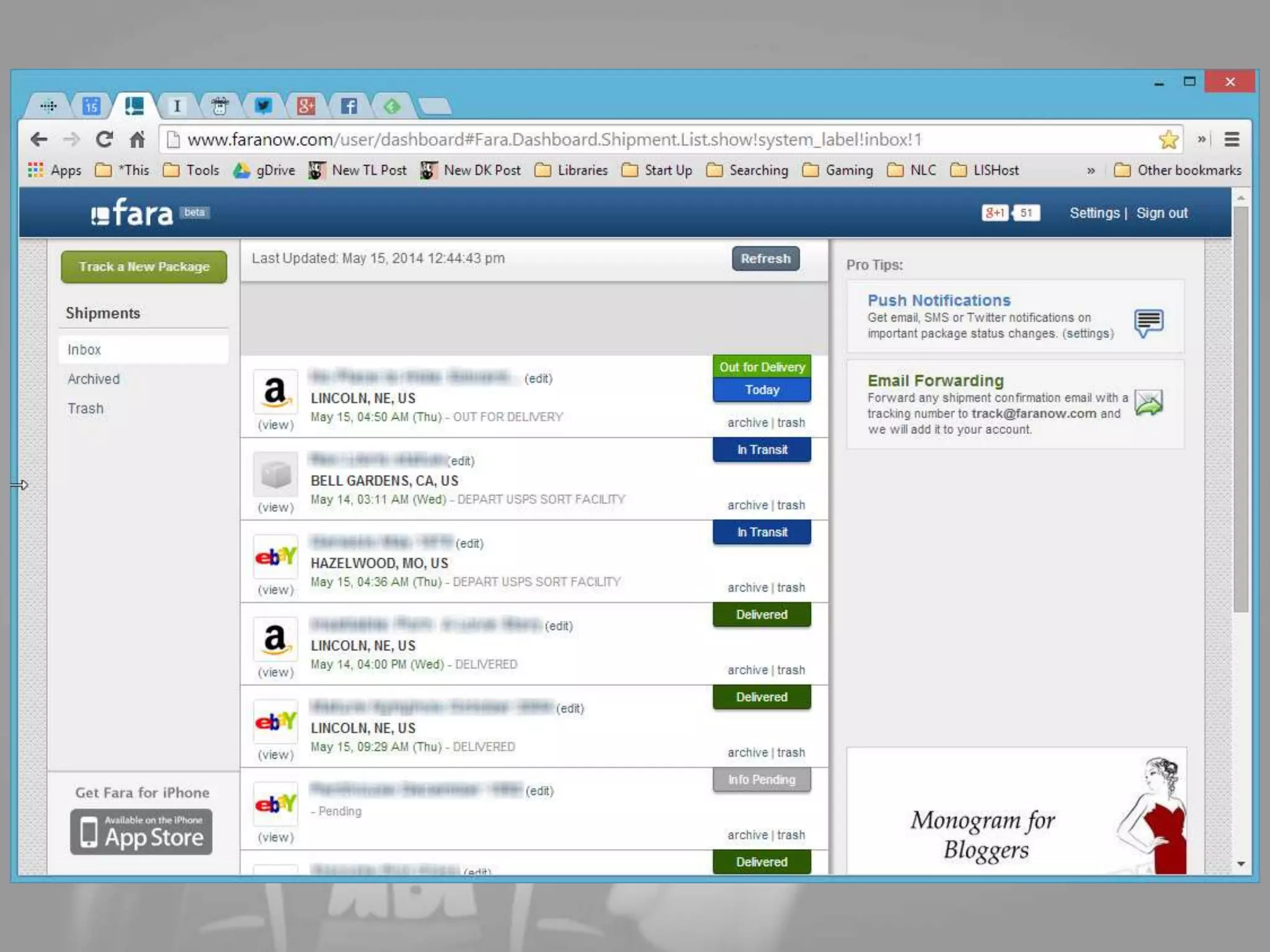
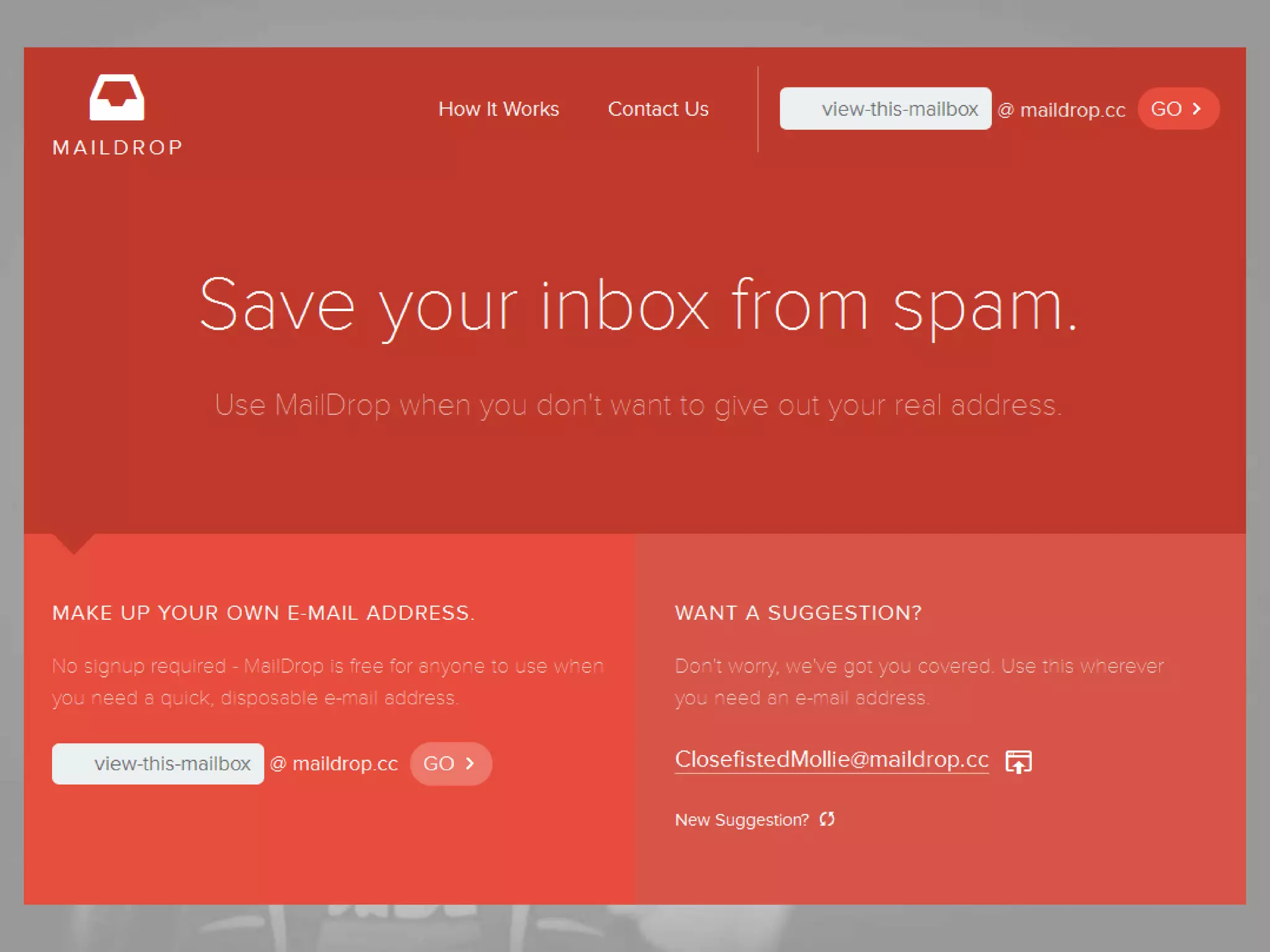
  • #28 Burner e-mail account
  • #33 http://www.unwhiteboard.com/
  • #35 Image: http://lifehacker.com/three-keyboard-shortcuts-left-handers-can-actually-use-1548841723
  • #36 Firefox: Paste & Go Chrome: Paste & Search
  • #37 Apostrophe brings up “quick find (links only)” at bottom of window. Like CTRL-F
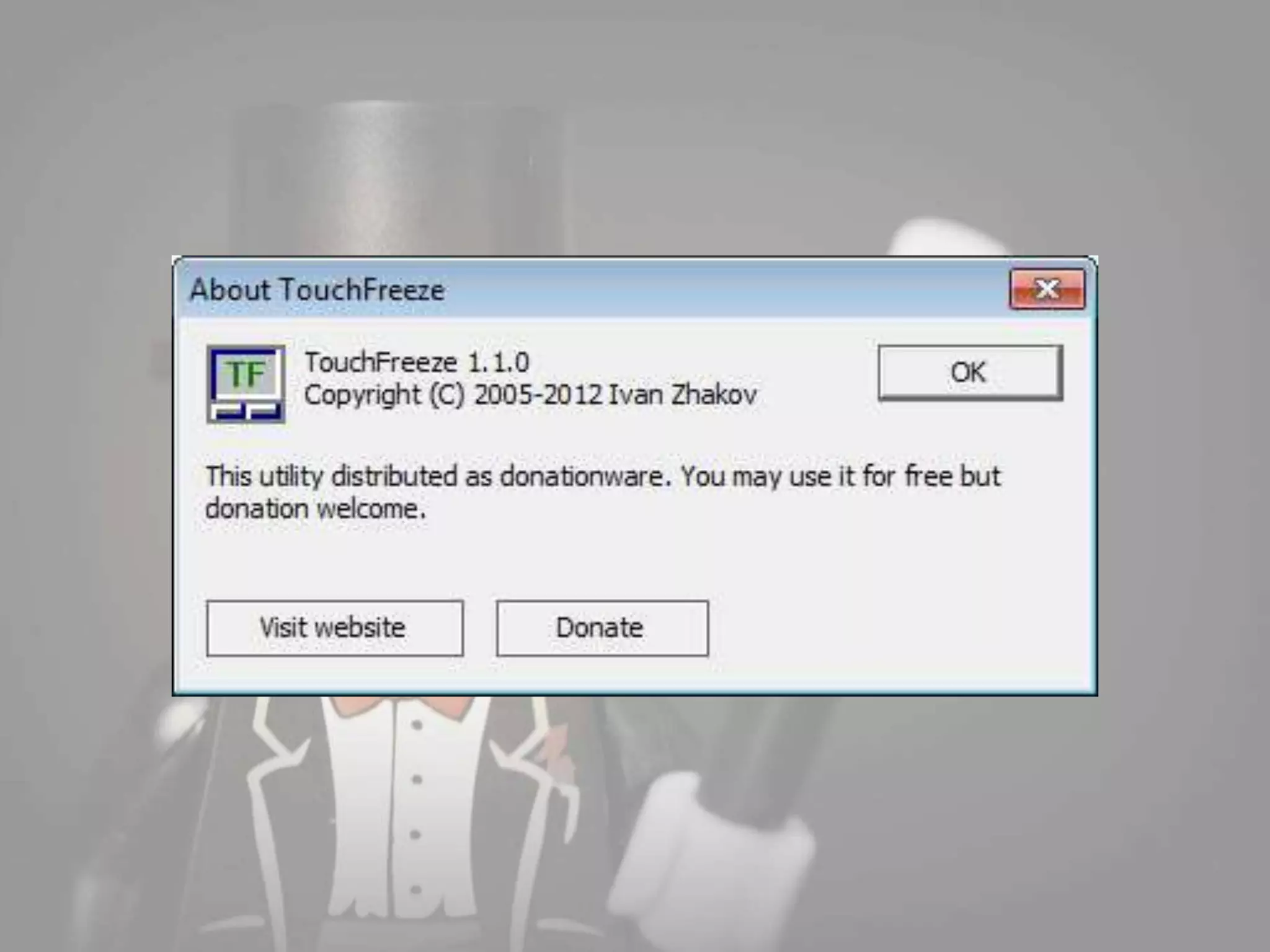
  • #39 https://code.google.com/p/touchfreeze/
  • #41 Word 2013