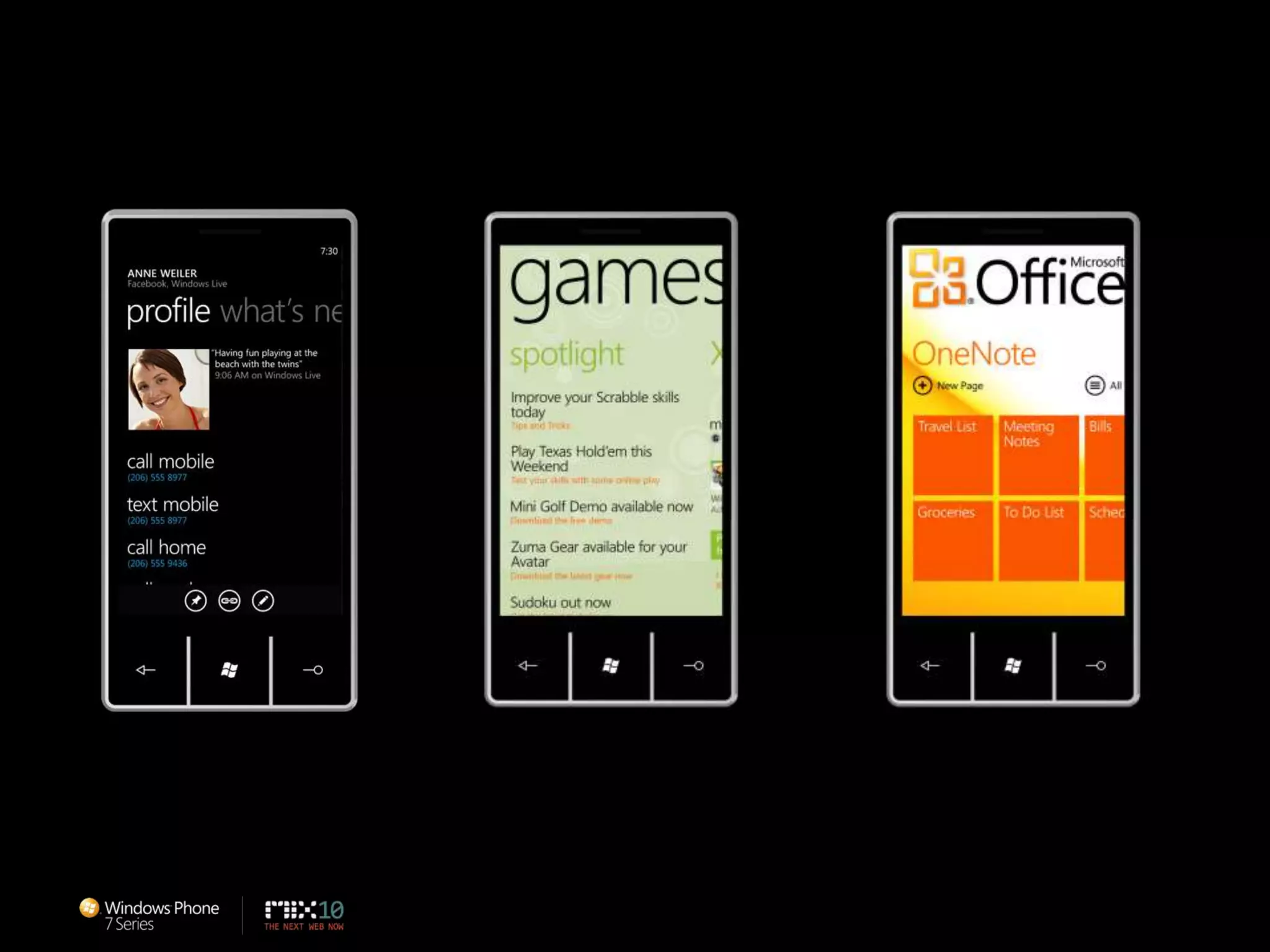
Designing Windows Phone 7 SeriesDesign language (codenamed Metro)Designing delightful applications for Windows PhoneCall to actionAlbert Shum – That DudeMichael Smuga – Studio DirectorChad Roberts – UX Design Lead
Story of Metro
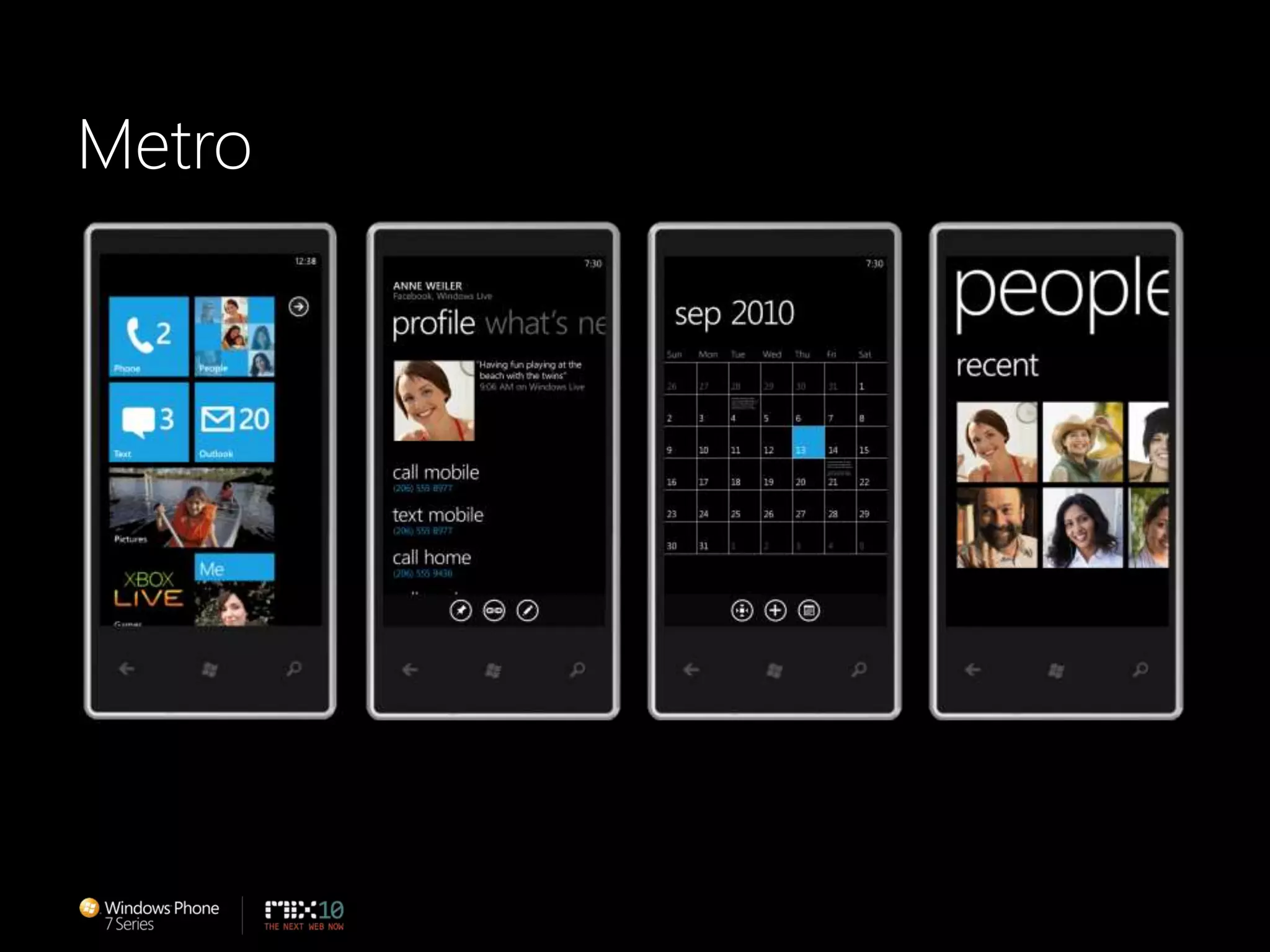
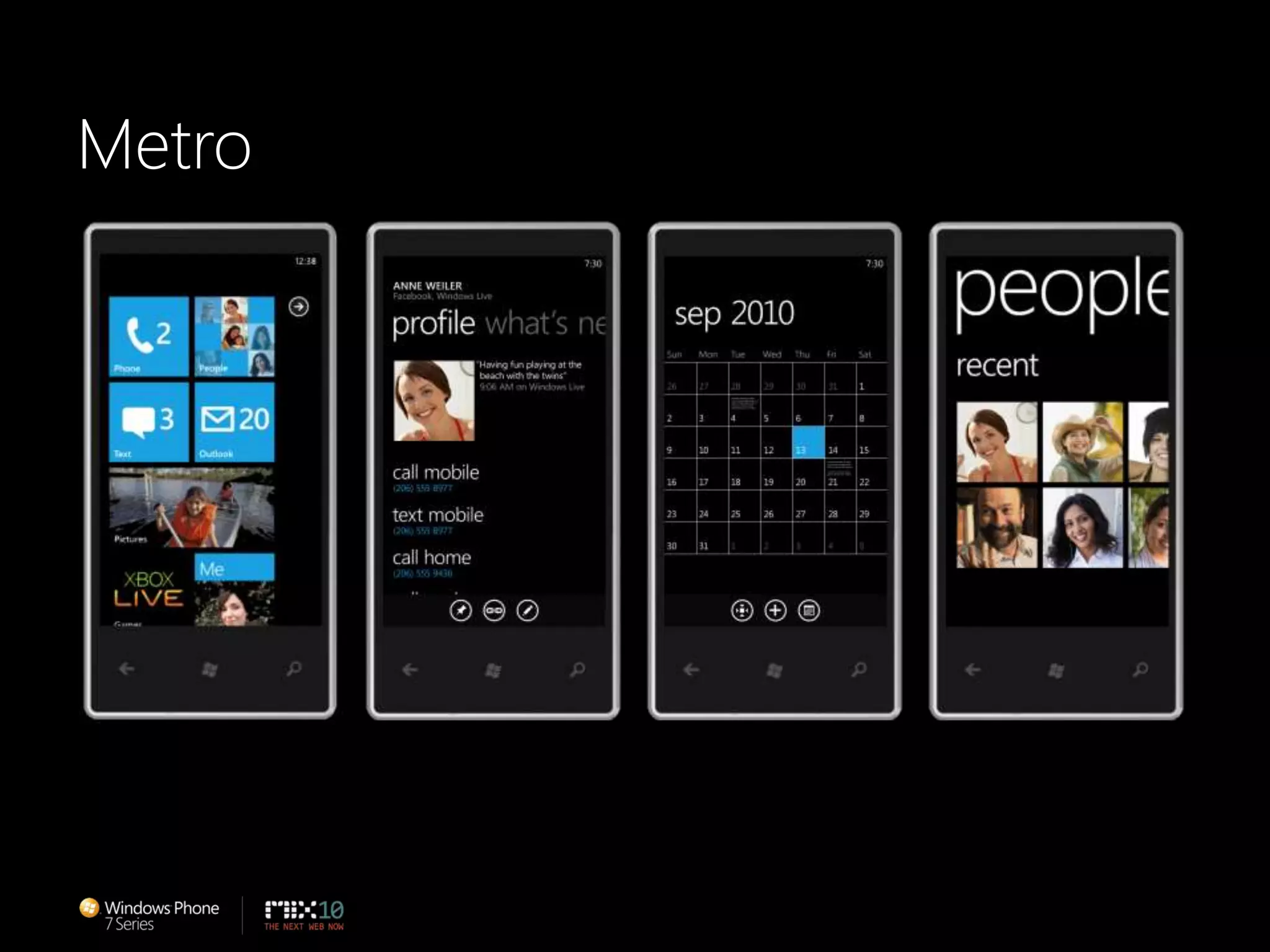
Metro
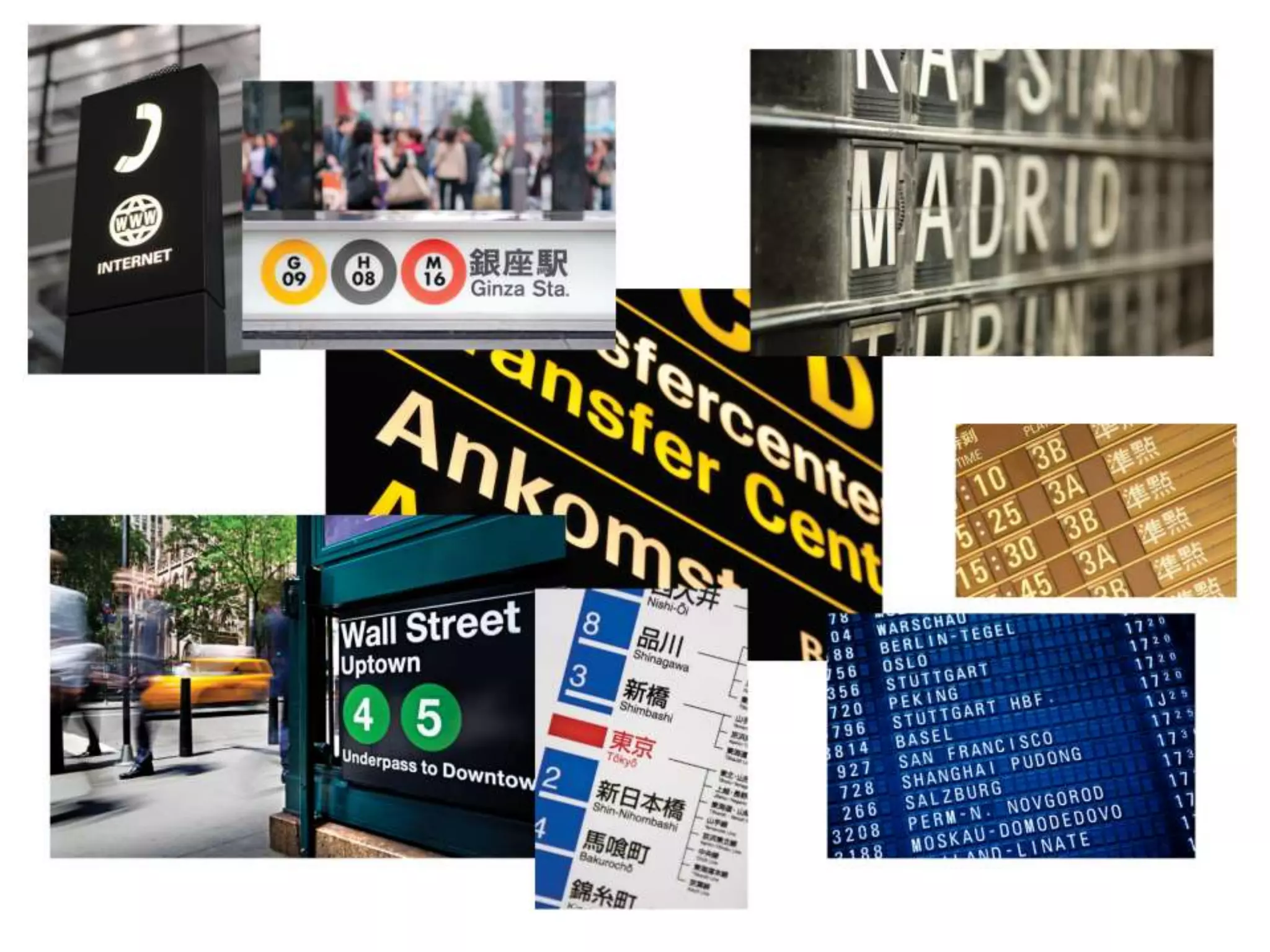
METRO IS OUR DESIGN LANGUAGE. WE CALL IT METRO BECAUSE IT’S MODERN AND CLEAN. IT’S FAST AND IN MOTION. IT’S ABOUT CONTENT AND TYPOGRAPHY. AND IT’S ENTIRELY AUTHENTIC.ETRO
Metro Principles
Principle: Clean, Light, Open, FastFeels Fast and ResponsiveFocus on Primary TasksDo a Lot with Very LittleFierce Reduction of Unnecessary ElementsDelightful Use of WhitespaceFull Bleed Canvas
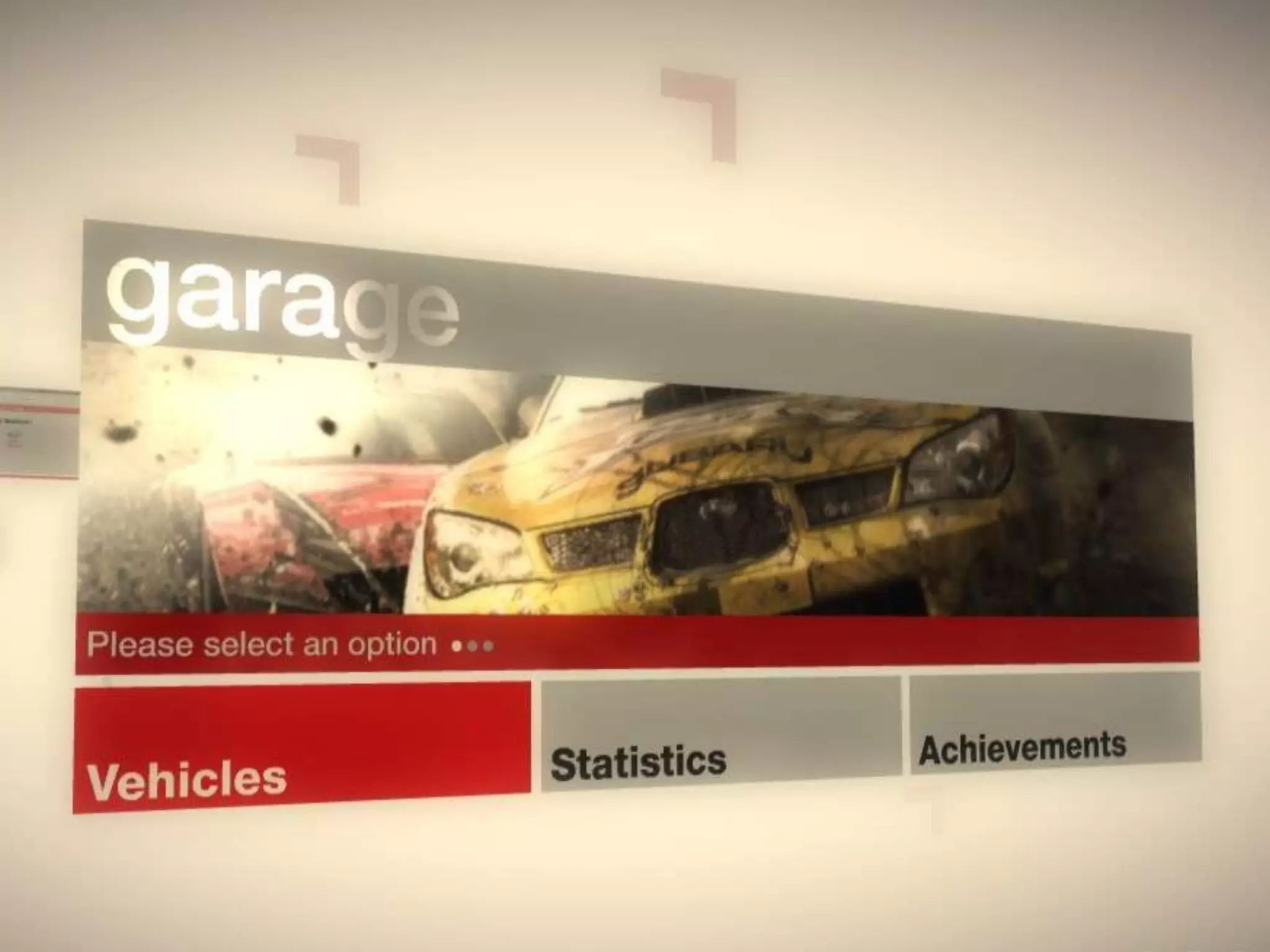
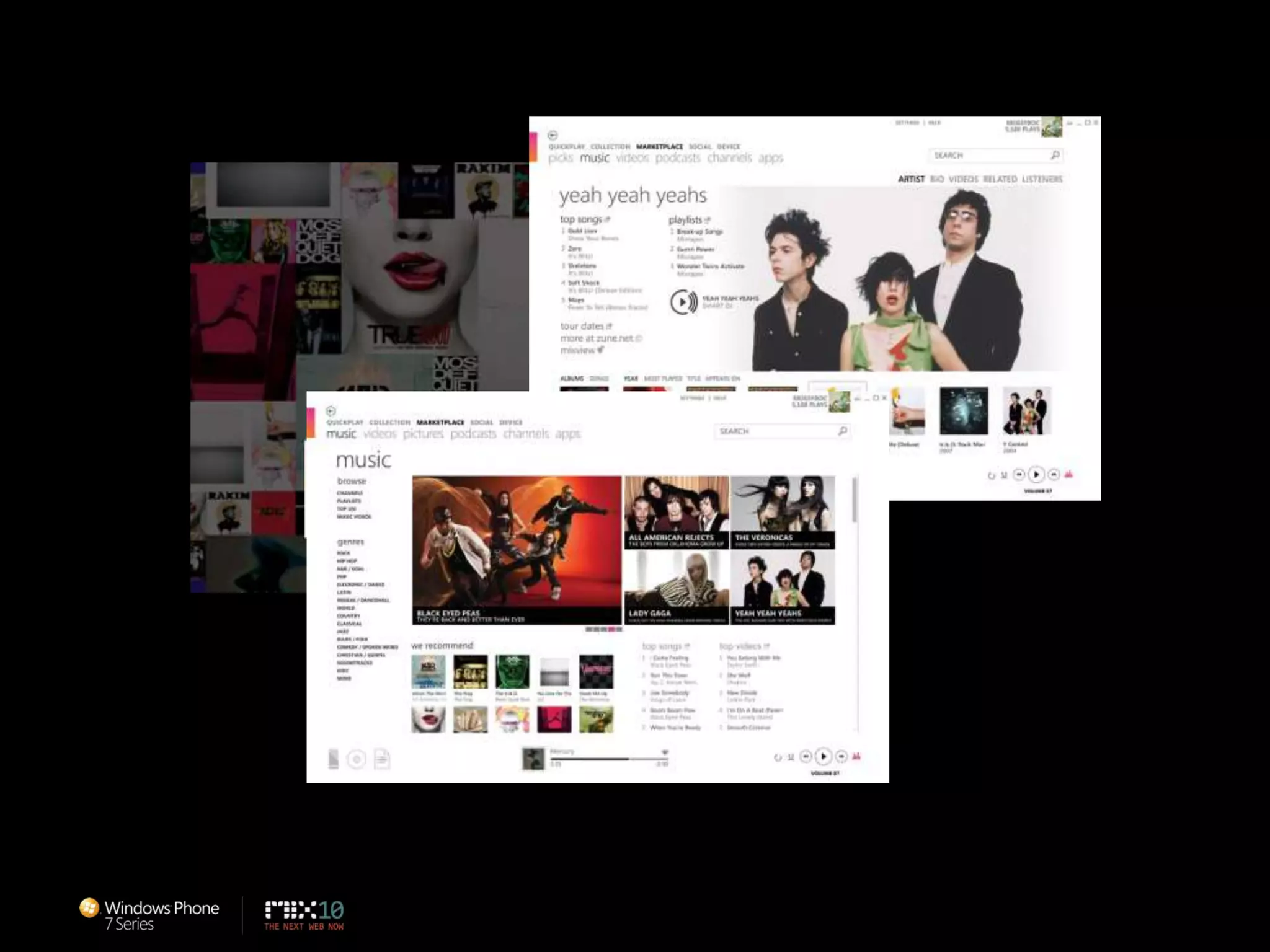
Principle: Celebrate TypographyType is Beautiful, Not Just LegibleClear, Straightforward Information DesignUncompromising Sensitivity to Weight, Balance and Scale
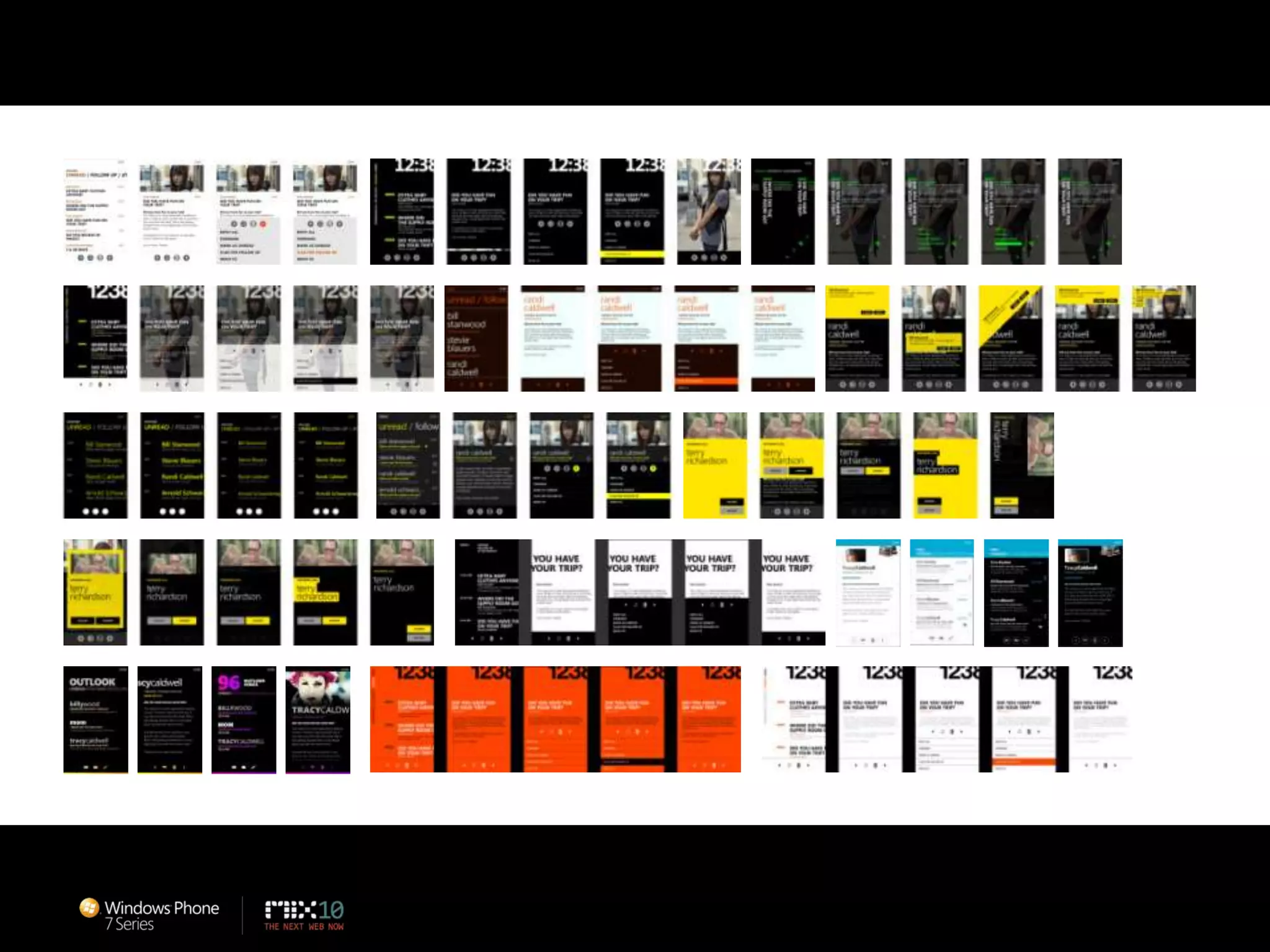
Principle: Alive in MotionFeels Responsive and AliveCreates a SystemGives Context to Improve UsabilityTransition Between UI is as Important as the Design of the UIAdds Dimension and Depth
Principle: Content, Not ChromeDelight through Content Instead of DecorationReduce Visuals that are Not ContentContents is the UIDirect interaction with the Content Directly
Principle: Authentically DigitalDesign for the Form FactorDon’t Try to be What It’s NOTBe Direct
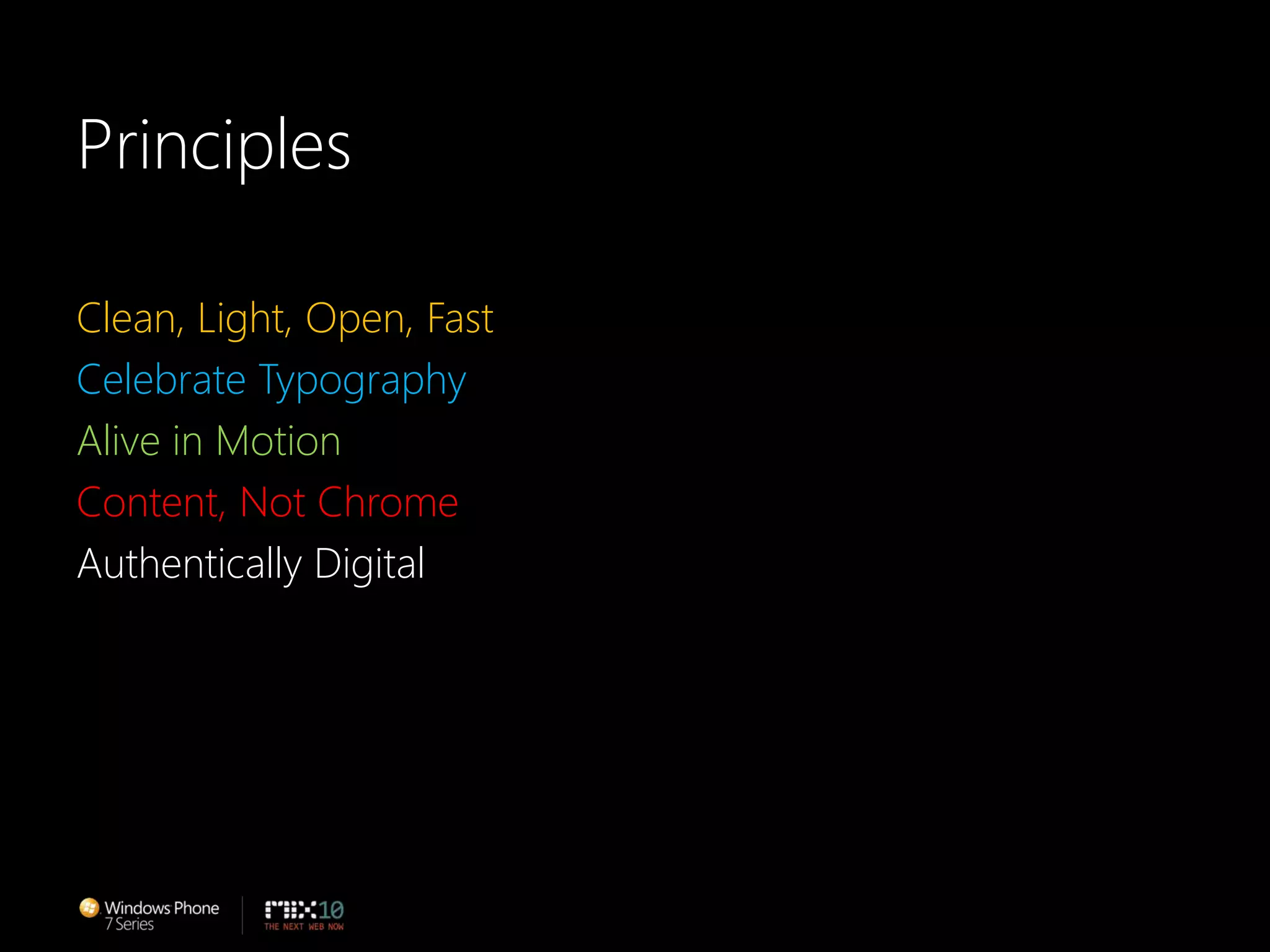
PrinciplesClean, Light, Open, FastCelebrate TypographyAlive in MotionContent, Not ChromeAuthentically Digital
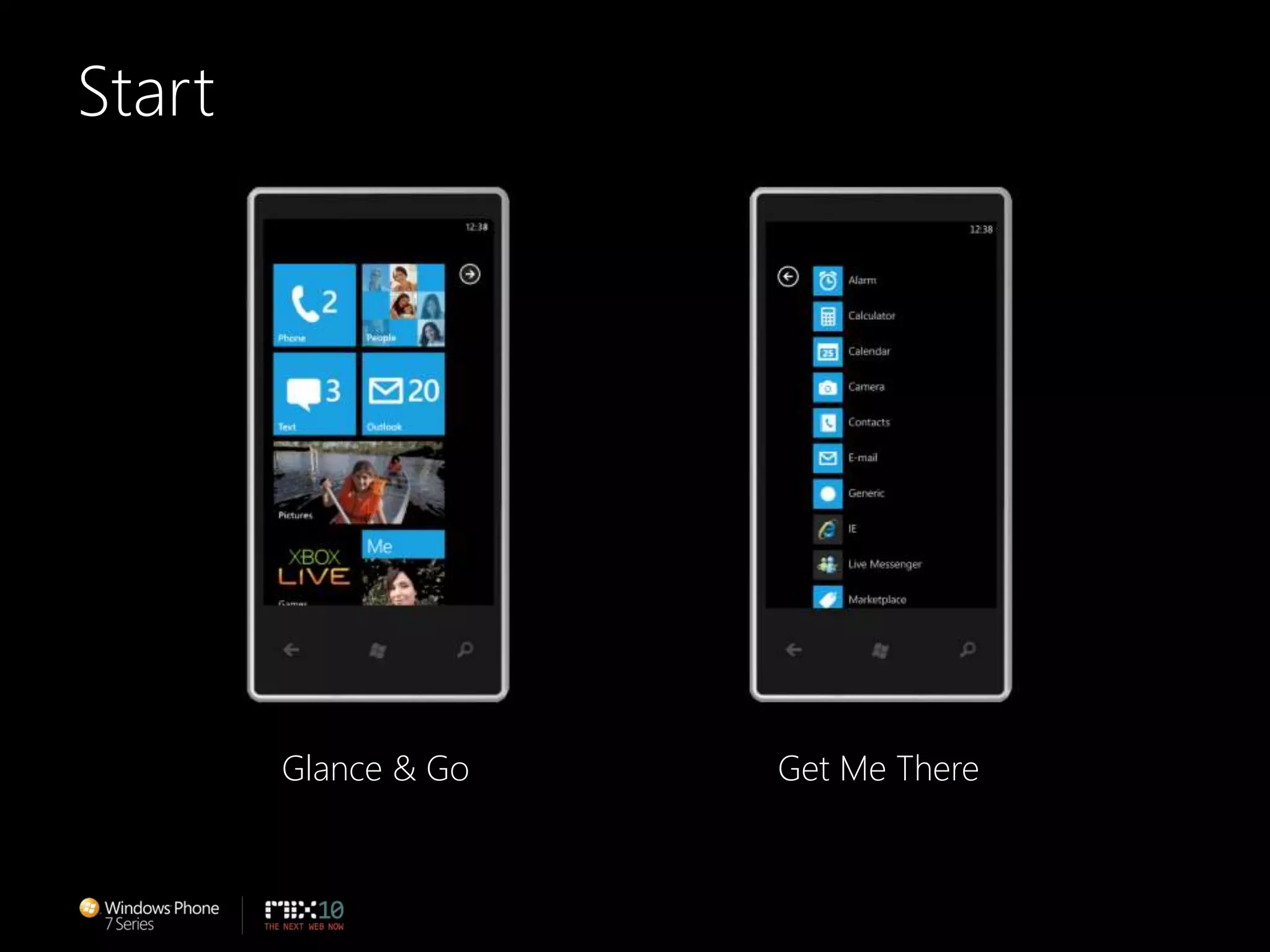
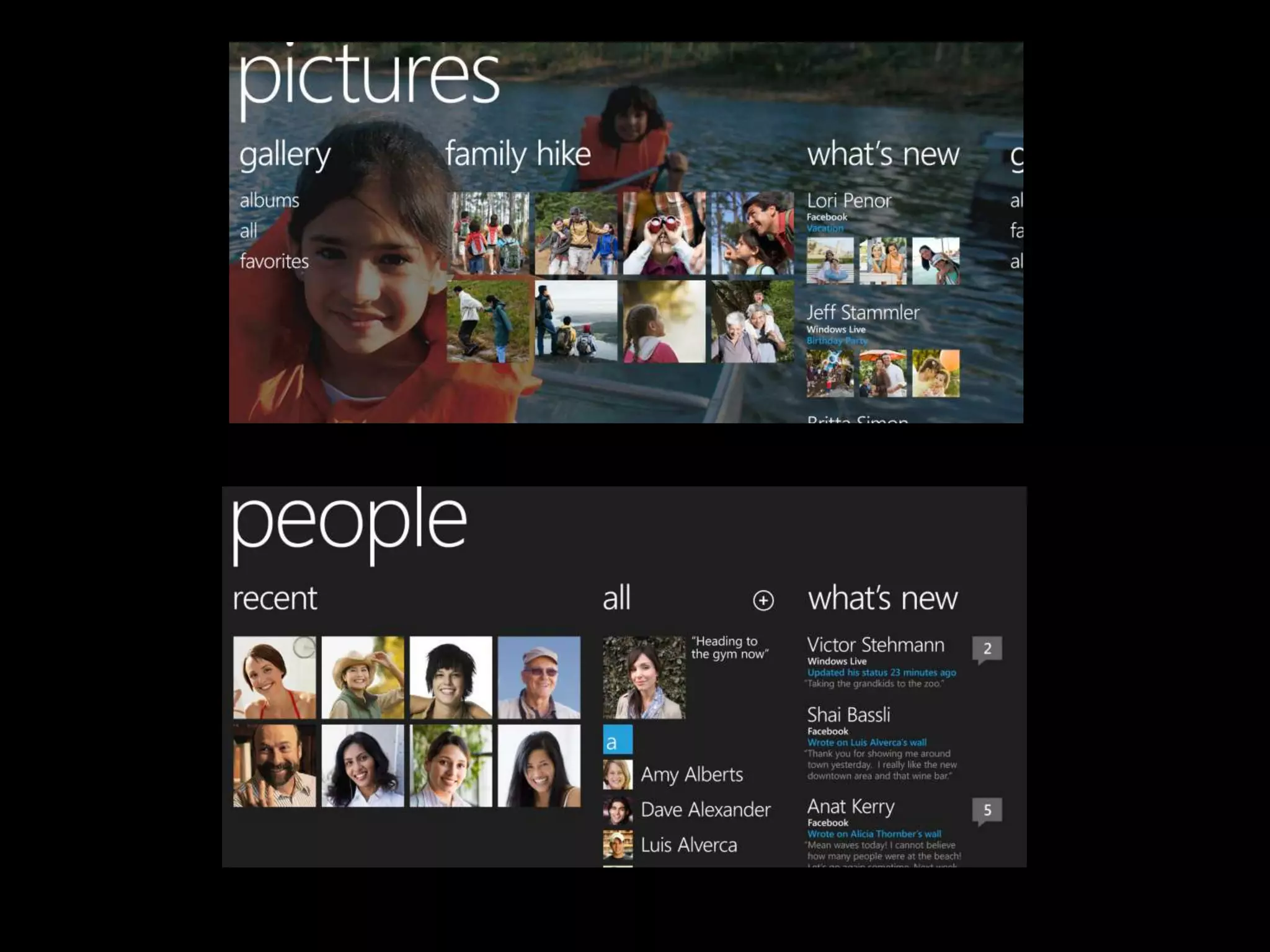
Metro User ExperienceFocuses on the individual and their tasksHelps organize information and applications
StartGlance & GoGet Me There
Metro
Building Great Windows PhoneApplicationsFocus on designing the experienceBuild delightful experiencesBuild experiences that are easy to useMichael Smuga – Studio Director
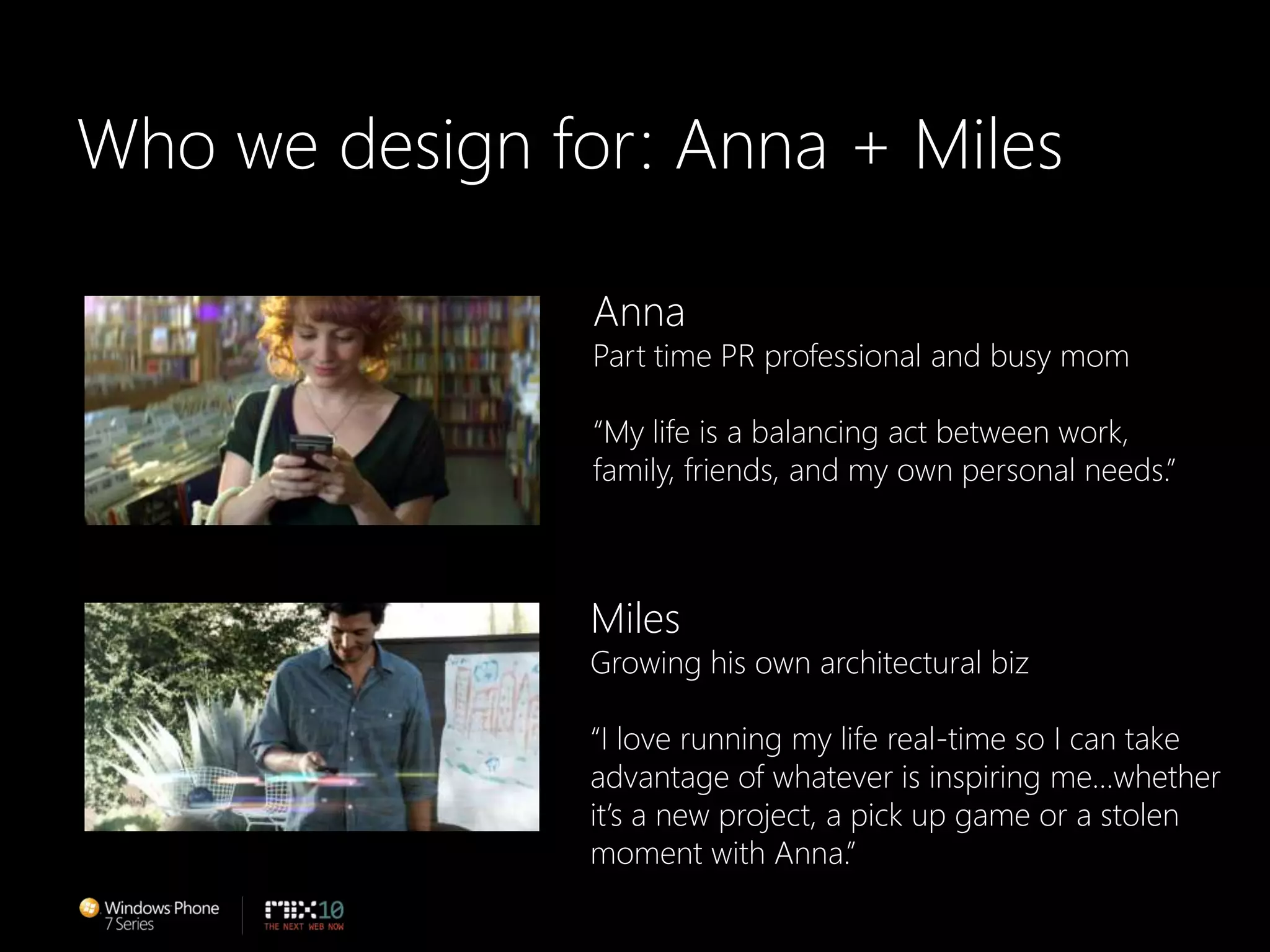
Who we design for: Anna + MilesAnnaPart time PR professional and busy mom“My life is a balancing act between work,family, friends, and my own personal needs.”MilesGrowing his own architectural biz“I love running my life real-time so I can takeadvantage of whatever is inspiring me…whetherit’s a new project, a pick up game or a stolenmoment with Anna.”
RED THREADS.THESE ARETHE PRINCIPLESTHAT GUIDE THE EXPERIENCES
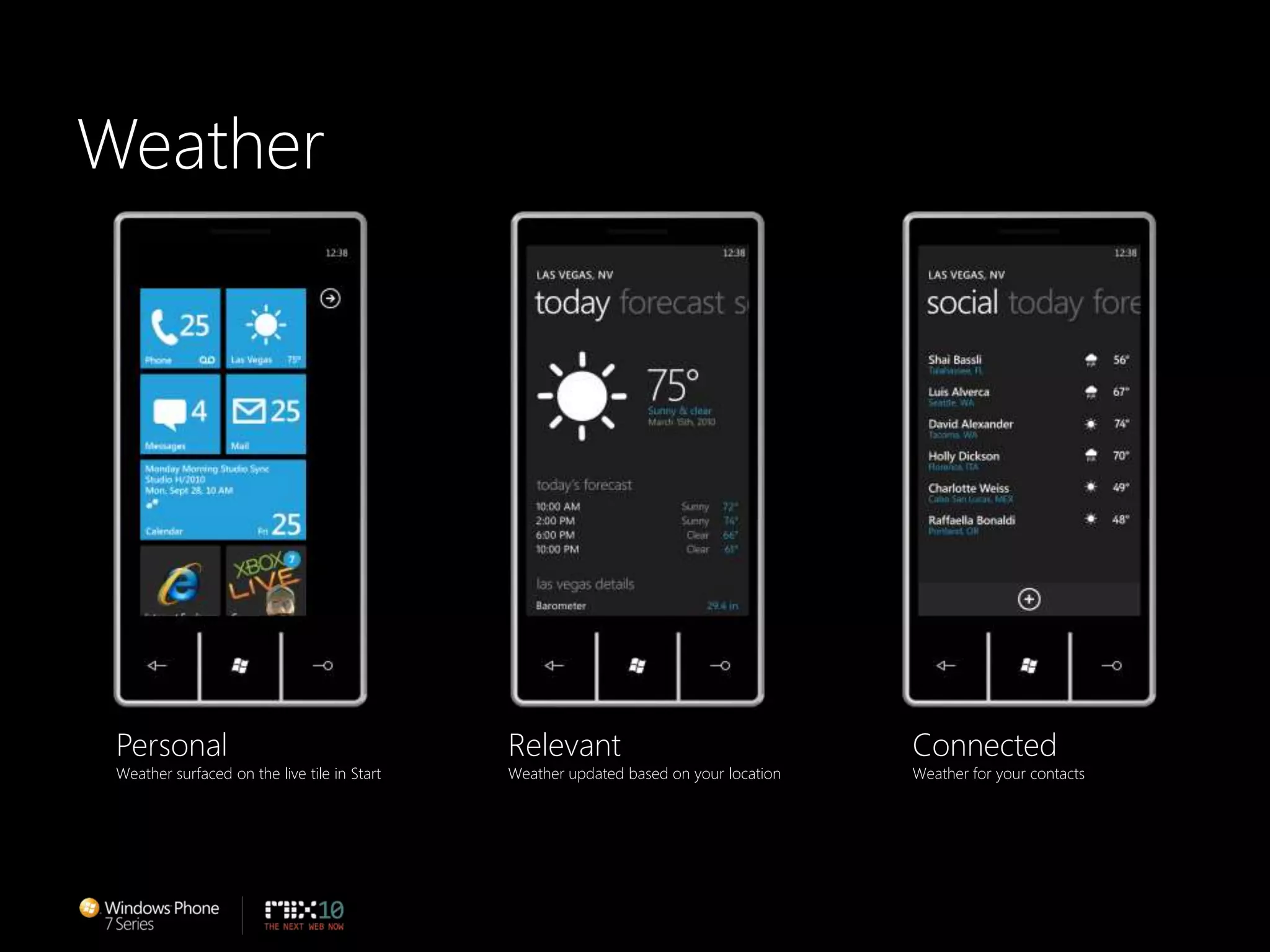
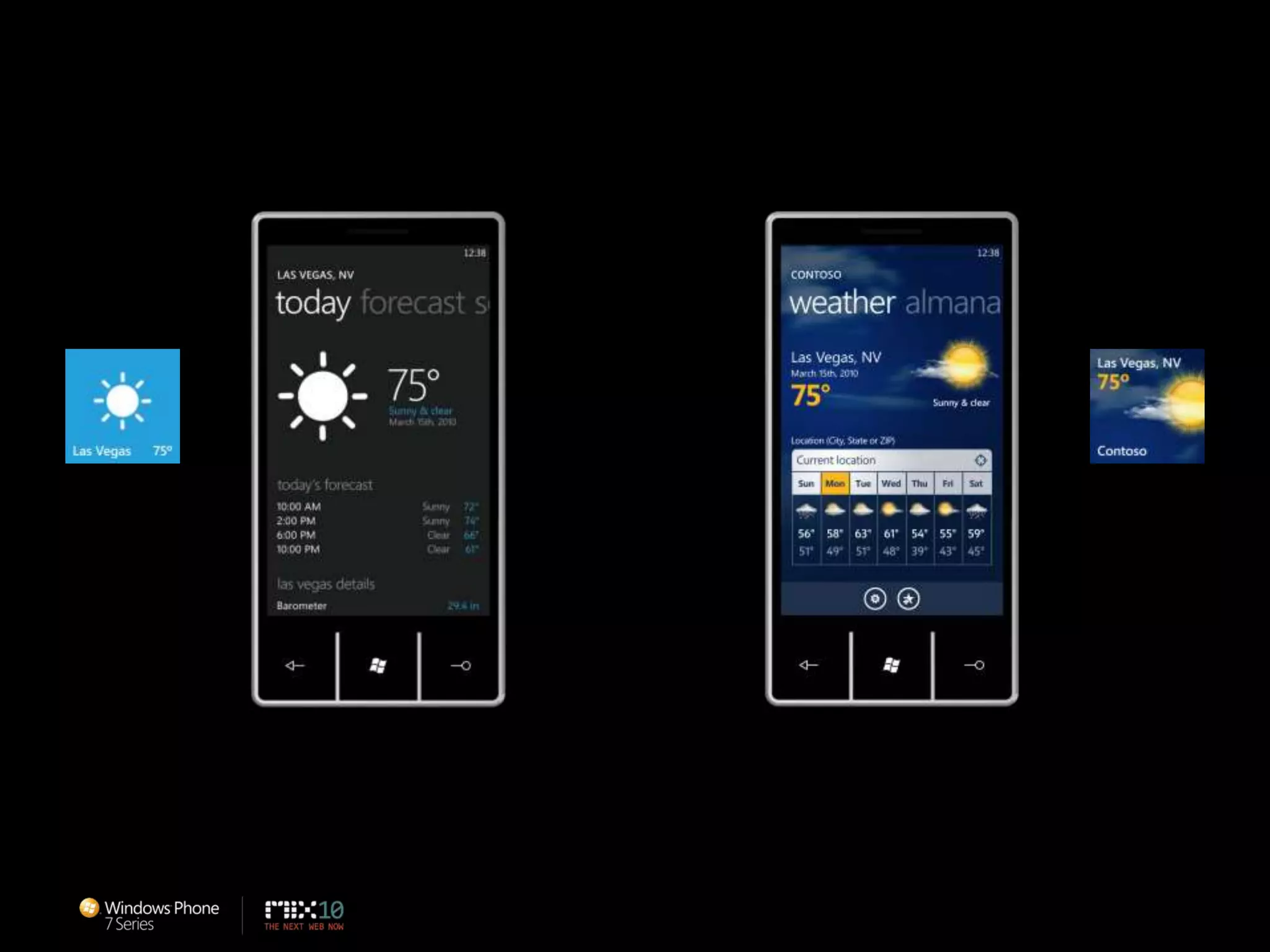
WeatherPersonalWeather surfaced on the live tile in StartRelevantWeather updated based on your locationConnectedWeather for your contacts
Build delightful experienceBe inspired by Metro…but look for balance between the Metroprinciples and your own style
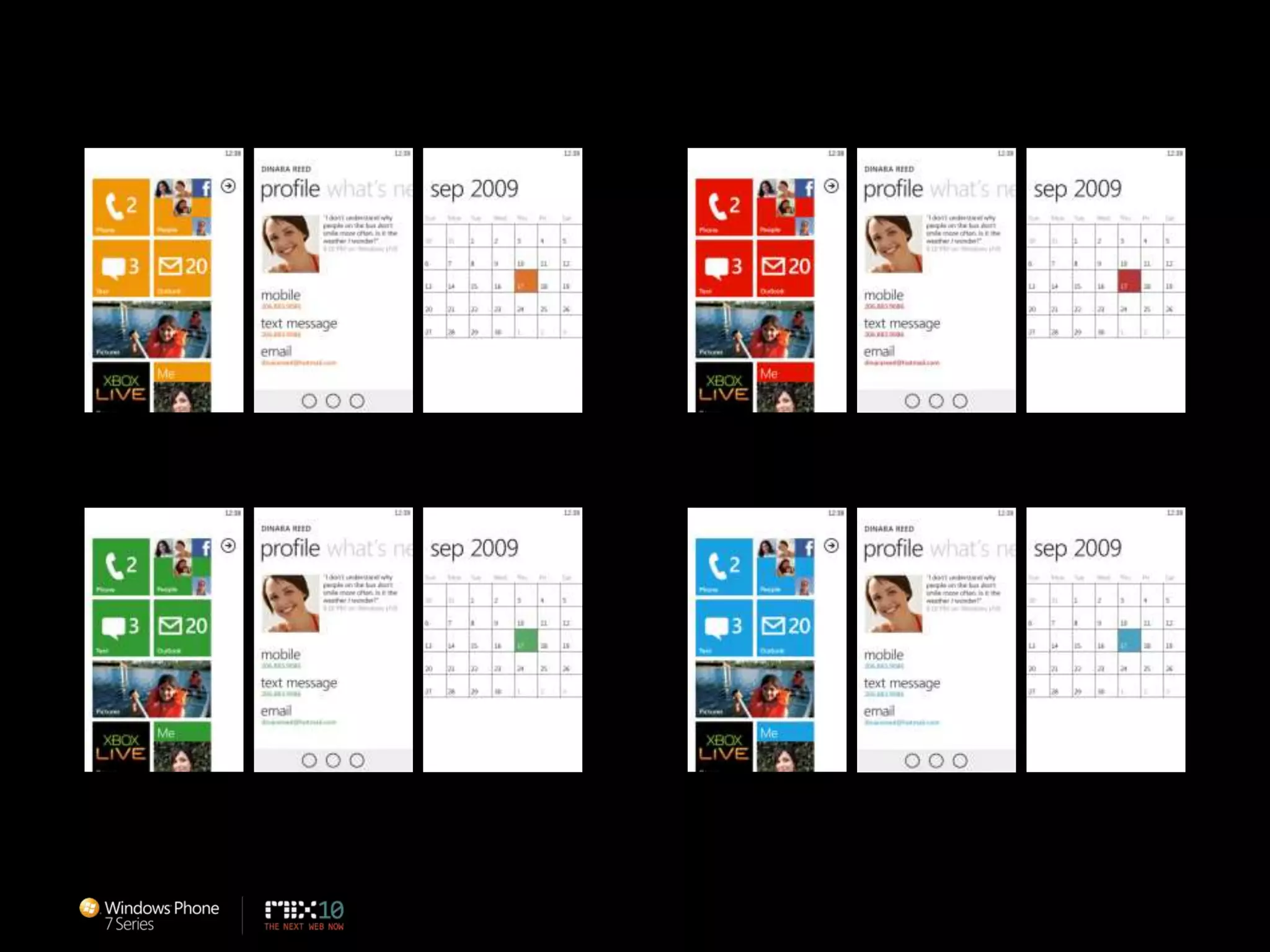
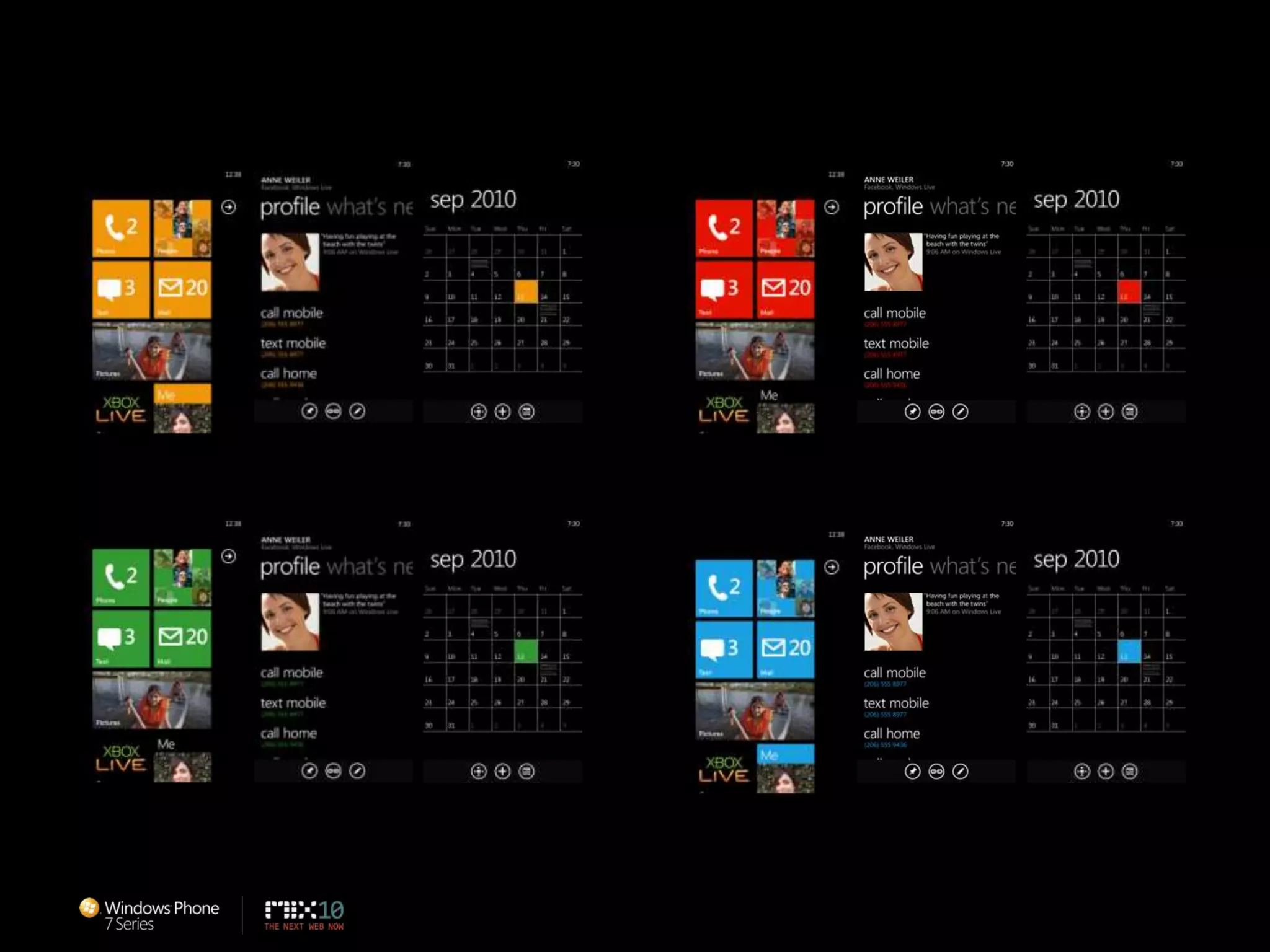
ColorUse color to delight the userUse color to personalize experienceUse color to emphasize hierarchy
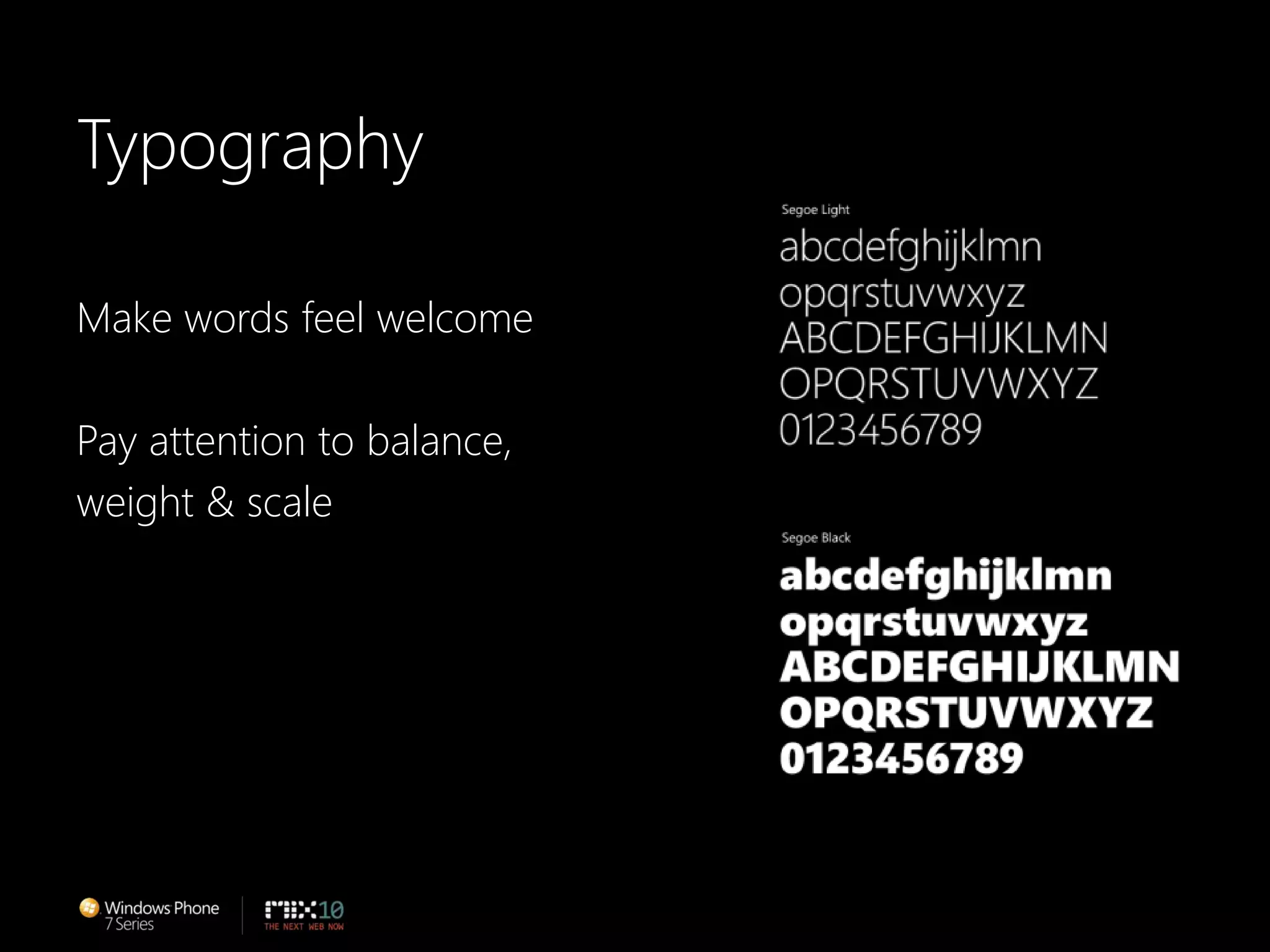
TypographyMake words feel welcomePay attention to balance, weight & scale
MotionUse motion to delight the userRemember that pacing is important: the moreyou use it, the less special it becomes
Make It Easy to UseFamiliar = Easy to useProvide consistent and predictable experience
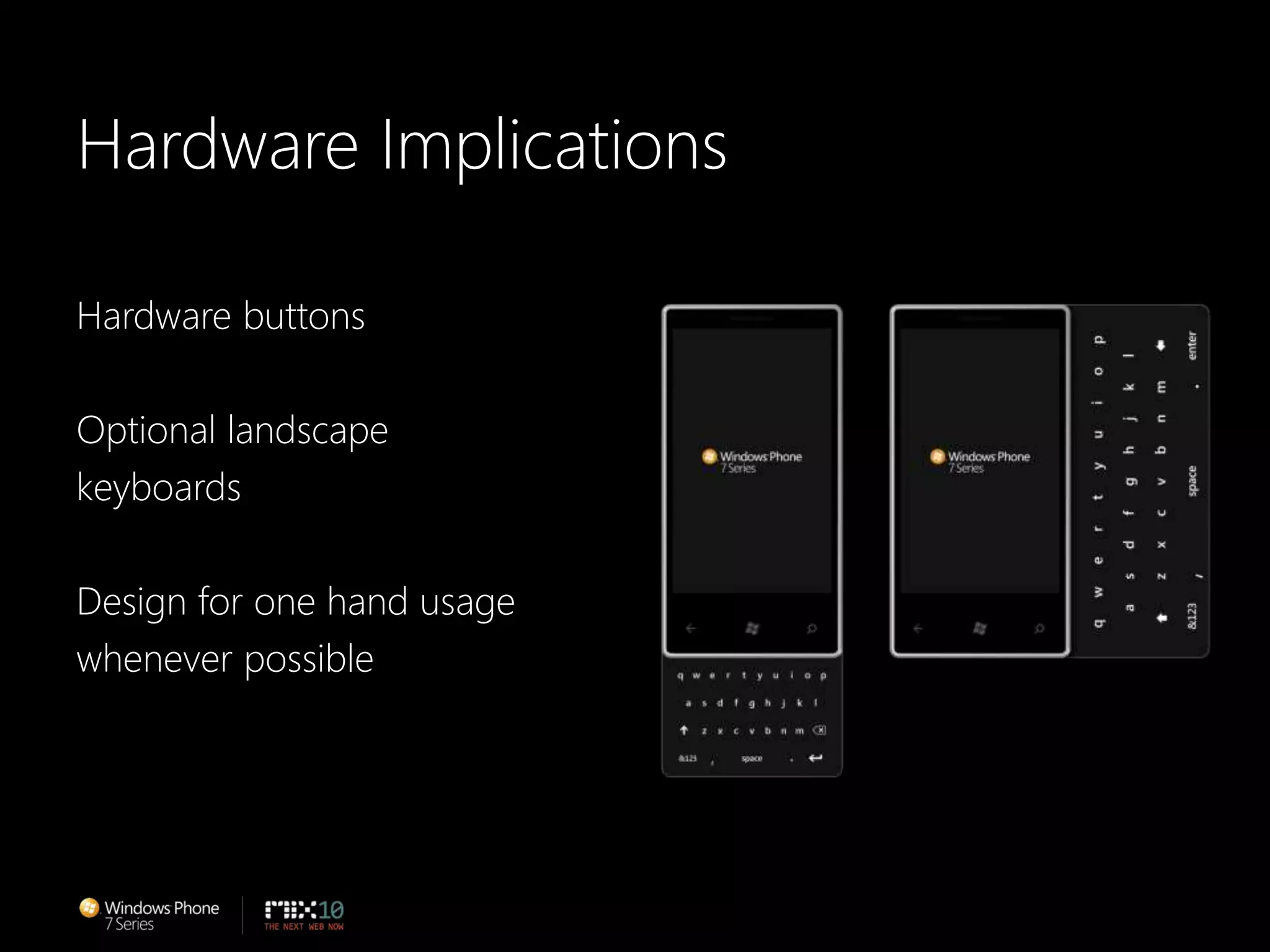
Hardware ImplicationsHardware buttonsOptional landscapekeyboardsDesign for one hand usagewhenever possible
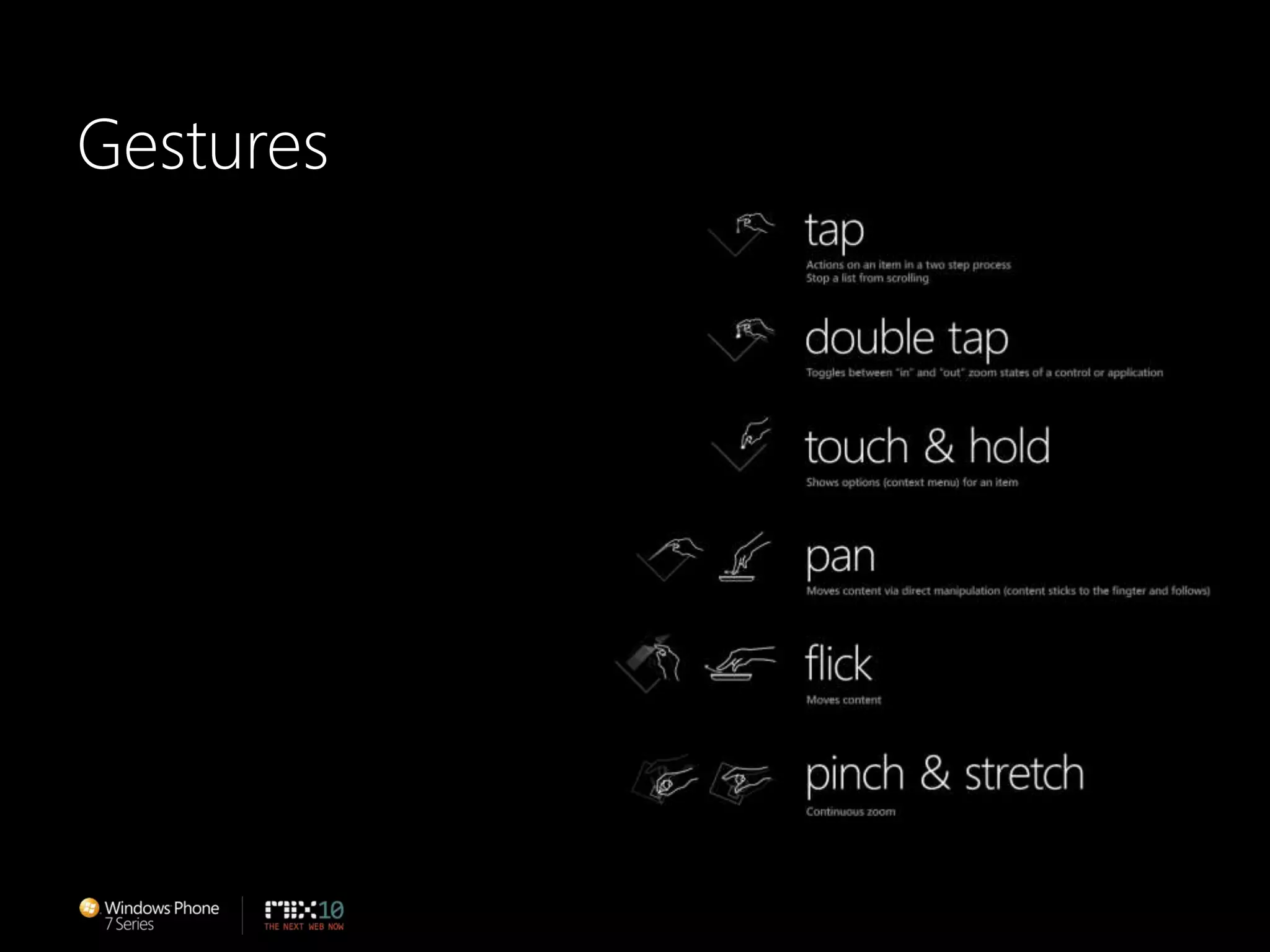
Gestures
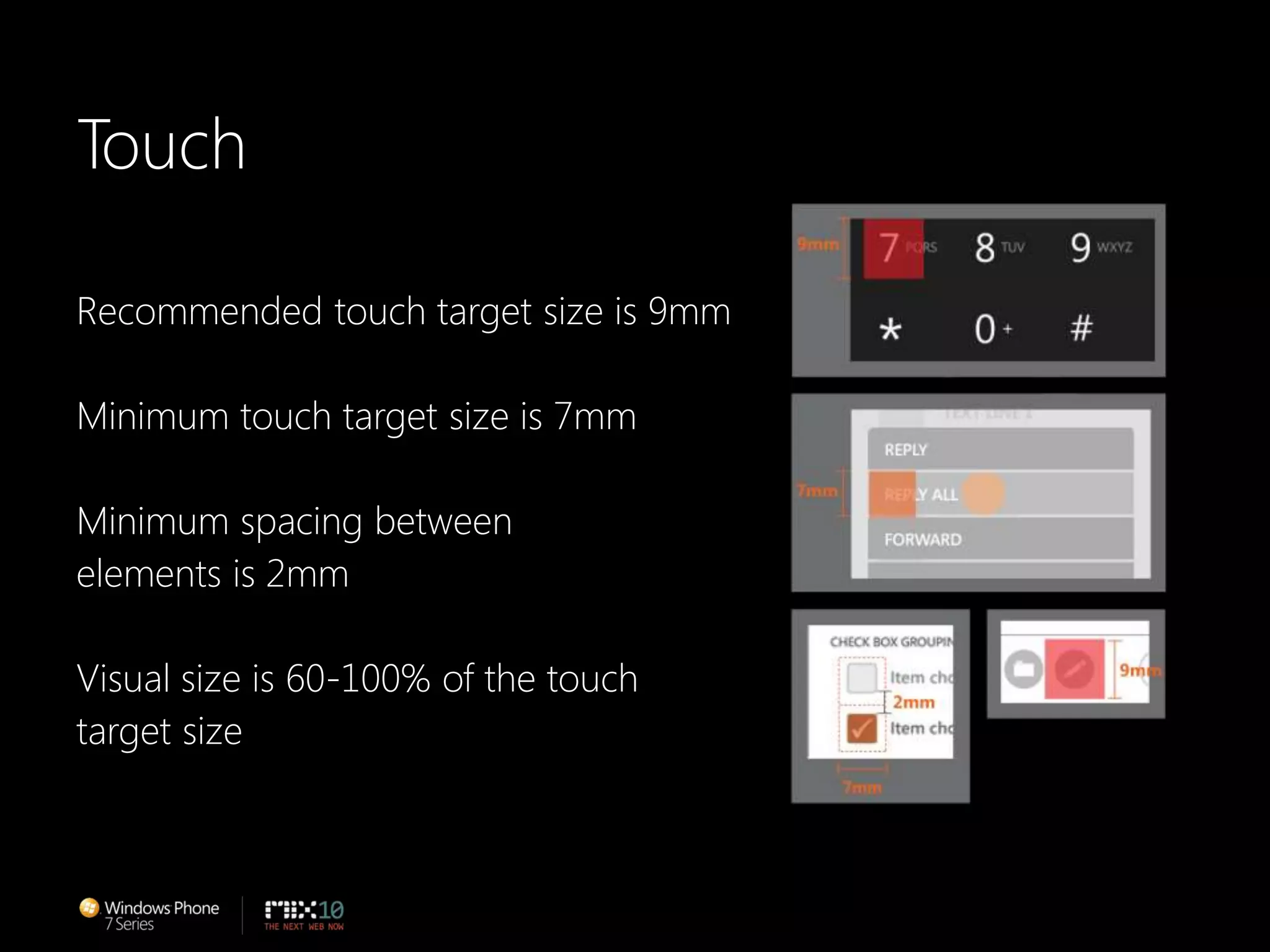
TouchRecommended touch target size is 9mmMinimum touch target size is 7mmMinimum spacing betweenelements is 2mmVisual size is 60-100% of the touchtarget size
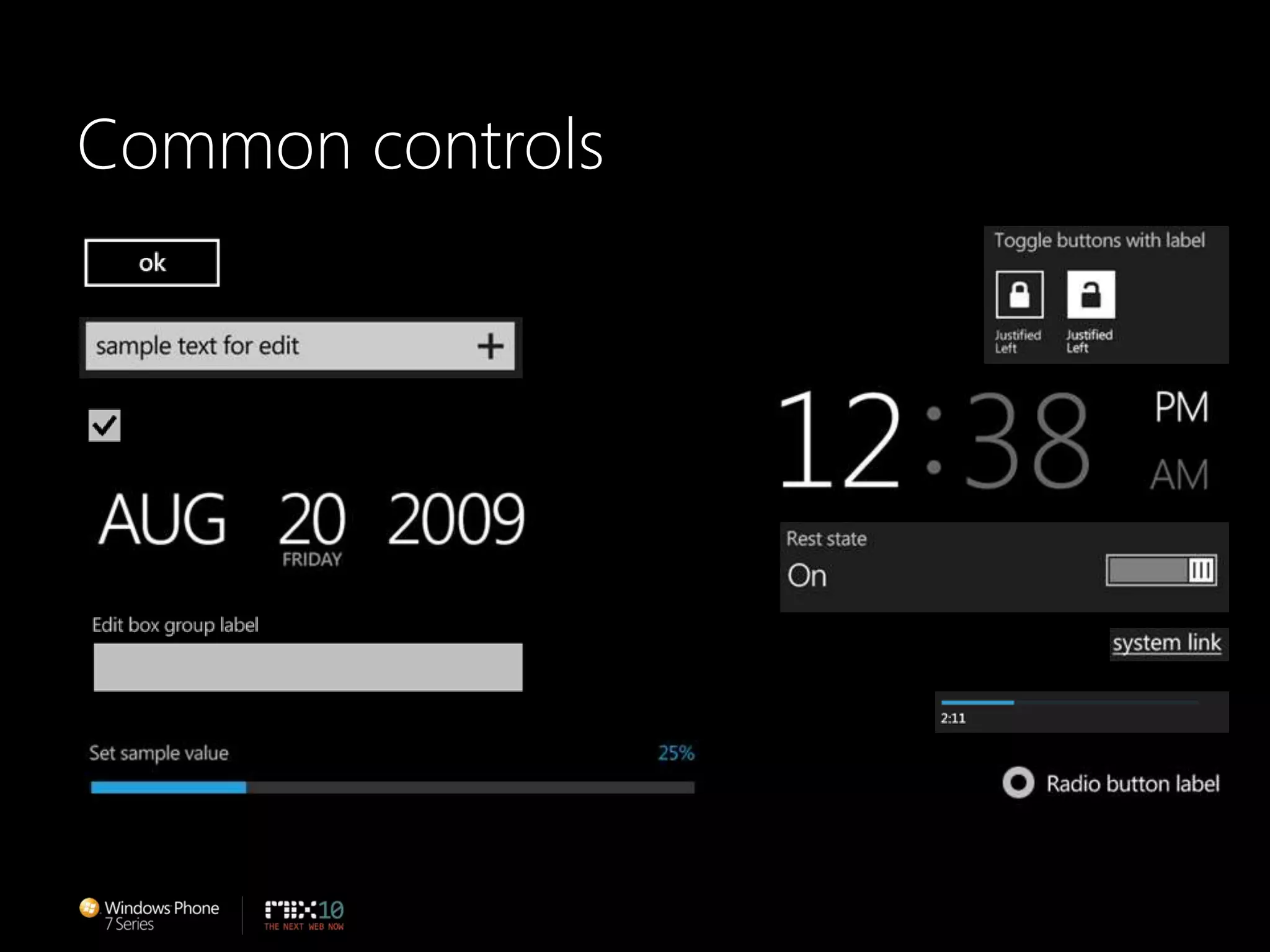
Common controls
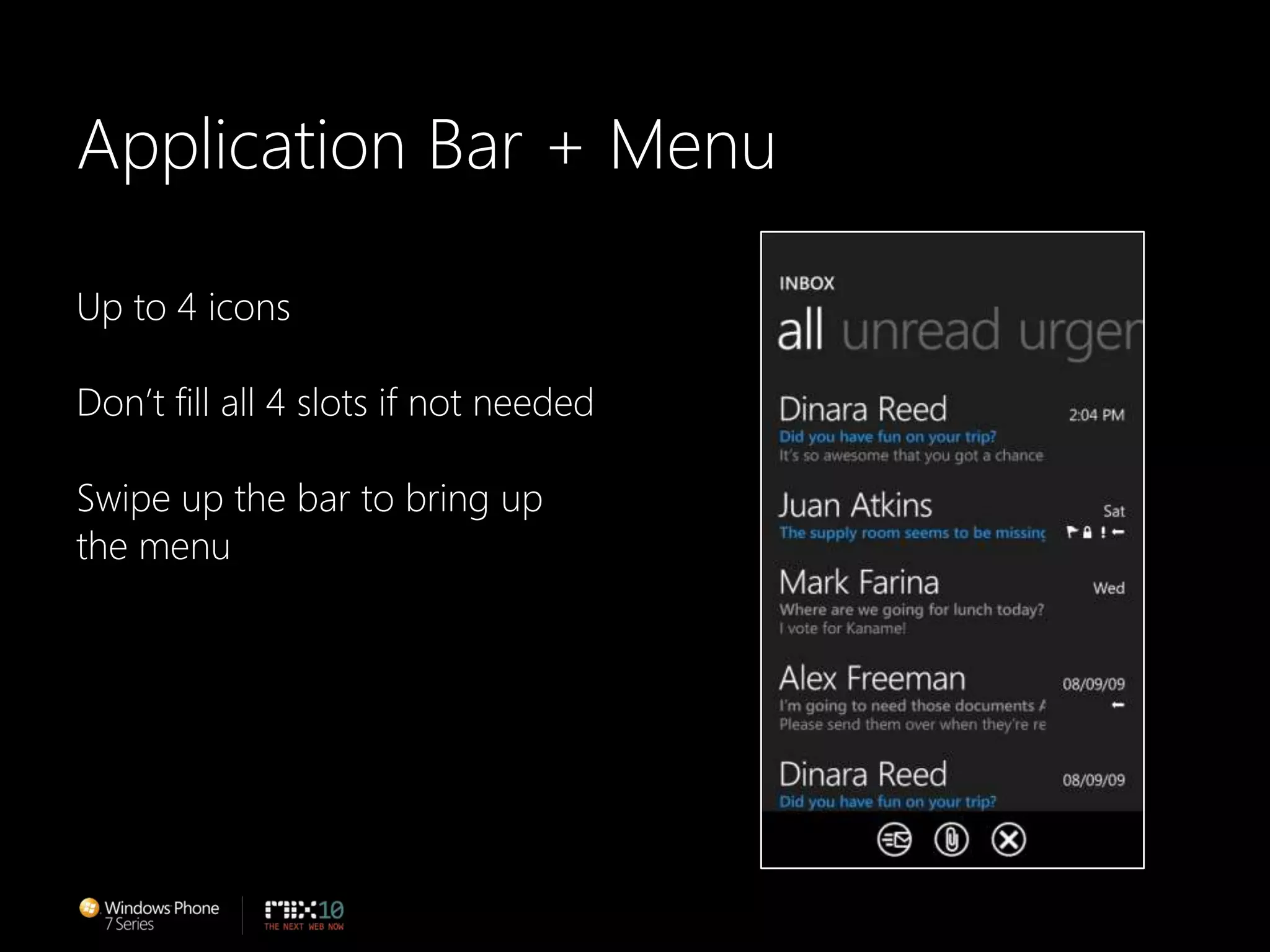
Application Bar + MenuUp to 4 iconsDon’t fill all 4 slots if not neededSwipe up the bar to bring upthe menuTrigger
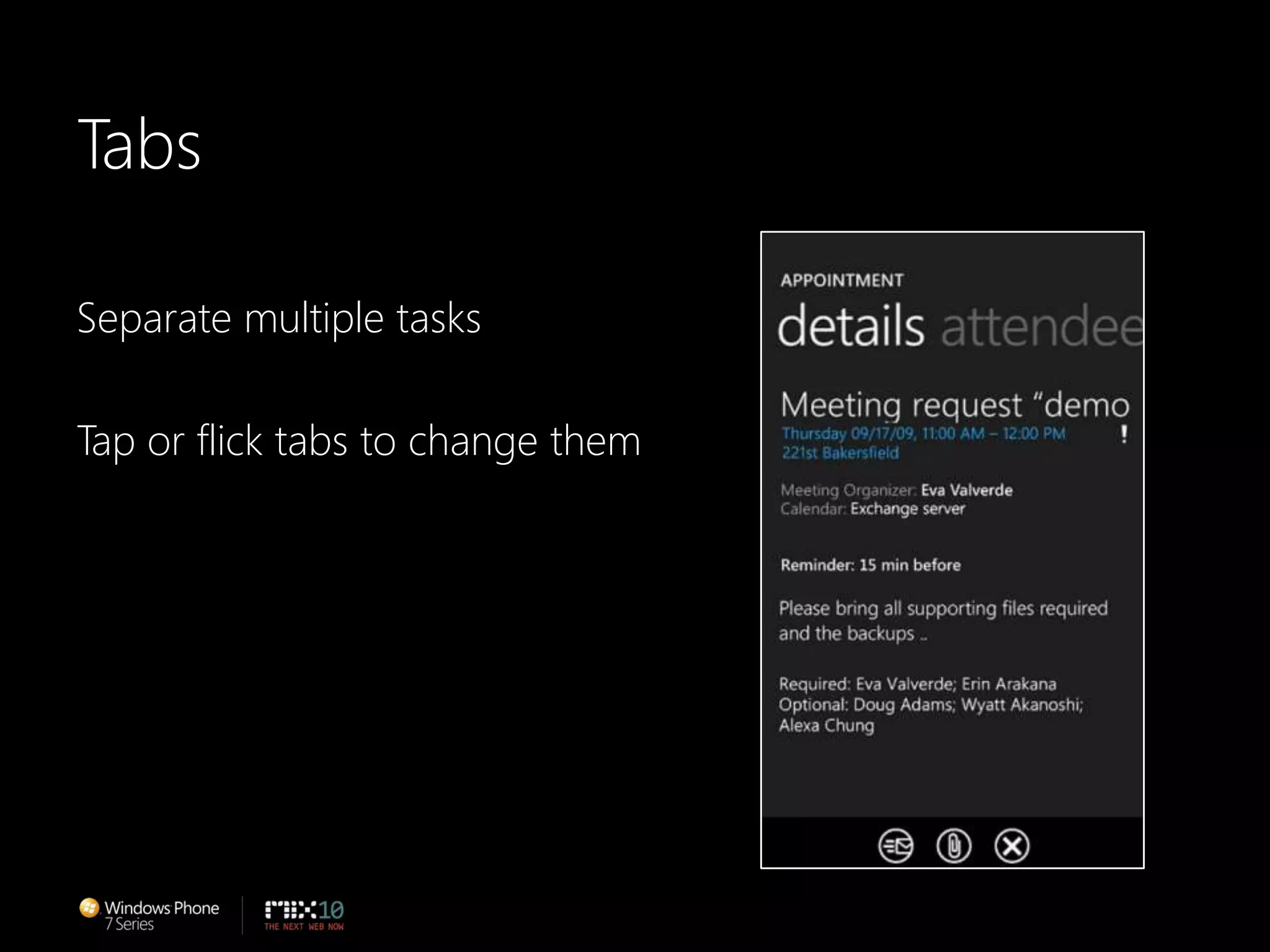
TabsSeparate multiple tasksTap or flick tabs to change themTrigger
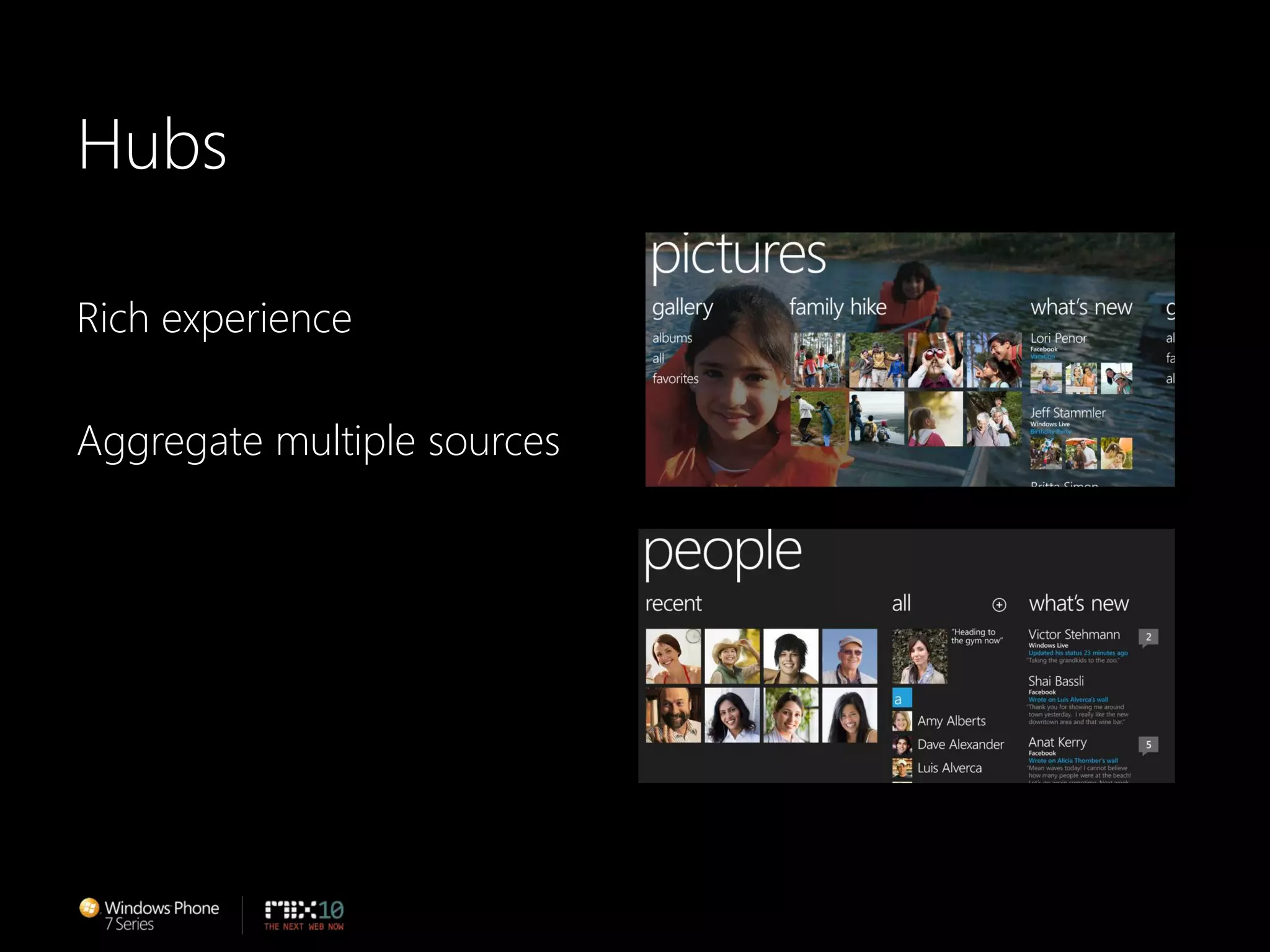
HubsRich experienceAggregate multiple sources
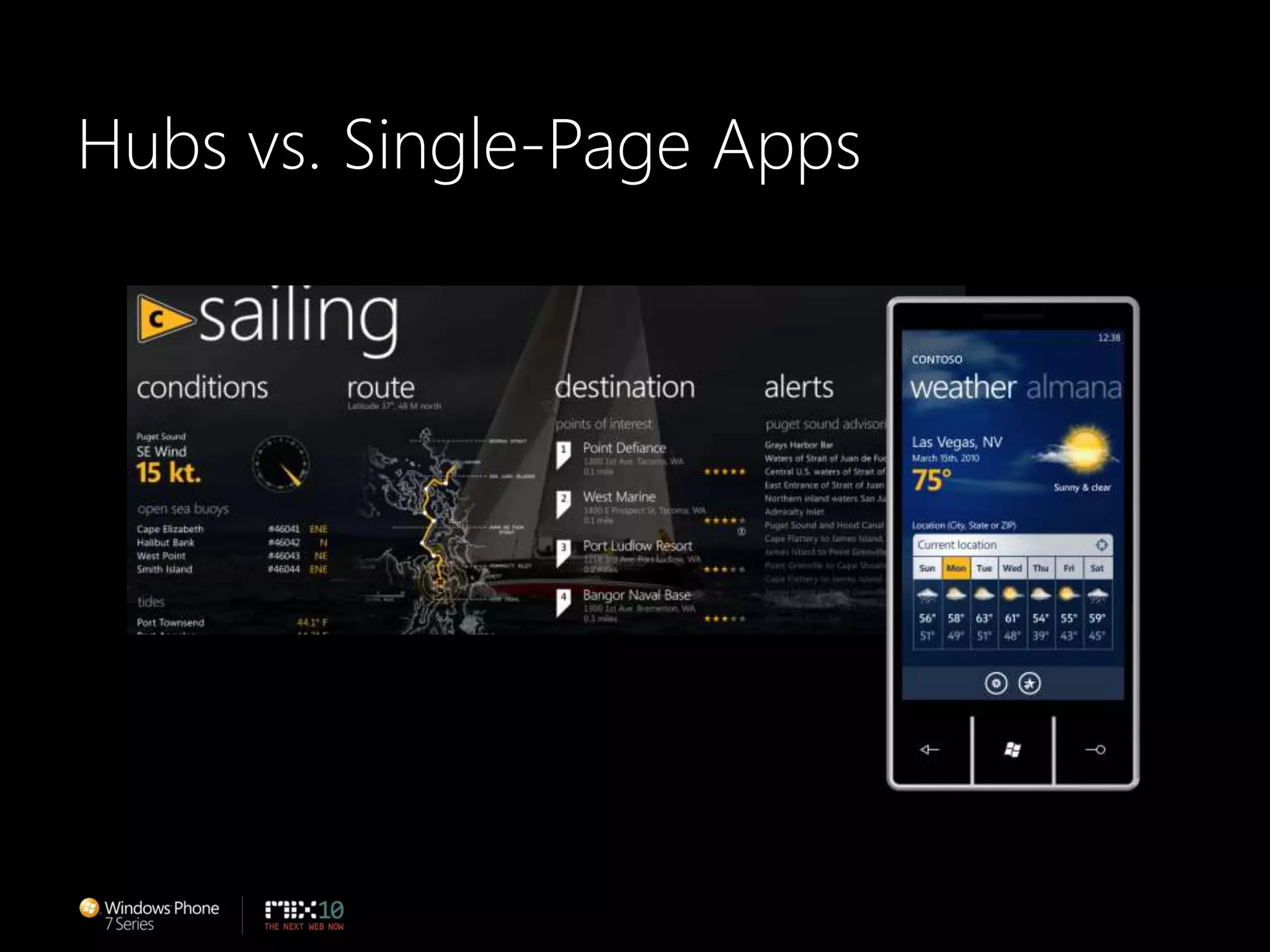
Hubs vs. Single-Page Apps
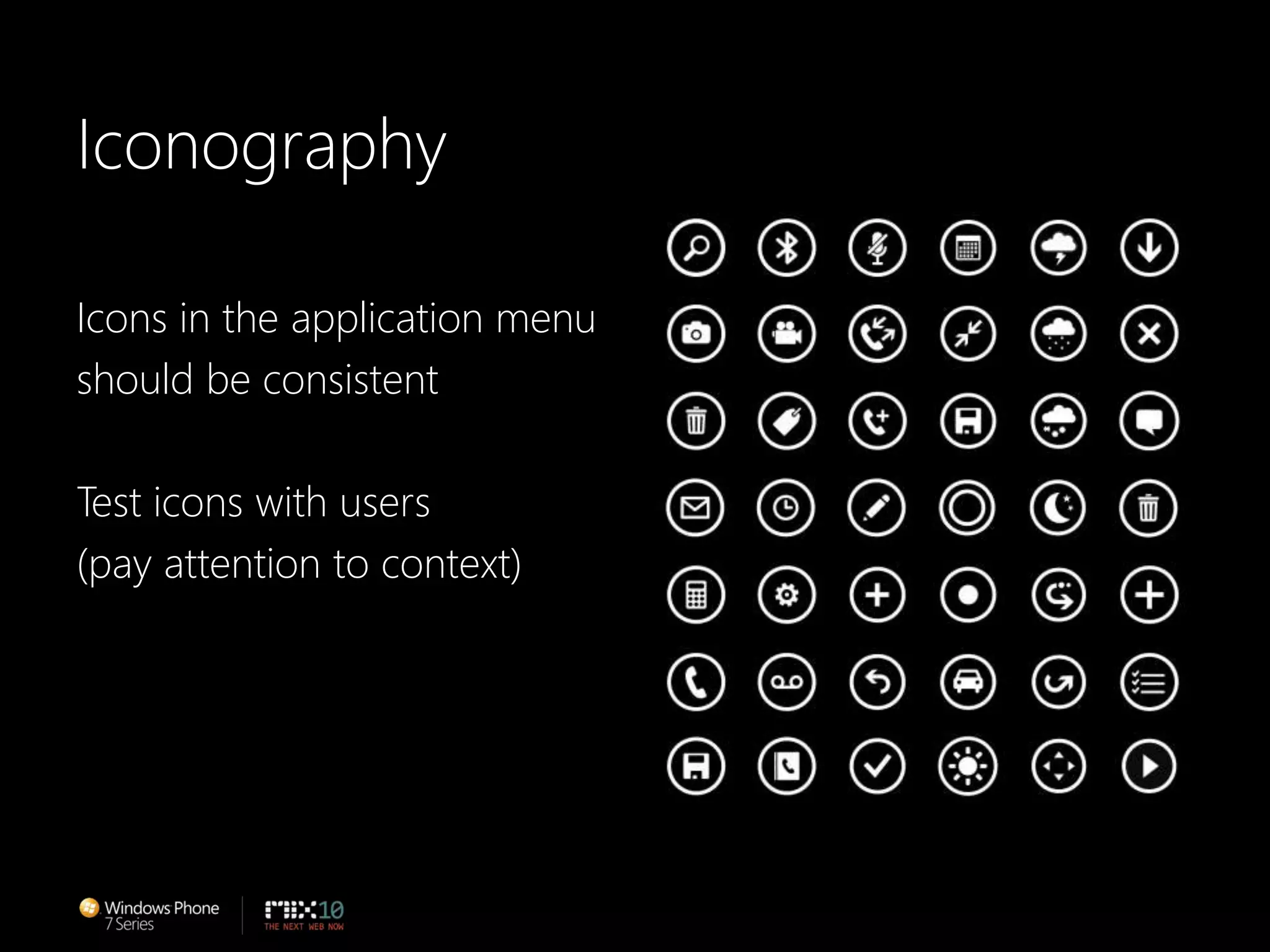
IconographyIcons in the application menu should be consistentTest icons with users(pay attention to context)
Call to ActionFamiliarize yourself with MetroStay Connected & Get InformedDownload & Start CreatingChad Roberts – UX Design Lead
SummaryMetroPersonasRed ThreadsFocus on designing the experienceMake applications delightful and easy to use
Stay Connected & Be InformedAttend “An Introduction to Developing Applications for Microsoft Silverlight”. Watch “Authoring for Microsoft Silverlight 4 with Microsoft Expression Blend.Read about design on Christian Schormann’s blog.http://electricbeach.org
Download & Start CreatingGet the Windows Phone Developer ToolsDownload the UI Design and Interaction GuideInteract with the design tools when Availablehttp://developer.windowsphone.com
Thank you!Albert Shum – That DudeMichael Smuga – Studio DirectorChad Roberts – UX Design Lead

Windows Phone UI and Design Language

  • 2.
    Designing Windows Phone7 SeriesDesign language (codenamed Metro)Designing delightful applications for Windows PhoneCall to actionAlbert Shum – That DudeMichael Smuga – Studio DirectorChad Roberts – UX Design Lead
  • 3.
  • 5.
  • 10.
    METRO IS OURDESIGN LANGUAGE. WE CALL IT METRO BECAUSE IT’S MODERN AND CLEAN. IT’S FAST AND IN MOTION. IT’S ABOUT CONTENT AND TYPOGRAPHY. AND IT’S ENTIRELY AUTHENTIC.ETRO
  • 11.
  • 12.
    Principle: Clean, Light,Open, FastFeels Fast and ResponsiveFocus on Primary TasksDo a Lot with Very LittleFierce Reduction of Unnecessary ElementsDelightful Use of WhitespaceFull Bleed Canvas
  • 13.
    Principle: Celebrate TypographyTypeis Beautiful, Not Just LegibleClear, Straightforward Information DesignUncompromising Sensitivity to Weight, Balance and Scale
  • 14.
    Principle: Alive inMotionFeels Responsive and AliveCreates a SystemGives Context to Improve UsabilityTransition Between UI is as Important as the Design of the UIAdds Dimension and Depth
  • 15.
    Principle: Content, NotChromeDelight through Content Instead of DecorationReduce Visuals that are Not ContentContents is the UIDirect interaction with the Content Directly
  • 16.
    Principle: Authentically DigitalDesignfor the Form FactorDon’t Try to be What It’s NOTBe Direct
  • 17.
    PrinciplesClean, Light, Open,FastCelebrate TypographyAlive in MotionContent, Not ChromeAuthentically Digital
  • 20.
    Metro User ExperienceFocuseson the individual and their tasksHelps organize information and applications
  • 21.
  • 23.
  • 24.
    Building Great WindowsPhoneApplicationsFocus on designing the experienceBuild delightful experiencesBuild experiences that are easy to useMichael Smuga – Studio Director
  • 25.
    Who we designfor: Anna + MilesAnnaPart time PR professional and busy mom“My life is a balancing act between work,family, friends, and my own personal needs.”MilesGrowing his own architectural biz“I love running my life real-time so I can takeadvantage of whatever is inspiring me…whetherit’s a new project, a pick up game or a stolenmoment with Anna.”
  • 26.
    RED THREADS.THESE ARETHEPRINCIPLESTHAT GUIDE THE EXPERIENCES
  • 27.
    WeatherPersonalWeather surfaced onthe live tile in StartRelevantWeather updated based on your locationConnectedWeather for your contacts
  • 28.
    Build delightful experienceBeinspired by Metro…but look for balance between the Metroprinciples and your own style
  • 30.
    ColorUse color todelight the userUse color to personalize experienceUse color to emphasize hierarchy
  • 32.
    TypographyMake words feelwelcomePay attention to balance, weight & scale
  • 34.
    MotionUse motion todelight the userRemember that pacing is important: the moreyou use it, the less special it becomes
  • 35.
    Make It Easyto UseFamiliar = Easy to useProvide consistent and predictable experience
  • 36.
    Hardware ImplicationsHardware buttonsOptionallandscapekeyboardsDesign for one hand usagewhenever possible
  • 37.
  • 38.
    TouchRecommended touch targetsize is 9mmMinimum touch target size is 7mmMinimum spacing betweenelements is 2mmVisual size is 60-100% of the touchtarget size
  • 39.
  • 40.
    Application Bar +MenuUp to 4 iconsDon’t fill all 4 slots if not neededSwipe up the bar to bring upthe menuTrigger
  • 41.
    TabsSeparate multiple tasksTapor flick tabs to change themTrigger
  • 42.
  • 43.
  • 44.
    IconographyIcons in theapplication menu should be consistentTest icons with users(pay attention to context)
  • 45.
    Call to ActionFamiliarizeyourself with MetroStay Connected & Get InformedDownload & Start CreatingChad Roberts – UX Design Lead
  • 46.
    SummaryMetroPersonasRed ThreadsFocus ondesigning the experienceMake applications delightful and easy to use
  • 47.
    Stay Connected &Be InformedAttend “An Introduction to Developing Applications for Microsoft Silverlight”. Watch “Authoring for Microsoft Silverlight 4 with Microsoft Expression Blend.Read about design on Christian Schormann’s blog.http://electricbeach.org
  • 48.
    Download & StartCreatingGet the Windows Phone Developer ToolsDownload the UI Design and Interaction GuideInteract with the design tools when Availablehttp://developer.windowsphone.com
  • 49.
    Thank you!Albert Shum– That DudeMichael Smuga – Studio DirectorChad Roberts – UX Design Lead