YAPC::Europe Cluj 2016
Documenting Code
Patterns and Anti-patterns
Søren Lund (slu)
slu@369.dk
Content of This Talk
 Introduction
 About Me
 Documentation
 What Documentation Do We Need?
 Comments in Code
 Comment Patterns
 Comment Anti-Patterns
Inspiration Strikes
 During a code review I saw a comment
 The comment tried to document the code,
which was not easy to understand
 I suggested refactoring the code, thus
eliminating the need of the comment.
 The developer agreed and did the refactoring
 I got inspiration for this talk
Rewriting the Title of the Talk
 First title was
“Please don't comment your Perl code”
 I found it too negative, so I changed it to
“Don't comment code, document it”
 Still starting of negative, so I came up with
“Documenting Code, Patterns and Anti-
patterns”
 I.e. writing (coding) is hard; and you need to
constantly rewrite (refactor).
This Talk is for Developers
 It's about documenting code
 How to make it easier for the (next) developer
 And the next developer might be you
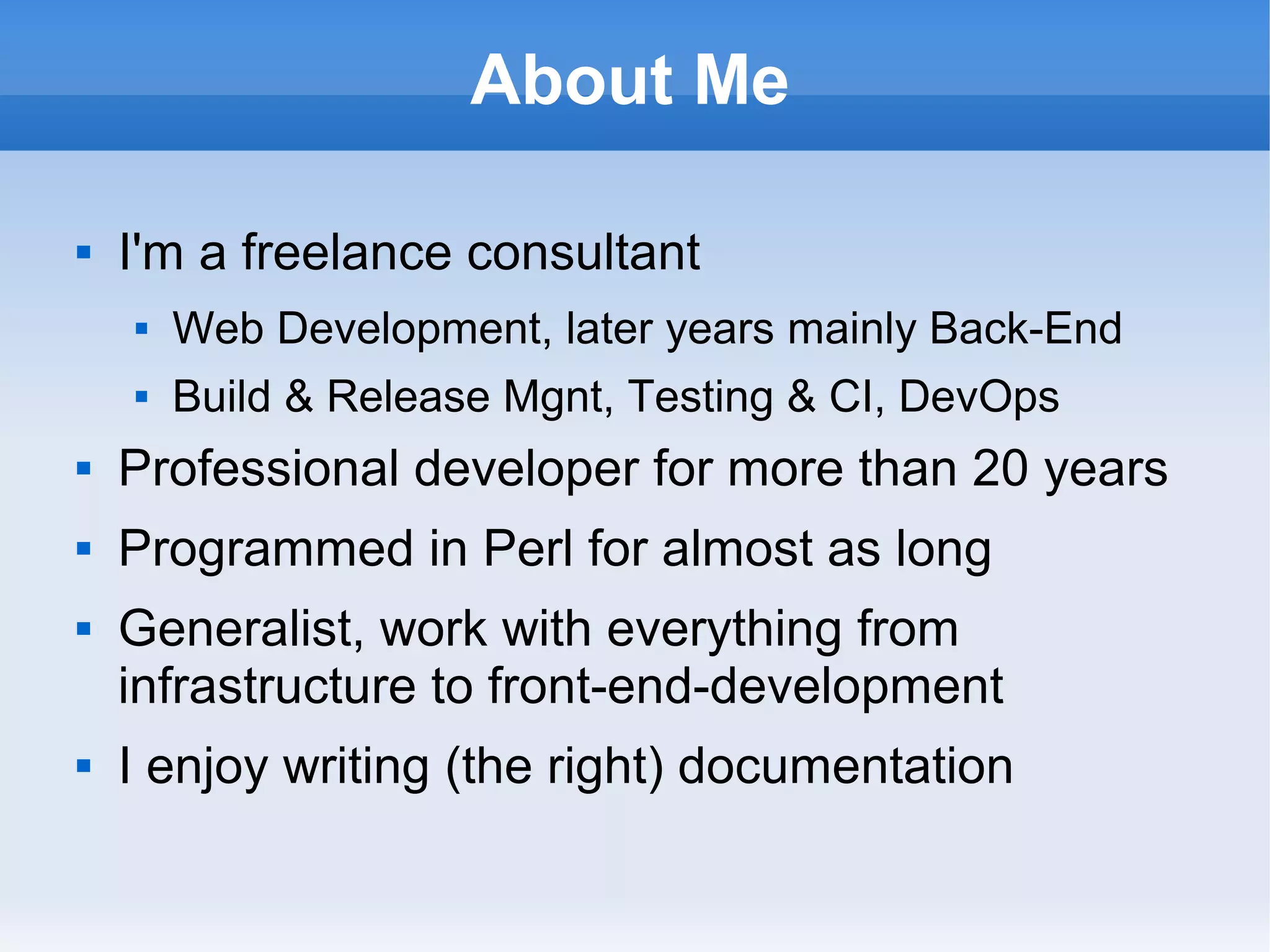
About Me
 I'm a freelance consultant
 Web Development, later years mainly Back-End
 Build & Release Mgnt, Testing & CI, DevOps
 Professional developer for more than 20 years
 Programmed in Perl for almost as long
 Generalist, work with everything from
infrastructure to front-end-development
 I enjoy writing (the right) documentation
Documentation
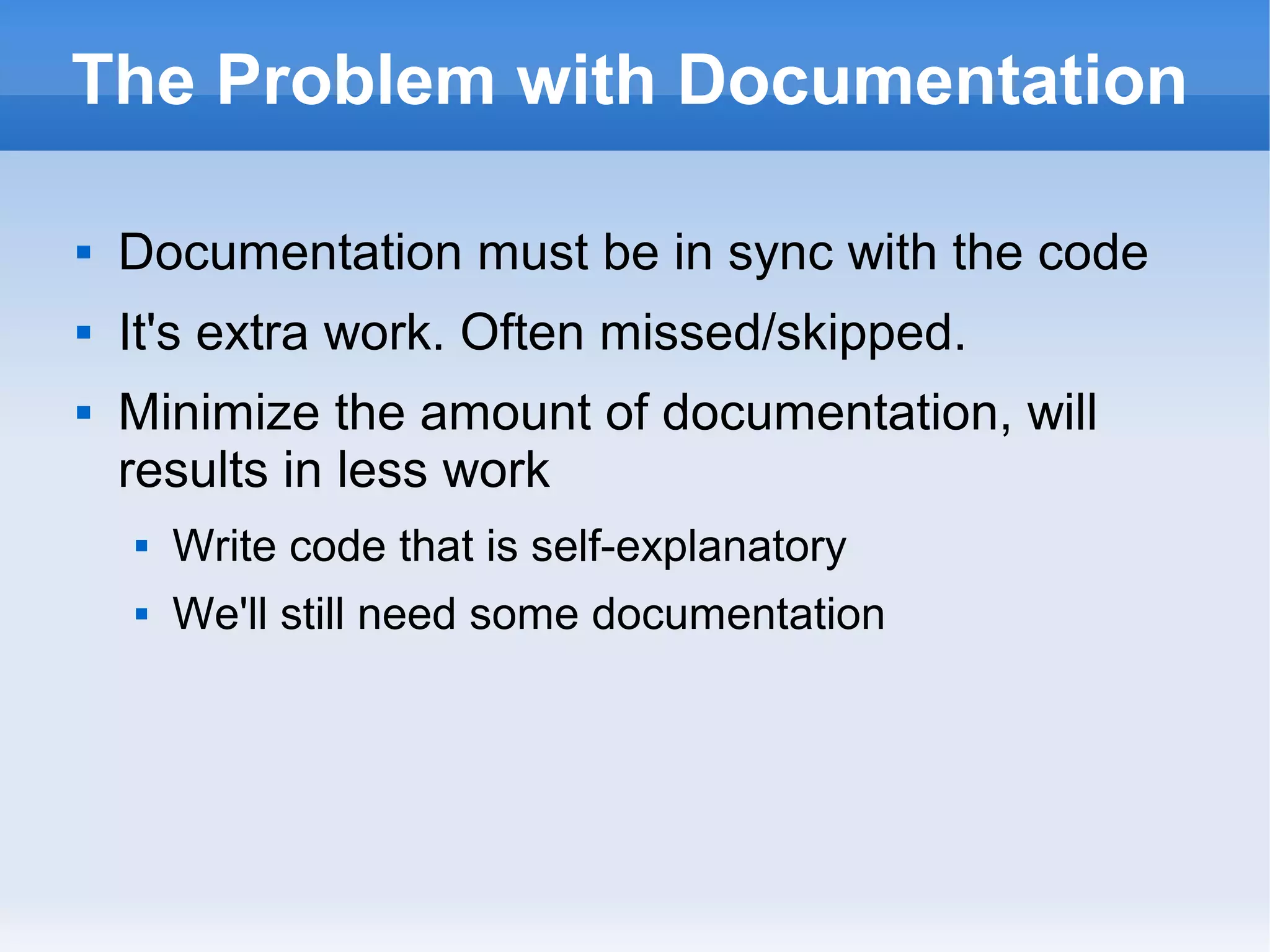
The Problem with Documentation
 Documentation must be in sync with the code
 It's extra work. Often missed/skipped.
 Minimize the amount of documentation, will
results in less work
 Write code that is self-explanatory
 We'll still need some documentation
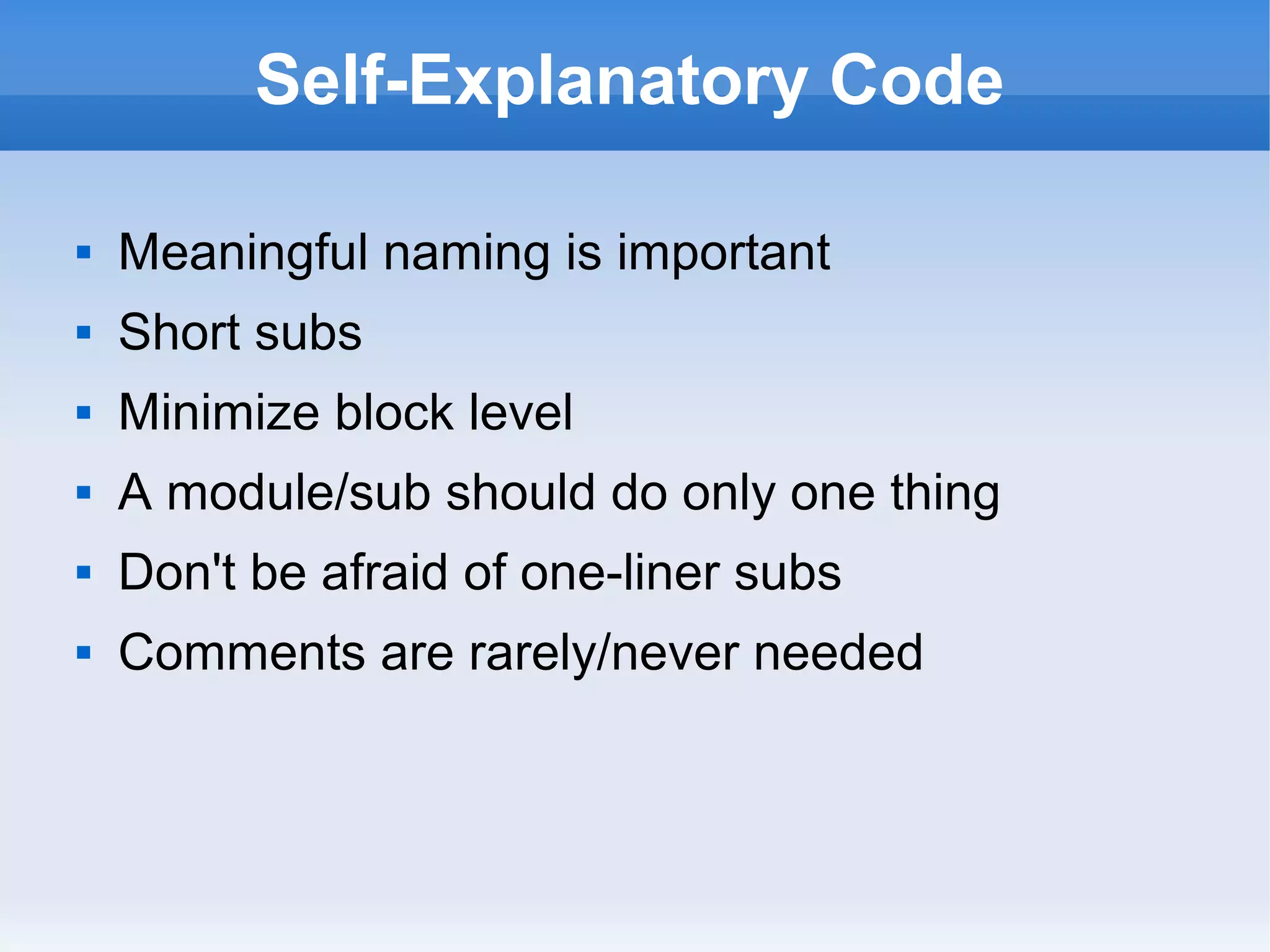
Self-Explanatory Code
 Meaningful naming is important
 Short subs
 Minimize block level
 A module/sub should do only one thing
 Don't be afraid of one-liner subs
 Comments are rarely/never needed
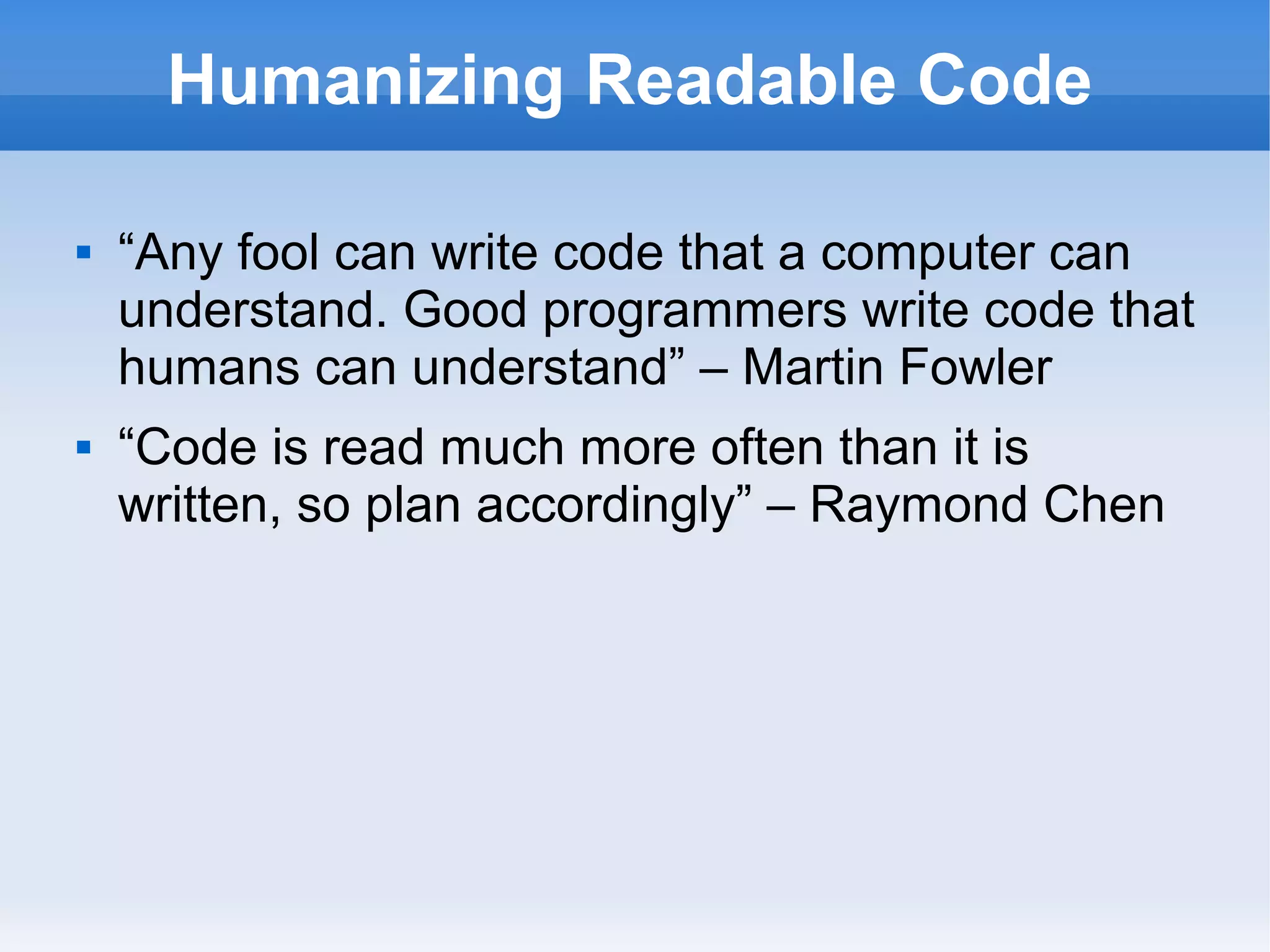
Humanizing Readable Code
 “Any fool can write code that a computer can
understand. Good programmers write code that
humans can understand” – Martin Fowler
 “Code is read much more often than it is
written, so plan accordingly” – Raymond Chen
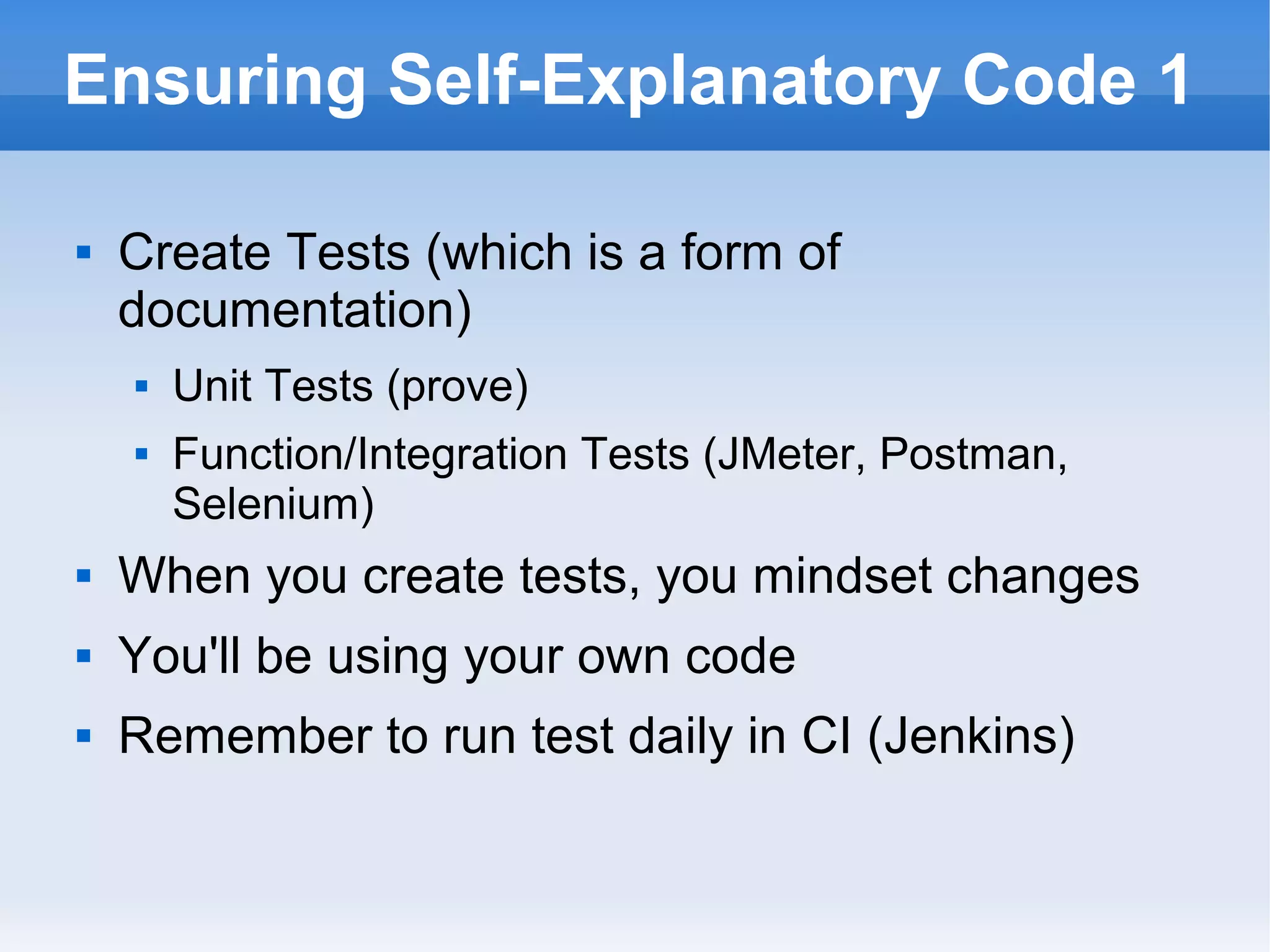
Ensuring Self-Explanatory Code 1
 Create Tests (which is a form of
documentation)
 Unit Tests (prove)
 Function/Integration Tests (JMeter, Postman,
Selenium)
 When you create tests, you mindset changes
 You'll be using your own code
 Remember to run test daily in CI (Jenkins)
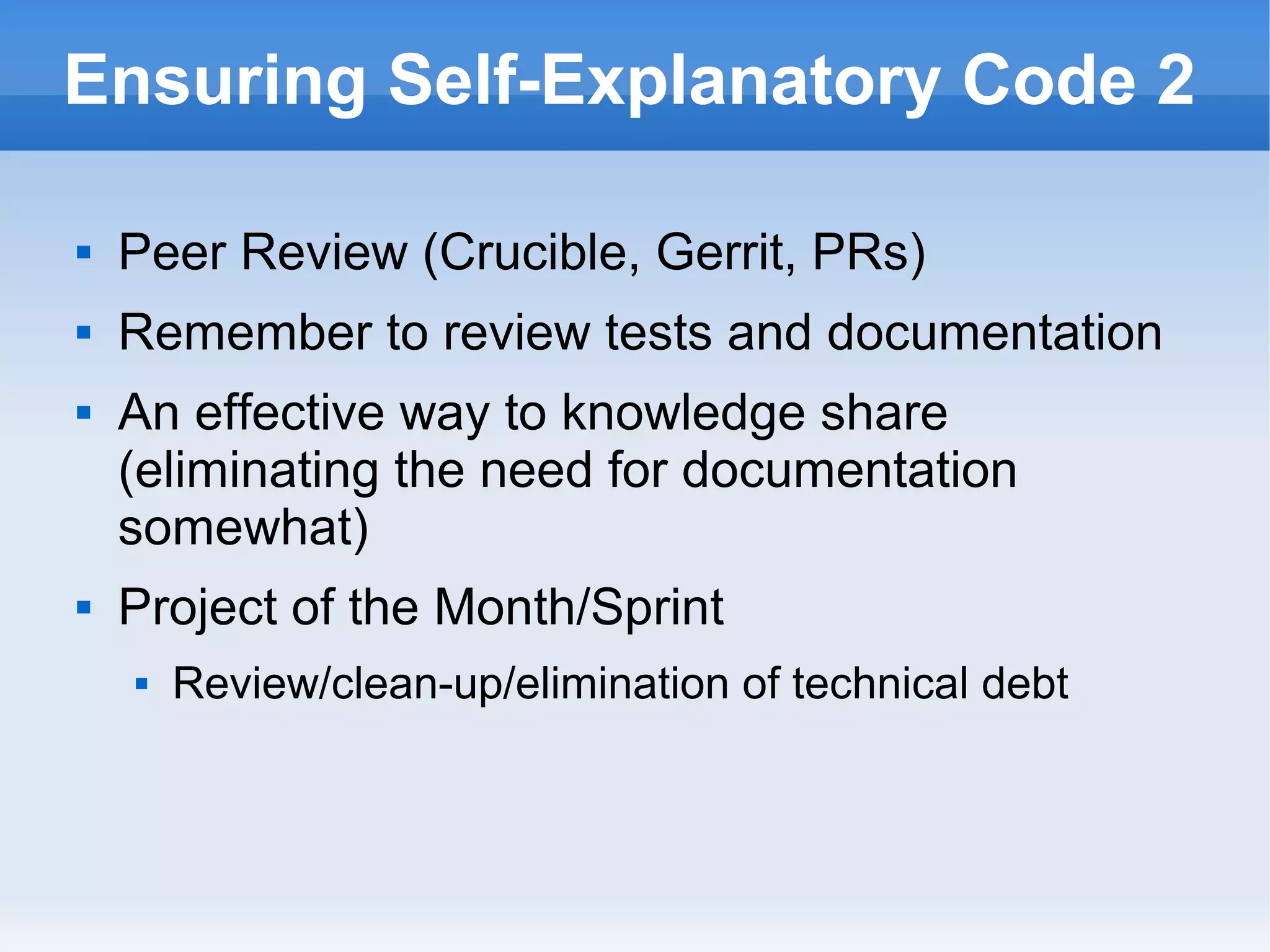
Ensuring Self-Explanatory Code 2
 Peer Review (Crucible, Gerrit, PRs)
 Remember to review tests and documentation
 An effective way to knowledge share
(eliminating the need for documentation
somewhat)
 Project of the Month/Sprint
 Review/clean-up/elimination of technical debt
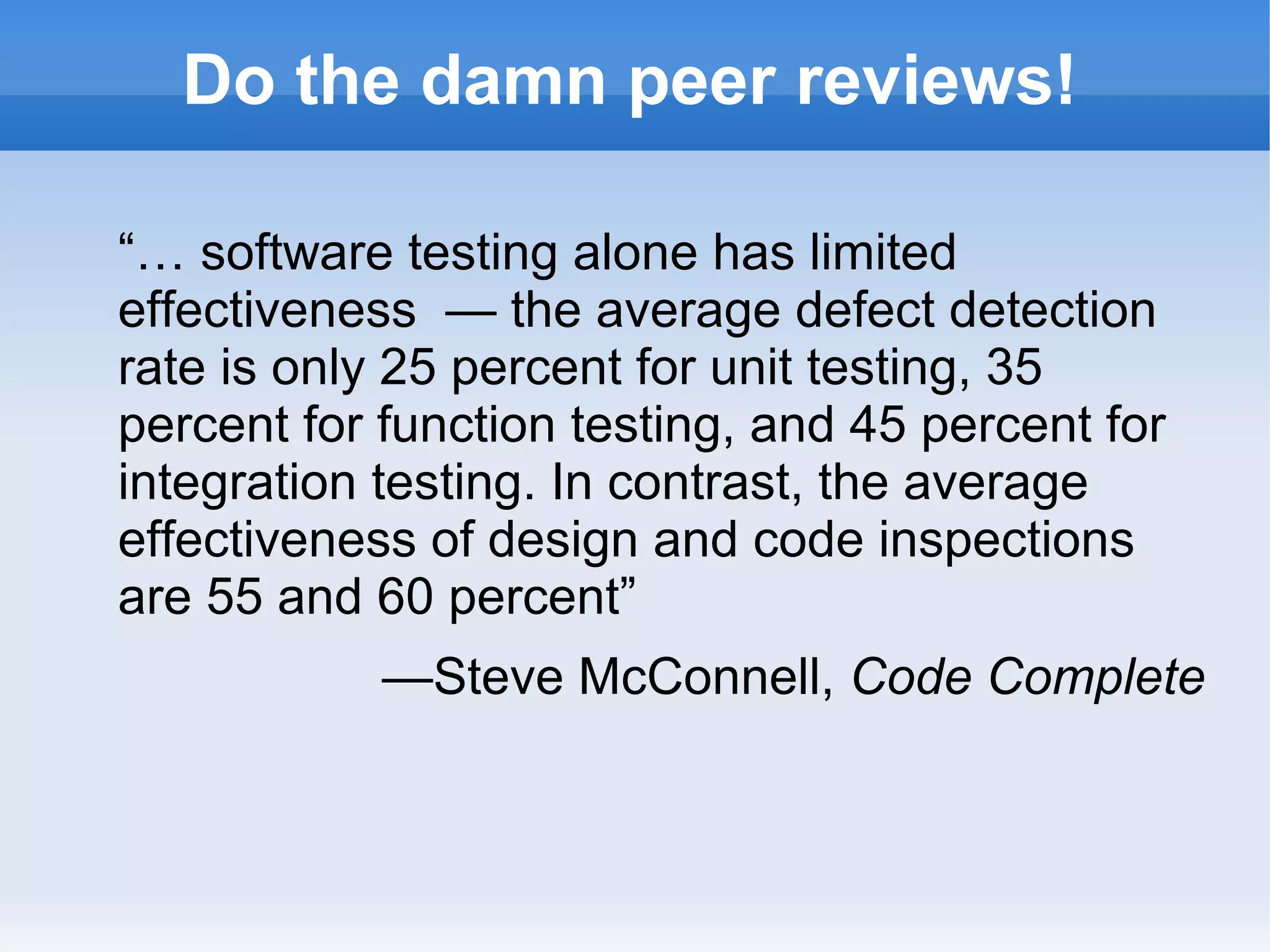
Do the damn peer reviews!
“… software testing alone has limited
effectiveness — the average defect detection
rate is only 25 percent for unit testing, 35
percent for function testing, and 45 percent for
integration testing. In contrast, the average
effectiveness of design and code inspections
are 55 and 60 percent”
—Steve McConnell, Code Complete
What Documentation Do We Need?
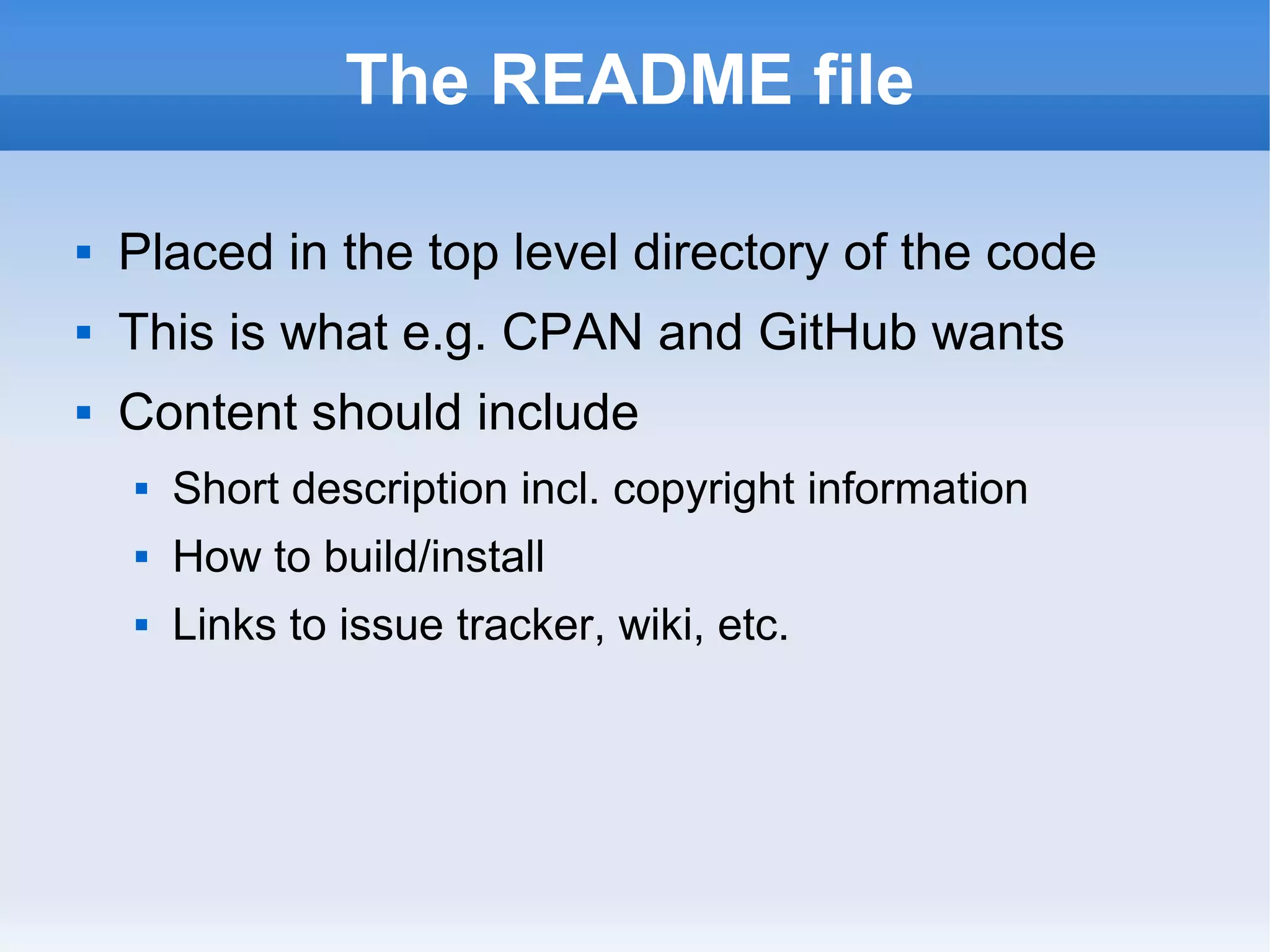
The README file
 Placed in the top level directory of the code
 This is what e.g. CPAN and GitHub wants
 Content should include
 Short description incl. copyright information
 How to build/install
 Links to issue tracker, wiki, etc.
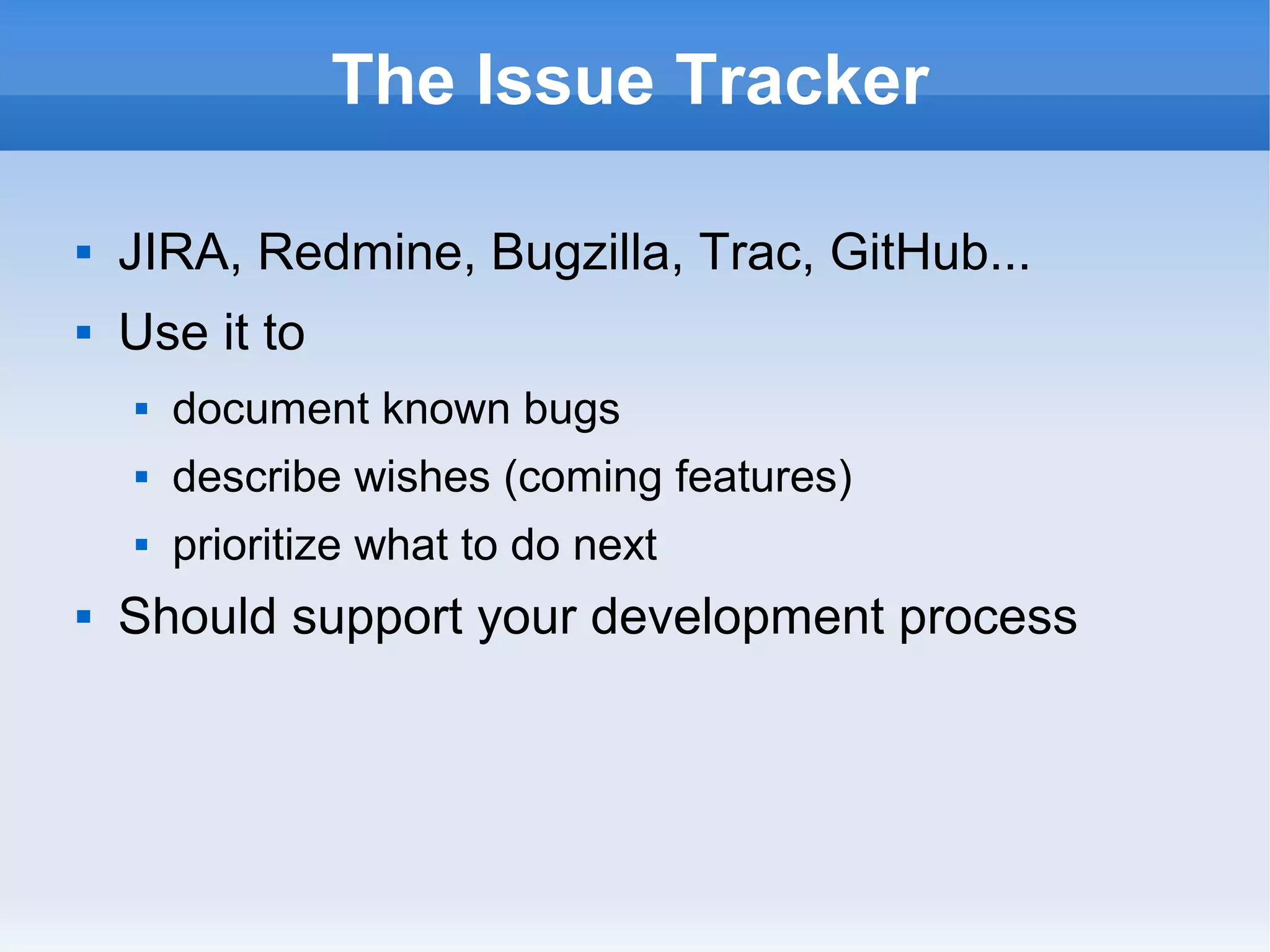
The Issue Tracker
 JIRA, Redmine, Bugzilla, Trac, GitHub...
 Use it to
 document known bugs
 describe wishes (coming features)
 prioritize what to do next
 Should support your development process
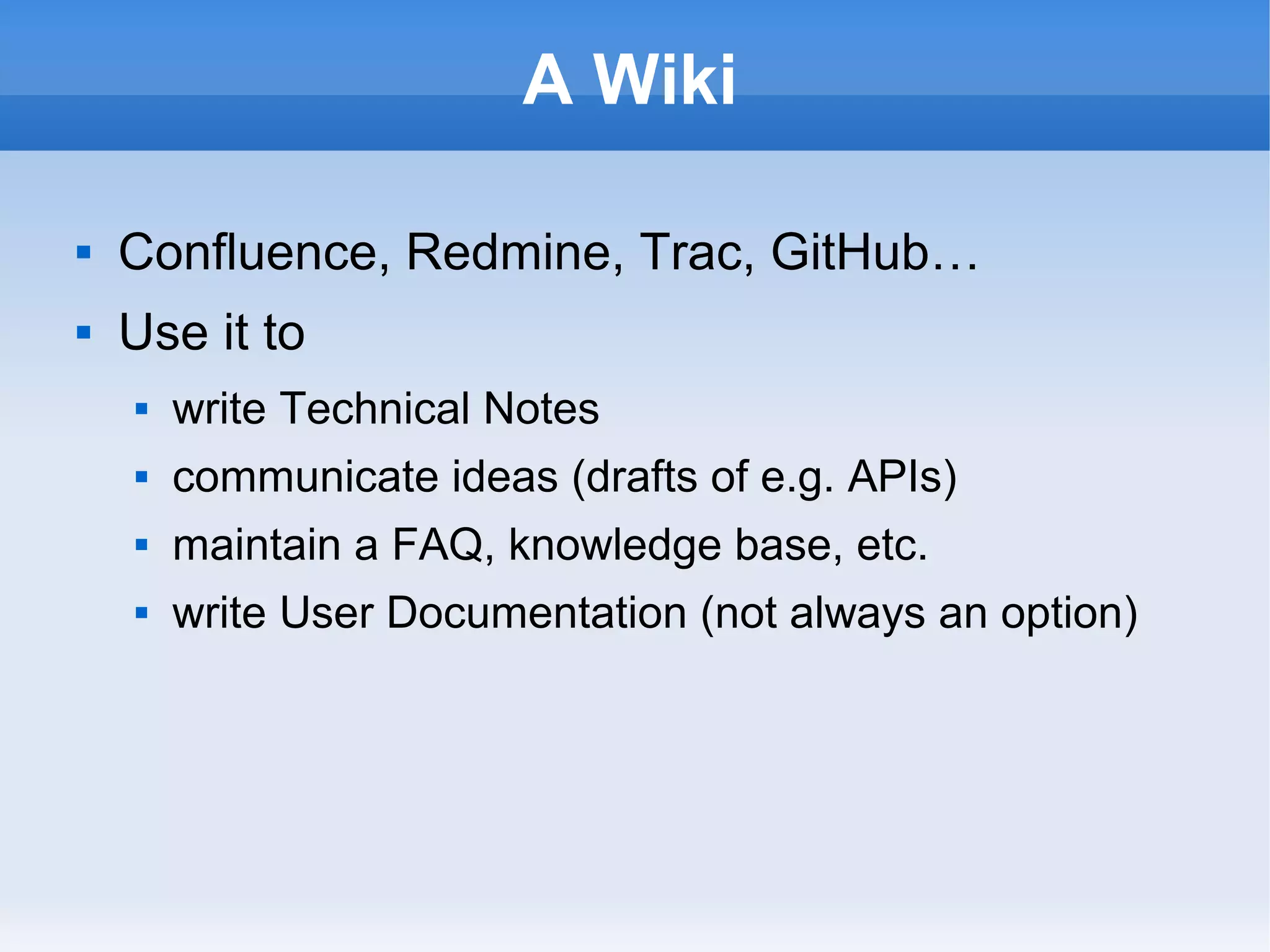
A Wiki
 Confluence, Redmine, Trac, GitHub…
 Use it to
 write Technical Notes
 communicate ideas (drafts of e.g. APIs)
 maintain a FAQ, knowledge base, etc.
 write User Documentation (not always an option)
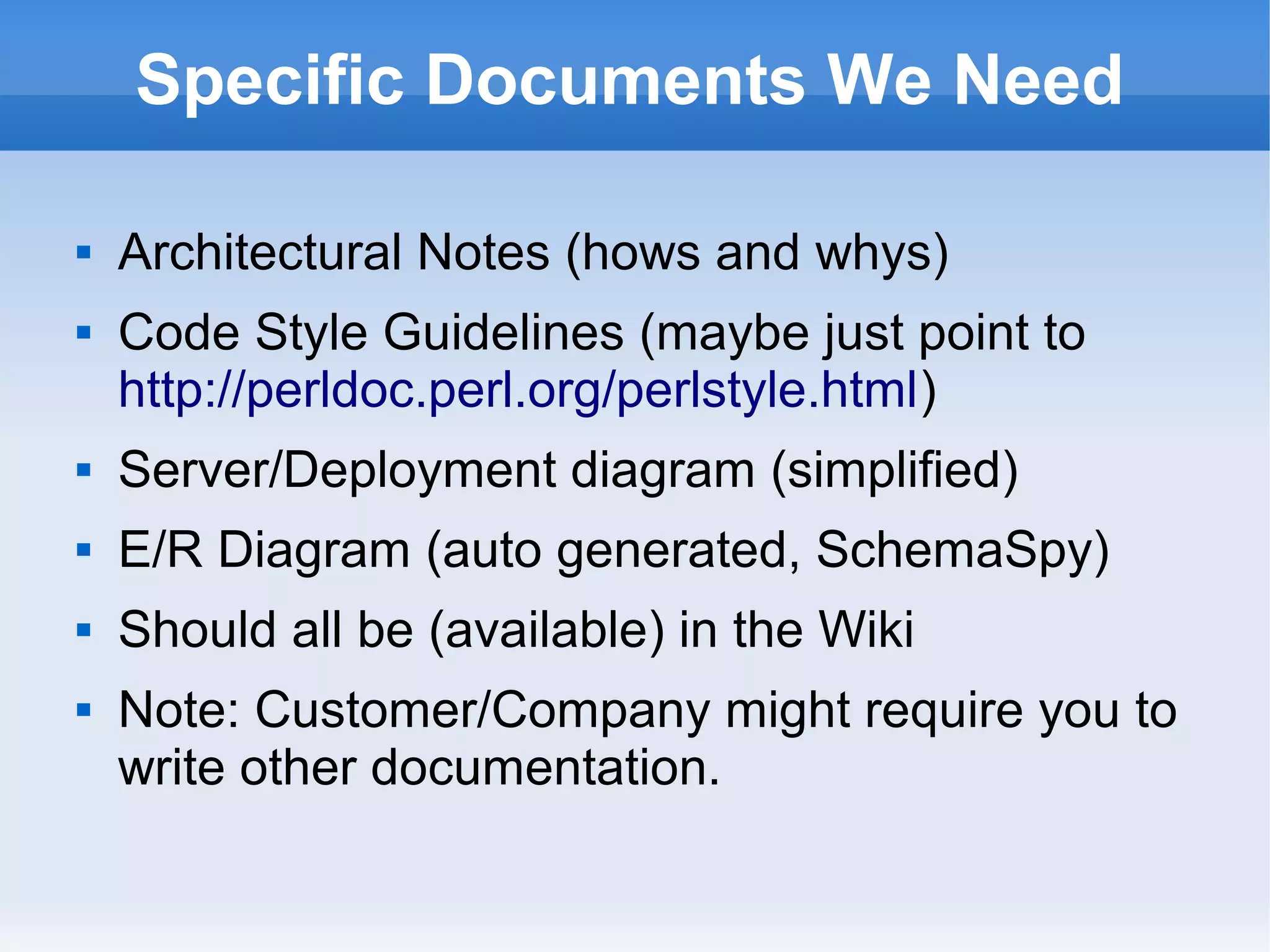
Specific Documents We Need
 Architectural Notes (hows and whys)
 Code Style Guidelines (maybe just point to
http://perldoc.perl.org/perlstyle.html)
 Server/Deployment diagram (simplified)
 E/R Diagram (auto generated, SchemaSpy)
 Should all be (available) in the Wiki
 Note: Customer/Company might require you to
write other documentation.
Comments in Code
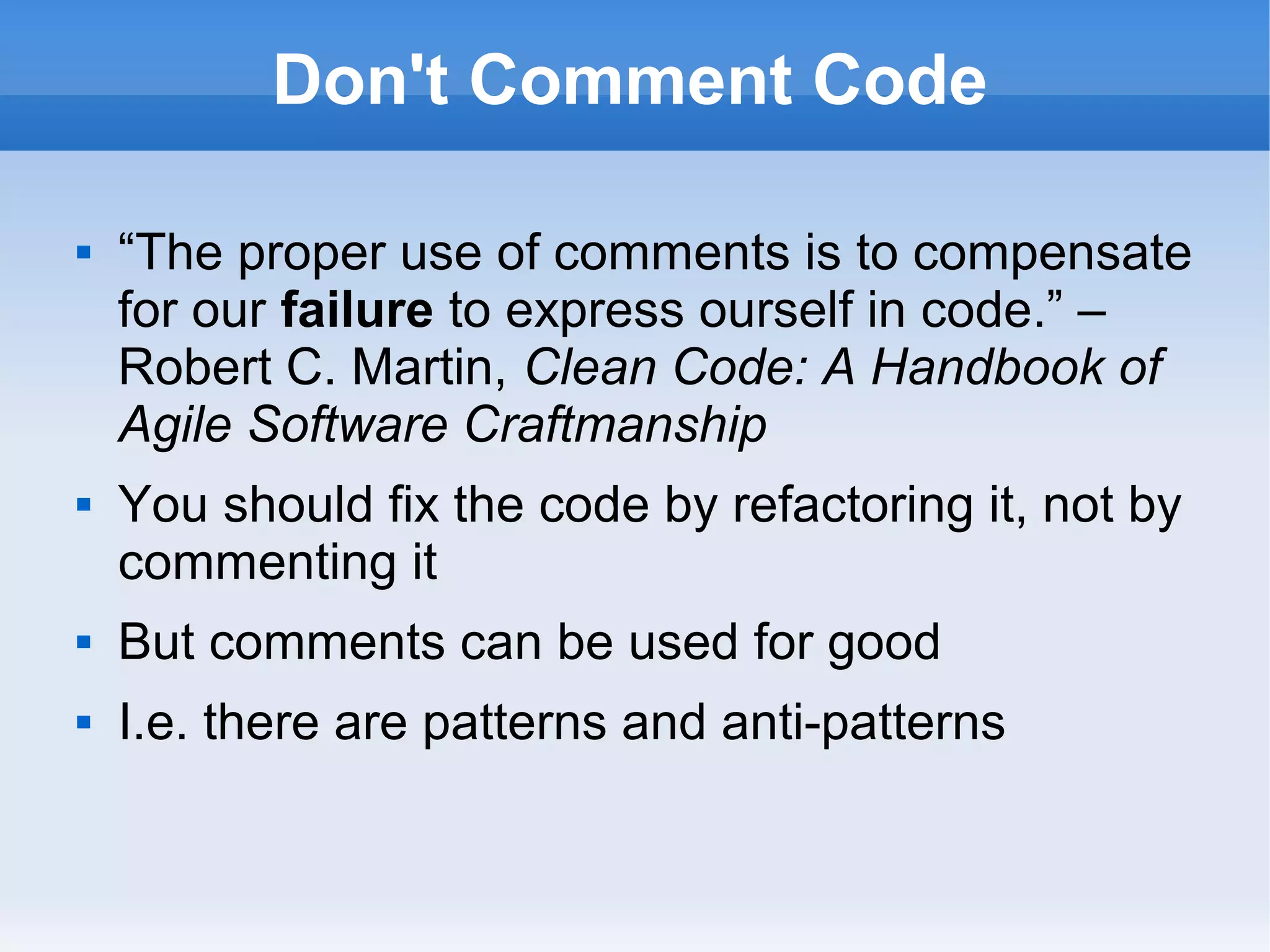
Don't Comment Code
 “The proper use of comments is to compensate
for our failure to express ourself in code.” –
Robert C. Martin, Clean Code: A Handbook of
Agile Software Craftmanship
 You should fix the code by refactoring it, not by
commenting it
 But comments can be used for good
 I.e. there are patterns and anti-patterns
Comment Patterns
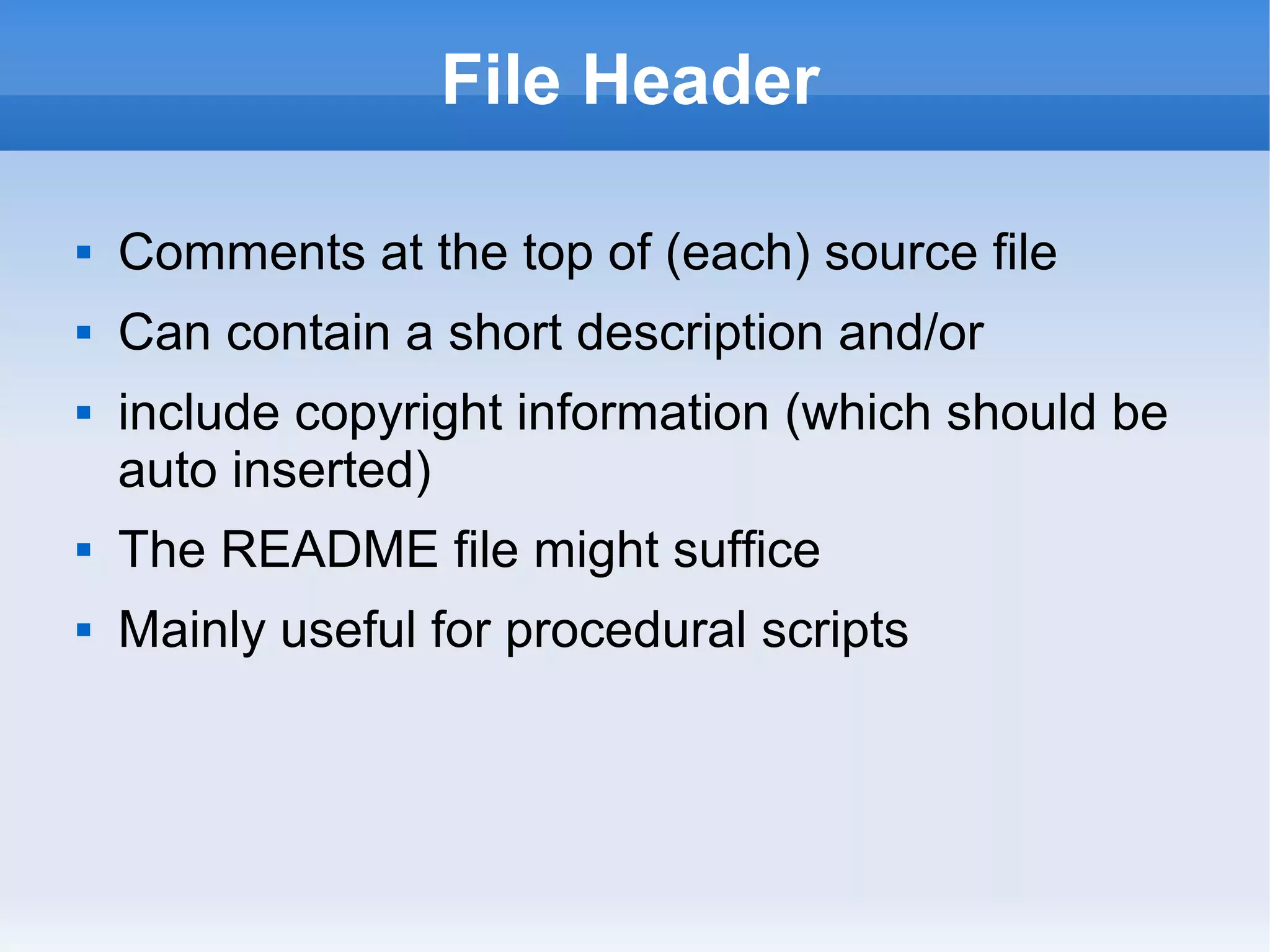
File Header
 Comments at the top of (each) source file
 Can contain a short description and/or
 include copyright information (which should be
auto inserted)
 The README file might suffice
 Mainly useful for procedural scripts
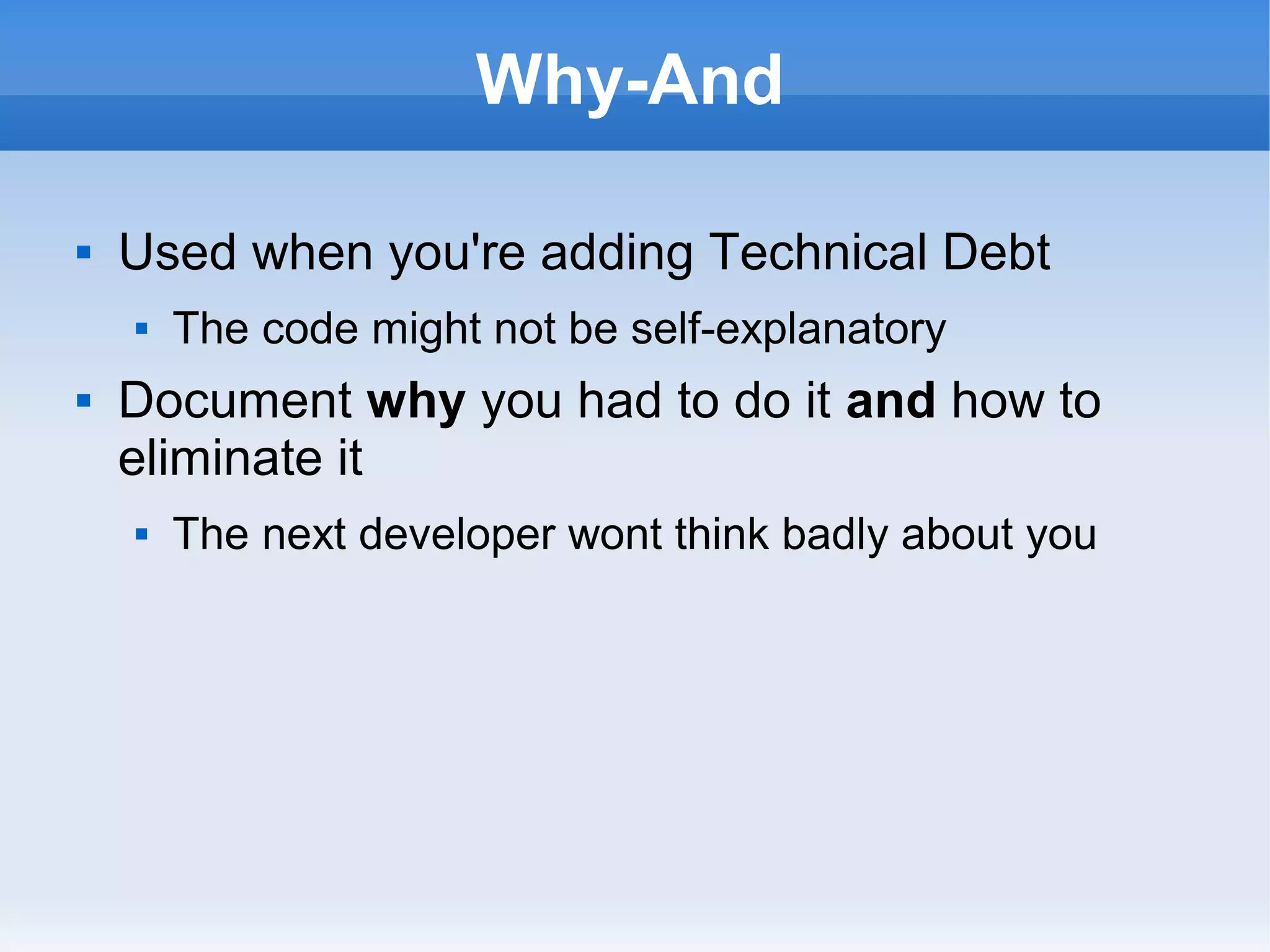
Why-And
 Used when you're adding Technical Debt
 The code might not be self-explanatory
 Document why you had to do it and how to
eliminate it
 The next developer wont think badly about you
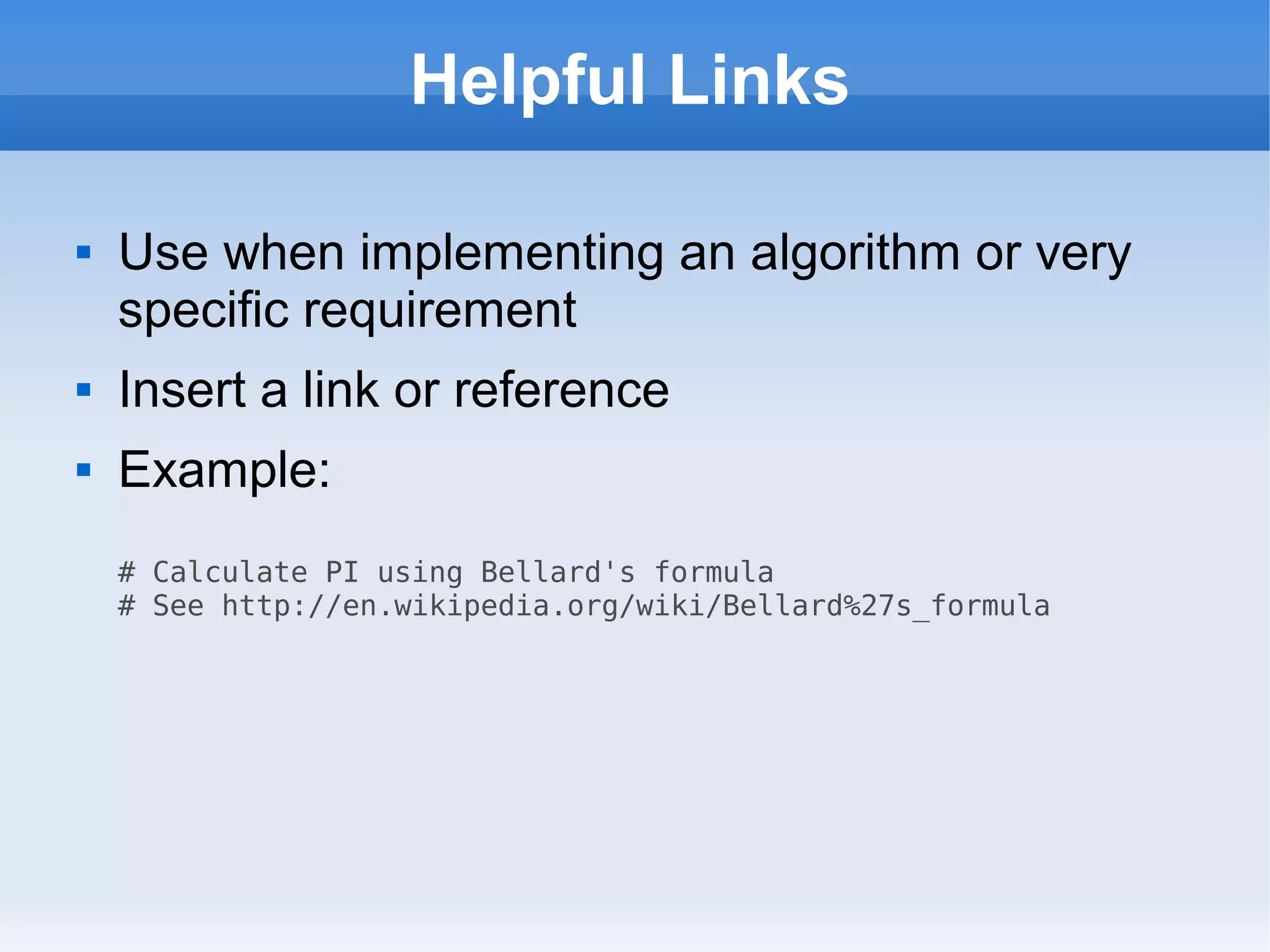
Helpful Links
 Use when implementing an algorithm or very
specific requirement
 Insert a link or reference
 Example:
# Calculate PI using Bellard's formula
# See http://en.wikipedia.org/wiki/Bellard%27s_formula
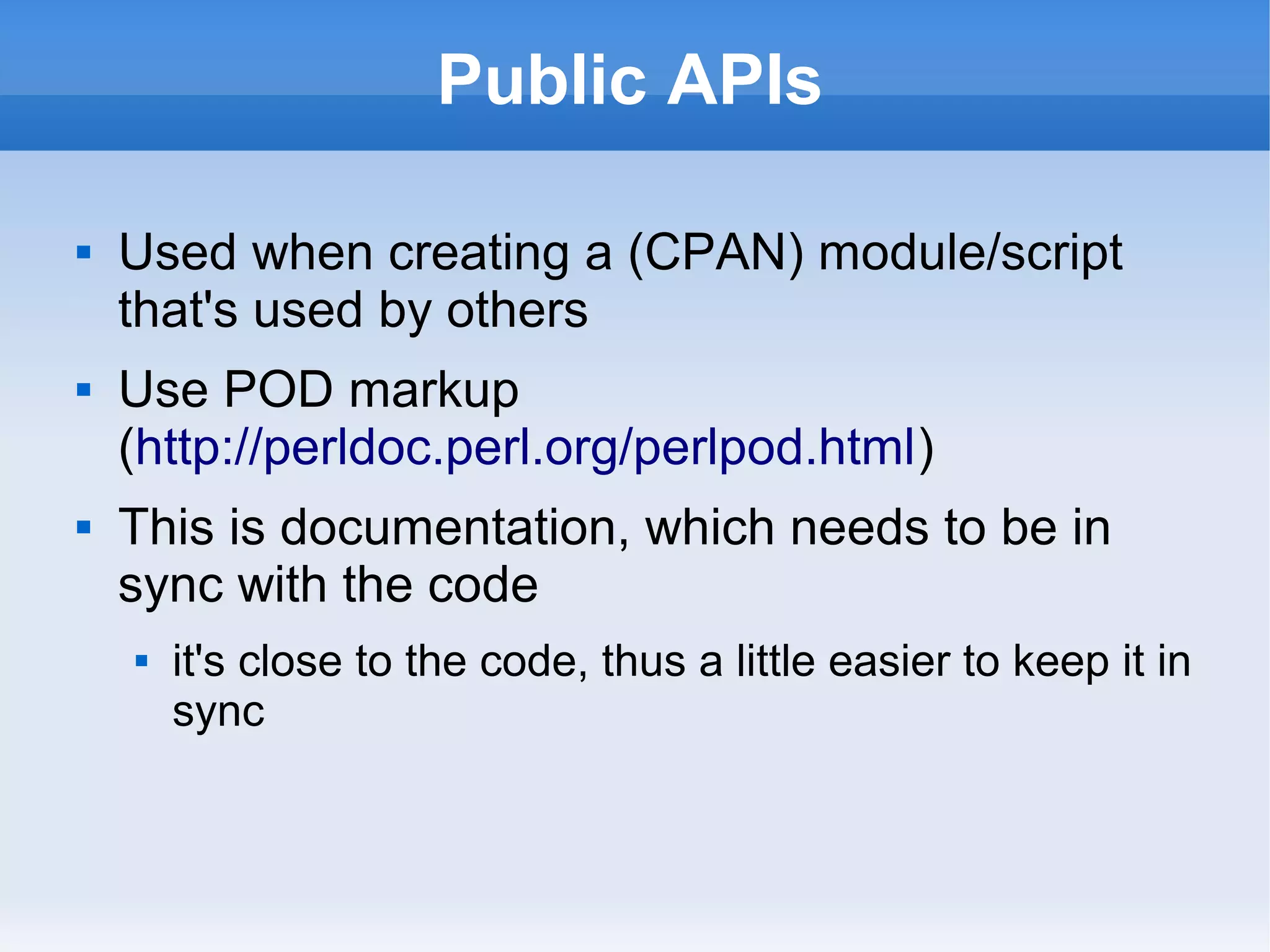
Public APIs
 Used when creating a (CPAN) module/script
that's used by others
 Use POD markup
(http://perldoc.perl.org/perlpod.html)
 This is documentation, which needs to be in
sync with the code
 it's close to the code, thus a little easier to keep it in
sync
Comment Anti-Patterns
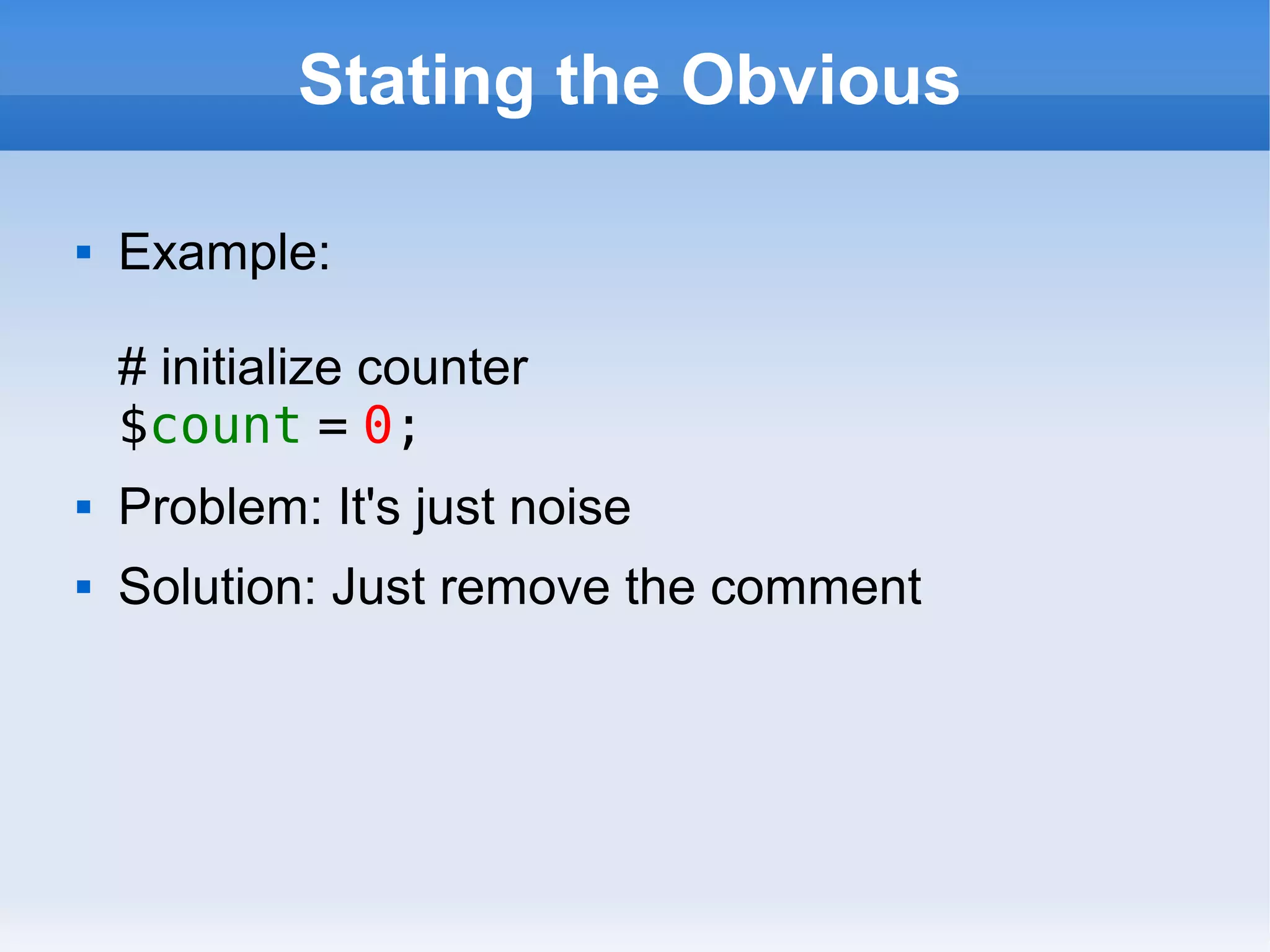
Stating the Obvious
 Example:
# initialize counter
$count = 0;
 Problem: It's just noise
 Solution: Just remove the comment
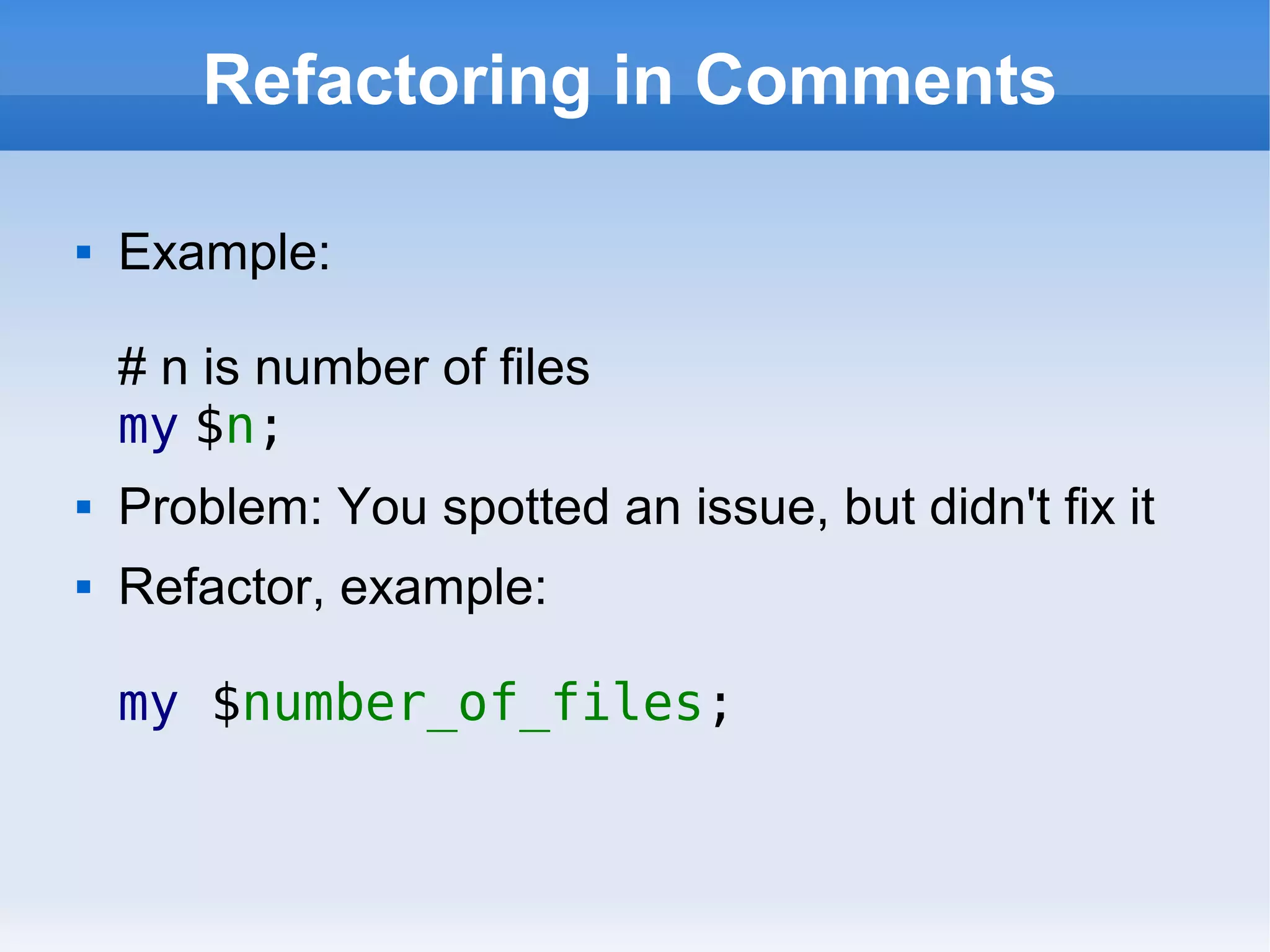
Refactoring in Comments
 Example:
# n is number of files
my $n;
 Problem: You spotted an issue, but didn't fix it
 Refactor, example:
my $number_of_files;
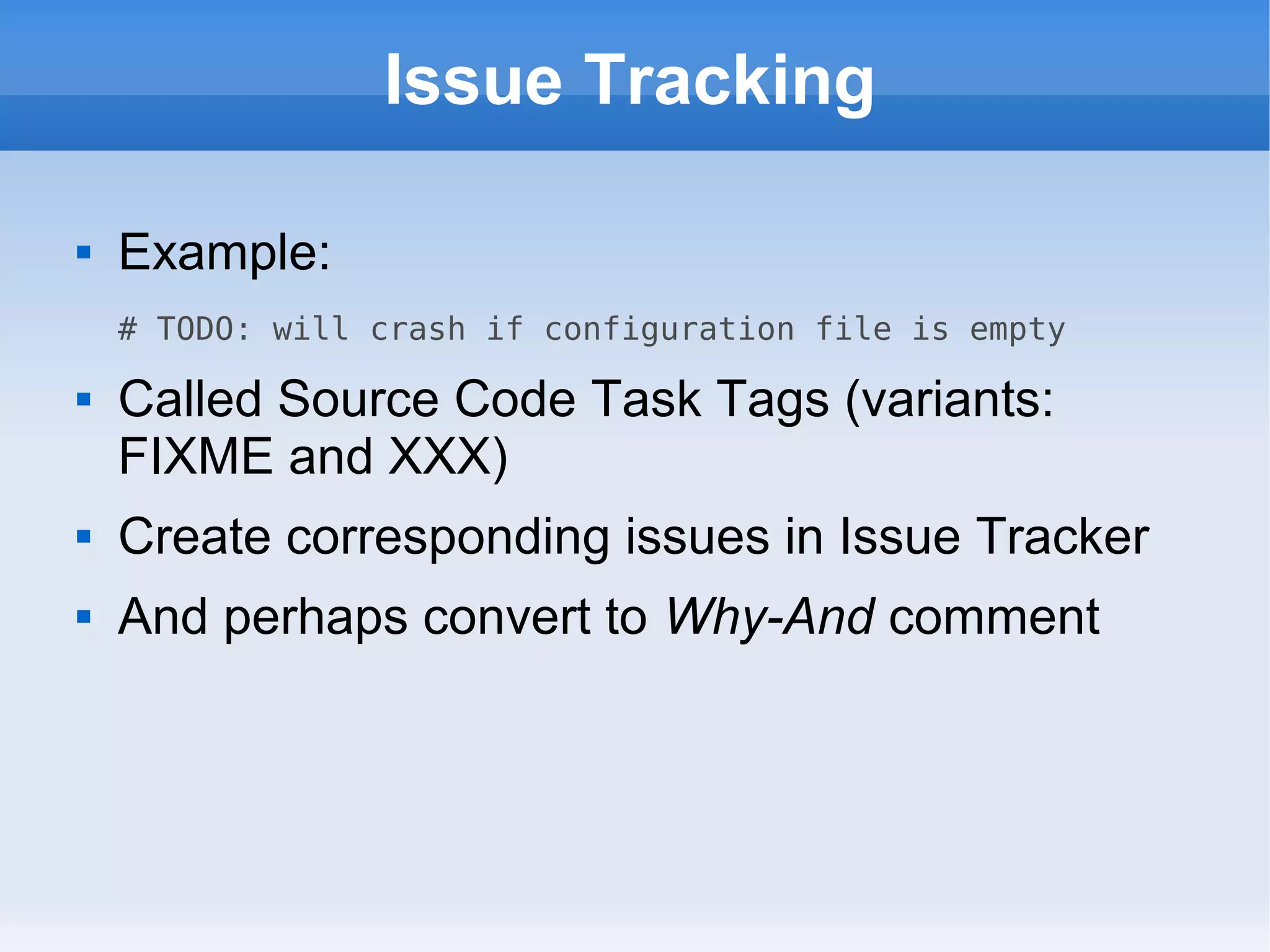
Issue Tracking
 Example:
# TODO: will crash if configuration file is empty
 Called Source Code Task Tags (variants:
FIXME and XXX)
 Create corresponding issues in Issue Tracker
 And perhaps convert to Why-And comment
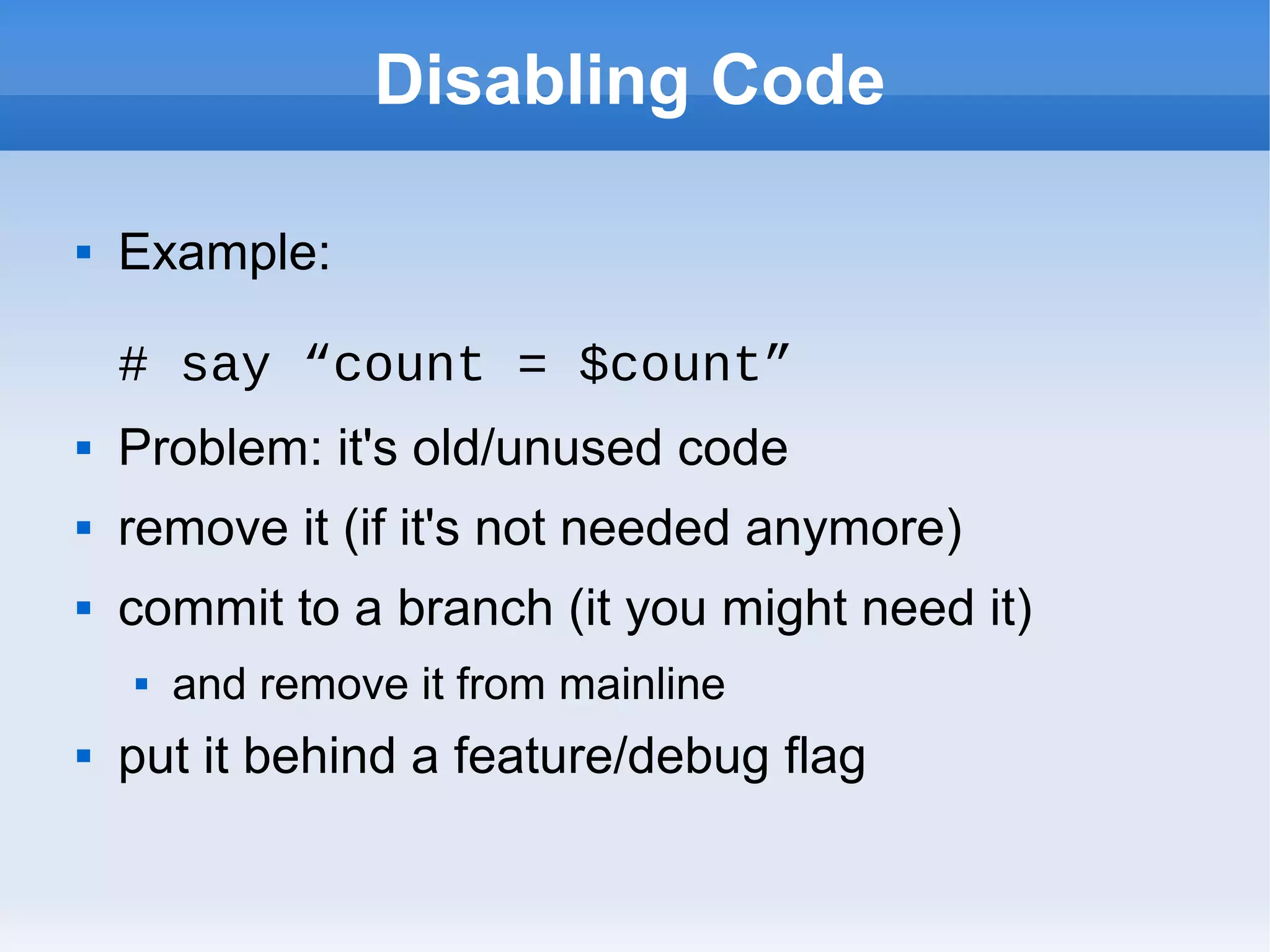
Disabling Code
 Example:
# say “count = $count”
 Problem: it's old/unused code
 remove it (if it's not needed anymore)
 commit to a branch (it you might need it)
 and remove it from mainline
 put it behind a feature/debug flag
The End
 Write self-explanatory code with tests
 Do formal peer reviews
 Eliminate the comments
 Maintain a minimal set of documentation
 Any Questions?

Documenting code yapceu2016

  • 1.
    YAPC::Europe Cluj 2016 DocumentingCode Patterns and Anti-patterns Søren Lund (slu) slu@369.dk
  • 2.
    Content of ThisTalk  Introduction  About Me  Documentation  What Documentation Do We Need?  Comments in Code  Comment Patterns  Comment Anti-Patterns
  • 3.
    Inspiration Strikes  Duringa code review I saw a comment  The comment tried to document the code, which was not easy to understand  I suggested refactoring the code, thus eliminating the need of the comment.  The developer agreed and did the refactoring  I got inspiration for this talk
  • 4.
    Rewriting the Titleof the Talk  First title was “Please don't comment your Perl code”  I found it too negative, so I changed it to “Don't comment code, document it”  Still starting of negative, so I came up with “Documenting Code, Patterns and Anti- patterns”  I.e. writing (coding) is hard; and you need to constantly rewrite (refactor).
  • 5.
    This Talk isfor Developers  It's about documenting code  How to make it easier for the (next) developer  And the next developer might be you
  • 6.
    About Me  I'ma freelance consultant  Web Development, later years mainly Back-End  Build & Release Mgnt, Testing & CI, DevOps  Professional developer for more than 20 years  Programmed in Perl for almost as long  Generalist, work with everything from infrastructure to front-end-development  I enjoy writing (the right) documentation
  • 7.
  • 8.
    The Problem withDocumentation  Documentation must be in sync with the code  It's extra work. Often missed/skipped.  Minimize the amount of documentation, will results in less work  Write code that is self-explanatory  We'll still need some documentation
  • 9.
    Self-Explanatory Code  Meaningfulnaming is important  Short subs  Minimize block level  A module/sub should do only one thing  Don't be afraid of one-liner subs  Comments are rarely/never needed
  • 10.
    Humanizing Readable Code “Any fool can write code that a computer can understand. Good programmers write code that humans can understand” – Martin Fowler  “Code is read much more often than it is written, so plan accordingly” – Raymond Chen
  • 11.
    Ensuring Self-Explanatory Code1  Create Tests (which is a form of documentation)  Unit Tests (prove)  Function/Integration Tests (JMeter, Postman, Selenium)  When you create tests, you mindset changes  You'll be using your own code  Remember to run test daily in CI (Jenkins)
  • 12.
    Ensuring Self-Explanatory Code2  Peer Review (Crucible, Gerrit, PRs)  Remember to review tests and documentation  An effective way to knowledge share (eliminating the need for documentation somewhat)  Project of the Month/Sprint  Review/clean-up/elimination of technical debt
  • 13.
    Do the damnpeer reviews! “… software testing alone has limited effectiveness — the average defect detection rate is only 25 percent for unit testing, 35 percent for function testing, and 45 percent for integration testing. In contrast, the average effectiveness of design and code inspections are 55 and 60 percent” —Steve McConnell, Code Complete
  • 14.
  • 15.
    The README file Placed in the top level directory of the code  This is what e.g. CPAN and GitHub wants  Content should include  Short description incl. copyright information  How to build/install  Links to issue tracker, wiki, etc.
  • 16.
    The Issue Tracker JIRA, Redmine, Bugzilla, Trac, GitHub...  Use it to  document known bugs  describe wishes (coming features)  prioritize what to do next  Should support your development process
  • 17.
    A Wiki  Confluence,Redmine, Trac, GitHub…  Use it to  write Technical Notes  communicate ideas (drafts of e.g. APIs)  maintain a FAQ, knowledge base, etc.  write User Documentation (not always an option)
  • 18.
    Specific Documents WeNeed  Architectural Notes (hows and whys)  Code Style Guidelines (maybe just point to http://perldoc.perl.org/perlstyle.html)  Server/Deployment diagram (simplified)  E/R Diagram (auto generated, SchemaSpy)  Should all be (available) in the Wiki  Note: Customer/Company might require you to write other documentation.
  • 19.
  • 20.
    Don't Comment Code “The proper use of comments is to compensate for our failure to express ourself in code.” – Robert C. Martin, Clean Code: A Handbook of Agile Software Craftmanship  You should fix the code by refactoring it, not by commenting it  But comments can be used for good  I.e. there are patterns and anti-patterns
  • 21.
  • 22.
    File Header  Commentsat the top of (each) source file  Can contain a short description and/or  include copyright information (which should be auto inserted)  The README file might suffice  Mainly useful for procedural scripts
  • 23.
    Why-And  Used whenyou're adding Technical Debt  The code might not be self-explanatory  Document why you had to do it and how to eliminate it  The next developer wont think badly about you
  • 24.
    Helpful Links  Usewhen implementing an algorithm or very specific requirement  Insert a link or reference  Example: # Calculate PI using Bellard's formula # See http://en.wikipedia.org/wiki/Bellard%27s_formula
  • 25.
    Public APIs  Usedwhen creating a (CPAN) module/script that's used by others  Use POD markup (http://perldoc.perl.org/perlpod.html)  This is documentation, which needs to be in sync with the code  it's close to the code, thus a little easier to keep it in sync
  • 26.
  • 27.
    Stating the Obvious Example: # initialize counter $count = 0;  Problem: It's just noise  Solution: Just remove the comment
  • 28.
    Refactoring in Comments Example: # n is number of files my $n;  Problem: You spotted an issue, but didn't fix it  Refactor, example: my $number_of_files;
  • 29.
    Issue Tracking  Example: #TODO: will crash if configuration file is empty  Called Source Code Task Tags (variants: FIXME and XXX)  Create corresponding issues in Issue Tracker  And perhaps convert to Why-And comment
  • 30.
    Disabling Code  Example: #say “count = $count”  Problem: it's old/unused code  remove it (if it's not needed anymore)  commit to a branch (it you might need it)  and remove it from mainline  put it behind a feature/debug flag
  • 31.
    The End  Writeself-explanatory code with tests  Do formal peer reviews  Eliminate the comments  Maintain a minimal set of documentation  Any Questions?