WebTechCon 2015
Performance and UX
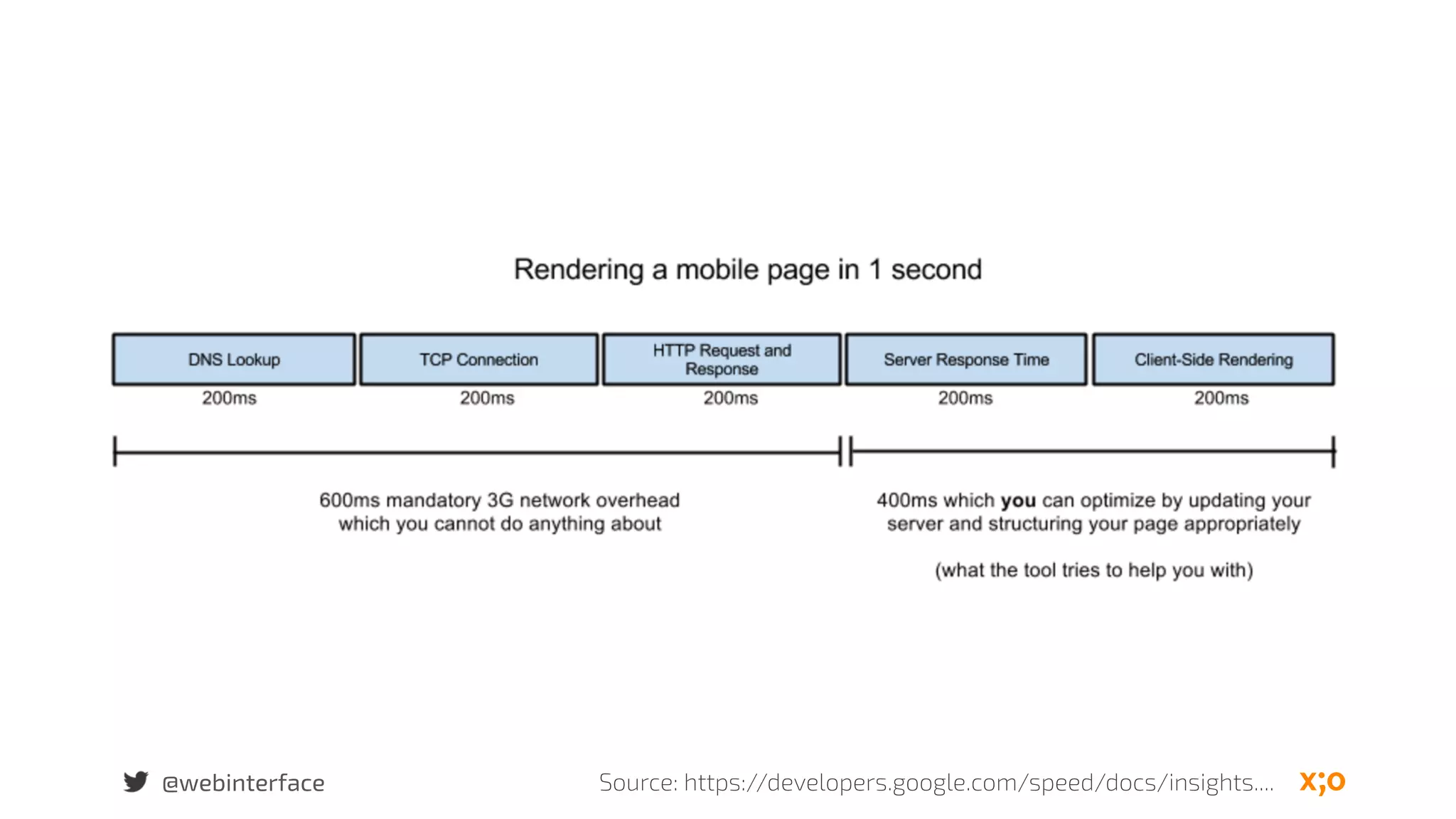
Image: flickr.com/.../projectapolloarchive/@webinterface
Peter Rozek
Work at ecx.io (Digital Agency)
Skills:
UX
Usability
Accessibility
Frontend
@webinterface
@webinterface
We have slow
connection
speeds
Image: http://conservativepost.com/
@webinterface
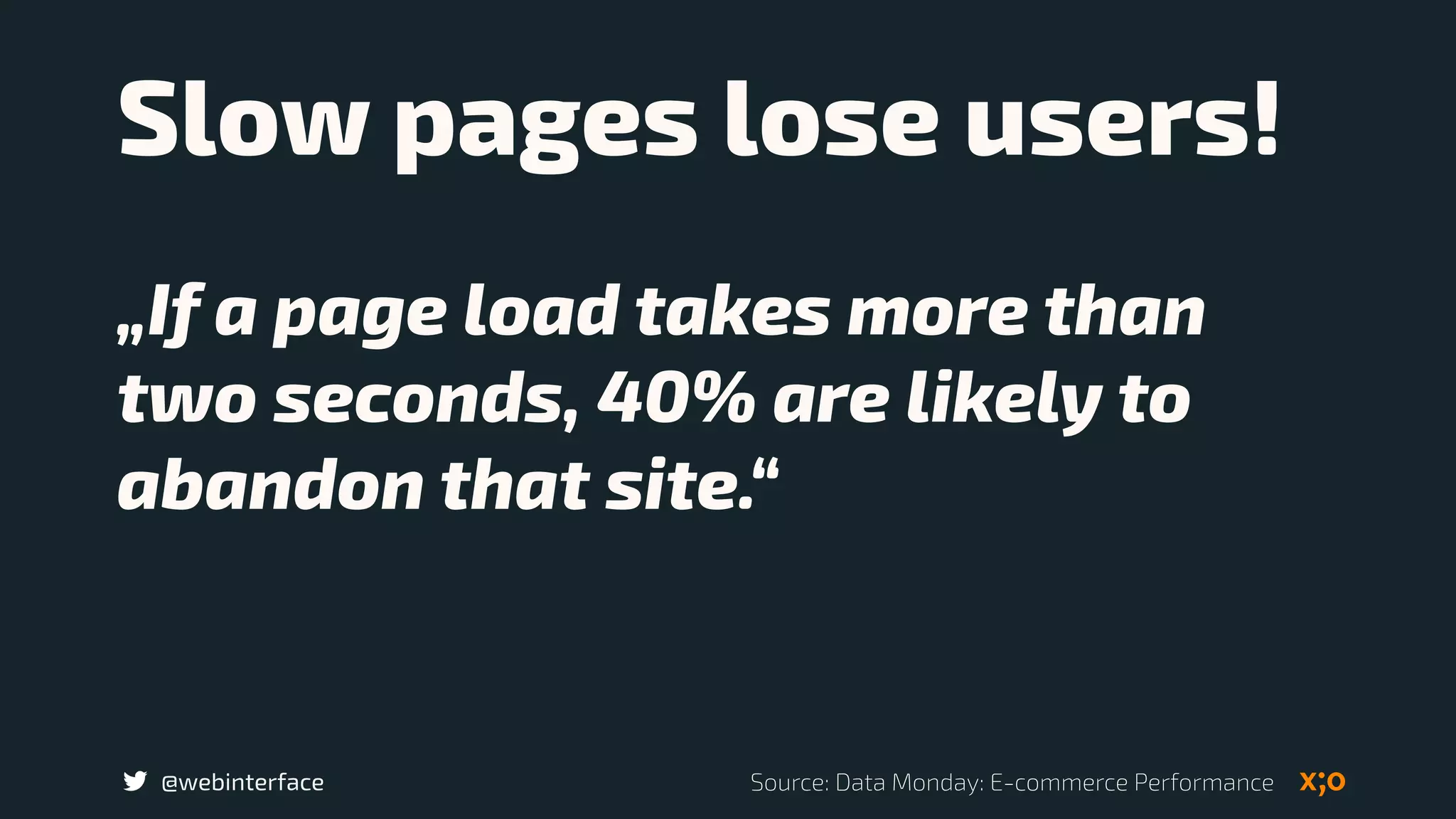
Slow pages lose users!
„If a page load takes more than
two seconds, 40% are likely to
abandon that site.“
Source: Data Monday: E-commerce Performance
@webinterface
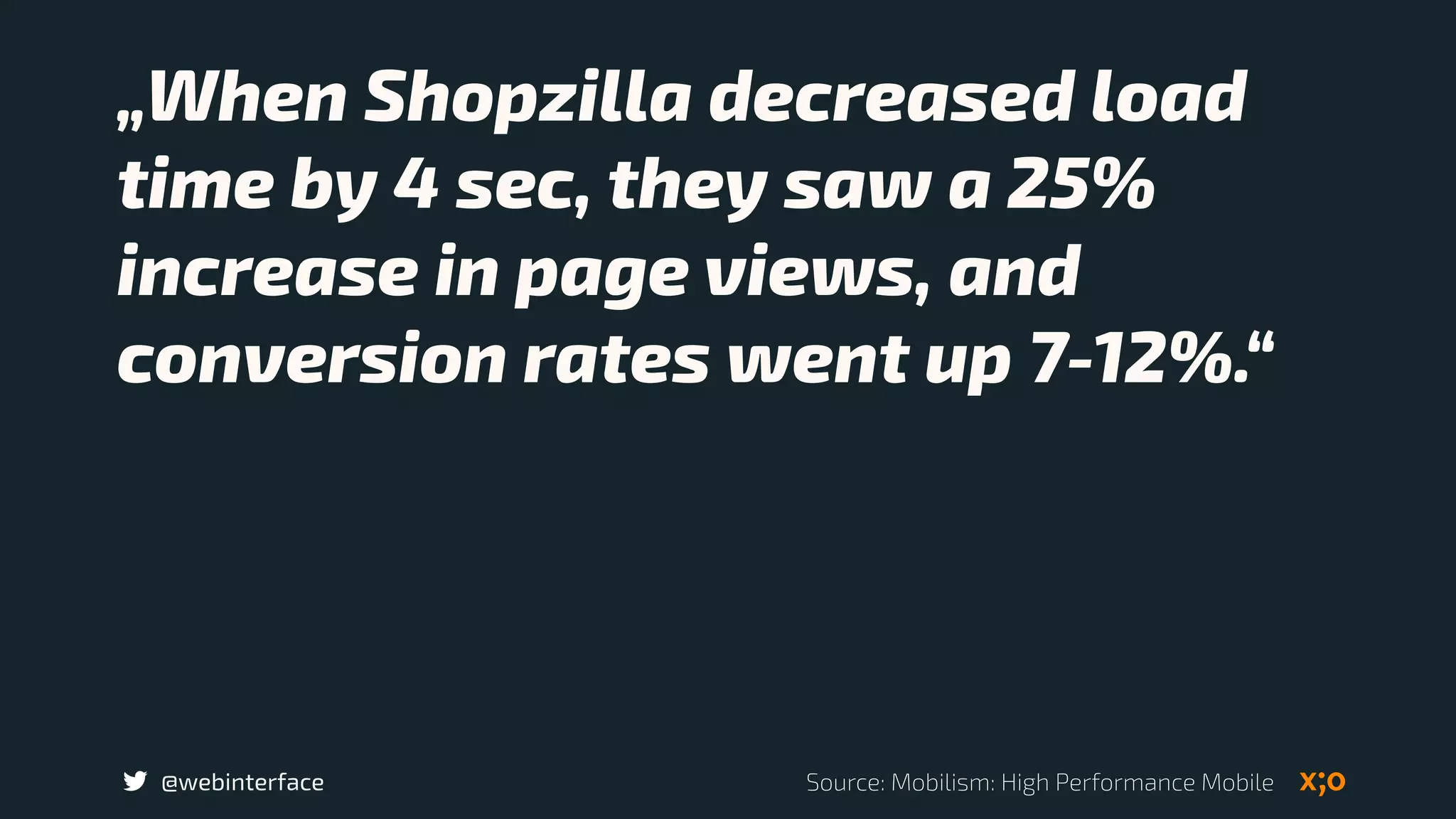
„When Shopzilla decreased load
time by 4 sec, they saw a 25%
increase in page views, and
conversion rates went up 7-12%.“
Source: Mobilism: High Performance Mobile
@webinterface
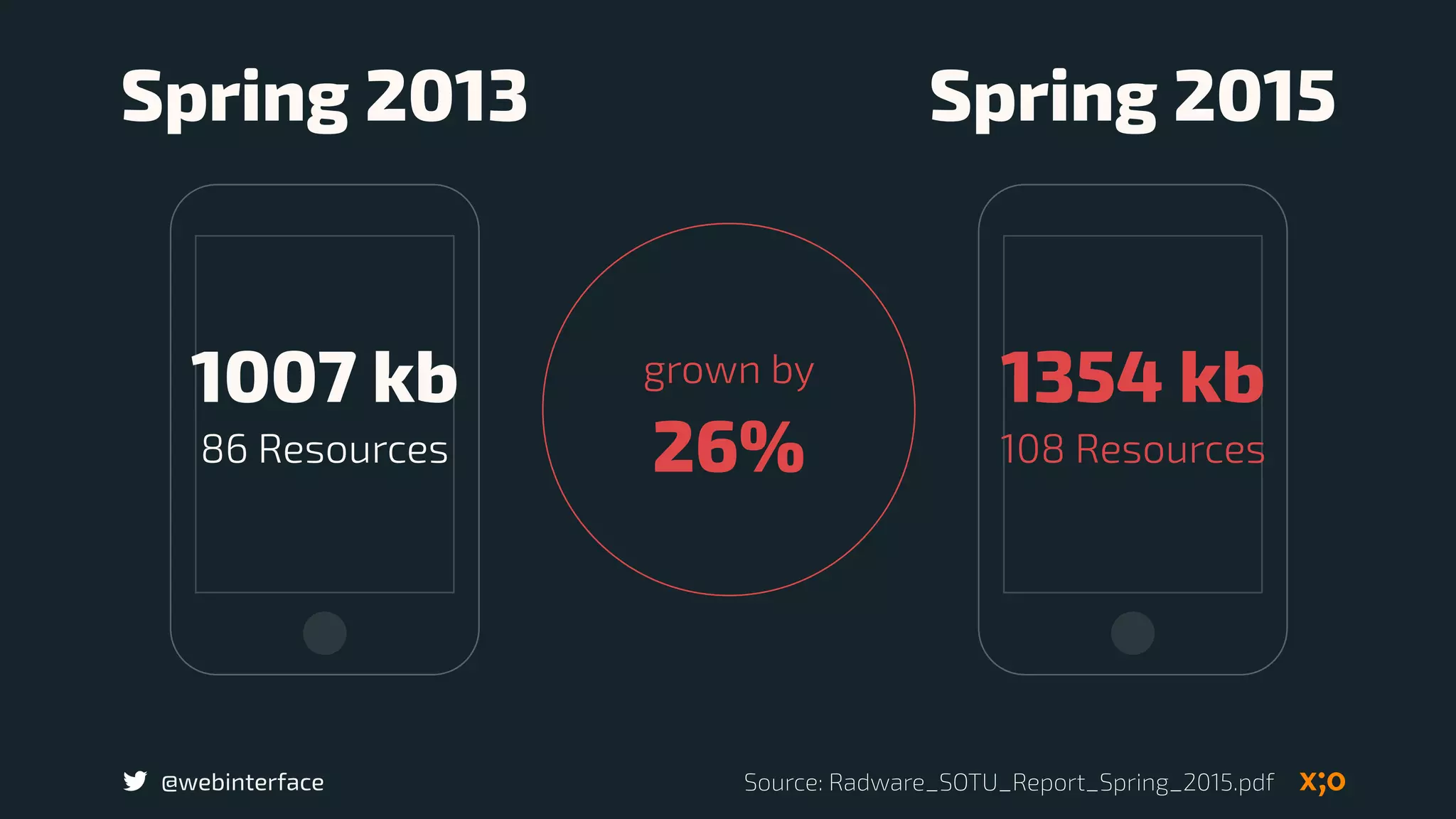
1007 kb
86 Resources
1354 kb
108 Resources
Spring 2013 Spring 2015
grown by 

26%
Source: Radware_SOTU_Report_Spring_2015.pdf
@webinterface
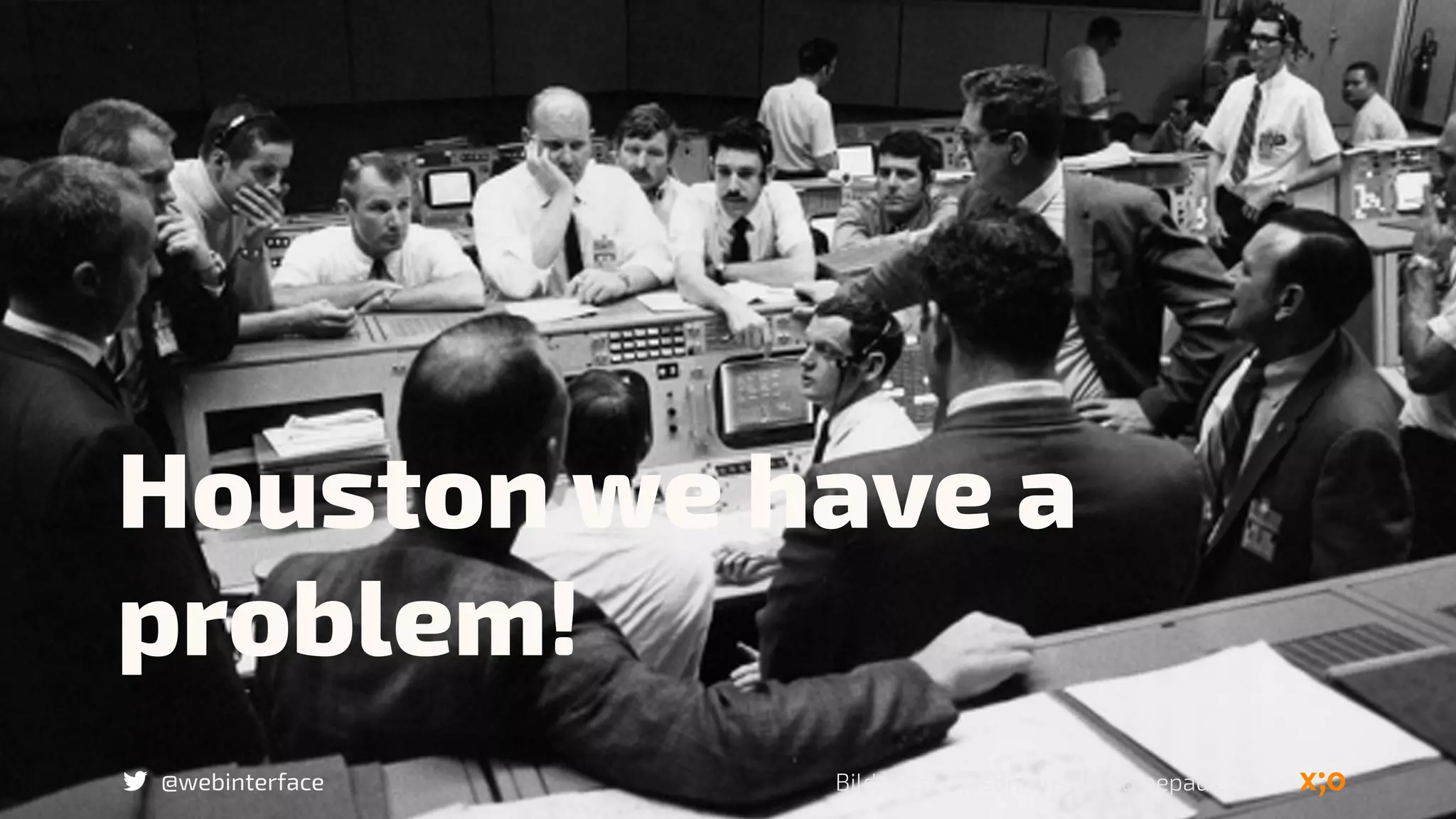
Houston we have a
problem!
Bild: http://jasonrenshaw.typepad.com/
@webinterface
Knowing your
destination and
being lost
@webinterface
Do you know 

your why?
Does your client know
its why?
Source: The Six Elements of Focus to Improve Your Craft
@webinterface
Clarity Focus
Source: The Six Elements of Focus to Improve Your Craft
@webinterface
Performance 

is a essential 

design feature
@webinterface
Performance is 

design´s best friend,
not its enemy
@webinterface
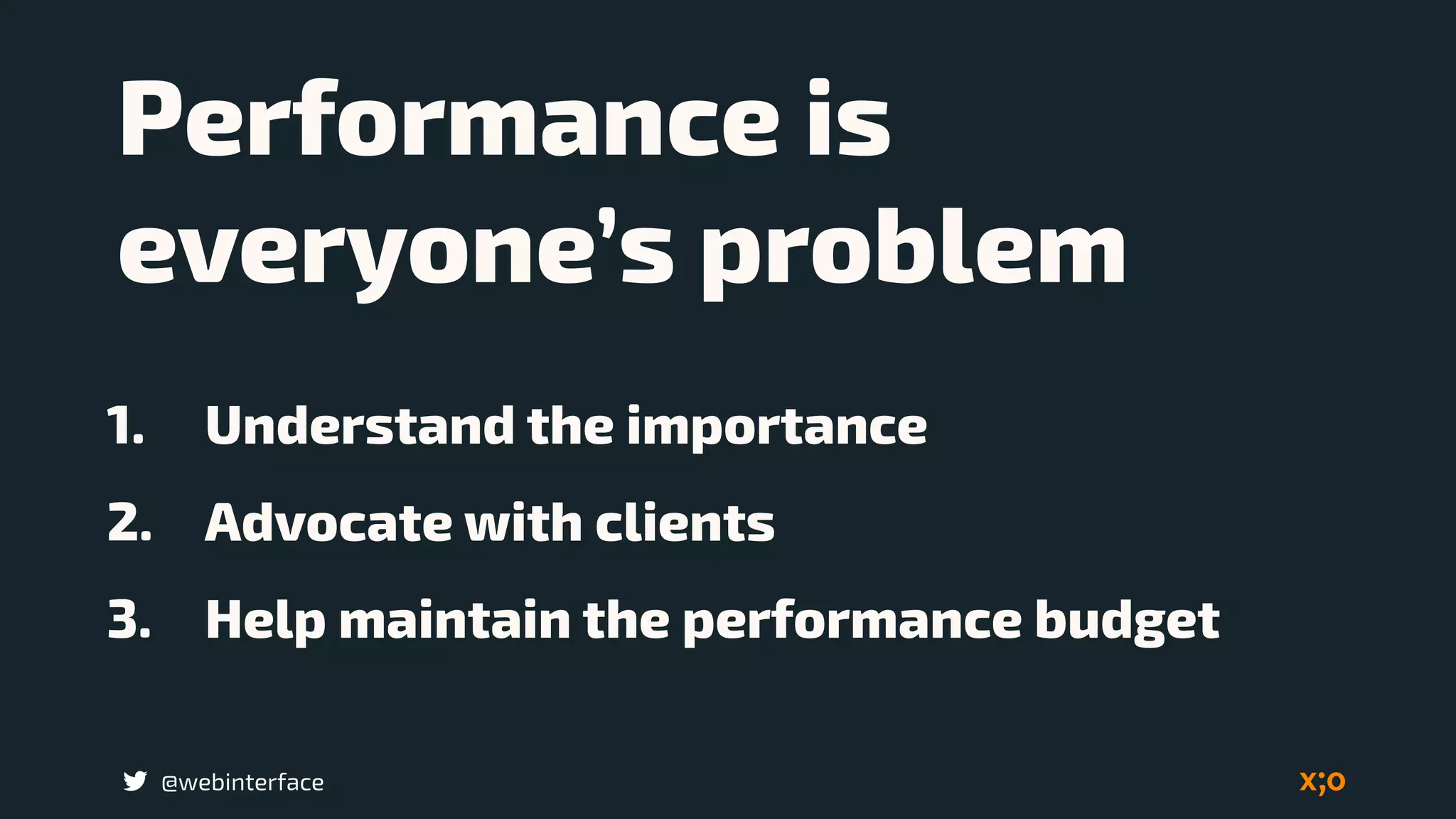
Performance is
everyone’s problem
1. Understand the importance
2. Advocate with clients
3. Help maintain the performance budget
@webinterface
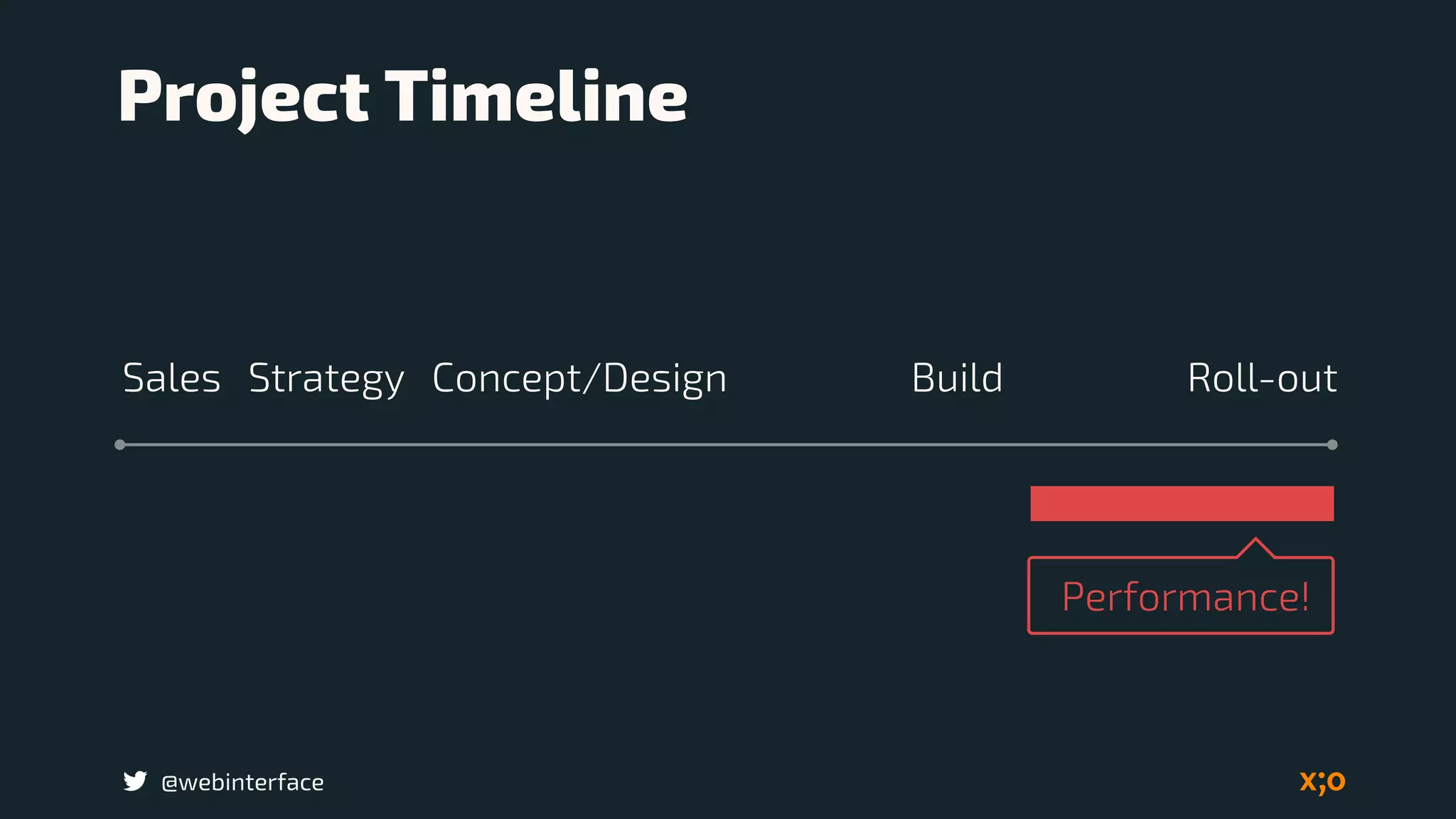
Performance!
BuildSales Concept/Design Roll-out
Project Timeline
Strategy
@webinterface
Performance!
Performance is a part of
conception and design
BuildSales Concept/Design Roll-outStrategy
@webinterface
Performance are not
simply a development
issue
@webinterface
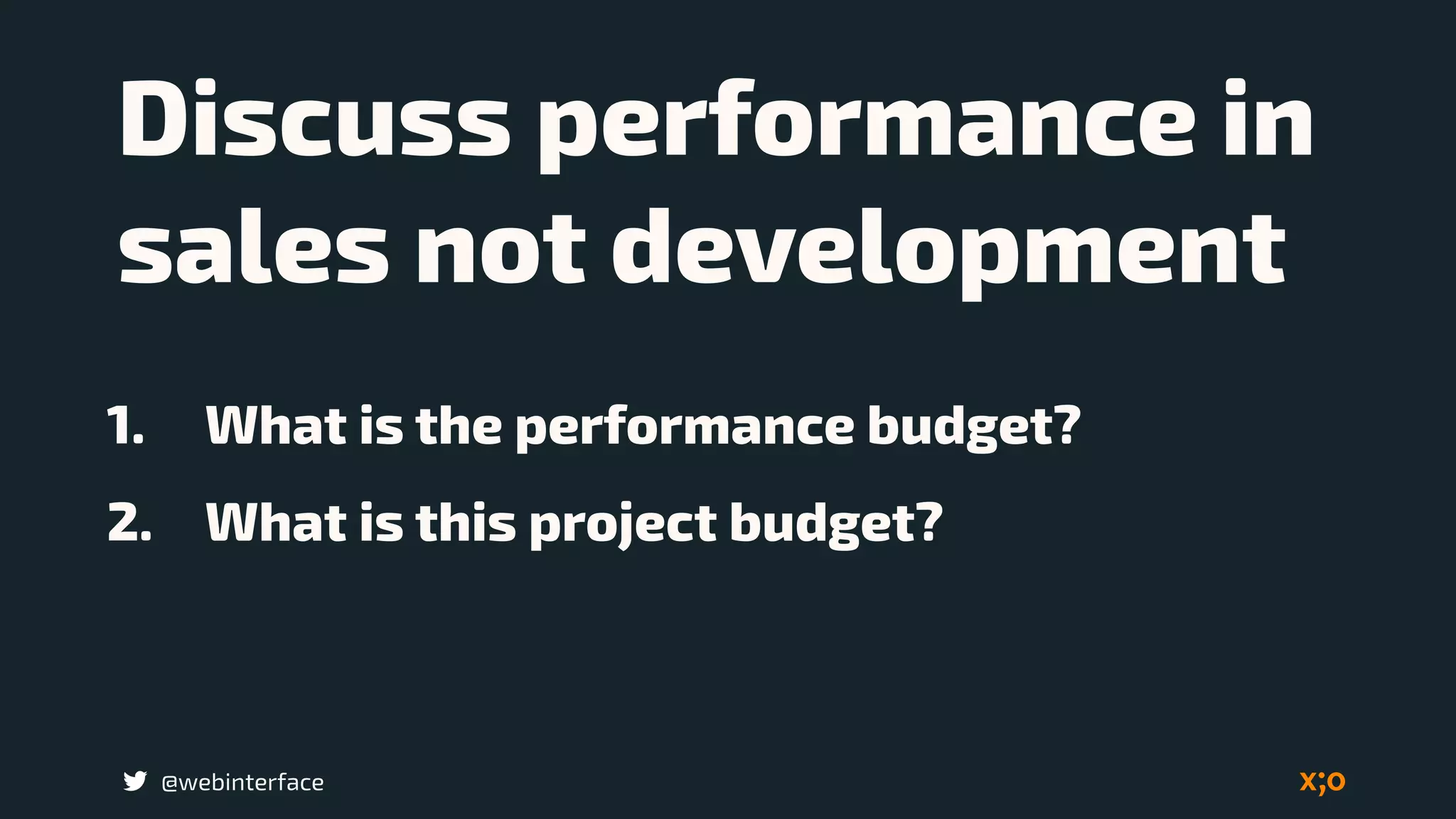
Discuss performance in
sales not development
1. What is the performance budget?
2. What is this project budget?
@webinterface
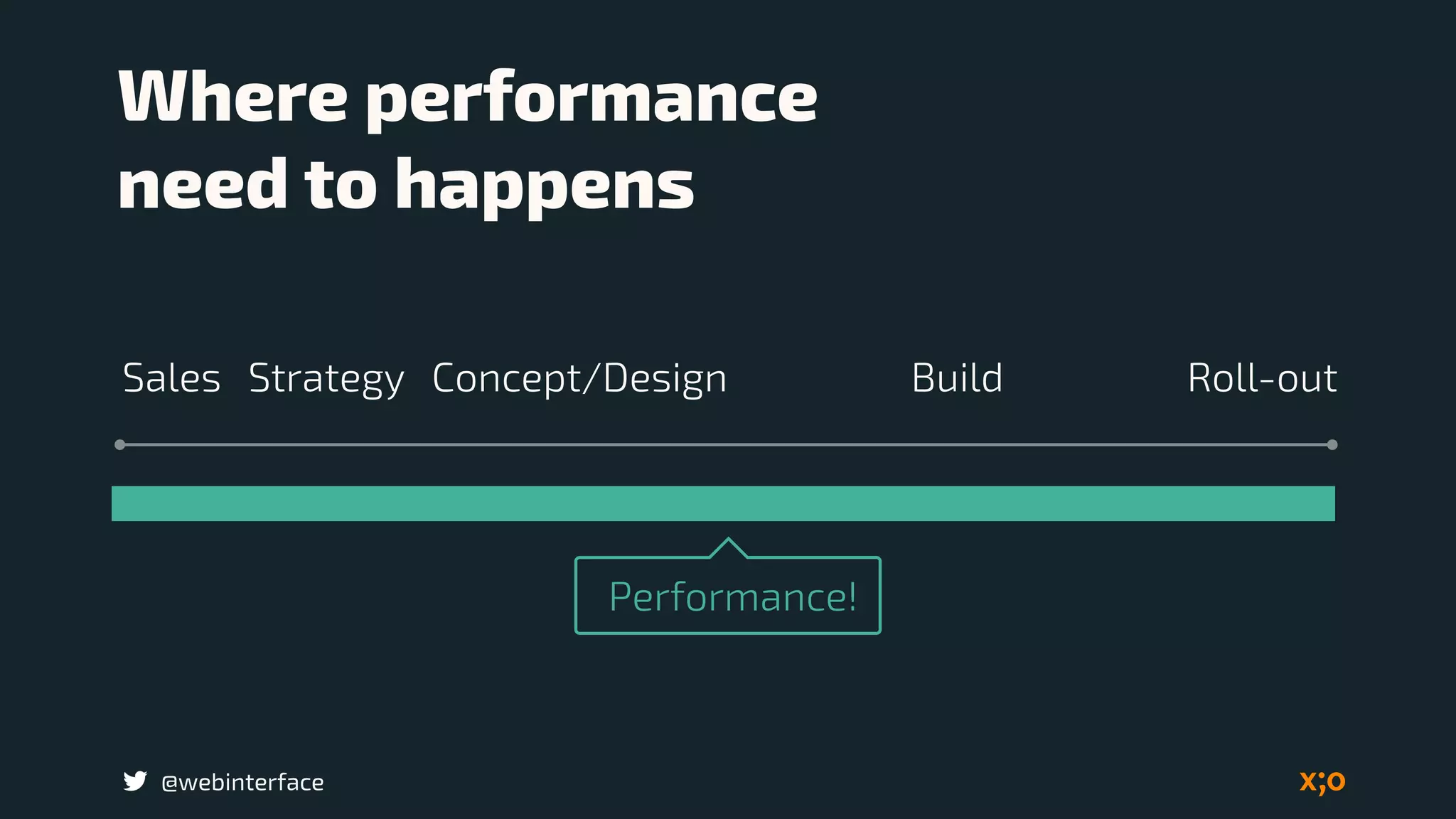
Performance!
Where performance 

need to happens
BuildSales Concept/Design Roll-outStrategy
@webinterface
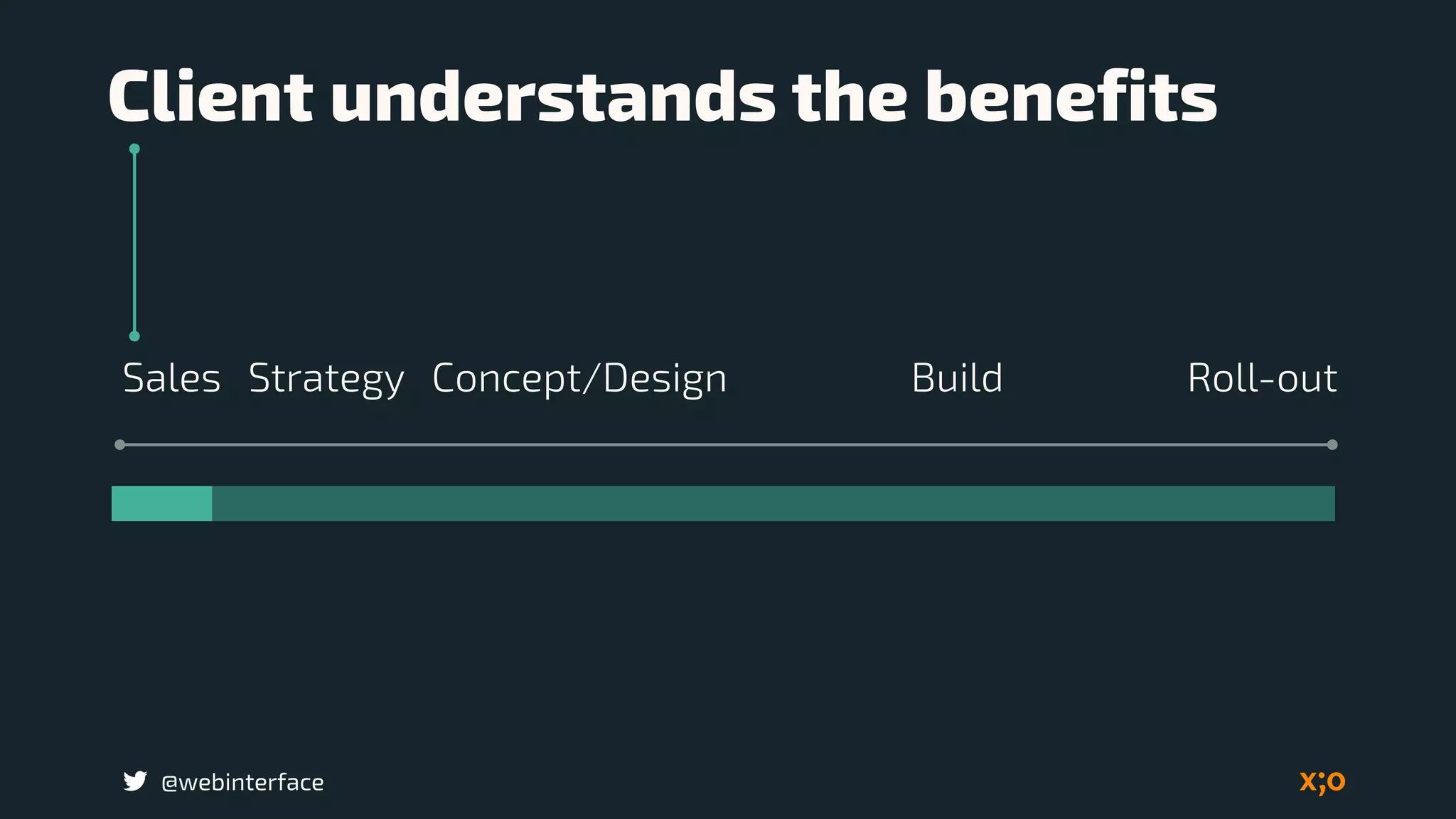
Client understands the benefits
BuildSales Concept/Design Roll-outStrategy
@webinterface
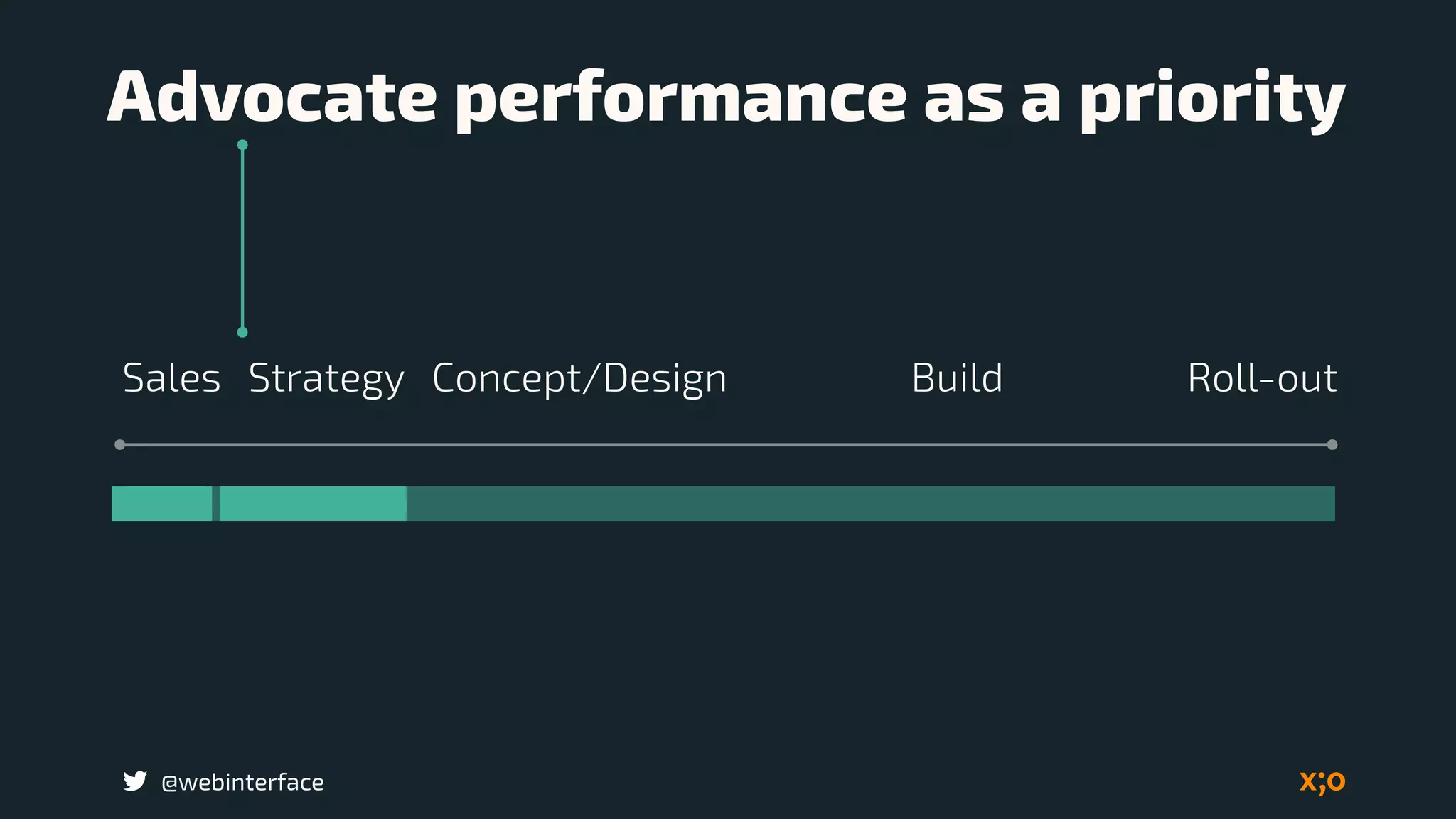
Advocate performance as a priority
BuildSales Concept/Design Roll-outStrategy
@webinterface
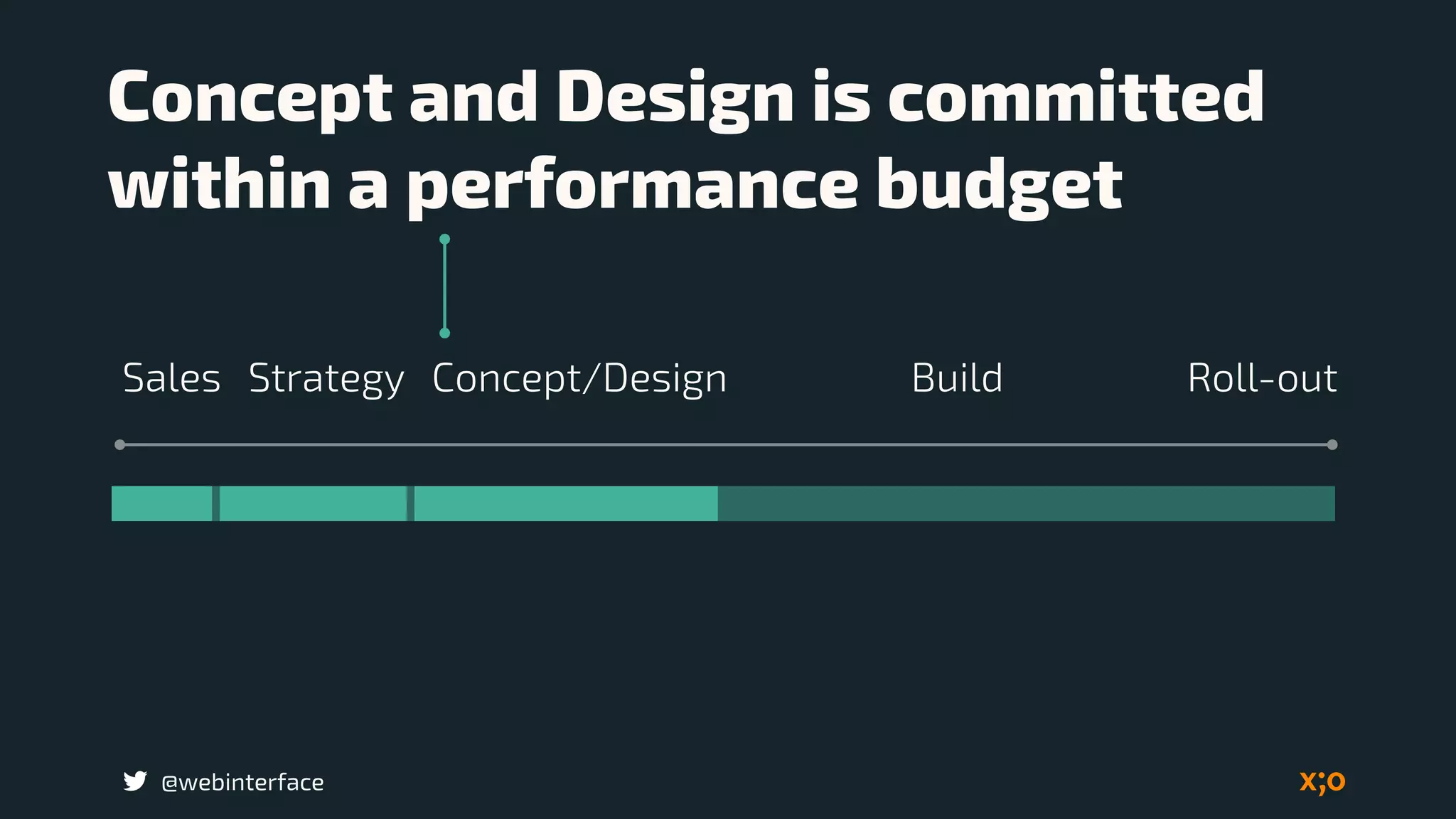
Concept and Design is committed

within a performance budget
BuildSales Concept/Design Roll-outStrategy
@webinterface
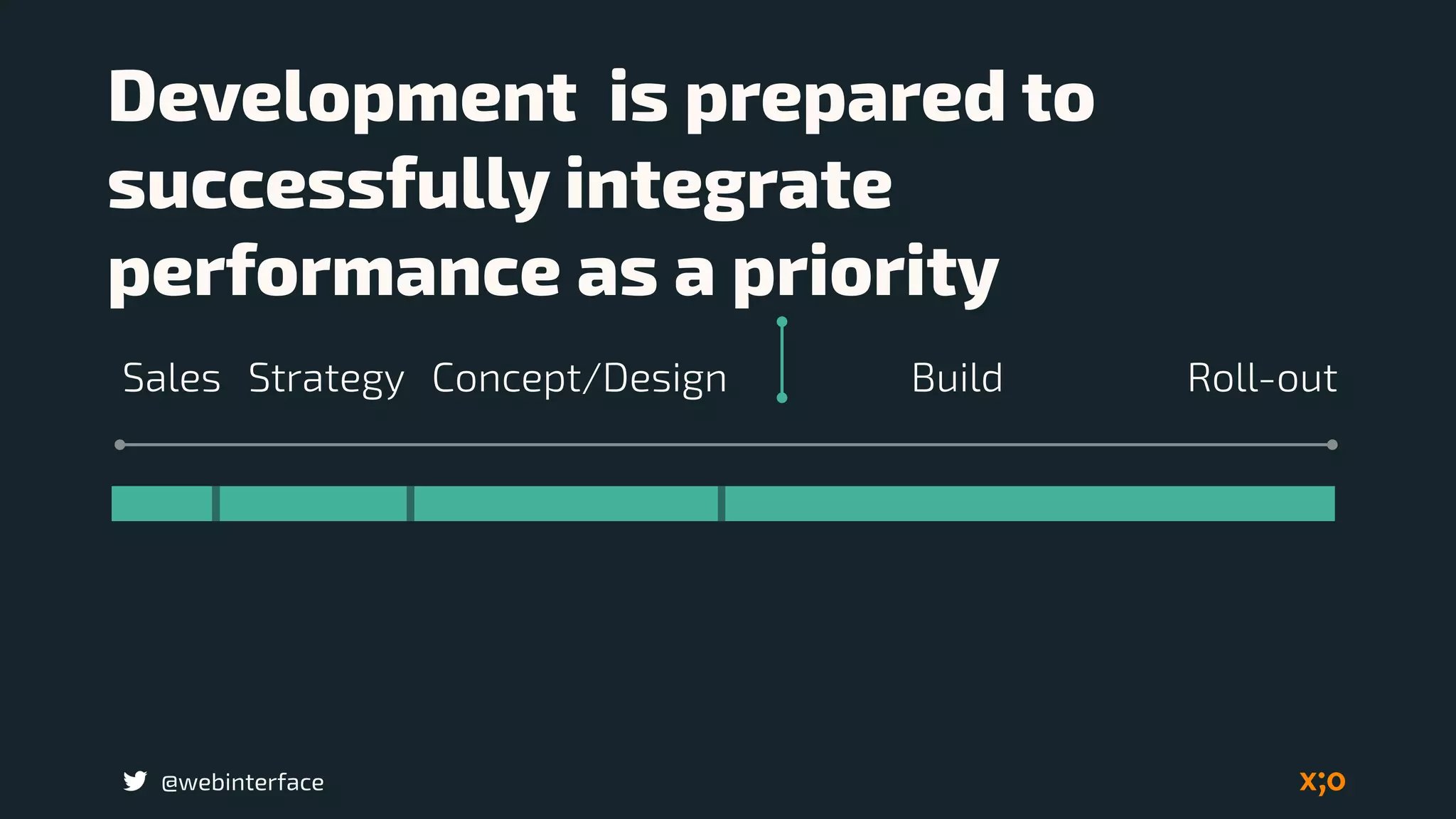
Development is prepared to 

successfully integrate
performance as a priority
BuildSales Concept/Design Roll-outStrategy
@webinterface
Everyone must be
envolved by baking
performance into your
workflow from day one.
@webinterface
Set one goal

with metrics
@webinterface
Communicate

what, how and why
@webinterface
The perception of fast
What is fast?
Image: www.srf.ch
Chuck Norris
doesn’t wear a
watch. He decides
what time it is.
@webinterface Image: http://www.mrctv.org/
No one likes to suffer the
frustration of waiting.
@webinterface
@webinterface Image: http://www.mrctv.org/
@webinterface
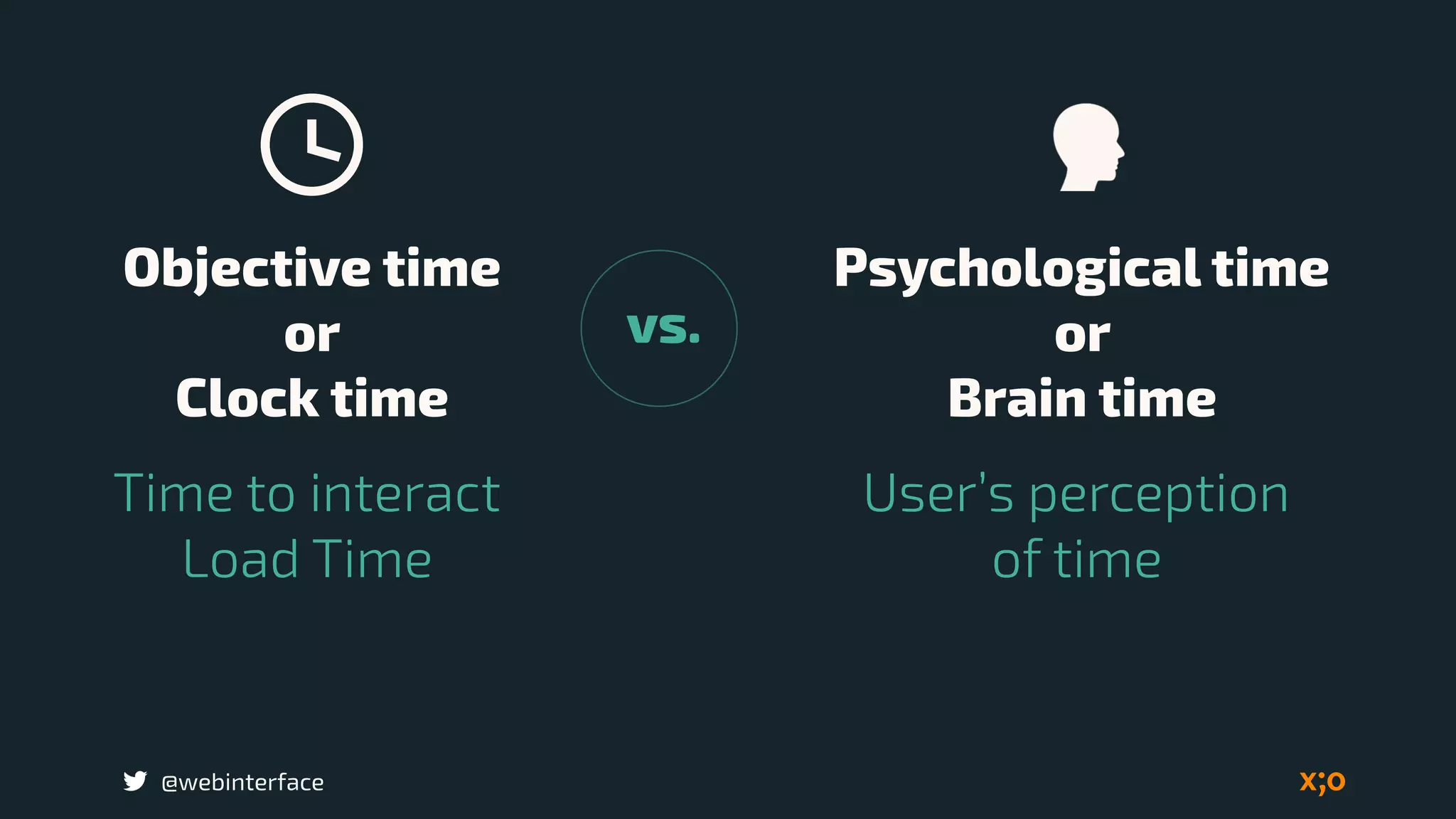
User’s perception 

of time
Time to interact

Load Time
Objective time 

or 

Clock time
Psychological time 

or 

Brain time
vs.
@webinterface
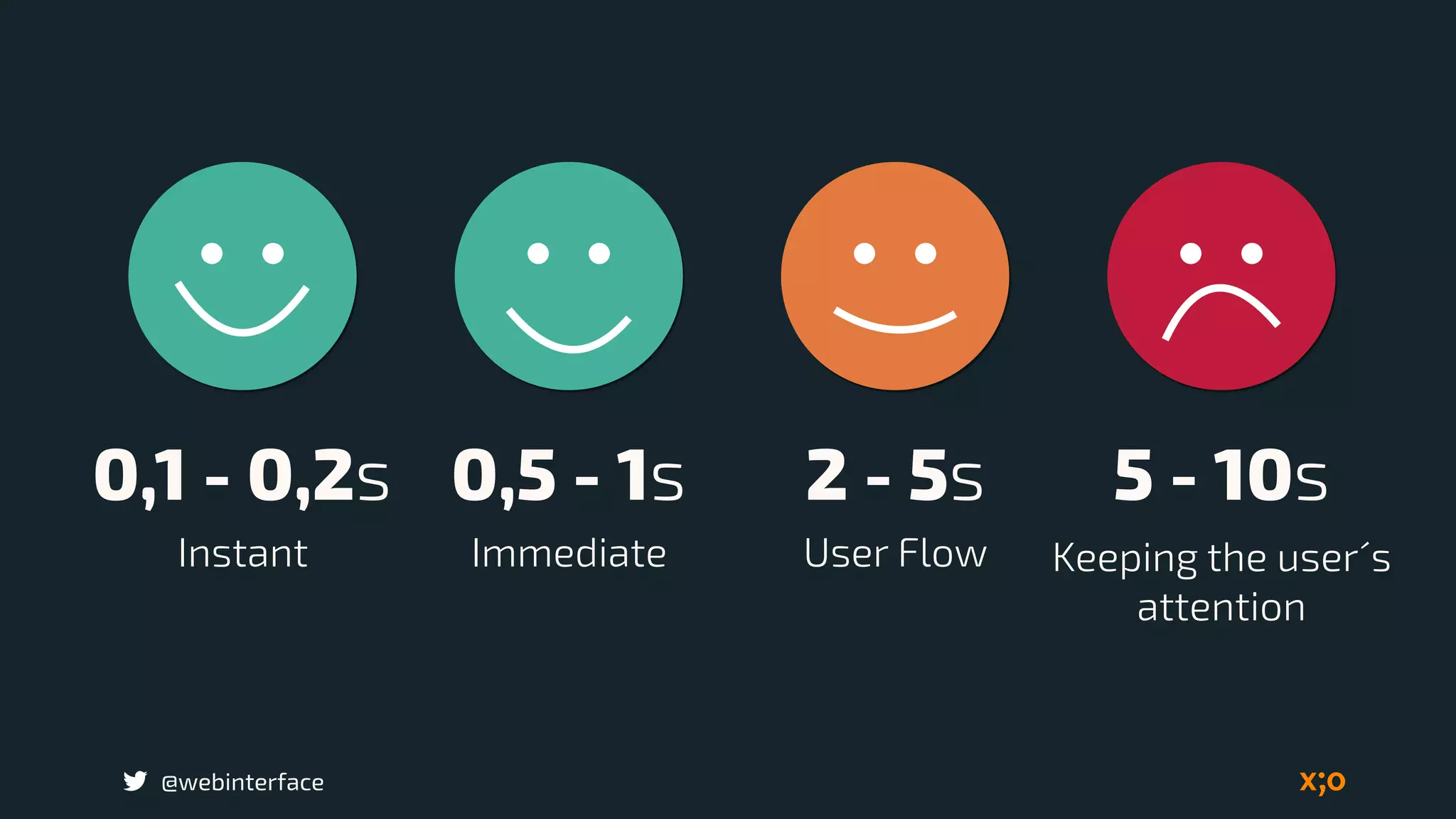
Jacob Nielsen:

Website Response
Times
@webinterface
0,1 - 0,2s 0,5 - 1s 2 - 5s 5 - 10s
Instant Immediate User Flow Keeping the user´s
attention
@webinterface
Load the page
mobile within 

5 seconds
@webinterface
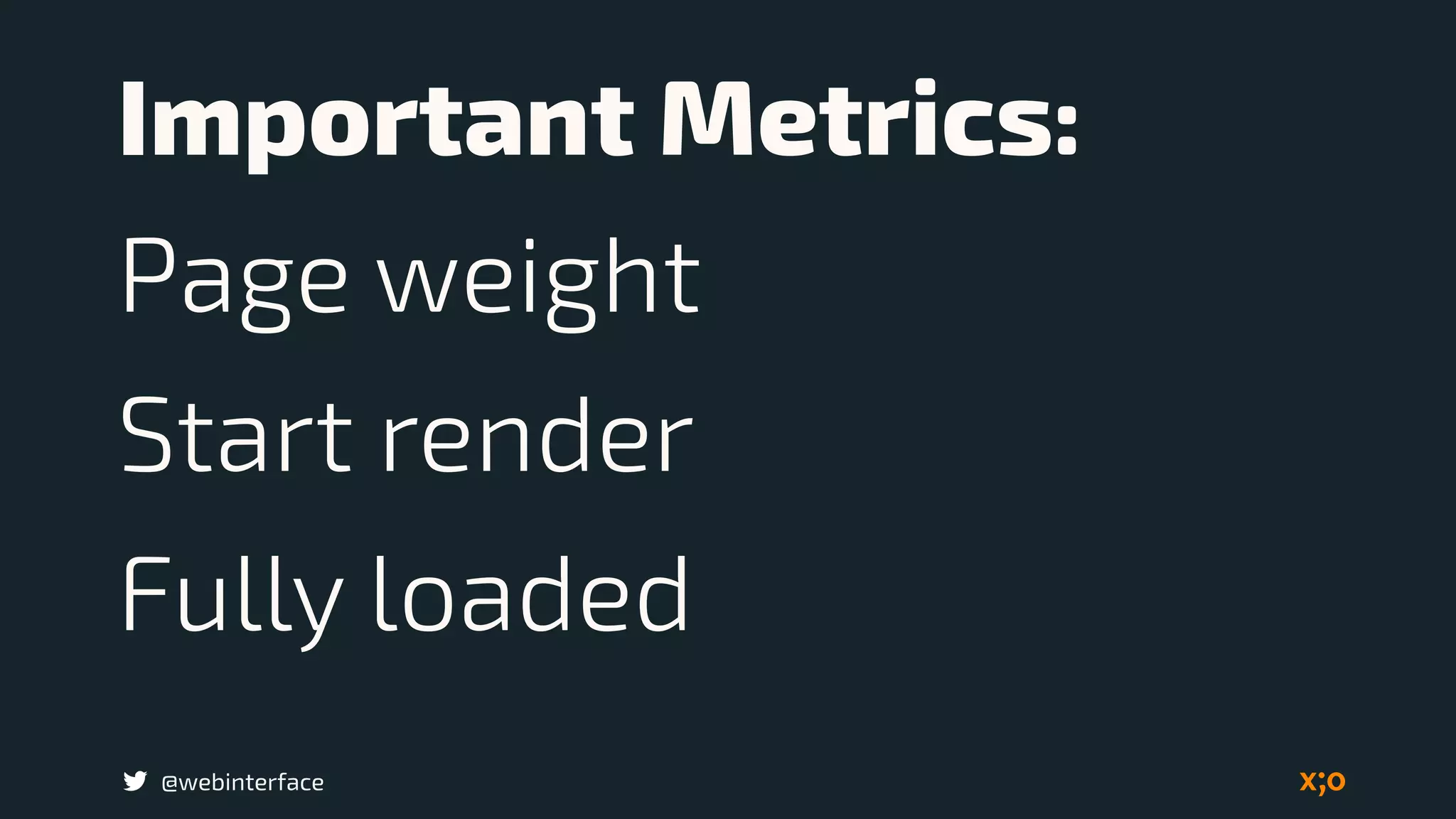
Important Metrics:
Page weight
Start render
Fully loaded
@webinterface Source: Radware_SOTU_Report_Spring_2015.pdf
@webinterface Source: http://www.webpagetest.org/
WebPageTest.org
@webinterface
Above the fold
criterion
@webinterface
Make the page
usable within 

less 1 seconds
@webinterface Source: https://developers.google.com/speed/docs/insights....
@webinterface
49% use there Mobilephone
everyday and everytime.
@webinterface Image: bradfrost.com
@webinterface
Responsive web design
requirement: 

Support broad range 

of devices.
@webinterface
Set a perfomance
budget
Image: https://en.wikipedia.org/wiki/Lunar_Roving_Vehicle
@webinterface
Work as a team and
determine the budget
@webinterface
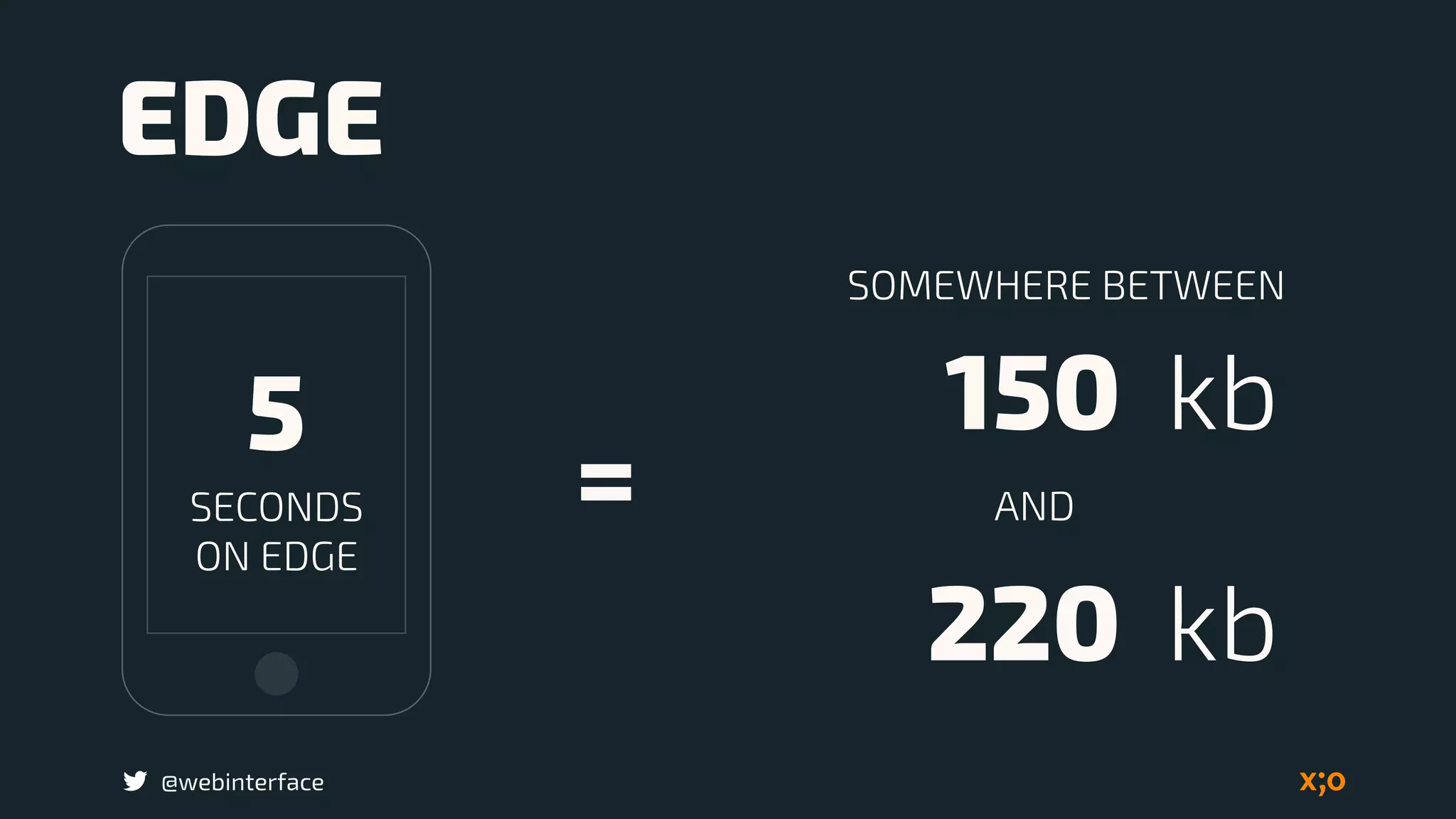
5
SECONDS 

ON EDGE
150 kb
220 kb
SOMEWHERE BETWEEN
AND
EDGE
=
@webinterface
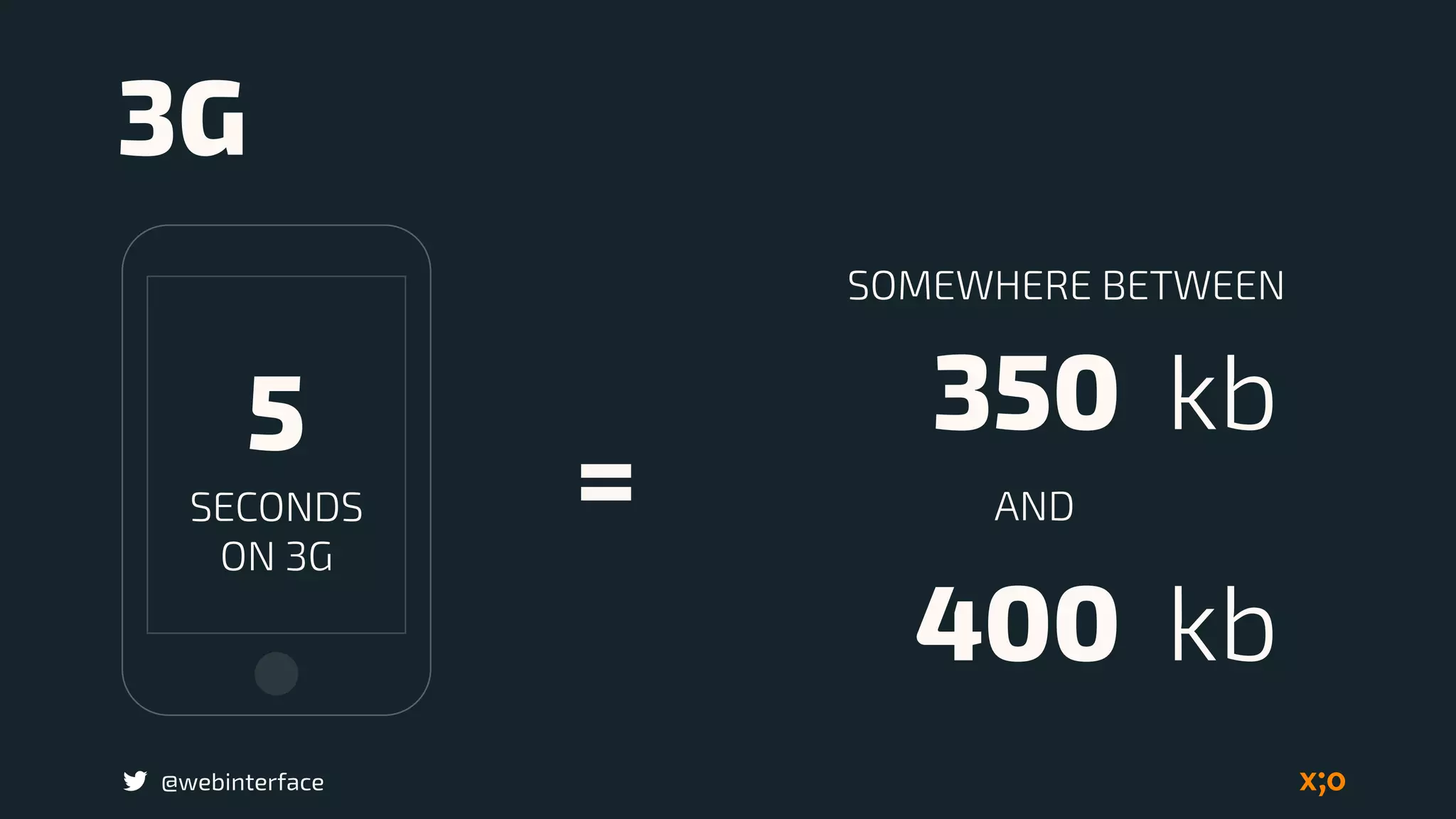
5
SECONDS 

ON 3G
350 kb
400 kb
SOMEWHERE BETWEEN
AND
3G
=
@webinterface
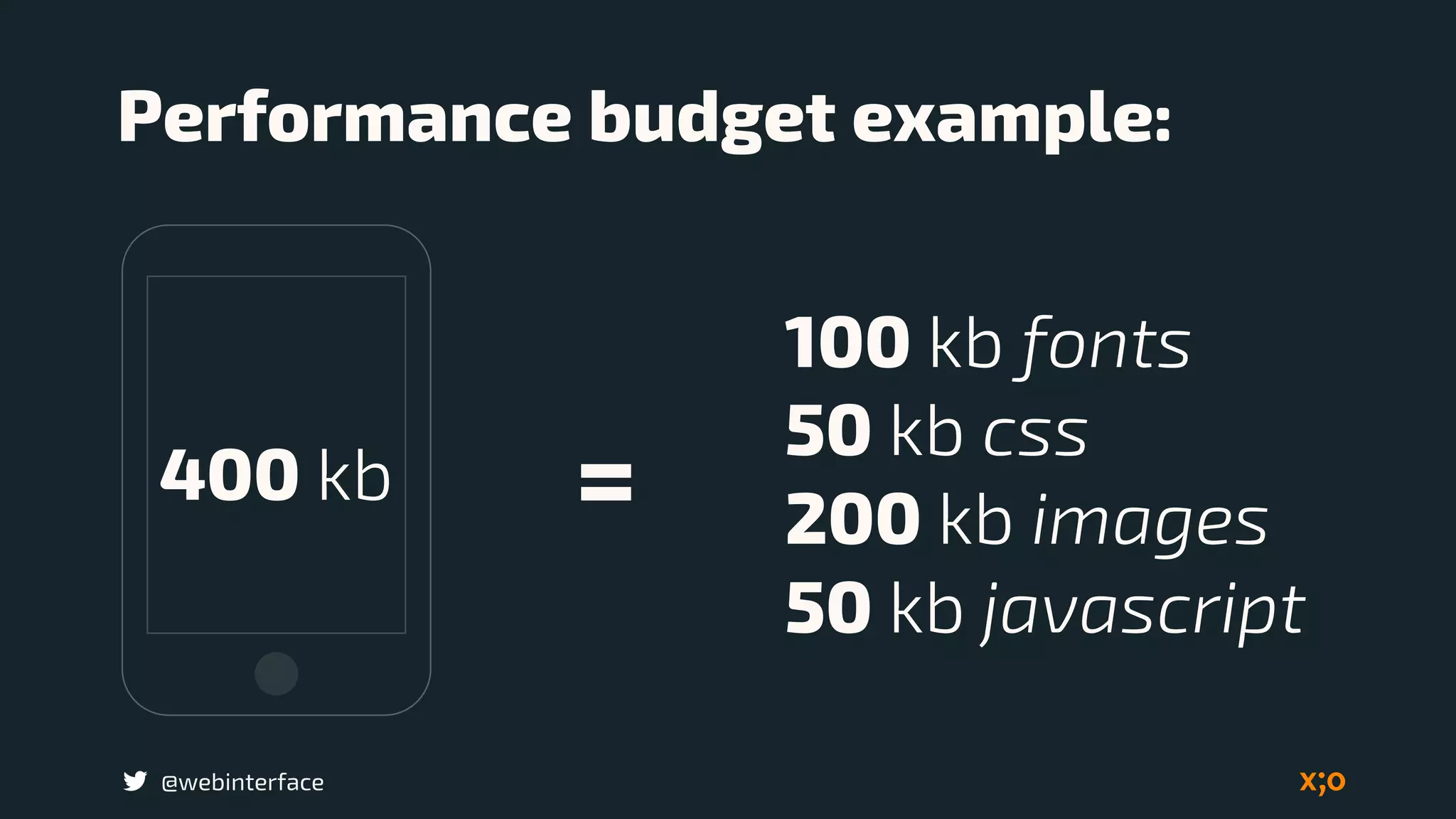
400 kb =
Performance budget example:
100 kb fonts
50 kb css
200 kb images
50 kb javascript
@webinterface
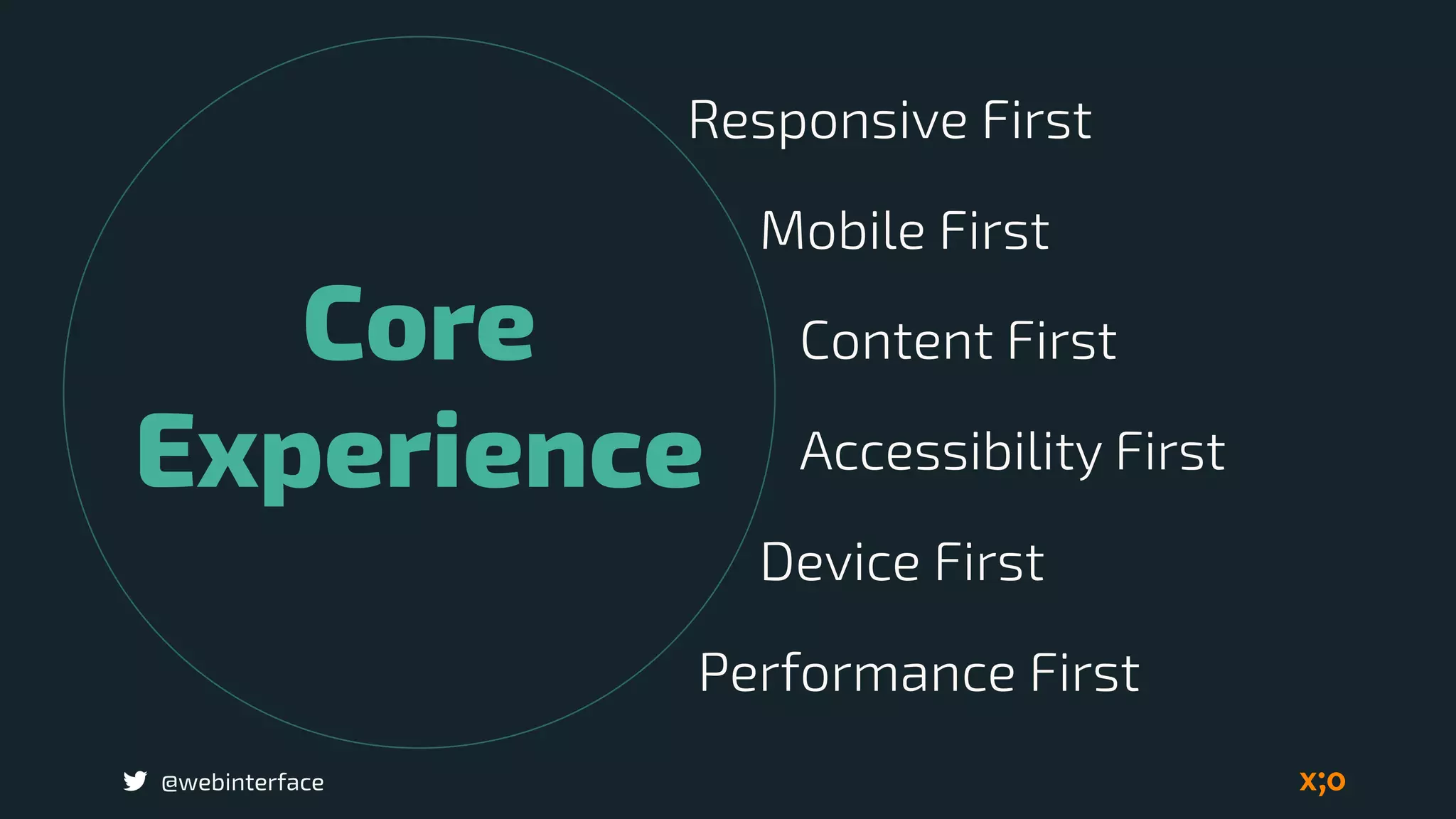
Core
Experience
JS
Experience
@webinterface
Core
Experience
Mobile First
Content First
Accessibility First
Device First
Responsive First
Performance First
@webinterface
Core experience 

has the priority
@webinterface
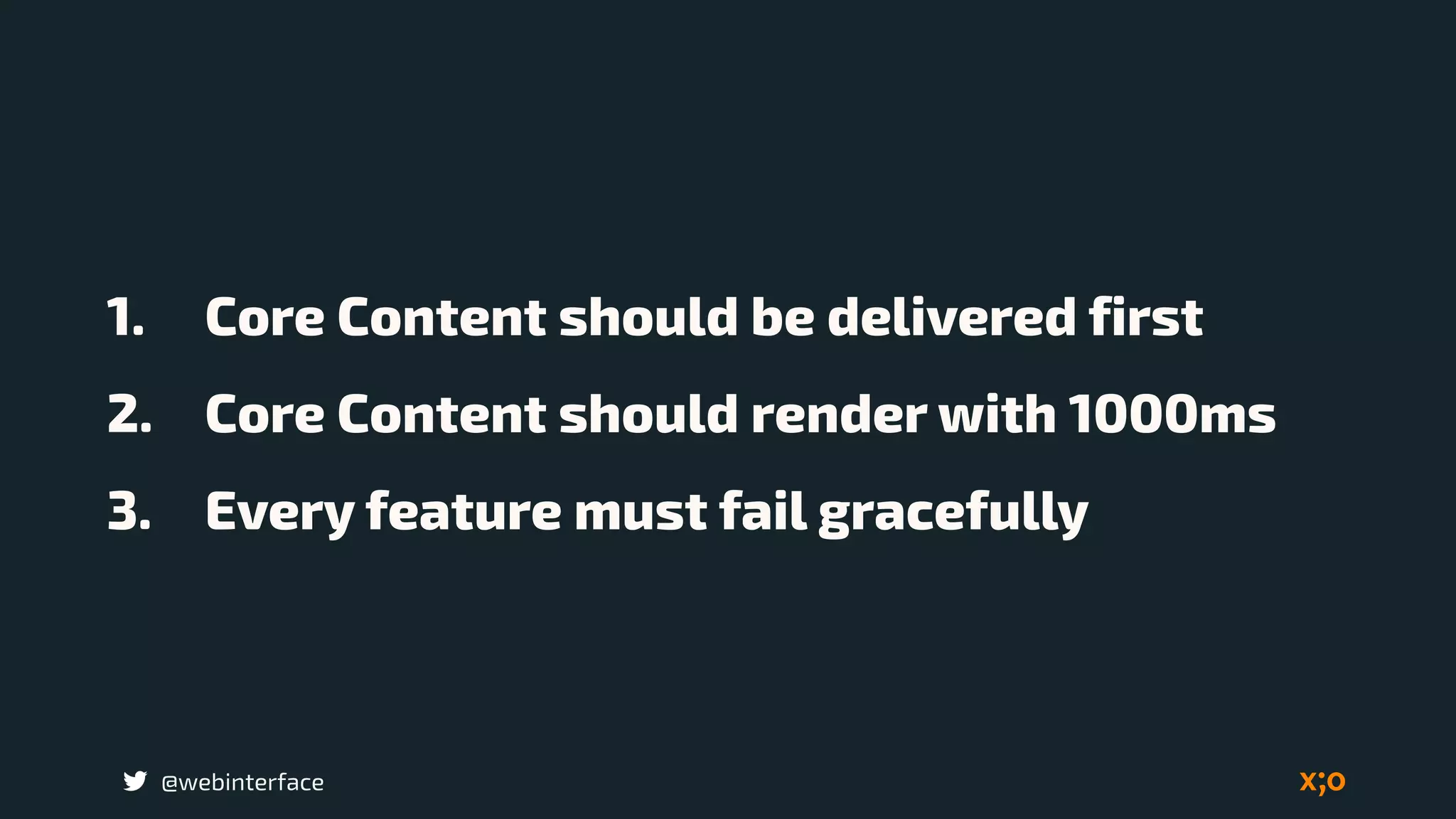
1. Core Content should be delivered first
2. Core Content should render with 1000ms
3. Every feature must fail gracefully
@webinterface
Performance design
reviews
What value does this
provide?
@webinterface
Identify core content
@webinterface
Red Flags
Carousel
Video Video
What has 

priority?
Alternate 

solutions?
@webinterface
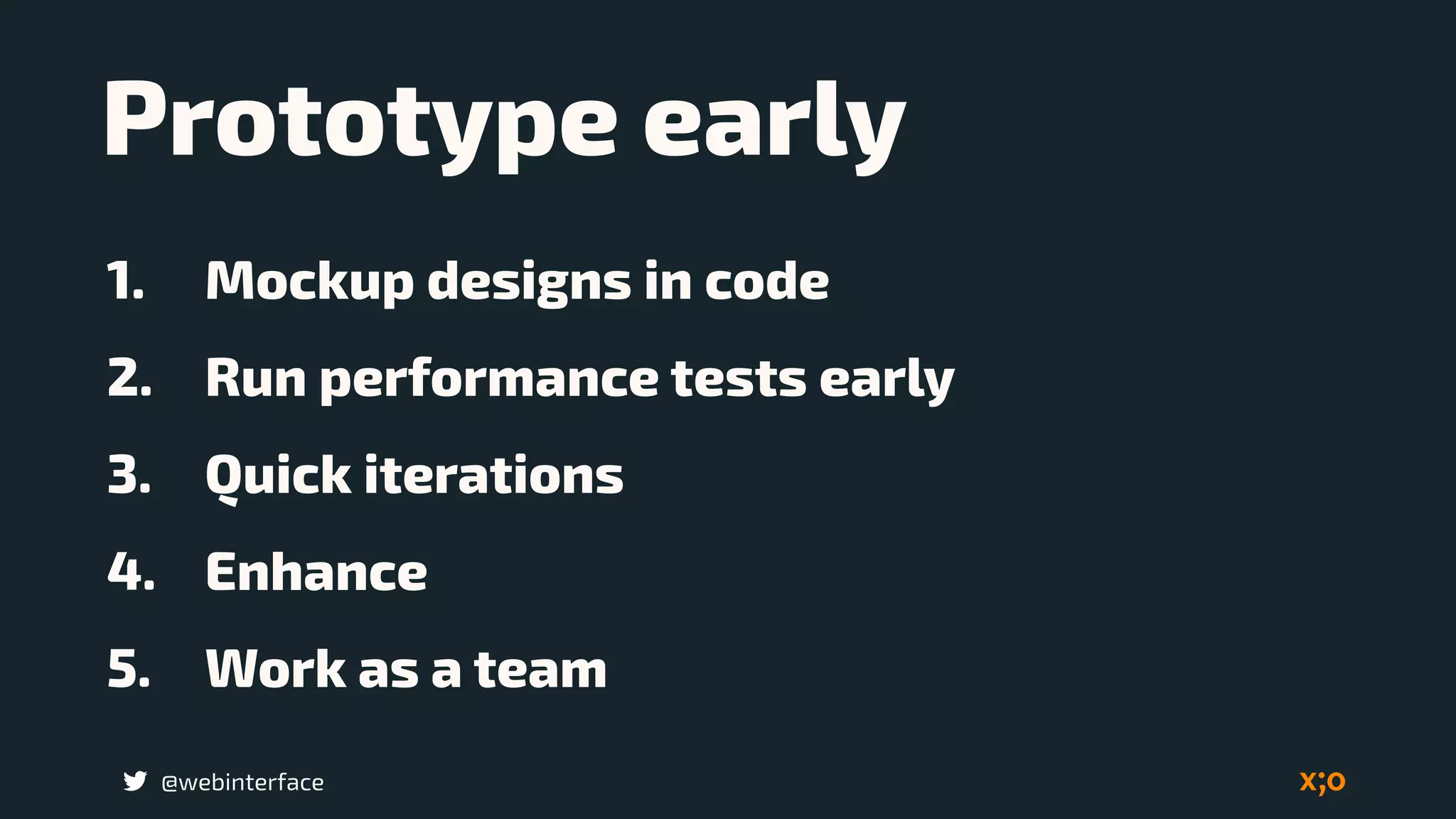
1. Mockup designs in code
2. Run performance tests early
3. Quick iterations
4. Enhance
5. Work as a team
Prototype early
@webinterface
Do not block the
page rendering
@webinterface
Make fewer HTTP
Requests
Source: http://www.sitepoint.com/
@webinterface
Use CDN (Content
Delivery Network)
Source: http://www.sitepoint.com/
@webinterface
Load Balancing
Source: http://www.sitepoint.com/
@webinterface
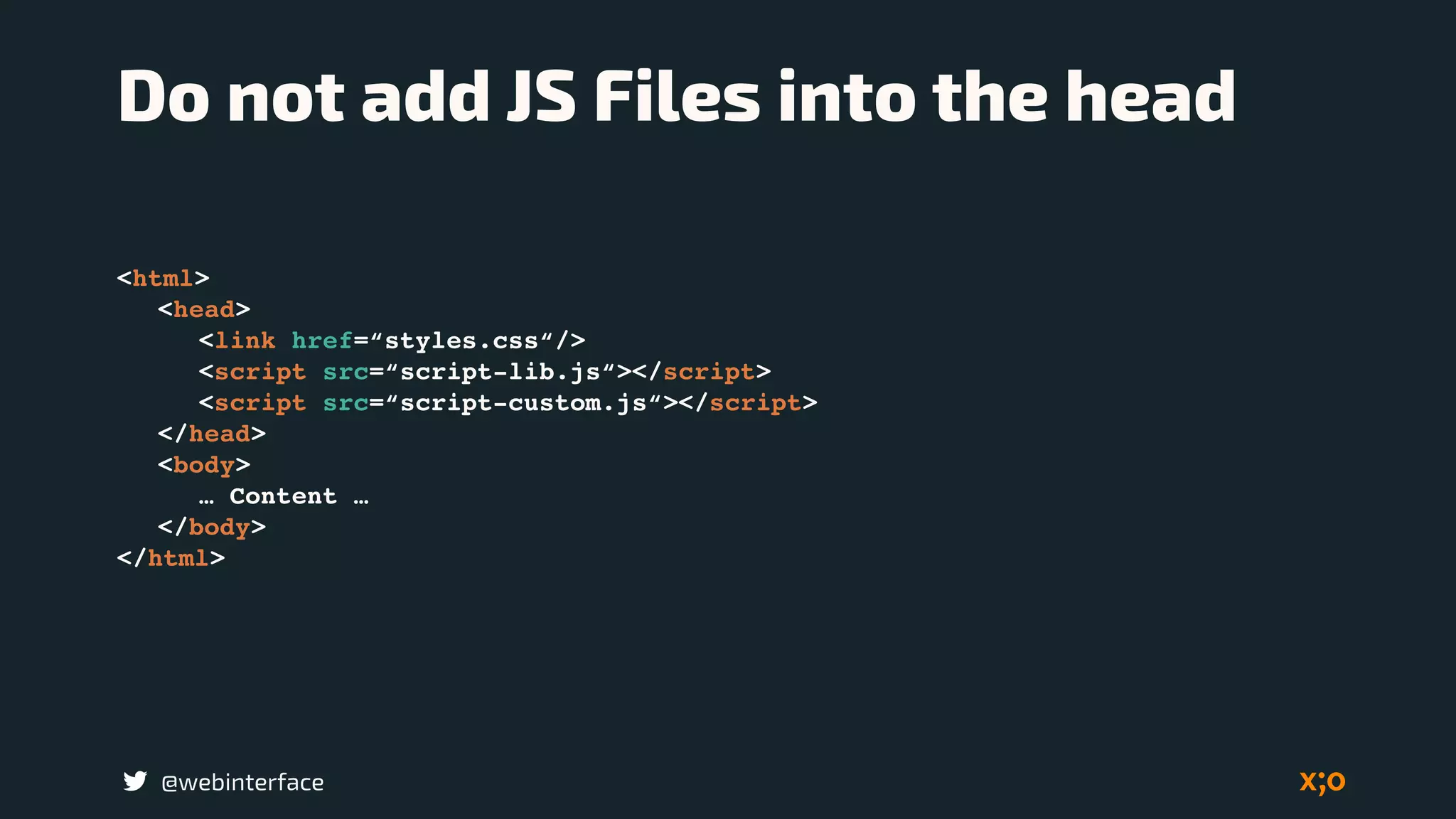
Do not add JS Files into the head
<html>
<head>
<link href=“styles.css“/>
<script src=“script-lib.js“></script>
<script src=“script-custom.js“></script>
</head>
<body>
… Content …
</body>
</html>
@webinterface
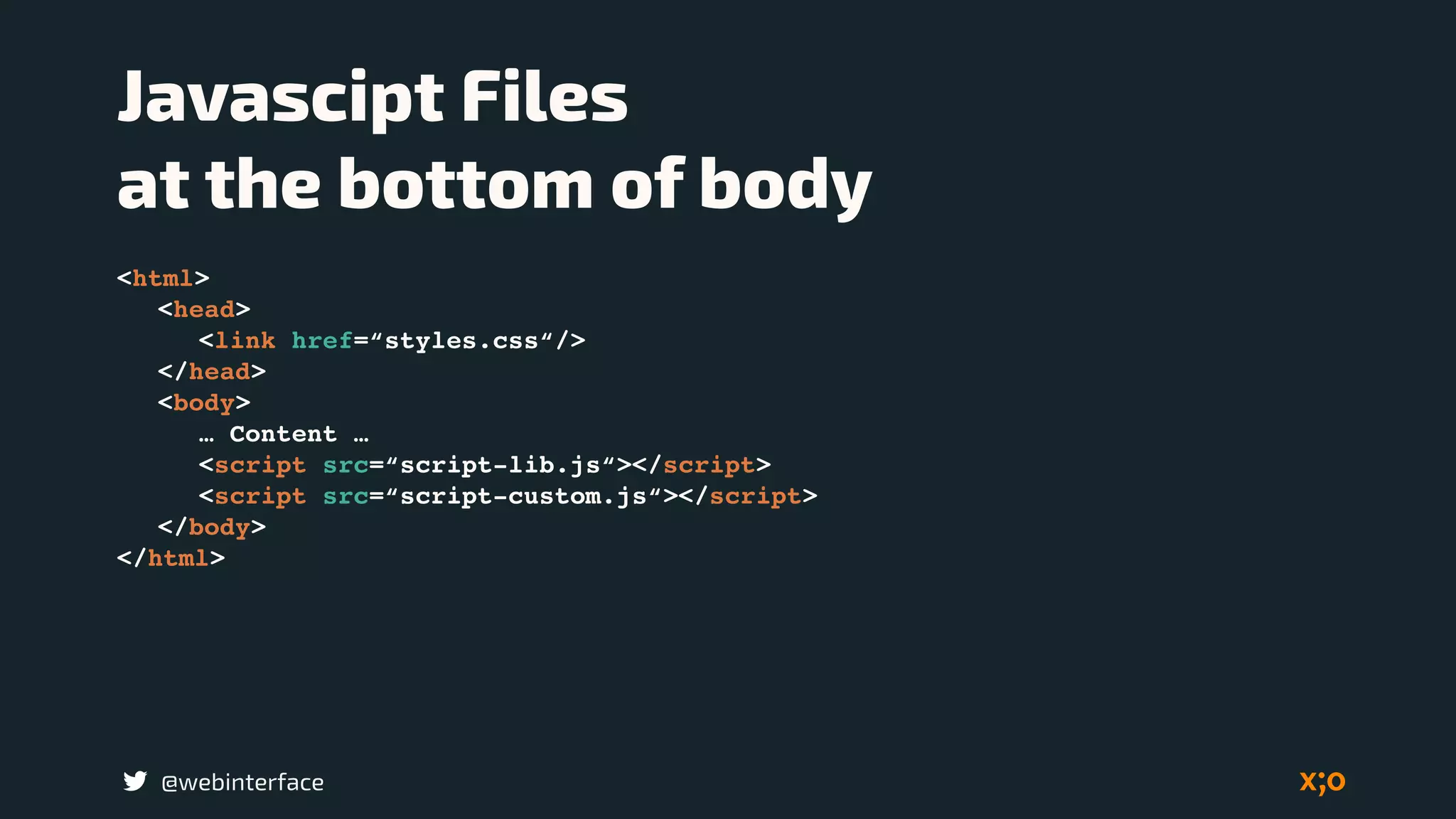
Javascipt Files 

at the bottom of body
<html>
<head>
<link href=“styles.css“/>
</head>
<body>
… Content …
<script src=“script-lib.js“></script>
<script src=“script-custom.js“></script>
</body>
</html>
@webinterface
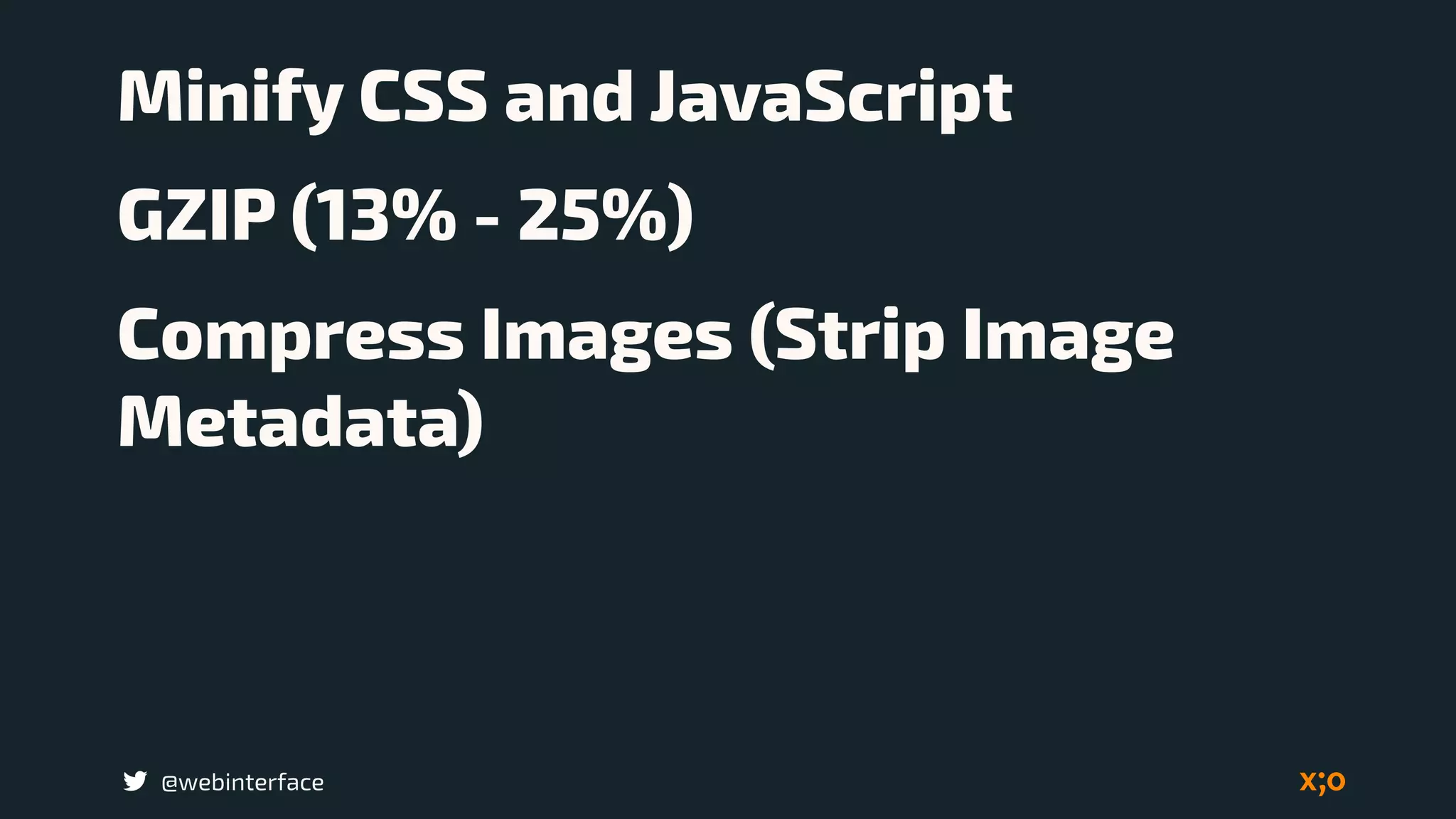
Minify CSS and JavaScript
GZIP (13% - 25%)
Compress Images (Strip Image
Metadata)
@webinterface
Development concept:
Ajax content in to
anhance page.
@webinterface
On mobile redirects are
more painful.
@webinterface
Load Javascript
Asynchronous
@webinterface
Font Performance 

with Subsetting 

and Local Storage
Source: http://www.sitepoint.com/
@webinterface
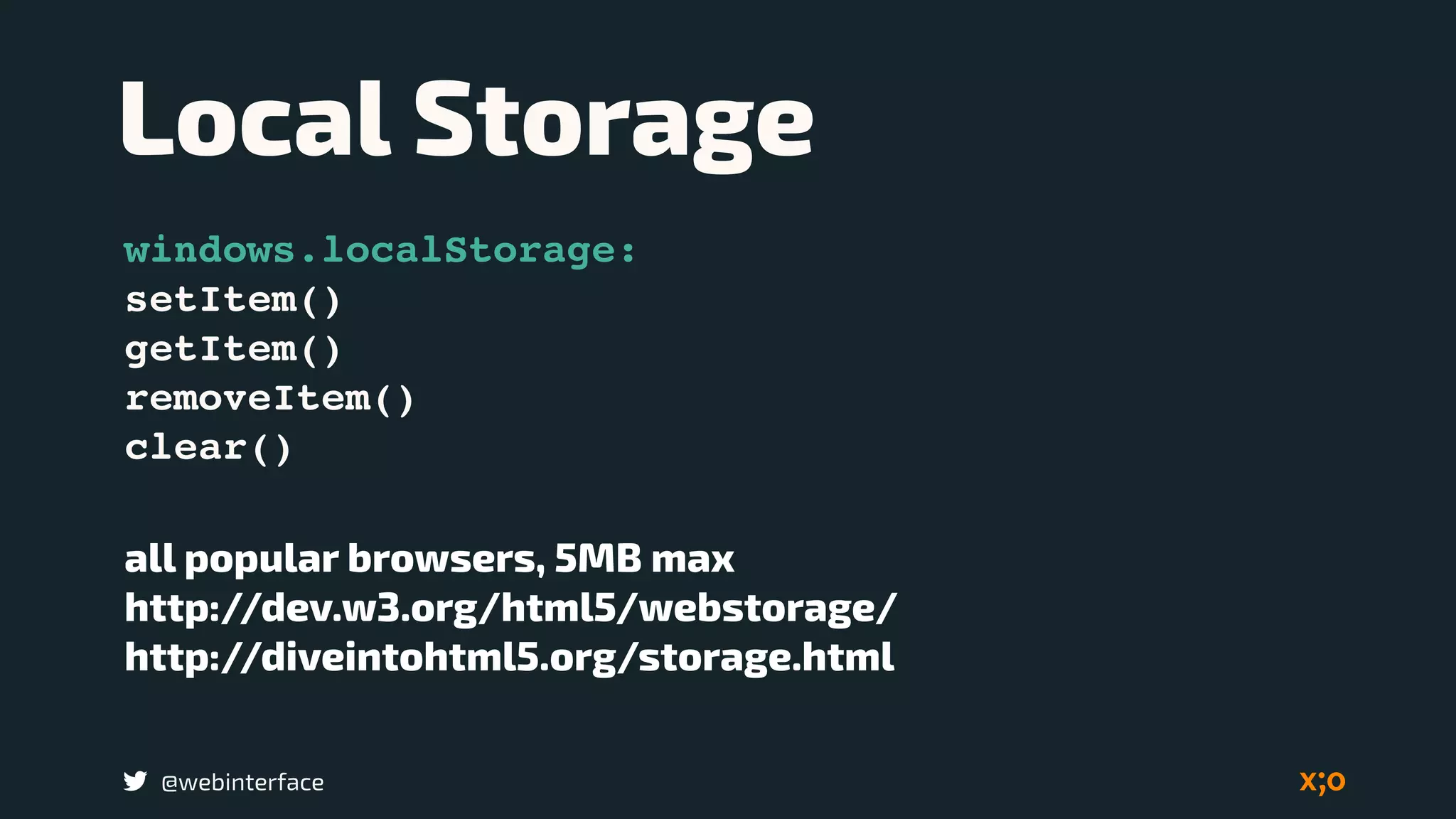
Local Storage
windows.localStorage:
setItem()
getItem()
removeItem()
clear()
all popular browsers, 5MB max
http://dev.w3.org/html5/webstorage/
http://diveintohtml5.org/storage.html
@webinterface
Web / Icon fonts
using web/icon fonts 

on larger displays
@webinterface
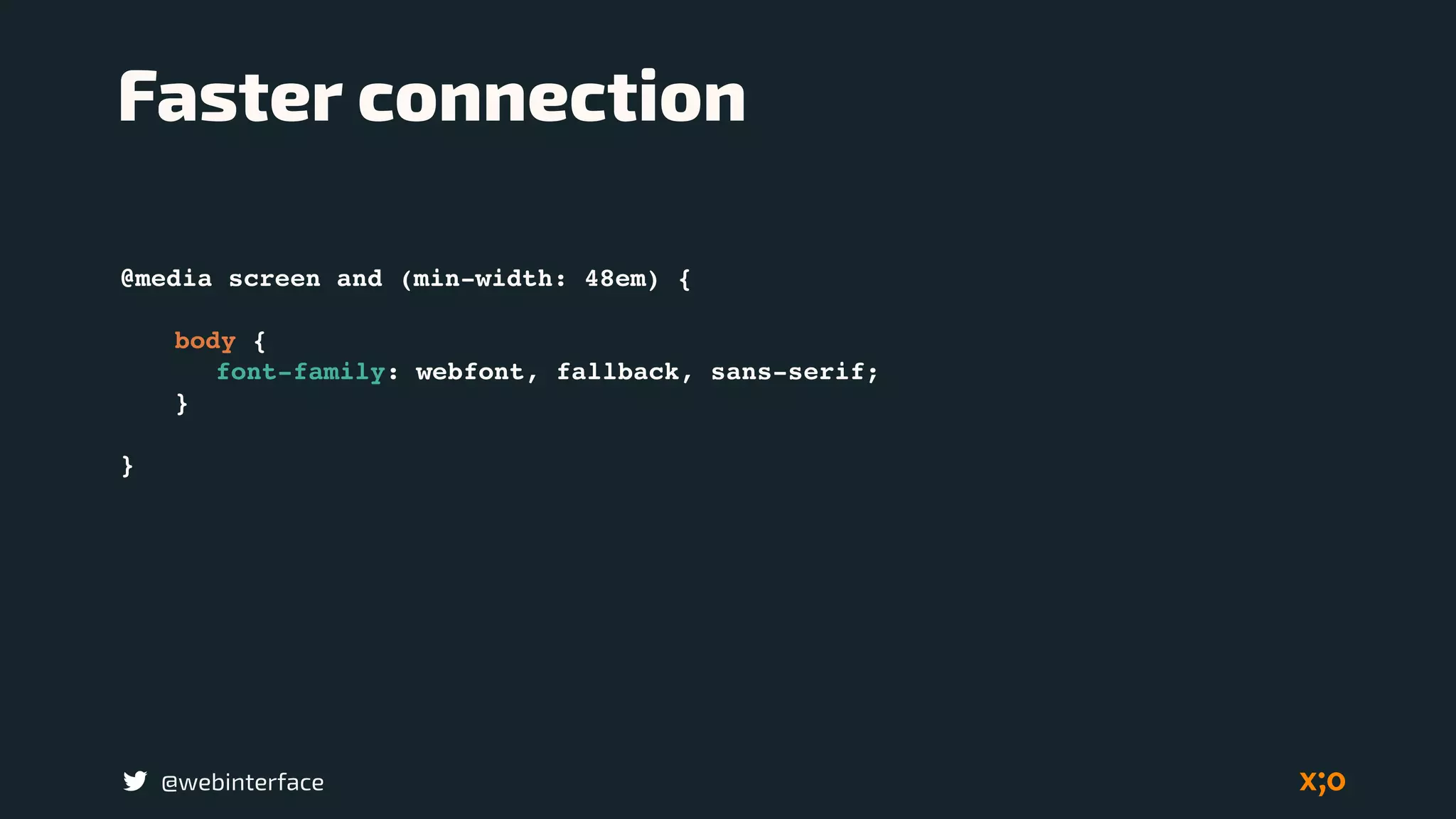
@media screen and (min-width: 48em) {
body {
font-family: webfont, fallback, sans-serif;
}
}
Faster connection
@webinterface
Most sites fail to take
advantage of core
image optimization
techniques.
@webinterface
Images typically
comprise between 50%
to 60% of a page’s total
weight
@webinterface
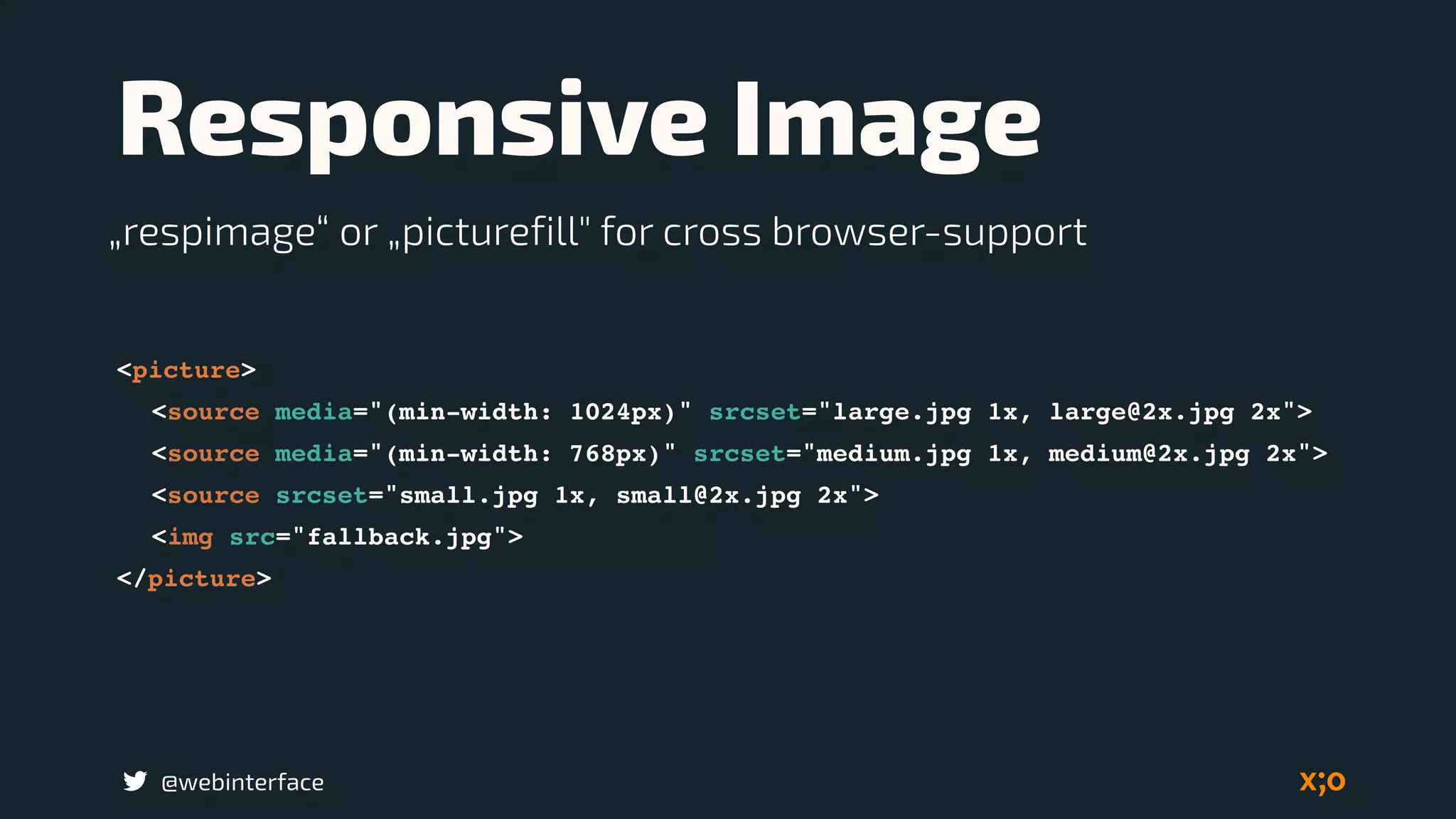
Responsive Image
<picture>
<source media="(min-width: 1024px)" srcset="large.jpg 1x, large@2x.jpg 2x">
<source media="(min-width: 768px)" srcset="medium.jpg 1x, medium@2x.jpg 2x">
<source srcset="small.jpg 1x, small@2x.jpg 2x">
<img src="fallback.jpg">
</picture>
„respimage“ or „picturefill" for cross browser-support
@webinterface
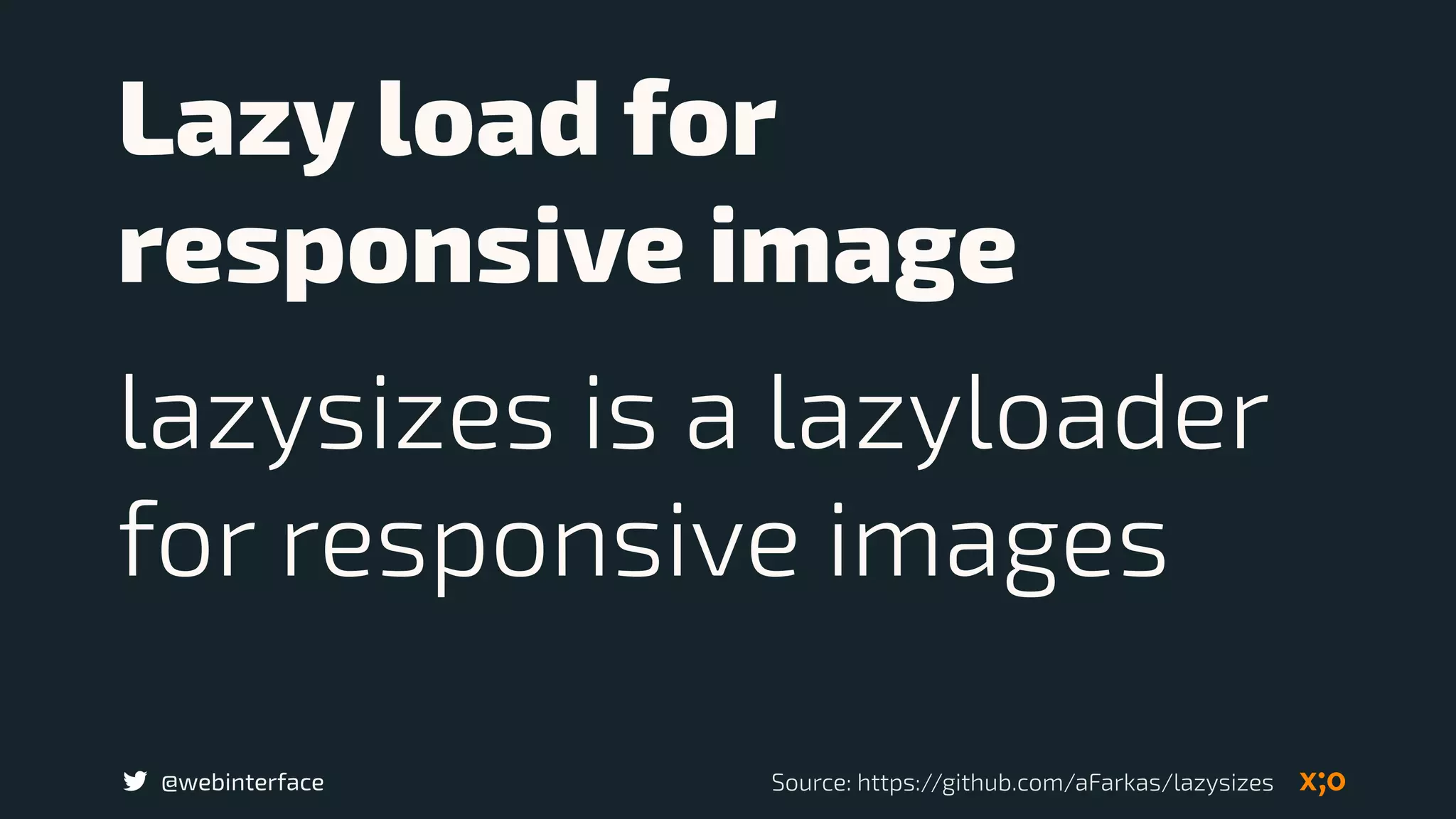
Lazy load for
responsive image
lazysizes is a lazyloader
for responsive images
Source: https://github.com/aFarkas/lazysizes
@webinterface
Last words
@webinterface
Everyone must be
envolved by baking
performance into your
workflow from day one.
@webinterface
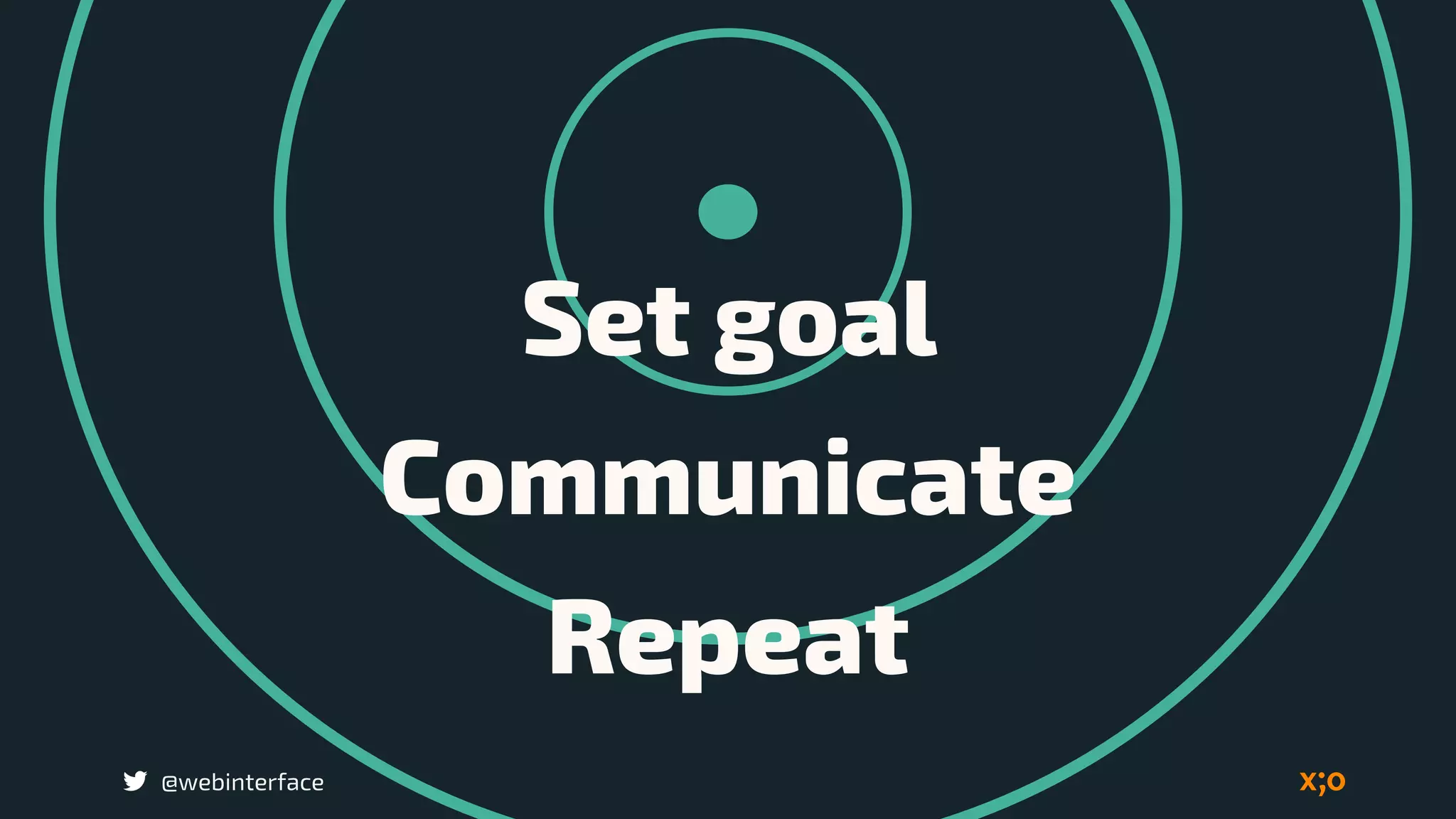
Set goal
Communicate
Repeat
@webinterface
Include performance
into the project
documents
@webinterface
Deviler core content
first, then progressively
enhance the extras.
@webinterface
Measure
Optimise
Repeat
@webinterface
Leadership in
Performance
@webinterface
„Great minds discus principles.
Average minds discus
technologies.
Small minds discus tools.“
Brad Frost
https://www.youtube.com/watch?v=nE0CRMm59BY
Design the Priority 

not the Layout
@webinterface
@webinterface
The goal is to create a
stunning, flexible,
lightning-fast
experience.
Performance and UX 

is a requirement
Bild: flickr.com/.../projectapolloarchive/@webinterface
@webinterface
Thanks
@webinterface
…dear Ellen
@webinterface
peter.rozek@ecx.io

Performance and UX