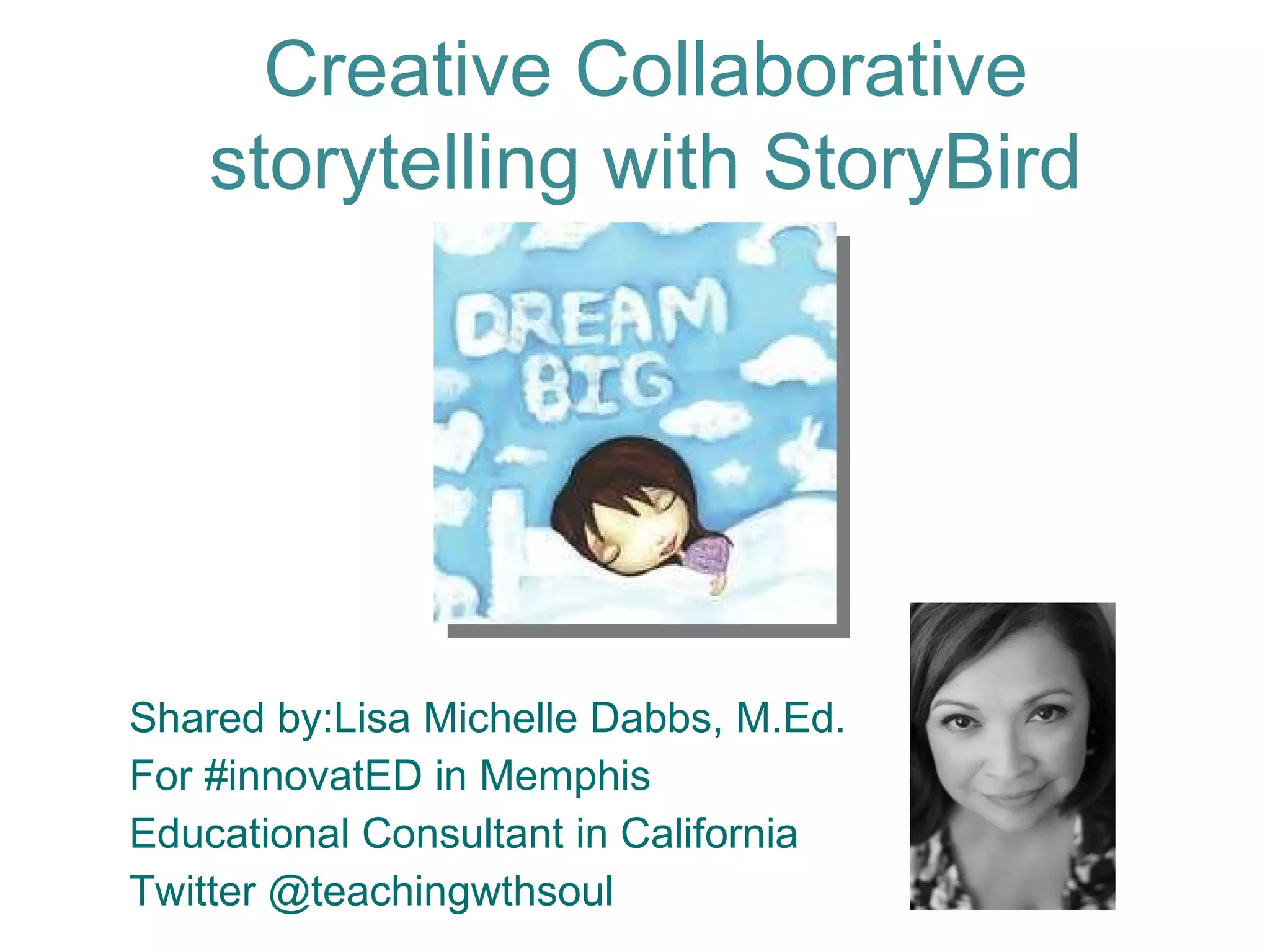
Shared by:Lisa Michelle Dabbs, M.Ed. For #innovatED in Memphis Educational Consultant in California Twitter @teachingwthsoul Creative Collaborative storytelling with StoryBird
Wife, Mom, Educator, Administrator, Consultant… About me
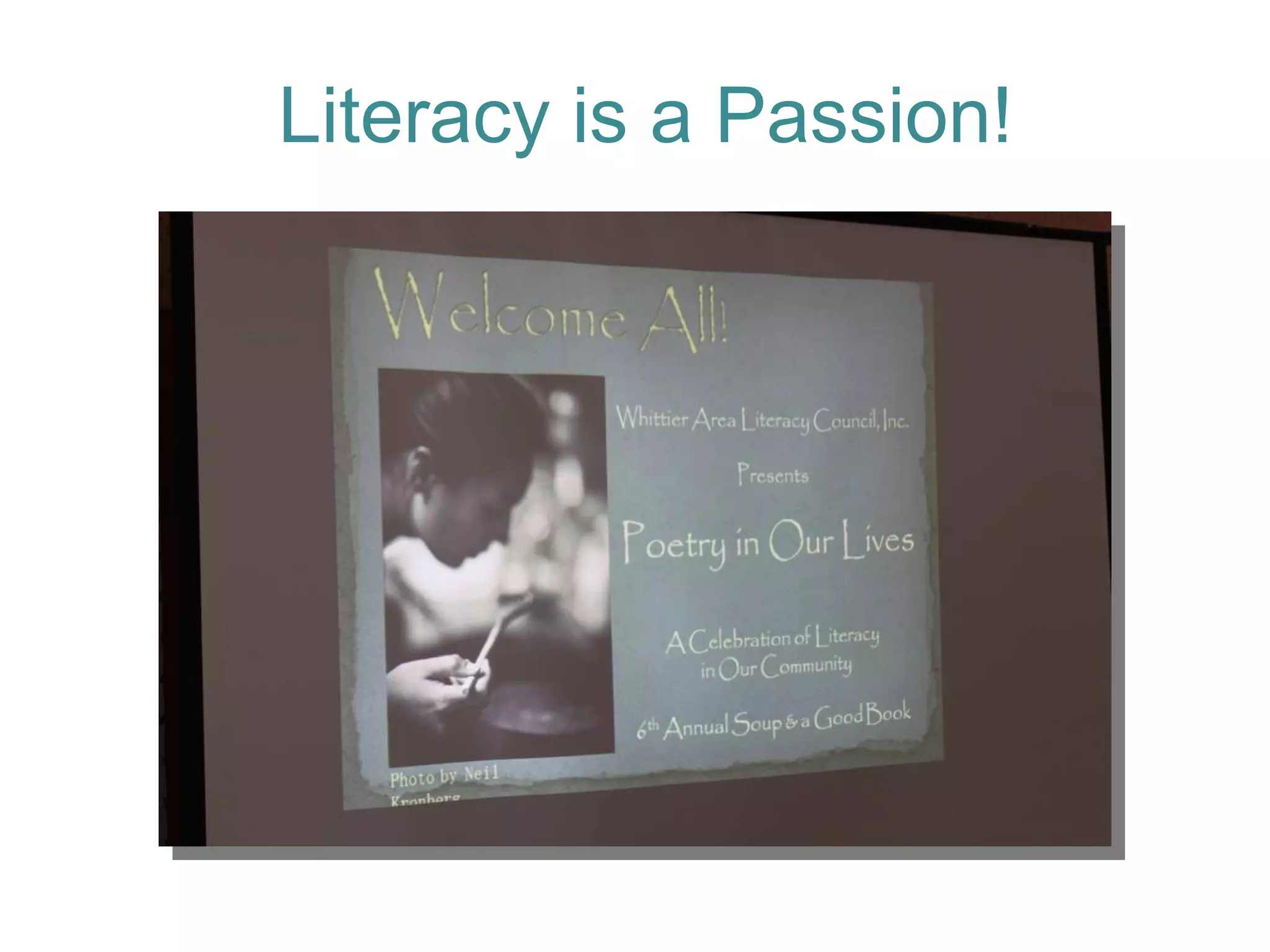
Literacy is a Passion!
Why read and create books on-line? Saves Trees! Creative Fun! Engaging Utilize Web 2.0 tools Standards support
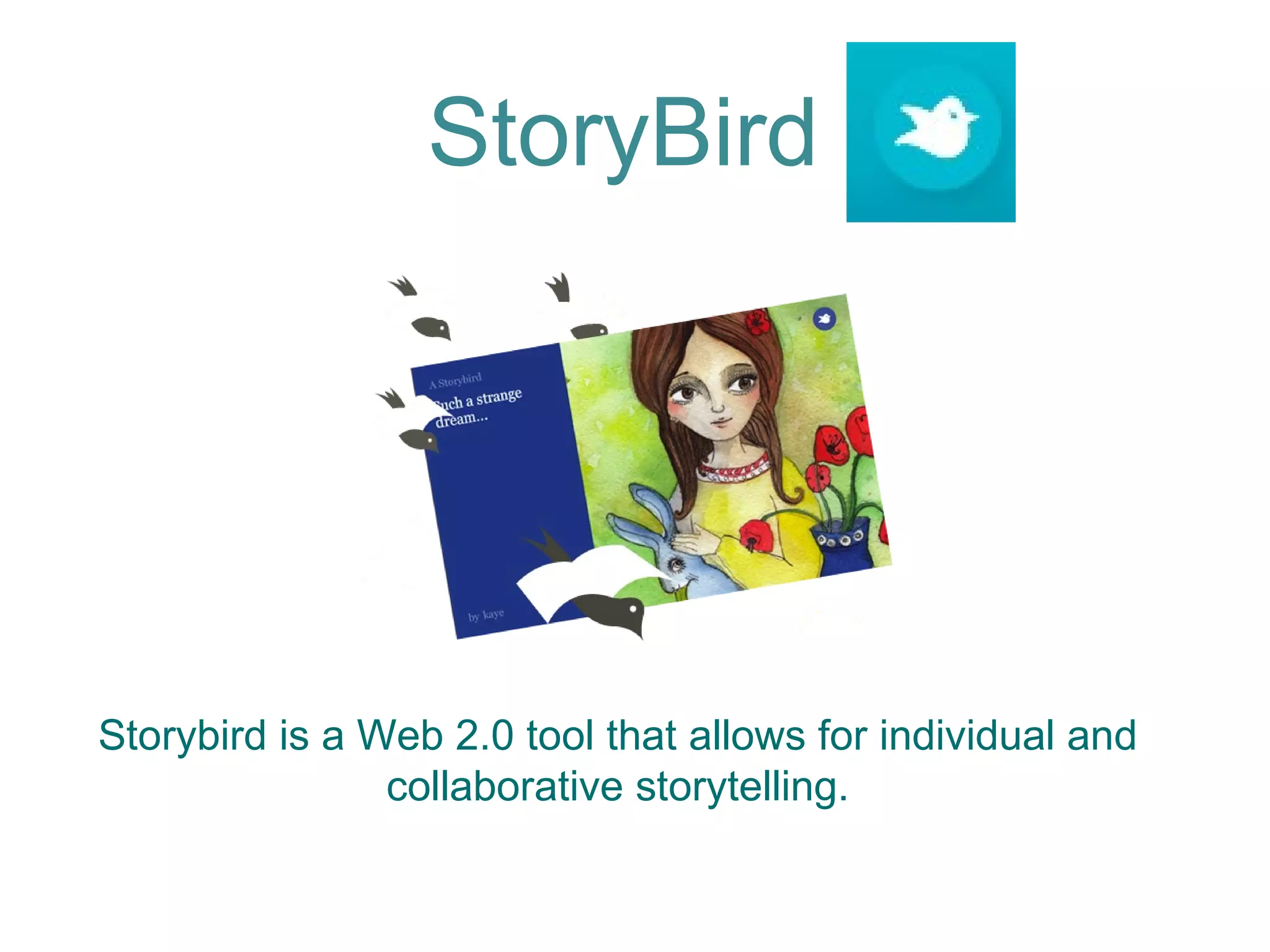
Storybird is a Web 2.0 tool that allows for individual and  collaborative storytelling.  StoryBird
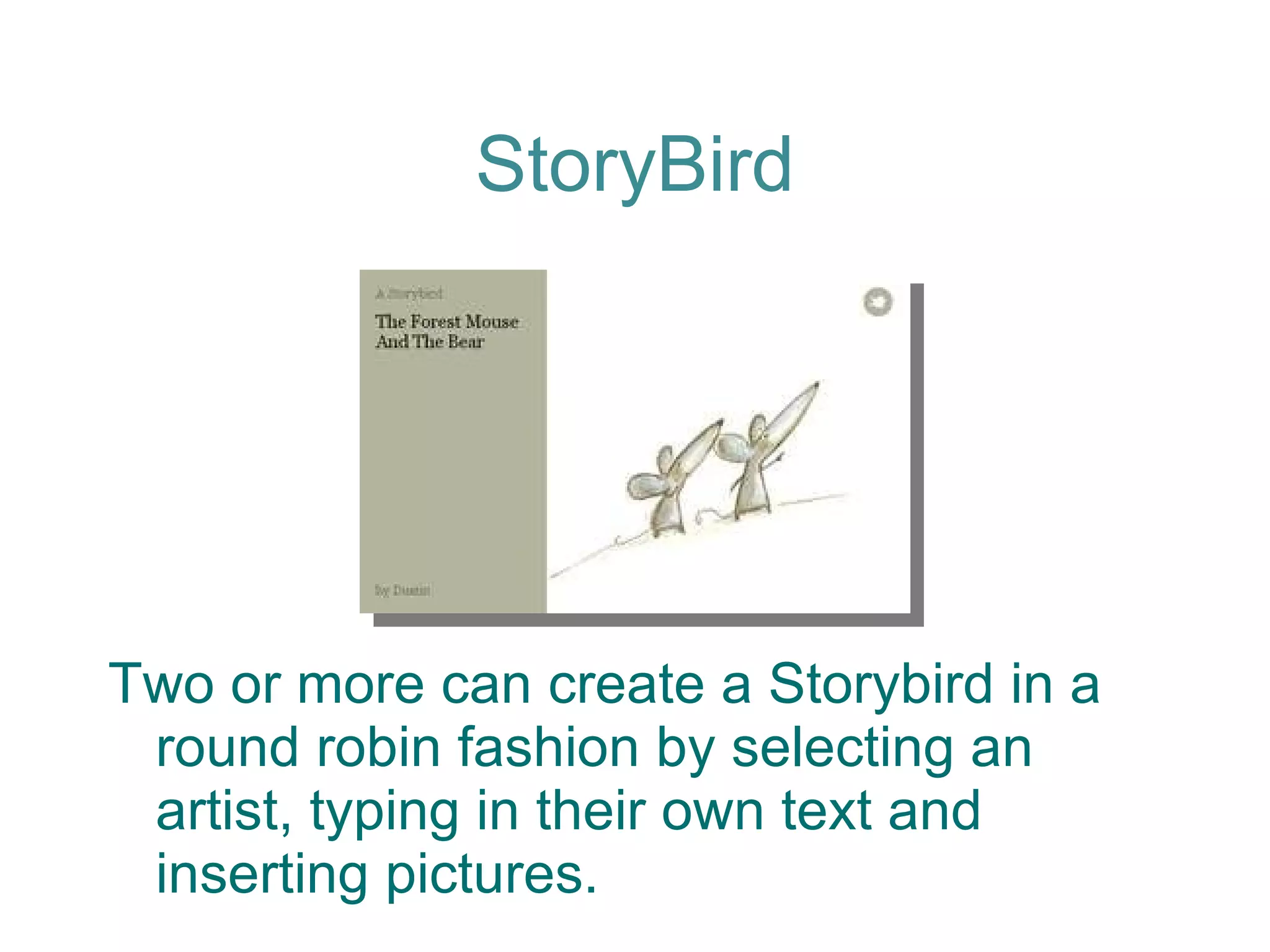
StoryBird Two or more can create a Storybird in a round robin fashion by selecting an artist, typing in their own text and inserting pictures.
StoryBird You have the option of sharing your Storybird: privately or publicly  on the network.
The final product can be printed, viewed on screen, used in lessons or shared through a worldwide library. StoryBird
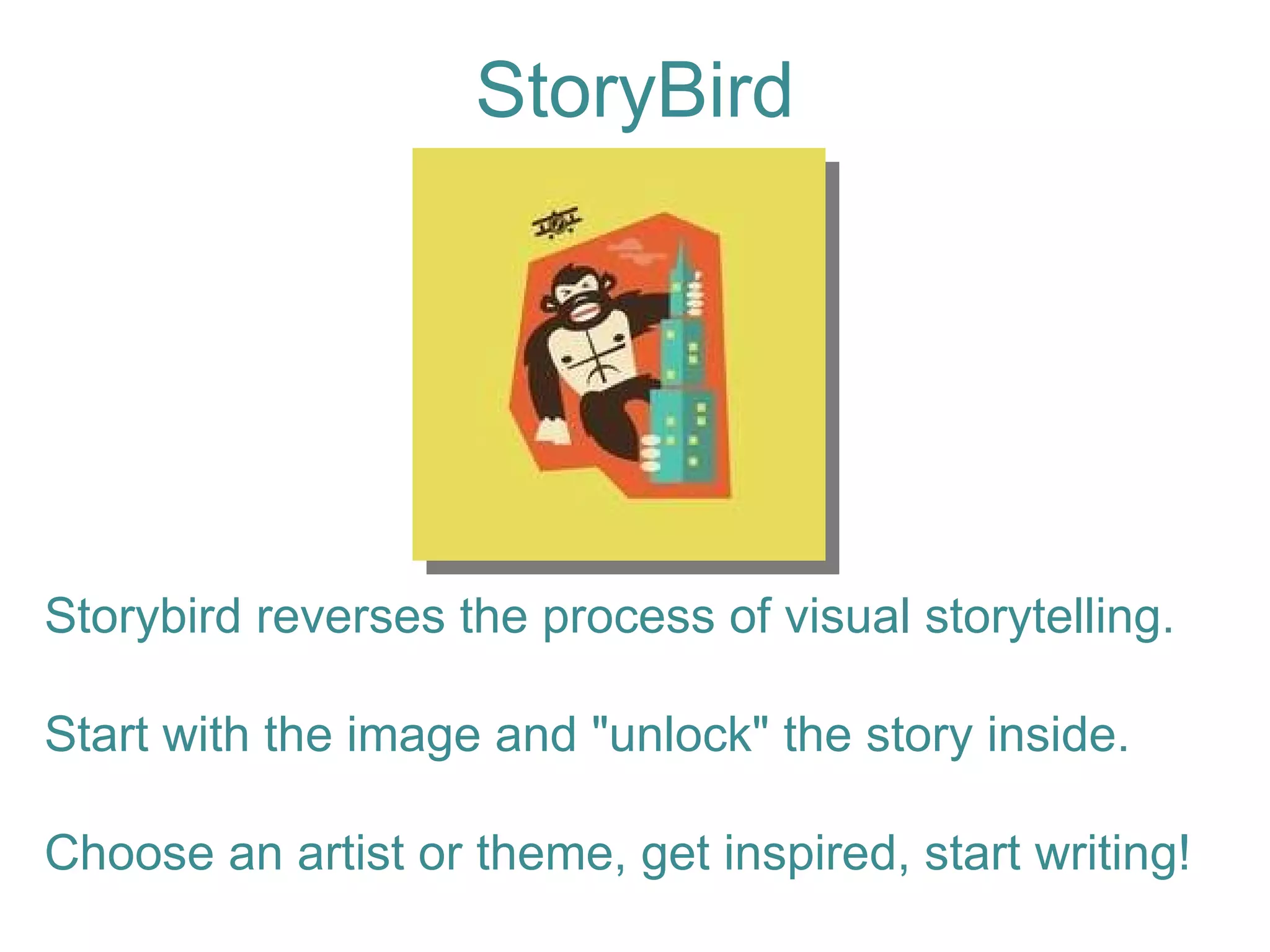
StoryBird Storybird reverses the process of visual storytelling. Start with the image and "unlock" the story inside.  Choose an artist or theme, get inspired, start writing!
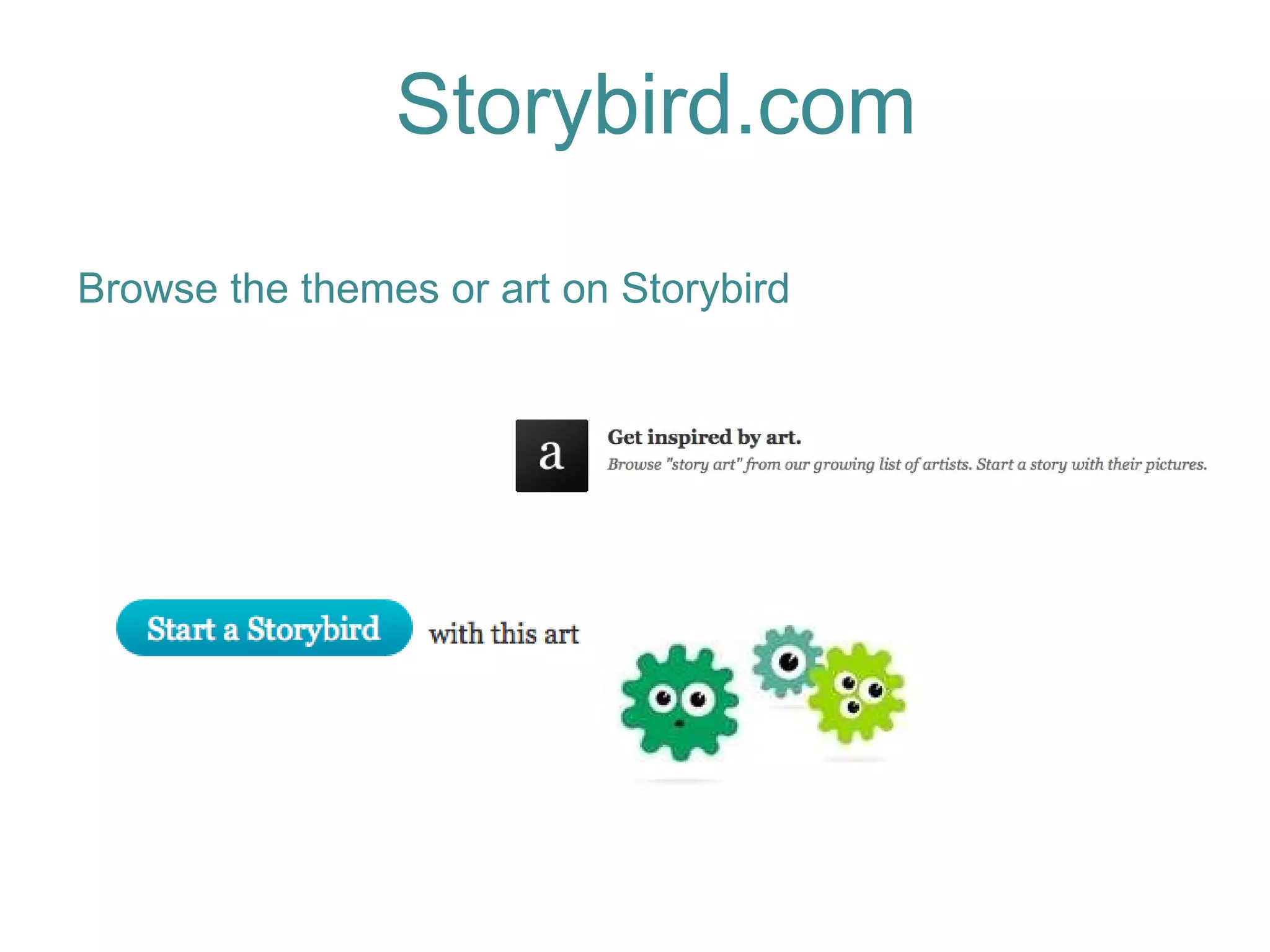
Storybird.com Browse the themes or art on Storybird
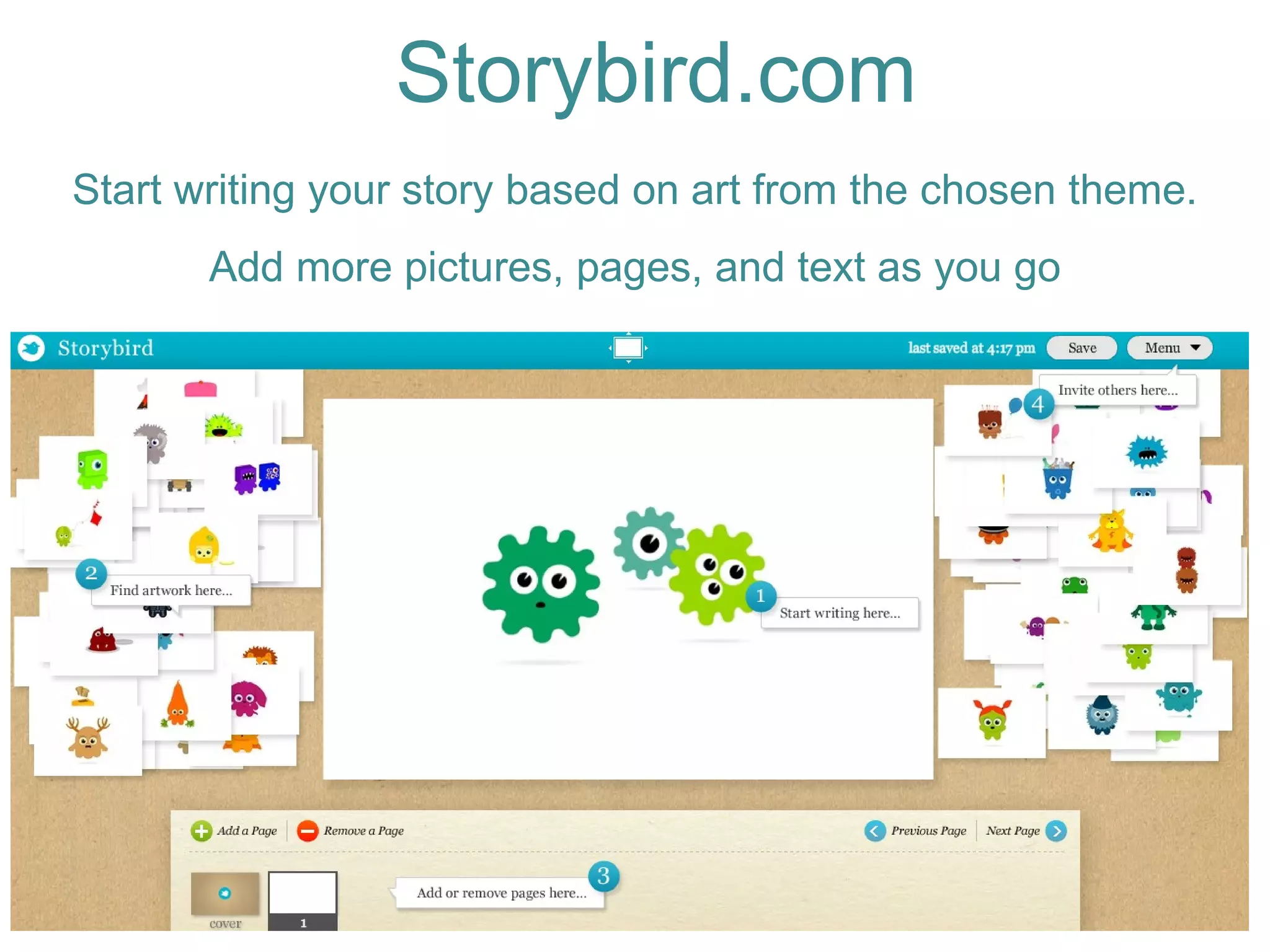
Start writing your story based on art from the chosen theme. Add more pictures, pages, and text as you go Storybird.com
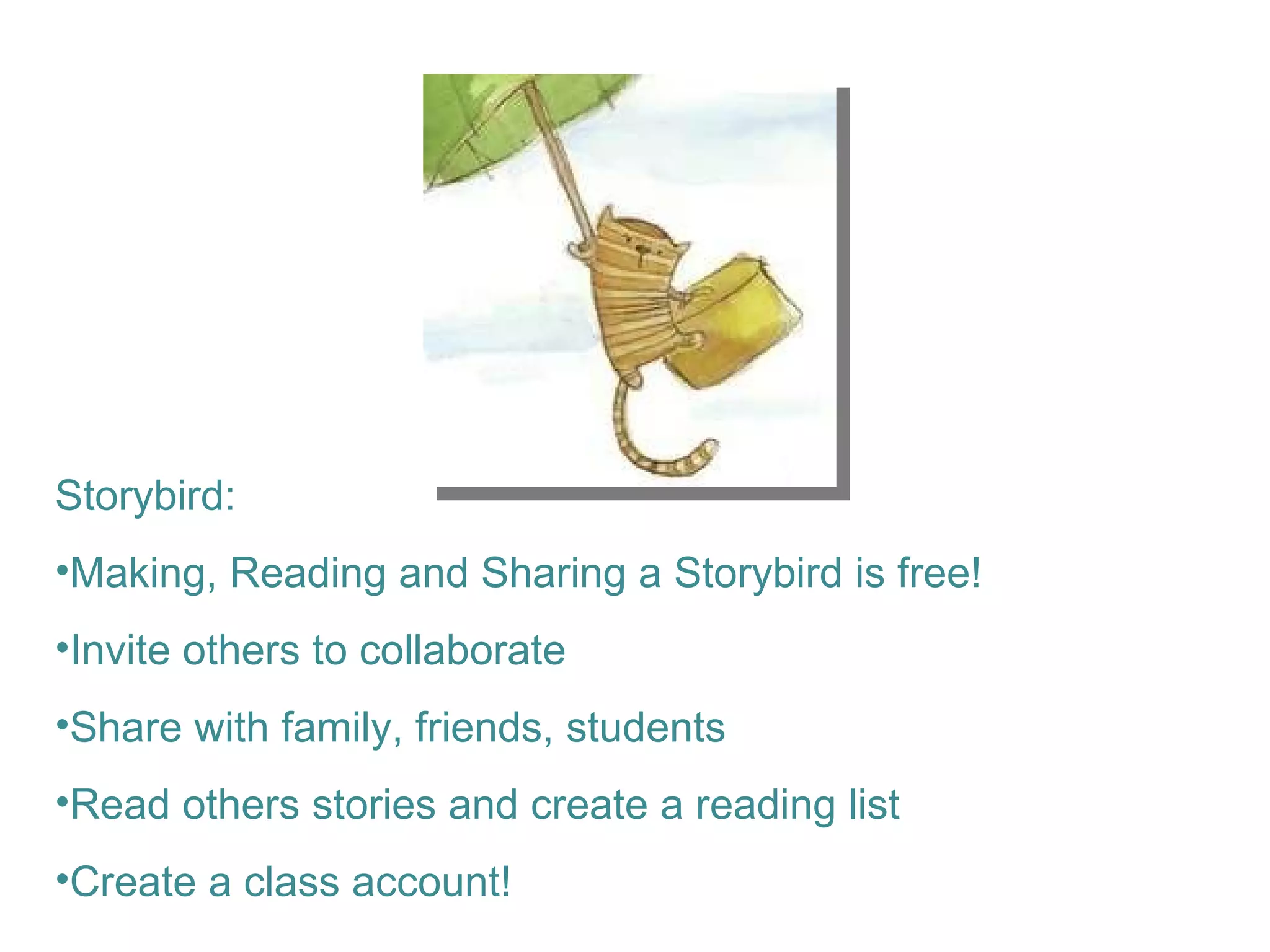
Storybird:  Making, Reading and Sharing a Storybird is free! Invite others to collaborate Share with family, friends, students Read others stories and create a reading list Create a class account!
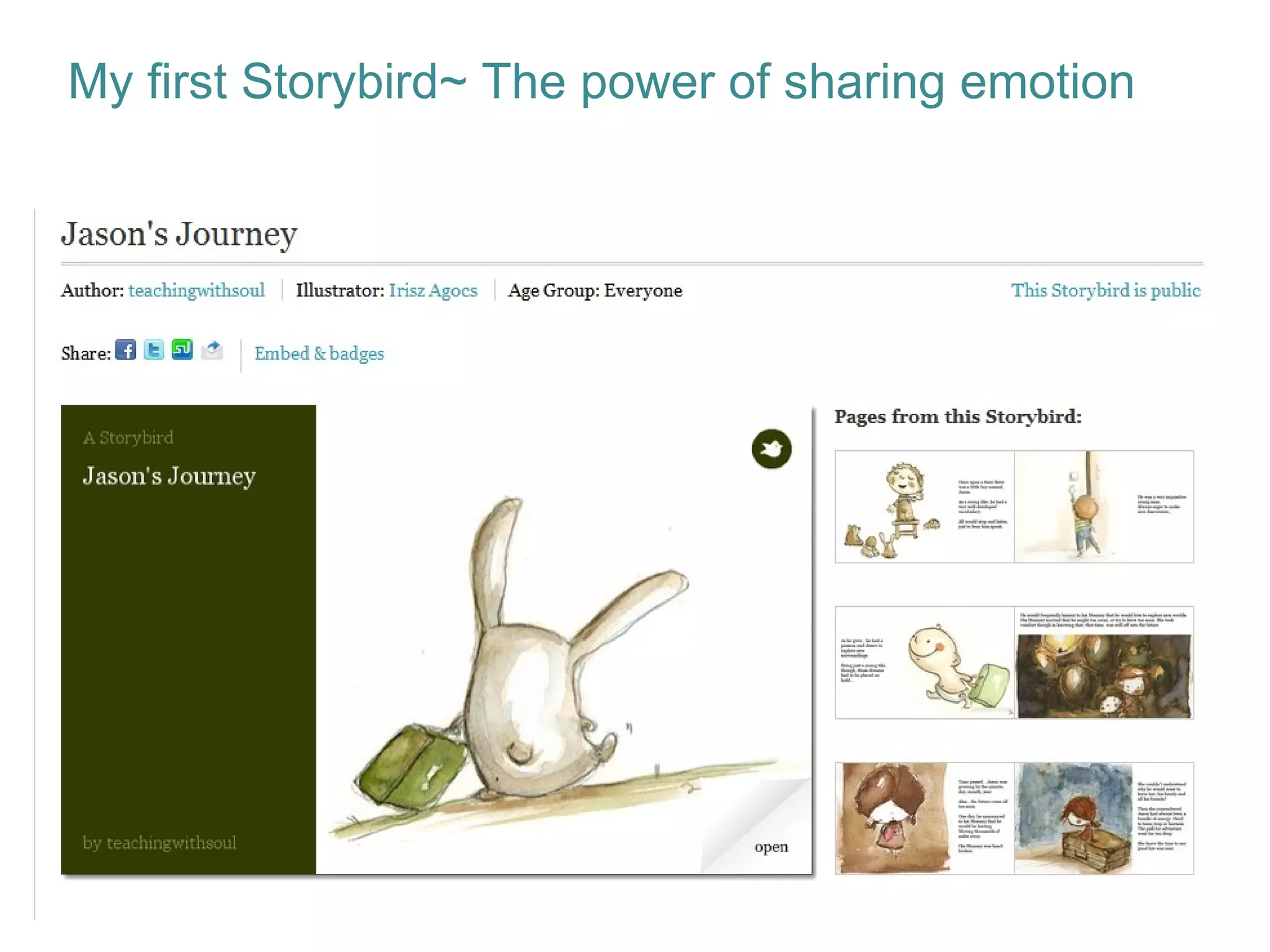
My first Storybird~ The power of sharing emotion
Storybird can connect you to a friend, classmate, or someone from another country Reading is essential for success Unique way to read and write Collaborative work strengthens relationships Students contextualize and imagine the world through art and their narrative Why does StoryBird matter in teaching and learning?
Promotes literacy, imagination and self confidence Promotes English language development Students can play with words and pictures Students become comfortable with the act of creation:  turning imaginative art into their own story. Why does StoryBird matter in teaching and learning?
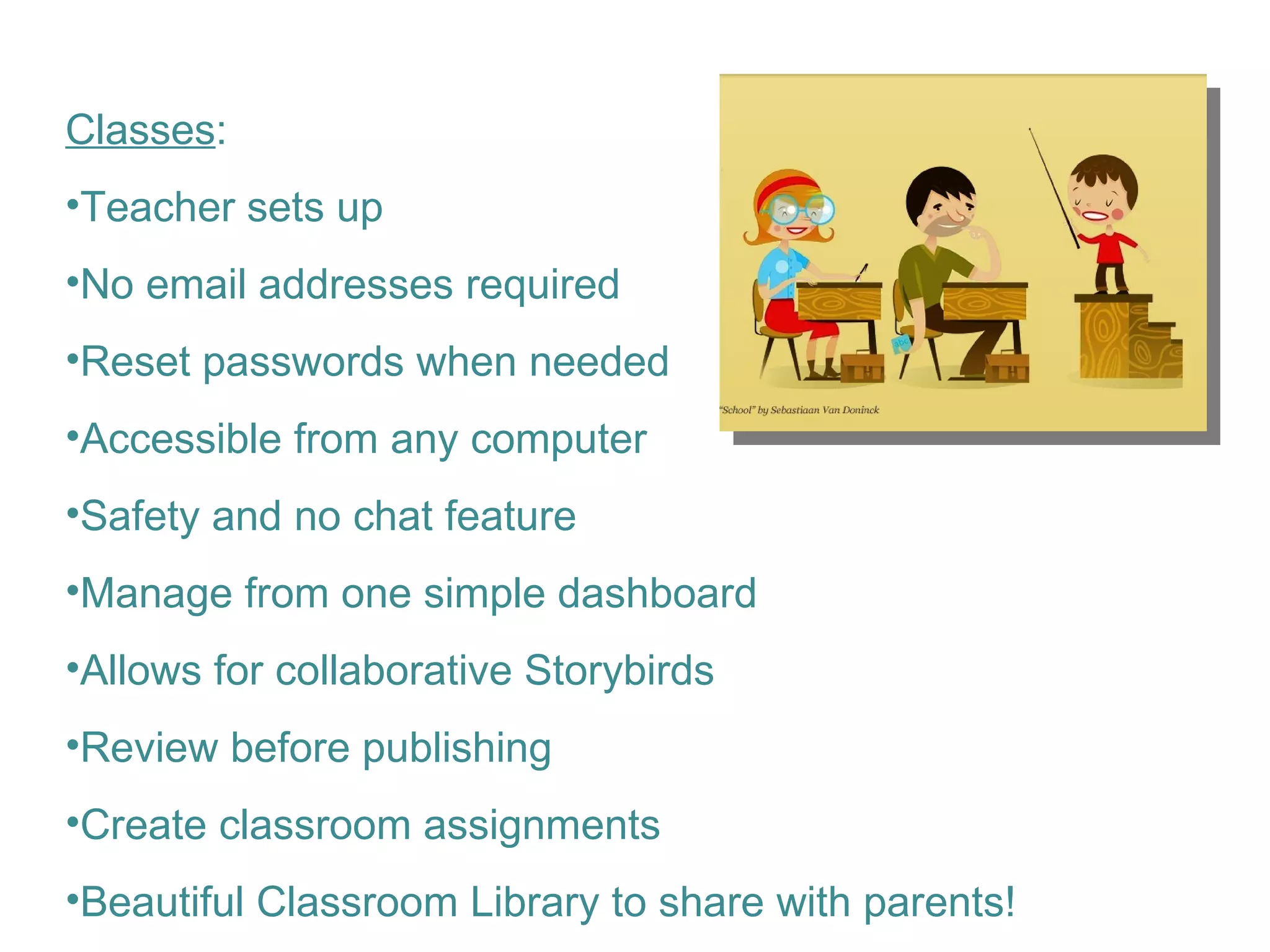
Classes : Teacher sets up  No email addresses required Reset passwords when needed Accessible from any computer Safety and no chat feature Manage from one simple dashboard Allows for collaborative Storybirds Review before publishing Create classroom assignments Beautiful Classroom Library to share with parents!
Ideas for use in the classroom: Buddy Writing  Poetry Illustrate lyrics to a song Write a new/different ending to a story Write about a family tradition Emotional support tool Create a library of stories to share with parents/school community as an end of the year activity
Tips and tricks: Play with it before you share it with students Preview stories you want students to read Gather a classroom library or collection to have kids preview Issues/Downfalls : Can’t manipulate font size, type,color Must use the provided art in theme No substitution of art between themes Students may take awhile to pick their theme! You have to invite people one at a time
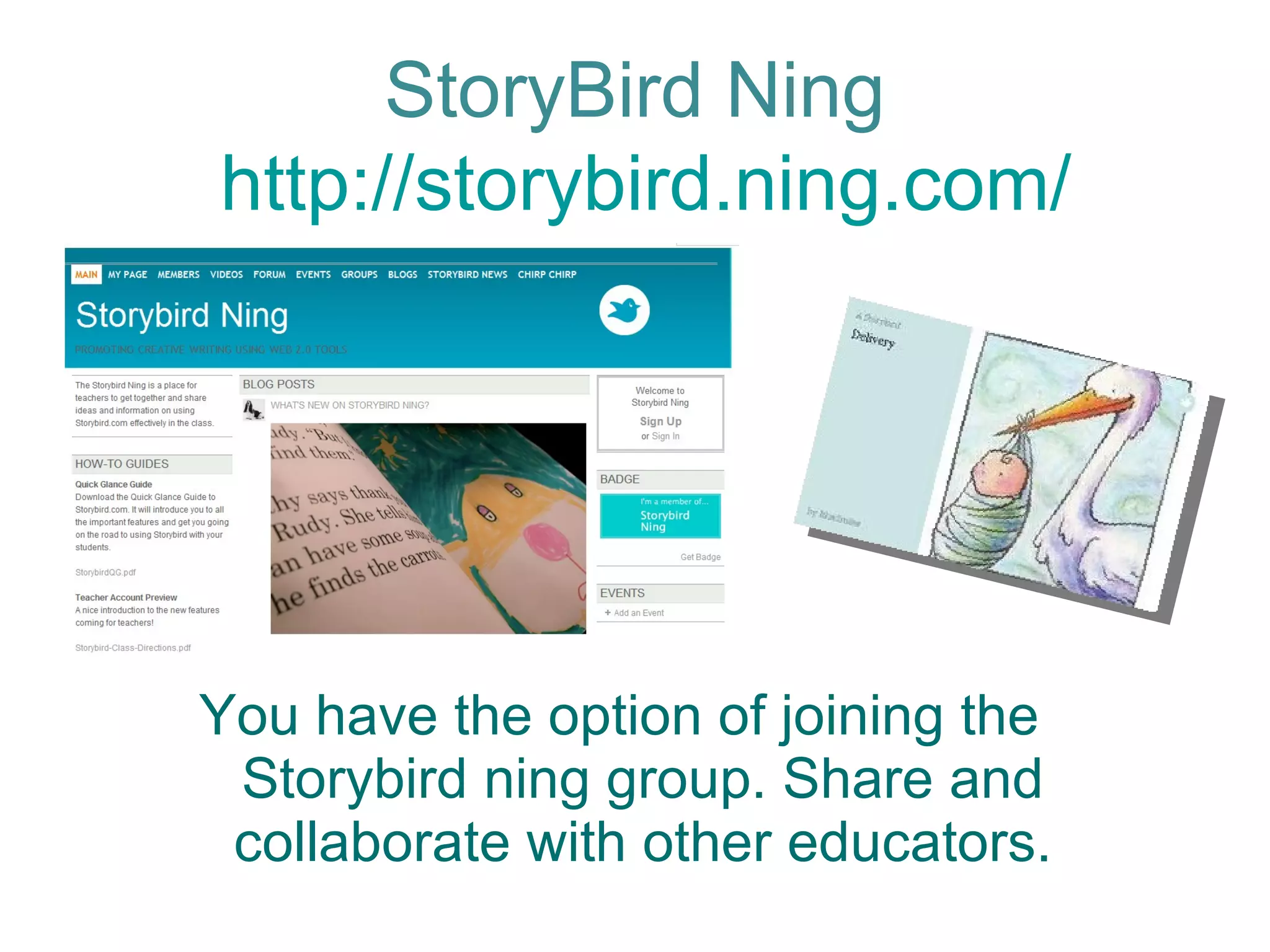
You have the option of joining the Storybird ning group. Share and collaborate with other educators. StoryBird Ning  http://storybird.ning.com/
Contact me anytime! Lisa Michelle Dabbs,M.Ed. [email_address] http://teachingwithsoul.com Skype: lisa.m.dabbs [email_address] Thank You!

Creating Collaborative storytelling with Storybird

  • 1.
    Shared by:Lisa MichelleDabbs, M.Ed. For #innovatED in Memphis Educational Consultant in California Twitter @teachingwthsoul Creative Collaborative storytelling with StoryBird
  • 2.
    Wife, Mom, Educator,Administrator, Consultant… About me
  • 3.
    Literacy is aPassion!
  • 4.
    Why read andcreate books on-line? Saves Trees! Creative Fun! Engaging Utilize Web 2.0 tools Standards support
  • 5.
    Storybird is aWeb 2.0 tool that allows for individual and collaborative storytelling. StoryBird
  • 6.
    StoryBird Two ormore can create a Storybird in a round robin fashion by selecting an artist, typing in their own text and inserting pictures.
  • 7.
    StoryBird You havethe option of sharing your Storybird: privately or publicly on the network.
  • 8.
    The final productcan be printed, viewed on screen, used in lessons or shared through a worldwide library. StoryBird
  • 9.
    StoryBird Storybird reversesthe process of visual storytelling. Start with the image and "unlock" the story inside. Choose an artist or theme, get inspired, start writing!
  • 10.
    Storybird.com Browse thethemes or art on Storybird
  • 11.
    Start writing yourstory based on art from the chosen theme. Add more pictures, pages, and text as you go Storybird.com
  • 12.
    Storybird: Making,Reading and Sharing a Storybird is free! Invite others to collaborate Share with family, friends, students Read others stories and create a reading list Create a class account!
  • 13.
    My first Storybird~The power of sharing emotion
  • 14.
    Storybird can connectyou to a friend, classmate, or someone from another country Reading is essential for success Unique way to read and write Collaborative work strengthens relationships Students contextualize and imagine the world through art and their narrative Why does StoryBird matter in teaching and learning?
  • 15.
    Promotes literacy, imaginationand self confidence Promotes English language development Students can play with words and pictures Students become comfortable with the act of creation: turning imaginative art into their own story. Why does StoryBird matter in teaching and learning?
  • 16.
    Classes : Teachersets up No email addresses required Reset passwords when needed Accessible from any computer Safety and no chat feature Manage from one simple dashboard Allows for collaborative Storybirds Review before publishing Create classroom assignments Beautiful Classroom Library to share with parents!
  • 17.
    Ideas for usein the classroom: Buddy Writing Poetry Illustrate lyrics to a song Write a new/different ending to a story Write about a family tradition Emotional support tool Create a library of stories to share with parents/school community as an end of the year activity
  • 18.
    Tips and tricks:Play with it before you share it with students Preview stories you want students to read Gather a classroom library or collection to have kids preview Issues/Downfalls : Can’t manipulate font size, type,color Must use the provided art in theme No substitution of art between themes Students may take awhile to pick their theme! You have to invite people one at a time
  • 19.
    You have theoption of joining the Storybird ning group. Share and collaborate with other educators. StoryBird Ning http://storybird.ning.com/
  • 20.
    Contact me anytime!Lisa Michelle Dabbs,M.Ed. [email_address] http://teachingwithsoul.com Skype: lisa.m.dabbs [email_address] Thank You!