Online instruction doesn’t
haveto be “less than”
•Not limited by the librarian’s or faculty
member’s schedules
•Instruction can take place at logical points in a
class instead of all at once
•We can cover so much more than we could in a
one-shot
•Students can customize their learning
experience based on what they already know
•We can create multiple learning experiences
that appeal to different learning styles
Before I start
lookingat tech
•Talk to faculty and look at syllabi
•Develop learning outcomes
•Find out what technologies students use and
faculty teach with
•Find out how students communicate with
faculty and other students
•Find out if distance learners have synchronous
components to their classes
9.
Evaluating Tech
•Find theright balance between
•high impact/low impact
•high cost/low or no cost
•more effort/less effort
•Consider long-term sustainability of
the project
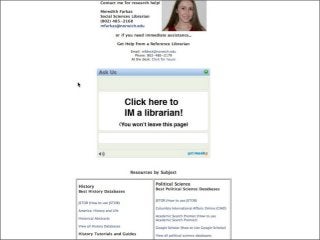
Other options for
subject/courseguides
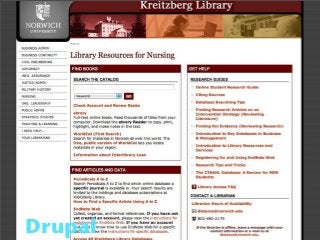
•Other open source library guide software:
Research Guide, Subjects Plus, Libdata,
MyLibrary.
•Wordpress blog, Scriblio (Wordpress fork)
•Wikis (PBWorks, MediaWiki)
•delicious (syndicate RSS feeds of bookmarked
content on web page)
•Create inside of course management system
18.
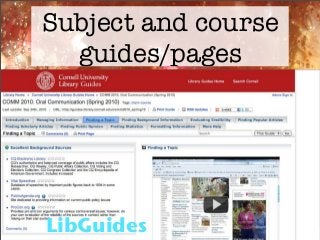
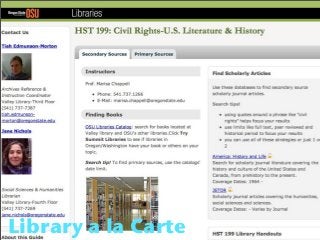
Subject and course
guides/pages
•Pros
•Easyto create, tailored to specific courses
and subjects, consistent look and feel, often
offer places to connect with a librarian
•Cons
•No interactivity, text heavy, as number of
guides grows it require significant staff time
to update, usability of guides rarely assessed
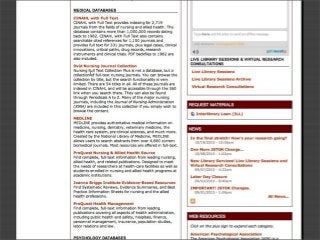
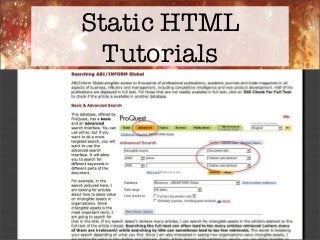
Static HTML
Tutorials
•Pros
•Relatively easyto create; easy for students
to skim, scan and skip around; easy for
students to try out resource while looking at
screenshots and instructions; easy to update
screenshots and text when interfaces change
•Cons
•No interactivity, text heavy, less engaging,
doesn’t appeal to aural learners and those
who prefer to watch a demonstration
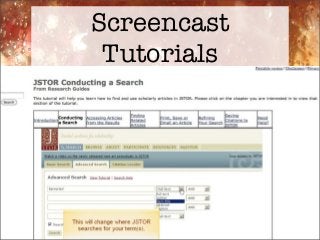
Screencast
Tutorials
•Pros
•Appeals to diverselearning styles, visually
engaging, interactivity can be integrated,
quizzes can be integrated
•Cons
•Time-consuming to create and update; have
to be short; difficult for students to skim,
scan and skip around; difficult for students
to apply what they’re learning while they
watch; accessibility issues
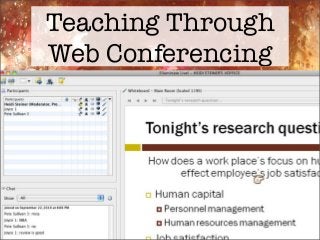
Teaching Through
Web Conferencing
•Pros
•Liveinteraction with a librarian builds a
sense of connection, students can ask
questions, can be archived for people to
watch later, not limited by classroom size
•Cons
•Staff time, cost of technology, possible
technology issues for attendees and
presenters, not the best idea if distance
learning program has no synchronous
components
25.
Online Assessment
•Quizzes andassignments
•Requires collaboration with faculty
•Best when integrated into course
•Librarian or instructor-graded?
•Open-ended or multiple choice questions?
•Also worth assessing what students think
of the learning objects.
26.
Other (less ideal)
options
•Videotapelive sessions
•Most won’t have attention span to watch
•Embedded librarian
•Librarian on discussion boards in
courseware
•Information literacy electronic game
•BIG investment of time/effort
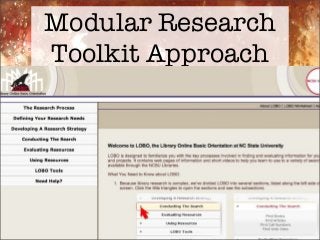
Modular Research
Toolkit Approach
•Pros
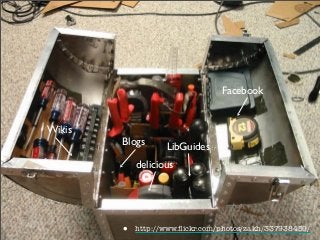
•Canprovide a variety of learning
experiences using different tools, doesn’t
need to be done in a single class session, easy
for faculty to integrate into their course
•Cons
•Cons largely dependent on technologies
chosen, requires close collaboration with
faculty
31.
Important
Considerations
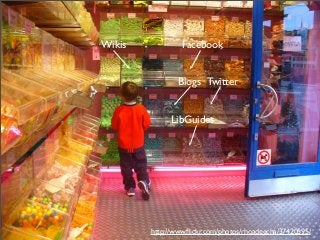
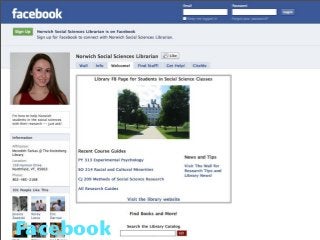
•Working closely withfaculty is critical
•Working closely with academic computing is
ideal
•Even with unmediated instruction, make it
easy for students to get help from a librarian
•Design with learning styles in mind
•Think about accessibility
•Think about mobile device compatibility
•Place instruction at users’ points of need
32.
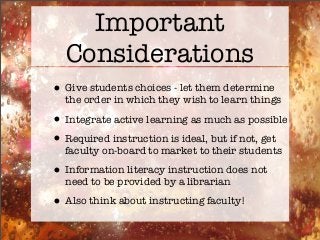
Important
Considerations
•Give students choices- let them determine
the order in which they wish to learn things
•Integrate active learning as much as possible
•Required instruction is ideal, but if not, get
faculty on-board to market to their students
•Information literacy instruction does not
need to be provided by a librarian
•Also think about instructing faculty!