This document discusses tuning HBase and HDFS for performance and correctness. Some key recommendations include:
- Enable HDFS sync on close and sync behind writes for correctness on power failures.
- Tune HBase compaction settings like blockingStoreFiles and compactionThreshold based on whether the workload is read-heavy or write-heavy.
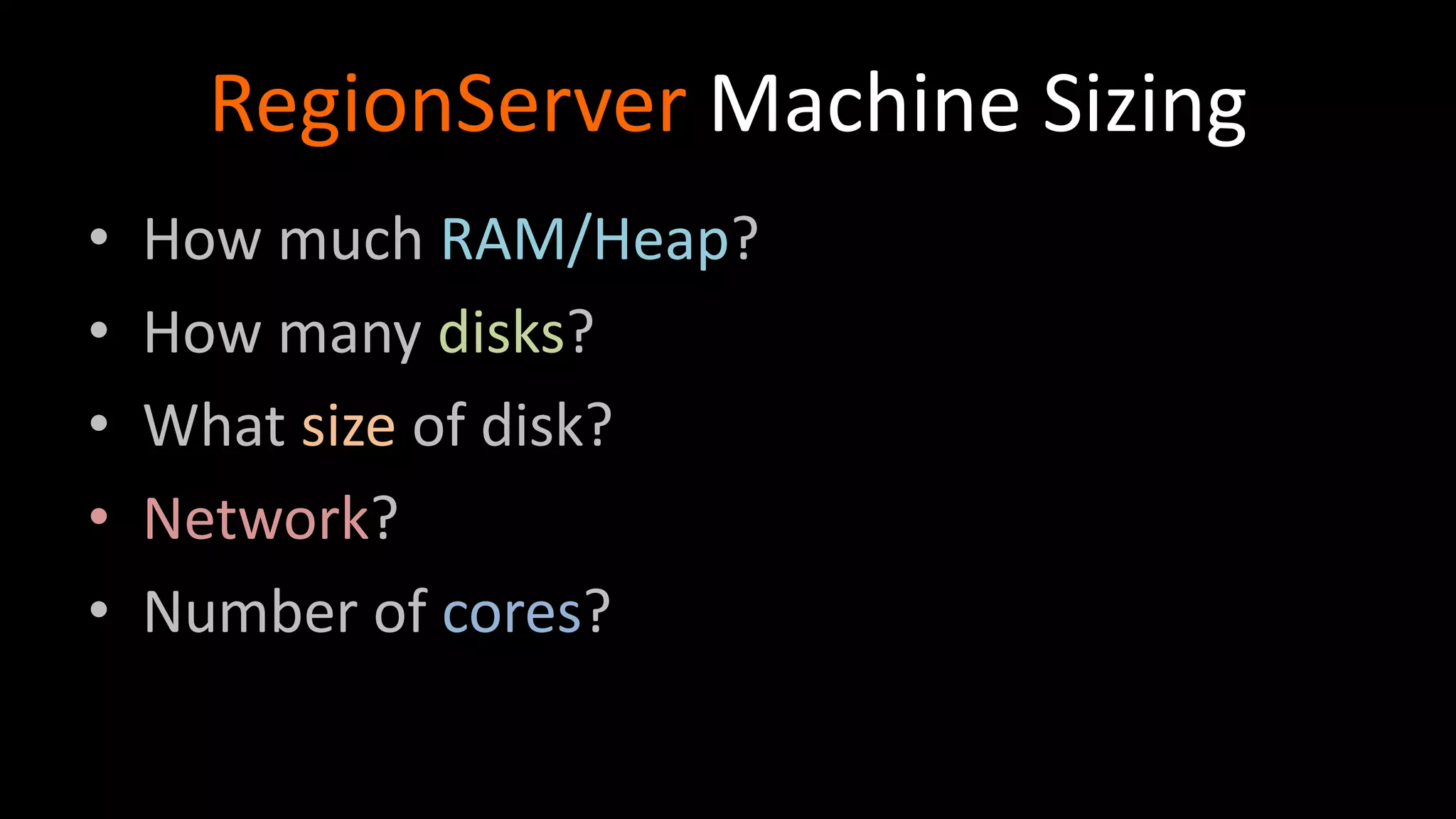
- Size RegionServer machines based on disk size, heap size, and number of cores to optimize for the workload.
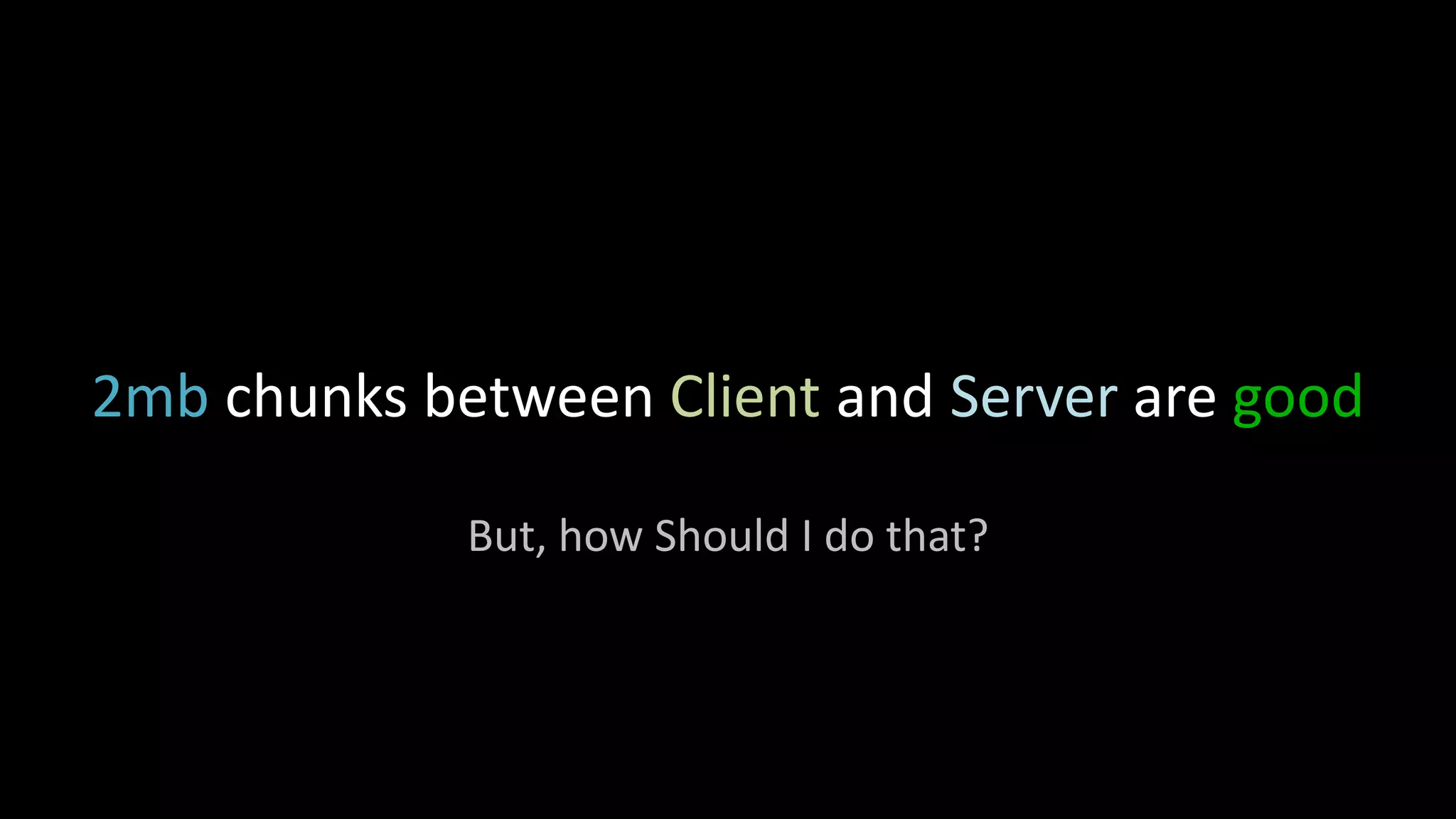
- Set client and server RPC chunk sizes like hbase.client.write.buffer to 2MB to maximize network throughput.
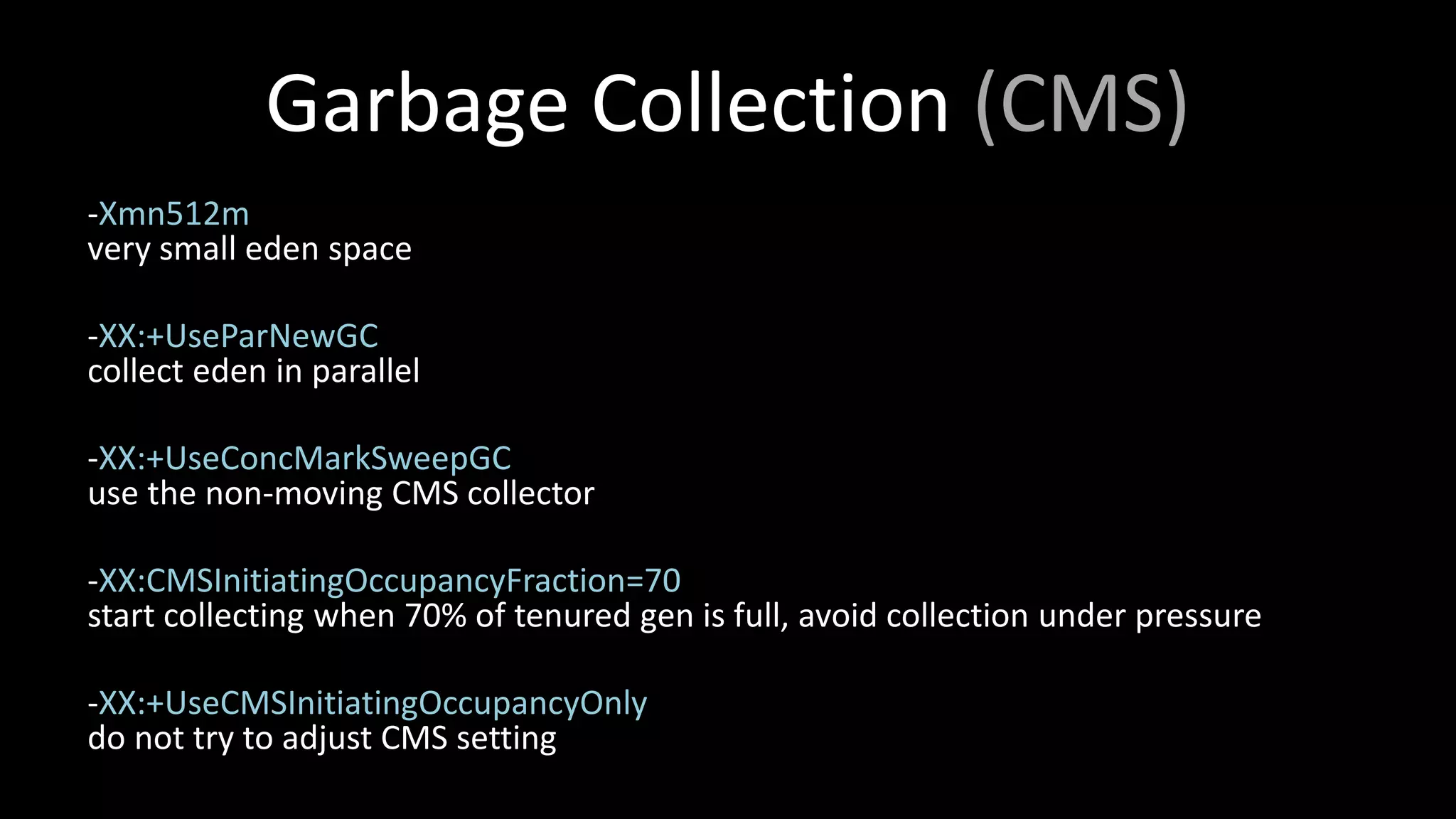
- Configure various garbage collection settings in HBase like -Xmn512m and -XX:+UseCMSInit
Introduction of HBase tuning by Lars Hofhansl. Initial agenda includes HDFS, HBase server, and performance.
Introduction of HBase tuning by Lars Hofhansl. Initial agenda includes HDFS, HBase server, and performance.
Explains HDFS settings, covering data storage, correctness, performance settings, sync features, and miscellaneous tips for better data management.
Details on HBase's compaction process, write amplification, settings to manage HFiles, and optimizing for read or write workloads.
Techniques for managing BlockCache and Memstore sizing along with garbage collection strategies for efficient memory management.Physical and technical requirements for RegionServers including RAM, disk space, and the disk/Java heap ratio calculations.Configuration settings focused on RPC chunk sizes, data replication strategies, and optimization tips for performance.
Summary of key points for enabling optimal HDFS synchronization, tuning settings for HBase operations, and configurations for best results.
HDFS - Background
•Stores HBase WAL and HFiles
• No sync-to-disk by default
• Datanode writes tmp file, moves it into place
• Old data lost on power outage
7.
HDFS Correctness Settings
•dfs.datanode.synconclose = true
(since Hadoop 1.1)
• mount ext4 with dirsync! Or use XFS
• You must do this!
8.
HDFS Performance Settings
1.Sync behind writes
2. Stale Datanode Detection
3. Short Circuit Reads
4. Miscellaneous Settings
9.
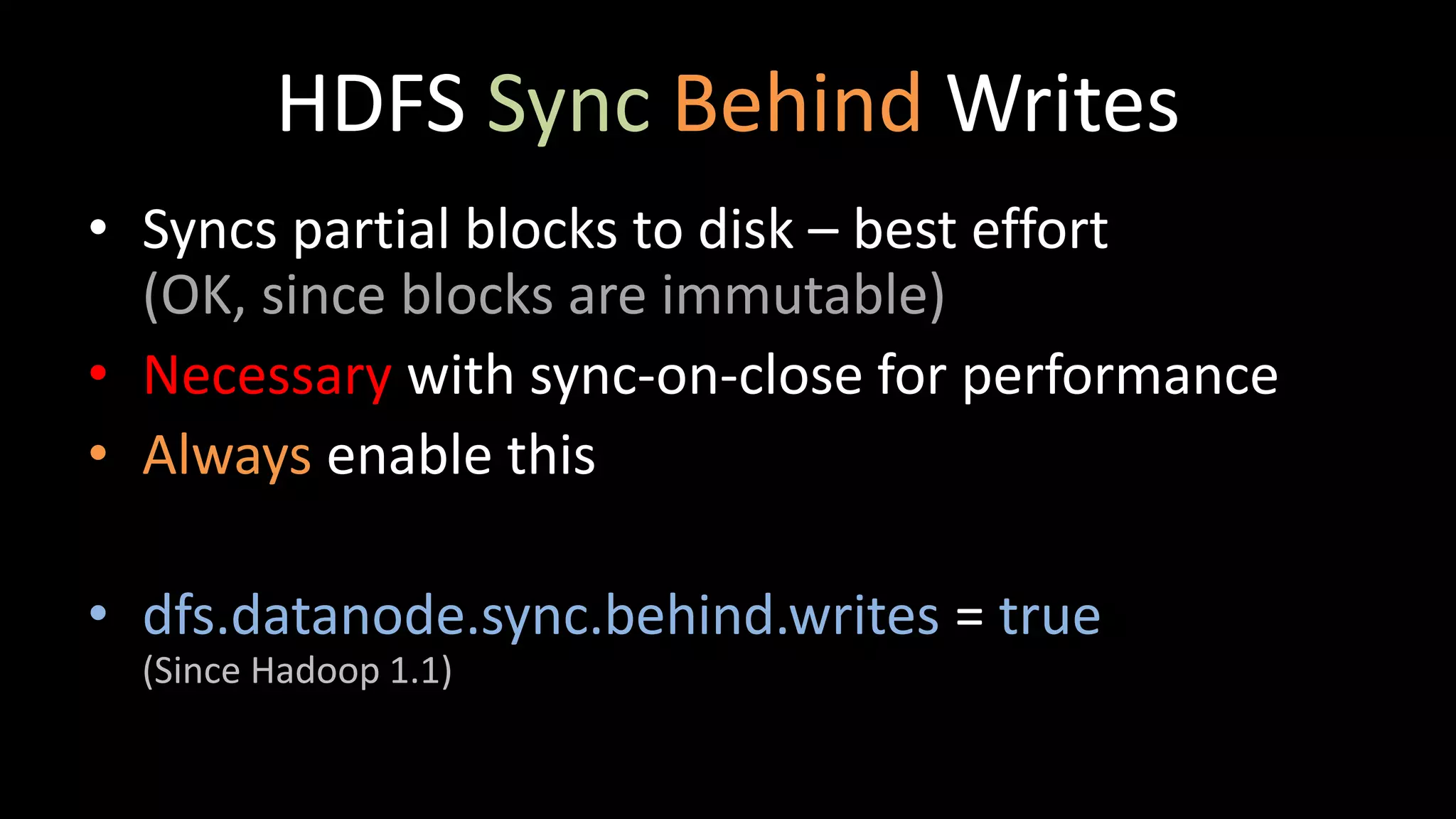
HDFS Sync BehindWrites
• Syncs partial blocks to disk – best effort
(OK, since blocks are immutable)
• Necessary with sync-on-close for performance
• Always enable this
• dfs.datanode.sync.behind.writes = true
(Since Hadoop 1.1)
10.
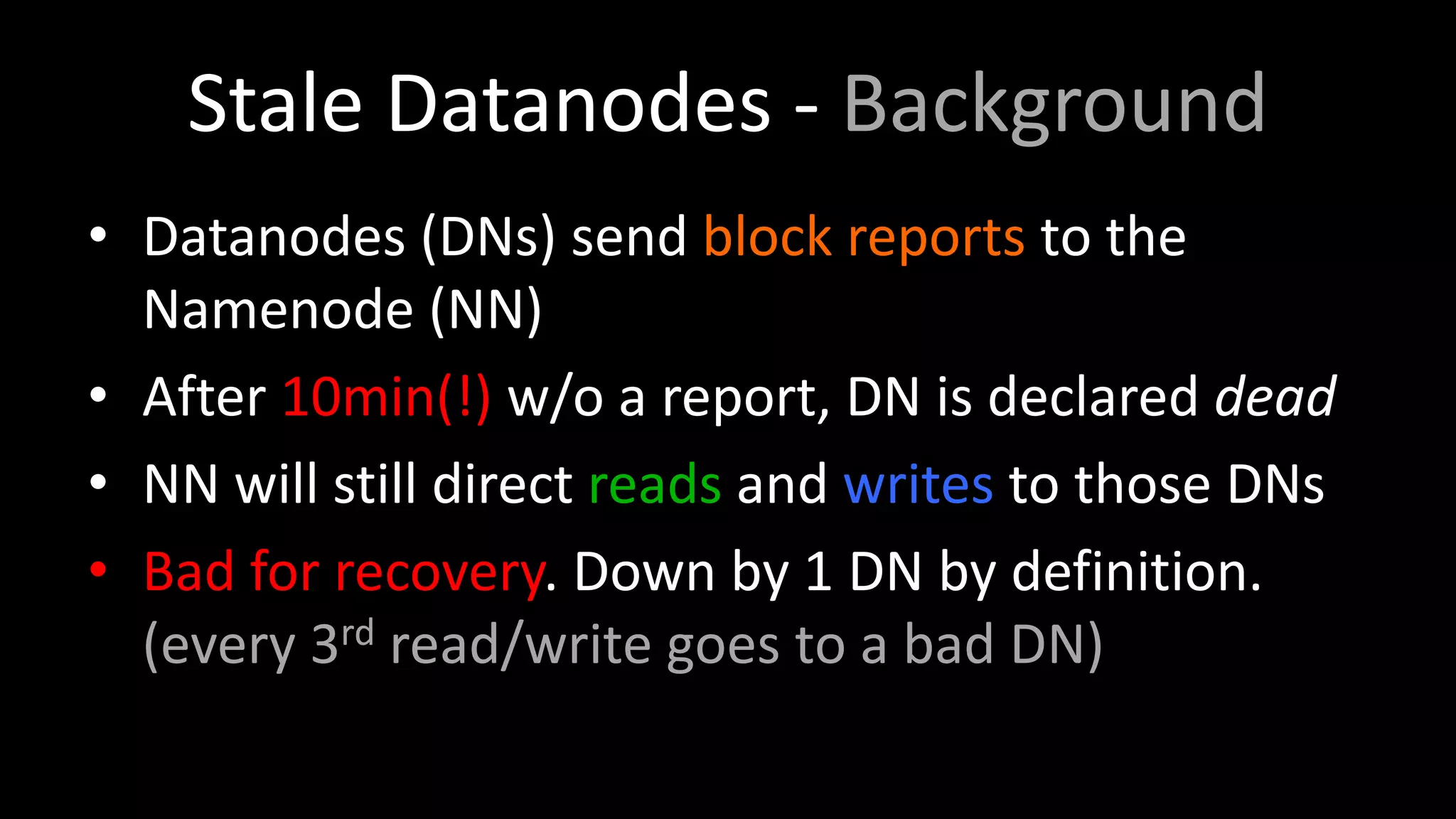
Stale Datanodes -Background
• Datanodes (DNs) send block reports to the
Namenode (NN)
• After 10min(!) w/o a report, DN is declared dead
• NN will still direct reads and writes to those DNs
• Bad for recovery. Down by 1 DN by definition.
(every 3rd read/write goes to a bad DN)
11.
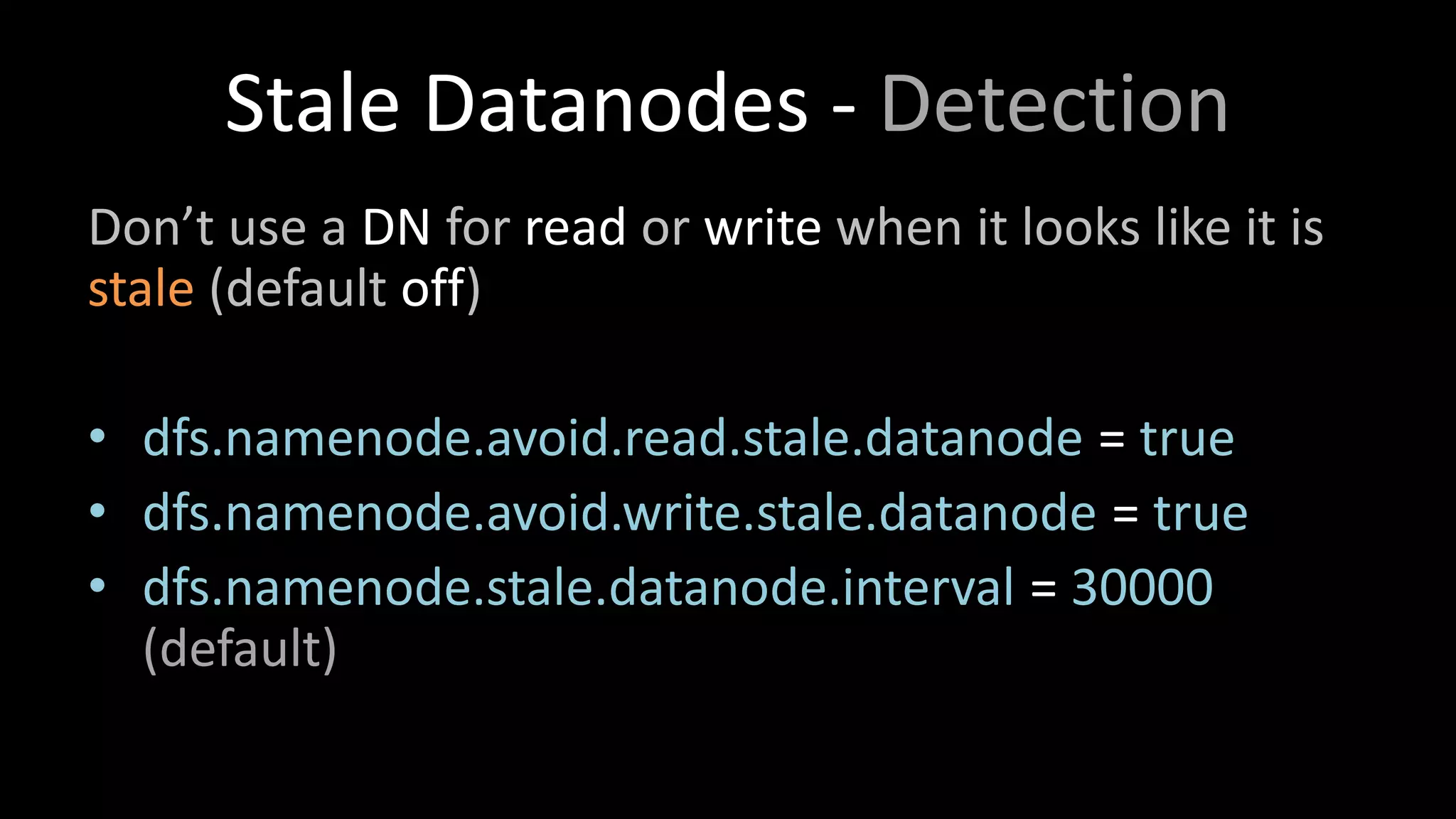
Stale Datanodes -Detection
Don’t use a DN for read or write when it looks like it is
stale (default off)
• dfs.namenode.avoid.read.stale.datanode = true
• dfs.namenode.avoid.write.stale.datanode = true
• dfs.namenode.stale.datanode.interval = 30000
(default)
12.
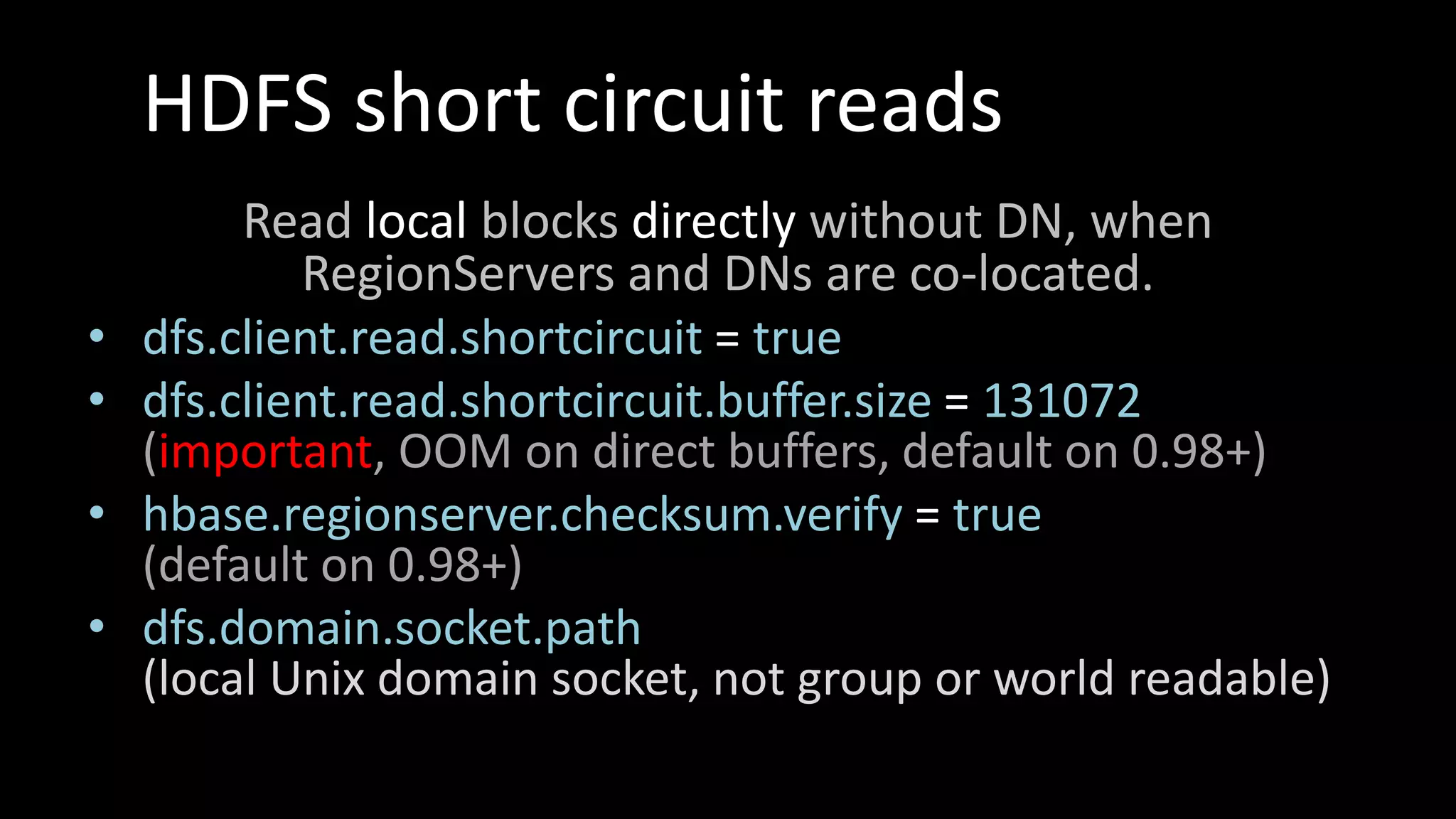
HDFS short circuitreads
Read local blocks directly without DN, when
RegionServers and DNs are co-located.
• dfs.client.read.shortcircuit = true
• dfs.client.read.shortcircuit.buffer.size = 131072
(important, OOM on direct buffers, default on 0.98+)
• hbase.regionserver.checksum.verify = true
(default on 0.98+)
• dfs.domain.socket.path
(local Unix domain socket, not group or world readable)
13.
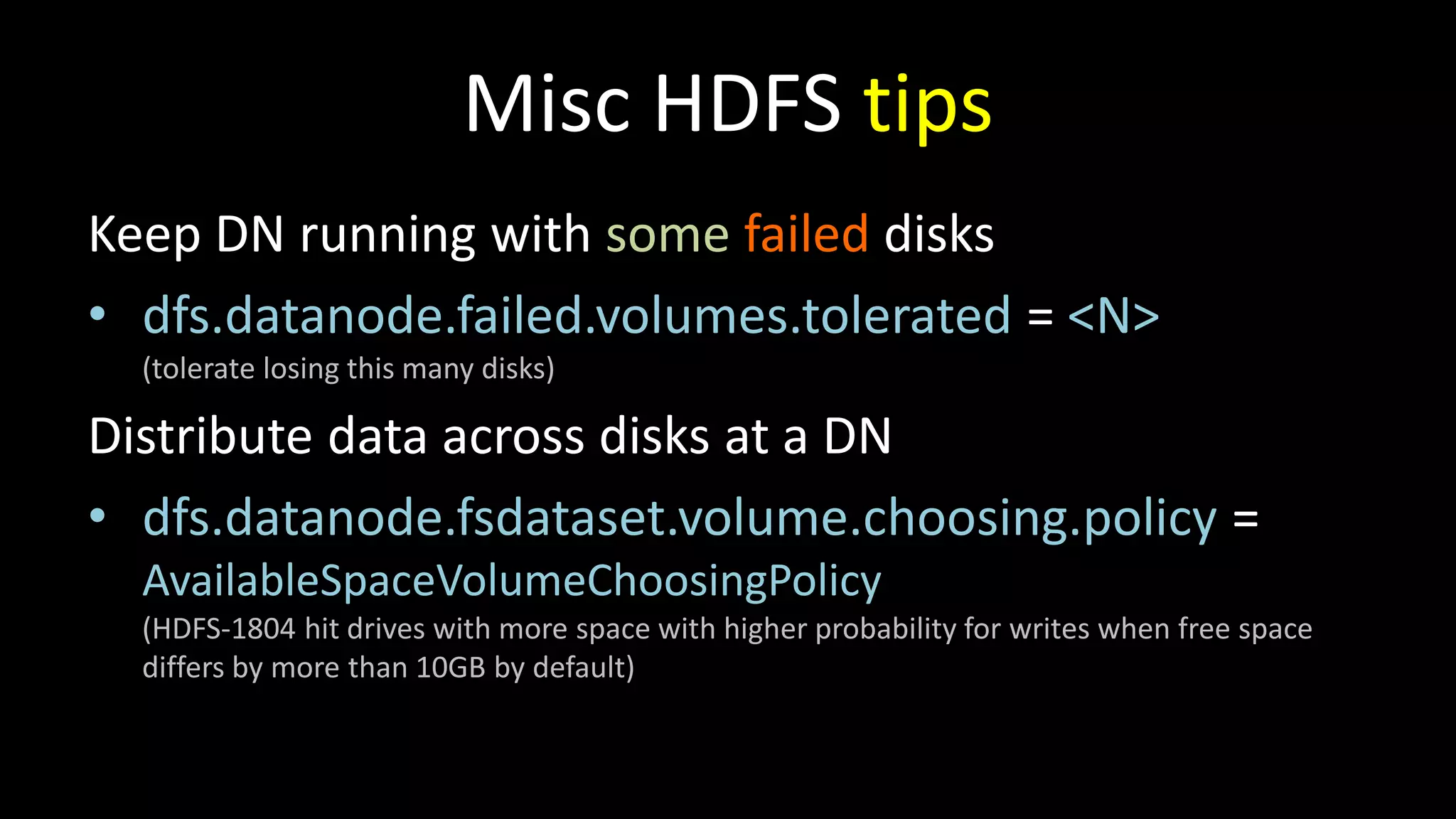
Misc HDFS tips
KeepDN running with some failed disks
• dfs.datanode.failed.volumes.tolerated = <N>
(tolerate losing this many disks)
Distribute data across disks at a DN
• dfs.datanode.fsdataset.volume.choosing.policy =
AvailableSpaceVolumeChoosingPolicy
(HDFS-1804 hit drives with more space with higher probability for writes when free space
differs by more than 10GB by default)
14.
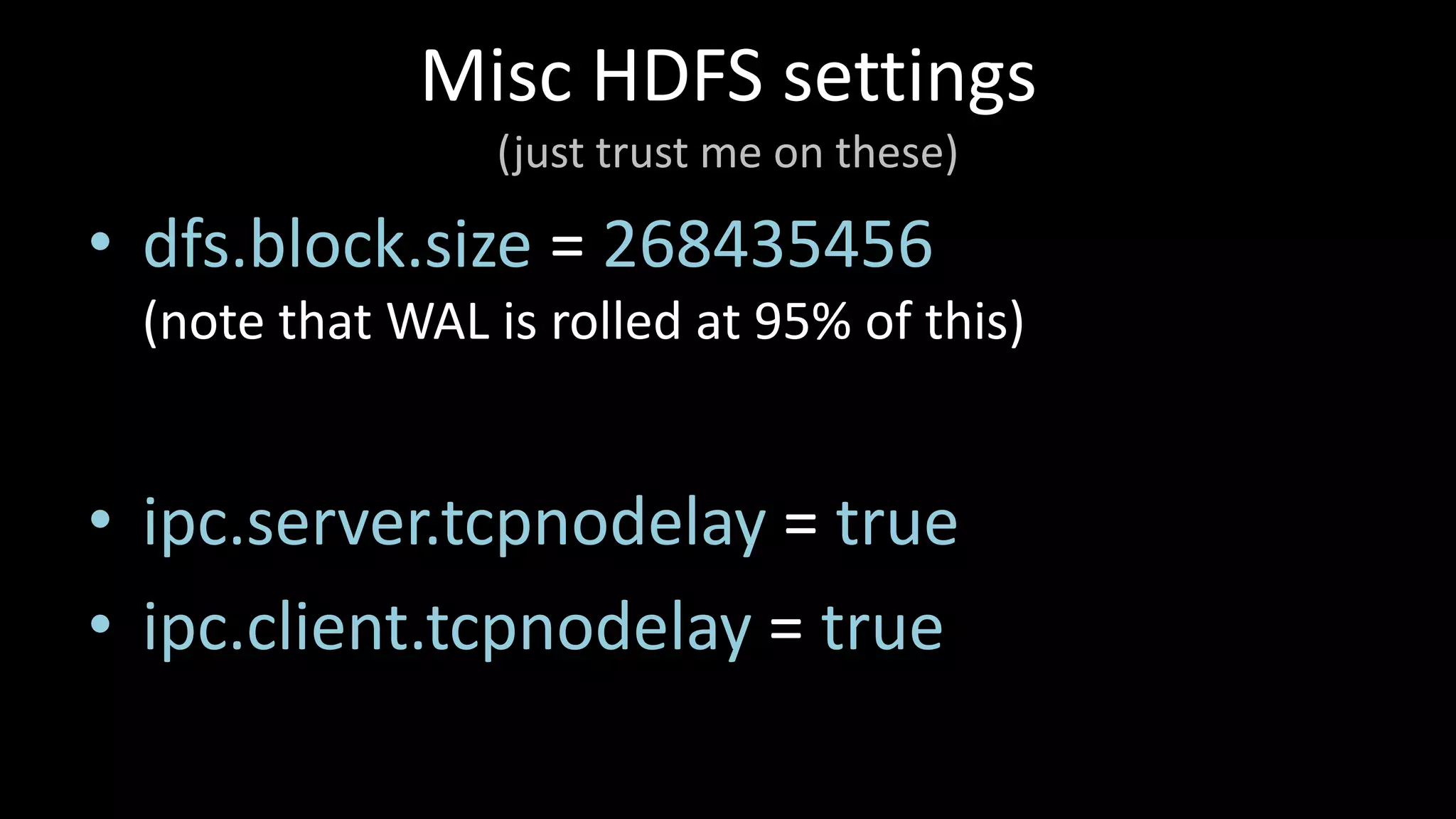
Misc HDFS settings
(justtrust me on these)
• dfs.block.size = 268435456
(note that WAL is rolled at 95% of this)
• ipc.server.tcpnodelay = true
• ipc.client.tcpnodelay = true
15.
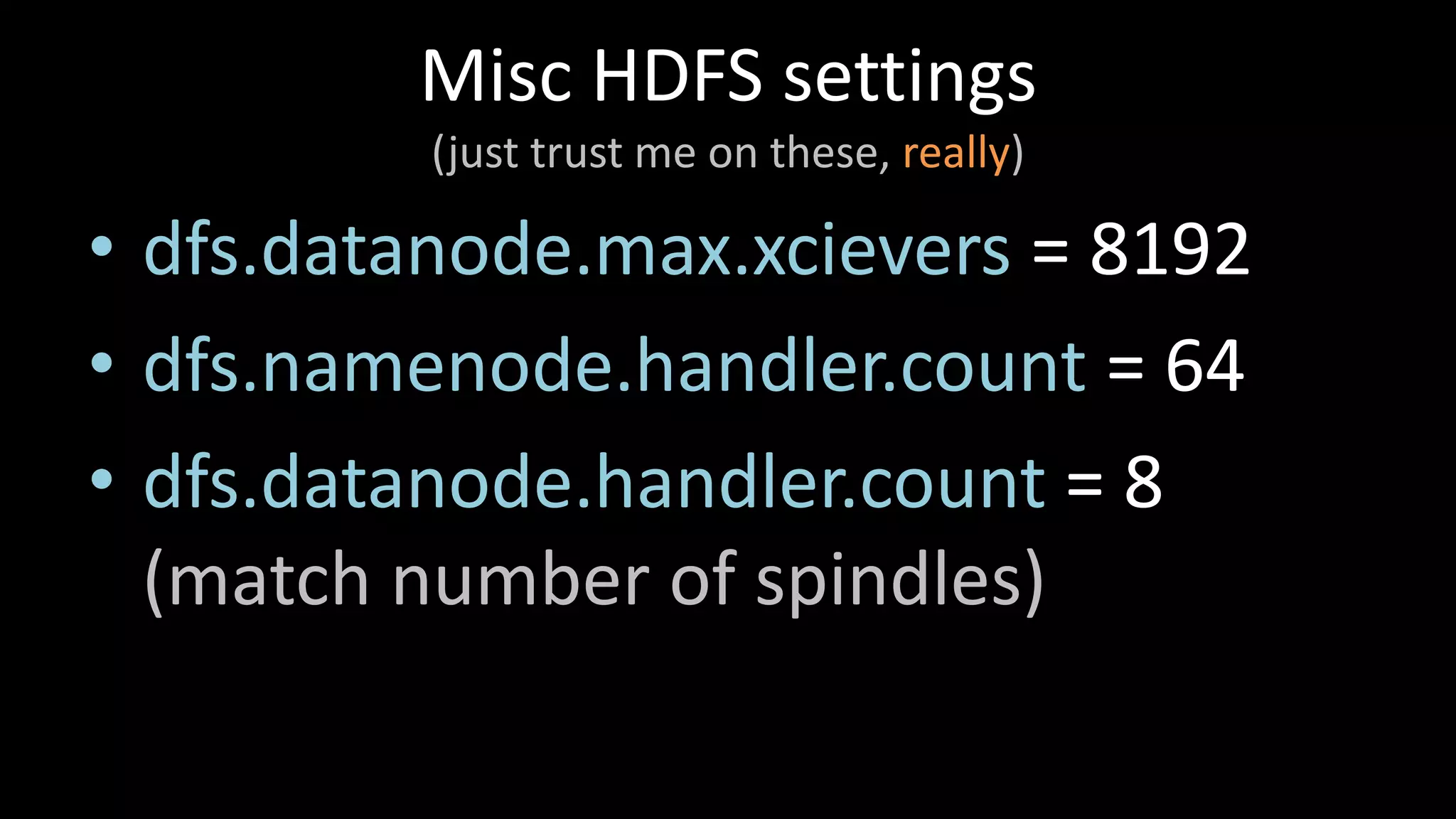
Misc HDFS settings
(justtrust me on these, really)
• dfs.datanode.max.xcievers = 8192
• dfs.namenode.handler.count = 64
• dfs.datanode.handler.count = 8
(match number of spindles)
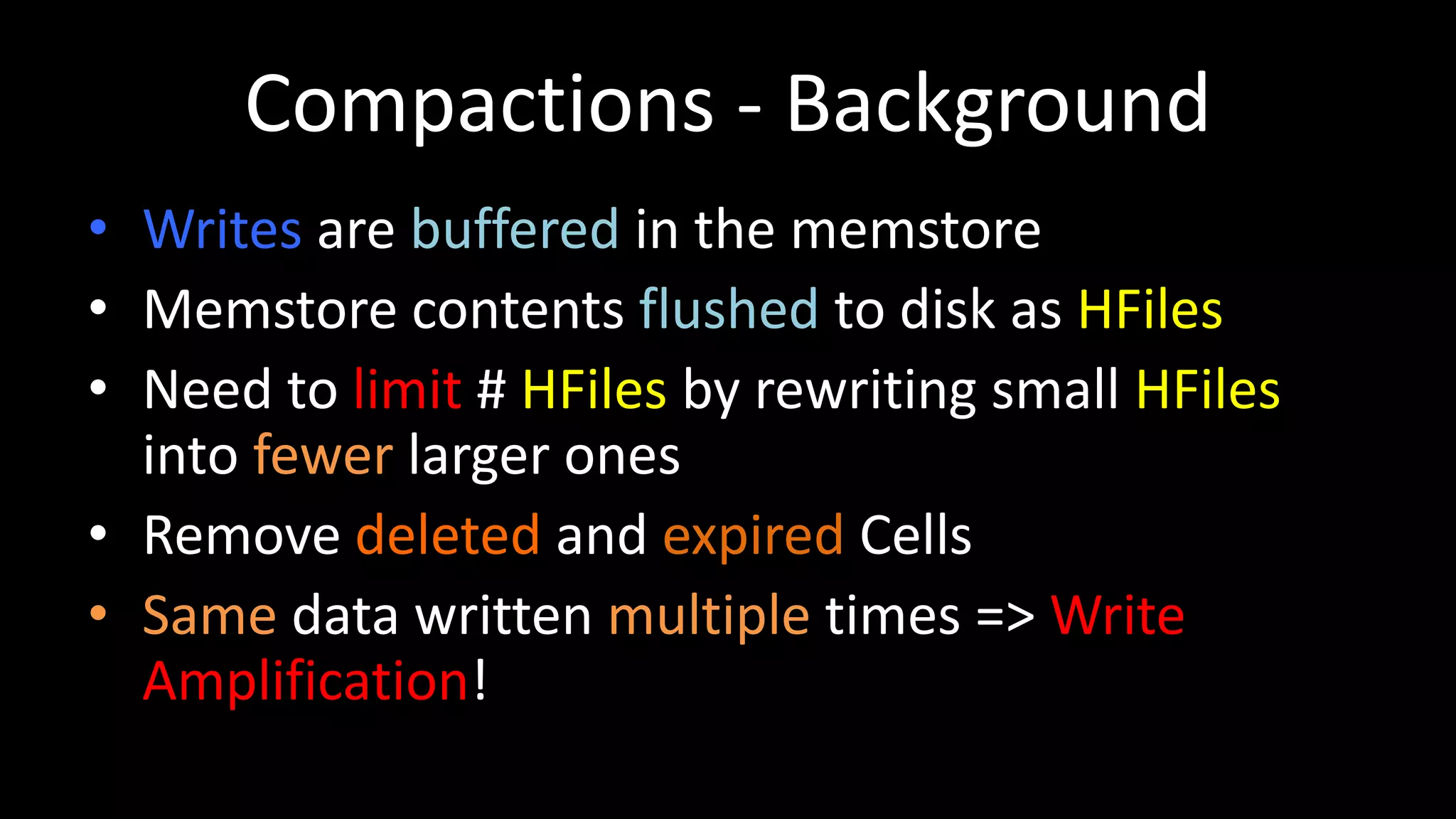
Compactions - Background
•Writes are buffered in the memstore
• Memstore contents flushed to disk as HFiles
• Need to limit # HFiles by rewriting small HFiles
into fewer larger ones
• Remove deleted and expired Cells
• Same data written multiple times => Write
Amplification!
20.
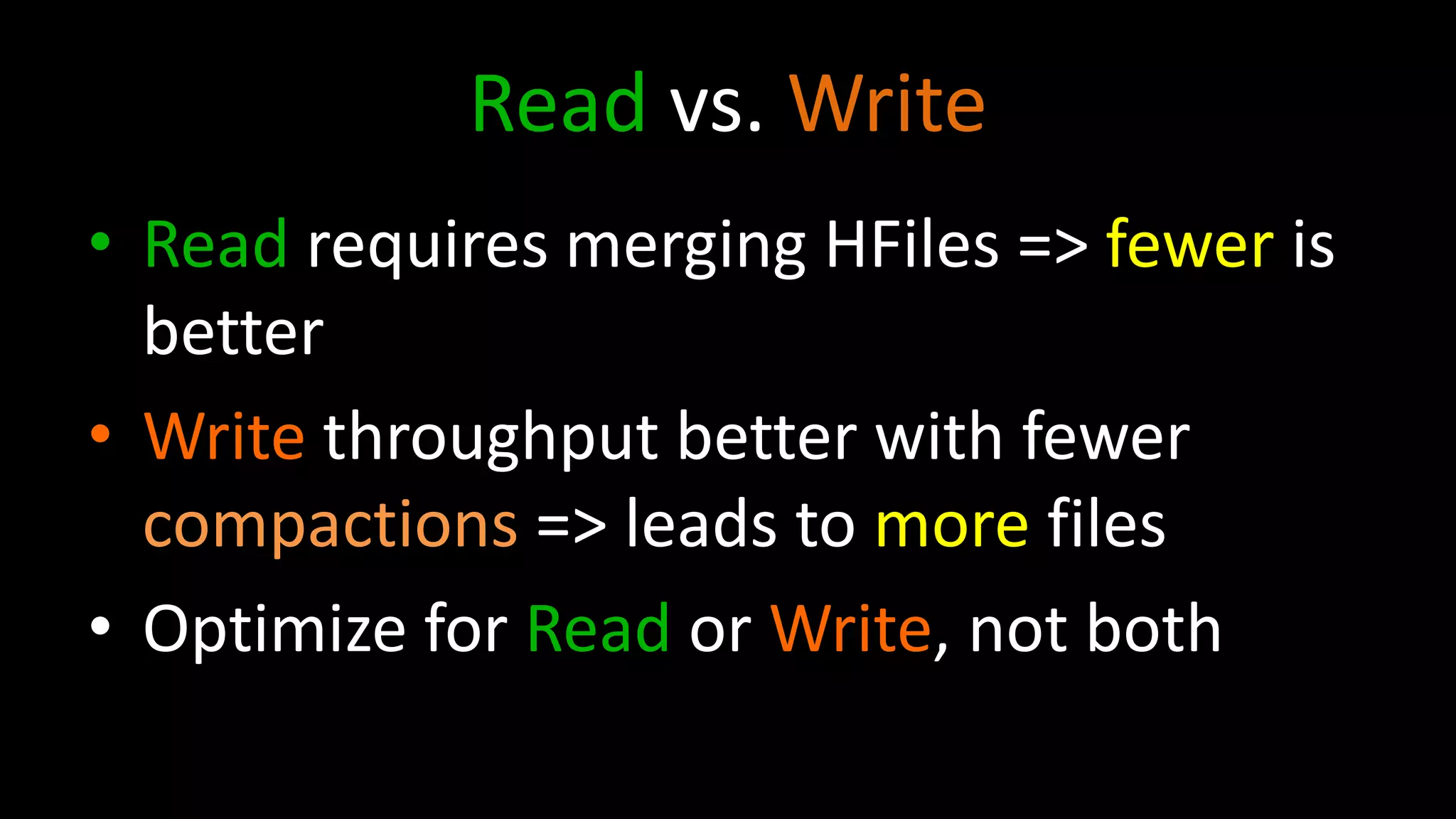
Read vs. Write
•Read requires merging HFiles => fewer is
better
• Write throughput better with fewer
compactions => leads to more files
• Optimize for Read or Write, not both
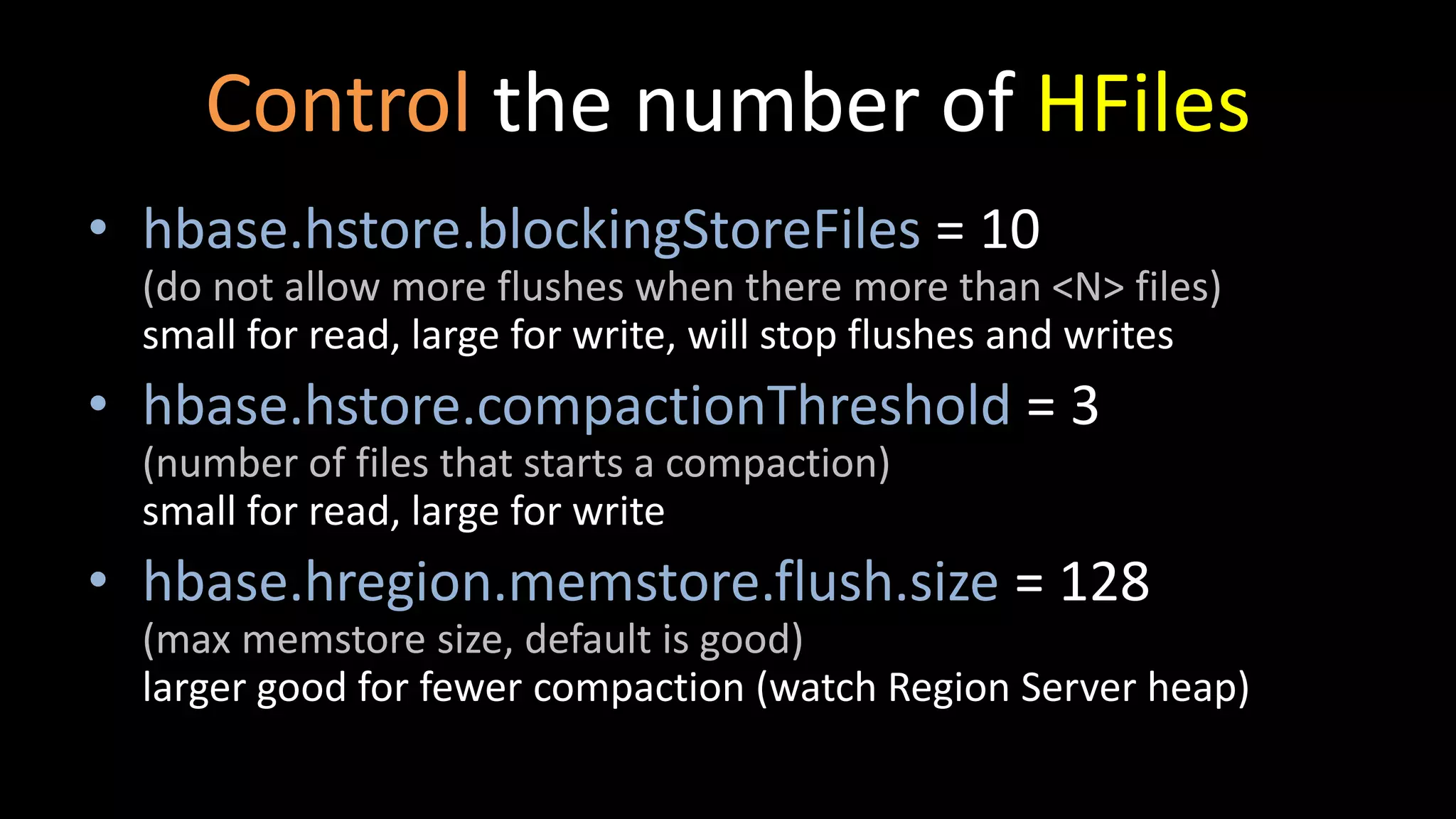
Control the numberof HFiles
• hbase.hstore.blockingStoreFiles = 10
(do not allow more flushes when there more than <N> files)
small for read, large for write, will stop flushes and writes
• hbase.hstore.compactionThreshold = 3
(number of files that starts a compaction)
small for read, large for write
• hbase.hregion.memstore.flush.size = 128
(max memstore size, default is good)
larger good for fewer compaction (watch Region Server heap)
23.
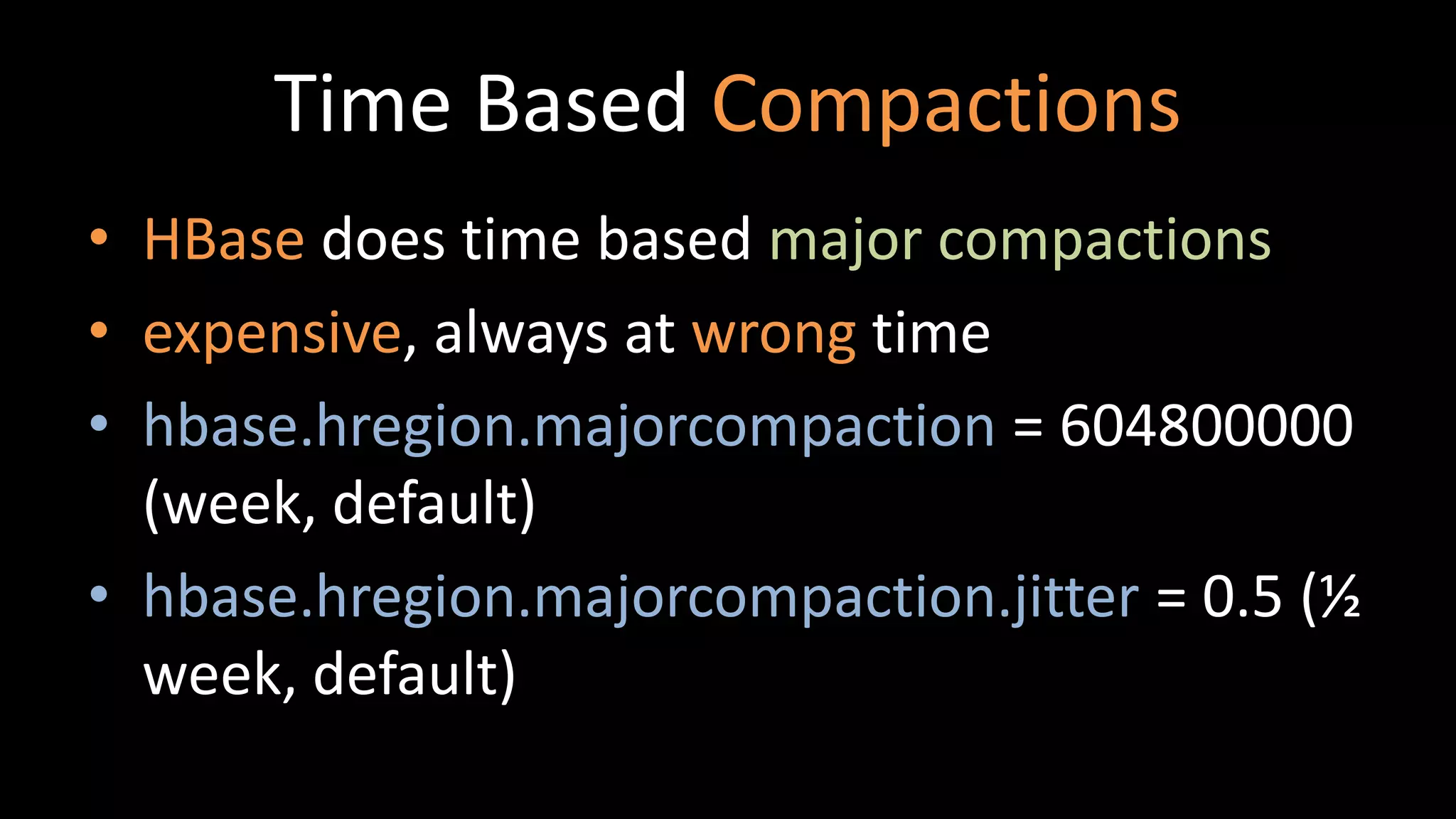
Time Based Compactions
•HBase does time based major compactions
• expensive, always at wrong time
• hbase.hregion.majorcompaction = 604800000
(week, default)
• hbase.hregion.majorcompaction.jitter = 0.5 (½
week, default)
24.
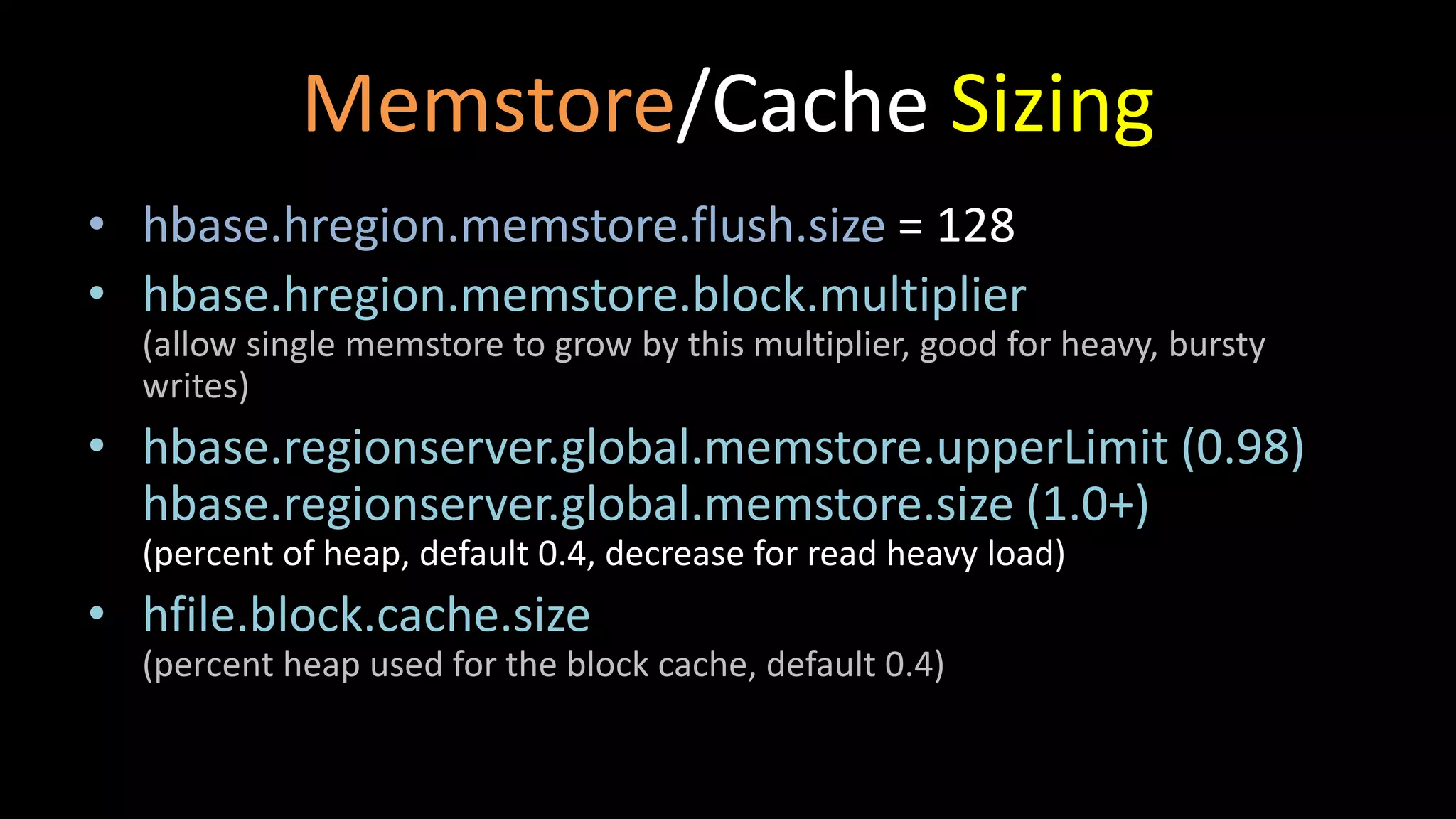
Memstore/Cache Sizing
• hbase.hregion.memstore.flush.size= 128
• hbase.hregion.memstore.block.multiplier
(allow single memstore to grow by this multiplier, good for heavy, bursty
writes)
• hbase.regionserver.global.memstore.upperLimit (0.98)
hbase.regionserver.global.memstore.size (1.0+)
(percent of heap, default 0.4, decrease for read heavy load)
• hfile.block.cache.size
(percent heap used for the block cache, default 0.4)
25.
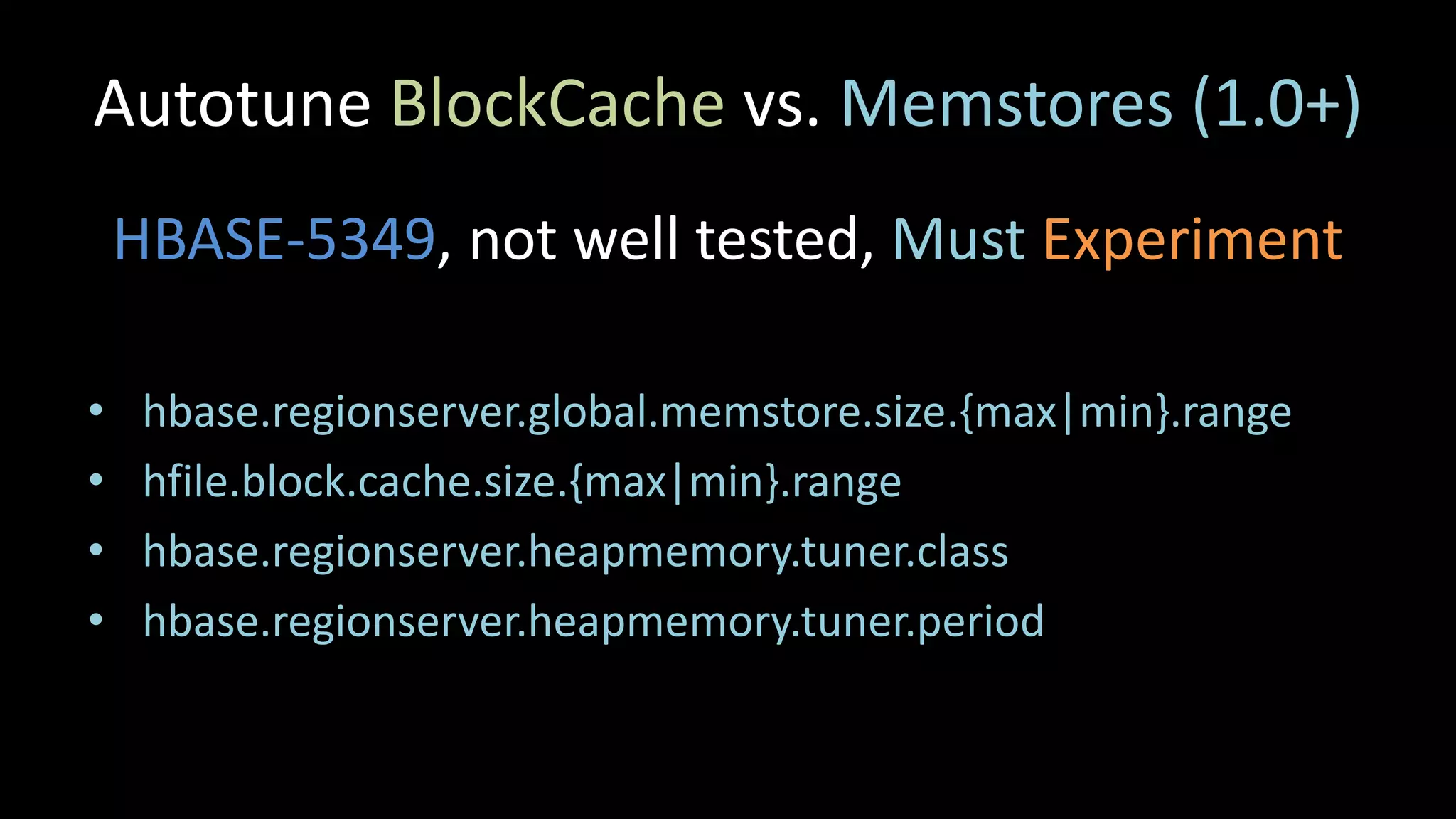
Autotune BlockCache vs.Memstores (1.0+)
HBASE-5349, not well tested, Must Experiment
• hbase.regionserver.global.memstore.size.{max|min}.range
• hfile.block.cache.size.{max|min}.range
• hbase.regionserver.heapmemory.tuner.class
• hbase.regionserver.heapmemory.tuner.period
26.
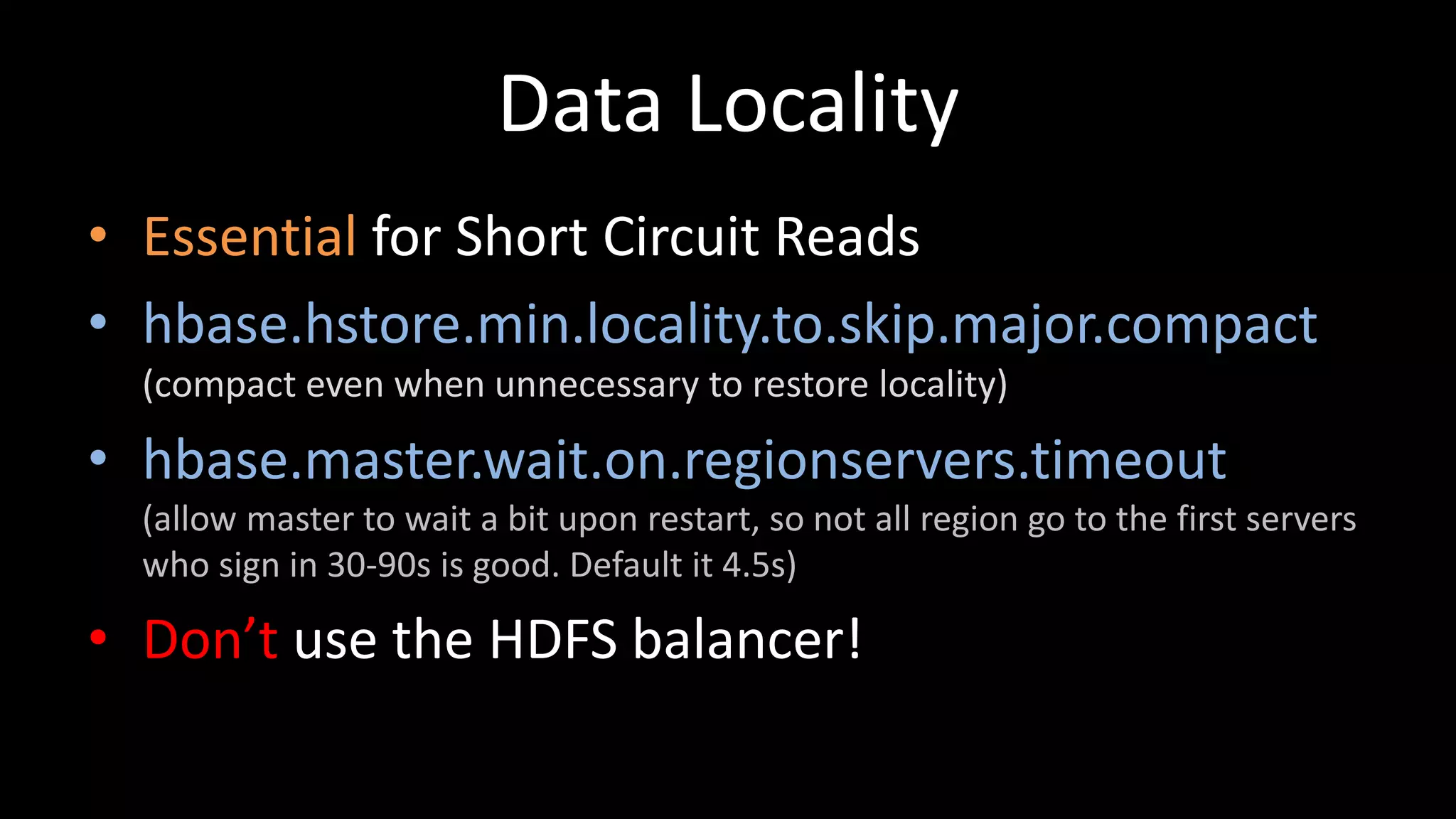
Data Locality
• Essentialfor Short Circuit Reads
• hbase.hstore.min.locality.to.skip.major.compact
(compact even when unnecessary to restore locality)
• hbase.master.wait.on.regionservers.timeout
(allow master to wait a bit upon restart, so not all region go to the first servers
who sign in 30-90s is good. Default it 4.5s)
• Don’t use the HDFS balancer!
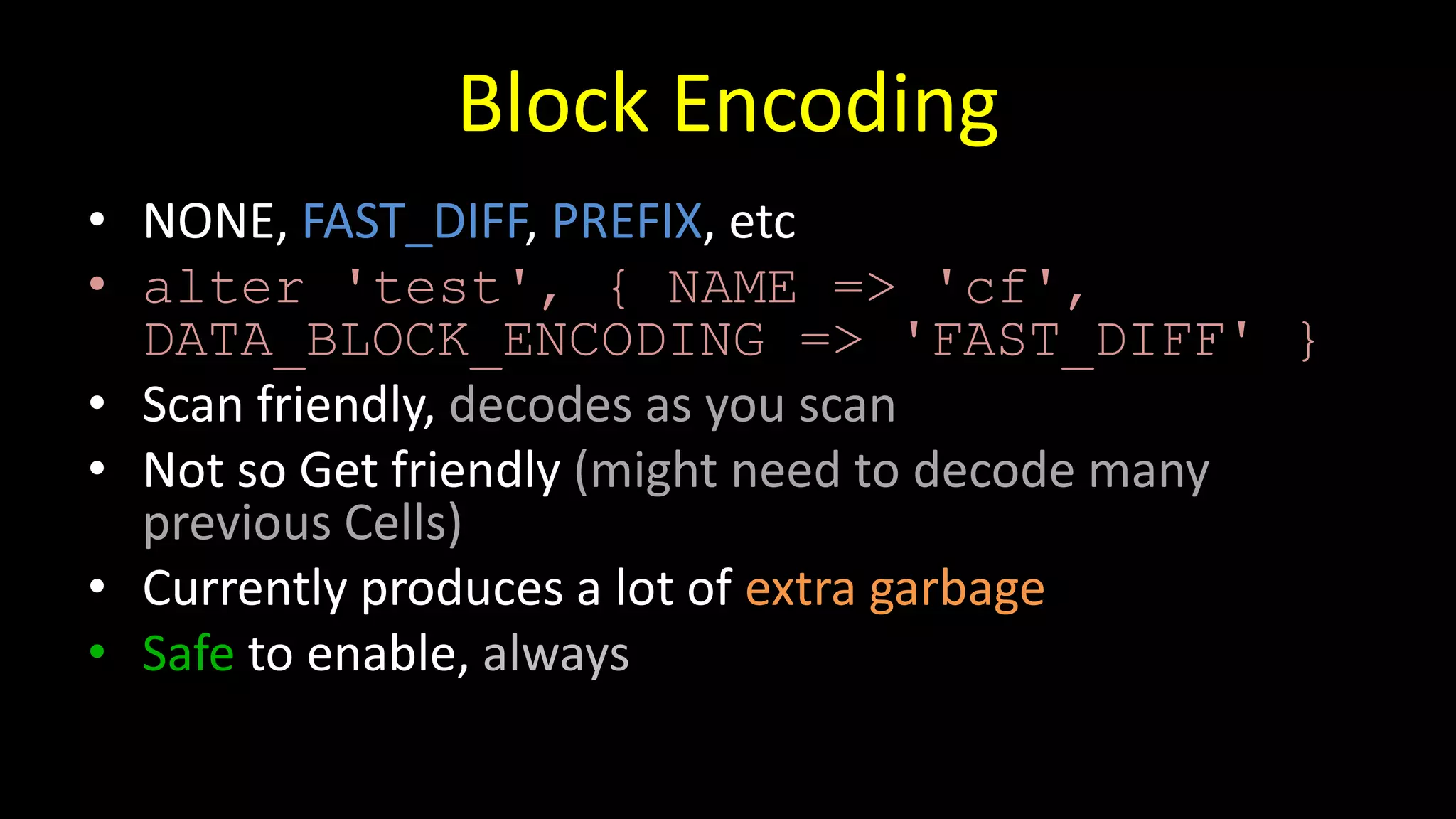
Block Encoding
• NONE,FAST_DIFF, PREFIX, etc
• alter 'test', { NAME => 'cf',
DATA_BLOCK_ENCODING => 'FAST_DIFF' }
• Scan friendly, decodes as you scan
• Not so Get friendly (might need to decode many
previous Cells)
• Currently produces a lot of extra garbage
• Safe to enable, always
29.
Compression
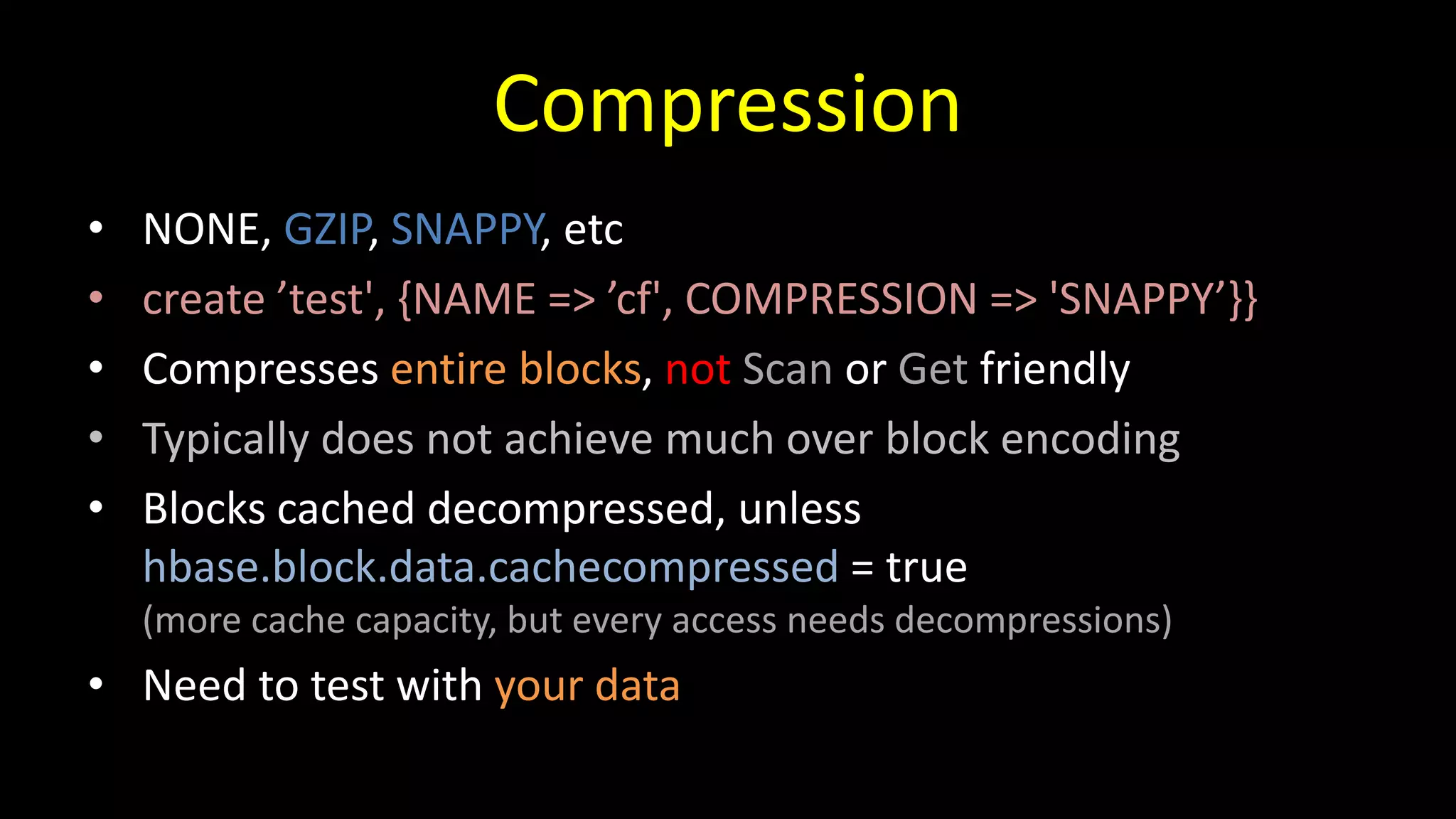
• NONE, GZIP,SNAPPY, etc
• create ’test', {NAME => ’cf', COMPRESSION => 'SNAPPY’}}
• Compresses entire blocks, not Scan or Get friendly
• Typically does not achieve much over block encoding
• Blocks cached decompressed, unless
hbase.block.data.cachecompressed = true
(more cache capacity, but every access needs decompressions)
• Need to test with your data
30.
HFile Block Size
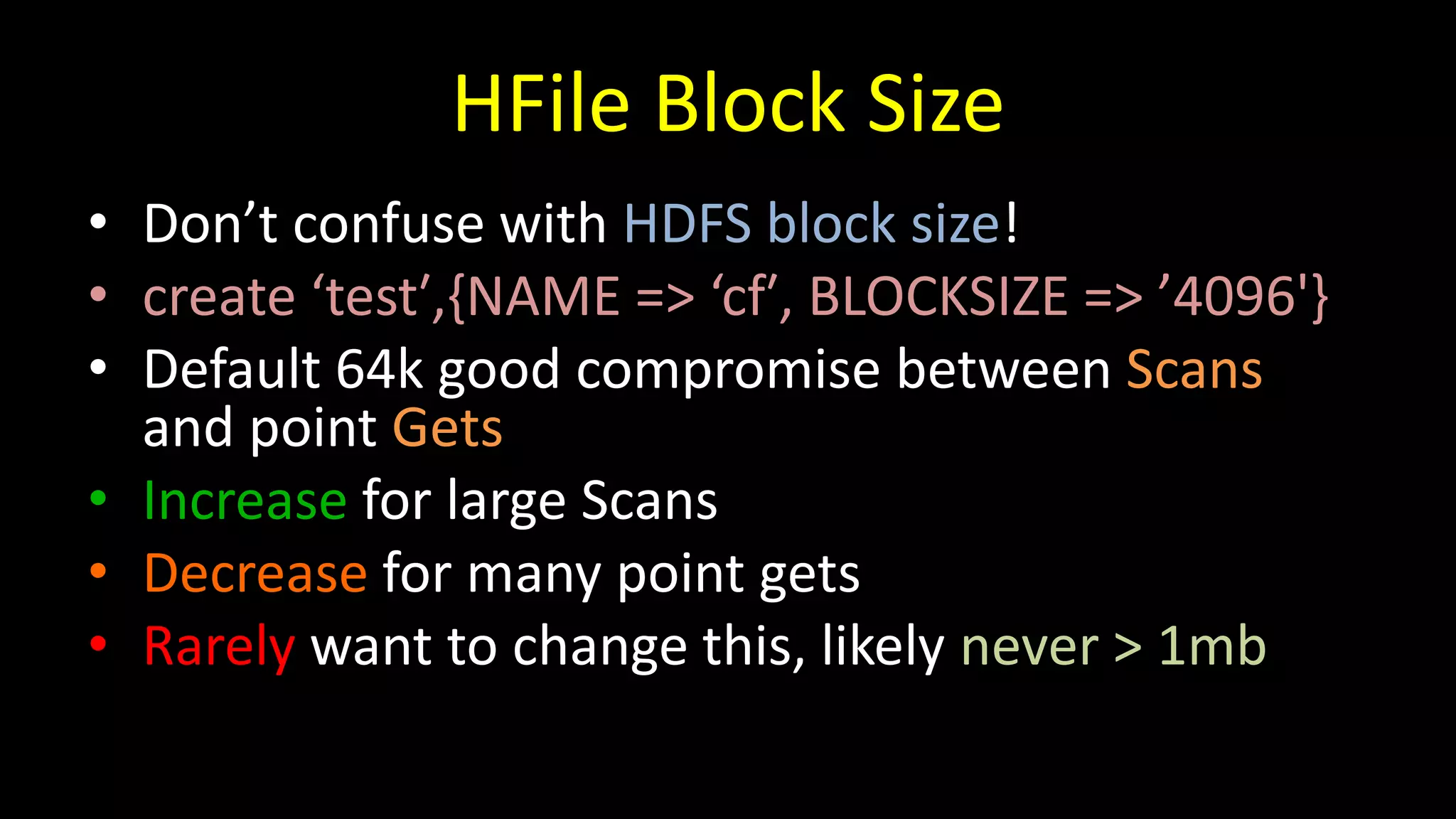
•Don’t confuse with HDFS block size!
• create ‘test′,{NAME => ‘cf′, BLOCKSIZE => ’4096'}
• Default 64k good compromise between Scans
and point Gets
• Increase for large Scans
• Decrease for many point gets
• Rarely want to change this, likely never > 1mb
Garbage Collection -Background
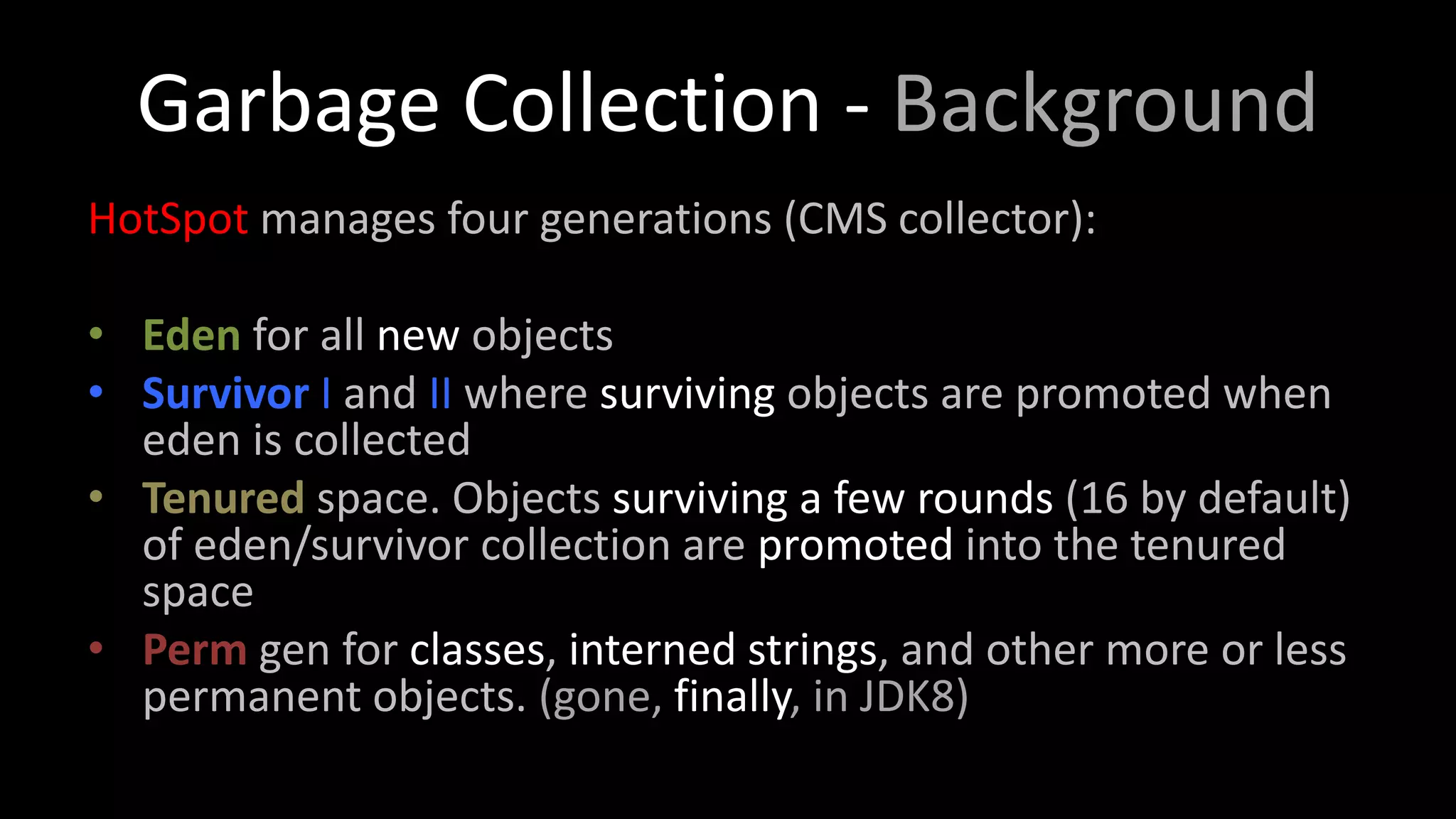
HotSpot manages four generations (CMS collector):
• Eden for all new objects
• Survivor I and II where surviving objects are promoted when
eden is collected
• Tenured space. Objects surviving a few rounds (16 by default)
of eden/survivor collection are promoted into the tenured
space
• Perm gen for classes, interned strings, and other more or less
permanent objects. (gone, finally, in JDK8)
34.
Garbage Collection -HBase
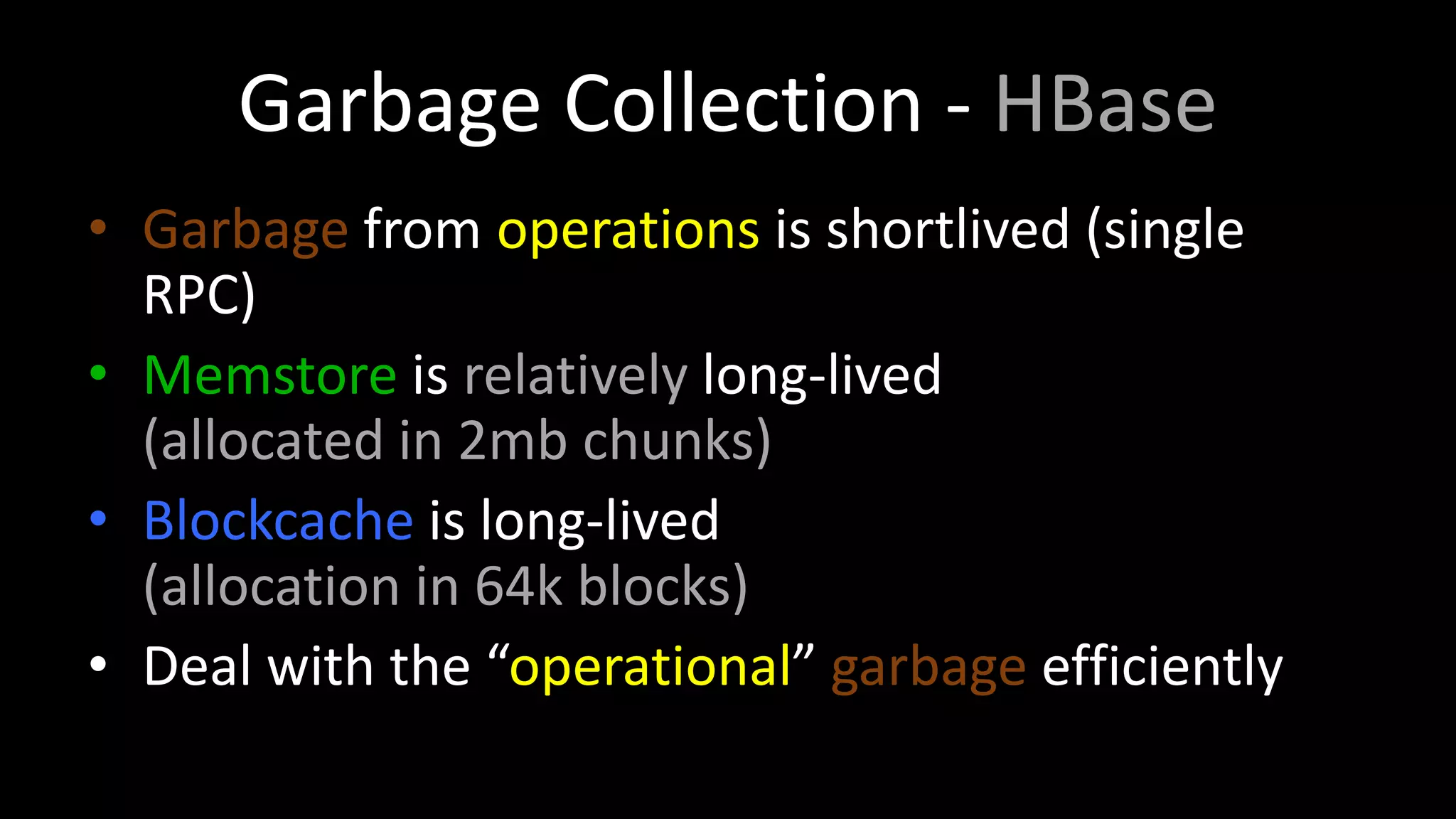
• Garbage from operations is shortlived (single
RPC)
• Memstore is relatively long-lived
(allocated in 2mb chunks)
• Blockcache is long-lived
(allocation in 64k blocks)
• Deal with the “operational” garbage efficiently
35.
Garbage Collection (CMS)
-Xmn512m
verysmall eden space
-XX:+UseParNewGC
collect eden in parallel
-XX:+UseConcMarkSweepGC
use the non-moving CMS collector
-XX:CMSInitiatingOccupancyFraction=70
start collecting when 70% of tenured gen is full, avoid collection under pressure
-XX:+UseCMSInitiatingOccupancyOnly
do not try to adjust CMS setting
RegionServer Machine Sizing
•How much RAM/Heap?
• How many disks?
• What size of disk?
• Network?
• Number of cores?
38.
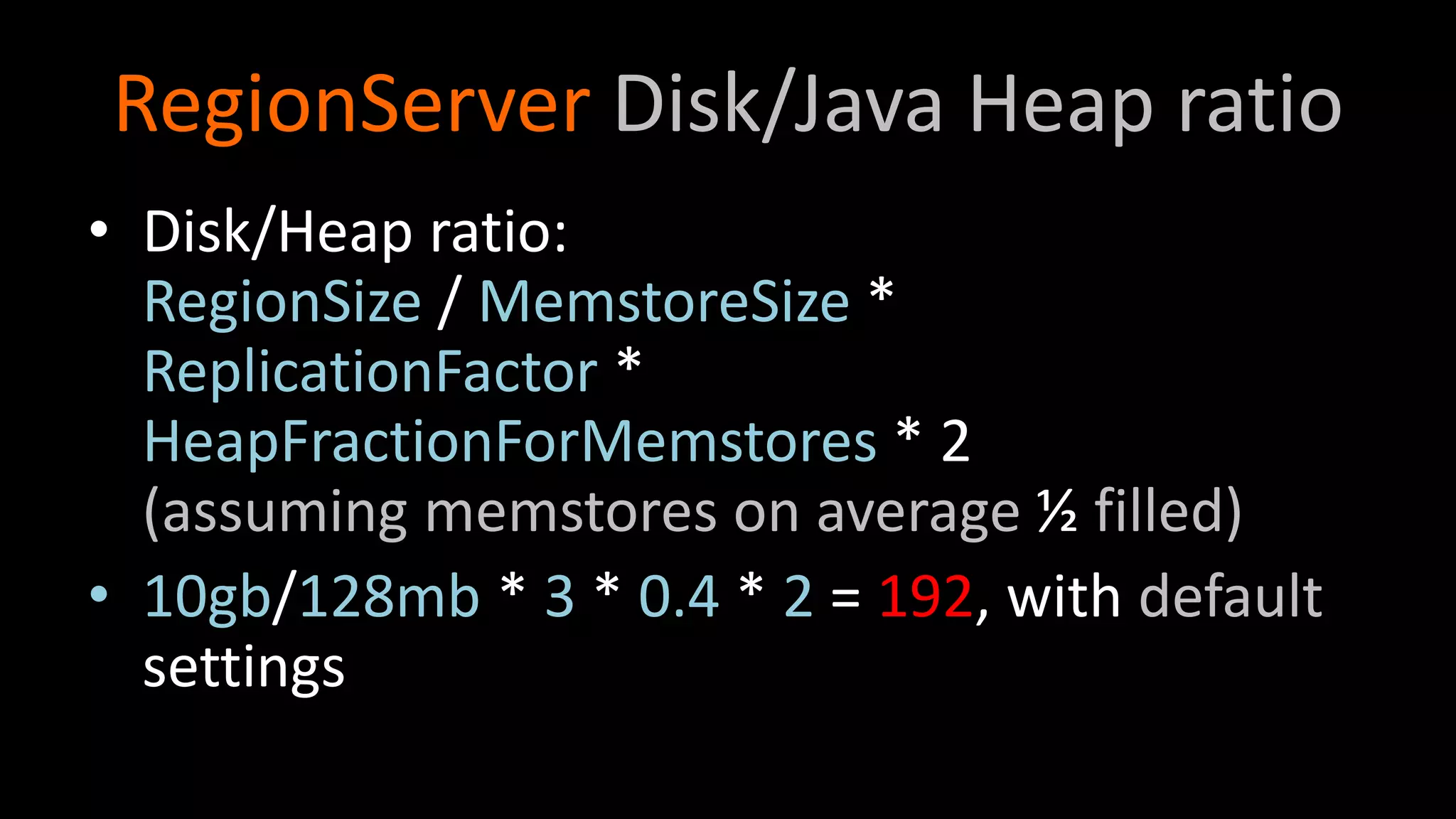
RegionServer Disk/Java Heapratio
• Disk/Heap ratio:
RegionSize / MemstoreSize *
ReplicationFactor *
HeapFractionForMemstores * 2
(assuming memstores on average ½ filled)
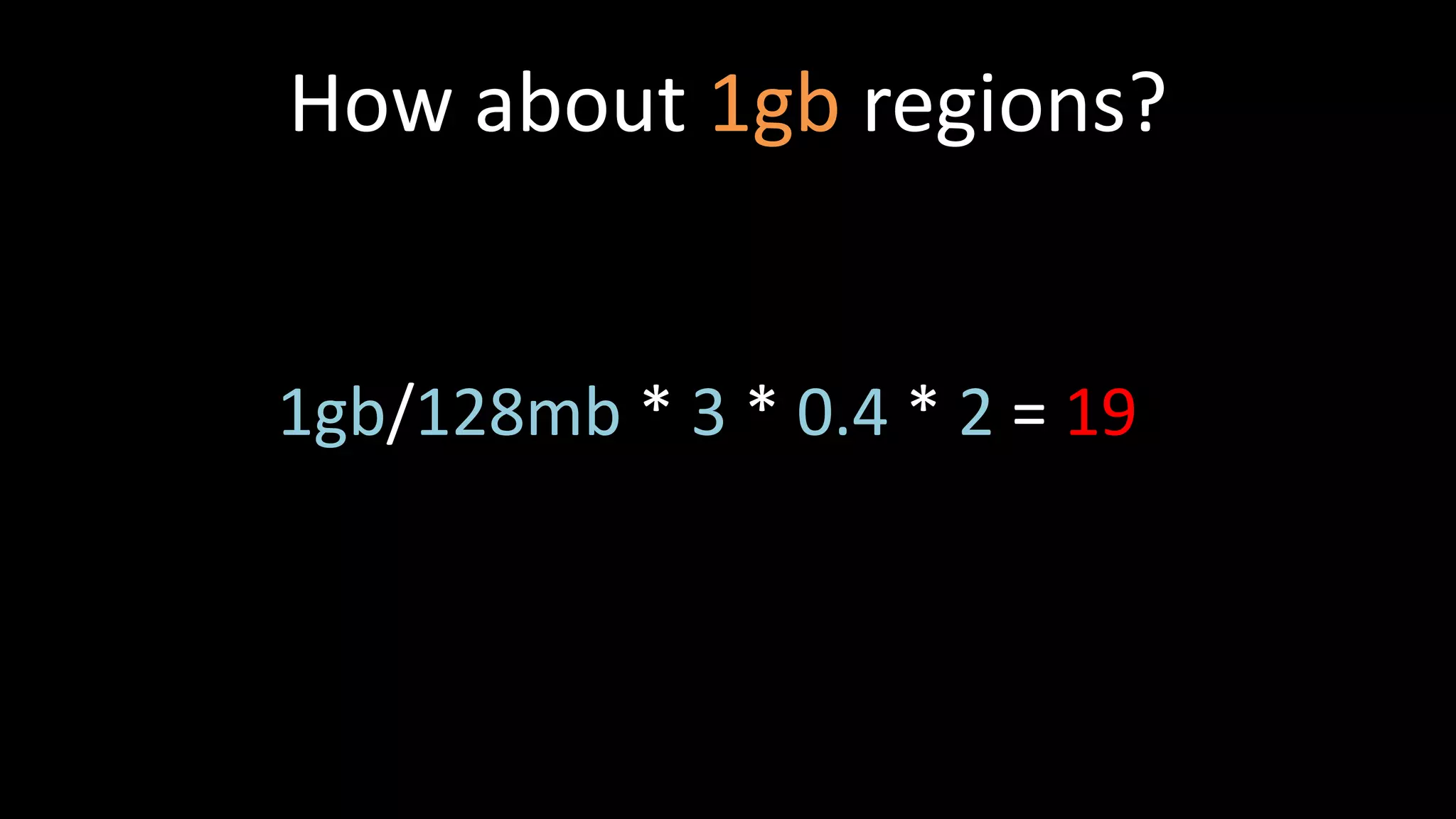
• 10gb/128mb * 3 * 0.4 * 2 = 192, with default
settings
39.
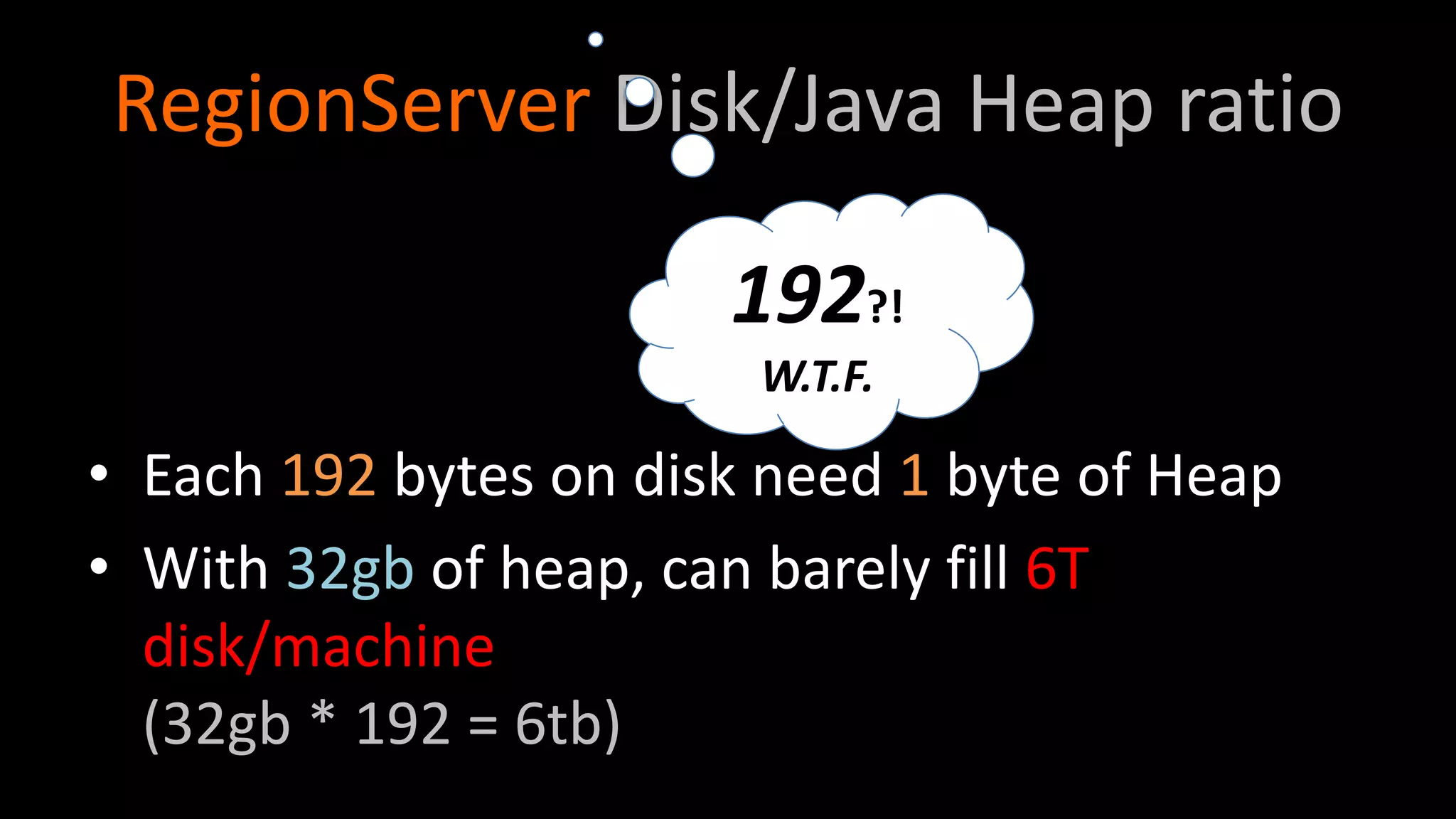
RegionServer Disk/Java Heapratio
• Each 192 bytes on disk need 1 byte of Heap
• With 32gb of heap, can barely fill 6T
disk/machine
(32gb * 192 = 6tb)
192?!
W.T.F.
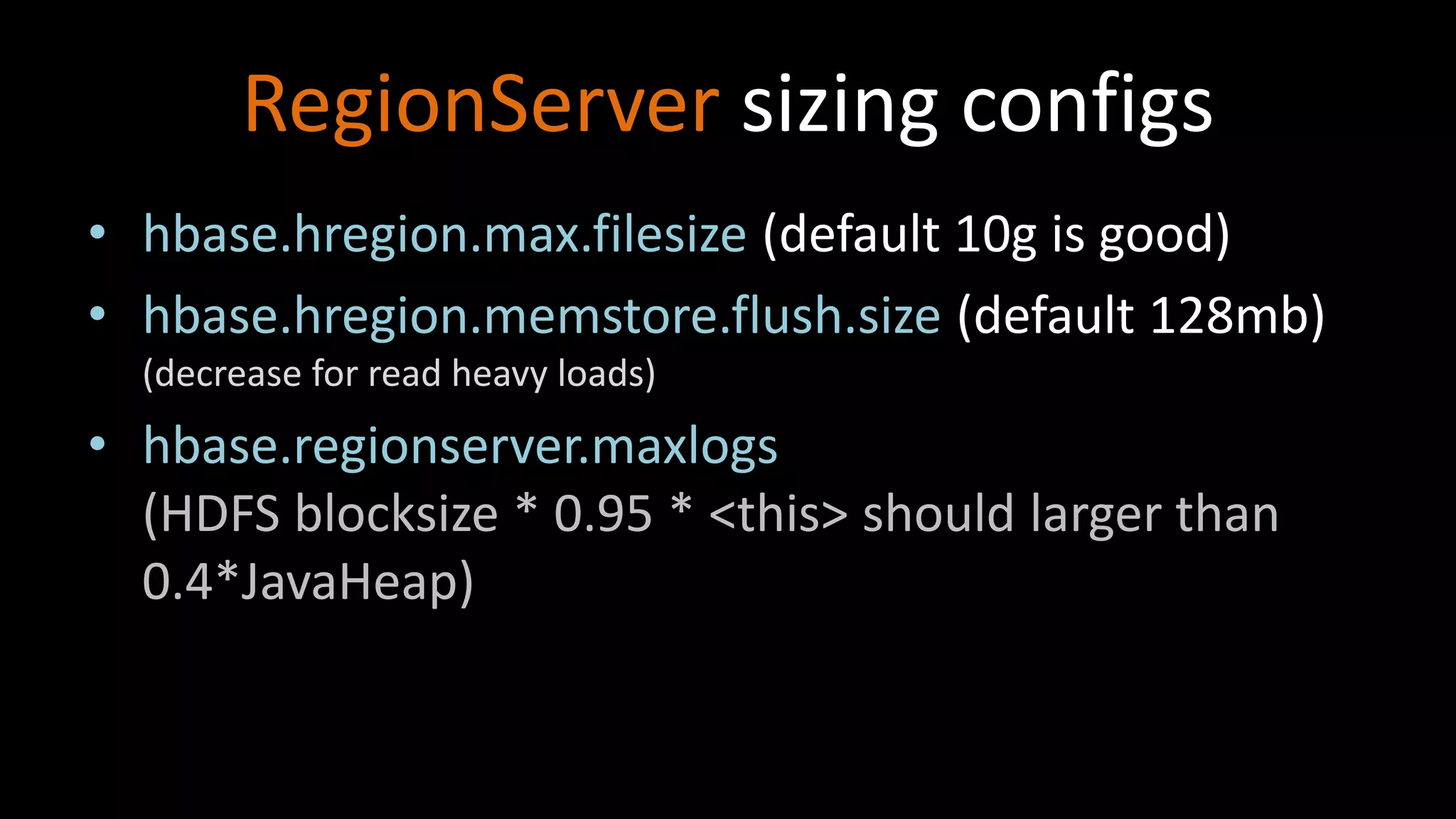
RegionServer sizing configs
•hbase.hregion.max.filesize (default 10g is good)
• hbase.hregion.memstore.flush.size (default 128mb)
(decrease for read heavy loads)
• hbase.regionserver.maxlogs
(HDFS blocksize * 0.95 * <this> should larger than
0.4*JavaHeap)
43.
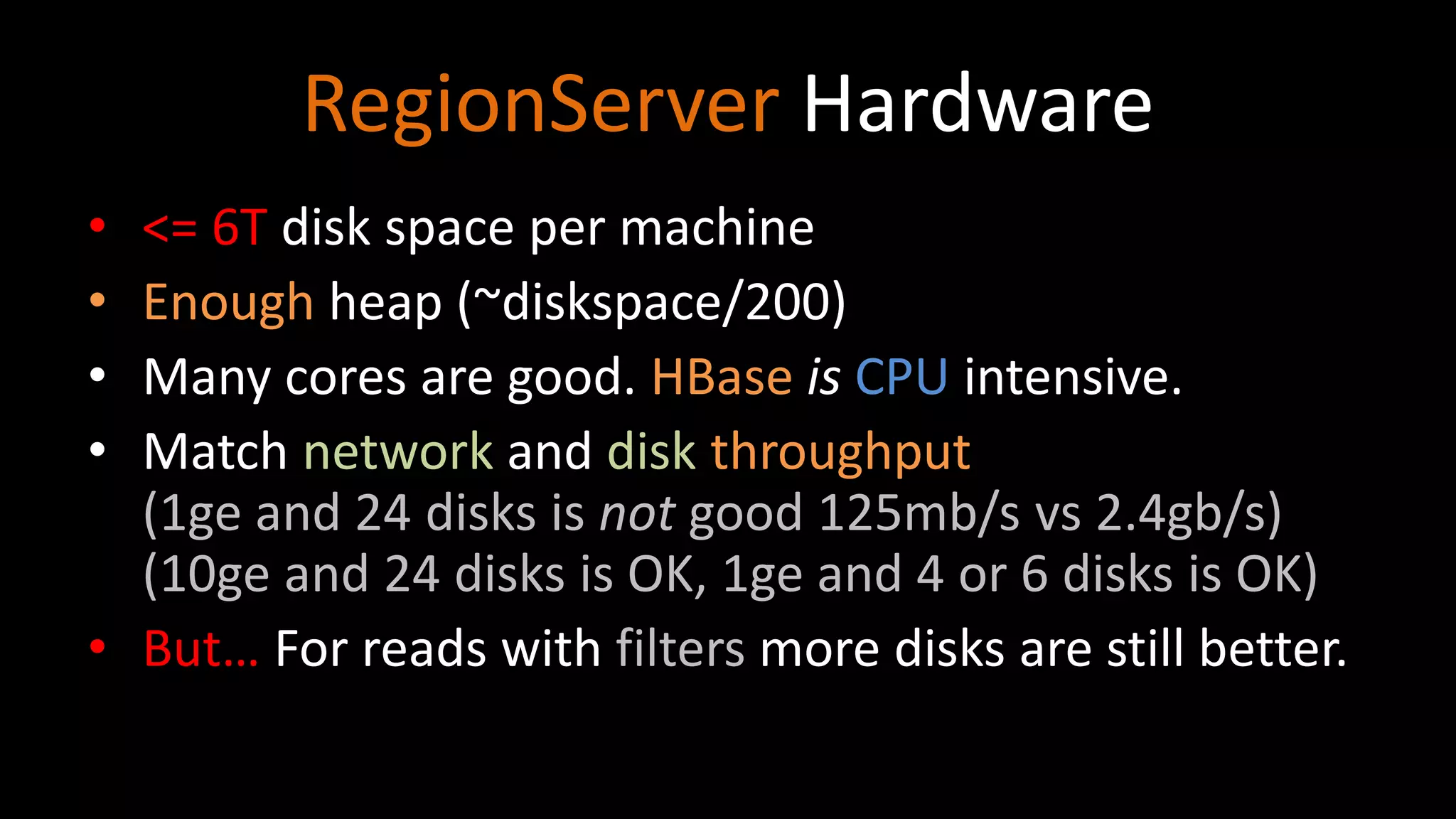
RegionServer Hardware
• <=6T disk space per machine
• Enough heap (~diskspace/200)
• Many cores are good. HBase is CPU intensive.
• Match network and disk throughput
(1ge and 24 disks is not good 125mb/s vs 2.4gb/s)
(10ge and 24 disks is OK, 1ge and 4 or 6 disks is OK)
• But… For reads with filters more disks are still better.
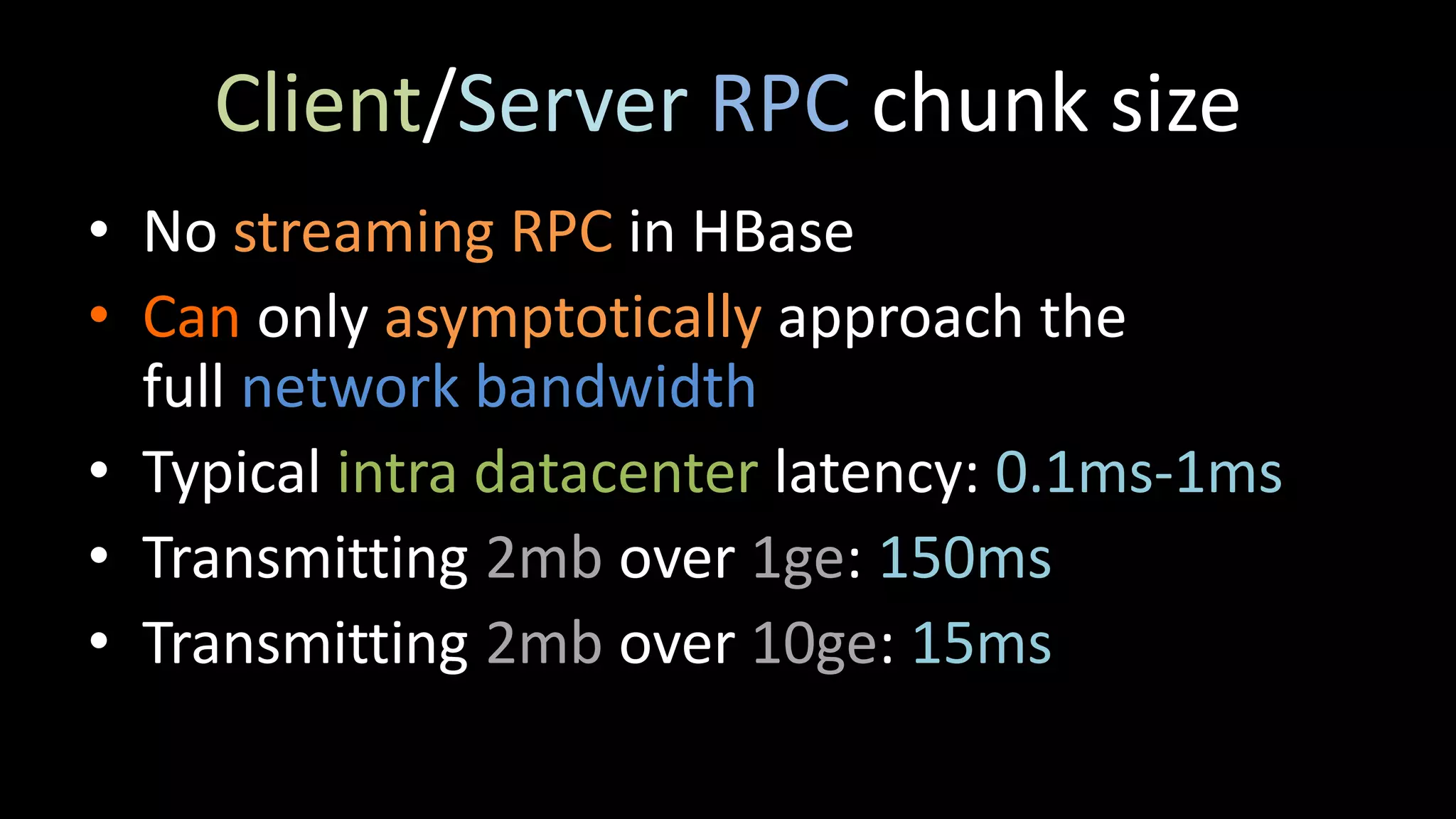
Client/Server RPC chunksize
• No streaming RPC in HBase
• Can only asymptotically approach the
full network bandwidth
• Typical intra datacenter latency: 0.1ms-1ms
• Transmitting 2mb over 1ge: 150ms
• Transmitting 2mb over 10ge: 15ms
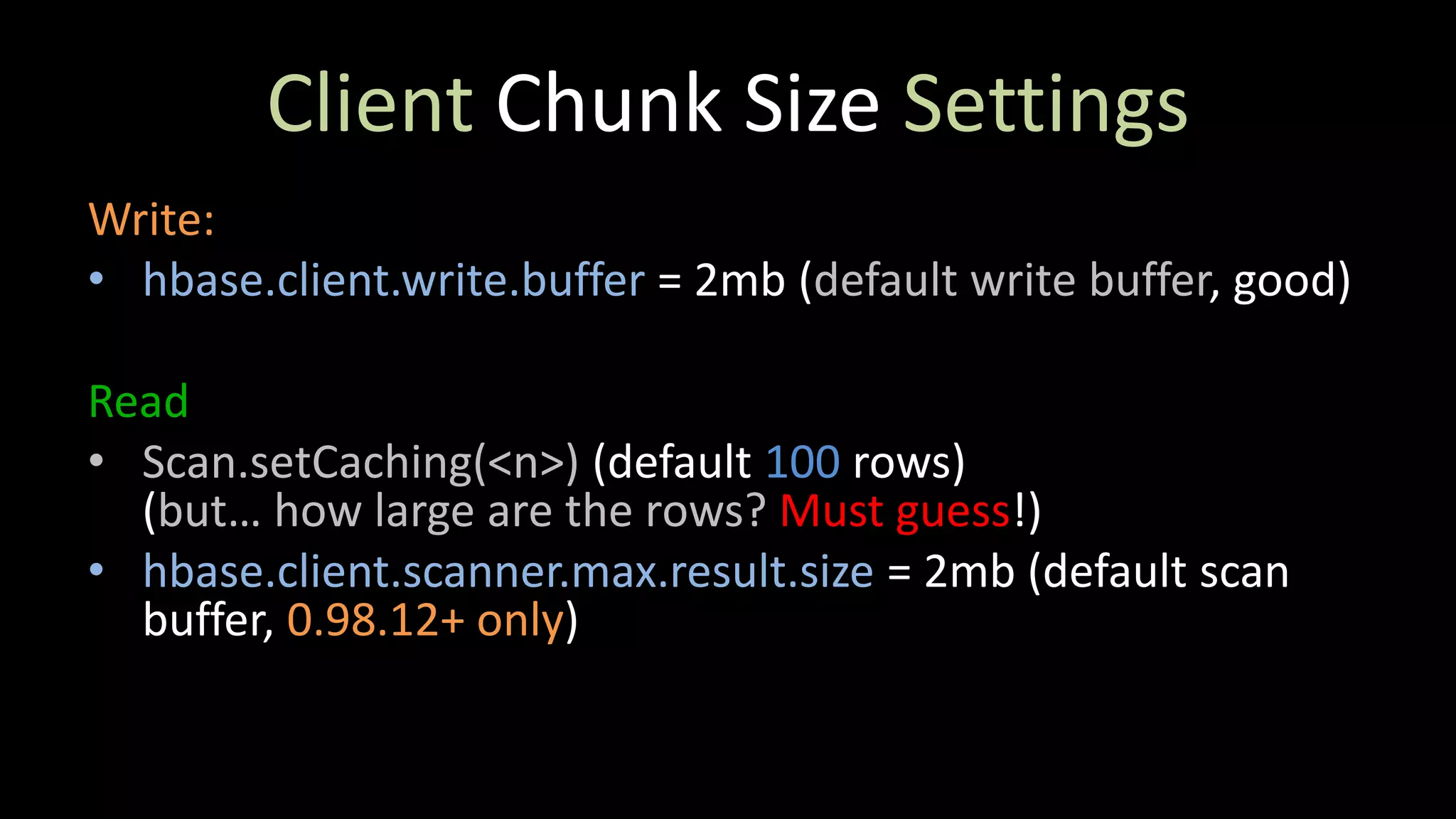
Client Chunk SizeSettings
Write:
• hbase.client.write.buffer = 2mb (default write buffer, good)
Read
• Scan.setCaching(<n>) (default 100 rows)
(but… how large are the rows? Must guess!)
• hbase.client.scanner.max.result.size = 2mb (default scan
buffer, 0.98.12+ only)
48.
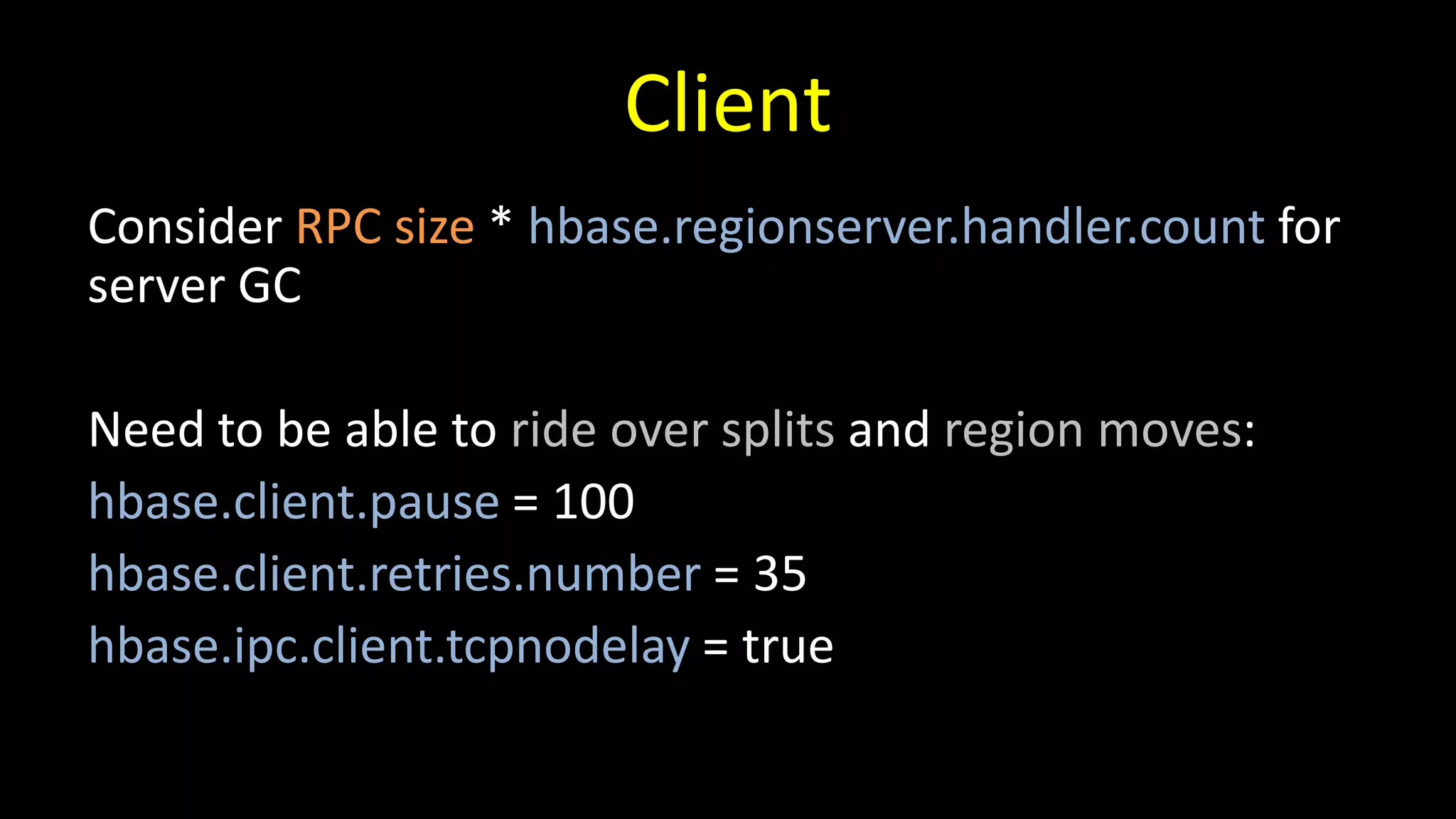
Client
Consider RPC size* hbase.regionserver.handler.count for
server GC
Need to be able to ride over splits and region moves:
hbase.client.pause = 100
hbase.client.retries.number = 35
hbase.ipc.client.tcpnodelay = true
49.
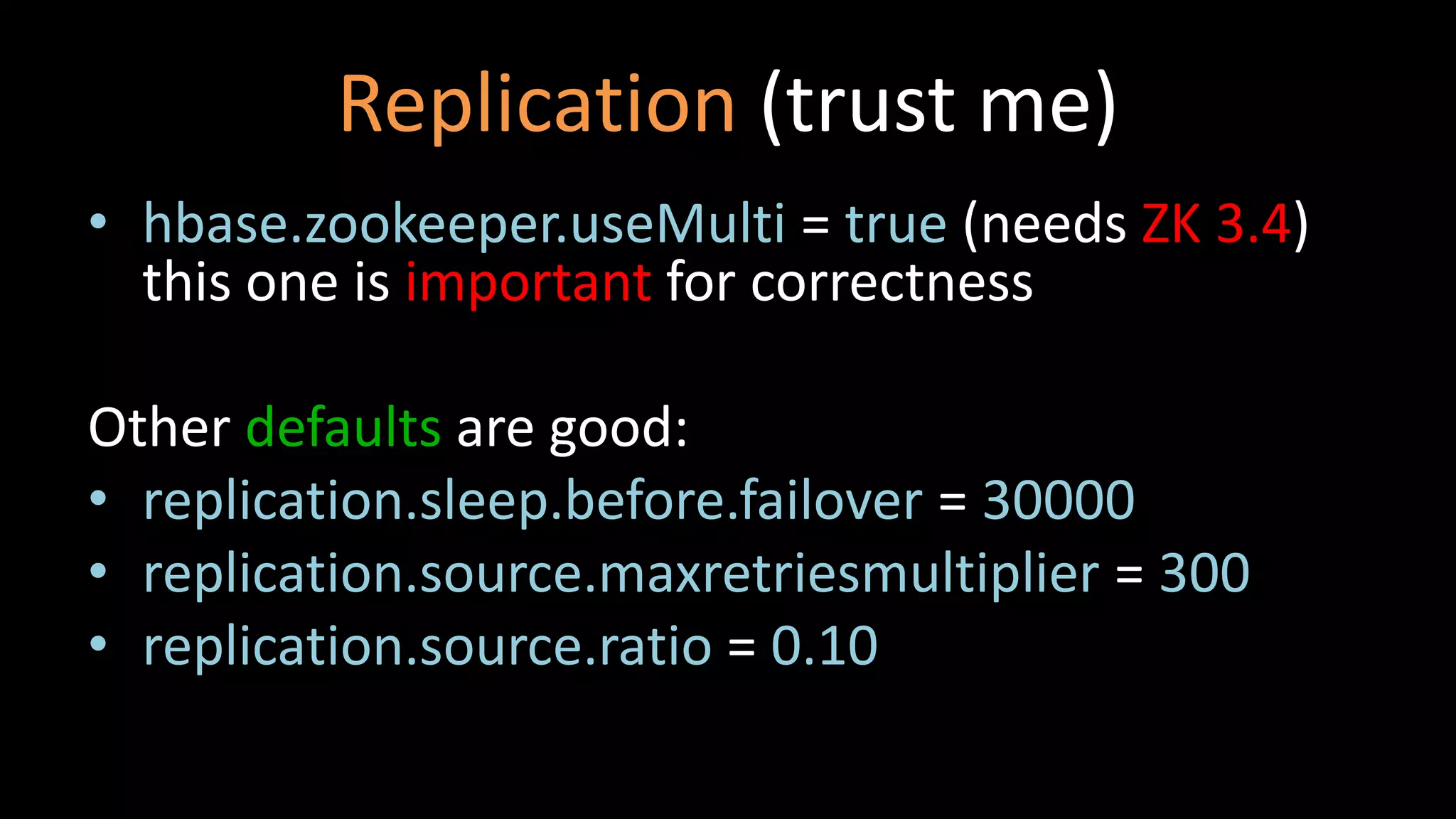
Replication (trust me)
•hbase.zookeeper.useMulti = true (needs ZK 3.4)
this one is important for correctness
Other defaults are good:
• replication.sleep.before.failover = 30000
• replication.source.maxretriesmultiplier = 300
• replication.source.ratio = 0.10
50.
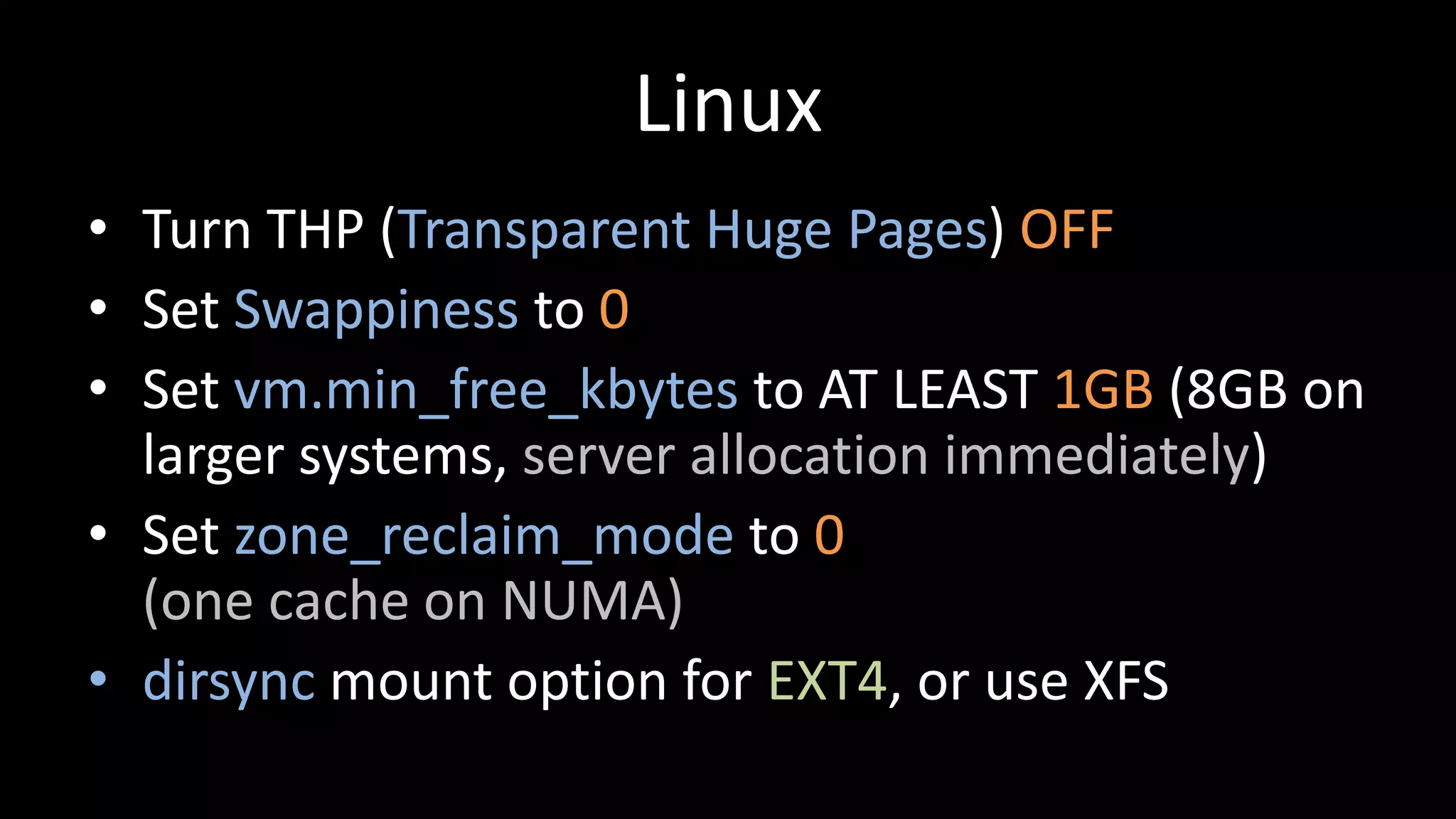
Linux
• Turn THP(Transparent Huge Pages) OFF
• Set Swappiness to 0
• Set vm.min_free_kbytes to AT LEAST 1GB (8GB on
larger systems, server allocation immediately)
• Set zone_reclaim_mode to 0
(one cache on NUMA)
• dirsync mount option for EXT4, or use XFS
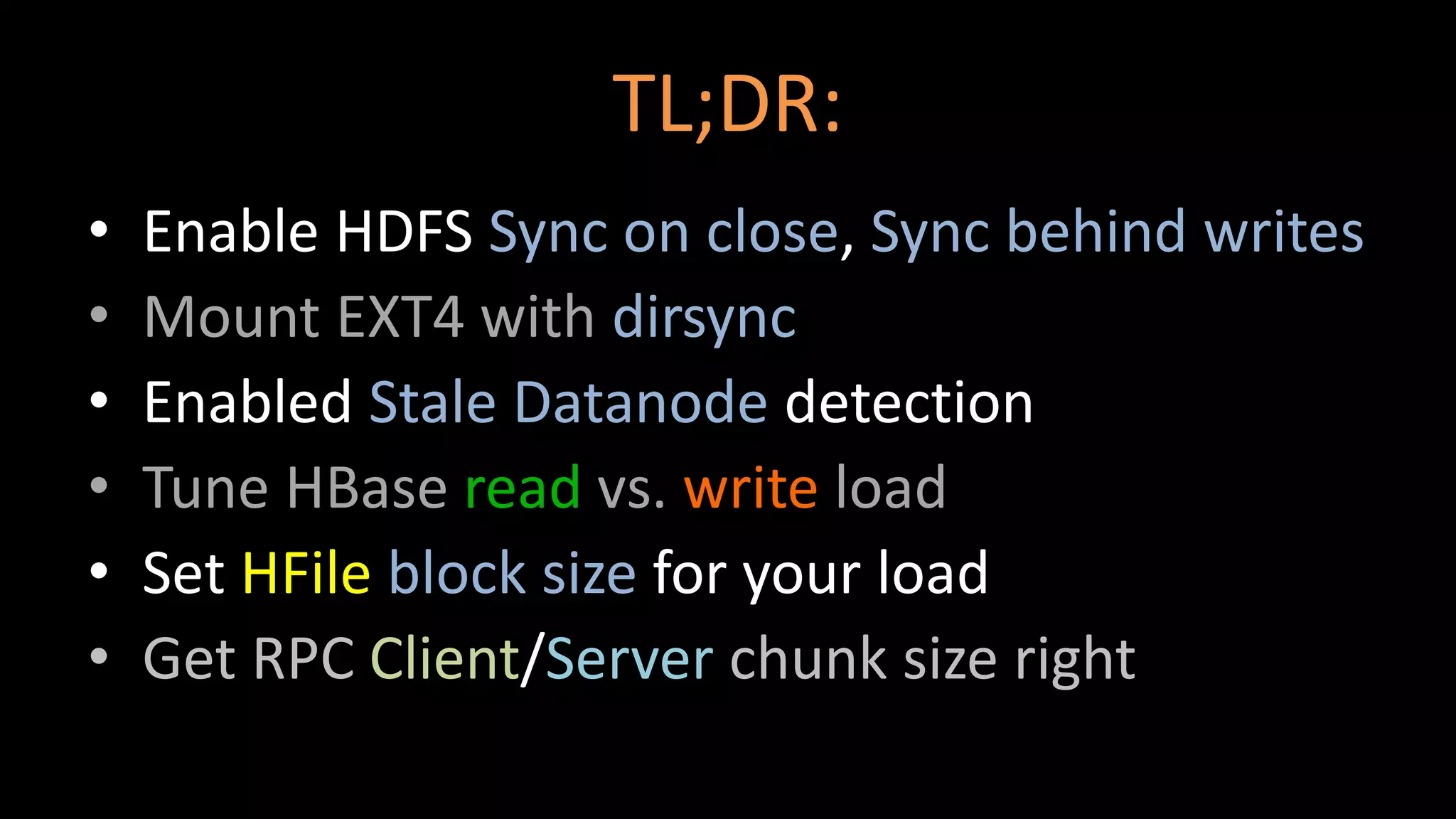
TL;DR:
• Enable HDFSSync on close, Sync behind writes
• Mount EXT4 with dirsync
• Enabled Stale Datanode detection
• Tune HBase read vs. write load
• Set HFile block size for your load
• Get RPC Client/Server chunk size right