Introduction to Google Web Toolkit

Loading...

Flash Player 9 (or above) is needed to view presentations.
We have detected that you do not have it on your computer. To install it, go here.

1 comments

Comments 1 - 1 of 1 previous next Post a comment

Post a comment
Embed Video
Edit your comment Cancel

Notes on slide 1

Enter Title of Presentation Here Google Confidential

4 Favorites

Introduction to Google Web Toolkit - Presentation Transcript

  1. Google Web Toolkit Introduction Didier Girard – girard.d@sfeir.com 2008
  2. Content
    • Demonstrations
    • Why GWT ?
    • How does it run ?
    • GWT features
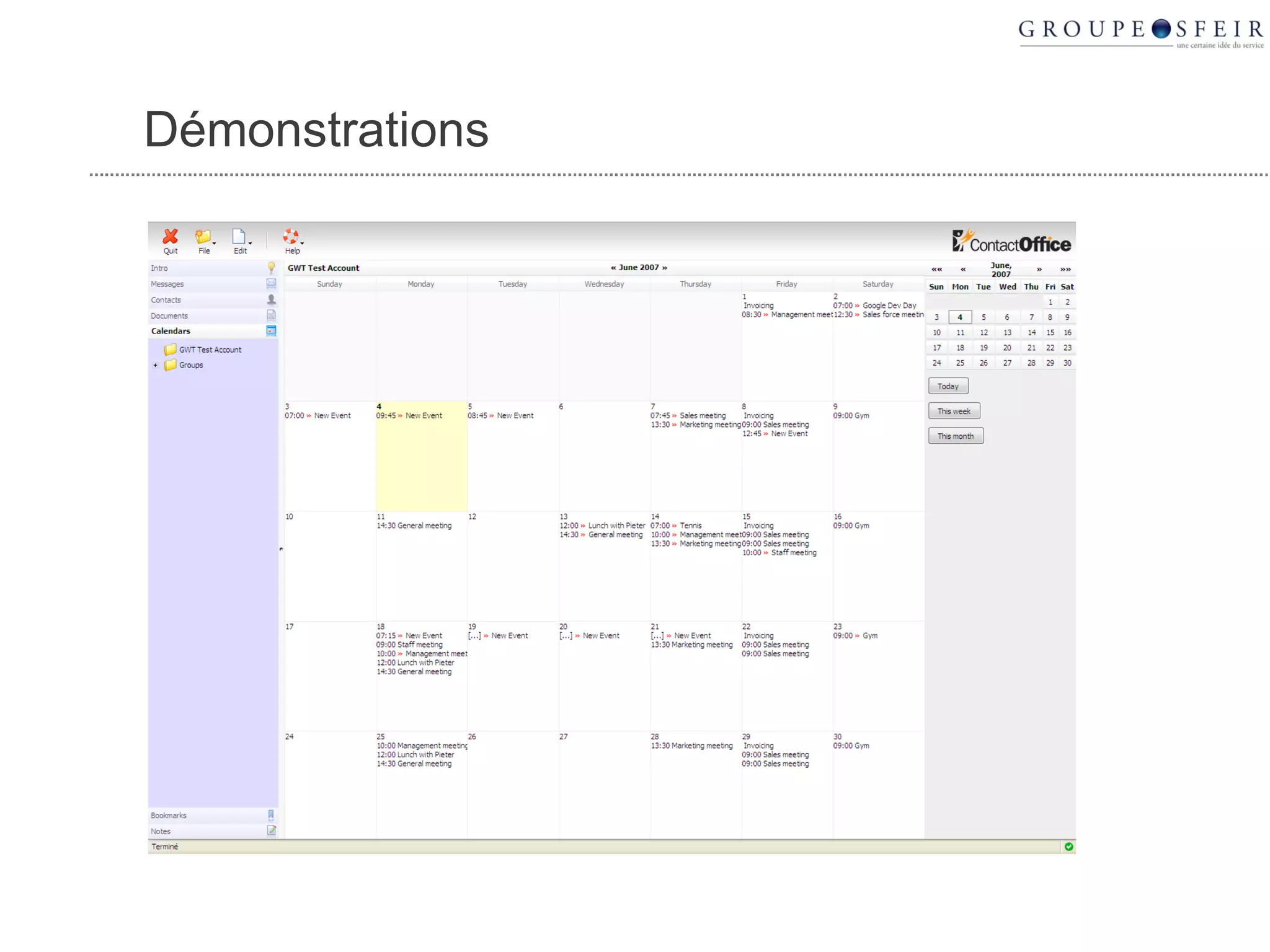
  3. DEMONSTRATION
  4. Démonstrations
  5. Demonstrations
    • http://stuff.ongwt.com
  6. GWT, FOR C*O LEVEL…
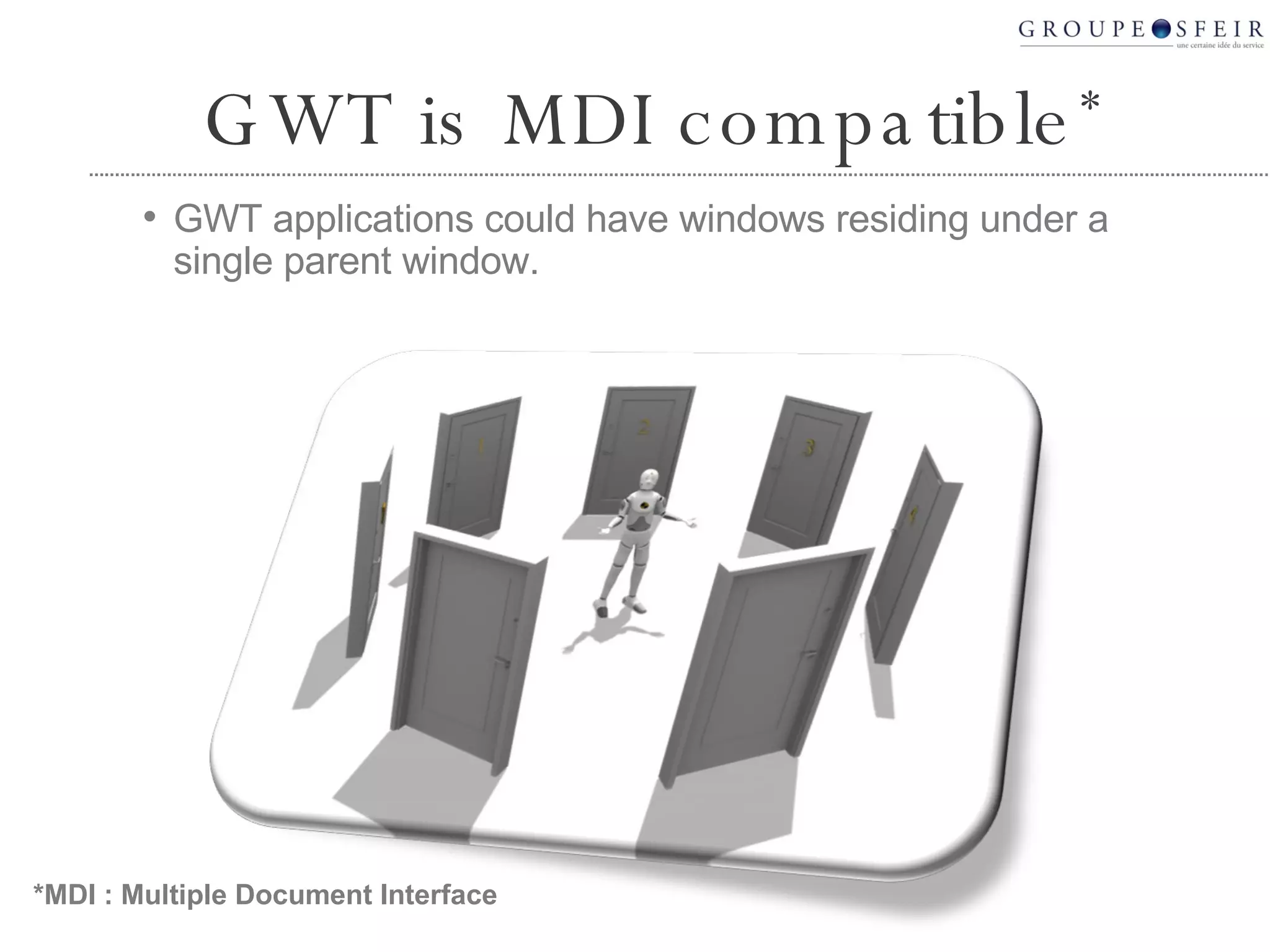
  7. GWT is MDI compatible *
    • GWT applications could have windows residing under a single parent window.
    *MDI : Multiple Document Interface
  8. GWT is simple
    • Developing a web application with GWT is as simple as developing a Windows application with VB
  9. GWT cuts costs
    • Building a GWT application is 5 times faster than building a J2EE application
  10. GWT is offline compatible
    • A GWT application doesn’t need a server
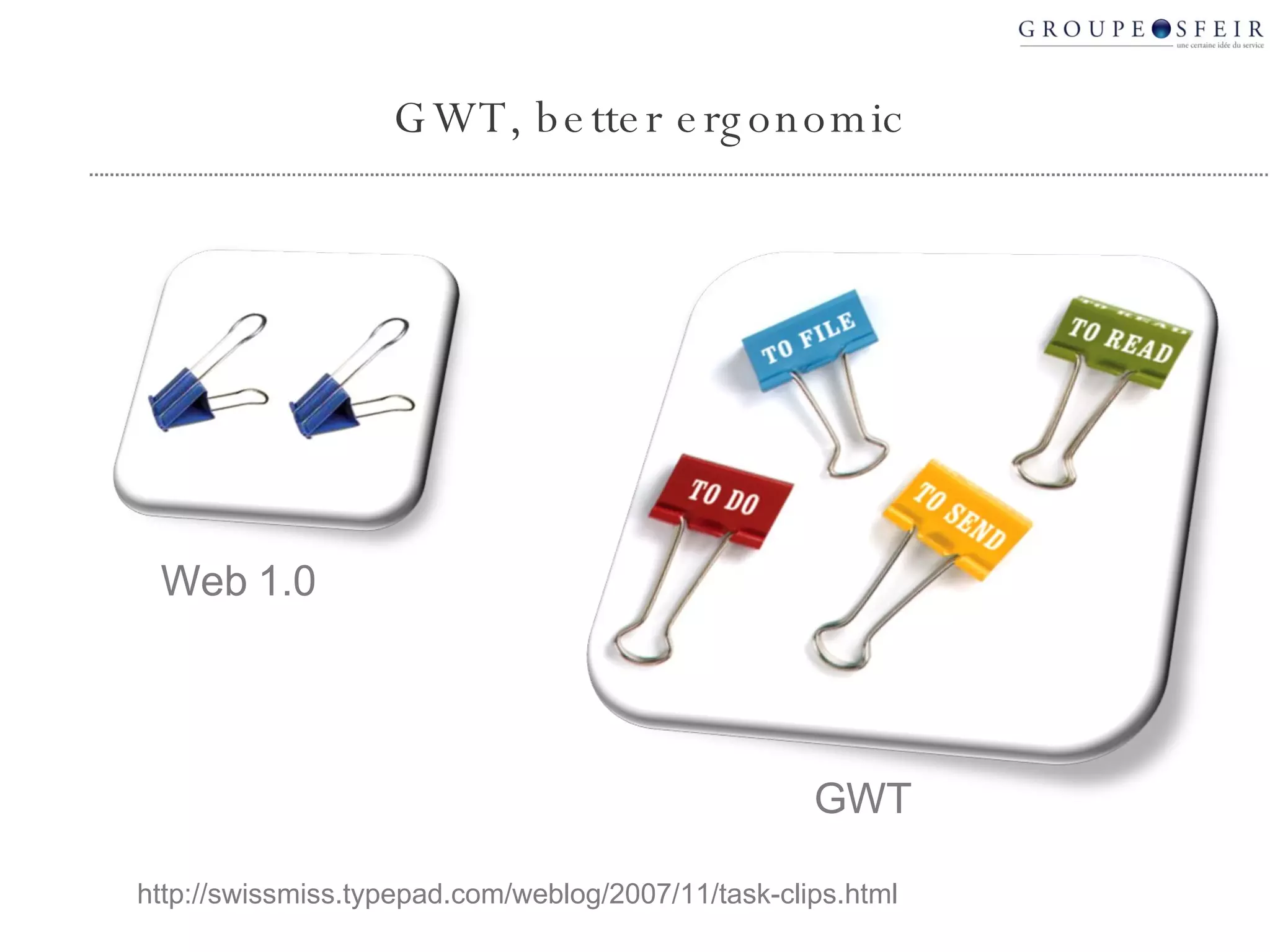
  11. GWT, better ergonomic http://swissmiss.typepad.com/weblog/2007/11/task-clips.html Web 1.0 GWT
  12. GWT applications are efficient
    • Local computation, bandwidth optimization
  13.  
  14. Ajax advantages
  15. Ajax : Partial update of the screen
    • No more « Blank page » effect
  16. Ajax : Asynchronous updates
    • Fresh data without reload
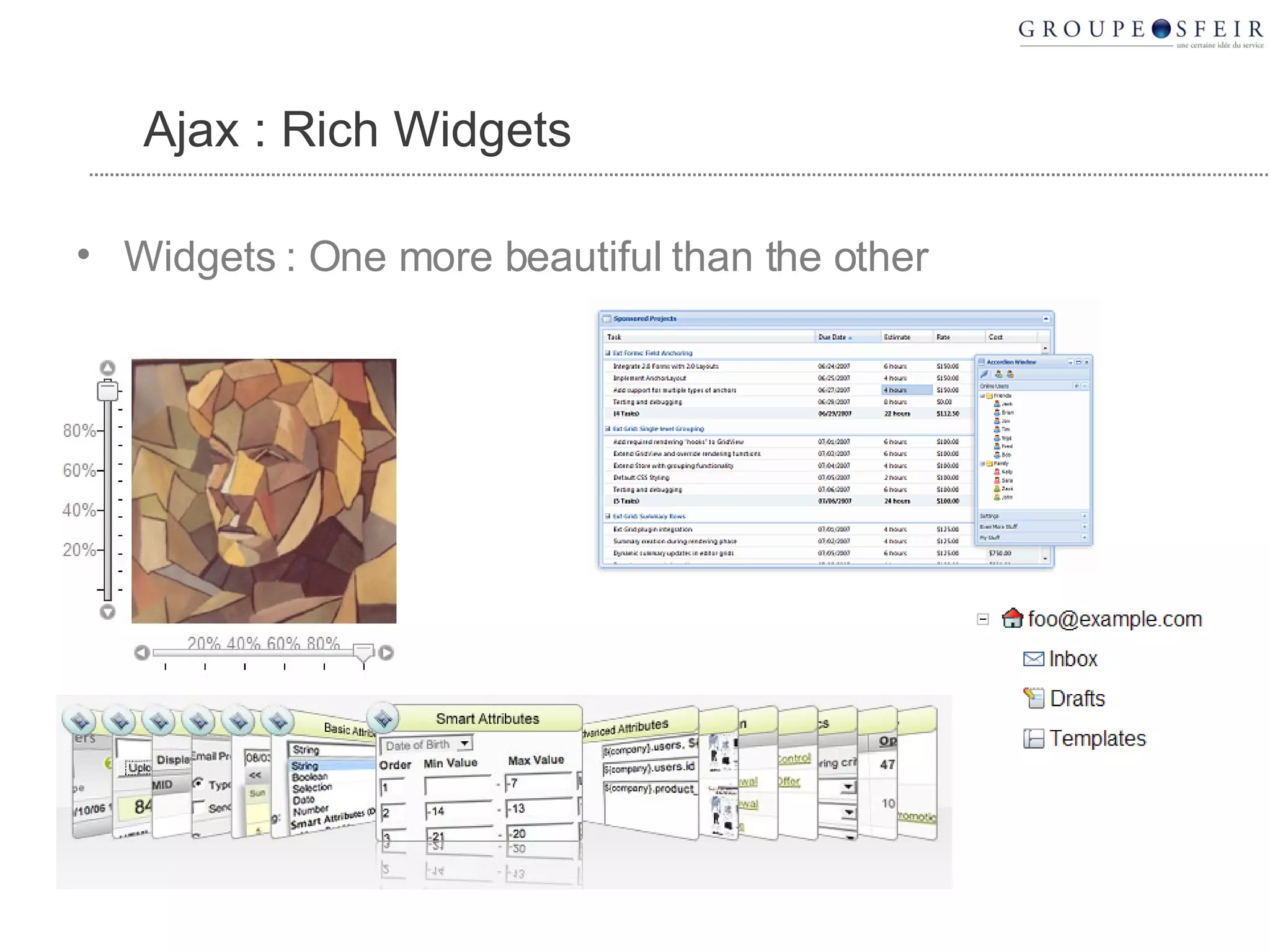
  17. Ajax : Rich Widgets
    • Widgets : One more beautiful than the other
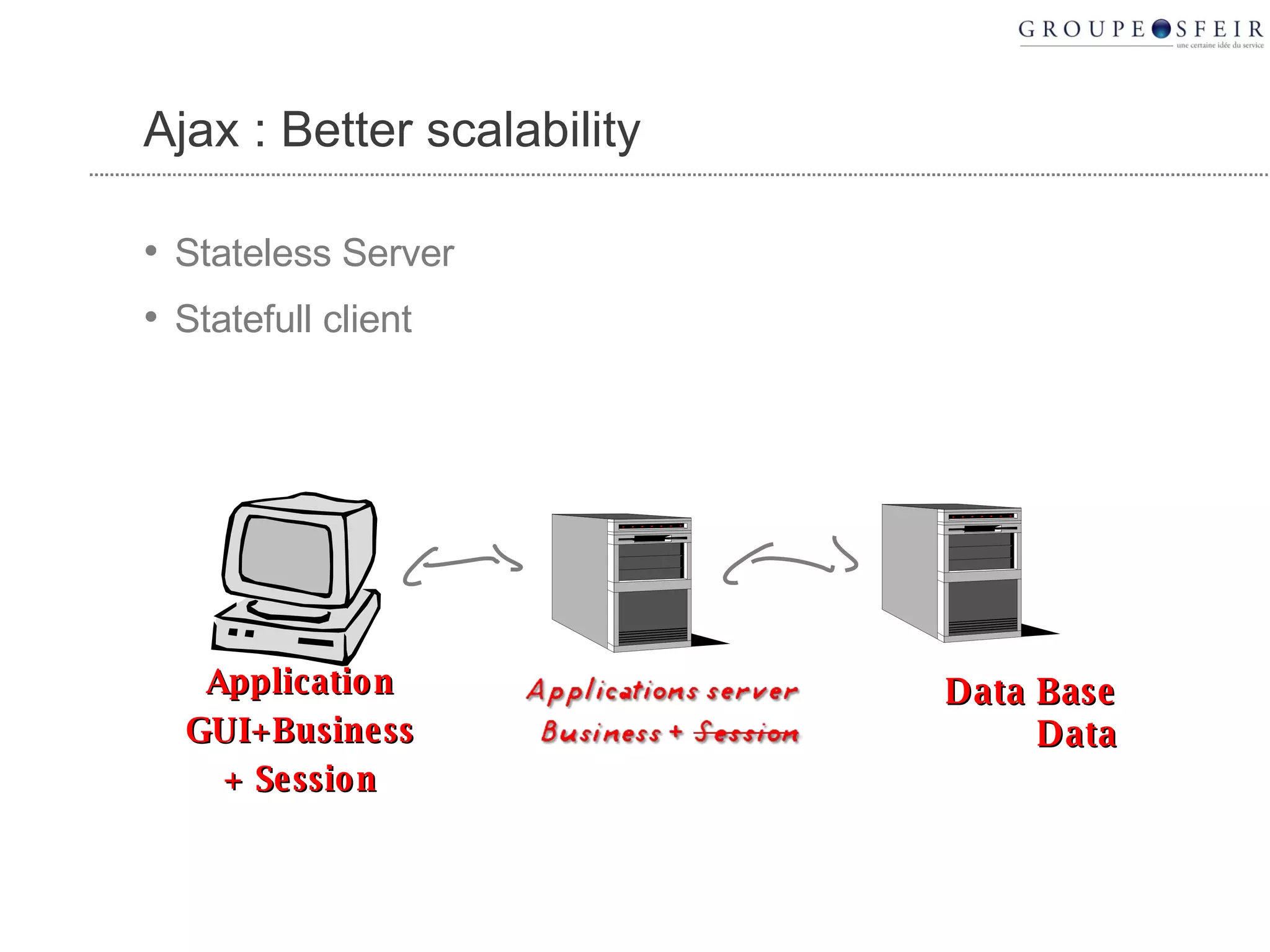
  18. Ajax : Better scalability
    • Stateless Server
    • Statefull client
    Data Base Data Application GUI+Business + Session
  19. At first, Ajax is really cool
    • So beautiful
    • So efficient
    • Customers love it
  20. But, what about…
    • … cross-browser
    • … memory leak
    • … loading latency
    • … « Javascript PhD »
    • … ajax IDE
    • … bugs (javascript is a dynamic language)
    • … cross browser javascript debugger
    • … security
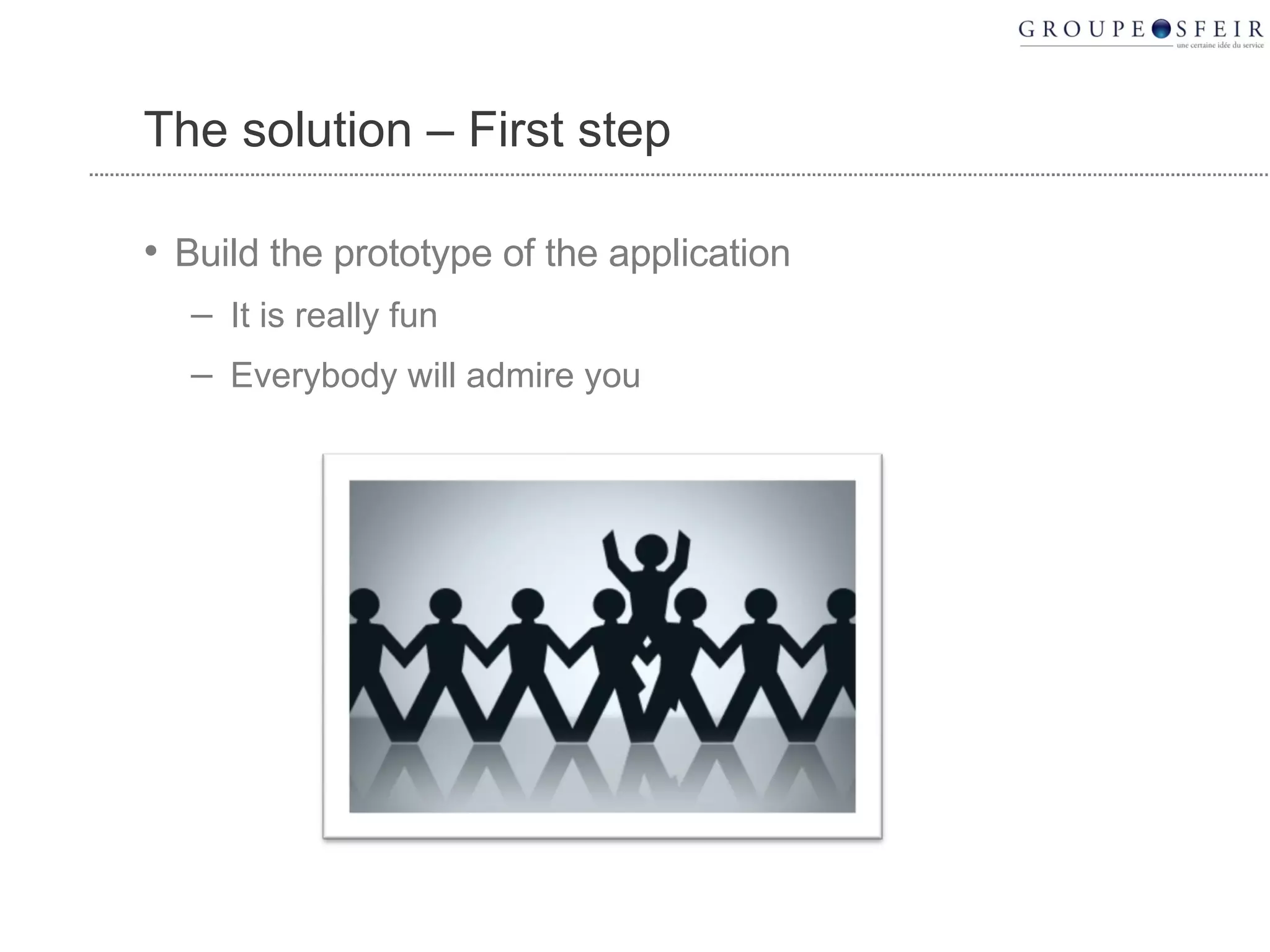
  21. The solution – First step
    • Build the prototype of the application
      • It is really fun
      • Everybody will admire you
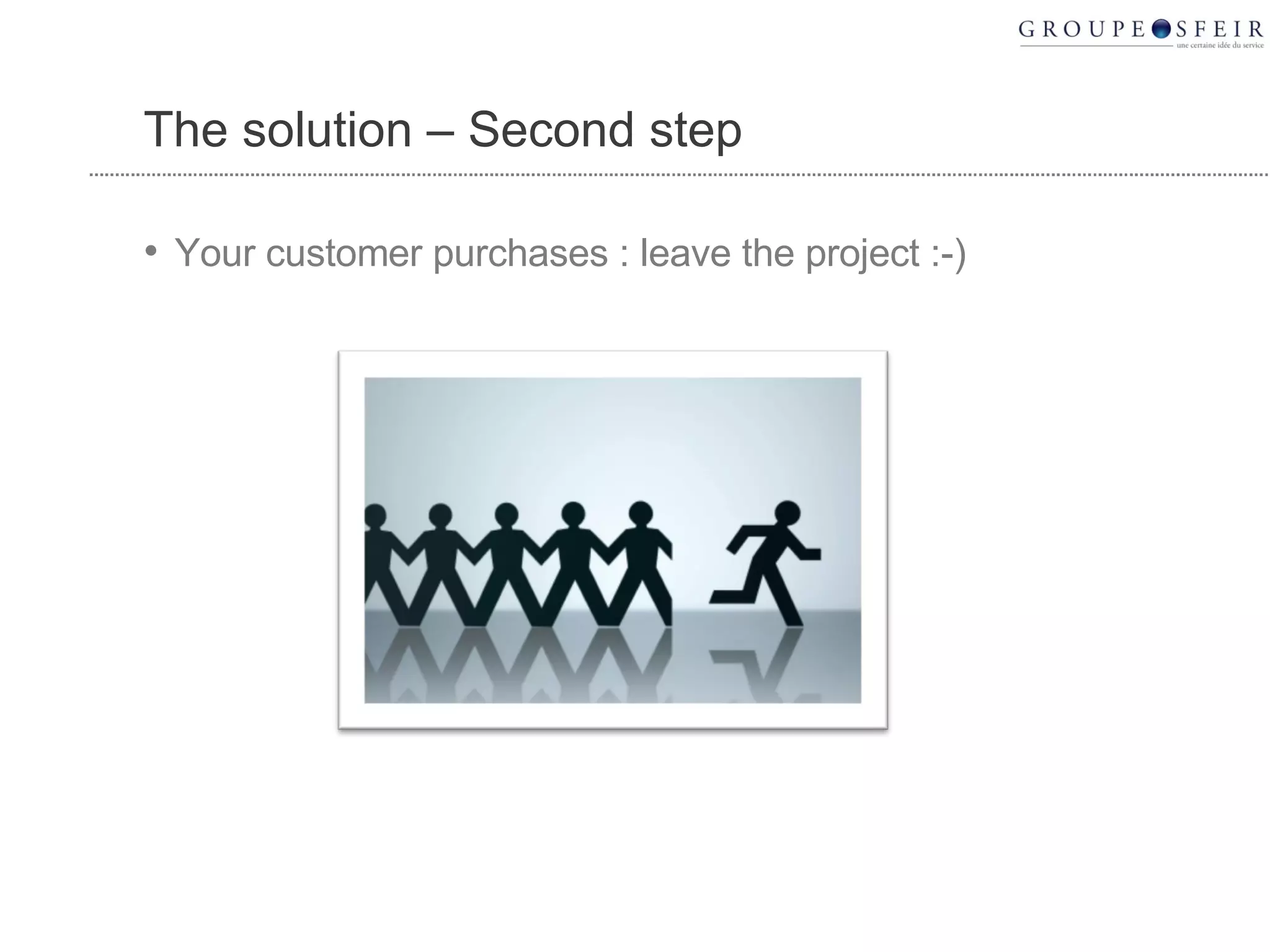
  22. The solution – Second step
    • Your customer purchases : leave the project :-)
  23. Or…
  24. Choose GWT
  25. GWT, HOW DOES IT RUN ?
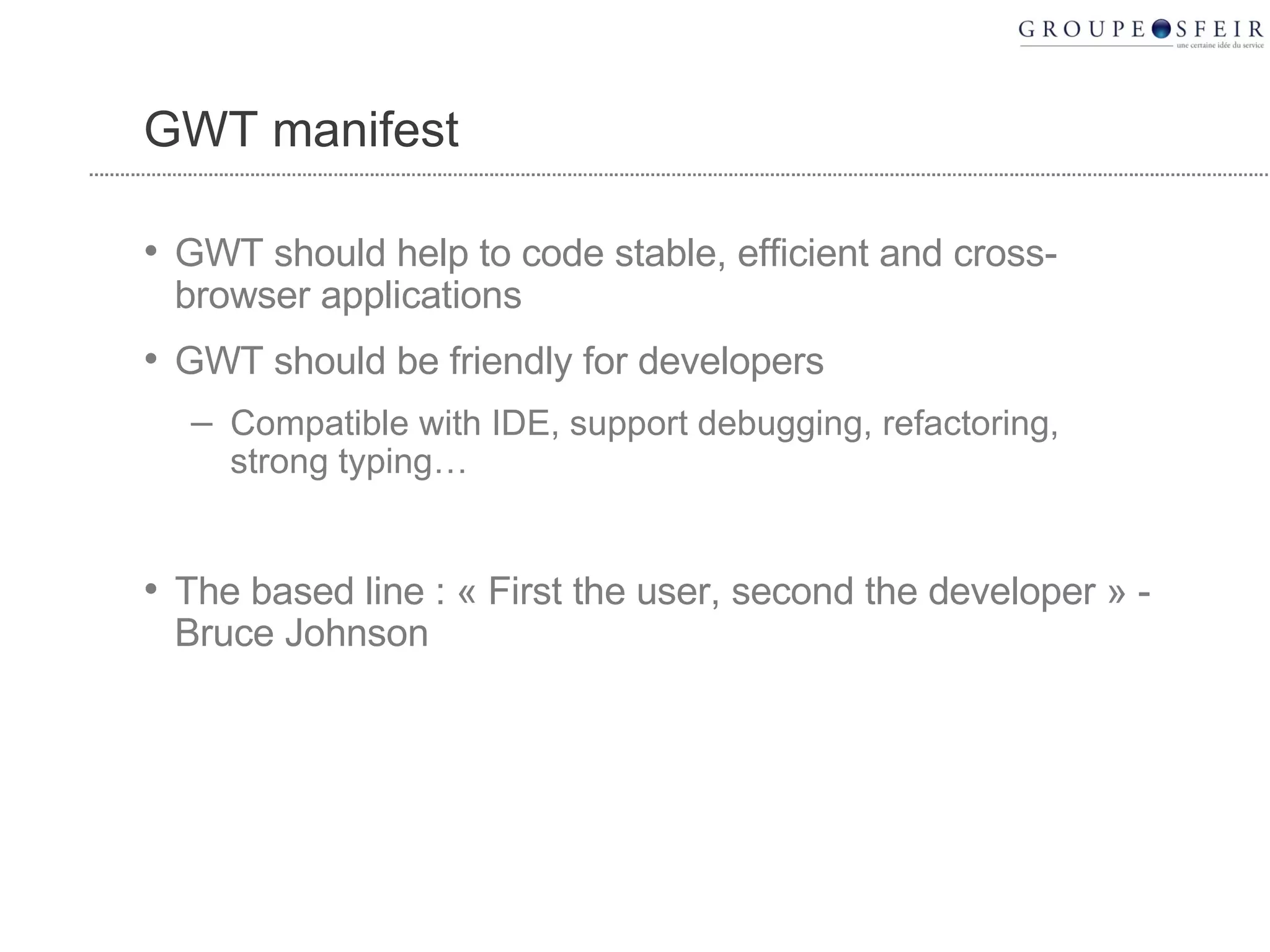
  26. GWT manifest
    • GWT should help to code stable, efficient and cross-browser applications
    • GWT should be friendly for developers
      • Compatible with IDE, support debugging, refactoring, strong typing…
    • The based line : « First the user, second the developer » - Bruce Johnson
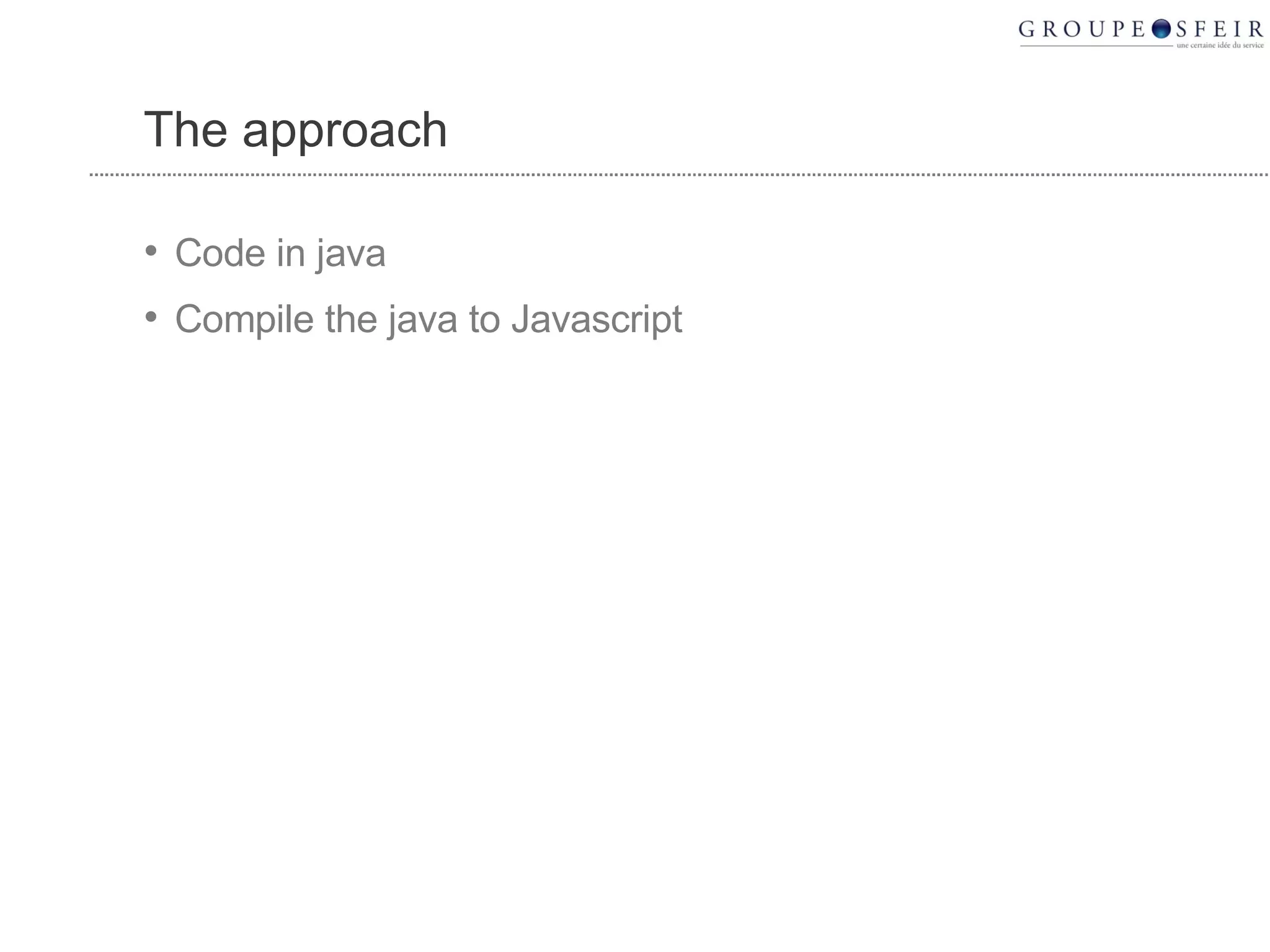
  27. The approach
    • Code in java
    • Compile the java to Javascript
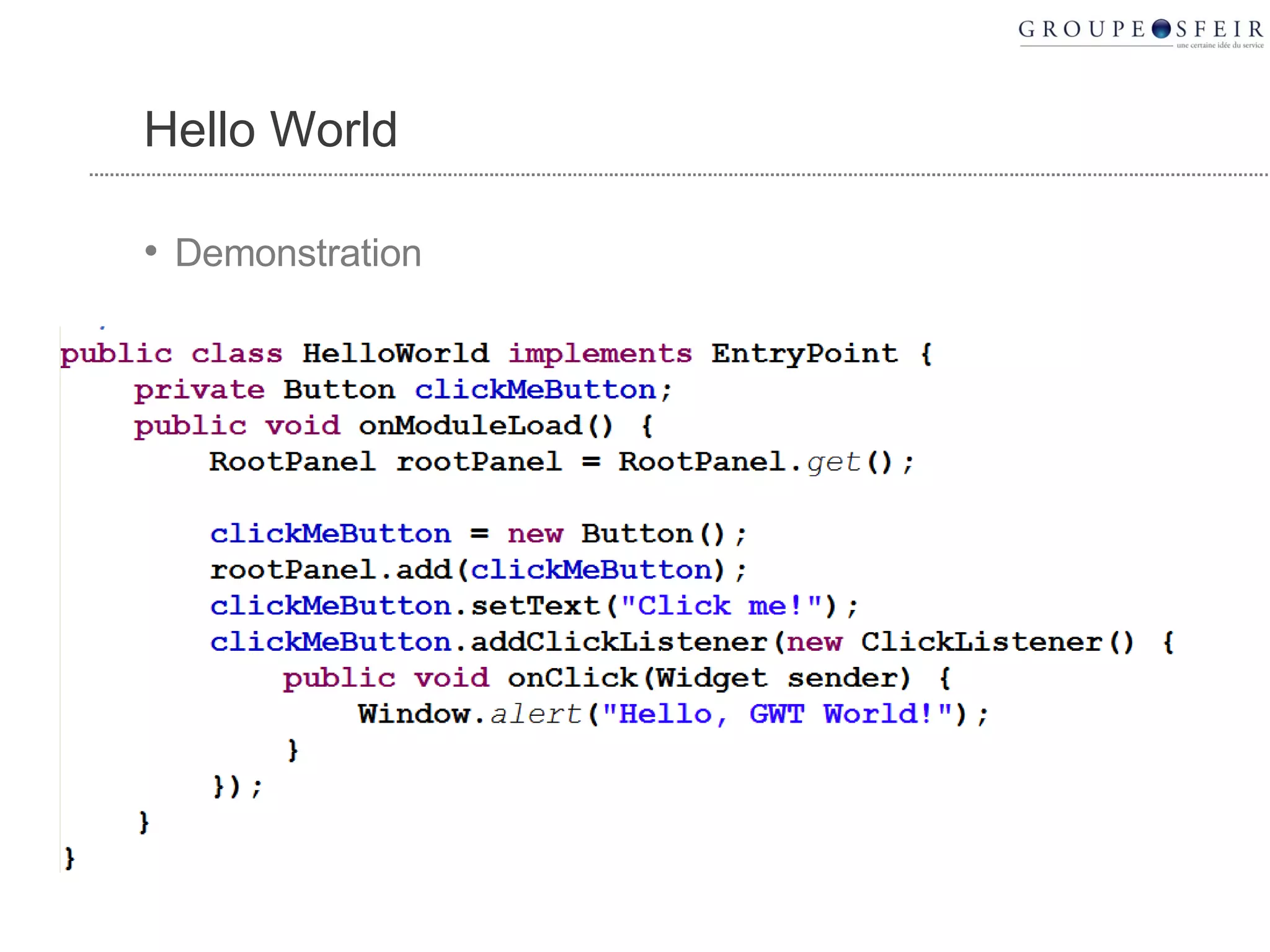
  28. Hello World
    • Demonstration
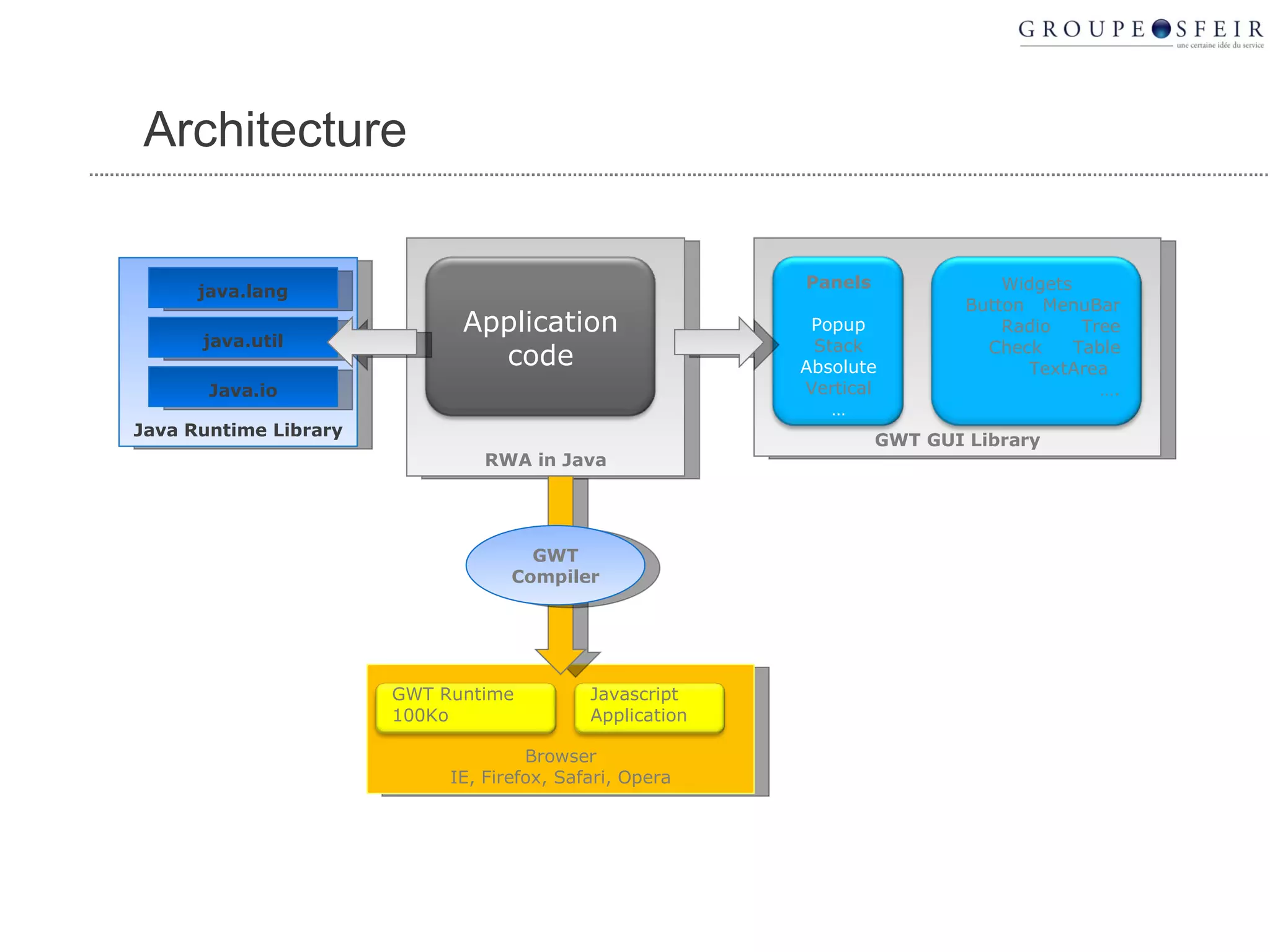
  29. Architecture Browser IE, Firefox, Safari, Opera RWA in Java Java Runtime Library java.lang java.util Java.io GWT GUI Library GWT Compiler Application code Panels Popup Stack Absolute Vertical … Widgets Button MenuBar Radio Tree Check Table TextArea … . Javascript Application GWT Runtime 100Ko
  30. OVERVIEWS
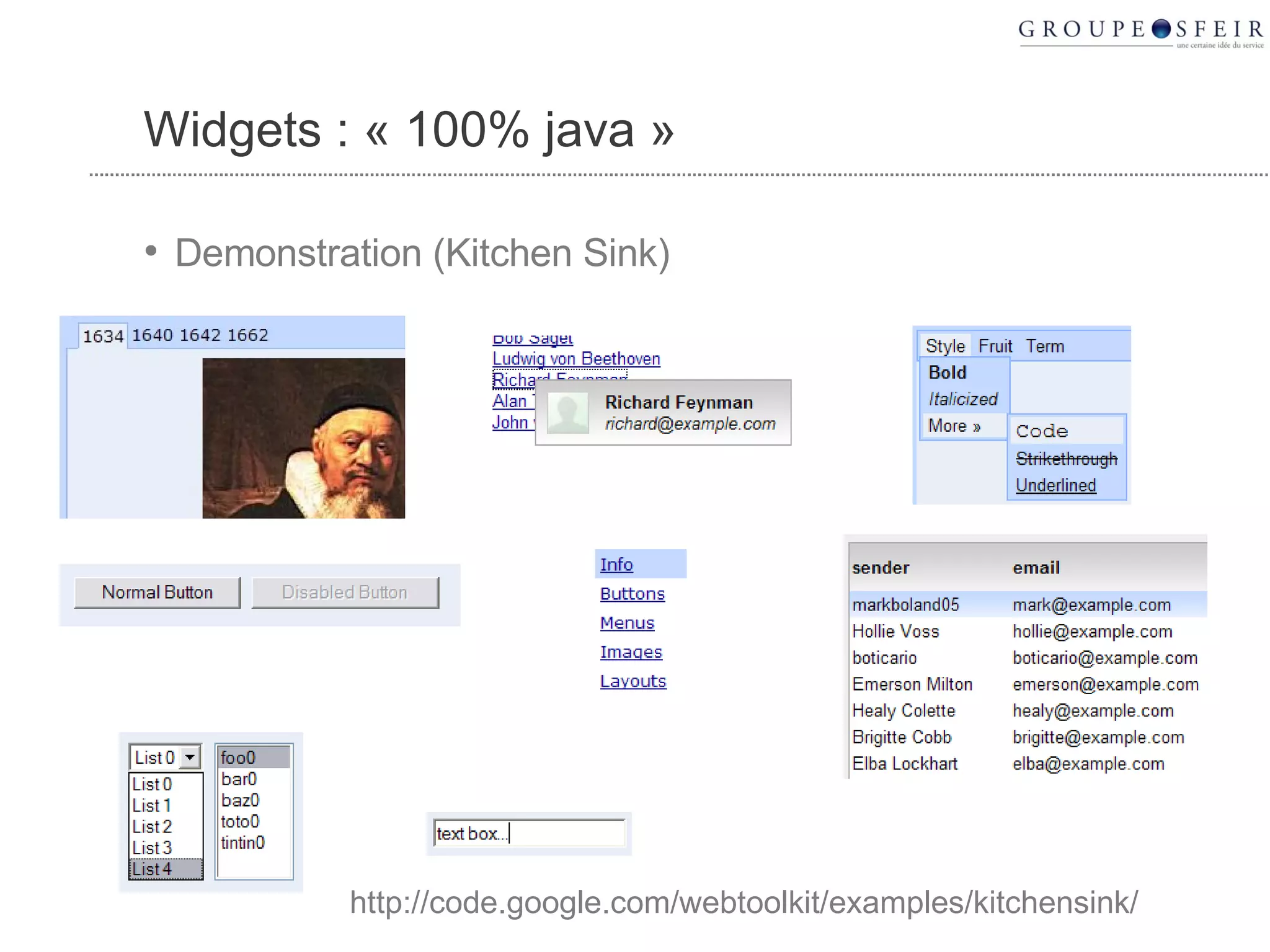
  31. Widgets : « 100% java »
    • Demonstration (Kitchen Sink)
    http://code.google.com/webtoolkit/examples/kitchensink/
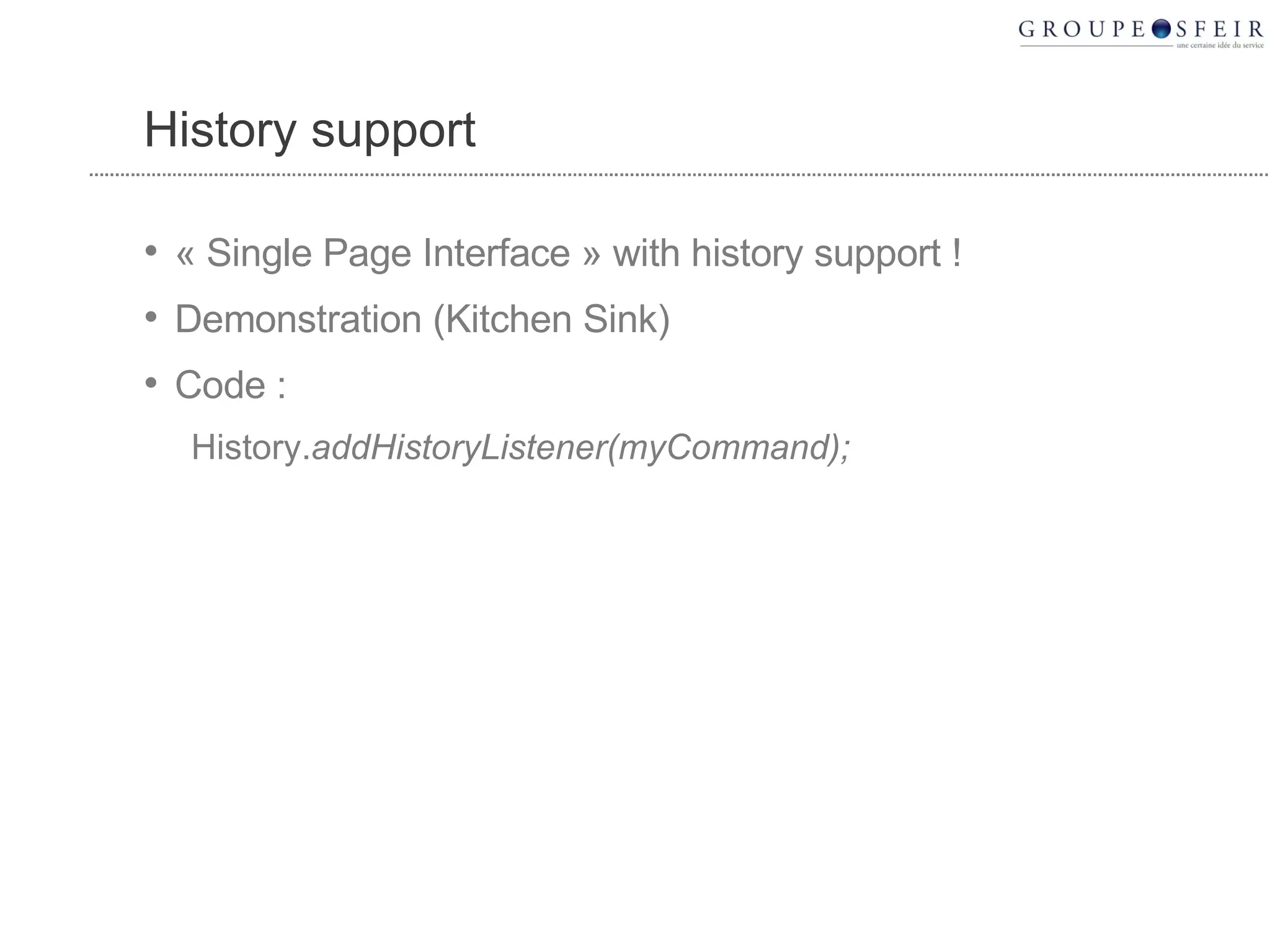
  32. History support
    • « Single Page Interface » with history support !
    • Demonstration (Kitchen Sink)
    • Code :
      • History. addHistoryListener(myCommand);
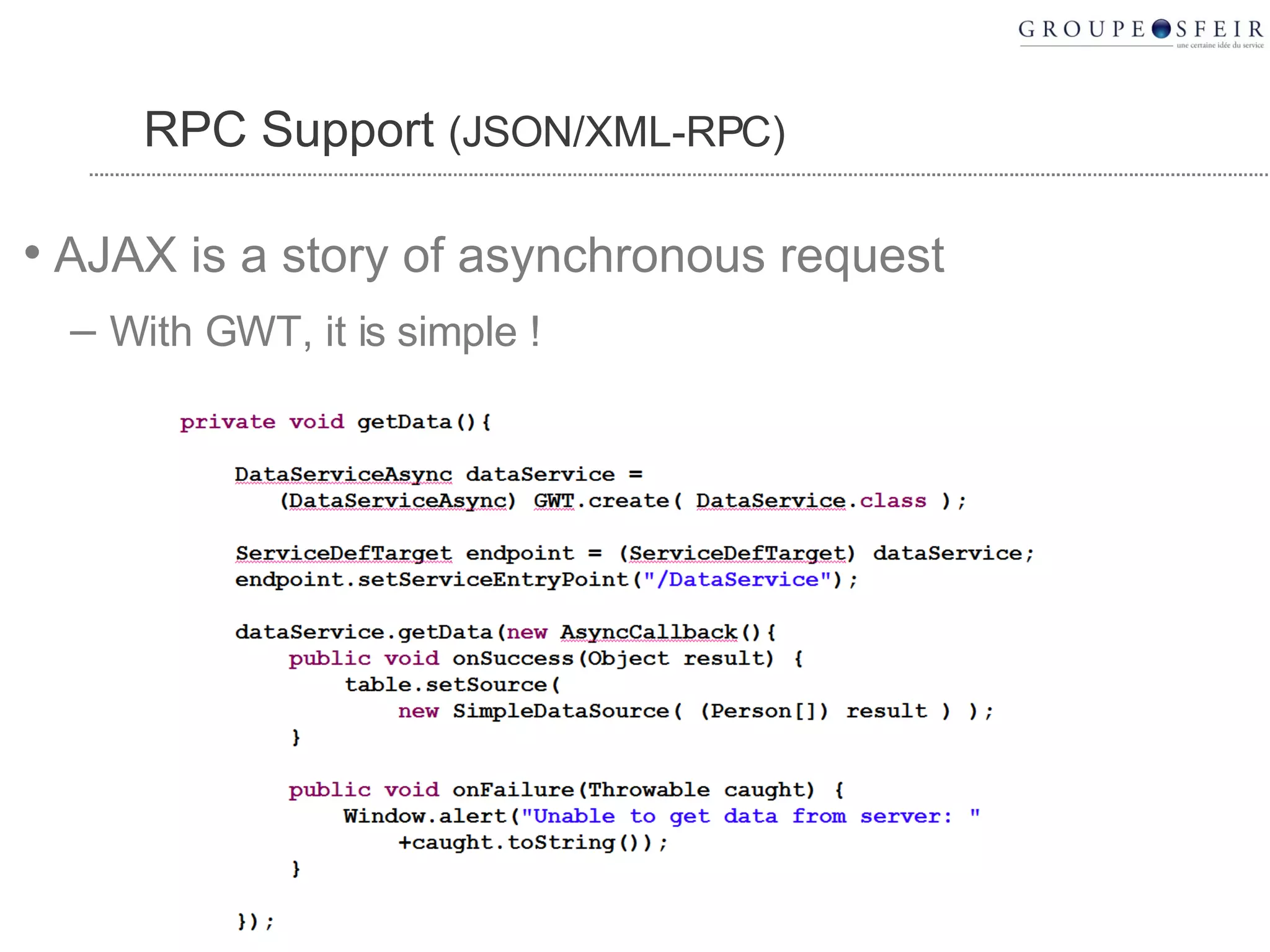
  33. RPC Support (JSON/XML-RPC)
    • AJAX is a story of asynchronous request
      • With GWT, it is simple !
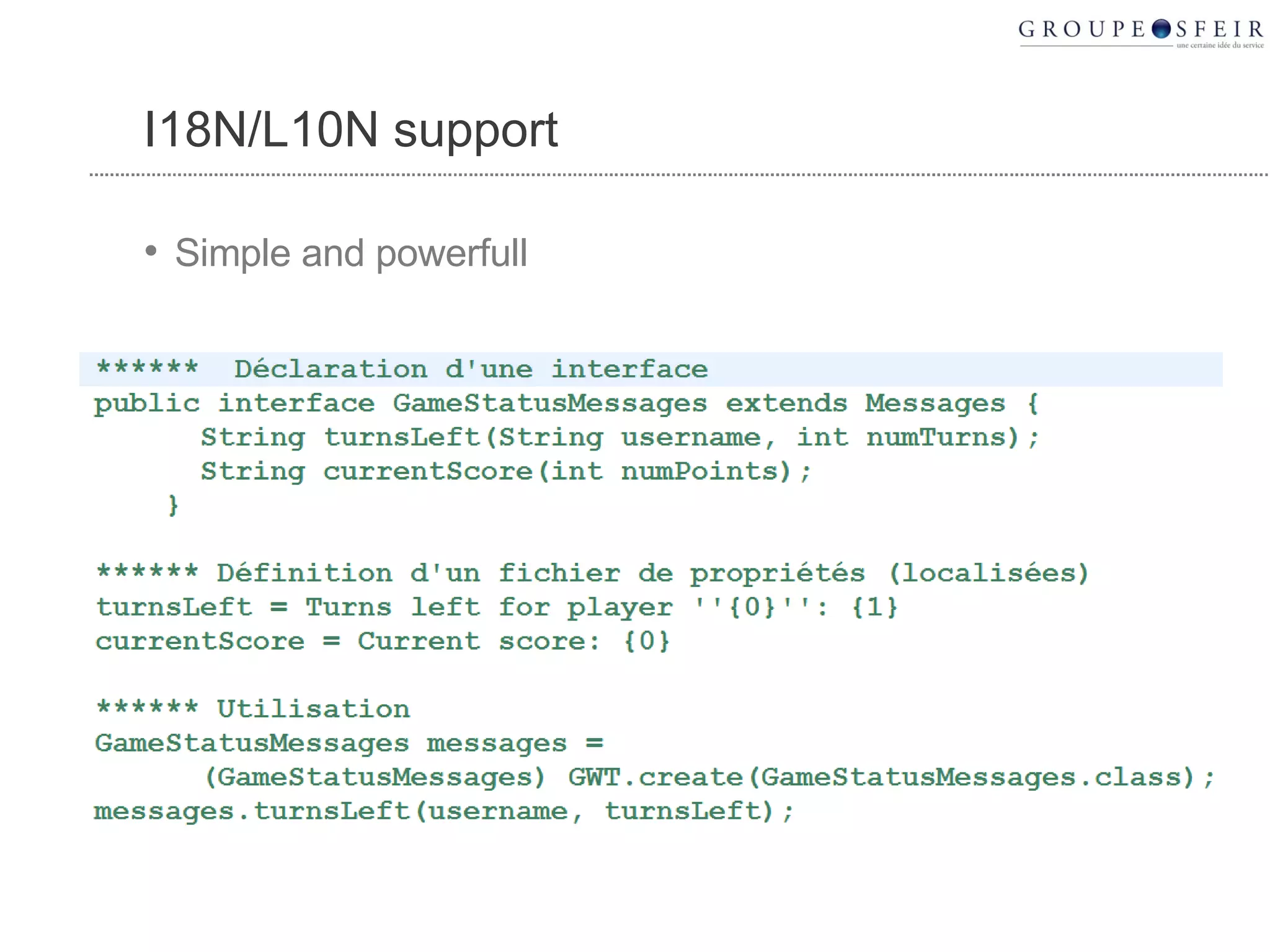
  34. I18N/L10N support
    • Simple and powerfull
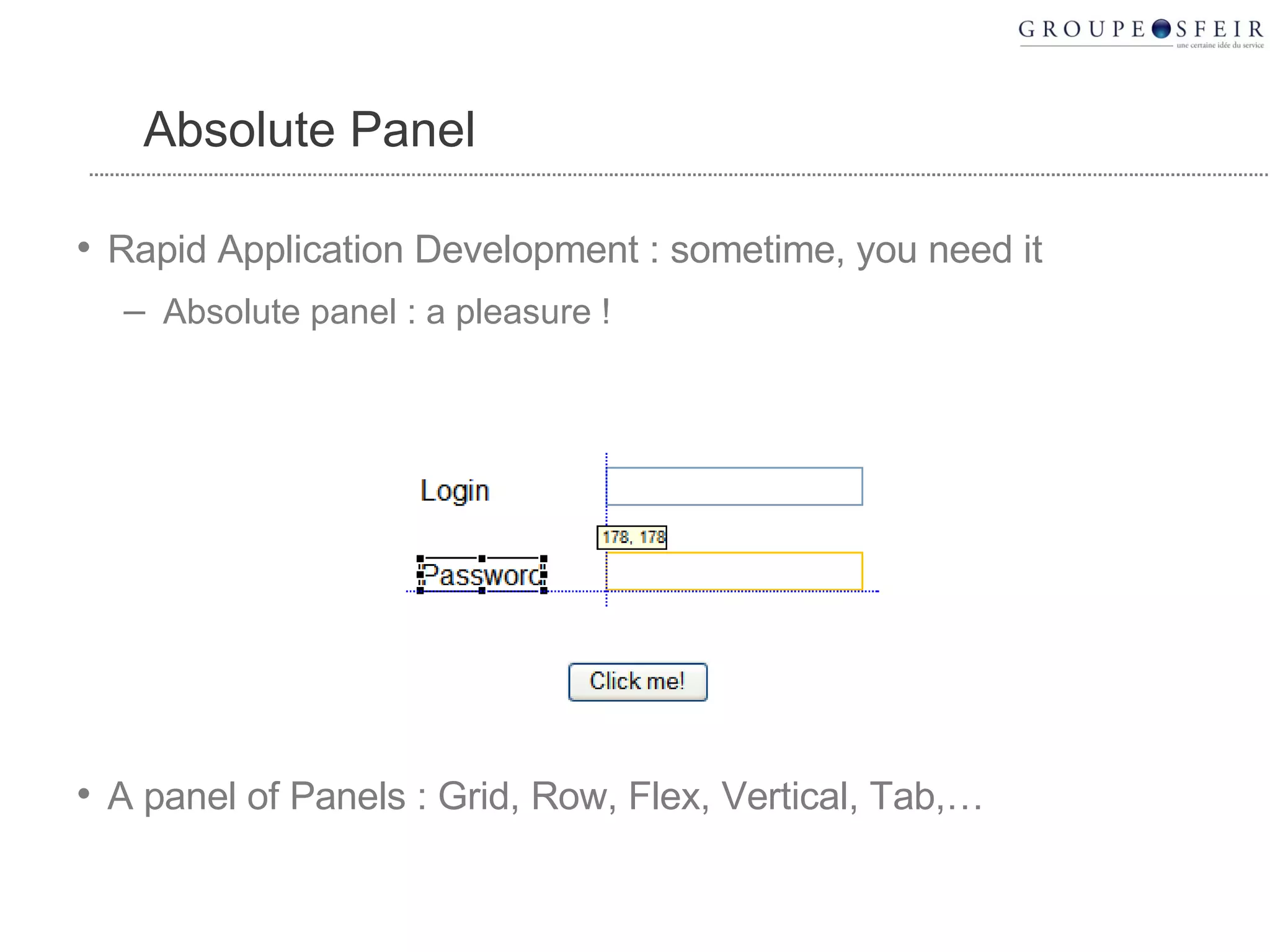
  35. Absolute Panel
    • Rapid Application Development : sometime, you need it
      • Absolute panel : a pleasure !
    • A panel of Panels : Grid, Row, Flex, Vertical, Tab,…
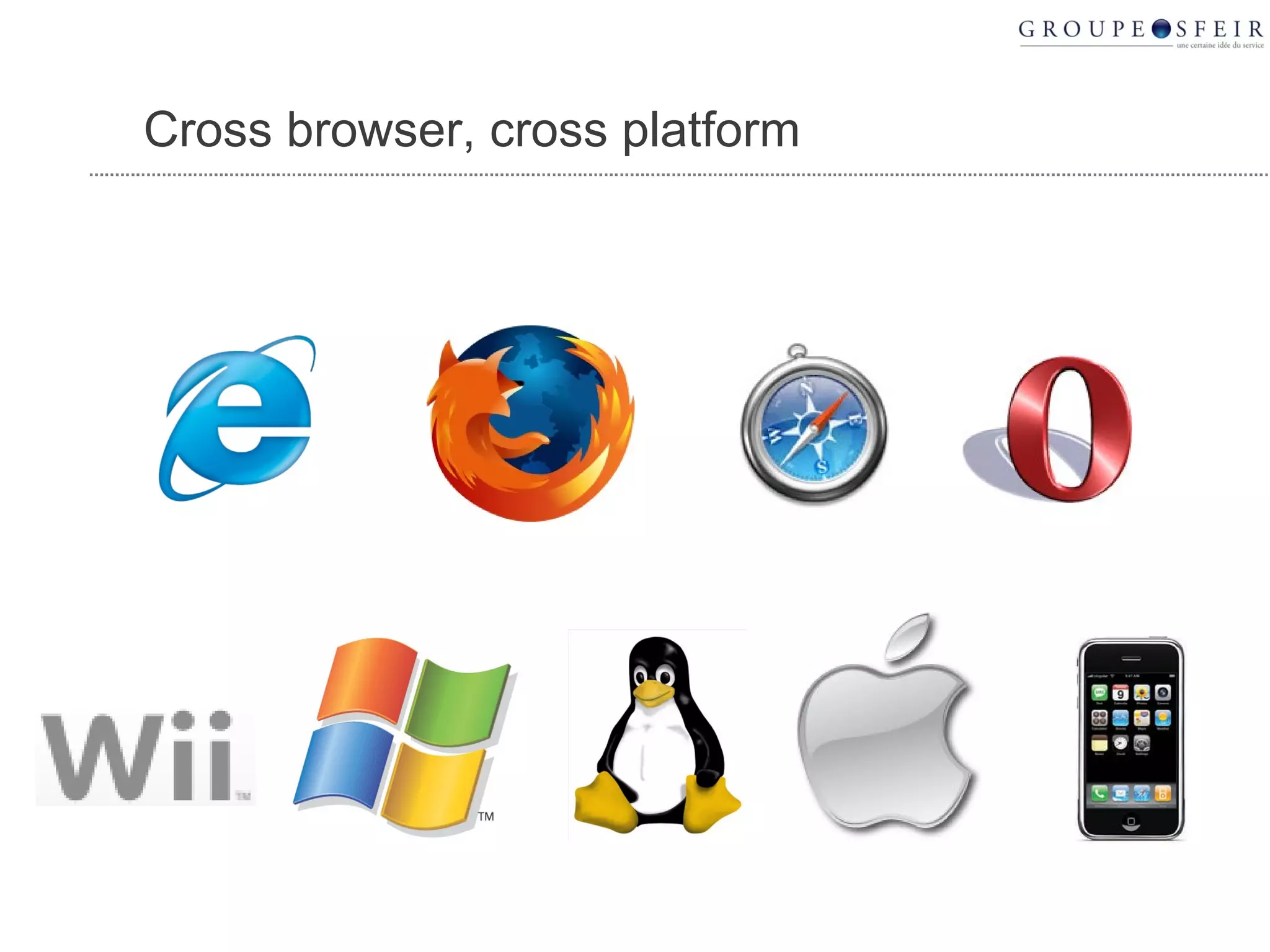
  36. Cross browser, cross platform
  37. CSS
    • GWT widgets are CSS compatible
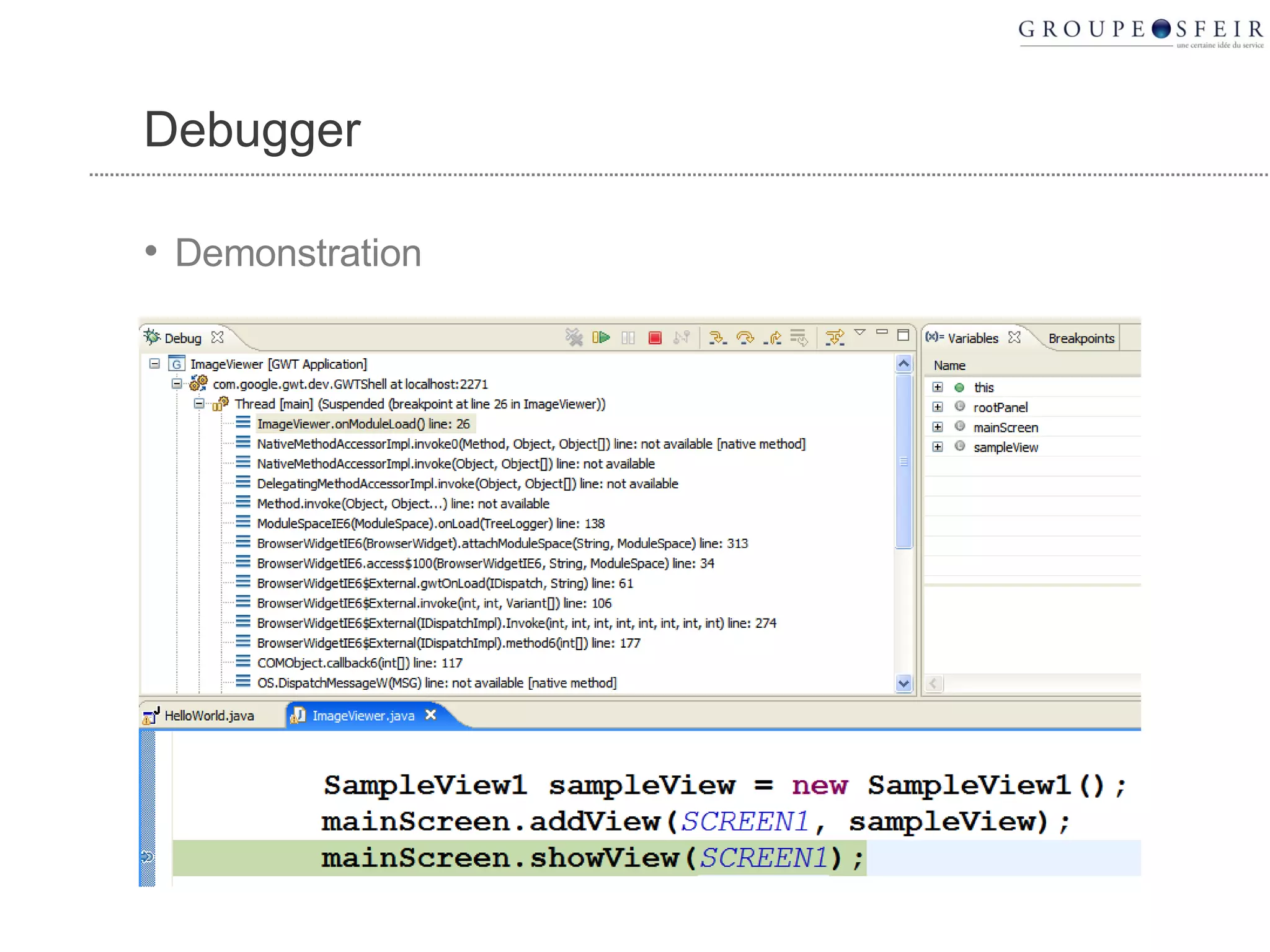
  38. Debugger
    • Demonstration
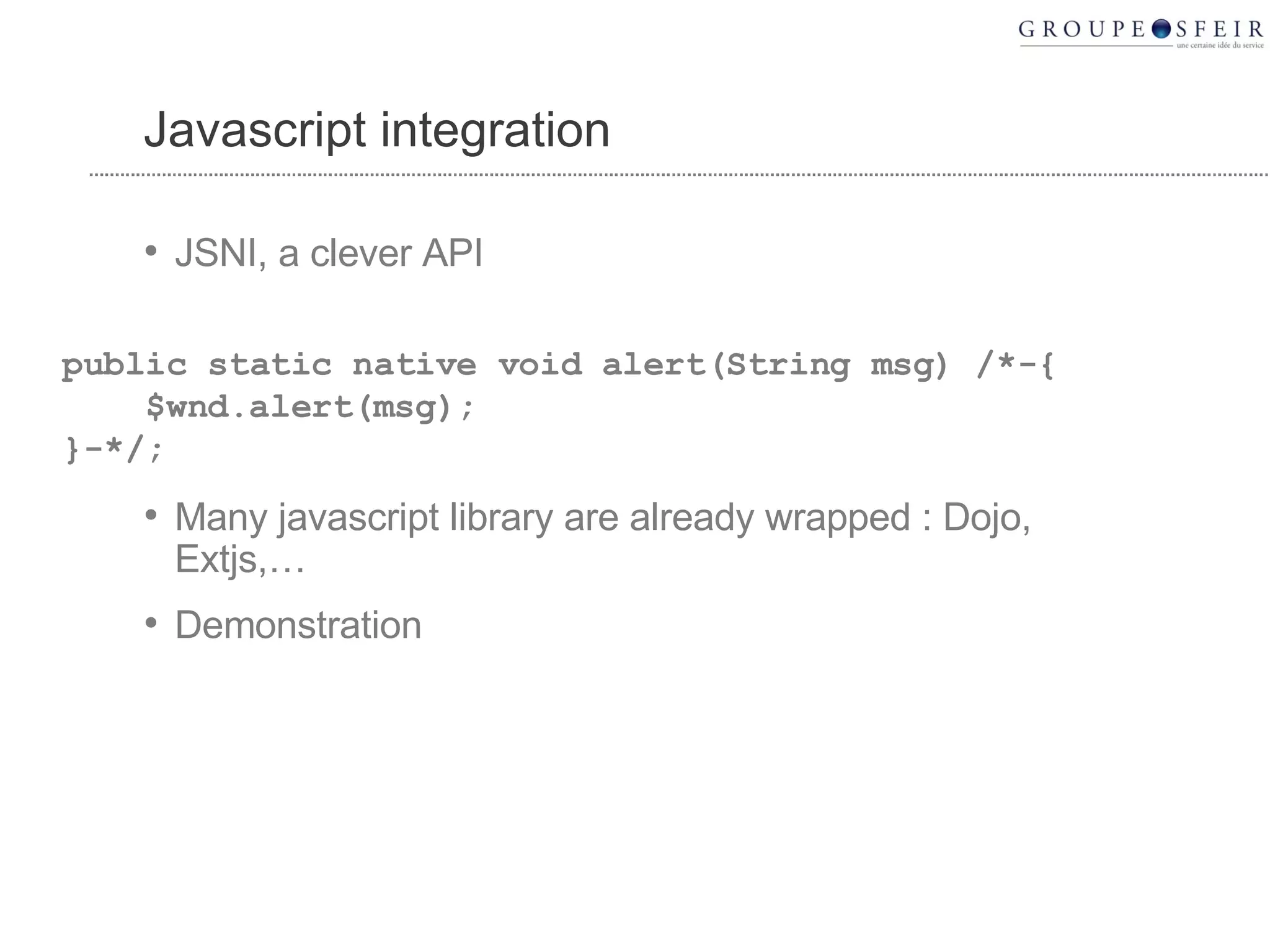
  39. Javascript integration
    • JSNI, a clever API
    • Many javascript library are already wrapped : Dojo, Extjs,…
    • Demonstration
    public static native void alert(String msg) /*-{ $wnd.alert(msg); }-*/;
  40. Optimization
    • Compiled javascript is optimized
    • Only the necessary javascript is downloaded by the browser
      • IE downloads only javascript for IE, Firefox downloads only javascript for Firefox
      • Unused APIs are removed from the compiled javascript
  41. Good scalability
    • GWT server could be stateless
    • No more session affinity
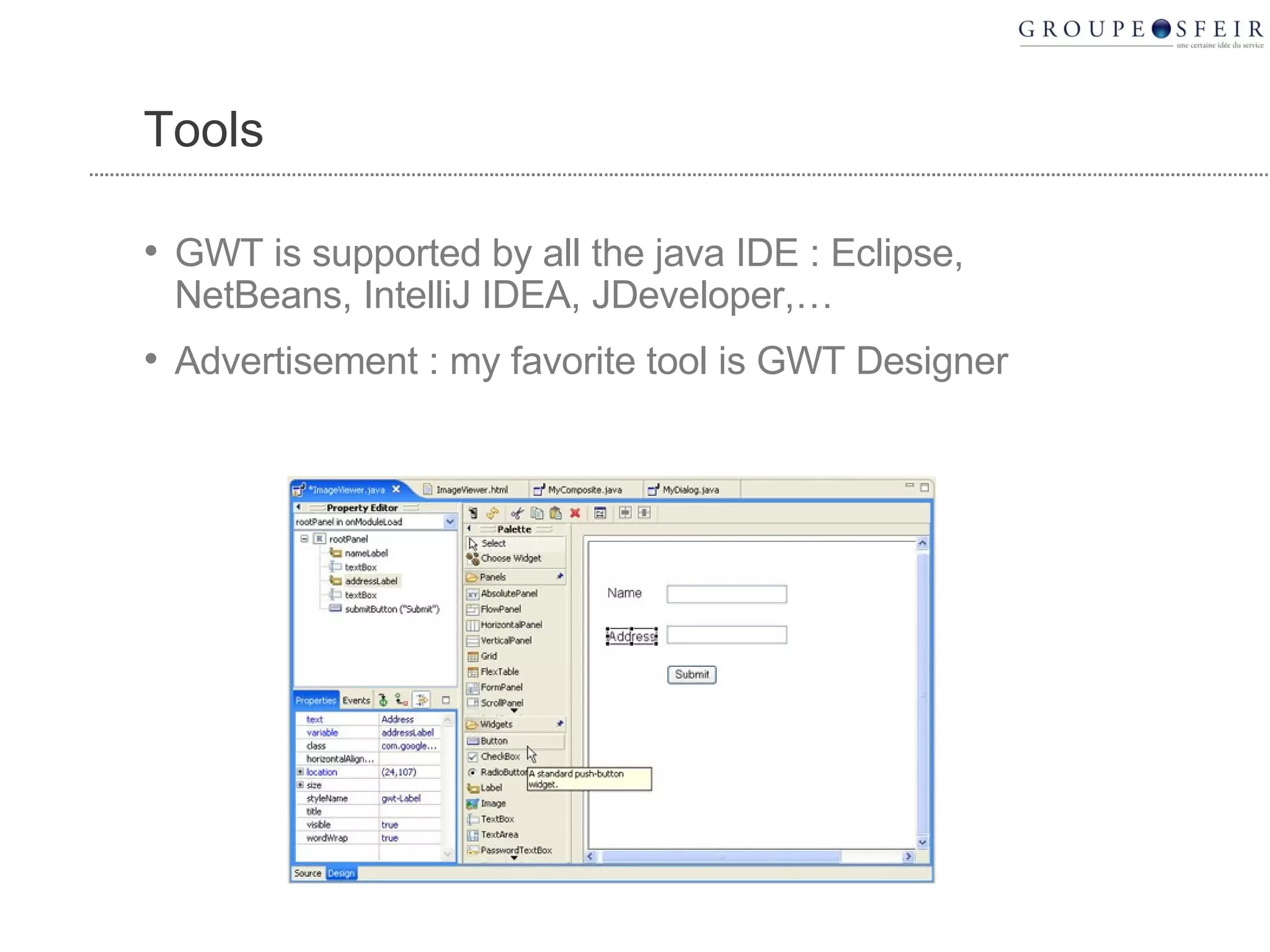
  42. Tools
    • GWT is supported by all the java IDE : Eclipse, NetBeans, IntelliJ IDEA, JDeveloper,…
    • Advertisement : my favorite tool is GWT Designer
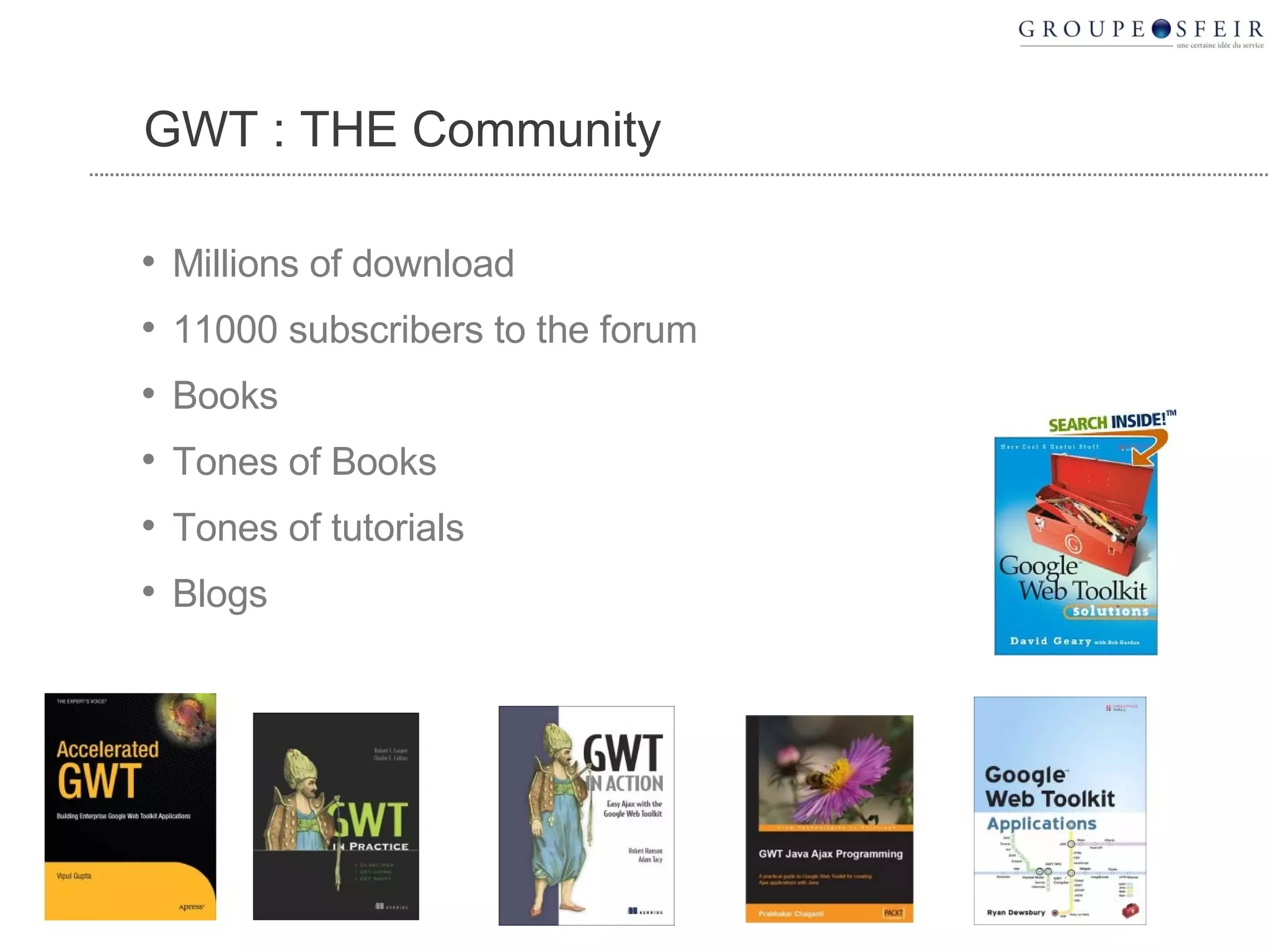
  43. GWT : THE Community
    • Millions of download
    • 11000 subscribers to the forum
    • Books
    • Tones of Books
    • Tones of tutorials
    • Blogs
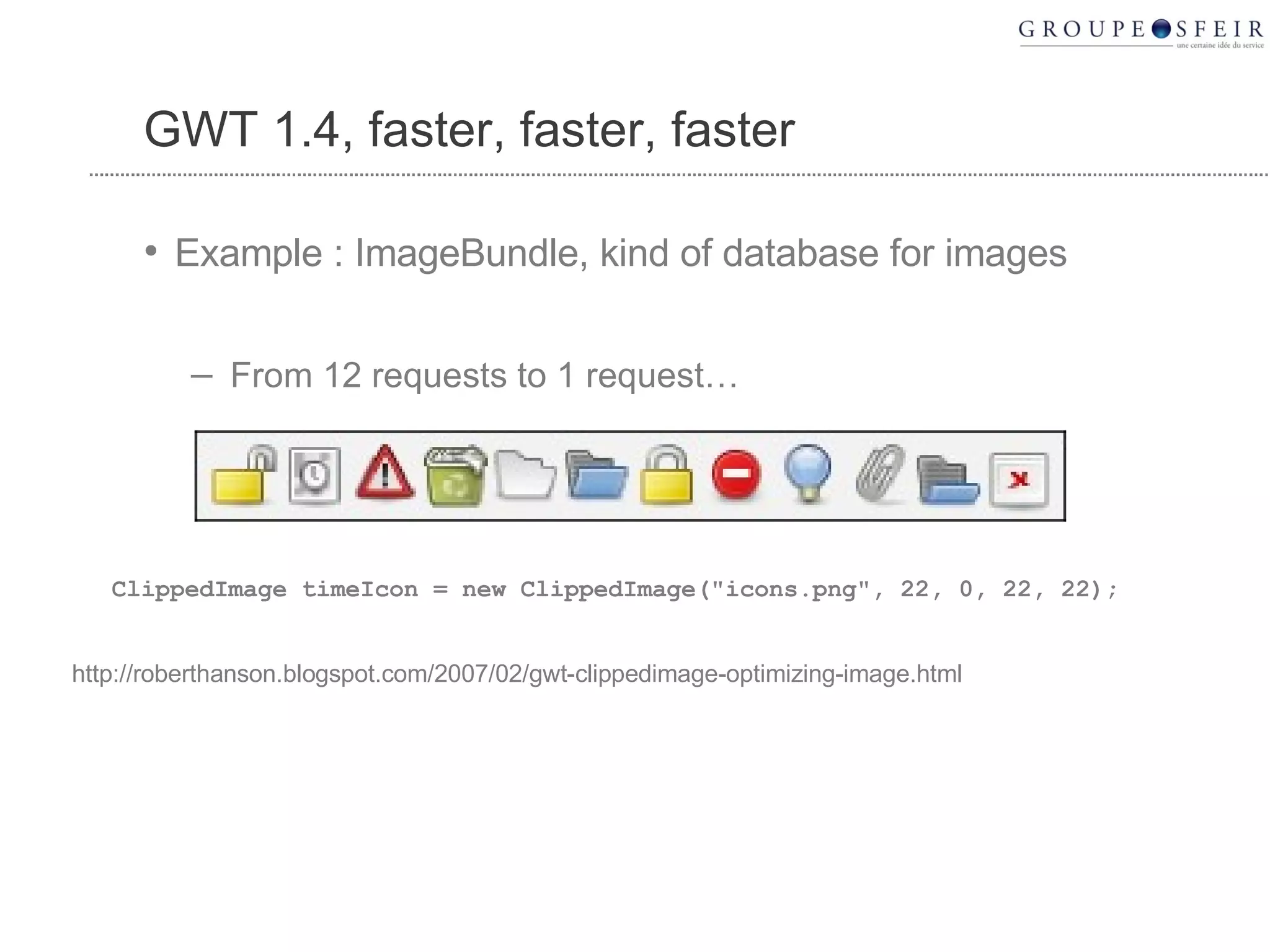
  44. GWT 1.4, faster, faster, faster
    • Example : ImageBundle, kind of database for images
      • From 12 requests to 1 request…
    ClippedImage timeIcon = new ClippedImage("icons.png", 22, 0, 22, 22); http://roberthanson.blogspot.com/2007/02/gwt-clippedimage-optimizing-image.html
  45. GWT Gears
    • Gears helps to build offline application
    • GWT wrapper :
      • http://code.google.com/p/gwt-google-apis/
    • Demo
    Google Confidential
  46. GWT : summary
    • It is 5 times faster to build a GWT application
      • Refactoring
      • Debugging
      • Stateless server
      • Cross-browsers
      • I18N
      • Hosted mode
      • JSNI
  47. TIPS AND TRICKS
  48. Think differently!
    • Rethink application ergonomic.
    • Forget browsing
    • MDI is possible
    • Stateless server, statefull client
    • -> Demo
    • http://code.google.com/p/gdf
    Google Confidential
  49. A language is behind the other
    • It is not a java application, it is javascript application coded with the java API !
    • For example, « long » is not a javascript type !
    • -> Demonstration
    Google Confidential
  50. Misc
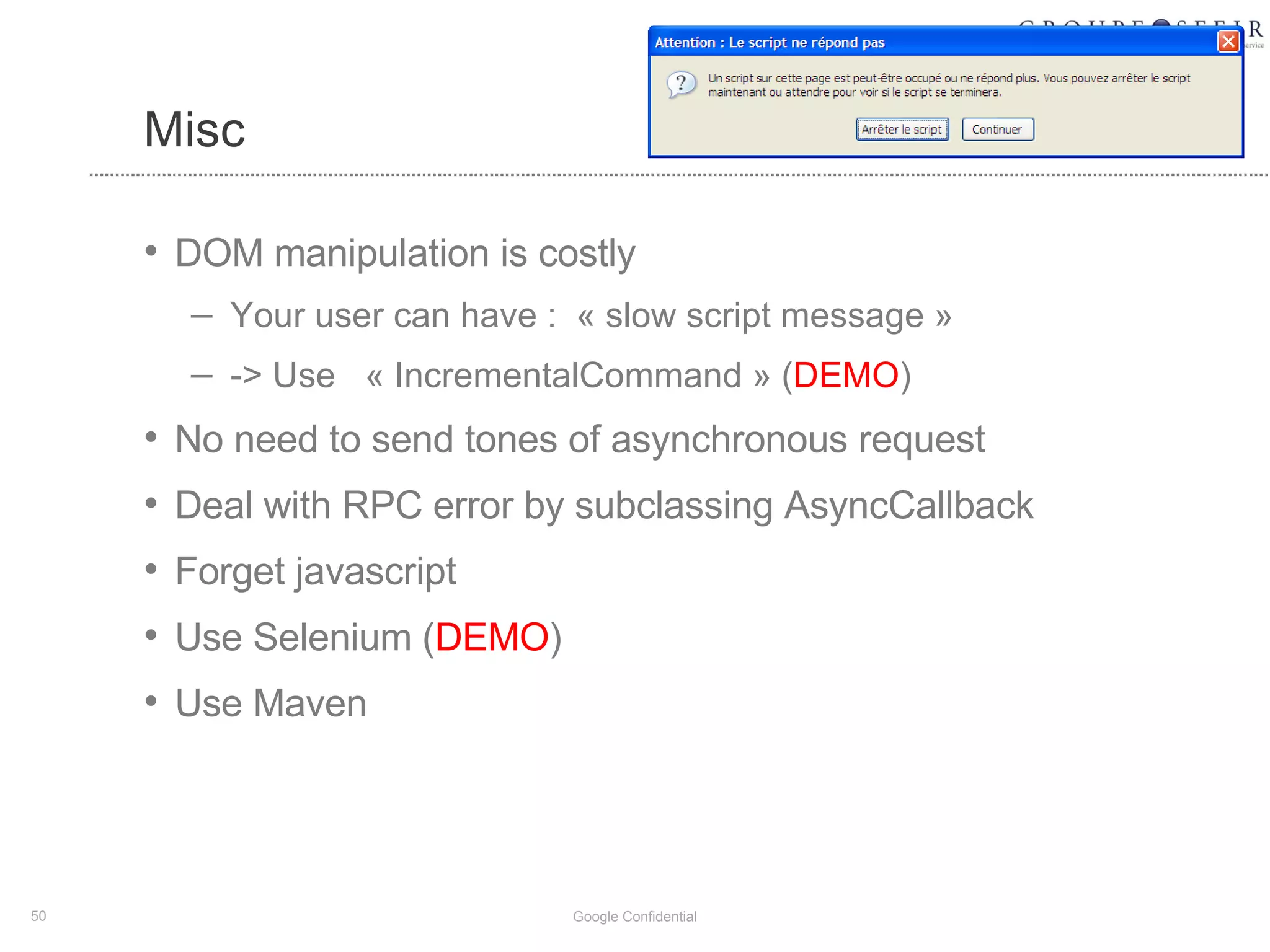
    • DOM manipulation is costly
      • Your user can have : «  slow script message » 
      • -> Use « IncrementalCommand » ( DEMO )
    • No need to send tones of asynchronous request
    • Deal with RPC error by subclassing AsyncCallback
    • Forget javascript
    • Use Selenium ( DEMO )
    • Use Maven
    Google Confidential
  51. COMMONPLACE
  52. You must used java on the server
    • No, GWT is server free
  53. Compiled javascript is impossible to debug
    • It is possible to change compilation option
    • But you never need to it,
    • -> Demo
  54. GWT Widgets ? Bof….
    • GWT widgets are basic
    • It is really easy to build its own widget
    • Many libraries
      • GWT Ext
      • GWT Rialto
      • Tatami
      • GWT Widget
      • GWTaculous
      • MyGWT
    Google Confidential
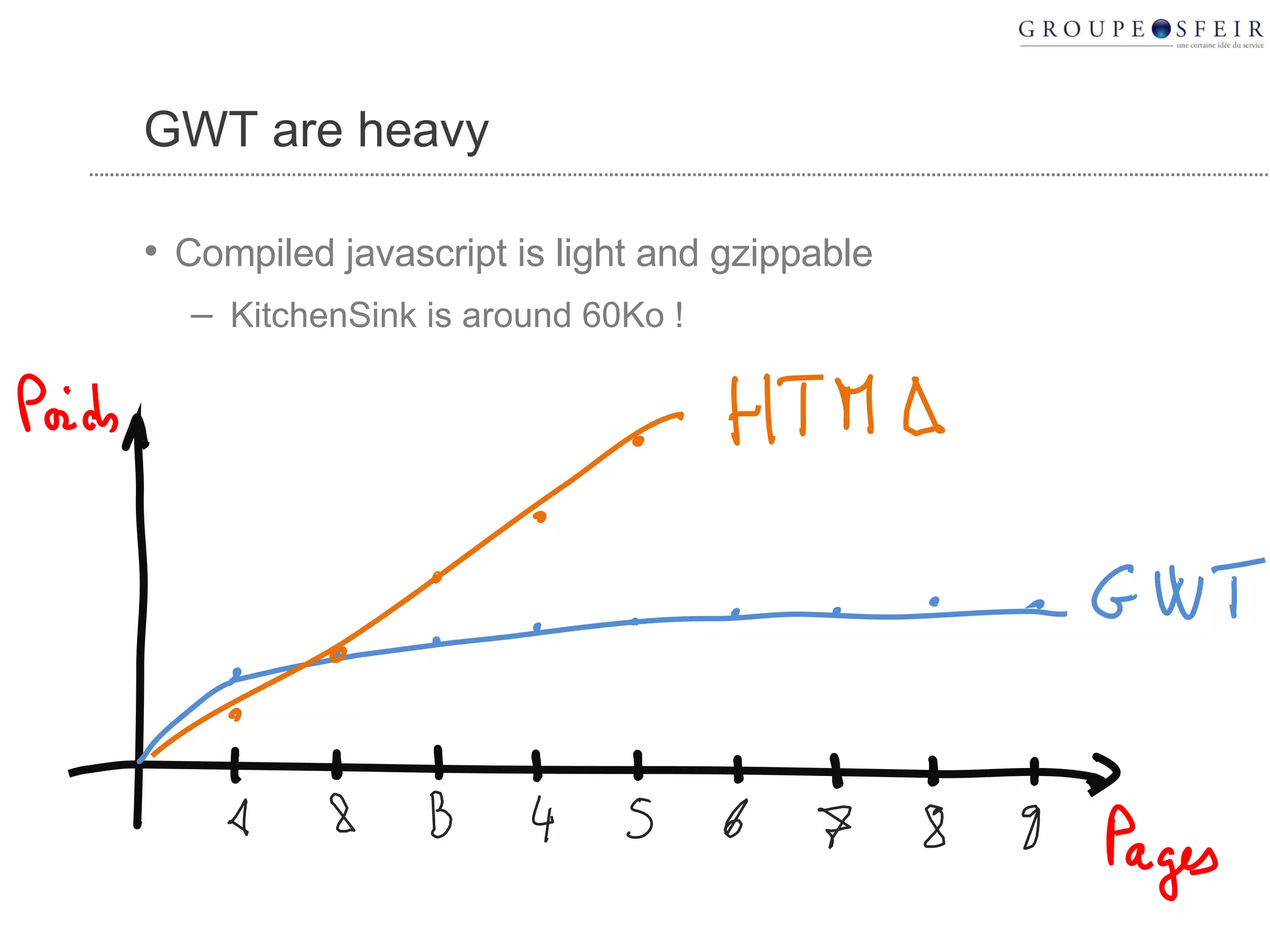
  55. GWT are heavy
    • Compiled javascript is light and gzippable
      • KitchenSink is around 60Ko !
  56. GWT is HTML incompatible
    • Wrong
      • It is possible to include GWT components in a classical HTML page
  57. GWT are applets
    • Applets, no thanks :-)
      • Java is compiled to javascript !
  58. GWT is not free
    • Noooo
      • GWT is opensource (Apache licence)
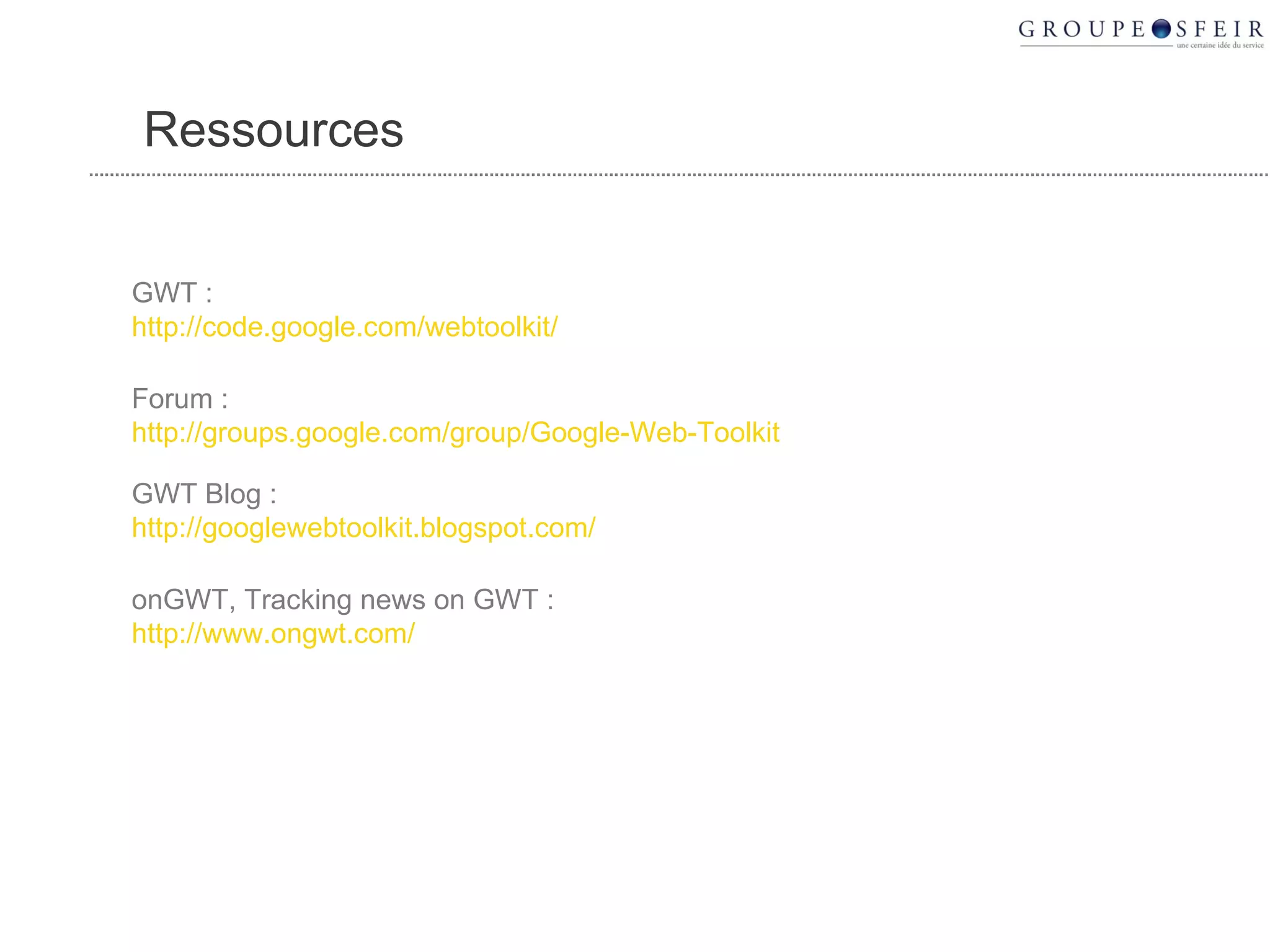
  59. Ressources GWT : http://code.google.com/webtoolkit/ Forum : http://groups.google.com/group/Google-Web-Toolkit GWT Blog : http://googlewebtoolkit.blogspot.com/ onGWT, Tracking news on GWT : http://www.ongwt.com/
  60. SFEIR
    • 6 projects with GWT
      • 5000 days of coding
      • It is just fun
      • Clients are very happy with their applications
      • Our stack : GWT/Spring/Hibernate
    • Jobs: girard.d@sfeir.com
    Google Confidential
  61. Conclusion GWT, c’est facile, efficace et beau ! Merci à l’équipe GWT, Merci à la communauté, Merci à Google !

+ dgirarddgirard, 2 years ago

custom

8829 views, 4 favs, 10 embeds more stats

More info about this document

© All Rights Reserved

Go to text version

  • Total Views 8829
    • 7172 on SlideShare
    • 1657 from embeds
  • Comments 1
  • Favorites 4
  • Downloads 250
Most viewed embeds
  • 826 views on http://justtalkaboutweb.com
  • 772 views on http://www.ongwt.com
  • 34 views on http://doganberktas.blogspot.com
  • 9 views on http://www.netvibes.com
  • 7 views on http://static.slideshare.net

more

All embeds
  • 826 views on http://justtalkaboutweb.com
  • 772 views on http://www.ongwt.com
  • 34 views on http://doganberktas.blogspot.com
  • 9 views on http://www.netvibes.com
  • 7 views on http://static.slideshare.net
  • 3 views on http://2008ubffpcfqdidact.blogspot.com
  • 2 views on http://cvformacio.ub.edu
  • 2 views on http://prodmanage.blogspot.com
  • 1 views on file://
  • 1 views on http://209.85.173.132

less

Flagged as inappropriate Flag as inappropriate
Flag as inappropriate

Select your reason for flagging this presentation as inappropriate. If needed, use the feedback form to let us know more details.

Cancel
File a copyright complaint
Having problems? Go to our helpdesk?

Categories