Documentary Making from Start to Finish Andy Carvin www.andycarvin.com www.digitaldivide.net [email_address]
What is a Documentary? doc·u·MEN·ta·ry:  A work, such as a film or television program, presenting political, social, or historical subject matter in a factual and informative manner and often consisting of actual news films or interviews accompanied by narration. Or in simpler terms: A nonfiction story told through moving images and sound.
Essential Elements Images: people, places, things, text, etc. Sound: narration, voices, music, sound effects, background sounds ("nats") Edits: The integration of images and sound
Images+Sounds+Edits=Style You strike a balance based on what you wish  to communicate: Fast edits and loud music to convey action Disjointed images and unusual pacing Straightforward editing for a journalistic feel
The Documentary Team Executive Producer Producer Researcher Writer Cameraperson Editor Talent
Executive Producer The person who’s ultimately in charge Usually overseeing more than one production Responsible for setting goals, deadlines Has the power to delegate tasks ... In other words.... The Teacher is the Executive Producer!
The Producer In charge of a specific production Keeps Exec Producer in the loop Plans production schedule, assigns tasks In charge of the overall vision of the project Keeps log of all footage shot on location Students share role of the producer
Researcher Identifies potential interview subjects, characters Fact-checks and verifies all ideas included in the documentary; quality control Helps “fill in the blanks” by researching information about characters, topics, plot
Writer Creates storyboards Writes script Helps weave the story together
Cameraperson Scouts location with production team Shoots video
Editor Does the technical work of editing documentary Works to insure that story is told in specified time length
Talent Interview subjects On-screen host Narrator Voiceover artists (reading/translating voices of characters)
The Team in a  Classroom Context Students working in small groups Each student given the opportunity to learn each role (writer, editor, cameraperson, etc) Encouraging students to take roles in which they excel Organized into small teams (3-6 students)
The Three Stages of  Documentary Making Pre-production: Planning the film Production: Shooting it Post-production: Putting it together
Pre-Production Team assignments "The Pitch" Story outlining/storyboarding Research Arranging interviews Scouting Locations Shot list
Team Assignments Breaking students into small groups Discussing the various tasks (writing, researching, editing, shooting, etc) Delegating responsibilities to individual students - or agreeing how responsibilities will be shared among the group Reviewing assignment deadlines Giving your team a production company name (AC Productions, etc)
“The Pitch” Students have to pitch story ideas to teacher Encourage teams to brainstorm stories Present top three ideas to class Class discussion of story ideas Teams take best idea, summarize it in less than one page of text: what’s the story, why they’re doing it, and how they’ll do it
Story Outlining/Storyboarding Mapping out the flow of the story using drawings and/or text Brainstorming what ideas will be conveyed where in the documentary’s timeline Identify major ideas/images to be conveyed Optional: planning style of particular shots Tools for storyboarding: Inspiration, Kidspiration, MS Word, pencil and paper
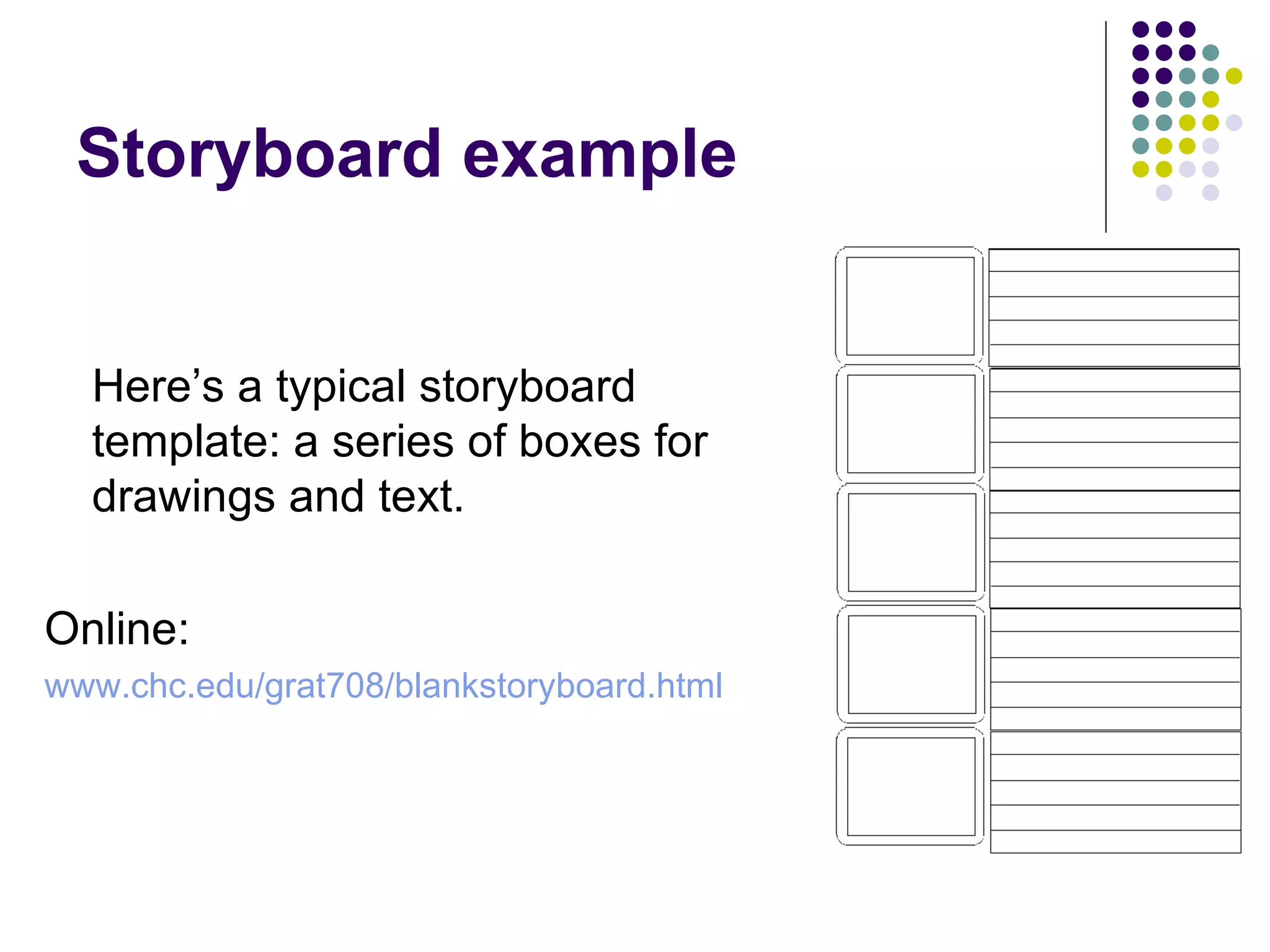
Storyboard example Here’s a typical storyboard template: a series of boxes for drawings and text. Online: www.chc.edu/grat708/blankstoryboard.html
Research Investigating the topic Fact-checking Finding historical documents, photos, etc
Arranging Interviews Identifying main characters Identifying “experts” Scheduling appointments Planning interview questions
Scouting Locations Deciding where you plan to shoot video Visiting sites ahead of time to get a sense of the space Planning the order in which you will shoot in different locations Identify what the best shots are in each location
Creating a Shot List A complete list of shots you want to get Images of particular people Contextual footage (“B-Roll”) Establishing shots Shot list often based on storyboards
Production Shooting Video Conducting Interviews Capturing Audio Collecting Still Images Keeping a Shot Log
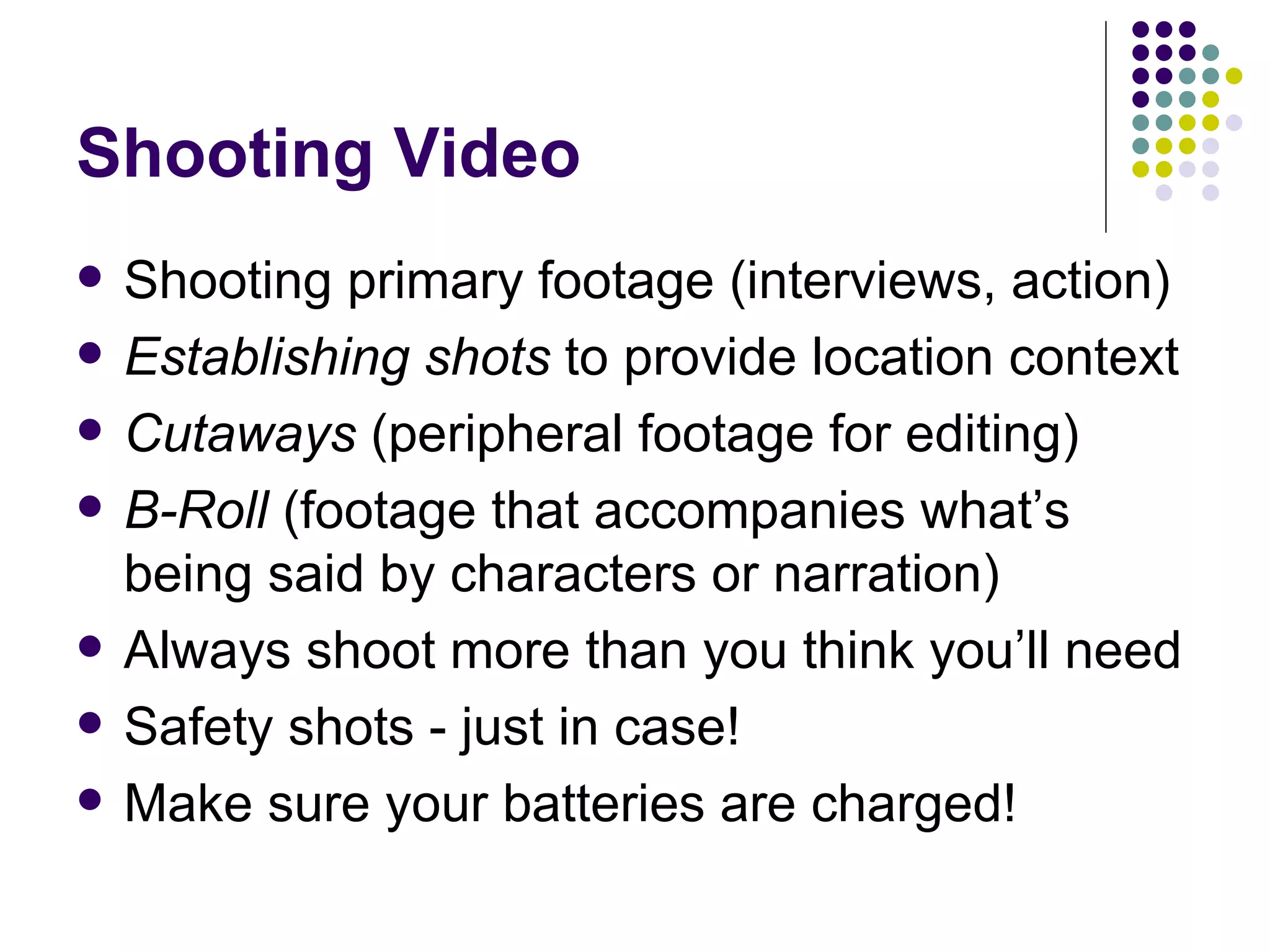
Shooting Video Shooting primary footage (interviews, action) Establishing shots  to provide location context Cutaways  (peripheral footage for editing) B-Roll  (footage that accompanies what’s being said by characters or narration) Always shoot more than you think you’ll need Safety shots - just in case! Make sure your batteries are charged!
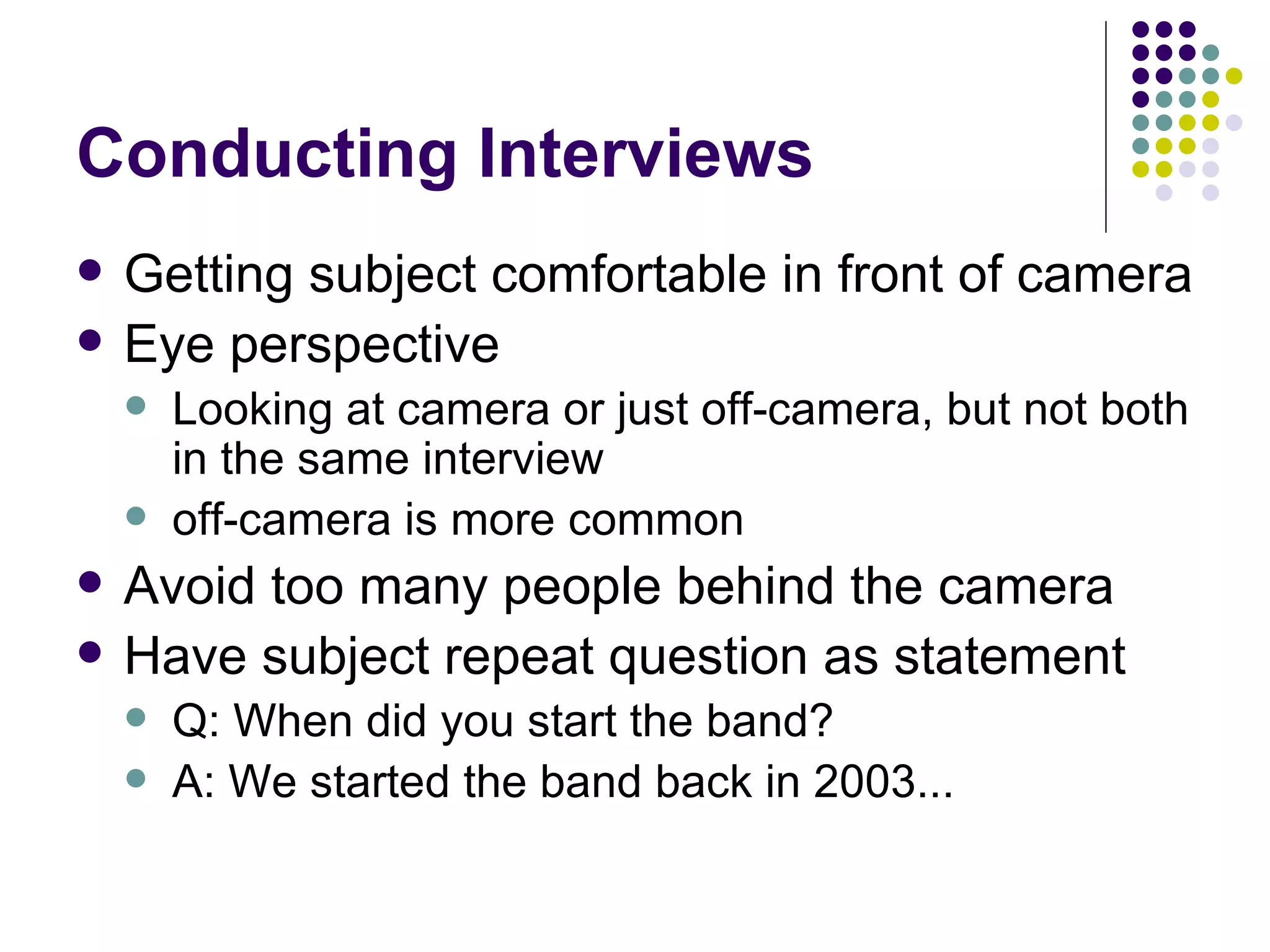
Conducting Interviews Getting subject comfortable in front of camera Eye perspective Looking at camera or just off-camera, but not both in the same interview off-camera is more common Avoid too many people behind the camera Have subject repeat question as statement Q: When did you start the band? A: We started the band back in 2003...
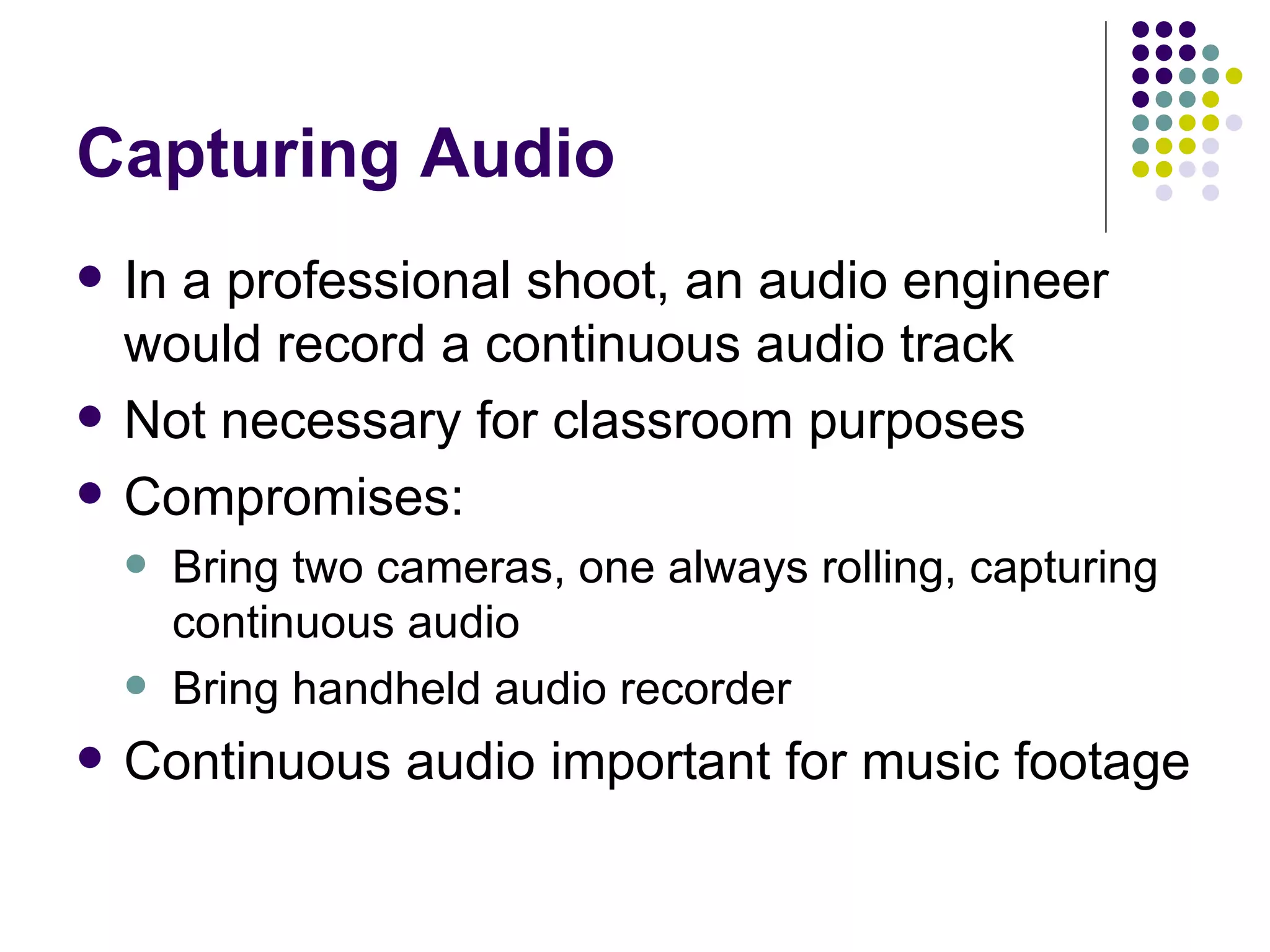
Capturing Audio In a professional shoot, an audio engineer would record a continuous audio track Not necessary for classroom purposes Compromises: Bring two cameras, one always rolling, capturing continuous audio Bring handheld audio recorder Continuous audio important for music footage
Collecting Still Images Photos very useful when video footage isn’t available Public library photo archives good resource Scan photos at very high resolution Higher quality Allows you to zoom in on parts of the photo Example:  The Atlantic City Boardwalk
Keeping a Shot Log A notebook of all footage captured on video What you shot When you shot it What tape it’s on This means you need to label your tapes!
Post Production Transcribing interviews Annotating shot log Uploading footage Story planning Script writing Editing
Transcribing Interviews Identifying useful quotes Noting location of quotes on each tape Transcribing saves time in the long run! Example: Tape 3, Sam Sheridan Interview 15:13: “Sure, it’s a dangerous sport, but so is football or hockey....”  **** 16:04: “I’m a little worried, but not too worried.”
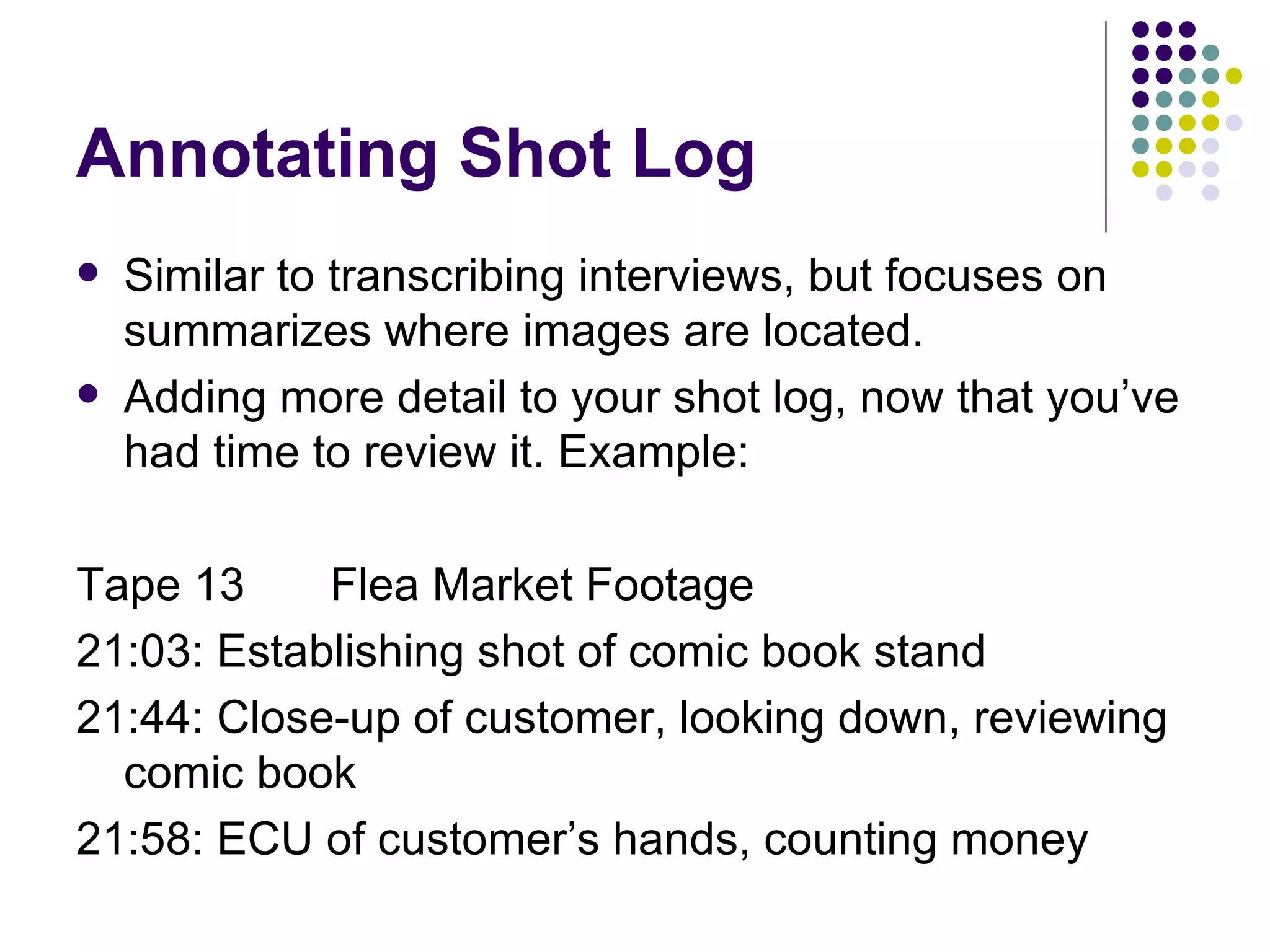
Annotating Shot Log Similar to transcribing interviews, but focuses on summarizes where images are located. Adding more detail to your shot log, now that you’ve had time to review it. Example: Tape 13 Flea Market Footage 21:03: Establishing shot of comic book stand 21:44: Close-up of customer, looking down, reviewing comic book 21:58: ECU of customer’s hands, counting money
Uploading Footage Upload all the video clips you  may  use Be sure to give each clip “padding” - several seconds before and after meat of the clip Organize clips in bins either by tape or subject Name clips by time stamp  and  subject: Tape 3, 16:04 Sam: “I’m a little worried” = 031604SamWorried.mov
Story Planning Outline of the entire script “ 3x5” planning: writing best quotes, main story sections on 3x5 cards to experiment with story order; Inspiration/Kidspiration useful as well Identifying best footage, matching them with story sections/quotes, putting them in order
Script Writing Done in conjunction with story planning Script should weave together story elements, quotes, matched with appropriate images Judge the script by how it sounds read aloud,  not how it reads on paper Basic script for narrator: narration/quotes Three-columned script for everyone else: Time Code Video Narration/Interview Quotes
Editing Recording narration - do lots of takes! Rough cut - putting clips in order, no F/X Team, teacher, class review rough cut Corrections based on group input; another review Polishing: adding dissolves, graphics, etc Final cut: documentary is complete In real world, review/corrections process  repeated again and again and again!
Questions to consider How much time each week/month will be dedicated to production? Will production take place throughout the year? Should students work on one project all year or produce multiple projects?
Don’t Forget Copyright Videos shown publicly/online must honor copyright Red flags: TV video clips and music Using someone’s music w/o permission can get school in trouble; get permission from publisher! Creative Commons (CC):  http:// search.creativecommons.org Magnatune.com : Free music for nonprofit projects using noncomercial/attribute/sharealike CC license License low-cost music:  http:// www.productiontrax.com GarageBand Use original student music - they own the copyright! Always cite copyright holders in credits
A New Twist: Video Blogging Create a school blog for premiering videos Upload videos to the blog Mentoring opportunity - Get experienced filmmakers and video bloggers to critique students’ work Cutting edge: only a handful of educational video blogs in the world today Would have to conform with school AUP
Thank You! Andy Carvin [email_address] www.digitaldivide.net www.andycarvin.com

Documentary Making 101

  • 1.
    Documentary Making fromStart to Finish Andy Carvin www.andycarvin.com www.digitaldivide.net [email_address]
  • 2.
    What is aDocumentary? doc·u·MEN·ta·ry: A work, such as a film or television program, presenting political, social, or historical subject matter in a factual and informative manner and often consisting of actual news films or interviews accompanied by narration. Or in simpler terms: A nonfiction story told through moving images and sound.
  • 3.
    Essential Elements Images:people, places, things, text, etc. Sound: narration, voices, music, sound effects, background sounds ("nats") Edits: The integration of images and sound
  • 4.
    Images+Sounds+Edits=Style You strikea balance based on what you wish to communicate: Fast edits and loud music to convey action Disjointed images and unusual pacing Straightforward editing for a journalistic feel
  • 5.
    The Documentary TeamExecutive Producer Producer Researcher Writer Cameraperson Editor Talent
  • 6.
    Executive Producer Theperson who’s ultimately in charge Usually overseeing more than one production Responsible for setting goals, deadlines Has the power to delegate tasks ... In other words.... The Teacher is the Executive Producer!
  • 7.
    The Producer Incharge of a specific production Keeps Exec Producer in the loop Plans production schedule, assigns tasks In charge of the overall vision of the project Keeps log of all footage shot on location Students share role of the producer
  • 8.
    Researcher Identifies potentialinterview subjects, characters Fact-checks and verifies all ideas included in the documentary; quality control Helps “fill in the blanks” by researching information about characters, topics, plot
  • 9.
    Writer Creates storyboardsWrites script Helps weave the story together
  • 10.
    Cameraperson Scouts locationwith production team Shoots video
  • 11.
    Editor Does thetechnical work of editing documentary Works to insure that story is told in specified time length
  • 12.
    Talent Interview subjectsOn-screen host Narrator Voiceover artists (reading/translating voices of characters)
  • 13.
    The Team ina Classroom Context Students working in small groups Each student given the opportunity to learn each role (writer, editor, cameraperson, etc) Encouraging students to take roles in which they excel Organized into small teams (3-6 students)
  • 14.
    The Three Stagesof Documentary Making Pre-production: Planning the film Production: Shooting it Post-production: Putting it together
  • 15.
    Pre-Production Team assignments"The Pitch" Story outlining/storyboarding Research Arranging interviews Scouting Locations Shot list
  • 16.
    Team Assignments Breakingstudents into small groups Discussing the various tasks (writing, researching, editing, shooting, etc) Delegating responsibilities to individual students - or agreeing how responsibilities will be shared among the group Reviewing assignment deadlines Giving your team a production company name (AC Productions, etc)
  • 17.
    “The Pitch” Studentshave to pitch story ideas to teacher Encourage teams to brainstorm stories Present top three ideas to class Class discussion of story ideas Teams take best idea, summarize it in less than one page of text: what’s the story, why they’re doing it, and how they’ll do it
  • 18.
    Story Outlining/Storyboarding Mappingout the flow of the story using drawings and/or text Brainstorming what ideas will be conveyed where in the documentary’s timeline Identify major ideas/images to be conveyed Optional: planning style of particular shots Tools for storyboarding: Inspiration, Kidspiration, MS Word, pencil and paper
  • 19.
    Storyboard example Here’sa typical storyboard template: a series of boxes for drawings and text. Online: www.chc.edu/grat708/blankstoryboard.html
  • 20.
    Research Investigating thetopic Fact-checking Finding historical documents, photos, etc
  • 21.
    Arranging Interviews Identifyingmain characters Identifying “experts” Scheduling appointments Planning interview questions
  • 22.
    Scouting Locations Decidingwhere you plan to shoot video Visiting sites ahead of time to get a sense of the space Planning the order in which you will shoot in different locations Identify what the best shots are in each location
  • 23.
    Creating a ShotList A complete list of shots you want to get Images of particular people Contextual footage (“B-Roll”) Establishing shots Shot list often based on storyboards
  • 24.
    Production Shooting VideoConducting Interviews Capturing Audio Collecting Still Images Keeping a Shot Log
  • 25.
    Shooting Video Shootingprimary footage (interviews, action) Establishing shots to provide location context Cutaways (peripheral footage for editing) B-Roll (footage that accompanies what’s being said by characters or narration) Always shoot more than you think you’ll need Safety shots - just in case! Make sure your batteries are charged!
  • 26.
    Conducting Interviews Gettingsubject comfortable in front of camera Eye perspective Looking at camera or just off-camera, but not both in the same interview off-camera is more common Avoid too many people behind the camera Have subject repeat question as statement Q: When did you start the band? A: We started the band back in 2003...
  • 27.
    Capturing Audio Ina professional shoot, an audio engineer would record a continuous audio track Not necessary for classroom purposes Compromises: Bring two cameras, one always rolling, capturing continuous audio Bring handheld audio recorder Continuous audio important for music footage
  • 28.
    Collecting Still ImagesPhotos very useful when video footage isn’t available Public library photo archives good resource Scan photos at very high resolution Higher quality Allows you to zoom in on parts of the photo Example: The Atlantic City Boardwalk
  • 29.
    Keeping a ShotLog A notebook of all footage captured on video What you shot When you shot it What tape it’s on This means you need to label your tapes!
  • 30.
    Post Production Transcribinginterviews Annotating shot log Uploading footage Story planning Script writing Editing
  • 31.
    Transcribing Interviews Identifyinguseful quotes Noting location of quotes on each tape Transcribing saves time in the long run! Example: Tape 3, Sam Sheridan Interview 15:13: “Sure, it’s a dangerous sport, but so is football or hockey....” **** 16:04: “I’m a little worried, but not too worried.”
  • 32.
    Annotating Shot LogSimilar to transcribing interviews, but focuses on summarizes where images are located. Adding more detail to your shot log, now that you’ve had time to review it. Example: Tape 13 Flea Market Footage 21:03: Establishing shot of comic book stand 21:44: Close-up of customer, looking down, reviewing comic book 21:58: ECU of customer’s hands, counting money
  • 33.
    Uploading Footage Uploadall the video clips you may use Be sure to give each clip “padding” - several seconds before and after meat of the clip Organize clips in bins either by tape or subject Name clips by time stamp and subject: Tape 3, 16:04 Sam: “I’m a little worried” = 031604SamWorried.mov
  • 34.
    Story Planning Outlineof the entire script “ 3x5” planning: writing best quotes, main story sections on 3x5 cards to experiment with story order; Inspiration/Kidspiration useful as well Identifying best footage, matching them with story sections/quotes, putting them in order
  • 35.
    Script Writing Donein conjunction with story planning Script should weave together story elements, quotes, matched with appropriate images Judge the script by how it sounds read aloud, not how it reads on paper Basic script for narrator: narration/quotes Three-columned script for everyone else: Time Code Video Narration/Interview Quotes
  • 36.
    Editing Recording narration- do lots of takes! Rough cut - putting clips in order, no F/X Team, teacher, class review rough cut Corrections based on group input; another review Polishing: adding dissolves, graphics, etc Final cut: documentary is complete In real world, review/corrections process repeated again and again and again!
  • 37.
    Questions to considerHow much time each week/month will be dedicated to production? Will production take place throughout the year? Should students work on one project all year or produce multiple projects?
  • 38.
    Don’t Forget CopyrightVideos shown publicly/online must honor copyright Red flags: TV video clips and music Using someone’s music w/o permission can get school in trouble; get permission from publisher! Creative Commons (CC): http:// search.creativecommons.org Magnatune.com : Free music for nonprofit projects using noncomercial/attribute/sharealike CC license License low-cost music: http:// www.productiontrax.com GarageBand Use original student music - they own the copyright! Always cite copyright holders in credits
  • 39.
    A New Twist:Video Blogging Create a school blog for premiering videos Upload videos to the blog Mentoring opportunity - Get experienced filmmakers and video bloggers to critique students’ work Cutting edge: only a handful of educational video blogs in the world today Would have to conform with school AUP
  • 40.
    Thank You! AndyCarvin [email_address] www.digitaldivide.net www.andycarvin.com