A primer on Salesforce Knowledge
By Avi Verma, 11Concepts.com/sfdc
Contact Avi at: avi@11concepts.com
● Certified Salesforce Service Cloud Consultant,
● Certified Salesforce Administrator, Certified Salesforce Developer,
● PMP, MBA, CISA,
● ABA in Principles of Banking,
● Expertise in Digital Banking, Payments, Healthcare, Manufacturing, Telecom, Insurance,
● 26+ Years of experience in global technology services, software engineering, delivery, engagement, program management.
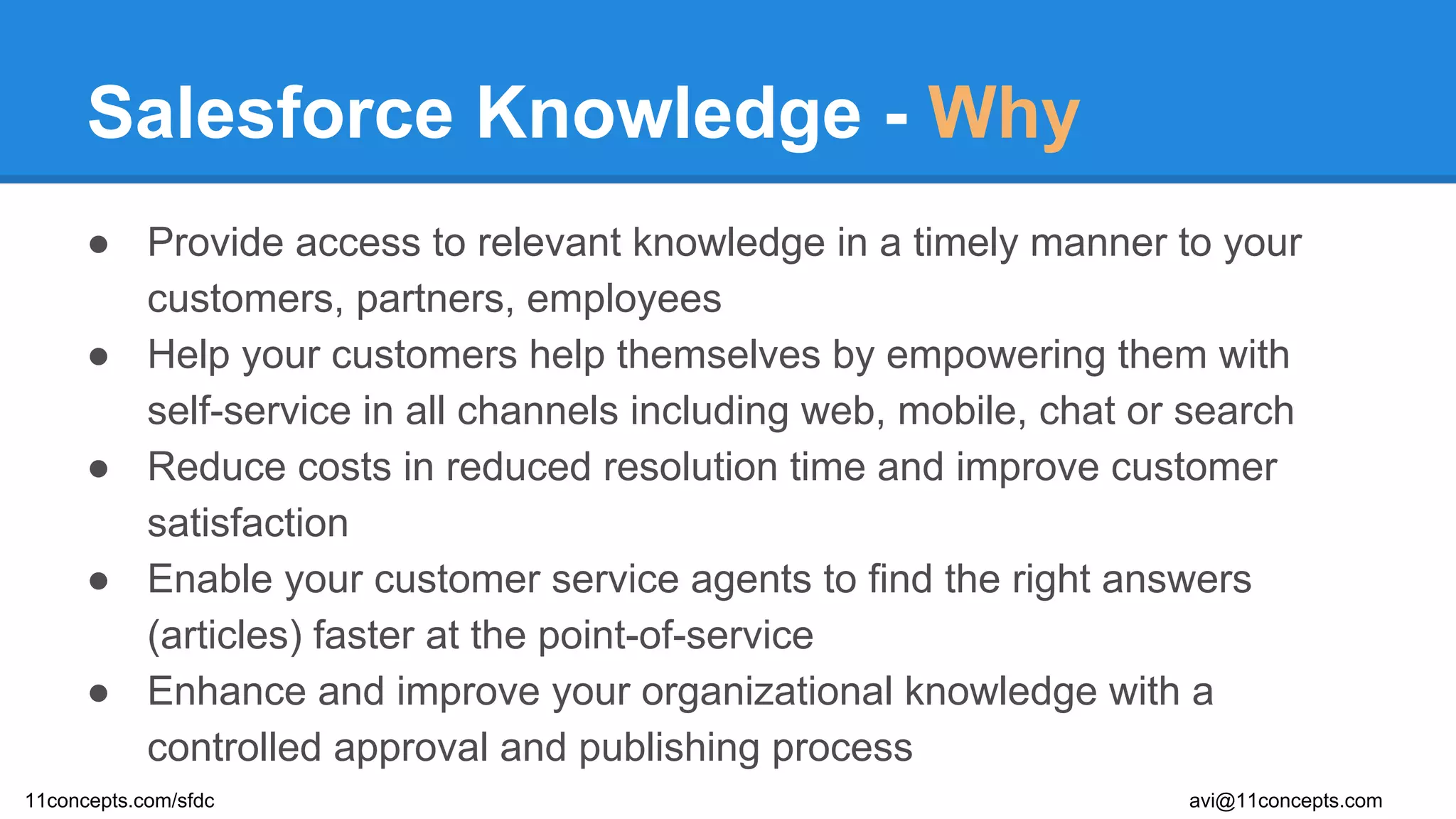
Salesforce Knowledge - Why
● Provide access to relevant knowledge in a timely manner to your
customers, partners, employees
● Help your customers help themselves by empowering them with
self-service in all channels including web, mobile, chat or search
● Reduce costs in reduced resolution time and improve customer
satisfaction
● Enable your customer service agents to find the right answers
(articles) faster at the point-of-service
● Enhance and improve your organizational knowledge with a
controlled approval and publishing process
11concepts.com/sfdc avi@11concepts.com
Salesforce Knowledge - What
● Salesforce Knowledge Content is represented by Articles
● Contributed by the subject matter experts, product managers, customer
service agents, customers, partners
● Follows a well defined publishing cycle including the creation, drafting,
approval, translation, archiving and publishing process
● Can be accessed by omni-channels including internal users, partners,
customers, and from public websites
● Should be created with a goal to solve problems, enable self-service, and
maintain usability and relevance
● Categorize into article types and classify into data categories
● Allows search, ratings and versioning
11concepts.com/sfdc avi@11concepts.com
Salesforce Knowledge - How
Decide on
the types
of articles
you need
(custom
containers,
look & feel)
Define
Custom
fields article
types (such as
description, in
addition to the
standard fields
of Summary,
Title, URL),
Edit
Layouts
Define the
publishing
layout -
how would
article
types
appear?
(Tab or Table
of Contents)
Decide
on who
can
manage
articles
Assign Feature license
Assign Permission
sets “Manage Articles”
Create Profiles &
Users
Decide
on who
can see
articles
Assign Permission
Sets to limit access to
article types
Create Profiles,
permission sets &
Users
Gets
access
to
“Article
Manage
ment”
Tab
Gets
access
to
“Article”
Tab
Assign Permission
Sets to limit access to
article types
Required Steps
Enable
Knowledge
1 3 4
5
6
11concepts.com/sfdc avi@11concepts.com
Setup
Knowledge
Settings
2
Salesforce Knowledge - How
Classify
Articles into
Data
Categories
(product lines,
geographies, line
of business)
Limit Access
to Data
Categories
(by role,
permissions,
profiles)
Setup
Workflow
Rules
(for email
alerts, update
fields,
message)
Set Up
Approval
Processes
(automation of
approval
process)
Empower Support
Agents
- Suggest Articles for
cases
- Contribute to
knowledge at the
time of closing cases
- Share articles with
customers
Build knowledge
from community
answers by
promoting replies
to articles
Optional Steps
7 8
9
11 12
11concepts.com/sfdc avi@11concepts.com
10
Salesforce Knowledge - How
Optional Steps
Import
existing
articles into
Salesforce
knowledge
Provide
access to
partners
Provide
access to
customer
community
Provide
access
visitors in
your web
sites
Setup
synonym
group search
13 14 15 16 17
11concepts.com/sfdc avi@11concepts.com
Develop /
Customize
Reports on
knowledge
usage,
effectiveness
18
Salesforce Knowledge - Permissions
Actions you want to
implement:
Permission Required: Who does this typically?
● Create Article Types
● Manage Article Actions
(publish, archive,
translate, etc.)
“Manage Salesforce Knowledge” Administrator
● Search Articles
● View Articles
“Read” on Article Types Internal Users, Partners,
Customers
● Edit, Draft, Publish
Articles
“Manage Articles”
Appropriate Permission on Article Types
Knowledge Manager
● Create Data Categories “Manage Data Categories” Administrator
11concepts.com/sfdc avi@11concepts.com
Thank you.
For more information, please write to me at avi@11concepts.com

A primer on Salesforce Knowledge - what why how!

  • 1.
    A primer onSalesforce Knowledge By Avi Verma, 11Concepts.com/sfdc Contact Avi at: avi@11concepts.com ● Certified Salesforce Service Cloud Consultant, ● Certified Salesforce Administrator, Certified Salesforce Developer, ● PMP, MBA, CISA, ● ABA in Principles of Banking, ● Expertise in Digital Banking, Payments, Healthcare, Manufacturing, Telecom, Insurance, ● 26+ Years of experience in global technology services, software engineering, delivery, engagement, program management.
  • 2.
    Salesforce Knowledge -Why ● Provide access to relevant knowledge in a timely manner to your customers, partners, employees ● Help your customers help themselves by empowering them with self-service in all channels including web, mobile, chat or search ● Reduce costs in reduced resolution time and improve customer satisfaction ● Enable your customer service agents to find the right answers (articles) faster at the point-of-service ● Enhance and improve your organizational knowledge with a controlled approval and publishing process 11concepts.com/sfdc avi@11concepts.com
  • 3.
    Salesforce Knowledge -What ● Salesforce Knowledge Content is represented by Articles ● Contributed by the subject matter experts, product managers, customer service agents, customers, partners ● Follows a well defined publishing cycle including the creation, drafting, approval, translation, archiving and publishing process ● Can be accessed by omni-channels including internal users, partners, customers, and from public websites ● Should be created with a goal to solve problems, enable self-service, and maintain usability and relevance ● Categorize into article types and classify into data categories ● Allows search, ratings and versioning 11concepts.com/sfdc avi@11concepts.com
  • 4.
    Salesforce Knowledge -How Decide on the types of articles you need (custom containers, look & feel) Define Custom fields article types (such as description, in addition to the standard fields of Summary, Title, URL), Edit Layouts Define the publishing layout - how would article types appear? (Tab or Table of Contents) Decide on who can manage articles Assign Feature license Assign Permission sets “Manage Articles” Create Profiles & Users Decide on who can see articles Assign Permission Sets to limit access to article types Create Profiles, permission sets & Users Gets access to “Article Manage ment” Tab Gets access to “Article” Tab Assign Permission Sets to limit access to article types Required Steps Enable Knowledge 1 3 4 5 6 11concepts.com/sfdc avi@11concepts.com Setup Knowledge Settings 2
  • 5.
    Salesforce Knowledge -How Classify Articles into Data Categories (product lines, geographies, line of business) Limit Access to Data Categories (by role, permissions, profiles) Setup Workflow Rules (for email alerts, update fields, message) Set Up Approval Processes (automation of approval process) Empower Support Agents - Suggest Articles for cases - Contribute to knowledge at the time of closing cases - Share articles with customers Build knowledge from community answers by promoting replies to articles Optional Steps 7 8 9 11 12 11concepts.com/sfdc avi@11concepts.com 10
  • 6.
    Salesforce Knowledge -How Optional Steps Import existing articles into Salesforce knowledge Provide access to partners Provide access to customer community Provide access visitors in your web sites Setup synonym group search 13 14 15 16 17 11concepts.com/sfdc avi@11concepts.com Develop / Customize Reports on knowledge usage, effectiveness 18
  • 7.
    Salesforce Knowledge -Permissions Actions you want to implement: Permission Required: Who does this typically? ● Create Article Types ● Manage Article Actions (publish, archive, translate, etc.) “Manage Salesforce Knowledge” Administrator ● Search Articles ● View Articles “Read” on Article Types Internal Users, Partners, Customers ● Edit, Draft, Publish Articles “Manage Articles” Appropriate Permission on Article Types Knowledge Manager ● Create Data Categories “Manage Data Categories” Administrator 11concepts.com/sfdc avi@11concepts.com
  • 8.
    Thank you. For moreinformation, please write to me at avi@11concepts.com