THEME DEVELOPMENT
  an introduction to the basics of theming with WordPress
About me


• Name: Thad Allender

• Web: ThadAllender.com & GraphPaperPress.com

• Twitter: @thadallender

• Email: thadallender@gmail.com
Poll


•Blogger?
•Designer?
•Developer?
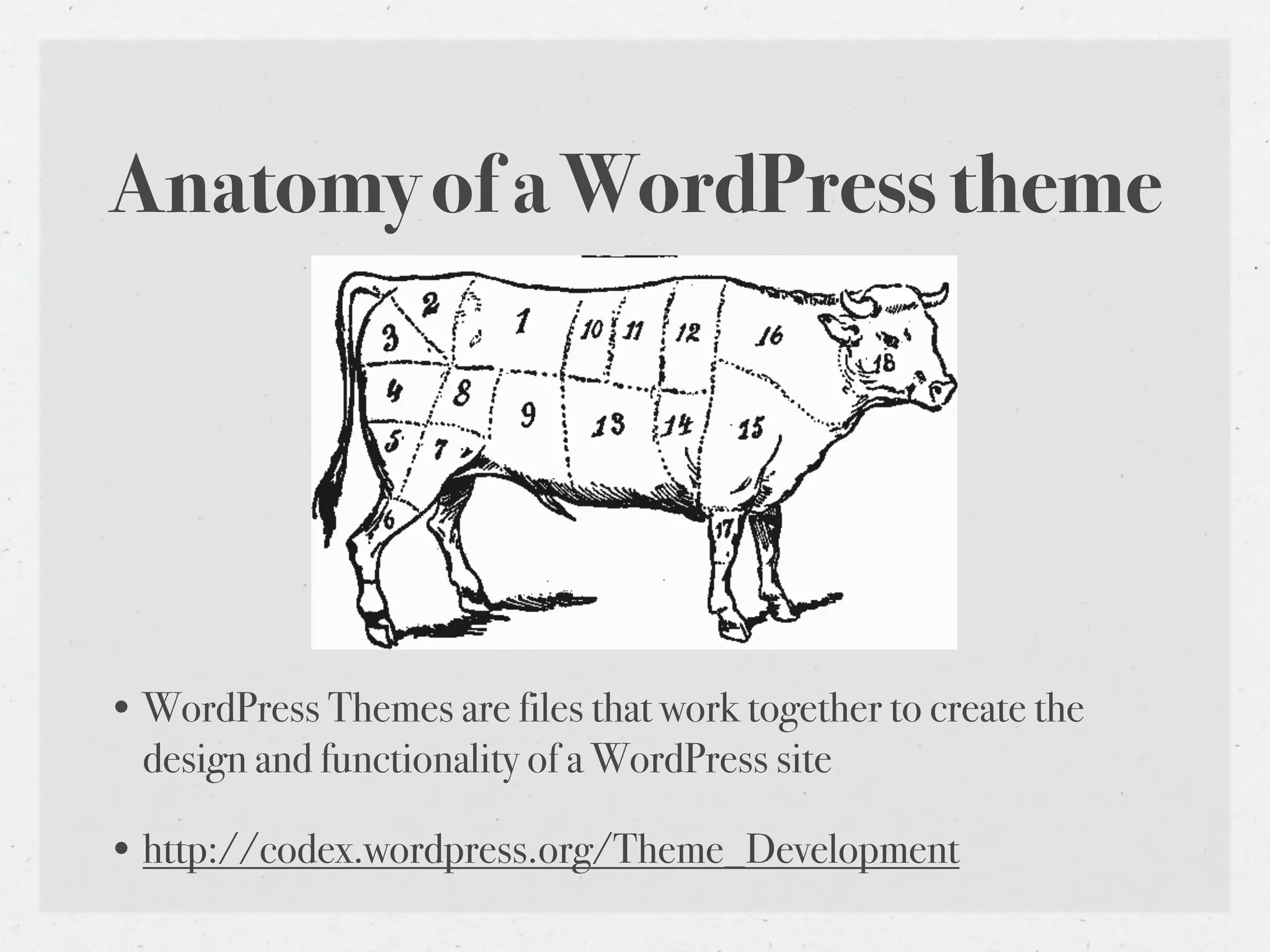
Anatomy of a WordPress theme


• WordPress Themes are files that work together to create the
  design and functionality of a WordPress site

• http://codex.wordpress.org/Theme_Development
Anatomy of a WordPress theme


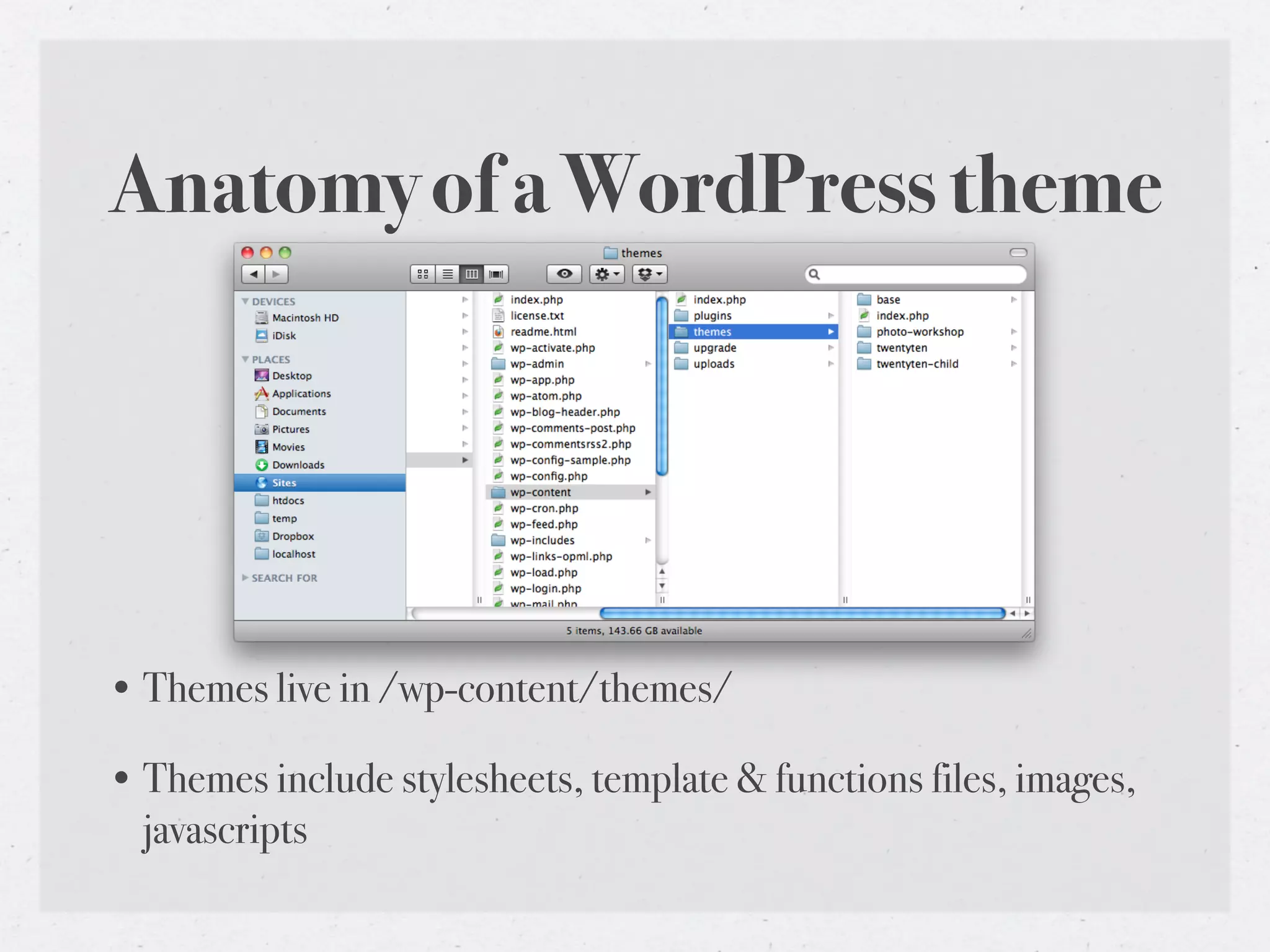
• Themes live in /wp-content/themes/

• Themes include stylesheets, template & functions files, images,
  javascripts
Anatomy of a WordPress theme
•   style.css – The main stylesheet. This must be included with your theme.


•   index.php – The main template. If your theme provides its own templates, index.php must be present.


•   comments.php – The comments template. If not present, wp-comments.php is used.


•   single.php – The single post template. Used when a single post is queried. For this and all other query templates, index.php is used if the query template is not present.


•   page.php – The page template. Used when a page is queried.


•   category.php – The category template. Used when a category is queried.


•   author.php – The author template. Used when an author is queried.


•   date.php – The date/time template. Used when a date or time is queried. Year, month, day, hour, minute, second.


•   archive.php – The archive template. Used when a category, author, or date is queried. Note that this template will be overridden by category.php, author.php, and date.php for their
    respective query types.


•   search.php – The search template. Used when a search is performed.


•   404.php – The 404 Not Found template. Used when WordPress cannot find a post that matches the query.
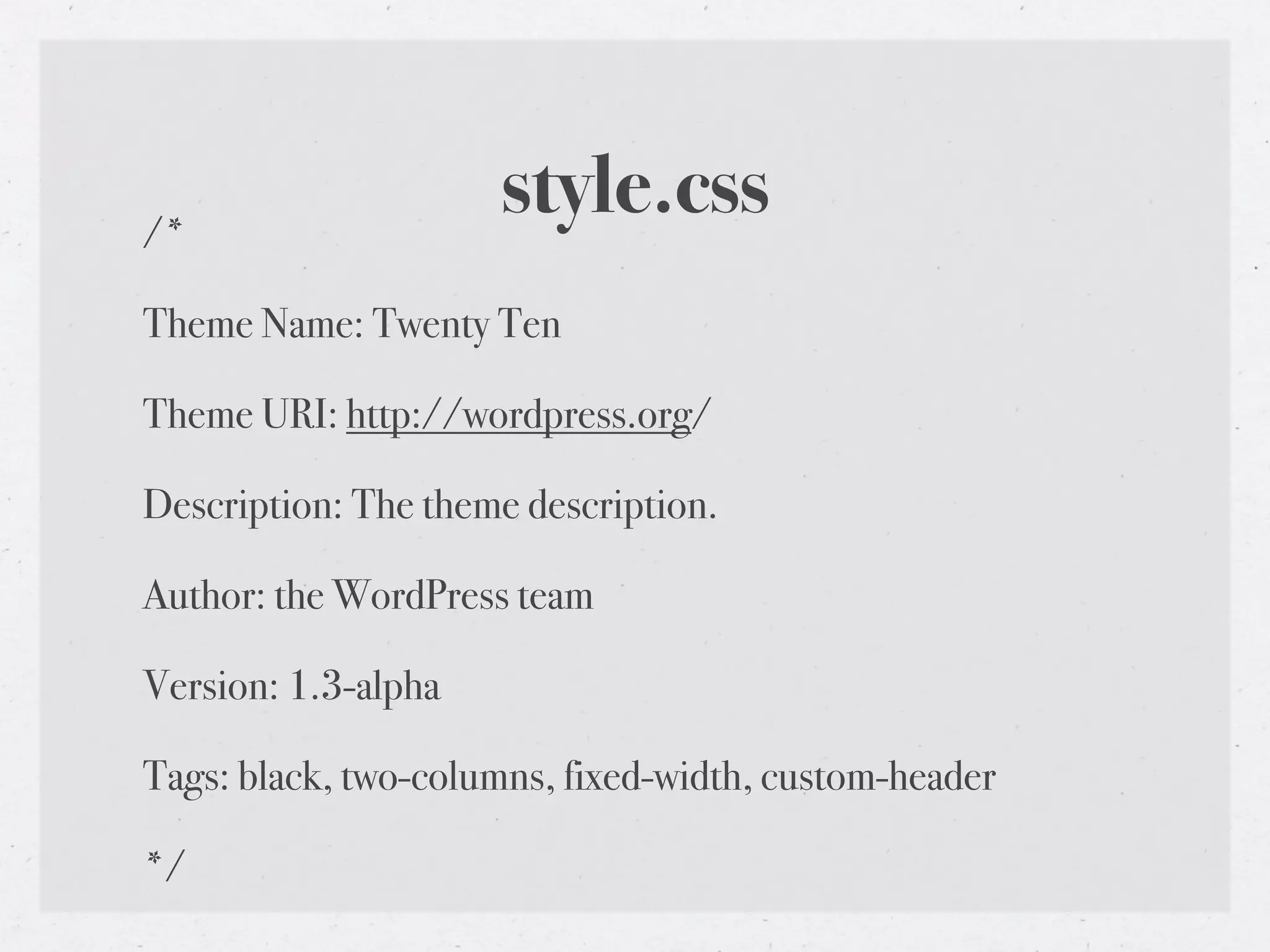
/*
                     style.css
Theme Name: Twenty Ten

Theme URI: http://wordpress.org/

Description: The theme description.

Author: the WordPress team

Version: 1.3-alpha

Tags: black, two-columns, fixed-width, custom-header

*/
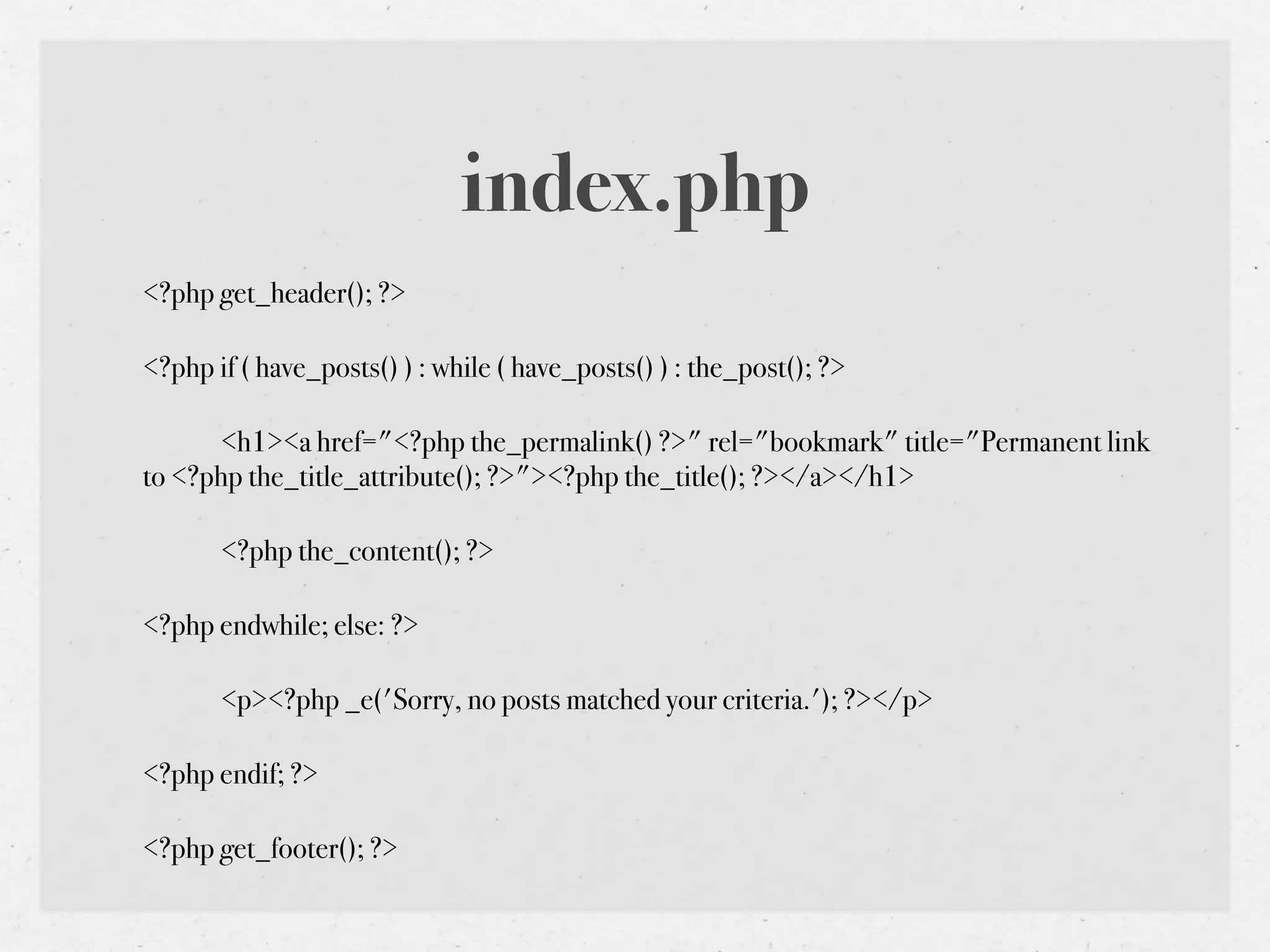
index.php
<?php get_header(); ?>

<?php if ( have_posts() ) : while ( have_posts() ) : the_post(); ?>

!     <h1><a href="<?php the_permalink() ?>" rel="bookmark" title="Permanent link
to <?php the_title_attribute(); ?>"><?php the_title(); ?></a></h1>

!      <?php the_content(); ?>

<?php endwhile; else: ?>

!      <p><?php _e('Sorry, no posts matched your criteria.'); ?></p>

<?php endif; ?>

<?php get_footer(); ?>
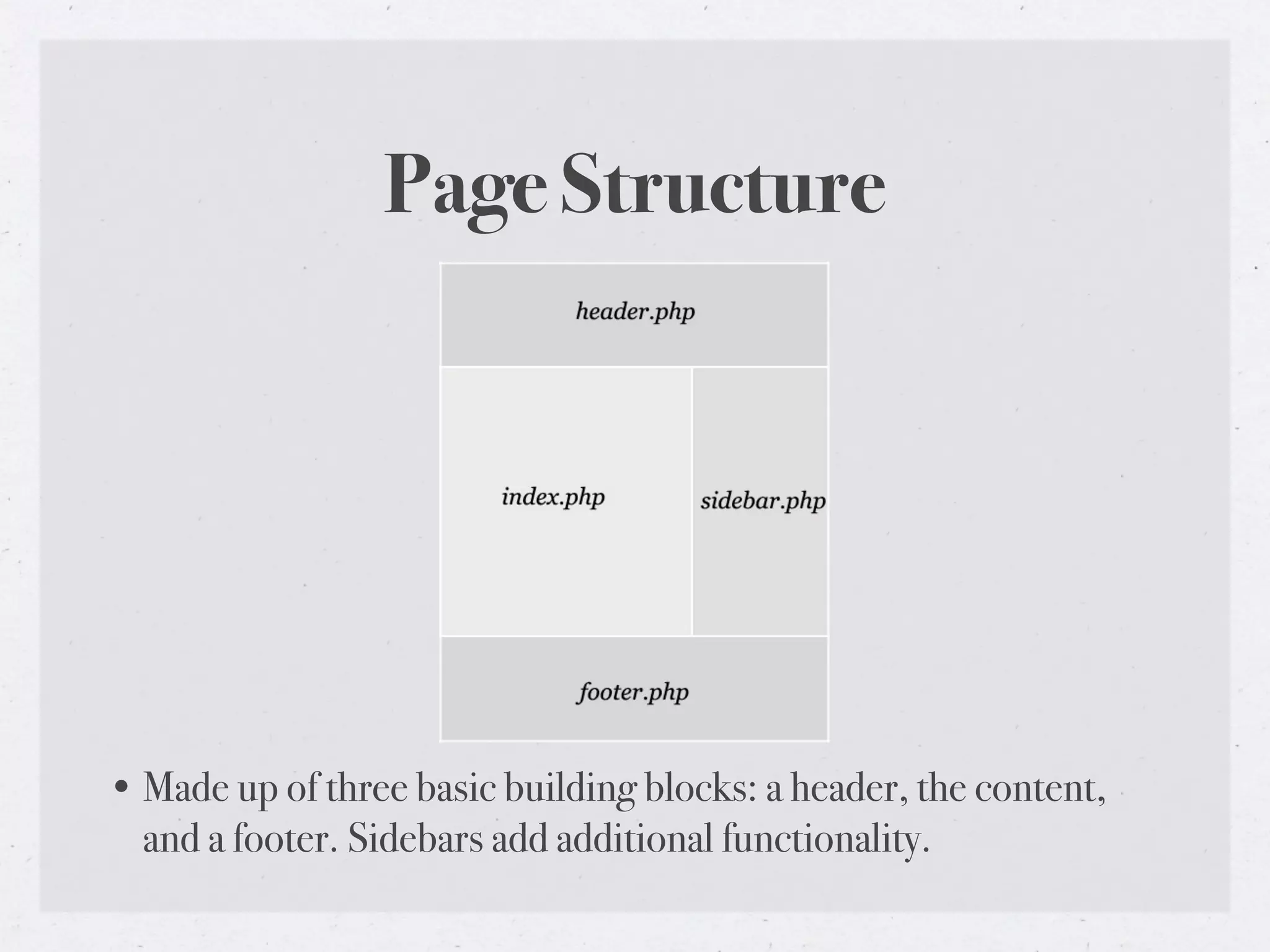
Page Structure


• Made up of three basic building blocks: a header, the content,
  and a footer. Sidebars add additional functionality.
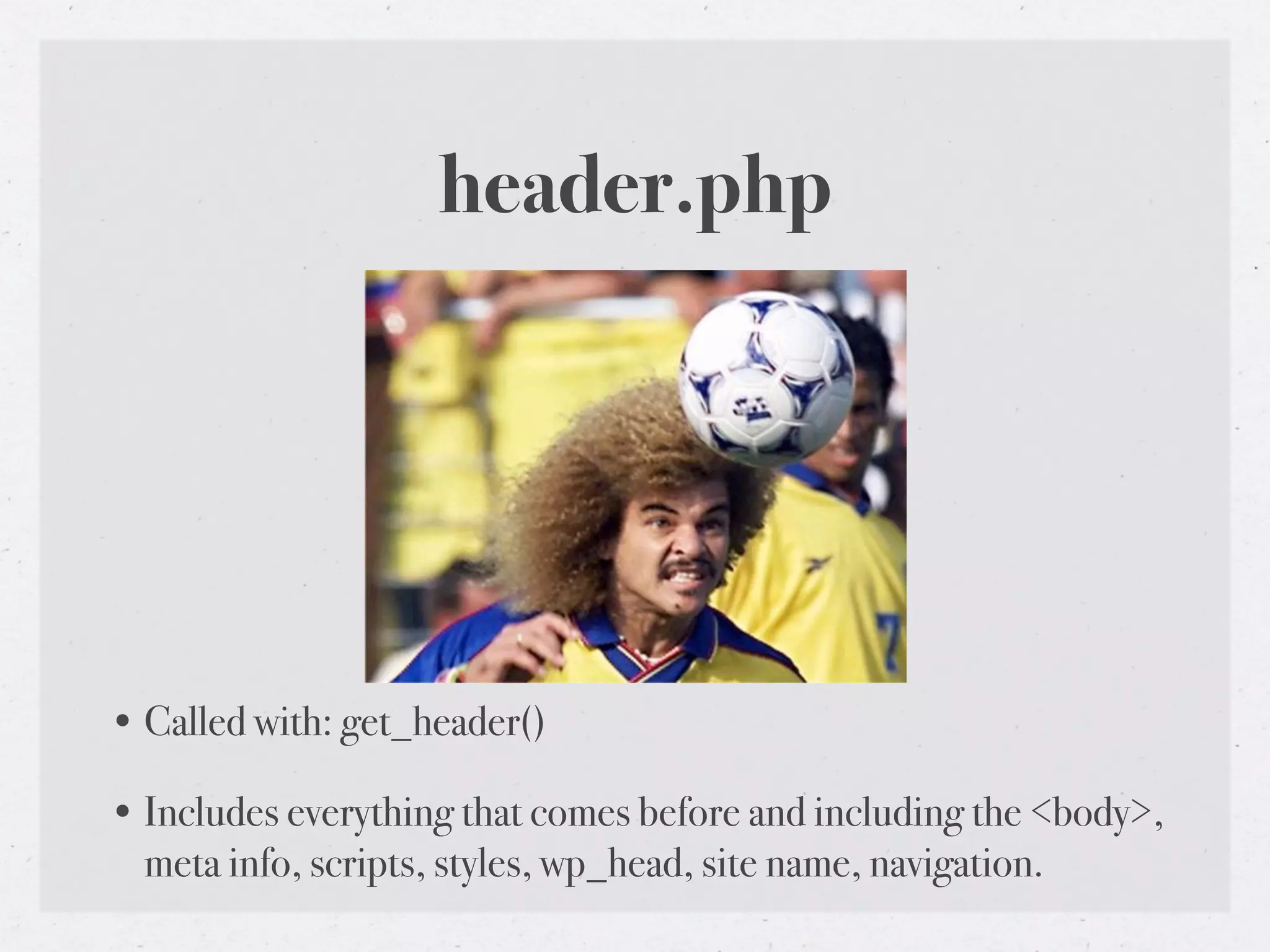
header.php


• Called with: get_header()

• Includes everything that comes before and including the <body>,
  meta info, scripts, styles, wp_head, site name, navigation.
index.php


• Typically displays content from the loop (title, content, etc.)

• Calls get_header(), get_sidebar(), get_footer
footer.php


• Called with: get_footer()

• Can include credits, copyright info, wp_footer hook.
sidebar.php


• Called with get_sidebar()

• Adds contextual site info. Typically includes widgets.
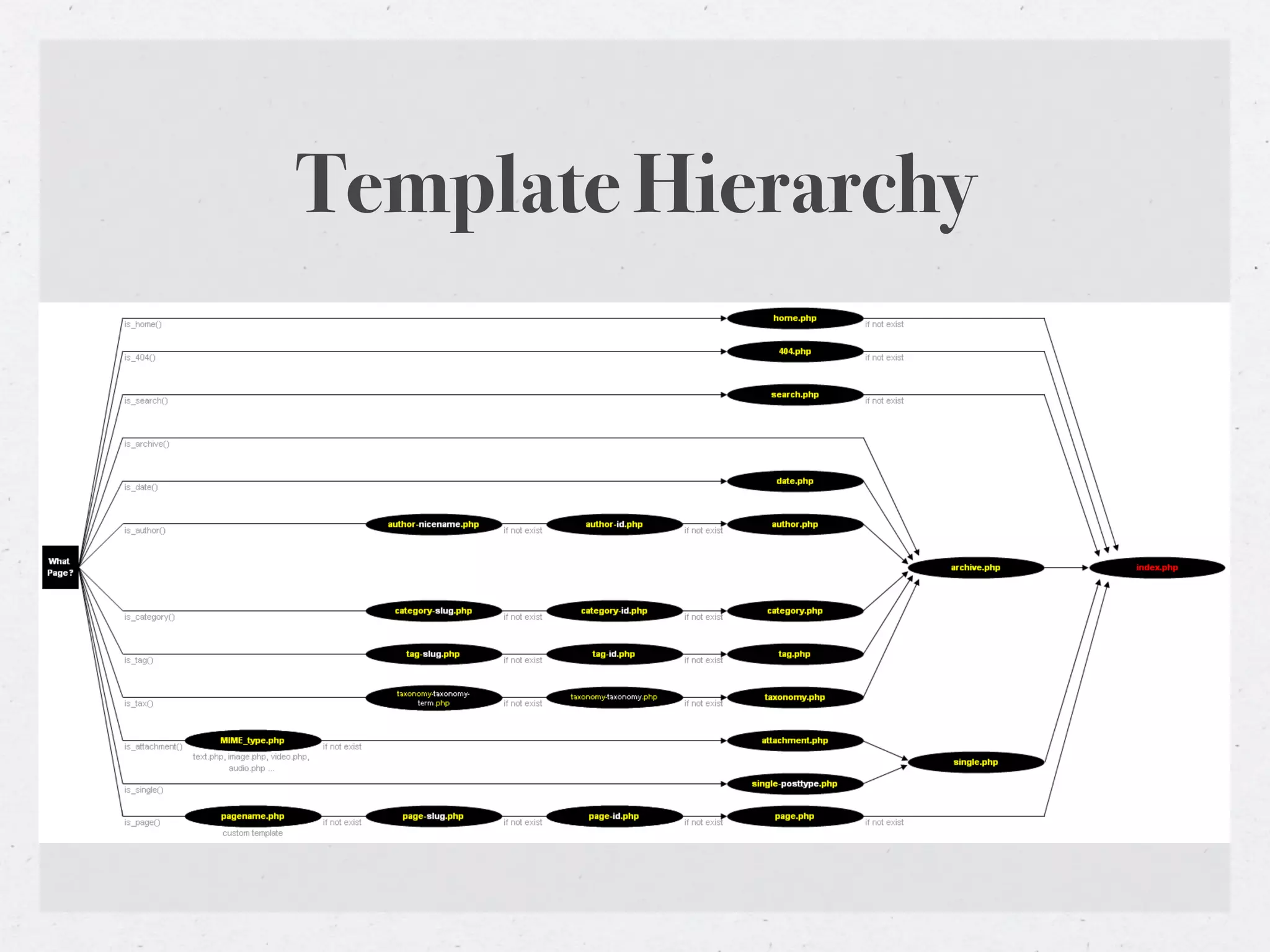
Template Hierarchy


• The order in which WordPress template files are chosen

• http://codex.wordpress.org/Template_Hierarchy
Template Hierarchy
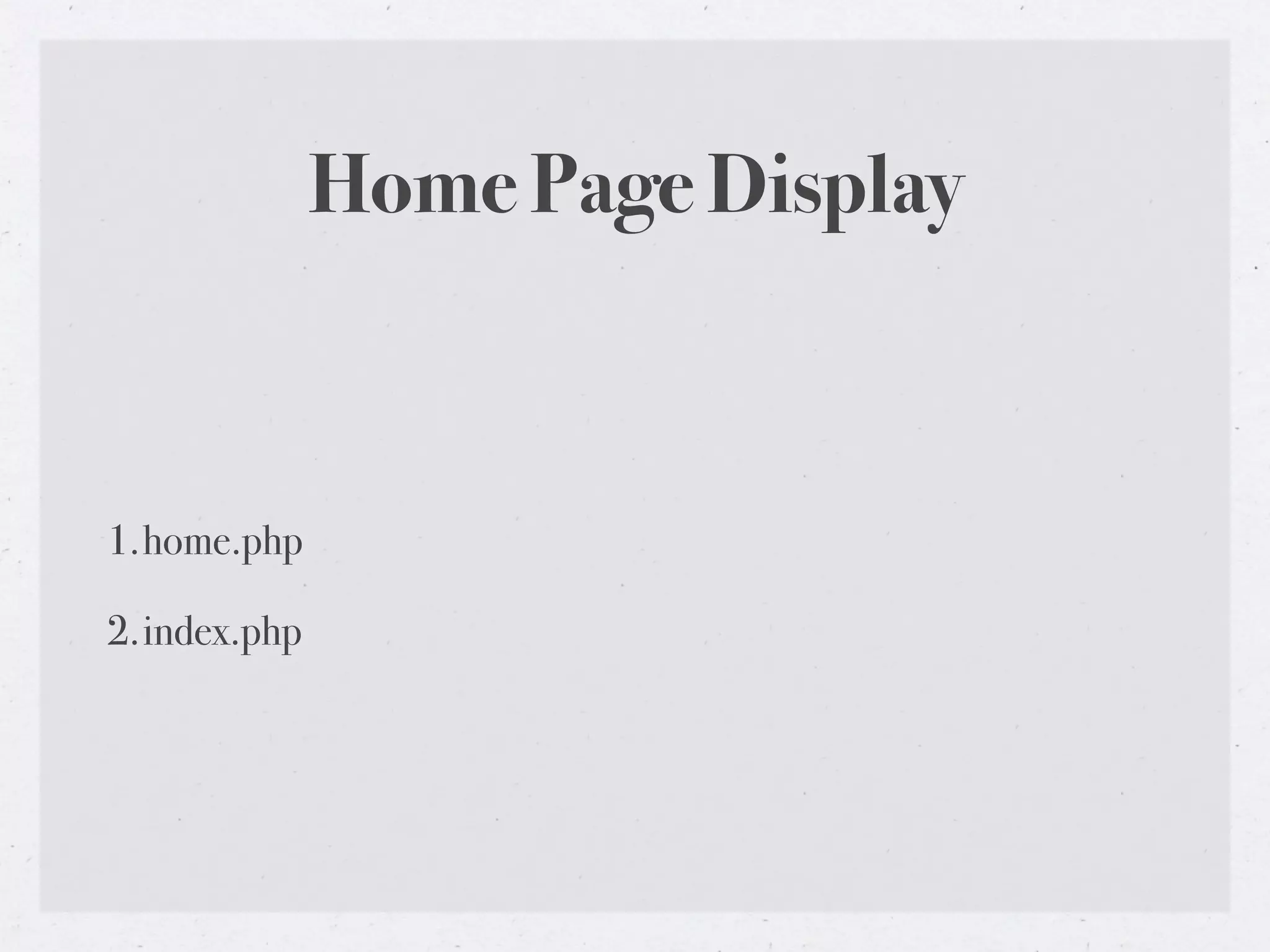
Home Page Display


1.home.php

2.index.php
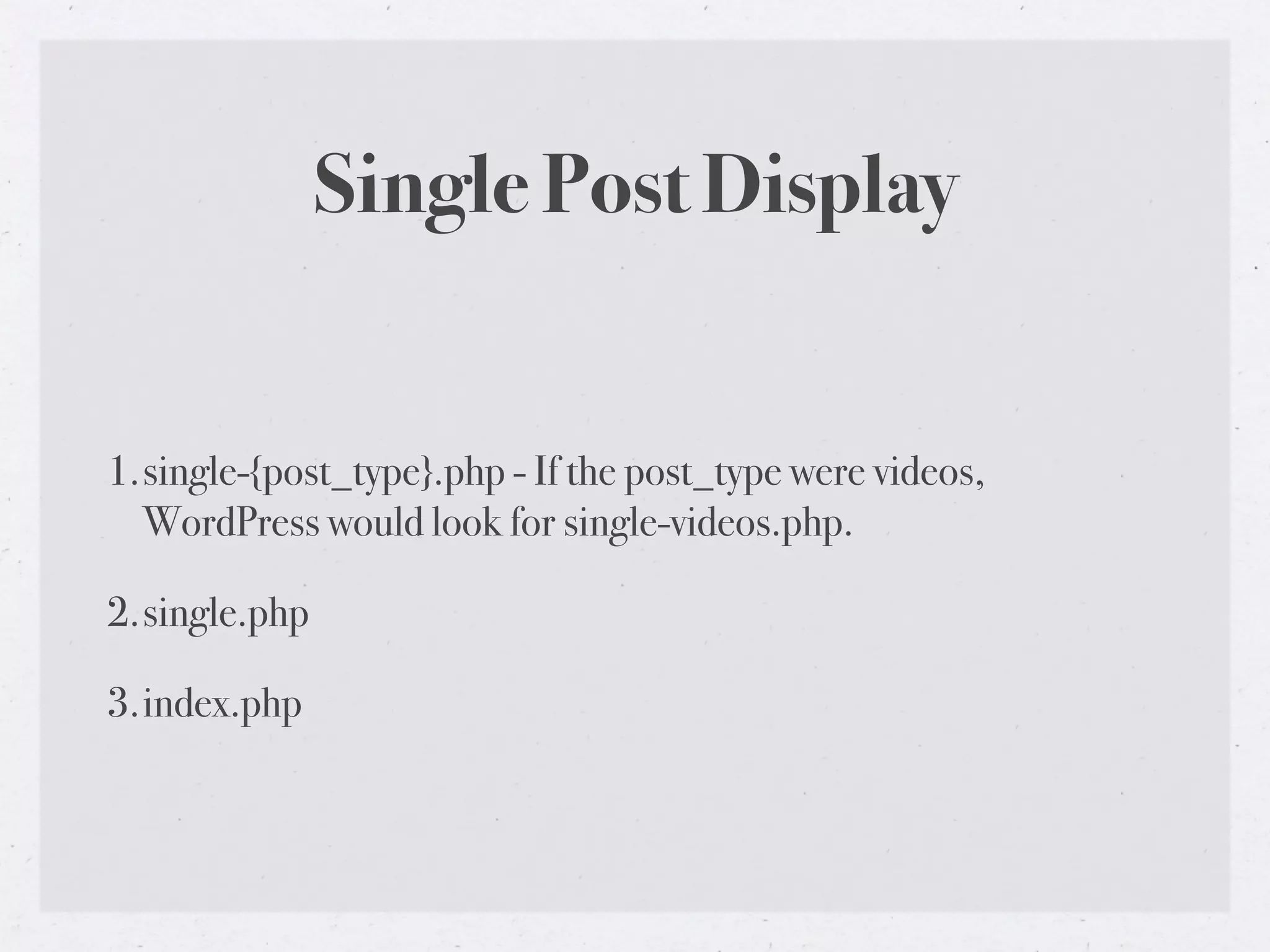
Single Post Display


1.single-{post_type}.php - If the post_type were videos,
  WordPress would look for single-videos.php.

2.single.php

3.index.php
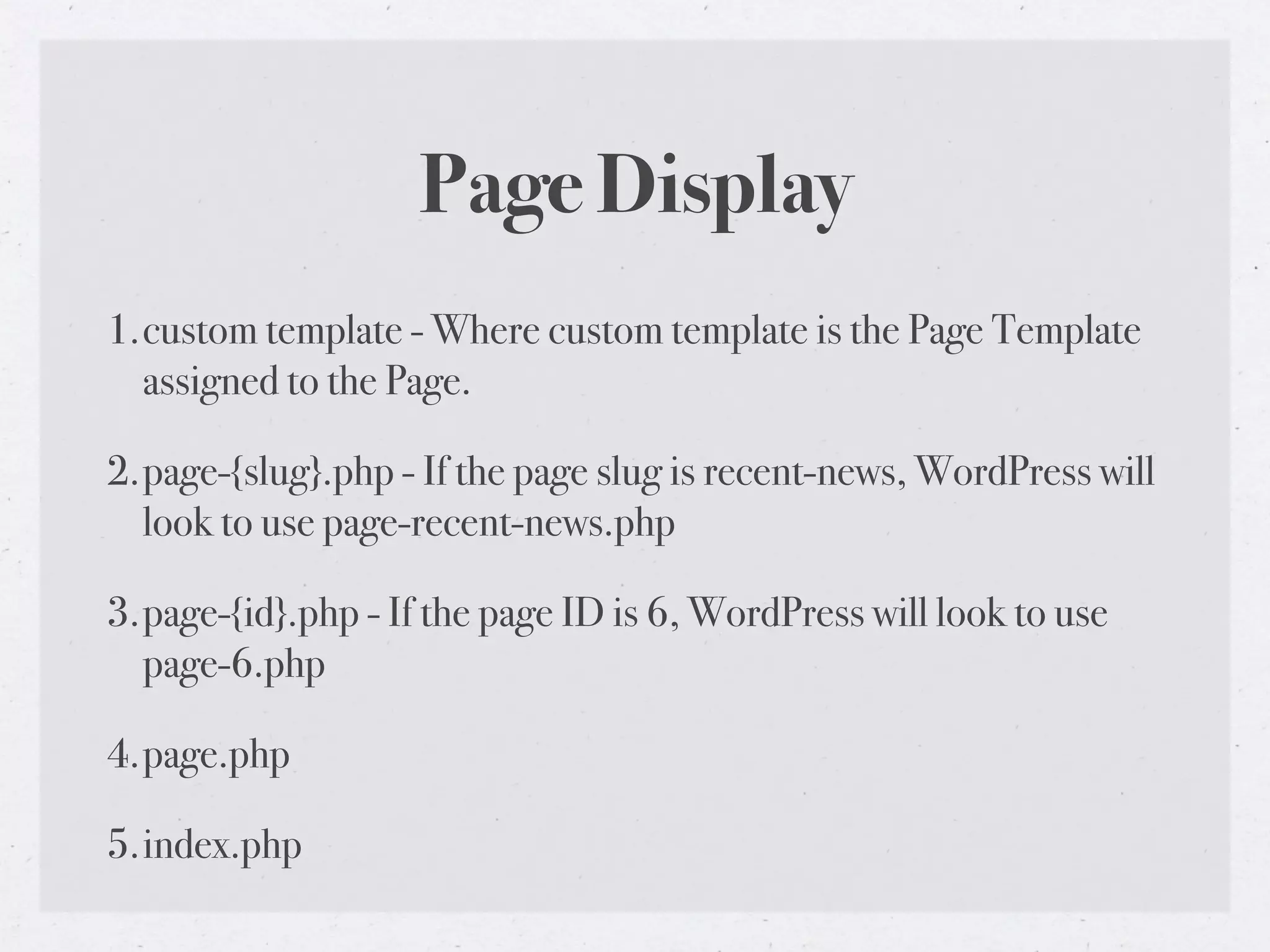
Page Display
1.custom template - Where custom template is the Page Template
  assigned to the Page.

2.page-{slug}.php - If the page slug is recent-news, WordPress will
  look to use page-recent-news.php

3.page-{id}.php - If the page ID is 6, WordPress will look to use
  page-6.php

4.page.php

5.index.php
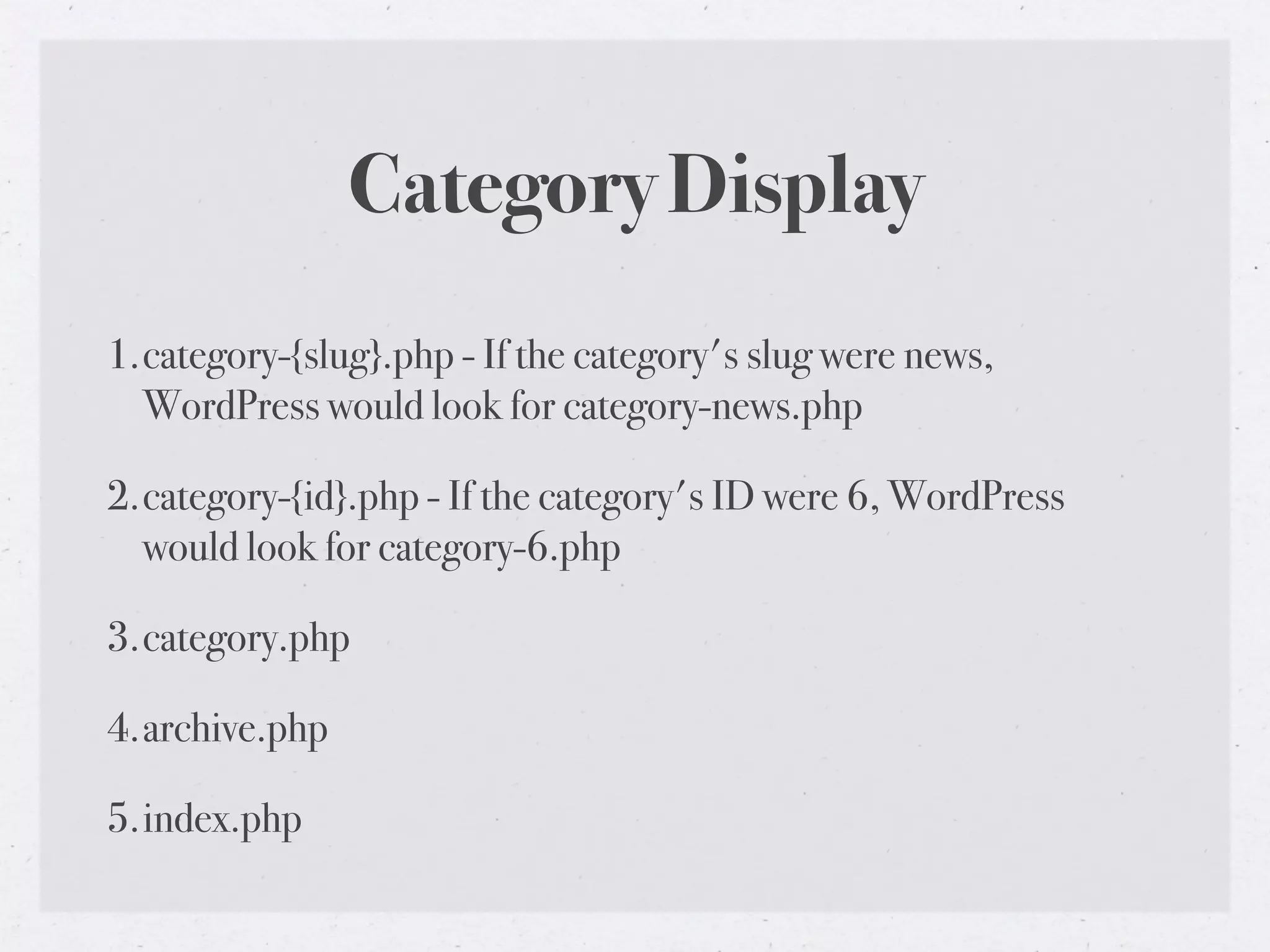
Category Display
1.category-{slug}.php - If the category's slug were news,
  WordPress would look for category-news.php

2.category-{id}.php - If the category's ID were 6, WordPress
  would look for category-6.php

3.category.php

4.archive.php

5.index.php
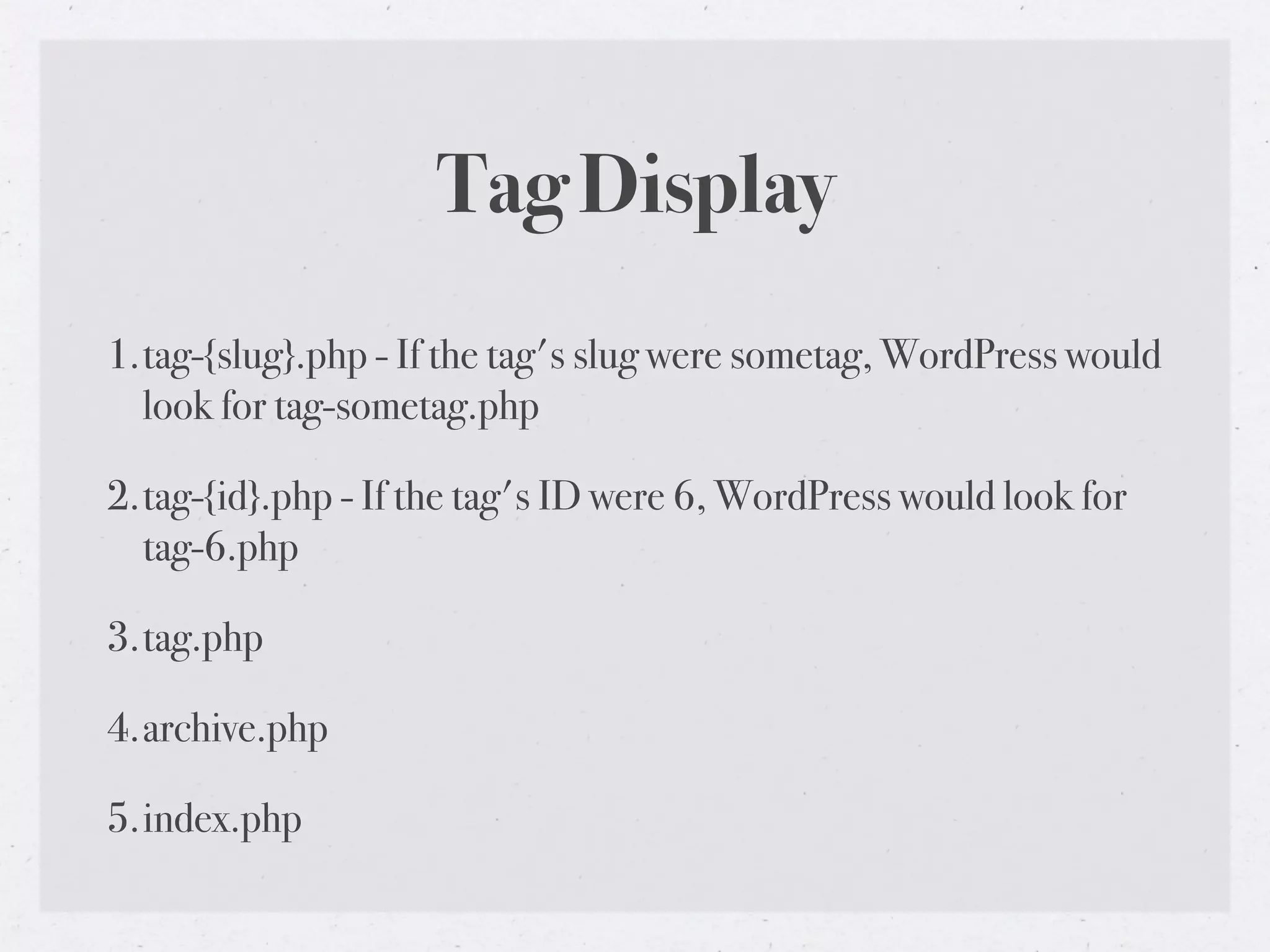
Tag Display
1.tag-{slug}.php - If the tag's slug were sometag, WordPress would
  look for tag-sometag.php

2.tag-{id}.php - If the tag's ID were 6, WordPress would look for
  tag-6.php

3.tag.php

4.archive.php

5.index.php
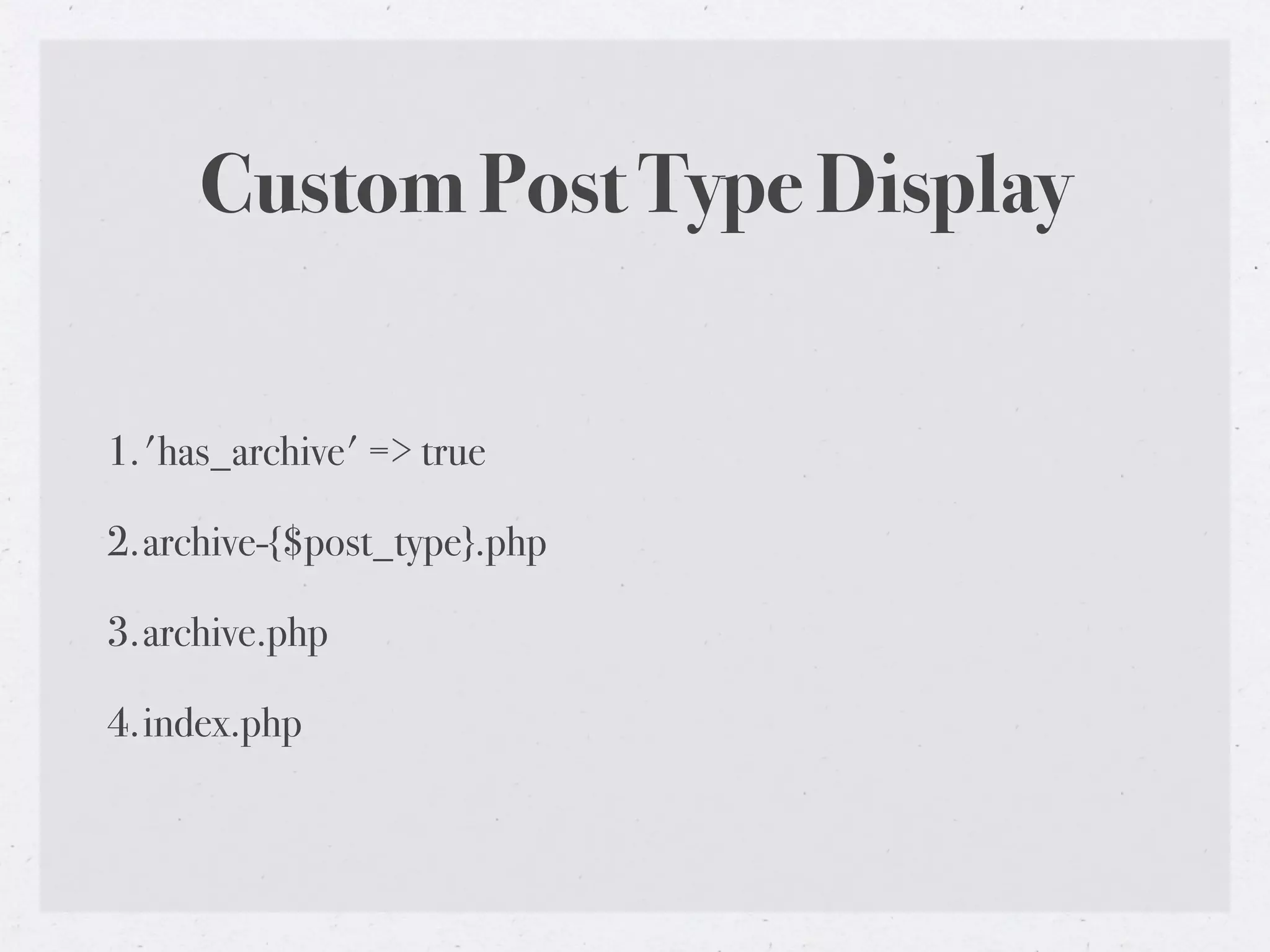
Custom Post Type Display


1.'has_archive' => true

2.archive-{$post_type}.php

3.archive.php

4.index.php
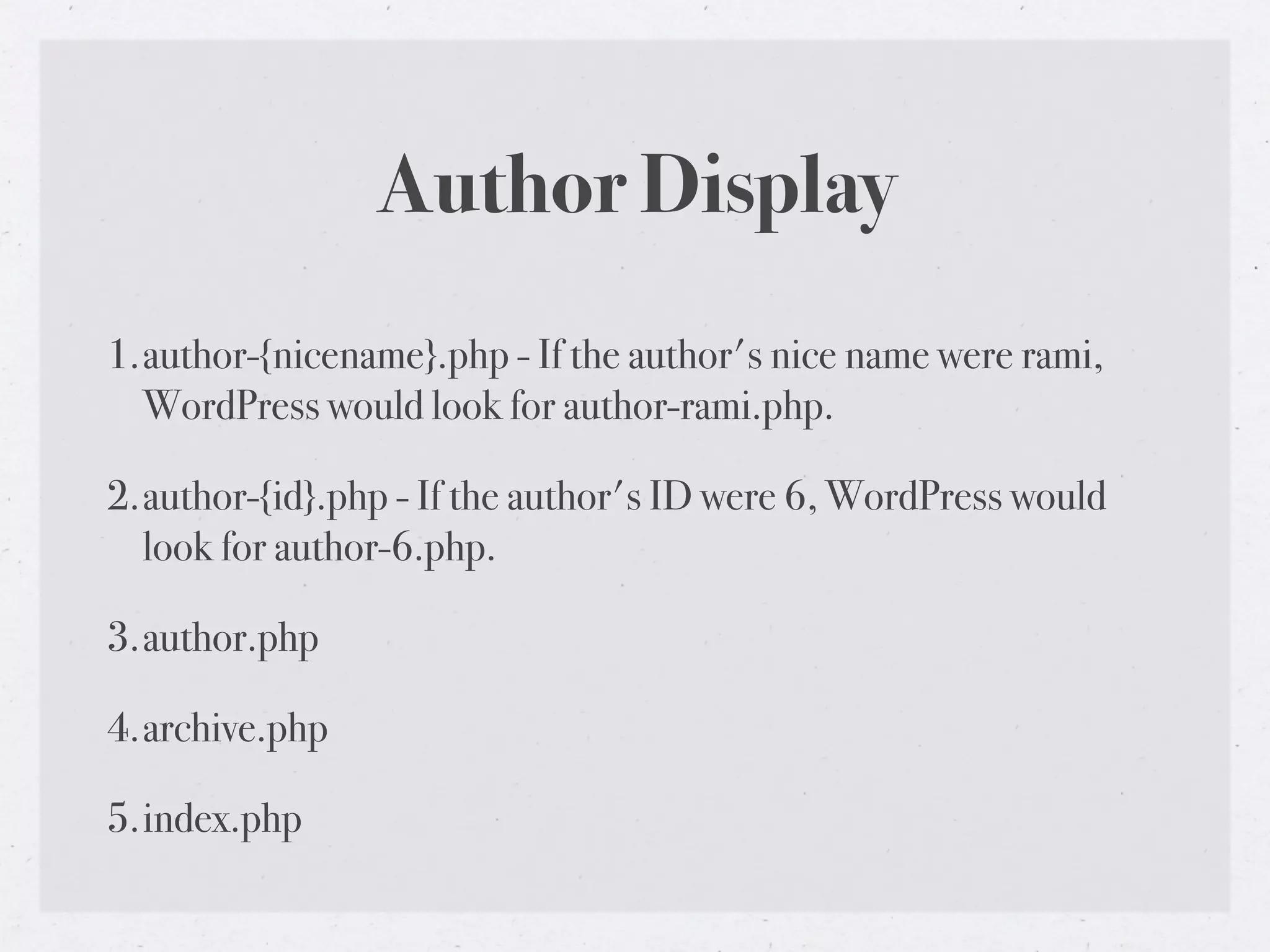
Author Display
1.author-{nicename}.php - If the author's nice name were rami,
  WordPress would look for author-rami.php.

2.author-{id}.php - If the author's ID were 6, WordPress would
  look for author-6.php.

3.author.php

4.archive.php

5.index.php
Date Display


1.date.php

2.archive.php

3.index.php
Search Display


1.search.php

2.index.php
404 (Not Found) Display


1.404.php

2.index.php
Attachment Display

1.MIME_type.php - it can be any MIME type (image.php,
  video.php, audio.php, application.php or any other).

2.attachment.php

3.single.php

4.index.php
Development Environment

• Mamp (Mac) or Wamp (PC)

• For running WordPress locally (Apache, PHP, MySQL)

• http://www.mamp.info/en/index.html

• http://www.wampserver.com/en/

• http://codex.wordpress.org/
  Installing_WordPress_Locally_on_Your_Mac_With_MAMP
Version Control


• Simplifies collaborative development, comparing, releasing

• SVN - http://subversion.tigris.org/

• GIT - http://git-scm.com/
The Loop


• Displays each of your posts

• http://codex.wordpress.org/The_Loop
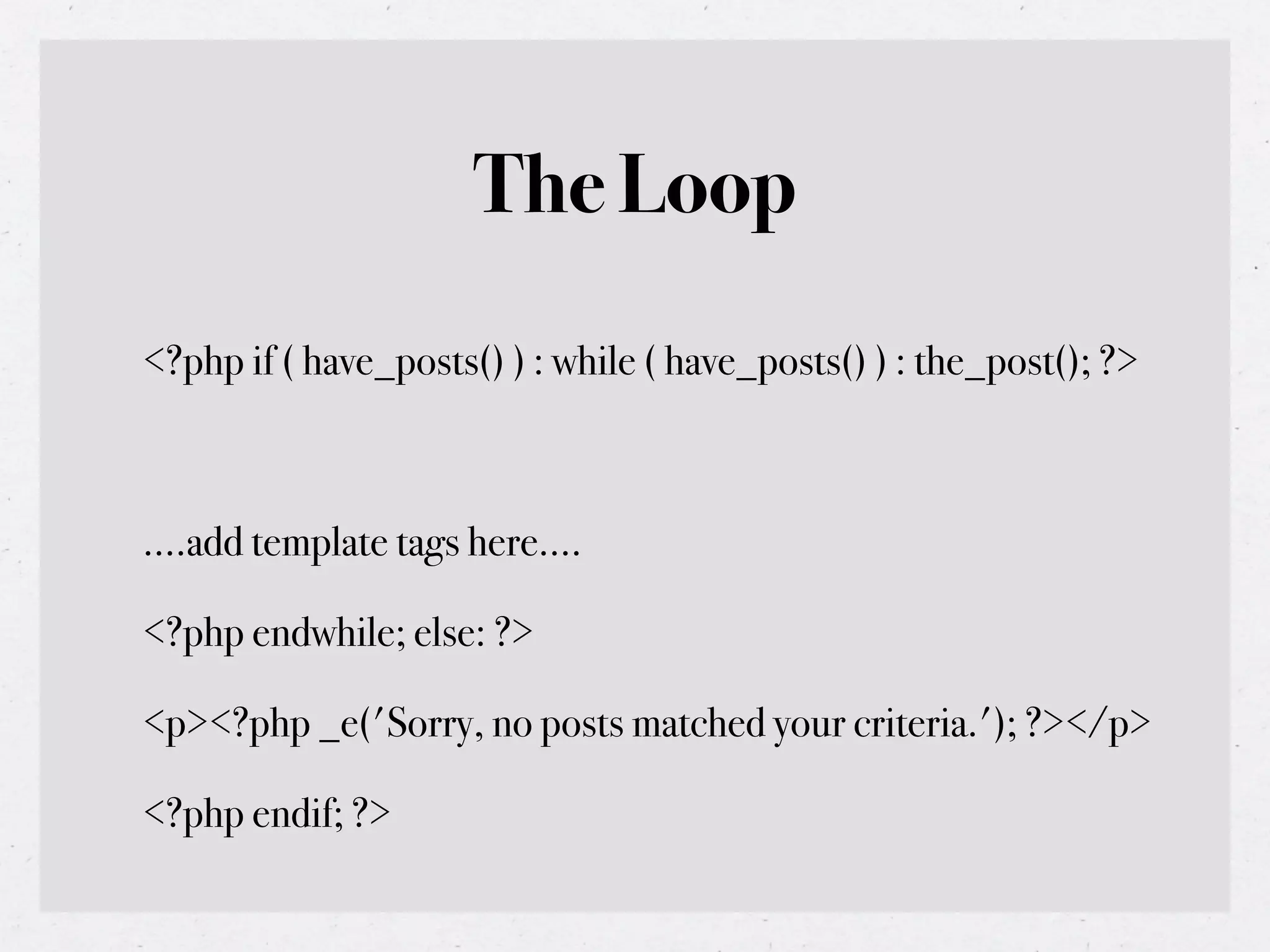
The Loop
<?php if ( have_posts() ) : while ( have_posts() ) : the_post(); ?>


....add template tags here....

<?php endwhile; else: ?>

<p><?php _e('Sorry, no posts matched your criteria.'); ?></p>

<?php endif; ?>
Query Posts


• query_posts(‘cat=1&showposts=5’)

• http://codex.wordpress.org/Function_Reference/query_posts
query_posts()
• Use it to control which posts show up in The Loop.

• Display only a single post on your homepage (a single Page can be done via
  Settings -> Reading).

• Show all posts from a particular time period.

• Show the latest post (only) on the front page.

• Change how posts are ordered.

• Show posts from only one category.

• Exclude one or more categories.
query_posts()
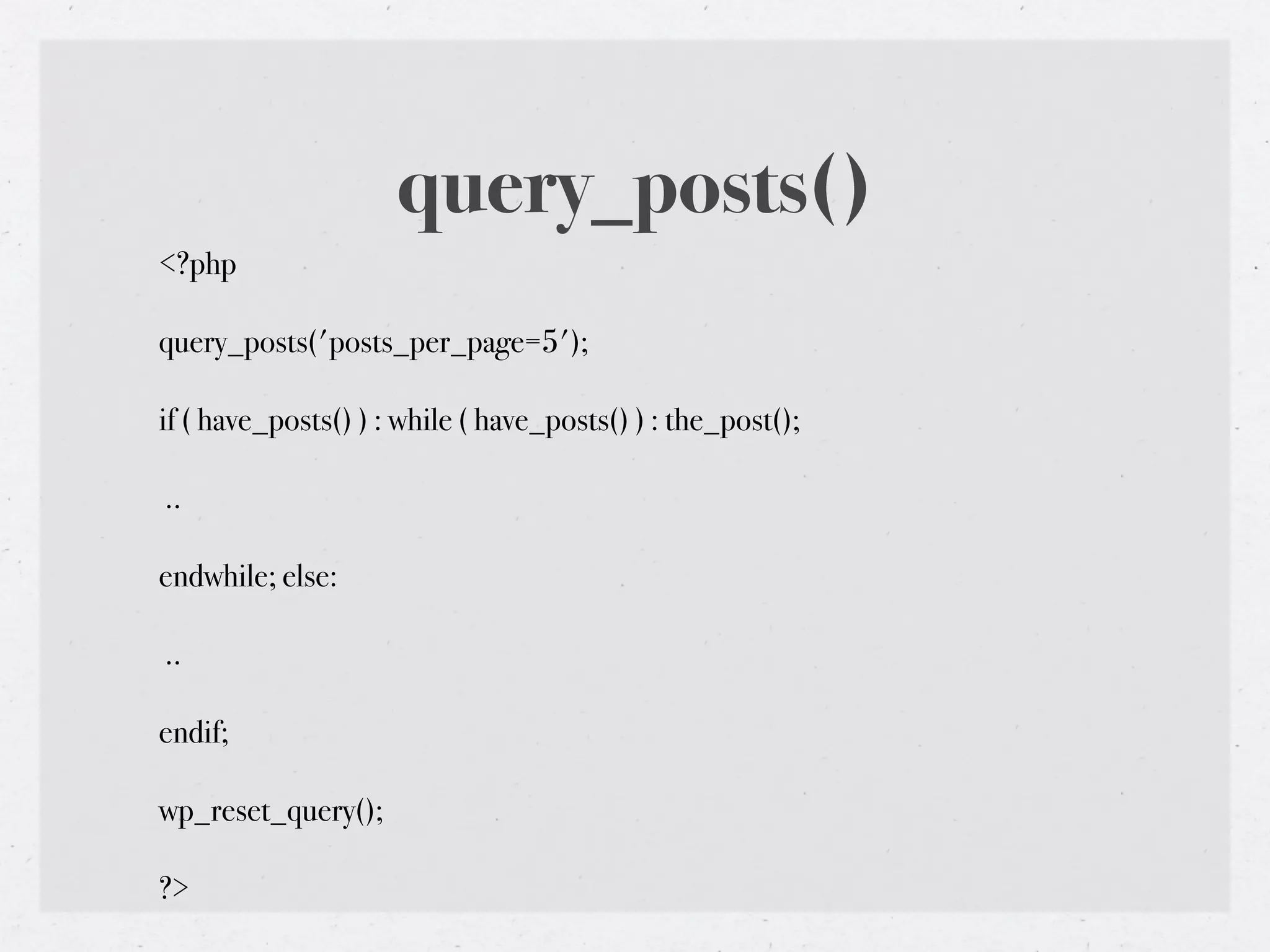
<?php

query_posts('posts_per_page=5');

if ( have_posts() ) : while ( have_posts() ) : the_post();

..

endwhile; else:

..

endif;

wp_reset_query();

?>
query_posts()


The query_posts function is intended to be used to
modify the main page Loop only. It is not intended
as a means to create secondary Loops on the page. If
you want to create separate Loops outside of the
main one, you should use get_posts() instead.
Get Posts


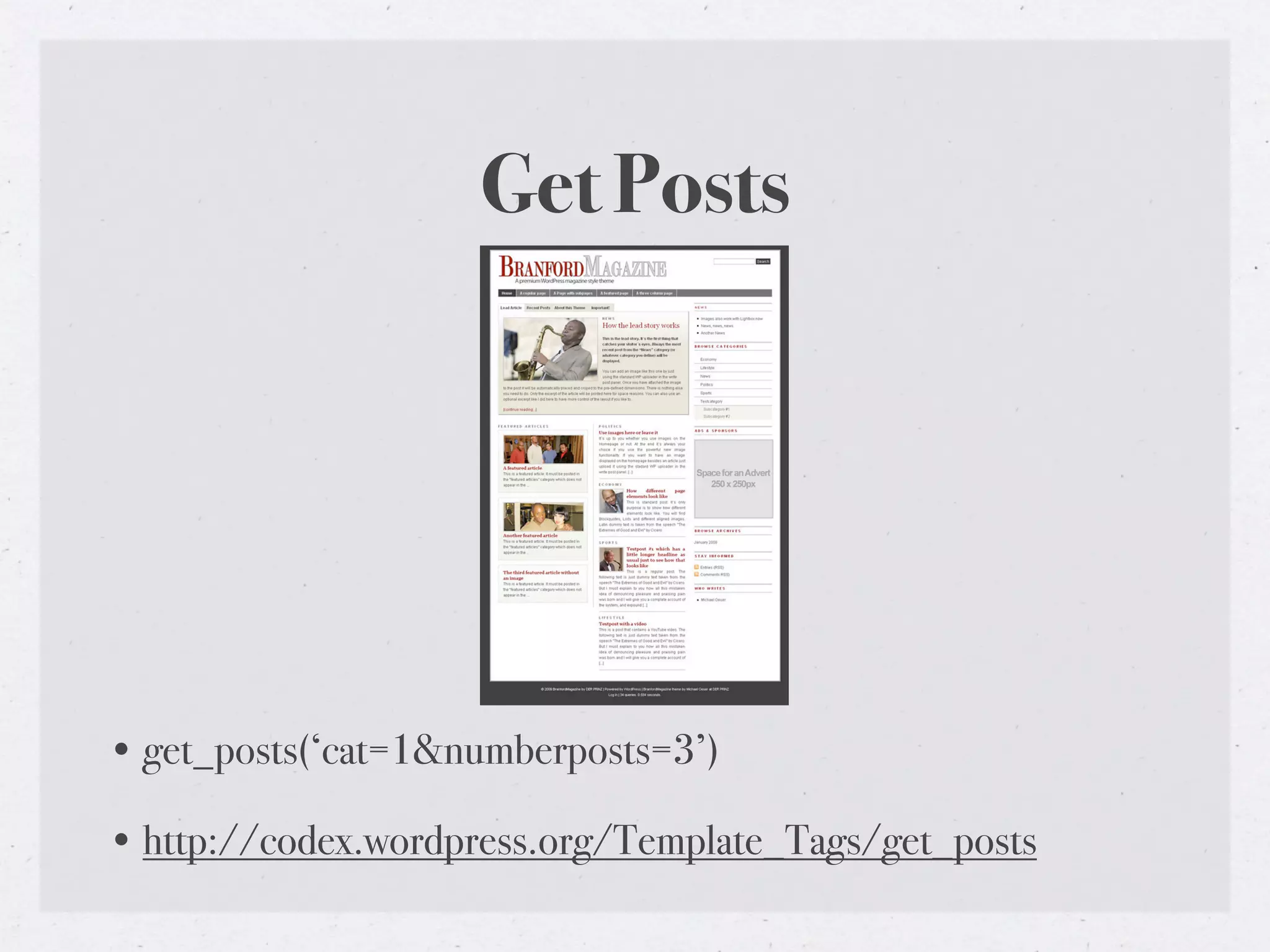
• get_posts(‘cat=1&numberposts=3’)

• http://codex.wordpress.org/Template_Tags/get_posts
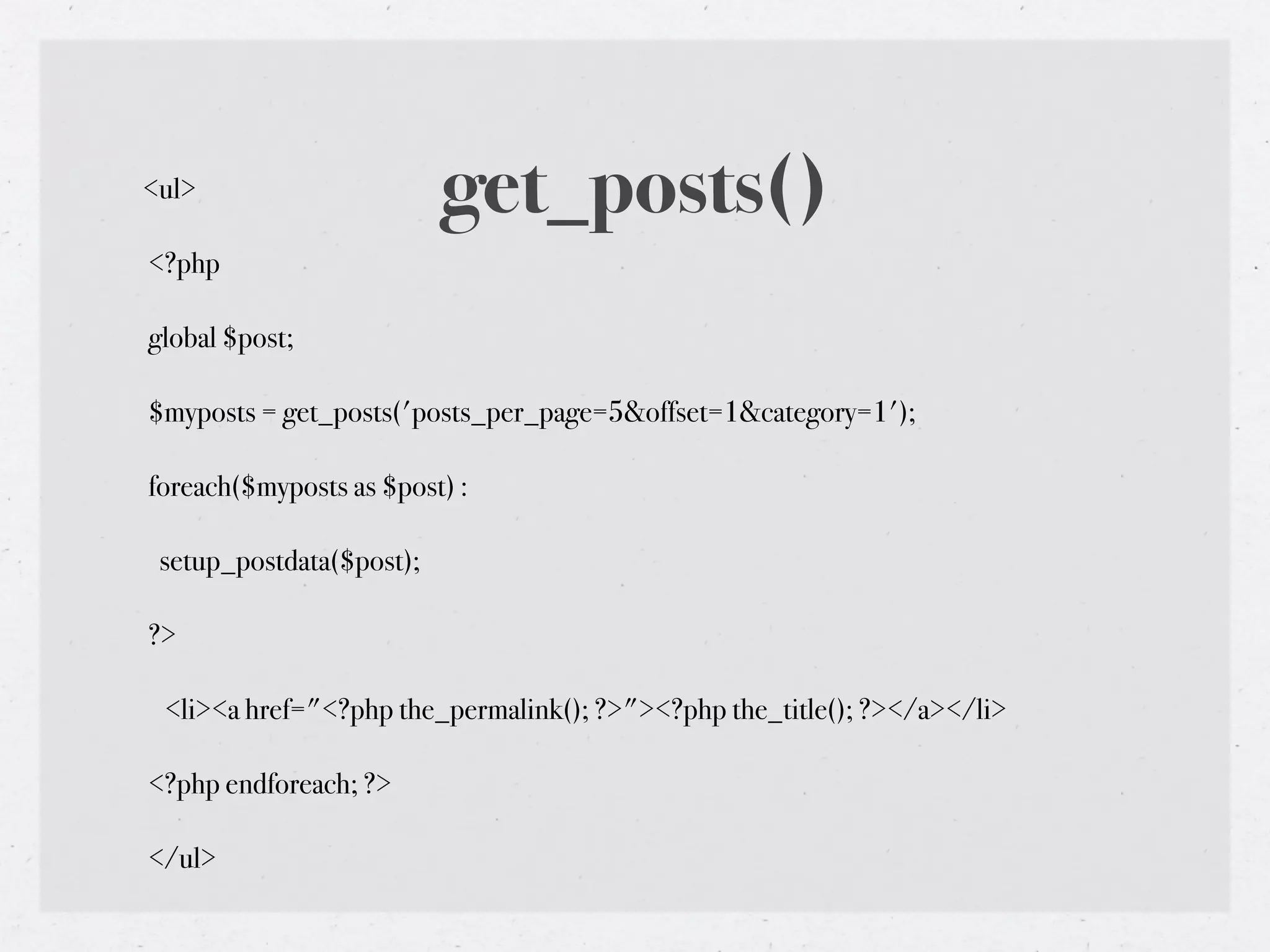
<ul>                      get_posts()
<?php

global $post;

$myposts = get_posts('posts_per_page=5&offset=1&category=1');

foreach($myposts as $post) :

 setup_postdata($post);

?>

 <li><a href="<?php the_permalink(); ?>"><?php the_title(); ?></a></li>

<?php endforeach; ?>

</ul>
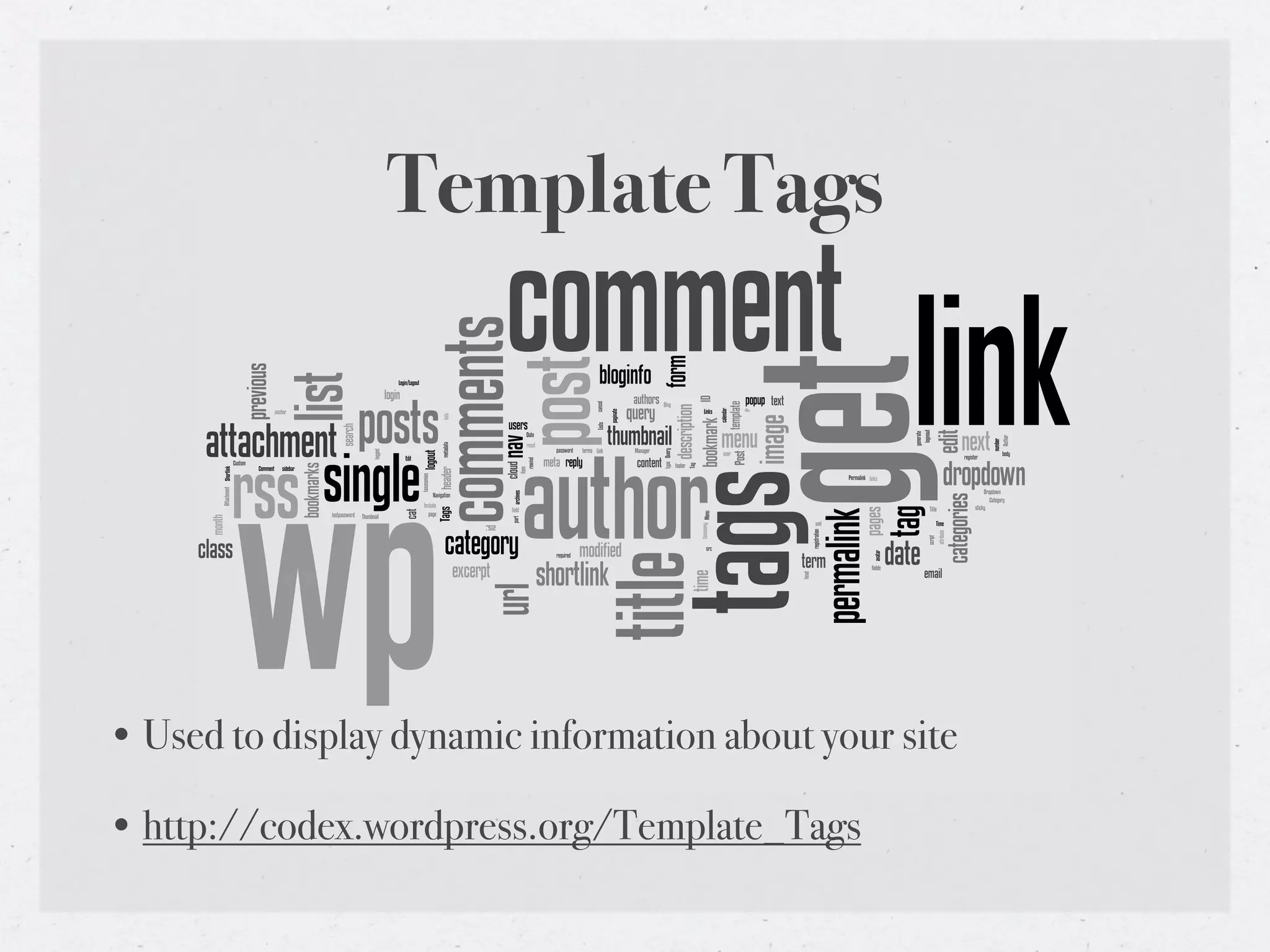
Template Tags


• Used to display dynamic information about your site

• http://codex.wordpress.org/Template_Tags
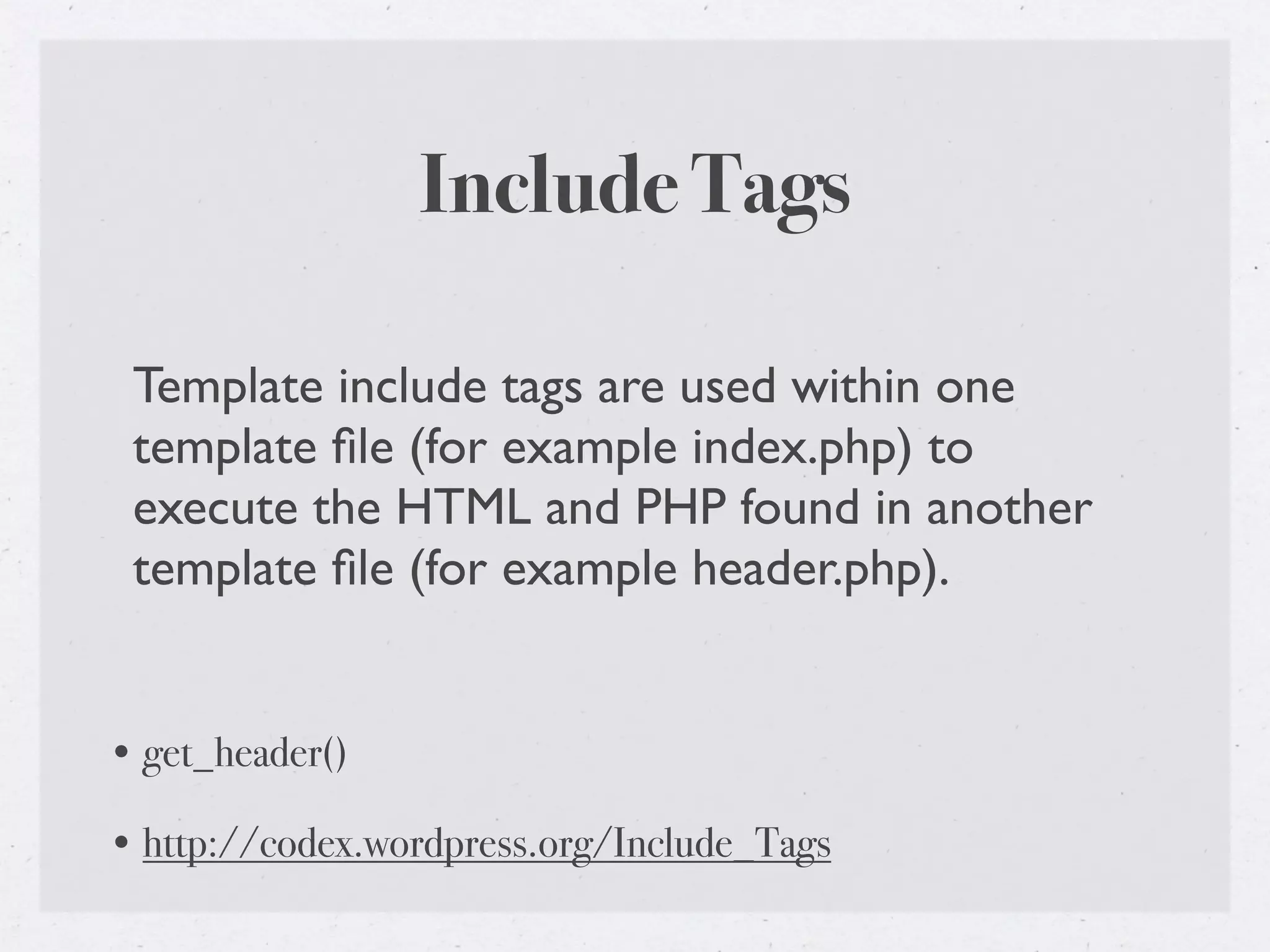
Include Tags

 Template include tags are used within one
 template file (for example index.php) to
 execute the HTML and PHP found in another
 template file (for example header.php).


• get_header()

• http://codex.wordpress.org/Include_Tags
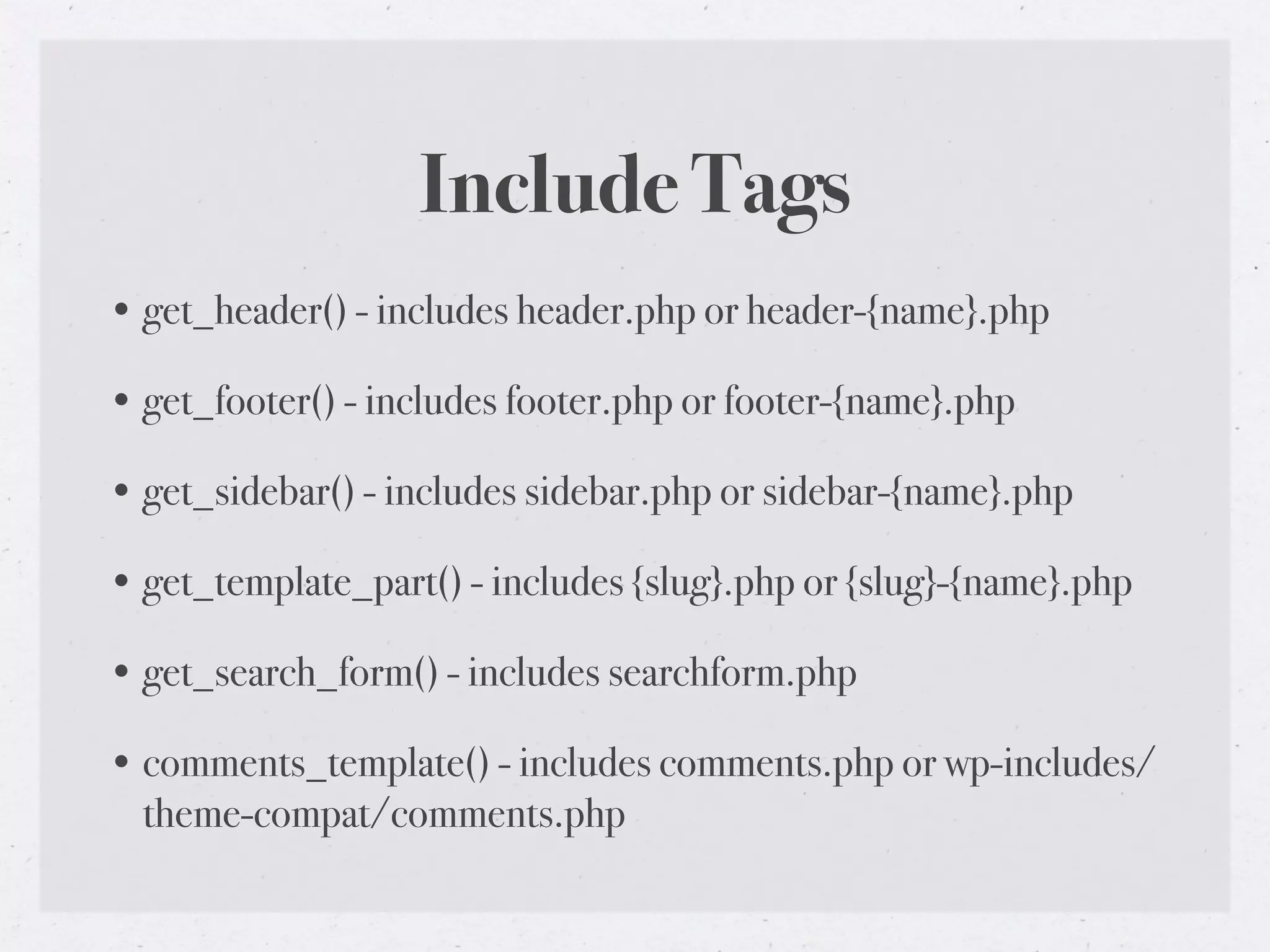
Include Tags
• get_header() - includes header.php or header-{name}.php

• get_footer() - includes footer.php or footer-{name}.php

• get_sidebar() - includes sidebar.php or sidebar-{name}.php

• get_template_part() - includes {slug}.php or {slug}-{name}.php

• get_search_form() - includes searchform.php

• comments_template() - includes comments.php or wp-includes/
  theme-compat/comments.php
Body Class


• body_class()

• http://codex.wordpress.org/Function_Reference/body_class
body_class()

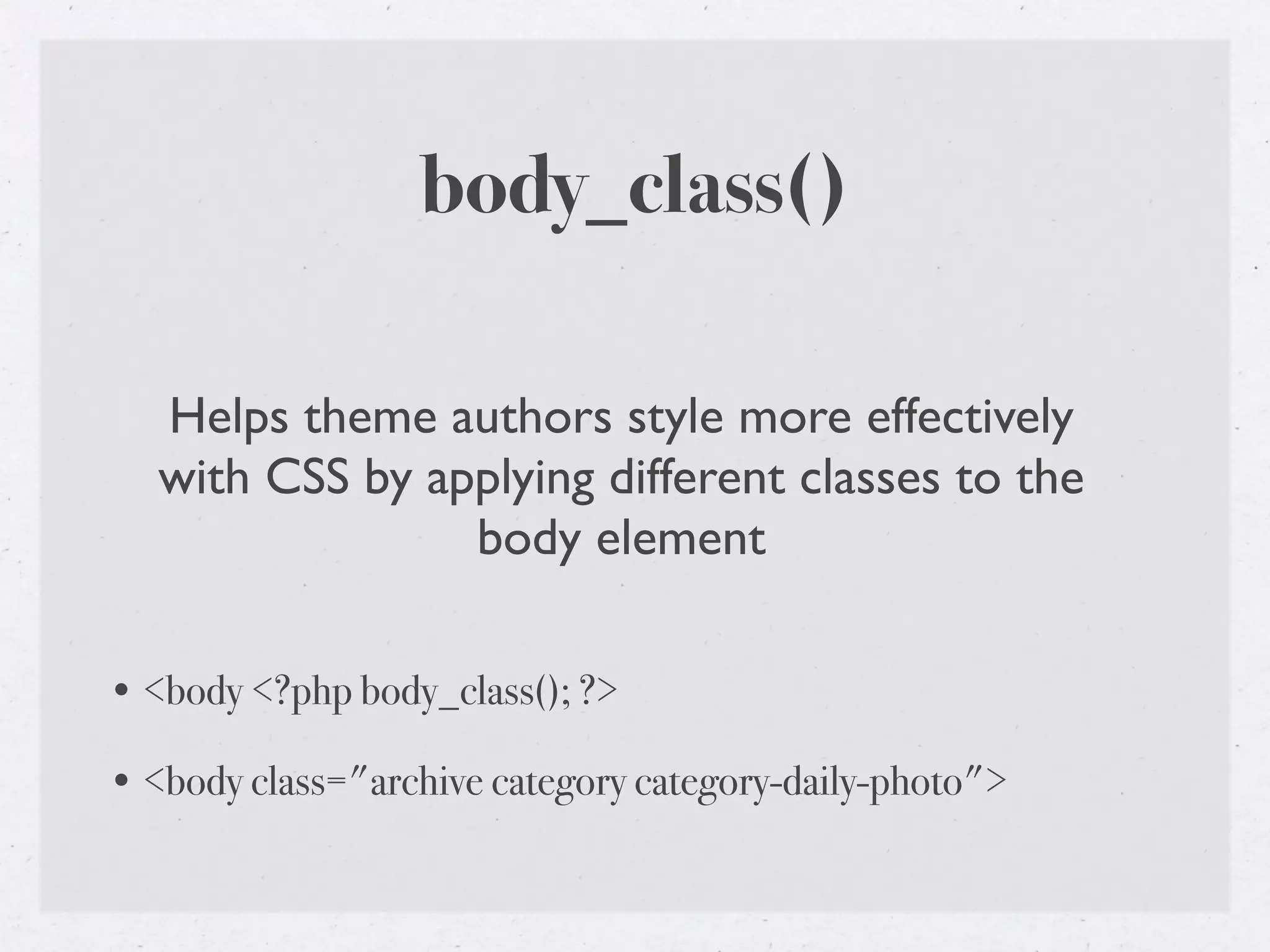
   Helps theme authors style more effectively
   with CSS by applying different classes to the
                 body element

• <body <?php body_class(); ?>

• <body class="archive category category-daily-photo">
Post Class


• post_class()

• http://codex.wordpress.org/Function_Reference/post_class
post_class()

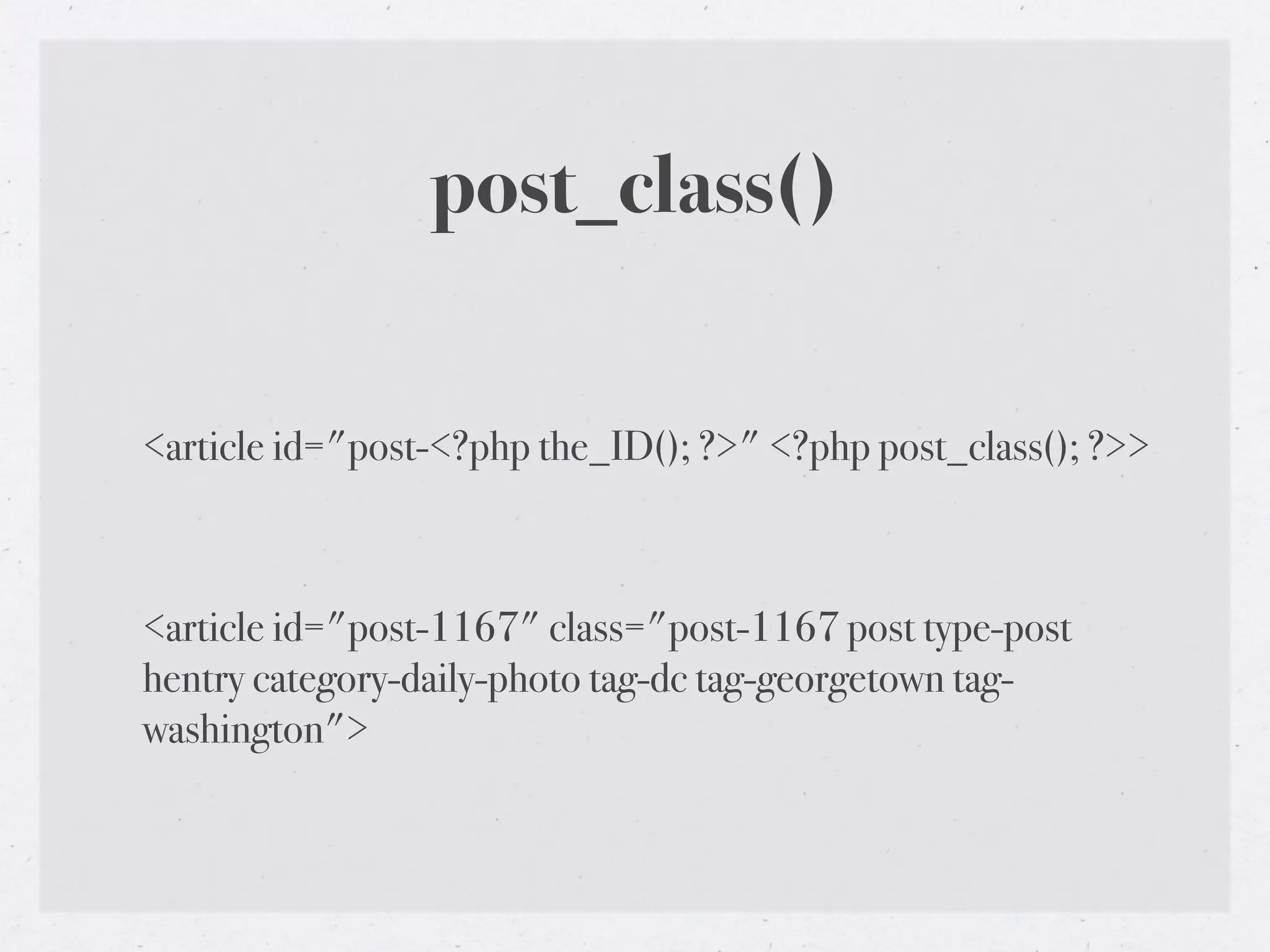
<article id="post-<?php the_ID(); ?>" <?php post_class(); ?>>


<article id="post-1167" class="post-1167 post type-post
hentry category-daily-photo tag-dc tag-georgetown tag-
washington">
Get Template Part


• get_template_part()

• http://codex.wordpress.org/Function_Reference/
  get_template_part
get_template_part()
• get_template_part( 'loop', 'index' );

• Looks for a file named ‘loop-index.php’ in the current theme

• If not found, looks for ‘loop.php’

• If this is a child theme, and neither of those templates exist, looks
  in the parent theme.

• Each of the major templates (‘archive.php’, ‘author.php’,
  ‘category.php’, etc) makes a call similar to this, looking for a loop
  template specific to the appropriate view.
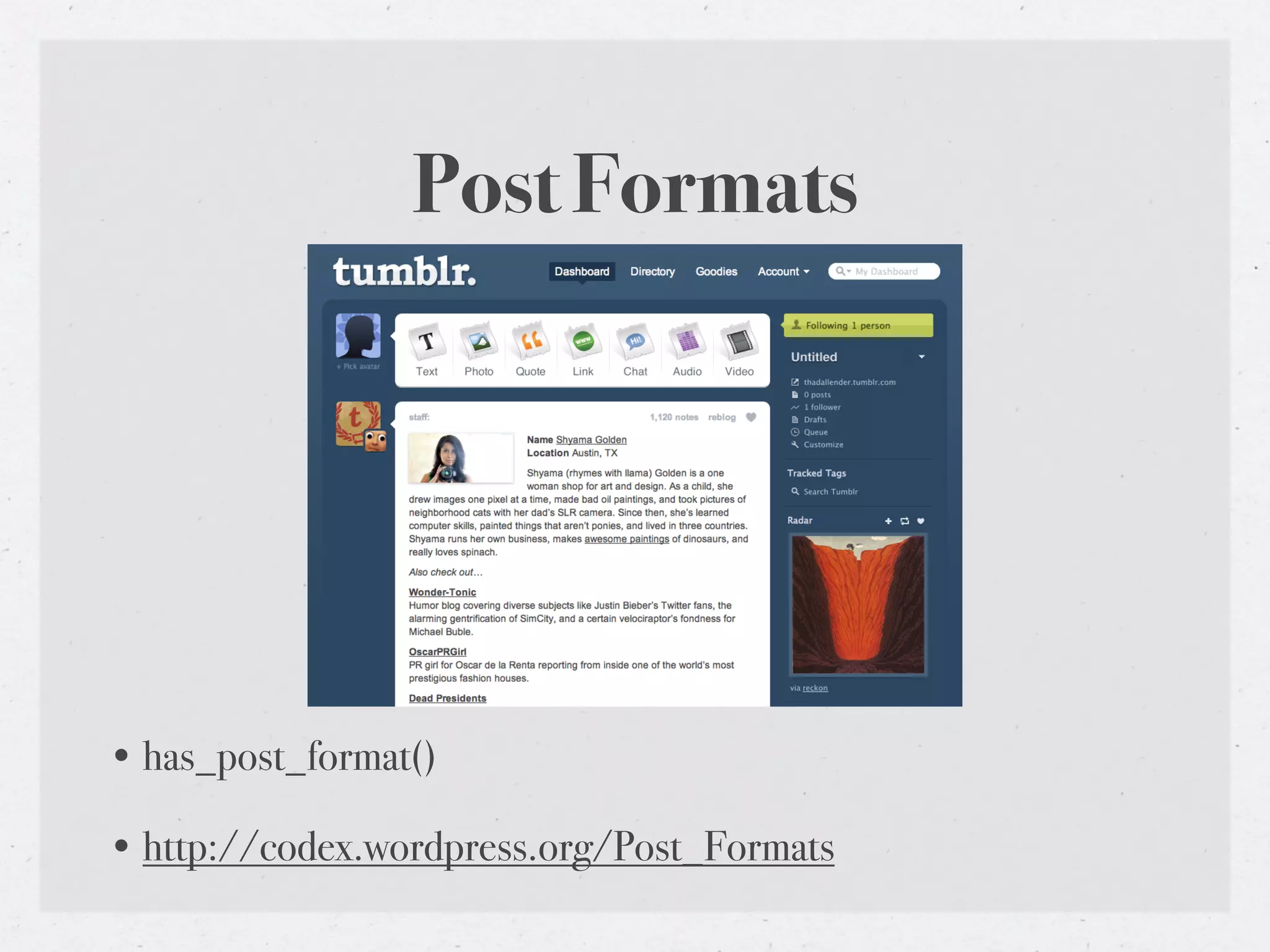
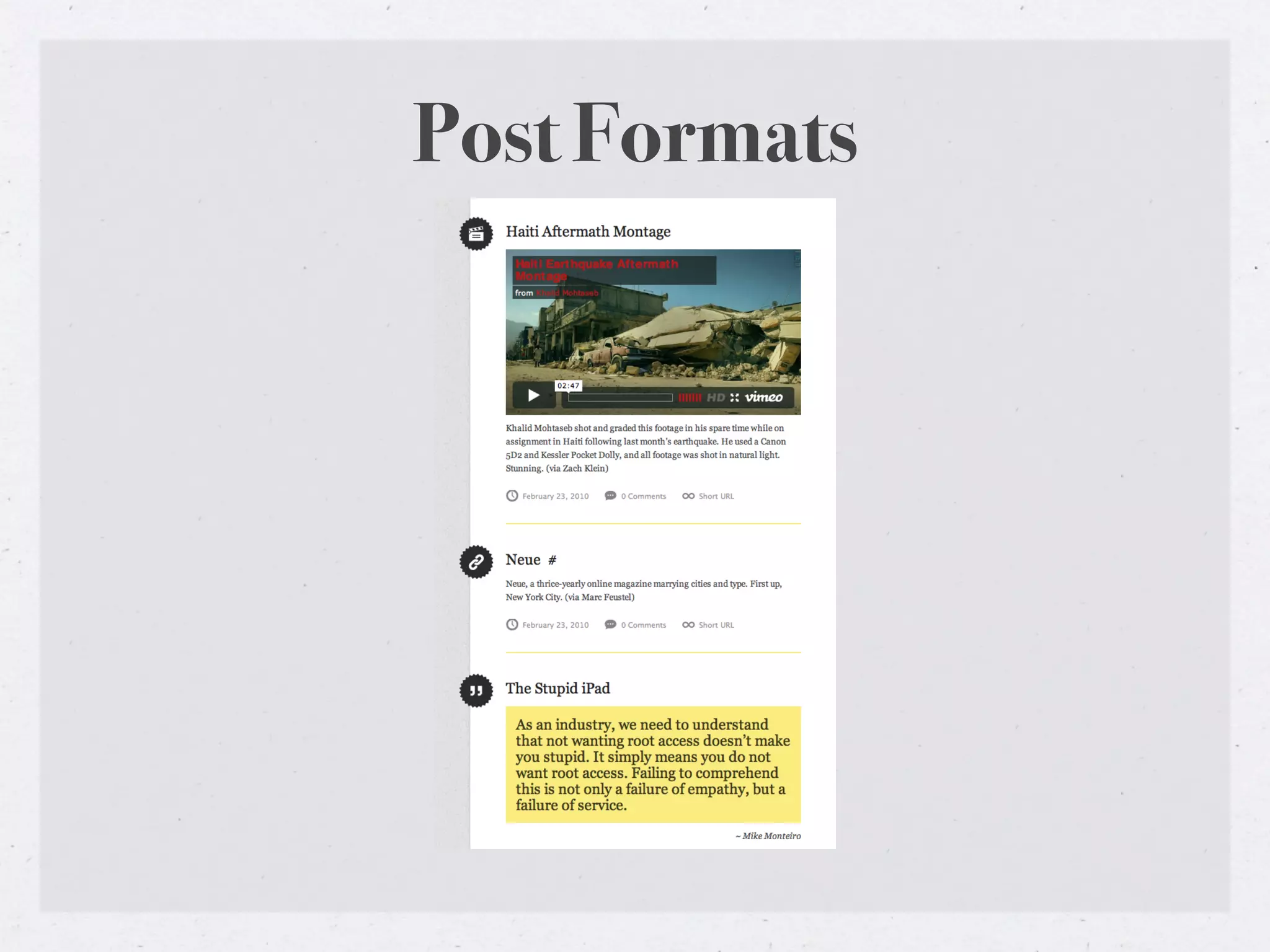
Post Formats


• has_post_format()

• http://codex.wordpress.org/Post_Formats
Post Formats
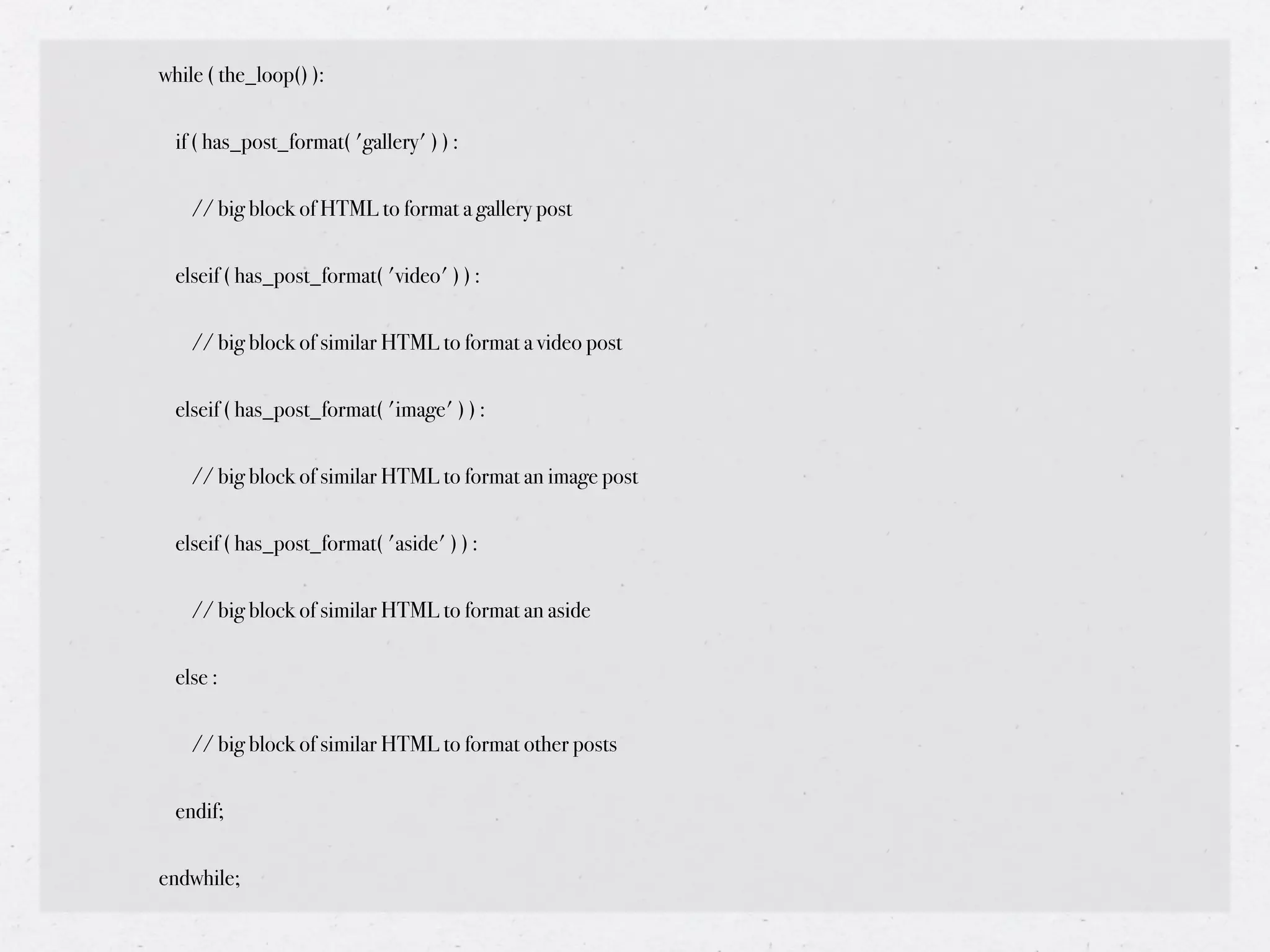
while ( the_loop() ):


  if ( has_post_format( 'gallery' ) ) :


    // big block of HTML to format a gallery post


  elseif ( has_post_format( 'video' ) ) :


    // big block of similar HTML to format a video post


  elseif ( has_post_format( 'image' ) ) :


    // big block of similar HTML to format an image post


  elseif ( has_post_format( 'aside' ) ) :


    // big block of similar HTML to format an aside


  else :


    // big block of similar HTML to format other posts


  endif;


endwhile;
get_template_part() and
       get_post_format()

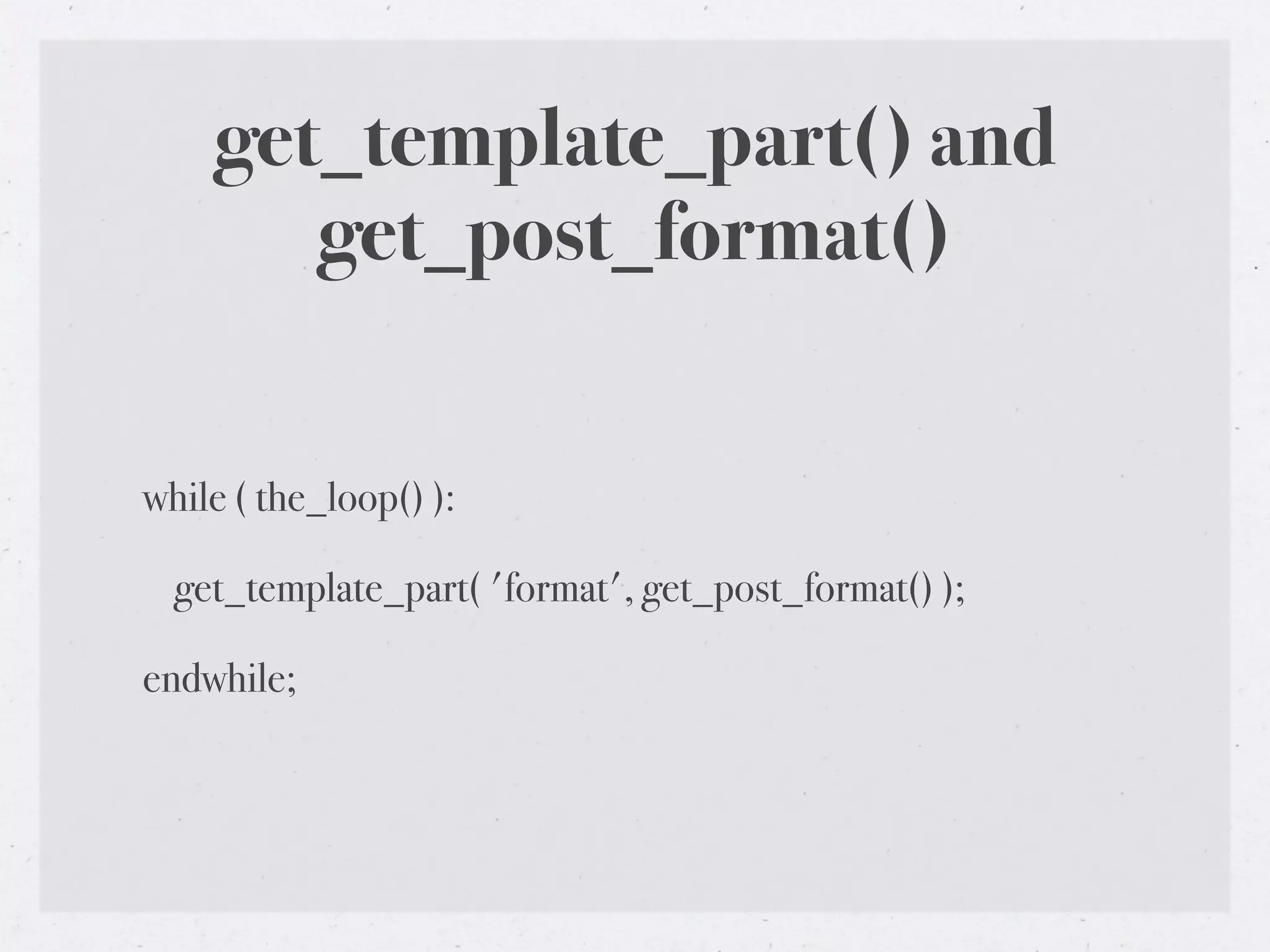
while ( the_loop() ):

  get_template_part( 'format', get_post_format() );

endwhile;
get_template_part() and
      get_post_format()

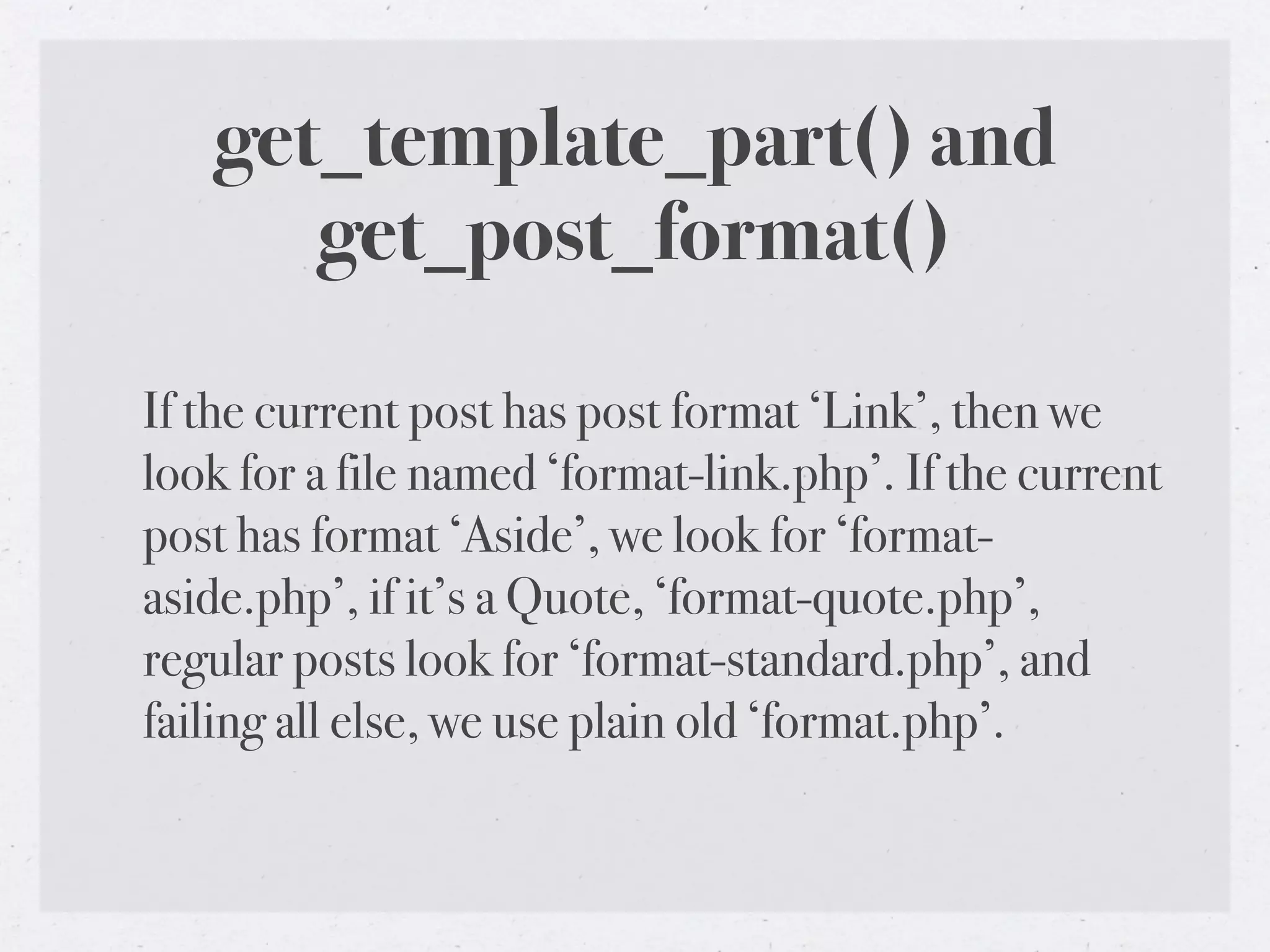
If the current post has post format ‘Link’, then we
look for a file named ‘format-link.php’. If the current
post has format ‘Aside’, we look for ‘format-
aside.php’, if it’s a Quote, ‘format-quote.php’,
regular posts look for ‘format-standard.php’, and
failing all else, we use plain old ‘format.php’.
Enqueue Javascripts


• wp_enqueue_script()

• http://codex.wordpress.org/Function_Reference/
  wp_enqueue_script
wp_enqueue_script()
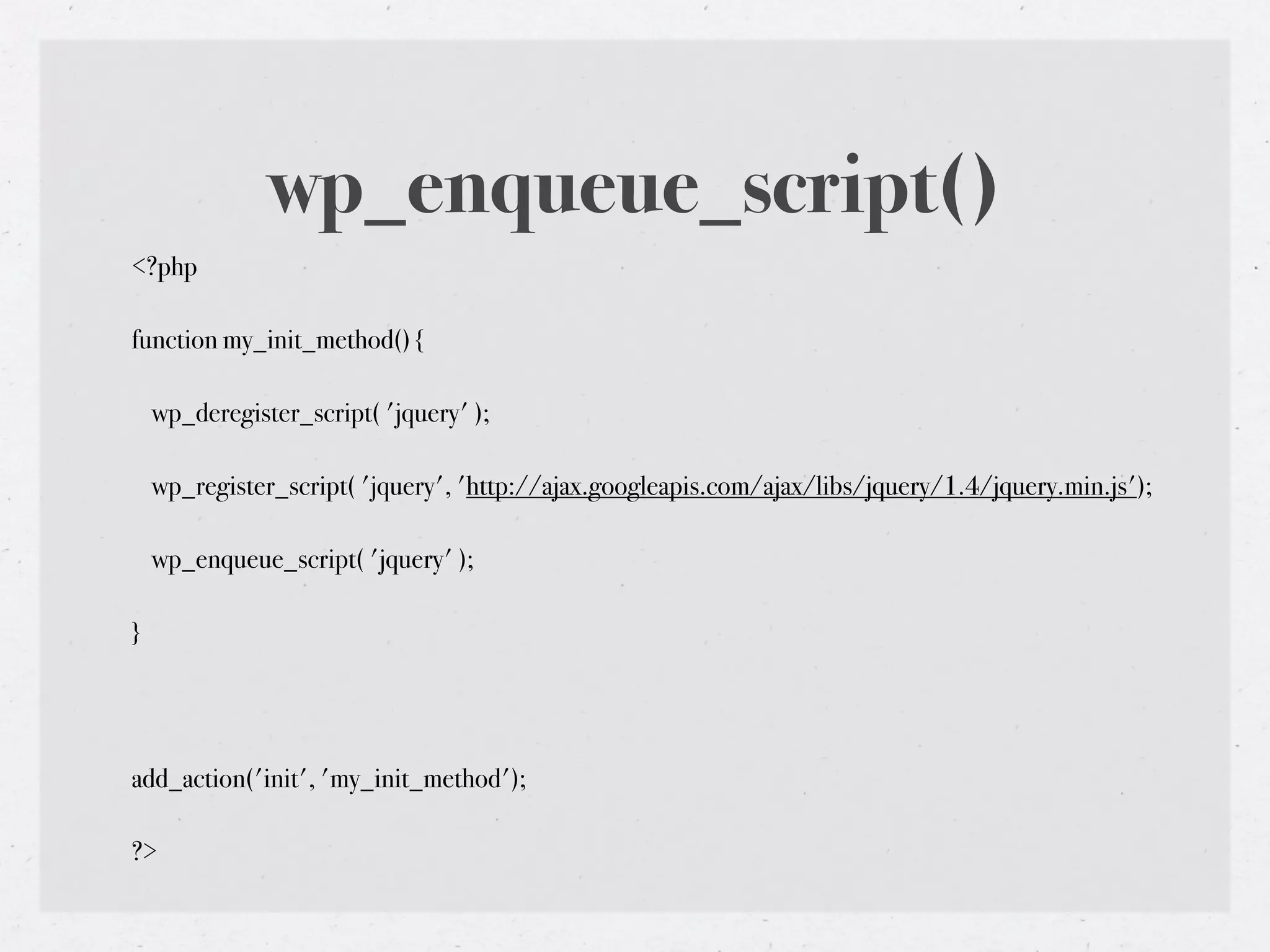
<?php

function my_init_method() {

    wp_deregister_script( 'jquery' );

    wp_register_script( 'jquery', 'http://ajax.googleapis.com/ajax/libs/jquery/1.4/jquery.min.js');

    wp_enqueue_script( 'jquery' );

}


add_action('init', 'my_init_method');

?>
add_theme_support()


• http://codex.wordpress.org/Function_Reference/
  add_theme_support
Conditional Tags

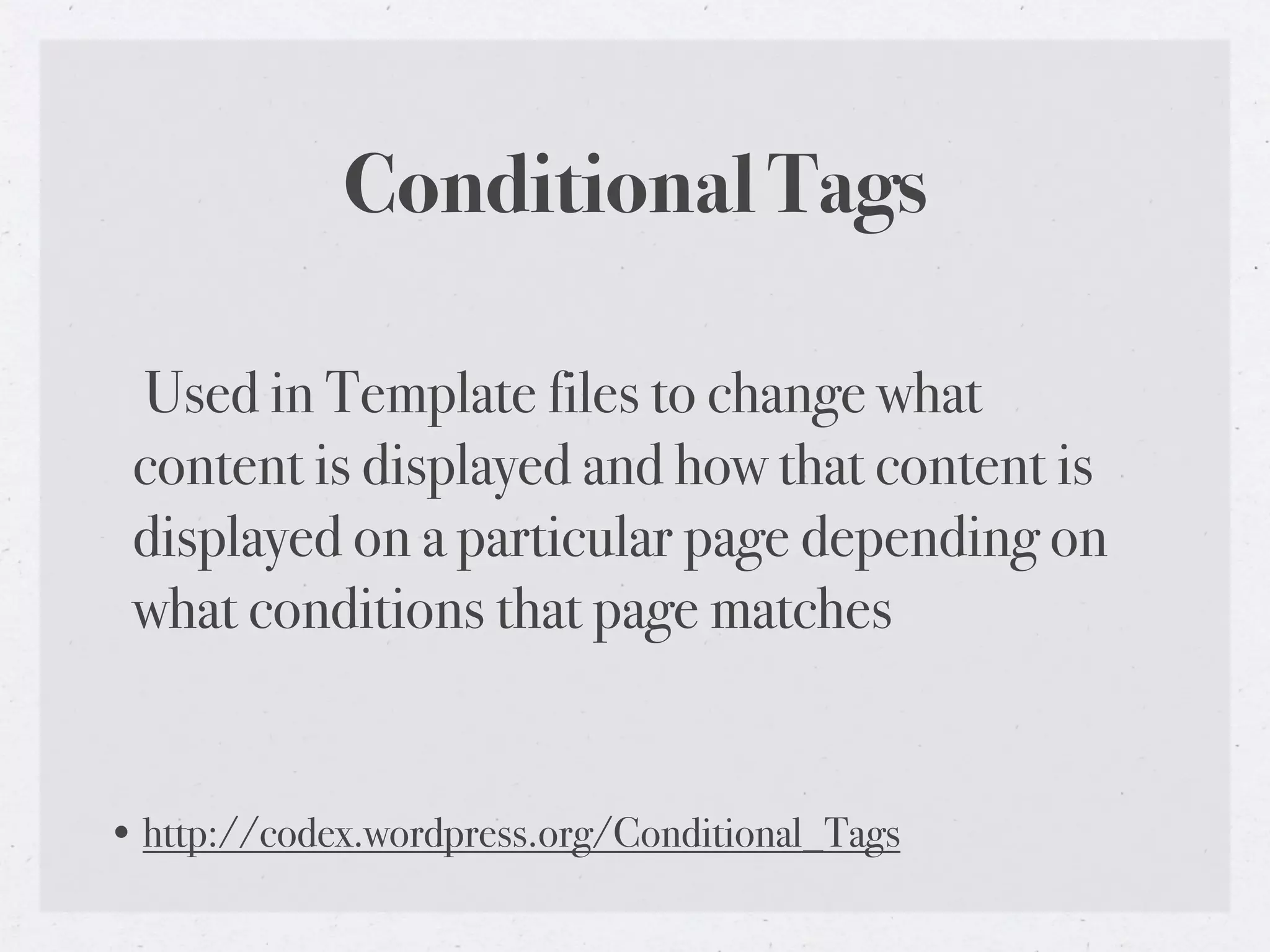
 Used in Template files to change what
 content is displayed and how that content is
 displayed on a particular page depending on
 what conditions that page matches


• http://codex.wordpress.org/Conditional_Tags
Conditional Tags
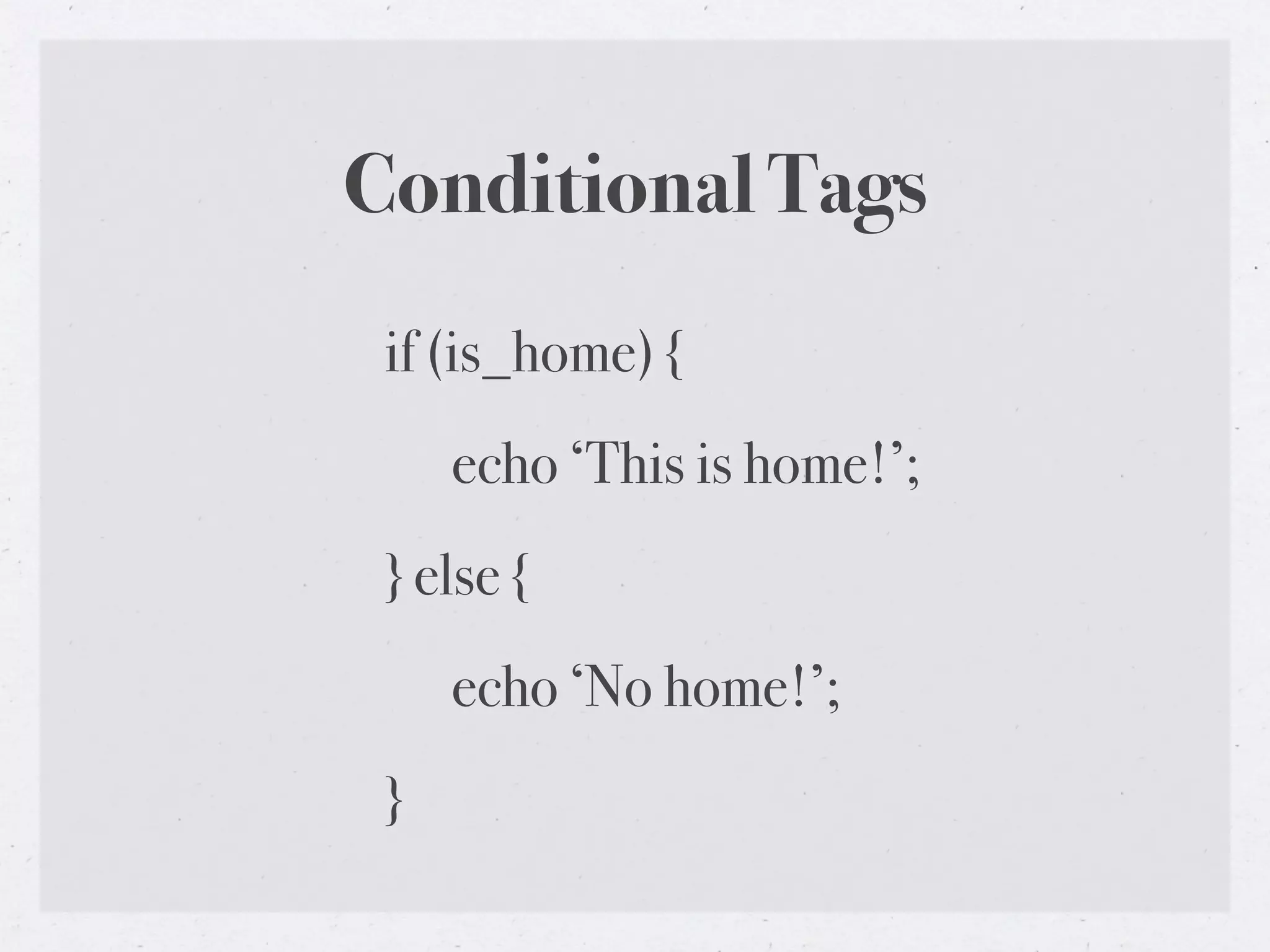
 if (is_home) {
     echo ‘This is home!’;
 } else {
     echo ‘No home!’;
 }
Confused? Comment your code


• <!-- END #container -->

• // PHP comment goes here
Child Themes


• Inherits the functionality of another theme, called the parent
  theme, and allows you to modify, or add to, the functionality of
  that parent theme

• http://codex.wordpress.org/Child_Themes
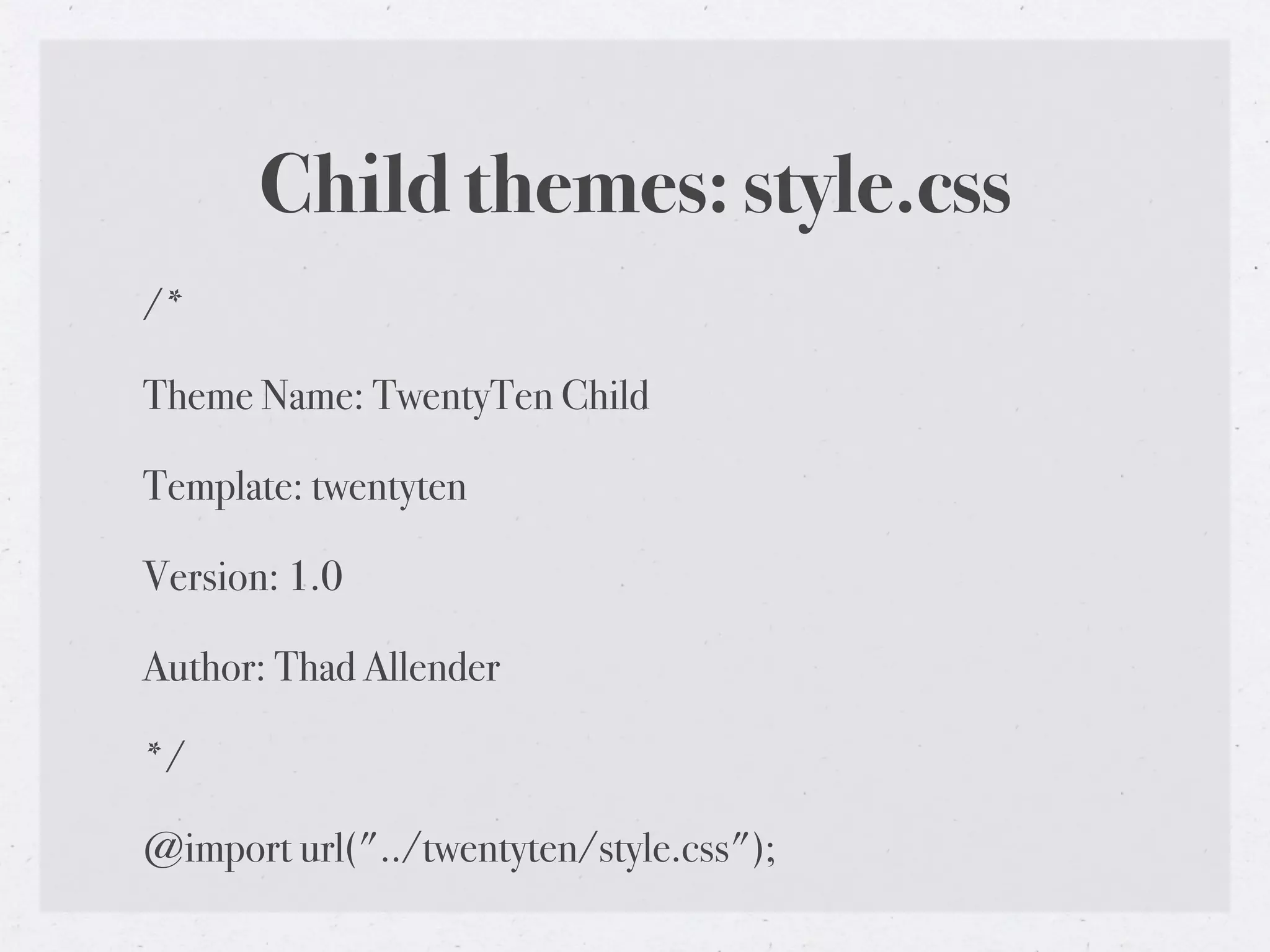
Child themes: style.css
/*

Theme Name: TwentyTen Child

Template: twentyten

Version: 1.0

Author: Thad Allender

*/

@import url("../twentyten/style.css");
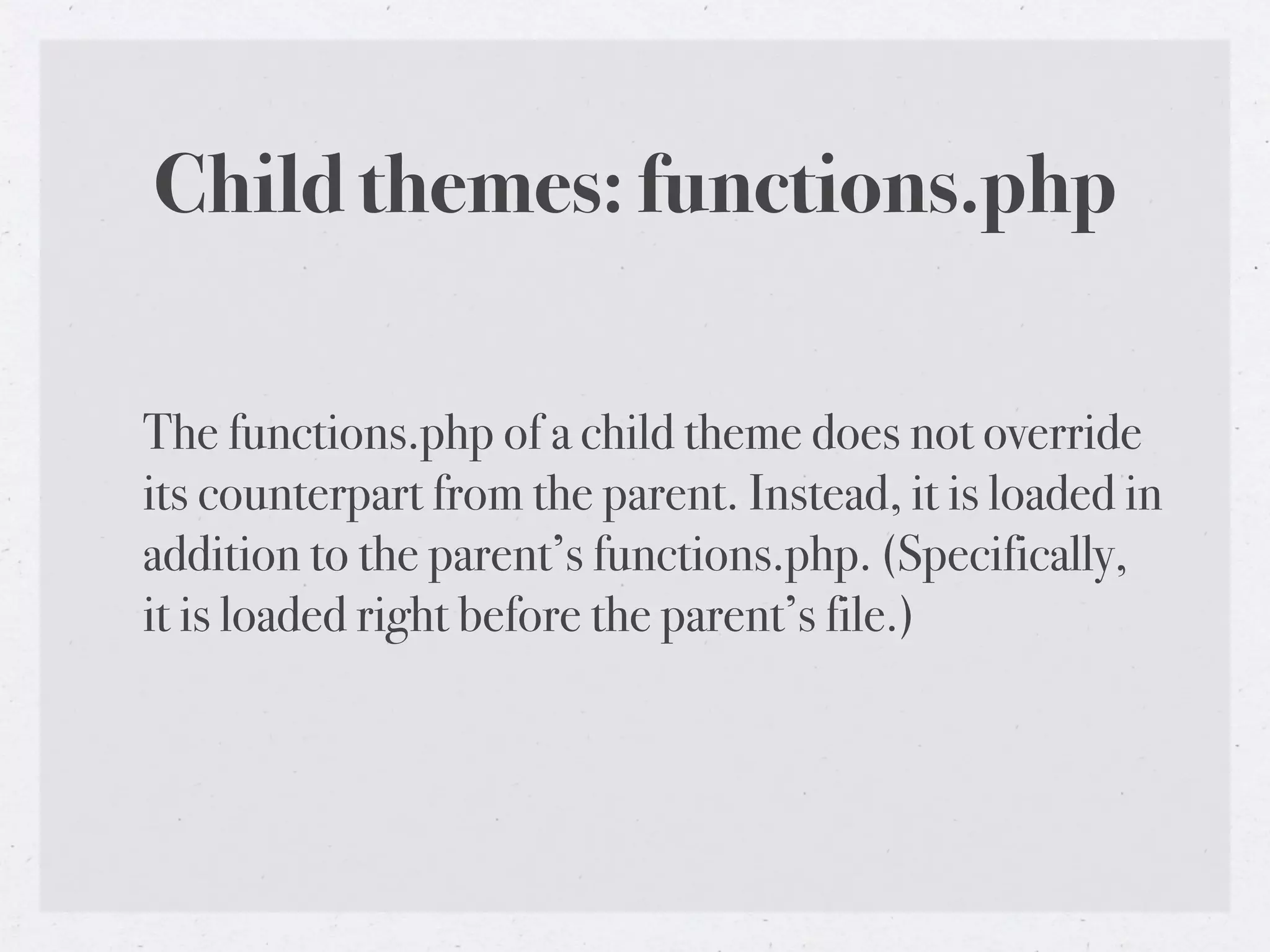
Child themes: functions.php

The functions.php of a child theme does not override
its counterpart from the parent. Instead, it is loaded in
addition to the parent’s functions.php. (Specifically,
it is loaded right before the parent’s file.)
Child Themes: Including files

TEMPLATEPATH - returns the path to the template files of a theme

STYLESHEETPATH - returns the path to the template files of the child theme


require_once( STYLESHEETPATH . '/path/to/file/in/child/theme.php' );
Child themes: File Overrides

•All other template files override their namesakes
 from the parent.

•Example: twentyten-child/single.php overrides
 twentyten/single.php

•This holds true to all templates in the WordPress
 hierarchy and new templates introduced using
 get_template_part()
Child Themes: Approaches
Because a child theme’s functions.php is loaded first, you can make the user
functions of your theme pluggable—that is, replaceable by a child theme—by
declaring them conditionally in the parent.

if (!function_exists('my_index_loop')) {

    function my_index_loop() {

        // Do something.

    }

}

In that way, a child theme can replace a PHP function of the parent by simply
declaring it again.
Child Themes: Hooks


Enables you to add, remove or change code in supporting parent
themes

http://themeshaper.com/action-hooks-wordpress-child-
themes/
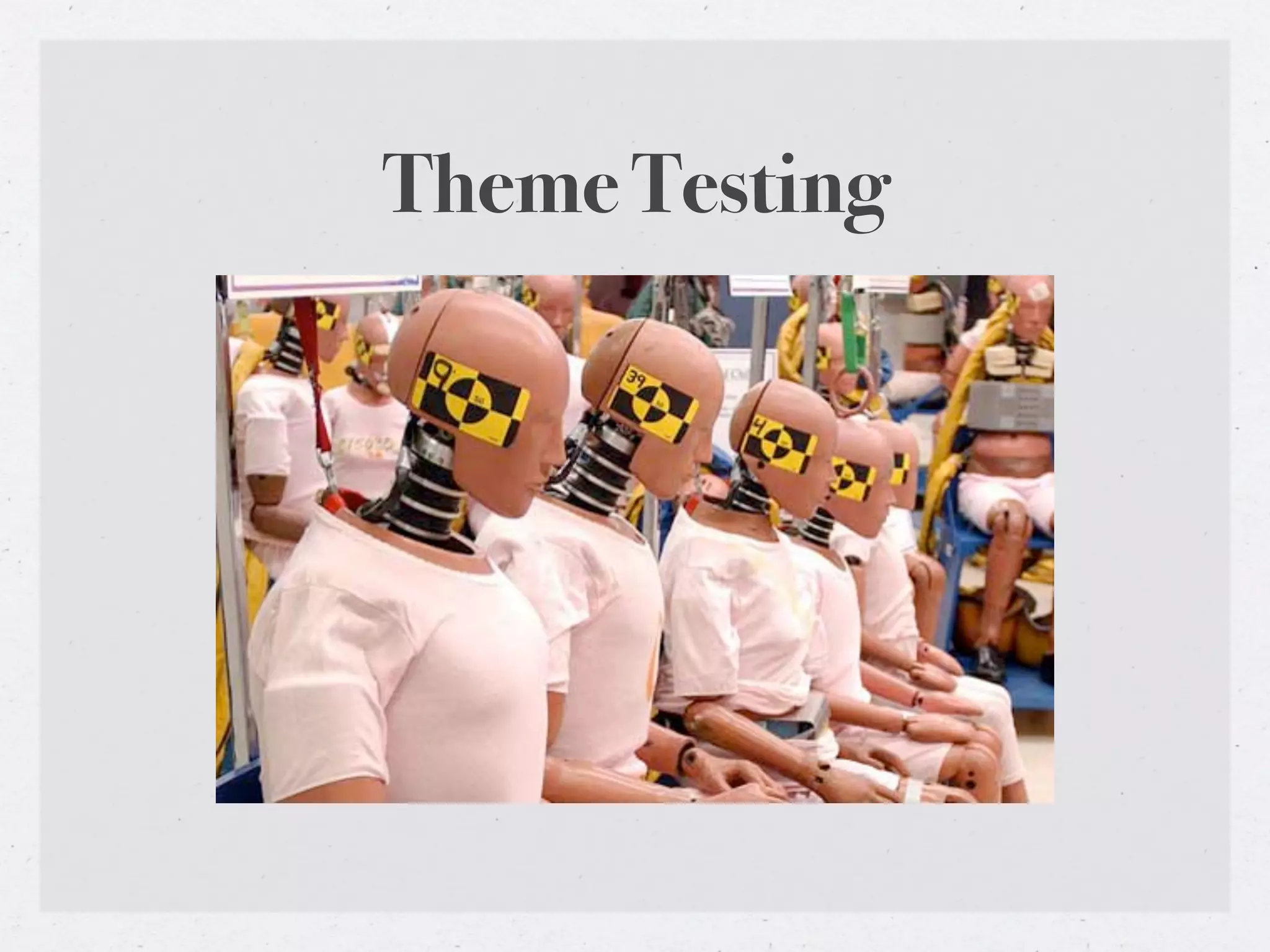
Theme Testing
Theme Testing Tools
• wp-config.php: define('WP_DEBUG', true);

• http://wordpress.org/extend/plugins/theme-check/

• http://wordpress.org/extend/plugins/log-deprecated-notices/

• http://codex.wordpress.org/
  Theme_Development#Theme_Testing_Process

• Unit test your theme:
  http://codex.wordpress.org/Theme_Unit_Test
Questions?

Intro to WordPress theme development

  • 1.
    THEME DEVELOPMENT an introduction to the basics of theming with WordPress
  • 2.
    About me • Name:Thad Allender • Web: ThadAllender.com & GraphPaperPress.com • Twitter: @thadallender • Email: thadallender@gmail.com
  • 3.
  • 4.
    Anatomy of aWordPress theme • WordPress Themes are files that work together to create the design and functionality of a WordPress site • http://codex.wordpress.org/Theme_Development
  • 5.
    Anatomy of aWordPress theme • Themes live in /wp-content/themes/ • Themes include stylesheets, template & functions files, images, javascripts
  • 6.
    Anatomy of aWordPress theme • style.css – The main stylesheet. This must be included with your theme. • index.php – The main template. If your theme provides its own templates, index.php must be present. • comments.php – The comments template. If not present, wp-comments.php is used. • single.php – The single post template. Used when a single post is queried. For this and all other query templates, index.php is used if the query template is not present. • page.php – The page template. Used when a page is queried. • category.php – The category template. Used when a category is queried. • author.php – The author template. Used when an author is queried. • date.php – The date/time template. Used when a date or time is queried. Year, month, day, hour, minute, second. • archive.php – The archive template. Used when a category, author, or date is queried. Note that this template will be overridden by category.php, author.php, and date.php for their respective query types. • search.php – The search template. Used when a search is performed. • 404.php – The 404 Not Found template. Used when WordPress cannot find a post that matches the query.
  • 7.
    /* style.css Theme Name: Twenty Ten Theme URI: http://wordpress.org/ Description: The theme description. Author: the WordPress team Version: 1.3-alpha Tags: black, two-columns, fixed-width, custom-header */
  • 8.
    index.php <?php get_header(); ?> <?phpif ( have_posts() ) : while ( have_posts() ) : the_post(); ?> ! <h1><a href="<?php the_permalink() ?>" rel="bookmark" title="Permanent link to <?php the_title_attribute(); ?>"><?php the_title(); ?></a></h1> ! <?php the_content(); ?> <?php endwhile; else: ?> ! <p><?php _e('Sorry, no posts matched your criteria.'); ?></p> <?php endif; ?> <?php get_footer(); ?>
  • 9.
    Page Structure • Madeup of three basic building blocks: a header, the content, and a footer. Sidebars add additional functionality.
  • 10.
    header.php • Called with:get_header() • Includes everything that comes before and including the <body>, meta info, scripts, styles, wp_head, site name, navigation.
  • 11.
    index.php • Typically displayscontent from the loop (title, content, etc.) • Calls get_header(), get_sidebar(), get_footer
  • 12.
    footer.php • Called with:get_footer() • Can include credits, copyright info, wp_footer hook.
  • 13.
    sidebar.php • Called withget_sidebar() • Adds contextual site info. Typically includes widgets.
  • 14.
    Template Hierarchy • Theorder in which WordPress template files are chosen • http://codex.wordpress.org/Template_Hierarchy
  • 15.
  • 16.
  • 17.
    Single Post Display 1.single-{post_type}.php- If the post_type were videos, WordPress would look for single-videos.php. 2.single.php 3.index.php
  • 18.
    Page Display 1.custom template- Where custom template is the Page Template assigned to the Page. 2.page-{slug}.php - If the page slug is recent-news, WordPress will look to use page-recent-news.php 3.page-{id}.php - If the page ID is 6, WordPress will look to use page-6.php 4.page.php 5.index.php
  • 19.
    Category Display 1.category-{slug}.php -If the category's slug were news, WordPress would look for category-news.php 2.category-{id}.php - If the category's ID were 6, WordPress would look for category-6.php 3.category.php 4.archive.php 5.index.php
  • 20.
    Tag Display 1.tag-{slug}.php -If the tag's slug were sometag, WordPress would look for tag-sometag.php 2.tag-{id}.php - If the tag's ID were 6, WordPress would look for tag-6.php 3.tag.php 4.archive.php 5.index.php
  • 21.
    Custom Post TypeDisplay 1.'has_archive' => true 2.archive-{$post_type}.php 3.archive.php 4.index.php
  • 22.
    Author Display 1.author-{nicename}.php -If the author's nice name were rami, WordPress would look for author-rami.php. 2.author-{id}.php - If the author's ID were 6, WordPress would look for author-6.php. 3.author.php 4.archive.php 5.index.php
  • 23.
  • 24.
  • 25.
    404 (Not Found)Display 1.404.php 2.index.php
  • 26.
    Attachment Display 1.MIME_type.php -it can be any MIME type (image.php, video.php, audio.php, application.php or any other). 2.attachment.php 3.single.php 4.index.php
  • 27.
  • 28.
    Development Environment • Mamp(Mac) or Wamp (PC) • For running WordPress locally (Apache, PHP, MySQL) • http://www.mamp.info/en/index.html • http://www.wampserver.com/en/ • http://codex.wordpress.org/ Installing_WordPress_Locally_on_Your_Mac_With_MAMP
  • 29.
    Version Control • Simplifiescollaborative development, comparing, releasing • SVN - http://subversion.tigris.org/ • GIT - http://git-scm.com/
  • 30.
    The Loop • Displayseach of your posts • http://codex.wordpress.org/The_Loop
  • 31.
    The Loop <?php if( have_posts() ) : while ( have_posts() ) : the_post(); ?> ....add template tags here.... <?php endwhile; else: ?> <p><?php _e('Sorry, no posts matched your criteria.'); ?></p> <?php endif; ?>
  • 32.
    Query Posts • query_posts(‘cat=1&showposts=5’) •http://codex.wordpress.org/Function_Reference/query_posts
  • 33.
    query_posts() • Use itto control which posts show up in The Loop. • Display only a single post on your homepage (a single Page can be done via Settings -> Reading). • Show all posts from a particular time period. • Show the latest post (only) on the front page. • Change how posts are ordered. • Show posts from only one category. • Exclude one or more categories.
  • 34.
    query_posts() <?php query_posts('posts_per_page=5'); if ( have_posts()) : while ( have_posts() ) : the_post(); .. endwhile; else: .. endif; wp_reset_query(); ?>
  • 35.
    query_posts() The query_posts functionis intended to be used to modify the main page Loop only. It is not intended as a means to create secondary Loops on the page. If you want to create separate Loops outside of the main one, you should use get_posts() instead.
  • 36.
    Get Posts • get_posts(‘cat=1&numberposts=3’) •http://codex.wordpress.org/Template_Tags/get_posts
  • 37.
    <ul> get_posts() <?php global $post; $myposts = get_posts('posts_per_page=5&offset=1&category=1'); foreach($myposts as $post) : setup_postdata($post); ?> <li><a href="<?php the_permalink(); ?>"><?php the_title(); ?></a></li> <?php endforeach; ?> </ul>
  • 38.
    Template Tags • Usedto display dynamic information about your site • http://codex.wordpress.org/Template_Tags
  • 39.
    Include Tags Templateinclude tags are used within one template file (for example index.php) to execute the HTML and PHP found in another template file (for example header.php). • get_header() • http://codex.wordpress.org/Include_Tags
  • 40.
    Include Tags • get_header()- includes header.php or header-{name}.php • get_footer() - includes footer.php or footer-{name}.php • get_sidebar() - includes sidebar.php or sidebar-{name}.php • get_template_part() - includes {slug}.php or {slug}-{name}.php • get_search_form() - includes searchform.php • comments_template() - includes comments.php or wp-includes/ theme-compat/comments.php
  • 41.
    Body Class • body_class() •http://codex.wordpress.org/Function_Reference/body_class
  • 42.
    body_class() Helps theme authors style more effectively with CSS by applying different classes to the body element • <body <?php body_class(); ?> • <body class="archive category category-daily-photo">
  • 43.
    Post Class • post_class() •http://codex.wordpress.org/Function_Reference/post_class
  • 44.
    post_class() <article id="post-<?php the_ID();?>" <?php post_class(); ?>> <article id="post-1167" class="post-1167 post type-post hentry category-daily-photo tag-dc tag-georgetown tag- washington">
  • 45.
    Get Template Part •get_template_part() • http://codex.wordpress.org/Function_Reference/ get_template_part
  • 46.
    get_template_part() • get_template_part( 'loop','index' ); • Looks for a file named ‘loop-index.php’ in the current theme • If not found, looks for ‘loop.php’ • If this is a child theme, and neither of those templates exist, looks in the parent theme. • Each of the major templates (‘archive.php’, ‘author.php’, ‘category.php’, etc) makes a call similar to this, looking for a loop template specific to the appropriate view.
  • 47.
    Post Formats • has_post_format() •http://codex.wordpress.org/Post_Formats
  • 48.
  • 49.
    while ( the_loop()): if ( has_post_format( 'gallery' ) ) : // big block of HTML to format a gallery post elseif ( has_post_format( 'video' ) ) : // big block of similar HTML to format a video post elseif ( has_post_format( 'image' ) ) : // big block of similar HTML to format an image post elseif ( has_post_format( 'aside' ) ) : // big block of similar HTML to format an aside else : // big block of similar HTML to format other posts endif; endwhile;
  • 50.
    get_template_part() and get_post_format() while ( the_loop() ): get_template_part( 'format', get_post_format() ); endwhile;
  • 51.
    get_template_part() and get_post_format() If the current post has post format ‘Link’, then we look for a file named ‘format-link.php’. If the current post has format ‘Aside’, we look for ‘format- aside.php’, if it’s a Quote, ‘format-quote.php’, regular posts look for ‘format-standard.php’, and failing all else, we use plain old ‘format.php’.
  • 52.
    Enqueue Javascripts • wp_enqueue_script() •http://codex.wordpress.org/Function_Reference/ wp_enqueue_script
  • 53.
    wp_enqueue_script() <?php function my_init_method() { wp_deregister_script( 'jquery' ); wp_register_script( 'jquery', 'http://ajax.googleapis.com/ajax/libs/jquery/1.4/jquery.min.js'); wp_enqueue_script( 'jquery' ); } add_action('init', 'my_init_method'); ?>
  • 54.
  • 55.
    Conditional Tags Usedin Template files to change what content is displayed and how that content is displayed on a particular page depending on what conditions that page matches • http://codex.wordpress.org/Conditional_Tags
  • 56.
    Conditional Tags if(is_home) { echo ‘This is home!’; } else { echo ‘No home!’; }
  • 57.
    Confused? Comment yourcode • <!-- END #container --> • // PHP comment goes here
  • 58.
    Child Themes • Inheritsthe functionality of another theme, called the parent theme, and allows you to modify, or add to, the functionality of that parent theme • http://codex.wordpress.org/Child_Themes
  • 59.
    Child themes: style.css /* ThemeName: TwentyTen Child Template: twentyten Version: 1.0 Author: Thad Allender */ @import url("../twentyten/style.css");
  • 60.
    Child themes: functions.php Thefunctions.php of a child theme does not override its counterpart from the parent. Instead, it is loaded in addition to the parent’s functions.php. (Specifically, it is loaded right before the parent’s file.)
  • 61.
    Child Themes: Includingfiles TEMPLATEPATH - returns the path to the template files of a theme STYLESHEETPATH - returns the path to the template files of the child theme require_once( STYLESHEETPATH . '/path/to/file/in/child/theme.php' );
  • 62.
    Child themes: FileOverrides •All other template files override their namesakes from the parent. •Example: twentyten-child/single.php overrides twentyten/single.php •This holds true to all templates in the WordPress hierarchy and new templates introduced using get_template_part()
  • 63.
    Child Themes: Approaches Becausea child theme’s functions.php is loaded first, you can make the user functions of your theme pluggable—that is, replaceable by a child theme—by declaring them conditionally in the parent. if (!function_exists('my_index_loop')) { function my_index_loop() { // Do something. } } In that way, a child theme can replace a PHP function of the parent by simply declaring it again.
  • 64.
    Child Themes: Hooks Enablesyou to add, remove or change code in supporting parent themes http://themeshaper.com/action-hooks-wordpress-child- themes/
  • 65.
  • 66.
    Theme Testing Tools •wp-config.php: define('WP_DEBUG', true); • http://wordpress.org/extend/plugins/theme-check/ • http://wordpress.org/extend/plugins/log-deprecated-notices/ • http://codex.wordpress.org/ Theme_Development#Theme_Testing_Process • Unit test your theme: http://codex.wordpress.org/Theme_Unit_Test
  • 67.