YQL
whY QL?
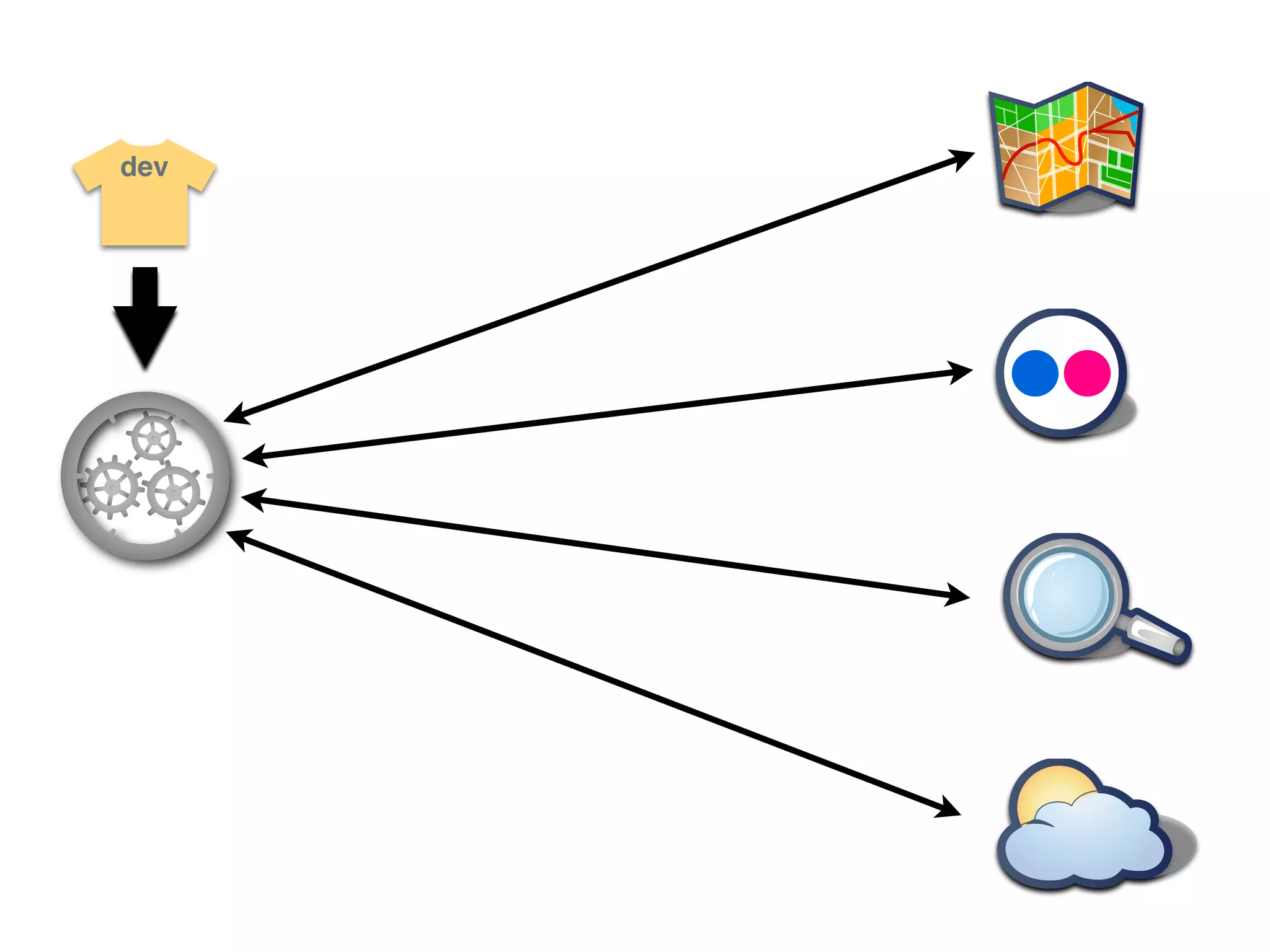
dev
dev
dev
dev
dev
dev
dev
dev
dev
dev
dev
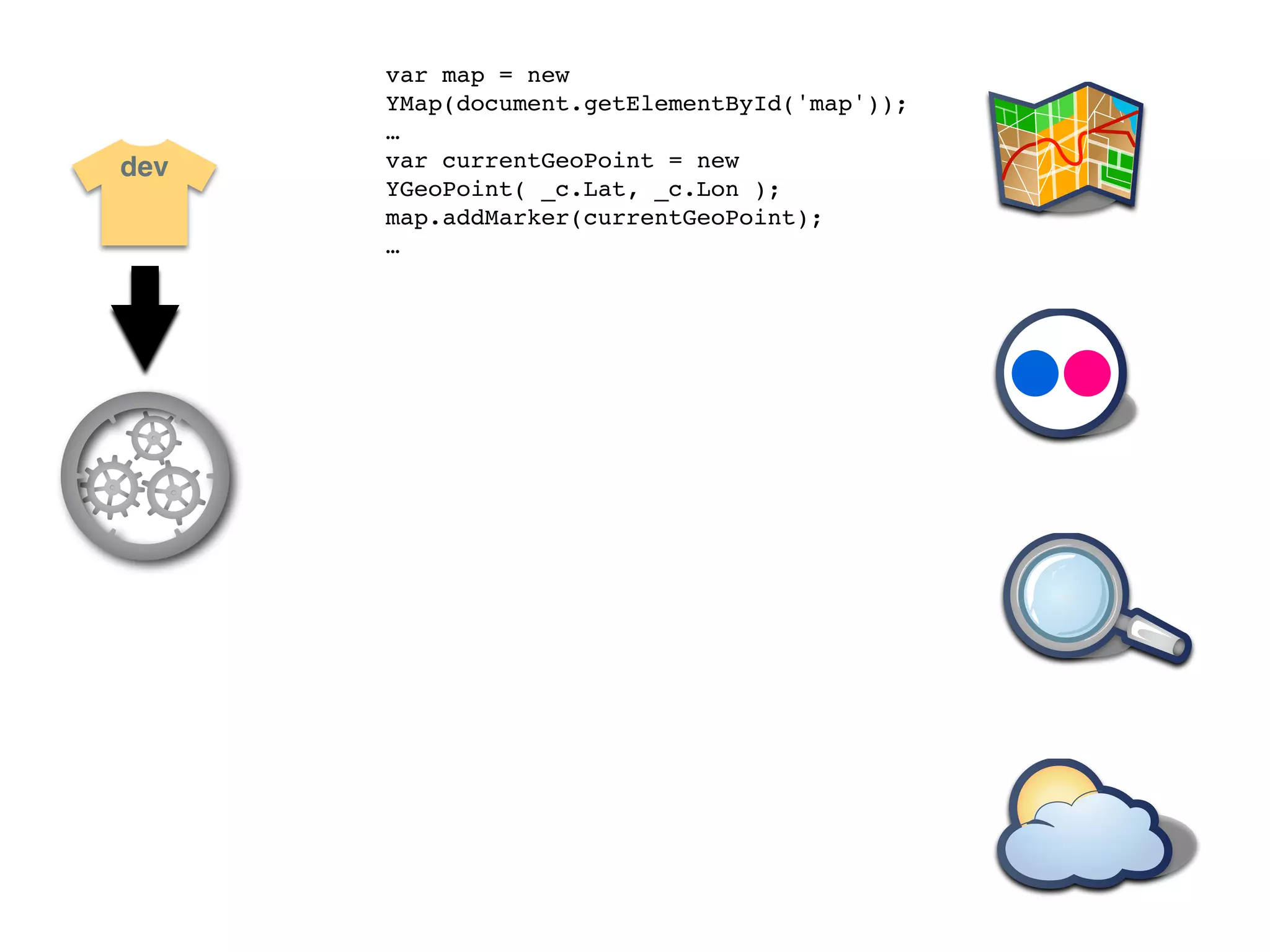
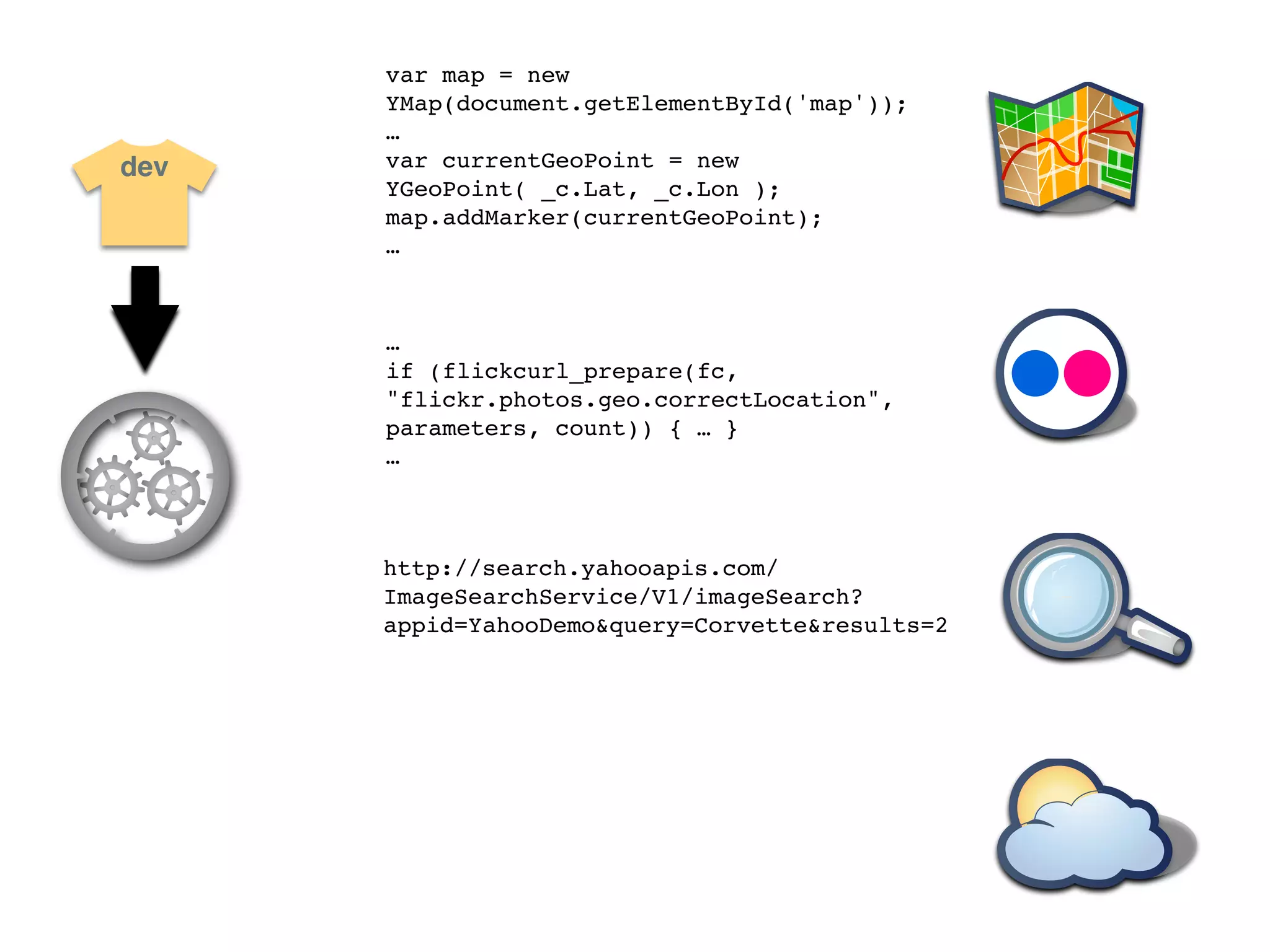
var map = new
      YMap(document.getElementById('map'));
      …
dev   var currentGeoPoint = new
      YGeoPoint( _c.Lat, _c.Lon );
      map.addMarker(currentGeoPoint);
      …
var map = new
      YMap(document.getElementById('map'));
      …
dev   var currentGeoPoint = new
      YGeoPoint( _c.Lat, _c.Lon );
      map.addMarker(currentGeoPoint);
      …


      …
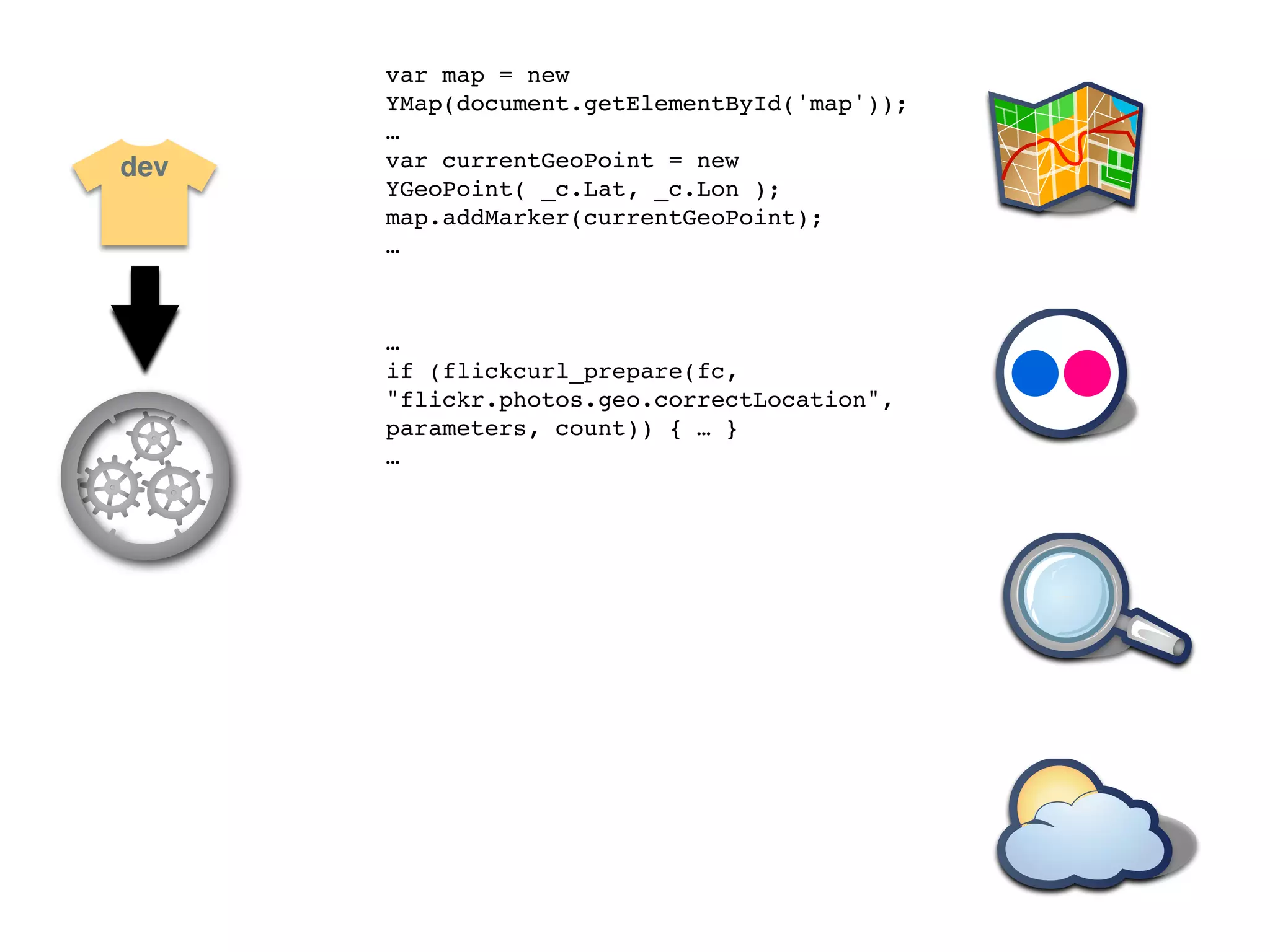
      if (flickcurl_prepare(fc,
      "flickr.photos.geo.correctLocation",
      parameters, count)) { … }
      …
var map = new
      YMap(document.getElementById('map'));
      …
dev   var currentGeoPoint = new
      YGeoPoint( _c.Lat, _c.Lon );
      map.addMarker(currentGeoPoint);
      …


      …
      if (flickcurl_prepare(fc,
      "flickr.photos.geo.correctLocation",
      parameters, count)) { … }
      …


      http://search.yahooapis.com/
      ImageSearchService/V1/imageSearch?
      appid=YahooDemo&query=Corvette&results=2
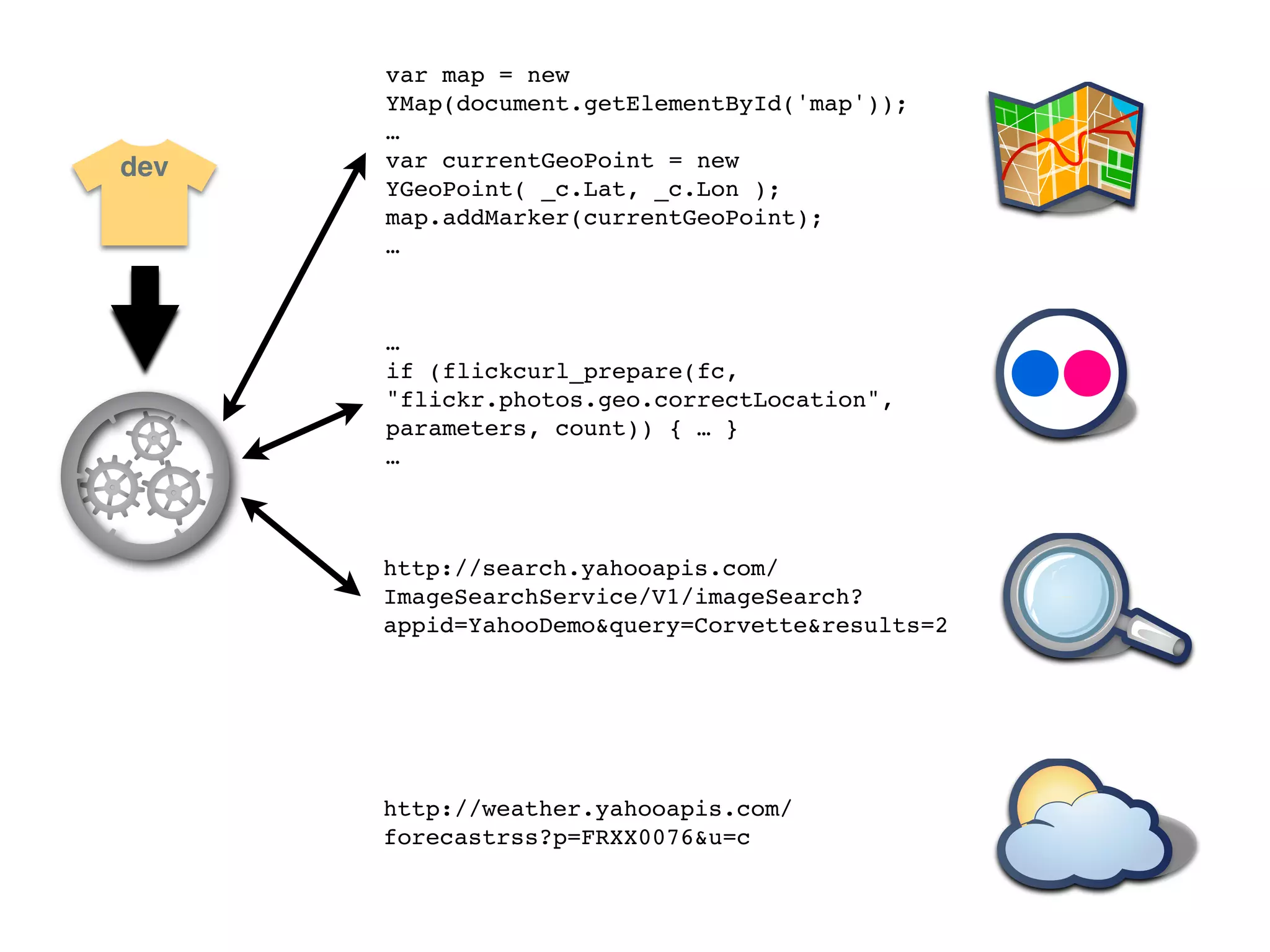
var map = new
      YMap(document.getElementById('map'));
      …
dev   var currentGeoPoint = new
      YGeoPoint( _c.Lat, _c.Lon );
      map.addMarker(currentGeoPoint);
      …


      …
      if (flickcurl_prepare(fc,
      "flickr.photos.geo.correctLocation",
      parameters, count)) { … }
      …


      http://search.yahooapis.com/
      ImageSearchService/V1/imageSearch?
      appid=YahooDemo&query=Corvette&results=2


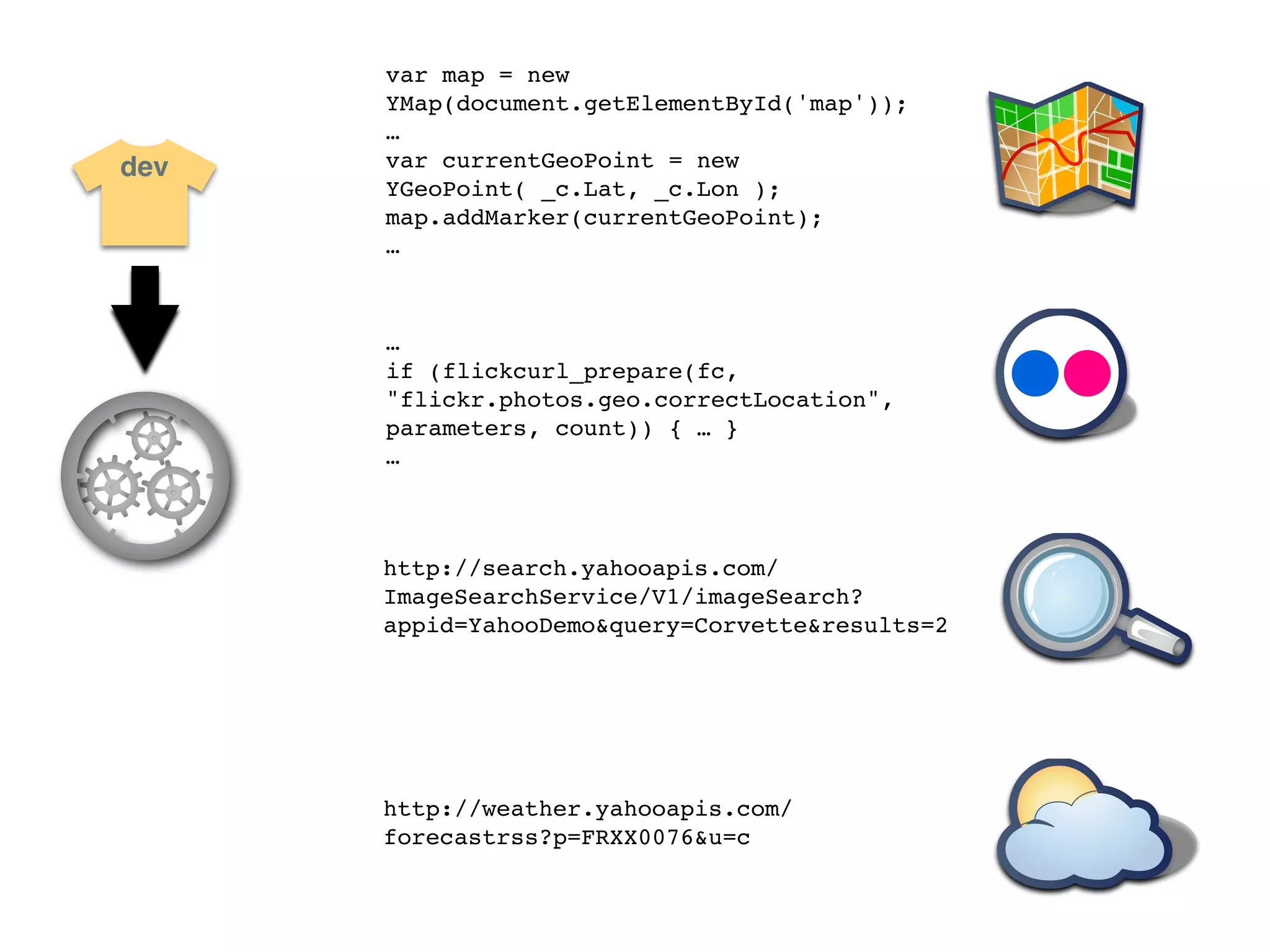
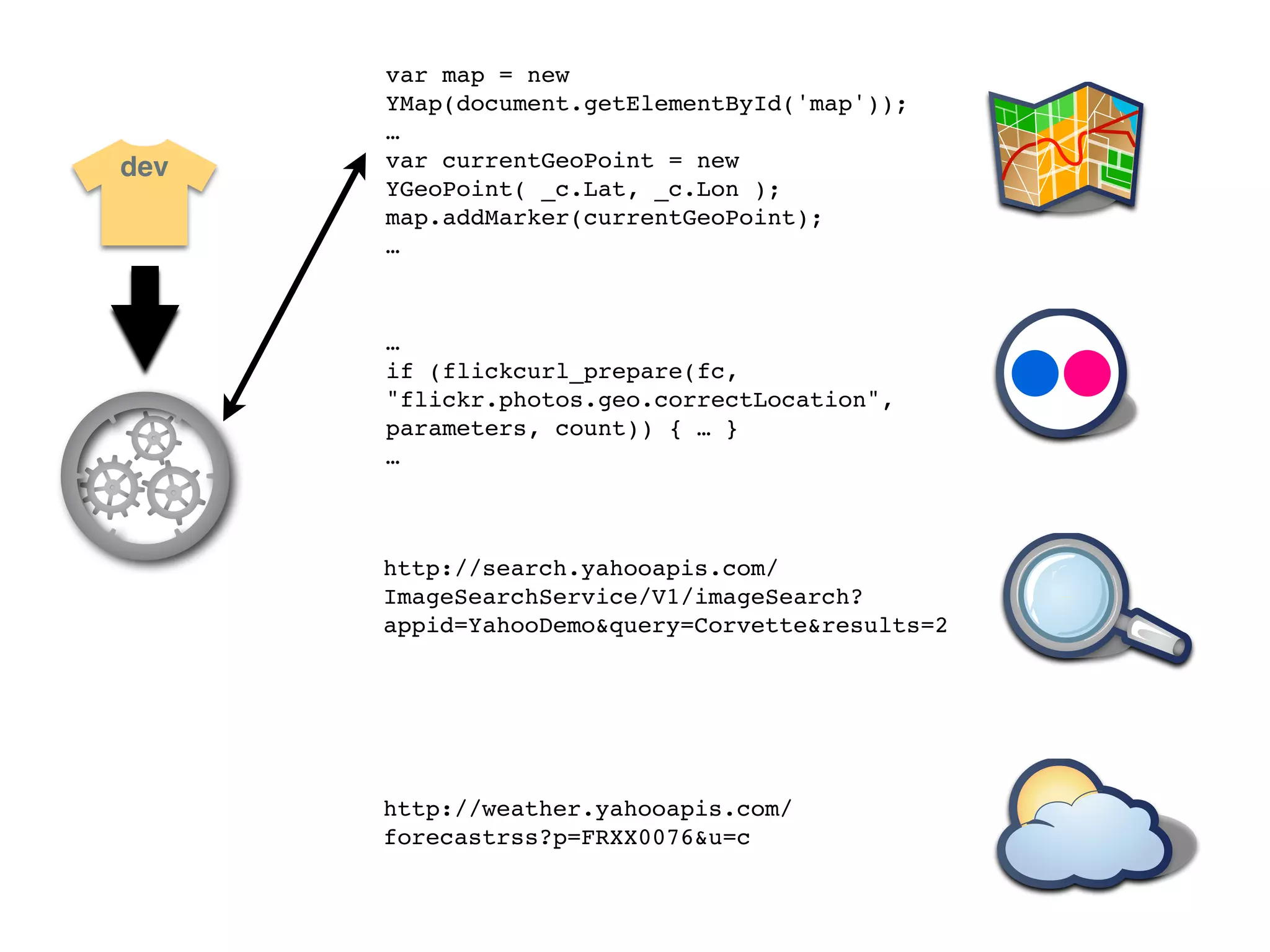
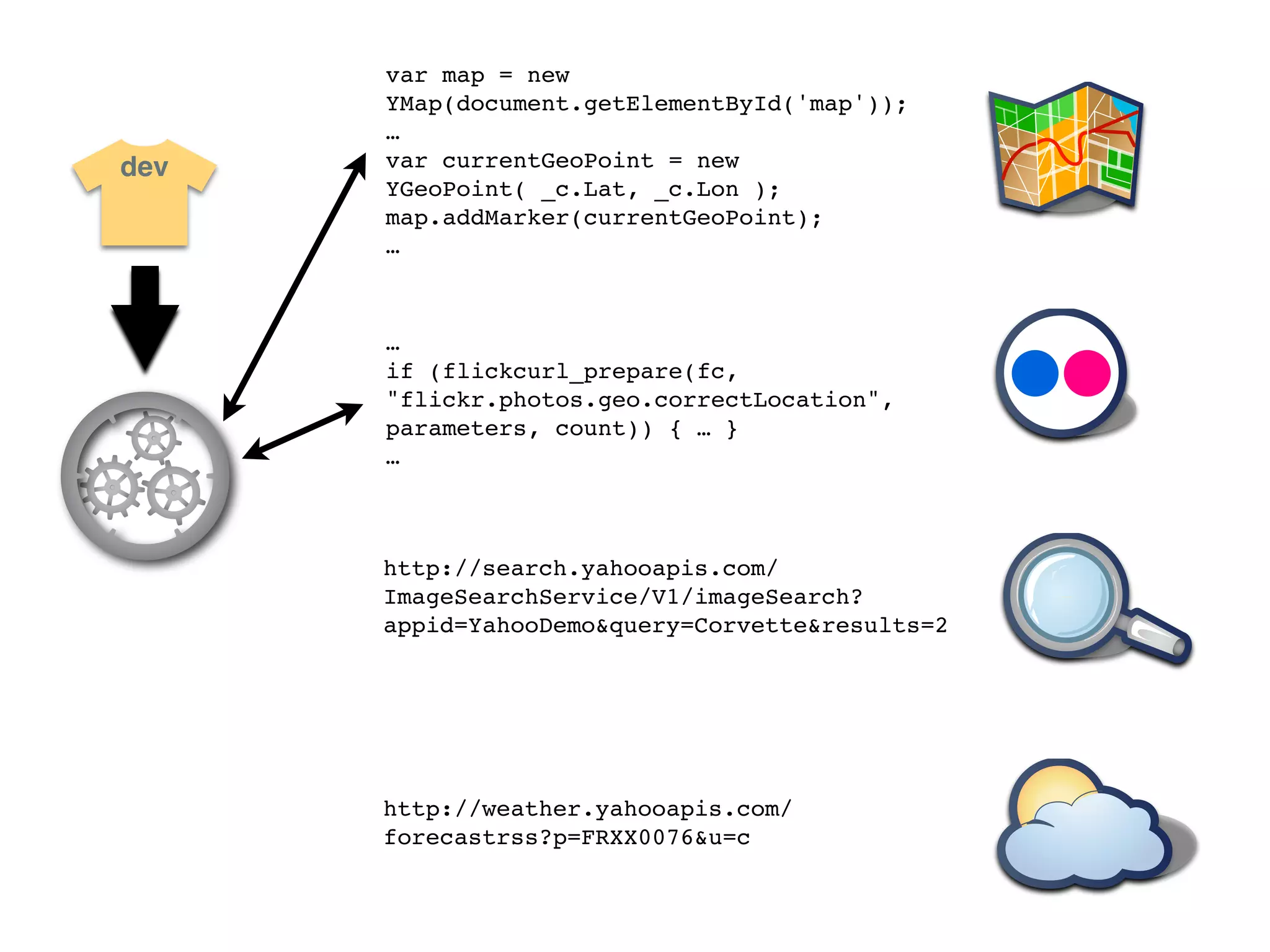
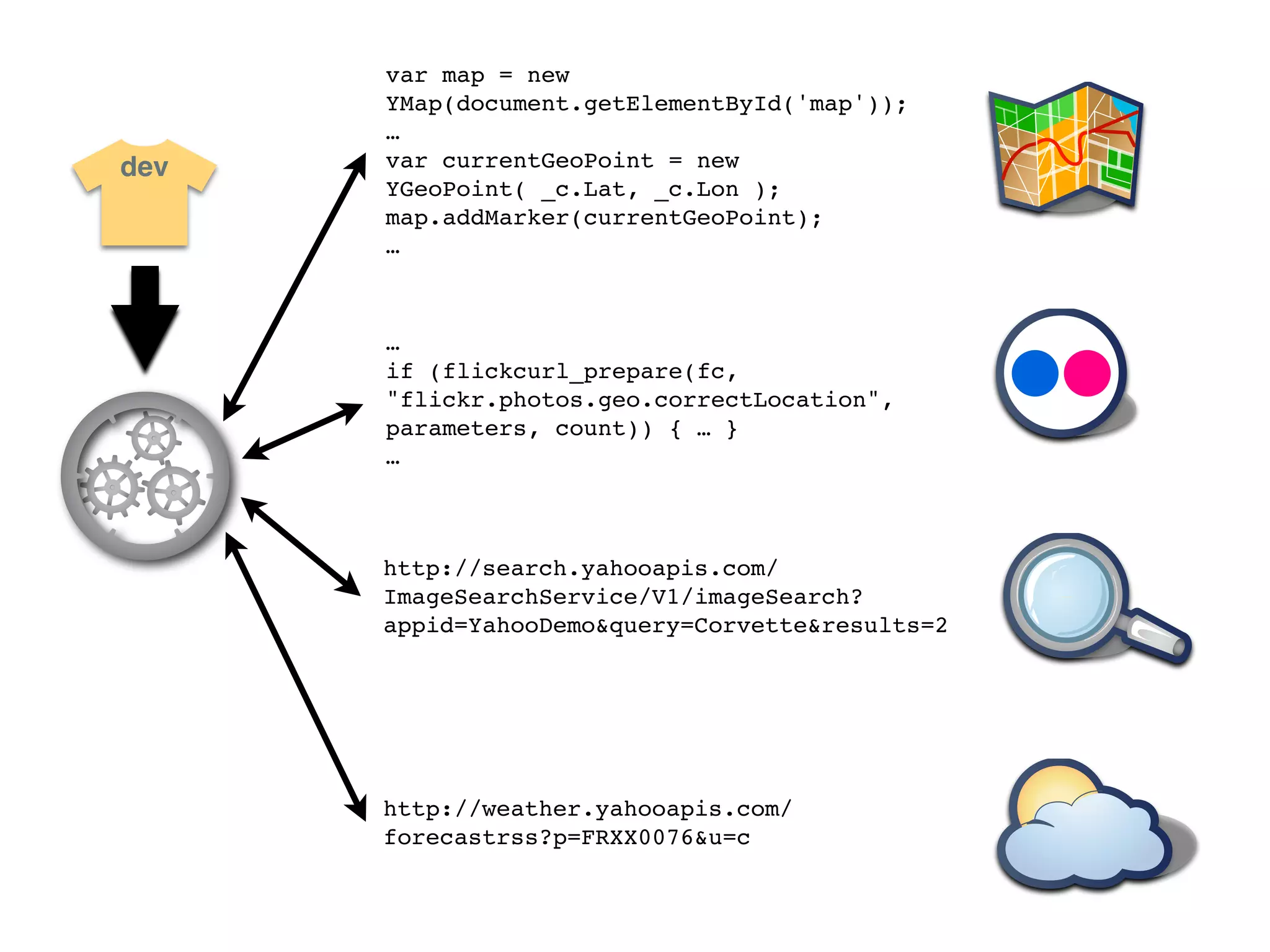
      http://weather.yahooapis.com/
      forecastrss?p=FRXX0076&u=c
var map = new
      YMap(document.getElementById('map'));
      …
dev   var currentGeoPoint = new
      YGeoPoint( _c.Lat, _c.Lon );
      map.addMarker(currentGeoPoint);
      …


      …
      if (flickcurl_prepare(fc,
      "flickr.photos.geo.correctLocation",
      parameters, count)) { … }
      …


      http://search.yahooapis.com/
      ImageSearchService/V1/imageSearch?
      appid=YahooDemo&query=Corvette&results=2


      http://weather.yahooapis.com/
      forecastrss?p=FRXX0076&u=c
var map = new
      YMap(document.getElementById('map'));
      …
dev   var currentGeoPoint = new
      YGeoPoint( _c.Lat, _c.Lon );
      map.addMarker(currentGeoPoint);
      …


      …
      if (flickcurl_prepare(fc,
      "flickr.photos.geo.correctLocation",
      parameters, count)) { … }
      …


      http://search.yahooapis.com/
      ImageSearchService/V1/imageSearch?
      appid=YahooDemo&query=Corvette&results=2


      http://weather.yahooapis.com/
      forecastrss?p=FRXX0076&u=c
var map = new
      YMap(document.getElementById('map'));
      …
dev   var currentGeoPoint = new
      YGeoPoint( _c.Lat, _c.Lon );
      map.addMarker(currentGeoPoint);
      …


      …
      if (flickcurl_prepare(fc,
      "flickr.photos.geo.correctLocation",
      parameters, count)) { … }
      …


      http://search.yahooapis.com/
      ImageSearchService/V1/imageSearch?
      appid=YahooDemo&query=Corvette&results=2


      http://weather.yahooapis.com/
      forecastrss?p=FRXX0076&u=c
var map = new
      YMap(document.getElementById('map'));
      …
dev   var currentGeoPoint = new
      YGeoPoint( _c.Lat, _c.Lon );
      map.addMarker(currentGeoPoint);
      …


      …
      if (flickcurl_prepare(fc,
      "flickr.photos.geo.correctLocation",
      parameters, count)) { … }
      …


      http://search.yahooapis.com/
      ImageSearchService/V1/imageSearch?
      appid=YahooDemo&query=Corvette&results=2


      http://weather.yahooapis.com/
      forecastrss?p=FRXX0076&u=c
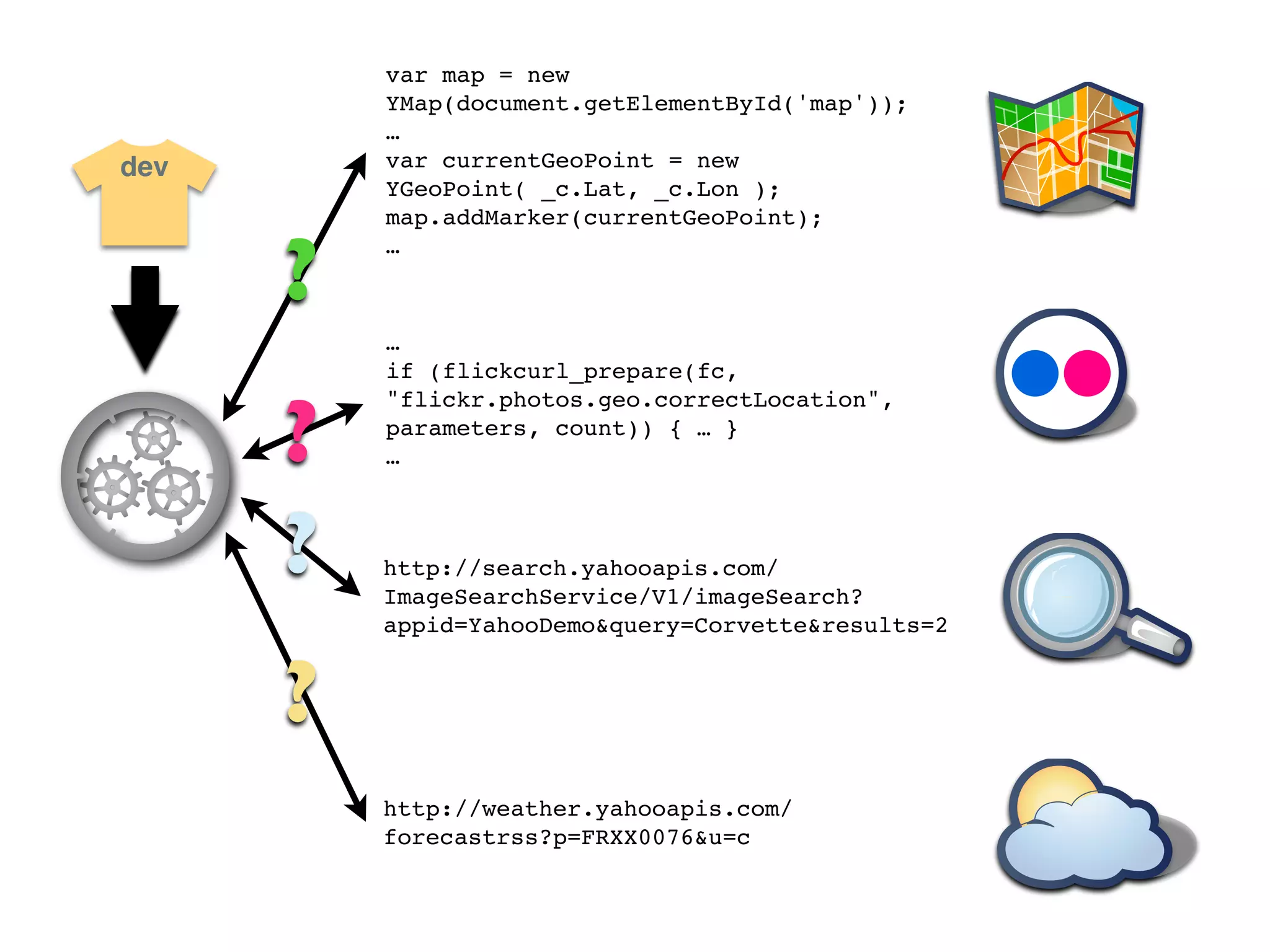
var map = new
          YMap(document.getElementById('map'));
          …
dev       var currentGeoPoint = new
          YGeoPoint( _c.Lat, _c.Lon );
          map.addMarker(currentGeoPoint);


      ?
          …


          …
          if (flickcurl_prepare(fc,


      ?
          "flickr.photos.geo.correctLocation",
          parameters, count)) { … }
          …


      ?   http://search.yahooapis.com/
          ImageSearchService/V1/imageSearch?
          appid=YahooDemo&query=Corvette&results=2


      ?
          http://weather.yahooapis.com/
          forecastrss?p=FRXX0076&u=c
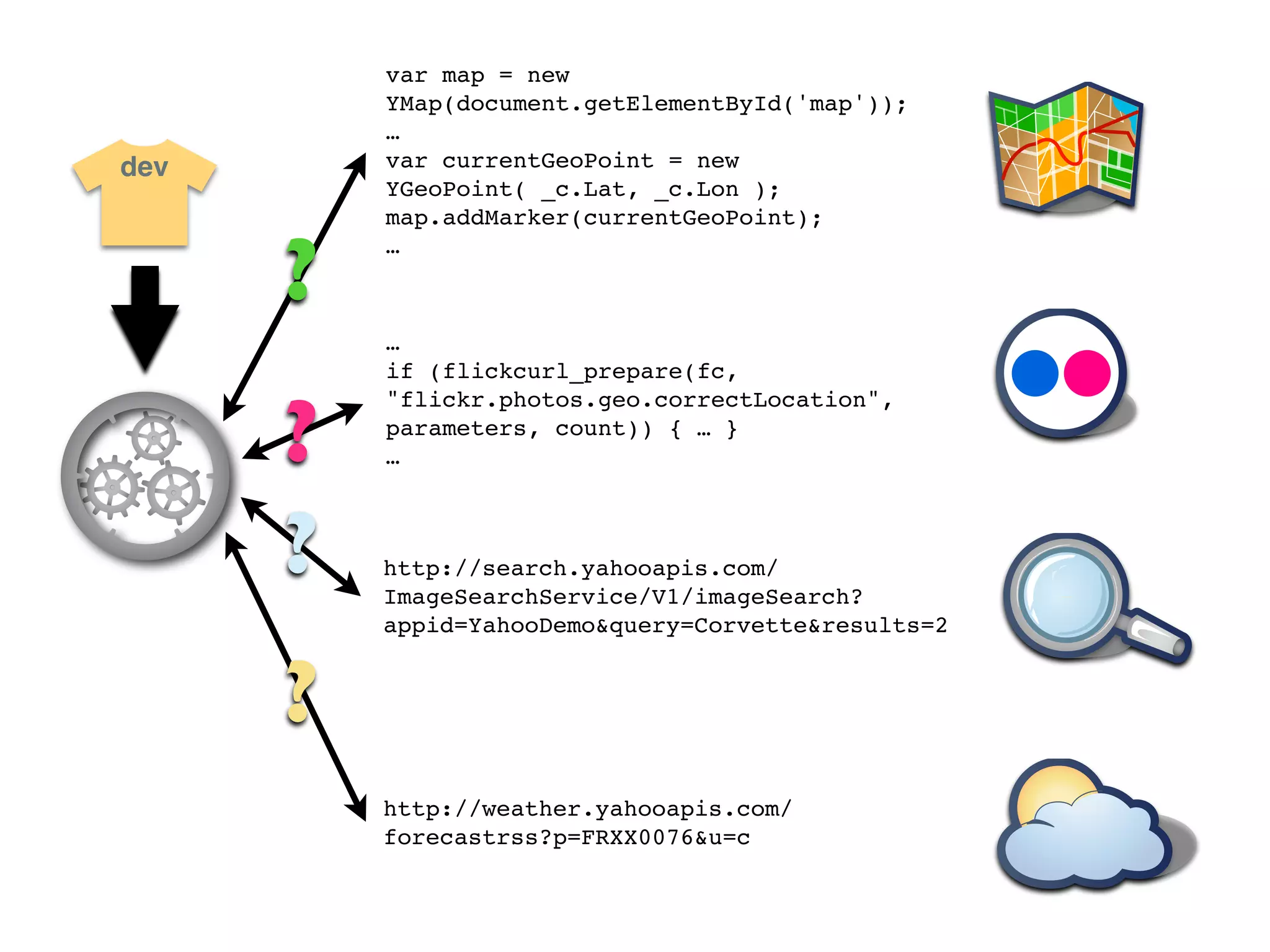
var map = new
          YMap(document.getElementById('map'));
          …
dev       var currentGeoPoint = new
          YGeoPoint( _c.Lat, _c.Lon );
          map.addMarker(currentGeoPoint);


      ?
          …


          …
          if (flickcurl_prepare(fc,


      ?
          "flickr.photos.geo.correctLocation",
          parameters, count)) { … }
          …


      ?   http://search.yahooapis.com/
          ImageSearchService/V1/imageSearch?
          appid=YahooDemo&query=Corvette&results=2


      ?
          http://weather.yahooapis.com/
          forecastrss?p=FRXX0076&u=c
var map = new
      YMap(document.getElementById('map'));
      …
dev   var currentGeoPoint = new
      YGeoPoint( _c.Lat, _c.Lon );
      map.addMarker(currentGeoPoint);
      …


      …
      if (flickcurl_prepare(fc,
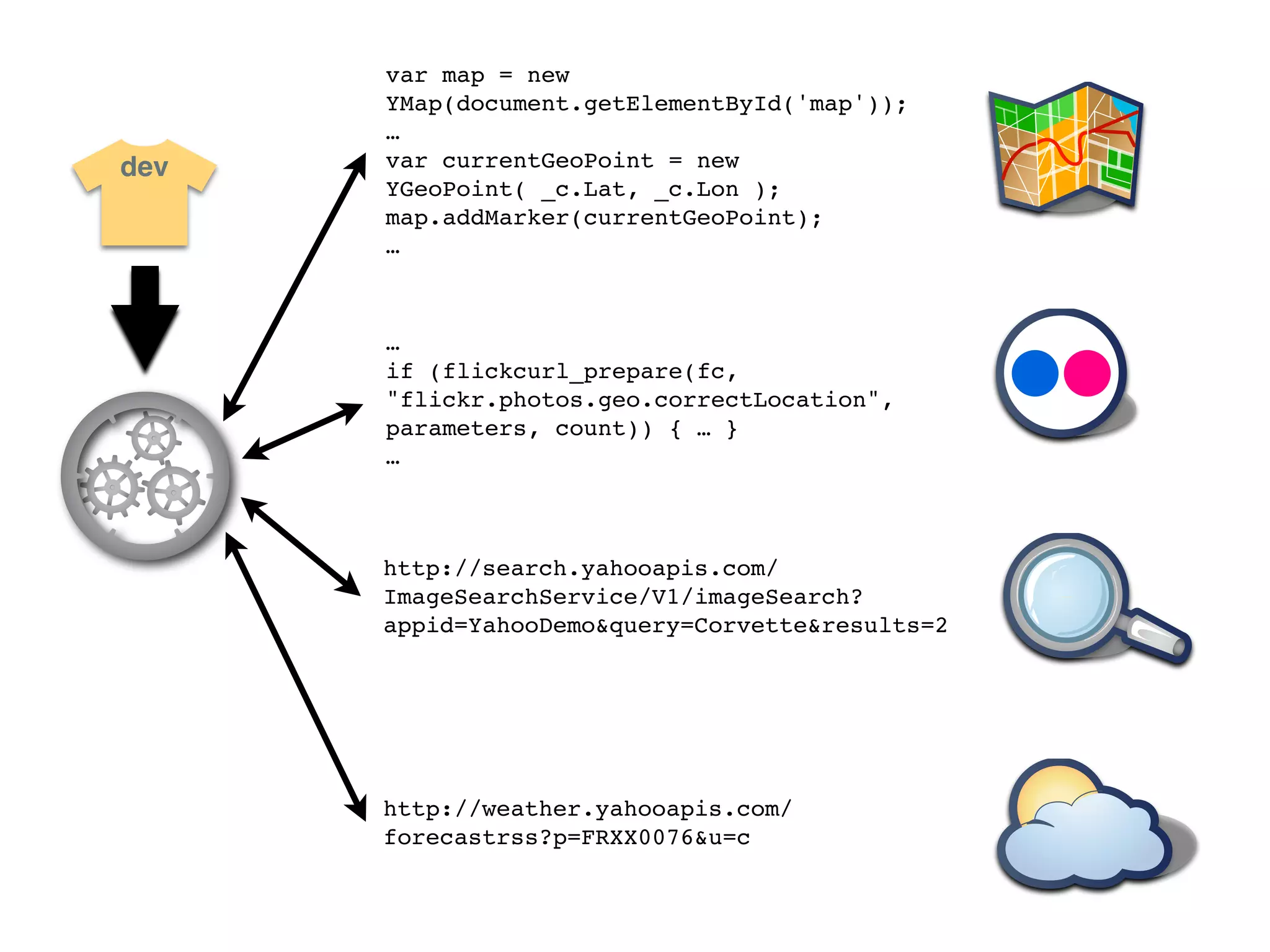
      "flickr.photos.geo.correctLocation",
      parameters, count)) { … }
      …


      http://search.yahooapis.com/
      ImageSearchService/V1/imageSearch?
      appid=YahooDemo&query=Corvette&results=2


      http://weather.yahooapis.com/
      forecastrss?p=FRXX0076&u=c
dev


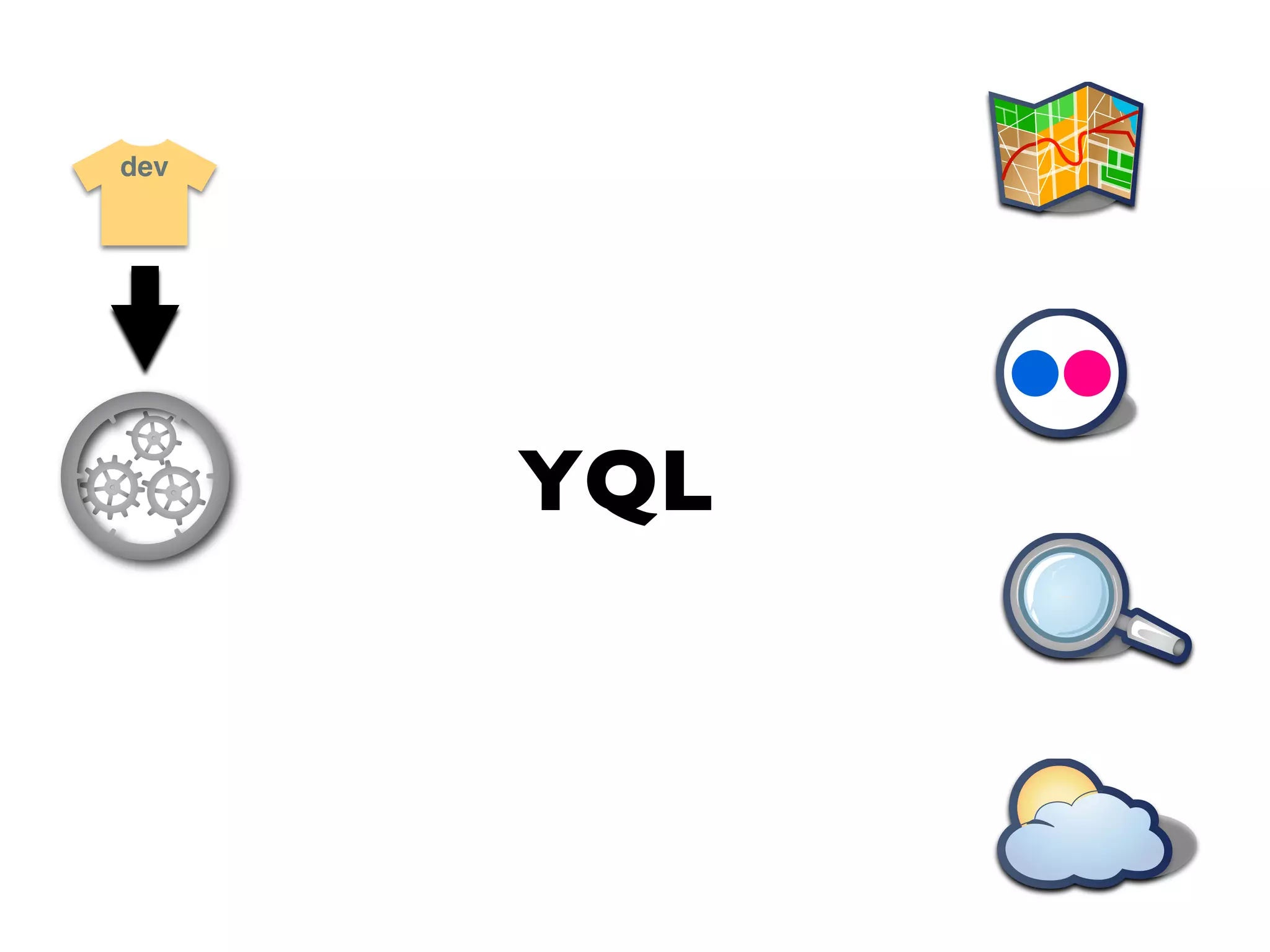
      YQL
dev


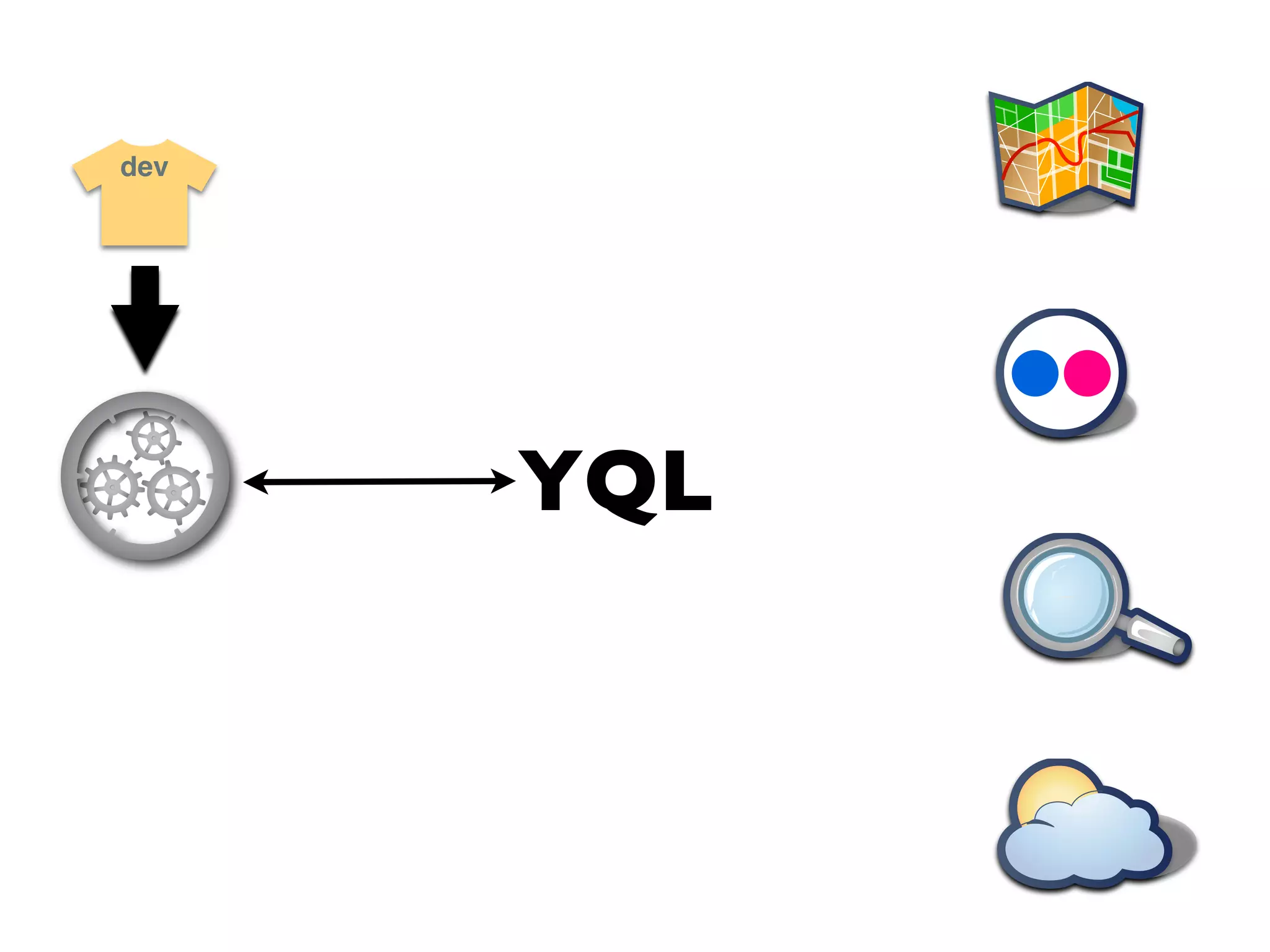
      YQL
dev


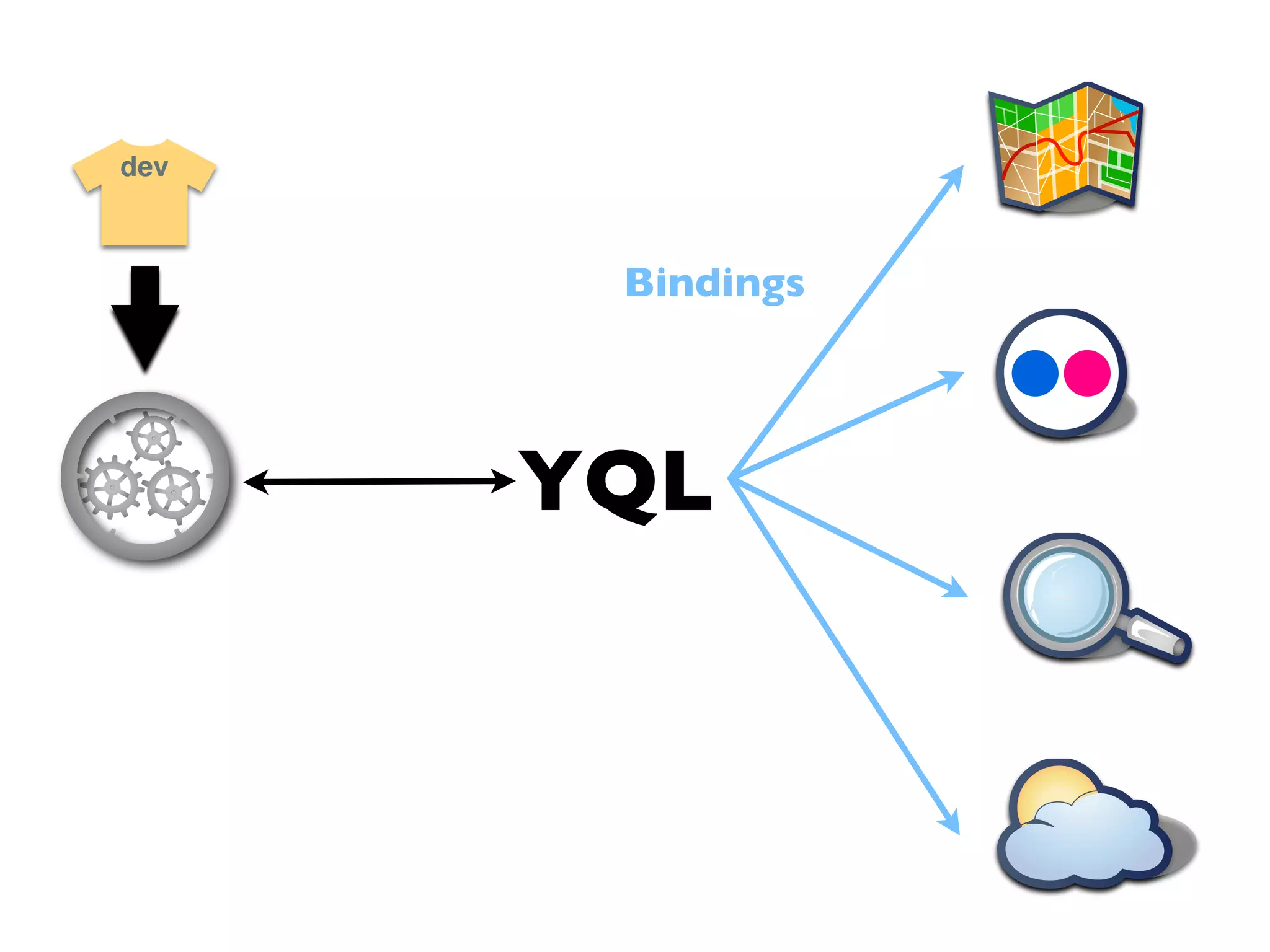
       Bindings


      YQL
Demo time
http://developer.yahoo.com/yql/console/
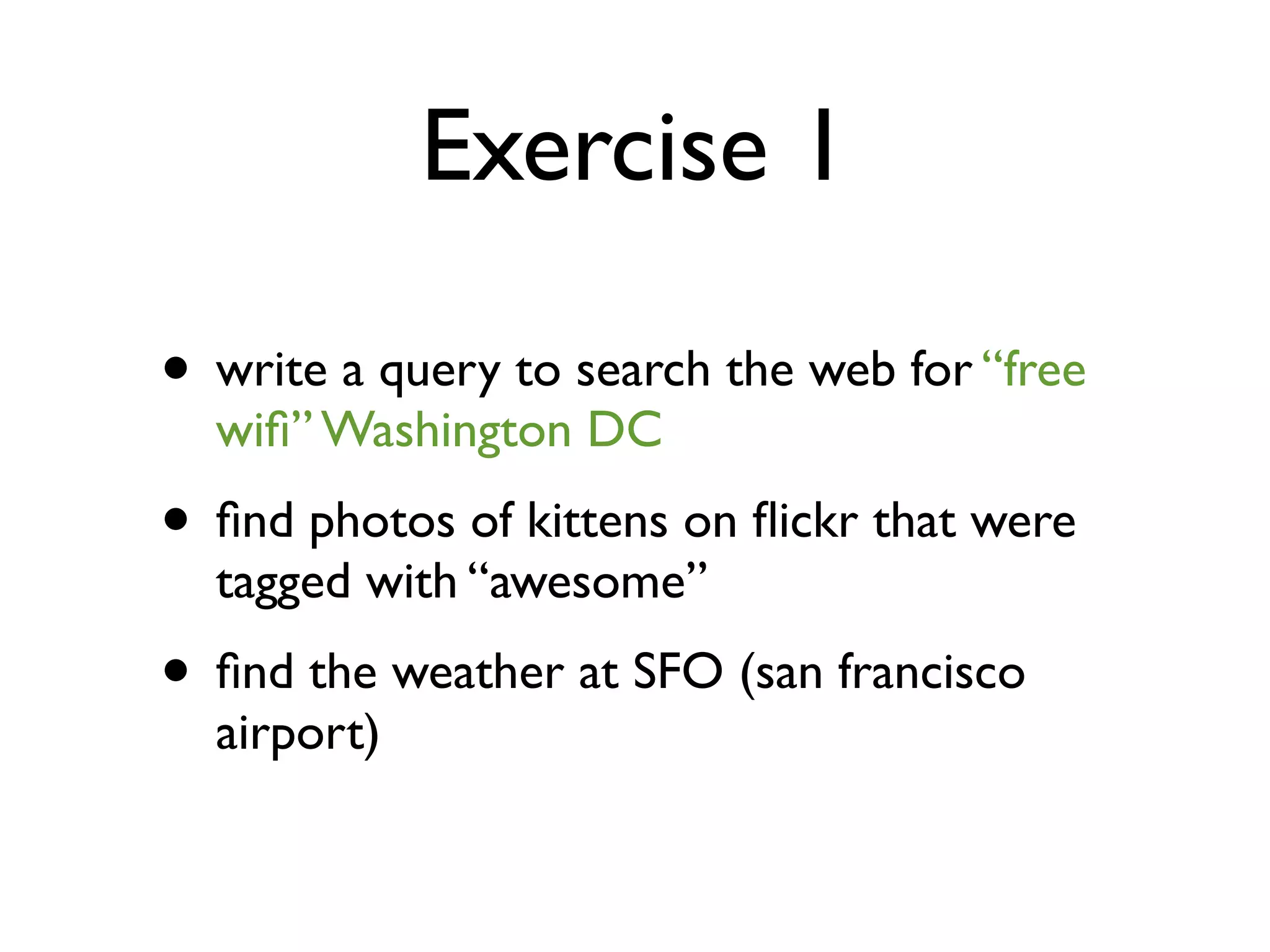
Exercise 1

• write a query to search the web for “free
  wifi” Washington DC
• find photos of kittens on flickr that were
  tagged with “awesome”
• find the weather at SFO (san francisco
  airport)
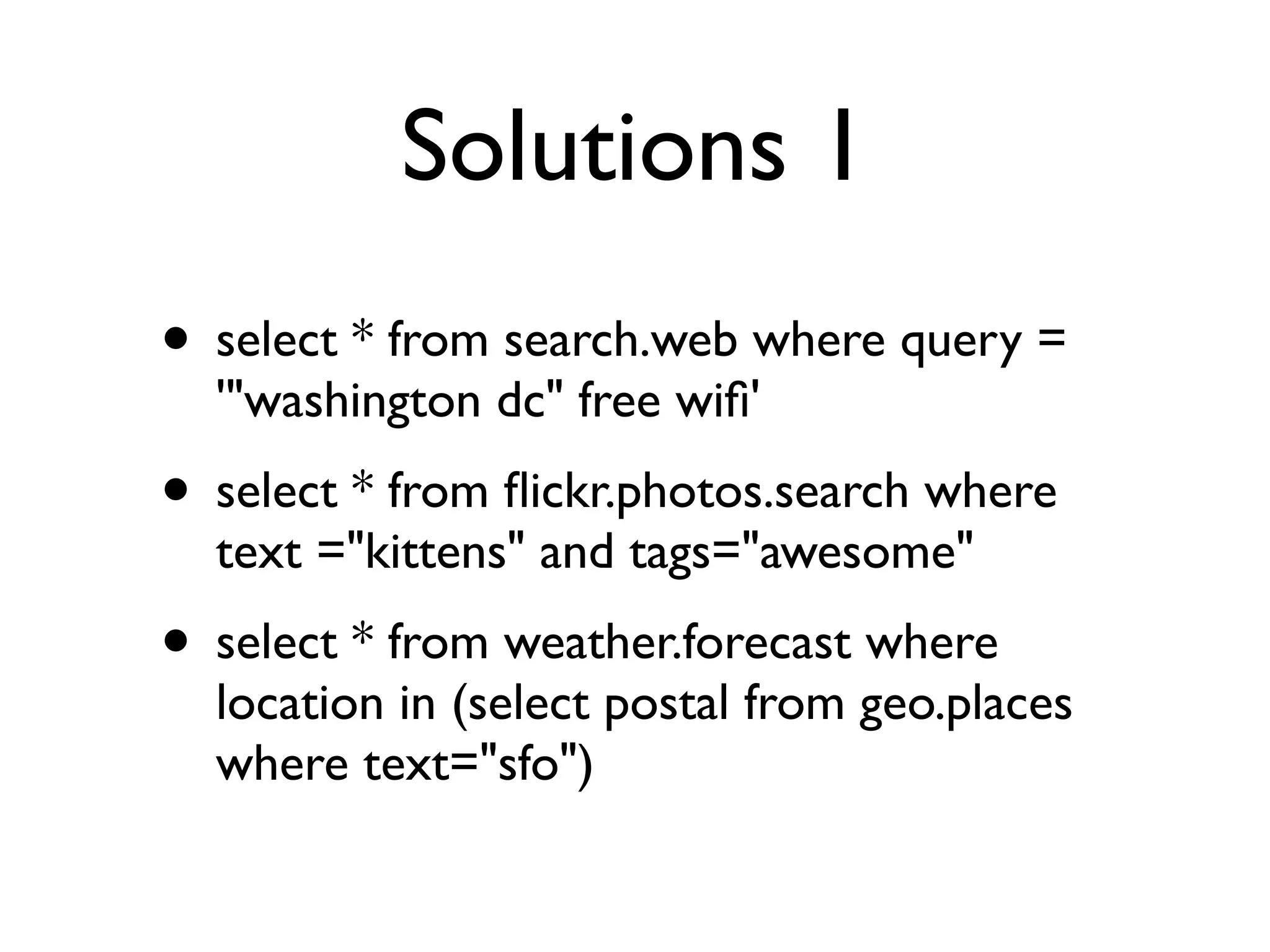
Solutions 1
• select * from search.web where query =
  '"washington dc" free wifi'
• select * from flickr.photos.search where
  text ="kittens" and tags="awesome"
• select * from weather.forecast where
  location in (select postal from geo.places
  where text="sfo")
Demo time part deux
  http://developer.yahoo.com/yql/console/
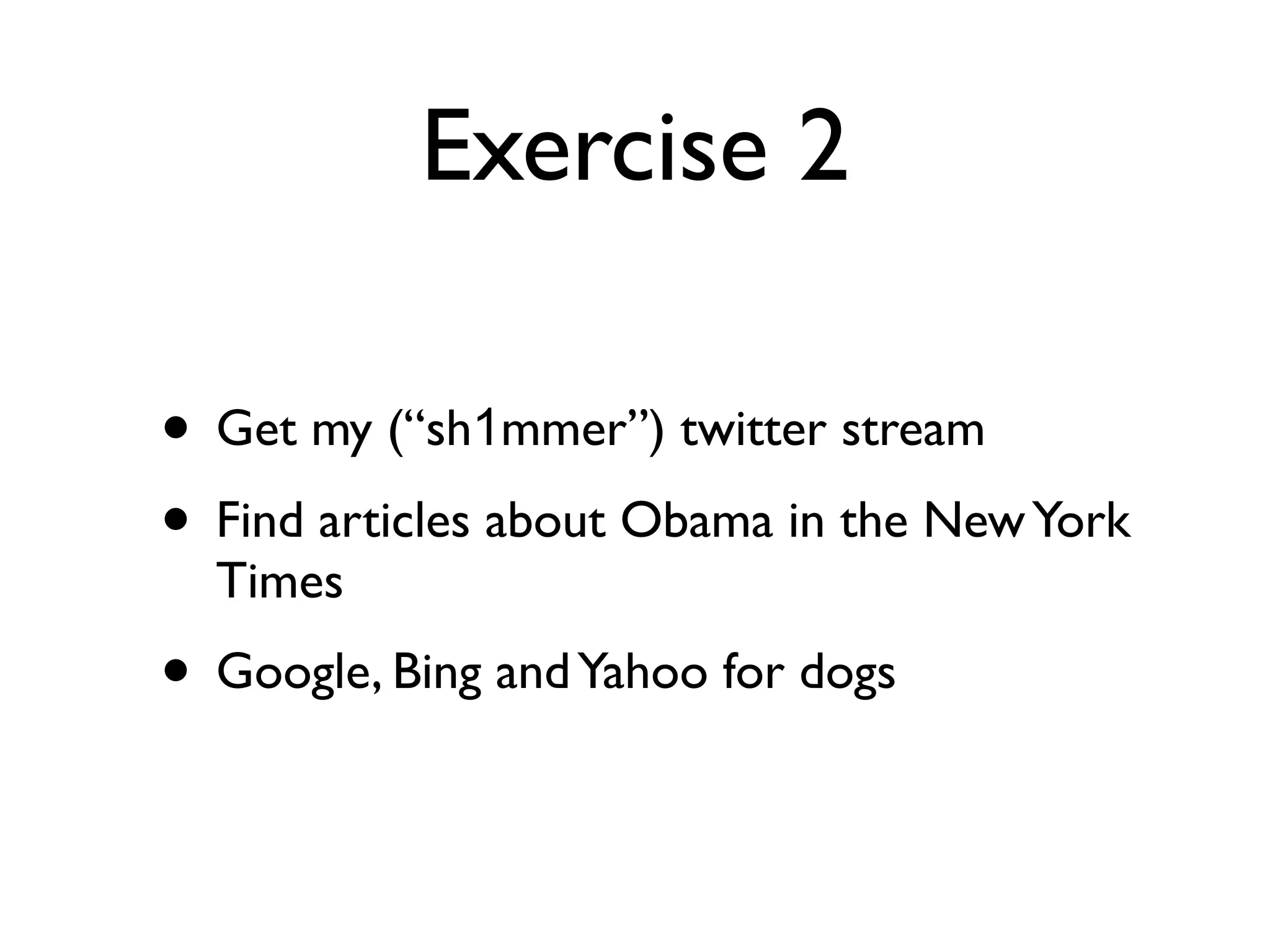
Exercise 2

• Get my (“sh1mmer”) twitter stream
• Find articles about Obama in the New York
  Times
• Google, Bing and Yahoo for dogs
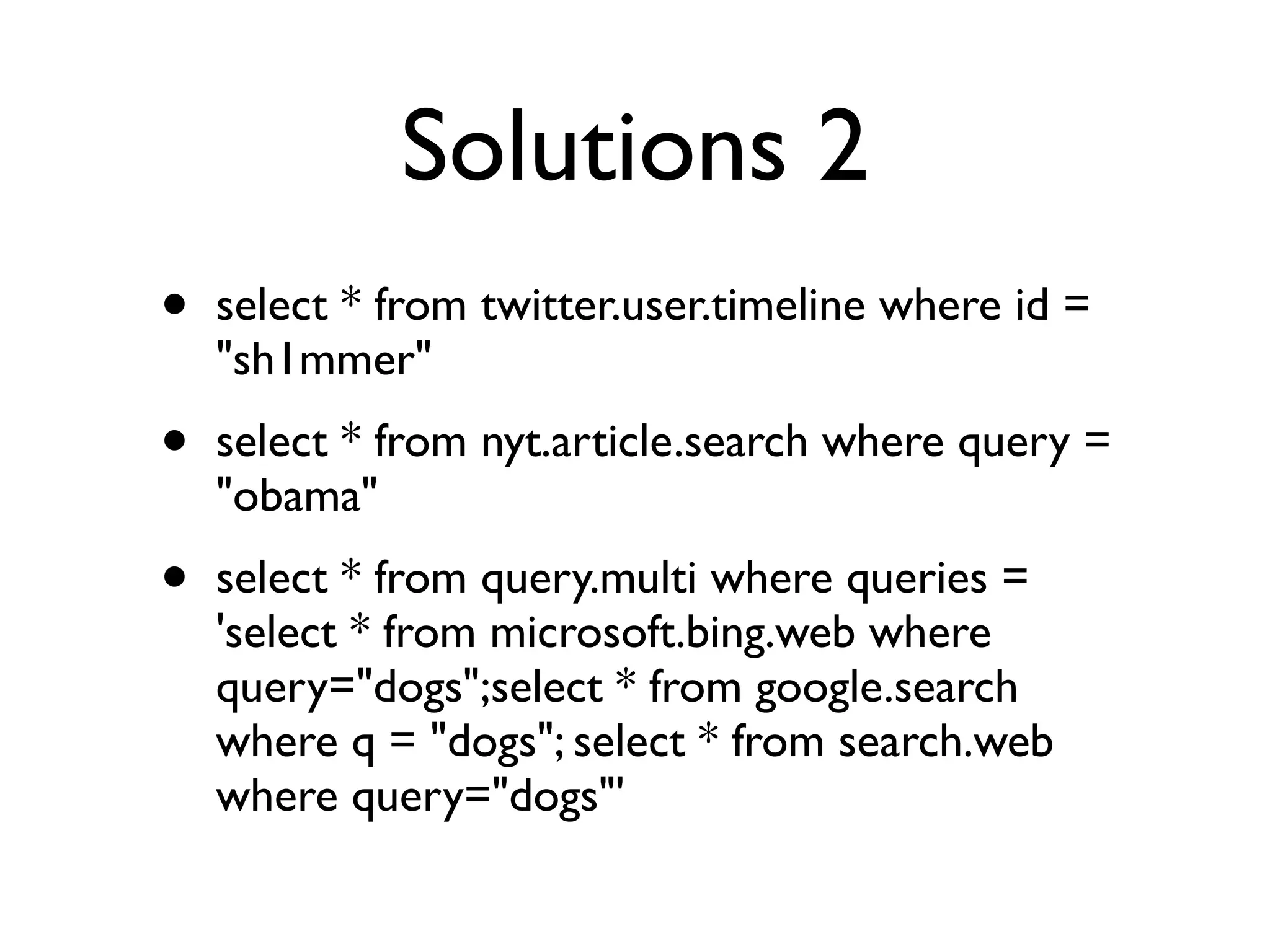
Solutions 2
•   select * from twitter.user.timeline where id =
    "sh1mmer"
•   select * from nyt.article.search where query =
    "obama"
•   select * from query.multi where queries =
    'select * from microsoft.bing.web where
    query="dogs";select * from google.search
    where q = "dogs"; select * from search.web
    where query="dogs"'
YQL in Practice
20 tiny steps to a working application

             You’ll need:
               Firefox
               Firebug
             Text editor
Step 1.
Login to the console with your Yahoo! login
  http://developer.yahoo.com/yql/console
Step 2.
 Find the statement box and
run the first query with test.
Step 3.
Check out the formatted view.
Step 4.
Run the statement “desc html”
Step 5.
    Find the keys,
note the required keys.
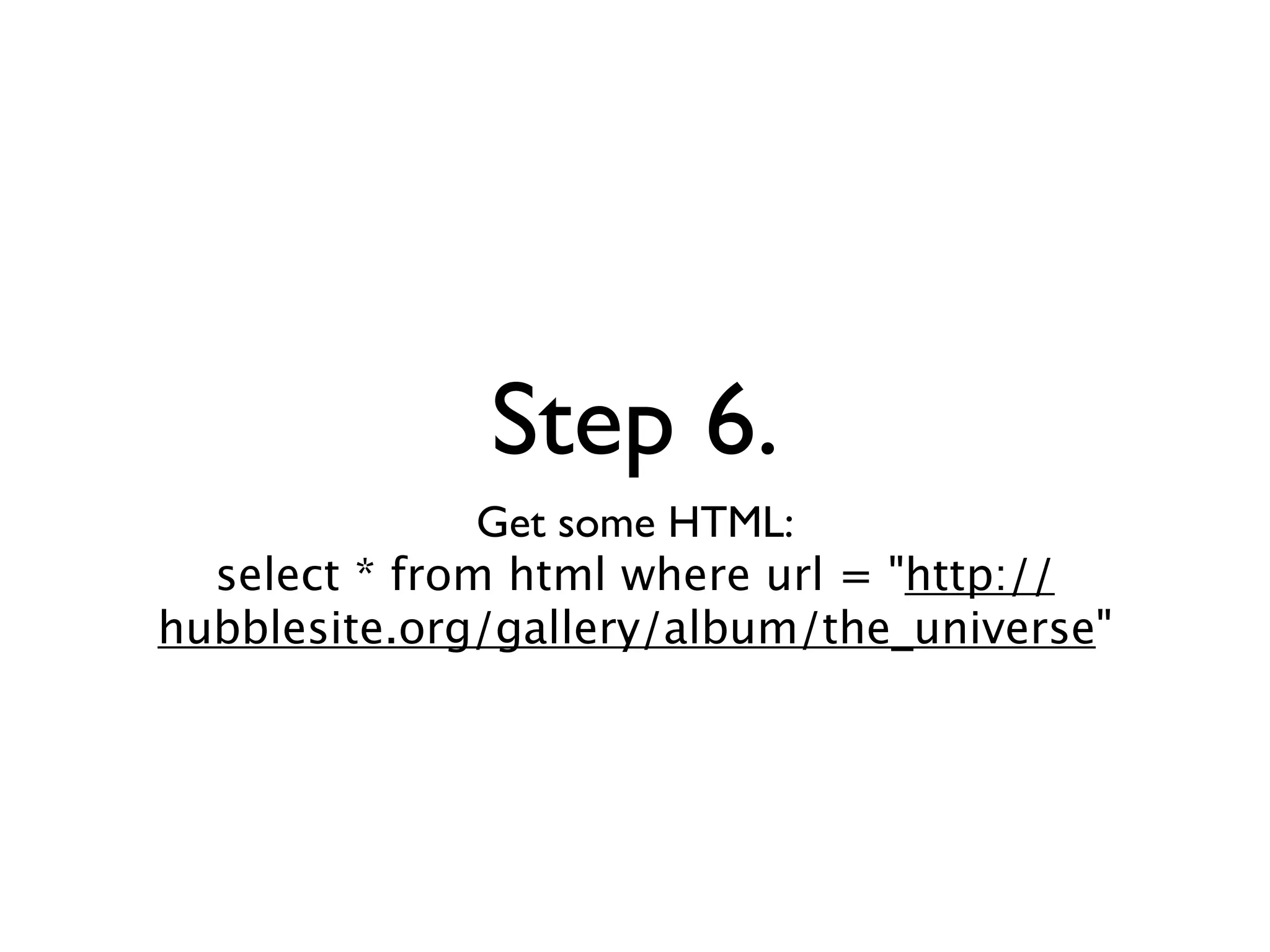
Step 6.
               Get some HTML:
  select * from html where url = "http://
hubblesite.org/gallery/album/the_universe"
Step 7.
 Check out the result.
See the HTML in there?
Step 8.
Open http://hubblesite.org/gallery/album/the_universe
                      in Firefox.
Right click on a thumbnail and click “Inspect Element”
Step 9.
    Find the element in Firebug.
Right click and select “Copy XPath”
Step 10.
Add and xpath = "" to your query.
  Paste in the XPath from Firebug
Step 11.
Test your statement and
   refine your XPath.
Step 12.
Add limit 10 to your statement
Step 13.
      Let’s get out of the console.
Copy the “Rest Query” url into a new tab
Step 14.
        Let’s embed this in a web page.
            Download the files from
http://github.com/sh1mmer/dotnet-yql-tutorial
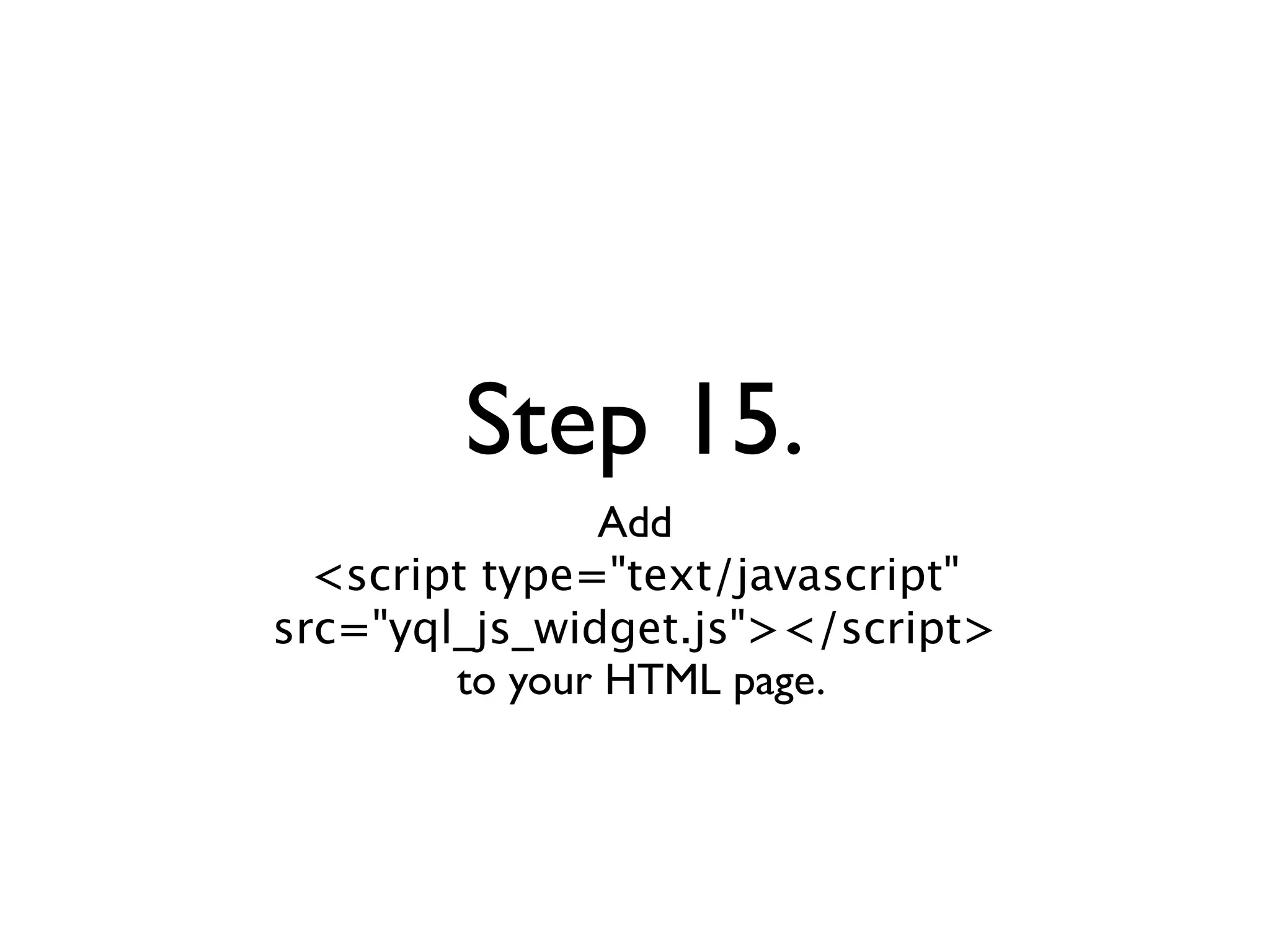
Step 15.
               Add
  <script type="text/javascript"
src="yql_js_widget.js"></script>
        to your HTML page.
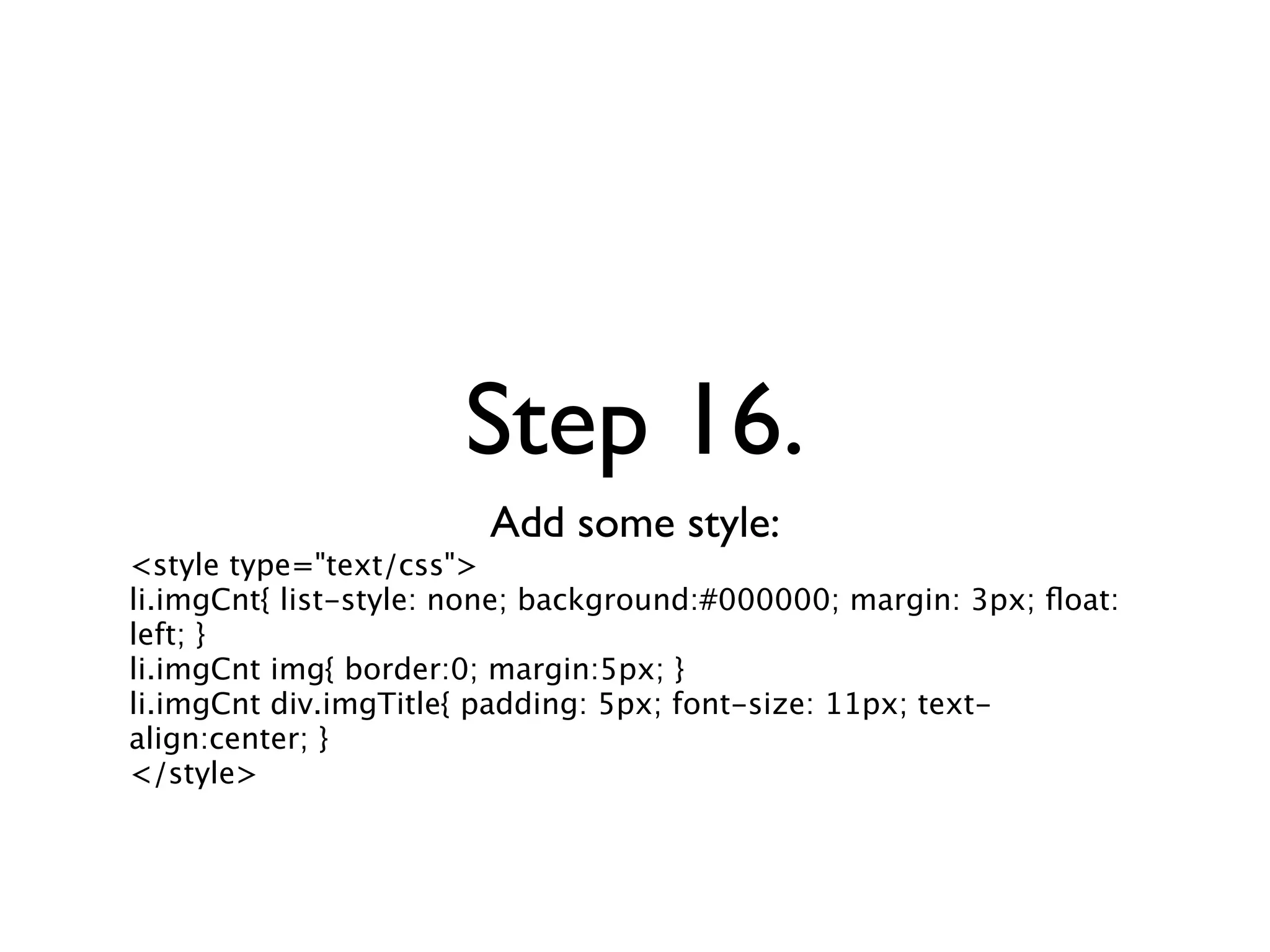
Step 16.
                        Add some style:
<style type="text/css">
li.imgCnt{ list-style: none; background:#000000; margin: 3px; float:
left; }
li.imgCnt img{ border:0; margin:5px; }
li.imgCnt div.imgTitle{ padding: 5px; font-size: 11px; text-
align:center; }
</style>
Step 17.
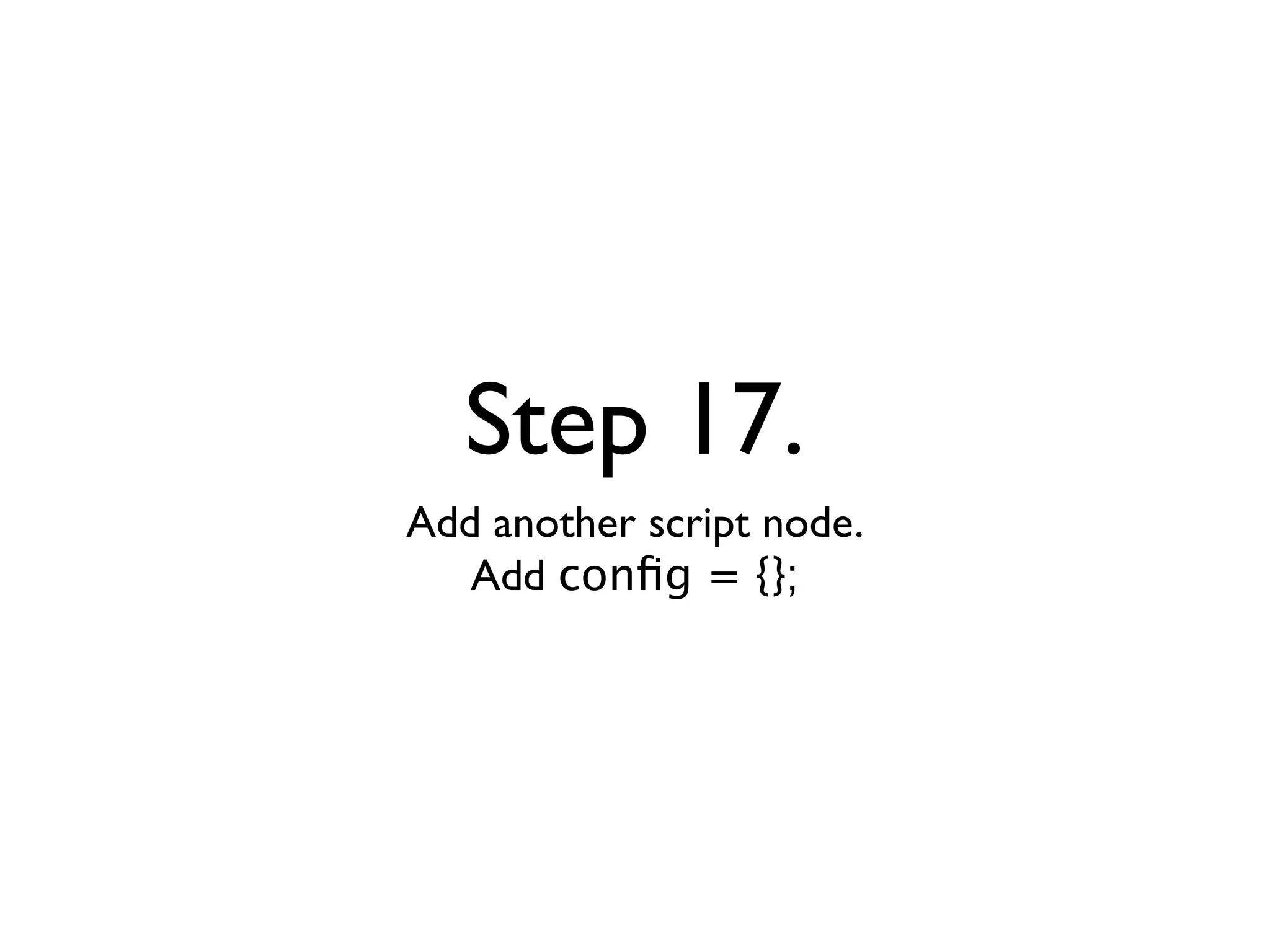
Add another script node.
   Add config = {};
Step 18.
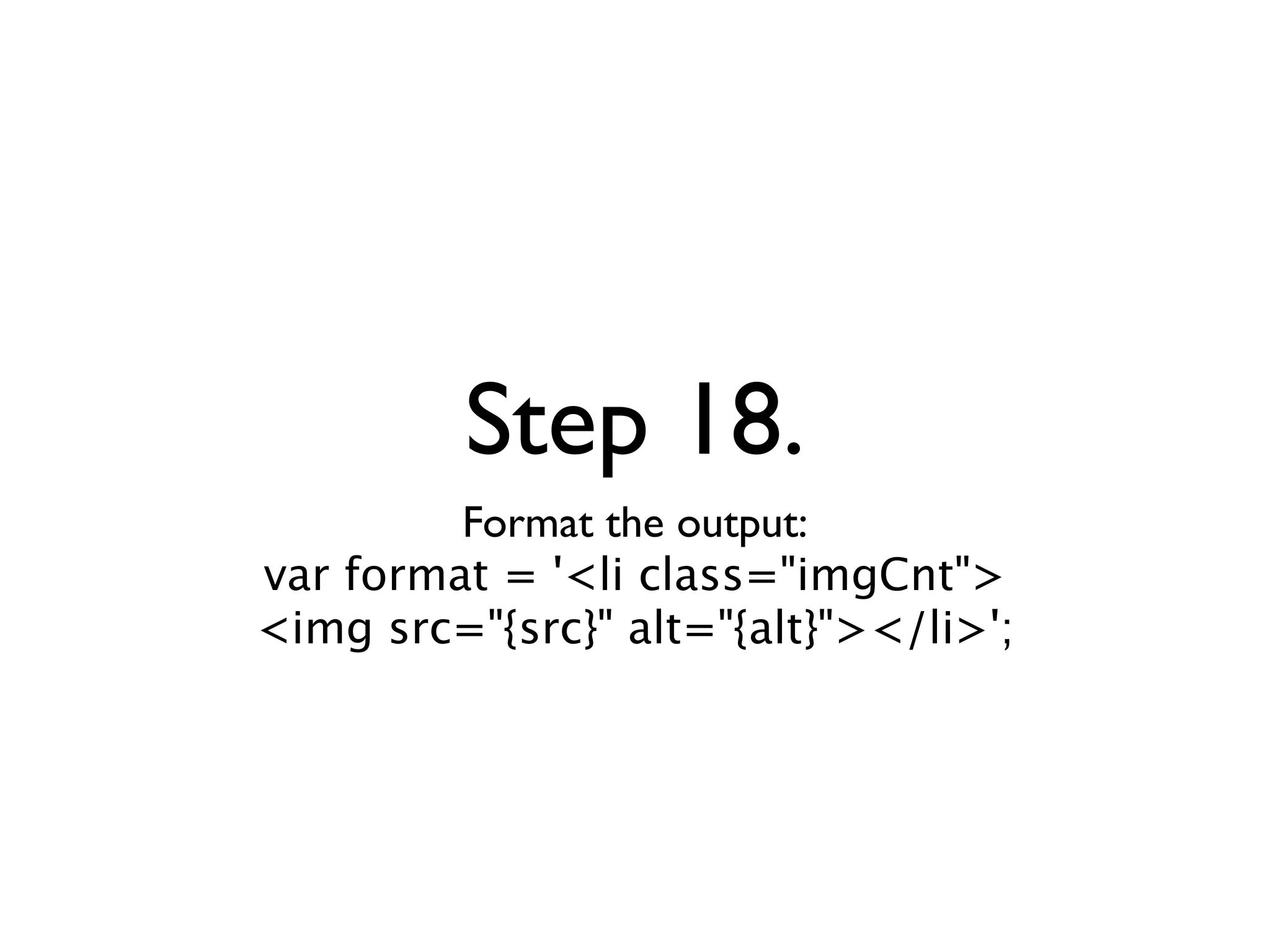
         Format the output:
var format = '<li class="imgCnt">
<img src="{src}" alt="{alt}"></li>';
Step 19.
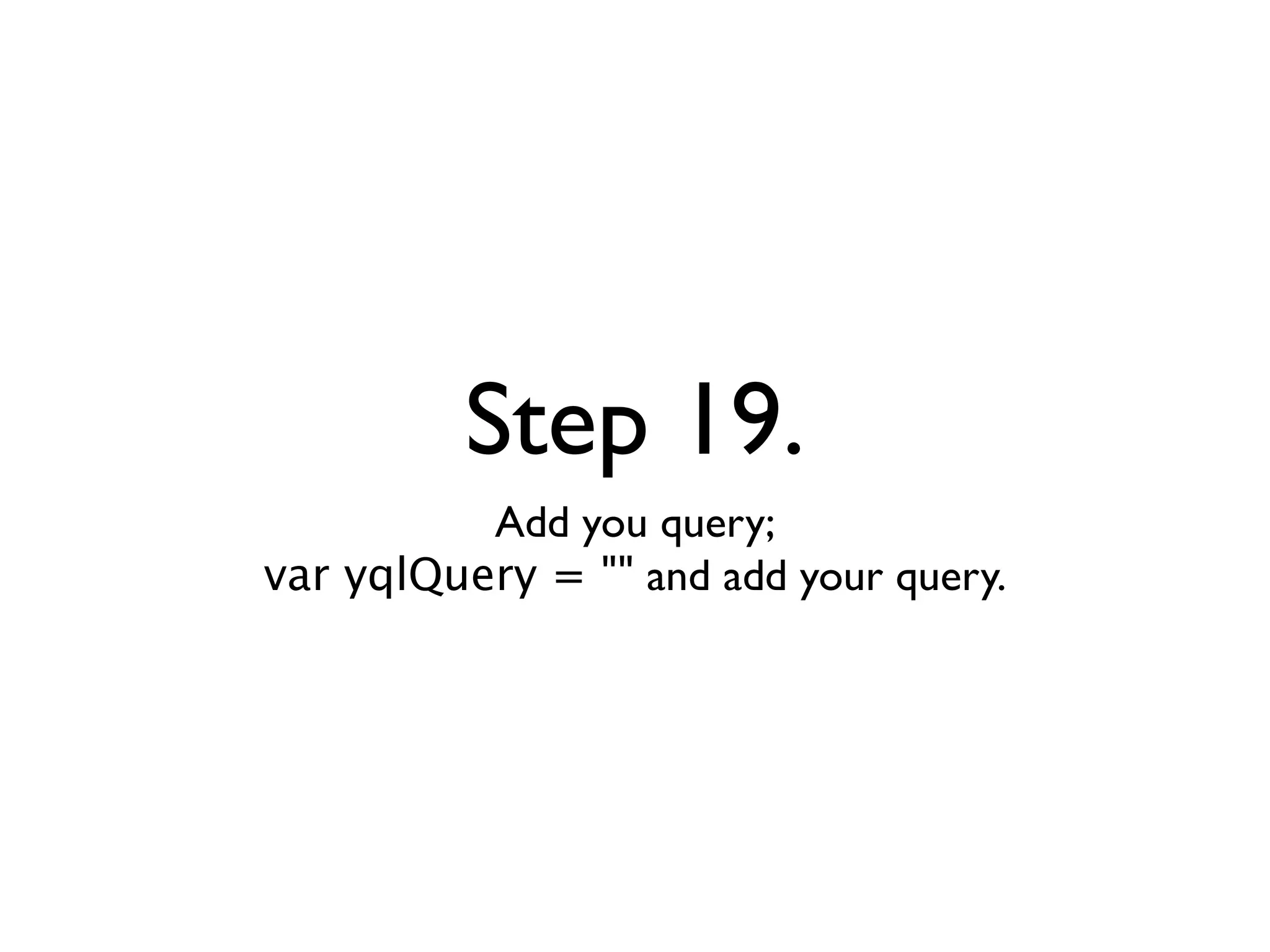
          Add you query;
var yqlQuery = "" and add your query.
Step 20.
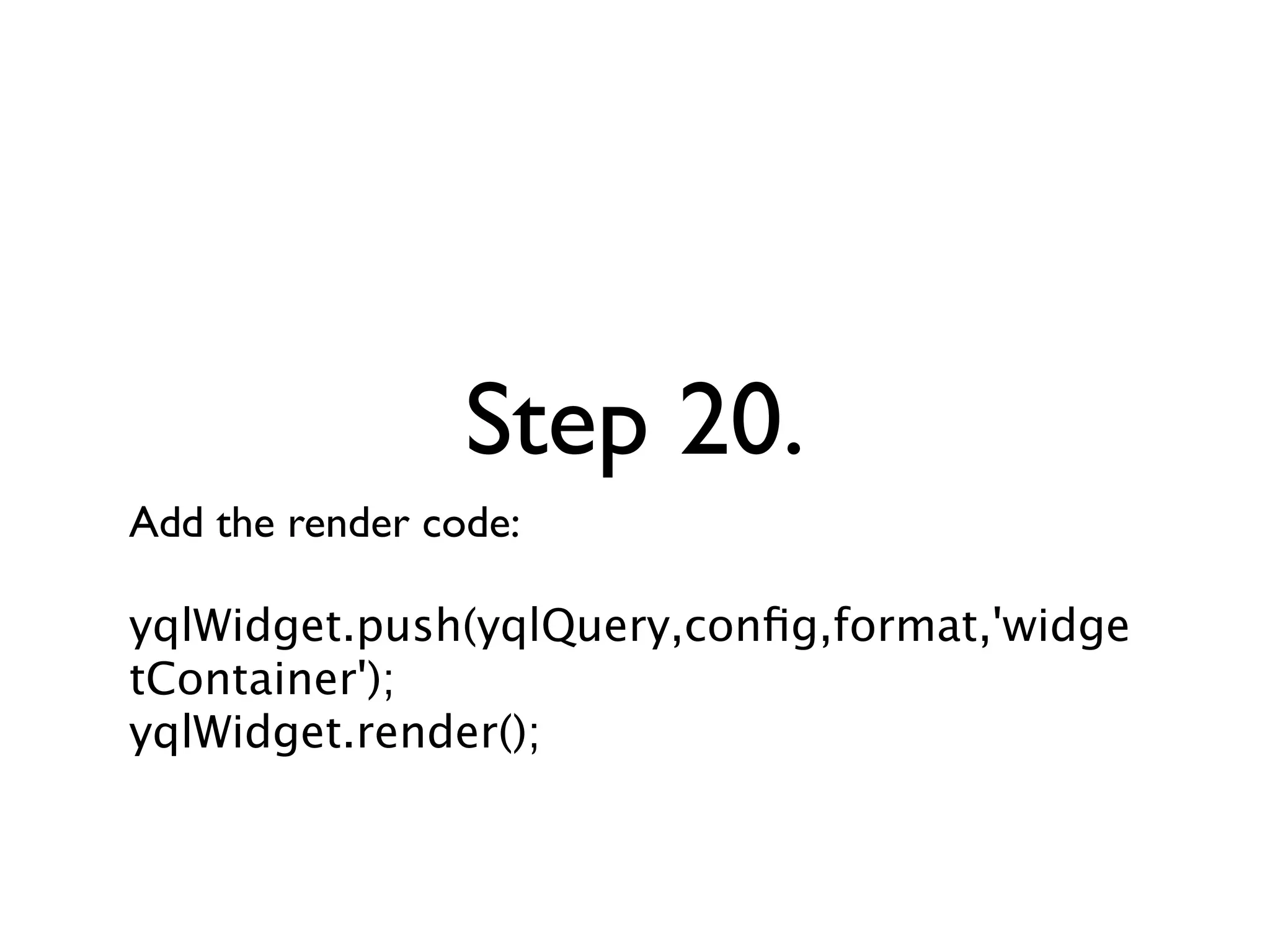
Add the render code:

yqlWidget.push(yqlQuery,config,format,'widge
tContainer');
yqlWidget.render();
Now in YUI 3
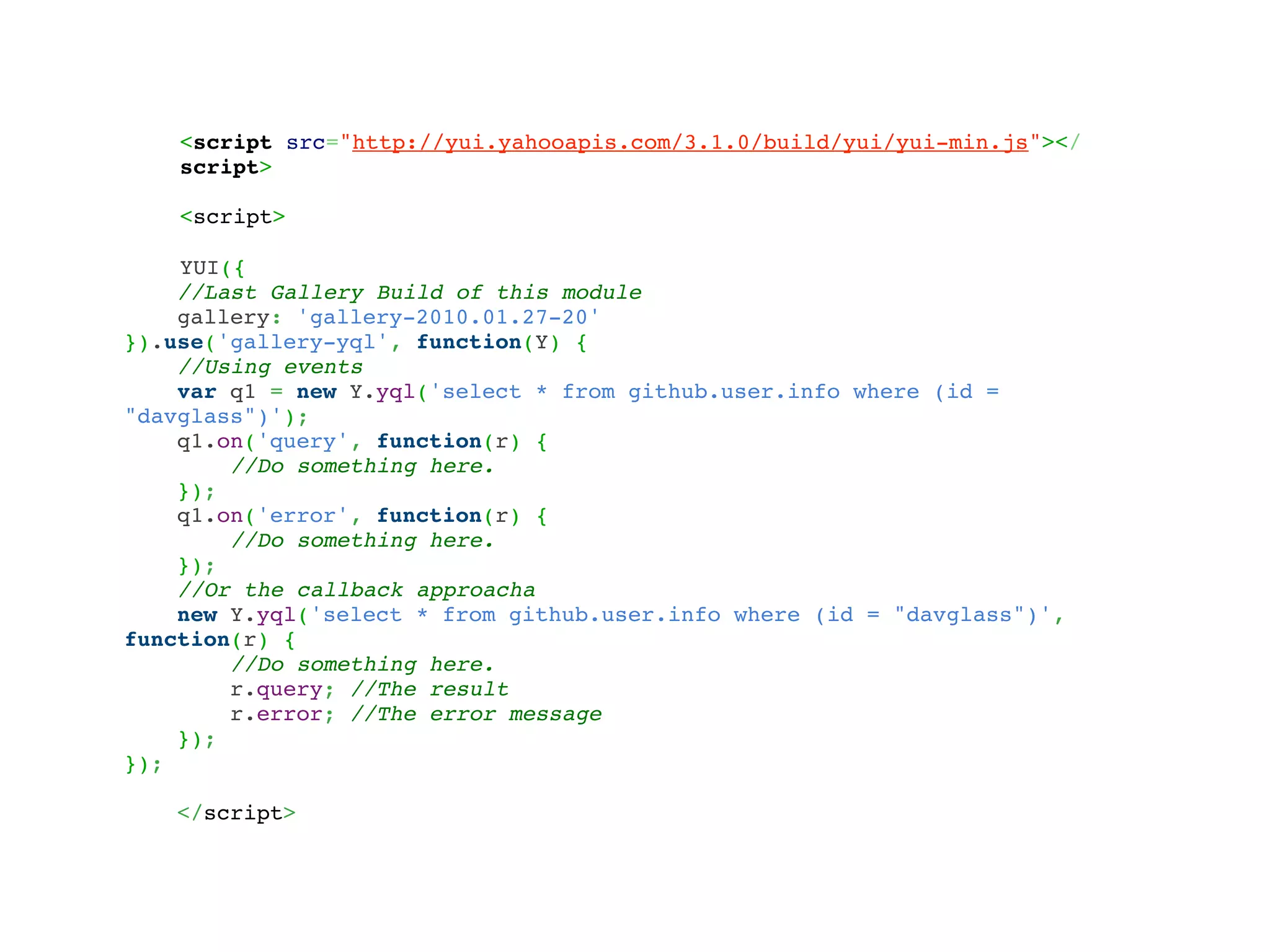
<script src="http://yui.yahooapis.com/3.1.0/build/yui/yui-min.js"></
    script>

    <script>

    YUI({
    //Last Gallery Build of this module
    gallery: 'gallery-2010.01.27-20'
}).use('gallery-yql', function(Y) {
    //Using events
    var q1 = new Y.yql('select * from github.user.info where (id =
"davglass")');
    q1.on('query', function(r) {
        //Do something here.
    });
    q1.on('error', function(r) {
        //Do something here.
    });
    //Or the callback approacha
    new Y.yql('select * from github.user.info where (id = "davglass")',
function(r) {
        //Do something here.
        r.query; //The result
        r.error; //The error message
    });
});

   </script>
Advanced
                YQL
Advanced Queries, I/U/D, Open Tables and Using YQL
                  with JavaScript
Basics
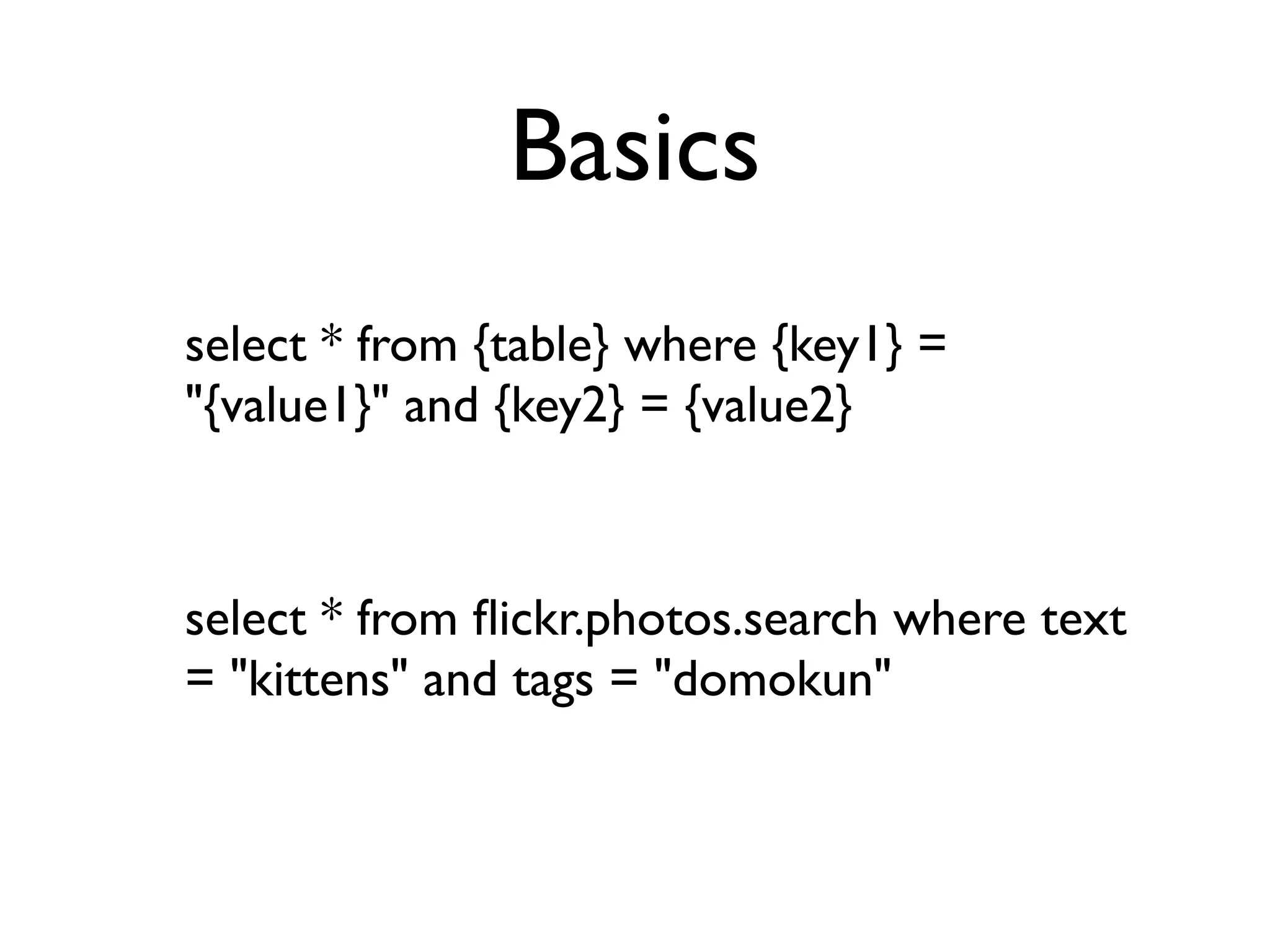
select * from {table} where {key1} =
"{value1}" and {key2} = {value2}


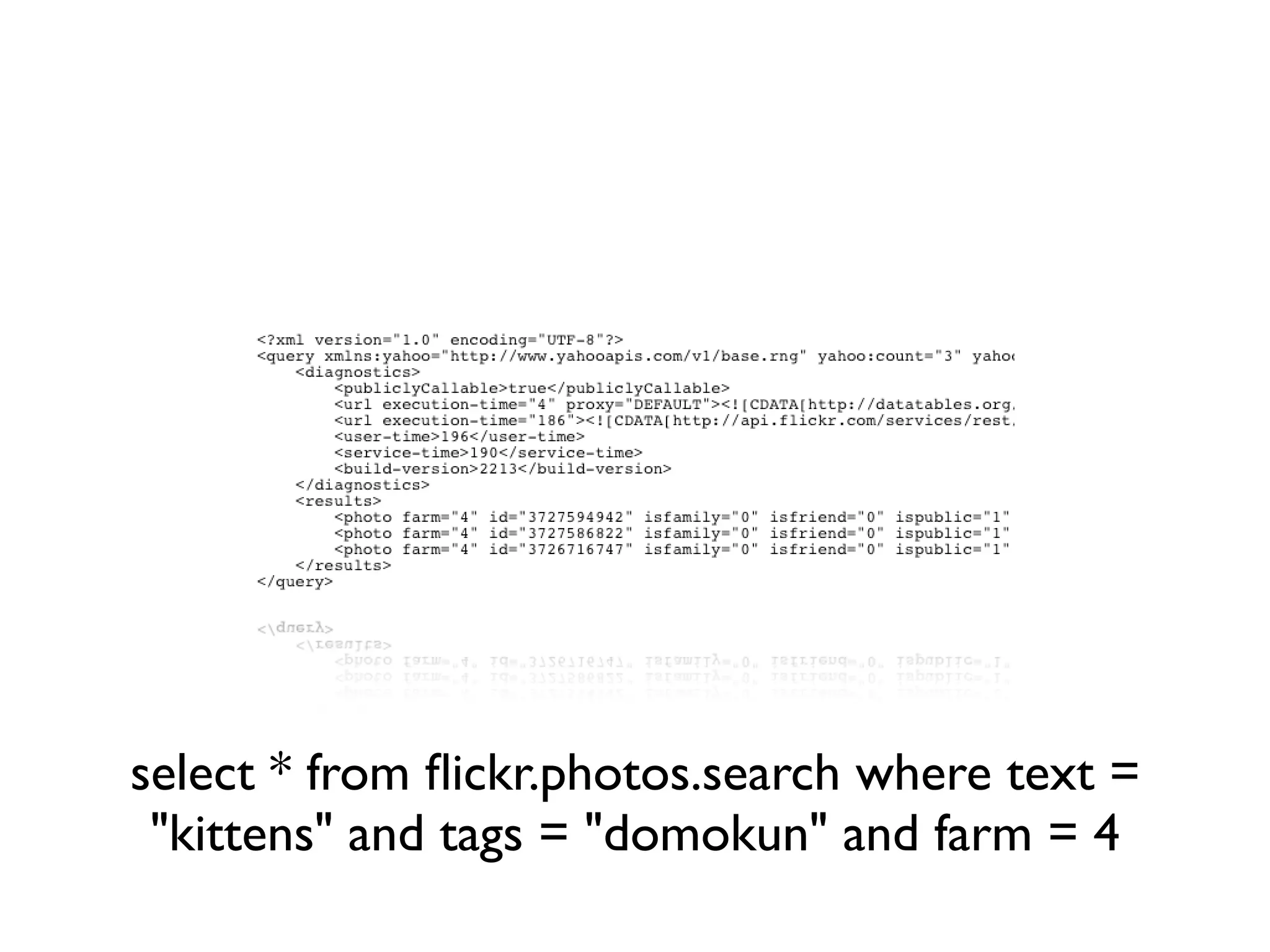
select * from flickr.photos.search where text
= "kittens" and tags = "domokun"
Remote vs. Local
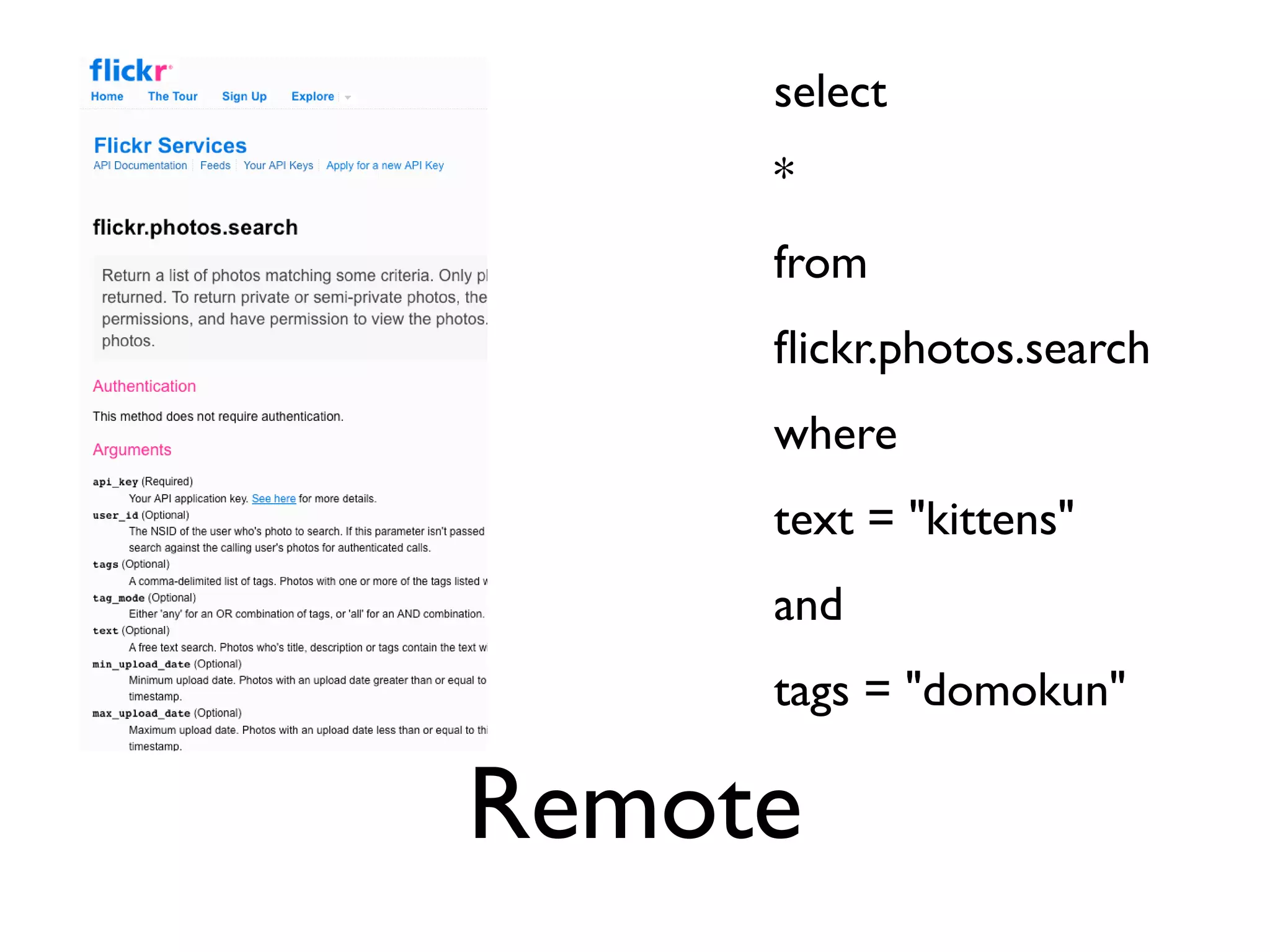
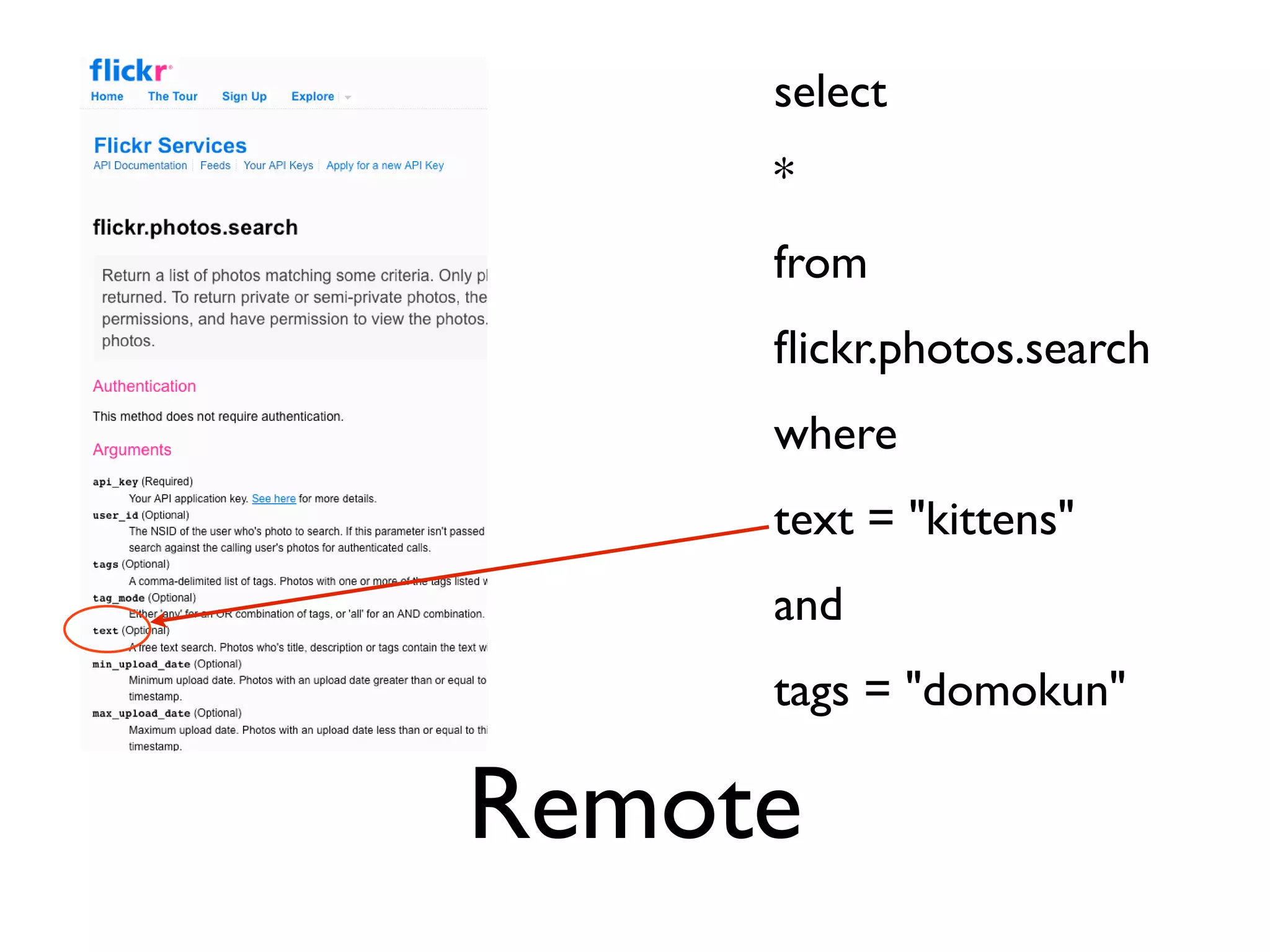
select
     *
     from
     flickr.photos.search
     where
     text = "kittens"
     and
     tags = "domokun"

Remote
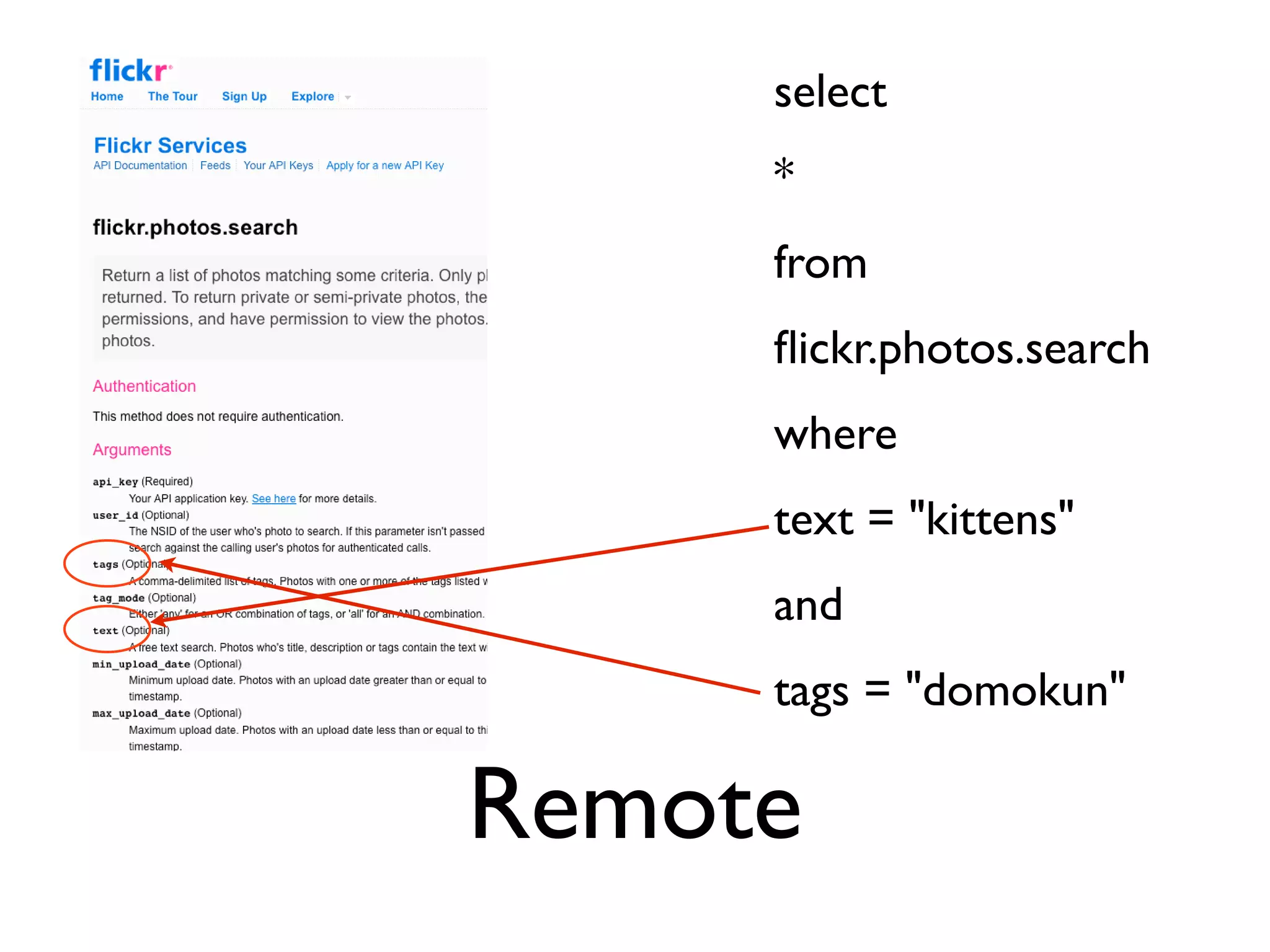
select
     *
     from
     flickr.photos.search
     where
     text = "kittens"
     and
     tags = "domokun"

Remote
select
     *
     from
     flickr.photos.search
     where
     text = "kittens"
     and
     tags = "domokun"

Remote
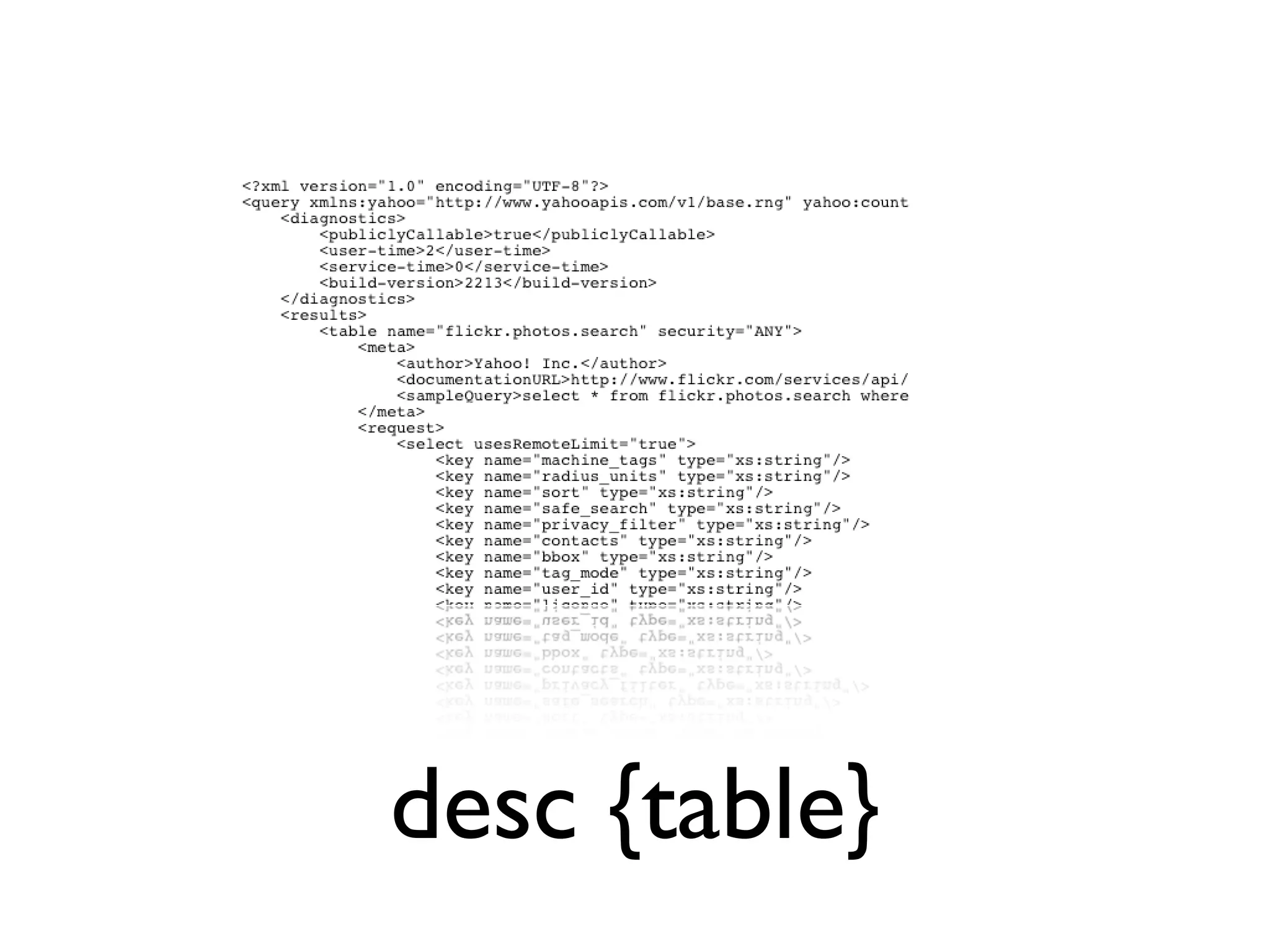
desc {table}
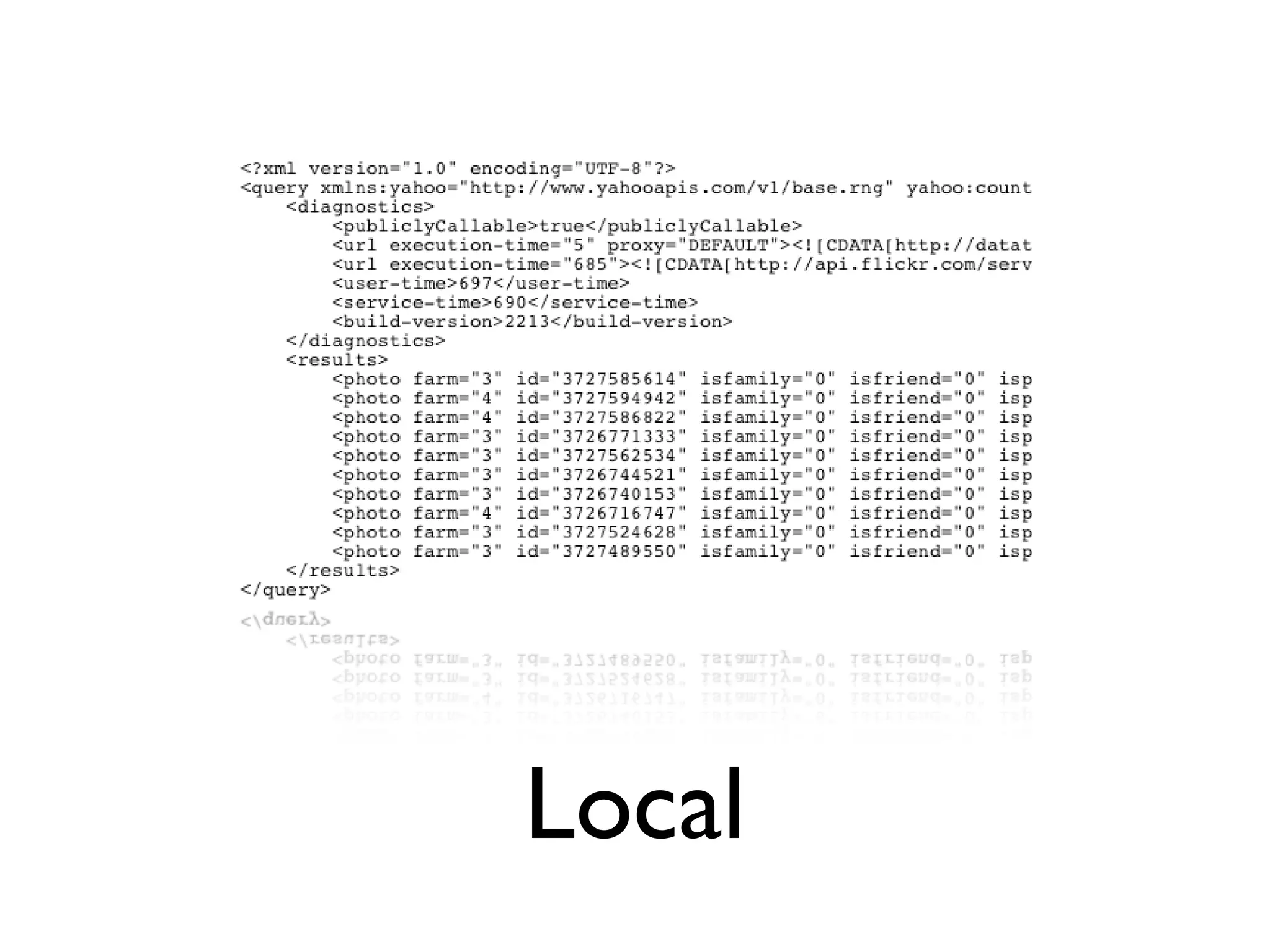
Local
select * from flickr.photos.search where text =
 "kittens" and tags = "domokun" and farm = 4
Limits and Paging
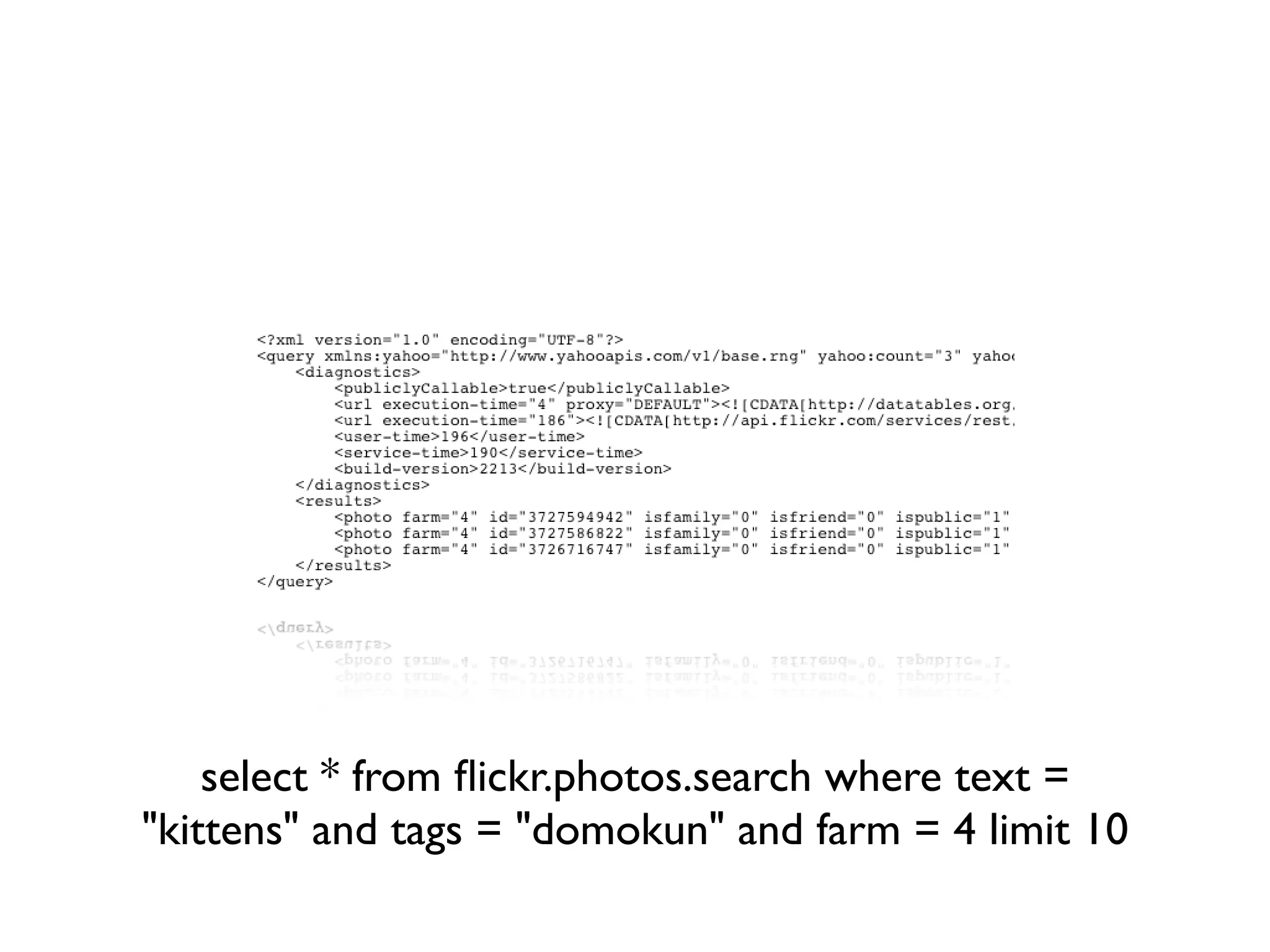
select * from flickr.photos.search where text =
"kittens" and tags = "domokun" and farm = 4 limit 10
WTF?!
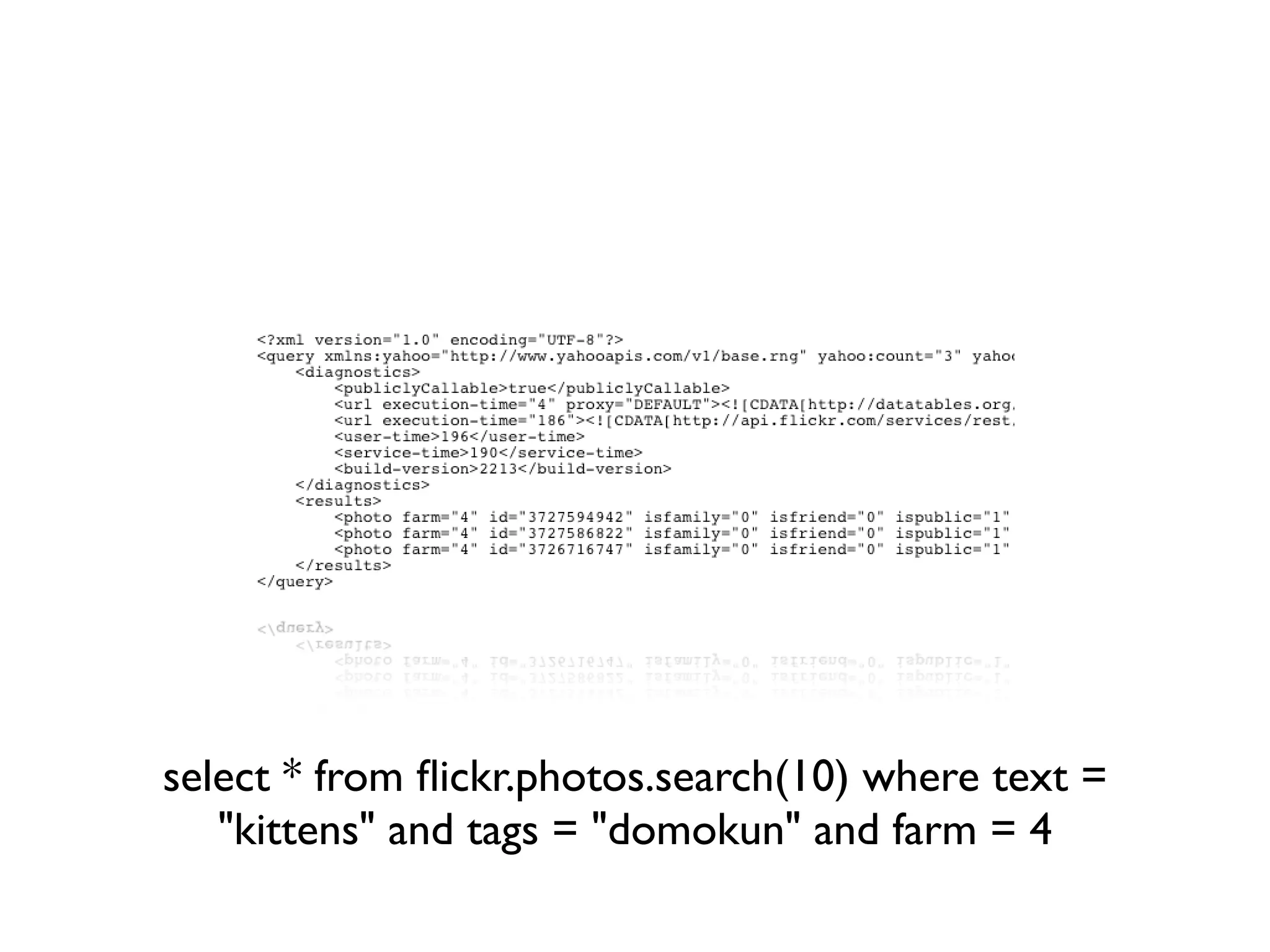
select * from flickr.photos.search(10) where text =
   "kittens" and tags = "domokun" and farm = 4
OMG SRLY WTF?!
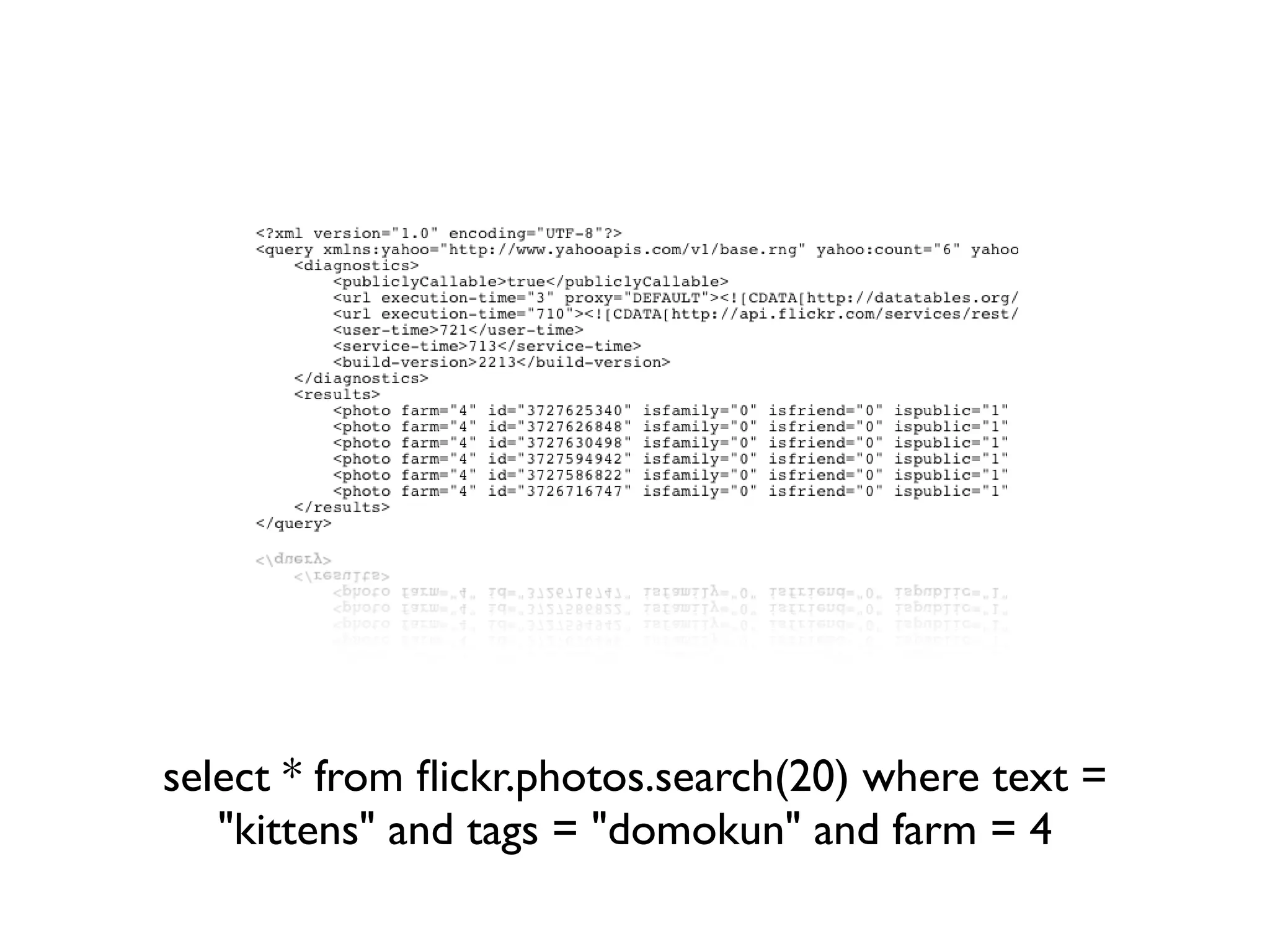
select * from flickr.photos.search(20) where text =
   "kittens" and tags = "domokun" and farm = 4
Ooo! 6 results... right...
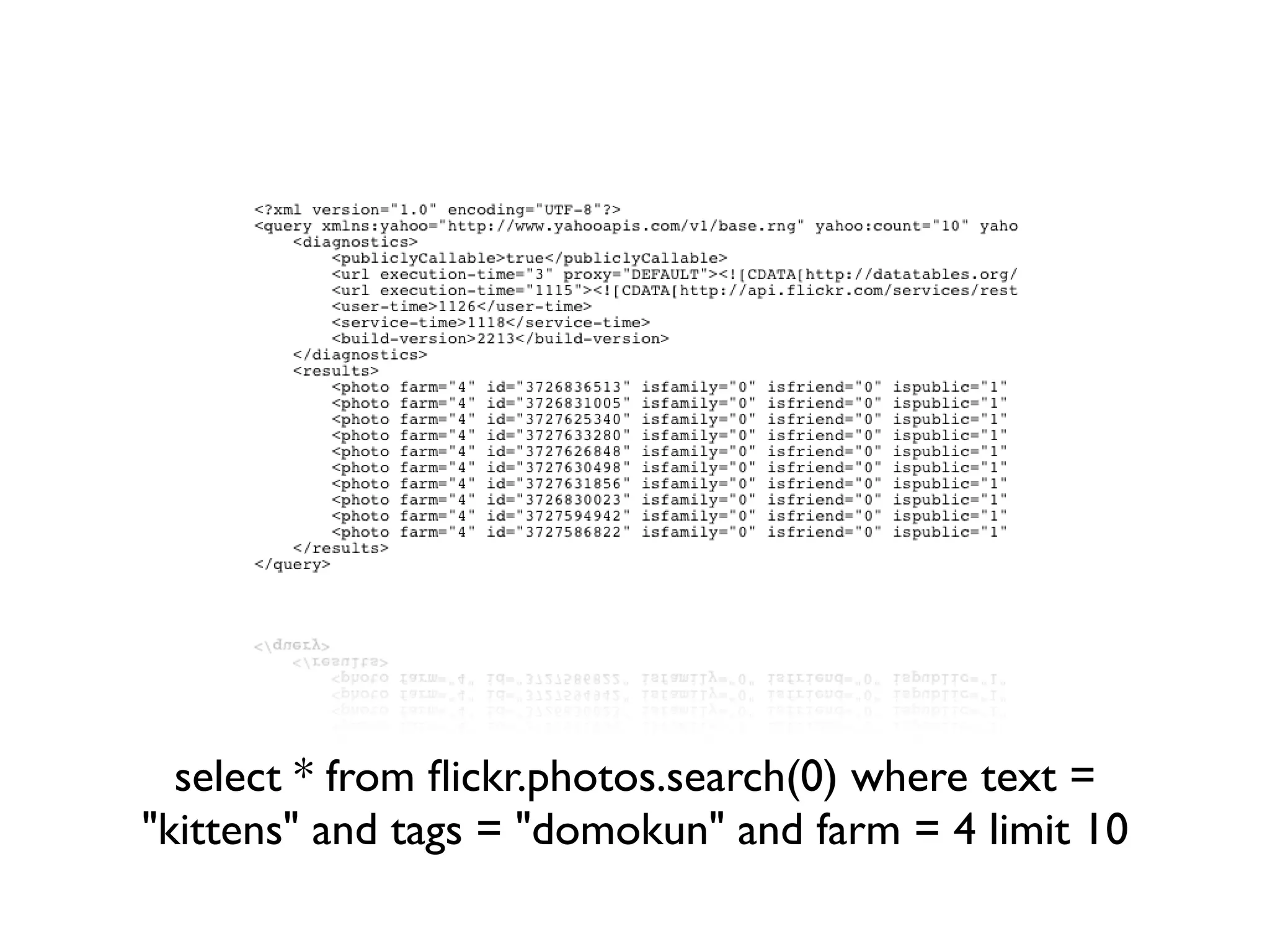
select * from flickr.photos.search(0) where text =
"kittens" and tags = "domokun" and farm = 4 limit 10
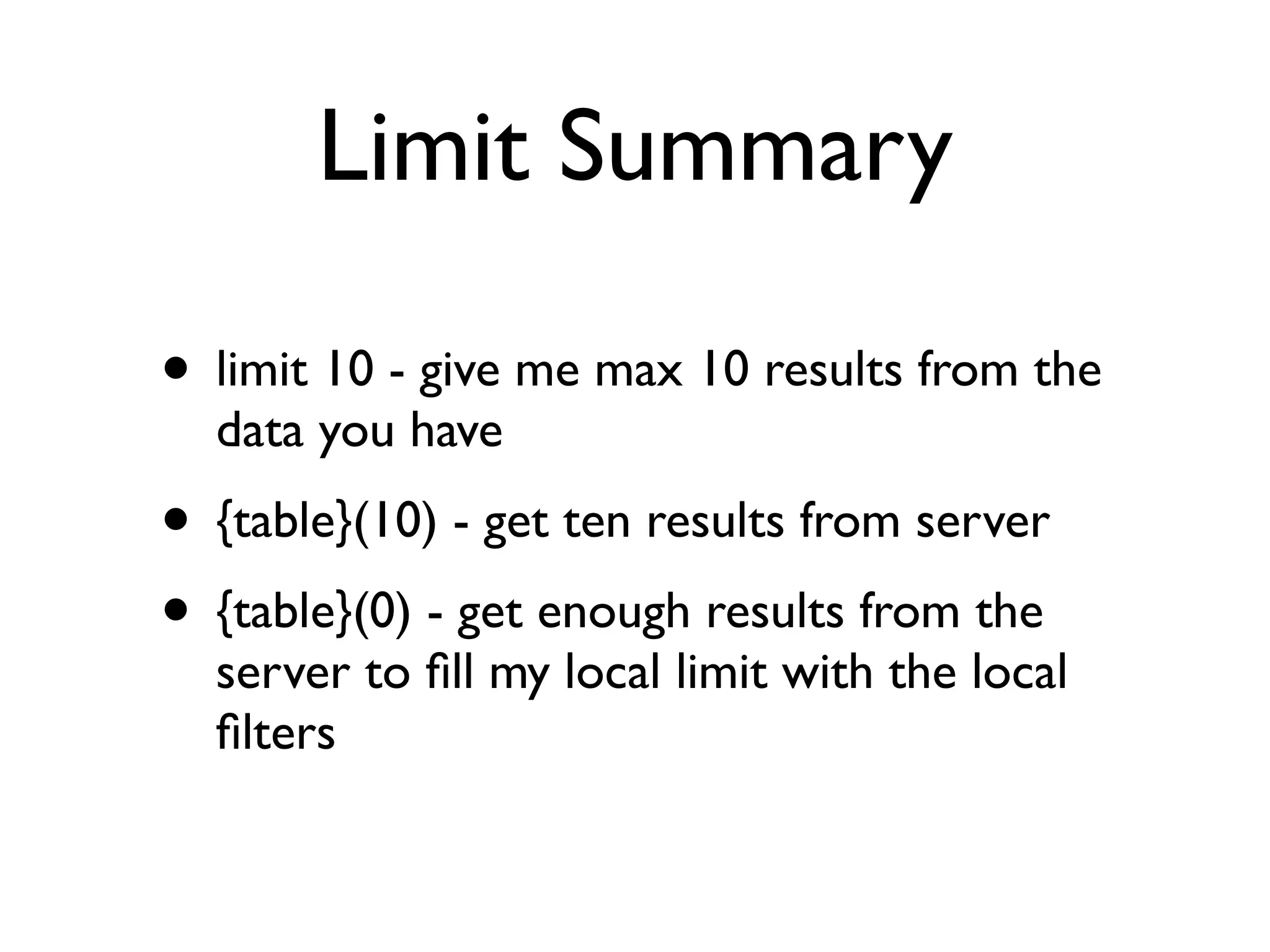
Limit Summary

• limit 10 - give me max 10 results from the
  data you have
• {table}(10) - get ten results from server
• {table}(0) - get enough results from the
  server to fill my local limit with the local
  filters
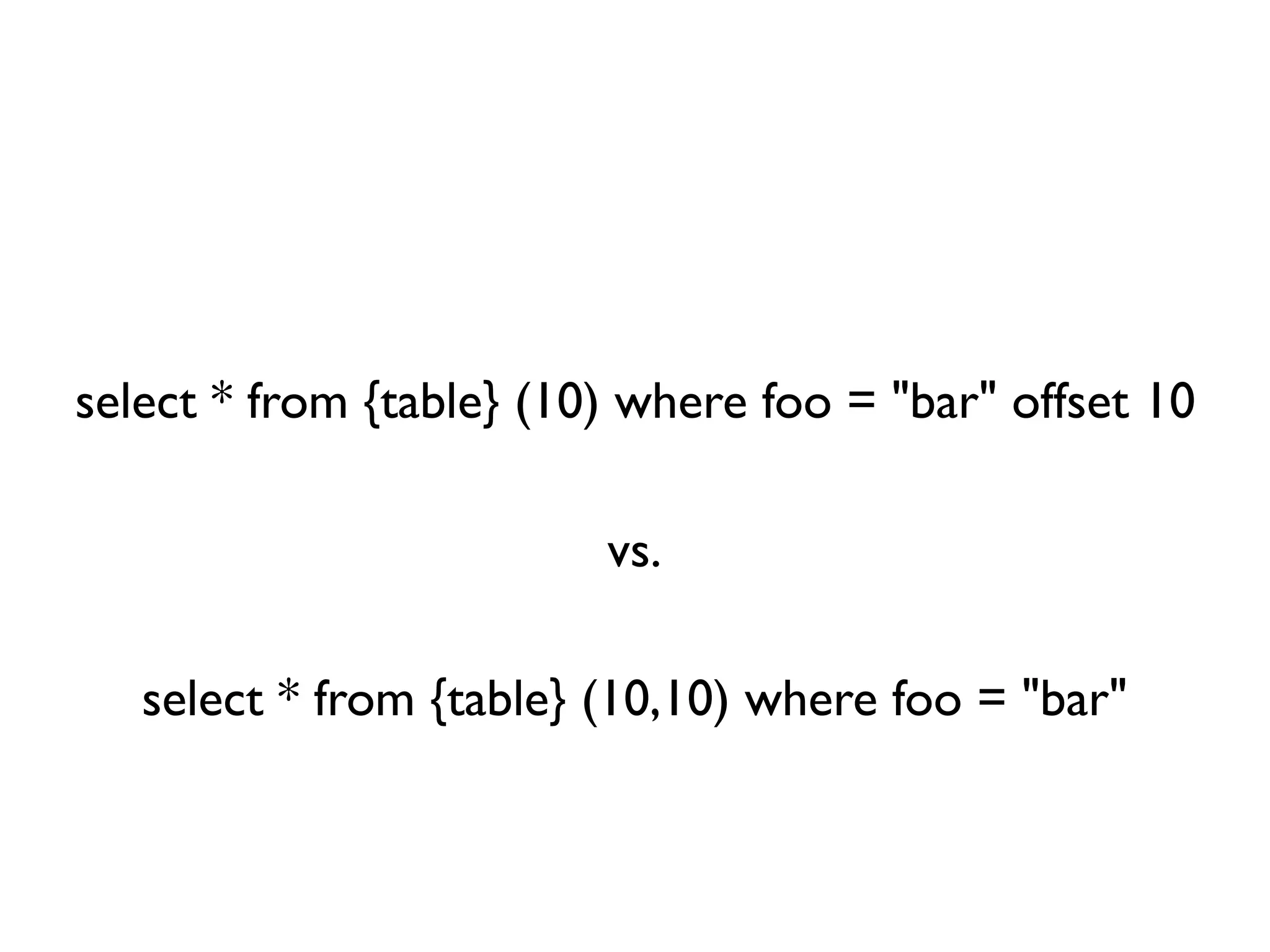
Offset
select * from {table} (10) where foo = "bar" offset 10

                         vs.

   select * from {table} (10,10) where foo = "bar"
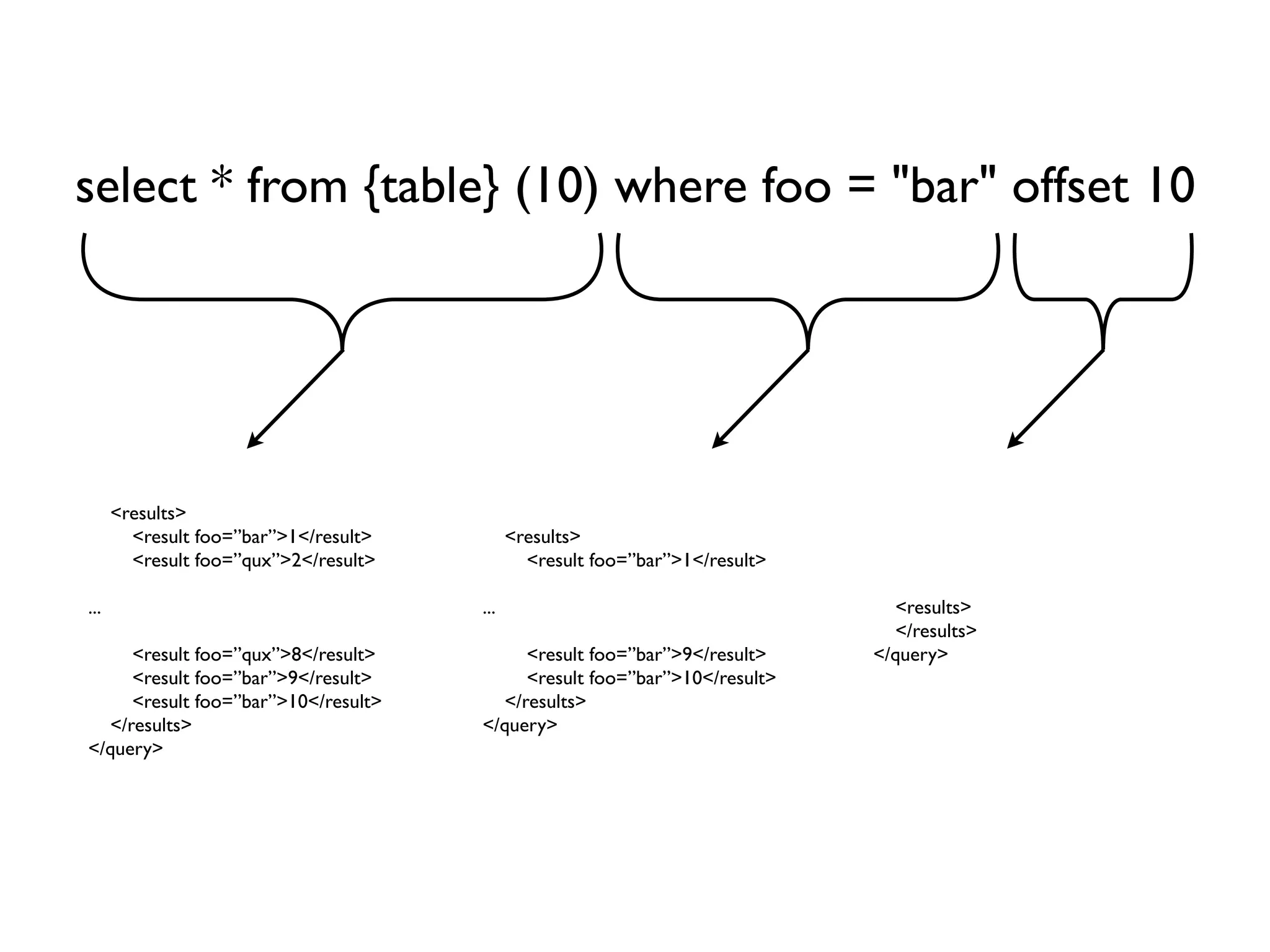
select * from {table} (10) where foo = "bar" offset 10


      <results>
        <result foo=”bar”>1</result>         <results>
        <result foo=”qux”>2</result>           <result foo=”bar”>1</result>

...                                    ...                                      <results>
                                                                                </results>
     <result foo=”qux”>8</result>           <result foo=”bar”>9</result>      </query>
     <result foo=”bar”>9</result>           <result foo=”bar”>10</result>
     <result foo=”bar”>10</result>       </results>
  </results>                           </query>
</query>
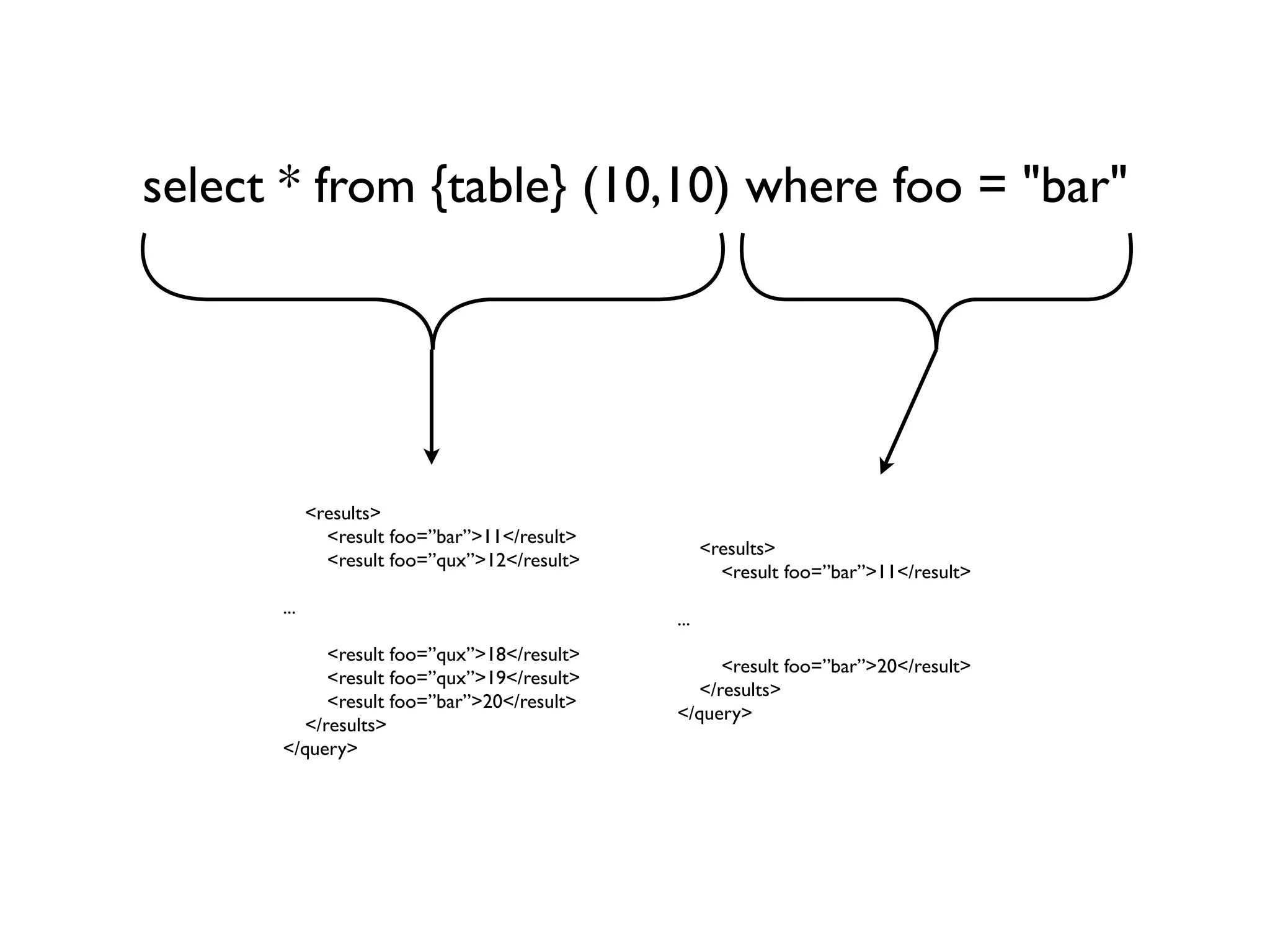
select * from {table} (10,10) where foo = "bar"


            <results>
              <result foo=”bar”>11</result>
                                                    <results>
              <result foo=”qux”>12</result>
                                                      <result foo=”bar”>11</result>
      ...
                                              ...
           <result foo=”qux”>18</result>
                                                   <result foo=”bar”>20</result>
           <result foo=”qux”>19</result>
                                                </results>
           <result foo=”bar”>20</result>
                                              </query>
        </results>
      </query>
Inner Queries
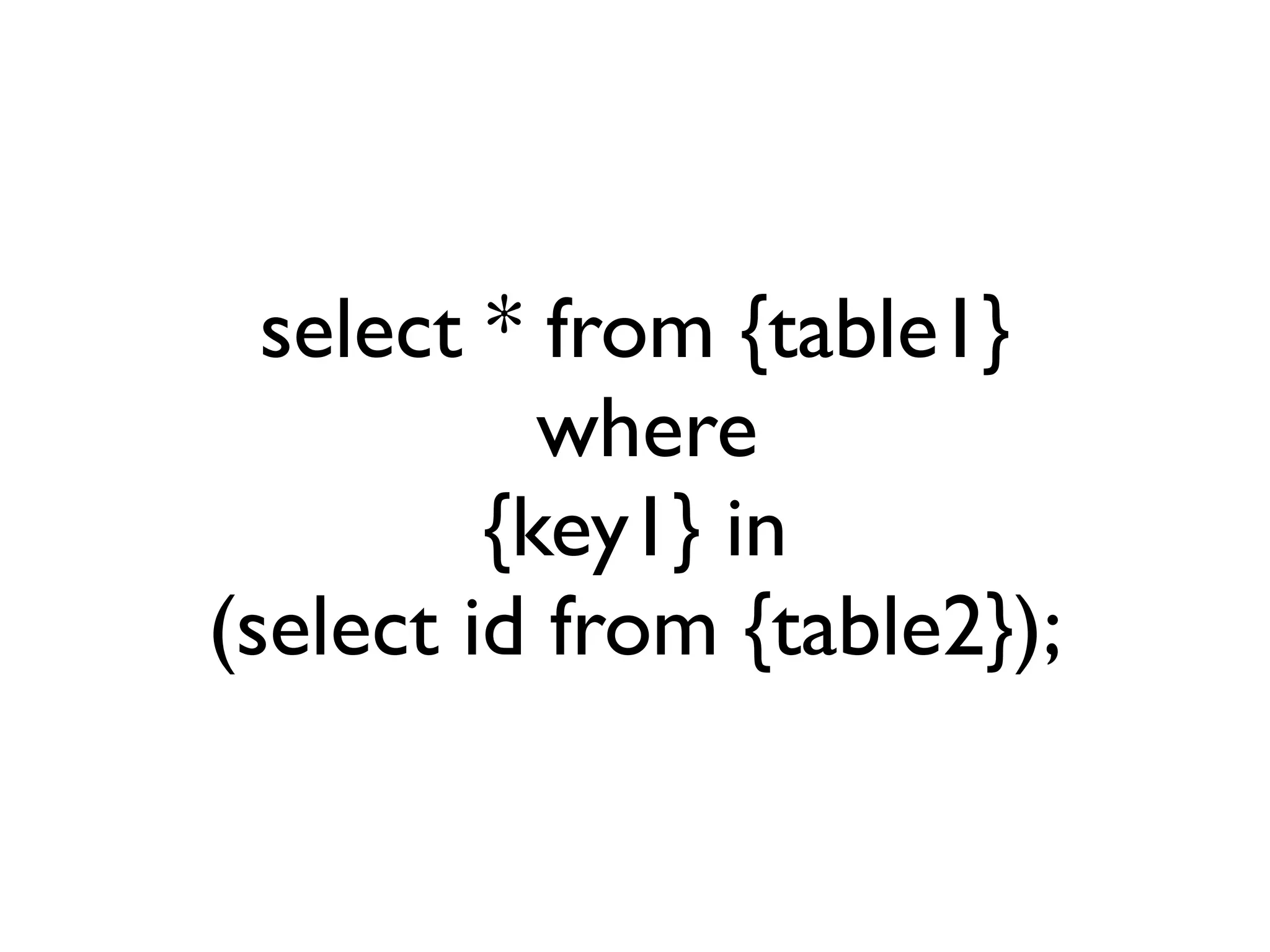
select * from {table1}
           where
         {key1} in
(select id from {table2});
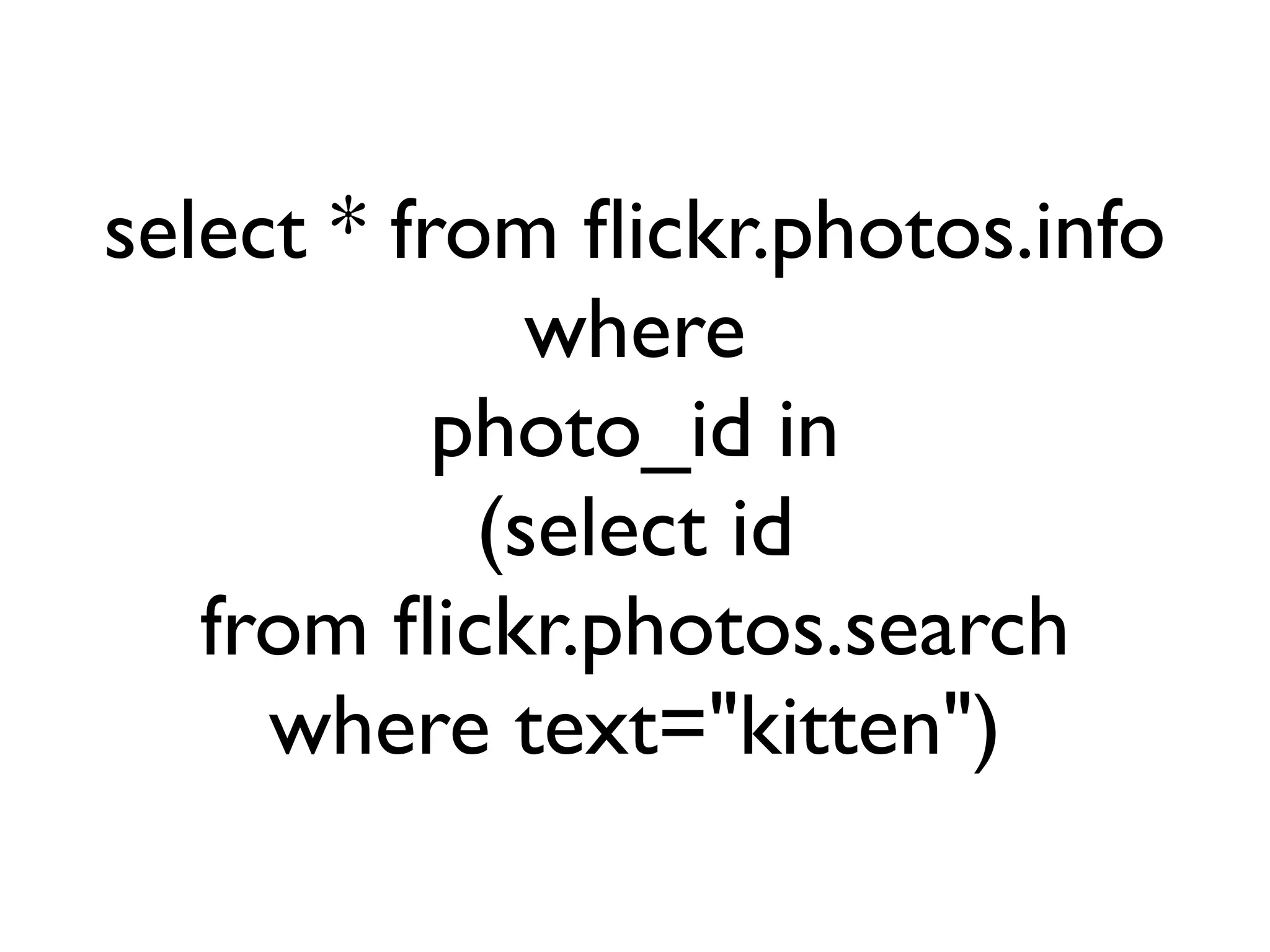
select * from flickr.photos.info
              where
           photo_id in
            (select id
   from flickr.photos.search
     where text="kitten")
Multi-key
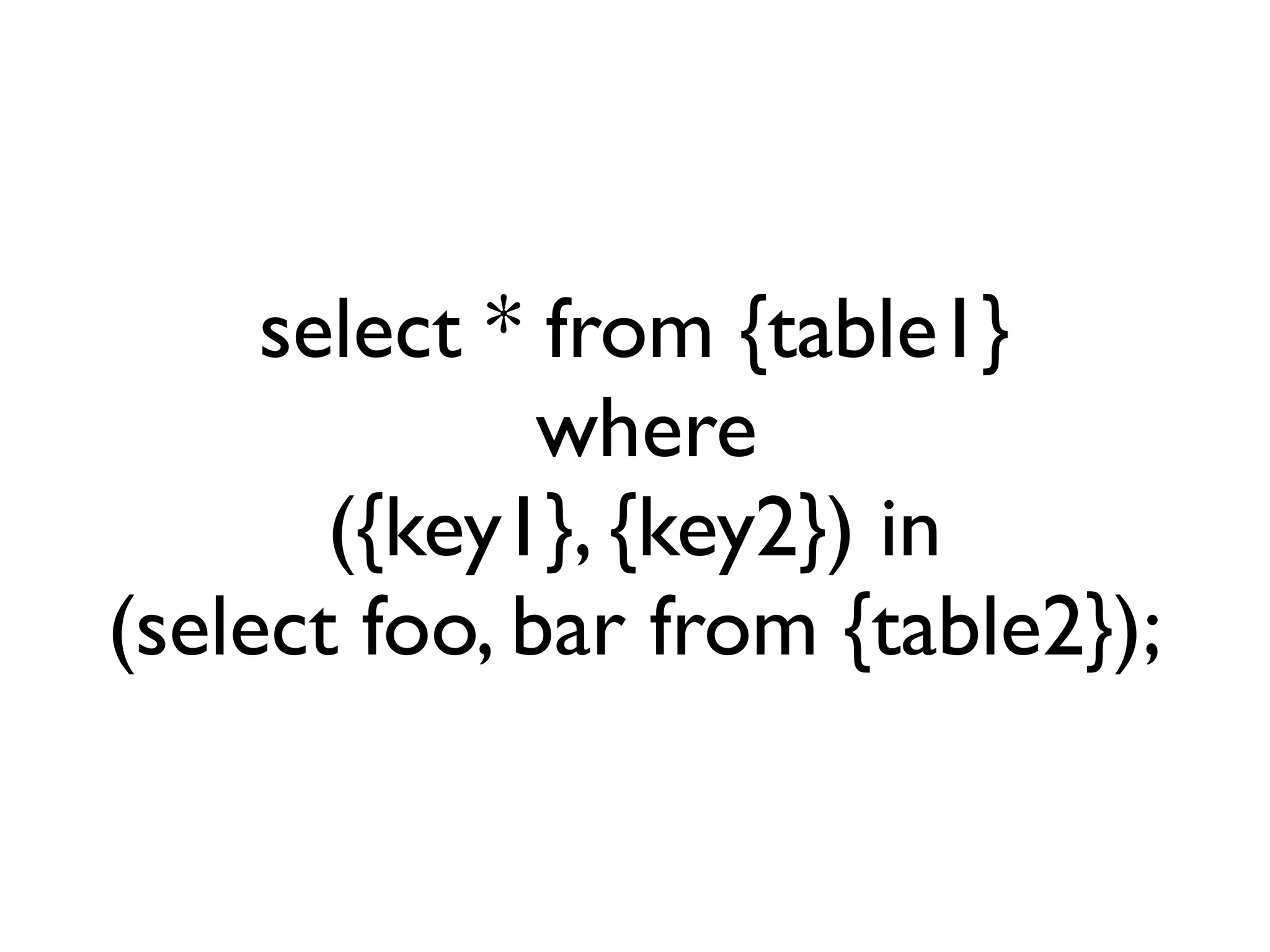
select * from {table1}
              where
       ({key1}, {key2}) in
(select foo, bar from {table2});
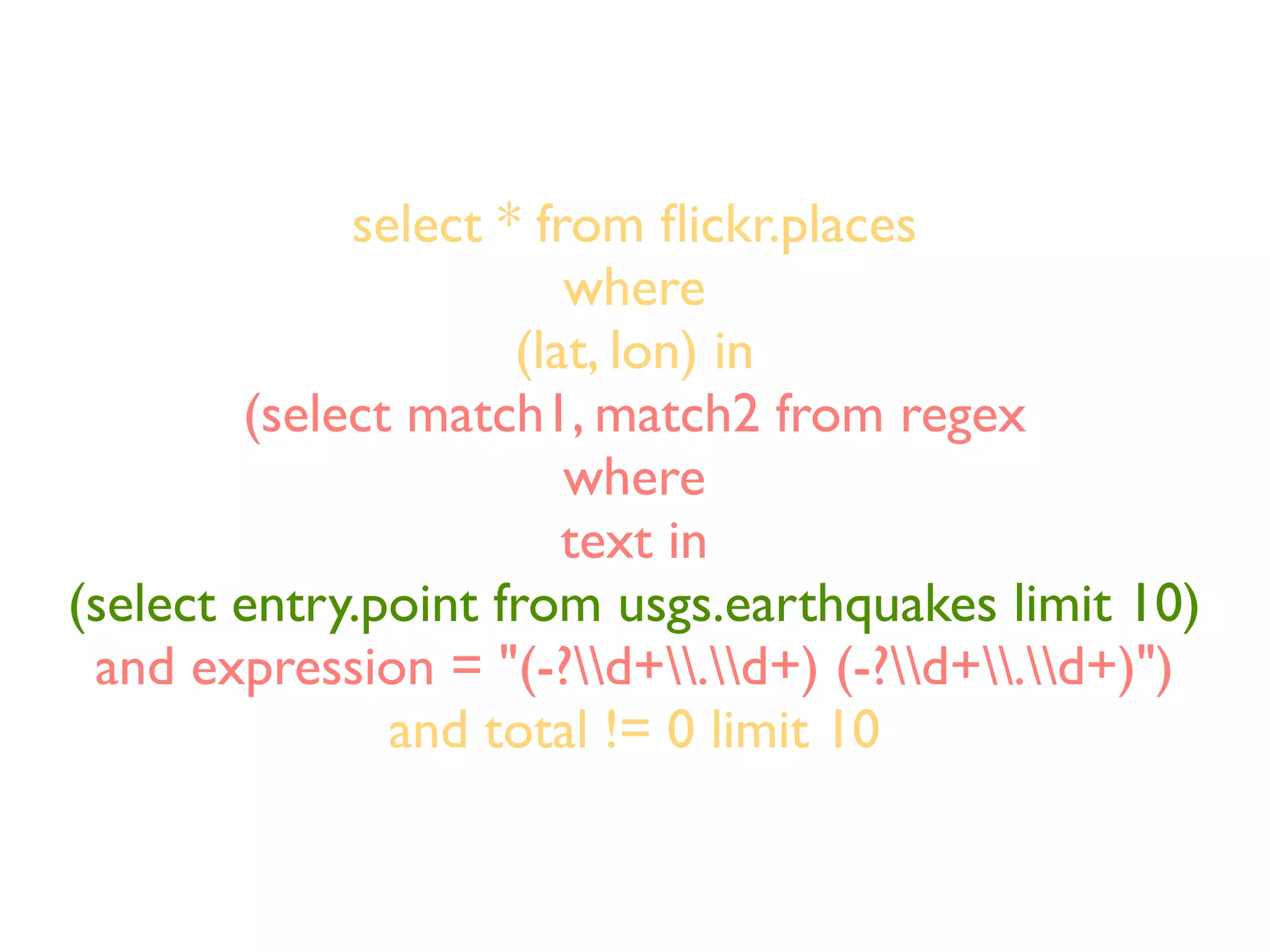
select * from flickr.places
                        where
                     (lat, lon) in
        (select match1, match2 from regex
                        where
                        text in
(select entry.point from usgs.earthquakes limit 10)
 and expression = "(-?d+.d+) (-?d+.d+)")
               and total != 0 limit 10
Filters
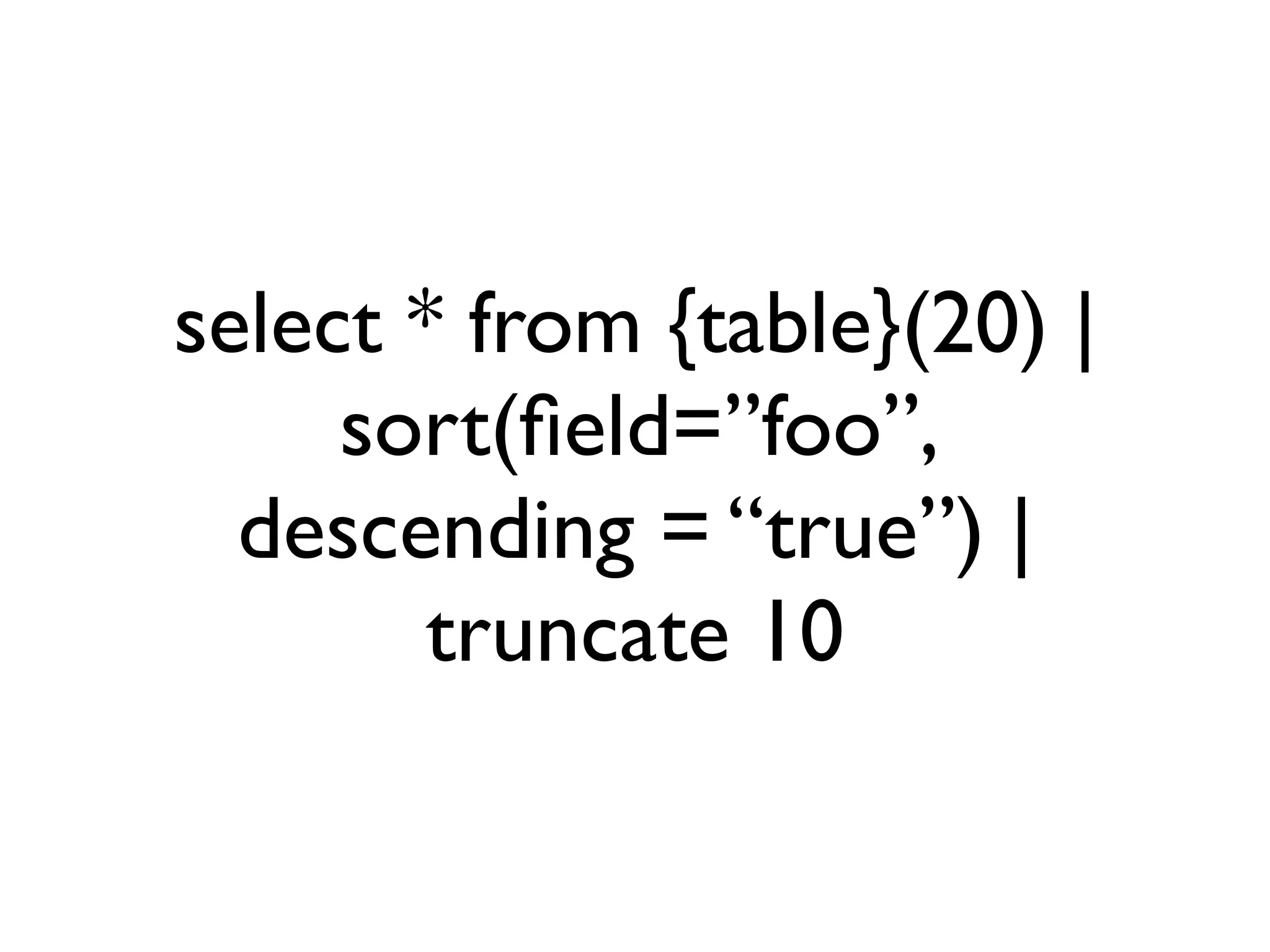
select * from {table}(20) |
     sort(field=”foo”,
  descending = “true”) |
        truncate 10
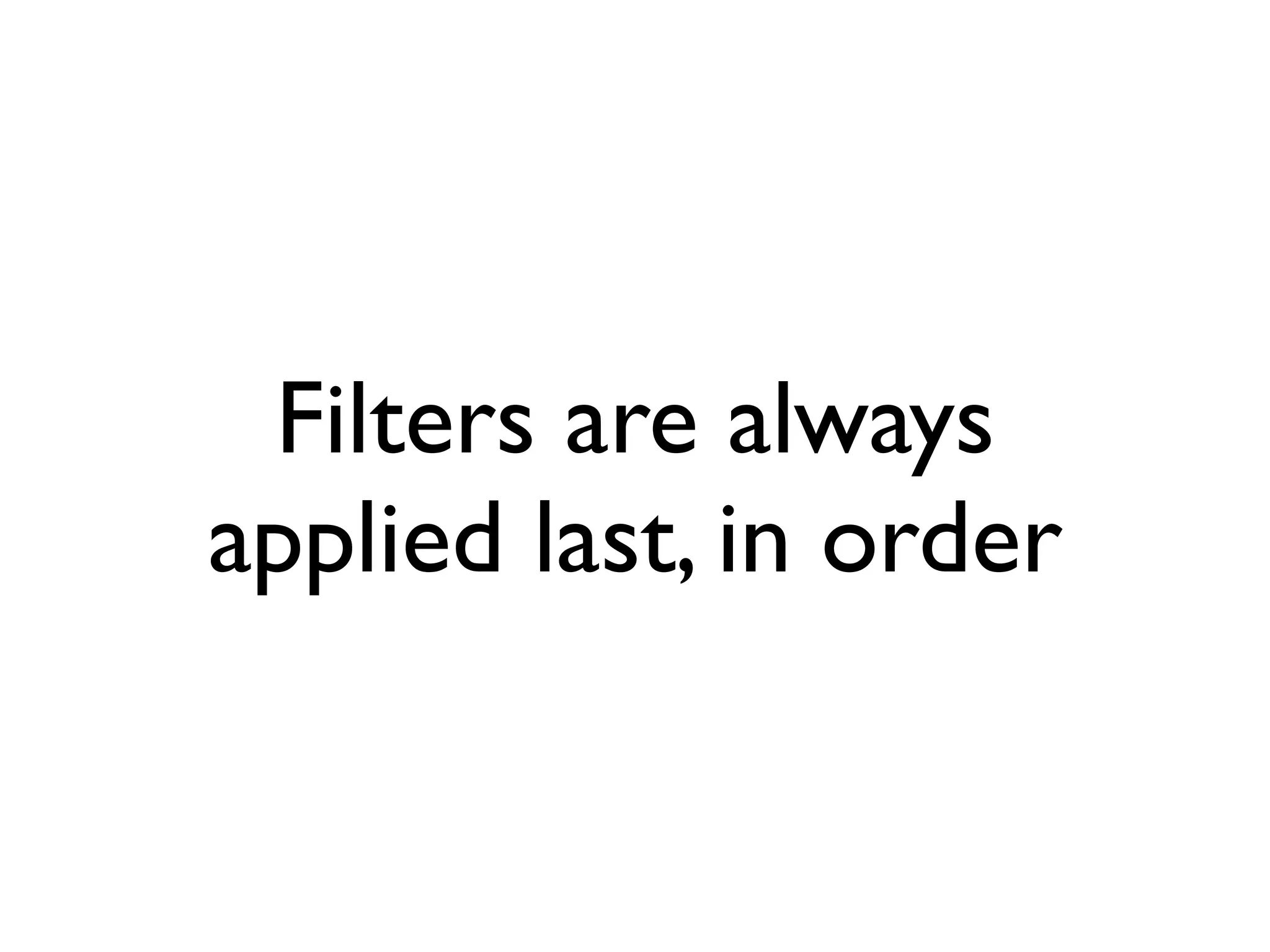
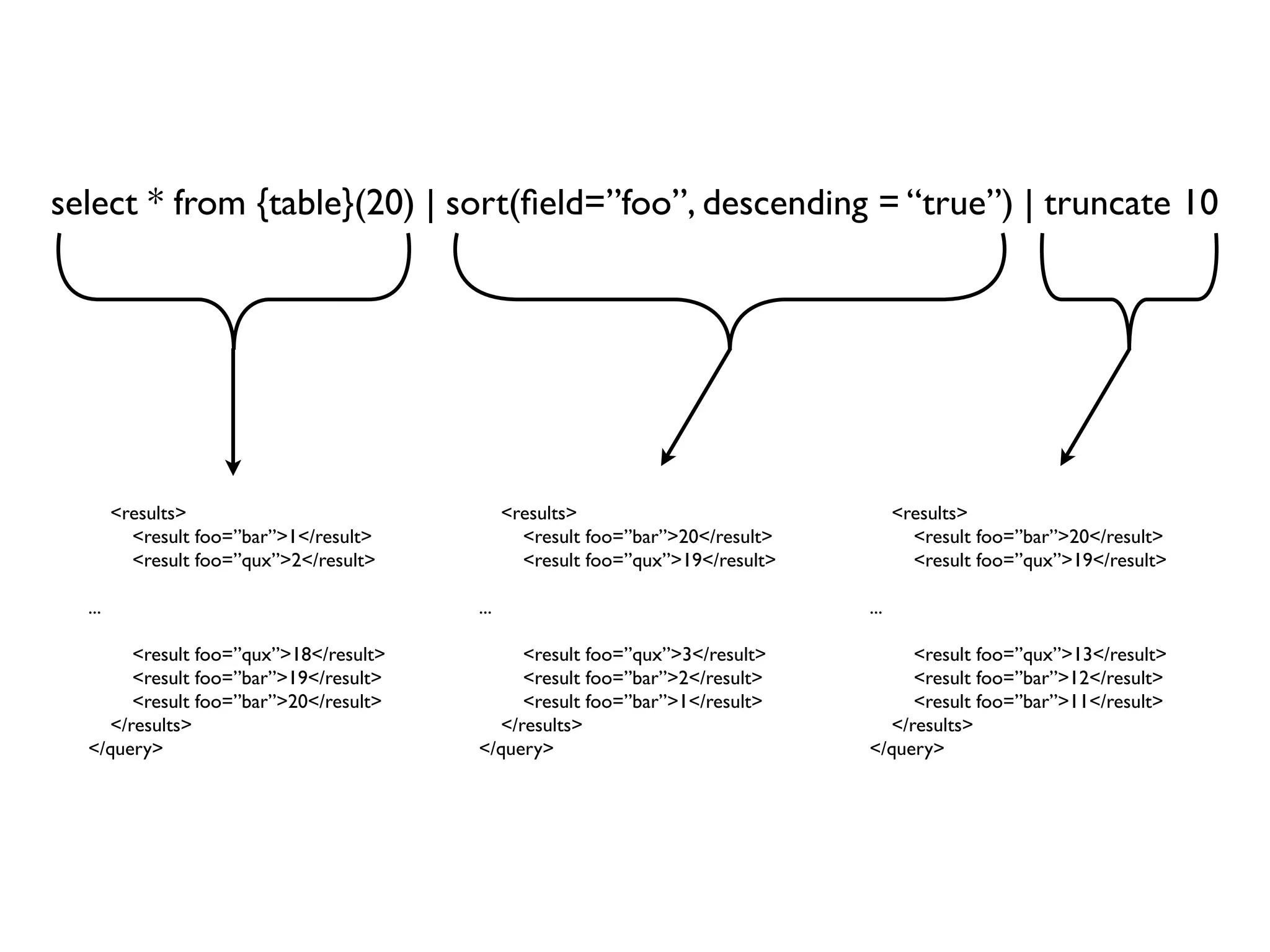
Filters are always
applied last, in order
select * from {table}(20) | sort(field=”foo”, descending = “true”) | truncate 10


        <results>                              <results>                               <results>
          <result foo=”bar”>1</result>           <result foo=”bar”>20</result>           <result foo=”bar”>20</result>
          <result foo=”qux”>2</result>           <result foo=”qux”>19</result>           <result foo=”qux”>19</result>

  ...                                    ...                                     ...

       <result foo=”qux”>18</result>          <result foo=”qux”>3</result>            <result foo=”qux”>13</result>
       <result foo=”bar”>19</result>          <result foo=”bar”>2</result>            <result foo=”bar”>12</result>
       <result foo=”bar”>20</result>          <result foo=”bar”>1</result>            <result foo=”bar”>11</result>
    </results>                             </results>                              </results>
  </query>                               </query>                                </query>
Super-secret Filters

• Xpath()
• Regex()
• ... there are more I can’t remember
I/U/D
I/U/D

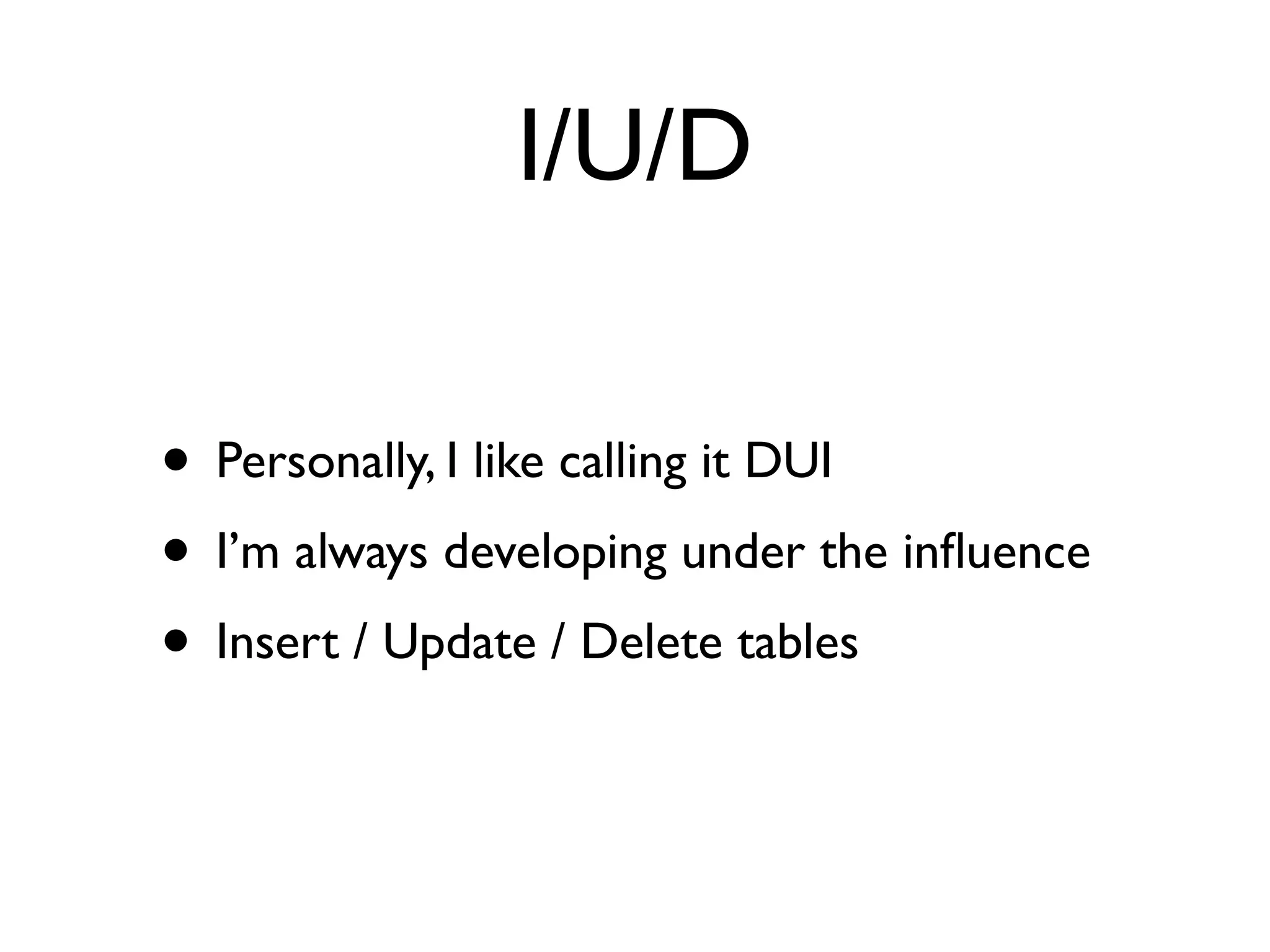
• Personally, I like calling it DUI
I/U/D

• Personally, I like calling it DUI
• I’m always developing under the influence
I/U/D

• Personally, I like calling it DUI
• I’m always developing under the influence
• Insert / Update / Delete tables
Just like SQL except...

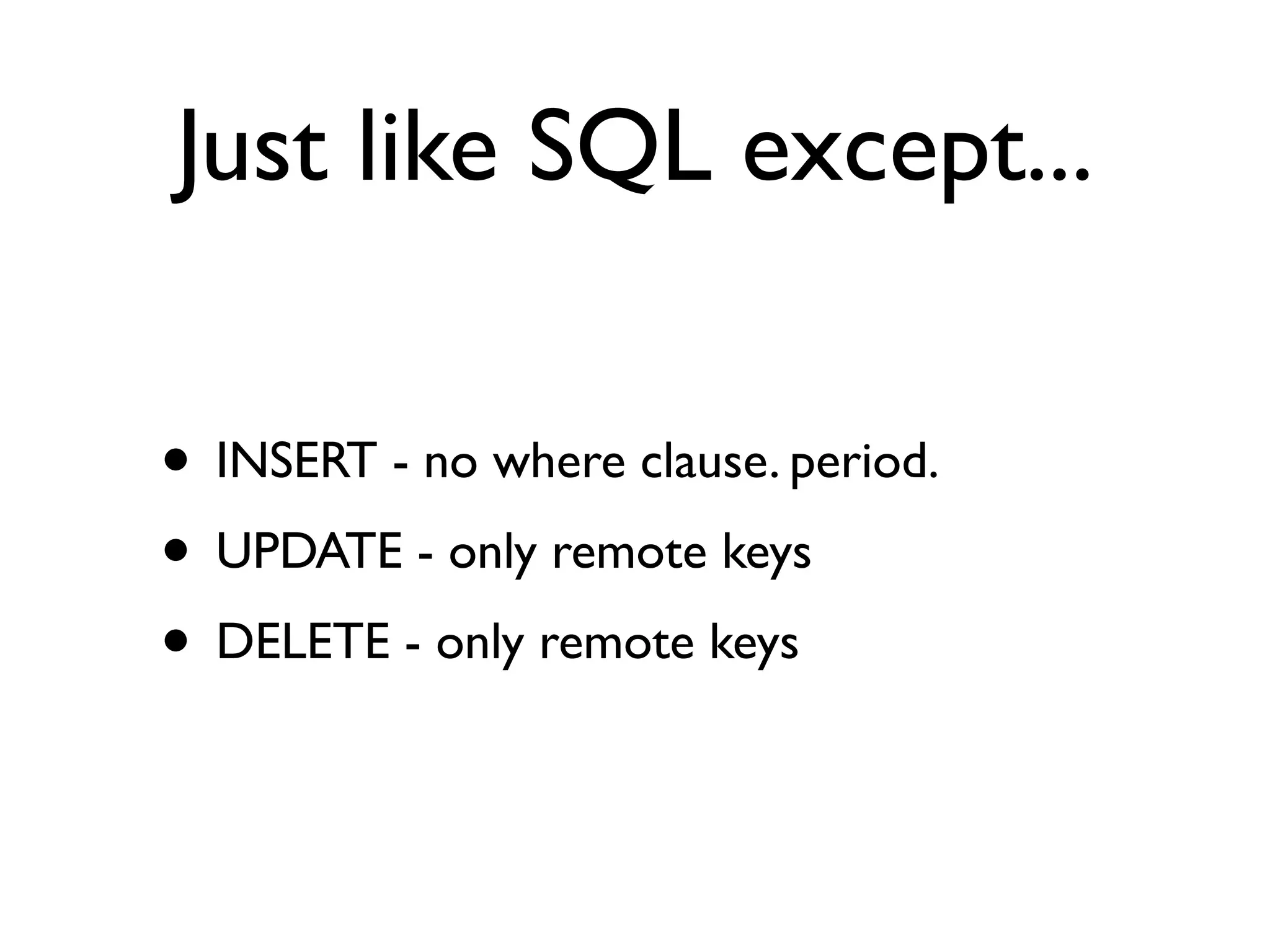
• INSERT - no where clause. period.
• UPDATE - only remote keys
• DELETE - only remote keys
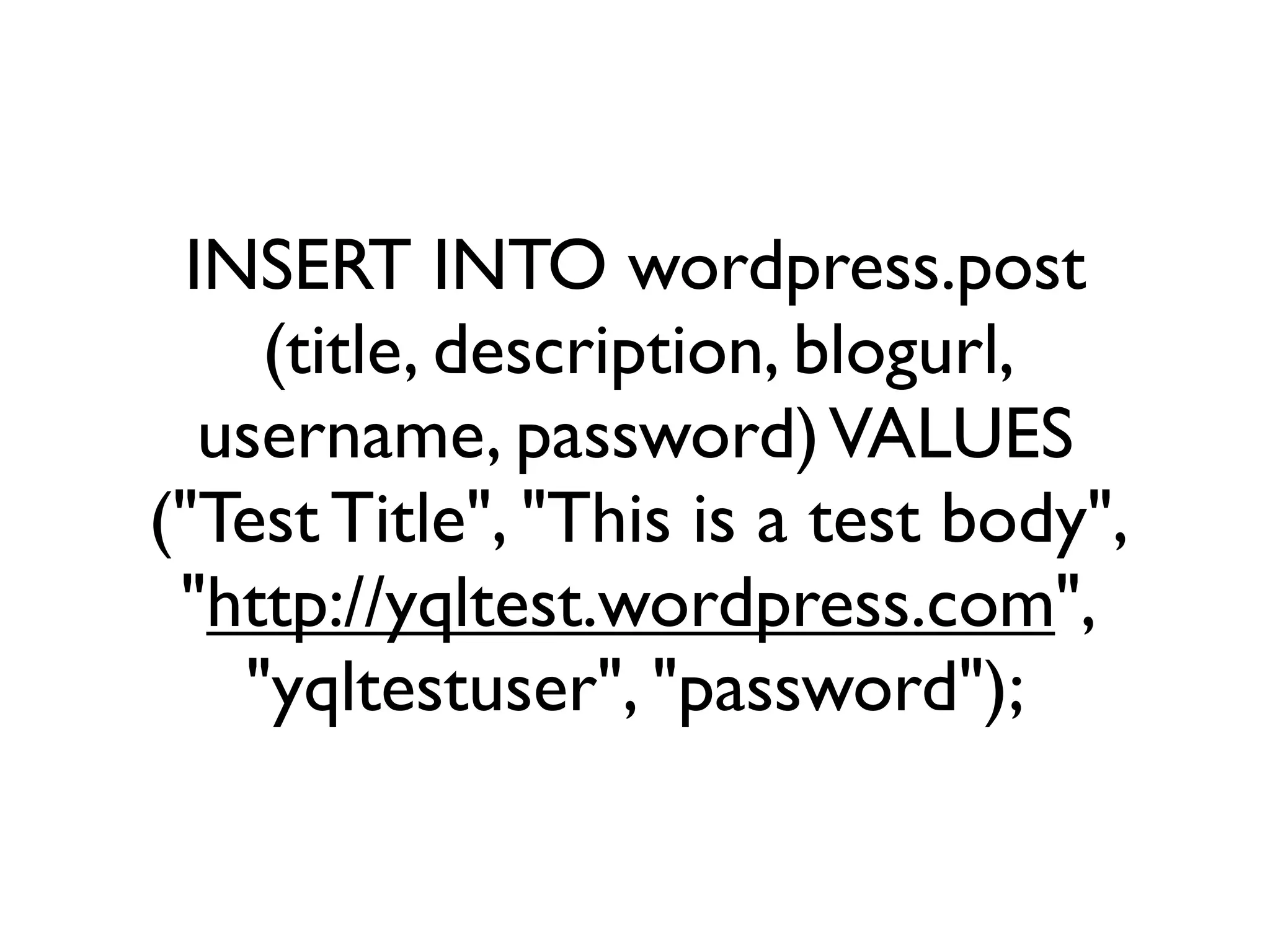
INSERT INTO wordpress.post
    (title, description, blogurl,
  username, password) VALUES
("Test Title", "This is a test body",
 "http://yqltest.wordpress.com",
   "yqltestuser", "password");
It really is like SQL.
Building Tables
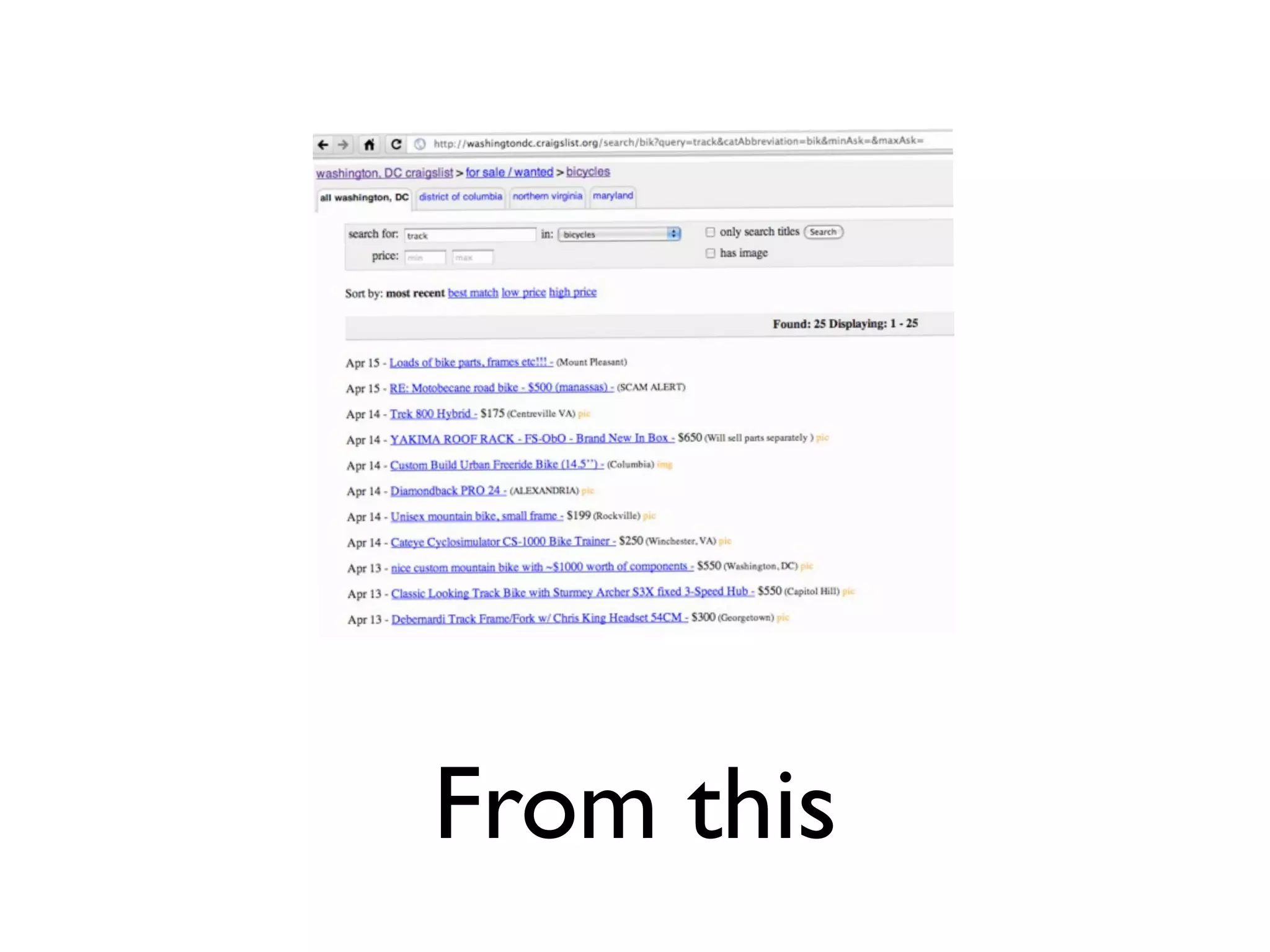
From this
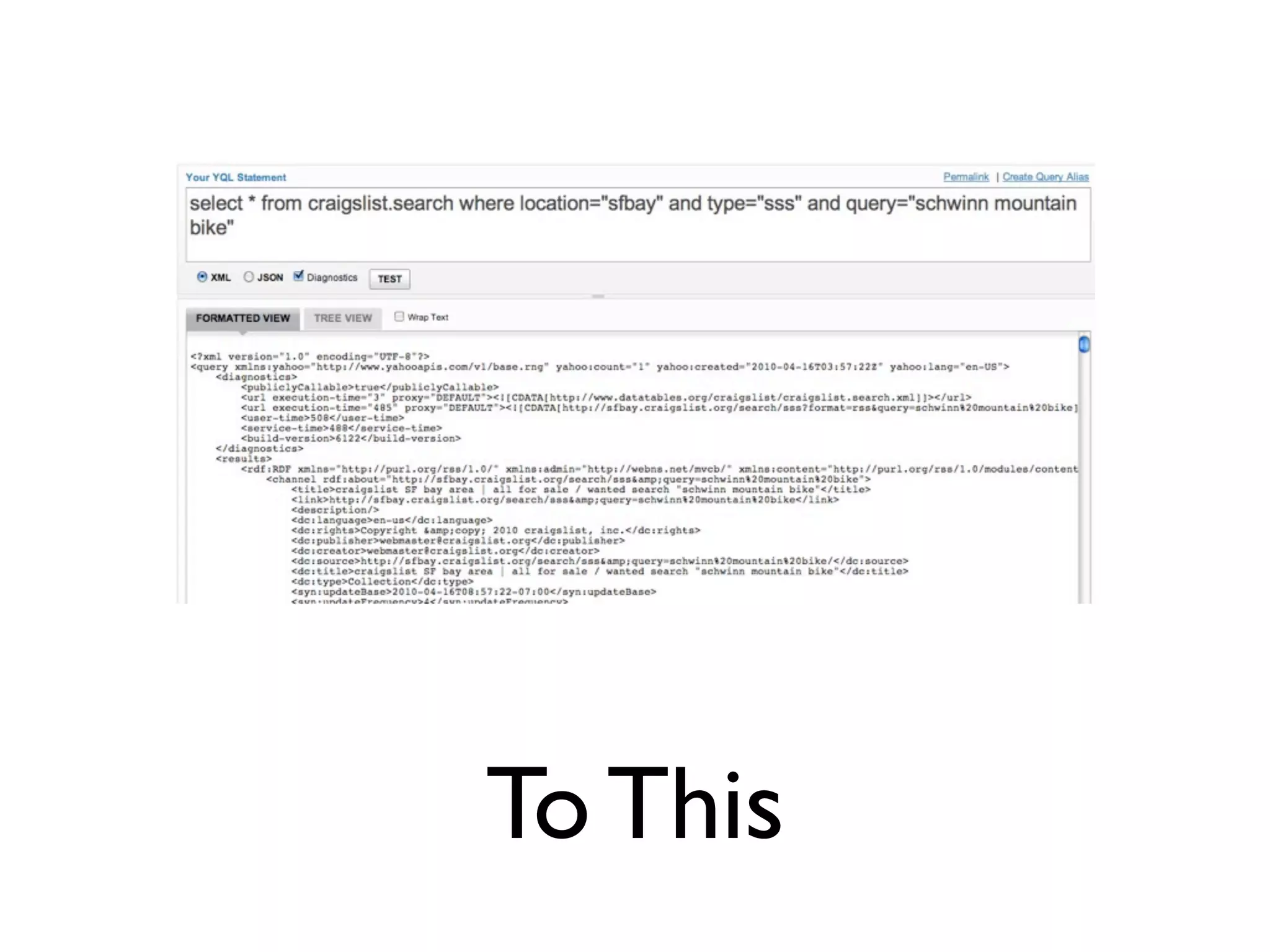
To This
Tom Hughes-Croucher
          @sh1mmer
    croucher@yahoo-inc.com
YQL Tutorial

YQL Tutorial

  • 1.
  • 2.
  • 4.
  • 5.
  • 6.
  • 7.
  • 8.
  • 9.
  • 10.
  • 11.
  • 12.
  • 13.
  • 14.
  • 15.
    var map =new YMap(document.getElementById('map')); … dev var currentGeoPoint = new YGeoPoint( _c.Lat, _c.Lon ); map.addMarker(currentGeoPoint); …
  • 16.
    var map =new YMap(document.getElementById('map')); … dev var currentGeoPoint = new YGeoPoint( _c.Lat, _c.Lon ); map.addMarker(currentGeoPoint); … … if (flickcurl_prepare(fc, "flickr.photos.geo.correctLocation", parameters, count)) { … } …
  • 17.
    var map =new YMap(document.getElementById('map')); … dev var currentGeoPoint = new YGeoPoint( _c.Lat, _c.Lon ); map.addMarker(currentGeoPoint); … … if (flickcurl_prepare(fc, "flickr.photos.geo.correctLocation", parameters, count)) { … } … http://search.yahooapis.com/ ImageSearchService/V1/imageSearch? appid=YahooDemo&query=Corvette&results=2
  • 18.
    var map =new YMap(document.getElementById('map')); … dev var currentGeoPoint = new YGeoPoint( _c.Lat, _c.Lon ); map.addMarker(currentGeoPoint); … … if (flickcurl_prepare(fc, "flickr.photos.geo.correctLocation", parameters, count)) { … } … http://search.yahooapis.com/ ImageSearchService/V1/imageSearch? appid=YahooDemo&query=Corvette&results=2 http://weather.yahooapis.com/ forecastrss?p=FRXX0076&u=c
  • 19.
    var map =new YMap(document.getElementById('map')); … dev var currentGeoPoint = new YGeoPoint( _c.Lat, _c.Lon ); map.addMarker(currentGeoPoint); … … if (flickcurl_prepare(fc, "flickr.photos.geo.correctLocation", parameters, count)) { … } … http://search.yahooapis.com/ ImageSearchService/V1/imageSearch? appid=YahooDemo&query=Corvette&results=2 http://weather.yahooapis.com/ forecastrss?p=FRXX0076&u=c
  • 20.
    var map =new YMap(document.getElementById('map')); … dev var currentGeoPoint = new YGeoPoint( _c.Lat, _c.Lon ); map.addMarker(currentGeoPoint); … … if (flickcurl_prepare(fc, "flickr.photos.geo.correctLocation", parameters, count)) { … } … http://search.yahooapis.com/ ImageSearchService/V1/imageSearch? appid=YahooDemo&query=Corvette&results=2 http://weather.yahooapis.com/ forecastrss?p=FRXX0076&u=c
  • 21.
    var map =new YMap(document.getElementById('map')); … dev var currentGeoPoint = new YGeoPoint( _c.Lat, _c.Lon ); map.addMarker(currentGeoPoint); … … if (flickcurl_prepare(fc, "flickr.photos.geo.correctLocation", parameters, count)) { … } … http://search.yahooapis.com/ ImageSearchService/V1/imageSearch? appid=YahooDemo&query=Corvette&results=2 http://weather.yahooapis.com/ forecastrss?p=FRXX0076&u=c
  • 22.
    var map =new YMap(document.getElementById('map')); … dev var currentGeoPoint = new YGeoPoint( _c.Lat, _c.Lon ); map.addMarker(currentGeoPoint); … … if (flickcurl_prepare(fc, "flickr.photos.geo.correctLocation", parameters, count)) { … } … http://search.yahooapis.com/ ImageSearchService/V1/imageSearch? appid=YahooDemo&query=Corvette&results=2 http://weather.yahooapis.com/ forecastrss?p=FRXX0076&u=c
  • 23.
    var map =new YMap(document.getElementById('map')); … dev var currentGeoPoint = new YGeoPoint( _c.Lat, _c.Lon ); map.addMarker(currentGeoPoint); ? … … if (flickcurl_prepare(fc, ? "flickr.photos.geo.correctLocation", parameters, count)) { … } … ? http://search.yahooapis.com/ ImageSearchService/V1/imageSearch? appid=YahooDemo&query=Corvette&results=2 ? http://weather.yahooapis.com/ forecastrss?p=FRXX0076&u=c
  • 24.
    var map =new YMap(document.getElementById('map')); … dev var currentGeoPoint = new YGeoPoint( _c.Lat, _c.Lon ); map.addMarker(currentGeoPoint); ? … … if (flickcurl_prepare(fc, ? "flickr.photos.geo.correctLocation", parameters, count)) { … } … ? http://search.yahooapis.com/ ImageSearchService/V1/imageSearch? appid=YahooDemo&query=Corvette&results=2 ? http://weather.yahooapis.com/ forecastrss?p=FRXX0076&u=c
  • 25.
    var map =new YMap(document.getElementById('map')); … dev var currentGeoPoint = new YGeoPoint( _c.Lat, _c.Lon ); map.addMarker(currentGeoPoint); … … if (flickcurl_prepare(fc, "flickr.photos.geo.correctLocation", parameters, count)) { … } … http://search.yahooapis.com/ ImageSearchService/V1/imageSearch? appid=YahooDemo&query=Corvette&results=2 http://weather.yahooapis.com/ forecastrss?p=FRXX0076&u=c
  • 26.
    dev YQL
  • 27.
    dev YQL
  • 28.
    dev Bindings YQL
  • 29.
  • 30.
    Exercise 1 • writea query to search the web for “free wifi” Washington DC • find photos of kittens on flickr that were tagged with “awesome” • find the weather at SFO (san francisco airport)
  • 31.
    Solutions 1 • select* from search.web where query = '"washington dc" free wifi' • select * from flickr.photos.search where text ="kittens" and tags="awesome" • select * from weather.forecast where location in (select postal from geo.places where text="sfo")
  • 32.
    Demo time partdeux http://developer.yahoo.com/yql/console/
  • 33.
    Exercise 2 • Getmy (“sh1mmer”) twitter stream • Find articles about Obama in the New York Times • Google, Bing and Yahoo for dogs
  • 34.
    Solutions 2 • select * from twitter.user.timeline where id = "sh1mmer" • select * from nyt.article.search where query = "obama" • select * from query.multi where queries = 'select * from microsoft.bing.web where query="dogs";select * from google.search where q = "dogs"; select * from search.web where query="dogs"'
  • 35.
    YQL in Practice 20tiny steps to a working application You’ll need: Firefox Firebug Text editor
  • 36.
    Step 1. Login tothe console with your Yahoo! login http://developer.yahoo.com/yql/console
  • 37.
    Step 2. Findthe statement box and run the first query with test.
  • 38.
    Step 3. Check outthe formatted view.
  • 39.
    Step 4. Run thestatement “desc html”
  • 40.
    Step 5. Find the keys, note the required keys.
  • 41.
    Step 6. Get some HTML: select * from html where url = "http:// hubblesite.org/gallery/album/the_universe"
  • 42.
    Step 7. Checkout the result. See the HTML in there?
  • 43.
    Step 8. Open http://hubblesite.org/gallery/album/the_universe in Firefox. Right click on a thumbnail and click “Inspect Element”
  • 44.
    Step 9. Find the element in Firebug. Right click and select “Copy XPath”
  • 45.
    Step 10. Add andxpath = "" to your query. Paste in the XPath from Firebug
  • 46.
    Step 11. Test yourstatement and refine your XPath.
  • 47.
    Step 12. Add limit10 to your statement
  • 48.
    Step 13. Let’s get out of the console. Copy the “Rest Query” url into a new tab
  • 49.
    Step 14. Let’s embed this in a web page. Download the files from http://github.com/sh1mmer/dotnet-yql-tutorial
  • 50.
    Step 15. Add <script type="text/javascript" src="yql_js_widget.js"></script> to your HTML page.
  • 51.
    Step 16. Add some style: <style type="text/css"> li.imgCnt{ list-style: none; background:#000000; margin: 3px; float: left; } li.imgCnt img{ border:0; margin:5px; } li.imgCnt div.imgTitle{ padding: 5px; font-size: 11px; text- align:center; } </style>
  • 52.
    Step 17. Add anotherscript node. Add config = {};
  • 53.
    Step 18. Format the output: var format = '<li class="imgCnt"> <img src="{src}" alt="{alt}"></li>';
  • 54.
    Step 19. Add you query; var yqlQuery = "" and add your query.
  • 55.
    Step 20. Add therender code: yqlWidget.push(yqlQuery,config,format,'widge tContainer'); yqlWidget.render();
  • 56.
  • 57.
    <script src="http://yui.yahooapis.com/3.1.0/build/yui/yui-min.js"></ script> <script> YUI({ //Last Gallery Build of this module gallery: 'gallery-2010.01.27-20' }).use('gallery-yql', function(Y) { //Using events var q1 = new Y.yql('select * from github.user.info where (id = "davglass")'); q1.on('query', function(r) { //Do something here. }); q1.on('error', function(r) { //Do something here. }); //Or the callback approacha new Y.yql('select * from github.user.info where (id = "davglass")', function(r) { //Do something here. r.query; //The result r.error; //The error message }); }); </script>
  • 58.
    Advanced YQL Advanced Queries, I/U/D, Open Tables and Using YQL with JavaScript
  • 59.
    Basics select * from{table} where {key1} = "{value1}" and {key2} = {value2} select * from flickr.photos.search where text = "kittens" and tags = "domokun"
  • 60.
  • 61.
    select * from flickr.photos.search where text = "kittens" and tags = "domokun" Remote
  • 62.
    select * from flickr.photos.search where text = "kittens" and tags = "domokun" Remote
  • 63.
    select * from flickr.photos.search where text = "kittens" and tags = "domokun" Remote
  • 64.
  • 65.
  • 66.
    select * fromflickr.photos.search where text = "kittens" and tags = "domokun" and farm = 4
  • 67.
  • 68.
    select * fromflickr.photos.search where text = "kittens" and tags = "domokun" and farm = 4 limit 10
  • 69.
  • 70.
    select * fromflickr.photos.search(10) where text = "kittens" and tags = "domokun" and farm = 4
  • 71.
  • 72.
    select * fromflickr.photos.search(20) where text = "kittens" and tags = "domokun" and farm = 4
  • 73.
  • 74.
    select * fromflickr.photos.search(0) where text = "kittens" and tags = "domokun" and farm = 4 limit 10
  • 75.
    Limit Summary • limit10 - give me max 10 results from the data you have • {table}(10) - get ten results from server • {table}(0) - get enough results from the server to fill my local limit with the local filters
  • 76.
  • 77.
    select * from{table} (10) where foo = "bar" offset 10 vs. select * from {table} (10,10) where foo = "bar"
  • 78.
    select * from{table} (10) where foo = "bar" offset 10 <results> <result foo=”bar”>1</result> <results> <result foo=”qux”>2</result> <result foo=”bar”>1</result> ... ... <results> </results> <result foo=”qux”>8</result> <result foo=”bar”>9</result> </query> <result foo=”bar”>9</result> <result foo=”bar”>10</result> <result foo=”bar”>10</result> </results> </results> </query> </query>
  • 79.
    select * from{table} (10,10) where foo = "bar" <results> <result foo=”bar”>11</result> <results> <result foo=”qux”>12</result> <result foo=”bar”>11</result> ... ... <result foo=”qux”>18</result> <result foo=”bar”>20</result> <result foo=”qux”>19</result> </results> <result foo=”bar”>20</result> </query> </results> </query>
  • 80.
  • 81.
    select * from{table1} where {key1} in (select id from {table2});
  • 82.
    select * fromflickr.photos.info where photo_id in (select id from flickr.photos.search where text="kitten")
  • 83.
  • 84.
    select * from{table1} where ({key1}, {key2}) in (select foo, bar from {table2});
  • 85.
    select * fromflickr.places where (lat, lon) in (select match1, match2 from regex where text in (select entry.point from usgs.earthquakes limit 10) and expression = "(-?d+.d+) (-?d+.d+)") and total != 0 limit 10
  • 86.
  • 87.
    select * from{table}(20) | sort(field=”foo”, descending = “true”) | truncate 10
  • 88.
  • 89.
    select * from{table}(20) | sort(field=”foo”, descending = “true”) | truncate 10 <results> <results> <results> <result foo=”bar”>1</result> <result foo=”bar”>20</result> <result foo=”bar”>20</result> <result foo=”qux”>2</result> <result foo=”qux”>19</result> <result foo=”qux”>19</result> ... ... ... <result foo=”qux”>18</result> <result foo=”qux”>3</result> <result foo=”qux”>13</result> <result foo=”bar”>19</result> <result foo=”bar”>2</result> <result foo=”bar”>12</result> <result foo=”bar”>20</result> <result foo=”bar”>1</result> <result foo=”bar”>11</result> </results> </results> </results> </query> </query> </query>
  • 90.
    Super-secret Filters • Xpath() •Regex() • ... there are more I can’t remember
  • 91.
  • 92.
    I/U/D • Personally, Ilike calling it DUI
  • 93.
    I/U/D • Personally, Ilike calling it DUI • I’m always developing under the influence
  • 94.
    I/U/D • Personally, Ilike calling it DUI • I’m always developing under the influence • Insert / Update / Delete tables
  • 95.
    Just like SQLexcept... • INSERT - no where clause. period. • UPDATE - only remote keys • DELETE - only remote keys
  • 96.
    INSERT INTO wordpress.post (title, description, blogurl, username, password) VALUES ("Test Title", "This is a test body", "http://yqltest.wordpress.com", "yqltestuser", "password");
  • 97.
    It really islike SQL.
  • 98.
  • 99.
  • 100.
  • 101.
    Tom Hughes-Croucher @sh1mmer croucher@yahoo-inc.com

Editor's Notes

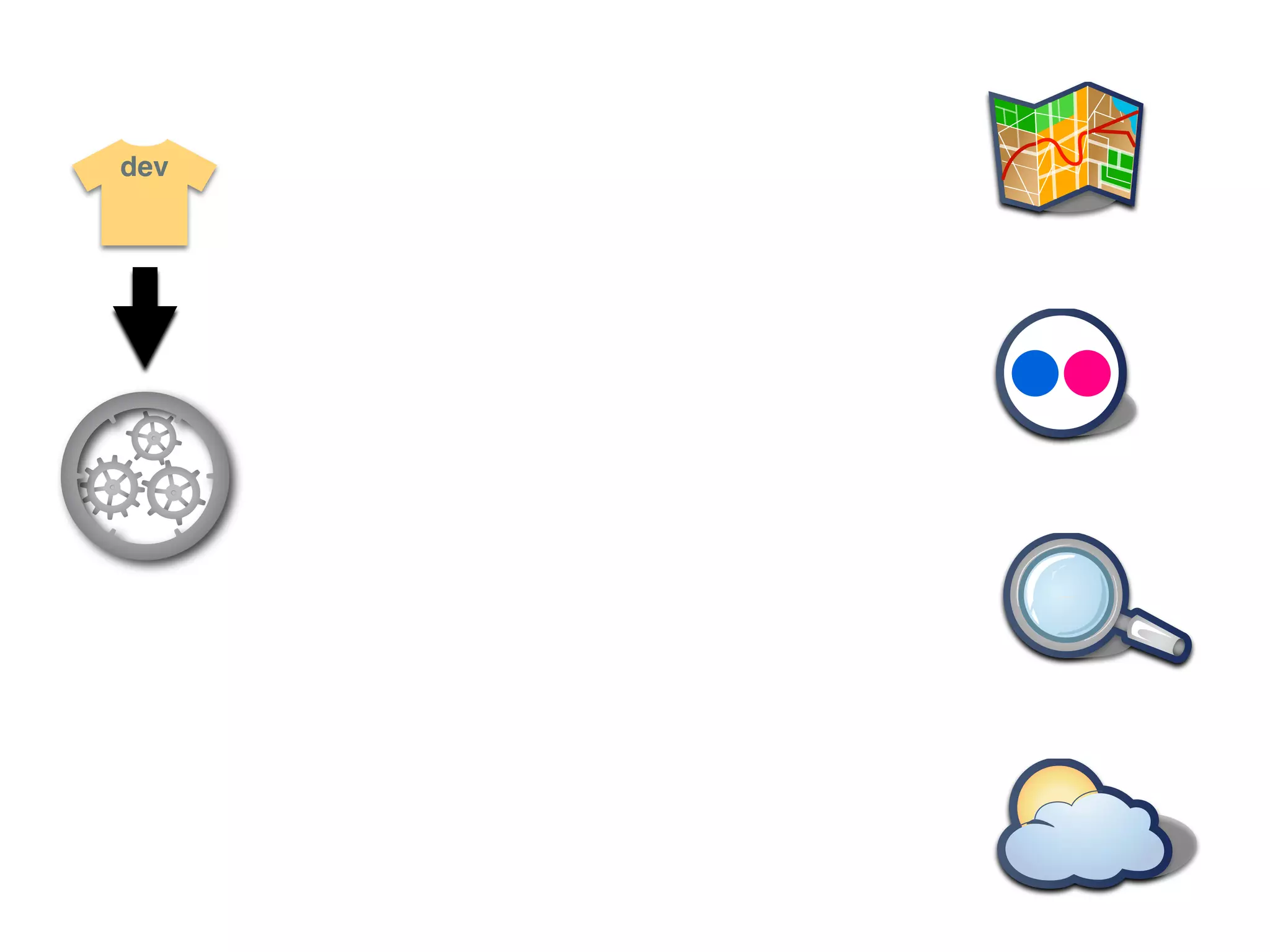
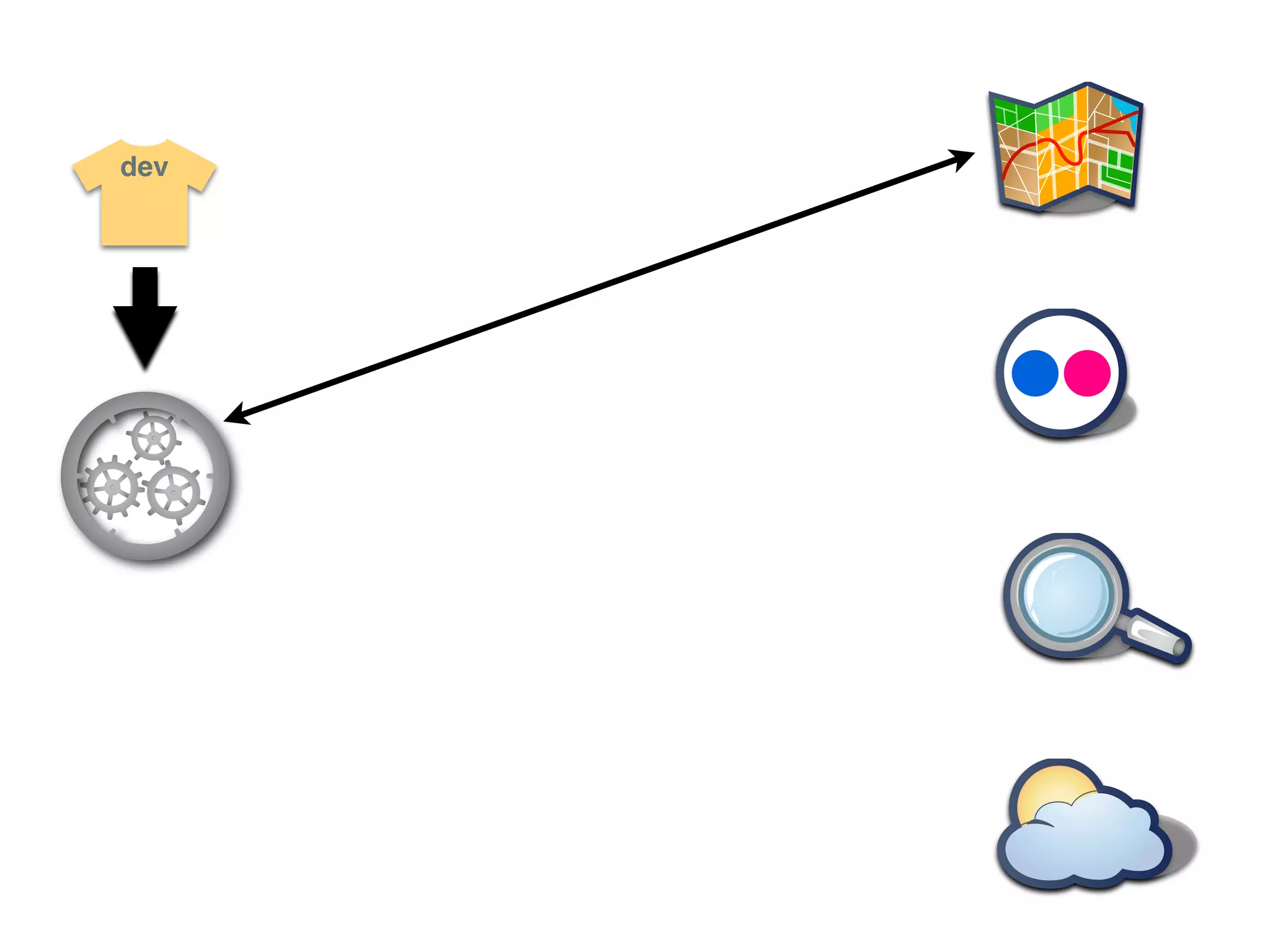
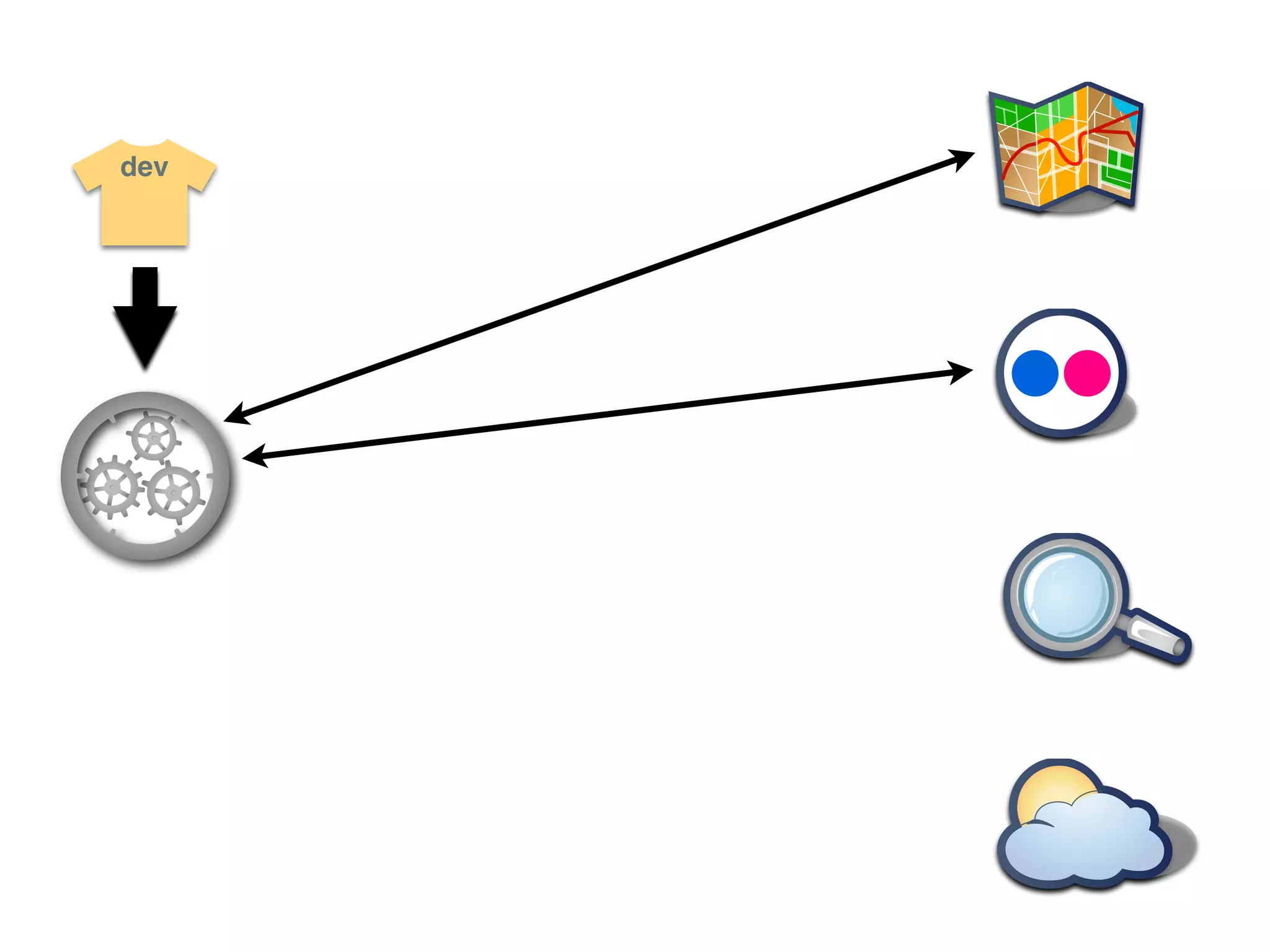
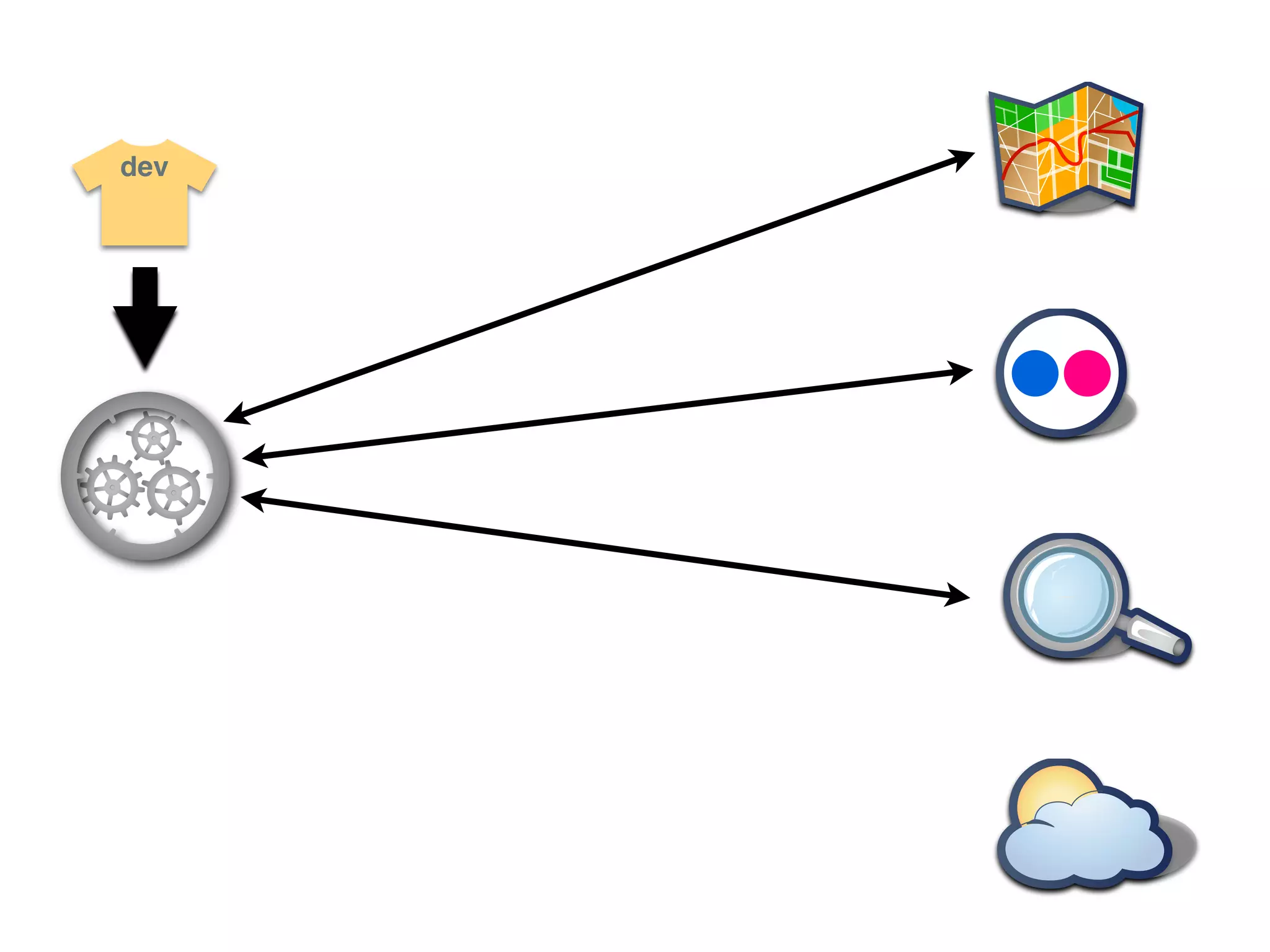
  • #4 Lets take an example of a developer trying
  • #5 Lets take an example of a developer trying
  • #6 Lets take an example of a developer trying
  • #7 Lets take an example of a developer trying
  • #8 Lets take an example of a developer trying
  • #9 Lets take an example of a developer trying
  • #10 Lets take an example of a developer trying
  • #11 Lets take an example of a developer trying
  • #12 Lets take an example of a developer trying
  • #13 Lets take an example of a developer trying
  • #14 Lets take an example of a developer trying
  • #72 remote keys are shown as keys