Workflow Made Easy
Linda Ding
Education Program Strategist
Linda.Ding@laserfiche.com
Sarah Seene
Technical Writer
Sarah.Seene@laserfiche.com
What Will Be Covered Today
‣ Why Workflow
‣ Laserfiche Workflow
‣ Laserfiche Workflow Activities
‣ Q&A
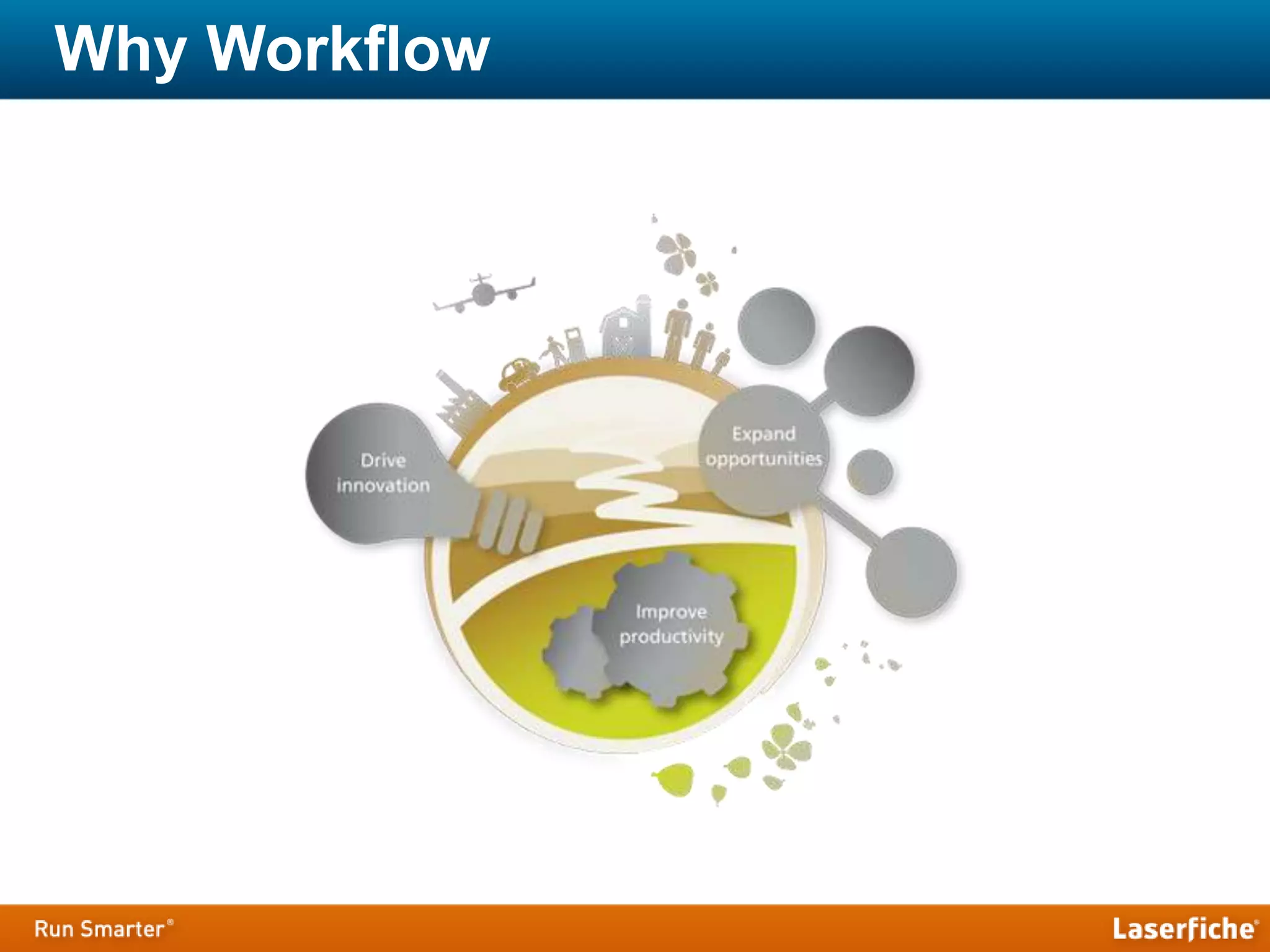
Why Workflow
Workflow Management
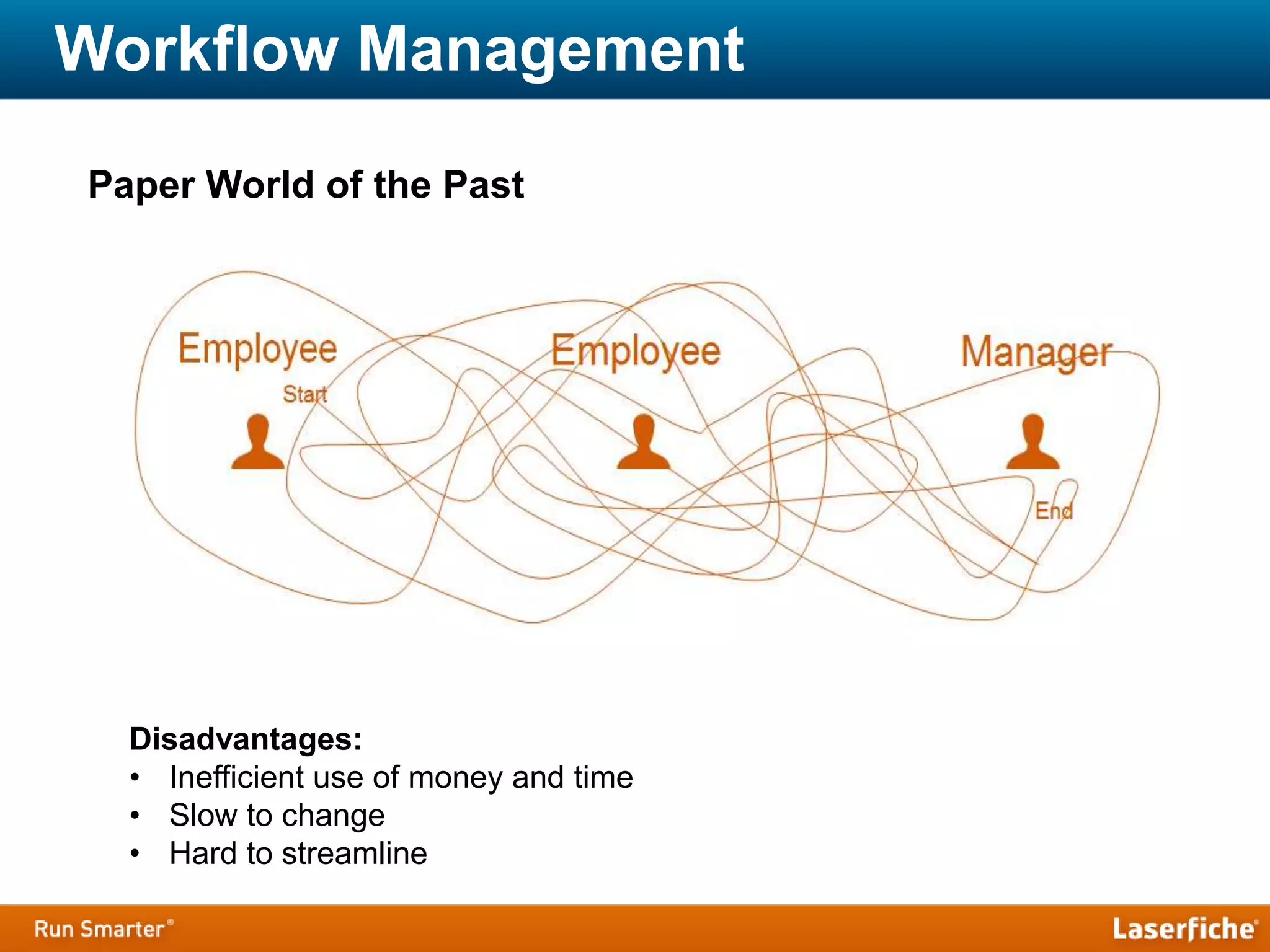
Paper World of the Past
Disadvantages:
• Inefficient use of money and time
• Slow to change
• Hard to streamline
Workflow Management
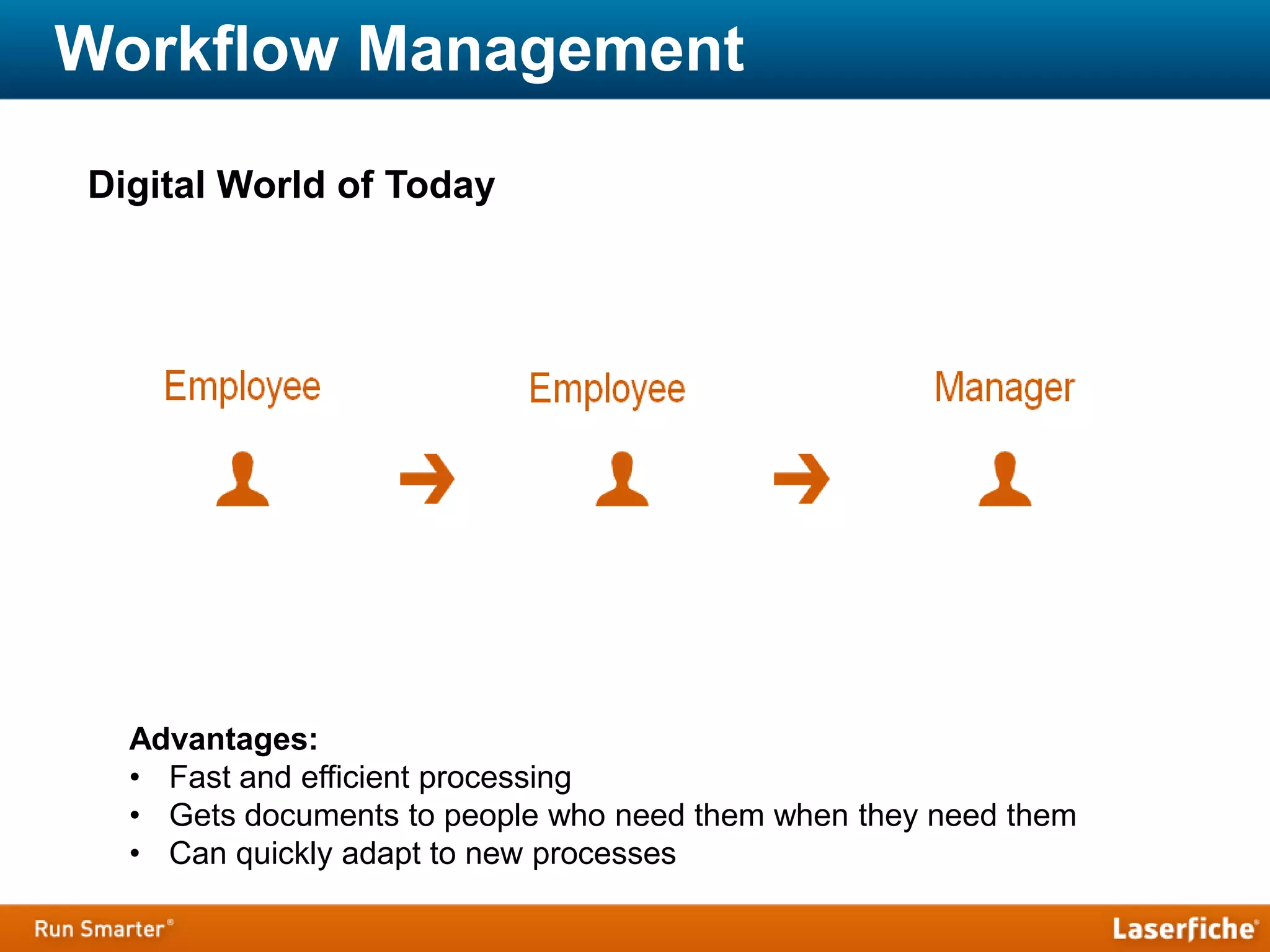
Digital World of Today
Advantages:
• Fast and efficient processing
• Gets documents to people who need them when they need them
• Can quickly adapt to new processes
Laserfiche Workflow
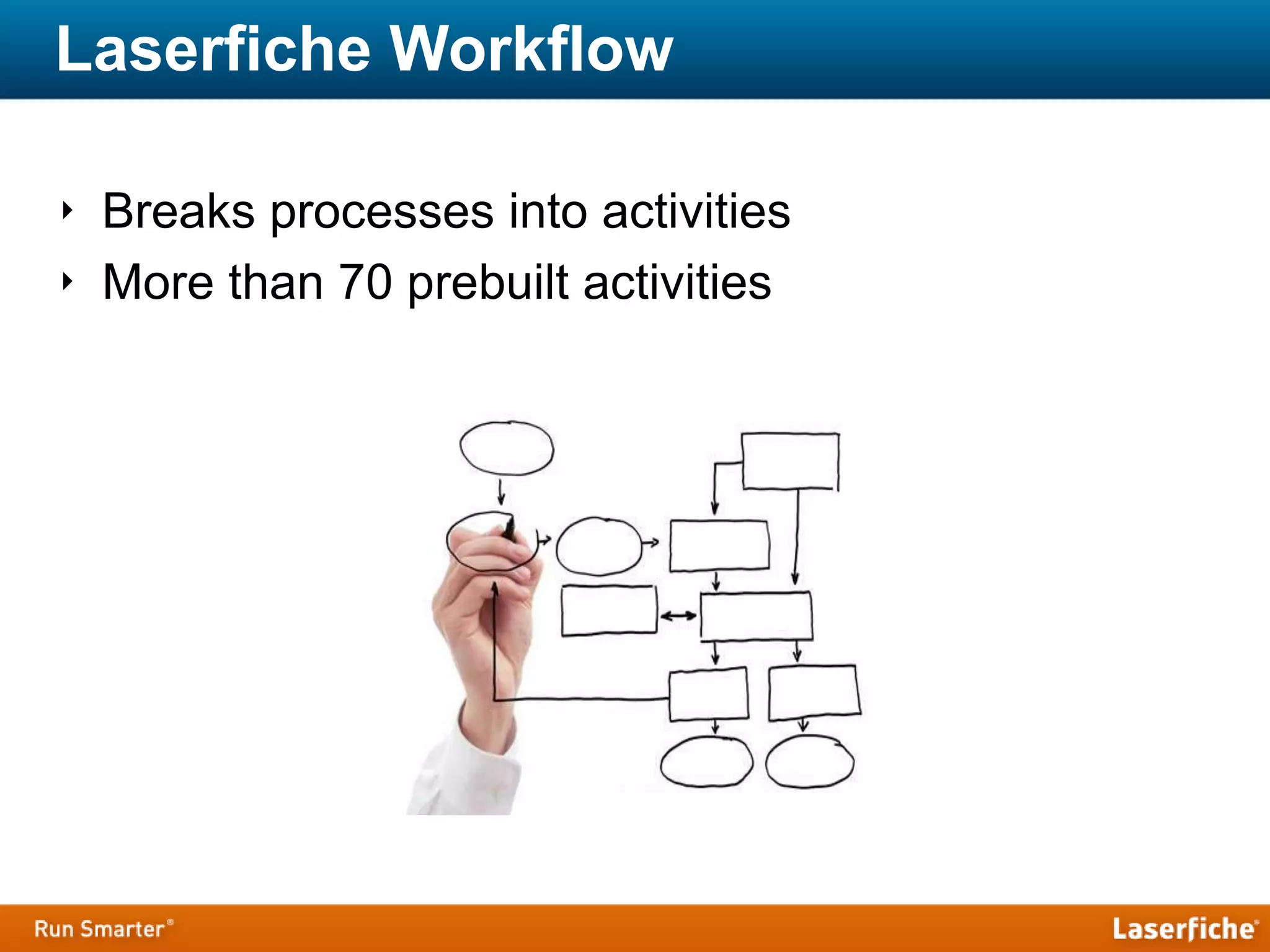
‣ Breaks processes into activities
‣ More than 70 prebuilt activities
Laserfiche Workflow
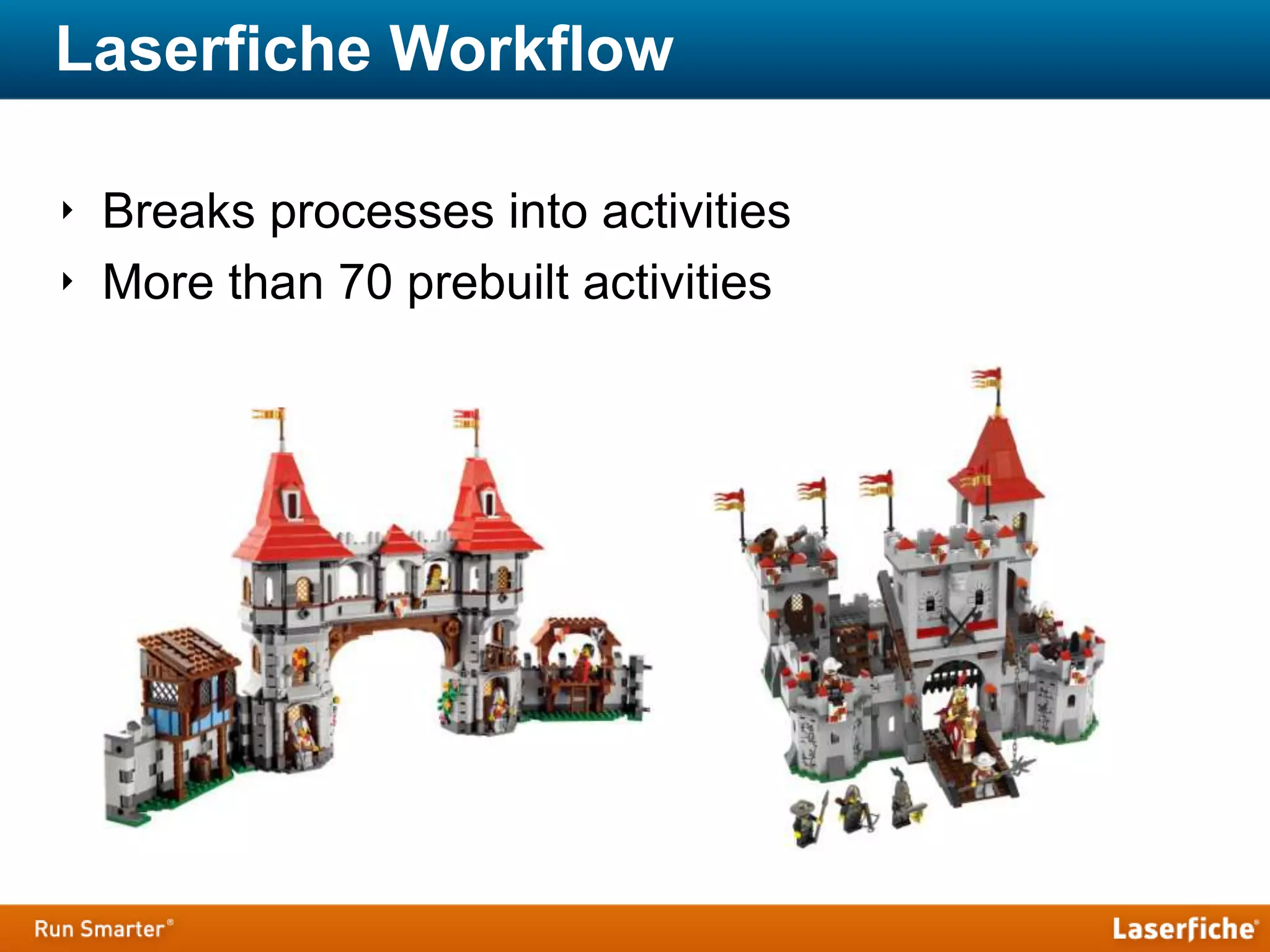
‣ Breaks processes into activities
‣ More than 70 prebuilt activities
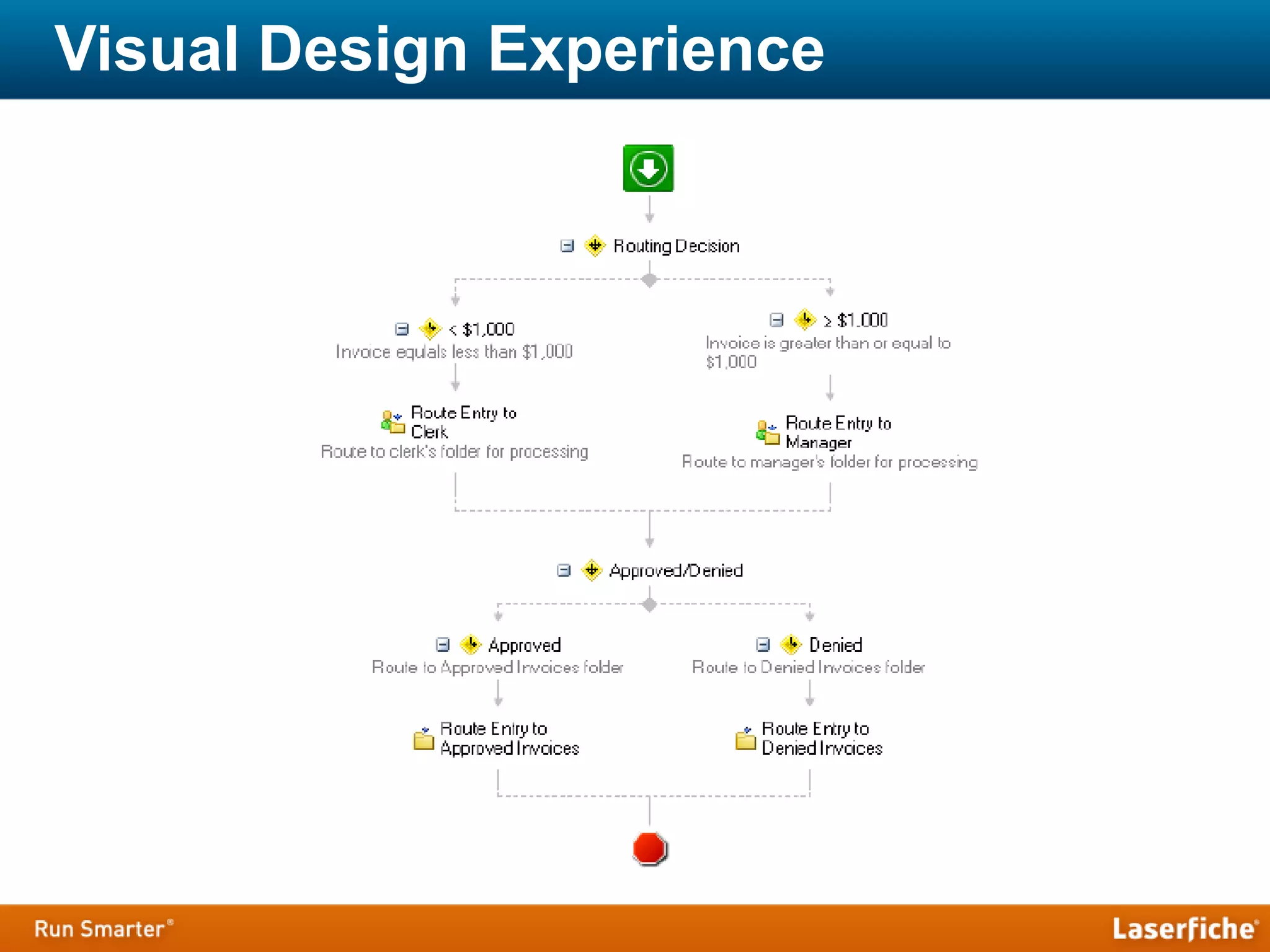
Visual Design Experience
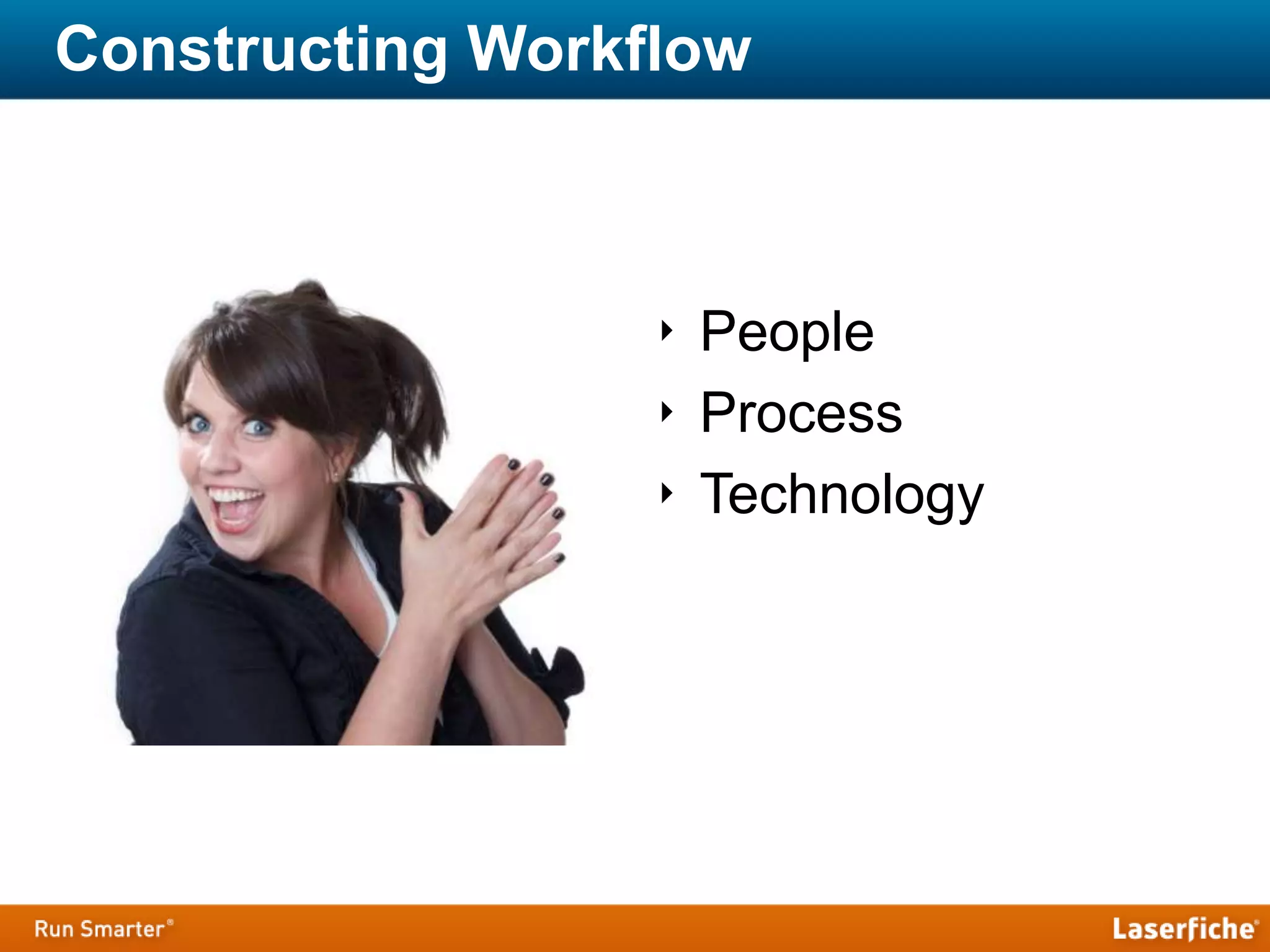
Constructing Workflow
‣ People
‣ Process
‣ Technology
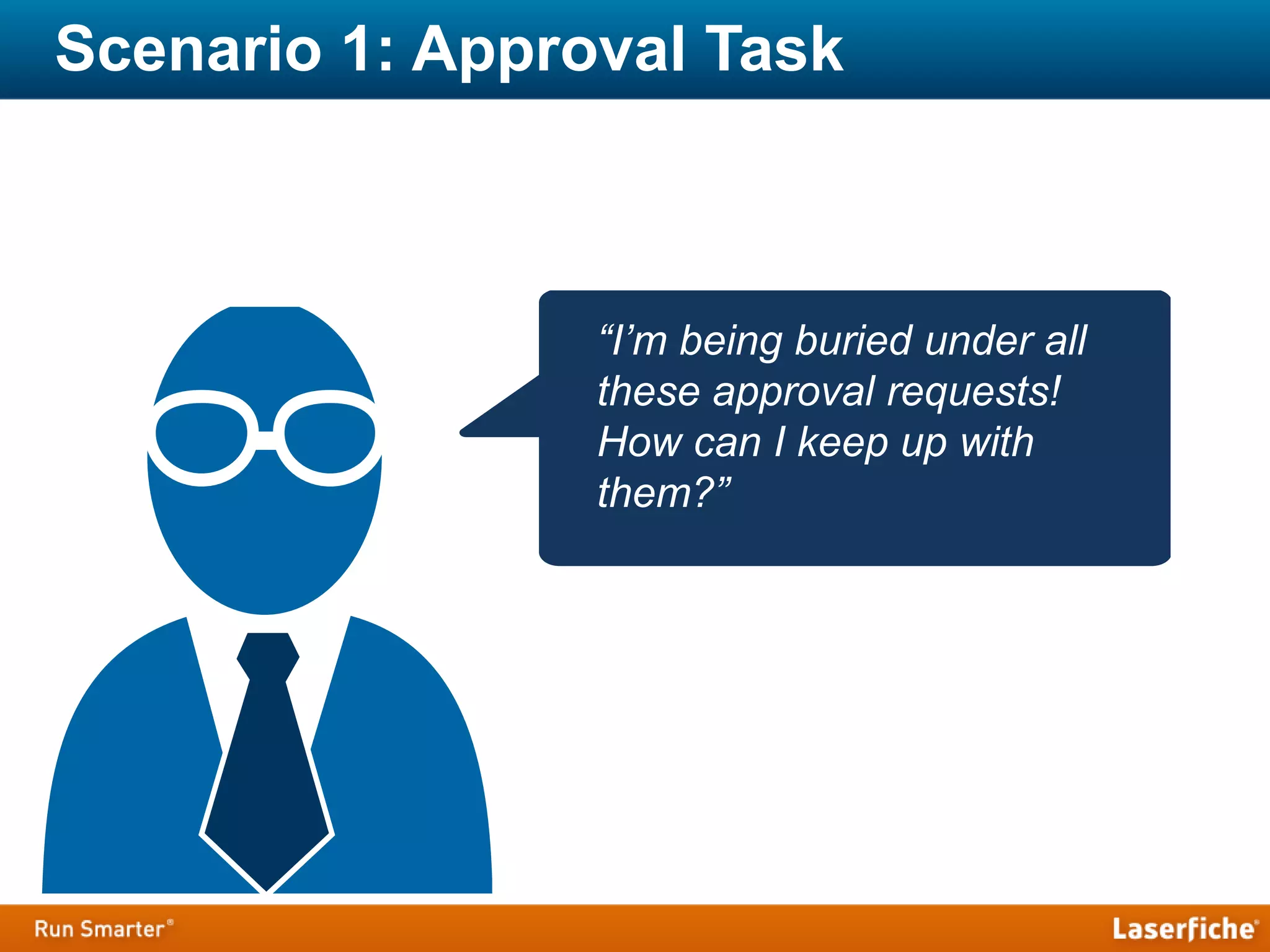
Scenario 1: Approval Task
“I’m being buried under all
these approval requests!
How can I keep up with
them?”
1. Approval/Deny
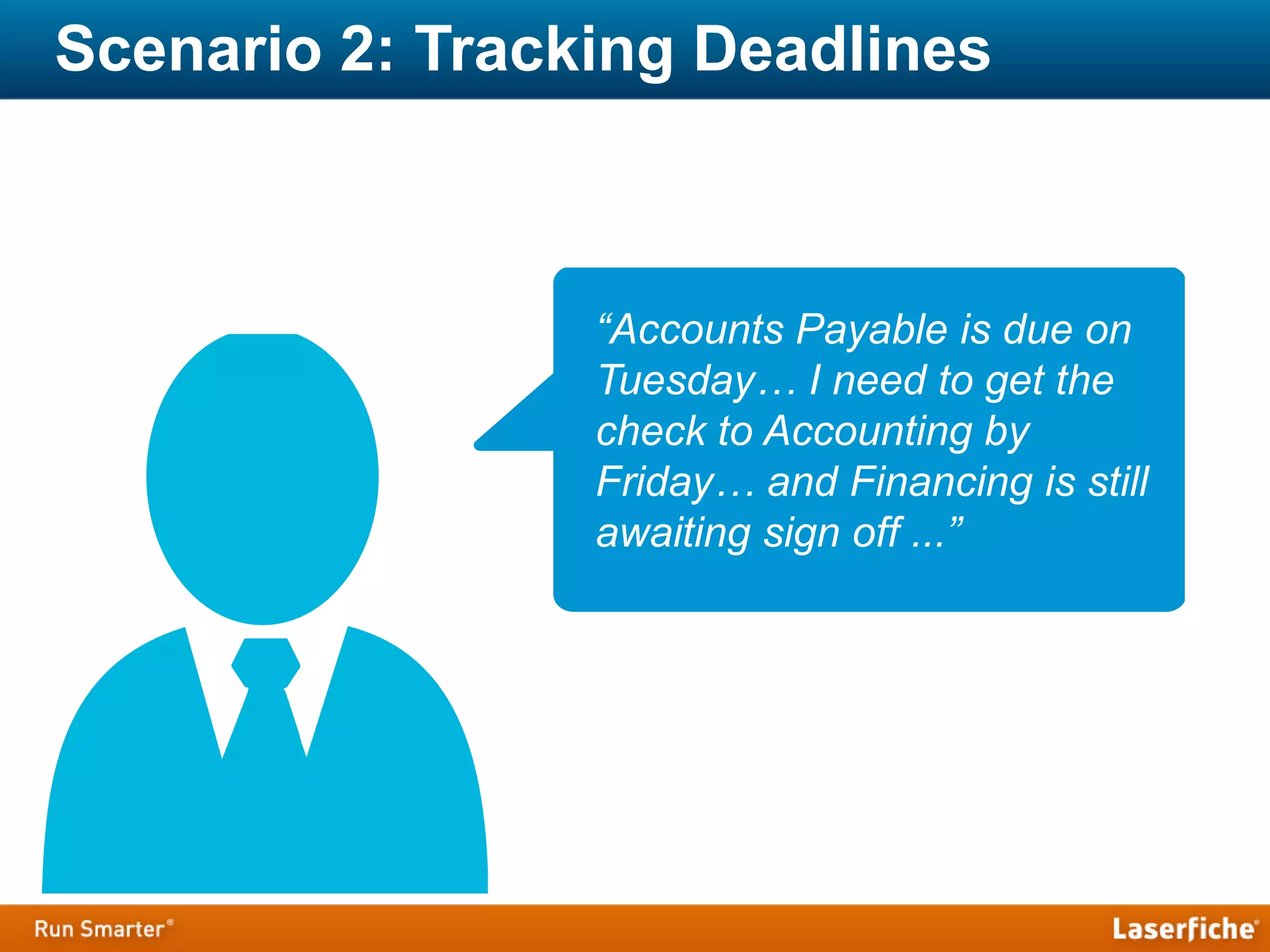
Scenario 2: Tracking Deadlines
“Accounts Payable is due on
Tuesday… I need to get the
check to Accounting by
Friday… and Financing is still
awaiting sign off ...”
1. Approve/Deny
2. Deadline with Notification Emails
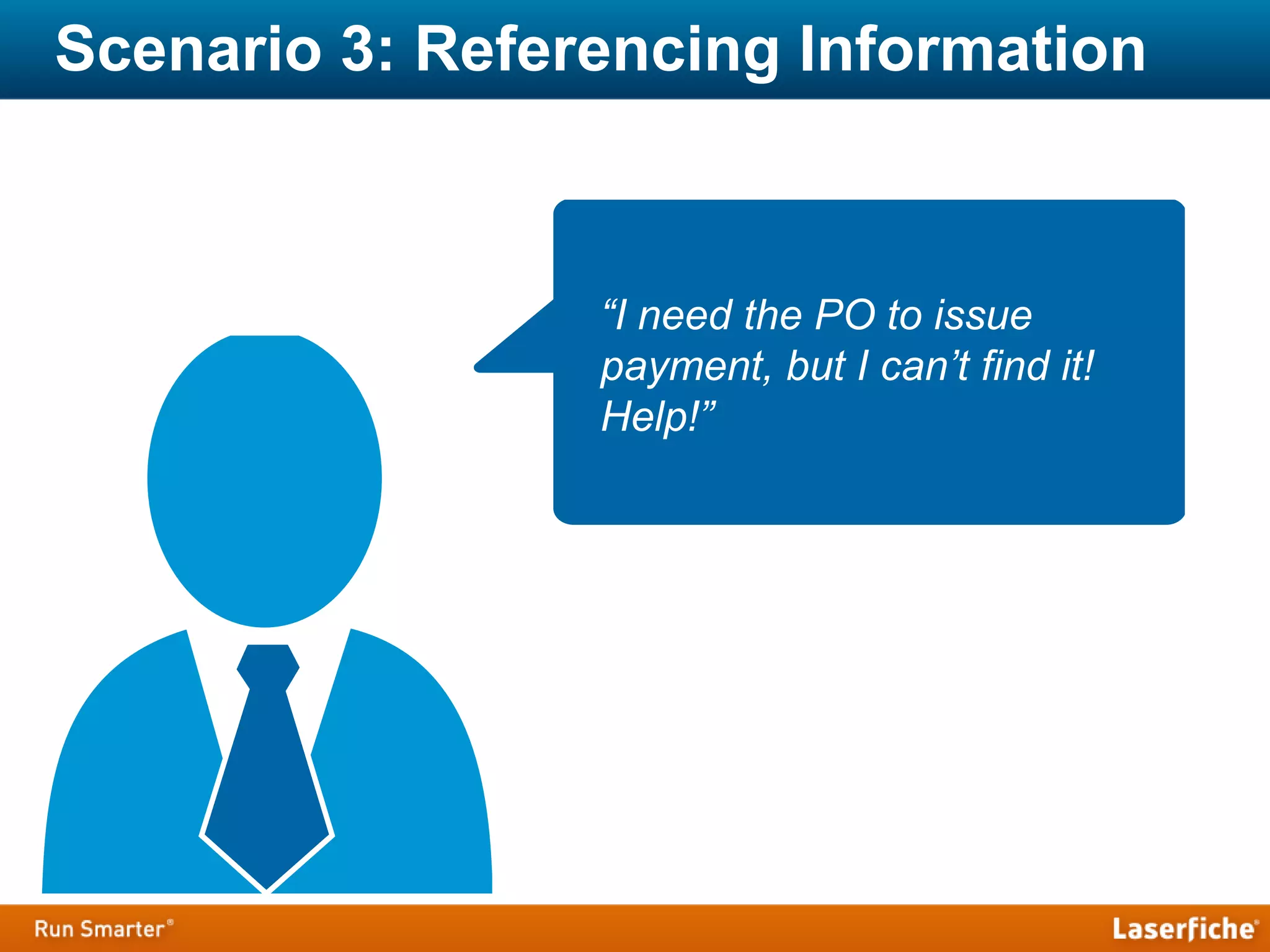
Scenario 3: Referencing Information
“I need the PO to issue
payment, but I can’t find it!
Help!”
1. Approve/Deny
2. Deadline with Notification Emails
3. Linking Relevant Documents
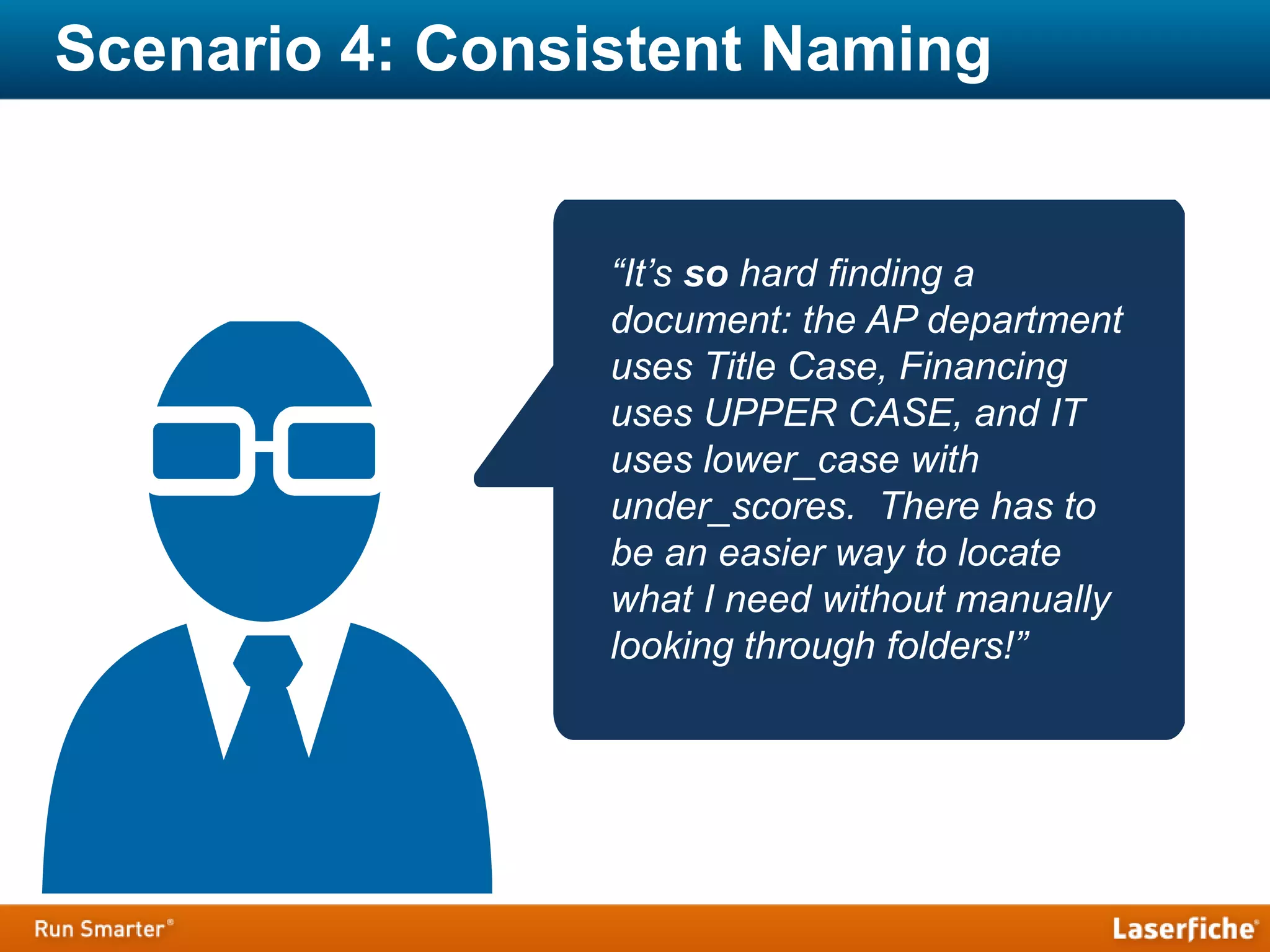
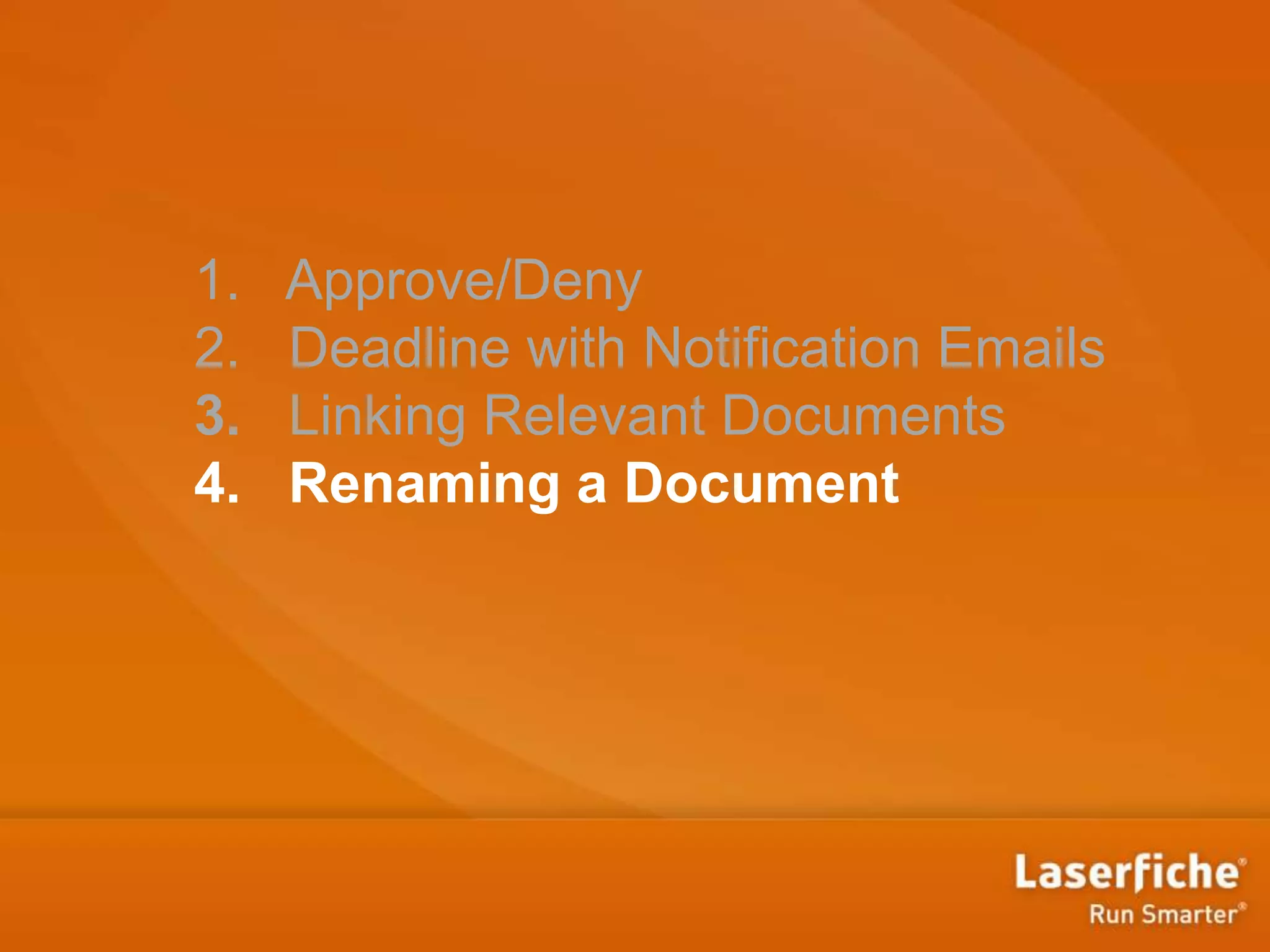
Scenario 4: Consistent Naming
“It’s so hard finding a
document: the AP department
uses Title Case, Financing
uses UPPER CASE, and IT
uses lower_case with
under_scores. There has to
be an easier way to locate
what I need without manually
looking through folders!”
1. Approve/Deny
2. Deadline with Notification Emails
3. Linking Relevant Documents
4. Renaming a Document
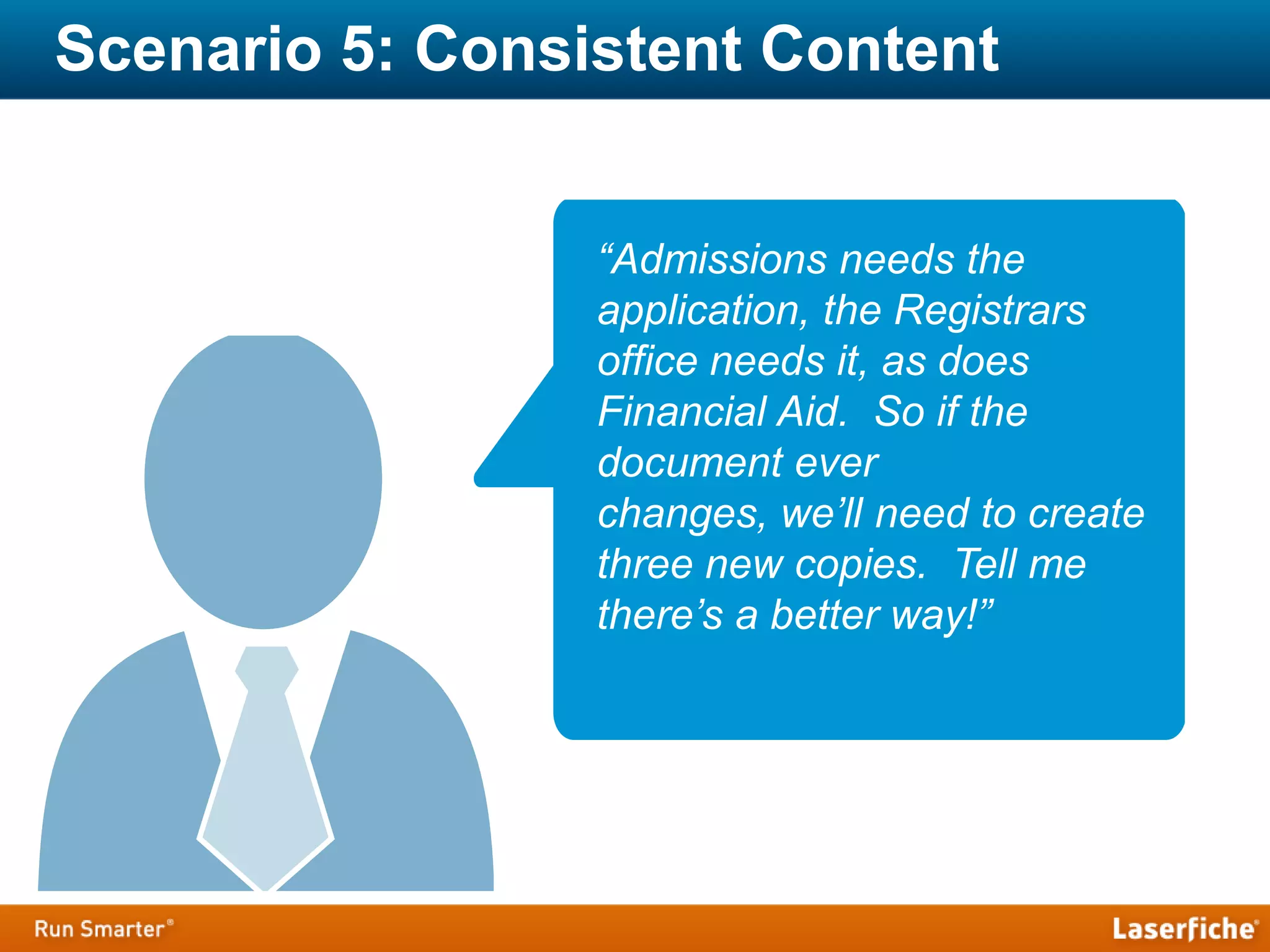
Scenario 5: Consistent Content
“Admissions needs the
application, the Registrars
office needs it, as does
Financial Aid. So if the
document ever
changes, we’ll need to create
three new copies. Tell me
there’s a better way!”
1. Approve/Deny
2. Deadline with Notification Emails
3. Linking Relevant Documents
4. Renaming a Document
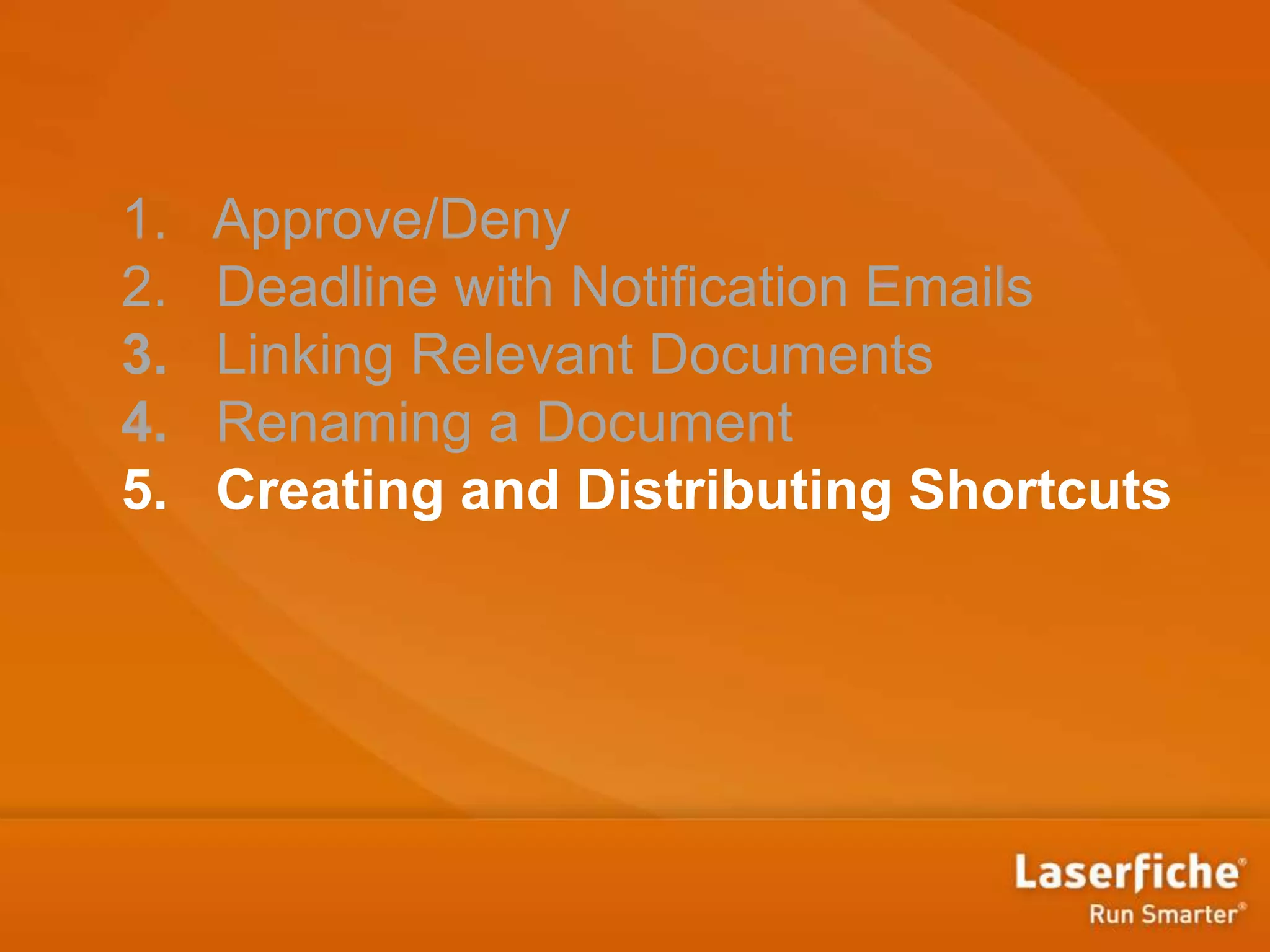
5. Creating and Distributing Shortcuts
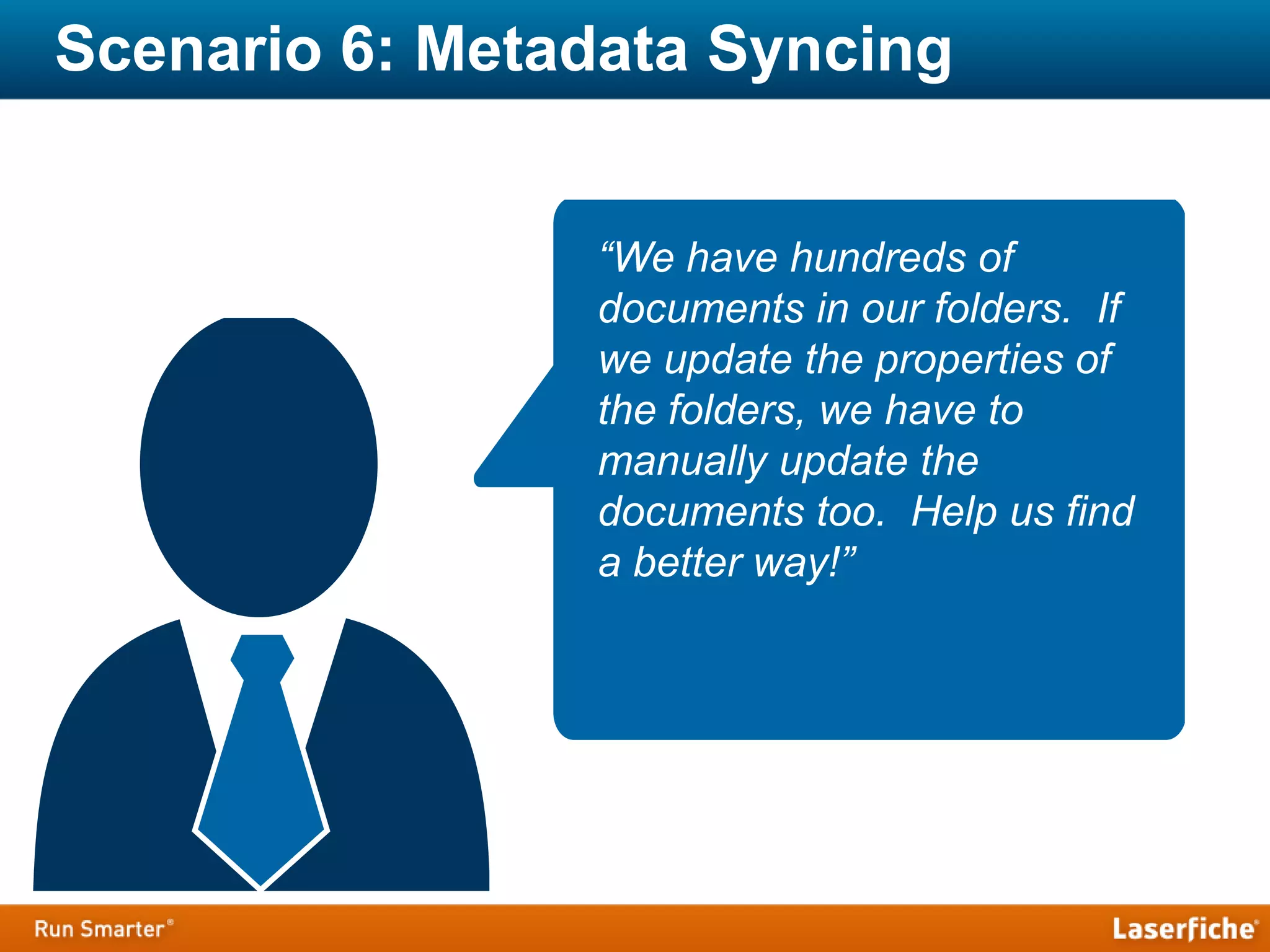
Scenario 6: Metadata Syncing
“We have hundreds of
documents in our folders. If
we update the properties of
the folders, we have to
manually update the
documents too. Help us find
a better way!”
1. Approve/Deny
2. Deadline with Notification Emails
3. Linking Relevant Documents
4. Renaming a Document
5. Creating and Distributing Shortcuts
6. Syncing Metadata
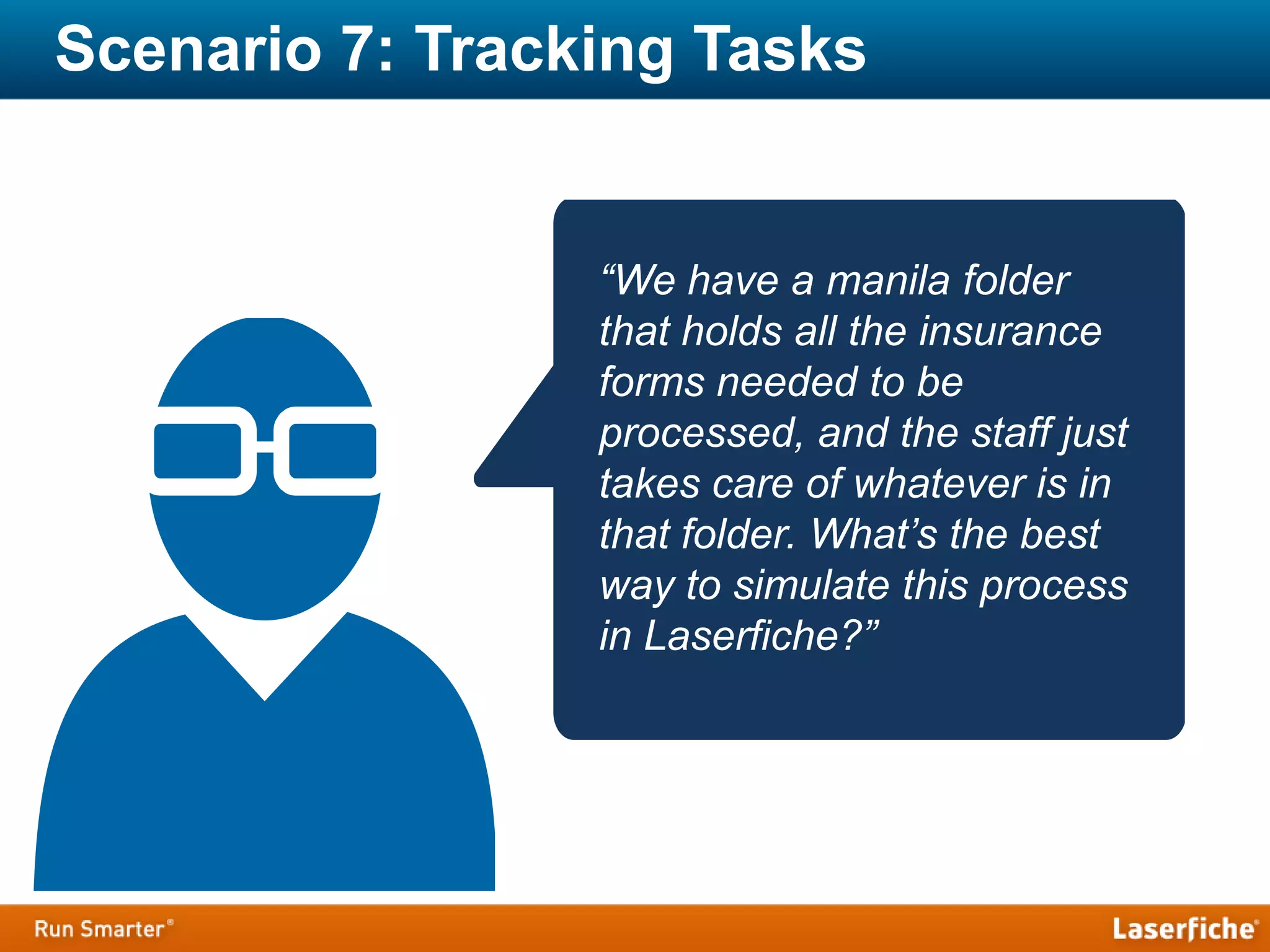
Scenario 7: Tracking Tasks
“We have a manila folder
that holds all the insurance
forms needed to be
processed, and the staff just
takes care of whatever is in
that folder. What’s the best
way to simulate this process
in Laserfiche?”
1. Approve/Deny
2. Deadline with Notification Emails
3. Linking Relevant Documents
4. Renaming a Document
5. Creating and Distributing Shortcuts
6. Syncing Metadata
7. Notify When Document Is Created
Q & A
Workflow Learning Resources
‣ Simple Workflow Video Series
‣ Certified Professional Program (CPP)
‣ Laserfiche Empower Conference 2014
Workflow Made Easy
Linda Ding
Education Program Strategist
Linda.Ding@laserfiche.com
Sarah Seene
Technical Writer
Sarah.Seene@laserfiche.com

Laserfiche Workflow Made Easy!

  • 1.
    Workflow Made Easy LindaDing Education Program Strategist Linda.Ding@laserfiche.com Sarah Seene Technical Writer Sarah.Seene@laserfiche.com
  • 2.
    What Will BeCovered Today ‣ Why Workflow ‣ Laserfiche Workflow ‣ Laserfiche Workflow Activities ‣ Q&A
  • 3.
  • 4.
    Workflow Management Paper Worldof the Past Disadvantages: • Inefficient use of money and time • Slow to change • Hard to streamline
  • 5.
    Workflow Management Digital Worldof Today Advantages: • Fast and efficient processing • Gets documents to people who need them when they need them • Can quickly adapt to new processes
  • 6.
    Laserfiche Workflow ‣ Breaksprocesses into activities ‣ More than 70 prebuilt activities
  • 7.
    Laserfiche Workflow ‣ Breaksprocesses into activities ‣ More than 70 prebuilt activities
  • 8.
  • 9.
  • 10.
    Scenario 1: ApprovalTask “I’m being buried under all these approval requests! How can I keep up with them?”
  • 11.
  • 12.
    Scenario 2: TrackingDeadlines “Accounts Payable is due on Tuesday… I need to get the check to Accounting by Friday… and Financing is still awaiting sign off ...”
  • 13.
    1. Approve/Deny 2. Deadlinewith Notification Emails
  • 14.
    Scenario 3: ReferencingInformation “I need the PO to issue payment, but I can’t find it! Help!”
  • 15.
    1. Approve/Deny 2. Deadlinewith Notification Emails 3. Linking Relevant Documents
  • 16.
    Scenario 4: ConsistentNaming “It’s so hard finding a document: the AP department uses Title Case, Financing uses UPPER CASE, and IT uses lower_case with under_scores. There has to be an easier way to locate what I need without manually looking through folders!”
  • 17.
    1. Approve/Deny 2. Deadlinewith Notification Emails 3. Linking Relevant Documents 4. Renaming a Document
  • 18.
    Scenario 5: ConsistentContent “Admissions needs the application, the Registrars office needs it, as does Financial Aid. So if the document ever changes, we’ll need to create three new copies. Tell me there’s a better way!”
  • 19.
    1. Approve/Deny 2. Deadlinewith Notification Emails 3. Linking Relevant Documents 4. Renaming a Document 5. Creating and Distributing Shortcuts
  • 20.
    Scenario 6: MetadataSyncing “We have hundreds of documents in our folders. If we update the properties of the folders, we have to manually update the documents too. Help us find a better way!”
  • 21.
    1. Approve/Deny 2. Deadlinewith Notification Emails 3. Linking Relevant Documents 4. Renaming a Document 5. Creating and Distributing Shortcuts 6. Syncing Metadata
  • 22.
    Scenario 7: TrackingTasks “We have a manila folder that holds all the insurance forms needed to be processed, and the staff just takes care of whatever is in that folder. What’s the best way to simulate this process in Laserfiche?”
  • 23.
    1. Approve/Deny 2. Deadlinewith Notification Emails 3. Linking Relevant Documents 4. Renaming a Document 5. Creating and Distributing Shortcuts 6. Syncing Metadata 7. Notify When Document Is Created
  • 24.
  • 25.
    Workflow Learning Resources ‣Simple Workflow Video Series ‣ Certified Professional Program (CPP) ‣ Laserfiche Empower Conference 2014
  • 26.
    Workflow Made Easy LindaDing Education Program Strategist Linda.Ding@laserfiche.com Sarah Seene Technical Writer Sarah.Seene@laserfiche.com