WordPress Theme
Workshop: Misc
November 4th, 2017
David Bisset
davidbisset.com / @dimensionmedia
body_class
function my_class_names($classes) {
// add 'class-name' to the $classes array
$classes[] = 'test-class-name';
// return the $classes array
return $classes;
}
//Now add test class to the filter
add_filter('body_class','my_class_names');
Body Class (body_class) is a WordPress function that gives the
body element different classes, so theme authors can style their
sites effectively with CSS. HTML body tag is present in mostly
your header.php file which loads on every page.
post_class
<div id="post-<?php the_ID(); ?>" <?php post_class(); ?>>
Similar in concept to body_class except you can alter the CSS in
WordPress posts.
// add category nicenames in body and post class
function category_id_class( $classes ) {
global $post;
foreach ( ( get_the_category( $post->ID ) ) as $category ) {
$classes[] = $category->category_nicename;
}
return $classes;
}
add_filter( 'post_class', 'category_id_class' );
add_filter( 'body_class', 'category_id_class' );
is_category()
is_category();
// When any Category archive page is being displayed.
is_category( '9' );
// When the archive page for Category 9 is being displayed.
is_category( 'Stinky Cheeses' );
// When the archive page for the Category with Name
"Stinky Cheeses" is being displayed.
is_category( 'blue-cheese' );
// When the archive page for the Category with Category Slug
"blue-cheese" is being displayed.
is_category( array( 9, 'blue-cheese', 'Stinky Cheeses' ) );
This function will additionally check if the query is for one of the
categories specified.
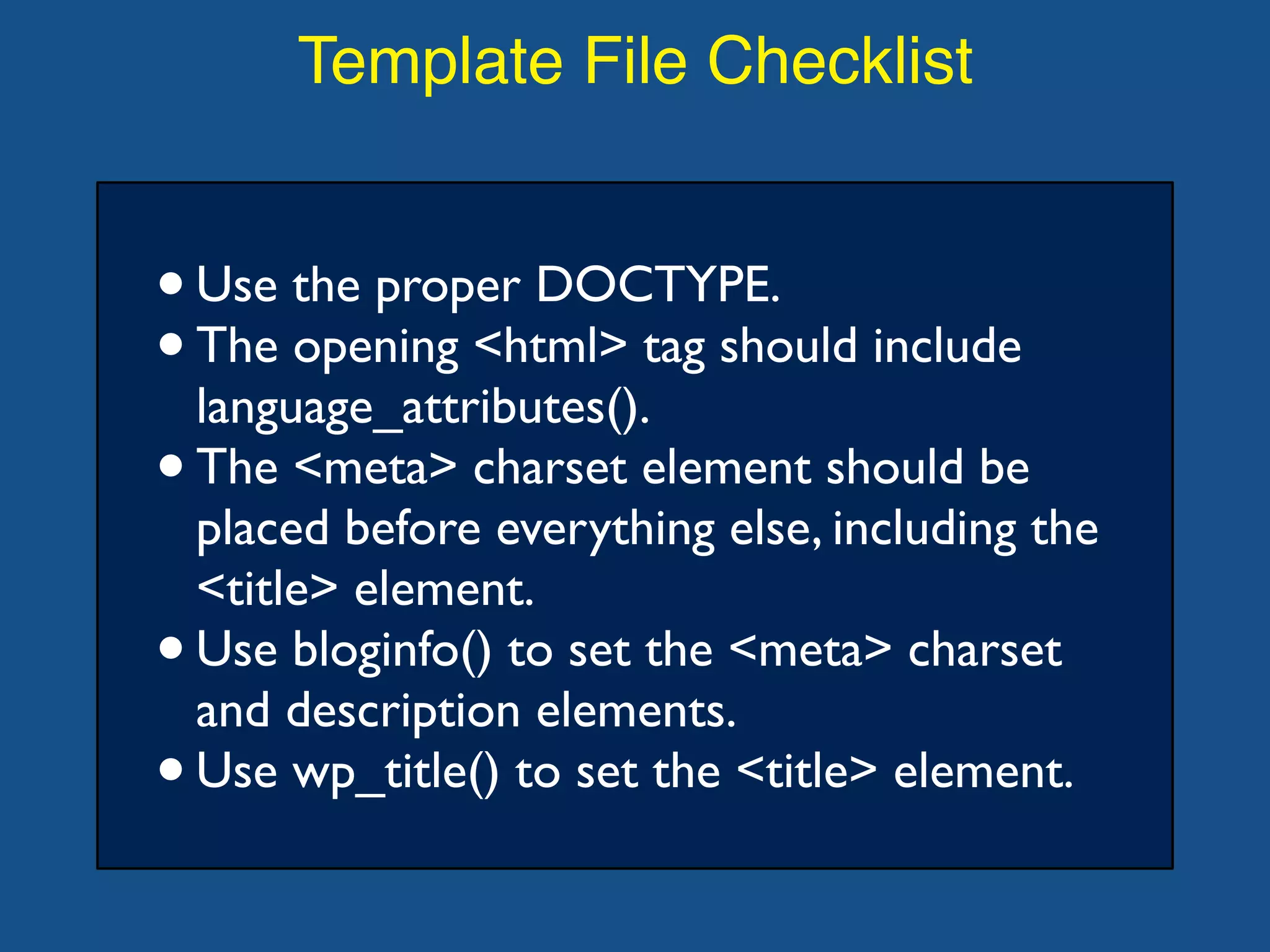
Template File Checklist
•Use the proper DOCTYPE.
•The opening <html> tag should include
language_attributes().
•The <meta> charset element should be
placed before everything else, including the
<title> element.
•Use bloginfo() to set the <meta> charset
and description elements.
•Use wp_title() to set the <title> element.
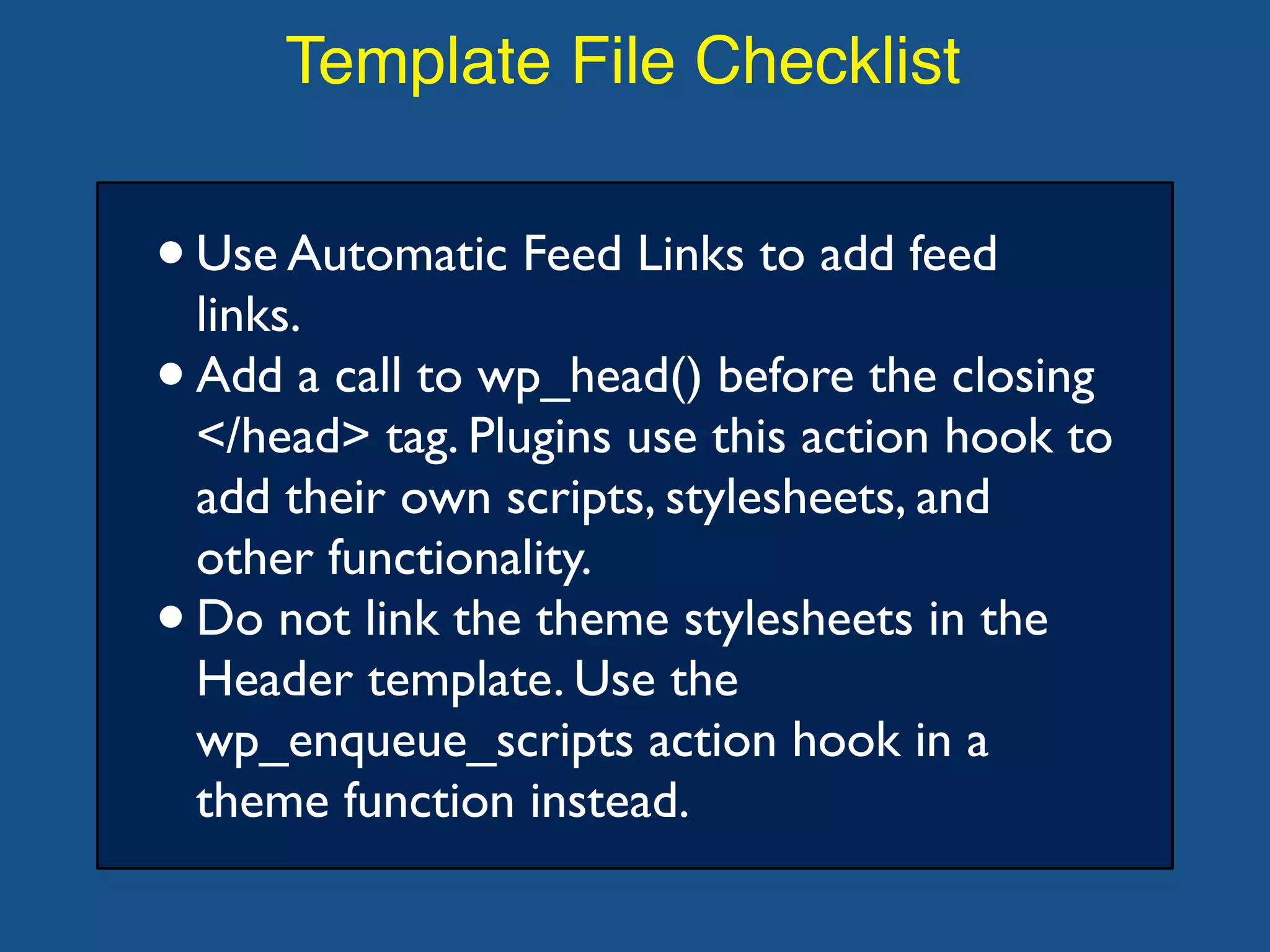
Template File Checklist
•Use Automatic Feed Links to add feed
links.
•Add a call to wp_head() before the closing
</head> tag. Plugins use this action hook to
add their own scripts, stylesheets, and
other functionality.
•Do not link the theme stylesheets in the
Header template. Use the
wp_enqueue_scripts action hook in a
theme function instead.
Troubleshooting Themes
Add the following debug setting to your
wp-config.php file to see deprecated
function calls and other WordPress-related
errors:
•define('WP_DEBUG', true);
WP_DEBUG
WP_DEBUG is a PHP constant (a
permanent global variable) that can be
used to trigger the "debug" mode
throughout WordPress. It is assumed to be
false by default and is usually set to true in
the wp-config.php file on development
copies of WordPress.
define('WP_DEBUG', true);
WP_DEBUG_LOG
WP_DEBUG_LOG is a companion to
WP_DEBUG that causes all errors to also
be saved to a debug.log log file inside the /
wp-content/ directory.
define( 'WP_DEBUG_LOG', true );
WP_DEBUG_DISPLAY
WP_DEBUG_DISPLAY is another
companion to WP_DEBUG that controls
whether debug messages are shown inside
the HTML of pages or not.The default is
'true' which shows errors and warnings as
they are generated. Setting this to false will
hide all errors.
define( 'WP_DEBUG_DISPLAY', false );
SCRIPT_DEBUG
SCRIPT_DEBUG is a related constant that
will force WordPress to use the "dev"
versions of some core CSS and JavaScript
files rather than the minified versions that
are normally loaded.
define( 'SCRIPT_DEBUG', true );
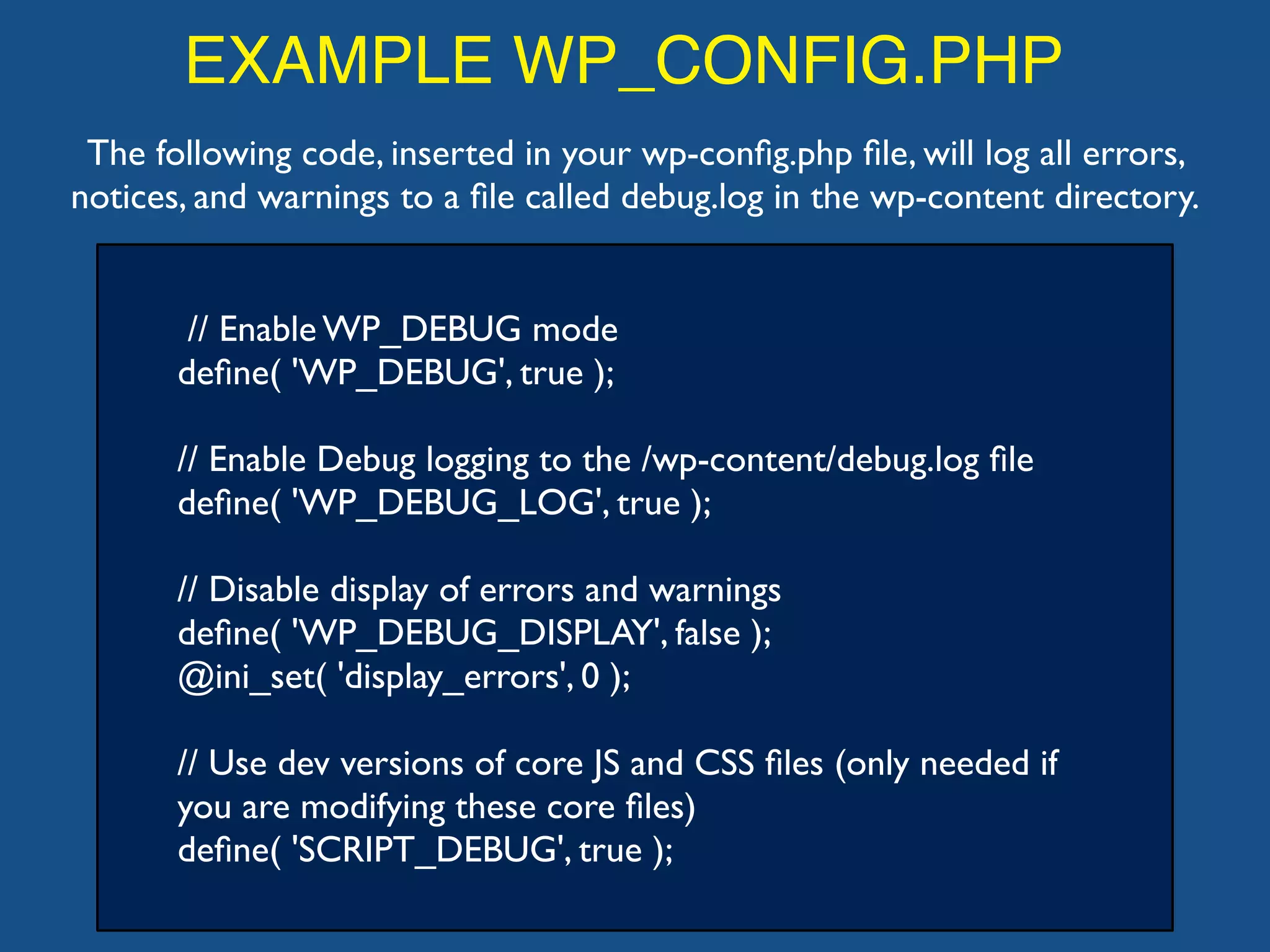
EXAMPLE WP_CONFIG.PHP
// Enable WP_DEBUG mode
define( 'WP_DEBUG', true );
// Enable Debug logging to the /wp-content/debug.log file
define( 'WP_DEBUG_LOG', true );
// Disable display of errors and warnings
define( 'WP_DEBUG_DISPLAY', false );
@ini_set( 'display_errors', 0 );
// Use dev versions of core JS and CSS files (only needed if
you are modifying these core files)
define( 'SCRIPT_DEBUG', true );
The following code, inserted in your wp-config.php file, will log all errors,
notices, and warnings to a file called debug.log in the wp-content directory.
https://generatewp.com/wp-config/
(also debug bar)
custom post types
shortcodes in themes
child themes: quick intro

WordPress Theme Workshop: Misc

  • 1.
    WordPress Theme Workshop: Misc November4th, 2017 David Bisset davidbisset.com / @dimensionmedia
  • 2.
    body_class function my_class_names($classes) { //add 'class-name' to the $classes array $classes[] = 'test-class-name'; // return the $classes array return $classes; } //Now add test class to the filter add_filter('body_class','my_class_names'); Body Class (body_class) is a WordPress function that gives the body element different classes, so theme authors can style their sites effectively with CSS. HTML body tag is present in mostly your header.php file which loads on every page.
  • 3.
    post_class <div id="post-<?php the_ID();?>" <?php post_class(); ?>> Similar in concept to body_class except you can alter the CSS in WordPress posts. // add category nicenames in body and post class function category_id_class( $classes ) { global $post; foreach ( ( get_the_category( $post->ID ) ) as $category ) { $classes[] = $category->category_nicename; } return $classes; } add_filter( 'post_class', 'category_id_class' ); add_filter( 'body_class', 'category_id_class' );
  • 4.
    is_category() is_category(); // When anyCategory archive page is being displayed. is_category( '9' ); // When the archive page for Category 9 is being displayed. is_category( 'Stinky Cheeses' ); // When the archive page for the Category with Name "Stinky Cheeses" is being displayed. is_category( 'blue-cheese' ); // When the archive page for the Category with Category Slug "blue-cheese" is being displayed. is_category( array( 9, 'blue-cheese', 'Stinky Cheeses' ) ); This function will additionally check if the query is for one of the categories specified.
  • 5.
    Template File Checklist •Usethe proper DOCTYPE. •The opening <html> tag should include language_attributes(). •The <meta> charset element should be placed before everything else, including the <title> element. •Use bloginfo() to set the <meta> charset and description elements. •Use wp_title() to set the <title> element.
  • 6.
    Template File Checklist •UseAutomatic Feed Links to add feed links. •Add a call to wp_head() before the closing </head> tag. Plugins use this action hook to add their own scripts, stylesheets, and other functionality. •Do not link the theme stylesheets in the Header template. Use the wp_enqueue_scripts action hook in a theme function instead.
  • 7.
    Troubleshooting Themes Add thefollowing debug setting to your wp-config.php file to see deprecated function calls and other WordPress-related errors: •define('WP_DEBUG', true);
  • 8.
    WP_DEBUG WP_DEBUG is aPHP constant (a permanent global variable) that can be used to trigger the "debug" mode throughout WordPress. It is assumed to be false by default and is usually set to true in the wp-config.php file on development copies of WordPress. define('WP_DEBUG', true);
  • 9.
    WP_DEBUG_LOG WP_DEBUG_LOG is acompanion to WP_DEBUG that causes all errors to also be saved to a debug.log log file inside the / wp-content/ directory. define( 'WP_DEBUG_LOG', true );
  • 10.
    WP_DEBUG_DISPLAY WP_DEBUG_DISPLAY is another companionto WP_DEBUG that controls whether debug messages are shown inside the HTML of pages or not.The default is 'true' which shows errors and warnings as they are generated. Setting this to false will hide all errors. define( 'WP_DEBUG_DISPLAY', false );
  • 11.
    SCRIPT_DEBUG SCRIPT_DEBUG is arelated constant that will force WordPress to use the "dev" versions of some core CSS and JavaScript files rather than the minified versions that are normally loaded. define( 'SCRIPT_DEBUG', true );
  • 12.
    EXAMPLE WP_CONFIG.PHP // EnableWP_DEBUG mode define( 'WP_DEBUG', true ); // Enable Debug logging to the /wp-content/debug.log file define( 'WP_DEBUG_LOG', true ); // Disable display of errors and warnings define( 'WP_DEBUG_DISPLAY', false ); @ini_set( 'display_errors', 0 ); // Use dev versions of core JS and CSS files (only needed if you are modifying these core files) define( 'SCRIPT_DEBUG', true ); The following code, inserted in your wp-config.php file, will log all errors, notices, and warnings to a file called debug.log in the wp-content directory.
  • 13.
  • 14.
  • 15.
  • 16.
  • 17.