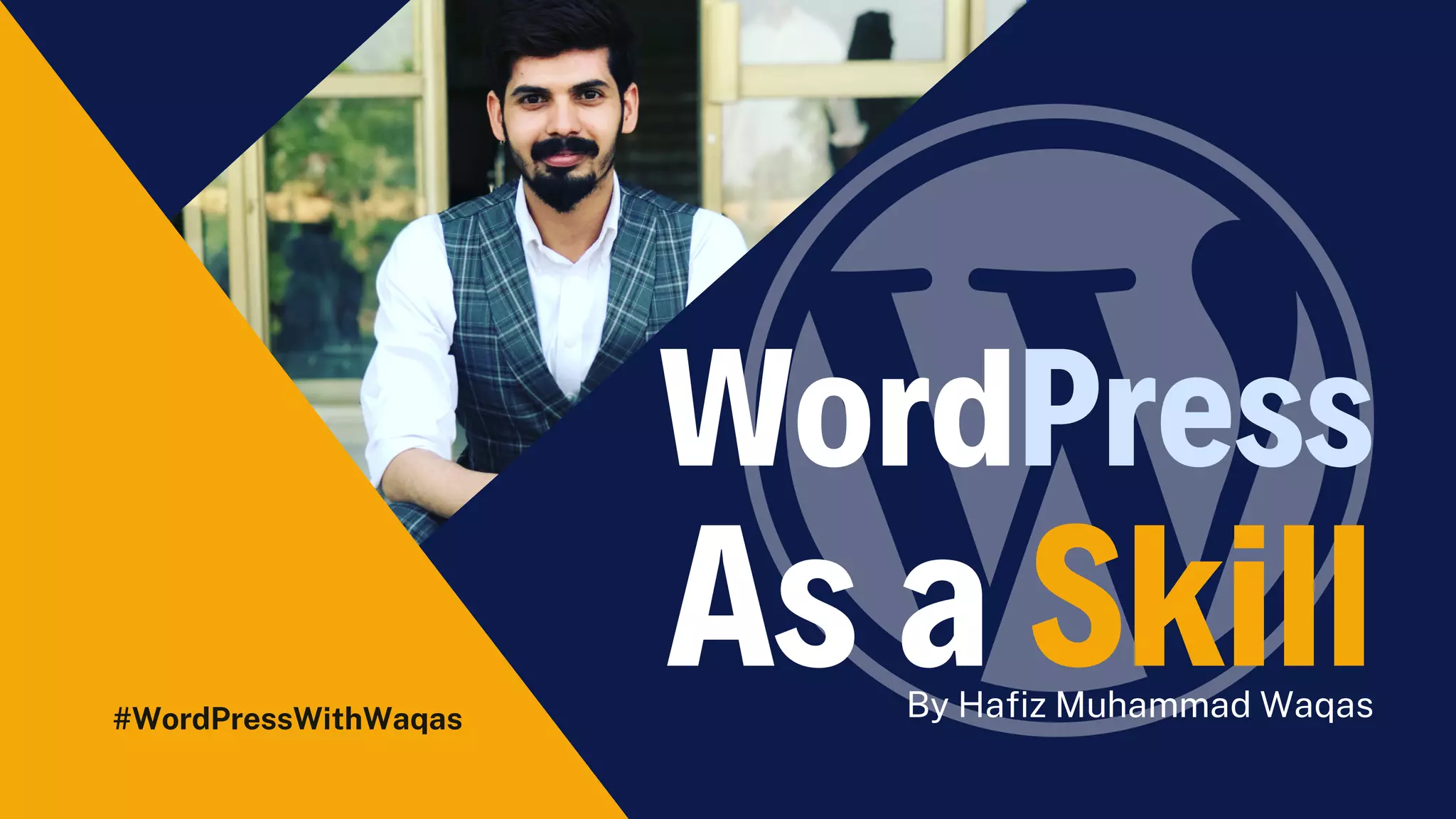
WordPress
As a Skill
#WordPressWithWaqas By Hafiz Muhammad Waqas
Agenda
What this LIVE Session will cover
Overview (WordPress LIVE Series)
WordPress Intro + Popularity
WordPress.com vs. WordPress.org
Why WordPress for Clients?
Interesting Facts to know
Scope of WordPress for freelancers
Install WordPress on Localserver
About Trainer (Hafiz M. Waqas)
Assignment
#WordPressWithWaqas
Overview
(WordPress LIVE Series)
#WordPressWithWaqas
WordPress
Introduction
#WordPressWithWaqas
WordPress Popularity
https://wordpress.org/download/counter/
Popular
Websites
That Run On
WordPress
One of the reasons why
WordPress is the leading CMS on
the market is user-friendliness
and flexibility. Probably this is also
the core reason why popular
websites chose to have their
websites powered by WordPress.
On the list, there are websites like:
sonymusic.com newyorker.com
bloomberg.com bbcamerica.com
codeinwp.com techcrunch.com
mtv.com
WordPress.com
vs
WordPress.org
WordPress.org aka “the real
WordPress”, is the popular website
platform that you have heard all the
great things about.
It is an open-source software, and it’s
100% free for anyone to use. All you
need is a domain name and web
hosting. This is why it is also referred
to as self-hosted WordPress.
Below are the pros and cons of using
the self-hosted WordPress.org to
build your website or blog.
Free – Very limited.
Personal – $48 per year
Premium – $96 per year
Business – $300 per year
Ecommerce – $540 per year
VIP – starting at $5000 per month
WordPress.com is a hosting service created by
Automattic, a company led by WordPress co-
founder, Matt Mullenweg. Because of the same
founder, often users confuse WordPress.com
with the popular WordPress.org software.
The WordPress.com hosting service has 6
pricing plans:
Why WordPress for Clients?
01
User-Friendly
WordPress is famous
for its simplicity,
anyone can easily
learn to use it.
02
SEO Friendly
Out of the box,
WordPress is SEO-
friendly. WordPress
websites rank higher.
03
Secure & Safe
WordPress is so
beloved to everyone
because of its
security measures.
04
Mobile Friendly
Most of the
WordPress themes
are responsive OR
provide 'Mobile View'.
05
InExpensive
WordPress is very
inexpensive solution
for clients as they pay
for service only.
Download Xampp from the
Internet
Once download and click here to
install
Click Next and install
Select the directory
Start the Xampp Control panel
Install
XAMPP
01
02
03
04
05
Step 1
Step 2
Step 3
Step 4
Step 5
Step 6
Step 7
Step 8
Step 9
Step 10
Step 11
Step 12
Step 13
Step
Step 14
Download Zip file from
Wordpres.org
Copy this code into
Xampp/htdocs/ {Wordpress
folder}
Open the link
localhost/wordpress
Open the link and add DB
Add Details of the site
Install
Wordpress
01
02
03
04
05
Download Zip file from
Wordpres.org
Step 1
Copy this code into
Xampp/htdocs/Wordr
press
Step 2
Open the link
localhost/wordpress
Step 3
Open the link and add
DB Click Submit
Step 4
Add Details of the site
Step 5
Major Wins
From this very first session, you
will gain enough motivation to get
started with WordPress as a skill
for freelancers.
Motivation
You'll be able to get connected
with like-minded community
members to learn together while
making mistakes.
Your Tribe
You'' gain clarity about What is
WordPress?, Why should you learn
it? Who will be helping you? What's
the future of this skill.
Clarity
Thank you!
Feel free to approach us
if you have any questions.

Wordpress File Upload

  • 1.
  • 2.
    Agenda What this LIVESession will cover Overview (WordPress LIVE Series) WordPress Intro + Popularity WordPress.com vs. WordPress.org Why WordPress for Clients? Interesting Facts to know Scope of WordPress for freelancers Install WordPress on Localserver About Trainer (Hafiz M. Waqas) Assignment #WordPressWithWaqas
  • 3.
  • 4.
  • 5.
  • 6.
    Popular Websites That Run On WordPress Oneof the reasons why WordPress is the leading CMS on the market is user-friendliness and flexibility. Probably this is also the core reason why popular websites chose to have their websites powered by WordPress. On the list, there are websites like: sonymusic.com newyorker.com bloomberg.com bbcamerica.com codeinwp.com techcrunch.com mtv.com
  • 7.
    WordPress.com vs WordPress.org WordPress.org aka “thereal WordPress”, is the popular website platform that you have heard all the great things about. It is an open-source software, and it’s 100% free for anyone to use. All you need is a domain name and web hosting. This is why it is also referred to as self-hosted WordPress. Below are the pros and cons of using the self-hosted WordPress.org to build your website or blog. Free – Very limited. Personal – $48 per year Premium – $96 per year Business – $300 per year Ecommerce – $540 per year VIP – starting at $5000 per month WordPress.com is a hosting service created by Automattic, a company led by WordPress co- founder, Matt Mullenweg. Because of the same founder, often users confuse WordPress.com with the popular WordPress.org software. The WordPress.com hosting service has 6 pricing plans:
  • 13.
    Why WordPress forClients? 01 User-Friendly WordPress is famous for its simplicity, anyone can easily learn to use it. 02 SEO Friendly Out of the box, WordPress is SEO- friendly. WordPress websites rank higher. 03 Secure & Safe WordPress is so beloved to everyone because of its security measures. 04 Mobile Friendly Most of the WordPress themes are responsive OR provide 'Mobile View'. 05 InExpensive WordPress is very inexpensive solution for clients as they pay for service only.
  • 14.
    Download Xampp fromthe Internet Once download and click here to install Click Next and install Select the directory Start the Xampp Control panel Install XAMPP 01 02 03 04 05
  • 15.
  • 16.
  • 17.
  • 18.
  • 19.
  • 20.
  • 21.
  • 22.
  • 23.
  • 24.
  • 25.
  • 26.
  • 27.
  • 28.
  • 29.
  • 30.
    Download Zip filefrom Wordpres.org Copy this code into Xampp/htdocs/ {Wordpress folder} Open the link localhost/wordpress Open the link and add DB Add Details of the site Install Wordpress 01 02 03 04 05
  • 31.
    Download Zip filefrom Wordpres.org Step 1
  • 32.
    Copy this codeinto Xampp/htdocs/Wordr press Step 2
  • 33.
  • 34.
    Open the linkand add DB Click Submit Step 4
  • 35.
    Add Details ofthe site Step 5
  • 36.
    Major Wins From thisvery first session, you will gain enough motivation to get started with WordPress as a skill for freelancers. Motivation You'll be able to get connected with like-minded community members to learn together while making mistakes. Your Tribe You'' gain clarity about What is WordPress?, Why should you learn it? Who will be helping you? What's the future of this skill. Clarity
  • 37.
    Thank you! Feel freeto approach us if you have any questions.