WORDPRESS 101
SHANTA R. NATHWANI
WORDCAMP MINNEAPOLIS 2016
AGENDA
About Me
Introduction
WordPress
Hiring someone
FAQ’s & Tips
Q & A’s
Shanta R. Nathwani - http://shanta.ca - @ShantaDotCa
2
FIND ME!
Tweet Me:
@ShantaDotCa
Email:
shanta@shanta.ca
My Web Site:
http://shanta.ca
Shanta R. Nathwani - http://shanta.ca - @ShantaDotCa
3
ABOUT ME
• Instructor, Sheridan College
• Joint program with University of Toronto at
Mississauga: Institute of Culture,
Communication, Information and Technology
• Web Design and Capstone Project
• Co-Founder, Web Weapons
• Clients include NPOs, Real Estate, Software
Development, Financial and Political Sectors
• Bachelor of Commerce in Info Tech Mgmt.,
Ryerson University
• Serial WordCamper. Went to 7 in 2014 and
crowdsourced my tour last year for 7 more
and even did WordCamp Mumbai in March,
2016.
• Co-organizer, WordCamp Hamilton, 2015-6
Shanta R. Nathwani - http://shanta.ca - @ShantaDotCa
4
FOR OUR CONTENT TODAY
Our Foundation Friday collaborative space:
• http://smartypress.com/
My demo site:
• http://wcmpls.samuraiwp.com/
On Twitter:
• #WCMPLSIntro
Shanta R. Nathwani - http://shanta.ca - @ShantaDotCa
5
DISCLAIMER
• Please excuse all the text. I’m used
to using this for my students, but
they make great notes!
• I’m going to upload these after the
session to my website. So you don’t
have to write this all down.
• Please ask questions! I’ll try and add
them to the slides after the fact.
And you never know what kind of
prizes might be in store…
Shanta R. Nathwani - http://shanta.ca - @ShantaDotCa
6
WHAT IS WORDPRESS? WHY SHOULD I USE IT?
WordPress used be known as a blogging tool. Now, it is a platform for creating websites.
Currently powers 24% of the world’s websites, including The Huffington Post. This has been
increasing at a rate of approximately 2-3% per year over the last 3-4 years. It’s not going
away any time soon.
Easy to use, can have multiple contributors at different levels of access and much of the
time, doesn’t need code.
Easy to integrate with numerous other platforms, especially Social Media.
Shanta R. Nathwani - http://shanta.ca - @ShantaDotCa
7
.COM VS .ORG
WORDPRESS.COM (FREE-ISH)
Hosted by WordPress/Automattic
Typically has a set domain made up of
your username and “.wordpress.com”.
i.e., http://tantienhime.wordpress.com
Can have your own domain or modify
themes, but costs extra
No Plugins
WORDPRESS.ORG
Also referred to as “Self-Hosted”.
Hosted by a third-party (such as Bluehost)
FREE for the software. You will pay for
hosting.
Can have whatever domain you want. i.e.,
http://shanta.ca, http://webweapons.com
Can modify themes, add plugins and
much more!
Shanta R. Nathwani - http://shanta.ca - @ShantaDotCa
8
THEMES
The “Look and Feel”
of your website
Might include some
functionality
The “Front End” or
what people see
Shanta R. Nathwani - http://shanta.ca - @ShantaDotCa
9
From Graph Paper Press
PLUGINS
Plugins extend the
usefulness of your website
Some examples are Backup
Buddy and Jetpack
The “Back End” or what
people don’t typically see
Shanta R. Nathwani - http://shanta.ca - @ShantaDotCa
10
WHICH ONE SHOULD I USE? IT DEPENDS…
PERSONAL
If you just want to use it for a
personal website and more
of a blog, use the .COM
version
BUSINESS
If you are going to run your
business off of this site, use
.ORG
Shanta R. Nathwani - http://shanta.ca - @ShantaDotCa
11
CODING TIPS & TRICKS
No matter what your discipline, learn a bit of HTML and CSS. This will help you modify
your themes and include things in your post
Use Firebug (add-on for FireFox) to target what you need to find in your webpages. You
can also use ”Inspect Element” in Chrome.
Never go live (Thank you Al Davis). Always back up your work, and I don’t recommend
making changes to the code through the WordPress Dashboard. This is the ONLY thing I
don’t recommend doing through the Dashboard.
You can probably learn more about these topics at numerous talks online and at
WordCamps
Shanta R. Nathwani - http://shanta.ca - @ShantaDotCa
12
RECOMMENDATIONS
Don’t use your social media as your primary channel (such as Facebook)
• I recommend using at least Facebook, Twitter and LinkedIn (depending on the
focus of the org)
Keep it current. Use Galleries and stories. (which are going to be many of our
examples today.
Automate to Social Media and Email Lists (Mailchimp, for example)
Monitor all the channels that you are on
Pay the money when you need to!
Shanta R. Nathwani - http://shanta.ca - @ShantaDotCa
13
COMMON
QUESTIONS
…AND MAYBE SOME COMMON ANSWERS
14
Shanta R. Nathwani - http://shanta.ca - @ShantaDotCa
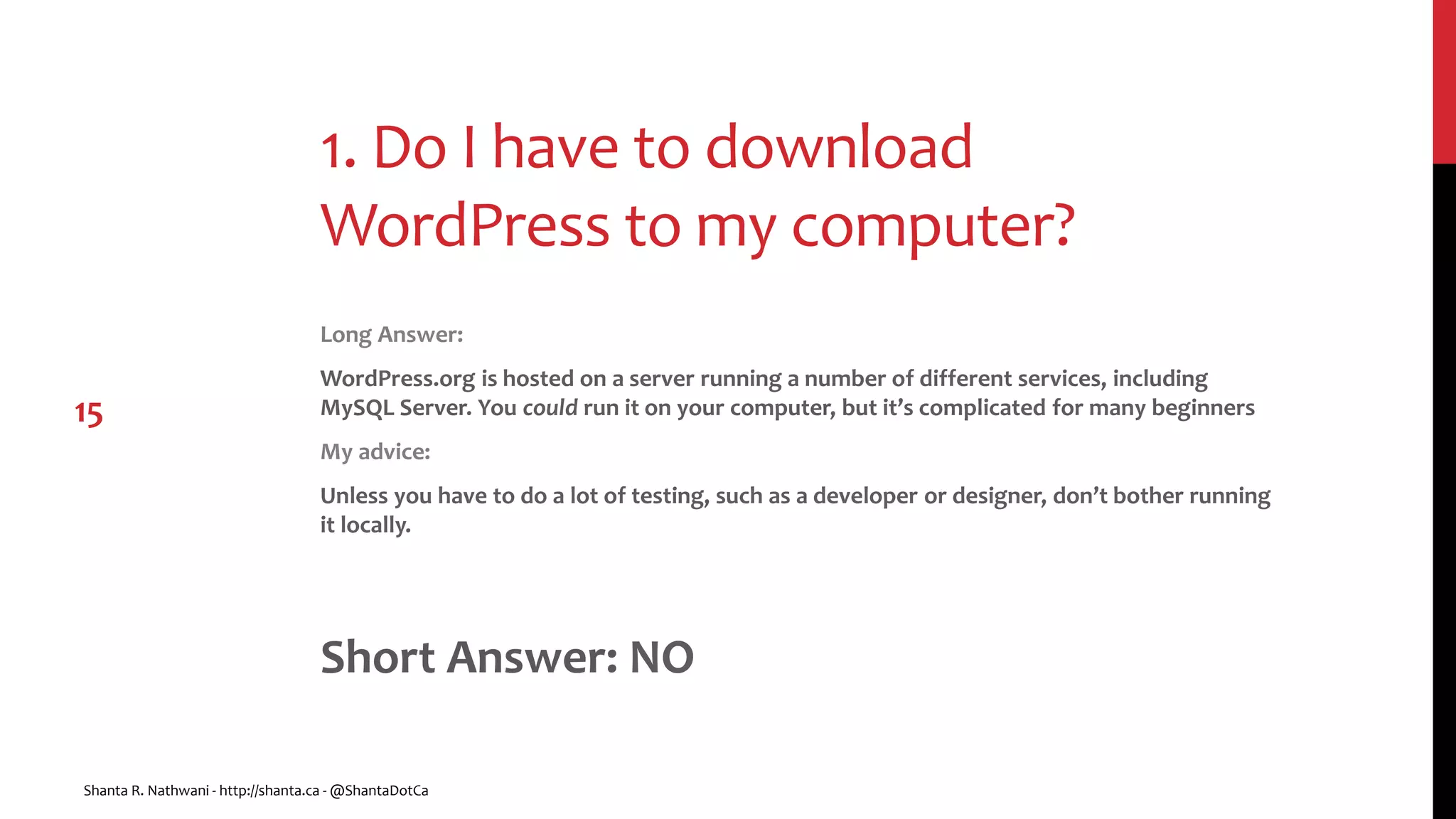
1. Do I have to download
WordPress to my computer?
Long Answer:
WordPress.org is hosted on a server running a number of different services, including
MySQL Server. You could run it on your computer, but it’s complicated for many beginners
My advice:
Unless you have to do a lot of testing, such as a developer or designer, don’t bother running
it locally.
Short Answer: NO
Shanta R. Nathwani - http://shanta.ca - @ShantaDotCa
15
2. Where can I get themes and
plugins?
Long Answer
Do NOT use either themes or plugins from an unreliable source. Do NOT Google “Free
WordPress Themes”
My Advice
Start with themes and plugins from WordPress itself. These can be downloaded directly
through your Dashboard or from WordPress.org
Short Answer: Many places
Shanta R. Nathwani - http://shanta.ca - @ShantaDotCa
16
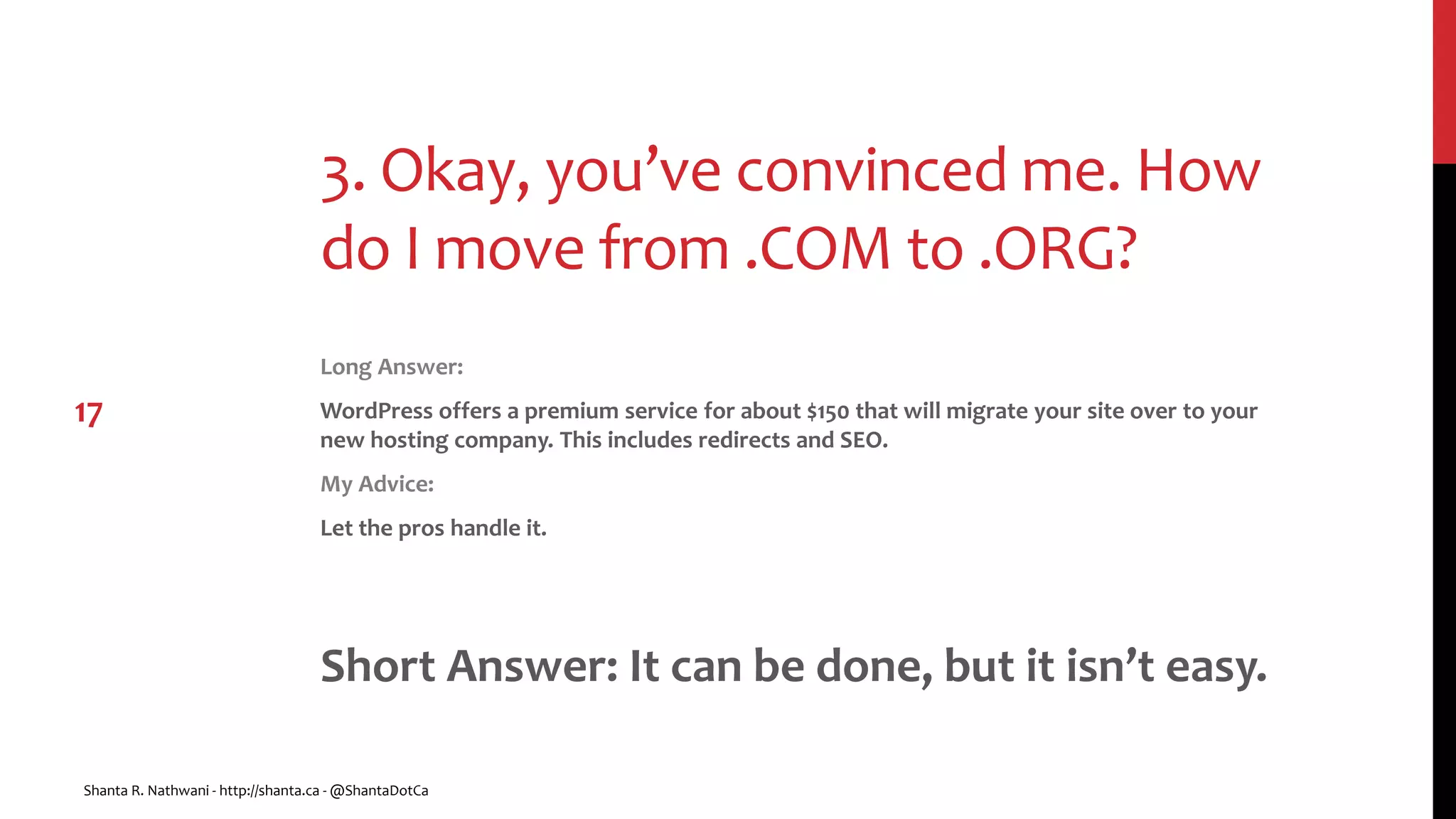
3. Okay, you’ve convinced me. How
do I move from .COM to .ORG?
Long Answer:
WordPress offers a premium service for about $150 that will migrate your site over to your
new hosting company. This includes redirects and SEO.
My Advice:
Let the pros handle it.
Short Answer: It can be done, but it isn’t easy.
Shanta R. Nathwani - http://shanta.ca - @ShantaDotCa
17
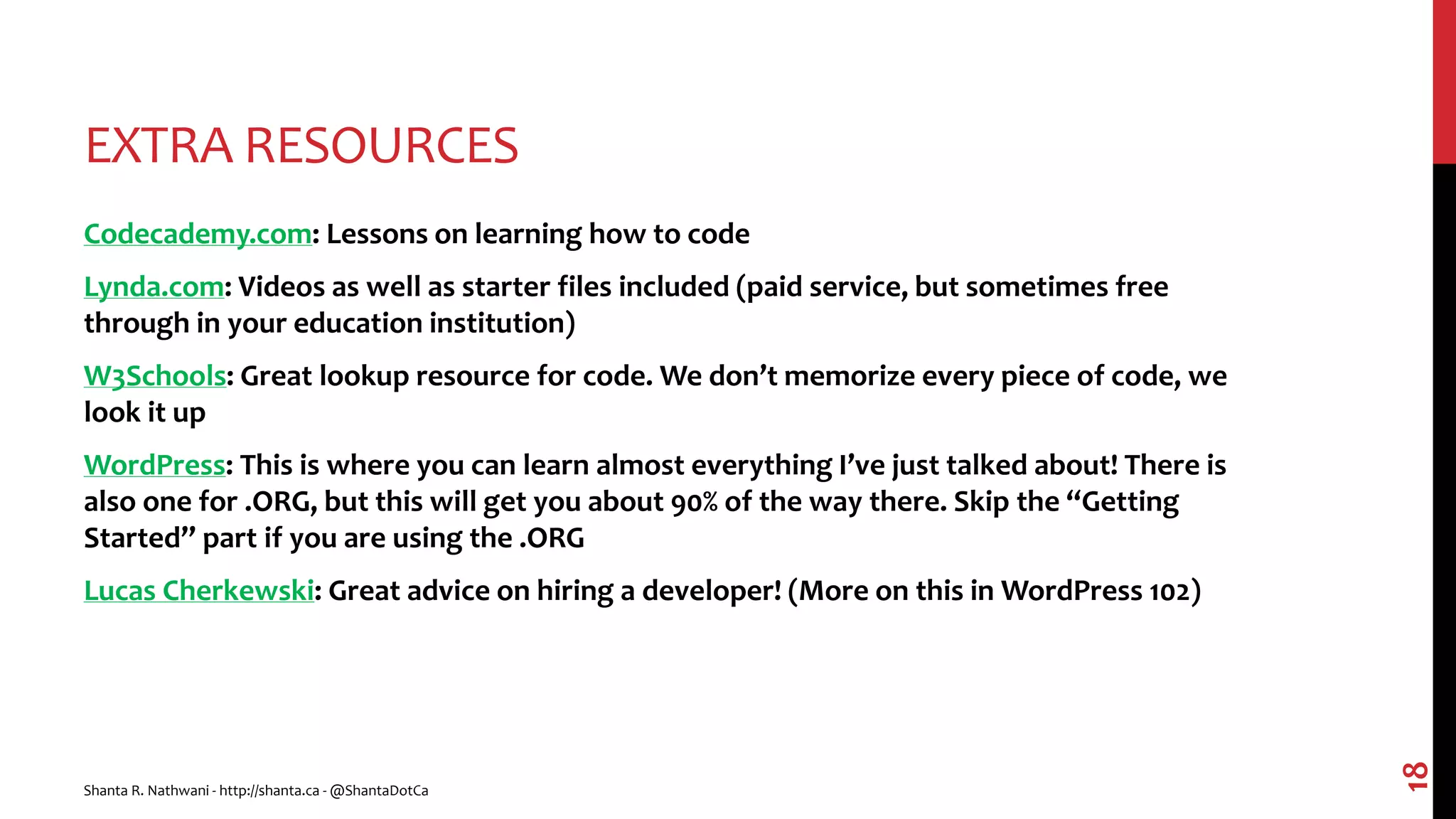
EXTRA RESOURCES
Codecademy.com: Lessons on learning how to code
Lynda.com: Videos as well as starter files included (paid service, but sometimes free
through in your education institution)
W3Schools: Great lookup resource for code. We don’t memorize every piece of code, we
look it up
WordPress: This is where you can learn almost everything I’ve just talked about! There is
also one for .ORG, but this will get you about 90% of the way there. Skip the “Getting
Started” part if you are using the .ORG
Lucas Cherkewski: Great advice on hiring a developer! (More on this in WordPress 102)
Shanta R. Nathwani - http://shanta.ca - @ShantaDotCa
18
FINAL THOUGHTS
Get involved!
Do your research, as with anything, especially hosting
Have an idea of what you want going into a relationship with a designer or developer, both
look and functionality.
Shanta R. Nathwani - http://shanta.ca - @ShantaDotCa
19
QUESTIONS?
Tweet Me:
@ShantaDotCa
Email:
shanta@shanta.ca
My Web Site:
http://shanta.ca
Shanta R. Nathwani - http://shanta.ca - @ShantaDotCa
20

WordPress 101 - WordCamp Minneapolis 2016

  • 1.
    WORDPRESS 101 SHANTA R.NATHWANI WORDCAMP MINNEAPOLIS 2016
  • 2.
    AGENDA About Me Introduction WordPress Hiring someone FAQ’s& Tips Q & A’s Shanta R. Nathwani - http://shanta.ca - @ShantaDotCa 2
  • 3.
    FIND ME! Tweet Me: @ShantaDotCa Email: shanta@shanta.ca MyWeb Site: http://shanta.ca Shanta R. Nathwani - http://shanta.ca - @ShantaDotCa 3
  • 4.
    ABOUT ME • Instructor,Sheridan College • Joint program with University of Toronto at Mississauga: Institute of Culture, Communication, Information and Technology • Web Design and Capstone Project • Co-Founder, Web Weapons • Clients include NPOs, Real Estate, Software Development, Financial and Political Sectors • Bachelor of Commerce in Info Tech Mgmt., Ryerson University • Serial WordCamper. Went to 7 in 2014 and crowdsourced my tour last year for 7 more and even did WordCamp Mumbai in March, 2016. • Co-organizer, WordCamp Hamilton, 2015-6 Shanta R. Nathwani - http://shanta.ca - @ShantaDotCa 4
  • 5.
    FOR OUR CONTENTTODAY Our Foundation Friday collaborative space: • http://smartypress.com/ My demo site: • http://wcmpls.samuraiwp.com/ On Twitter: • #WCMPLSIntro Shanta R. Nathwani - http://shanta.ca - @ShantaDotCa 5
  • 6.
    DISCLAIMER • Please excuseall the text. I’m used to using this for my students, but they make great notes! • I’m going to upload these after the session to my website. So you don’t have to write this all down. • Please ask questions! I’ll try and add them to the slides after the fact. And you never know what kind of prizes might be in store… Shanta R. Nathwani - http://shanta.ca - @ShantaDotCa 6
  • 7.
    WHAT IS WORDPRESS?WHY SHOULD I USE IT? WordPress used be known as a blogging tool. Now, it is a platform for creating websites. Currently powers 24% of the world’s websites, including The Huffington Post. This has been increasing at a rate of approximately 2-3% per year over the last 3-4 years. It’s not going away any time soon. Easy to use, can have multiple contributors at different levels of access and much of the time, doesn’t need code. Easy to integrate with numerous other platforms, especially Social Media. Shanta R. Nathwani - http://shanta.ca - @ShantaDotCa 7
  • 8.
    .COM VS .ORG WORDPRESS.COM(FREE-ISH) Hosted by WordPress/Automattic Typically has a set domain made up of your username and “.wordpress.com”. i.e., http://tantienhime.wordpress.com Can have your own domain or modify themes, but costs extra No Plugins WORDPRESS.ORG Also referred to as “Self-Hosted”. Hosted by a third-party (such as Bluehost) FREE for the software. You will pay for hosting. Can have whatever domain you want. i.e., http://shanta.ca, http://webweapons.com Can modify themes, add plugins and much more! Shanta R. Nathwani - http://shanta.ca - @ShantaDotCa 8
  • 9.
    THEMES The “Look andFeel” of your website Might include some functionality The “Front End” or what people see Shanta R. Nathwani - http://shanta.ca - @ShantaDotCa 9 From Graph Paper Press
  • 10.
    PLUGINS Plugins extend the usefulnessof your website Some examples are Backup Buddy and Jetpack The “Back End” or what people don’t typically see Shanta R. Nathwani - http://shanta.ca - @ShantaDotCa 10
  • 11.
    WHICH ONE SHOULDI USE? IT DEPENDS… PERSONAL If you just want to use it for a personal website and more of a blog, use the .COM version BUSINESS If you are going to run your business off of this site, use .ORG Shanta R. Nathwani - http://shanta.ca - @ShantaDotCa 11
  • 12.
    CODING TIPS &TRICKS No matter what your discipline, learn a bit of HTML and CSS. This will help you modify your themes and include things in your post Use Firebug (add-on for FireFox) to target what you need to find in your webpages. You can also use ”Inspect Element” in Chrome. Never go live (Thank you Al Davis). Always back up your work, and I don’t recommend making changes to the code through the WordPress Dashboard. This is the ONLY thing I don’t recommend doing through the Dashboard. You can probably learn more about these topics at numerous talks online and at WordCamps Shanta R. Nathwani - http://shanta.ca - @ShantaDotCa 12
  • 13.
    RECOMMENDATIONS Don’t use yoursocial media as your primary channel (such as Facebook) • I recommend using at least Facebook, Twitter and LinkedIn (depending on the focus of the org) Keep it current. Use Galleries and stories. (which are going to be many of our examples today. Automate to Social Media and Email Lists (Mailchimp, for example) Monitor all the channels that you are on Pay the money when you need to! Shanta R. Nathwani - http://shanta.ca - @ShantaDotCa 13
  • 14.
    COMMON QUESTIONS …AND MAYBE SOMECOMMON ANSWERS 14 Shanta R. Nathwani - http://shanta.ca - @ShantaDotCa
  • 15.
    1. Do Ihave to download WordPress to my computer? Long Answer: WordPress.org is hosted on a server running a number of different services, including MySQL Server. You could run it on your computer, but it’s complicated for many beginners My advice: Unless you have to do a lot of testing, such as a developer or designer, don’t bother running it locally. Short Answer: NO Shanta R. Nathwani - http://shanta.ca - @ShantaDotCa 15
  • 16.
    2. Where canI get themes and plugins? Long Answer Do NOT use either themes or plugins from an unreliable source. Do NOT Google “Free WordPress Themes” My Advice Start with themes and plugins from WordPress itself. These can be downloaded directly through your Dashboard or from WordPress.org Short Answer: Many places Shanta R. Nathwani - http://shanta.ca - @ShantaDotCa 16
  • 17.
    3. Okay, you’veconvinced me. How do I move from .COM to .ORG? Long Answer: WordPress offers a premium service for about $150 that will migrate your site over to your new hosting company. This includes redirects and SEO. My Advice: Let the pros handle it. Short Answer: It can be done, but it isn’t easy. Shanta R. Nathwani - http://shanta.ca - @ShantaDotCa 17
  • 18.
    EXTRA RESOURCES Codecademy.com: Lessonson learning how to code Lynda.com: Videos as well as starter files included (paid service, but sometimes free through in your education institution) W3Schools: Great lookup resource for code. We don’t memorize every piece of code, we look it up WordPress: This is where you can learn almost everything I’ve just talked about! There is also one for .ORG, but this will get you about 90% of the way there. Skip the “Getting Started” part if you are using the .ORG Lucas Cherkewski: Great advice on hiring a developer! (More on this in WordPress 102) Shanta R. Nathwani - http://shanta.ca - @ShantaDotCa 18
  • 19.
    FINAL THOUGHTS Get involved! Doyour research, as with anything, especially hosting Have an idea of what you want going into a relationship with a designer or developer, both look and functionality. Shanta R. Nathwani - http://shanta.ca - @ShantaDotCa 19
  • 20.
    QUESTIONS? Tweet Me: @ShantaDotCa Email: shanta@shanta.ca My WebSite: http://shanta.ca Shanta R. Nathwani - http://shanta.ca - @ShantaDotCa 20

Editor's Notes

  • #4 If you want my slide deck
  • #5 Hoping to get to Pune!
  • #9 .COM: Cannot sell stuff (as far as I know). Apparently there have been some changes to this recently, but must be non-commercial Some consider this choice limiting, others find it comforting.
  • #11 Other popular ones might be WordFence or Google Analytics
  • #14 While we were redesigning our site, we did use it as the primary, but once the website was up, I taught the organization how to use it We are going to go through a redesign Unlike what was said in an earlier session, use the publicize feature to post to those sites. It won’t be as ideal as posting natively, but it will save time and will be less confusing. Don’t just post and forget about it. Don’t just get someone’s niece to do it, invest the money.
  • #18 Many people will simply download the database and upload it into the new space. There are difficulties with this: Media is not moved with it Theme stays behind No Redirects (505’s, etc.)