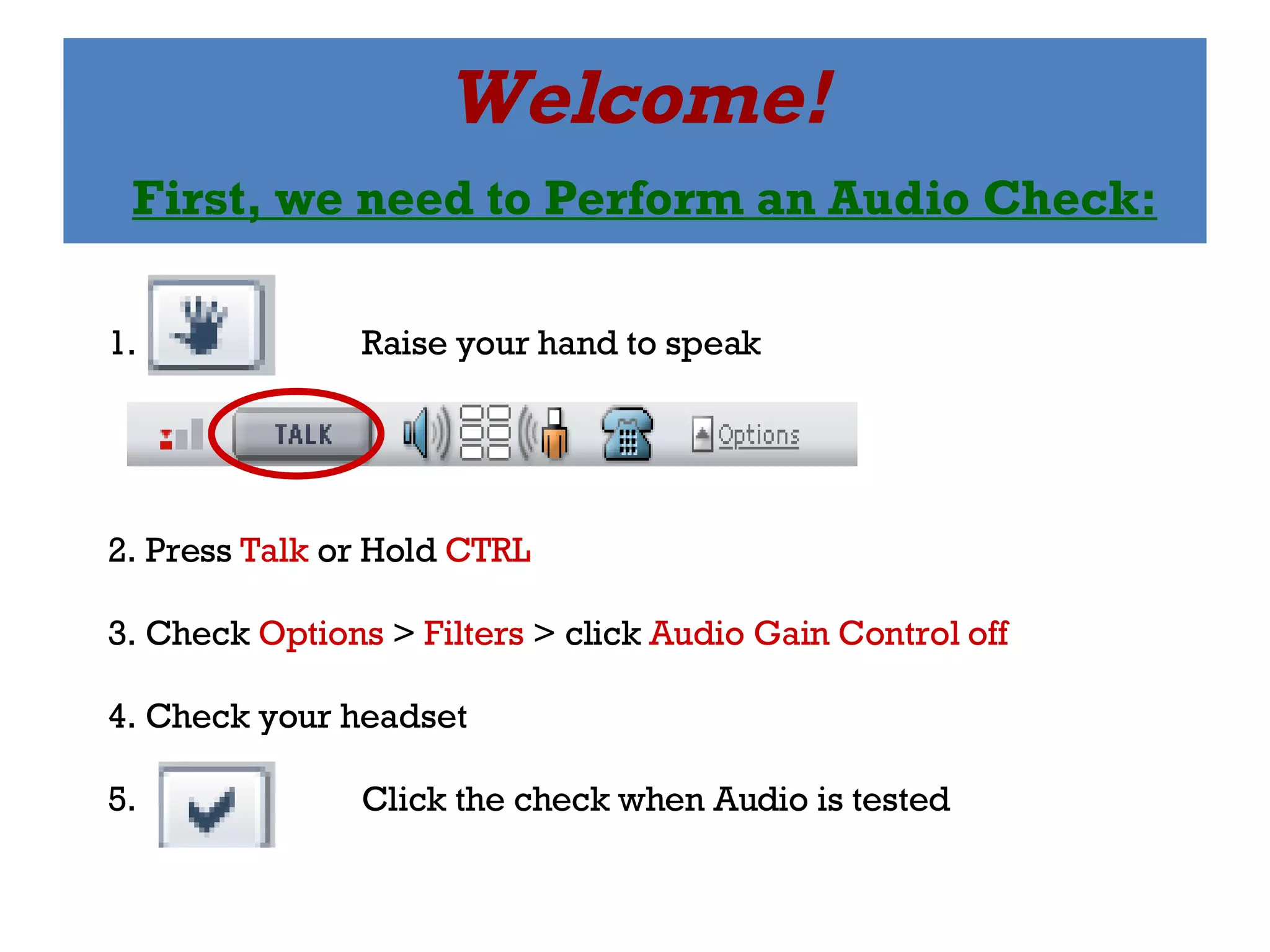
Welcome!   First, we need to Perform an Audio Check: 1.  Raise your hand to speak 2. Press  Talk  or Hold  CTRL 3. Check  Options  >  Filters  > click  Audio Gain Control off 4. Check your headset 5.  Click the check when Audio is tested
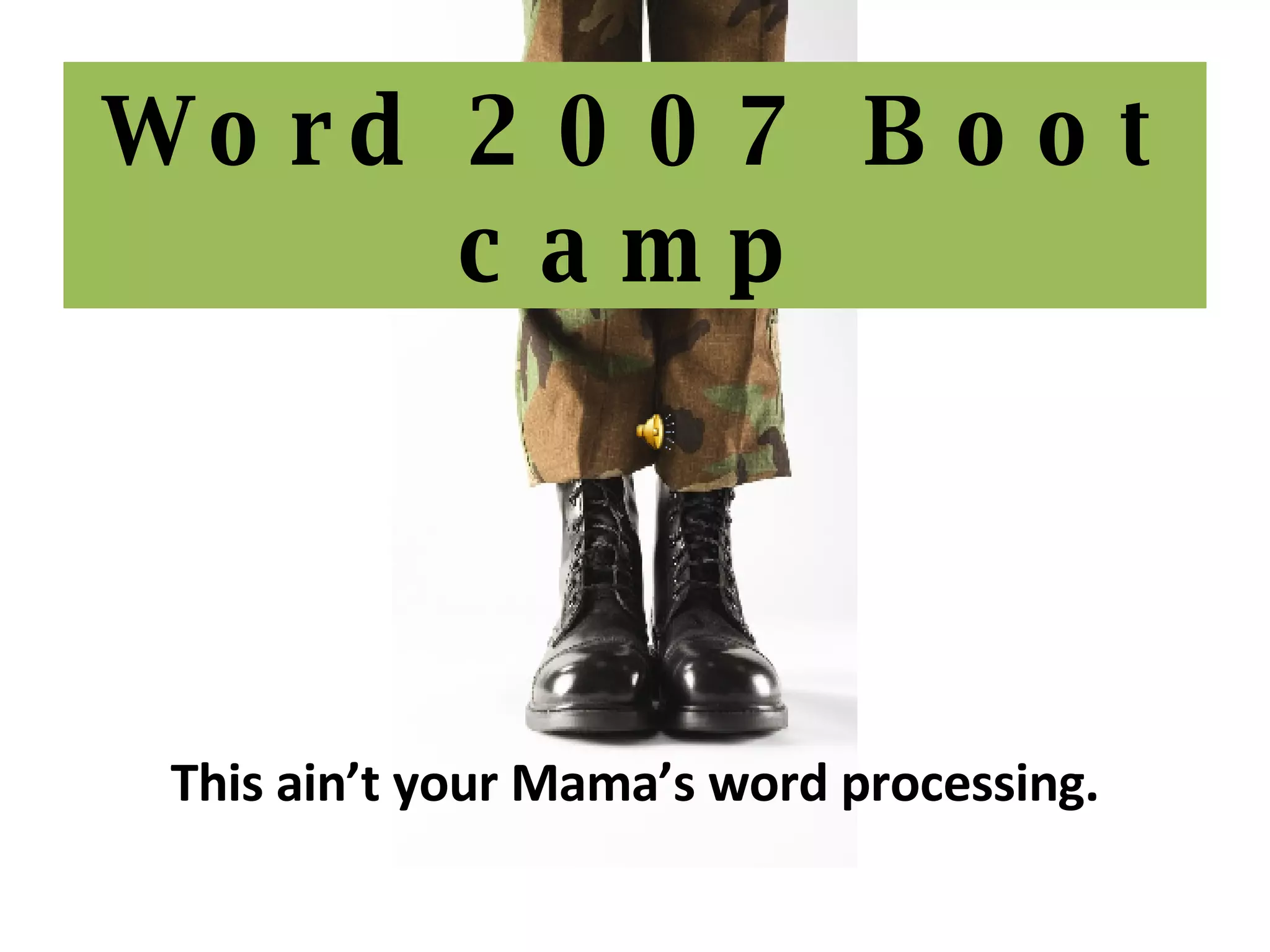
Word 2007 Boot camp This ain’t your Mama’s word processing.
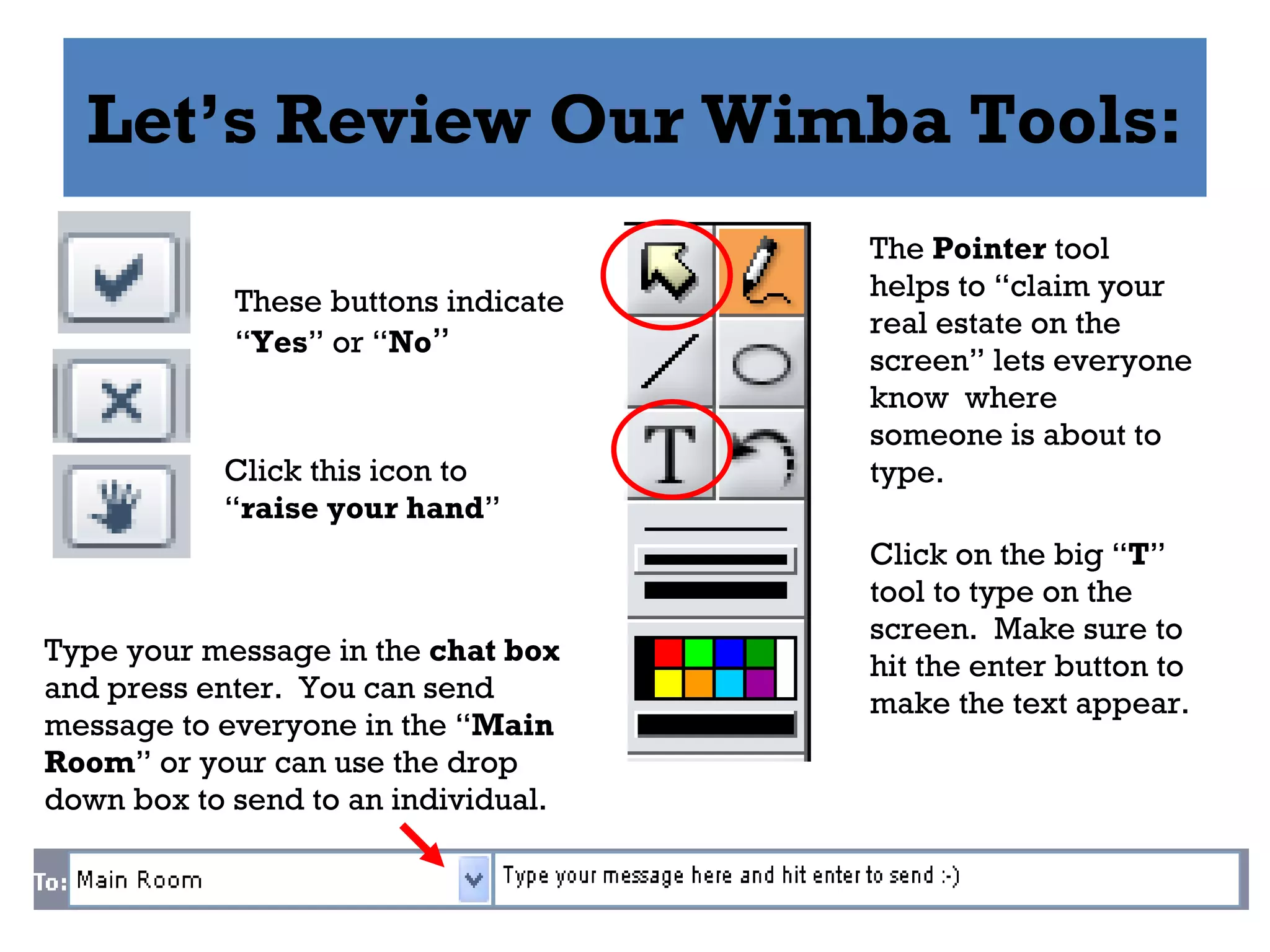
Let’s Review Our Wimba Tools: These buttons indicate “ Yes ” or “ No ” Click this icon to “ raise your hand ” The  Pointer  tool helps to “claim your real estate on the screen” lets everyone know  where someone is about to type. Click on the big “ T ” tool to type on the screen.  Make sure to hit the enter button to make the text appear. Type your message in the  chat box  and press enter.  You can send message to everyone in the “ Main Room ” or your can use the drop down box to send to an individual.
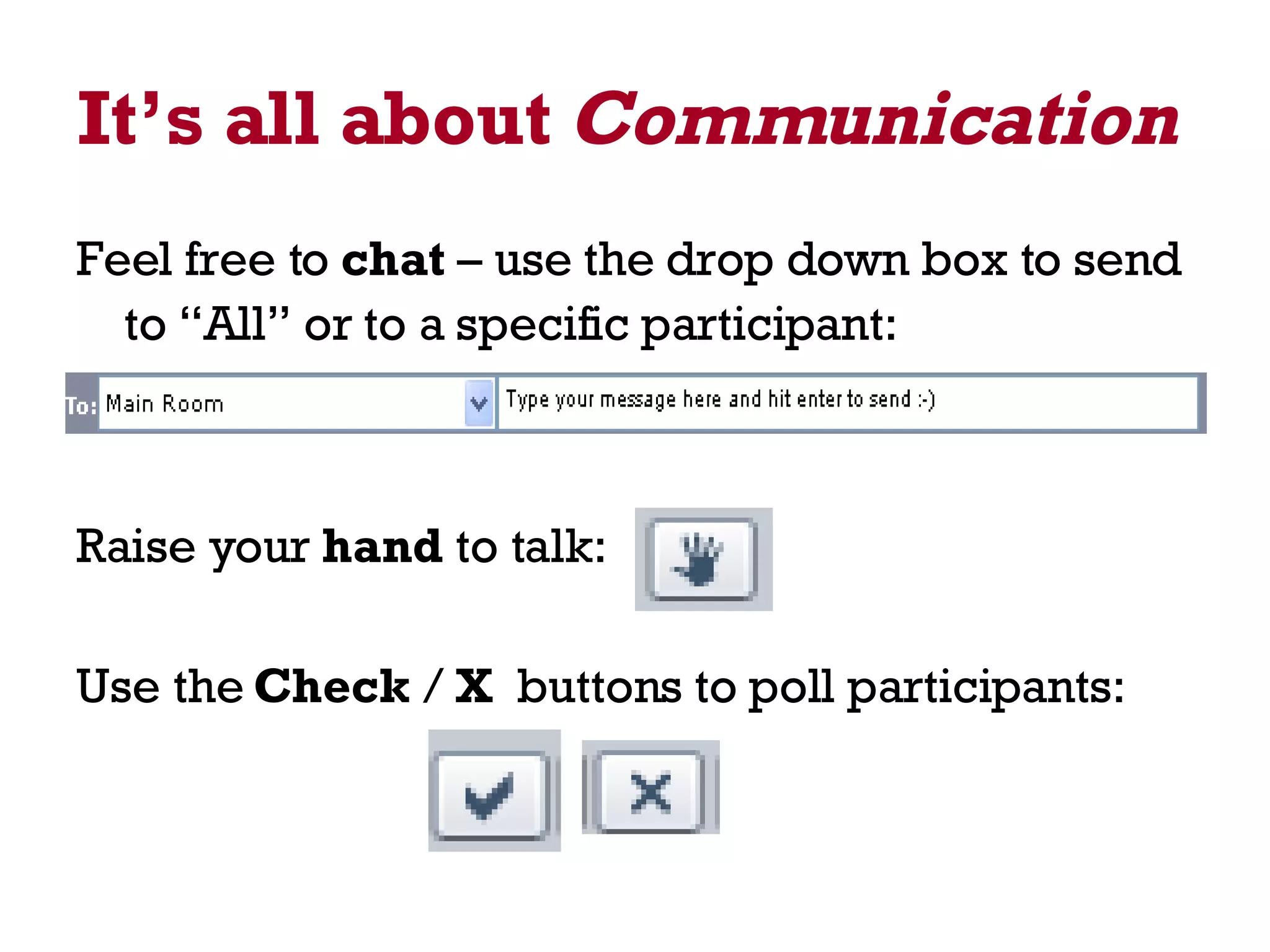
It’s all about  Communication   Feel free to  chat  – use the drop down box to send to “All” or to a specific participant:   Raise your  hand  to talk: Use the  Check  /  X   buttons to poll participants:
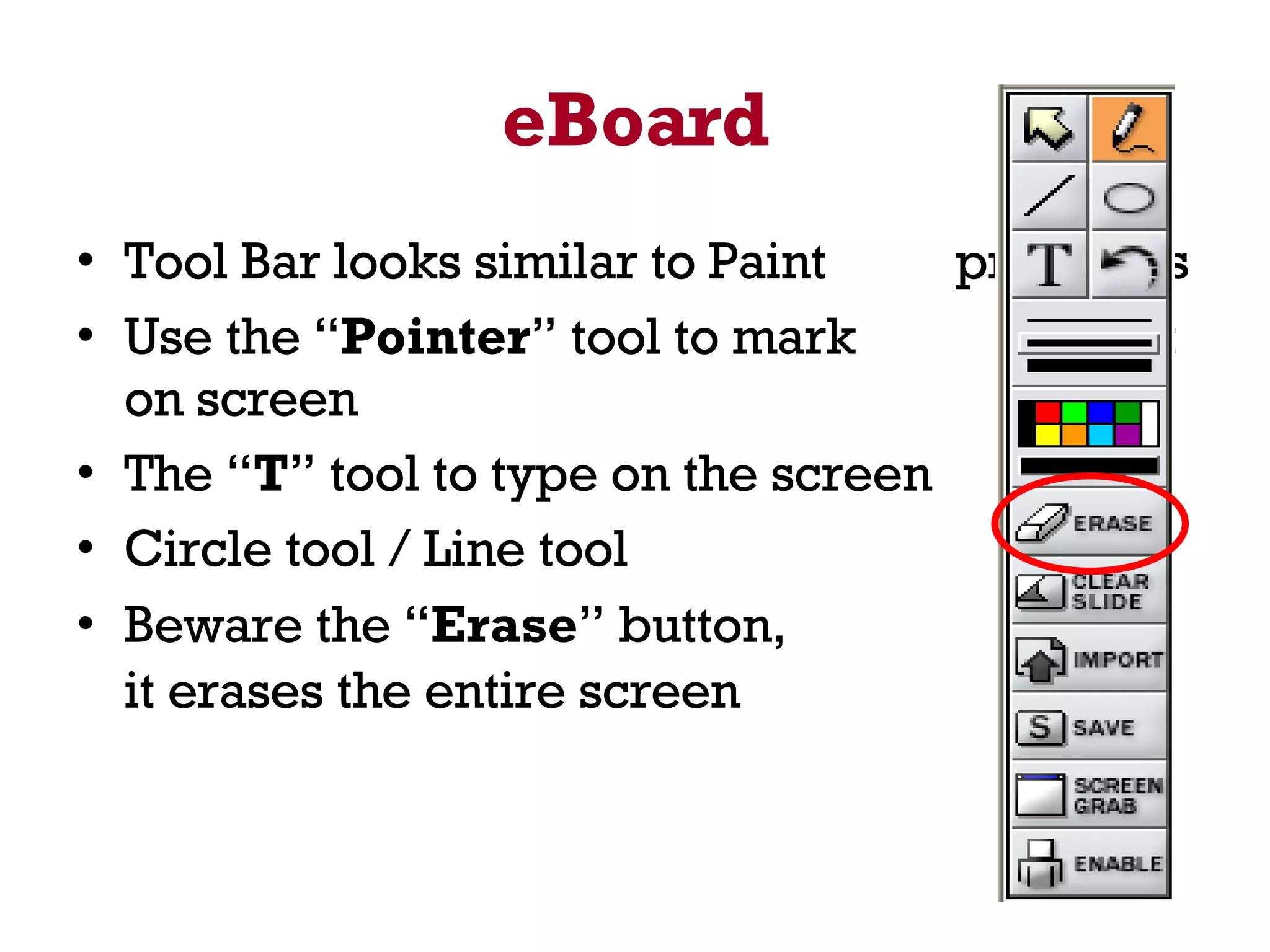
eBoard Tool Bar looks similar to Paint  programs Use the “ Pointer ” tool to mark  spot on screen The “ T ” tool to type on the screen Circle tool / Line tool Beware the “ Erase ” button,  it erases the entire screen
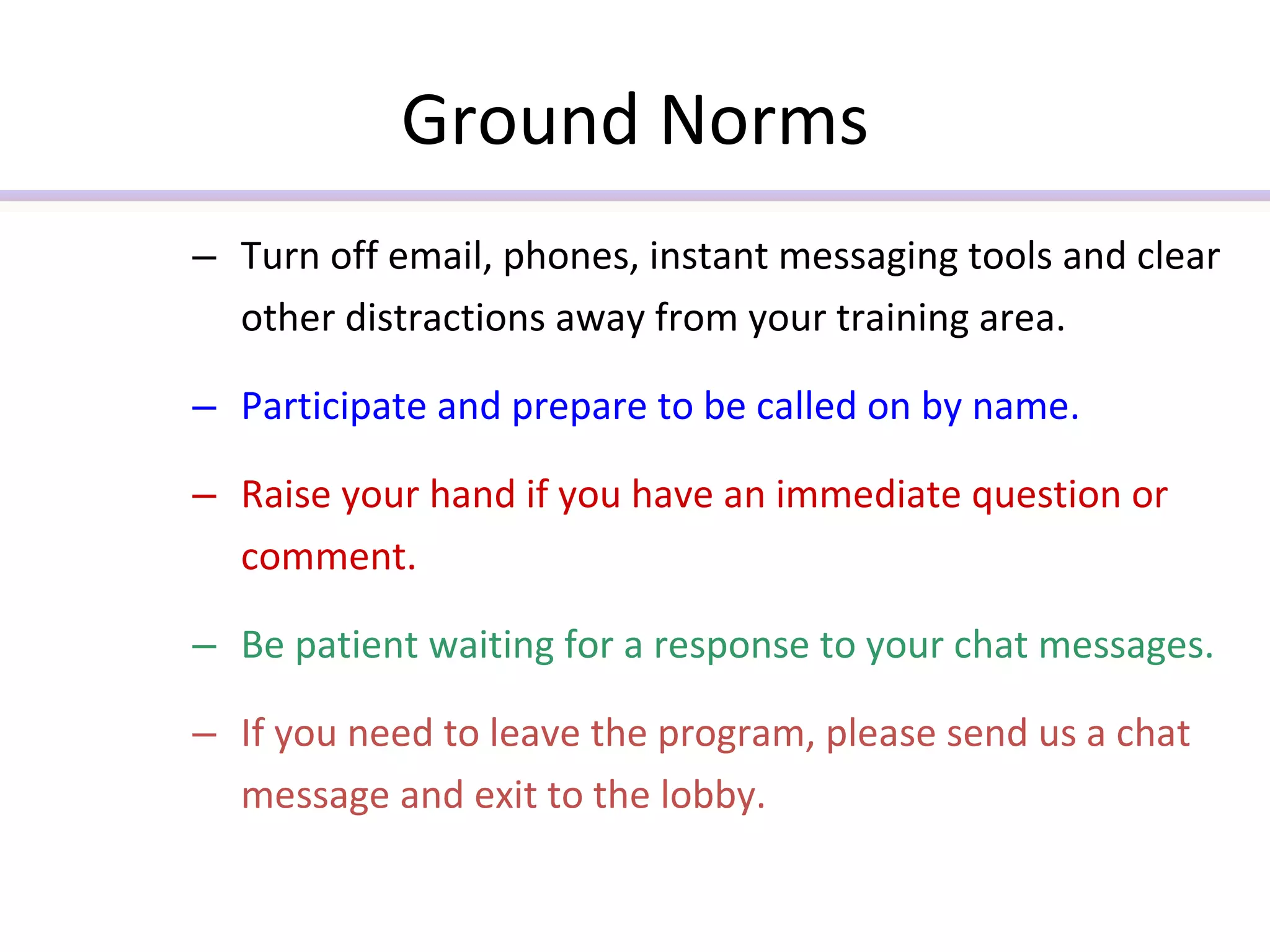
Ground Norms Turn off email, phones, instant messaging tools and clear other distractions away from your training area.  Participate and prepare to be called on by name. Raise your hand if you have an immediate question or comment. Be patient waiting for a response to your chat messages. If you need to leave the program, please send us a chat message and exit to the lobby.
Word 2007 Boot Camp   A new look Redesigned Easier, faster, more efficient Visual, image centered interface
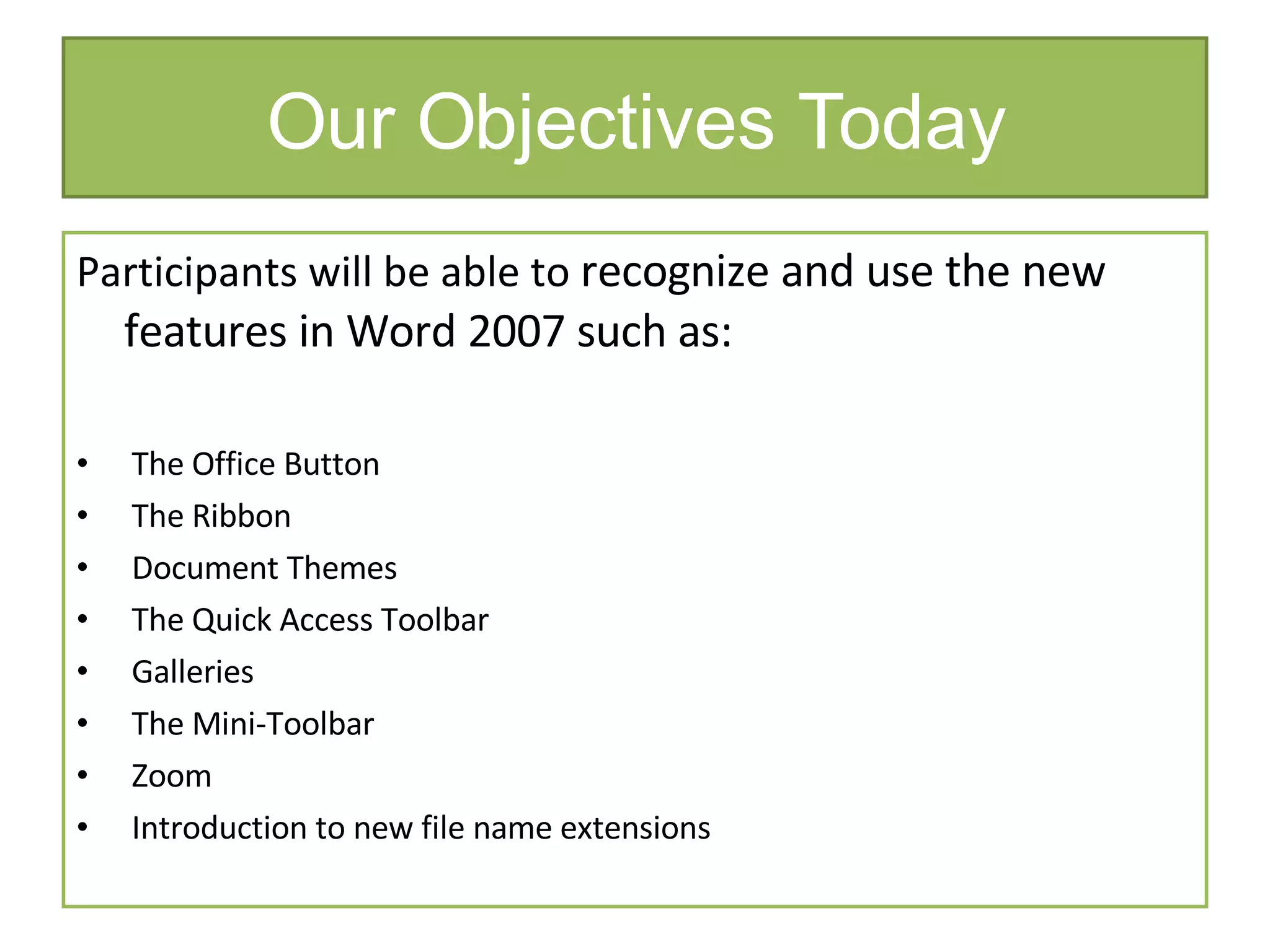
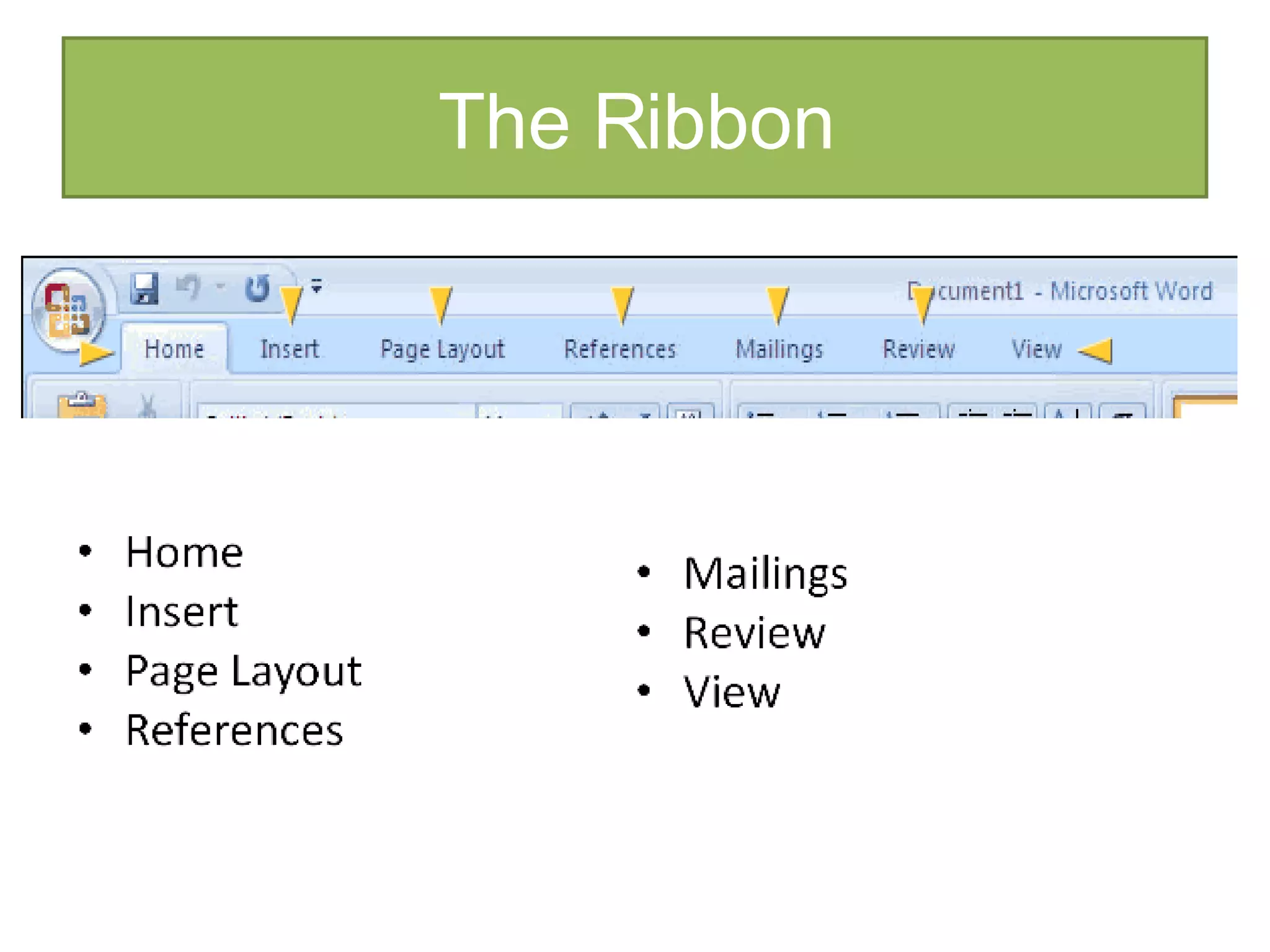
Our Objectives Today Participants will be able to  recognize and use the new features in Word 2007 such as: The Office Button The Ribbon  Document Themes The Quick Access Toolbar  Galleries The Mini-Toolbar Zoom  Introduction to new file name extensions
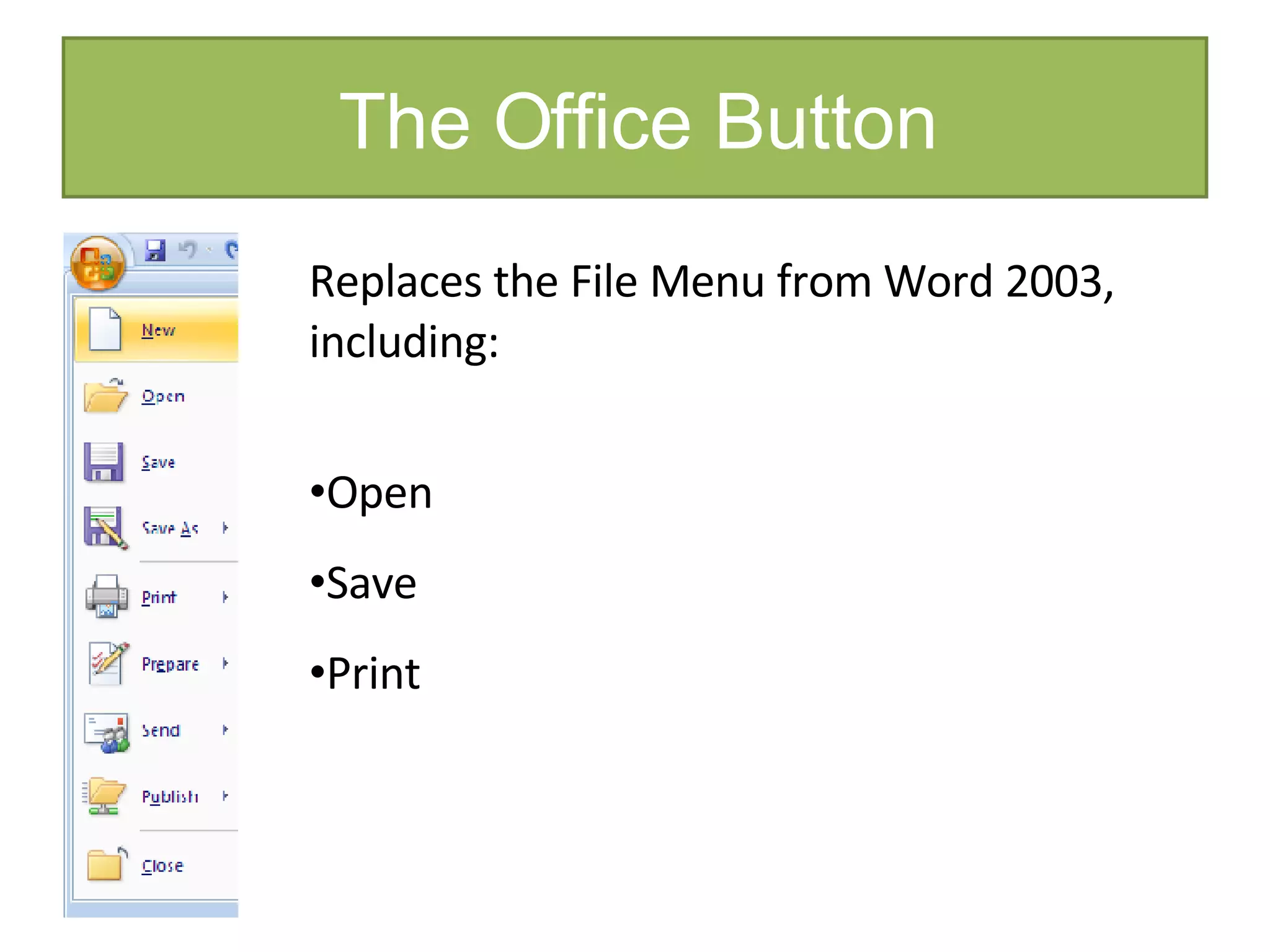
The Office Button Replaces the File Menu from Word 2003, including: Open Save Print
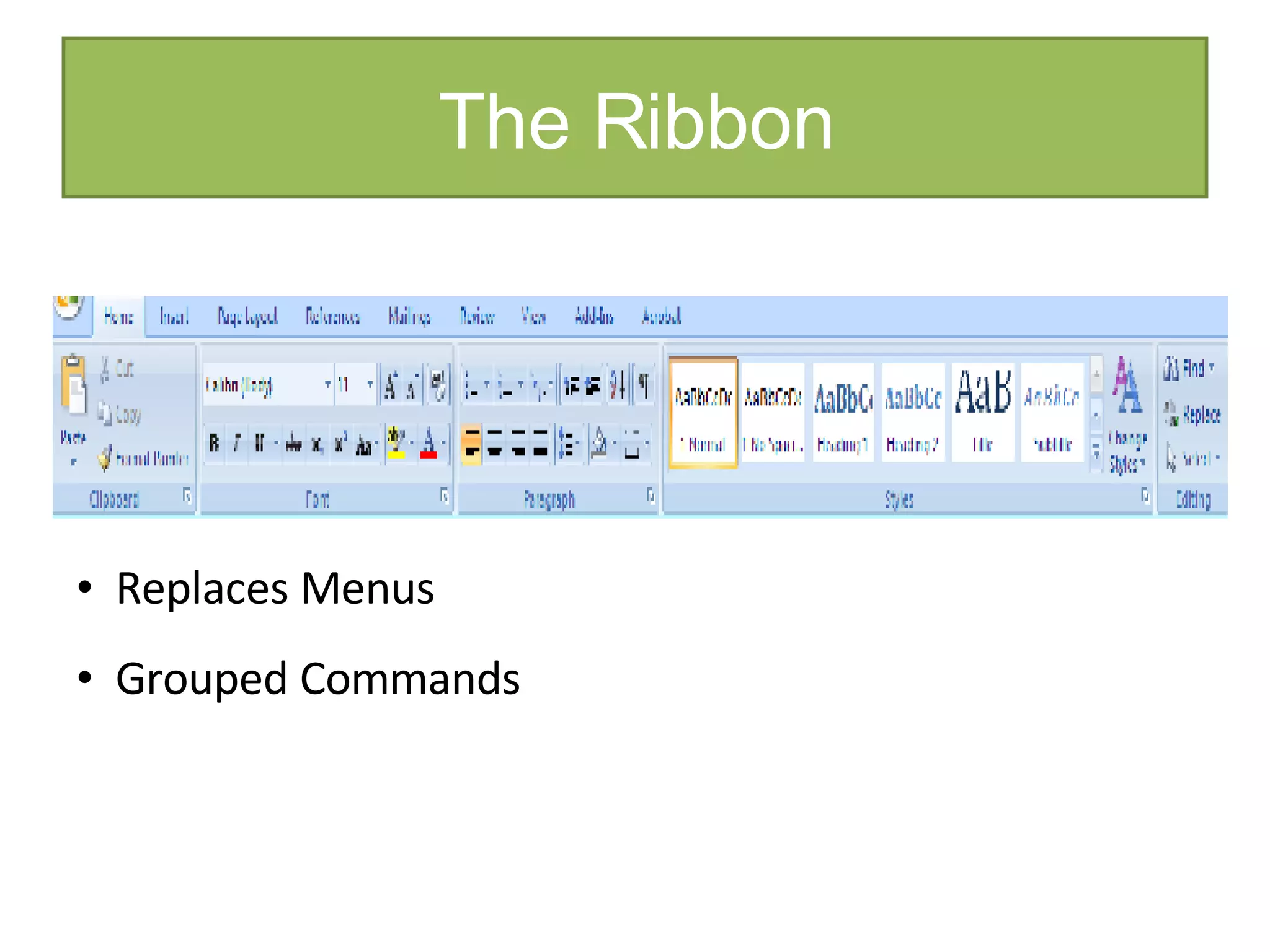
The Ribbon Replaces Menus Grouped Commands
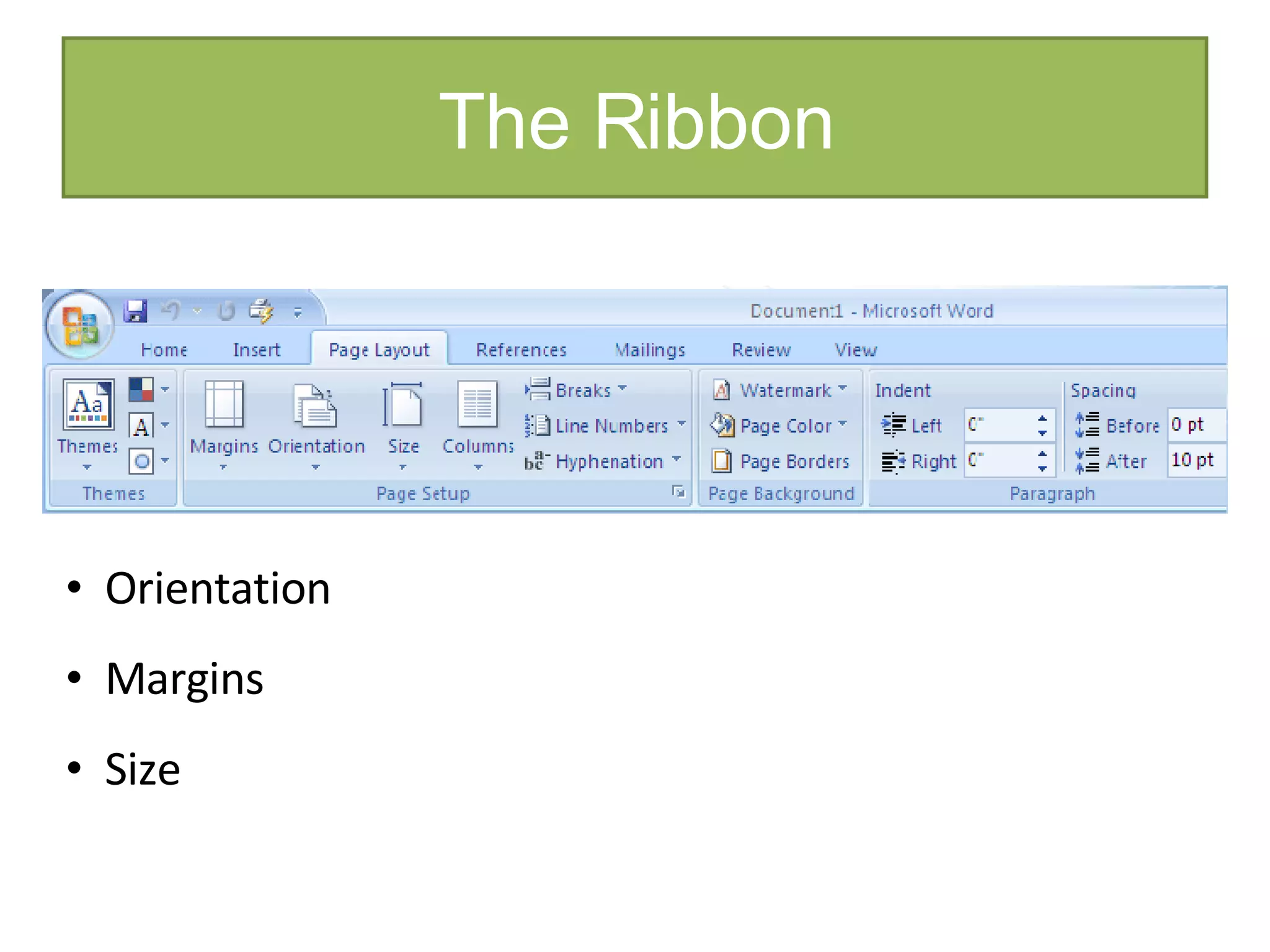
The Ribbon Orientation Margins Size
The Ribbon
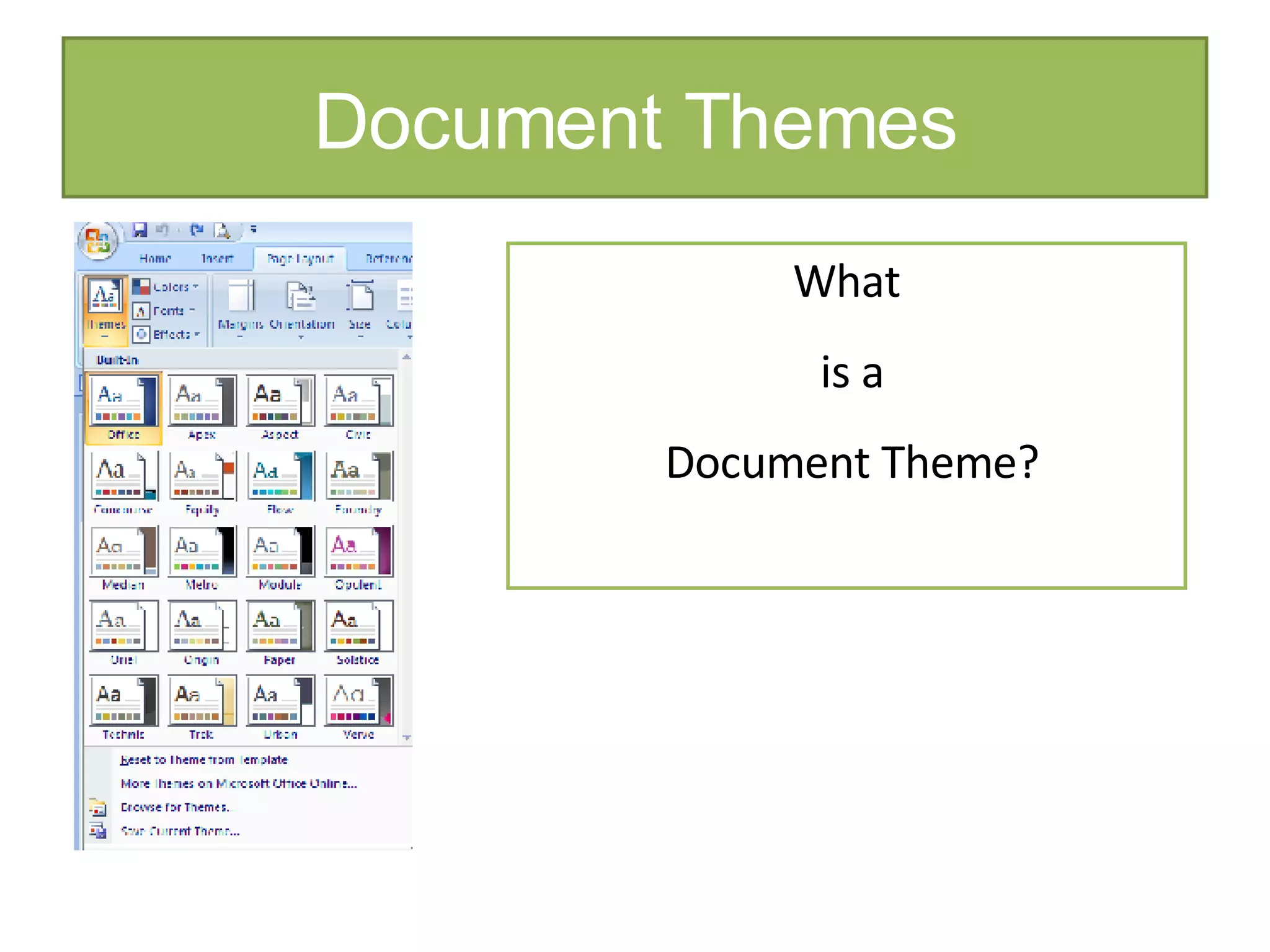
Document Themes What is a Document Theme?
Quiz Time Which of the following statements are true about the Ribbon?  There is more than one answer. The Ribbon allows you to convert documents from the previous version. The Ribbon contains tabs with logically grouped commands. The Ribbon allows you to access common commands such as Open and Save. The Ribbon replaces menus and toolbars of the previous versions of Word.
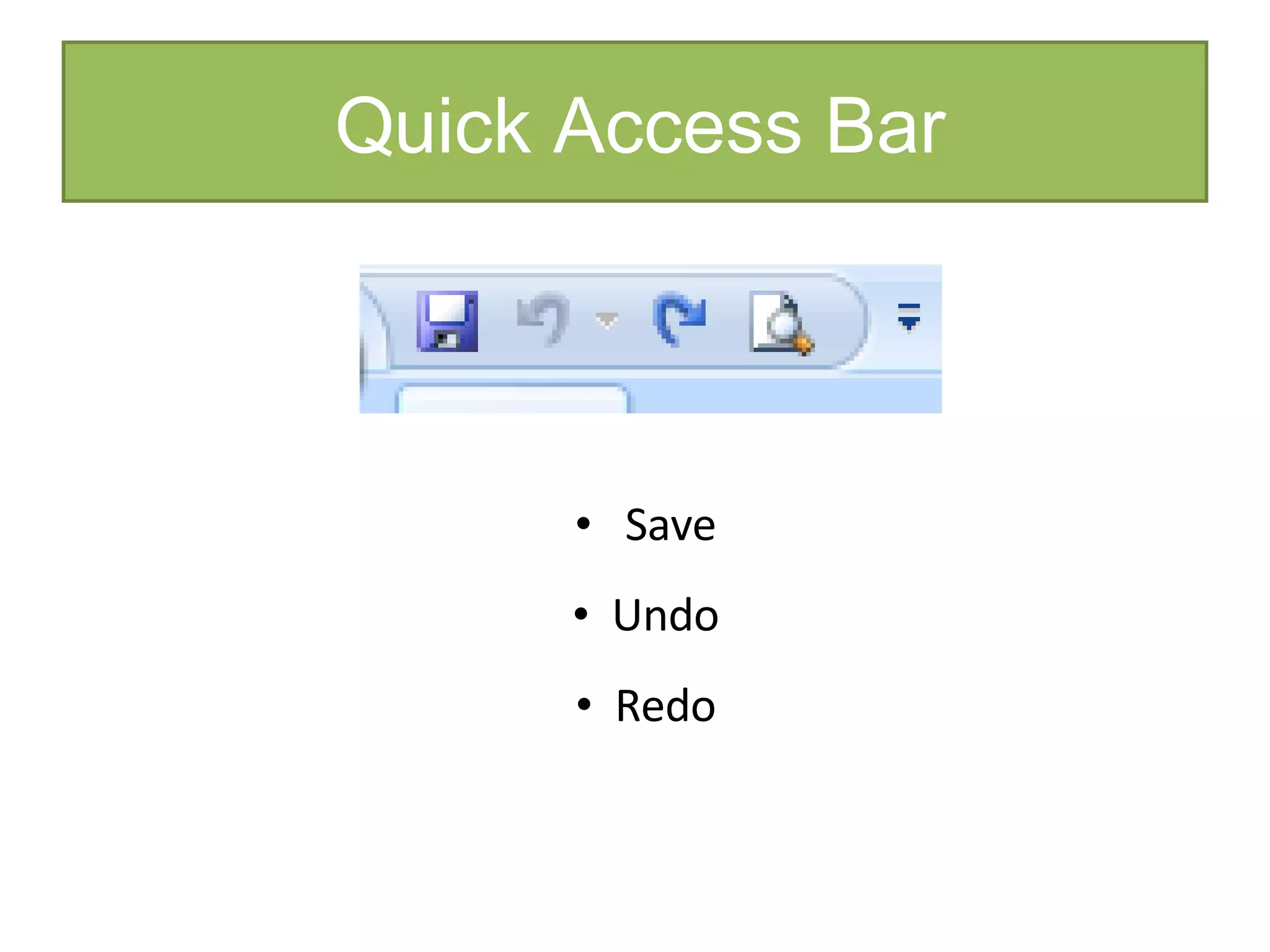
Quick Access Bar Save Undo Redo
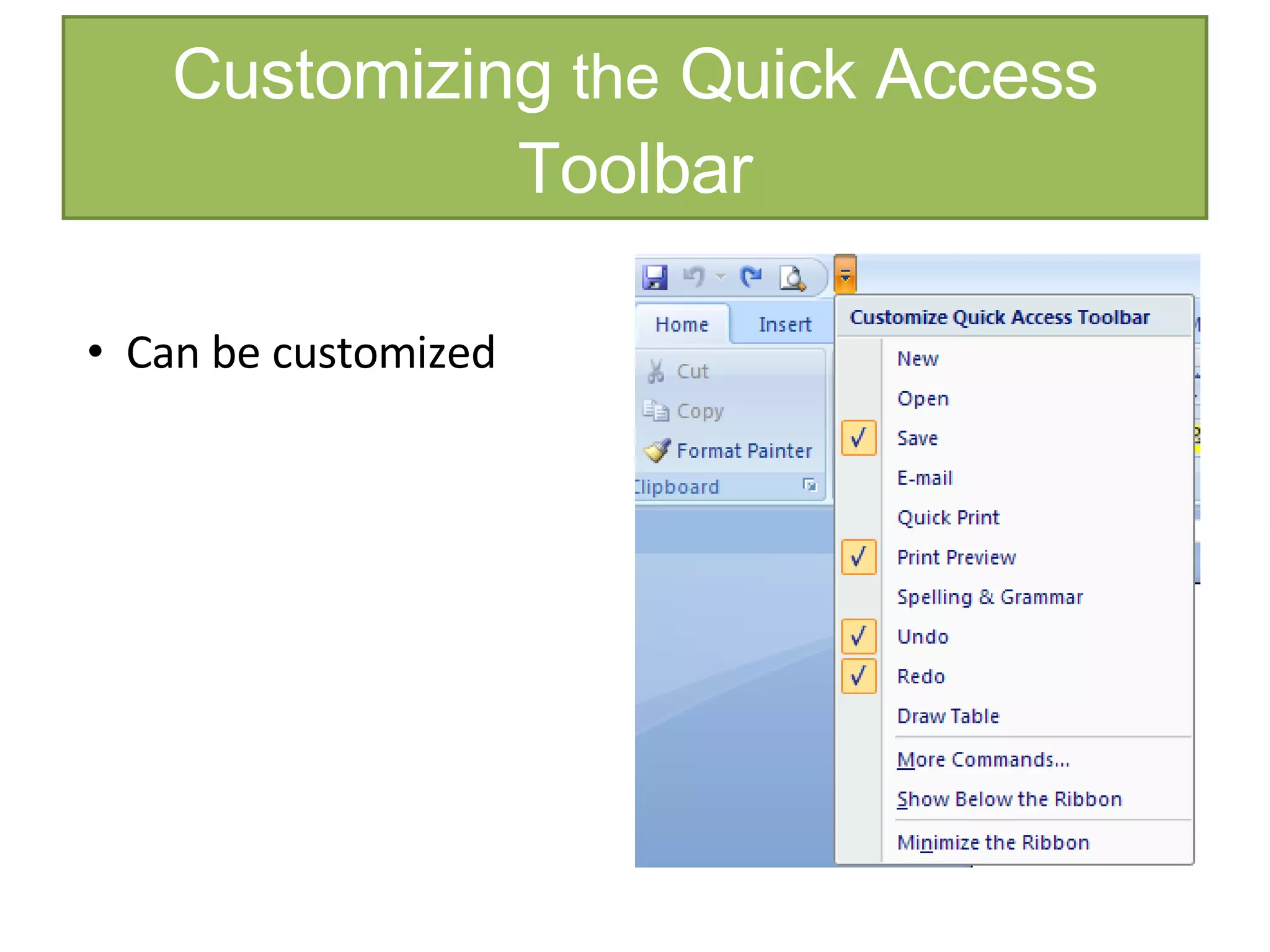
Customizing  the  Quick Access Toolbar Can be customized
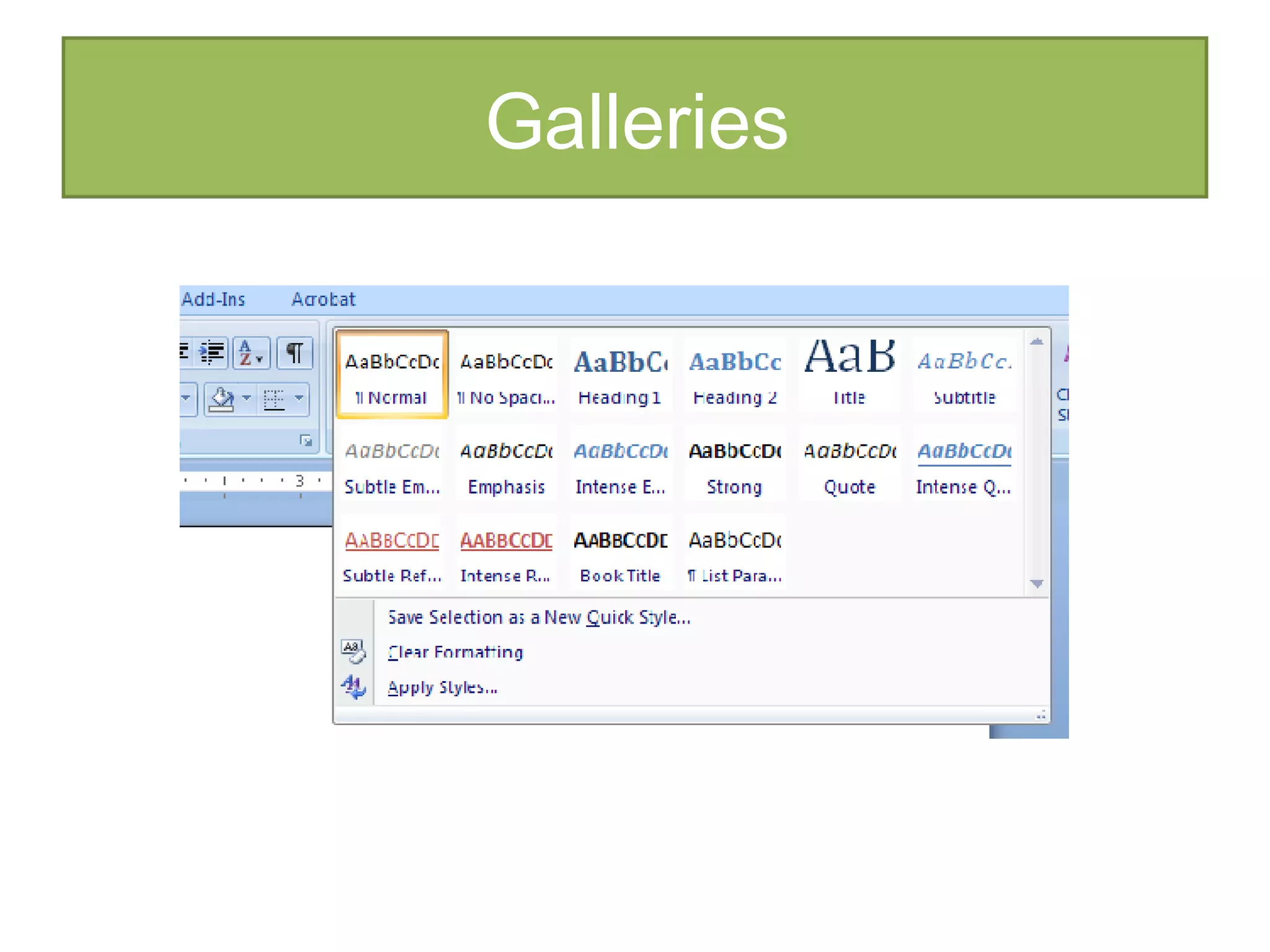
Galleries
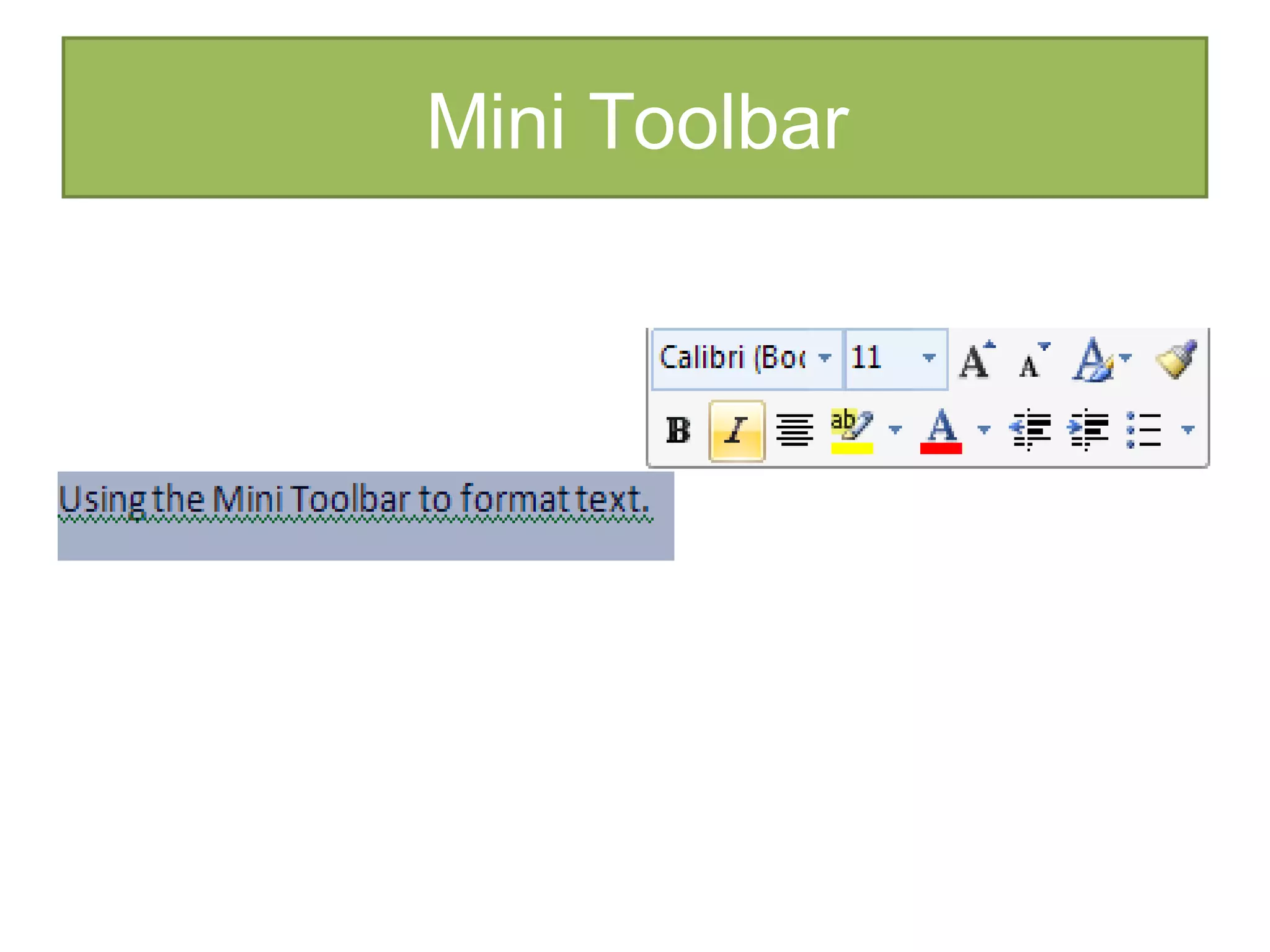
Mini Toolbar
Quiz Time Which interface feature of Word 2007 allows you to preview formatting and styling changes ?  Circle one. Galleries Office Button Ribbon  Tab
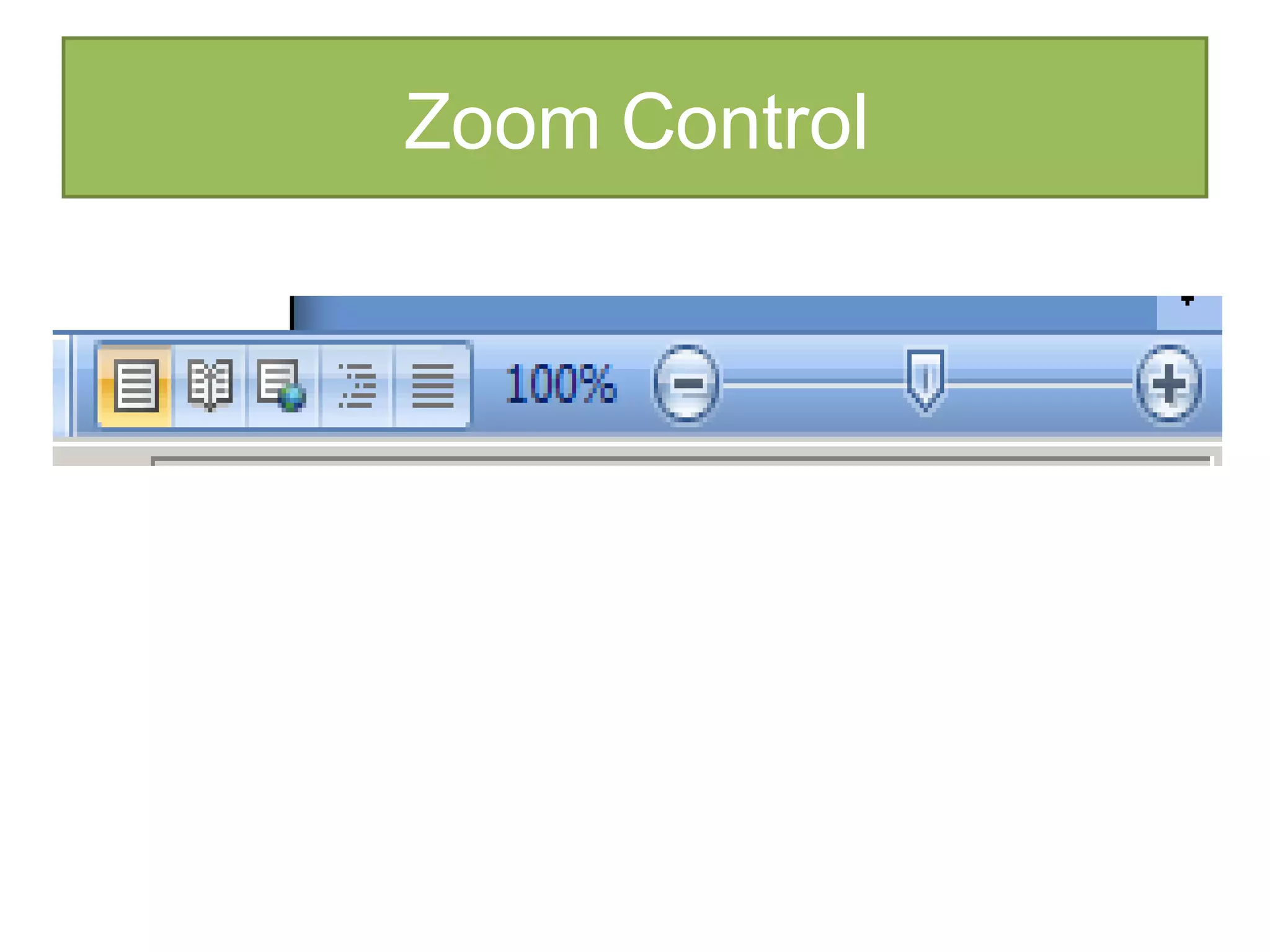
Zoom Control
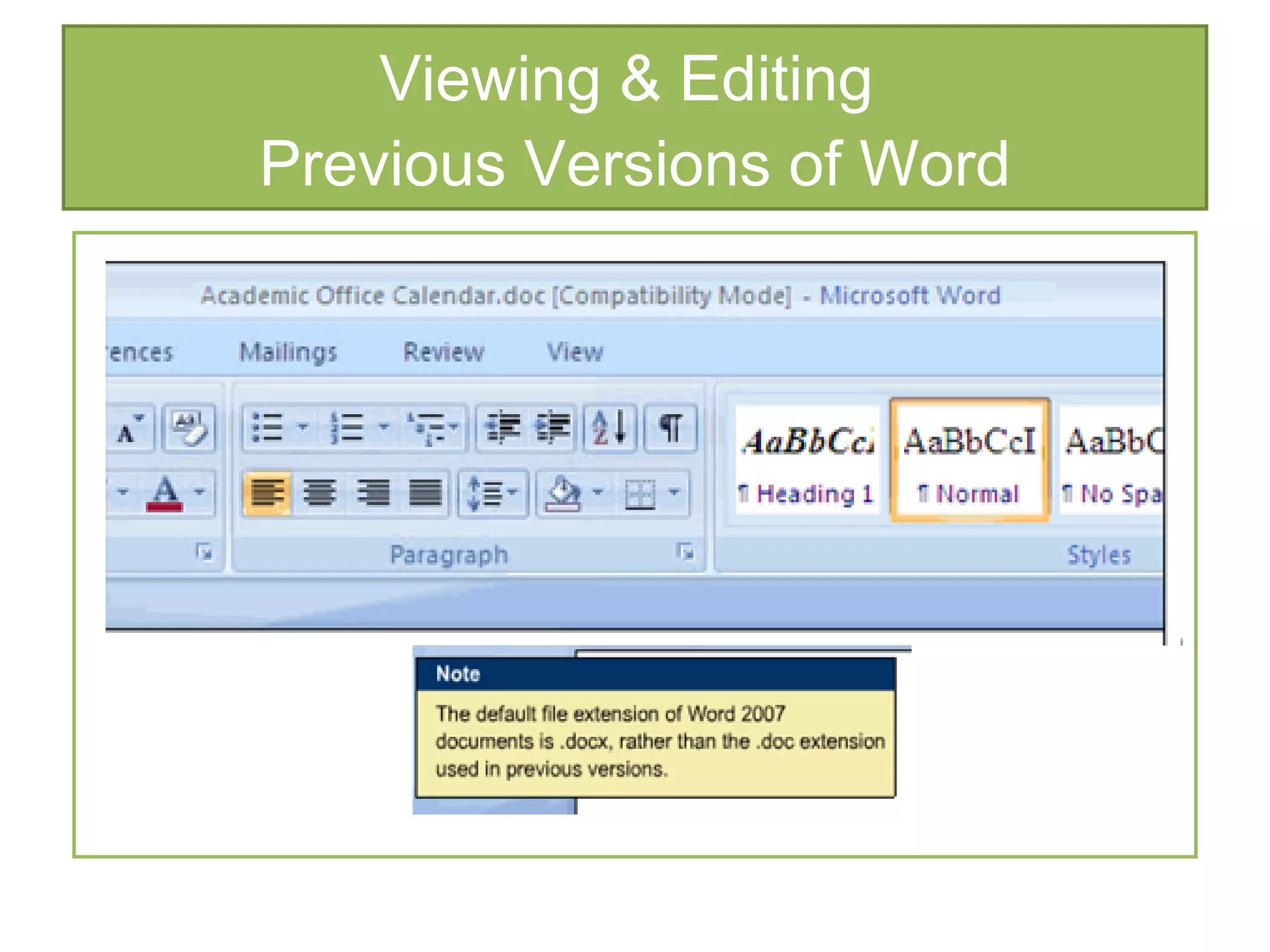
Viewing & Editing  Previous Versions of Word
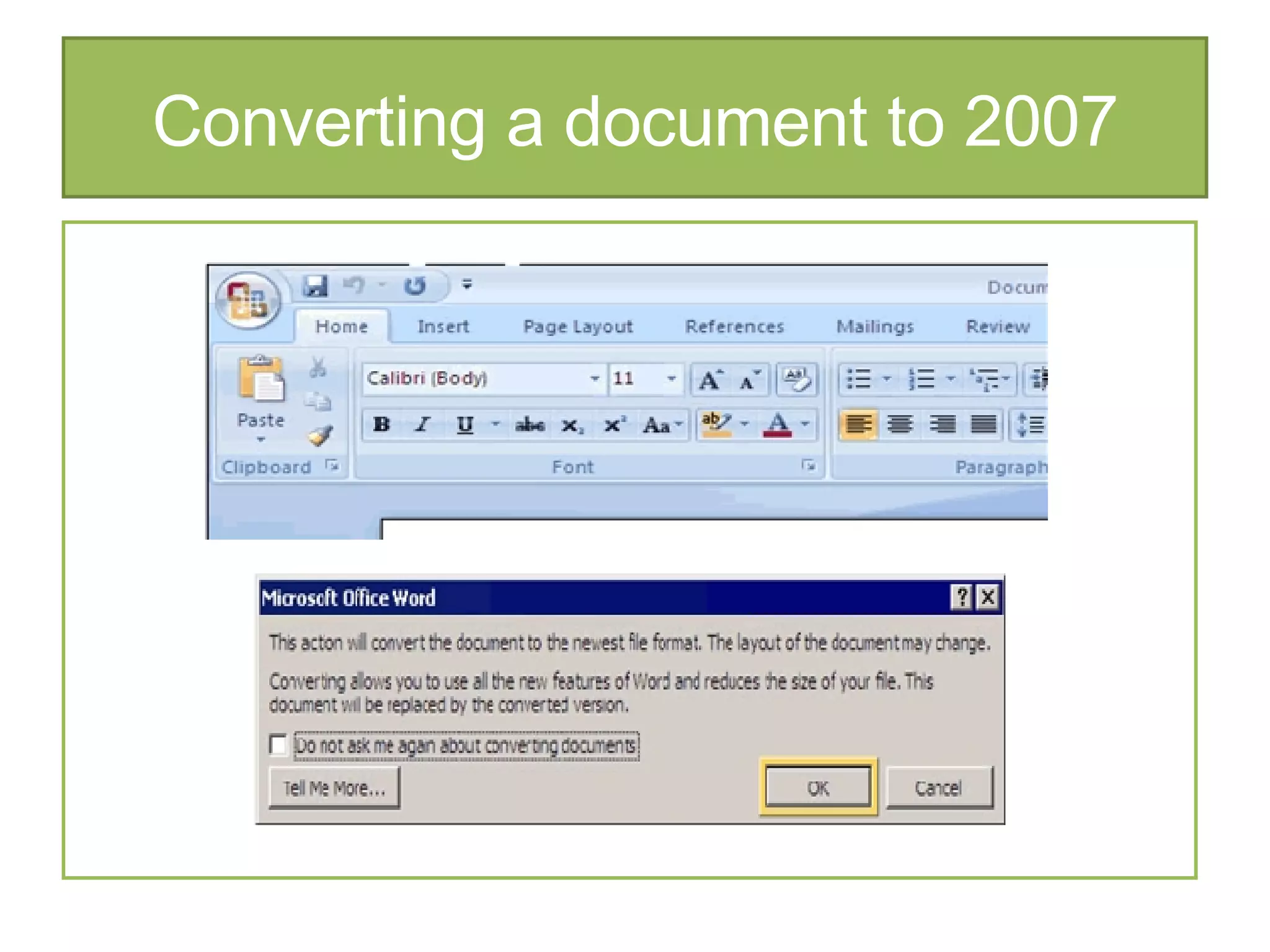
Converting a document to 2007
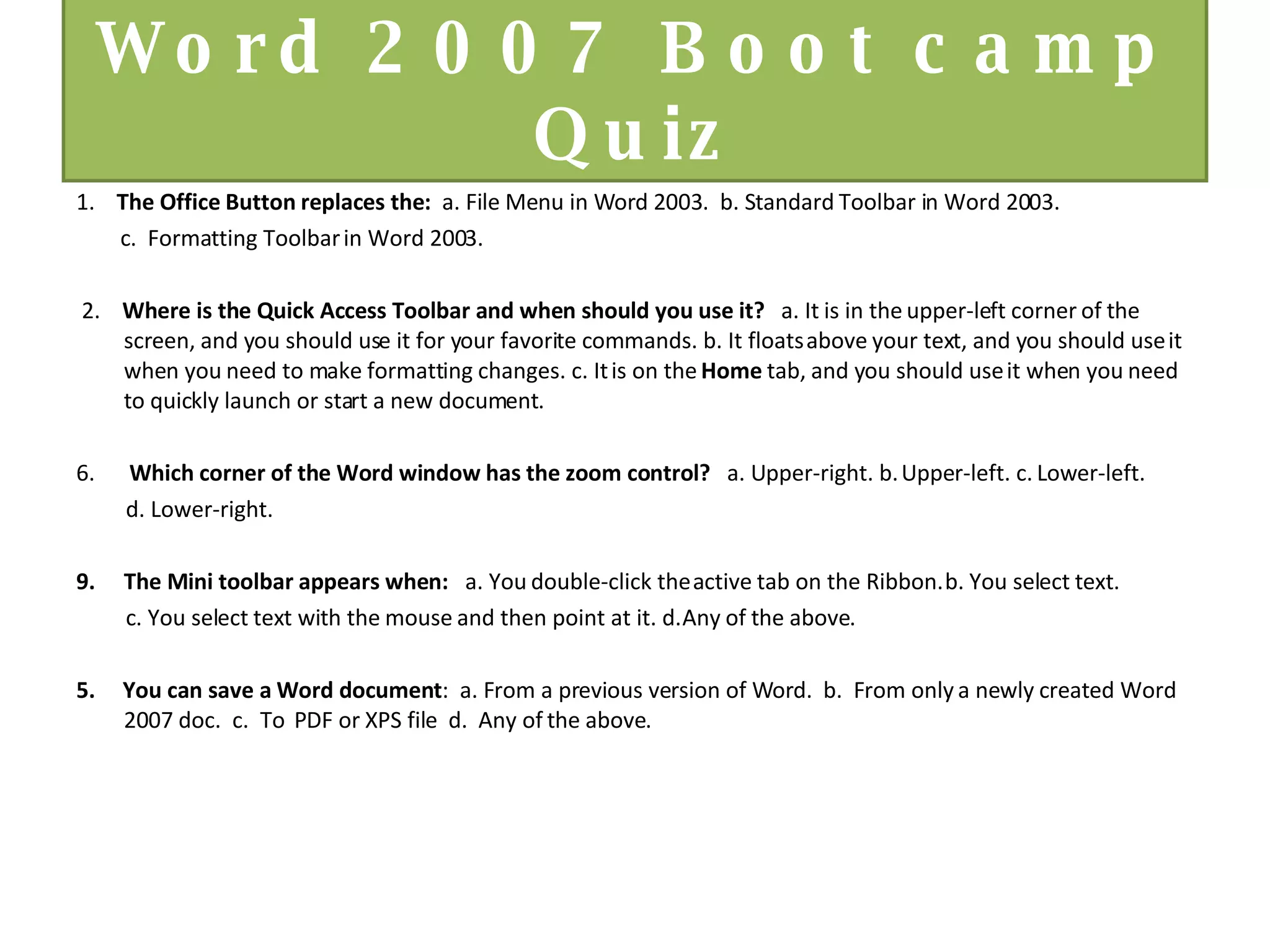
Word 2007 Boot camp Quiz 1.   The Office Button replaces the:  a. File Menu in Word 2003.  b. Standard Toolbar in Word 2003.  c.  Formatting Toolbar in Word 2003. 2.   Where is the Quick Access Toolbar and when should you use it?    a. It is in the upper-left corner of the screen, and you should use it for your favorite commands. b. It floats above your text, and you should use it when you need to make formatting changes. c. It is on the  Home  tab, and you should use it when you need to quickly launch or start a new document.     Which corner of the Word window has the zoom control?    a. Upper-right. b. Upper-left. c. Lower-left.  d. Lower-right.   The Mini toolbar appears when:    a. You double-click the active tab on the Ribbon. b. You select text.  c. You select text with the mouse and then point at it. d. Any of the above. 5.  You can save a Word document :  a. From a previous version of Word.  b.  From only a newly created Word 2007 doc.  c.  To  PDF or XPS file  d.  Any of the above.
Additional Resources:   Webcasts, Videos & Podcasts for Word 2007 Recorded from live events by Microsoft Office experts, these roughly 60-minute webcasts can be viewed at your own pace and include presentation slides and audio.    Experts show off step-by-step instructions covering the spectrum of the 2007 Office system. Often, you see the presenter at their computer with screenshots as they demonstrate. You'll also find shorter segmented videos for more quick tips. Click on the provided URL and watch at your leisure.   Audio-only version of previously recorded webcasts and 5-10 minute "mini" podcasts focused more on specific function or task within a Microsoft Office product. Click on the provided URL at your leisure to launch the audio file. Or save to your audio device by simply right-clicking the link and saving to a folder you synchronize to your device.   http://office.microsoft.com/en-us/webcasts/HA102547541033.aspx      Word 2007 Courses Word  2007 broken down into manageable chunks http://office.microsoft.com/en-us/training/CR100654561033.aspx     Interactive: Word 2003 to Word 2007 command reference guide Wondering where your favorite Word 2003 commands are located in the new Word 2007 interface? Or just want to explore the rich, new design with a little guidance?   http://office.microsoft.com/en-us/word/HA100744321033.aspx    

Word 2007 Bootcamp Slides

  • 1.
    Welcome! First, we need to Perform an Audio Check: 1. Raise your hand to speak 2. Press Talk or Hold CTRL 3. Check Options > Filters > click Audio Gain Control off 4. Check your headset 5. Click the check when Audio is tested
  • 2.
    Word 2007 Bootcamp This ain’t your Mama’s word processing.
  • 3.
    Let’s Review OurWimba Tools: These buttons indicate “ Yes ” or “ No ” Click this icon to “ raise your hand ” The Pointer tool helps to “claim your real estate on the screen” lets everyone know where someone is about to type. Click on the big “ T ” tool to type on the screen. Make sure to hit the enter button to make the text appear. Type your message in the chat box and press enter. You can send message to everyone in the “ Main Room ” or your can use the drop down box to send to an individual.
  • 4.
    It’s all about Communication Feel free to chat – use the drop down box to send to “All” or to a specific participant: Raise your hand to talk: Use the Check / X buttons to poll participants:
  • 5.
    eBoard Tool Barlooks similar to Paint programs Use the “ Pointer ” tool to mark spot on screen The “ T ” tool to type on the screen Circle tool / Line tool Beware the “ Erase ” button, it erases the entire screen
  • 6.
    Ground Norms Turnoff email, phones, instant messaging tools and clear other distractions away from your training area. Participate and prepare to be called on by name. Raise your hand if you have an immediate question or comment. Be patient waiting for a response to your chat messages. If you need to leave the program, please send us a chat message and exit to the lobby.
  • 7.
    Word 2007 BootCamp   A new look Redesigned Easier, faster, more efficient Visual, image centered interface
  • 8.
    Our Objectives TodayParticipants will be able to recognize and use the new features in Word 2007 such as: The Office Button The Ribbon Document Themes The Quick Access Toolbar Galleries The Mini-Toolbar Zoom Introduction to new file name extensions
  • 9.
    The Office ButtonReplaces the File Menu from Word 2003, including: Open Save Print
  • 10.
    The Ribbon ReplacesMenus Grouped Commands
  • 11.
  • 12.
  • 13.
    Document Themes Whatis a Document Theme?
  • 14.
    Quiz Time Whichof the following statements are true about the Ribbon? There is more than one answer. The Ribbon allows you to convert documents from the previous version. The Ribbon contains tabs with logically grouped commands. The Ribbon allows you to access common commands such as Open and Save. The Ribbon replaces menus and toolbars of the previous versions of Word.
  • 15.
    Quick Access BarSave Undo Redo
  • 16.
    Customizing the Quick Access Toolbar Can be customized
  • 17.
  • 18.
  • 19.
    Quiz Time Whichinterface feature of Word 2007 allows you to preview formatting and styling changes ? Circle one. Galleries Office Button Ribbon Tab
  • 20.
  • 21.
    Viewing & Editing Previous Versions of Word
  • 22.
  • 23.
    Word 2007 Bootcamp Quiz 1.  The Office Button replaces the: a. File Menu in Word 2003. b. Standard Toolbar in Word 2003. c. Formatting Toolbar in Word 2003. 2.  Where is the Quick Access Toolbar and when should you use it?   a. It is in the upper-left corner of the screen, and you should use it for your favorite commands. b. It floats above your text, and you should use it when you need to make formatting changes. c. It is on the Home tab, and you should use it when you need to quickly launch or start a new document.     Which corner of the Word window has the zoom control?   a. Upper-right. b. Upper-left. c. Lower-left. d. Lower-right.   The Mini toolbar appears when:   a. You double-click the active tab on the Ribbon. b. You select text. c. You select text with the mouse and then point at it. d. Any of the above. 5. You can save a Word document : a. From a previous version of Word. b. From only a newly created Word 2007 doc. c. To PDF or XPS file d. Any of the above.
  • 24.
    Additional Resources:  Webcasts, Videos & Podcasts for Word 2007 Recorded from live events by Microsoft Office experts, these roughly 60-minute webcasts can be viewed at your own pace and include presentation slides and audio.   Experts show off step-by-step instructions covering the spectrum of the 2007 Office system. Often, you see the presenter at their computer with screenshots as they demonstrate. You'll also find shorter segmented videos for more quick tips. Click on the provided URL and watch at your leisure.   Audio-only version of previously recorded webcasts and 5-10 minute "mini" podcasts focused more on specific function or task within a Microsoft Office product. Click on the provided URL at your leisure to launch the audio file. Or save to your audio device by simply right-clicking the link and saving to a folder you synchronize to your device.   http://office.microsoft.com/en-us/webcasts/HA102547541033.aspx      Word 2007 Courses Word 2007 broken down into manageable chunks http://office.microsoft.com/en-us/training/CR100654561033.aspx     Interactive: Word 2003 to Word 2007 command reference guide Wondering where your favorite Word 2003 commands are located in the new Word 2007 interface? Or just want to explore the rich, new design with a little guidance?   http://office.microsoft.com/en-us/word/HA100744321033.aspx