



Wix Apps
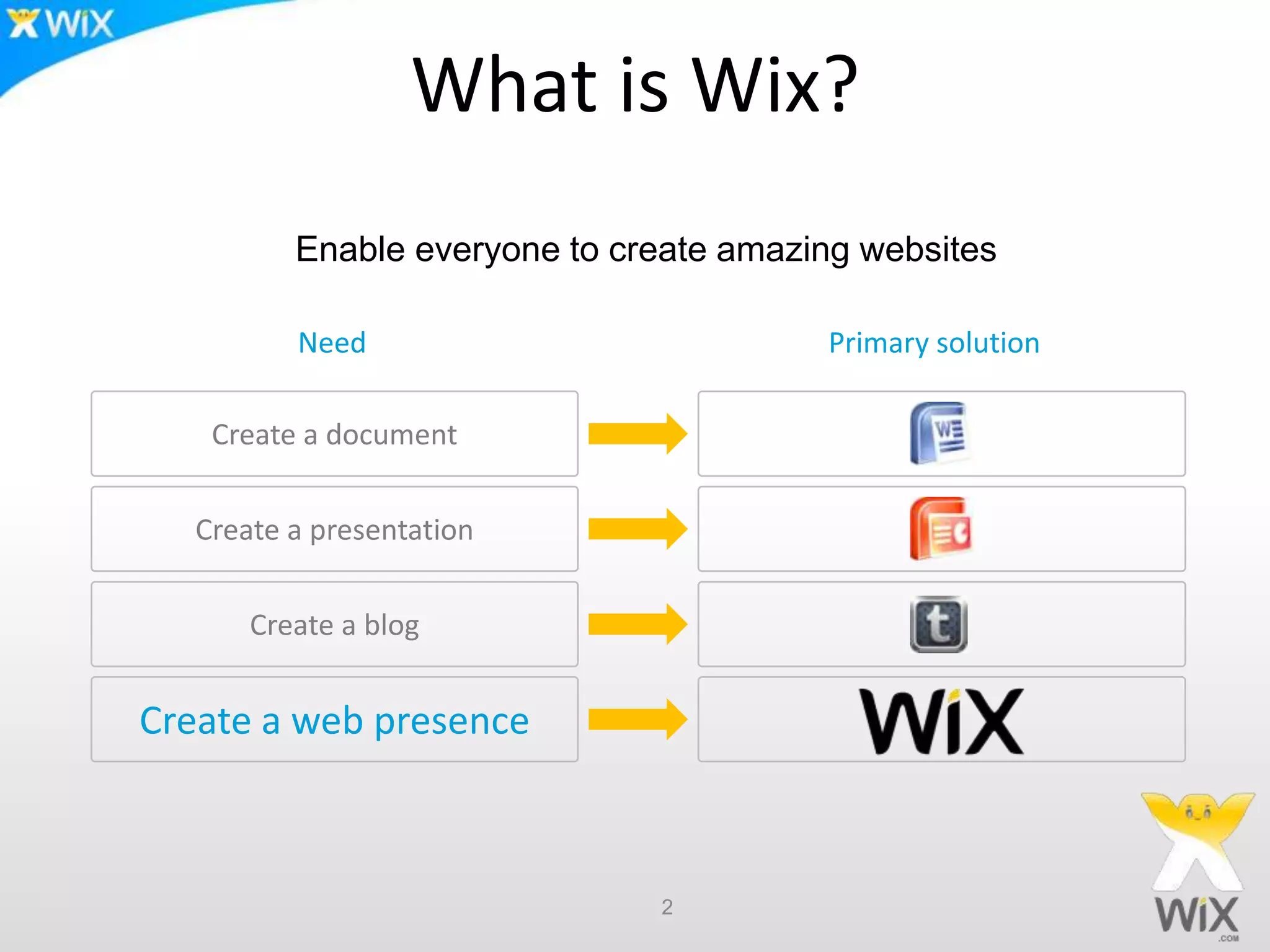
What is Wix?
2
Need Primary solution
Create a document
Create a presentation
Create a blog
Create a web presence
Enable everyone to create amazing websites
Wix.com – The Numbers
 ~ 35 million websites built with Wix
 ~ 1.3 million new web sites per month
 ~ 4 Million visits to the Wix editor per months
3
The app market
App market stats
• Released Oct 18
• 80 applications available at the market
• Installation rate of more than 1,000,000 apps per month
For Wix users
• The more apps we have, the more flexibility they have. With
hundreds of applications coming, Wix users will have practically
endless possibilities
For Developers
• Early bird gets the worm
• Exposure to 4,000,000 users a month
4
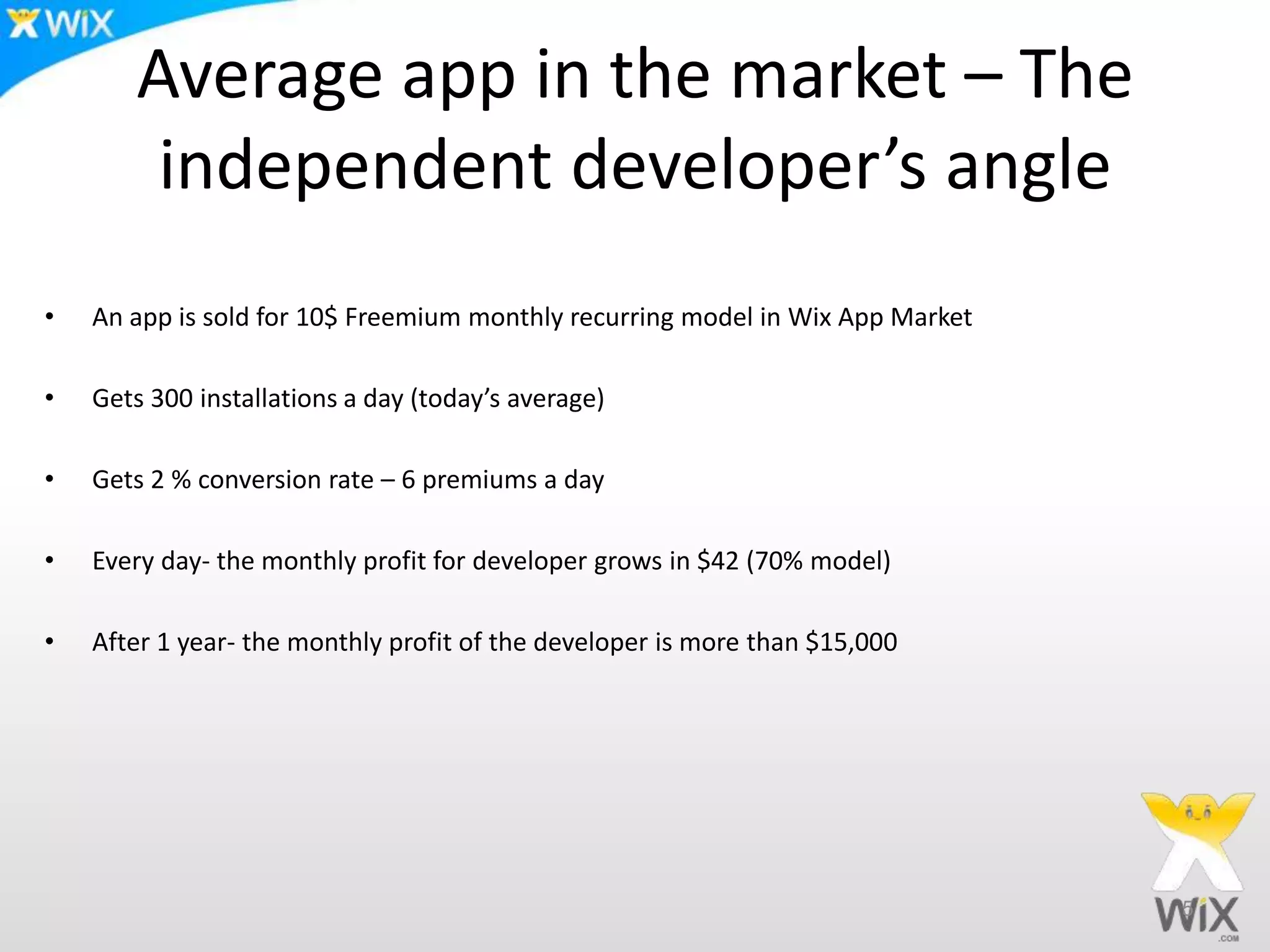
Average app in the market – The
independent developer’s angle
• An app is sold for 10$ Freemium monthly recurring model in Wix App Market
• Gets 300 installations a day (today’s average)
• Gets 2 % conversion rate – 6 premiums a day
• Every day- the monthly profit for developer grows in $42 (70% model)
• After 1 year- the monthly profit of the developer is more than $15,000
5
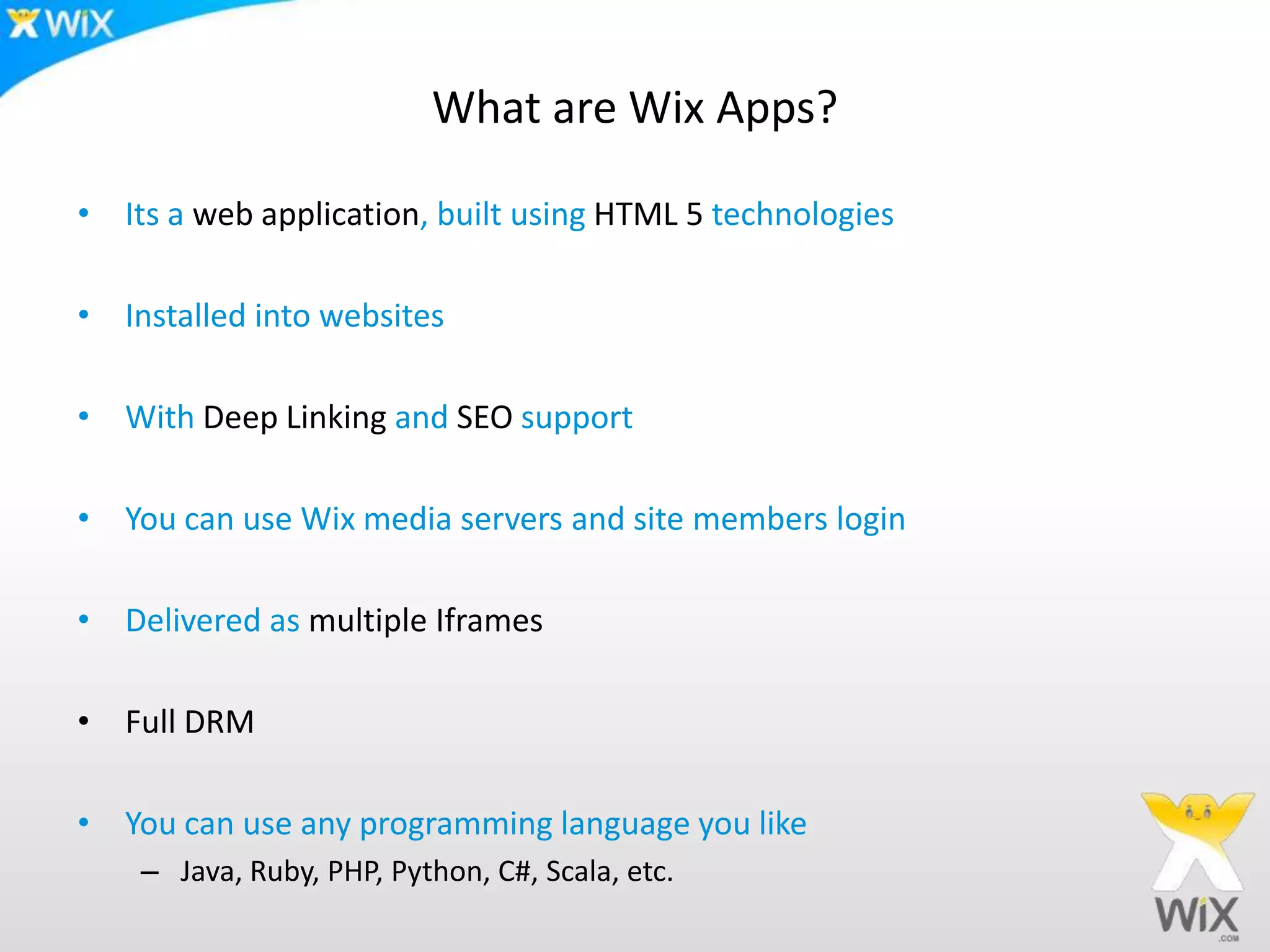
What are Wix Apps?
• Its a web application, built using HTML 5 technologies
• Installed into websites
• With Deep Linking and SEO support
• You can use Wix media servers and site members login
• Delivered as multiple Iframes
• Full DRM
• You can use any programming language you like
– Java, Ruby, PHP, Python, C#, Scala, etc.
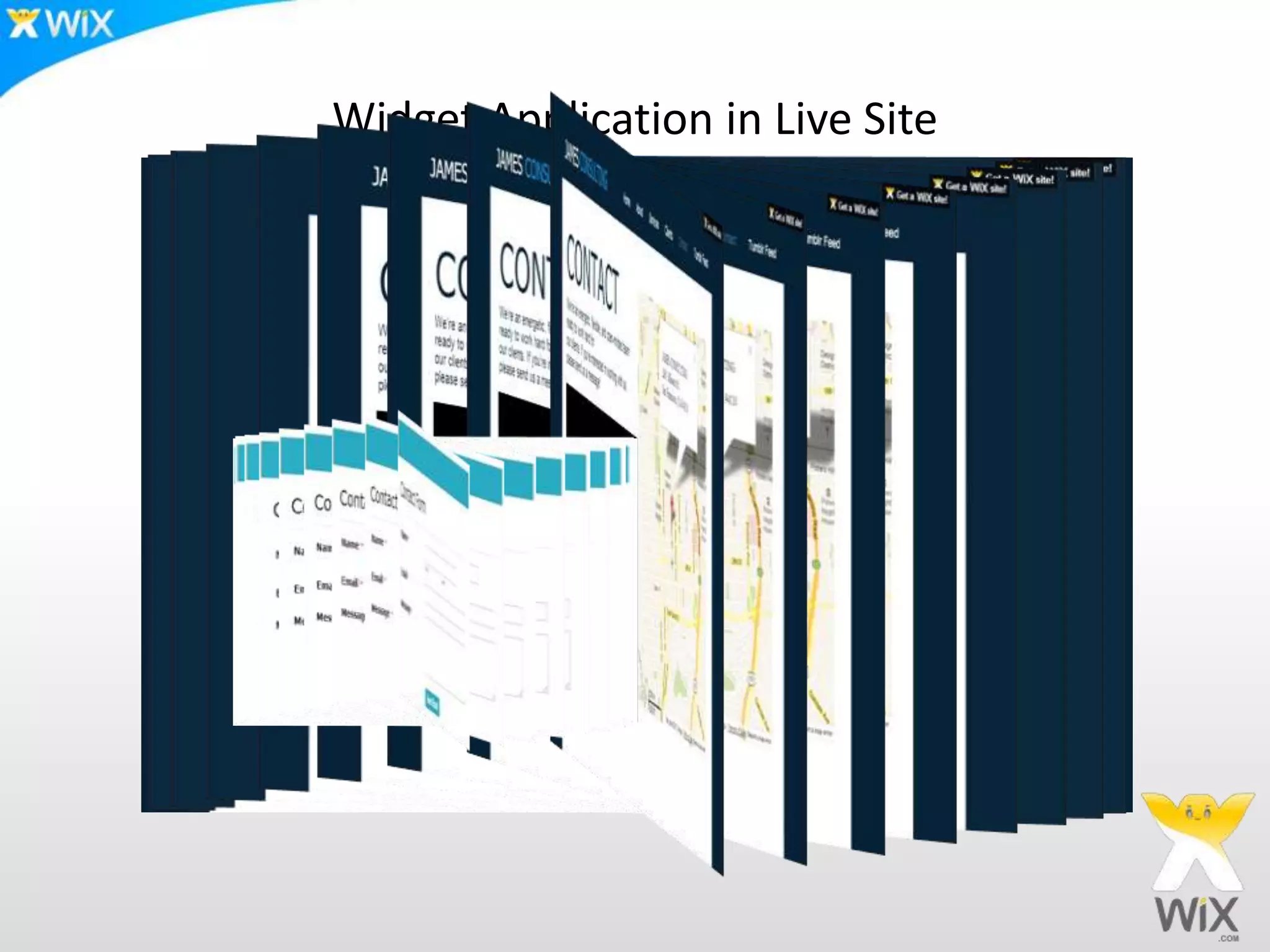
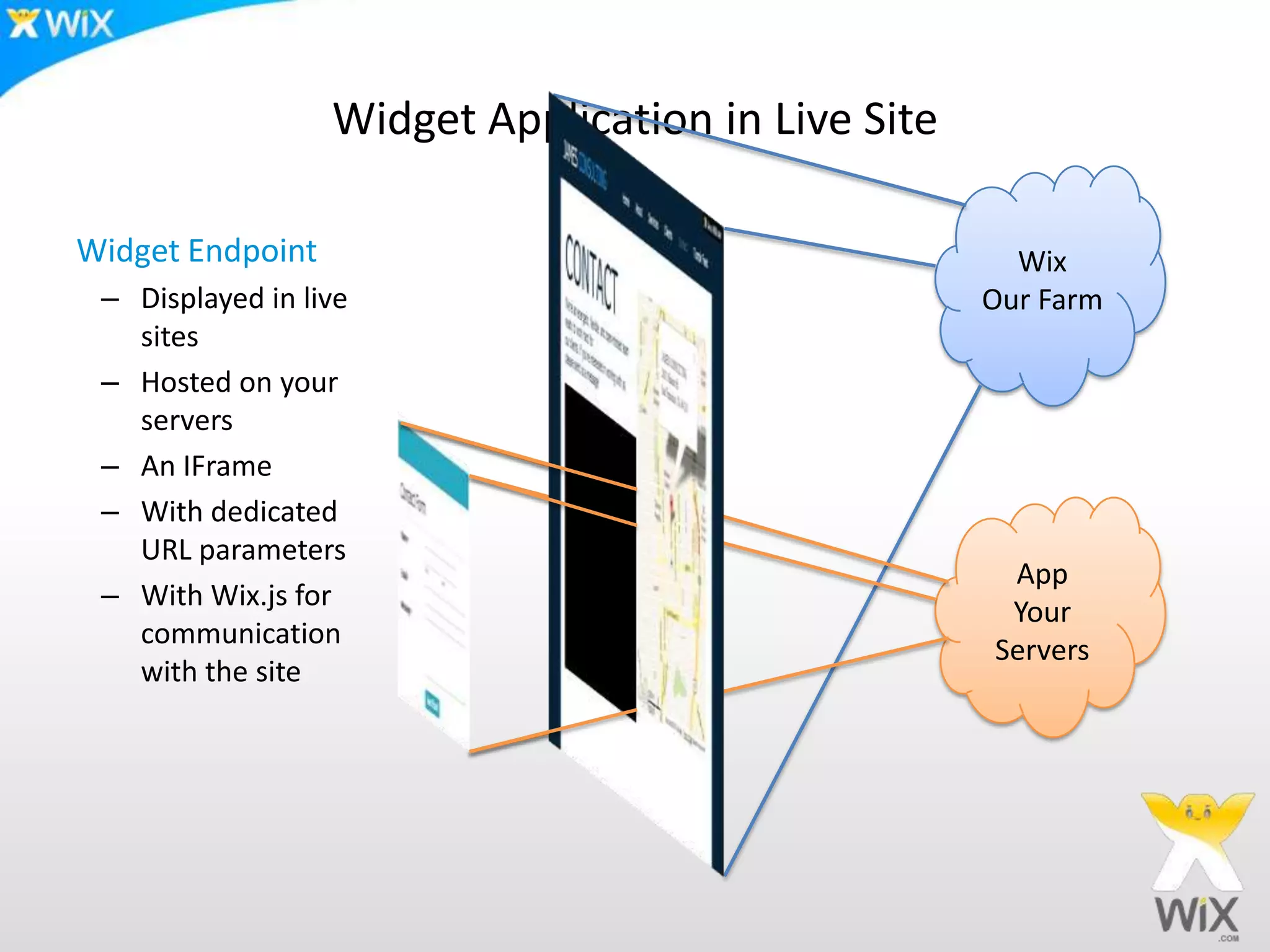
Widget Application in Live Site
Wix
Our Farm
App
Your
Servers
Widget Endpoint
– Displayed in live
sites
– Hosted on your
servers
– An IFrame
– With dedicated
URL parameters
– With Wix.js for
communication
with the site
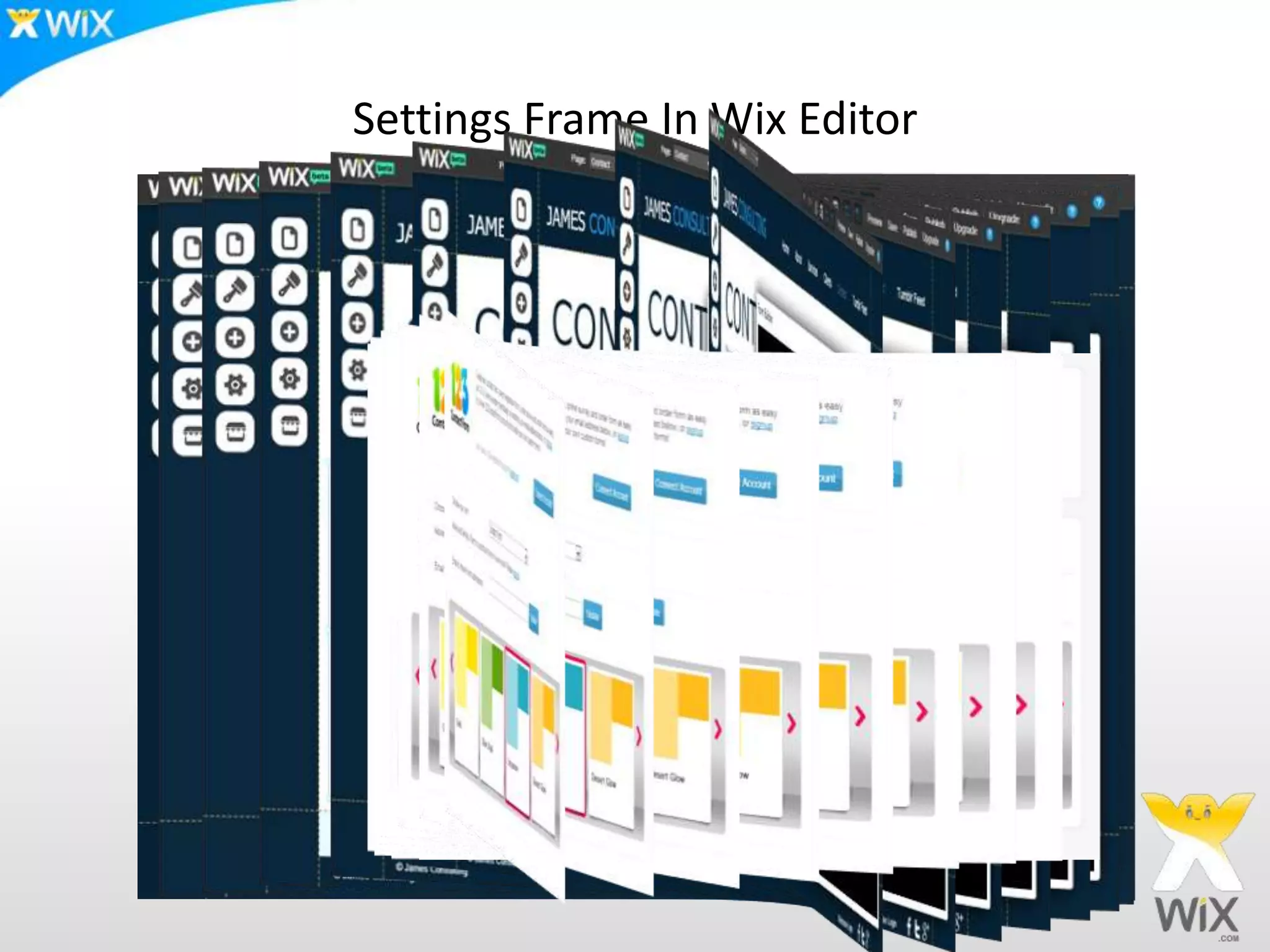
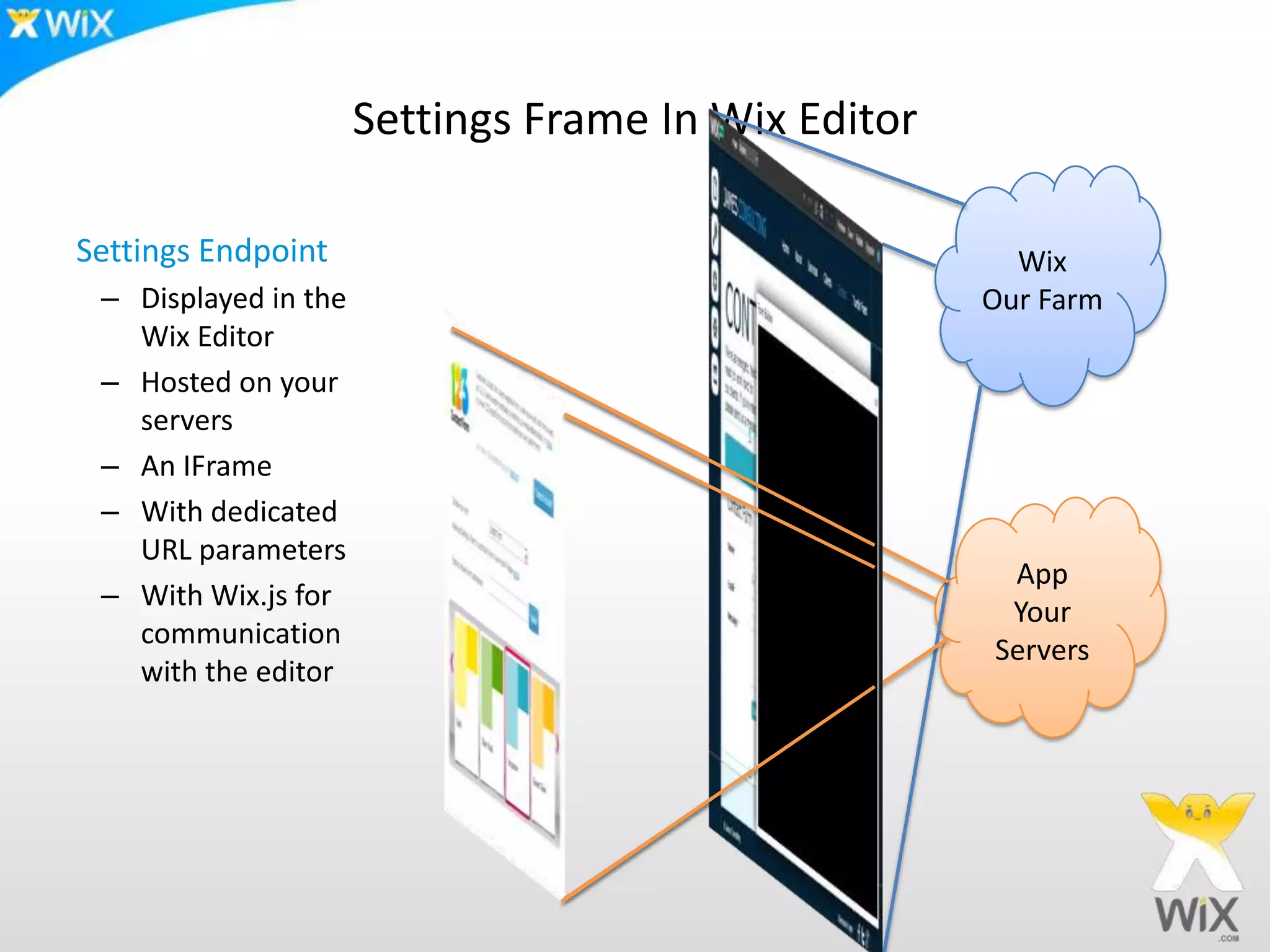
Settings Frame In Wix Editor
Wix
Our Farm
App
Your
Servers
Settings Endpoint
– Displayed in the
Wix Editor
– Hosted on your
servers
– An IFrame
– With dedicated
URL parameters
– With Wix.js for
communication
with the editor
The
API
Anatomy of a Wix Application
• A Wix Application is a Web Application
– Built using HTML 5 front end technology
– Any backend technology
• Two types of applications
– Widget Applications
– Page Applications
– More types will soon follow
Main Capabilities of the API
• Widget
– Multi-instances on a page
• Page
– Deep linking (including SEO)
• Settings
– To manage the application from the Wix Editor
• Resize Widget & Page height
– To fit dynamic content
• Use site owner media
– Upload and use pre-uploaded media
• Site users
– Integrate App users with the Site users
Anatomy of a Wix Application
• How it works
– You (the App developer) provide IFrame endpoints
– A Site Owner uses the Wix HTML5 editor to add Apps to their website
• Using drag & drop from the App Market
– The Wix Platform generates a new instance for every site
– The Site Owner publish their websites
– Site Visitors view the Wix users sites with the installed Apps
• Endpoints are web URLs that, when called
– Render HTML for IFrames (or SEO inclusion HTML)
– Accessed with dedicated URL parameters (the Wix endpoint API)
• Instance, viewMode, compId, Locale, etc.
– Include the wix.js for the use of the Wix JS API
Resources
• Wix Dev Center
– App registration, documentation, etc.
– http://dev.wix.com
• GAE Java Sample Apps
– https://github.com/wix/wix-gae-sample-app
– https://github.com/wix/wix-gae-rss-feed-app
• PHP Sample App
– https://github.com/wix/wix-php-rss-feed-app
Good UX for Wix App
Settings panel
• First impression – make it designed and polish
• Less is more- keep it simple stupid
• Include design options and transparency- its all about self
expression
• Include login and logout if relevant
• Prioritize – most important prominent, less important hidden
(submenu, collapsed)
17
Dummy data
• For app market materials
• For First time impression – super important!
18
Value To Small Businesses
You build a web site- what do you need?
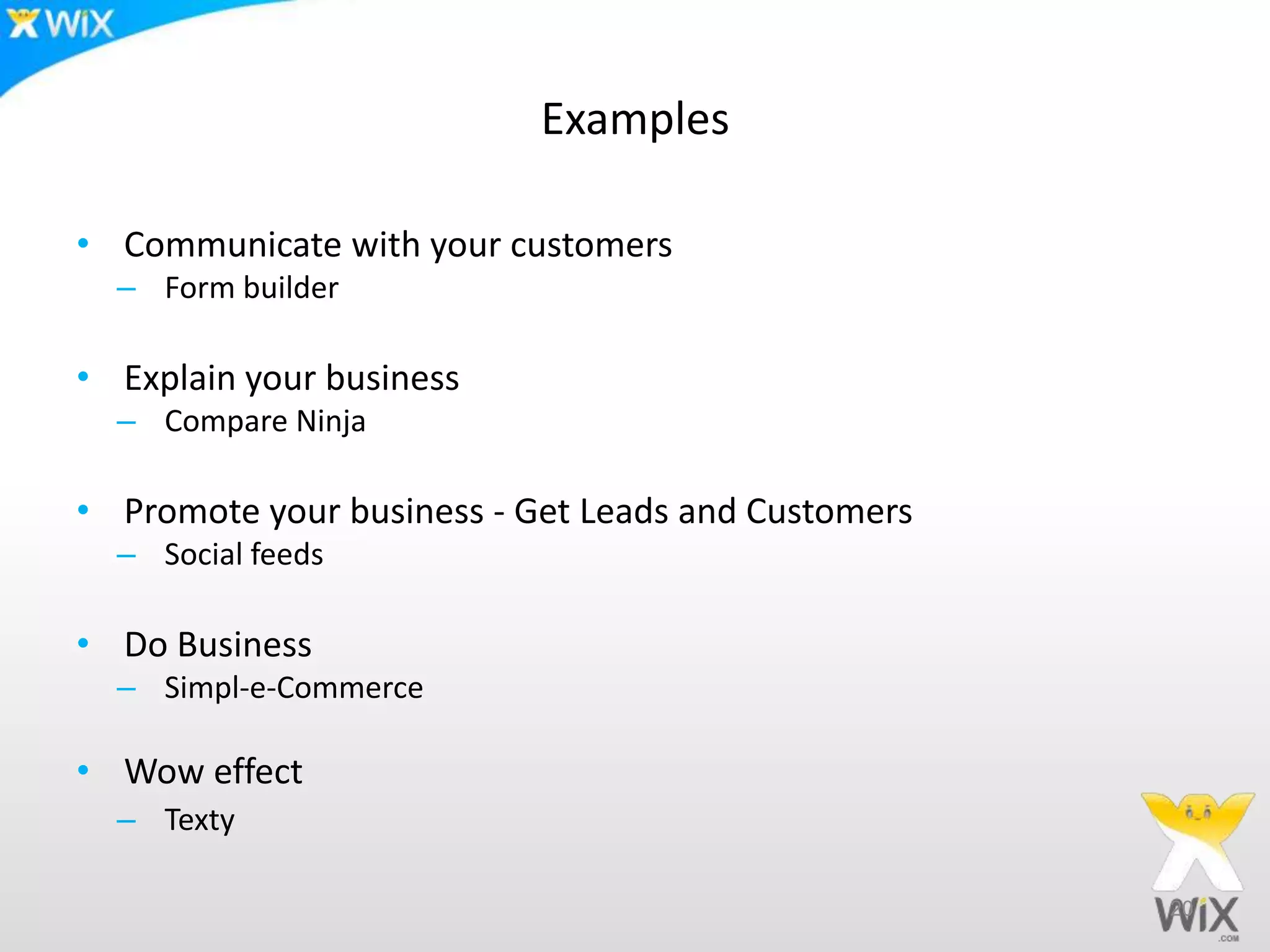
Examples
• Communicate with your customers
– Form builder
• Explain your business
– Compare Ninja
• Promote your business - Get Leads and Customers
– Social feeds
• Do Business
– Simpl-e-Commerce
• Wow effect
– Texty
20
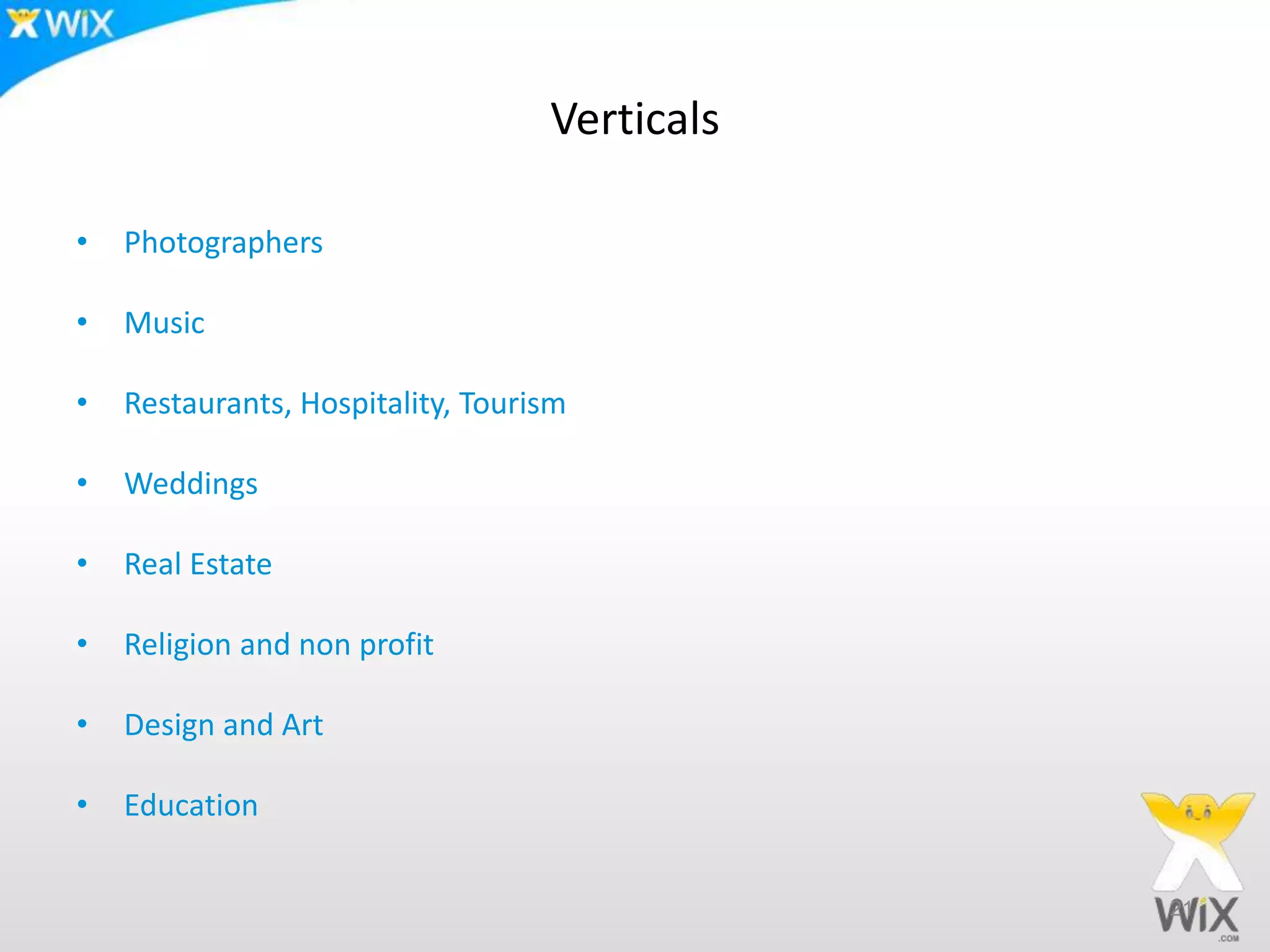
Verticals
• Photographers
• Music
• Restaurants, Hospitality, Tourism
• Weddings
• Real Estate
• Religion and non profit
• Design and Art
• Education
21
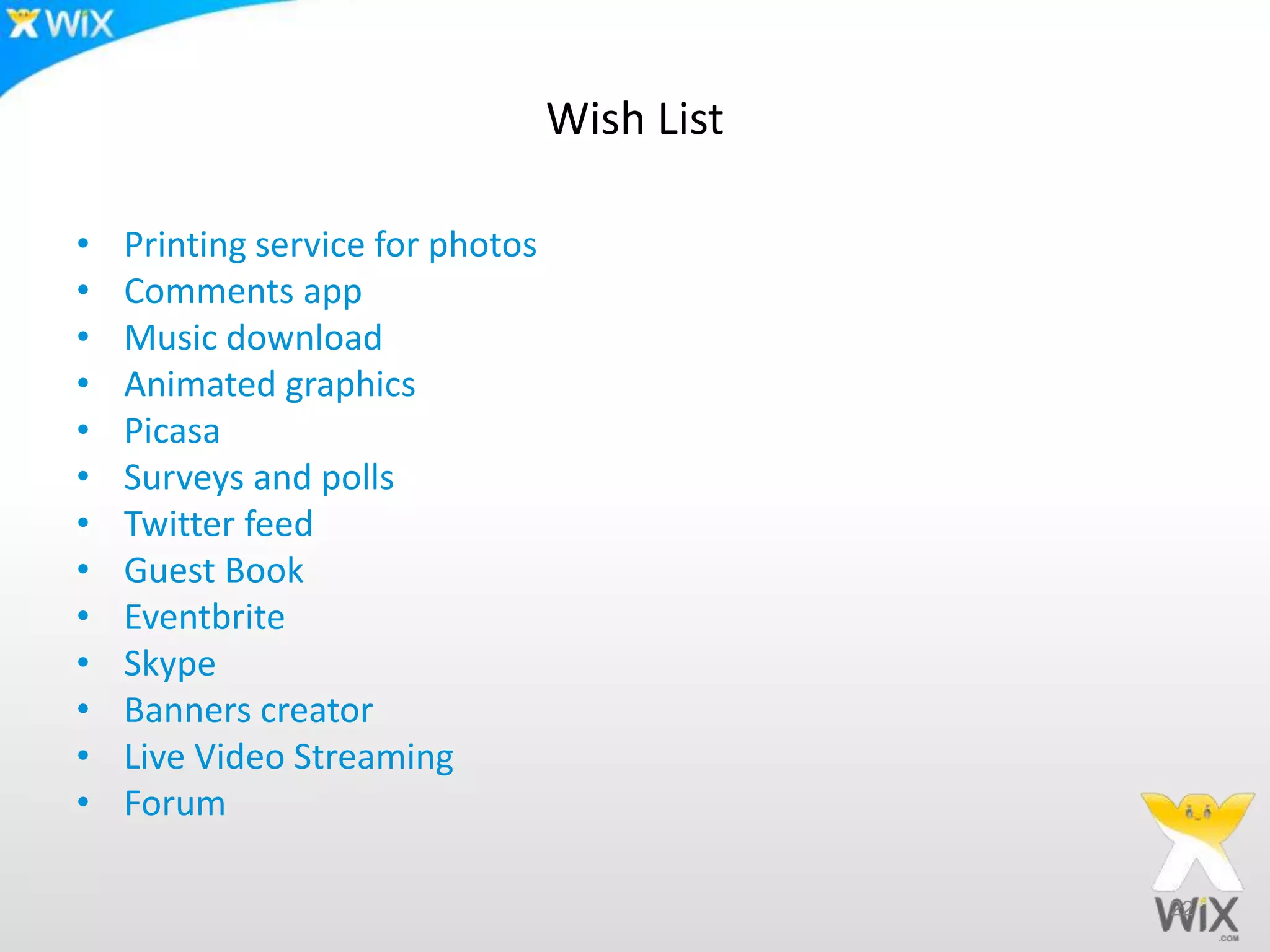
Wish List
• Printing service for photos
• Comments app
• Music download
• Animated graphics
• Picasa
• Surveys and polls
• Twitter feed
• Guest Book
• Eventbrite
• Skype
• Banners creator
• Live Video Streaming
• Forum
22
Thank you!!!

Wix Apps in WP TLV

  • 1.
  • 2.
    What is Wix? 2 NeedPrimary solution Create a document Create a presentation Create a blog Create a web presence Enable everyone to create amazing websites
  • 3.
    Wix.com – TheNumbers  ~ 35 million websites built with Wix  ~ 1.3 million new web sites per month  ~ 4 Million visits to the Wix editor per months 3
  • 4.
    The app market Appmarket stats • Released Oct 18 • 80 applications available at the market • Installation rate of more than 1,000,000 apps per month For Wix users • The more apps we have, the more flexibility they have. With hundreds of applications coming, Wix users will have practically endless possibilities For Developers • Early bird gets the worm • Exposure to 4,000,000 users a month 4
  • 5.
    Average app inthe market – The independent developer’s angle • An app is sold for 10$ Freemium monthly recurring model in Wix App Market • Gets 300 installations a day (today’s average) • Gets 2 % conversion rate – 6 premiums a day • Every day- the monthly profit for developer grows in $42 (70% model) • After 1 year- the monthly profit of the developer is more than $15,000 5
  • 6.
    What are WixApps? • Its a web application, built using HTML 5 technologies • Installed into websites • With Deep Linking and SEO support • You can use Wix media servers and site members login • Delivered as multiple Iframes • Full DRM • You can use any programming language you like – Java, Ruby, PHP, Python, C#, Scala, etc.
  • 7.
  • 8.
    Widget Application inLive Site Wix Our Farm App Your Servers Widget Endpoint – Displayed in live sites – Hosted on your servers – An IFrame – With dedicated URL parameters – With Wix.js for communication with the site
  • 9.
  • 10.
    Settings Frame InWix Editor Wix Our Farm App Your Servers Settings Endpoint – Displayed in the Wix Editor – Hosted on your servers – An IFrame – With dedicated URL parameters – With Wix.js for communication with the editor
  • 11.
  • 12.
    Anatomy of aWix Application • A Wix Application is a Web Application – Built using HTML 5 front end technology – Any backend technology • Two types of applications – Widget Applications – Page Applications – More types will soon follow
  • 13.
    Main Capabilities ofthe API • Widget – Multi-instances on a page • Page – Deep linking (including SEO) • Settings – To manage the application from the Wix Editor • Resize Widget & Page height – To fit dynamic content • Use site owner media – Upload and use pre-uploaded media • Site users – Integrate App users with the Site users
  • 14.
    Anatomy of aWix Application • How it works – You (the App developer) provide IFrame endpoints – A Site Owner uses the Wix HTML5 editor to add Apps to their website • Using drag & drop from the App Market – The Wix Platform generates a new instance for every site – The Site Owner publish their websites – Site Visitors view the Wix users sites with the installed Apps • Endpoints are web URLs that, when called – Render HTML for IFrames (or SEO inclusion HTML) – Accessed with dedicated URL parameters (the Wix endpoint API) • Instance, viewMode, compId, Locale, etc. – Include the wix.js for the use of the Wix JS API
  • 15.
    Resources • Wix DevCenter – App registration, documentation, etc. – http://dev.wix.com • GAE Java Sample Apps – https://github.com/wix/wix-gae-sample-app – https://github.com/wix/wix-gae-rss-feed-app • PHP Sample App – https://github.com/wix/wix-php-rss-feed-app
  • 16.
    Good UX forWix App
  • 17.
    Settings panel • Firstimpression – make it designed and polish • Less is more- keep it simple stupid • Include design options and transparency- its all about self expression • Include login and logout if relevant • Prioritize – most important prominent, less important hidden (submenu, collapsed) 17
  • 18.
    Dummy data • Forapp market materials • For First time impression – super important! 18
  • 19.
    Value To SmallBusinesses You build a web site- what do you need?
  • 20.
    Examples • Communicate withyour customers – Form builder • Explain your business – Compare Ninja • Promote your business - Get Leads and Customers – Social feeds • Do Business – Simpl-e-Commerce • Wow effect – Texty 20
  • 21.
    Verticals • Photographers • Music •Restaurants, Hospitality, Tourism • Weddings • Real Estate • Religion and non profit • Design and Art • Education 21
  • 22.
    Wish List • Printingservice for photos • Comments app • Music download • Animated graphics • Picasa • Surveys and polls • Twitter feed • Guest Book • Eventbrite • Skype • Banners creator • Live Video Streaming • Forum 22
  • 23.