Downloaded 23 times


![# escape=`
FROM microsoft/windowsservercore
SHELL ["powershell", "-Command"]
RUN Add-WindowsFeature Web-server, `
NET-Framework-45-ASPNET, Web-Asp-Net45; `
Remove-Website -Name 'Default Web Site'
COPY ProductLaunchWeb /product-launch-web
RUN New-Website -Name 'product-launch' `
-PhysicalPath 'C:product-launch-web' -Port 80
EXPOSE 80
COPY bootstrap.ps1 /
ENTRYPOINT ./bootstrap.ps1](https://image.slidesharecdn.com/docker-windows-101-to-production-170920125937/75/WinOps-2017-Docker-on-Windows-from-101-to-Production-13-2048.jpg)
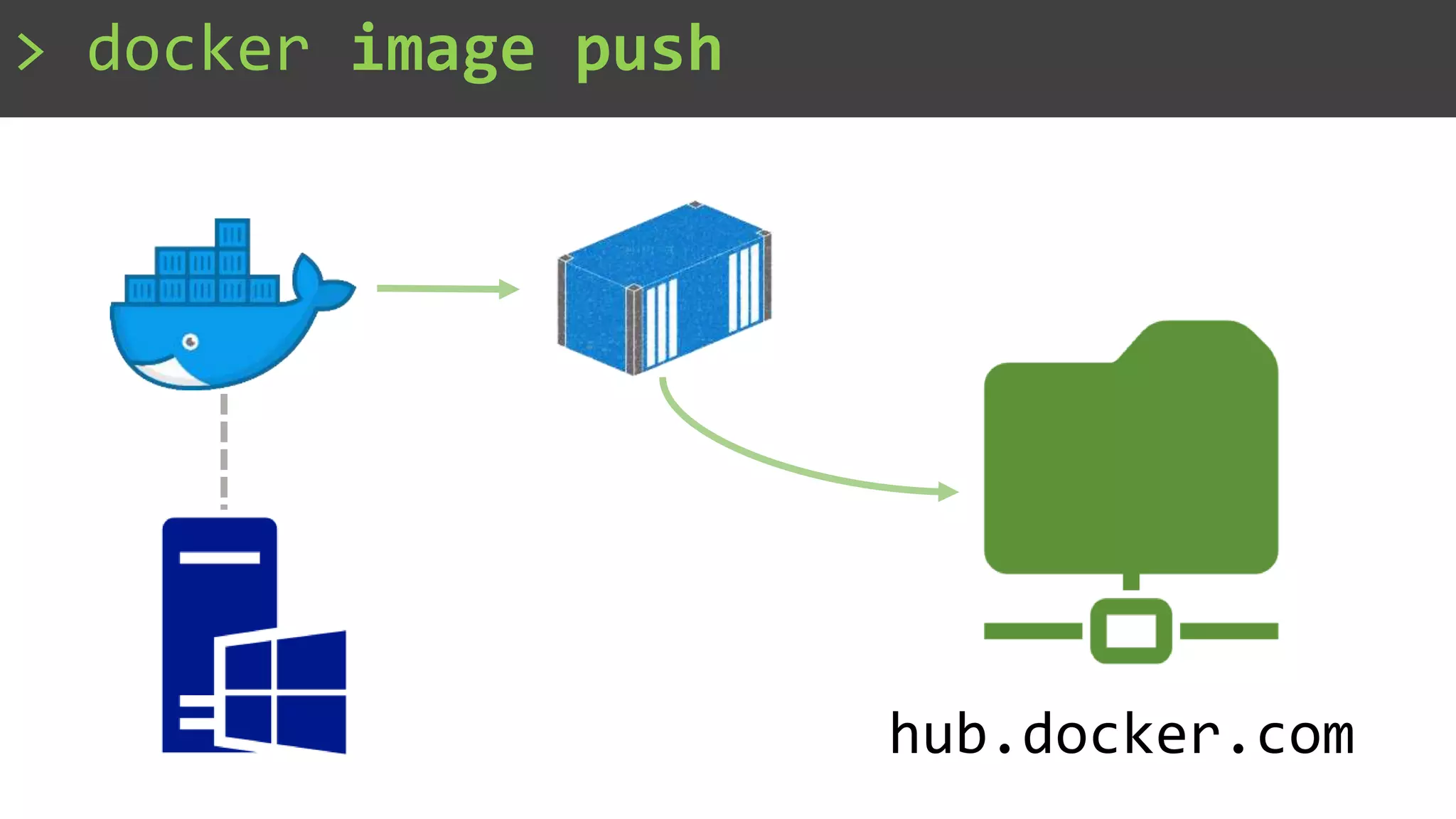

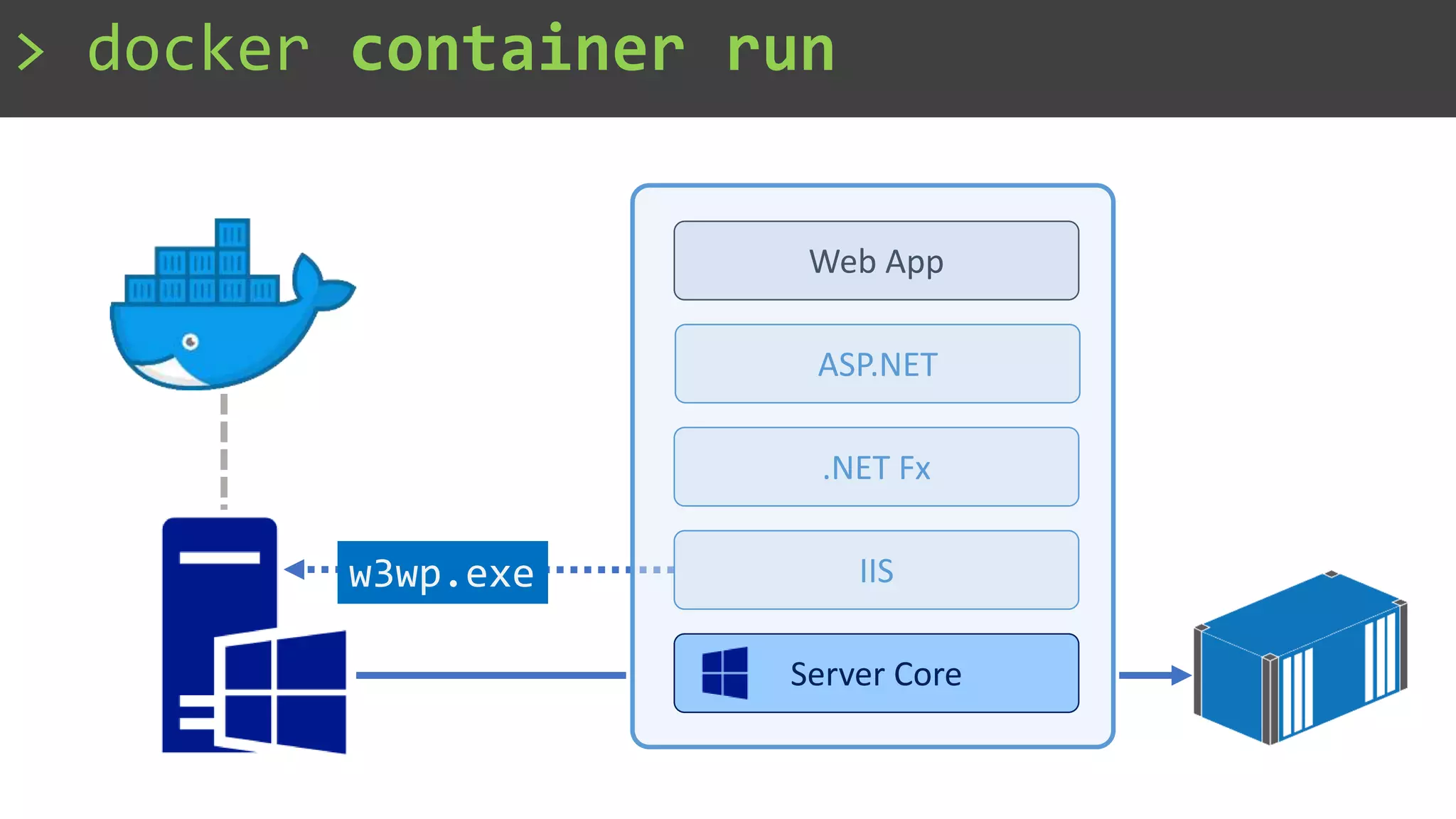
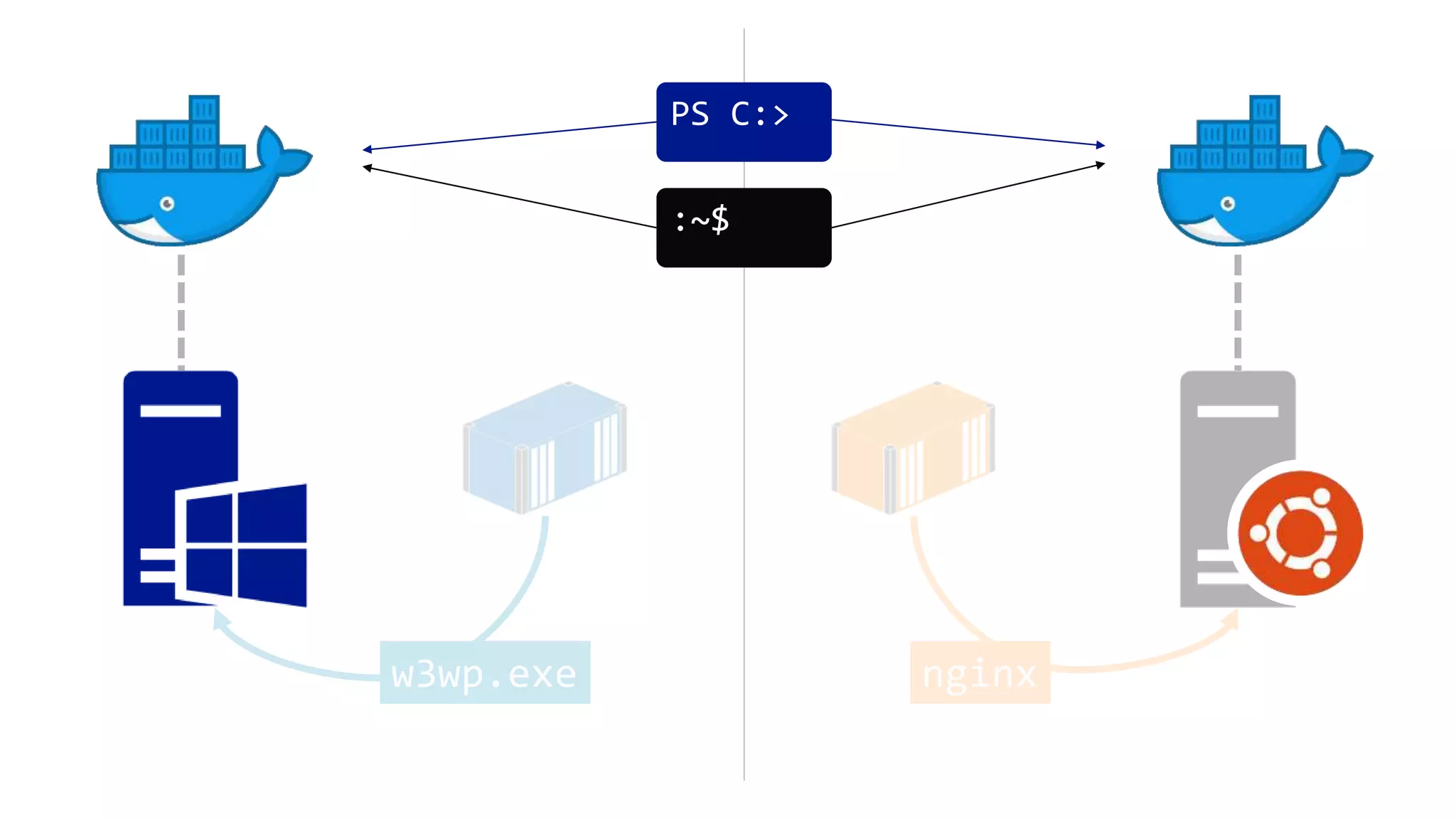
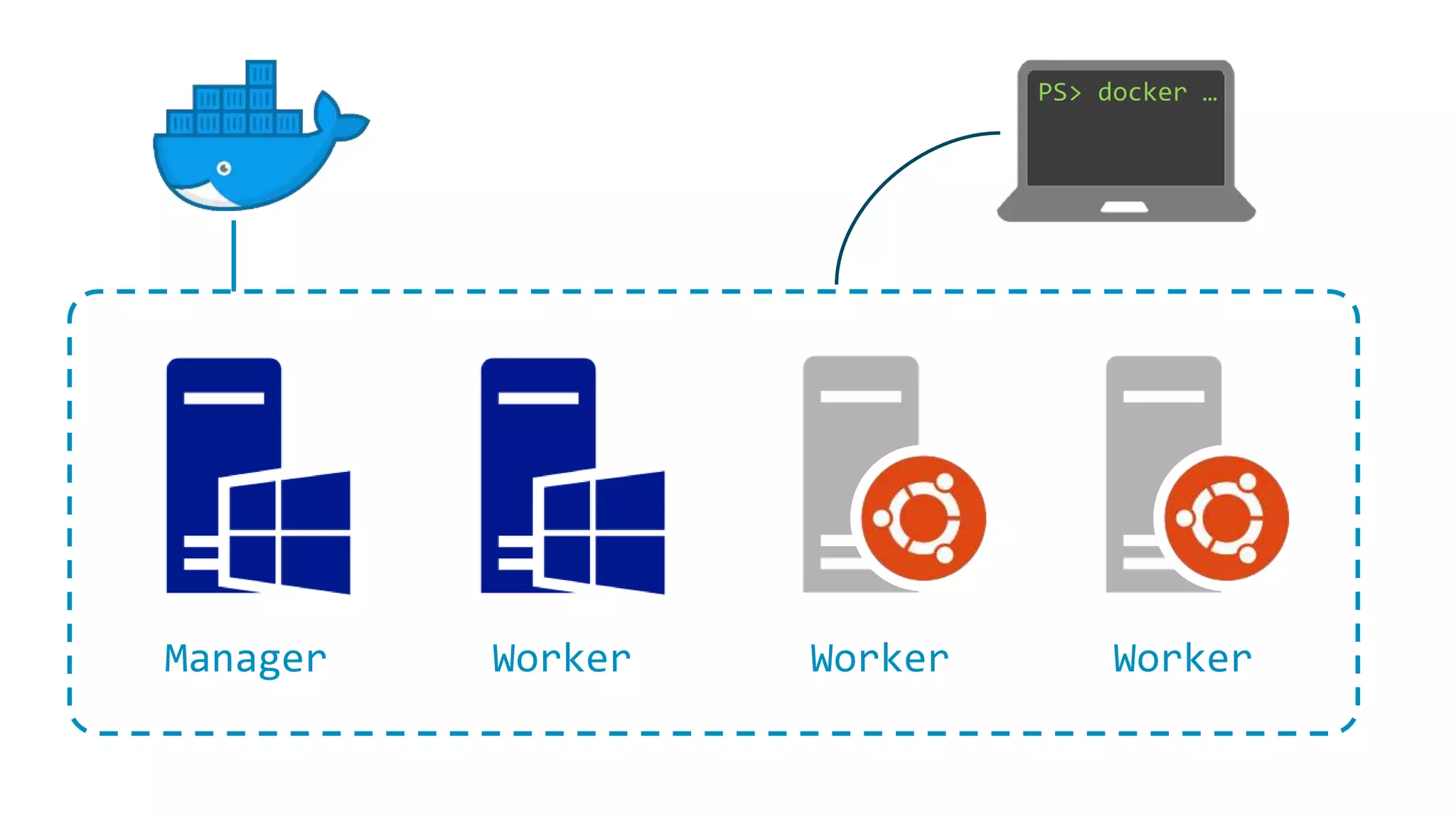

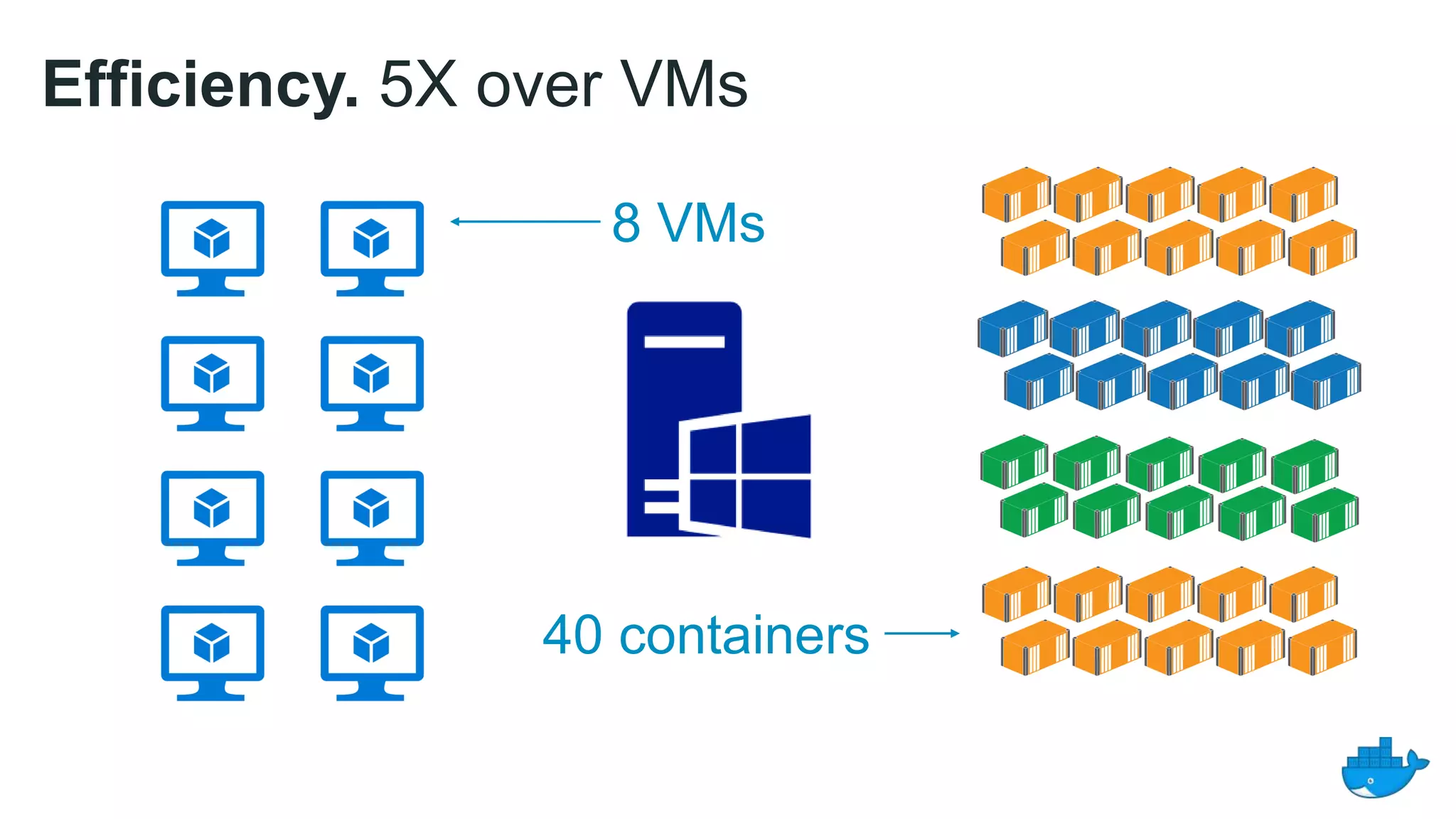
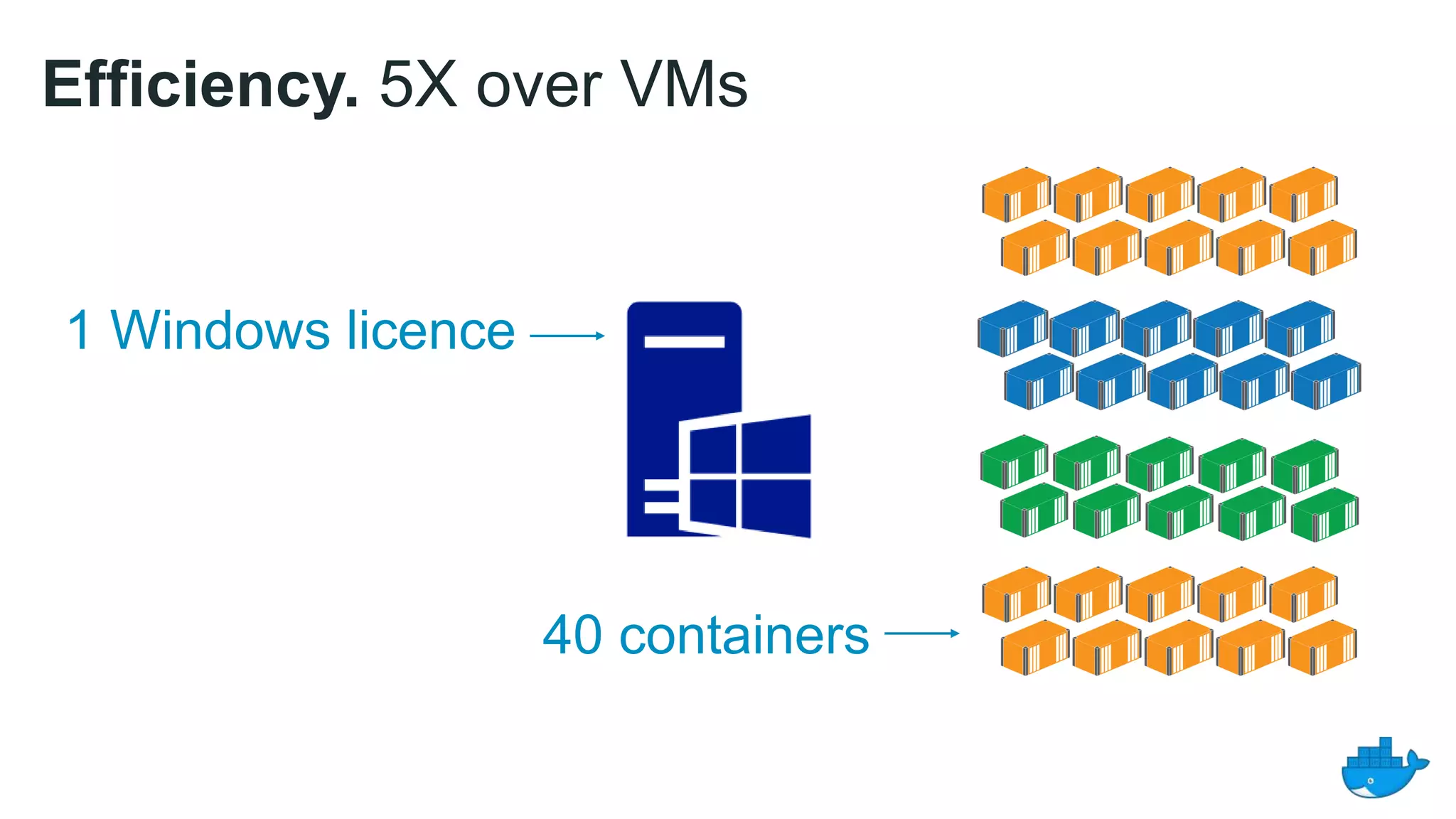
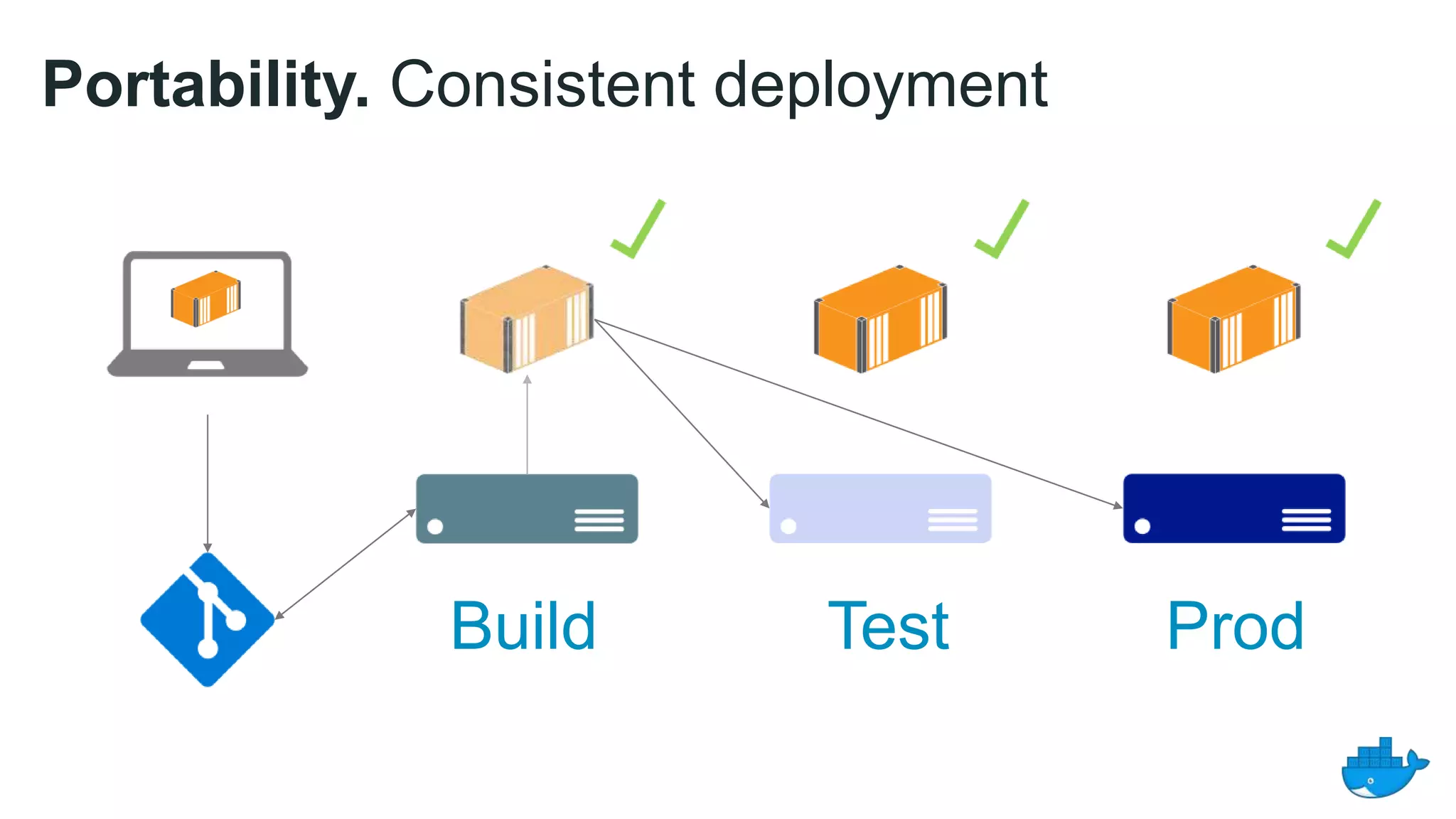
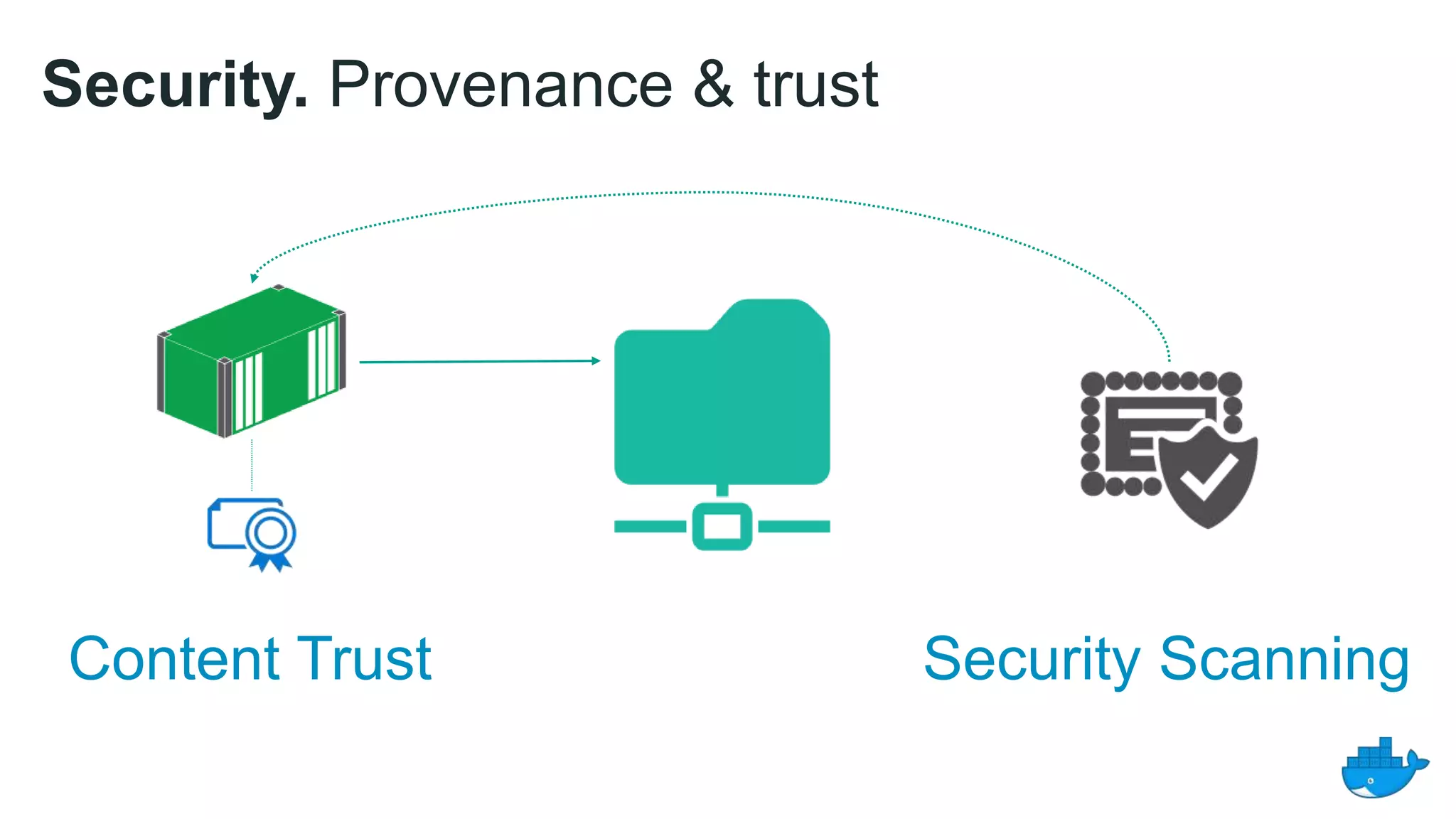
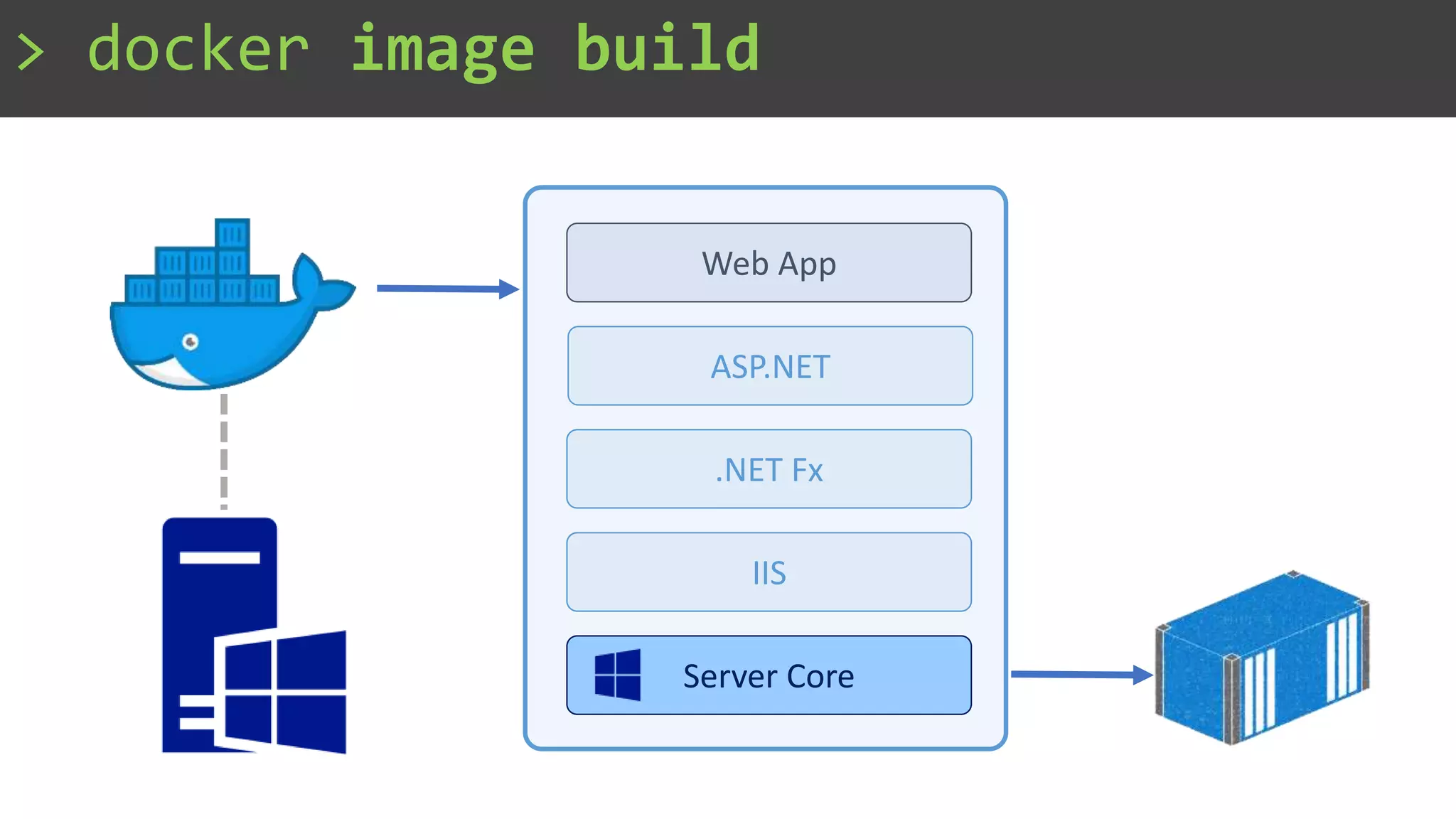
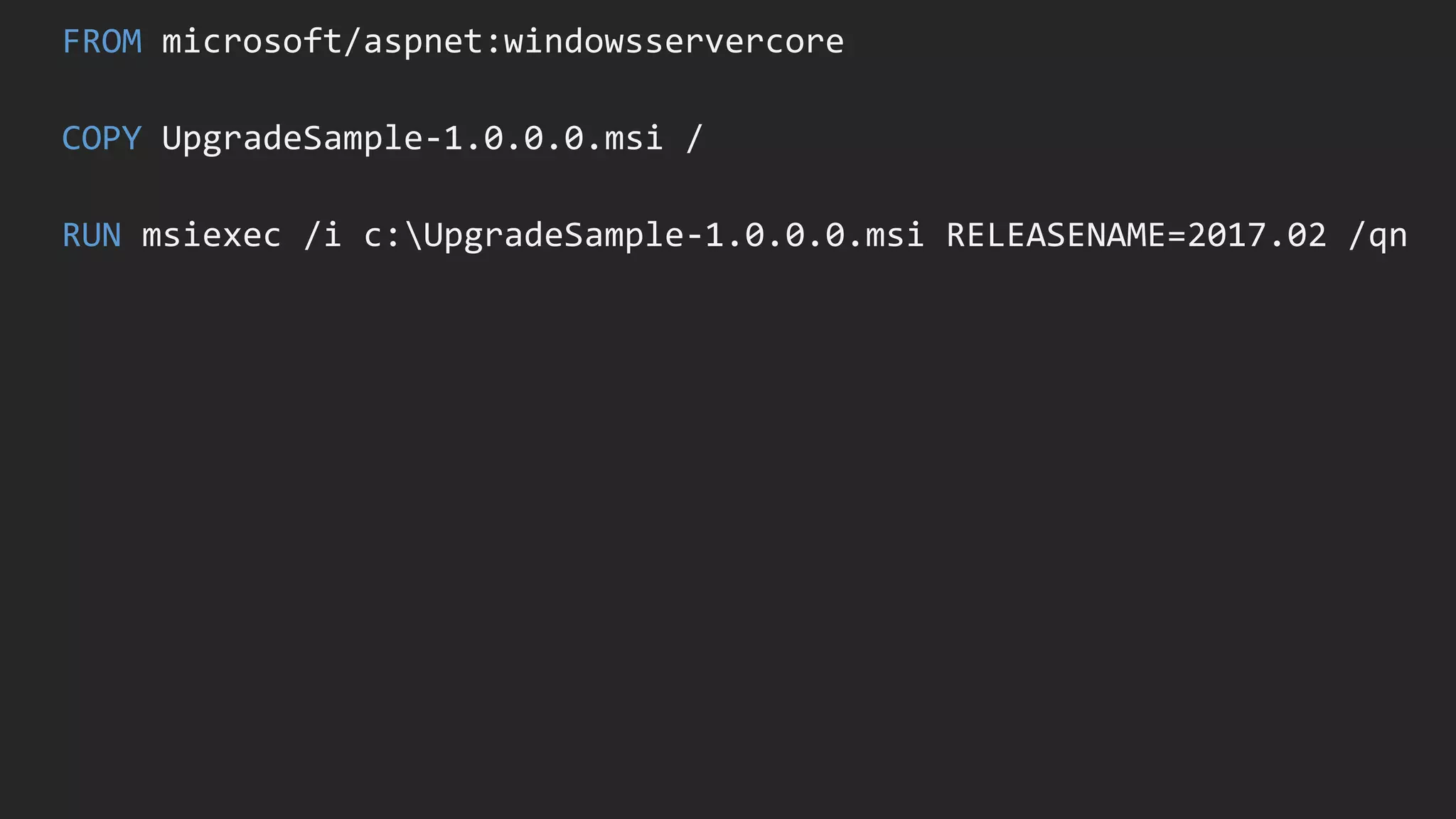
The document provides an overview of using Docker on Windows, highlighting its efficiency compared to virtual machines, and outlining the benefits such as portability and security. It details the process of building and deploying an ASP.NET web application using Docker images based on Windows Server Core. The workshop emphasizes consistent deployment across build, test, and production environments.


