Downloaded 11 times

![# escape=`
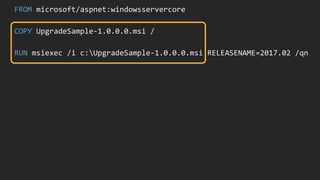
FROM microsoft/windowsservercore
SHELL ["powershell", "-Command"]
RUN Add-WindowsFeature Web-server, `
NET-Framework-45-ASPNET, Web-Asp-Net45; `
Remove-Website -Name 'Default Web Site'
COPY ProductLaunchWeb /product-launch-web
RUN New-Website -Name 'product-launch' `
-PhysicalPath 'C:product-launch-web' -Port 80
EXPOSE 80
COPY bootstrap.ps1 /
ENTRYPOINT ./bootstrap.ps1](https://image.slidesharecdn.com/modernizing-dotnet-appsv3-171018155339/85/DockerCon-17-EU-Modernizing-NET-Apps-with-Docker-9-320.jpg)

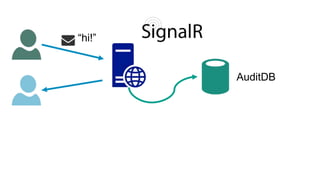
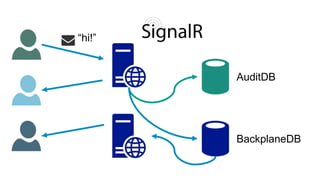
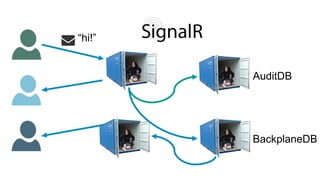


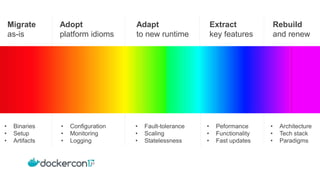


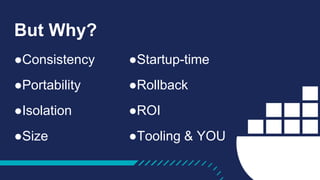
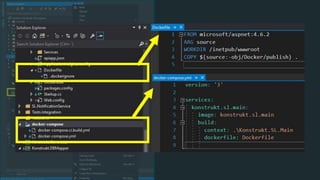
The document details a presentation on modernizing .NET applications using Docker, emphasizing the benefits such as consistency, portability, and isolation. It outlines steps for migrating applications to run in the cloud and production environments, highlighting specific configurations and tooling. Next steps include migrating as-is or adapting to new paradigms, ensuring improvements in various technical aspects such as monitoring, logging, and scaling.


