This document summarizes Microsoft's Windows Virtual Desktop service, which provides virtual desktop experiences running on Azure. It offers the best Windows 10 and Office 365 experience when virtualized in the cloud at scale. Key capabilities include delivering multi-session Windows 10, optimizing Office 365 ProPlus for virtual scenarios, migrating existing Windows Server desktops and apps, and quickly deploying and scaling virtual desktops on Azure.
Virtualization helps addressspecific business needs
Security
and regulation
Financial Services
Healthcare
Government
Elastic
workforce
Mergers and acquisition
Short term employees
Contractor and partner access
Specific
employees
BYOD and mobile
Call centers
Branch workers
Specialized
workloads
Design and engineering
Legacy apps
Software dev test
4.
+
+
+
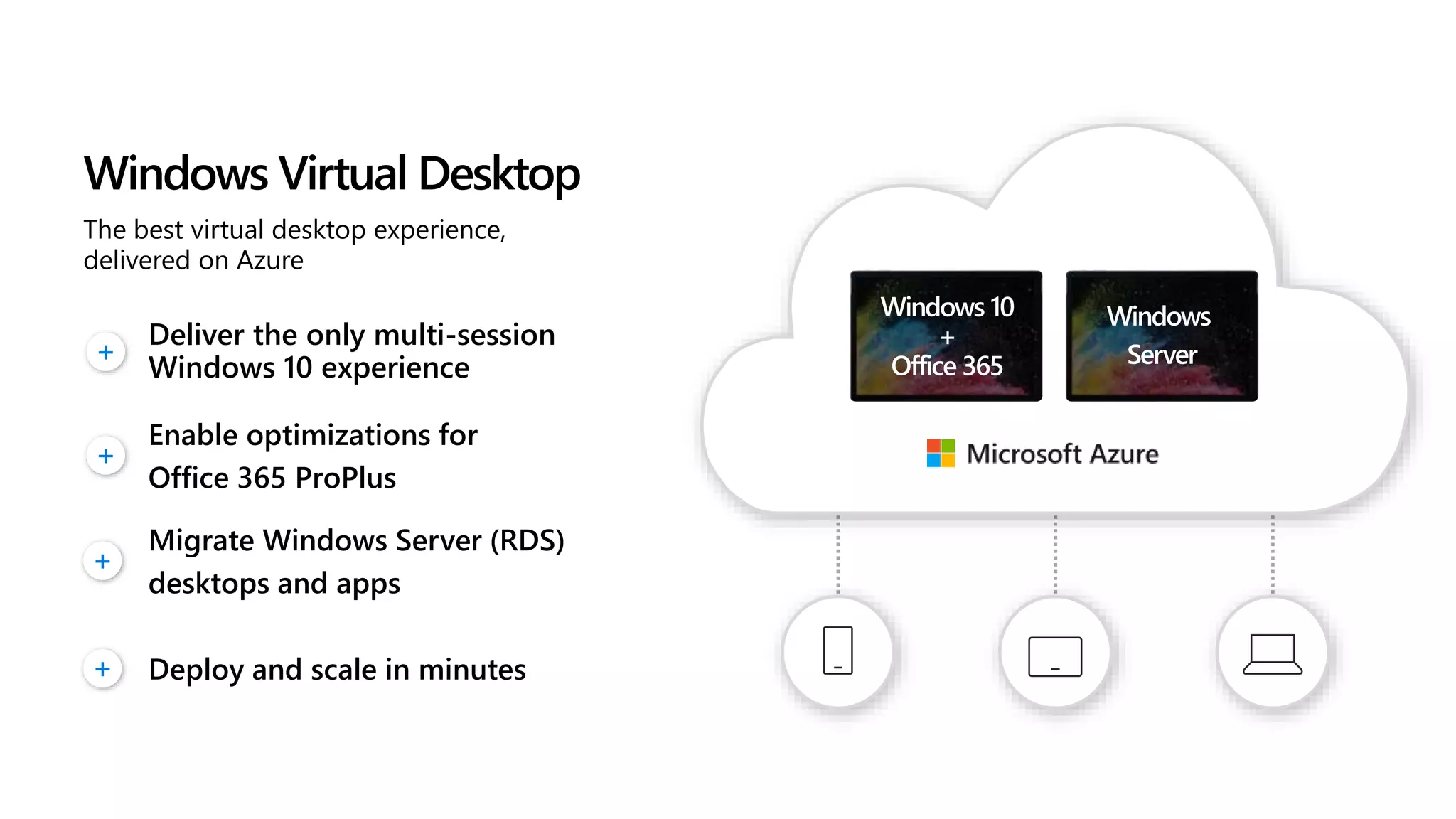
The best virtualdesktop experience,
delivered on Azure
Enable optimizations for
Office 365 ProPlus
Migrate Windows Server (RDS)
desktops and apps
Deliver the only multi-session
Windows 10 experience
Windows Virtual Desktop
+ Deploy and scale in minutes
Windows 10
+
Office 365
Windows
Server
6.
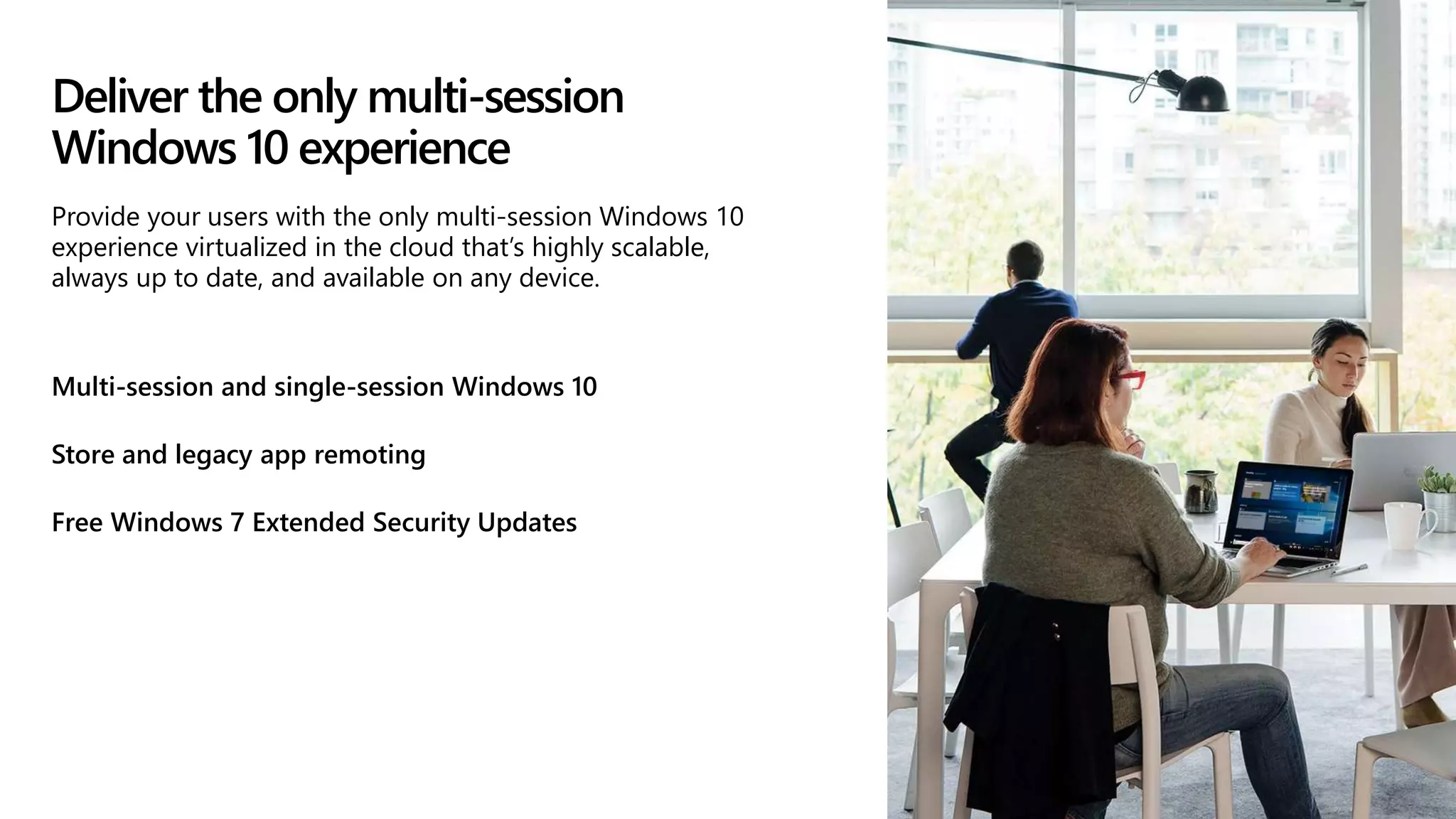
Deliver the onlymulti-session
Windows 10 experience
Multi-session and single-session Windows 10
Store and legacy app remoting
Free Windows 7 Extended Security Updates
Provide your users with the only multi-session Windows 10
experience virtualized in the cloud that’s highly scalable,
always up to date, and available on any device.
7.
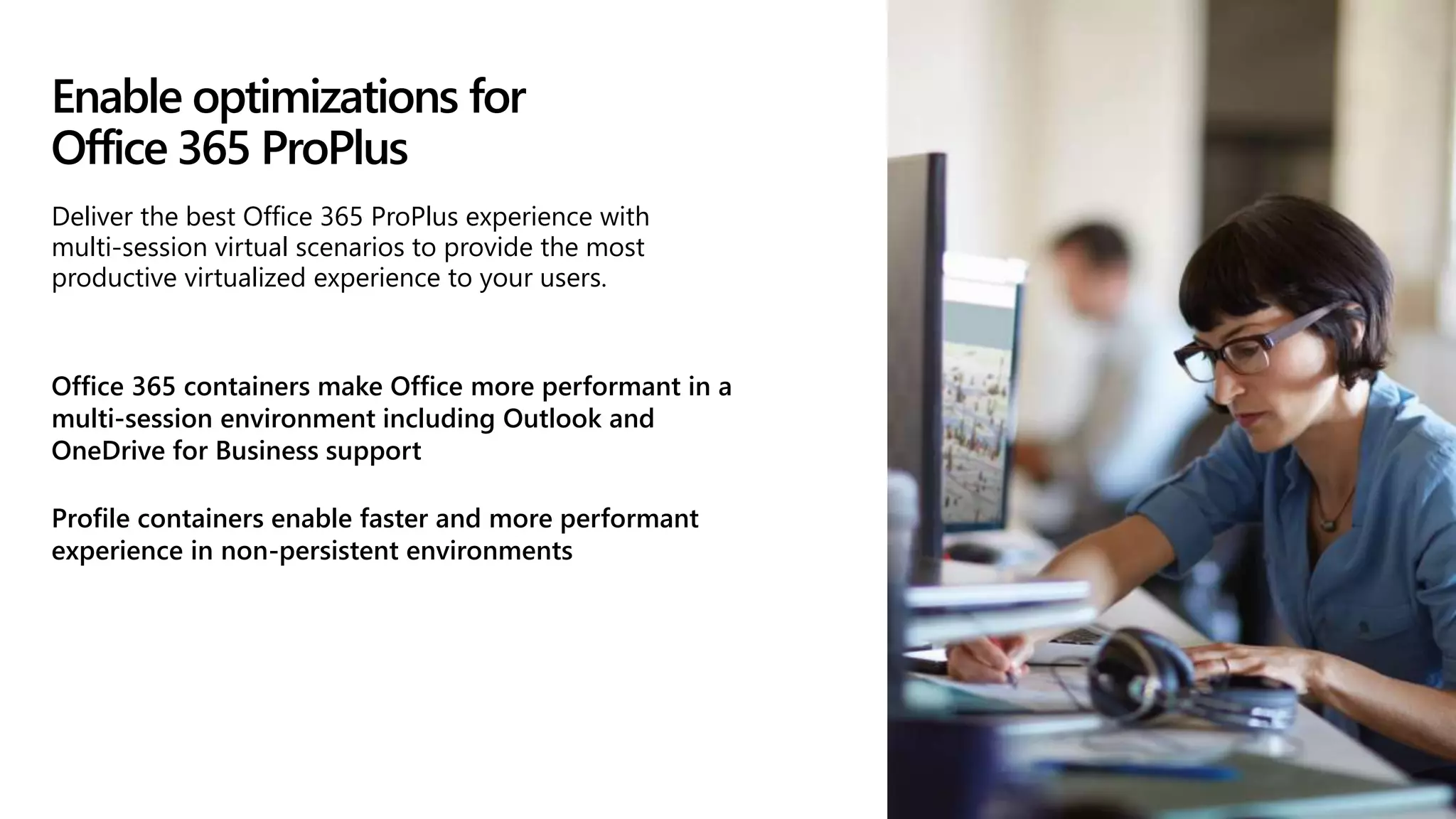
Enable optimizations for
Office365 ProPlus
Office 365 containers make Office more performant in a
multi-session environment including Outlook and
OneDrive for Business support
Profile containers enable faster and more performant
experience in non-persistent environments
Deliver the best Office 365 ProPlus experience with
multi-session virtual scenarios to provide the most
productive virtualized experience to your users.
8.
Migrate existing WindowsServer (RDS)
desktops and apps
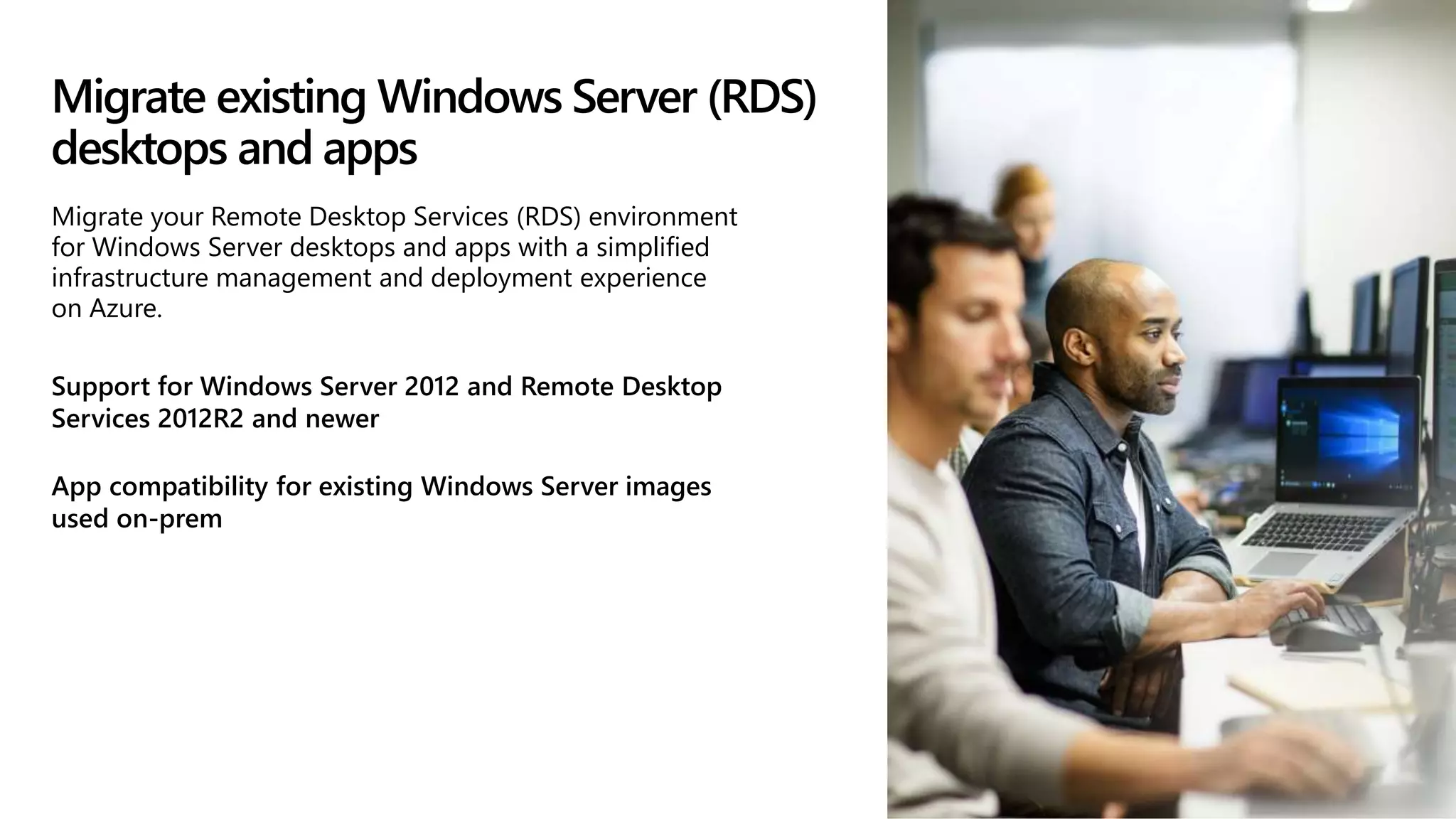
Support for Windows Server 2012 and Remote Desktop
Services 2012R2 and newer
App compatibility for existing Windows Server images
used on-prem
Migrate your Remote Desktop Services (RDS) environment
for Windows Server desktops and apps with a simplified
infrastructure management and deployment experience
on Azure.
9.
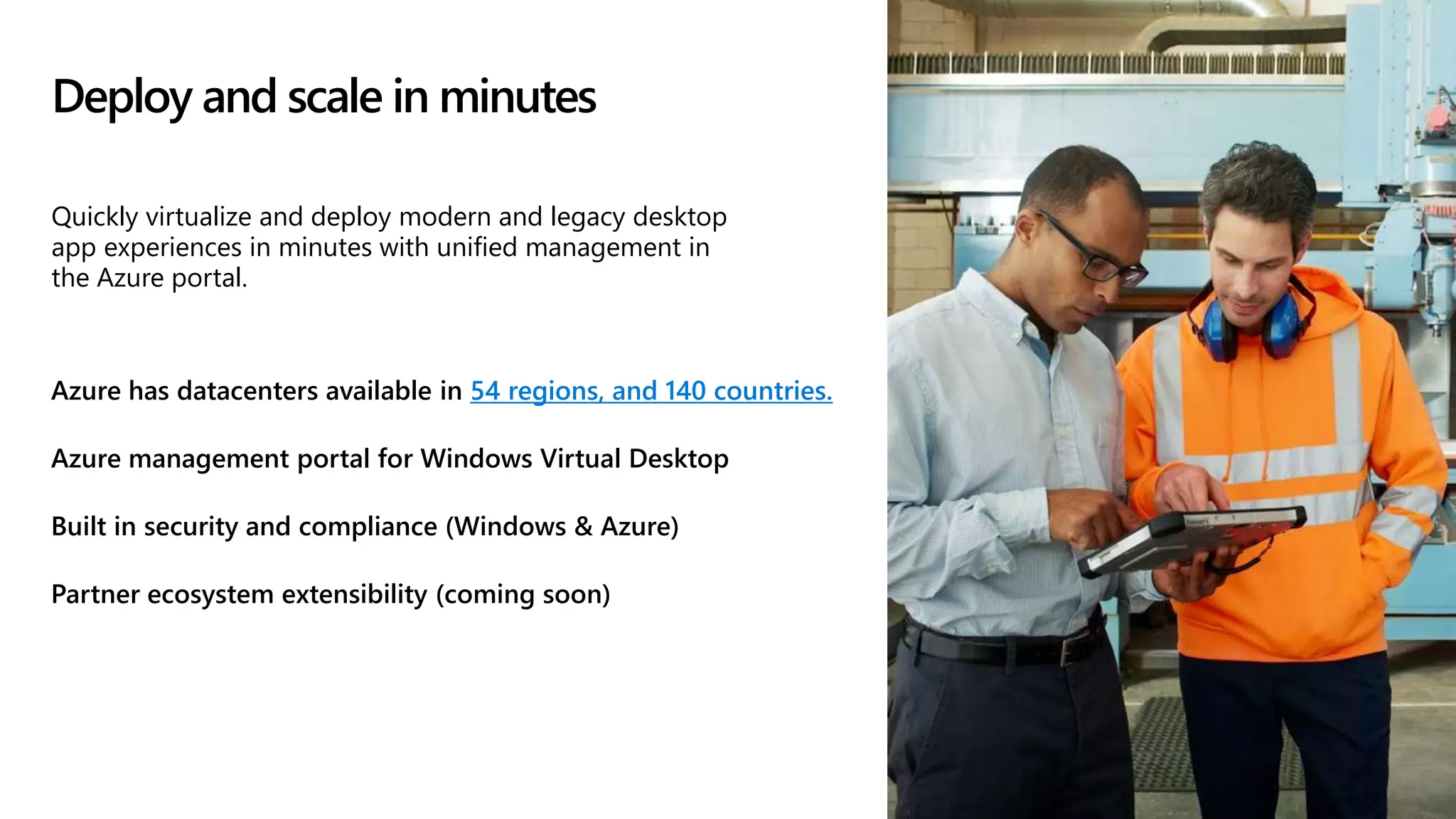
Deploy and scalein minutes
Azure has datacenters available in 54 regions, and 140 countries.
Azure management portal for Windows Virtual Desktop
Built in security and compliance (Windows & Azure)
Partner ecosystem extensibility (coming soon)
Quickly virtualize and deploy modern and legacy desktop
app experiences in minutes with unified management in
the Azure portal.
10.
Windows Virtual Desktop
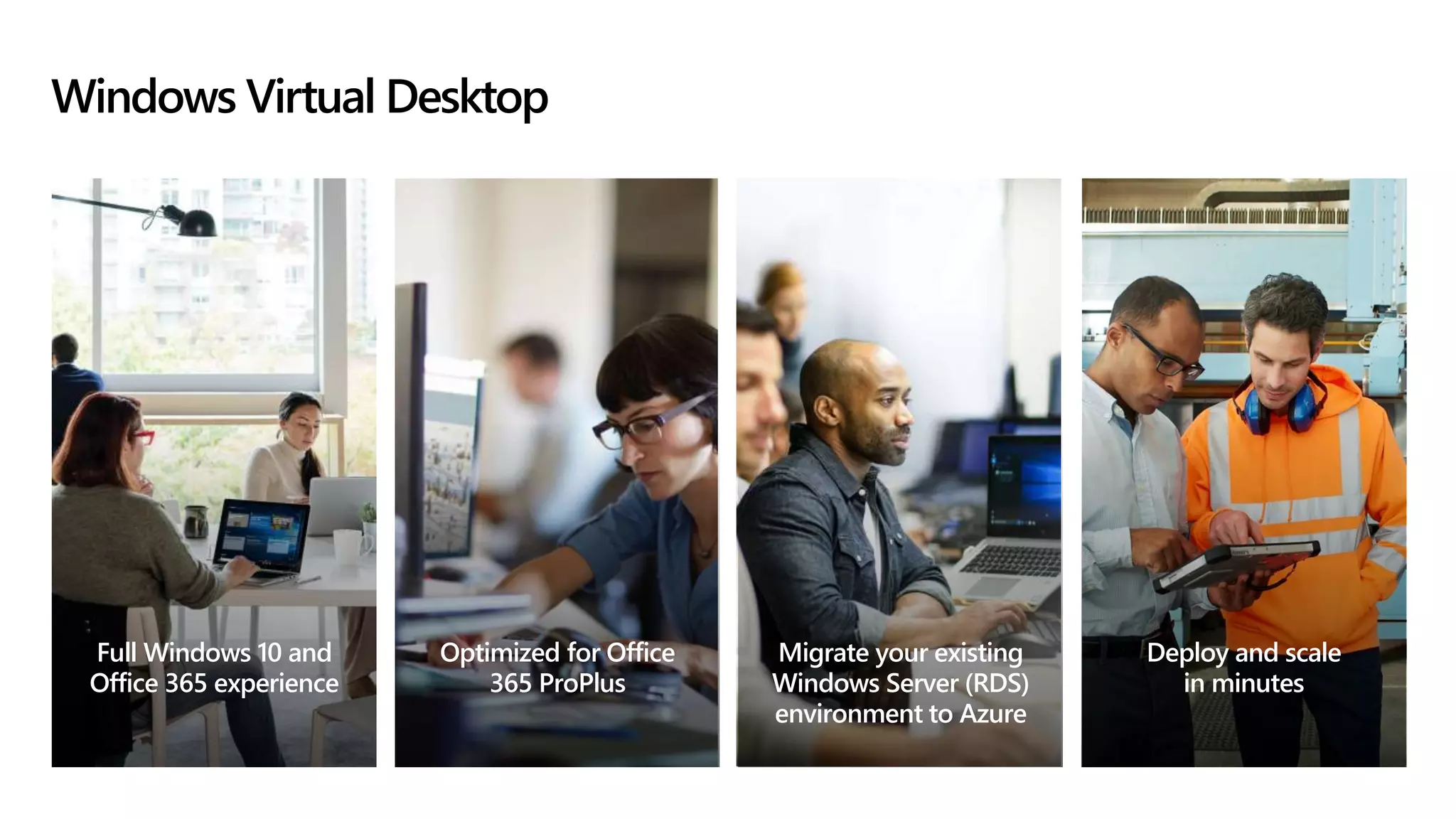
FullWindows 10 and
Office 365 experience
Optimized for Office
365 ProPlus
Migrate your existing
Windows Server (RDS)
environment to Azure
Deploy and scale
in minutes
11.
Additional benefits of
WindowsVirtual Desktop
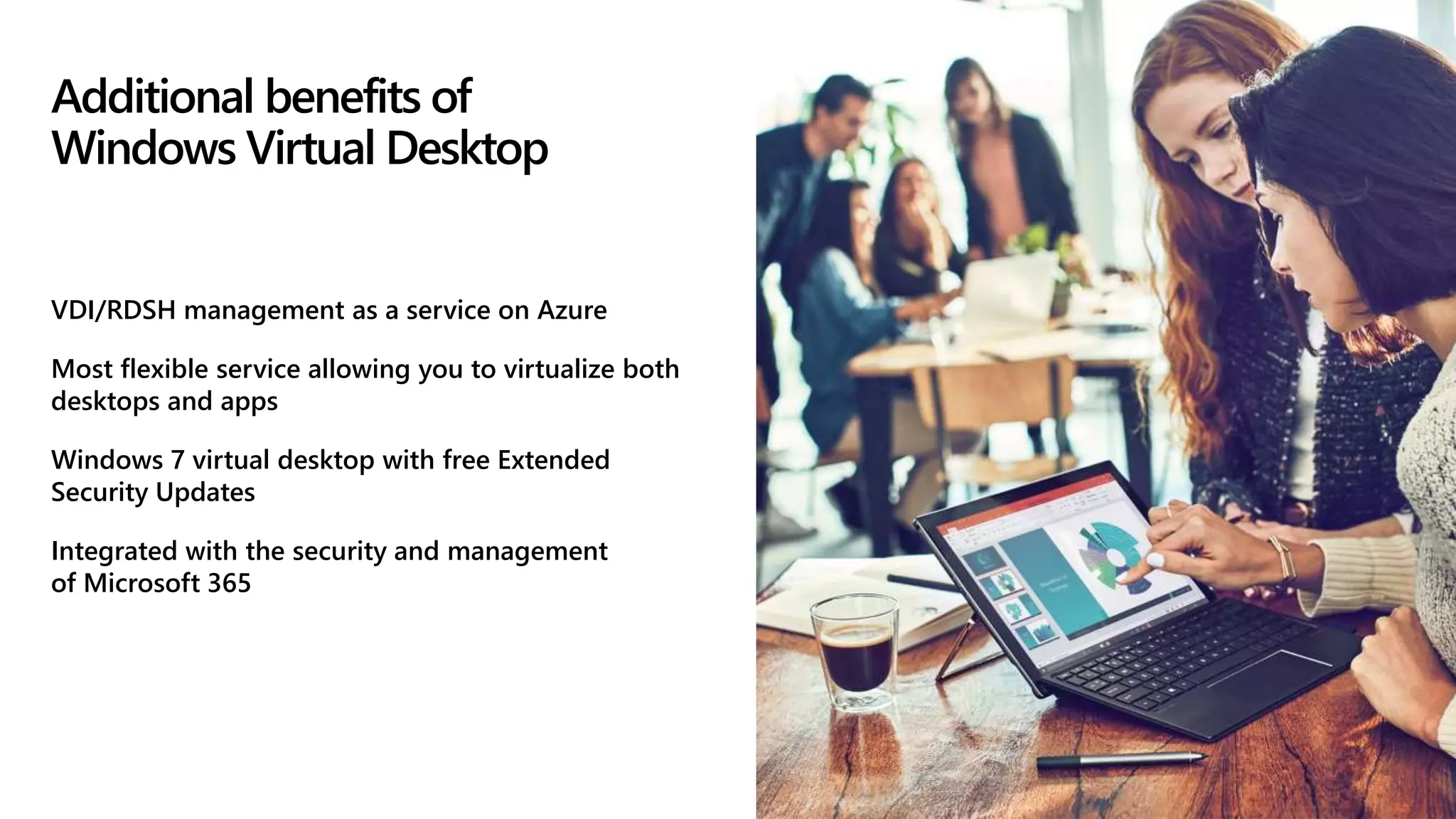
VDI/RDSH management as a service on Azure
Most flexible service allowing you to virtualize both
desktops and apps
Windows 7 virtual desktop with free Extended
Security Updates
Integrated with the security and management
of Microsoft 365
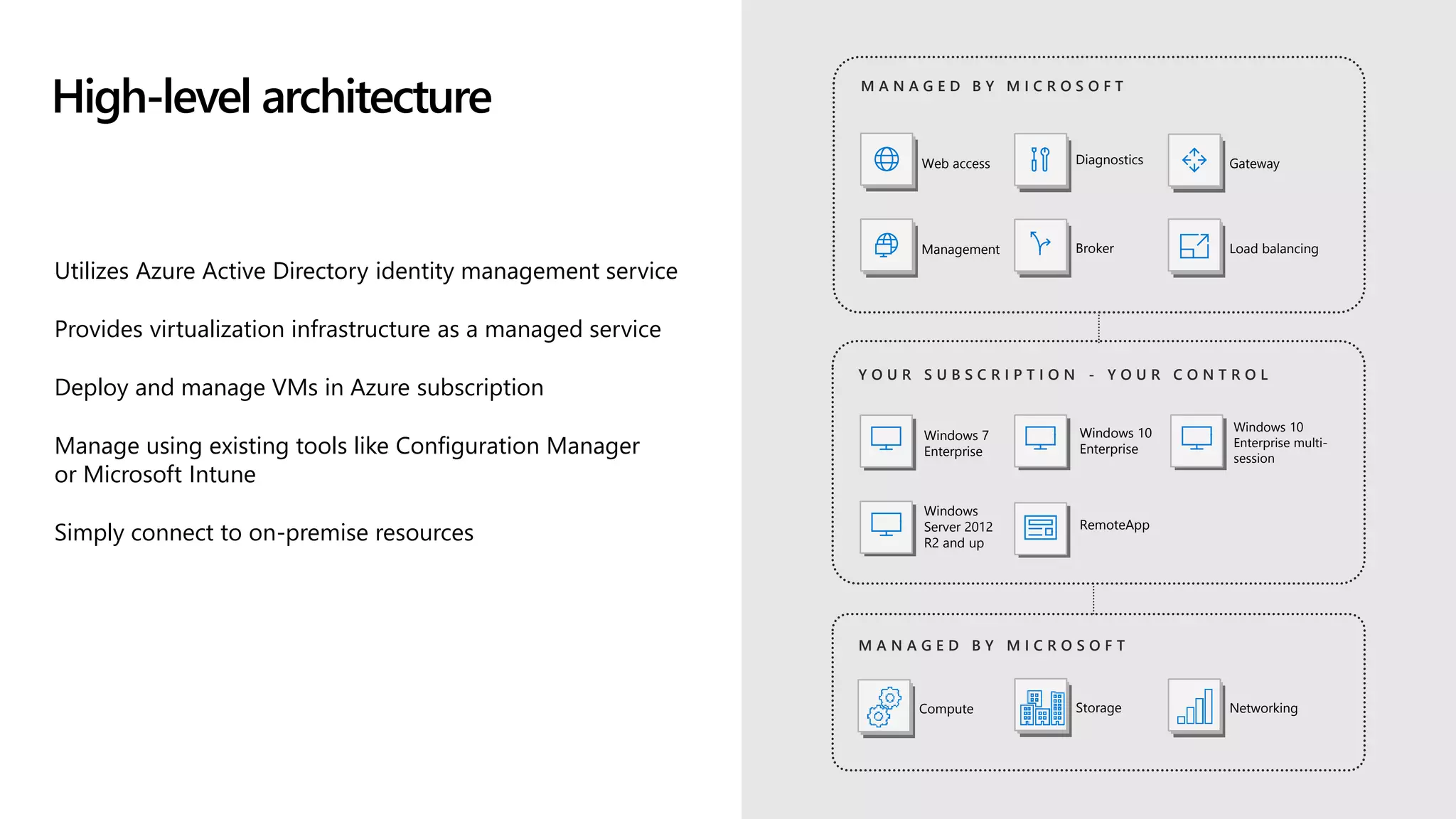
High-level architecture
Utilizes AzureActive Directory identity management service
Provides virtualization infrastructure as a managed service
Deploy and manage VMs in Azure subscription
Manage using existing tools like Configuration Manager
or Microsoft Intune
Simply connect to on-premise resources
Y O U R S U B S C R I P T I O N - Y O U R C O N T R O L
Windows 7
Enterprise
RemoteApp
Web access
Management
Diagnostics Gateway
Broker
Windows 10
Enterprise
M A N A G E D B Y M I C R O S O F T
Windows
Server 2012
R2 and up
Windows 10
Enterprise multi-
session
Load balancing
M A N A G E D B Y M I C R O S O F T
Compute Storage Networking
14.
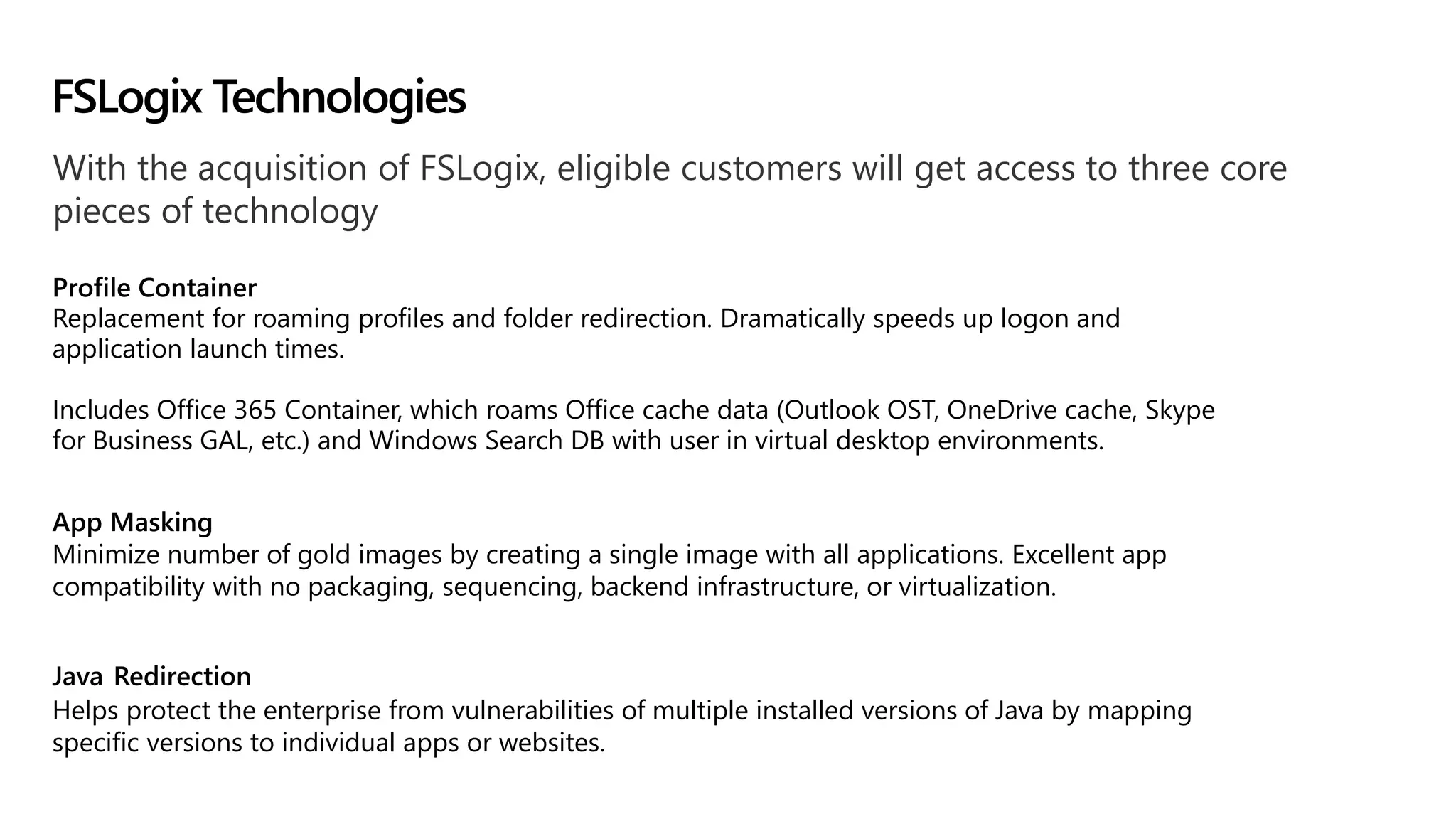
With the acquisitionof FSLogix, eligible customers will get access to three core
pieces of technology
Profile Container
Replacement for roaming profiles and folder redirection. Dramatically speeds up logon and
application launch times.
Includes Office 365 Container, which roams Office cache data (Outlook OST, OneDrive cache, Skype
for Business GAL, etc.) and Windows Search DB with user in virtual desktop environments.
App Masking
Minimize number of gold images by creating a single image with all applications. Excellent app
compatibility with no packaging, sequencing, backend infrastructure, or virtualization.
Java Redirection
Helps protect the enterprise from vulnerabilities of multiple installed versions of Java by mapping
specific versions to individual apps or websites.
FSLogix Technologies
15.
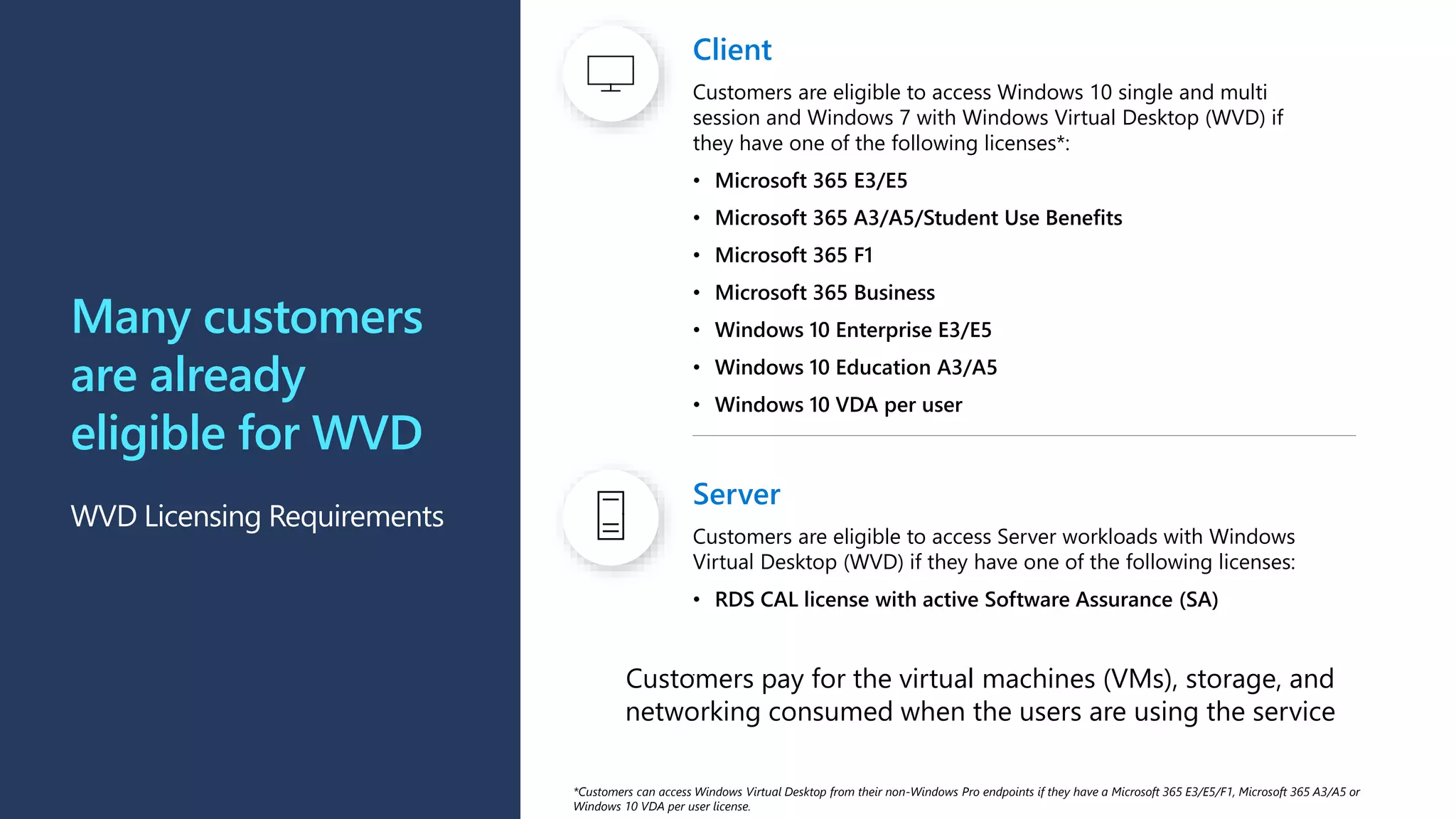
Client
Customers are eligibleto access Windows 10 single and multi
session and Windows 7 with Windows Virtual Desktop (WVD) if
they have one of the following licenses*:
• Microsoft 365 E3/E5
• Microsoft 365 A3/A5/Student Use Benefits
• Microsoft 365 F1
• Microsoft 365 Business
• Windows 10 Enterprise E3/E5
• Windows 10 Education A3/A5
• Windows 10 VDA per user
Many customers
are already
eligible for WVD
WVD Licensing Requirements
Server
Customers are eligible to access Server workloads with Windows
Virtual Desktop (WVD) if they have one of the following licenses:
• RDS CAL license with active Software Assurance (SA)
.
Customers pay for the virtual machines (VMs), storage, and
networking consumed when the users are using the service
*Customers can access Windows Virtual Desktop from their non-Windows Pro endpoints if they have a Microsoft 365 E3/E5/F1, Microsoft 365 A3/A5 or
Windows 10 VDA per user license.
16.
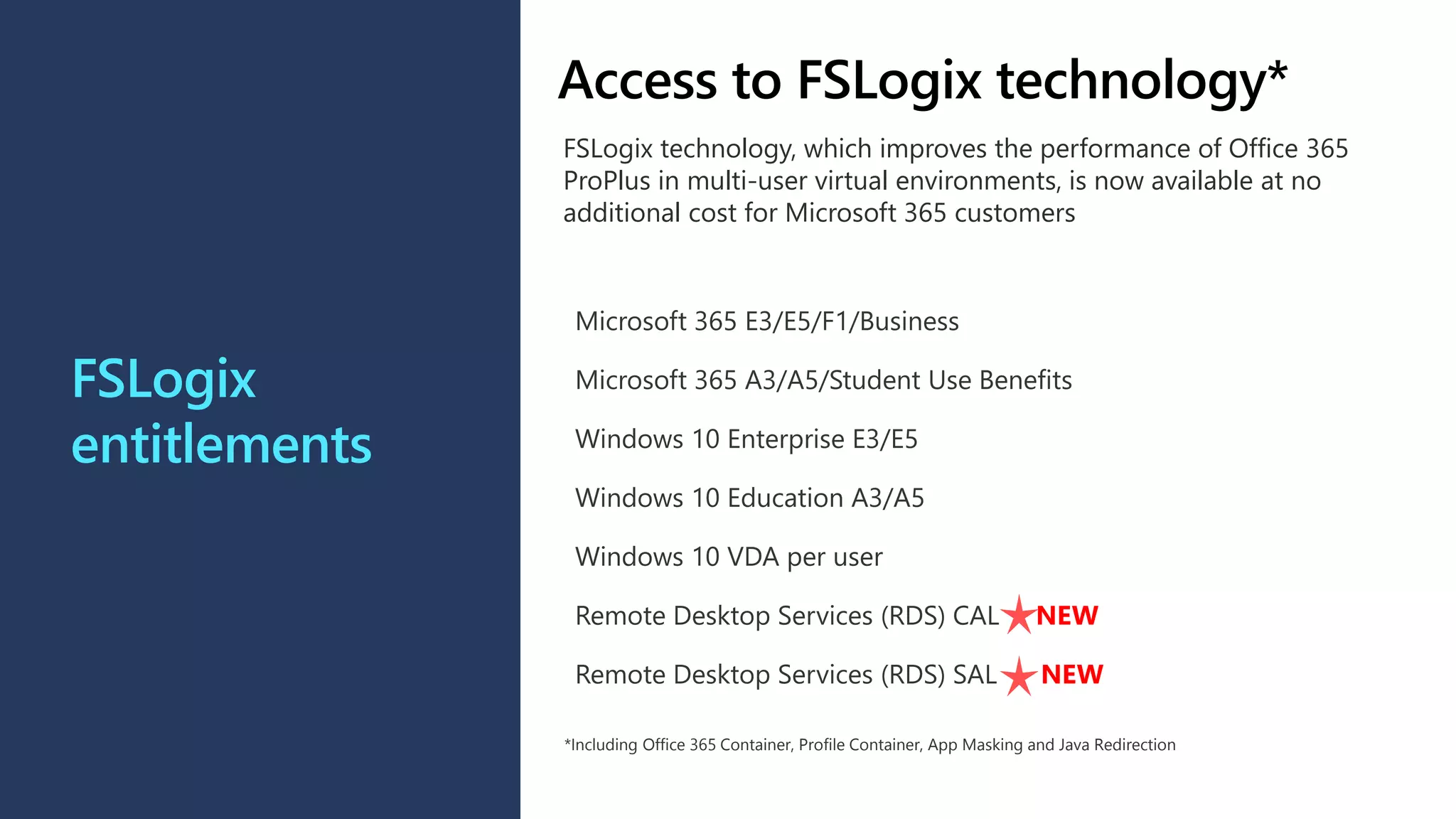
FSLogix
entitlements
Microsoft 365 E3/E5/F1/Business
Microsoft365 A3/A5/Student Use Benefits
Windows 10 Enterprise E3/E5
Windows 10 Education A3/A5
Windows 10 VDA per user
Remote Desktop Services (RDS) CAL NEW
Remote Desktop Services (RDS) SAL NEW
*Including Office 365 Container, Profile Container, App Masking and Java Redirection
Access to FSLogix technology*
FSLogix technology, which improves the performance of Office 365
ProPlus in multi-user virtual environments, is now available at no
additional cost for Microsoft 365 customers
17.
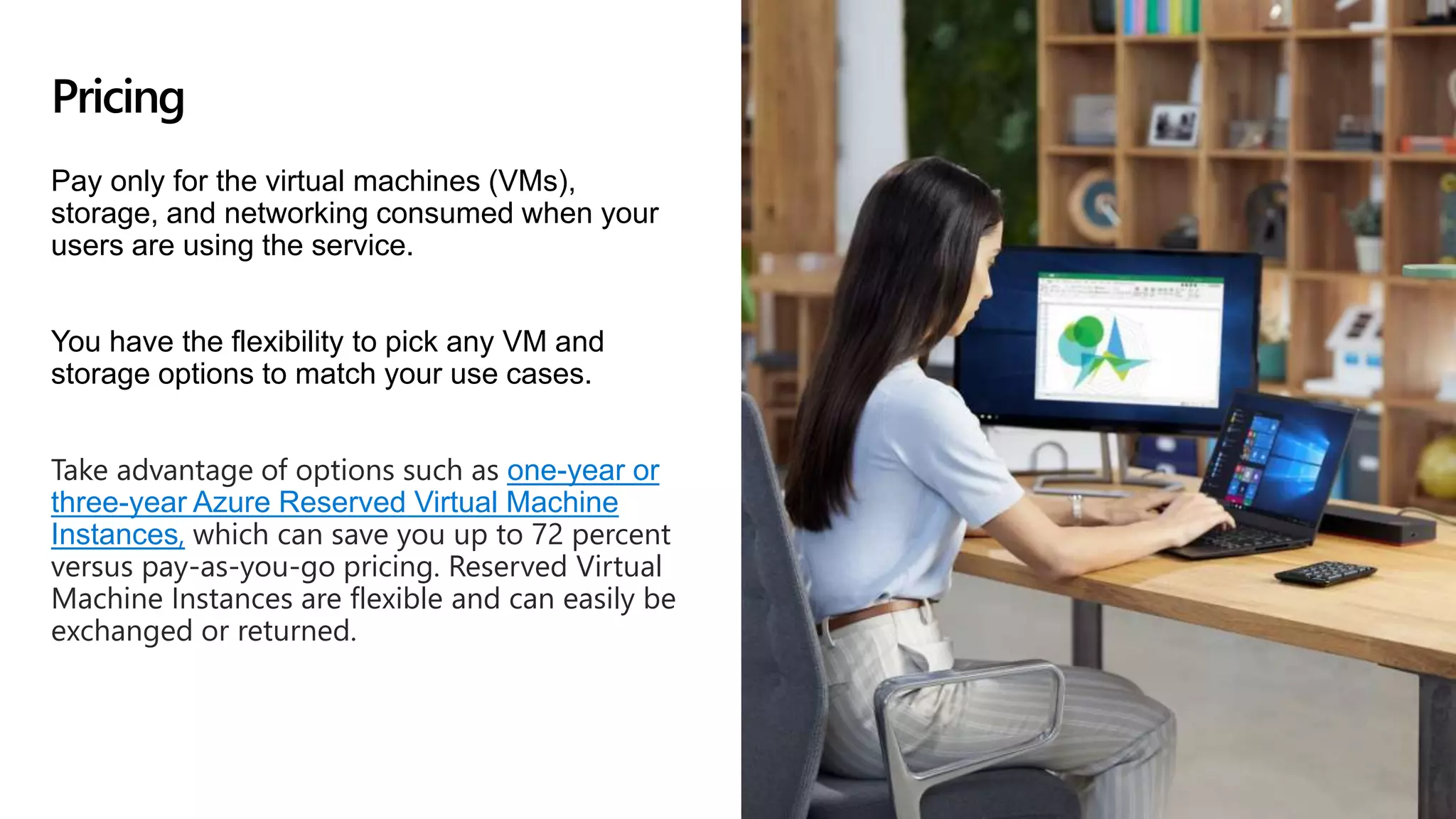
Pay only forthe virtual machines (VMs),
storage, and networking consumed when your
users are using the service.
You have the flexibility to pick any VM and
storage options to match your use cases.
Take advantage of options such as one-year or
three-year Azure Reserved Virtual Machine
Instances, which can save you up to 72 percent
versus pay-as-you-go pricing. Reserved Virtual
Machine Instances are flexible and can easily be
exchanged or returned.
Pricing
18.
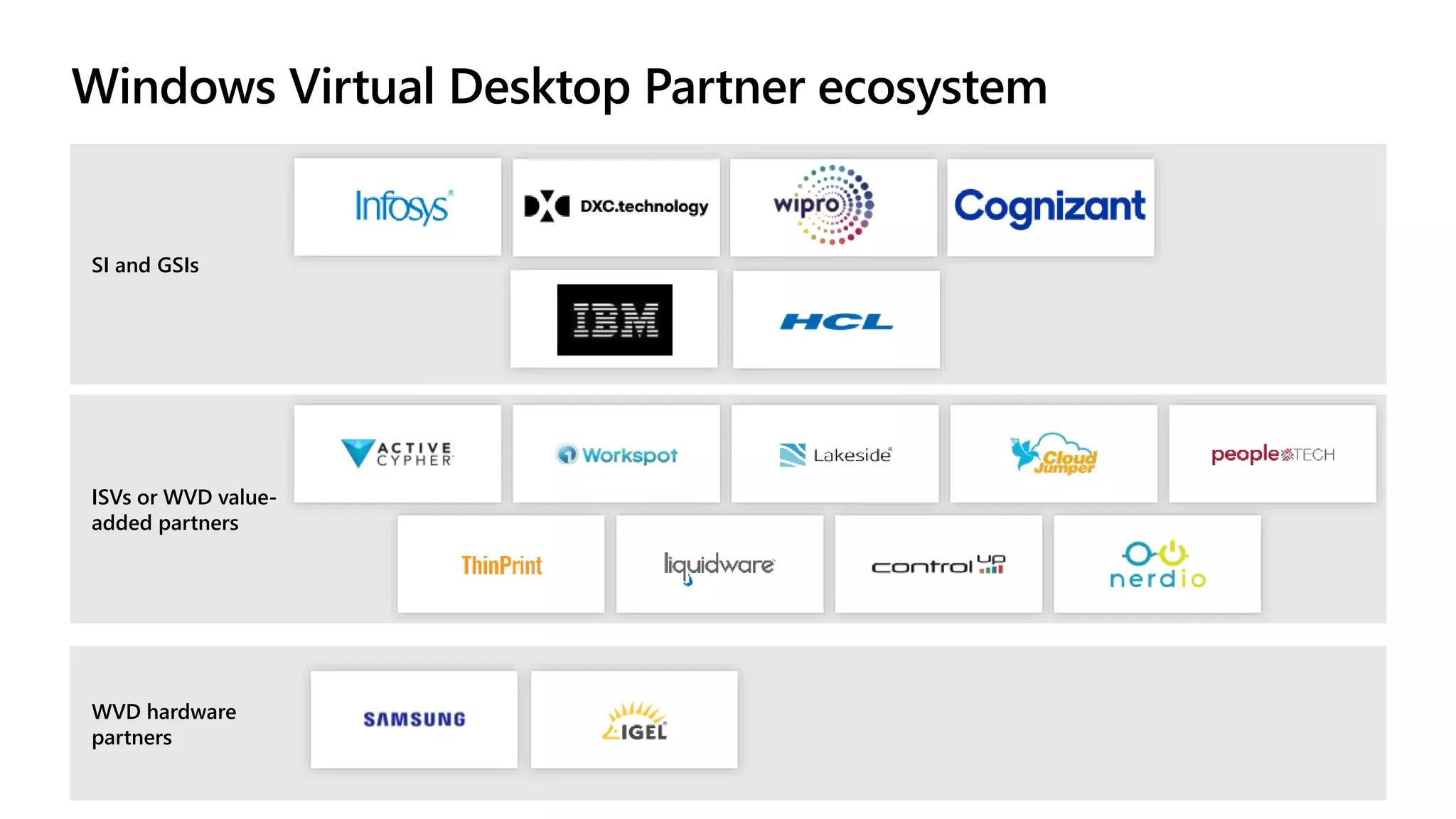
Windows Virtual DesktopPartner ecosystem
ISVs or WVD value-
added partners
SI and GSIs
WVD hardware
partners
19.
Windows Virtual Desktoppartnership with Citrix
Windows Virtual Desktop seamlessly integrates with Citrix Workspace and
Citrix Virtual Apps on Desktops
Provide users with the benefits of Windows Virtual
Desktop such as multi-session Windows 10 experience
on Azure, Office optimization with Office 365 Containers,
Profile Containers, App masking and free Extended
Security Updates, with Windows 7
Centrally manage Hybrid deployments with WVD on
Azure and manage existing Citrix Virtual App and
Desktop service on-premises
Rapidly provision Windows Virtual Desktop resources at
scale
20.
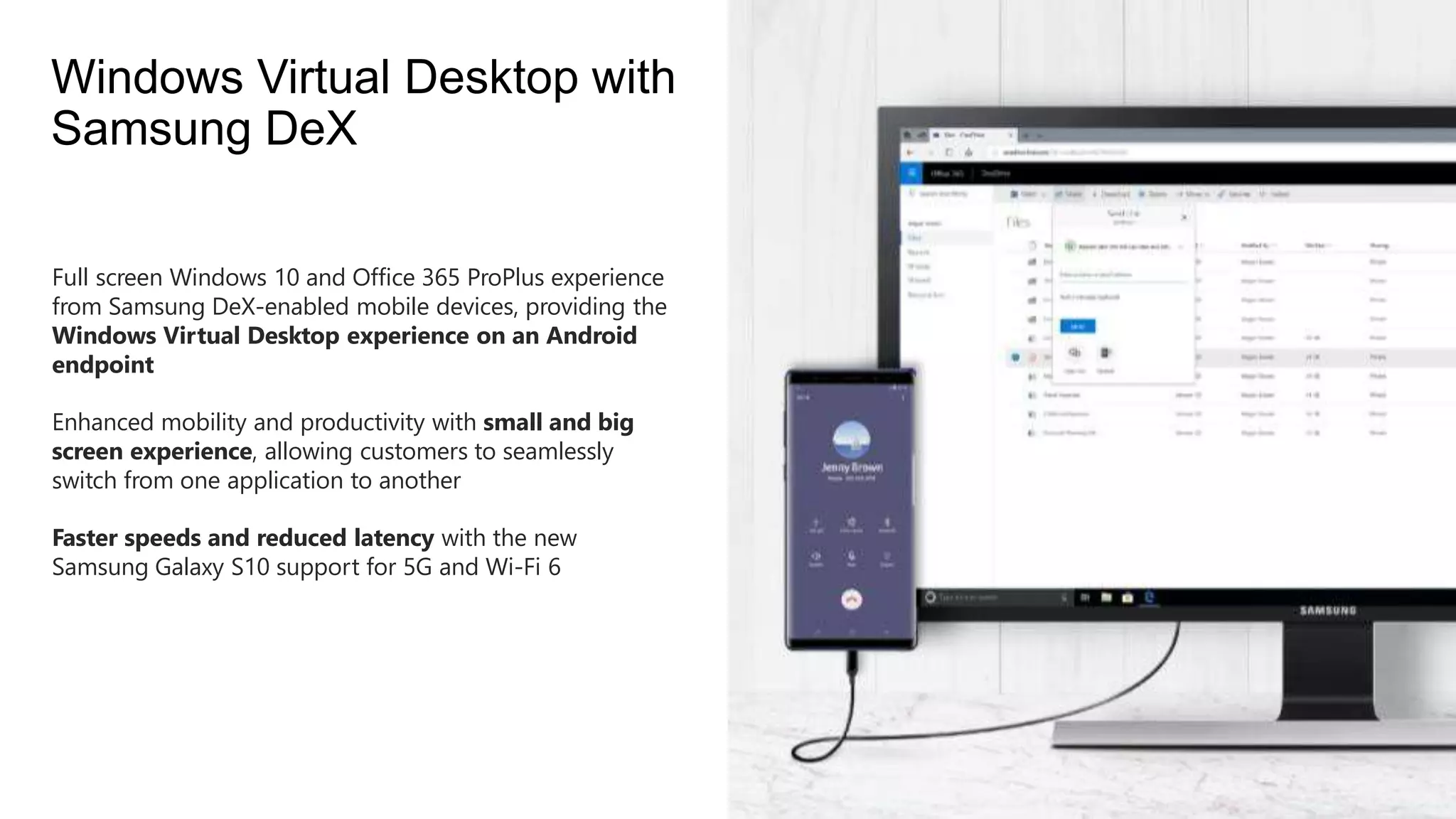
Full screen Windows10 and Office 365 ProPlus experience
from Samsung DeX-enabled mobile devices, providing the
Windows Virtual Desktop experience on an Android
endpoint
Enhanced mobility and productivity with small and big
screen experience, allowing customers to seamlessly
switch from one application to another
Faster speeds and reduced latency with the new
Samsung Galaxy S10 support for 5G and Wi-Fi 6
Windows Virtual Desktop with
Samsung DeX
#3
WE’VE ALL SEEN THIS CHANGE IN THE WORKPLACE, WORK NO LOCATION
REALIZE BUSINESS AND WORKER SAME
SIT DESK
COMPANY OWNED
SECURE LOCATION
DELIVERING MD (WIN+OFFICE) TO ALL EMP. CHALLENGING
THINK DELIVER, DIFFERENT WAYS, REMOTING TECHNOLOGIES BEING ONE
#4 Virtualization helps companies address address specific business needs:
More secure access to data/organizational resources
Compliance with industry regulations (i.e. FSI, healthcare, government)
An increasingly elastic workforce (i.e. mergers/acquisitions, short-term employees, contractor/partner access)
Employee-specific needs (i.e. BYOD or mobile staff, call centers, branch workers)
Specialized workloads (i.e. design/engineering, legacy apps, software dev test)
Windows Virtual Desktop helps:
Employees stay as productive with a virtualized experience on a PC, phone, tablet, or browser as they are with a physical PC sitting right in front of them
Simplify management, provisioning, and access to corporate data and apps
Support customers as they migrate to the cloud
Reduce the costs and resources associated with managing on-premises infrastructure
Empower IT to transform the workplace
#5 Windows 10 and Office 365—kept up to date, with cloud-connected management powered by ConfigMgr and Intune—provides the most productive and most secure computing experience for users while lowering total cost of ownership and reducing complexity for IT teams
Designed for all customer types, across all segments, Microsoft 365 is the best way for customers to license the products and services necessary to deliver this experience.
Let’s take a look at each of these benefits, starting with productivity and what it means to have the most productive experience.
#8 Deliver a consistent Windows 10 and Office 365 experience for users across local and virtual workspaces:
New FSLogix technologies make Office 365 much more performant in multi-user virtual environments. (Outlook OST file, OneDrive cache, Windows Search DB and GAL)
FSLogix Profile Container enables full access to OneDrive, ability to run Outlook in cached mode; dramatically speeds up logon and application launch times
Office 365 optimized for multi-session virtualization deployments
#12 JUST DISCUSSED LIMITATIONS SERVER, TAKING BEST OF TWO.
WIN7 ESU, ONLY PAY FOR AZURE CONSUMPTION.
AZURE, SCALE IN MINUTES
FULL DESKTOP/APPS (other cloud providers don’t provide this)
CONDITIONAL ACCESS, INTUNE.
Lets take a look at the high level architecture.
#14 THOSE FOLLOWED, RDmi. FEEDBACK SERVICE. BOXES PROVIDE TOOLS AAD
VM’s SUBSCRIPTION, VM’s OUTBOUND, NO 3389TCP
SUPPORT 7/10/SERVER, DESKTOP/APP
#16 KEY POINTS:
Many Microsoft customers are already eligible for WVD today…
This makes positioning WVD even easier