Ing. Eduardo Castro, PhD
Comunidad Windows

Grupo Asesor en Informática
ecastro@grupoasesor.net


Topics
  Quick review of new GP features in Windows
  Server 2008 & Windows Vista SP1.
  In depth understand what Group Policy
  changes have been made to Windows 7

Takeaway
  GP in Windows 7 / Windows Server 2008 R2 is
  incremental, not major change
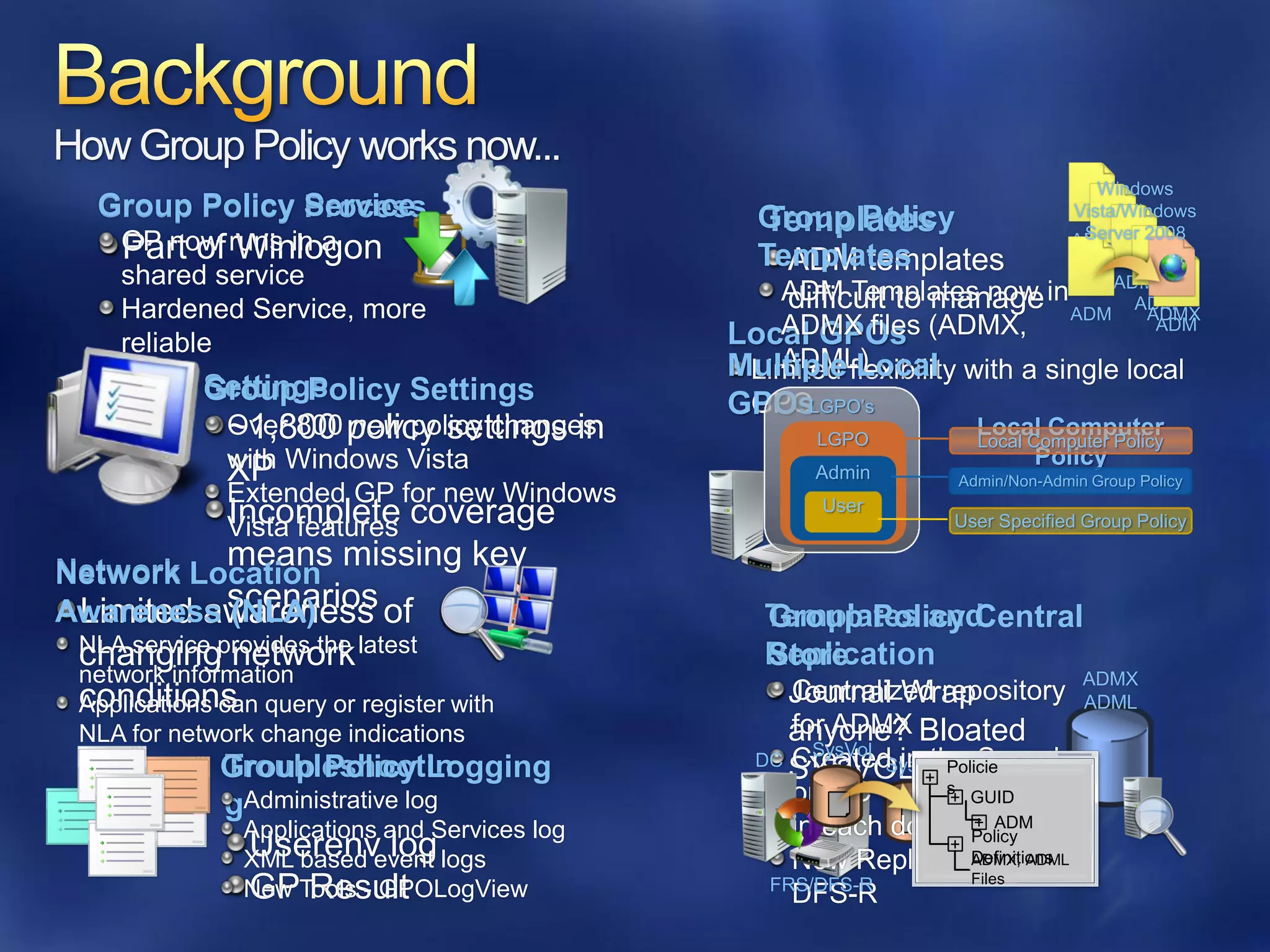
How Group Policy works now...
                                                                                   Windows
  Group Policy Service
               Process                          Group Policy
                                                Templates                       Vista/Windows
                                                                                 Server 2008
    GP now runs in a
    Part of Winlogon                                                            ADM
                                                Templates
                                                  ADM templates               ADM
    shared service                                                              ADM
                                                 ADM Templates now in
                                                  difficult to manage ADM ADM
    Hardened Service, more                                                         ADMX
    reliable                                  Local GPOs (ADMX,
                                                 ADMX files                         ADM

                                                 ADML)
                                              Multiple flexibility with a single local
                                               Limited Local
           Settings
           Group Policy Settings              GPOs
                                               GPOLGPO’s
             Over 800 policy settings in
             ~1,800 new policy changes               LGPO
                                                                    Local Computer
                                                                    Local Computer Policy
             with Windows Vista                     LGPO                   Policy
             XP                                      Admin        Admin/Non-Admin Group Policy
             Extended GP for new Windows
             Vista features coverage
             Incomplete                               User
                                                                 User Specified Group Policy

Network Location missing key
          means
Awareness scenarios of
 Limited awareness
          (NLA)                                  Templates and
                                                 Group Policy Central
 NLA service provides the latest
 changing network                                Replication
                                                 Store
 network information                                                      ADMX
 conditions query or register with
 Applications can
                                                   Centralized repository ADML
                                                   Journal Wrap
 NLA for network change indications                for ADMX
                                                   anyone? Bloated
                                                     SysVol
                                                DC Created in the Sysvol
            Troubleshootin
            Group Policy Logging                   SYSVOL? l Policie
                                                       DC
                                                            SysVo
                                                                +
            gAdministrative log                    on DC          s
                                                              + GUID
              Applications and Services log        in each domain ADM
                                                                +
              Userenv log                                     + Policy
              XML based event logs                 New Replicator with
                                                                Definitions
                                                                ADMX, ADML
                                                                Files
              GP Result
              New Tools - GPOLogView             FRS/DFS-R
                                                   DFS-R
ecastro@grupoasesor.net


What is new?
 GP PowerShell features
    Adding to GP scripts extensions
    PowerShell cmdlets to perform GP operations
 Starter GPOs in-box in Windows 7
    Best practices that map to the security guide
 ADMX enhancements
 GP Preferences enhancements
    GP Preferences, new in Windows Server 2008
    New items added to support new OS
    functionality
ecastro@grupoasesor.net


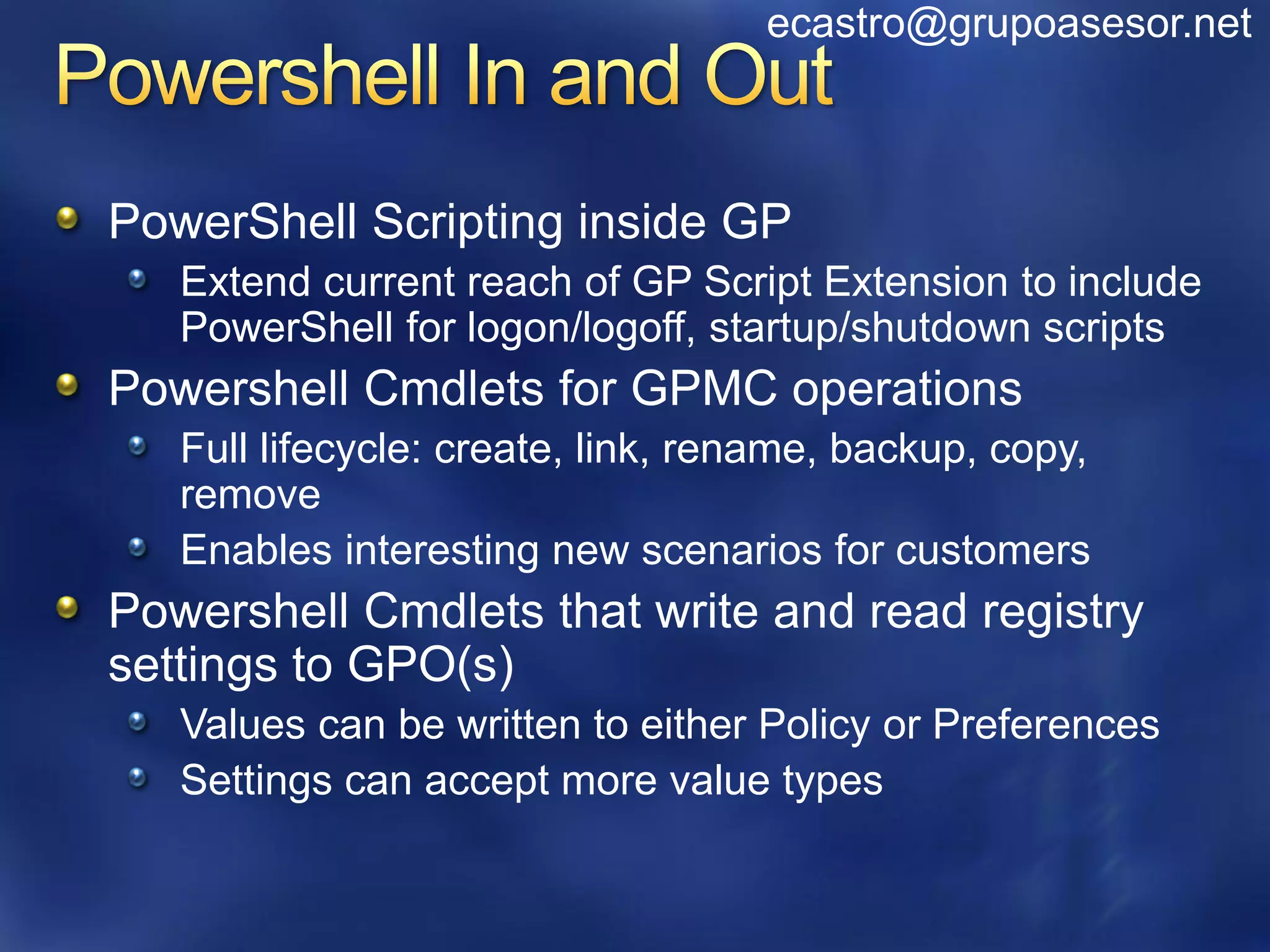
PowerShell Scripting inside GP
   Extend current reach of GP Script Extension to include
   PowerShell for logon/logoff, startup/shutdown scripts
Powershell Cmdlets for GPMC operations
   Full lifecycle: create, link, rename, backup, copy,
   remove
   Enables interesting new scenarios for customers
Powershell Cmdlets that write and read registry
settings to GPO(s)
   Values can be written to either Policy or Preferences
   Settings can accept more value types
ecastro@grupoasesor.net


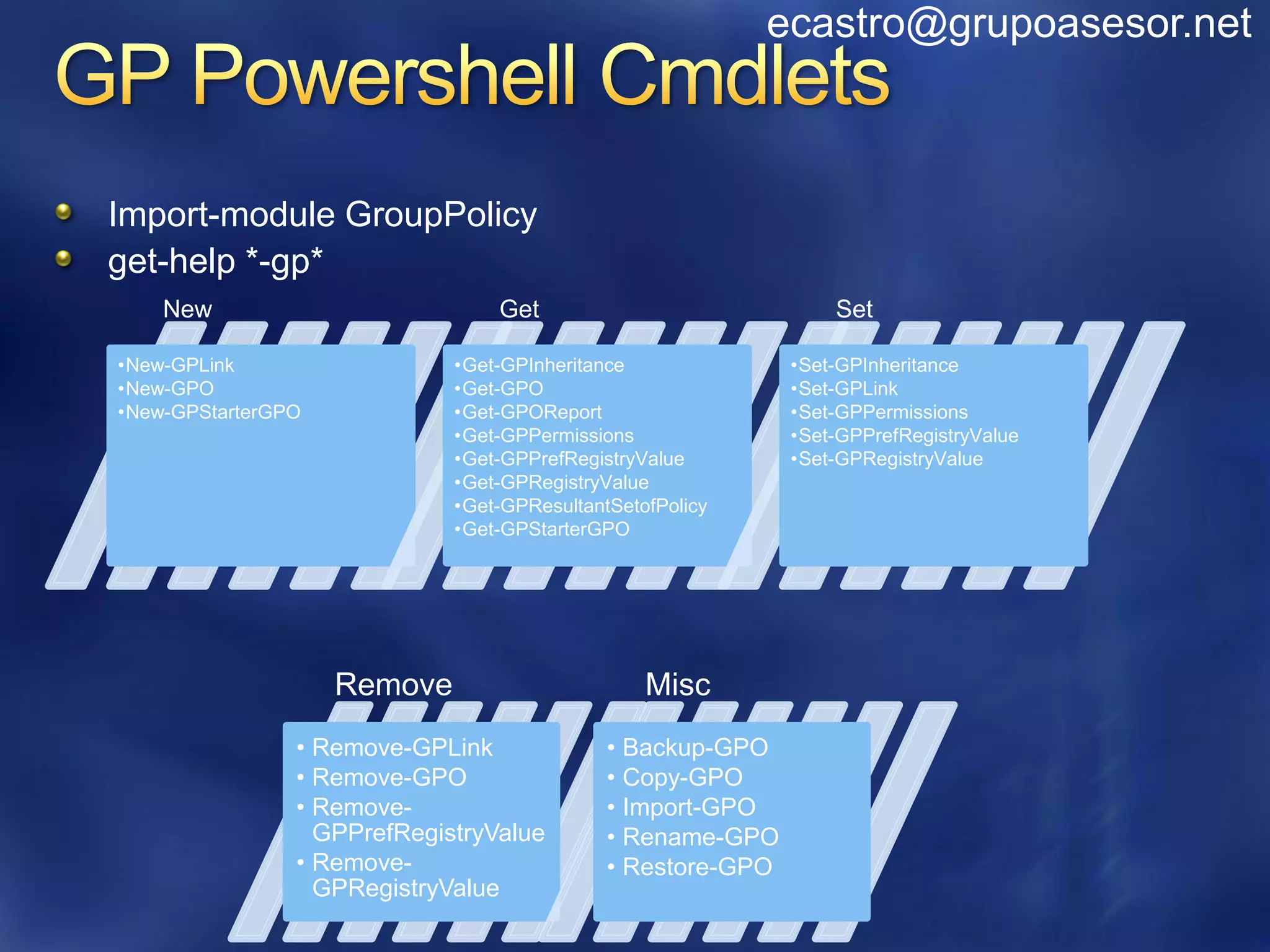
Import-module GroupPolicy
get-help *-gp*
    New                          Get                             Set

•New-GPLink                  •Get-GPInheritance              •Set-GPInheritance
•New-GPO                     •Get-GPO                        •Set-GPLink
•New-GPStarterGPO            •Get-GPOReport                  •Set-GPPermissions
                             •Get-GPPermissions              •Set-GPPrefRegistryValue
                             •Get-GPPrefRegistryValue        •Set-GPRegistryValue
                             •Get-GPRegistryValue
                             •Get-GPResultantSetofPolicy
                             •Get-GPStarterGPO


                    Remove                       Misc
                • Remove-GPLink              • Backup-GPO
                • Remove-GPO                 • Copy-GPO
                • Remove-                    • Import-GPO
                  GPPrefRegistryValue        • Rename-GPO
                • Remove-                    • Restore-GPO
                  GPRegistryValue
Backup all GPOs in current • Backup-GPO –all –path
   domain to directory       ‘C:BackupFiles’


  Get RSOP for local         • Get-GPResultantSetofPolicy -
computer and logged on         ReportType -html -Path
   user in html form           D:ConfigDocumentsReports

                             • $reg_keypath =
                               ‚HKCUSoftwarePoliciesMicrosoftWindowsControl
                               PanelDesktop‛
 Compare values across       • $A =get-GPRegistryValue –Name GPO1 –key $reg_keypath   –
                               ValueName ScreenSaveTimeOut
       GPO’s                 • $B =get-GPRegistryValue –Name GPO2 –key $reg_keypath   –
                               ValueName ScreenSaveTimeOut
                             • $A[0].equals($B[0])


   Grant permission to       •Get-ADGroupMember DlgtdAdmins | where
                              {$_.objectclass -eq "user"} | %{Set-GPPermissions -
 ‘Apply’ to a GPO for all     Name 'Test GPO' -PermissionLevel Apply -TargetName
users belonging to a group    $_.SamAccountName -TargetType User}
ecastro@grupoasesor.net


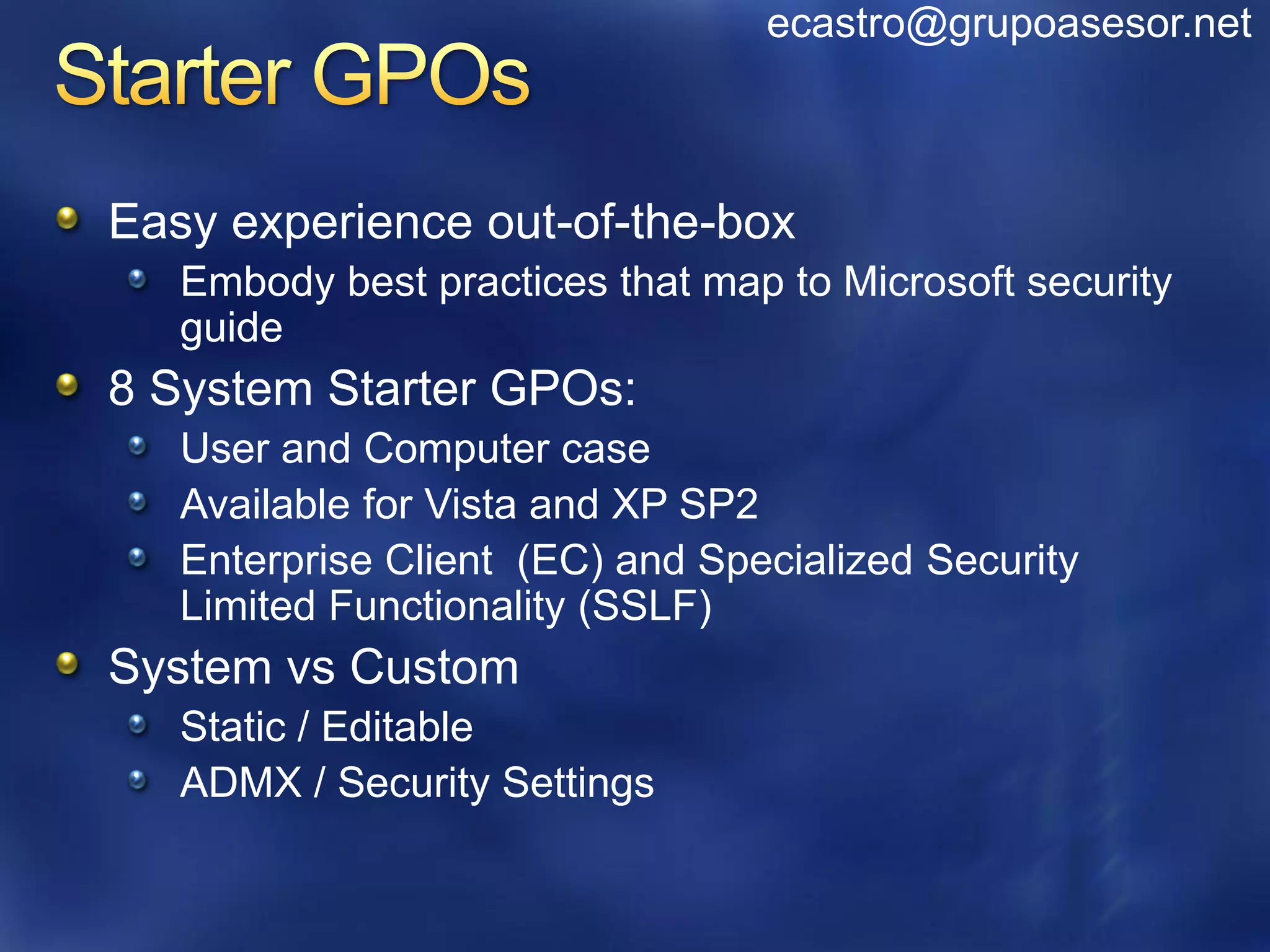
Easy experience out-of-the-box
   Embody best practices that map to Microsoft security
   guide
8 System Starter GPOs:
   User and Computer case
   Available for Vista and XP SP2
   Enterprise Client (EC) and Specialized Security
   Limited Functionality (SSLF)
System vs Custom
   Static / Editable
   ADMX / Security Settings
ecastro@grupoasesor.net


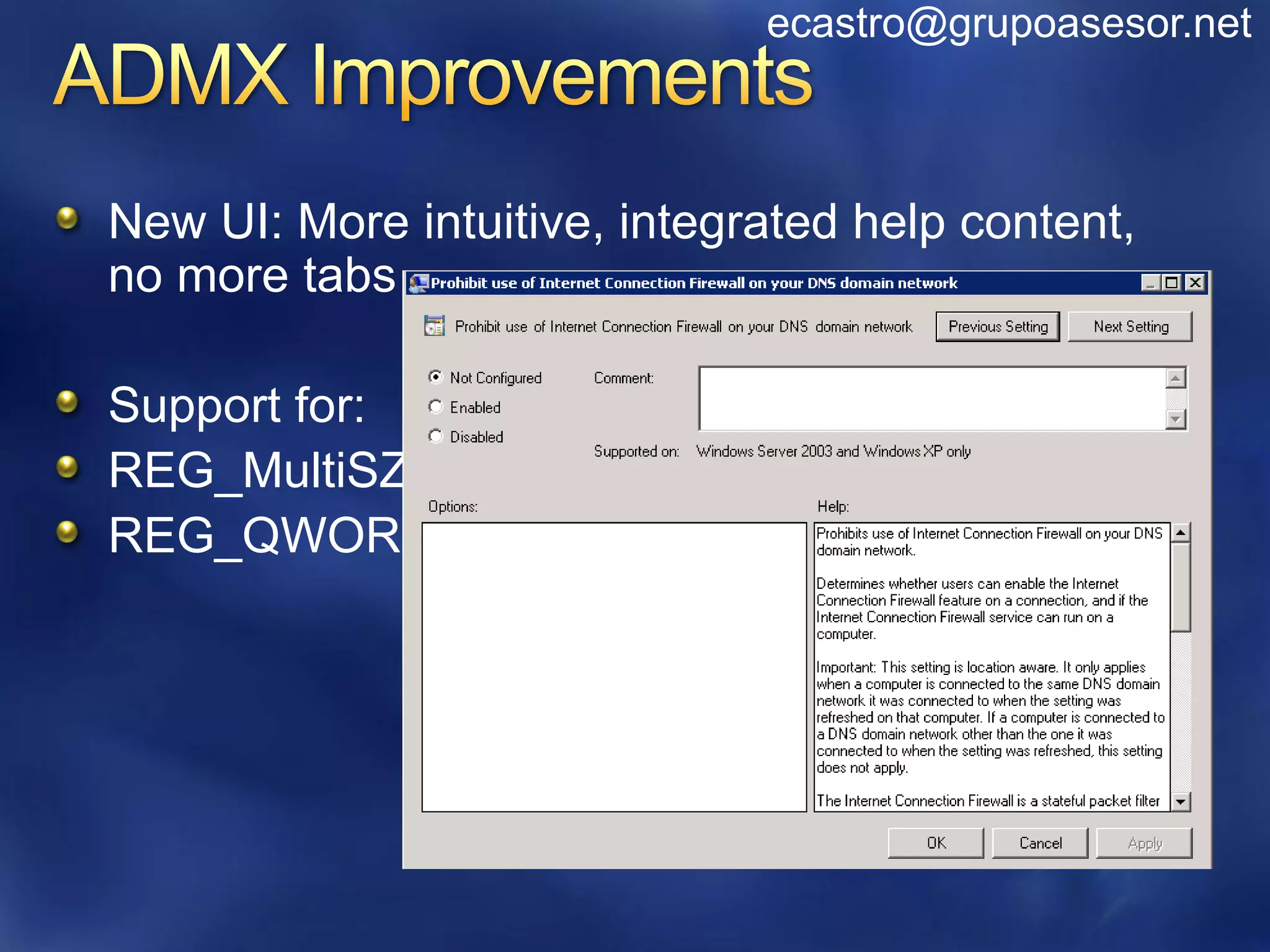
New UI: More intuitive, integrated help content,
no more tabs

Support for:
REG_MultiSZ
REG_QWORD
ecastro@grupoasesor.net


Preference Settings
   Not true “Policy”
More control of desktop – more settings!
   Not limited to policy-aware applications
Ease of administration through rich UI
Better targeting
New in Windows 7
   Support for new Power Plan settings
   Support for new Schedule task triggers, actions, etc.
ecastro@grupoasesor.net


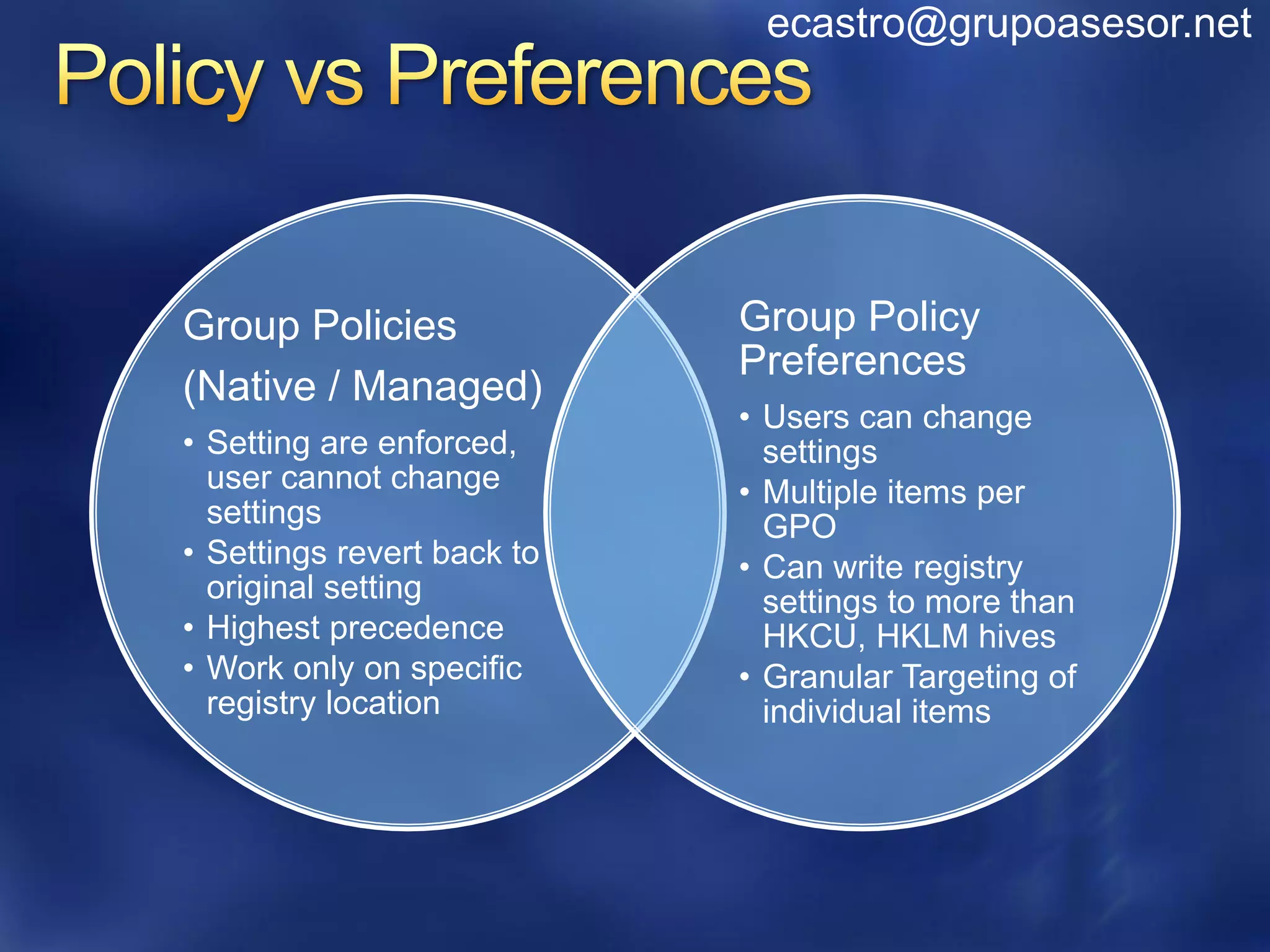
Group Policies              Group Policy
                            Preferences
(Native / Managed)
                            • Users can change
• Setting are enforced,       settings
  user cannot change        • Multiple items per
  settings                    GPO
• Settings revert back to   • Can write registry
  original setting            settings to more than
• Highest precedence          HKCU, HKLM hives
• Work only on specific     • Granular Targeting of
  registry location           individual items
ecastro@grupoasesor.net


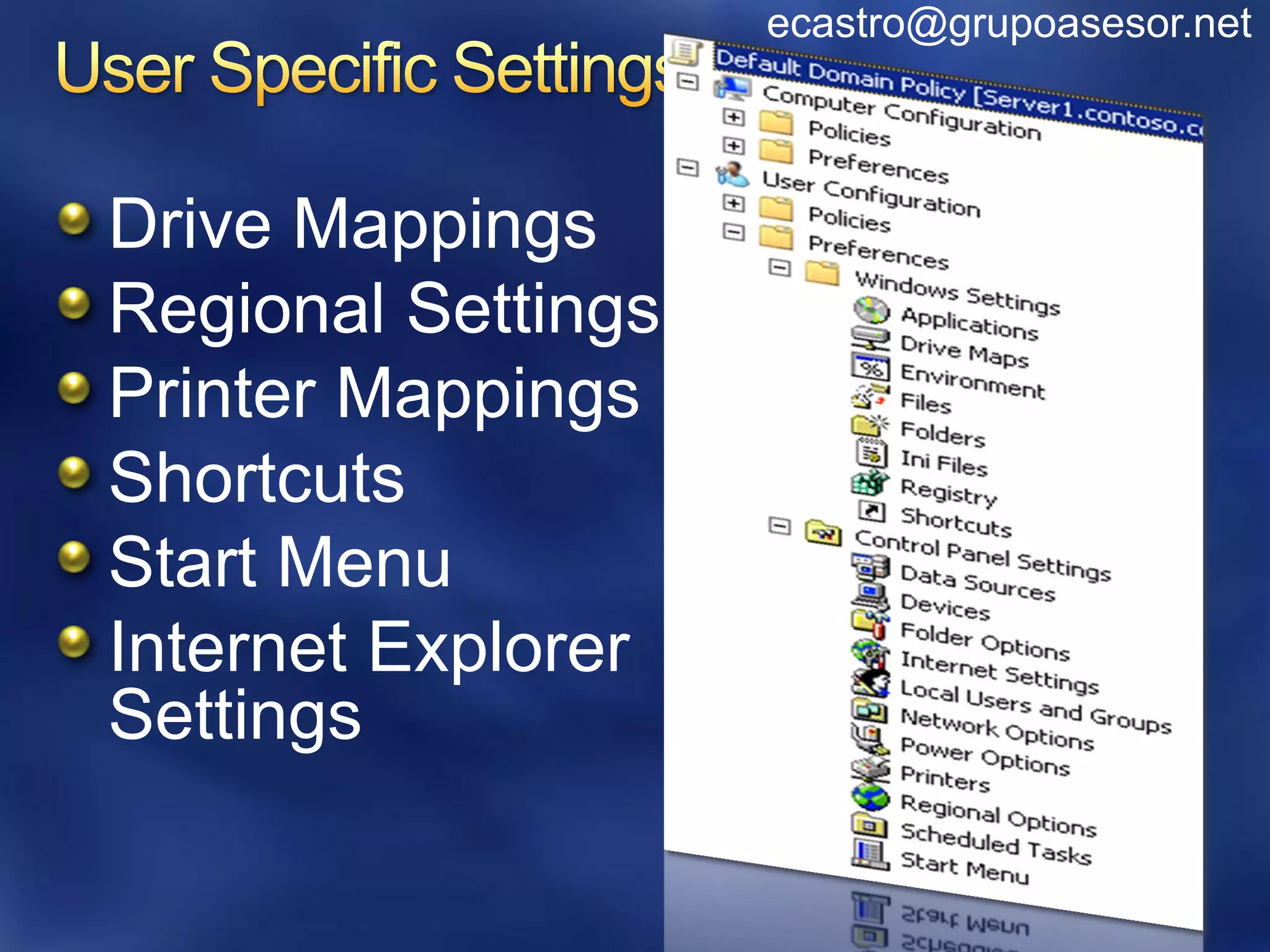
Drive Mappings
Regional Settings
Printer Mappings
Shortcuts
Start Menu
Internet Explorer
Settings
ecastro@grupoasesor.net


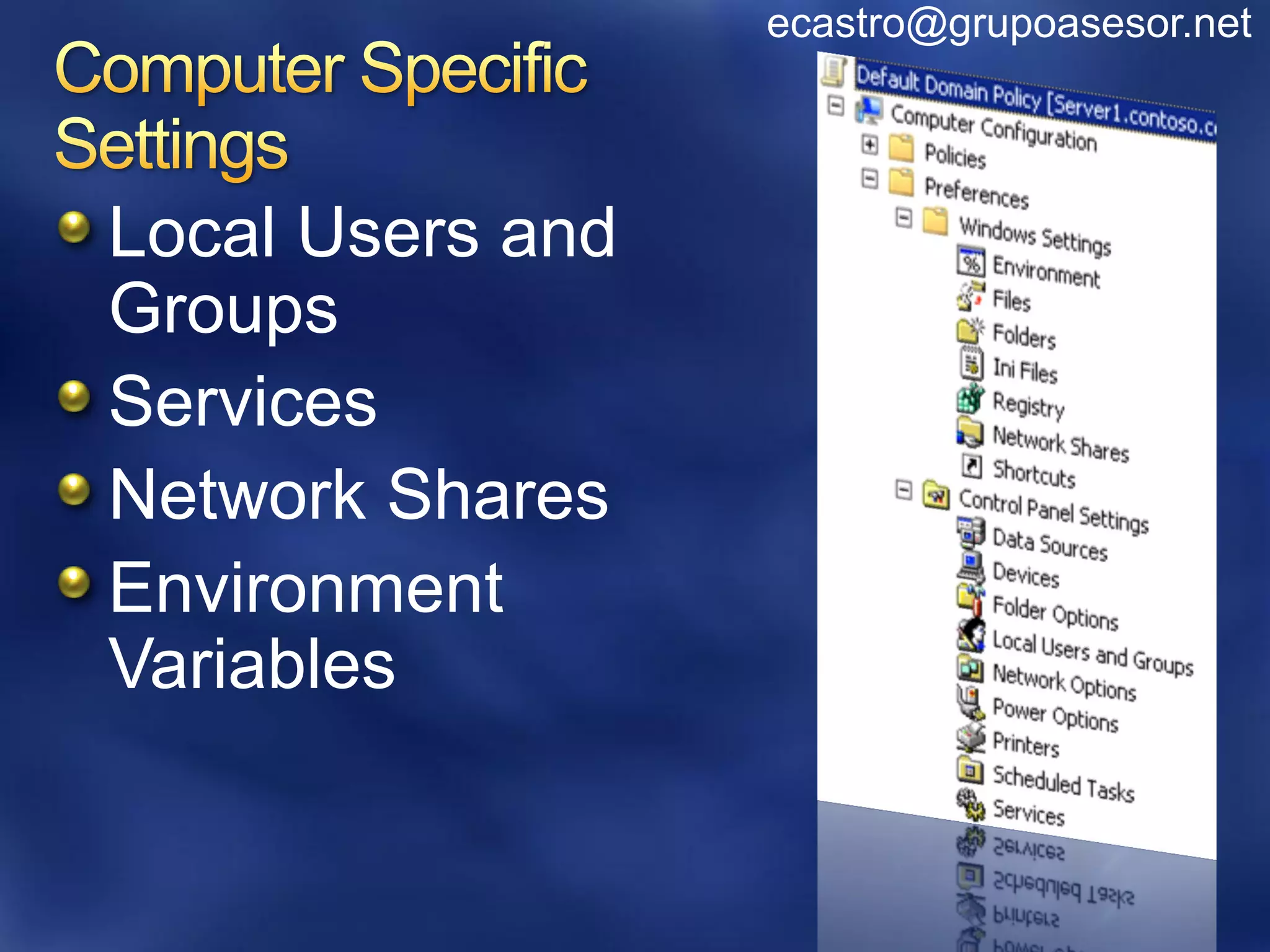
Local Users and
Groups
Services
Network Shares
Environment
Variables
ecastro@grupoasesor.net


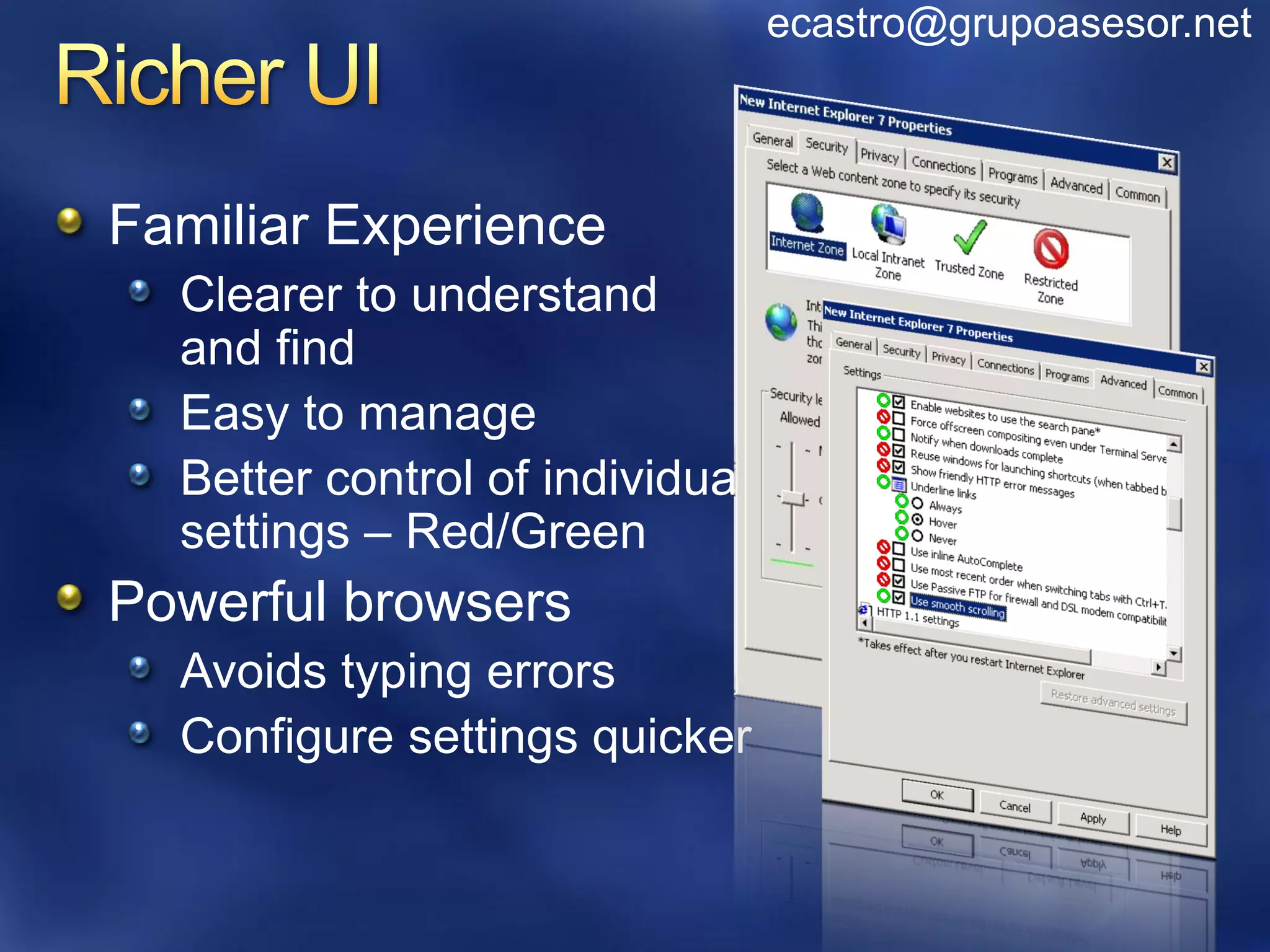
Familiar Experience
  Clearer to understand
  and find
  Easy to manage
  Better control of individual
  settings – Red/Green
Powerful browsers
  Avoids typing errors
  Configure settings quicker
ecastro@grupoasesor.net


 29 different targeting options
 Boolean AND, OR, IS, IS NOT
 Wildcard support
    “WSBNE*”


Target on the item, not just the GPO
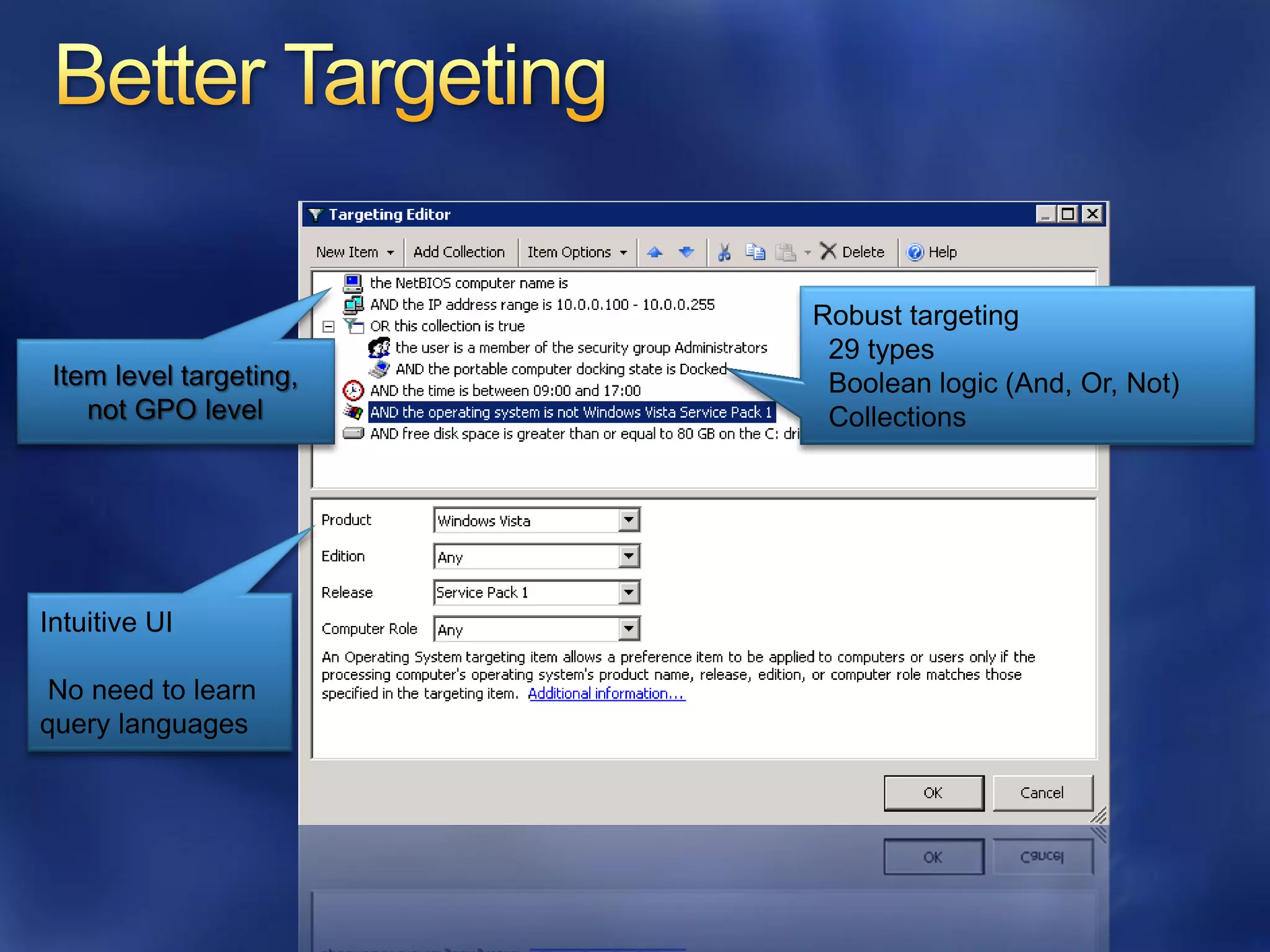
Robust targeting
                          29 types
 Item level targeting,    Boolean logic (And, Or, Not)
    not GPO level         Collections


Intuitive UI

 No need to learn
query languages
ecastro@grupoasesor.net


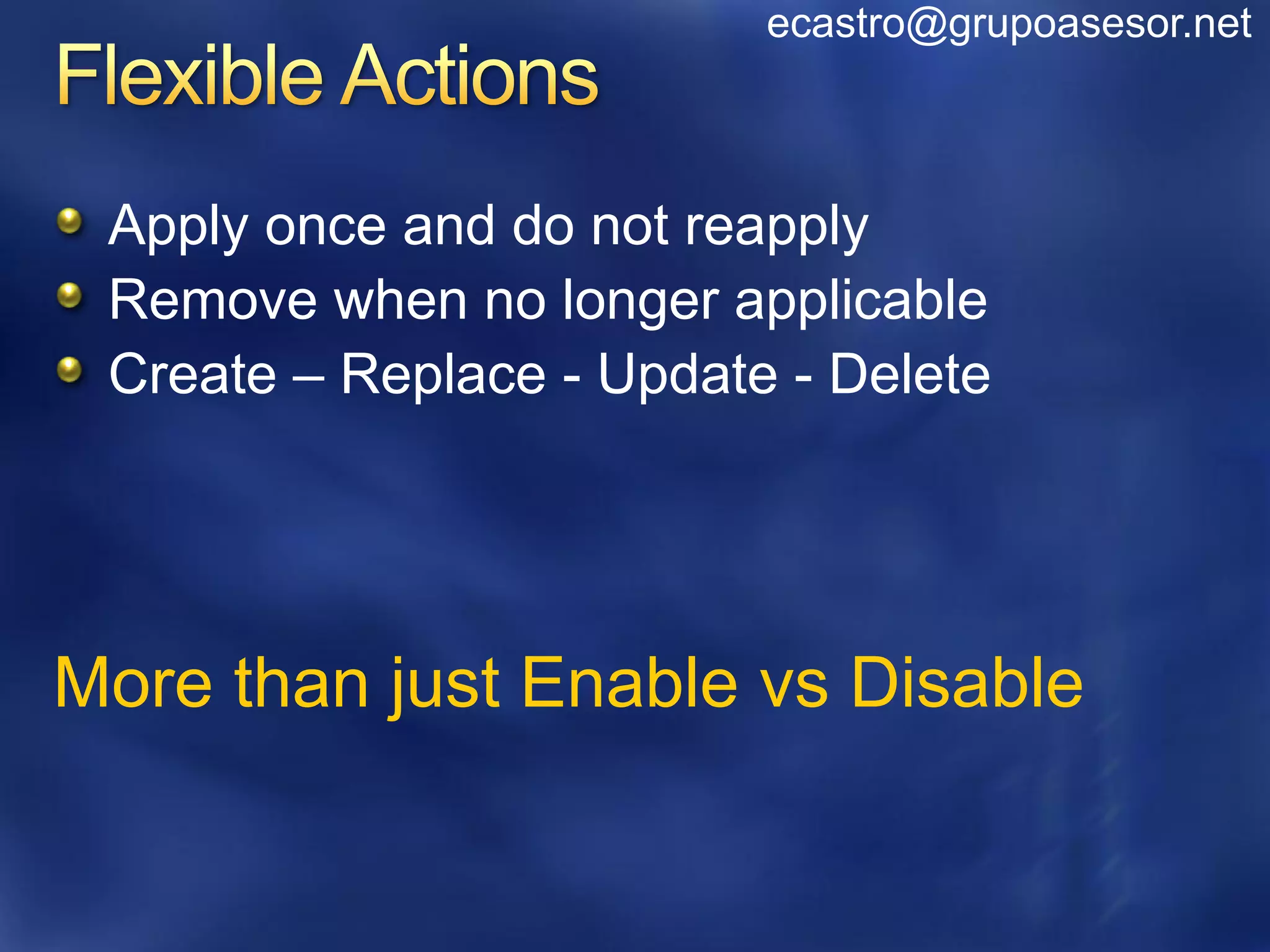
 Apply once and do not reapply
 Remove when no longer applicable
 Create – Replace - Update - Delete


More than just Enable vs Disable
ecastro@grupoasesor.net


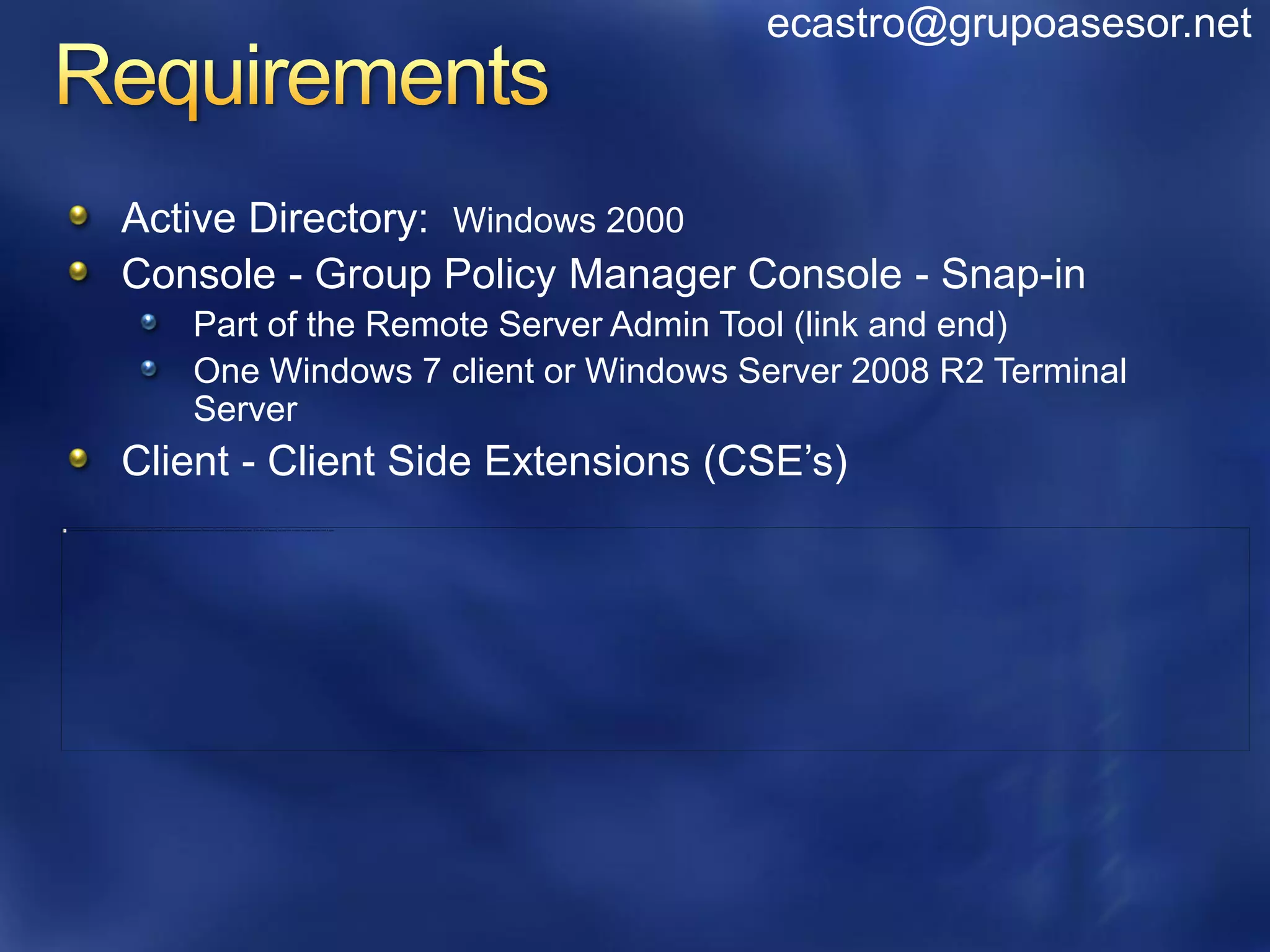
Active Directory: Windows 2000
Console - Group Policy Manager Console - Snap-in
   Part of the Remote Server Admin Tool (link and end)
   One Windows 7 client or Windows Server 2008 R2 Terminal
   Server
Client - Client Side Extensions (CSE’s)
ecastro@grupoasesor.net


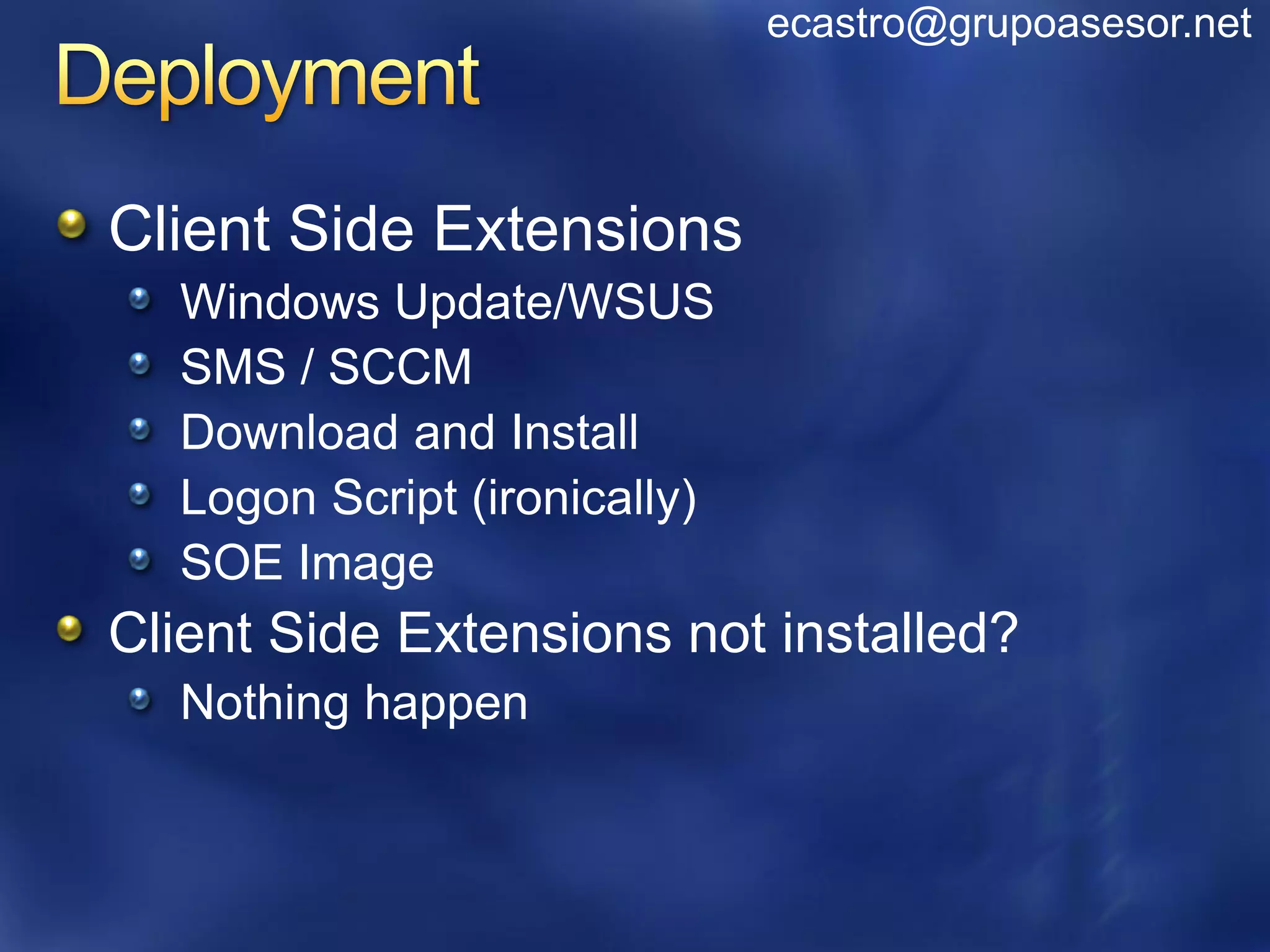
Client Side Extensions
  Windows Update/WSUS
  SMS / SCCM
  Download and Install
  Logon Script (ironically)
  SOE Image
Client Side Extensions not installed?
  Nothing happen
ecastro@grupoasesor.net


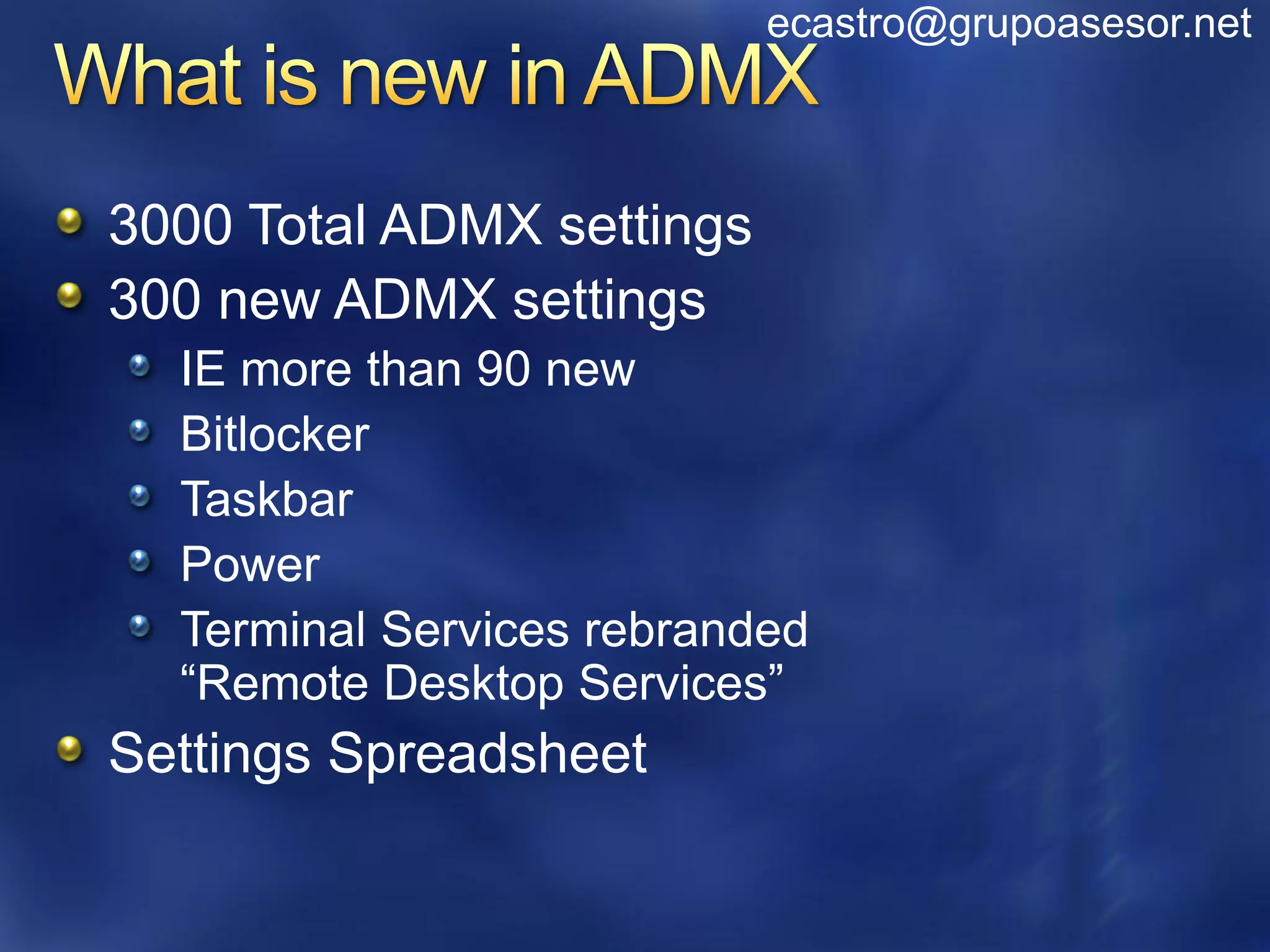
3000 Total ADMX settings
300 new ADMX settings
  IE more than 90 new
  Bitlocker
  Taskbar
  Power
  Terminal Services rebranded
  “Remote Desktop Services”
Settings Spreadsheet
ecastro@grupoasesor.net


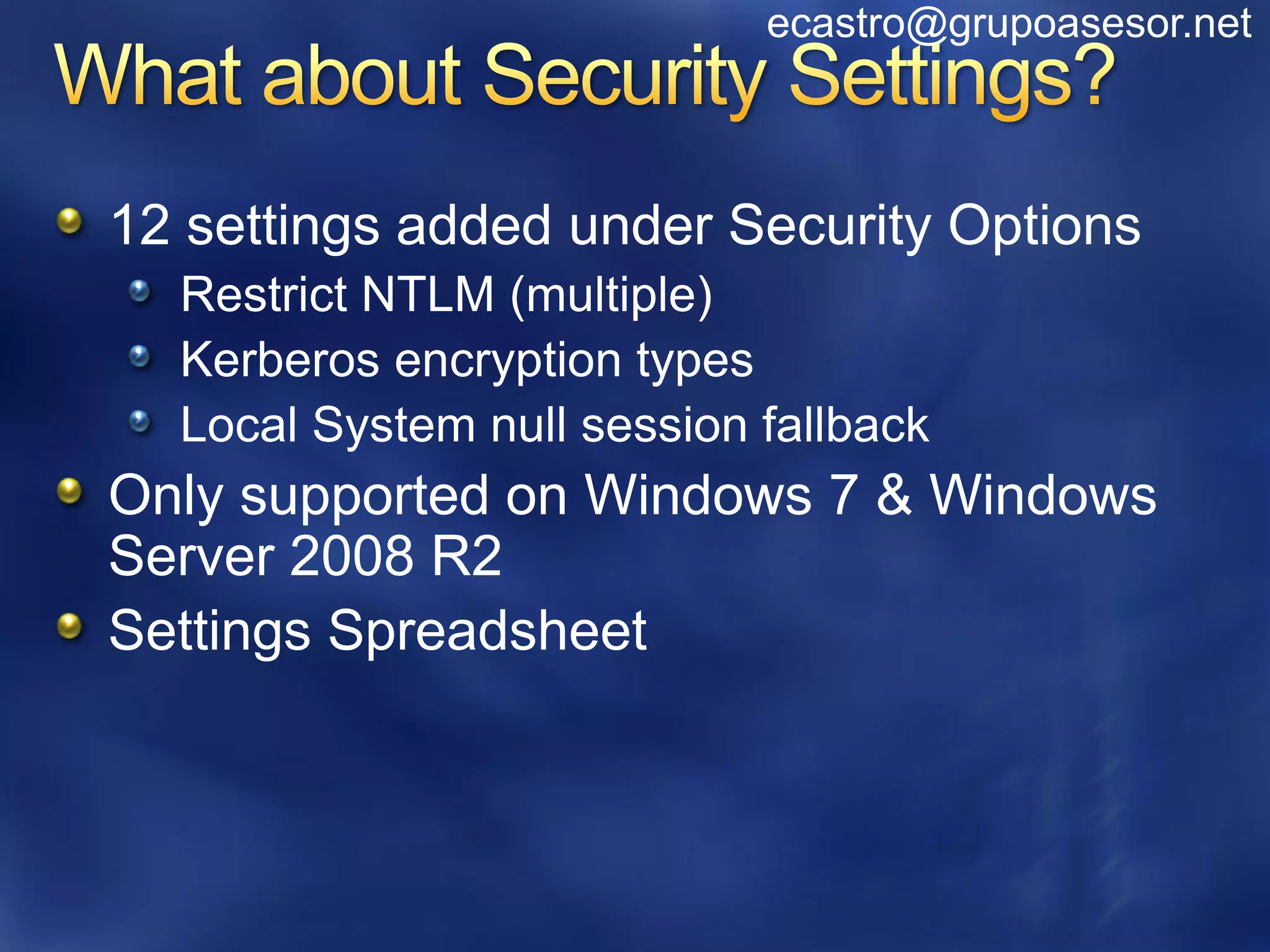
12 settings added under Security Options
  Restrict NTLM (multiple)
  Kerberos encryption types
  Local System null session fallback
Only supported on Windows 7 & Windows
Server 2008 R2
Settings Spreadsheet
ecastro@grupoasesor.net


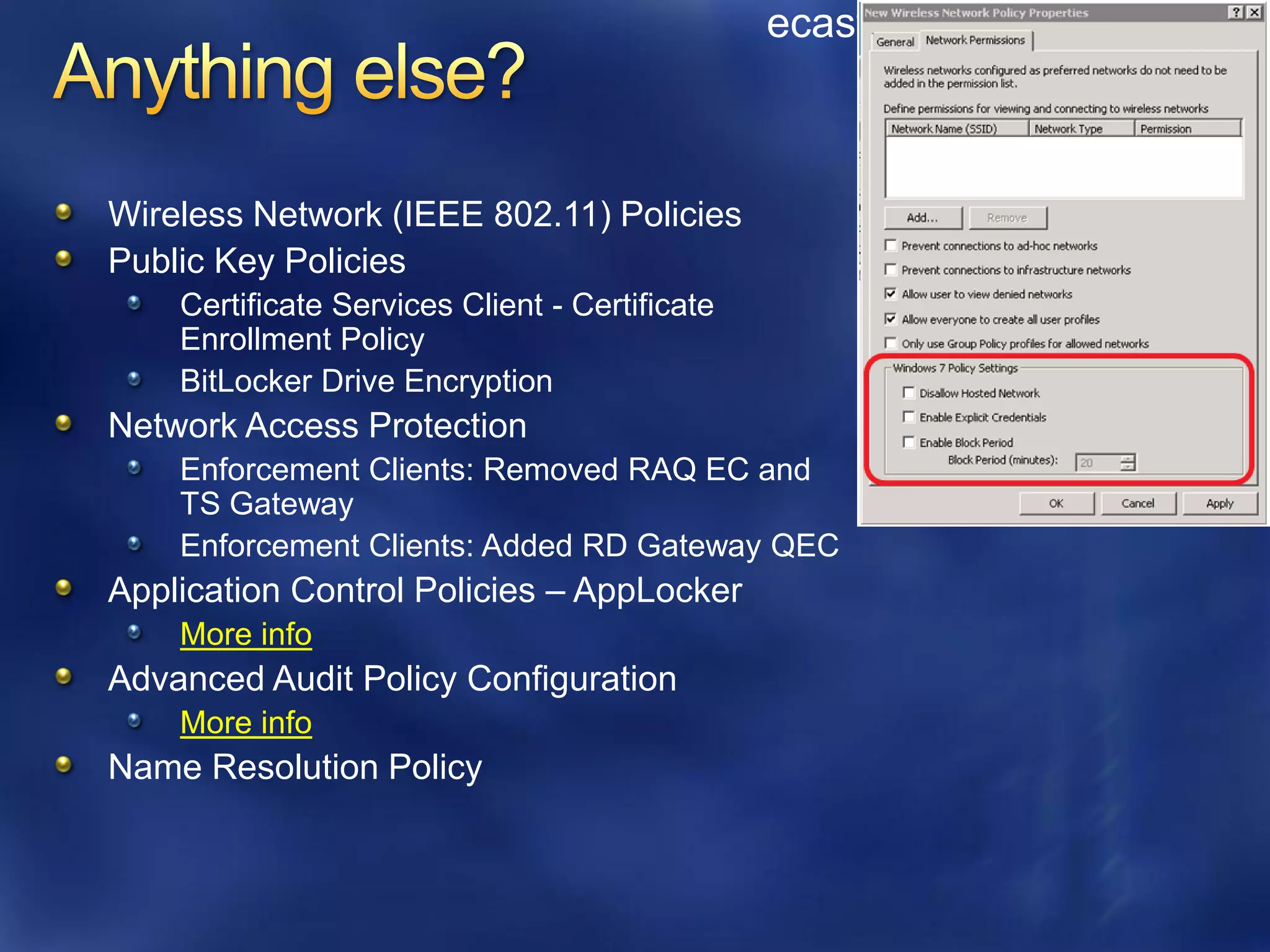
Wireless Network (IEEE 802.11) Policies
Public Key Policies
    Certificate Services Client - Certificate
    Enrollment Policy
    BitLocker Drive Encryption
Network Access Protection
    Enforcement Clients: Removed RAQ EC and
    TS Gateway
    Enforcement Clients: Added RD Gateway QEC
Application Control Policies – AppLocker
    More info
Advanced Audit Policy Configuration
    More info
Name Resolution Policy
ecastro@grupoasesor.net


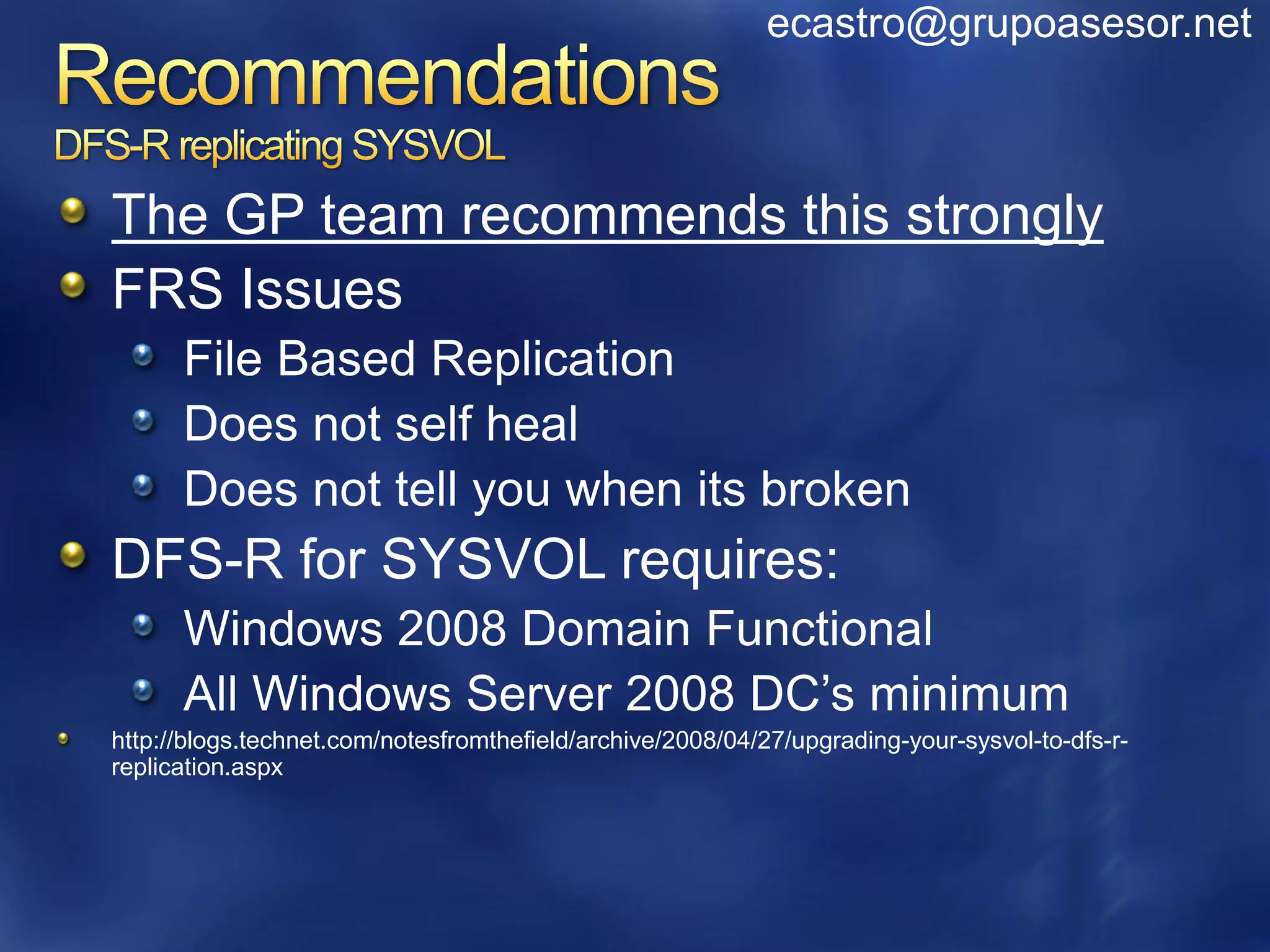
The GP team recommends this strongly
FRS Issues
      File Based Replication
      Does not self heal
      Does not tell you when its broken
DFS-R for SYSVOL requires:
      Windows 2008 Domain Functional
      All Windows Server 2008 DC’s minimum
http://blogs.technet.com/notesfromthefield/archive/2008/04/27/upgrading-your-sysvol-to-dfs-r-
replication.aspx
ecastro@grupoasesor.net


Have heard up to 11,000 GPOs
Not best practice
  GPMC has perf issues loading
  Management difficulties
  Troubleshooting difficulties
  Migration difficulties
Recommendation:
  Consolidate
  AGPM is tested up to 2000 GPOs
ecastro@grupoasesor.net


What about any server dependencies?
Are there any schema changes required?
What about the Vista Central Store?
Will ADMX create an impact on my policies?
ecastro@grupoasesor.net


Does policy itself replicate any differently?
Is it actually stored any differently?
Do you still use the same tools to diagnose
replication issues like Ultrasound (FRS)?
With the move from Winlogon to a service does
this mean users can deny policy applying?
Any impact for co-existence between Windows
Server 2003 GP and Windows Server 2008 and
onwards?
ecastro@grupoasesor.net


Will I have to recreate all the policies again for Windows 7?
Can I drop ADM files into the Central Store?
Do we have plans to provide an updated GPMC/GPOE to
support Windows XP administrative PC’s with ADMX and
the Central Store?
Is it a good idea to separate Vista GPO from the Windows
XP GPO's through new OUs or filtering with WMI?
Is there any way to restrict editing GPOs from certain OS
versions ? i.e.: restrict editing from anything below W2K3
?
ecastro@grupoasesor.net


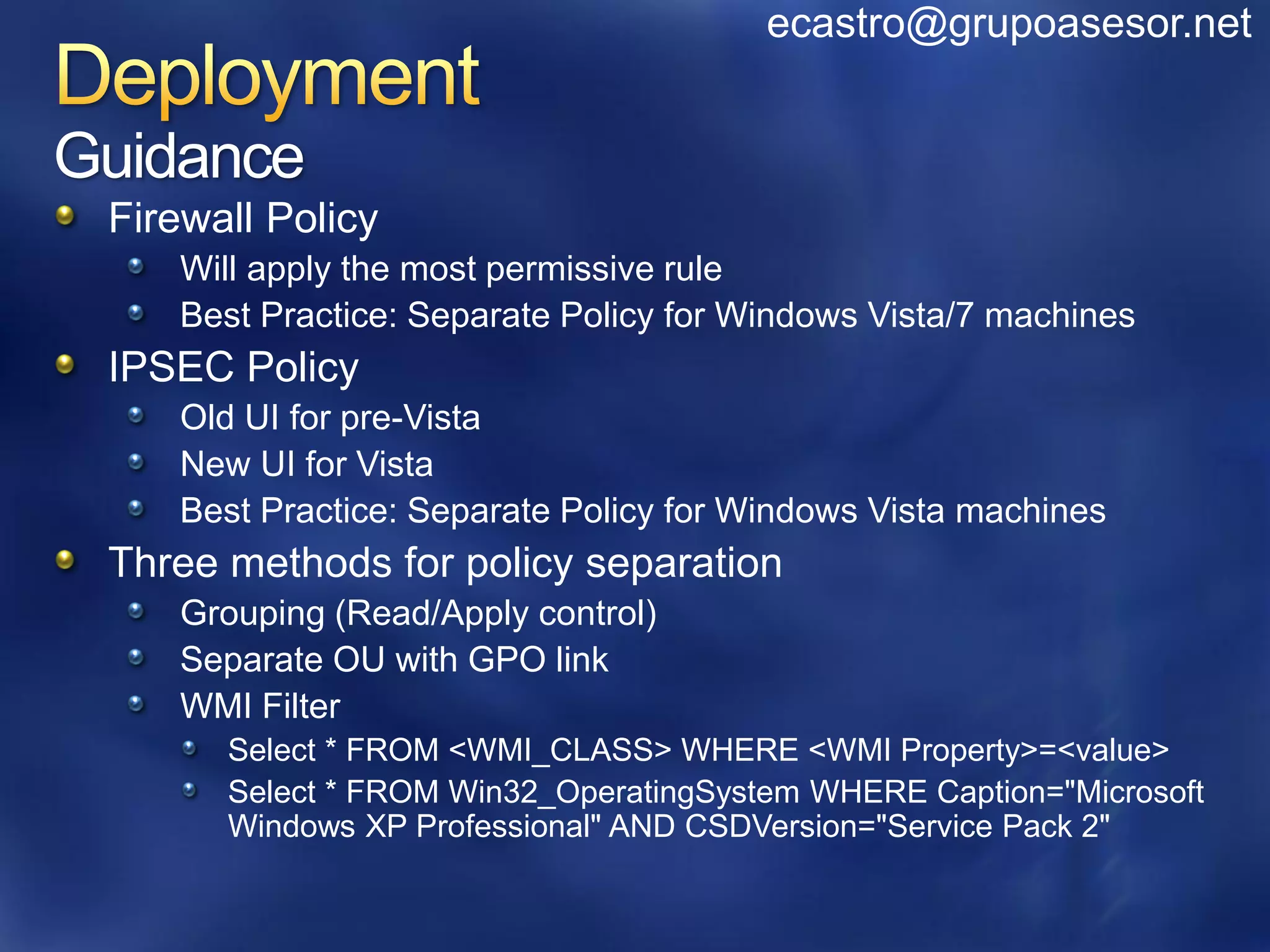
Guidance
 Firewall Policy
    Will apply the most permissive rule
    Best Practice: Separate Policy for Windows Vista/7 machines
 IPSEC Policy
    Old UI for pre-Vista
    New UI for Vista
    Best Practice: Separate Policy for Windows Vista machines
 Three methods for policy separation
    Grouping (Read/Apply control)
    Separate OU with GPO link
    WMI Filter
       Select * FROM <WMI_CLASS> WHERE <WMI Property>=<value>
       Select * FROM Win32_OperatingSystem WHERE Caption="Microsoft
       Windows XP Professional" AND CSDVersion="Service Pack 2"
ecastro@grupoasesor.net


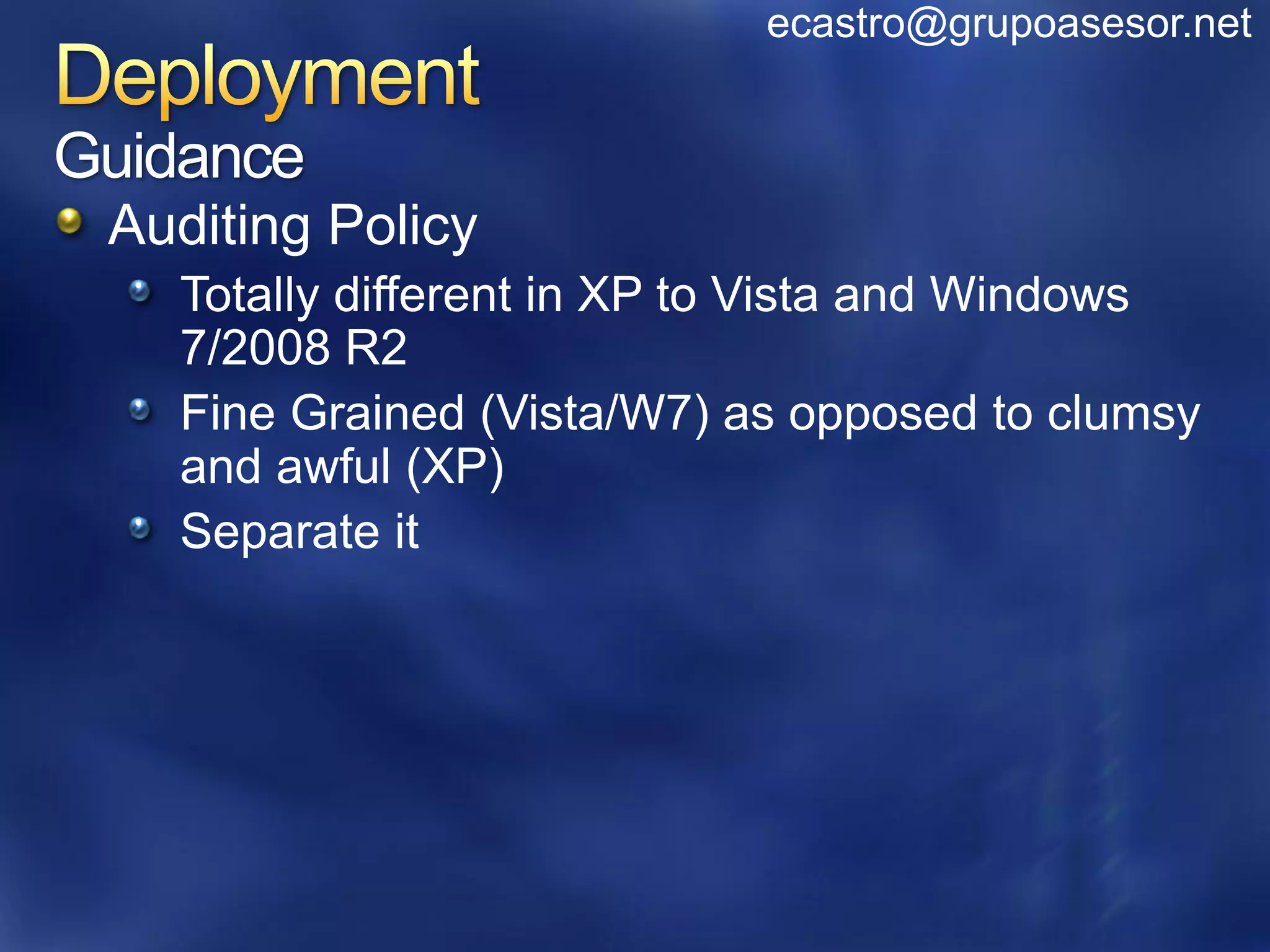
Guidance
 Auditing Policy
    Totally different in XP to Vista and Windows
    7/2008 R2
    Fine Grained (Vista/W7) as opposed to clumsy
    and awful (XP)
    Separate it
www.microsoft.com/teched         www.microsoft.com/learning

Sessions On-Demand &             Microsoft Certification & Training
Community                        Resources


http://microsoft.com/technet             http://microsoft.com/msdn

Resources for IT Professionals           Resources for Developers

  www.microsoft.com/learning
  Microsoft Certification and Training Resources
ecastro@grupoasesor.net


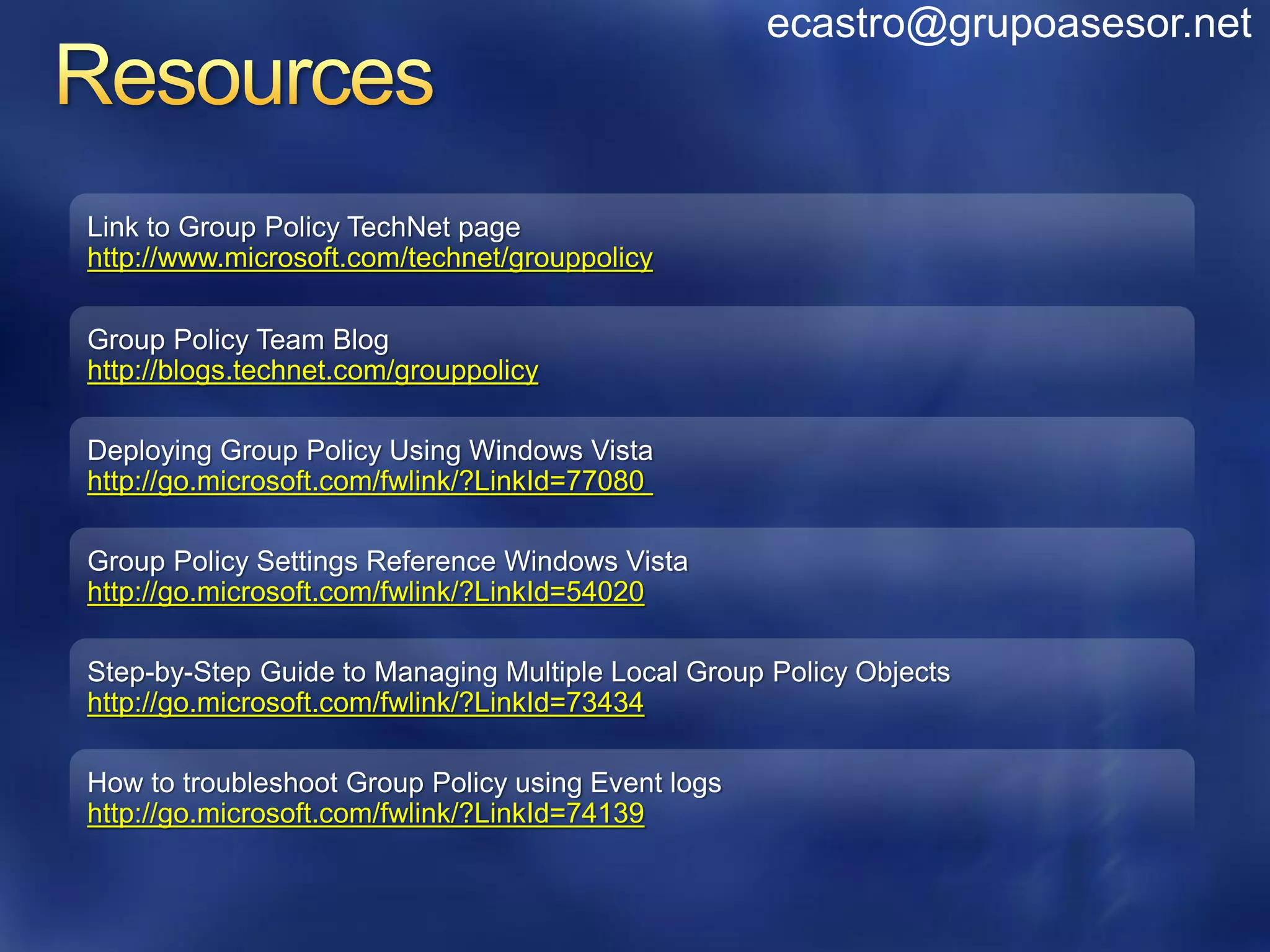
Link to Group Policy TechNet page
http://www.microsoft.com/technet/grouppolicy

Group Policy Team Blog
http://blogs.technet.com/grouppolicy

Deploying Group Policy Using Windows Vista
http://go.microsoft.com/fwlink/?LinkId=77080

Group Policy Settings Reference Windows Vista
http://go.microsoft.com/fwlink/?LinkId=54020

Step-by-Step Guide to Managing Multiple Local Group Policy Objects
http://go.microsoft.com/fwlink/?LinkId=73434

How to troubleshoot Group Policy using Event logs
http://go.microsoft.com/fwlink/?LinkId=74139
ecastro@grupoasesor.net


http://bit.ly/gprocks

ADM Template Editor
http://www.sysprosoft.com/adm_summary.shtml

Enhanments
http://www.policypak.com/


ILT Editor
http://www.gruppenrichtlinien.de/index.html?/Tools/ilteditor.htm
WCL308: MDOP: Managing GPOs with Advanced Group Policy Management
(AGPM) 3.0


WCL18-HOL Managing Windows Internet Explorer 8 Security Settings in the
Enterprise


WCL11-HOL Microsoft Desktop Optimization Pack: Advanced Group Policy
Management


WCL20-HOL Deploy and Manage Windows Internet Explorer 8
Make sure you pick up
                       your copy of Windows
                       Server 2008 R2 RC from
                       the Materials Distribution
                       Counter
Learn More about Windows Server 2008 R2:
www.microsoft.com/WindowsServer2008R2

Technical Learning Center (Orange Section):
Highlighting Windows Server 2008 and R2 technologies
• Over 15 booths and experts from Microsoft and our
partners
© 2009 Microsoft Corporation. All rights reserved. Microsoft, Windows, Windows Vista and other product names are or may be registered trademarks and/or trademarks in the U.S. and/or other countries.
The information herein is for informational purposes only and represents the current view of Microsoft Corporation as of the date of this presentation. Because Microsoft must respond to changing market conditions, it should
 not be interpreted to be a commitment on the part of Microsoft, and Microsoft cannot guarantee the accuracy of any information provided after the date of this presentation. MICROSOFT MAKES NO WARRANTIES, EXPRESS,
                                                                           IMPLIED OR STATUTORY, AS TO THE INFORMATION IN THIS PRESENTATION.

Windows Server 2008 R2 Group Policy Changes

  • 1.
    Ing. Eduardo Castro,PhD Comunidad Windows Grupo Asesor en Informática ecastro@grupoasesor.net
  • 3.
    ecastro@grupoasesor.net Topics Quickreview of new GP features in Windows Server 2008 & Windows Vista SP1. In depth understand what Group Policy changes have been made to Windows 7 Takeaway GP in Windows 7 / Windows Server 2008 R2 is incremental, not major change
  • 4.
    How Group Policyworks now... Windows Group Policy Service Process Group Policy Templates Vista/Windows Server 2008 GP now runs in a Part of Winlogon ADM Templates ADM templates ADM shared service ADM ADM Templates now in difficult to manage ADM ADM Hardened Service, more ADMX reliable Local GPOs (ADMX, ADMX files ADM ADML) Multiple flexibility with a single local Limited Local Settings Group Policy Settings GPOs GPOLGPO’s Over 800 policy settings in ~1,800 new policy changes LGPO Local Computer Local Computer Policy with Windows Vista LGPO Policy XP Admin Admin/Non-Admin Group Policy Extended GP for new Windows Vista features coverage Incomplete User User Specified Group Policy Network Location missing key means Awareness scenarios of Limited awareness (NLA) Templates and Group Policy Central NLA service provides the latest changing network Replication Store network information ADMX conditions query or register with Applications can Centralized repository ADML Journal Wrap NLA for network change indications for ADMX anyone? Bloated SysVol DC Created in the Sysvol Troubleshootin Group Policy Logging SYSVOL? l Policie DC SysVo + gAdministrative log on DC s + GUID Applications and Services log in each domain ADM + Userenv log + Policy XML based event logs New Replicator with Definitions ADMX, ADML Files GP Result New Tools - GPOLogView FRS/DFS-R DFS-R
  • 5.
    ecastro@grupoasesor.net What is new? GP PowerShell features Adding to GP scripts extensions PowerShell cmdlets to perform GP operations Starter GPOs in-box in Windows 7 Best practices that map to the security guide ADMX enhancements GP Preferences enhancements GP Preferences, new in Windows Server 2008 New items added to support new OS functionality
  • 6.
    ecastro@grupoasesor.net PowerShell Scripting insideGP Extend current reach of GP Script Extension to include PowerShell for logon/logoff, startup/shutdown scripts Powershell Cmdlets for GPMC operations Full lifecycle: create, link, rename, backup, copy, remove Enables interesting new scenarios for customers Powershell Cmdlets that write and read registry settings to GPO(s) Values can be written to either Policy or Preferences Settings can accept more value types
  • 7.
    ecastro@grupoasesor.net Import-module GroupPolicy get-help *-gp* New Get Set •New-GPLink •Get-GPInheritance •Set-GPInheritance •New-GPO •Get-GPO •Set-GPLink •New-GPStarterGPO •Get-GPOReport •Set-GPPermissions •Get-GPPermissions •Set-GPPrefRegistryValue •Get-GPPrefRegistryValue •Set-GPRegistryValue •Get-GPRegistryValue •Get-GPResultantSetofPolicy •Get-GPStarterGPO Remove Misc • Remove-GPLink • Backup-GPO • Remove-GPO • Copy-GPO • Remove- • Import-GPO GPPrefRegistryValue • Rename-GPO • Remove- • Restore-GPO GPRegistryValue
  • 8.
    Backup all GPOsin current • Backup-GPO –all –path domain to directory ‘C:BackupFiles’ Get RSOP for local • Get-GPResultantSetofPolicy - computer and logged on ReportType -html -Path user in html form D:ConfigDocumentsReports • $reg_keypath = ‚HKCUSoftwarePoliciesMicrosoftWindowsControl PanelDesktop‛ Compare values across • $A =get-GPRegistryValue –Name GPO1 –key $reg_keypath – ValueName ScreenSaveTimeOut GPO’s • $B =get-GPRegistryValue –Name GPO2 –key $reg_keypath – ValueName ScreenSaveTimeOut • $A[0].equals($B[0]) Grant permission to •Get-ADGroupMember DlgtdAdmins | where {$_.objectclass -eq "user"} | %{Set-GPPermissions - ‘Apply’ to a GPO for all Name 'Test GPO' -PermissionLevel Apply -TargetName users belonging to a group $_.SamAccountName -TargetType User}
  • 10.
    ecastro@grupoasesor.net Easy experience out-of-the-box Embody best practices that map to Microsoft security guide 8 System Starter GPOs: User and Computer case Available for Vista and XP SP2 Enterprise Client (EC) and Specialized Security Limited Functionality (SSLF) System vs Custom Static / Editable ADMX / Security Settings
  • 11.
    ecastro@grupoasesor.net New UI: Moreintuitive, integrated help content, no more tabs Support for: REG_MultiSZ REG_QWORD
  • 13.
    ecastro@grupoasesor.net Preference Settings Not true “Policy” More control of desktop – more settings! Not limited to policy-aware applications Ease of administration through rich UI Better targeting New in Windows 7 Support for new Power Plan settings Support for new Schedule task triggers, actions, etc.
  • 14.
  • 15.
    ecastro@grupoasesor.net Group Policies Group Policy Preferences (Native / Managed) • Users can change • Setting are enforced, settings user cannot change • Multiple items per settings GPO • Settings revert back to • Can write registry original setting settings to more than • Highest precedence HKCU, HKLM hives • Work only on specific • Granular Targeting of registry location individual items
  • 16.
    ecastro@grupoasesor.net Drive Mappings Regional Settings PrinterMappings Shortcuts Start Menu Internet Explorer Settings
  • 17.
  • 18.
    ecastro@grupoasesor.net Familiar Experience Clearer to understand and find Easy to manage Better control of individual settings – Red/Green Powerful browsers Avoids typing errors Configure settings quicker
  • 19.
    ecastro@grupoasesor.net 29 differenttargeting options Boolean AND, OR, IS, IS NOT Wildcard support “WSBNE*” Target on the item, not just the GPO
  • 20.
    Robust targeting 29 types Item level targeting, Boolean logic (And, Or, Not) not GPO level Collections Intuitive UI No need to learn query languages
  • 21.
    ecastro@grupoasesor.net Apply onceand do not reapply Remove when no longer applicable Create – Replace - Update - Delete More than just Enable vs Disable
  • 22.
    ecastro@grupoasesor.net Active Directory: Windows2000 Console - Group Policy Manager Console - Snap-in Part of the Remote Server Admin Tool (link and end) One Windows 7 client or Windows Server 2008 R2 Terminal Server Client - Client Side Extensions (CSE’s)
  • 23.
    ecastro@grupoasesor.net Client Side Extensions Windows Update/WSUS SMS / SCCM Download and Install Logon Script (ironically) SOE Image Client Side Extensions not installed? Nothing happen
  • 25.
    ecastro@grupoasesor.net 3000 Total ADMXsettings 300 new ADMX settings IE more than 90 new Bitlocker Taskbar Power Terminal Services rebranded “Remote Desktop Services” Settings Spreadsheet
  • 26.
    ecastro@grupoasesor.net 12 settings addedunder Security Options Restrict NTLM (multiple) Kerberos encryption types Local System null session fallback Only supported on Windows 7 & Windows Server 2008 R2 Settings Spreadsheet
  • 27.
    ecastro@grupoasesor.net Wireless Network (IEEE802.11) Policies Public Key Policies Certificate Services Client - Certificate Enrollment Policy BitLocker Drive Encryption Network Access Protection Enforcement Clients: Removed RAQ EC and TS Gateway Enforcement Clients: Added RD Gateway QEC Application Control Policies – AppLocker More info Advanced Audit Policy Configuration More info Name Resolution Policy
  • 28.
    ecastro@grupoasesor.net The GP teamrecommends this strongly FRS Issues File Based Replication Does not self heal Does not tell you when its broken DFS-R for SYSVOL requires: Windows 2008 Domain Functional All Windows Server 2008 DC’s minimum http://blogs.technet.com/notesfromthefield/archive/2008/04/27/upgrading-your-sysvol-to-dfs-r- replication.aspx
  • 29.
    ecastro@grupoasesor.net Have heard upto 11,000 GPOs Not best practice GPMC has perf issues loading Management difficulties Troubleshooting difficulties Migration difficulties Recommendation: Consolidate AGPM is tested up to 2000 GPOs
  • 30.
    ecastro@grupoasesor.net What about anyserver dependencies? Are there any schema changes required? What about the Vista Central Store? Will ADMX create an impact on my policies?
  • 31.
    ecastro@grupoasesor.net Does policy itselfreplicate any differently? Is it actually stored any differently? Do you still use the same tools to diagnose replication issues like Ultrasound (FRS)? With the move from Winlogon to a service does this mean users can deny policy applying? Any impact for co-existence between Windows Server 2003 GP and Windows Server 2008 and onwards?
  • 32.
    ecastro@grupoasesor.net Will I haveto recreate all the policies again for Windows 7? Can I drop ADM files into the Central Store? Do we have plans to provide an updated GPMC/GPOE to support Windows XP administrative PC’s with ADMX and the Central Store? Is it a good idea to separate Vista GPO from the Windows XP GPO's through new OUs or filtering with WMI? Is there any way to restrict editing GPOs from certain OS versions ? i.e.: restrict editing from anything below W2K3 ?
  • 33.
    ecastro@grupoasesor.net Guidance Firewall Policy Will apply the most permissive rule Best Practice: Separate Policy for Windows Vista/7 machines IPSEC Policy Old UI for pre-Vista New UI for Vista Best Practice: Separate Policy for Windows Vista machines Three methods for policy separation Grouping (Read/Apply control) Separate OU with GPO link WMI Filter Select * FROM <WMI_CLASS> WHERE <WMI Property>=<value> Select * FROM Win32_OperatingSystem WHERE Caption="Microsoft Windows XP Professional" AND CSDVersion="Service Pack 2"
  • 34.
    ecastro@grupoasesor.net Guidance Auditing Policy Totally different in XP to Vista and Windows 7/2008 R2 Fine Grained (Vista/W7) as opposed to clumsy and awful (XP) Separate it
  • 35.
    www.microsoft.com/teched www.microsoft.com/learning Sessions On-Demand & Microsoft Certification & Training Community Resources http://microsoft.com/technet http://microsoft.com/msdn Resources for IT Professionals Resources for Developers www.microsoft.com/learning Microsoft Certification and Training Resources
  • 36.
    ecastro@grupoasesor.net Link to GroupPolicy TechNet page http://www.microsoft.com/technet/grouppolicy Group Policy Team Blog http://blogs.technet.com/grouppolicy Deploying Group Policy Using Windows Vista http://go.microsoft.com/fwlink/?LinkId=77080 Group Policy Settings Reference Windows Vista http://go.microsoft.com/fwlink/?LinkId=54020 Step-by-Step Guide to Managing Multiple Local Group Policy Objects http://go.microsoft.com/fwlink/?LinkId=73434 How to troubleshoot Group Policy using Event logs http://go.microsoft.com/fwlink/?LinkId=74139
  • 37.
  • 38.
    WCL308: MDOP: ManagingGPOs with Advanced Group Policy Management (AGPM) 3.0 WCL18-HOL Managing Windows Internet Explorer 8 Security Settings in the Enterprise WCL11-HOL Microsoft Desktop Optimization Pack: Advanced Group Policy Management WCL20-HOL Deploy and Manage Windows Internet Explorer 8
  • 39.
    Make sure youpick up your copy of Windows Server 2008 R2 RC from the Materials Distribution Counter Learn More about Windows Server 2008 R2: www.microsoft.com/WindowsServer2008R2 Technical Learning Center (Orange Section): Highlighting Windows Server 2008 and R2 technologies • Over 15 booths and experts from Microsoft and our partners
  • 40.
    © 2009 MicrosoftCorporation. All rights reserved. Microsoft, Windows, Windows Vista and other product names are or may be registered trademarks and/or trademarks in the U.S. and/or other countries. The information herein is for informational purposes only and represents the current view of Microsoft Corporation as of the date of this presentation. Because Microsoft must respond to changing market conditions, it should not be interpreted to be a commitment on the part of Microsoft, and Microsoft cannot guarantee the accuracy of any information provided after the date of this presentation. MICROSOFT MAKES NO WARRANTIES, EXPRESS, IMPLIED OR STATUTORY, AS TO THE INFORMATION IN THIS PRESENTATION.