Windows Live Search Macros Ramez Naam Director of Program Management Windows Live Search NGW056
Outline Windows Live Search What is a search macro? What can you do with macros? What’s coming? Q & A
Windows Live Search An integral part of Live.Com Powered by the same engine as MSN Search But with a new, more powerful interface Built on the Atlas framework
Windows Live Search Demo Web Search Feeds Images
Windows Live Search Macros A Macro is: A custom search engine  Defined by you or someone else Shareable with others Available as a tab in Live Search Demo
Creating And Sharing Macros Today:  A few predefined macros at microsoftgadgets.com Next Week: Authoring UI to create and share new macros Search of microsoftgadgets.com
How Macros Work Macro defines: A Scope Currently Web or News Other scopes (Images, etc..) coming soon A “Query Augmentation” String that gets added to every query that uses the macro
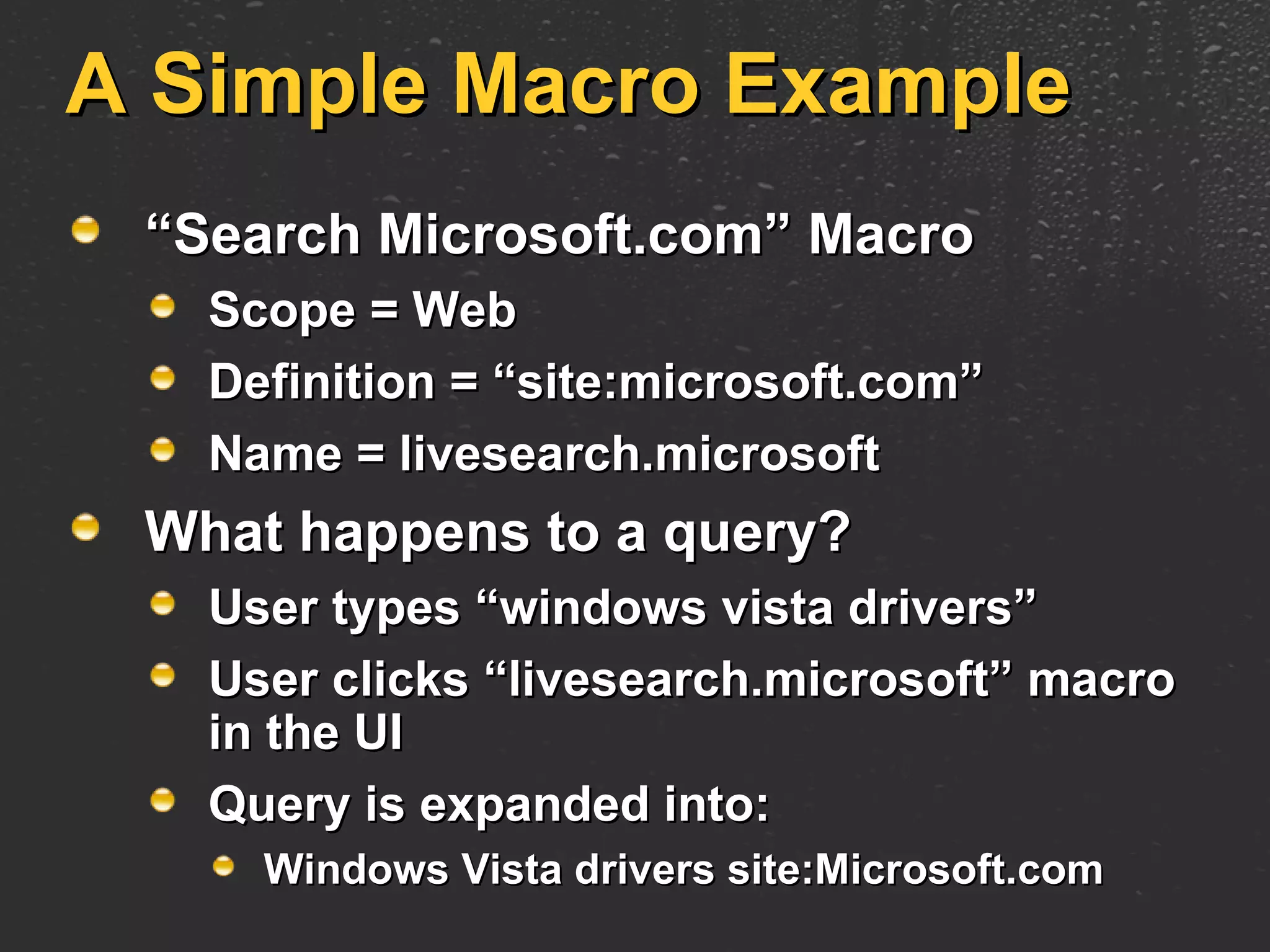
A Simple Macro Example “ Search Microsoft.com” Macro Scope = Web Definition = “site:microsoft.com” Name = livesearch.microsoft What happens to a query? User types “windows vista drivers” User clicks “livesearch.microsoft” macro in the UI Query is expanded into: Windows Vista drivers site:Microsoft.com
What Can You Do With Macros?
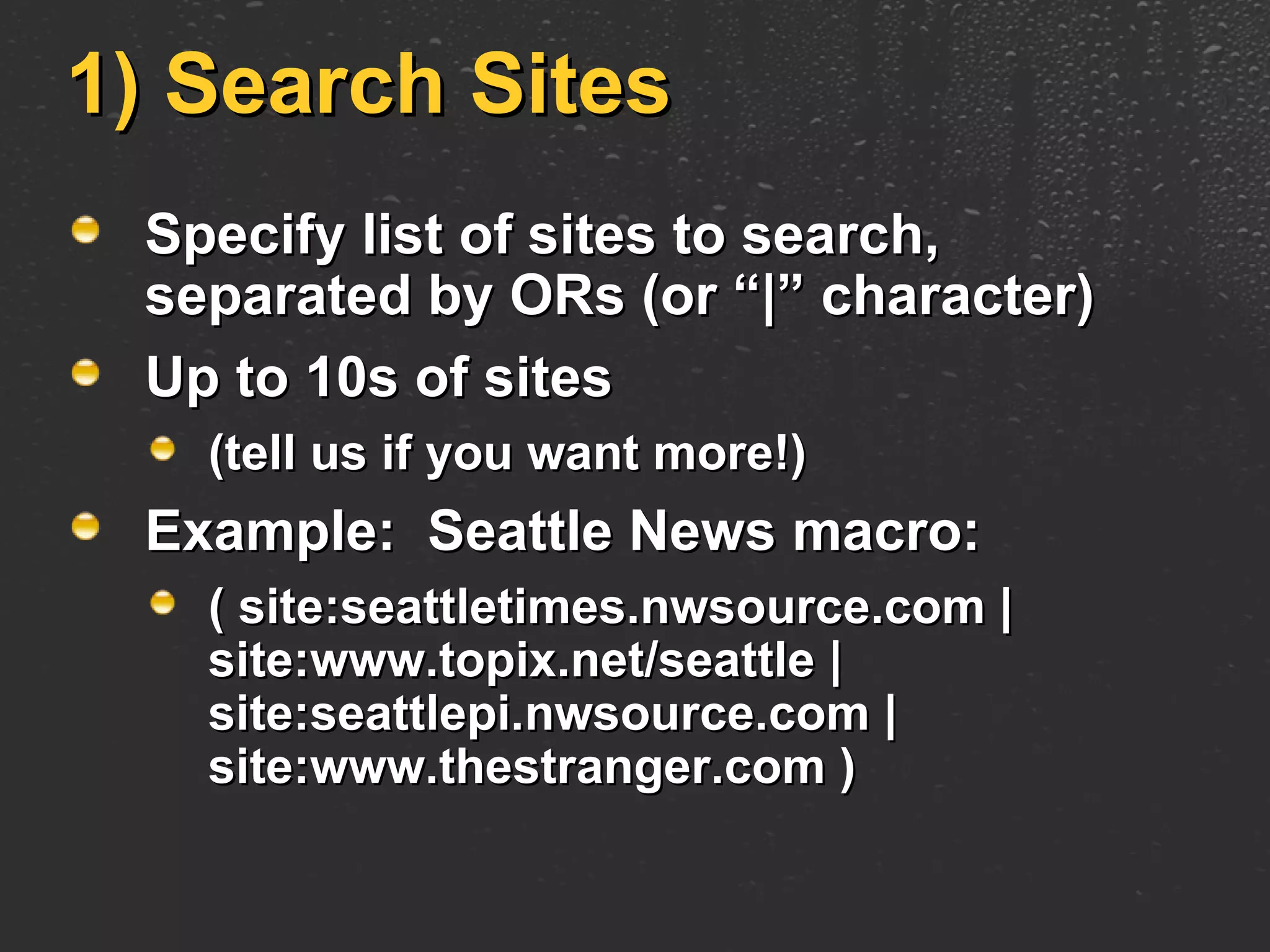
1) Search Sites Specify list of sites to search, separated by ORs (or “|” character) Up to 10s of sites  (tell us if you want more!) Example:  Seattle News macro: ( site:seattletimes.nwsource.com | site:www.topix.net/seattle | site:seattlepi.nwsource.com | site:www.thestranger.com )
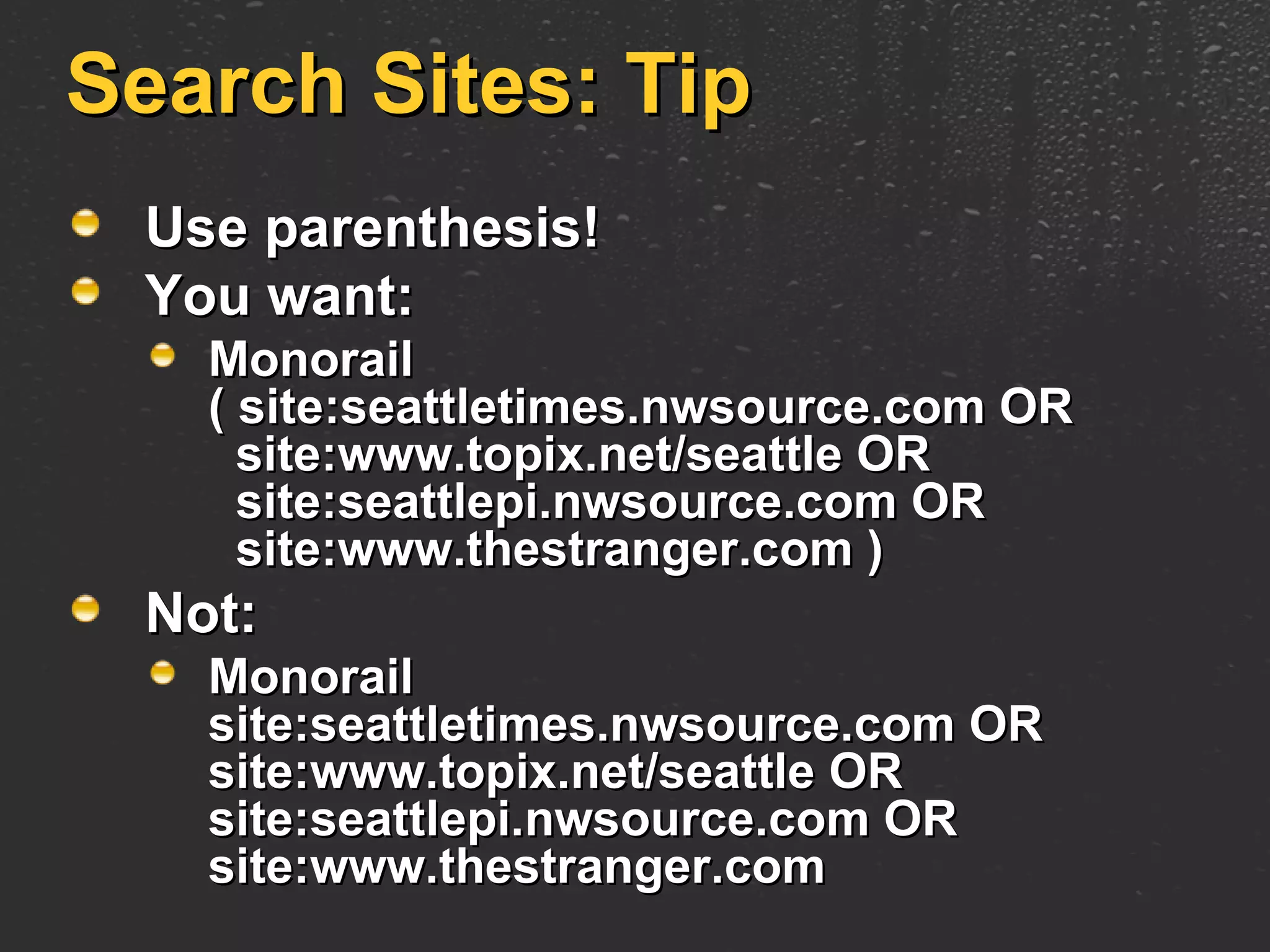
Search Sites: Tip Use parenthesis!  You want: Monorail  ( site:seattletimes.nwsource.com OR   site:www.topix.net/seattle OR   site:seattlepi.nwsource.com OR   site:www.thestranger.com ) Not: Monorail  site:seattletimes.nwsource.com OR site:www.topix.net/seattle OR site:seattlepi.nwsource.com OR site:www.thestranger.com
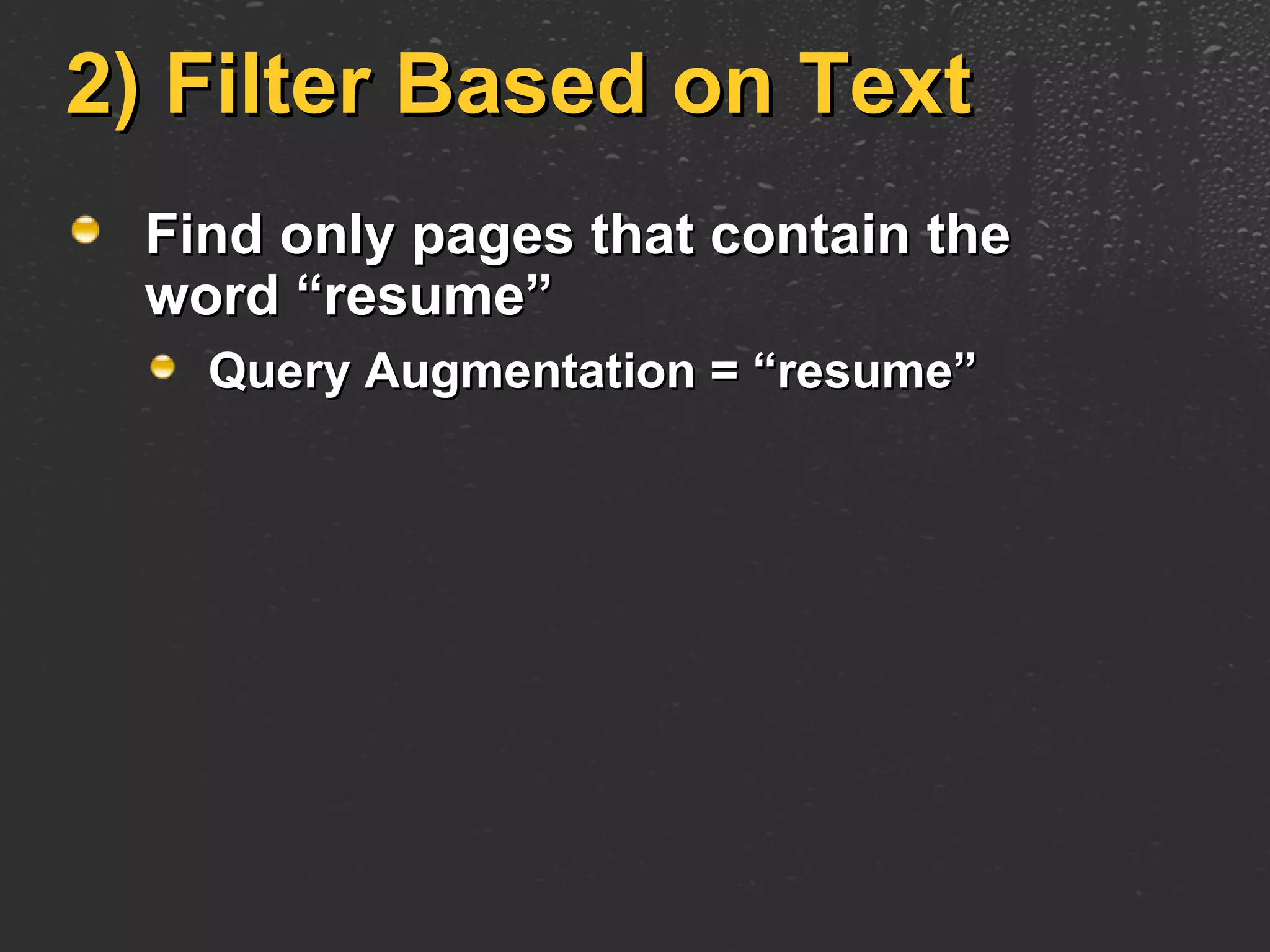
2) Filter Based on Text Find only pages that contain the word “resume” Query Augmentation = “resume”
3) Filter Based On Parts Of Page Find only pages that contain the word “resume” in the title Query Augmentation = “intitle:resume”
3) Filter Based On Parts Of The Page Or other parts of the page: In the URL:  inurl:resume In the page body:  inbody:resume In text of incoming links:  inanchor:resume
3) Filter Based On Parts Of The Page Find only pages that contain the word “resume” in BOTH the Title and URL: (intitle:resume AND inurl:resume)
4) Filter Based On Filetype Find only PDFs filetype:pdf Find only PDFs or PostScript Files (filetype:pdf OR filetype:ps)
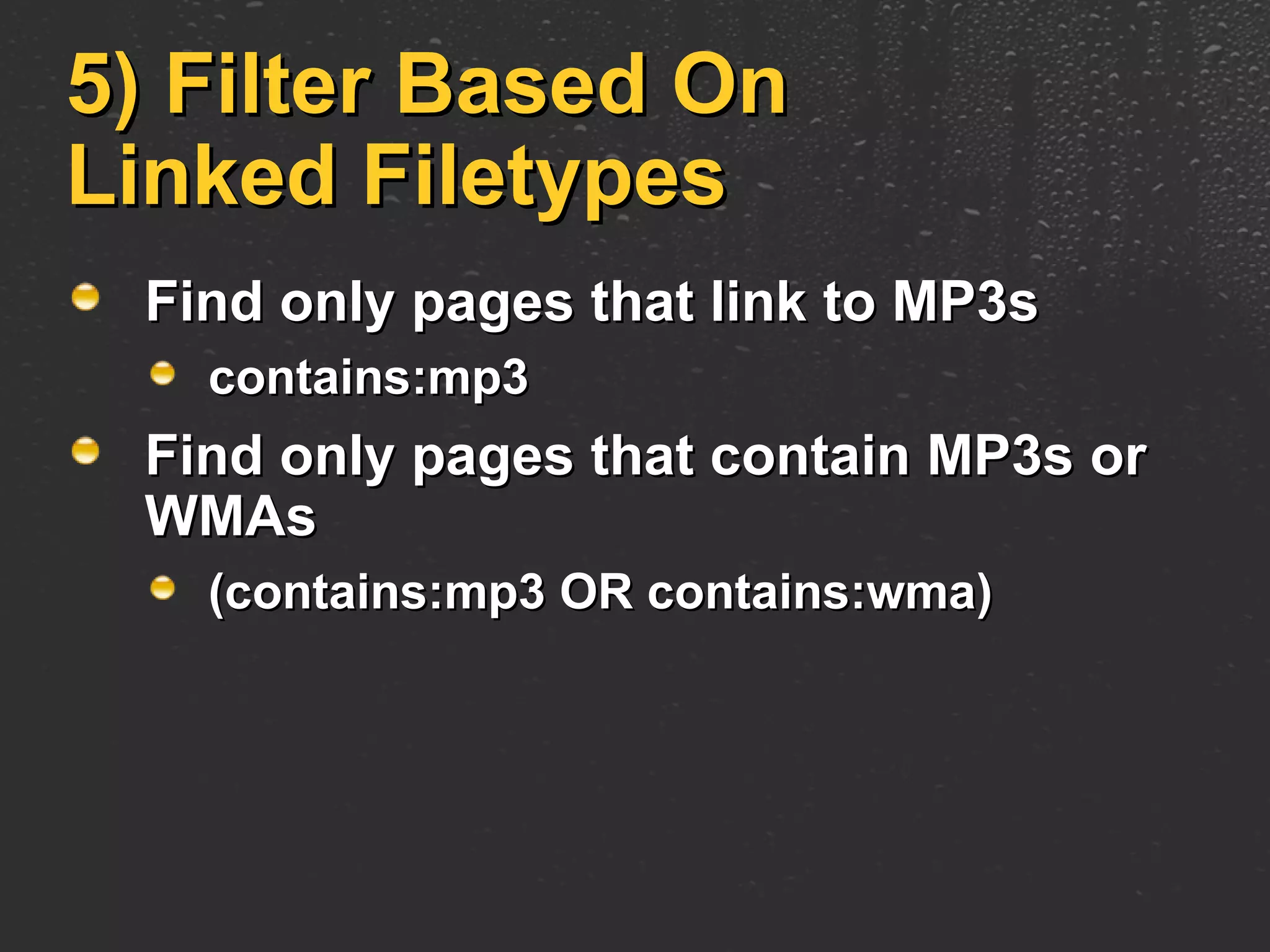
5) Filter Based On Linked Filetypes Find only pages that link to MP3s contains:mp3 Find only pages that contain MP3s or WMAs (contains:mp3 OR contains:wma)
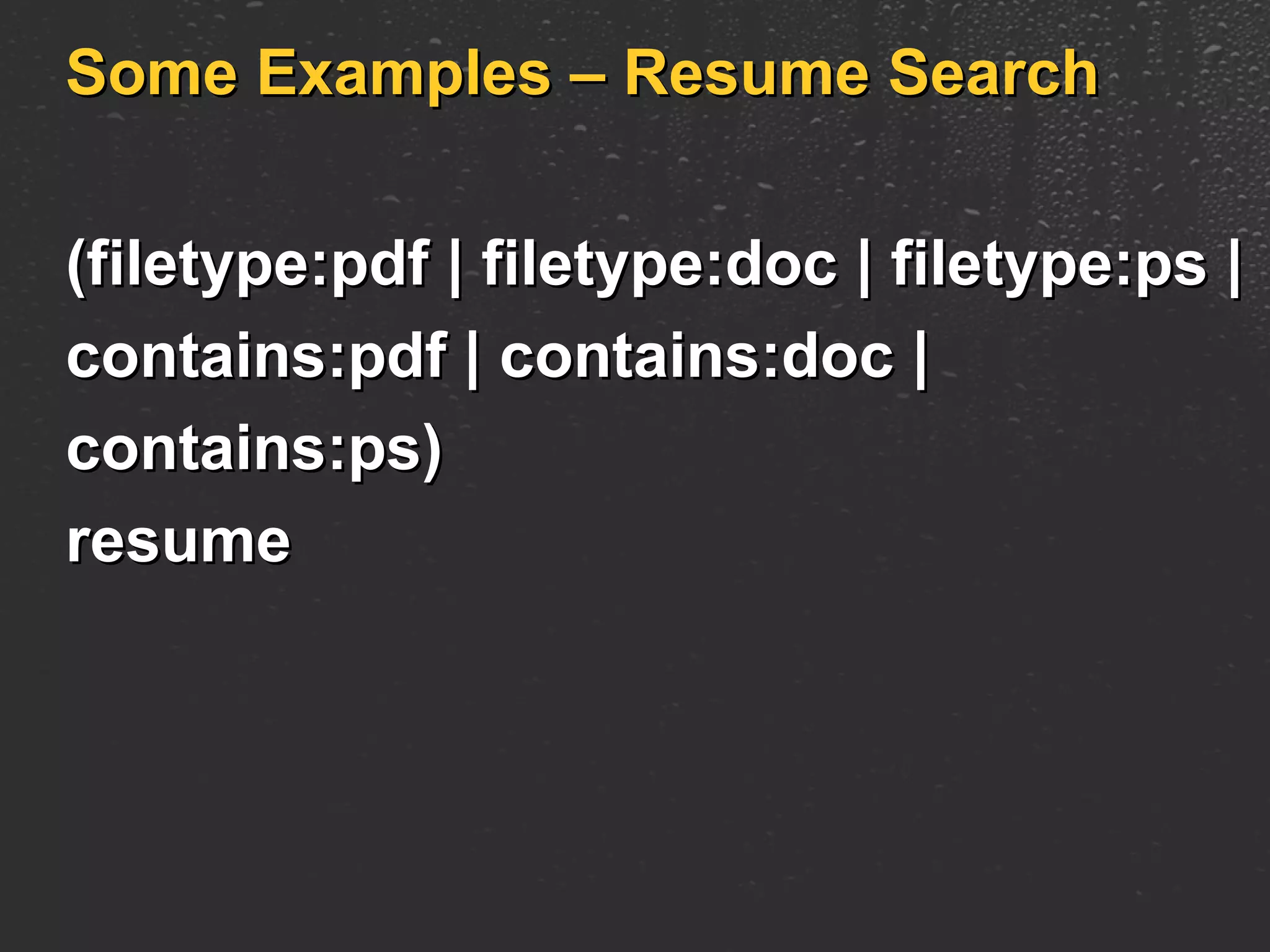
Some Examples – Resume Search (filetype:pdf | filetype:doc | filetype:ps |  contains:pdf | contains:doc |  contains:ps)  resume
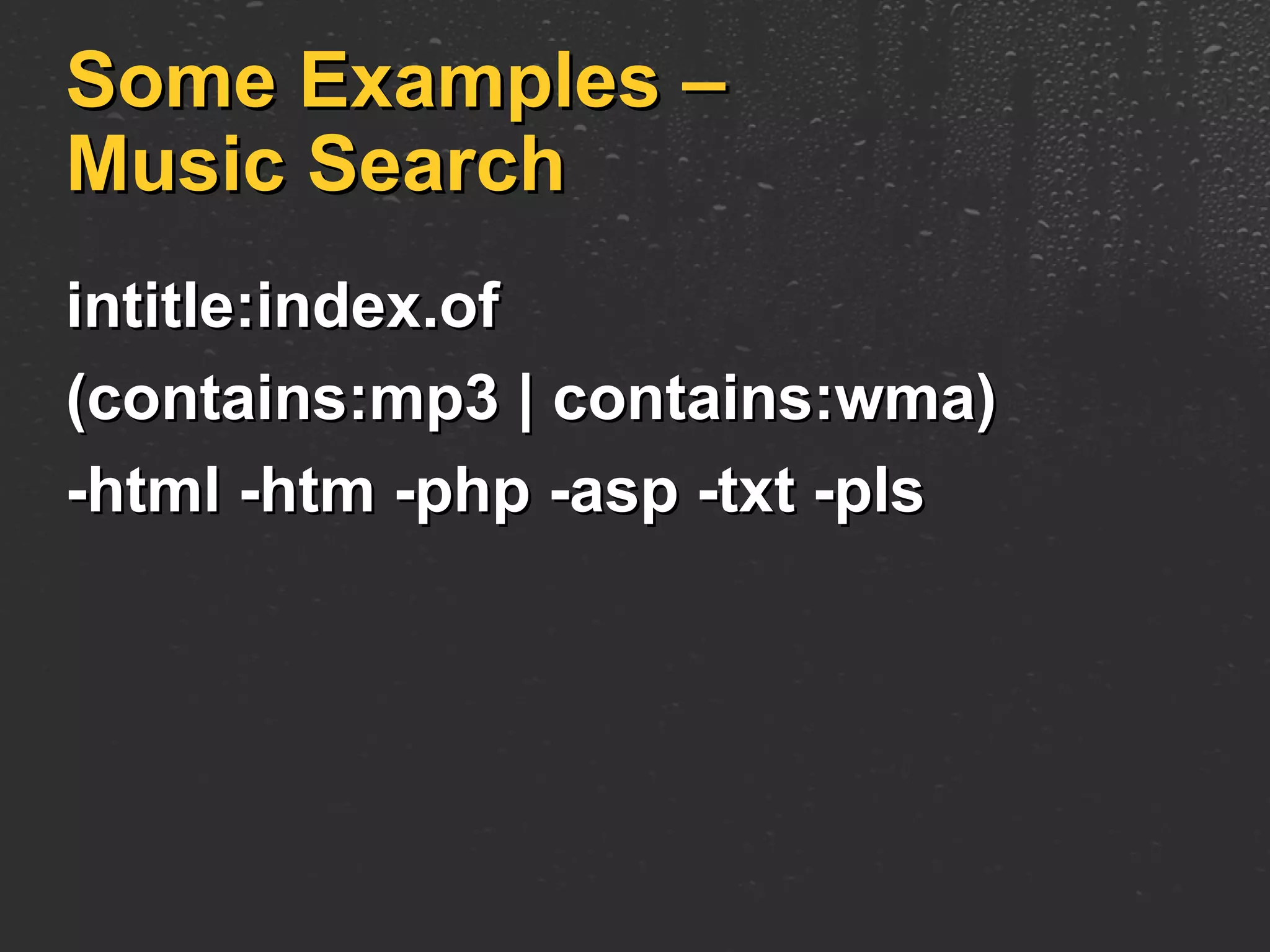
Some Examples – Music Search intitle:index.of  (contains:mp3 | contains:wma)  -html -htm -php -asp -txt -pls
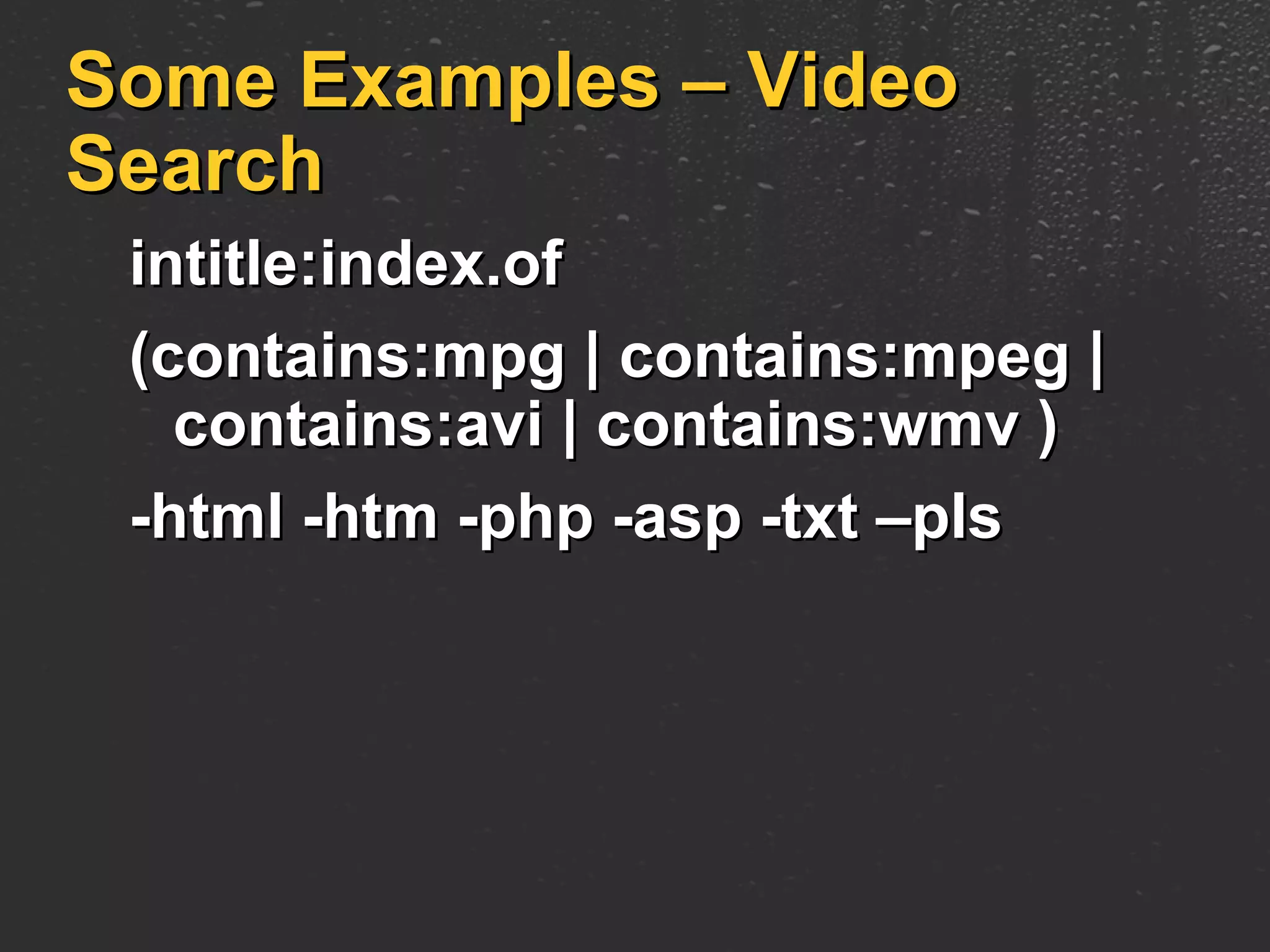
Some Examples – Video Search intitle:index.of  (contains:mpg | contains:mpeg |   contains:avi | contains:wmv ) -html -htm -php -asp -txt –pls
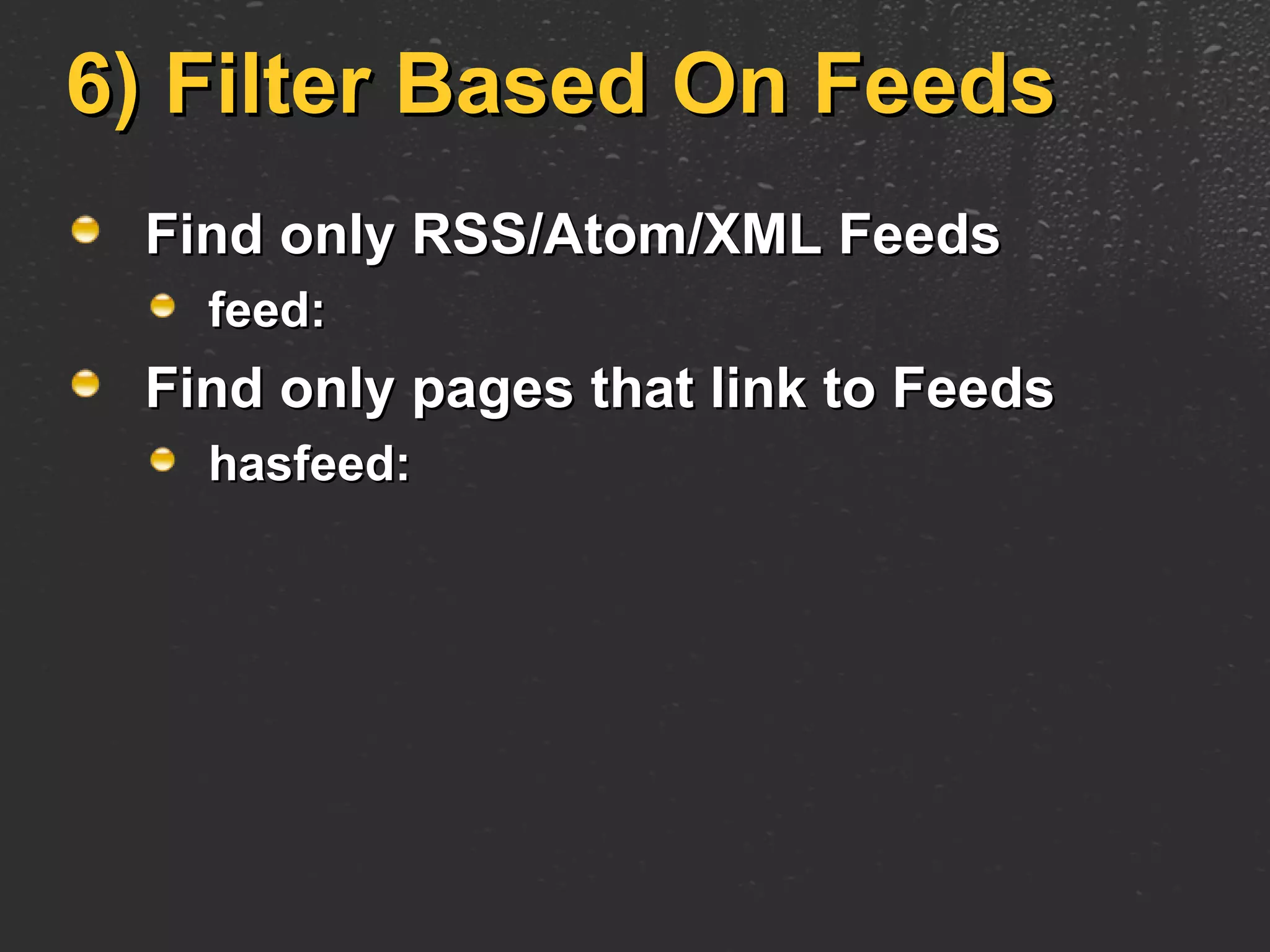
6) Filter Based On Feeds Find only RSS/Atom/XML Feeds feed: Find only pages that link to Feeds hasfeed:
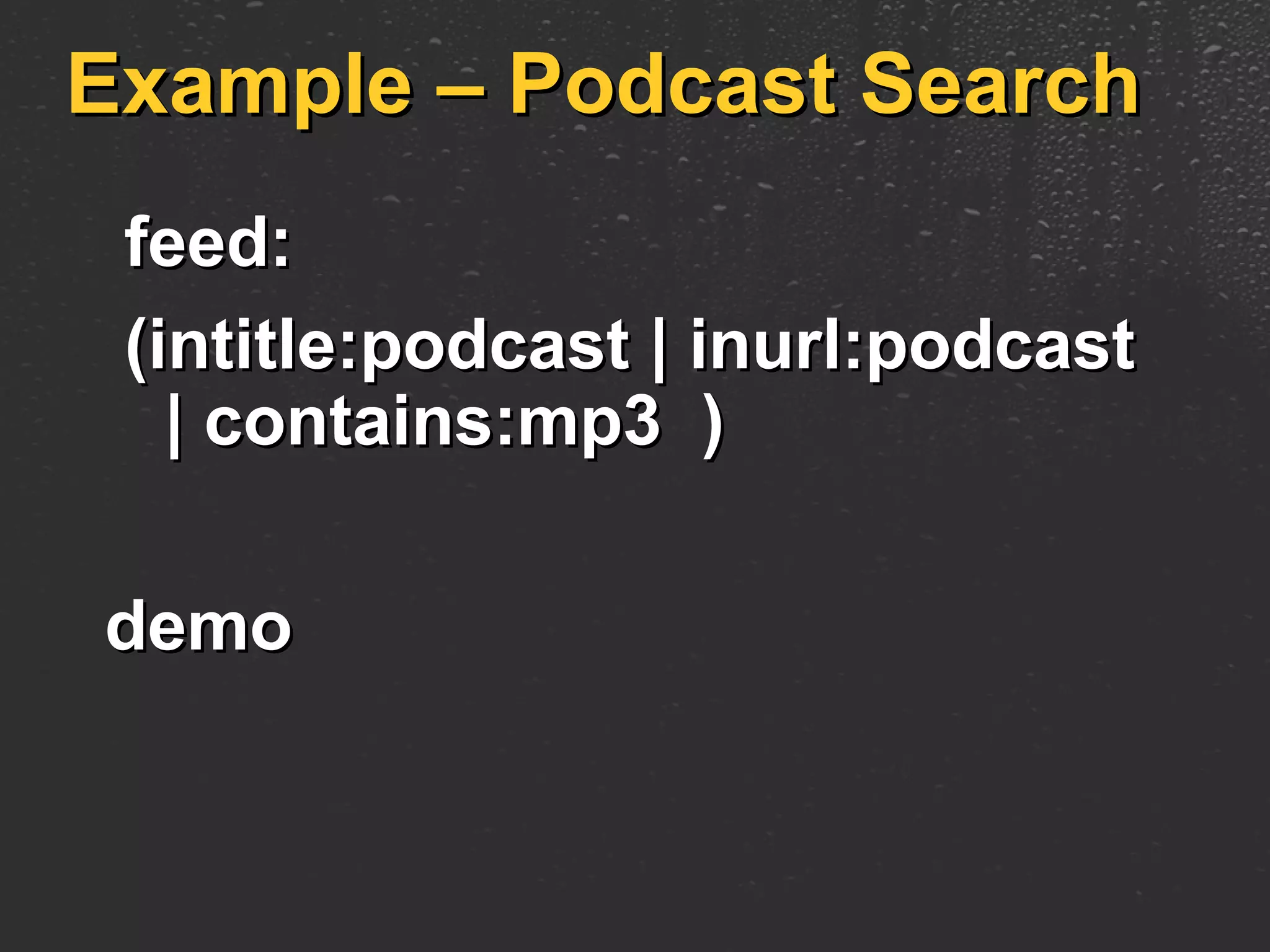
Example – Podcast Search feed:  (intitle:podcast | inurl:podcast   | contains:mp3  ) demo
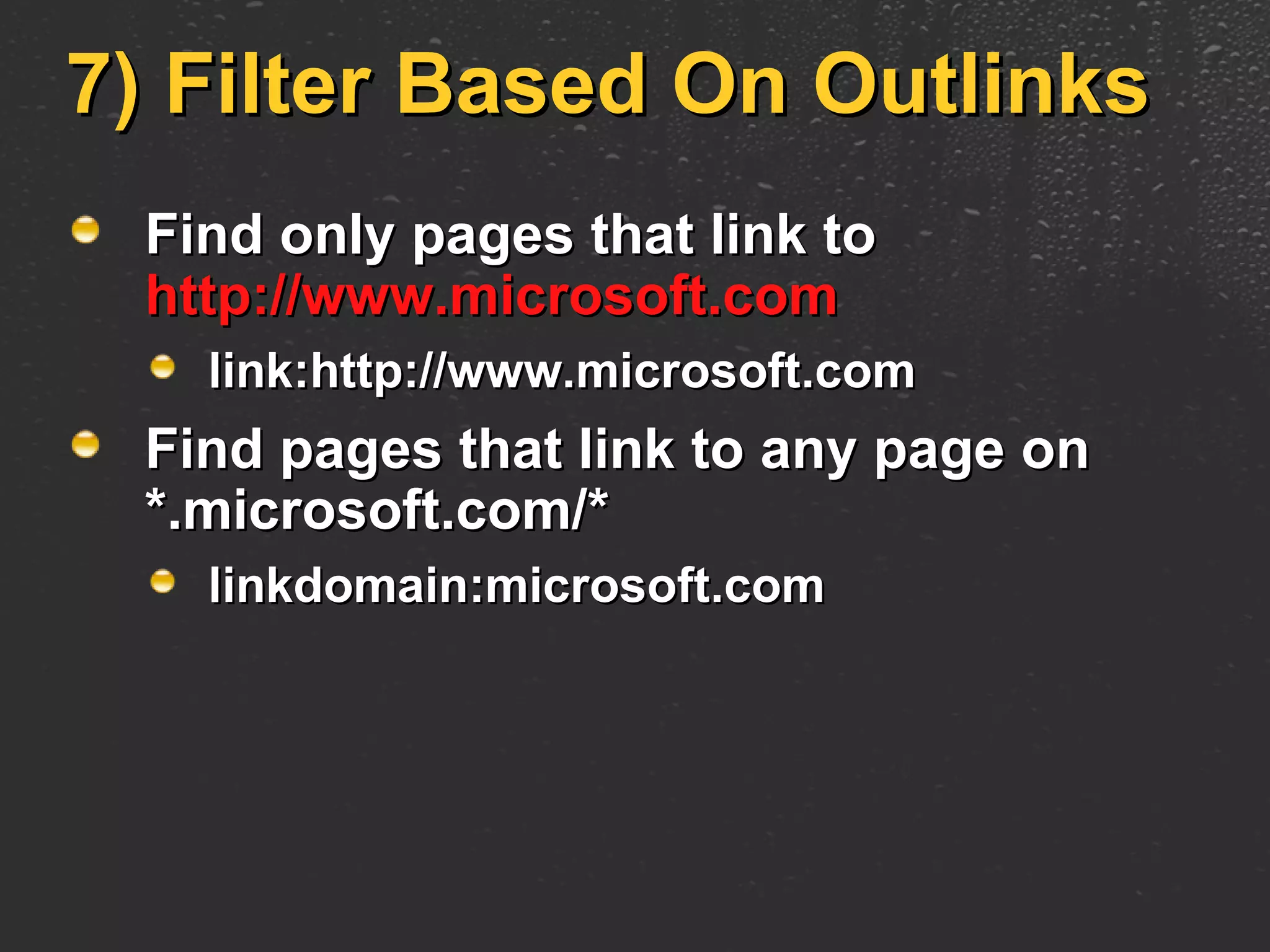
7) Filter Based On Outlinks Find only pages that link to  http://www.microsoft.com link:http://www.microsoft.com Find pages that link to any page on *.microsoft.com/* linkdomain:microsoft.com
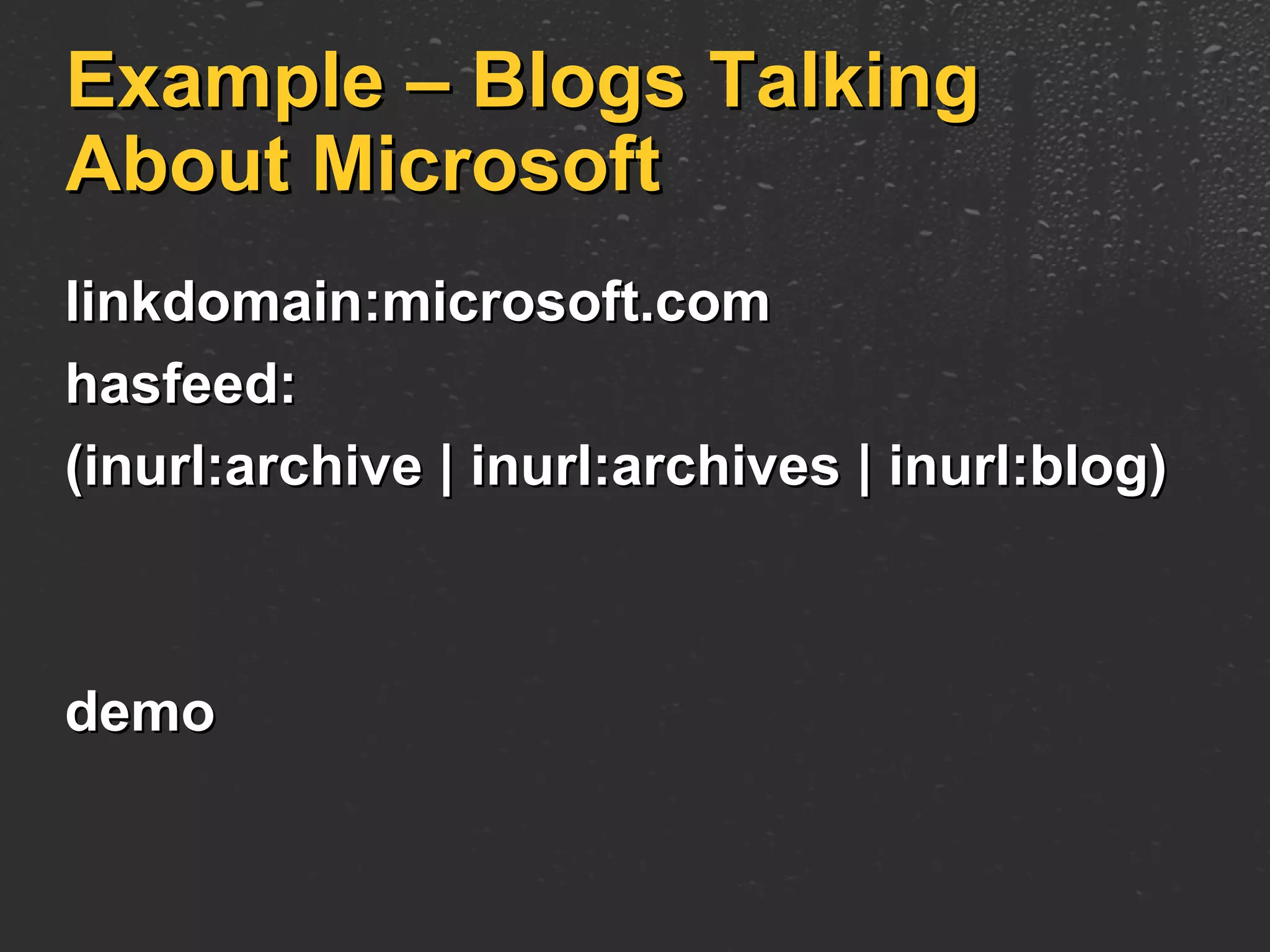
Example – Blogs Talking About Microsoft linkdomain:microsoft.com  hasfeed:  (inurl:archive | inurl:archives | inurl:blog) demo
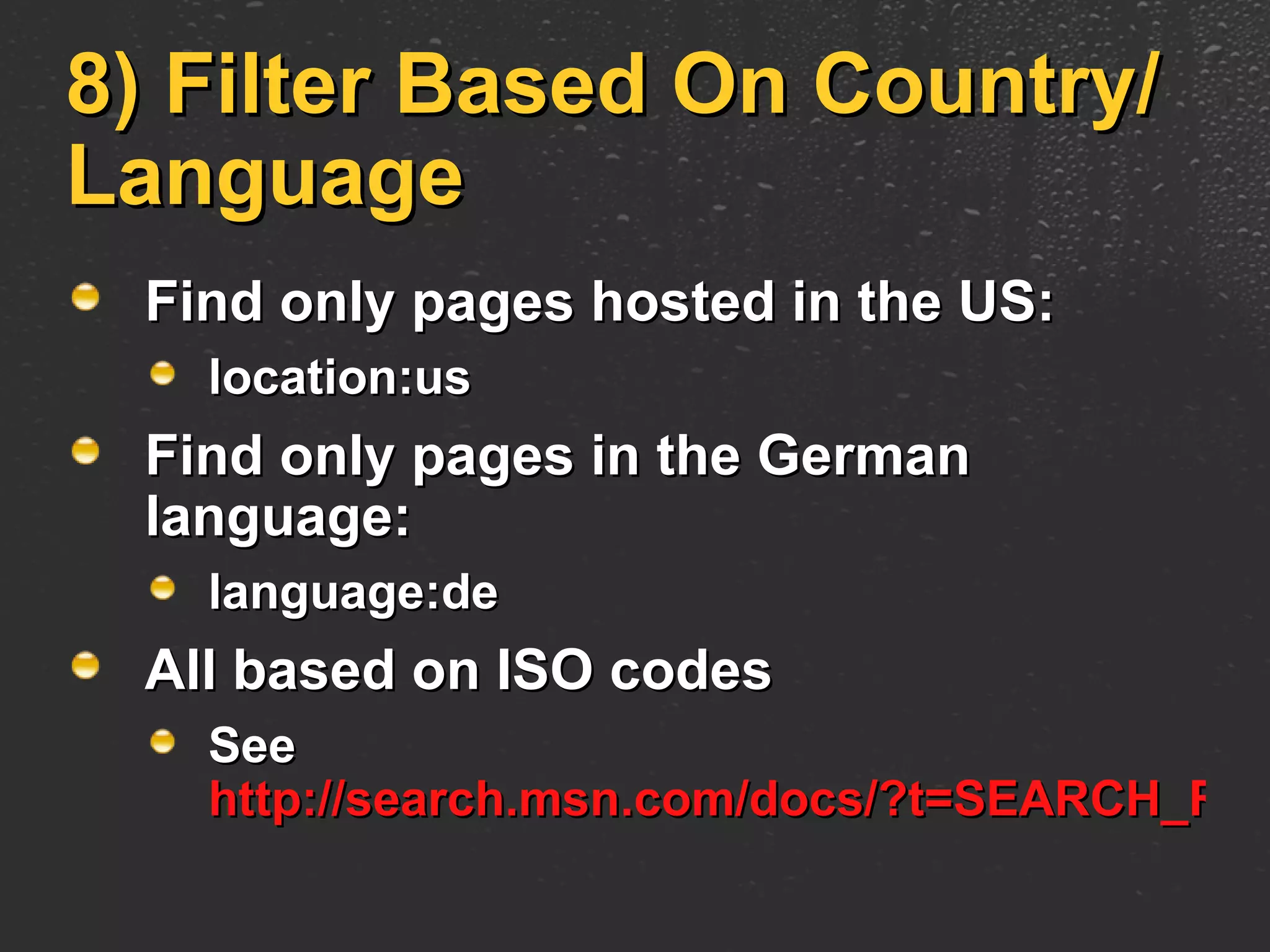
8) Filter Based On Country/Language Find only pages hosted in the US: location:us Find only pages in the German language: language:de All based on ISO codes See  http://search.msn.com/docs/?t=SEARCH_REF_Codes.htm
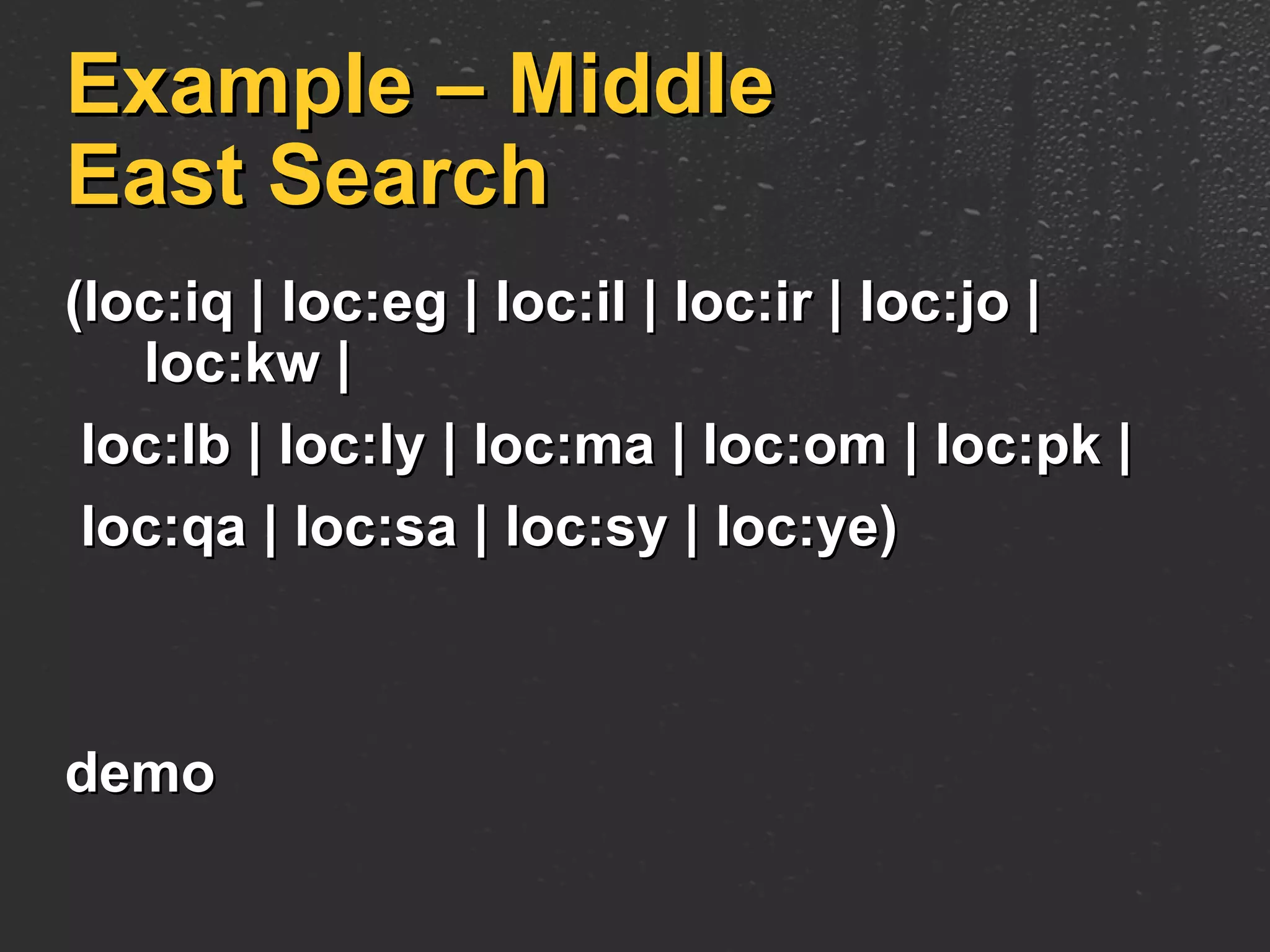
Example – Middle East Search (loc:iq | loc:eg | loc:il | loc:ir | loc:jo | loc:kw | loc:lb | loc:ly | loc:ma | loc:om | loc:pk |  loc:qa | loc:sa | loc:sy | loc:ye)  demo
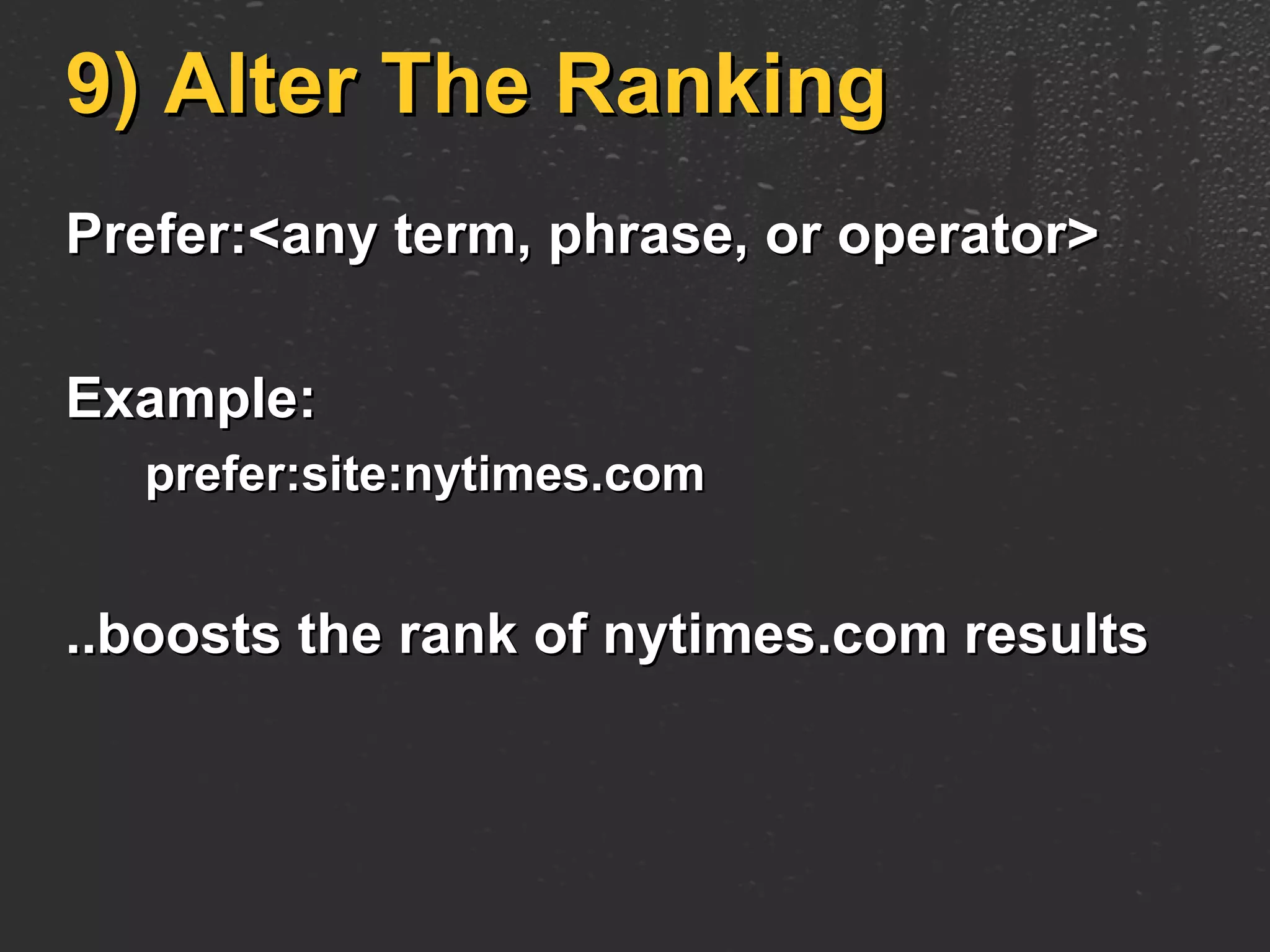
9) Alter The Ranking Prefer:<any term, phrase, or operator> Example: prefer:site:nytimes.com ..boosts the rank of nytimes.com results
Future Directions Ship Macro Creation and Sharing – Next Week More Control! More ways to filter and sort results Control over the user interface Feedback What are people doing with my macro?s More Ways to Use: Results as RSS Search API integration
Future Directions This is just the beginning What do you want to see? Contact:  [email_address]
Discussion [email_address]
© 2006 Microsoft Corporation. All rights reserved. This presentation is for informational purposes only. Microsoft makes no warranties, express or implied, in this summary.

Windows Live Search Macros - Build, Share, and Use Your Own Search Engine in …

  • 1.
    Windows Live Search MacrosRamez Naam Director of Program Management Windows Live Search NGW056
  • 2.
    Outline Windows LiveSearch What is a search macro? What can you do with macros? What’s coming? Q & A
  • 3.
    Windows Live SearchAn integral part of Live.Com Powered by the same engine as MSN Search But with a new, more powerful interface Built on the Atlas framework
  • 4.
    Windows Live SearchDemo Web Search Feeds Images
  • 5.
    Windows Live Search MacrosA Macro is: A custom search engine Defined by you or someone else Shareable with others Available as a tab in Live Search Demo
  • 6.
    Creating And Sharing MacrosToday: A few predefined macros at microsoftgadgets.com Next Week: Authoring UI to create and share new macros Search of microsoftgadgets.com
  • 7.
    How Macros WorkMacro defines: A Scope Currently Web or News Other scopes (Images, etc..) coming soon A “Query Augmentation” String that gets added to every query that uses the macro
  • 8.
    A Simple MacroExample “ Search Microsoft.com” Macro Scope = Web Definition = “site:microsoft.com” Name = livesearch.microsoft What happens to a query? User types “windows vista drivers” User clicks “livesearch.microsoft” macro in the UI Query is expanded into: Windows Vista drivers site:Microsoft.com
  • 9.
    What Can YouDo With Macros?
  • 10.
    1) Search SitesSpecify list of sites to search, separated by ORs (or “|” character) Up to 10s of sites (tell us if you want more!) Example: Seattle News macro: ( site:seattletimes.nwsource.com | site:www.topix.net/seattle | site:seattlepi.nwsource.com | site:www.thestranger.com )
  • 11.
    Search Sites: TipUse parenthesis! You want: Monorail ( site:seattletimes.nwsource.com OR site:www.topix.net/seattle OR site:seattlepi.nwsource.com OR site:www.thestranger.com ) Not: Monorail site:seattletimes.nwsource.com OR site:www.topix.net/seattle OR site:seattlepi.nwsource.com OR site:www.thestranger.com
  • 12.
    2) Filter Basedon Text Find only pages that contain the word “resume” Query Augmentation = “resume”
  • 13.
    3) Filter BasedOn Parts Of Page Find only pages that contain the word “resume” in the title Query Augmentation = “intitle:resume”
  • 14.
    3) Filter BasedOn Parts Of The Page Or other parts of the page: In the URL: inurl:resume In the page body: inbody:resume In text of incoming links: inanchor:resume
  • 15.
    3) Filter BasedOn Parts Of The Page Find only pages that contain the word “resume” in BOTH the Title and URL: (intitle:resume AND inurl:resume)
  • 16.
    4) Filter BasedOn Filetype Find only PDFs filetype:pdf Find only PDFs or PostScript Files (filetype:pdf OR filetype:ps)
  • 17.
    5) Filter BasedOn Linked Filetypes Find only pages that link to MP3s contains:mp3 Find only pages that contain MP3s or WMAs (contains:mp3 OR contains:wma)
  • 18.
    Some Examples –Resume Search (filetype:pdf | filetype:doc | filetype:ps | contains:pdf | contains:doc | contains:ps) resume
  • 19.
    Some Examples –Music Search intitle:index.of (contains:mp3 | contains:wma) -html -htm -php -asp -txt -pls
  • 20.
    Some Examples –Video Search intitle:index.of (contains:mpg | contains:mpeg | contains:avi | contains:wmv ) -html -htm -php -asp -txt –pls
  • 21.
    6) Filter BasedOn Feeds Find only RSS/Atom/XML Feeds feed: Find only pages that link to Feeds hasfeed:
  • 22.
    Example – PodcastSearch feed: (intitle:podcast | inurl:podcast | contains:mp3 ) demo
  • 23.
    7) Filter BasedOn Outlinks Find only pages that link to http://www.microsoft.com link:http://www.microsoft.com Find pages that link to any page on *.microsoft.com/* linkdomain:microsoft.com
  • 24.
    Example – BlogsTalking About Microsoft linkdomain:microsoft.com hasfeed: (inurl:archive | inurl:archives | inurl:blog) demo
  • 25.
    8) Filter BasedOn Country/Language Find only pages hosted in the US: location:us Find only pages in the German language: language:de All based on ISO codes See http://search.msn.com/docs/?t=SEARCH_REF_Codes.htm
  • 26.
    Example – MiddleEast Search (loc:iq | loc:eg | loc:il | loc:ir | loc:jo | loc:kw | loc:lb | loc:ly | loc:ma | loc:om | loc:pk | loc:qa | loc:sa | loc:sy | loc:ye) demo
  • 27.
    9) Alter TheRanking Prefer:<any term, phrase, or operator> Example: prefer:site:nytimes.com ..boosts the rank of nytimes.com results
  • 28.
    Future Directions ShipMacro Creation and Sharing – Next Week More Control! More ways to filter and sort results Control over the user interface Feedback What are people doing with my macro?s More Ways to Use: Results as RSS Search API integration
  • 29.
    Future Directions Thisis just the beginning What do you want to see? Contact: [email_address]
  • 30.
  • 31.
    © 2006 MicrosoftCorporation. All rights reserved. This presentation is for informational purposes only. Microsoft makes no warranties, express or implied, in this summary.