







Who needs Yammer when there is
SharePoint?
#SPSBE34
Martina Grom, Toni Pohl
April 26th, 2014
Thanks to our sponsors!
Gold
Silver
About us
Knowledge
increases by
sharing.
So, pass it on!
Knowledge
increases by
sharing.
So, pass it on!
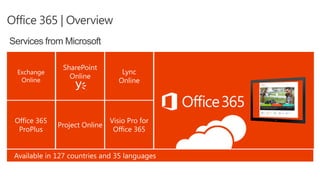
Office 365 | Overview
Services from Microsoft
Dream…
#worklikeanetwork
Reality
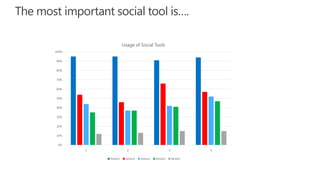
The most important social tool is….
0%
10%
20%
30%
40%
50%
60%
70%
80%
90%
100%
1 2 3 4
Usage of Social Tools
Series1 Series2 Series3 Series4 Series5
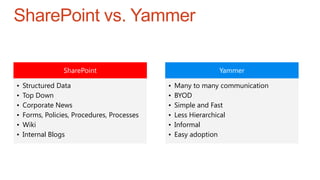
SharePoint vs. Yammer
SharePoint
• Structured Data
• Top Down
• Corporate News
• Forms, Policies, Procedures, Processes
• Wiki
• Internal Blogs
Yammer
• Many to many communication
• BYOD
• Simple and Fast
• Less Hierarchical
• Informal
• Easy adoption
How most SharePoint Projects look
like
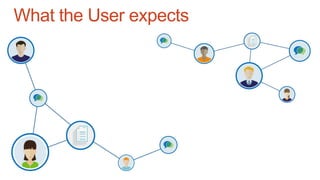
What the User expects
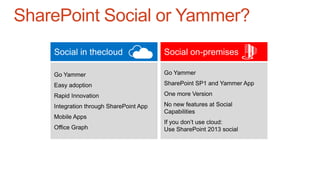
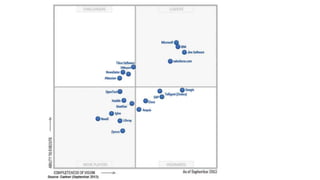
SharePoint Social or Yammer?
Social in thecloud Social on-premises
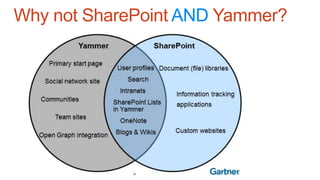
Why not SharePoint AND Yammer?
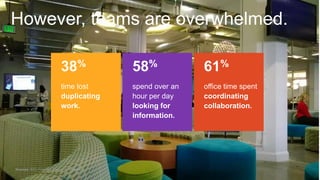
However, teams are overwhelmed.
38%
time lost
duplicating
work.
58%
spend over an
hour per day
looking for
information.
61%
office time spent
coordinating
collaboration.
Sources: IDC; Forrester Research; McKinsey.
http://www.youtube.com/watch?v=QIqA_YKeboc
Practical Examples & Demo
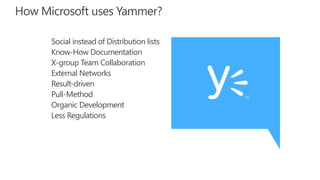
How Microsoft uses Yammer?
Social instead of Distribution lists
Know-How Documentation
X-group Team Collaboration
External Networks
Result-driven
Pull-Method
Organic Development
Less Regulations
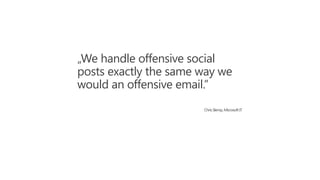
„We handle offensive social
posts exactly the same way we
would an offensive email.”
ChrisSlemp, Microsoft IT
Tipps and Best Practices
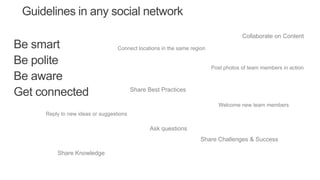
Be smart
Be polite
Be aware
Get connected
Guidelines in any social network
Reply to new ideas or suggestions
Collaborate on Content
Share Best Practices
Connect locations in the same region
Ask questions
Welcome new team members
Share Challenges & Success
Post photos of team members in action
Share Knowledge
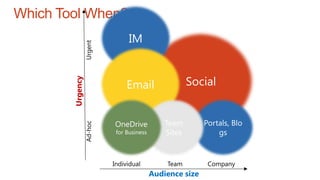
Which Tool When?
Audience size
Urgency
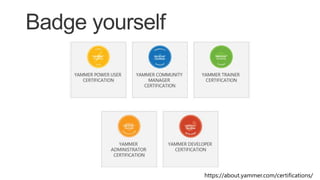
Listen and Learn
https://about.yammer.com/certifications/
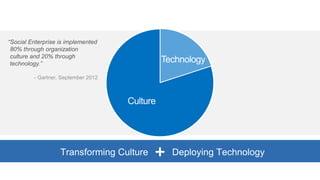
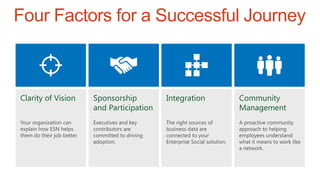
Four Factors for a Successful Journey
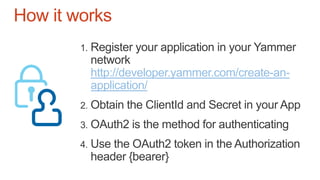
http://developer.yammer.com/create-an-
application/
How it works
A. https://www.yammer.com/dialog/oauth?client_id=[:clie
nt_id]&redirect_uri=[:redirect_uri]&state=[:selfgenerate
dtoken]
B. App Authorization – User Interactions (assuming
Allow)
http://[:redirect_uri]?code=[:code]
C. https://www.yammer.com/oauth2/access_token.json?
client_id=[:client_id]&client_secret=[:client_secret]&co
de=[:code]
OAuth2 flow
a) User
Authentication
b) App
Authorization
c) App
Authentication
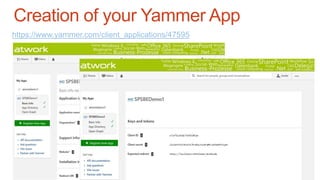
Creation of your Yammer App
https://www.yammer.com/client_applications/47595
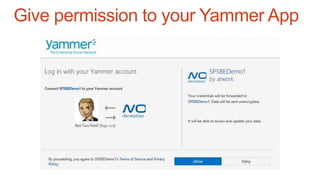
Give permission to your Yammer App
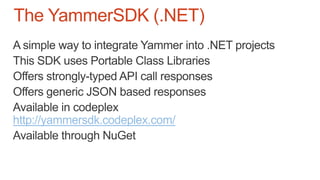
http://yammersdk.codeplex.com/
The YammerSDK (.NET)
The Yammer App Directory
http://developer.yammer.com/mobile/#winphone-sdk
http://developer.yammer.com/mobile/#win8-sdk
http://yammercontractmeow.codeplex.com/
http://yammersdk.codeplex.com/
Yammer .NET SDK References
Thank you!

Who needs Yammer when there is SharePoint?