Welcome to Learning ResourcesHilary Cummings & Samantha Halford
Before we startEvacuation procedure – if fire alarm sounds or a member of staff asks you to leave, go quickly to the nearest fire exit.  Take note of where these are in buildingToilets are located on each floor at the far end of the wingsDo not leave your belongings unattendedKeep your passwords safe; remember to log out; save work regularly and make copies
Providing information and support  for your teaching and learningLearning Resources provides:Computers and specialist software - bookableBooks, journals and databasesEquipment loan, e.g. camerasA variety of spaces to study – some bookableAdvice from experts			Librarians and technical support 			Study skills & dyslexia support
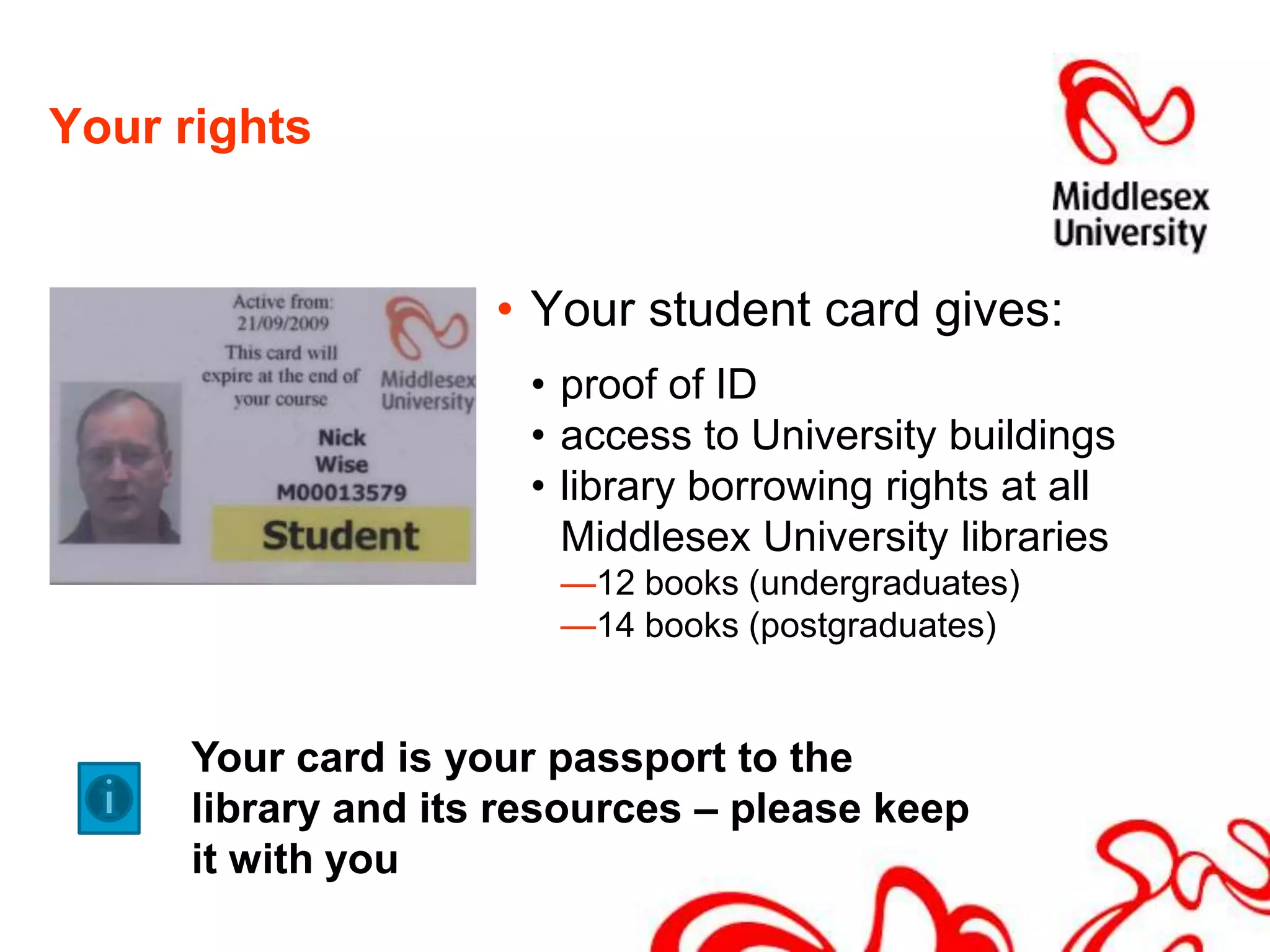
Your rightsYour student card gives:proof of ID access to University buildings library borrowing rights at all Middlesex University libraries12 books (undergraduates) 14 books (postgraduates)Your card is your passport to the library and its resources – please keep it with you
Your responsibilitiesTo respect other library users To observe the quiet and silent study areasTo switch your mobile phone to silent & move to phone zones to make and take callsTo respect the staff and each otherTo respect the building and the equipment by observing the rules concerning food and drink.  Only bottled water may be consumed in the building
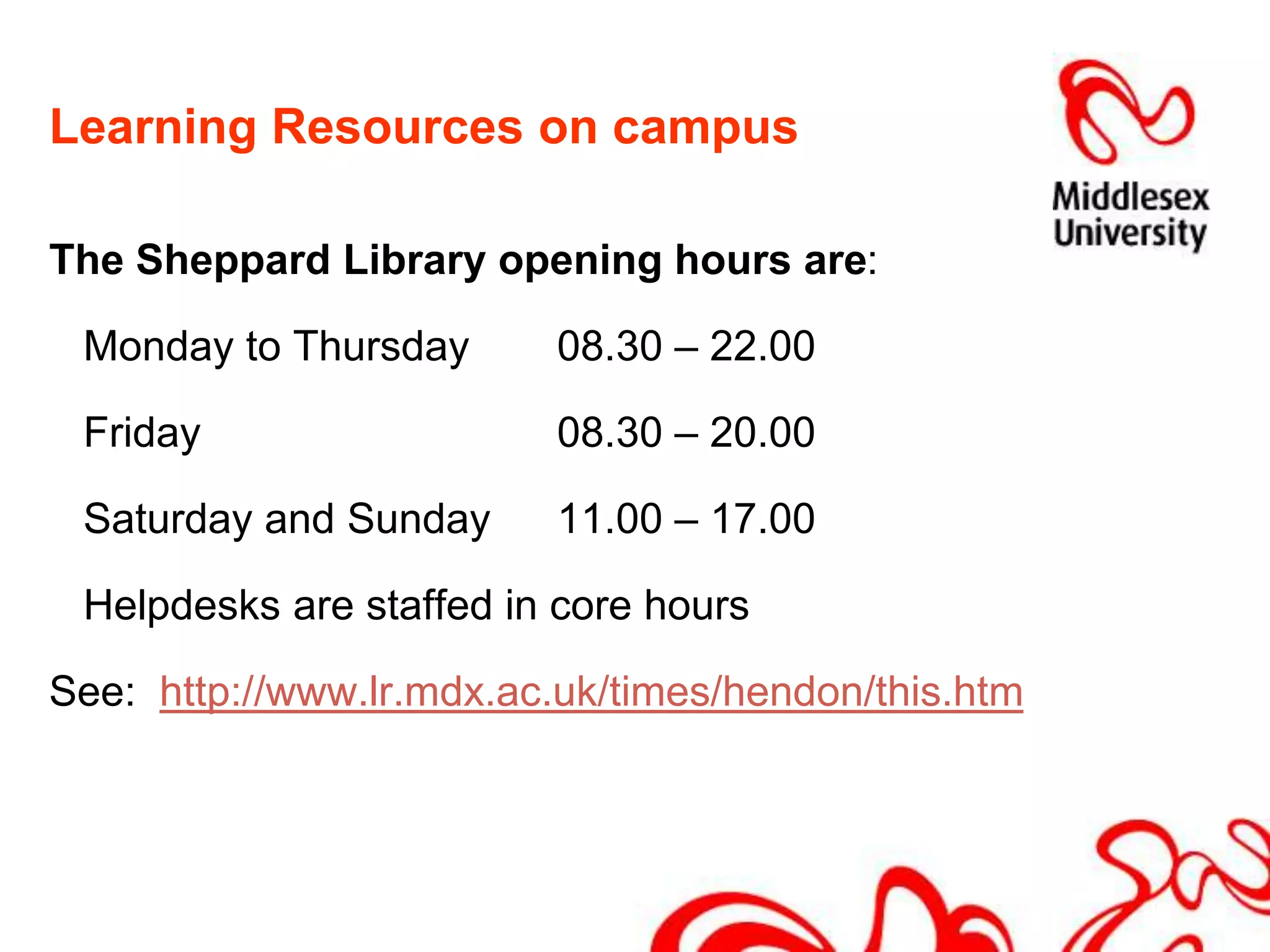
Learning Resources on campusThe Sheppard Library opening hours are: 	Monday to Thursday 	08.30 – 22.00	Friday			08.30 – 20.00	Saturday and Sunday	11.00 – 17.00	Helpdesks are staffed in core hoursSee:  http://www.lr.mdx.ac.uk/times/hendon/this.htm
IT and Audio VisualComputers on every floor of the Sheppard LibraryApple MACs and scanners in the basement of the buildingWi-fi : the Sheppard Library, Forum and Ricketts Quad are all wi-fi enabledComputers in classrooms across the campusSpecialist help from the AV and IT team at the Enquiry Desk on the ground floor
Library resources500,000 books and e-books across the University’s libraries160,000 books in Sheppard Library, covering business, computing, health, law and social sciences .  40,000 journals. Most are available online – print journals are available on the ground floorOnline databases to access journal information, conference proceedings, financial and economic data.All library resources listed on library catalogue: http://library.mdx.ac.uk
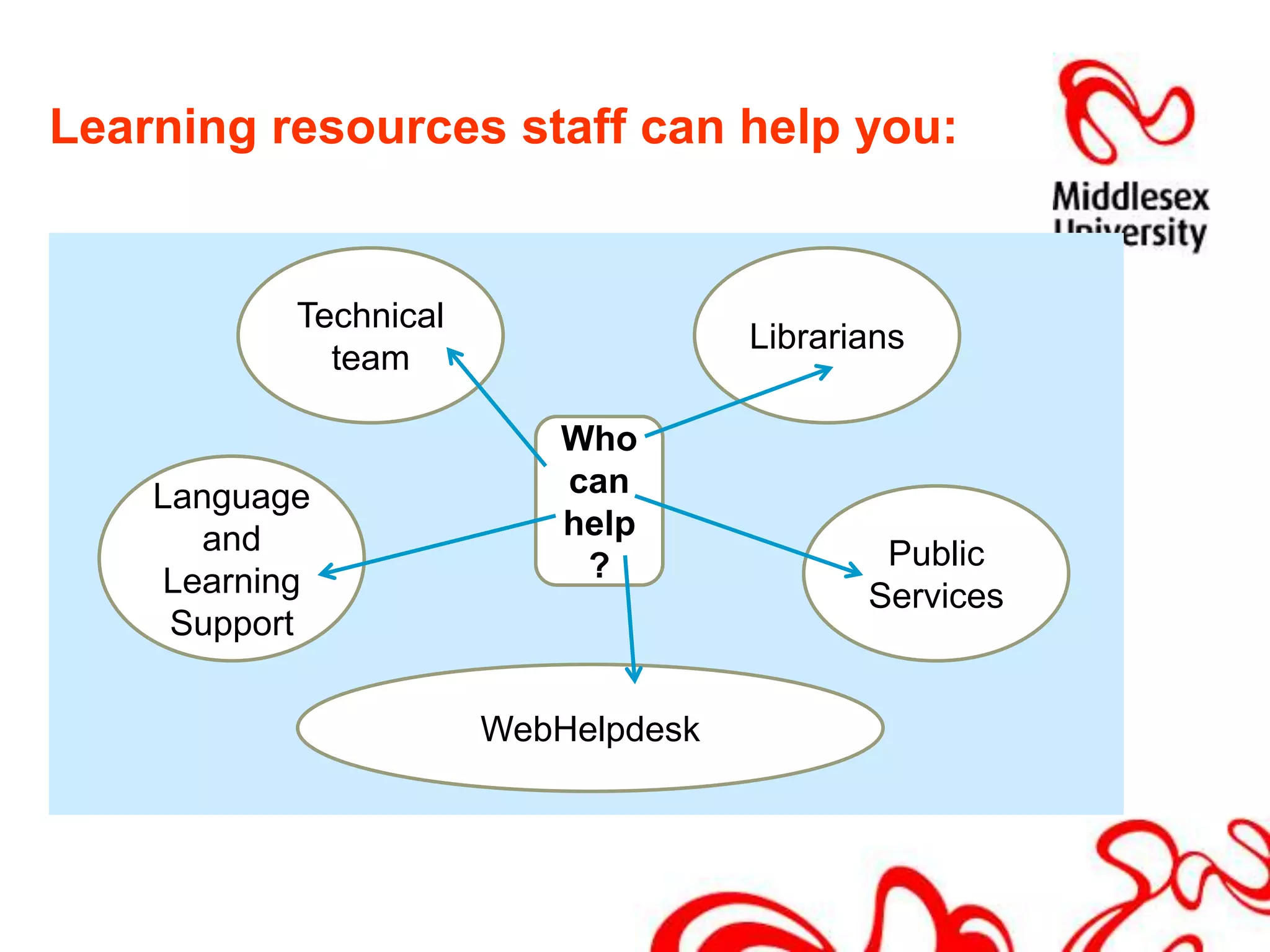
Learning resources staff can help you:Technical teamLibrariansWho can help?Language and Learning SupportPublic ServicesWebHelpdesk
LibrariansEnquiry Desk, email support and one-to-one appointments with specialist Librarians.Subject pages online to help you find what you need for your studies http://libguides.mdx.ac.ukIT adviceIT advisors are available at the enquiry desk in core hours offering to meet students’ academic IT needs (computing accounts , network, printing, wireless services and software support)
English Language and Learning Support (ELLS) Located in the Williams buildingGuidance on academic writing and English language developmentFor everyone:students who are doing well and students who want to do betterhome students and international studentsELLS also includes: Numeracy Support numeracy@mdx.ac.ukDyslexia Support dystutor@mdx.ac.uk
What does ELLS offer?30-minute individual tutorials - free and confidential. Book at the Language Centre reception desk (WG47)Workshops  (5 &10-week courses) - free to everybodyRegistration for courses in Week 1,	Room WG05, Mon-Fri, 11:30-3:30 & Tues & Thurs 5:00-6:00Courses begin in Week 2See the full range of courses on our schedule www.lr.mdx.ac.uk/ellsOnline study materials and interactive tutorials on ELLS on OASISplus Online writing courses - free to everybody. For more information email ells@mdx.ac.uk
Where do you start?Computer network		Printing and photocopyingAthensMiddlesex Live emailMISISOasisPlusLibrary Account
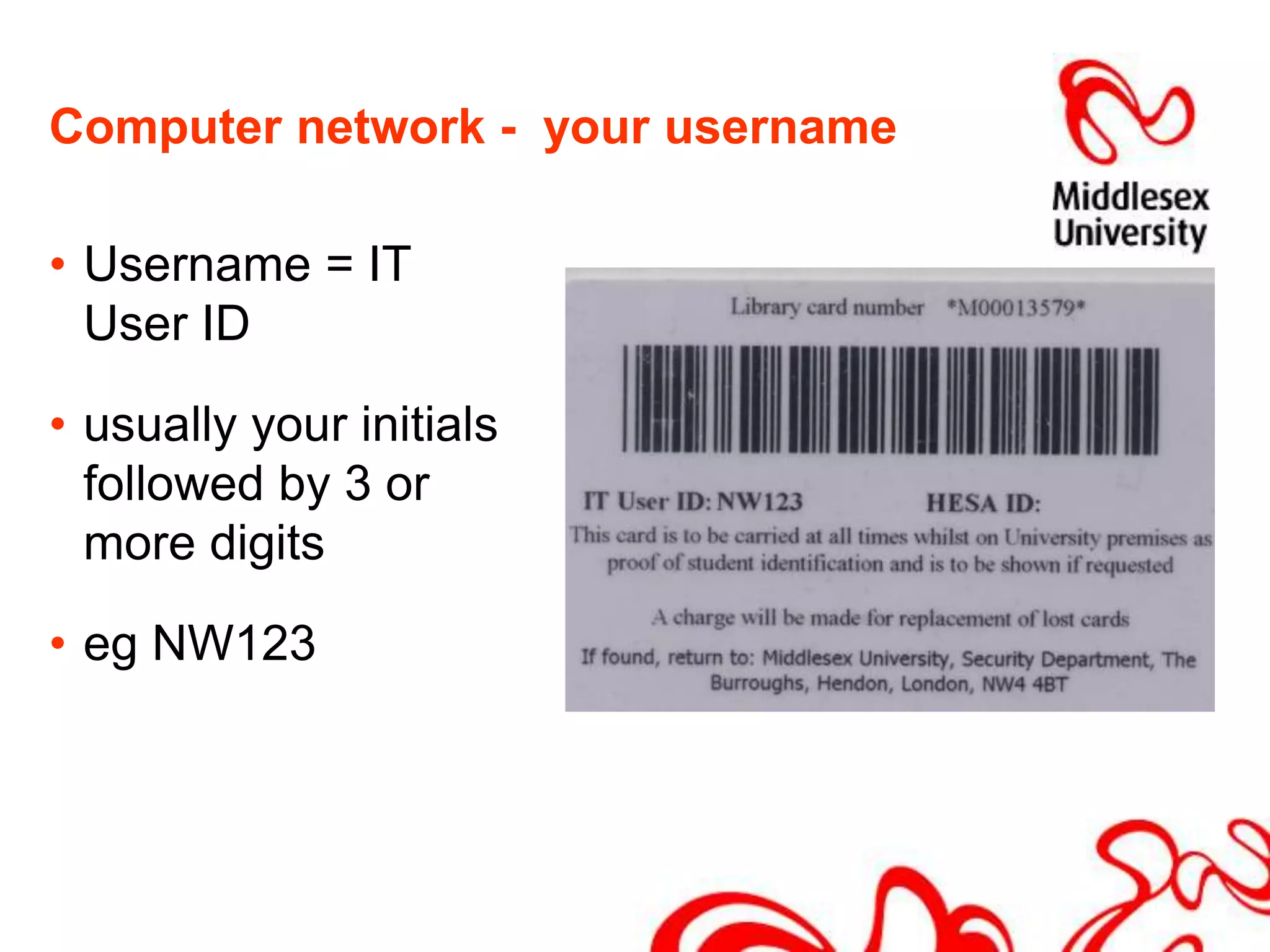
Computer network -  your usernameUsername = IT User ID usually your initials followed by 3 or more digitseg NW123
Password help by textFor an easy password, Text  “Help” to 07624 80 46 35 (Service available 9am-5pm, Mon-Fri)HELP + network + name + student numberFor exampleHELP network Nick Wise M00013579		ORAsk at the Transactions Desk on ground floor
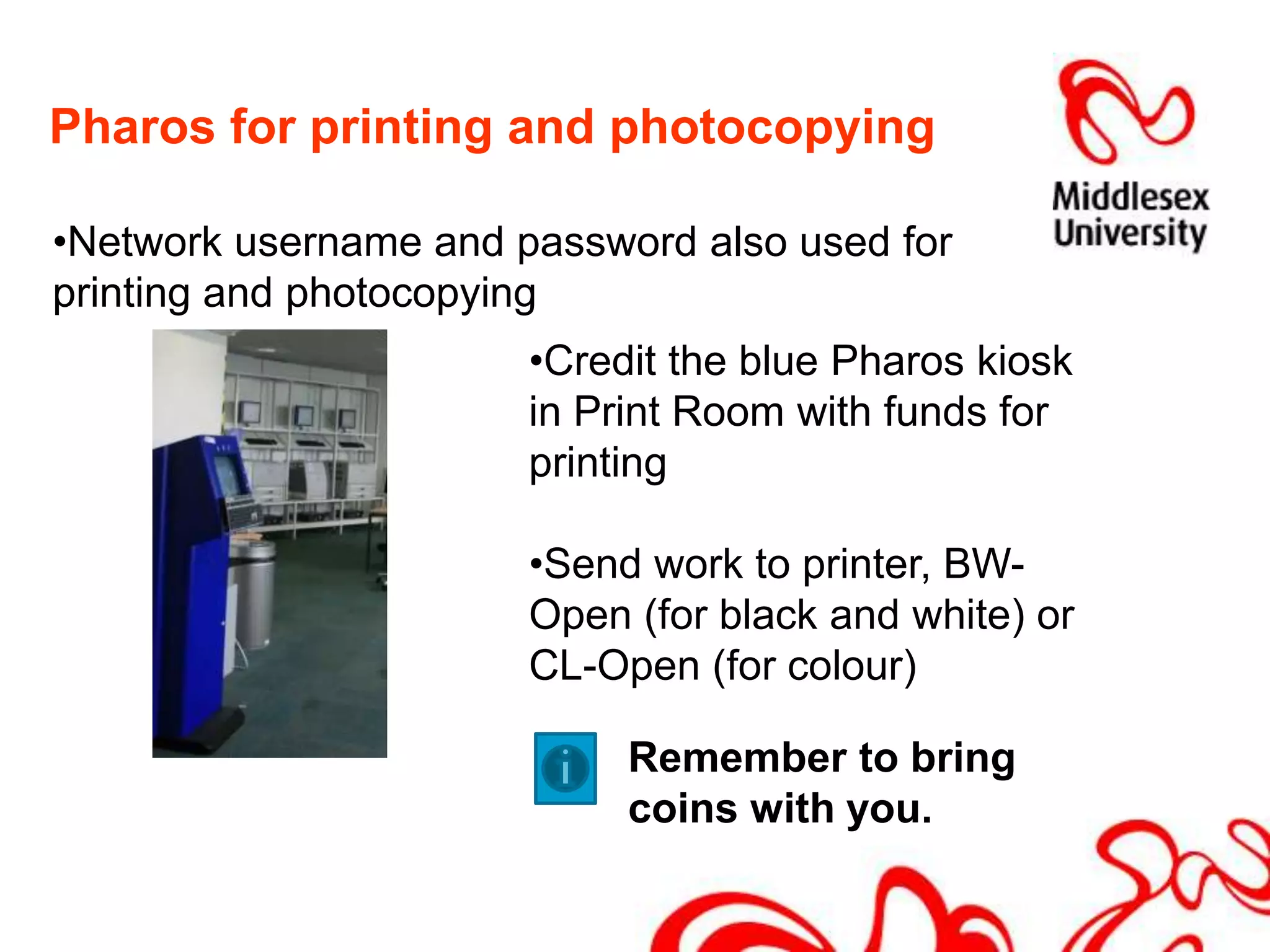
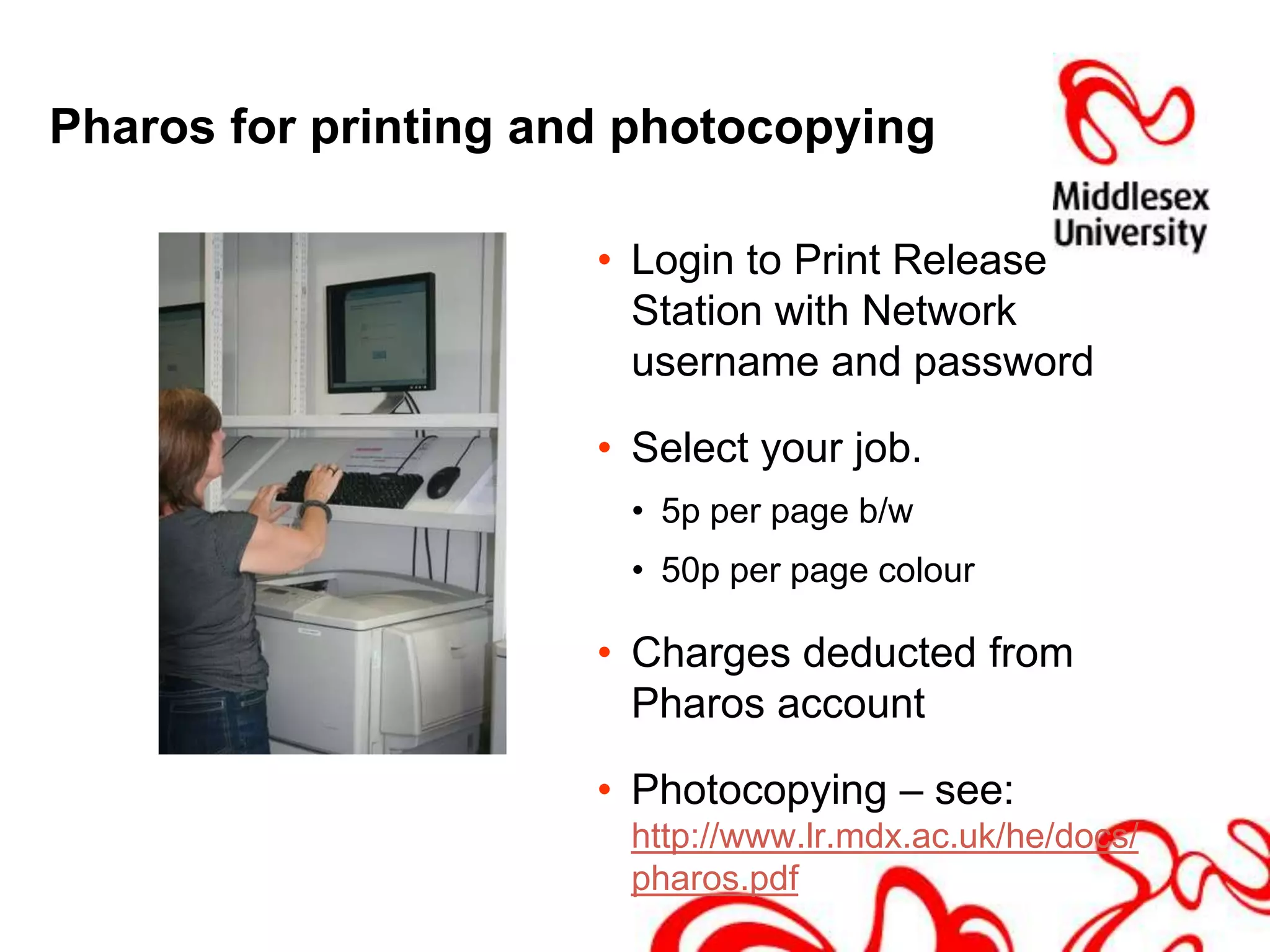
Pharos for printing and photocopyingNetwork username and password also used for    printing and photocopying
Credit the blue Pharos kiosk            in Print Room with funds for printing
Send work to printer, BW-Open (for black and white) or CL-Open (for colour)Remember to bring coins with you.
Pharos for printing and photocopyingLogin to Print Release Station with Network username and passwordSelect your job. 5p per page b/w50p per page colourCharges deducted from Pharos accountPhotocopying – see: http://www.lr.mdx.ac.uk/he/docs/pharos.pdf
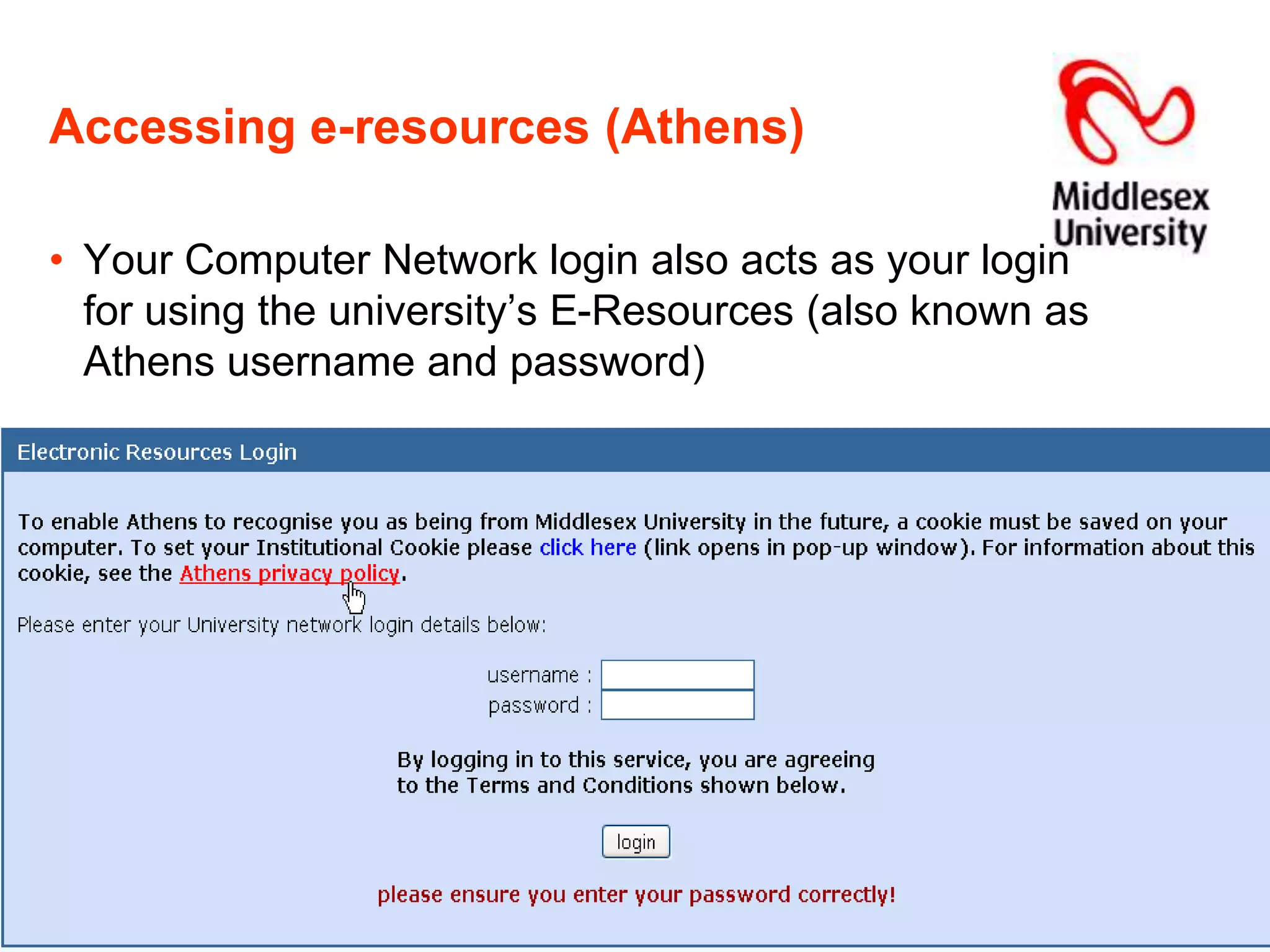
Accessing e-resources (Athens)Your Computer Network login also acts as your login for using the university’s E-Resources (also known as Athens username and password)
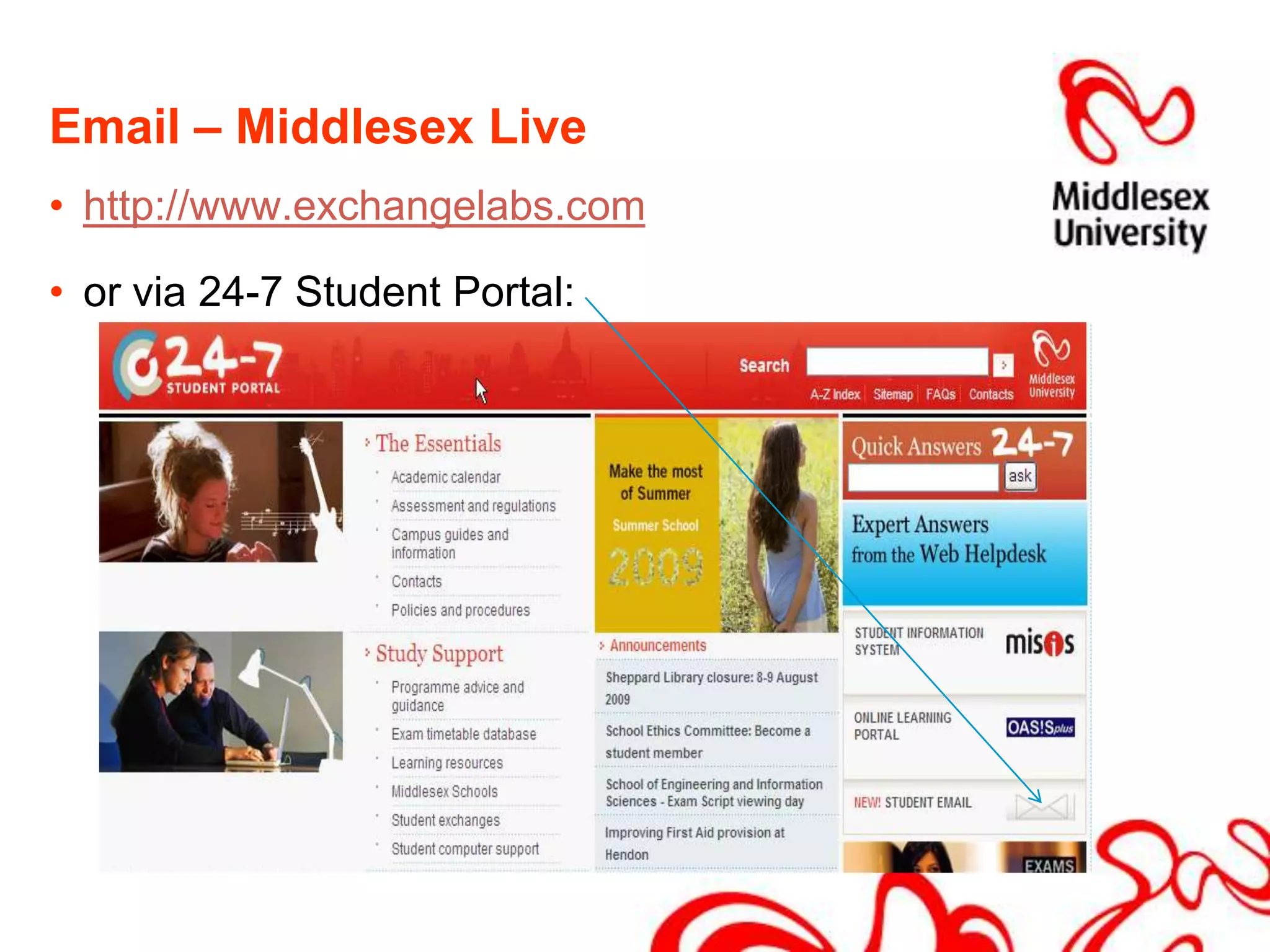
Email – Middlesex Livehttp://www.exchangelabs.comor via 24-7 Student Portal:
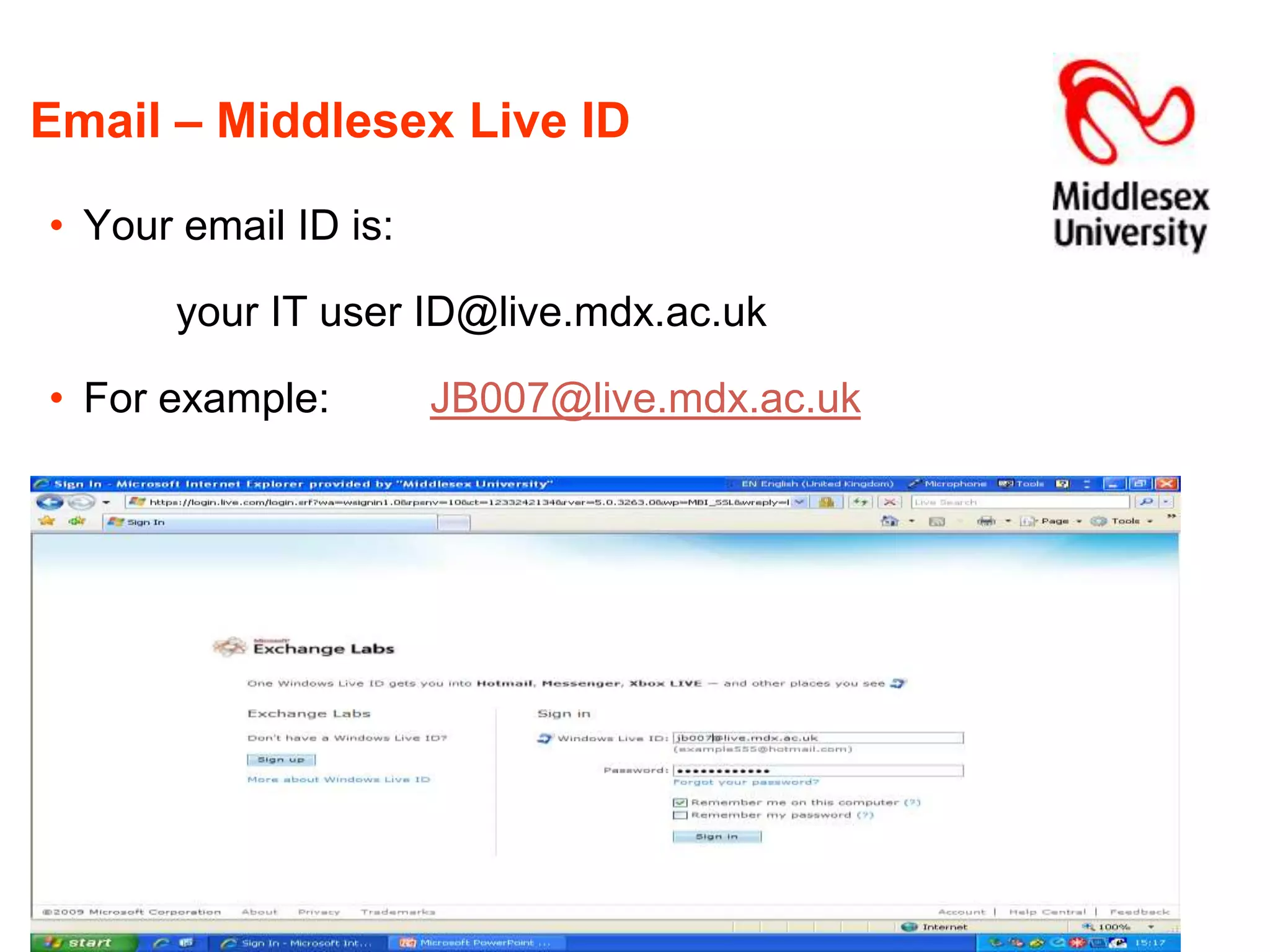
Email – Middlesex Live IDYour email ID is:		your IT user ID@live.mdx.ac.ukFor example:	JB007@live.mdx.ac.uk
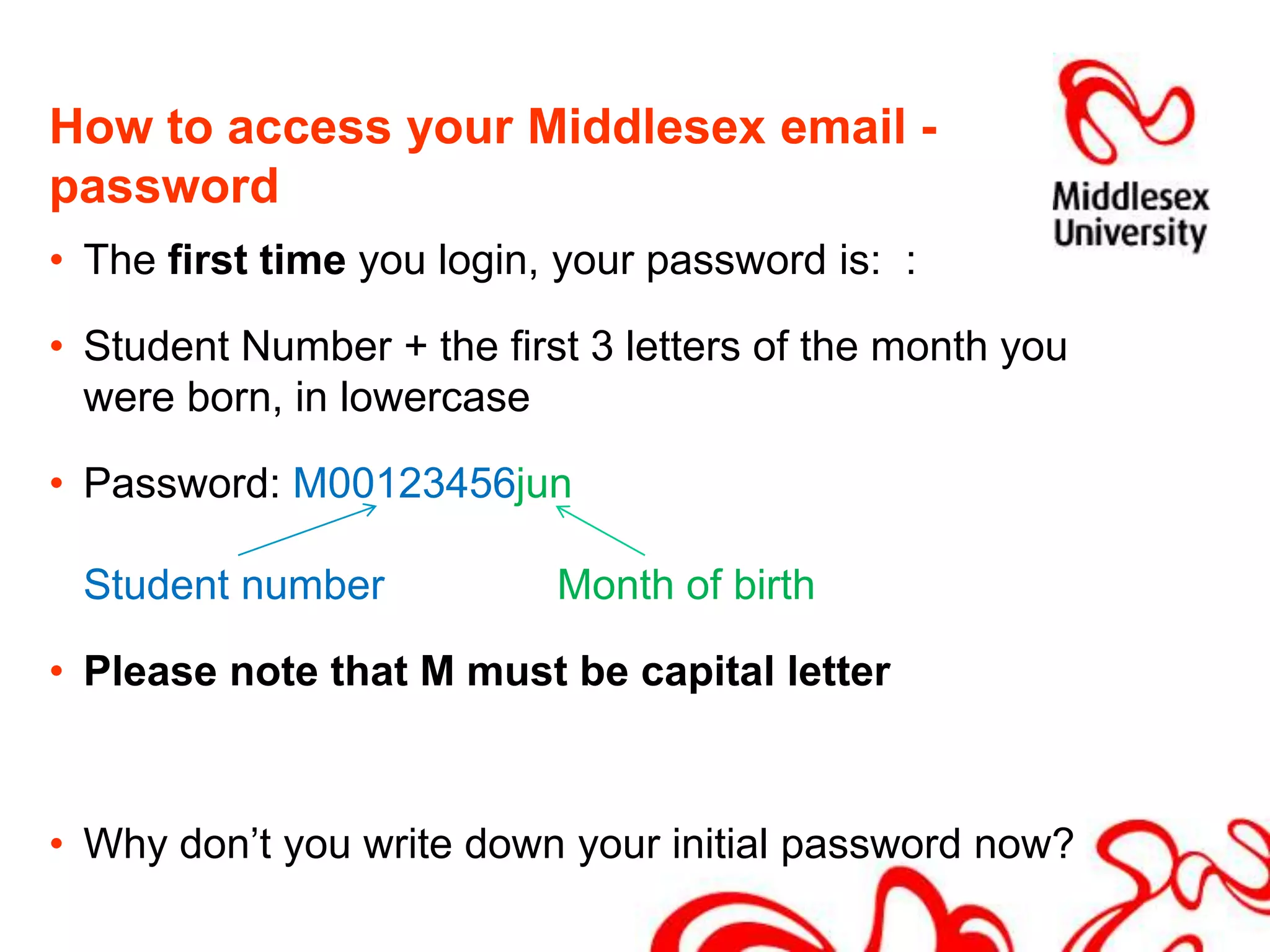
How to access your Middlesex email - passwordThe first time you login, your password is:  :Student Number + the first 3 letters of the month you were born, in lowercasePassword: M00123456junStudent number		Month of birthPlease note that M must be capital letterWhy don’t you write down your initial password now?
Middlesex Live emailWhen you have successfully signed in for the first time, you will be asked to: change your password provide additional information for security purposes before logging in with your new password and using your email account.
Saving your workAlways save your work to a USB stick or CD.  Files cannot be saved to Middlesex computers or networkFor long term file storage, for sharing group projects or to transfer files between home & University, use “Skydrive”, an online file store available through your Middlesex Live email accountAccess at:http://www.skydrive.live.comUser ID & Password = same as email
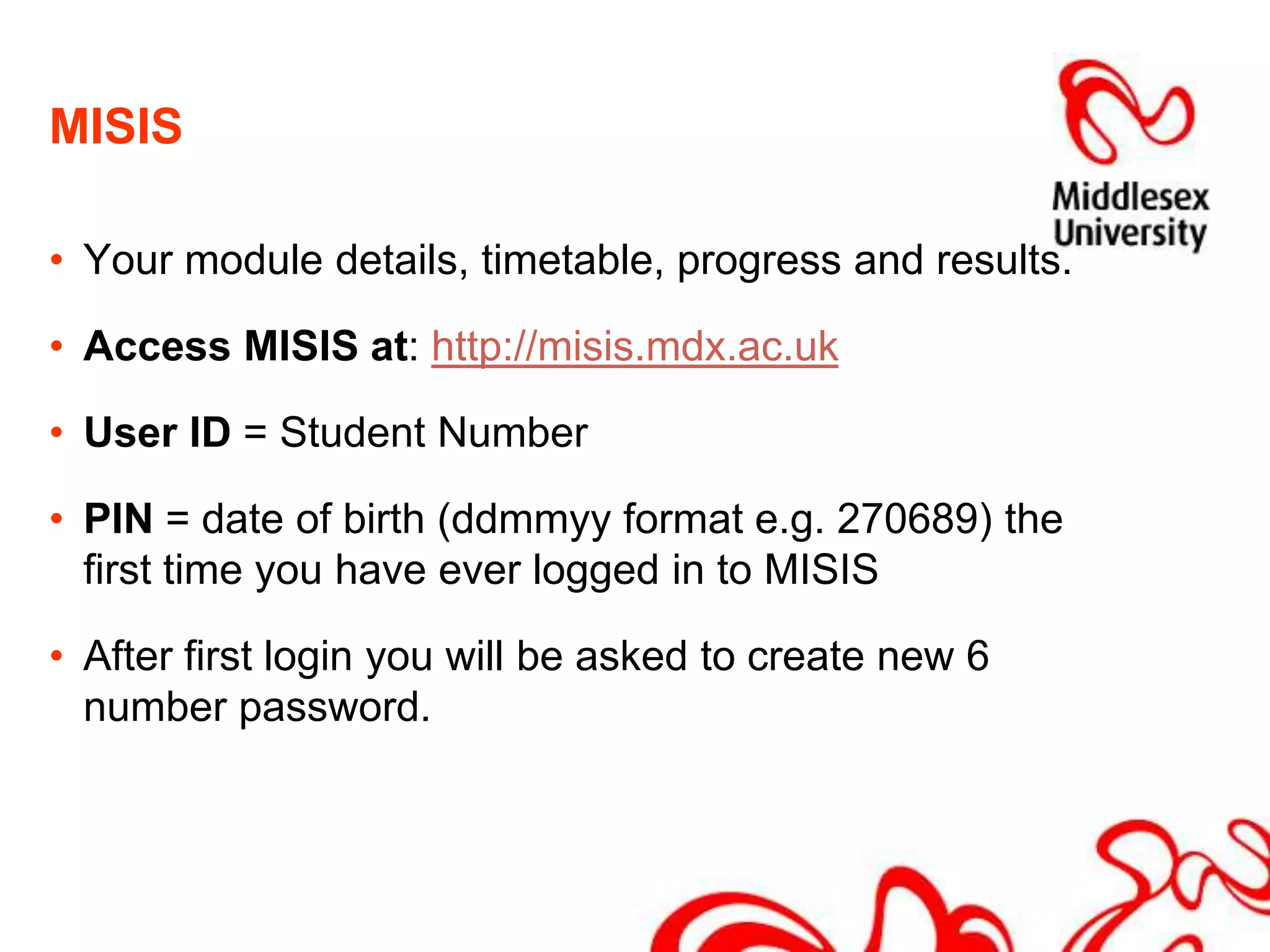
MISISYour module details, timetable, progress and results.Access MISIS at: http://misis.mdx.ac.ukUser ID = Student NumberPIN = date of birth (ddmmyy format e.g. 270689) the first time you have ever logged in to MISISAfter first login you will be asked to create new 6 number password.
OasisPlusOnline module materials and support.Access OASISplus at:http://oasisplus.mdx.ac.ukUser name = Student NumberPassword = date of birth(ddmmyy format e.g. 270689)After logging in to OASISplus for the first time you will be asked to change your password.
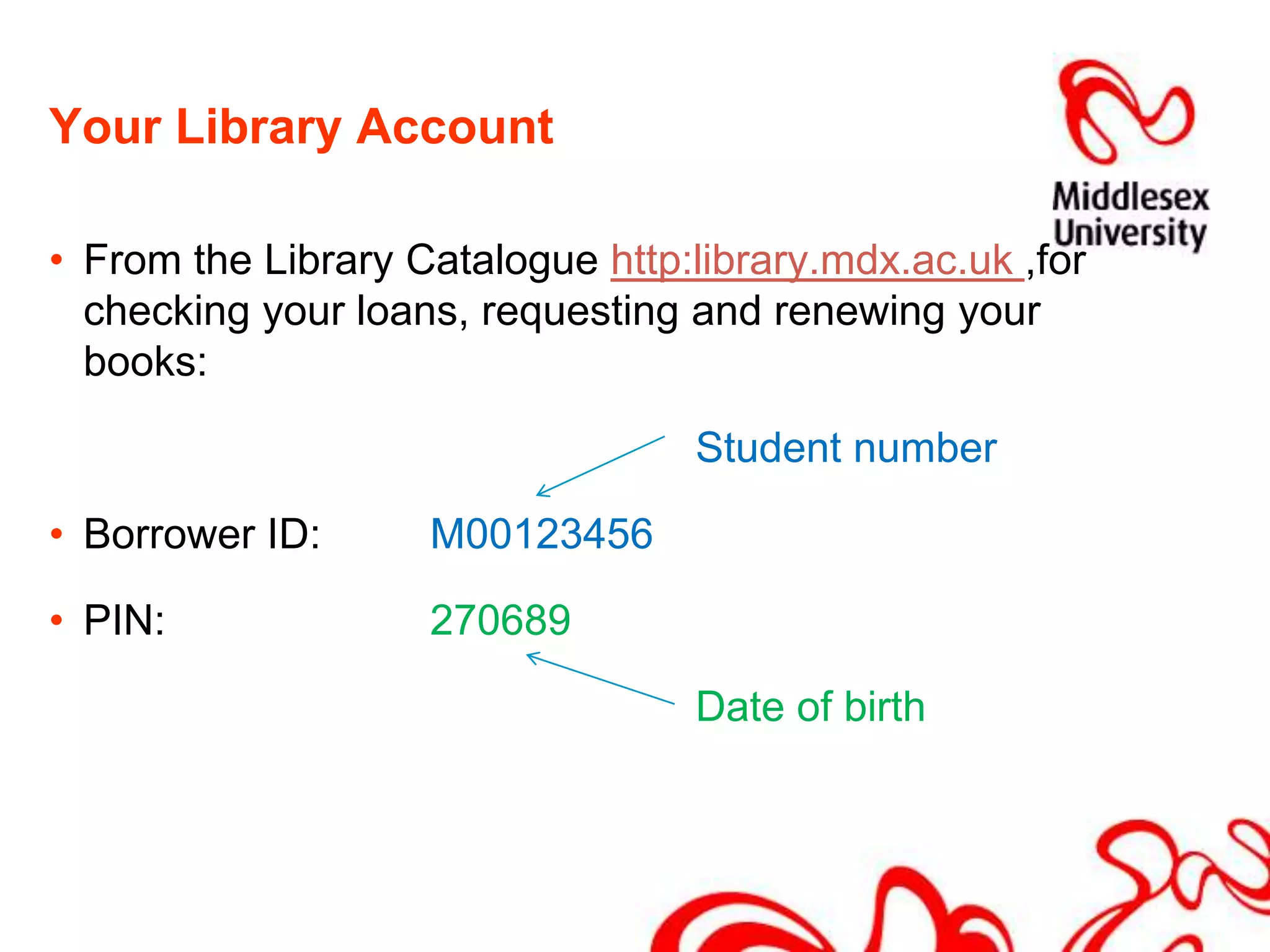
Your Library AccountFrom the Library Catalogue http:library.mdx.ac.uk ,for checking your loans, requesting and renewing your books: Student numberBorrower ID: 	M00123456PIN: 		270689 Date of birth
Electronic resourcesDatabasesBusiness Source CompleteProquest NewsstandElectronic JournalsEmeraldSageScience DirectE-booksStart at: www.lr.mdx.ac.uk
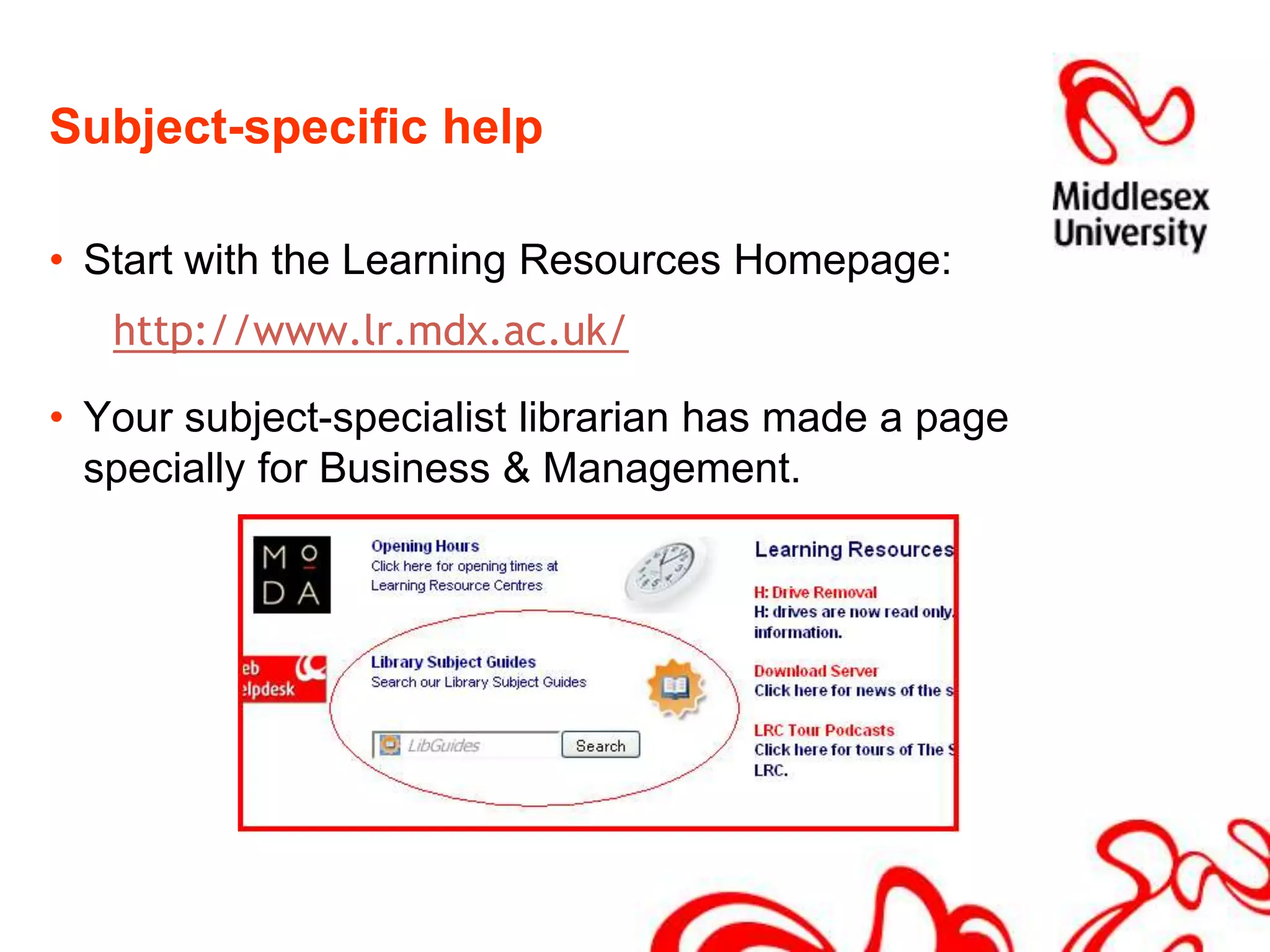
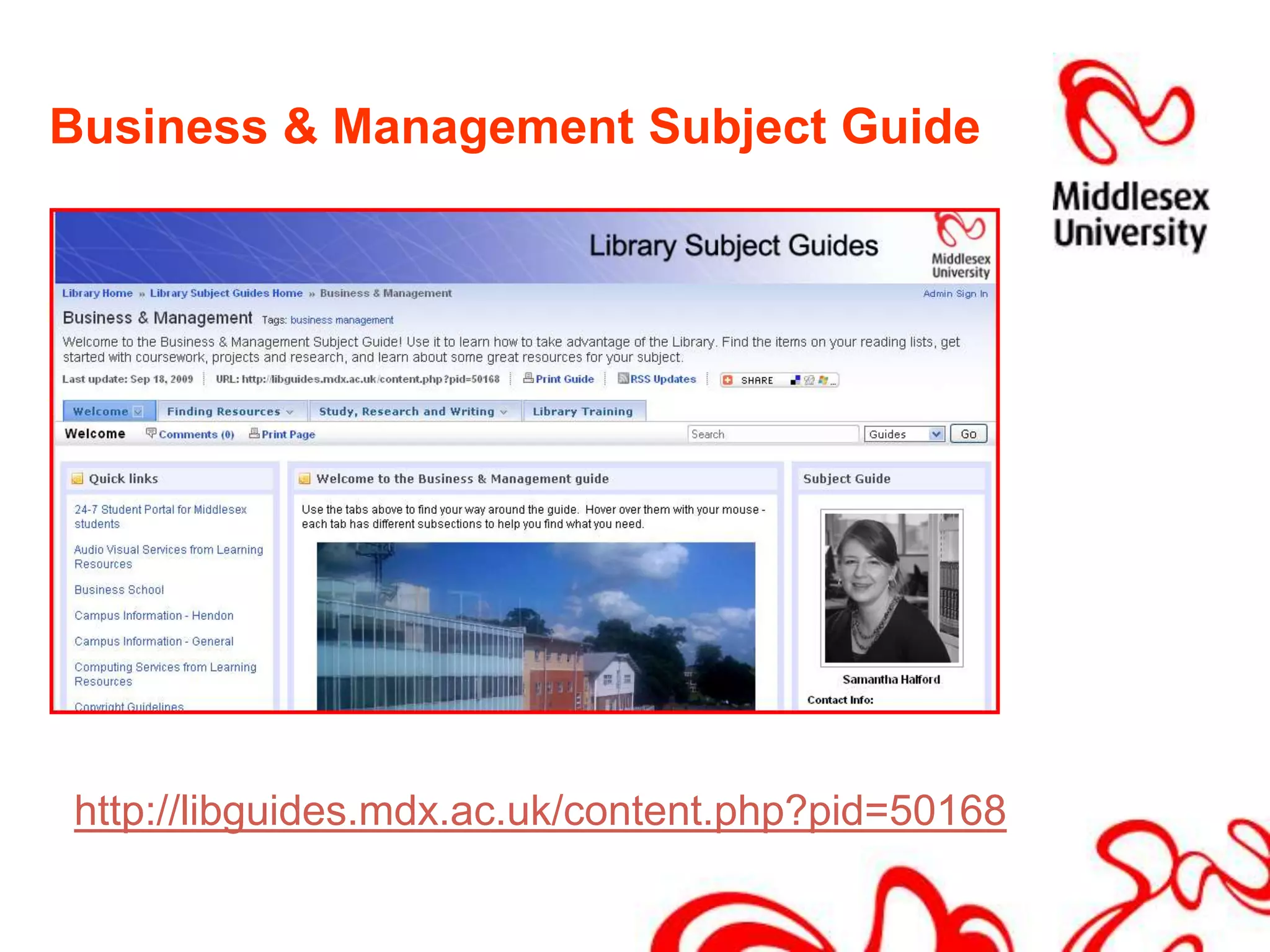
Subject-specific help	Start with the Learning Resources Homepage:http://www.lr.mdx.ac.uk/Your subject-specialist librarian has made a page specially for Business & Management.
Business & Management Subject Guidehttp://libguides.mdx.ac.uk/content.php?pid=50168

Welcome to Learning Resources

  • 1.
    Welcome to LearningResourcesHilary Cummings & Samantha Halford
  • 2.
    Before we startEvacuationprocedure – if fire alarm sounds or a member of staff asks you to leave, go quickly to the nearest fire exit. Take note of where these are in buildingToilets are located on each floor at the far end of the wingsDo not leave your belongings unattendedKeep your passwords safe; remember to log out; save work regularly and make copies
  • 3.
    Providing information andsupport for your teaching and learningLearning Resources provides:Computers and specialist software - bookableBooks, journals and databasesEquipment loan, e.g. camerasA variety of spaces to study – some bookableAdvice from experts Librarians and technical support Study skills & dyslexia support
  • 4.
    Your rightsYour studentcard gives:proof of ID access to University buildings library borrowing rights at all Middlesex University libraries12 books (undergraduates) 14 books (postgraduates)Your card is your passport to the library and its resources – please keep it with you
  • 5.
    Your responsibilitiesTo respectother library users To observe the quiet and silent study areasTo switch your mobile phone to silent & move to phone zones to make and take callsTo respect the staff and each otherTo respect the building and the equipment by observing the rules concerning food and drink. Only bottled water may be consumed in the building
  • 6.
    Learning Resources oncampusThe Sheppard Library opening hours are: Monday to Thursday 08.30 – 22.00 Friday 08.30 – 20.00 Saturday and Sunday 11.00 – 17.00 Helpdesks are staffed in core hoursSee: http://www.lr.mdx.ac.uk/times/hendon/this.htm
  • 7.
    IT and AudioVisualComputers on every floor of the Sheppard LibraryApple MACs and scanners in the basement of the buildingWi-fi : the Sheppard Library, Forum and Ricketts Quad are all wi-fi enabledComputers in classrooms across the campusSpecialist help from the AV and IT team at the Enquiry Desk on the ground floor
  • 8.
    Library resources500,000 booksand e-books across the University’s libraries160,000 books in Sheppard Library, covering business, computing, health, law and social sciences . 40,000 journals. Most are available online – print journals are available on the ground floorOnline databases to access journal information, conference proceedings, financial and economic data.All library resources listed on library catalogue: http://library.mdx.ac.uk
  • 9.
    Learning resources staffcan help you:Technical teamLibrariansWho can help?Language and Learning SupportPublic ServicesWebHelpdesk
  • 10.
    LibrariansEnquiry Desk, emailsupport and one-to-one appointments with specialist Librarians.Subject pages online to help you find what you need for your studies http://libguides.mdx.ac.ukIT adviceIT advisors are available at the enquiry desk in core hours offering to meet students’ academic IT needs (computing accounts , network, printing, wireless services and software support)
  • 11.
    English Language andLearning Support (ELLS) Located in the Williams buildingGuidance on academic writing and English language developmentFor everyone:students who are doing well and students who want to do betterhome students and international studentsELLS also includes: Numeracy Support numeracy@mdx.ac.ukDyslexia Support dystutor@mdx.ac.uk
  • 12.
    What does ELLSoffer?30-minute individual tutorials - free and confidential. Book at the Language Centre reception desk (WG47)Workshops (5 &10-week courses) - free to everybodyRegistration for courses in Week 1, Room WG05, Mon-Fri, 11:30-3:30 & Tues & Thurs 5:00-6:00Courses begin in Week 2See the full range of courses on our schedule www.lr.mdx.ac.uk/ellsOnline study materials and interactive tutorials on ELLS on OASISplus Online writing courses - free to everybody. For more information email ells@mdx.ac.uk
  • 13.
    Where do youstart?Computer network Printing and photocopyingAthensMiddlesex Live emailMISISOasisPlusLibrary Account
  • 14.
    Computer network - your usernameUsername = IT User ID usually your initials followed by 3 or more digitseg NW123
  • 15.
    Password help bytextFor an easy password, Text “Help” to 07624 80 46 35 (Service available 9am-5pm, Mon-Fri)HELP + network + name + student numberFor exampleHELP network Nick Wise M00013579 ORAsk at the Transactions Desk on ground floor
  • 16.
    Pharos for printingand photocopyingNetwork username and password also used for printing and photocopying
  • 17.
    Credit the bluePharos kiosk in Print Room with funds for printing
  • 18.
    Send work toprinter, BW-Open (for black and white) or CL-Open (for colour)Remember to bring coins with you.
  • 19.
    Pharos for printingand photocopyingLogin to Print Release Station with Network username and passwordSelect your job. 5p per page b/w50p per page colourCharges deducted from Pharos accountPhotocopying – see: http://www.lr.mdx.ac.uk/he/docs/pharos.pdf
  • 20.
    Accessing e-resources (Athens)YourComputer Network login also acts as your login for using the university’s E-Resources (also known as Athens username and password)
  • 21.
    Email – MiddlesexLivehttp://www.exchangelabs.comor via 24-7 Student Portal:
  • 22.
    Email – MiddlesexLive IDYour email ID is: your IT user ID@live.mdx.ac.ukFor example: JB007@live.mdx.ac.uk
  • 23.
    How to accessyour Middlesex email - passwordThe first time you login, your password is: :Student Number + the first 3 letters of the month you were born, in lowercasePassword: M00123456junStudent number Month of birthPlease note that M must be capital letterWhy don’t you write down your initial password now?
  • 24.
    Middlesex Live emailWhenyou have successfully signed in for the first time, you will be asked to: change your password provide additional information for security purposes before logging in with your new password and using your email account.
  • 25.
    Saving your workAlwayssave your work to a USB stick or CD. Files cannot be saved to Middlesex computers or networkFor long term file storage, for sharing group projects or to transfer files between home & University, use “Skydrive”, an online file store available through your Middlesex Live email accountAccess at:http://www.skydrive.live.comUser ID & Password = same as email
  • 26.
    MISISYour module details,timetable, progress and results.Access MISIS at: http://misis.mdx.ac.ukUser ID = Student NumberPIN = date of birth (ddmmyy format e.g. 270689) the first time you have ever logged in to MISISAfter first login you will be asked to create new 6 number password.
  • 27.
    OasisPlusOnline module materialsand support.Access OASISplus at:http://oasisplus.mdx.ac.ukUser name = Student NumberPassword = date of birth(ddmmyy format e.g. 270689)After logging in to OASISplus for the first time you will be asked to change your password.
  • 28.
    Your Library AccountFromthe Library Catalogue http:library.mdx.ac.uk ,for checking your loans, requesting and renewing your books: Student numberBorrower ID: M00123456PIN: 270689 Date of birth
  • 29.
    Electronic resourcesDatabasesBusiness SourceCompleteProquest NewsstandElectronic JournalsEmeraldSageScience DirectE-booksStart at: www.lr.mdx.ac.uk
  • 30.
    Subject-specific help Start withthe Learning Resources Homepage:http://www.lr.mdx.ac.uk/Your subject-specialist librarian has made a page specially for Business & Management.
  • 31.
    Business & ManagementSubject Guidehttp://libguides.mdx.ac.uk/content.php?pid=50168
  • 32.
    Specialist helpHilary Cummings:Business School LibrarianSamantha Halford: Business & Management Librarianh.cummings@mdx.ac.uks.halford@mdx.ac.uk
  • 33.
    What next?This presentationavailable on our website: www.lr.mdx.ac.ukLibrary tour – podcast available from our website www.lr.mdx.ac.ukDon’t forget to pick up the available bookmarks and help sheetsAsk us – that is why we are here!Or contact WebHelpdesk: http://webhelpdesk.mdx.ac.uk/