Download to read offline

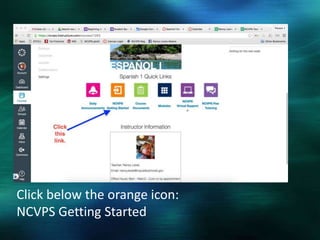
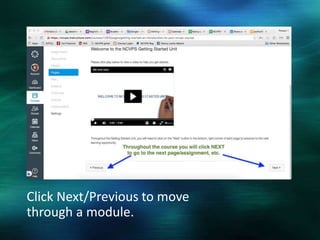
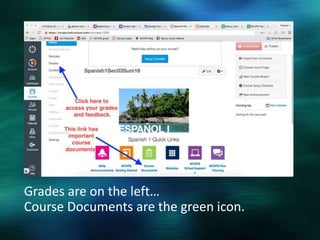
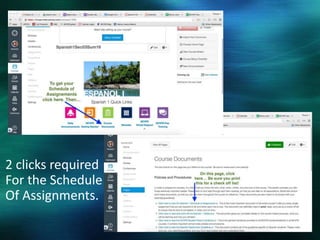
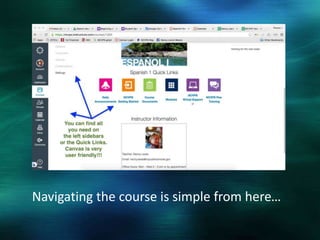
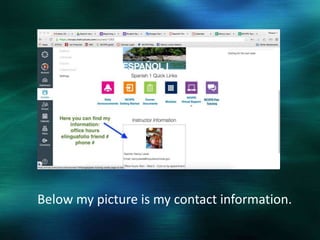
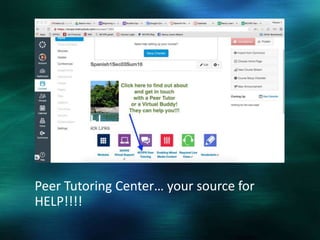

The document provides instructions for navigating an online course, noting that users should click below the orange icon to get started, use the Next/Previous buttons to move through modules, and that grades are listed on the left while course documents are under the green icon. It also mentions that the schedule of assignments requires two clicks and contact information is below the instructor's picture.


