





#SMX @patrickstox
But There’s Light At The End Of The Tunnel
MIGRATIONS ARE SCARY
#SMX @patrickstox
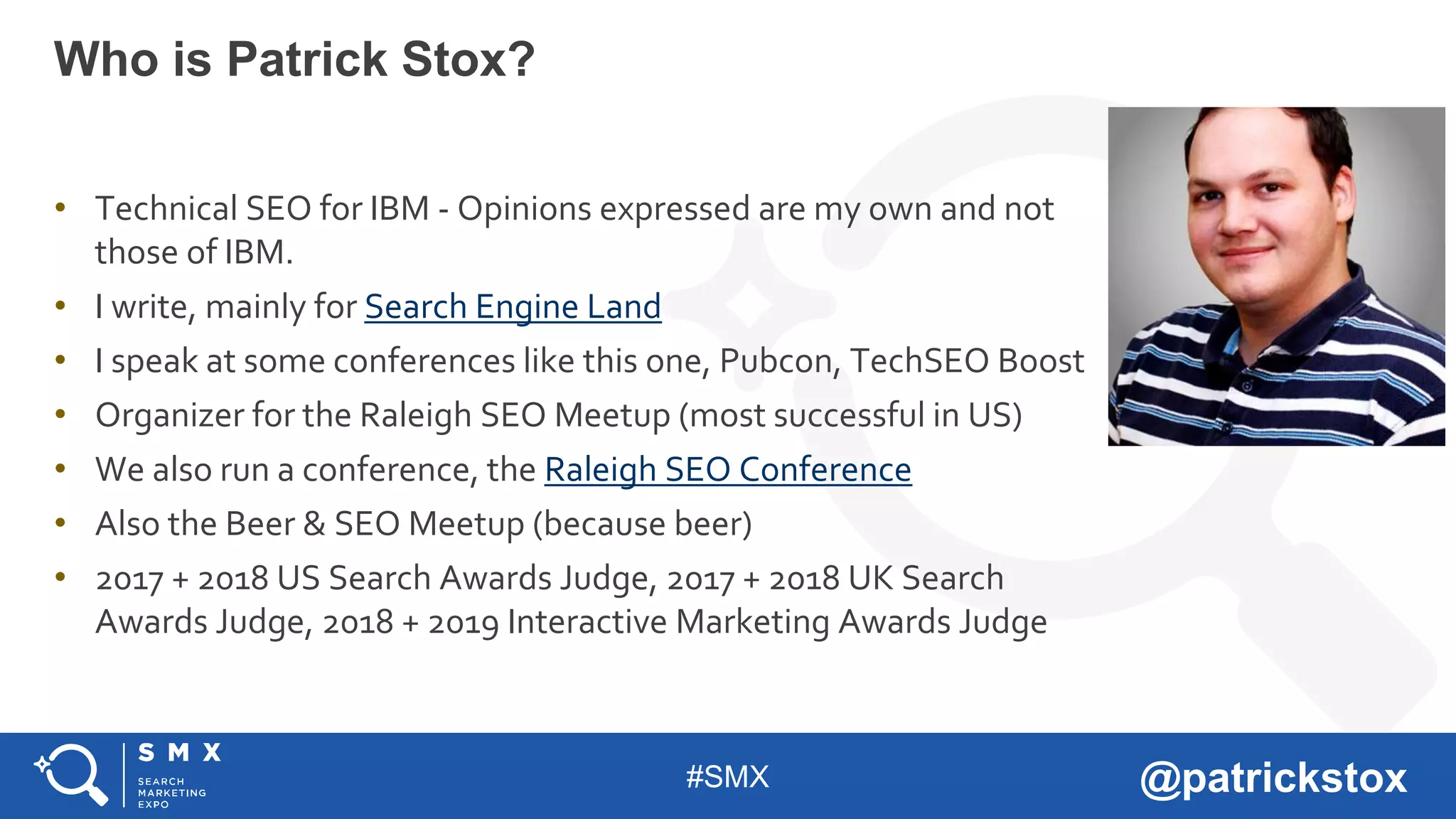
• Technical SEO for IBM - Opinions expressed are my own and not
those of IBM.
• I write, mainly for Search Engine Land
• I speak at some conferences like this one, Pubcon, TechSEO Boost
• Organizer for the Raleigh SEO Meetup (most successful in US)
• We also run a conference, the Raleigh SEO Conference
• Also the Beer & SEO Meetup (because beer)
• 2017 + 2018 US Search Awards Judge, 2017 + 2018 UK Search
Awards Judge, 2018 + 2019 Interactive Marketing Awards Judge
Who is Patrick Stox?
#SMX @patrickstox
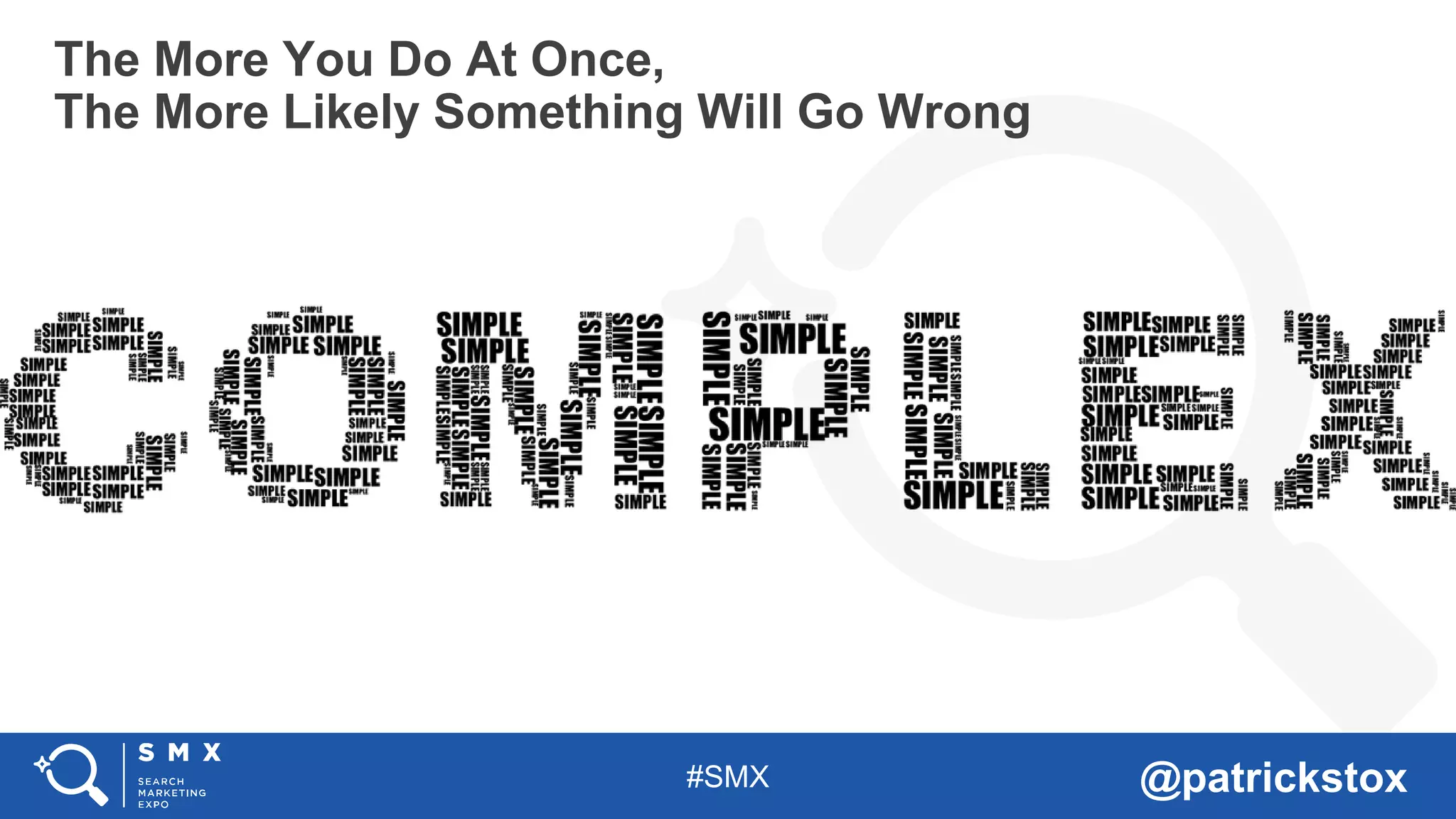
The More You Do At Once,
The More Likely Something Will Go Wrong
#SMX @patrickstox
And Something Will Go Wrong
#SMX @patrickstox
So Make A Plan
#SMX @patrickstox
Get All The Right People Involved
#SMX @patrickstox
Make Sure People Know What They Are Supposed To Do
• SEO
• Social
• Paid
• PR
• Analytics
• Apps and/or Platforms
• Email/automation
• Devs
• Infrastructure
#SMX @patrickstox
Set Realistic Goals
#SMX @patrickstox
And Realistic Deadlines
#SMX @patrickstox
Watch For Moving Targets
#SMX @patrickstox
Get Enough Resources (It Never Feels Like Enough)
#SMX @patrickstox
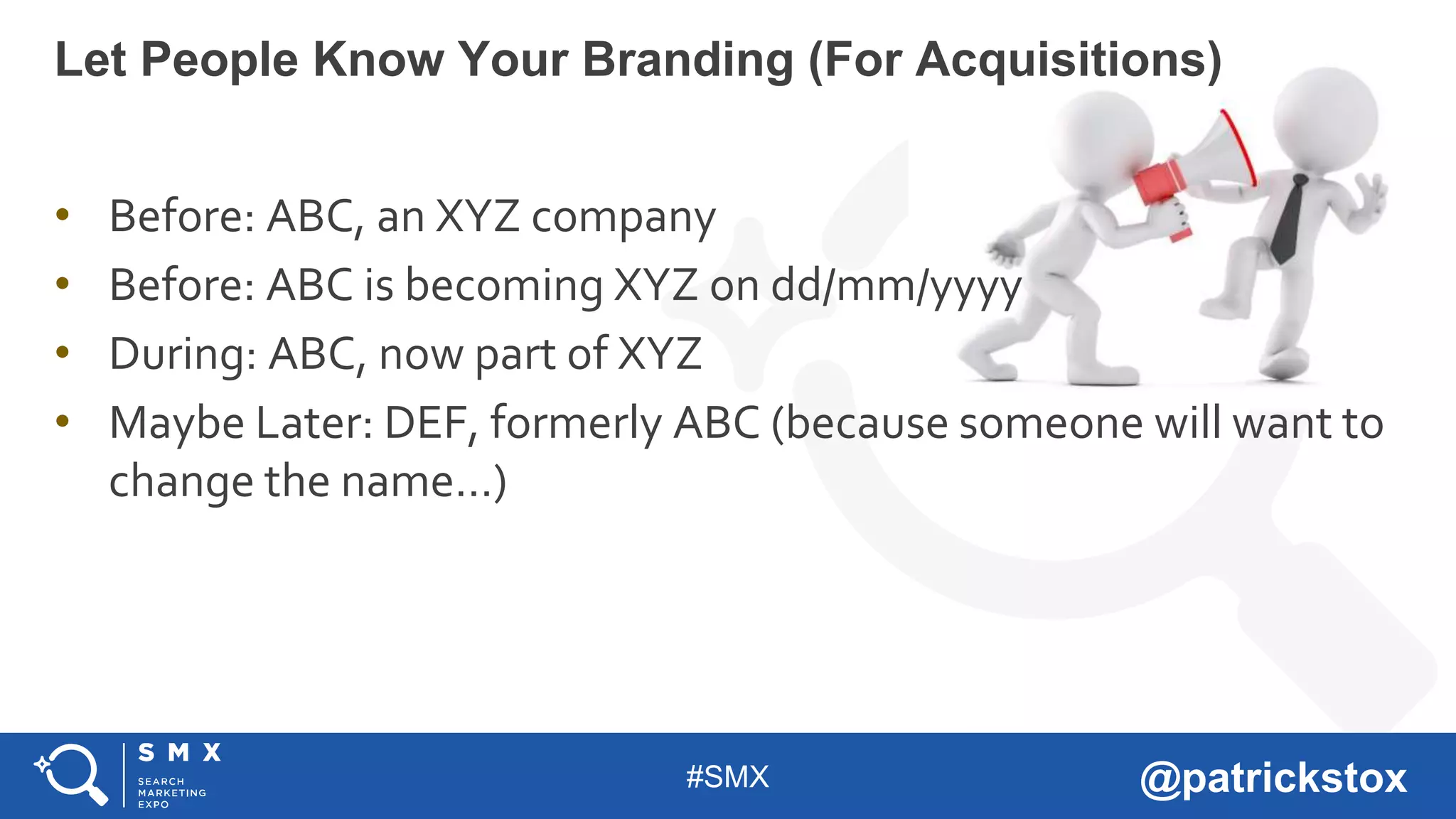
• Before: ABC, an XYZ company
• Before: ABC is becoming XYZ on dd/mm/yyyy
• During: ABC, now part of XYZ
• Maybe Later: DEF, formerly ABC (because someone will want to
change the name…)
Let People Know Your Branding (For Acquisitions)
#SMX @patrickstox
There’s nothing you can mess up
that can’t be fixed later.
But Mainly Don’t Panic
#SMX @patrickstox
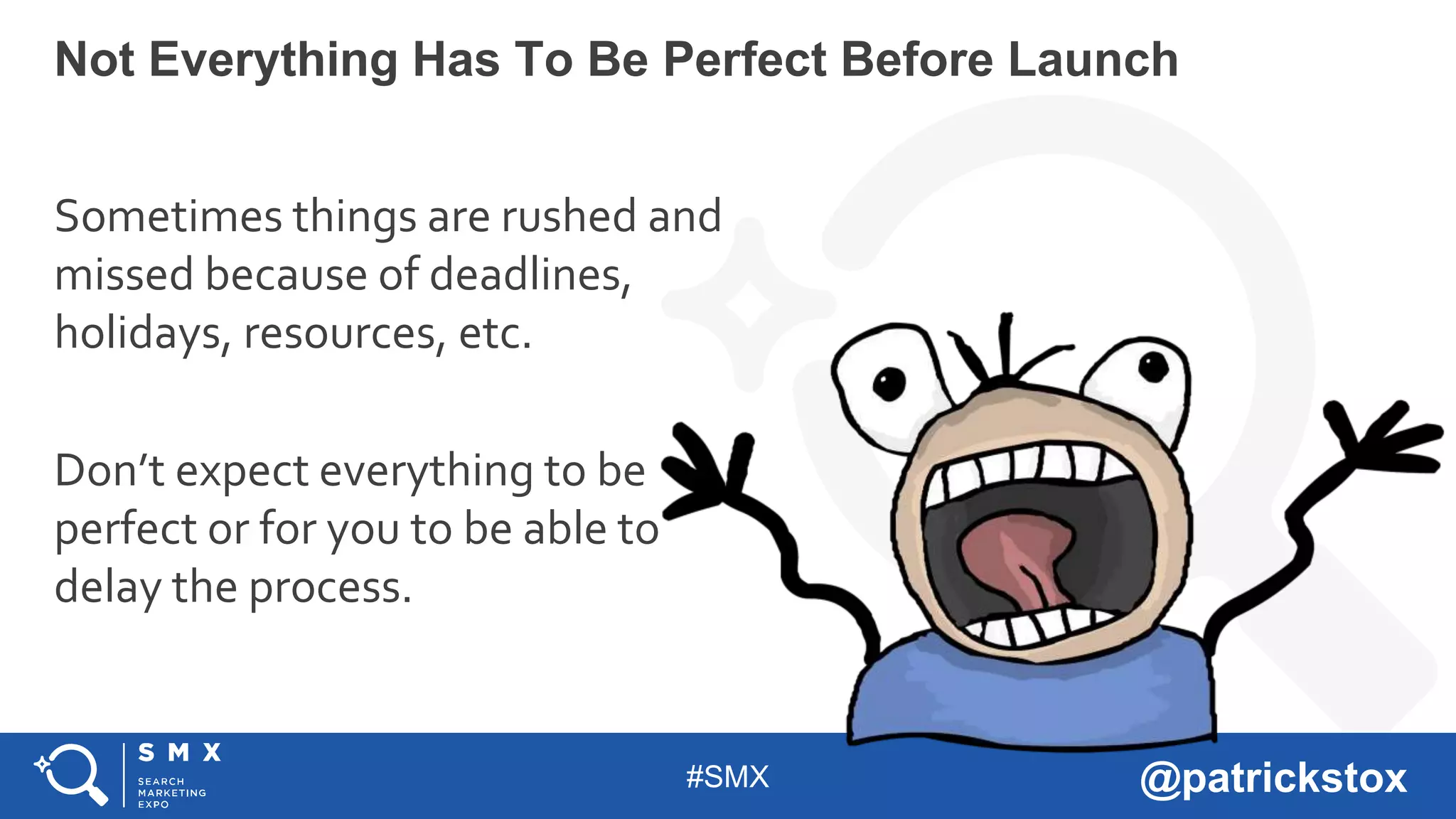
Sometimes things are rushed and
missed because of deadlines,
holidays, resources, etc.
Don’t expect everything to be
perfect or for you to be able to
delay the process.
Not Everything Has To Be Perfect Before Launch
#SMX @patrickstox
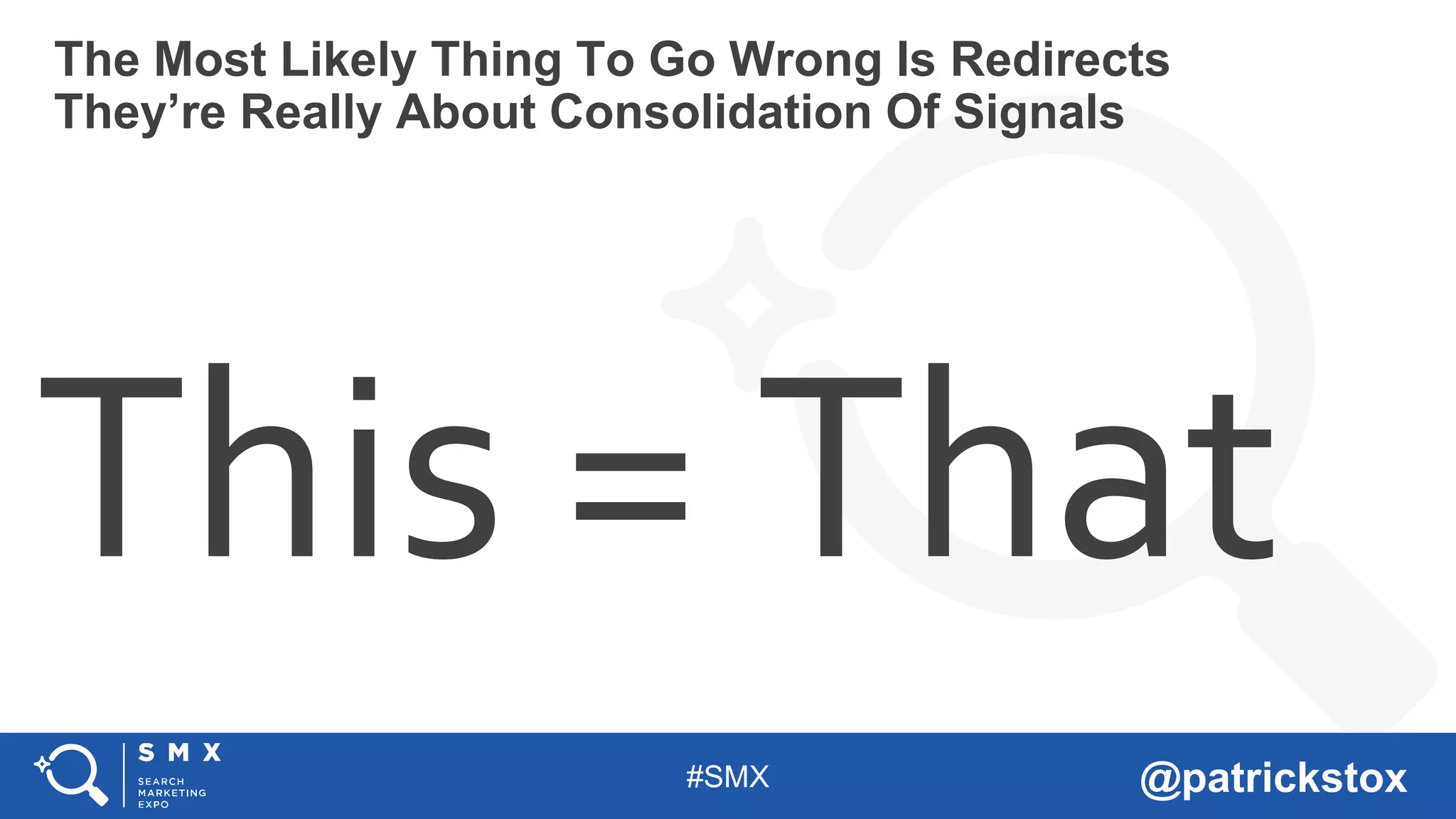
This = That
The Most Likely Thing To Go Wrong Is Redirects
They’re Really About Consolidation Of Signals
#SMX @patrickstox
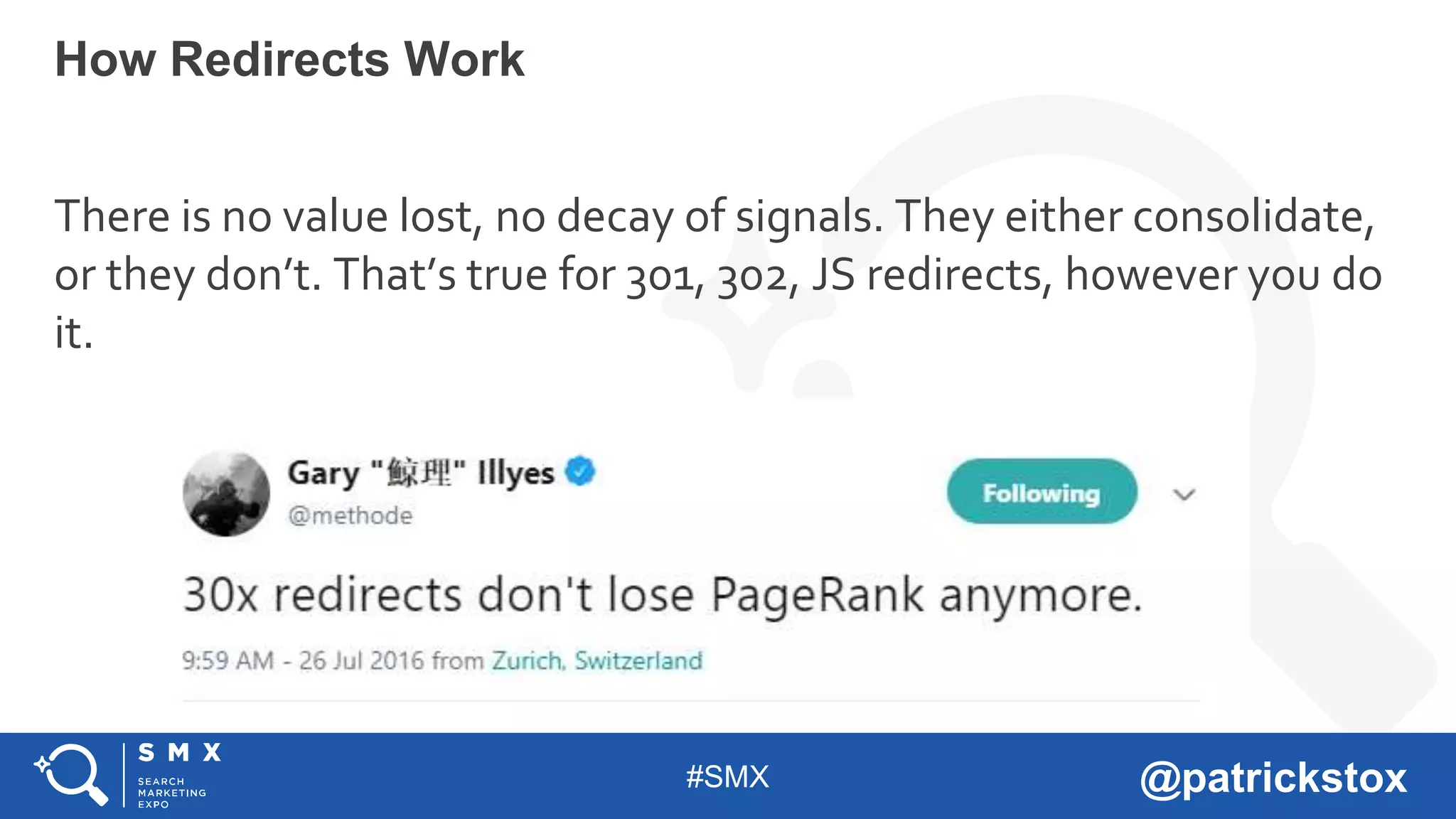
There is no value lost, no decay of signals. They either consolidate,
or they don’t. That’s true for 301, 302, JS redirects, however you do
it.
How Redirects Work
#SMX @patrickstox
Map 1:1 as much as possible
• Don’t redirect all to one page like an announcement or
homepage
• Don’t forget other formats like Images or PDFs (I wouldn’t worry
about jss, css, etc)
• You should maintain older redirects from previous versions of
the site
Get Them Right
#SMX @patrickstox
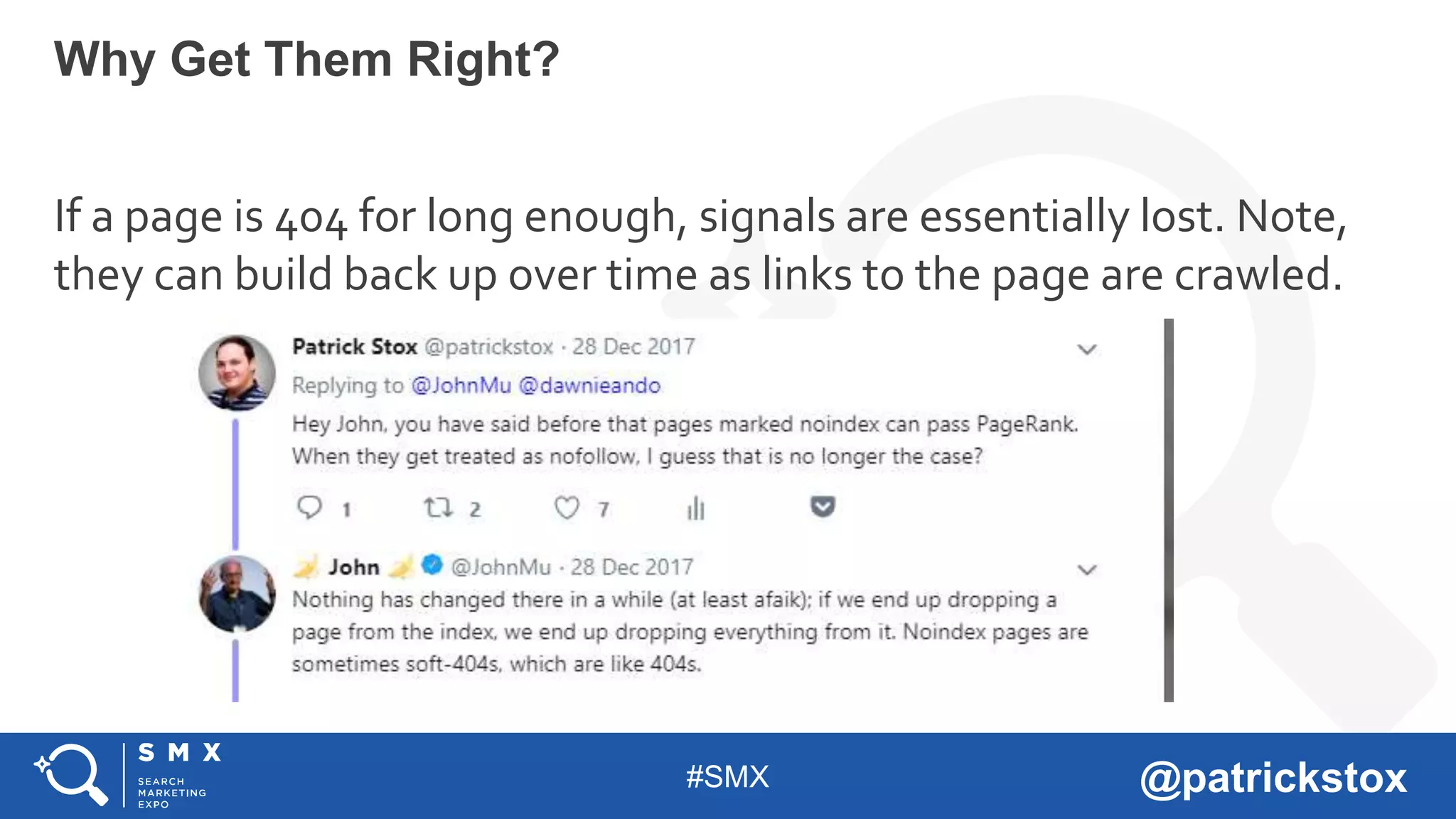
If a page is 404 for long enough, signals are essentially lost. Note,
they can build back up over time as links to the page are crawled.
Why Get Them Right?
#SMX @patrickstox
It depends…
On a fairly stable site, consolidation will happen within a few weeks
Once that happens, signals at the original
URL are dropped! So changing a redirect
later can take time.
How Long Does It Take To Consolidate
#SMX @patrickstox
This is about where signals consolidate and which
shows in search results. A 301 > B = B shows in
index and signals consolidate to B
• A 302 > B = A stays indexed, B consolidates to A.
• Eventually this may be treated as a 301 and
consolidate to B.
• Other signals may come into play. A 302 > B, B
canonical to A = A stays indexed and signals get
consolidated there.
The Age Old Debate Of 301 vs 302
#SMX @patrickstox
With redirects, whether they actually count for your or are ignored
and treated as a soft 404 depends on how relevant the new page is
to the old one.
• 1:1 = yes
• Home > Announcement or Product page = likely yes
• Home > Family/Company Home = maybe (depending on
relevance)
• Subpages > Home, likely not, but again depends on relevance
What If: I Redirect All To One Page
#SMX @patrickstox
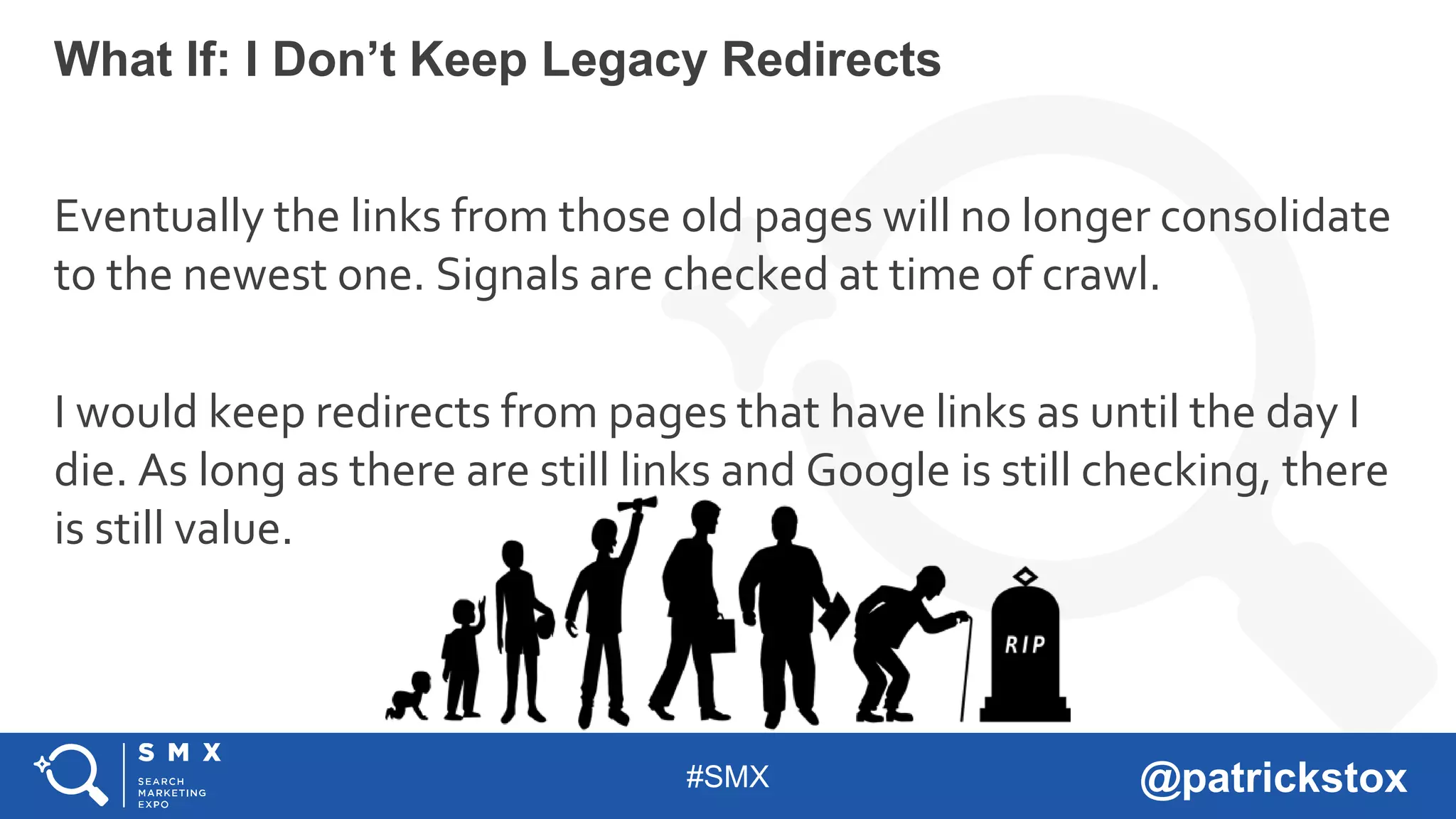
Eventually the links from those old pages will no longer consolidate
to the newest one. Signals are checked at time of crawl.
I would keep redirects from pages that have links as until the day I
die. As long as there are still links and Google is still checking, there
is still value.
What If: I Don’t Keep Legacy Redirects
#SMX @patrickstox
Users will be redirected, but the links aren’t going to count.
The image index is a different index than the page index. Try doing
info:https://abc.com/xyz.jpg in a search and you’ll see there’s no
information. For redirected pages, this would show the new
location and the links would also be reflected in Google Search
Console as “via intermediate link (old page)” but this doesn’t
happen for images redirected to pages.
What If: I Redirect Images To A Page
#SMX @patrickstox
Understanding where the redirects are happening:
• DNS
• CDN level (workers or redirect/page rules)
• Middleware (A/B Testing Platform, something between CDN and
server)
• Server level (files like .htaccess or server config, HTTP header
response)
• Language based (PHP, JS, meta refresh, etc)
• Plugin/Module/CMS
Where I See People Struggle With Redirects
#SMX @patrickstox
• DNS does not have protocol, you can’t use http/https at this level.
• If you route to the new site with DNS, you basically have to
preserve the path and catch redirects on the new server.
• Abc.com/xyz > newabc.com/xyz, then write a rule on the new server for
xyz to go where it needs to.
Where I See People Struggle With Redirects
#SMX @patrickstox
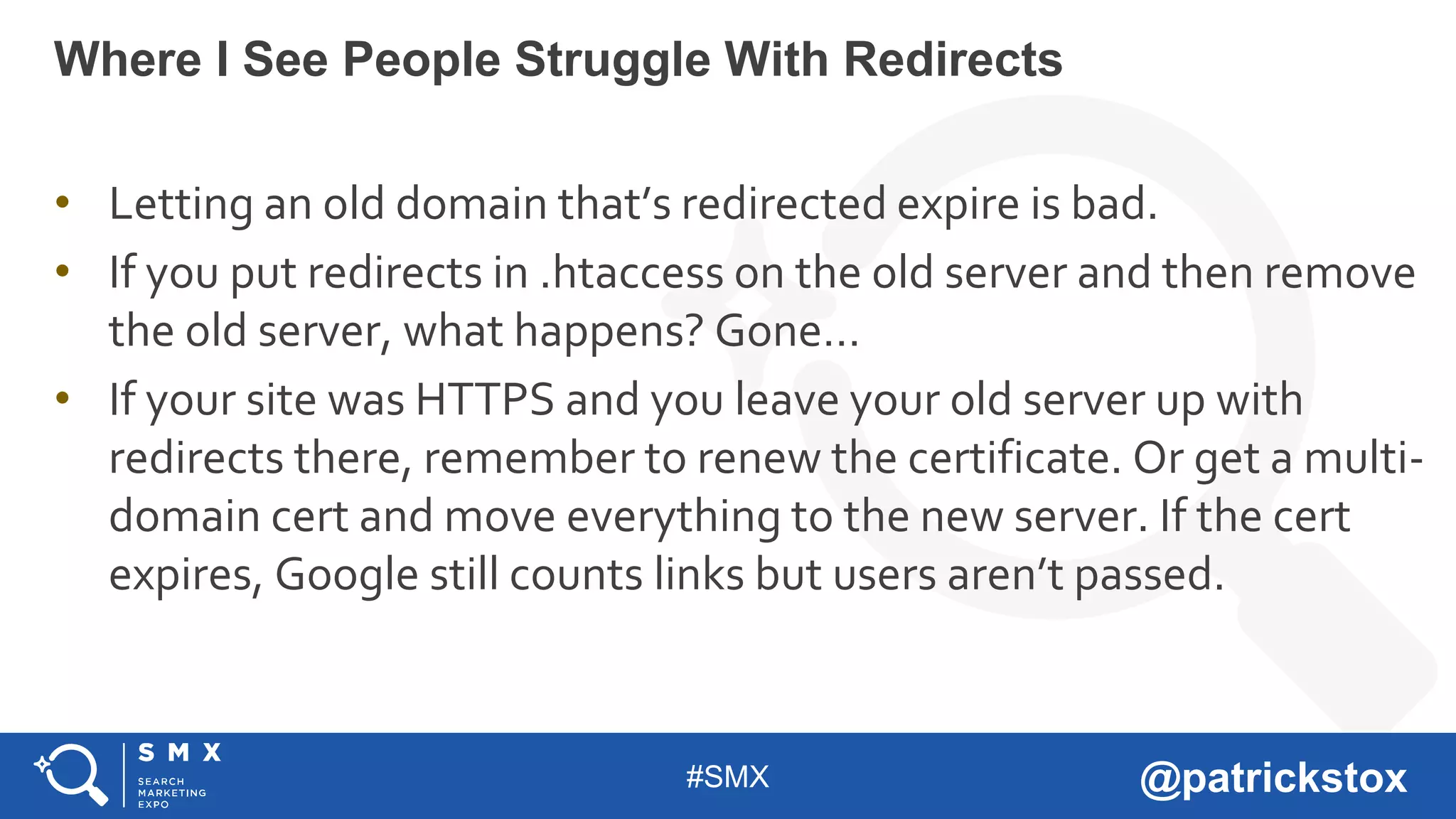
• Letting an old domain that’s redirected expire is bad.
• If you put redirects in .htaccess on the old server and then remove
the old server, what happens? Gone…
• If your site was HTTPS and you leave your old server up with
redirects there, remember to renew the certificate. Or get a multi-
domain cert and move everything to the new server. If the cert
expires, Google still counts links but users aren’t passed.
Where I See People Struggle With Redirects
#SMX @patrickstox
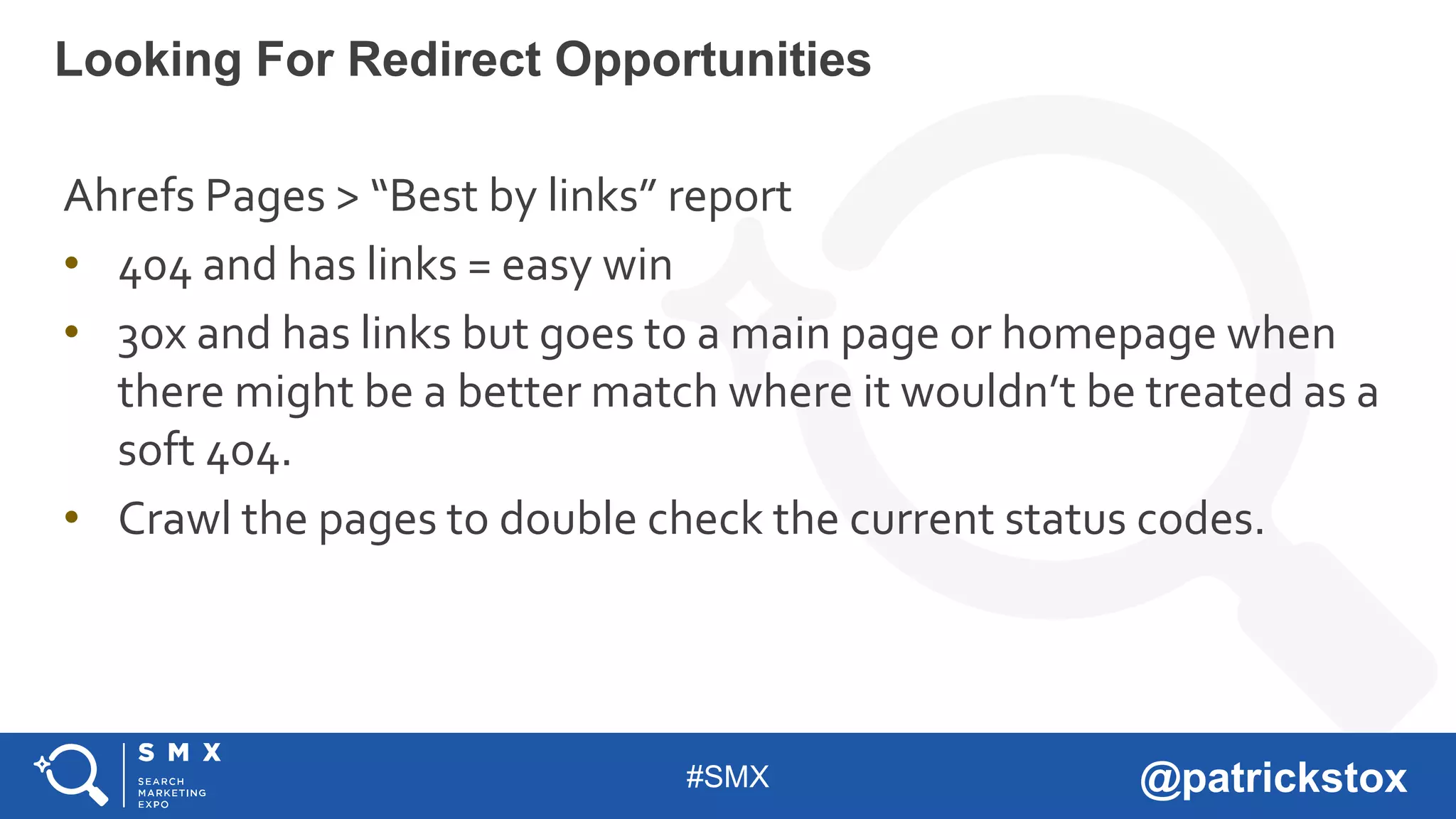
Ahrefs Pages > “Best by links” report
• 404 and has links = easy win
• 30x and has links but goes to a main page or homepage when
there might be a better match where it wouldn’t be treated as a
soft 404.
• Crawl the pages to double check the current status codes.
Looking For Redirect Opportunities
#SMX @patrickstox
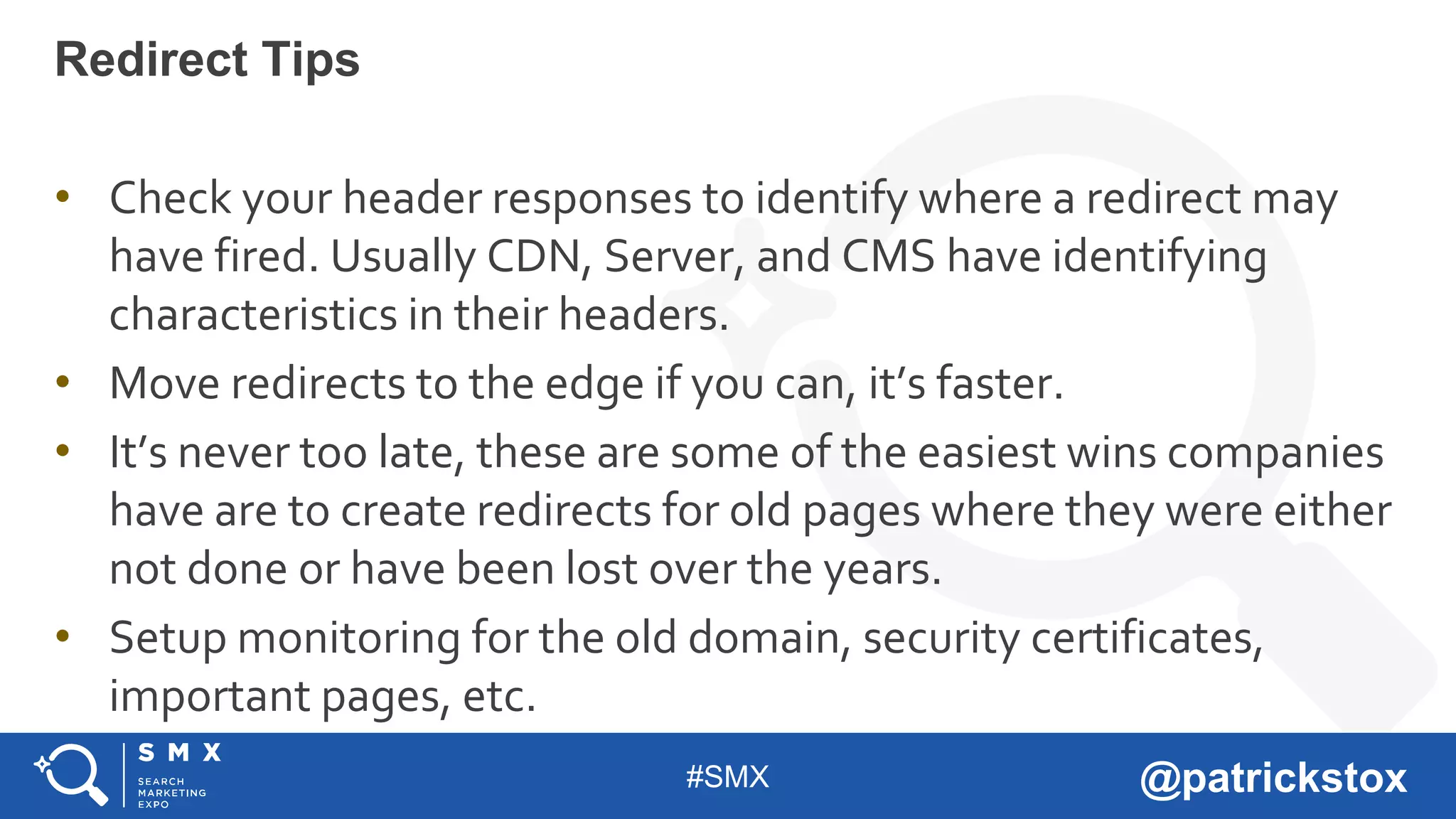
• Check your header responses to identify where a redirect may
have fired. Usually CDN, Server, and CMS have identifying
characteristics in their headers.
• Move redirects to the edge if you can, it’s faster.
• It’s never too late, these are some of the easiest wins companies
have are to create redirects for old pages where they were either
not done or have been lost over the years.
• Setup monitoring for the old domain, security certificates,
important pages, etc.
Redirect Tips
#SMX @patrickstox
• When using HSTS, the redirect usually shown is a 307. This is
browser cached and there can be a 301 or a 302 behind this. Check
without cache or in Google Search Console with fetch to see.
• Content Security Policy: upgrade-insecure-requests. Having
mixed content issues? Enabling this will solve them and is fairly
quick on the servers or some CDNs can do it with a click.
• Referrer Policy. Lots of options on how to pass the referral to sites
that aren’t secure but you also might be stripping out the referral
to some parts of your site, so check this.
HTTPS Specific
#SMX @patrickstox
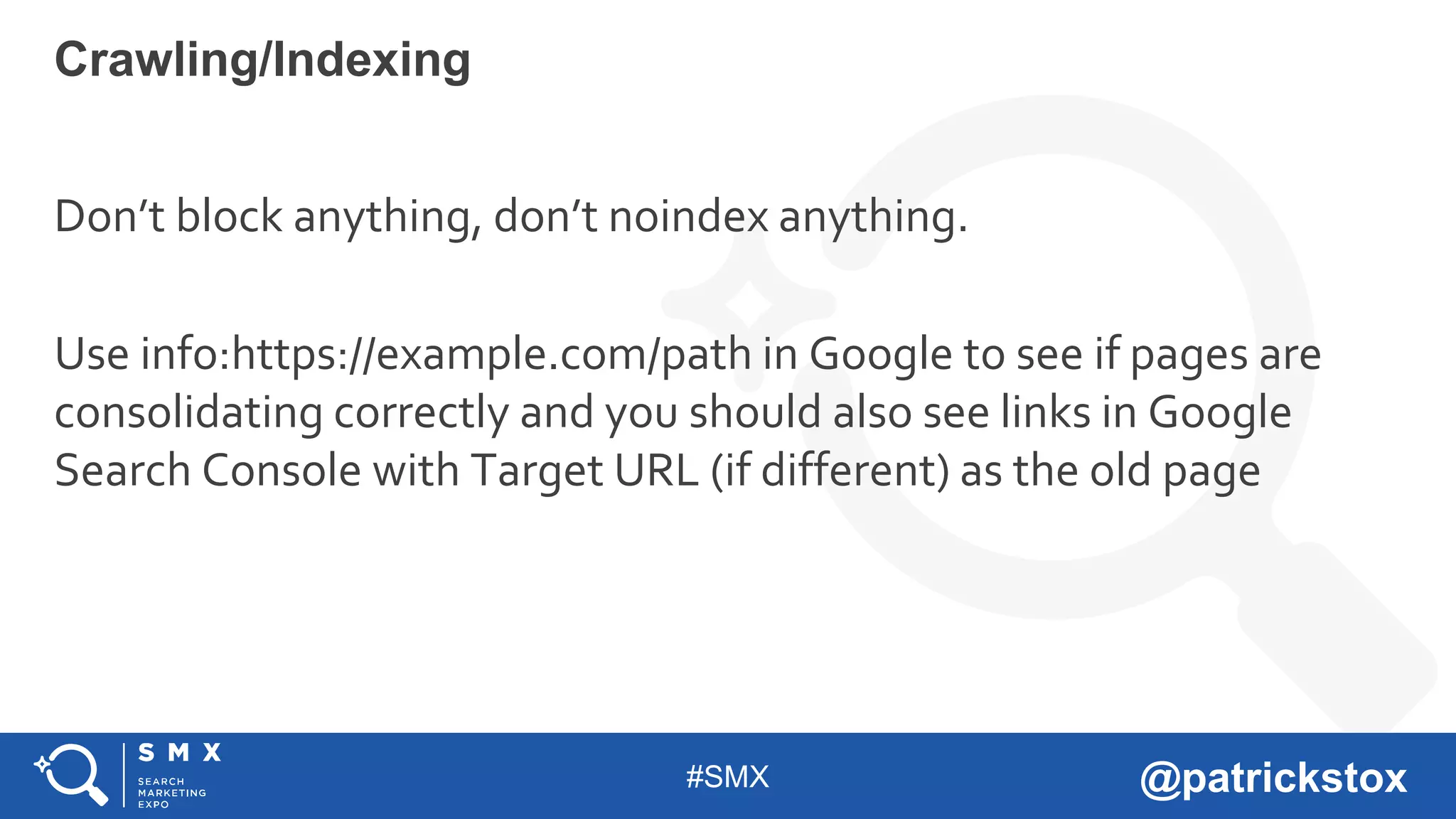
Don’t block anything, don’t noindex anything.
Use info:https://example.com/path in Google to see if pages are
consolidating correctly and you should also see links in Google
Search Console with Target URL (if different) as the old page
Crawling/Indexing
#SMX @patrickstox
People still see old pages indexed because they haven’t all been
crawled yet or they do a site: search on the old website and see the
site and think they need to remove the pages. This is pretty much
the worst thing they can do. Site: is going to return the old website,
you’re specifically asking for information about it.
Common Scenario
#SMX @patrickstox
• Blocking crawling in robots.txt on old site.
• Spiders needs to crawl the old site to consolidate to the new one.
• Using noindex on old site in head, http headers, or robots.txt.
• If it’s not indexed, it can’t be consolidated. I’ve seen an entire domain
not consolidated because of a noindex in robots.txt.
• Using the URL removal tool in Google Search Console.
• Just don’t.
Where It Goes Wrong On Old Site
#SMX @patrickstox
• Block crawling in robots.txt in new site.
• Spiders need to crawl the new site in order to consolidate signals. This is
typically blocked before launch and sometimes people forget about it.
• Use noindex on new site.
• If the new pages aren’t indexed, then signals can’t be consolidated
there. This is typically done before launch and sometimes people forget
about it.
Where It Goes Wrong On New Site
#SMX @patrickstox
Keeping a sitemap with the old URLs (for a short period of time)
can help get them crawled faster. For some there’s a popular belief
that you should only have URLs from the new site in the sitemap.
In the future, the indexing API may be used for fast re-indexing.
David already tested this and it seems to work (for now)
https://www.davidsottimano.com/playing-with-googles-new-
indexing-api-and-getting-pages-crawled-immediately/
You Want Google To Crawl Through Everything
#SMX @patrickstox
I have a lot of examples where people “see” drops but it’s because
they’re looking at a limited view like one property in Google Search
Console instead of a property set or they aren’t passing the referrer
correctly or just general issues with their analytics.
So many case studies show issues from migrations for http/https,
subfolder/subdomain where they didn’t look at all the things
consolidated or they have a problem with their analytics or they cut
out content or internal links. Look at the whole picture!
Make Sure You’re Looking At Your Analytics Tools The
Right Way
#SMX @patrickstox
Cutting content or not transferring it
has caused some of the biggest drops I
have seen. Imagine taking successful
pages and just killing them rather than
bringing them over.
Content
#SMX @patrickstox
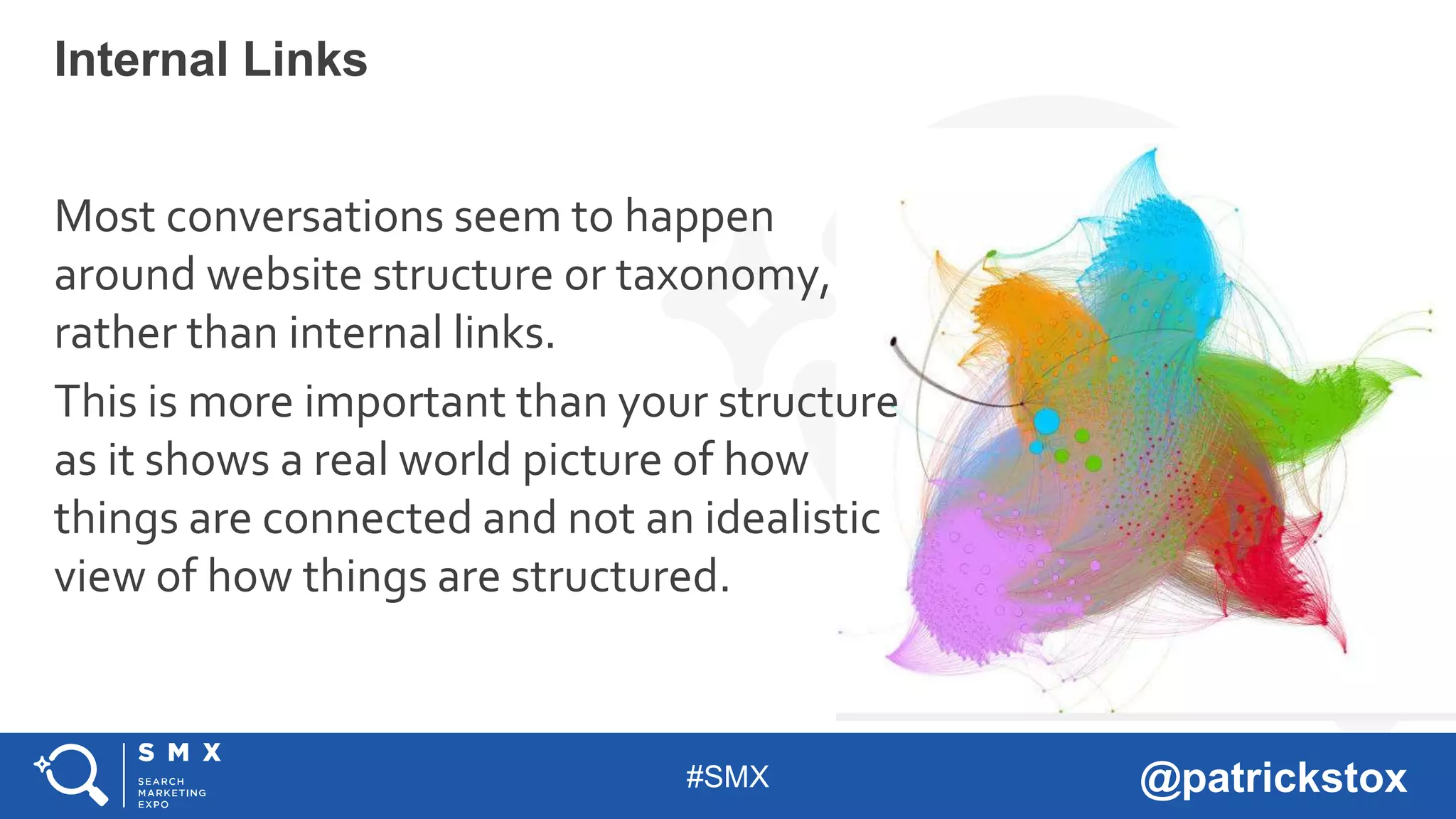
Most conversations seem to happen
around website structure or taxonomy,
rather than internal links.
This is more important than your structure
as it shows a real world picture of how
things are connected and not an idealistic
view of how things are structured.
Internal Links
#SMX @patrickstox
Wayback Machine https://web.archive.org/
Tip: You can also see old versions of the robots.txt file which can
show if something may have been blocked in the past.
What If I Was Brought In After The Fact?
#SMX @patrickstox
Good Luck!
#SMX @patrickstox
LEARN MORE: UPCOMING @SMX EVENTS
THANK YOU!
SEE YOU AT THE NEXT #SMX

Website Migrations at SMX Munich 2019 - Patrick Stox

  • 1.
    #SMX @patrickstox But There’sLight At The End Of The Tunnel MIGRATIONS ARE SCARY
  • 2.
    #SMX @patrickstox • TechnicalSEO for IBM - Opinions expressed are my own and not those of IBM. • I write, mainly for Search Engine Land • I speak at some conferences like this one, Pubcon, TechSEO Boost • Organizer for the Raleigh SEO Meetup (most successful in US) • We also run a conference, the Raleigh SEO Conference • Also the Beer & SEO Meetup (because beer) • 2017 + 2018 US Search Awards Judge, 2017 + 2018 UK Search Awards Judge, 2018 + 2019 Interactive Marketing Awards Judge Who is Patrick Stox?
  • 3.
    #SMX @patrickstox The MoreYou Do At Once, The More Likely Something Will Go Wrong
  • 4.
  • 5.
  • 6.
    #SMX @patrickstox Get AllThe Right People Involved
  • 7.
    #SMX @patrickstox Make SurePeople Know What They Are Supposed To Do • SEO • Social • Paid • PR • Analytics • Apps and/or Platforms • Email/automation • Devs • Infrastructure
  • 8.
  • 9.
  • 10.
  • 11.
    #SMX @patrickstox Get EnoughResources (It Never Feels Like Enough)
  • 12.
    #SMX @patrickstox • Before:ABC, an XYZ company • Before: ABC is becoming XYZ on dd/mm/yyyy • During: ABC, now part of XYZ • Maybe Later: DEF, formerly ABC (because someone will want to change the name…) Let People Know Your Branding (For Acquisitions)
  • 13.
    #SMX @patrickstox There’s nothingyou can mess up that can’t be fixed later. But Mainly Don’t Panic
  • 14.
    #SMX @patrickstox Sometimes thingsare rushed and missed because of deadlines, holidays, resources, etc. Don’t expect everything to be perfect or for you to be able to delay the process. Not Everything Has To Be Perfect Before Launch
  • 15.
    #SMX @patrickstox This =That The Most Likely Thing To Go Wrong Is Redirects They’re Really About Consolidation Of Signals
  • 16.
    #SMX @patrickstox There isno value lost, no decay of signals. They either consolidate, or they don’t. That’s true for 301, 302, JS redirects, however you do it. How Redirects Work
  • 17.
    #SMX @patrickstox Map 1:1as much as possible • Don’t redirect all to one page like an announcement or homepage • Don’t forget other formats like Images or PDFs (I wouldn’t worry about jss, css, etc) • You should maintain older redirects from previous versions of the site Get Them Right
  • 18.
    #SMX @patrickstox If apage is 404 for long enough, signals are essentially lost. Note, they can build back up over time as links to the page are crawled. Why Get Them Right?
  • 19.
    #SMX @patrickstox It depends… Ona fairly stable site, consolidation will happen within a few weeks Once that happens, signals at the original URL are dropped! So changing a redirect later can take time. How Long Does It Take To Consolidate
  • 20.
    #SMX @patrickstox This isabout where signals consolidate and which shows in search results. A 301 > B = B shows in index and signals consolidate to B • A 302 > B = A stays indexed, B consolidates to A. • Eventually this may be treated as a 301 and consolidate to B. • Other signals may come into play. A 302 > B, B canonical to A = A stays indexed and signals get consolidated there. The Age Old Debate Of 301 vs 302
  • 21.
    #SMX @patrickstox With redirects,whether they actually count for your or are ignored and treated as a soft 404 depends on how relevant the new page is to the old one. • 1:1 = yes • Home > Announcement or Product page = likely yes • Home > Family/Company Home = maybe (depending on relevance) • Subpages > Home, likely not, but again depends on relevance What If: I Redirect All To One Page
  • 22.
    #SMX @patrickstox Eventually thelinks from those old pages will no longer consolidate to the newest one. Signals are checked at time of crawl. I would keep redirects from pages that have links as until the day I die. As long as there are still links and Google is still checking, there is still value. What If: I Don’t Keep Legacy Redirects
  • 23.
    #SMX @patrickstox Users willbe redirected, but the links aren’t going to count. The image index is a different index than the page index. Try doing info:https://abc.com/xyz.jpg in a search and you’ll see there’s no information. For redirected pages, this would show the new location and the links would also be reflected in Google Search Console as “via intermediate link (old page)” but this doesn’t happen for images redirected to pages. What If: I Redirect Images To A Page
  • 24.
    #SMX @patrickstox Understanding wherethe redirects are happening: • DNS • CDN level (workers or redirect/page rules) • Middleware (A/B Testing Platform, something between CDN and server) • Server level (files like .htaccess or server config, HTTP header response) • Language based (PHP, JS, meta refresh, etc) • Plugin/Module/CMS Where I See People Struggle With Redirects
  • 25.
    #SMX @patrickstox • DNSdoes not have protocol, you can’t use http/https at this level. • If you route to the new site with DNS, you basically have to preserve the path and catch redirects on the new server. • Abc.com/xyz > newabc.com/xyz, then write a rule on the new server for xyz to go where it needs to. Where I See People Struggle With Redirects
  • 26.
    #SMX @patrickstox • Lettingan old domain that’s redirected expire is bad. • If you put redirects in .htaccess on the old server and then remove the old server, what happens? Gone… • If your site was HTTPS and you leave your old server up with redirects there, remember to renew the certificate. Or get a multi- domain cert and move everything to the new server. If the cert expires, Google still counts links but users aren’t passed. Where I See People Struggle With Redirects
  • 27.
    #SMX @patrickstox Ahrefs Pages> “Best by links” report • 404 and has links = easy win • 30x and has links but goes to a main page or homepage when there might be a better match where it wouldn’t be treated as a soft 404. • Crawl the pages to double check the current status codes. Looking For Redirect Opportunities
  • 28.
    #SMX @patrickstox • Checkyour header responses to identify where a redirect may have fired. Usually CDN, Server, and CMS have identifying characteristics in their headers. • Move redirects to the edge if you can, it’s faster. • It’s never too late, these are some of the easiest wins companies have are to create redirects for old pages where they were either not done or have been lost over the years. • Setup monitoring for the old domain, security certificates, important pages, etc. Redirect Tips
  • 29.
    #SMX @patrickstox • Whenusing HSTS, the redirect usually shown is a 307. This is browser cached and there can be a 301 or a 302 behind this. Check without cache or in Google Search Console with fetch to see. • Content Security Policy: upgrade-insecure-requests. Having mixed content issues? Enabling this will solve them and is fairly quick on the servers or some CDNs can do it with a click. • Referrer Policy. Lots of options on how to pass the referral to sites that aren’t secure but you also might be stripping out the referral to some parts of your site, so check this. HTTPS Specific
  • 30.
    #SMX @patrickstox Don’t blockanything, don’t noindex anything. Use info:https://example.com/path in Google to see if pages are consolidating correctly and you should also see links in Google Search Console with Target URL (if different) as the old page Crawling/Indexing
  • 31.
    #SMX @patrickstox People stillsee old pages indexed because they haven’t all been crawled yet or they do a site: search on the old website and see the site and think they need to remove the pages. This is pretty much the worst thing they can do. Site: is going to return the old website, you’re specifically asking for information about it. Common Scenario
  • 32.
    #SMX @patrickstox • Blockingcrawling in robots.txt on old site. • Spiders needs to crawl the old site to consolidate to the new one. • Using noindex on old site in head, http headers, or robots.txt. • If it’s not indexed, it can’t be consolidated. I’ve seen an entire domain not consolidated because of a noindex in robots.txt. • Using the URL removal tool in Google Search Console. • Just don’t. Where It Goes Wrong On Old Site
  • 33.
    #SMX @patrickstox • Blockcrawling in robots.txt in new site. • Spiders need to crawl the new site in order to consolidate signals. This is typically blocked before launch and sometimes people forget about it. • Use noindex on new site. • If the new pages aren’t indexed, then signals can’t be consolidated there. This is typically done before launch and sometimes people forget about it. Where It Goes Wrong On New Site
  • 34.
    #SMX @patrickstox Keeping asitemap with the old URLs (for a short period of time) can help get them crawled faster. For some there’s a popular belief that you should only have URLs from the new site in the sitemap. In the future, the indexing API may be used for fast re-indexing. David already tested this and it seems to work (for now) https://www.davidsottimano.com/playing-with-googles-new- indexing-api-and-getting-pages-crawled-immediately/ You Want Google To Crawl Through Everything
  • 35.
    #SMX @patrickstox I havea lot of examples where people “see” drops but it’s because they’re looking at a limited view like one property in Google Search Console instead of a property set or they aren’t passing the referrer correctly or just general issues with their analytics. So many case studies show issues from migrations for http/https, subfolder/subdomain where they didn’t look at all the things consolidated or they have a problem with their analytics or they cut out content or internal links. Look at the whole picture! Make Sure You’re Looking At Your Analytics Tools The Right Way
  • 36.
    #SMX @patrickstox Cutting contentor not transferring it has caused some of the biggest drops I have seen. Imagine taking successful pages and just killing them rather than bringing them over. Content
  • 37.
    #SMX @patrickstox Most conversationsseem to happen around website structure or taxonomy, rather than internal links. This is more important than your structure as it shows a real world picture of how things are connected and not an idealistic view of how things are structured. Internal Links
  • 38.
    #SMX @patrickstox Wayback Machinehttps://web.archive.org/ Tip: You can also see old versions of the robots.txt file which can show if something may have been blocked in the past. What If I Was Brought In After The Fact?
  • 39.
  • 40.
    #SMX @patrickstox LEARN MORE:UPCOMING @SMX EVENTS THANK YOU! SEE YOU AT THE NEXT #SMX