WebP
Allan Shih
FEB 4, 2021
● What is WebP?
● Why use WebP?
● How to convert images files to WebP?
● WebP Support in Android Studio
● Reference
Agenda
● WebP is an image file format created by the web
performance team at Google, developed as a
replacement for JPEG, PNG, and GIF, while supporting
good compression, transparency, and animations.
What is WebP?
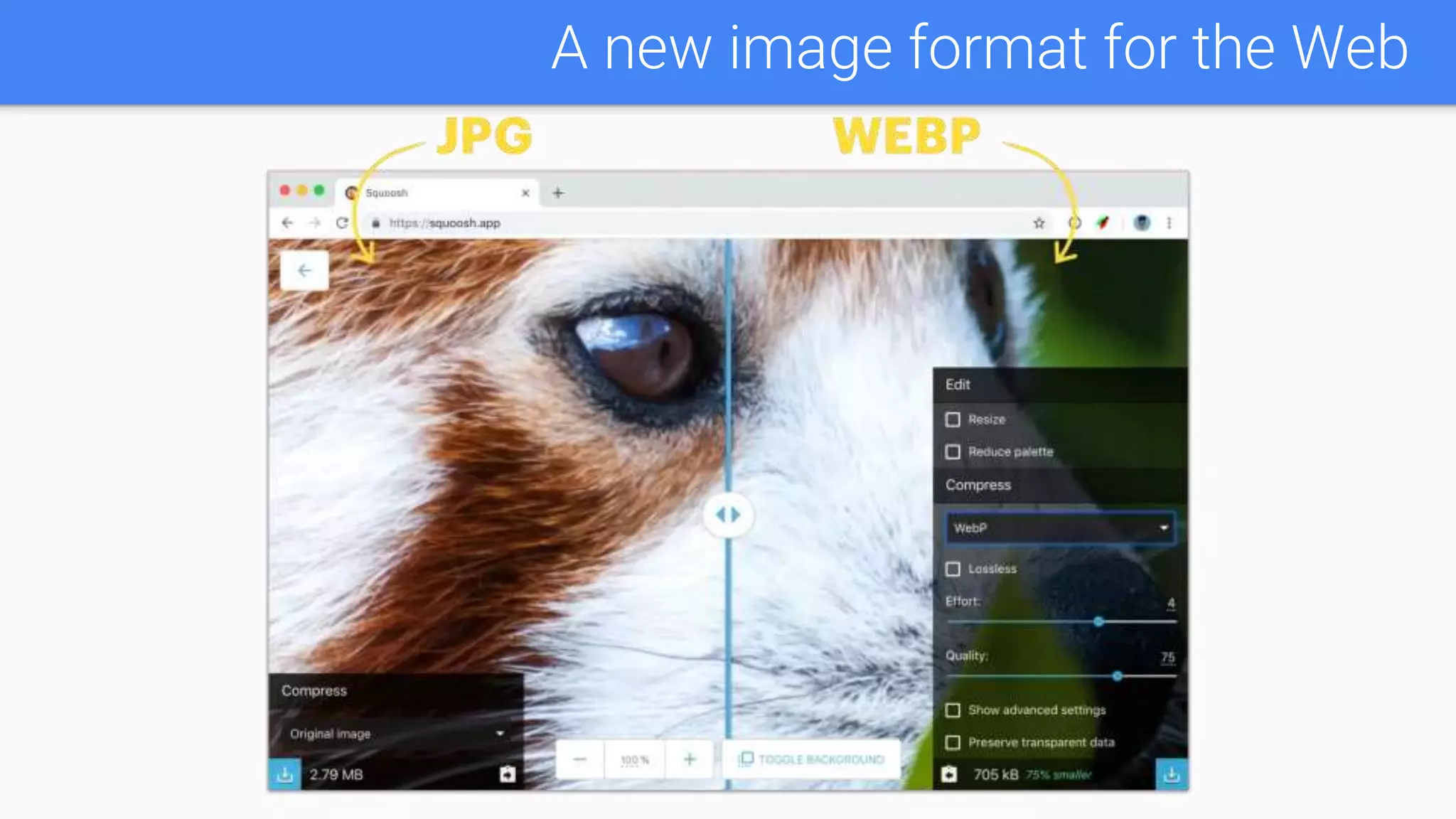
A new image format for the Web
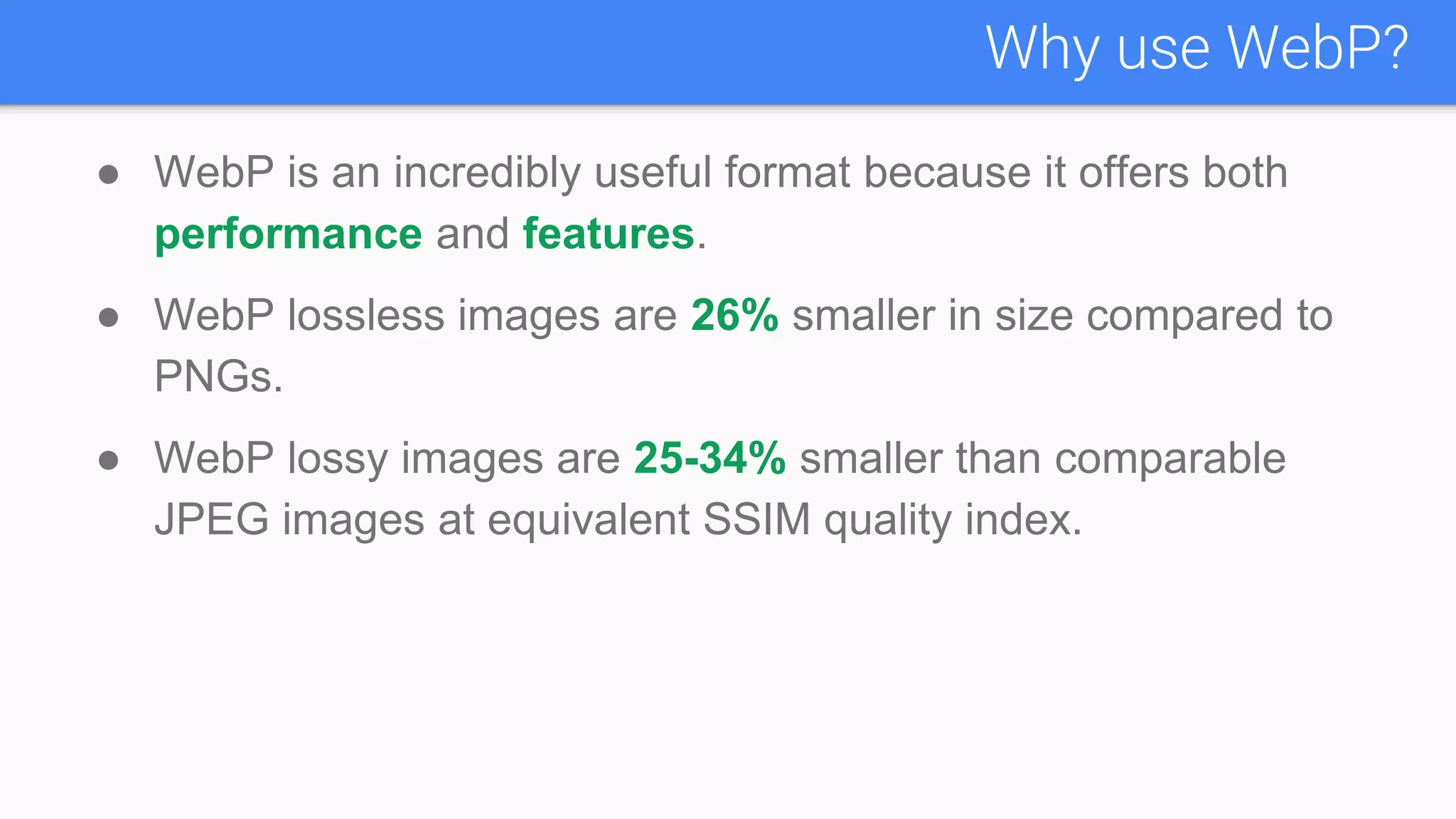
● WebP is an incredibly useful format because it offers both
performance and features.
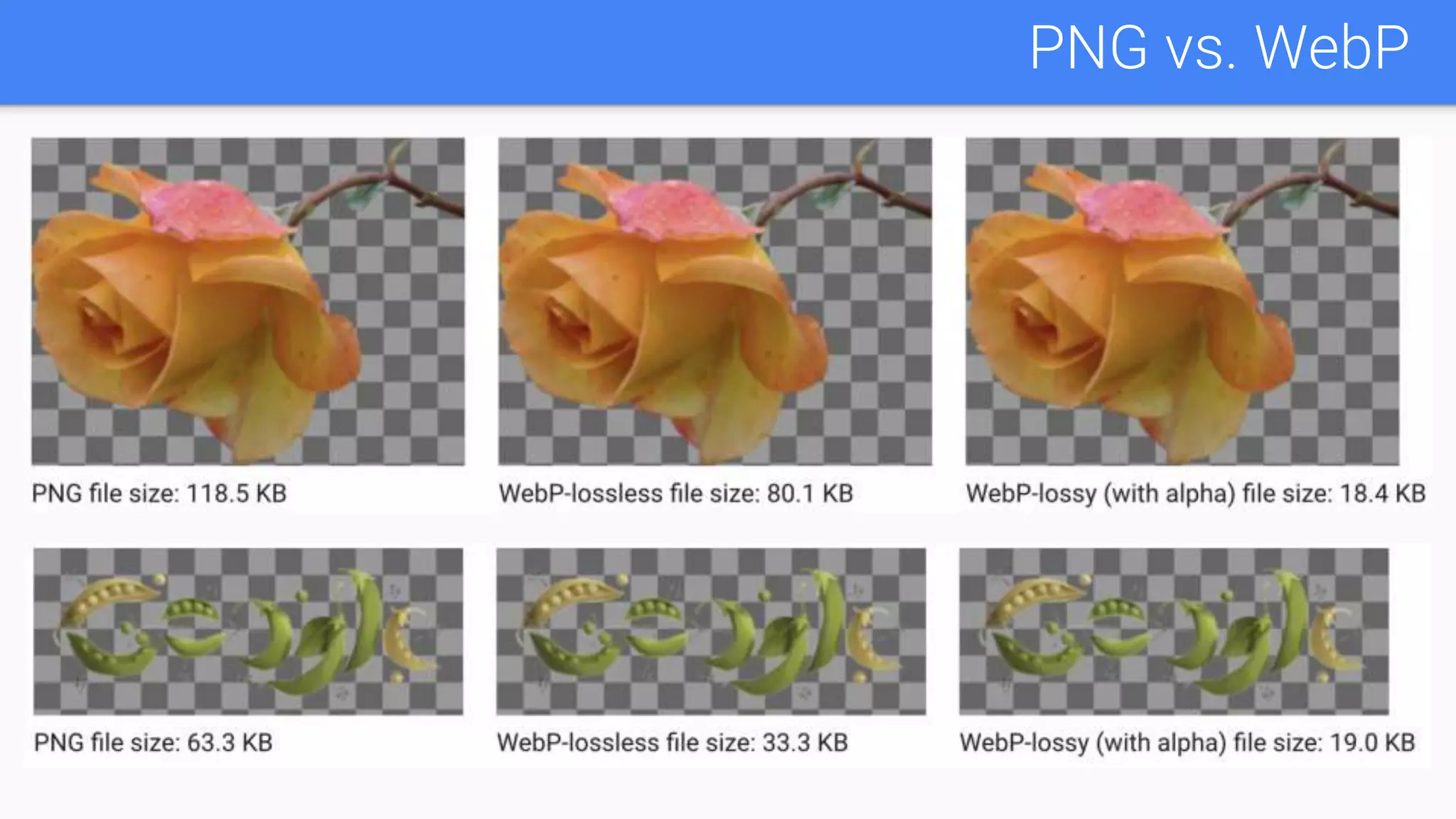
● WebP lossless images are 26% smaller in size compared to
PNGs.
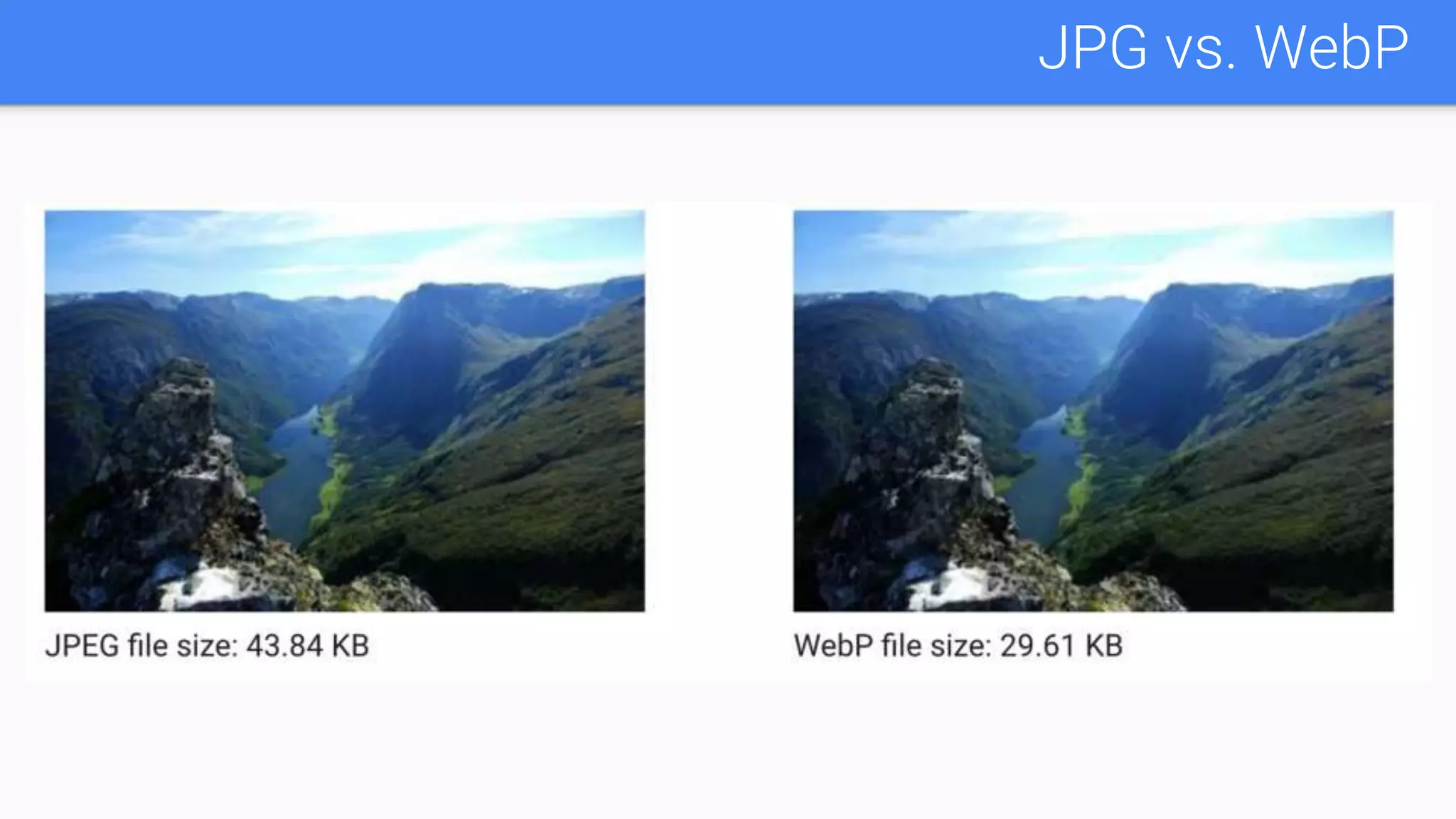
● WebP lossy images are 25-34% smaller than comparable
JPEG images at equivalent SSIM quality index.
Why use WebP?
PNG vs. WebP
JPG vs. WebP
● WebP supports both lossy and lossless compression, as
well as transparency and animation.
Image Formats Comparison
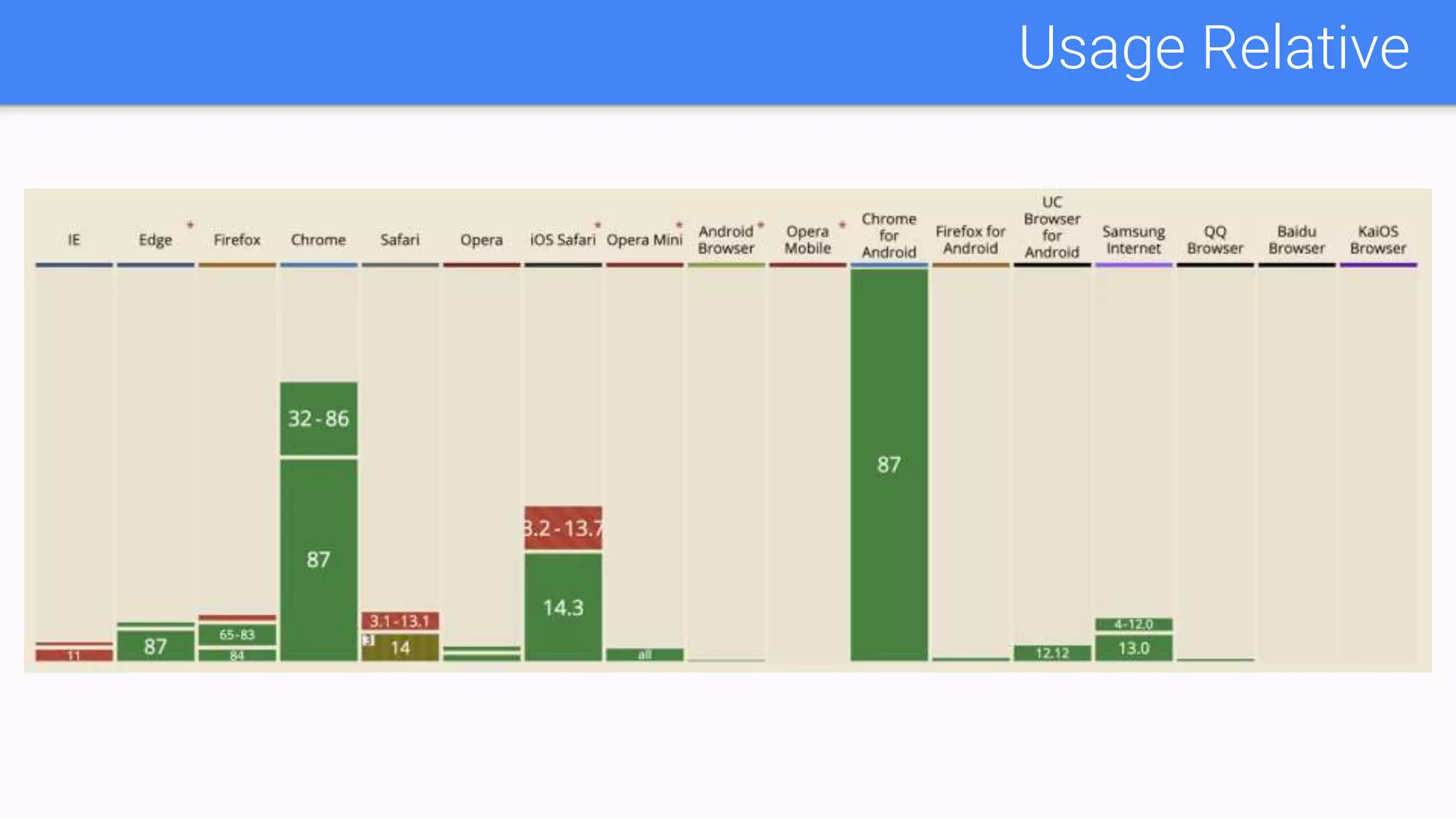
Browser Support for WebP
Usage Relative
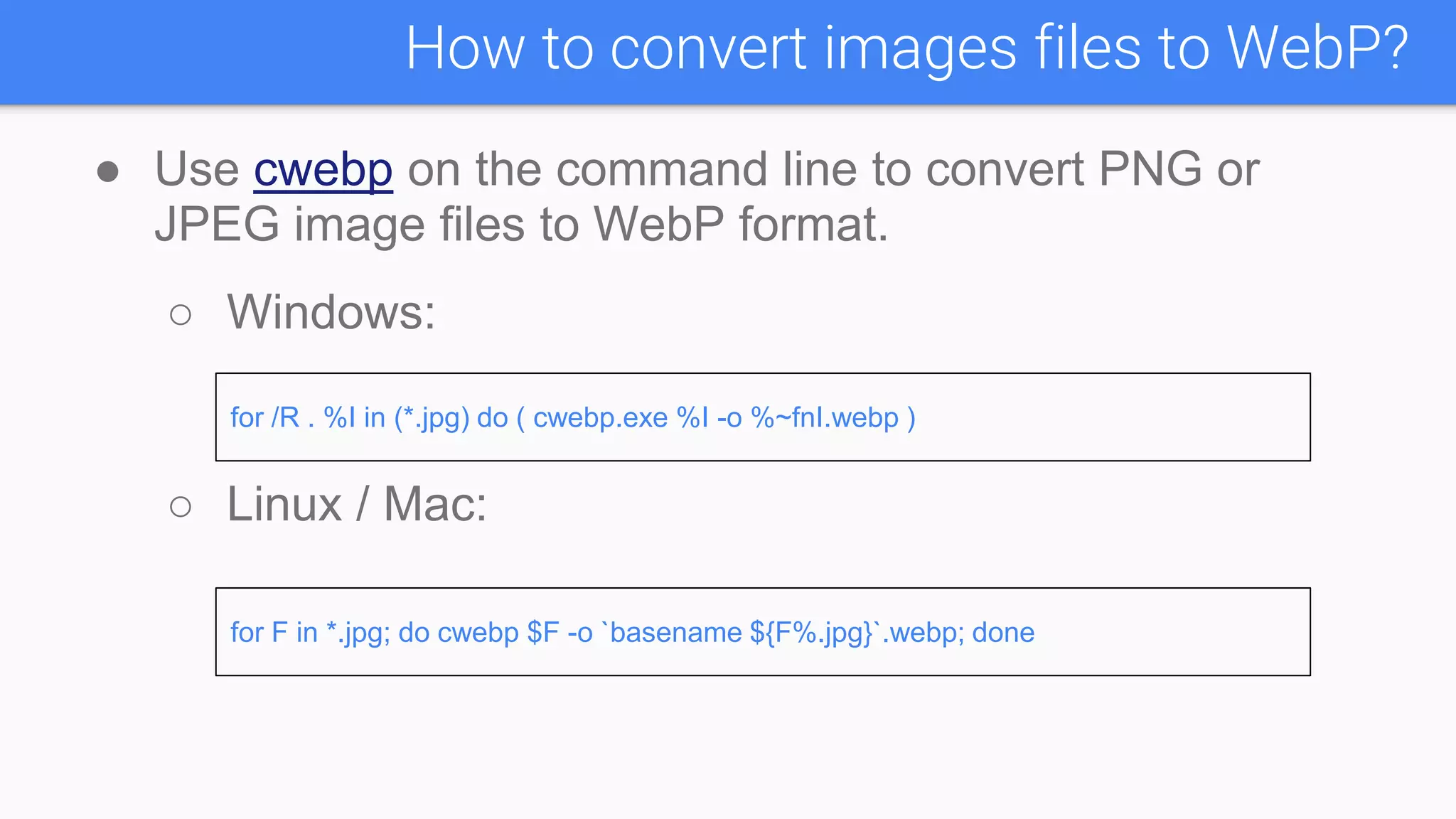
● Use cwebp on the command line to convert PNG or
JPEG image files to WebP format.
○ Windows:
○ Linux / Mac:
How to convert images files to WebP?
for /R . %I in (*.jpg) do ( cwebp.exe %I -o %~fnI.webp )
for F in *.jpg; do cwebp $F -o `basename ${F%.jpg}`.webp; done
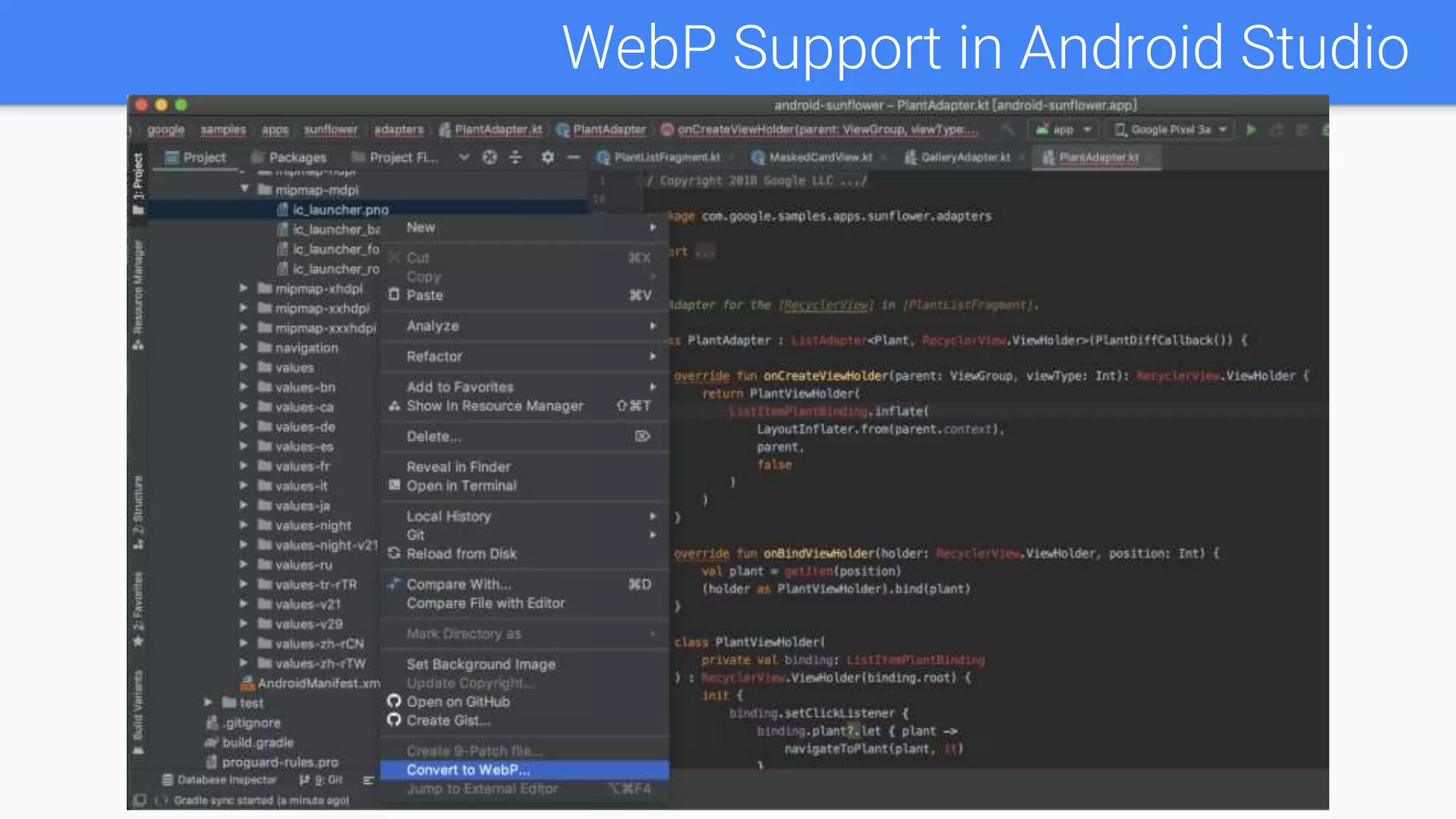
WebP Support in Android Studio
● Load .webp image using Glide:
val webp = "https://www.learningcontainer.com/wp-
content/uploads/2020/08/Large-Sample-webp-Image-download-for-
Testing.webp"
Glide.with(context).load(webp).into(imageView)
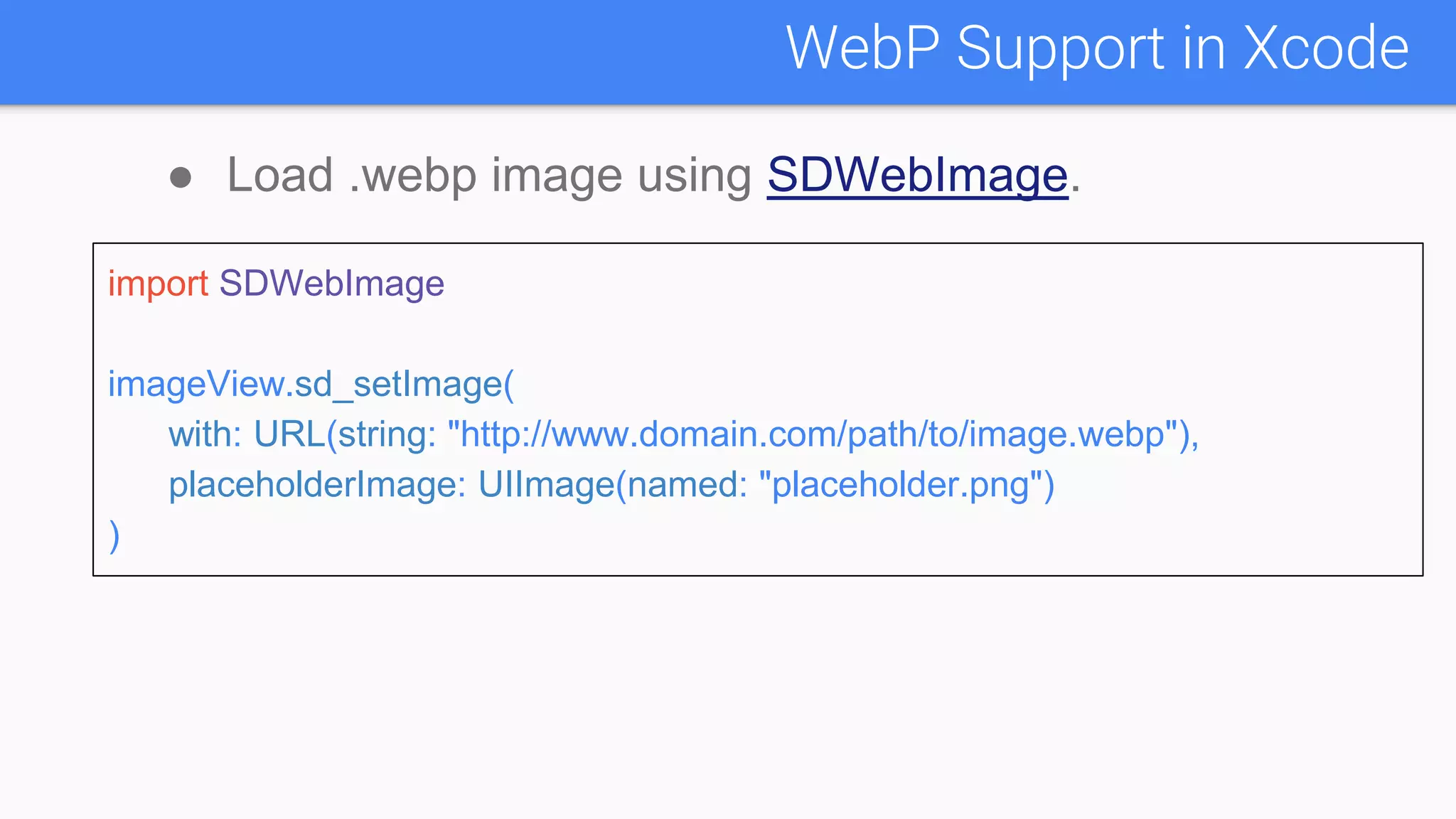
WebP Support in Xcode
● Load .webp image using SDWebImage.
import SDWebImage
imageView.sd_setImage(
with: URL(string: "http://www.domain.com/path/to/image.webp"),
placeholderImage: UIImage(named: "placeholder.png")
)
● A new image format for the Web | WebP | Google
Developers
● Create WebP images | Android Developers
Reference

Webp

  • 1.
  • 2.
    ● What isWebP? ● Why use WebP? ● How to convert images files to WebP? ● WebP Support in Android Studio ● Reference Agenda
  • 3.
    ● WebP isan image file format created by the web performance team at Google, developed as a replacement for JPEG, PNG, and GIF, while supporting good compression, transparency, and animations. What is WebP?
  • 4.
    A new imageformat for the Web
  • 5.
    ● WebP isan incredibly useful format because it offers both performance and features. ● WebP lossless images are 26% smaller in size compared to PNGs. ● WebP lossy images are 25-34% smaller than comparable JPEG images at equivalent SSIM quality index. Why use WebP?
  • 6.
  • 7.
  • 8.
    ● WebP supportsboth lossy and lossless compression, as well as transparency and animation. Image Formats Comparison
  • 9.
  • 10.
  • 11.
    ● Use cwebpon the command line to convert PNG or JPEG image files to WebP format. ○ Windows: ○ Linux / Mac: How to convert images files to WebP? for /R . %I in (*.jpg) do ( cwebp.exe %I -o %~fnI.webp ) for F in *.jpg; do cwebp $F -o `basename ${F%.jpg}`.webp; done
  • 12.
    WebP Support inAndroid Studio
  • 13.
    WebP Support inAndroid Studio ● Load .webp image using Glide: val webp = "https://www.learningcontainer.com/wp- content/uploads/2020/08/Large-Sample-webp-Image-download-for- Testing.webp" Glide.with(context).load(webp).into(imageView)
  • 14.
    WebP Support inXcode ● Load .webp image using SDWebImage. import SDWebImage imageView.sd_setImage( with: URL(string: "http://www.domain.com/path/to/image.webp"), placeholderImage: UIImage(named: "placeholder.png") )
  • 15.
    ● A newimage format for the Web | WebP | Google Developers ● Create WebP images | Android Developers Reference