What’s New:
Incident Command
Center (ICC)
Emel Dogrusoz
Today’s Agenda
● Why need an Incident Command System?
● Common Reasons of Slow & Ineffective Incident
Response
● Tour of functionality
● Benefits of OpsGenie’s Incident Command Center
(ICC)
● Q&A
Why need an Incident Command System?
● Built after the nation-wide used Incident
Command System (ICS).
● ICS was first developed in the 1970’s to
ease commanding, controlling, and
coordinating the emergency response to
wildfires that quickly move across
California.
● Digital world has similar requirements to
solve IT incidents quickly.
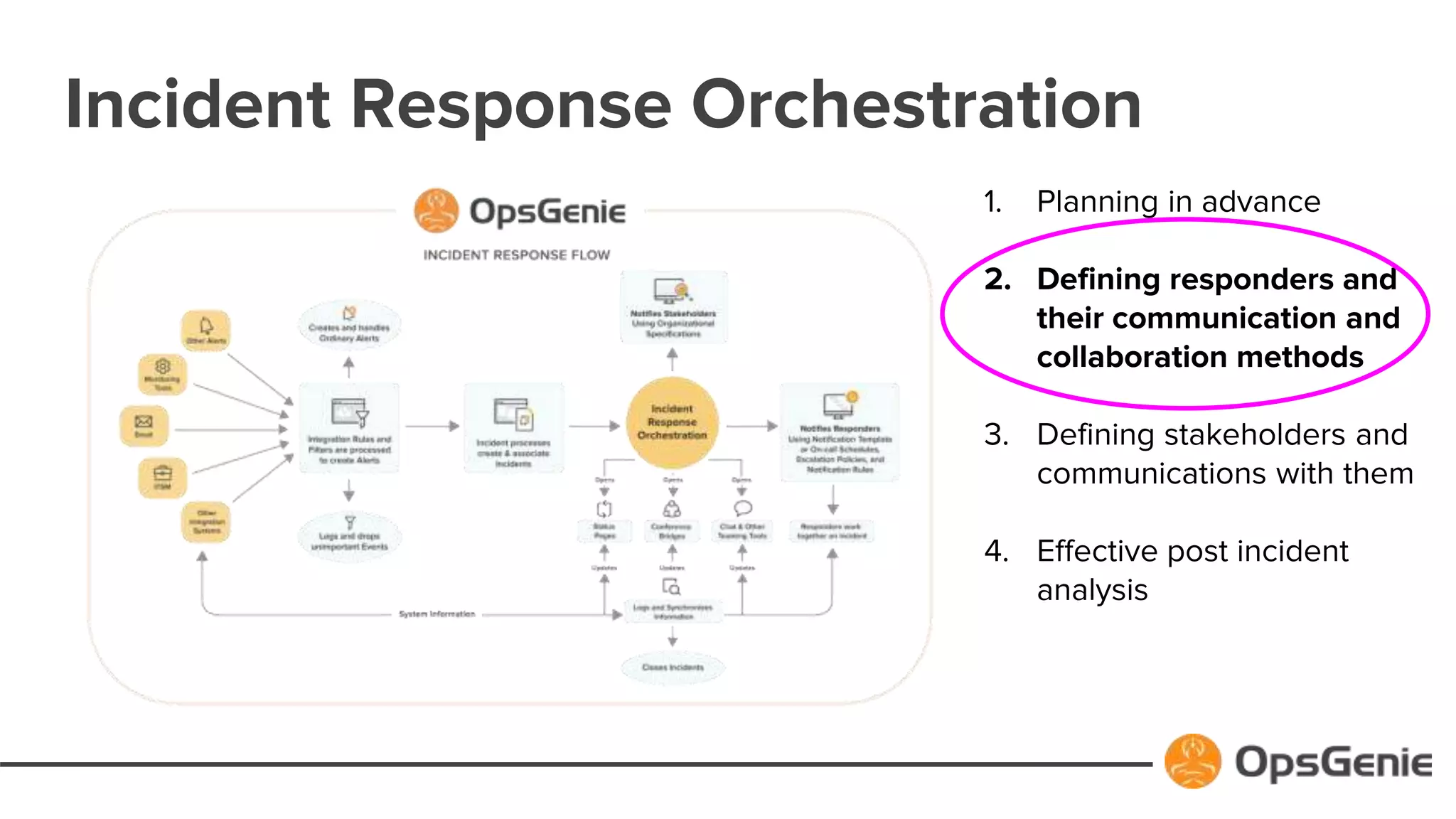
Incident Response Orchestration
1. Planning in advance
2. Defining responders and
their communication and
collaboration methods
3. Defining stakeholders and
communications with them
4. Effective post incident
analysis
Problems causing slow & ineffective response:
● Complexities associated with having to use and switch between various tools
and platforms during incident response
● Unclear lines of communication
● Difficulty in organizing various teams to access the collaboration platform from
different geographies
● Blurred lines of authority leading to response delays and confusion
● Difficulty coordinating the planning among multiple teams
● Lack of accurate and reliable information on the collaboration platform
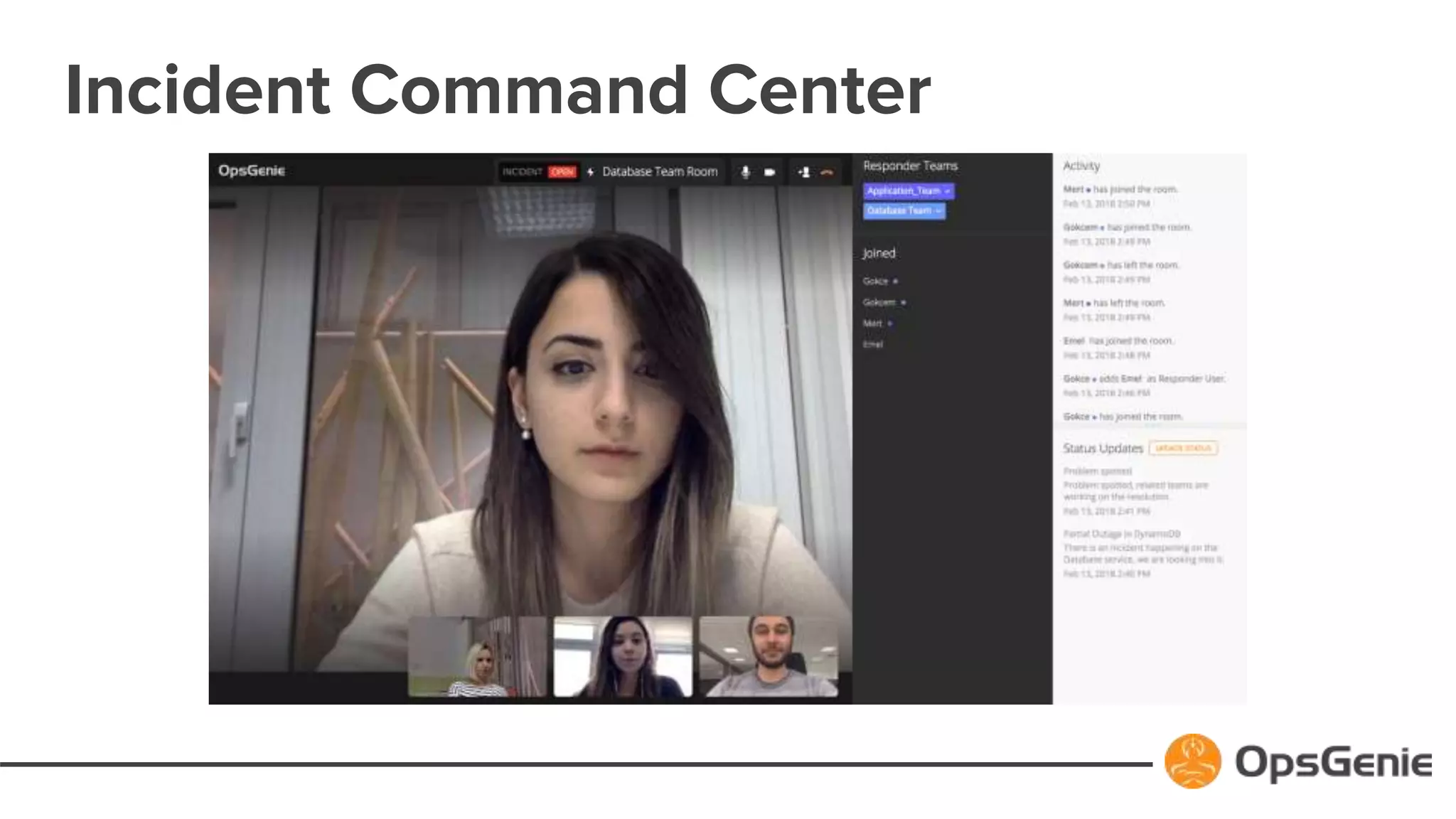
Incident Command Center
Benefits of ICC
Use Incident Command Center (ICC) to organize your teams, debate solutions, and take
immediate coordinated action.
● Instantly notify and bring all responders together in a virtual war room with OpsGenie-
Hosted audio & video conferencing
● Stop having to use and switch between various tools and platforms during incident
response
● View the status and progress of each responder team within the platform itself
● Enable participants to join via mobile devices
● Initiate and track all status updates and actions, from one centralized dashboard
● Access past session collaboration metrics for post-incident analysis
Things to Remember
● ICC is available in the Enterprise Plan and up (as part of Incident
Response Orchestration feature set)
● All responder roles (User, Admin, Owner) can access the ICC
menu.
● Please do not forget to allow pop-ups from your browser to be
able to join ICC sessions!
● If you want ICC to be enabled for you, please contact Customer
Success!
Thank You

OpsGenie's Incident Command Center

  • 1.
  • 2.
    Today’s Agenda ● Whyneed an Incident Command System? ● Common Reasons of Slow & Ineffective Incident Response ● Tour of functionality ● Benefits of OpsGenie’s Incident Command Center (ICC) ● Q&A
  • 3.
    Why need anIncident Command System? ● Built after the nation-wide used Incident Command System (ICS). ● ICS was first developed in the 1970’s to ease commanding, controlling, and coordinating the emergency response to wildfires that quickly move across California. ● Digital world has similar requirements to solve IT incidents quickly.
  • 4.
    Incident Response Orchestration 1.Planning in advance 2. Defining responders and their communication and collaboration methods 3. Defining stakeholders and communications with them 4. Effective post incident analysis
  • 5.
    Problems causing slow& ineffective response: ● Complexities associated with having to use and switch between various tools and platforms during incident response ● Unclear lines of communication ● Difficulty in organizing various teams to access the collaboration platform from different geographies ● Blurred lines of authority leading to response delays and confusion ● Difficulty coordinating the planning among multiple teams ● Lack of accurate and reliable information on the collaboration platform
  • 6.
  • 7.
    Benefits of ICC UseIncident Command Center (ICC) to organize your teams, debate solutions, and take immediate coordinated action. ● Instantly notify and bring all responders together in a virtual war room with OpsGenie- Hosted audio & video conferencing ● Stop having to use and switch between various tools and platforms during incident response ● View the status and progress of each responder team within the platform itself ● Enable participants to join via mobile devices ● Initiate and track all status updates and actions, from one centralized dashboard ● Access past session collaboration metrics for post-incident analysis
  • 8.
    Things to Remember ●ICC is available in the Enterprise Plan and up (as part of Incident Response Orchestration feature set) ● All responder roles (User, Admin, Owner) can access the ICC menu. ● Please do not forget to allow pop-ups from your browser to be able to join ICC sessions! ● If you want ICC to be enabled for you, please contact Customer Success!
  • 9.