®


               IBM Software Group


Ask the Experts
Installation in WebSphere Application Server


15 March 2012


WebSphere® Support Technical Exchange
IBM Software Group


Agenda
         Introduce the panel of experts
         Introduce Installation in WebSphere Application Server
         Answer questions submitted by email (5 questions)
         Open telephone lines for questions
         Summarize highlights


WebSphere® Support Technical Exchange                             2
IBM Software Group


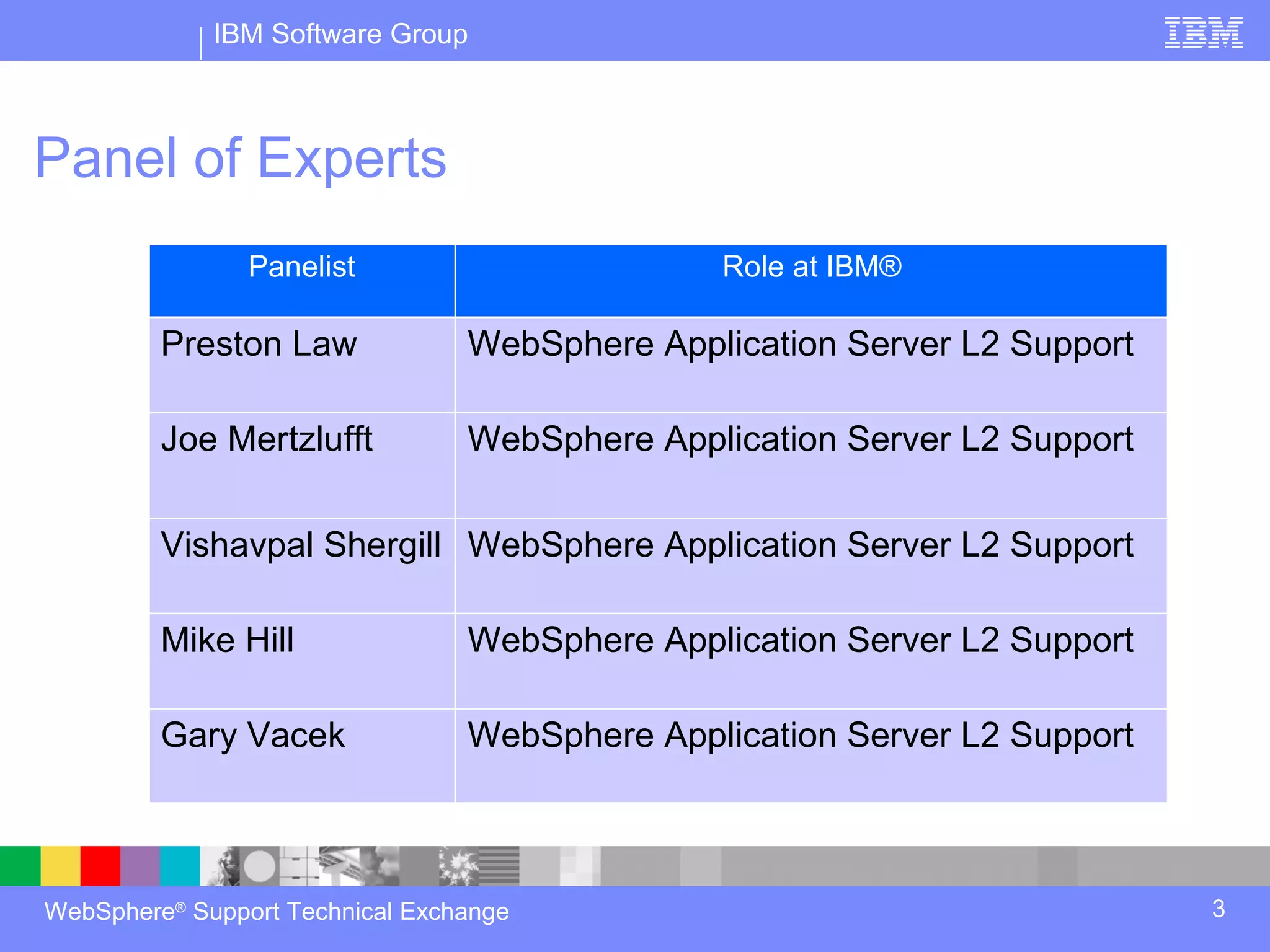
Panel of Experts
                Panelist                       Role at IBM®

         Preston Law             WebSphere Application Server L2 Support

         Joe Mertzlufft          WebSphere Application Server L2 Support


         Vishavpal Shergill WebSphere Application Server L2 Support

         Mike Hill               WebSphere Application Server L2 Support

         Gary Vacek              WebSphere Application Server L2 Support


WebSphere® Support Technical Exchange                                      3
IBM Software Group


Introduction
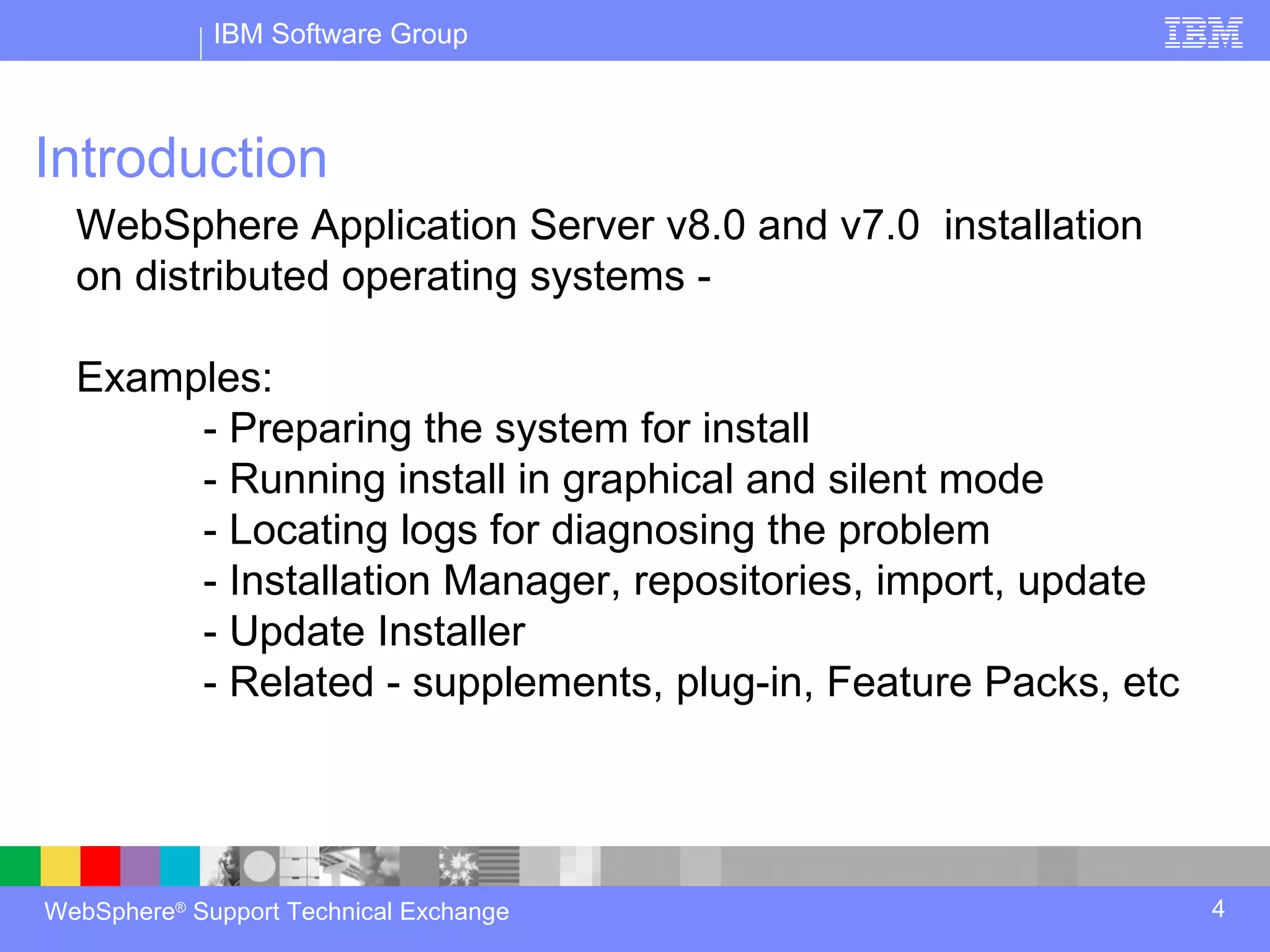
  WebSphere Application Server v8.0 and v7.0 installation
  on distributed operating systems -

  Examples:
       - Preparing the system for install
       - Running install in graphical and silent mode
       - Locating logs for diagnosing the problem
       - Installation Manager, repositories, import, update
       - Update Installer
       - Related - supplements, plug-in, Feature Packs, etc


WebSphere® Support Technical Exchange                         4
IBM Software Group


Introduction continued
   Focus is on WebSphere Application Server and related, on
   distributed operating systems

             - Other IBM WebSphere Products such as Portal,
             Commerce, etc. are outside of the scope of todays
             session

             - Distributed Operating systems include AIX, Solaris,
             Windows®, HP-UX, Linux®


WebSphere® Support Technical Exchange                                5
IBM Software Group


Question 1

         I have installed a feature pack on WebSphere
         Application Server V8, what additional steps are
         required for my profile to use this?


WebSphere® Support Technical Exchange                       6
IBM Software Group


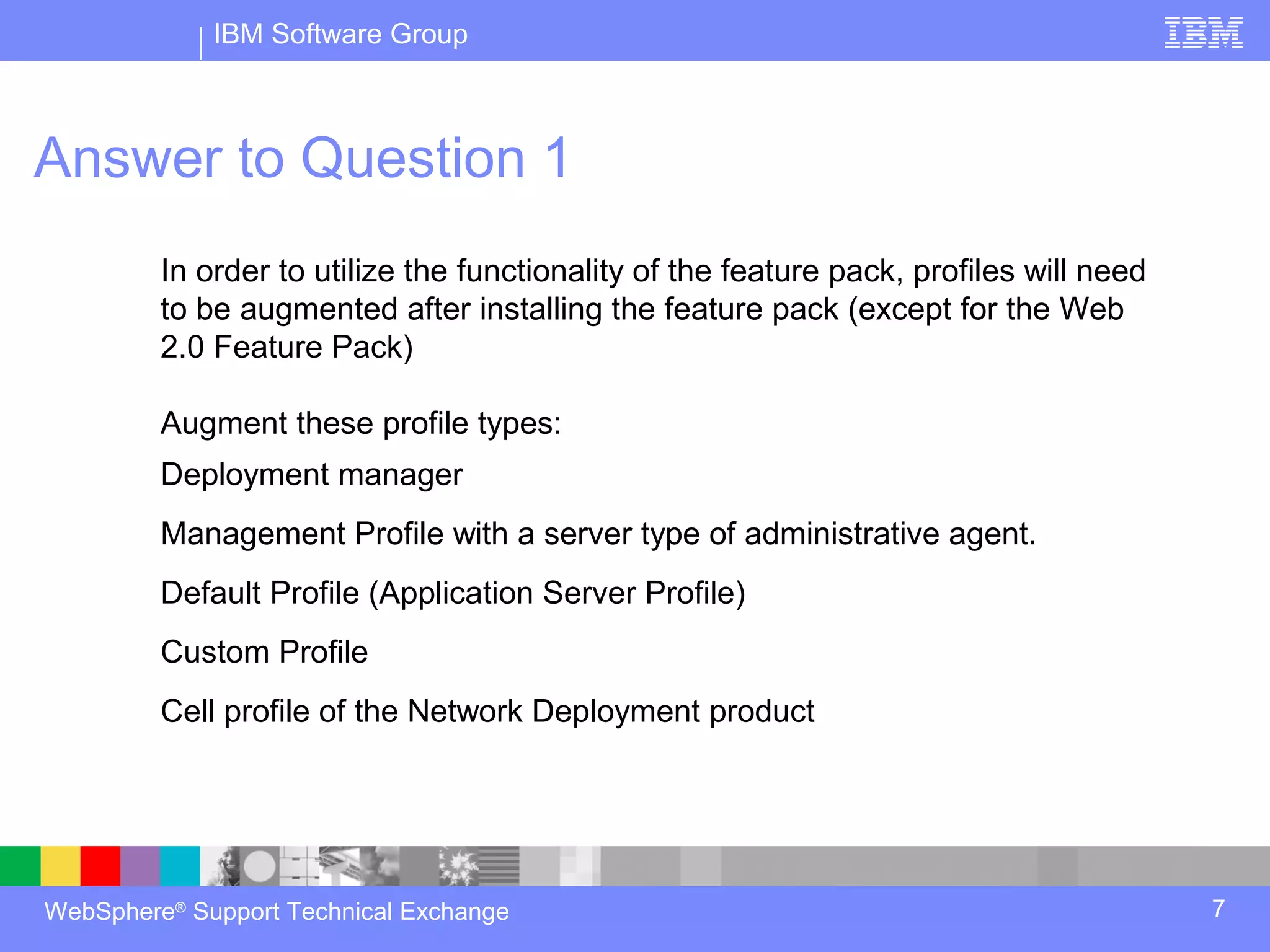
Answer to Question 1
         In order to utilize the functionality of the feature pack, profiles will need
         to be augmented after installing the feature pack (except for the Web
         2.0 Feature Pack)

         Augment these profile types:
         Deployment manager
         Management Profile with a server type of administrative agent.
         Default Profile (Application Server Profile)
         Custom Profile
         Cell profile of the Network Deployment product


WebSphere® Support Technical Exchange                                                    7
IBM Software Group


Answer to Question 1
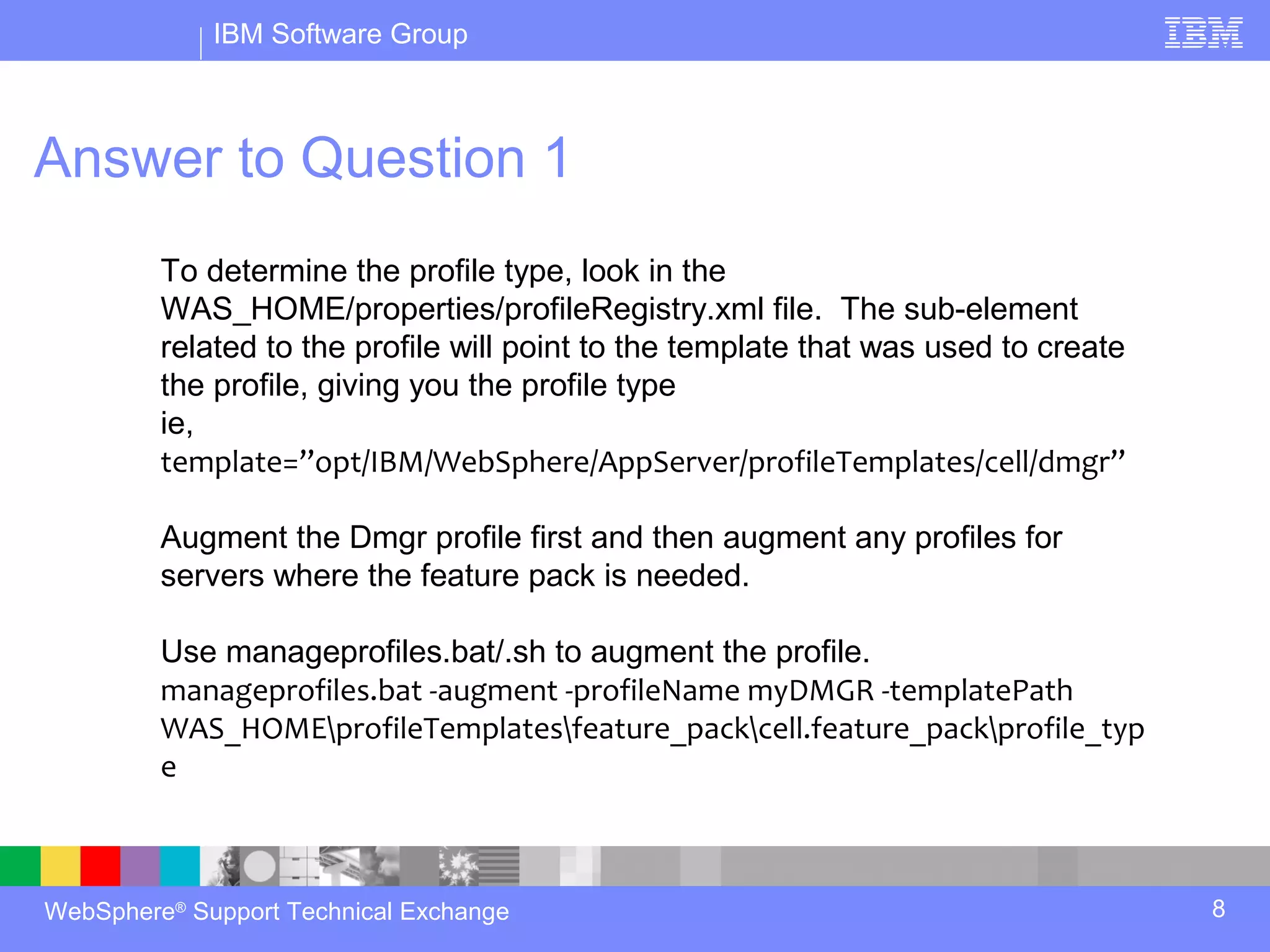
         To determine the profile type, look in the
         WAS_HOME/properties/profileRegistry.xml file. The sub-element
         related to the profile will point to the template that was used to create
         the profile, giving you the profile type
         ie,
         template=”opt/IBM/WebSphere/AppServer/profileTemplates/cell/dmgr”

         Augment the Dmgr profile first and then augment any profiles for
         servers where the feature pack is needed.

         Use manageprofiles.bat/.sh to augment the profile.
         manageprofiles.bat -augment -profileName myDMGR -templatePath
         WAS_HOMEprofileTemplatesfeature_packcell.feature_packprofile_typ
         e


WebSphere® Support Technical Exchange                                                8
IBM Software Group


Answer to Question 1
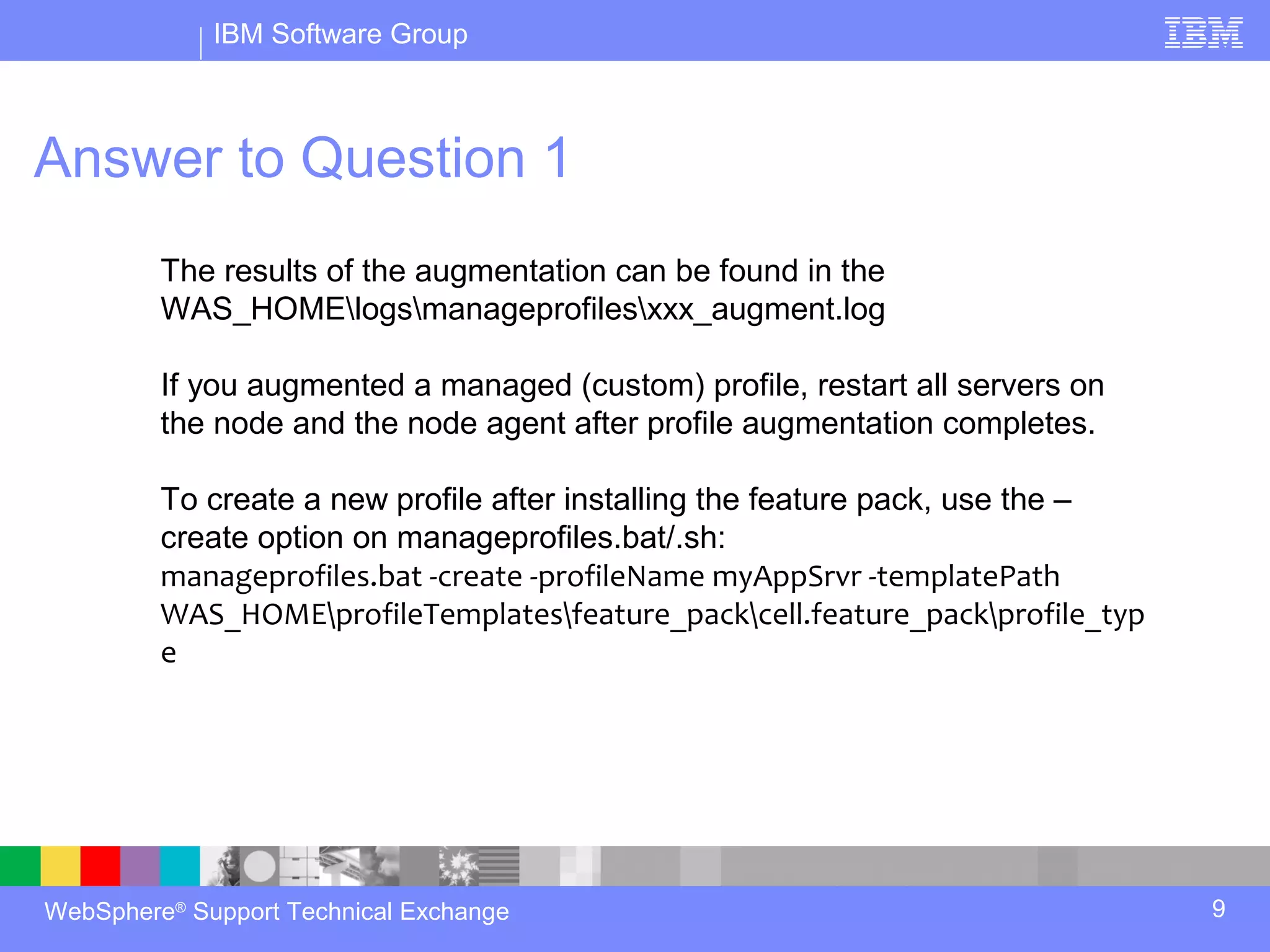
         The results of the augmentation can be found in the
         WAS_HOMElogsmanageprofilesxxx_augment.log

         If you augmented a managed (custom) profile, restart all servers on
         the node and the node agent after profile augmentation completes.

         To create a new profile after installing the feature pack, use the –
         create option on manageprofiles.bat/.sh:
         manageprofiles.bat -create -profileName myAppSrvr -templatePath
         WAS_HOMEprofileTemplatesfeature_packcell.feature_packprofile_typ
         e


WebSphere® Support Technical Exchange                                           9
IBM Software Group


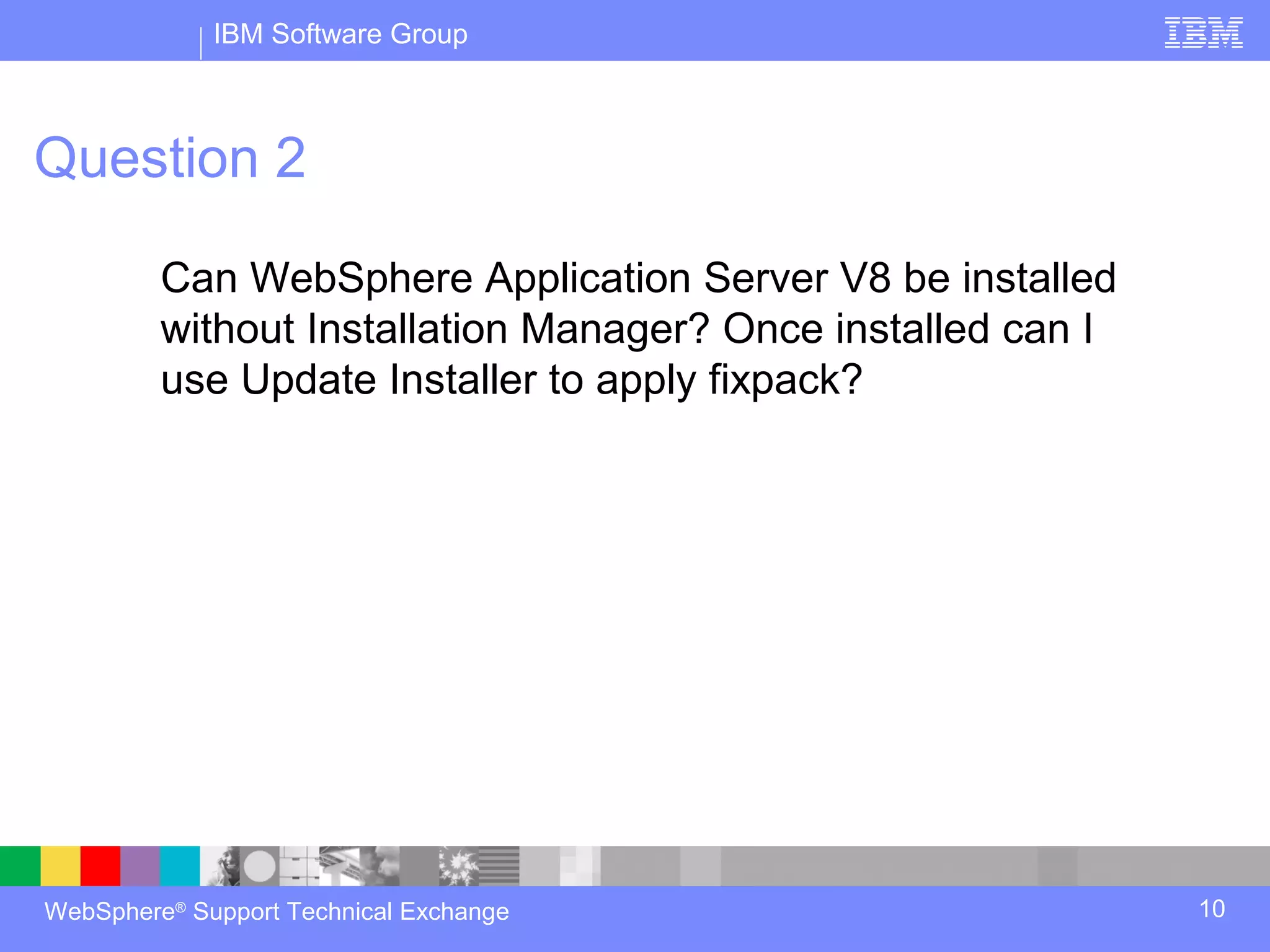
Question 2

         Can WebSphere Application Server V8 be installed
         without Installation Manager? Once installed can I
         use Update Installer to apply fixpack?


WebSphere® Support Technical Exchange                         10
IBM Software Group


Answer to Question 2
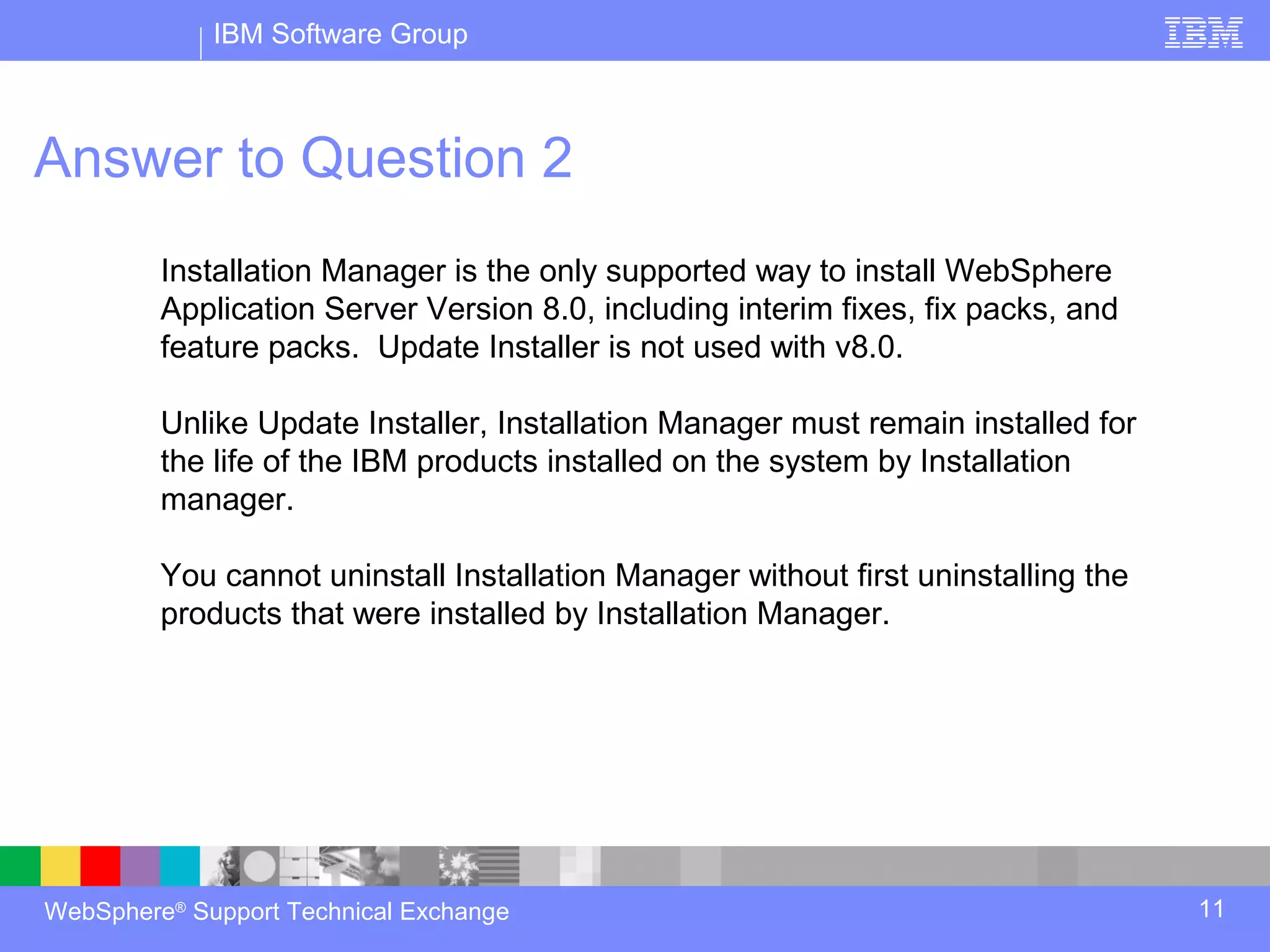
         Installation Manager is the only supported way to install WebSphere
         Application Server Version 8.0, including interim fixes, fix packs, and
         feature packs. Update Installer is not used with v8.0.

         Unlike Update Installer, Installation Manager must remain installed for
         the life of the IBM products installed on the system by Installation
         manager.

         You cannot uninstall Installation Manager without first uninstalling the
         products that were installed by Installation Manager.


WebSphere® Support Technical Exchange                                               11
IBM Software Group


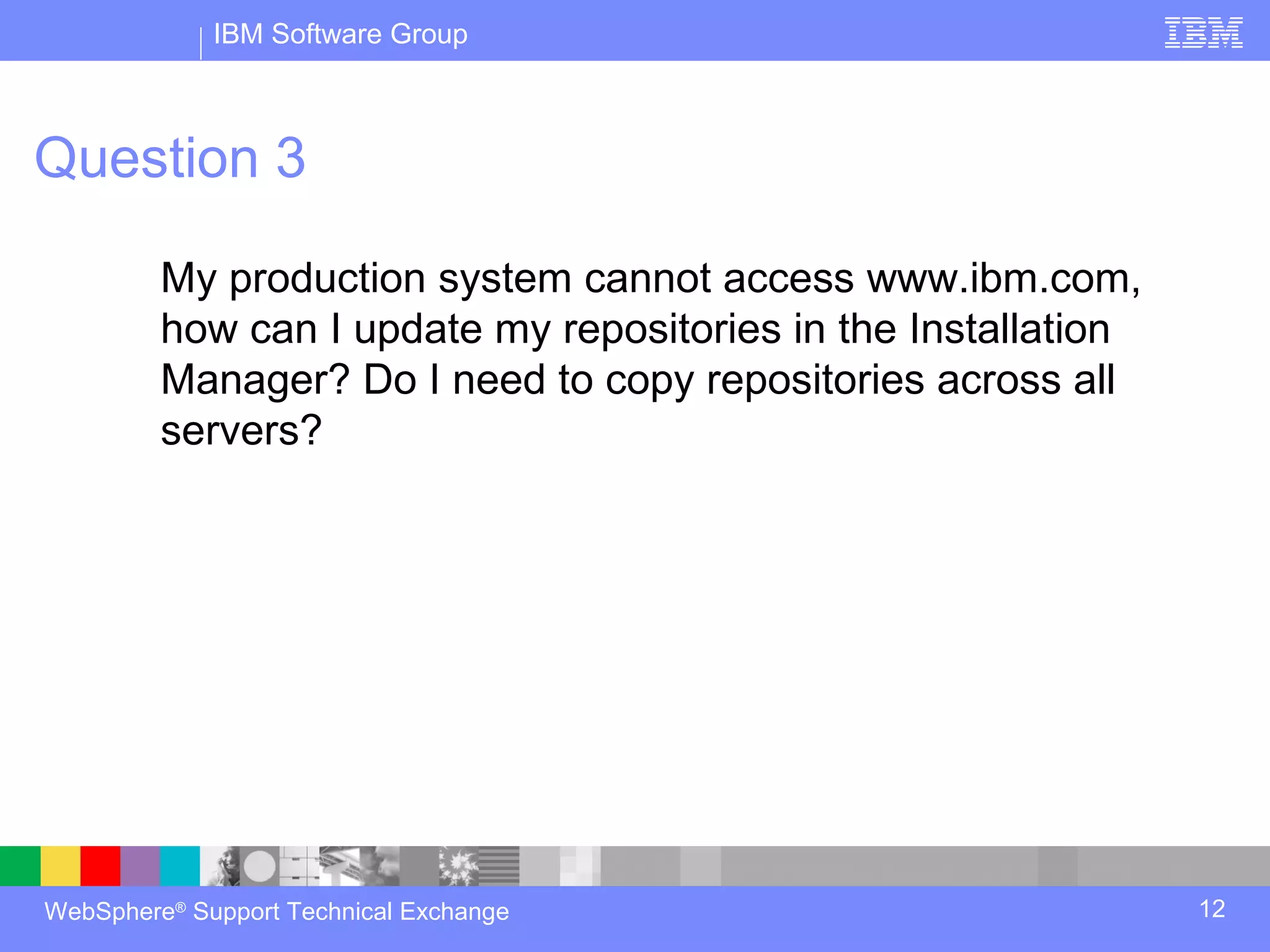
Question 3

         My production system cannot access www.ibm.com,
         how can I update my repositories in the Installation
         Manager? Do I need to copy repositories across all
         servers?


WebSphere® Support Technical Exchange                           12
IBM Software Group


Answer to Question 3
         If the system has no internet access then Local downloads are
         available for offerings and fix packs

         IBM Packaging utility can also be used on any system which has
         internet access to connect to ibm.com and obtain repositories

         Repositories for all offerings can be combined using IBM Packaging
         utility to create Enterprise Repository and then these Enterprise
         repositories can be centrally hosted within organization using a web or
         FTP server.


WebSphere® Support Technical Exchange                                              13
IBM Software Group


Answer to Question 3
         Networked file system can also be used to host the repositories.
         Installation Manager reads the repository from a remote file system
         instead of a local file system.

         For more details please review the Webcast replay: Managing
         Repositories for Installation of WebSphere Application Server V8

         http://www-01.ibm.com/support/docview.wss?uid=swg27023967


WebSphere® Support Technical Exchange                                          14
IBM Software Group


Question 4

         Can I install WebSphere Application Server V8
         remotely?


WebSphere® Support Technical Exchange                    15
IBM Software Group


Answer to Question 4
         Remote installation is allowed using the Flexible Management
         functionality of WebSphere Application Server v8.0.

         Remote installations can be performed using the Job Manager console
         or the JOBS panel in the Deployment Manager’s console.

         Remote installation requires that a ssh daemon supporting RXA
         (Remote Execution and Access) be running on the remote machine.


WebSphere® Support Technical Exchange                                          16
IBM Software Group


Answer to Question 4
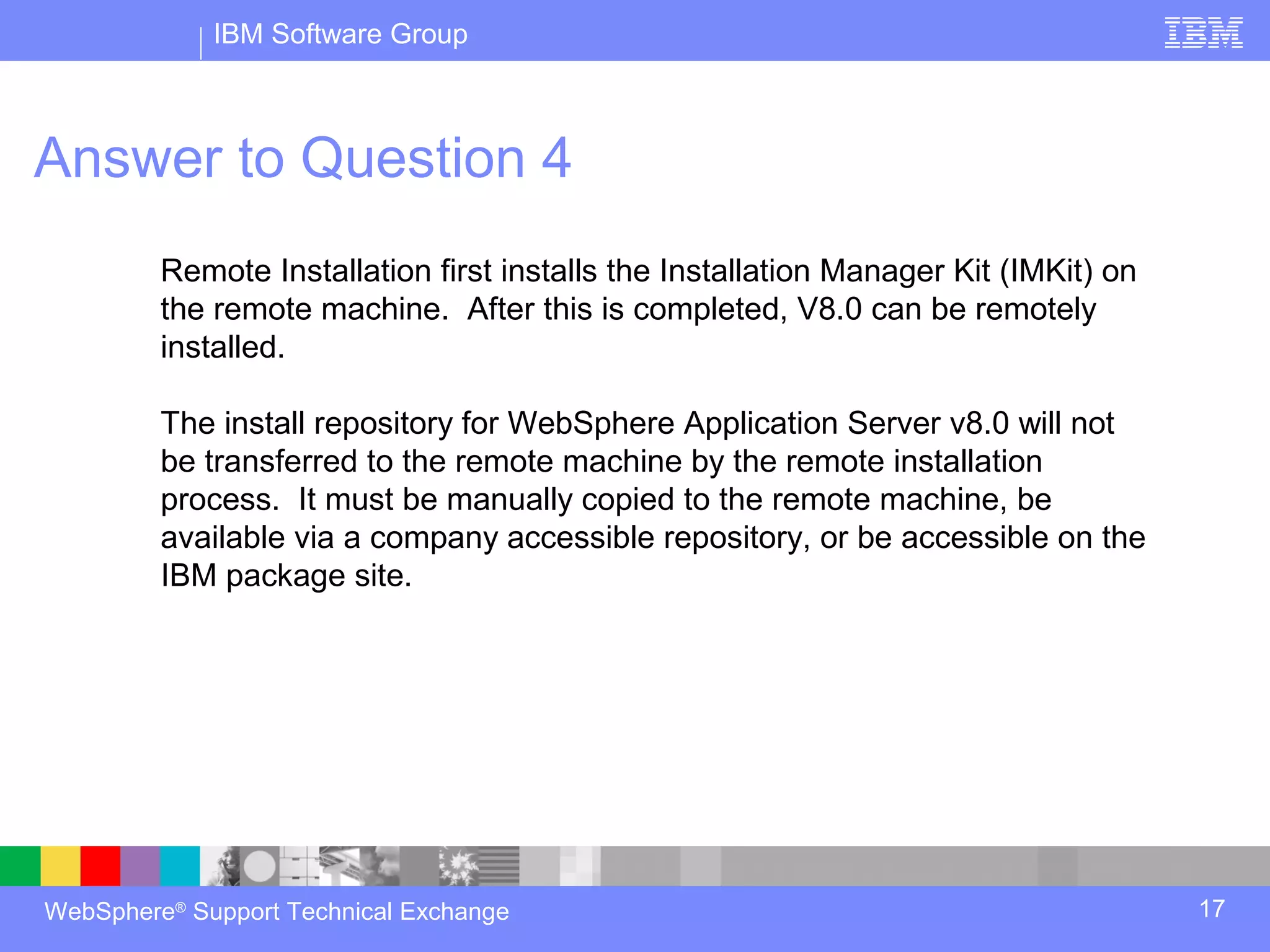
         Remote Installation first installs the Installation Manager Kit (IMKit) on
         the remote machine. After this is completed, V8.0 can be remotely
         installed.

         The install repository for WebSphere Application Server v8.0 will not
         be transferred to the remote machine by the remote installation
         process. It must be manually copied to the remote machine, be
         available via a company accessible repository, or be accessible on the
         IBM package site.


WebSphere® Support Technical Exchange                                                 17
IBM Software Group


Question 5

         I used to install silently using Update Installer in
         WebSphere Application Server V7, can I install
         silently using Installation Manager in V8?


WebSphere® Support Technical Exchange                           18
IBM Software Group


Answer to Question 5
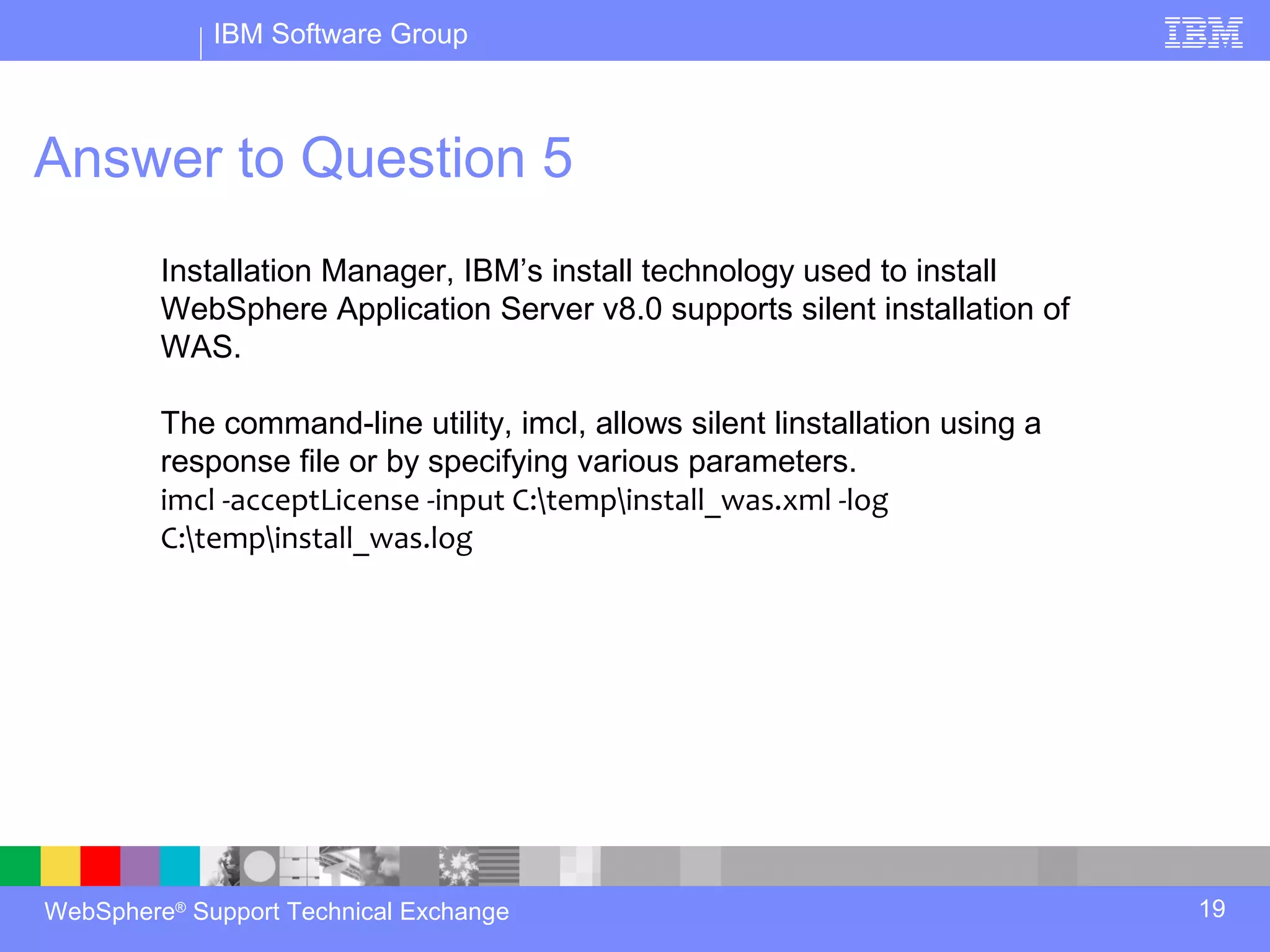
         Installation Manager, IBM’s install technology used to install
         WebSphere Application Server v8.0 supports silent installation of
         WAS.

         The command-line utility, imcl, allows silent linstallation using a
         response file or by specifying various parameters.
         imcl -acceptLicense -input C:tempinstall_was.xml -log
         C:tempinstall_was.log


WebSphere® Support Technical Exchange                                          19
IBM Software Group


Answer to Question 5
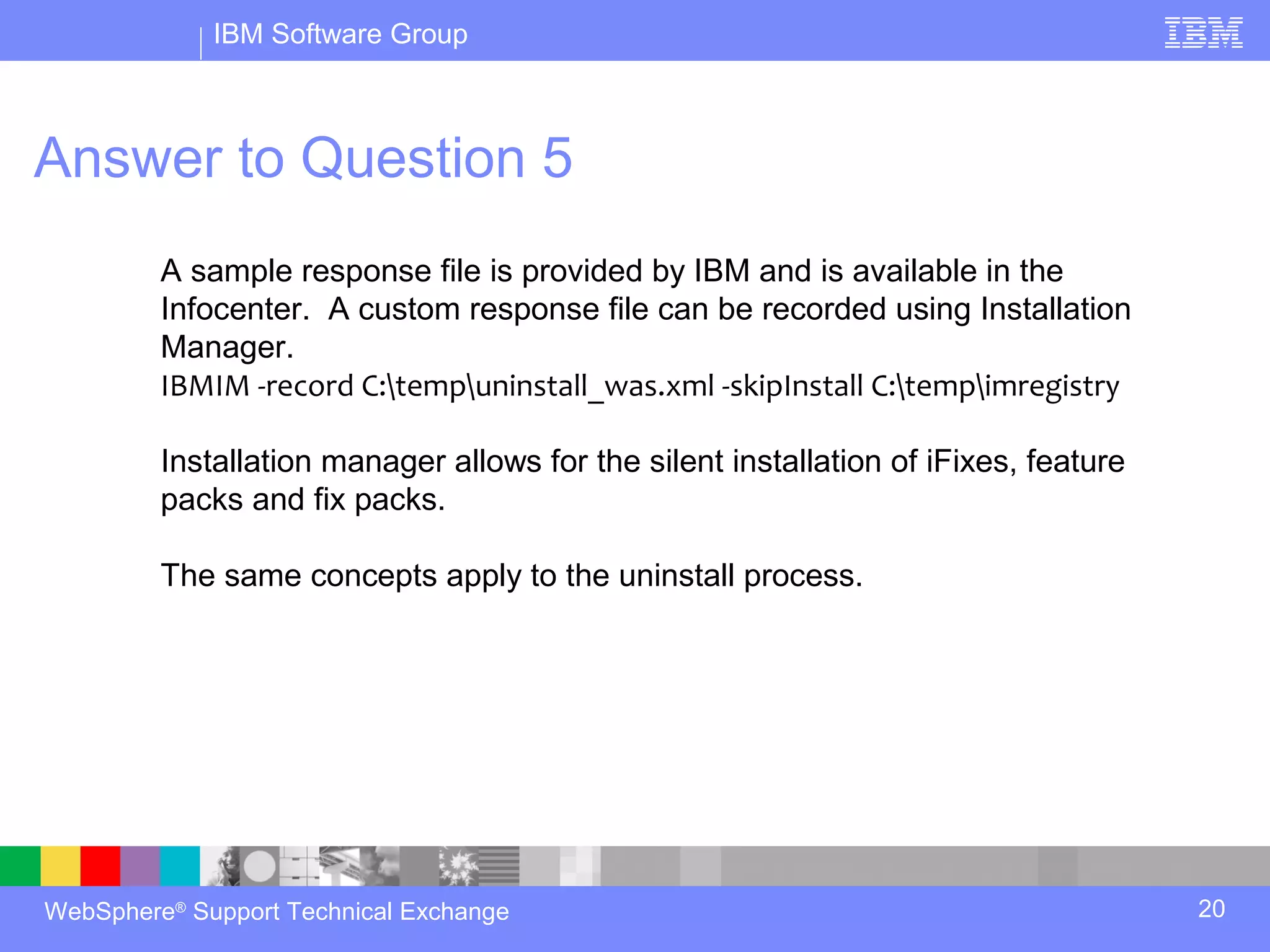
         A sample response file is provided by IBM and is available in the
         Infocenter. A custom response file can be recorded using Installation
         Manager.
         IBMIM -record C:tempuninstall_was.xml -skipInstall C:tempimregistry

         Installation manager allows for the silent installation of iFixes, feature
         packs and fix packs.

         The same concepts apply to the uninstall process.


WebSphere® Support Technical Exchange                                                 20
IBM Software Group


                    Open Lines for Questions


WebSphere® Support Technical Exchange          21
IBM Software Group


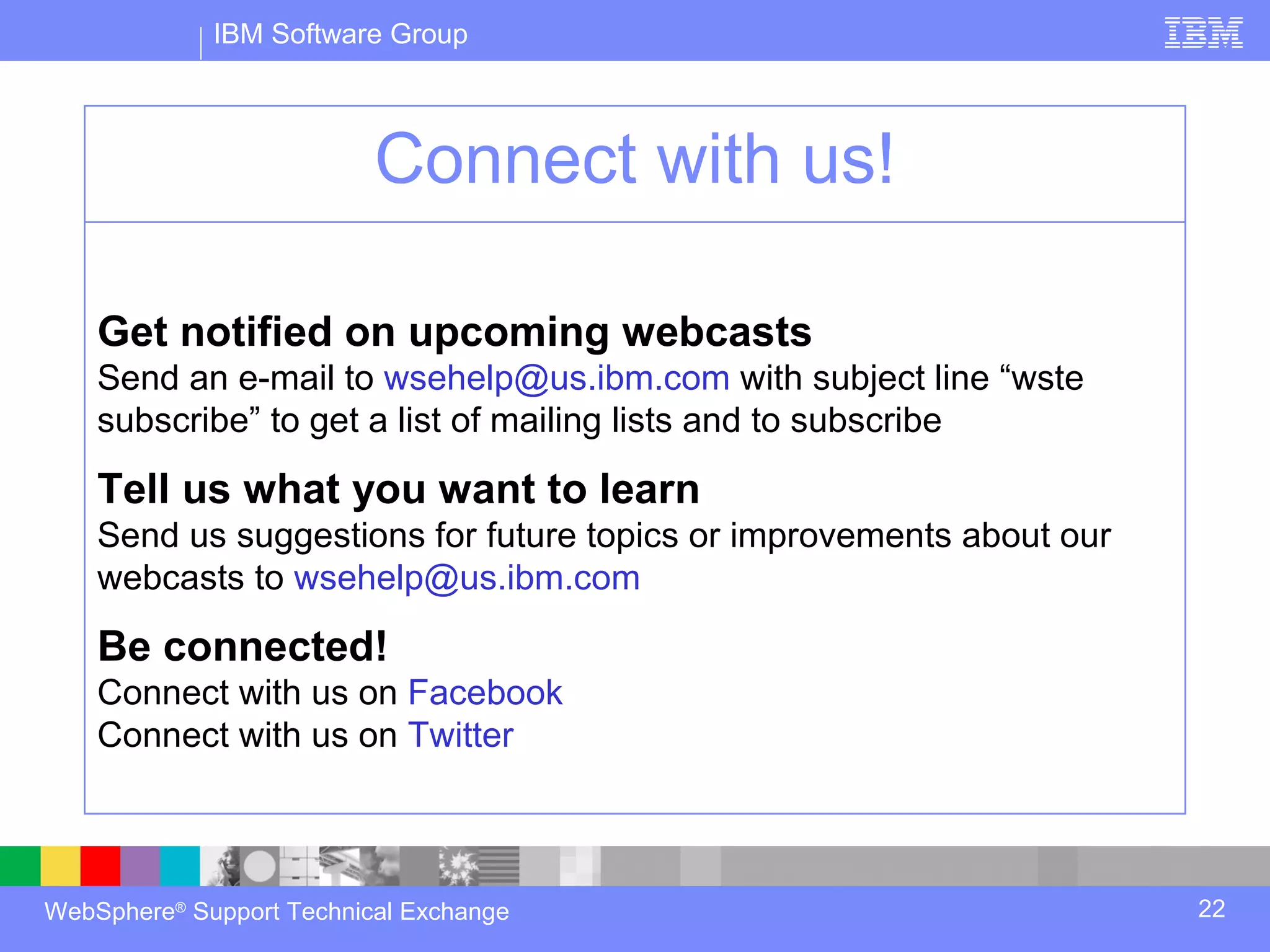
                          Connect with us!

    Get notified on upcoming webcasts
    Send an e-mail to wsehelp@us.ibm.com with subject line “wste
    subscribe” to get a list of mailing lists and to subscribe

    Tell us what you want to learn
    Send us suggestions for future topics or improvements about our
    webcasts to wsehelp@us.ibm.com

    Be connected!
    Connect with us on Facebook
    Connect with us on Twitter


WebSphere® Support Technical Exchange                                 22
IBM Software Group


                                  Summary


WebSphere® Support Technical Exchange       23
IBM Software Group


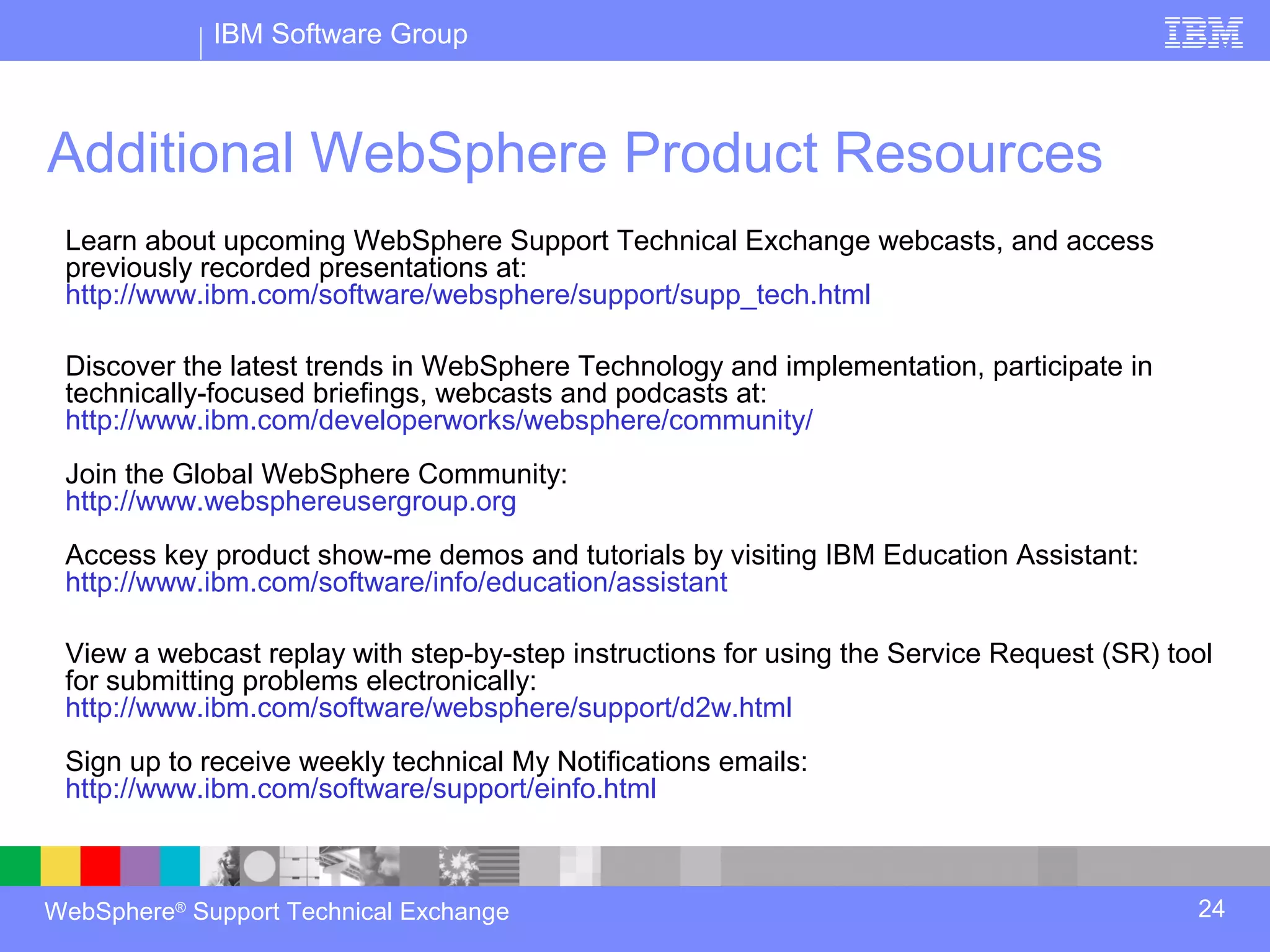
Additional WebSphere Product Resources
 Learn about upcoming WebSphere Support Technical Exchange webcasts, and access
 previously recorded presentations at:
 http://www.ibm.com/software/websphere/support/supp_tech.html

 Discover the latest trends in WebSphere Technology and implementation, participate in
 technically-focused briefings, webcasts and podcasts at:
 http://www.ibm.com/developerworks/websphere/community/
 Join the Global WebSphere Community:
 http://www.websphereusergroup.org
 Access key product show-me demos and tutorials by visiting IBM Education Assistant:
 http://www.ibm.com/software/info/education/assistant

 View a webcast replay with step-by-step instructions for using the Service Request (SR) tool
 for submitting problems electronically:
 http://www.ibm.com/software/websphere/support/d2w.html
 Sign up to receive weekly technical My Notifications emails:
 http://www.ibm.com/software/support/einfo.html


WebSphere® Support Technical Exchange                                                      24

WAS 8 Webcast

  • 1.
    ® IBM Software Group Ask the Experts Installation in WebSphere Application Server 15 March 2012 WebSphere® Support Technical Exchange
  • 2.
    IBM Software Group Agenda Introduce the panel of experts Introduce Installation in WebSphere Application Server Answer questions submitted by email (5 questions) Open telephone lines for questions Summarize highlights WebSphere® Support Technical Exchange 2
  • 3.
    IBM Software Group Panelof Experts Panelist Role at IBM® Preston Law WebSphere Application Server L2 Support Joe Mertzlufft WebSphere Application Server L2 Support Vishavpal Shergill WebSphere Application Server L2 Support Mike Hill WebSphere Application Server L2 Support Gary Vacek WebSphere Application Server L2 Support WebSphere® Support Technical Exchange 3
  • 4.
    IBM Software Group Introduction WebSphere Application Server v8.0 and v7.0 installation on distributed operating systems - Examples: - Preparing the system for install - Running install in graphical and silent mode - Locating logs for diagnosing the problem - Installation Manager, repositories, import, update - Update Installer - Related - supplements, plug-in, Feature Packs, etc WebSphere® Support Technical Exchange 4
  • 5.
    IBM Software Group Introductioncontinued Focus is on WebSphere Application Server and related, on distributed operating systems - Other IBM WebSphere Products such as Portal, Commerce, etc. are outside of the scope of todays session - Distributed Operating systems include AIX, Solaris, Windows®, HP-UX, Linux® WebSphere® Support Technical Exchange 5
  • 6.
    IBM Software Group Question1 I have installed a feature pack on WebSphere Application Server V8, what additional steps are required for my profile to use this? WebSphere® Support Technical Exchange 6
  • 7.
    IBM Software Group Answerto Question 1 In order to utilize the functionality of the feature pack, profiles will need to be augmented after installing the feature pack (except for the Web 2.0 Feature Pack) Augment these profile types: Deployment manager Management Profile with a server type of administrative agent. Default Profile (Application Server Profile) Custom Profile Cell profile of the Network Deployment product WebSphere® Support Technical Exchange 7
  • 8.
    IBM Software Group Answerto Question 1 To determine the profile type, look in the WAS_HOME/properties/profileRegistry.xml file. The sub-element related to the profile will point to the template that was used to create the profile, giving you the profile type ie, template=”opt/IBM/WebSphere/AppServer/profileTemplates/cell/dmgr” Augment the Dmgr profile first and then augment any profiles for servers where the feature pack is needed. Use manageprofiles.bat/.sh to augment the profile. manageprofiles.bat -augment -profileName myDMGR -templatePath WAS_HOMEprofileTemplatesfeature_packcell.feature_packprofile_typ e WebSphere® Support Technical Exchange 8
  • 9.
    IBM Software Group Answerto Question 1 The results of the augmentation can be found in the WAS_HOMElogsmanageprofilesxxx_augment.log If you augmented a managed (custom) profile, restart all servers on the node and the node agent after profile augmentation completes. To create a new profile after installing the feature pack, use the – create option on manageprofiles.bat/.sh: manageprofiles.bat -create -profileName myAppSrvr -templatePath WAS_HOMEprofileTemplatesfeature_packcell.feature_packprofile_typ e WebSphere® Support Technical Exchange 9
  • 10.
    IBM Software Group Question2 Can WebSphere Application Server V8 be installed without Installation Manager? Once installed can I use Update Installer to apply fixpack? WebSphere® Support Technical Exchange 10
  • 11.
    IBM Software Group Answerto Question 2 Installation Manager is the only supported way to install WebSphere Application Server Version 8.0, including interim fixes, fix packs, and feature packs. Update Installer is not used with v8.0. Unlike Update Installer, Installation Manager must remain installed for the life of the IBM products installed on the system by Installation manager. You cannot uninstall Installation Manager without first uninstalling the products that were installed by Installation Manager. WebSphere® Support Technical Exchange 11
  • 12.
    IBM Software Group Question3 My production system cannot access www.ibm.com, how can I update my repositories in the Installation Manager? Do I need to copy repositories across all servers? WebSphere® Support Technical Exchange 12
  • 13.
    IBM Software Group Answerto Question 3 If the system has no internet access then Local downloads are available for offerings and fix packs IBM Packaging utility can also be used on any system which has internet access to connect to ibm.com and obtain repositories Repositories for all offerings can be combined using IBM Packaging utility to create Enterprise Repository and then these Enterprise repositories can be centrally hosted within organization using a web or FTP server. WebSphere® Support Technical Exchange 13
  • 14.
    IBM Software Group Answerto Question 3 Networked file system can also be used to host the repositories. Installation Manager reads the repository from a remote file system instead of a local file system. For more details please review the Webcast replay: Managing Repositories for Installation of WebSphere Application Server V8 http://www-01.ibm.com/support/docview.wss?uid=swg27023967 WebSphere® Support Technical Exchange 14
  • 15.
    IBM Software Group Question4 Can I install WebSphere Application Server V8 remotely? WebSphere® Support Technical Exchange 15
  • 16.
    IBM Software Group Answerto Question 4 Remote installation is allowed using the Flexible Management functionality of WebSphere Application Server v8.0. Remote installations can be performed using the Job Manager console or the JOBS panel in the Deployment Manager’s console. Remote installation requires that a ssh daemon supporting RXA (Remote Execution and Access) be running on the remote machine. WebSphere® Support Technical Exchange 16
  • 17.
    IBM Software Group Answerto Question 4 Remote Installation first installs the Installation Manager Kit (IMKit) on the remote machine. After this is completed, V8.0 can be remotely installed. The install repository for WebSphere Application Server v8.0 will not be transferred to the remote machine by the remote installation process. It must be manually copied to the remote machine, be available via a company accessible repository, or be accessible on the IBM package site. WebSphere® Support Technical Exchange 17
  • 18.
    IBM Software Group Question5 I used to install silently using Update Installer in WebSphere Application Server V7, can I install silently using Installation Manager in V8? WebSphere® Support Technical Exchange 18
  • 19.
    IBM Software Group Answerto Question 5 Installation Manager, IBM’s install technology used to install WebSphere Application Server v8.0 supports silent installation of WAS. The command-line utility, imcl, allows silent linstallation using a response file or by specifying various parameters. imcl -acceptLicense -input C:tempinstall_was.xml -log C:tempinstall_was.log WebSphere® Support Technical Exchange 19
  • 20.
    IBM Software Group Answerto Question 5 A sample response file is provided by IBM and is available in the Infocenter. A custom response file can be recorded using Installation Manager. IBMIM -record C:tempuninstall_was.xml -skipInstall C:tempimregistry Installation manager allows for the silent installation of iFixes, feature packs and fix packs. The same concepts apply to the uninstall process. WebSphere® Support Technical Exchange 20
  • 21.
    IBM Software Group Open Lines for Questions WebSphere® Support Technical Exchange 21
  • 22.
    IBM Software Group Connect with us! Get notified on upcoming webcasts Send an e-mail to wsehelp@us.ibm.com with subject line “wste subscribe” to get a list of mailing lists and to subscribe Tell us what you want to learn Send us suggestions for future topics or improvements about our webcasts to wsehelp@us.ibm.com Be connected! Connect with us on Facebook Connect with us on Twitter WebSphere® Support Technical Exchange 22
  • 23.
    IBM Software Group Summary WebSphere® Support Technical Exchange 23
  • 24.
    IBM Software Group AdditionalWebSphere Product Resources Learn about upcoming WebSphere Support Technical Exchange webcasts, and access previously recorded presentations at: http://www.ibm.com/software/websphere/support/supp_tech.html Discover the latest trends in WebSphere Technology and implementation, participate in technically-focused briefings, webcasts and podcasts at: http://www.ibm.com/developerworks/websphere/community/ Join the Global WebSphere Community: http://www.websphereusergroup.org Access key product show-me demos and tutorials by visiting IBM Education Assistant: http://www.ibm.com/software/info/education/assistant View a webcast replay with step-by-step instructions for using the Service Request (SR) tool for submitting problems electronically: http://www.ibm.com/software/websphere/support/d2w.html Sign up to receive weekly technical My Notifications emails: http://www.ibm.com/software/support/einfo.html WebSphere® Support Technical Exchange 24