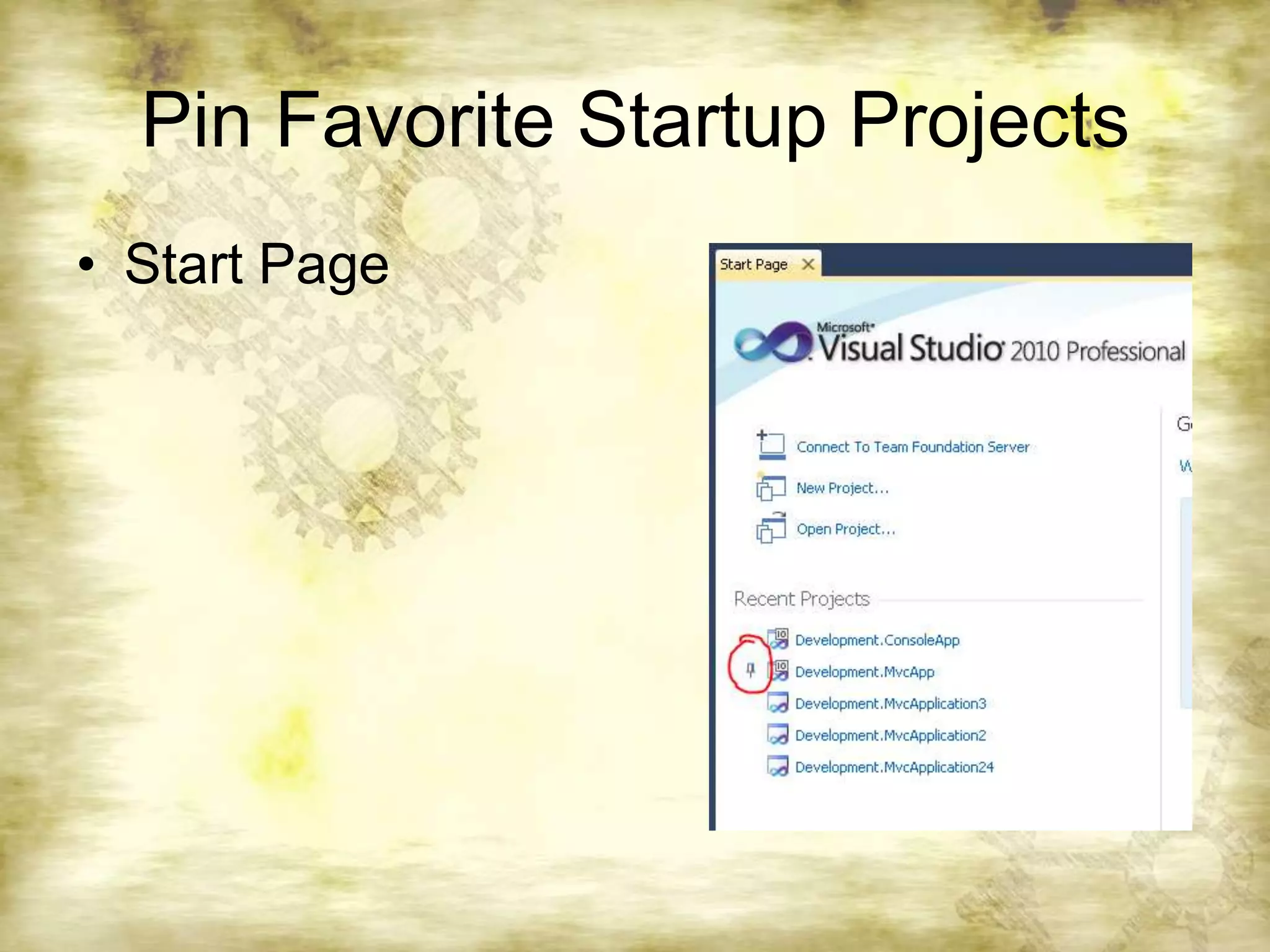
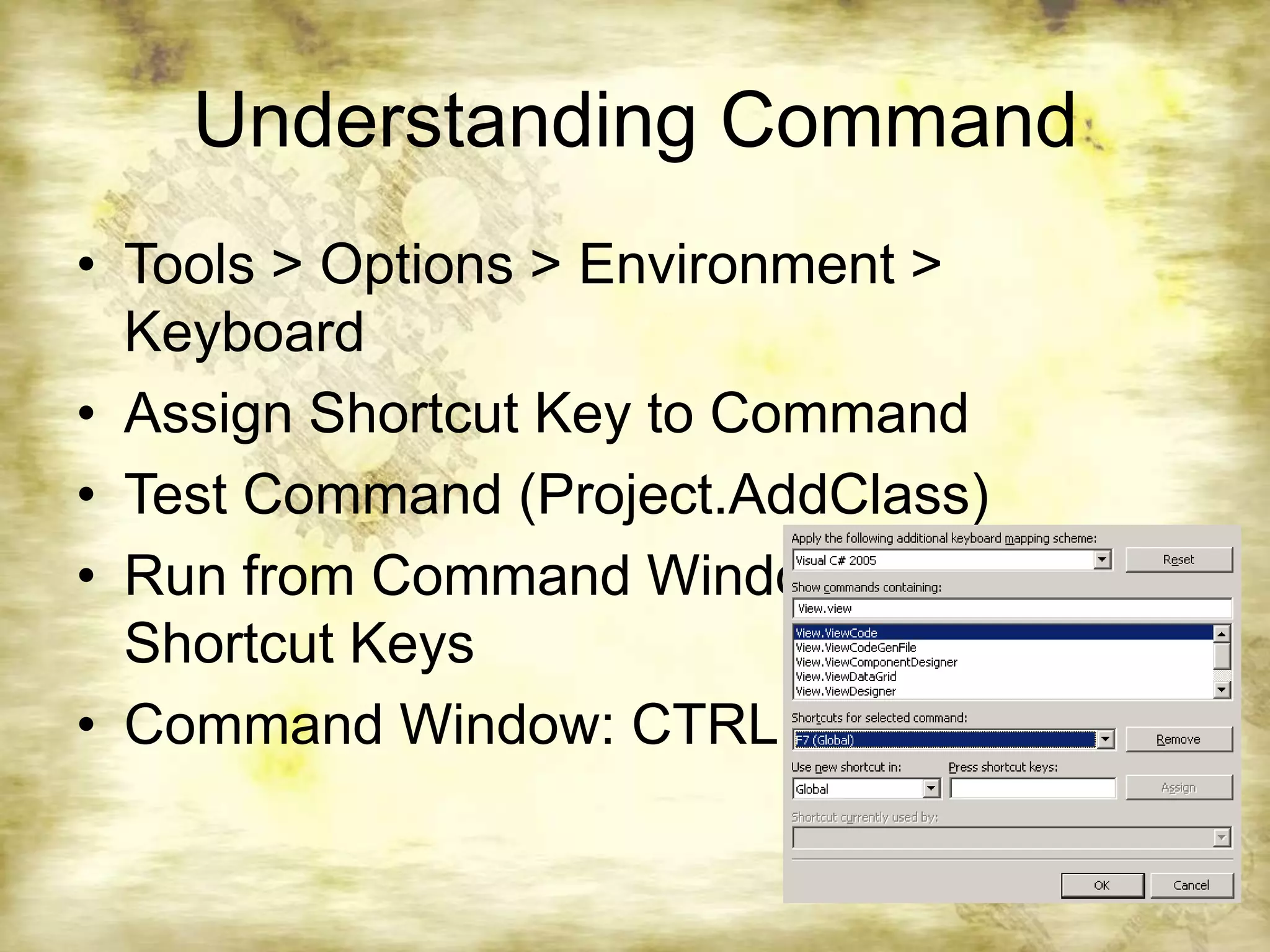
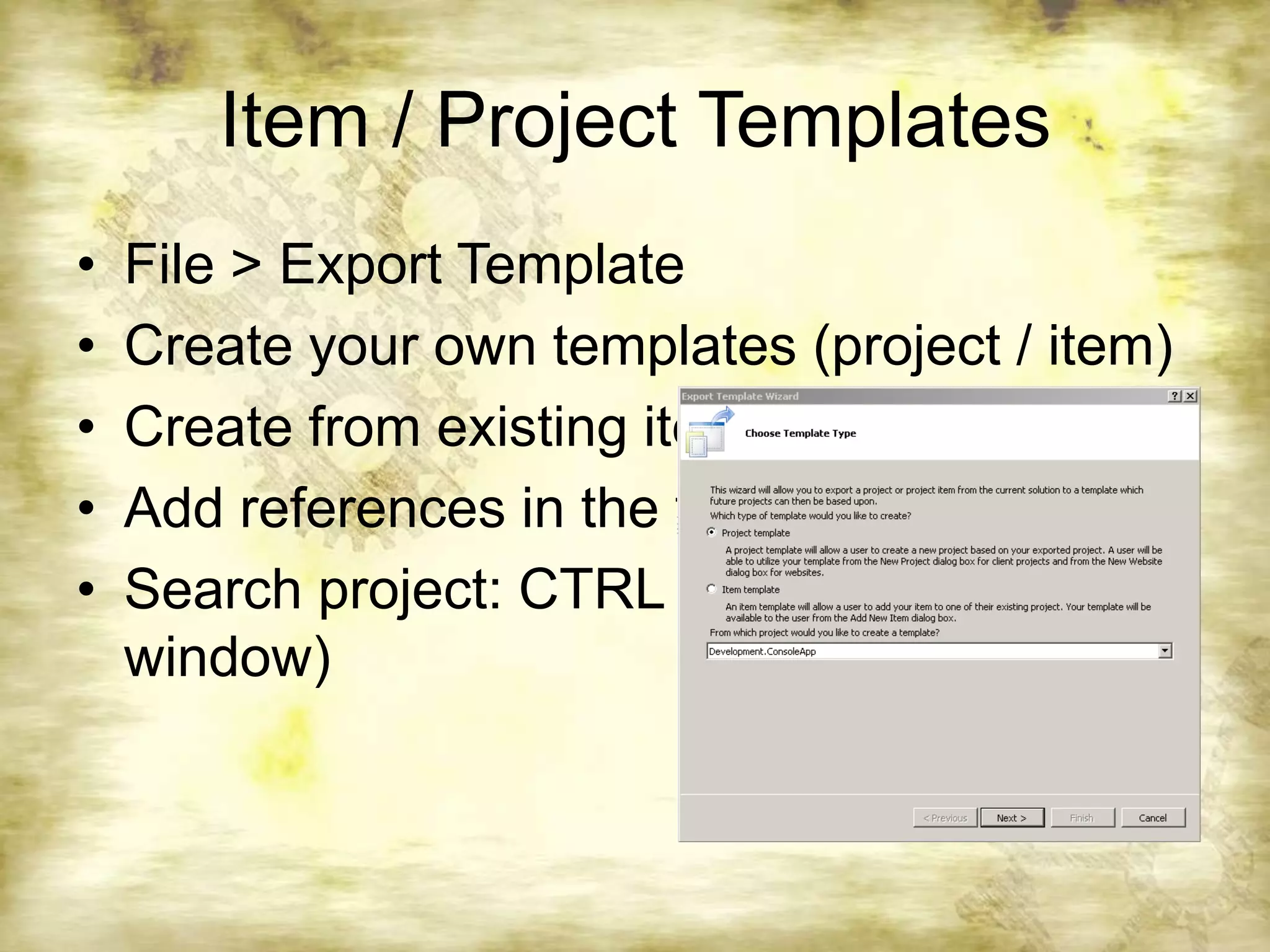
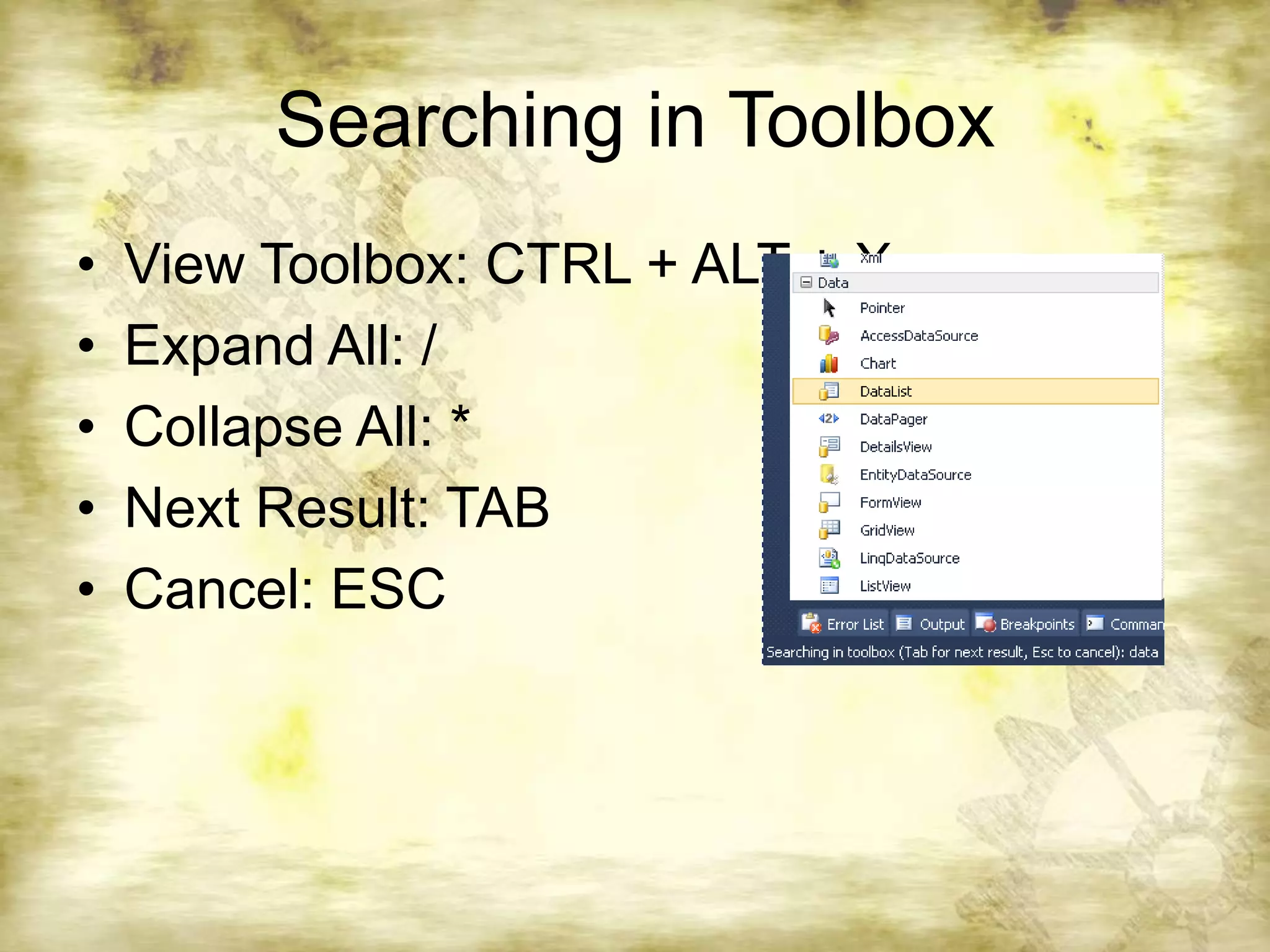
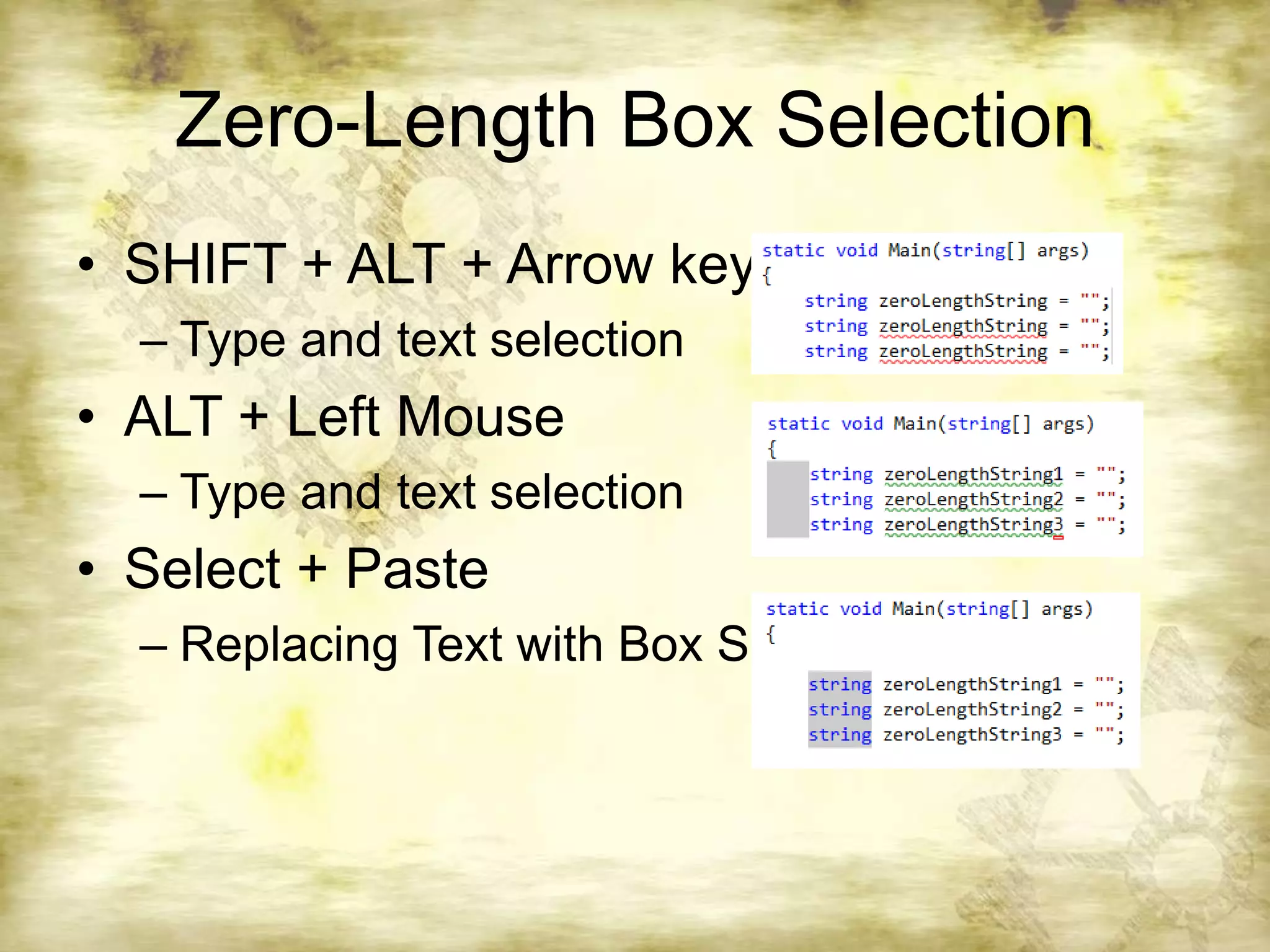
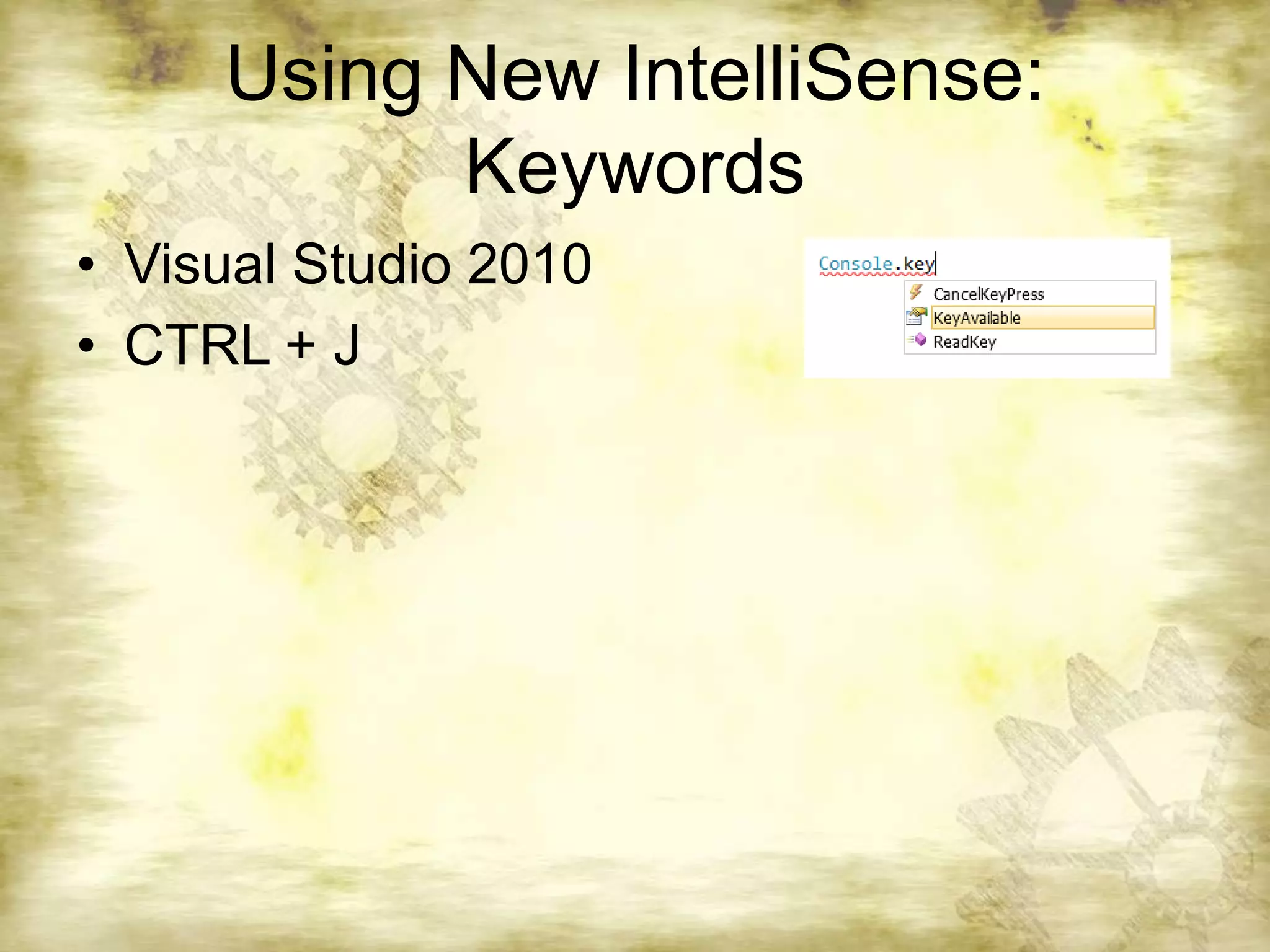
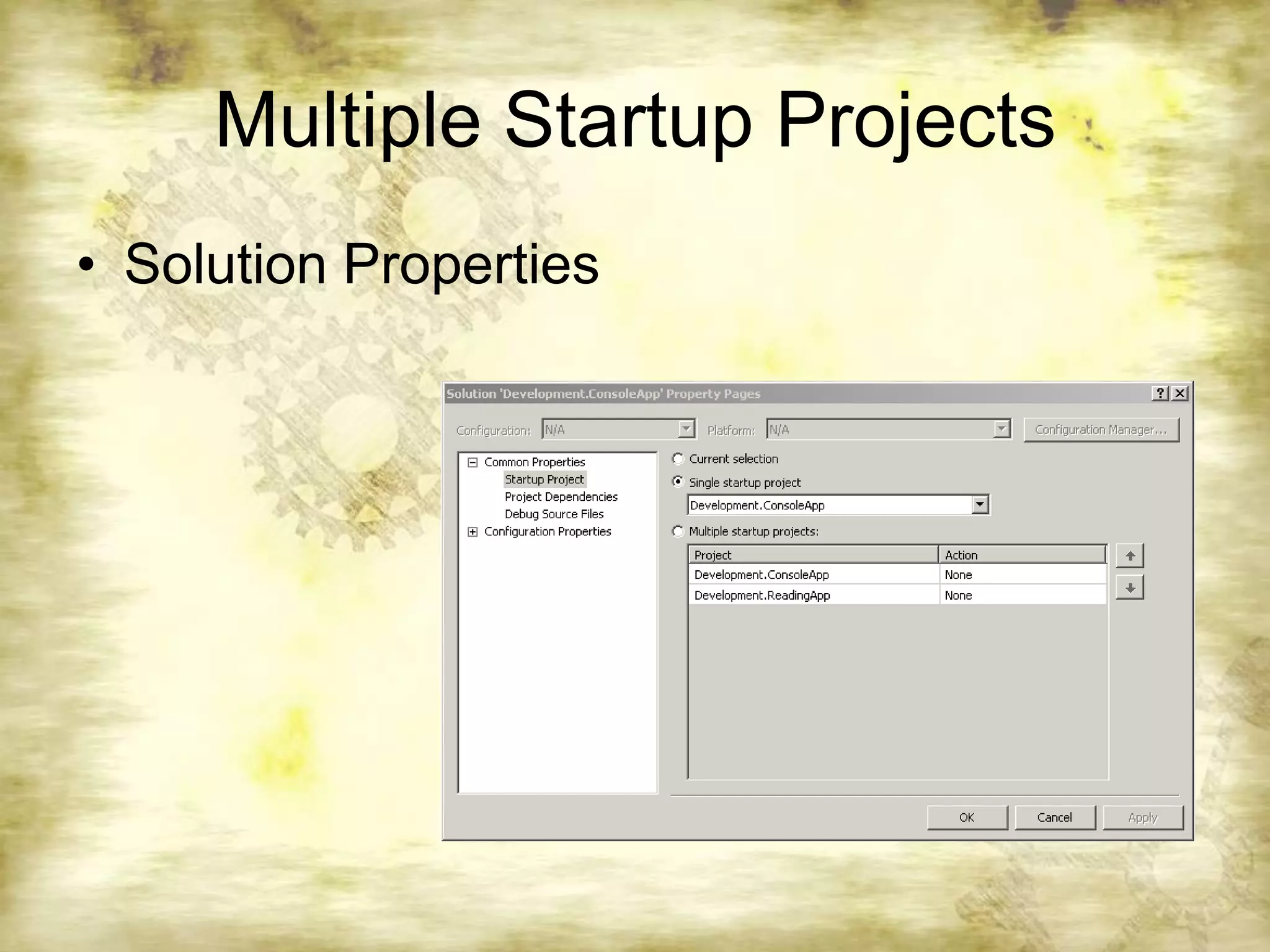
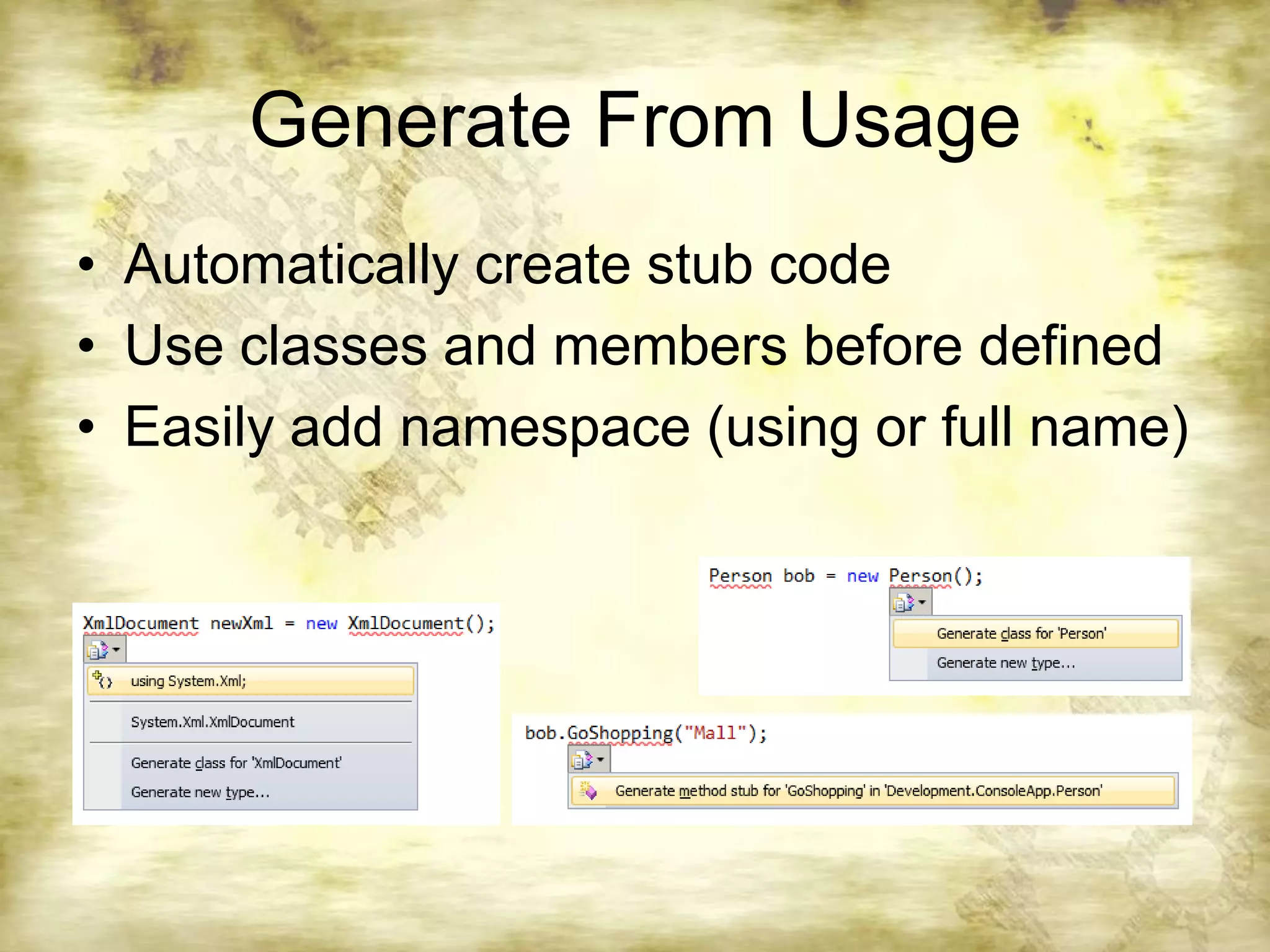
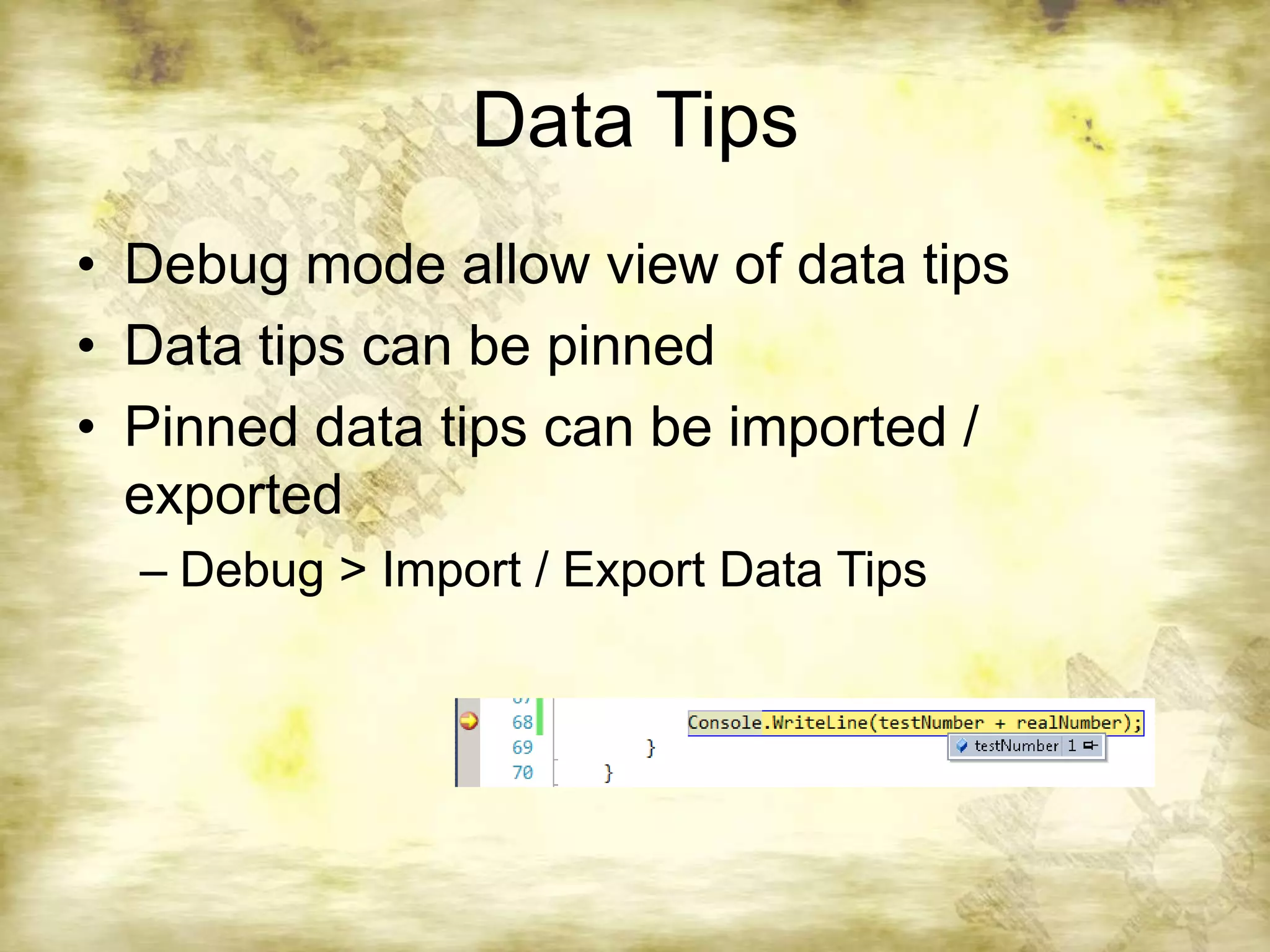
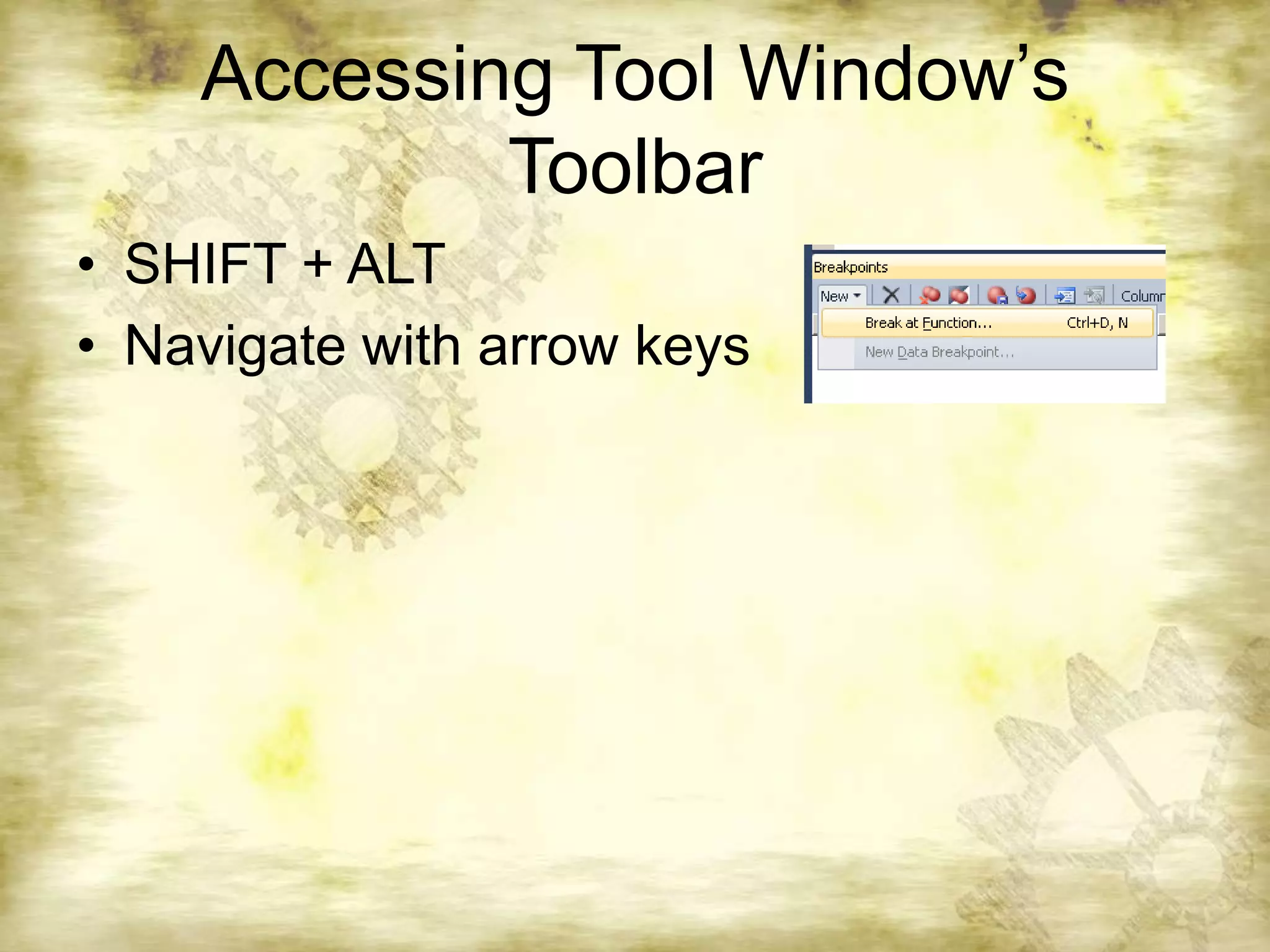
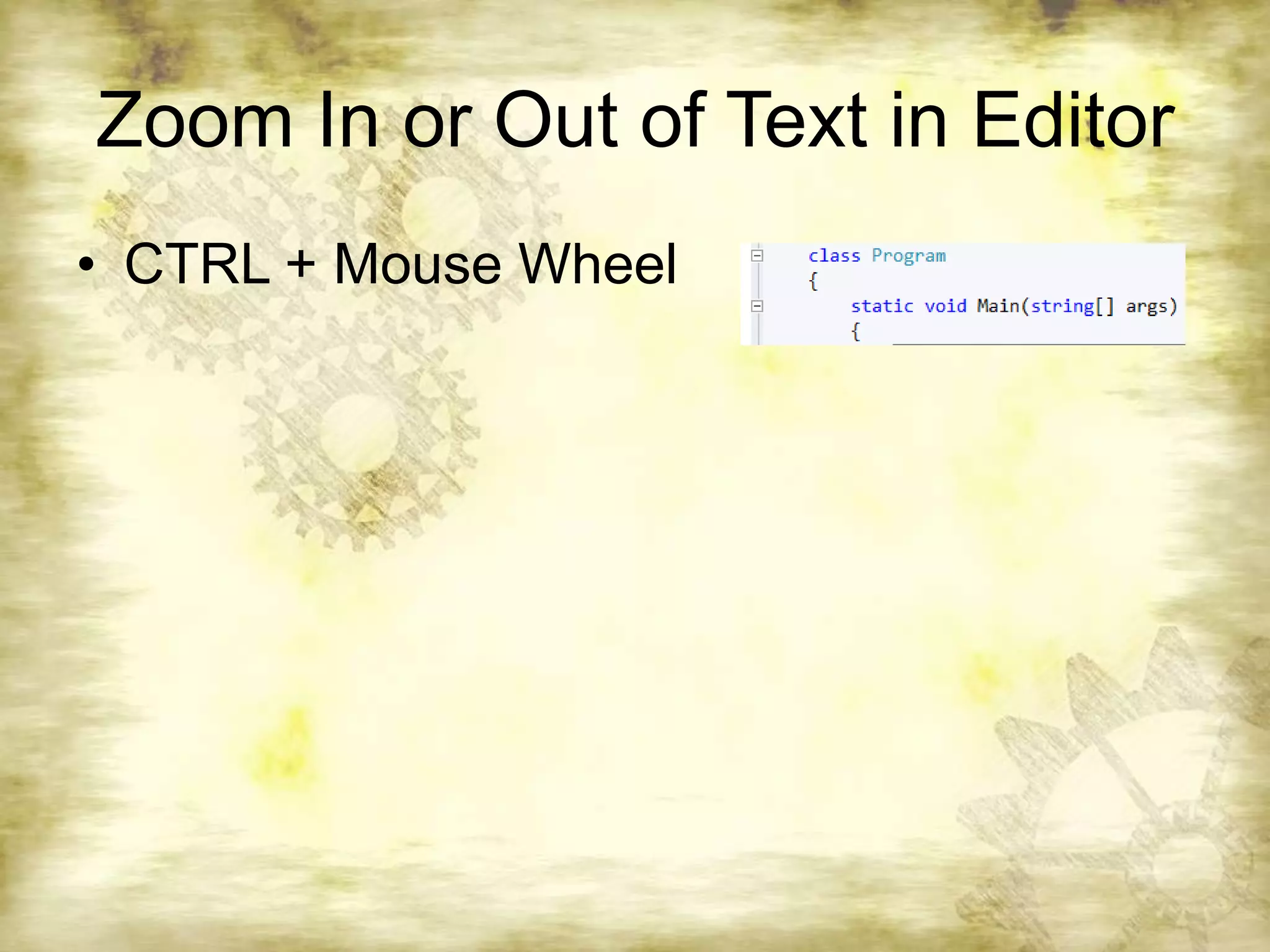
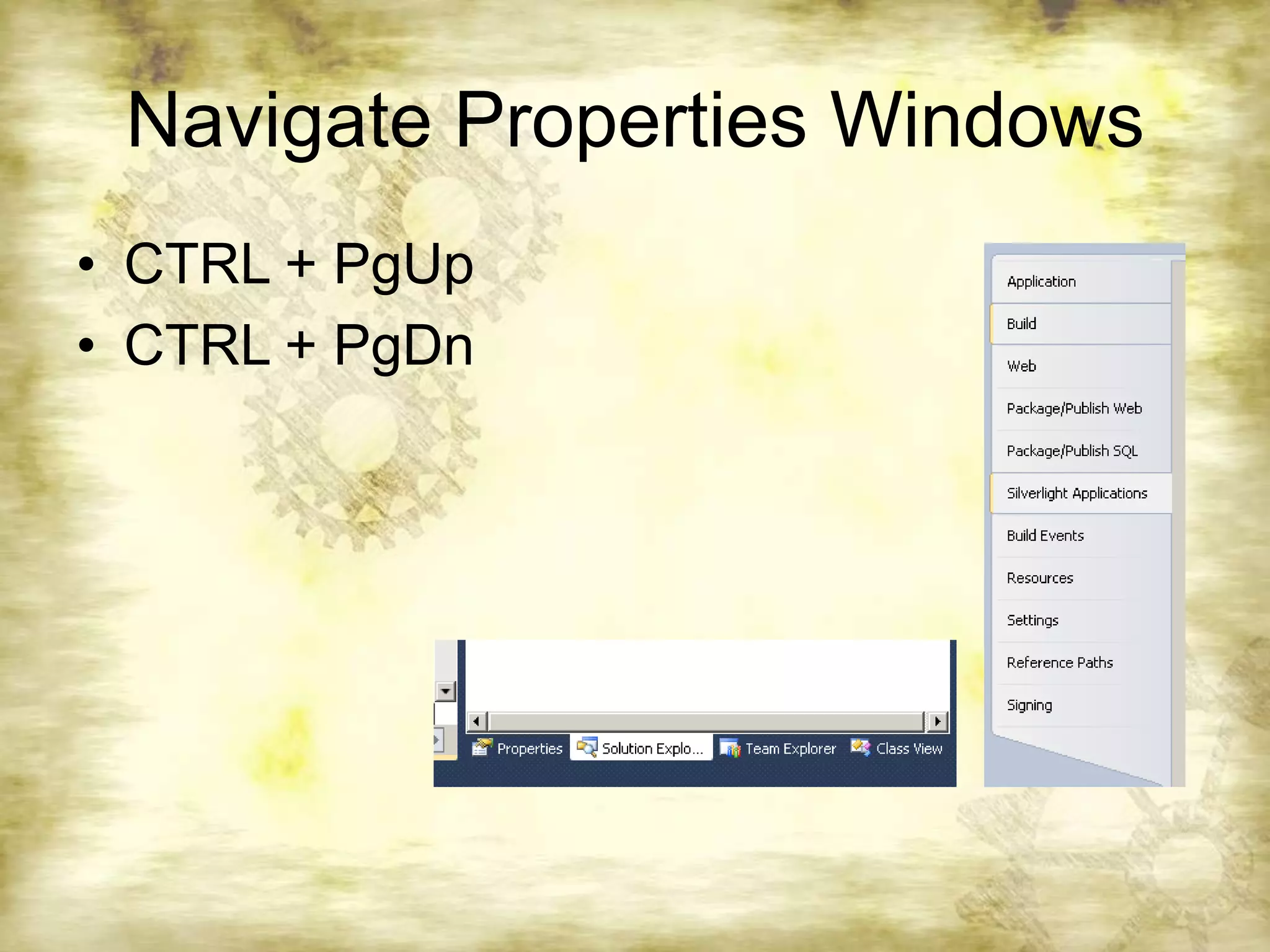
Visual Studio provides many tips and tricks to help developers work more efficiently. Some key shortcuts and features include pinning favorite projects, creating templates for reuse, searching code using keyboard shortcuts, navigating code with bracket matching, selecting text in various ways, using IntelliSense for code completion, setting multiple startup projects, generating code from usage, viewing variable values with data tips, accessing tool window toolbars, splitting code windows, zooming text, and navigating properties windows.
![Navigate CodeMatching Braces: CTRL + ]Backward / Forward: CTRL + -; CTRL + SHIFT + -Select to last marker: CTRL + =Insert above line: CTRL + EnterBackspace one word: CTRL + BackspaceGoto line: CTRL + G](https://image.slidesharecdn.com/visualstudiotipsandtricks-110505235324-phpapp02/75/Visual-studio-tips-and-tricks-7-2048.jpg)


![Eclipse shortcut[most usuage]](https://cdn.slidesharecdn.com/ss_thumbnails/eclipseshortcutmostusuage-120329190934-phpapp01-thumbnail.jpg?width=640&height=640&fit=bounds)


![Vibe Coding vs. Spec-Driven Development [Free Meetup]](https://cdn.slidesharecdn.com/ss_thumbnails/vibecodingvsspecdrivendevelopment-251209105622-43f455e7-thumbnail.jpg?width=640&height=640&fit=bounds)


