User-Experience 

in the WordPress-Backend
Stefan Kremer • June, 17th 2021
Foto von Tim Gouw von Pexels
Overview
• out of the box

• least privilege

• menu items

• notifications

• final checks
out of the box
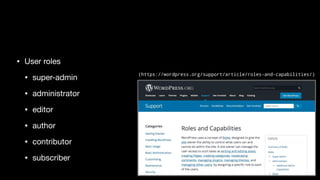
• User roles
• super-admin

• administrator

• editor

• author

• contributor

• subscriber
(https://wordpress.org/support/article/roles-and-capabilities/)
least privilege
➡ only access what you need

➡ a hacked account with less
privileges can cause less
damage
• have two accounts

• (enhancend) editor for daily work on content

• administrator only for maintenance tasks

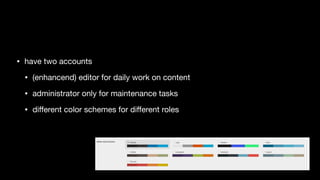
• different color schemes for different roles
enhance roles
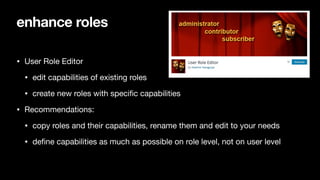
• User Role Editor

• edit capabilities of existing roles

• create new roles with specific capabilities

• Recommendations:

• copy roles and their capabilities, rename them and edit to your needs

• define capabilities as much as possible on role level, not on user level
menu items
backend menu
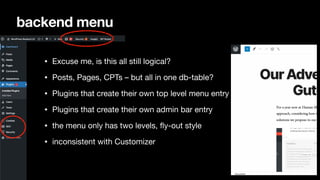
• Excuse me, is this all still logical?

• Posts, Pages, CPTs – but all in one db-table?

• Plugins that create their own top level menu entry

• Plugins that create their own admin bar entry

• the menu only has two levels, fly-out style

• inconsistent with Customizer
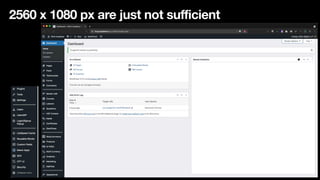
2560 x 1080 px are just not sufficient
rearrange menus
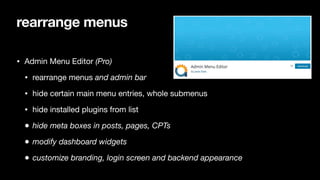
• Admin Menu Editor (Pro)
• rearrange menus and admin bar
• hide certain main menu entries, whole submenus

• hide installed plugins from list

• hide meta boxes in posts, pages, CPTs
• modify dashboard widgets
• customize branding, login screen and backend appearance
backend graphics
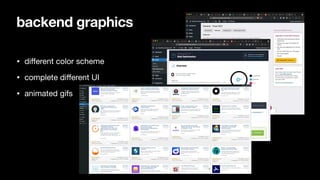
• different color scheme

• complete different UI

• animated gifs
notifications
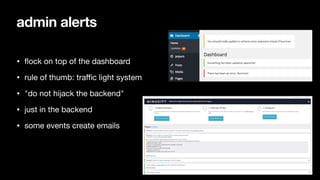
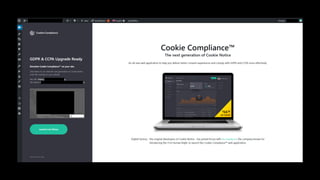
• flock on top of the dashboard

• rule of thumb: traffic light system

• "do not hijack the backend"

• just in the backend

• some events create emails
admin alerts
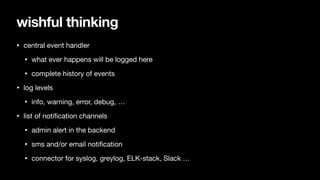
wishful thinking
• central event handler

• what ever happens will be logged here

• complete history of events

• log levels

• info, warning, error, debug, …

• list of notification channels

• admin alert in the backend

• sms and/or email notification

• connector for syslog, greylog, ELK-stack, Slack …
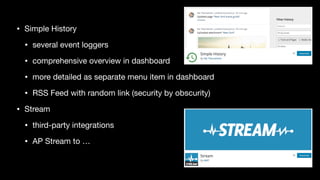
• Simple History

• several event loggers

• comprehensive overview in dashboard

• more detailed as separate menu item in dashboard

• RSS Feed with random link (security by obscurity)

• Stream
• third-party integrations

• AP Stream to …
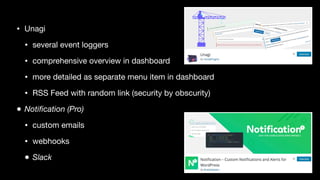
• Unagi

• several event loggers

• comprehensive overview in dashboard

• more detailed as separate menu item in dashboard

• RSS Feed with random link (security by obscurity)

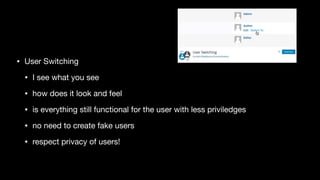
• Notification (Pro)
• custom emails

• webhooks

• Slack
final checks
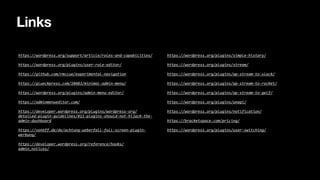
• User Switching

• I see what you see

• how does it look and feel 

• is everything still functional for the user with less priviledges

• no need to create fake users

• respect privacy of users!
https://wordpress.org/support/article/roles-and-capabilities/	
https://wordpress.org/plugins/user-role-editor/	
https://github.com/rmccue/experimental-navigation	
https://glueckpress.com/10483/minimal-admin-menu/	
https://wordpress.org/plugins/admin-menu-editor/	
https://adminmenueditor.com/	
https://developer.wordpress.org/plugins/wordpress-org/
detailed-plugin-guidelines/#11-plugins-should-not-hijack-the-
admin-dashboard	
https://voneff.de/de/achtung-ueberfall-full-screen-plugin-
werbung/	
https://developer.wordpress.org/reference/hooks/
admin_notices/	
https://wordpress.org/plugins/simple-history/	
https://wordpress.org/plugins/stream/	
https://wordpress.org/plugins/ap-stream-to-slack/	
https://wordpress.org/plugins/ap-stream-to-rocket/	
https://wordpress.org/plugins/ap-stream-to-gelf/	
https://wordpress.org/plugins/unagi/	
https://wordpress.org/plugins/notification/	
https://bracketspace.com/pricing/	
https://wordpress.org/plugins/user-switching/
Links

UX in the WordPress backend