






![Contact Details
• vincent.claes[at]pxl.be
• Have fun with your Texas Instruments CC3200XL Launchpad!!
Vincent Claes](https://image.slidesharecdn.com/lab2cc3200xllaunchpad-171006064322/85/Using-Texas-Instruments-Code-Composer-Studio-for-The-CC3200XL-Launchpad-21-320.jpg)

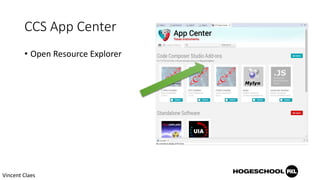
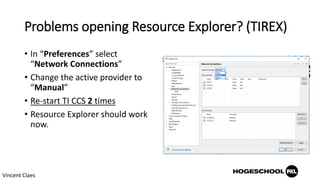
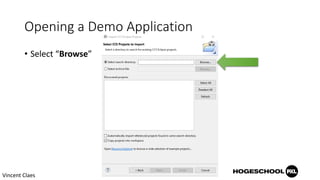
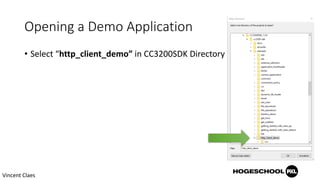
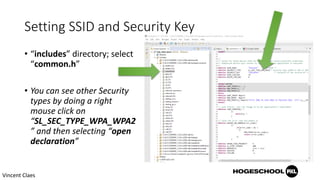
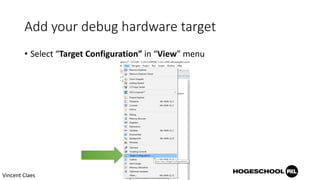
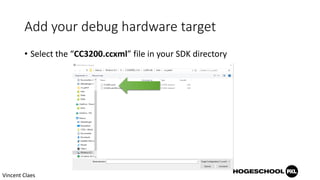
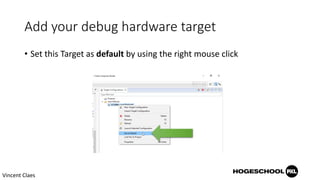
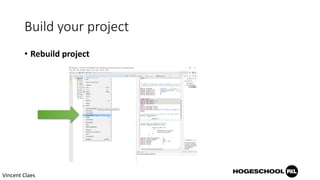
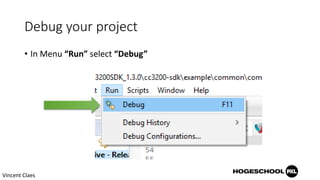
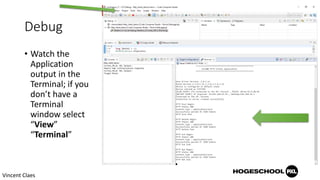
This document provides instructions for setting up and running an HTTP client demo application on a Texas Instruments CC3200XL Launchpad development board using Code Composer Studio. It describes downloading Code Composer Studio and the CC3200 SDK, importing and configuring the http_client_demo project, setting up the debug target for the CC3200 board, building and debugging the project, and viewing output in the terminal window. The goal is to have fun exploring the capabilities of the CC3200XL Launchpad.


