Using Social networking sites Facebook MySpace Twitter Focus on Facebook
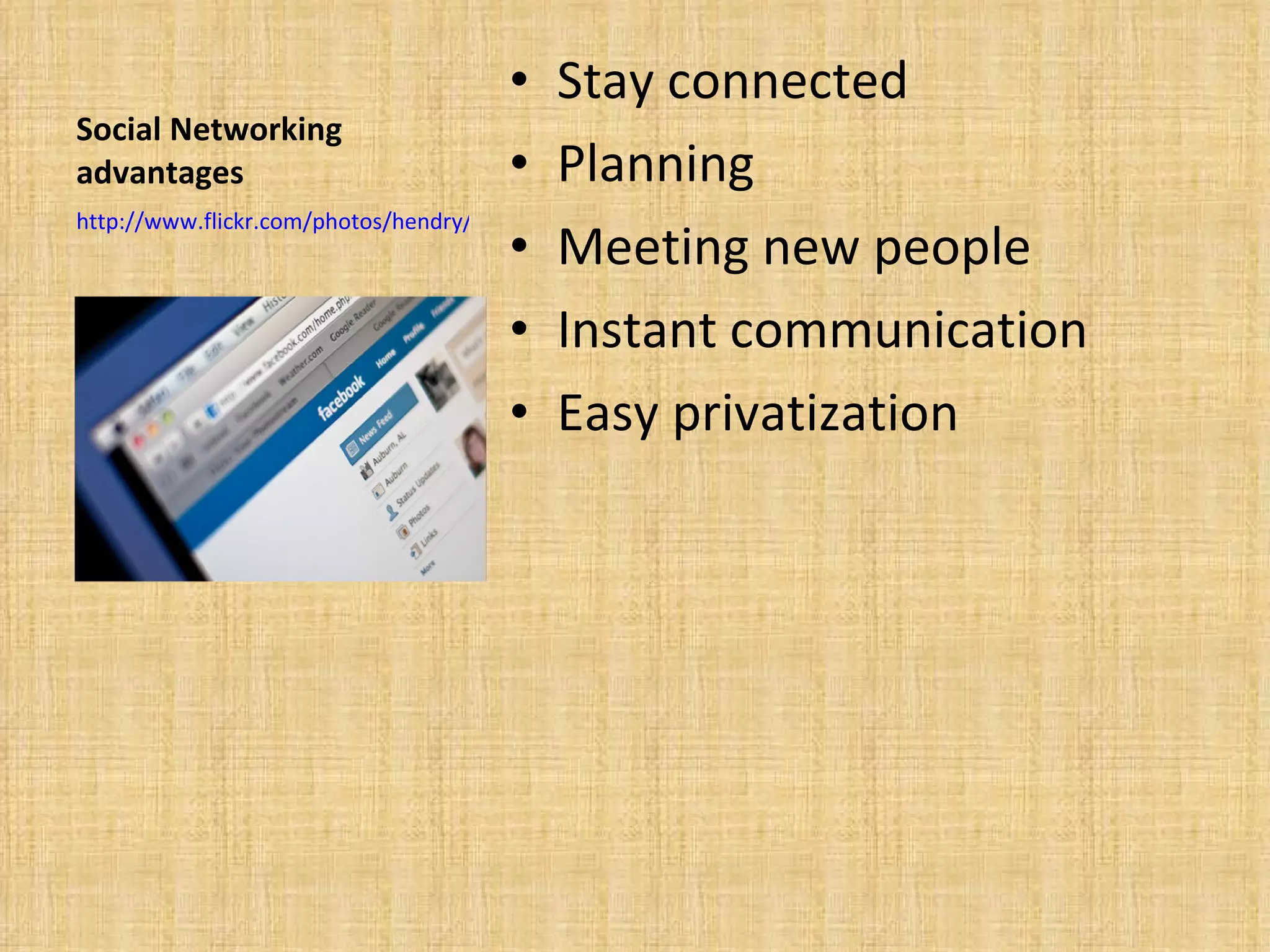
Social Networking advantages Stay connected Planning Meeting new people Instant communication Easy privatization  http://www.flickr.com/photos/hendry/2246633948/
Meet new people While this is a great advantage users must have discretion when making online friends. And in regards to what personal information they display.  Glimpse into peoples lives Make friends through other friends Meet and chat with anyone who has an account
Advertisements Easily place ads.  300 million Facebook users alone.  More than U.S. population Covers enormous demographics http://www.googlelivesearch.com/2009/09/15/facebook-has-nearly-same-amount-of-people-as-us/
Social networking disadvantages Over accessibility Anyone can view users sites.  Privacy issues Advertising Schools
Over accessibility Large amounts-  of private information are often displayed by users. This can be potentially hazardous to their well being. Viewed by anyone-  If security precautions are not used users sites may be viewed by anyone. Negative repercussions possible-Users profiles are open to the public and may be viewed by anyone.  Predators Schools
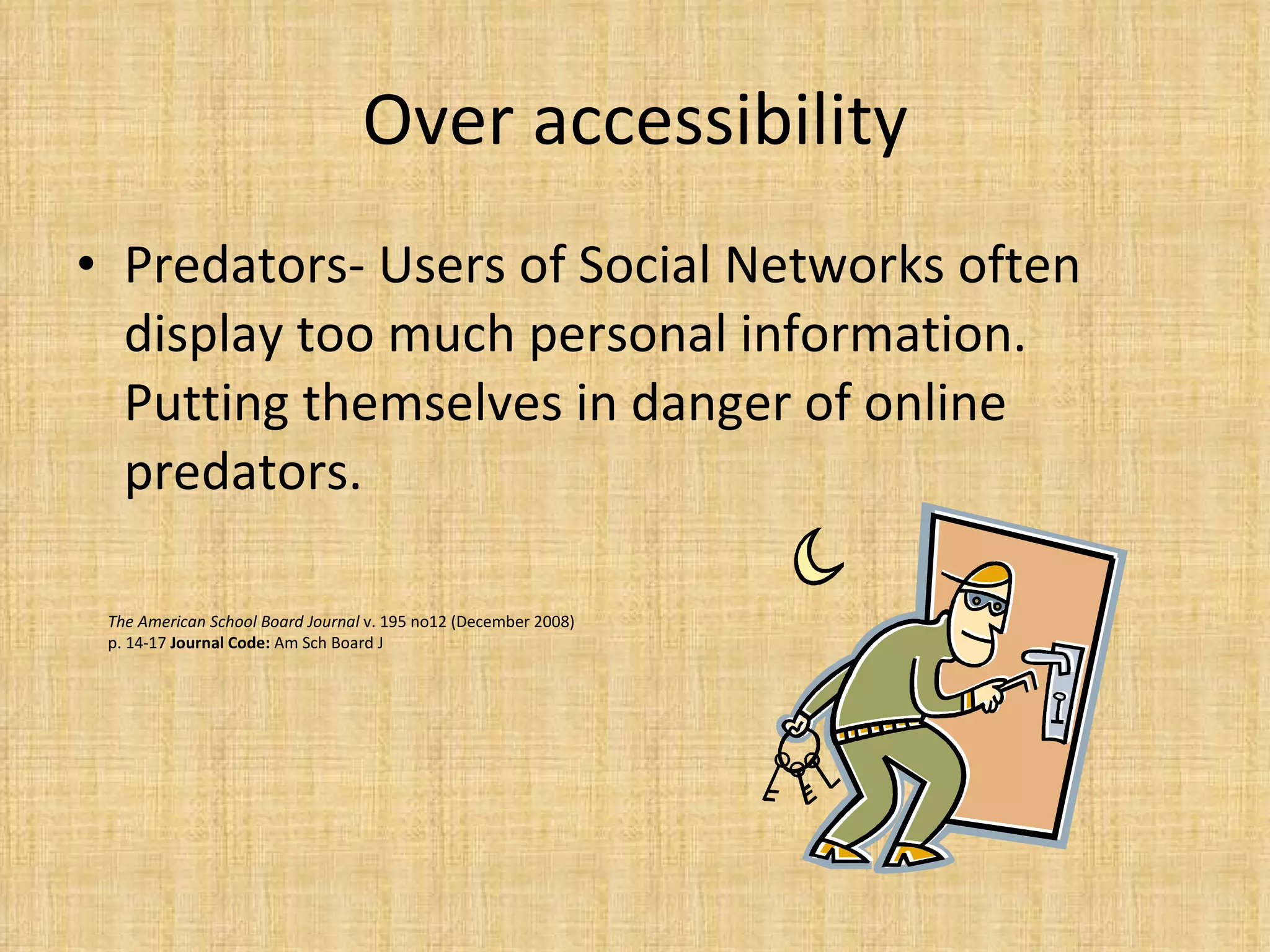
Over accessibility Predators- Users of Social Networks often display too much personal information. Putting themselves in danger of online predators.  The American School Board Journal  v. 195 no12 (December 2008) p. 14-17  Journal Code:  Am Sch Board J
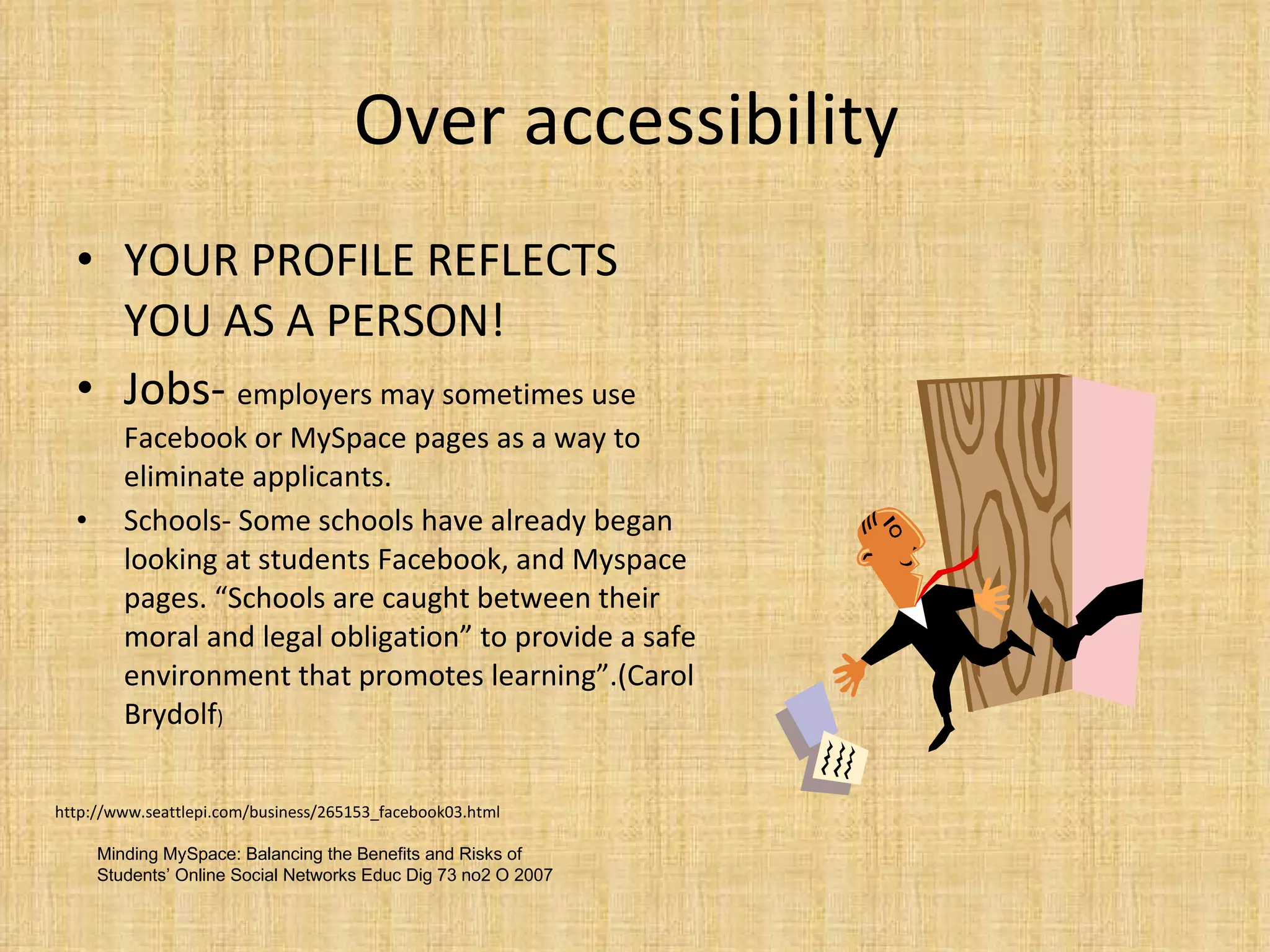
Over accessibility  YOUR PROFILE REFLECTS YOU AS A PERSON! Jobs-  employers may sometimes use Facebook or MySpace pages as a way to eliminate applicants. Schools- Some schools have already began looking at students Facebook, and Myspace pages. “Schools are caught between their moral and legal obligation” to provide a safe environment that promotes learning”.(Carol Brydolf ) http://www.seattlepi.com/business/265153_facebook03.html Minding MySpace: Balancing the Benefits and Risks of Students’ Online Social Networks  Educ Dig 73 no2 O 2007
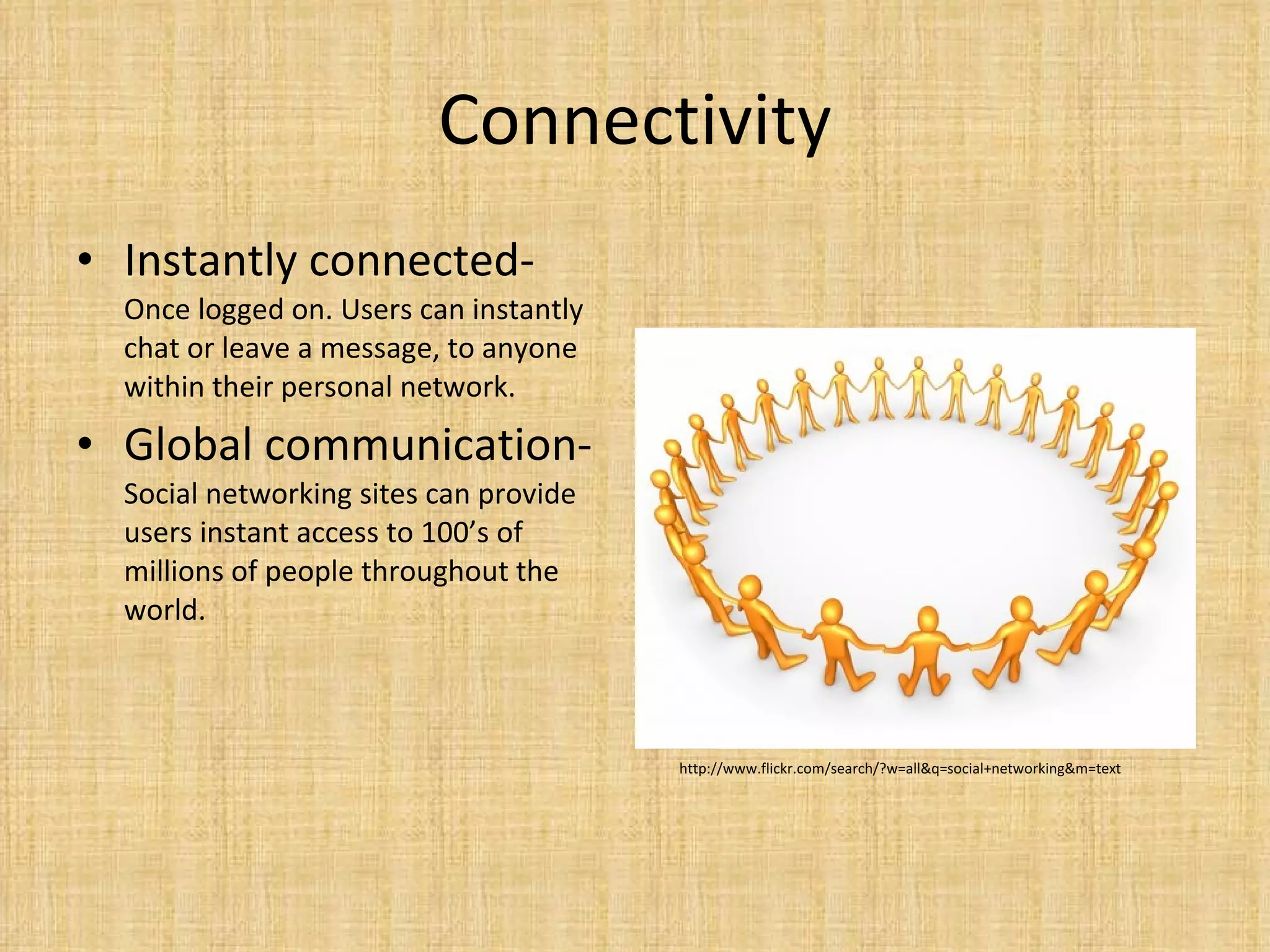
Connectivity Instantly connected-  Once logged on. Users can instantly chat or leave a message, to anyone within their personal network.  Global communication- Social networking sites can provide users instant access to 100’s of millions of people throughout the world.  http://www.flickr.com/search/?w=all&q=social+networking&m=text
Planning and joining social groups Social networks instant accessibility allows users to easily create large groups. And allows them to simply plan events.  This allows large groups or events to form extremely quickly.  Can be used for school groups which require live updates.
Instant Communication Talk to anyone that’s online.  Leave a message Use in classroom Live updates
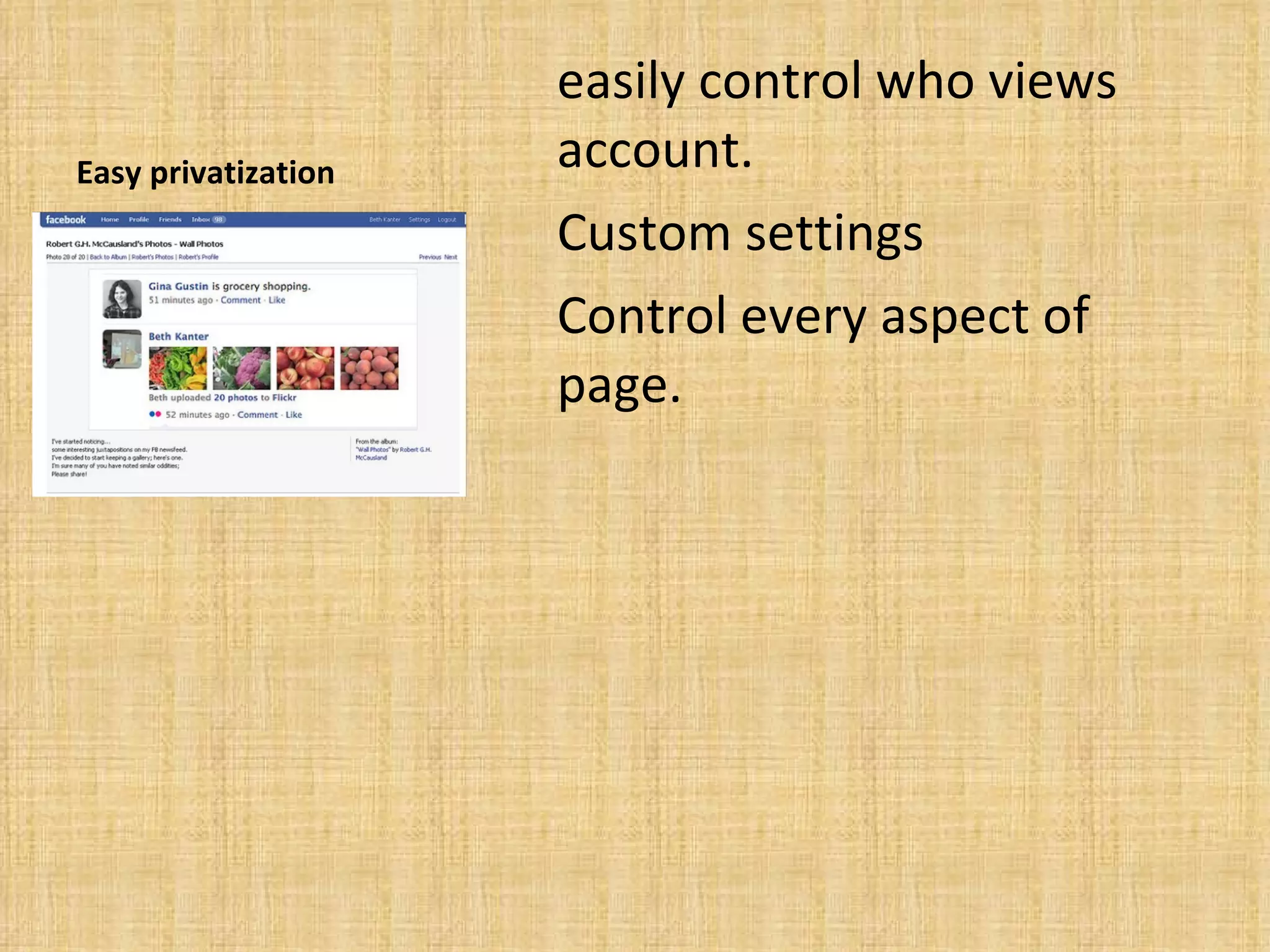
Easy privatization easily control who views account. Custom settings Control every aspect of page.
Ensure privacy Friends Lists Remove from search results Remove from Google Avoid Photo/ Video tagging Protect albums Prevent friend newsfeed stories Protect against published app stories Privatize contact information Avoid embarrassing wall posts Privatize friendships http://www.allfacebook.com/2009/02/facebook-privacy/
Friends Lists Create groups For different groups of friends Customize available Information to each group Ex. Work, family, friends
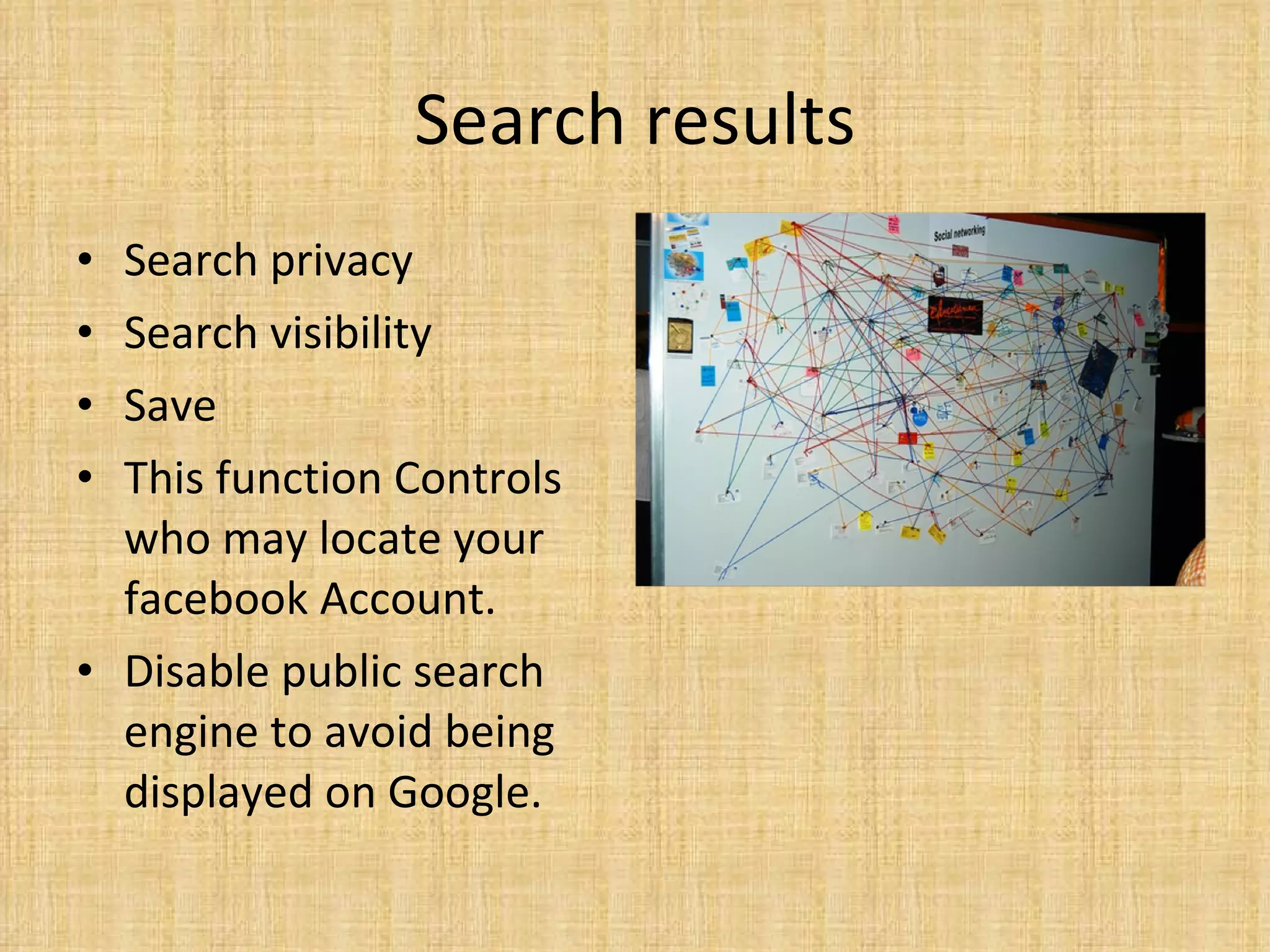
Search results Search privacy Search visibility Save This function Controls who may locate your facebook Account. Disable public search engine to avoid being displayed on Google.
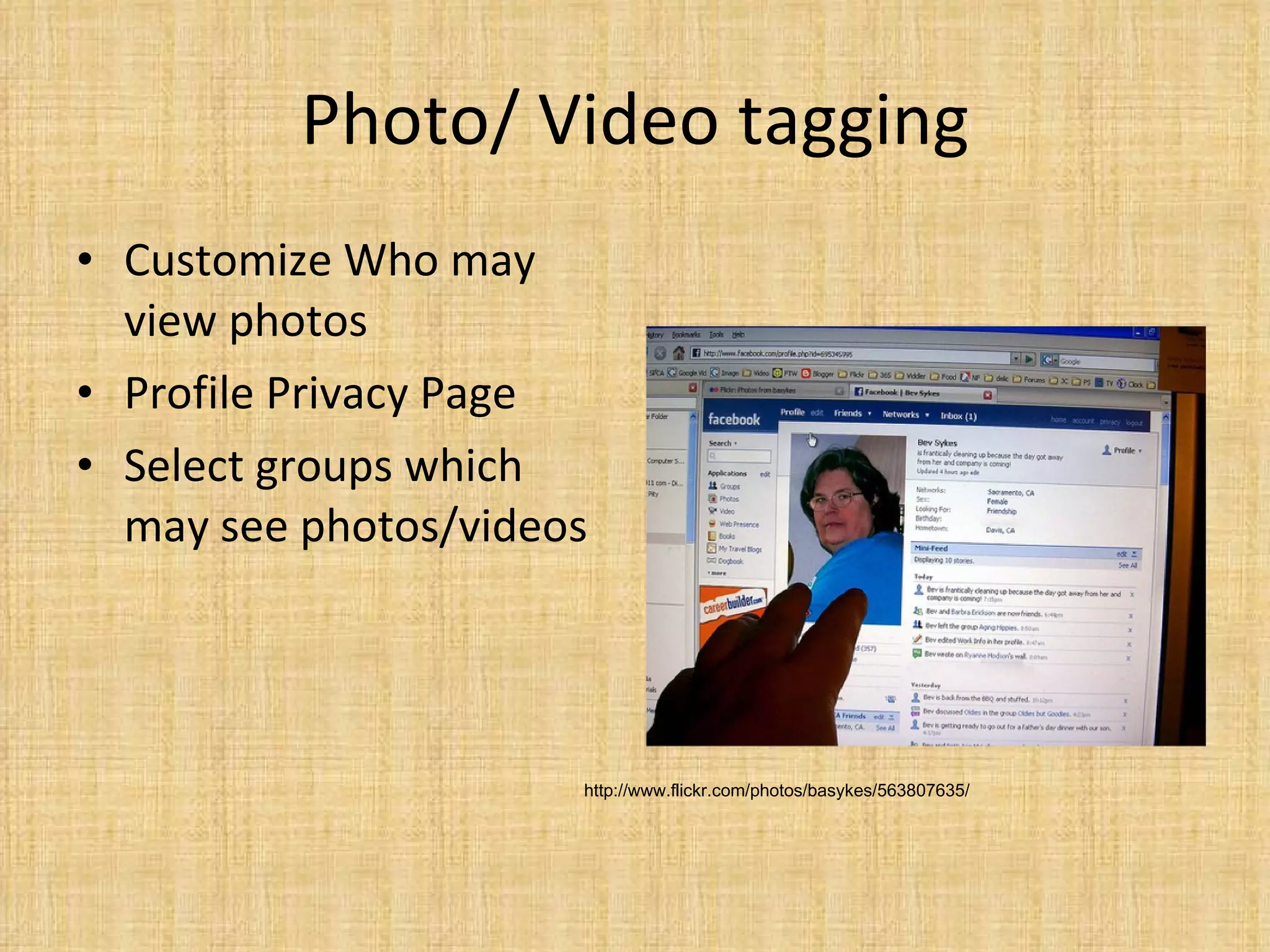
Photo/ Video tagging Customize Who may view photos Profile Privacy Page Select groups which may see photos/videos http://www.flickr.com/photos/basykes/563807635/
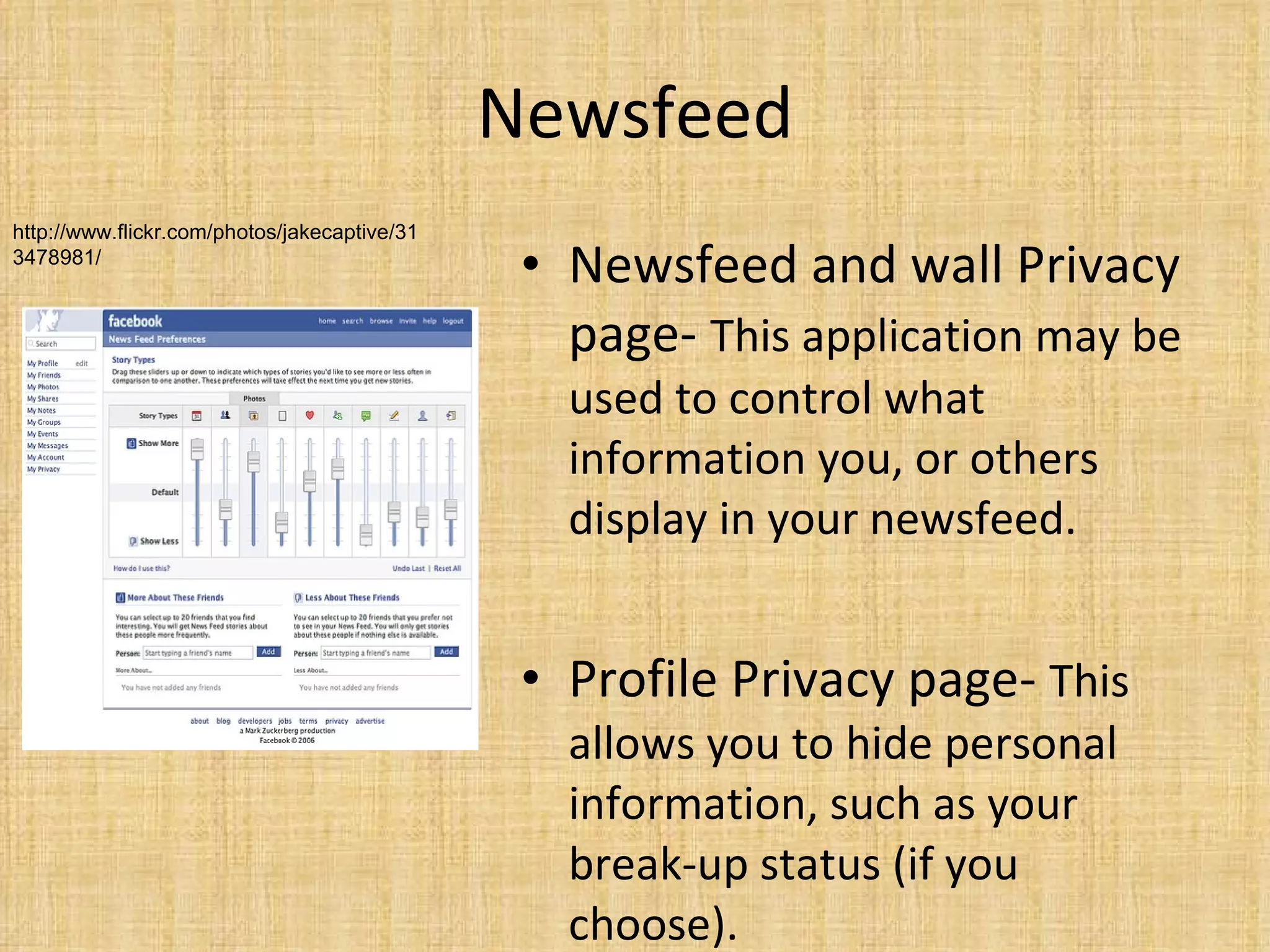
Newsfeed Newsfeed and wall Privacy page-  This application may be used to control what information you, or others display in your newsfeed. Profile Privacy page-  This allows you to hide personal information, such as your break-up status (if you choose).  http://www.flickr.com/photos/jakecaptive/313478981/
Published Application stories Monitor after installation-  Make sure newly installed applications don’t post any embarrassing threads on your news feed .  http://www.allfacebook.com/2009/02/facebook-privacy
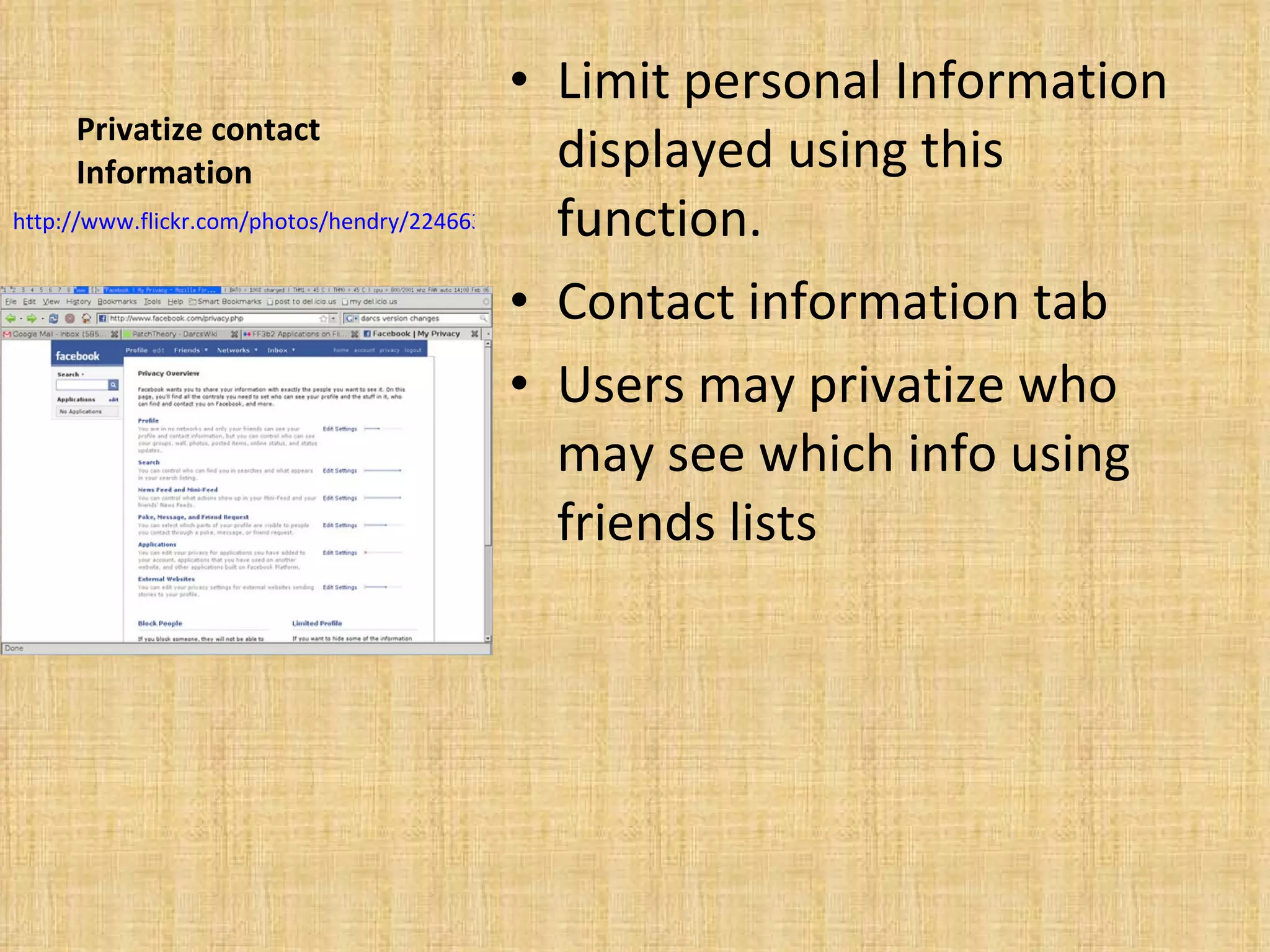
Privatize contact Information Limit personal Information displayed using this function.  Contact information tab Users may privatize who may see which info using friends lists http://www.flickr.com/photos/hendry/2246633948/
Avoid embarrassing wall posts Settings in your profile page Controls who posts on your wall Profile privacy settings Wall posts, edit who may view posts
Private friendships People can see who your friends are.  Profile privacy Friends Adjust to adequate settings This function is not completely necessary should be left to your discretion whether people view your friends or not.
Your Done Using social networking sites may be dangerous to users if they are not cautious. It is imperative for social networkers to remember that information displayed on their personal page (if public),may be viewed by anyone. By following these guidelines, (or similar ones for other sites). Users will have a safer social networking experience.

Using Social Networking Sites On Profcast

  • 1.
    Using Social networkingsites Facebook MySpace Twitter Focus on Facebook
  • 2.
    Social Networking advantagesStay connected Planning Meeting new people Instant communication Easy privatization http://www.flickr.com/photos/hendry/2246633948/
  • 3.
    Meet new peopleWhile this is a great advantage users must have discretion when making online friends. And in regards to what personal information they display. Glimpse into peoples lives Make friends through other friends Meet and chat with anyone who has an account
  • 4.
    Advertisements Easily placeads. 300 million Facebook users alone. More than U.S. population Covers enormous demographics http://www.googlelivesearch.com/2009/09/15/facebook-has-nearly-same-amount-of-people-as-us/
  • 5.
    Social networking disadvantagesOver accessibility Anyone can view users sites. Privacy issues Advertising Schools
  • 6.
    Over accessibility Largeamounts- of private information are often displayed by users. This can be potentially hazardous to their well being. Viewed by anyone- If security precautions are not used users sites may be viewed by anyone. Negative repercussions possible-Users profiles are open to the public and may be viewed by anyone. Predators Schools
  • 7.
    Over accessibility Predators-Users of Social Networks often display too much personal information. Putting themselves in danger of online predators. The American School Board Journal v. 195 no12 (December 2008) p. 14-17 Journal Code: Am Sch Board J
  • 8.
    Over accessibility YOUR PROFILE REFLECTS YOU AS A PERSON! Jobs- employers may sometimes use Facebook or MySpace pages as a way to eliminate applicants. Schools- Some schools have already began looking at students Facebook, and Myspace pages. “Schools are caught between their moral and legal obligation” to provide a safe environment that promotes learning”.(Carol Brydolf ) http://www.seattlepi.com/business/265153_facebook03.html Minding MySpace: Balancing the Benefits and Risks of Students’ Online Social Networks Educ Dig 73 no2 O 2007
  • 9.
    Connectivity Instantly connected- Once logged on. Users can instantly chat or leave a message, to anyone within their personal network. Global communication- Social networking sites can provide users instant access to 100’s of millions of people throughout the world. http://www.flickr.com/search/?w=all&q=social+networking&m=text
  • 10.
    Planning and joiningsocial groups Social networks instant accessibility allows users to easily create large groups. And allows them to simply plan events. This allows large groups or events to form extremely quickly. Can be used for school groups which require live updates.
  • 11.
    Instant Communication Talkto anyone that’s online. Leave a message Use in classroom Live updates
  • 12.
    Easy privatization easilycontrol who views account. Custom settings Control every aspect of page.
  • 13.
    Ensure privacy FriendsLists Remove from search results Remove from Google Avoid Photo/ Video tagging Protect albums Prevent friend newsfeed stories Protect against published app stories Privatize contact information Avoid embarrassing wall posts Privatize friendships http://www.allfacebook.com/2009/02/facebook-privacy/
  • 14.
    Friends Lists Creategroups For different groups of friends Customize available Information to each group Ex. Work, family, friends
  • 15.
    Search results Searchprivacy Search visibility Save This function Controls who may locate your facebook Account. Disable public search engine to avoid being displayed on Google.
  • 16.
    Photo/ Video taggingCustomize Who may view photos Profile Privacy Page Select groups which may see photos/videos http://www.flickr.com/photos/basykes/563807635/
  • 17.
    Newsfeed Newsfeed andwall Privacy page- This application may be used to control what information you, or others display in your newsfeed. Profile Privacy page- This allows you to hide personal information, such as your break-up status (if you choose). http://www.flickr.com/photos/jakecaptive/313478981/
  • 18.
    Published Application storiesMonitor after installation- Make sure newly installed applications don’t post any embarrassing threads on your news feed . http://www.allfacebook.com/2009/02/facebook-privacy
  • 19.
    Privatize contact InformationLimit personal Information displayed using this function. Contact information tab Users may privatize who may see which info using friends lists http://www.flickr.com/photos/hendry/2246633948/
  • 20.
    Avoid embarrassing wallposts Settings in your profile page Controls who posts on your wall Profile privacy settings Wall posts, edit who may view posts
  • 21.
    Private friendships Peoplecan see who your friends are. Profile privacy Friends Adjust to adequate settings This function is not completely necessary should be left to your discretion whether people view your friends or not.
  • 22.
    Your Done Usingsocial networking sites may be dangerous to users if they are not cautious. It is imperative for social networkers to remember that information displayed on their personal page (if public),may be viewed by anyone. By following these guidelines, (or similar ones for other sites). Users will have a safer social networking experience.