
3 — User Interface Principles

      From Code to Product
      gidgreen.com/course
Lecture 3
•    Introduction
•    Vision
•    Cognition
•    Memory
•    Action
•    Emotion


From Code to Product   Lecture 3 — UI Principles — Slide 2   gidgreen.com/course
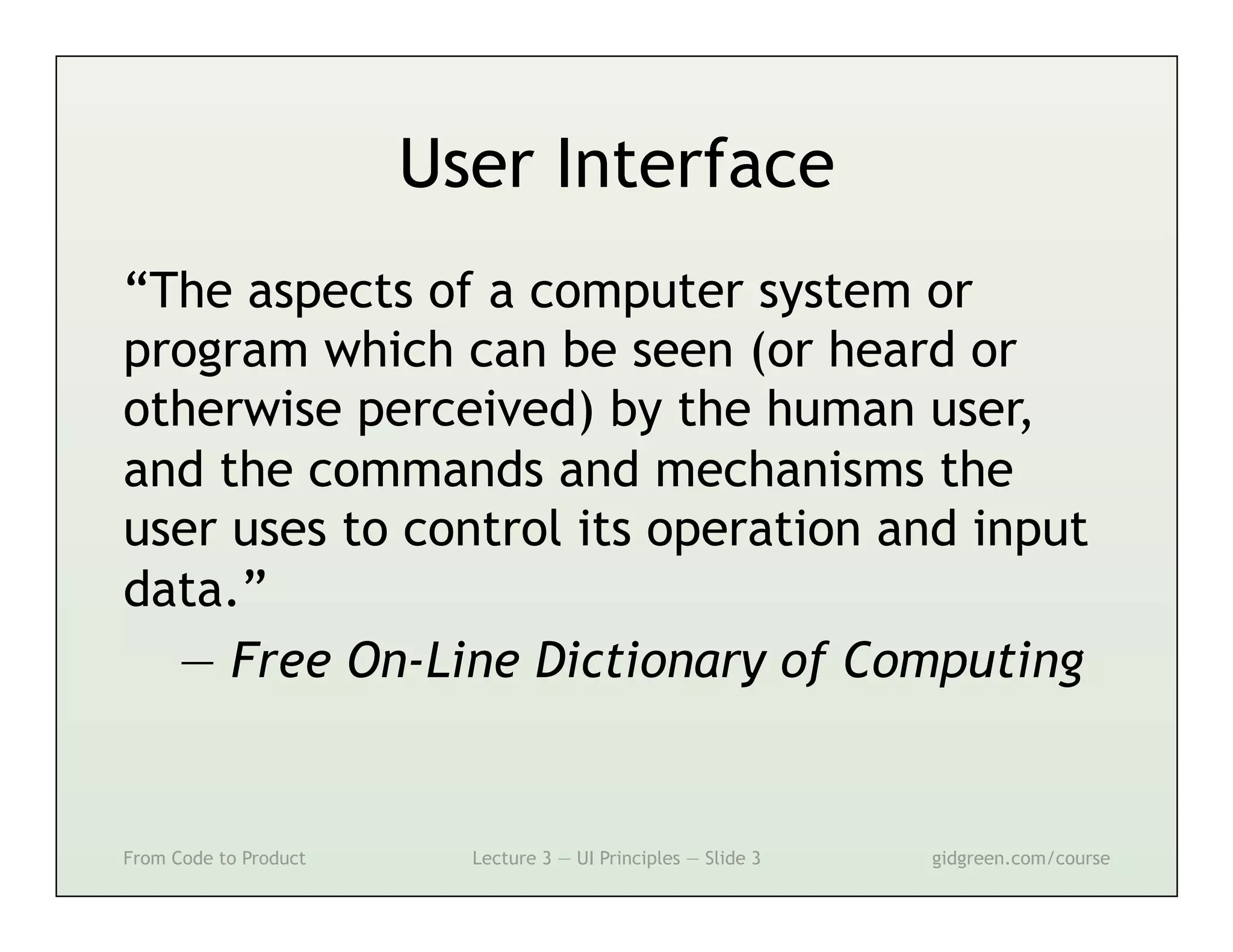
User Interface
“The aspects of a computer system or
program which can be seen (or heard or
otherwise perceived) by the human user,
and the commands and mechanisms the
user uses to control its operation and input
data.”
  — Free On-Line Dictionary of Computing


From Code to Product     Lecture 3 — UI Principles — Slide 3   gidgreen.com/course
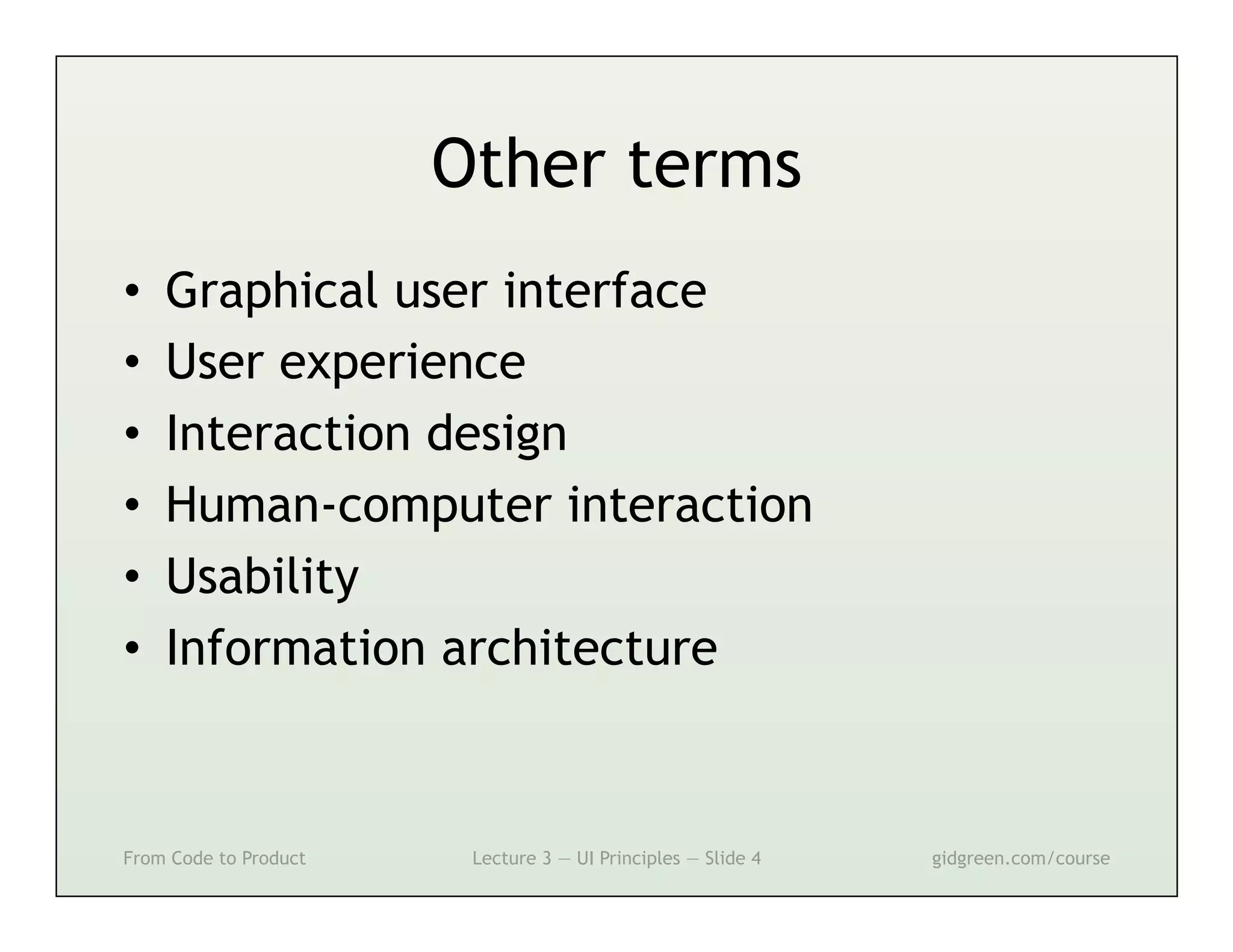
Other terms
•    Graphical user interface
•    User experience
•    Interaction design
•    Human-computer interaction
•    Usability
•    Information architecture


From Code to Product    Lecture 3 — UI Principles — Slide 4   gidgreen.com/course
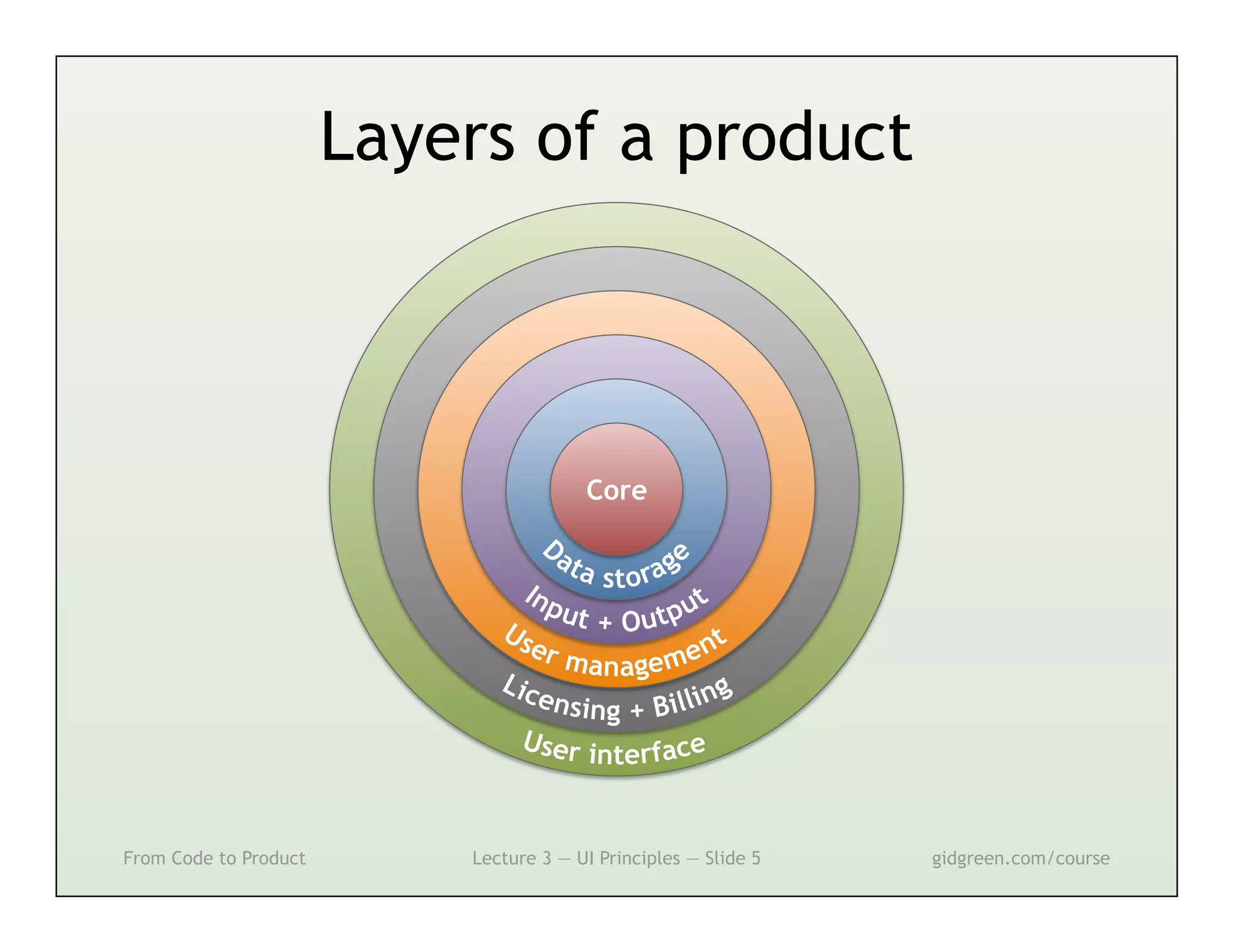
Layers of a product


                                        Core


From Code to Product       Lecture 3 — UI Principles — Slide 5   gidgreen.com/course
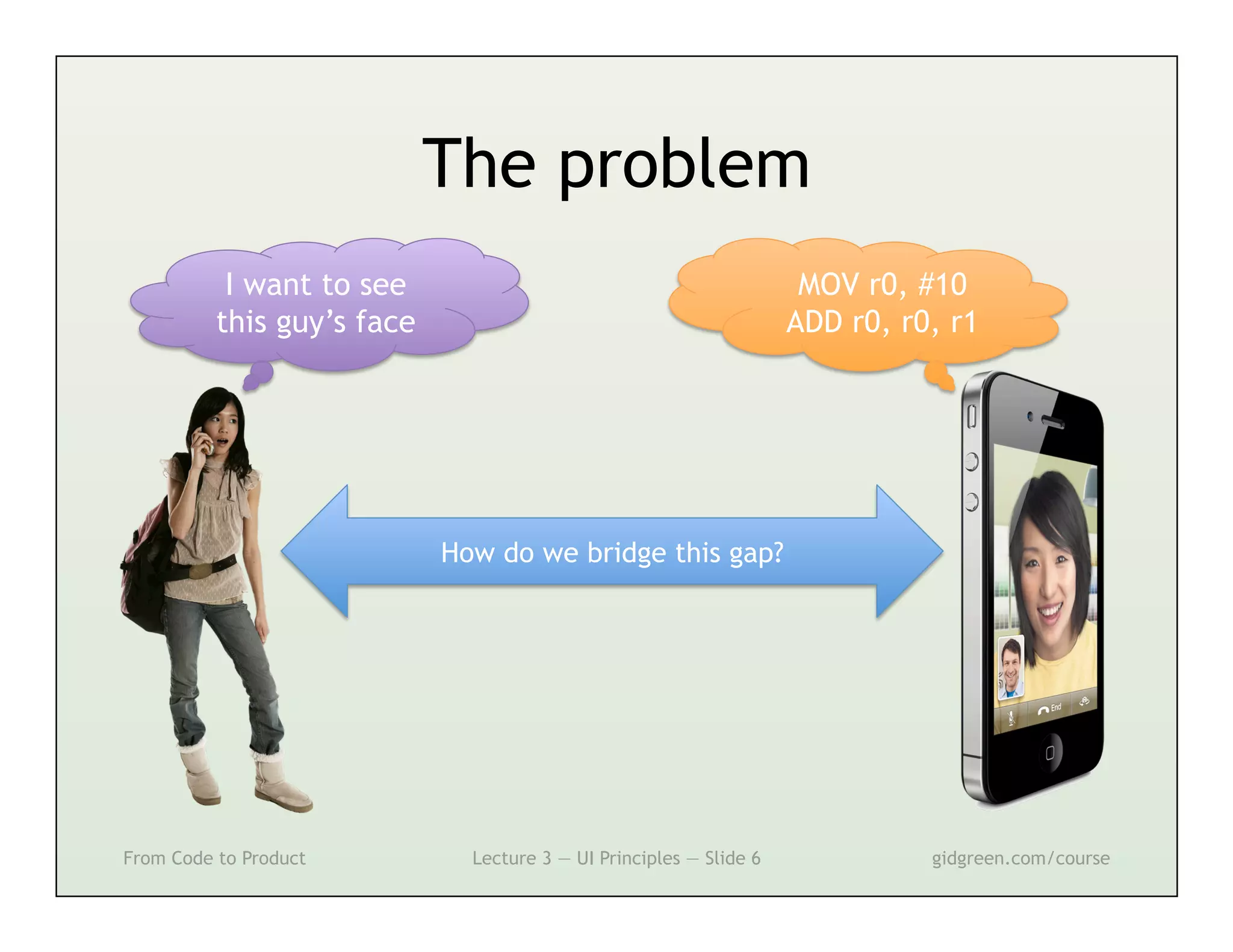
The problem
           I want to see                                             MOV r0, #10
          this guy’s face                                           ADD r0, r0, r1


                            How do we bridge this gap?


From Code to Product          Lecture 3 — UI Principles — Slide 6             gidgreen.com/course
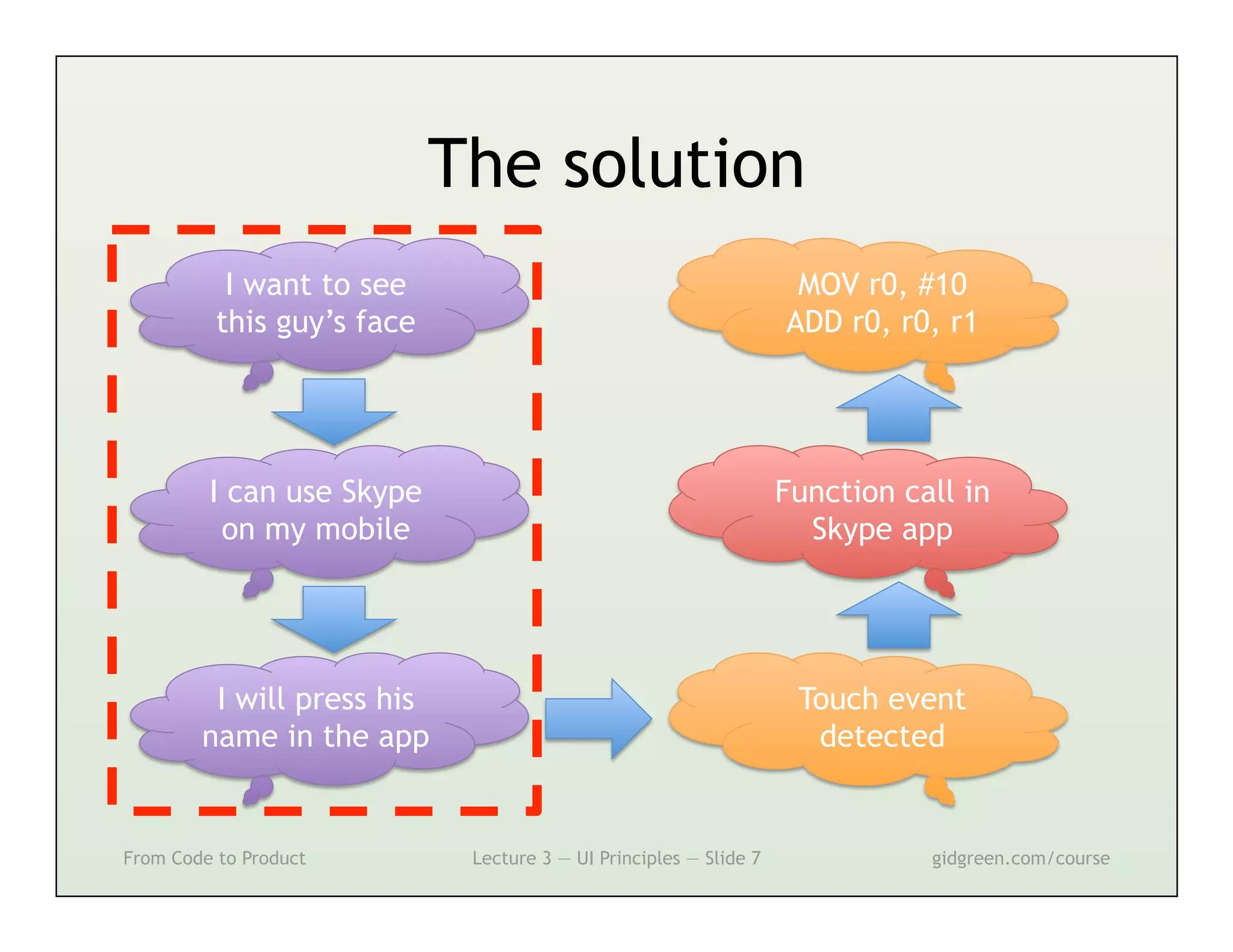
The solution
           I want to see                                            MOV r0, #10
          this guy’s face                                          ADD r0, r0, r1


         I can use Skype                                           Function call in
          on my mobile                                               Skype app


         I will press his                                           Touch event
        name in the app                                              detected


From Code to Product         Lecture 3 — UI Principles — Slide 7              gidgreen.com/course
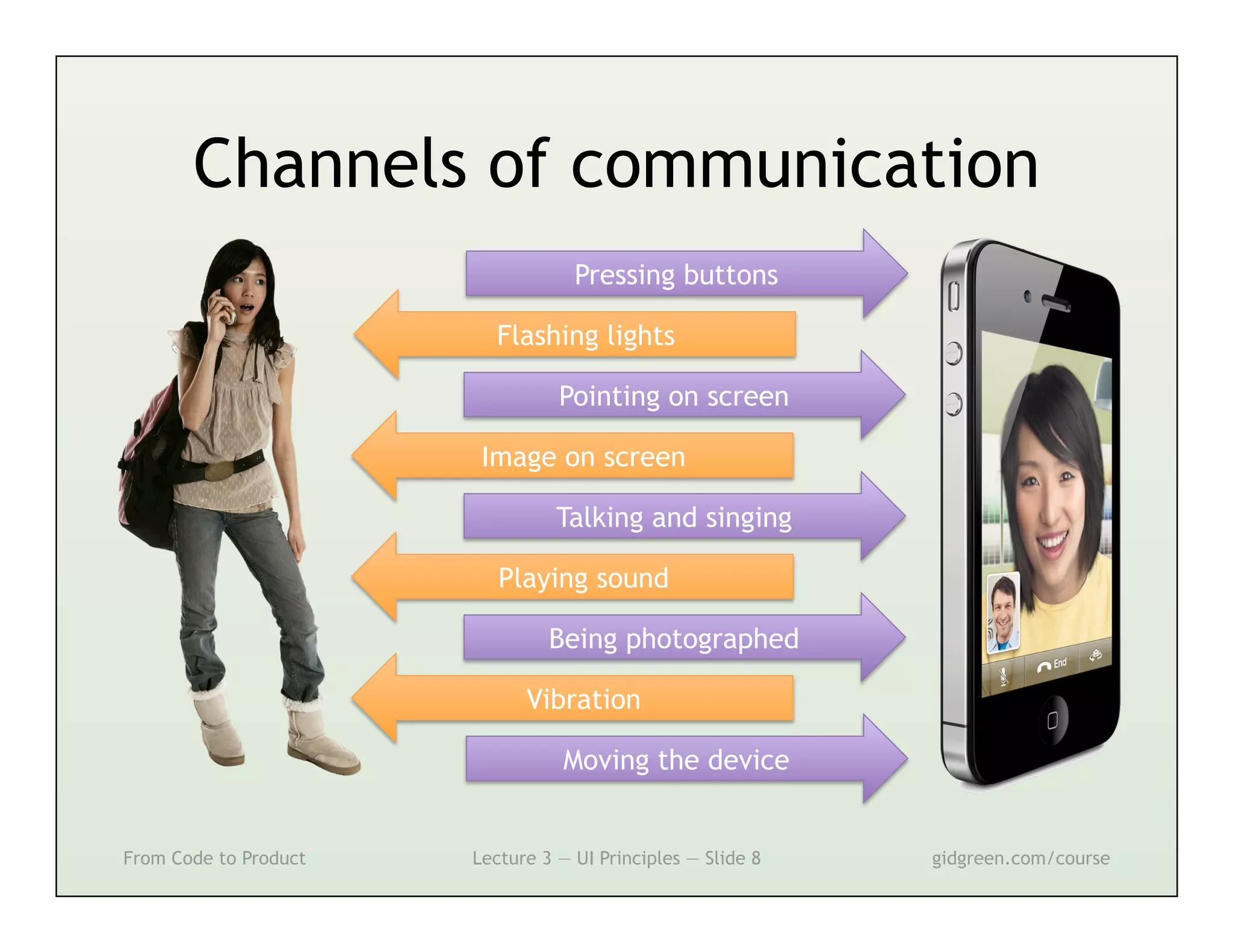
Channels of communication
                                   Pressing buttons

                         Flashing lights

                                 Pointing on screen

                        Image on screen

                                 Talking and singing

                          Playing sound

                                Being photographed

                             Vibration

                                  Moving the device


From Code to Product   Lecture 3 — UI Principles — Slide 8   gidgreen.com/course
Lecture 3
•    Introduction
•    Vision
•    Cognition
•    Memory
•    Action
•    Emotion


From Code to Product   Lecture 3 — UI Principles — Slide 9   gidgreen.com/course
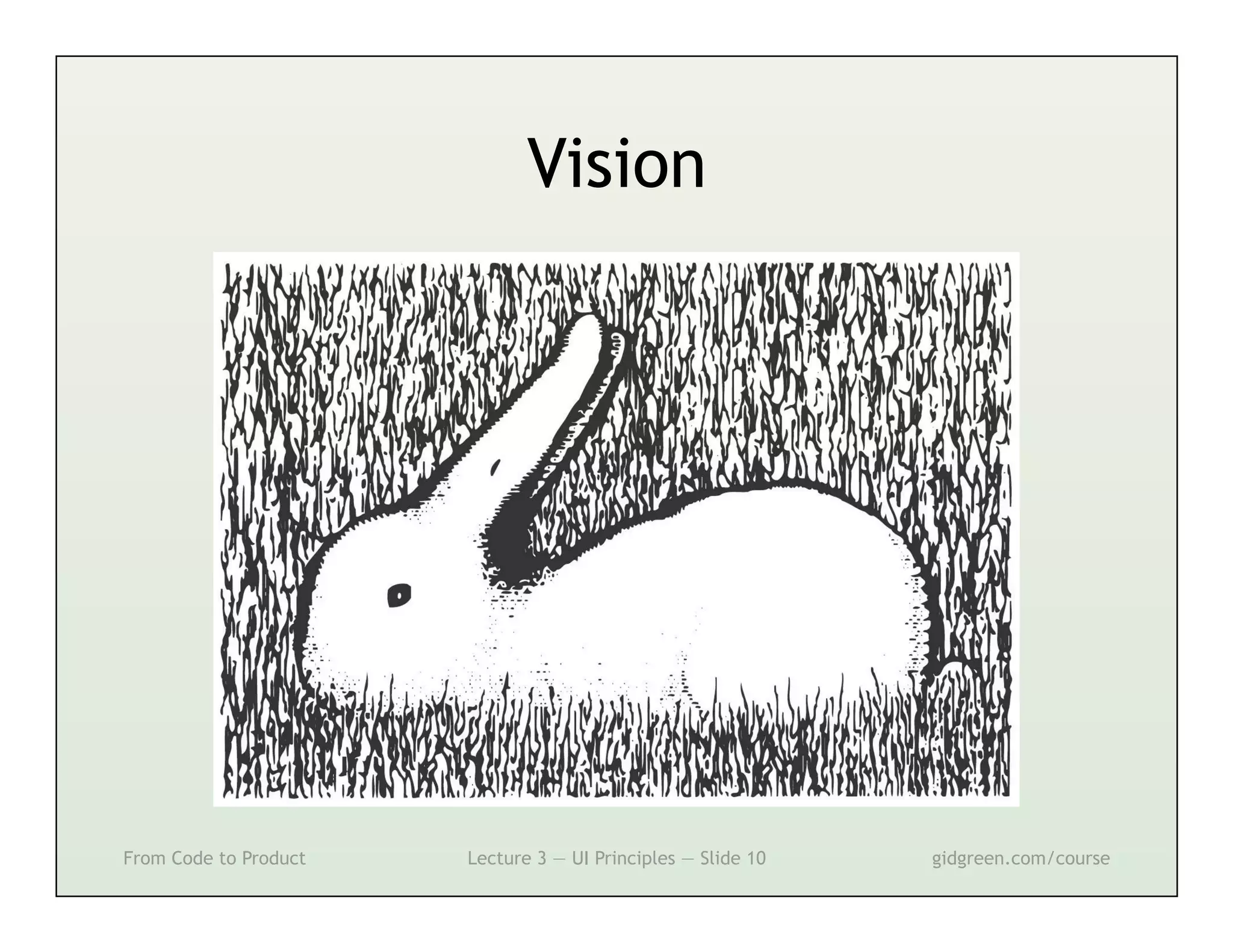
Vision


From Code to Product   Lecture 3 — UI Principles — Slide 10   gidgreen.com/course
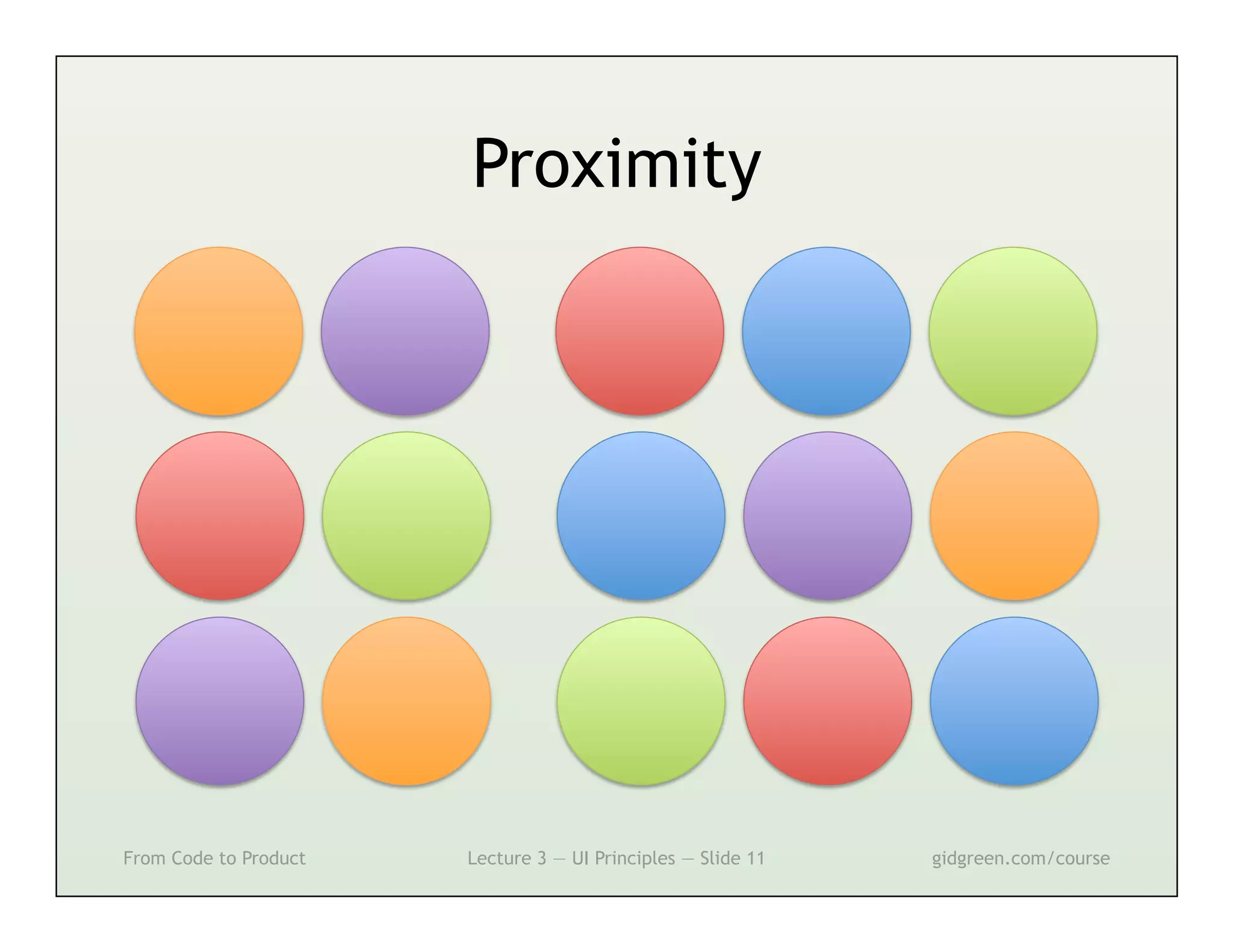
Proximity


From Code to Product   Lecture 3 — UI Principles — Slide 11   gidgreen.com/course
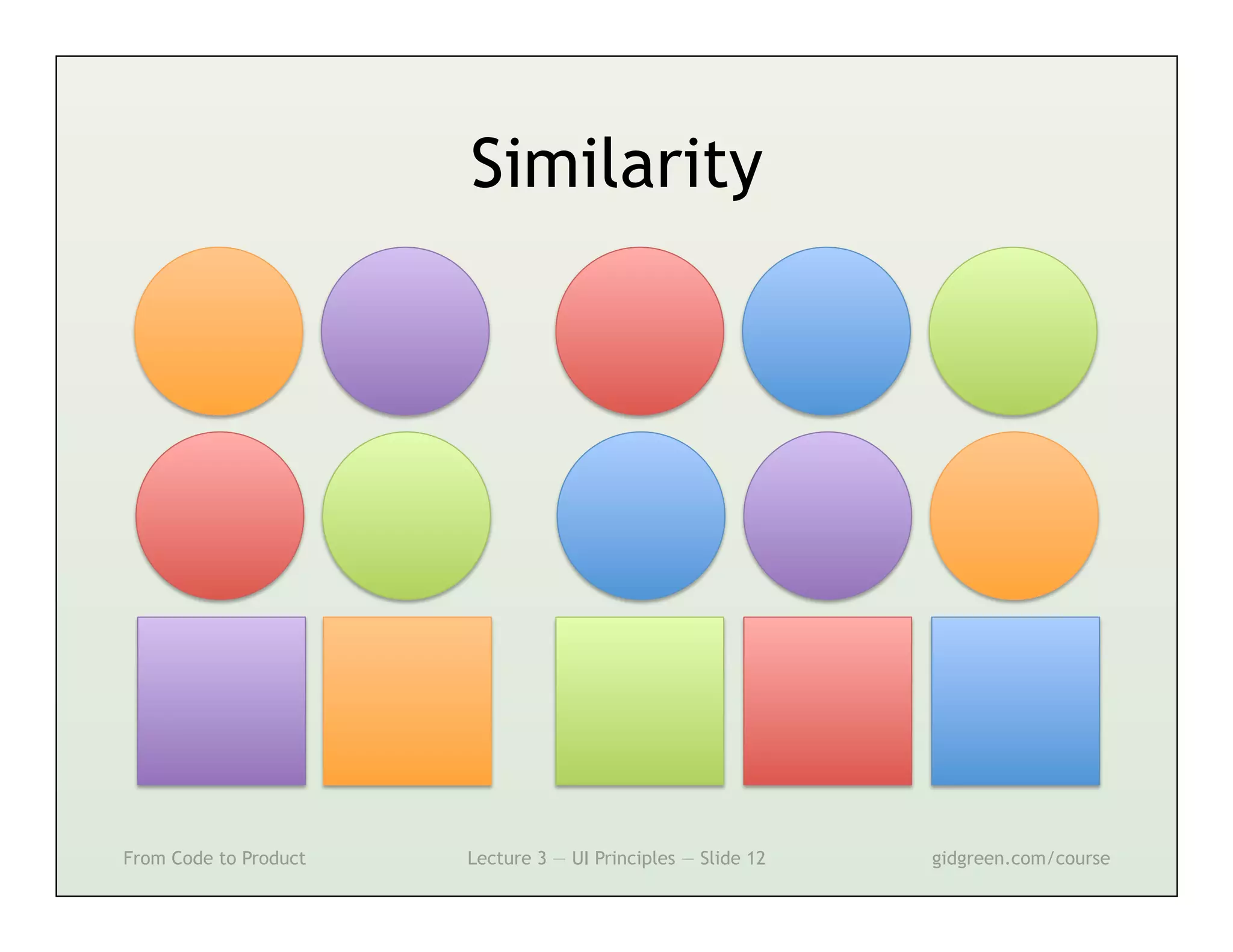
Similarity


From Code to Product   Lecture 3 — UI Principles — Slide 12   gidgreen.com/course
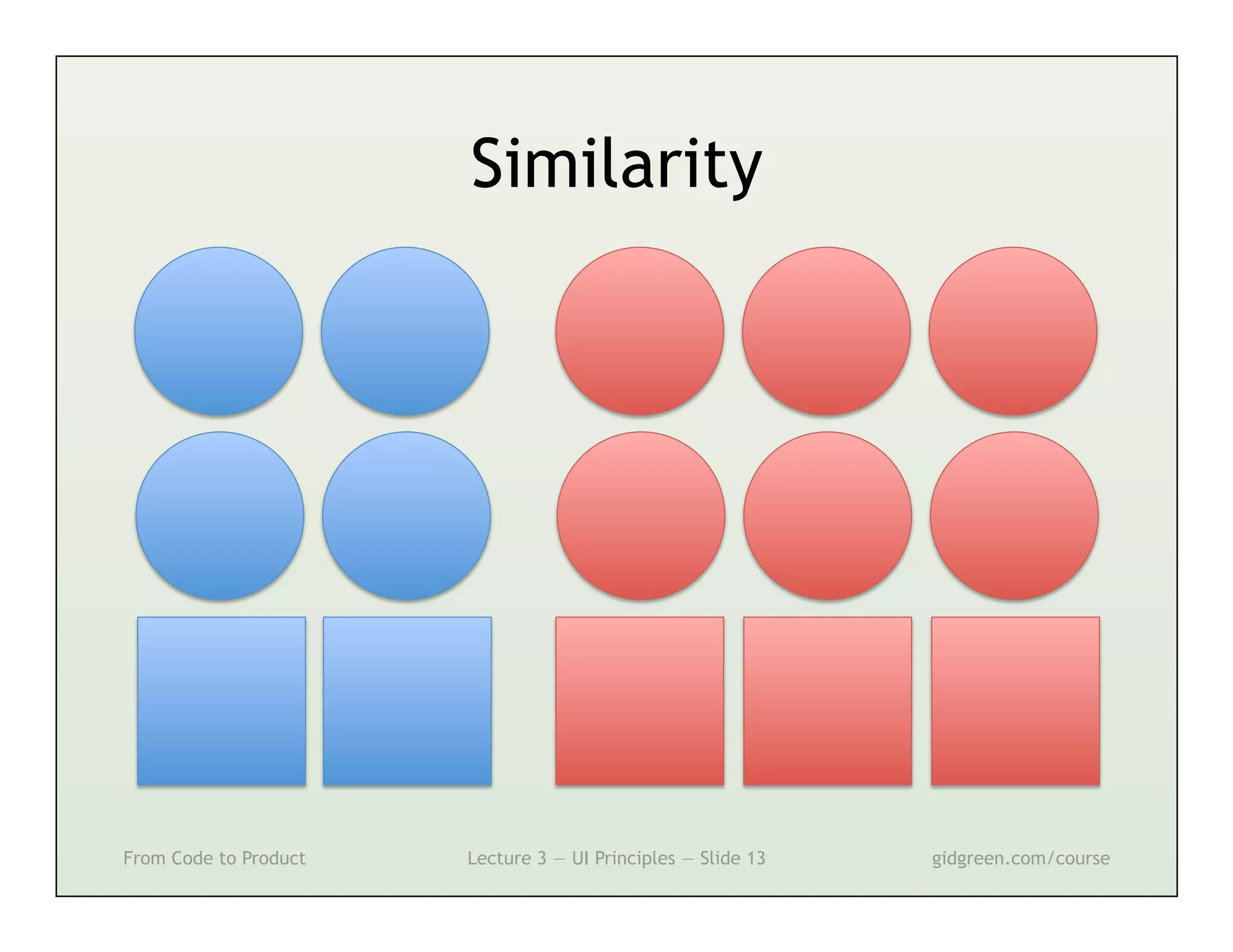
Similarity


From Code to Product   Lecture 3 — UI Principles — Slide 13   gidgreen.com/course
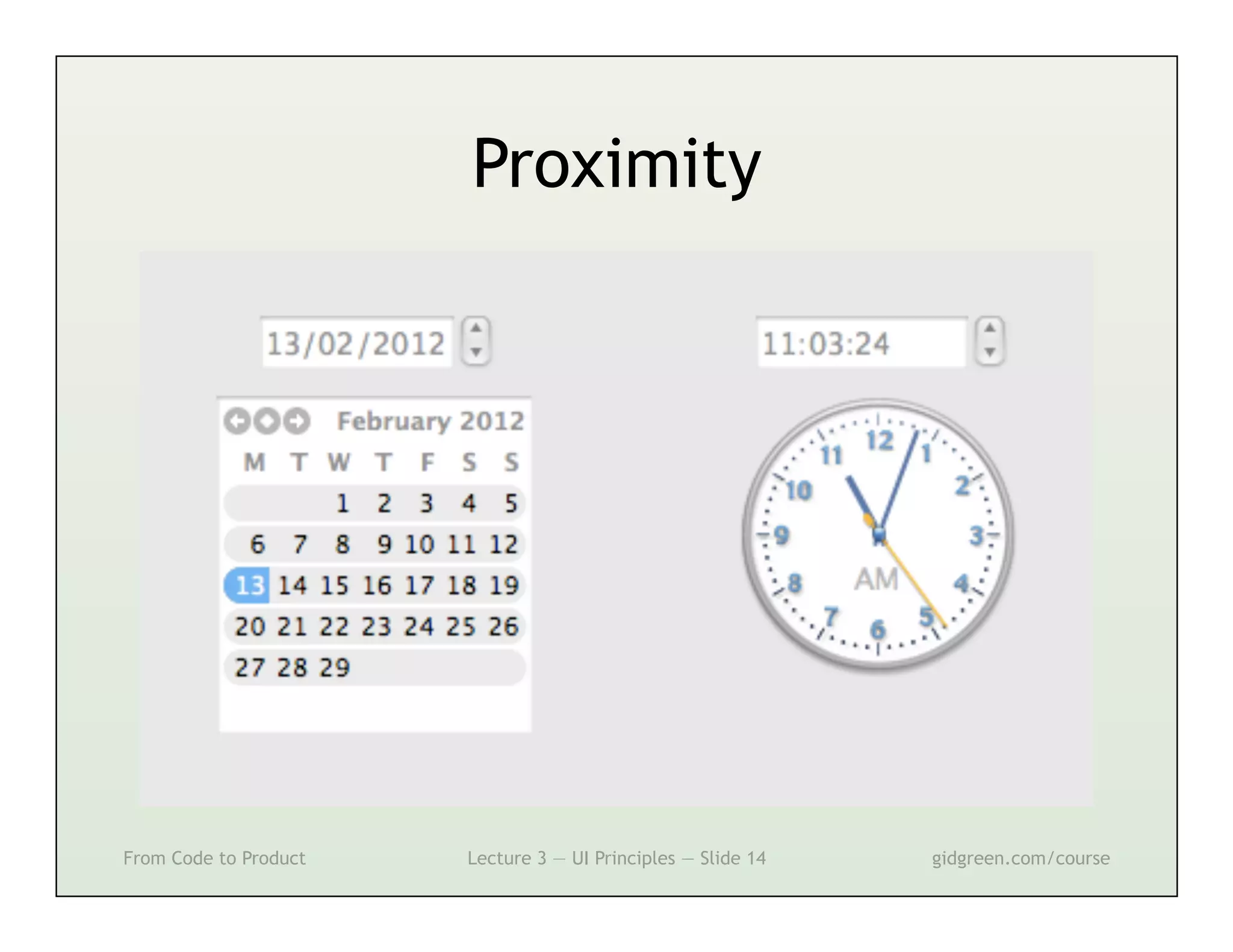
Proximity


From Code to Product   Lecture 3 — UI Principles — Slide 14   gidgreen.com/course
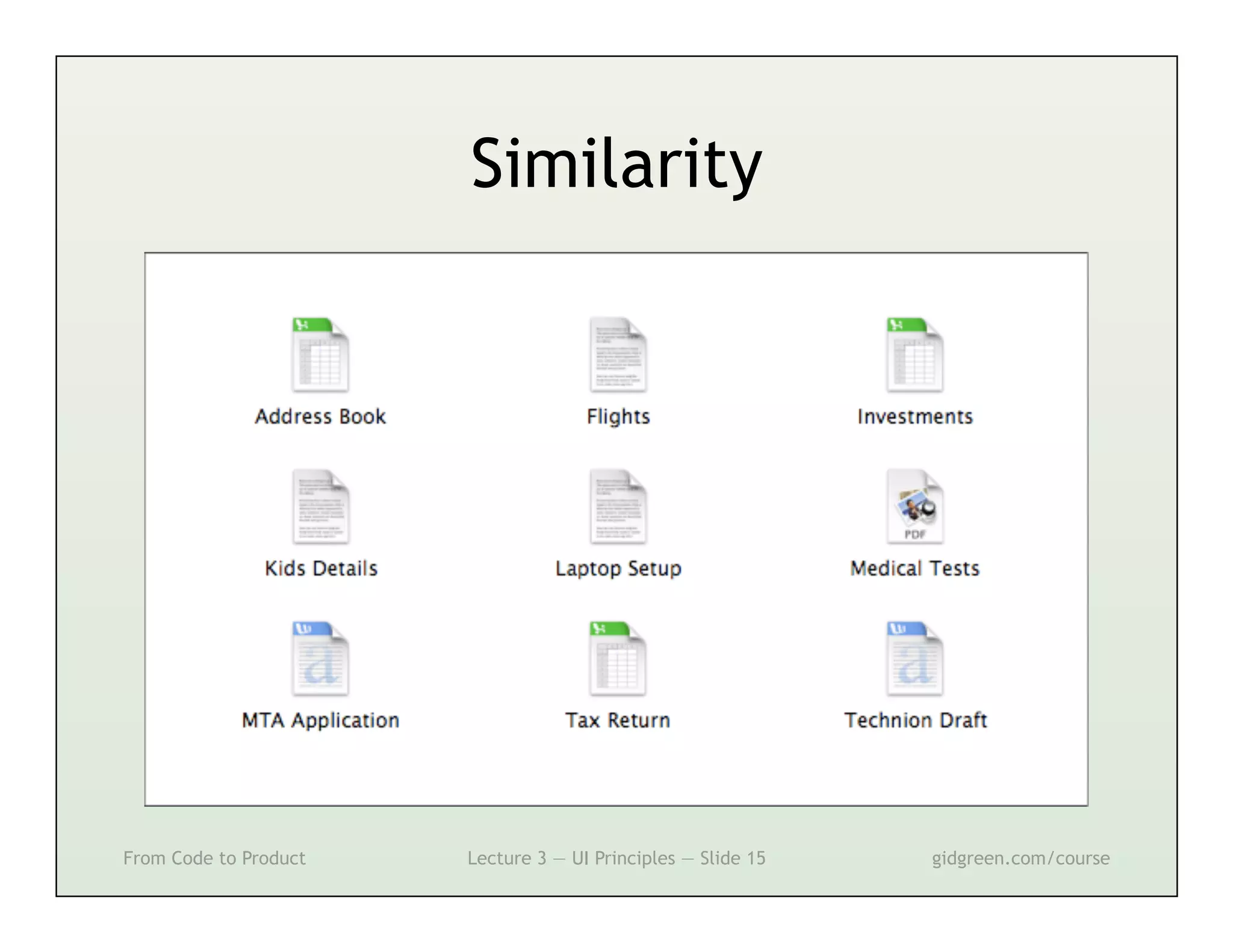
Similarity


From Code to Product   Lecture 3 — UI Principles — Slide 15   gidgreen.com/course
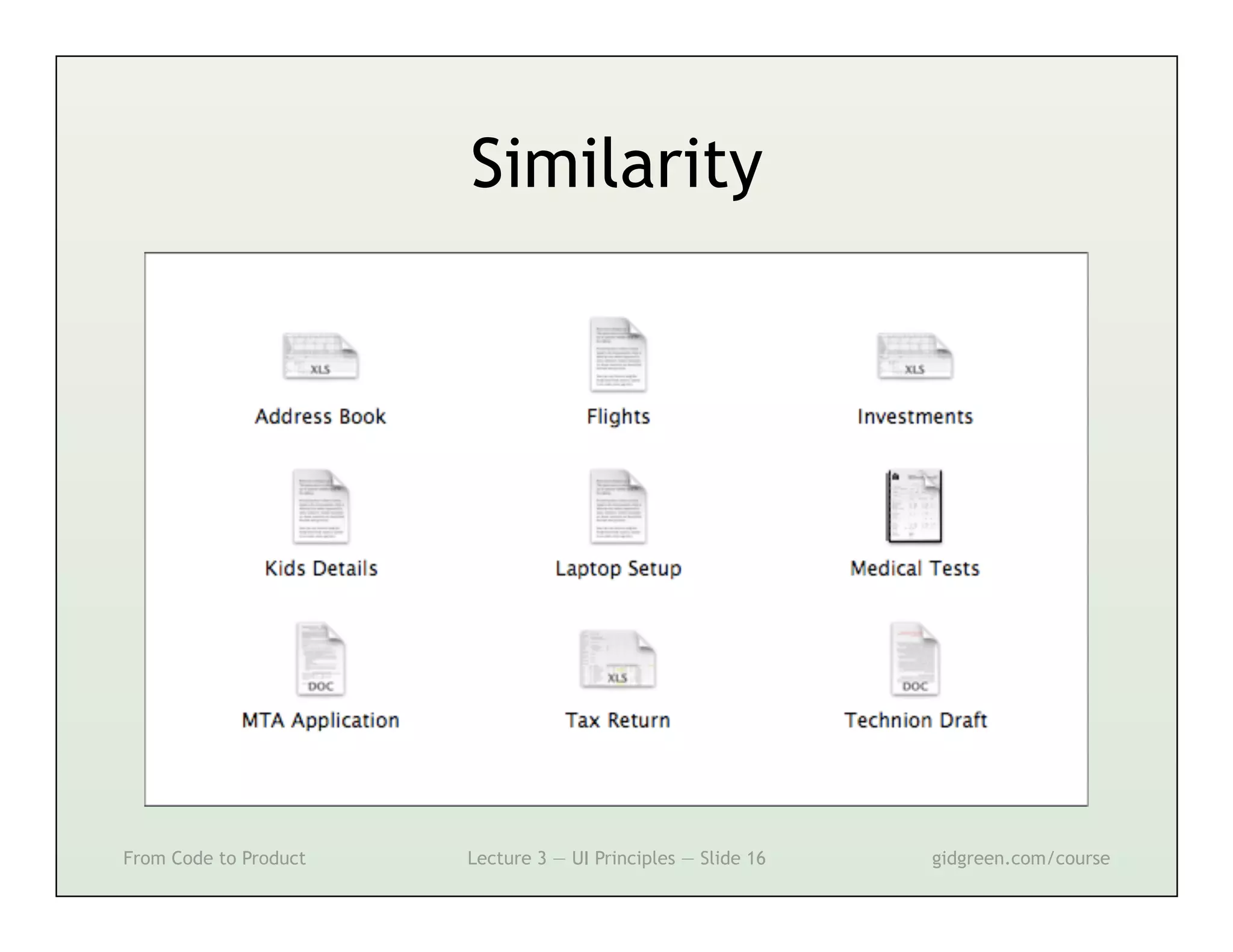
Similarity


From Code to Product   Lecture 3 — UI Principles — Slide 16   gidgreen.com/course
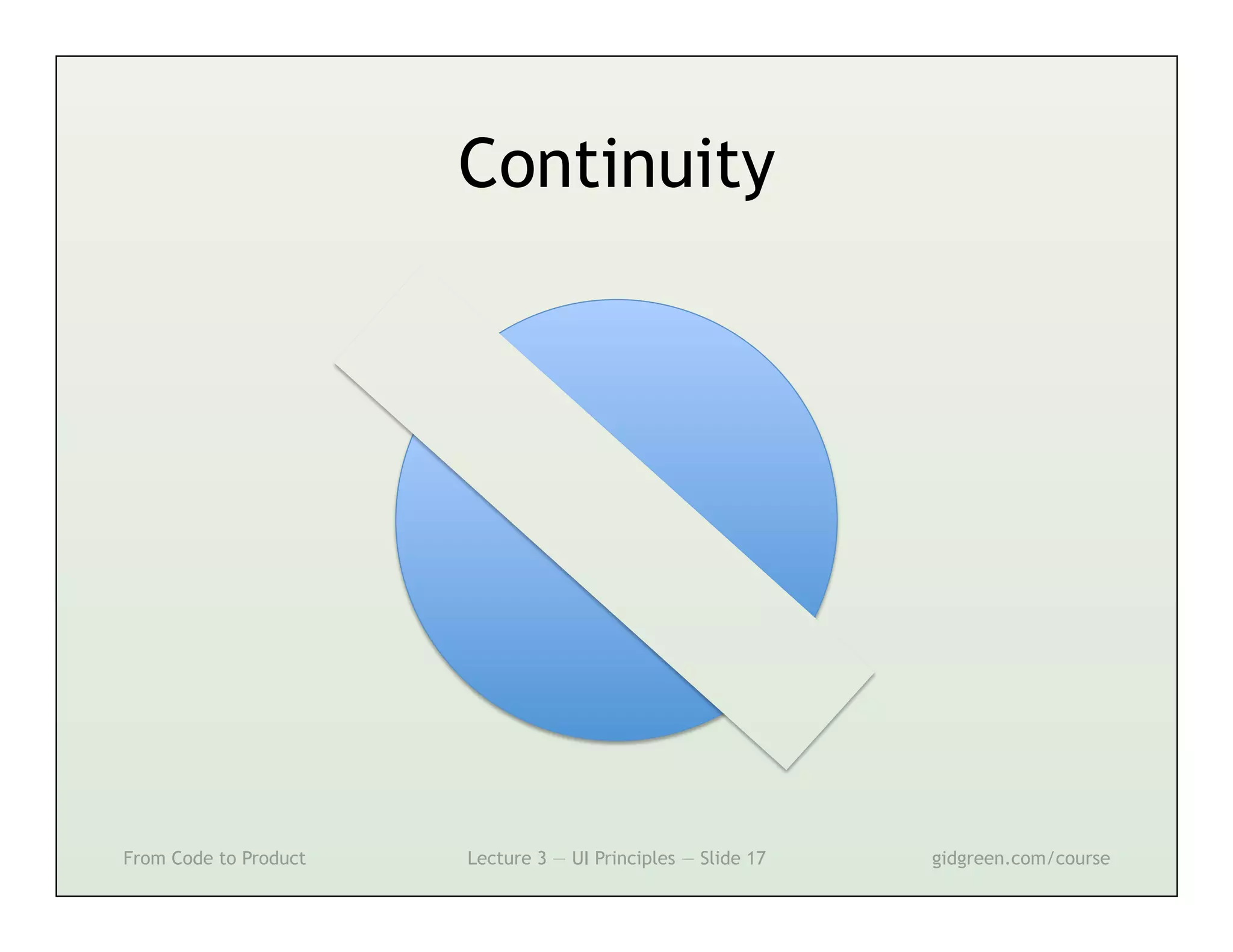
Continuity


From Code to Product   Lecture 3 — UI Principles — Slide 17   gidgreen.com/course
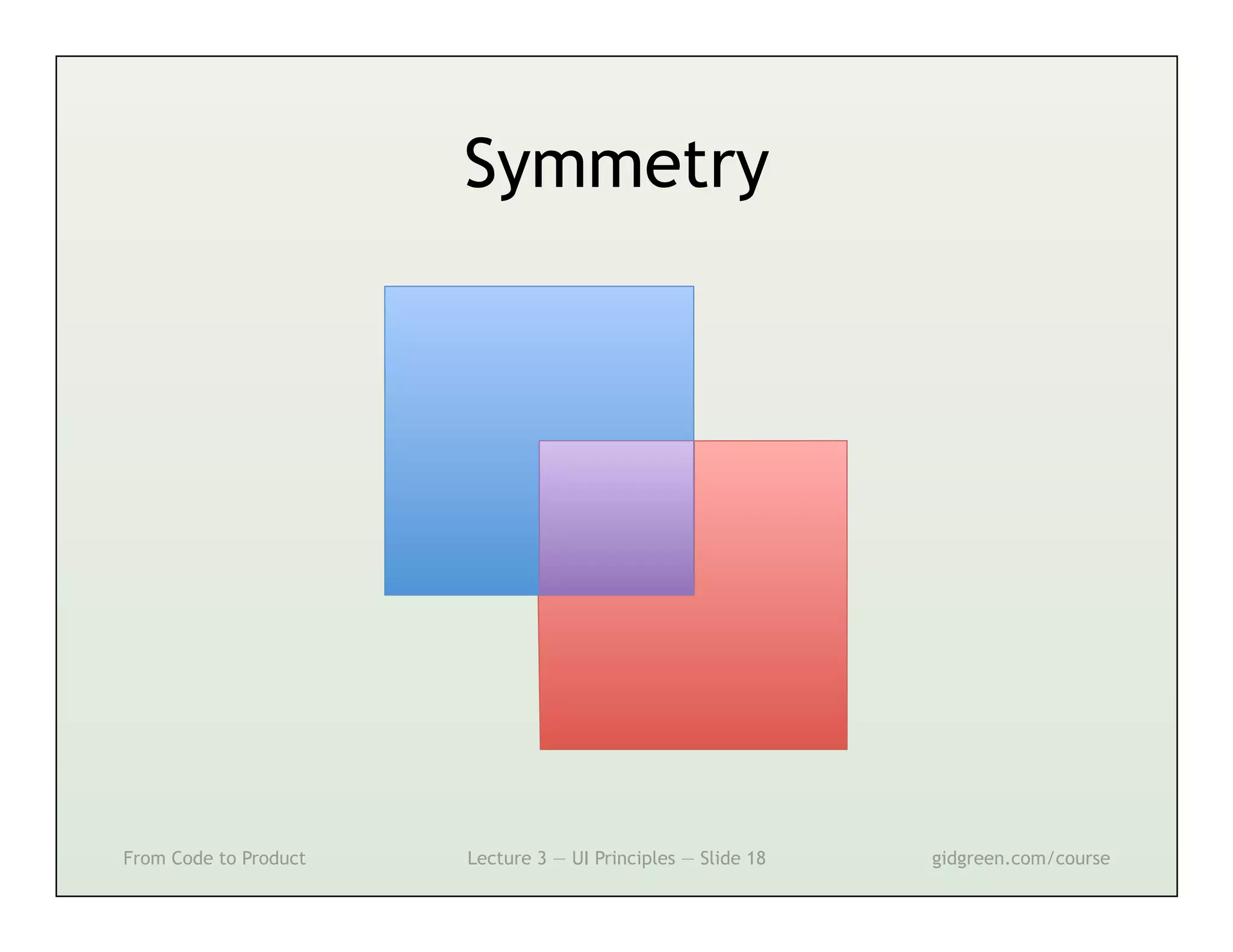
Symmetry


From Code to Product   Lecture 3 — UI Principles — Slide 18   gidgreen.com/course
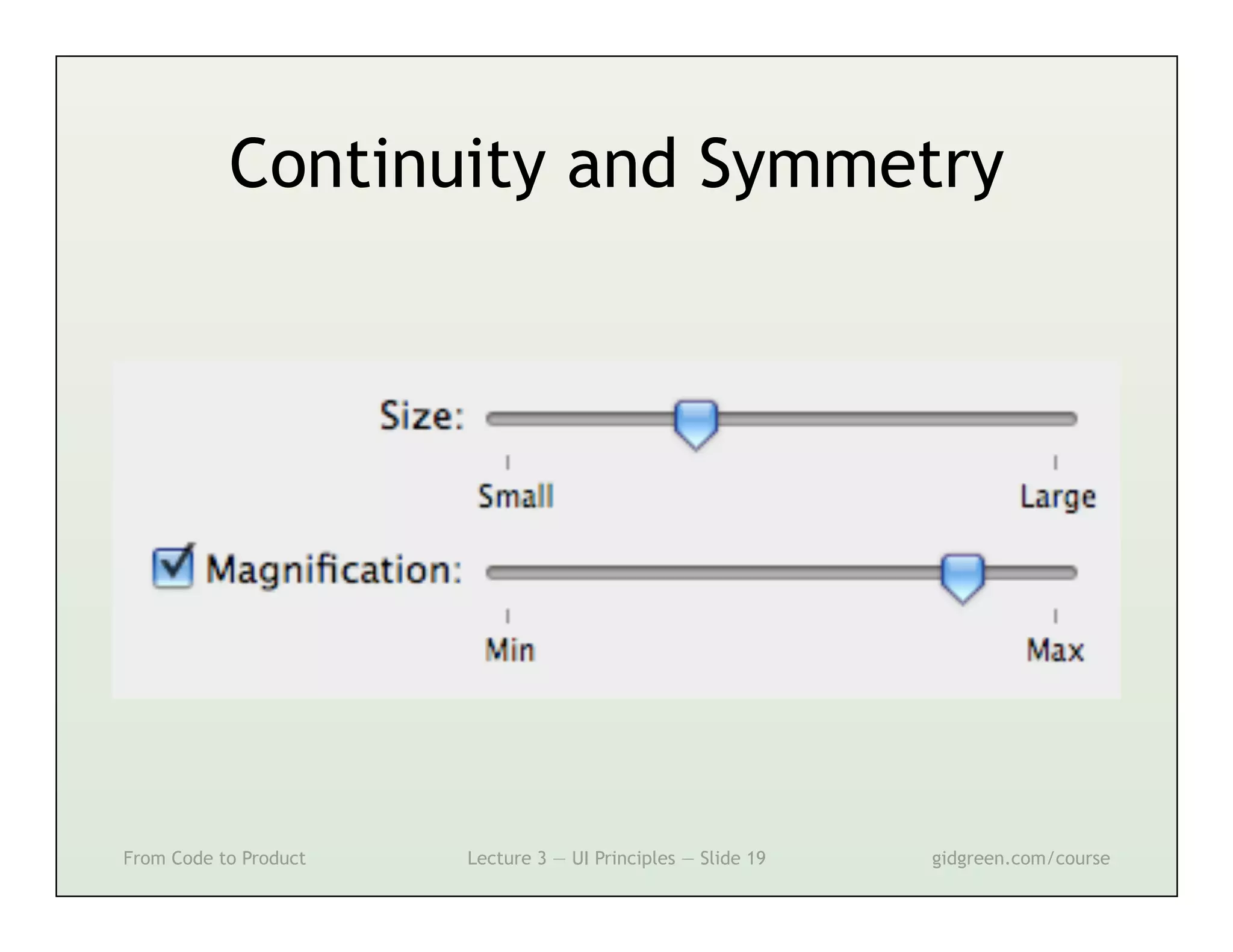
Continuity and Symmetry


From Code to Product   Lecture 3 — UI Principles — Slide 19   gidgreen.com/course
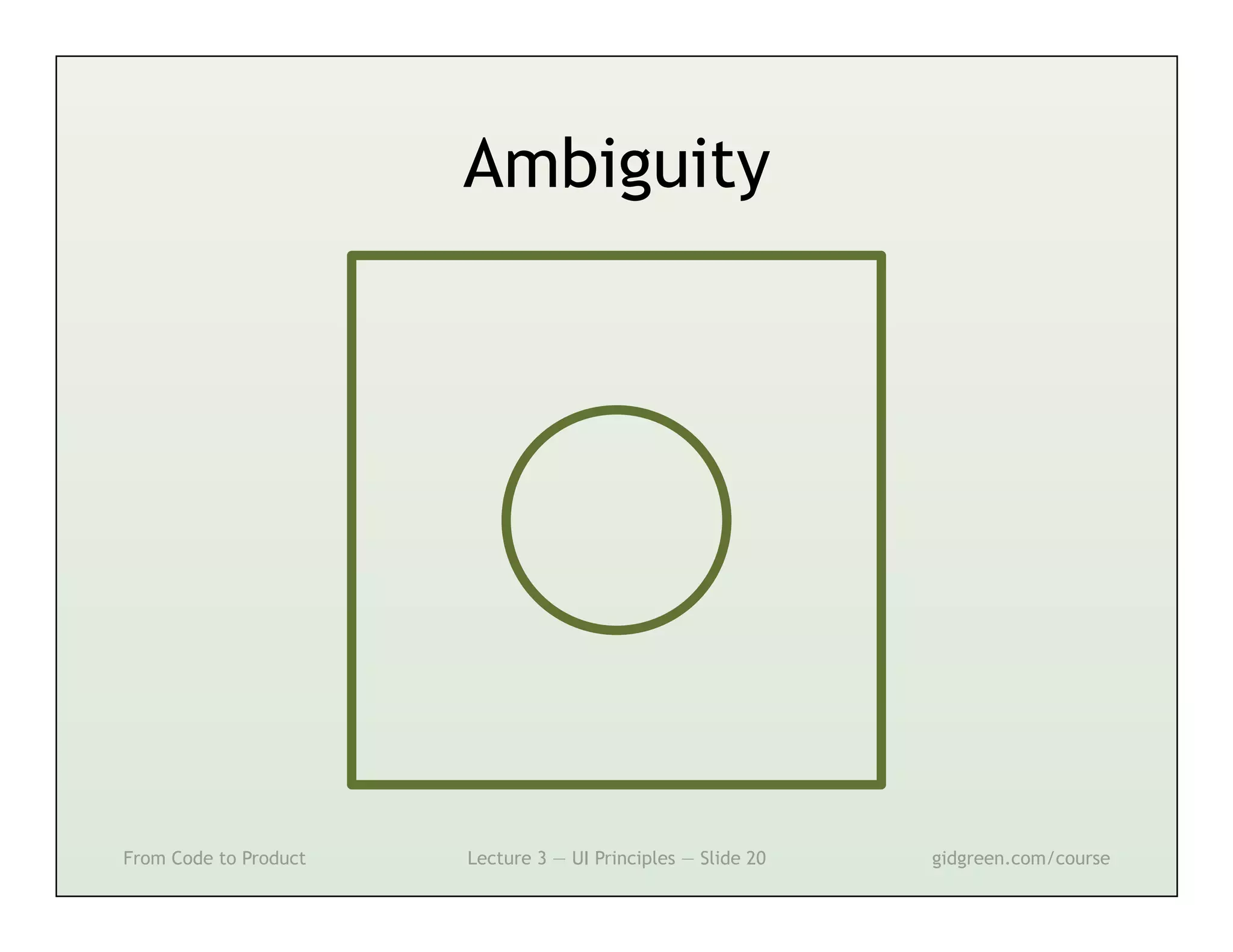
Ambiguity


From Code to Product   Lecture 3 — UI Principles — Slide 20   gidgreen.com/course
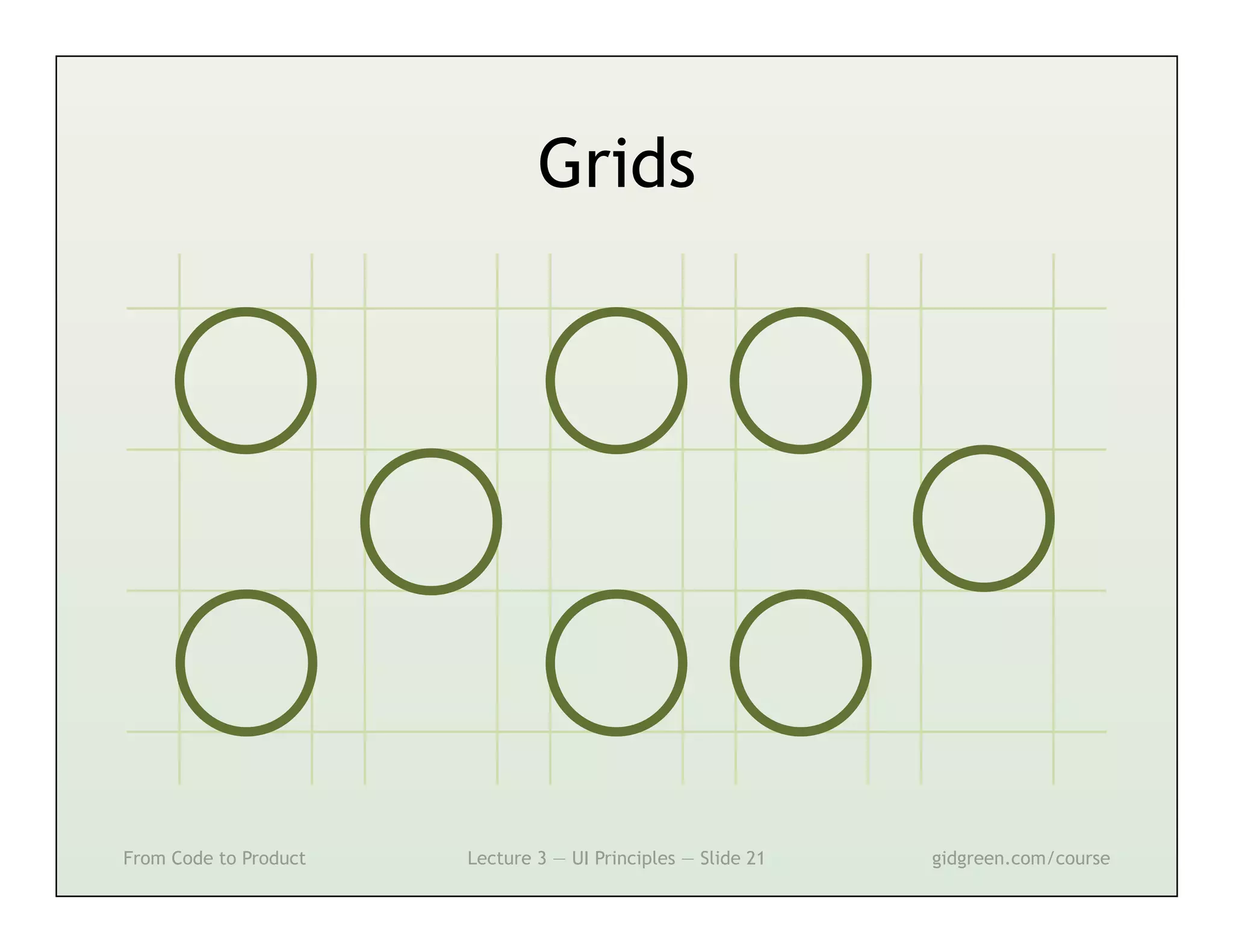
Grids


From Code to Product   Lecture 3 — UI Principles — Slide 21   gidgreen.com/course
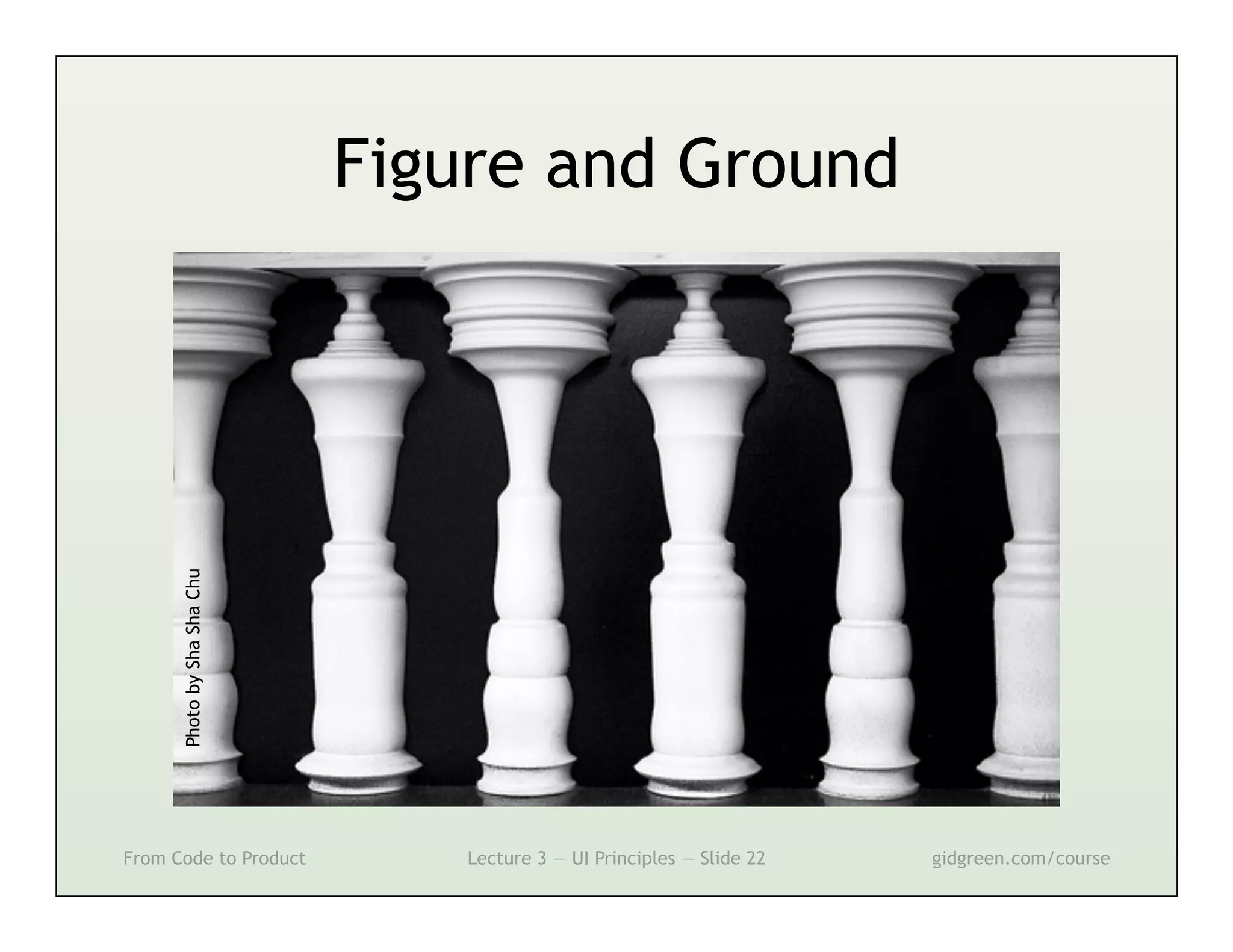
Photo by Sha Sha Chu
                             Figure and Ground


From Code to Product             Lecture 3 — UI Principles — Slide 22   gidgreen.com/course
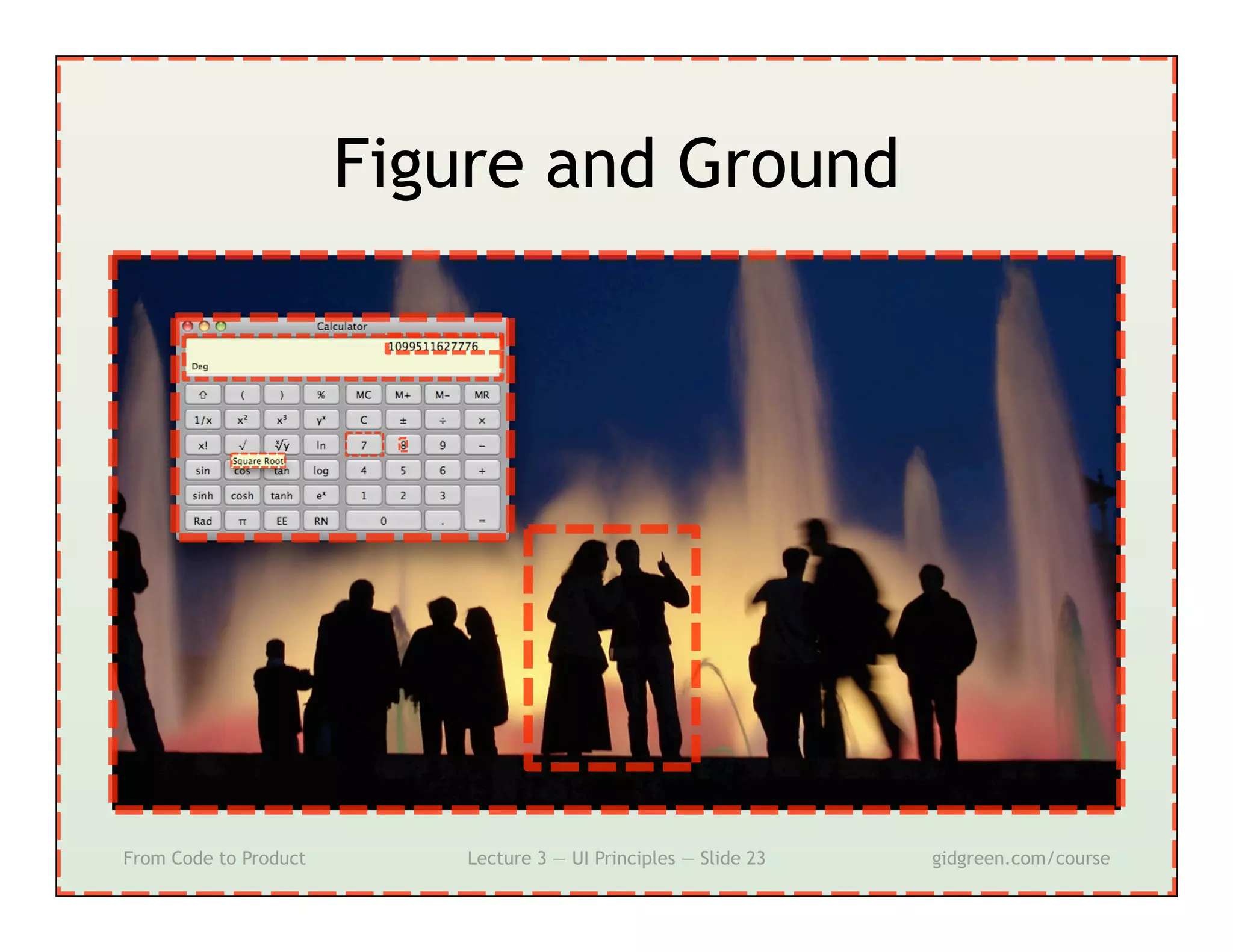
Figure and Ground


From Code to Product       Lecture 3 — UI Principles — Slide 23   gidgreen.com/course
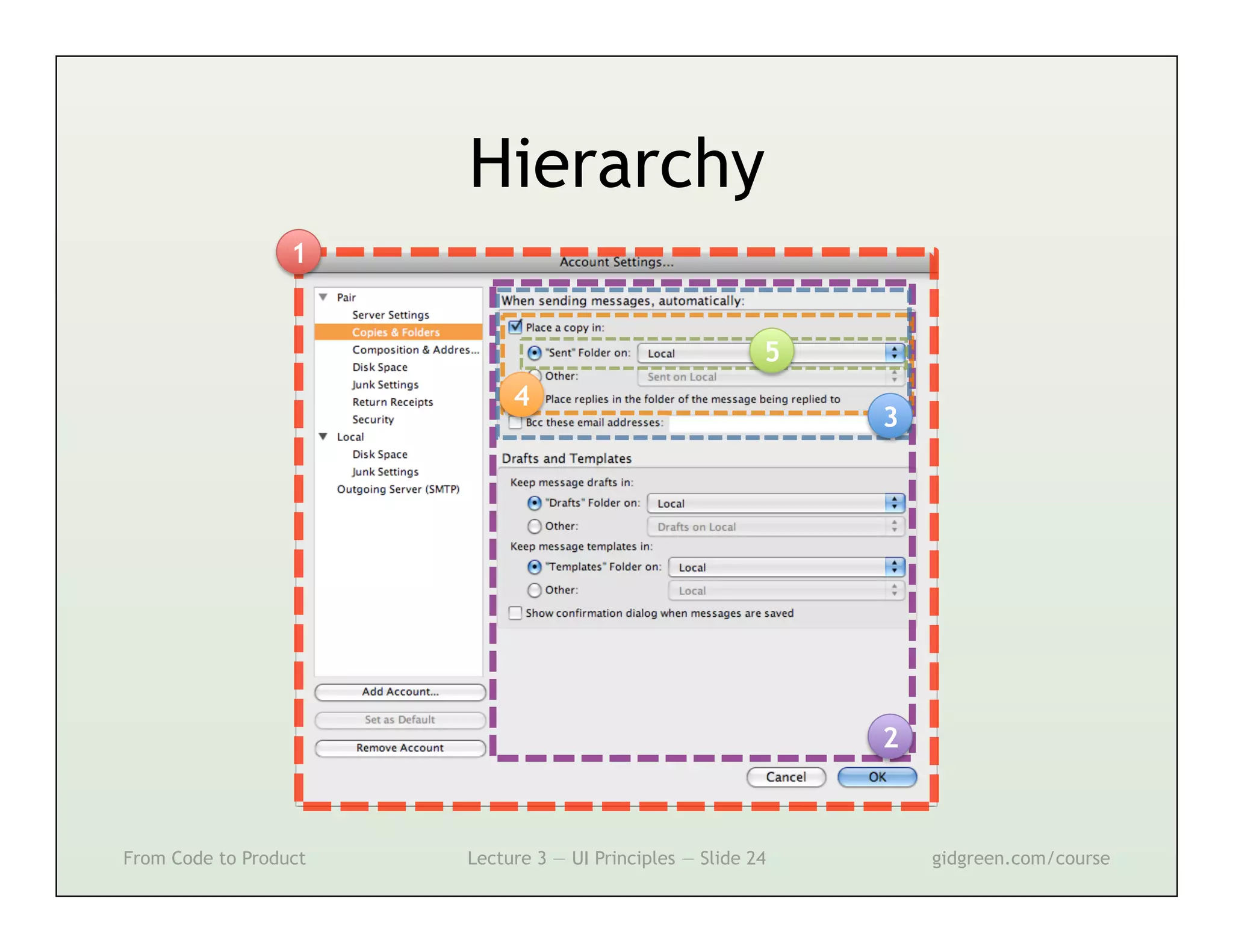
Hierarchy
                  1


                                                          5
                            4
                                                              3


                                                              2


From Code to Product   Lecture 3 — UI Principles — Slide 24       gidgreen.com/course
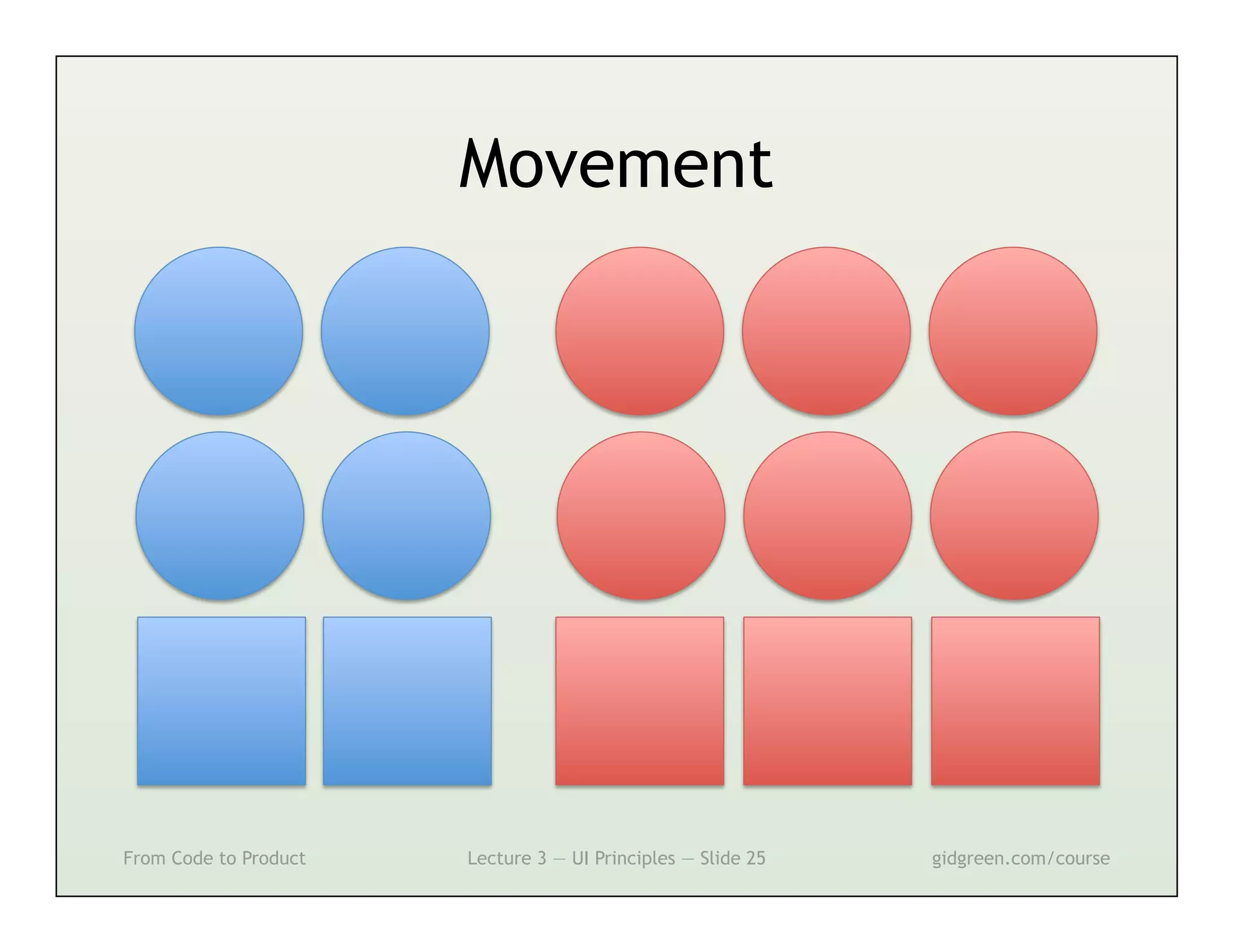
Movement


From Code to Product   Lecture 3 — UI Principles — Slide 25   gidgreen.com/course
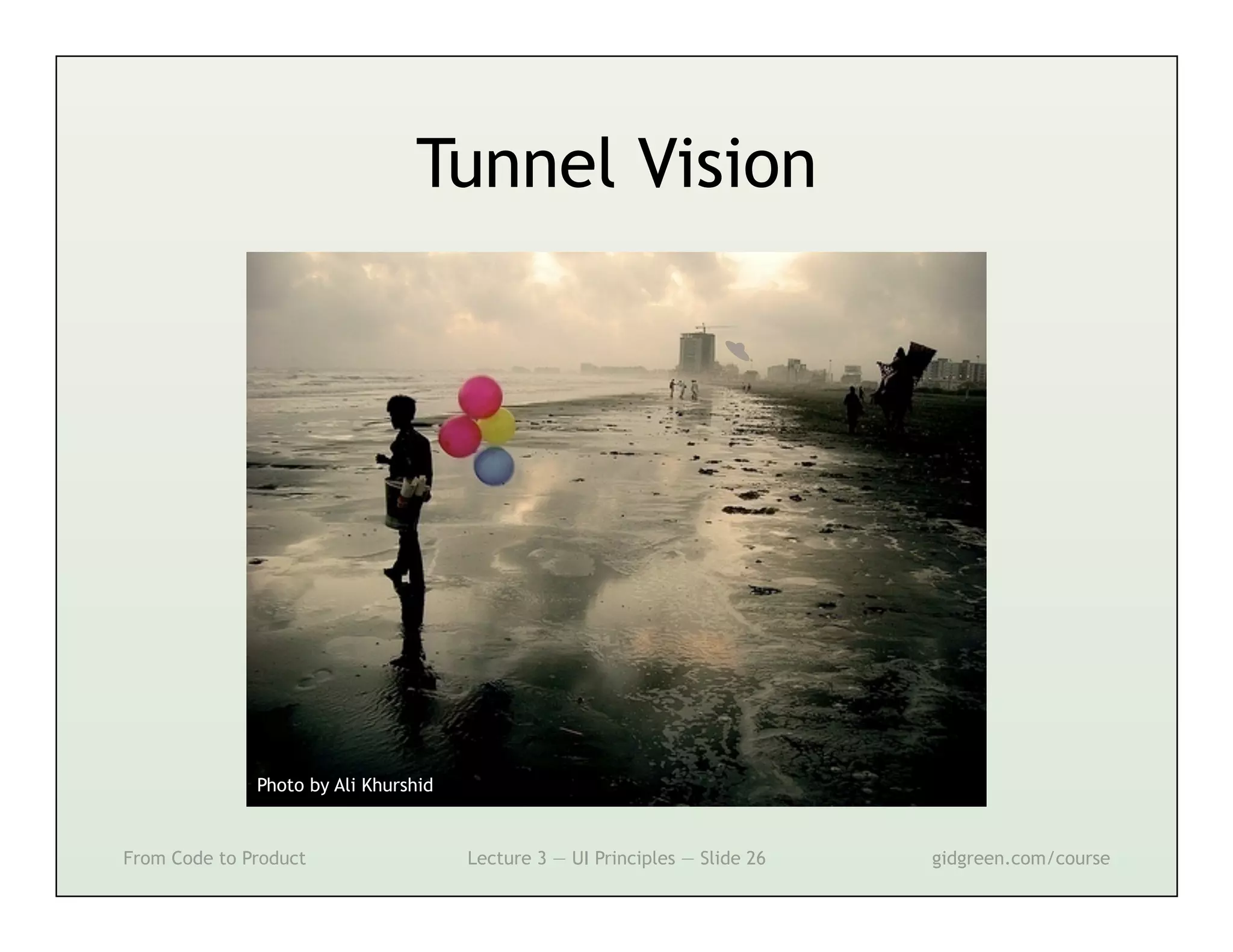
Tunnel Vision


              Photo by Ali Khurshid


From Code to Product                  Lecture 3 — UI Principles — Slide 26   gidgreen.com/course
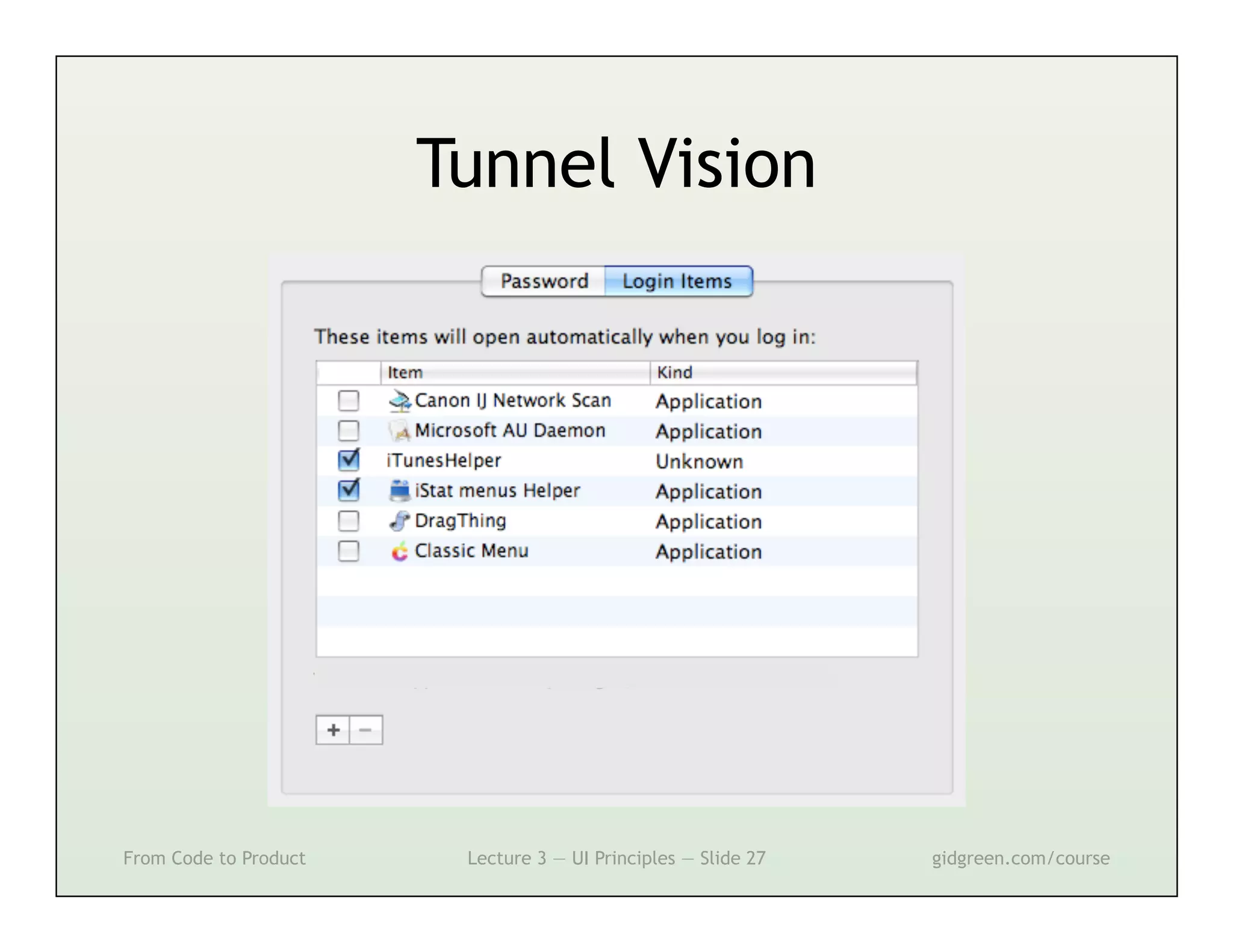
Tunnel Vision


From Code to Product    Lecture 3 — UI Principles — Slide 27   gidgreen.com/course
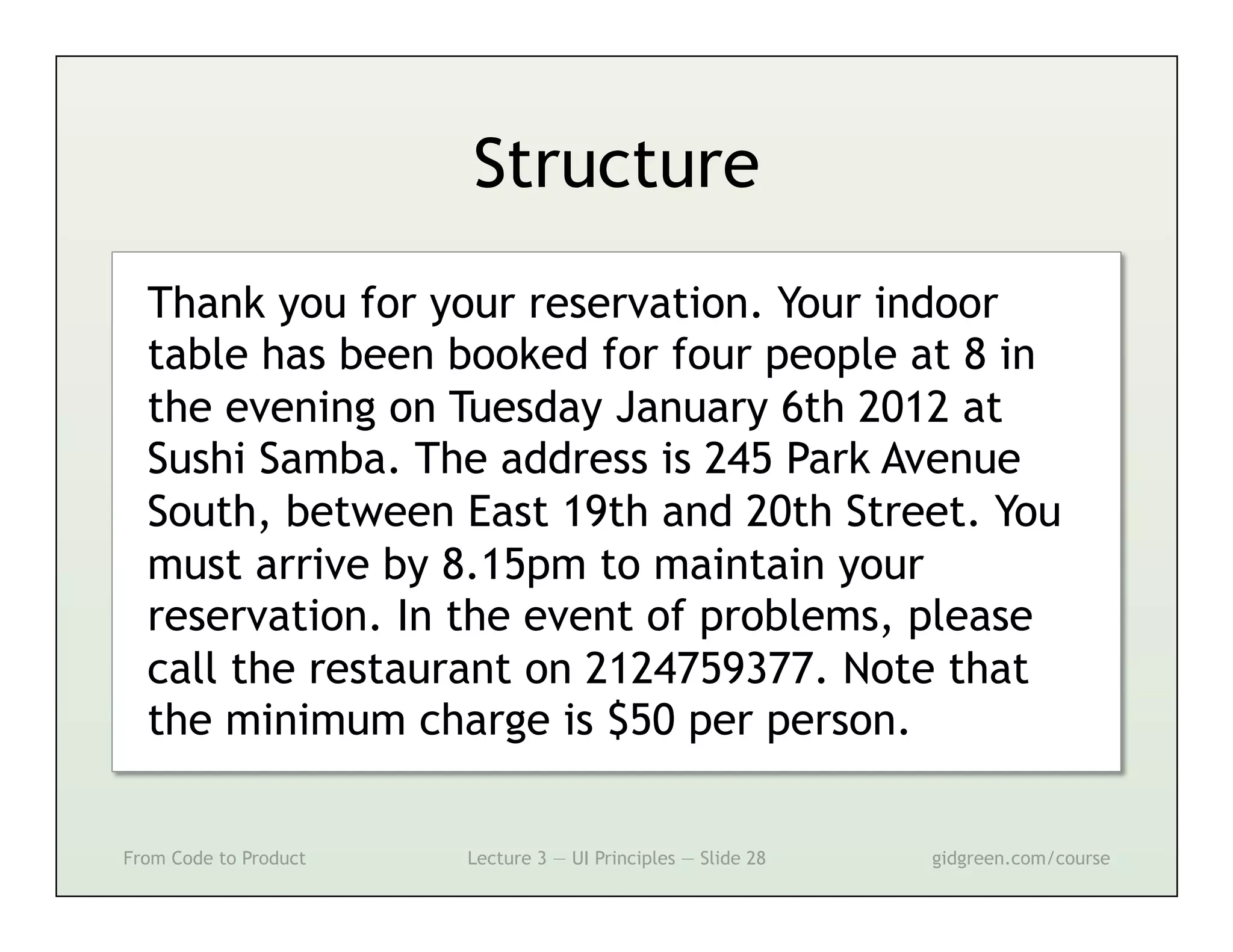
Structure
  Thank you for your reservation. Your indoor
  table has been booked for four people at 8 in
  the evening on Tuesday January 6th 2012 at
  Sushi Samba. The address is 245 Park Avenue
  South, between East 19th and 20th Street. You
  must arrive by 8.15pm to maintain your
  reservation. In the event of problems, please
  call the restaurant on 2124759377. Note that
  the minimum charge is $50 per person.

From Code to Product   Lecture 3 — UI Principles — Slide 28   gidgreen.com/course
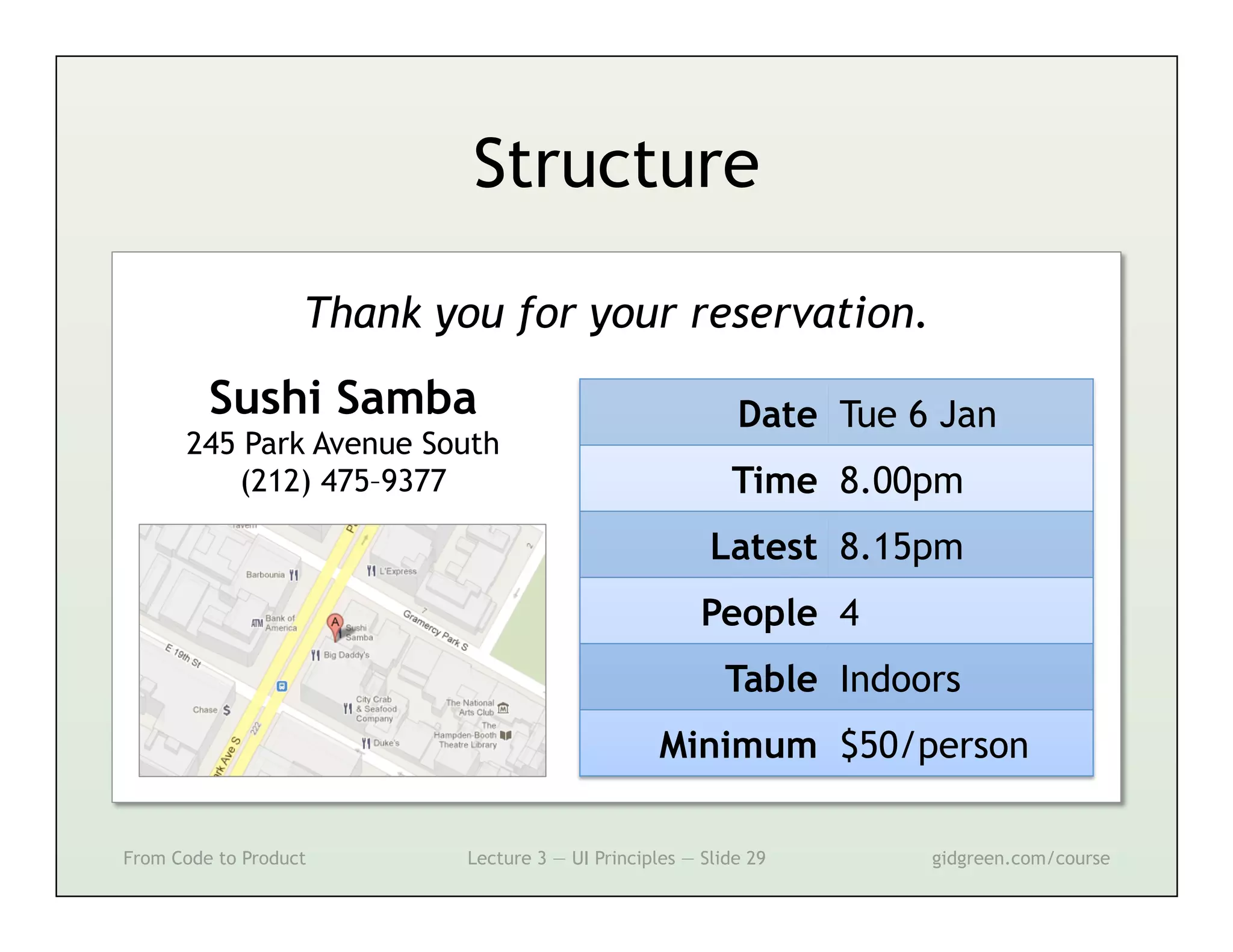
Structure

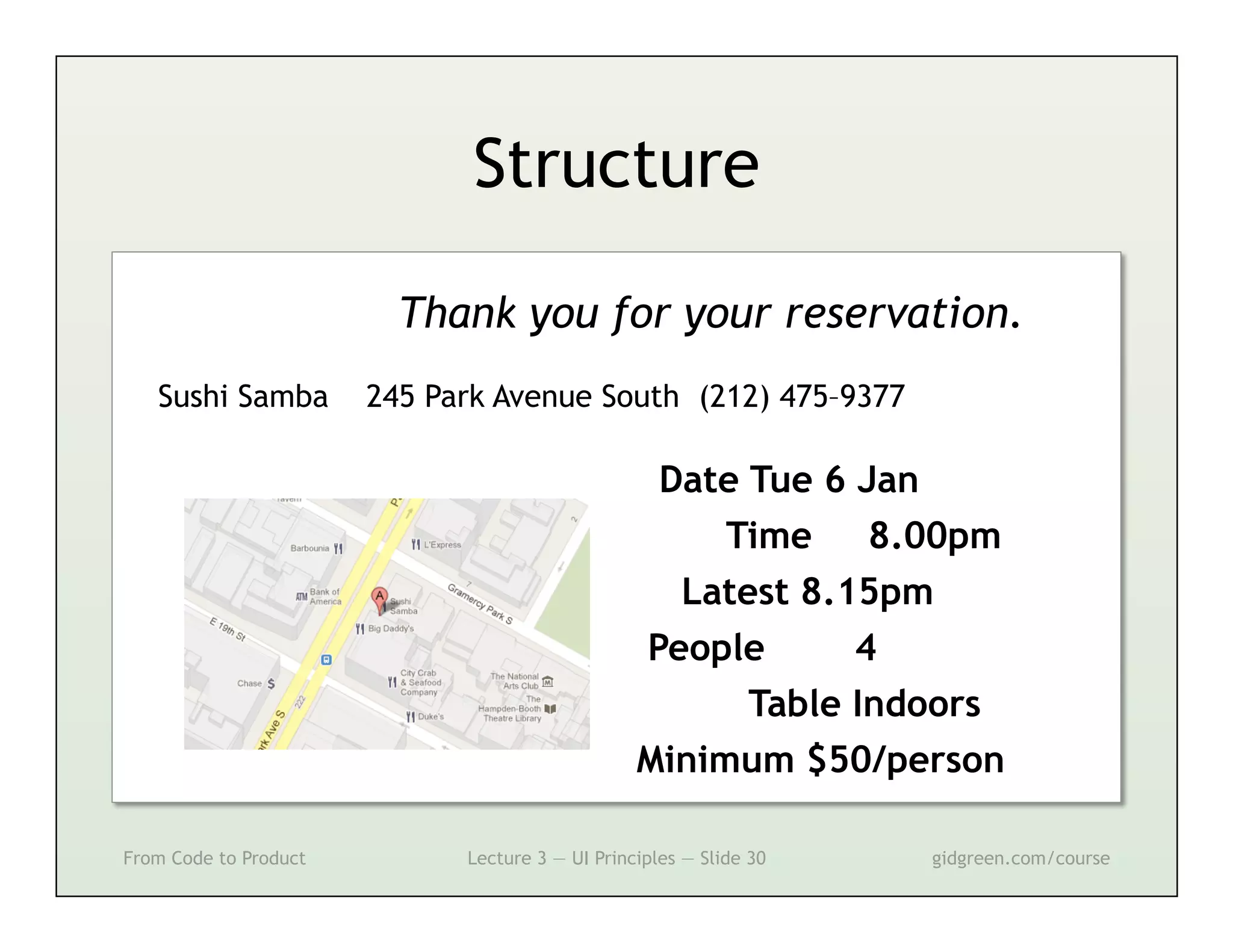
                   Thank you for your reservation.
         Sushi Samba                                       Date Tue 6 Jan
      245 Park Avenue South
         (212) 475–9377                                   Time 8.00pm
                                                        Latest 8.15pm
                                                       People 4
                                                          Table Indoors
                                                  Minimum $50/person

From Code to Product       Lecture 3 — UI Principles — Slide 29      gidgreen.com/course
Structure

                         Thank you for your reservation.
   Sushi Samba         245 Park Avenue South (212) 475–9377

                                                  Date Tue 6 Jan
                                                      Time    8.00pm
                                                   Latest 8.15pm
                                                 People      4
                                                       Table Indoors
                                                 Minimum $50/person

From Code to Product         Lecture 3 — UI Principles — Slide 30   gidgreen.com/course
Prominence


From Code to Product   Lecture 3 — UI Principles — Slide 31   gidgreen.com/course
Prominence
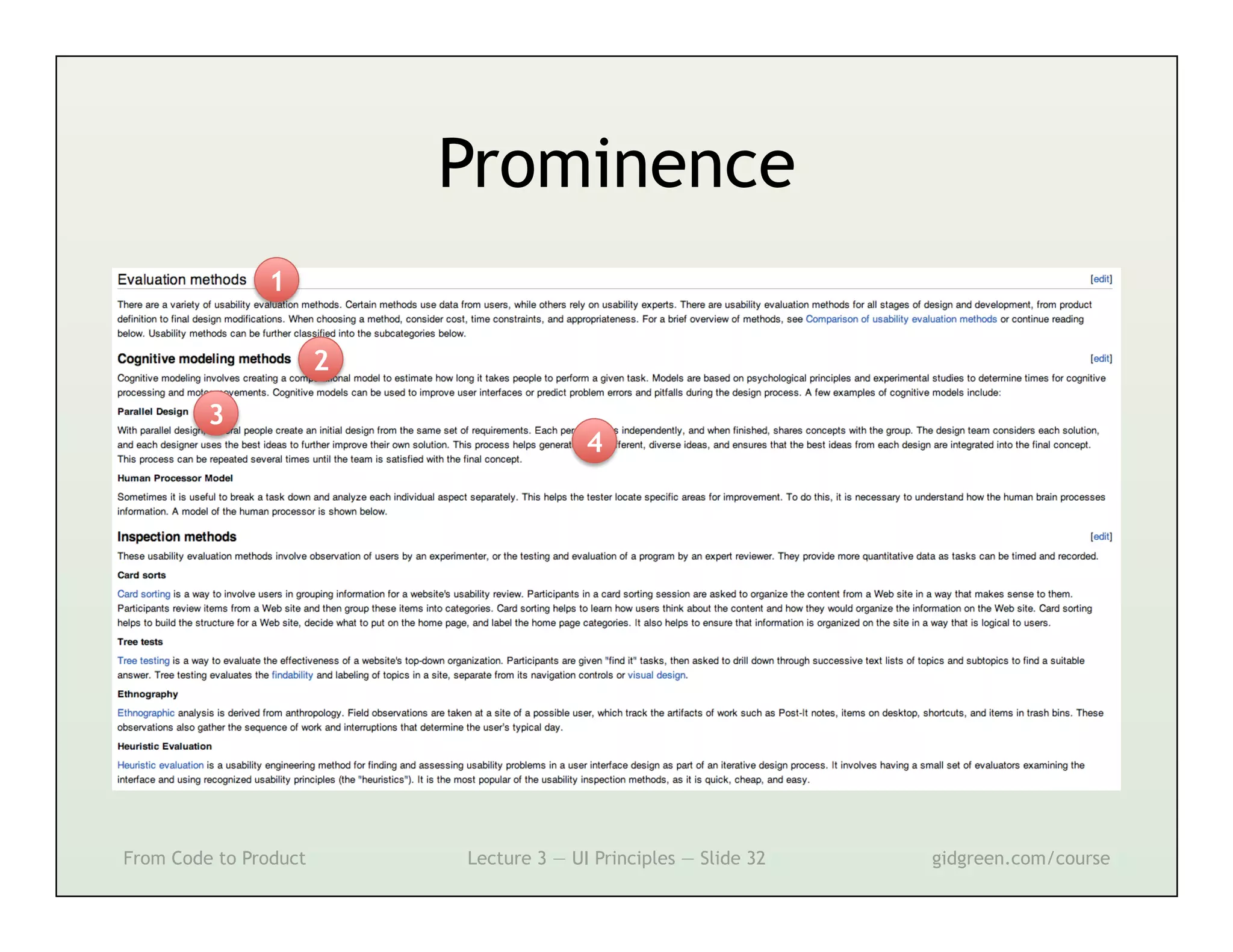
               1

                       2
         3
                                         4


From Code to Product       Lecture 3 — UI Principles — Slide 32   gidgreen.com/course
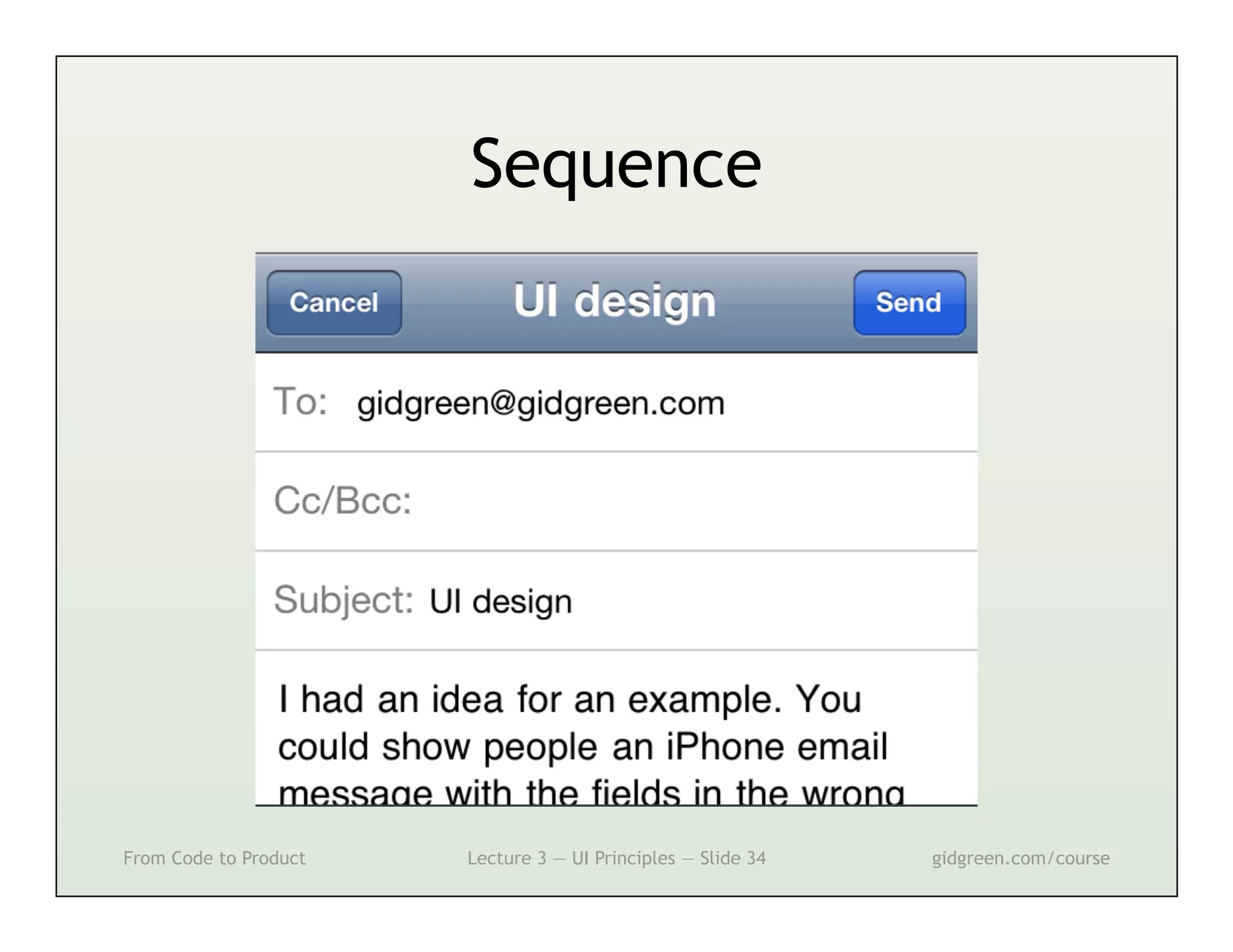
Sequence


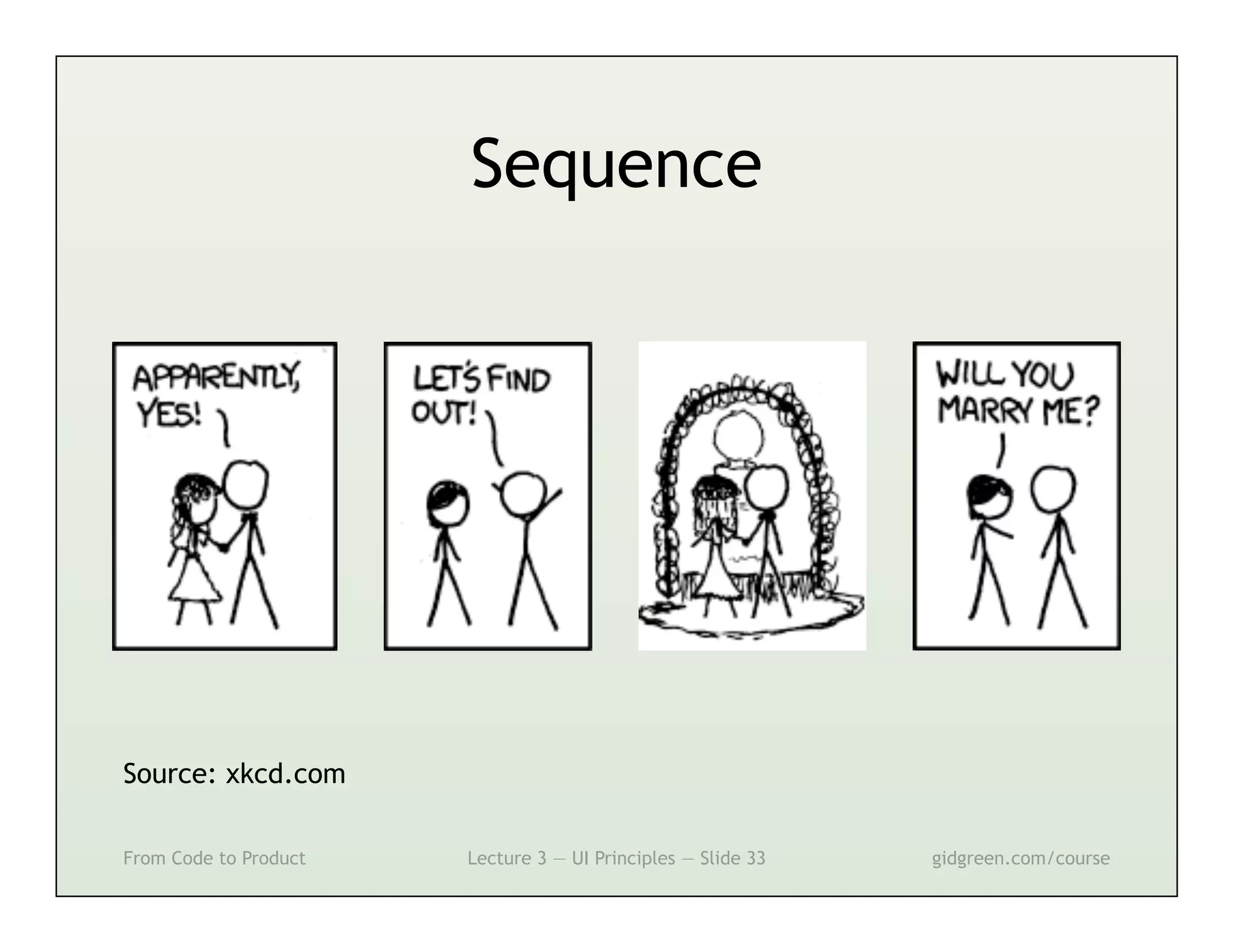
Source: xkcd.com

From Code to Product   Lecture 3 — UI Principles — Slide 33   gidgreen.com/course
Sequence


From Code to Product   Lecture 3 — UI Principles — Slide 34   gidgreen.com/course
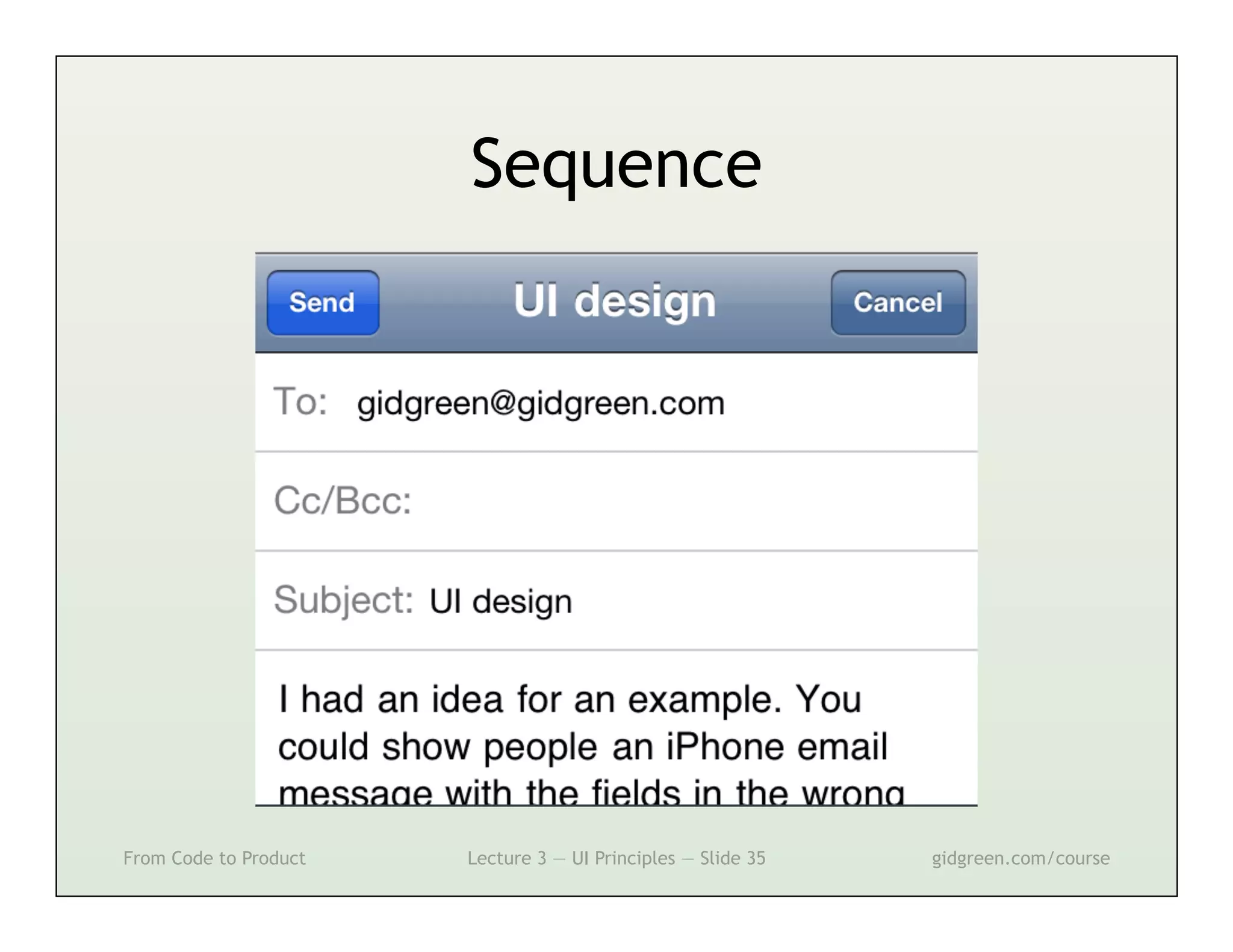
Sequence


From Code to Product   Lecture 3 — UI Principles — Slide 35   gidgreen.com/course
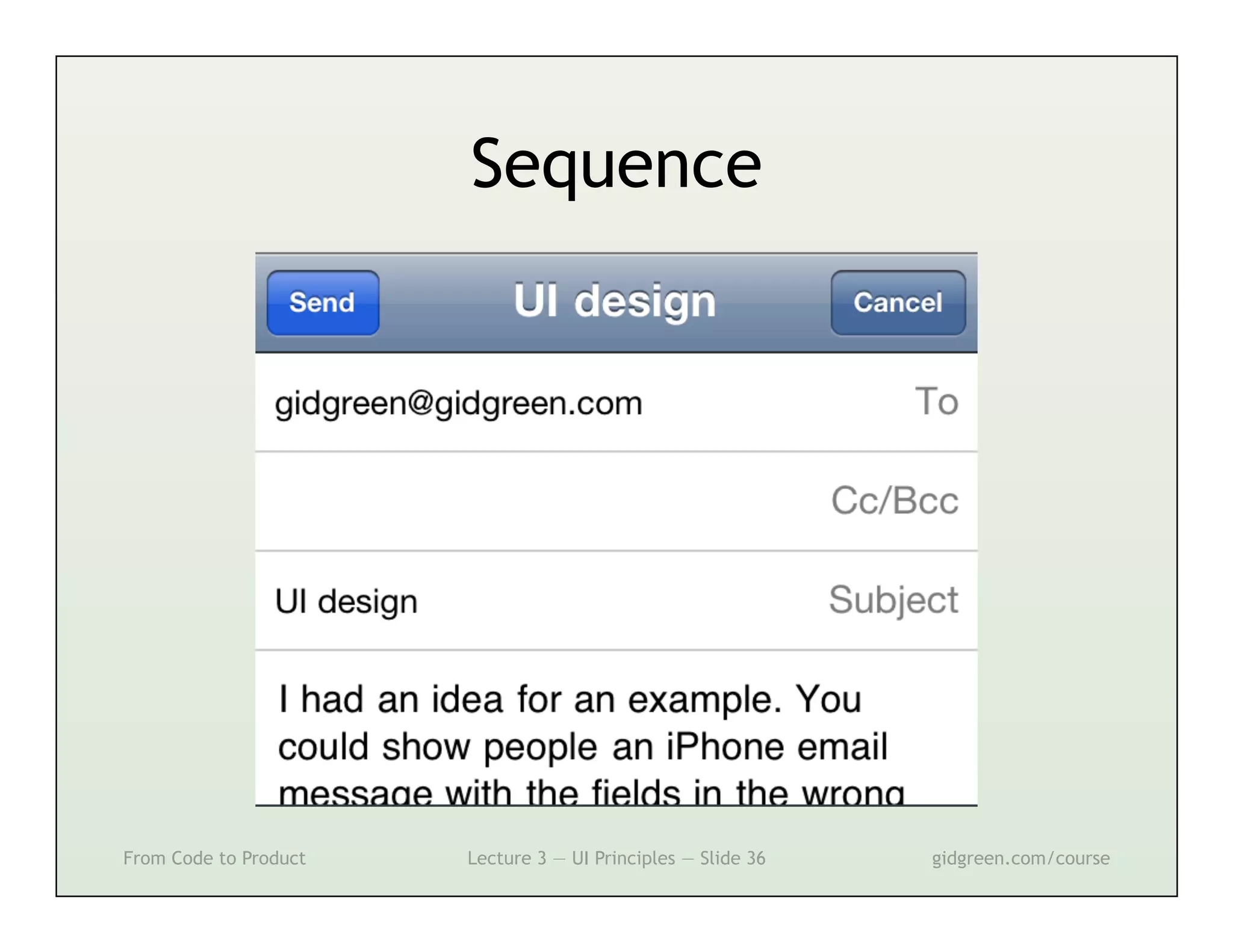
Sequence


From Code to Product   Lecture 3 — UI Principles — Slide 36   gidgreen.com/course
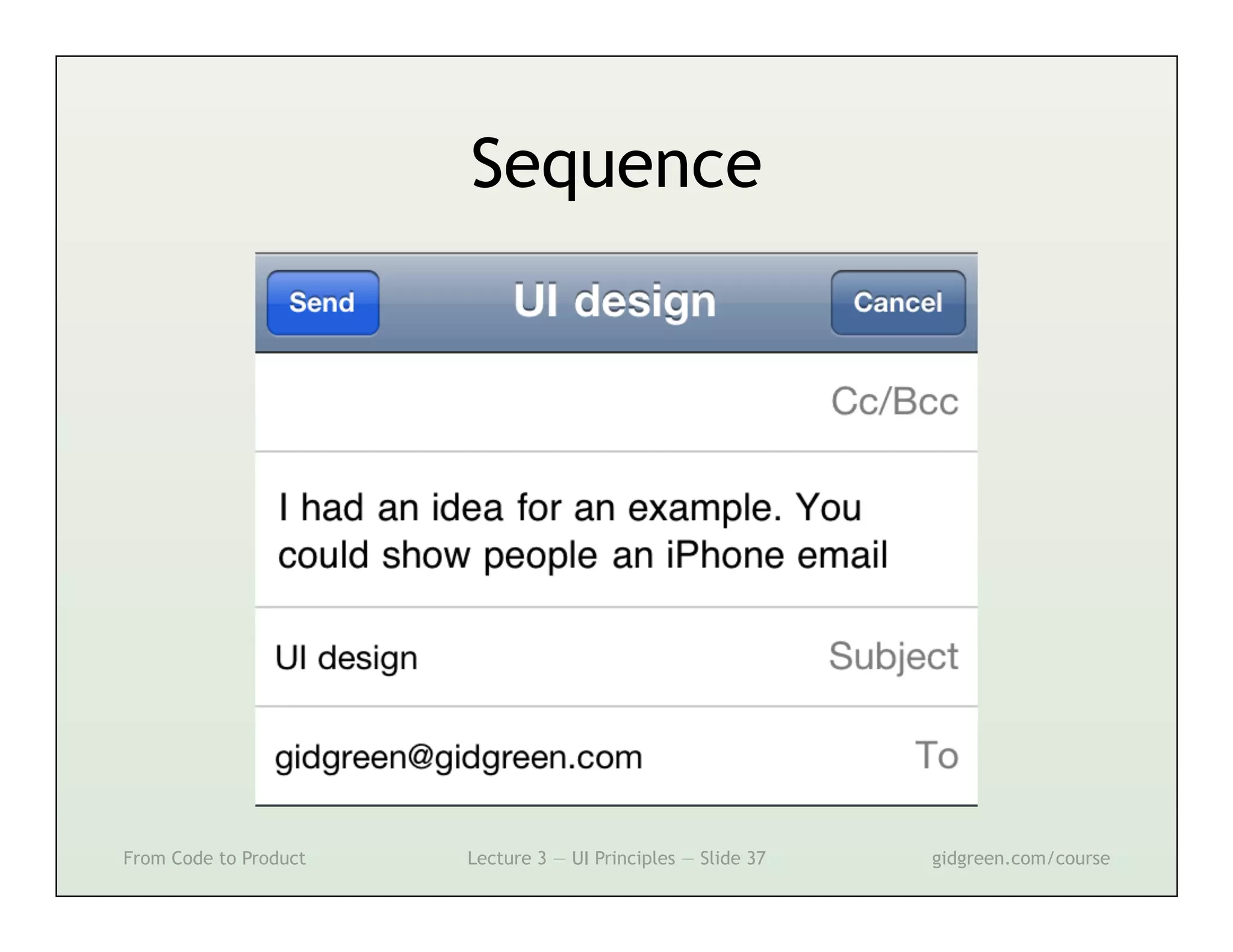
Sequence


From Code to Product   Lecture 3 — UI Principles — Slide 37   gidgreen.com/course
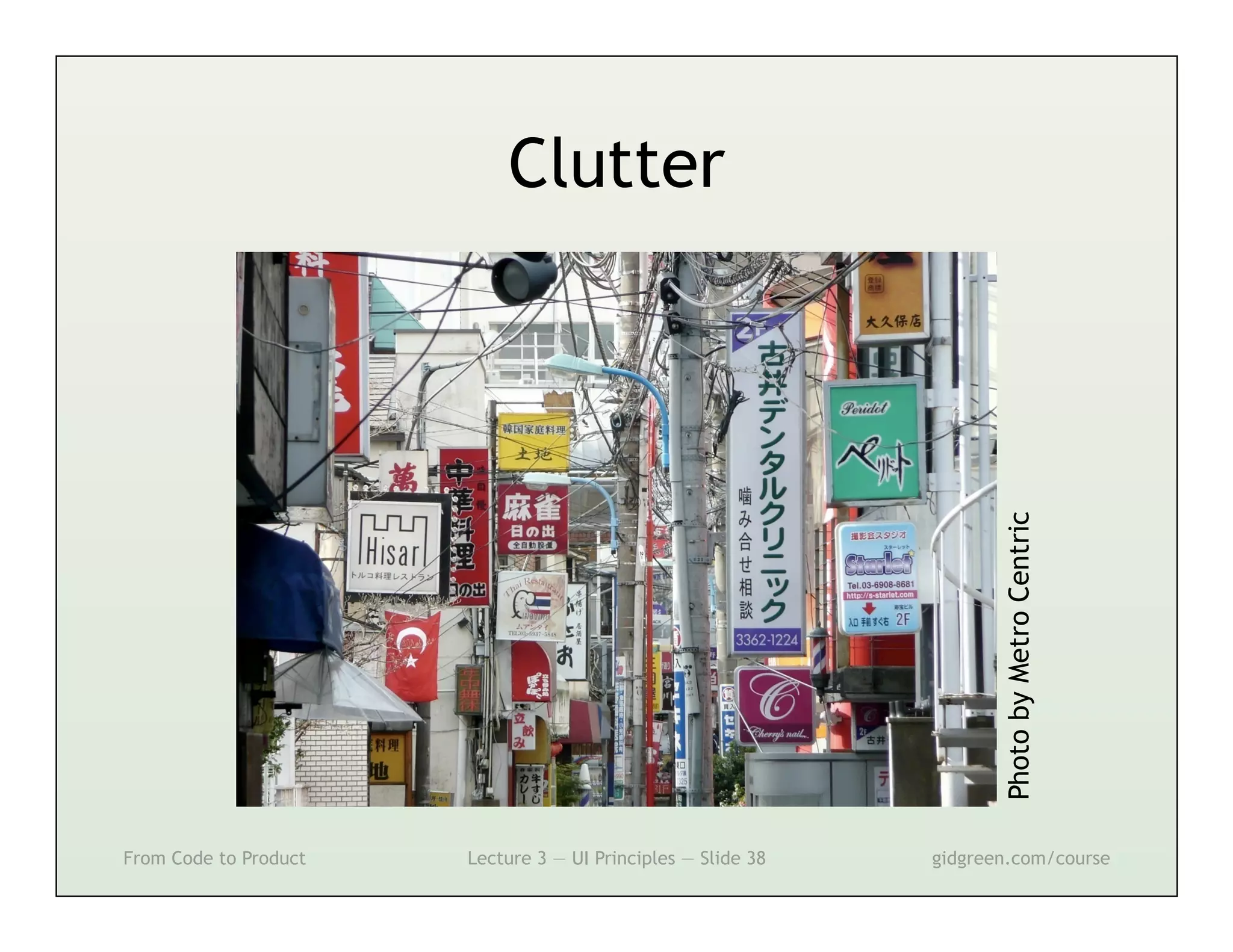
Clutter


                                                                     Photo by Metro Centric
From Code to Product   Lecture 3 — UI Principles — Slide 38   gidgreen.com/course
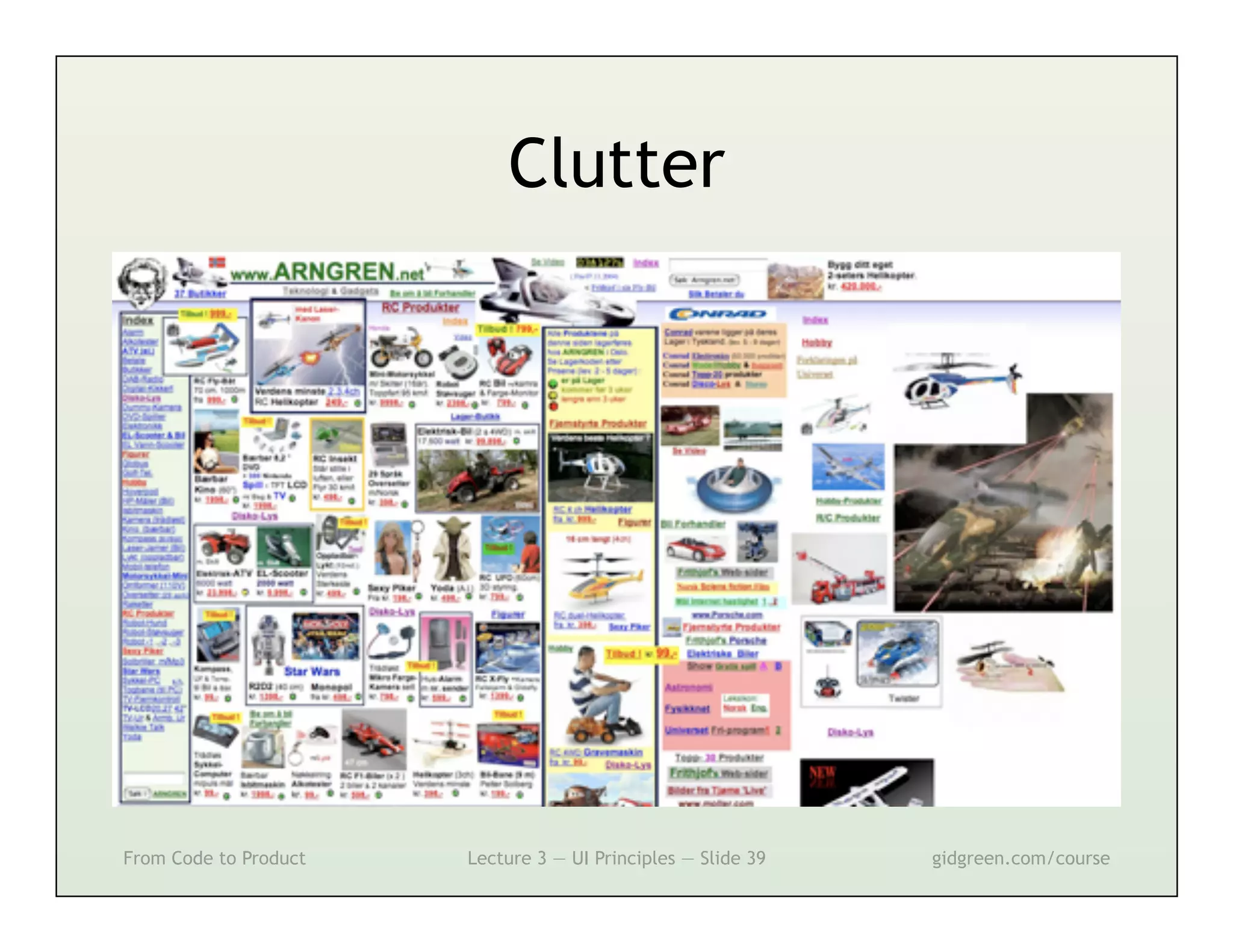
Clutter


From Code to Product   Lecture 3 — UI Principles — Slide 39   gidgreen.com/course
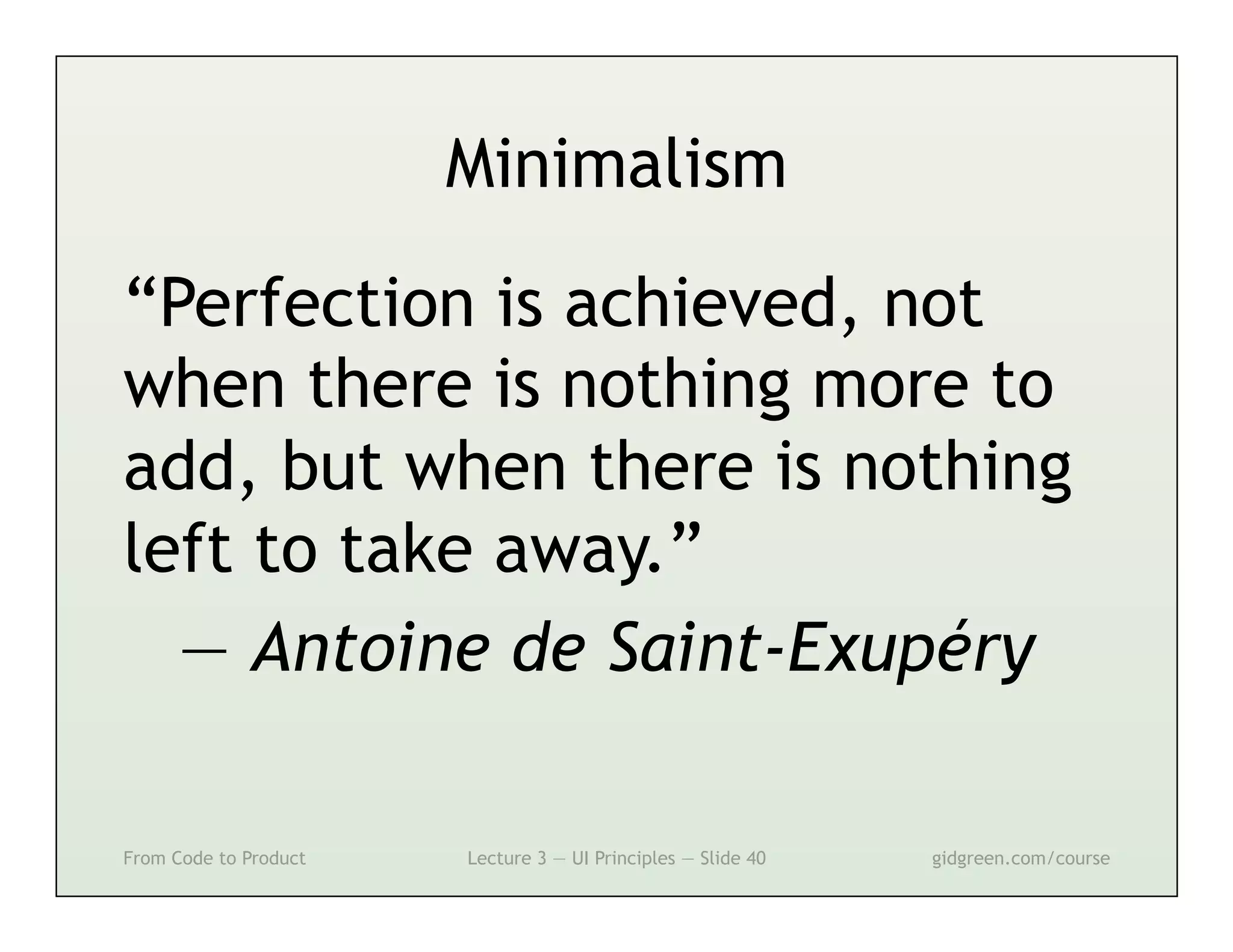
Minimalism

“Perfection is achieved, not
when there is nothing more to
add, but when there is nothing
left to take away.”
  — Antoine de Saint-Exupéry

From Code to Product   Lecture 3 — UI Principles — Slide 40   gidgreen.com/course
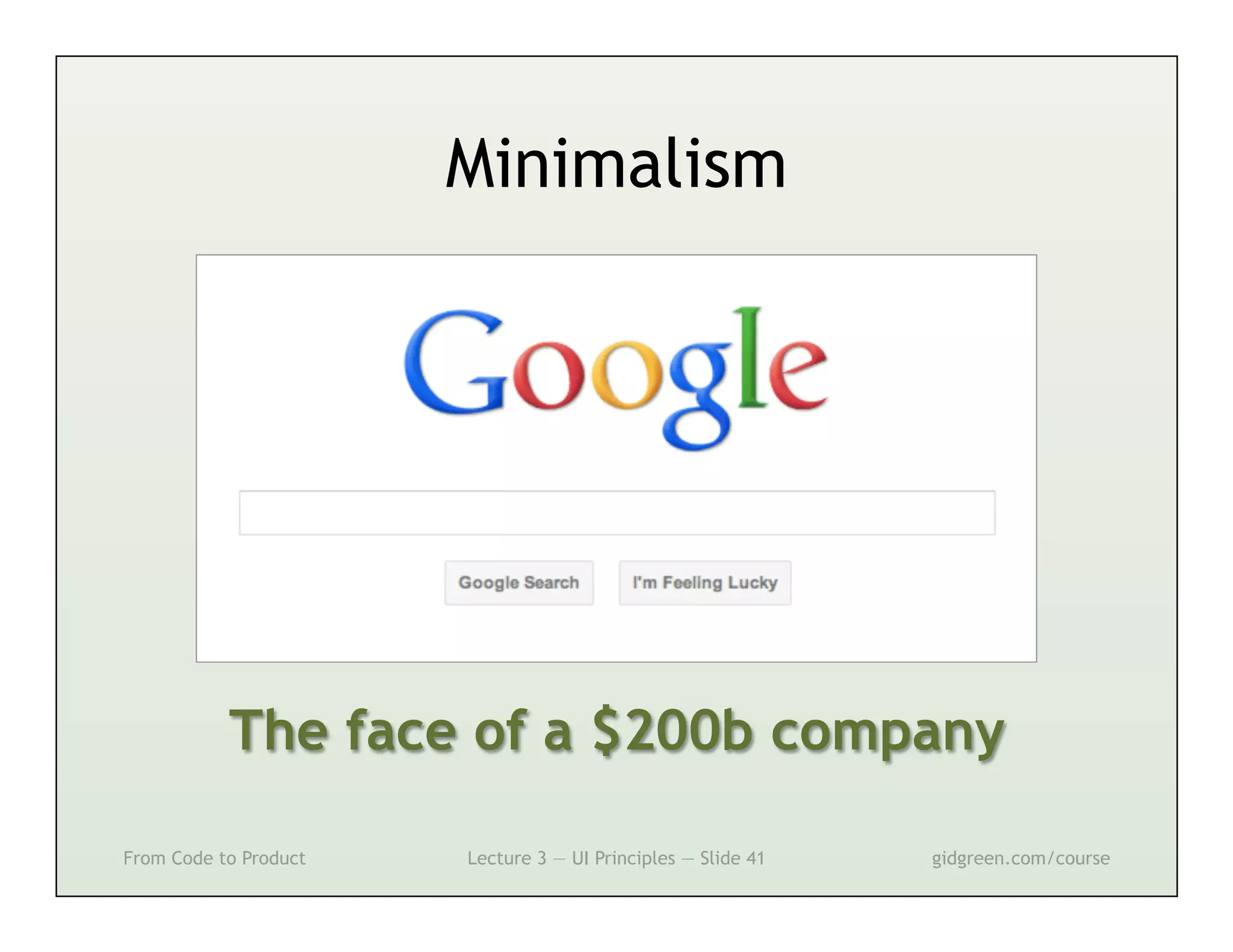
Minimalism


           The face of a $200b company

From Code to Product   Lecture 3 — UI Principles — Slide 41   gidgreen.com/course
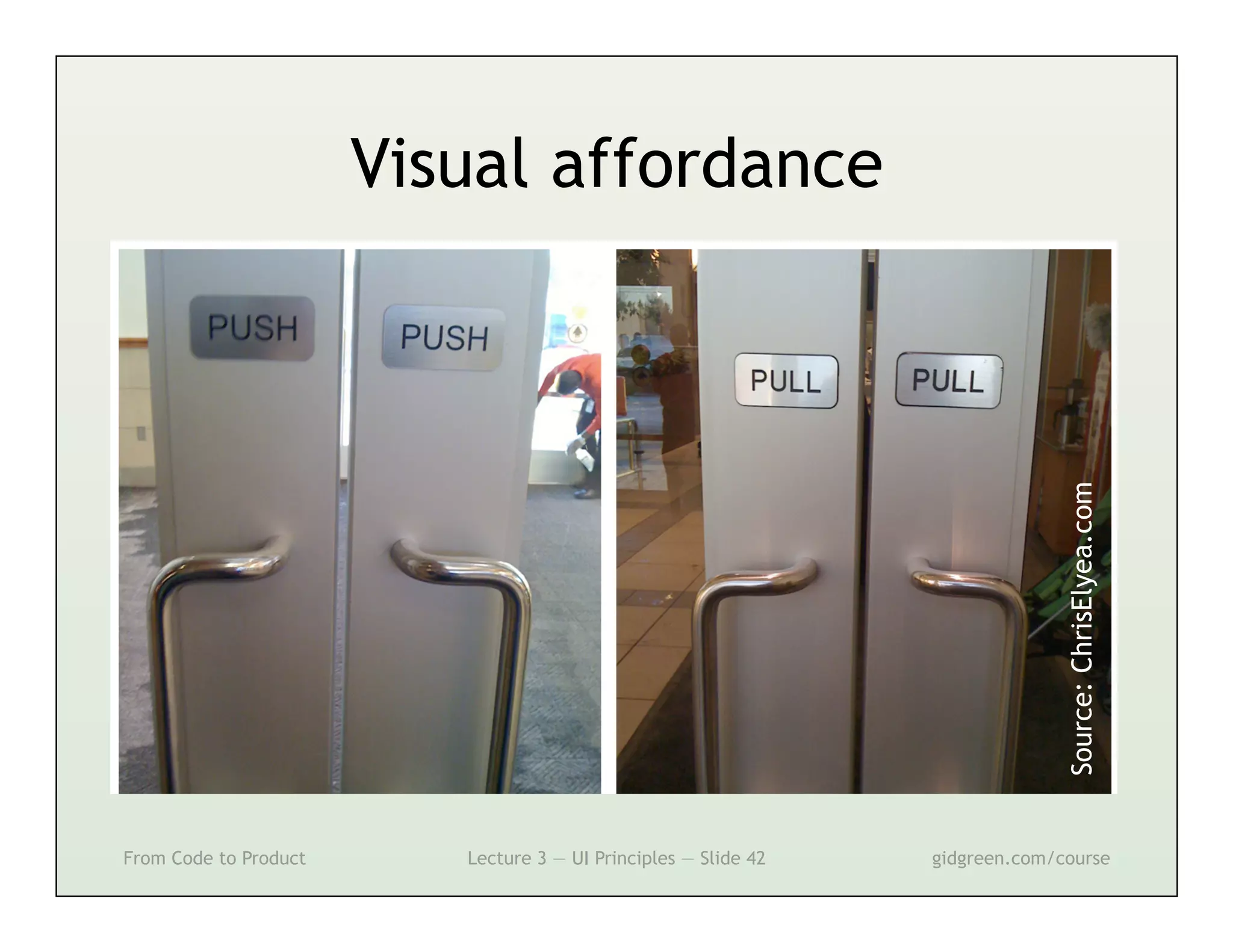
Visual affordance


                                                                               Source: ChrisElyea.com
From Code to Product      Lecture 3 — UI Principles — Slide 42   gidgreen.com/course
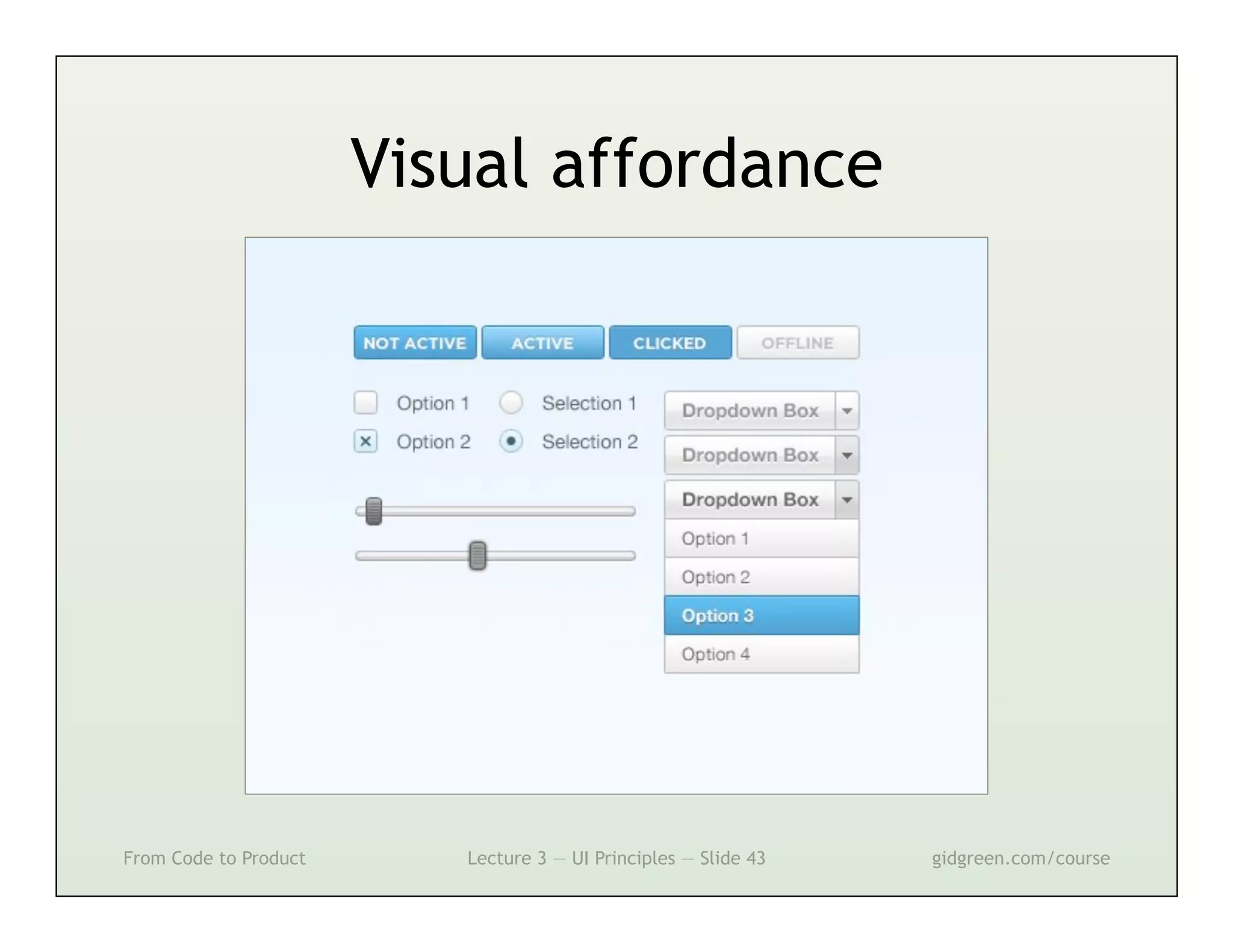
Visual affordance


From Code to Product      Lecture 3 — UI Principles — Slide 43   gidgreen.com/course
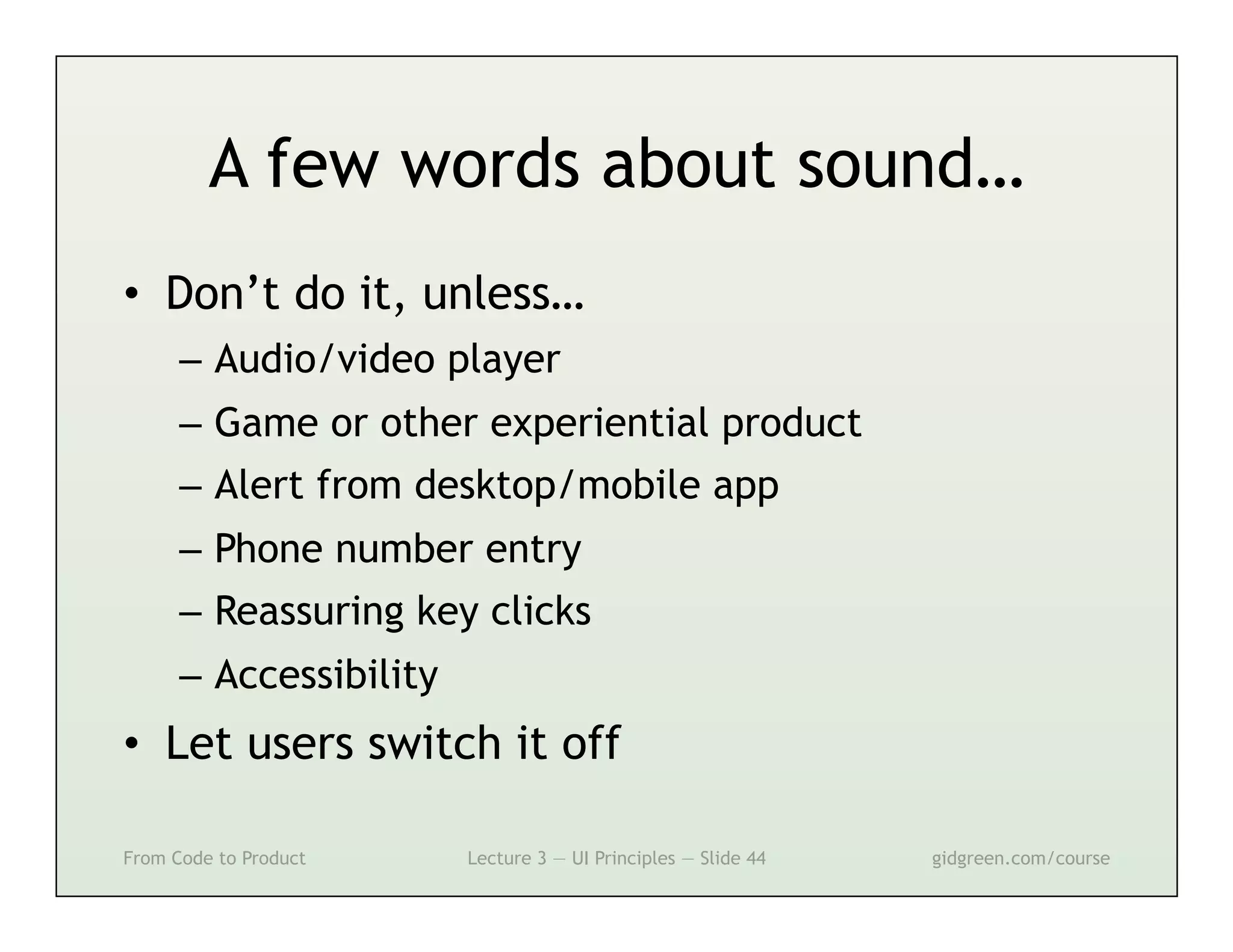
A few words about sound…
•  Don’t do it, unless…
      –  Audio/video player
      –  Game or other experiential product
      –  Alert from desktop/mobile app
      –  Phone number entry
      –  Reassuring key clicks
      –  Accessibility
•  Let users switch it off

From Code to Product     Lecture 3 — UI Principles — Slide 44   gidgreen.com/course
Lecture 3
•    Introduction
•    Vision
•    Cognition
•    Memory
•    Action
•    Emotion


From Code to Product   Lecture 3 — UI Principles — Slide 45   gidgreen.com/course
Cognition
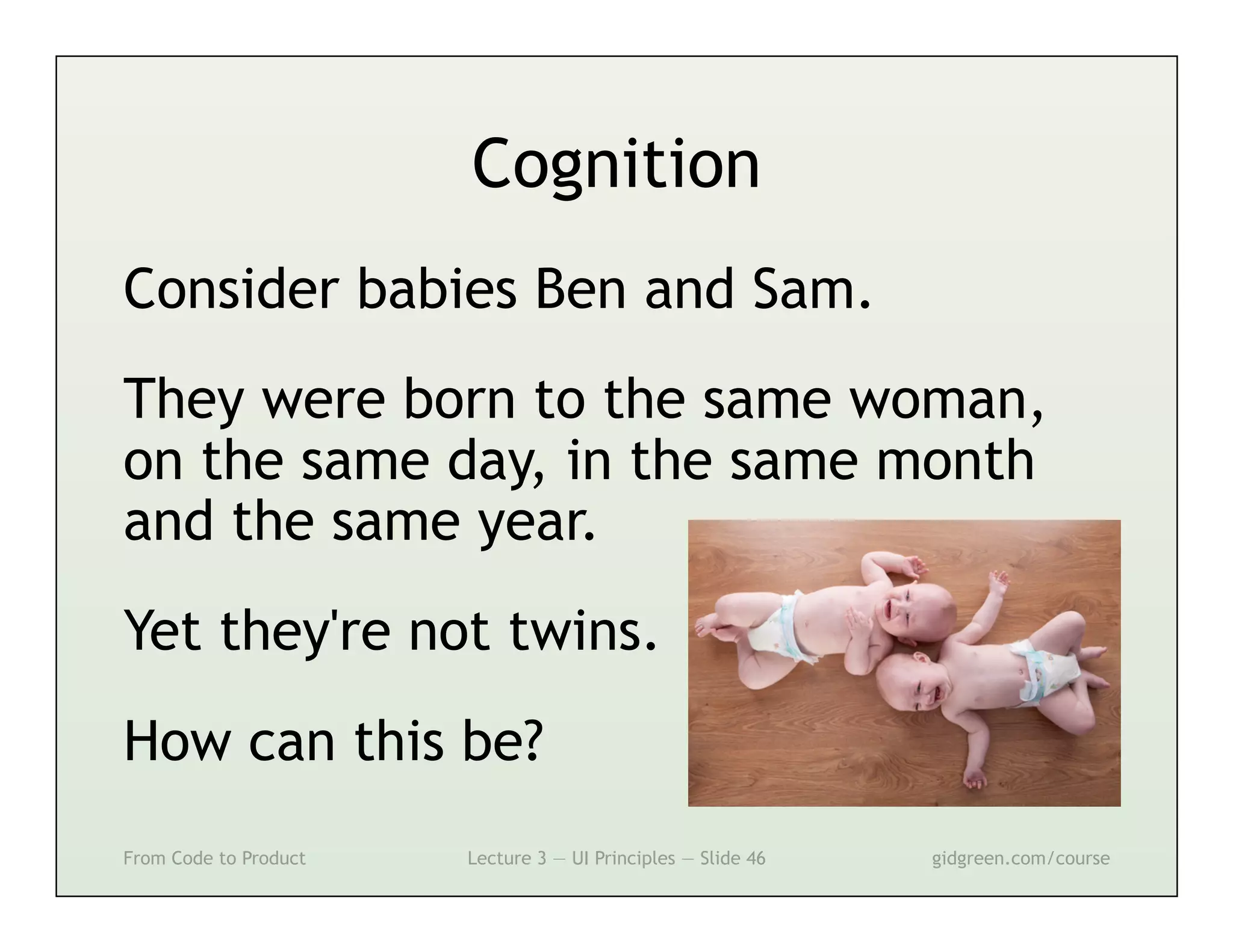
Consider babies Ben and Sam.
They were born to the same woman,
on the same day, in the same month
and the same year.
Yet they're not twins.
How can this be?
From Code to Product   Lecture 3 — UI Principles — Slide 46   gidgreen.com/course
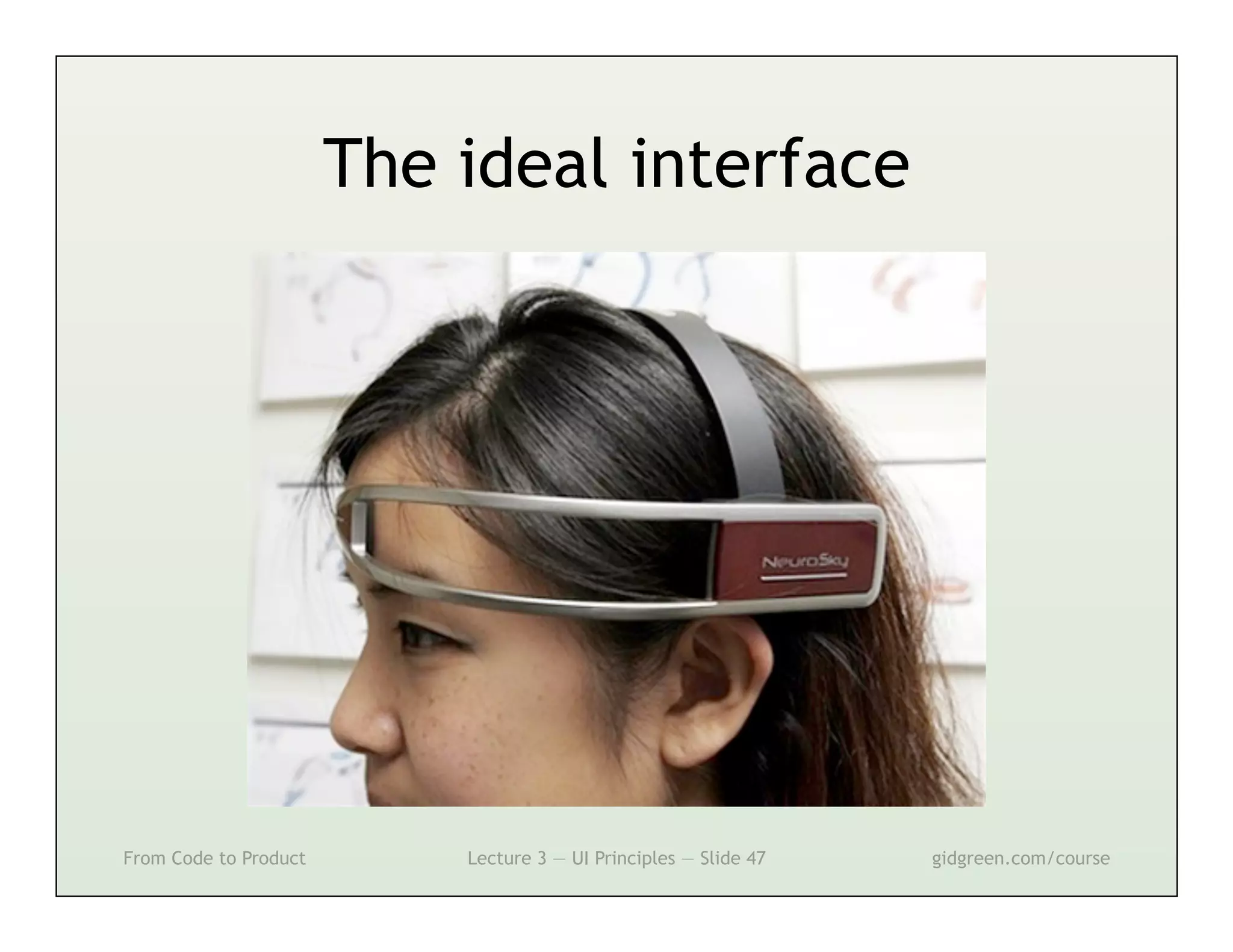
The ideal interface


From Code to Product       Lecture 3 — UI Principles — Slide 47   gidgreen.com/course
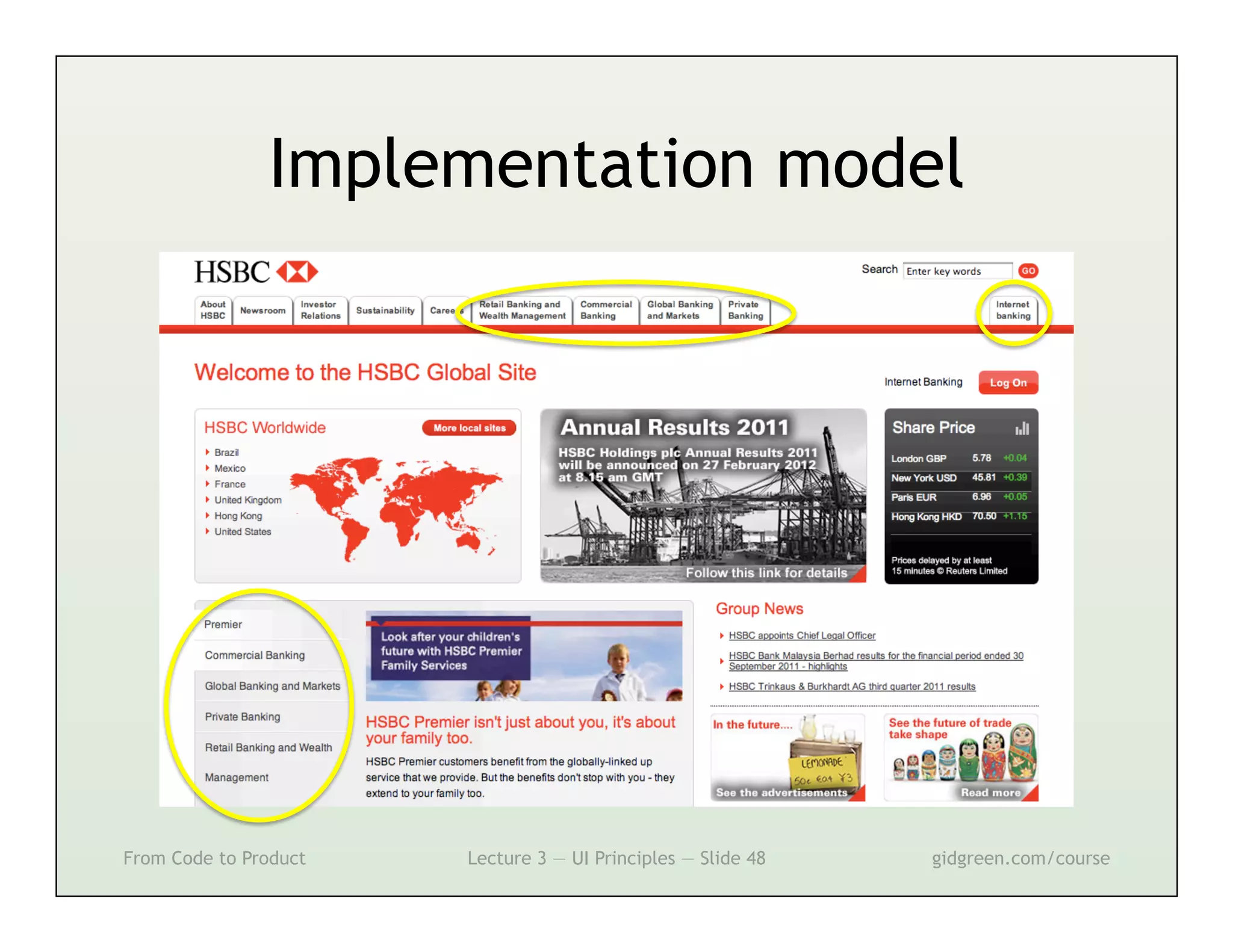
Implementation model


From Code to Product   Lecture 3 — UI Principles — Slide 48   gidgreen.com/course
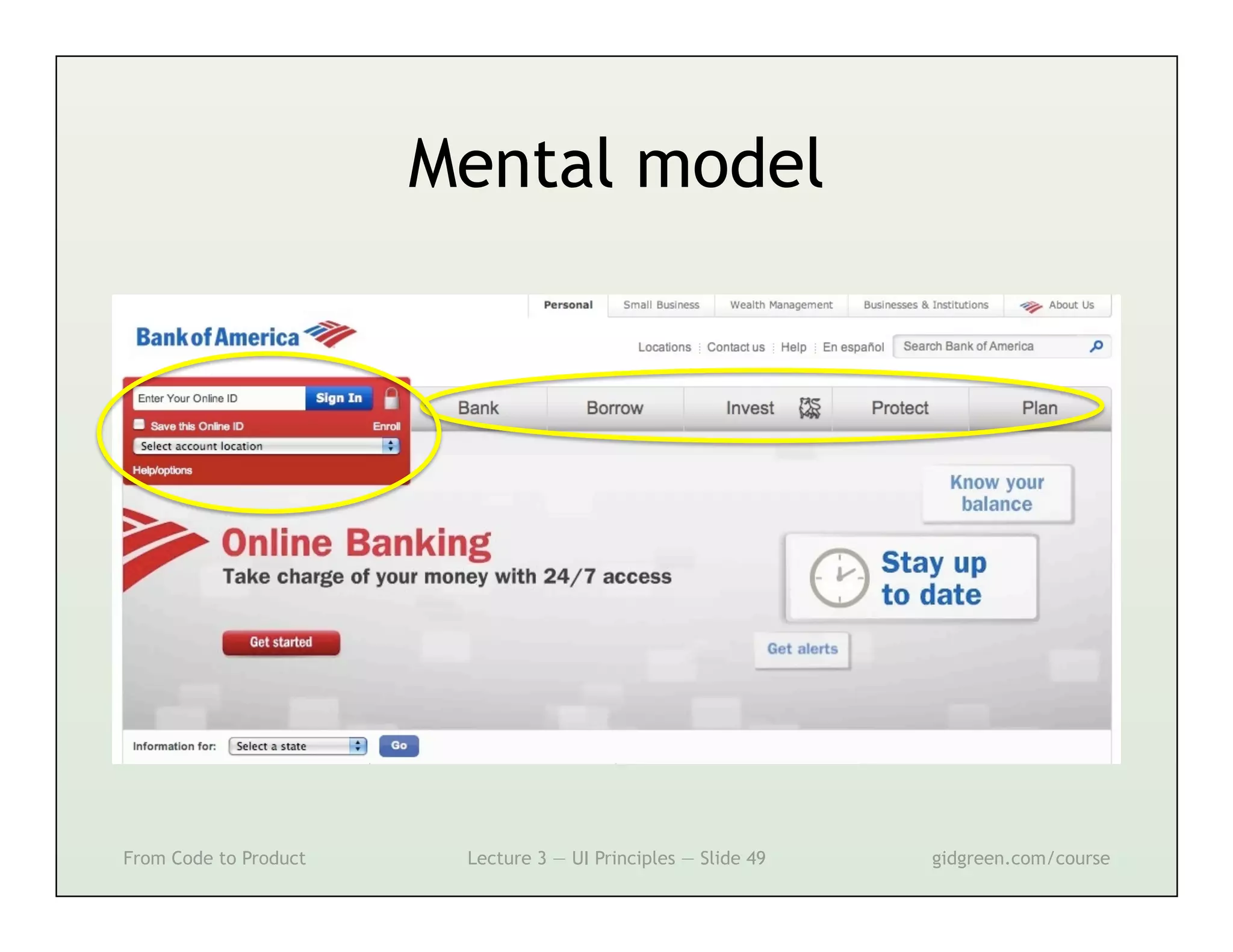
Mental model


From Code to Product    Lecture 3 — UI Principles — Slide 49   gidgreen.com/course
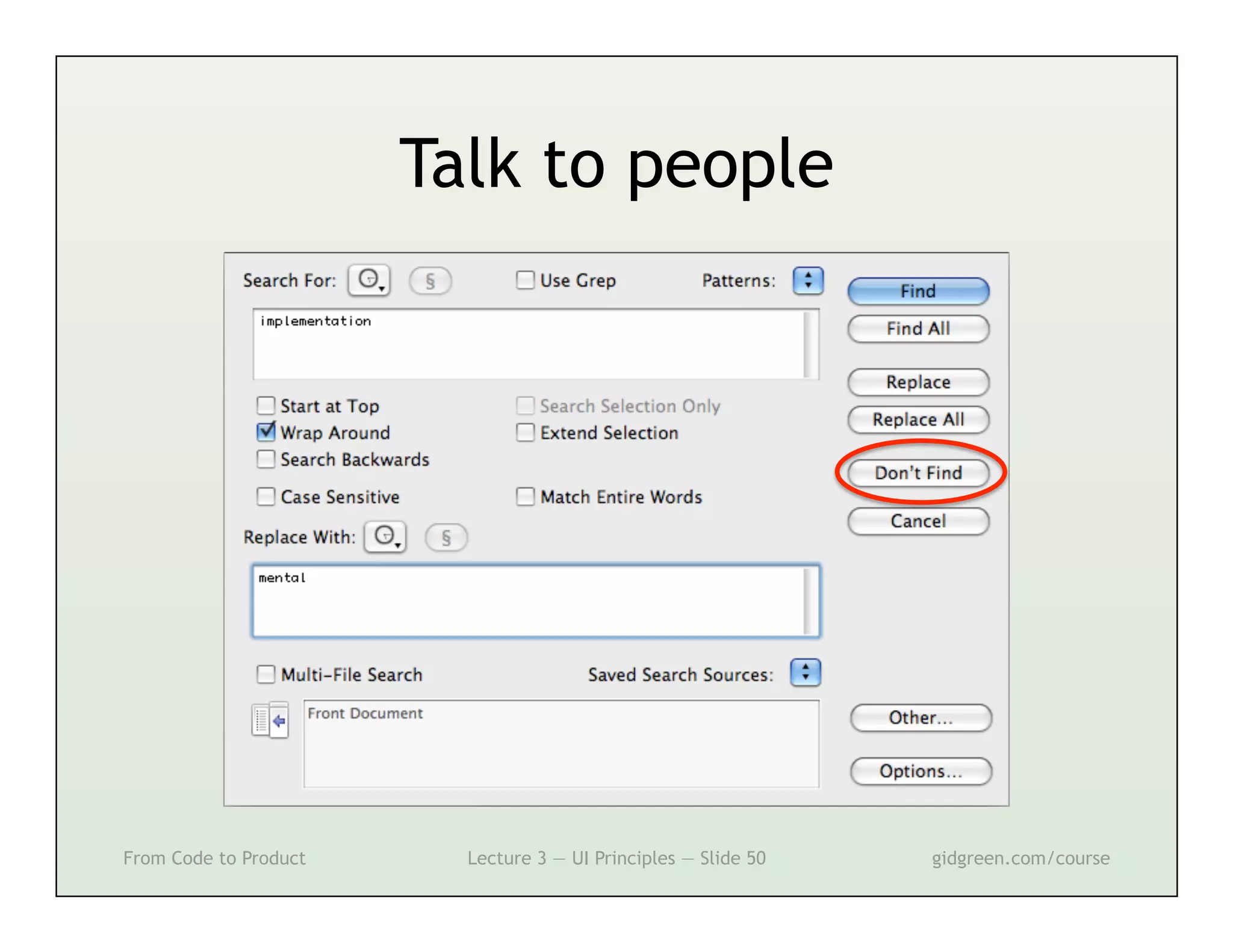
Talk to people


From Code to Product     Lecture 3 — UI Principles — Slide 50   gidgreen.com/course
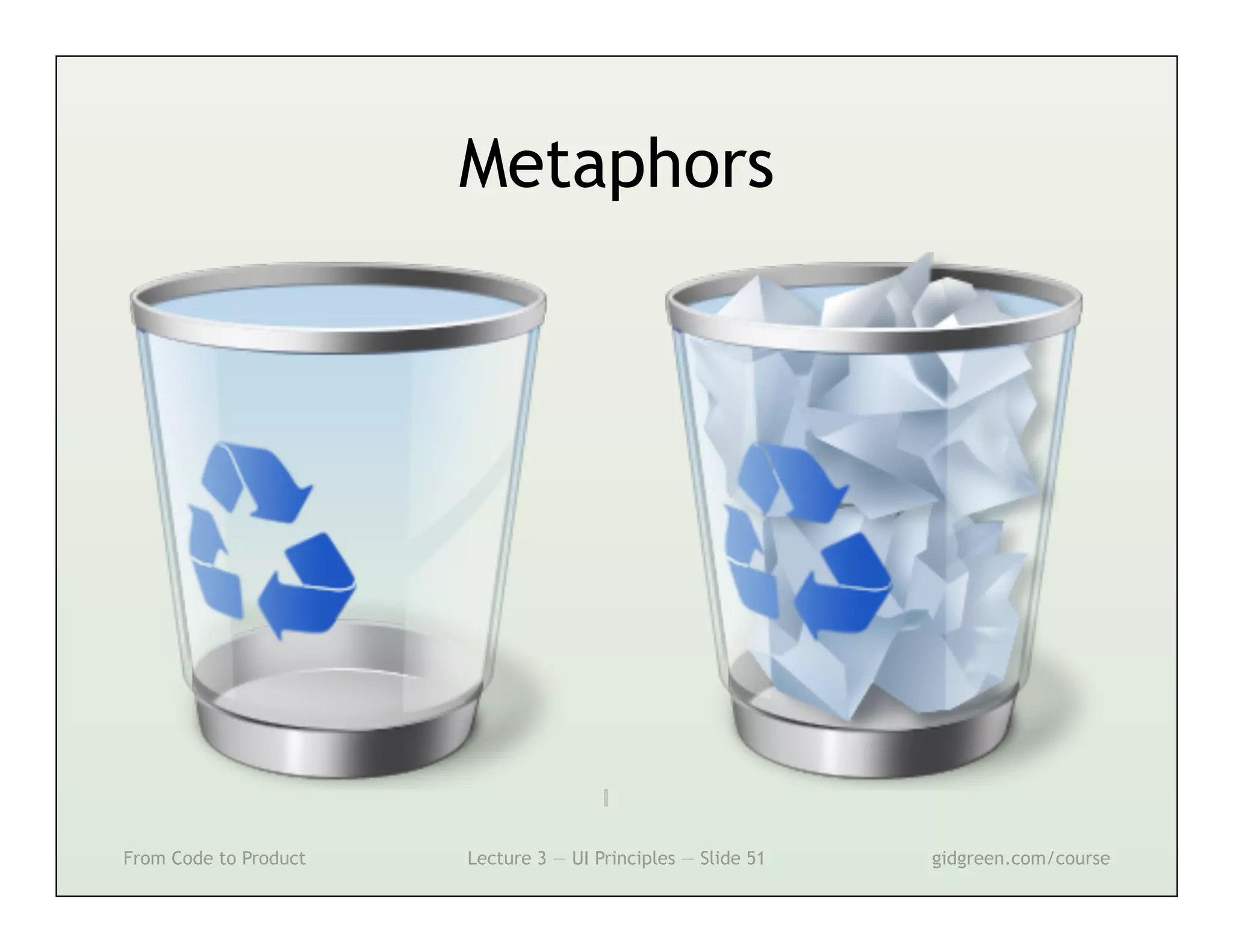
Metaphors


From Code to Product   Lecture 3 — UI Principles — Slide 51   gidgreen.com/course
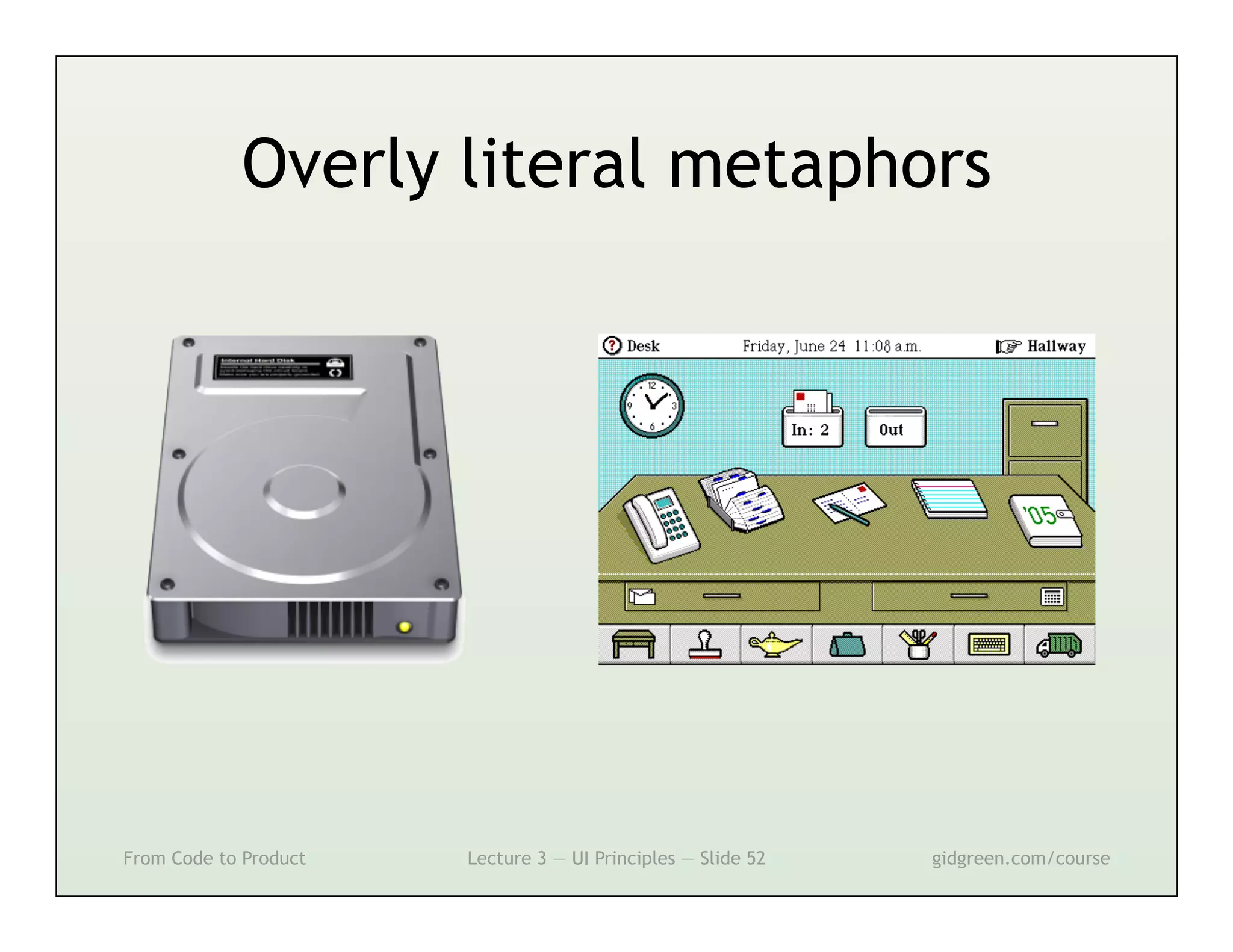
Overly literal metaphors


From Code to Product   Lecture 3 — UI Principles — Slide 52   gidgreen.com/course
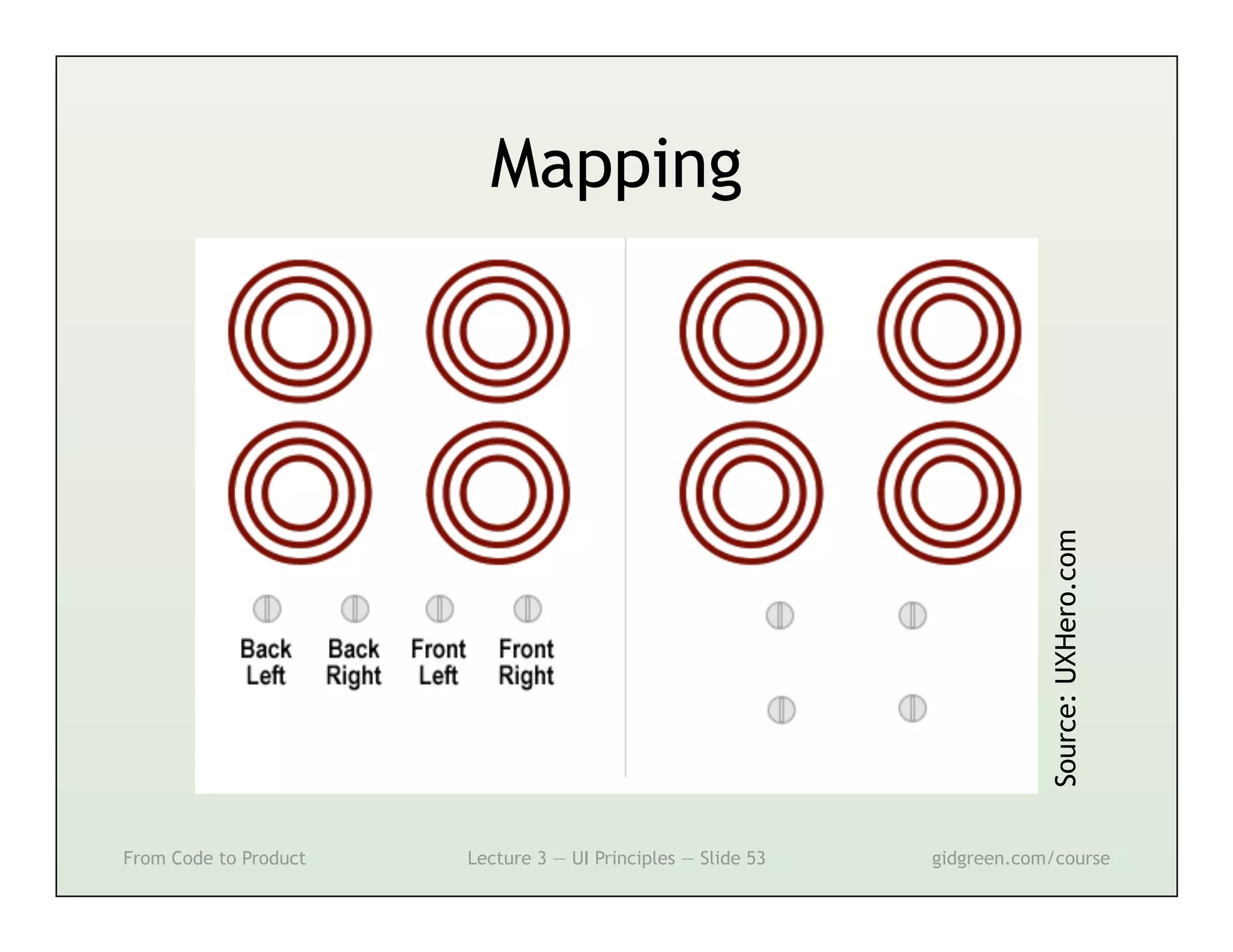
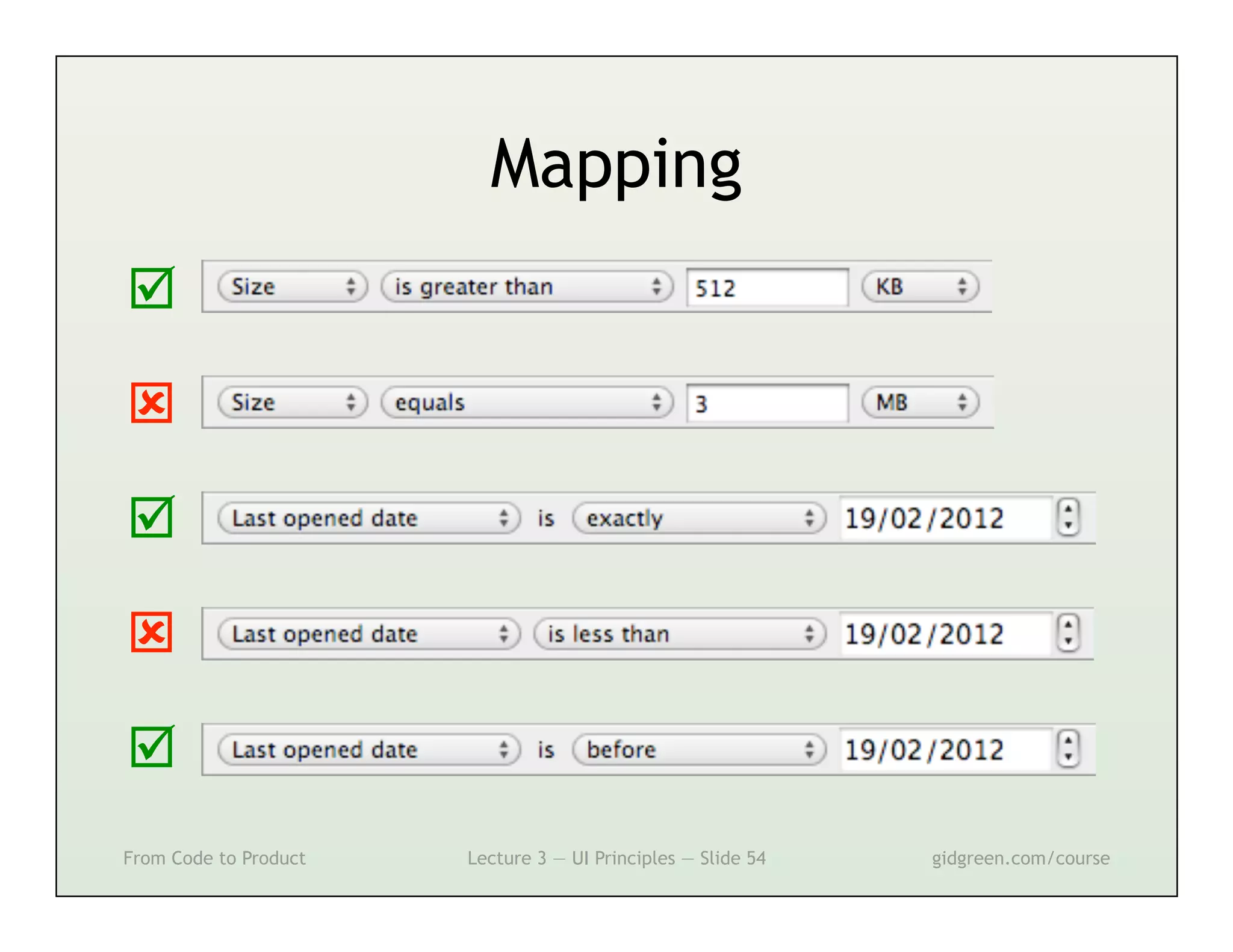
Mapping


                                                                          Source: UXHero.com
From Code to Product   Lecture 3 — UI Principles — Slide 53   gidgreen.com/course
Mapping









From Code to Product   Lecture 3 — UI Principles — Slide 54   gidgreen.com/course
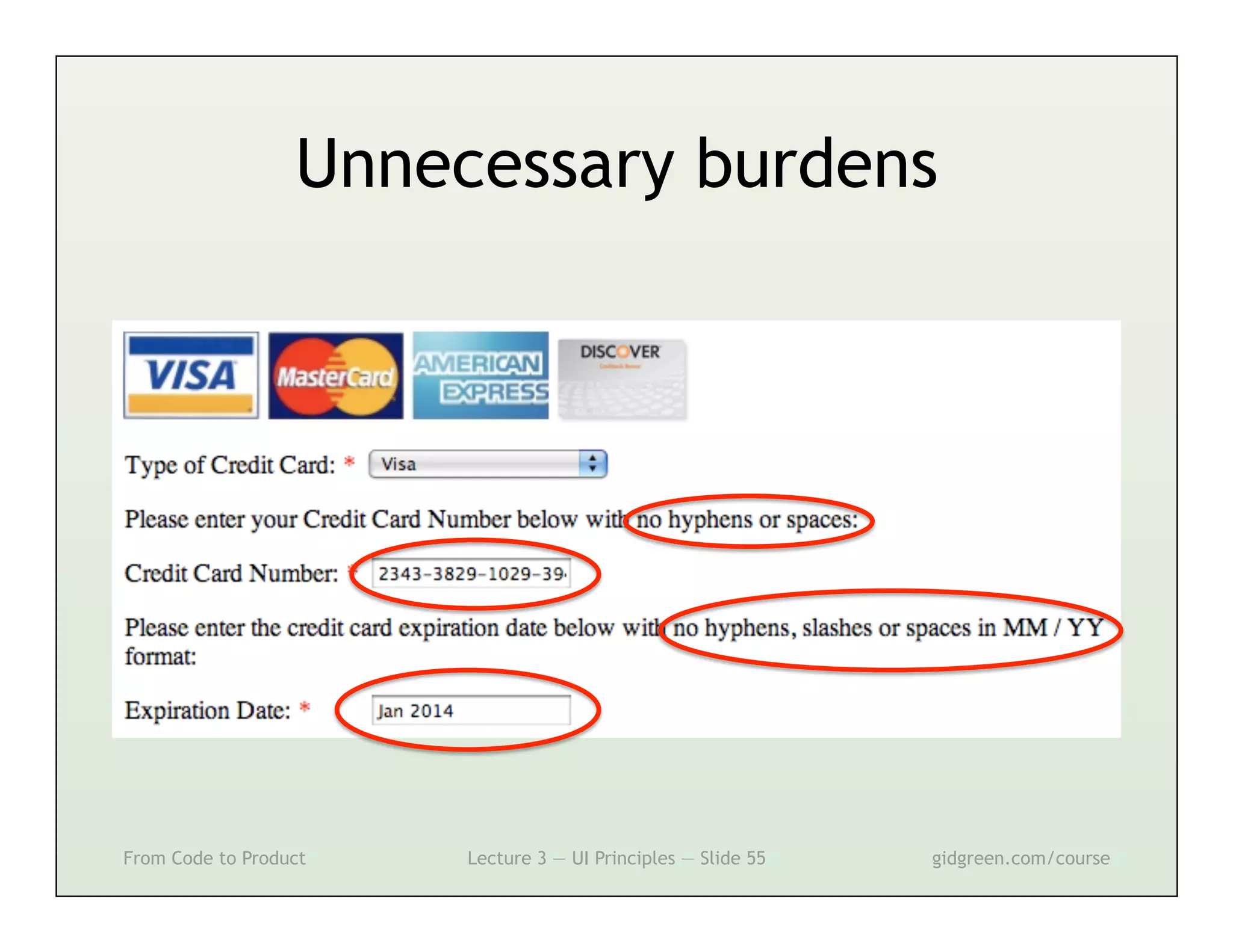
Unnecessary burdens


From Code to Product   Lecture 3 — UI Principles — Slide 55   gidgreen.com/course
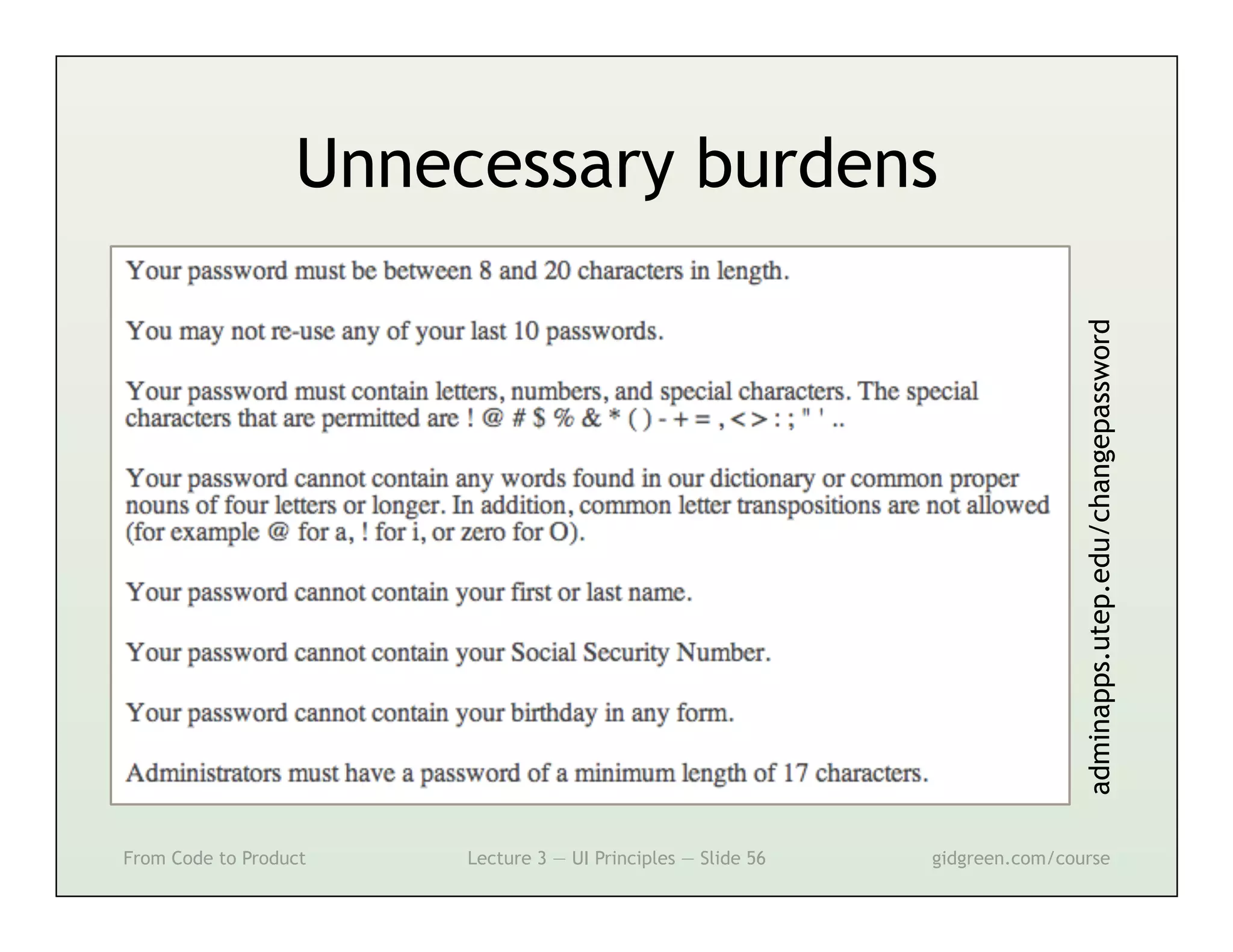
Unnecessary burdens


                                                                              adminapps.utep.edu/changepassword
From Code to Product   Lecture 3 — UI Principles — Slide 56   gidgreen.com/course
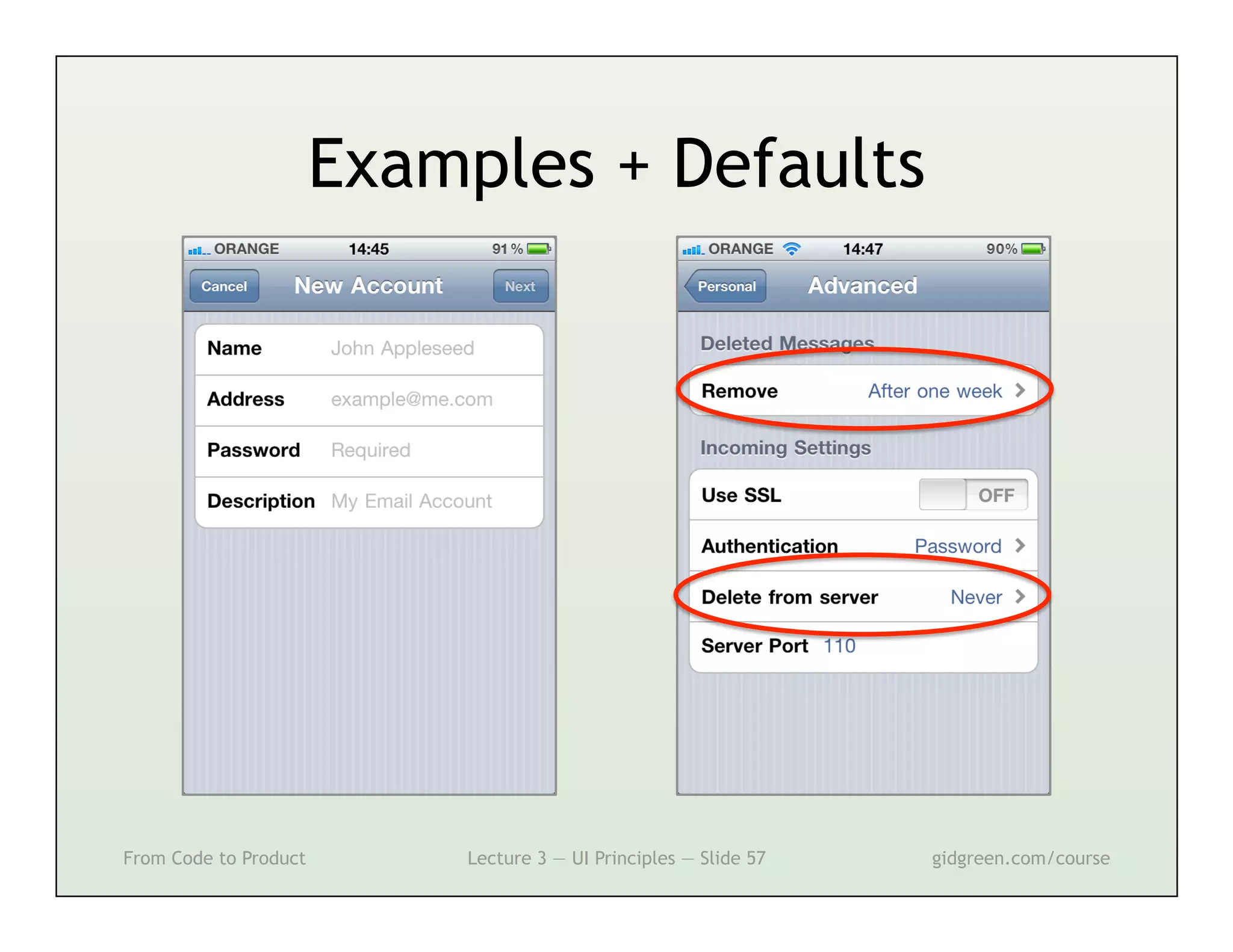
Examples + Defaults


From Code to Product       Lecture 3 — UI Principles — Slide 57   gidgreen.com/course
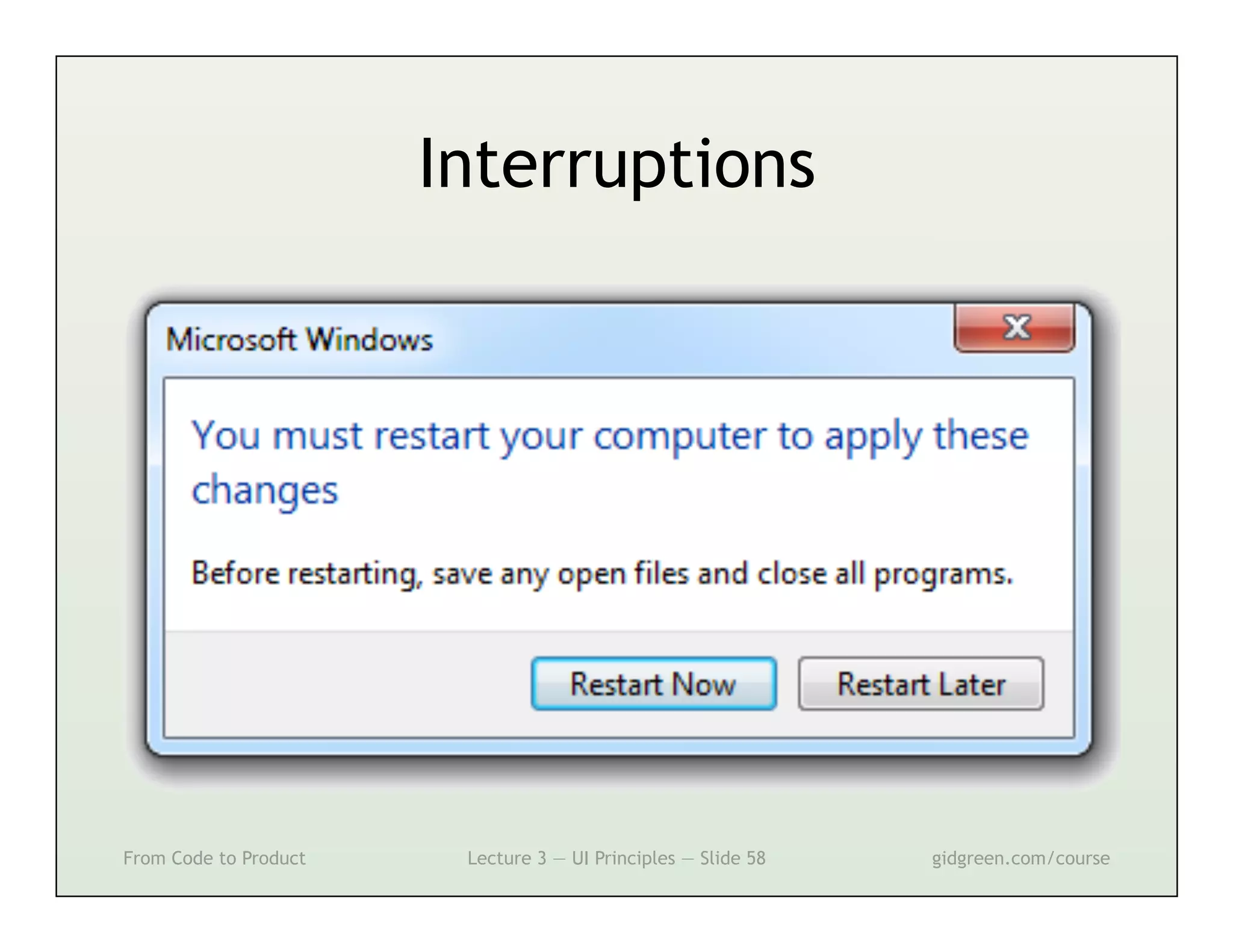
Interruptions


From Code to Product    Lecture 3 — UI Principles — Slide 58   gidgreen.com/course
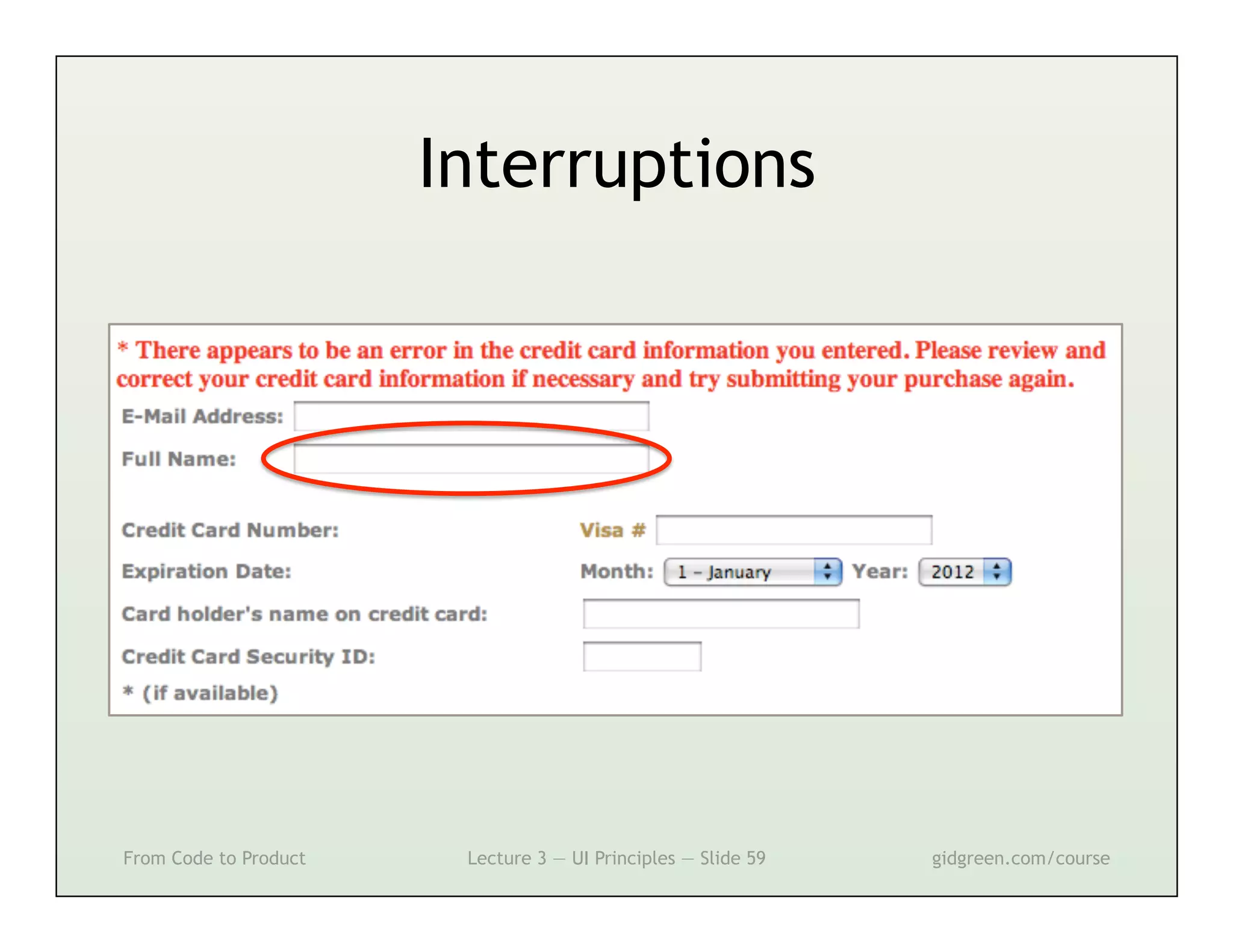
Interruptions


From Code to Product    Lecture 3 — UI Principles — Slide 59   gidgreen.com/course
Lecture 3
•    Introduction
•    Vision
•    Cognition
•    Memory
•    Action
•    Emotion


From Code to Product   Lecture 3 — UI Principles — Slide 60   gidgreen.com/course
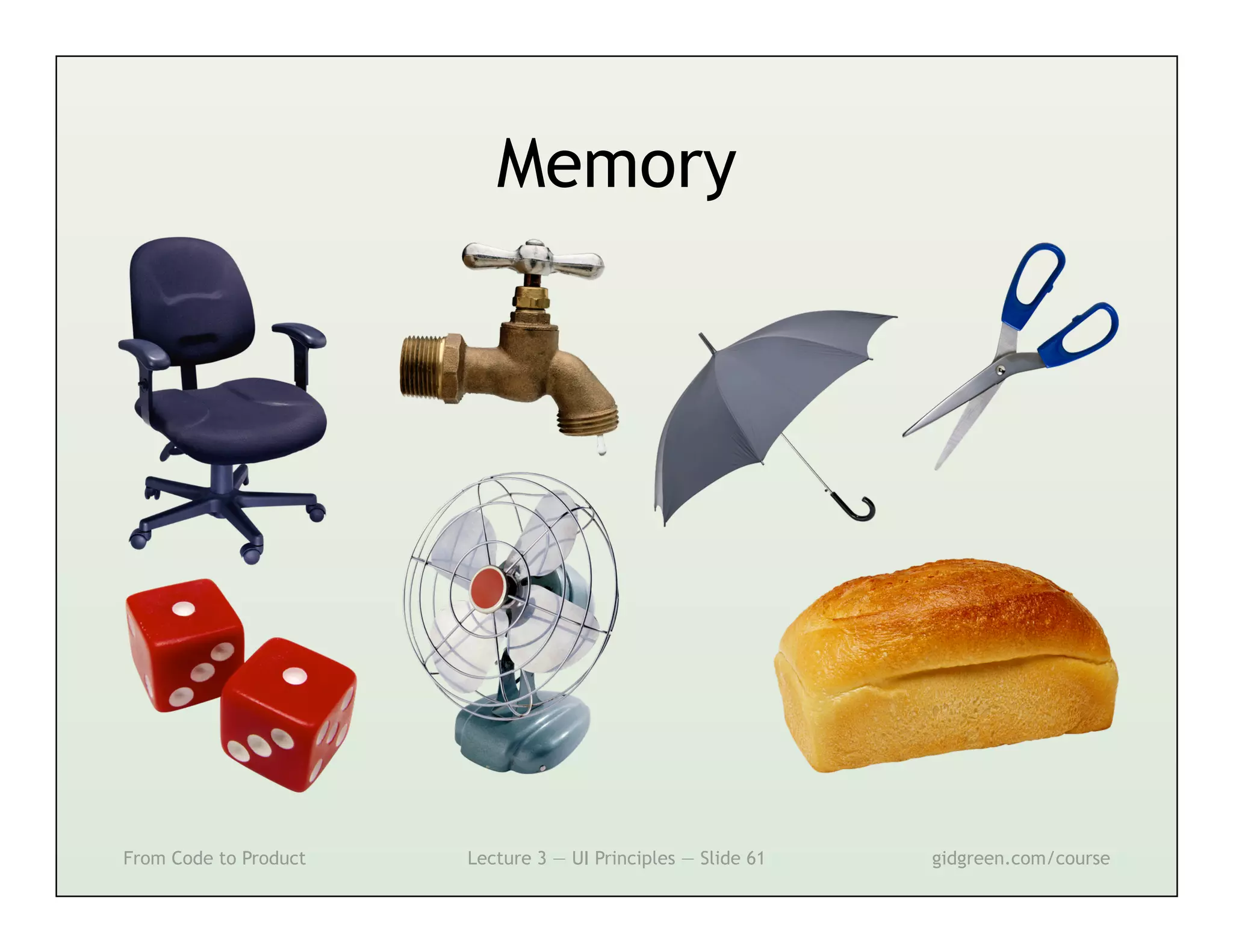
Memory


From Code to Product   Lecture 3 — UI Principles — Slide 61   gidgreen.com/course
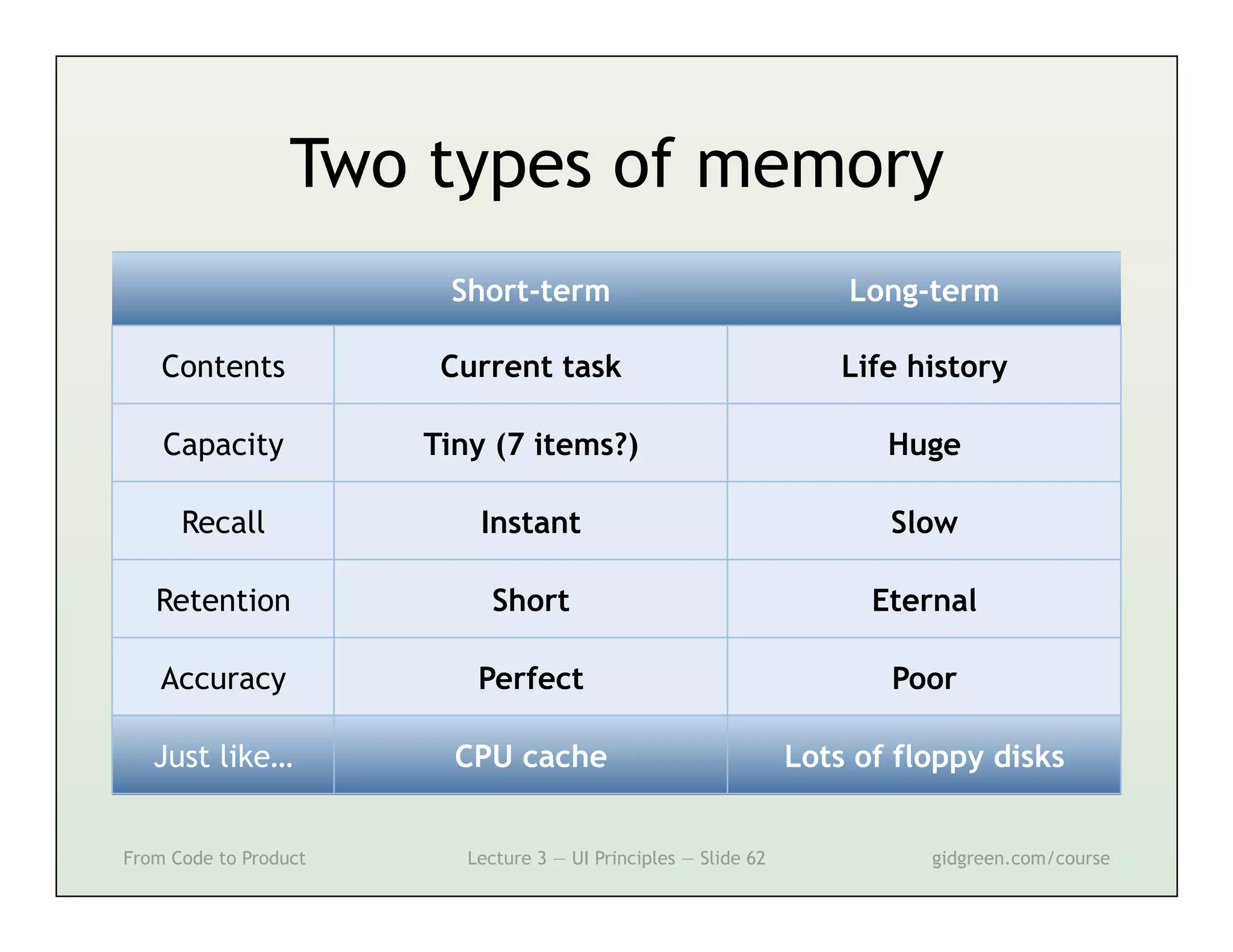
Two types of memory
                        Short-term                                   Long-term

    Contents            Current task                                 Life history

    Capacity           Tiny (7 items?)                                  Huge

      Recall               Instant                                      Slow

   Retention                Short                                      Eternal

    Accuracy               Perfect                                      Poor

   Just like…            CPU cache                               Lots of floppy disks


From Code to Product      Lecture 3 — UI Principles — Slide 62             gidgreen.com/course
Modes


From Code to Product   Lecture 3 — UI Principles — Slide 63   gidgreen.com/course
Modes


From Code to Product   Lecture 3 — UI Principles — Slide 64   gidgreen.com/course
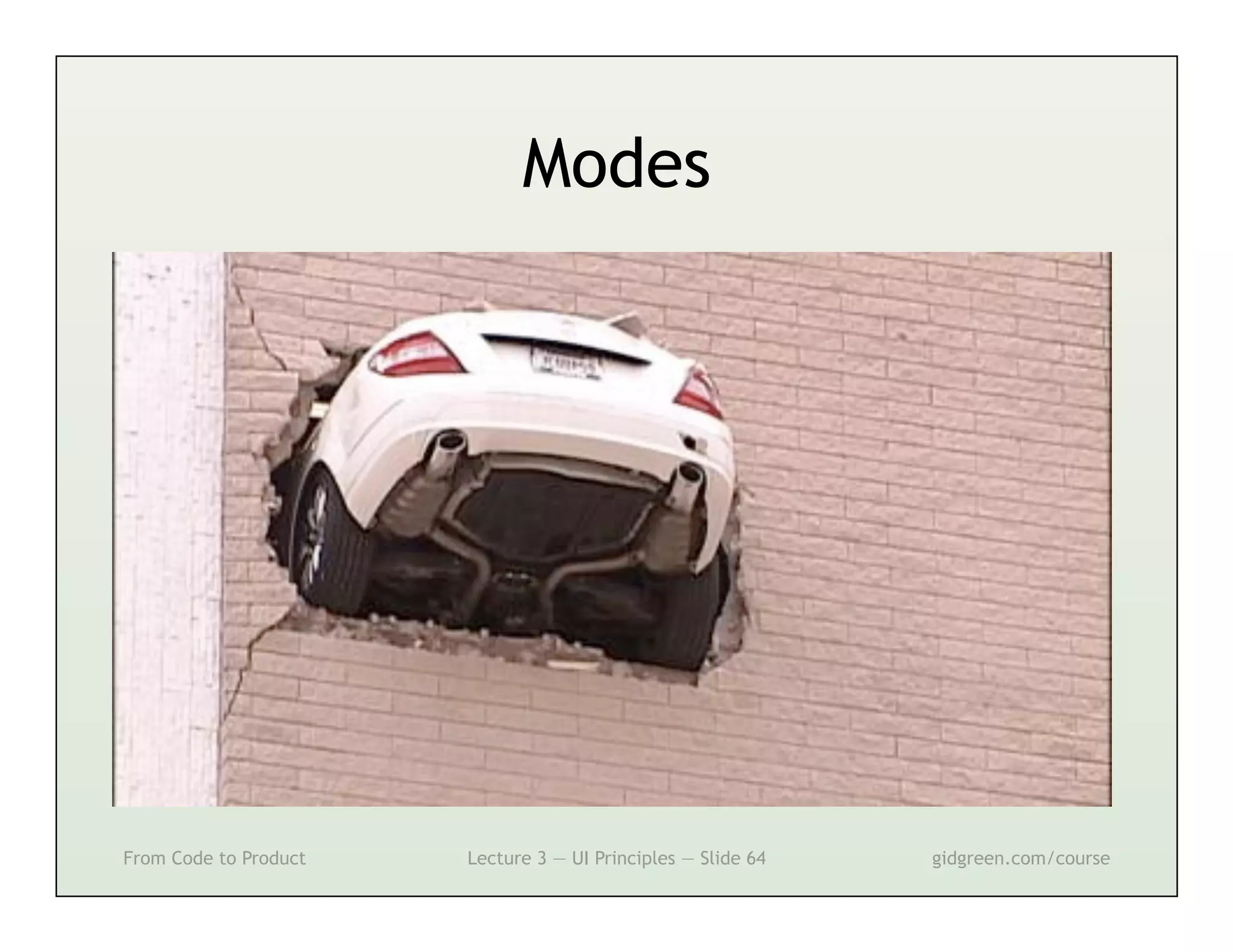
Modes


              Drawing                                          Selection

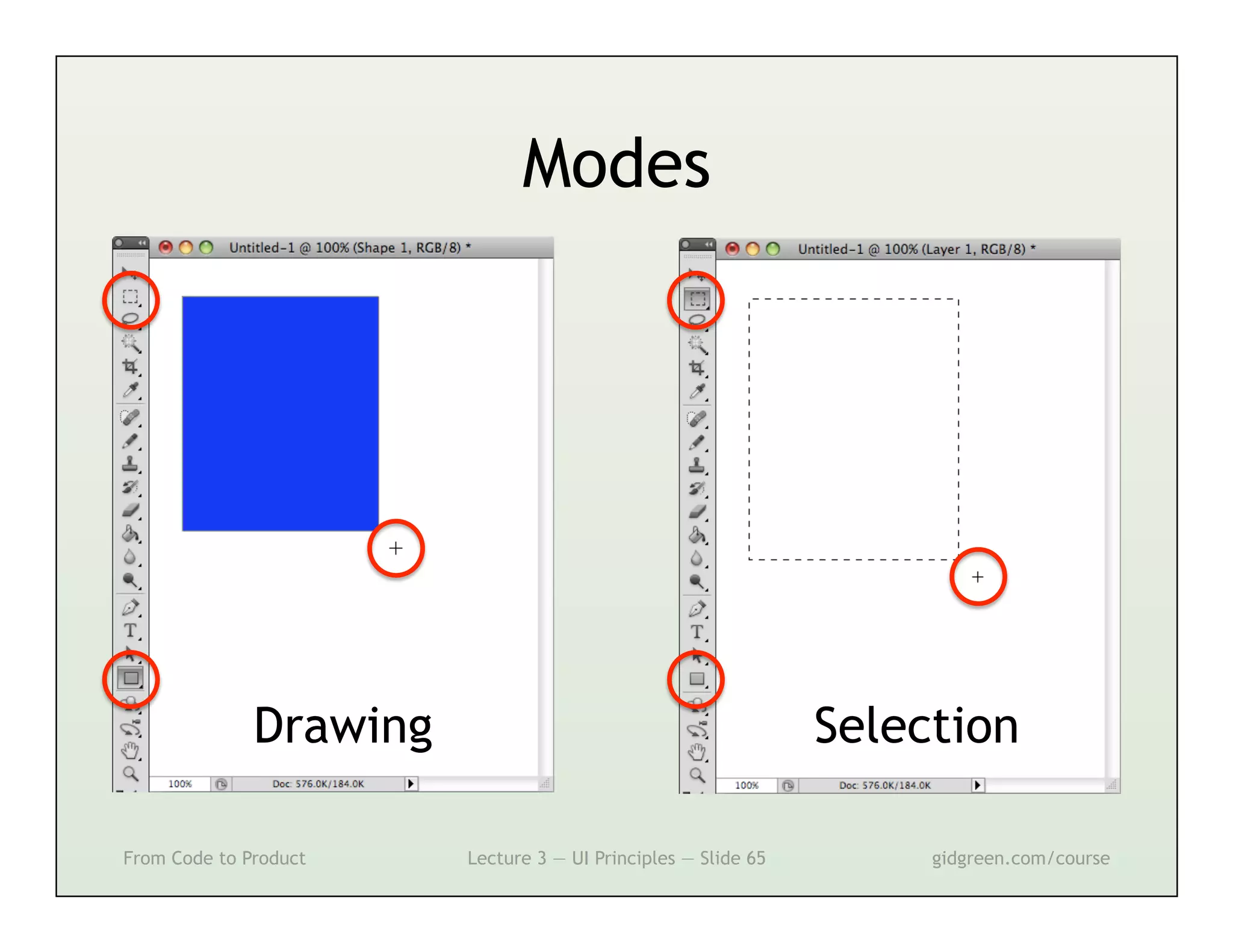
From Code to Product    Lecture 3 — UI Principles — Slide 65        gidgreen.com/course
Modes


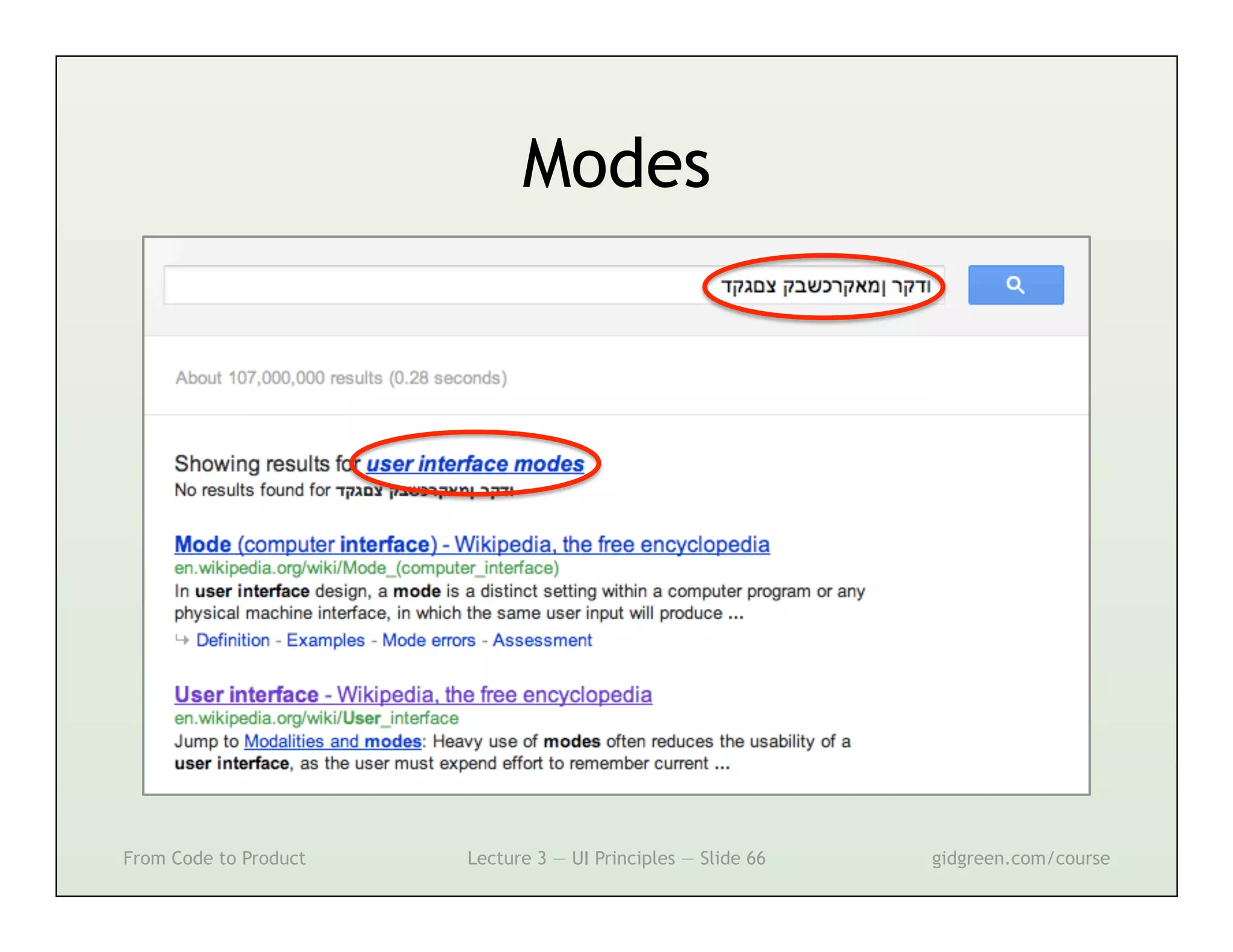
From Code to Product   Lecture 3 — UI Principles — Slide 66   gidgreen.com/course
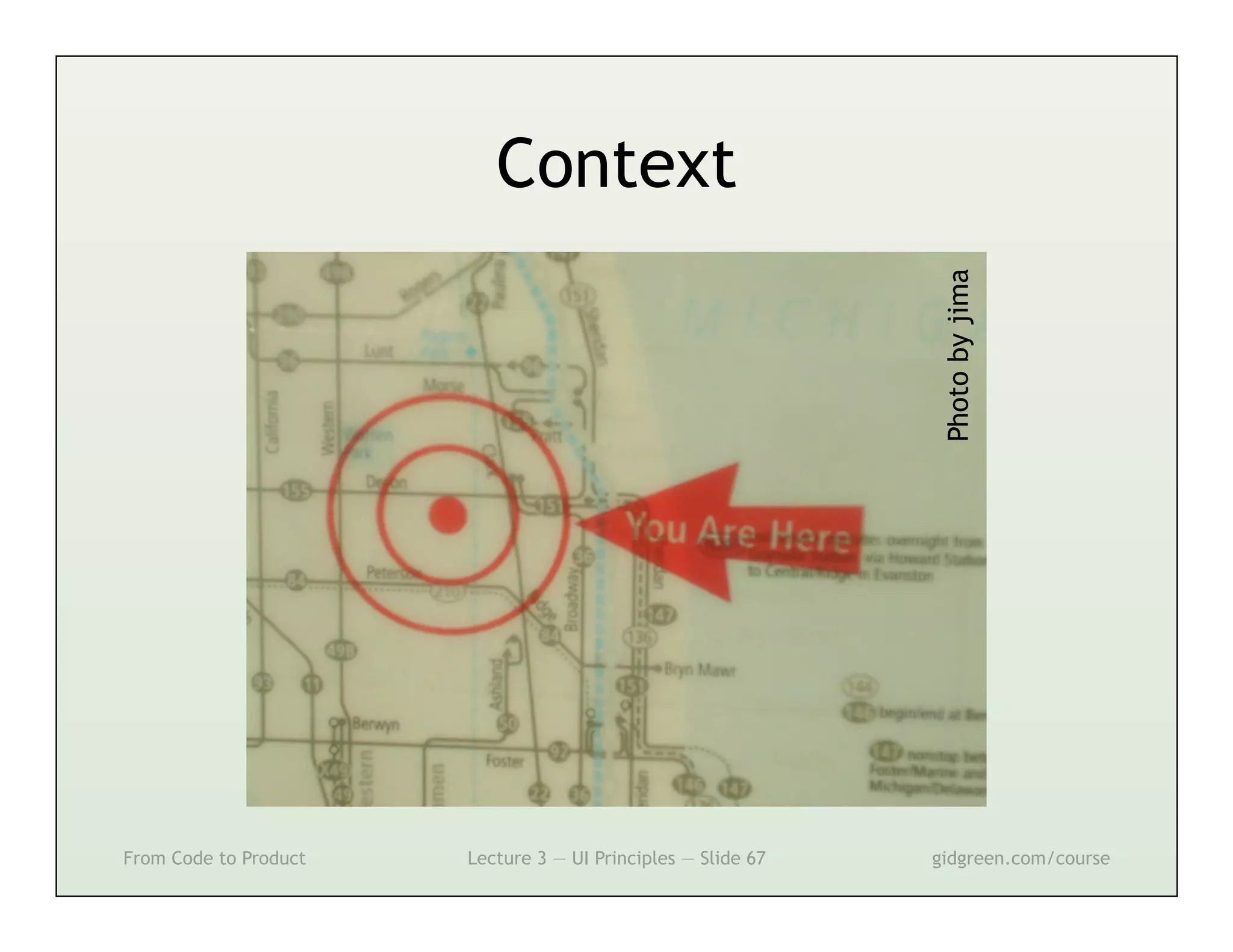
Context


                                                               Photo by jima
From Code to Product   Lecture 3 — UI Principles — Slide 67   gidgreen.com/course
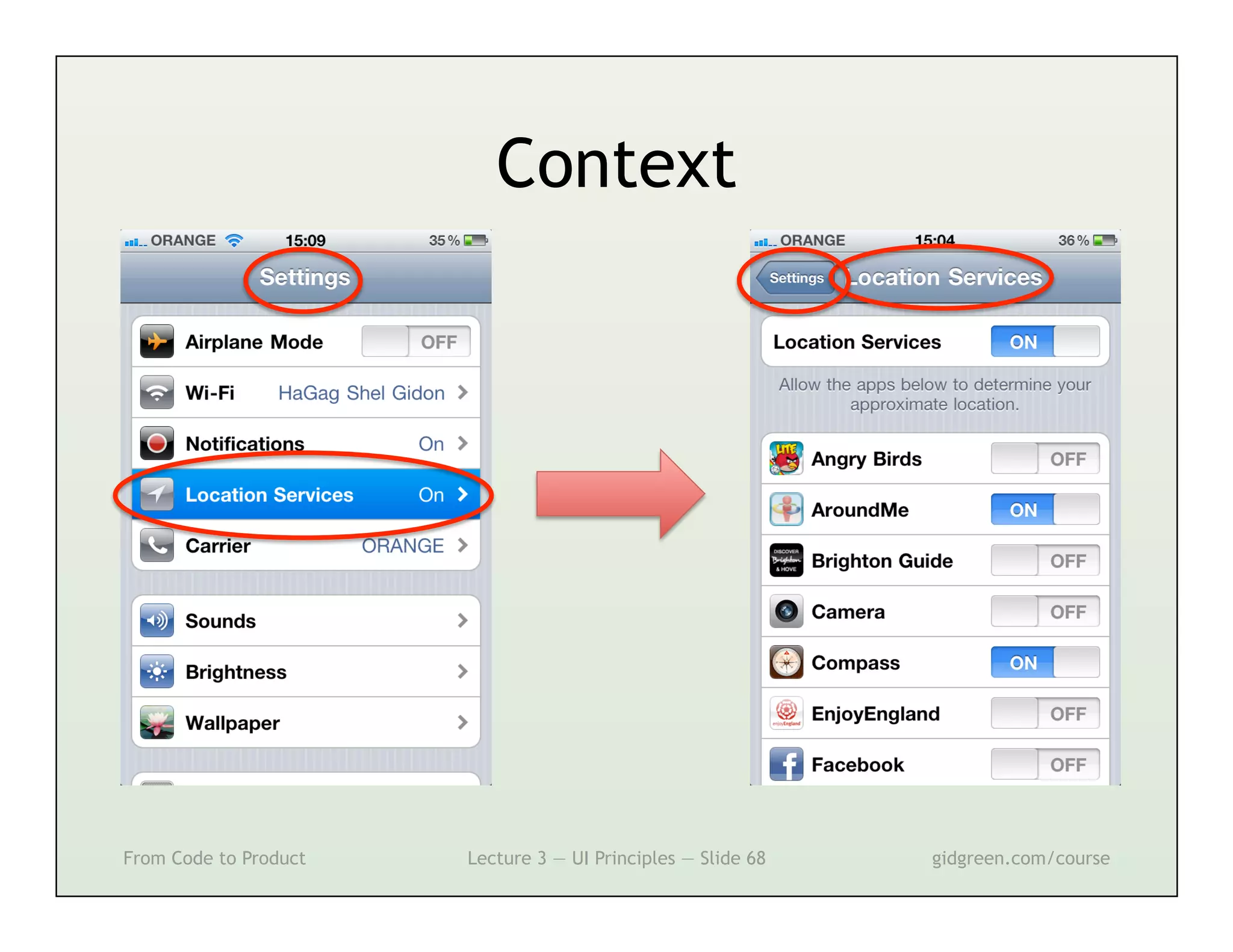
Context


From Code to Product   Lecture 3 — UI Principles — Slide 68   gidgreen.com/course
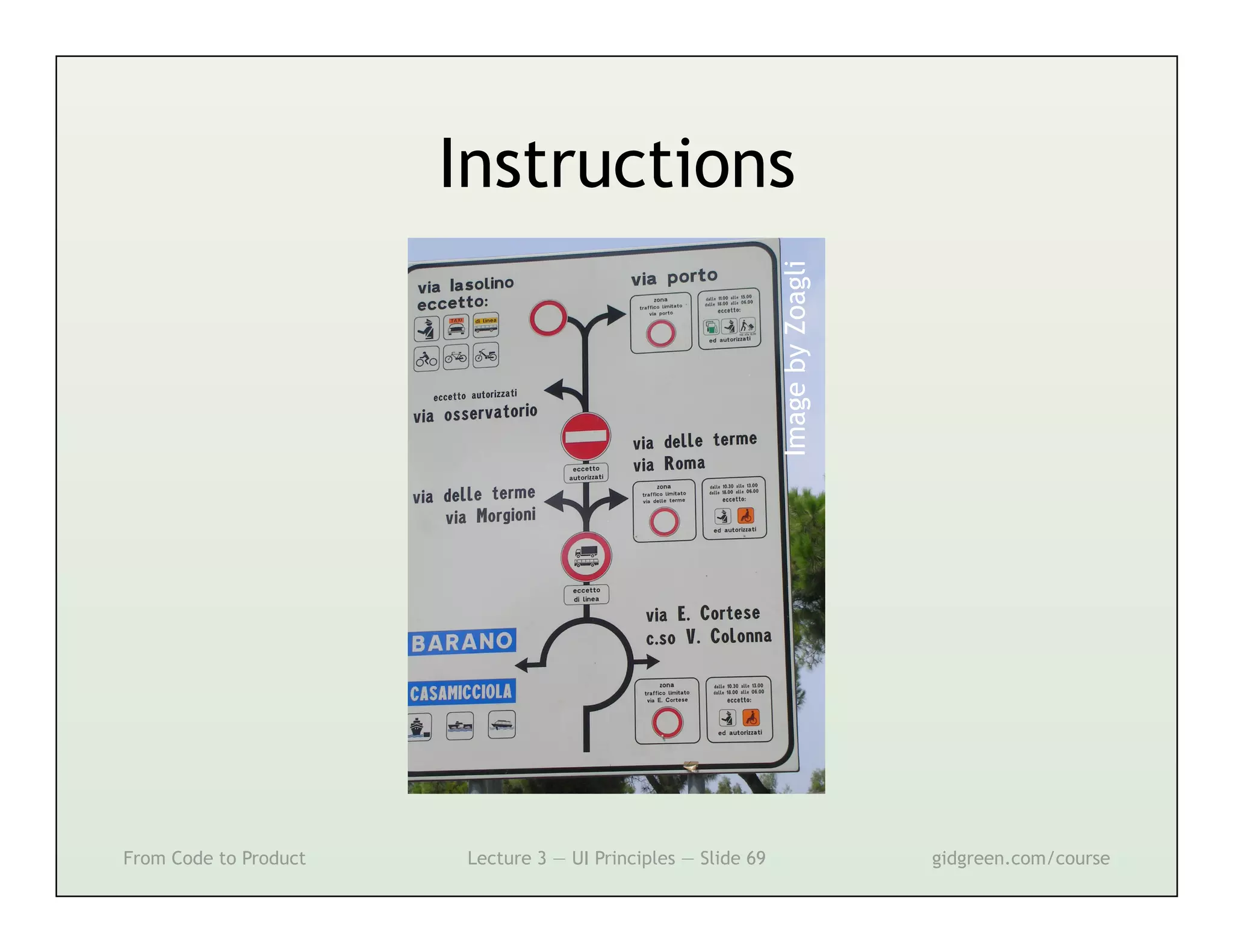
Instructions


                                                              Image by Zoagli

From Code to Product   Lecture 3 — UI Principles — Slide 69                     gidgreen.com/course
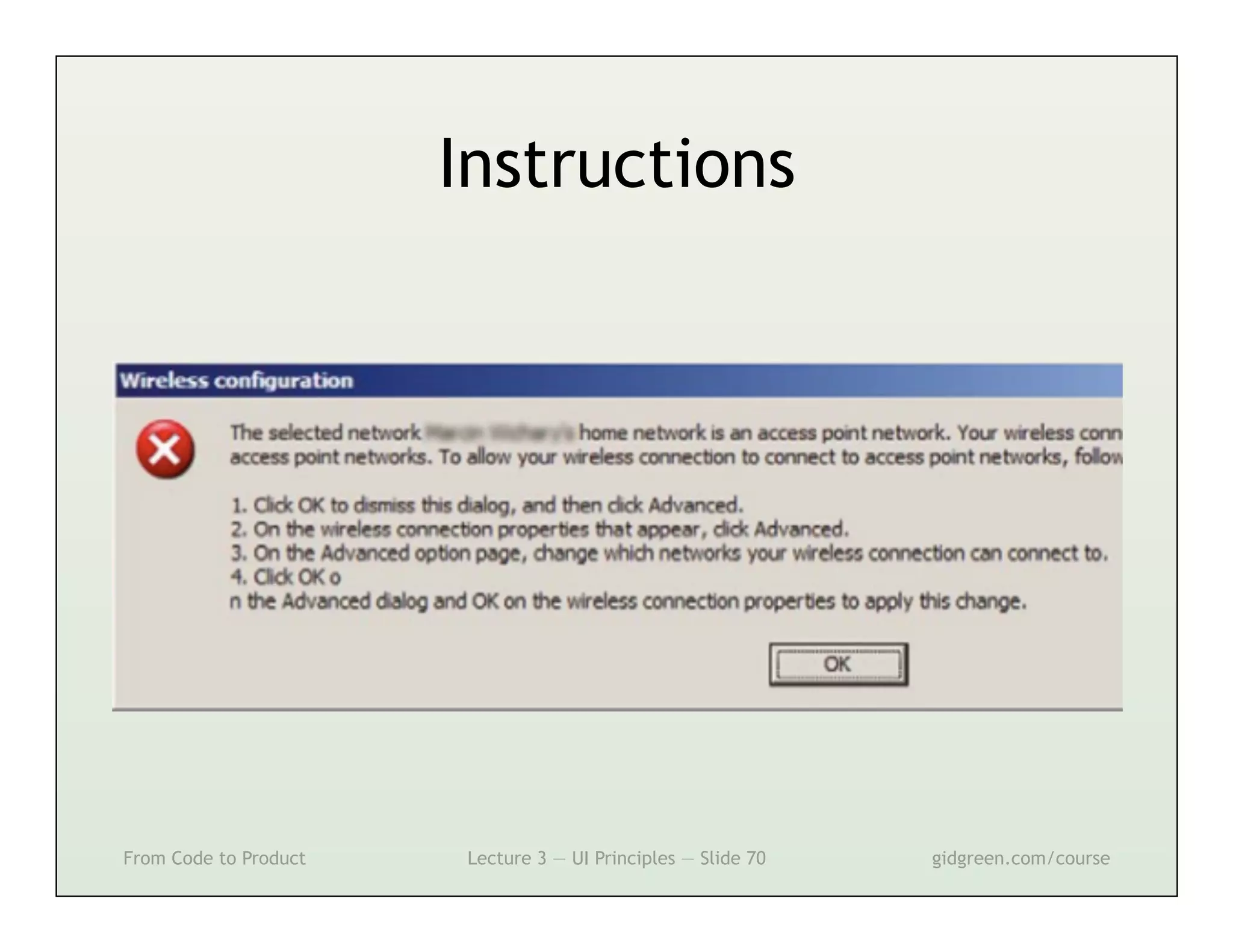
Instructions


From Code to Product   Lecture 3 — UI Principles — Slide 70   gidgreen.com/course
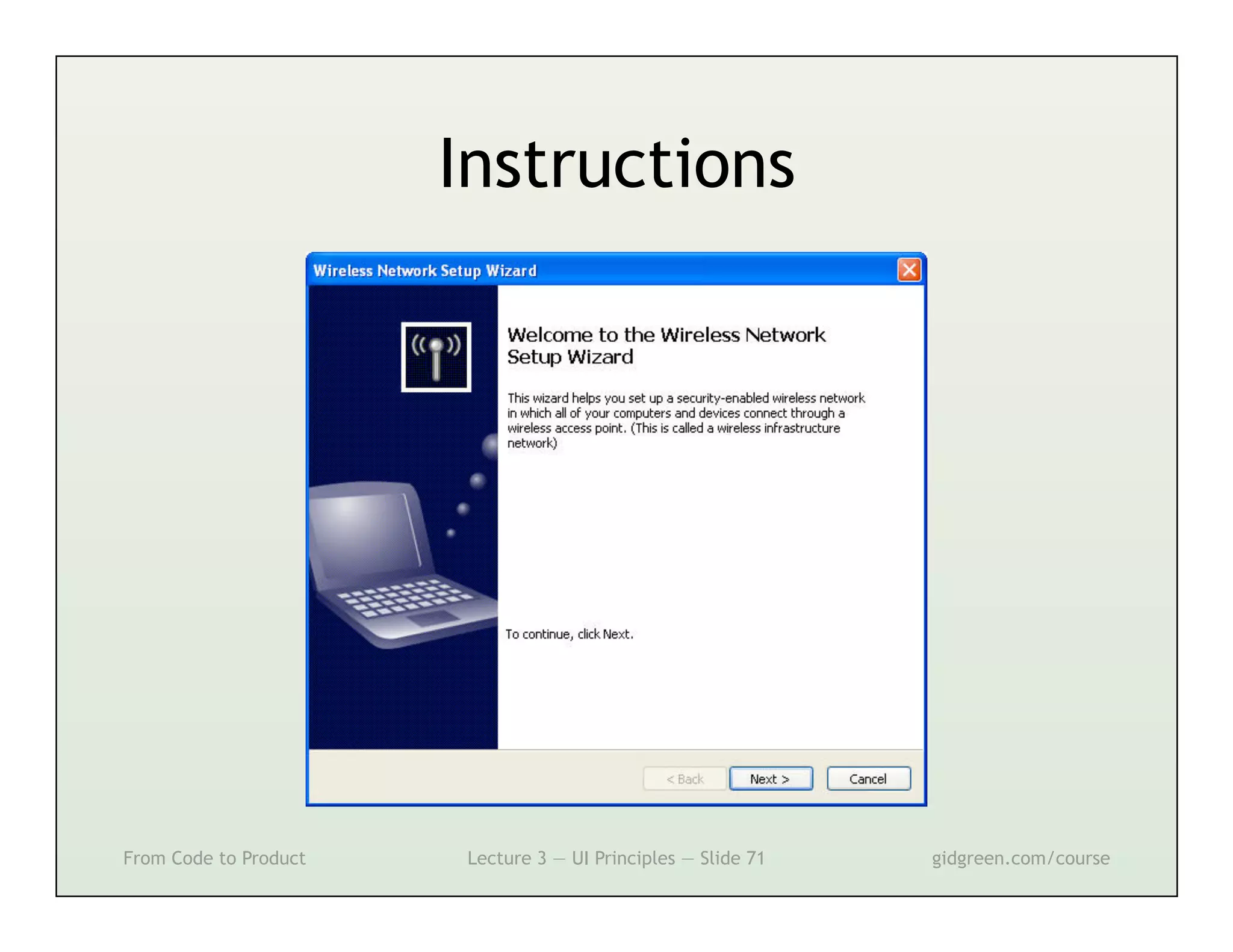
Instructions


From Code to Product   Lecture 3 — UI Principles — Slide 71   gidgreen.com/course
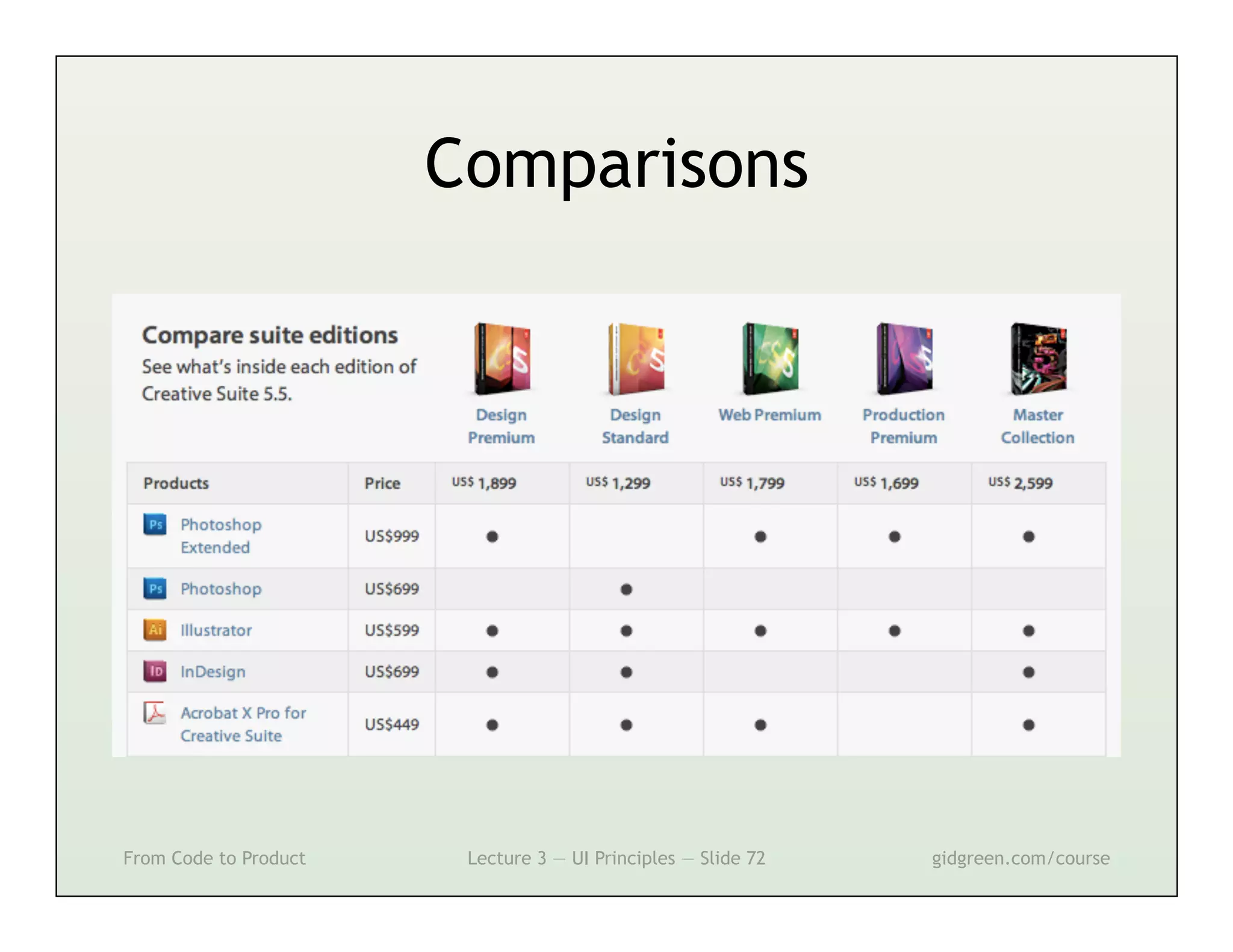
Comparisons


From Code to Product    Lecture 3 — UI Principles — Slide 72   gidgreen.com/course
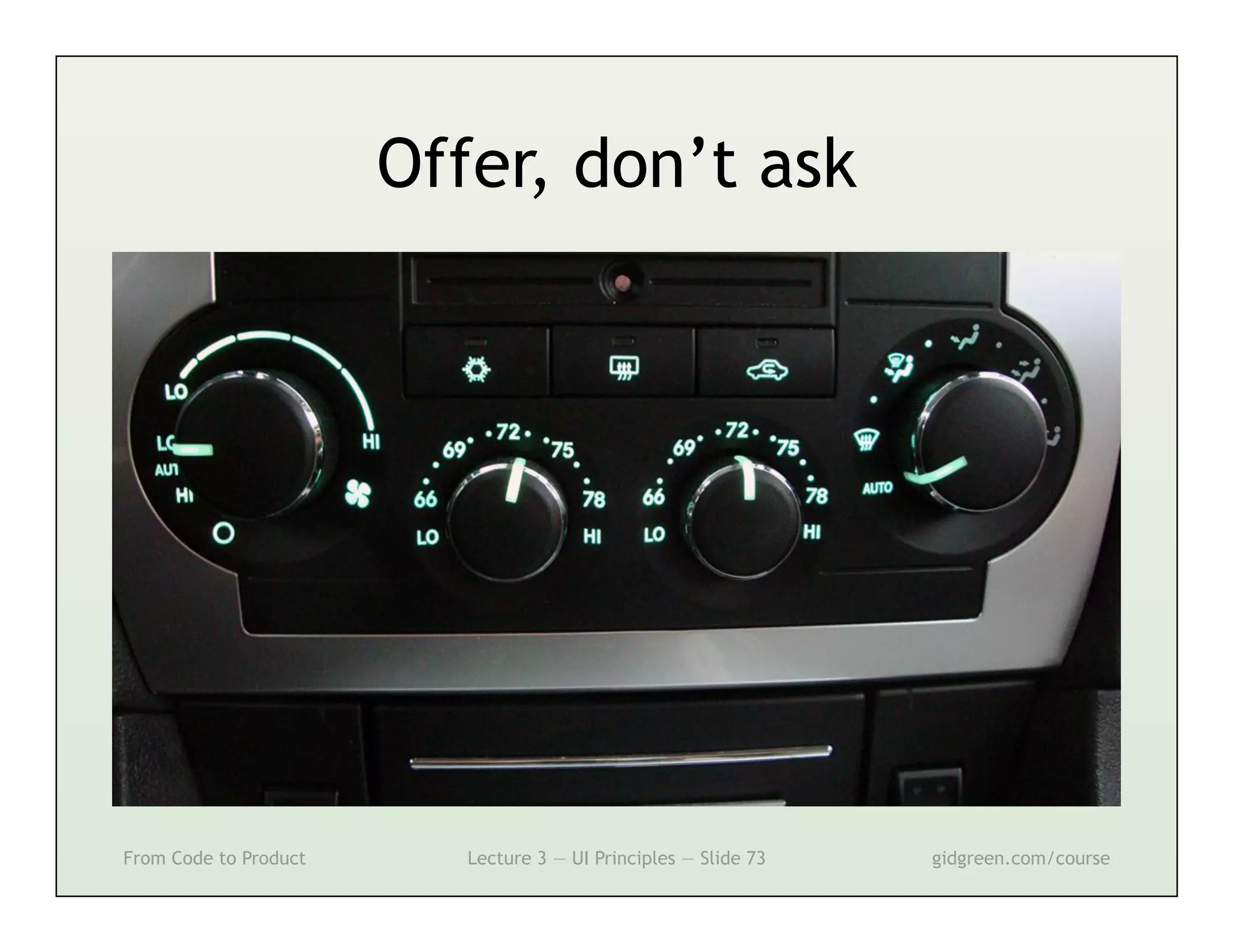
Offer, don’t ask


From Code to Product      Lecture 3 — UI Principles — Slide 73   gidgreen.com/course
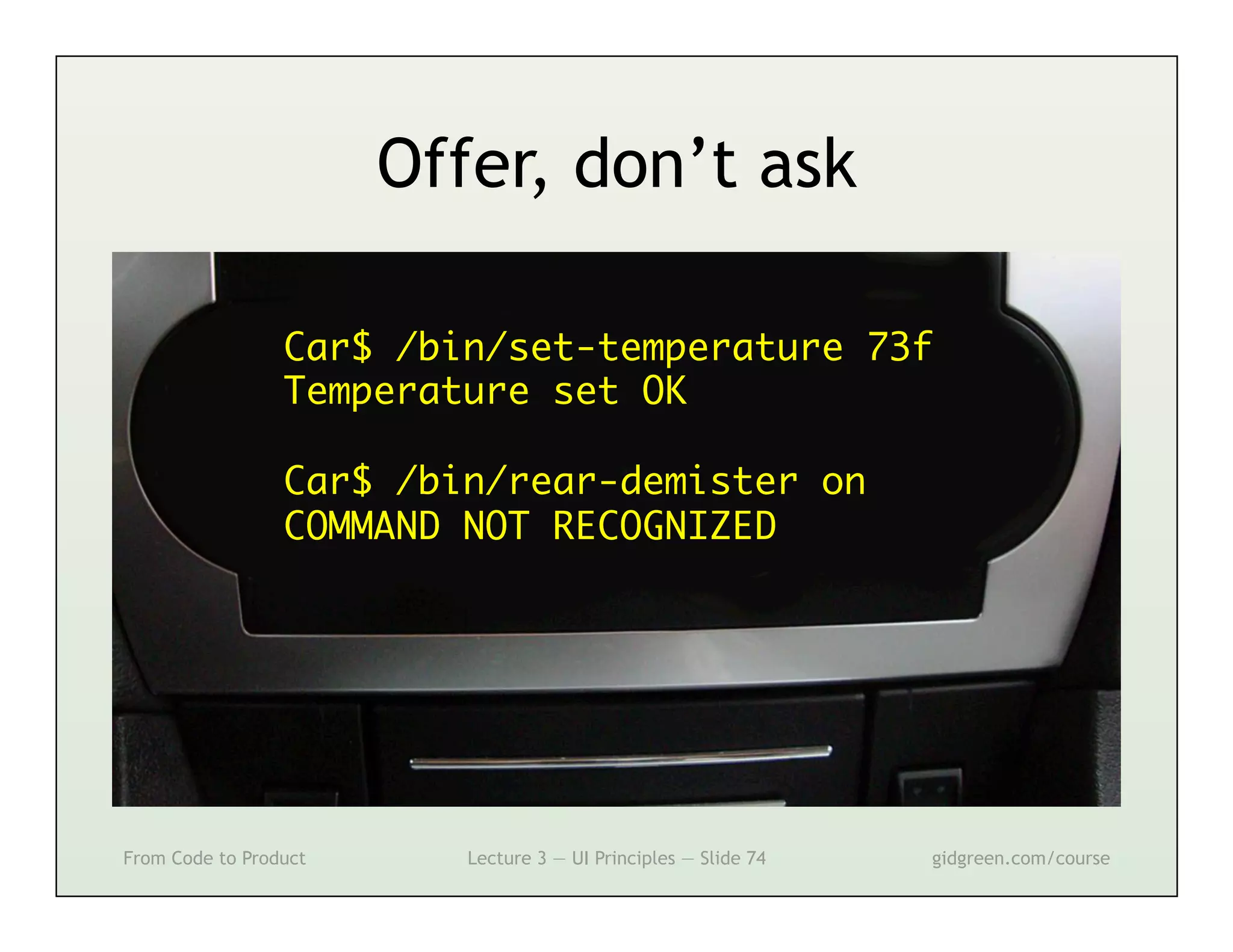
Offer, don’t ask

                 Car$ /bin/set-temperature 73f	
                 Temperature set OK	
                 	
                 Car$ /bin/rear-demister on	
                 COMMAND NOT RECOGNIZED	


From Code to Product      Lecture 3 — UI Principles — Slide 74   gidgreen.com/course
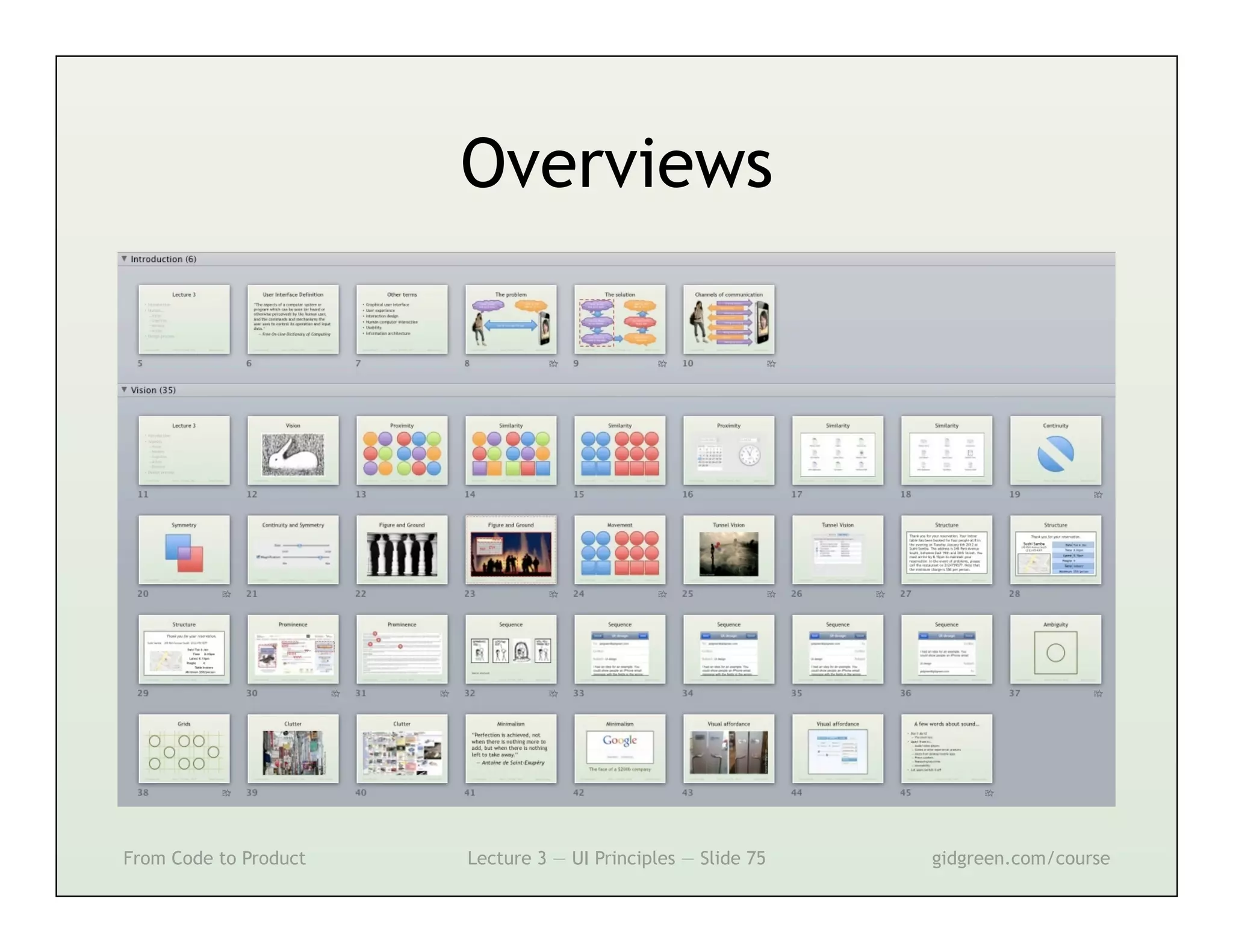
Overviews


From Code to Product   Lecture 3 — UI Principles — Slide 75   gidgreen.com/course
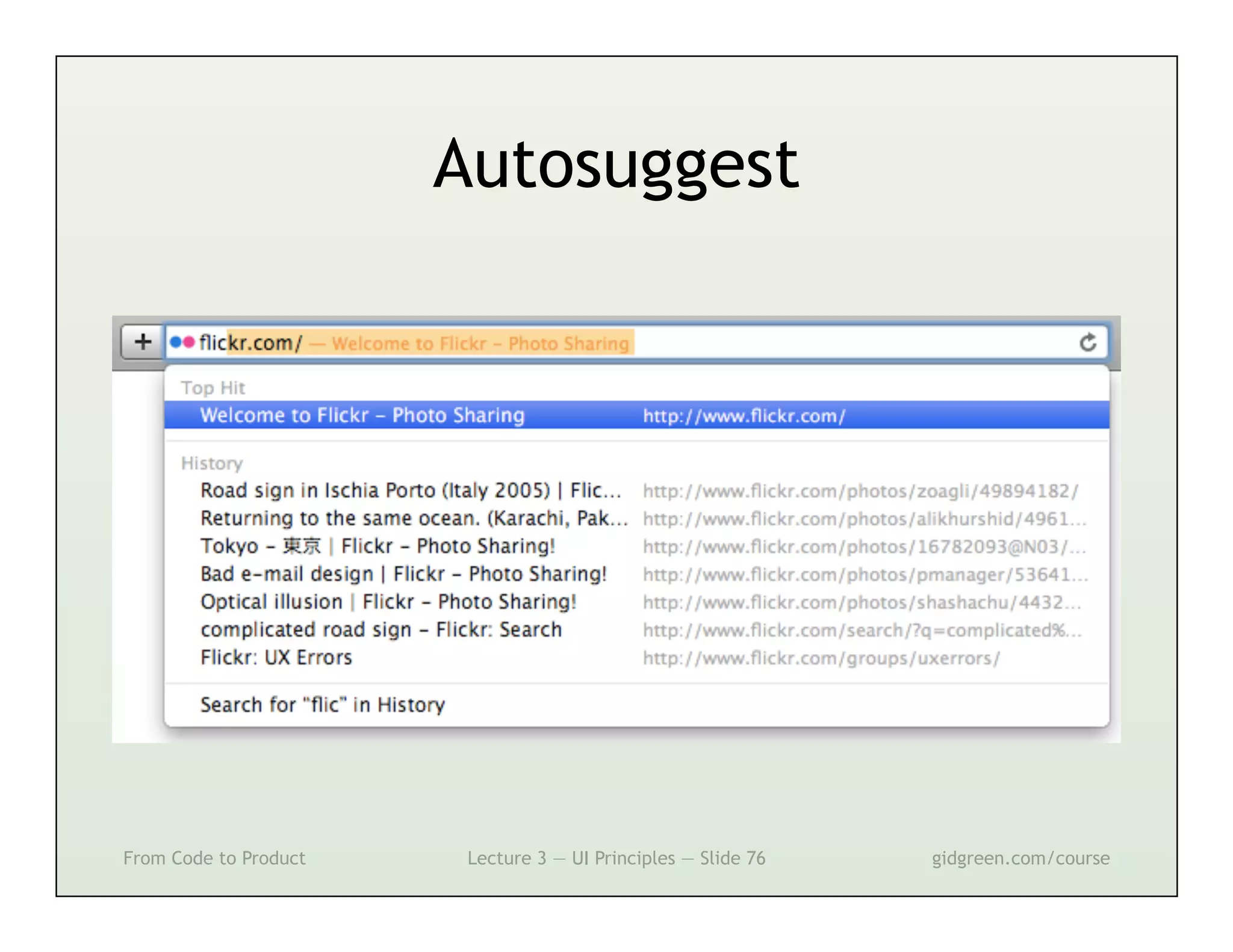
Autosuggest


From Code to Product    Lecture 3 — UI Principles — Slide 76   gidgreen.com/course
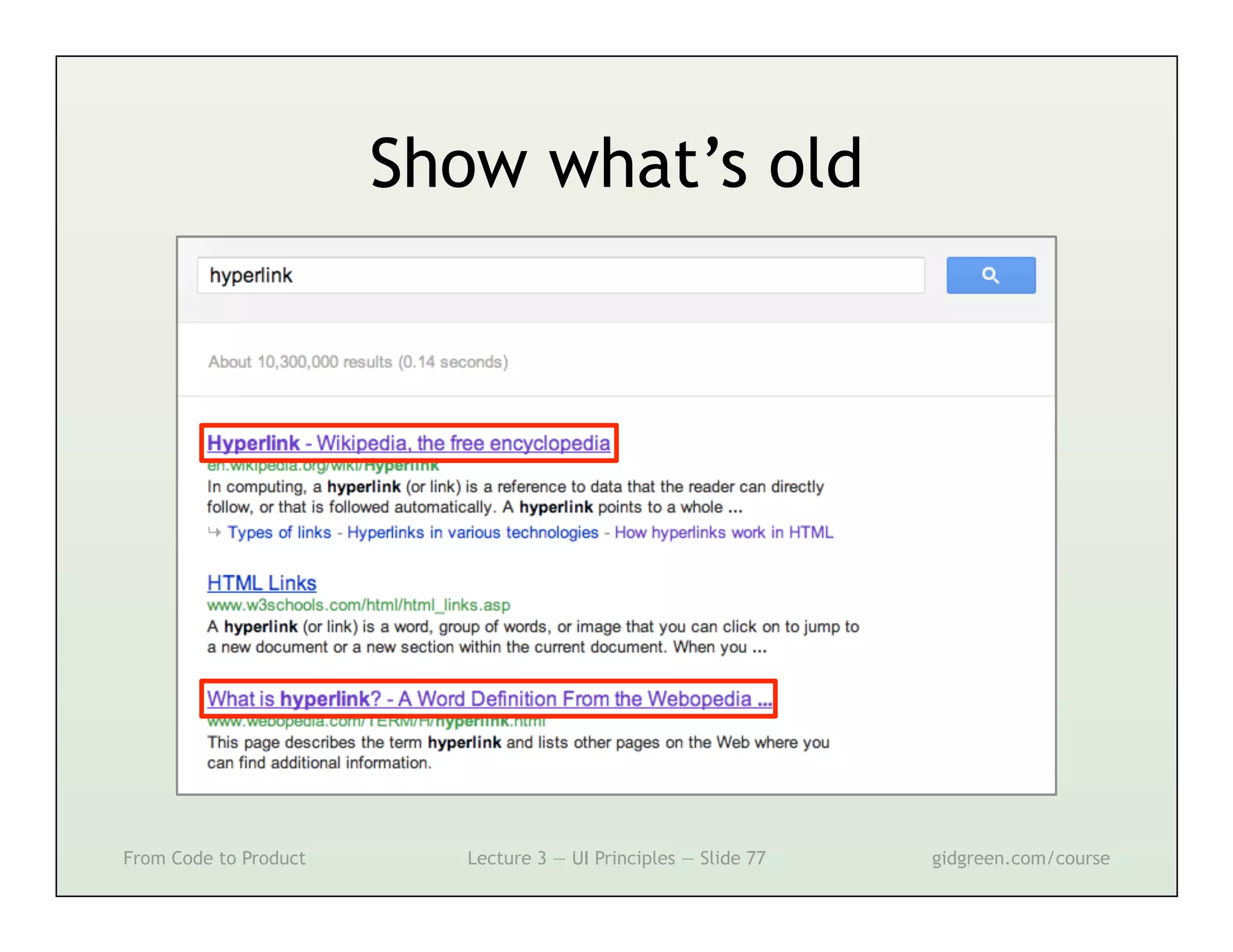
Show what’s old


From Code to Product     Lecture 3 — UI Principles — Slide 77   gidgreen.com/course
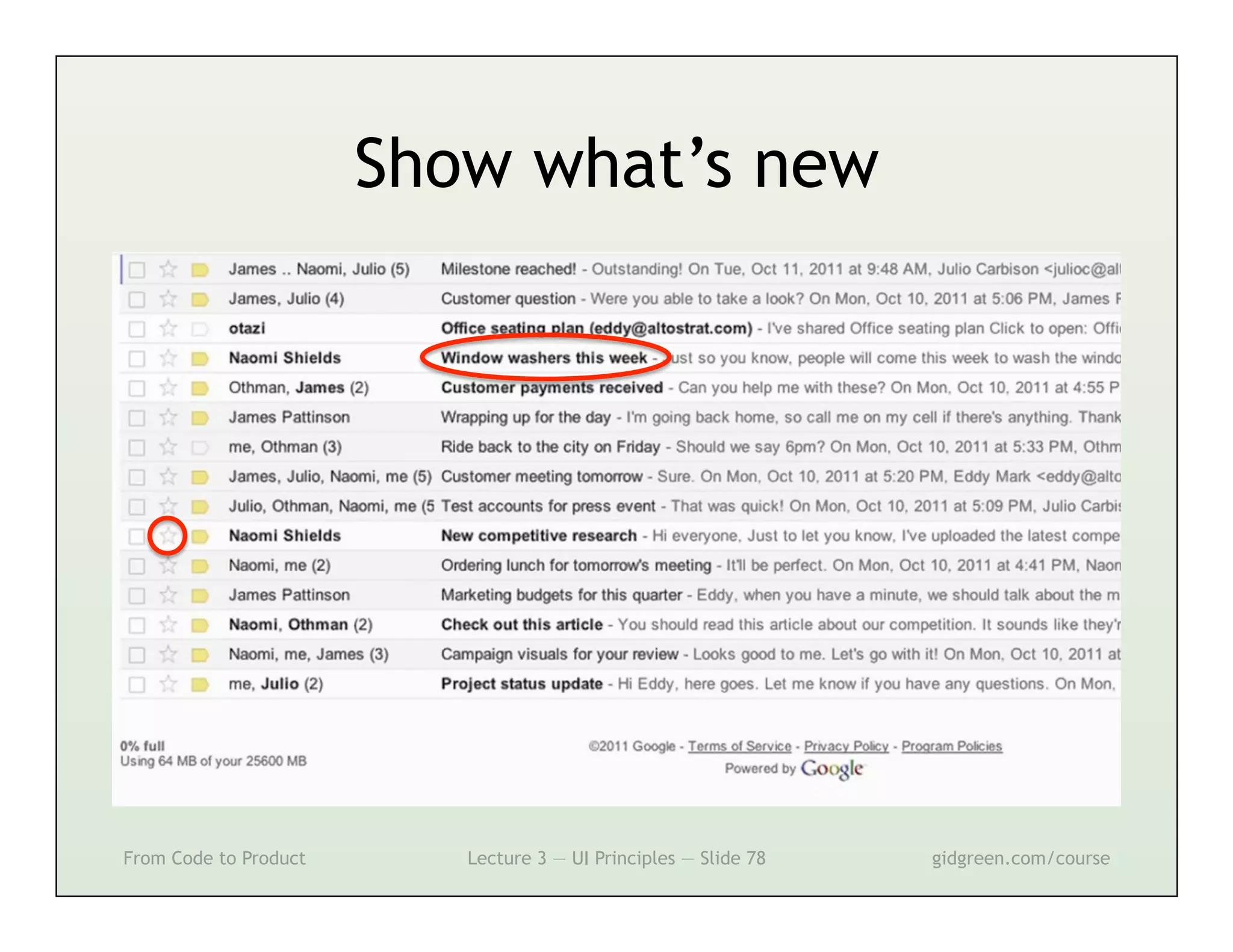
Show what’s new


From Code to Product      Lecture 3 — UI Principles — Slide 78   gidgreen.com/course
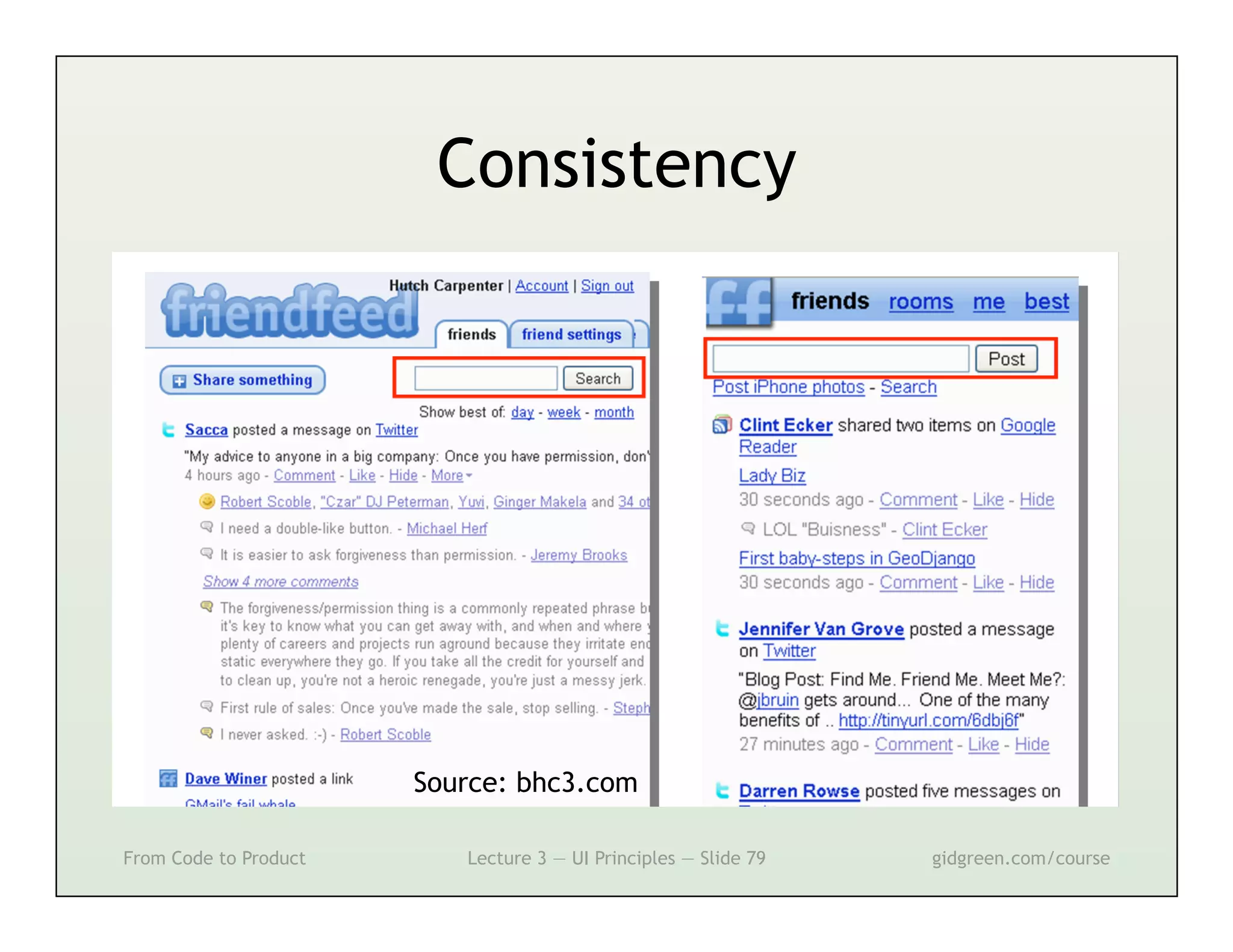
Consistency


                       Source: bhc3.com

From Code to Product      Lecture 3 — UI Principles — Slide 79   gidgreen.com/course
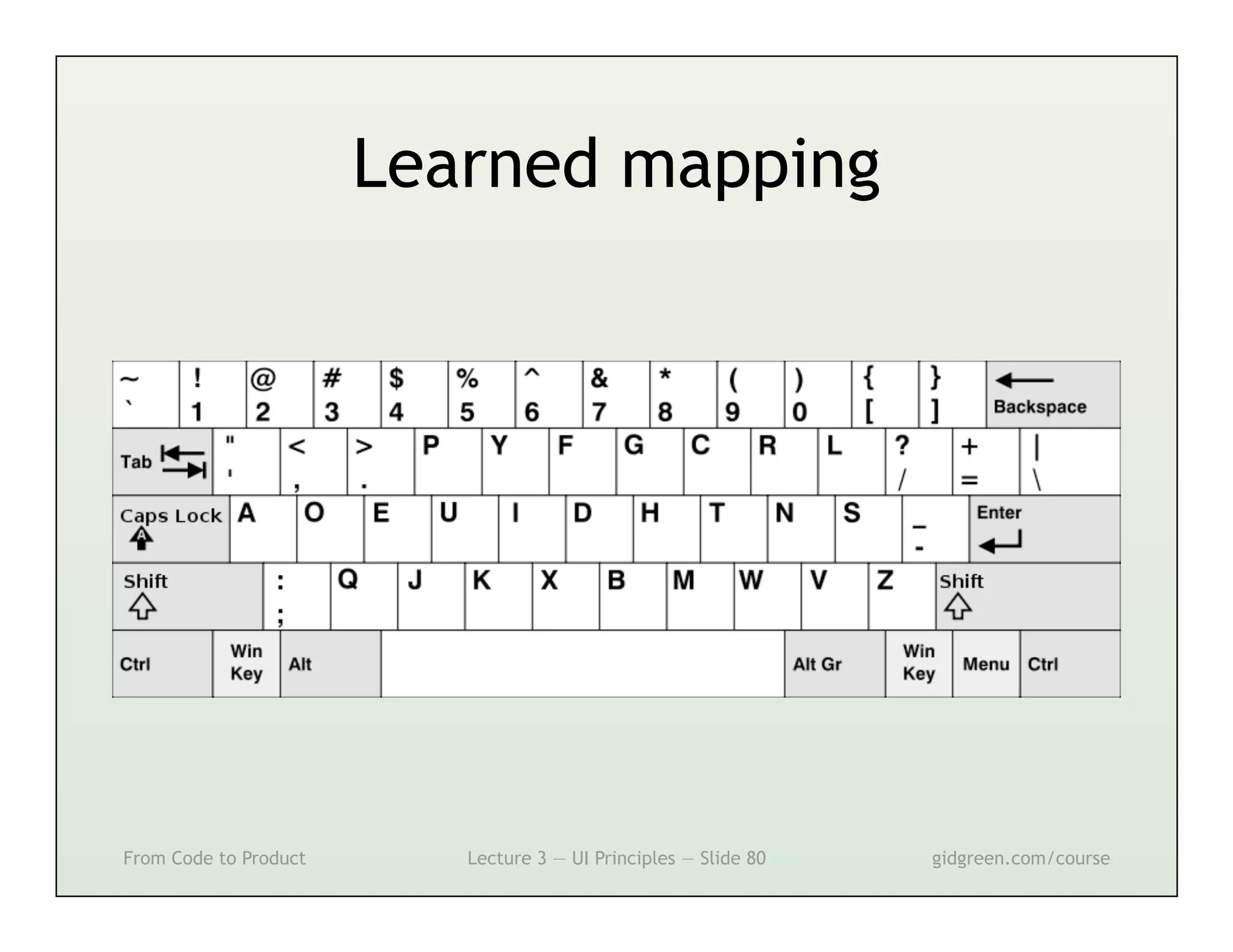
Learned mapping


From Code to Product      Lecture 3 — UI Principles — Slide 80   gidgreen.com/course
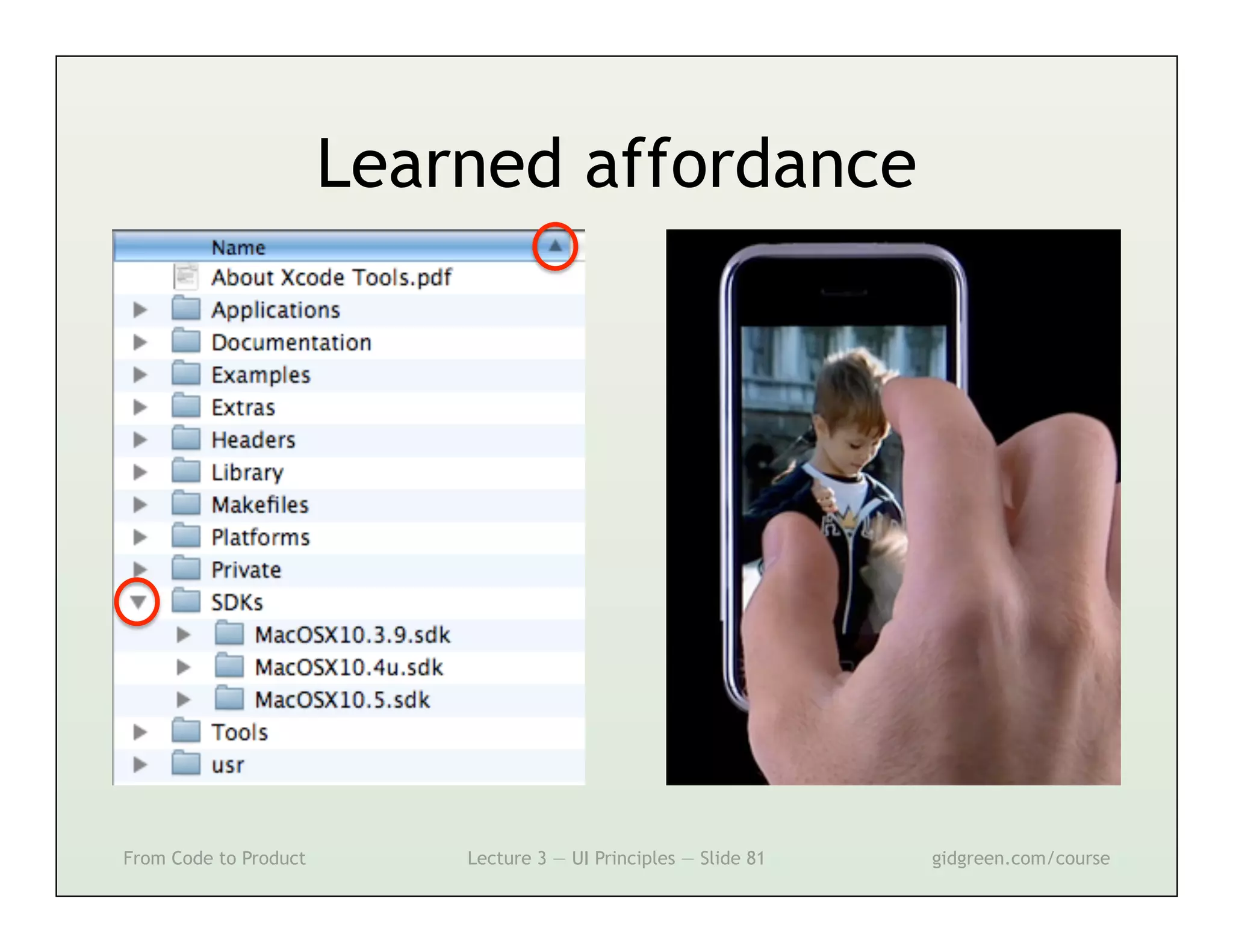
Learned affordance


From Code to Product       Lecture 3 — UI Principles — Slide 81   gidgreen.com/course
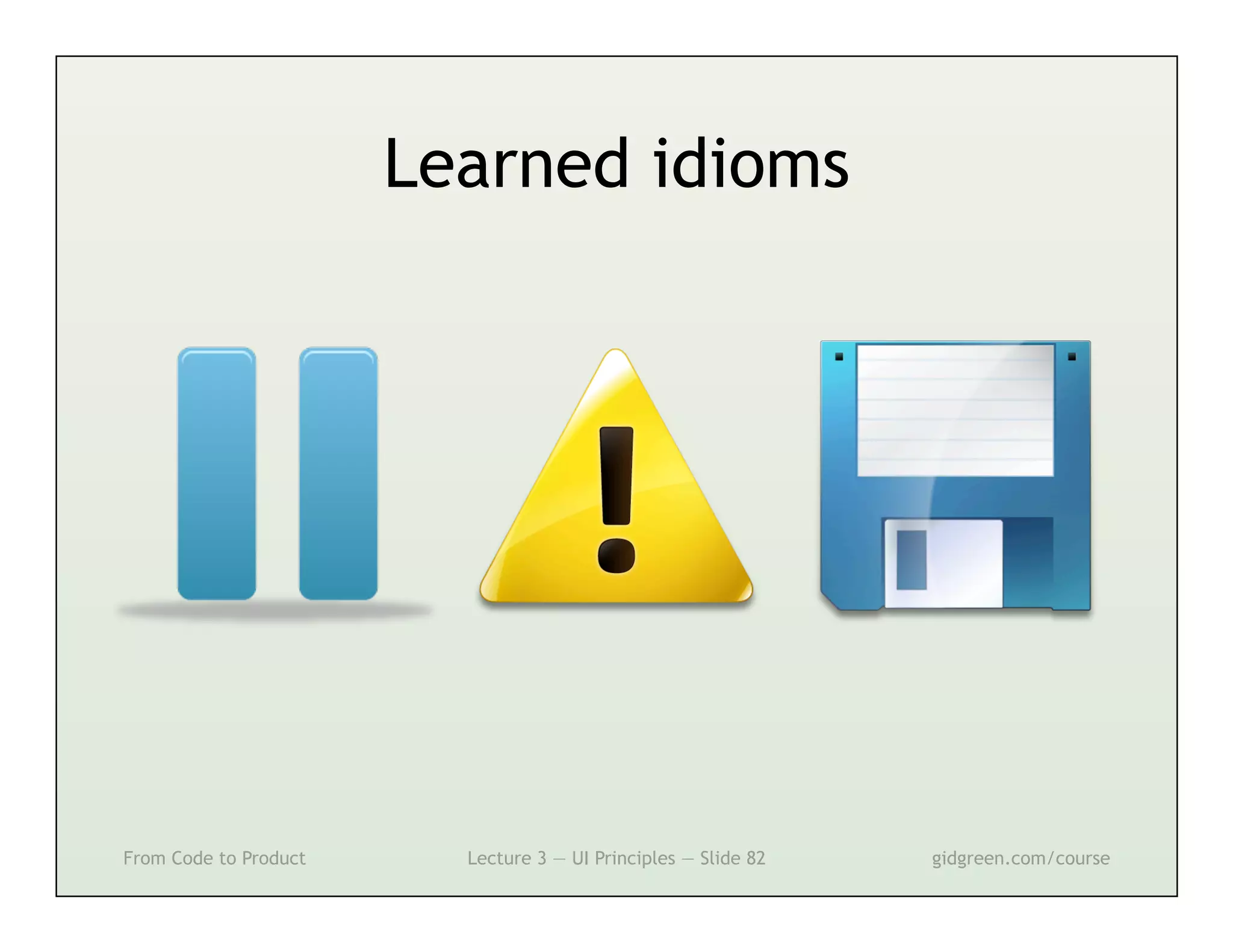
Learned idioms


From Code to Product     Lecture 3 — UI Principles — Slide 82   gidgreen.com/course
Lecture 3
•    Introduction
•    Vision
•    Cognition
•    Memory
•    Action
•    Emotion


From Code to Product   Lecture 3 — UI Principles — Slide 83   gidgreen.com/course
Action


                                                                 http://www.85qm.de/up/BigRedButton.swf
From Code to Product   Lecture 3 — UI Principles — Slide 84   gidgreen.com/course
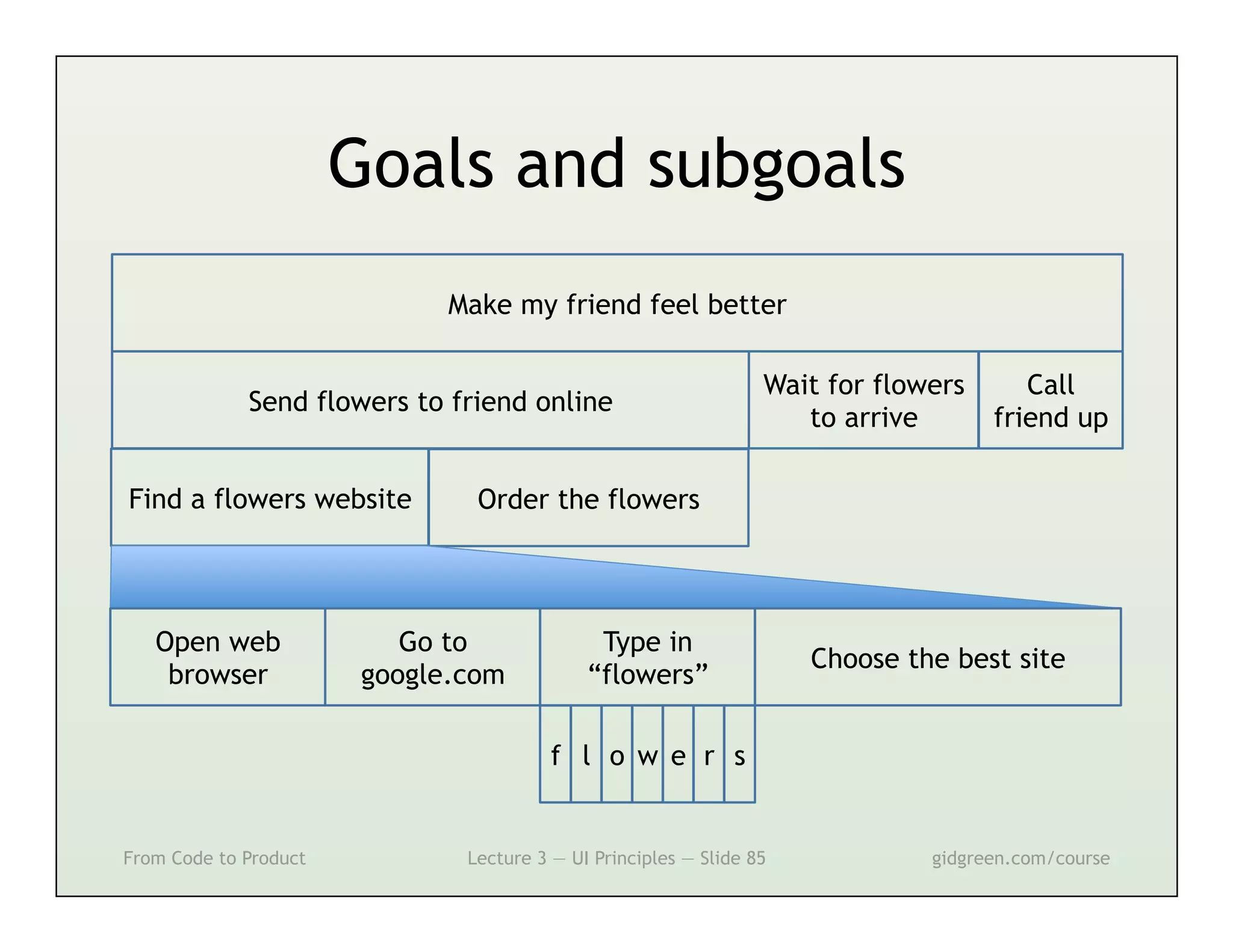
Goals and subgoals
                              Make my friend feel better

                                                                  Wait for flowers      Call
             Send flowers to friend online
                                                                     to arrive       friend up

Find a flowers website          Order the flowers


   Open web                Go to              Type in
                                                                      Choose the best site
    browser             google.com           “flowers”

                                         f l o w e r s


From Code to Product           Lecture 3 — UI Principles — Slide 85            gidgreen.com/course
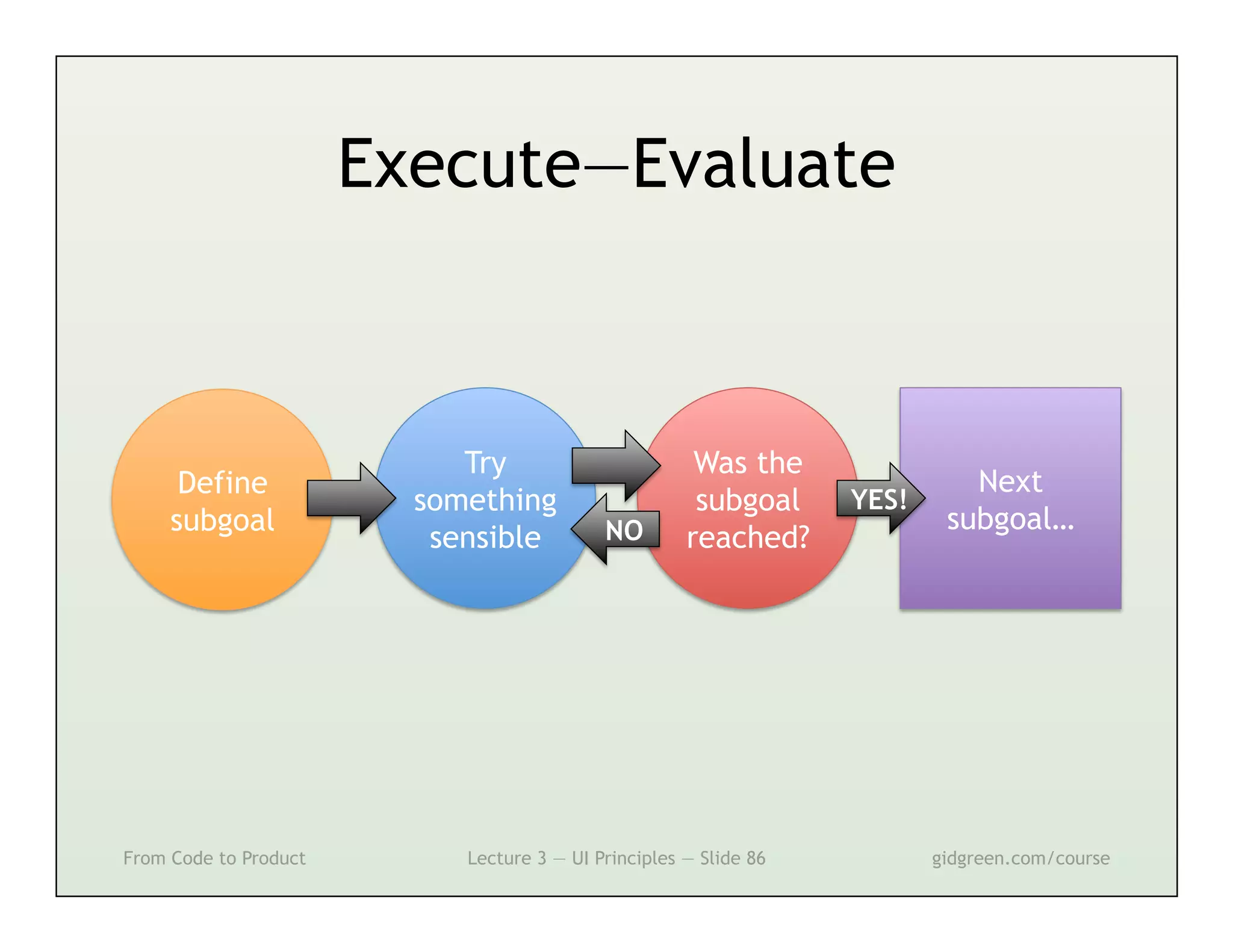
Execute—Evaluate


                            Try                        Was the
      Define                                                                 Next
                         something                     subgoal     YES!
     subgoal                                NO                             subgoal…
                          sensible                    reached?


From Code to Product        Lecture 3 — UI Principles — Slide 86          gidgreen.com/course
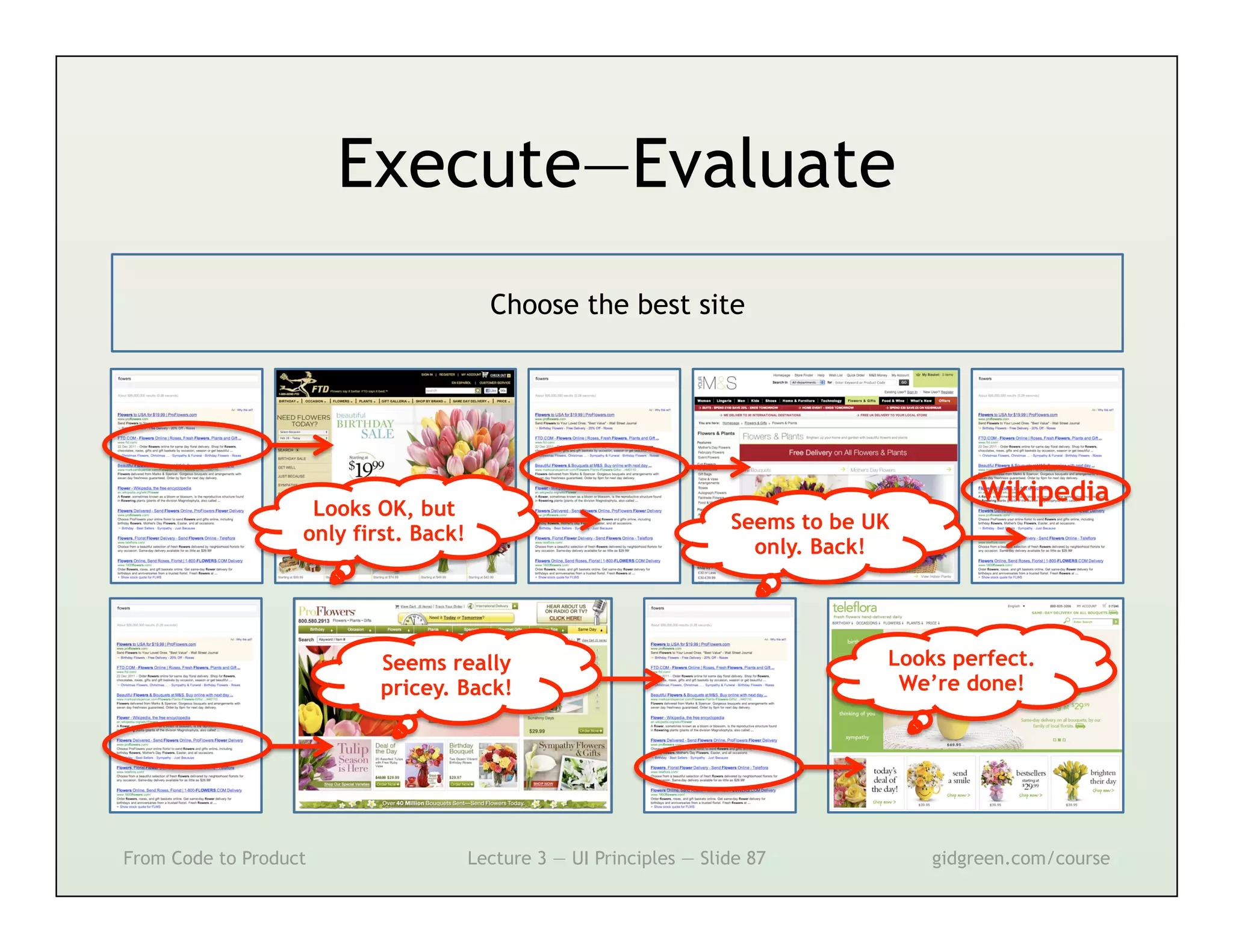
Execute—Evaluate
                                         Choose the best site


                                                                                            Wikipedia
                    Looks OK, but
                                                                      Seems to be UK
                   only first. Back!
                                                                        only. Back!


                           Seems really                                            Looks perfect.
                           pricey. Back!                                            We’re done!


From Code to Product                   Lecture 3 — UI Principles — Slide 87            gidgreen.com/course
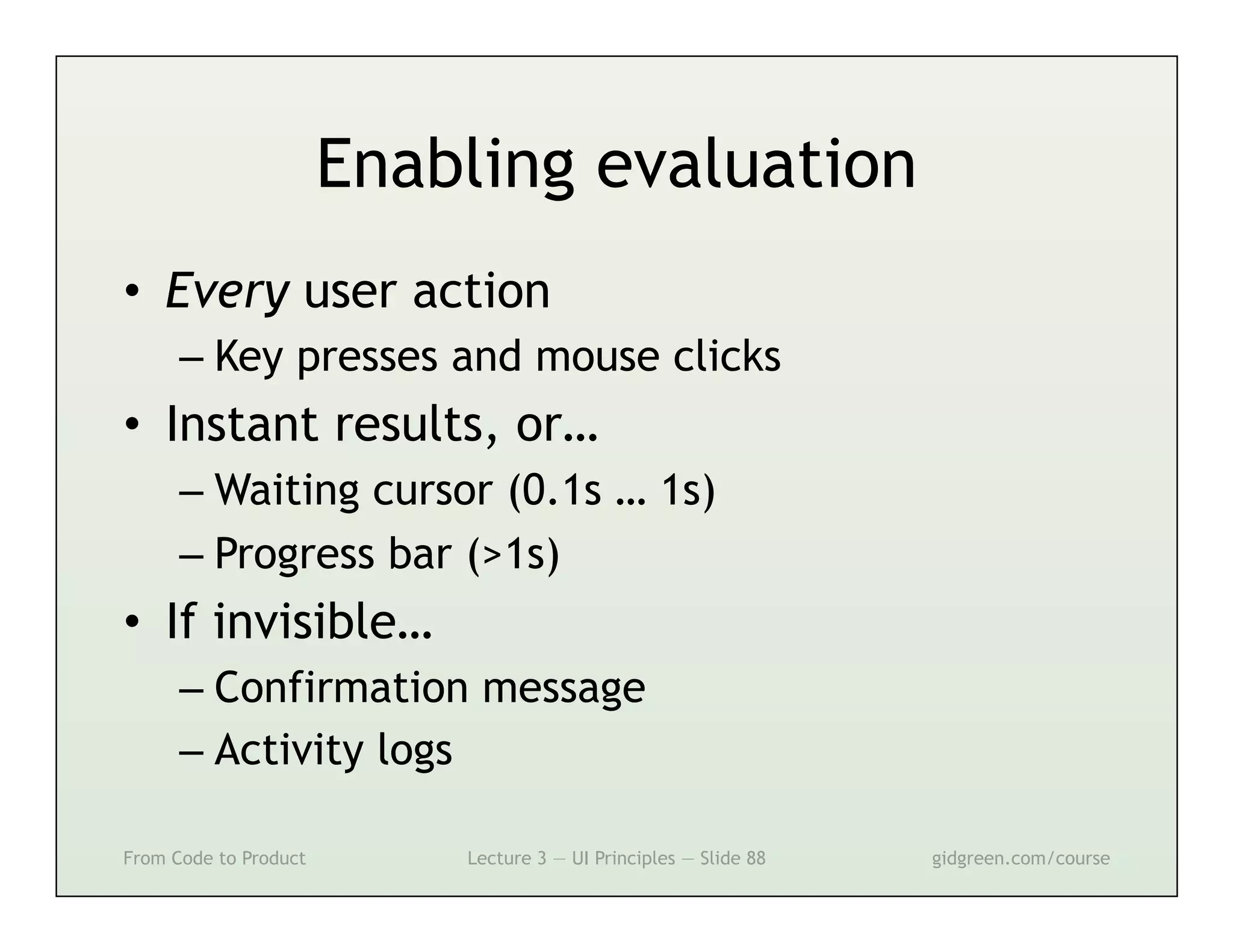
Enabling evaluation
•  Every user action
      –  Key presses and mouse clicks
•  Instant results, or…
      –  Waiting cursor (0.1s … 1s)
      –  Progress bar (>1s)
•  If invisible…
      –  Confirmation message
      –  Activity logs

From Code to Product       Lecture 3 — UI Principles — Slide 88   gidgreen.com/course
Evaluation


From Code to Product   Lecture 3 — UI Principles — Slide 89   gidgreen.com/course
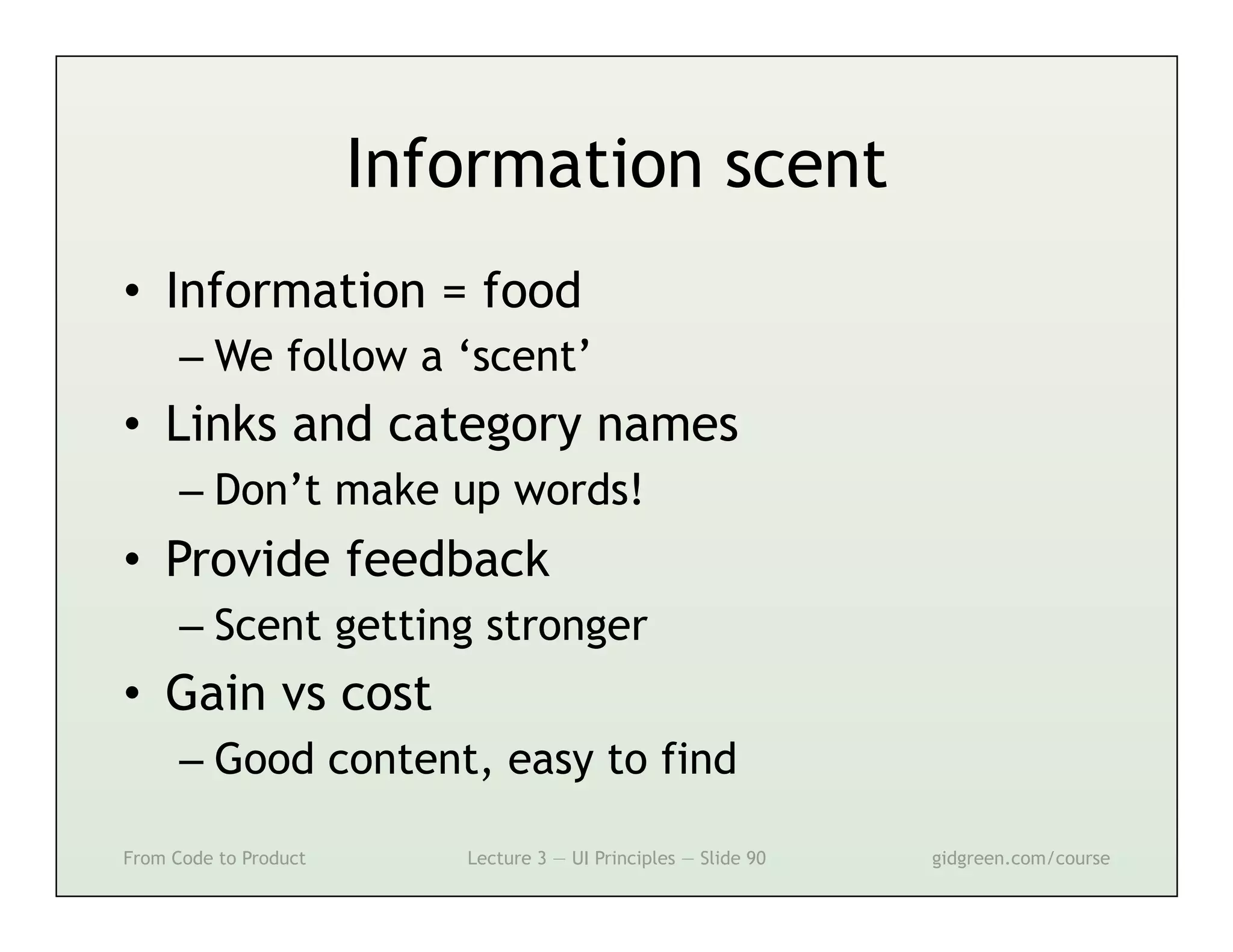
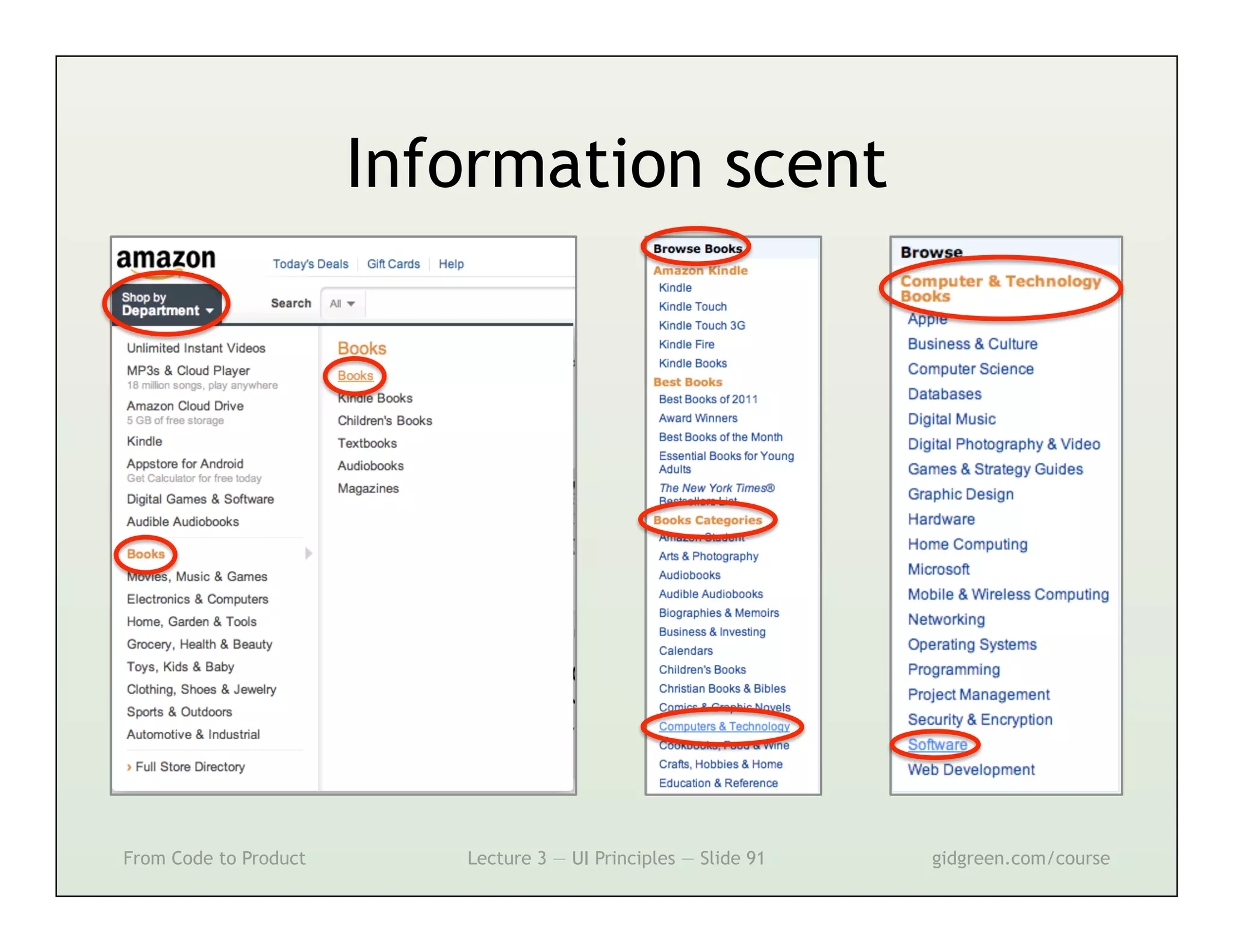
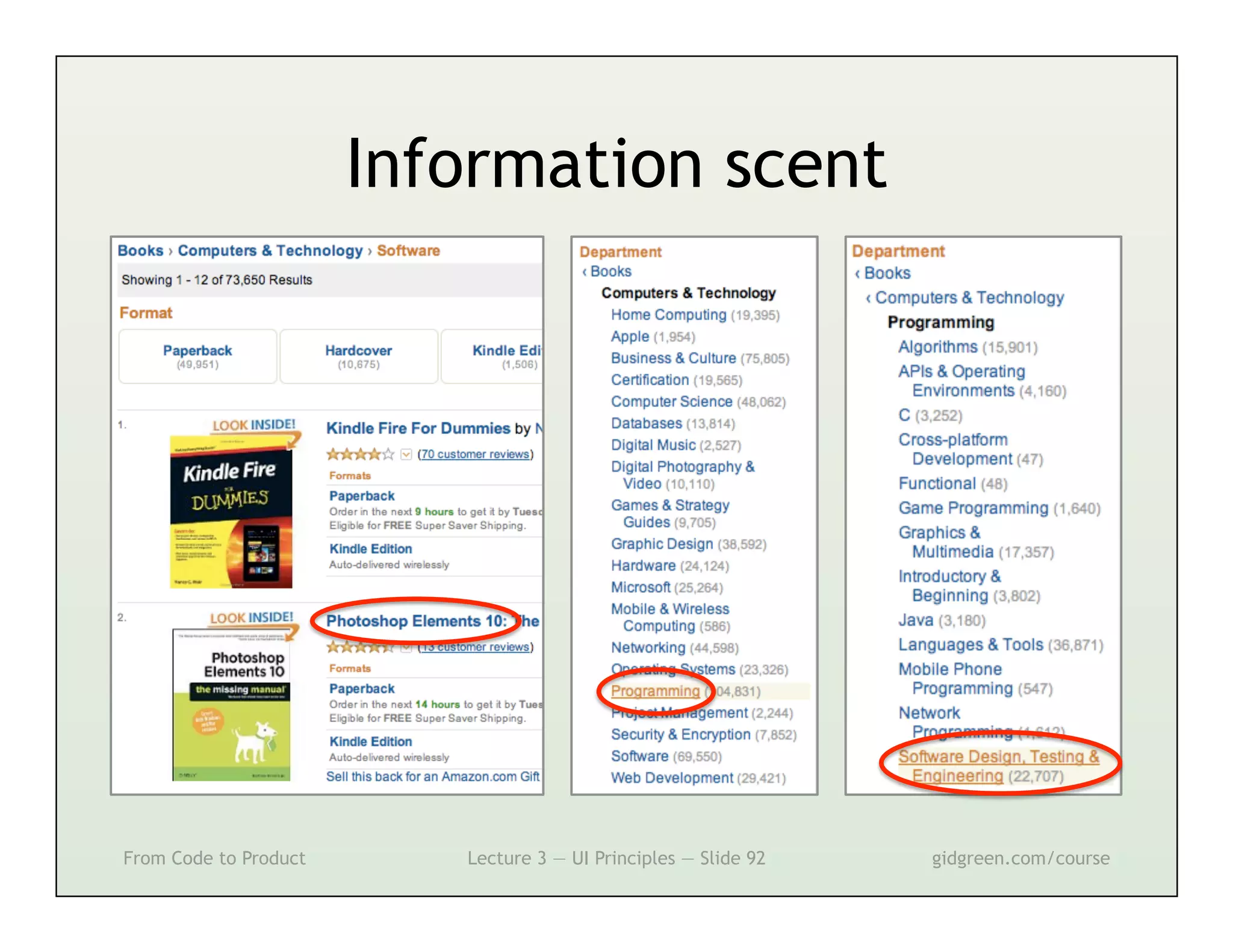
Information scent
•  Information = food
      –  We follow a ‘scent’
•  Links and category names
      –  Don’t make up words!
•  Provide feedback
      –  Scent getting stronger
•  Gain vs cost
      –  Good content, easy to find

From Code to Product      Lecture 3 — UI Principles — Slide 90   gidgreen.com/course
Information scent


From Code to Product      Lecture 3 — UI Principles — Slide 91   gidgreen.com/course
Information scent


From Code to Product      Lecture 3 — UI Principles — Slide 92   gidgreen.com/course
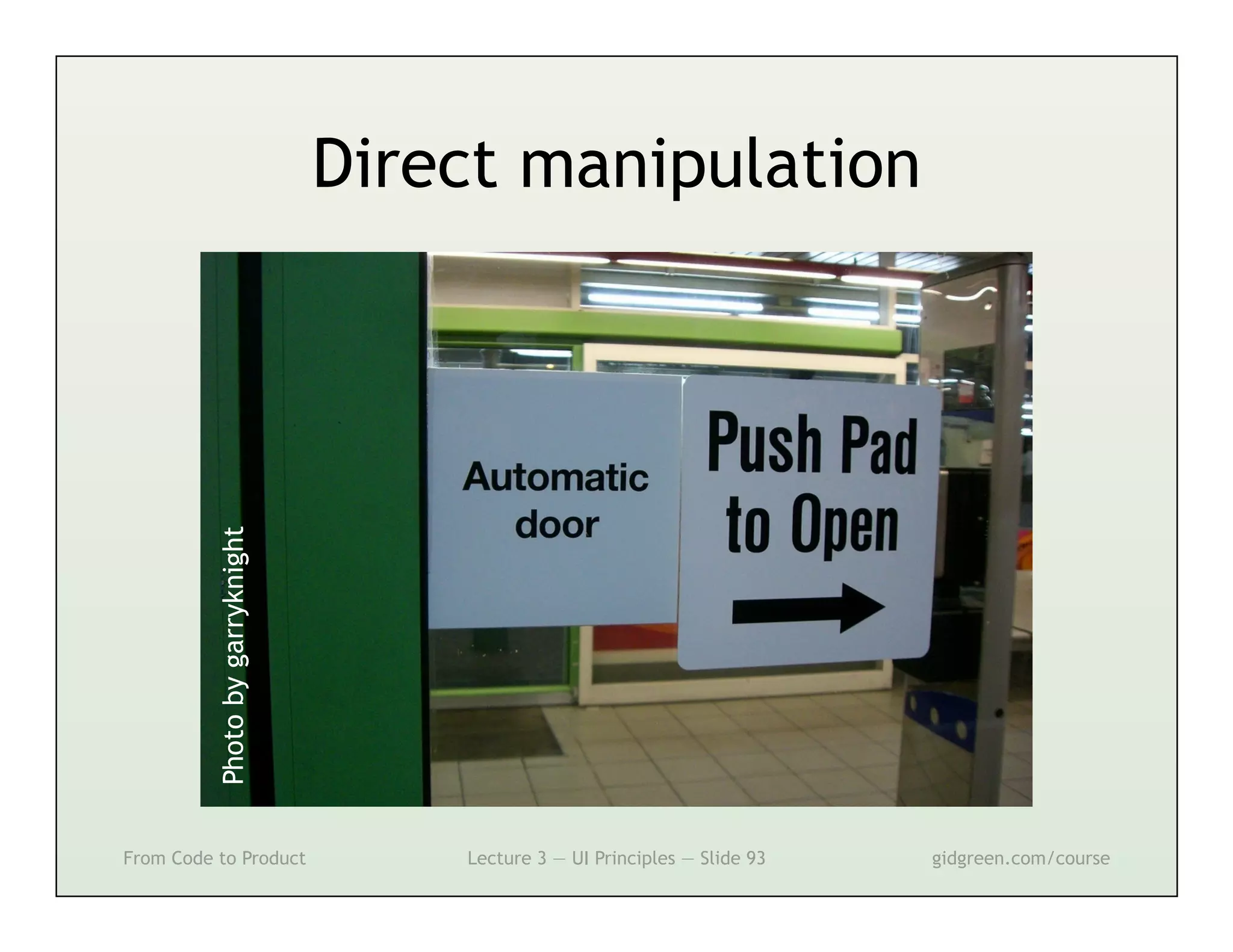
Direct manipulation
          Photo by garryknight


From Code to Product                 Lecture 3 — UI Principles — Slide 93   gidgreen.com/course
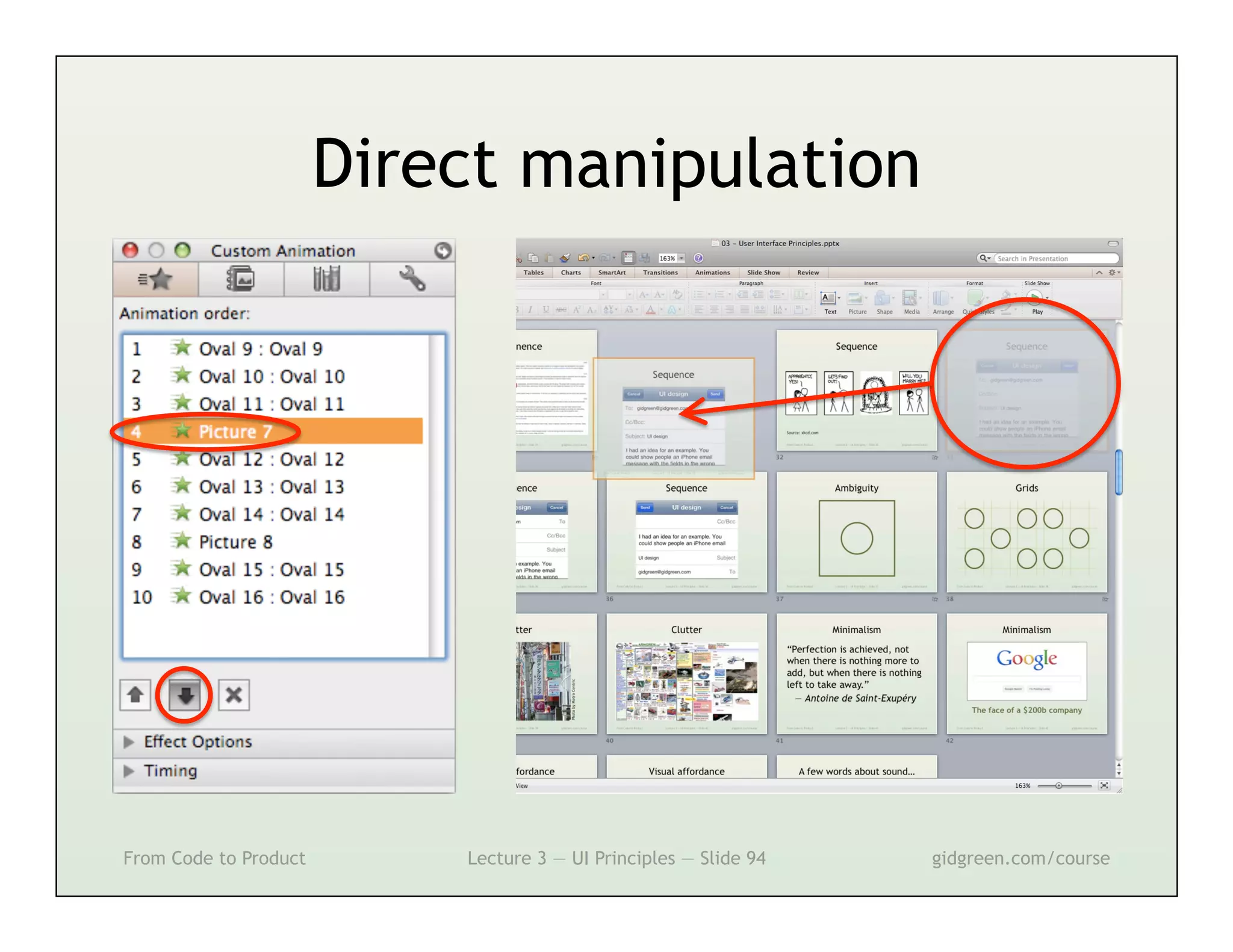
Direct manipulation


From Code to Product       Lecture 3 — UI Principles — Slide 94   gidgreen.com/course
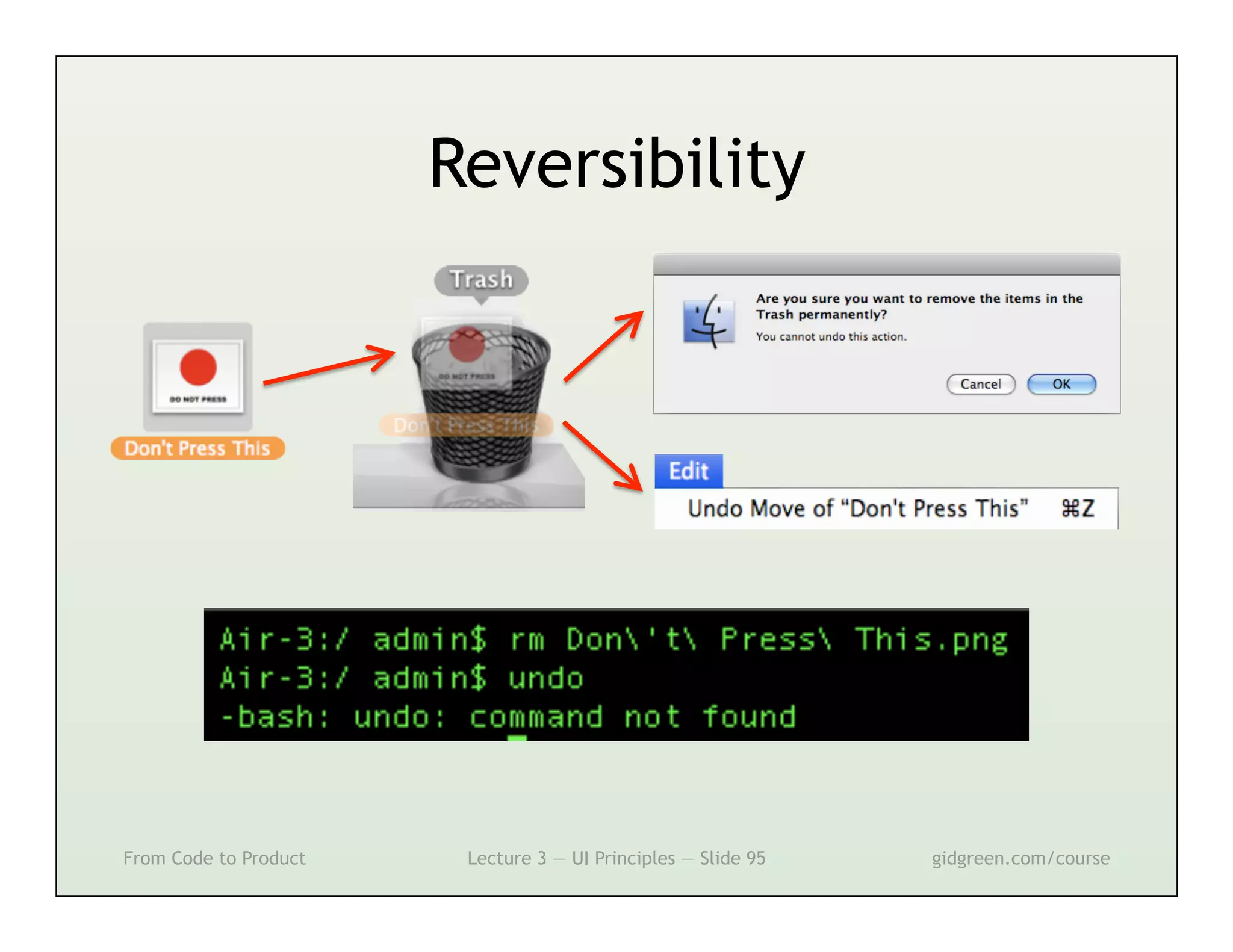
Reversibility


From Code to Product    Lecture 3 — UI Principles — Slide 95   gidgreen.com/course
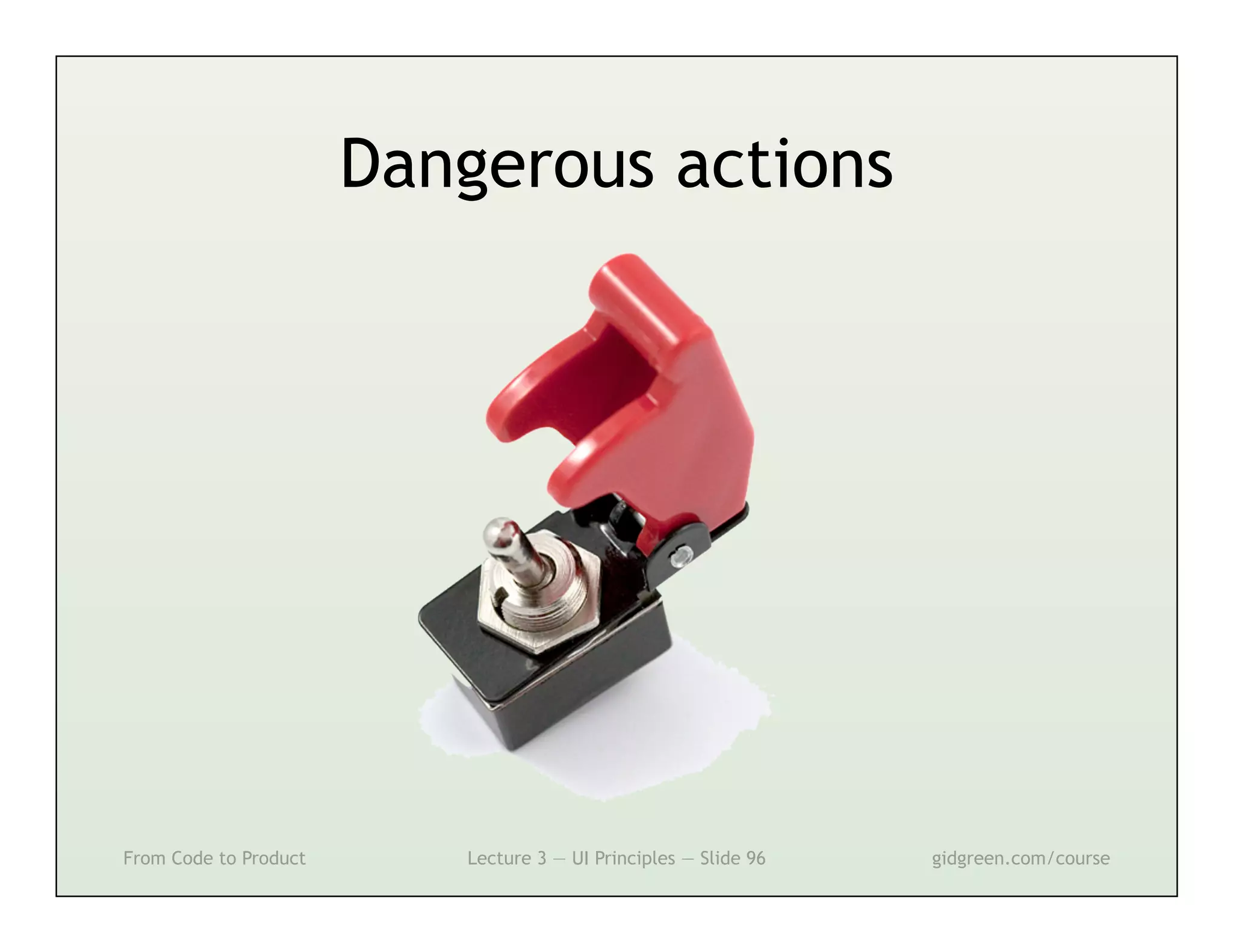
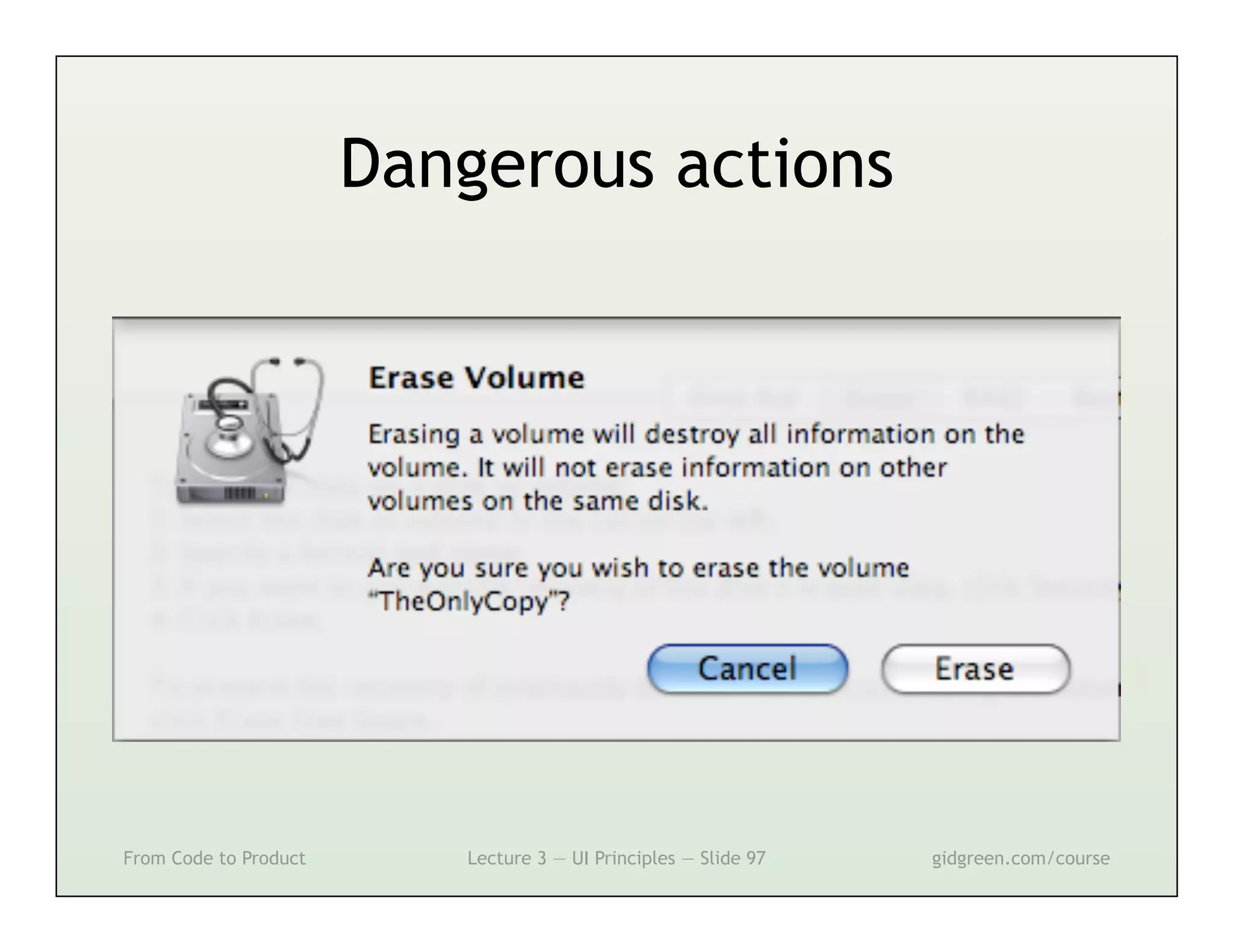
Dangerous actions


From Code to Product      Lecture 3 — UI Principles — Slide 96   gidgreen.com/course
Dangerous actions


From Code to Product      Lecture 3 — UI Principles — Slide 97   gidgreen.com/course
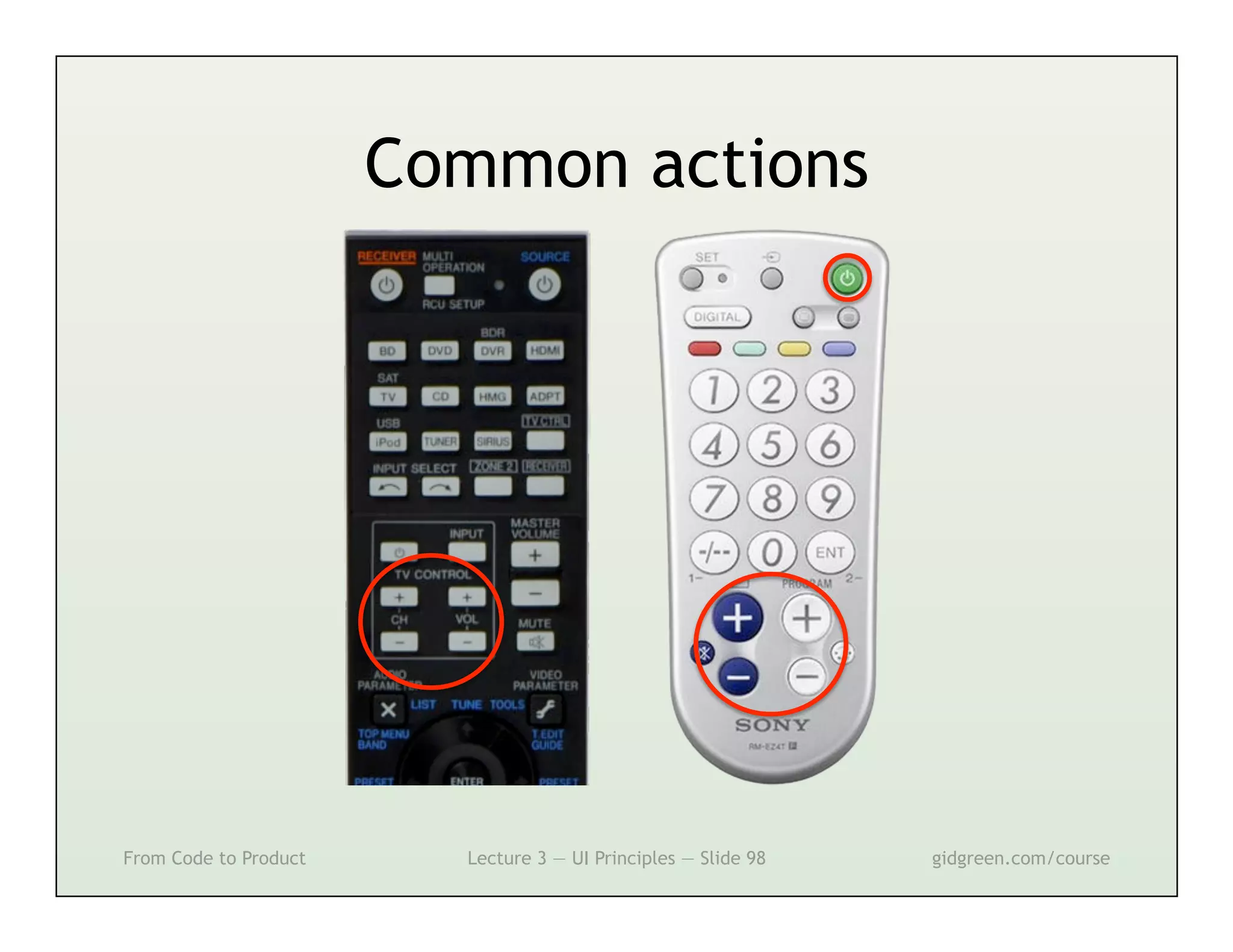
Common actions


From Code to Product     Lecture 3 — UI Principles — Slide 98   gidgreen.com/course
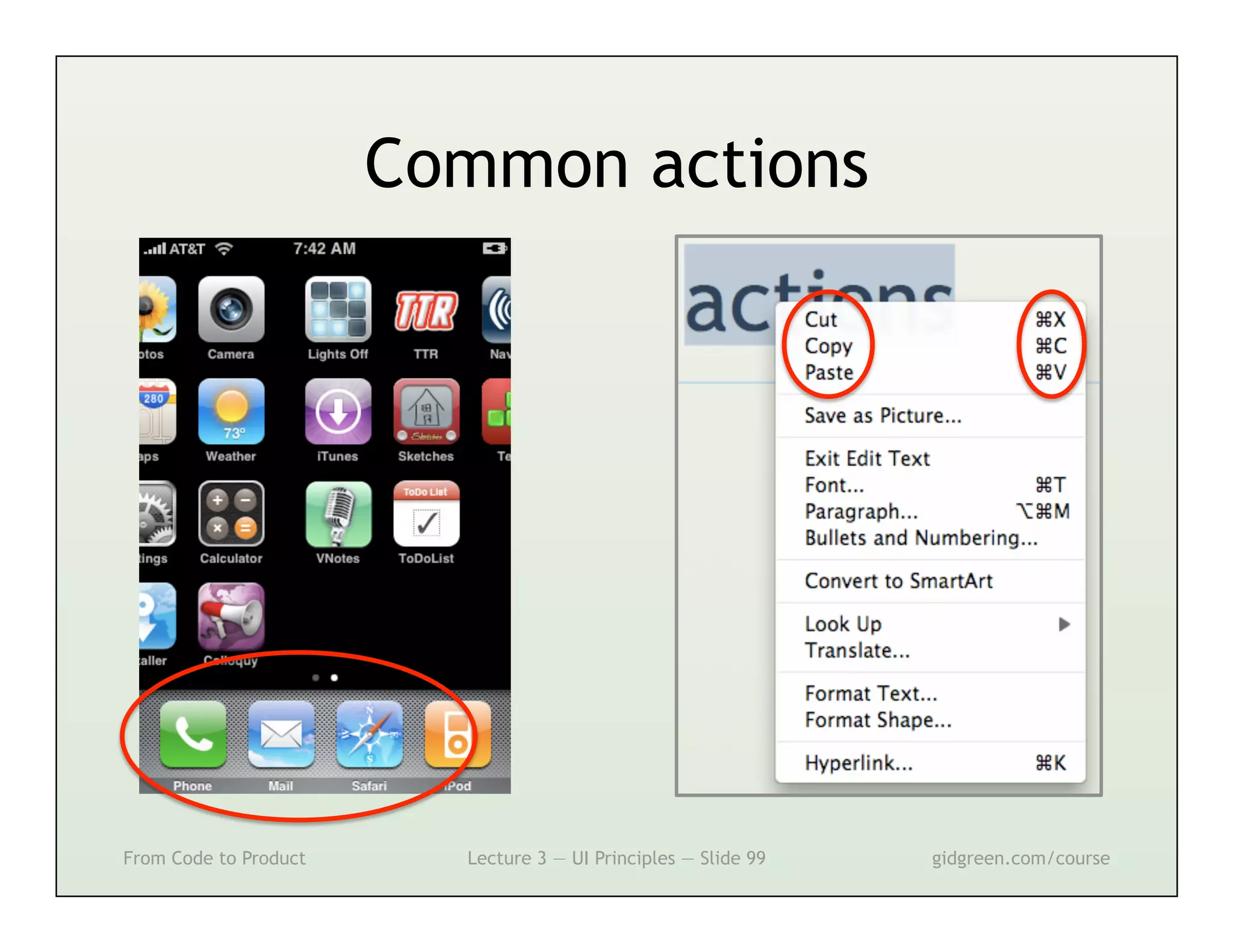
Common actions


From Code to Product     Lecture 3 — UI Principles — Slide 99   gidgreen.com/course
Lecture 3
•    Introduction
•    Vision
•    Cognition
•    Memory
•    Action
•    Emotion


From Code to Product   Lecture 3 — UI Principles — Slide 100   gidgreen.com/course
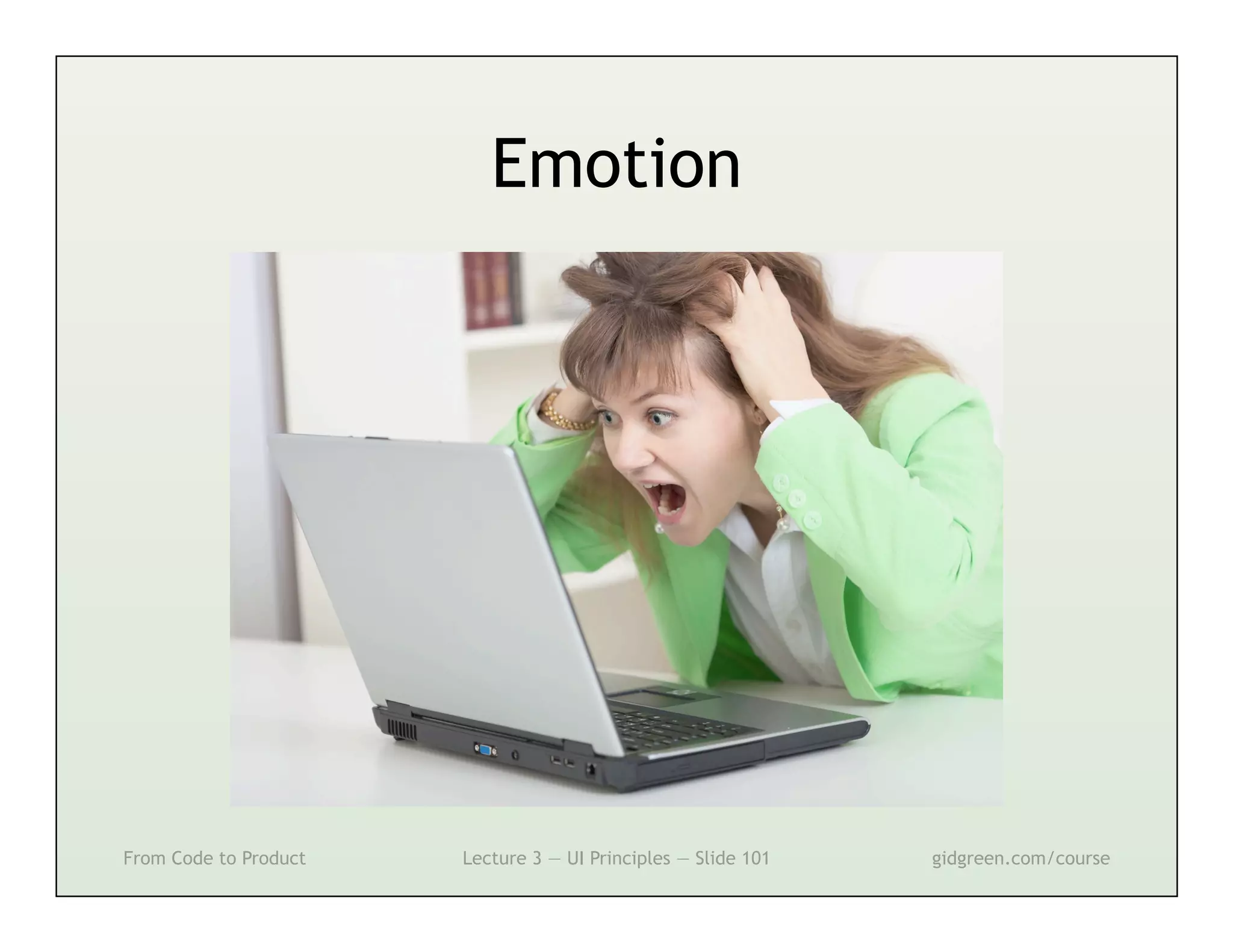
Emotion


From Code to Product   Lecture 3 — UI Principles — Slide 101   gidgreen.com/course
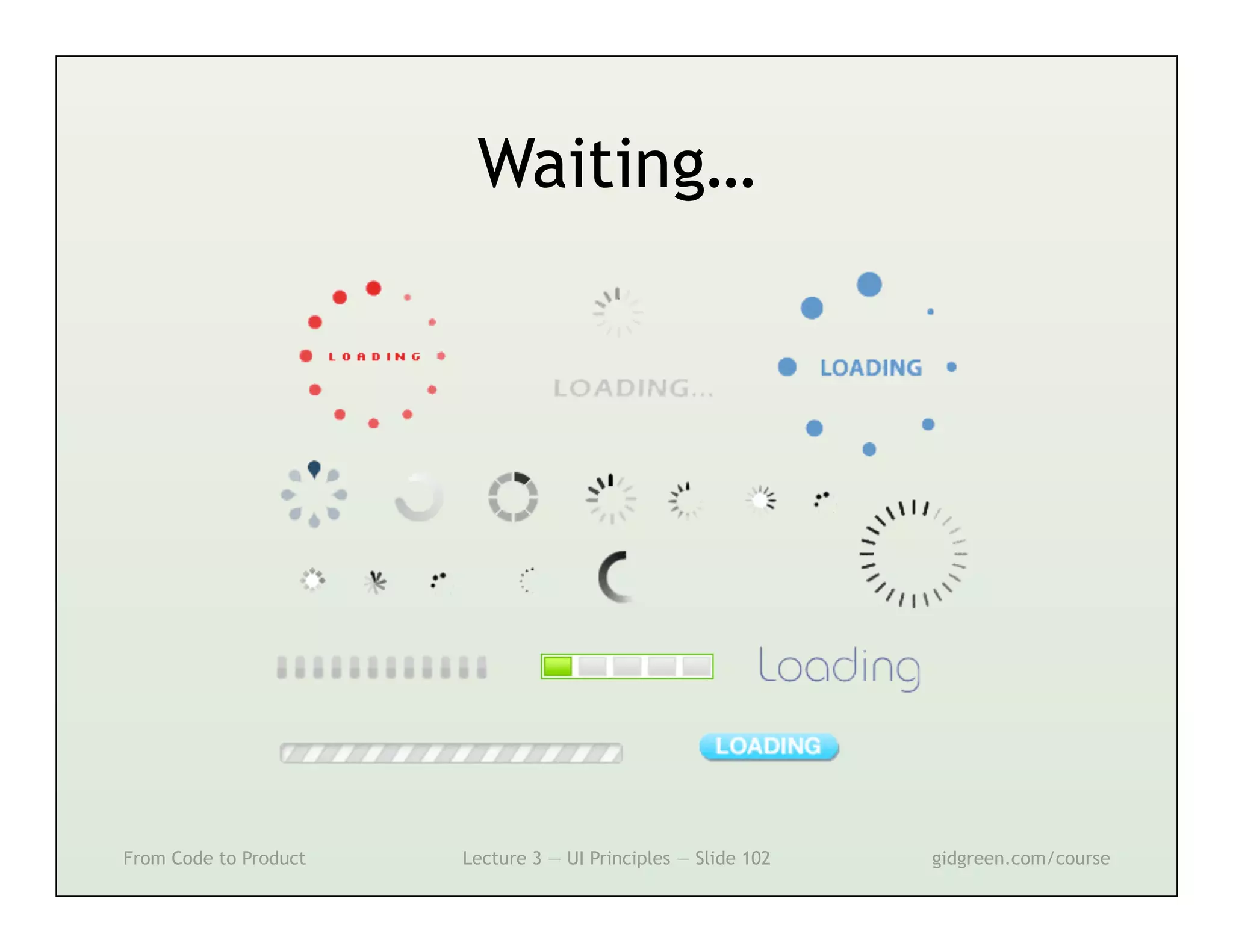
Waiting…


From Code to Product   Lecture 3 — UI Principles — Slide 102   gidgreen.com/course
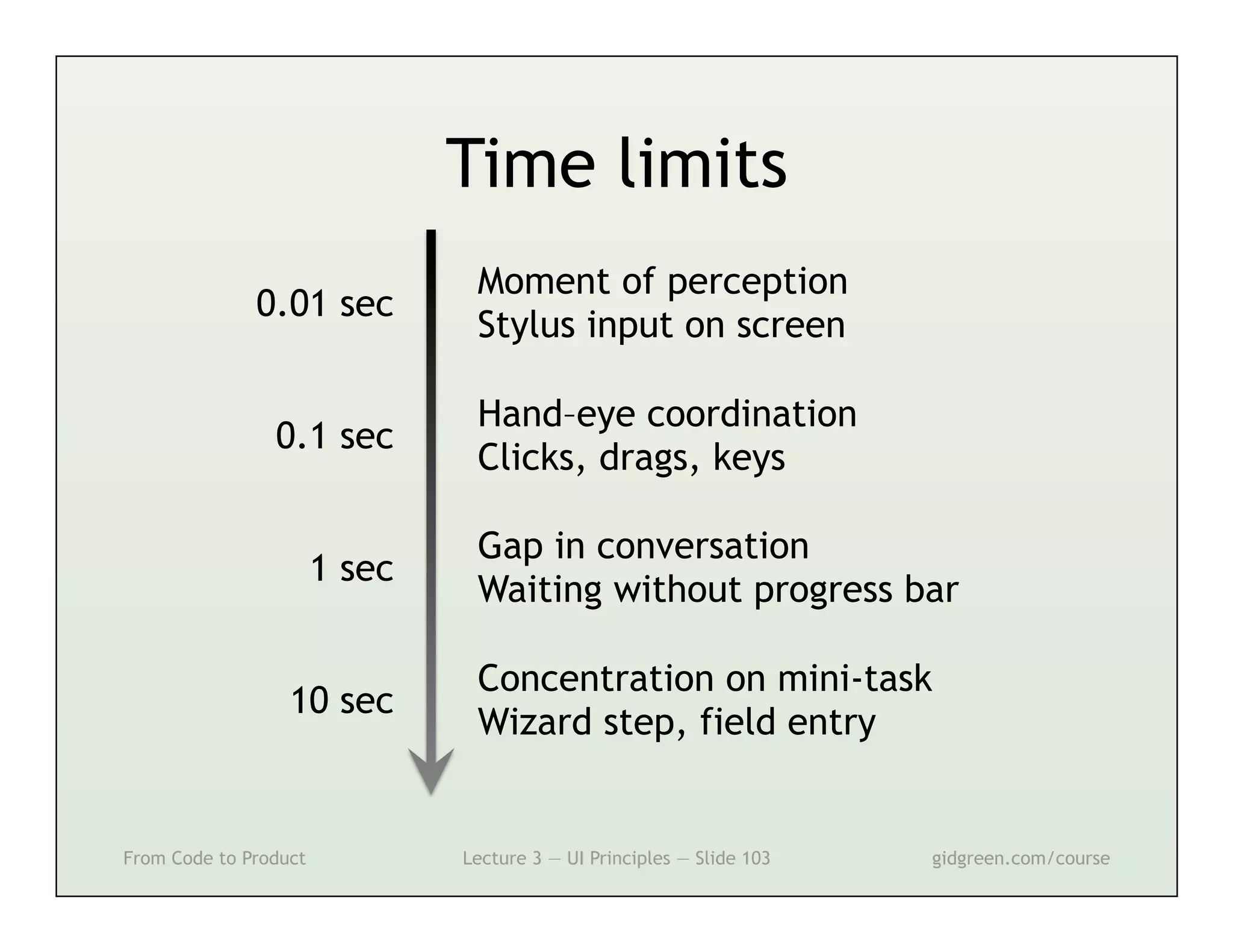
Time limits
                                Moment of perception
              0.01 sec
                                Stylus input on screen

                                Hand–eye coordination
                0.1 sec
                                Clicks, drags, keys

                                Gap in conversation
                       1 sec
                                Waiting without progress bar

                                Concentration on mini-task
                  10 sec
                                Wizard step, field entry


From Code to Product           Lecture 3 — UI Principles — Slide 103   gidgreen.com/course
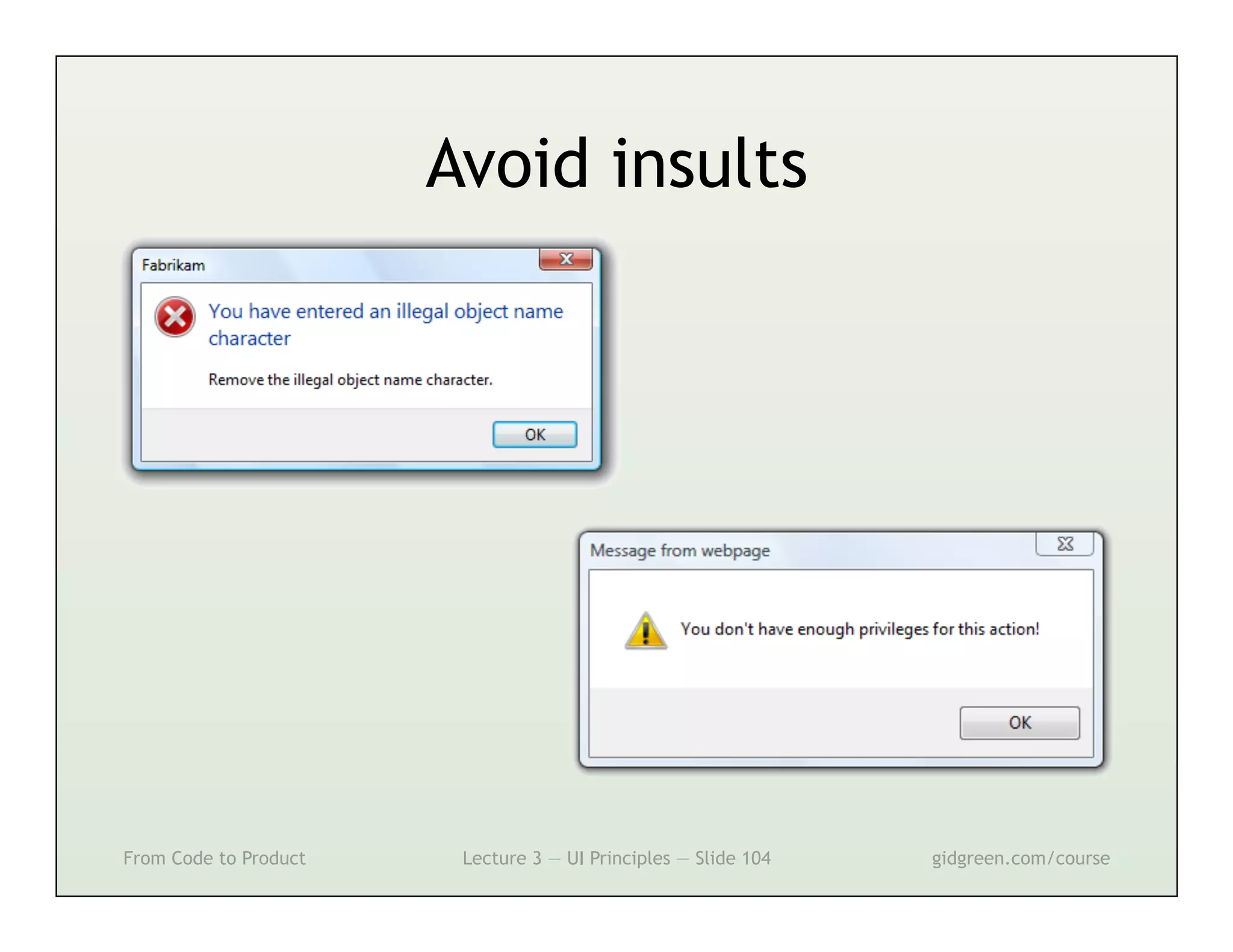
Avoid insults


From Code to Product    Lecture 3 — UI Principles — Slide 104   gidgreen.com/course
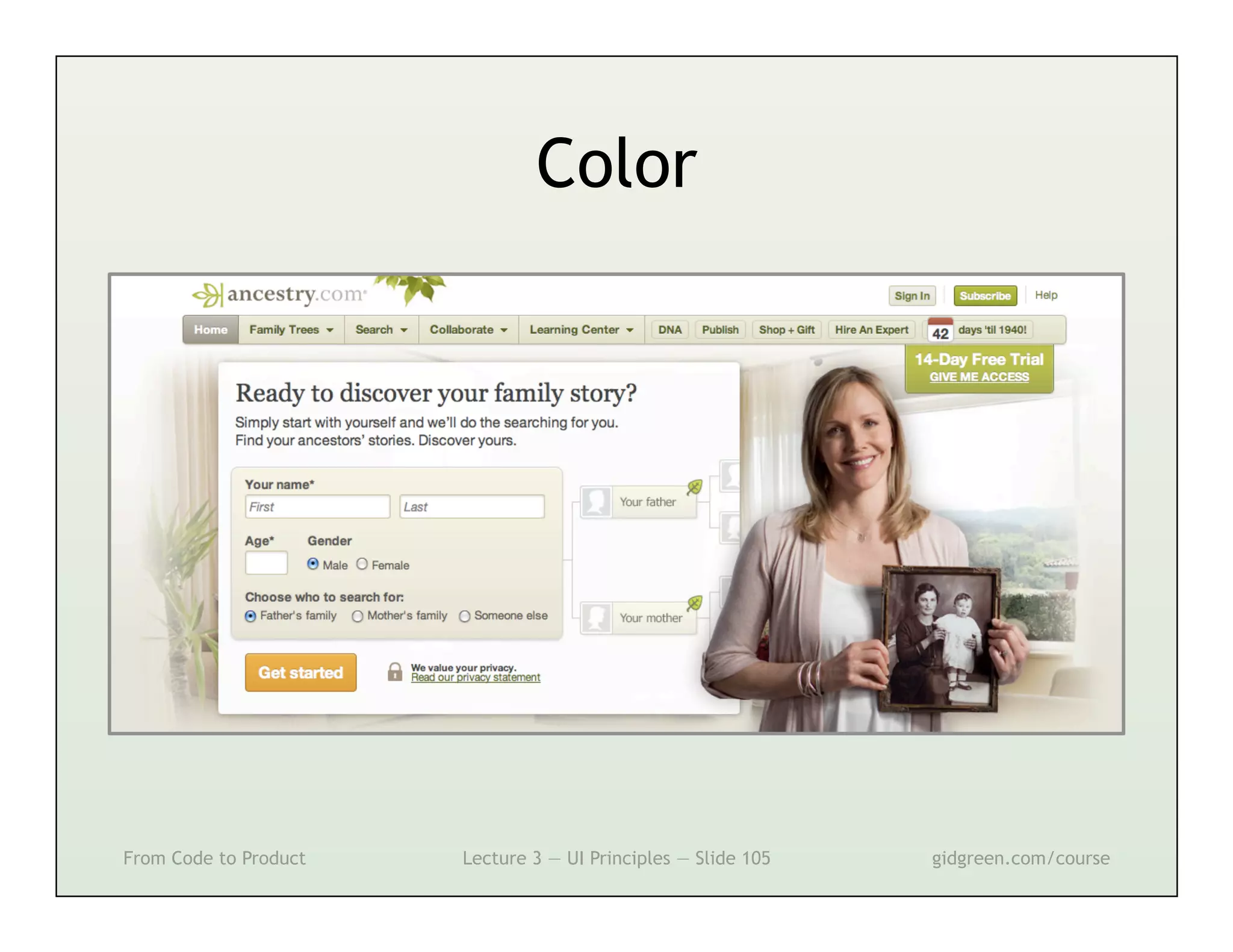
Color


From Code to Product   Lecture 3 — UI Principles — Slide 105   gidgreen.com/course
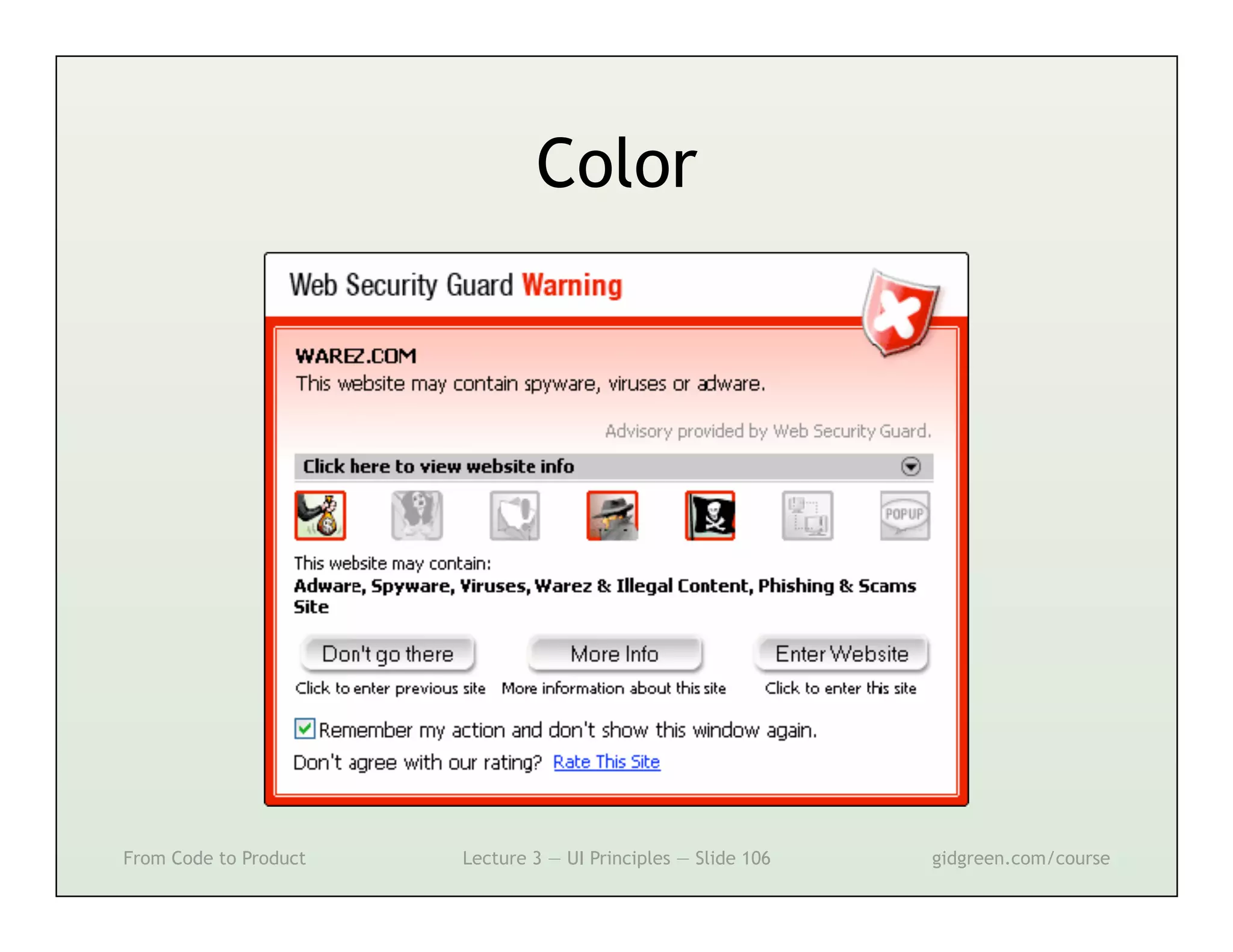
Color


From Code to Product   Lecture 3 — UI Principles — Slide 106   gidgreen.com/course
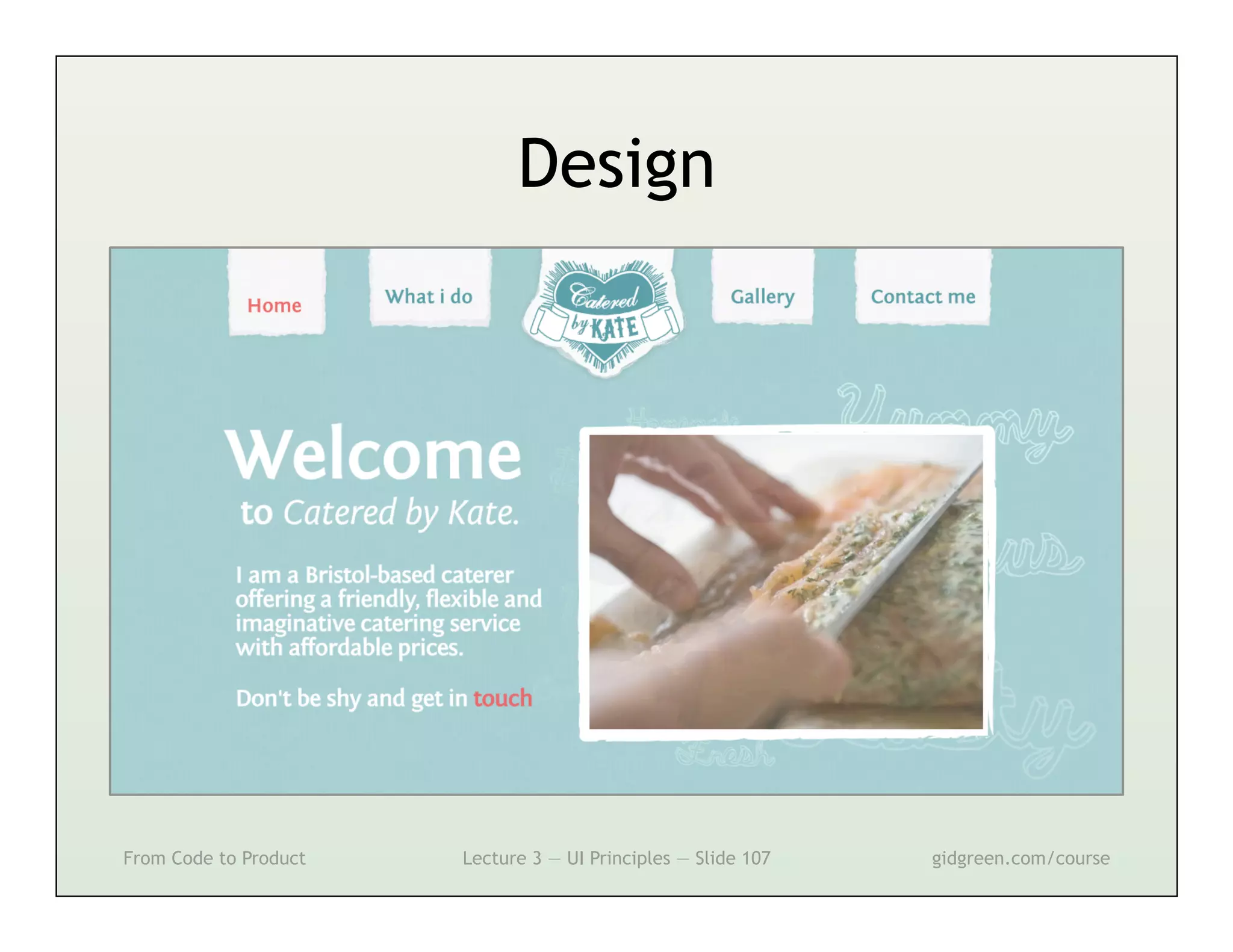
Design


From Code to Product   Lecture 3 — UI Principles — Slide 107   gidgreen.com/course
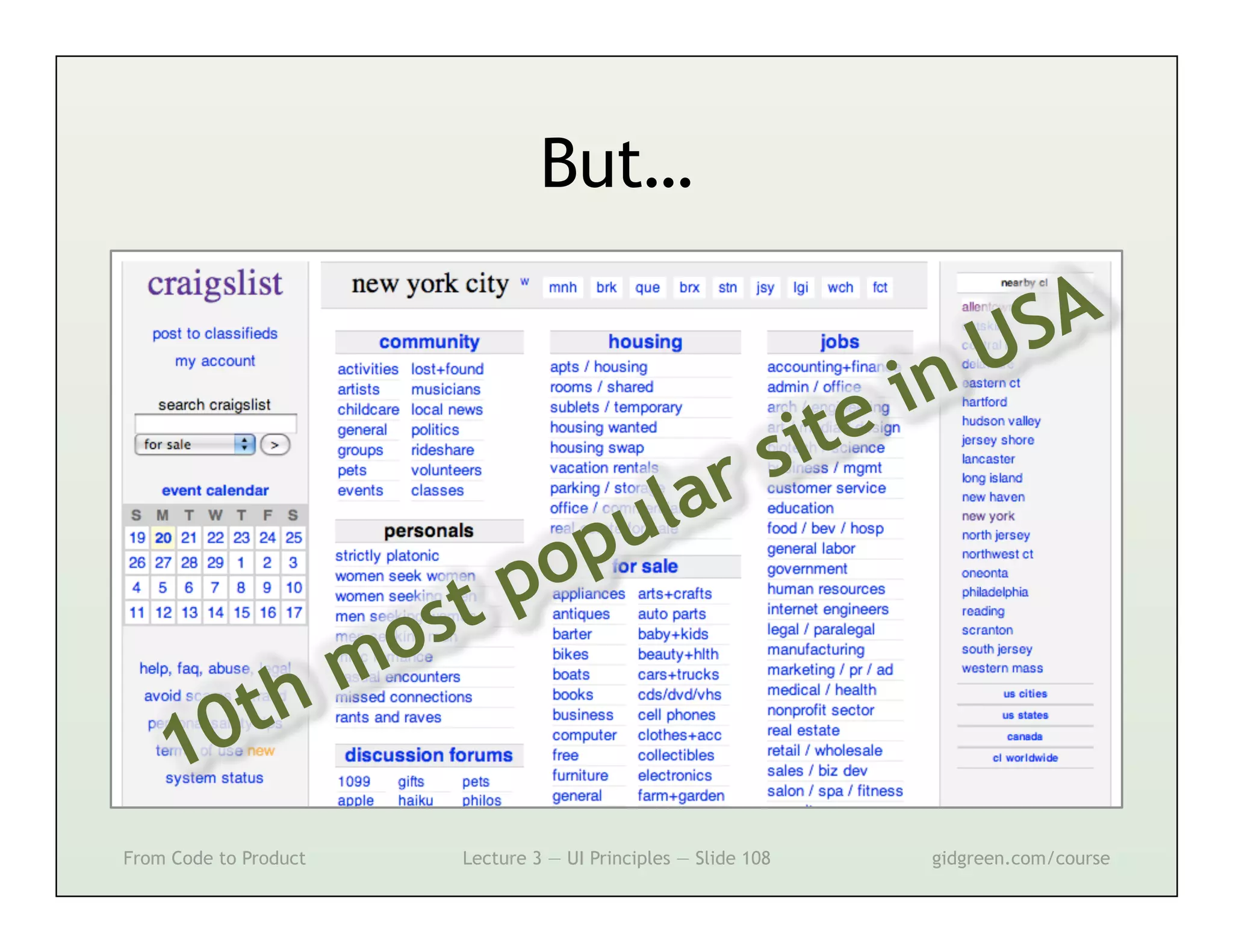
But…


From Code to Product   Lecture 3 — UI Principles — Slide 108   gidgreen.com/course
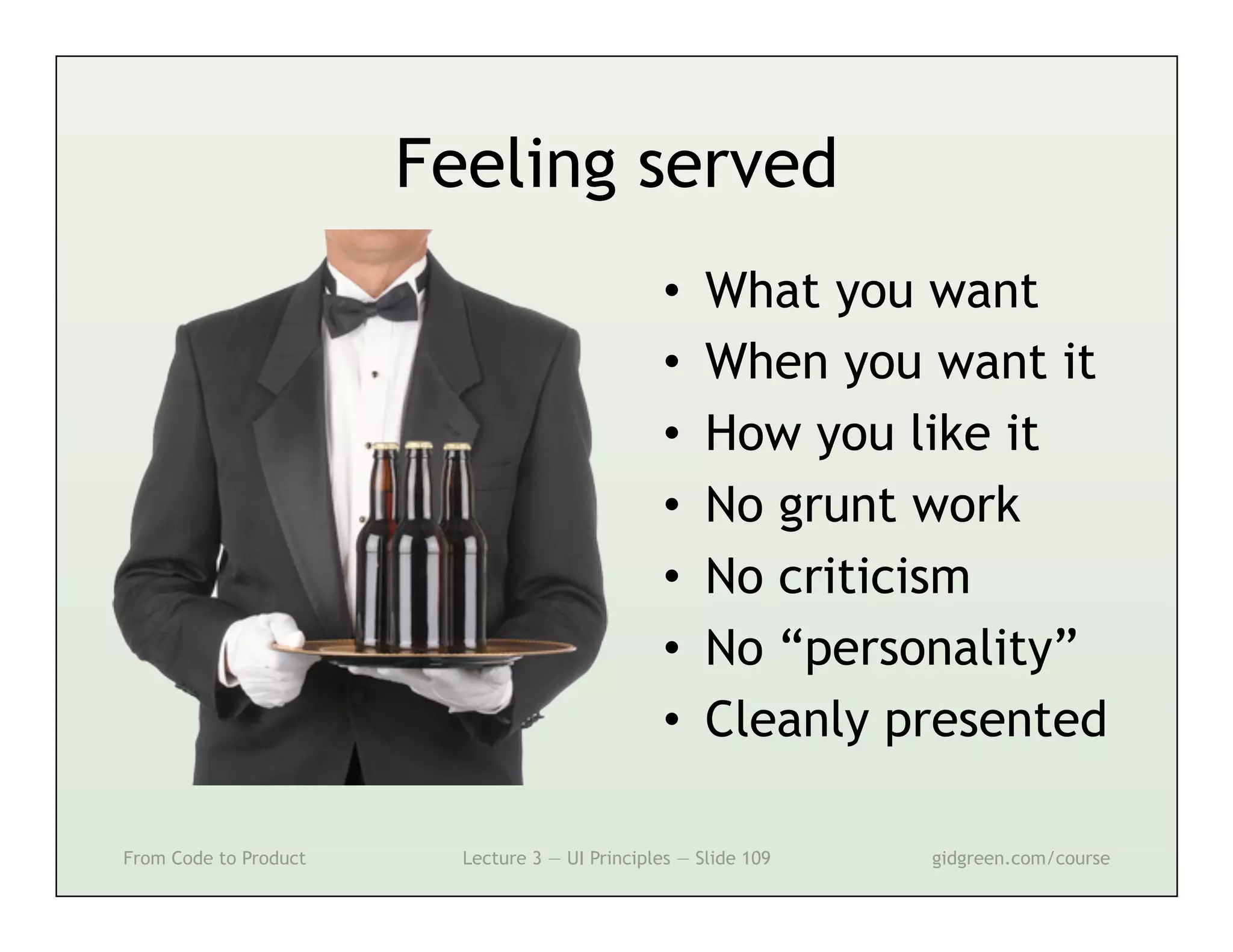
Feeling served
                                                 •    What you want
                                                 •    When you want it
                                                 •    How you like it
                                                 •    No grunt work
                                                 •    No criticism
                                                 •    No “personality”
                                                 •    Cleanly presented

From Code to Product     Lecture 3 — UI Principles — Slide 109   gidgreen.com/course
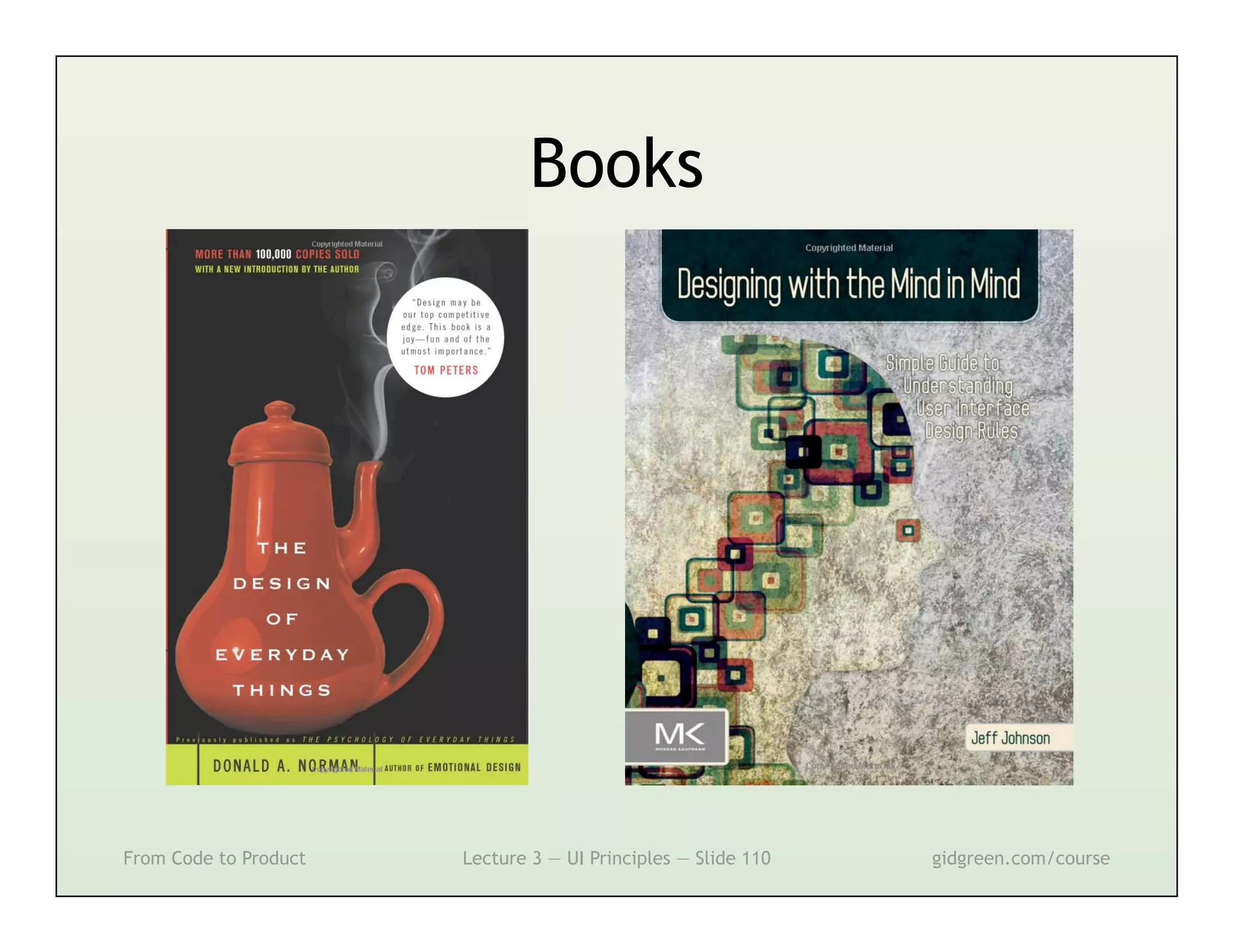
Books


From Code to Product   Lecture 3 — UI Principles — Slide 110   gidgreen.com/course
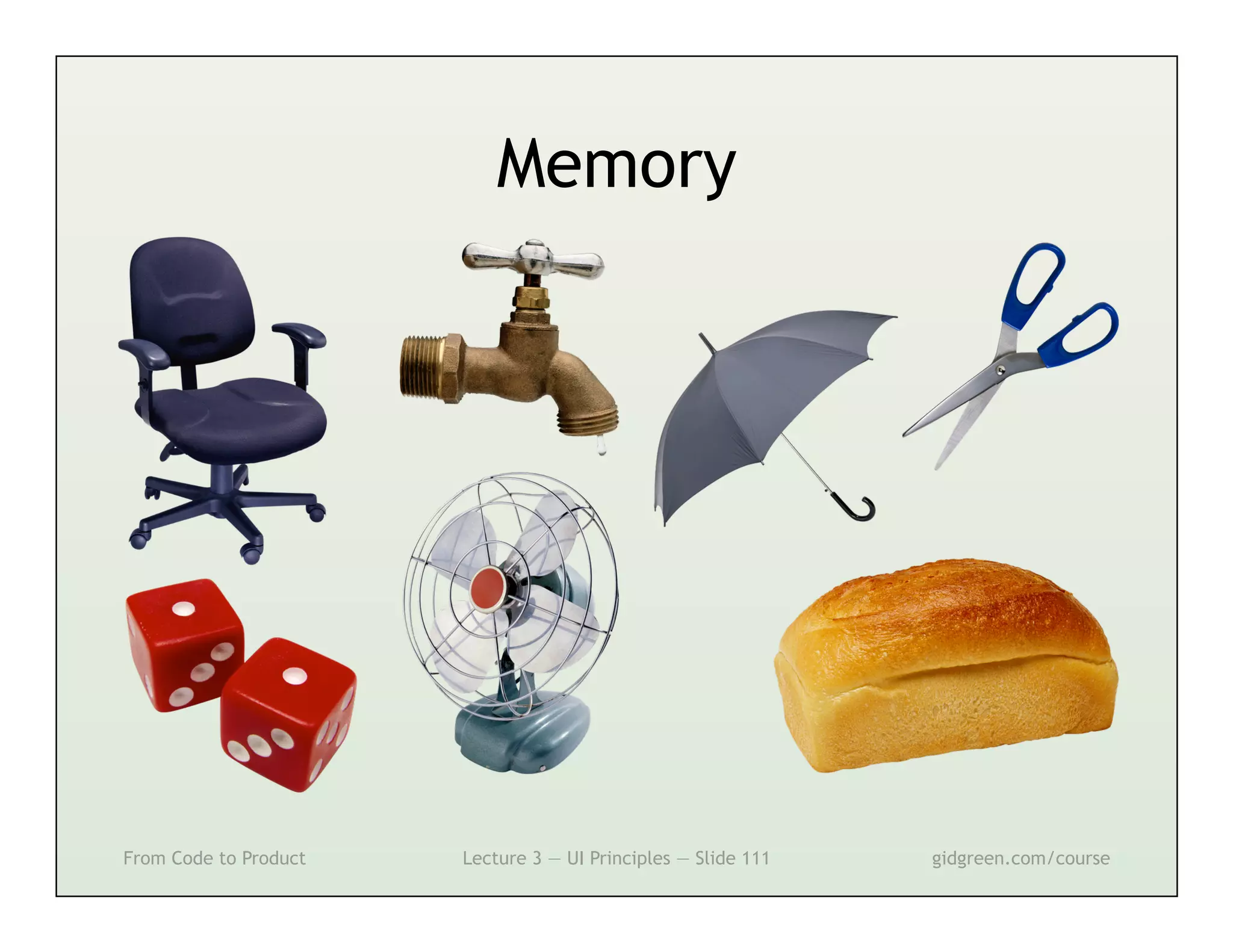
Memory


From Code to Product   Lecture 3 — UI Principles — Slide 111   gidgreen.com/course

User Interface Principles

  • 1.
    3 — UserInterface Principles From Code to Product gidgreen.com/course
  • 2.
    Lecture 3 •  Introduction •  Vision •  Cognition •  Memory •  Action •  Emotion From Code to Product Lecture 3 — UI Principles — Slide 2 gidgreen.com/course
  • 3.
    User Interface “The aspectsof a computer system or program which can be seen (or heard or otherwise perceived) by the human user, and the commands and mechanisms the user uses to control its operation and input data.” — Free On-Line Dictionary of Computing From Code to Product Lecture 3 — UI Principles — Slide 3 gidgreen.com/course
  • 4.
    Other terms •  Graphical user interface •  User experience •  Interaction design •  Human-computer interaction •  Usability •  Information architecture From Code to Product Lecture 3 — UI Principles — Slide 4 gidgreen.com/course
  • 5.
    Layers of aproduct Core From Code to Product Lecture 3 — UI Principles — Slide 5 gidgreen.com/course
  • 6.
    The problem I want to see MOV r0, #10 this guy’s face ADD r0, r0, r1 How do we bridge this gap? From Code to Product Lecture 3 — UI Principles — Slide 6 gidgreen.com/course
  • 7.
    The solution I want to see MOV r0, #10 this guy’s face ADD r0, r0, r1 I can use Skype Function call in on my mobile Skype app I will press his Touch event name in the app detected From Code to Product Lecture 3 — UI Principles — Slide 7 gidgreen.com/course
  • 8.
    Channels of communication Pressing buttons Flashing lights Pointing on screen Image on screen Talking and singing Playing sound Being photographed Vibration Moving the device From Code to Product Lecture 3 — UI Principles — Slide 8 gidgreen.com/course
  • 9.
    Lecture 3 •  Introduction •  Vision •  Cognition •  Memory •  Action •  Emotion From Code to Product Lecture 3 — UI Principles — Slide 9 gidgreen.com/course
  • 10.
    Vision From Code toProduct Lecture 3 — UI Principles — Slide 10 gidgreen.com/course
  • 11.
    Proximity From Code toProduct Lecture 3 — UI Principles — Slide 11 gidgreen.com/course
  • 12.
    Similarity From Code toProduct Lecture 3 — UI Principles — Slide 12 gidgreen.com/course
  • 13.
    Similarity From Code toProduct Lecture 3 — UI Principles — Slide 13 gidgreen.com/course
  • 14.
    Proximity From Code toProduct Lecture 3 — UI Principles — Slide 14 gidgreen.com/course
  • 15.
    Similarity From Code toProduct Lecture 3 — UI Principles — Slide 15 gidgreen.com/course
  • 16.
    Similarity From Code toProduct Lecture 3 — UI Principles — Slide 16 gidgreen.com/course
  • 17.
    Continuity From Code toProduct Lecture 3 — UI Principles — Slide 17 gidgreen.com/course
  • 18.
    Symmetry From Code toProduct Lecture 3 — UI Principles — Slide 18 gidgreen.com/course
  • 19.
    Continuity and Symmetry FromCode to Product Lecture 3 — UI Principles — Slide 19 gidgreen.com/course
  • 20.
    Ambiguity From Code toProduct Lecture 3 — UI Principles — Slide 20 gidgreen.com/course
  • 21.
    Grids From Code toProduct Lecture 3 — UI Principles — Slide 21 gidgreen.com/course
  • 22.
    Photo by ShaSha Chu Figure and Ground From Code to Product Lecture 3 — UI Principles — Slide 22 gidgreen.com/course
  • 23.
    Figure and Ground FromCode to Product Lecture 3 — UI Principles — Slide 23 gidgreen.com/course
  • 24.
    Hierarchy 1 5 4 3 2 From Code to Product Lecture 3 — UI Principles — Slide 24 gidgreen.com/course
  • 25.
    Movement From Code toProduct Lecture 3 — UI Principles — Slide 25 gidgreen.com/course
  • 26.
    Tunnel Vision Photo by Ali Khurshid From Code to Product Lecture 3 — UI Principles — Slide 26 gidgreen.com/course
  • 27.
    Tunnel Vision From Codeto Product Lecture 3 — UI Principles — Slide 27 gidgreen.com/course
  • 28.
    Structure Thankyou for your reservation. Your indoor table has been booked for four people at 8 in the evening on Tuesday January 6th 2012 at Sushi Samba. The address is 245 Park Avenue South, between East 19th and 20th Street. You must arrive by 8.15pm to maintain your reservation. In the event of problems, please call the restaurant on 2124759377. Note that the minimum charge is $50 per person. From Code to Product Lecture 3 — UI Principles — Slide 28 gidgreen.com/course
  • 29.
    Structure Thank you for your reservation. Sushi Samba Date Tue 6 Jan 245 Park Avenue South (212) 475–9377 Time 8.00pm Latest 8.15pm People 4 Table Indoors Minimum $50/person From Code to Product Lecture 3 — UI Principles — Slide 29 gidgreen.com/course
  • 30.
    Structure Thank you for your reservation. Sushi Samba 245 Park Avenue South (212) 475–9377 Date Tue 6 Jan Time 8.00pm Latest 8.15pm People 4 Table Indoors Minimum $50/person From Code to Product Lecture 3 — UI Principles — Slide 30 gidgreen.com/course
  • 31.
    Prominence From Code toProduct Lecture 3 — UI Principles — Slide 31 gidgreen.com/course
  • 32.
    Prominence 1 2 3 4 From Code to Product Lecture 3 — UI Principles — Slide 32 gidgreen.com/course
  • 33.
    Sequence Source: xkcd.com From Codeto Product Lecture 3 — UI Principles — Slide 33 gidgreen.com/course
  • 34.
    Sequence From Code toProduct Lecture 3 — UI Principles — Slide 34 gidgreen.com/course
  • 35.
    Sequence From Code toProduct Lecture 3 — UI Principles — Slide 35 gidgreen.com/course
  • 36.
    Sequence From Code toProduct Lecture 3 — UI Principles — Slide 36 gidgreen.com/course
  • 37.
    Sequence From Code toProduct Lecture 3 — UI Principles — Slide 37 gidgreen.com/course
  • 38.
    Clutter Photo by Metro Centric From Code to Product Lecture 3 — UI Principles — Slide 38 gidgreen.com/course
  • 39.
    Clutter From Code toProduct Lecture 3 — UI Principles — Slide 39 gidgreen.com/course
  • 40.
    Minimalism “Perfection is achieved,not when there is nothing more to add, but when there is nothing left to take away.” — Antoine de Saint-Exupéry From Code to Product Lecture 3 — UI Principles — Slide 40 gidgreen.com/course
  • 41.
    Minimalism The face of a $200b company From Code to Product Lecture 3 — UI Principles — Slide 41 gidgreen.com/course
  • 42.
    Visual affordance Source: ChrisElyea.com From Code to Product Lecture 3 — UI Principles — Slide 42 gidgreen.com/course
  • 43.
    Visual affordance From Codeto Product Lecture 3 — UI Principles — Slide 43 gidgreen.com/course
  • 44.
    A few wordsabout sound… •  Don’t do it, unless… –  Audio/video player –  Game or other experiential product –  Alert from desktop/mobile app –  Phone number entry –  Reassuring key clicks –  Accessibility •  Let users switch it off From Code to Product Lecture 3 — UI Principles — Slide 44 gidgreen.com/course
  • 45.
    Lecture 3 •  Introduction •  Vision •  Cognition •  Memory •  Action •  Emotion From Code to Product Lecture 3 — UI Principles — Slide 45 gidgreen.com/course
  • 46.
    Cognition Consider babies Benand Sam. They were born to the same woman, on the same day, in the same month and the same year. Yet they're not twins. How can this be? From Code to Product Lecture 3 — UI Principles — Slide 46 gidgreen.com/course
  • 47.
    The ideal interface FromCode to Product Lecture 3 — UI Principles — Slide 47 gidgreen.com/course
  • 48.
    Implementation model From Codeto Product Lecture 3 — UI Principles — Slide 48 gidgreen.com/course
  • 49.
    Mental model From Codeto Product Lecture 3 — UI Principles — Slide 49 gidgreen.com/course
  • 50.
    Talk to people FromCode to Product Lecture 3 — UI Principles — Slide 50 gidgreen.com/course
  • 51.
    Metaphors From Code toProduct Lecture 3 — UI Principles — Slide 51 gidgreen.com/course
  • 52.
    Overly literal metaphors FromCode to Product Lecture 3 — UI Principles — Slide 52 gidgreen.com/course
  • 53.
    Mapping Source: UXHero.com From Code to Product Lecture 3 — UI Principles — Slide 53 gidgreen.com/course
  • 54.
    Mapping      From Code toProduct Lecture 3 — UI Principles — Slide 54 gidgreen.com/course
  • 55.
    Unnecessary burdens From Codeto Product Lecture 3 — UI Principles — Slide 55 gidgreen.com/course
  • 56.
    Unnecessary burdens adminapps.utep.edu/changepassword From Code to Product Lecture 3 — UI Principles — Slide 56 gidgreen.com/course
  • 57.
    Examples + Defaults FromCode to Product Lecture 3 — UI Principles — Slide 57 gidgreen.com/course
  • 58.
    Interruptions From Code toProduct Lecture 3 — UI Principles — Slide 58 gidgreen.com/course
  • 59.
    Interruptions From Code toProduct Lecture 3 — UI Principles — Slide 59 gidgreen.com/course
  • 60.
    Lecture 3 •  Introduction •  Vision •  Cognition •  Memory •  Action •  Emotion From Code to Product Lecture 3 — UI Principles — Slide 60 gidgreen.com/course
  • 61.
    Memory From Code toProduct Lecture 3 — UI Principles — Slide 61 gidgreen.com/course
  • 62.
    Two types ofmemory Short-term Long-term Contents Current task Life history Capacity Tiny (7 items?) Huge Recall Instant Slow Retention Short Eternal Accuracy Perfect Poor Just like… CPU cache Lots of floppy disks From Code to Product Lecture 3 — UI Principles — Slide 62 gidgreen.com/course
  • 63.
    Modes From Code toProduct Lecture 3 — UI Principles — Slide 63 gidgreen.com/course
  • 64.
    Modes From Code toProduct Lecture 3 — UI Principles — Slide 64 gidgreen.com/course
  • 65.
    Modes Drawing Selection From Code to Product Lecture 3 — UI Principles — Slide 65 gidgreen.com/course
  • 66.
    Modes From Code toProduct Lecture 3 — UI Principles — Slide 66 gidgreen.com/course
  • 67.
    Context Photo by jima From Code to Product Lecture 3 — UI Principles — Slide 67 gidgreen.com/course
  • 68.
    Context From Code toProduct Lecture 3 — UI Principles — Slide 68 gidgreen.com/course
  • 69.
    Instructions Image by Zoagli From Code to Product Lecture 3 — UI Principles — Slide 69 gidgreen.com/course
  • 70.
    Instructions From Code toProduct Lecture 3 — UI Principles — Slide 70 gidgreen.com/course
  • 71.
    Instructions From Code toProduct Lecture 3 — UI Principles — Slide 71 gidgreen.com/course
  • 72.
    Comparisons From Code toProduct Lecture 3 — UI Principles — Slide 72 gidgreen.com/course
  • 73.
    Offer, don’t ask FromCode to Product Lecture 3 — UI Principles — Slide 73 gidgreen.com/course
  • 74.
    Offer, don’t ask Car$ /bin/set-temperature 73f Temperature set OK Car$ /bin/rear-demister on COMMAND NOT RECOGNIZED From Code to Product Lecture 3 — UI Principles — Slide 74 gidgreen.com/course
  • 75.
    Overviews From Code toProduct Lecture 3 — UI Principles — Slide 75 gidgreen.com/course
  • 76.
    Autosuggest From Code toProduct Lecture 3 — UI Principles — Slide 76 gidgreen.com/course
  • 77.
    Show what’s old FromCode to Product Lecture 3 — UI Principles — Slide 77 gidgreen.com/course
  • 78.
    Show what’s new FromCode to Product Lecture 3 — UI Principles — Slide 78 gidgreen.com/course
  • 79.
    Consistency Source: bhc3.com From Code to Product Lecture 3 — UI Principles — Slide 79 gidgreen.com/course
  • 80.
    Learned mapping From Codeto Product Lecture 3 — UI Principles — Slide 80 gidgreen.com/course
  • 81.
    Learned affordance From Codeto Product Lecture 3 — UI Principles — Slide 81 gidgreen.com/course
  • 82.
    Learned idioms From Codeto Product Lecture 3 — UI Principles — Slide 82 gidgreen.com/course
  • 83.
    Lecture 3 •  Introduction •  Vision •  Cognition •  Memory •  Action •  Emotion From Code to Product Lecture 3 — UI Principles — Slide 83 gidgreen.com/course
  • 84.
    Action http://www.85qm.de/up/BigRedButton.swf From Code to Product Lecture 3 — UI Principles — Slide 84 gidgreen.com/course
  • 85.
    Goals and subgoals Make my friend feel better Wait for flowers Call Send flowers to friend online to arrive friend up Find a flowers website Order the flowers Open web Go to Type in Choose the best site browser google.com “flowers” f l o w e r s From Code to Product Lecture 3 — UI Principles — Slide 85 gidgreen.com/course
  • 86.
    Execute—Evaluate Try Was the Define Next something subgoal YES! subgoal NO subgoal… sensible reached? From Code to Product Lecture 3 — UI Principles — Slide 86 gidgreen.com/course
  • 87.
    Execute—Evaluate Choose the best site Wikipedia Looks OK, but Seems to be UK only first. Back! only. Back! Seems really Looks perfect. pricey. Back! We’re done! From Code to Product Lecture 3 — UI Principles — Slide 87 gidgreen.com/course
  • 88.
    Enabling evaluation •  Everyuser action –  Key presses and mouse clicks •  Instant results, or… –  Waiting cursor (0.1s … 1s) –  Progress bar (>1s) •  If invisible… –  Confirmation message –  Activity logs From Code to Product Lecture 3 — UI Principles — Slide 88 gidgreen.com/course
  • 89.
    Evaluation From Code toProduct Lecture 3 — UI Principles — Slide 89 gidgreen.com/course
  • 90.
    Information scent •  Information= food –  We follow a ‘scent’ •  Links and category names –  Don’t make up words! •  Provide feedback –  Scent getting stronger •  Gain vs cost –  Good content, easy to find From Code to Product Lecture 3 — UI Principles — Slide 90 gidgreen.com/course
  • 91.
    Information scent From Codeto Product Lecture 3 — UI Principles — Slide 91 gidgreen.com/course
  • 92.
    Information scent From Codeto Product Lecture 3 — UI Principles — Slide 92 gidgreen.com/course
  • 93.
    Direct manipulation Photo by garryknight From Code to Product Lecture 3 — UI Principles — Slide 93 gidgreen.com/course
  • 94.
    Direct manipulation From Codeto Product Lecture 3 — UI Principles — Slide 94 gidgreen.com/course
  • 95.
    Reversibility From Code toProduct Lecture 3 — UI Principles — Slide 95 gidgreen.com/course
  • 96.
    Dangerous actions From Codeto Product Lecture 3 — UI Principles — Slide 96 gidgreen.com/course
  • 97.
    Dangerous actions From Codeto Product Lecture 3 — UI Principles — Slide 97 gidgreen.com/course
  • 98.
    Common actions From Codeto Product Lecture 3 — UI Principles — Slide 98 gidgreen.com/course
  • 99.
    Common actions From Codeto Product Lecture 3 — UI Principles — Slide 99 gidgreen.com/course
  • 100.
    Lecture 3 •  Introduction •  Vision •  Cognition •  Memory •  Action •  Emotion From Code to Product Lecture 3 — UI Principles — Slide 100 gidgreen.com/course
  • 101.
    Emotion From Code toProduct Lecture 3 — UI Principles — Slide 101 gidgreen.com/course
  • 102.
    Waiting… From Code toProduct Lecture 3 — UI Principles — Slide 102 gidgreen.com/course
  • 103.
    Time limits Moment of perception 0.01 sec Stylus input on screen Hand–eye coordination 0.1 sec Clicks, drags, keys Gap in conversation 1 sec Waiting without progress bar Concentration on mini-task 10 sec Wizard step, field entry From Code to Product Lecture 3 — UI Principles — Slide 103 gidgreen.com/course
  • 104.
    Avoid insults From Codeto Product Lecture 3 — UI Principles — Slide 104 gidgreen.com/course
  • 105.
    Color From Code toProduct Lecture 3 — UI Principles — Slide 105 gidgreen.com/course
  • 106.
    Color From Code toProduct Lecture 3 — UI Principles — Slide 106 gidgreen.com/course
  • 107.
    Design From Code toProduct Lecture 3 — UI Principles — Slide 107 gidgreen.com/course
  • 108.
    But… From Code toProduct Lecture 3 — UI Principles — Slide 108 gidgreen.com/course
  • 109.
    Feeling served •  What you want •  When you want it •  How you like it •  No grunt work •  No criticism •  No “personality” •  Cleanly presented From Code to Product Lecture 3 — UI Principles — Slide 109 gidgreen.com/course
  • 110.
    Books From Code toProduct Lecture 3 — UI Principles — Slide 110 gidgreen.com/course
  • 111.
    Memory From Code toProduct Lecture 3 — UI Principles — Slide 111 gidgreen.com/course