Downloaded 44 times
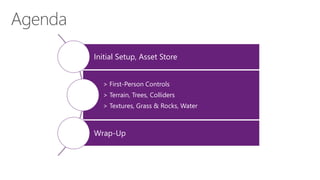
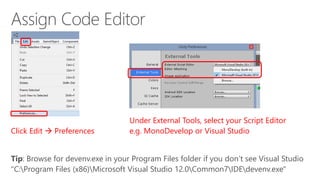
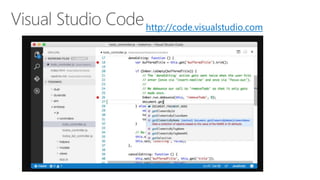
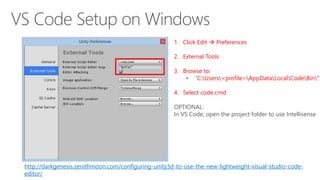
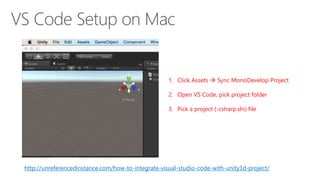
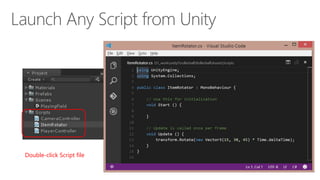
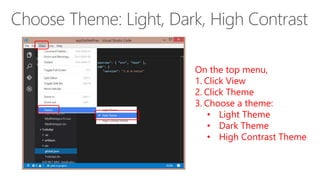

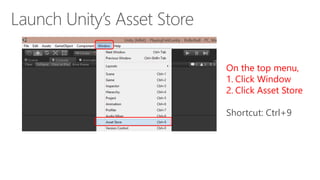

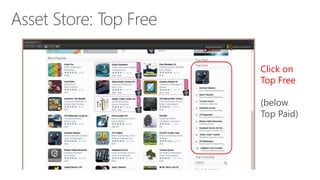
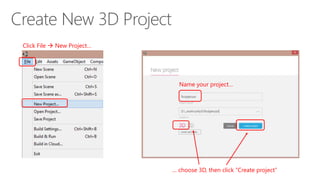
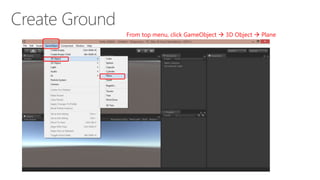
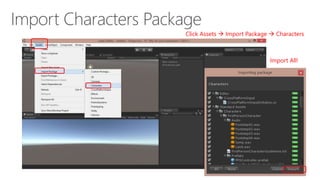
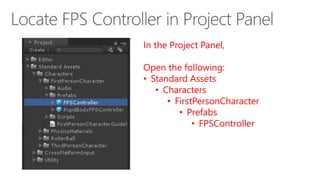
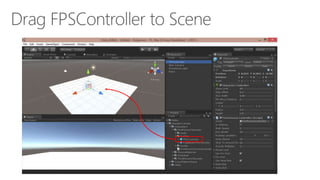
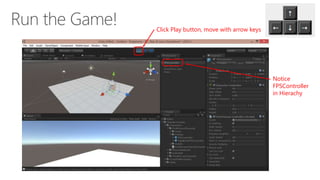
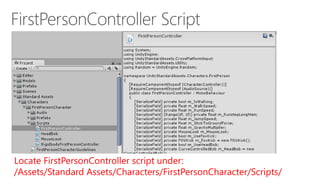
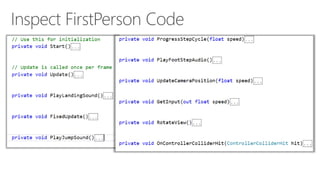
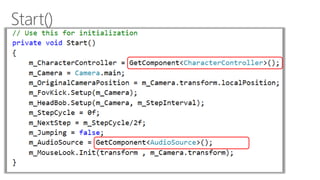
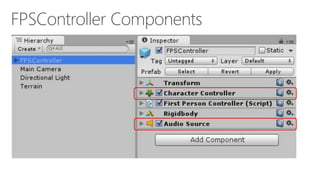
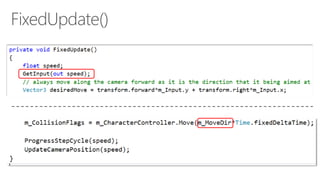
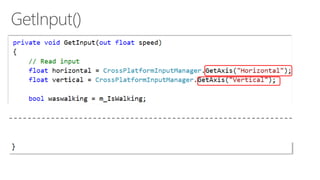
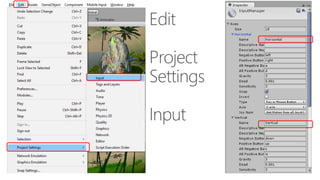
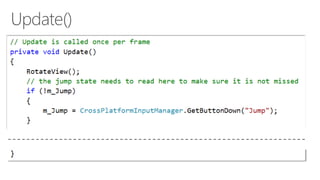

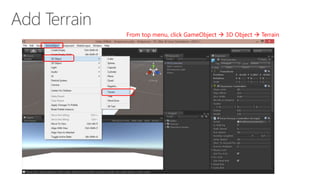
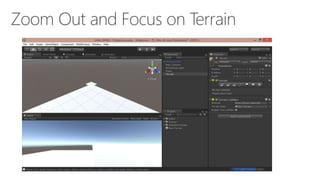
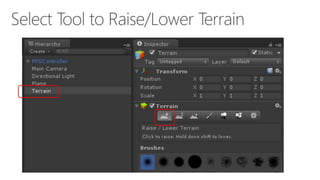
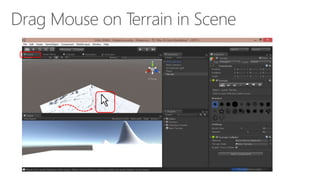
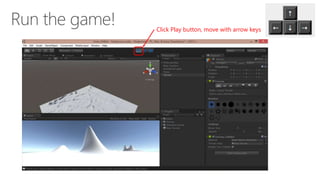

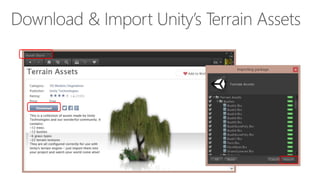
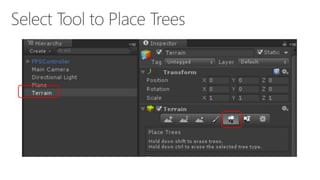
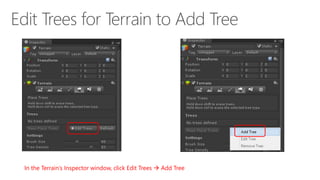
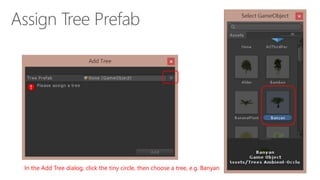
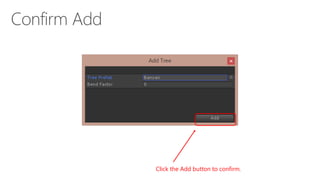
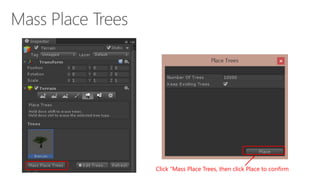
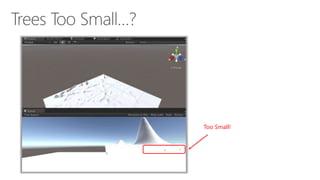
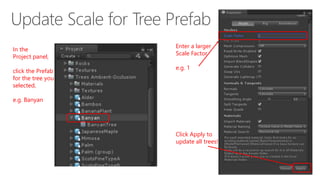
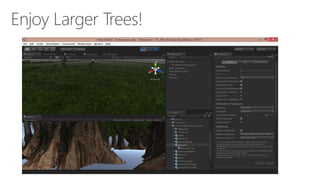
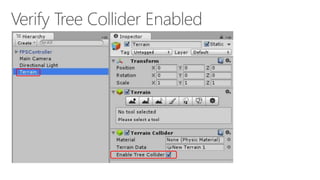
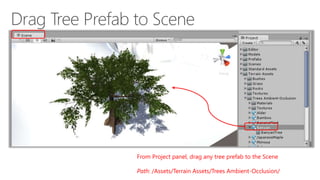
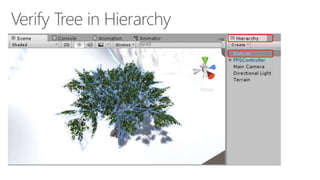
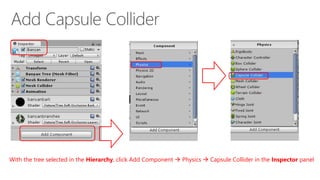
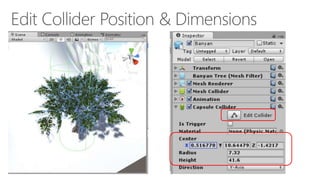
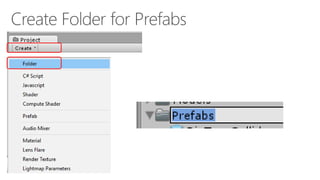
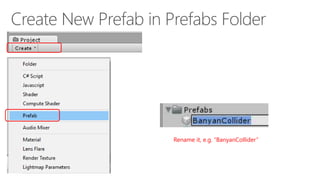
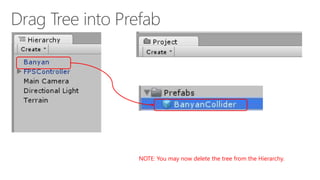
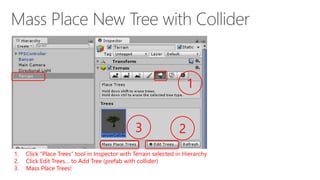
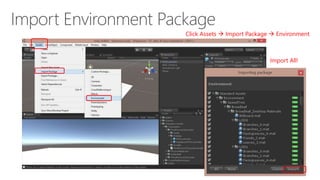
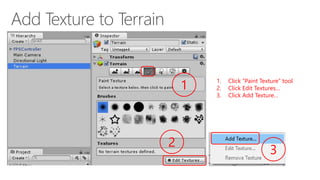
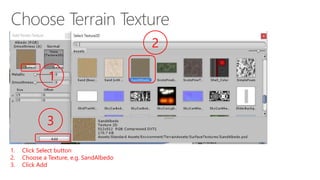
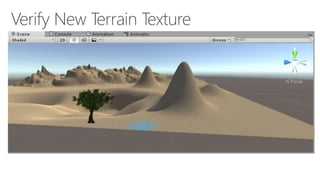
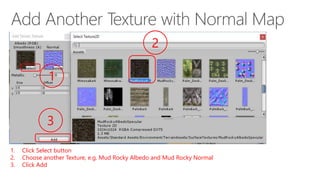
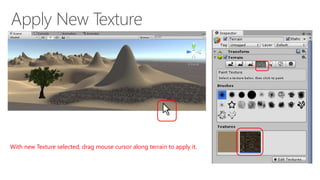
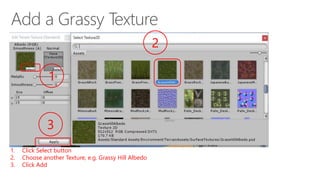
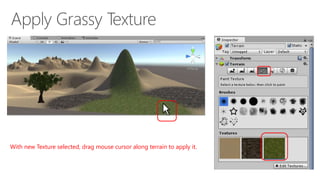

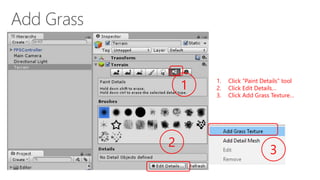
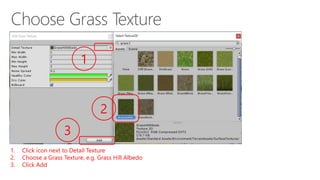
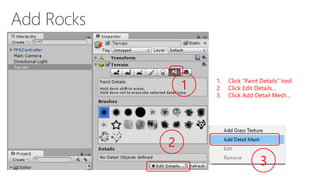
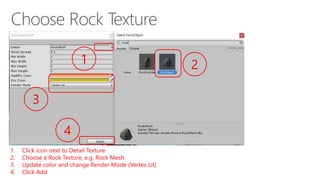
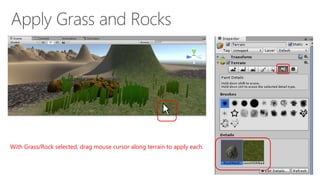
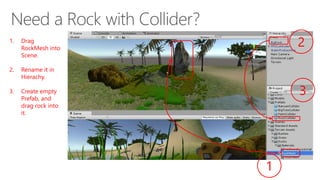
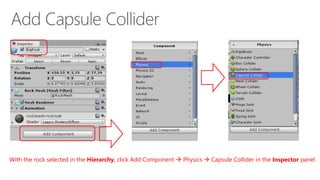
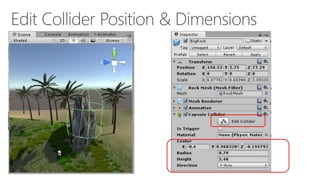

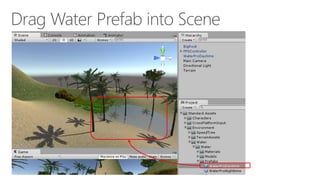

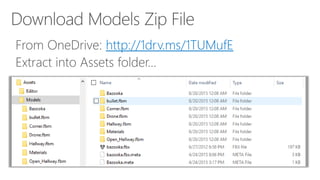
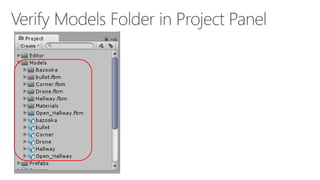
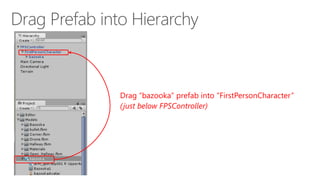
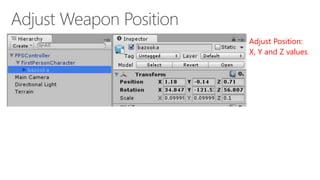
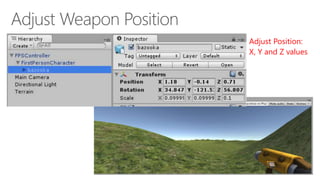



The document provides a detailed guide on setting up first-person controls in Unity3D, including configuring external tools like Visual Studio Code and importing necessary assets such as terrain, trees, and textures. It outlines steps for creating a new project, modifying terrains, adding characters, and integrating physics colliders. Additionally, it covers the process of painting textures and details on the terrain to enhance the environment in the game development process.


