UNIT 5
Emerging Services
 Online Banking
 Online Insurance
 Online Tax Service
 Online Utility Bill Payment Services
Online Banking
 A system of banking in which customers can view their
account details, pay bills, and transfer money by means of
the internet.
 The remote delivery of new and traditional banking
products and services through electronic delivery
channels.
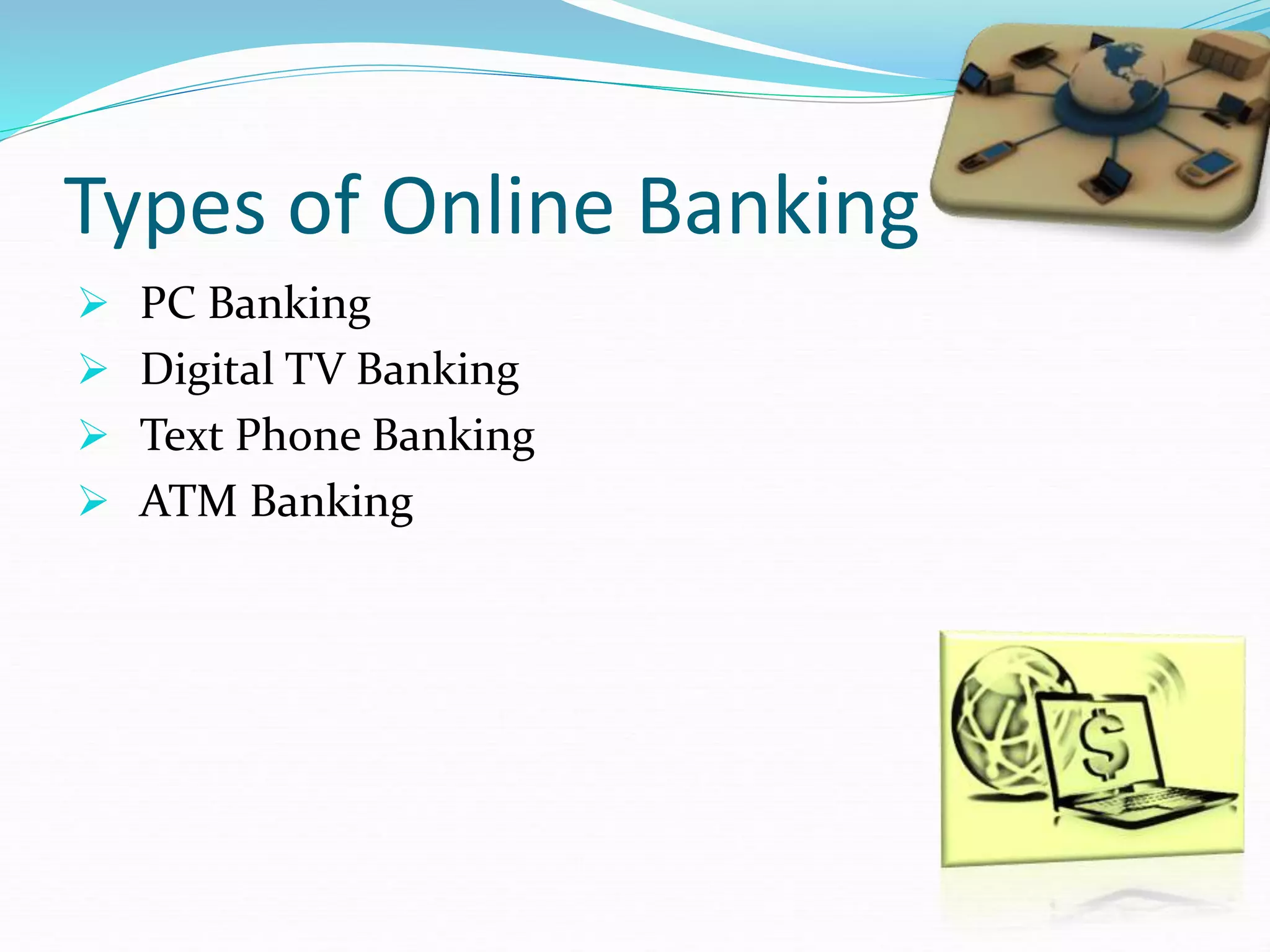
Types of Online Banking
 PC Banking
 Digital TV Banking
 Text Phone Banking
 ATM Banking
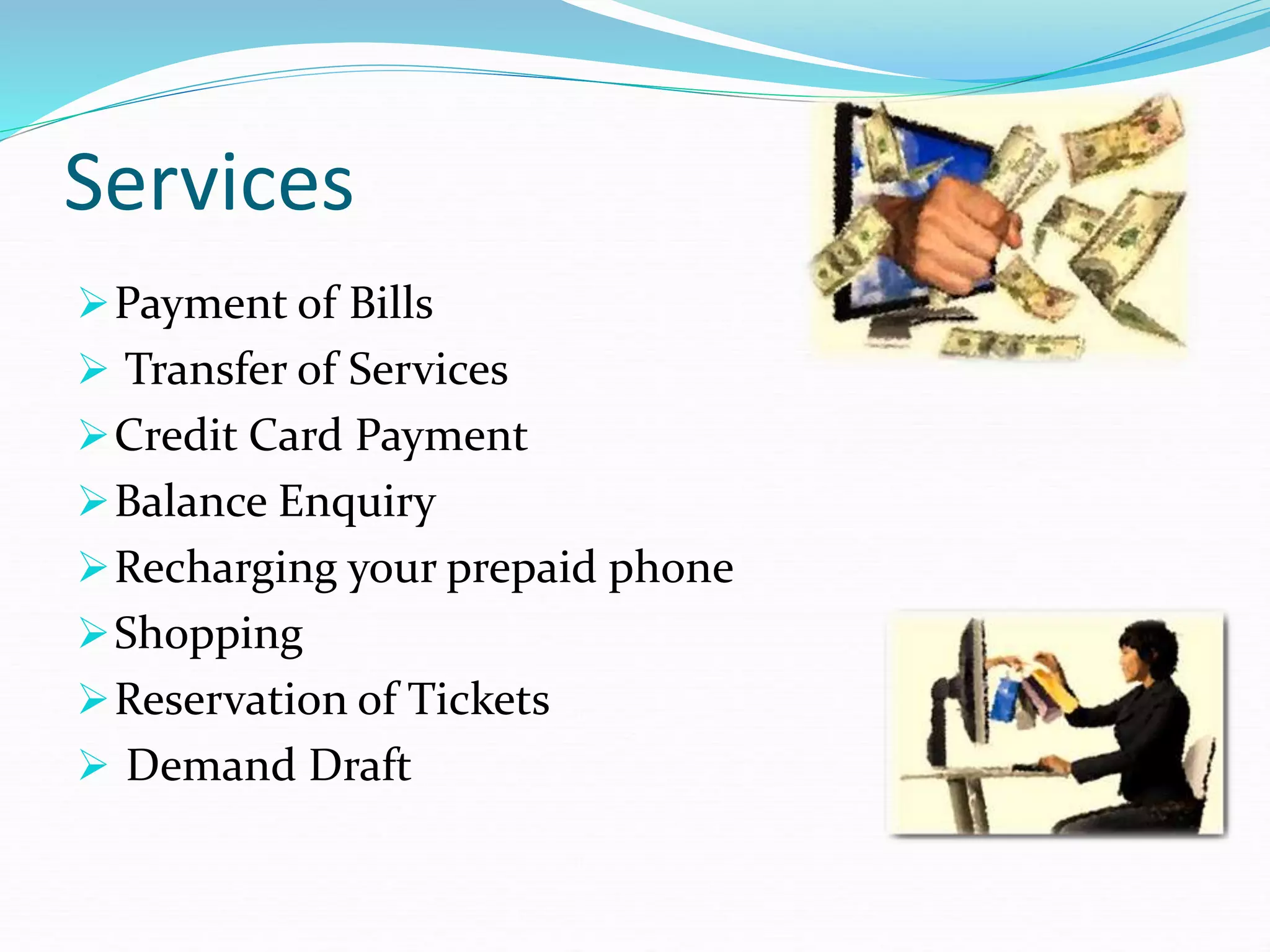
Services
Payment of Bills
 Transfer of Services
Credit Card Payment
Balance Enquiry
Recharging your prepaid phone
Shopping
Reservation of Tickets
 Demand Draft
Process of Online Banking
STEP 1:
Make sure your computer is connected to the Internet.
STEP 2:
Go to your bank’s website.
For security reasons, don’t click on a link to your bank
sent to you in an email – emails with links to fake
websites are a classic ploy of criminals trying to steal
your identity
STEP 3:
Once you’re on your bank’s website you’ll see a
button or other icon labelled ‘Log on to Internet
banking’ or something similar (the terminology
varies from bank to bank)
Click on this icon. It will take you to a login page
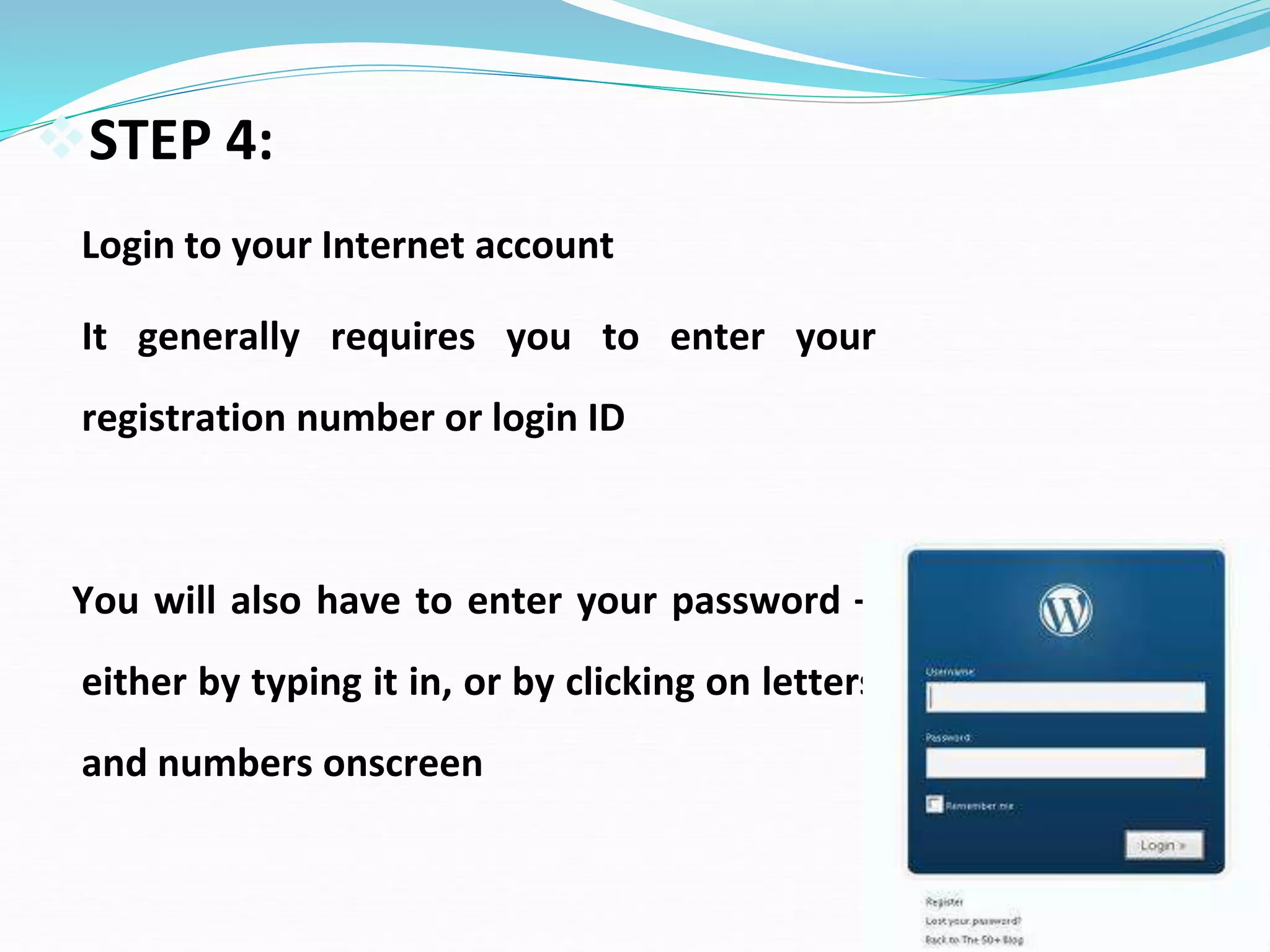
STEP 4:
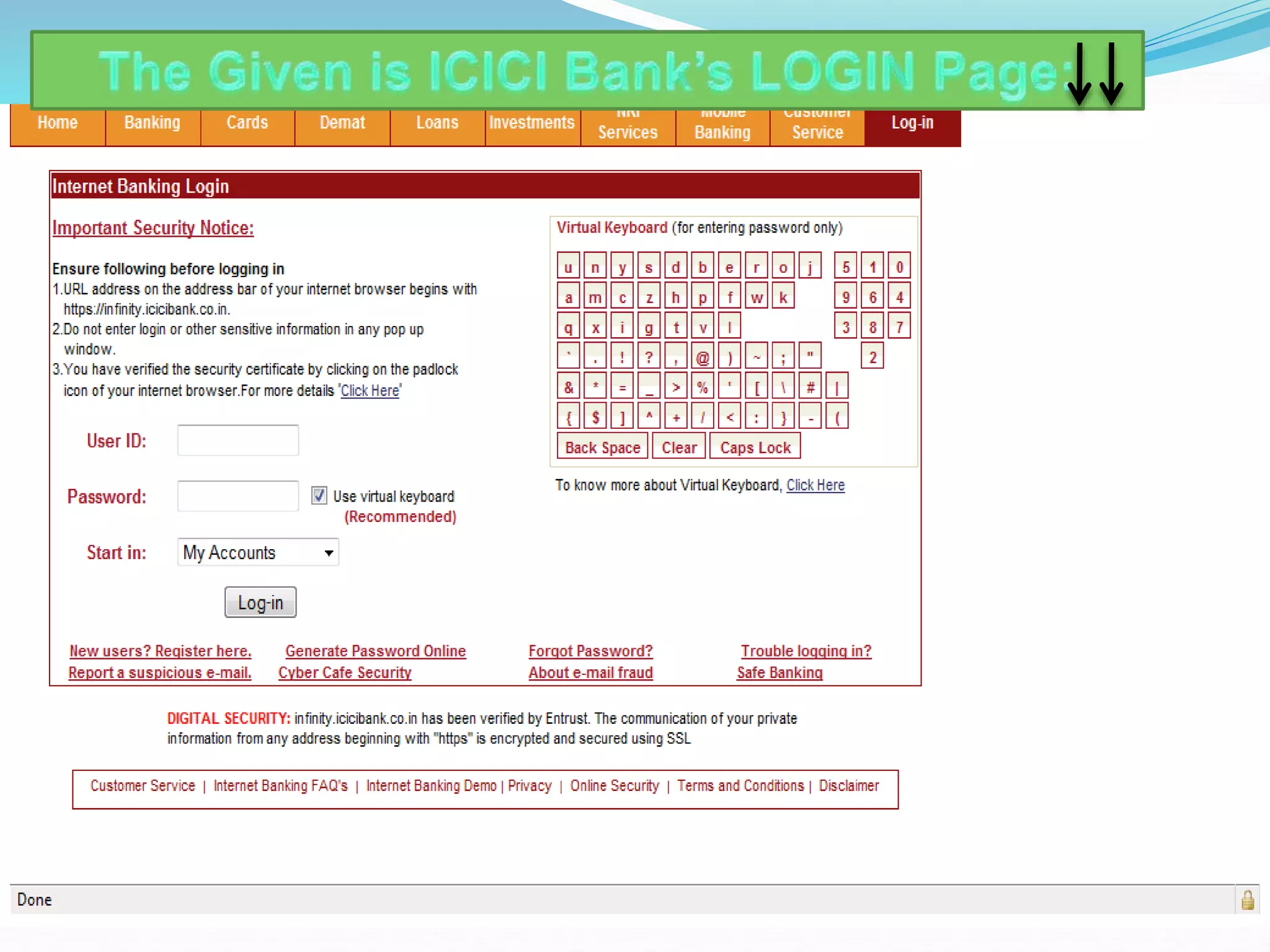
Login to your Internet account
It generally requires you to enter your
registration number or login ID
You will also have to enter your password –
either by typing it in, or by clicking on letters
and numbers onscreen
STEP 5:
Once you’ve got online access to your accounts you’ll see the
different types of transactions that you can perform. Usually on
the left side of the screen there will be a list of functions. Click on
a function to open it.
For example, if you want to transfer funds, click on the button or
icon labelled ‘Transfers’ or something similar. You’ll need to
complete the required data.
Remember – make sure that you have the right
BSB (Bank State Branch ) code and account number for the
beneficiary of the transfer, as this is the information that the bank
will use to process the transfer.
STEP 6:
Once you’ve finished your Internet banking, be sure to log
out from your account.
Most banks also have in place a ‘time-out’ feature, which
means that if you’re inactive for a certain period in your
Internet banking session, you’ll automatically be logged out.
Online Insurance Services
 These are risk covering services provided to the end
customer with the help of internet.
 Two types of insurance
1) Life Insurance
2) General Insurance
Major Services
 Buying new policy
 Paying premium online
 Renewal of policy
 Switching funds
 Policy or unit statement
 Tax certificate
 Premium receipt
Online insurance purchase process
 Login to the website of service provider
 Options to choose
 Basic details
 Premium payment
 Proposal form
 Furnishing documents
 Issue of policy
Online Tax Services
 Online tax filing refers to various systems that enable
individuals and small businesses to file their tax
returns and make tax payments through electronic
data transfer.
Online tax services
 Filing of income tax
 Submitting returns
 E-verifying returns
 Liking Aadhar
 E-Pan Card
 Tax Calculation
 ITR Status
 Checking fund returns
Procedure of online tax filing
 Login to the website of service provider
 Options to choose
 Provide Basic details
 Filling the application
 Furnishing documents
 Confirmation of filing the returns
Online Utility Payment Services
 These are the online payment services to pay the utility
bills for general public.
 Online bill pay services offer a convenient, safe and
inexpensive way to ensure that your bills are paid on
time by setting up an account to make one-time or
recurring payments.
Major utility payments
 Water bills
 Electricity bills
 Telephone bills
 Insurance premium
 Tuition fees
 DTH
 LPG
 Credit card bills
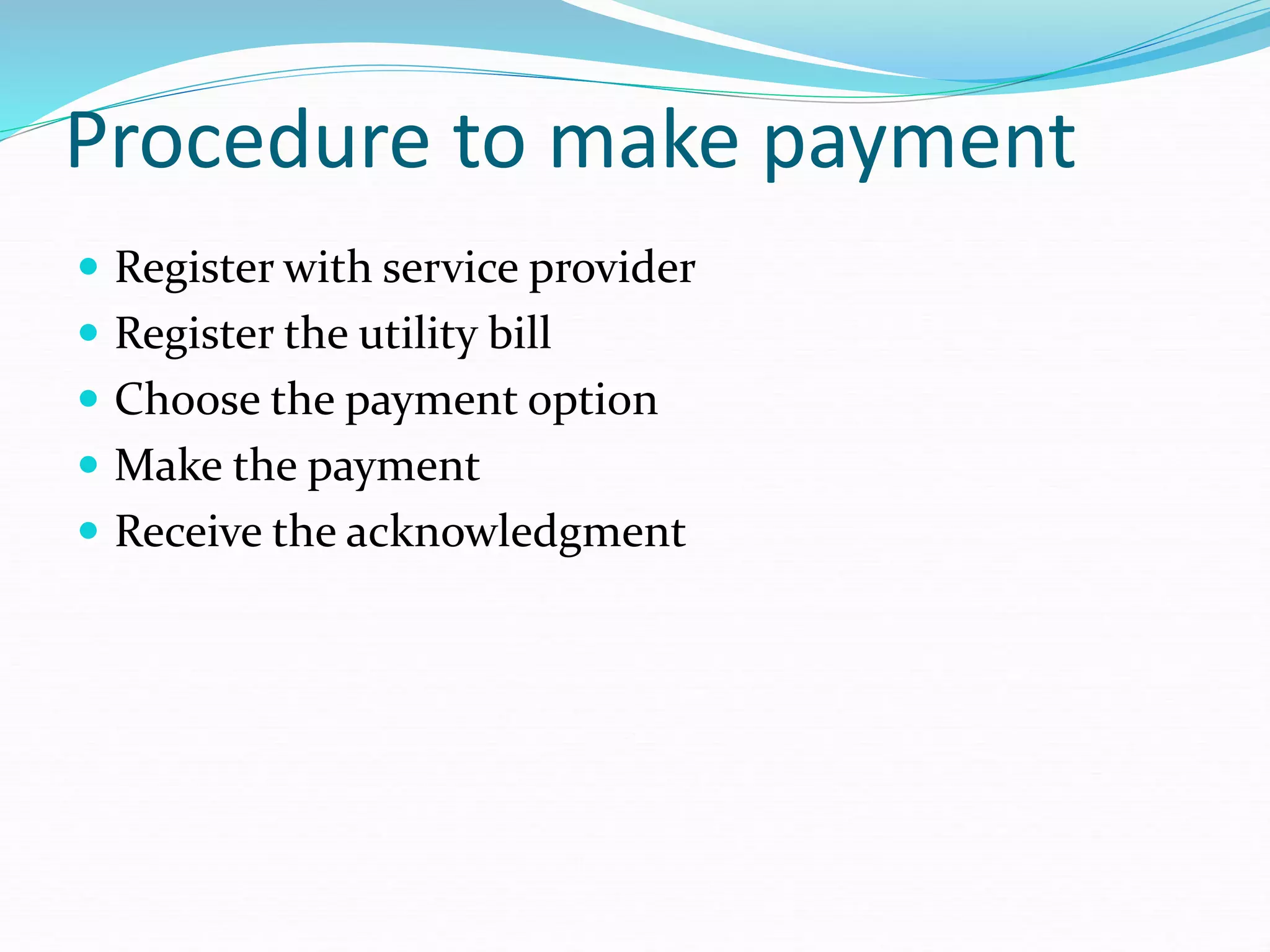
Procedure to make payment
 Register with service provider
 Register the utility bill
 Choose the payment option
 Make the payment
 Receive the acknowledgment

UNIT 5-SM.ppt

  • 1.
  • 2.
    Emerging Services  OnlineBanking  Online Insurance  Online Tax Service  Online Utility Bill Payment Services
  • 3.
    Online Banking  Asystem of banking in which customers can view their account details, pay bills, and transfer money by means of the internet.  The remote delivery of new and traditional banking products and services through electronic delivery channels.
  • 4.
    Types of OnlineBanking  PC Banking  Digital TV Banking  Text Phone Banking  ATM Banking
  • 5.
    Services Payment of Bills Transfer of Services Credit Card Payment Balance Enquiry Recharging your prepaid phone Shopping Reservation of Tickets  Demand Draft
  • 6.
    Process of OnlineBanking STEP 1: Make sure your computer is connected to the Internet.
  • 7.
    STEP 2: Go toyour bank’s website. For security reasons, don’t click on a link to your bank sent to you in an email – emails with links to fake websites are a classic ploy of criminals trying to steal your identity
  • 8.
    STEP 3: Once you’reon your bank’s website you’ll see a button or other icon labelled ‘Log on to Internet banking’ or something similar (the terminology varies from bank to bank) Click on this icon. It will take you to a login page
  • 9.
    STEP 4: Login toyour Internet account It generally requires you to enter your registration number or login ID You will also have to enter your password – either by typing it in, or by clicking on letters and numbers onscreen
  • 11.
    STEP 5: Once you’vegot online access to your accounts you’ll see the different types of transactions that you can perform. Usually on the left side of the screen there will be a list of functions. Click on a function to open it. For example, if you want to transfer funds, click on the button or icon labelled ‘Transfers’ or something similar. You’ll need to complete the required data. Remember – make sure that you have the right BSB (Bank State Branch ) code and account number for the beneficiary of the transfer, as this is the information that the bank will use to process the transfer.
  • 12.
    STEP 6: Once you’vefinished your Internet banking, be sure to log out from your account. Most banks also have in place a ‘time-out’ feature, which means that if you’re inactive for a certain period in your Internet banking session, you’ll automatically be logged out.
  • 13.
    Online Insurance Services These are risk covering services provided to the end customer with the help of internet.  Two types of insurance 1) Life Insurance 2) General Insurance
  • 14.
    Major Services  Buyingnew policy  Paying premium online  Renewal of policy  Switching funds  Policy or unit statement  Tax certificate  Premium receipt
  • 15.
    Online insurance purchaseprocess  Login to the website of service provider  Options to choose  Basic details  Premium payment  Proposal form  Furnishing documents  Issue of policy
  • 16.
    Online Tax Services Online tax filing refers to various systems that enable individuals and small businesses to file their tax returns and make tax payments through electronic data transfer.
  • 17.
    Online tax services Filing of income tax  Submitting returns  E-verifying returns  Liking Aadhar  E-Pan Card  Tax Calculation  ITR Status  Checking fund returns
  • 18.
    Procedure of onlinetax filing  Login to the website of service provider  Options to choose  Provide Basic details  Filling the application  Furnishing documents  Confirmation of filing the returns
  • 19.
    Online Utility PaymentServices  These are the online payment services to pay the utility bills for general public.  Online bill pay services offer a convenient, safe and inexpensive way to ensure that your bills are paid on time by setting up an account to make one-time or recurring payments.
  • 20.
    Major utility payments Water bills  Electricity bills  Telephone bills  Insurance premium  Tuition fees  DTH  LPG  Credit card bills
  • 21.
    Procedure to makepayment  Register with service provider  Register the utility bill  Choose the payment option  Make the payment  Receive the acknowledgment