WEB SERVER
Web servers are software applications or computer systems that
deliver web content (such as web pages, files, images, videos) to
clients (typically web browsers) over the internet. They handle
requests from clients and respond with the requested resources.
INTRODUCTION TO WEB SERVERS
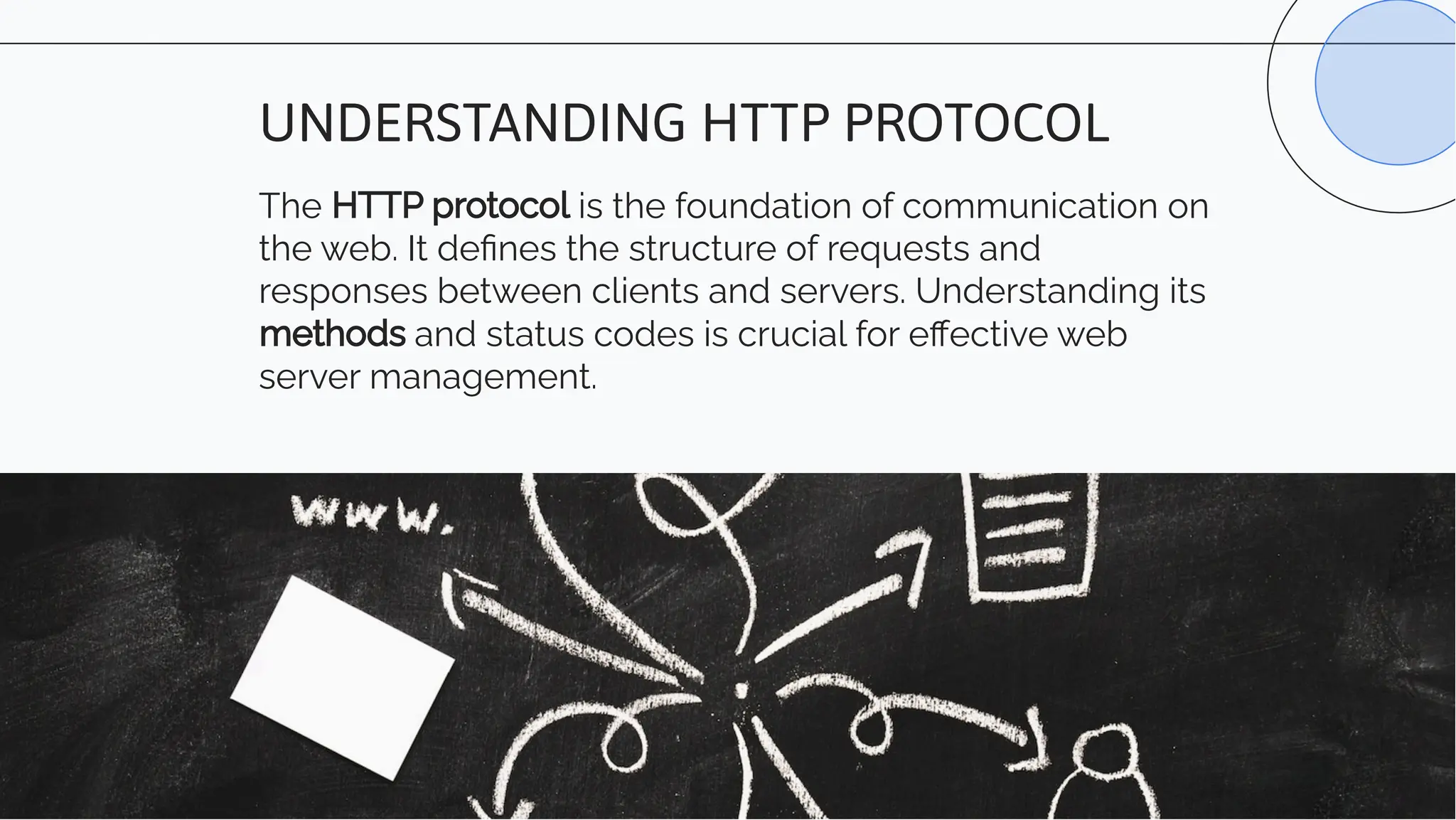
The HTTP protocol is the foundation of communication on
the web. It defines the structure of requests and
responses between clients and servers. Understanding its
methods and status codes is crucial for effective web
server management.
UNDERSTANDING HTTP PROTOCOL
Configuring a web server
involves setting up virtual
hosts, managing security
settings, and optimizing
performance through
caching and compression.
Proper configuration
ensures reliability and
scalability.
SERVER CONFIGURATION
Implementing SSL/TLS
certificates, firewalls, and
regular security audits are
essential for protecting web
servers from cyber threats.
Understanding and applying
security best practices is
crucial for safeguarding
sensitive data.
SECURITY BEST PRACTICES
Load balancing distributes incoming traffic across
multiple servers to ensure high availability and fault
tolerance. Understanding load balancing techniques
is crucial for achieving scalability and reliability.
LOAD BALANCING AND SCALABILITY
Optimizing web server
performance involves caching,
compression, and content
delivery networks. These
techniques improve response
times and reduce server load,
enhancing the overall user
experience.
WEB SERVER PERFORMANCE OPTIMIZATION
Effective web server management requires real-time
monitoring of server metrics and logging of server
activities. Understanding the significance of
monitoring and logging is crucial for troubleshooting
and performance analysis.
MONITORING AND LOGGING
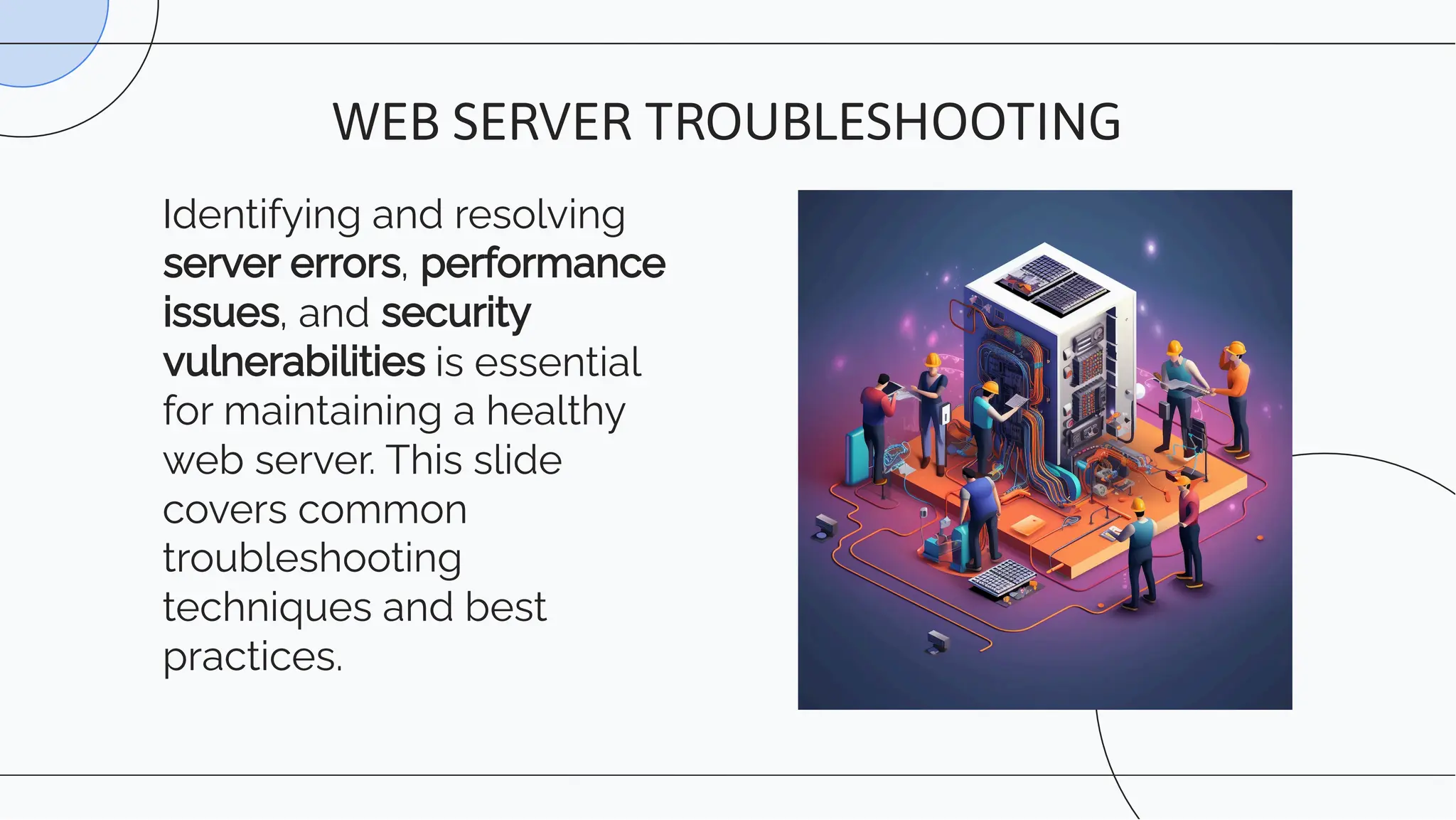
Identifying and resolving
server errors, performance
issues, and security
vulnerabilities is essential
for maintaining a healthy
web server. This slide
covers common
troubleshooting
techniques and best
practices.
WEB SERVER TROUBLESHOOTING
Implementing regular
backups and disaster
recovery plans is crucial
for mitigating data loss
and ensuring business
continuity. Understanding
backup strategies and
recovery procedures is
essential for data
protection.
WEB SERVER BACKUP AND RECOVERY
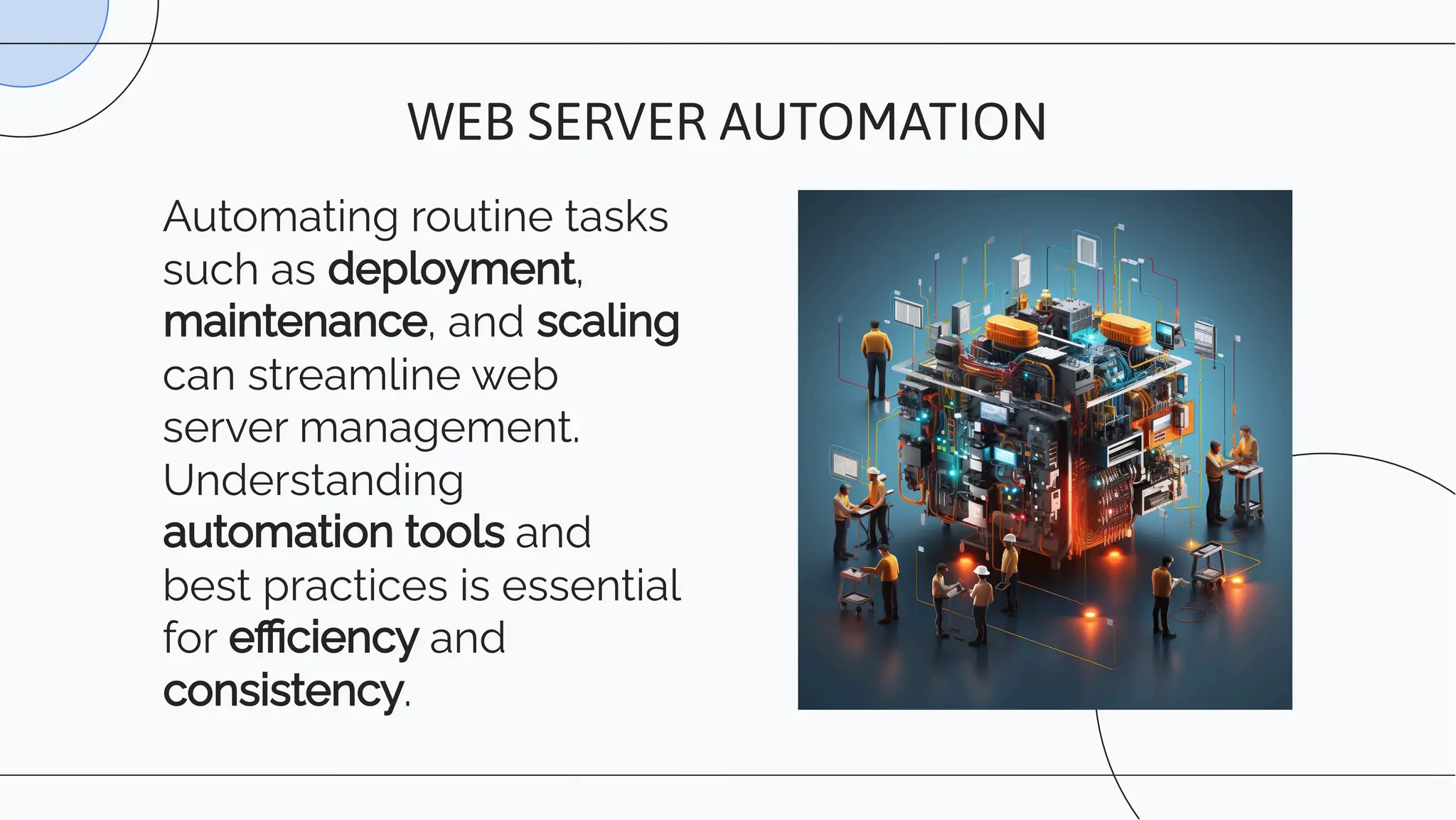
Automating routine tasks
such as deployment,
maintenance, and scaling
can streamline web
server management.
Understanding
automation tools and
best practices is essential
for efficiency and
consistency.
WEB SERVER AUTOMATION
Thanks!

Unit 2- web-server.pdf,..l;,;,l;l,,;,;,;

  • 1.
  • 2.
    Web servers aresoftware applications or computer systems that deliver web content (such as web pages, files, images, videos) to clients (typically web browsers) over the internet. They handle requests from clients and respond with the requested resources. INTRODUCTION TO WEB SERVERS
  • 3.
    The HTTP protocolis the foundation of communication on the web. It defines the structure of requests and responses between clients and servers. Understanding its methods and status codes is crucial for effective web server management. UNDERSTANDING HTTP PROTOCOL
  • 4.
    Configuring a webserver involves setting up virtual hosts, managing security settings, and optimizing performance through caching and compression. Proper configuration ensures reliability and scalability. SERVER CONFIGURATION
  • 5.
    Implementing SSL/TLS certificates, firewalls,and regular security audits are essential for protecting web servers from cyber threats. Understanding and applying security best practices is crucial for safeguarding sensitive data. SECURITY BEST PRACTICES
  • 6.
    Load balancing distributesincoming traffic across multiple servers to ensure high availability and fault tolerance. Understanding load balancing techniques is crucial for achieving scalability and reliability. LOAD BALANCING AND SCALABILITY
  • 7.
    Optimizing web server performanceinvolves caching, compression, and content delivery networks. These techniques improve response times and reduce server load, enhancing the overall user experience. WEB SERVER PERFORMANCE OPTIMIZATION
  • 8.
    Effective web servermanagement requires real-time monitoring of server metrics and logging of server activities. Understanding the significance of monitoring and logging is crucial for troubleshooting and performance analysis. MONITORING AND LOGGING
  • 9.
    Identifying and resolving servererrors, performance issues, and security vulnerabilities is essential for maintaining a healthy web server. This slide covers common troubleshooting techniques and best practices. WEB SERVER TROUBLESHOOTING
  • 10.
    Implementing regular backups anddisaster recovery plans is crucial for mitigating data loss and ensuring business continuity. Understanding backup strategies and recovery procedures is essential for data protection. WEB SERVER BACKUP AND RECOVERY
  • 11.
    Automating routine tasks suchas deployment, maintenance, and scaling can streamline web server management. Understanding automation tools and best practices is essential for efficiency and consistency. WEB SERVER AUTOMATION
  • 12.