12 Marks
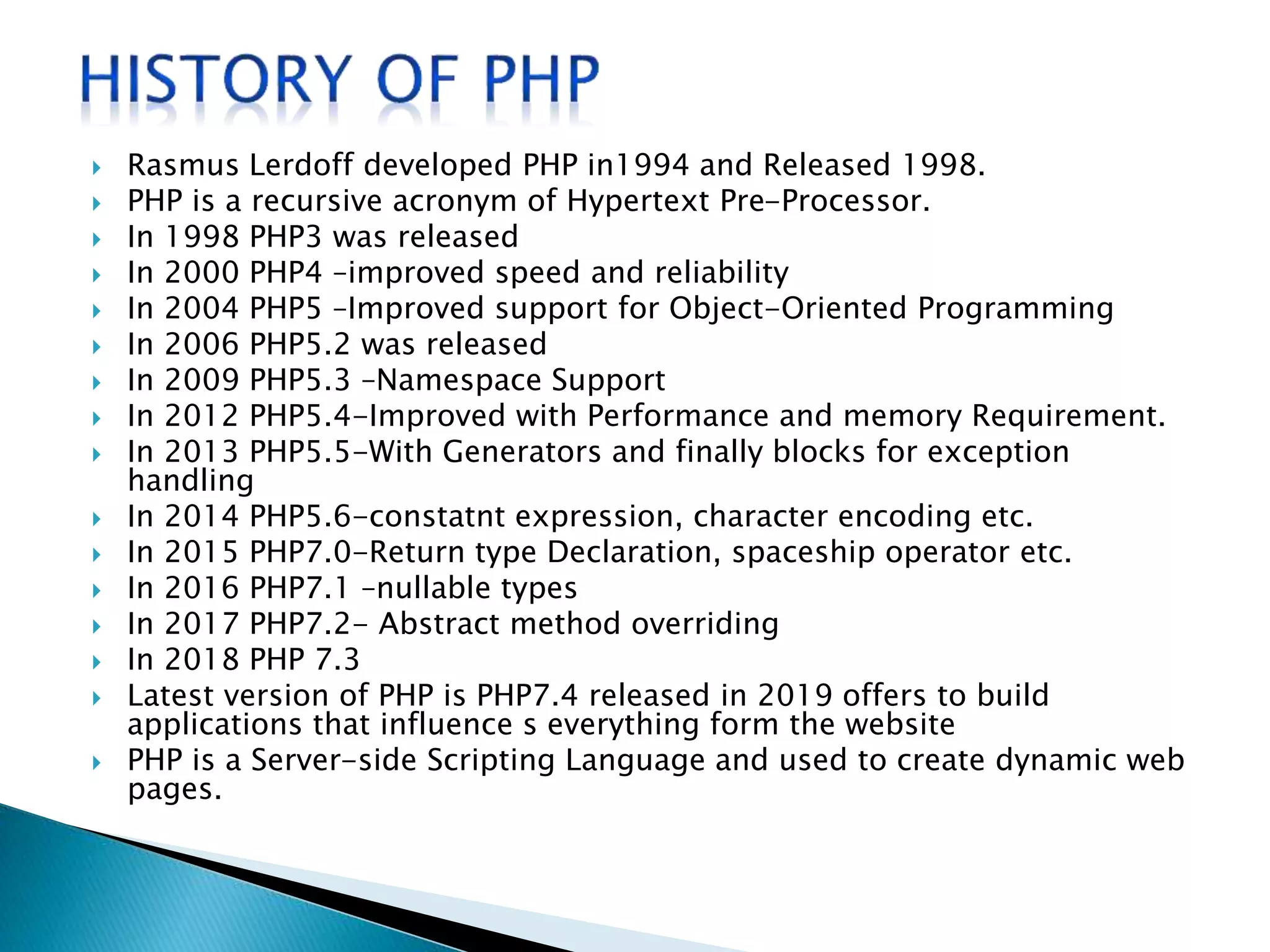
 Rasmus Lerdoff developed PHP in1994 and Released 1998.
 PHP is a recursive acronym of Hypertext Pre-Processor.
 In 1998 PHP3 was released
 In 2000 PHP4 –improved speed and reliability
 In 2004 PHP5 –Improved support for Object-Oriented Programming
 In 2006 PHP5.2 was released
 In 2009 PHP5.3 –Namespace Support
 In 2012 PHP5.4-Improved with Performance and memory Requirement.
 In 2013 PHP5.5-With Generators and finally blocks for exception
handling
 In 2014 PHP5.6-constatnt expression, character encoding etc.
 In 2015 PHP7.0-Return type Declaration, spaceship operator etc.
 In 2016 PHP7.1 –nullable types
 In 2017 PHP7.2- Abstract method overriding
 In 2018 PHP 7.3
 Latest version of PHP is PHP7.4 released in 2019 offers to build
applications that influence s everything form the website
 PHP is a Server-side Scripting Language and used to create dynamic web
pages.
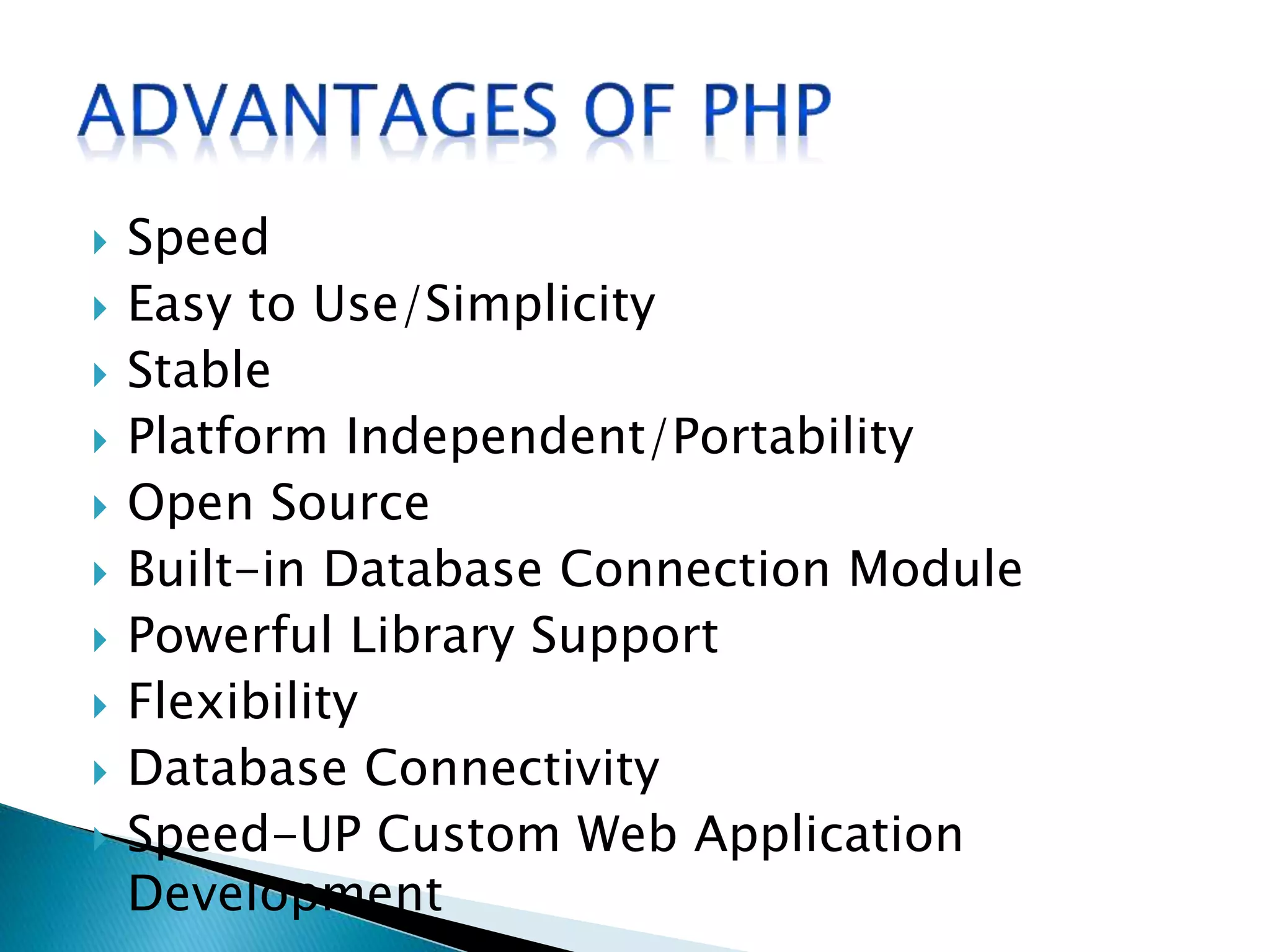
 Speed
 Easy to Use/Simplicity
 Stable
 Platform Independent/Portability
 Open Source
 Built-in Database Connection Module
 Powerful Library Support
 Flexibility
 Database Connectivity
 Speed-UP Custom Web Application
Development
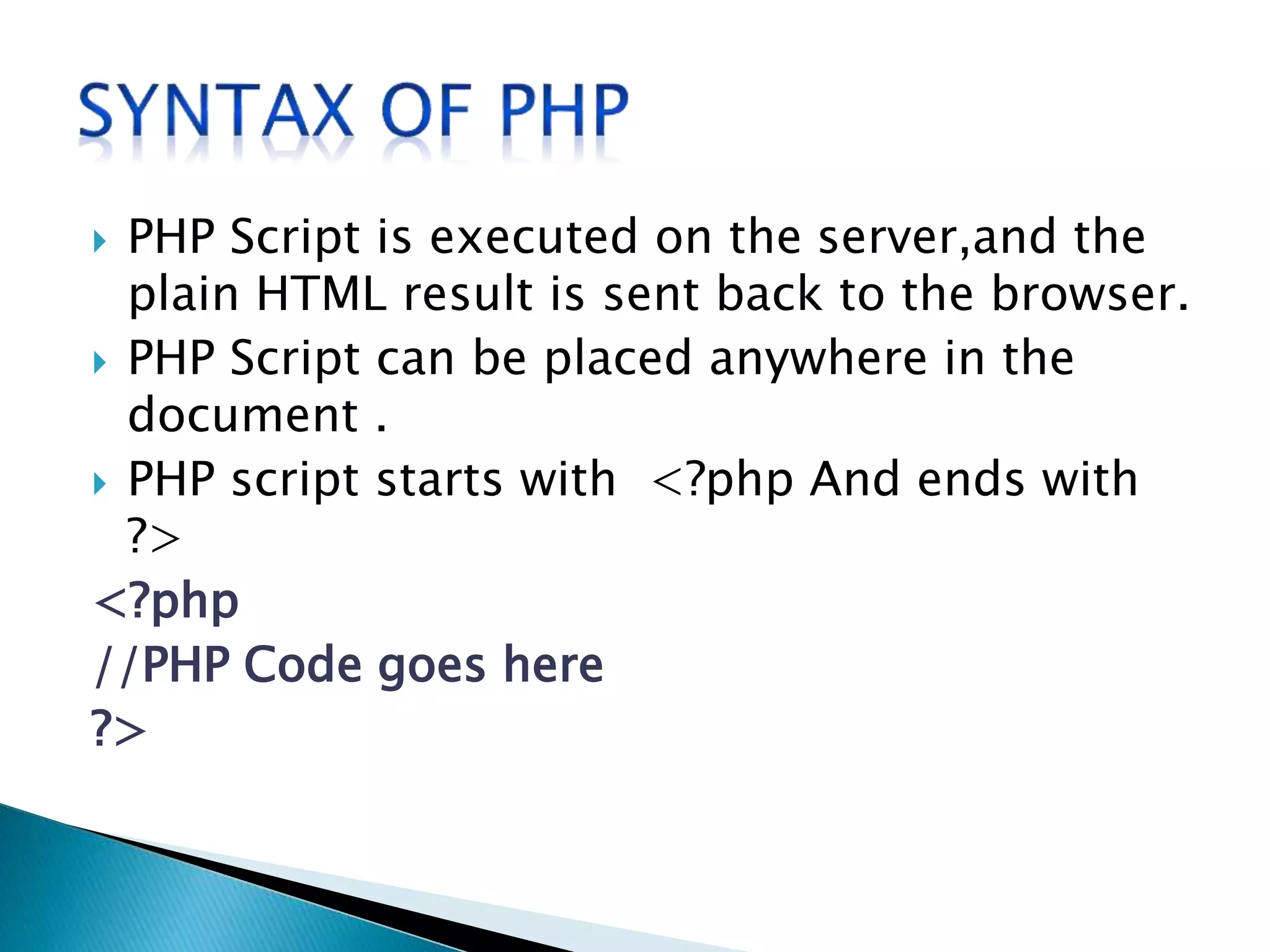
 PHP Script is executed on the server,and the
plain HTML result is sent back to the browser.
 PHP Script can be placed anywhere in the
document .
 PHP script starts with <?php And ends with
?>
<?php
//PHP Code goes here
?>
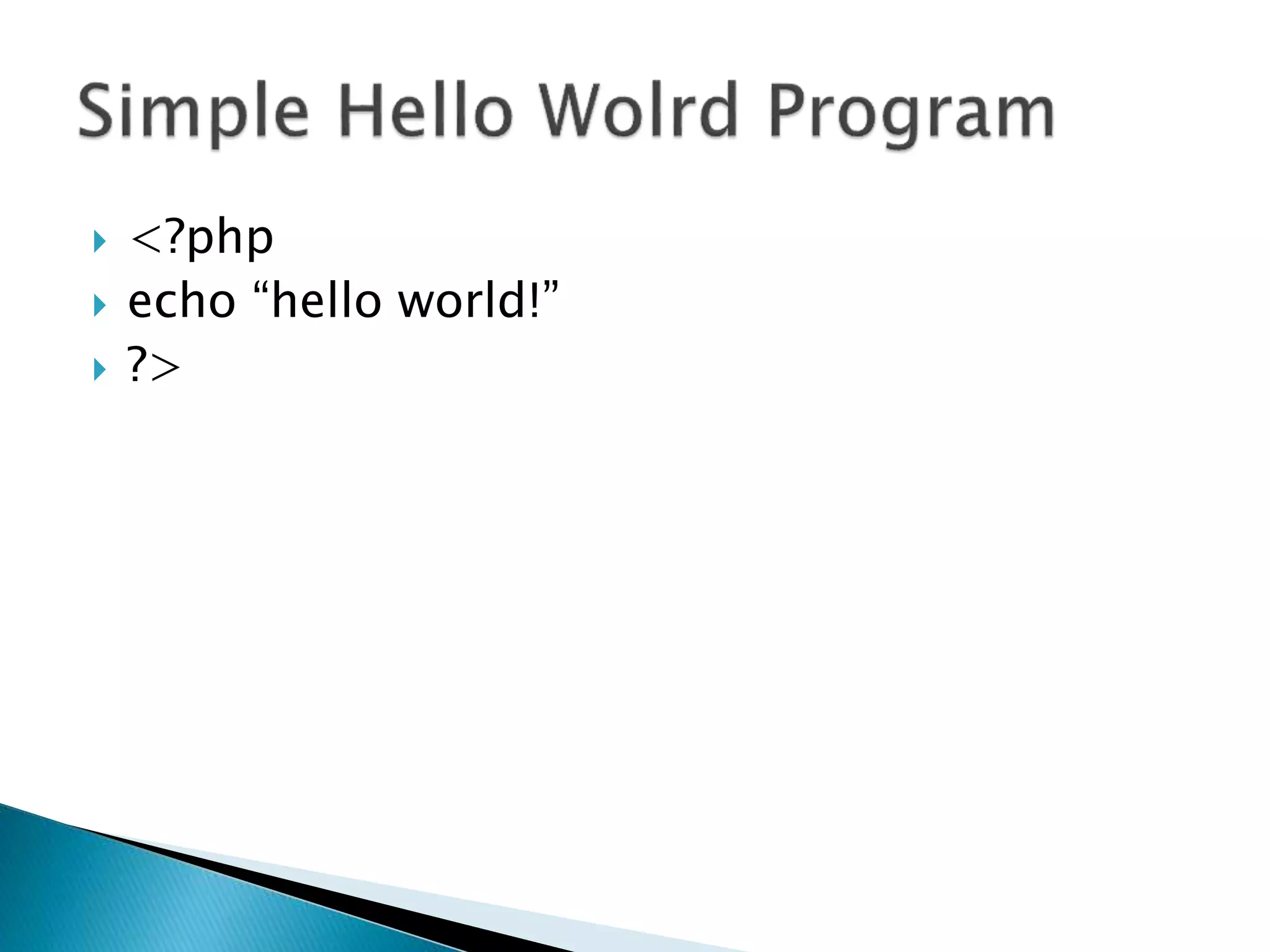
 <?php
 echo “hello world!”
 ?>
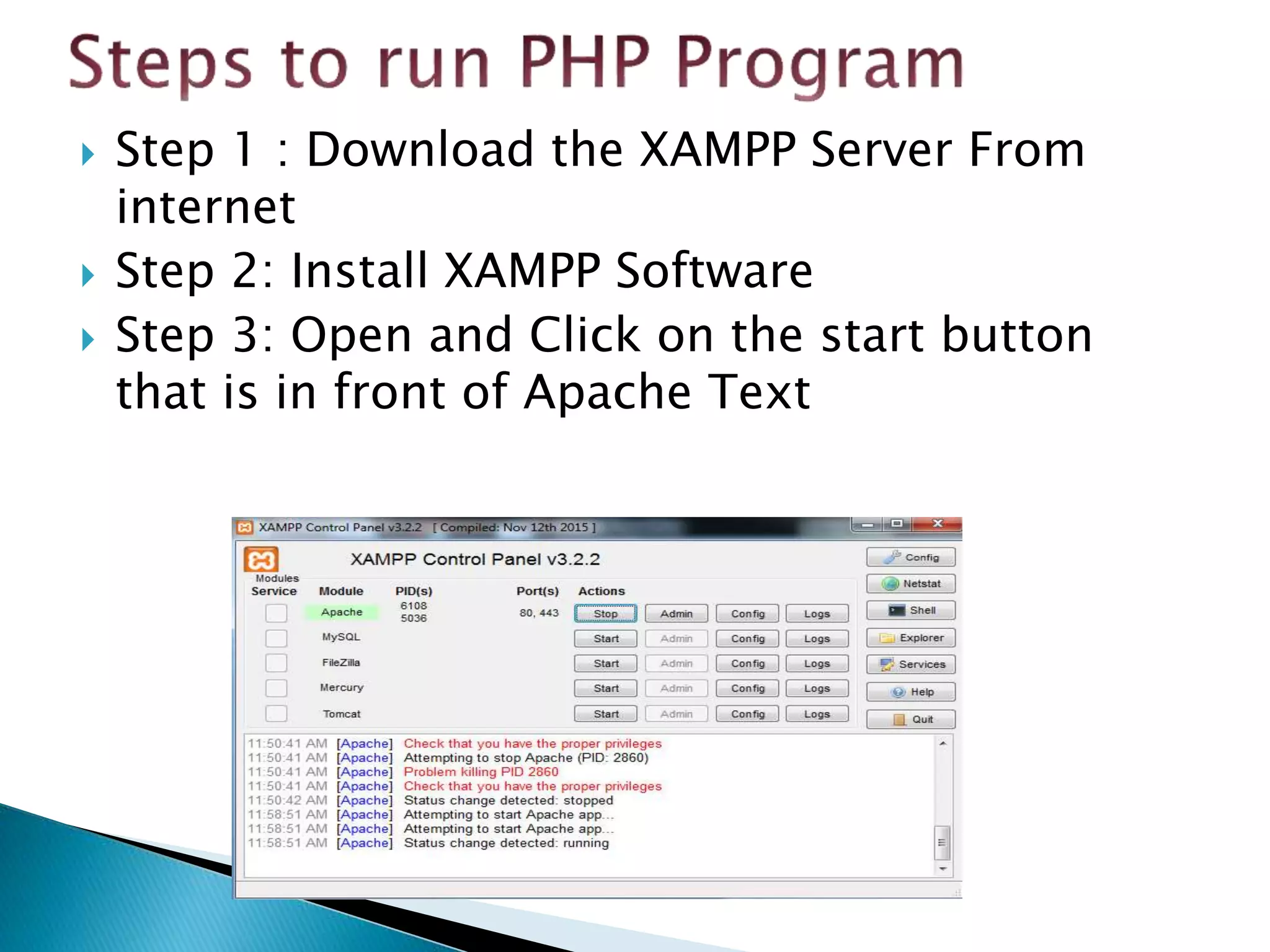
 Step 1 : Download the XAMPP Server From
internet
 Step 2: Install XAMPP Software
 Step 3: Open and Click on the start button
that is in front of Apache Text
 Step 4: Create PHP file in htdocs directory
which is resides in XAMPP
directory[c:sampphtdocs].
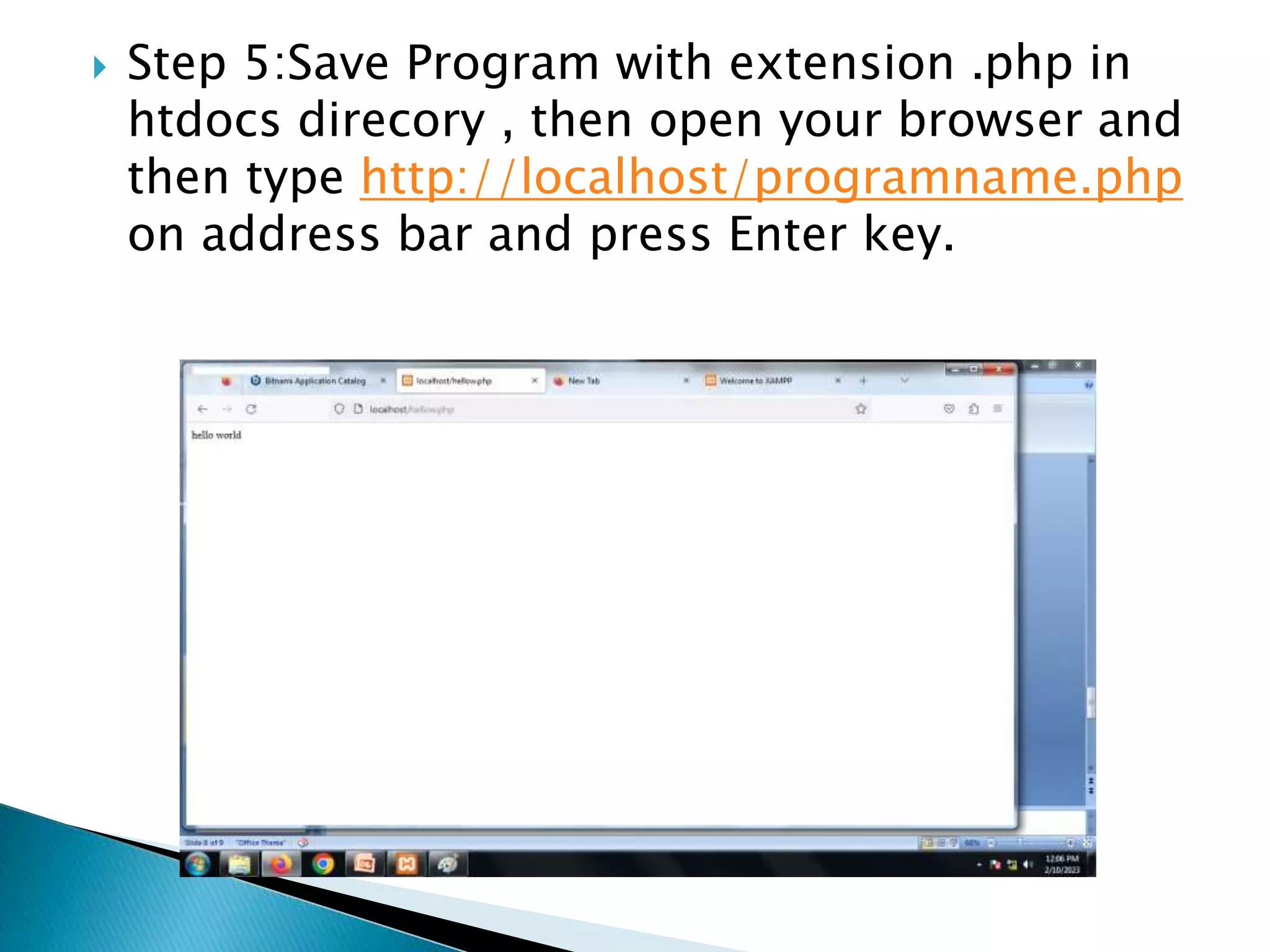
 Step 5:Save Program with extension .php in
htdocs direcory , then open your browser and
then type http://localhost/programname.php
on address bar and press Enter key.
 Variable:In PHP, a variable is declared using a $
sign followed by the variable name. Here, some
important points to know about variables:
 As PHP is a loosely typed language, so we do not
need to declare the data types of the variables. It
automatically analyzes the values and makes
conversions to its correct datatype.
 After declaring a variable, it can be reused
throughout the code.
 Assignment Operator (=) is used to assign the
value to a variable.
 A variable must start with a dollar ($) sign,
followed by the variable name.
 It can only contain alpha-numeric character and
underscore (A-z, 0-9, _).
 A variable name must start with a letter or
underscore (_) character.
 A PHP variable name cannot contain spaces.
 One thing to be kept in mind that the variable
name cannot start with a number or special
symbols.
 PHP variables are case-sensitive, so $name and
$NAME both are treated as different variable.
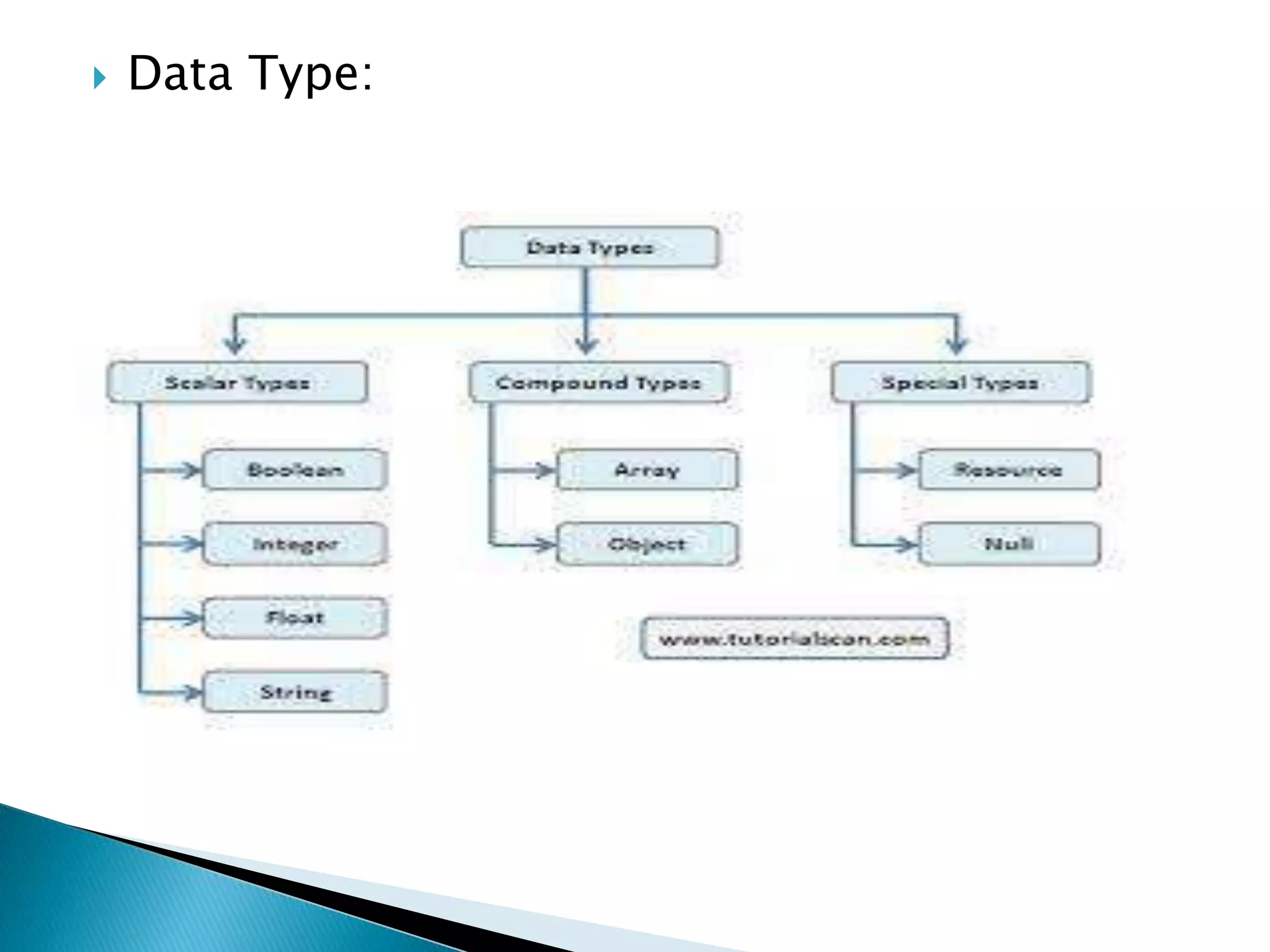
 Data Type:
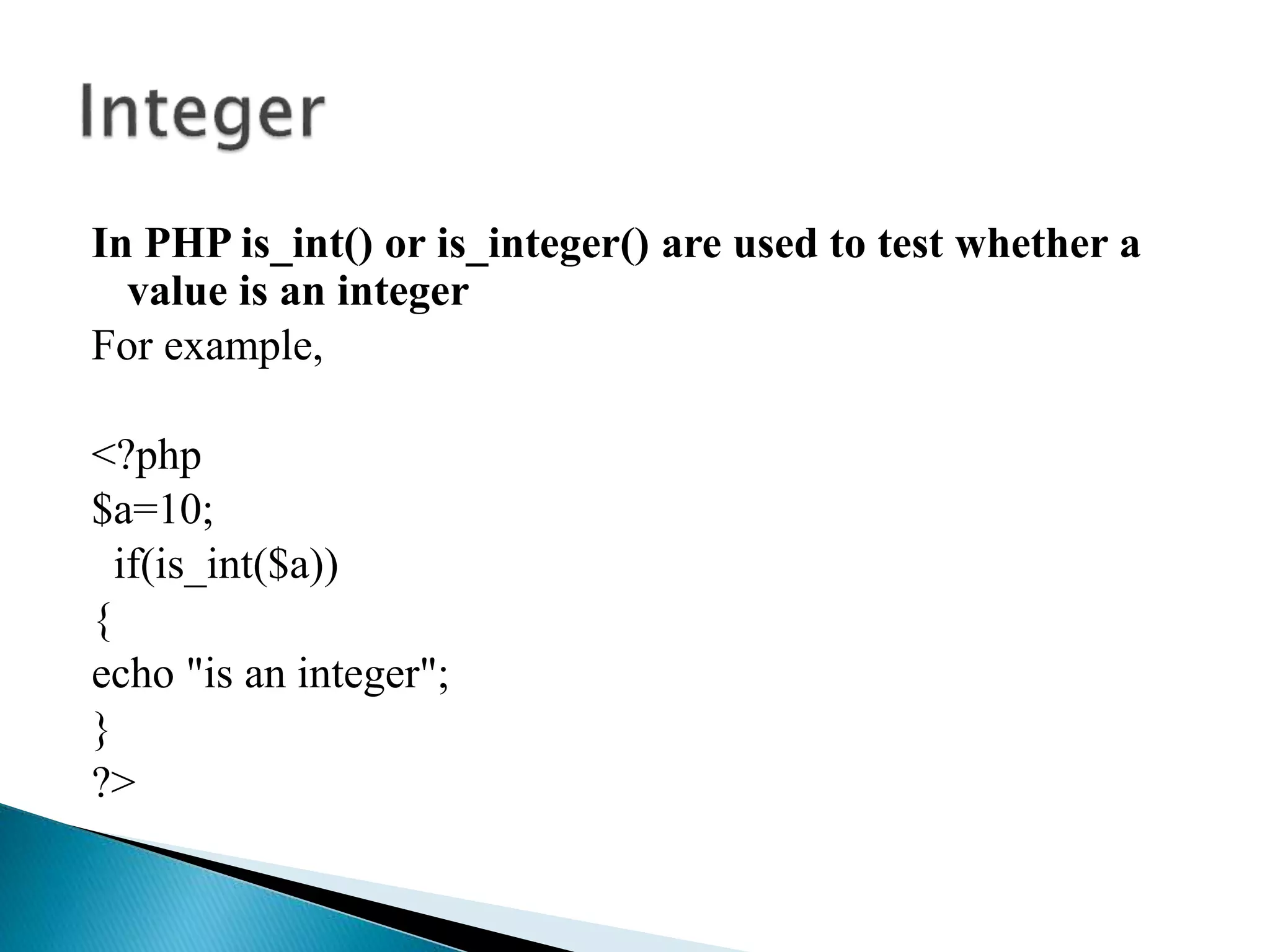
In PHP is_int() or is_integer() are used to test whether a
value is an integer
For example,
<?php
$a=10;
if(is_int($a))
{
echo "is an integer";
}
?>
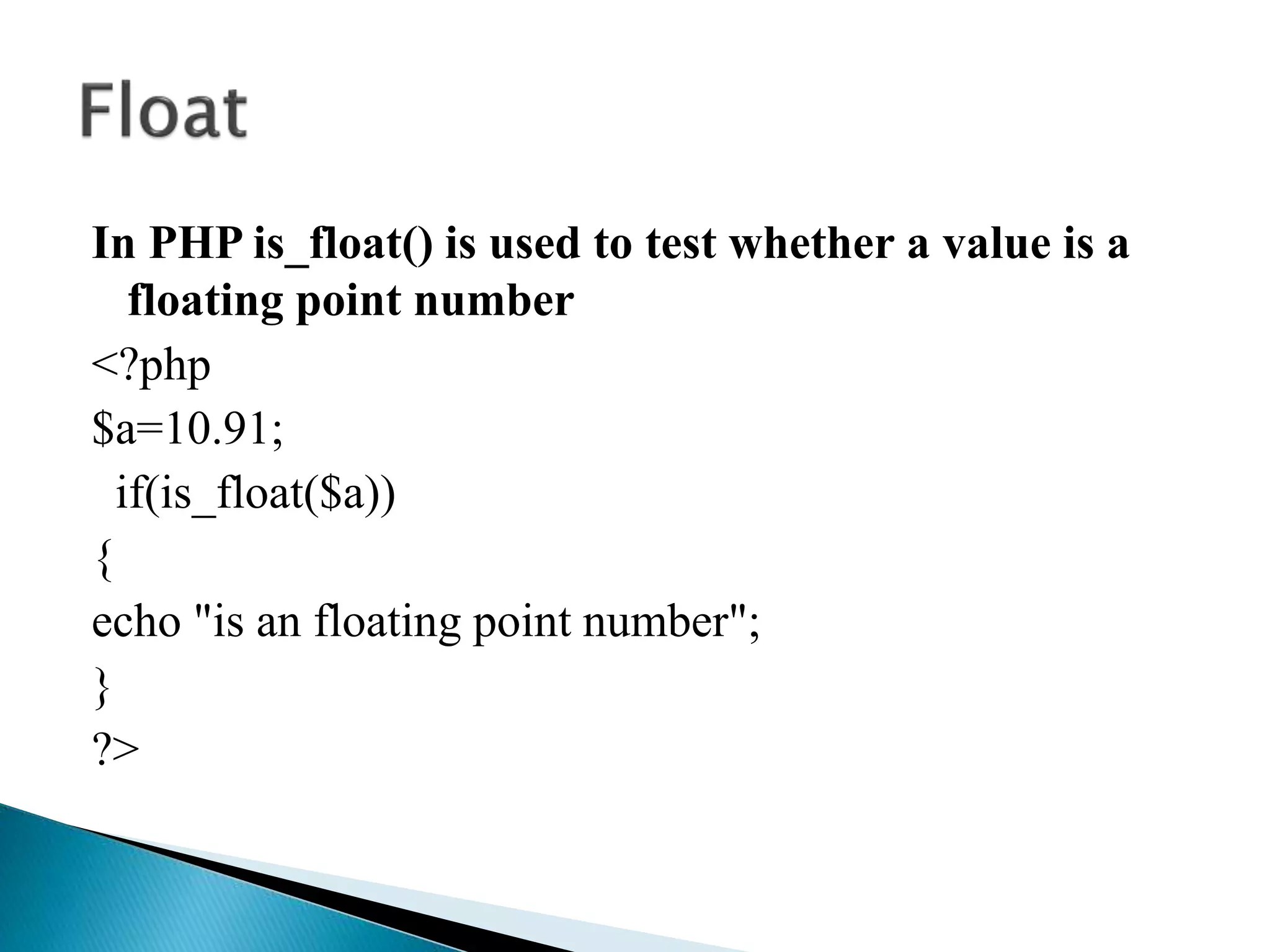
In PHP is_float() is used to test whether a value is a
floating point number
<?php
$a=10.91;
if(is_float($a))
{
echo "is an floating point number";
}
?>
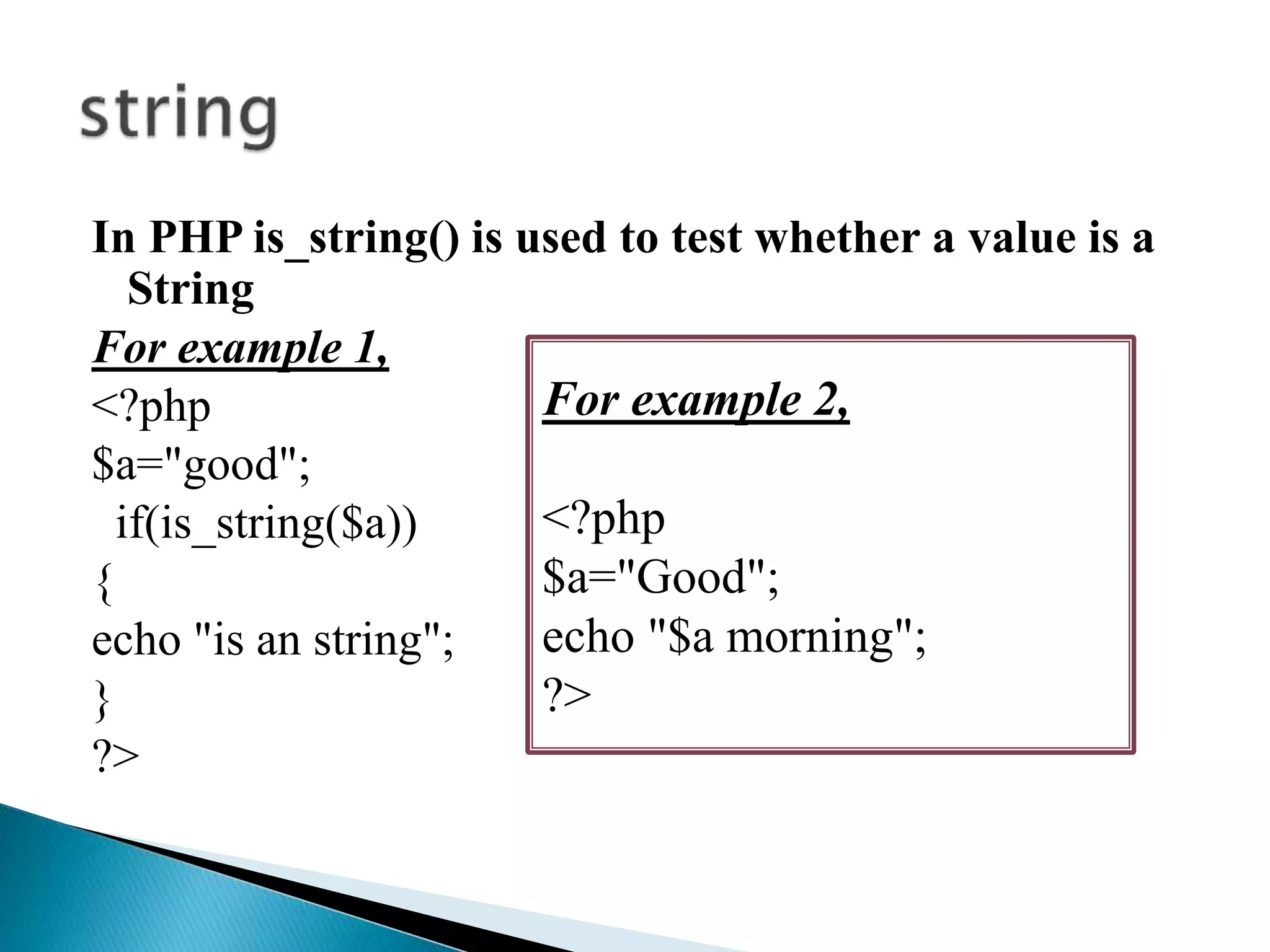
In PHP is_string() is used to test whether a value is a
String
For example 1,
<?php
$a="good";
if(is_string($a))
{
echo "is an string";
}
?>
For example 2,
<?php
$a="Good";
echo "$a morning";
?>
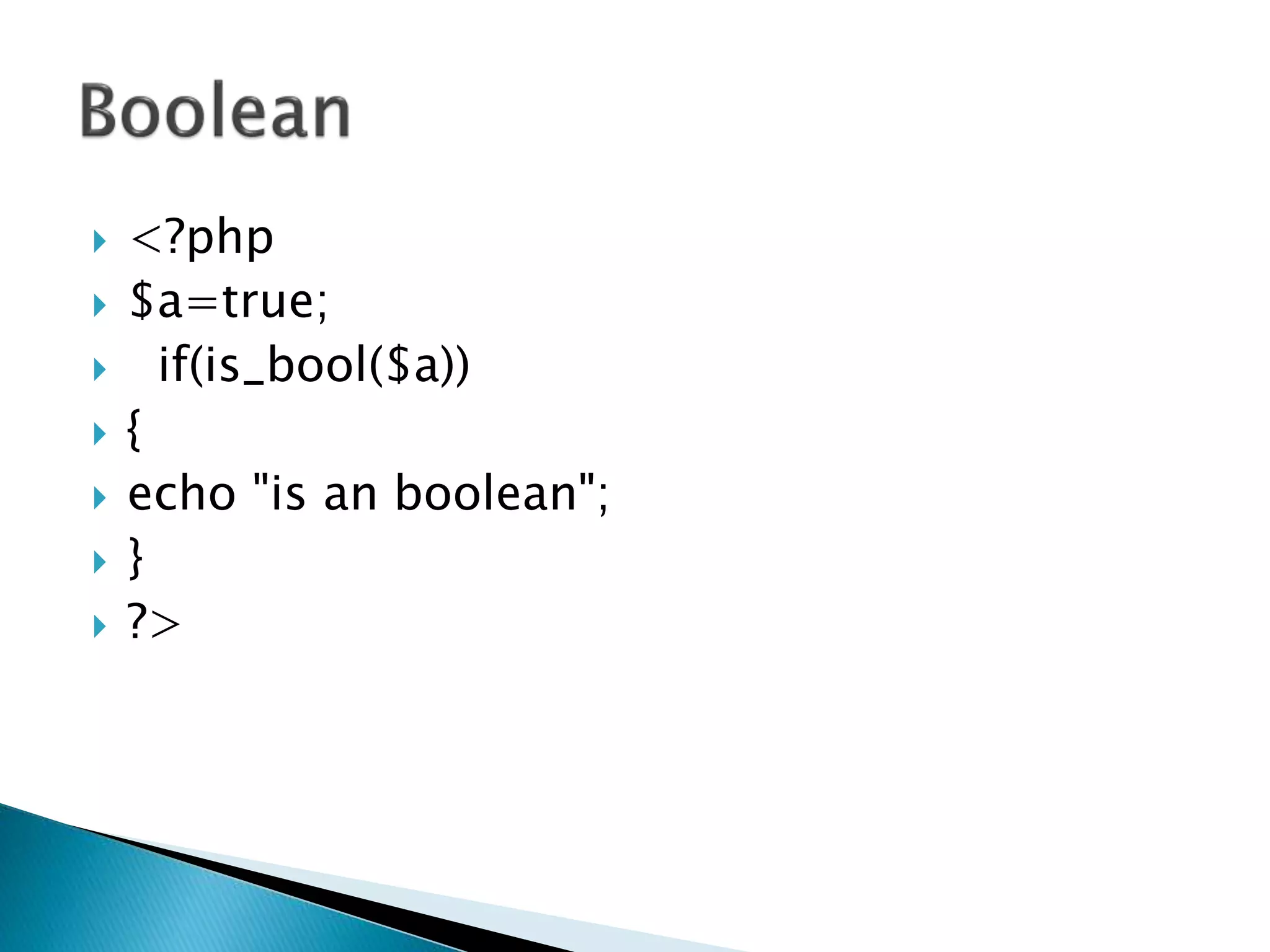
 <?php
 $a=true;
 if(is_bool($a))
 {
 echo "is an boolean";
 }
 ?>
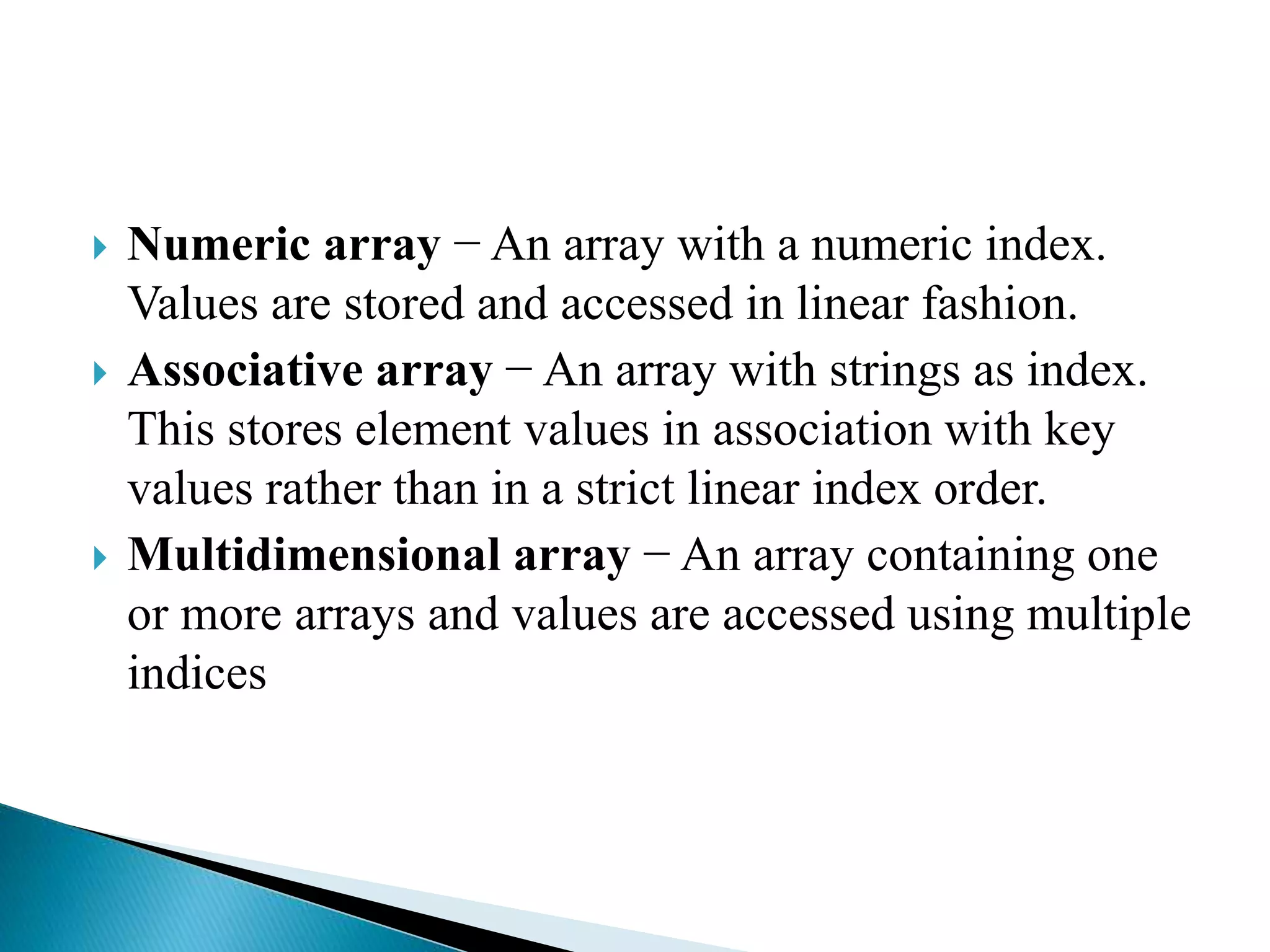
 Numeric array − An array with a numeric index.
Values are stored and accessed in linear fashion.
 Associative array − An array with strings as index.
This stores element values in association with key
values rather than in a strict linear index order.
 Multidimensional array − An array containing one
or more arrays and values are accessed using multiple
indices
<?php
/* First method to create array. */
$numbers = array( 1, 2, 3, 4, 5);
foreach( $numbers as $value )
{ echo "Value is $value <br />"; }
/* Second method to create array. */
$numbers[0] = "one";
$numbers[1] = "two";
$numbers[2] = "three";
$numbers[3] = "four";
$numbers[4] = "five";
foreach( $numbers as $value )
{
echo "Value is $value <br />";
}
?>
<?php
/* First method to associate create array. */
$salaries = array("mohammad" => 2000, "qadir" => 1000, "zara" => 500);
echo "Salary of mohammad is ". $salaries['mohammad'] . "<br />";
echo "Salary of qadir is ". $salaries['qadir']. "<br />";
echo "Salary of zara is ". $salaries['zara']. "<br />";
/* Second method to create array. */
$salaries['mohammad'] = "high";
$salaries['qadir'] = "medium";
$salaries['zara'] = "low";
echo "Salary of mohammad is ". $salaries['mohammad'] . "<br />";
echo "Salary of qadir is ". $salaries['qadir']. "<br />";
echo "Salary of zara is ". $salaries['zara']. "<br />";
?>
<?php
$marks = array("mohammad" =>
array ( "physics" => 35,
"maths" => 30,
"chemistry" => 39),
"qadir" => array ("physics" => 30,
"maths" => 32,
"chemistry" => 29),
"zara" => array ("physics" => 31,
"maths" => 22,
"chemistry" => 39)
);
/* Accessing multi-dimensional array values */
echo "Marks for mohammad in physics : " ;
echo $marks['mohammad']['physics'] . "<br />";
echo "Marks for qadir in maths : ";
echo $marks['qadir']['maths'] . "<br />";
echo "Marks for zara in chemistry : " ;
echo $marks['zara']['chemistry'] . "<br />";
?>
Multidimensional
array
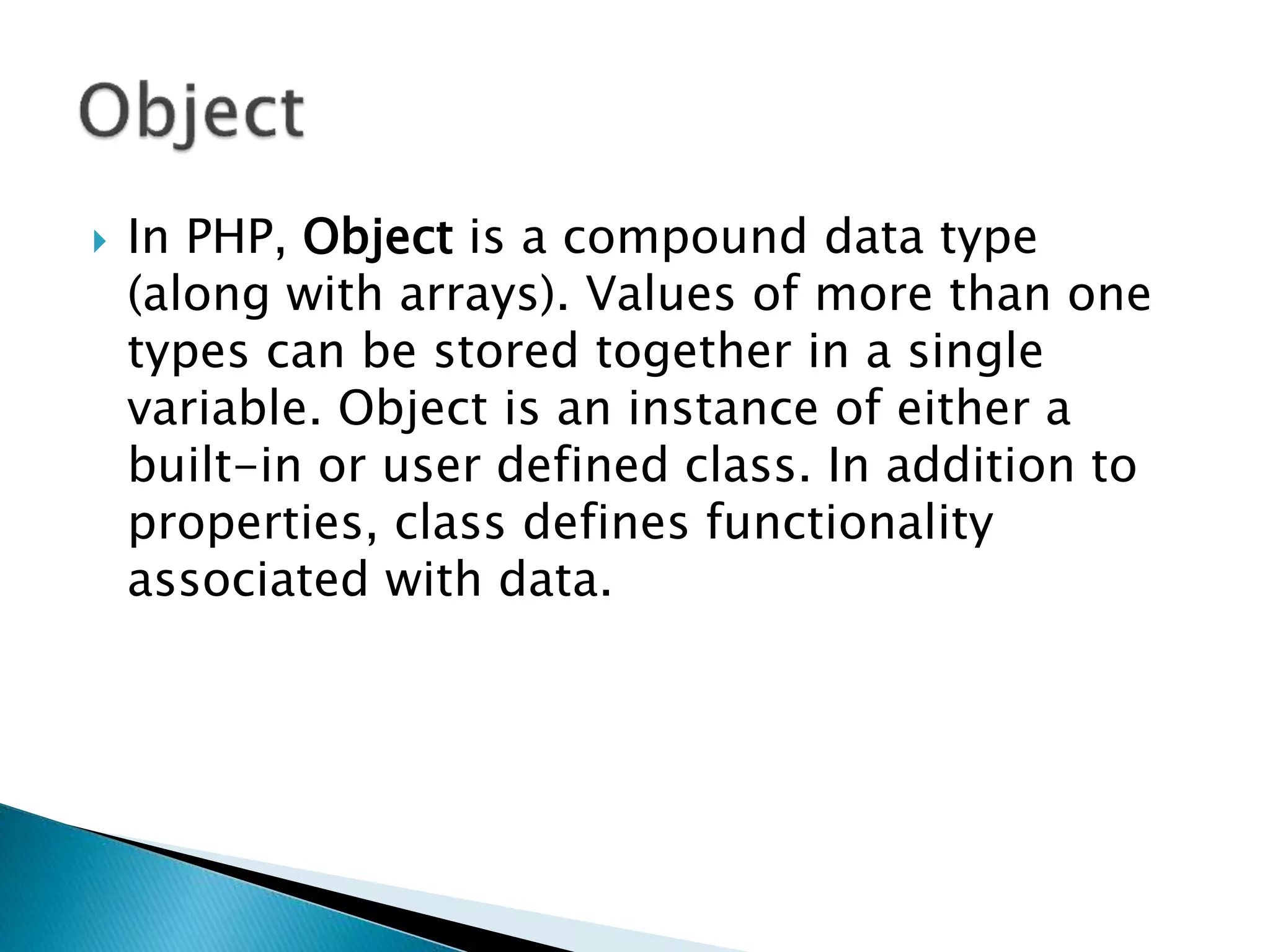
 In PHP, Object is a compound data type
(along with arrays). Values of more than one
types can be stored together in a single
variable. Object is an instance of either a
built-in or user defined class. In addition to
properties, class defines functionality
associated with data.
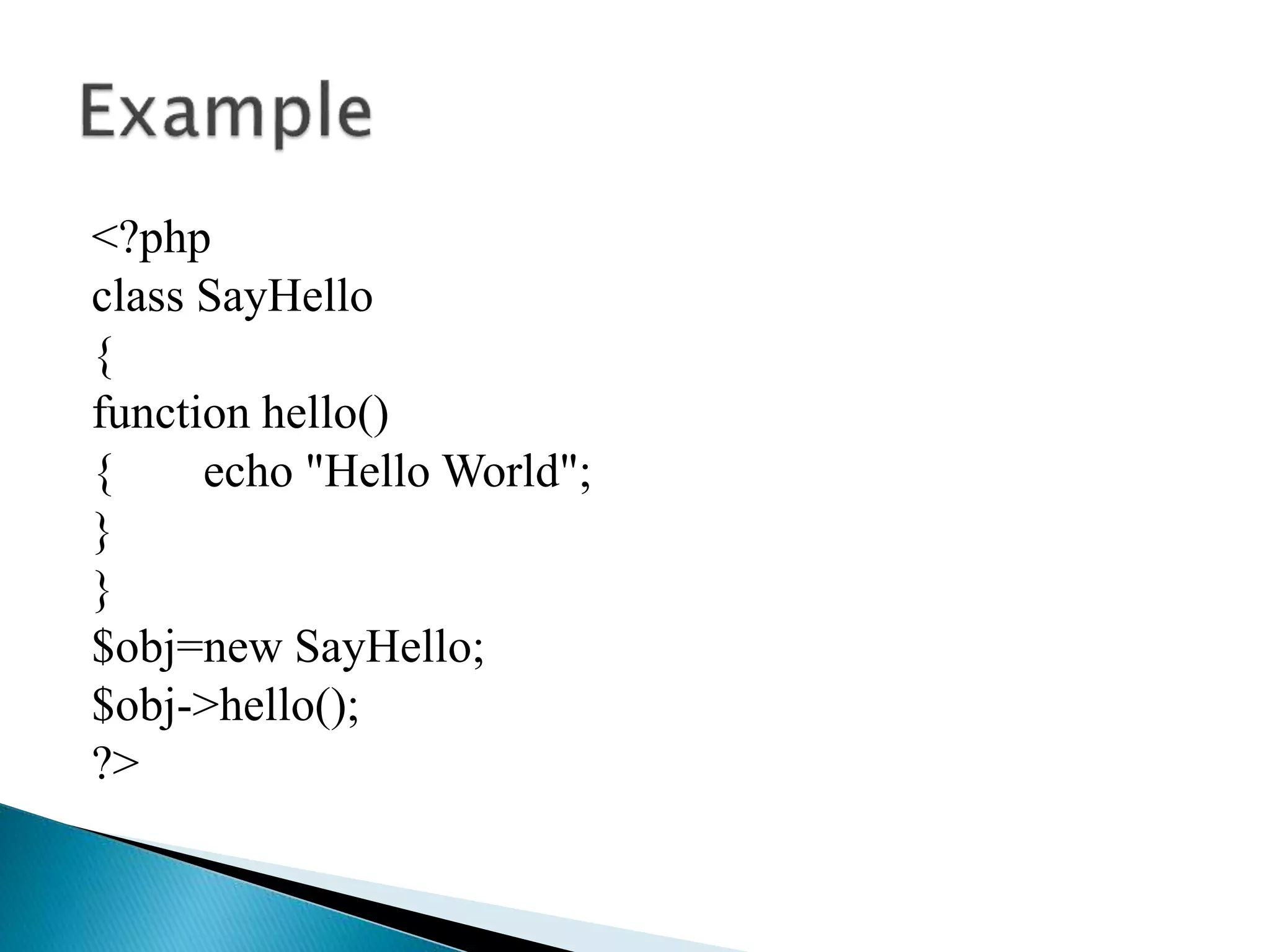
<?php
class SayHello
{
function hello()
{ echo "Hello World";
}
}
$obj=new SayHello;
$obj->hello();
?>
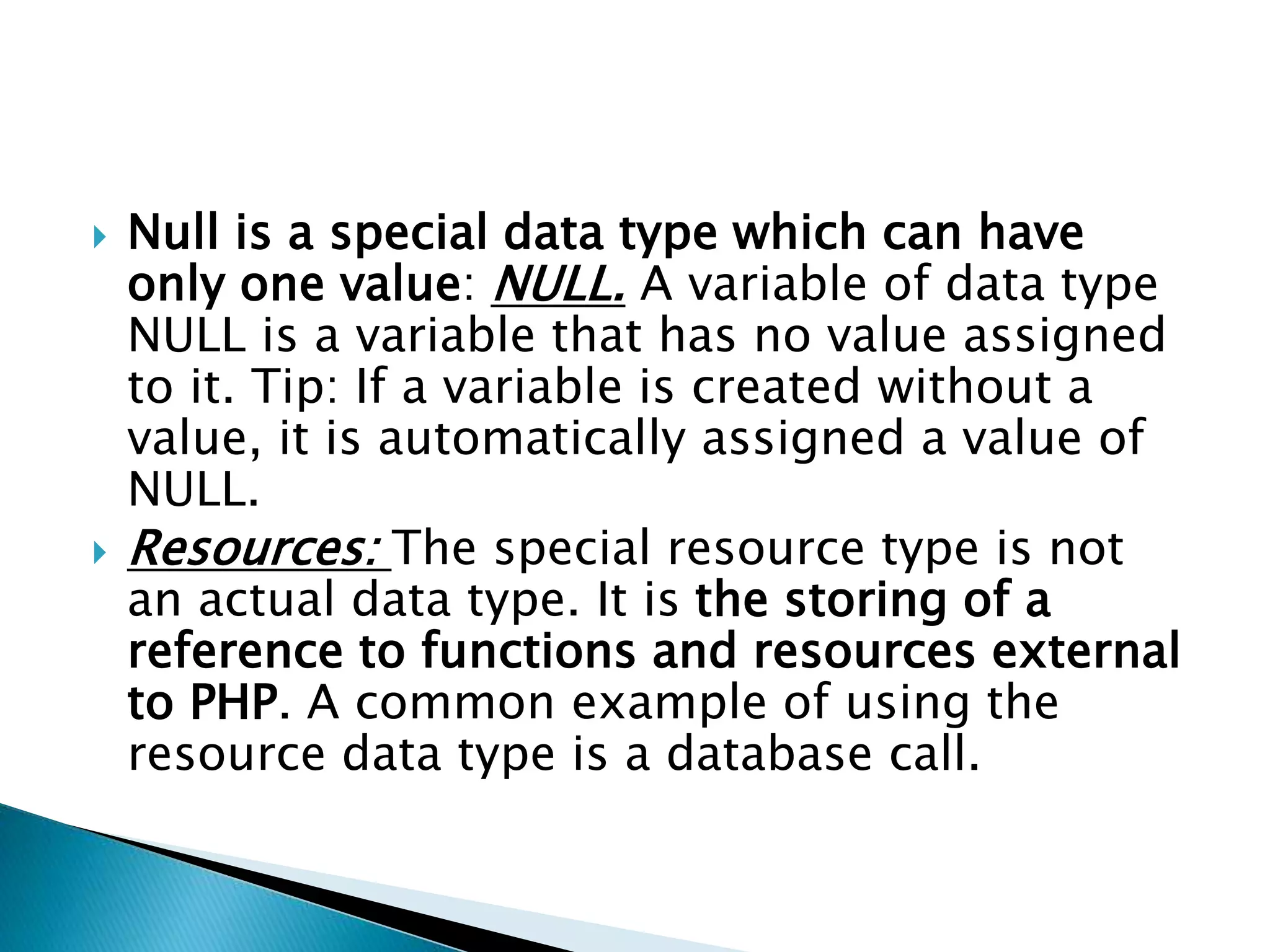
 Null is a special data type which can have
only one value: NULL. A variable of data type
NULL is a variable that has no value assigned
to it. Tip: If a variable is created without a
value, it is automatically assigned a value of
NULL.
 Resources: The special resource type is not
an actual data type. It is the storing of a
reference to functions and resources external
to PHP. A common example of using the
resource data type is a database call.
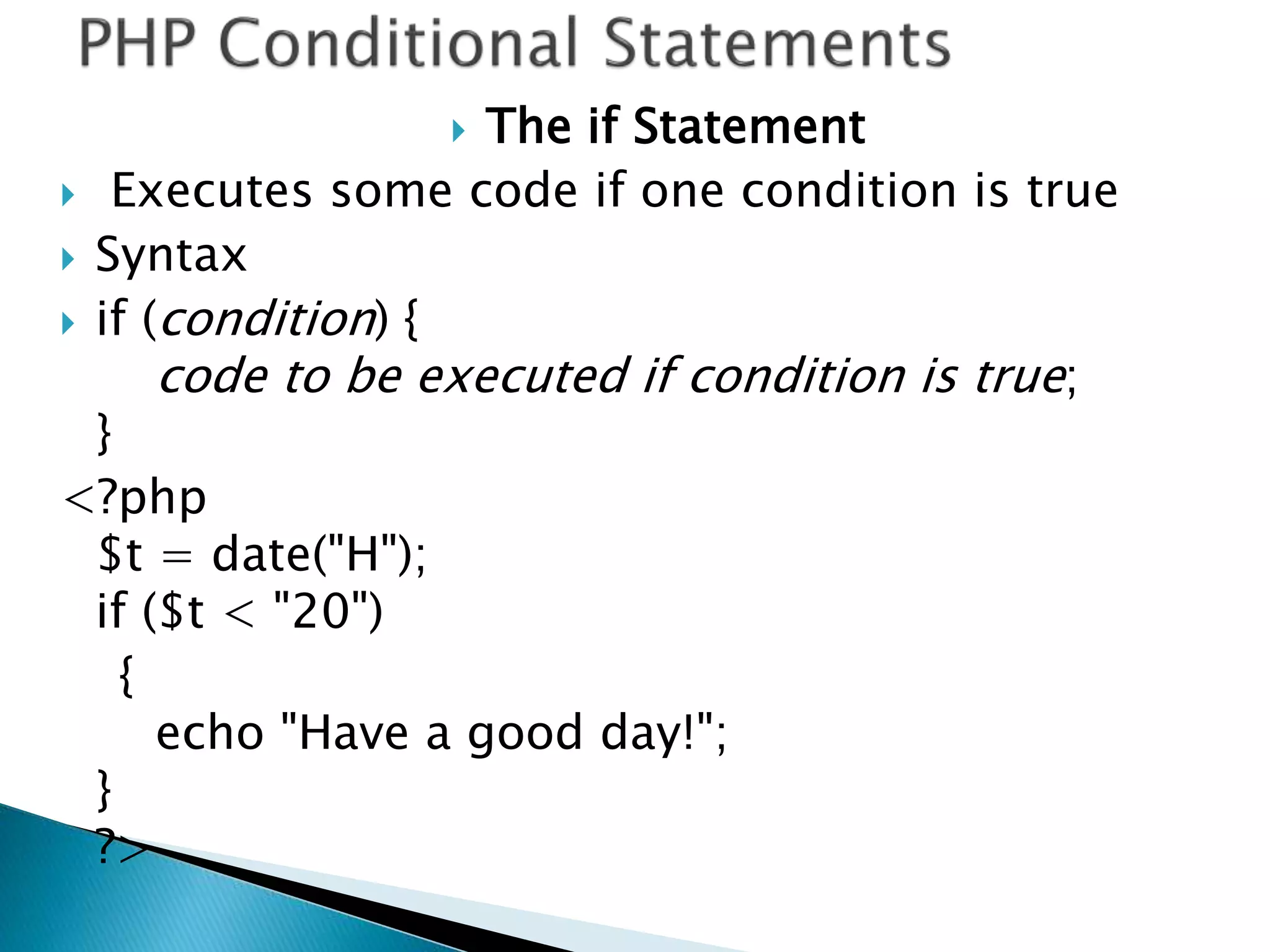
 The if Statement
 Executes some code if one condition is true
 Syntax
 if (condition) {
code to be executed if condition is true;
}
<?php
$t = date("H");
if ($t < "20")
{
echo "Have a good day!";
}
?>
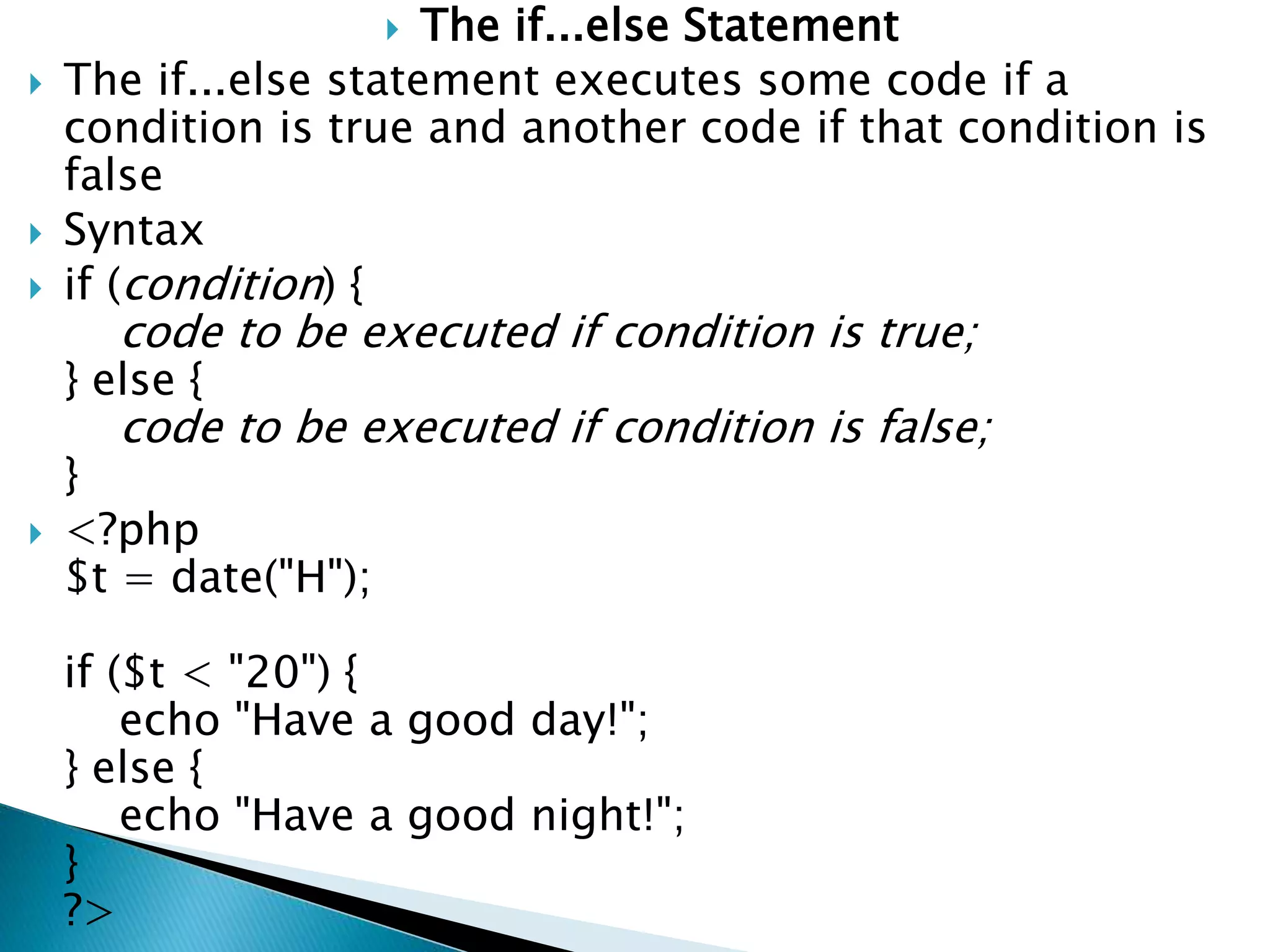
 The if...else Statement
 The if...else statement executes some code if a
condition is true and another code if that condition is
false
 Syntax
 if (condition) {
code to be executed if condition is true;
} else {
code to be executed if condition is false;
}
 <?php
$t = date("H");
if ($t < "20") {
echo "Have a good day!";
} else {
echo "Have a good night!";
}
?>
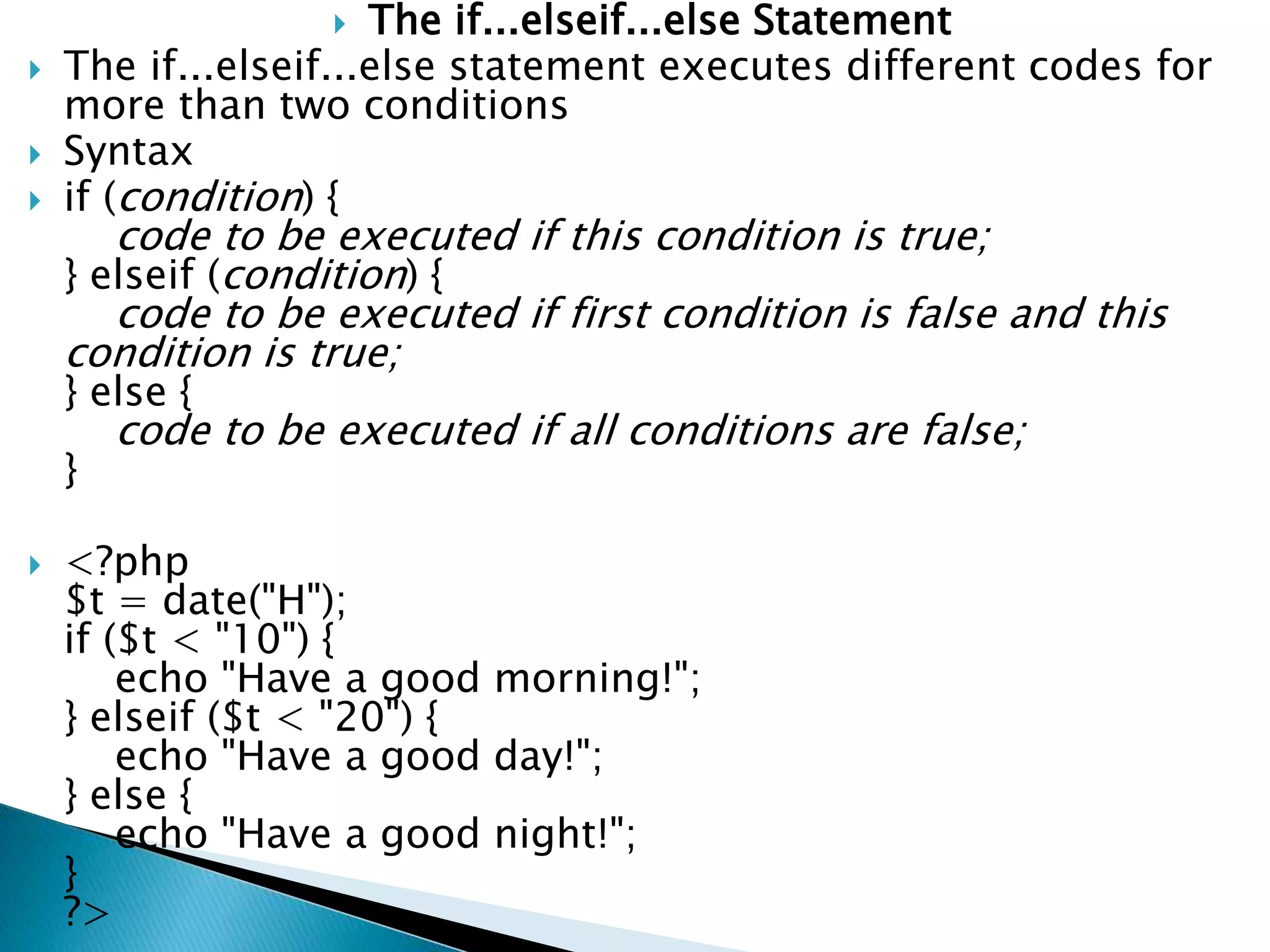
 The if...elseif...else Statement
 The if...elseif...else statement executes different codes for
more than two conditions
 Syntax
 if (condition) {
code to be executed if this condition is true;
} elseif (condition) {
code to be executed if first condition is false and this
condition is true;
} else {
code to be executed if all conditions are false;
}
 <?php
$t = date("H");
if ($t < "10") {
echo "Have a good morning!";
} elseif ($t < "20") {
echo "Have a good day!";
} else {
echo "Have a good night!";
}
?>
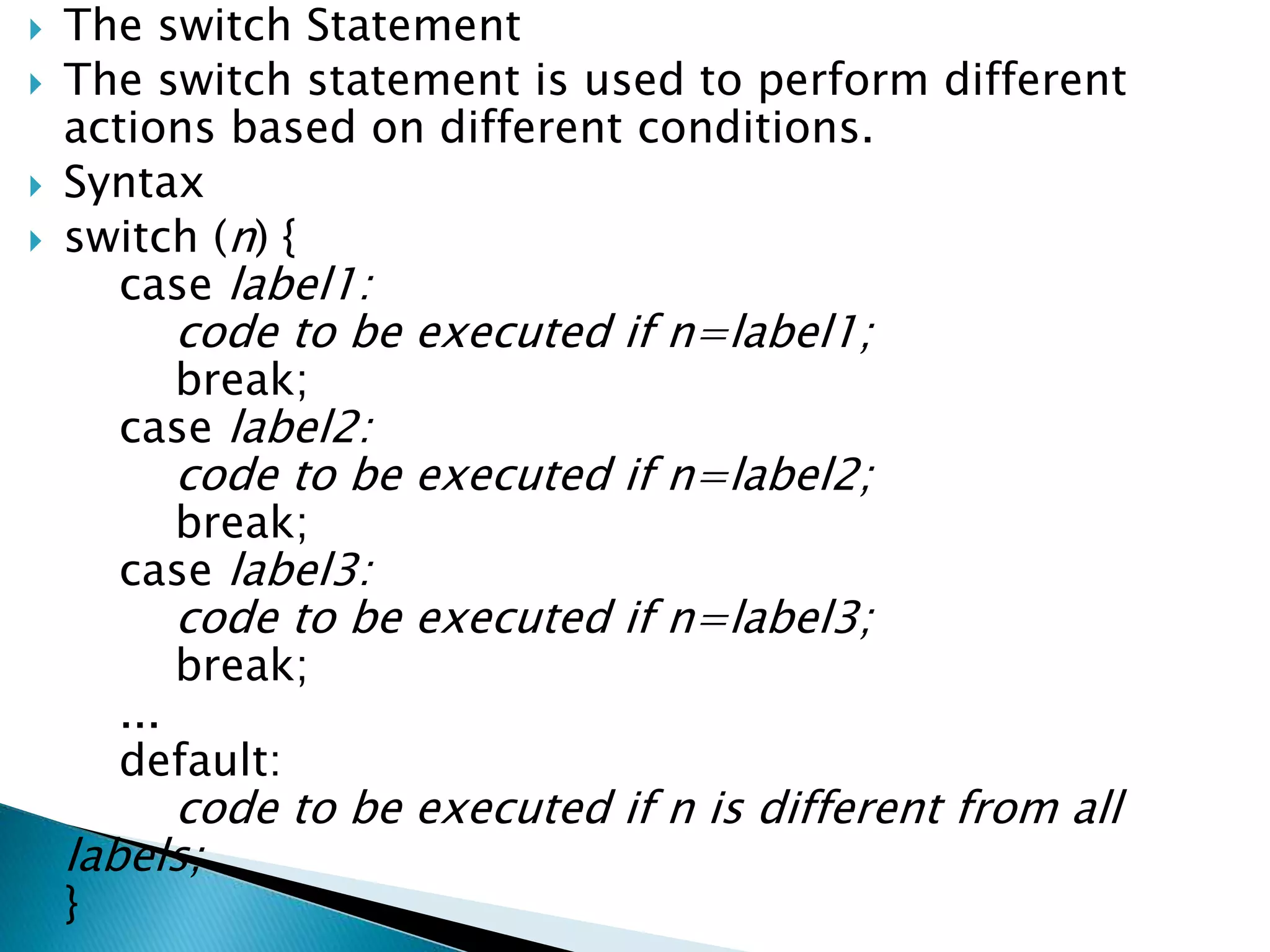
 The switch Statement
 The switch statement is used to perform different
actions based on different conditions.
 Syntax
 switch (n) {
case label1:
code to be executed if n=label1;
break;
case label2:
code to be executed if n=label2;
break;
case label3:
code to be executed if n=label3;
break;
...
default:
code to be executed if n is different from all
labels;
}
 <?php
$favcolor = "red";
switch ($favcolor) {
case "red":
echo "Your favorite color is red!";
break;
case "blue":
echo "Your favorite color is blue!";
break;
case "green":
echo "Your favorite color is green!";
break;
default:
echo "Your favorite color is neither red,
blue, nor green!";
}
?>
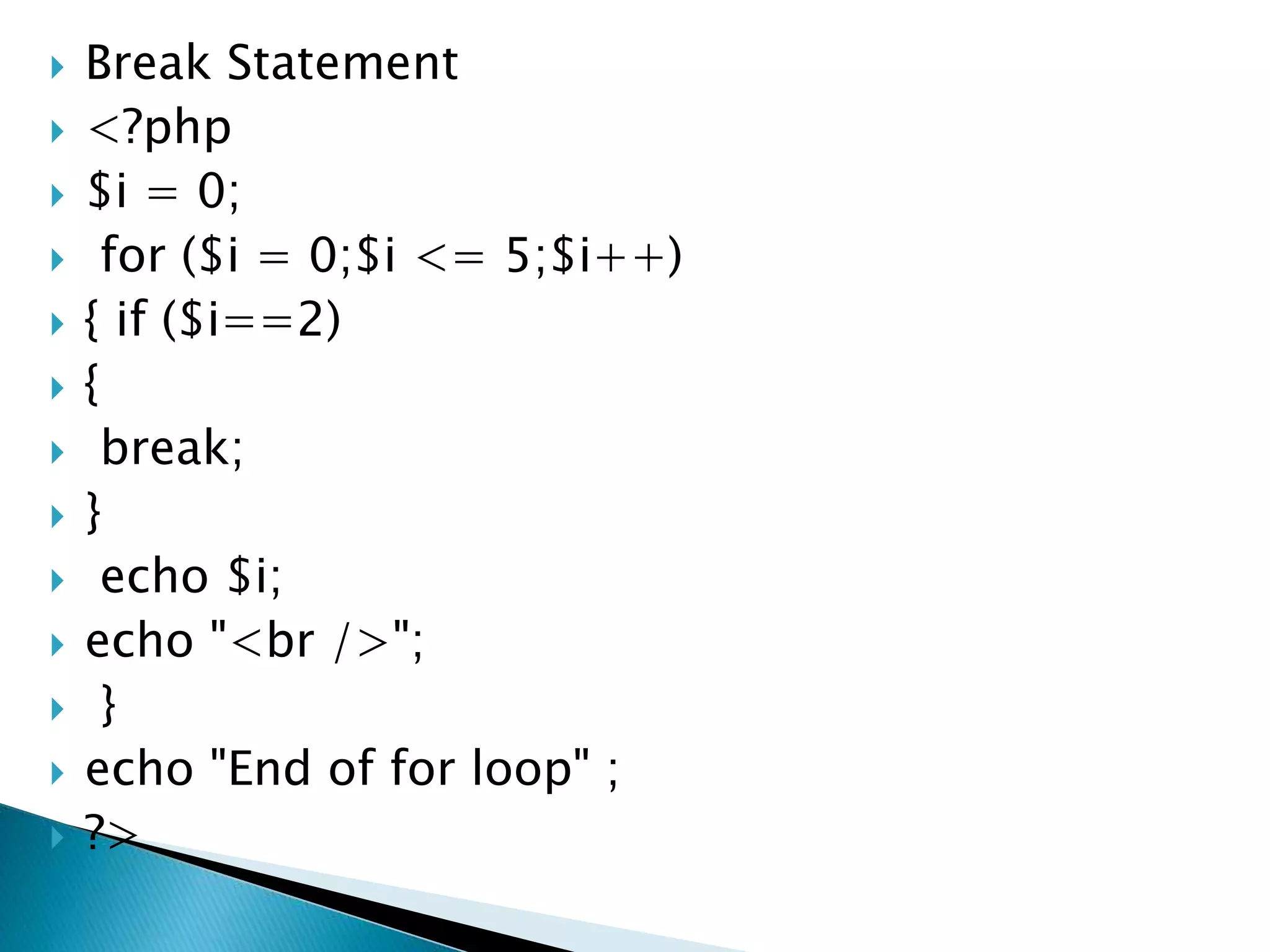
 Break Statement
 <?php
 $i = 0;
 for ($i = 0;$i <= 5;$i++)
 { if ($i==2)
 {
 break;
 }
 echo $i;
 echo "<br />";
 }
 echo "End of for loop" ;
 ?>
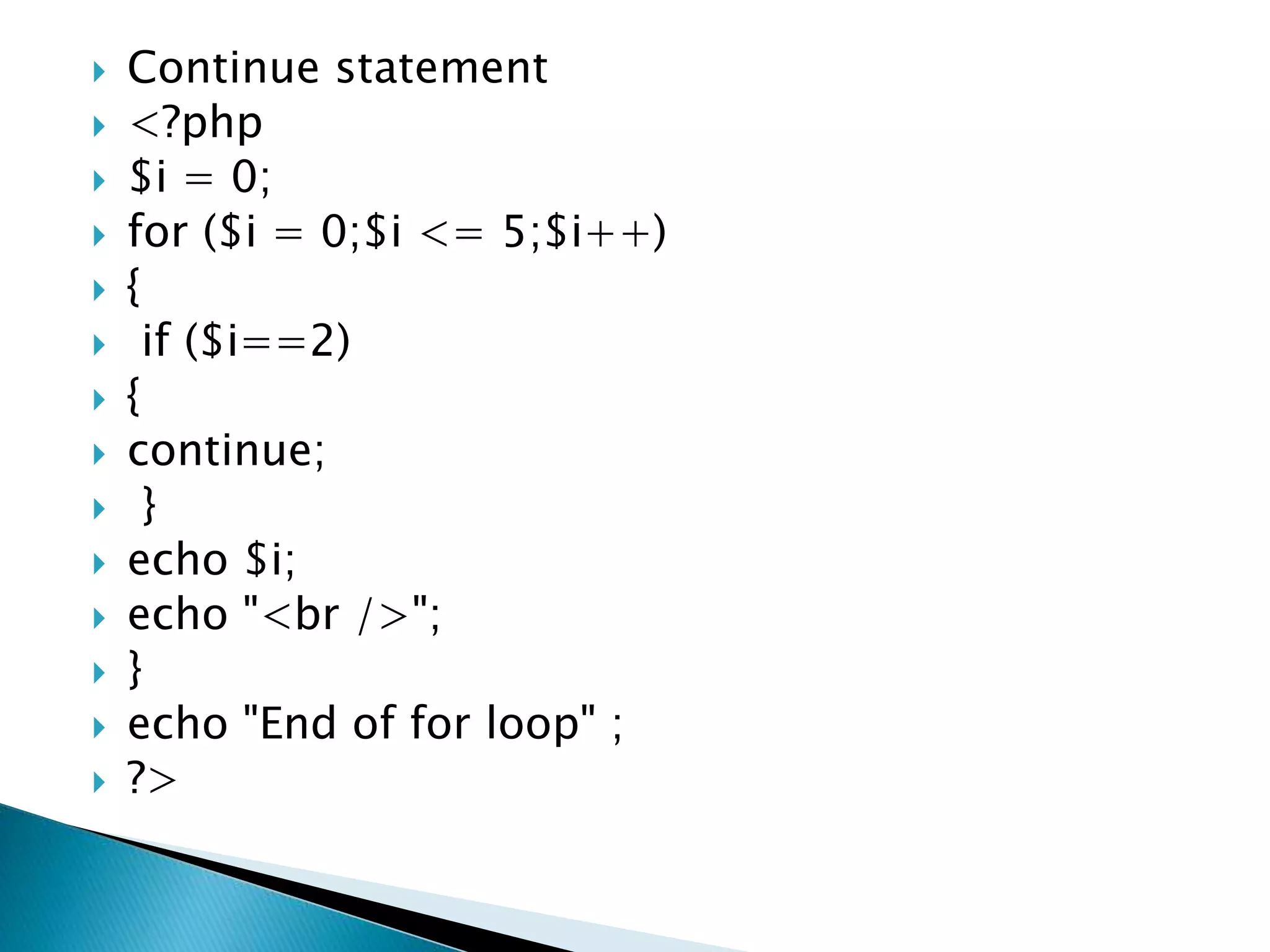
 Continue statement
 <?php
 $i = 0;
 for ($i = 0;$i <= 5;$i++)
 {
 if ($i==2)
 {
 continue;
 }
 echo $i;
 echo "<br />";
 }
 echo "End of for loop" ;
 ?>
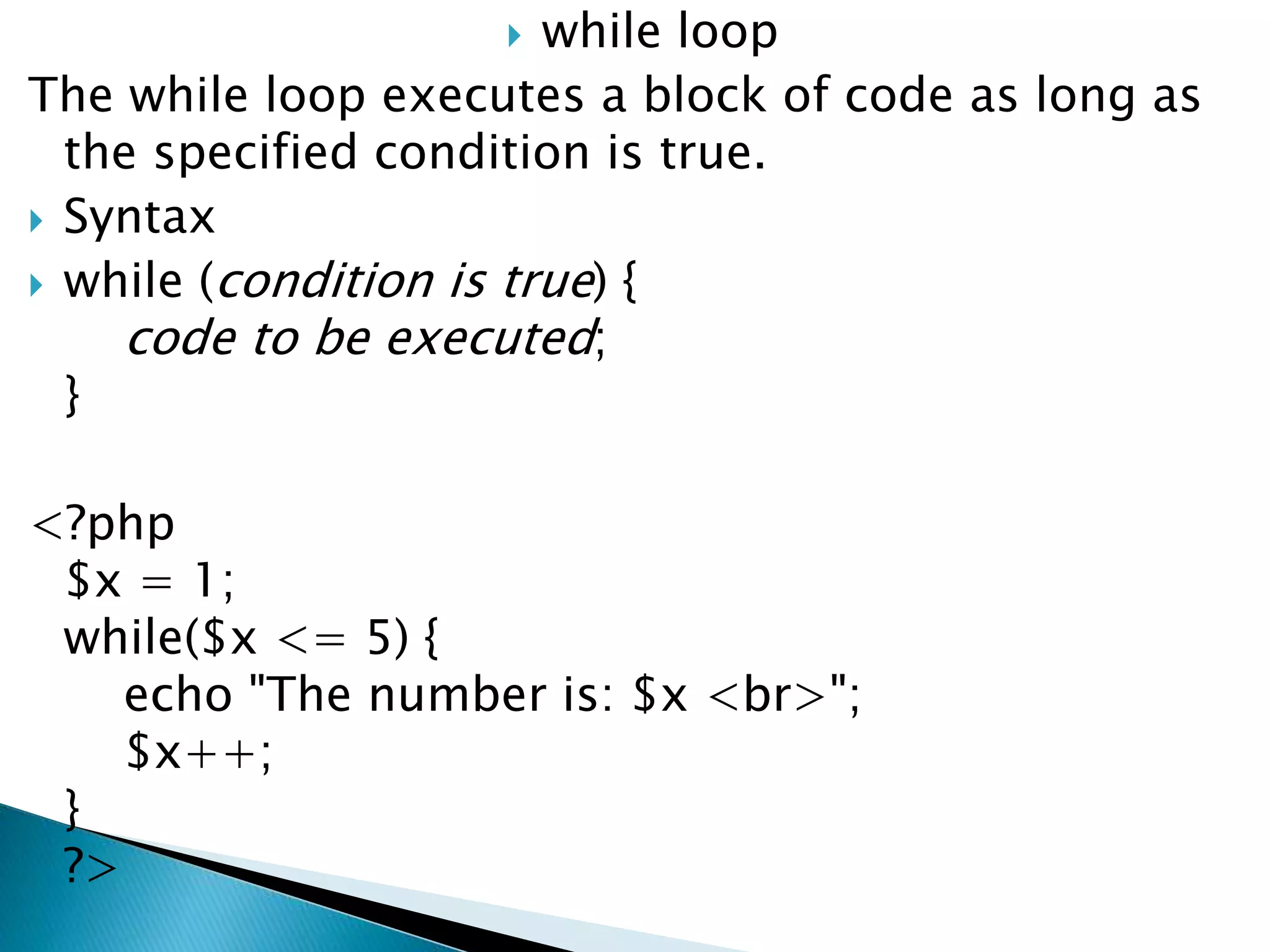
 while loop
The while loop executes a block of code as long as
the specified condition is true.
 Syntax
 while (condition is true) {
code to be executed;
}
<?php
$x = 1;
while($x <= 5) {
echo "The number is: $x <br>";
$x++;
}
?>
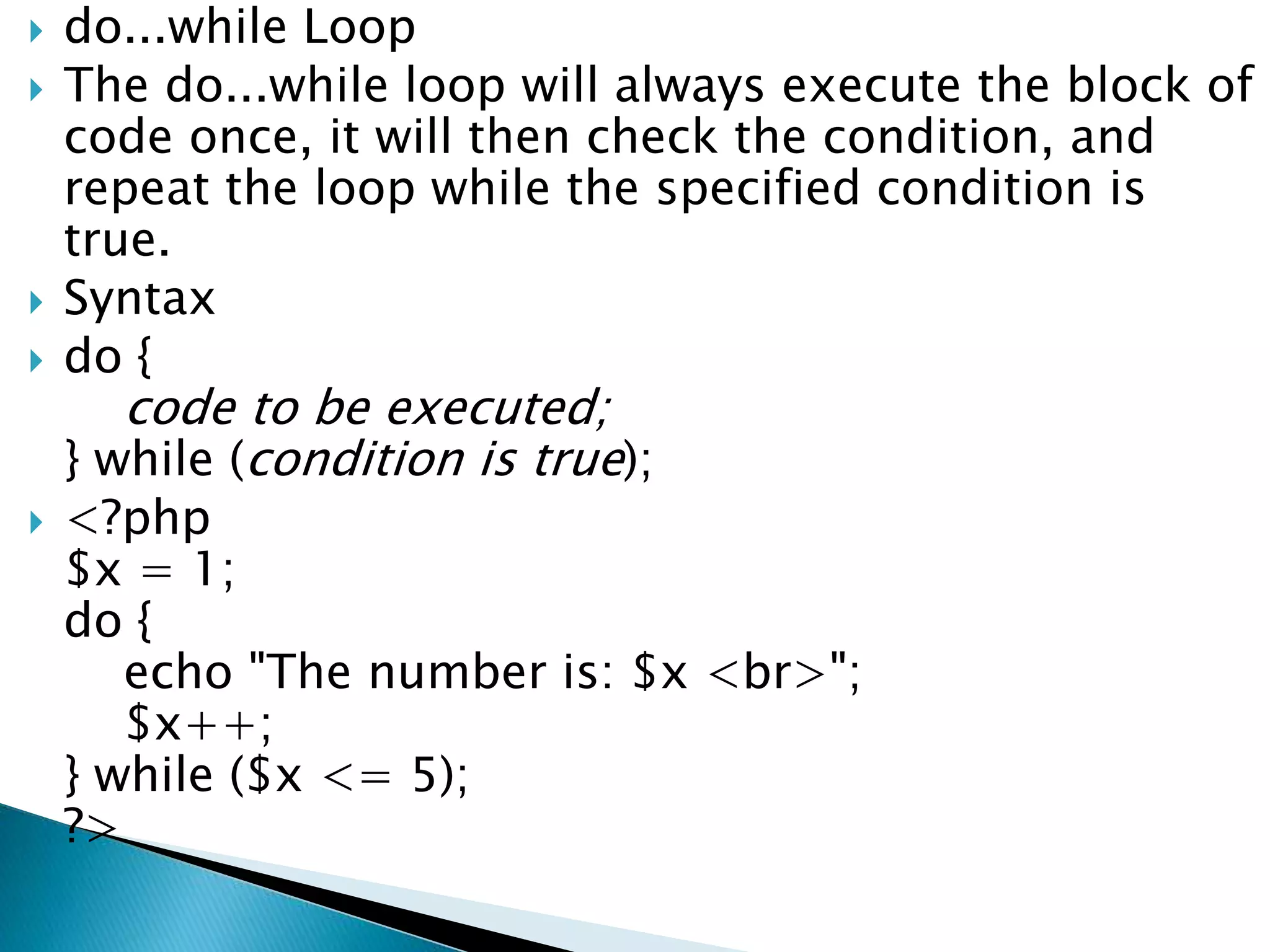
 do...while Loop
 The do...while loop will always execute the block of
code once, it will then check the condition, and
repeat the loop while the specified condition is
true.
 Syntax
 do {
code to be executed;
} while (condition is true);
 <?php
$x = 1;
do {
echo "The number is: $x <br>";
$x++;
} while ($x <= 5);
?>
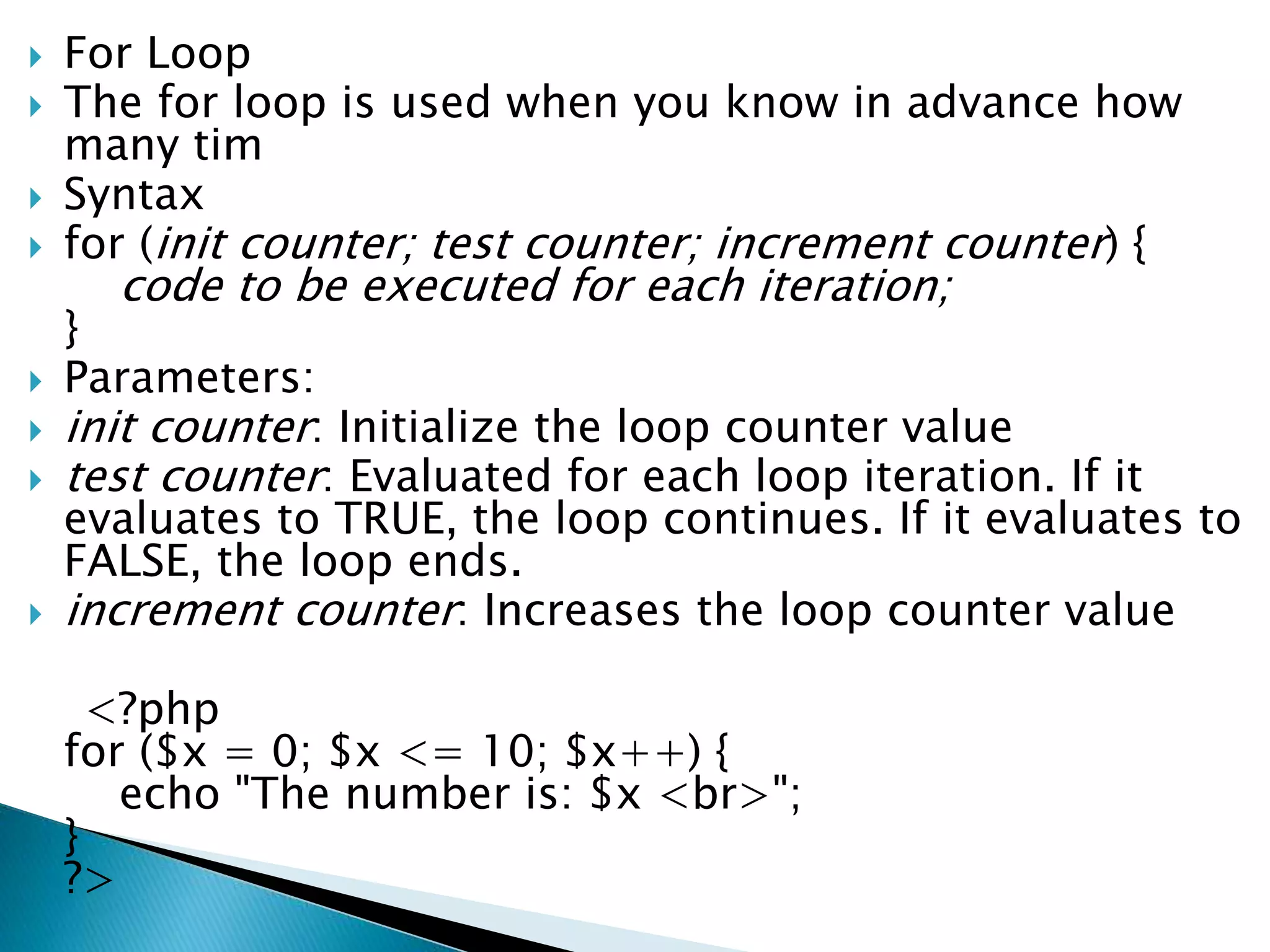
 For Loop
 The for loop is used when you know in advance how
many tim
 Syntax
 for (init counter; test counter; increment counter) {
code to be executed for each iteration;
}
 Parameters:
 init counter: Initialize the loop counter value
 test counter: Evaluated for each loop iteration. If it
evaluates to TRUE, the loop continues. If it evaluates to
FALSE, the loop ends.
 increment counter: Increases the loop counter value
<?php
for ($x = 0; $x <= 10; $x++) {
echo "The number is: $x <br>";
}
?>
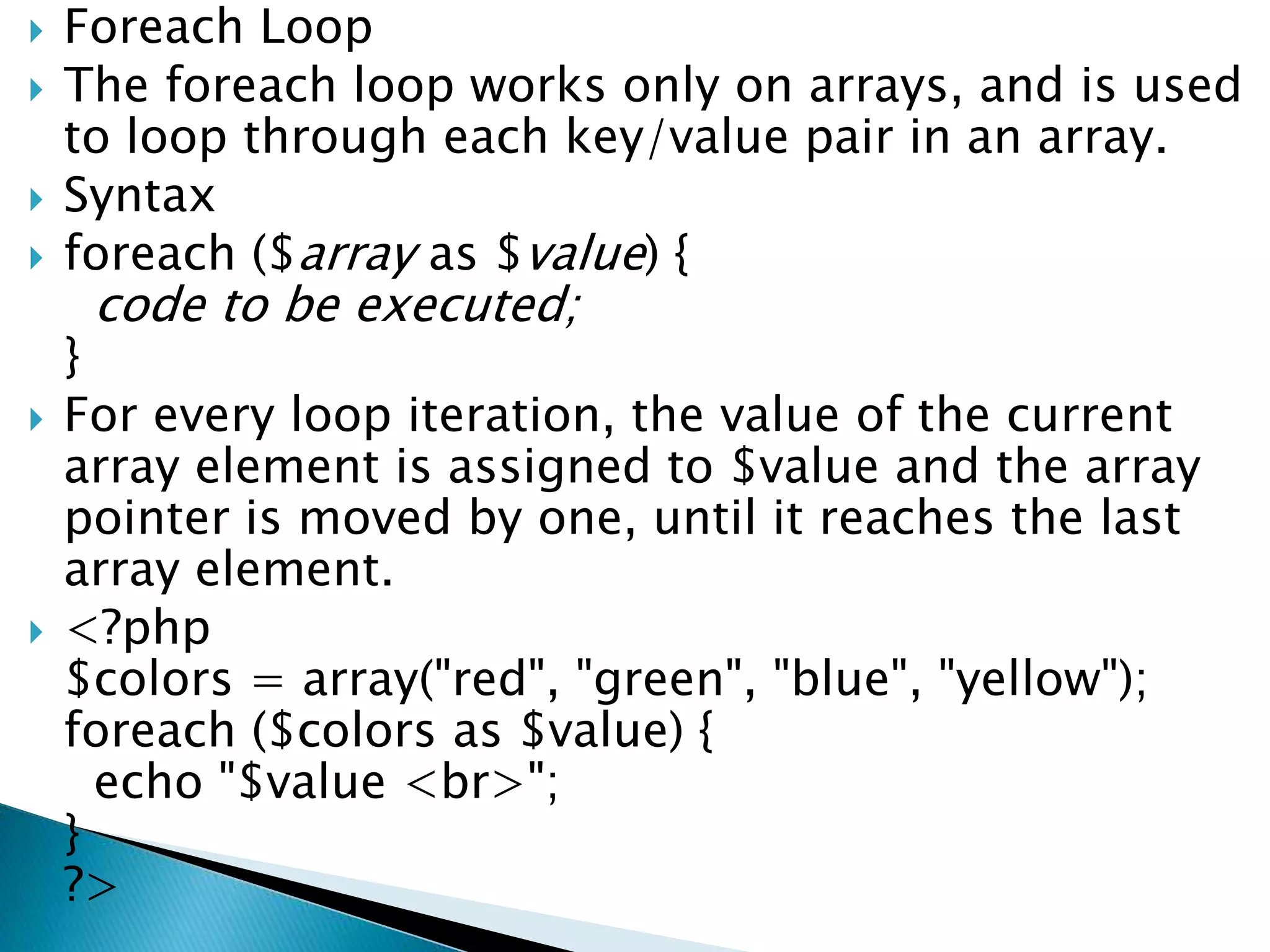
 Foreach Loop
 The foreach loop works only on arrays, and is used
to loop through each key/value pair in an array.
 Syntax
 foreach ($array as $value) {
code to be executed;
}
 For every loop iteration, the value of the current
array element is assigned to $value and the array
pointer is moved by one, until it reaches the last
array element.
 <?php
$colors = array("red", "green", "blue", "yellow");
foreach ($colors as $value) {
echo "$value <br>";
}
?>
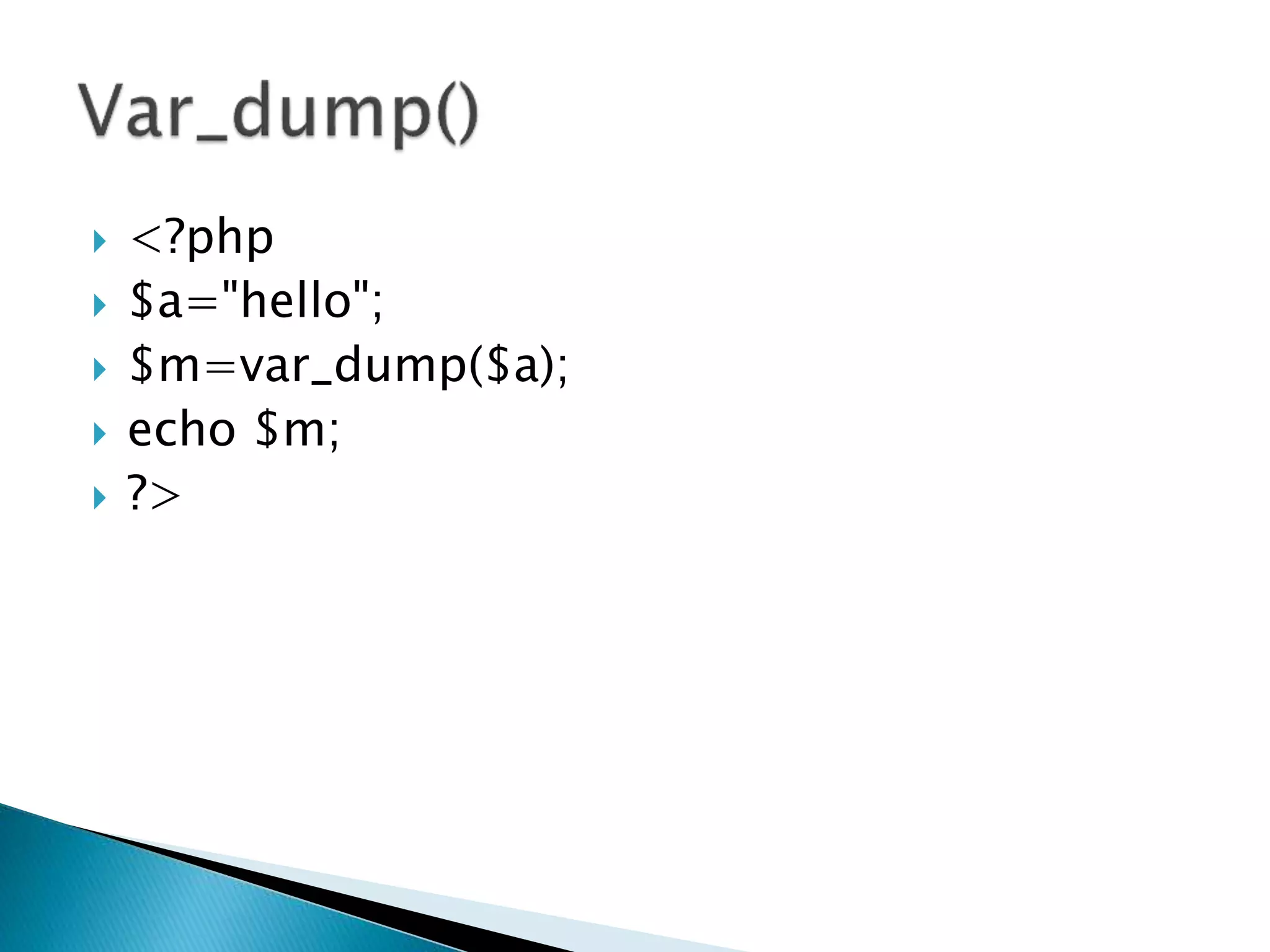
 <?php
 $a="hello";
 $m=var_dump($a);
 echo $m;
 ?>
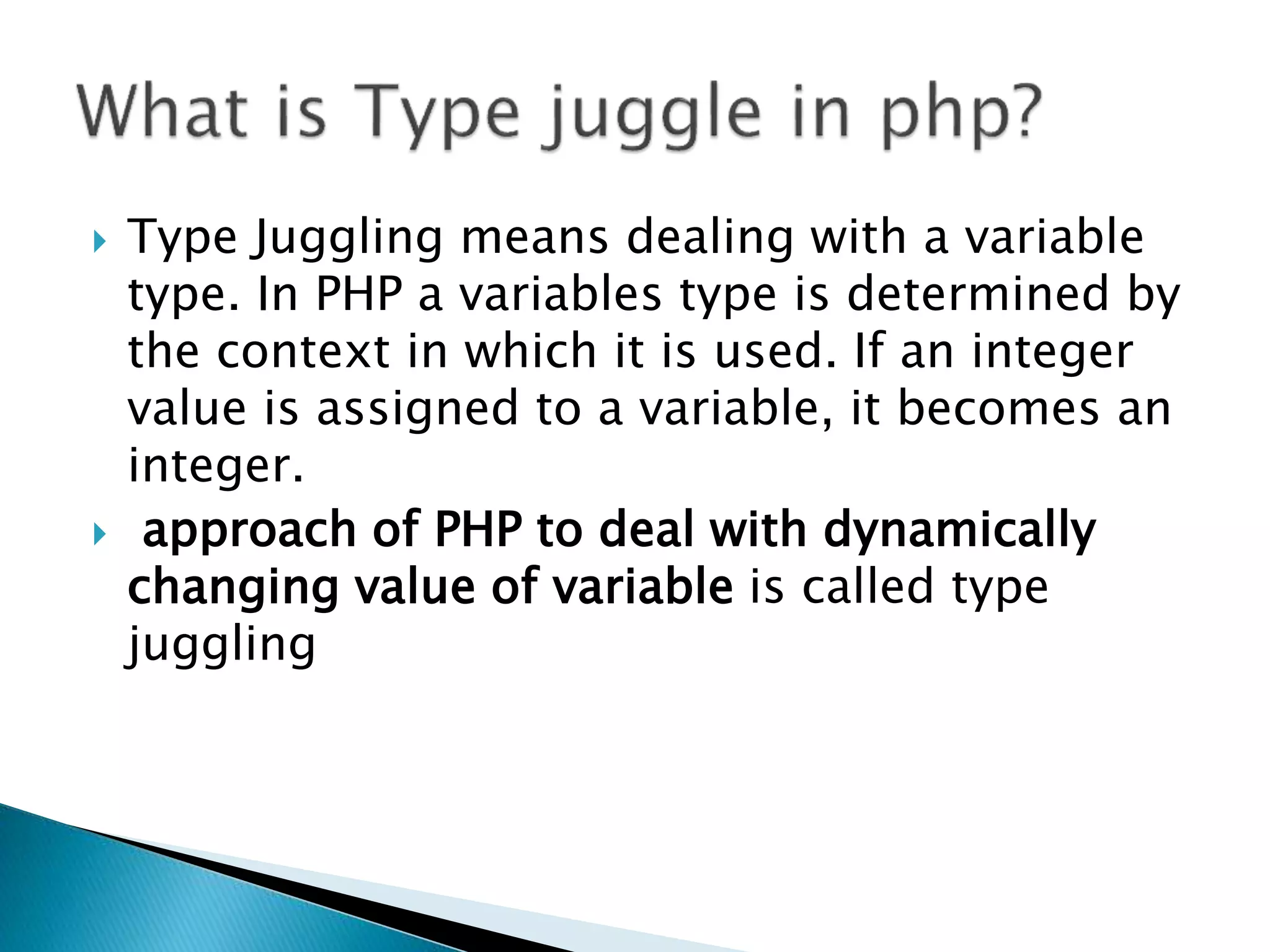
 Type Juggling means dealing with a variable
type. In PHP a variables type is determined by
the context in which it is used. If an integer
value is assigned to a variable, it becomes an
integer.
 approach of PHP to deal with dynamically
changing value of variable is called type
juggling
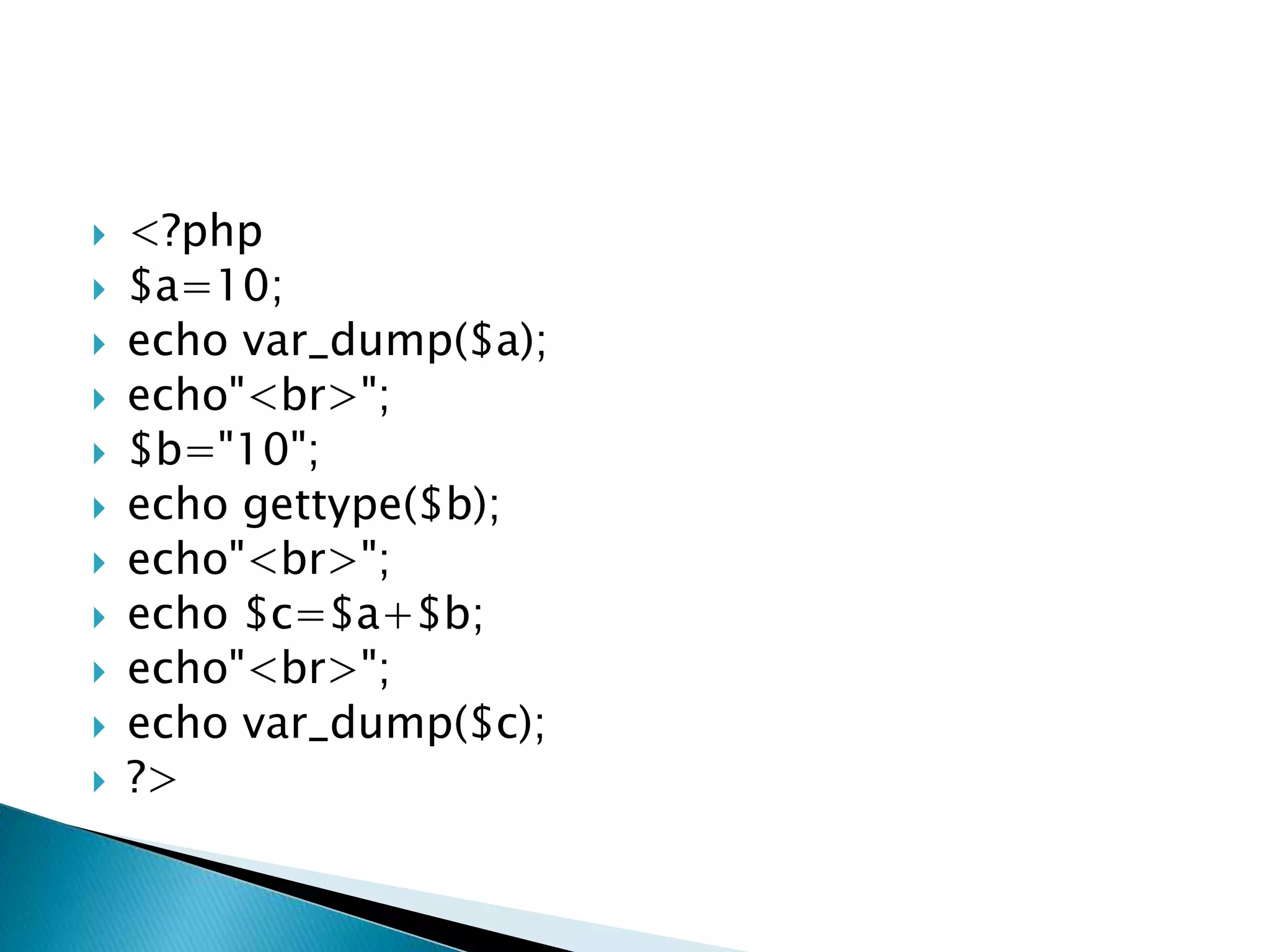
 <?php
 $a=10;
 echo var_dump($a);
 echo"<br>";
 $b="10";
 echo gettype($b);
 echo"<br>";
 echo $c=$a+$b;
 echo"<br>";
 echo var_dump($c);
 ?>
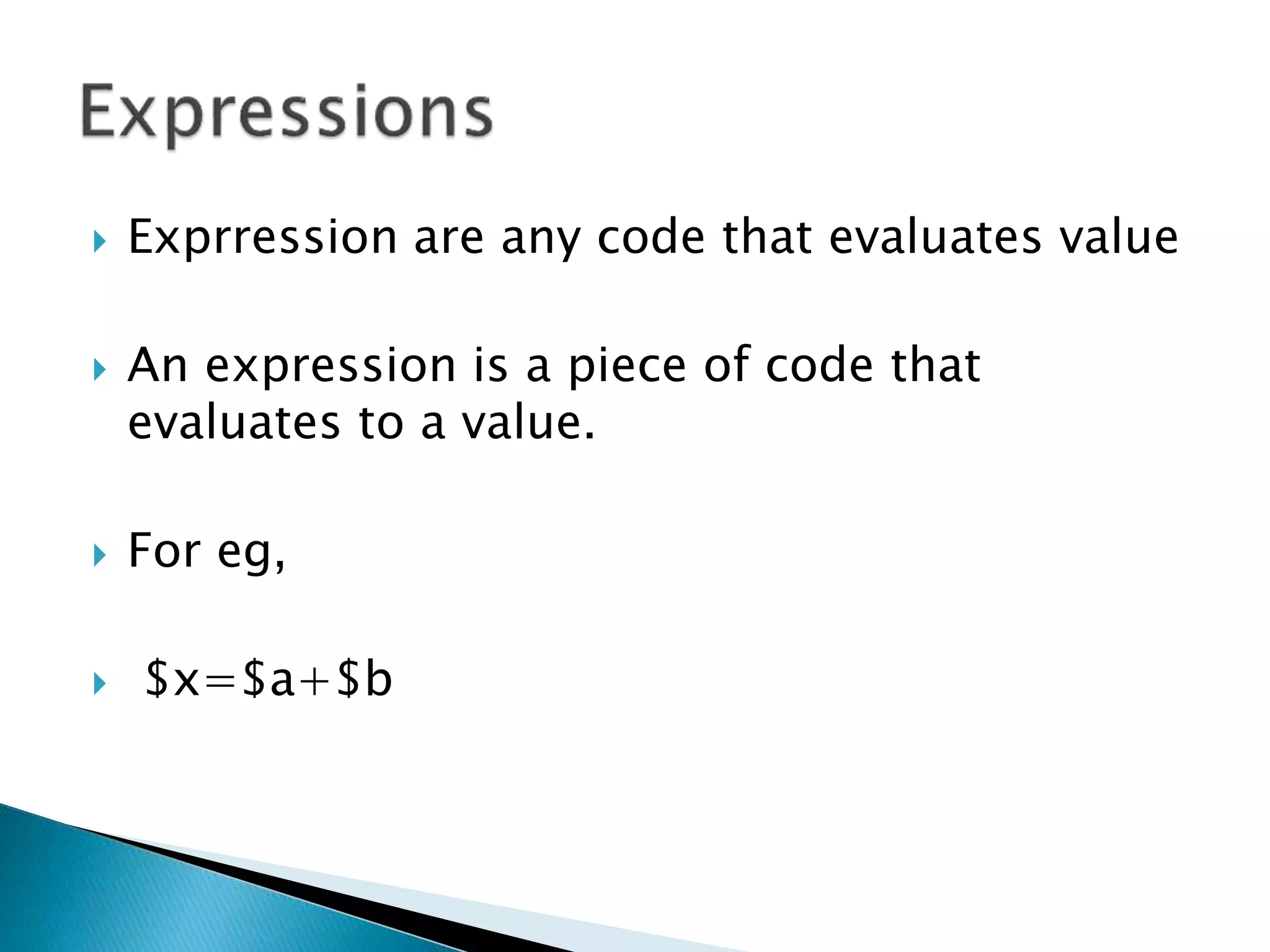
 Exprression are any code that evaluates value
 An expression is a piece of code that
evaluates to a value.
 For eg,
 $x=$a+$b
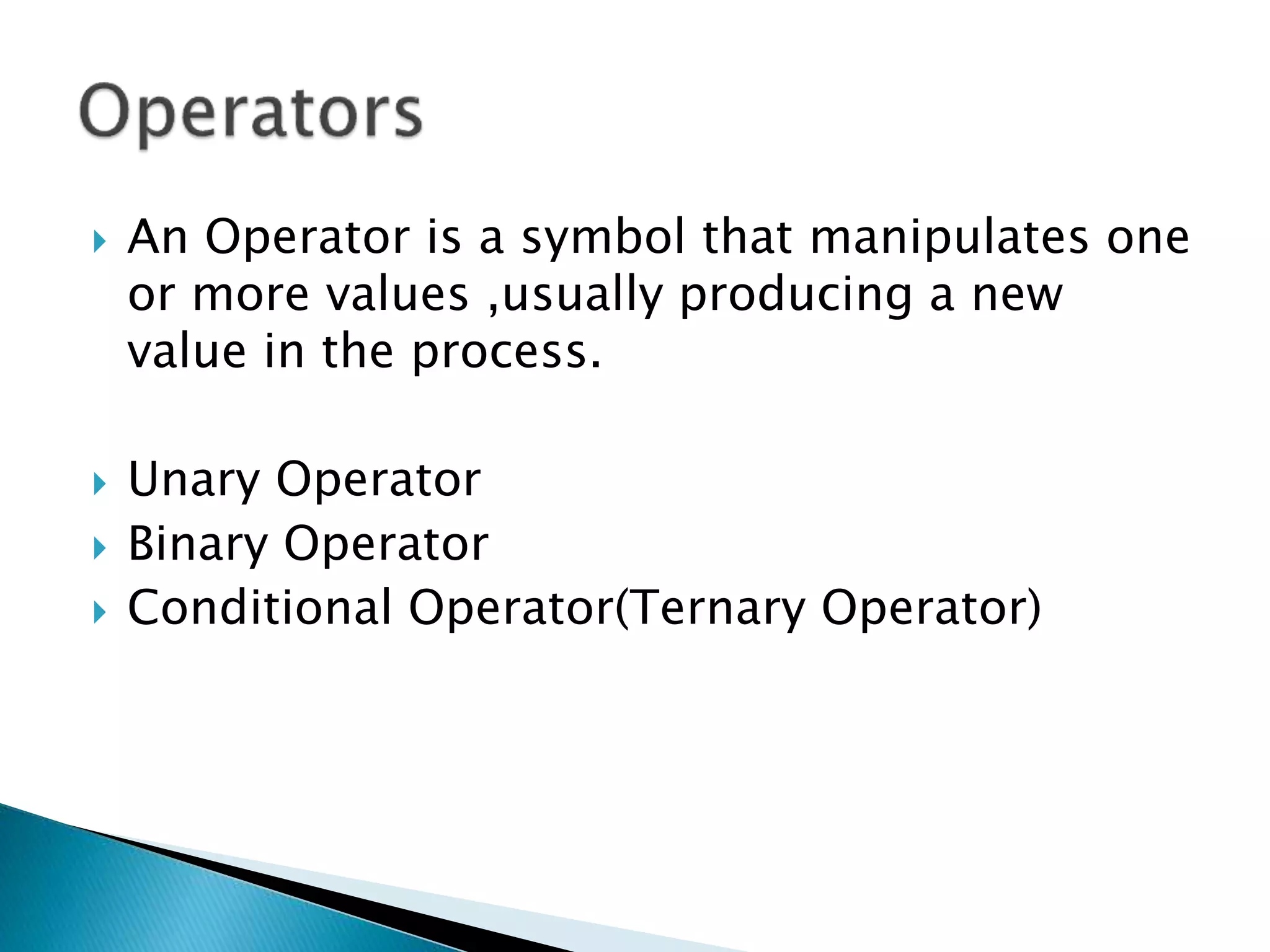
 An Operator is a symbol that manipulates one
or more values ,usually producing a new
value in the process.
 Unary Operator
 Binary Operator
 Conditional Operator(Ternary Operator)
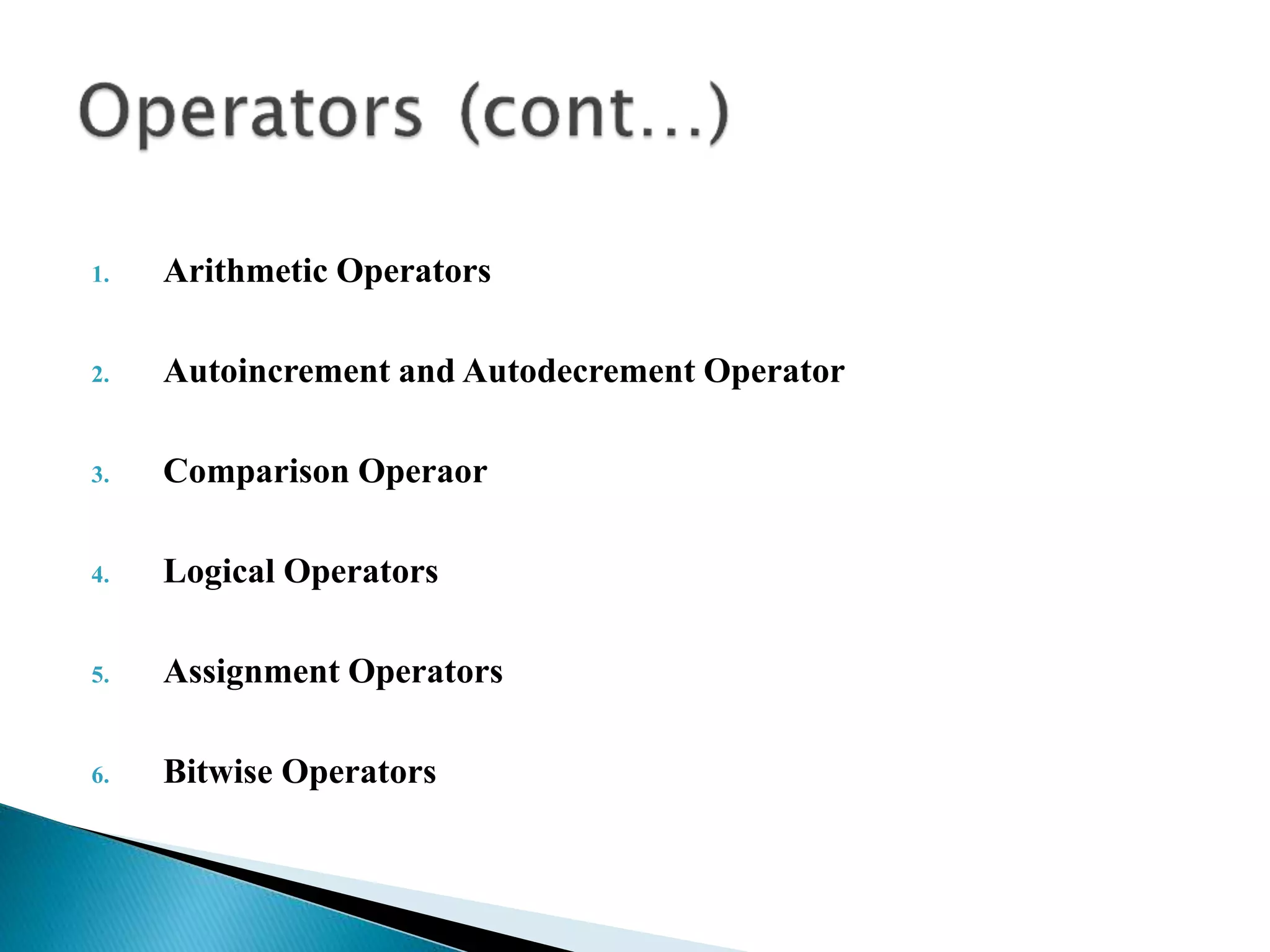
1. Arithmetic Operators
2. Autoincrement and Autodecrement Operator
3. Comparison Operaor
4. Logical Operators
5. Assignment Operators
6. Bitwise Operators
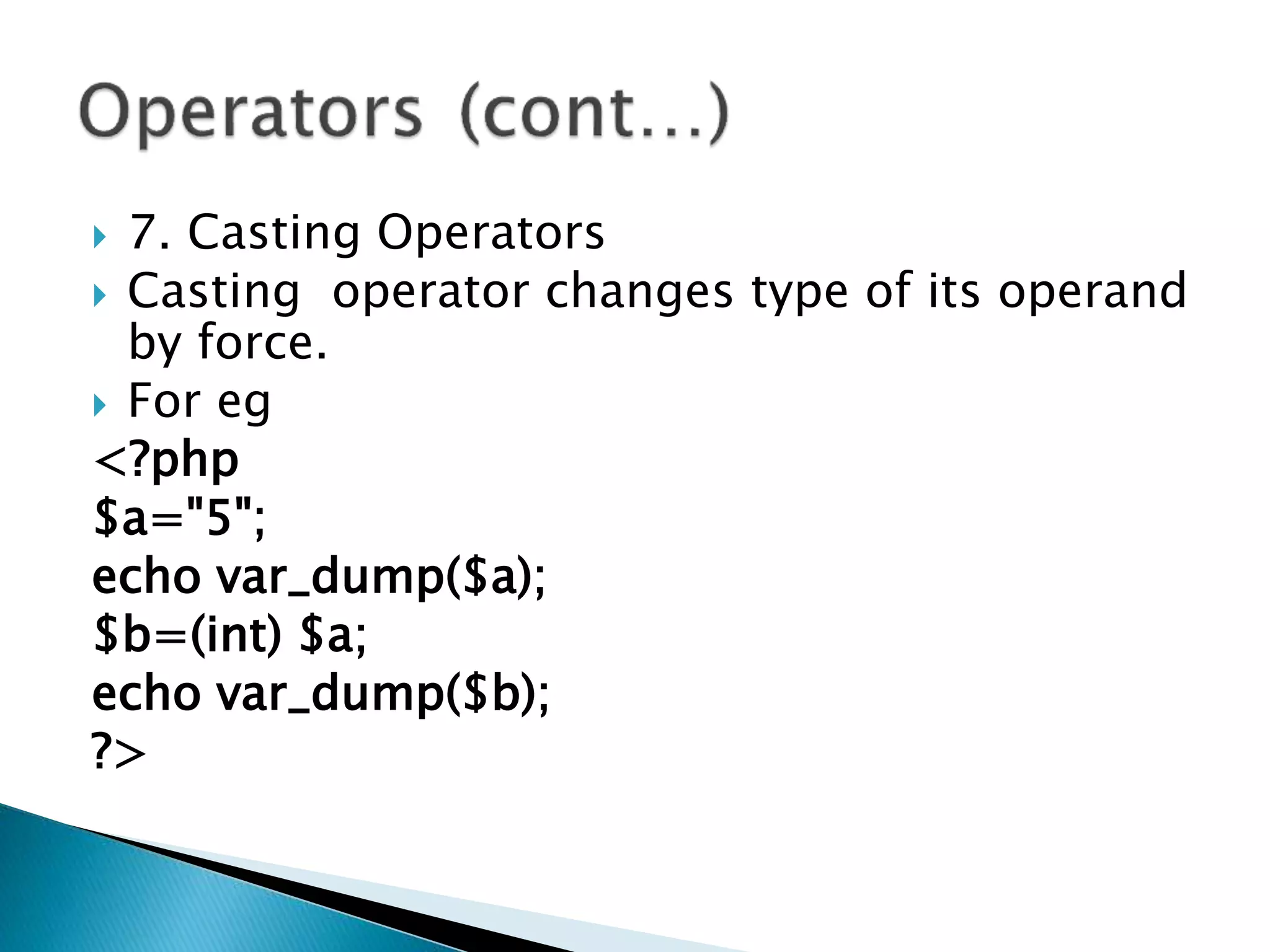
 7. Casting Operators
 Casting operator changes type of its operand
by force.
 For eg
<?php
$a="5";
echo var_dump($a);
$b=(int) $a;
echo var_dump($b);
?>
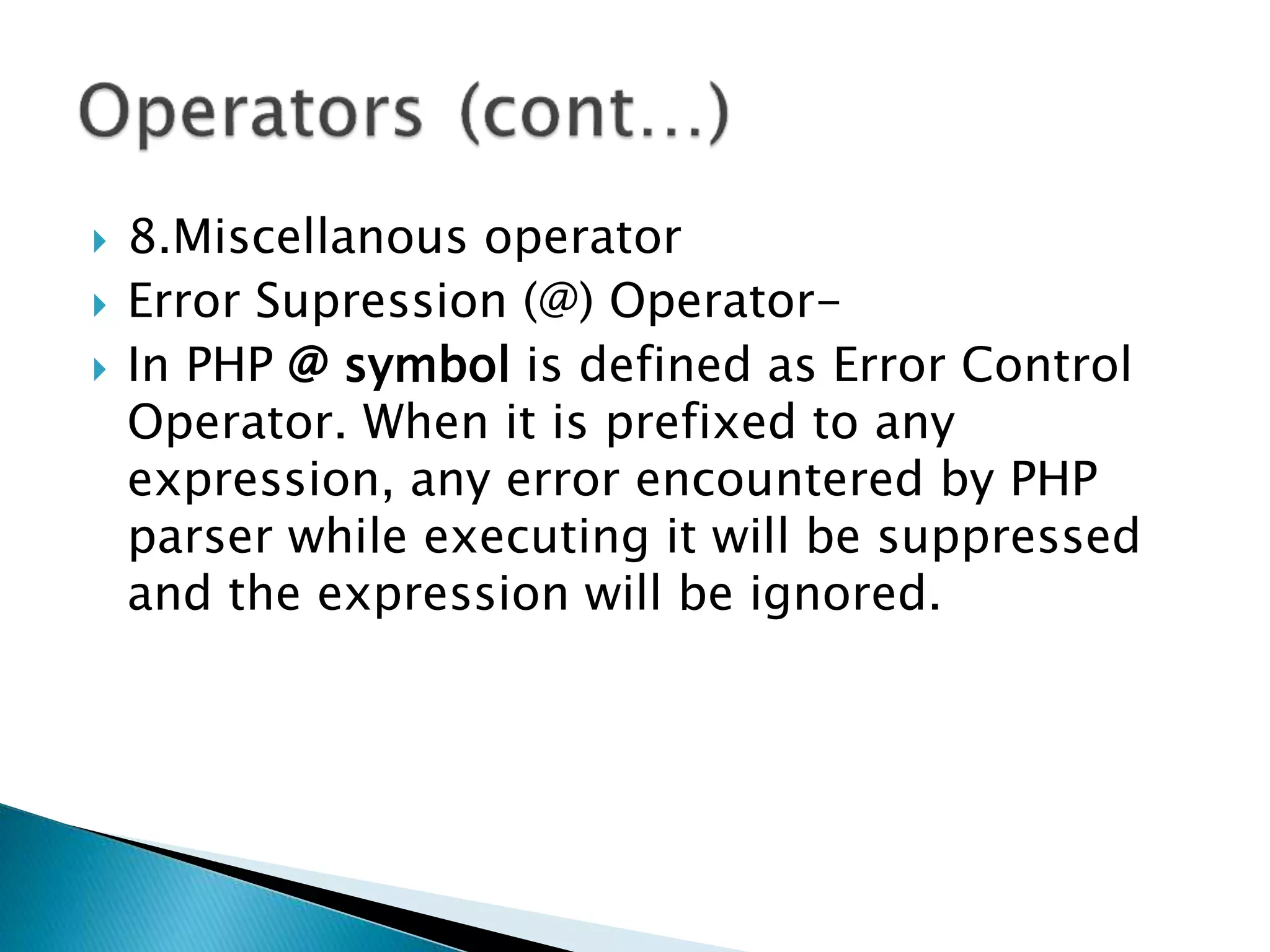
 8.Miscellanous operator
 Error Supression (@) Operator-
 In PHP @ symbol is defined as Error Control
Operator. When it is prefixed to any
expression, any error encountered by PHP
parser while executing it will be suppressed
and the expression will be ignored.
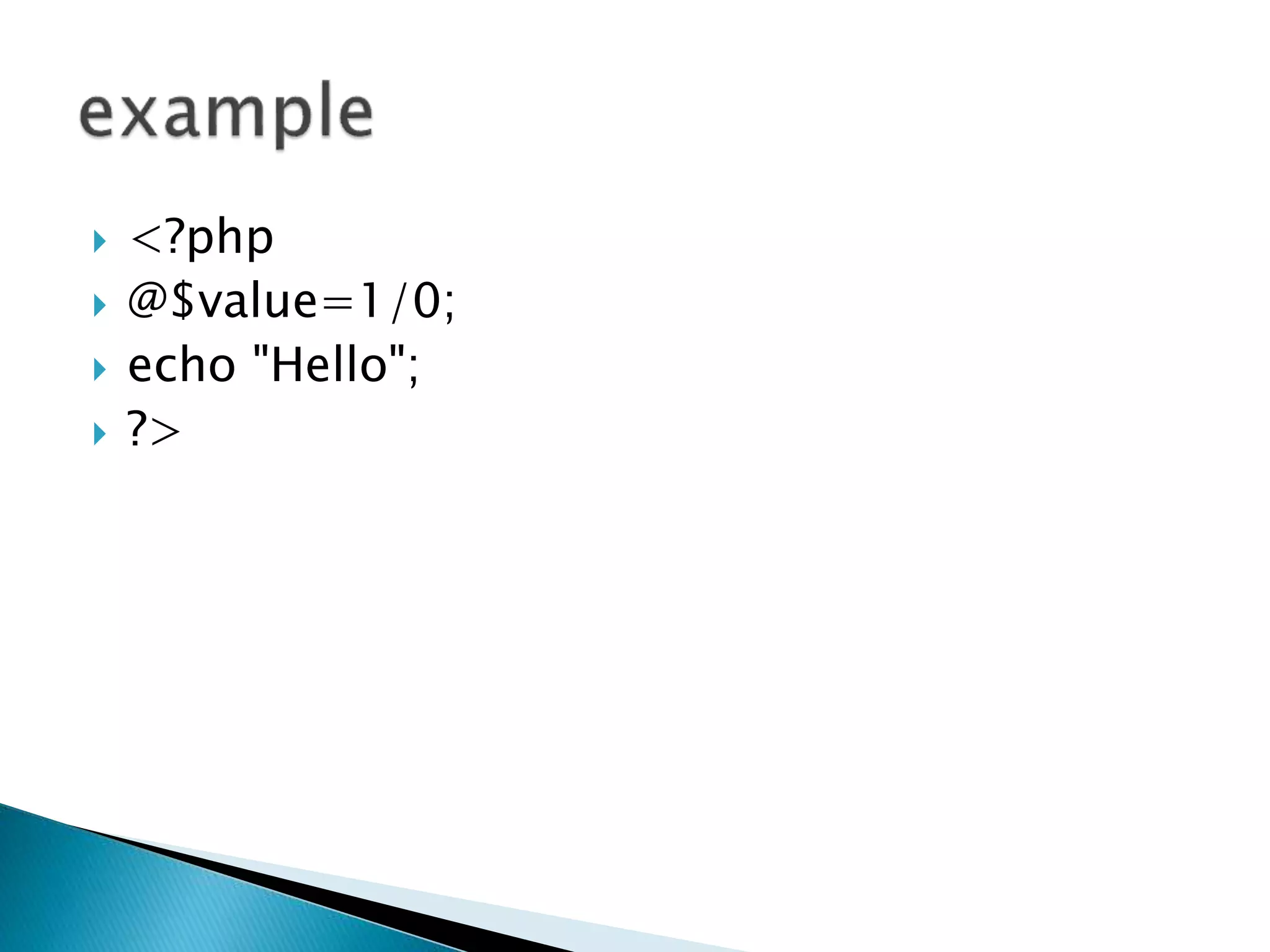
 <?php
 @$value=1/0;
 echo "Hello";
 ?>
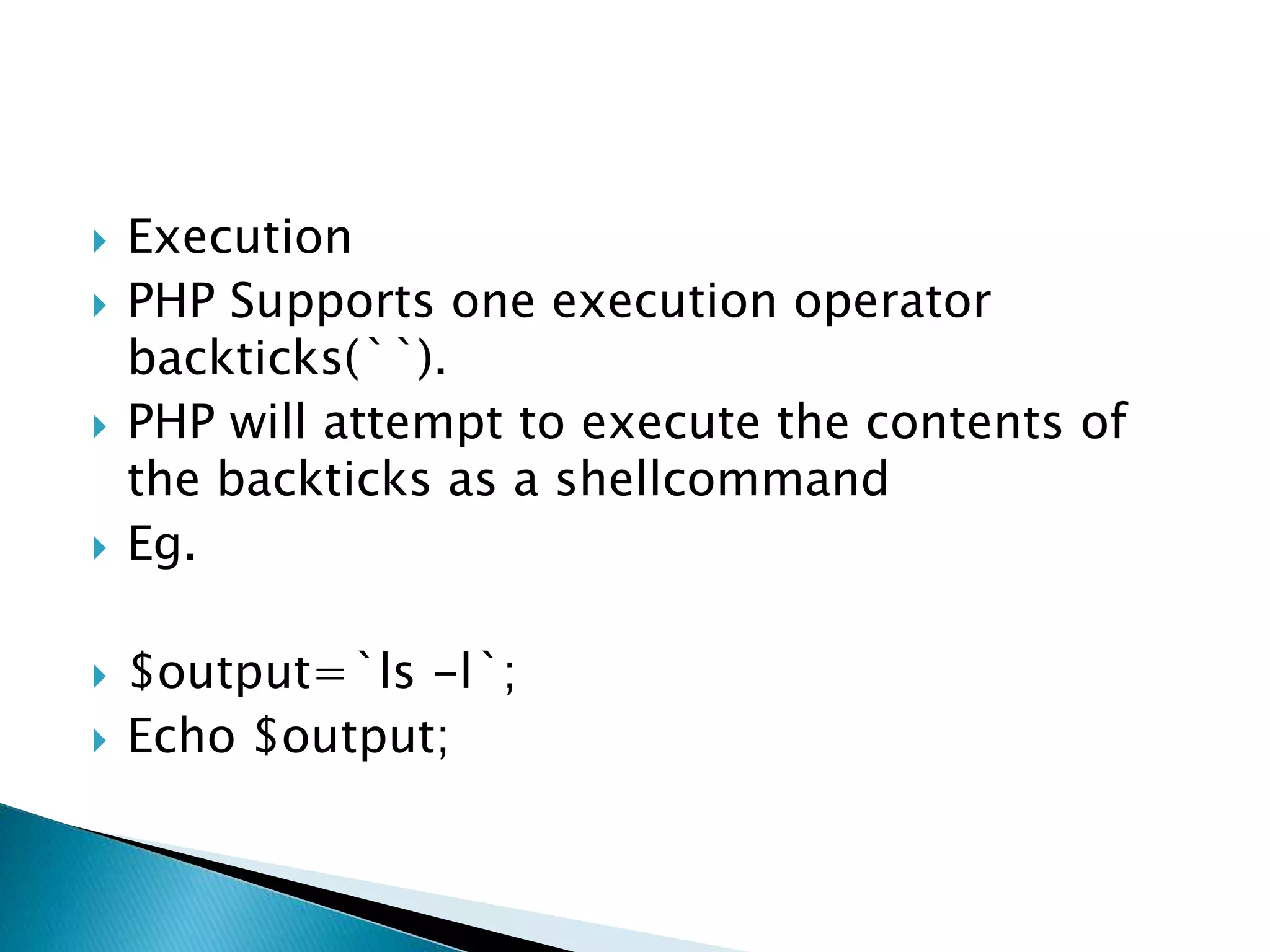
 Execution
 PHP Supports one execution operator
backticks(``).
 PHP will attempt to execute the contents of
the backticks as a shellcommand
 Eg.
 $output=`ls -l`;
 Echo $output;
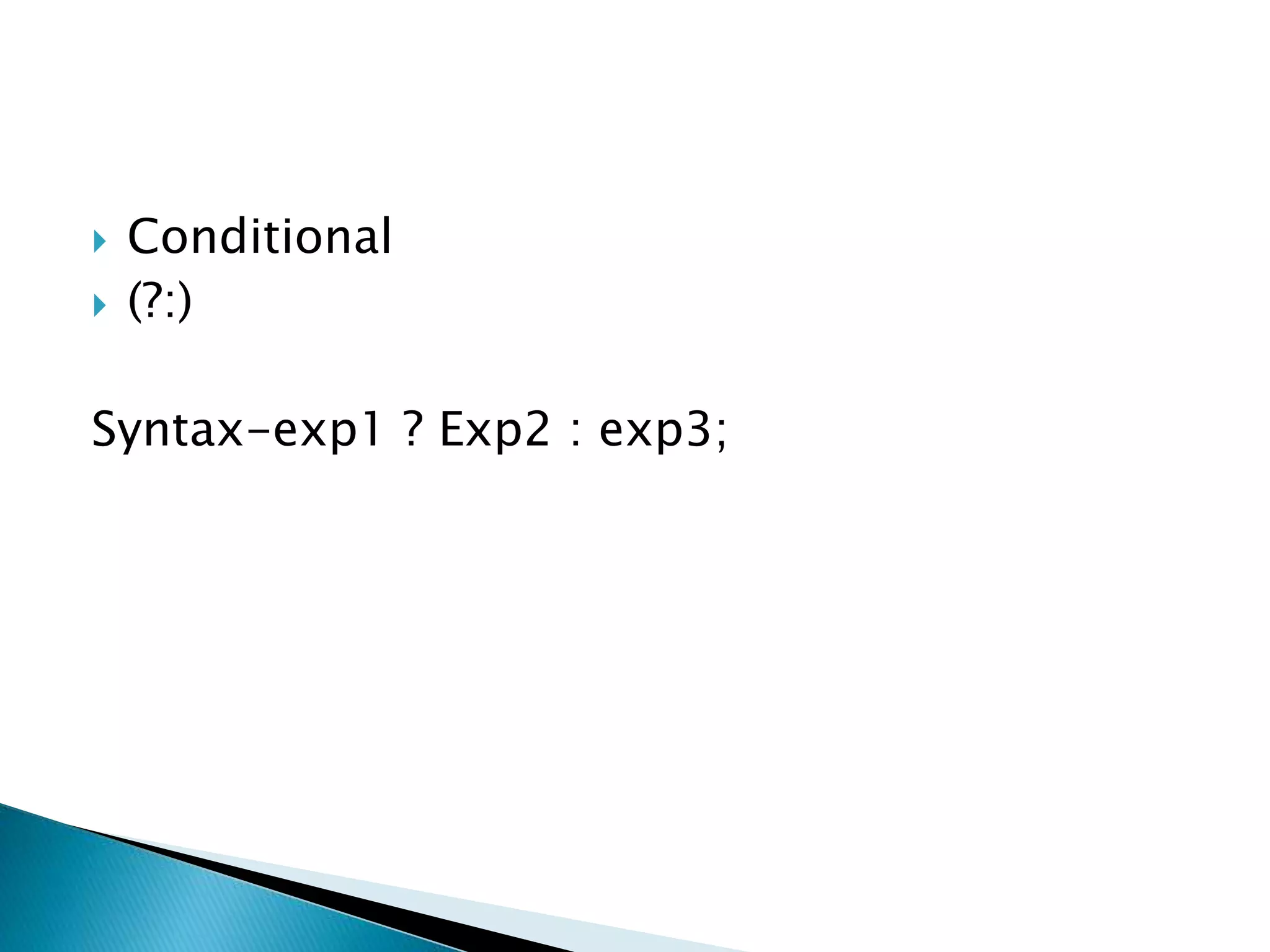
 Conditional
 (?:)
Syntax-exp1 ? Exp2 : exp3;
unit 1.pptx

unit 1.pptx

  • 1.
  • 2.
     Rasmus Lerdoffdeveloped PHP in1994 and Released 1998.  PHP is a recursive acronym of Hypertext Pre-Processor.  In 1998 PHP3 was released  In 2000 PHP4 –improved speed and reliability  In 2004 PHP5 –Improved support for Object-Oriented Programming  In 2006 PHP5.2 was released  In 2009 PHP5.3 –Namespace Support  In 2012 PHP5.4-Improved with Performance and memory Requirement.  In 2013 PHP5.5-With Generators and finally blocks for exception handling  In 2014 PHP5.6-constatnt expression, character encoding etc.  In 2015 PHP7.0-Return type Declaration, spaceship operator etc.  In 2016 PHP7.1 –nullable types  In 2017 PHP7.2- Abstract method overriding  In 2018 PHP 7.3  Latest version of PHP is PHP7.4 released in 2019 offers to build applications that influence s everything form the website  PHP is a Server-side Scripting Language and used to create dynamic web pages.
  • 3.
     Speed  Easyto Use/Simplicity  Stable  Platform Independent/Portability  Open Source  Built-in Database Connection Module  Powerful Library Support  Flexibility  Database Connectivity  Speed-UP Custom Web Application Development
  • 4.
     PHP Scriptis executed on the server,and the plain HTML result is sent back to the browser.  PHP Script can be placed anywhere in the document .  PHP script starts with <?php And ends with ?> <?php //PHP Code goes here ?>
  • 5.
     <?php  echo“hello world!”  ?>
  • 6.
     Step 1: Download the XAMPP Server From internet  Step 2: Install XAMPP Software  Step 3: Open and Click on the start button that is in front of Apache Text
  • 7.
     Step 4:Create PHP file in htdocs directory which is resides in XAMPP directory[c:sampphtdocs].
  • 8.
     Step 5:SaveProgram with extension .php in htdocs direcory , then open your browser and then type http://localhost/programname.php on address bar and press Enter key.
  • 9.
     Variable:In PHP,a variable is declared using a $ sign followed by the variable name. Here, some important points to know about variables:  As PHP is a loosely typed language, so we do not need to declare the data types of the variables. It automatically analyzes the values and makes conversions to its correct datatype.  After declaring a variable, it can be reused throughout the code.  Assignment Operator (=) is used to assign the value to a variable.
  • 10.
     A variablemust start with a dollar ($) sign, followed by the variable name.  It can only contain alpha-numeric character and underscore (A-z, 0-9, _).  A variable name must start with a letter or underscore (_) character.  A PHP variable name cannot contain spaces.  One thing to be kept in mind that the variable name cannot start with a number or special symbols.  PHP variables are case-sensitive, so $name and $NAME both are treated as different variable.
  • 11.
  • 12.
    In PHP is_int()or is_integer() are used to test whether a value is an integer For example, <?php $a=10; if(is_int($a)) { echo "is an integer"; } ?>
  • 13.
    In PHP is_float()is used to test whether a value is a floating point number <?php $a=10.91; if(is_float($a)) { echo "is an floating point number"; } ?>
  • 14.
    In PHP is_string()is used to test whether a value is a String For example 1, <?php $a="good"; if(is_string($a)) { echo "is an string"; } ?> For example 2, <?php $a="Good"; echo "$a morning"; ?>
  • 15.
     <?php  $a=true; if(is_bool($a))  {  echo "is an boolean";  }  ?>
  • 16.
     Numeric array− An array with a numeric index. Values are stored and accessed in linear fashion.  Associative array − An array with strings as index. This stores element values in association with key values rather than in a strict linear index order.  Multidimensional array − An array containing one or more arrays and values are accessed using multiple indices
  • 17.
    <?php /* First methodto create array. */ $numbers = array( 1, 2, 3, 4, 5); foreach( $numbers as $value ) { echo "Value is $value <br />"; } /* Second method to create array. */ $numbers[0] = "one"; $numbers[1] = "two"; $numbers[2] = "three"; $numbers[3] = "four"; $numbers[4] = "five"; foreach( $numbers as $value ) { echo "Value is $value <br />"; } ?>
  • 18.
    <?php /* First methodto associate create array. */ $salaries = array("mohammad" => 2000, "qadir" => 1000, "zara" => 500); echo "Salary of mohammad is ". $salaries['mohammad'] . "<br />"; echo "Salary of qadir is ". $salaries['qadir']. "<br />"; echo "Salary of zara is ". $salaries['zara']. "<br />"; /* Second method to create array. */ $salaries['mohammad'] = "high"; $salaries['qadir'] = "medium"; $salaries['zara'] = "low"; echo "Salary of mohammad is ". $salaries['mohammad'] . "<br />"; echo "Salary of qadir is ". $salaries['qadir']. "<br />"; echo "Salary of zara is ". $salaries['zara']. "<br />"; ?>
  • 19.
    <?php $marks = array("mohammad"=> array ( "physics" => 35, "maths" => 30, "chemistry" => 39), "qadir" => array ("physics" => 30, "maths" => 32, "chemistry" => 29), "zara" => array ("physics" => 31, "maths" => 22, "chemistry" => 39) ); /* Accessing multi-dimensional array values */ echo "Marks for mohammad in physics : " ; echo $marks['mohammad']['physics'] . "<br />"; echo "Marks for qadir in maths : "; echo $marks['qadir']['maths'] . "<br />"; echo "Marks for zara in chemistry : " ; echo $marks['zara']['chemistry'] . "<br />"; ?> Multidimensional array
  • 20.
     In PHP,Object is a compound data type (along with arrays). Values of more than one types can be stored together in a single variable. Object is an instance of either a built-in or user defined class. In addition to properties, class defines functionality associated with data.
  • 21.
    <?php class SayHello { function hello() {echo "Hello World"; } } $obj=new SayHello; $obj->hello(); ?>
  • 22.
     Null isa special data type which can have only one value: NULL. A variable of data type NULL is a variable that has no value assigned to it. Tip: If a variable is created without a value, it is automatically assigned a value of NULL.  Resources: The special resource type is not an actual data type. It is the storing of a reference to functions and resources external to PHP. A common example of using the resource data type is a database call.
  • 23.
     The ifStatement  Executes some code if one condition is true  Syntax  if (condition) { code to be executed if condition is true; } <?php $t = date("H"); if ($t < "20") { echo "Have a good day!"; } ?>
  • 24.
     The if...elseStatement  The if...else statement executes some code if a condition is true and another code if that condition is false  Syntax  if (condition) { code to be executed if condition is true; } else { code to be executed if condition is false; }  <?php $t = date("H"); if ($t < "20") { echo "Have a good day!"; } else { echo "Have a good night!"; } ?>
  • 25.
     The if...elseif...elseStatement  The if...elseif...else statement executes different codes for more than two conditions  Syntax  if (condition) { code to be executed if this condition is true; } elseif (condition) { code to be executed if first condition is false and this condition is true; } else { code to be executed if all conditions are false; }  <?php $t = date("H"); if ($t < "10") { echo "Have a good morning!"; } elseif ($t < "20") { echo "Have a good day!"; } else { echo "Have a good night!"; } ?>
  • 26.
     The switchStatement  The switch statement is used to perform different actions based on different conditions.  Syntax  switch (n) { case label1: code to be executed if n=label1; break; case label2: code to be executed if n=label2; break; case label3: code to be executed if n=label3; break; ... default: code to be executed if n is different from all labels; }
  • 27.
     <?php $favcolor ="red"; switch ($favcolor) { case "red": echo "Your favorite color is red!"; break; case "blue": echo "Your favorite color is blue!"; break; case "green": echo "Your favorite color is green!"; break; default: echo "Your favorite color is neither red, blue, nor green!"; } ?>
  • 28.
     Break Statement <?php  $i = 0;  for ($i = 0;$i <= 5;$i++)  { if ($i==2)  {  break;  }  echo $i;  echo "<br />";  }  echo "End of for loop" ;  ?>
  • 29.
     Continue statement <?php  $i = 0;  for ($i = 0;$i <= 5;$i++)  {  if ($i==2)  {  continue;  }  echo $i;  echo "<br />";  }  echo "End of for loop" ;  ?>
  • 30.
     while loop Thewhile loop executes a block of code as long as the specified condition is true.  Syntax  while (condition is true) { code to be executed; } <?php $x = 1; while($x <= 5) { echo "The number is: $x <br>"; $x++; } ?>
  • 31.
     do...while Loop The do...while loop will always execute the block of code once, it will then check the condition, and repeat the loop while the specified condition is true.  Syntax  do { code to be executed; } while (condition is true);  <?php $x = 1; do { echo "The number is: $x <br>"; $x++; } while ($x <= 5); ?>
  • 32.
     For Loop The for loop is used when you know in advance how many tim  Syntax  for (init counter; test counter; increment counter) { code to be executed for each iteration; }  Parameters:  init counter: Initialize the loop counter value  test counter: Evaluated for each loop iteration. If it evaluates to TRUE, the loop continues. If it evaluates to FALSE, the loop ends.  increment counter: Increases the loop counter value <?php for ($x = 0; $x <= 10; $x++) { echo "The number is: $x <br>"; } ?>
  • 33.
     Foreach Loop The foreach loop works only on arrays, and is used to loop through each key/value pair in an array.  Syntax  foreach ($array as $value) { code to be executed; }  For every loop iteration, the value of the current array element is assigned to $value and the array pointer is moved by one, until it reaches the last array element.  <?php $colors = array("red", "green", "blue", "yellow"); foreach ($colors as $value) { echo "$value <br>"; } ?>
  • 34.
     <?php  $a="hello"; $m=var_dump($a);  echo $m;  ?>
  • 35.
     Type Jugglingmeans dealing with a variable type. In PHP a variables type is determined by the context in which it is used. If an integer value is assigned to a variable, it becomes an integer.  approach of PHP to deal with dynamically changing value of variable is called type juggling
  • 36.
     <?php  $a=10; echo var_dump($a);  echo"<br>";  $b="10";  echo gettype($b);  echo"<br>";  echo $c=$a+$b;  echo"<br>";  echo var_dump($c);  ?>
  • 37.
     Exprression areany code that evaluates value  An expression is a piece of code that evaluates to a value.  For eg,  $x=$a+$b
  • 38.
     An Operatoris a symbol that manipulates one or more values ,usually producing a new value in the process.  Unary Operator  Binary Operator  Conditional Operator(Ternary Operator)
  • 39.
    1. Arithmetic Operators 2.Autoincrement and Autodecrement Operator 3. Comparison Operaor 4. Logical Operators 5. Assignment Operators 6. Bitwise Operators
  • 40.
     7. CastingOperators  Casting operator changes type of its operand by force.  For eg <?php $a="5"; echo var_dump($a); $b=(int) $a; echo var_dump($b); ?>
  • 41.
     8.Miscellanous operator Error Supression (@) Operator-  In PHP @ symbol is defined as Error Control Operator. When it is prefixed to any expression, any error encountered by PHP parser while executing it will be suppressed and the expression will be ignored.
  • 42.
     <?php  @$value=1/0; echo "Hello";  ?>
  • 43.
     Execution  PHPSupports one execution operator backticks(``).  PHP will attempt to execute the contents of the backticks as a shellcommand  Eg.  $output=`ls -l`;  Echo $output;
  • 44.