Download to read offline


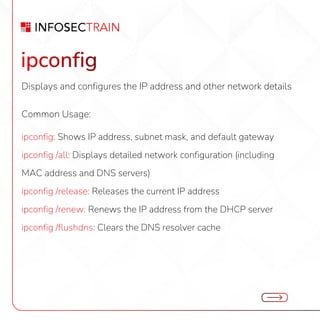
![ping
Checks connectivity with another device or server.
Common Usage:
ping [hostname or IP]: Sends ICMP Echo requests to a host to verify
connectivity
ping -t [IP]: Continuously pings until stopped (use Ctrl + C to stop)
ping -l [size] [IP]: Sends packets of specific size for testing](https://image.slidesharecdn.com/topusefulipcommandsforwindows-250212114550-3f48cb5e/85/Top-Useful-IP-Commands-for-Windows-pdf-3-320.jpg)
![tracert
Traces the path that packets follow to reach a destination host.
Common Usage:
tracert [hostname or IP]: Displays each hop (router) along the route to
the destination](https://image.slidesharecdn.com/topusefulipcommandsforwindows-250212114550-3f48cb5e/85/Top-Useful-IP-Commands-for-Windows-pdf-4-320.jpg)
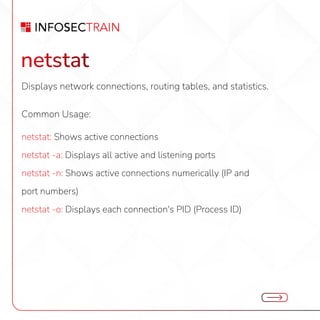
![nslookup
Queries DNS servers to resolve domain names to IP addresses.
Common Usage:
nslookup [hostname]: Retrieves the IP address for the hostname
nslookup: Enter interactive mode to query DNS records manually](https://image.slidesharecdn.com/topusefulipcommandsforwindows-250212114550-3f48cb5e/85/Top-Useful-IP-Commands-for-Windows-pdf-6-320.jpg)
![arp
Displays and manages the ARP (Address Resolution
Protocol) cache.
Common Usage:
arp -a: Shows the current ARP table
arp -d [IP]: Deletes an ARP entry
arp -s [IP] [MAC address]: Adds a static ARP entry](https://image.slidesharecdn.com/topusefulipcommandsforwindows-250212114550-3f48cb5e/85/Top-Useful-IP-Commands-for-Windows-pdf-7-320.jpg)
![route
Displays and modifies the local IP routing table.
Common Usage:
route print: Displays the current routing table
route add [destination] mask [subnet mask] [gateway]: Adds a new
route
route delete [destination]: Deletes a route](https://image.slidesharecdn.com/topusefulipcommandsforwindows-250212114550-3f48cb5e/85/Top-Useful-IP-Commands-for-Windows-pdf-8-320.jpg)
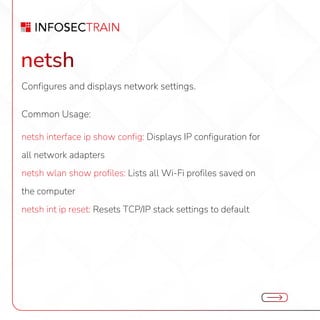
![telnet
Tests connectivity to a specific port on a remote host.
Common Usage:
telnet [hostname or IP] [port]: Checks if a specific port is open](https://image.slidesharecdn.com/topusefulipcommandsforwindows-250212114550-3f48cb5e/85/Top-Useful-IP-Commands-for-Windows-pdf-10-320.jpg)
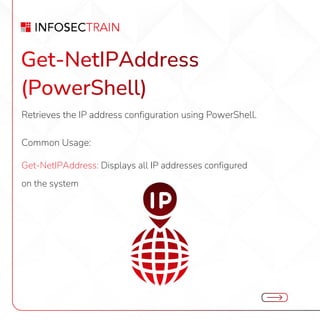

![net use
Manages shared resources on the network.
Common Usage:
net use: Lists all connected shared resources
net use [drive]: [server][share]: Maps a network drive](https://image.slidesharecdn.com/topusefulipcommandsforwindows-250212114550-3f48cb5e/85/Top-Useful-IP-Commands-for-Windows-pdf-13-320.jpg)


The document outlines essential IP commands for Windows, including usage of ipconfig for network configuration, ping for connectivity checks, and tracert for path tracing. It also covers commands like netstat for network statistics, nslookup for DNS queries, and netsh for managing network settings. Additional commands for managing ARP cache, routing tables, and shared resources are included.


![Internet Technology (Practical Questions Paper) [CBSGS - 75:25 Pattern] {2013...](https://cdn.slidesharecdn.com/ss_thumbnails/it-cbsgs-2013-2014-manual-pq-190611111641-thumbnail.jpg?width=640&height=640&fit=bounds)


