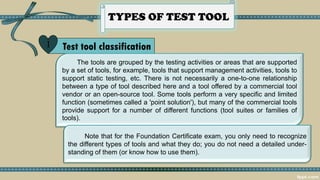
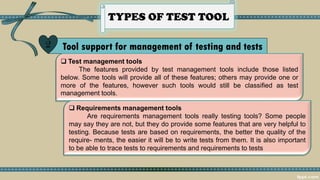
This document discusses different types of test tools and their purposes. It describes tools that support test management, requirements management, incident management, configuration management, static testing, test specification, test execution, performance and security testing. The benefits of tools include reduced repetition, consistency, objectivity and information access. Risks include unrealistic expectations, underestimating costs and overreliance. Successful tool introduction involves starting with organizational needs, piloting the tool, and continuously improving processes.