The network as a
design material:
distributed systems UX for the internet of things
Claire Rowland & Helen Le Voi
@clurr / @hlevoi
Interaction 16, 1st March 2016
with special thanks to Liz Goodman /@egoodman
Hello…
“This is more than a UX book; it covers all of the
critical design and technology issues around making
great connected products.”
David Rose. Author: Enchanted Objects

“As a grizzled veteran of several campaigns within
the matter-battle of the Internet ofThings, I was
pleasantly surprised to find the number of times this
book made me pause, think, and rethink my own
work (and that of others).A very valuable addition
to the canon of design thinking in this emerging
area.”
Matt Jones. Google


“Whether you’re an IoT pro or just getting started
designing connected products, this comprehensive
book has something for everyone, from
examinations of different network protocols all the
way up to value propositions and considerations for
hardware, software, and services.This book takes a
clear-eyed look at IoT from all angles.”
Dan Saffer. Mayfield Robotics
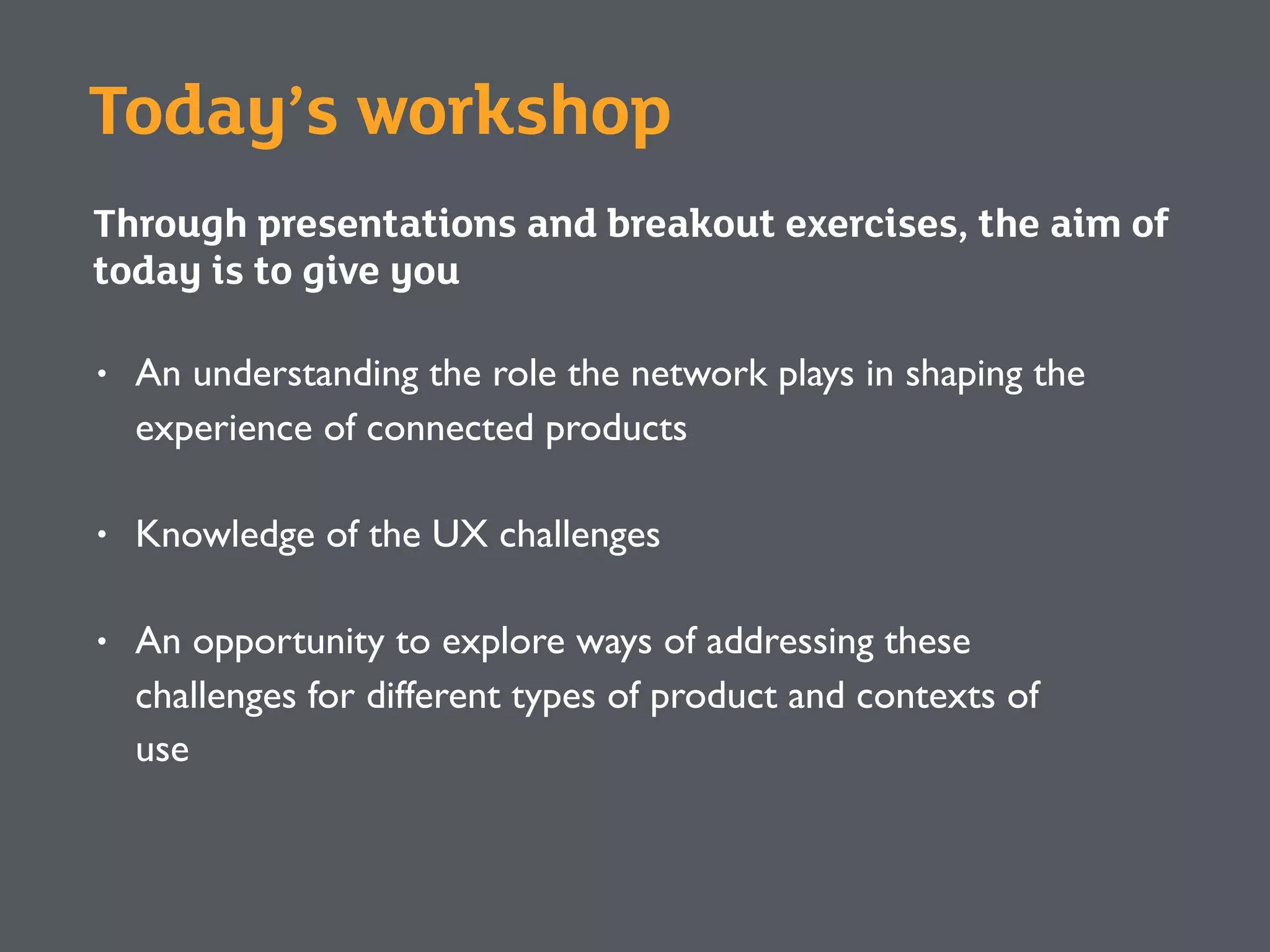
Today’s workshop
Through presentations and breakout exercises, the aim of
today is to give you
• An understanding the role the network plays in shaping the
experience of connected products
• Knowledge of the UX challenges
• An opportunity to explore ways of addressing these
challenges for different types of product and contexts of
use
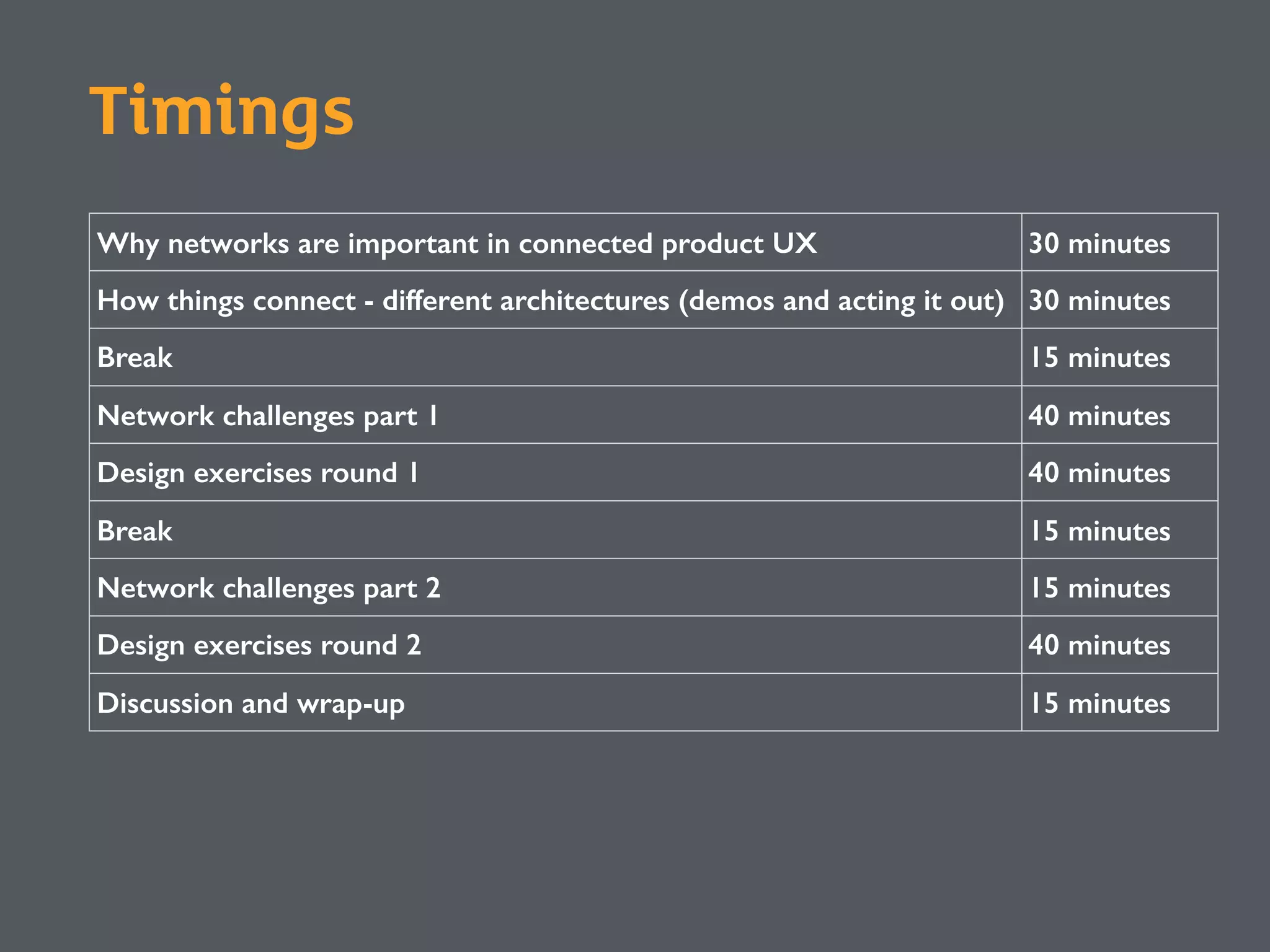
Why networks are important in connected product UX 30 minutes
How things connect - different architectures (demos and acting it out) 30 minutes
Break 15 minutes
Network challenges part 1 40 minutes
Design exercises round 1 40 minutes
Break 15 minutes
Network challenges part 2 15 minutes
Design exercises round 2 40 minutes
Discussion and wrap-up 15 minutes
Timings
Why networks are important in
connected product UX
Internet of Things, Connected
Products, Ubiquitous
Computing…
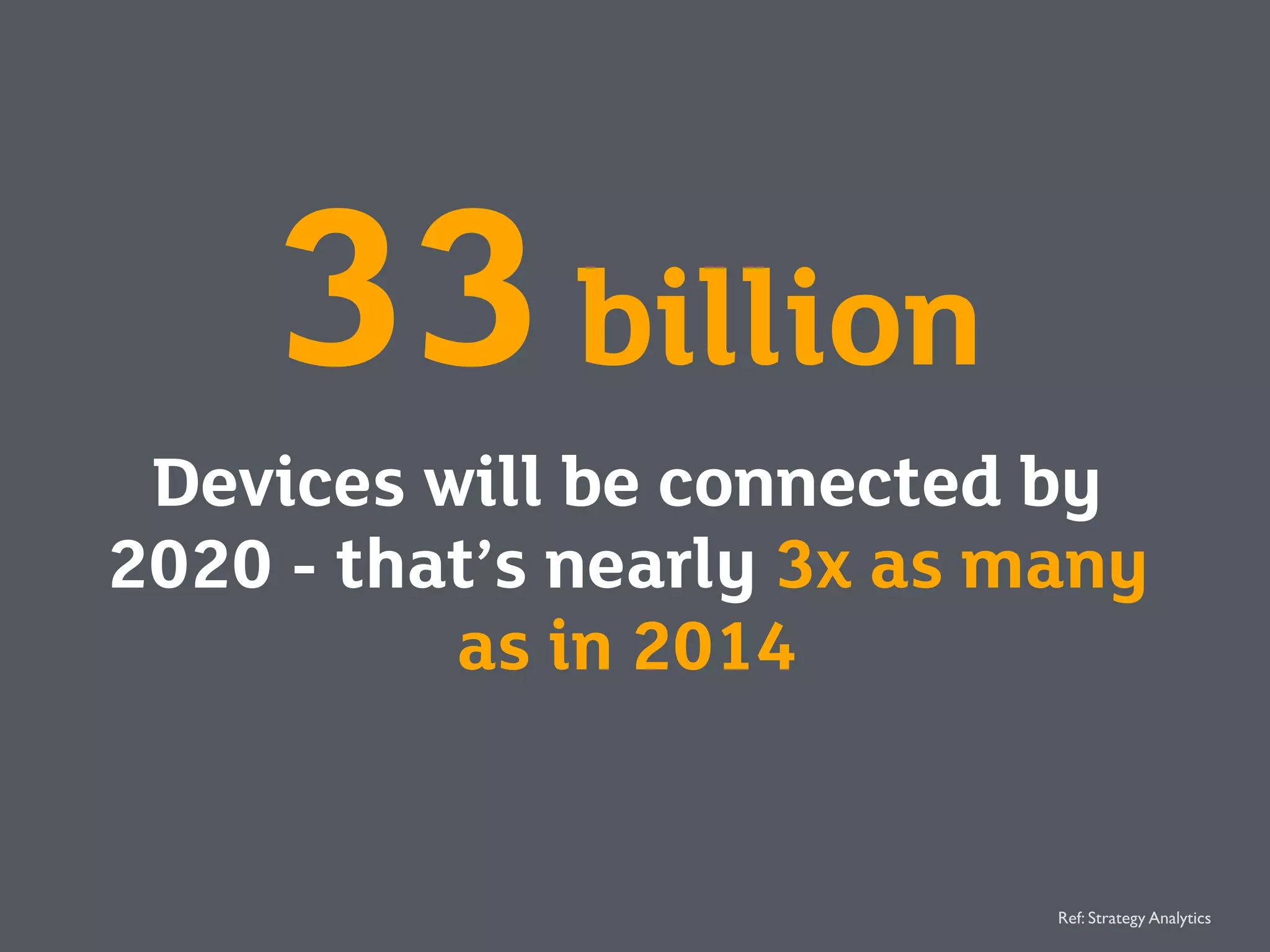
33billion
Devices will be connected by
2020 - that’s nearly 3x as many
as in 2014
Ref: Strategy Analytics
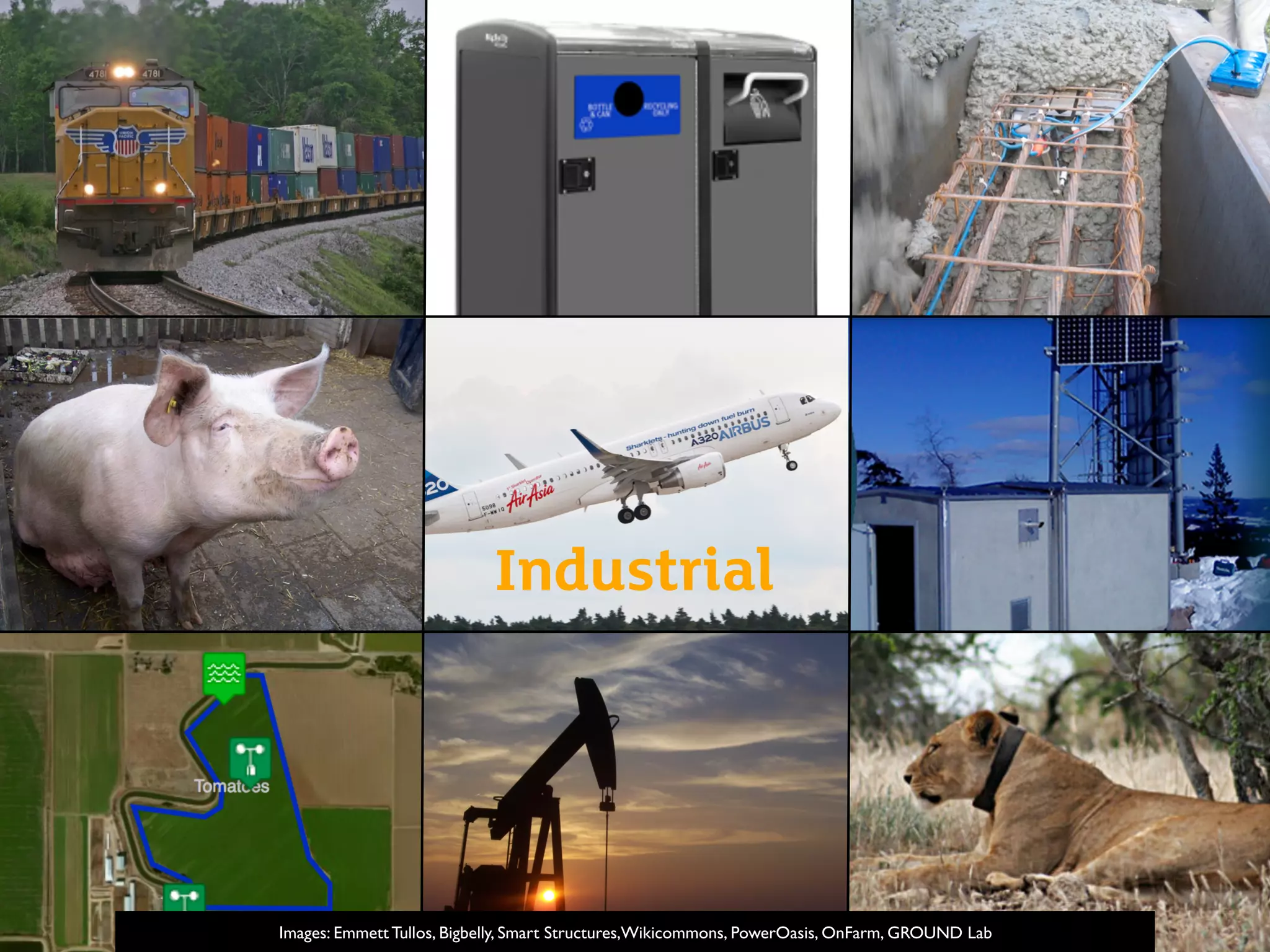
Images: Emmett Tullos, Bigbelly, Smart Structures,Wikicommons, PowerOasis, OnFarm, GROUND Lab
Industrial
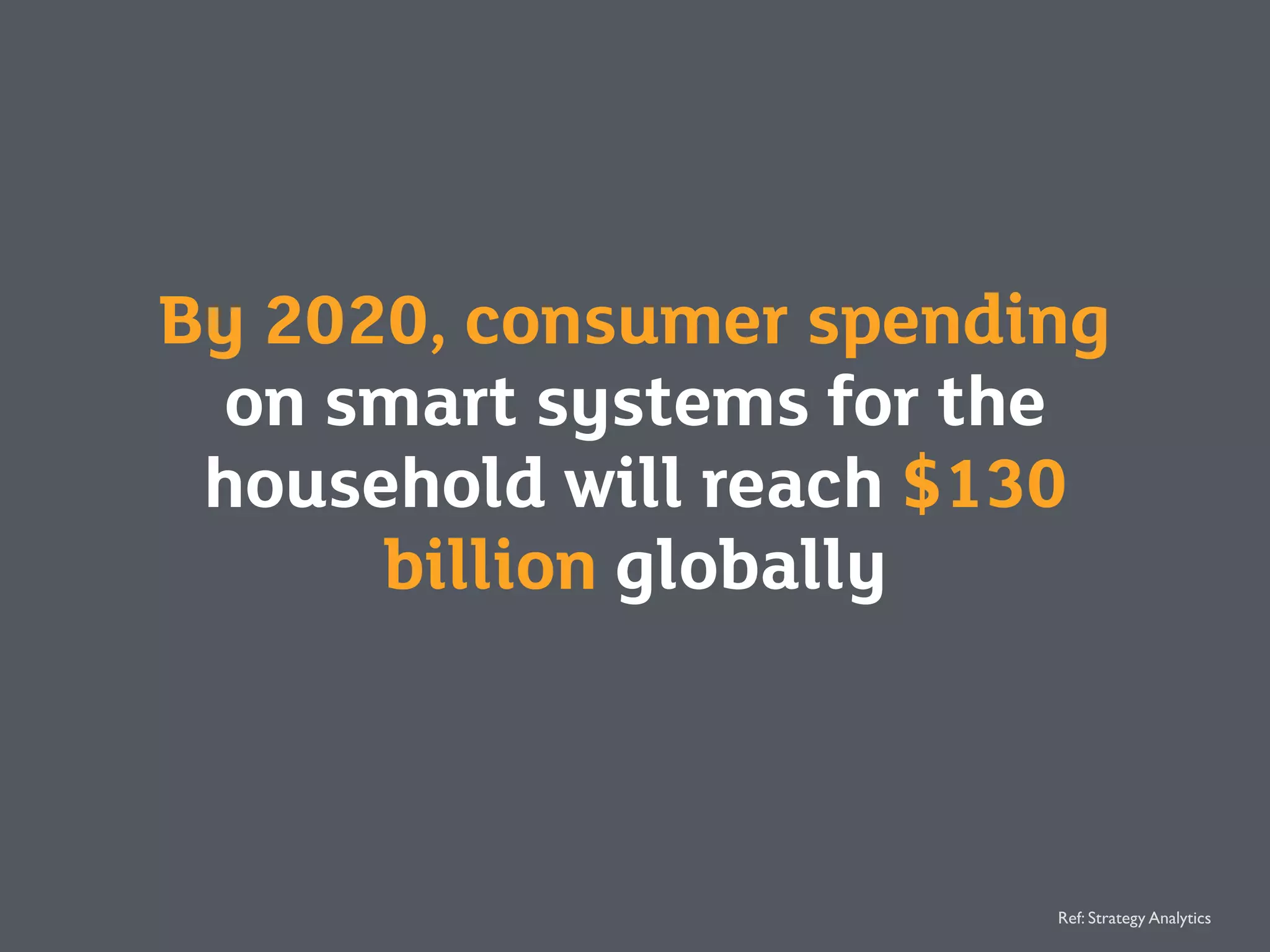
By 2020, consumer spending
on smart systems for the
household will reach $130
billion globally
Ref: Strategy Analytics
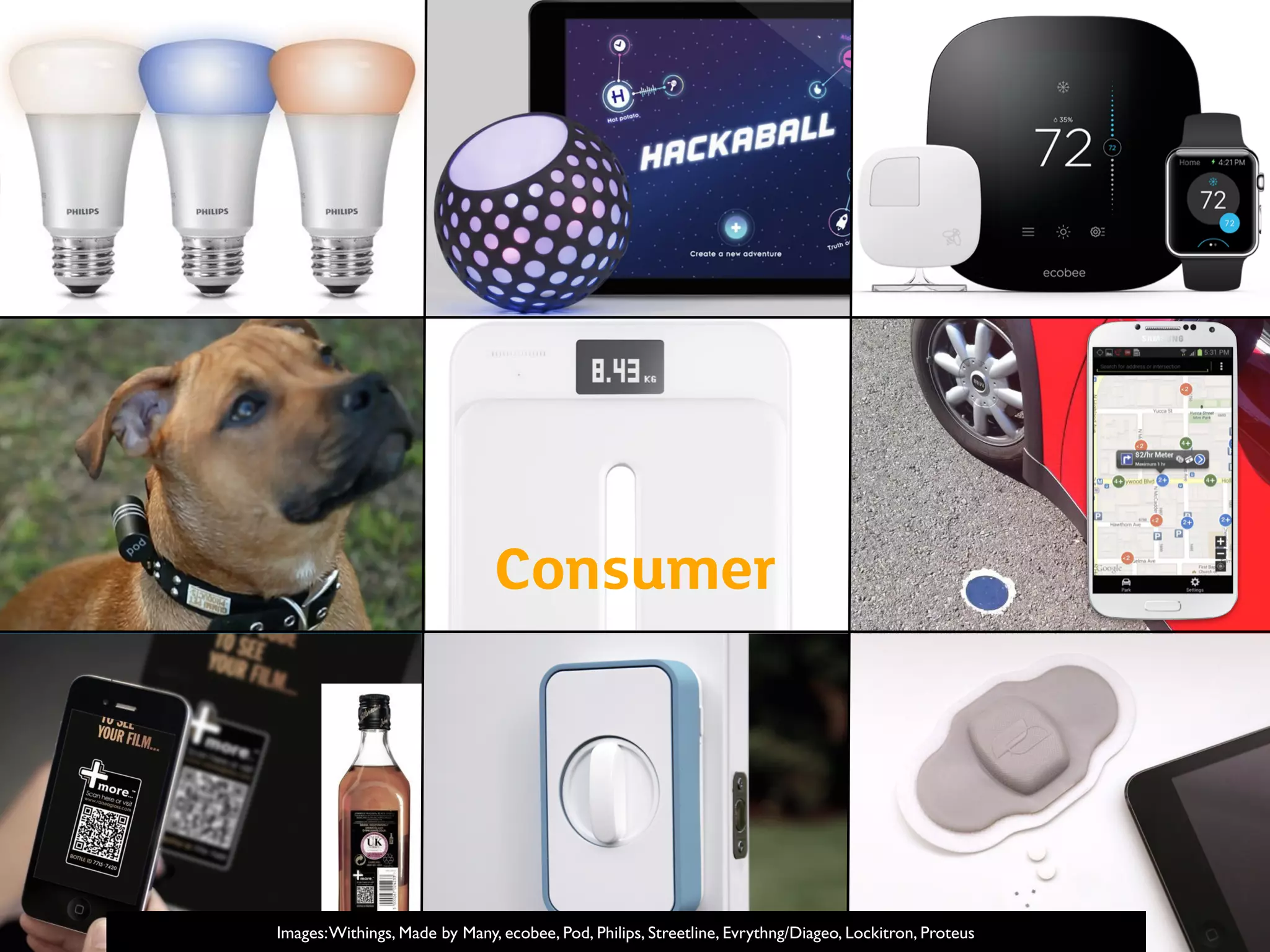
Consumer
Images:Withings, Made by Many, ecobee, Pod, Philips, Streetline, Evrythng/Diageo, Lockitron, Proteus
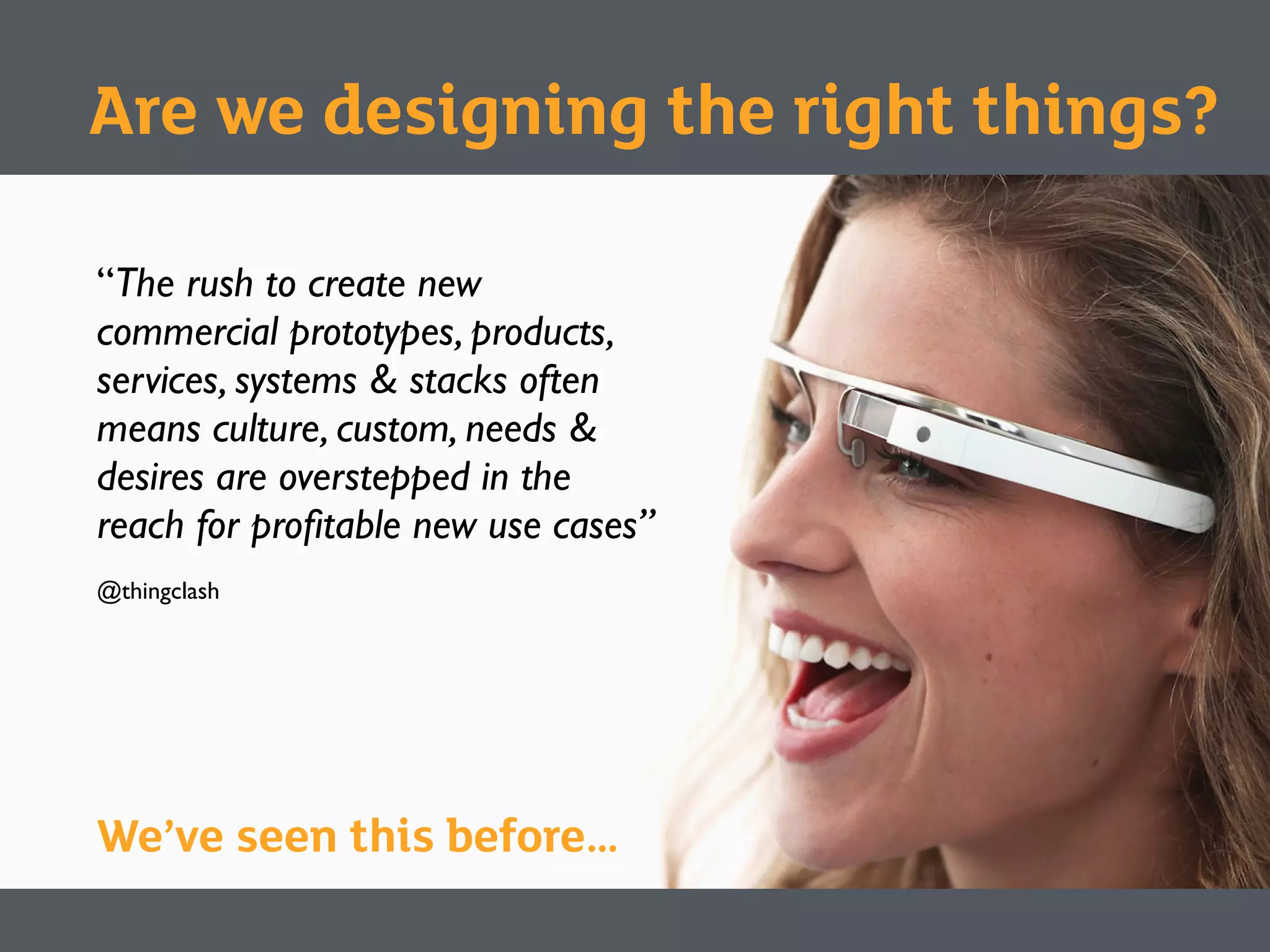
“The rush to create new
commercial prototypes, products,
services, systems & stacks often
means culture, custom, needs &
desires are overstepped in the
reach for profitable new use cases”
@thingclash
We’ve seen this before…
Are we designing the right things?
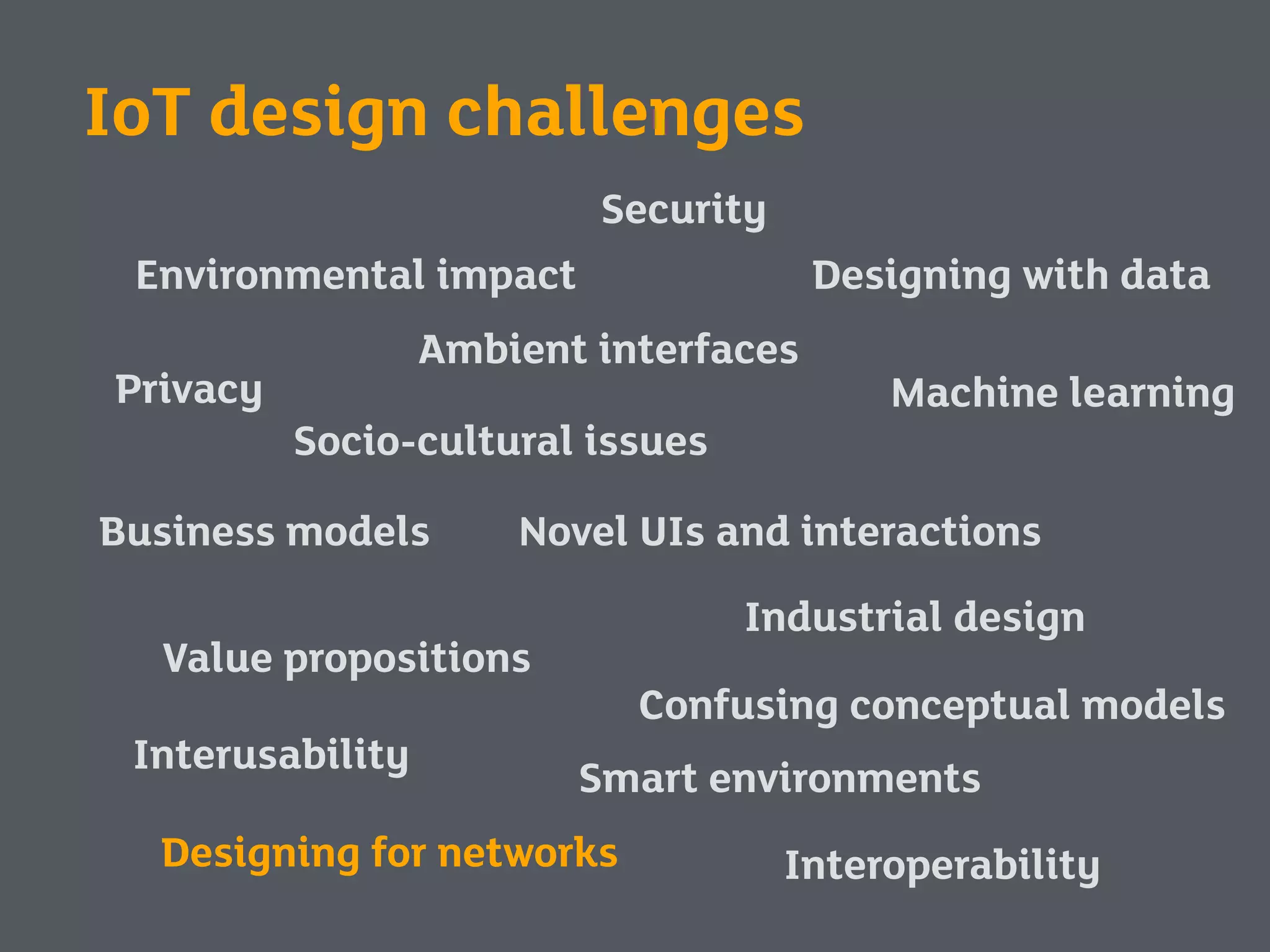
Security
Privacy
Environmental impact
Interoperability
Value propositions
Business models
Industrial design
Novel UIs and interactions
Interusability
Machine learning
Designing with data
Ambient interfaces
Socio-cultural issues
Smart environments
Designing for networks
Confusing conceptual models
IoT design challenges
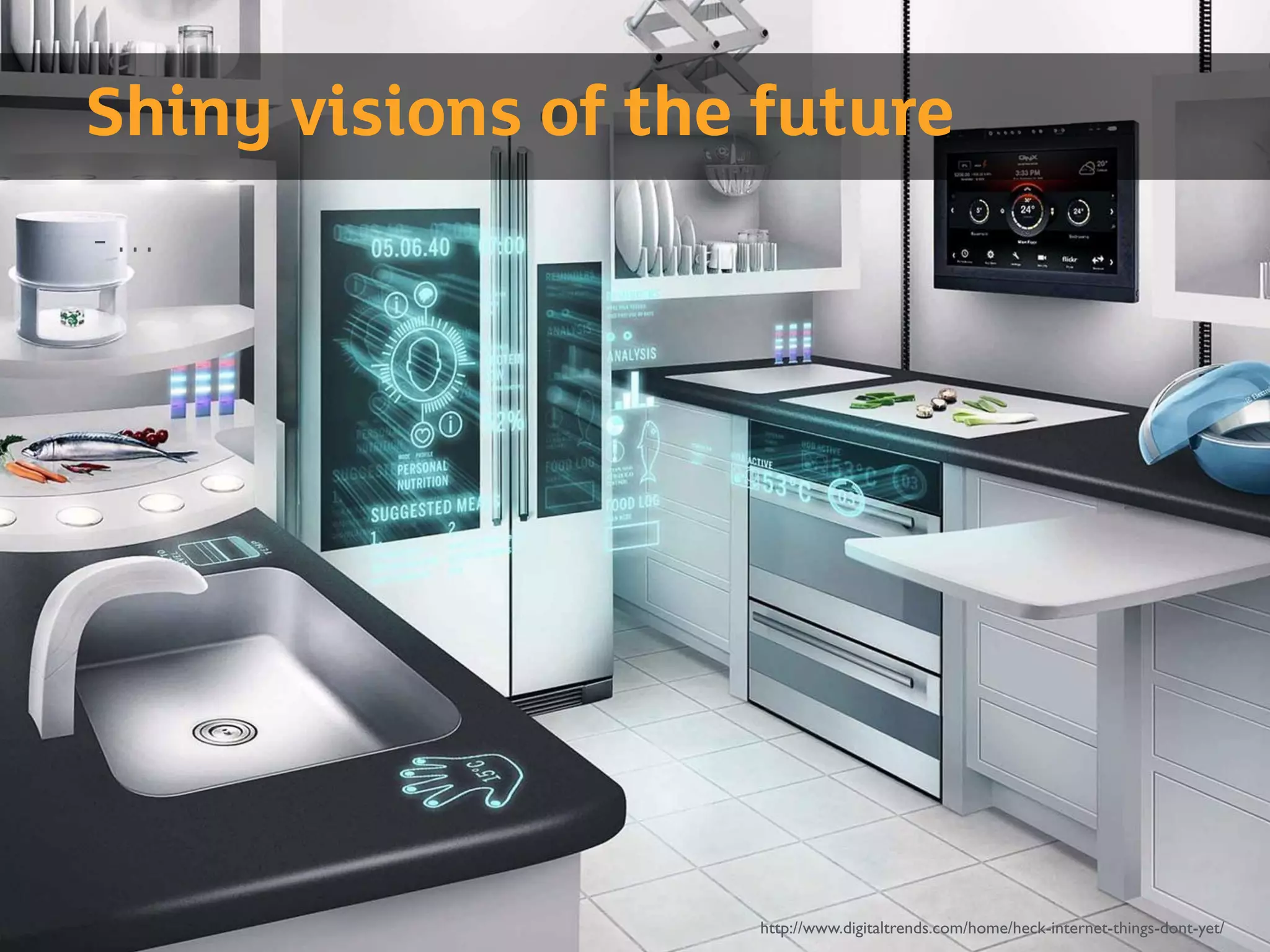
http://www.digitaltrends.com/home/heck-internet-things-dont-yet/
Shiny visions of the future
- …
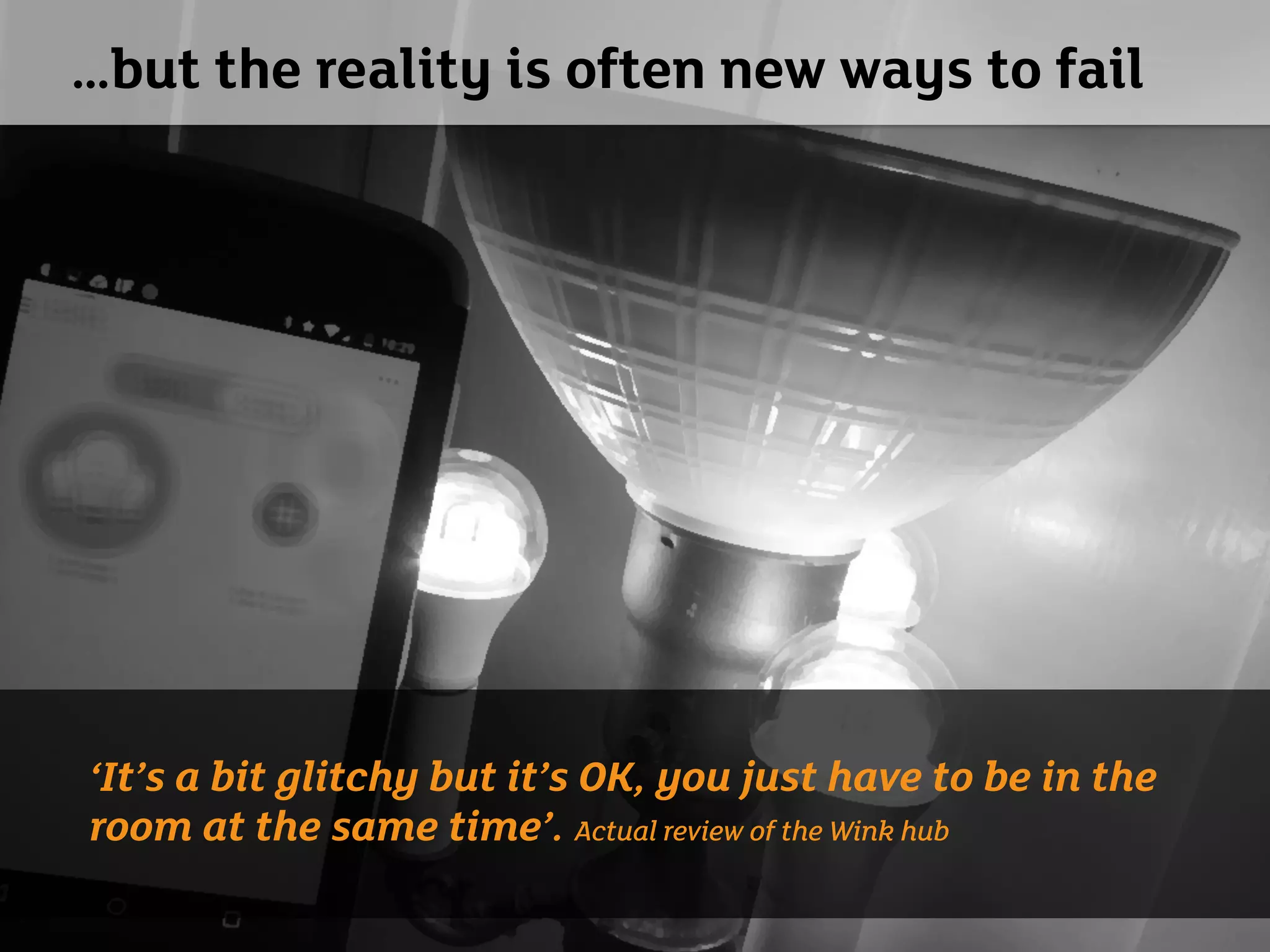
…but the reality is often new ways to fail
‘It’s a bit glitchy but it’s OK, you just have to be in the
room at the same time’. Actual review of the Wink hub
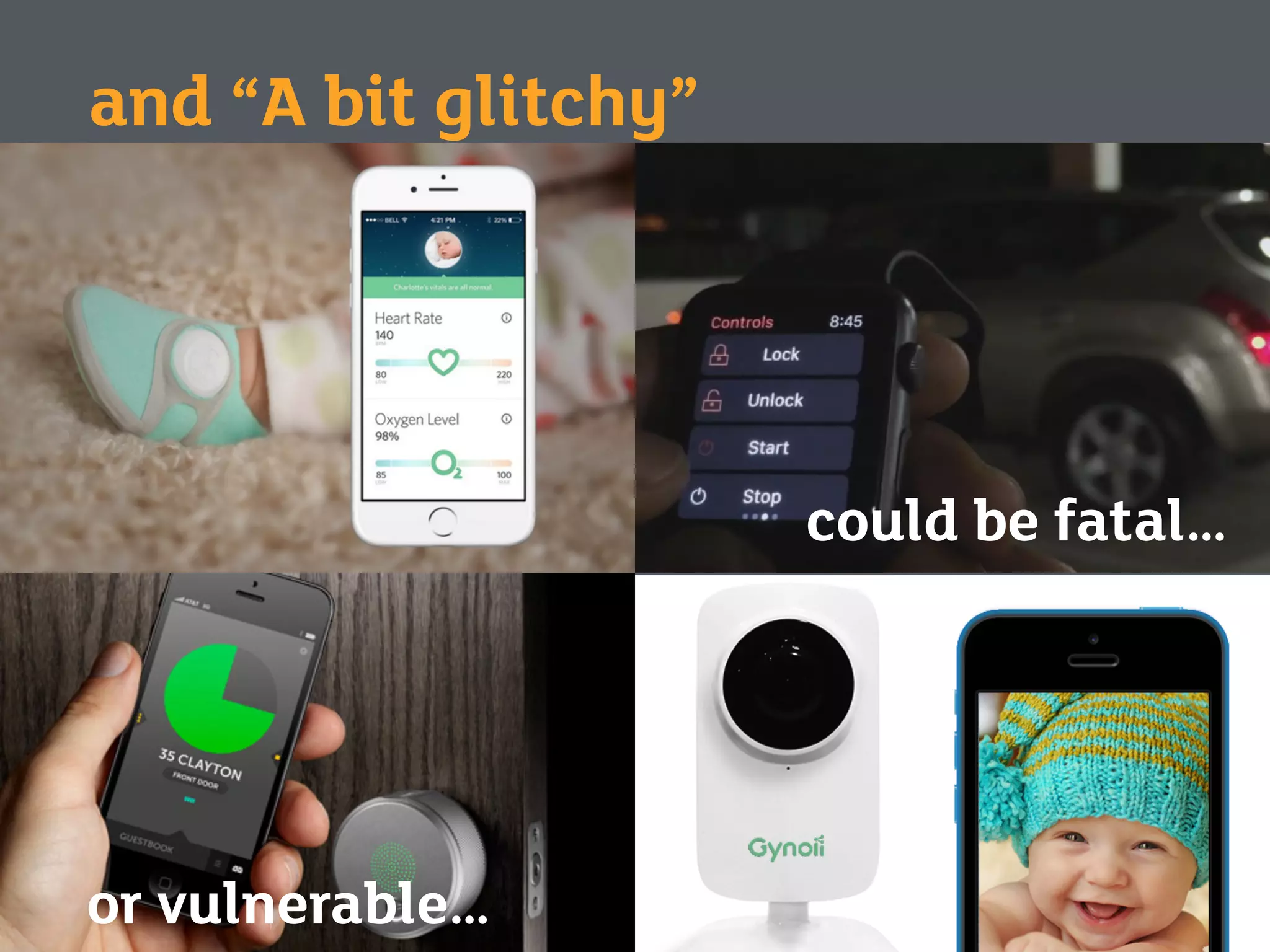
and “A bit glitchy”
could be fatal…
or vulnerable…
Exercise One
Who here has designed for IoT?
?What challenges did you face?
What do you think the big
UX issues might be?
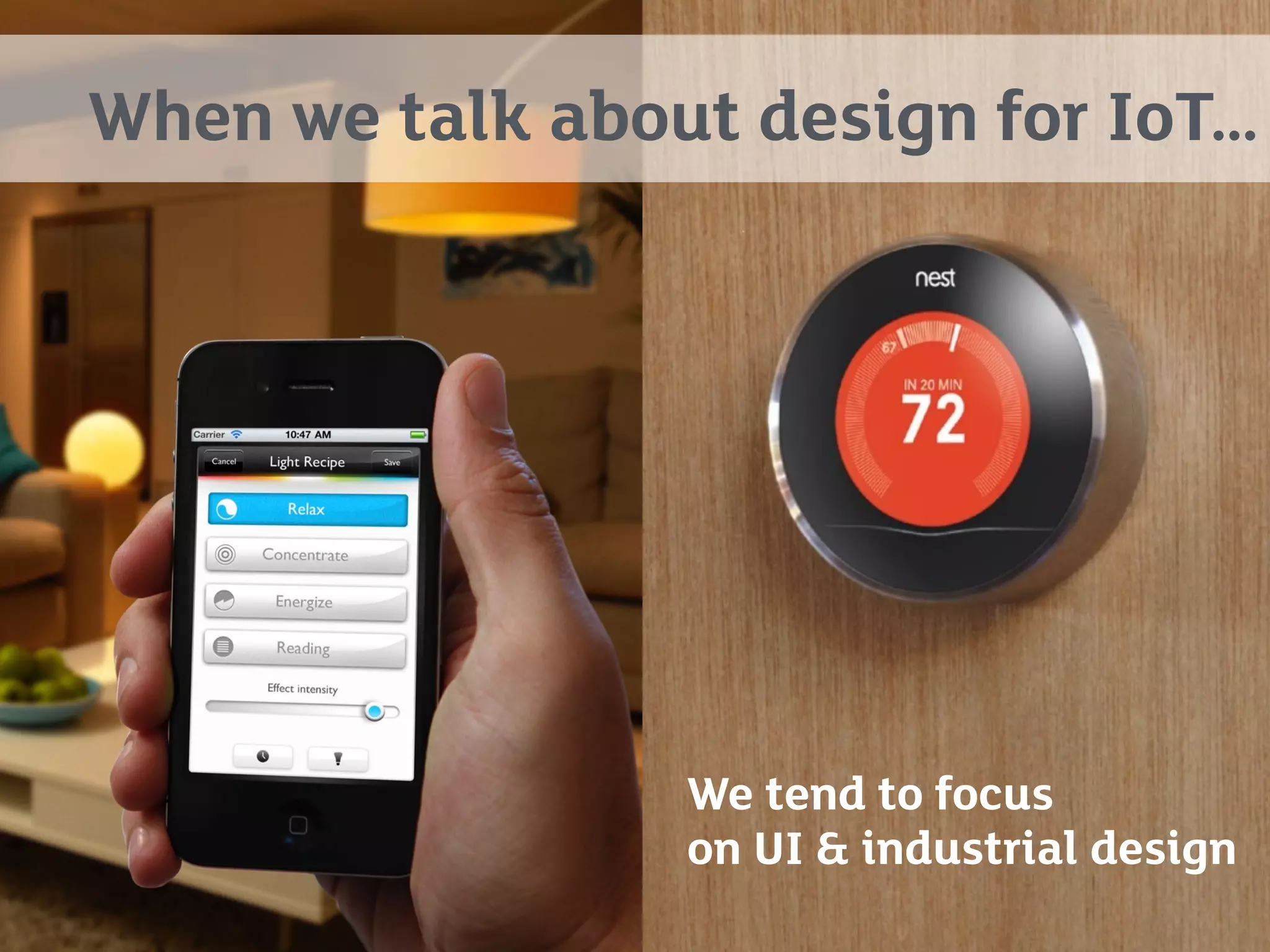
When we talk about design for IoT…
We tend to focus
on UI & industrial design
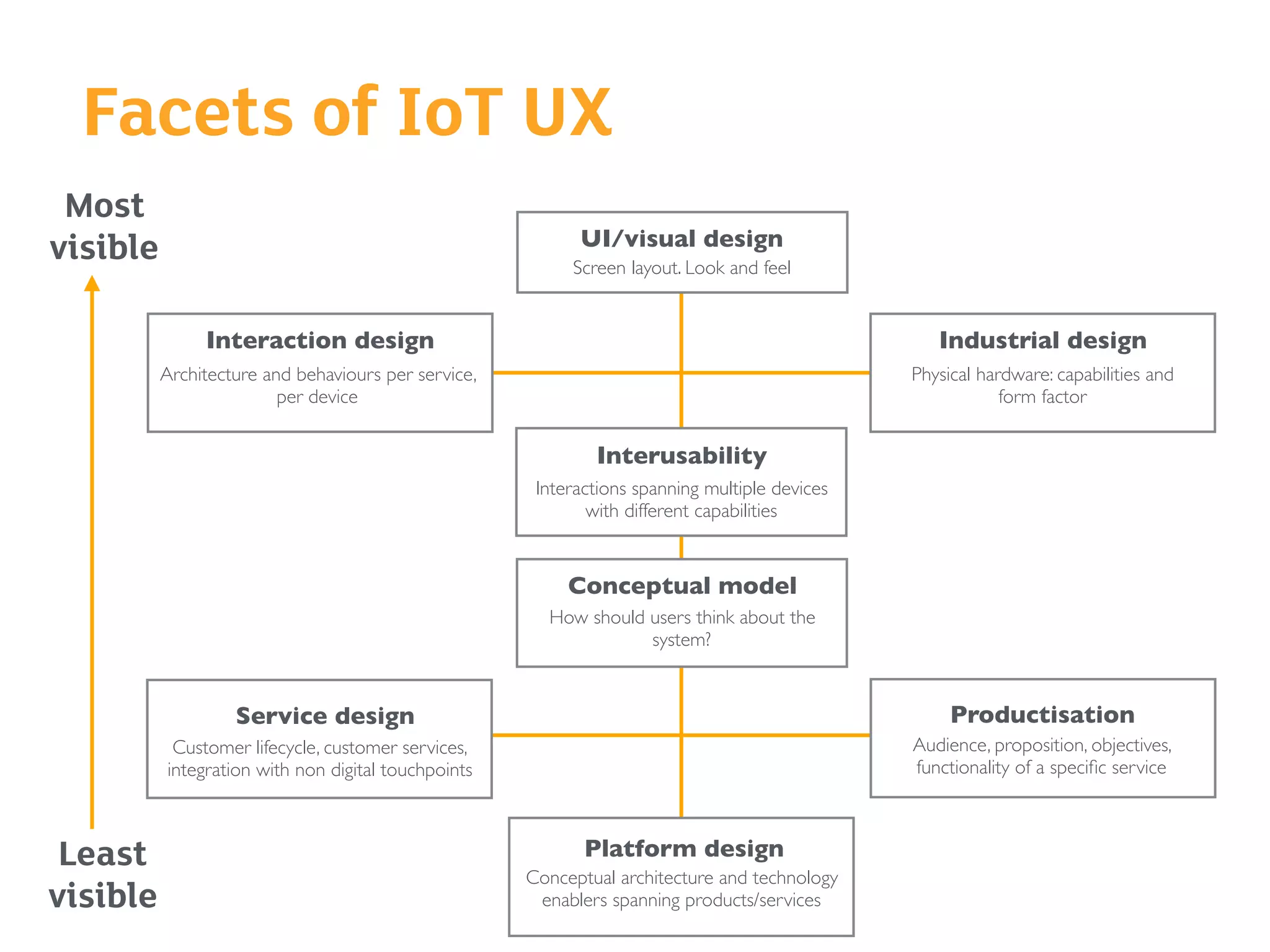
Facets of IoT UX
Most
visible
Least
visible
Conceptual model
How should users think about the
system?
Interusability
Interactions spanning multiple devices
with different capabilities
UI/visual design
Screen layout. Look and feel
Platform design
Conceptual architecture and technology
enablers spanning products/services
Industrial design
Physical hardware: capabilities and
form factor
Interaction design
Architecture and behaviours per service,
per device
Service design
Customer lifecycle, customer services,
integration with non digital touchpoints
Productisation
Audience, proposition, objectives,
functionality of a specific service
It’s not just things… it’s about
the interconnections between
things
“The network is now a design material”
Liz Goodman
In pure software services,
we’re used to this
Things can be slow to upload or
download
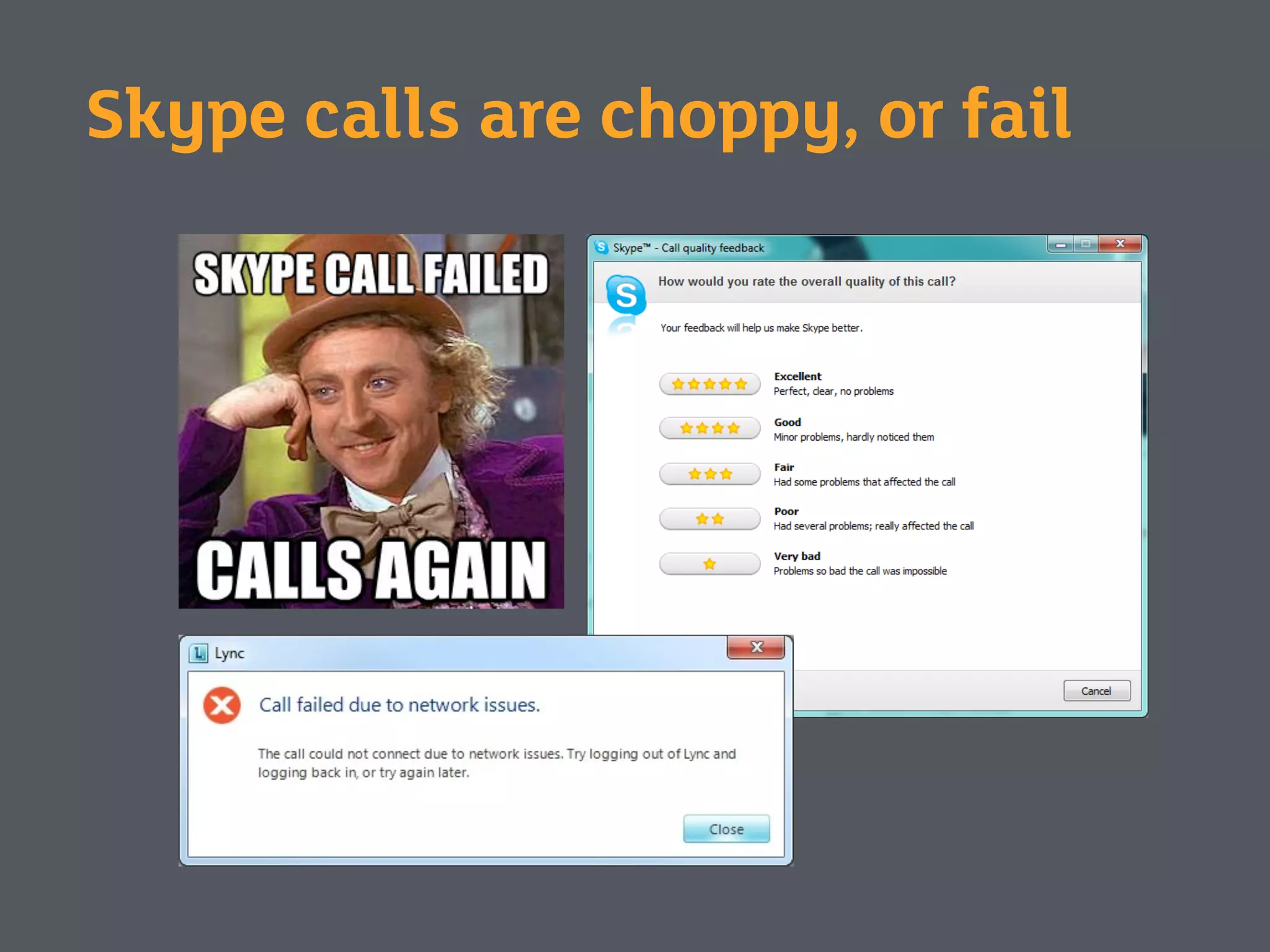
Skype calls are choppy, or fail
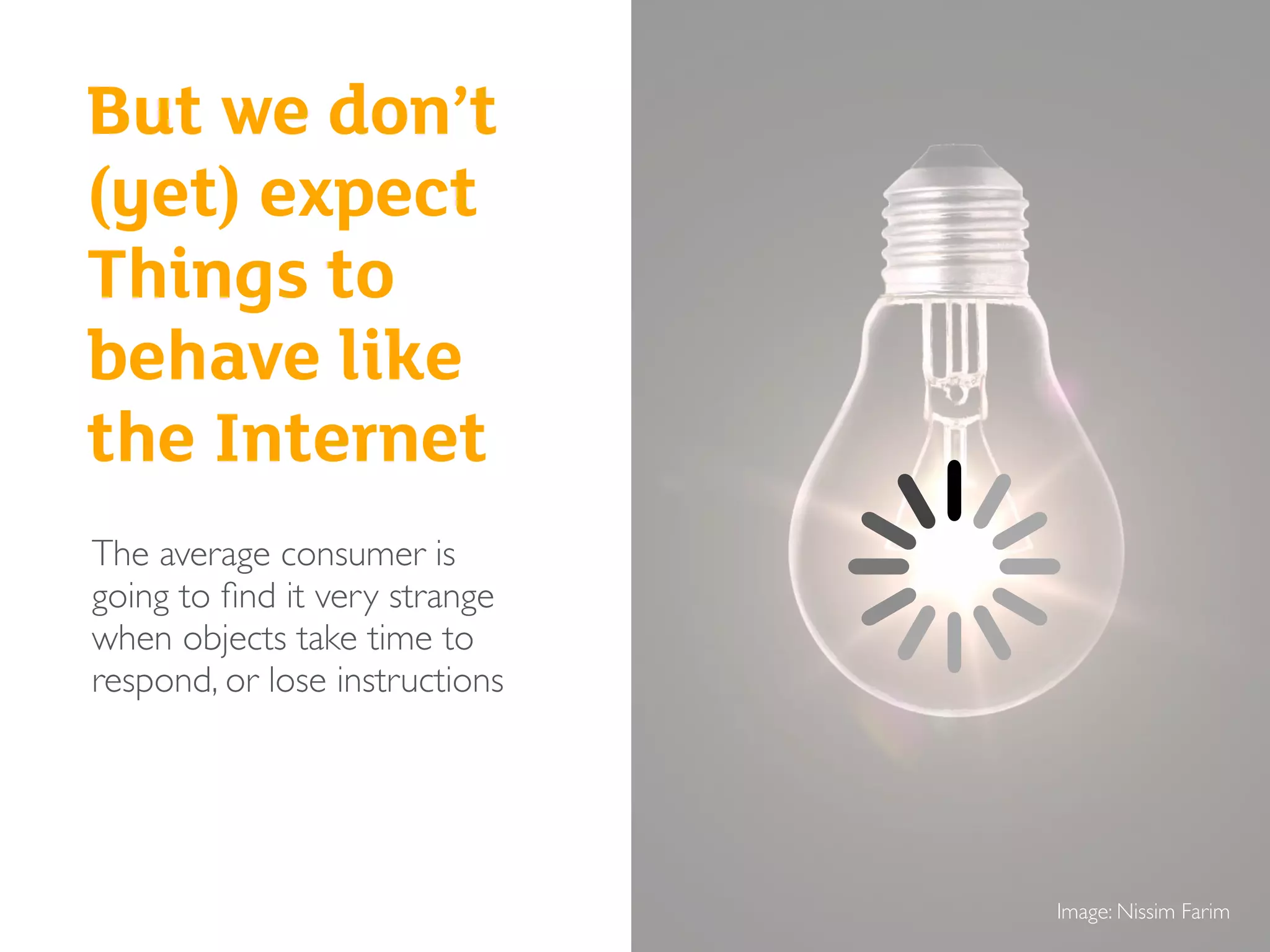
Image: Nissim Farim
But we don’t
(yet) expect
Things to
behave like
the Internet
The average consumer is
going to find it very strange
when objects take time to
respond, or lose instructions
How things connect
There are lots of ways that
things can connect
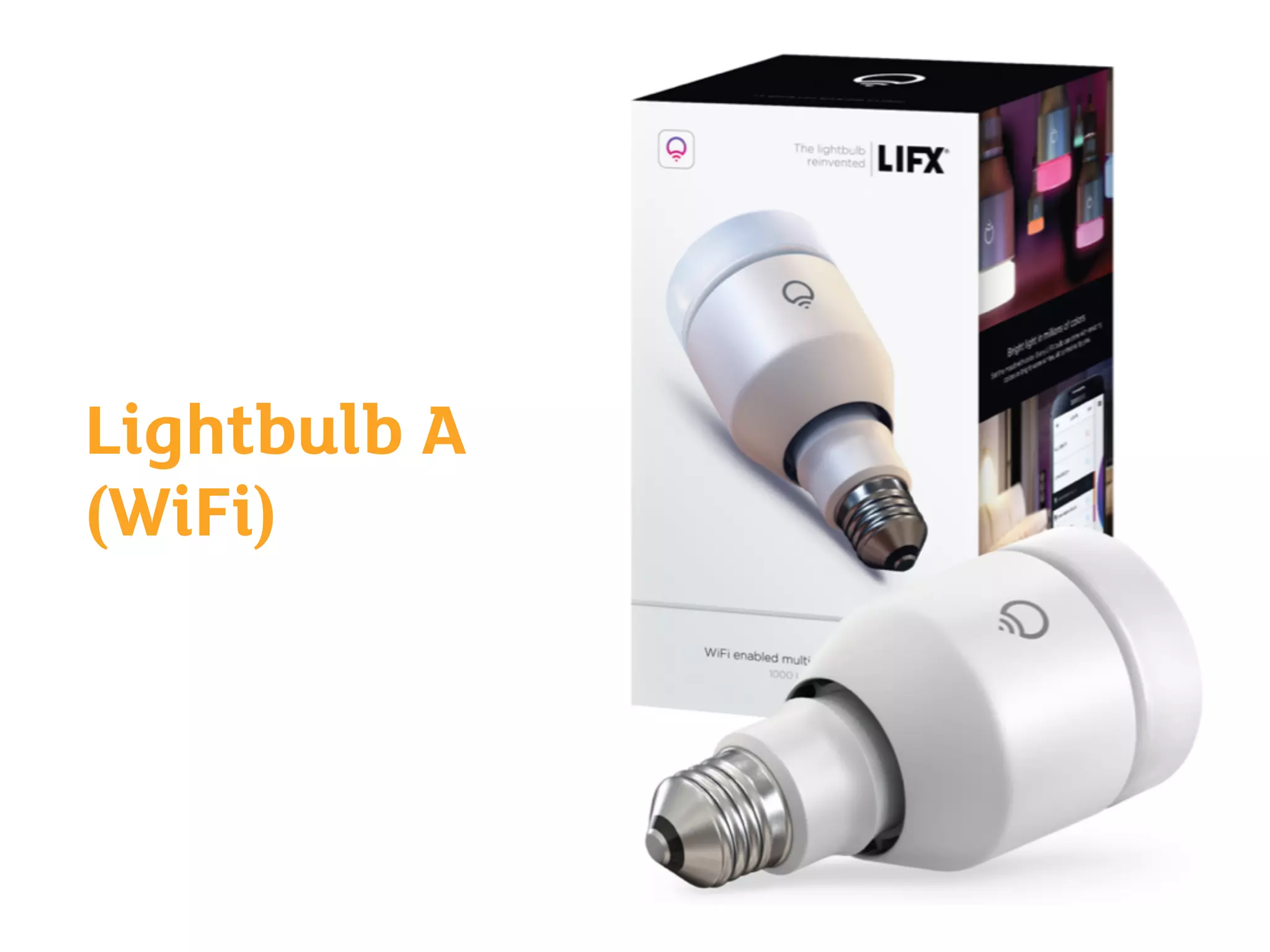
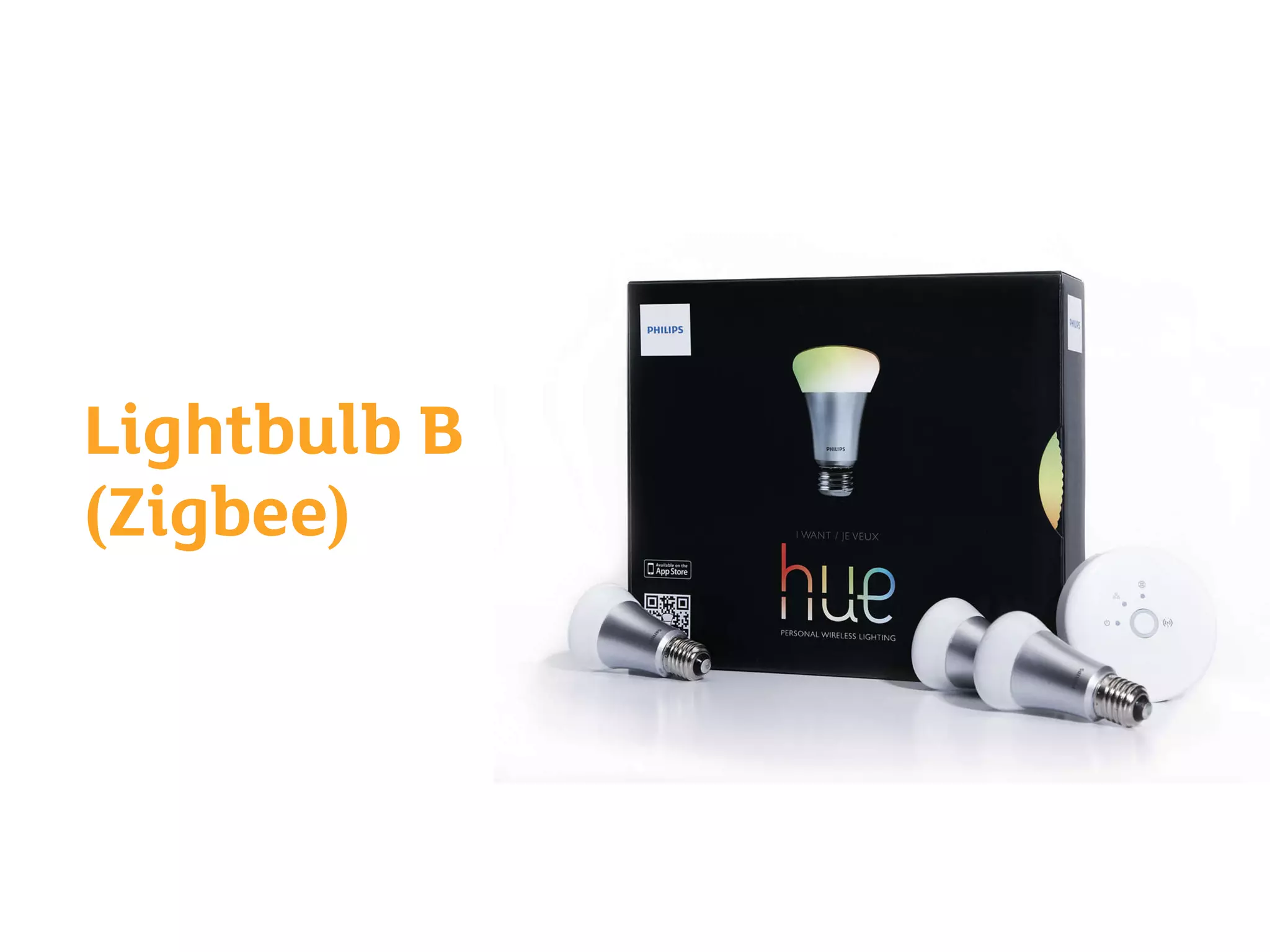
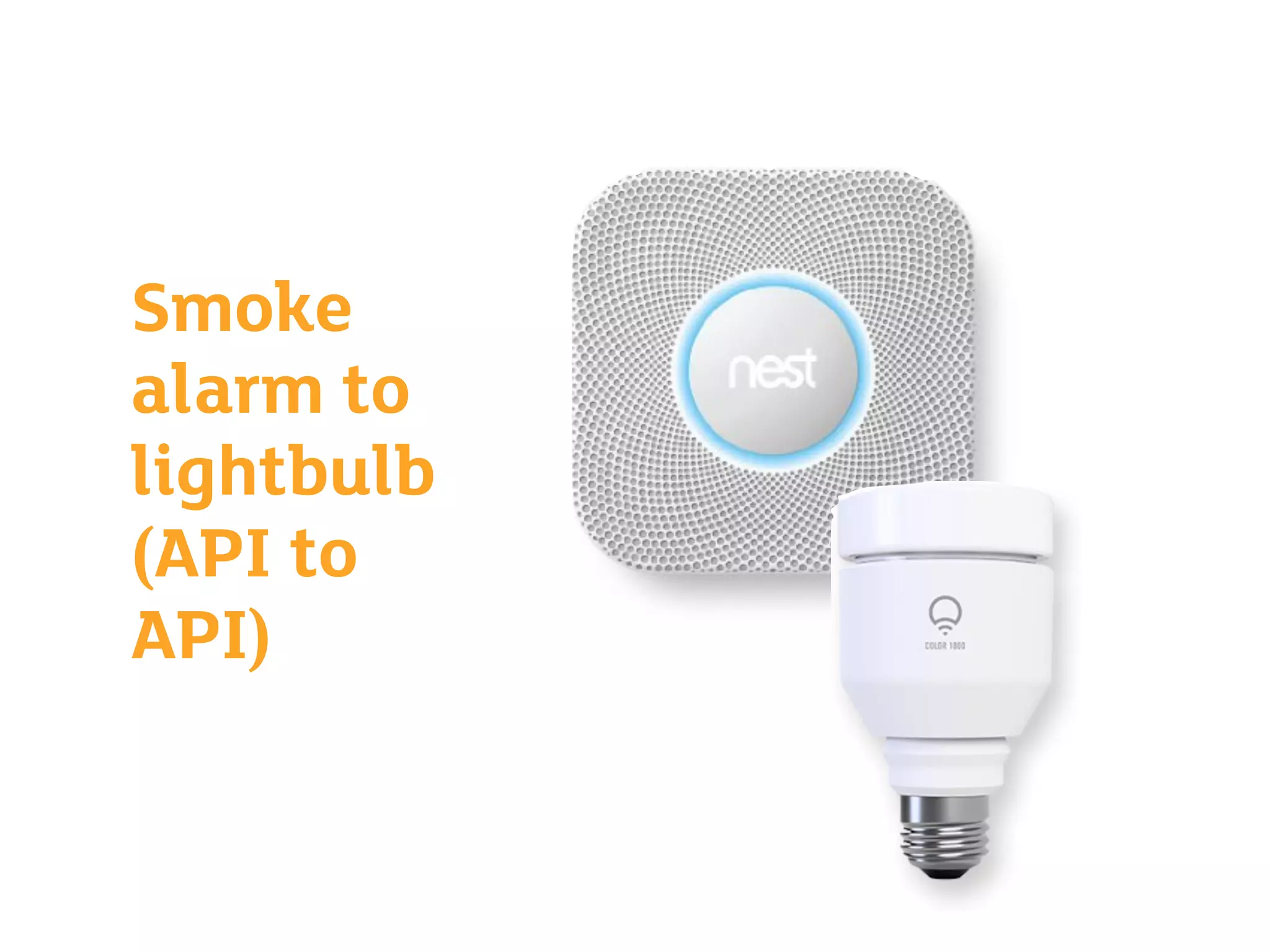
• Many different network types
• Local or long distance
• Some use internet compatible networks, some don’t
• Some are open, some are proprietary
Exercise 1
Connected lightbulbs:
ways things can connect
Lightbulb A
(WiFi)
Lightbulb B
(Zigbee)
Smoke
alarm to
lightbulb
(API to
API)
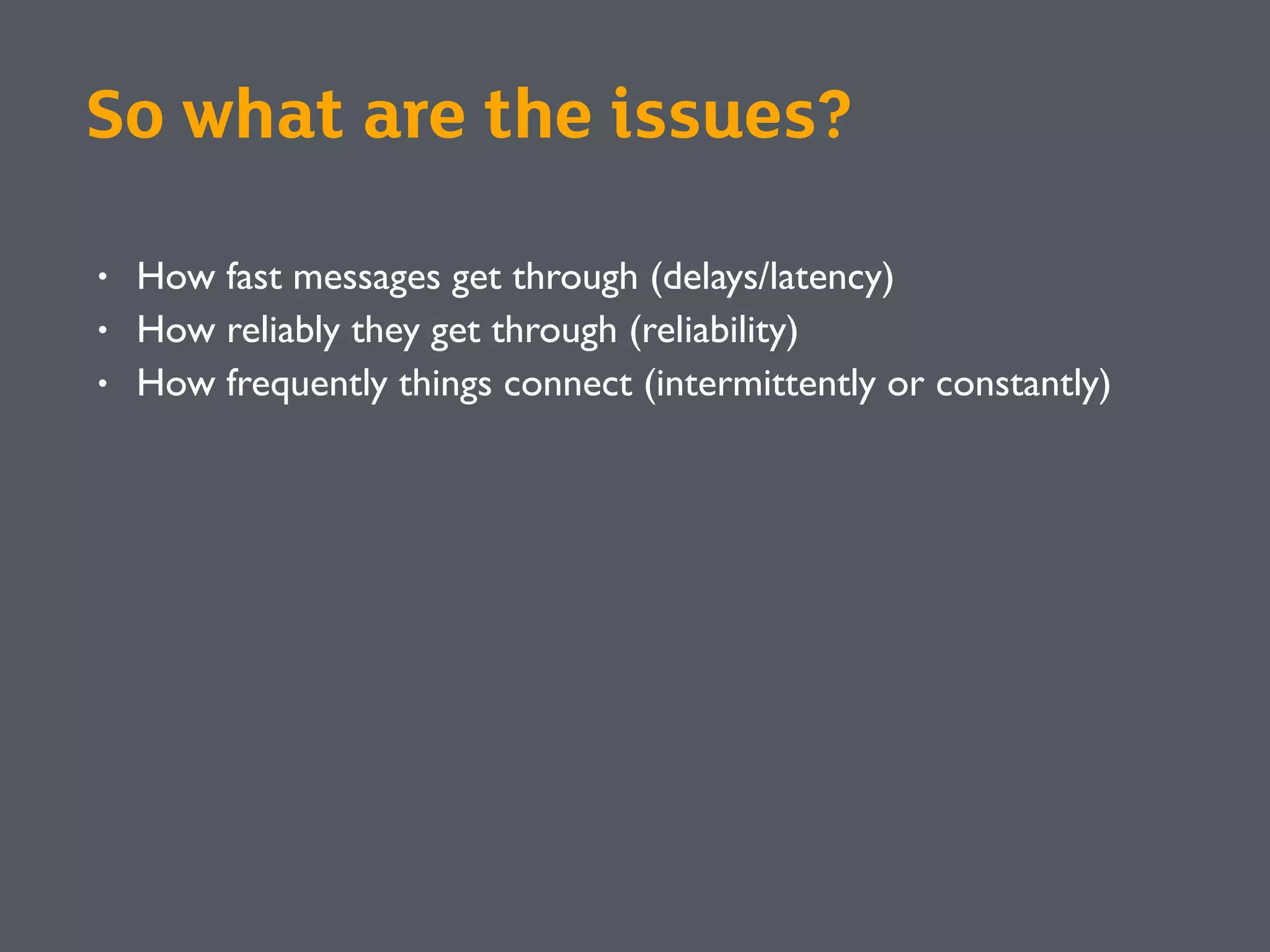
So what are the issues?
• How fast messages get through (delays/latency)
• How reliably they get through (reliability)
• How frequently things connect (intermittently or constantly)
Network challenges
Part 1
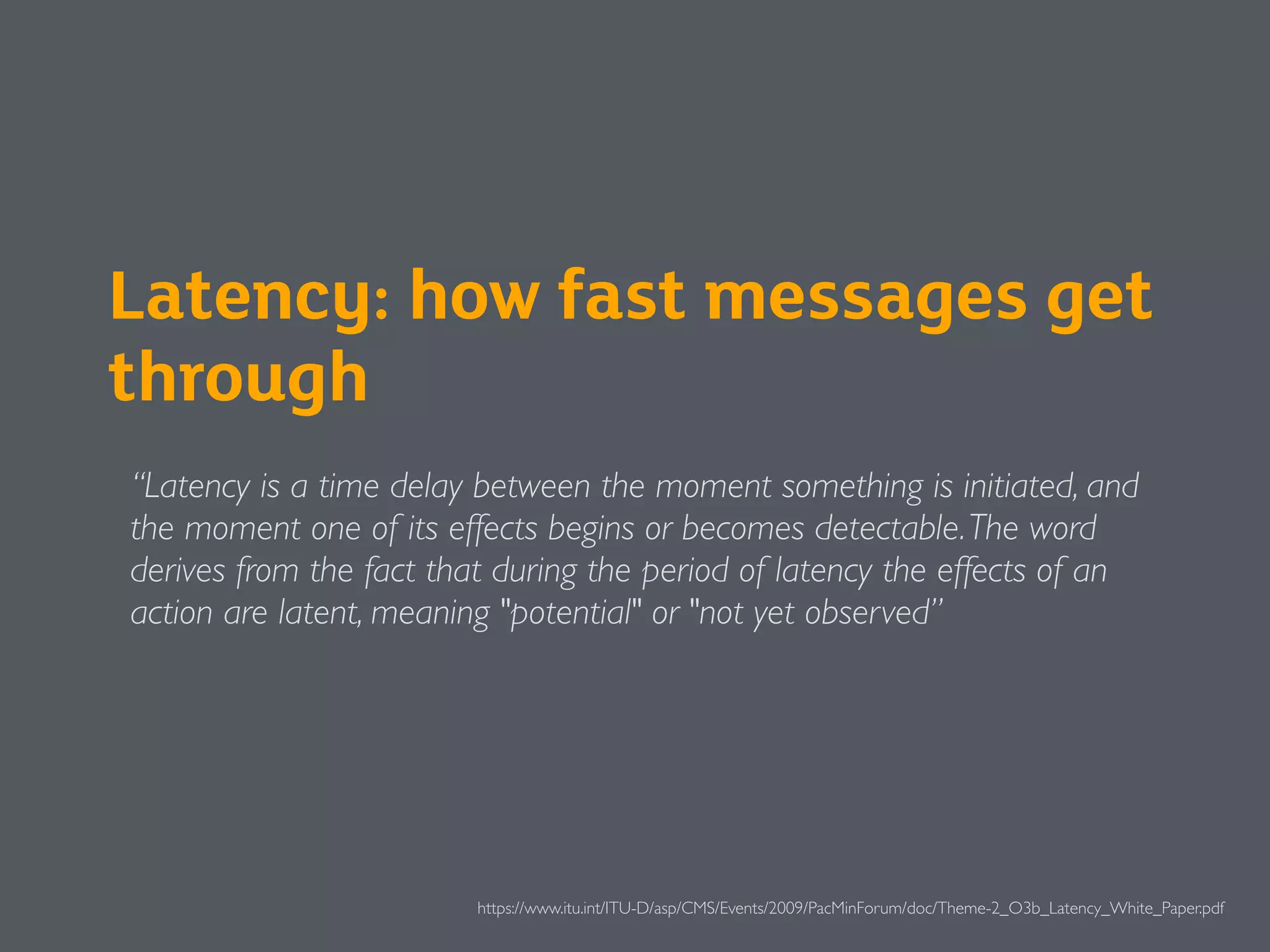
Latency: how fast messages get
through
“Latency is a time delay between the moment something is initiated, and
the moment one of its effects begins or becomes detectable.The word
derives from the fact that during the period of latency the effects of an
action are latent, meaning "potential" or "not yet observed”
https://www.itu.int/ITU-D/asp/CMS/Events/2009/PacMinForum/doc/Theme-2_O3b_Latency_White_Paper.pdf
Demo
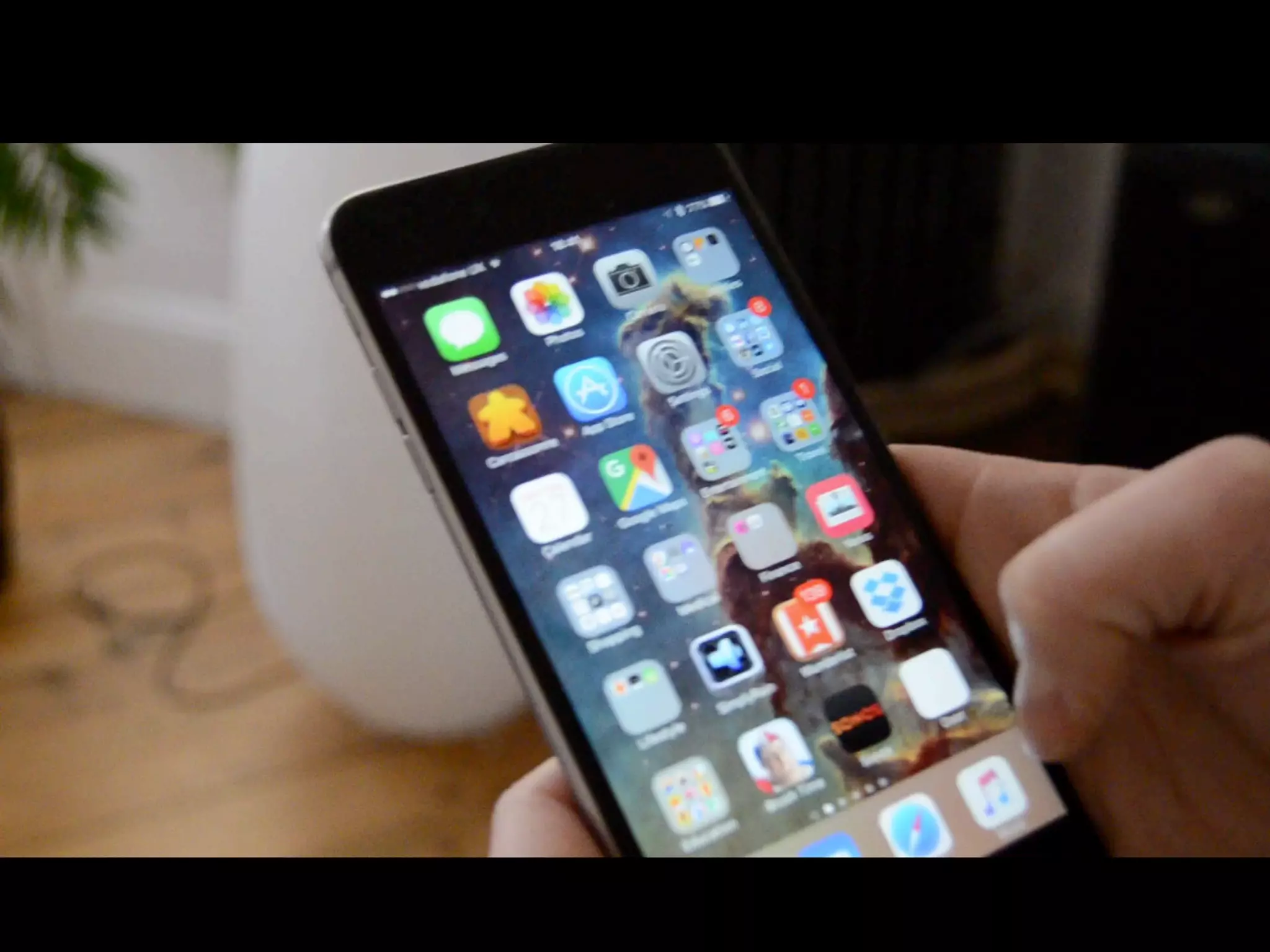
Hue over local WiFi (fast) and
Internet (slower)
What’s happening here?
(Local WiFi)
What’s happening here?
(4G)
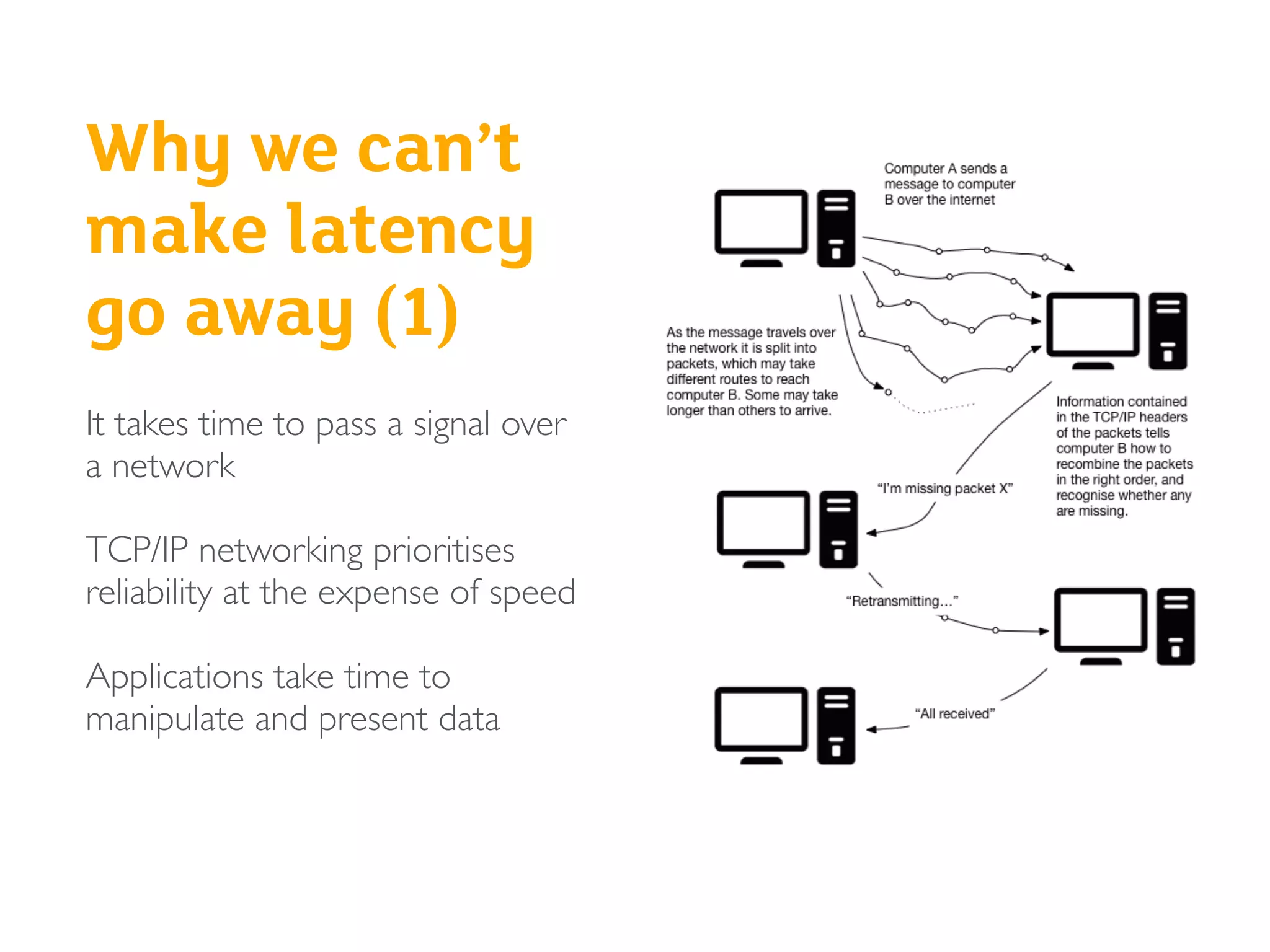
Why we can’t
make latency
go away (1)
It takes time to pass a signal over
a network
TCP/IP networking prioritises
reliability at the expense of speed
Applications take time to
manipulate and present data
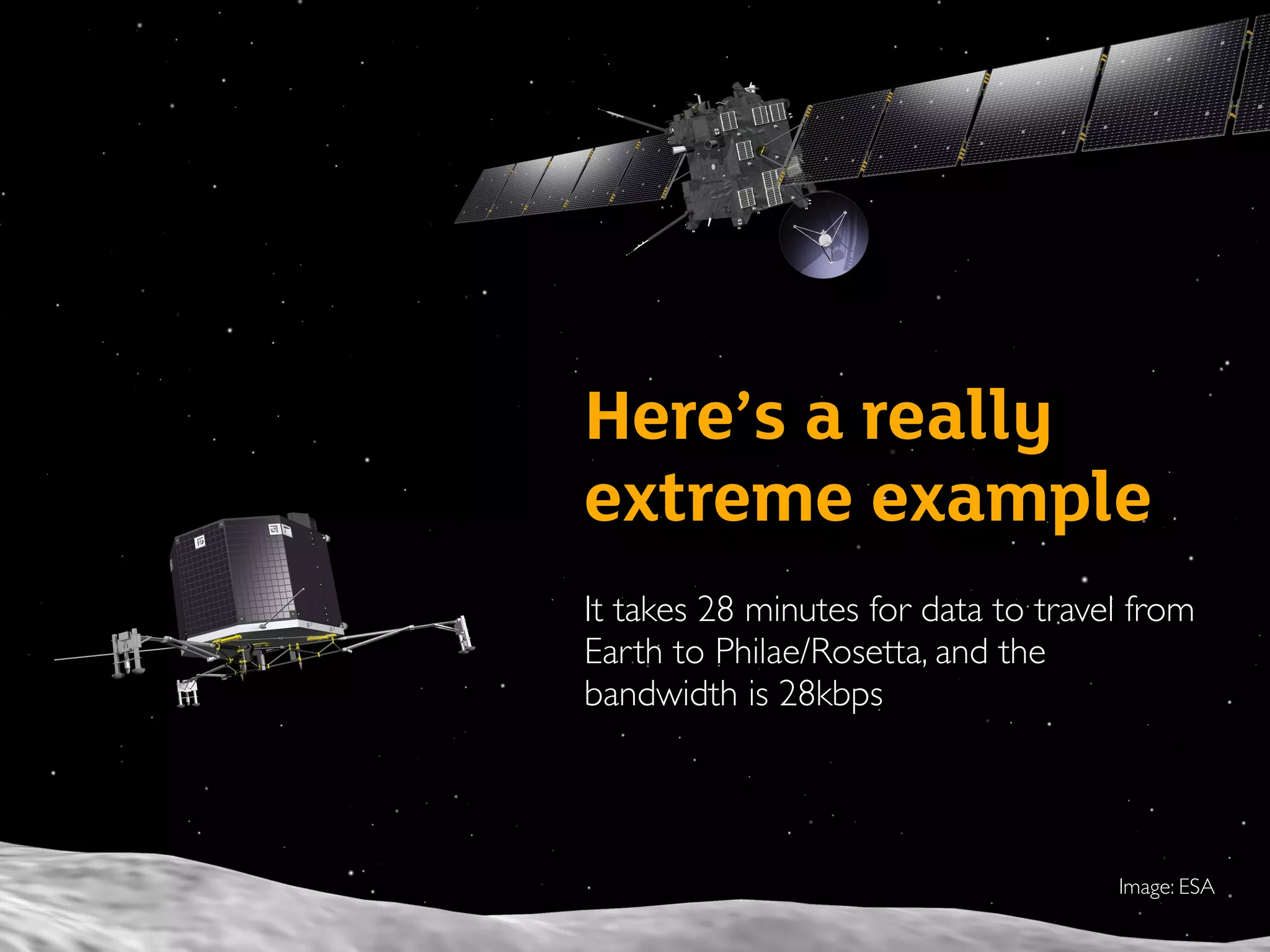
Here’s a really
extreme example
It takes 28 minutes for data to travel from
Earth to Philae/Rosetta, and the
bandwidth is 28kbps
Image: ESA
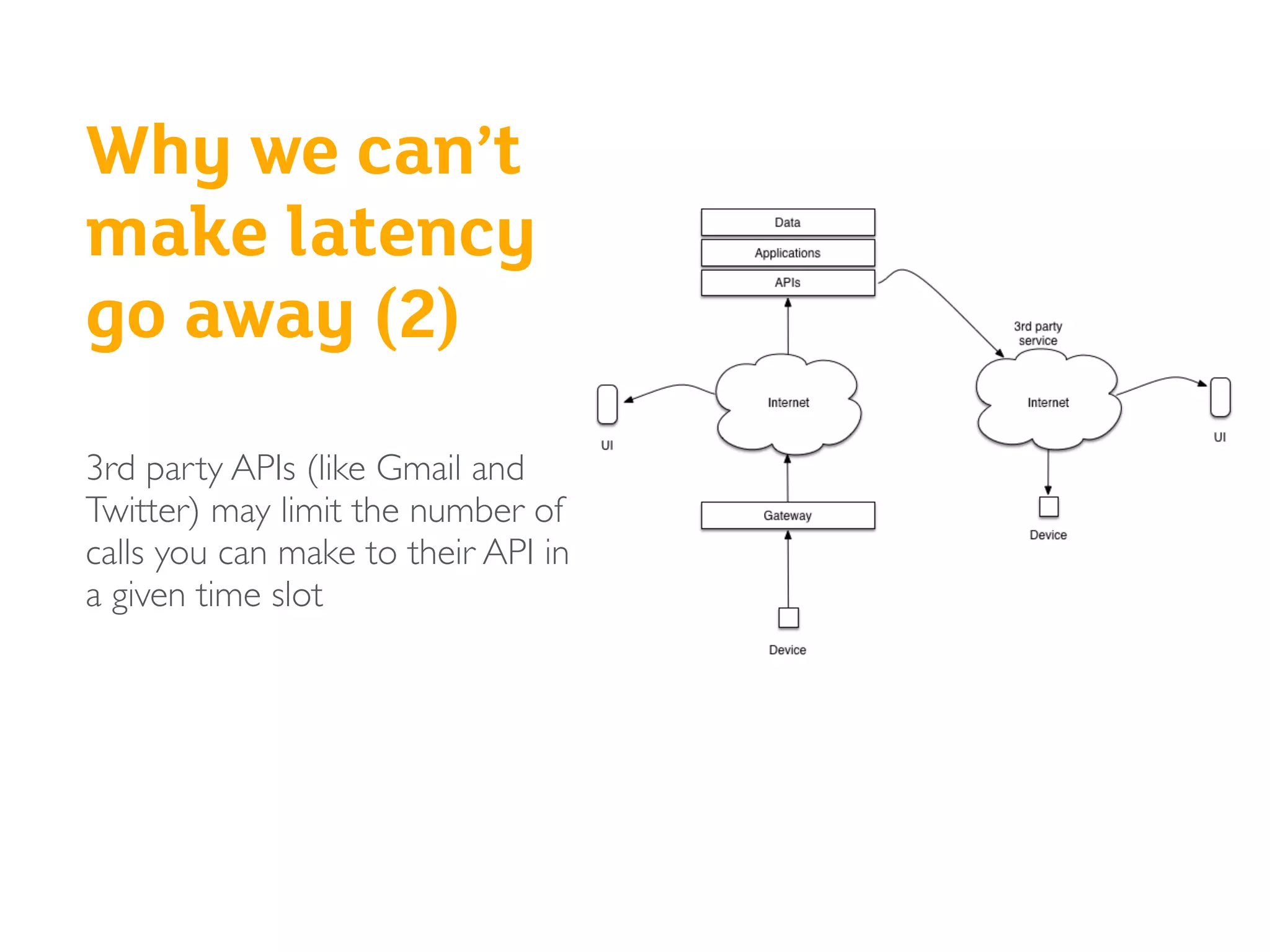
Why we can’t
make latency
go away (2)
3rd party APIs (like Gmail and
Twitter) may limit the number of
calls you can make to their API in
a given time slot
Due to Gmail’s API rate limits, it may take 15 minutes for a Hue bulb to notify
you of an inbound email
Questions
?
• Have you experienced these
issues with connected
products?
• Have you experienced them
with software only services?
Reliability
(unpredictable outages)
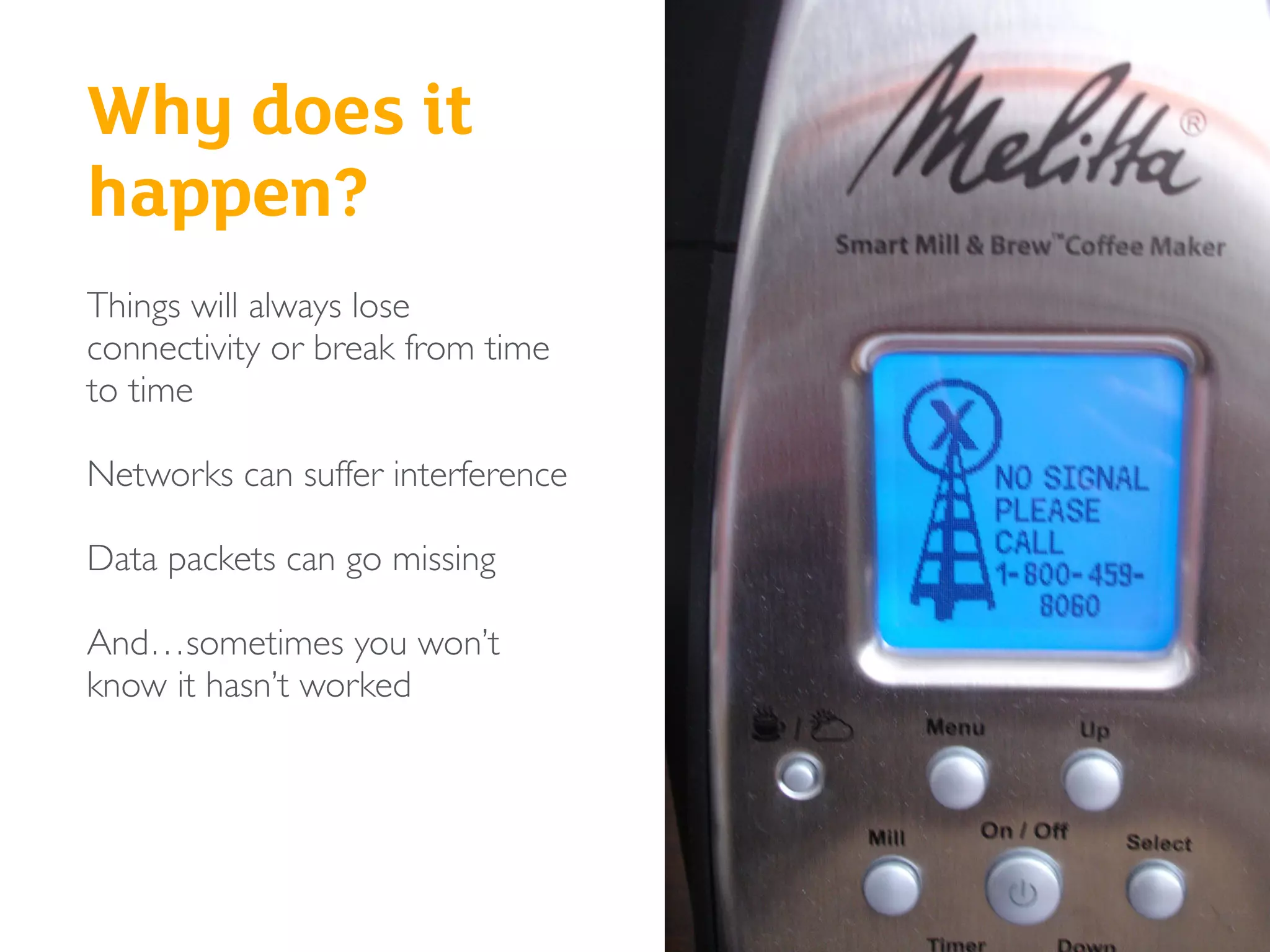
Why does it
happen?
Things will always lose
connectivity or break from time
to time
Networks can suffer interference
Data packets can go missing
And…sometimes you won’t
know it hasn’t worked
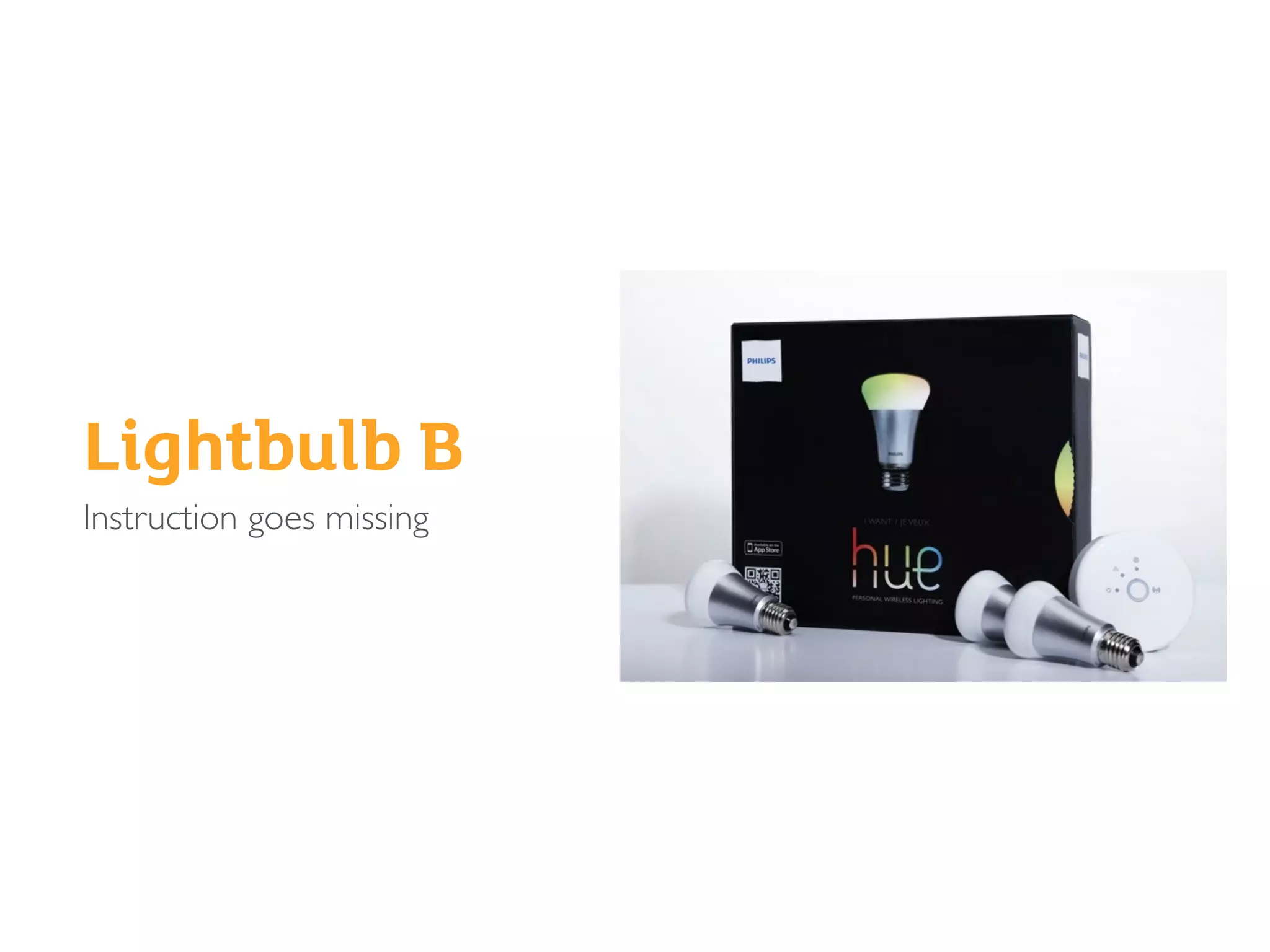
Lightbulb B
Instruction goes missing
What’s the impact?
It depends on the system architecture…
• When everything’s working OK, the differences in architecture
between systems don’t matter so much
• But when connectivity problems happen, the impact on the UX will
sometimes depend on the architecture of the system
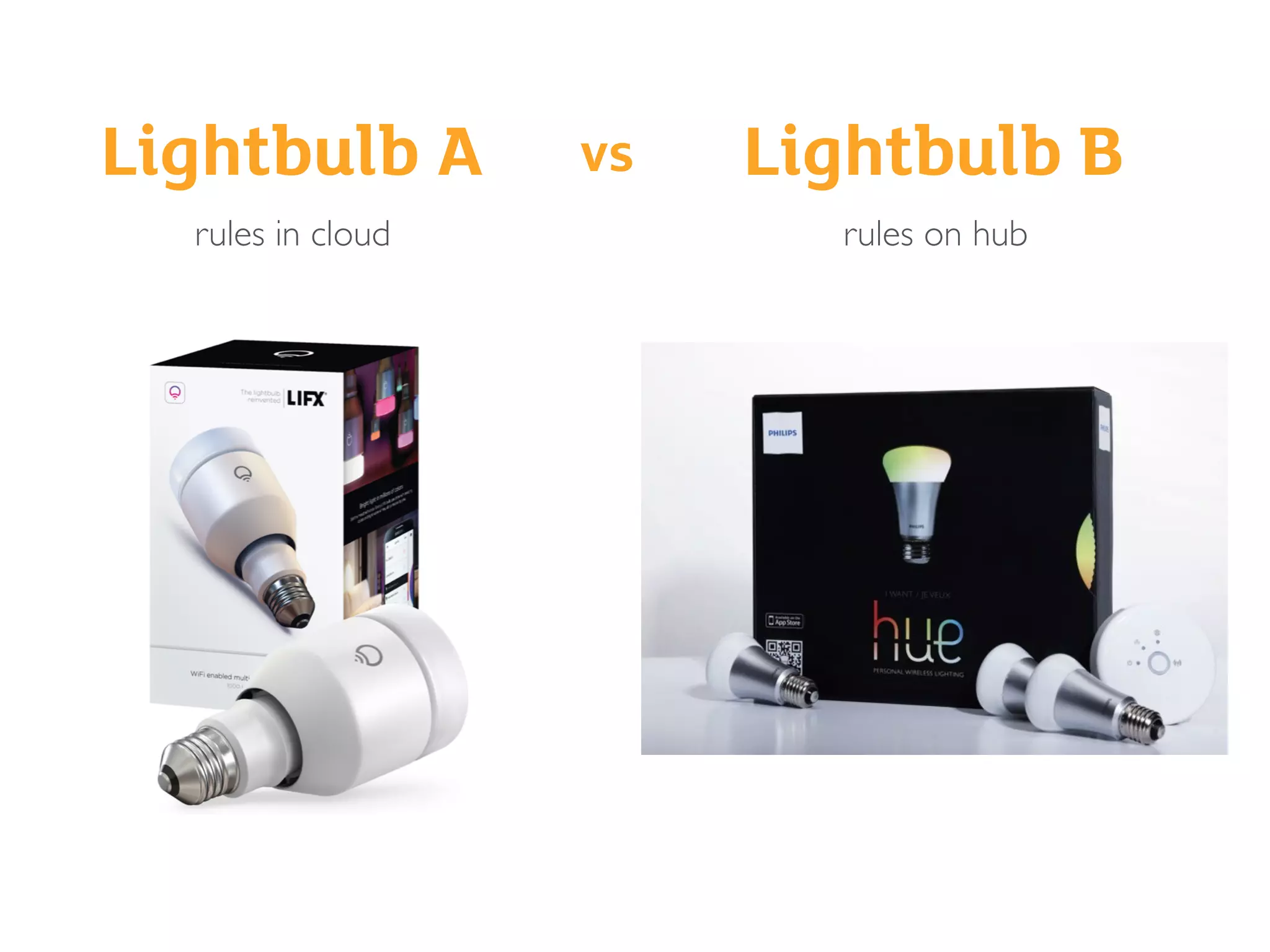
Lightbulb A Lightbulb Bvs
rules in cloud rules on hub
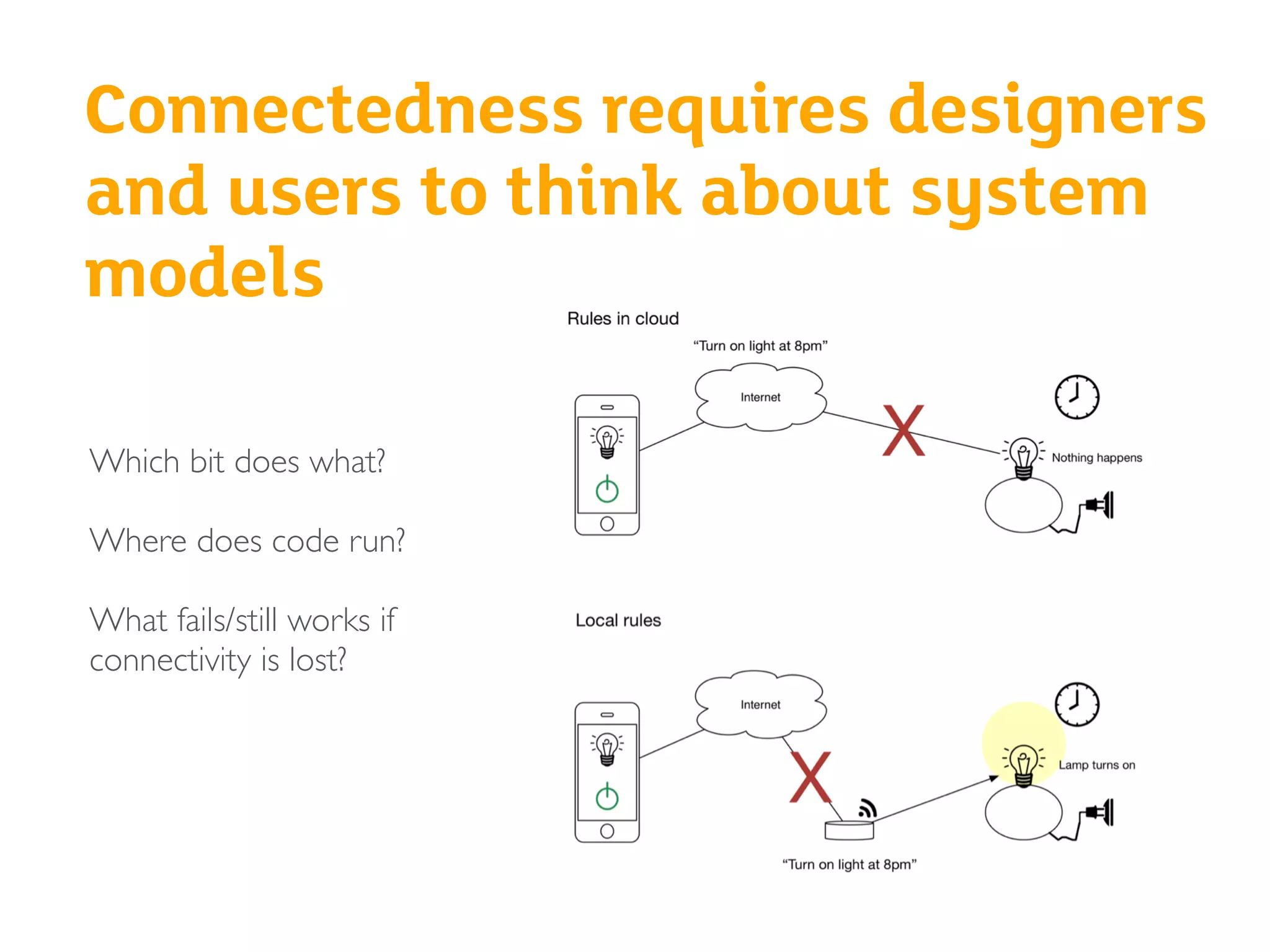
Connectedness requires designers
and users to think about system
models
Which bit does what?
Where does code run?
What fails/still works if
connectivity is lost?
Sometimes,
you might
not know it
hasn’t worked
?
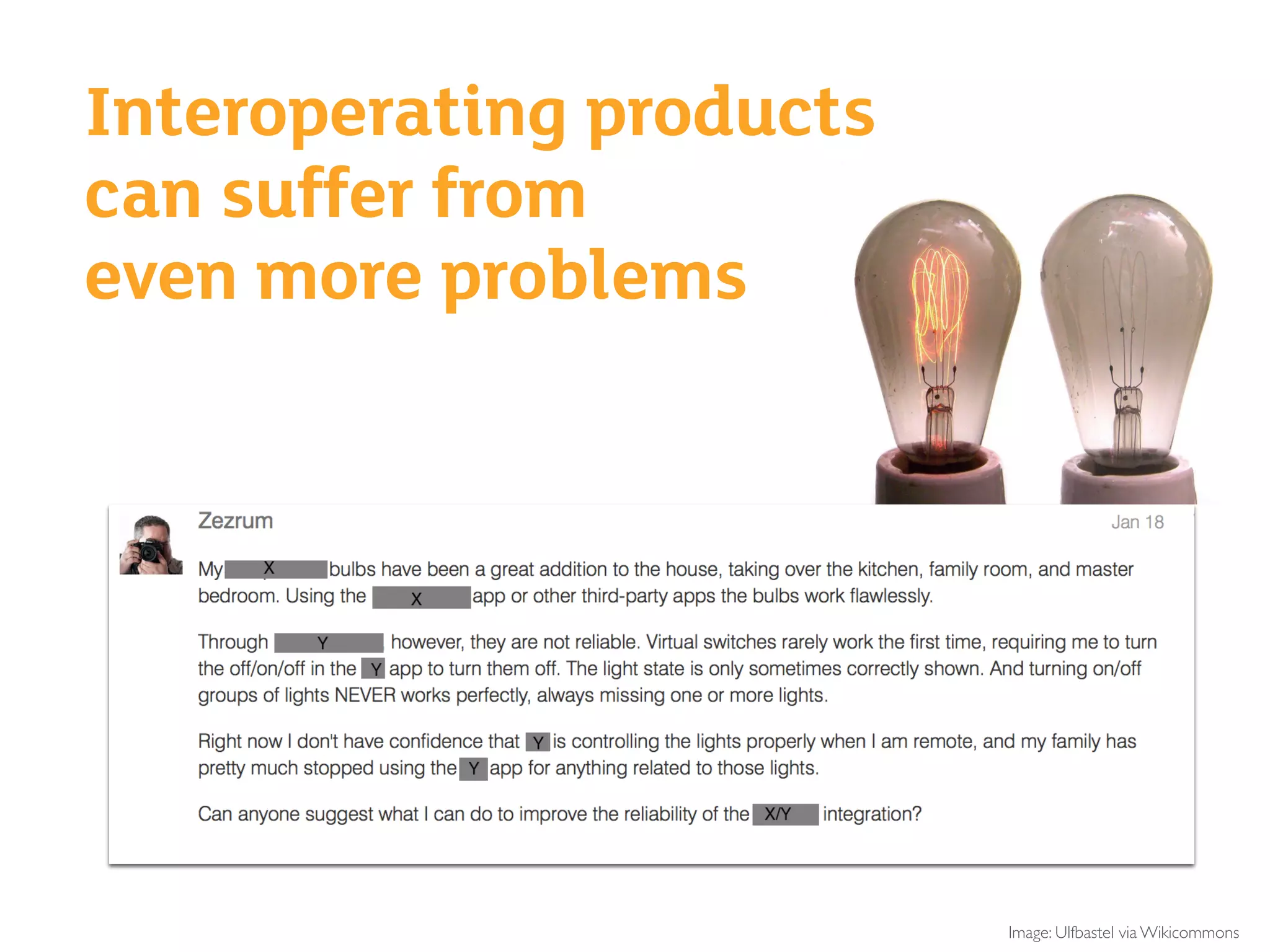
Image: Ulfbastel via Wikicommons
Interoperating products
can suffer from
even more problems
Questions
?
• Have you experienced
reliability issues with connected
products?
• Have you experienced them
with software only services?
Why do these challenges matter?
(Bringing this together)
Sometimes, inexplicably,
things don’t work as expected
Or at all…
Review: “If you used the [X] app to turn on/off things, you are fine,
but when you started to mix in turning on a light from the switch, the
status would never seem to update the [X] Hub/app correctly. You
were left guessing as to whether something was truly on or not.Also,
there was always a few second delay when changing the status of
things. It was not instantaneous as I would have hoped it would be.
“This did not bode well for my confidence in any type of safety device
(smoke alarms/locks/etc). Having a light be on when it should be off is
one thing, but if you are relying on a system to notify you in case of a
fire or if you door was locked/unlocked, I was left not feeling very
confident that the Hub would actually work when needed.”
http://zatznotfunny.com/2014-08/battle-of-the-home-automation-hubs/
Uncertainty
Is it actually working?
Health and safety risks
Violation of value proposition
Frequent irritation and confusion
Summing up the consequences
Our approach
Design continuity into a world
with unavoidable gaps between
devices
Adapted from: Cross-Platform Service User Experience:A Field Study and an Initial Framework. Minna
Wäljas, Katarina Segerståhl, KaisaVäänänen-Vainio-Mattila, Harri Oinas-Kukkonen MobileHCI'10
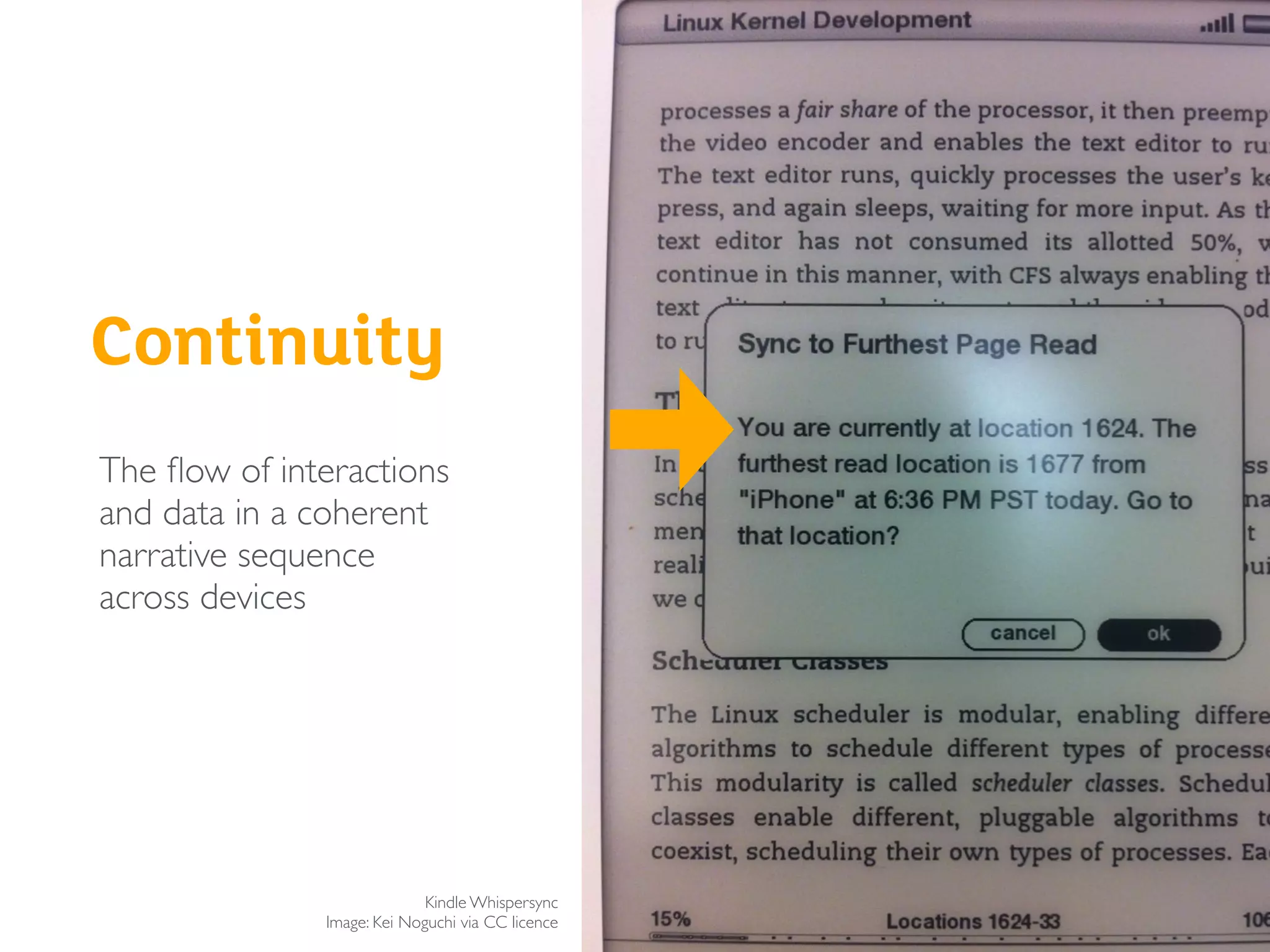
Continuity
Kindle Whispersync
Image: Kei Noguchi via CC licence
The flow of interactions
and data in a coherent
narrative sequence
across devices
Continuity does not mean
designing a seamless experience
It often means handling
inevitable glitches gracefully
How do you use interaction
design to create continuity?
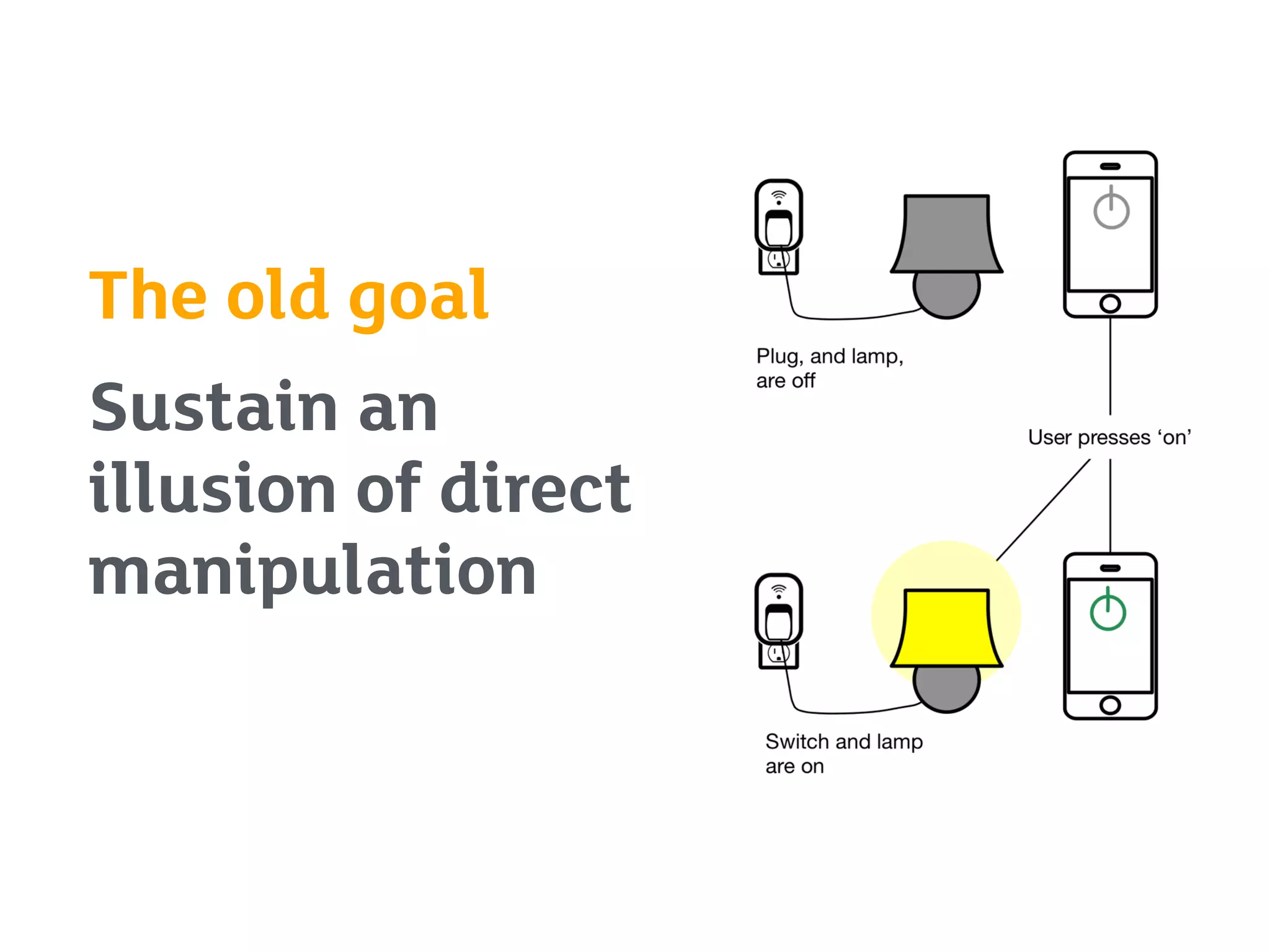
The old goal
Sustain an
illusion of direct
manipulation
The new goal
Help people make sense of how
systems are actually acting
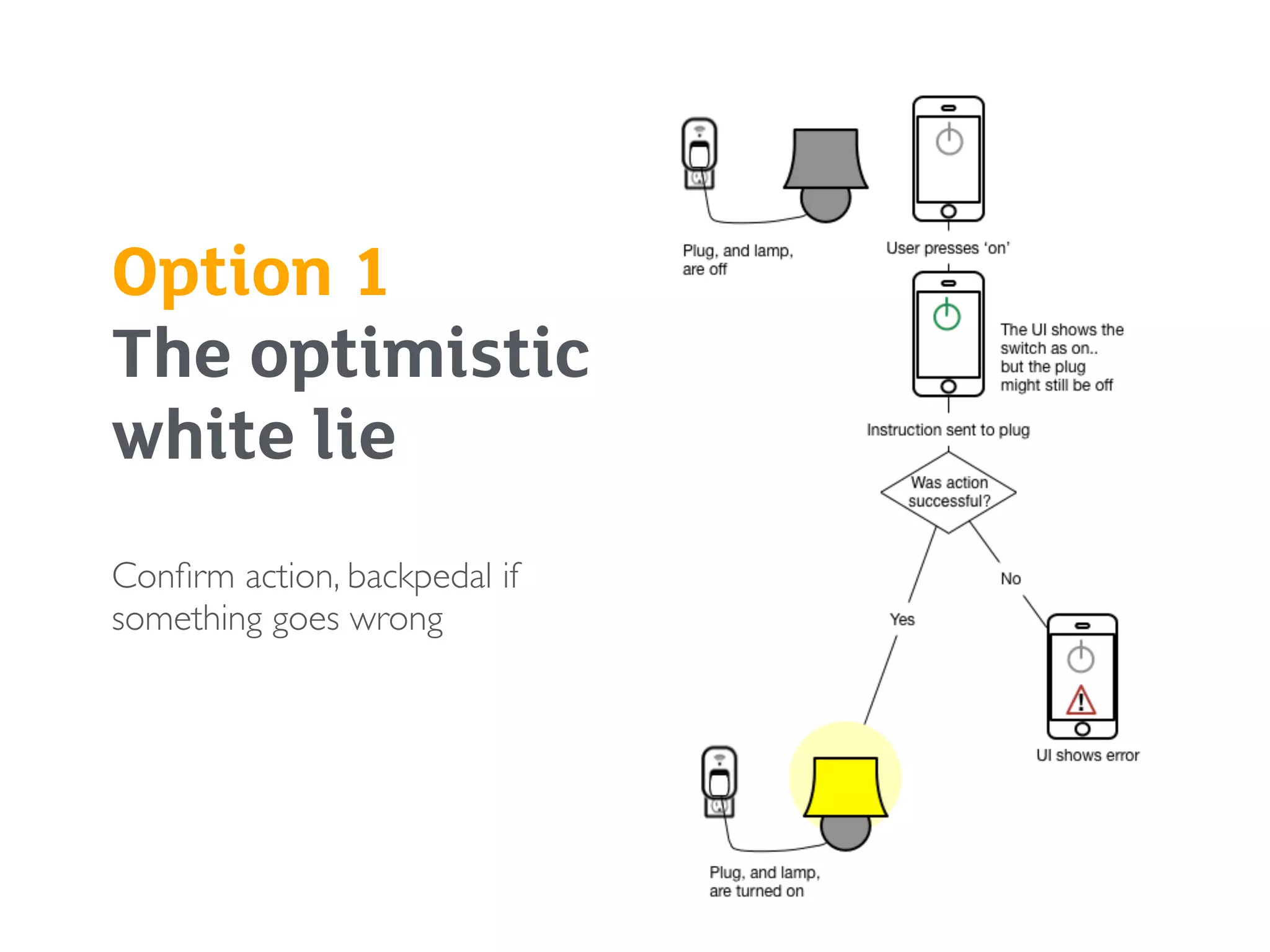
Option 1 

The optimistic
white lie
Confirm action, backpedal if
something goes wrong
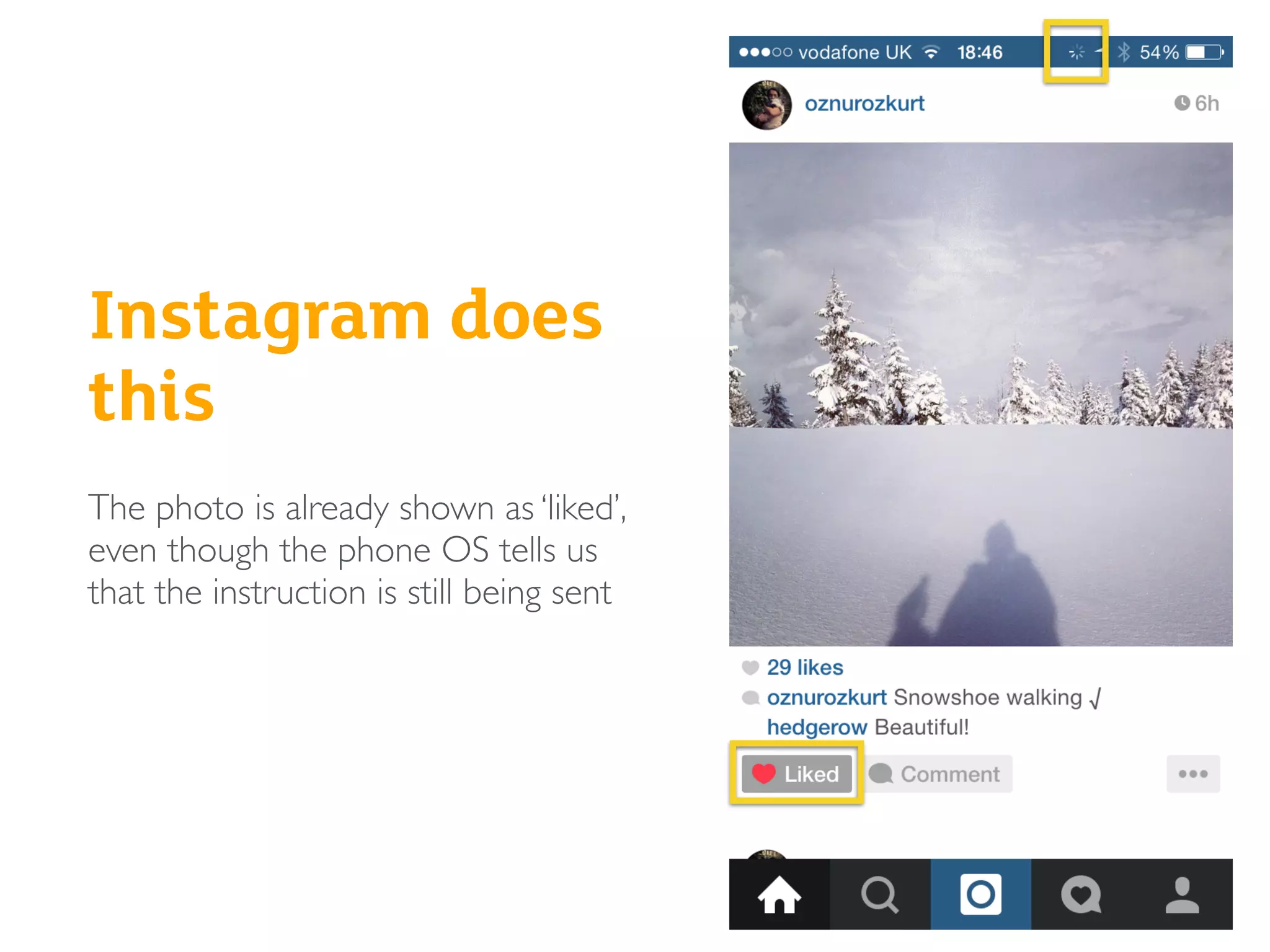
Instagram does
this
The photo is already shown as ‘liked’,
even though the phone OS tells us
that the instruction is still being sent
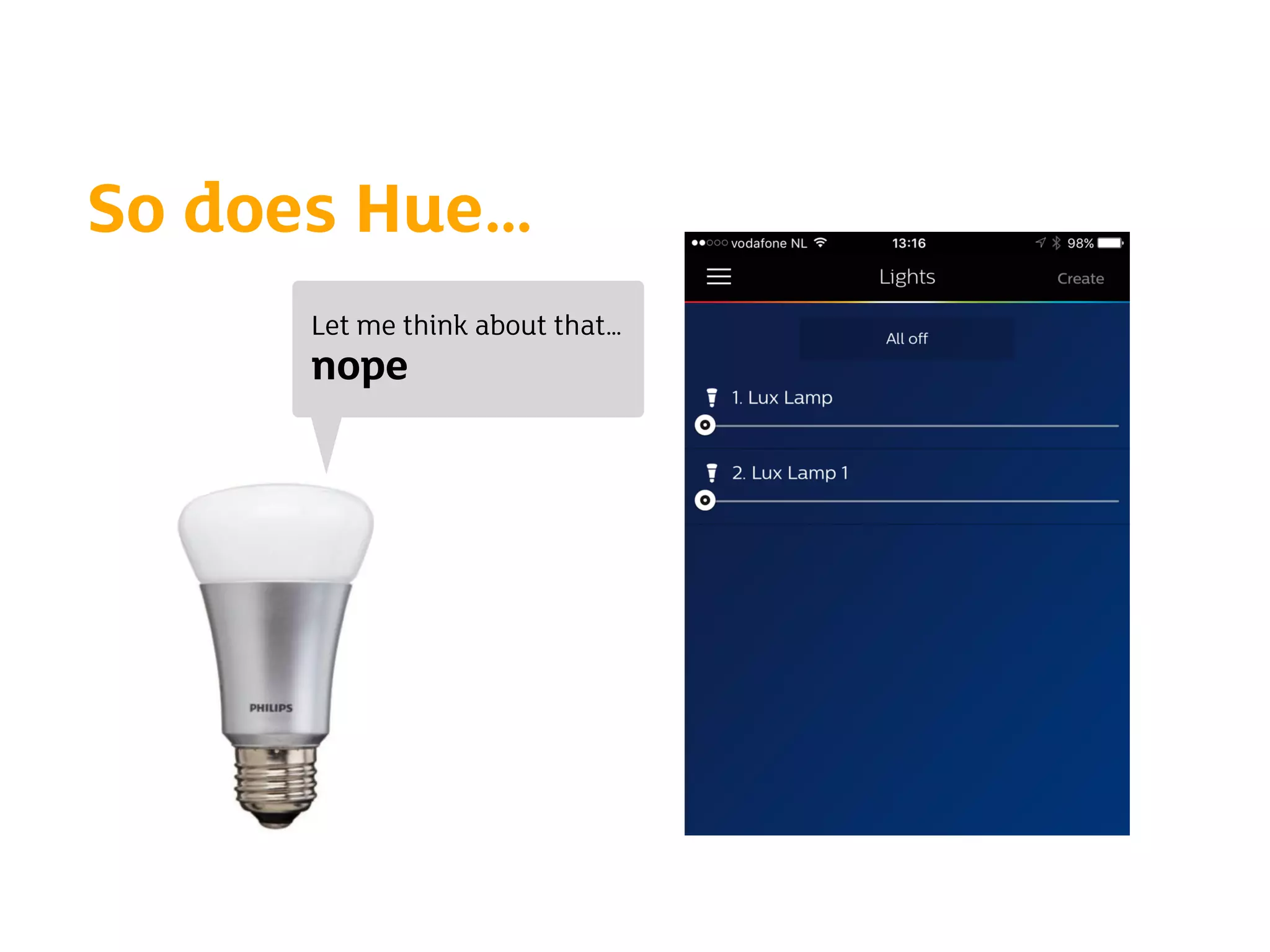
So does Hue…
Let me think about that…
nope
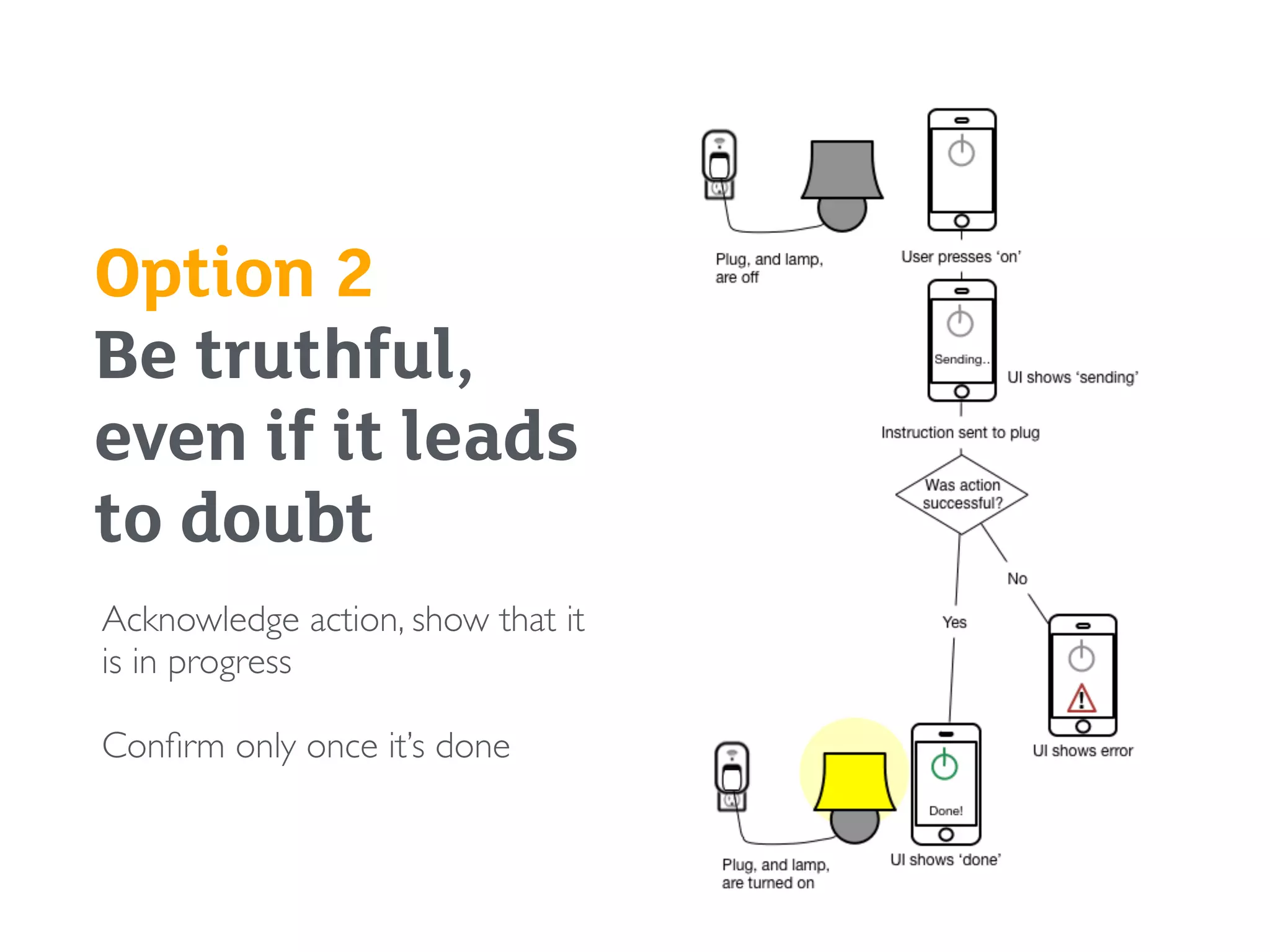
Option 2 

Be truthful,
even if it leads
to doubt
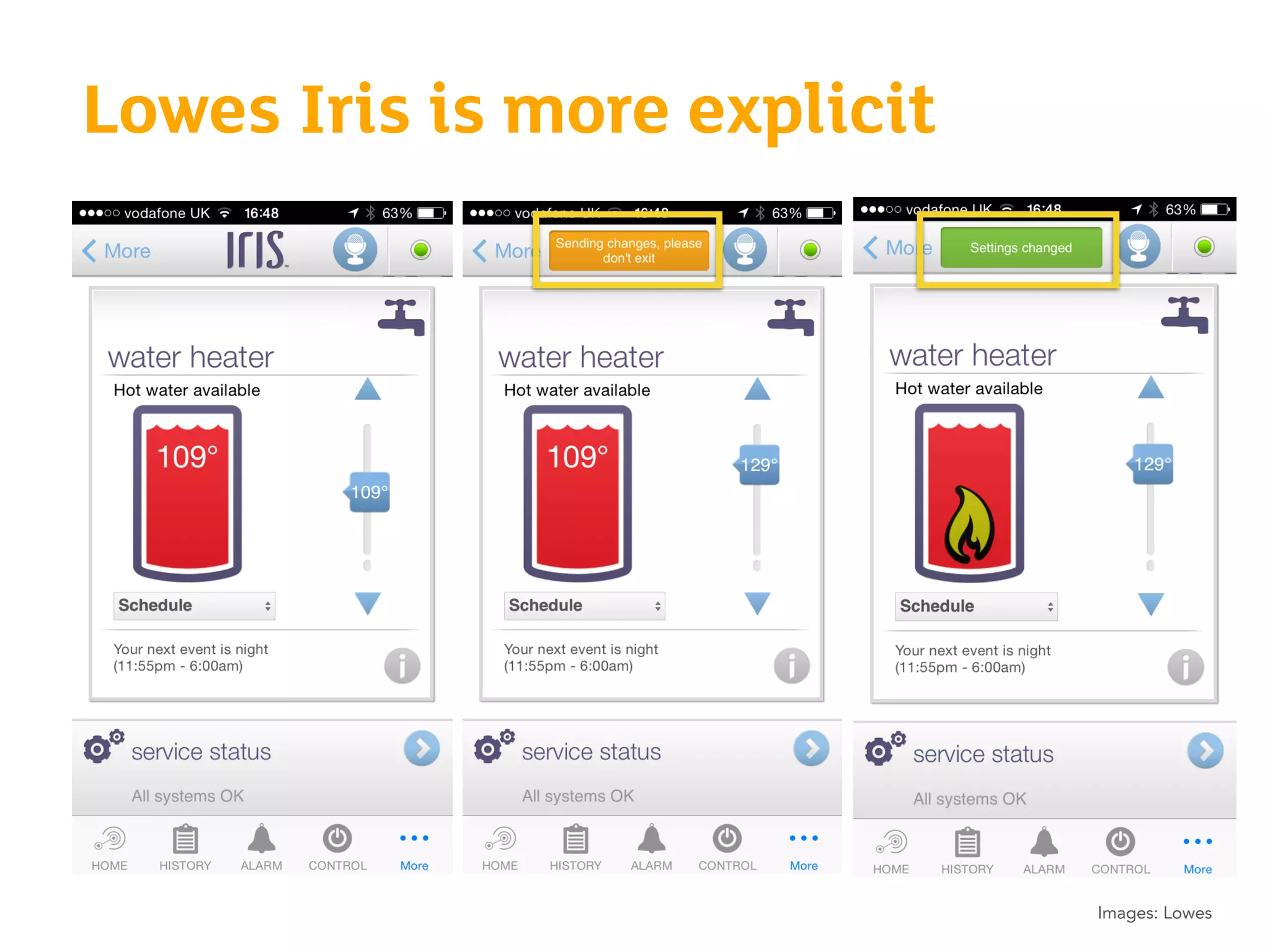
Acknowledge action, show that it
is in progress
Confirm only once it’s done
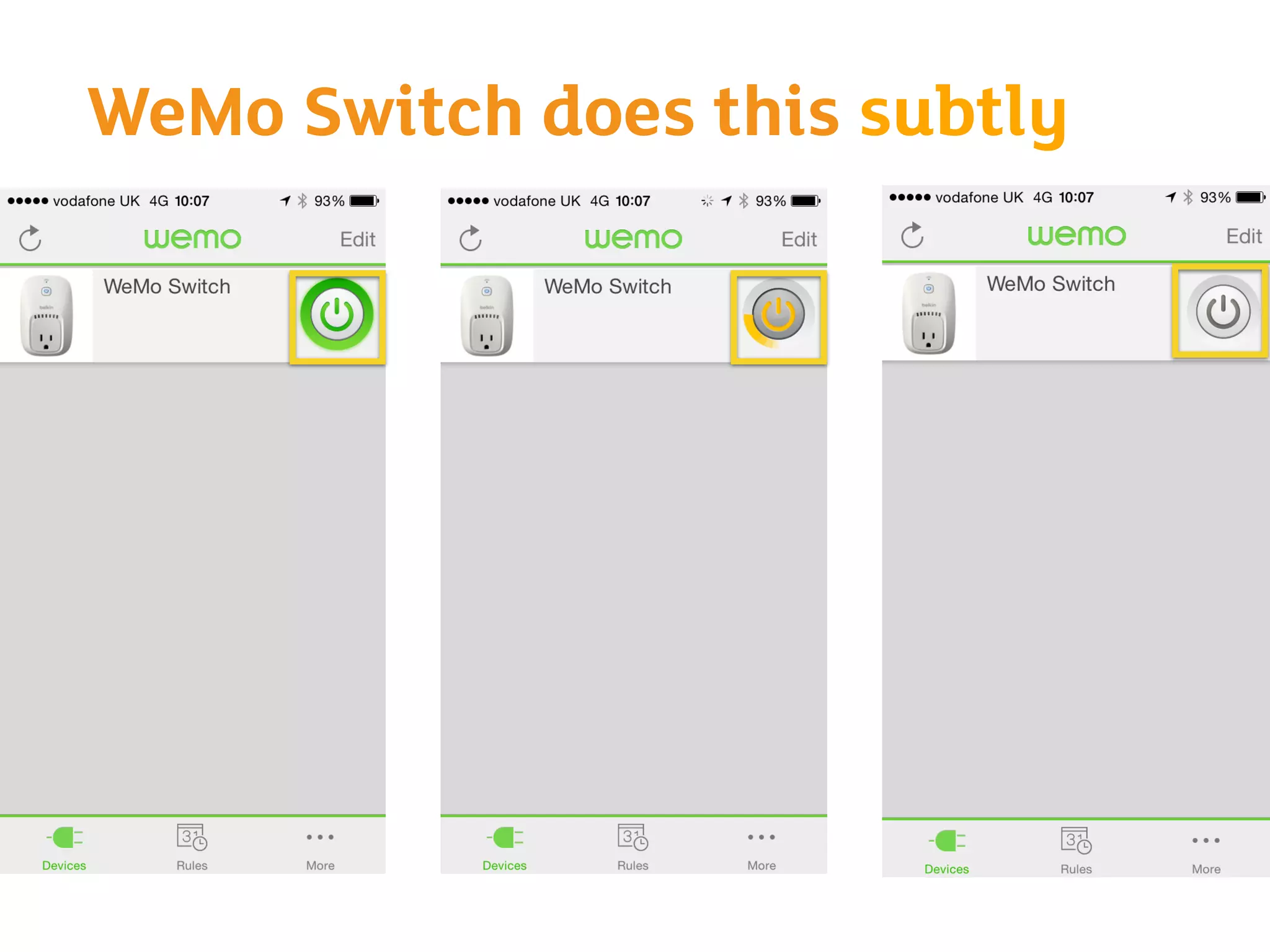
WeMo Switch does this subtly
Lowes Iris is more explicit
Images: Lowes
How do you decide what to do?
Exercise
Designing for continuity
Exercise - 20 min
Split into groups (8 groups of 3) - 5 min
Each group gets a printed-out brief
Individual writing/sketching - 5 min
Group deliberation - 10 min
Decide on one direction and explain WHY in 2-3 sentences
Extra credit for sketching/acting out the interaction so that we can
see it!
Think about how things connect, and what delays/failures may occur
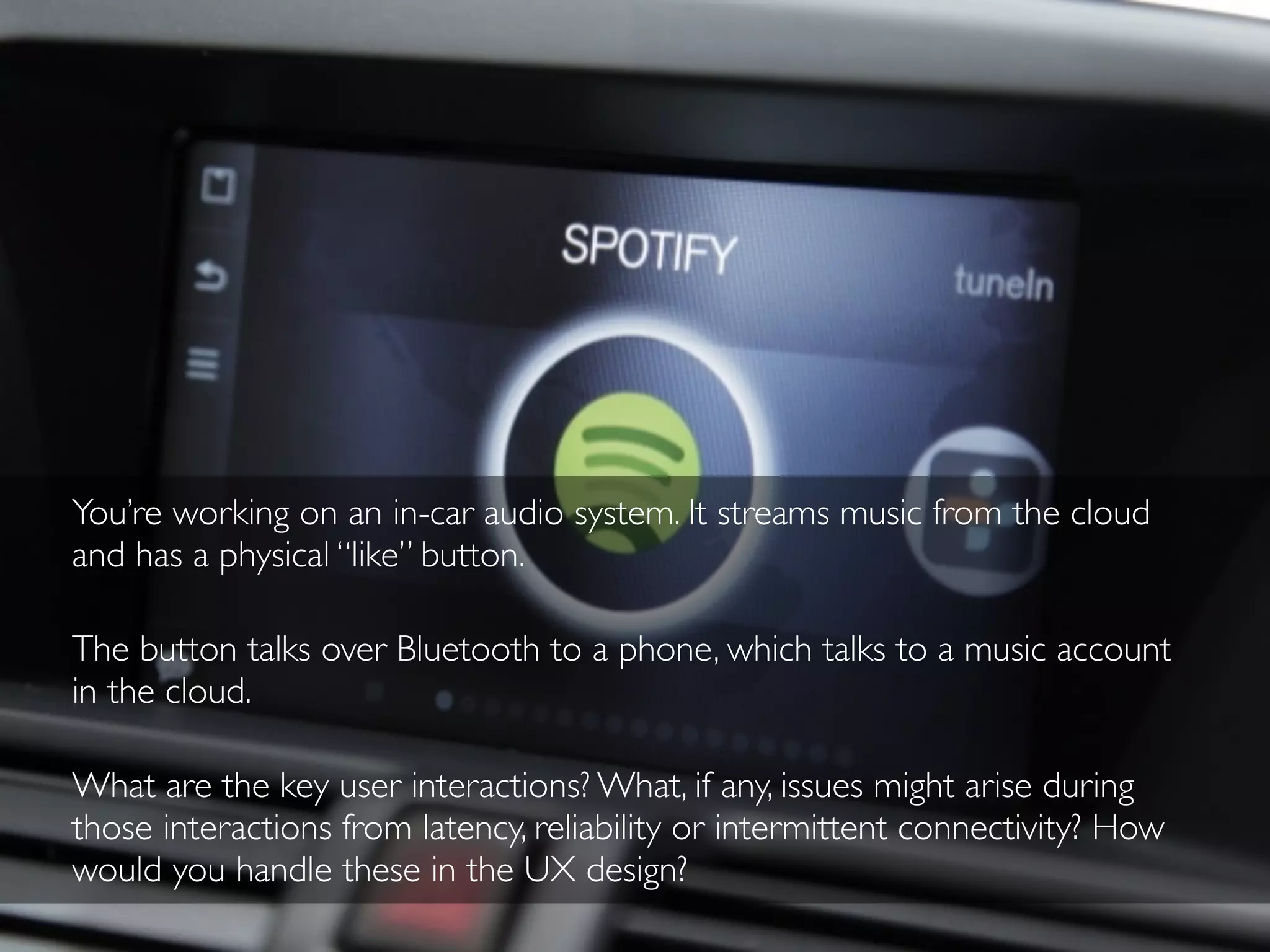
You’re working on an in-car audio system. It streams music from the cloud
and has a physical “like” button.
The button talks over Bluetooth to a phone, which talks to a music account
in the cloud.
What are the key user interactions? What, if any, issues might arise during
those interactions from latency, reliability or intermittent connectivity? How
would you handle these in the UX design?
You’re working on a smart lock for front doors. It can be locked and unlocked
remotely from a phone.
What are the key user interactions? What, if any, issues might arise during
those interactions from latency, reliability or intermittent connectivity? How
would you handle these in the UX design?
You’re working on a personal emergency alarm button for older or vulnerable
people. It connects over a local wireless network to a hub in the home.
What are the key user interactions? What, if any, issues might arise during
those interactions from latency, reliability or intermittent connectivity? How
would you handle these in the UX design?
Image: natematias via Flickr
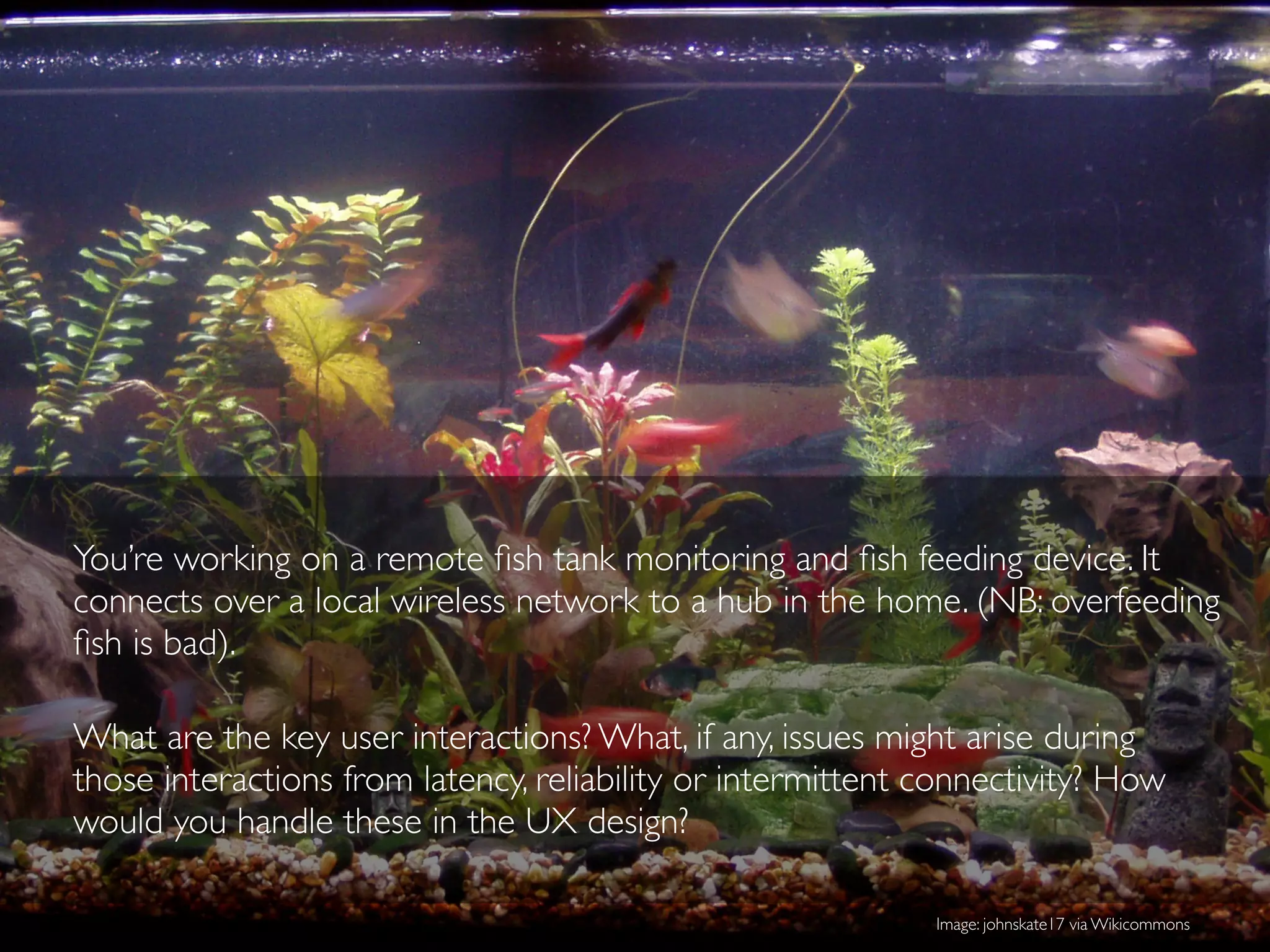
You’re working on a remote fish tank monitoring and fish feeding device. It
connects over a local wireless network to a hub in the home. (NB: overfeeding
fish is bad).
What are the key user interactions? What, if any, issues might arise during
those interactions from latency, reliability or intermittent connectivity? How
would you handle these in the UX design?
Image: johnskate17 via Wikicommons
Present back, discuss
Discussion - 20 minutes
Each group gets 2 min!
Network challenges
Part 2
Intermittent connectivity
Why is
intermittent
connectivity
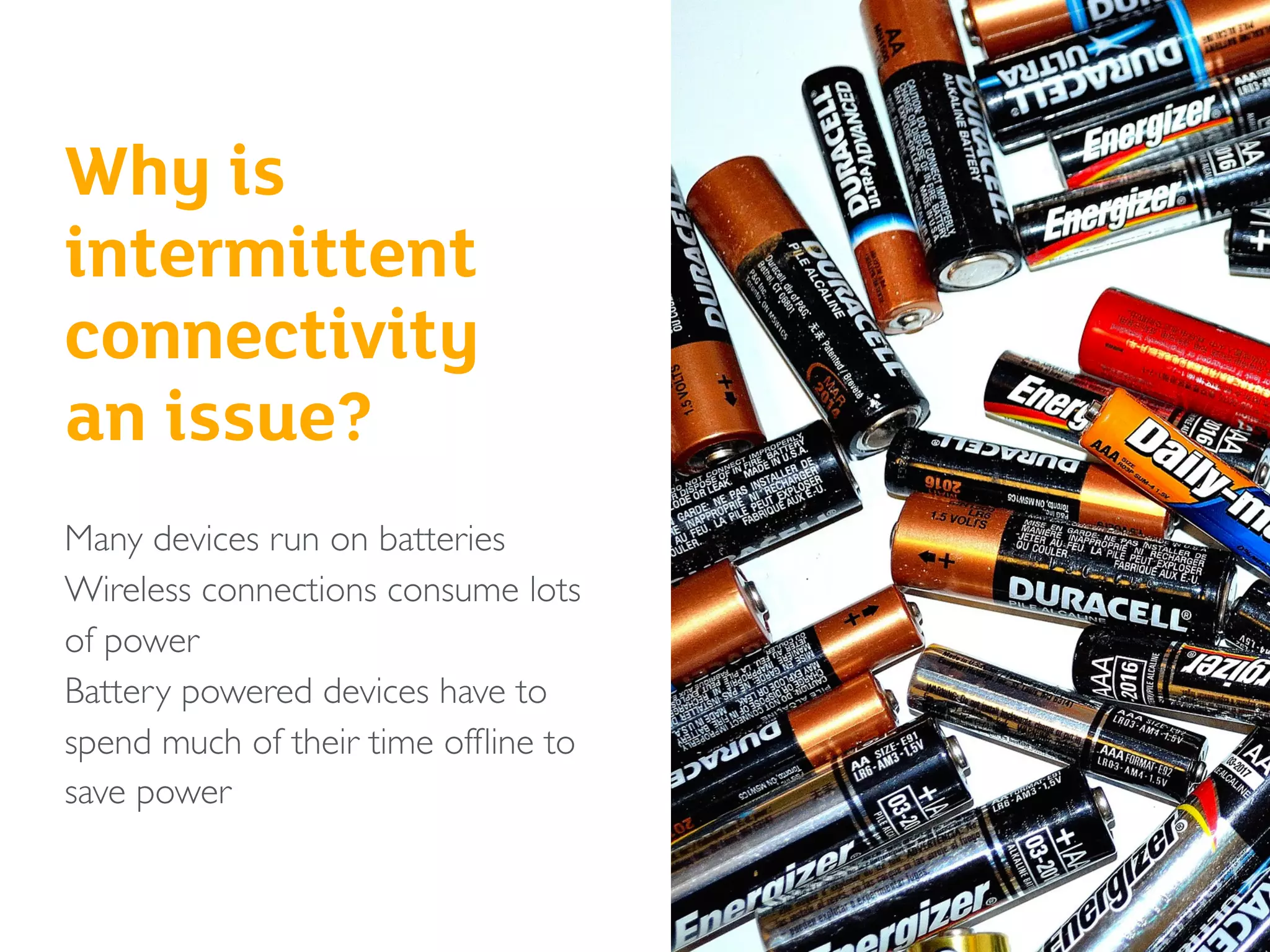
an issue?
Many devices run on batteries
Wireless connections consume lots
of power
Battery powered devices have to
spend much of their time offline to
save power
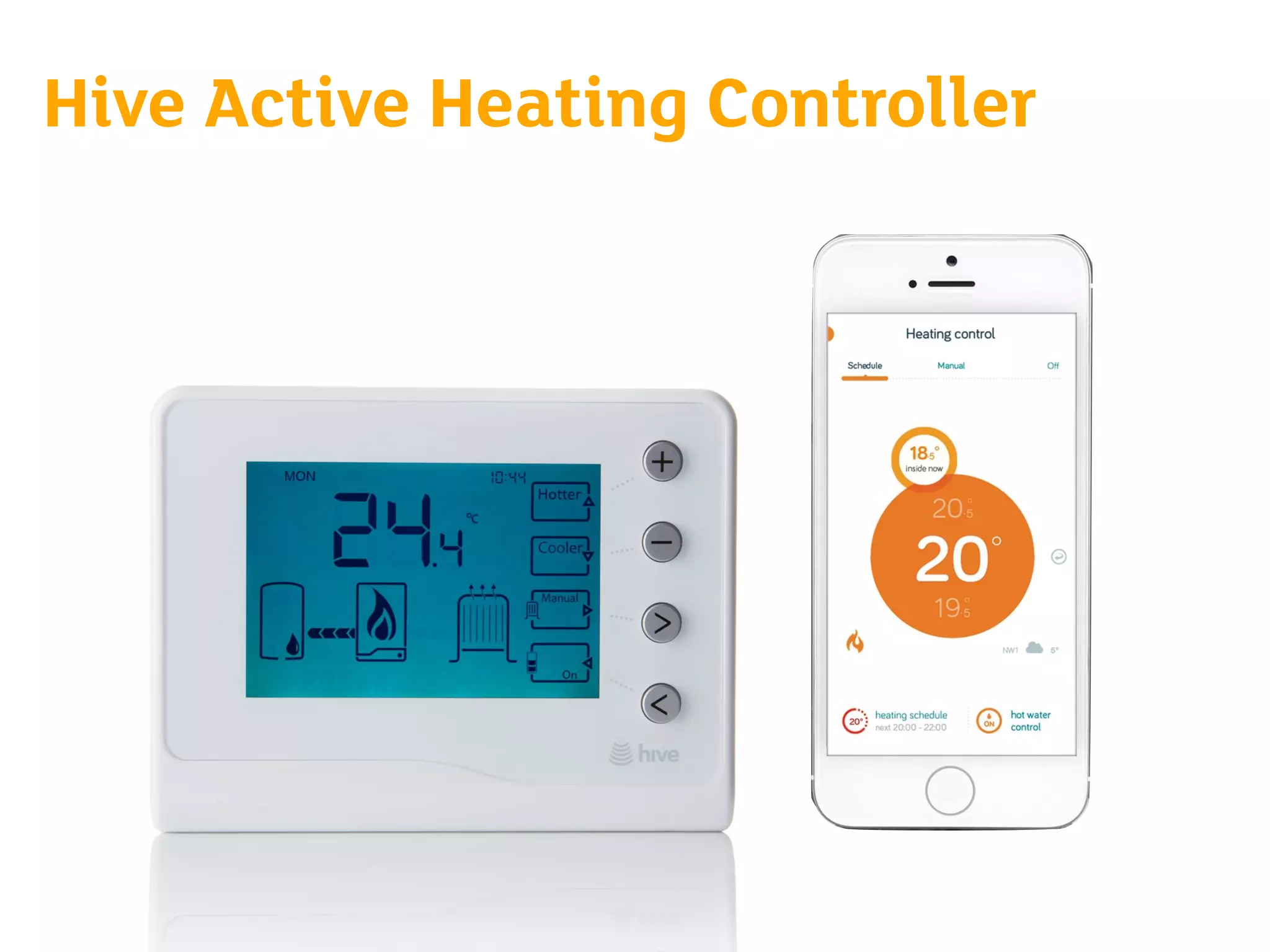
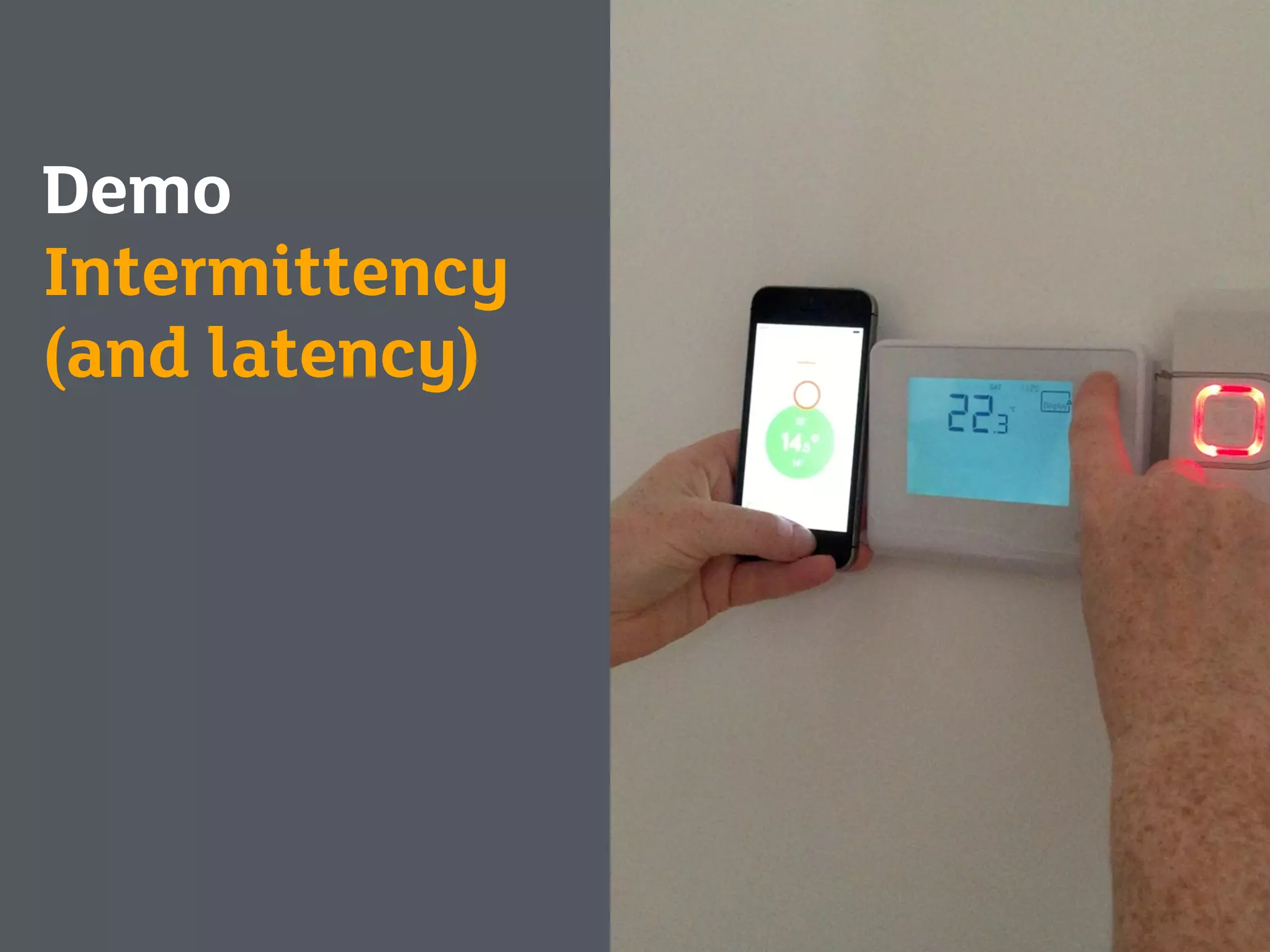
Hive Active Heating Controller
Demo
Intermittency
(and latency)
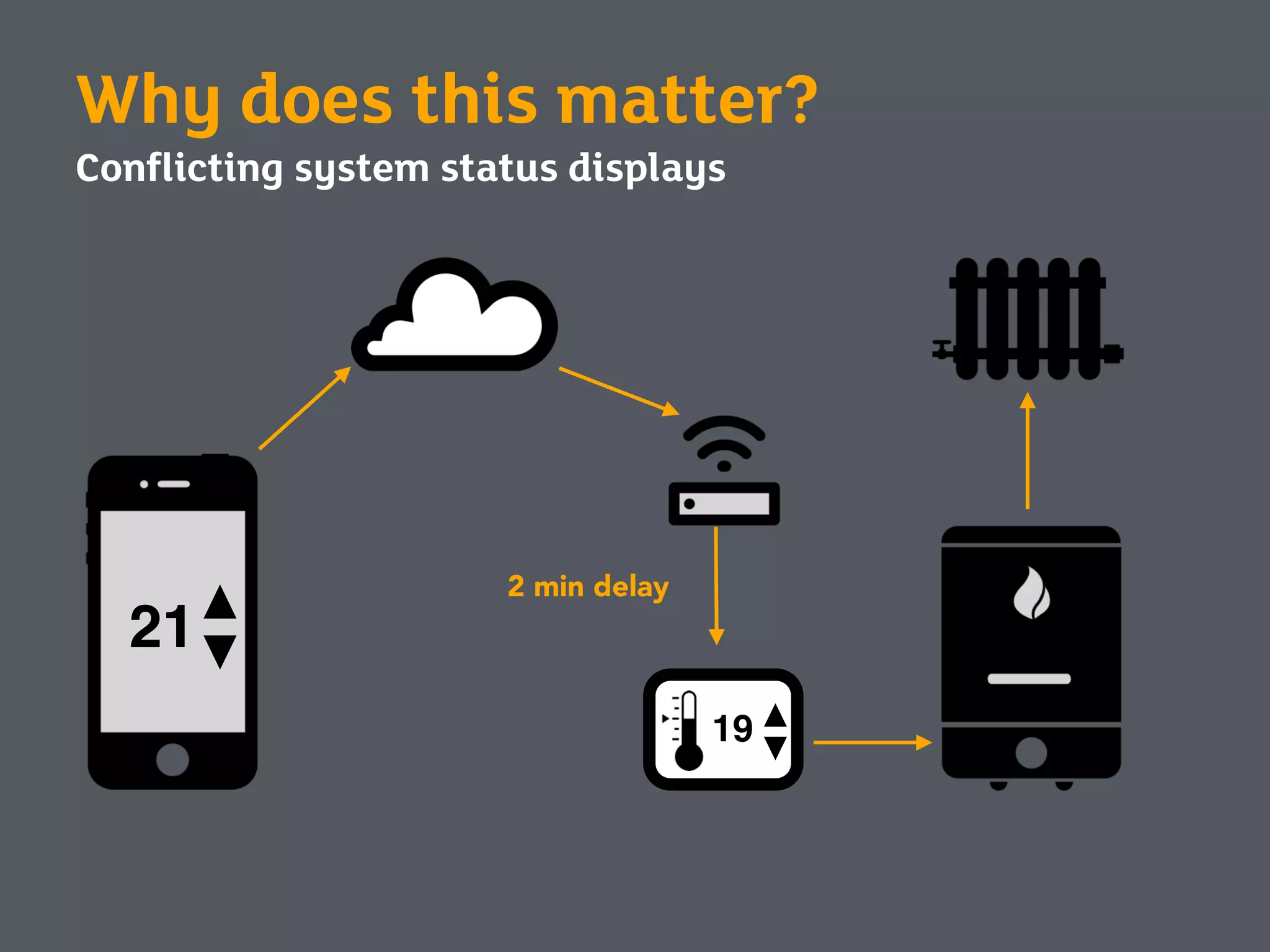
Why does this matter?
Conflicting system status displays
19
2 min delay
21
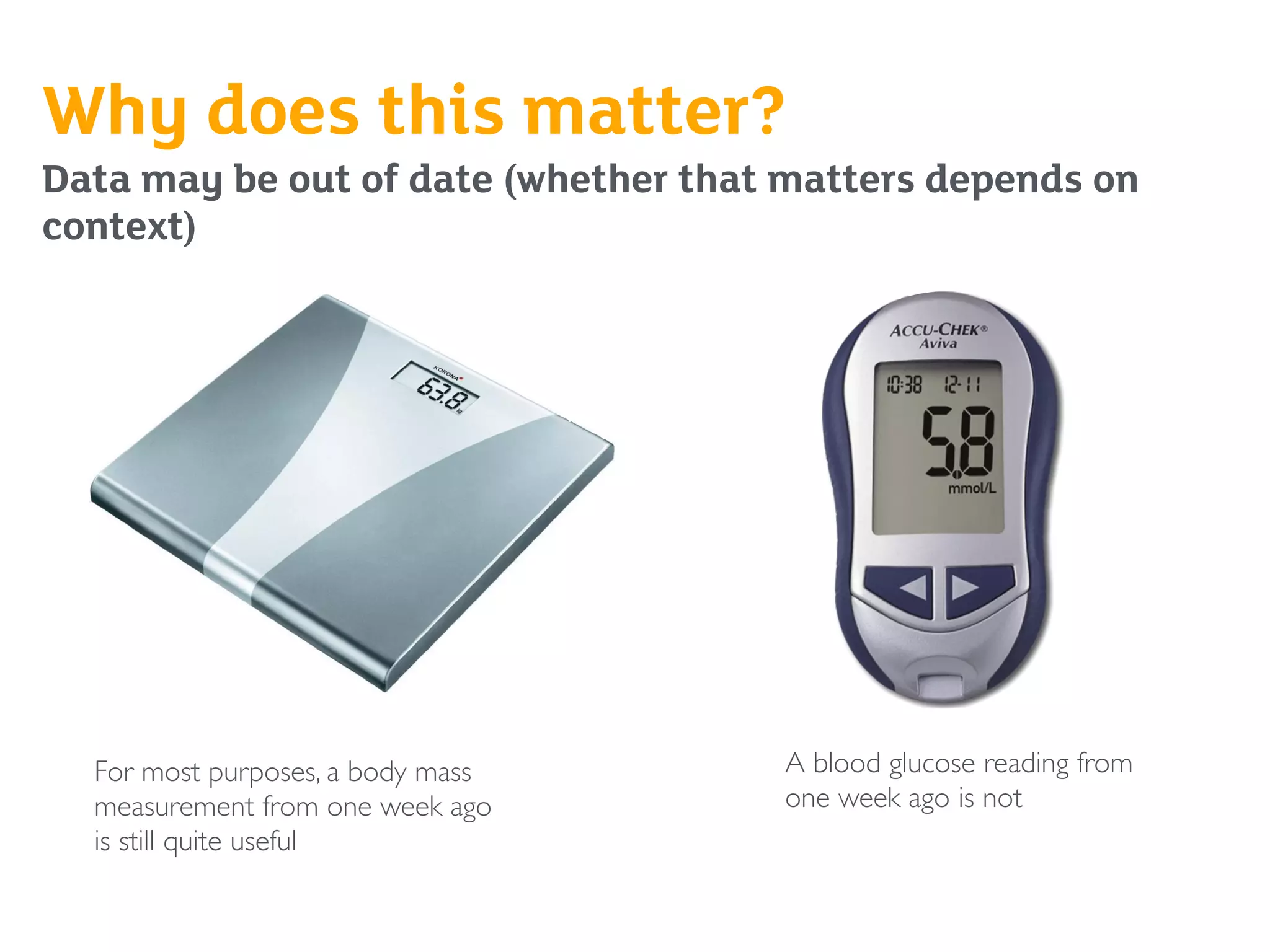
Why does this matter?
Data may be out of date (whether that matters depends on
context)
A blood glucose reading from
one week ago is not
For most purposes, a body mass
measurement from one week ago
is still quite useful
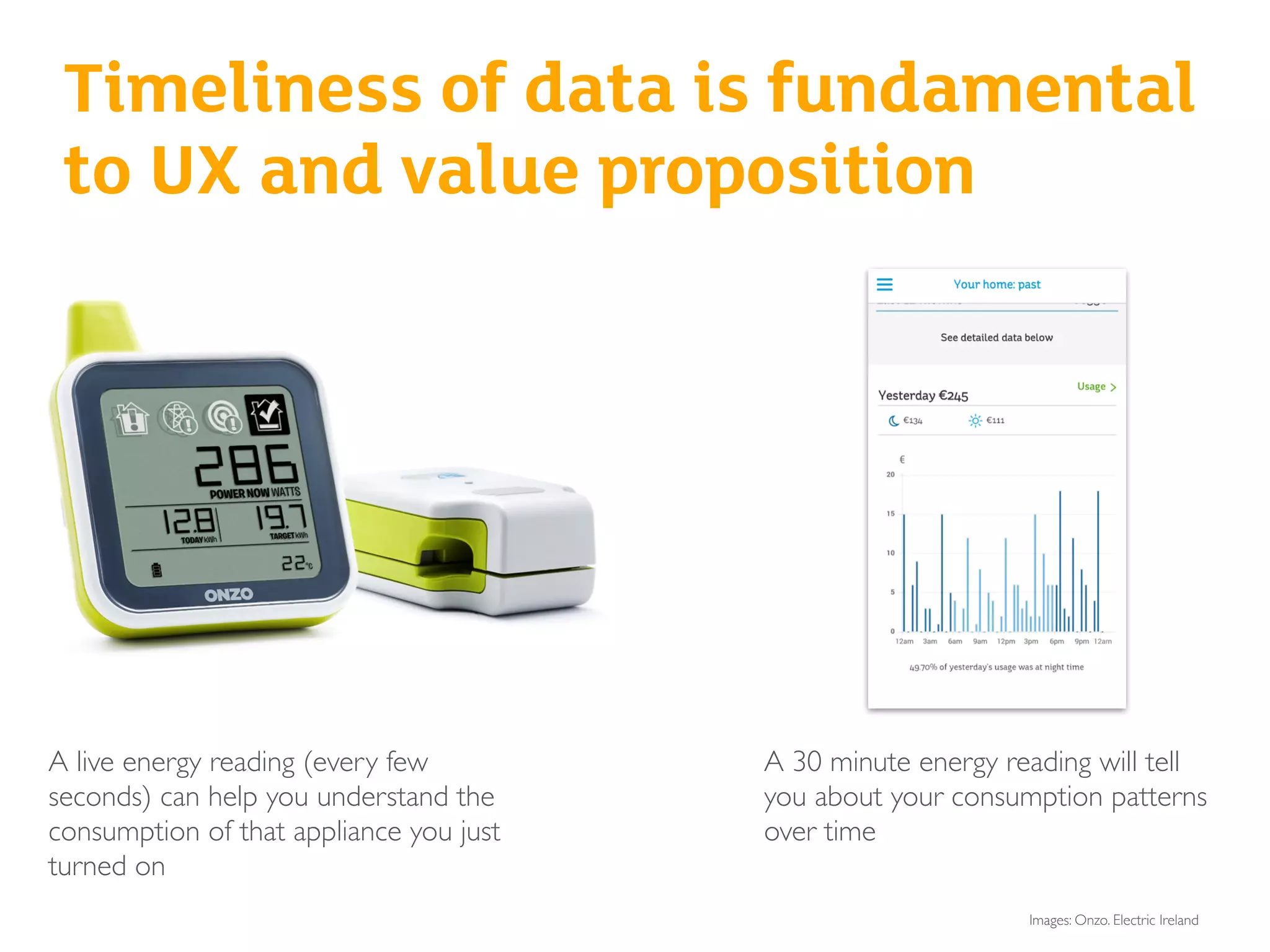
A live energy reading (every few
seconds) can help you understand the
consumption of that appliance you just
turned on
Timeliness of data is fundamental
to UX and value proposition
A 30 minute energy reading will tell
you about your consumption patterns
over time
Images: Onzo. Electric Ireland
• Devices get out of sync, reporting different status information:
this breaks Nielsen’s heuristic of ‘visibility of system status’
• Which one is ‘right?’ Are any of them broken, or just out of
sync?
• How old is the data? Could it be wrong now? What’s the
margin of error? What’s the impact of it being wrong?
These are also continuity issues
Exercise - 20 min
Split into groups (8 groups of 3) - 5 min
Each group gets a printed-out brief
Individual writing/sketching - 5 min
Group deliberation - 10 min
Decide on one direction and explain WHY in 2-3 sentences
Extra credit for sketching/acting out the interaction so that we can
see it!
Think about how these things are powered and how they connect
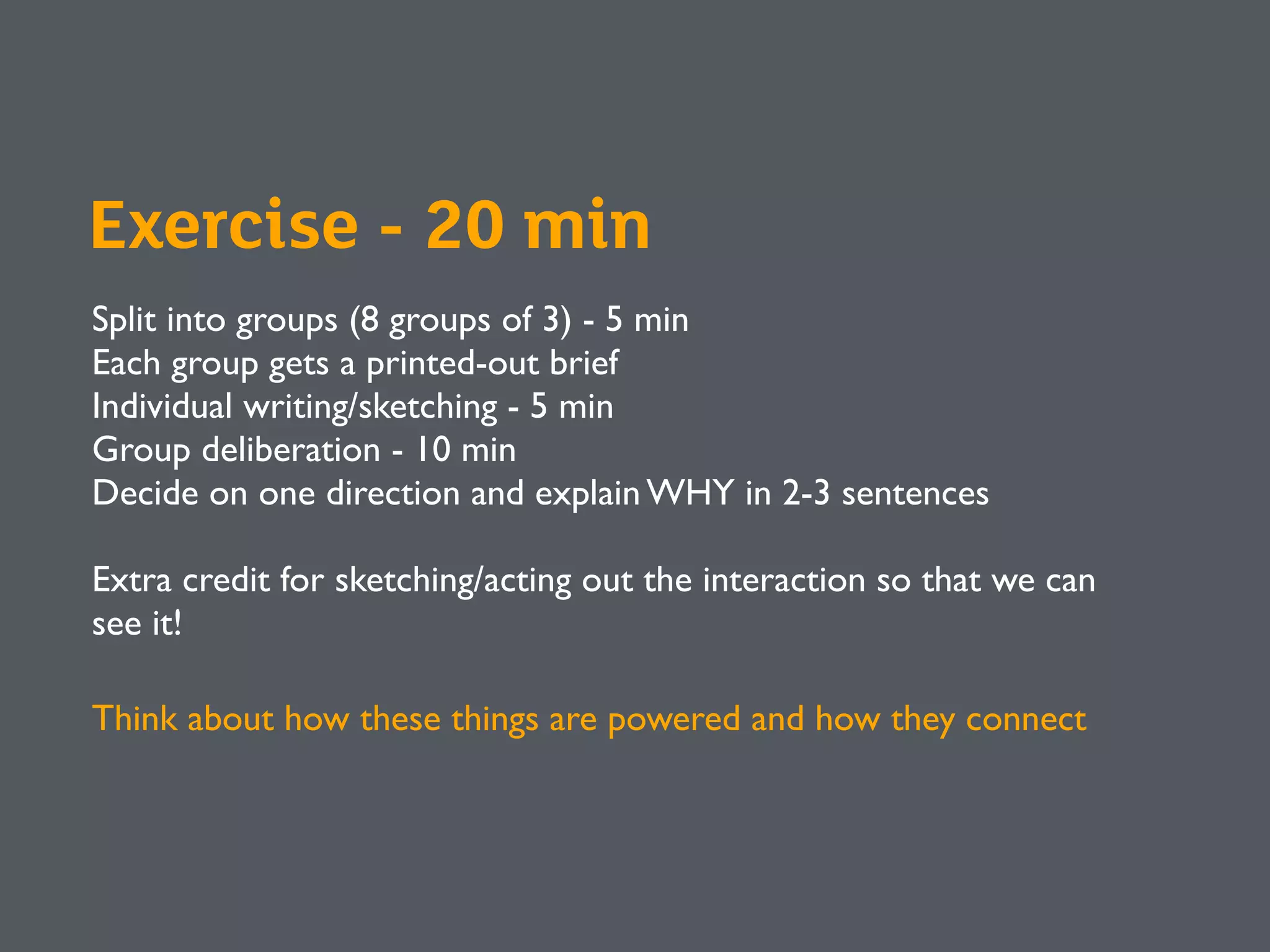
You’re working on outdoor gear/clothing with an automatic distress beacon.
The beacon is triggered (how? when?)
What are the key user interactions? What, if any, issues might arise during those
interactions from latency, reliability or intermittent connectivity? How would
you handle these in the UX design?
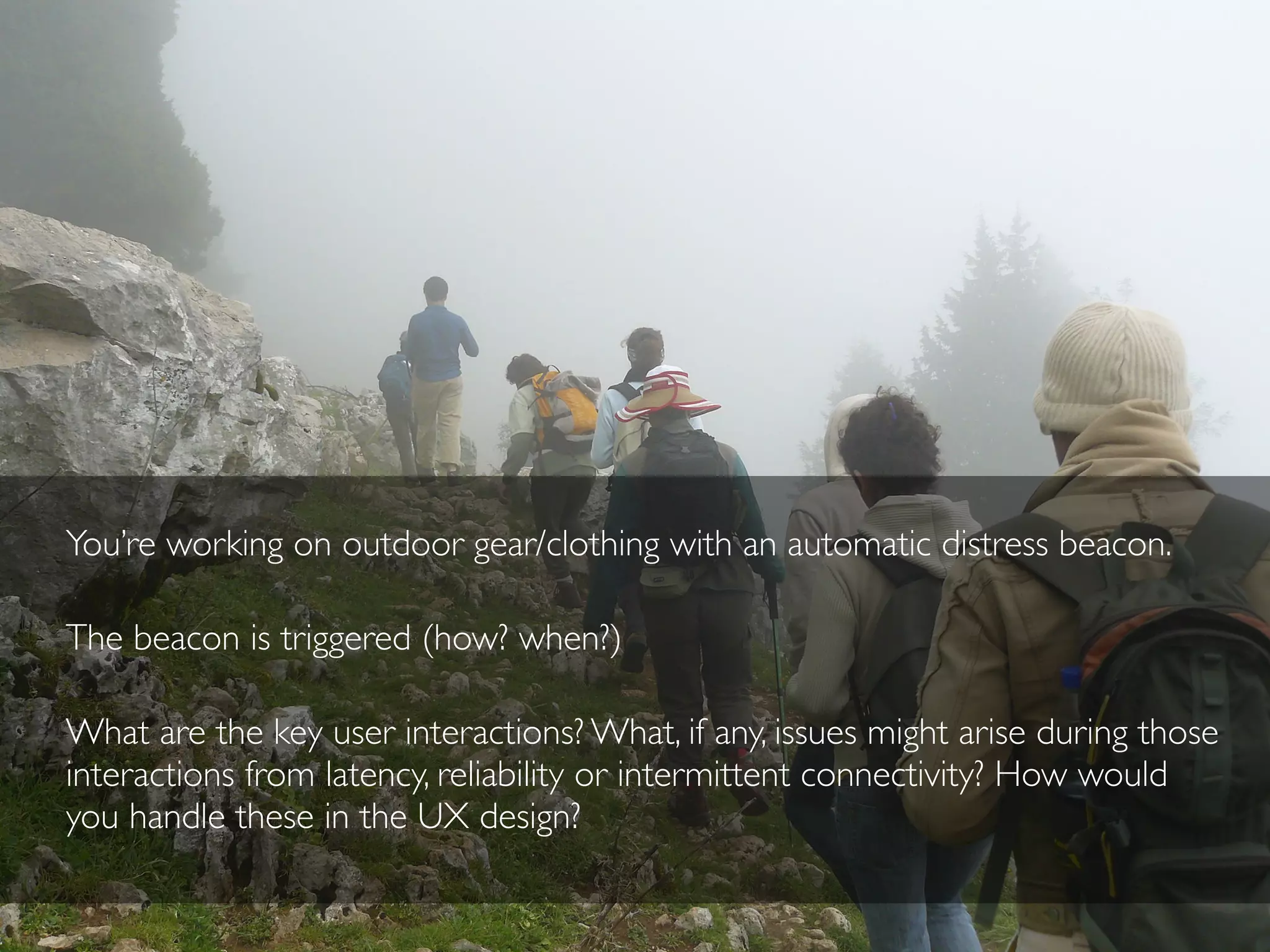
You’re working on an insulin pump that reports blood sugar levels to your
doctor’s office every 15 minutes
What are the key user interactions? What, if any, issues might arise during those
interactions from latency, reliability or intermittent connectivity? How would you
handle these in the UX design?
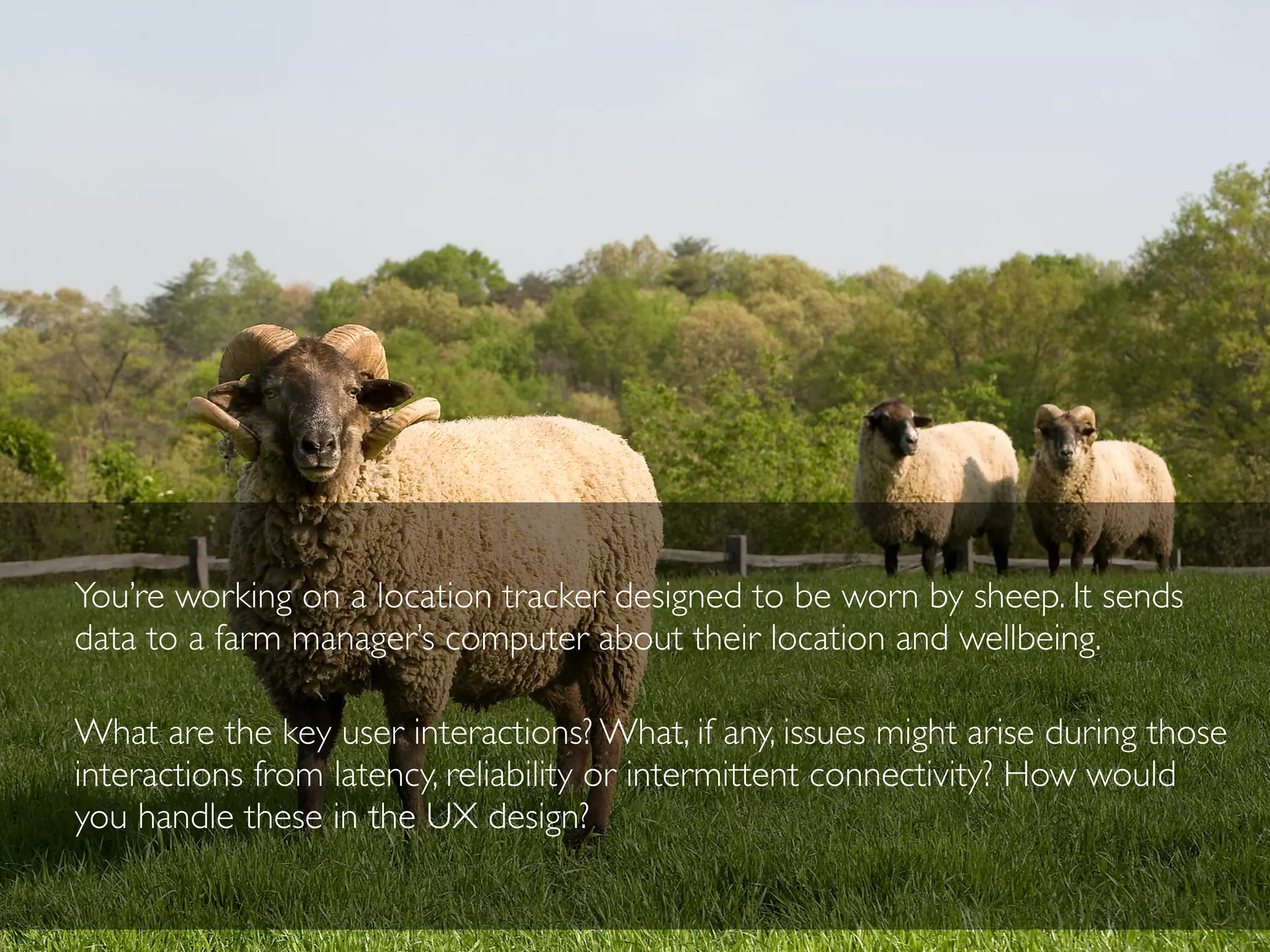
You’re working on a location tracker designed to be worn by sheep. It sends
data to a farm manager’s computer about their location and wellbeing.
What are the key user interactions? What, if any, issues might arise during those
interactions from latency, reliability or intermittent connectivity? How would
you handle these in the UX design?
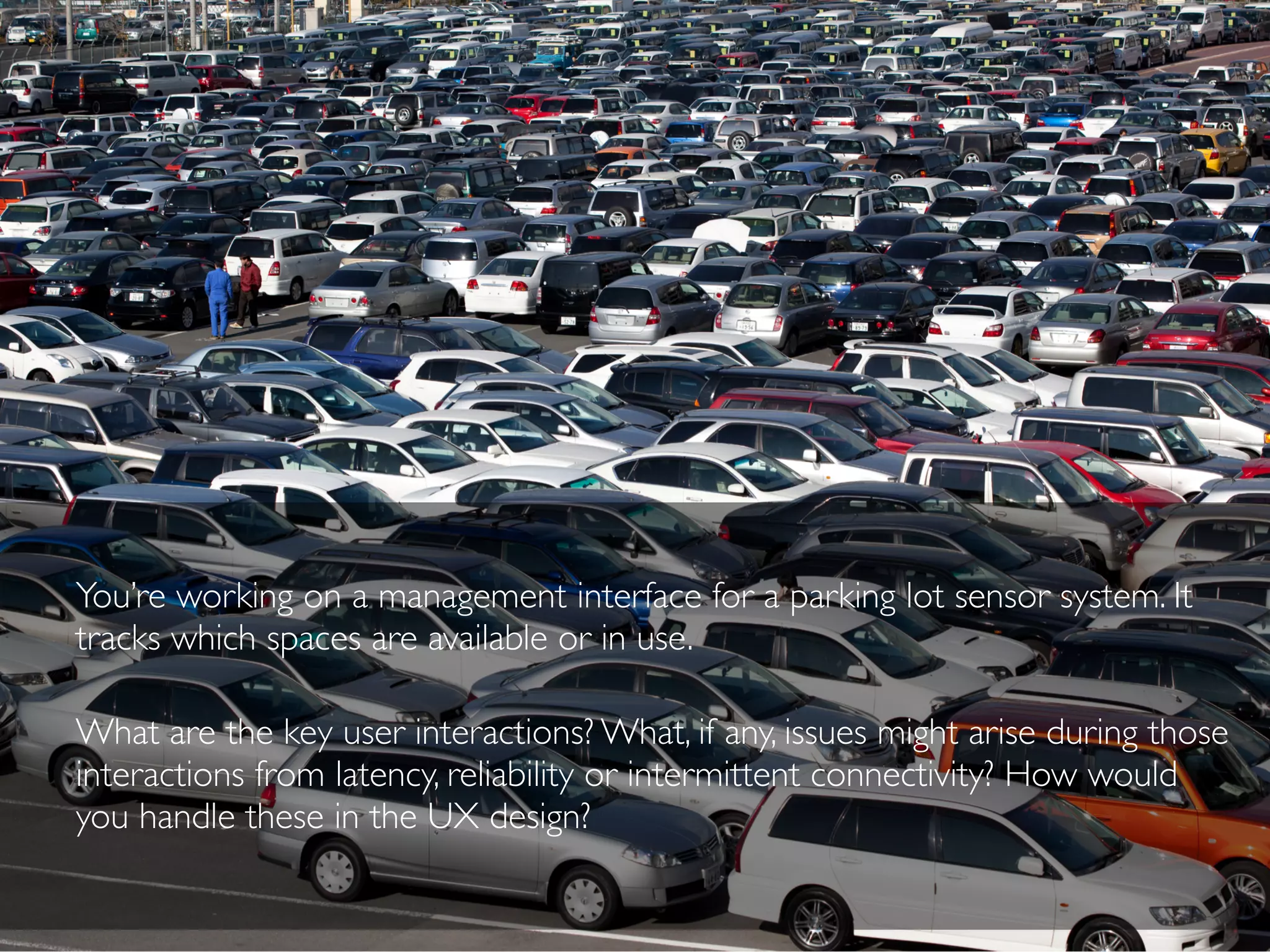
You’re working on a management interface for a parking lot sensor system. It
tracks which spaces are available or in use.
What are the key user interactions? What, if any, issues might arise during those
interactions from latency, reliability or intermittent connectivity? How would
you handle these in the UX design?
Discussion - 20 minutes
Each group gets 2 min!
Present back, discuss
Discussion
Questions to ask yourself
Is the product…
?
Life or safety critical?
Time-sensitive?
A remote control?
What else?
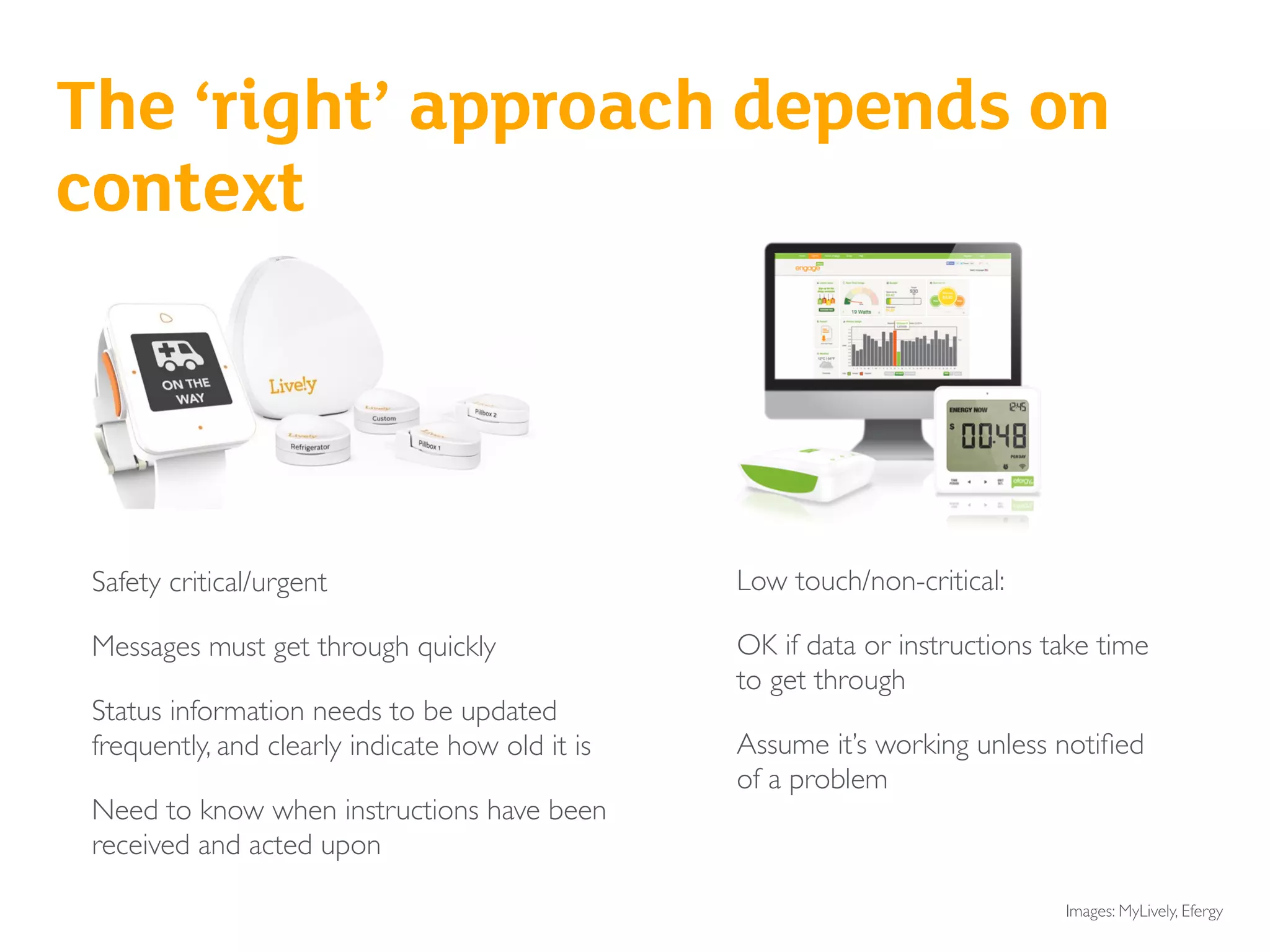
Safety critical/urgent
Messages must get through quickly
Status information needs to be updated
frequently, and clearly indicate how old it is
Need to know when instructions have been
received and acted upon
Low touch/non-critical:
OK if data or instructions take time
to get through
Assume it’s working unless notified
of a problem
Senior safety/intruder alarm
Baby monitor
The ‘right’ approach depends on
context
Images: MyLively, Efergy
In some cases, badly handled
network glitches could
undermine the value of the
product
How irritating are glitches and delays going to
be, over time?
How irritating are your glitches and delays going
to be in a world filled with glitches and delays?
And don’t underestimate the
sheer power of irritation
Image: GhostFaceScream2 viaYoutube
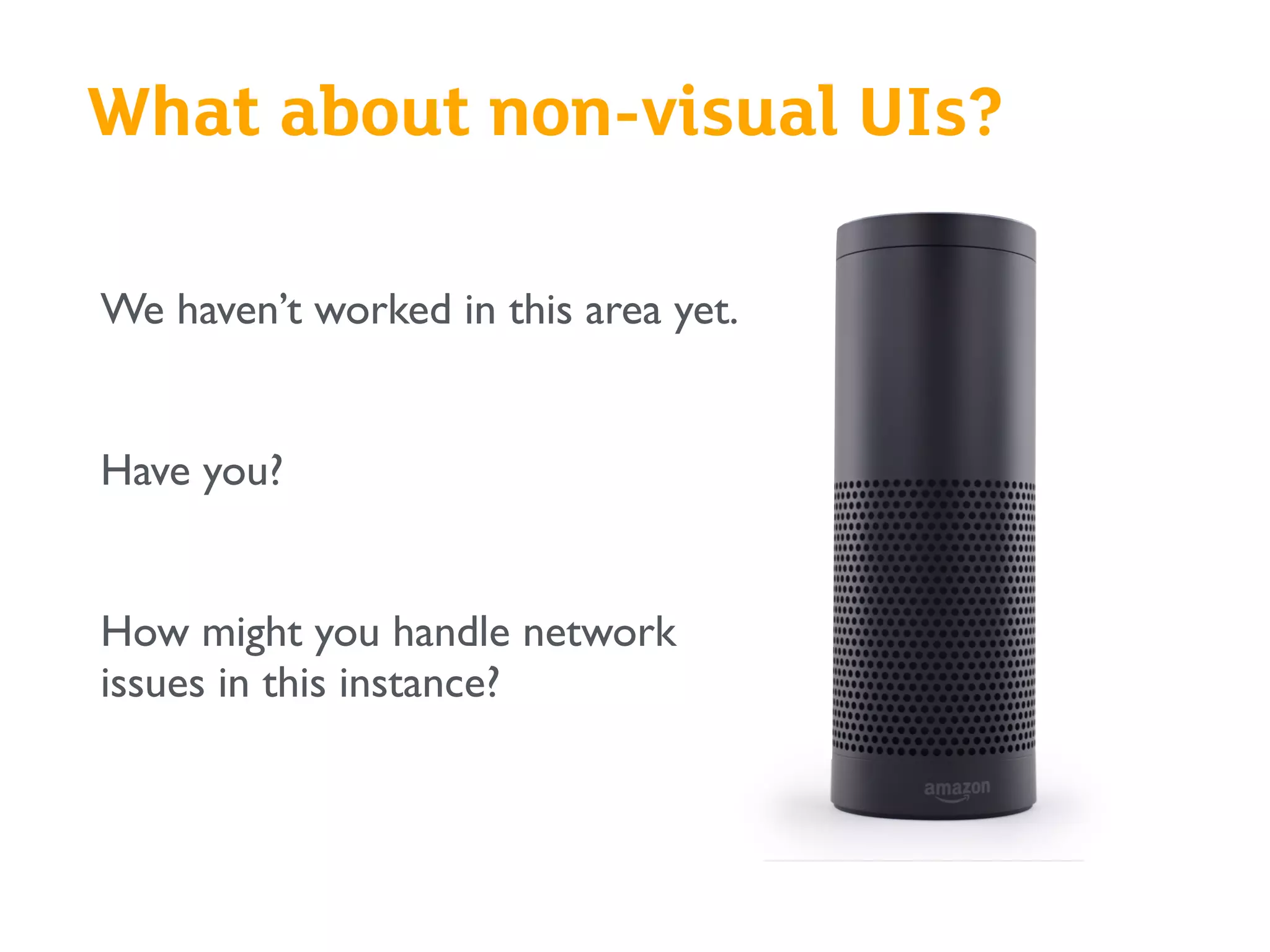
What about non-visual UIs?
We haven’t worked in this area yet.
Have you?
How might you handle network
issues in this instance?
Summary
What was useful?
What will you take back and apply to
your work?
?
If you’ve enjoyed today, the book
covers
- How the technology of IoT affects UX
- Product and design strategy for connected devices
- Industrial design
- Interface and interaction design for embedded devices
- Cross-device interactions and interusability
- Interoperability
- Responsible IoT design
- Designing with data
- Prototyping and user research methods for connected
products
www.designingconnectedproducts.com
@clurr | claire@clairerowland.com
@hlevoi | helenlevoi@me.com
Thank you!

The network as a design material: Interaction 16 workshop

  • 1.
    The network asa design material: distributed systems UX for the internet of things Claire Rowland & Helen Le Voi @clurr / @hlevoi Interaction 16, 1st March 2016 with special thanks to Liz Goodman /@egoodman
  • 2.
  • 3.
    “This is morethan a UX book; it covers all of the critical design and technology issues around making great connected products.” David Rose. Author: Enchanted Objects
 “As a grizzled veteran of several campaigns within the matter-battle of the Internet ofThings, I was pleasantly surprised to find the number of times this book made me pause, think, and rethink my own work (and that of others).A very valuable addition to the canon of design thinking in this emerging area.” Matt Jones. Google 
 “Whether you’re an IoT pro or just getting started designing connected products, this comprehensive book has something for everyone, from examinations of different network protocols all the way up to value propositions and considerations for hardware, software, and services.This book takes a clear-eyed look at IoT from all angles.” Dan Saffer. Mayfield Robotics
  • 4.
    Today’s workshop Through presentationsand breakout exercises, the aim of today is to give you • An understanding the role the network plays in shaping the experience of connected products • Knowledge of the UX challenges • An opportunity to explore ways of addressing these challenges for different types of product and contexts of use
  • 5.
    Why networks areimportant in connected product UX 30 minutes How things connect - different architectures (demos and acting it out) 30 minutes Break 15 minutes Network challenges part 1 40 minutes Design exercises round 1 40 minutes Break 15 minutes Network challenges part 2 15 minutes Design exercises round 2 40 minutes Discussion and wrap-up 15 minutes Timings
  • 6.
    Why networks areimportant in connected product UX
  • 7.
    Internet of Things,Connected Products, Ubiquitous Computing…
  • 8.
    33billion Devices will beconnected by 2020 - that’s nearly 3x as many as in 2014 Ref: Strategy Analytics
  • 9.
    Images: Emmett Tullos,Bigbelly, Smart Structures,Wikicommons, PowerOasis, OnFarm, GROUND Lab Industrial
  • 10.
    By 2020, consumerspending on smart systems for the household will reach $130 billion globally Ref: Strategy Analytics
  • 11.
    Consumer Images:Withings, Made byMany, ecobee, Pod, Philips, Streetline, Evrythng/Diageo, Lockitron, Proteus
  • 12.
    “The rush tocreate new commercial prototypes, products, services, systems & stacks often means culture, custom, needs & desires are overstepped in the reach for profitable new use cases” @thingclash We’ve seen this before… Are we designing the right things?
  • 14.
    Security Privacy Environmental impact Interoperability Value propositions Businessmodels Industrial design Novel UIs and interactions Interusability Machine learning Designing with data Ambient interfaces Socio-cultural issues Smart environments Designing for networks Confusing conceptual models IoT design challenges
  • 15.
  • 16.
    …but the realityis often new ways to fail ‘It’s a bit glitchy but it’s OK, you just have to be in the room at the same time’. Actual review of the Wink hub
  • 17.
    and “A bitglitchy” could be fatal… or vulnerable…
  • 18.
    Exercise One Who herehas designed for IoT? ?What challenges did you face? What do you think the big UX issues might be?
  • 19.
    When we talkabout design for IoT… We tend to focus on UI & industrial design
  • 20.
    Facets of IoTUX Most visible Least visible Conceptual model How should users think about the system? Interusability Interactions spanning multiple devices with different capabilities UI/visual design Screen layout. Look and feel Platform design Conceptual architecture and technology enablers spanning products/services Industrial design Physical hardware: capabilities and form factor Interaction design Architecture and behaviours per service, per device Service design Customer lifecycle, customer services, integration with non digital touchpoints Productisation Audience, proposition, objectives, functionality of a specific service
  • 21.
    It’s not justthings… it’s about the interconnections between things “The network is now a design material” Liz Goodman
  • 22.
    In pure softwareservices, we’re used to this
  • 23.
    Things can beslow to upload or download
  • 24.
    Skype calls arechoppy, or fail
  • 25.
    Image: Nissim Farim Butwe don’t (yet) expect Things to behave like the Internet The average consumer is going to find it very strange when objects take time to respond, or lose instructions
  • 26.
  • 27.
    There are lotsof ways that things can connect • Many different network types • Local or long distance • Some use internet compatible networks, some don’t • Some are open, some are proprietary
  • 28.
  • 29.
  • 30.
  • 31.
  • 32.
    So what arethe issues? • How fast messages get through (delays/latency) • How reliably they get through (reliability) • How frequently things connect (intermittently or constantly)
  • 33.
  • 34.
    Latency: how fastmessages get through “Latency is a time delay between the moment something is initiated, and the moment one of its effects begins or becomes detectable.The word derives from the fact that during the period of latency the effects of an action are latent, meaning "potential" or "not yet observed” https://www.itu.int/ITU-D/asp/CMS/Events/2009/PacMinForum/doc/Theme-2_O3b_Latency_White_Paper.pdf
  • 35.
    Demo Hue over localWiFi (fast) and Internet (slower)
  • 37.
  • 38.
  • 39.
    Why we can’t makelatency go away (1) It takes time to pass a signal over a network TCP/IP networking prioritises reliability at the expense of speed Applications take time to manipulate and present data
  • 40.
    Here’s a really extremeexample It takes 28 minutes for data to travel from Earth to Philae/Rosetta, and the bandwidth is 28kbps Image: ESA
  • 41.
    Why we can’t makelatency go away (2) 3rd party APIs (like Gmail and Twitter) may limit the number of calls you can make to their API in a given time slot
  • 42.
    Due to Gmail’sAPI rate limits, it may take 15 minutes for a Hue bulb to notify you of an inbound email
  • 43.
    Questions ? • Have youexperienced these issues with connected products? • Have you experienced them with software only services?
  • 44.
  • 45.
    Why does it happen? Thingswill always lose connectivity or break from time to time Networks can suffer interference Data packets can go missing And…sometimes you won’t know it hasn’t worked
  • 46.
  • 47.
    What’s the impact? Itdepends on the system architecture… • When everything’s working OK, the differences in architecture between systems don’t matter so much • But when connectivity problems happen, the impact on the UX will sometimes depend on the architecture of the system
  • 48.
    Lightbulb A LightbulbBvs rules in cloud rules on hub
  • 49.
    Connectedness requires designers andusers to think about system models Which bit does what? Where does code run? What fails/still works if connectivity is lost?
  • 50.
    Sometimes, you might not knowit hasn’t worked ?
  • 51.
    Image: Ulfbastel viaWikicommons Interoperating products can suffer from even more problems
  • 52.
    Questions ? • Have youexperienced reliability issues with connected products? • Have you experienced them with software only services?
  • 53.
    Why do thesechallenges matter? (Bringing this together)
  • 54.
    Sometimes, inexplicably, things don’twork as expected Or at all…
  • 55.
    Review: “If youused the [X] app to turn on/off things, you are fine, but when you started to mix in turning on a light from the switch, the status would never seem to update the [X] Hub/app correctly. You were left guessing as to whether something was truly on or not.Also, there was always a few second delay when changing the status of things. It was not instantaneous as I would have hoped it would be. “This did not bode well for my confidence in any type of safety device (smoke alarms/locks/etc). Having a light be on when it should be off is one thing, but if you are relying on a system to notify you in case of a fire or if you door was locked/unlocked, I was left not feeling very confident that the Hub would actually work when needed.” http://zatznotfunny.com/2014-08/battle-of-the-home-automation-hubs/ Uncertainty Is it actually working?
  • 56.
    Health and safetyrisks Violation of value proposition Frequent irritation and confusion Summing up the consequences
  • 57.
    Our approach Design continuityinto a world with unavoidable gaps between devices Adapted from: Cross-Platform Service User Experience:A Field Study and an Initial Framework. Minna Wäljas, Katarina Segerståhl, KaisaVäänänen-Vainio-Mattila, Harri Oinas-Kukkonen MobileHCI'10
  • 58.
    Continuity Kindle Whispersync Image: KeiNoguchi via CC licence The flow of interactions and data in a coherent narrative sequence across devices
  • 59.
    Continuity does notmean designing a seamless experience It often means handling inevitable glitches gracefully
  • 60.
    How do youuse interaction design to create continuity?
  • 61.
    The old goal Sustainan illusion of direct manipulation
  • 62.
    The new goal Helppeople make sense of how systems are actually acting
  • 63.
    Option 1 
 Theoptimistic white lie Confirm action, backpedal if something goes wrong
  • 64.
    Instagram does this The photois already shown as ‘liked’, even though the phone OS tells us that the instruction is still being sent
  • 65.
    So does Hue… Letme think about that… nope
  • 66.
    Option 2 
 Betruthful, even if it leads to doubt Acknowledge action, show that it is in progress Confirm only once it’s done
  • 67.
    WeMo Switch doesthis subtly
  • 68.
    Lowes Iris ismore explicit Images: Lowes
  • 69.
    How do youdecide what to do?
  • 70.
  • 71.
    Exercise - 20min Split into groups (8 groups of 3) - 5 min Each group gets a printed-out brief Individual writing/sketching - 5 min Group deliberation - 10 min Decide on one direction and explain WHY in 2-3 sentences Extra credit for sketching/acting out the interaction so that we can see it! Think about how things connect, and what delays/failures may occur
  • 72.
    You’re working onan in-car audio system. It streams music from the cloud and has a physical “like” button. The button talks over Bluetooth to a phone, which talks to a music account in the cloud. What are the key user interactions? What, if any, issues might arise during those interactions from latency, reliability or intermittent connectivity? How would you handle these in the UX design?
  • 73.
    You’re working ona smart lock for front doors. It can be locked and unlocked remotely from a phone. What are the key user interactions? What, if any, issues might arise during those interactions from latency, reliability or intermittent connectivity? How would you handle these in the UX design?
  • 74.
    You’re working ona personal emergency alarm button for older or vulnerable people. It connects over a local wireless network to a hub in the home. What are the key user interactions? What, if any, issues might arise during those interactions from latency, reliability or intermittent connectivity? How would you handle these in the UX design? Image: natematias via Flickr
  • 75.
    You’re working ona remote fish tank monitoring and fish feeding device. It connects over a local wireless network to a hub in the home. (NB: overfeeding fish is bad). What are the key user interactions? What, if any, issues might arise during those interactions from latency, reliability or intermittent connectivity? How would you handle these in the UX design? Image: johnskate17 via Wikicommons
  • 76.
    Present back, discuss Discussion- 20 minutes Each group gets 2 min!
  • 77.
  • 78.
  • 79.
    Why is intermittent connectivity an issue? Manydevices run on batteries Wireless connections consume lots of power Battery powered devices have to spend much of their time offline to save power
  • 80.
  • 81.
  • 82.
    Why does thismatter? Conflicting system status displays 19 2 min delay 21
  • 83.
    Why does thismatter? Data may be out of date (whether that matters depends on context) A blood glucose reading from one week ago is not For most purposes, a body mass measurement from one week ago is still quite useful
  • 84.
    A live energyreading (every few seconds) can help you understand the consumption of that appliance you just turned on Timeliness of data is fundamental to UX and value proposition A 30 minute energy reading will tell you about your consumption patterns over time Images: Onzo. Electric Ireland
  • 85.
    • Devices getout of sync, reporting different status information: this breaks Nielsen’s heuristic of ‘visibility of system status’ • Which one is ‘right?’ Are any of them broken, or just out of sync? • How old is the data? Could it be wrong now? What’s the margin of error? What’s the impact of it being wrong? These are also continuity issues
  • 86.
    Exercise - 20min Split into groups (8 groups of 3) - 5 min Each group gets a printed-out brief Individual writing/sketching - 5 min Group deliberation - 10 min Decide on one direction and explain WHY in 2-3 sentences Extra credit for sketching/acting out the interaction so that we can see it! Think about how these things are powered and how they connect
  • 87.
    You’re working onoutdoor gear/clothing with an automatic distress beacon. The beacon is triggered (how? when?) What are the key user interactions? What, if any, issues might arise during those interactions from latency, reliability or intermittent connectivity? How would you handle these in the UX design?
  • 88.
    You’re working onan insulin pump that reports blood sugar levels to your doctor’s office every 15 minutes What are the key user interactions? What, if any, issues might arise during those interactions from latency, reliability or intermittent connectivity? How would you handle these in the UX design?
  • 89.
    You’re working ona location tracker designed to be worn by sheep. It sends data to a farm manager’s computer about their location and wellbeing. What are the key user interactions? What, if any, issues might arise during those interactions from latency, reliability or intermittent connectivity? How would you handle these in the UX design?
  • 90.
    You’re working ona management interface for a parking lot sensor system. It tracks which spaces are available or in use. What are the key user interactions? What, if any, issues might arise during those interactions from latency, reliability or intermittent connectivity? How would you handle these in the UX design?
  • 91.
    Discussion - 20minutes Each group gets 2 min! Present back, discuss
  • 92.
  • 93.
    Questions to askyourself Is the product… ? Life or safety critical? Time-sensitive? A remote control? What else?
  • 94.
    Safety critical/urgent Messages mustget through quickly Status information needs to be updated frequently, and clearly indicate how old it is Need to know when instructions have been received and acted upon Low touch/non-critical: OK if data or instructions take time to get through Assume it’s working unless notified of a problem Senior safety/intruder alarm Baby monitor The ‘right’ approach depends on context Images: MyLively, Efergy
  • 95.
    In some cases,badly handled network glitches could undermine the value of the product
  • 96.
    How irritating areglitches and delays going to be, over time? How irritating are your glitches and delays going to be in a world filled with glitches and delays? And don’t underestimate the sheer power of irritation Image: GhostFaceScream2 viaYoutube
  • 97.
    What about non-visualUIs? We haven’t worked in this area yet. Have you? How might you handle network issues in this instance?
  • 98.
    Summary What was useful? Whatwill you take back and apply to your work? ?
  • 99.
    If you’ve enjoyedtoday, the book covers - How the technology of IoT affects UX - Product and design strategy for connected devices - Industrial design - Interface and interaction design for embedded devices - Cross-device interactions and interusability - Interoperability - Responsible IoT design - Designing with data - Prototyping and user research methods for connected products www.designingconnectedproducts.com @clurr | claire@clairerowland.com @hlevoi | helenlevoi@me.com
  • 100.