

























@jonoalderson
@jonoalderson@jonoalderson
@jonoalderson
There’s a lot of much-
needed focus on (mobile)
performance at the moment
@jonoalderson
@jonoalderson@jonoalderson
@jonoalderson
On AMP, briefly...
@jonoalderson
6
Just the tip of the iceberg...
@jonoalderson
@jonoalderson
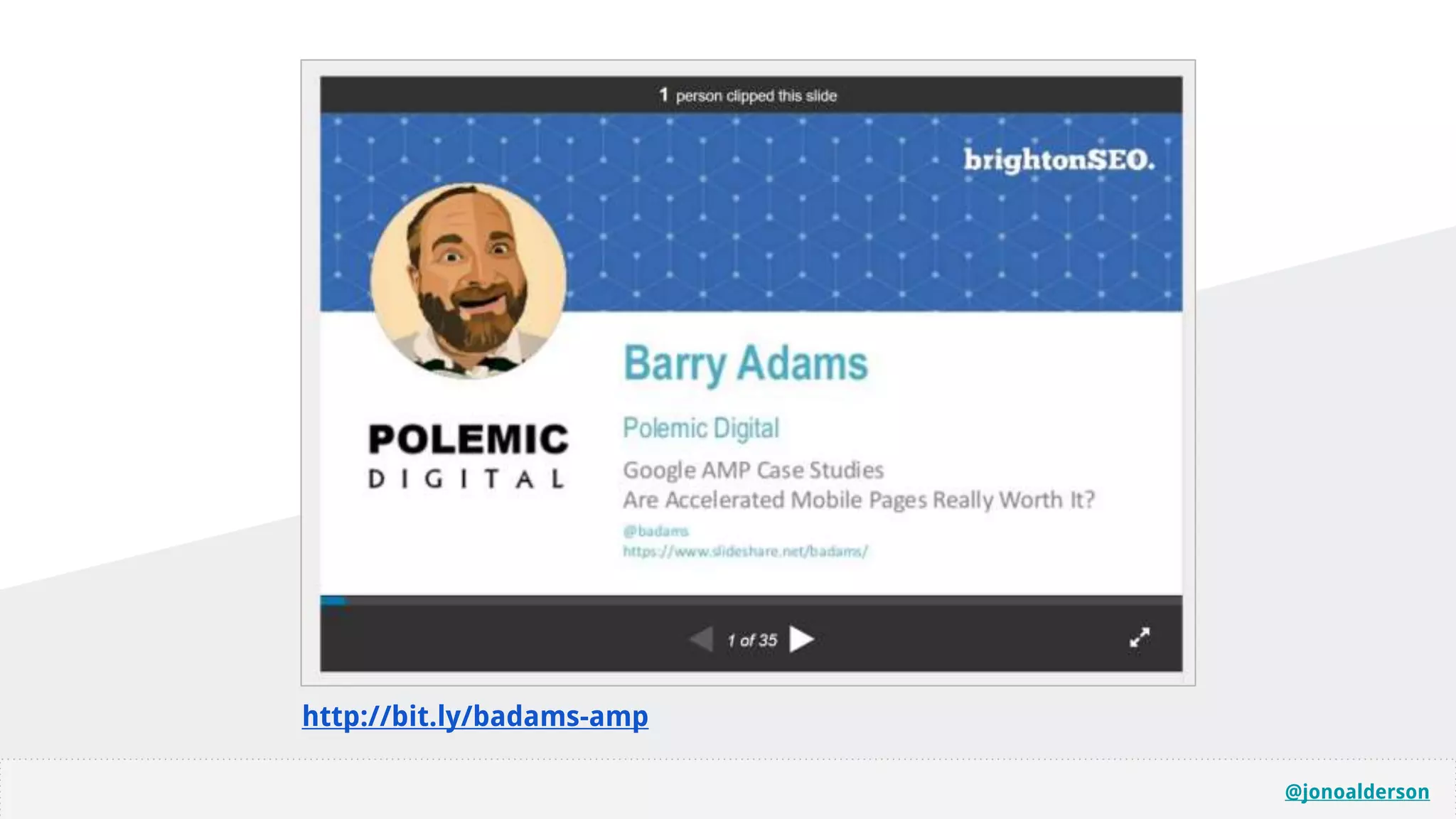
http://bit.ly/badams-amp
@jonoalderson
Risky? Dangerous? Subversive, even?
@jonoalderson
@jonoalderson
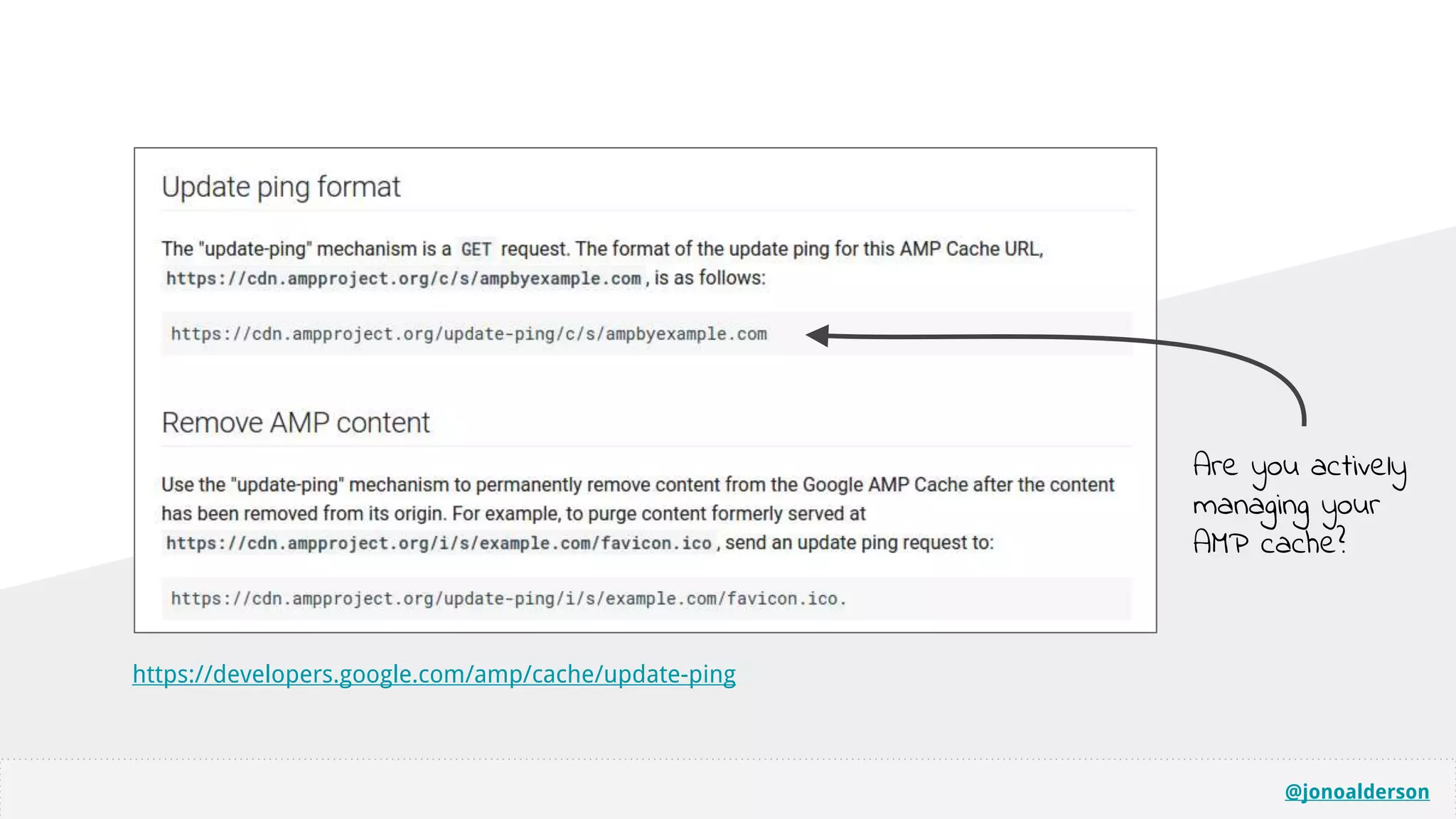
Are you actively
managing your
AMP cache?
https://developers.google.com/amp/cache/update-ping
@jonoalderson
@jonoalderson
You don’t need AMP.
You can do this yourself.
@jonoalderson
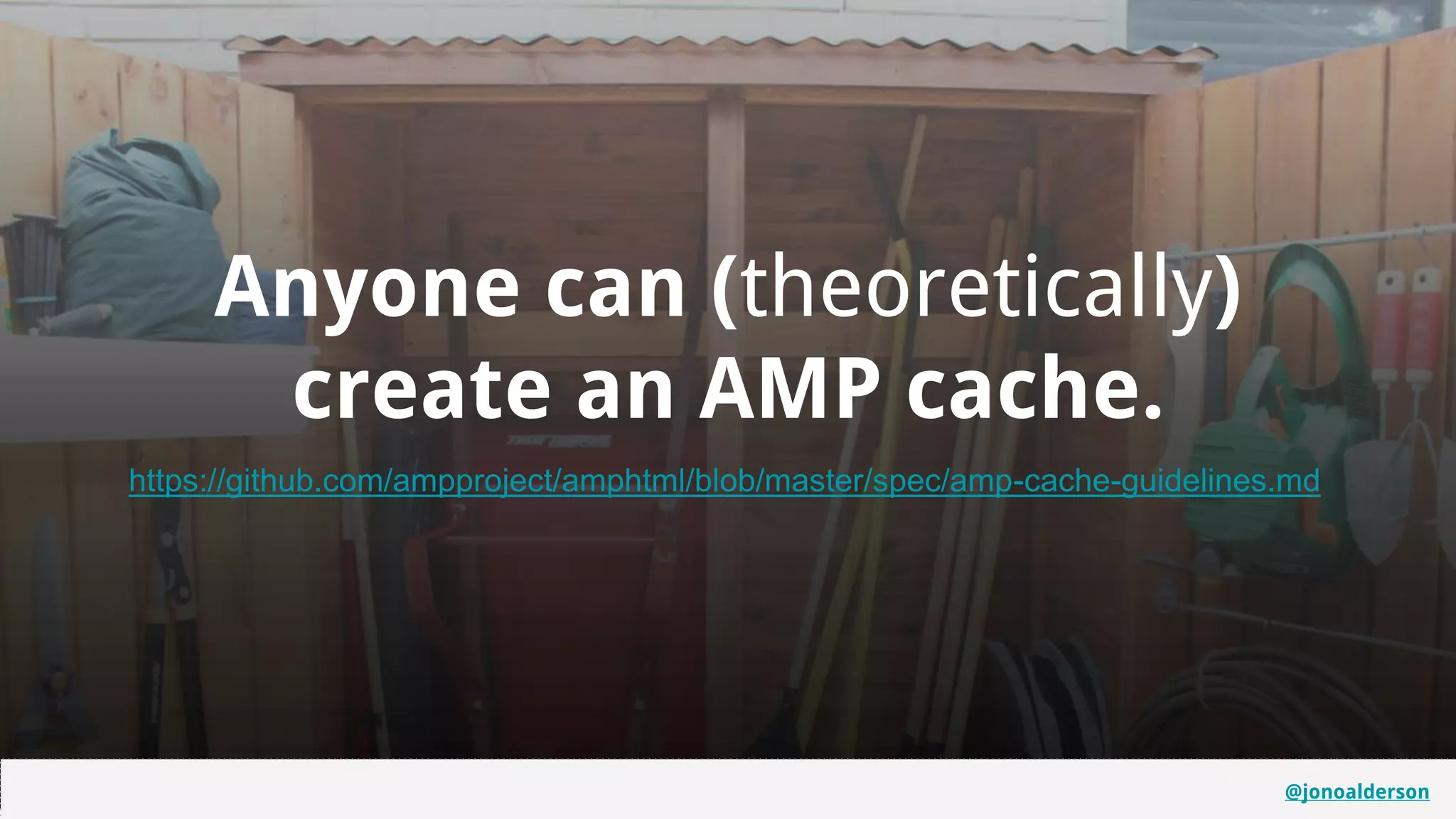
Anyone can (theoretically)
create an AMP cache.
https://github.com/ampproject/amphtml/blob/master/spec/amp-cache-guidelines.md
@jonoalderson
@jonoalderson
@jonoalderson
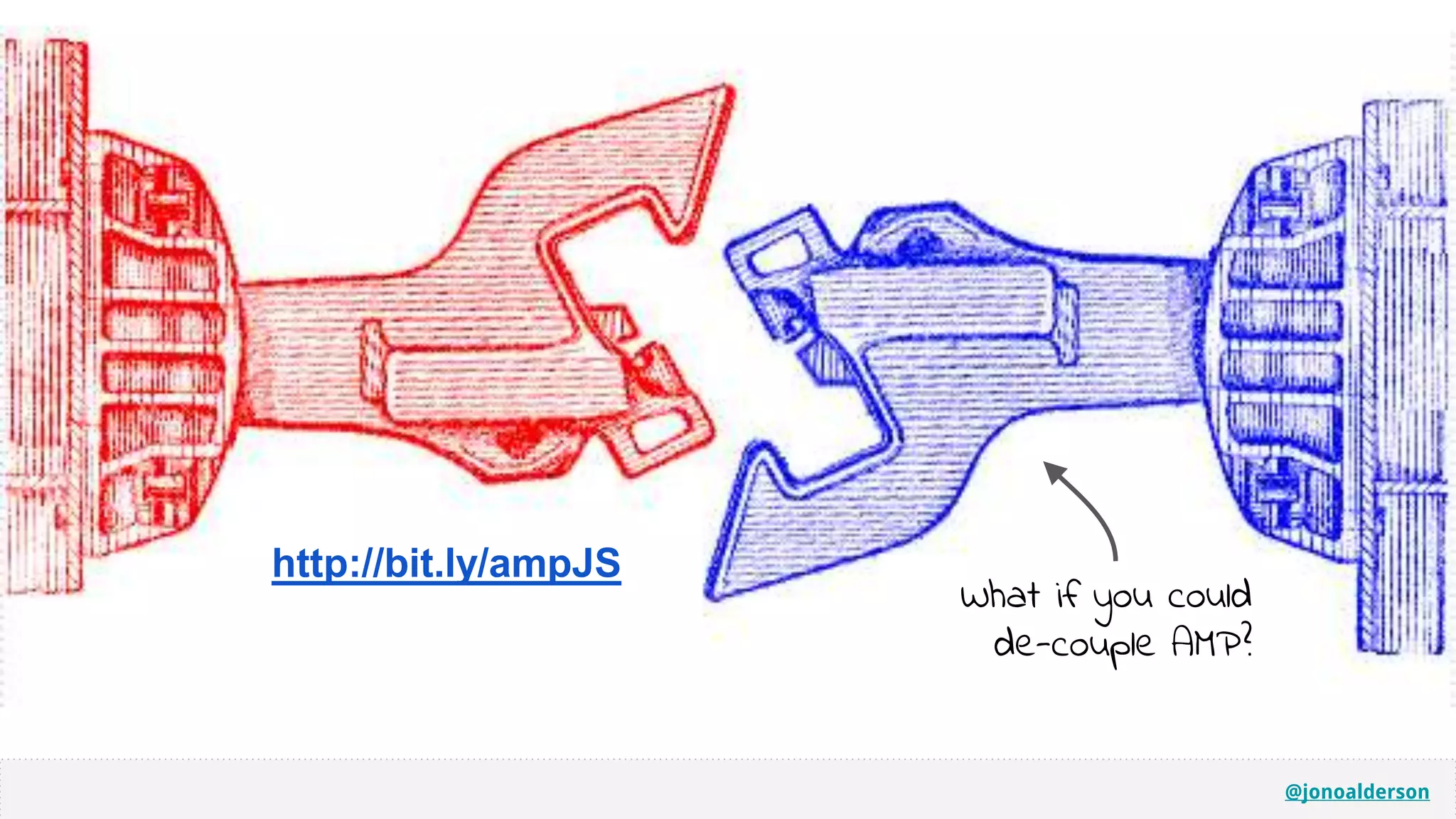
http://bit.ly/ampJS
What if you could
de-couple AMP?
@jonoalderson
To clarify, I’m not saying that you
shouldn’t adopt AMP.
@jonoalderson
So, what’s the broader performance
toolkit look like?
@jonoalderson
Infrastructure & network optimisation
@jonoalderson
HTTP2 Implications
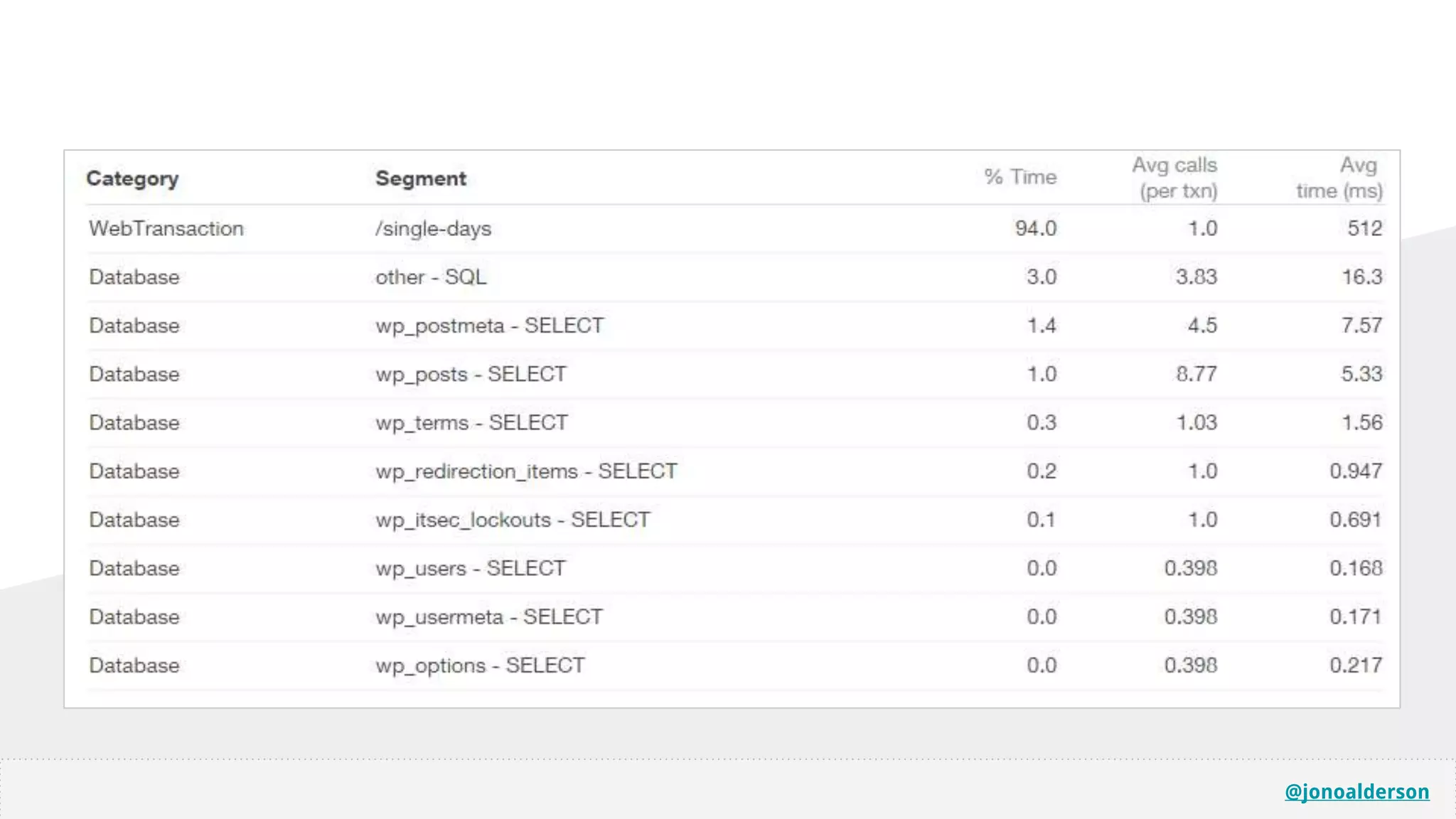
@jonoalderson
@jonoalderson
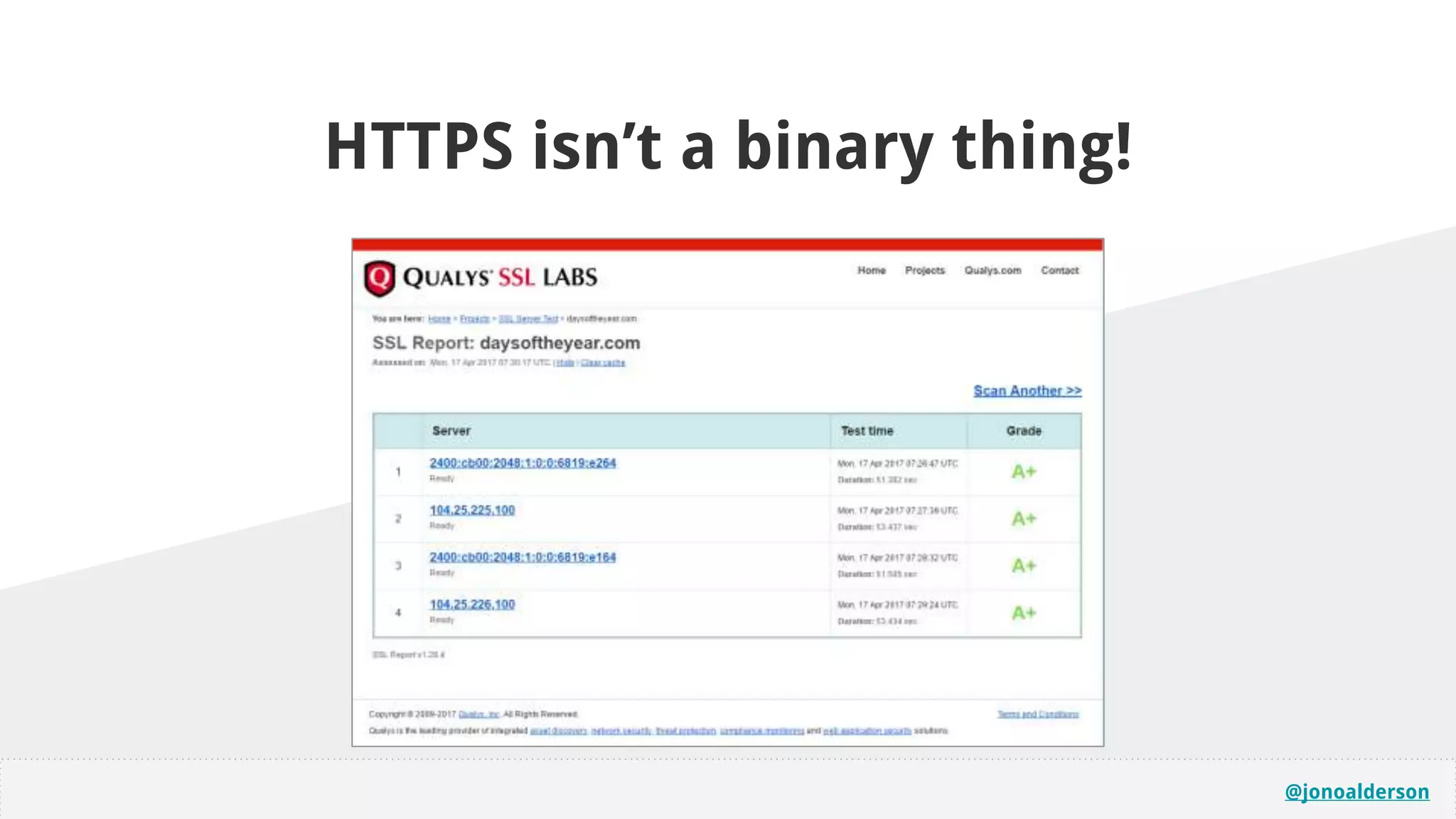
HTTPS isn’t a binary thing!
@jonoalderson
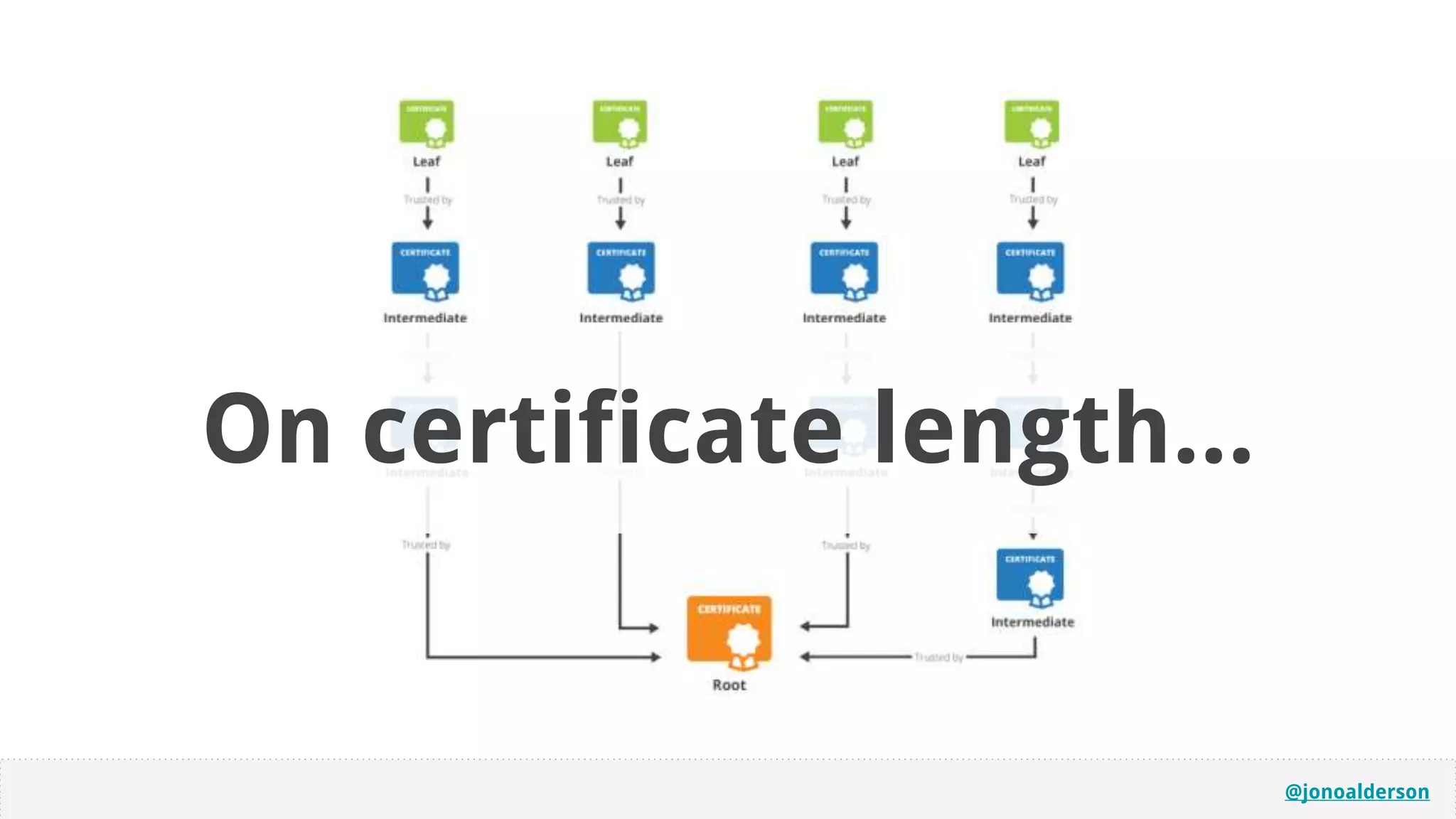
SSL Chain LengthOn certificate length...
@jonoalderson
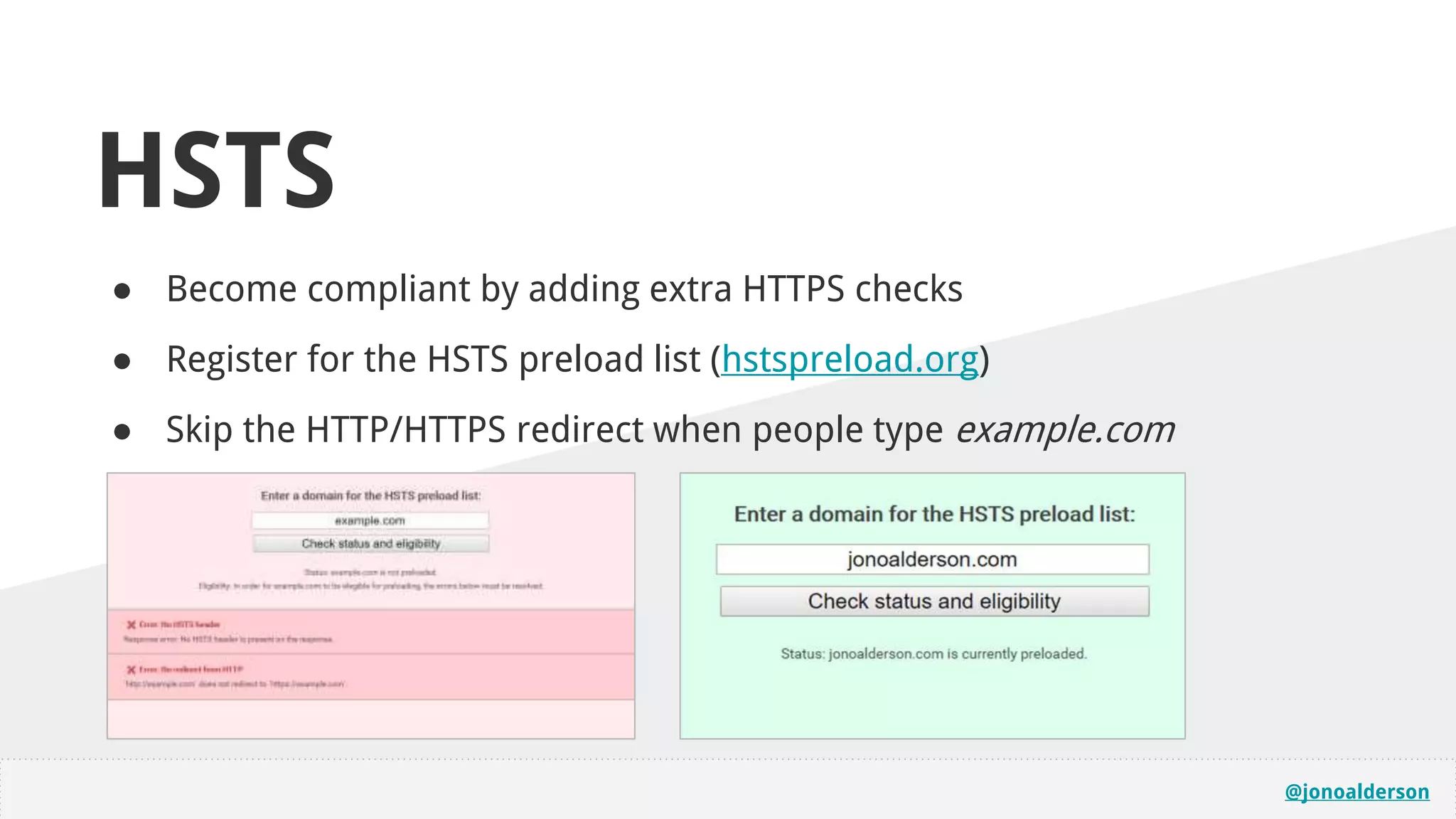
HSTS
● Become compliant by adding extra HTTPS checks
● Register for the HSTS preload list (hstspreload.org)
● Skip the HTTP/HTTPS redirect when people type example.com
@jonoalderson
online.marketing/guide/https
More here...
@jonoalderson
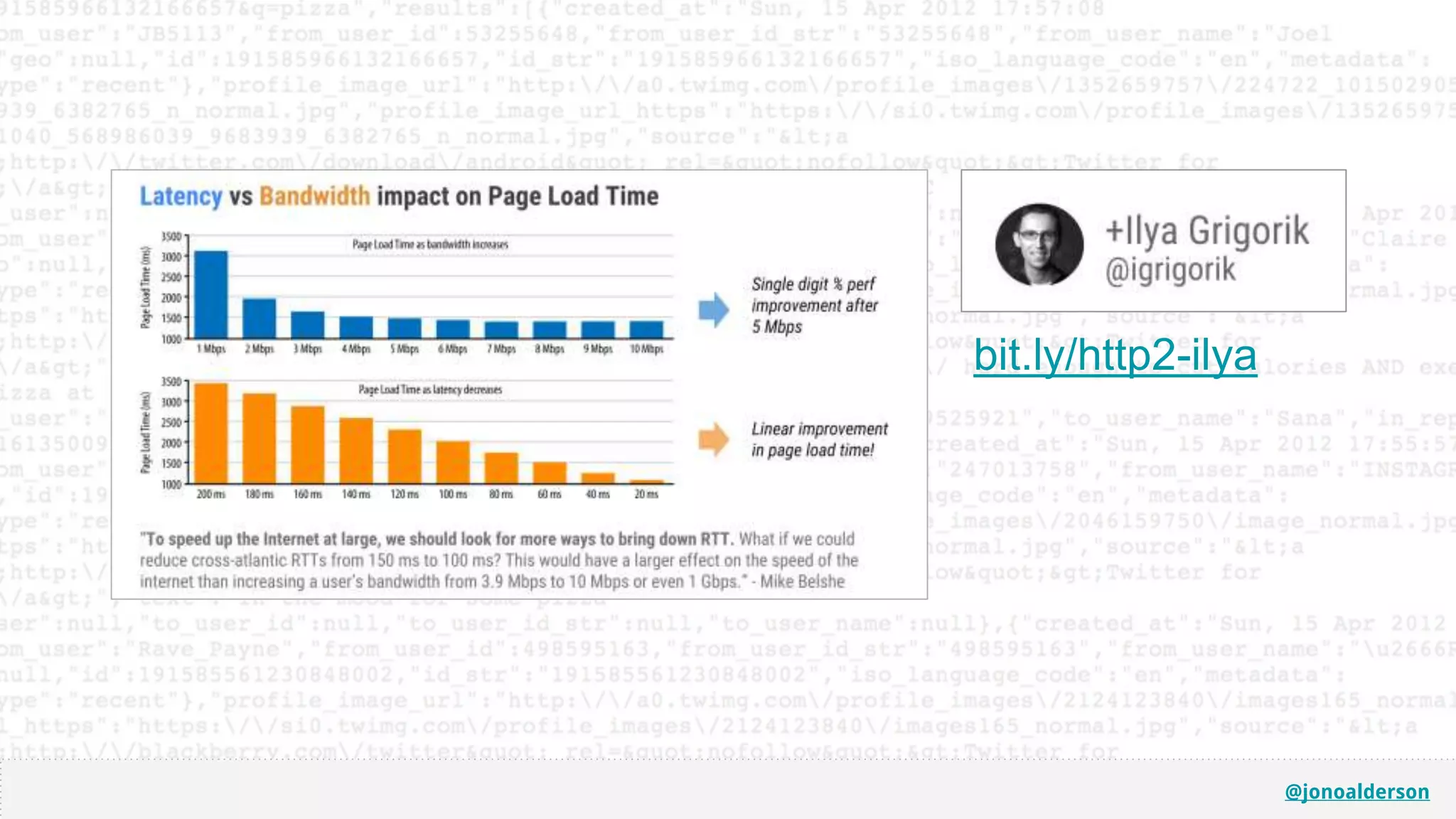
Let’s go faster.
@jonoalderson@jonoalderson
@jonoalderson
bit.ly/http2-ilya
@jonoalderson
@jonoalderson
We need to go smarter, not faster
@jonoalderson@jonoalderson
@jonoalderson
Connection & data transfer
@jonoalderson
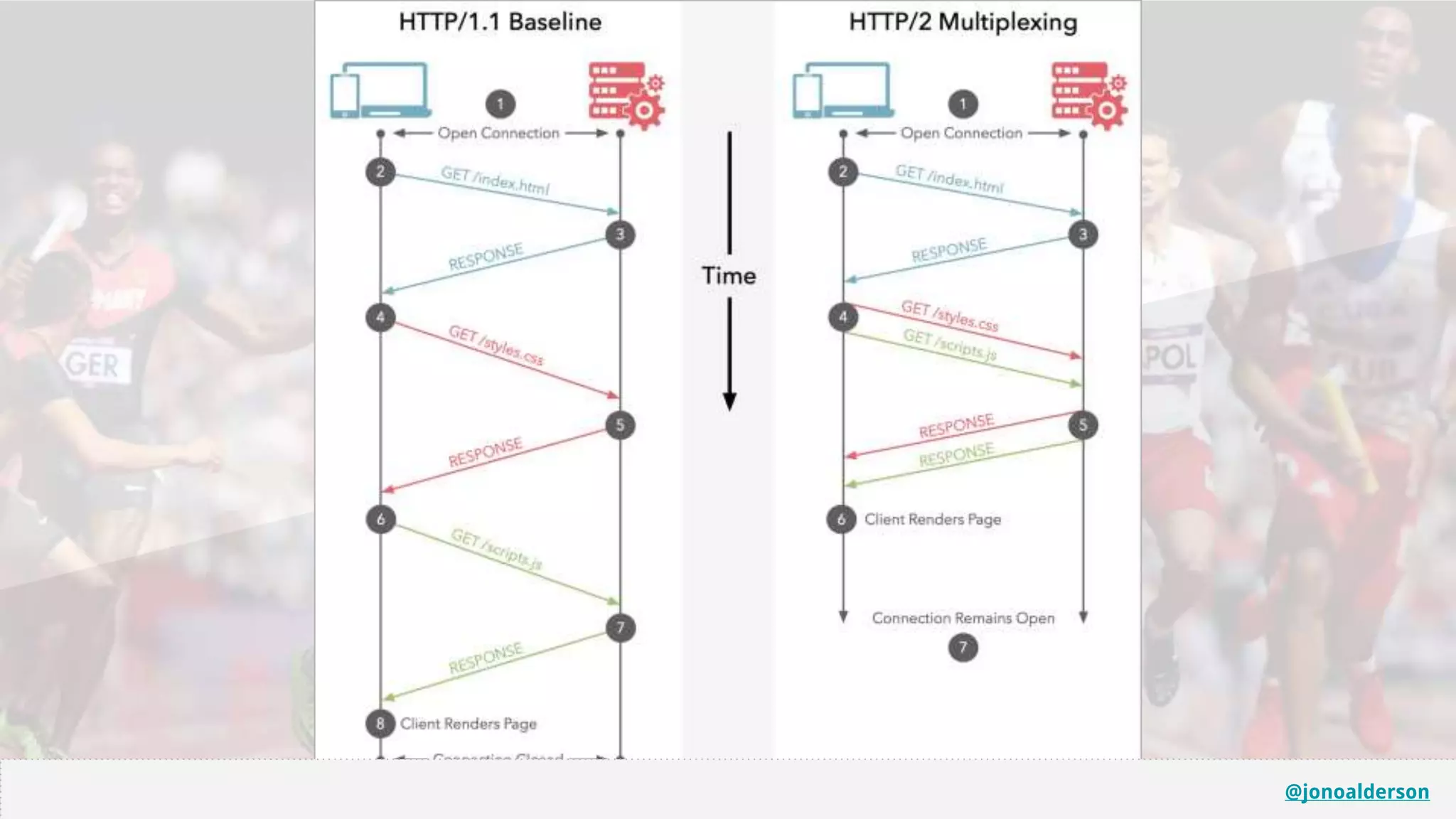
With HTTP2, you
don’t need to worry
as much about
round trips...
...but you should
still consider what
you’re transferring,
and how.
@jonoalderson
@jonoalderson
For devices...
● Detect early, and adapt. Responsive = expensive!
● Make CSS mobile-first (build up from min-width); typically reduces sizes.
○ Conditionally layer on / load more for larger devices.
31
31
@jonoalderson
@jonoalderson
For media/images…
Test CSS3 vs images vs sprites vs encoding vs inlining
@jonoalderson
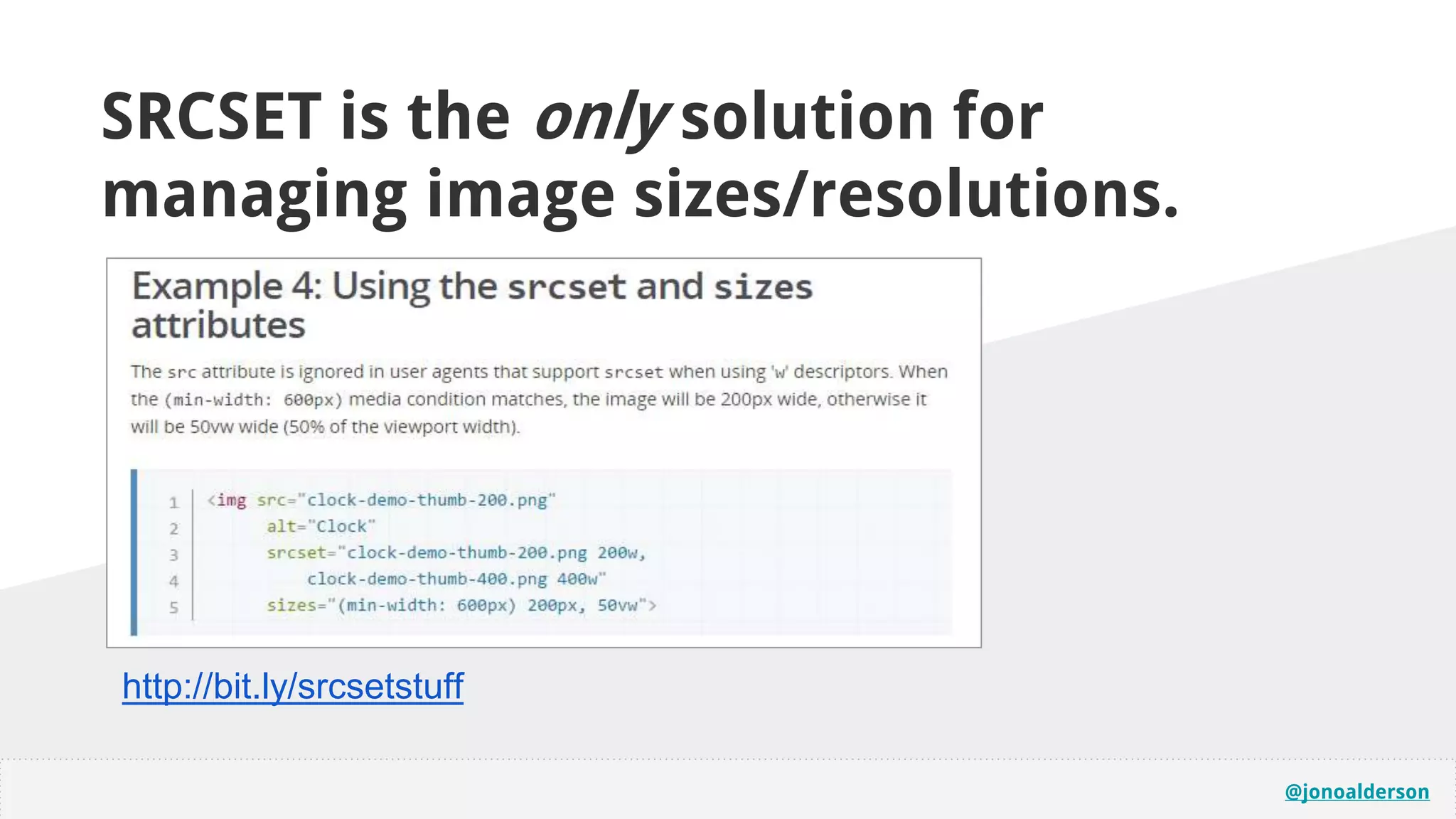
http://bit.ly/srcsetstuff
SRCSET is the only solution for
managing image sizes/resolutions.
@jonoalderson
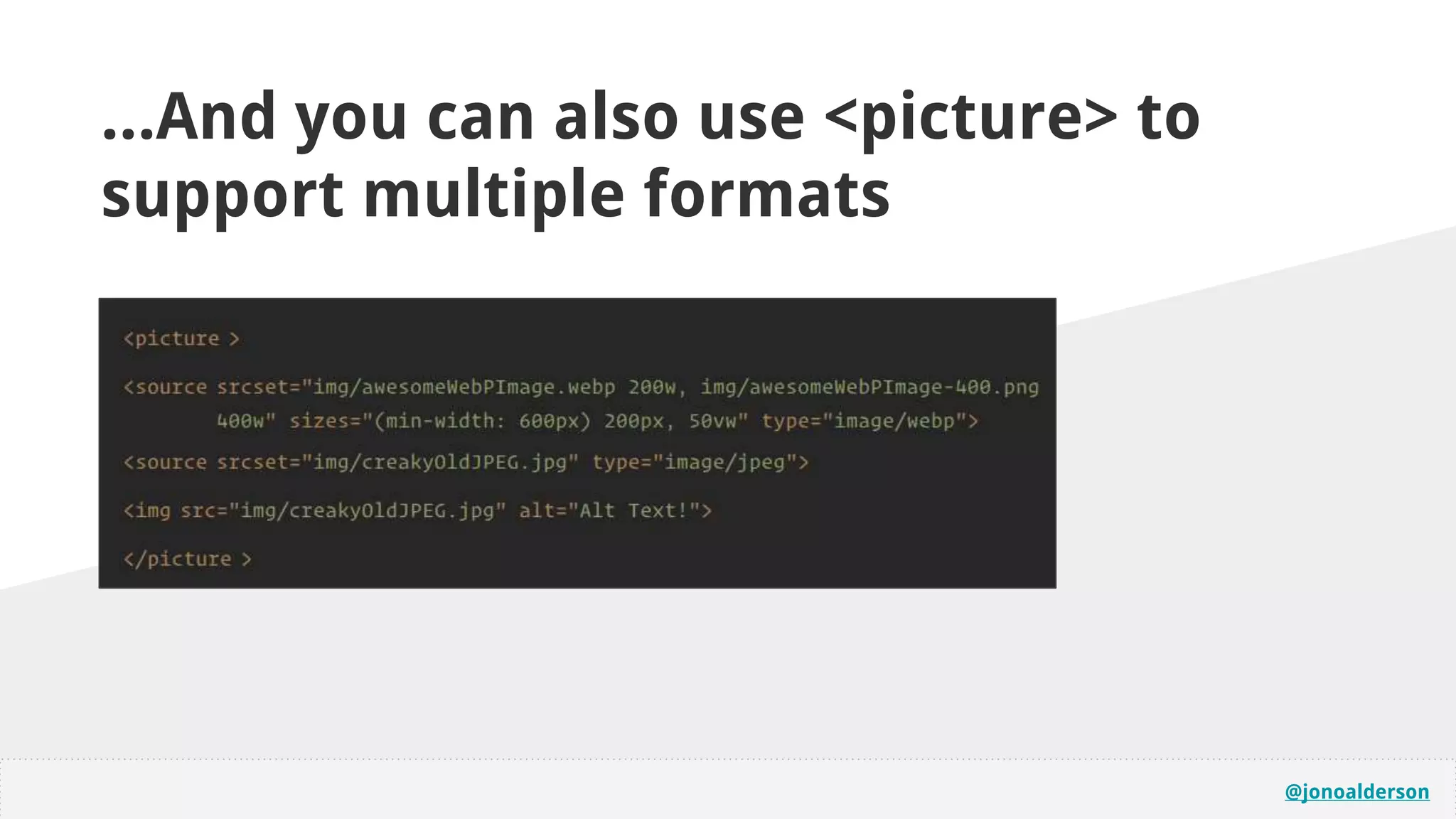
...And you can also use <picture> to
support multiple formats
@jonoalderson
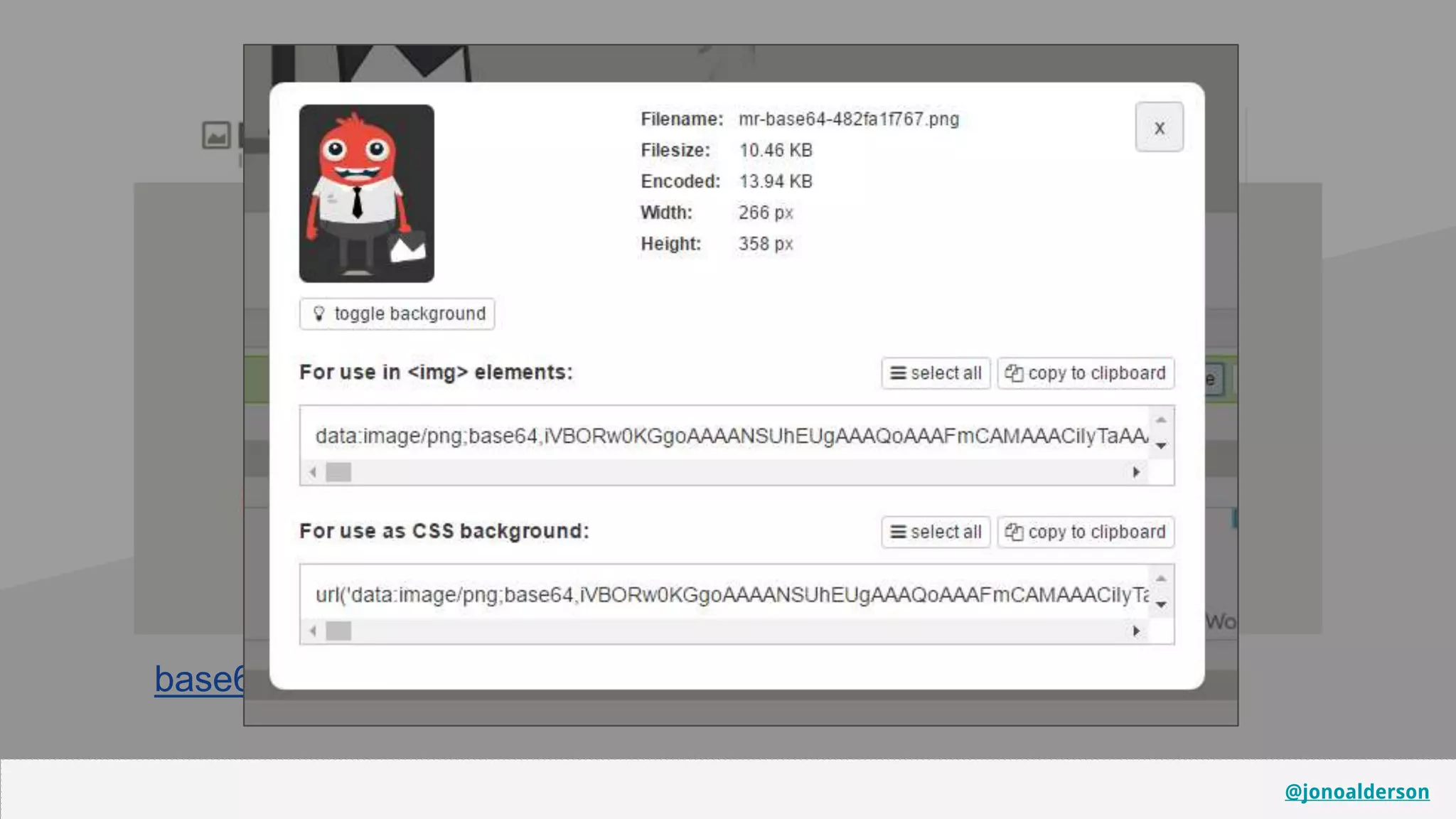
base64-image.de
You can also base64() encode images...
@jonoalderson
base64-image.de
@jonoalderson
@jonoalderson
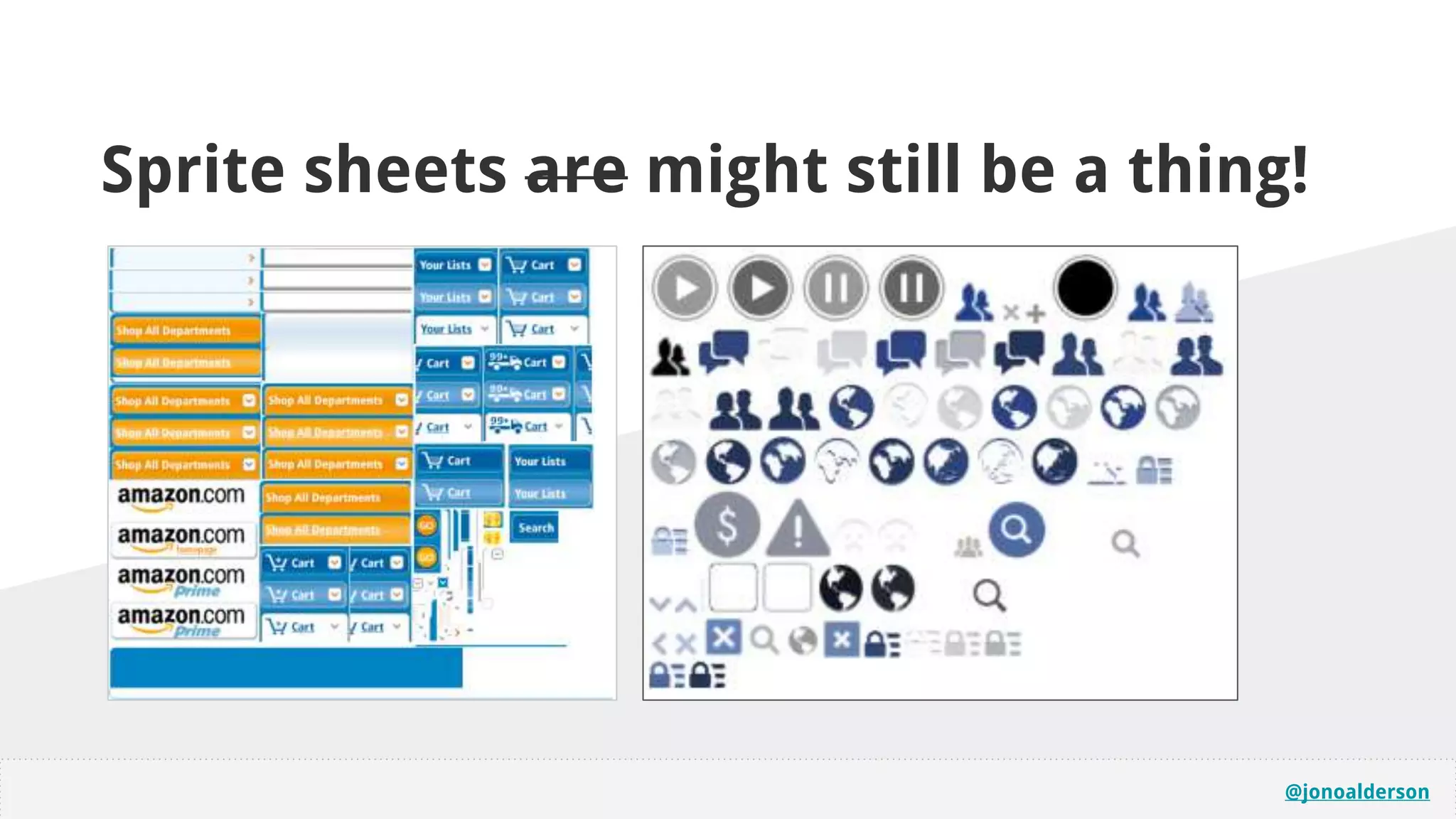
Sprite sheets are might still be a thing!
@jonoalderson
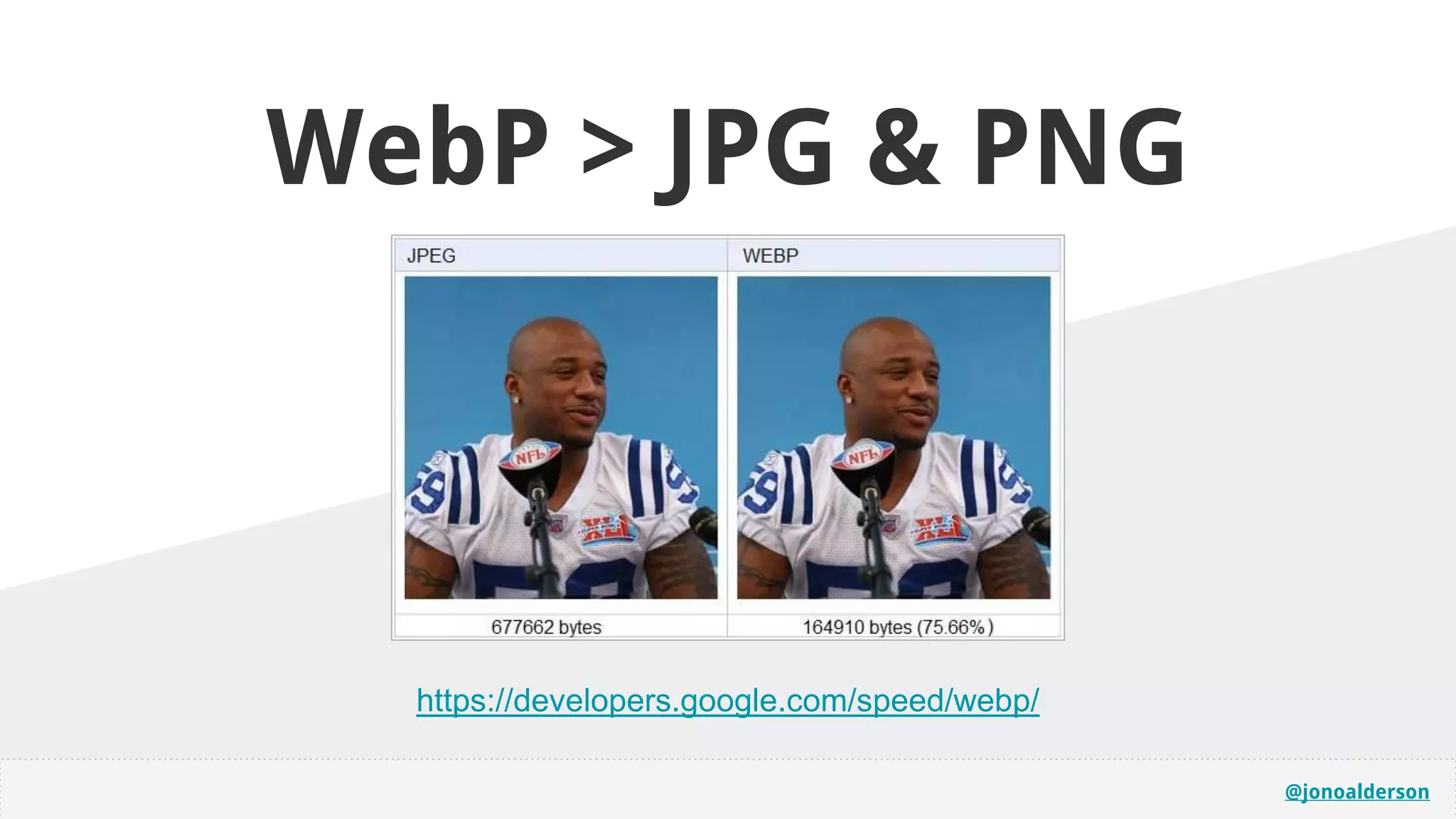
https://developers.google.com/speed/webp/
WebP > JPG & PNG
@jonoalderson
Error management for
common request headaches
Manage your robots, favicons, and other irritations.
@jonoalderson
@jonoalderson
apple-touch-icon.png (and variants)
favicon.ico (and variants)
browserconfig.xml
Feeds (/rss/, /feed/, etc)
Invalid page/date ranges
Broken internal links (and missing http links)
Alternate sitemap and metadata urls
Breaking parameters (especially on images, from search engines)
@jonoalderson
Measurement
@jonoalderson
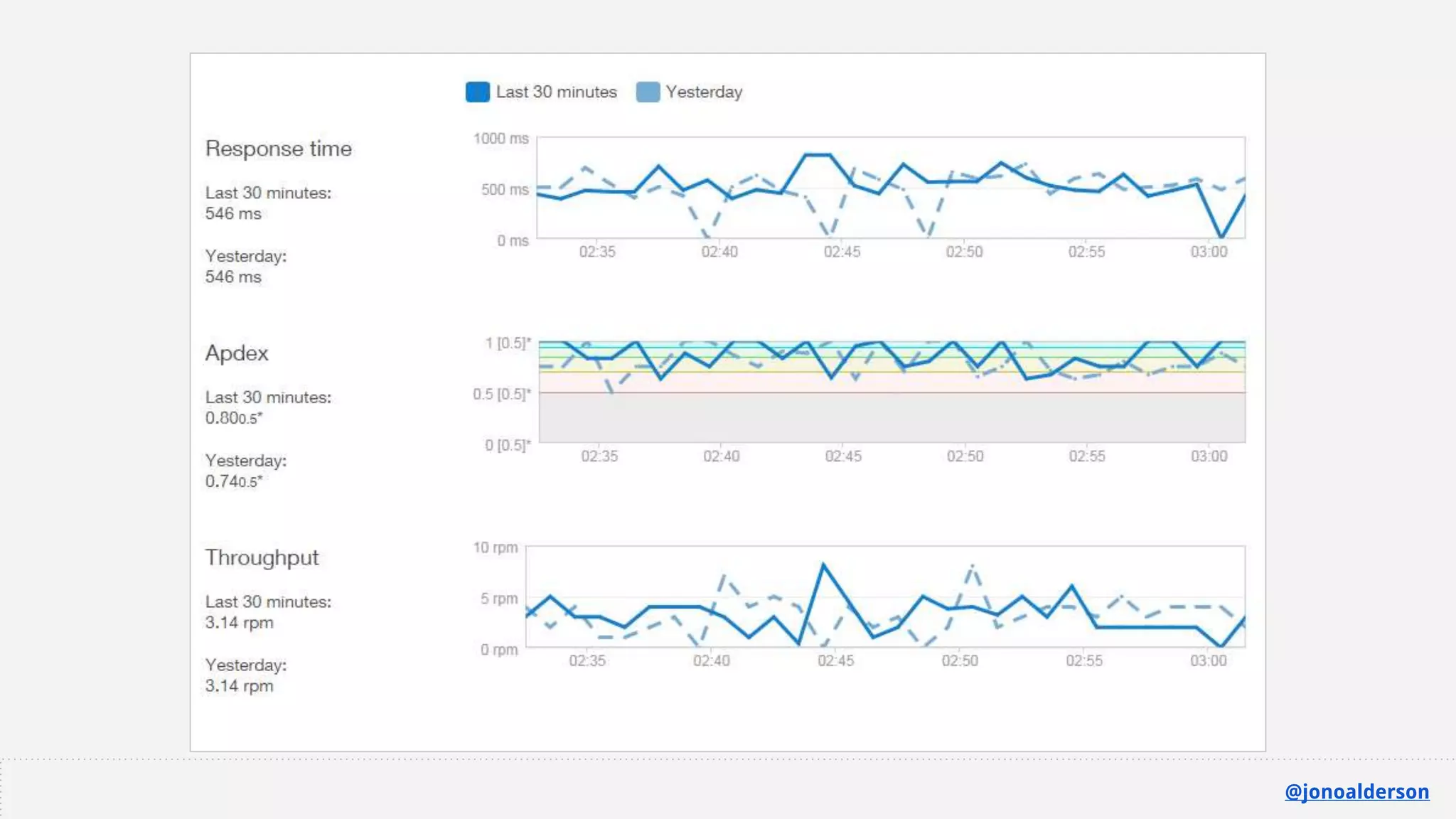
Which metrics matter?
● There’s no such thing as ‘speed’. What are we measuring?
● Numbers from Google Pagespeed Insights, Pingdom,
WebPageTest, GA, etc, are all nonsense
● User satisfaction metrics > any technical speed metrics
@jonoalderson
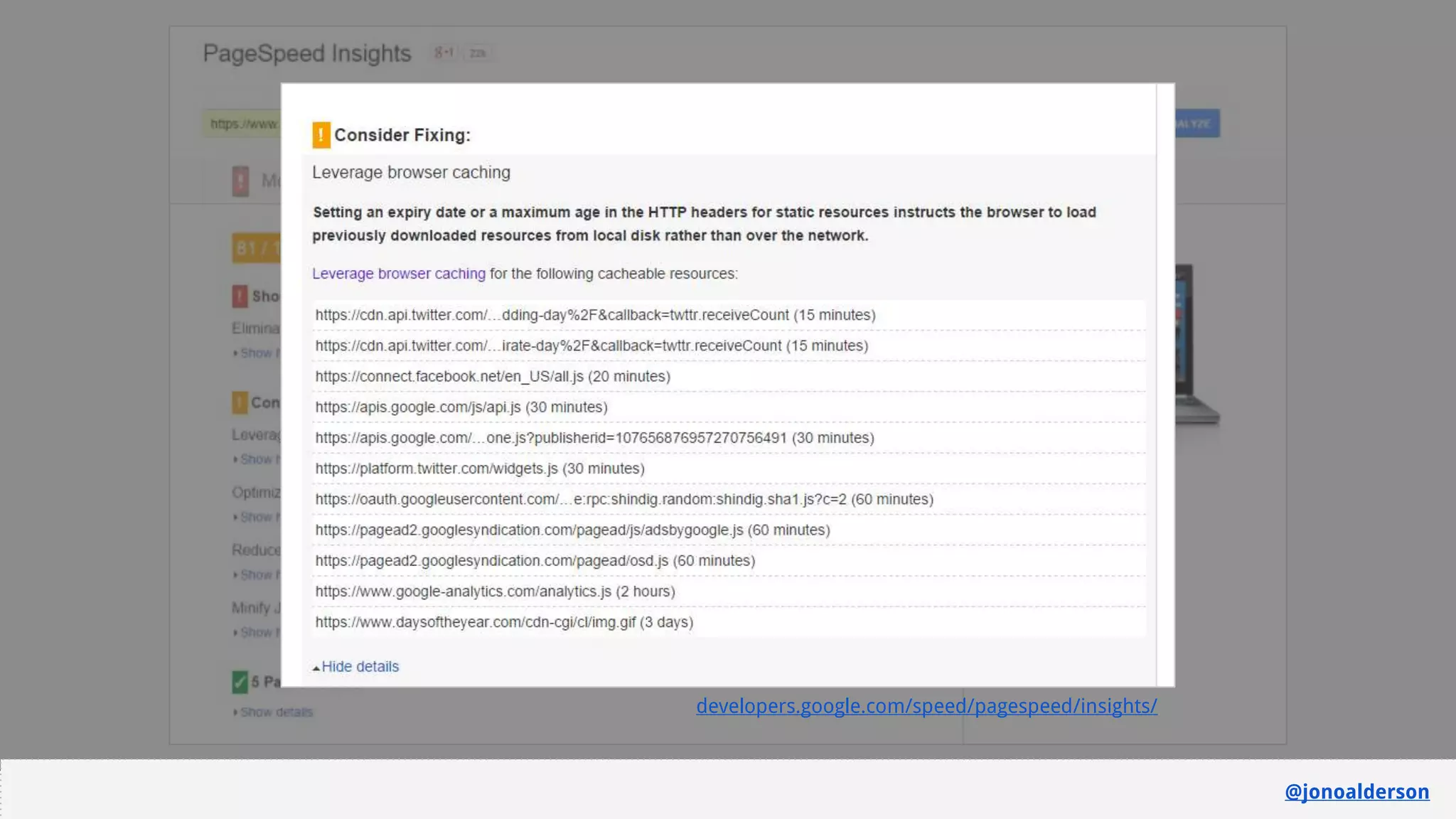
developers.google.com/speed/pagespeed/insights/
@jonoalderson
@jonoalderson
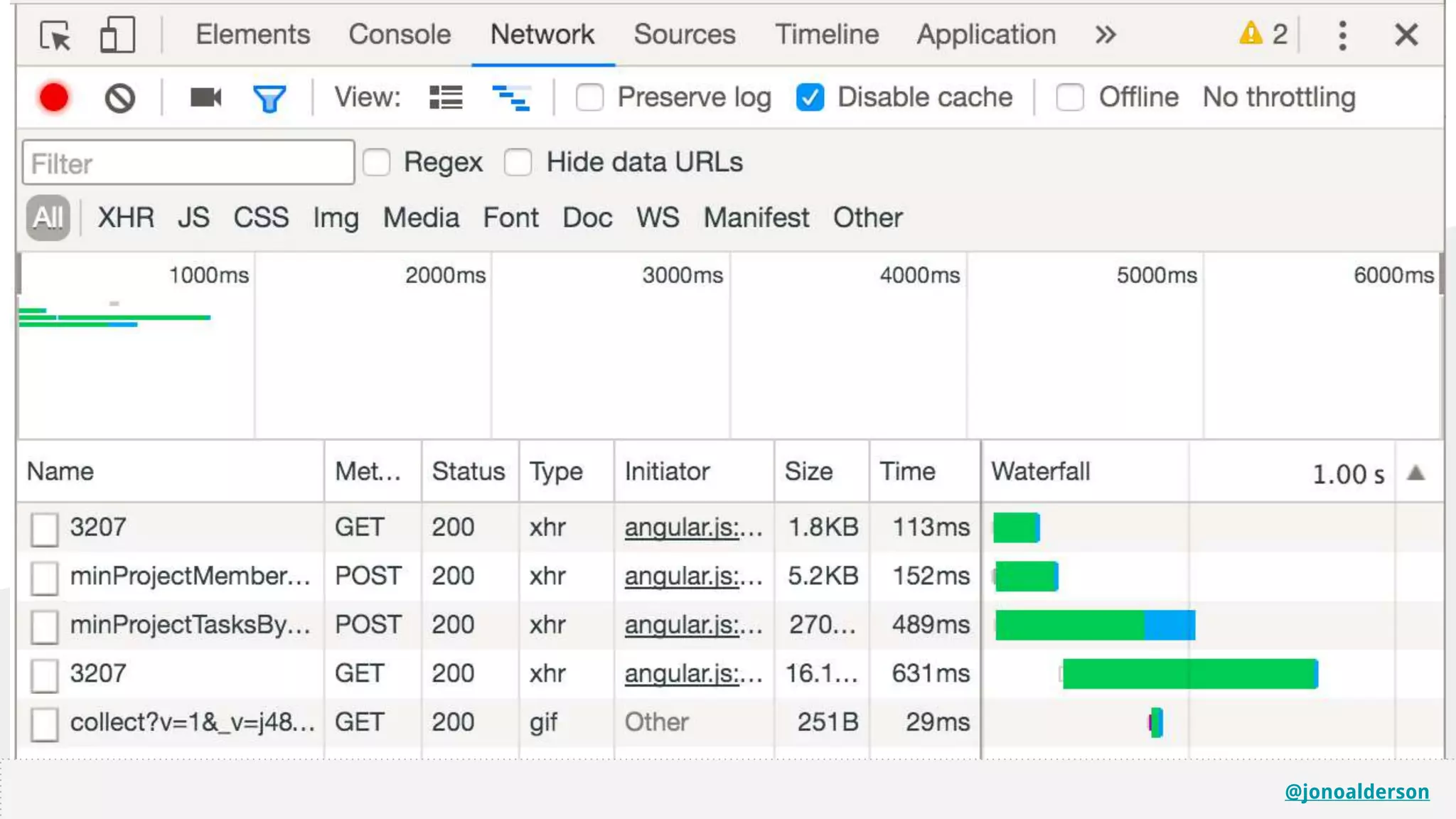
The Waterfall in Chrome
@jonoalderson
@jonoalderson
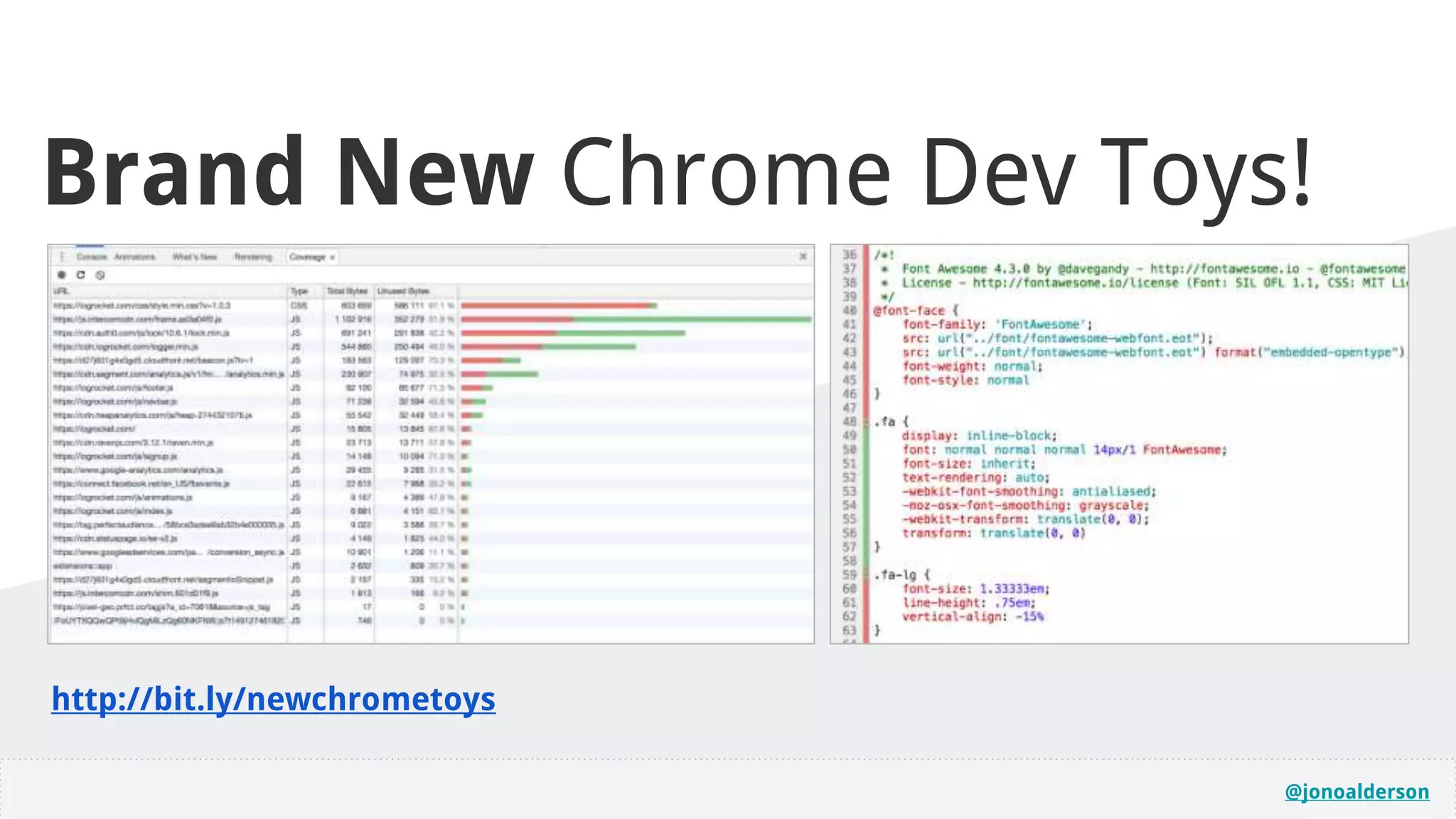
http://bit.ly/newchrometoys
Brand New Chrome Dev Toys!
@jonoalderson
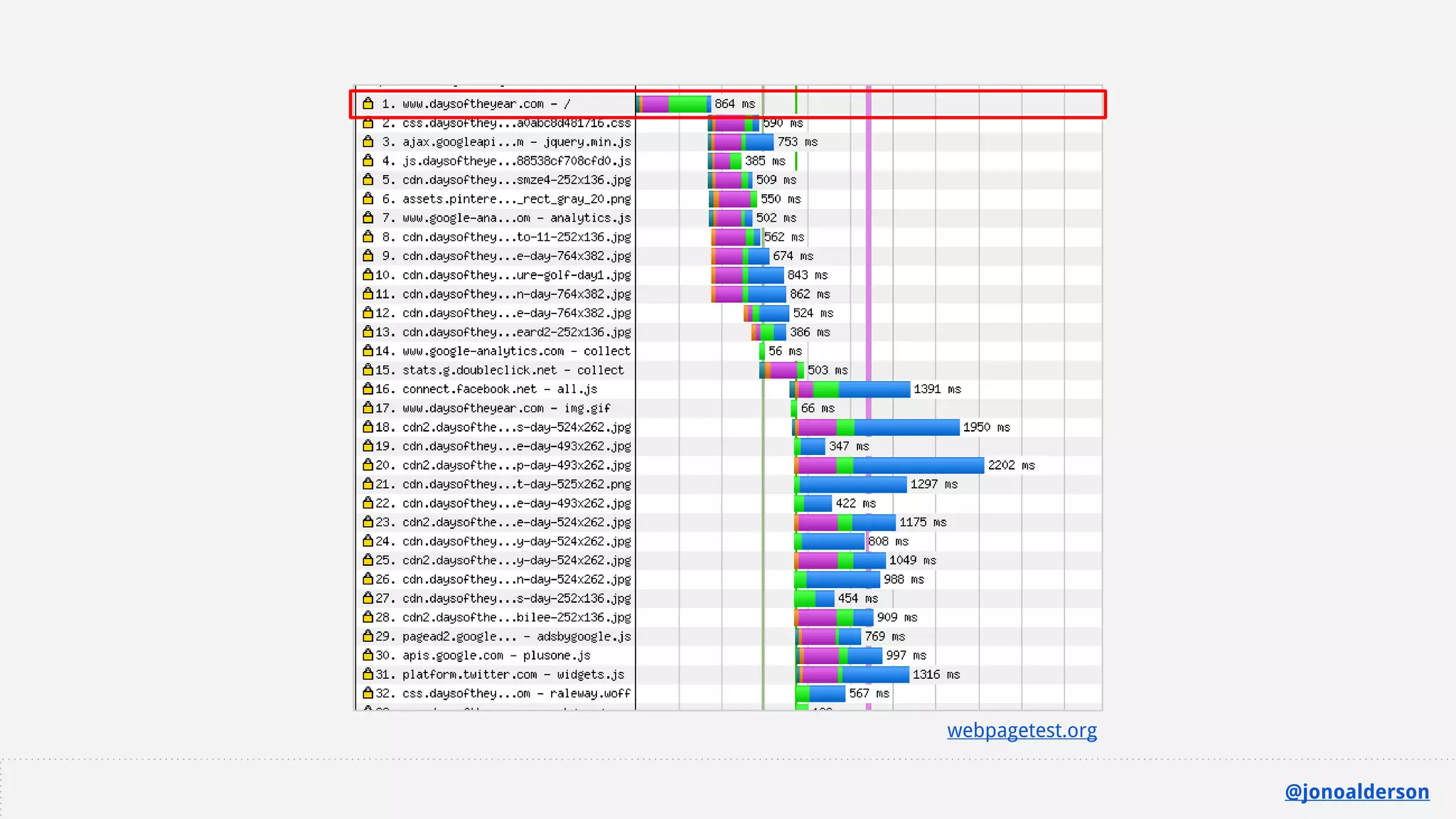
Which metrics matter?
● Don’t ignore, or get fixated on time ‘til first byte.
● You need to fix the front end and the back end.
@jonoalderson
webpagetest.org
@jonoalderson
@jonoalderson
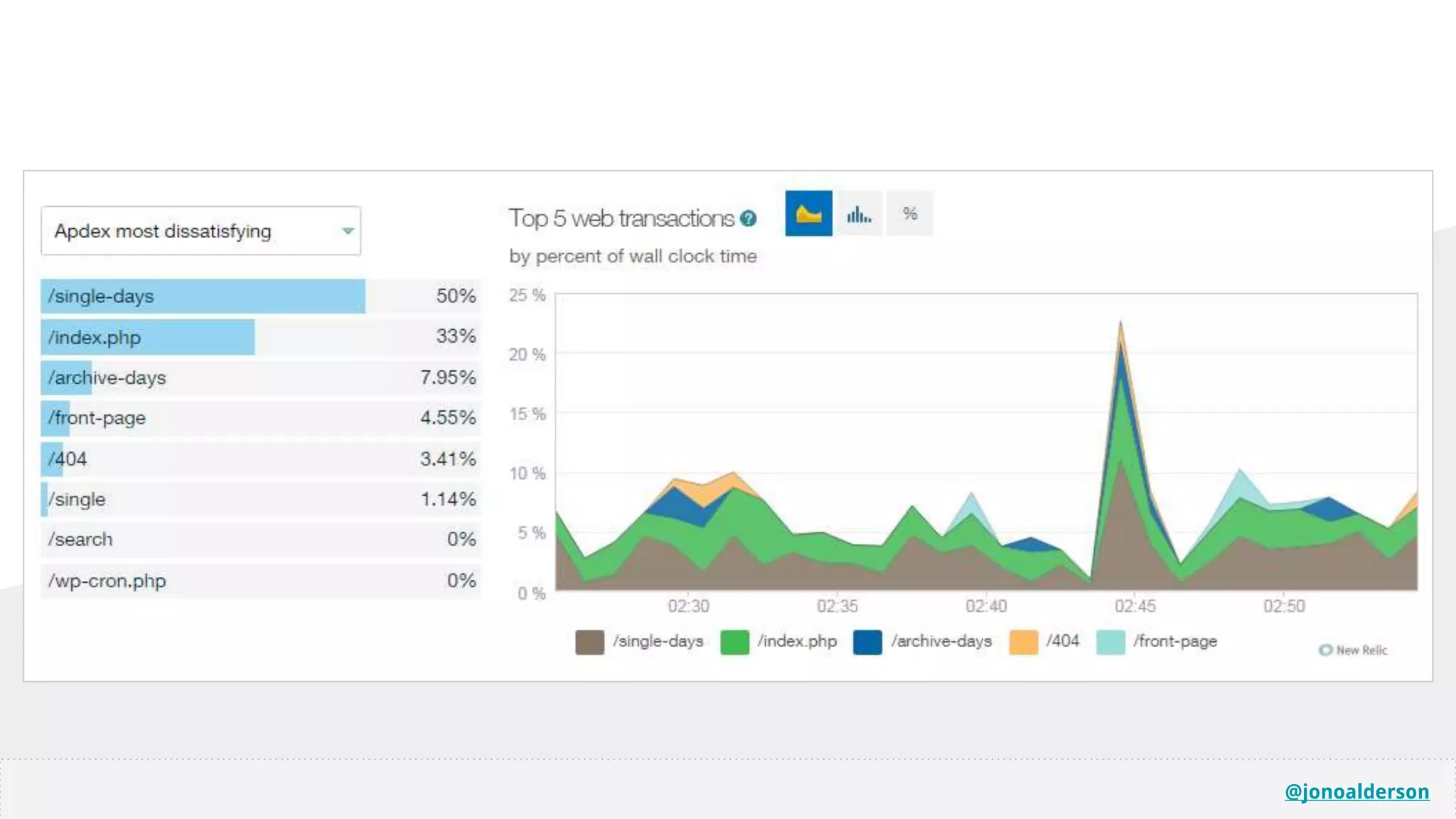
Other Tools
@jonoalderson
@jonoalderson
@jonoalderson
@jonoalderson
@jonoalderson
Undoing bad habits
@jonoalderson
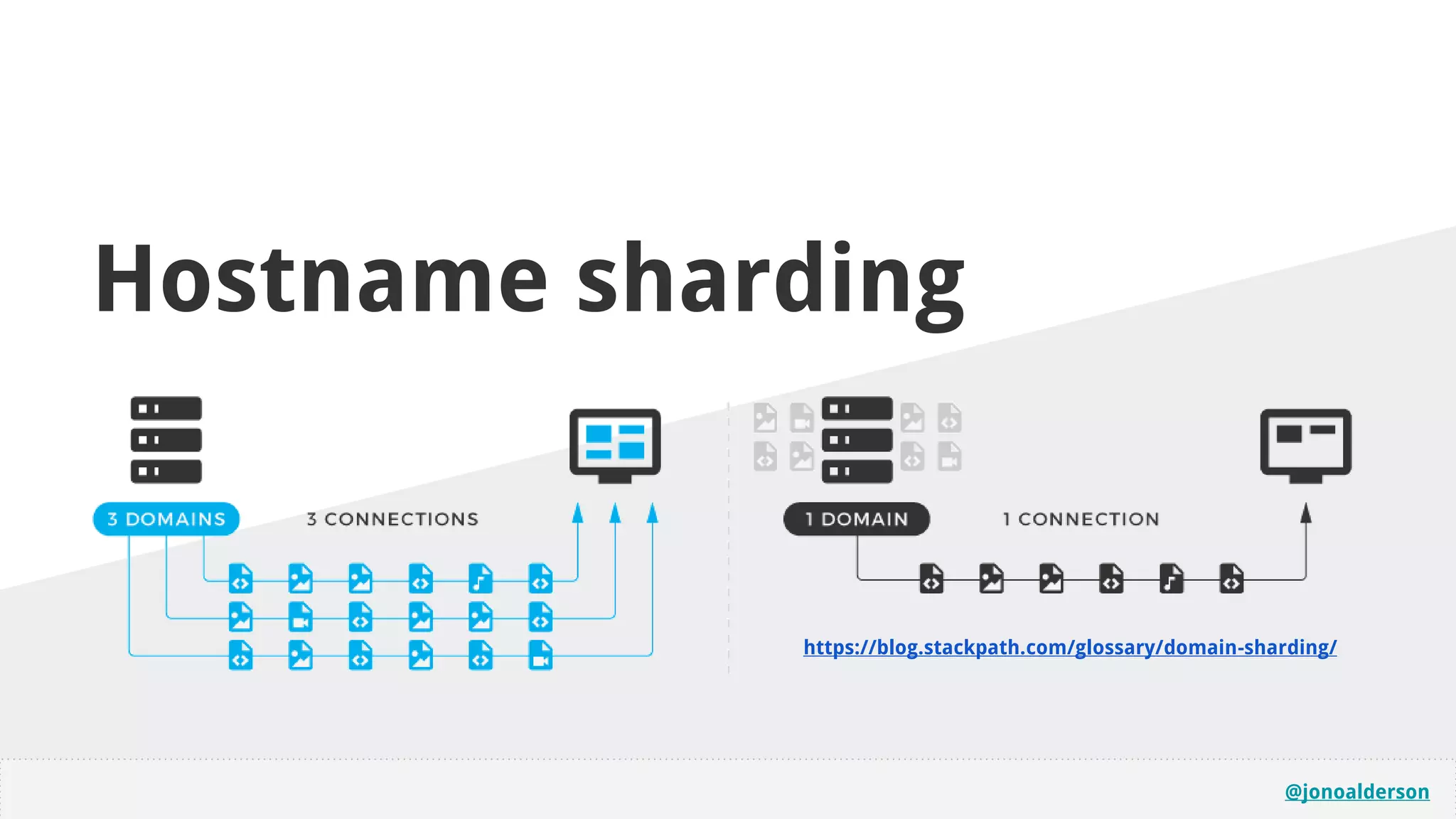
Hostname sharding
https://blog.stackpath.com/glossary/domain-sharding/
@jonoalderson
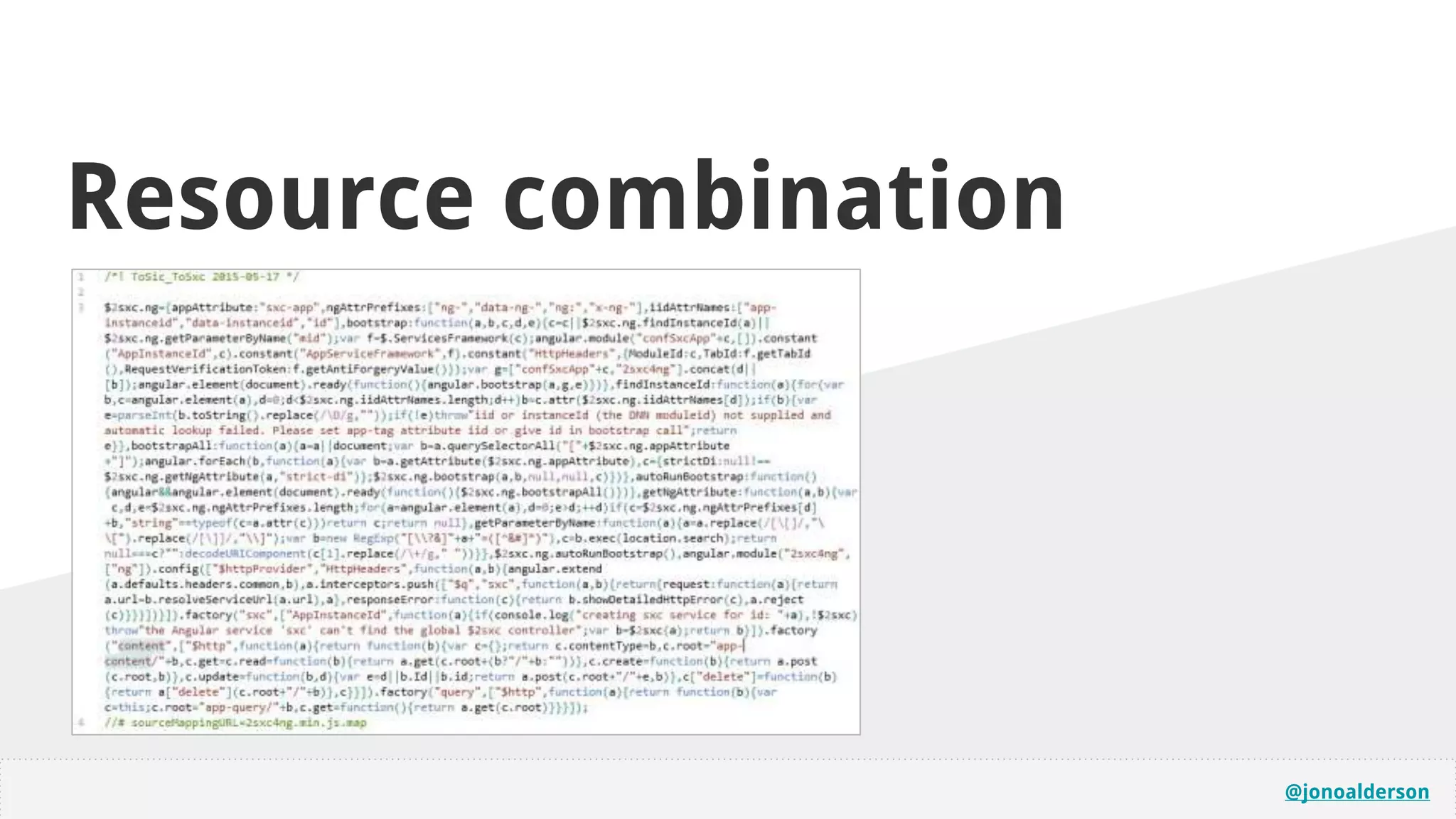
Resource combination
@jonoalderson
(I’m not going to talk about)
Back-end optimisation
@jonoalderson
Options for handling
angular/react sites...
1. Hope for the best
2. Serve static HTML versions, then let the framework pick up
the heavy lifting (using something like or PhantomJS)
3. Use something like Prerender.io (paid, or self-hosted).
@jonoalderson
● There comes a point where you outgrow a single server.
● If you’ve finite RAM and CPU, consider separating servers and
databases. Latency, however!
● Consider caching, varnish, load-balancers
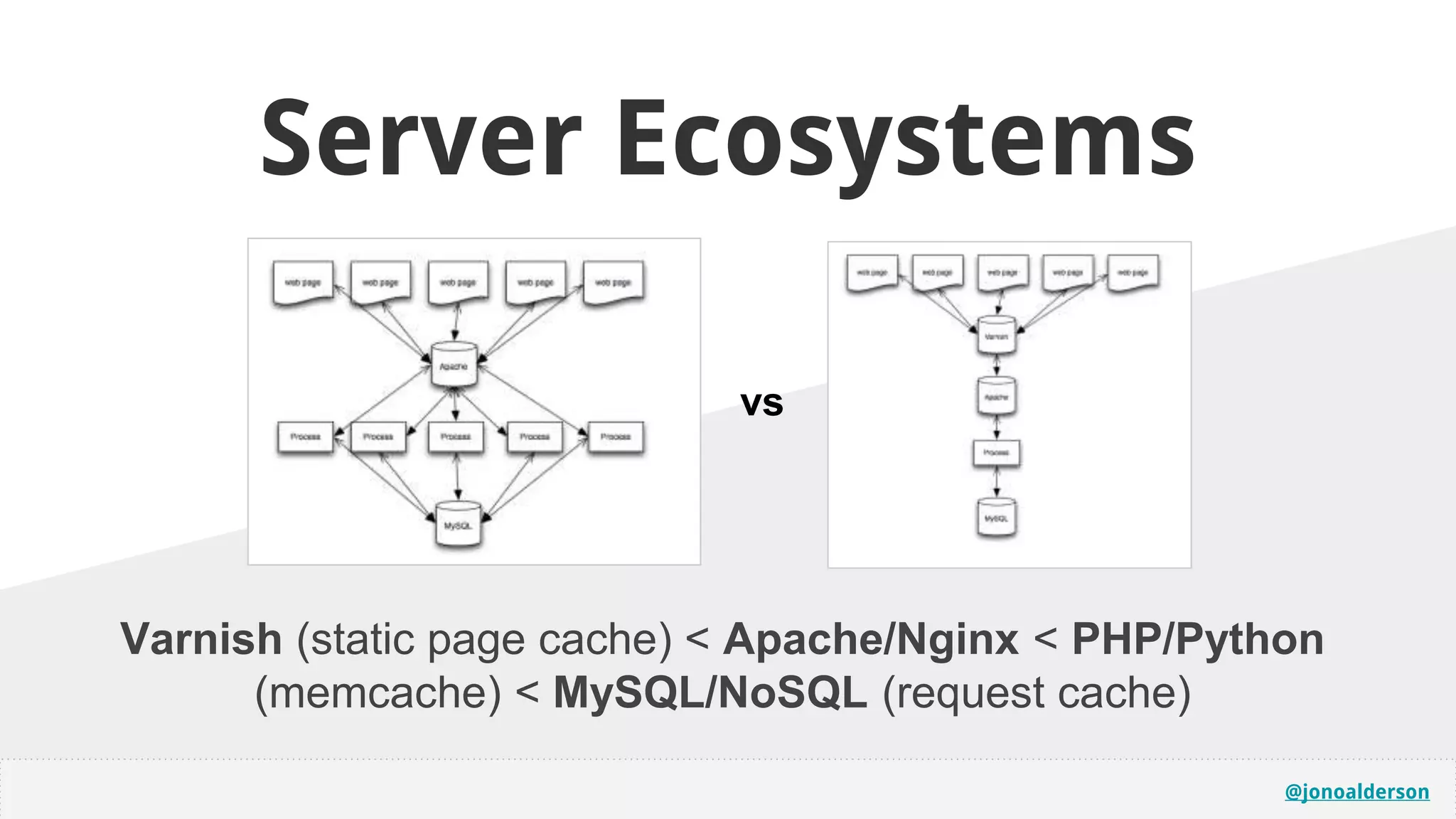
Server Ecosystems
@jonoalderson
Server Ecosystems
Varnish (static page cache) < Apache/Nginx < PHP/Python
(memcache) < MySQL/NoSQL (request cache)
vs
@jonoalderson
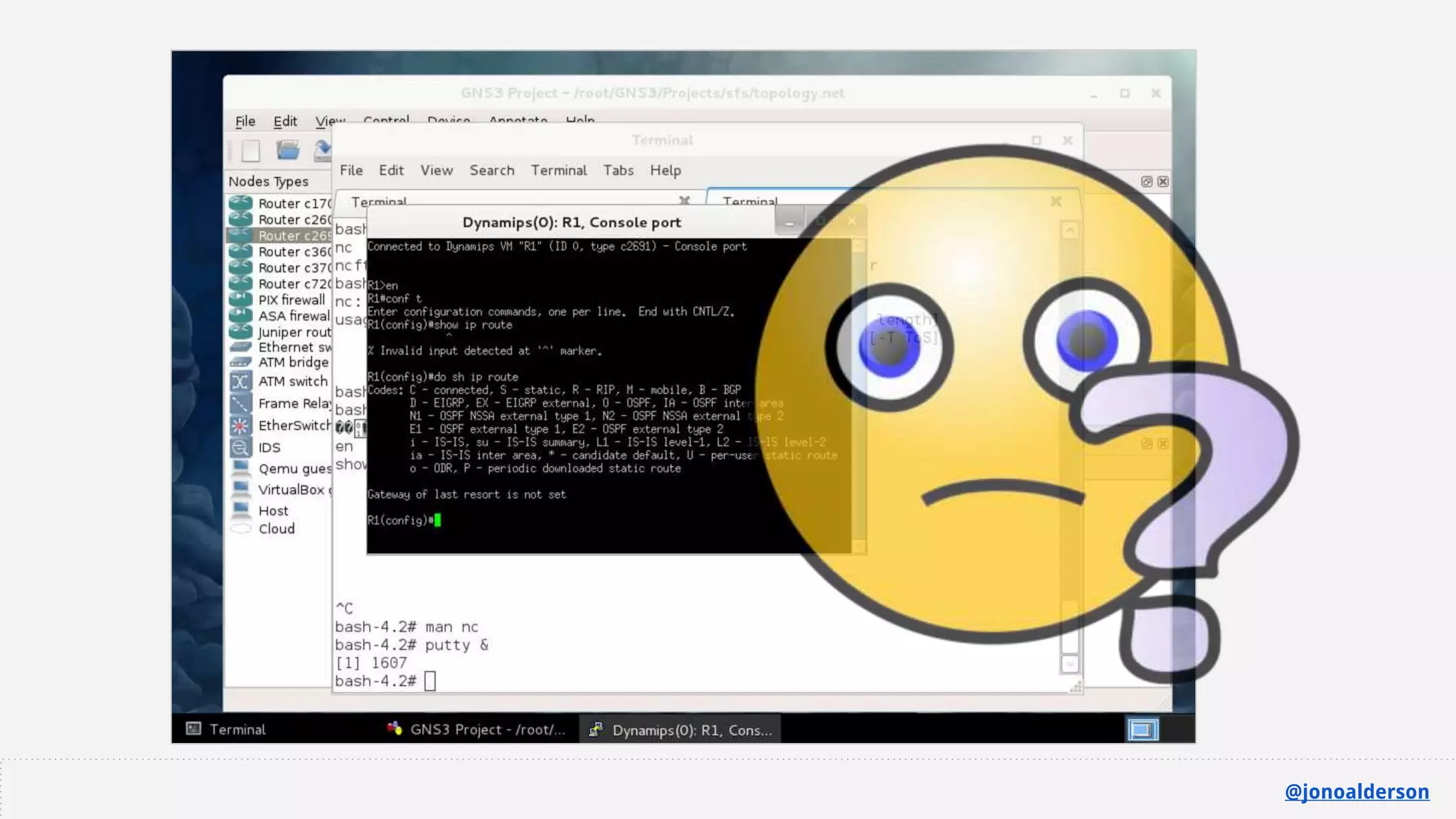
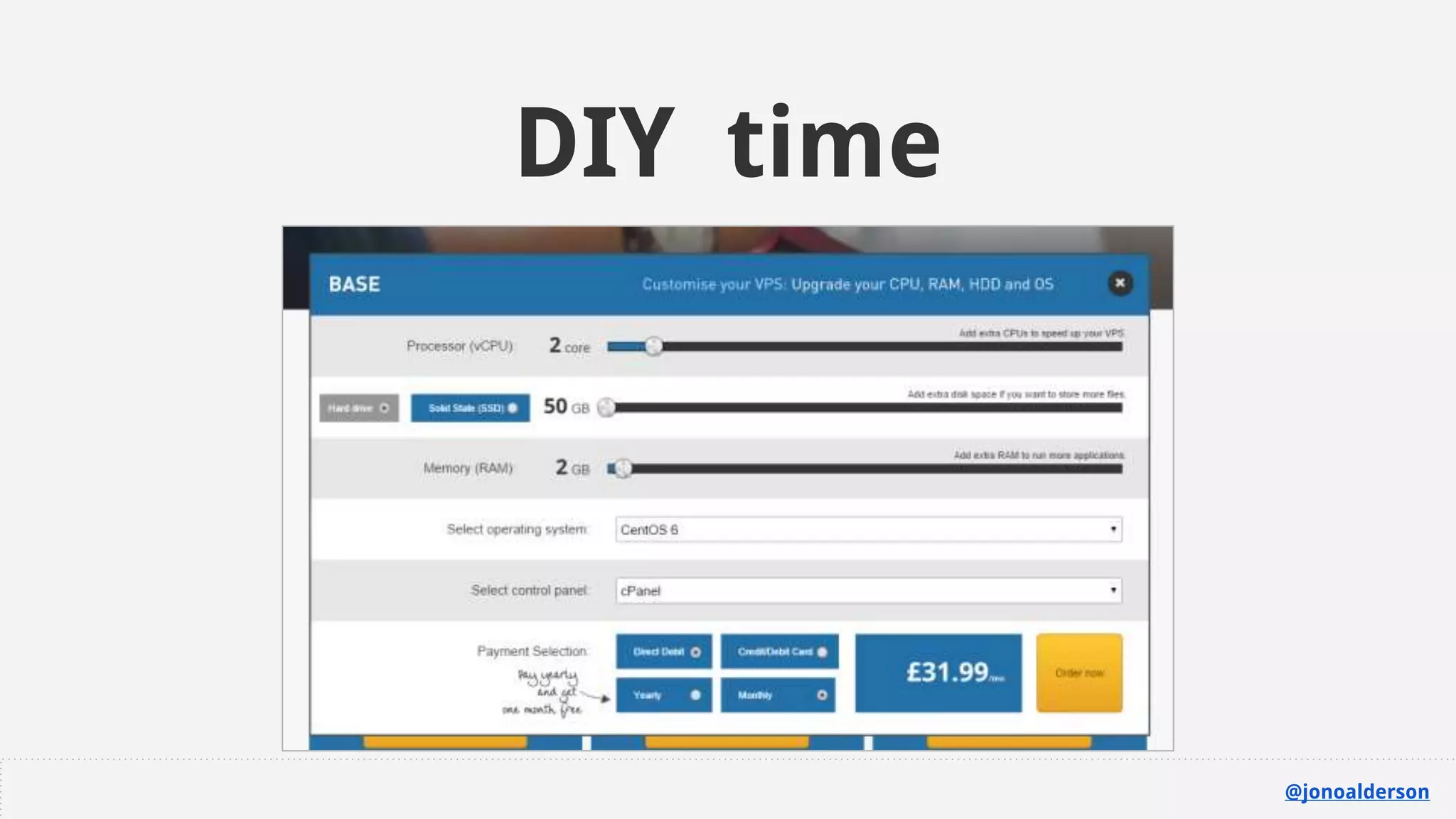
SCARY?
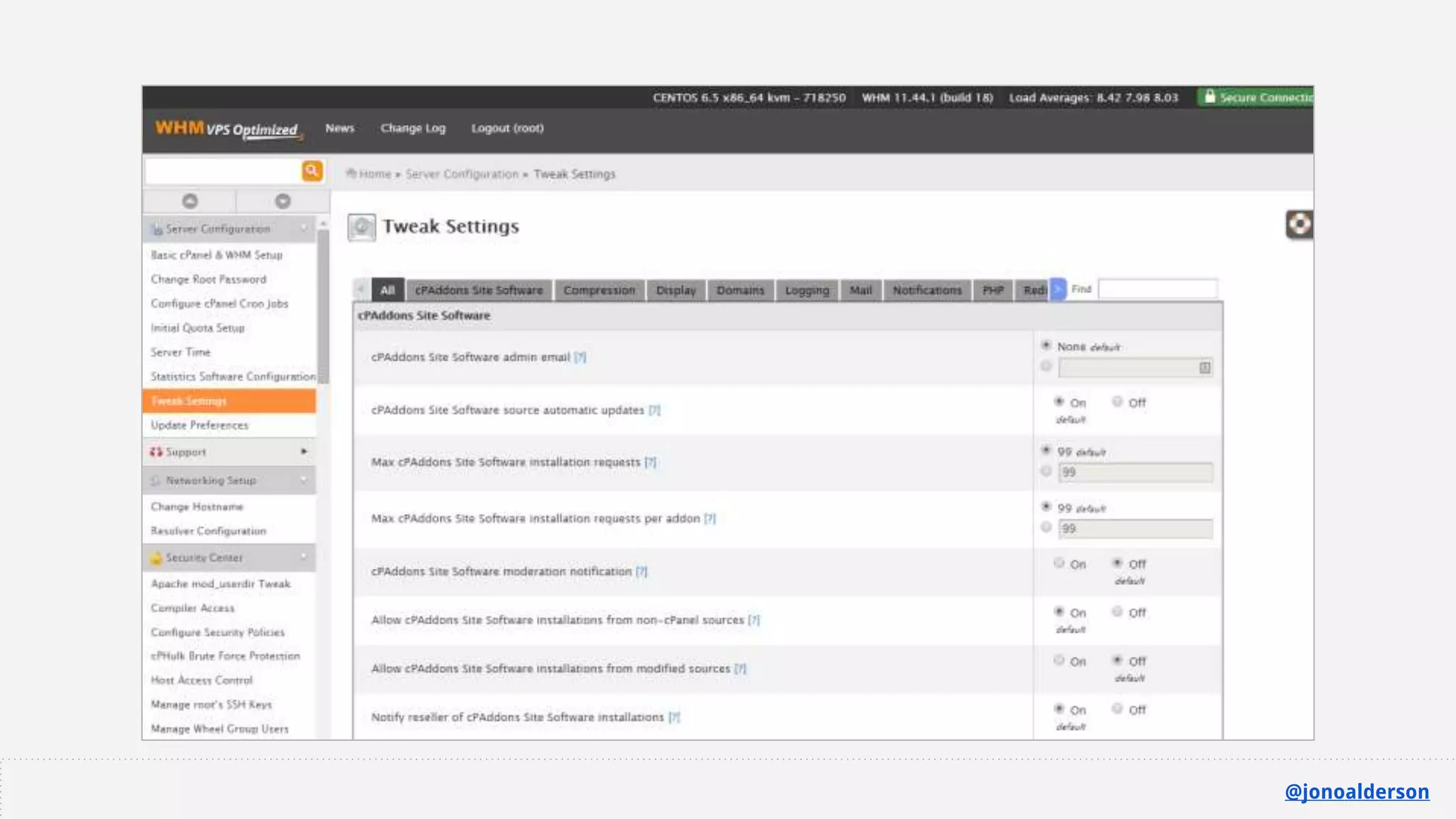
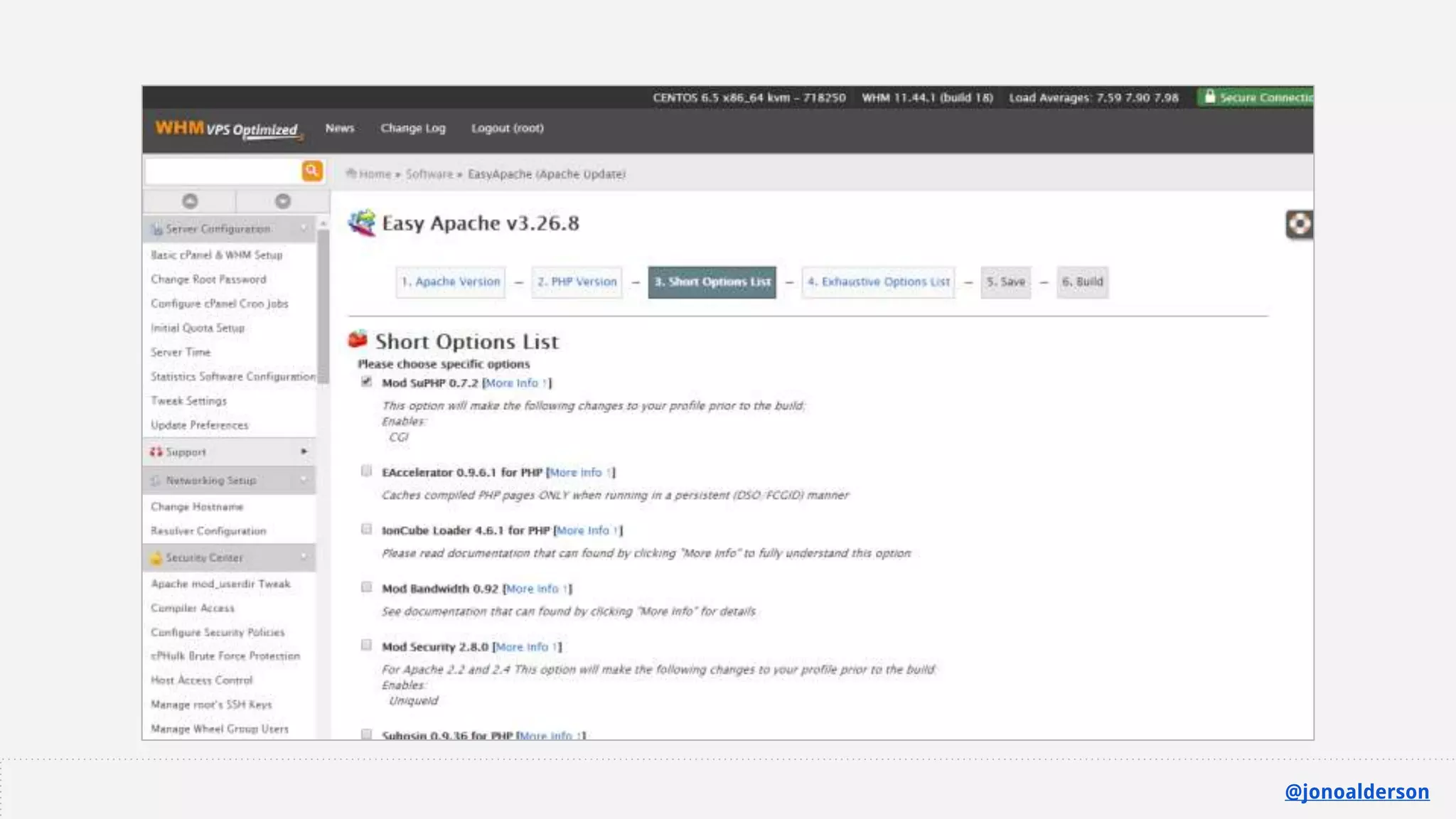
Learn by doing
DIY time
@jonoalderson
@jonoalderson
@jonoalderson
@jonoalderson
@jonoalderson
@jonoalderson
(I’m going to skim over)
Front-end optimisation
@jonoalderson
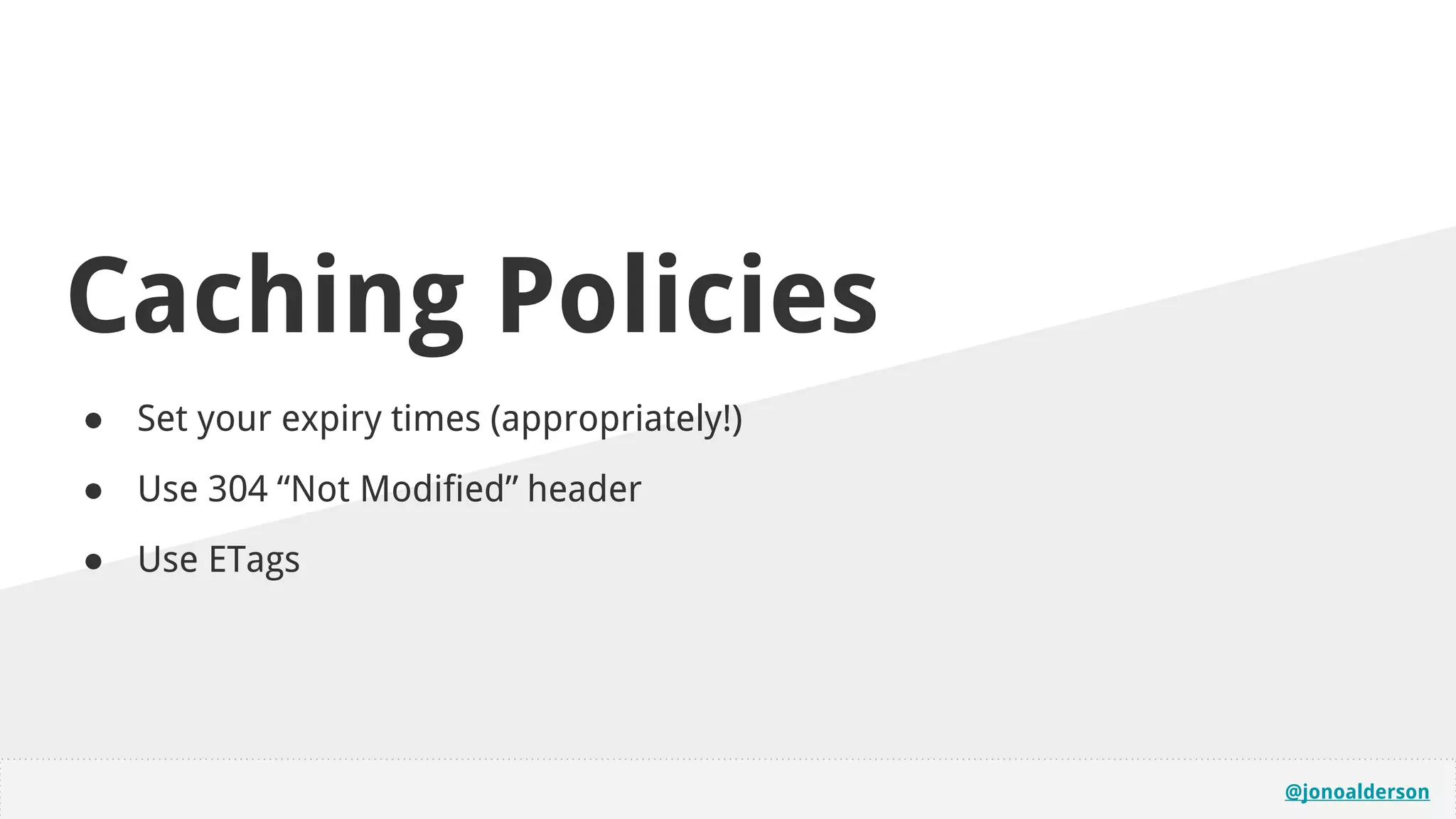
Caching Policies
● Set your expiry times (appropriately!)
● Use 304 “Not Modified” header
● Use ETags
@jonoalderson
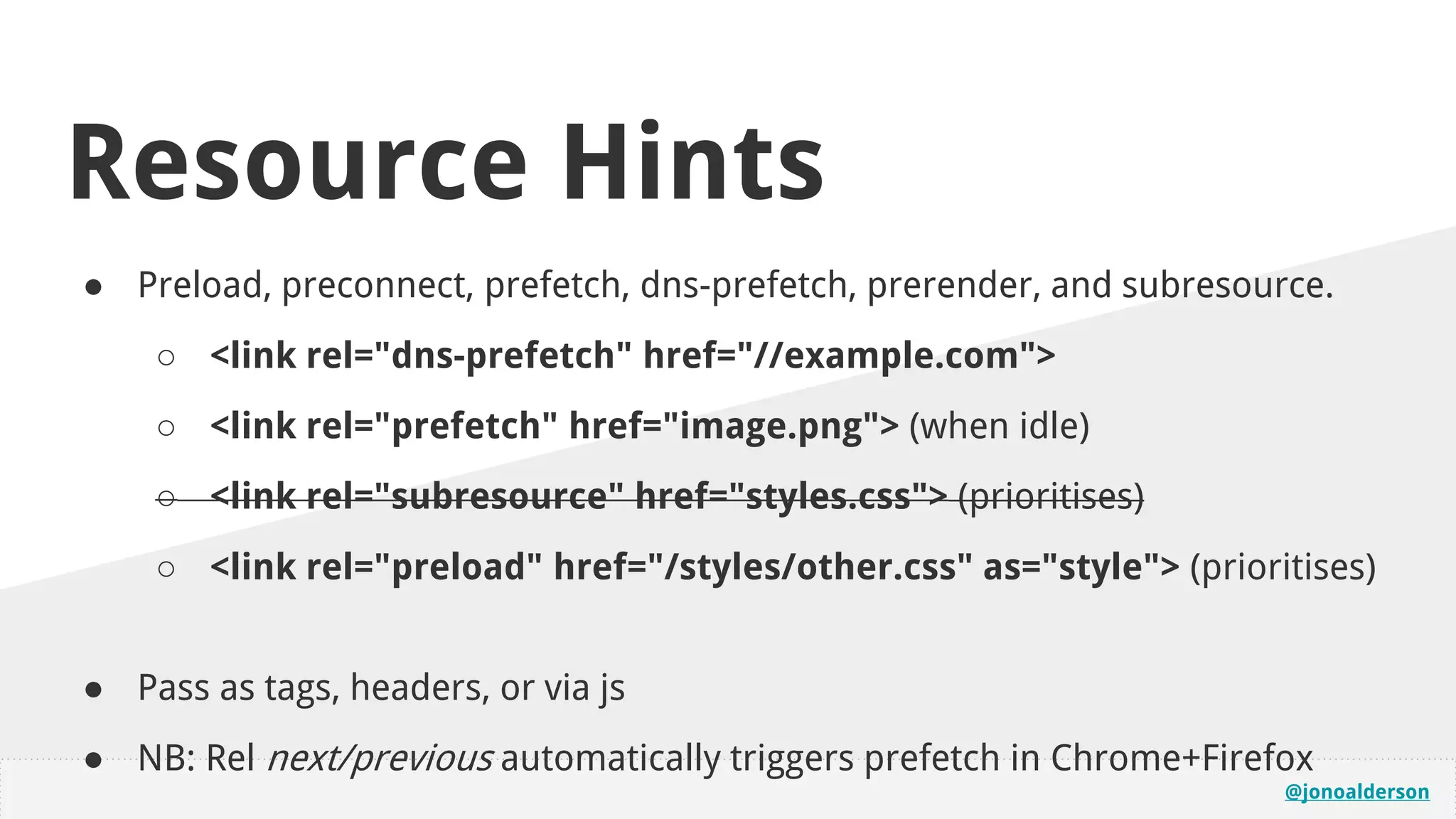
Resource Hints
● Preload, preconnect, prefetch, dns-prefetch, prerender, and subresource.
○ <link rel="dns-prefetch" href="//example.com">
○ <link rel="prefetch" href="image.png"> (when idle)
○ <link rel="subresource" href="styles.css"> (prioritises)
○ <link rel="preload" href="/styles/other.css" as="style"> (prioritises)
● Pass as tags, headers, or via js
● NB: Rel next/previous automatically triggers prefetch in Chrome+Firefox
@jonoalderson
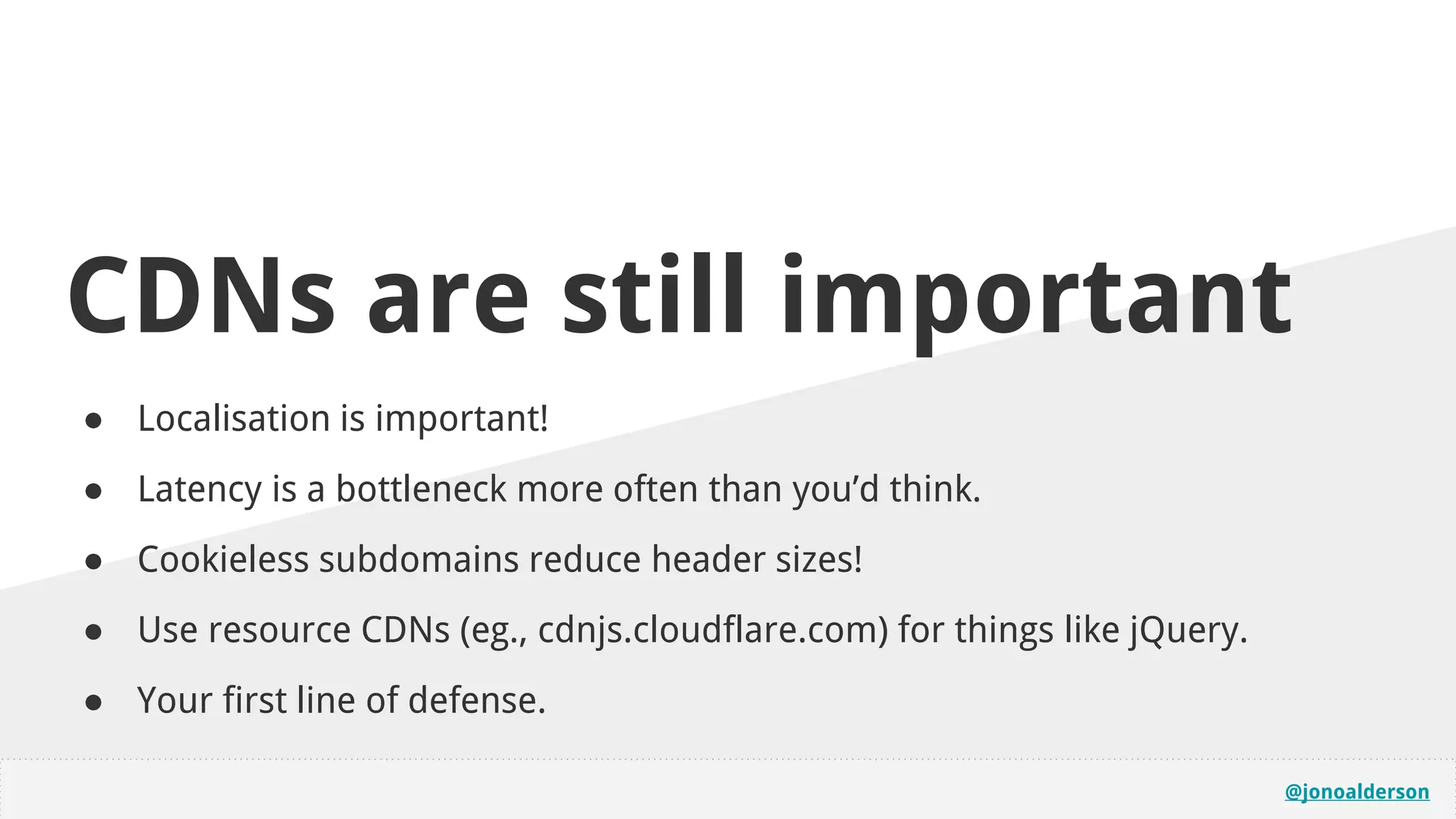
CDNs are still important
● Localisation is important!
● Latency is a bottleneck more often than you’d think.
● Cookieless subdomains reduce header sizes!
● Use resource CDNs (eg., cdnjs.cloudflare.com) for things like jQuery.
● Your first line of defense.
@jonoalderson
@jonoalderson
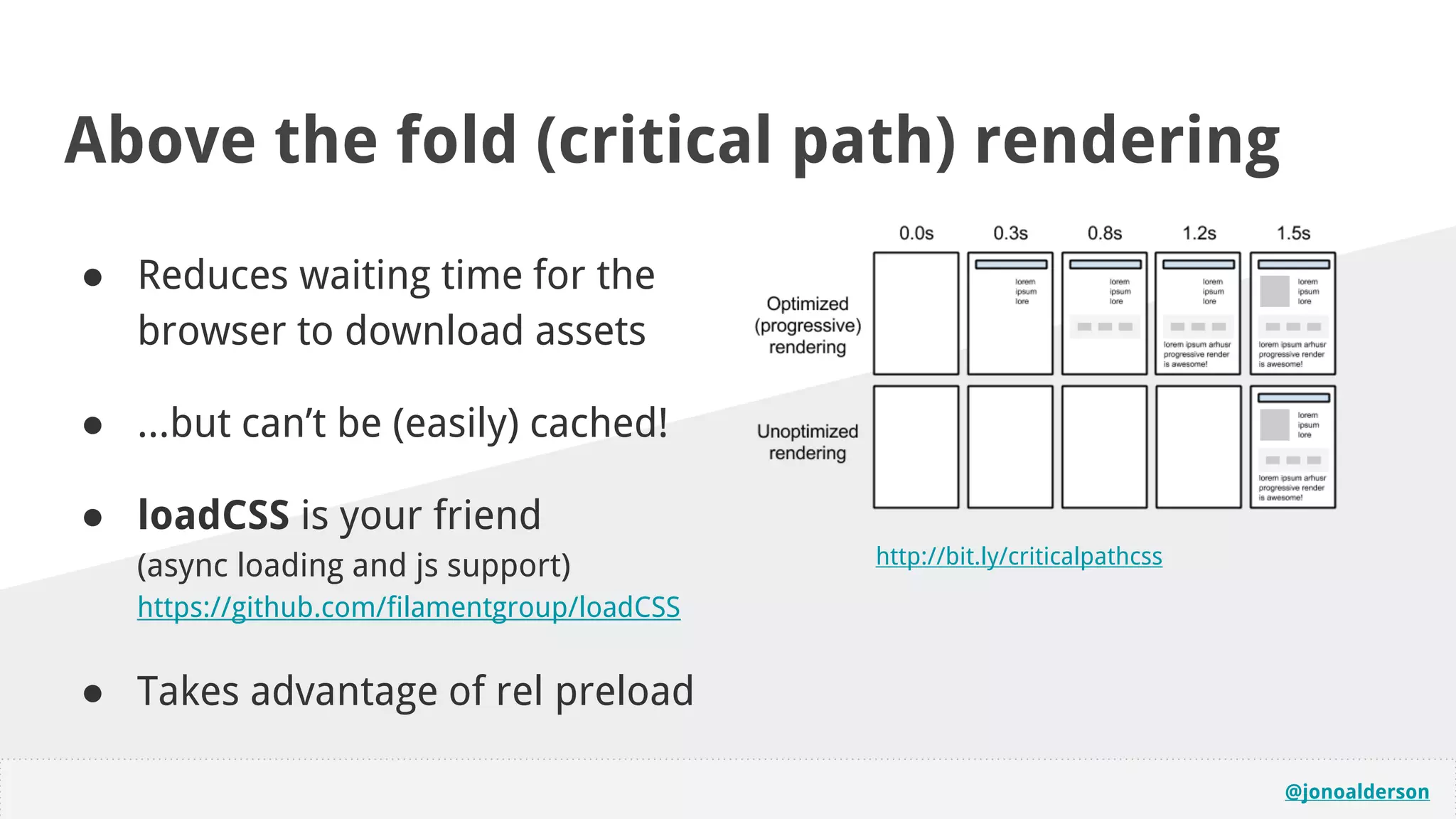
Above the fold (critical path) rendering
● Reduces waiting time for the
browser to download assets
● ...but can’t be (easily) cached!
● loadCSS is your friend
(async loading and js support)
https://github.com/filamentgroup/loadCSS
● Takes advantage of rel preload
http://bit.ly/criticalpathcss
@jonoalderson
(Re)paint & (Re)flow
● Consider how the page is constructed
and how it behaves
● Minimise unknowns to reduce tearing
and reflow in particular
● Small technical gains, big perception
gains
https://developers.google.com/speed/articles/reflow
@jonoalderson
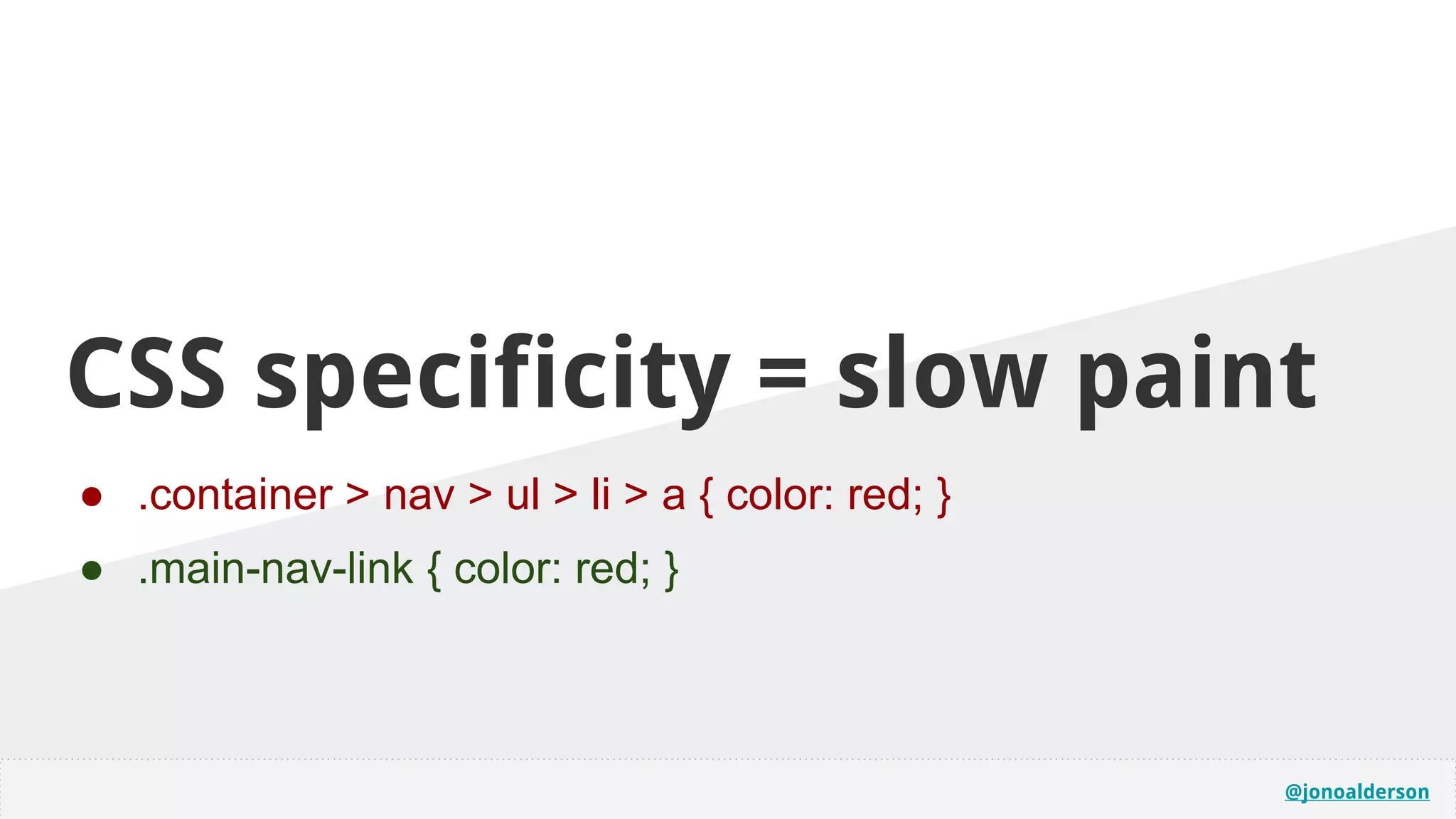
CSS specificity = slow paint
● .container > nav > ul > li > a { color: red; }
● .main-nav-link { color: red; }
@jonoalderson
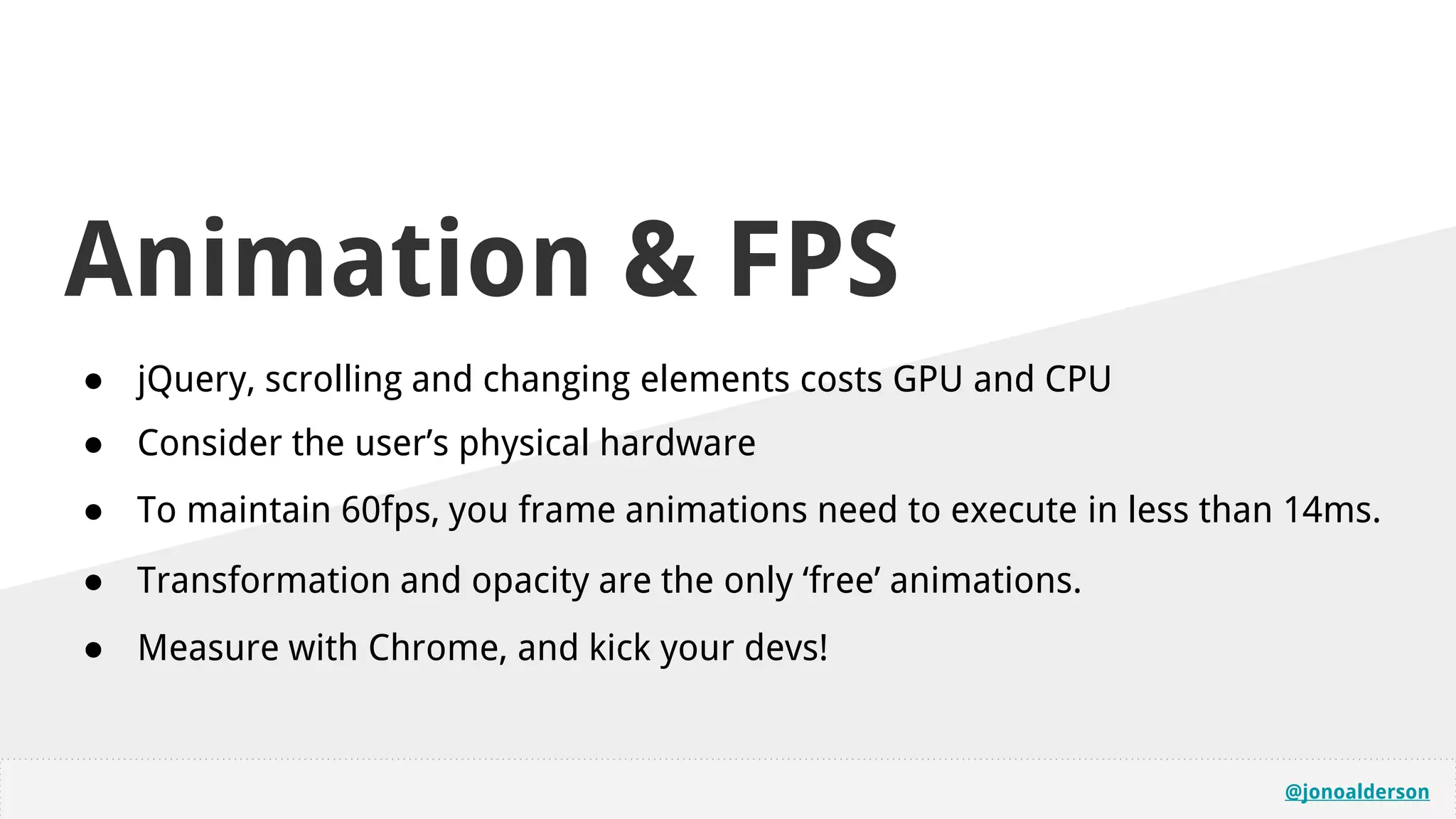
Animation & FPS
● jQuery, scrolling and changing elements costs GPU and CPU
● Consider the user’s physical hardware
● To maintain 60fps, you frame animations need to execute in less than 14ms.
● Transformation and opacity are the only ‘free’ animations.
● Measure with Chrome, and kick your devs!
@jonoalderson
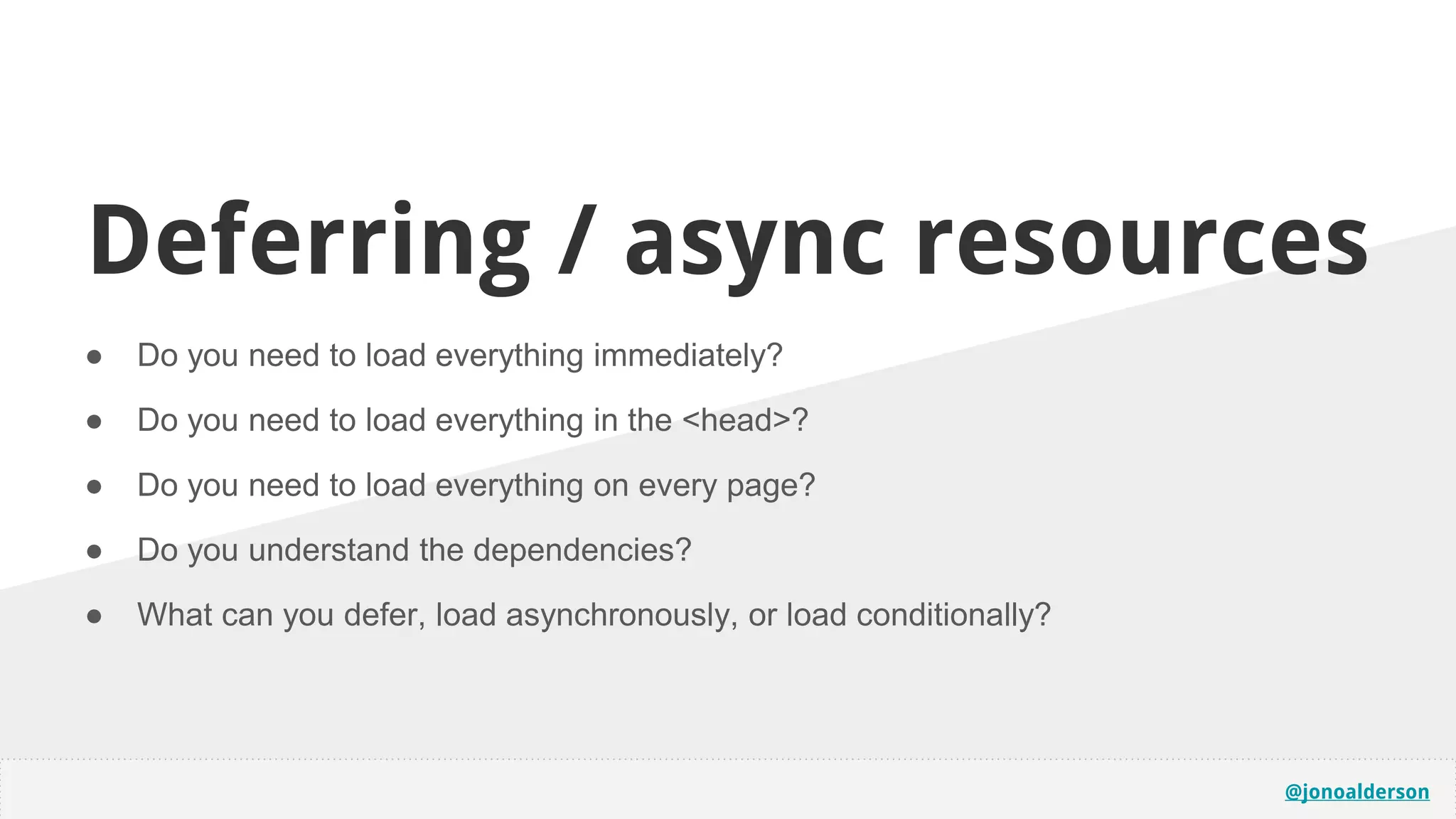
Deferring / async resources
● Do you need to load everything immediately?
● Do you need to load everything in the <head>?
● Do you need to load everything on every page?
● Do you understand the dependencies?
● What can you defer, load asynchronously, or load conditionally?
@jonoalderson
(You should go learn about)
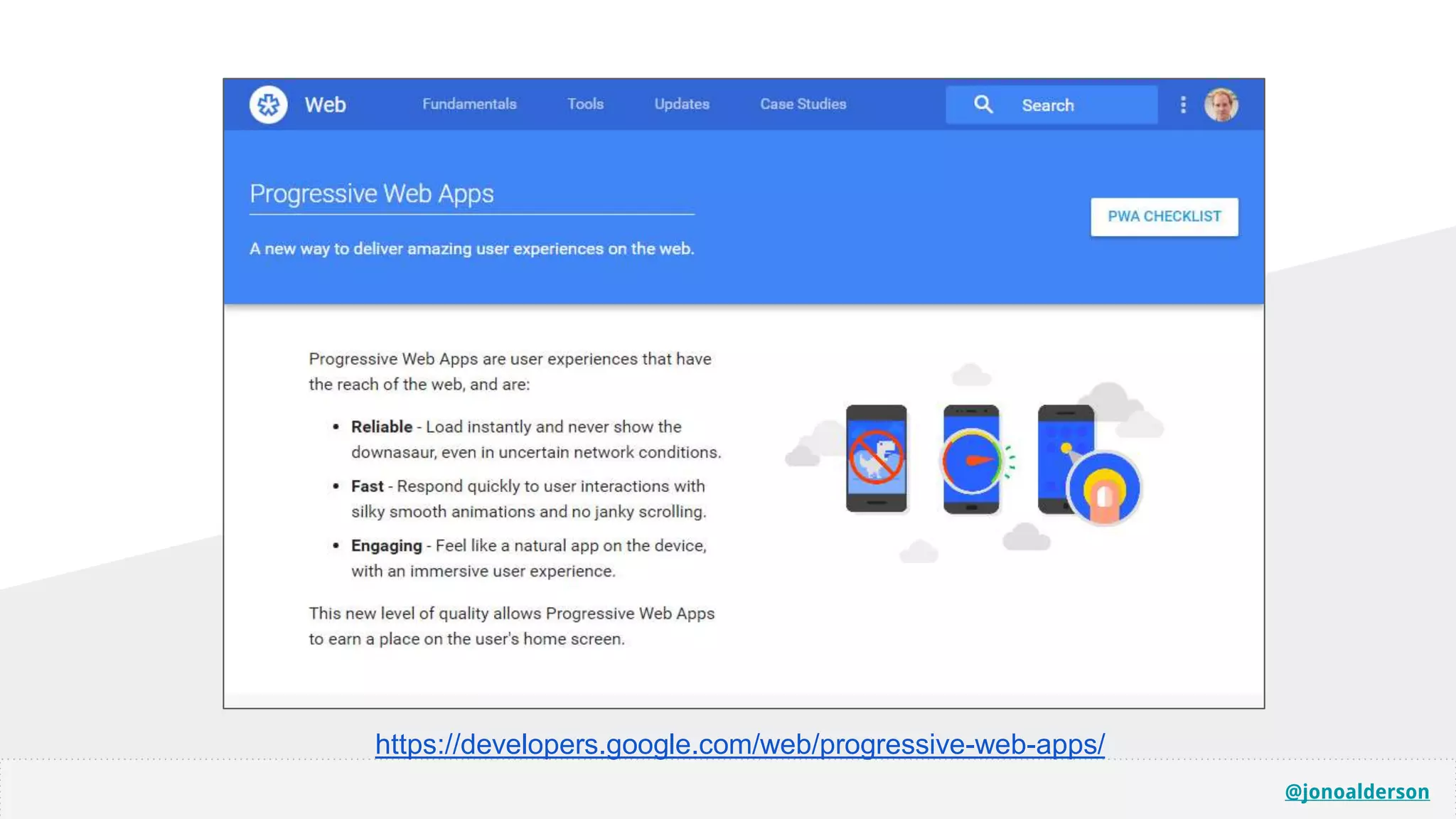
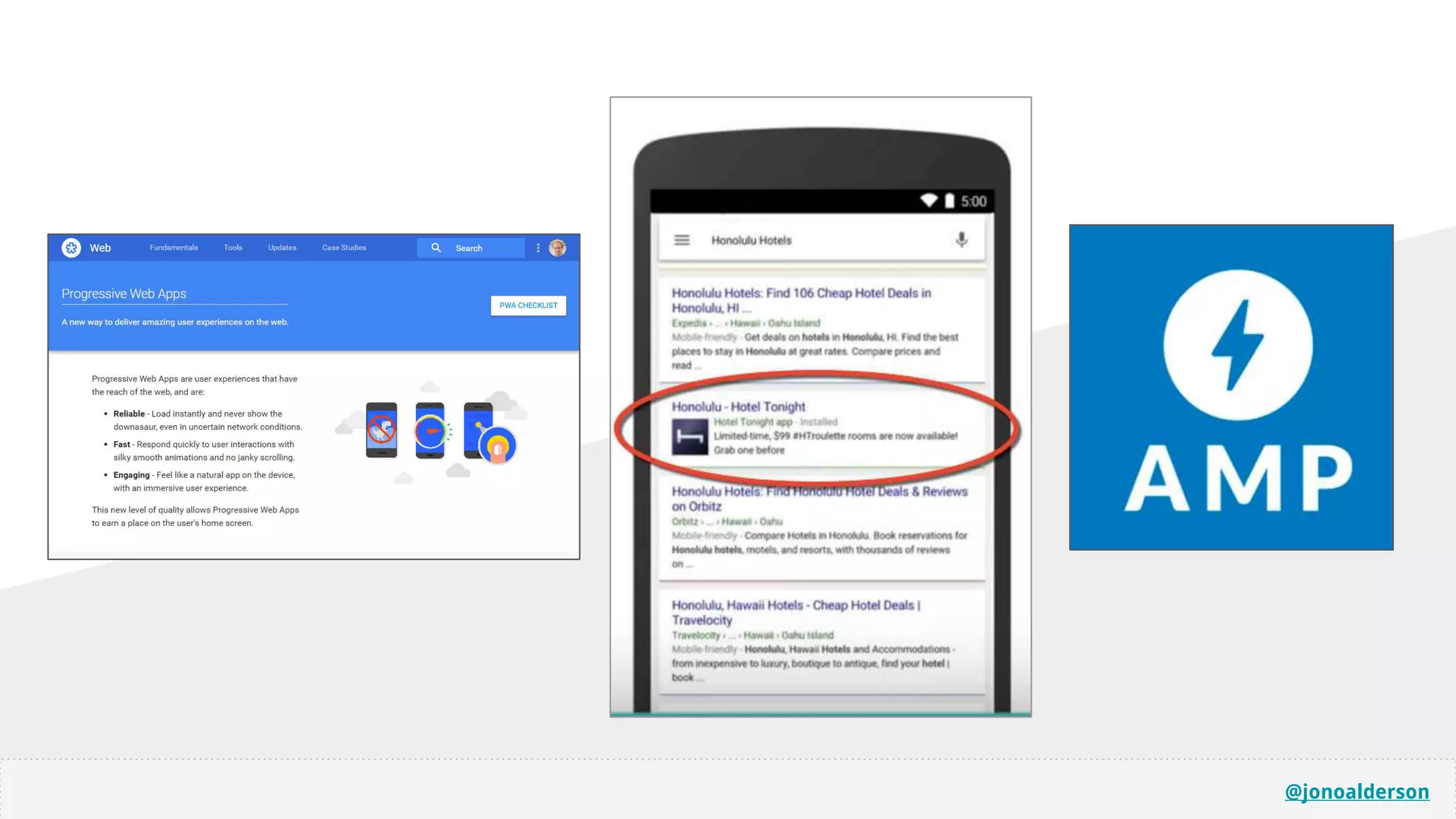
PWAs
@jonoalderson
https://developers.google.com/web/progressive-web-apps/
@jonoalderson
“Twitter Lite and High Performance React
Progressive Web Apps at Scale”
http://bit.ly/twitterpwa
@jonoalderson
@jonoalderson
Key takeaways...
@jonoalderson
@jonoalderson
You have a million
opportunities to improve
performance
...and every byte matters to users.
@jonoalderson
Ignore all of the scores
the tools give you, and
just make things faster.
@jonoalderson
Don’t neglect your
infrastructure and back-
end opportunities
@jonoalderson
The landscape is changing
Don’t get caught up in today’s hype
@jonoalderson
AMP is not the end.
(but this is)
GO OUT AND WIN

The Need for Speed! Accelerated mobile, beyond AMP

Editor's Notes

  • #4 Why is performance important? Everybody seen the Amazon studies (and all of the others?) Why is it only going to get more important? Instantaneous is the new 2 seconds is the new 5 seconds!
  • #5 This session is for anybody who wants to go faster (either with AMP, or without), but doesn’t know where to start; front end, back end, and everything inbetween.
  • #7 The AMP project in particular has pushed performance forward (not without politics)... (AND, there may be good reasons why you don’t want to use AMP, but still want the benefits).
  • #9 Not a magic bullet. Walled gardens and dependency on Google, poor implementation. Yet another language/framework to maintain (for them, and for us). Deprecation? Invalid code? Security? Pinging, caching. Pros and cons? Control! Ownership! Are there alternatives?
  • #10 Have to ping to manage versions
  • #11 But no guarantees; flakey!
  • #14 Other people are getting involved. But is it enough?...AND… their implementation is a little… odd… not easy to do your own amp cache, as you need to host and maintain your own version of the amp library# no guarantees your amp cache is used by third parties such as search engines
  • #15 What’s your motivation for adopting AMP; the performance, or access to the sandpit? You can have all the performance advantages without having to be in the cache, etc.
  • #16 But it’s a choice, with implications. And there are other options. But it’s also the tip of the iceberg; if your goal is performance, there are a million other things you can do.
  • #19 HTTPS is mandatory. Security. Performance. Acceptance. This thinking assumes that you’re already compliant, or are about to be. No reason not to (ad platforms, etc) “HTTPS is slower!” - the myth of secure handshake bottlenecks
  • #20 Not binary!
  • #21 Cheap certs often = long chains! Cloudflare = shared/cheap Let’s Encrypt; install in/on server. Also, cPanel now DIY’s, too. Better certs = closer to trusted sources, and also better liabilities
  • #25 Still bottlenecks based on the number of assets you’re loading, the size of those, where they’re hosted, etc.
  • #26 Still bottlenecks based on the number of assets you’re loading, the size of those, where they’re hosted, etc.
  • #28 Apache config, or automate via Cloudflare (etc) Cloudflare - also, upgrade insecure resources, force https, free sll certs, etc. At some point you have to sort all of this out, so it should probably be now.
  • #29 Parallelised/individual resources; no waiting! Enables keep-alive by default
  • #31 A FAST, wired connection from east coast to west coast USA might take ~60-100ms. A 4g connection to a remote server might take up to ~200ms (‘sluggish’)! HTTP services do round-trips to get resources; HTTP2 services run in parallel. What goes into your first few packets?
  • #33 CSS3 is often faster than using images ...Though processing and rendering are your bottlenecks SVGs > JPG/PNG is a good general rule. WebP even better, but challenges. Although… inlining resources makes them harder to cache, and may not be optimal in terms of prioritsation
  • #34 Conditional media queries still (can) load all the assets Mechanisms which use display:none still load the image Mechanisms which replace the image src attribute to lazy-load probably aren’t great for accessibility or SEO
  • #35 Conditional media queries still (can) load all the assets Mechanisms which use display:none still load the image Mechanisms which replace the image src attribute to lazy-load probably aren’t great for accessibility or SEO
  • #36 Base64 encode fonts and icons, and SVGs!
  • #37 Doesn’t need an extra request, which still carries overhead
  • #38 Up to 40% smaller! Better compression, shared headers, etc.
  • #40 Most systems don’t cache 404s (or other errors) Some scenarios mean that requests to errors redirect, download subsequent resources, etc. Cost-intensive. Robots.txt, favicons, app icons, msapplication policies, requests to old URLs, security probes.
  • #41 Most systems don’t cache 404s (or other errors) Some scenarios mean that requests to errors redirect, download subsequent resources, etc. Cost-intensive. Robots.txt, favicons, app icons, msapplication policies, requests to old URLs, security probes.
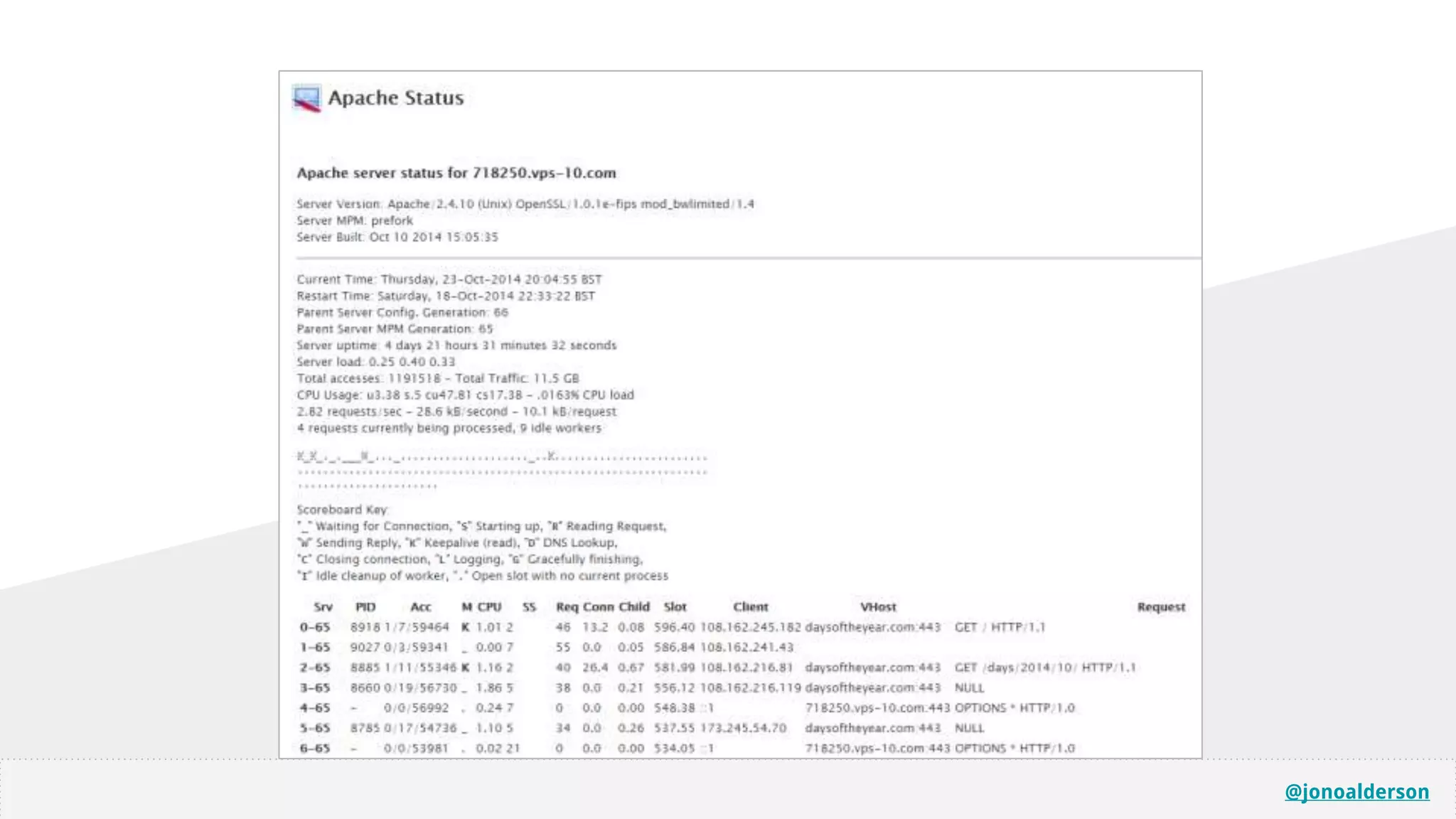
  • #45 Your best tool is your brain, and your experience. Use the Chrome waterfall, look for slow request/respond/paint processes. Click on them, and read! It’ll give you tips. Diagnosing bottlenecks
  • #48 Longest single wait is often connect + receive* Nothing else can happen until this is done. More time processing, or more time delivering? Don’t ignore, and don’t get obsessed! CDNs; later!
  • #55 HTTP/2 will automatically coalesce connections if the host resolves to the same IP and the TLS certificate is valid on both
  • #56 Itemised SASS/LESS/JS outputs - only load the bits you need Different expirey and caching methodologies for different assets and types?
  • #62 VPS, Heart?
  • #63 Email, FTP, SQL, PHPmyadmin. Start to see behind the curtain.
  • #64 Gzip RAM allocation Gzip variablles!
  • #65 PHP versions, addons, etc
  • #69 Be careful about accidentally consuming CPU/GPU, wasting bandwidth, triggering JS, etc https://www.w3.org/TR/page-visibility/ - page visibility API is generally supported, and lets you check if a tab is active/visible.
  • #71 Edge caching assets easy; html less so. Uncommon. More complex setups; distributed servers/etc.
  • #78 Homepage icon prompt Online/offline hybridisation; control local caching, etc Need URL-based nav (which you already need for app indexing) Precursor to sideloaded APKs!
  • #82 Consider that maybe a separate app isn’t the future ...That Google want to push for seamless search>content transition (albeit with monetisation) The app store disrupts this; and Google Now scraping apps isn’t a good enough fix. AMP and PWA pages are increasingly gaining access to mobile hardware; seamless transition into apps, and even into VR.