

















@jonoalderson
How to Take Your Website Beyond Fast
@jonoalderson
Hello!
@jonoalderson
WARNING!
@jonoalderson
Users expect fast
@jonoalderson
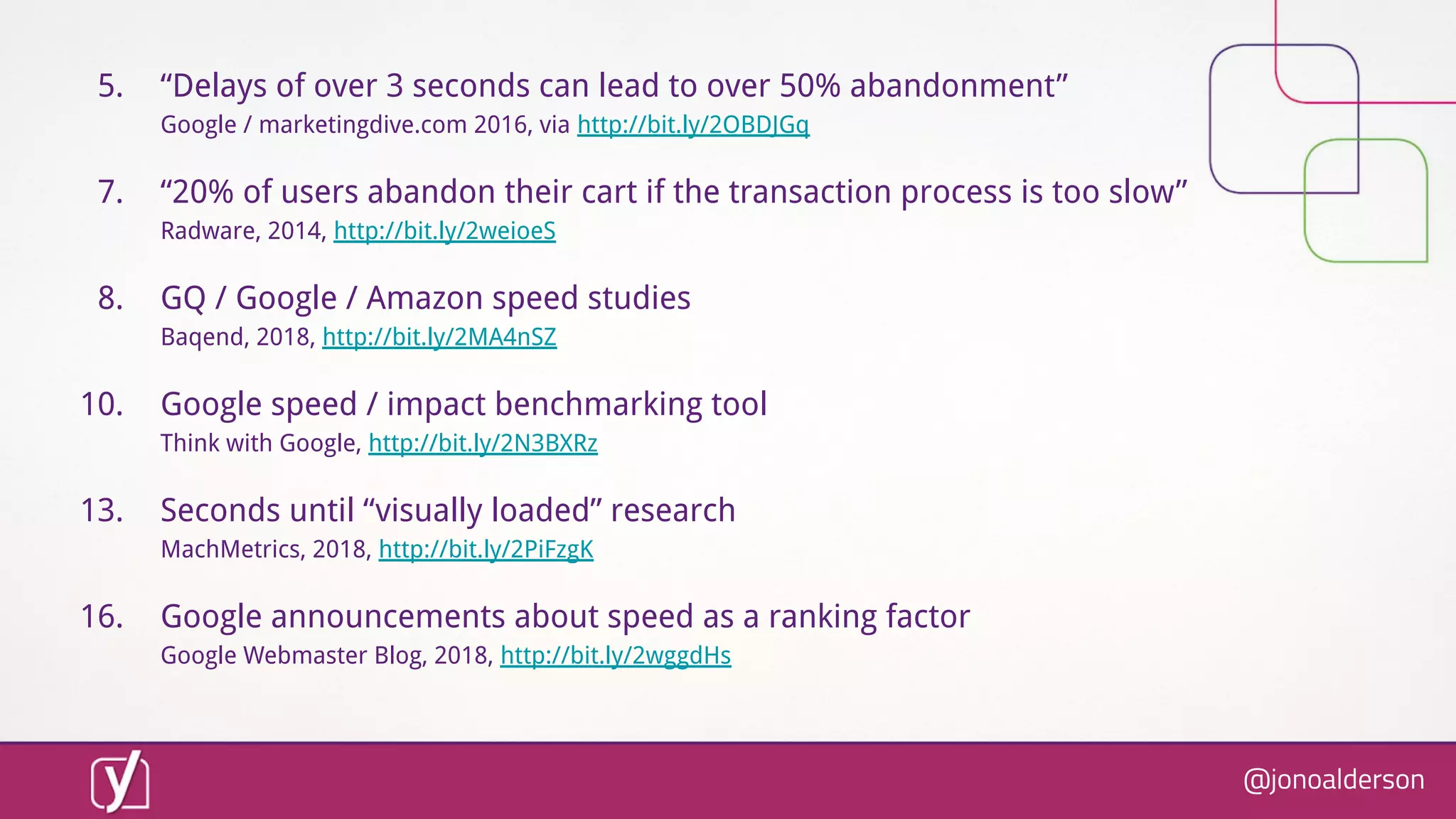
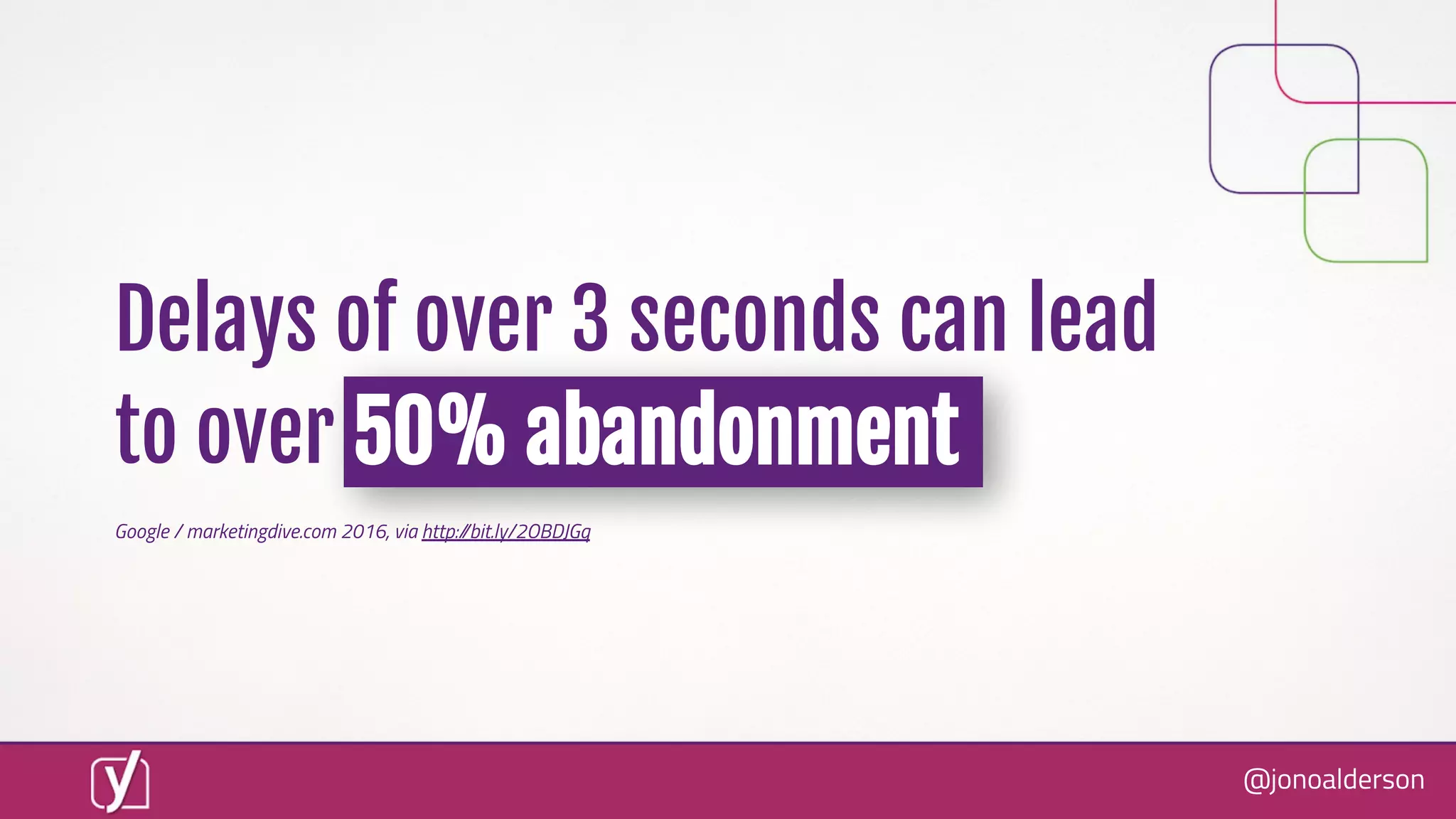
Delays of over 3 seconds can lead
to over 50% abandonment
Google / marketingdive.com 2016, via http://bit.ly/2OBDJGq
@jonoalderson
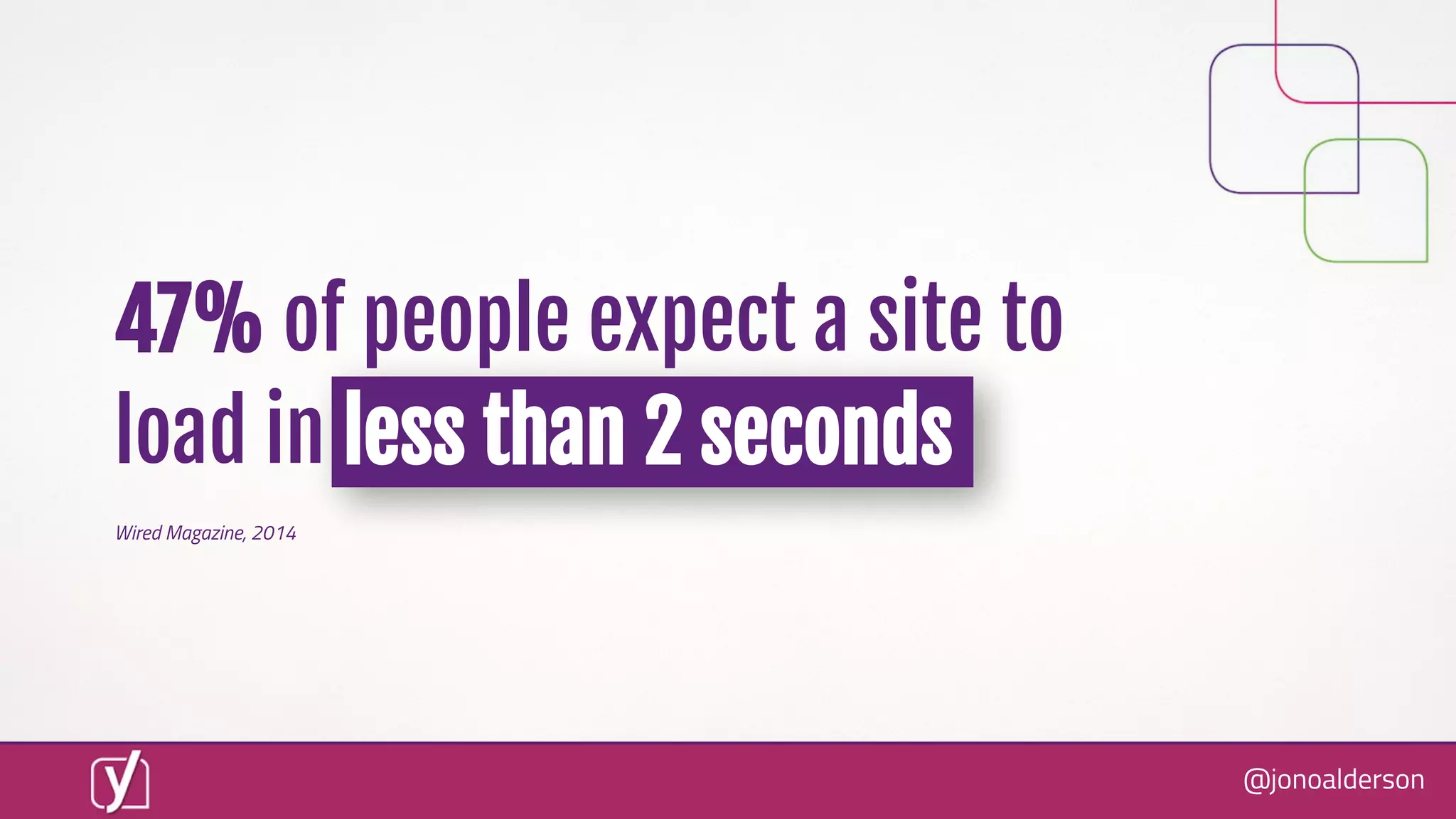
Wired Magazine, 2014
47% of people expect a site to
load in less than 2 seconds
@jonoalderson
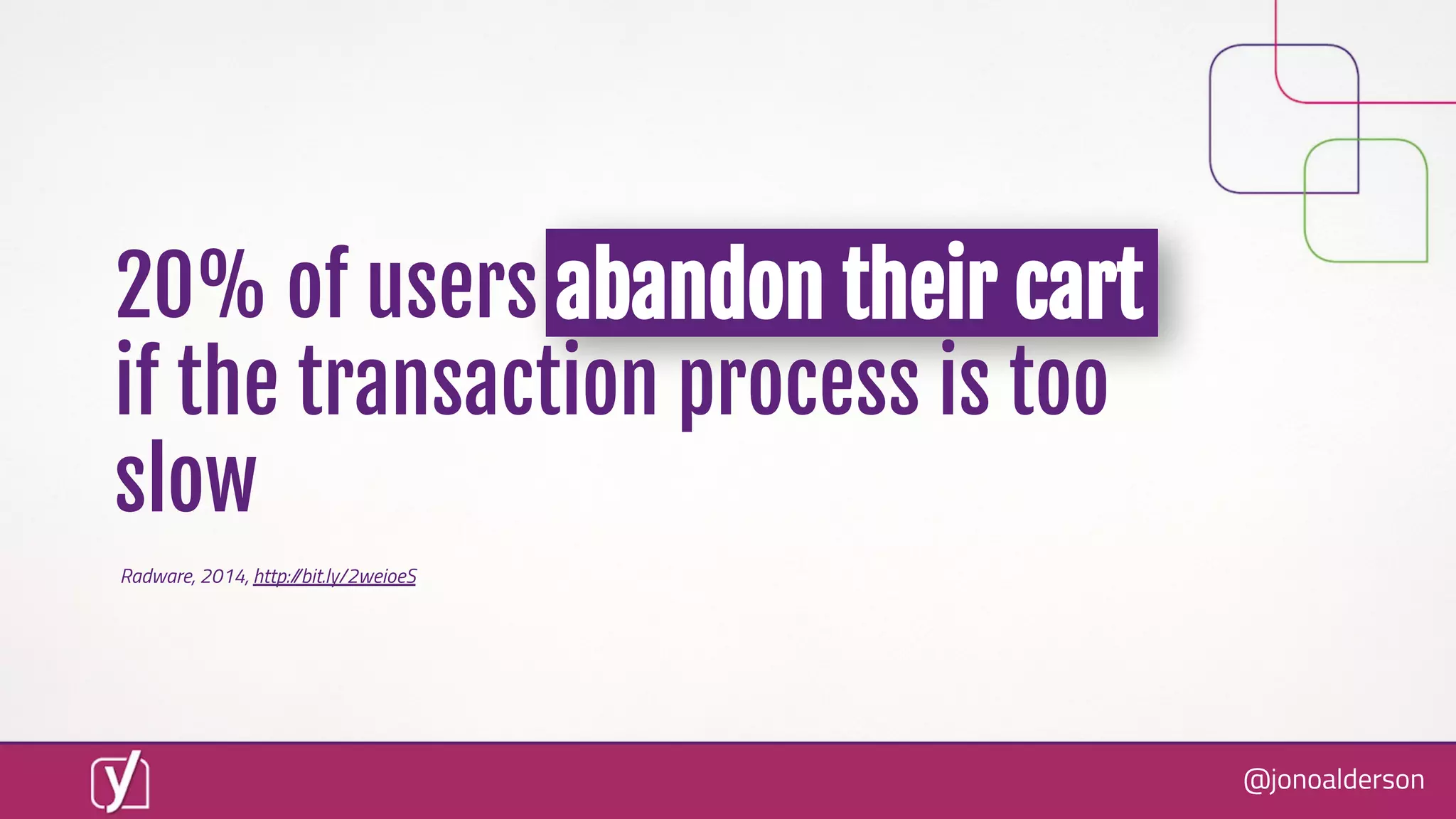
20% of users abandon their cart
if the transaction process is too
slow
Radware, 2014, http://bit.ly/2weioeS
@jonoalderson
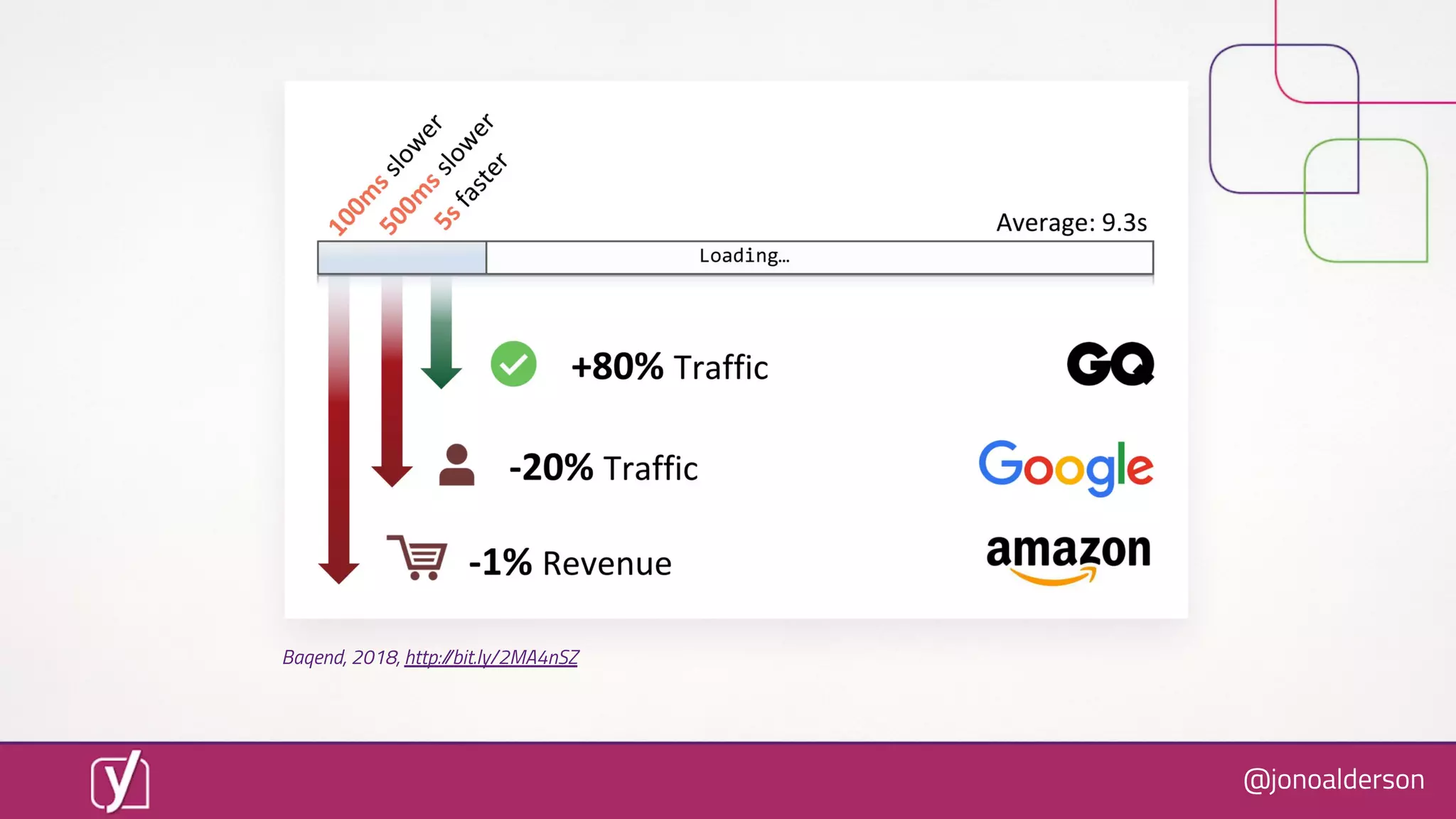
Baqend, 2018, http://bit.ly/2MA4nSZ
@jonoalderson
Time is money
@jonoalderson
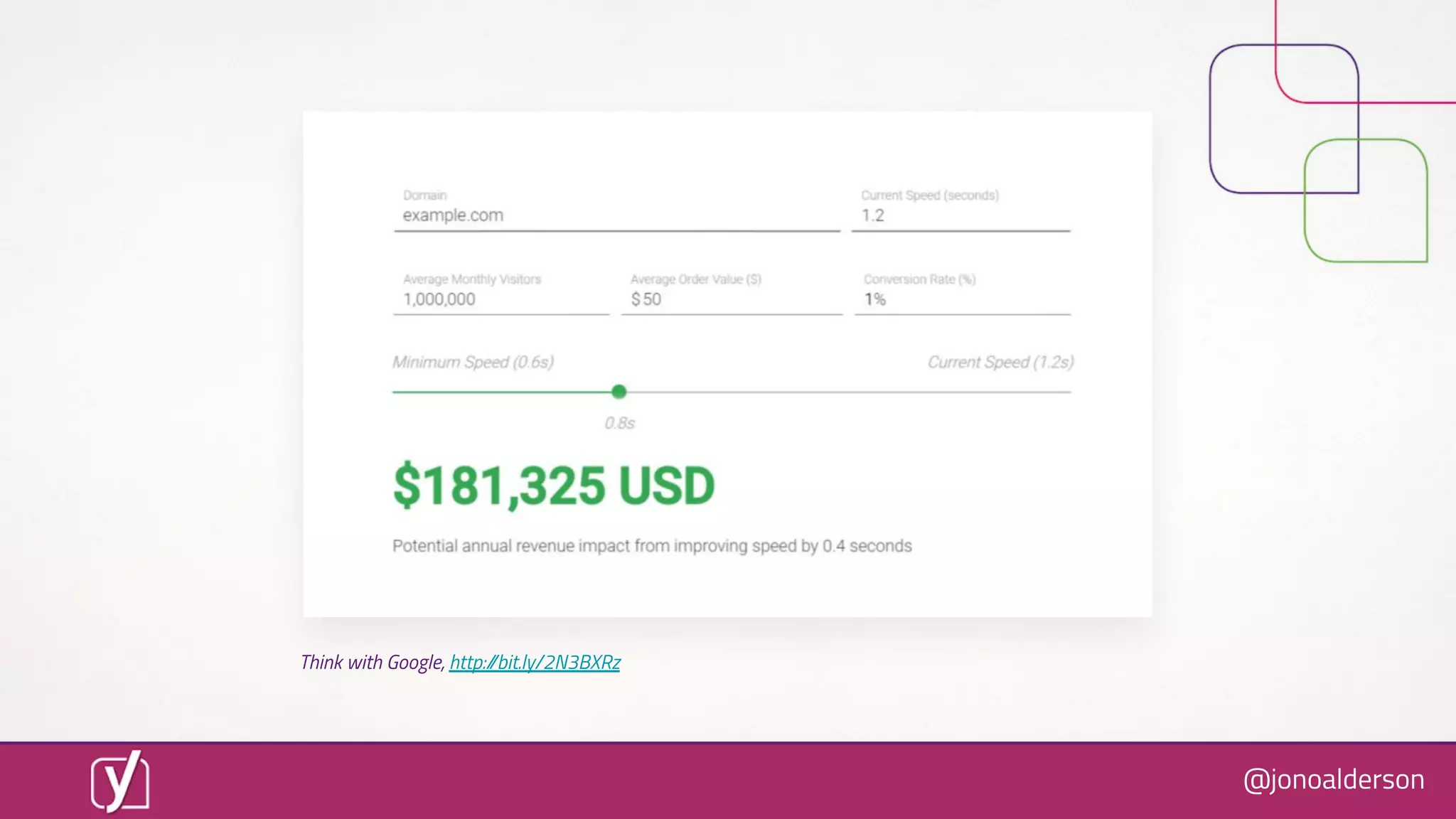
Think with Google, http://bit.ly/2N3BXRz
@jonoalderson
So, how well are we performing?
@jonoalderson
We suck
@jonoalderson
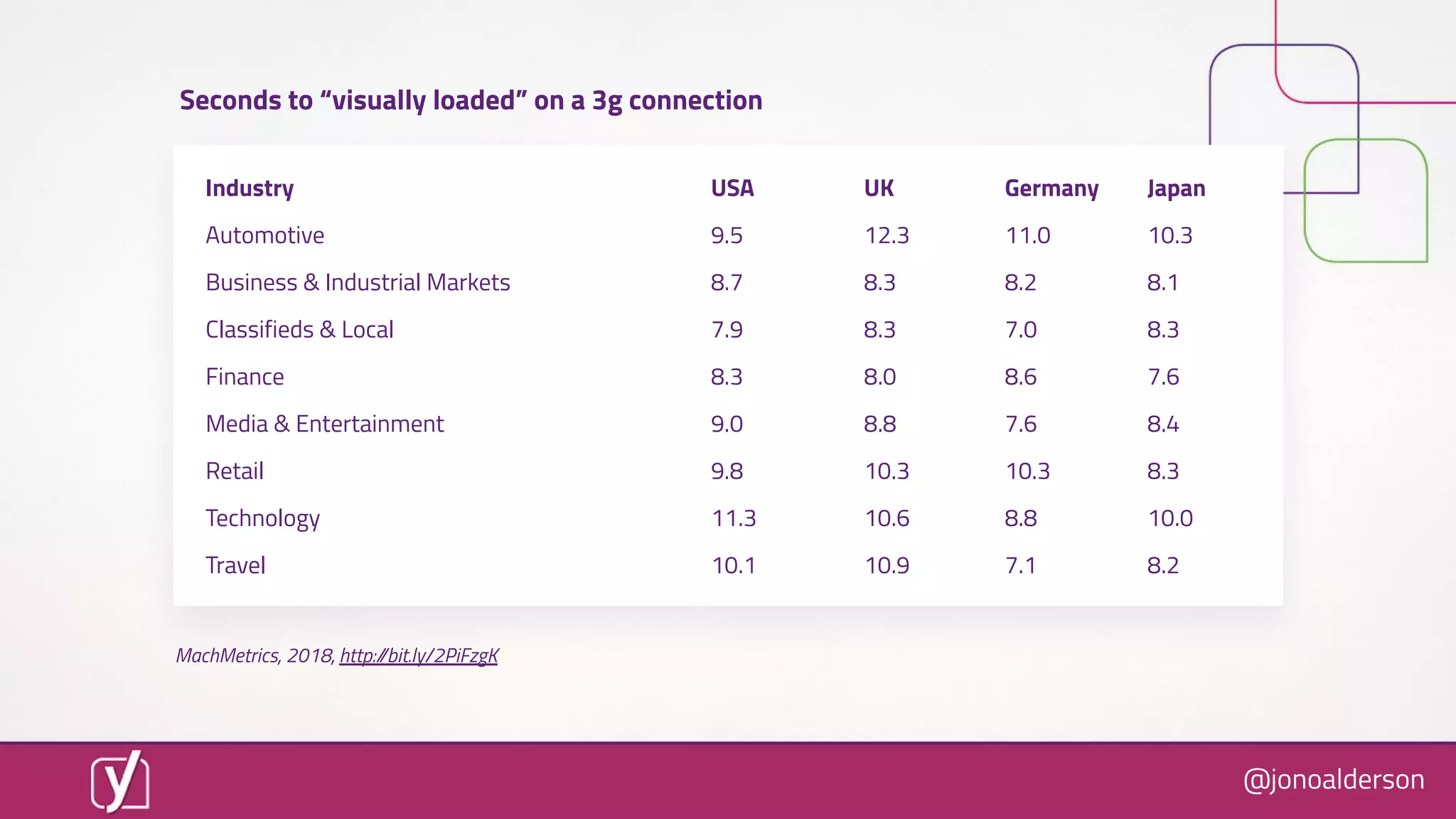
Industry USA UK Germany Japan
Automotive 9.5 12.3 11.0 10.3
Business & Industrial Markets 8.7 8.3 8.2 8.1
Classifieds & Local 7.9 8.3 7.0 8.3
Finance 8.3 8.0 8.6 7.6
Media & Entertainment 9.0 8.8 7.6 8.4
Retail 9.8 10.3 10.3 8.3
Technology 11.3 10.6 8.8 10.0
Travel 10.1 10.9 7.1 8.2
MachMetrics, 2018, http://bit.ly/2PiFzgK
Seconds to “visually loaded” on a 3g connection
@jonoalderson
But not for long...
@jonoalderson
@jonoalderson
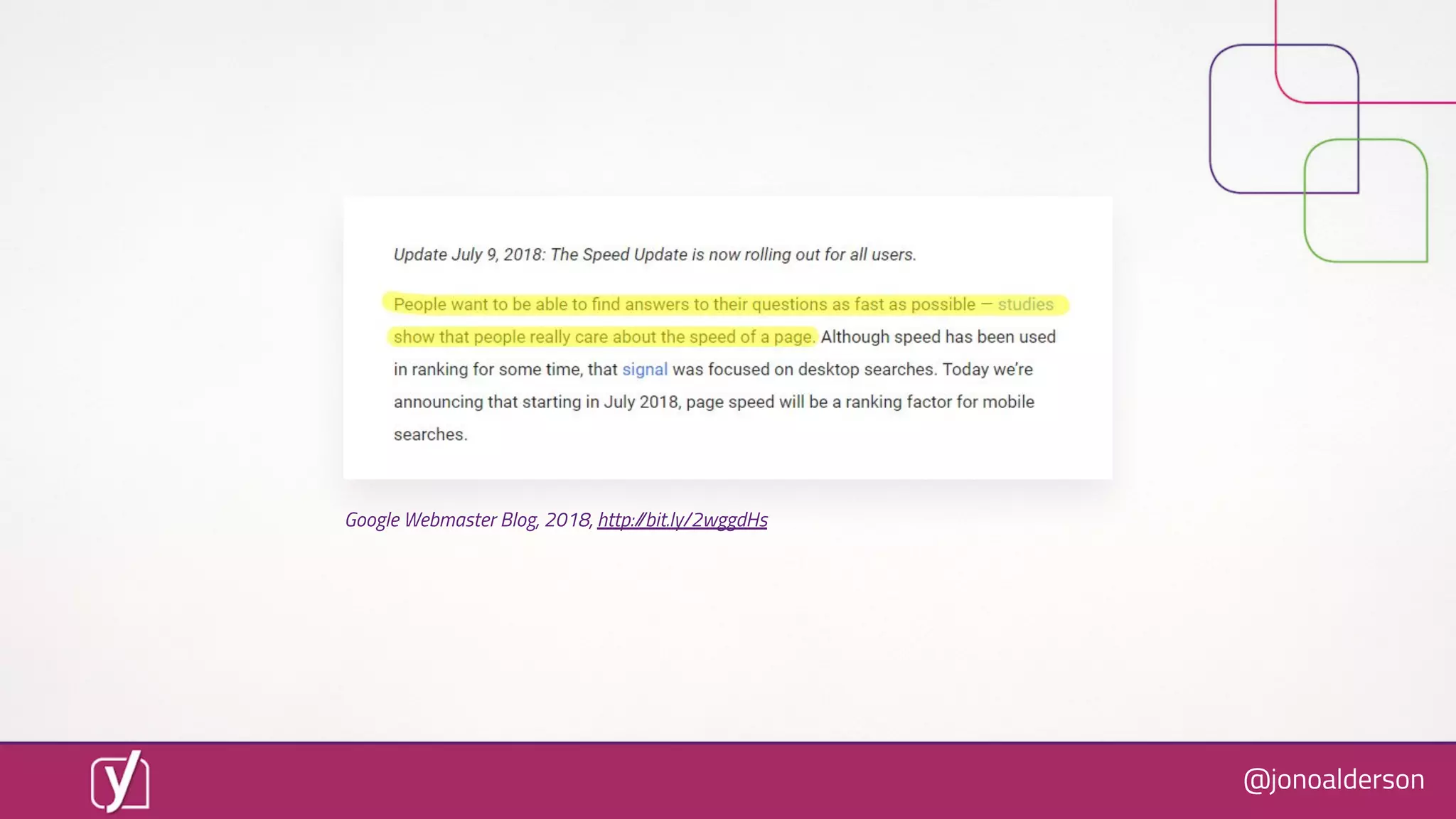
Google Webmaster Blog, 2018, http://bit.ly/2wggdHs
@jonoalderson
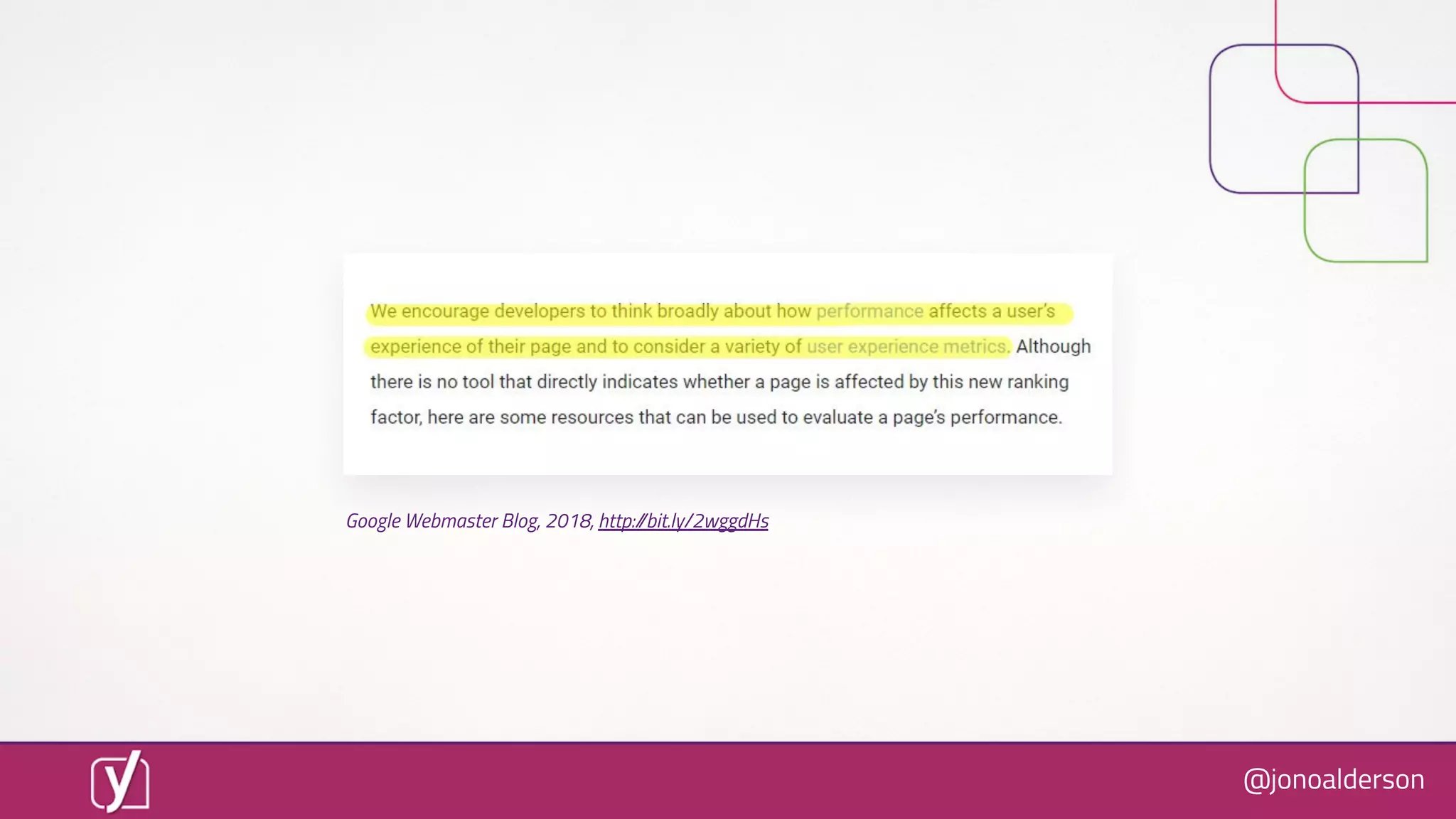
Google Webmaster Blog, 2018, http://bit.ly/2wggdHs
@jonoalderson
“Speed underpins
user experience”
@jonoalderson
User experience is the biggest
ranking factor*
@jonoalderson
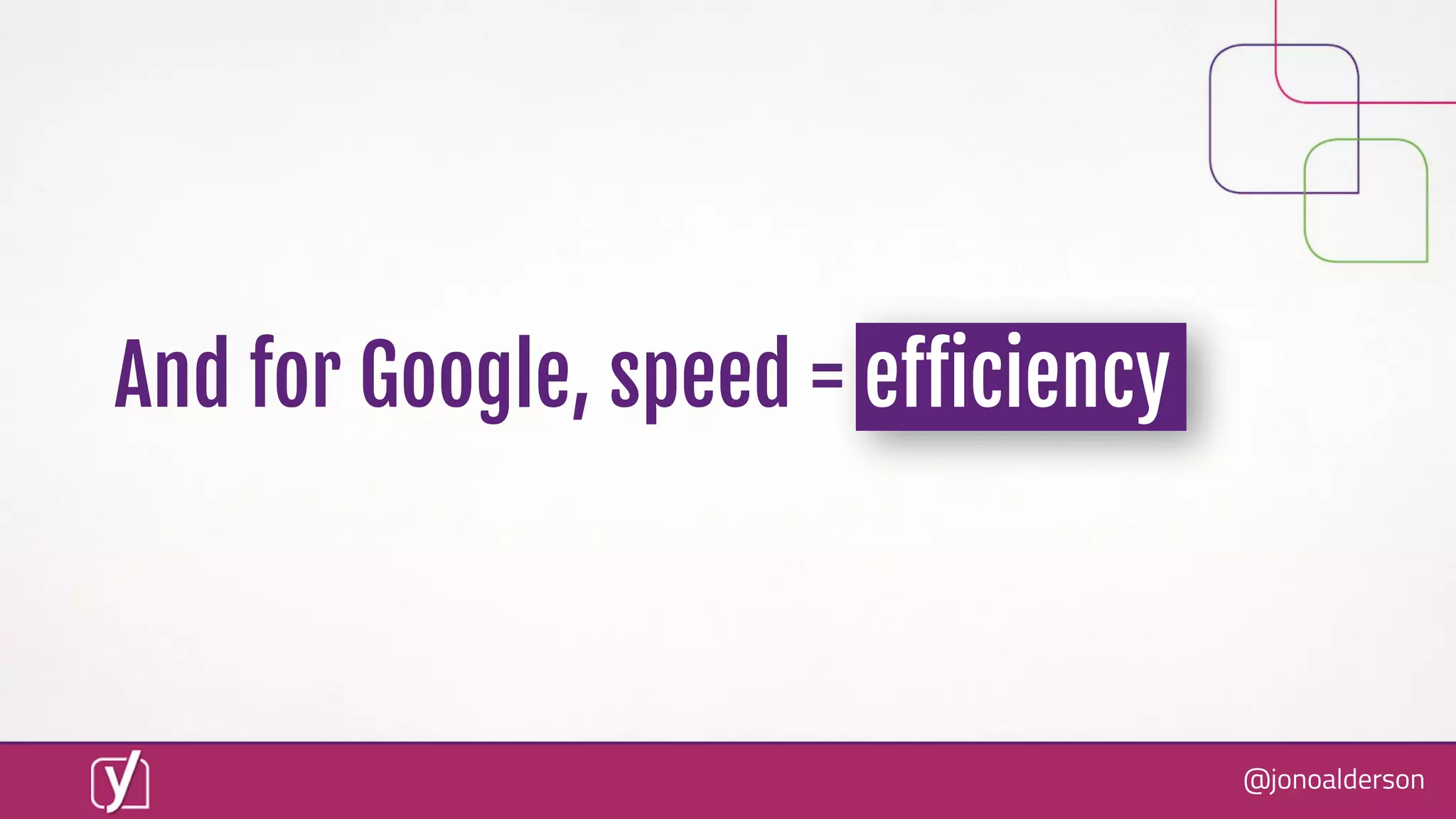
And for Google, speed = eïŹ€iciency
@jonoalderson
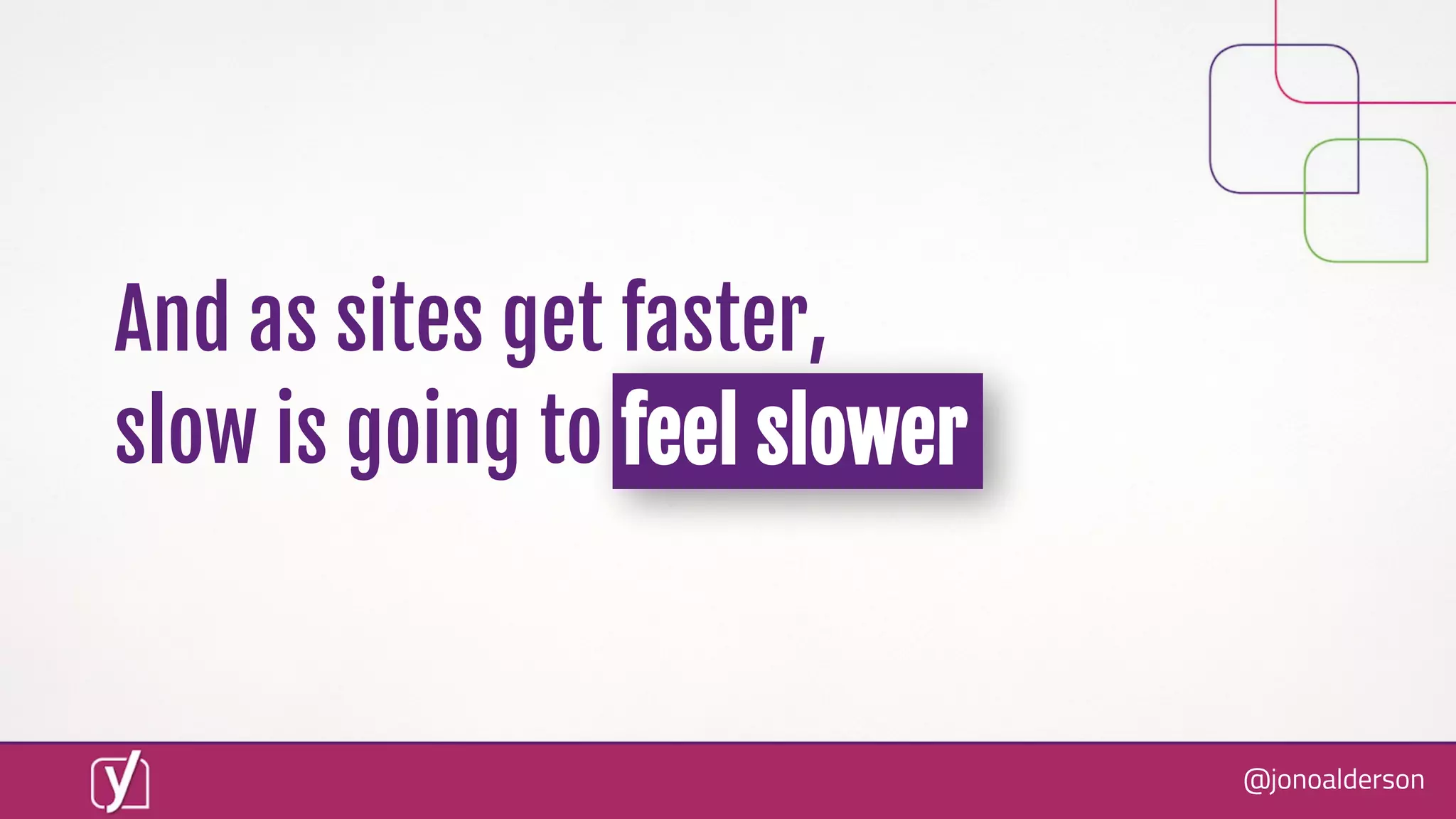
And as sites get faster,
slow is going to feel slower
@jonoalderson
“So, what do we need to do?”
@jonoalderson
HINT: It’s not a big web
(re)development project
@jonoalderson
“We have a big site redevelopment
process in the works, scheduled for
Q4 2019”
@jonoalderson
“We have a big site redevelopment
process in the works, scheduled for
Summer 2019”
NoNo
@jonoalderson
You win by a thousand tweaks
@jonoalderson
Now, and every day, forever
@jonoalderson
Make bits of it FASTER
@jonoalderson
But what does that mean?
And where do you start?
@jonoalderson
There are two truths
@jonoalderson
[1]
There’s no such thing as speed.
@jonoalderson
How do you measure ‘speed’?
@jonoalderson
“The time how long it takes for
a page to finish loading”
@jonoalderson
But, what does that mean?
@jonoalderson
What if the server responds
quickly, but then it takes ages to
show the content?
@jonoalderson
What if the page has
components which only load
when you interact, or scroll?
Are they “finished”?
@jonoalderson
We need better deïŹnitions
@jonoalderson
Most stock metrics from speed
check + optimisation tools suck
@jonoalderson
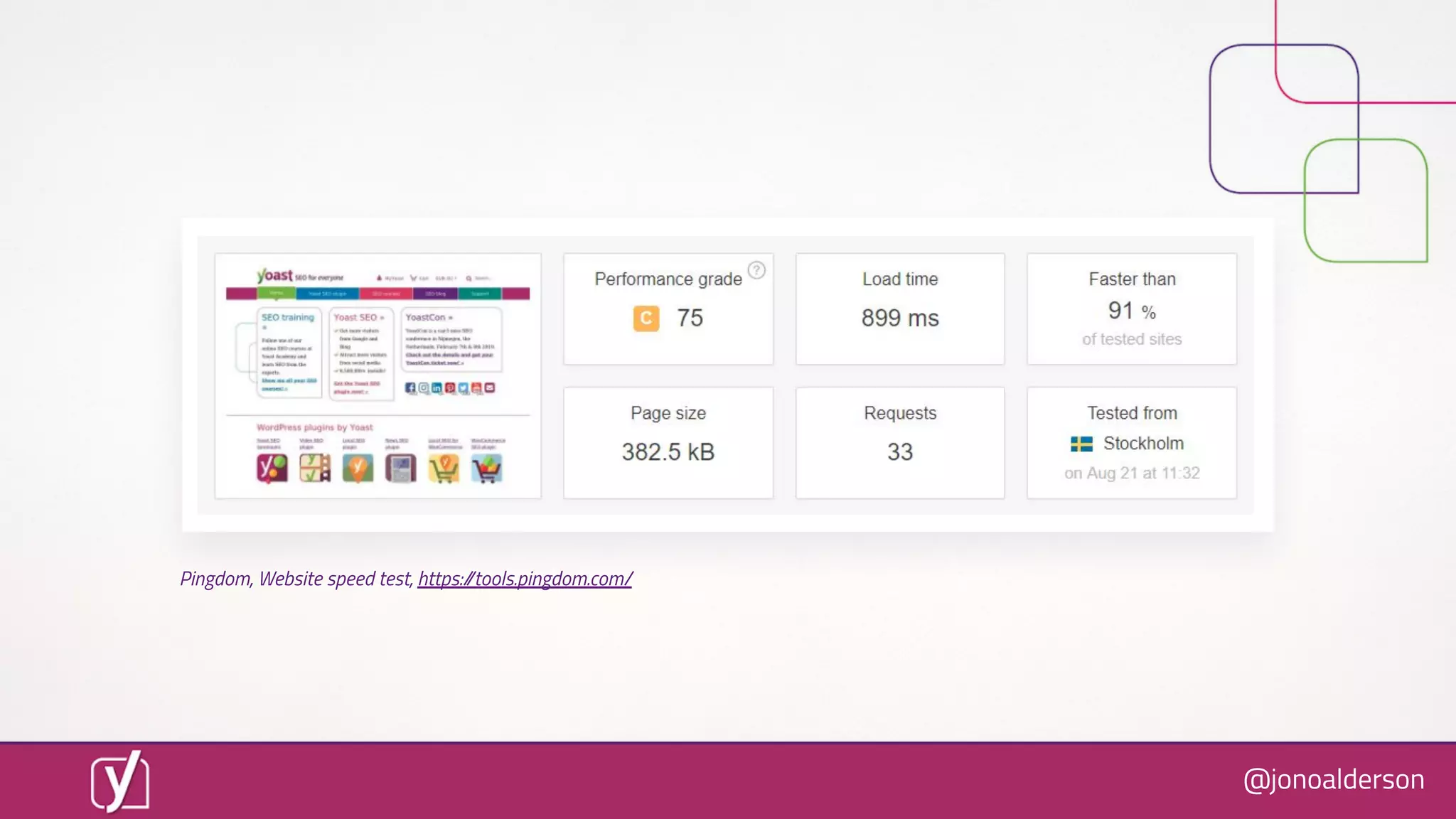
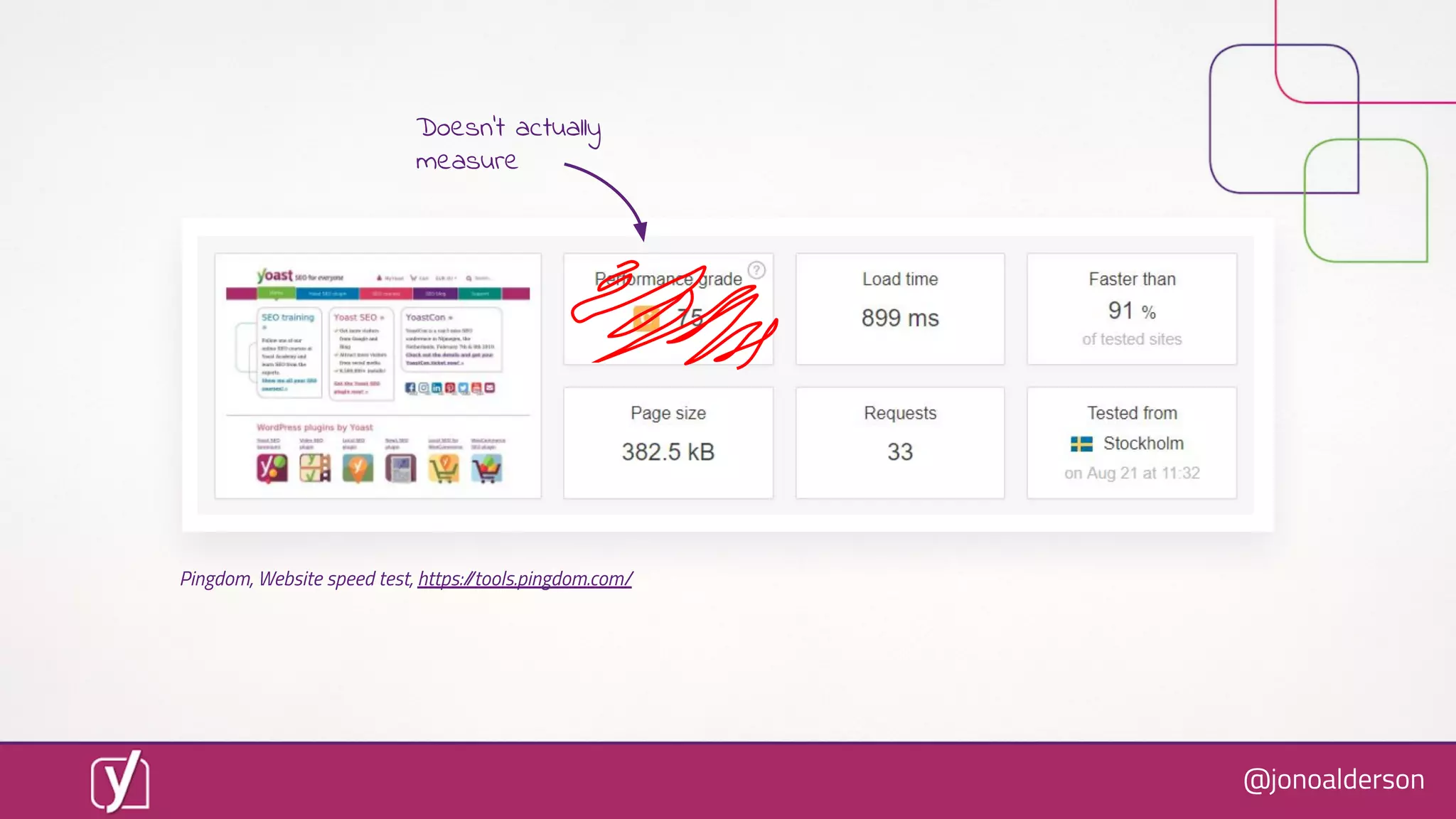
Pingdom, Website speed test, https://tools.pingdom.com/
@jonoalderson
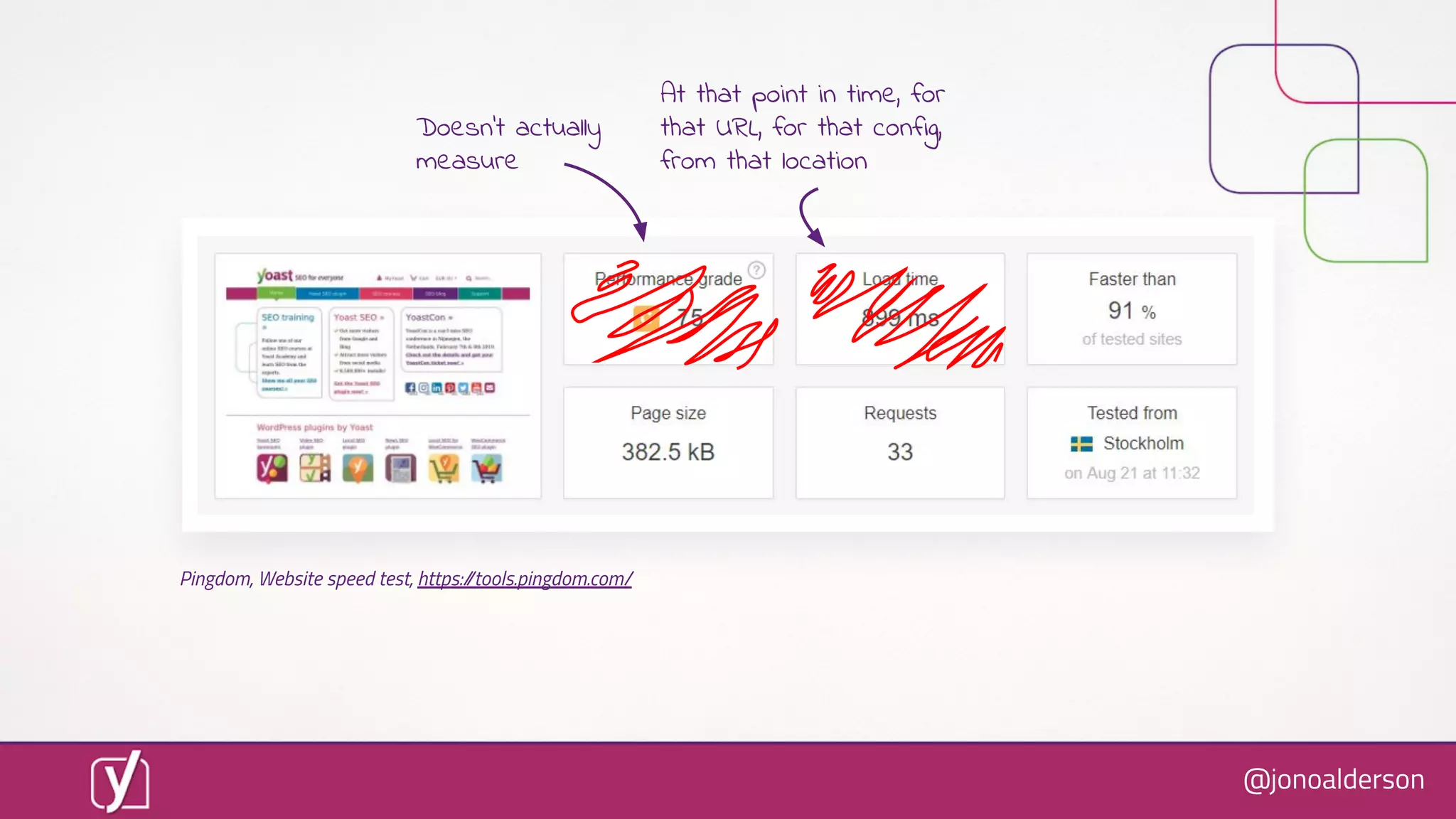
Pingdom, Website speed test, https://tools.pingdom.com/
Doesn’t actually
measure
@jonoalderson
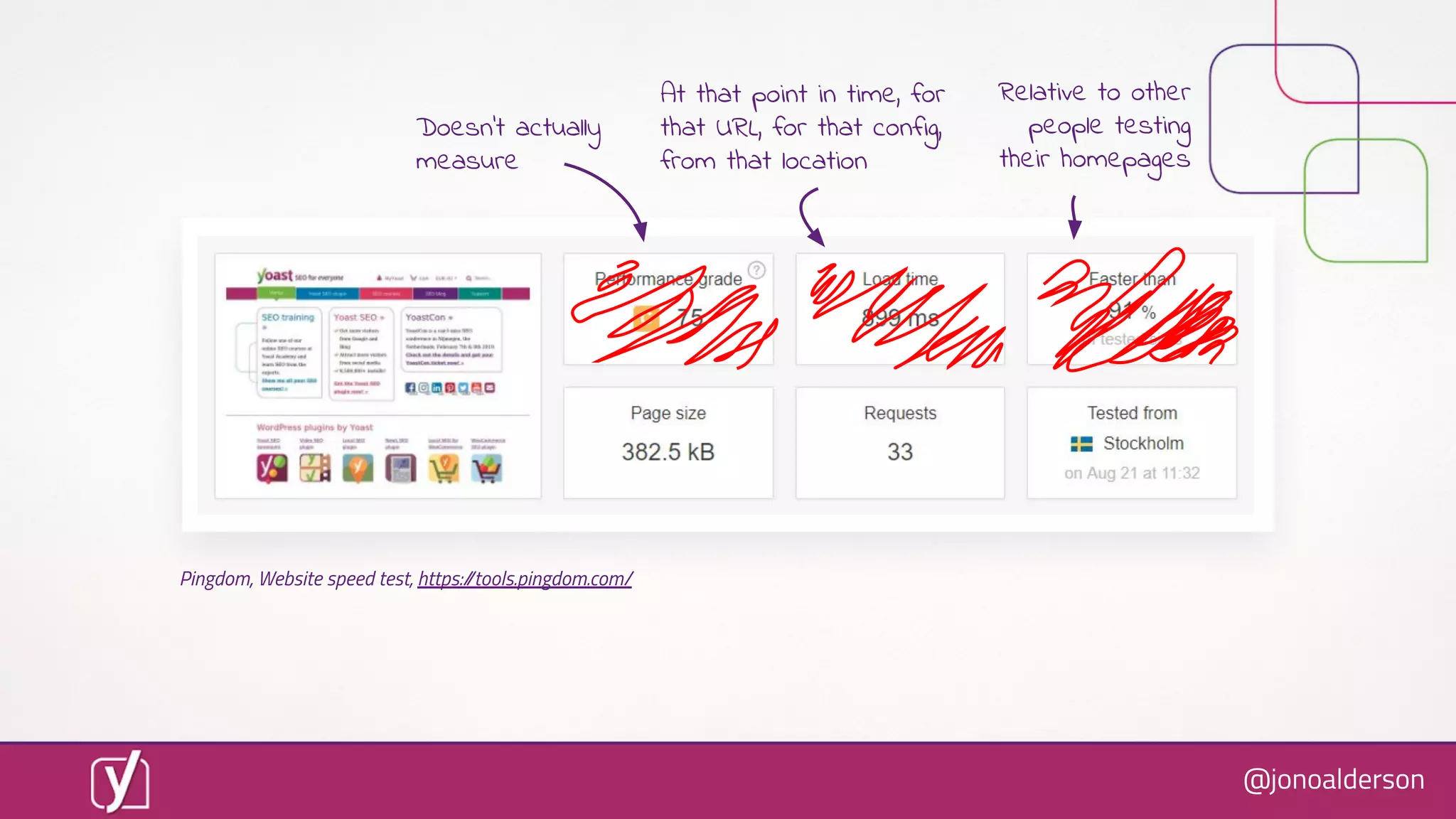
Pingdom, Website speed test, https://tools.pingdom.com/
At that point in time, for
that URL, for that config,
from that location
Doesn’t actually
measure
@jonoalderson
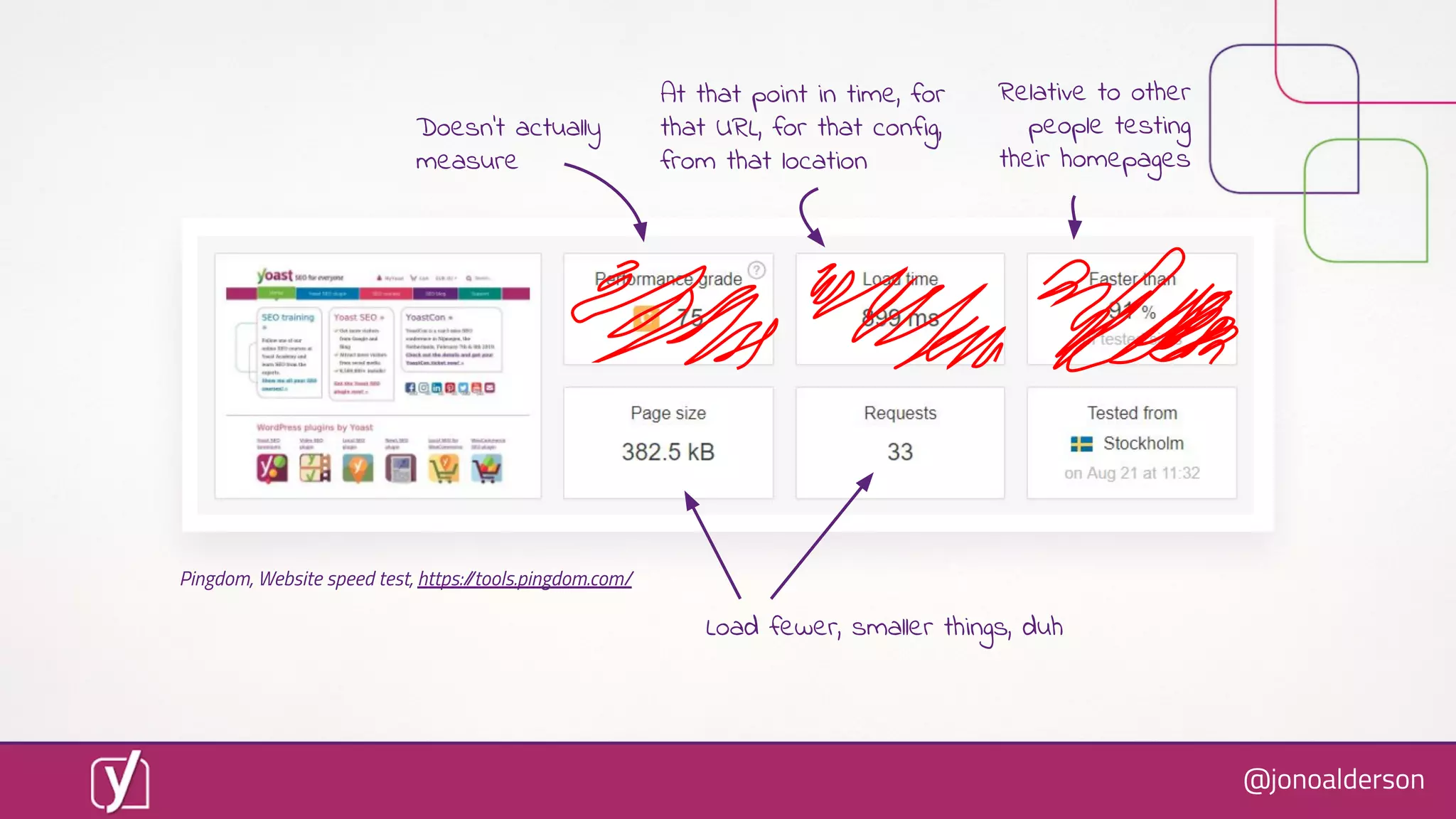
Pingdom, Website speed test, https://tools.pingdom.com/
Relative to other
people testing
their homepages
At that point in time, for
that URL, for that config,
from that location
Doesn’t actually
measure
@jonoalderson
Load fewer, smaller things, duh
Pingdom, Website speed test, https://tools.pingdom.com/
Relative to other
people testing
their homepages
At that point in time, for
that URL, for that config,
from that location
Doesn’t actually
measure
@jonoalderson
Google PageSpeed Insights, http://bit.ly/2BxHcEw
@jonoalderson
!!!
“First
contentful
paint”
Google PageSpeed Insights, http://bit.ly/2BxHcEw
@jonoalderson
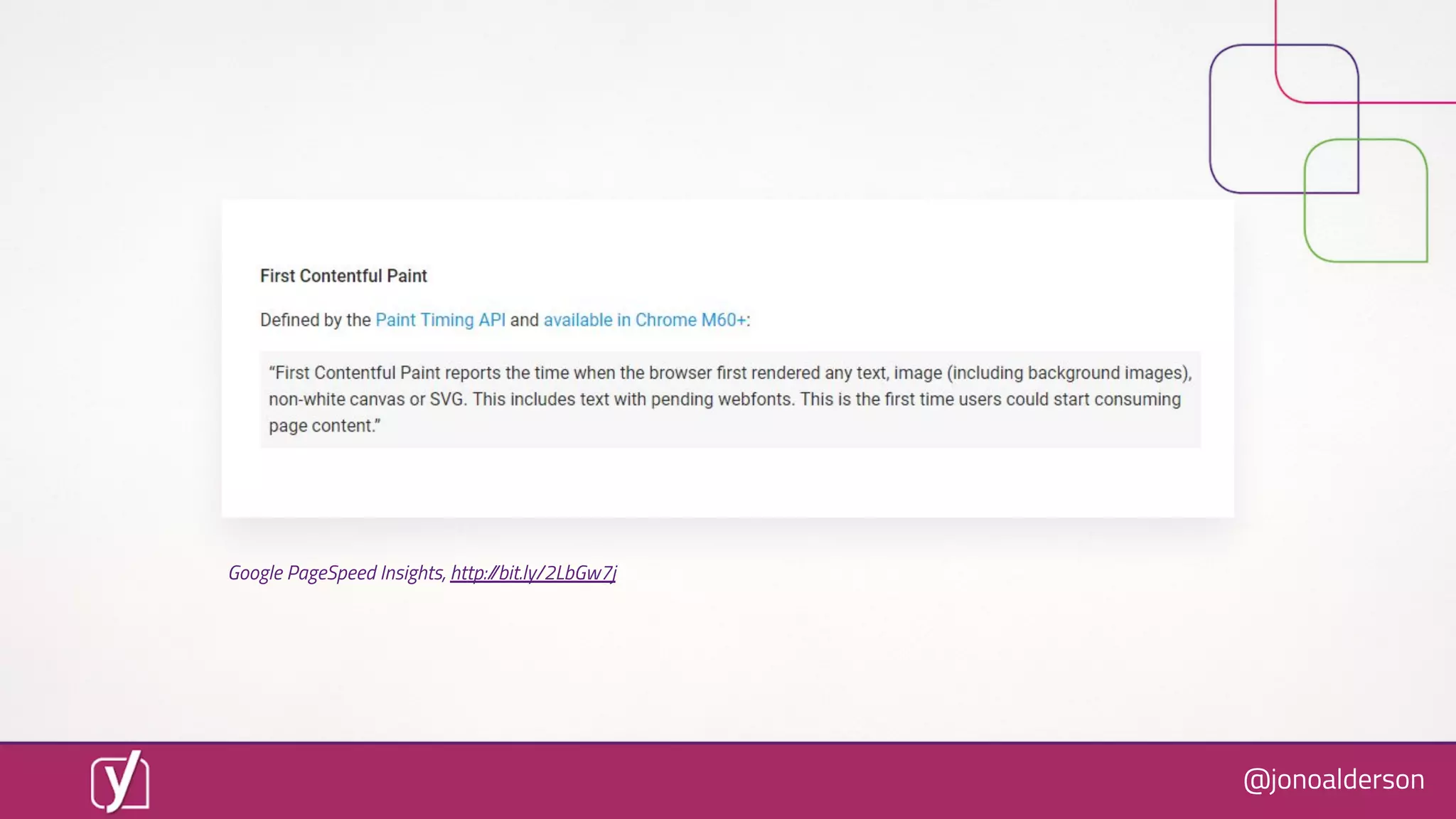
Google PageSpeed Insights, http://bit.ly/2LbGw7j
@jonoalderson
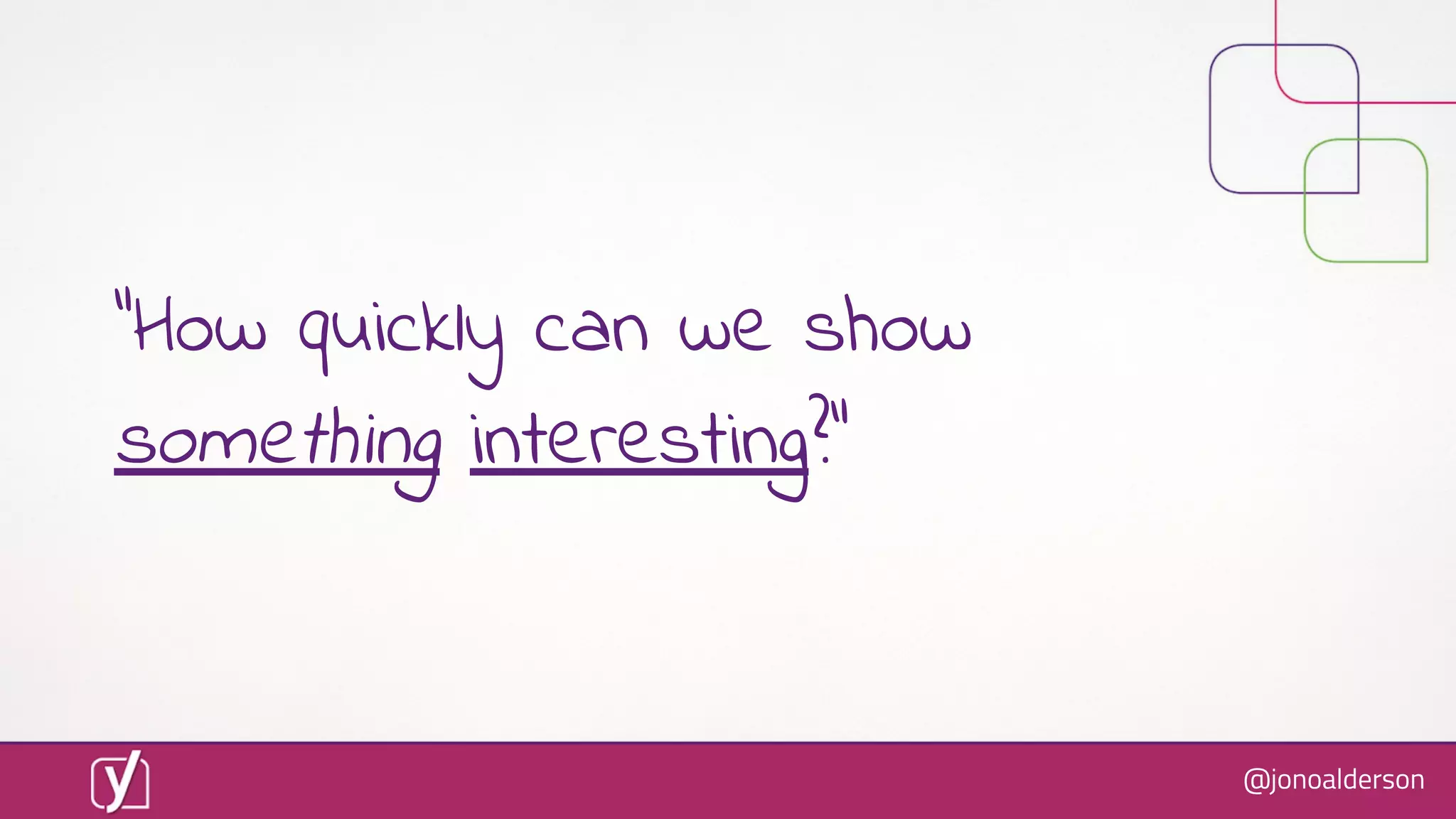
“How quickly can we show
something interesting?”
@jonoalderson
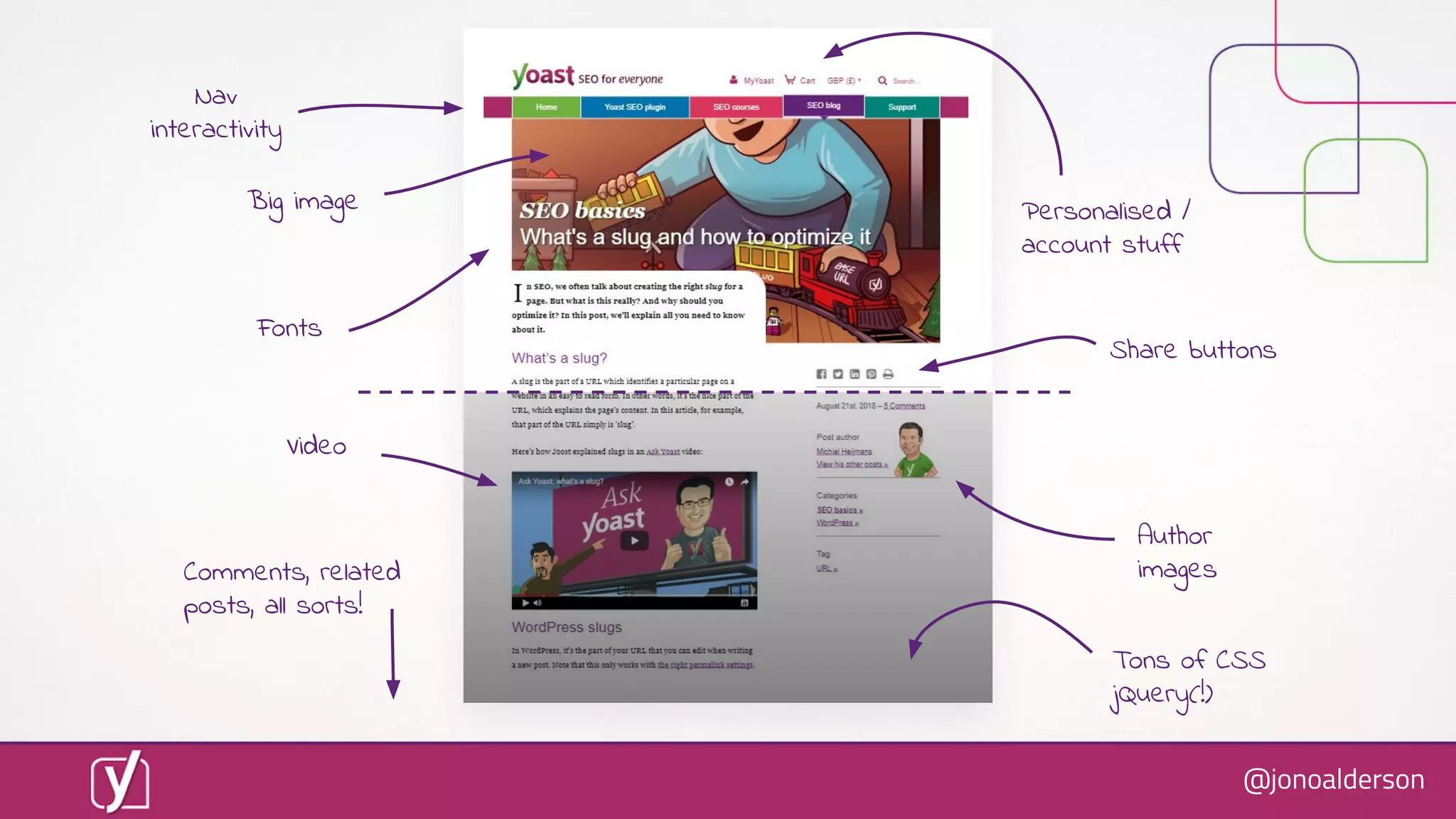
Let’s grab an example
@jonoalderson
@jonoalderson
Nav
interactivity
Fonts
Personalised /
account stuff
Share buttons
Author
imagesComments, related
posts, all sorts!
Video
Big image
Tons of CSS
jQuery(!)
@jonoalderson
@jonoalderson
Site looks & feels faster :)
@jonoalderson
Scores didn’t change much :(
@jonoalderson
Don’t optimise for scores.
Just make it faster.
@jonoalderson
[2]
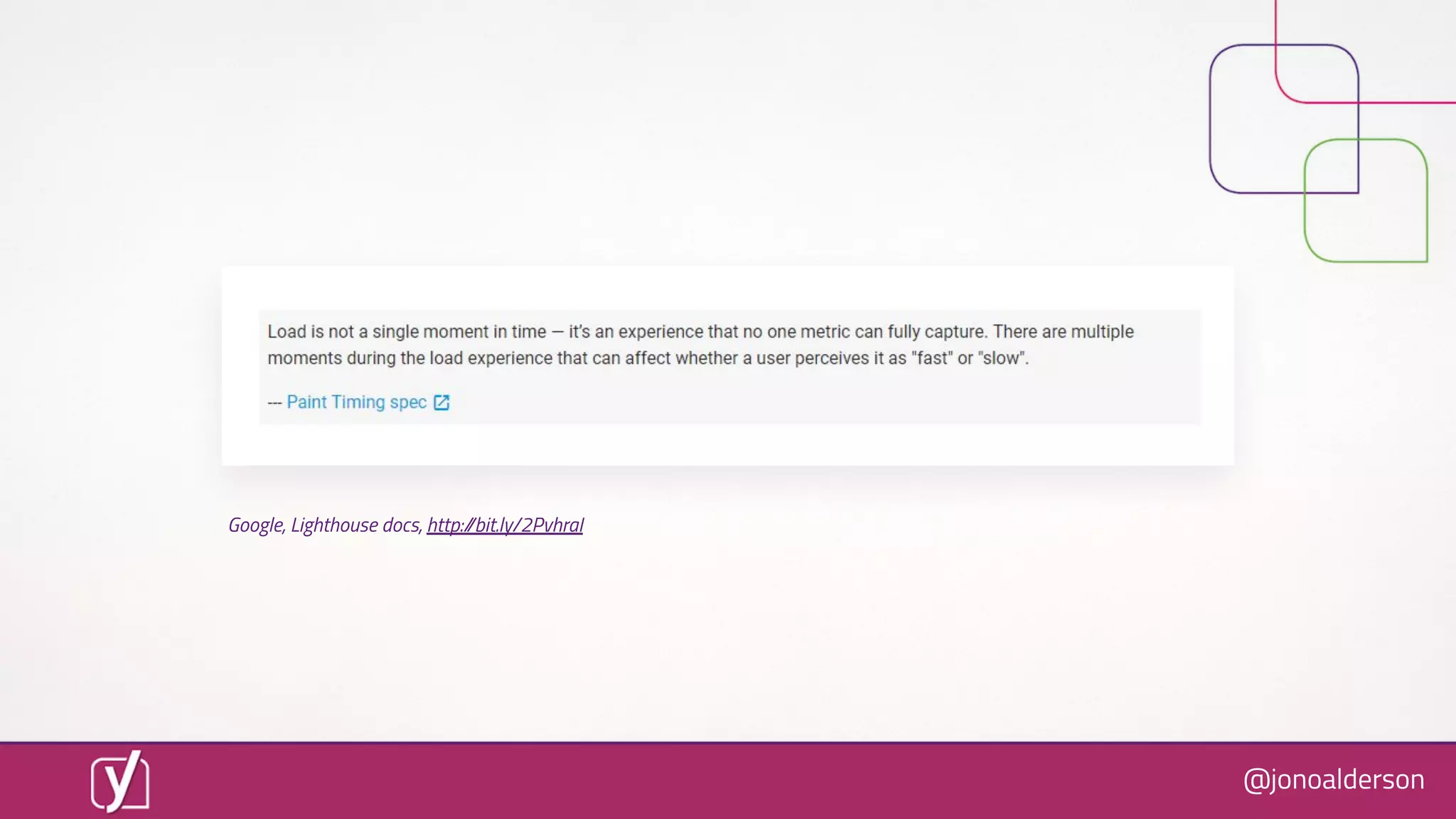
The only thing which matters is
the perception of speed.
@jonoalderson
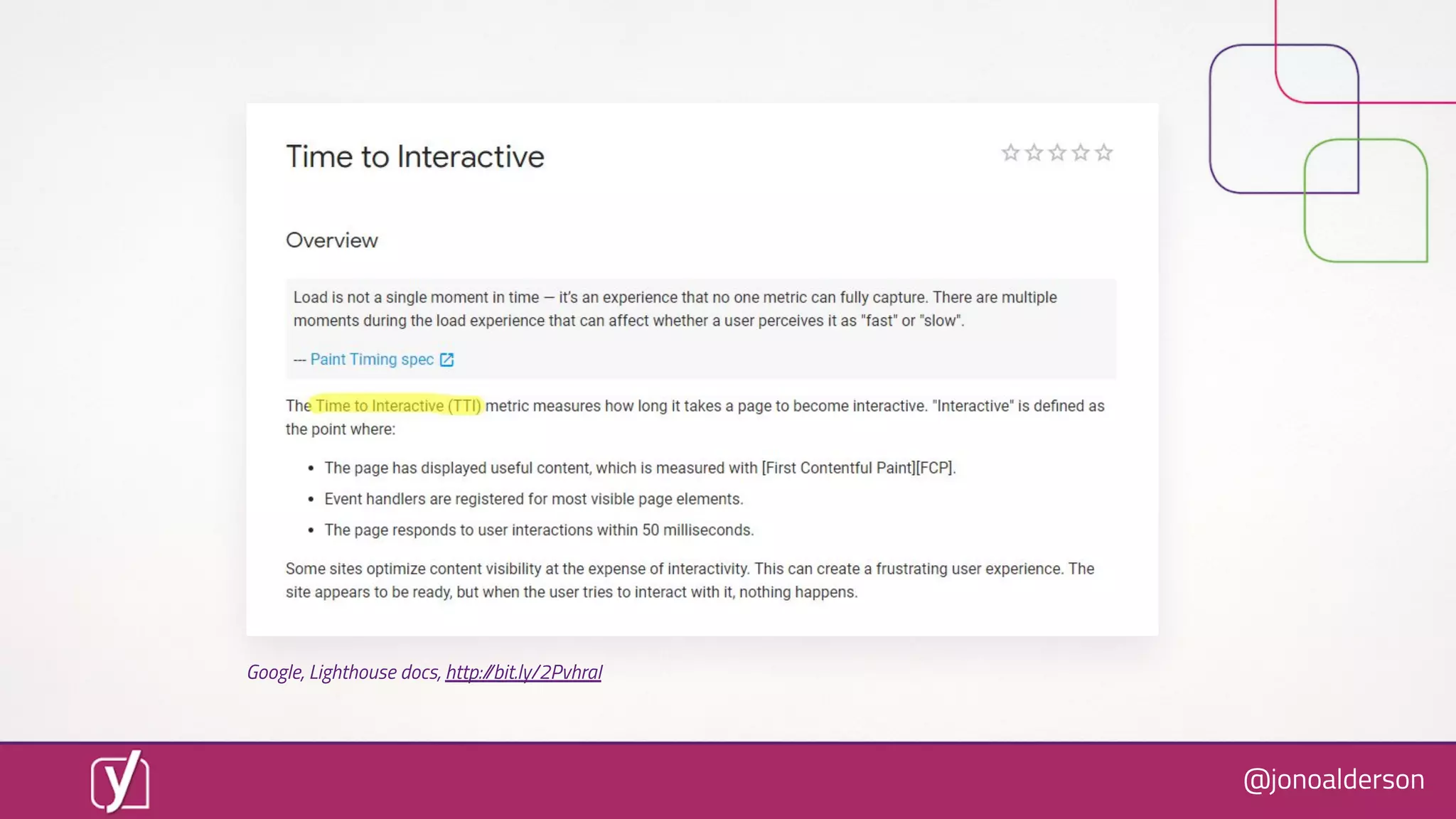
Google, Lighthouse docs, http://bit.ly/2PvhraI
@jonoalderson
However, there’s one
golden moment...
@jonoalderson
Google, Lighthouse docs, http://bit.ly/2PvhraI
@jonoalderson
“How quickly can we make it
feel ready?”
@jonoalderson
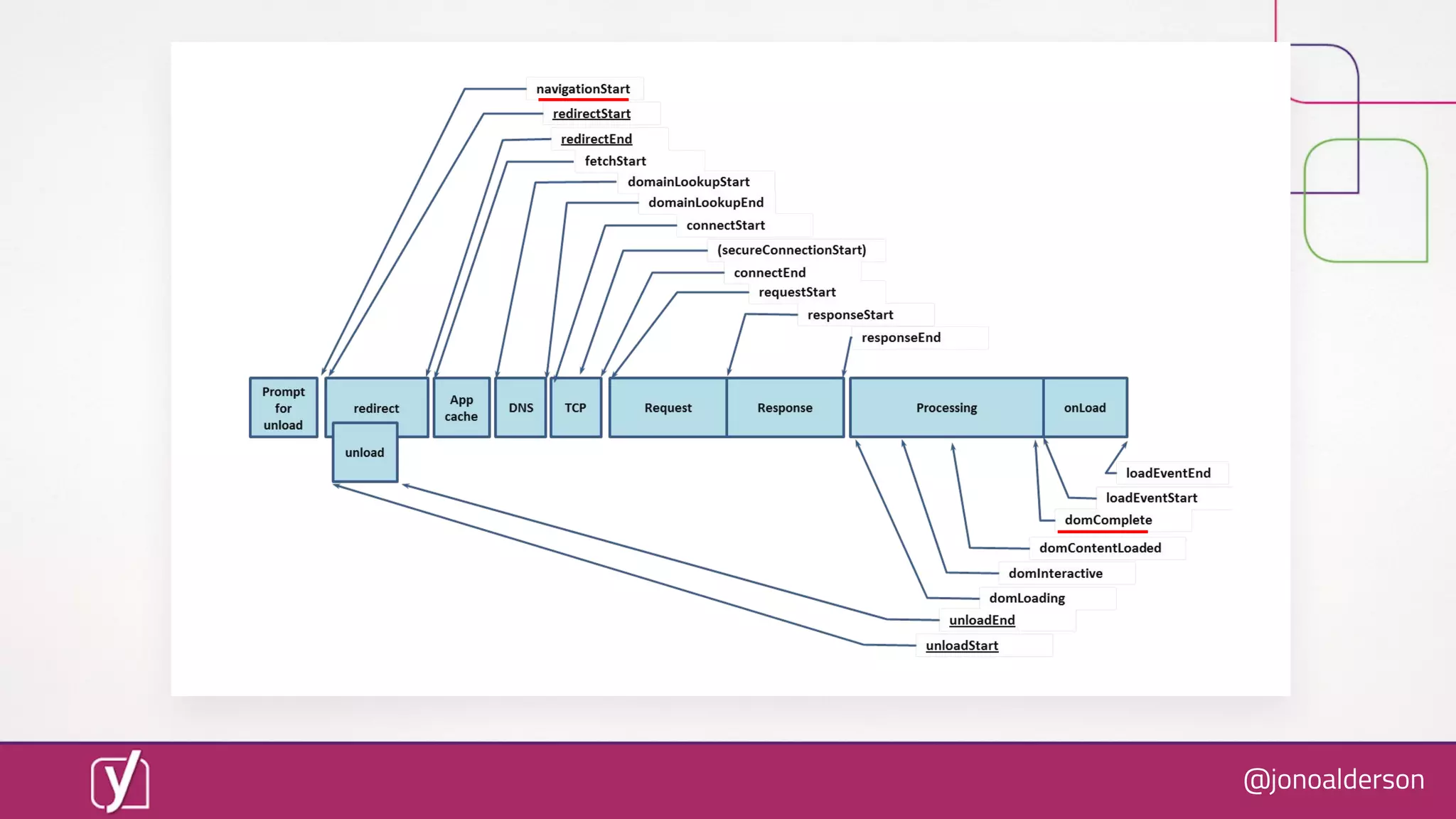
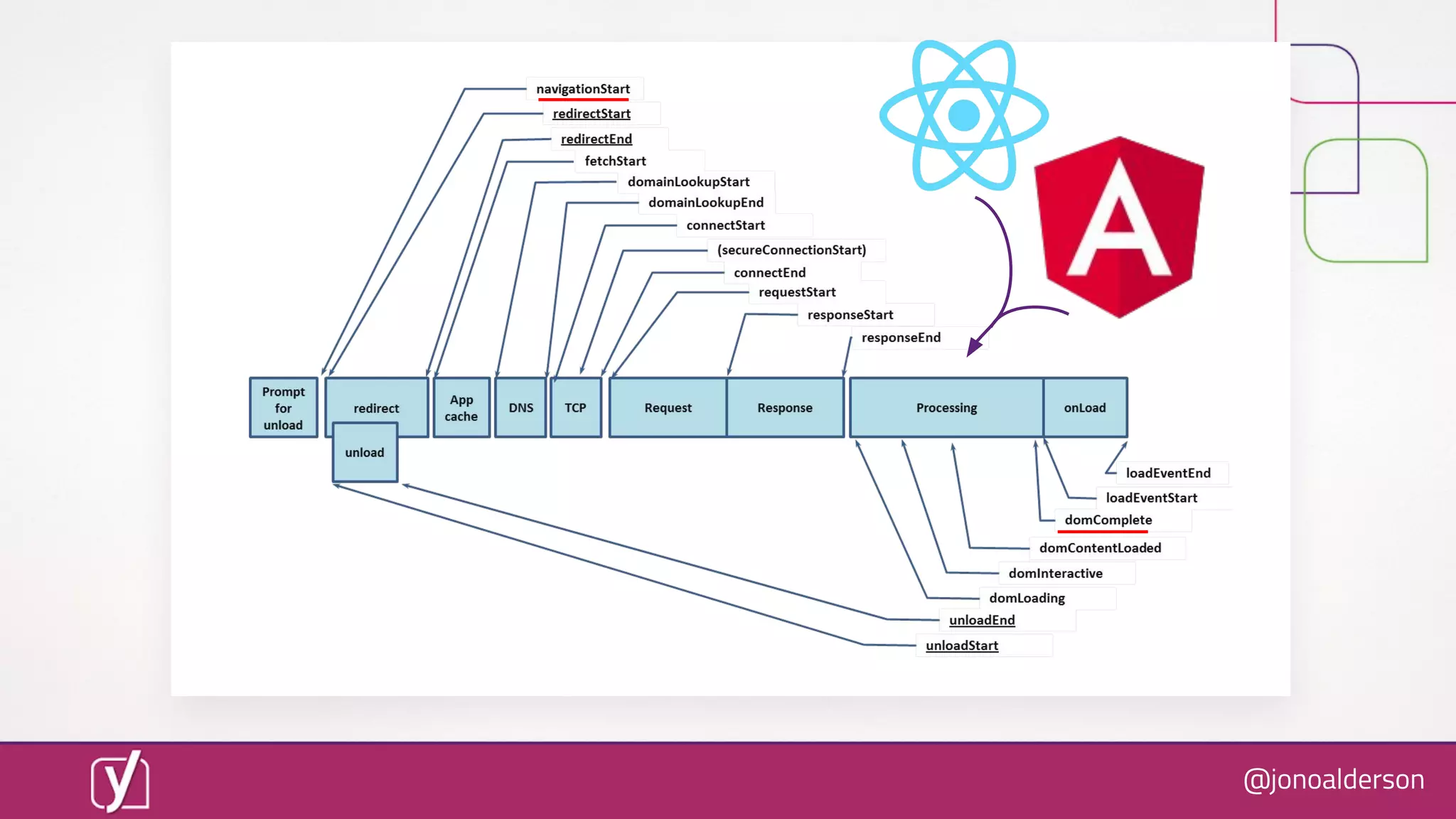
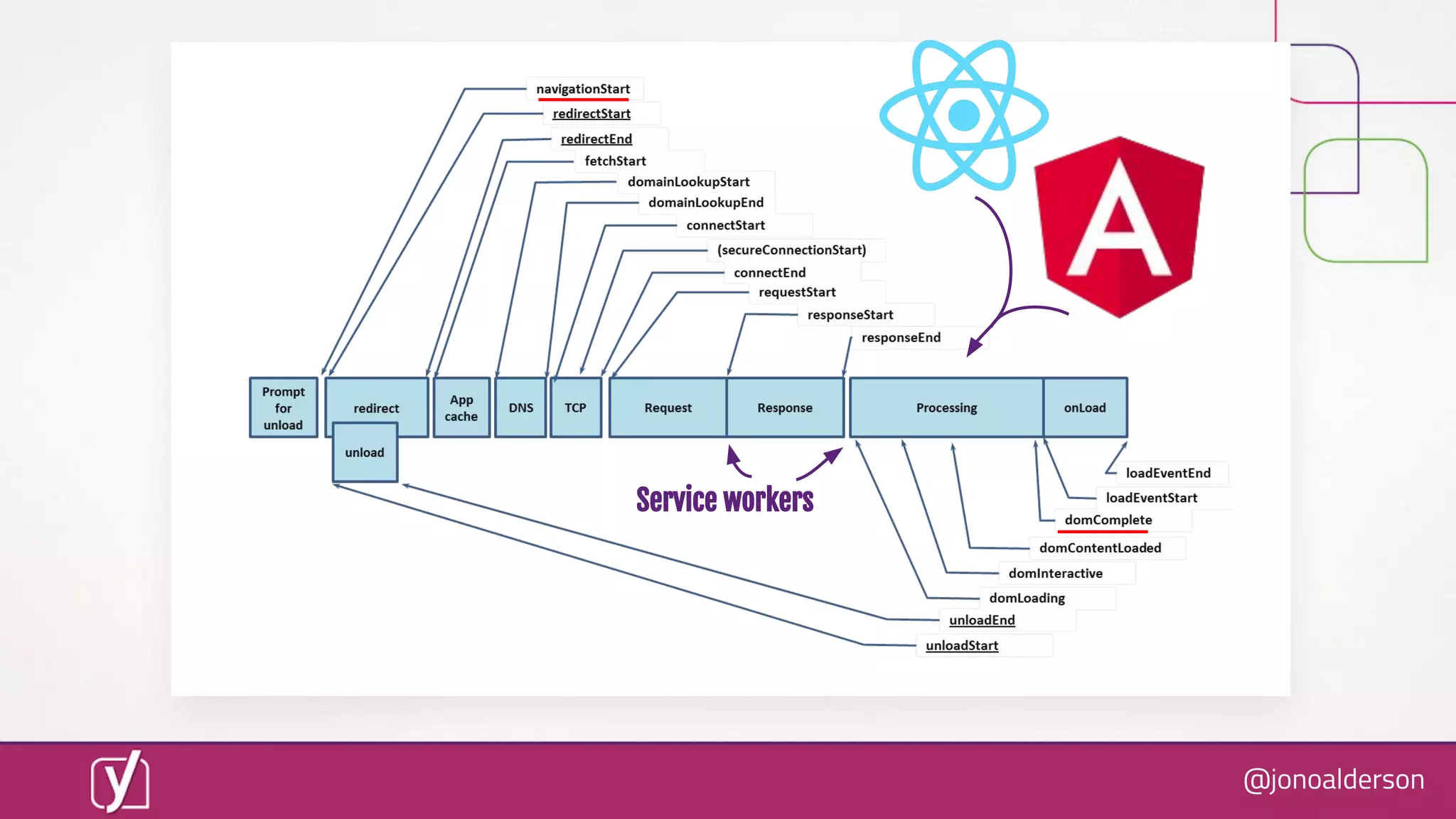
Perceived speed is hard to quantify!
@jonoalderson
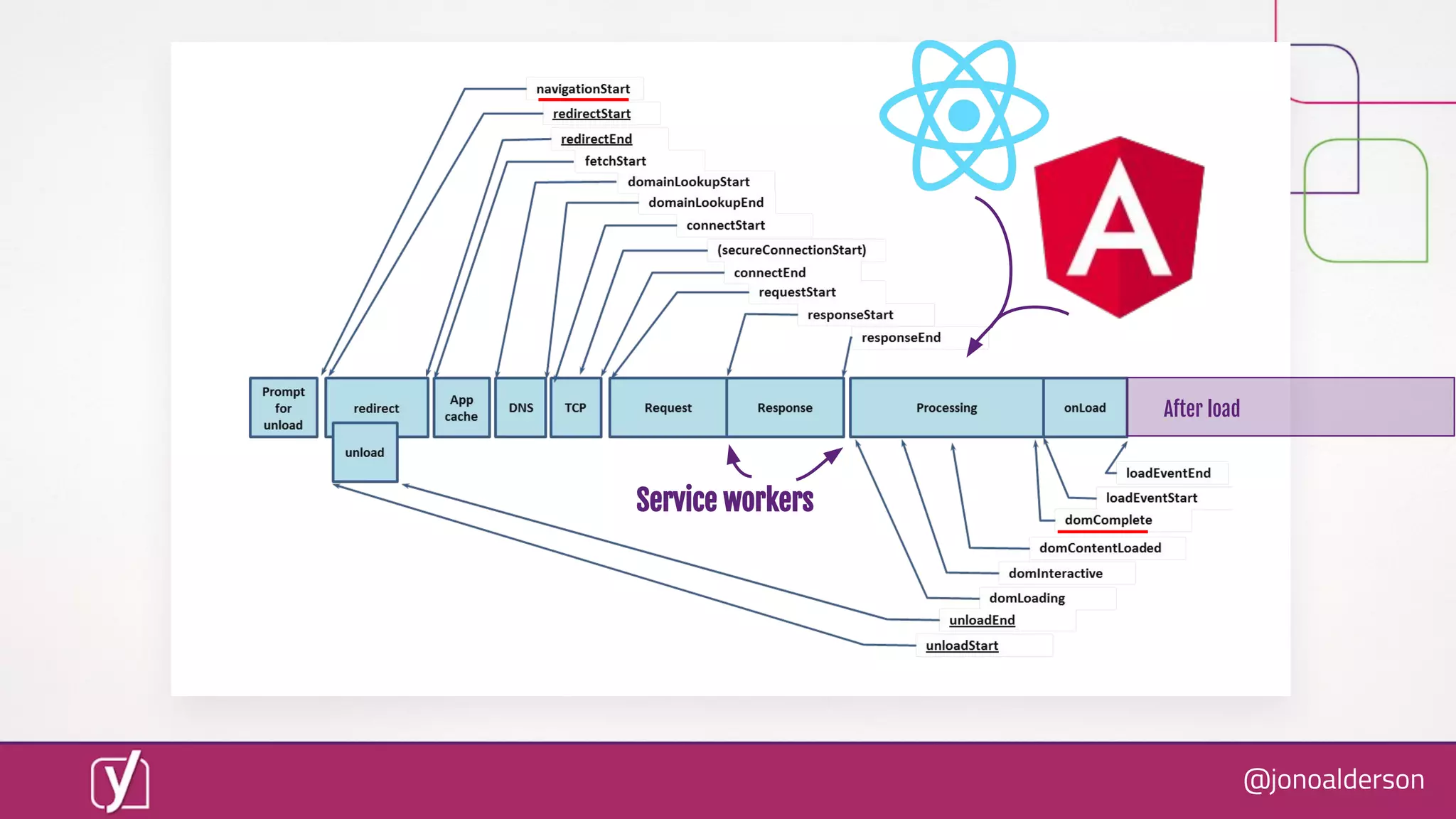
And there are lots of
moving parts.
@jonoalderson
@jonoalderson
@jonoalderson
Service workers
@jonoalderson
Service workers
After load
@jonoalderson
Scary?
@jonoalderson
Performance optimisation is no
longer an art. It’s a science.
@jonoalderson
Every site in the world
can load in <1s.
@jonoalderson
You just need to
follow the rules.
@jonoalderson
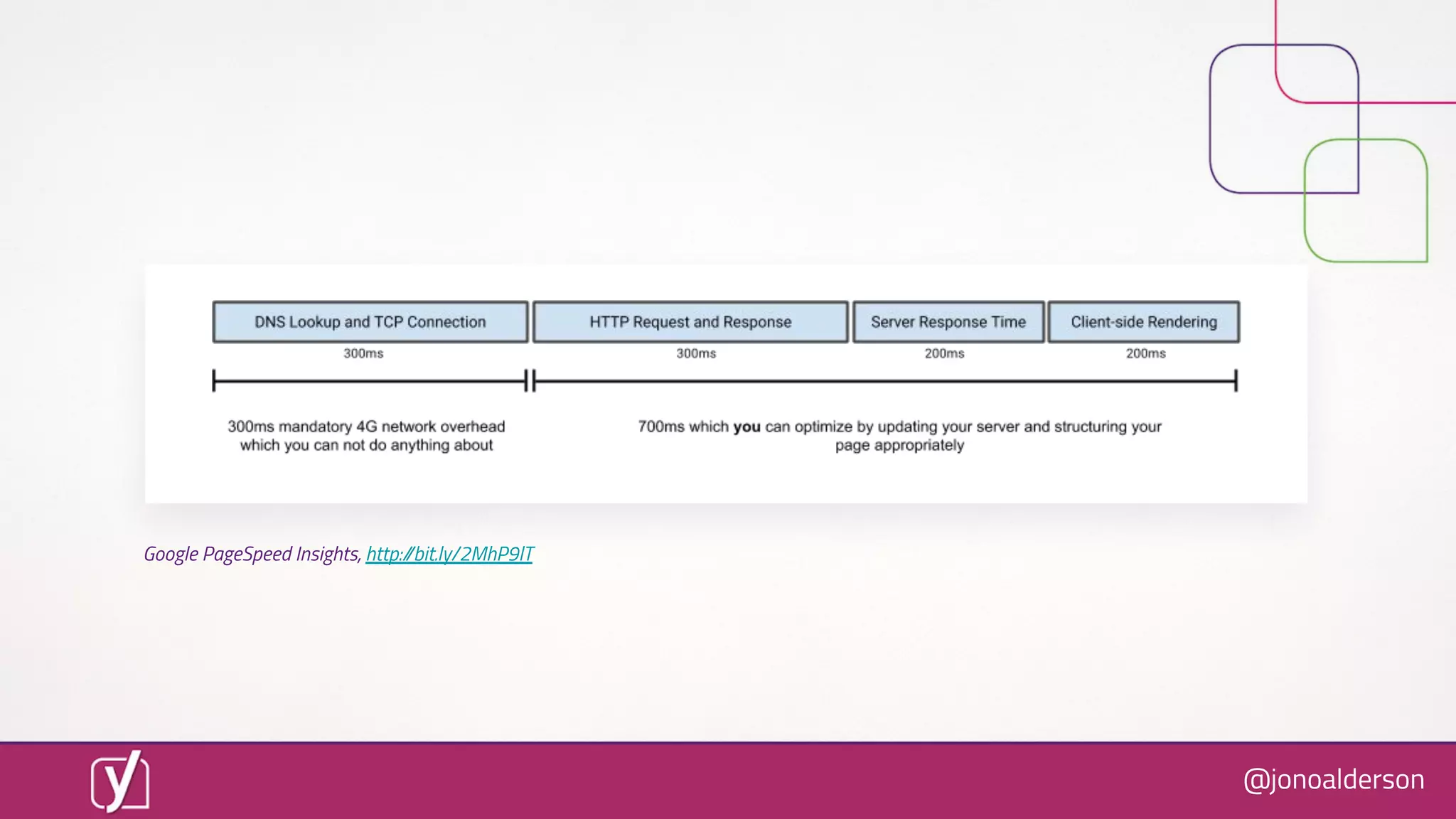
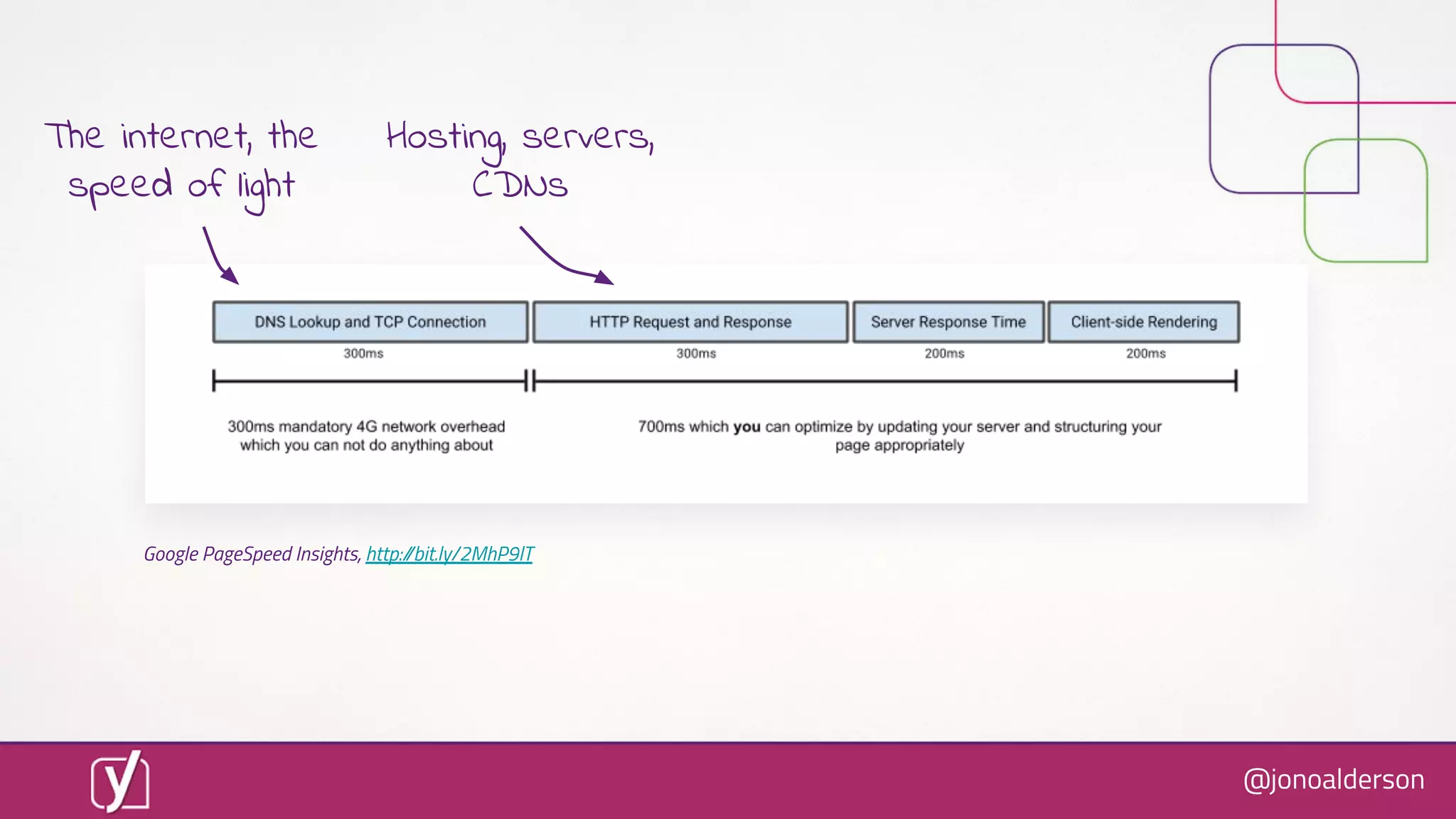
Google PageSpeed Insights, http://bit.ly/2MhP9lT
@jonoalderson
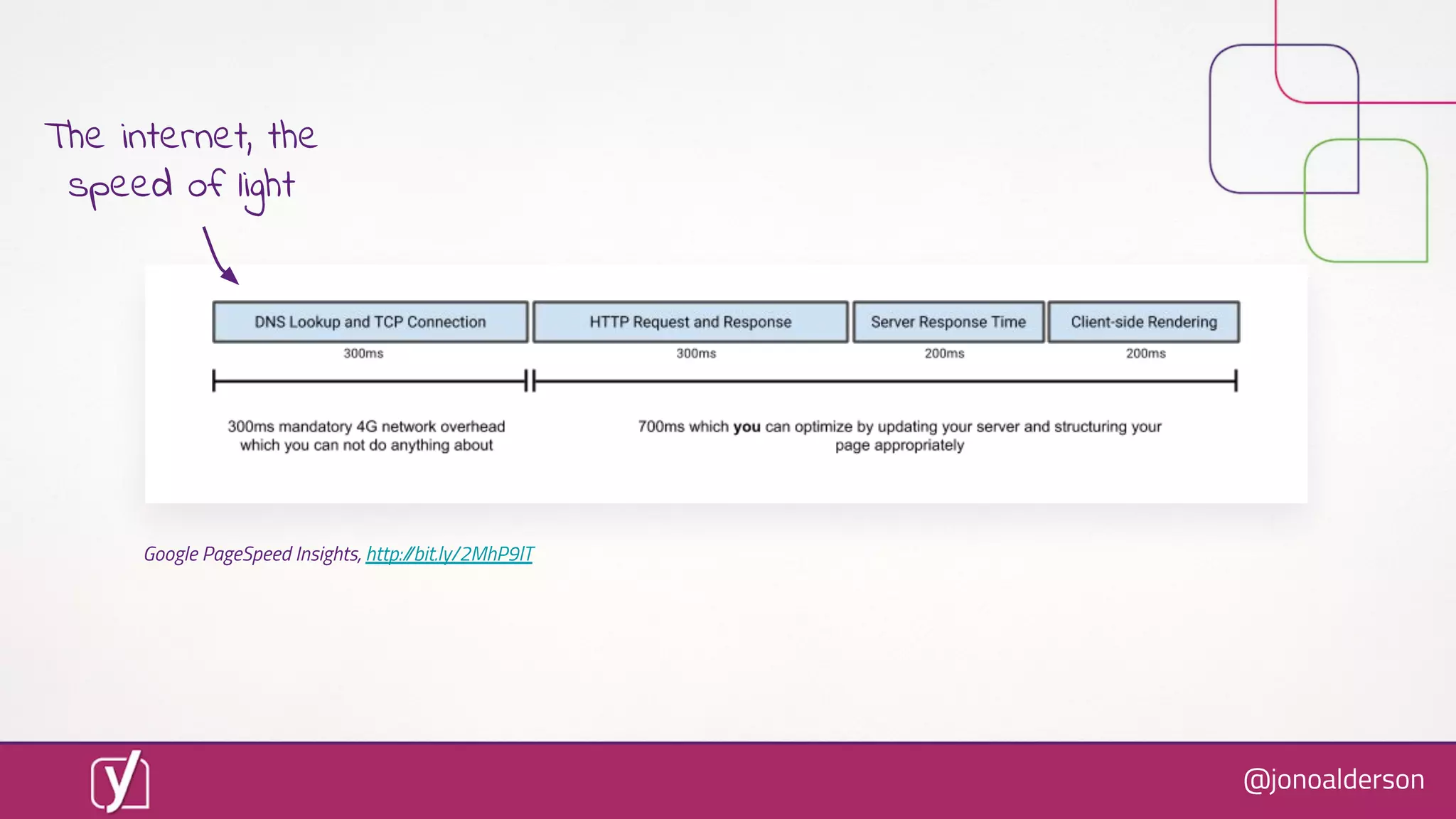
Google PageSpeed Insights, http://bit.ly/2MhP9lT
The internet, the
speed of light
@jonoalderson
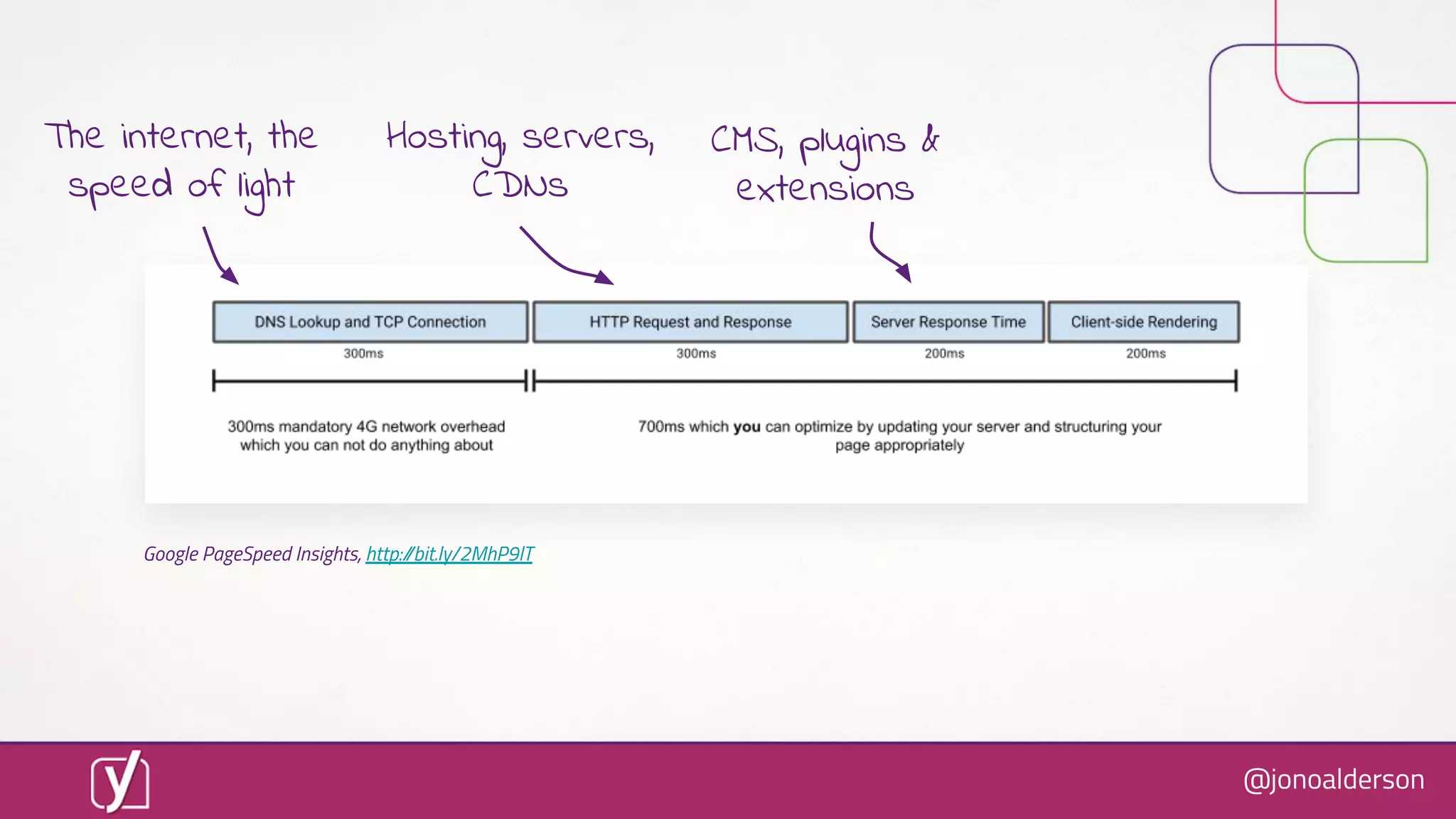
Google PageSpeed Insights, http://bit.ly/2MhP9lT
Hosting, servers,
CDNs
The internet, the
speed of light
@jonoalderson
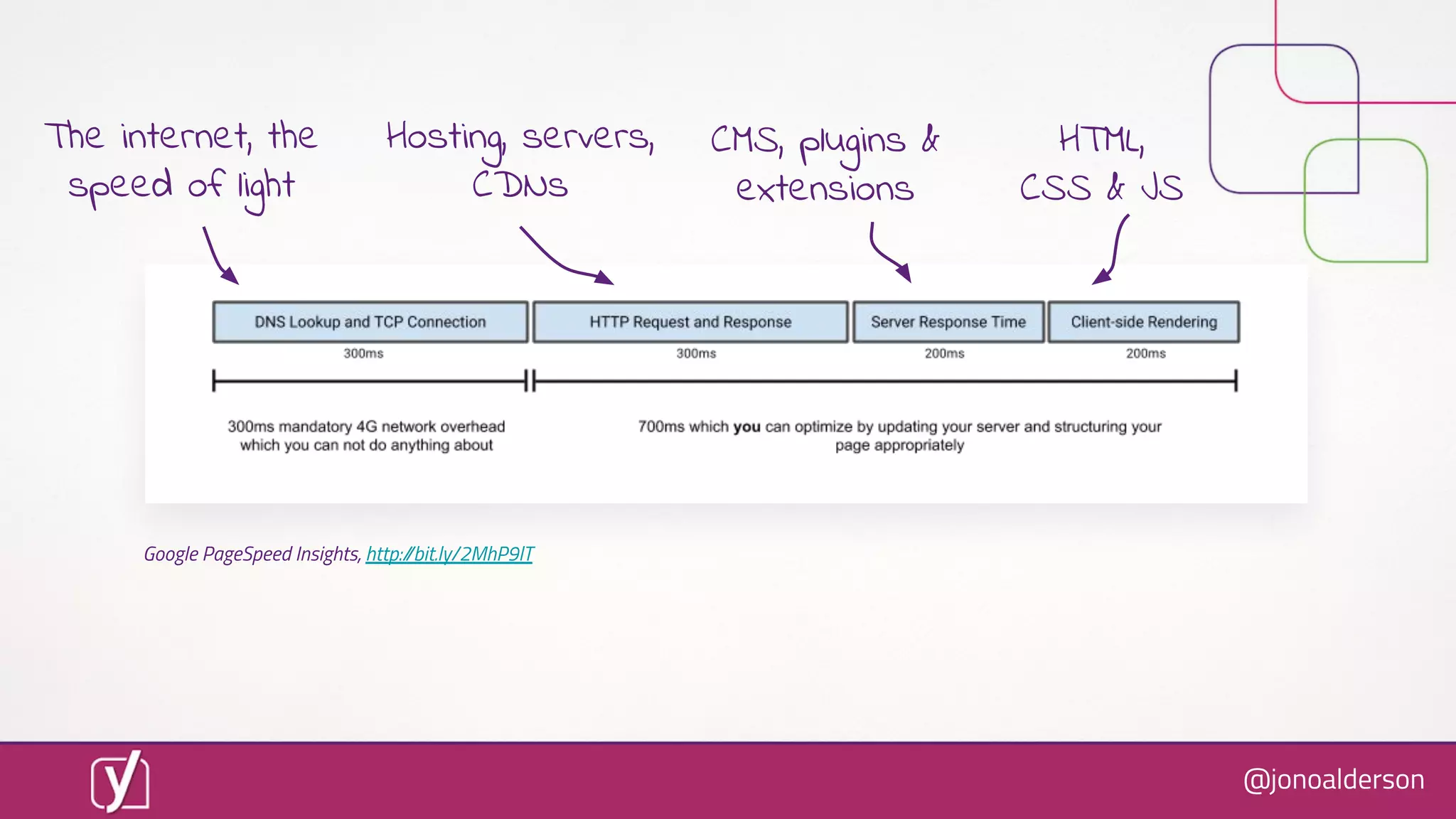
Google PageSpeed Insights, http://bit.ly/2MhP9lT
Hosting, servers,
CDNs
The internet, the
speed of light
CMS, plugins &
extensions
@jonoalderson
Google PageSpeed Insights, http://bit.ly/2MhP9lT
Hosting, servers,
CDNs
HTML,
CSS & JS
The internet, the
speed of light
CMS, plugins &
extensions
@jonoalderson
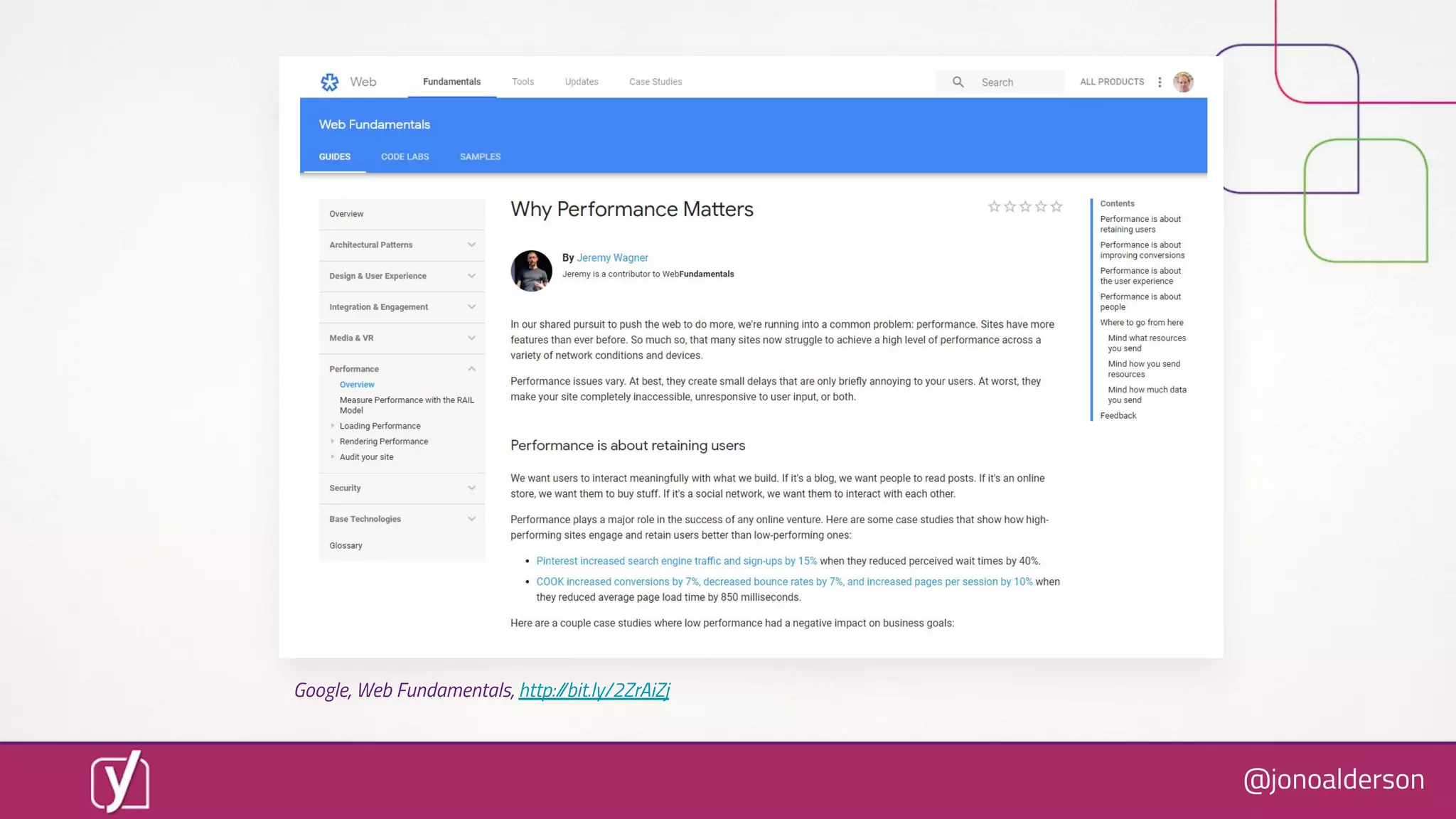
If only there was a guide...
@jonoalderson
Google, Web Fundamentals, http://bit.ly/2ZrAiZj
@jonoalderson
But everybody’s site is diïŹ€erent
@jonoalderson
Where do you start?
@jonoalderson
Just go and ïŹnd the slow stuïŹ€.
@jonoalderson
Use tools to spot problems
@jonoalderson
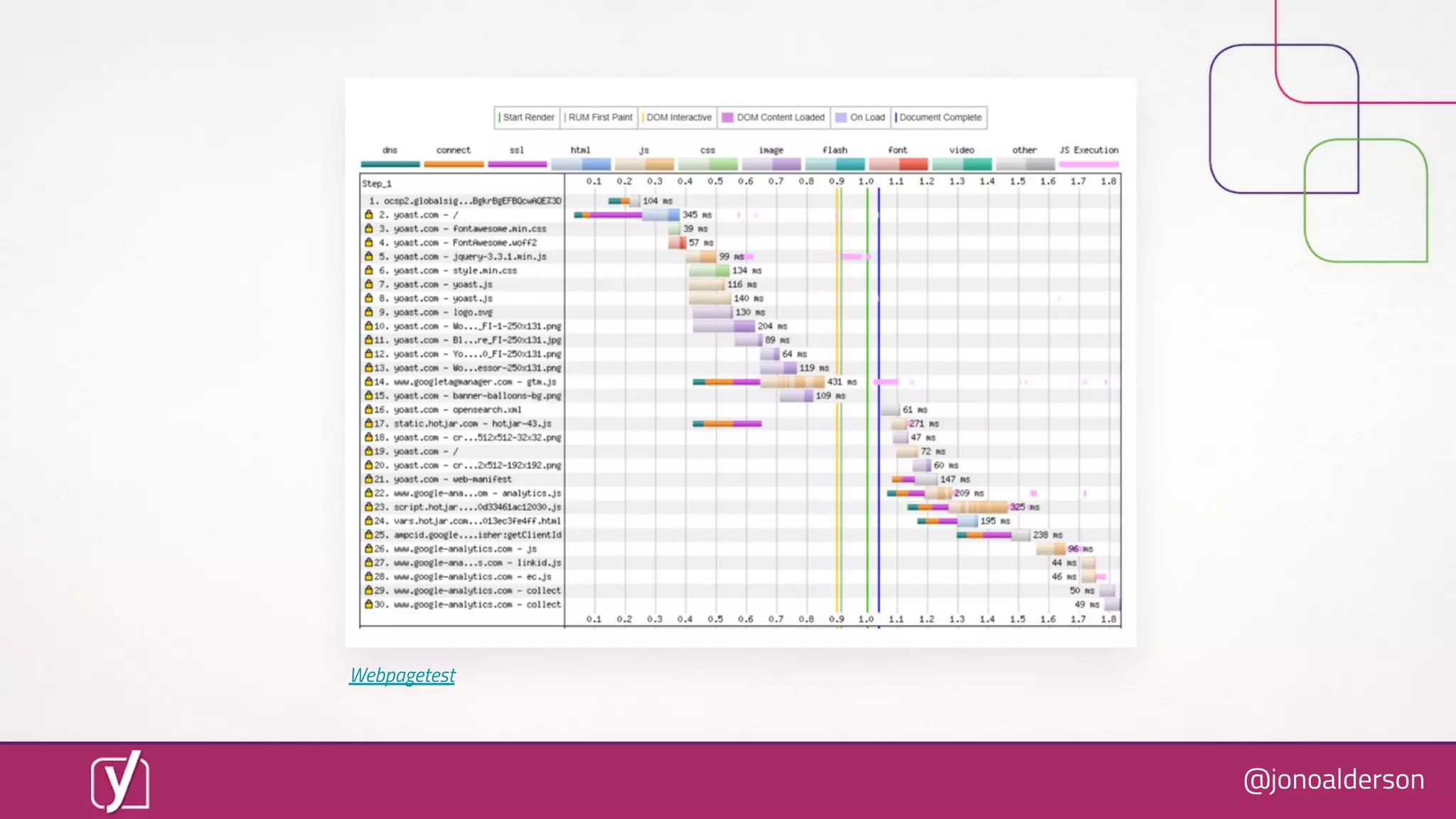
Webpagetest
@jonoalderson
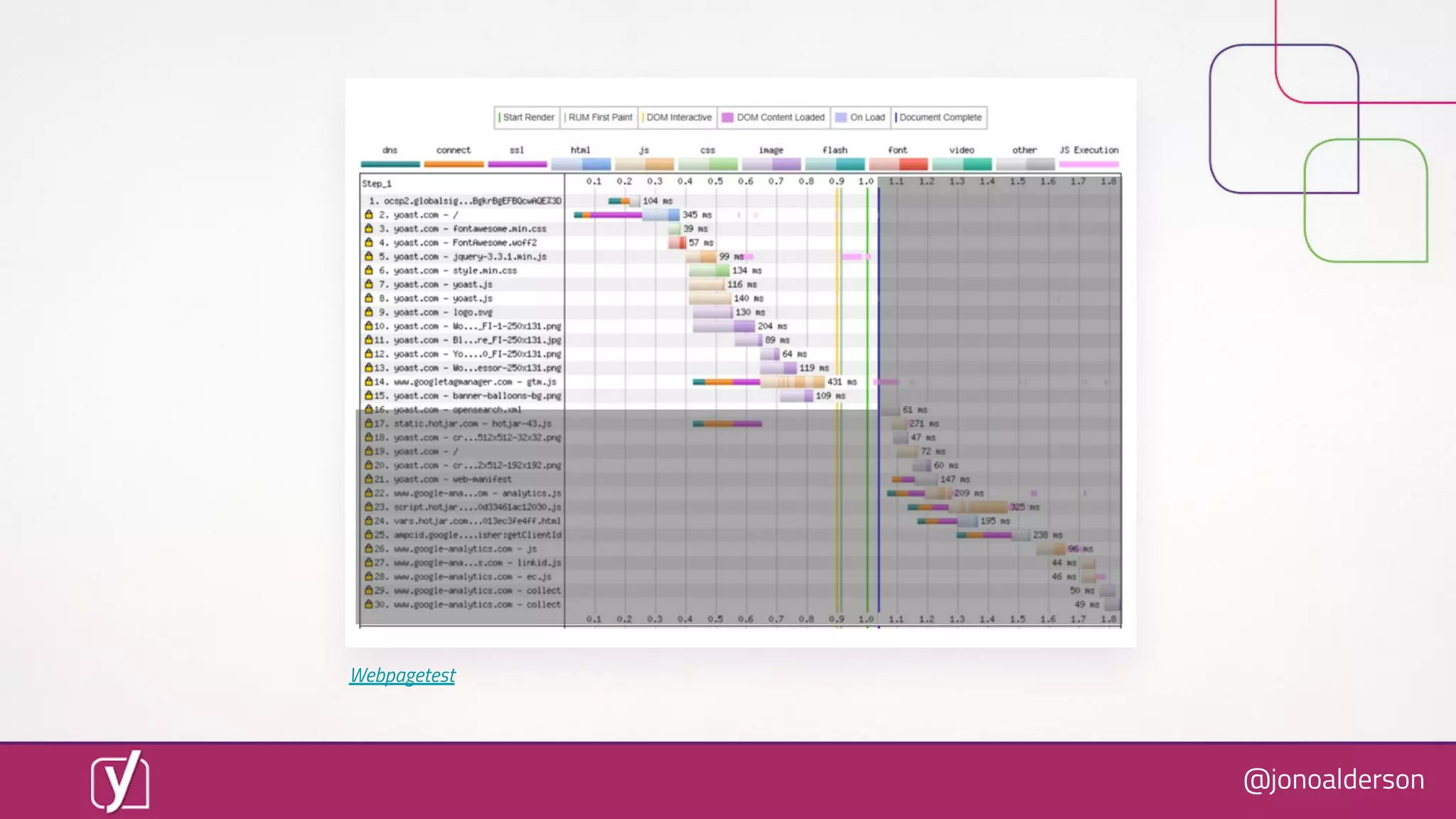
Webpagetest
@jonoalderson
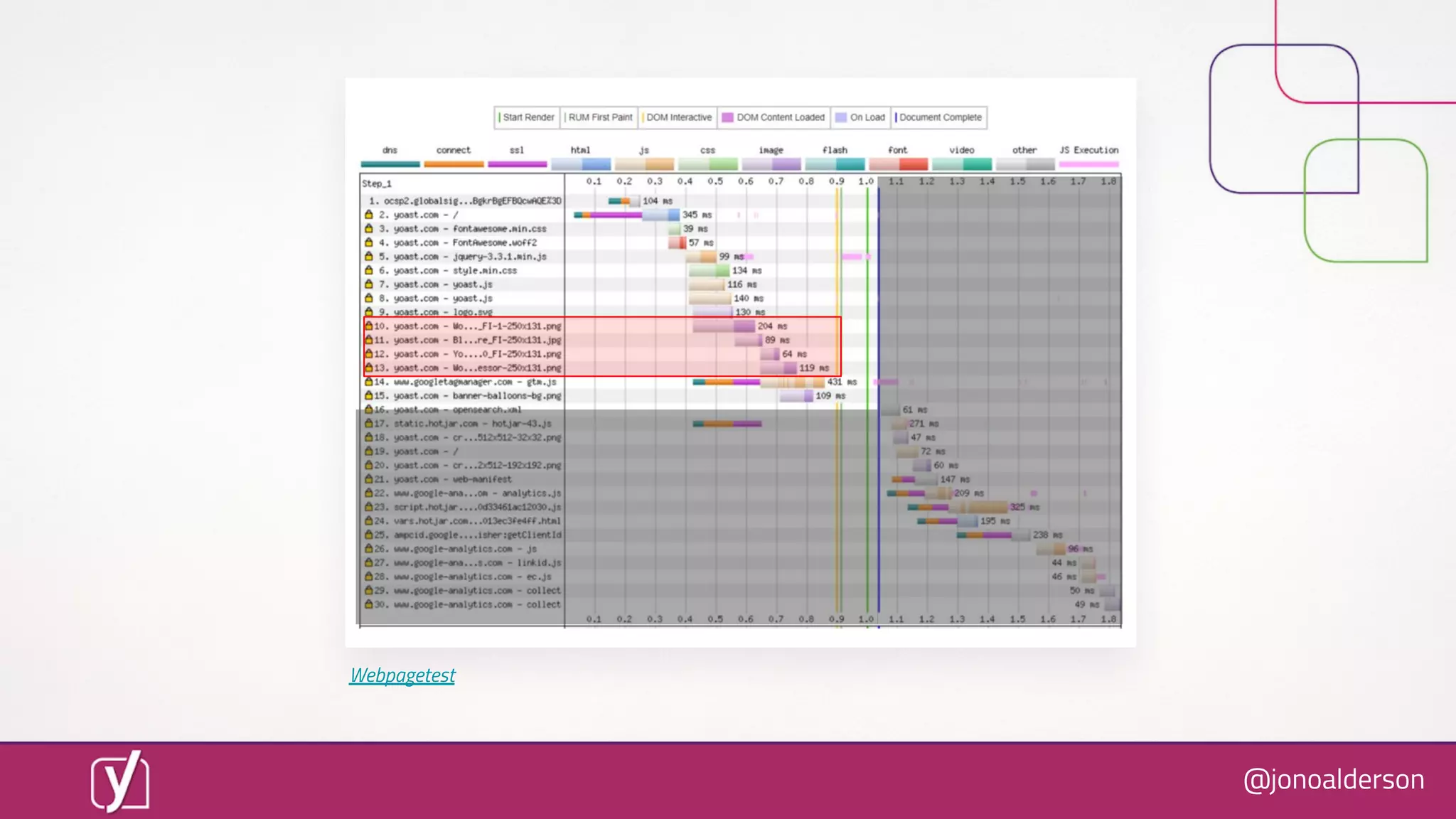
Webpagetest
@jonoalderson
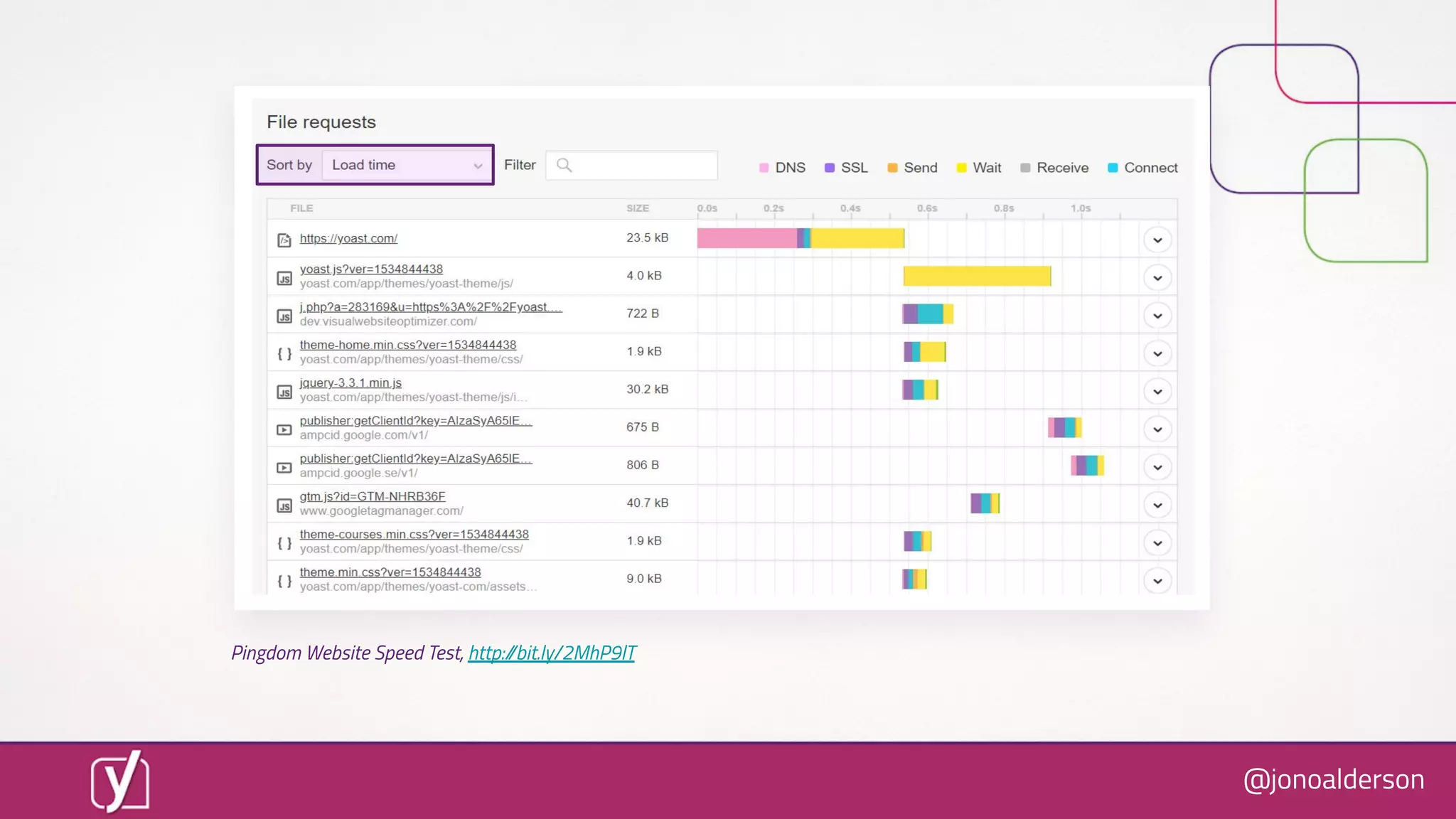
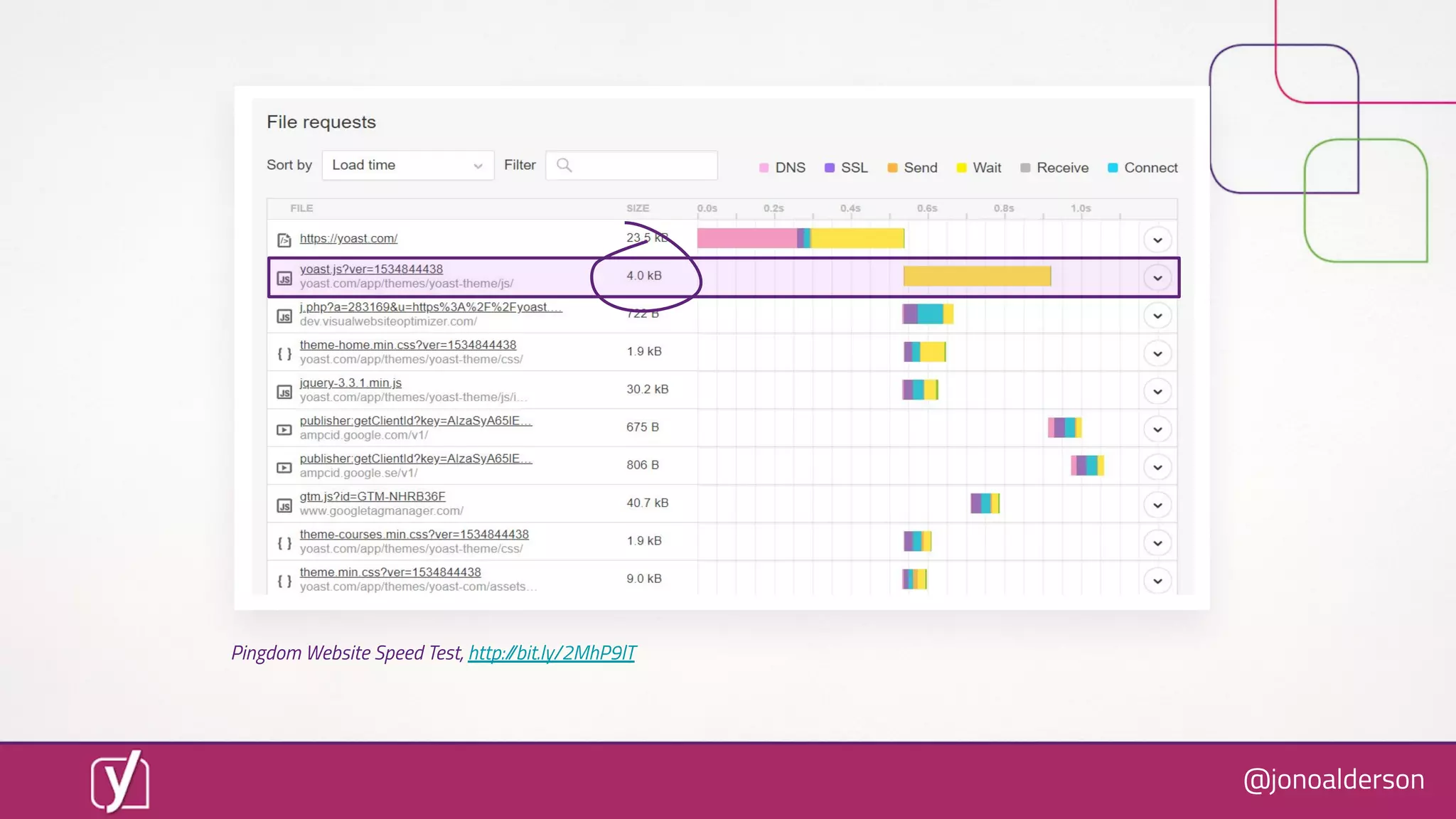
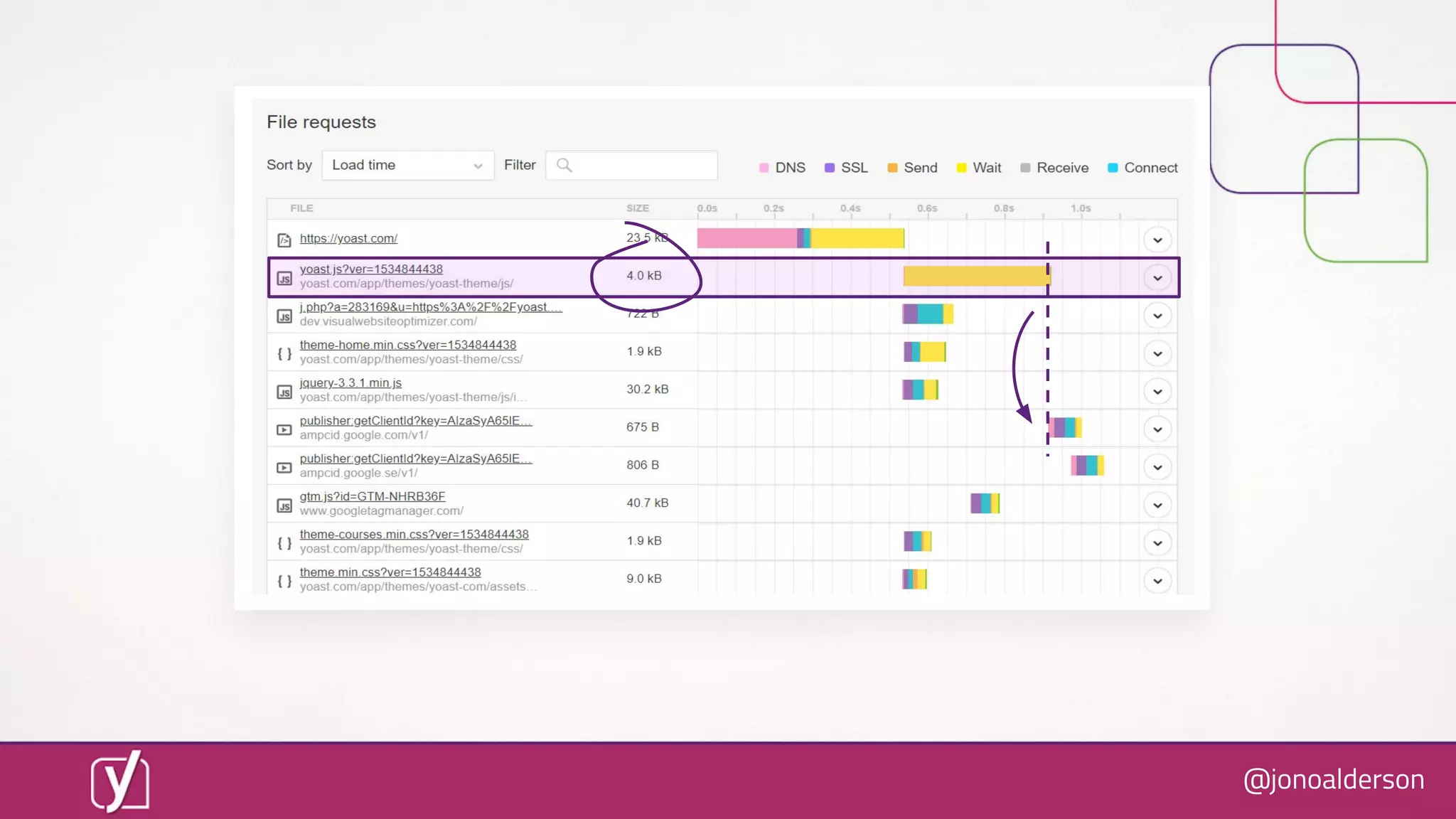
Pingdom Website Speed Test, http://bit.ly/2MhP9lT
@jonoalderson
Pingdom Website Speed Test, http://bit.ly/2MhP9lT
@jonoalderson
@jonoalderson
So we refactored that ïŹle...
1 dev, 1 day
@jonoalderson
@jonoalderson
0.6 seconds
@jonoalderson
However
 I may not have been
completely honest with you.
@jonoalderson
@jonoalderson
@jonoalderson
@jonoalderson
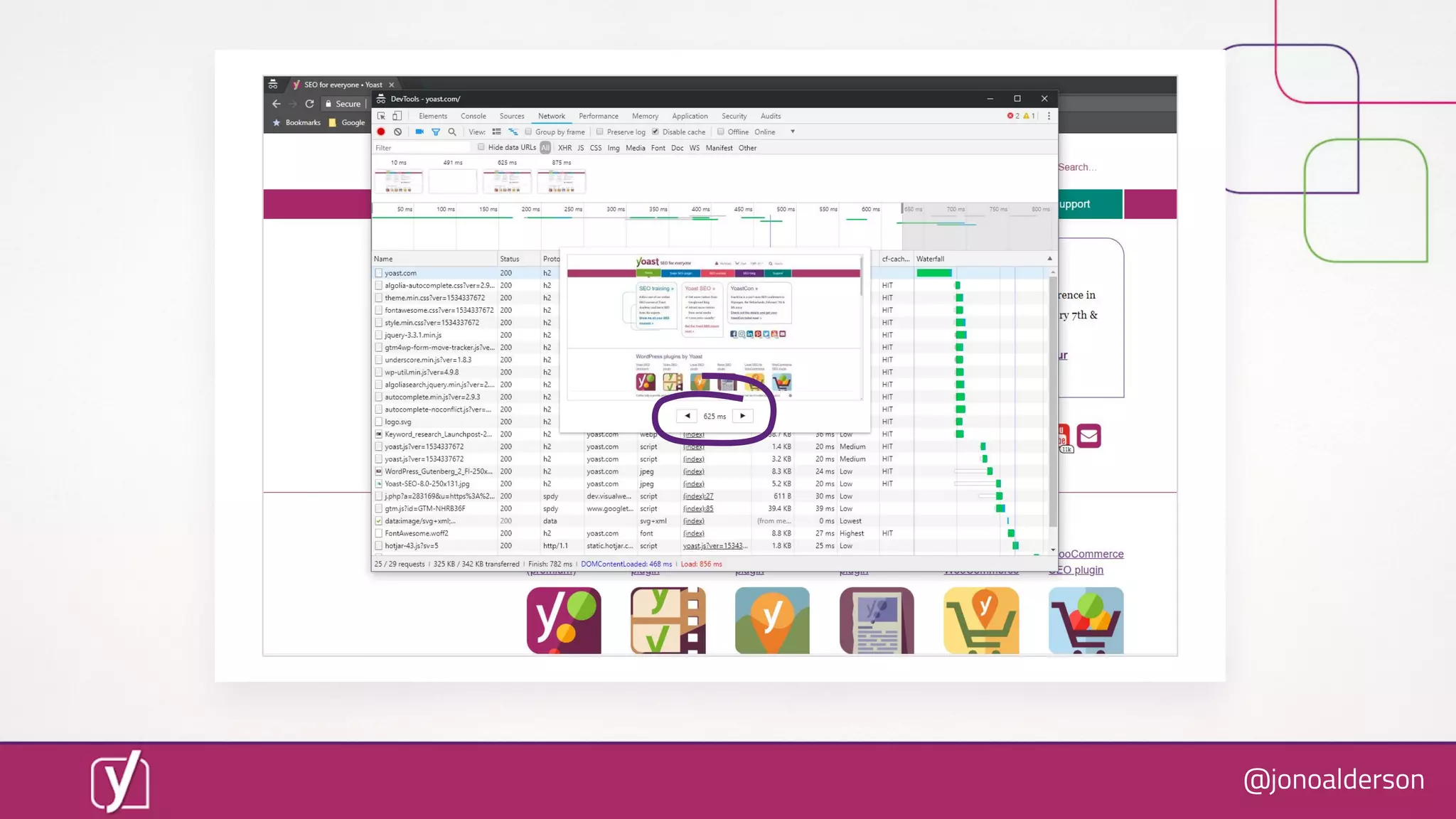
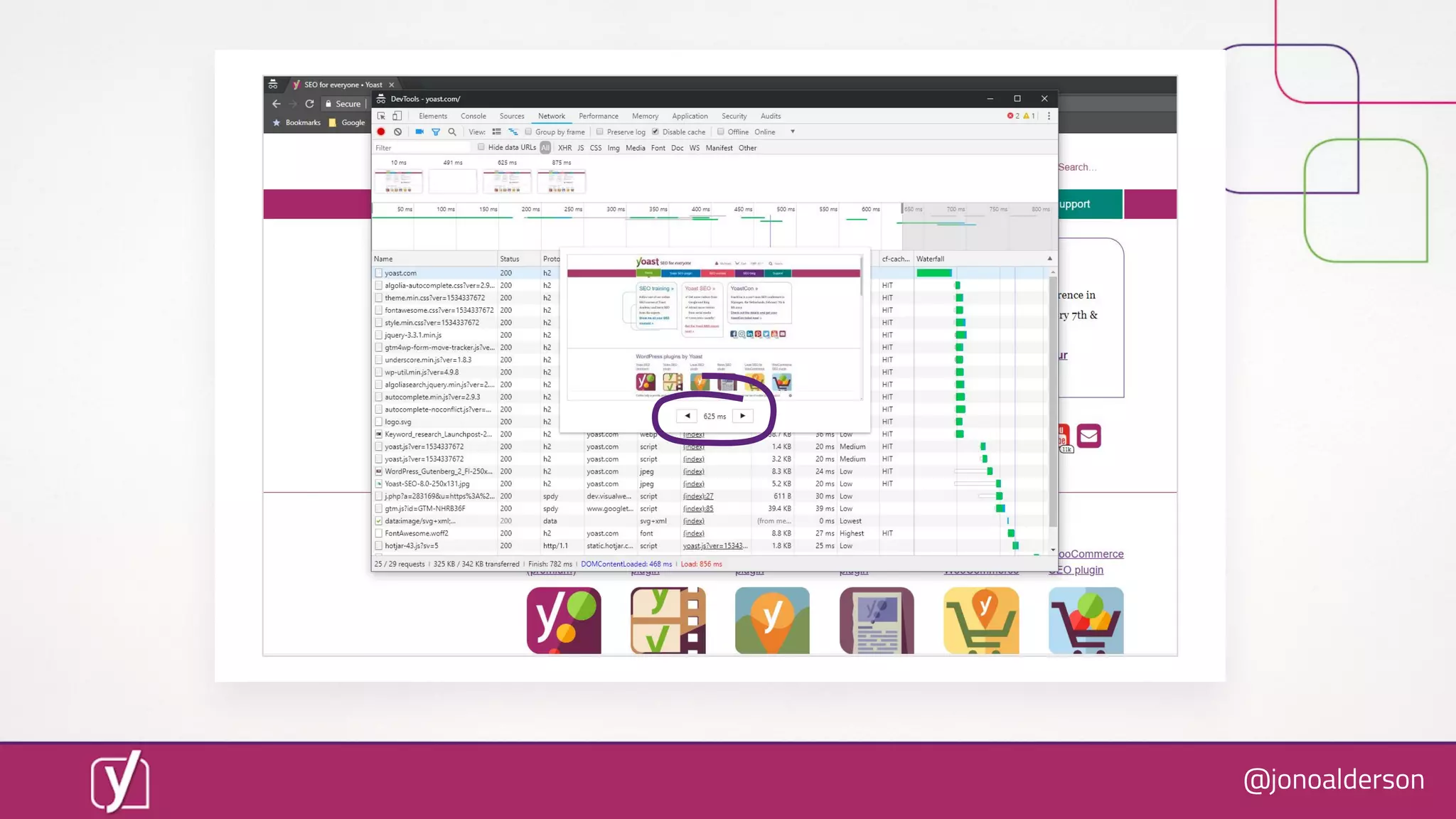
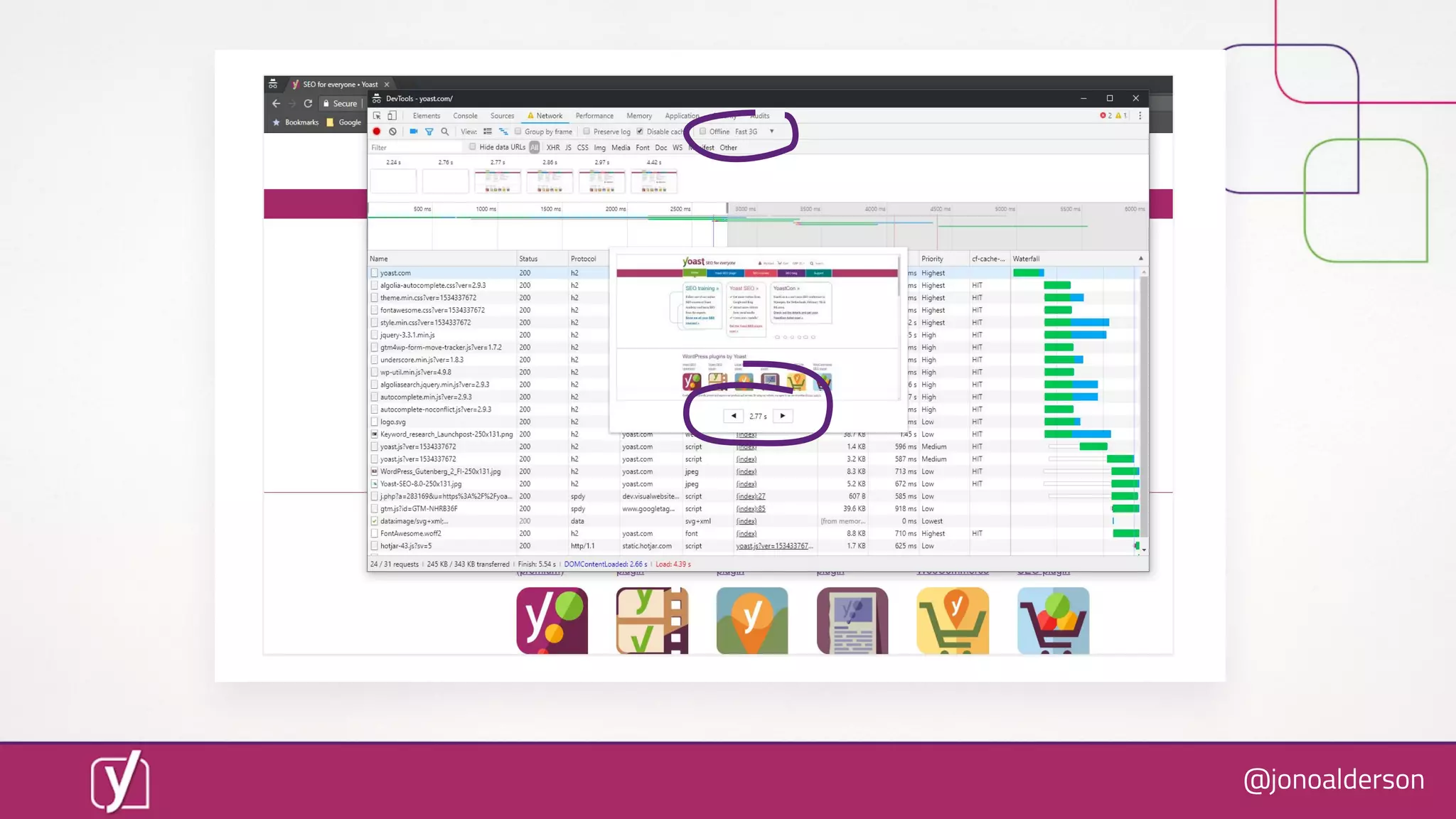
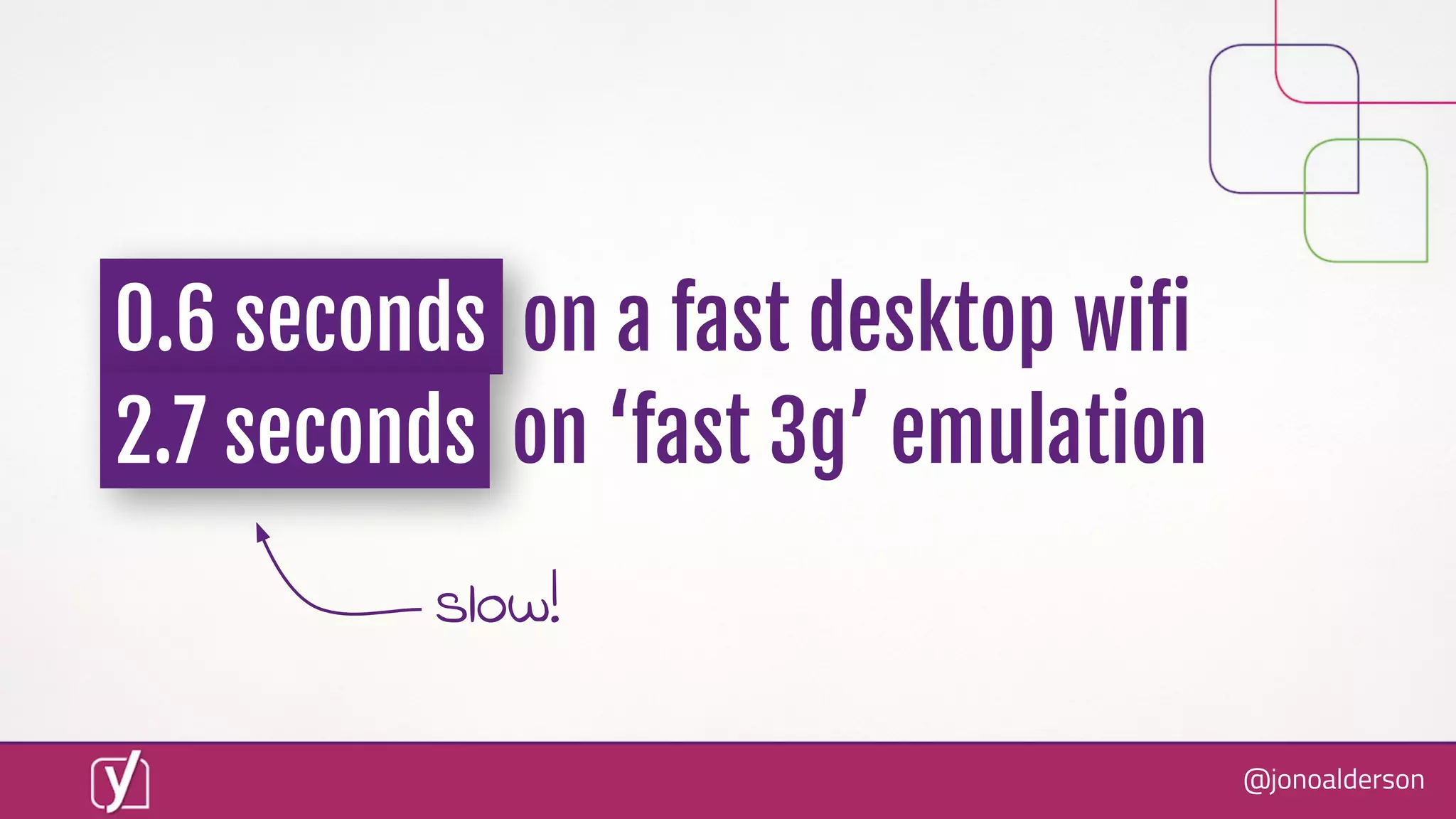
0.6 seconds on a fast desktop wiïŹ
2.7 seconds on ‘fast 3g’ emulation
slow!
@jonoalderson
That’s a bit rubbish...
@jonoalderson
We’re on a journey of 1,000 tweaks.
There is no magic bullet.
@jonoalderson
So what can you do, today?
@jonoalderson
Here’s how you shortcut speed
Some “quick” wins!
@jonoalderson
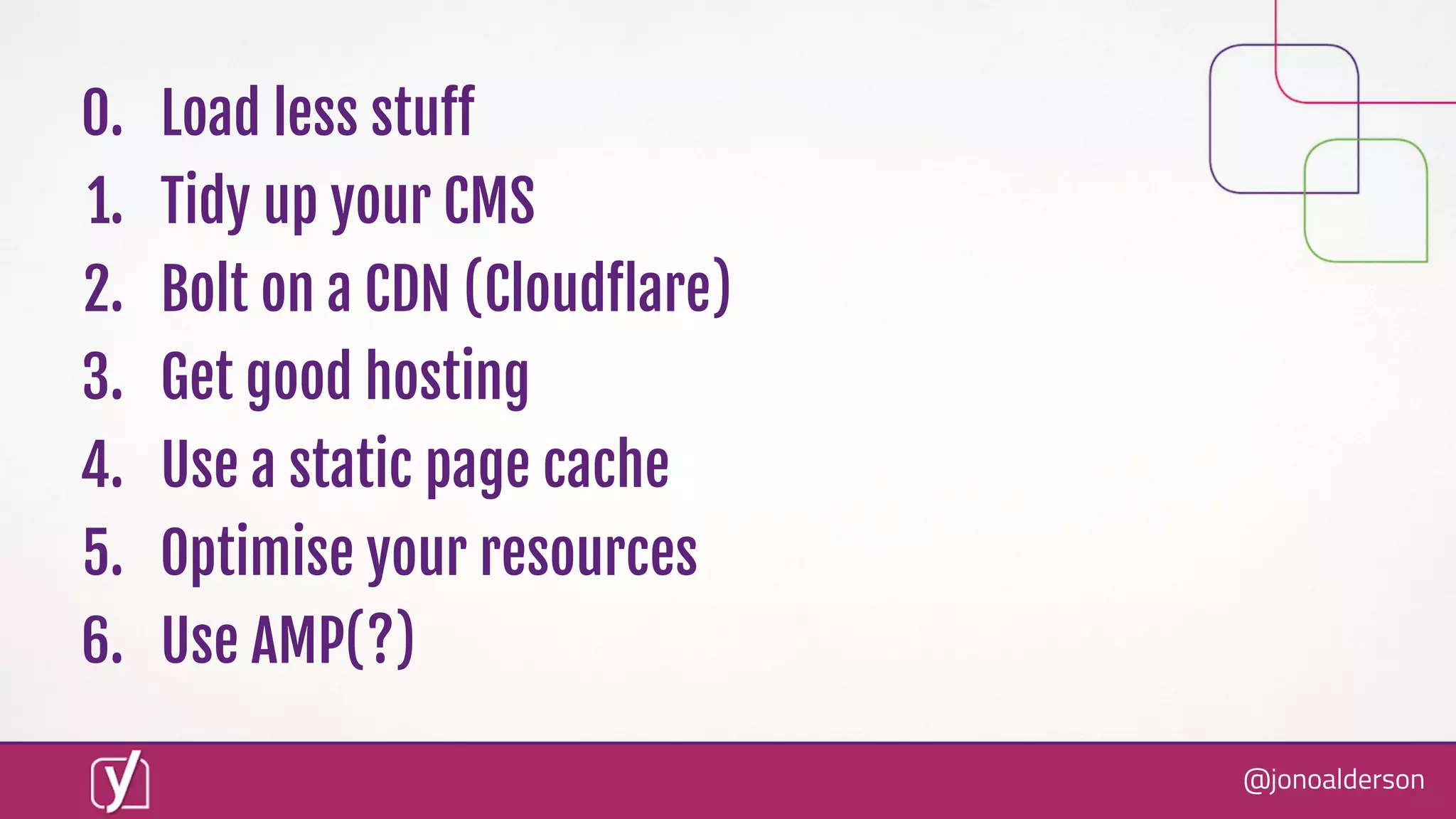
0. Load less stuïŹ€
1. Tidy up your CMS
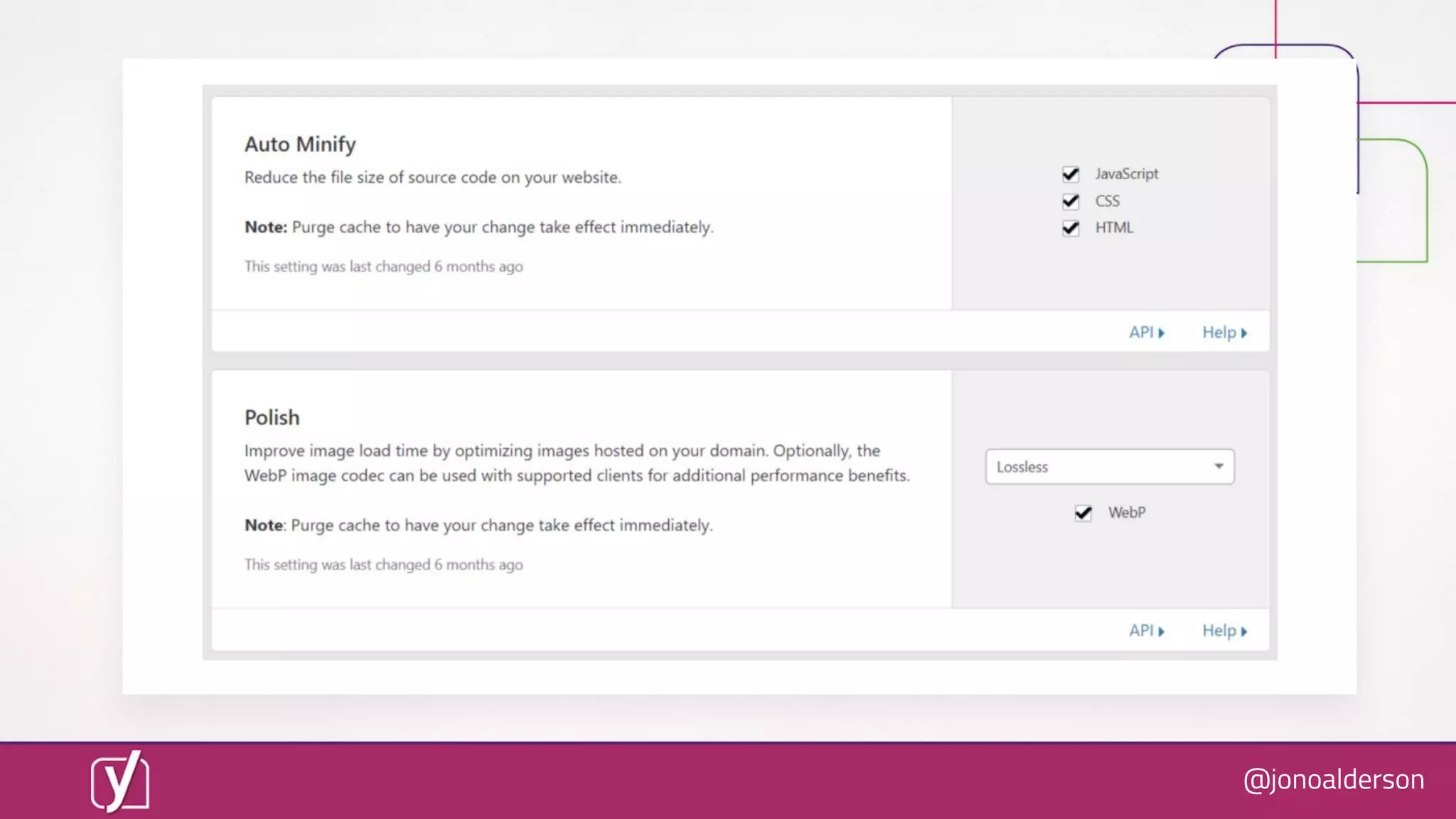
2. Bolt on a CDN (CloudïŹ‚are)
3. Get good hosting
4. Use a static page cache
5. Optimise your resources
6. Use AMP(?)
@jonoalderson
0. Load less stuïŹ€
@jonoalderson
● Plugins, extensions and integrations
● Bytes transferred
● DOM complexity
● Fonts
● Colours, details, icons, lines, borders, shadows
● JavaScript
[BASICS]
@jonoalderson
● Lazy-loading, deferring or async’ing resources
● Cross-domain resource reduction
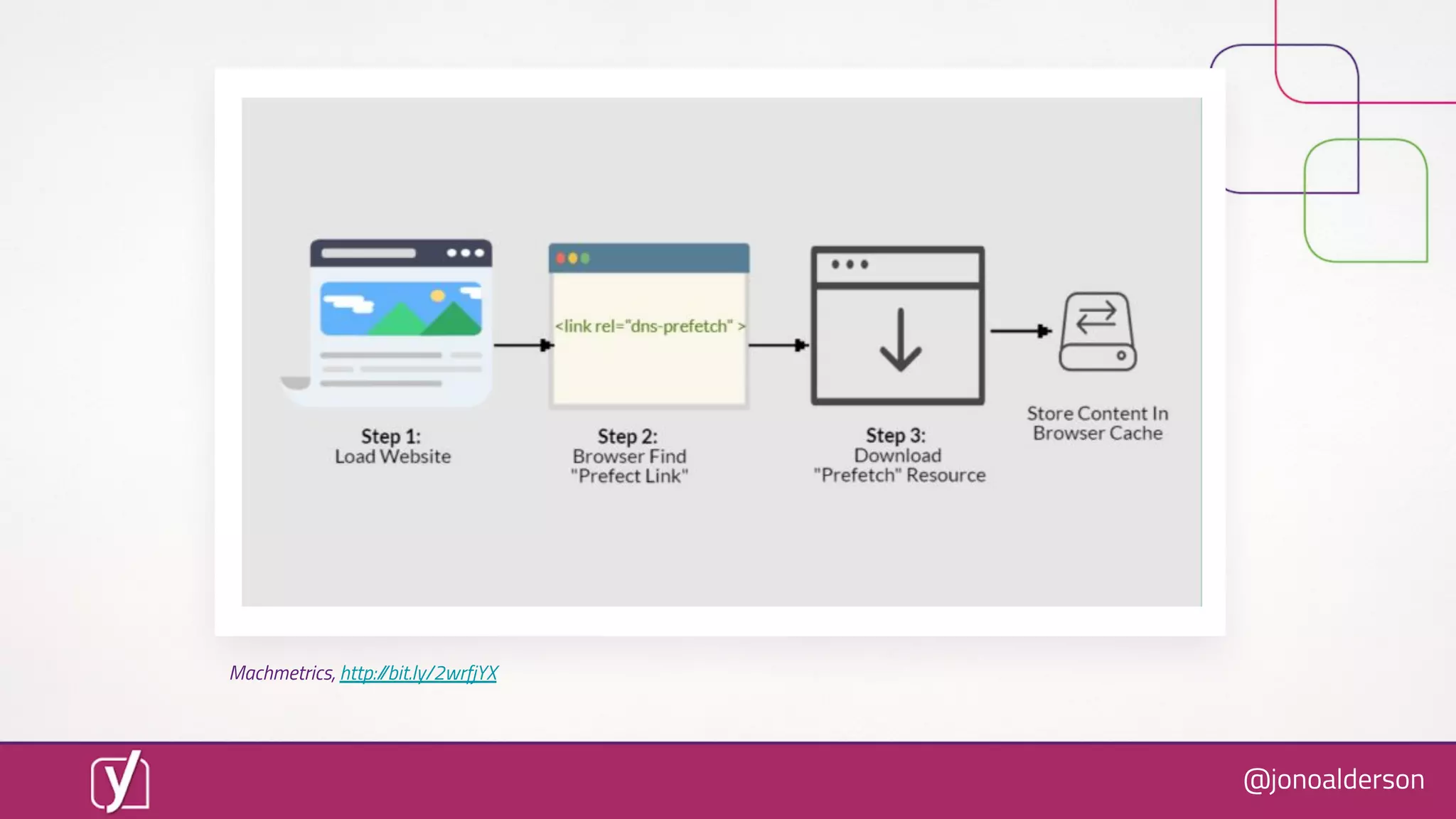
● DNS & asset prefetch/preload
[ADVANCED]
@jonoalderson
Machmetrics, http://bit.ly/2wrfjYX
@jonoalderson
1. Tidy up your CMS
@jonoalderson
[BASICS]
● Use plugins, extensions and integrations to measure(!)
@jonoalderson
@jonoalderson
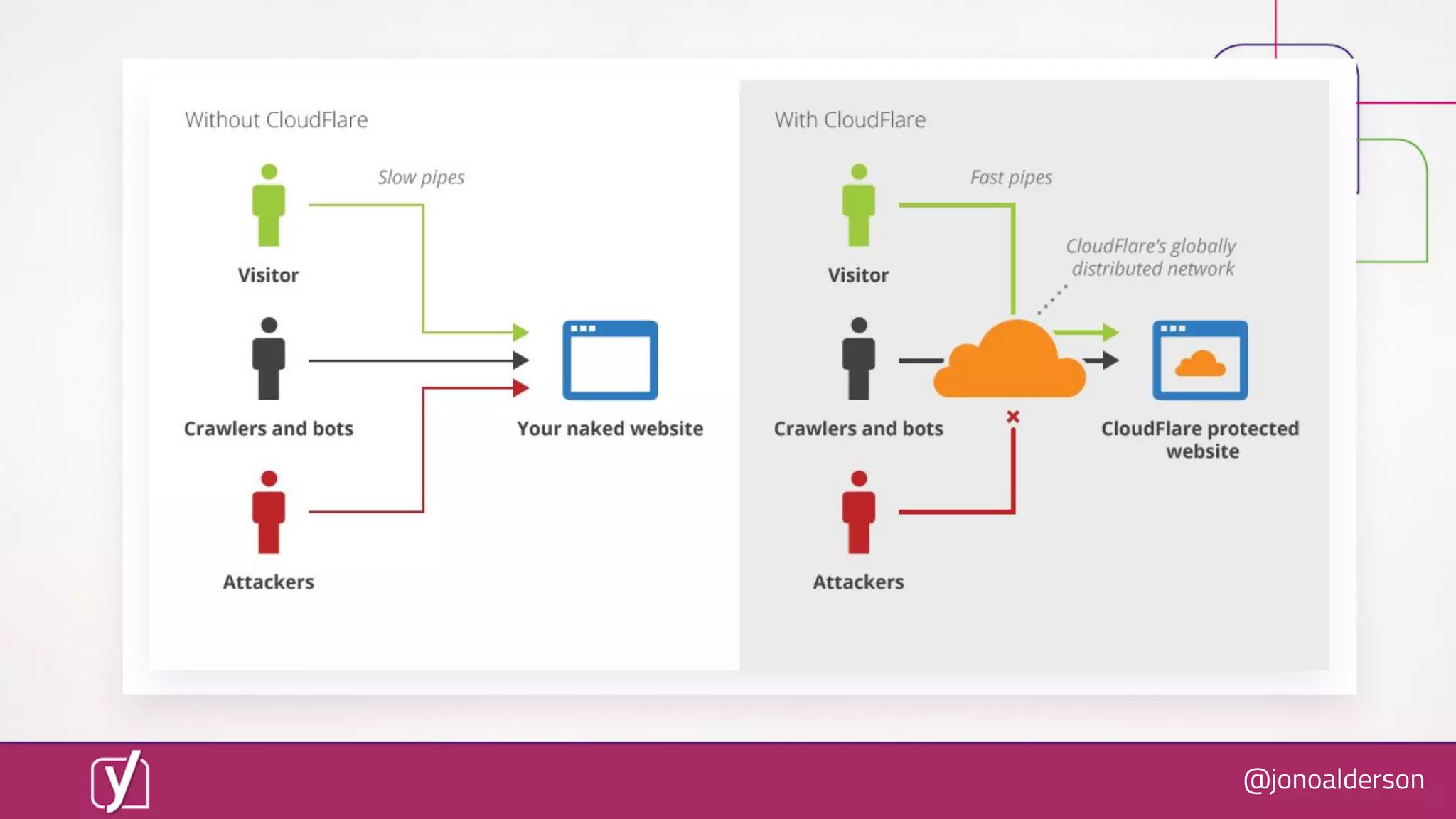
2. Bolt on a CDN
@jonoalderson
@jonoalderson
@jonoalderson
@jonoalderson
● Page rules
● Edge workers
● Server push
[ADVANCED]
@jonoalderson
Tom Anthony, Distilled, http://bit.ly/2MhP9lT
@jonoalderson
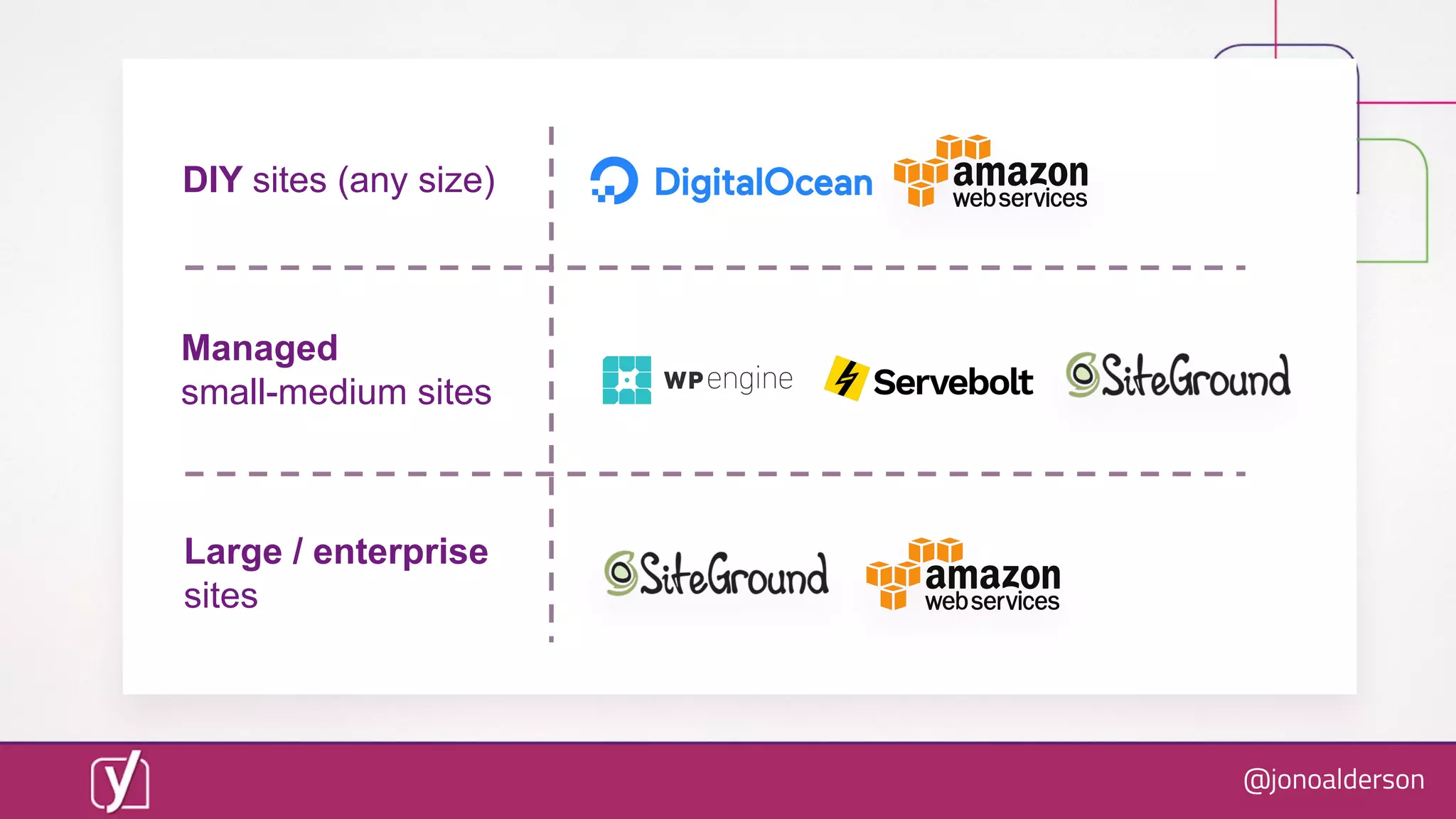
3. Get better hosting
@jonoalderson
@jonoalderson
DIY sites (any size)
Managed
small-medium sites
Large / enterprise
sites
@jonoalderson
4. Use a static page cache
@jonoalderson
@jonoalderson
5. Optimise your resources
@jonoalderson
tinypng.com
@jonoalderson
Squoosh.app
@jonoalderson
Squoosh.app
@jonoalderson
● OïŹ€load media to, e.g., Amazon S3
● Use an image CDN like Cloudinary or Imgix
● Modularise CSS and JavaScript
[ADVANCED]
@jonoalderson
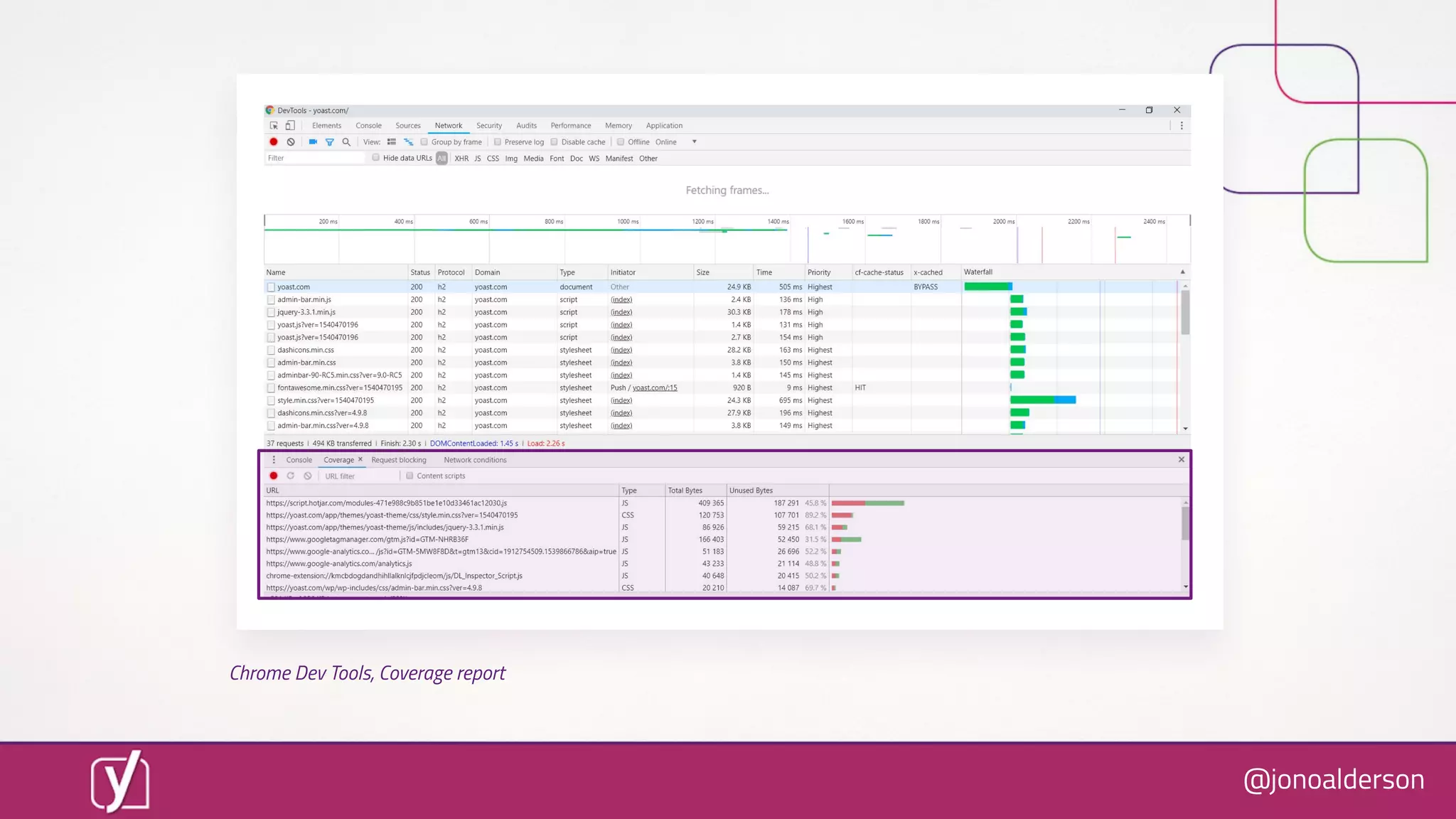
Chrome Dev Tools, Coverage report
@jonoalderson
6. Use Amp (?)
@jonoalderson
amp.dev
@jonoalderson
“The official” AMP WordPress plugin, wordpress.org/plugins/amp/
@jonoalderson
This stuïŹ€ makes a diïŹ€erence
@jonoalderson
@jonoalderson
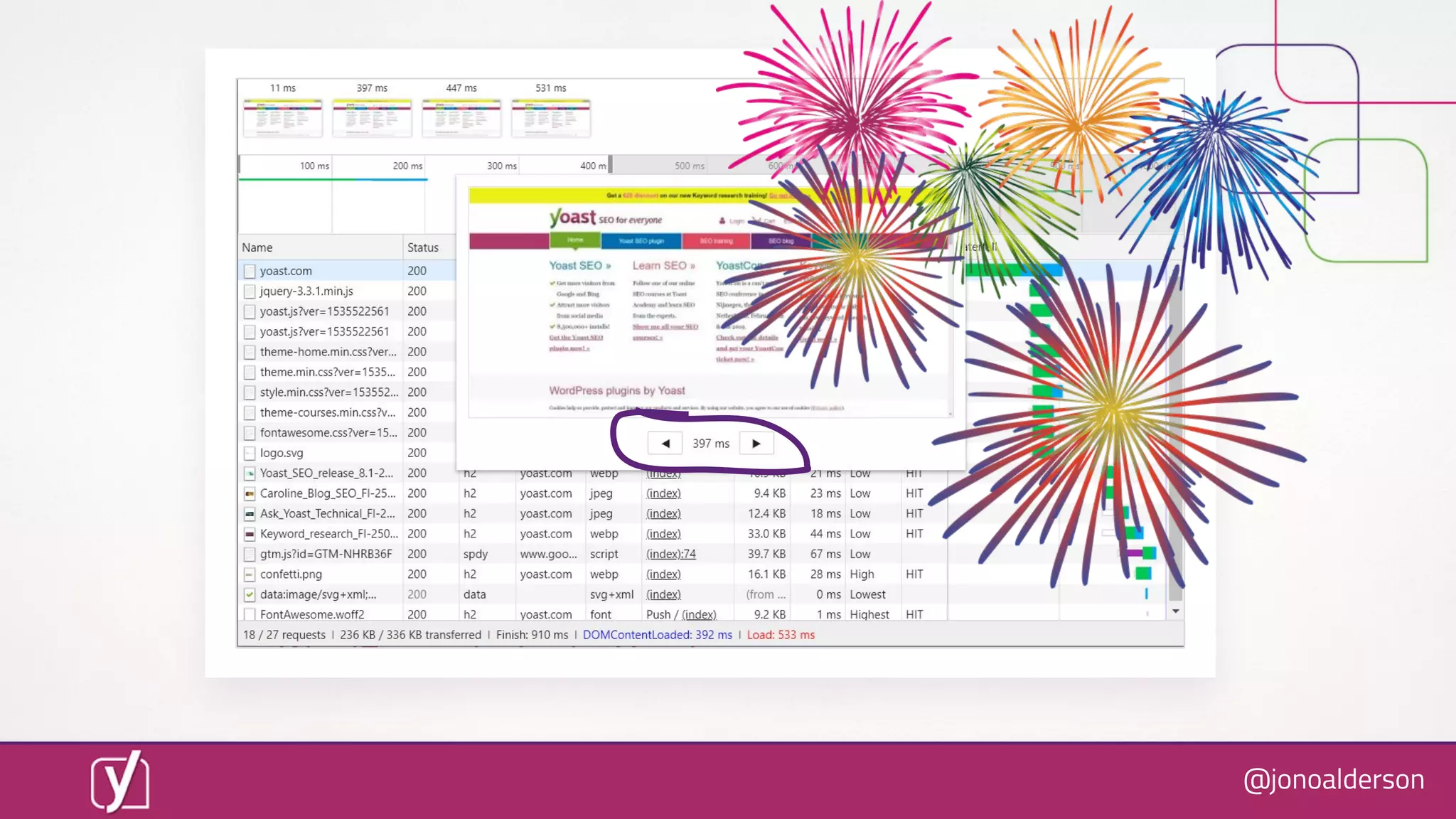
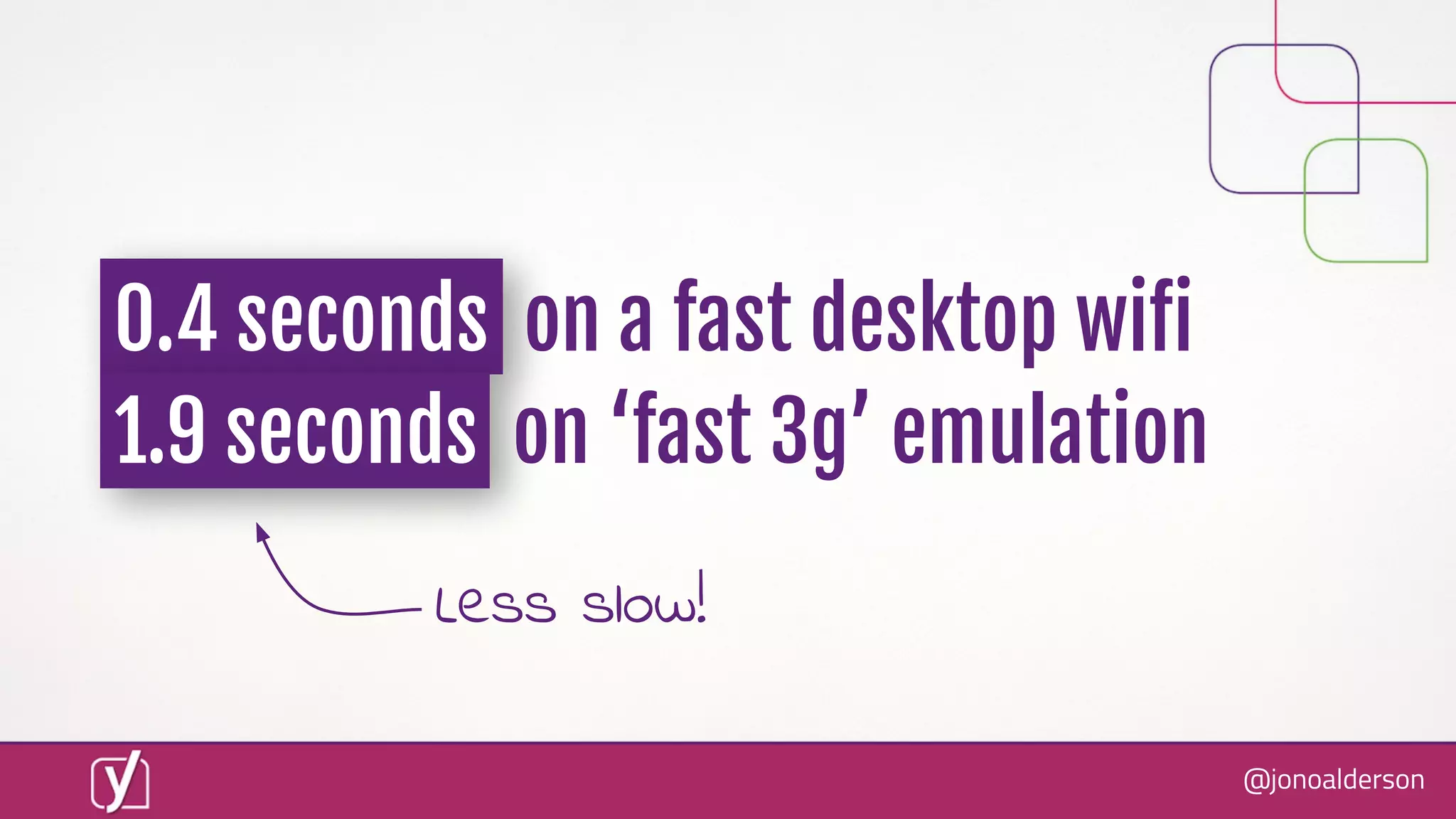
0.4 seconds on a fast desktop wiïŹ
1.9 seconds on ‘fast 3g’ emulation
Less slow!
@jonoalderson
So, what’s still to do?
@jonoalderson
Canonical AMP
Automatic CSS
tree shaking!
@jonoalderson
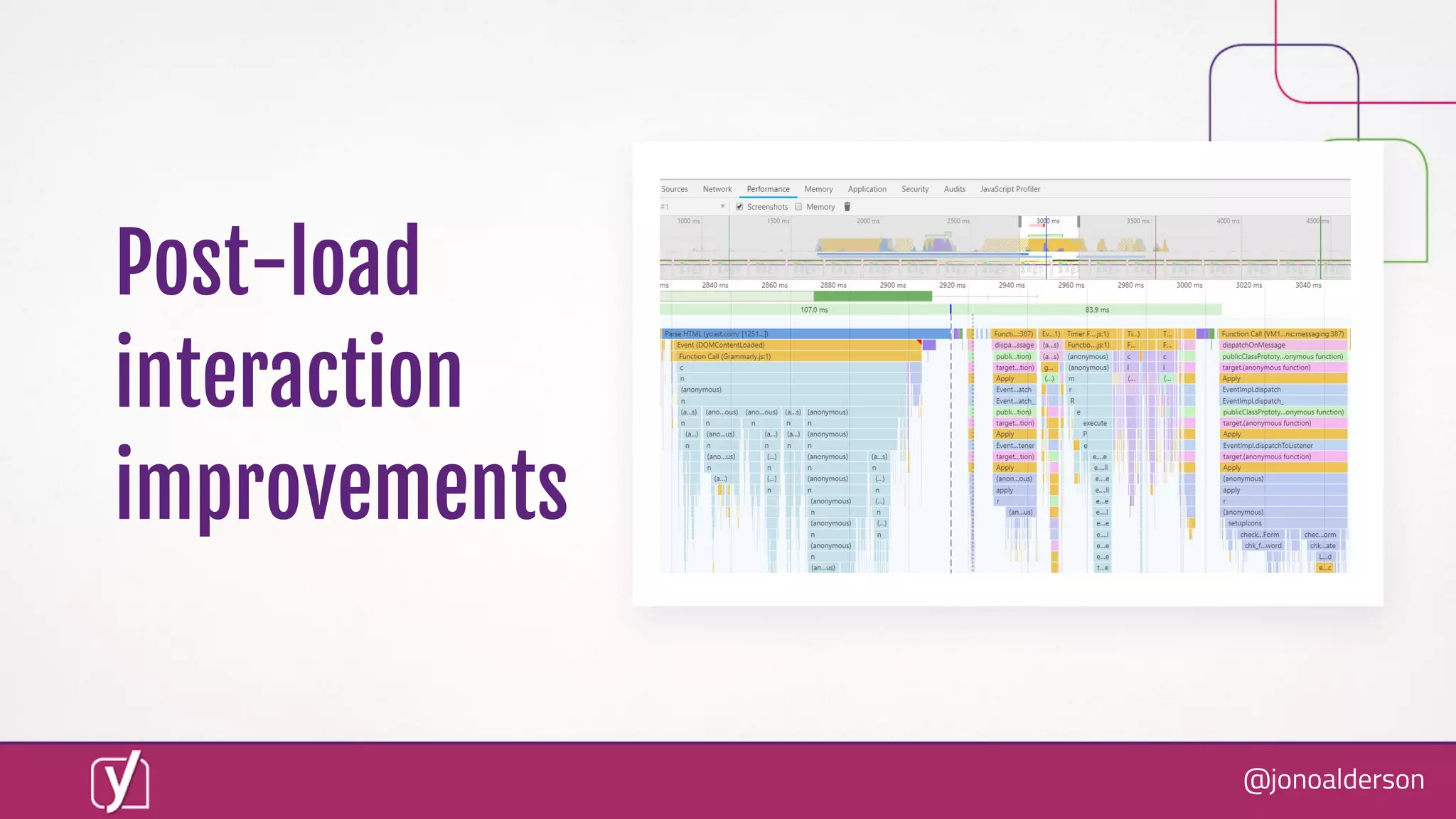
Post-load
interaction
improvements
@jonoalderson
New ways of
thinking
about CSS
Me, https://bit.ly/2D5Dlgy
@jonoalderson
Emily Hayman, http://bit.ly/2MILD4c
@jonoalderson
Resources
@jonoalderson
Emily Grossman, SkyScanner, http://bit.ly/2wjnkzR
@jonoalderson
Jon Henshaw, http://bit.ly/2wwy5xZ
@jonoalderson
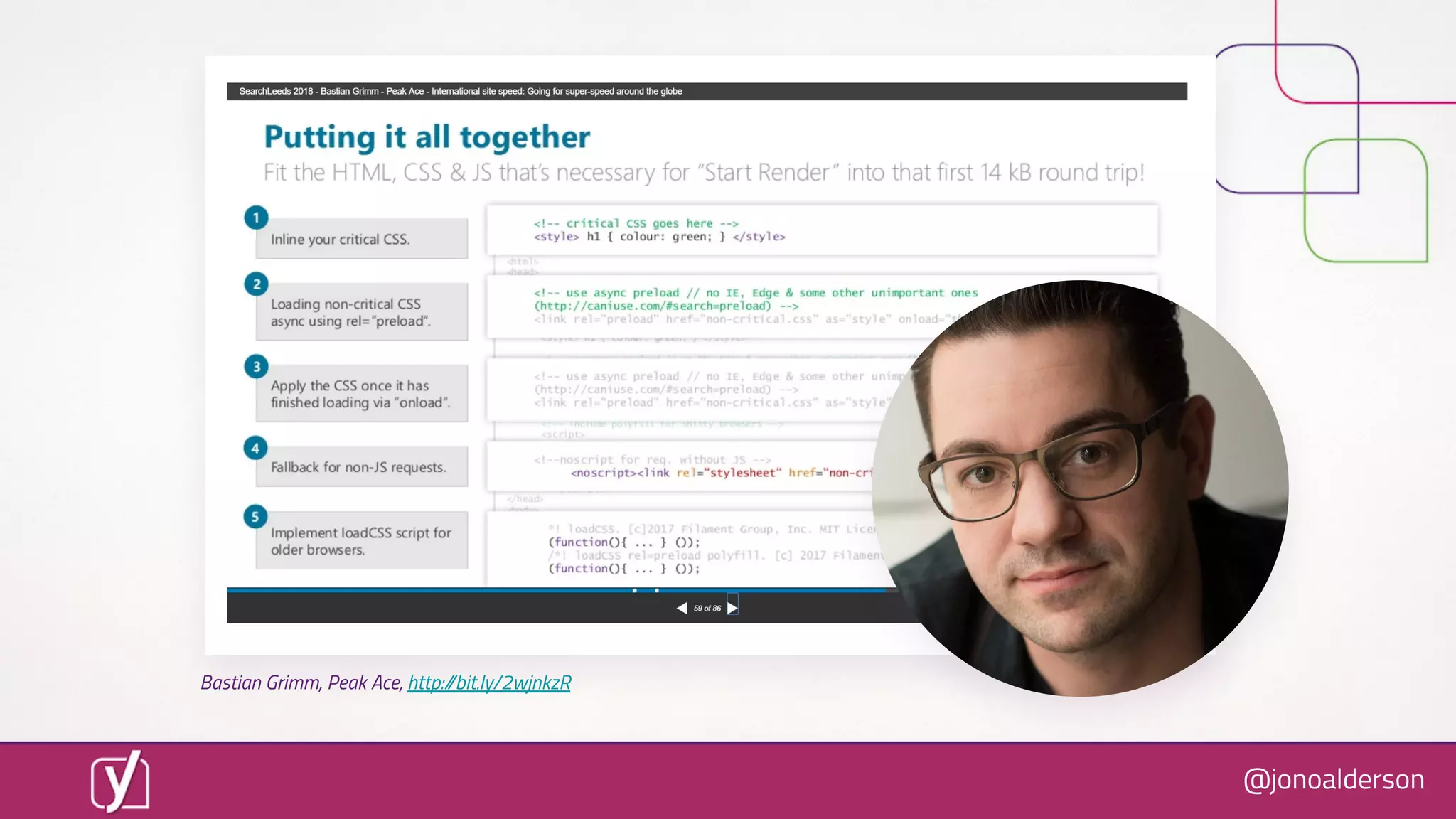
Bastian Grimm, Peak Ace, http://bit.ly/2wjnkzR
@jonoalderson
@jonoalderson
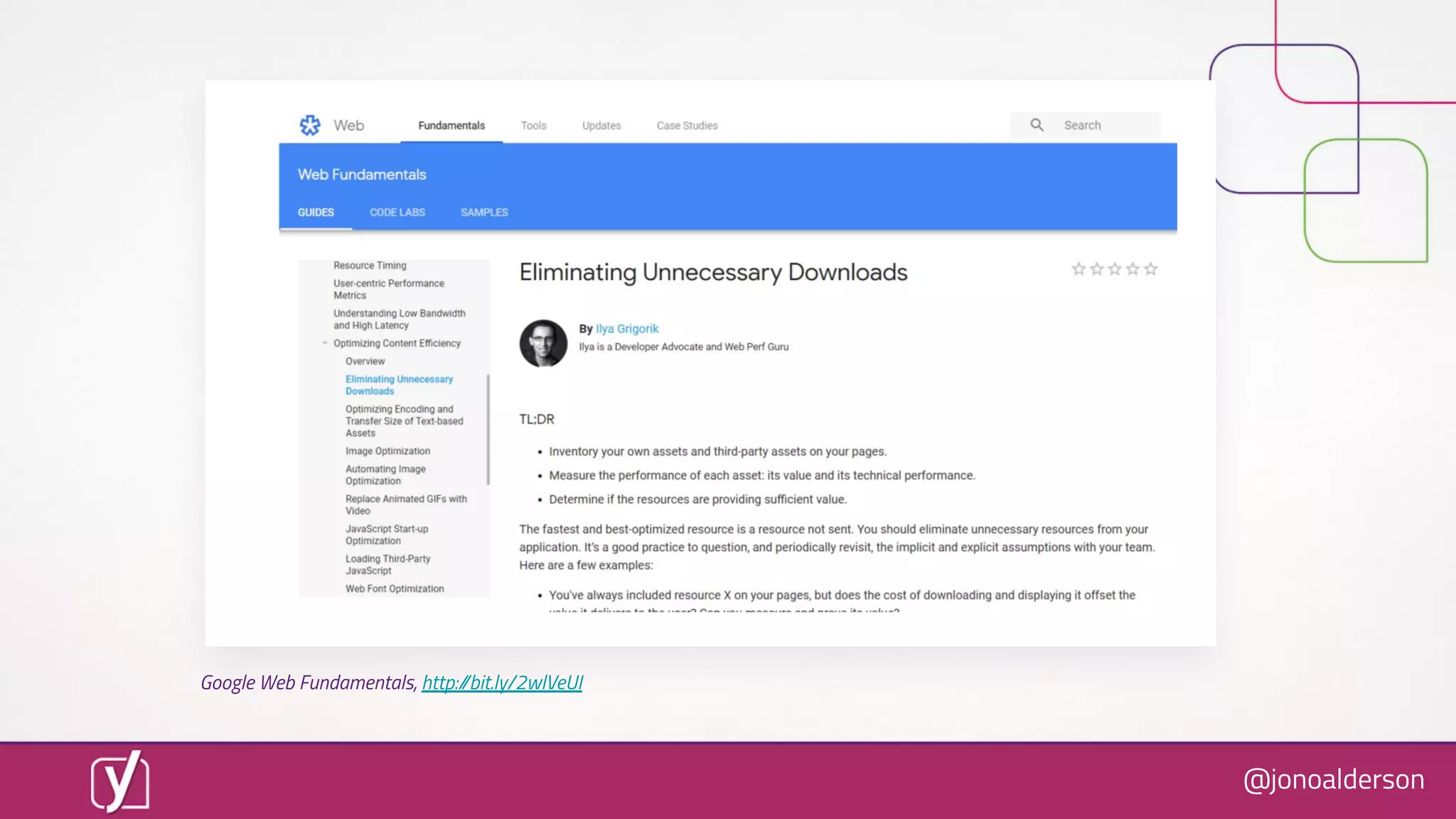
Google Web Fundamentals, http://bit.ly/2wlVeUI
@jonoalderson
Google Web Fundamentals, http://bit.ly/2wlVeUI
@jonoalderson
Links & References
@jonoalderson
5. “Delays of over 3 seconds can lead to over 50% abandonment”
Google / marketingdive.com 2016, via http://bit.ly/2OBDJGq
7. “20% of users abandon their cart if the transaction process is too slow”
Radware, 2014, http://bit.ly/2weioeS
8. GQ / Google / Amazon speed studies
Baqend, 2018, http://bit.ly/2MA4nSZ
10. Google speed / impact benchmarking tool
Think with Google, http://bit.ly/2N3BXRz
13. Seconds until “visually loaded” research
MachMetrics, 2018, http://bit.ly/2PiFzgK
16. Google announcements about speed as a ranking factor
Google Webmaster Blog, 2018, http://bit.ly/2wggdHs
@jonoalderson
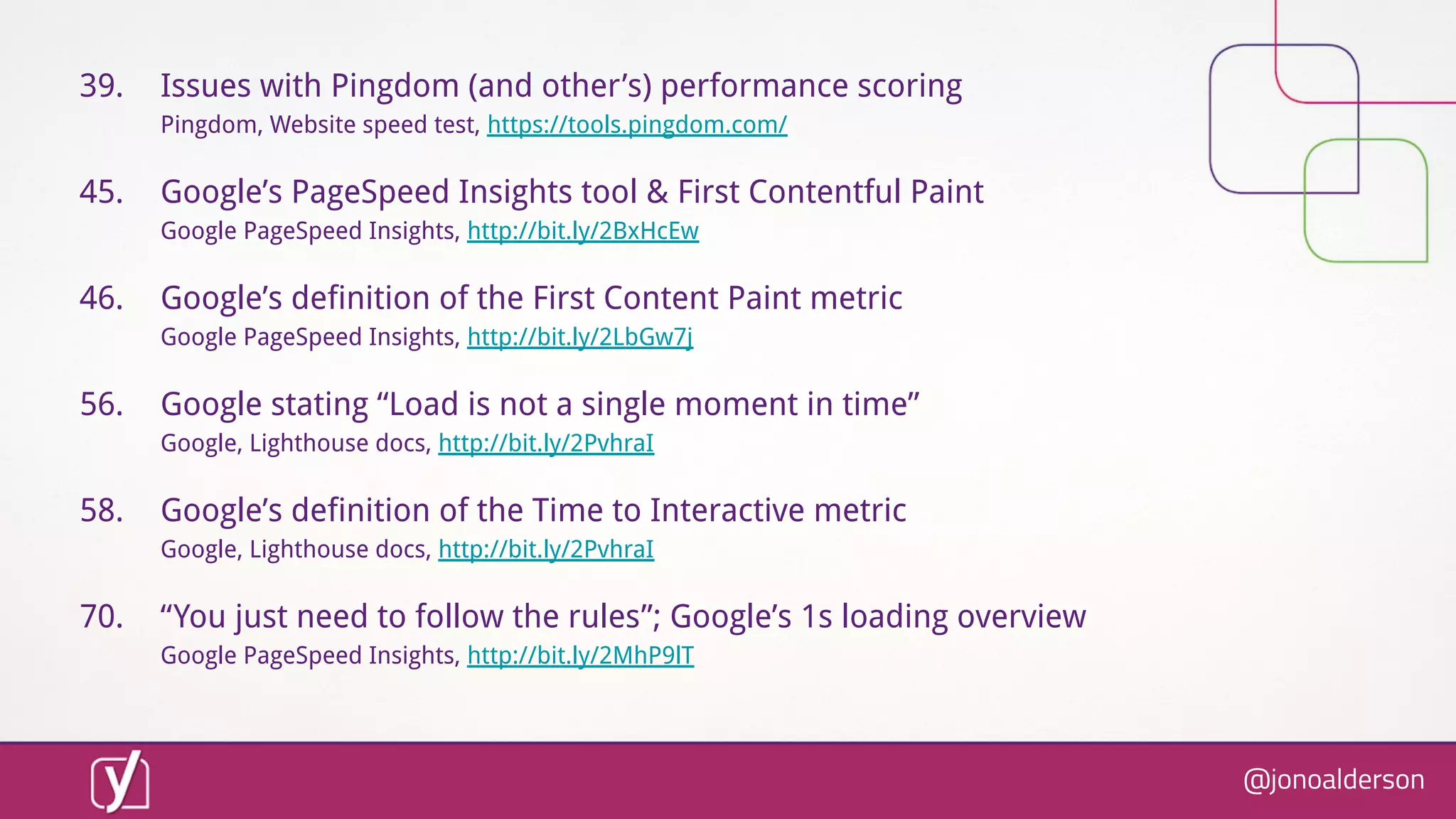
39. Issues with Pingdom (and other’s) performance scoring
Pingdom, Website speed test, https://tools.pingdom.com/
45. Google’s PageSpeed Insights tool & First Contentful Paint
Google PageSpeed Insights, http://bit.ly/2BxHcEw
46. Google’s definition of the First Content Paint metric
Google PageSpeed Insights, http://bit.ly/2LbGw7j
56. Google stating “Load is not a single moment in time”
Google, Lighthouse docs, http://bit.ly/2PvhraI
58. Google’s definition of the Time to Interactive metric
Google, Lighthouse docs, http://bit.ly/2PvhraI
70. “You just need to follow the rules”; Google’s 1s loading overview
Google PageSpeed Insights, http://bit.ly/2MhP9lT
@jonoalderson
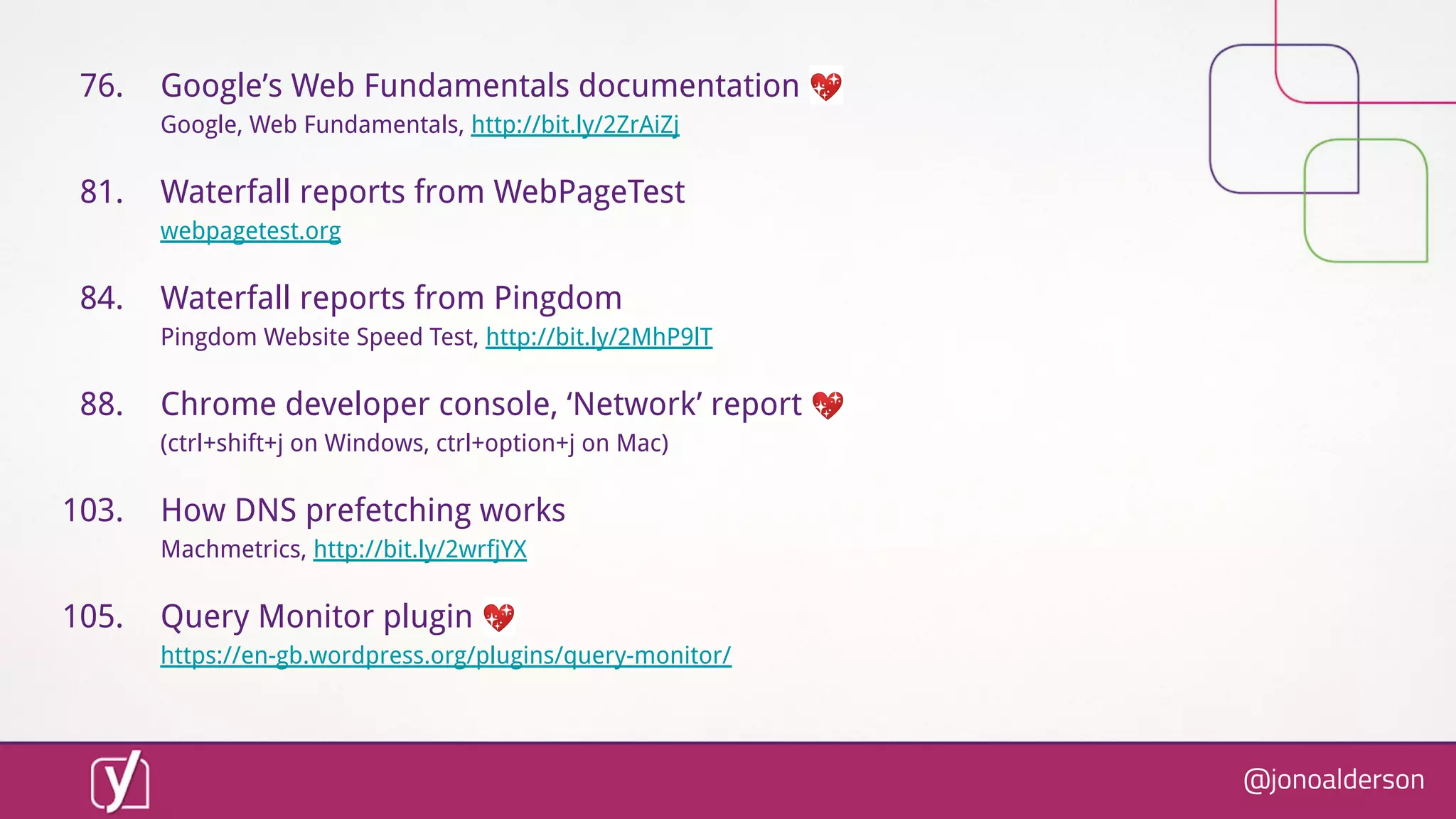
76. Google’s Web Fundamentals documentation 💖
Google, Web Fundamentals, http://bit.ly/2ZrAiZj
81. Waterfall reports from WebPageTest
webpagetest.org
84. Waterfall reports from Pingdom
Pingdom Website Speed Test, http://bit.ly/2MhP9lT
88. Chrome developer console, ‘Network’ report 💖
(ctrl+shift+j on Windows, ctrl+option+j on Mac)
103. How DNS prefetching works
Machmetrics, http://bit.ly/2wrfjYX
105. Query Monitor plugin 💖
https://en-gb.wordpress.org/plugins/query-monitor/
@jonoalderson
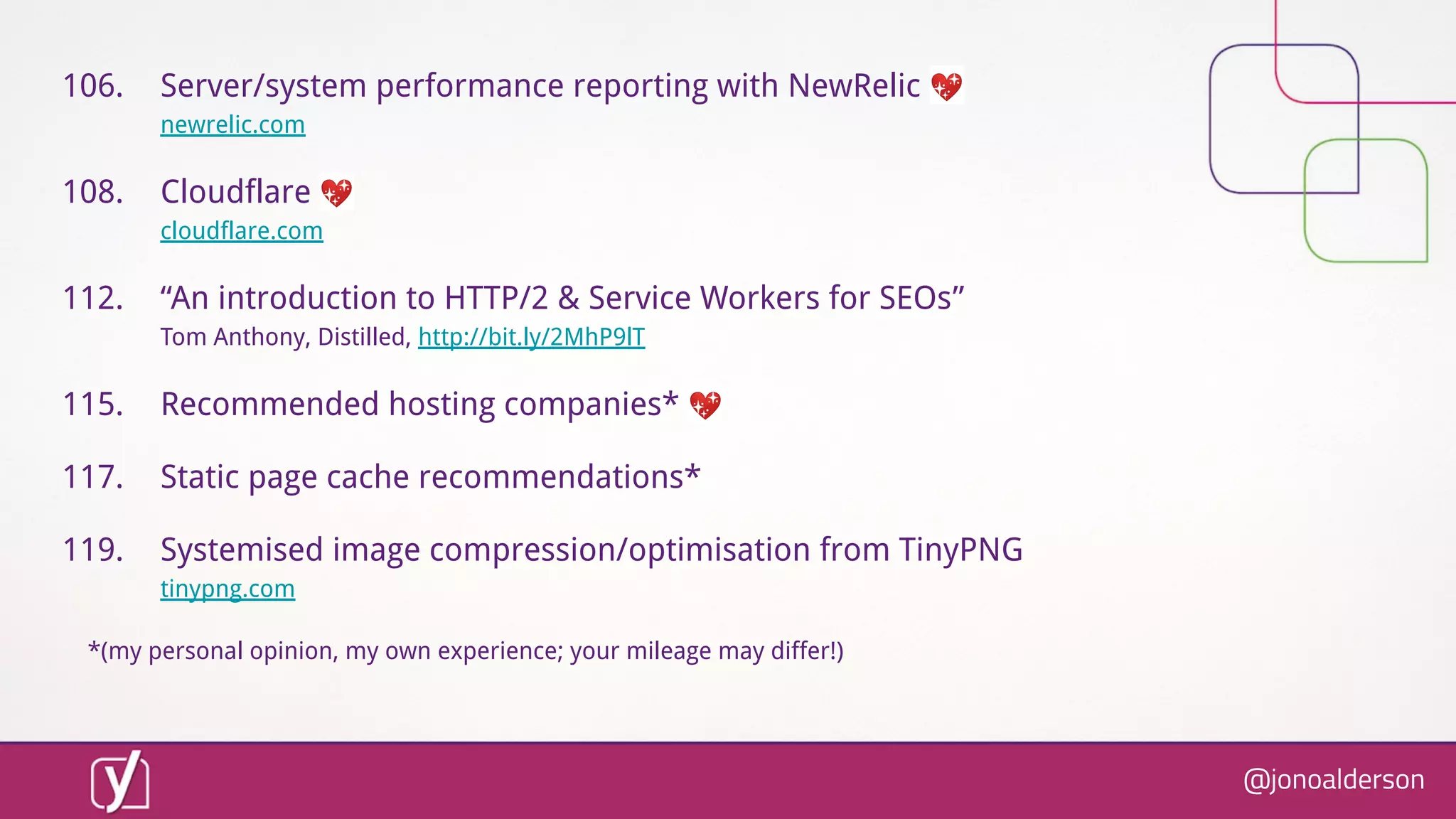
106. Server/system performance reporting with NewRelic 💖
newrelic.com
108. Cloudflare 💖
cloudflare.com
112. “An introduction to HTTP/2 & Service Workers for SEOs”
Tom Anthony, Distilled, http://bit.ly/2MhP9lT
115. Recommended hosting companies* 💖
117. Static page cache recommendations*
119. Systemised image compression/optimisation from TinyPNG
tinypng.com
*(my personal opinion, my own experience; your mileage may differ!)
@jonoalderson
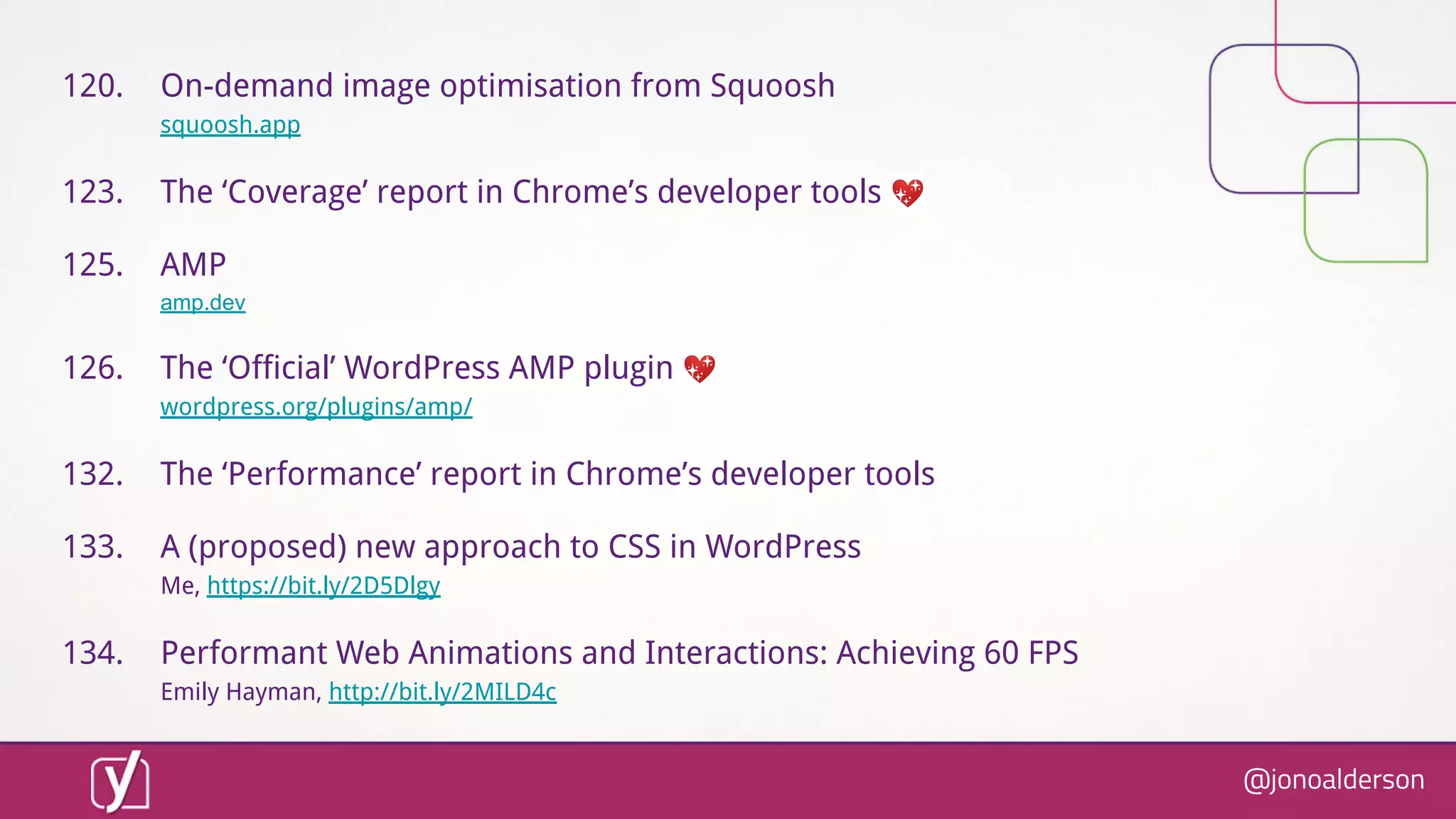
120. On-demand image optimisation from Squoosh
squoosh.app
123. The ‘Coverage’ report in Chrome’s developer tools 💖
125. AMP
amp.dev
126. The ‘Official’ WordPress AMP plugin 💖
wordpress.org/plugins/amp/
132. The ‘Performance’ report in Chrome’s developer tools
133. A (proposed) new approach to CSS in WordPress
Me, https://bit.ly/2D5Dlgy
134. Performant Web Animations and Interactions: Achieving 60 FPS
Emily Hayman, http://bit.ly/2MILD4c
@jonoalderson
136. “The Marketer’s Guide to Performance Optimization”
Emily Grossman, SkyScanner, http://bit.ly/2wjnkzR
137. “Site Speed. You need it. Here's how to get it.”
Jon Henshaw, http://bit.ly/2wwy5xZ
138. "Super speed around the globe"
Bastian Grimm, Peak Ace, http://bit.ly/2wjnkzR
See also

● Yoast.com
● JonoAlderson.com
● @jonoalderson
@jonoalderson
@jonoalderson
Thanks!
@jonoalderson

How to Take Your Website Beyond Fast