WebApplications
MobileApplications
Ecommerce
DataScience
ContentManagementSystems
Digital&TechnicalPlanning
UsabilityTesting
Integrations
AccessibilityConsulting
DigitalContent
THE IMPACT OF
ACCESSIBILITY
AGENDA
• What is Web Accessibility?
• The Real Impact
• Understanding the Guidelines
• How to Get Started
WHAT IS WEB
ACCESSIBILITY?
WEB ACCESSIBILITY
Designing and developing to ensure that a website’s
content is accessible to all users, irrespective of ability.
Achieved by adhering to established guidelines.
WEB ACCESSIBILITY
Started gaining traction in 1999 with the release of the
first web content accessibility guidelines.
Gained more attention through a series of lawsuits.
• Target
• Bank of America, HSBC, Fleet Bank, Bank One
• Marriott
• EdX
SEEMS SIMPLE AND
LOGICAL
So… why isn’t anyone doing it?
BLAME THE WCAG
WCAG = Web Content Accessibility Guidelines
WCAG 1.0 wasn’t particularly clear
WCAG 2.0 is better, but difficult to parse
BLAME THE ADA
The ADA does not explicitly mention websites as
required to be accessible.
This is likely going to change next year.
BLAME HUMAN NATURE
People are generally not aware of the WCAG
Companies have viewed accessibility as an additional
cost that threatens project budgets
People don’t like making tough choices
HOW DO WE FIX IT?
SHIFT PERCEPTION
#1
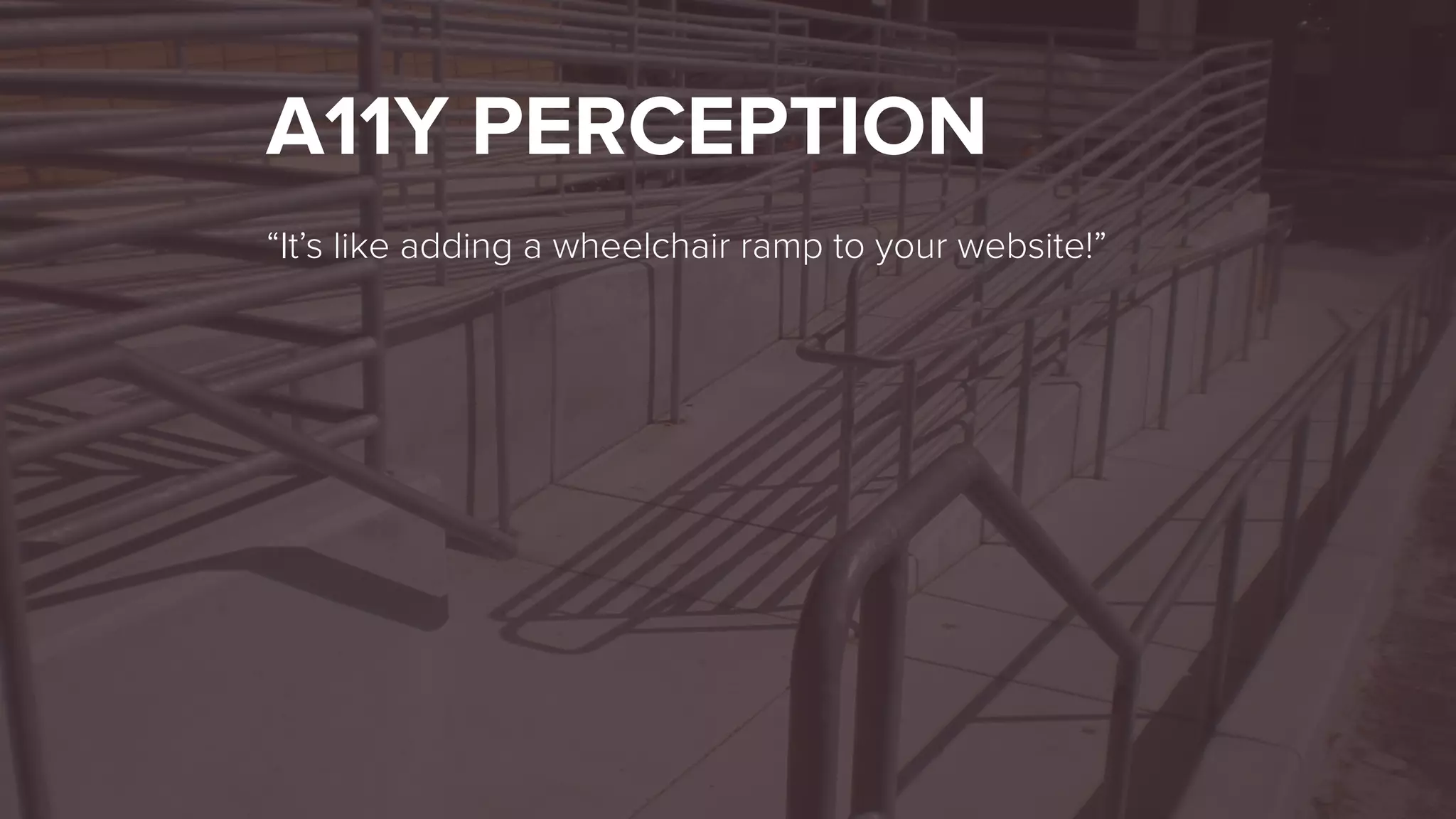
A11Y PERCEPTION
“It’s like adding a wheelchair ramp to your website!”
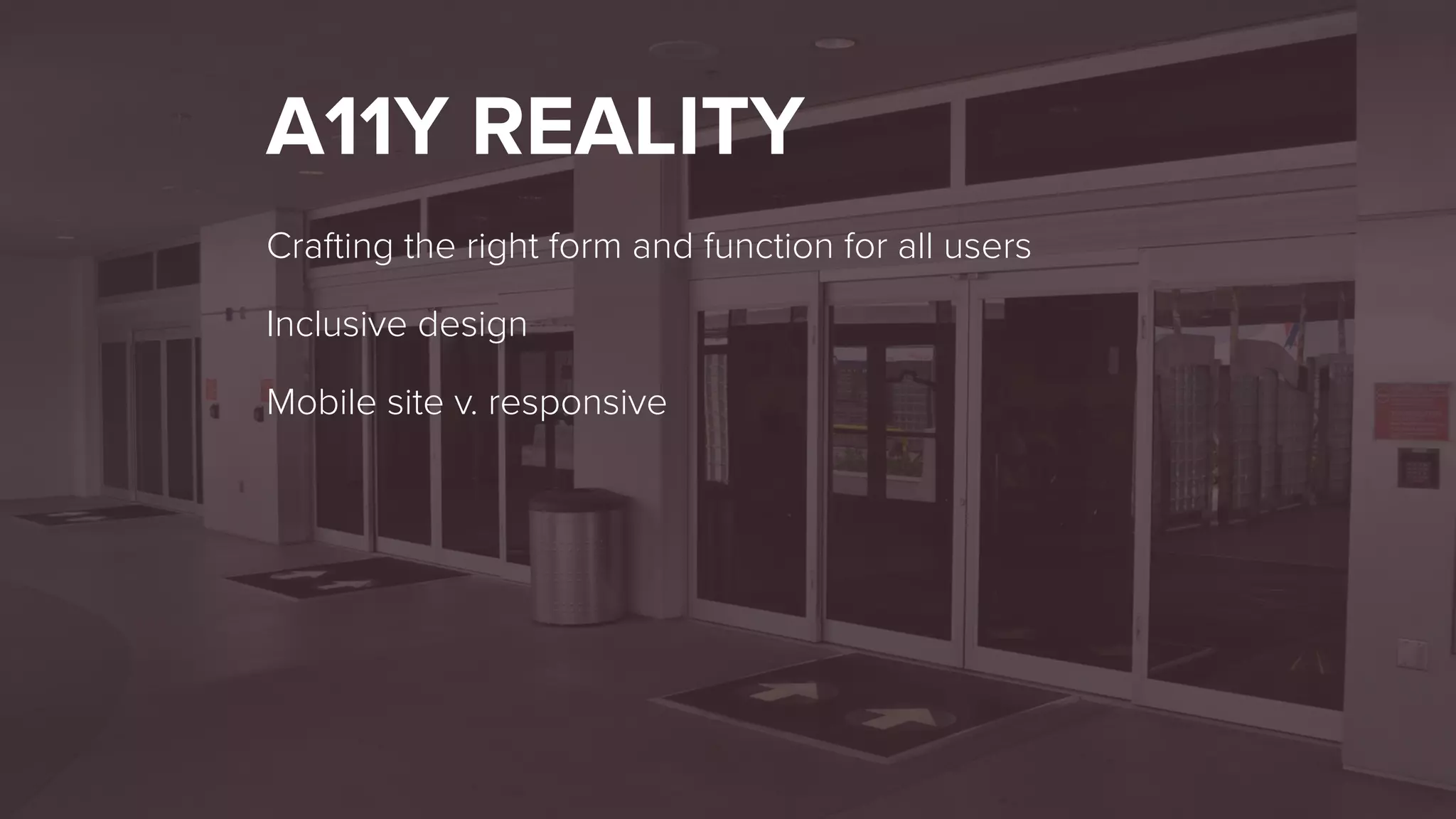
A11Y REALITY
Crafting the right form and function for all users
Inclusive design
Mobile site v. responsive
INCREASE AWARENESS
#2
INCREASE AWARENESS
Attend webinars!
Share what you learn
Be the voice of accessibility
HUMANIZE ACCESSIBILITY
#3
THE REAL IMPACT
MORE THAN BUSINESS
Business needs may drive web accessibility
1 billion people with some form of a disability
Doing the right thing
WE ASKED
What’s the real impact?
ACCESSIBILITY MATTERS…
BUT WHAT SHOULD YOU
DO?
UNDERSTANDING THE
GUIDELINES
WHAT IS THE WCAG?
Created by the W3C / WAI
Four principles. 12 Guidelines. 61 testable criteria.
Covers a range of disabilities and assistive technologies
Three levels: A, AA, AAA
WHO IT’S FOR
Useful for designers, developers and QA
Helps ensure a wide range of disabilities and assistive
technologies are covered
Enables automated testing for most criteria, but testing
with real users is also required
WCAG PRINCIPLES
Perceivable
Operable
Understandable
Robust
PERCEIVABLE
Perceived by at least one sense
PERCEIVABLE
Text alternatives
Captions & descriptions
Font Sizes, Color Contrast
OPERABLE
Navigable in more than one way
OPERABLE
Keyboard control
Timed content
Blinking content / seizure induction
UNDERSTANDABLE
Make it easy for the target demographic to read and
understand your content
UNDERSTANDABLE
Easy to read
Predictability
Error handling and prevention
ROBUST
Consumable by a variety of tools
ROBUST
Web standards
Assistive technologies
Browsers
EMPATHY.
HOW TO GET STARTED
WCAG 2.0 TELLS US
WHAT TO DO…
NOT HOW TO DO IT.
PLAN
LEARN
ADVOCATE
INCLUDE
QUESTIONS?

The Impact of Accessibility